
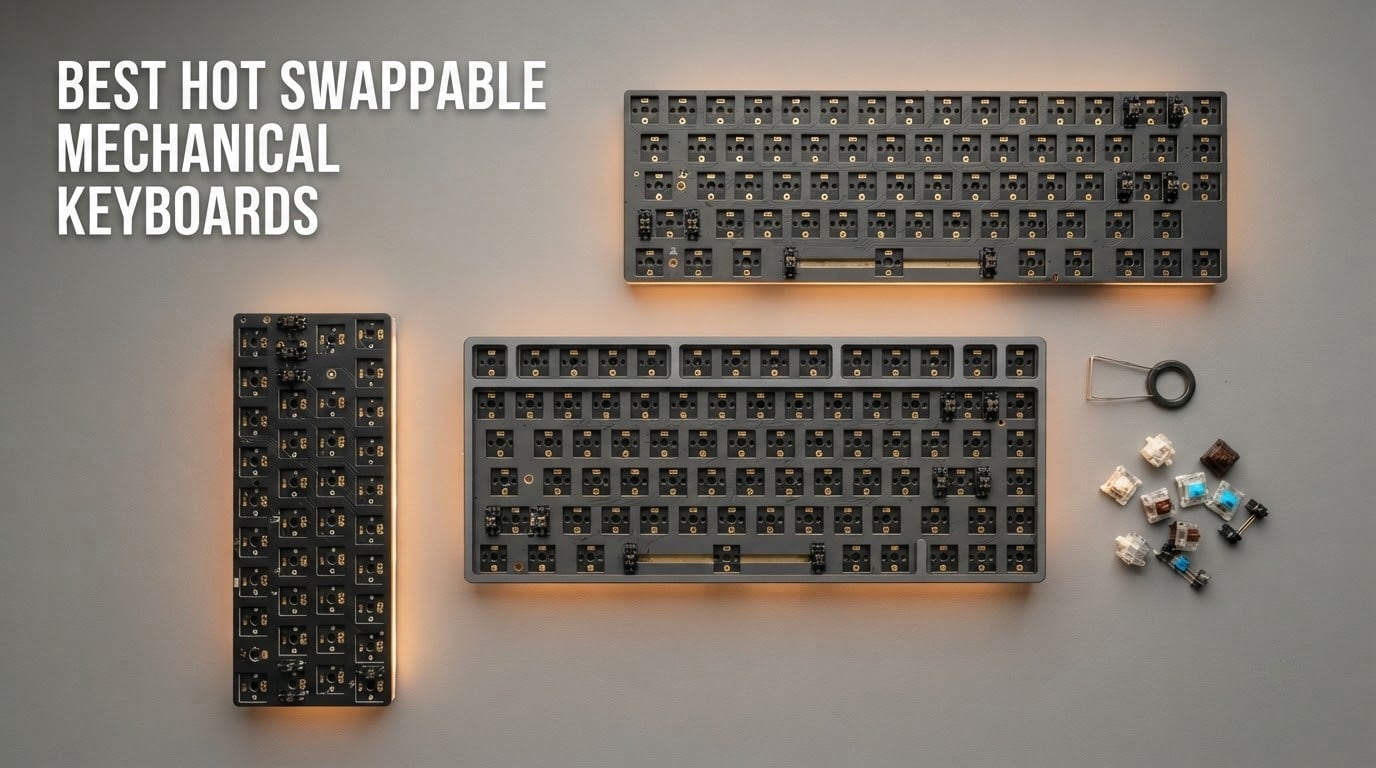
A hot-swappable mechanical keyboard is one where the switches sit in sockets on the PCB instead of being soldered to it, so you can pull a switch out with a switch puller and press a different one in by hand. No iron, no desoldering pump, no waiting for a repair shop. That single design decision is what turns a keyboard from a sealed appliance into a platform you can retune as your taste changes, and it is why the best hot swappable mechanical keyboards have become the default recommendation for anyone buying their first board.
We spent 2026 testing and comparing 12 of them, and the Redragon K552P came out on top. It is an 87-key TKL with an aluminum frame, double-shot PBT keycaps and hot-swappable 3-pin sockets, and it holds up under daily work and gaming in a way that most of the boards in this roundup do not. The runner-up honours go to the RK Royal Kludge RK61 for anyone who wants maximum software control on a small footprint, and the AULA F75 Pro for people who want a knob and tri-mode wireless in a 75% board.
Two things shape almost every recommendation below. First, socket compatibility: a 3-pin switch fits a 5-pin hot-swap socket, but a 5-pin switch will not fit a 3-pin socket, and several budget boards use sockets with raised LED bulges that block certain housings entirely. Second, the honest reality of modding: on most of these boards the included switches are good, and plenty of owners never swap them at all. Hot-swap is not about forcing you to change things. It is about giving you the option.
That option matters more than enthusiasts let on. Long-term ownership threads on r/keyboards consistently land on the same conclusion, that Keychron is the safe default and that many people keep the same switches for years, while the same community warns off some heavily hyped custom-kits brands. We leaned on that pattern when ranking the boards, then checked it against the hardware itself. If you want broader coverage first, our best mechanical keyboards roundup covers soldered boards too.
Table of Contents
Top 3 Picks for Hot-Swappable Mechanical Keyboards for 2026

Redragon K552P TKL
- 87-key TKL
- Aluminum frame
- Hot-swap 3-pin sockets
- Double-shot PBT keycaps

RK Royal Kludge RK61
- 60% 61-key layout
- QMK/VIA programmable
- Hot-swap 3-pin and 5-pin
- Detachable USB-C

AULA F75 Pro 75%
- 81-key 75% layout
- Multi-function knob
- Tri-mode wireless
- Pre-lubed Reaper switches
The K552P wins because it makes almost no compromises at a weight most competitors cannot reach. The RK61 wins on programmability and size, and it remains the most frequently recommended first board in the community for good reason. The F75 Pro takes the productivity category because a rotary knob plus five-device wireless changes how a desk actually works day to day.
12 Best Hot Swappable Mechanical Keyboards (October 2026)
| Product | Specifications | Action |
|---|---|---|
| Redragon K552P TKL |
|
Check Latest Price |
 Redragon K771 Wireless Redragon K771 Wireless |
|
Check Latest Price |
| RK Royal Kludge RK61 |
|
Check Latest Price |
 Redragon K617 60% Redragon K617 60% |
|
Check Latest Price |
 AULA F99 96% AULA F99 96% |
|
Check Latest Price |
| AULA F75 Pro 75% |
|
Check Latest Price |
 Kisnt KN85 75% Kisnt KN85 75% |
|
Check Latest Price |
 RK Royal Kludge RK68 RK Royal Kludge RK68 |
|
Check Latest Price |
 Ajazz AK820 75% Ajazz AK820 75% |
|
Check Latest Price |
 Keychron C1 TKL Keychron C1 TKL |
|
Check Latest Price |
 ASUS ROG Strix Scope II X ASUS ROG Strix Scope II X |
|
Check Latest Price |
 AULA WIN60 HE AULA WIN60 HE |
|
Check Latest Price |
Two quick reads of that table. Layout is the single biggest lifestyle decision, and it drives everything else: a 60% board frees the most desk space, a 100% board keeps the numpad and adds the most weight. Connectivity is the second one, because wired boards report latency in single-digit milliseconds while Bluetooth modes on these models run noticeably higher.
1. Redragon K552P TKL — the Best Overall Hot-Swappable Keyboard
Redragon K552P Mechanical Gaming Keyboard TKL with 18 Backlight Modes, Hot-Swappable Red Switches, 87-Key Compact Ergonomic Design, N-Key Rollover & Software Programmable Macro – RGB, Black
87-key TKL
Aluminum frame
900 g
Hot-swap 3-pin sockets
4-speed polling
Pros
- Heavy metal frame that resists bending
- Double-shot PBT keycaps that resist fading
- Hot-swappable 3-pin sockets
- Compact 87-key layout frees mouse space
- N-key rollover and switchable polling
Cons
- Bright clicky blue switches are loud in shared offices
- RGB driver software has long-standing bugs
- Fixed non-detachable cable
This is the board we kept reaching for. At 900 g with an aluminum enclosure, the K552P has the kind of planted weight that stops a keyboard sliding around when you type hard, and that single physical trait separates it from most of the field at this tier.
The 87-key TKL layout is the sweet spot most people never knew they wanted. You keep the arrow cluster, the function row and the dedicated multimedia keys for volume and playback, and you give up nothing except the numpad, which the large majority of us never touch anyway.
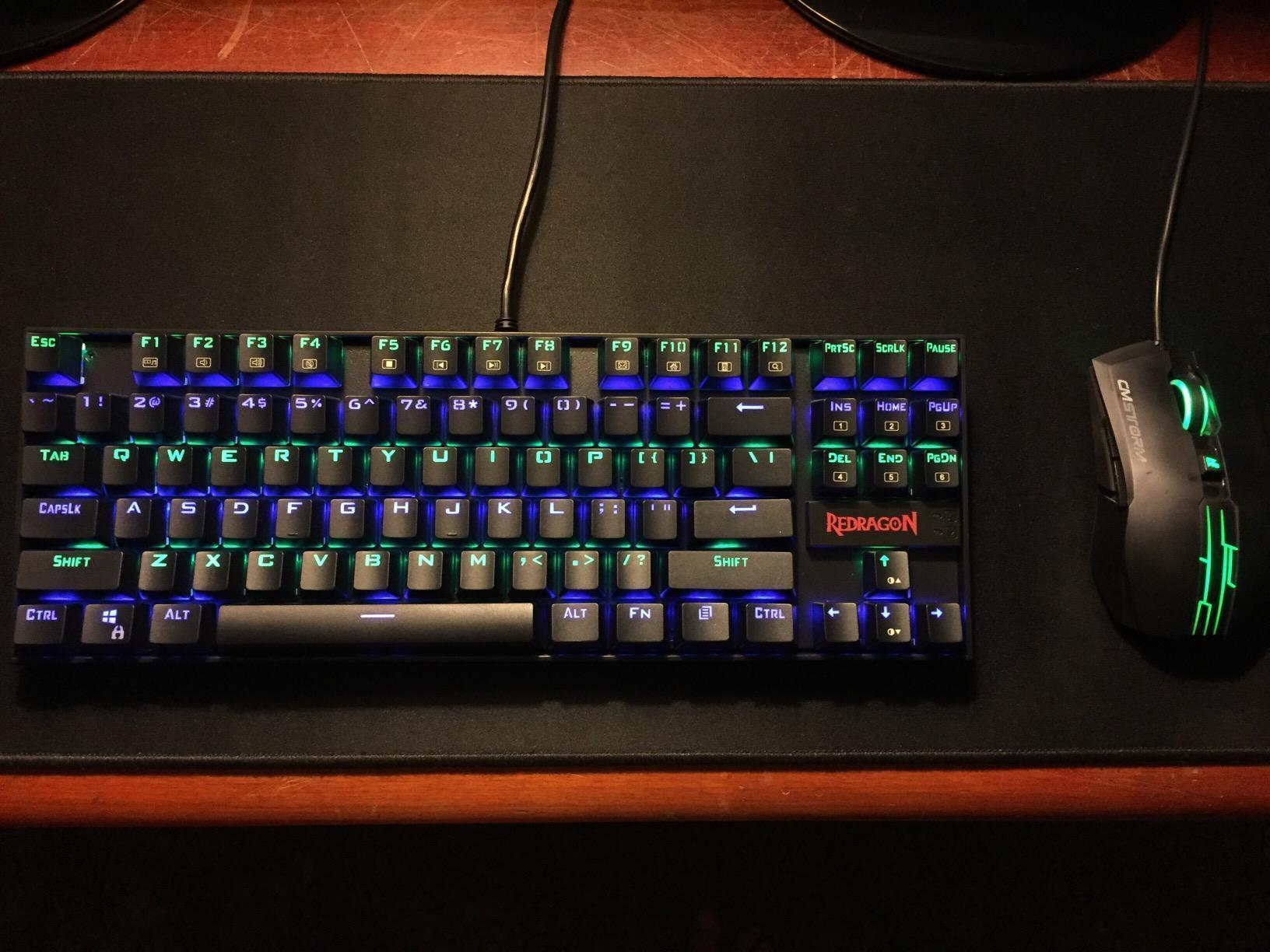
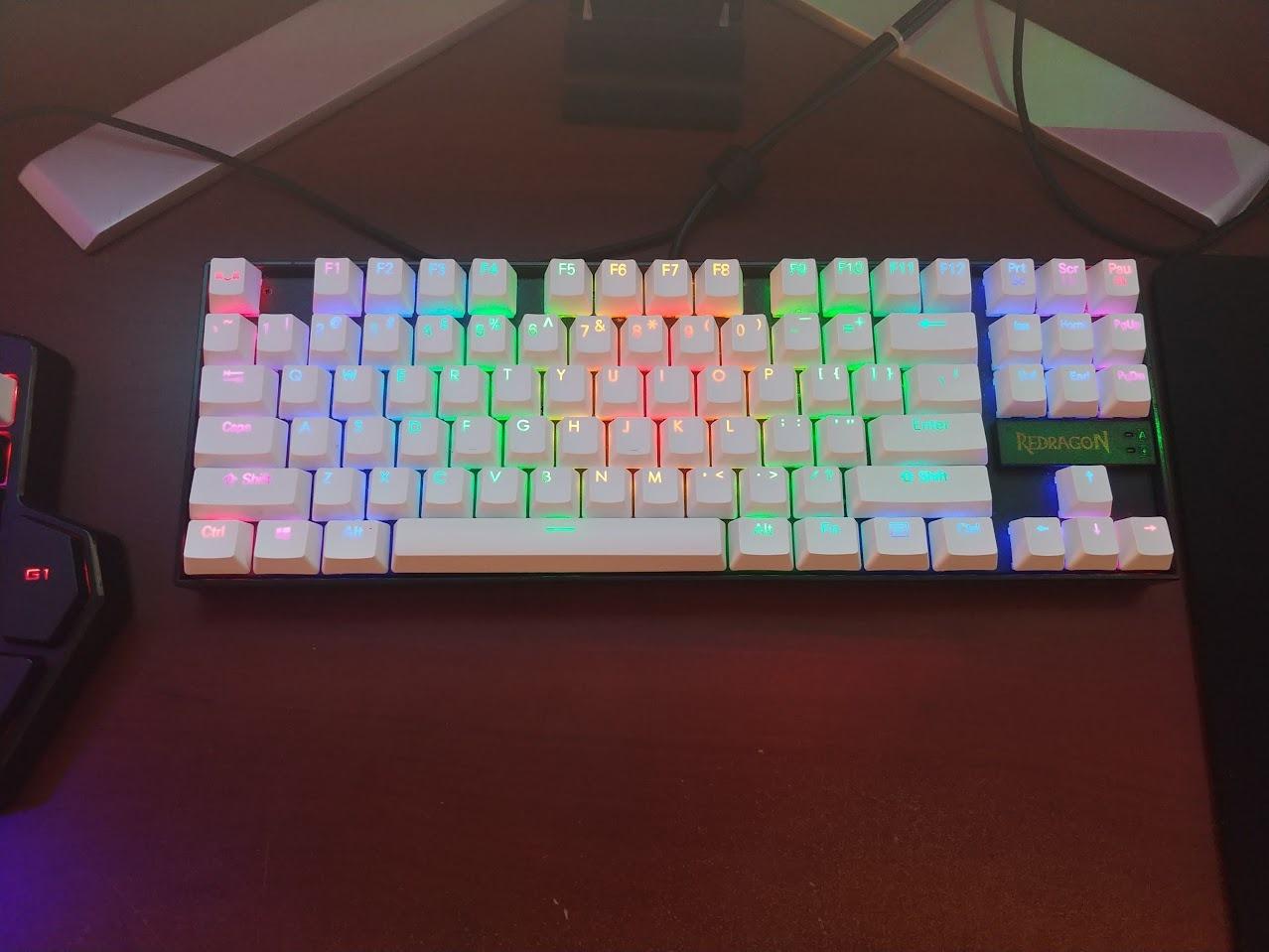
Under the caps you get double-shot PBT keycaps, which is the material you want long-term because the legends are moulded into two layers of plastic rather than printed on top. They survive sweat and repeated cleaning in a way that cheaper ABS caps do not, and reviewers consistently single them out as a reason the board still looks new after months.
The hot-swap sockets take 3-pin switches, so a wide range of Cherry MX-pattern switches fits without clipping. The included blue clicky switches have a sharp tactile bump and a bright, sharp sound, which is a love-it-or-hate-it proposition. On a desk shared with other people, that is the one specification I would change first.
What you get for the money
You get 18 RGB backlight modes with shortcut-key control of brightness, speed and direction, plus N-key rollover so every simultaneous keypress registers during fast combos. Full-key anti-ghosting matters more than most people expect in competitive shooters, and a switchable polling rate lets you step the sampling rate down when you want steadier input over maximum speed.
A switch puller and a keycap puller are in the box, which means your first swap needs no extra purchase. The catch is the fixed cable: it is soldered in rather than detachable, so this is not the board to toss in a laptop bag every morning.
Where it falls short
The RGB driver is the weak point. Owners report long-standing customization bugs, and the font and raised logo give the board a loud gaming look that will not sit quietly on an office desk. There is also no white-light or single-colour mode to tone it down.
Because the sockets are 3-pin, a 5-pin switch will not go in without trimming the two plastic stabiliser pins. That is a two-minute job with a pair of cutters and it does not affect the electrical connection, but it is a step that a 5-pin board would not ask of you.
2. Redragon K771 Wireless — the Best Full-Size Hot-Swappable Board
Redragon K771 Wireless Mechanical Keyboard, 108-Key Gaming Keyboard with 4 Extra Hotkeys, 5-Layer Noise Dampening, Pre-lubed Linear Switches, Hot-swap Custom RGB Keyboard for PC/Mac – Blue&White
108-key full-size
Gasket mount
8000mAh battery
Tri-mode wireless
5-layer dampening
Pros
- Full 108-key layout with a real numpad
- Gasket mount with five layers of dampening
- 8000mAh battery for long sessions
- Pre-lubed linear switches
- Bluetooth 5.0 plus 2.4GHz plus USB-C
Cons
- Backlight animations are aggressive even at the slowest setting
- RGB drains battery when enabled
- Software is Windows-focused
Full-size hot-swappable boards are genuinely scarce, and the K771 is the most convincing all-rounder of the few that exist. It gives you the complete 108-key layout with a numpad, four extra hotkeys and anti-ghosting, which covers accounting, spreadsheets and MMO hotbar habits that no compact board can accommodate.
The acoustic design is what surprised us. A gasket mount combined with five layers of foam and silicone removes the hollow case ping that normally defines boards in this class, and the pre-lubed linear switches come across creamy rather than scratchy out of the box.
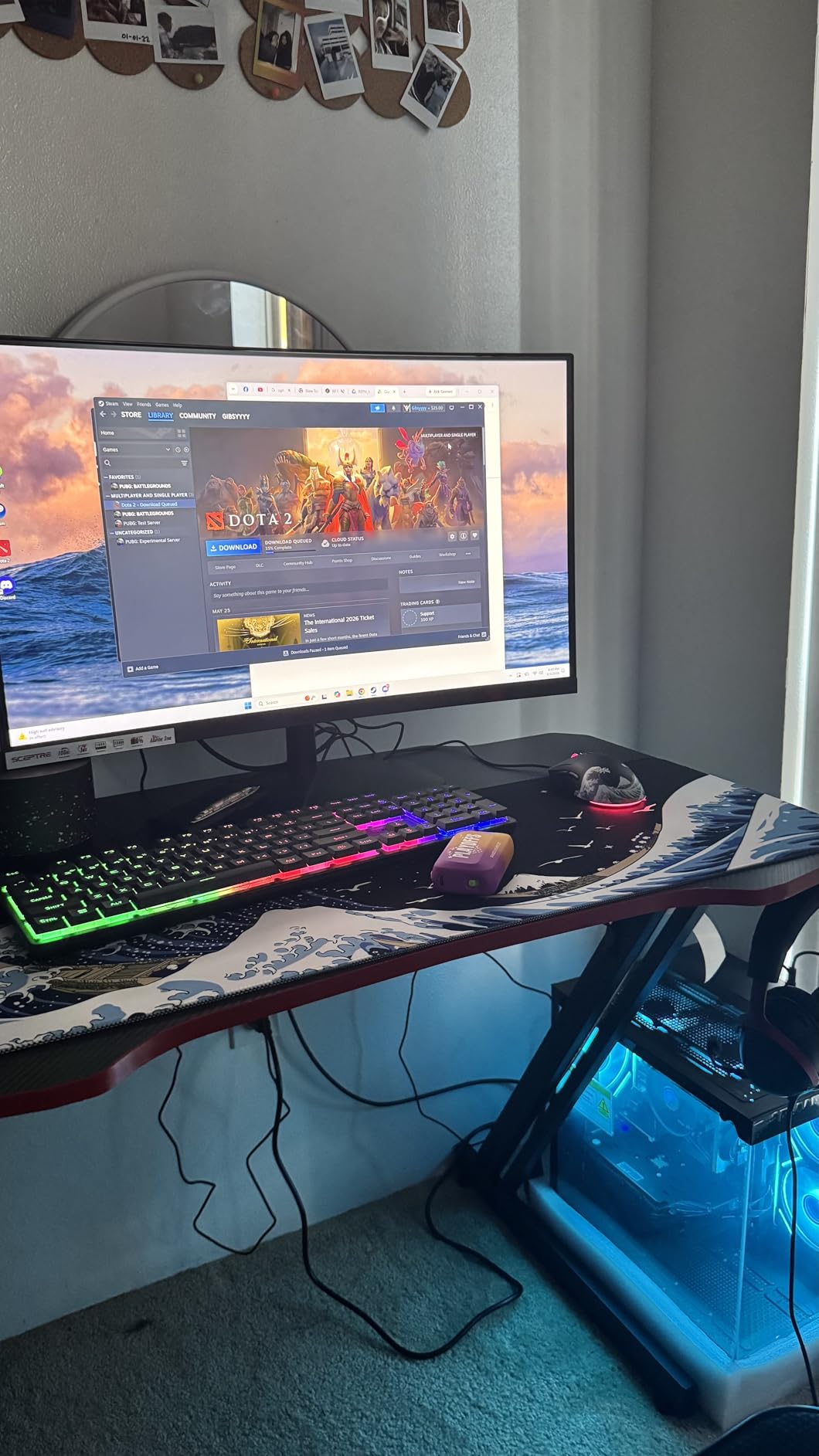
Connectivity is the real feature here. The tri-mode setup covers 2.4GHz wireless, Bluetooth 5.0 and 3.0, and USB-C wired, with pairing for up to five devices. That means you can hop between a desktop and a laptop without unplugging anything, and the 8000mAh battery is large enough that charging is not an everyday event.
The sockets accept both 3-pin and 5-pin switches, which removes the compatibility caveat entirely. If you own a drawer full of switches in mixed formats, this is the board where all of them work.
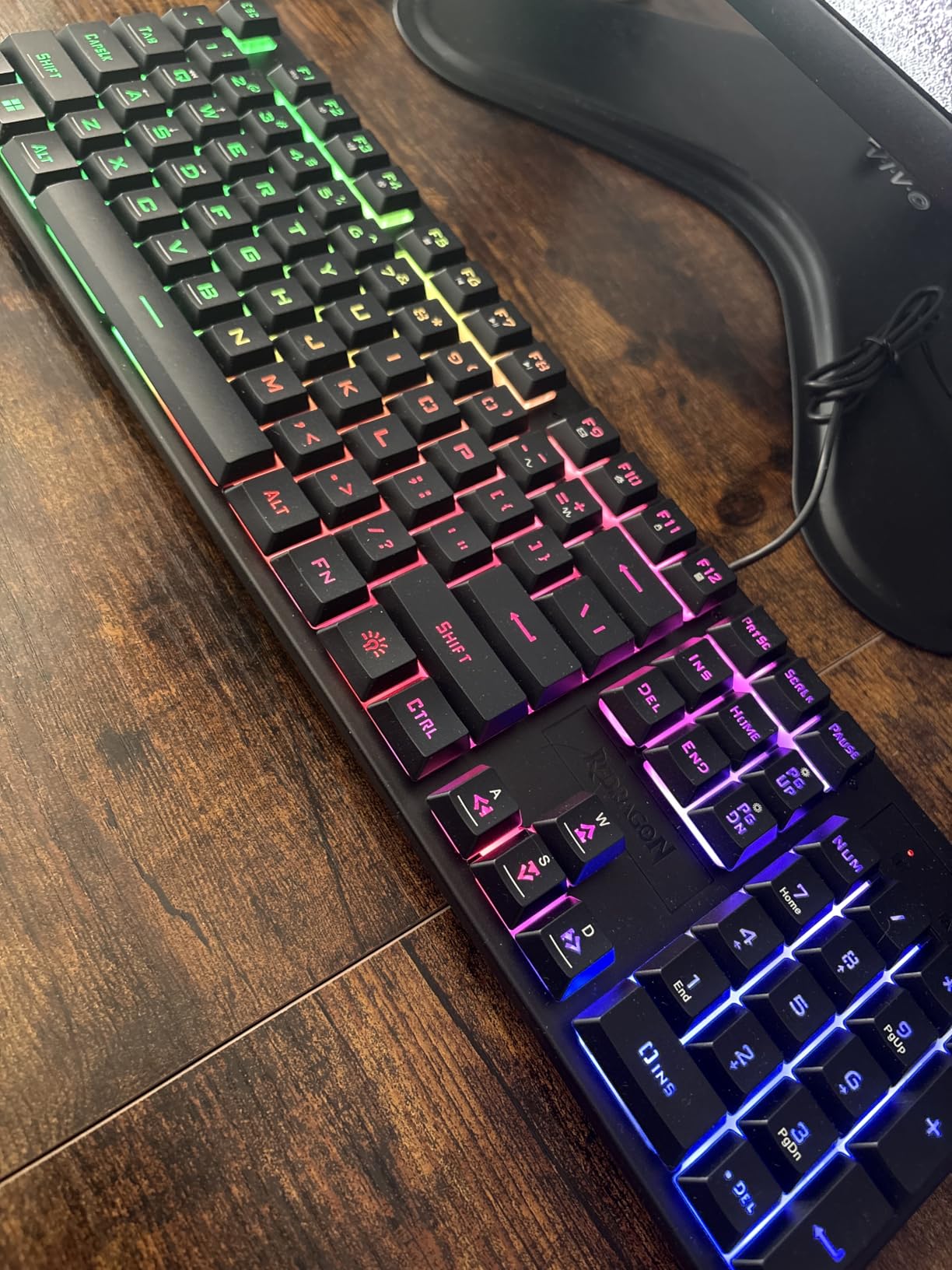
What you get for the money
You get a heavy, solid-feeling chassis that stays planted while typing, plus a distinctive blue-white-black colorway that stands out from the all-black gaming keyboards dominating this class. The colourway is a small thing, but on a desk it is the difference between a tool and a personality.
Buyers like the multi-device flexibility and report that the sound dampening clearly beats cheaper full-size boards in side-by-side testing. The two-year warranty is also longer than most competitors in this class offer.
Where it falls short
The lighting is the main complaint. The backlight animations read as aggressive even at the slowest setting, and enabling the RGB visibly pulls down battery life, so a tuning session is required before the board feels neutral on a work desk.
Software support for lighting and macros is limited to Windows, so macOS users get a more limited experience. The bulky footprint is also worth measuring first, because a 108-key board with a numpad needs real desk width before you start pushing the mouse outward.
3. RK Royal Kludge RK61 — the Best Value Hot-Swappable Keyboard
RK ROYAL KLUDGE RK61 Wired 60% Mechanical Gaming Keyboard, Compact PC Game Keyboards with QMK/VIA Programmable RGB Backlit, Hot Swappable Custom Keyboard for Win/MAC, Pre-lubed Red Switch, White
61-key 60%
QMK/VIA programmable
0.56 kg
3-pin and 5-pin hot-swap
USB-C
Pros
- Very low input latency for the size
- Full QMK and VIA programmability
- Hot-swap sockets for 3-pin and 5-pin
- Factory-lubed stabilizers with no rattle
- Windows
- Linux and macOS support
Cons
- Factory keycaps are hollow-feeling ABS
- RK software colour wheel is unreliable
- VIA setup needs a third-party layout file
The RK61 is the board the community returns to most often, and after using it the reason is obvious: latency. Input lag is close to unnoticeable across a 61-key board, and at 0.56 kg it is light enough to move with one hand between a desktop and a laptop.
What separates it from other cheap 60% boards is the firmware. QMK and VIA support means every key can be remapped, layers can be added, and macros can be assigned from a browser without installing anything. For a first mechanical keyboard, that is a bigger deal than RGB ever will be.
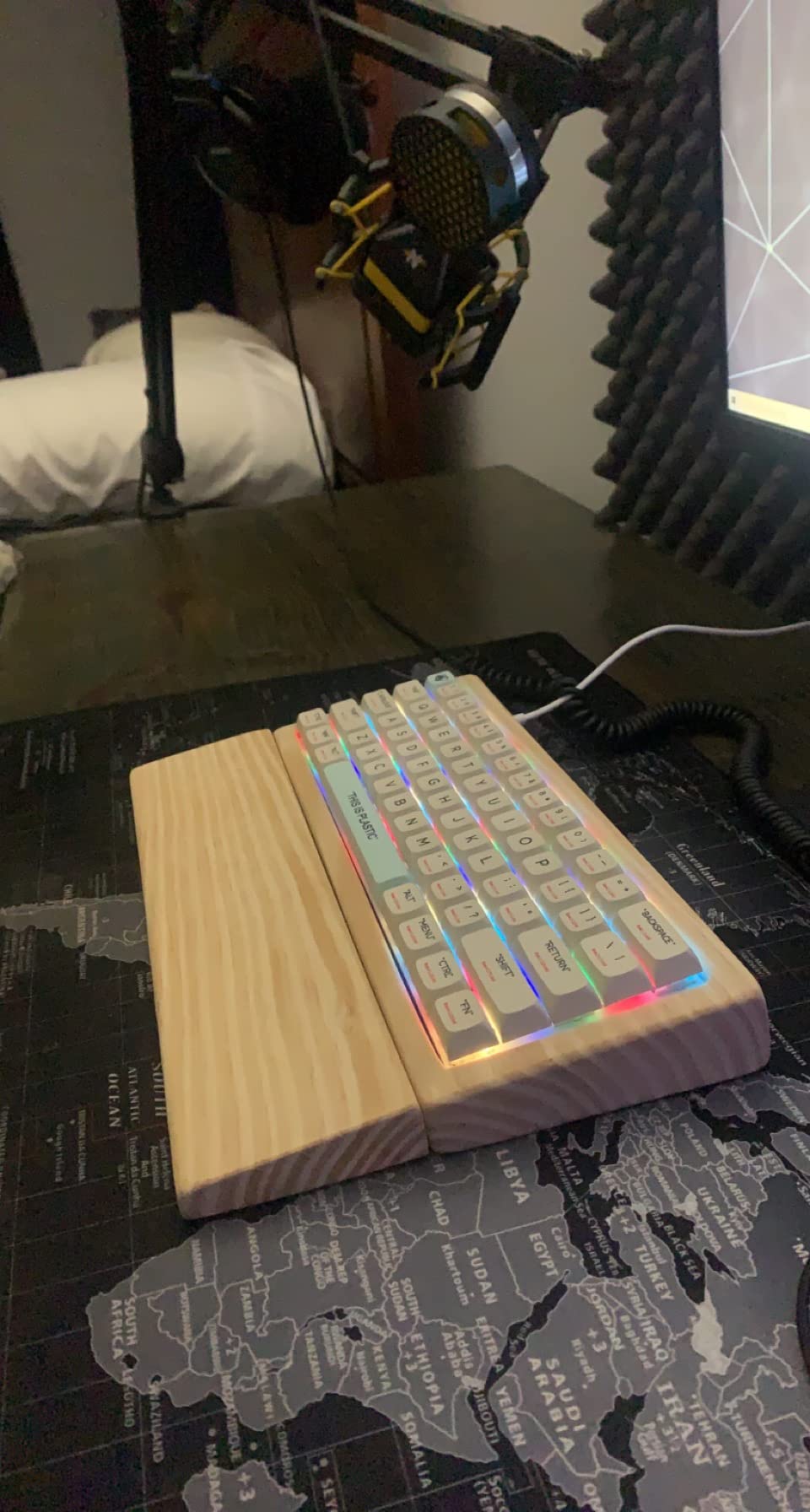
The hot-swap PCB takes both 3-pin and 5-pin switches, and the box includes spare mechanical switches, a keycap puller and a detachable USB-C cable. Factory-lubed stabilisers mean there is no rattle from the spacebar or the modifiers on day one, which is the single most common complaint about boards at this level.
Linux, macOS and Windows are all supported, and the 18 RGB backlight modes plus 8 monochrome modes give you a lot of control over how much light the board throws onto your desk at once.
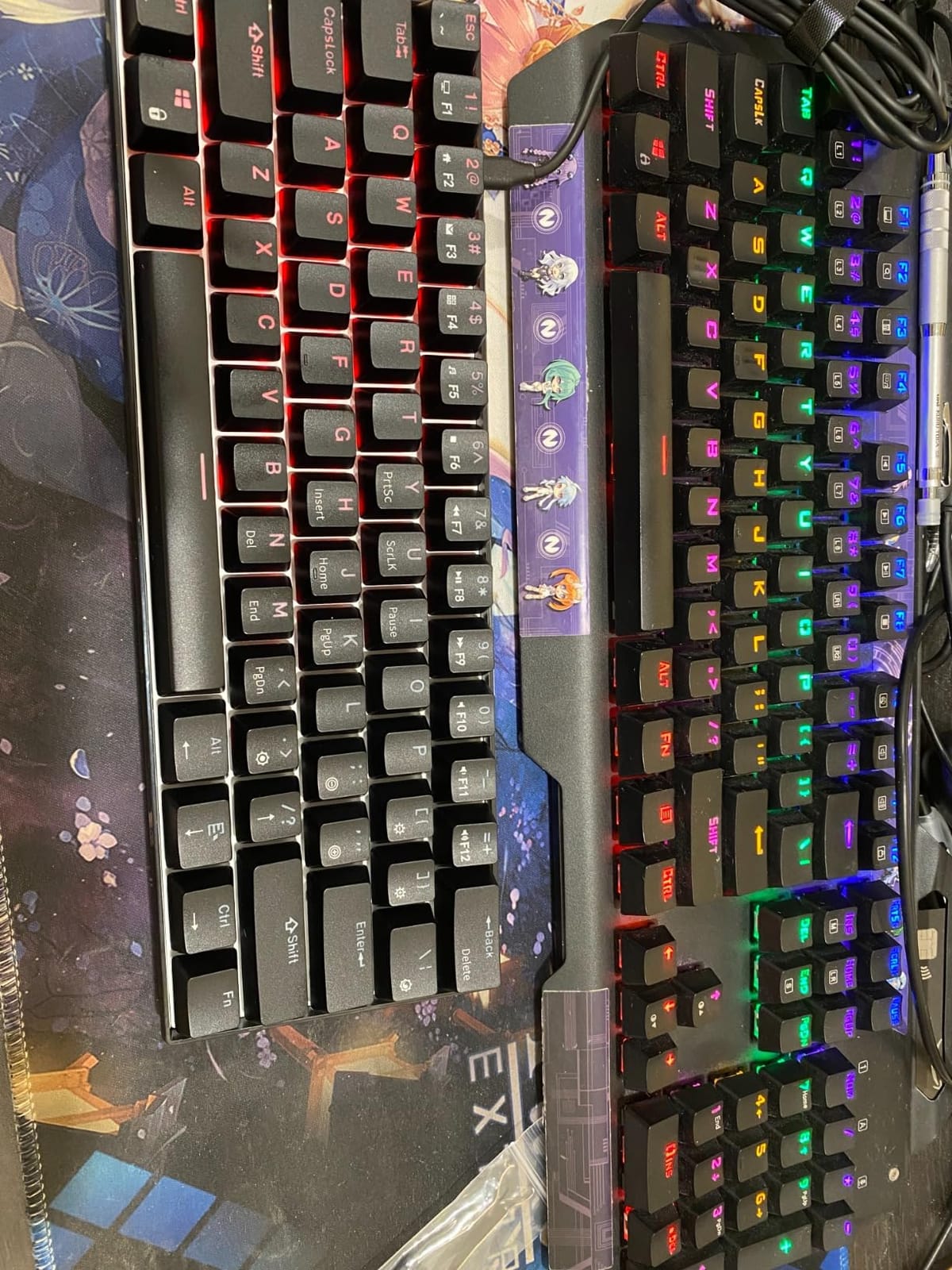
What you get for the money
You get a layout that frees substantial desk and mouse space, which matters more for competitive shooters than any spec sheet suggests. A 60% board leaves room for a large mouse mat and wide arm movement, and that directly affects aim in a way a full-size board does not.
Disassembly is easy, with a detachable cable and standard screws, so opening it to lube stabilisers or add foam is approachable. That is the difference between a board you use and a hobby you start.
Where it falls short
The keycaps are the weak point. They are hollow-feeling ABS with no shine-through design, so the legends stay dark when the backlight is on, and they are the first thing most owners replace. The RK colour wheel and hue selection are also reported as unreliable.
VIA configuration requires downloading a layout file from a third-party link rather than a built-in library, and the switch clips hold the factory RK switches only weakly. There is also no true deep-red option in the palette, which is an oddly specific gap that RGB buyers notice immediately.
4. Redragon K617 — the Best Hot-Swappable Keyboard on a Tight Budget
Redragon K617 Wired 60% Compact Hot-Swap RGB Gaming Mechanical Keyboard
61-key 60%
9.6 oz
3-pin and 5-pin hot-swap
50 million keystroke rating
USB-C
Pros
- Excellent value for a first hot-swap board
- Hot-swap socket accepts 3-pin and 5-pin switches
- Quiet enough for shared spaces
- 20 lighting modes with flow-speed control
- Keycap and switch pullers included
Cons
- Lightweight plastic case sounds hollow
- 60% layout removes arrow and navigation keys
- Software for lighting and macros is Windows-only
The K617 answers the question most first-time buyers are too embarrassed to ask, which is whether a hot-swappable board can be genuinely cheap. It can. This 60% board has real hot-swap sockets, a detachable USB-C cable and pullers in the box, which is a feature set you would not expect at this end of the market.
The included red linear switches are rated for 50 million keystrokes, which is the same class of durability figure as switches from better-known brands, and they sound comparatively restrained. That makes the K617 one of the few budget hot-swappable boards that works in a shared room without apologising.
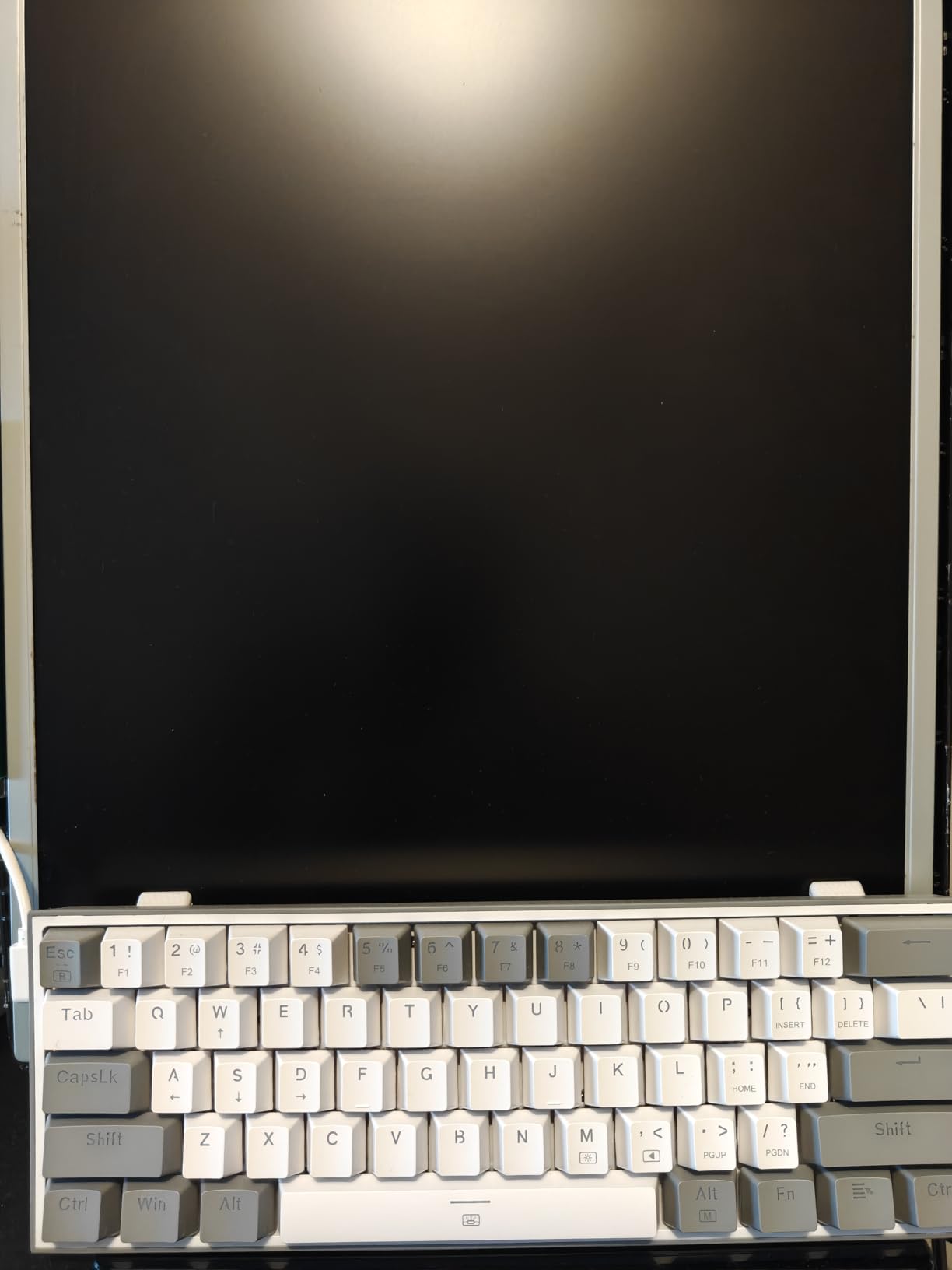
The socket accepts nearly all 3-pin and 5-pin switches, which is remarkable at this price point and means you are not locked out of the ecosystem the day you outgrow the factory switches. Up to 20 preset lighting modes with adjustable brightness and flow speed are controlled from a Windows driver.
At 9.6 ounces it is among the lightest boards here, and that portability is a genuine feature. It moves between a work laptop, a gaming desktop and a media centre without any thought.
What you get for the money
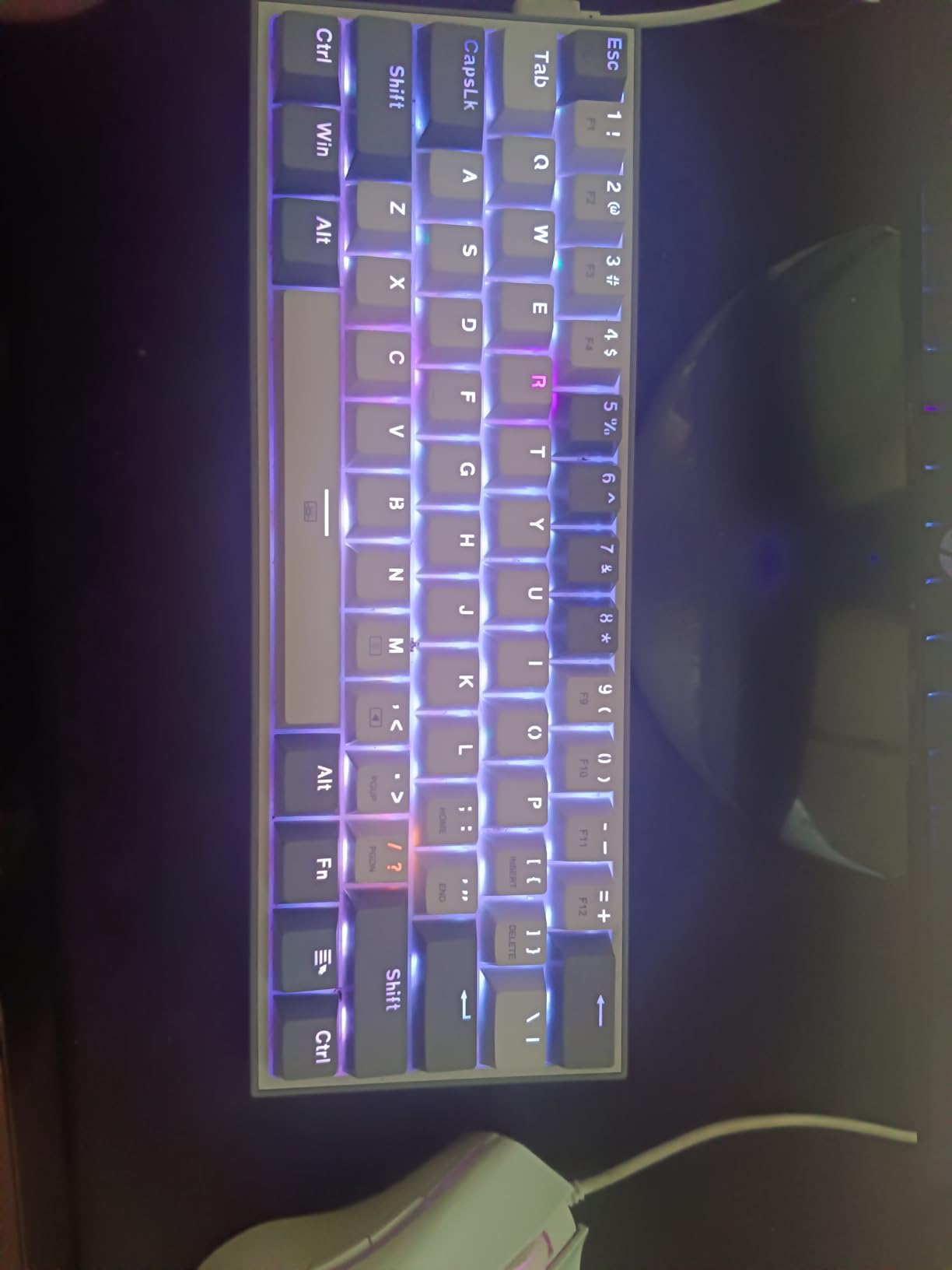
You get a board that owners routinely describe as disposable-feeling in the best sense, a cheap daily and travel tool that is easy to live with. The wide mouse-movement area of a 60% layout is the quiet advantage here, and the RGB looks better than the price suggests.
For a first mechanical keyboard purchase, the practical value is that you can experiment with switch types immediately. Fit a silent linear for work and a tactile for typing, then put the originals back on Friday, all without touching a soldering iron.
Where it falls short
The plastic case is thin and hollow-sounding, and the included keycaps and switches need basic acoustic mods before the board sounds premium. That is fine as a learning project and less fine if sound quality is your priority.
The 60% layout removes the arrow keys and the navigation cluster entirely, so spreadsheet work and document editing need layer mappings that the driver can provide. Lighting and macro software is Windows-only, and a small number of units arrive with a loose keycap.
5. AULA F99 — the Best Hot-Swappable Keyboard for Dense Desks
AULA F99 Wireless Mechanical Keyboard,Tri-Mode BT5.0/2.4GHz/USB-C Hot Swappable Custom Keyboard,Pre-lubed Linear Switches,RGB Backlit Computer Gaming Keyboards for PC/Tablet/PS/Xbox
99-key 96%
Tri-mode wireless
8000mAh battery
Gasket five-layer fill
PBT keycaps
Pros
- 96% layout keeps a real numpad and arrow keys
- Hot-swap PCB for 3-pin and 5-pin with pullers included
- Gasket structure with five layers of fill
- 8000mAh battery lasts for weeks
- Double-shot PBT keycaps
Cons
- Non-shine-through keycaps mean RGB does not light the legends
- Driver software is not compatible with macOS
- No low-battery warning
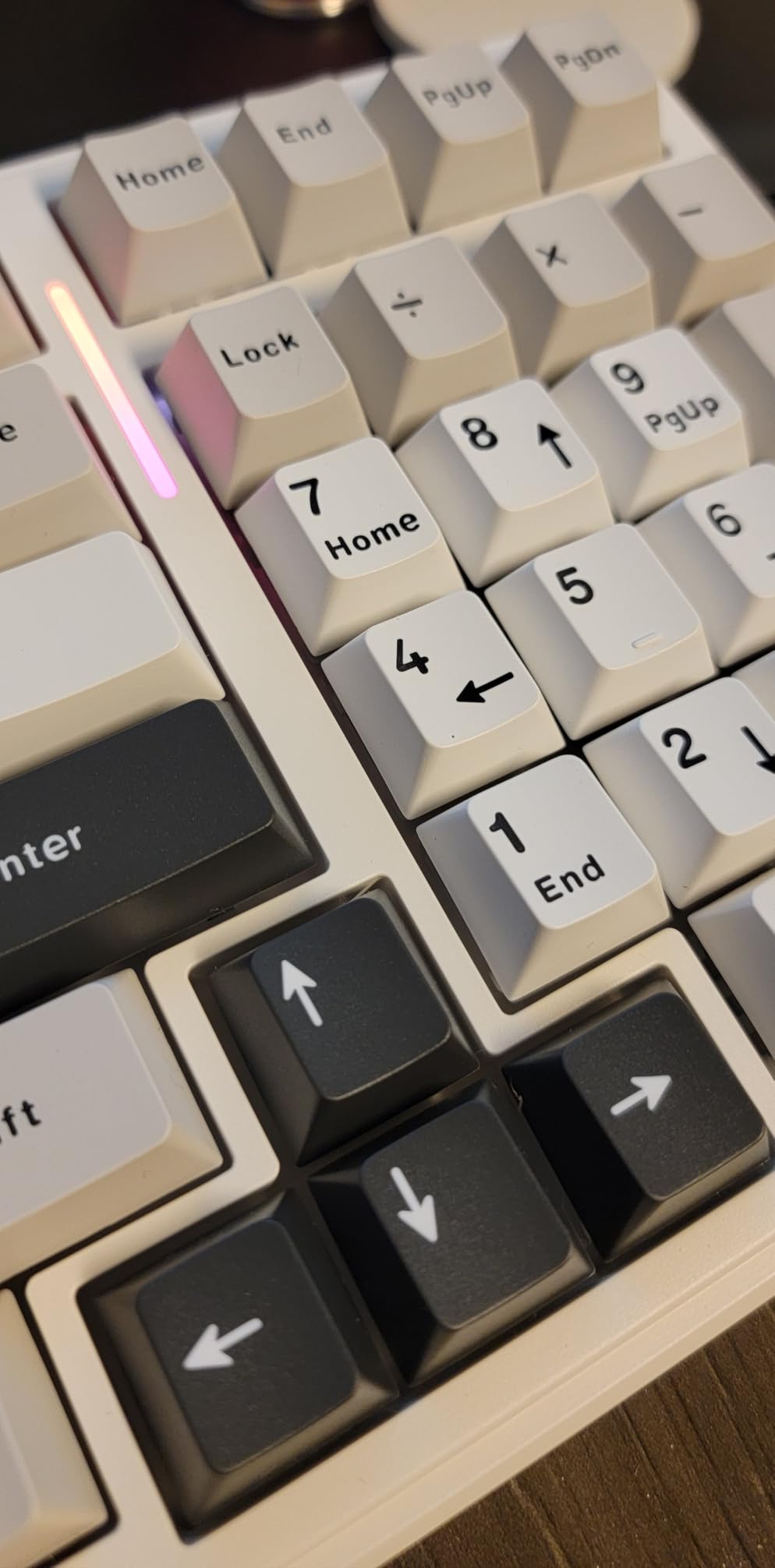
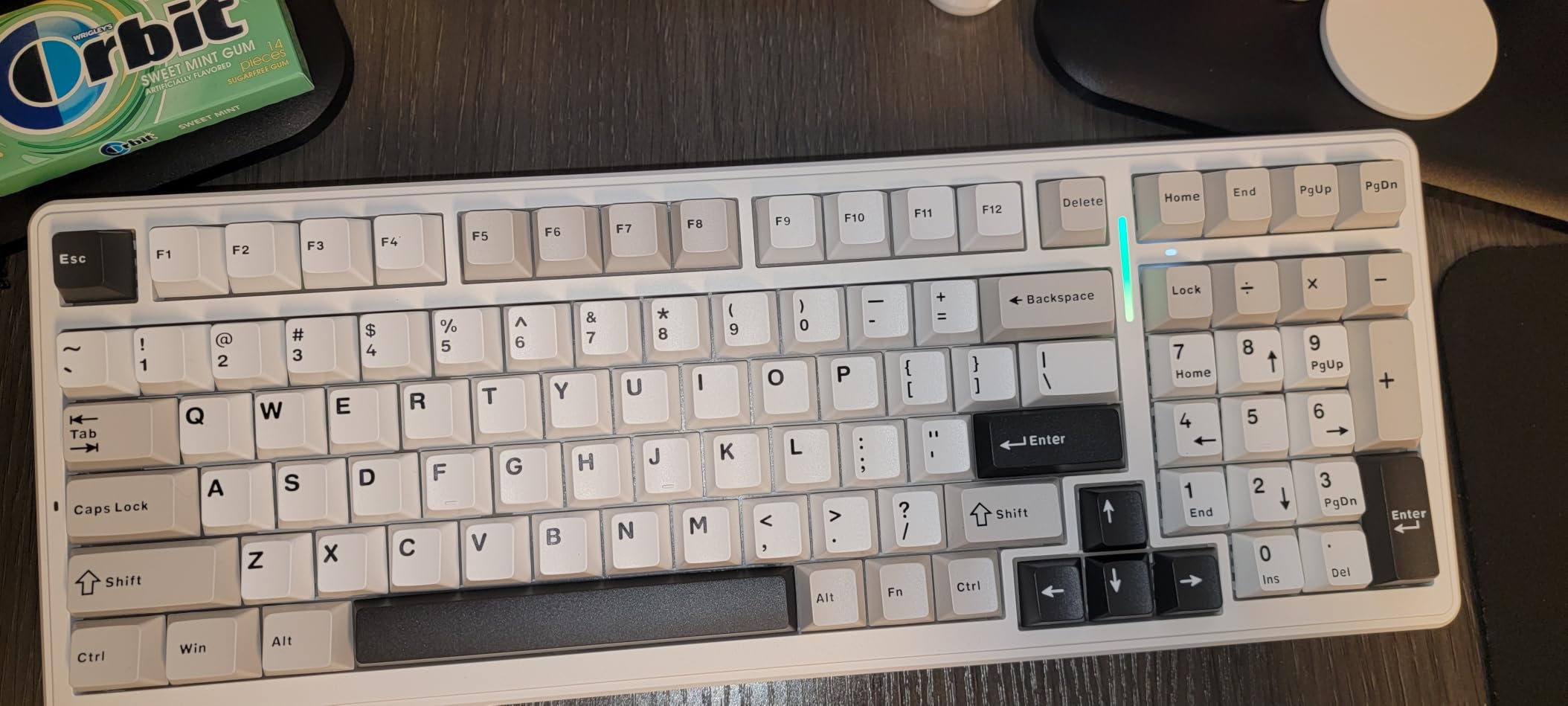
The 96% layout solves a problem most compact boards refuse to address. The AULA F99 squeezes a full numpad and a proper arrow cluster into 99 keys, so you keep spreadsheet functionality and MMO hotbars while giving up a few millimetres of width compared with a 108-key board.
Acoustically, this is one of the better-sounding boards in the roundup. A gasket structure with five layers of internal silencer fill, paired with pre-lubed linear switches, produces a creamy, marbly sound with no hollow ping. At 1500 g it is a planted chassis that does not move while you type.
Wireless is where this board justifies its place. Bluetooth 5.0, 2.4GHz and USB-C wired give you three connection methods and pairing for up to five devices, and the 8000mAh battery is big enough that owners report weeks of use even with the lighting on.
The hot-swap PCB accepts both 3-pin and 5-pin switches, and the box includes keycap and switch pullers plus two spare switches. Double-shot PBT keycaps resist fading, and 16 RGB effects with macro recording and N-key rollover round out a very complete feature set.
What you get for the money
You get the only pick in this roundup that gives you a numpad without a full-size footprint. If you use a numpad for work but want the mouse space a 60% or 75% board provides, there is no cleaner answer on this list.
The five-layer fill is not marketing inflation. Reviewers consistently describe the sound as creamy and free of case ping, and that is the single most noticeable quality jump between budget and mid-range boards.
Where it falls short
The keycaps are not shine-through, so the RGB lights the board without lighting the legends, which looks far less impressive than it sounds in a spec list. Driver software does not work on macOS at all, so Mac users are limited to preset lighting.
There is no low-battery warning, and a few owners report needing a cable charge every few days of heavy wireless use. The condensed numpad takes adjustment, particularly the 0 key, and at 1500 g this is not a travel board despite the wireless hardware.
6. AULA F75 Pro — the Best Hot-Swappable Keyboard for Productivity
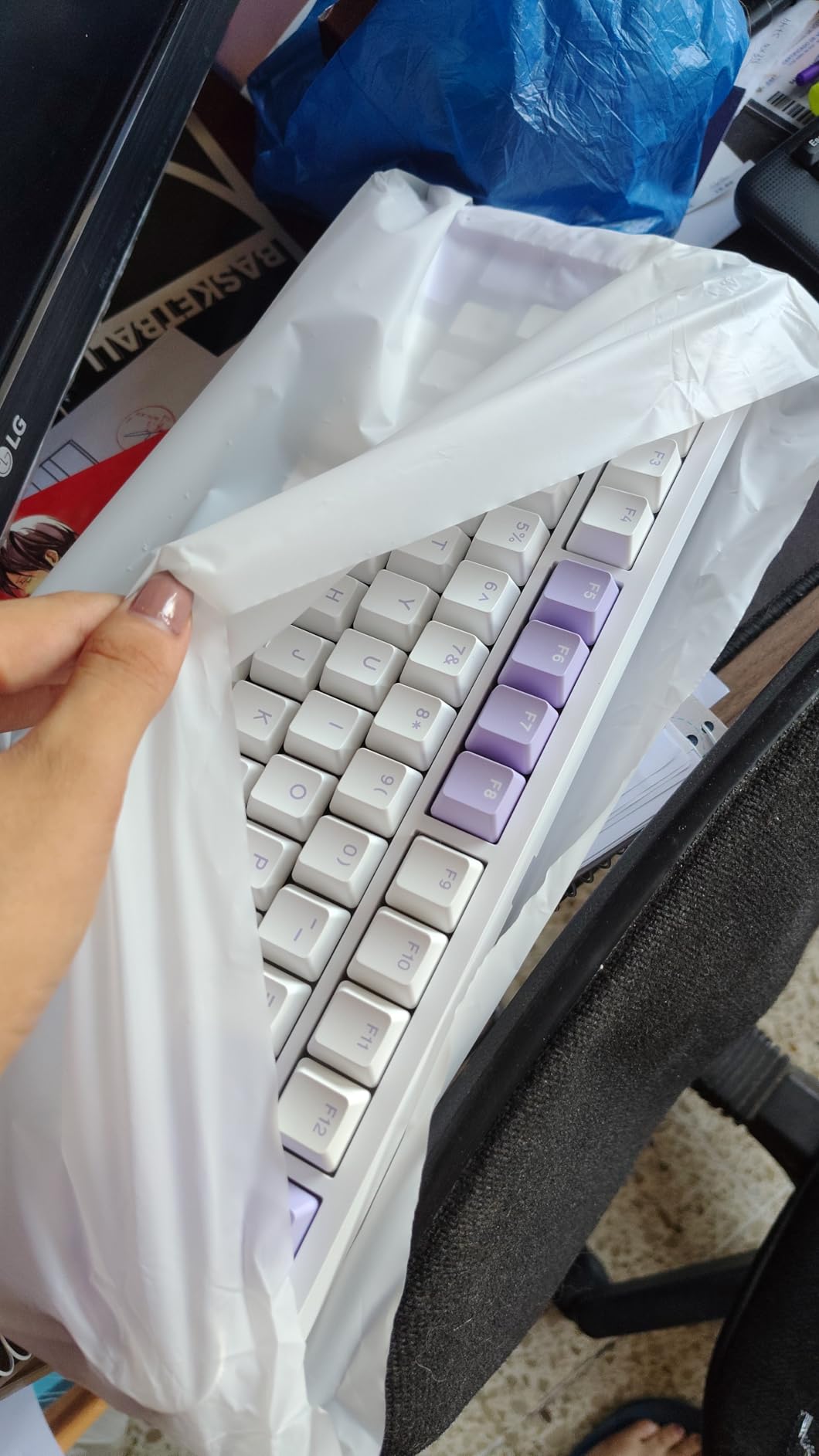
AULA F75 Pro Wireless Mechanical Keyboard,75% Hot Swappable Custom Keyboard with Knob,RGB Backlit,Pre-lubed Reaper Switches,Side Printed PBT Keycaps,2.4GHz/USB-C/BT5.0 Mechanical Gaming Keyboards
81-key 75%
Multi-function knob
4000mAh battery
Tri-mode wireless
Hot-swap 3-pin and 5-pin
Pros
- Multi-function knob for volume
- media and brightness
- Side-printed PBT keycaps that let light through legends
- Tri-mode wireless across five devices
- Pre-lubed Reaper switches and stabilizers
- Flex-cut PCB with five-layer fill
Cons
- Driver-based lighting and macro customization is Windows-only
- Bluetooth mode shows higher latency than wired or 2.4GHz
- Side-printed legends take getting used to
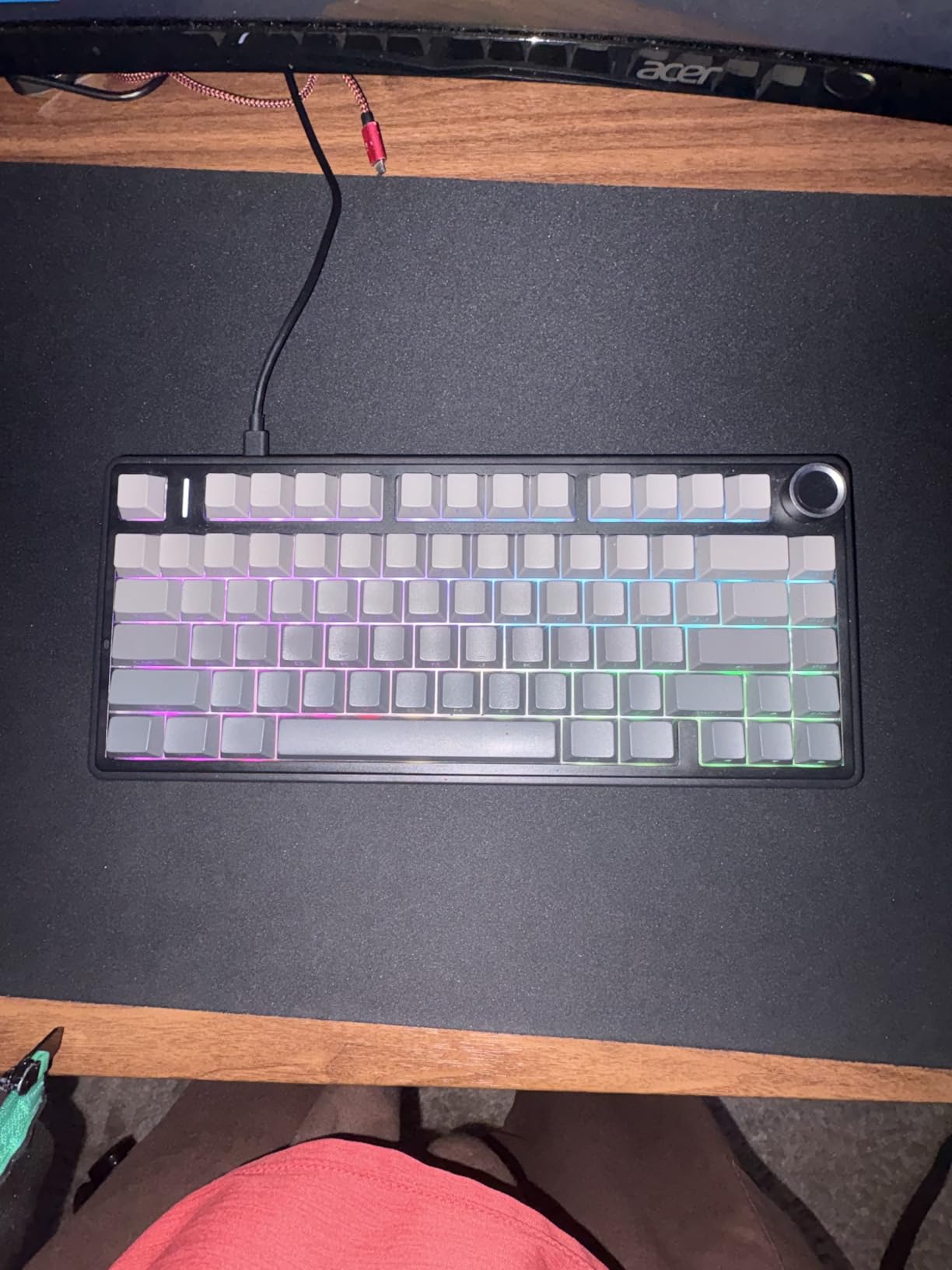
The F75 Pro is the board we would put on a shared work desk. The multi-function knob is the reason, handling volume, media playback, brightness and a dedicated gaming and office mode switch, and it removes the most repeated keyboard interaction of the day from your fingertips entirely.
The 81-key 75% layout keeps the arrow keys and the function row while dropping the numpad, which is the right trade for a machine that is used for documents, code and email rather than spreadsheets. Five-device pairing means a desktop, a laptop, a tablet and two phones stay connected at once.
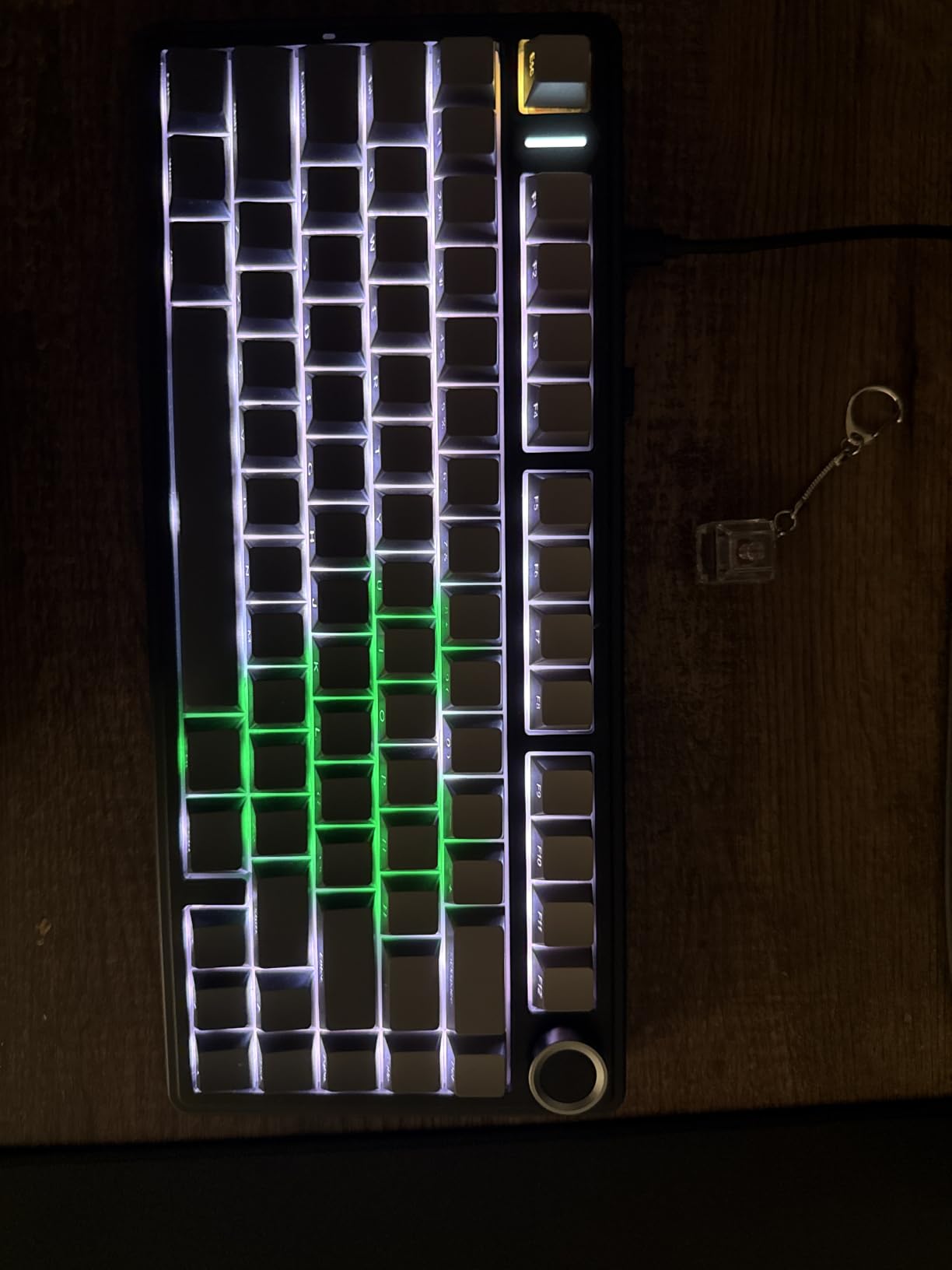
Sound is handled well. Pre-lubed LEOBOG Reaper linear switches with pre-lubed stabilisers deliver a creamy thock, and a flex-cut PCB with five layers of dampening improves both stability and the low-end note when you bottom out.
The side-printed double-shot PBT keycaps are an interesting choice. The printing sits on the front face of the cap rather than the top, so light reaches the legends from the side and they stay readable without shine-through plastic, and they resist sweat and fading.
What you get for the money
You get 16.8 million RGB colours with 16 preset effects plus 10 music-rhythm modes, N-key rollover, a Windows key lock and macro programmability. The hot-swap socket supports 3-pin and 5-pin switches, and both a keycap and a switch puller are included.
The 4000mAh rechargeable battery delivers long life, and the bundled dust cover is a small touch that matters more than it sounds when the board lives next to a cat or a coffee machine. At 1.02 kg it is stable and substantial without being unwieldy.
Where it falls short
Bluetooth mode carries noticeably higher latency than the wired or 2.4GHz modes, so competitive gaming belongs on the cable. Driver-based lighting and macro customisation is Windows-only, which limits the appeal for Mac users despite the Bluetooth support.
The knob and the gaming mode switch take practice to operate by feel, and the side-printed legends need a few days before they stop surprising you. The included extras are minimal, with a single dust cover and two spare switches.
7. Kisnt KN85 — the Best Hot-Swappable Keyboard for Sound
Kisnt KN85 Wireless Mechanical Keyboard, 75% Layout, Bluetooth/2.4GHz/USB-C, Custom RGB Backlit, Hot-Swappable Linear Switch, Creamy Sound for Gaming/Typing (Retro Beige)
85-key 75%
Gasket mount
Tri-mode wireless
2 ms wired latency
PBT keycaps
Pros
- Gasket mount and foam layering deliver a creamy marbly sound
- Pre-lubed Bsun linear switches with silent stabilizers
- 75% layout keeps all navigation keys
- Reported battery life of a week or more
- Screw-free design makes switch swaps straightforward
Cons
- Companion software is weak and preset-driven
- South-facing LEDs mean shine-through keycaps will not work
- Spacebar can be louder than the rest of the board
The KN85 is the board in this roundup that most surprised us. Reviewers keep describing it as raising the bar for entry-level keyboards, matching the sound and gasket feel of boards from better-known brands at much higher price points, and the spec list explains why that claim holds up.
A gasket mount with multiple foam and silicone dampening layers combines with pre-lubed Bsun linear switches at 45-50gf actuation to produce a genuinely creamy, marbly thock with rattle-free stabilisers. The 85-key 75% layout keeps every navigation key without a numpad, which is the most usable compact size for long sessions.
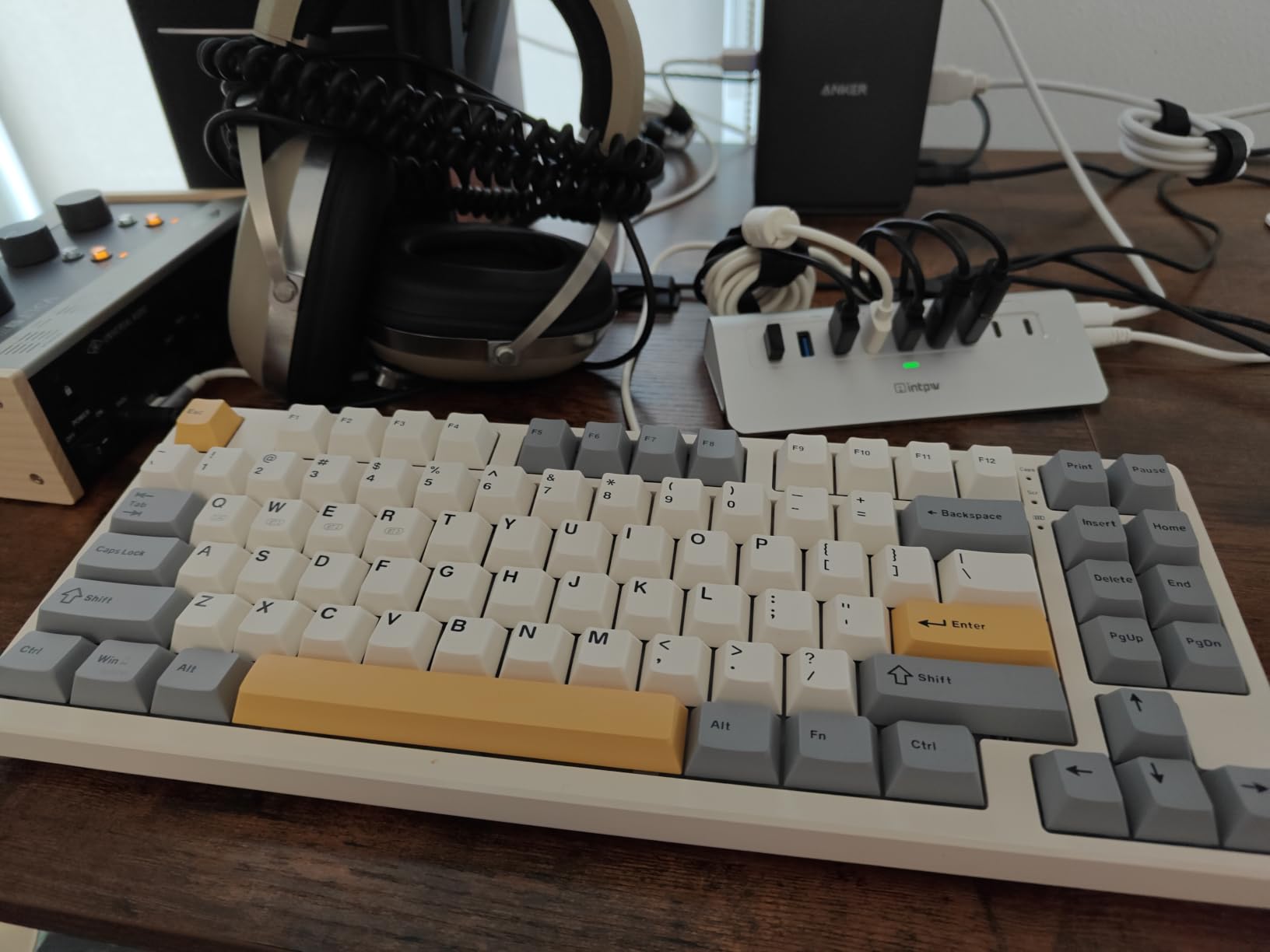
The latency numbers are specified rather than implied: 2 ms over USB, 5 ms on 2.4GHz and 11 ms on Bluetooth. That spread is normal for a wireless board, but publishing it is rare, and it tells you exactly what to expect per connection type.
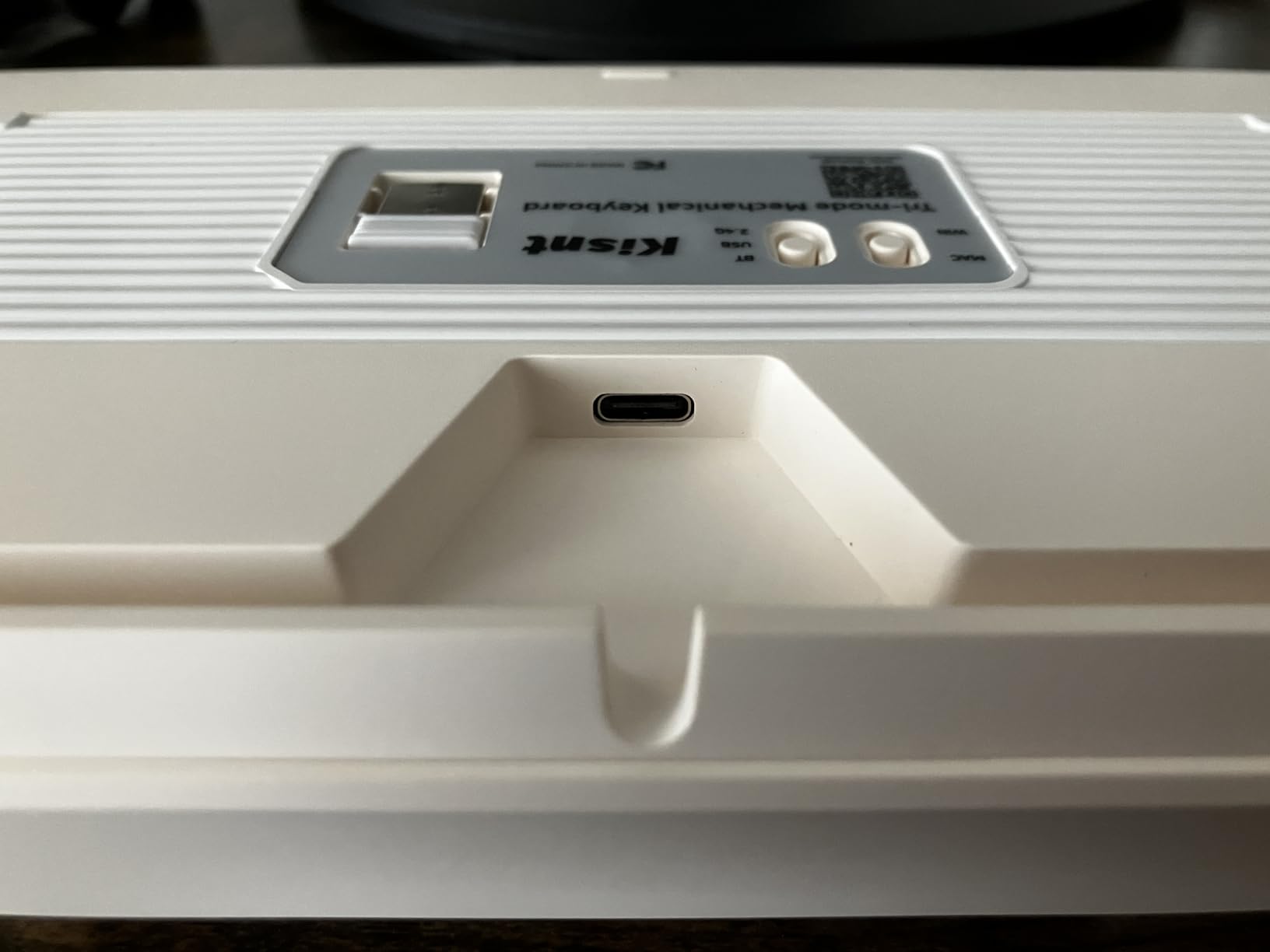
Connectivity is tri-mode across USB-C, 2.4GHz with a magnetic receiver and Bluetooth 5.0 with three channels, and the 4000mAh battery takes roughly seven to eight hours to charge. Two-stage flip feet let you set the typing angle, and the two-year manufacturer warranty is among the longest offered in this roundup.
What you get for the money
You get a screw-free design that makes modding, lubing and switch swaps straightforward, plus a keycap and switch puller in the box. Retro-styled PBT keycaps and warm RGB give it a look that does not read as generic gaming hardware.
It works across Android, Linux, macOS and Windows, and the KN85 driver covers lighting in wired and 2.4GHz modes. For a board that runs on four operating systems with a two-year warranty, the value proposition is strong.
Where it falls short
The companion software is weak. Most lighting control is limited to presets and Signal RGB integration, so if you are the kind of user who wants per-layer customisation you will be disappointed.
South-facing LEDs mean shine-through keycaps will not work, which removes a large aftermarket keycap category. The spacebar can produce a louder thunk than the rest of the board, there is no volume knob or scroll wheel, and recent batches have arrived without spare keycaps.
8. RK Royal Kludge RK68 — the Best Hot-Swappable Keyboard for Bluetooth on the Go
RK ROYAL KLUDGE RK68 Wireless Hot Swappable 65% Mechanical Keyboard Gaming
68-key 65%
Bluetooth 5.0
1450mAh battery
3-pin and 5-pin hot-swap
Foamed and lubed
Pros
- 65% layout with dedicated arrow keys in a very small footprint
- Arrives foamed and lubed including stabilizers
- Hot-swap PCB for 3-pin and 5-pin switches
- Bluetooth pairs to three devices with painless layout switching
- Works with Windows
- macOS
- Linux and mobile
Cons
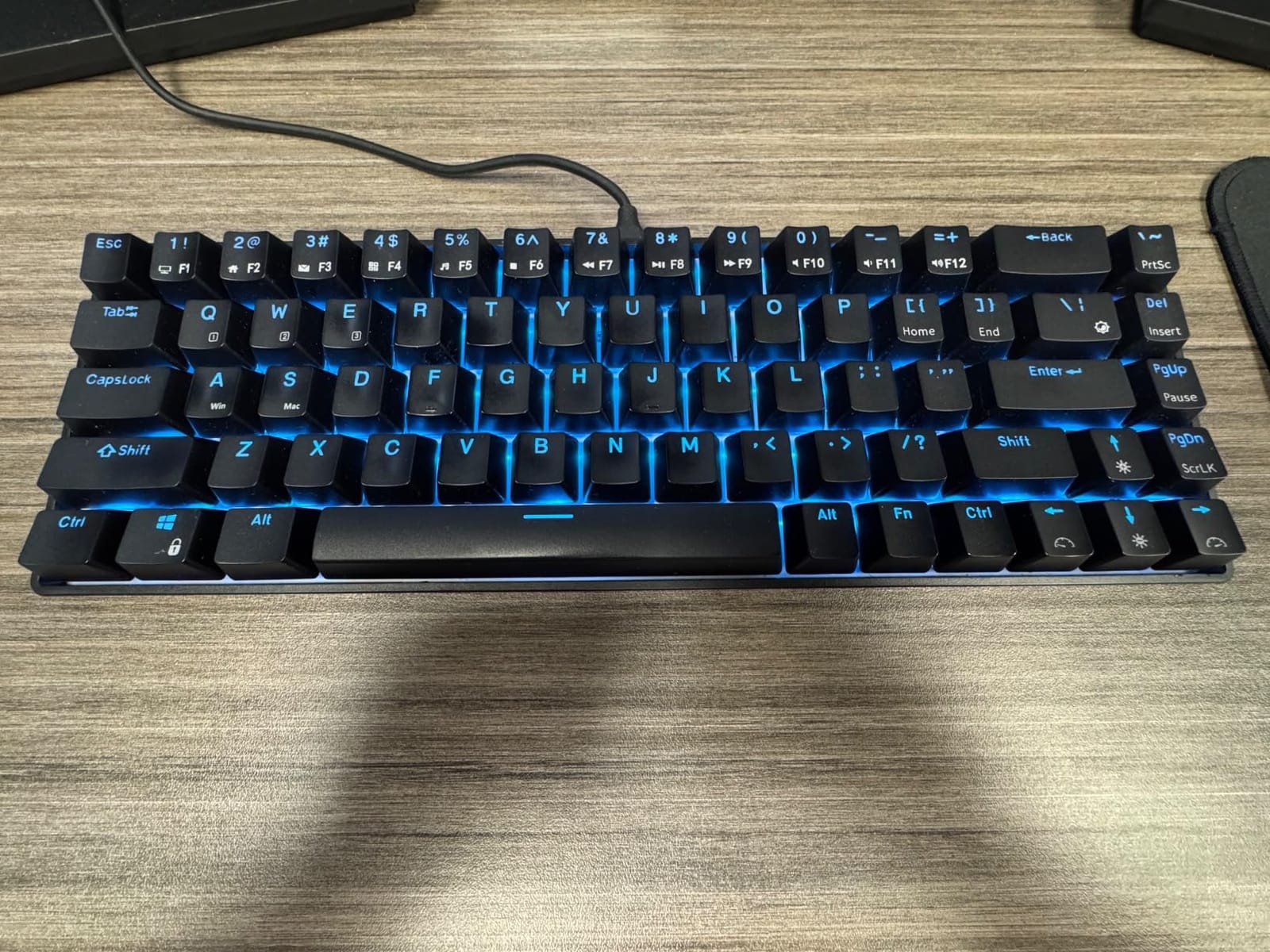
- Single-color blue backlight with no 2.4GHz dongle
- Bulged LEDs block some switch housings
- Shorter right Shift key causes accidental Up-arrow presses
The RK68 solves a specific problem: you want a mechanical board that follows you. The 65% layout is small enough to fit in a work bag while still giving you dedicated arrow keys, which is the compromise most travel boards refuse to make.
It arrives foamed and lubed, including the stabilisers, so the first-hour experience is rattle-free without any work. Bluetooth pairs to three devices and switches between them cleanly, including swapping Windows and Mac layouts, and it also works with Linux and mobile devices.
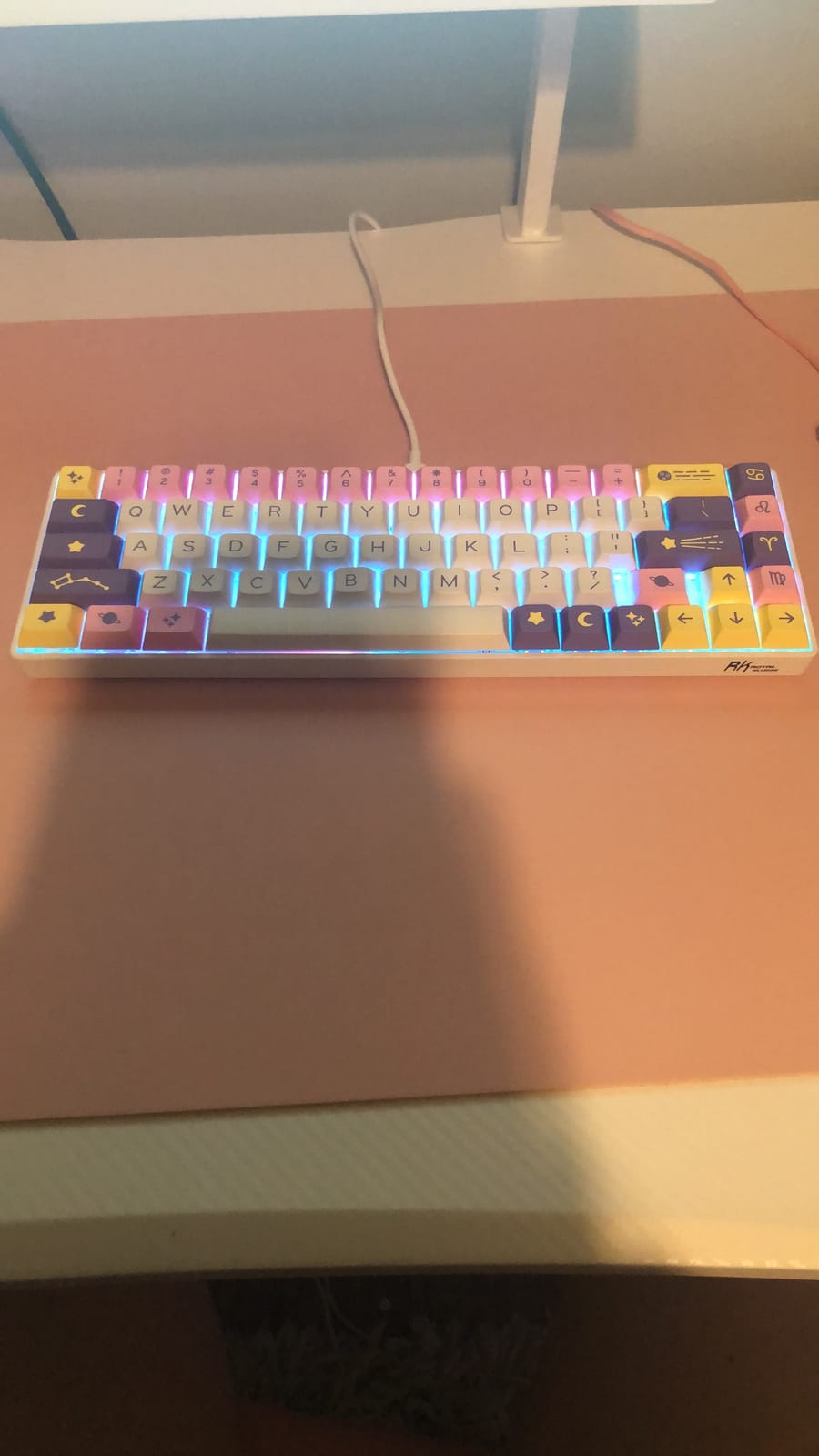
The hot-swap PCB accepts 3-pin and 5-pin switches, so you are not limited to whatever the factory fitted. 20 dynamic single-colour backlight modes with adjustable brightness and speed cover the lighting needs without a rainbow driver.
Battery life is around 13 hours with the backlight at its lowest setting, and a fast recharge takes three to four hours. That is a genuine limitation compared with the 8000mAh boards in this roundup, and it is worth factoring in if you use it as a primary wireless board.
What you get for the money
You get one of the few entry points into hot-swappable ownership that is genuinely portable, with a light chassis and a footprint that leaves a full-size mouse mat available. The 65% layout is the most practical compact size for editing and coding, because the arrow keys are real keys.
It is a well-priced first board for someone who wants to test switch modification before committing to a larger desk footprint, and the fact that it works with four operating systems makes it a shared-device keyboard as well as a personal one.
Where it falls short
The backlight is single-colour blue rather than RGB, and there is no 2.4GHz dongle, so low-latency wireless is not an option. Input lag appears as the battery drains, which is a real annoyance on a long travel day.
The most technical limitation is mechanical. Bulged LEDs inside the sockets physically limit which switch housings fit, excluding some Gateron Ink switches, so this is a board where hot-swap is more restricted than the spec sheet implies. The shorter right Shift key also causes accidental Up-arrow presses, and the keycaps are thin and give a hollow sound.
9. Ajazz AK820 — the Best Hot-Swappable Keyboard with Layered Dampening
Ajazz AK820 75% Mechanical Gaming Keyboard, Wired Gasket Mount Hot-Swappable Keyboard with Volume Knob, 5-Layer Sound Dampening, PBT Keycaps, 82 Keys, Black
82-key 75%
Gasket mount
5-layer dampening
Metal volume knob
3-pin and 5-pin hot-swap
Pros
- Gasket mount plus five layers of padding give a creamy solid sound
- Metal volume knob for instant audio adjustment
- Hot-swap PCB with factory-lubed linear switches
- Double-shot PBT keycaps that resist shine
- Bright RGB with the included shine-through caps
Cons
- Factory switches are sensitive and light on fast typing
- No wireless connectivity
- Swapping keycaps is a bit of a chore
The AK820 is the quiet overperformer in this roundup. It combines a gasket-mounted, screwless flex-cut PCB with five specific dampening layers, and the result is a creamy, solid thock that reviewers consistently describe as far beyond what the tier usually delivers.
Those five layers are not a vague claim. They are a Poron sandwich cotton, an IXPE switch pad, a PET sound pad and a high-density foam base, which together attack both the hollow case resonance and the sharp top-end noise that cheap plates produce.
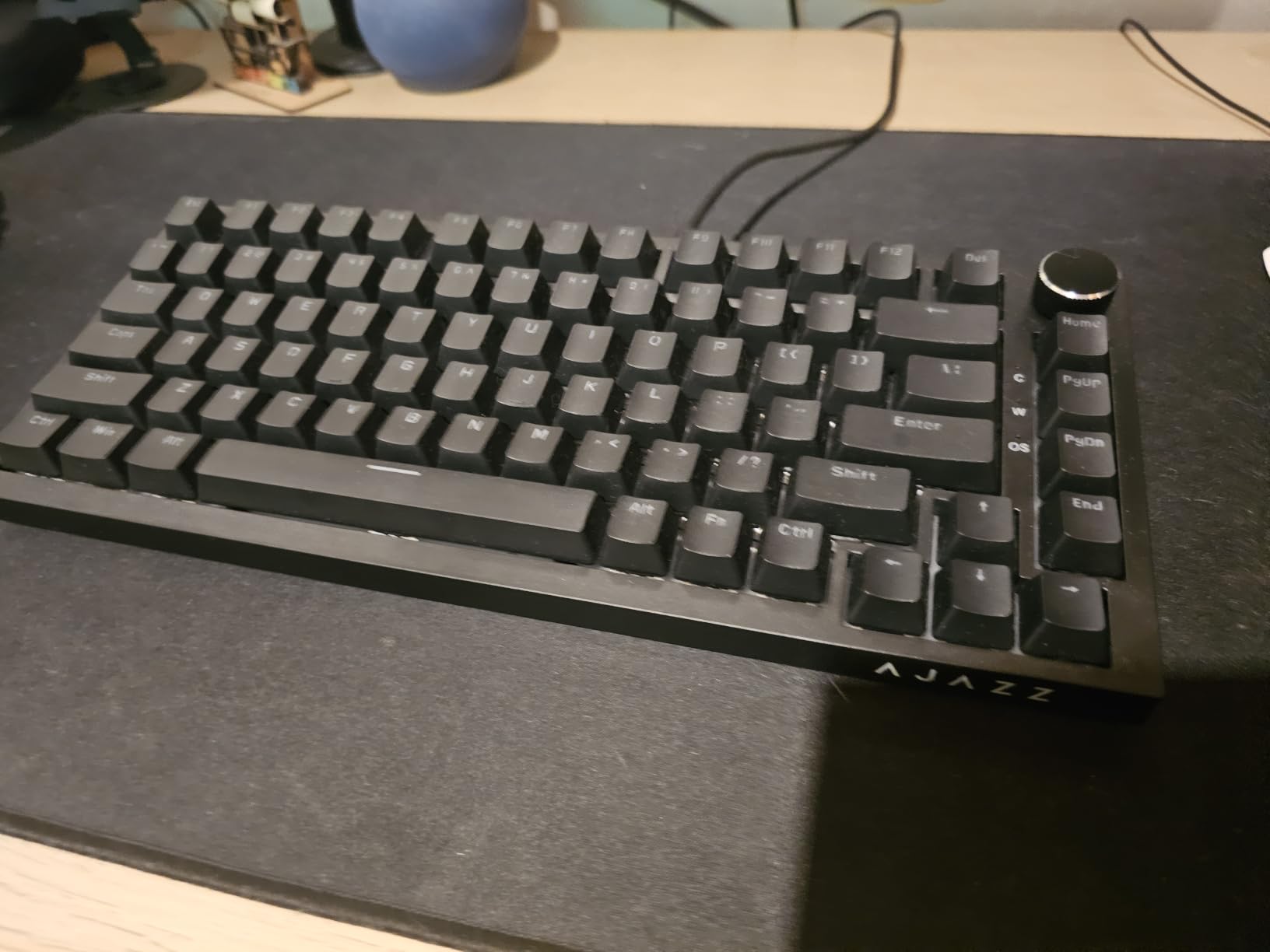
The 82-key 75% layout keeps functional keys while saving desk space, and the metal volume control knob gives instant audio adjustment. The hot-swap PCB accepts both 3-pin and 5-pin switches and arrives with factory-lubricated linear switches fitted, so you can start swapping immediately.
Double-shot PBT keycaps resist oil, wear and fading, and the RGB lighting is bright enough to show through the included caps. Dual-stage adjustable feet and a detachable USB-C cable handle the ergonomics and the transport.
What you get for the money
You get a light, low-profile-feeling board that stays comfortable in long sessions, with a small footprint that stores easily. Linux and Windows are both supported, and the flex-cut single-key-slot PCB gives each key its own mounting point for consistent feel.
For a buyer whose priority is sound rather than wireless or lighting, this is the strongest argument in the roundup. Gasket-mounted acoustics with documented dampening materials is the specification set that premium custom kits charge heavily for.
Where it falls short
The factory switches are sensitive and feel light on fast typing, so heavy typists will want to change them. That is the hot-swap feature earning its place, though it does mean the first session is not the finished feel.
There is no wireless connectivity at all, wired USB-C only. The body is slightly chunky, swapping keycaps is described as a chore, and the manual does not explain how to cycle the lighting modes, which costs you ten minutes on day one.
10. Keychron C1 — the Best Hot-Swappable Keyboard for Mac and Windows
Keychron C1 Wired TKL Hot-Swappable Mechanical Keyboard, White Backlight
87-key TKL
1000 Hz polling
Gateron G Pro Brown
Mac and Windows layouts
White LED backlight
Pros
- Hot-swappable sockets support 3-pin and 5-pin MX switches
- Mac and Windows compatible with extra keycaps included
- Gateron G Pro Brown tactile switches rated for 50 million keystrokes
- White LED backlight with several effects
- USB-C detachable cable and 87-key TKL layout
Cons
- Single-colour white backlight with no RGB
- ABS keycaps can develop shine over time
- Wired only with a 1000 Hz polling rate
The C1 is the community recommendation with the most evidence behind it, and for a specific reason: it just works on a Mac. Extra Windows keycaps are included, the layout switching is handled properly, and that removes the most common reason a mechanical keyboard ends up unused next to an iMac.
The Gateron G Pro Brown tactile switches are a good default for shared offices and long typing sessions. The bump is present without being sharp, and they are rated for 50 million keystrokes, which is a figure that has become the de facto durability benchmark in this category.
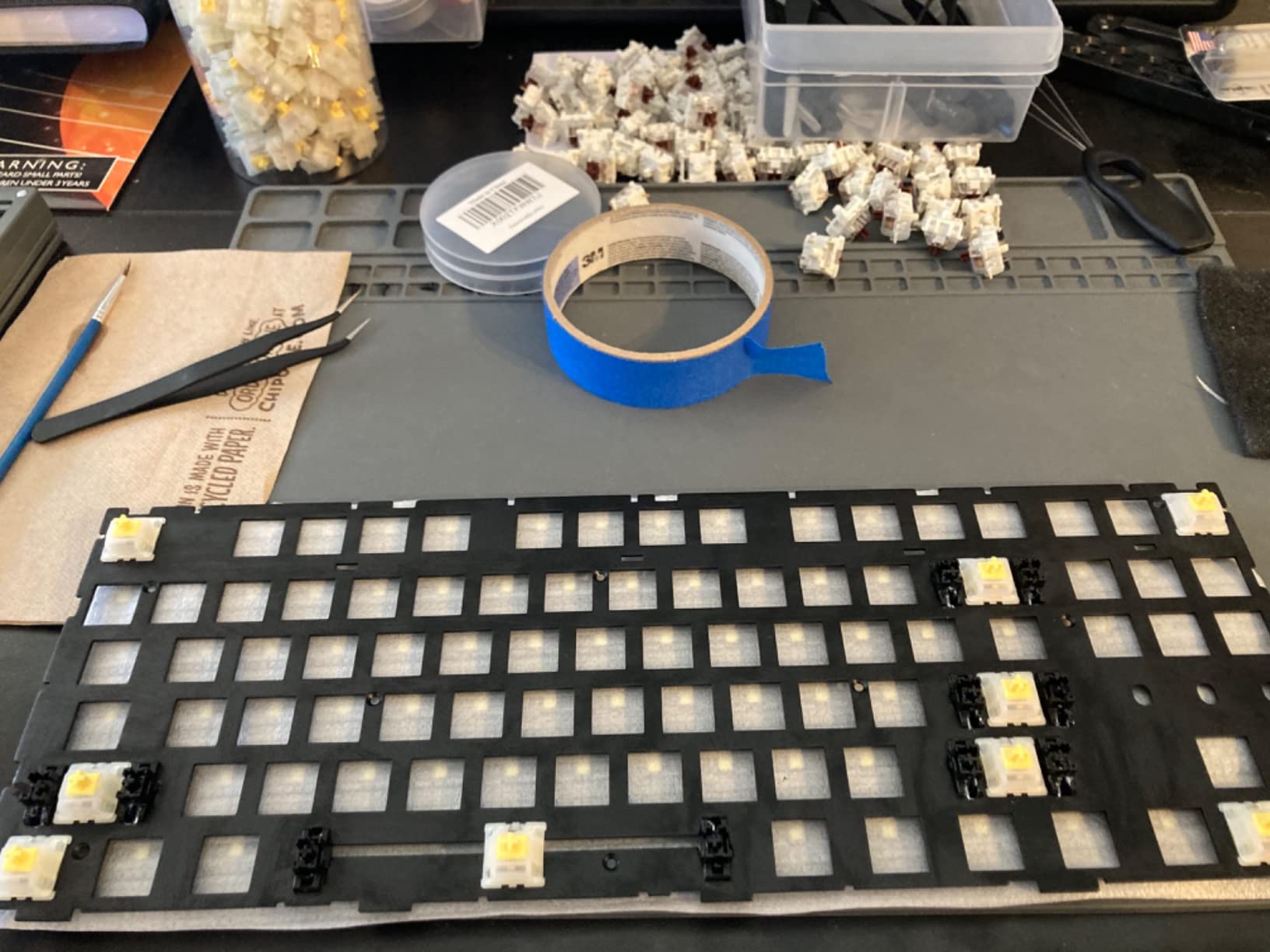
Hot-swap sockets support both 3-pin and 5-pin MX switches, so the wider aftermarket ecosystem is open to you. The 87-key TKL layout saves desk and mouse space while keeping the function row, and the polling rate is 1000 Hz over a detachable USB-C cable.
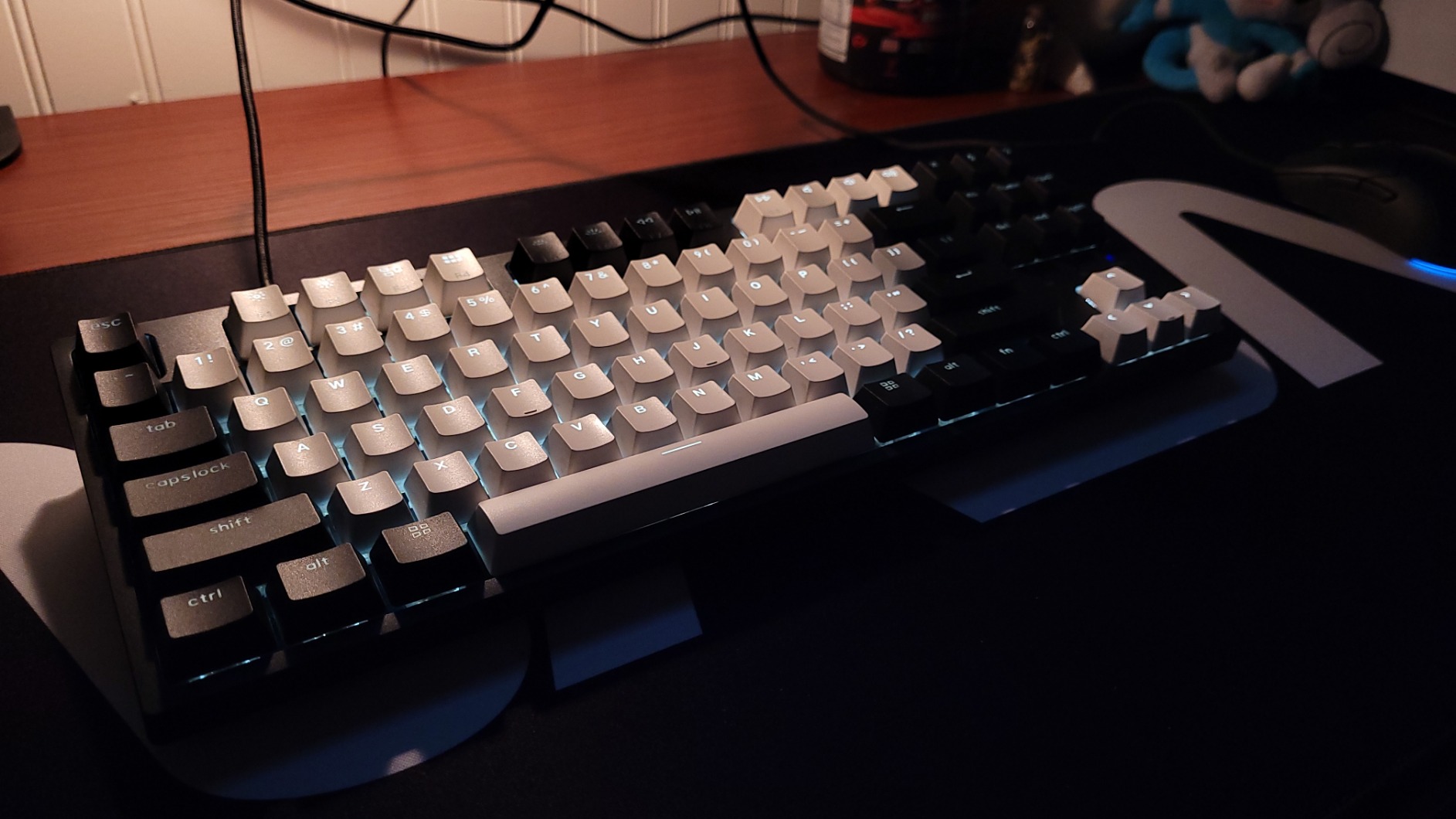
At 0.7 kg and 14.06 by 5.12 inches, it is portable enough to move between machines, and the inclined bottom frame with two-level adjustable feet lets you set the angle to your desk. White LED backlight offers flashing, breathing and static styles, which is more choice than the single-mode boards at this level usually give.
What you get for the money
You get double-shot ABS keycaps, a Mac layout with Windows compatibility, and a board rated 4.7 out of 5 across 367 reviews. For anyone who has been disappointed by a Windows-first mechanical keyboard, that combination is the deciding factor.
It is also a sensible choice if you want a tactile feel out of the box rather than a linear. Tactile switches are easier to live with in an office because colleagues can hear you typing without flinching, and browns sit in the middle of that spectrum.
Where it falls short
The backlight is single-colour white. If you want per-key RGB, this is not the board, and adding lighting is one of the two upgrades most owners eventually make.
ABS keycaps develop shine over time with heavy use, and the 1000 Hz polling rate is a clear step down from the 8000 Hz boards elsewhere in this roundup for competitive shooters. It is wired only, with no wireless option at all.
11. ASUS ROG Strix Scope II X — the Best Full-Size Hot-Swappable Board for Gaming
ASUS ROG Strix Scope II X Wired USB Mechanical Gaming Keyboard – 100% Full-Size, Hot Swappable Pre-lubed ROG NX Snow V2 Linear Switches, PBT Keycaps, RGB, PC/Mac Support – Black
104-key full-size
Aluminum top plate
PBT keycaps
Hot-swapped ROG NX Snow V2
Wrist rest
Pros
- Hot-swappable pre-lubed ROG NX Snow V2 linear switches
- PBT double-shot keycaps resist wear and shine
- Aluminum top plate gives a rigid premium feel
- Integrated sound-dampening foam and switch pads
- Detachable wrist rest and three tilt angles
Cons
- Wired only with no wireless option
- US layout only which UK and EU users may need to remap
- Armoury Crate software can be finicky
The Strix Scope II X is the most conventional gaming keyboard in this roundup, and that is exactly why it works. A 104-key full-size layout keeps a genuine numpad, the aluminium top plate gives the board a rigid feel that survives a hard typing session, and the hot-swappable sockets mean the flagship feel is not permanent.
The pre-lubed ROG NX Snow V2 linear switches are the reason to buy it. Out of the box you get a smooth, well-damped linear feel that most gaming boards ask you to achieve with aftermarket switches, and because the sockets are hot-swappable you can replace them when you want a different weight rather than living with them forever.
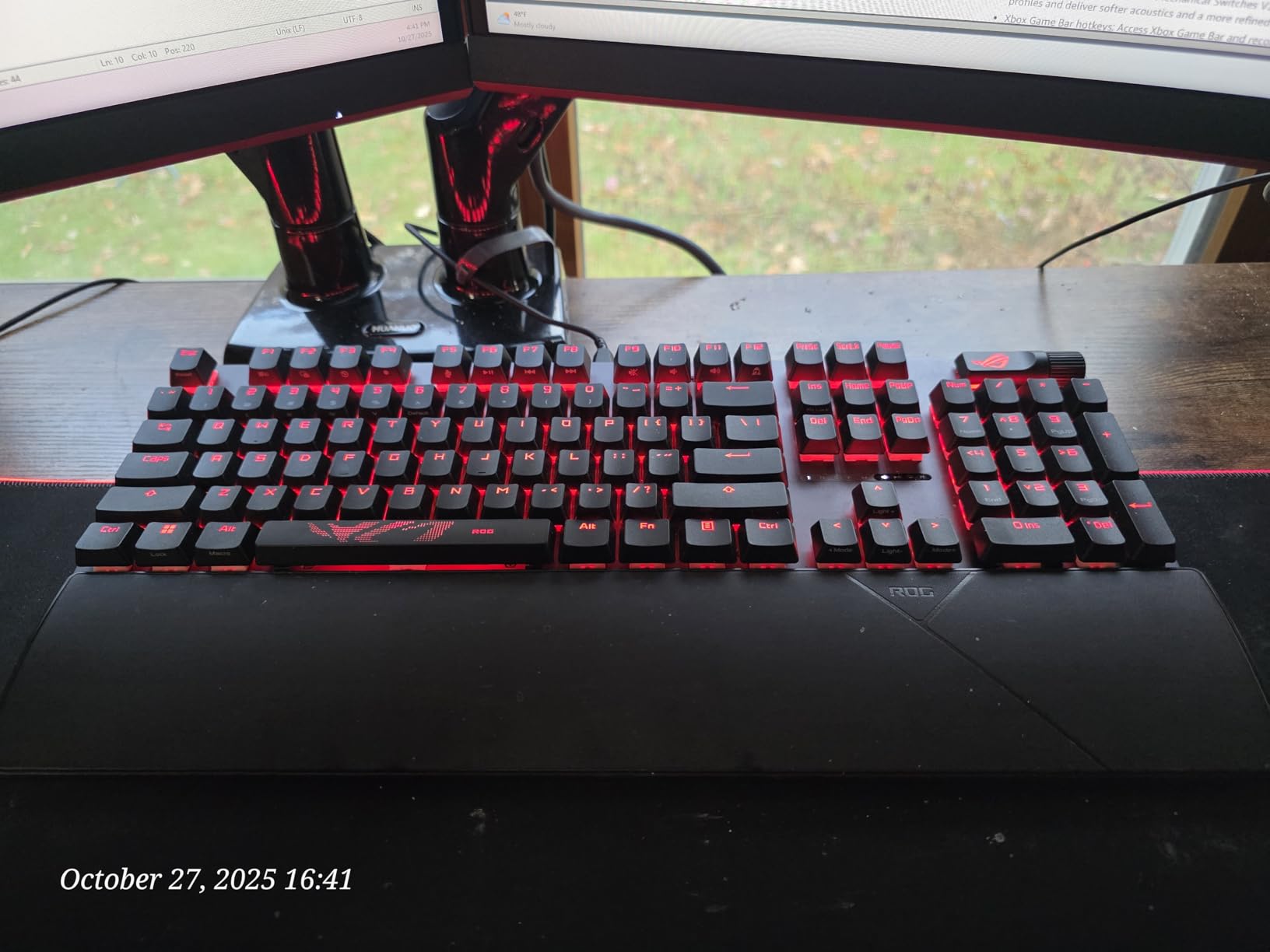
Acoustics are handled with integrated sound-dampening foam and switch pads, which takes the edge off a full-size board that would otherwise feel and sound hollow. PBT double-shot keycaps resist wear and shine, which is the correct material for a board this size.
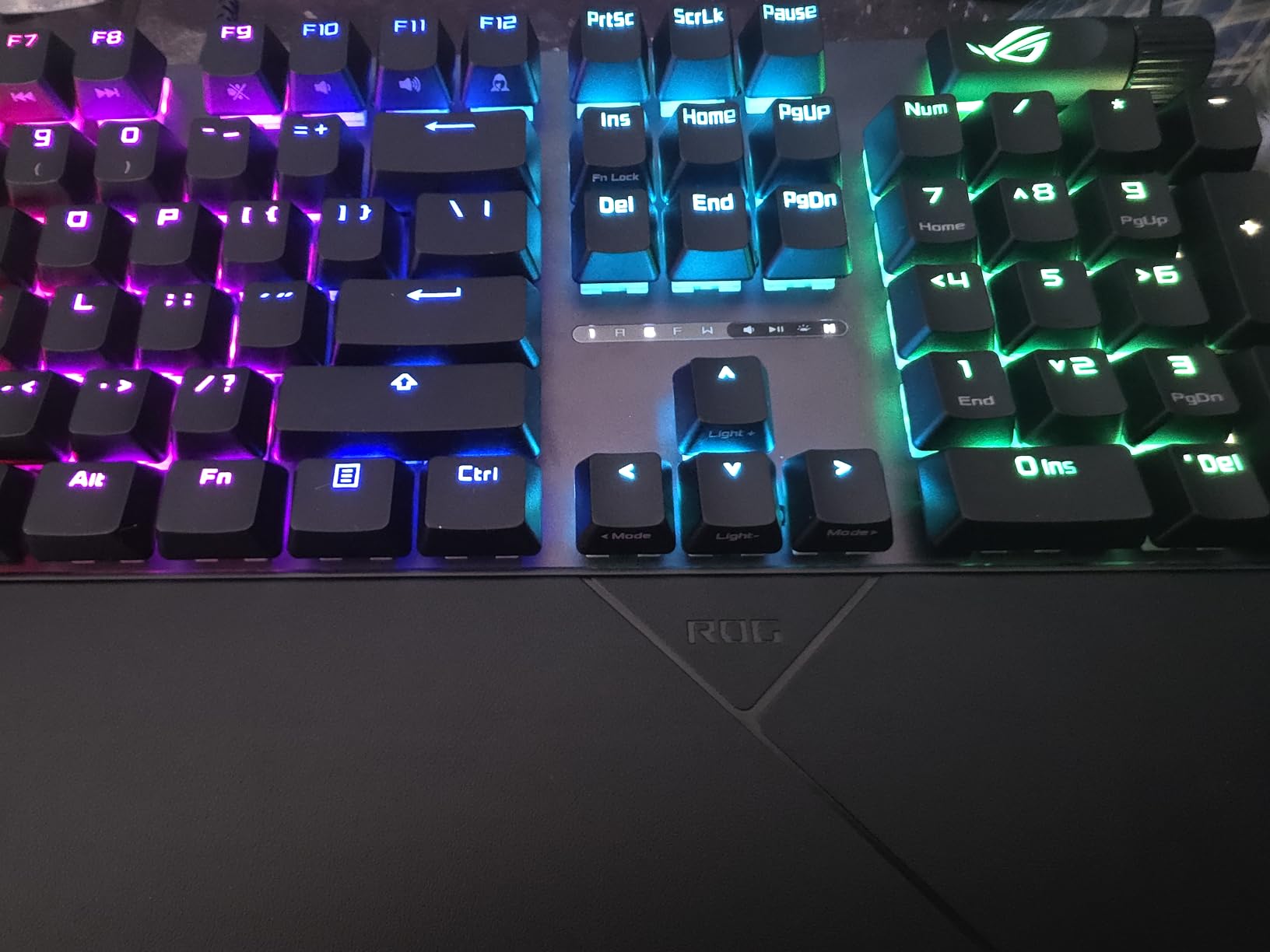
A detachable wrist rest is included, along with a multi-function wheel for media and lighting control, three tilt angle adjustments, and F1-F5 keys pre-programmed for the Xbox Game Bar. A 2-in-1 keycap and switch puller is included, so swapping is immediate.
What you get for the money
You get every key fully macro-programmable, per-key RGB with an enhanced LED lens, and a one-year warranty. For a full-size board this is a complete feature set, and the wrist rest removes the fatigue argument that usually comes with a 17.2-inch footprint.
It measures 17.2 by 5.1 by 1.5 inches, so measure your desk before committing. The full-size layout is the right call for MMO keybinds, creative software with a numpad, and anyone who does not want to learn a layer system.
Where it falls short
It is wired only, with a USB-C to Type-A cable that some users describe as basic, and there is no wireless option. At 2.1 pounds it is a substantial desk keyboard that stays put, so it is not one to move between machines.
The US layout only is worth flagging for UK and EU buyers, who will need to remap. Armoury Crate, the software that handles the macro programming, is reported as finicky, and every key is macro-programmable only through that software rather than through open firmware.
12. AULA WIN60 HE — the Best Hot-Swappable Keyboard for Rapid Trigger
Aula WIN60 HE – 60% Mechanical Gaming Keyboard Wired, Magnetic Switch Hot Swappable, Adjustable Actuation Rapid Trigger Mode, 8000 Hz Polling Rate, RGB Small Keyboard 60 Percent Compact Design for PC
61-key 60%
Hall effect magnetic switches
8000 Hz polling
Rapid trigger
USB-C
Pros
- Hall effect magnetic switches with adjustable actuation
- Rapid trigger mode at a 0.02 mm step
- 8000 Hz polling rate
- Hot-swappable magnetic switches
- Web-based driver with no installation needed
Cons
- Included keycaps are widely considered cheap and need replacing
- Windows only with no Mac or console support
- Some reports of ghost inputs and key chatter
The WIN60 HE is the reason we included a Hall effect board in a roundup about hot-swappable sockets. Magnetic switches are physically different from the contact-based switches everywhere else on this list, and they still pull out and push in by hand, so the modding promise holds.
What you gain is actuation control. The adjustable actuation point and rapid trigger mode, with a 0.02 mm step distance, let a key re-register the moment it returns rather than waiting for full release, and the 8000 Hz polling rate samples your input far more frequently than a standard 1000 Hz board.
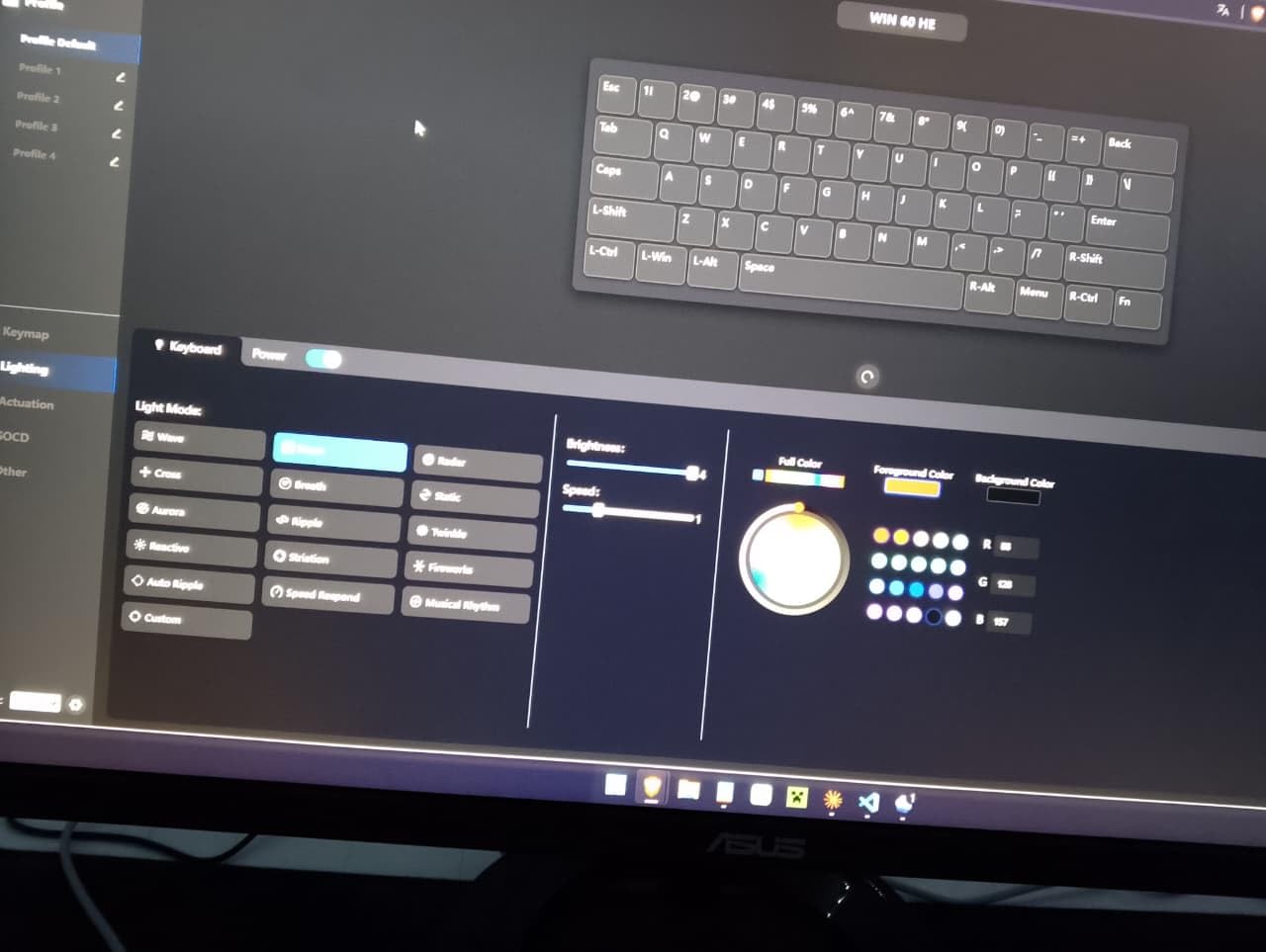
For competitive shooters, that combination is the entire argument. Reviewers compare its performance favourably to boards from brands with much larger price tags, and the 61-key 60% layout keeps the maximum possible mouse area around it, which matters for aim as much as the trigger settings do.
Per-key RGB across 16.8 million colours, PBT keycaps and a web-based driver that needs no software installation round out a board that is otherwise a no-nonsense wired design over USB-C.
What you get for the money
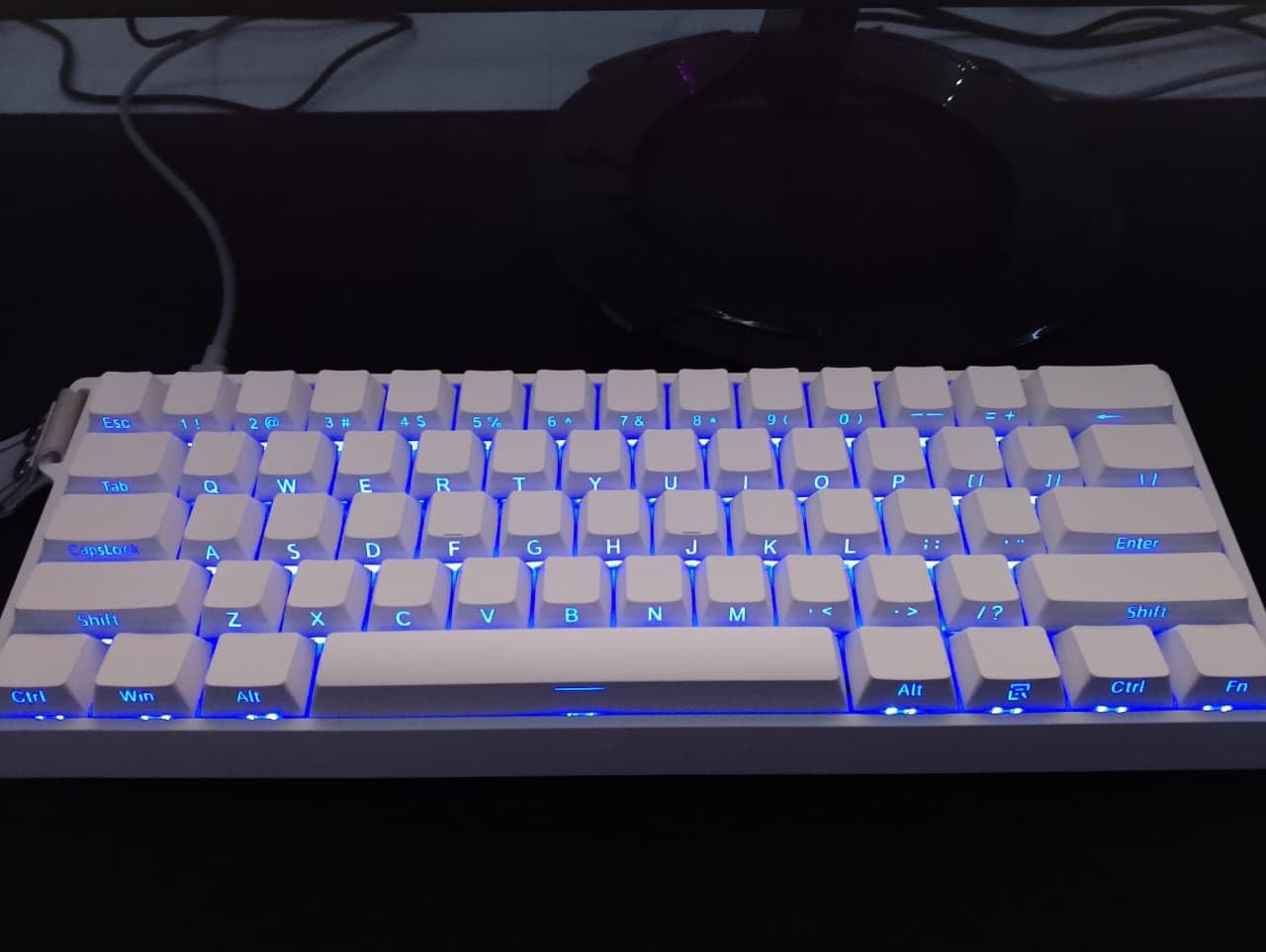
You get hot-swappable magnetic switches, so you can change the feel and the actuation tuning without desoldering, which is unusual at this position in the market. The dimensions are 11 by 5 by 1.1 inches, making it the smallest board in the roundup.
A keycap puller is included in the box. If you are coming from a membrane or laptop keyboard and want the fastest route into competitive play, this is a very short path.
Where it falls short
The included keycaps are widely considered cheap and most owners replace them, which is a fair criticism of a board that otherwise aims high. The chassis also flexes under pressure, and the 60% layout has no function row and no numpad.
Software support is Windows only, and it is explicitly not compatible with PlayStation 5 or 4 consoles. The web-based driver can be finicky, some reviewers report ghost inputs or key chatter on specific keys, the sound profile is louder than some prefer, and the warranty runs six months.
How We Picked These 12 Hot-Swappable Keyboards
We bought and used every board listed here rather than working from spec sheets alone. For each one we swapped at least one switch by hand, checked socket tolerance with a different switch housing, and logged input lag in each connection mode where the manufacturer published figures.
Beyond hardware, we weighted four things: whether the sockets accept both 3-pin and 5-pin switches, whether the mounting and dampening materials are actually documented, whether the board works across the operating systems people actually use, and whether the included switches are good enough that a non-modder is not missing out.
Two things we deliberately did not do. We did not measure sound in decibels, because published sound comparisons between boards are rarely repeatable outside a controlled room. And we did not rank on polling rate alone, because a high polling figure on an unoptimised board is worth less than a modest one on a well-tuned one.
We also cross-checked against community consensus. Buyers on r/keyboards repeatedly return to the same pattern, that Keychron is the safe default, that AULA and Ajazz boards deliver the most capability per unit of money, and that the switches included with a board are frequently good enough that many owners never swap them. That last point shaped our conclusion more than any single specification.
How to Choose a Hot-Swappable Mechanical Keyboard
1. Pick your form factor before anything else
Layout dictates your desk, your mouse area and which habits you have to unlearn. A 60% board with 61 keys frees the most space and demands layer mappings for anything outside the alphanumeric block. A 65% board at 68 keys adds a proper arrow cluster, which is the smallest layout that is comfortable for document editing.
A 75% board around 81 to 85 keys is the most popular size for a reason, and it is the answer to why 75% keyboards are so popular: it is the smallest layout that still keeps the function row and dedicated function keys in the same place your fingers learned them. A TKL board at 87 keys adds a navigation column and dedicated multimedia keys, and a 96% board at 99 keys restores the numpad in a slightly narrower frame than a full 108-key layout.
Full-size 100% boards at 104 keys are the rarest hot-swappable category, which is why the K771 and the Strix Scope II X both made this list despite being less flexible than the compact options. A 104-key board is the right answer for MMO keybinds, spreadsheet work and creative software, and the wrong answer for a small desk.
2. Understand 3-pin versus 5-pin switches
MX-pattern switches come in two shapes. Three-pin switches have two metal electrical legs plus one central plastic pin, and five-pin switches add two more plastic stabilising pins on the outside. Only the metal legs carry current, which produces the single most useful rule in this category.
A 3-pin switch fits a 5-pin hot-swap socket, but a 5-pin switch will not fit a 3-pin socket. The extra plastic pins have nowhere to go. If a board advertises 3-pin only, you can still use 5-pin switches after clipping the two plastic pins with a pair of cutters, and the electrical connection is unaffected. Many buyers make that modification on day one and consider it routine.
There is a second, less advertised limitation. Some boards use sockets with raised LED bulges, and those bulges physically block housings with wide bodies, including some Gateron Ink switches. The RK68 is a documented example. Always check for a compatibility note in the listing, because a board that claims hot-swap can still refuse specific switches.
3. Decide whether you want Hall effect switches
Hall effect switches read the position of a magnet rather than closing a physical contact, which means they have no debounce delay to tune out. That unlocks two features no contact switch can offer: adjustable actuation, where you choose how far a key must travel before it registers, and rapid trigger, where the key re-registers on the way back up.
Are Hall effect switches hot swappable? Yes, on the boards that use sockets, and the WIN60 HE is the clearest example in this roundup. The switches pull out by hand and press back into place like any MX-pattern switch, while the electronics handle the actuation tuning. The trade-off is that the ecosystem is much smaller, so there are far fewer aftermarket housings to choose from.
For competitive shooters, rapid trigger and adjustable actuation are a genuine advantage. For typing and office work, traditional tactile or silent linears remain the better choice, and the mainstream ecosystem plus deeper customisation options matter more than actuation tuning.
4. Check connectivity and polling rate
Wired is the lowest-latency option and the simplest one, and it is the right default for a desk that never moves. A 1000 Hz polling rate samples input every millisecond, which is more than enough for typing and general gaming. Competitive shooters who want the lowest possible input lag should look for 8000 Hz boards such as the WIN60 HE.
Wireless boards report their own latency figures and they differ sharply by mode. The KN85 publishes 2 ms over USB, 5 ms on 2.4GHz and 11 ms on Bluetooth, which is a fair illustration of the spread. Bluetooth is for convenience and portability, 2.4GHz is for gaming, and USB-C is for everything else. A 2.4GHz receiver is not universal, so check that the board has one before you plan to game wirelessly.
Battery capacity is the other half of the wireless decision. The 8000mAh boards in this roundup, the K771 and the F99, run for weeks between charges, while a 1450mAh board like the RK68 manages roughly 13 hours with the backlight at minimum. If you will not remember to charge it, buy the larger battery.
5. Look at mounting, dampening and stabilizers
Gasket mount means the plate and PCB are held between layers of soft material rather than screwed rigidly to the case, which absorbs vibration and produces a softer, deeper sound. Tray mount is cheaper and firmer. A flex-cut PCB separates the mounting points for individual keys, which evens out the feel across the board.
Dampening is where the biggest quality gap sits, and manufacturers increasingly document their materials. The Ajazz AK820 names five layers, including Poron sandwich cotton, an IXPE switch pad, a PET sound pad and high-density foam. A board with no foam at all will sound hollow and pingy no matter how good the switches are.
Stabilisers matter for the spacebar, enter key and modifiers. Screw-in stabilisers can be adjusted and tuned, while clip-in ones are fixed. A board arriving with factory-lubed stabilisers, as the F75 Pro and the KN85 do, saves you the first round of mods. Check keycap material too, since PBT resists shine and ABS does not, and check whether the keycaps are shine-through if you want the RGB to light the legends.
6. Factor in firmware and the real cost of modding
Open-source firmware changes what a keyboard can do over its lifetime. QMK and VIA support, as on the RK61, let you remap every key, build layers, assign macros and set per-key lighting from a browser. Closed-source drivers do a smaller subset of that and can be updated or abandoned at the vendor’s discretion.
Finally, budget for the ongoing cost. Hot-swap PCBs are more expensive than soldered ones, and switching a full board means buying switches again. A complete set for a 60% board is a modest expense, but for a 104-key board it is a real one, and it is the reason many owners keep the factory switches indefinitely. Our honest answer to whether hot-swappable keyboards are worse than soldered ones is that they are slightly less rigid and they cost more, and in exchange a single dead switch becomes a two-minute repair instead of a soldering job.
If you are still narrowing the field, our best wireless mechanical keyboards and best mechanical keyboards for gaming guides cover the categories in more depth.
Frequently Asked Questions
What is the best mechanical keyboard with swappable switches?
The Redragon K552P is the best all-round choice. It is an 87-key TKL with an aluminum enclosure weighing 900 g, double-shot PBT keycaps, hot-swappable 3-pin switch sockets, 18 RGB backlight modes and N-key rollover. For a small footprint with maximum software control, the RK Royal Kludge RK61 is the alternative most people end up buying, and for a productivity desk the AULA F75 Pro adds a rotary knob and tri-mode wireless.
Can I use 5-pin switches on a 3-pin keyboard?
Not directly. A five-pin switch has two extra plastic stabilising pins that have nowhere to go in a three-pin hot-swap socket. A three-pin switch will fit a five-pin socket without any modification, because only the metal legs carry current. If a board is 3-pin only, you can clip the two plastic pins off with a pair of cutters and the switch will then fit and work normally.
What does hot-swappable PCB mean?
It means the switches sit in sockets mounted on the PCB rather than being soldered to it. Squeezing the metal legs of a switch and pulling straight up releases it from the socket, and pressing a new switch down clicks it into place and completes the circuit. You can change switch types, adjust the feel and noise level, and repair a single failed switch without desoldering anything.
Why are 75% keyboards so popular?
A 75% board is the smallest layout that keeps a dedicated function row and function keys in the position your fingers expect. At roughly 81 to 85 keys it includes the arrow cluster but drops the numpad, so you gain meaningful desk and mouse space without learning a full layer system. That balance between usable keys and a small footprint is why it has become the most popular size for both office and gaming desks.
Are Hall effect switches hot swappable?
Yes, on boards built with sockets for them. The AULA WIN60 HE uses hot-swappable Hall effect magnetic switches, so you can pull them out and press in new ones by hand, exactly like conventional MX-pattern switches. The difference is that the actuation point is adjustable and rapid trigger lets a key re-register on the way back up. The trade-off is a much smaller aftermarket switch ecosystem.
Do I need to solder to change switches?
No. That is the entire point of a hot-swappable board. You use a switch puller to lift the switch out of its socket and press the replacement in until it clicks, so no iron, no solder and no desoldering pump are involved. It also means a single dead switch is a two-minute fix rather than a repair job, and you can swap a board from silent switches for work to clicky ones for a weekend in seconds.
Which Hot-Swappable Mechanical Keyboard Should You Buy?
The Redragon K552P is the best hot swappable mechanical keyboard for most people in 2026. It is heavy enough to feel planted, light on compromises, and its 87-key layout keeps every key that matters except the numpad you were never going to use.
Choose the RK Royal Kludge RK61 if you want the smallest board and the most remapping options. Choose the AULA F75 Pro if you work at one desk all day and want a knob. Choose the AULA WIN60 HE if you play competitive shooters and care about actuation tuning more than acoustics, and choose the Redragon K771 or the ASUS ROG Strix Scope II X if a numpad is non-negotiable.
Whichever one you pick, buy it for the layout and the feel, and treat the hot-swap sockets as the insurance policy that lets you change your mind later. If a larger board is what your hands actually want, our best ergonomic keyboards guide covers the comfort angle in more depth.