
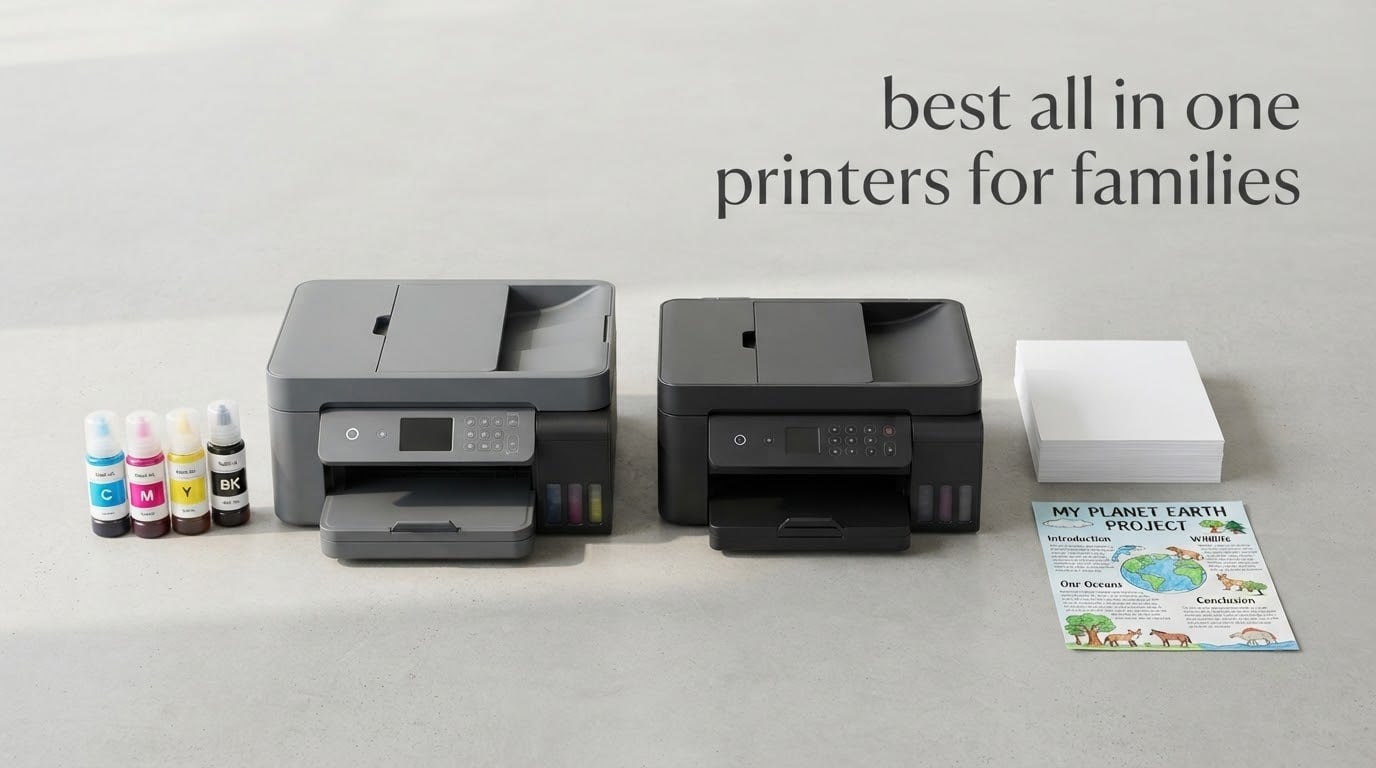
A family printer is the only piece of home tech that gets asked to do four completely different jobs in the same week. On Monday it prints a permission slip. On Tuesday a double-sided maths worksheet. On Friday a poster for a school display, and once a term a batch of 4×6 photos for the fridge.
That mix is why choosing the best all in one printers for families is harder than choosing a fast printer or a cheap printer. A fast office laser will handle the worksheets brilliantly and then hand you a black cartridge tray when the display board needs colour. A cheap cartridge inkjet will handle the colours and then surprise you with an ink bill that costs more than the printer. We spent weeks comparing ten models against the jobs real households actually have.
What is the best printer for families? The Epson EcoTank ET-2800 is the best all-in-one for most families, because refillable ink tanks cut the cost of a school year of printing to almost nothing, colour and text both come out sharp, and Wi-Fi lets every device in the house share it. Households that need a document feeder and automatic two-sided printing should step up to the Canon PIXMA TR8620a instead.
Everything below is an all-in-one: print, scan and copy in one box, with fax on most of them. We looked at ink tank versus cartridge economics, at duplex scanning, at tray capacity measured in how often you refill it, and at the number of dollars that matters far more than the purchase price. For the wider picture on dedicated laser options, our guide to the best all-in-one laser printers covers the office-side of the category.
Table of Contents
Top 3 Picks for All-in-One Printers for Families in 2026
These three cover the widest spread of family printing profiles. The ET-2800 wins on ink economics, the TR8620a wins on features, and the MegaTank G3270 wins on page yield per ink set.

Epson EcoTank ET-2800
- Refillable ink tanks
- 4500 black pages per set
- Wi-Fi
- Flatbed scan and copy


Canon MegaTank G3270
- 6000 black pages per set
- Borderless colour printing
- Wi-Fi
- Compact tank design
10 Best All in One Printers for Families (October 2026)
| Product | Specifications | Action |
|---|---|---|
| Epson EcoTank ET-2800 |
|
Check Latest Price |
| Canon PIXMA TR8620a |
|
Check Latest Price |
| Canon MegaTank G3270 |
|
Check Latest Price |
 Canon PIXMA TR7120 Canon PIXMA TR7120 |
|
Check Latest Price |
 Epson EcoTank Photo ET-8550 Epson EcoTank Photo ET-8550 |
|
Check Latest Price |
 HP Envy 6155 HP Envy 6155 |
|
Check Latest Price |
 Brother DCP-L2640DW Brother DCP-L2640DW |
|
Check Latest Price |
 Brother MFC-L3720CDW Brother MFC-L3720CDW |
|
Check Latest Price |
 Epson EcoTank ET-2400 Epson EcoTank ET-2400 |
|
Check Latest Price |
 Brother Work Smart 1360 Brother Work Smart 1360 |
|
Check Latest Price |
1. Epson EcoTank ET-2800 – Best All-in-One Printer for Families Overall
Epson EcoTank ET-2800 Wireless Color All-in-One Supertank Printer – Black
Inkjet supertank
10 ppm black and 5 ppm color
5760 x 1440 dpi
100-sheet tray
Wi-Fi and USB
Pros
- Refillable tanks with up to two years of ink in the box
- 4500 black and 7500 color pages per ink set
- Sharp text and vivid color output
- Compact footprint for a full print copy scan machine
Cons
- Manual duplex only
- no automatic two-sided printing
- No document feeder so multi-page originals must go on the flatbed
- Small LCD with limited on-device controls
This is the printer we keep coming back to because the economics hold up across an entire school year. The ET-2800 ships with a full set of ink bottles that Epson rates at up to 4,500 black pages and 7,500 color pages, and each bottle set is roughly equivalent to 90 individual cartridges. For a household printing two colouring sheets and one worksheet a day, that is the difference between a printer that quietly costs nothing and one that quietly costs a lot.
Output quality is genuinely good for the money. Micro Piezo heat-free printing handles text at up to 5760 x 1440 dpi, which is sharp enough for laminated reference cards, and colour photos come out vivid rather than washed out. Speed is 10 pages per minute in black and 5 in colour, which is fine for one-off permission slips where the first page is what matters.
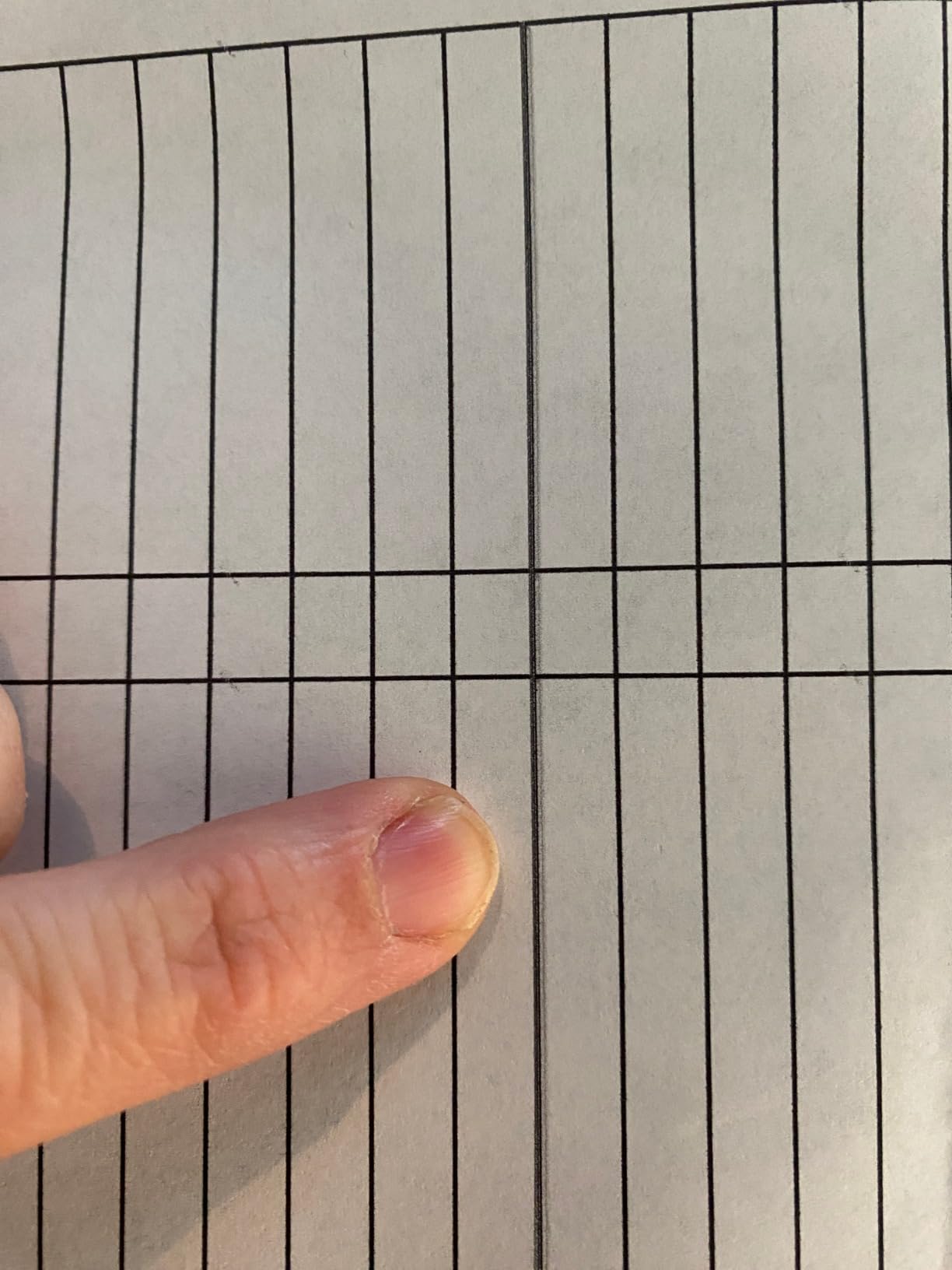
Paper handling is the compromise. The single tray takes 100 sheets and maxes out at 8.5 x 14 inch paper, so legal-size and A4 both fit but nothing larger. During a heavy project week you will be topping up the tray more than once, which is normal for a compact machine like this.
There is no automatic duplex, so two-sided worksheets mean flipping the stack by hand or reloading the tray. For a family that mostly prints single-sided colouring pages, a handful of forms and a monthly photo job, that trade is easy to accept. For a home office or a family that runs a lot of double-sided maths, it is not.
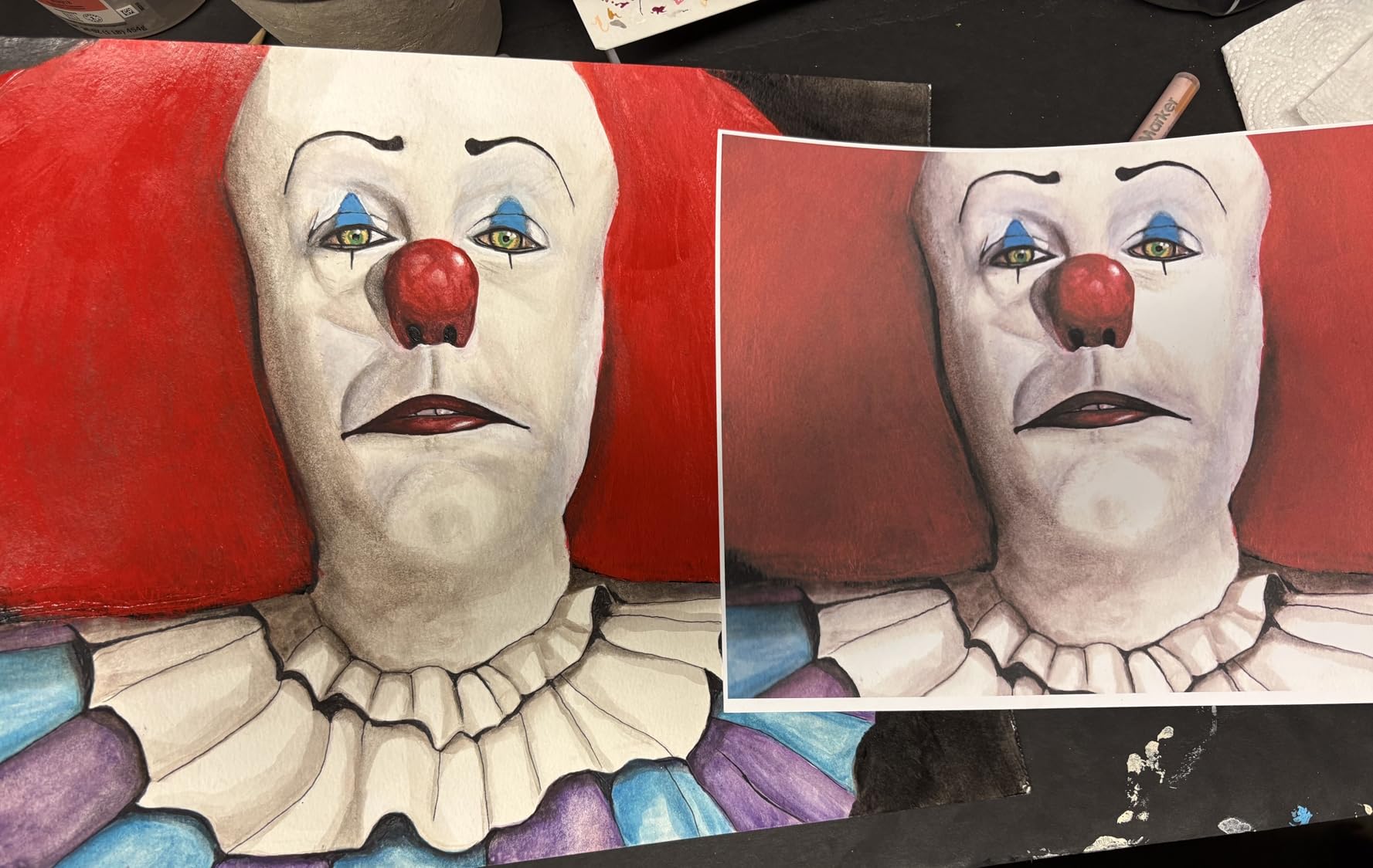
What a shared household Wi-Fi setup looks like on the ET-2800
Every model here connects over USB or Wi-Fi, and the ET-2800 needs no special hub. You add it to the home network once, install the Epson app on each phone and laptop, and the printer appears in the standard print list on iOS, Android, Windows and macOS. Kids can send a worksheet to it from a bedroom without anyone walking downstairs first.
Because the control panel is a small LCD rather than a touchscreen, most day-to-day jobs go through the app on the device already in your hand. Copying a worksheet works from the phone screen. If your household is mostly older kids on shared school laptops, that arrangement is simpler than standing at the machine.
When the ET-2800 is the wrong pick
Skip it if you scan a lot. With no automatic document feeder, a 30-page permission slip stack becomes 30 separate flatbed runs, and the lid has to stay closed for each one. Families archiving medical forms, vaccination records or a term of returned worksheets will resent that quickly.
It is also a poor second choice for a home office that prints double-sided documents daily, and the tank system means all four colours must be topped up eventually even if you only ever print in black. Forum threads on r/printers repeatedly recommend the ET-2800 and the closely related models as the value supertank option, and that consensus matches what the review numbers show across more than 18,000 ratings.
2. Canon PIXMA TR8620a – Best with an Automatic Document Feeder and Duplex
Canon PIXMA TR8620a – All-in-One Printer Home Office|Copier|Scanner|Fax|Auto Document Feeder | Photo, Document | Airprint (R), Android, Black, Works with Alexa
Inkjet 4-in-1
15 ppm black and 10 ppm color
20-sheet ADF
Automatic duplex
200-sheet capacity
Pros
- Print copy scan and fax with a 20-sheet document feeder
- Automatic two-sided printing on a 1000 page duty cycle
- Five individual tanks so only the empty colour is replaced
- Adjustable tilt touchscreen and 200-sheet total paper capacity
Cons
- Canon mobile app connectivity is widely criticised as slow
- ADF scans one side only so originals must be flipped
- Flatbed tops out around 600 dpi for photos
The TR8620a is the feature-complete answer, and for a household that scans as much as it prints it is the one we would put in a home office. Print, copy, scan and fax sit in one body, a 20-sheet automatic document feeder handles stacks of forms, and automatic duplex covers both printing and copying two sides.
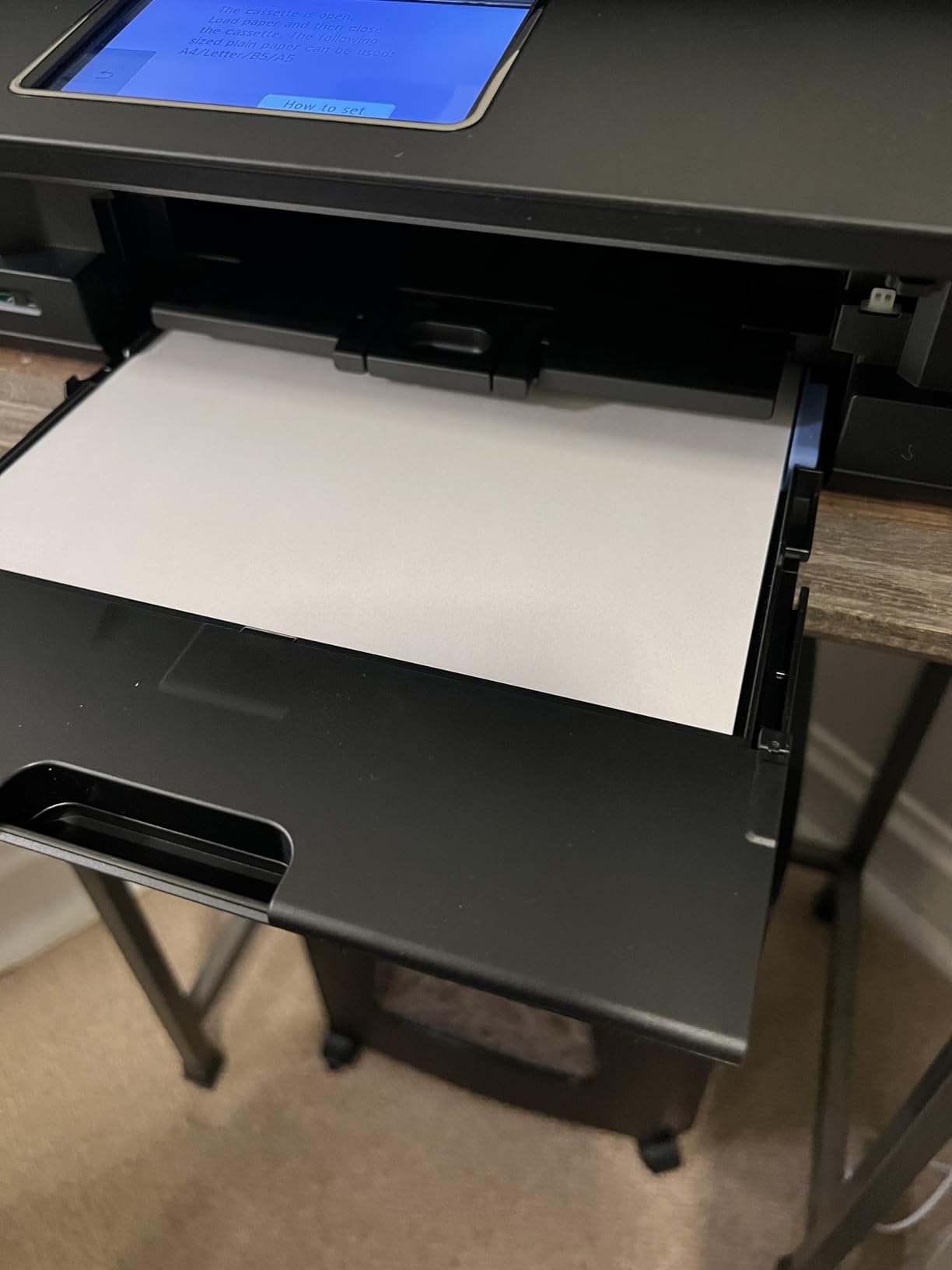
It runs at 15 pages per minute in black and 10 in colour, which is meaningfully quicker than the ET-2800 when a class set of worksheets goes out at once. Paper capacity is 200 sheets in total: a 100-sheet front cassette plus a 100-sheet rear feed for heavier cardstock. The listed duty cycle of 1,000 pages a month comfortably covers a school term.
Using five individual ink tanks rather than a combined cartridge is the quiet winner here. When a child has printed one colour-heavy craft sheet and drained the magenta, you replace magenta instead of throwing away three colours that were nearly full. Over a year that adds up to a real saving.
The two weaknesses are worth stating plainly. The Canon app is the most repeated complaint among owners, described as slow and unreliable at connecting to the machine. And the ADF is single-sided, so a double-sided worksheet going in comes out as two single-sided scans unless you turn the stack over yourself.
What the duplex scanning limitation means for school paperwork
Duplex printing and duplex scanning are two different features, and this is where families get caught. The TR8620a prints both sides of a sheet automatically. Its 20-sheet feeder scans a single side at a time, so a double-sided worksheet going in comes out as two single-sided scans unless you turn the stack over yourself.
In practice, scanning a double-sided permission slip means loading it face up, scanning, then flipping the whole stack and scanning again. Twenty pages of double-sided forms become two feeder runs. That is manageable once a term. It is not manageable if you are archiving a full year of school correspondence in one sitting.
Who this printer suits and who should pass
Homeschooling families and parents who scan medical forms, permission slips and returned school paperwork are the strongest match. The screen tilts to a comfortable angle, the fax function is there for the rare times a school or landlord still asks for one, and the 1,000-page duty cycle means you are not rationing pages.
Pass if your family prints almost nothing and mostly wants colour photos, because the tank cartridges cost more to buy up front than a small cartridge unit. Pass if wireless reliability is non-negotiable in your house and you have fought a router before, and give the Brother models a close look instead, since their mobile app is widely reported as easier to live with.
3. Canon MegaTank G3270 – Best Value Tank Printer for School-Year Volume
Canon MegaTank G3270 All-in-One Wireless Color Printer
Inkjet tank
11 ppm black and 6 ppm color
6000 black pages per ink set
Borderless printing
Wi-Fi and USB
Pros
- Up to 6000 black and 7700 color pages per ink set
- Up to two years of ink included in the box
- Borderless printing with a wide range of paper sizes
- Ranks near the top of the ink tank category
Cons
- Single-sided printing only
- No automatic document feeder
- Small 1.35 inch LCD pushes most setup into the app
The MegaTank G3270 does the same job as the ET-2800 with a slightly different balance, and for many households it is the more interesting buy. Canon rates a single ink set at up to 6,000 black pages and 7,700 color pages, and owners regularly point out that the included bottles last a long time in a home setting.
Colour is the strength here. Borderless printing is supported, along with square photo formats and legal size, so school portraits and scrapbook pages print edge to edge. Resolution tops out at 4800 x 1200 dpi in both black and colour, which is not the highest number in this group but produces clean, bright output for craft work.
At 11 pages per minute black and 6 colour, it sits between the ET-2800 and the TR8620a on speed. The 100-sheet tray and single-sided-only printing are the same limitations the ET-2800 has, so it is a like-for-like comparison if your household does not need two-sided jobs or sheet-fed scanning.
Users on r/printers frequently name the MegaTank G3270 alongside the Epson tank models as the budget family pairing, and its position near the top of the ink tank category rankings reflects how consistently owners rate it once the ink is loaded.
Choosing between the G3270 and the ET-2800
Both are compact tank inkjets with a 100-sheet tray, no document feeder and no automatic duplex. The differences are in the ink figures and the output. Canon claims the higher page yield per set and supports borderless printing, which matters if photos or full-bleed craft pages are part of the job. Epson quotes a higher maximum resolution at 5760 x 1440 dpi, which shows up as finer text edges.
If your printing is worksheets and permission slips, either machine is fine and the decision is about ink bottle availability in your area and whichever one your household finds easier to refill. If colour output is the priority, the Canon has the edge on formats. If crisp text is the priority, the Epson has it.
What the G3270 will not do for you
It cannot print both sides of a sheet automatically, and it cannot feed originals through a document feeder. If a big part of your household admin is scanning signed permission slips or copying a double-sided letter, the TR8620a is the same family of hardware with both functions filled in.
The 1.35 inch LCD is also small enough that Canon steers you toward the app for almost everything. That is fine for parents with a phone in hand, and slightly frustrating for a child printing unsupervised at a desk with no screen guidance. A household with kids printing unsupervised should think about that before buying.
4. Canon PIXMA TR7120 – Best All-in-One for Small Desks
Canon PIXMA TR7120 Wireless Color Inkjet Printer, Duplex Printing, White – Home Printer with Copier/Scanner, Auto Document Feeder, Compact Design, Intuitive Control Panel
Inkjet
14 ppm black and 9 ppm color
Auto duplex and ADF
Dual-band 2.4GHz and 5GHz Wi-Fi
18.1 pounds
Pros
- Automatic duplex and a document feeder at an entry price
- Dual-band Wi-Fi is steadier than single-band models
- 1.42 inch OLED shows ink levels and status
- Handles documents and borderless photos up to 8.5 x 11 inch
Cons
- Two-cartridge hybrid system costs more per page than individual tanks
- Colour is dye based rather than photo grade pigment ink
The TR7120 is the most highly rated model in this group, and it earns that on feature completeness rather than on ink economics. Automatic duplex, a document feeder and dual-band Wi-Fi at an entry-level price is a combination that is genuinely hard to find elsewhere on this list.
Dual-band connectivity matters more than most spec sheets admit. A 2.4GHz and 5GHz radio holds a connection on crowded household Wi-Fi better than a single-band machine, and this is the difference between a printer that works from a bedroom and one that needs resetting every week.
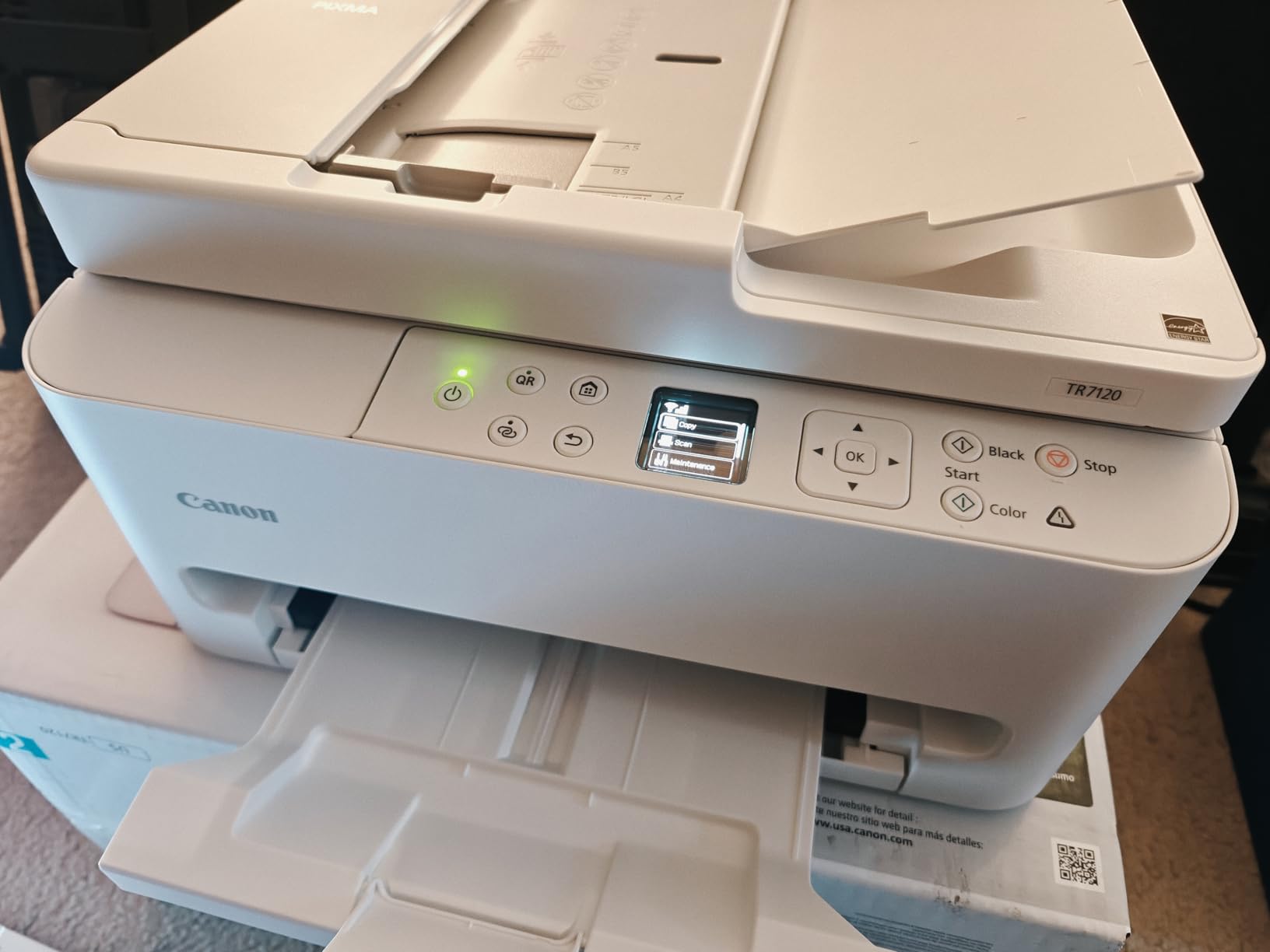
Speed is 14 pages per minute black and 9 colour, with legal size supported up to 8.5 x 14 inch. The 1.42 inch monochrome OLED gives you ink levels at a glance, which is the one thing a family printer really needs from a display panel.
Print quality for colour documents is listed at 1200 x 1200 dpi, the lowest colour figure in this group. That is fine for worksheets, forms and school projects. It is not the machine for a wall-sized poster or a photo you intend to frame.
How much the two-cartridge system costs you over a year
This is the TR7120’s one real weakness. It uses a two-cartridge hybrid system, so replacing ink means buying a colour cartridge even if you only ever print black and white. Compared with a five-tank or four-tank machine, where you refill only what is empty, the running cost on a homework-heavy household climbs noticeably after the first year.
Work out the arithmetic before committing. If your family genuinely prints under about 200 pages a month, mostly monochrome, the cartridge cost is manageable and the duplex plus ADF features are worth more than the ink maths. Above that volume, move to a tank printer and accept the larger footprint.
Best and worst household fit
It suits a flat or a small home office where desk space is tight, a household with one or two kids, and anyone who wants a full function set without committing to a large machine. Its 14 inch wide footprint and 8.2 inch height are among the more compact in this roundup, which is the whole point of the pick.
It does not suit a family printing colour photographs regularly, since dye-based colour ink is not built for archival or gallery prints. It also does not suit a house where several people print at once over Wi-Fi and paper jams would be a daily annoyance, because there is a single 100-sheet tray with no bypass feed listed.
5. Epson EcoTank Photo ET-8550 – Best for Wide-Format Colour Photo Projects
Epson EcoTank Photo ET-8550 Wireless Wide-Format All-in-One Tank Printer
Inkjet supertank
16 ppm black and 12 ppm color
13x19 inch maximum media size
Six-colour Claria ET ink
24.5 pounds
Pros
- Prints up to 13x19 inch for posters and display boards
- Six-colour Claria ET Premium tanks cut 4x6 photo cost sharply
- Large colour LCD touchscreen for menus and quick copies
- Up to 6200 colour pages per ink set
Cons
- Bulky at 24.5 pounds and needs real desk space
- Rear manual feed is finicky with thick stock
- Flatbed cannot take 11x17 originals and there is no document feeder
This is the only machine here that prints up to 13×19 inches, and for a family that makes display boards, art posters or large framed photos that capability is not a nice-to-have. School projects that need a full sheet of A3 or larger are simply not possible on the others.
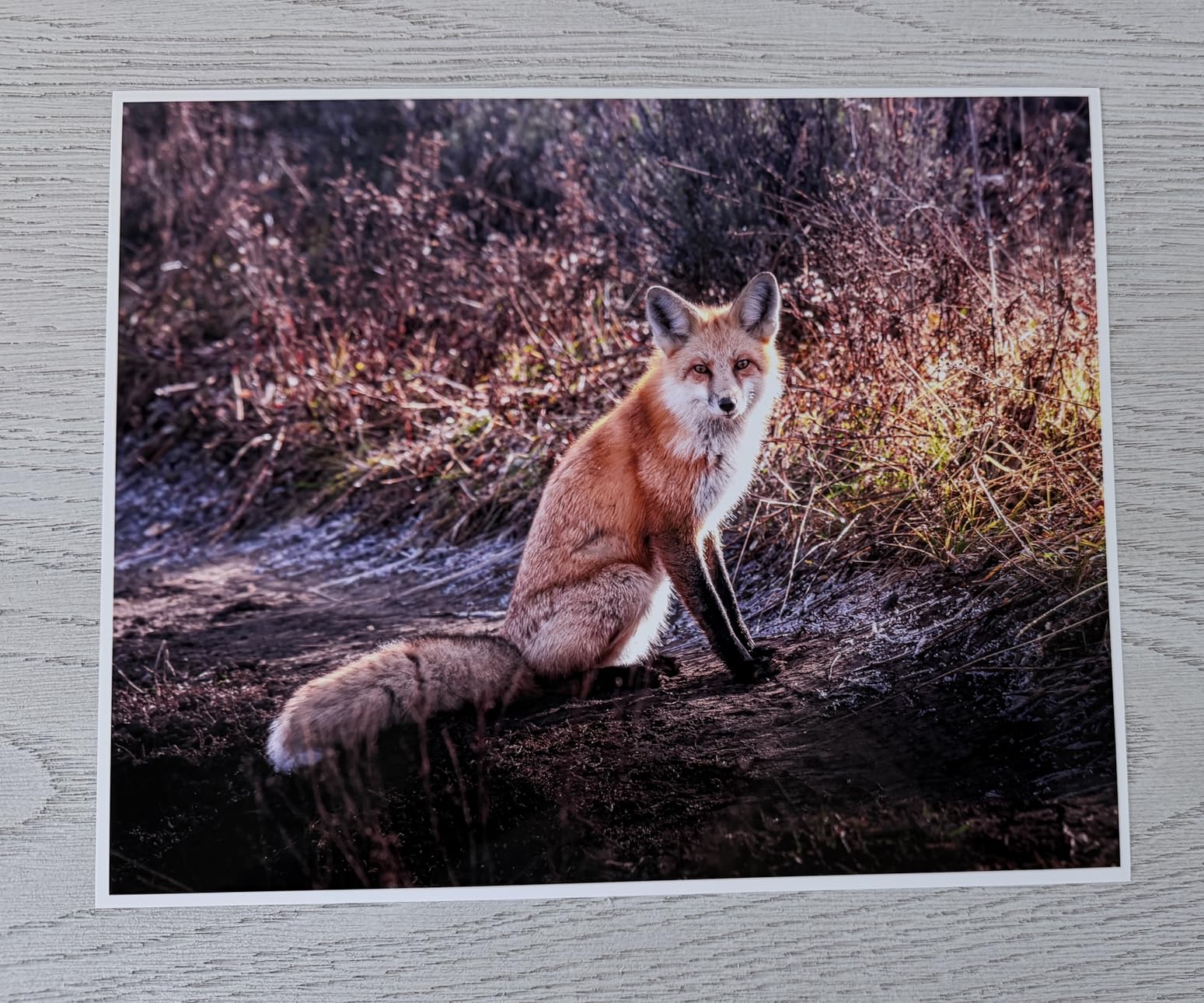
The ink system is the other reason to look here. Claria ET Premium six-colour tanks are rated at up to 6,200 colour pages per set, and Epson puts the cost of a 4×6 photo at a small fraction of what a cartridge-based photo printer charges. Owners consistently report superb gloss photo quality and colour that only needs minor correction after printing.
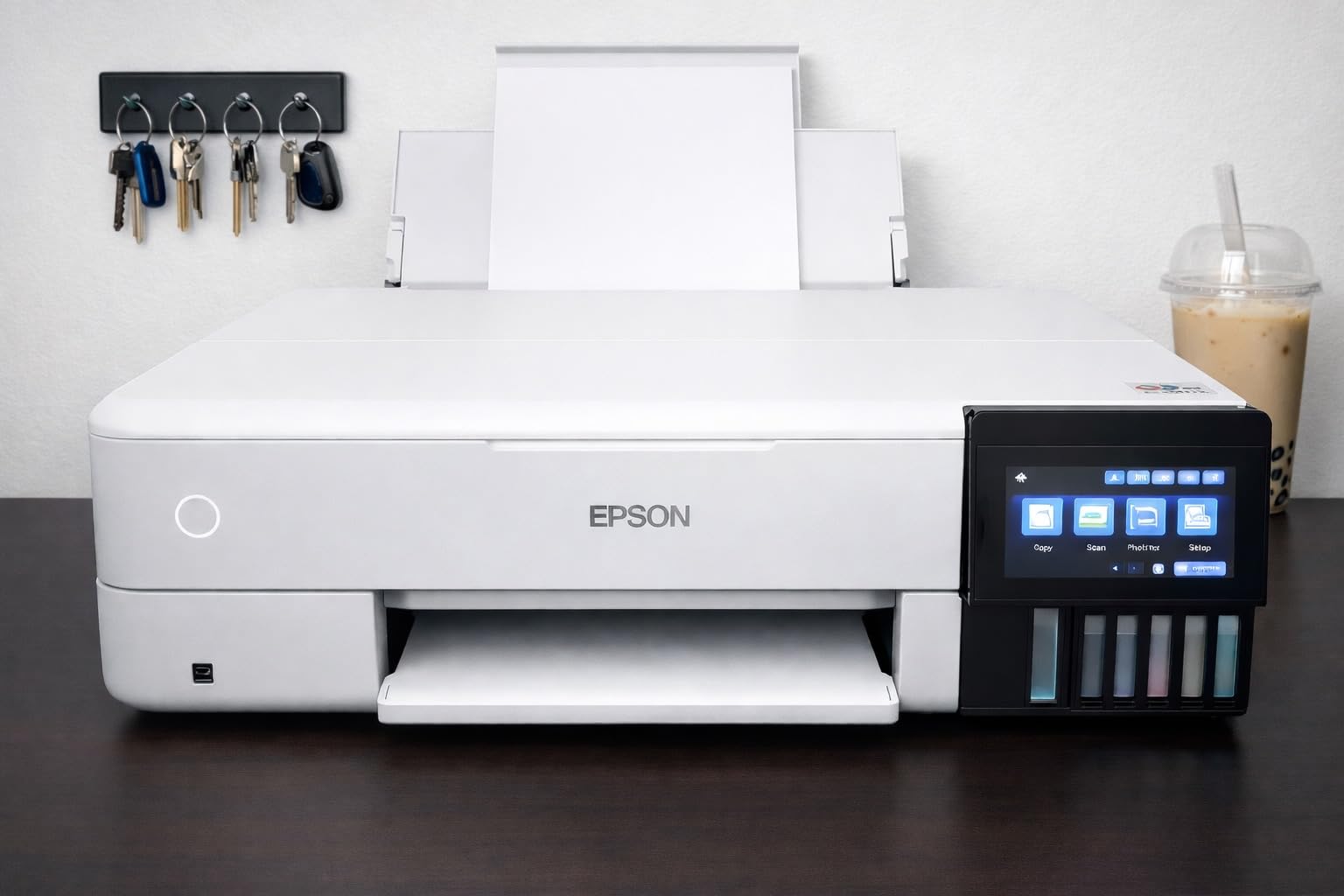
Speed is 16 pages per minute black and 12 colour, which is the fastest colour rate of any inkjet in this roundup, and the large colour LCD touchscreen makes menu navigation and quick copies straightforward without an app. Paper sizes run from 4×6 up to 13×19, including 8×10, 5×7, A3, A4, legal and letter.
The wide rating spread on this one is worth noting. It draws strong five-star feedback from people printing photos, and it also collects a noticeably high share of one-star reviews from paper-handling complaints rather than output quality.
Paper handling is the real trade-off here
The rear manual feed is finicky and prone to misfeeds, especially with thick stock, and automatic tray selection is unreliable enough that most owners pick the tray manually. For a family that prints a mix of ordinary worksheets and occasional thick poster board, expect to load the rear feed carefully rather than trusting it.
The output tray holds 50 sheets, which is on the small side for a machine of this size. That is fine for photo printing, where you take prints off as they land. It is tight for a stack of double-sided worksheets, and the paper path is not designed for high-volume document work.
Is this the wrong printer for a normal school year?
For most households, yes. The size and weight mean it needs a dedicated surface, and the absence of a document feeder rules out any family that scans regularly. There is also no automatic duplex listing in the specifications, so two-sided documents are a manual job.
It earns its place in a specific home: one that prints genuine photos, scrapbook pages, art or large posters, and that is willing to dedicate desk space to the machine. For everyone else, a smaller tank printer plus an occasional online print order will cost less in space and hassle.
6. HP Envy 6155 – Best for Printing Straight from Phones and Tablets
HP Envy 6155 Wireless All-in-One Color Inkjet Printer, Print, Scan, Copy, Duplex Printing Best-for-Home, 3 Month Trial of Instant Ink Included, AI-Capable (C2WR7A) Portobello
Inkjet
10 ppm black and 7 ppm color
2.4 inch colour touchscreen
Automatic duplex
Dual-band Wi-Fi
Pros
- Automatic two-sided printing in a compact home unit
- 2.4 inch colour touchscreen is easy for kids to use
- HP app cleans up web pages and emails before printing
- Built with at least 60 percent recycled plastic
Cons
- Prints only with HP cartridges that carry original chips
- No document feeder so multi-page scanning is manual
- Instant Ink trial converts to a monthly fee after three months
The Envy 6155 is the pick for a household where everyone prints from a phone or tablet and nobody wants to learn a control panel. The 2.4 inch colour touchscreen is described by owners as the most intuitive in HP’s range, and the on-device app handles print, scan, copy and fax from a smartphone.
Automatic duplex is included, which is more than several cheaper inkjets offer, and the 100-sheet input tray is adequate for a week of ordinary family printing. Speed is 10 pages per minute black and 7 colour, with maximum letter size output at 4800 x 1200 dpi.
One feature is genuinely useful in a family setting: the on-device AI cleans up web pages and emails before printing, so a recipe or a school newsletter does not come out with half a web page missing and a page of adverts behind it.
What cartridge lock-in means for a family budget
This printer works only with cartridges containing original HP chips and circuitry, which is stated directly in the specification. Third-party cartridges are blocked. Combined with a colour cartridge system rather than refillable tanks, that puts ink cost at the top of the range in this roundup for a family printing regularly.
There is also a subscription element. A three-month trial of HP Instant Ink is included, and it converts to a monthly fee after that period if nobody actively opts out. Forum users on printer communities describe that model as a trap once a household is off-contract, so check the terms before accepting the trial.
Where the Envy fits and where it does not
It works well for a light-volume household, a teenager who prints from a phone, and a parent who wants colour without learning an ink bottle routine. The touchscreen makes it the easiest machine here for a child to use without supervision, which matters in a busy house.
It is a poor choice for volume. There is no document feeder, so scanning is flatbed only, and cartridge ink cost compounds quickly past a few hundred pages a month. If your family prints worksheets daily, spend the extra on a tank model and keep the Envy idea for a bedroom or guest room instead.
7. Brother DCP-L2640DW – Best for Heavy Black-and-White Homework
Brother DCP-L2640DW Wireless Compact Monochrome Multi-Function Printer, Copy, Scan, Duplex, Mobile Printing
Monochrome laser
36 ppm black
50-page document feeder
250-sheet tray
Dual-band Wi-Fi and Ethernet
Pros
- 36 ppm monochrome laser speed in a compact body
- Toner costs far less per page than inkjet cartridges and cannot dry out
- 50-page feeder plus automatic duplex handles homework packets quickly
- Long service life with consistent sharp black output
Cons
- Monochrome only with no colour printing at all
- On-device menu navigation is cumbersome and the mobile app is better
- Wi-Fi setup can be stubborn and the default password is not printed clearly
When the workload is almost entirely black text, a laser changes the conversation. The DCP-L2640DW prints 36 pages per minute, more than double the rate of any inkjet in this roundup, and toner powder does not dry out in a nozzle. If your printer sits unused for two months over the summer, that single fact removes the failure mode families complain about most.
Paper handling is built for volume too. The 250-sheet tray means you are not topping up paper every few days, and the 50-page document feeder takes a whole packet of worksheets in one go. Scan speeds are listed up to 23.6 pages per minute in black and 7.9 in colour.

Automatic duplex is standard, so a double-sided maths set is one click rather than a mid-job paper flip. The first page lands in 8.5 seconds, which is the thing that actually matters for a single permission slip at 8am.
Connectivity is flexible: dual-band Wi-Fi, Ethernet and USB, so you can hardwire it if household Wi-Fi is congested. Output resolution is 1200 x 1200 dpi in black, which is sharp for worksheets and forms.

Can a monochrome laser cope with a colour school project?
Honestly, no. There is no colour path at all in this machine, so a display board, a poster or a school portrait has to be printed somewhere else. That is fine if your family’s colour printing is a monthly occurrence and you are comfortable ordering those jobs online.
It is a poor fit if colour is a regular part of homework, craft or scrapbooking. It is an excellent fit for a family printing hundreds of black-and-white pages a month, a homeschooler working through worksheets every single day, or a parent who has been replacing ink cartridges and swearing about the cost.
Which Brother to pick, and what to watch
Choose this one for monochrome volume and this price bracket. Step up to the MFC-L3720CDW if you need colour laser, and it adds fax as well as a colour touchscreen.
Two real annoyances: the on-device menu is awkward to navigate, so use the Brother Mobile Connect app for scan-to-PDF instead, and several owners report that PC-based scan-to-PDF is buggy. Wi-Fi setup can also be stubborn, and the default network password is not printed clearly on the machine, so have your router password ready before you start.
8. Brother MFC-L3720CDW – Best Colour Laser for Families That Print Constantly
Brother MFC-L3720CDW Wireless Color Laser Printer, Scanner, Copier, Fax, Auto Duplex, 250-Sheet Capacity
Colour laser
19 ppm black and 19 ppm colour
50-page ADF
250-sheet tray
3.5 inch colour touchscreen
Pros
- Colour laser output at 19 ppm with text that does not smudge
- 50-sheet feeder plus automatic duplex for family paperwork
- 3.5 inch colour touchscreen with 48 shortcuts and cloud scanning
- 250-sheet tray means fewer refills during term time
Cons
- Bulky at 44 pounds and priced well above entry-level all-in-ones
- Colour toner and drum replacement costs add up over time
- Flatbed scan bed is small relative to the paper it prints
This is the pick for a household that prints constantly and does not want to think about ink. The MFC-L3720CDW is a full four-function colour laser: print, scan, copy and fax, with a 50-page document feeder, automatic duplex and a 250-sheet adjustable tray.
Colour output is 19 pages per minute, the same as black, which is fast enough to print a stack of colour activity sheets without a wait. Resolution is 2400 x 600 dpi in both, and owners describe the text as laser-sharp and resistant to smudging, which matters if a child’s hands are still damp.

The 3.5 inch colour touchscreen has 48 customisable shortcuts and direct access to Google Drive, Dropbox and OneNote, so scanning a school form to cloud storage is a few taps. Connectivity covers dual-band Wi-Fi, Wi-Fi Direct and USB, and toner levels are visible from the companion app.
The first page arrives in under 15 seconds. For a family that treats the printer as an appliance rather than a special event, that responsiveness is worth paying for.

Two-year running cost, honestly
A colour laser is not cheap to run in colour. Toner cartridges and the drum unit add up over time, and unlike a tank printer there is no bottle of ink to stretch out. The economics still work when you are printing hundreds of pages a month, because cost per page lands well below a colour inkjet’s.
They do not work when you print twenty colour pages a month. In that scenario a small tank inkjet will run for a year on one set of bottles, and the colour laser will sit waiting. Judge this purchase on monthly volume, not on total pages over its life.
Who should buy it and who should not
Buy it if you print daily, need colour, want a document feeder with duplex, and have a sturdy surface for a 44-pound machine. The footprint is 17.5 inches wide and 15.8 inches tall, so measure the shelf before you commit.
Skip it for a small flat, a home office that mostly handles digital documents, or any family that wants a machine to disappear into a corner. The flatbed scan bed is also smaller than the paper it prints, so you cannot scan a full-size sheet laid out flat. If your colour printing is occasional, one of the tank models is the calmer purchase.
9. Epson EcoTank ET-2400 – Best Tank Printer for a Small Footprint
Epson EcoTank ET-2400 Wireless Color All-in-One Supertank Printer
Inkjet supertank
10 ppm black and 5 ppm color
8.6 pounds
EcoFit ink bottles
4500 black pages per set
Pros
- Refillable EcoFit tanks let you replace only the colour that ran out
- Each bottle set is equivalent to roughly 80 individual cartridges
- Lightest tank model here at 8.6 pounds with a narrow footprint
- Vivid colour photos and sharp text from Micro Piezo heat-free printing
Cons
- Manual duplex forces paper flipping for two-sided jobs
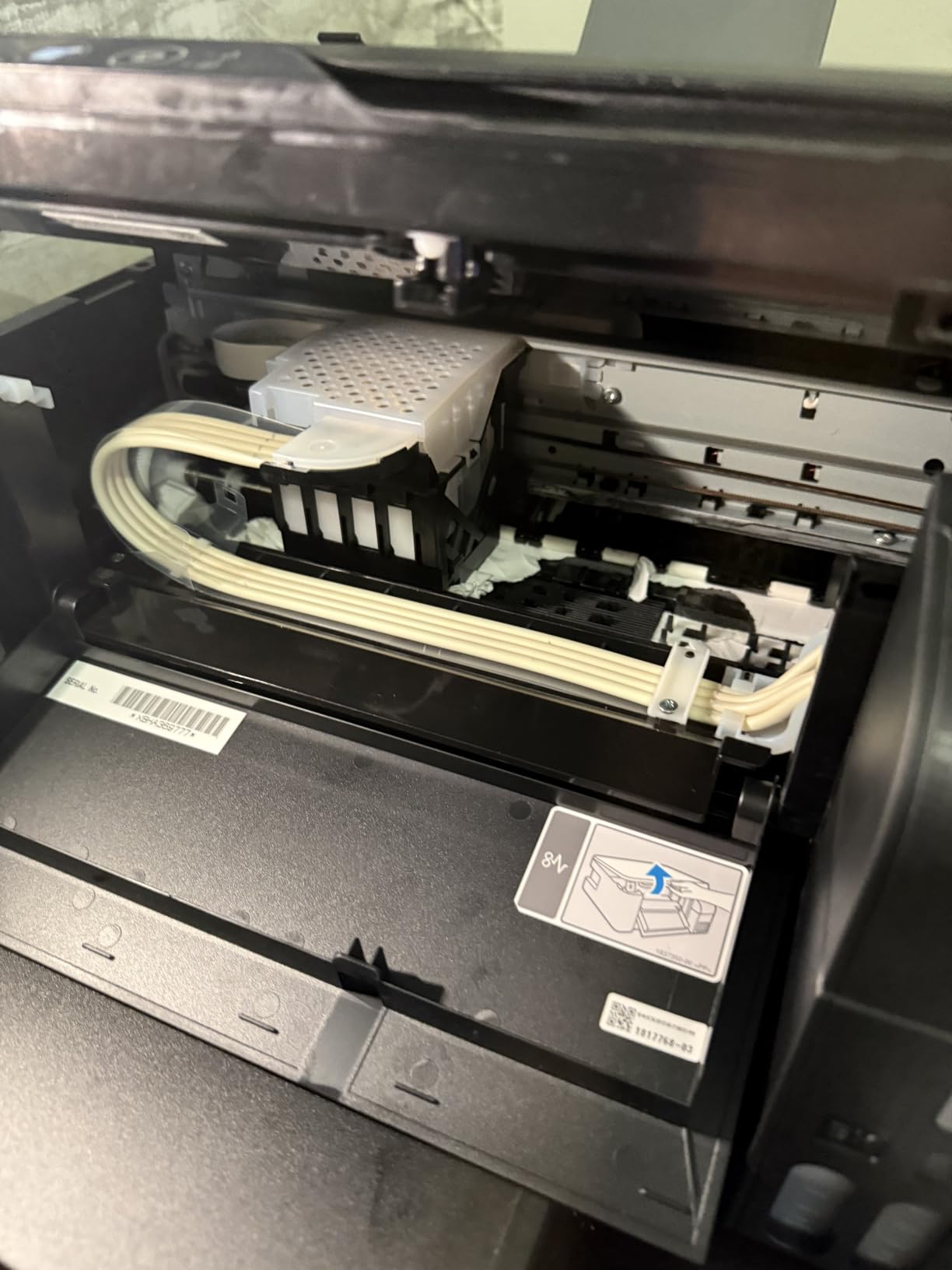
- No display beyond four status LEDs and jams are reported more often
- Needs regular weekly use to keep nozzles from clogging
The ET-2400 is the tank printer to buy if the physical size of the machine is your binding constraint. At 8.6 pounds it is the lightest model in this roundup by a wide margin, and it fits a small desk, a shelf in a hallway or a corner of a home office without dominating the space.
The ink economics are the same family as the ET-2800. Epson 522 EcoFit bottles give up to 4,500 black pages and 7,200 colour pages per set, roughly equivalent to 80 individual cartridges, and you refill only the tank that has run dry. First page out takes 7 seconds, which is quick for the price bracket.
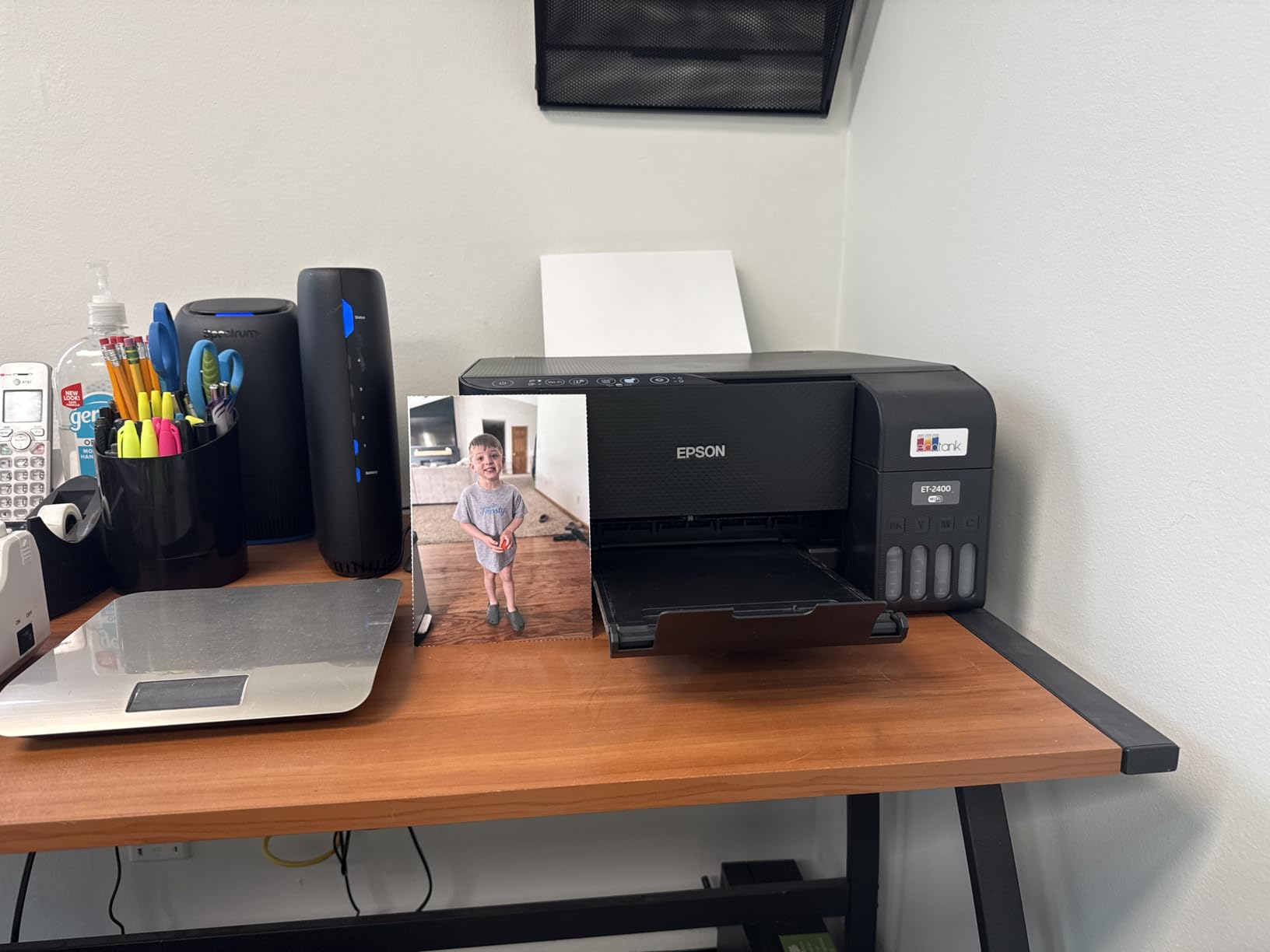
Print quality reaches 5760 x 1440 dpi, the joint highest figure here, and owners including students and teachers report sharp text and genuinely good colour photos. USB also works reliably for anyone whose wireless setup gave them trouble, which is a useful fallback on older routers.
There are real compromises. Duplex is manual, the print wizard forces you to flip paper rather than offering an automatic two-sided option, and the output tray holds only 30 sheets.
Jams and the four-LED control problem
Owners report more frequent paper jams than with the comparable Canon tank models, and loading can be finicky if you are not used to the rear feed. That is a learning curve rather than a defect, but it does mean a younger child printing unsupervised may need help the first few times.
With no display beyond four status lights, a low ink warning or a paper problem is much harder to diagnose. A family that likes to see at a glance what the machine is doing will find the TR7120’s OLED or the Brother colour touchscreens easier to live with.
Who should buy the ET-2400
Buy it for a student room, a flat with one desk, a home office that also needs colour, or a household that has been put off tank printers because they assumed they were all large. The refillable tanks make the running cost predictable, which is the whole point.
Pass if you need automatic duplex, a document feeder or borderless photo printing, all of which are absent here. Also consider carefully if the printer will sit unused for long stretches, because this model carries the same nozzle risk as any inkjet and the manufacturer guidance is to keep it in regular use. A laser may be the safer choice for a seasonal household.
10. Brother Work Smart 1360 – Best Starter All-in-One for Homework-Heavy Homes
Brother Work Smart 1360 Wireless Color Inkjet All-in-One Print, Scan, Copy
Inkjet
16 ppm black and 9 ppm color
20-sheet ADF
Automatic duplex
150-sheet tray
Pros
- Automatic duplex and a 20-sheet feeder at an entry price
- 150-sheet paper tray is generous for the money
- 16 ppm black and 9 ppm colour handles school projects easily
- Scans straight to Google Drive
- Dropbox
- Box and OneDrive
Cons
- Lowest average rating in this group with a 19 percent one-star share
- Cartridge ink costs more per page than tank or refill models
- Feeder is single-sided only and the small display feels dated
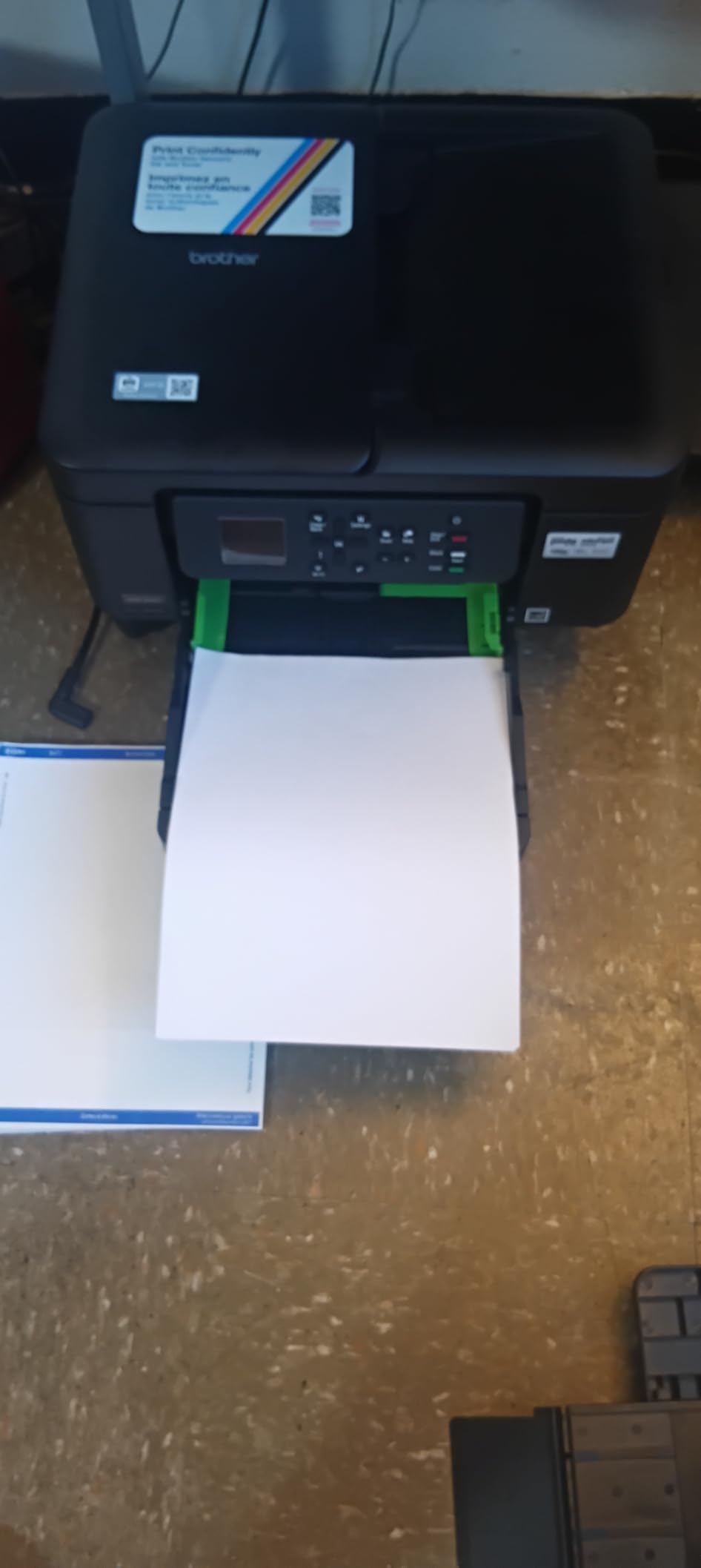
The Work Smart 1360 packs an unusual amount into a compact body: automatic duplex, a 20-sheet document feeder and a 150-sheet paper tray. That tray size is the quiet headline here, since 150 sheets lasts a school week on an ordinary family workload rather than a couple of days.
Speed is 16 pages per minute black and 9 colour, which is the joint highest black-and-white rate among the inkjets here. First page lands in about 6.2 seconds for black and 9.6 for colour, and maximum media size reaches legal at 8.5 x 14 inch.
Direct cloud scanning from the 1.8 inch colour display is a genuinely useful family feature. Sending a school form to Google Drive, Dropbox, Box or OneDrive takes a few taps without opening a computer, which saves a parent real time at the end of a term.
The 1.8 inch colour display and the button-driven interface feel dated to some owners. The Page Gauge ink monitoring in the Brother Mobile Connect app does partly compensate for that, since it shows remaining ink before a cartridge dies mid-project rather than after.
What the rating spread is telling you
This is the lowest-rated model in the group, and the spread between five-star and one-star feedback is wide: 59 percent five-star against 19 percent one-star. Praise concentrates on value and feature completeness for the price. The complaints cluster around ink cost, print speed relative to expectations, and occasional reliability issues.
Read that as a profile rather than a verdict. It is a good first printer for a family that has never owned one and prints a moderate amount. It is a frustrating second printer for a household that already knows what it wants and prints a lot.
When to pick this and when to pick something else
Choose it when you want duplex, a feeder and a decent tray without moving to a tank printer, and your monthly volume is moderate. The cartridge cost is the trade you accept in exchange for a lower purchase price and a machine that does more out of the box.
Choose a tank model instead if your family will pass 200 pages a month on a regular basis, and choose a laser if colour is rarely needed. Also factor in that the 20-sheet feeder scans one side only, so double-sided worksheet archiving still means flipping the stack yourself.
How to Choose an All-in-One Printer for Your Family
Estimate your family’s monthly page volume first
Every other decision follows from this number, and it is the question that opens almost every printer advice thread online. A light household with one child prints roughly 50 to 150 pages a month: permission slips, a few worksheets and a monthly photo job. A typical two-child family sits around 200 to 500 pages, factoring in a fortnightly batch of school projects and craft pages.
A homeschooling household, or a family with a work-from-home parent who also prints, runs 600 pages a month or more. Below 200 pages a month a cartridge printer is fine and you will rarely notice the cost. Between 200 and 500, a refillable tank printer starts to pay back its higher purchase price. Above that, a laser usually wins on running cost, and colour laser only makes sense if the colour volume is high as well.
Inkjet or laser for a household
Inkjet wins on colour quality, photo output and purchase price. Laser wins on speed, cost per page at volume, and reliability in a machine that sits unused, because toner powder does not dry in a nozzle. For a family that prints in bursts and then stops, laser removes an entire category of maintenance problems.
The nuance most guides miss: a cheap inkjet that sits for two months over the summer can return needing a print head clean or a service visit, and that single event can cost more than a year of running the machine. If your printing is genuinely occasional, that risk deserves real weight in the decision.
Ink tanks versus cartridges
A cartridge printer charges a high price per page because you are buying a sealed container each time. A tank printer, whether Epson EcoTank, Canon MegaTank or a Brother refill system, uses bottles you pour into open tanks, and the cost per page falls by a wide margin.
On the head-to-head question that comes up constantly, the practical differences are yield and photo colour. The Canon MegaTank G3270 is rated at up to 6,000 black and 7,700 colour pages per set. The Epson EcoTank ET-2800 and ET-2400 are rated at up to 4,500 black and around 7,200 to 7,500 colour pages. Canon supports borderless printing on the G3270, which Epson’s ET-2400 does not.
On yield, Canon leads slightly. On text resolution, Epson’s 5760 x 1440 dpi figure is higher than Canon’s 4800 x 1200. On refill convenience, both are simple pours. The answer that surprises people is that on refill bottles, one ink set in the box is worth up to two years of ink by manufacturer estimate, so the first refill may be a long way off.
Do you actually need a document feeder and duplex?
A document feeder lets you scan or copy a stack of pages without lifting the lid for each one. It is the single most useful feature for families that handle paperwork, and near-useless for families that only ever print. Five of the ten models here have one, and every one of those five also prints double-sided automatically.
Duplex printing and duplex scanning are separate features, and confusing them is the most common mistake we see. Duplex printing means the machine prints both sides of one sheet. Duplex scanning means the scanner reads both sides of an original in one pass. Several models, including the Canon TR8620a and the Brother Work Smart 1360, print duplex but list a single-sided sheet-fed scanner, so an original has to be turned over by hand. A single-pass duplex feeder reads both sides of the sheet in one sweep, and none of the sheet-fed scanners in this roundup list that behaviour. Check the scanner specification, not just the word duplex, before you buy.
Connectivity across a busy household
Wi-Fi Direct lets a device print without joining the home network, which is useful for guests and for a home with a locked-down guest network. Dual-band Wi-Fi, listed on the Canon TR7120, both Brother lasers and the HP Envy 6155, holds a connection better on crowded household networks than single-band.
Pay attention to the app rather than the radio. The Canon app draws the most repeated complaint in this group’s owner feedback, described as slow and unreliable at connecting, while the Brother Mobile Connect app is described as far easier to use than the on-device menus. If your family prints mainly from phones and tablets, the app quality matters more than the Wi-Fi standard.
Colour and photo output
For ordinary colour activity sheets, any inkjet here is sufficient. For genuine photographs, the six-colour Epson EcoTank Photo ET-8550 is the clear choice, and its 13×19 inch capability is the only one that handles a large poster. Note that one entry model uses dye-based colour rather than pigment ink, which suits craft printing but not keepsake photos.
Check borderless support before buying for photos. It is listed on the Canon MegaTank G3270 and the Canon TR7120, and absent on the Epson ET-2400, which means photo prints will carry a white edge.
Why Inkjet Nozzles Clog Between School Terms
Nozzle clogging is the most reported hardware failure on printer forums, and it hits seasonal family printing hardest. Liquid ink in a print head sits still through a summer holiday or a quiet February, thickens, and blocks the tiny nozzles that spray it.
The symptoms are familiar: a blank page, coloured streaks, or a printed line that looks like it has been rubbed out. The recovery advice repeated across printer communities is a nozzle check every week or two, even when you are not printing anything. A clean cycle takes a minute and moves fresh ink through the head.
Other habits help. Run the printer at least once a fortnight. Keep it plugged in rather than switching it off at the wall, because a machine in standby runs its own maintenance cycles. Cover it with a dust sheet so it is not in a dusty cupboard, and store paper in the room rather than a garage or loft, since damp paper attracts problems that look like print faults.
For a household that genuinely only prints during school term, a laser printer removes this concern entirely. Powder toner does not dry, so a machine that has been idle for three months still prints correctly the first time. That is the strongest argument for the Brother DCP-L2640DW in a seasonal home.
Setting Up One Shared Printer for the Whole Household
Put the printer on the same network band as the devices that will use it. On a dual-band router, connect the machine to 2.4GHz for the widest compatibility, since that band reaches further and more older school laptops and tablets support it.
Install the manufacturer’s app once on your own phone, then add the printer to every other device. On iPhones and iPads it appears in AirPrint automatically. On Android, enable the manufacturer’s print service. On Windows and macOS the printer installs through the system print dialog the first time you print.
Give the printer a name your family will recognise, something like Home Printer rather than a model number, so a child can pick the right one from a list without asking. Pin it in the print dialog on shared laptops to remove the guesswork.
Set up low ink notifications before the first refill. The tank models report remaining ink in their manufacturer apps, and the Brother and HP machines show toner or cartridge levels the same way, so a family that watches the level instead of waiting for a blank page avoids the mid-project problem. If your household prints a lot, an email to scan-to-address on the machine saves everyone opening a laptop.
Frequently Asked Questions
What is the best printer for families?
The Epson EcoTank ET-2800 is the best all-in-one for most families. Refillable ink tanks give up to 4,500 black and 7,500 color pages per set, which makes a school year of worksheets and craft pages inexpensive, and Wi-Fi lets every device share it. Families that scan paperwork regularly should choose the Canon PIXMA TR8620a, which adds a 20-sheet document feeder and automatic duplex.
What is the best rated all-in-one printer for home use?
Among the ten models we compared, the Canon PIXMA TR7120 carries the highest average rating at 4.3 out of 5. It is not the highest rated in every sense, since its review base is smaller than the Epson and Canon tank models, but it combines automatic duplex, a document feeder and dual-band Wi-Fi at an entry-level price. Ratings on its own are a weak guide, so weight the running cost too.
Which printer is better, Epson EcoTank or Canon MegaTank?
For page yield, the Canon MegaTank G3270 is rated at up to 6,000 black and 7,700 color pages per ink set, against roughly 4,500 black and 7,200 to 7,500 color for the Epson EcoTank ET-2800 and ET-2400. Canon supports borderless printing on the G3270 for full-bleed photos. Epson quotes a higher maximum resolution at 5760 x 1440 dpi, which gives finer text edges.
How many pages can you print with an EcoTank?
Epson rates the ET-2800 at up to 4,500 black pages and 7,500 color pages per ink set, and the ET-2400 at up to 4,500 black and 7,200 color pages. One bottle set is roughly equivalent to 80 to 90 individual cartridges, and Epson states up to two years of ink in the box. Real yield depends on how much coverage your family prints, so a colour-heavy household uses the color side faster.
What are the downsides of owning an Epson EcoTank printer?
The main drawbacks are a higher purchase price than a small cartridge model, manual duplex only on the ET-2800 and ET-2400, and no document feeder, so multi-page originals must go on the flatbed. The ET-2400 also has no display beyond four status lights and cannot print borderless. Like all inkjets, they carry a nozzle clog risk if left unused for long stretches.
Why does my printer nozzle keep clogging?
Inkjet nozzles clog when liquid ink sits still in the print head and thickens, which usually happens over a long idle period such as a summer break. Signs include blank pages, colored streaks or gaps in a printed line. Running a nozzle check every week or two, even when you are not printing, keeps fresh ink moving through the head. Keeping the machine plugged in and covered against dust also helps.
Which Family Printer Should You Buy?
Pick the Epson EcoTank ET-2800 if you want the best balance for a typical family. The ink economics are the strongest argument for it, the colour and text quality handle both homework and photos, and the footprint suits most homes.
Choose the Canon PIXMA TR8620a if paperwork is a real part of your week, because the document feeder and automatic duplex change daily admin far more than a faster printer would. Choose the Canon MegaTank G3270 if colour projects and borderless photos matter more than two-sided printing.
Choose the Brother DCP-L2640DW for a household that mostly prints black text and only sometimes needs colour, and add the Brother MFC-L3720CDW if that colour is frequent. Choose the Canon PIXMA TR7120 when desk space and steady wireless matter, and the Epson EcoTank ET-2400 when the machine itself has to be small.
Choose the Epson EcoTank Photo ET-8550 only if you genuinely print large photos or posters. For most of the best all-in-one printers for families in 2026, the deciding factor is not the spec sheet, it is how many pages a month your household runs through the machine.