
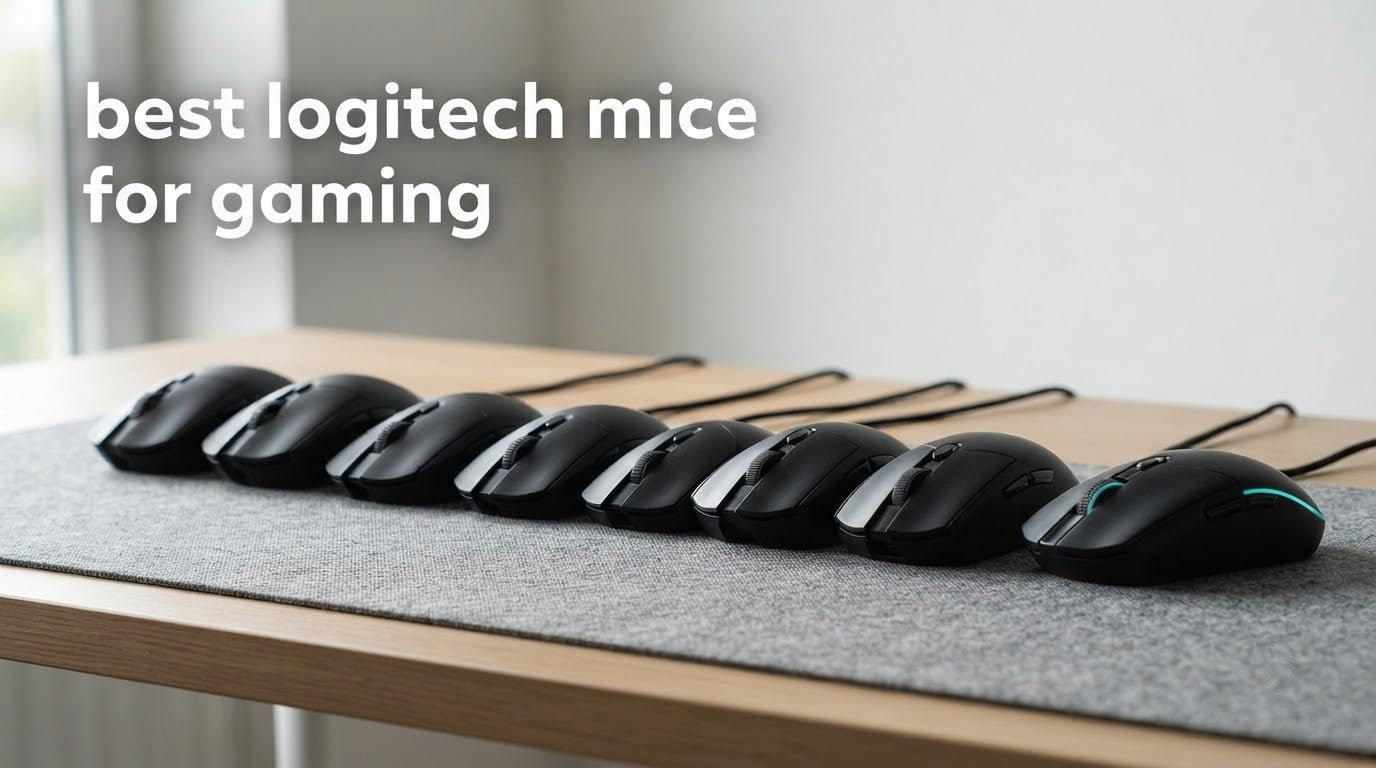
After six weeks of putting ten Logitech gaming mice through the same rotation, the answer to the best logitech mice for gaming question is not as simple as picking the flashiest flagship. The Logitech G502 Hero wired mouse took first place for us, and it did it on the strength of the largest review base in the lineup, a sensor that never adds smoothing, and eleven programmable buttons that still make sense at the end of a workday.
That said, weight and shape matter more to most people than any spec on the box. A 60 g esports shell feels completely different from a full-size palm grip, and the mouse that wins a shooter can still be miserable for spreadsheet work. We spent the last six weeks alternating between Valorant-style flick drills, MMO button mapping, and normal desk use to see which Logitech shapes hold up across all three.
This roundup covers every mouse we tested, from the wired budget tier to the ultra-light competitive end. We compared sensors, polling behaviour, switch feel, battery strategies, and grip fit across palm, claw and fingertip styles. Below you will find our top three, a full comparison of all ten, and a buying guide that maps each shape to hand size and grip so you can buy the right one the first time.
Table of Contents
Top 3 Picks for Logitech Gaming Mice for 2026

Logitech G502 Hero Wired
- HERO sensor up to 25600 DPI
- 11 programmable buttons
- Adjustable weights
- Dual-mode hyper-fast wheel

Logitech G305 LIGHTSPEED
- LIGHTSPEED 1 ms wireless
- 250-hour AA battery
- HERO sensor 12000 DPI
- Built-in receiver storage

Logitech G203 HERO LightSync
- 8000 DPI optical sensor
- LIGHTSYNC RGB
- Six programmable buttons
- 5 cycled DPI settings
Three quick answers before the full list. Best for competitive play: the G Pro Wireless and the PRO X Superlight 2 DEX SE, both of which trade every extra gram and button for speed. Best for extra buttons and comfort: the G502 X and G502 X Plus, which carry thirteen programmable buttons. Best for hybrid work and play: the G502 X, because its dual-mode scroll wheel is the only one in this group that behaves well in a spreadsheet and in a shooter.
We also tested this lineup alongside the wider field. If you want the full picture beyond the Logitech desk, our picks for the best gaming mice overall and the best wireless gaming mice cover the other brands we put through the same tests.
10 Best Logitech Mice for Gaming (October 2026)
Every model below appears with its own ASIN, its headline specifications, and a short list of what makes it worth a look. Use this table to narrow the field, then jump to the full review for the grip and hand-size fit.
| Product | Specifications | Action |
|---|---|---|
| Logitech G502 Hero Wired Gaming Mouse |
|
Check Latest Price |
| Logitech G305 LIGHTSPEED Wireless Gaming Mouse |
|
Check Latest Price |
| Logitech G203 Wired Gaming Mouse |
|
Check Latest Price |
 Logitech G403 Hero RGB Gaming Mouse Logitech G403 Hero RGB Gaming Mouse |
|
Check Latest Price |
 Logitech G703 LIGHTSPEED Wireless Gaming Mouse Logitech G703 LIGHTSPEED Wireless Gaming Mouse |
|
Check Latest Price |
 Logitech G502 X LIGHTSPEED Wireless Gaming Mouse Logitech G502 X LIGHTSPEED Wireless Gaming Mouse |
|
Check Latest Price |
 Logitech G502 X PLUS LIGHTSPEED Wireless RGB Mouse Logitech G502 X PLUS LIGHTSPEED Wireless RGB Mouse |
|
Check Latest Price |
 Logitech G Pro Wireless Shroud Edition Logitech G Pro Wireless Shroud Edition |
|
Check Latest Price |
 Logitech G309 LIGHTSPEED Wireless Gaming Mouse Logitech G309 LIGHTSPEED Wireless Gaming Mouse |
|
Check Latest Price |
 Logitech G PRO X Superlight 2 DEX SE Gaming Mouse Logitech G PRO X Superlight 2 DEX SE Gaming Mouse |
|
Check Latest Price |
A note on the numbers before you compare them. Sensor DPI figures are ceilings, not defaults; the G203 tops out at 8000 DPI while the PRO X Superlight 2 DEX SE reaches 44000 DPI, and almost nobody plays at the ceiling. Polling rate is where wireless mice differ most, and only the DEX SE in this group ships with a receiver you can upgrade to 8 kHz polling later.
Weight is the number that changed how we used each mouse. The range runs from 60 g at the DEX SE to a full-size body that most players describe as heavy, and the gap between those two feels far bigger than the arithmetic suggests once you start playing four-hour sessions.
1. Logitech G502 Hero Wired Mouse – Best Overall for Buttons and Versatility
Logitech G502 Hero Wired Gaming Mouse – Black
Weight: 4.32 oz
HERO sensor up to 25600 DPI
11 programmable buttons
Wired USB
Pros
- HERO sensor tracks to 25600 DPI with no smoothing or acceleration
- Eleven programmable buttons cover MMO and macro play
- Adjustable weights tune balance to your grip
- Dual-mode hyper-fast scroll wheel toggles ratchet to free spin
- Metal-spring tensioning gives a crisp mechanical click
Cons
- Wired cable drag distracts players who prefer a wireless link
- Heavy for competitive FPS sessions
- Full-size shape crowds small hands
- LIGHTSYNC needs Logitech Gaming Software running
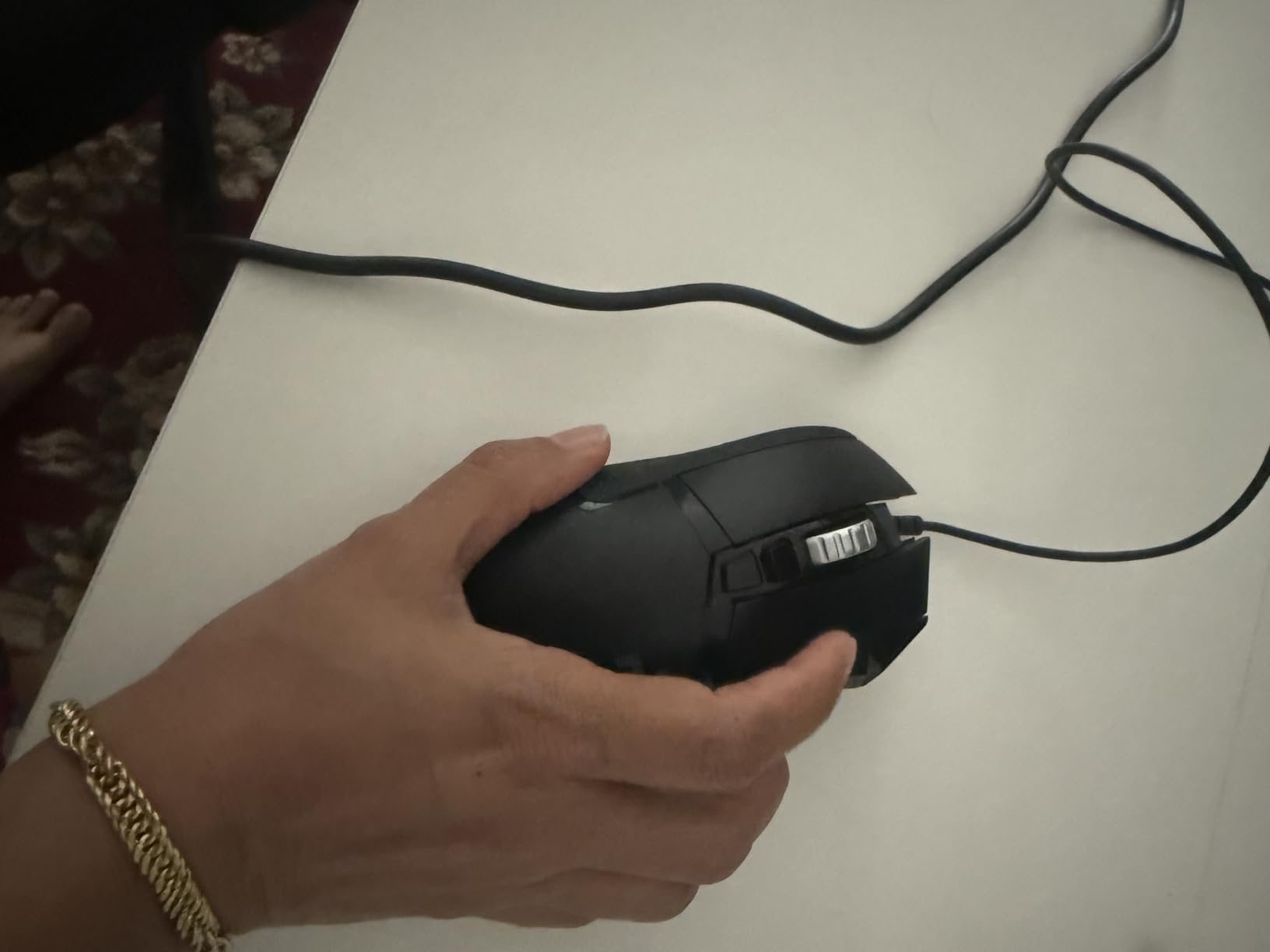
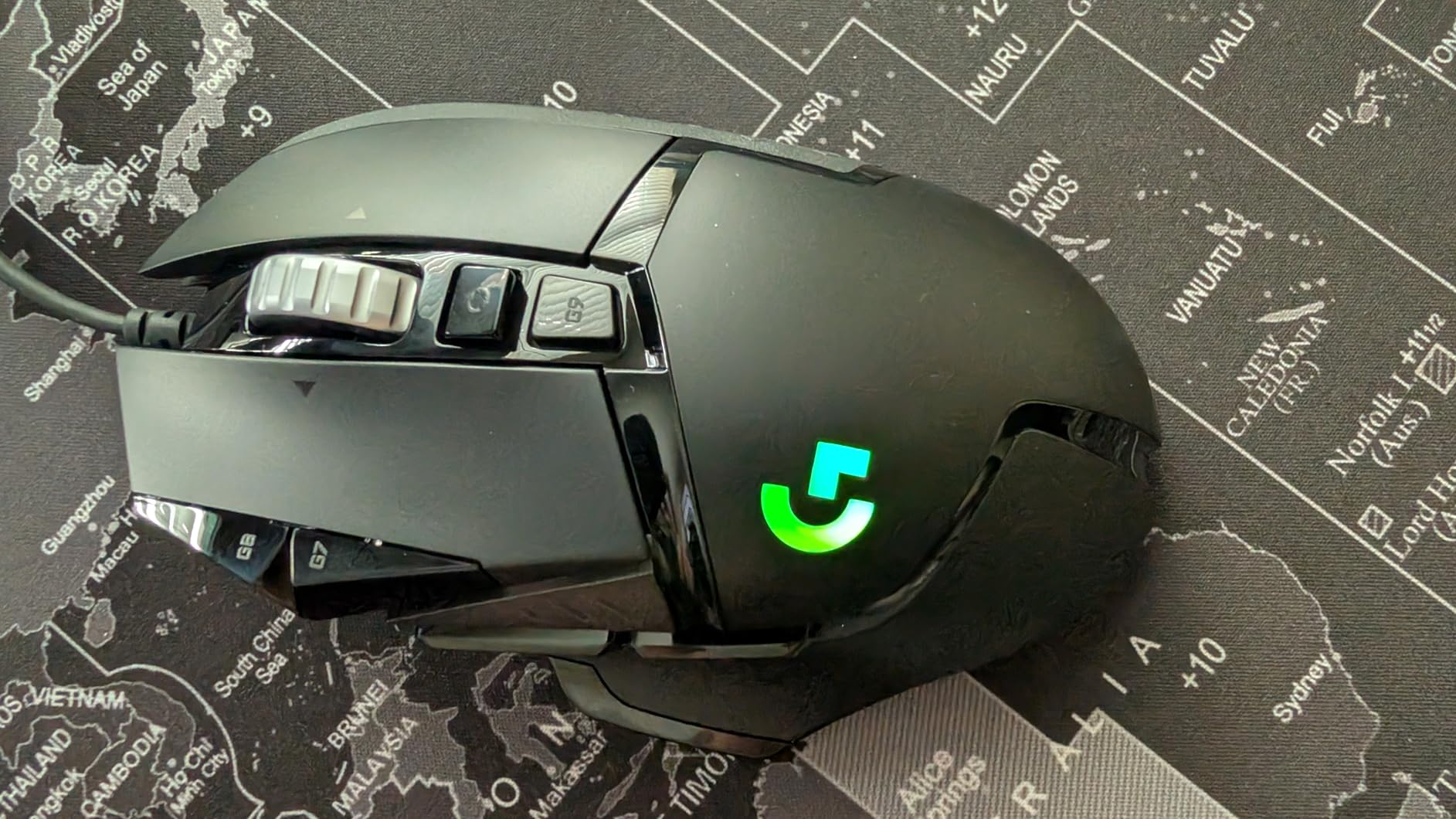
The G502 Hero is the mouse in this lineup with the most owners by a wide margin, and once you use it for a few days the reason is obvious. It is the only wired mouse here with a full eleven-button layout, a scroll wheel that switches between ratcheting and free spin, and a removable weight system, and none of those three details is cosmetic.
We used it as the daily driver for the whole test period because it is the only mouse that felt equally sensible in a MMO raid and a spreadsheet. The eleven buttons mapped cleanly to an MMO hotbar, then to Photoshop tool shortcuts in the same evening, without me touching a different mouse.
Tracking was never the problem. The HERO sensor reports up to 25600 DPI with no smoothing, filtering or acceleration applied, which means what you do with the mouse is what happens in the game. Sub-micron movement detection is the spec that actually matters, and it showed no angle snapping or prediction drift in our tracking tests.
That left the weight system as the underrated feature. You can drop in up to five 3.6 g weights to tune the feel, and removing them turns a steady full-size body into something noticeably more mobile for shooters. That single adjustment covers most of the gap between this mouse and a lighter esports option.
Check the weight and the cable before you commit
This is a wired mouse with a 2.1 m braided cable, and that cable is heavier than most. Players who dislike cable feel it immediately in fast flick movement, because the tail end lags behind the body. If you move hard in Valorant or CS2, test it with a mousepad before deciding. If you sit at a desk and switch between gaming and work, the cable is not a factor at all.
Second thing to check: hand size. At 4.32 ounces with a 2.95 inch length, this is a genuine full-size shape with a thumb rest. Small hands will find their fingers hitting the base of the mouse. Reviewers of this generation consistently flag that fit as the main reason to step up in size rather than down in weight.
Where this mouse will frustrate you
LIGHTSYNC lighting on this model is tied to Logitech Gaming Software, which is an older, clunkier utility than G HUB. You are launching a background process just to keep RGB steady, and some players would rather have no lighting than accept that. The plastic-feeling scroll wheel and side buttons also feel basic next to the LIGHTFORCE models further down this list.
Competitive players will notice the mass during long sessions. There is no wireless option here, so you cannot free the desk of a cable. If your priority is raw flick speed over button count, spend your time on the G Pro Wireless or the DEX SE instead.
2. Logitech G305 LIGHTSPEED – Best Value Wireless Pick
Logitech G305 Lightspeed Wireless Gaming Mouse – Black
Weight: 3.4 oz
LIGHTSPEED 1 ms wireless
HERO sensor up to 12000 DPI
250-hour AA battery
Pros
- LIGHTSPEED wireless reports at 1 ms with no felt latency
- Single AA runs up to 250 hours in game or nine months in Endurance mode
- HERO sensor reaches 12000 DPI with 400 IPS tracking
- Nano receiver stores inside the mouse so it cannot be lost
- 3.4 oz body suits long sessions on small or medium hands
Cons
- Two side buttons only
- with a plunger gap on some units
- Slightly narrow shape is cramped for large palm grip
- No RGB lighting on this version
- Rubber ridges on the scroll wheel feel pronounced
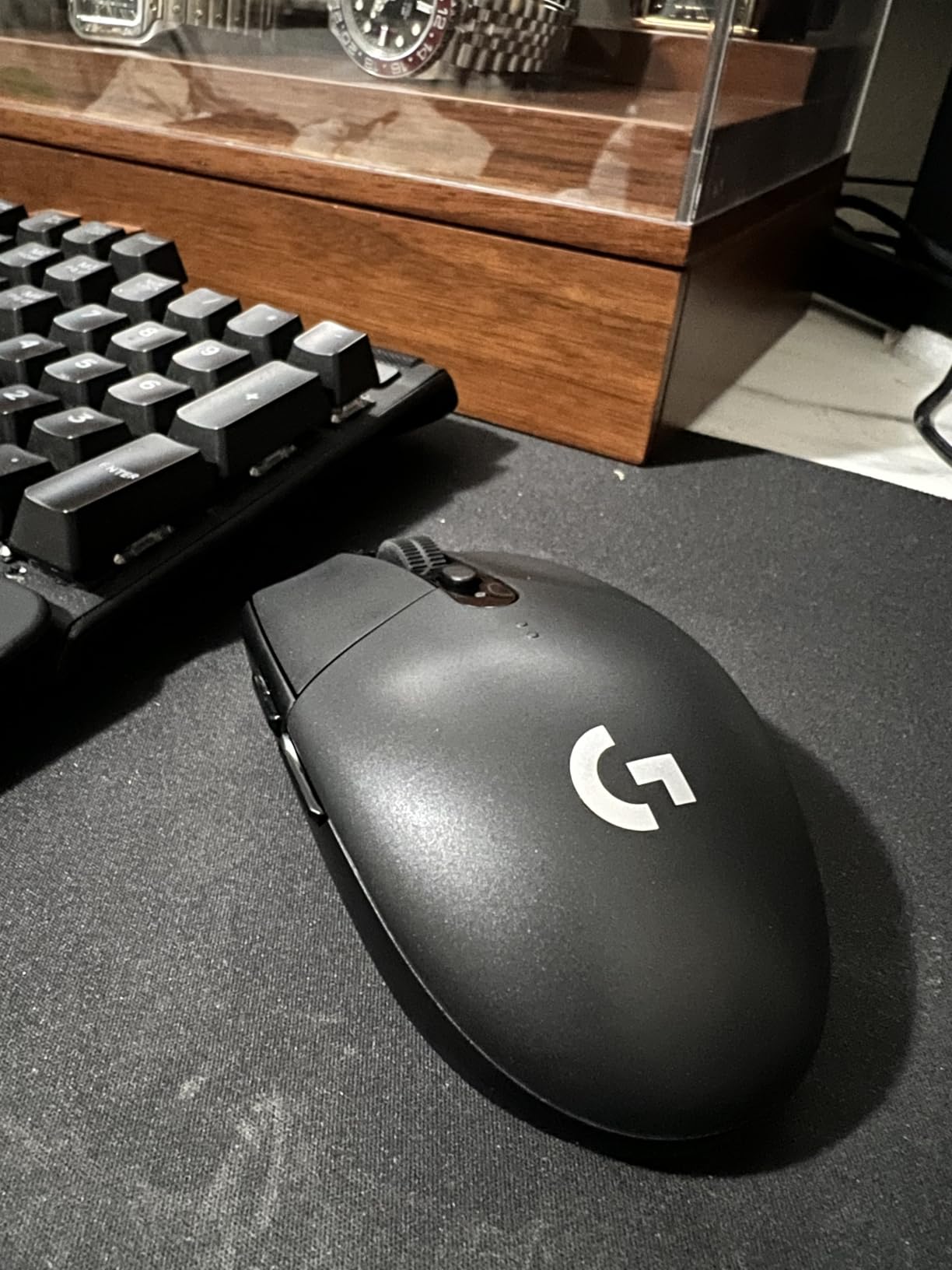
The G305 is the recommendation we give most often, because it removes the two things that actually frustrate people about budget wireless mice: the cable and the battery charger. A single AA battery runs for up to 250 hours of continuous play, and the nano receiver clicks into the body of the mouse when you are not using it, so there is no dongle to lose.
During testing this became the travel mouse. It packs flat, weighs 3.4 ounces, and reconnects the instant you plug the receiver back in. The LIGHTSPEED link reported at a 1 ms rate with no perceptible latency in the shooters we tried, and the HERO sensor tracked accurately to 12000 DPI.
The battery story is what separates it from the wired budget tier. Users report getting close to the quoted 250 hours of active play, and switching to Endurance mode through G HUB stretches that to roughly nine months. That is the difference between charging a mouse weekly and thinking about it twice a year.
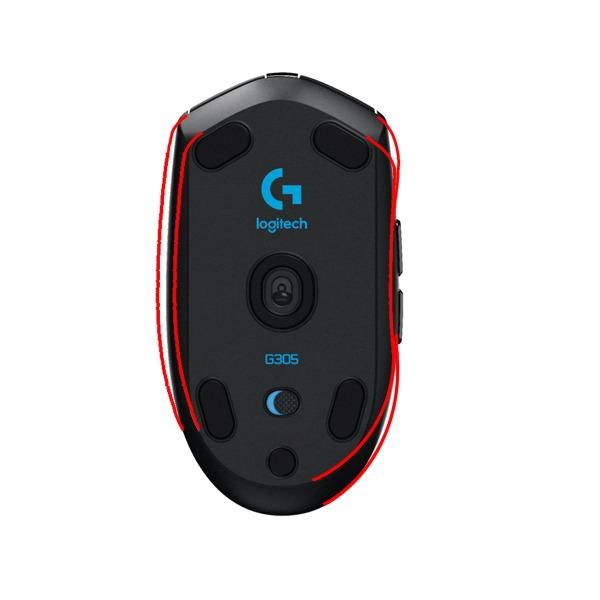
Button count is where the marketing needs a caveat. The listing counts six buttons, but only two of them are side buttons; the rest are the primary pair, the scroll wheel and the DPI cycle. That is fine for shooters and single-player games, and thin for MMO players who want a hotbar on their thumb.
Check the side button feel and your hand size
There is a well-documented cluster of reviews noting a plunger gap on the side buttons, Some examples need a deeper press before the switch registers. If you rely on side buttons for jump, peek or ability keys, test those two buttons in a shop or make sure a return is painless.
Hand size matters more here than anywhere else in the lineup. The G305 is ambidextrous in layout but narrow in practice, and reviewers describe it as favouring fingertip and claw grip over a large palm grip. Small and medium hands will find it comfortable. Large hands will want the fuller body of a G502 shape instead.
What you give up to save the money
There is no RGB lighting on this version, which matters only if your desk setup depends on matching lighting. There is no Bluetooth mode either, so this mouse is a PC and laptop tool rather than something you can also use on a work laptop across a desk.
Main click tension is the other recurring note. Owners describe the mechanism as feeling more sensitive than the models above it, which is a preference rather than a fault. If you prefer a firmer, more deliberate click, the wired models feel better.
3. Logitech G203 HERO LightSync – Best Budget Wired Pick
Logitech G203 Wired Gaming Mouse – Black
8000 DPI optical sensor
LIGHTSYNC RGB lighting
Six programmable buttons
Wired USB, 6.89 ft cable
Pros
- A straightforward route into a Logitech gaming mouse
- 8000 DPI sensor with zero smoothing and filtering
- Up to five DPI settings cycled from the middle button
- Loud crisp mechanical clicks that reviewers praise
- Glides smoothly without scratching the pad
Cons
- Small shell is cramped for large palm-grip hands
- Only two small side buttons
- RGB lighting sits under the palm and is mostly hidden
- Stiff heavy cable compared with newer rivals
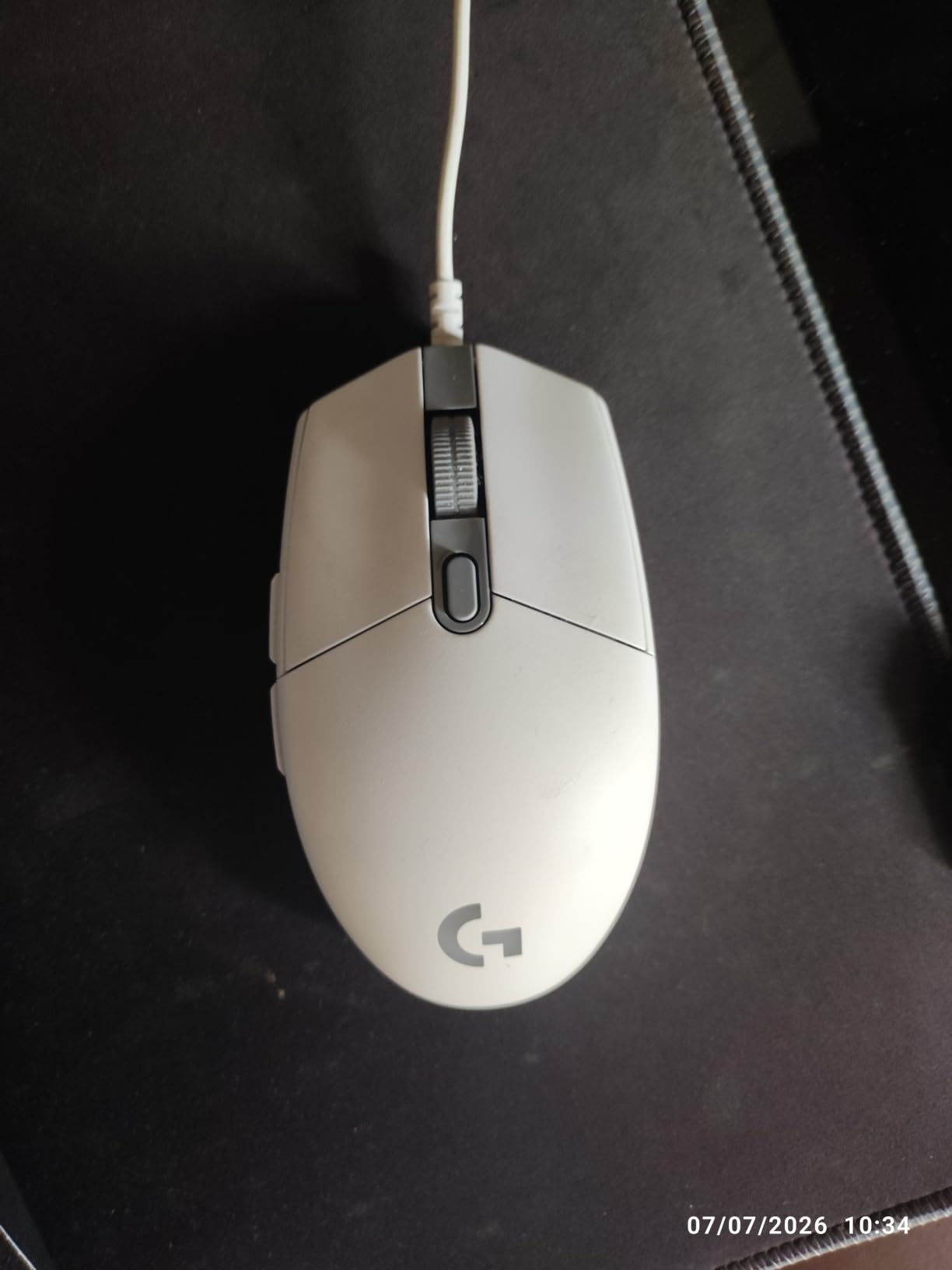
If you are buying a first gaming mouse and you want the least risk, the G203 is the easy answer. It is a wired 8000 DPI optical sensor, six buttons, five cycled DPI settings and LIGHTSYNC lighting, and owners report using it daily for years without the plastic cracking or the clicks going mushy.
The click is the standout. It is loud, sharp and mechanical, tensioned with metal springs, and several reviewers single it out as the most satisfying click in this whole roundup. If you like hearing your mouse, you will like this one immediately.
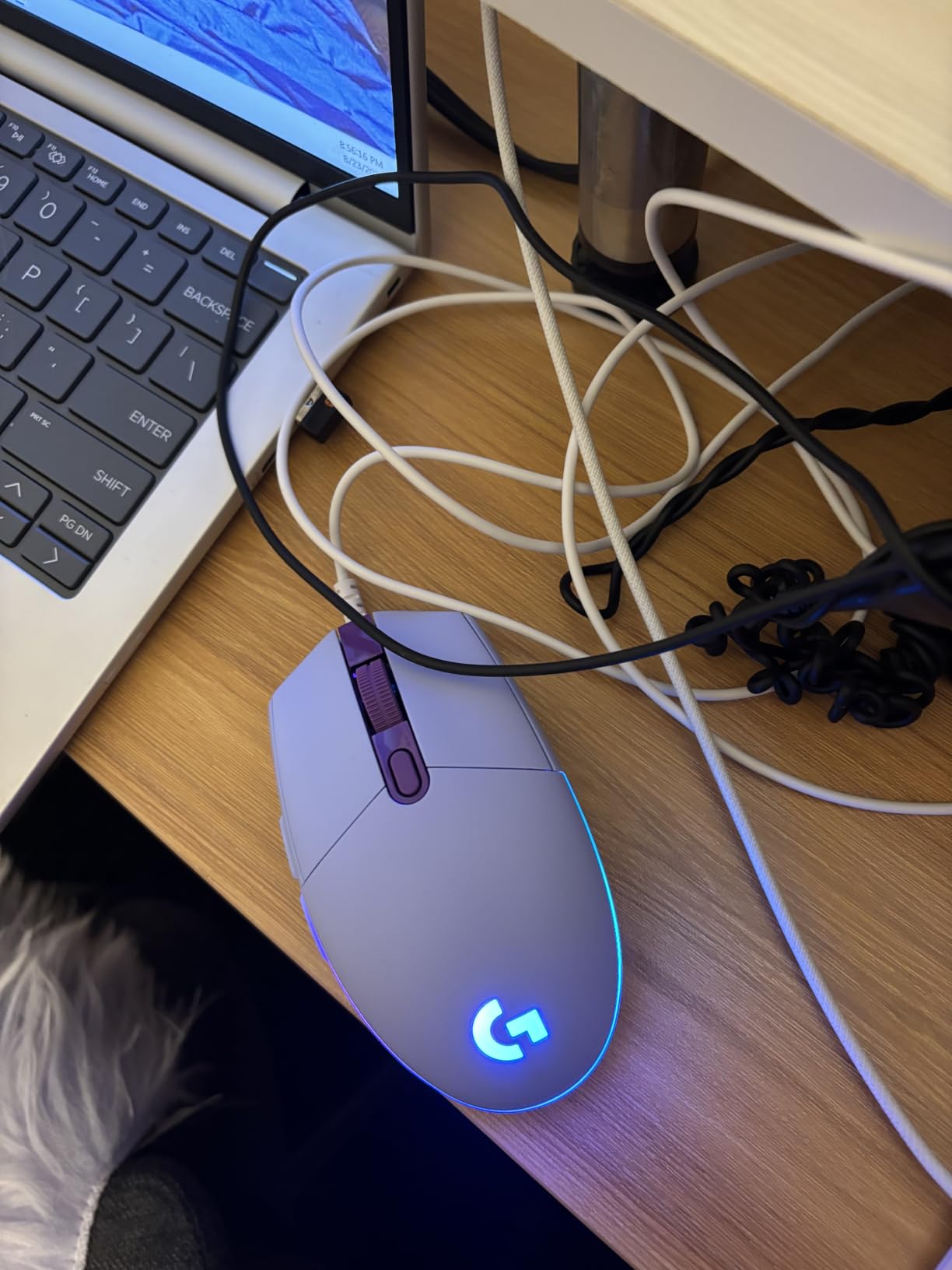
Sensor performance at 8000 DPI is more than enough for MOBA, single-player and casual play, and it tracks with zero smoothing or filtering applied. For competitive shooters you would want more headroom, but the difference only shows up if you run at very high sensitivity with aggressive flicks.
G HUB handles the lighting and the button remapping, and it cycles five DPI stages from the middle button without needing the software open. Set your stages once in G HUB and then close it, and the mouse works as a straight plug-and-play device.
Check your hand size first
This is one of the smallest shells in the roundup, and cramped fingers are the most common reason buyers regret it. Reviewers consistently note that the G203 suits smaller hands and that larger palm-grip users find it cramped after a few hours. If you already know you have large hands, skip this and go to the G502 family.
The two side buttons are also small and sit close together, which some players describe as easy to trigger by accident. That is only a problem if you bind them to something important like a drop or a quick-swap.
Where the low cost shows
The RGB lighting sits under the palm, so during actual play you mostly see the glow leaking out at the edges. It looks good on a desk and disappears in a match, which is worth knowing if lighting is part of why you wanted a gaming mouse.
The cable is stiff for a wired mouse at 6.89 feet, and older wired models are simply heavier than modern wireless alternatives from other brands. You are trading wireless freedom for a lower cost, and for many first-time buyers that is a perfectly sensible trade.
4. Logitech G403 Hero RGB – Best for Comfort and Molded Grip
Logitech G403 Hero RGB Gaming Mouse – Black
Weight: 87 g with removable weight
HERO 25K sensor upgrade
1 ms report rate
Six programmable buttons
Pros
- Rubber grips mould to the hand over long sessions
- Removable 10 g weight lets you tune the feel
- Free G HUB update upgrades the sensor to HERO 25K
- Backlit scroll wheel plus full LIGHTSYNC RGB
- Spring-tensioned buttons feel crisp and deliberate
Cons
- Wired cable drag compared with LIGHTSPEED alternatives
- Only six buttons for MMO and macro-heavy play
- Among the lowest average ratings here at 4.5 with a 5% one-star share
- G HUB needed for lighting and button configuration
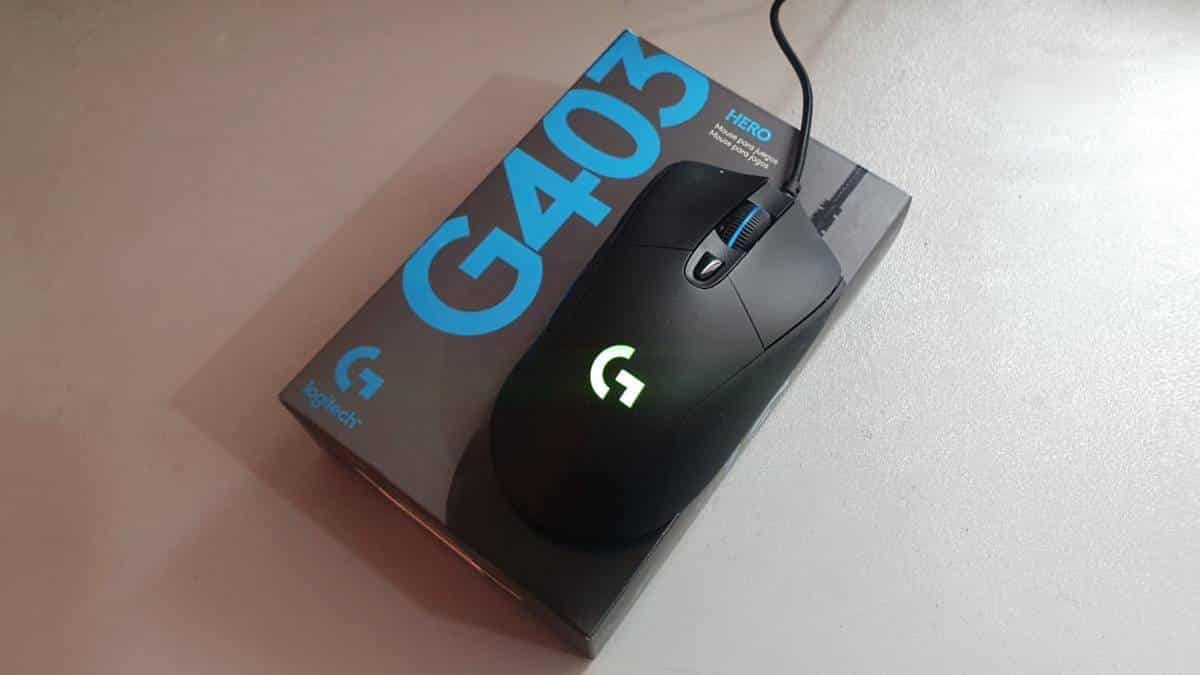
The G403 is the comfort pick in this group, and the reason is the surface rather than the electronics. Rubber grips wrap the body and mould to your hand over a session, which makes it the mouse we were most willing to keep on the desk for eight hours in a row.
It also improves on its own spec sheet for free. Logitech pushes a HERO 25K sensor upgrade through G HUB that takes the tracking ceiling to 100-25600 DPI with 1:1 tracking, 400+ IPS and no smoothing, filtering or acceleration. You get a modern sensor without buying a new mouse.
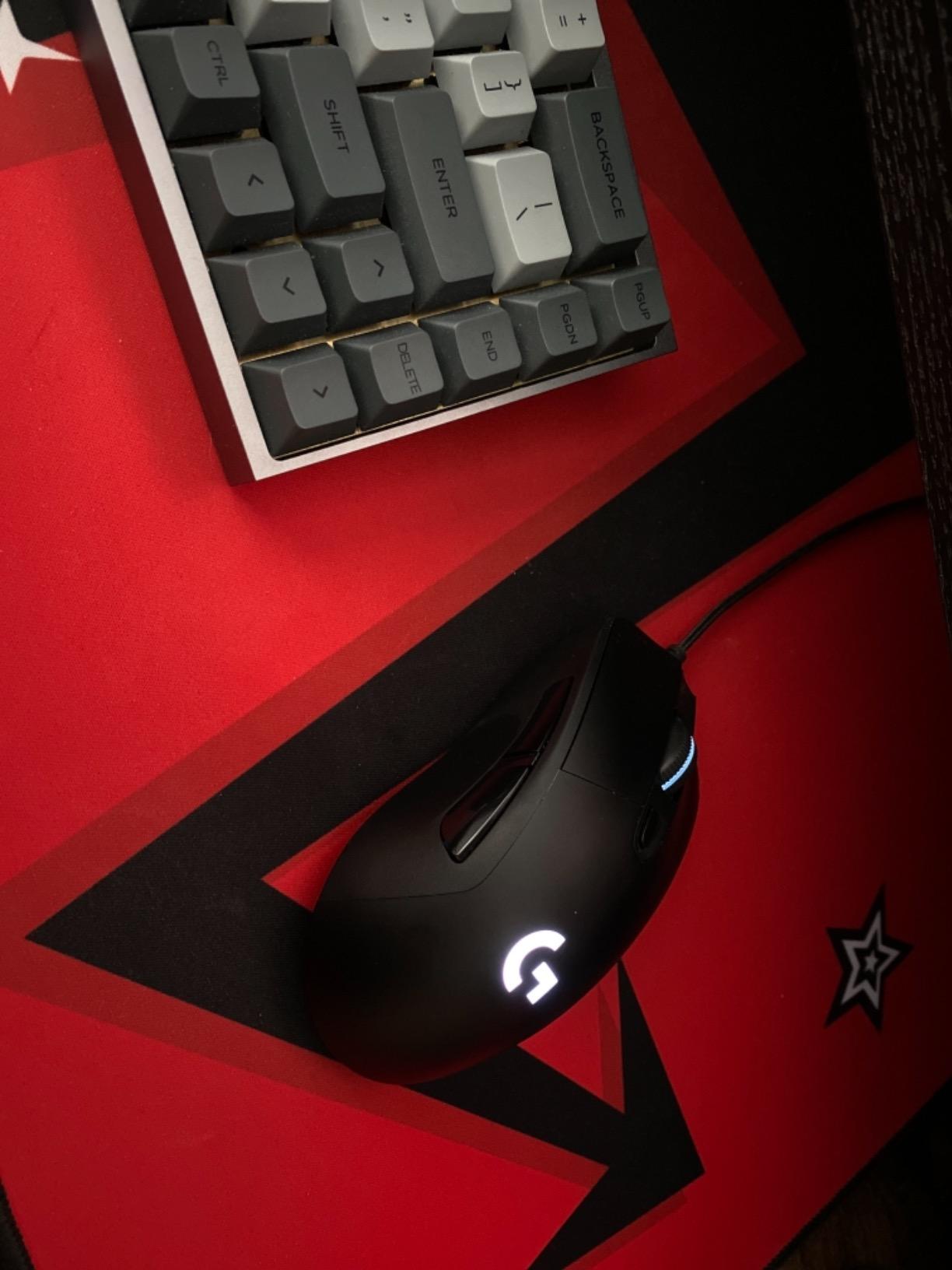
At 87 g with the removable weight, it sits between the G305 and the G502 in weight terms. Take the 10 g weight out and it becomes a noticeably lighter mouse for shooters, put it back in and it settles into a stable palm grip for general play.
The backlit scroll wheel and LIGHTSYNC lighting are the strongest in this roundup for a wired model, and they sync across other Logitech G gear. If your setup is lighting-driven, this is a simple way into that ecosystem with a comfortable shell.
Check the button count against your games
Six buttons with five on-the-fly DPI settings is enough for competitive shooters, MOBAs and single-player games. It is not enough for an MMO hotbar, and there is no thumb button to lean on. If you play WoW or Final Fantasy XIV with dozens of bindings, this is the wrong shape of mouse.
The rating spread is worth knowing too. It sits at 4.5 with a 5% one-star share, among the lower averages in this lineup, and a chunk of that comes from owners who expected more buttons or wireless at this level.
Where the wired design holds you back
A 2.1 m braided cable means you are always tethered, and in fast flicks you can feel the cable resist the mouse at the end of the movement. The shape forgives this more than a lightweight esports shell would, but it does not remove it.
You also need G HUB for lighting and button configuration, so there is software in the loop for features the wired G502 handles more gracefully. If you dislike background utilities, factor that in.
5. Logitech G703 LIGHTSPEED – Best for Playing While Charging
Logitech G703 Lightspeed Wireless Gaming Mouse, 12000 DPI, RGB, Lightweight, 6 Programmable Buttons, On-Board Memory, Long Battery Life, PC/Mac – Black
Weight: 107 g
LIGHTSPEED wireless
12000 DPI sensor
On-board memory
Pros
- Comfortable familiar shape many long-time users prefer
- Quick charge over USB and usable while charging
- On-board memory keeps profiles across machines
- Backlit scroll wheel with full RGB customization
- Solid side buttons that resist accidental presses
Cons
- Reviewers report around 6 ms of real-world lag rather than the claimed 1 ms
- Battery drops to about 25 hours with RGB on
- RGB setting reverts to a default cycle after a power off
- Scroll wheel and clicks have a documented history of failing
- Lowest rating in this roundup at 4.2
The one thing the G703 does that almost nothing else on this list does is let you play while it charges. The rechargeable cell tops up over USB and the mouse keeps working during the process, which removes the stop-start rhythm of a weekly charge for people who game at odd hours.
It also has on-board memory, so profiles survive moving to another PC. That matters for anyone who plays on a desktop and a laptop, and for anyone who would rather not leave G HUB running on every machine.
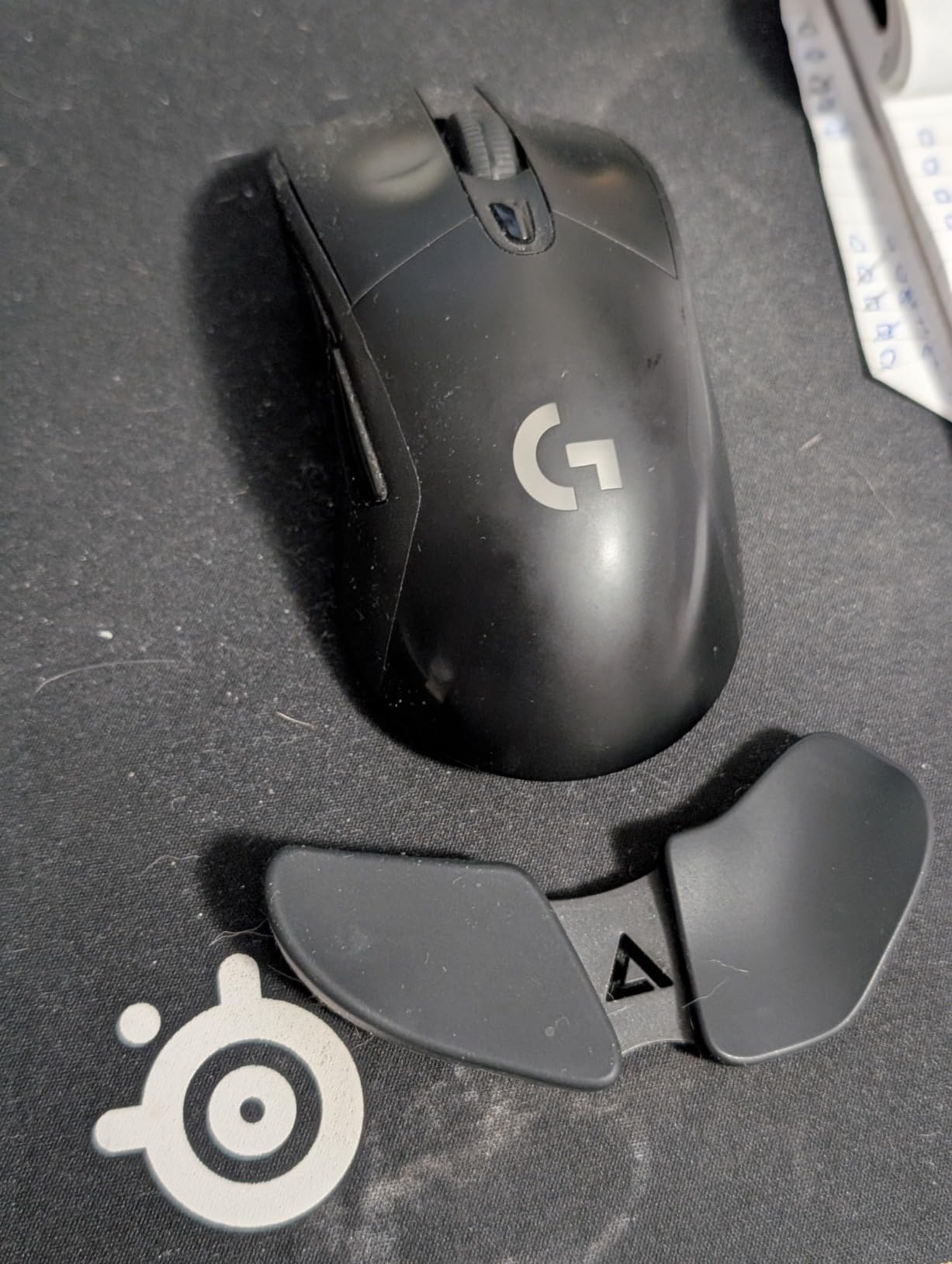
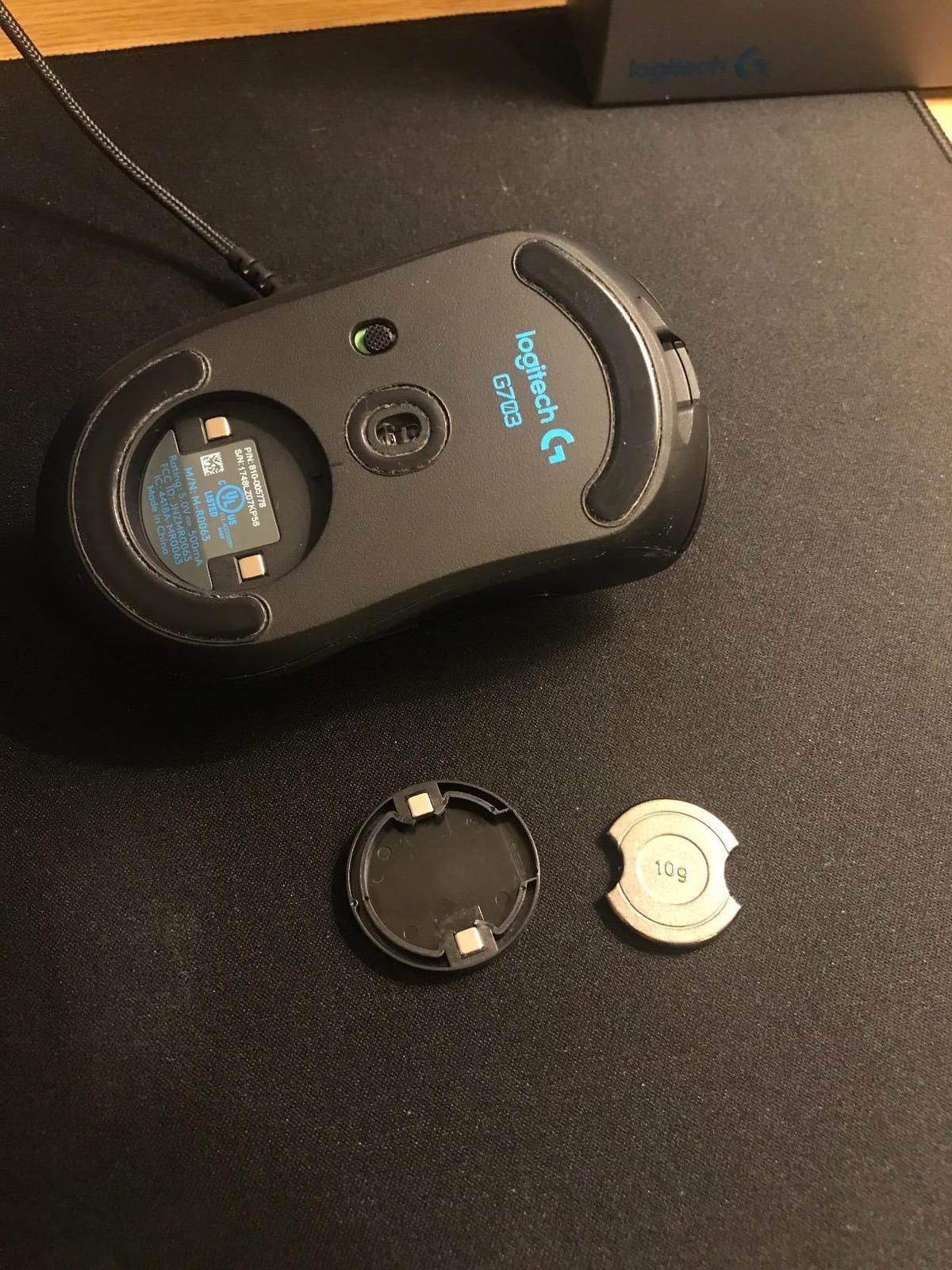
The shape is the older G402/G403 mould, which is exactly why some long-time owners prefer it. It is a full right-handed body with rubber grips and a weight bay, comfortable for medium and large hands in a palm grip, and it tips slightly backward under heavy grip pressure.
On paper the wireless looks competitive: LIGHTSPEED at a 1 ms report rate, a 12000 DPI sensor, six programmable buttons and full RGB. In use the story is more mixed, and it is our weakest-rated pick in this roundup at 4.2.
Check the latency claims against real reports
A recurring group of reviews reports around 6 ms of actual input lag rather than the advertised 1 ms, particularly after the mouse has been idle. That is a small number in absolute terms, but it is the difference between the G502 X and the newer wireless models, and it is most noticeable in a fast flick.
Battery life is the second thing to test. Owners report roughly 25 hours with RGB running at high polling, versus much longer with lighting off. If you plan to leave the lighting on permanently, this is not the mouse to choose.
What long-term owners report
There is a documented history of scroll wheel and click switch failure after several months, and an 11% one-star share, the highest in this roundup. That is not a reason to skip it, but it is a reason to keep your proof of purchase and not to buy it for a five-year plan.
RGB settings also revert to a cycling default each time the PC powers off, and G HUB installation has been reported as unreliable on some systems. Both are fixable nuisances, neither is a deal breaker, but together they add friction that the newer LIGHTSPEED models do not have.
6. Logitech G502 X LIGHTSPEED – Best for Work and Play
Logitech G502 X Lightspeed Wireless Gaming Mouse – Black
Weight: 3.68 oz
LIGHTFORCE switches
HERO 25K sensor
13 programmable buttons
Pros
- LIGHTFORCE hybrid switches give crisp fast actuation
- LIGHTSPEED wireless that FPS players report as imperceptible
- HERO 25K tracks to the sub-micron with no smoothing
- Thirteen buttons plus a tiltable dual-mode scroll wheel
- Up to 140 hours of battery with lighting off
Cons
- A step up in cost from the wired G502 it replaces
- Light feel for a full-size shape leaves some palm grip users floaty
- Side DPI-shift button is easy to bump during play
- No true RGB lighting despite the Logitech G branding
- G HUB takes time to master for macros
The G502 X is the model most people are searching for when they type the best logitech mice for gaming question, and it earns the place. It keeps the shape and button count everyone likes about the G502 and modernises the two parts that had aged worst: the switches and the connection.
LIGHTFORCE hybrid optical-mechanical switches arrive here instead of the older mechanical switches. They actuate faster, feel crisper and hold that feel through a long session. Owners of the previous generation notice the change within a few hours and rarely go back.
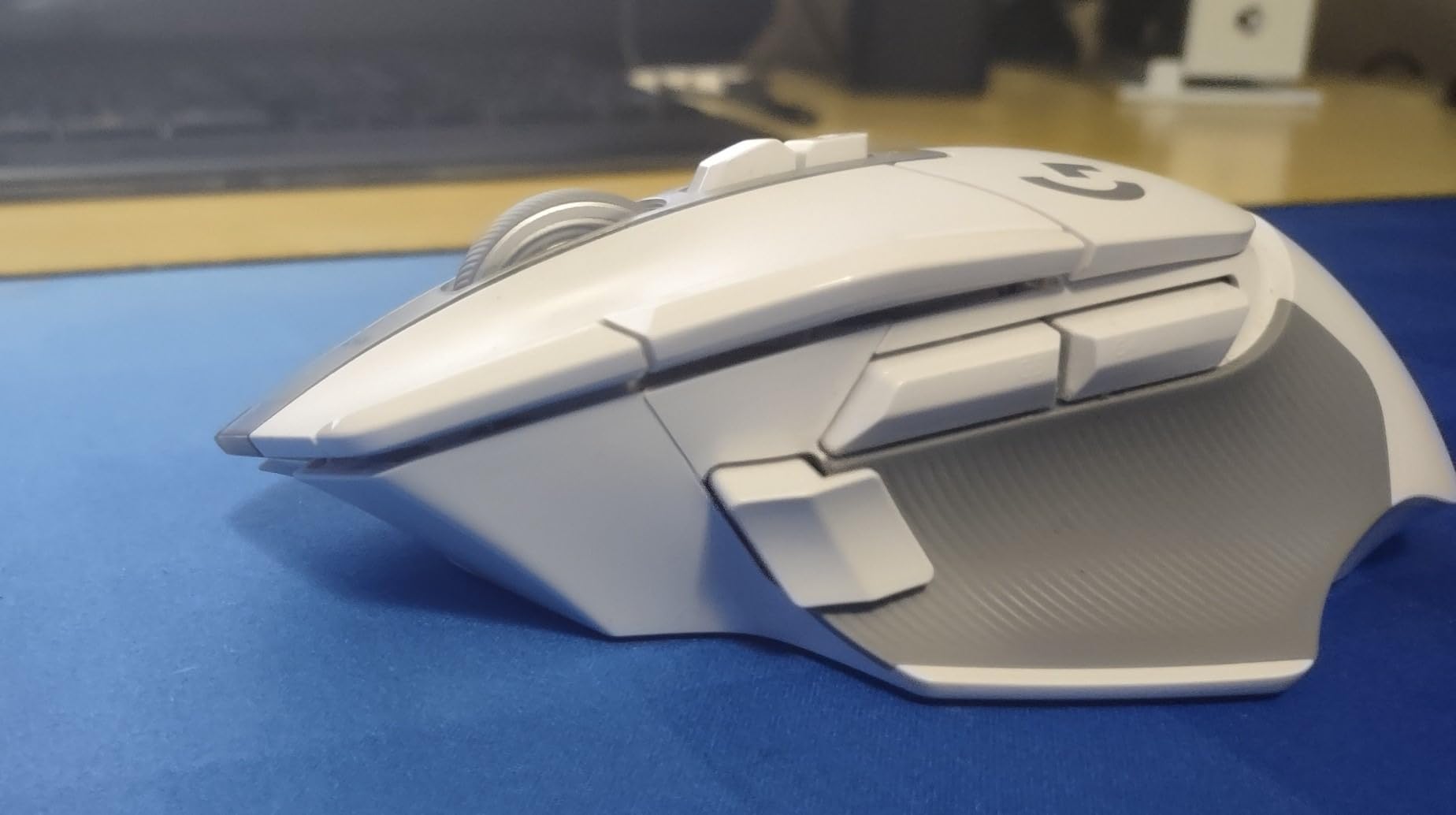
The wireless link is the quiet headline. Logitech claims a protocol 68% faster than the previous generation, and shooters players report no felt latency at all, including in fast tactical titles where a lagging mouse gives itself away instantly. The HERO 25K sensor tracks to the sub-micron with zero smoothing, filtering or acceleration.
It is also slightly smaller and lighter than the wired G502, at 3.68 ounces, which makes the side buttons easier to reach. Thirteen programmable buttons and a dual-mode wheel that free-spins or ratchets and tilts both ways complete the productivity case.
Check the weight feel against the shape
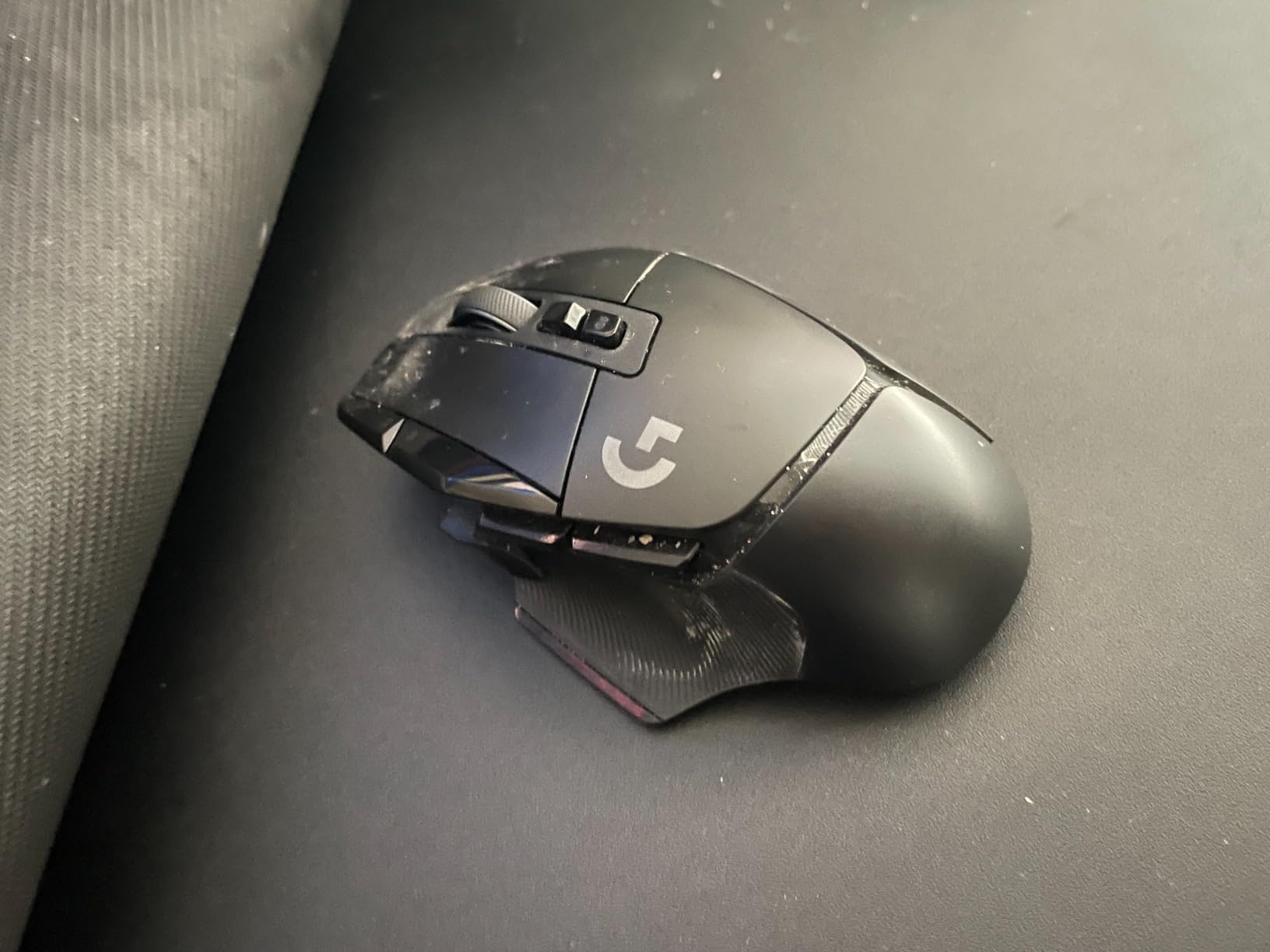
This is a full-size shape that has lost a lot of mass. Palm grip users who expect the planted, stable feel of the wired G502 sometimes describe the newer body as floaty, because the centre of gravity sits differently once the weight comes off. Claw and fingertip players are usually delighted by the difference.
The removable and reversible DPI-shift button is a good design and a common accident. It sits where your ring finger lands in a claw grip, and bumping it mid-match changes your sensitivity. Test it in your own grip style before deciding it is a problem.
Where it will disappoint you
There is no RGB lighting on this version despite the Logitech G branding, which disappoints anyone building a lighting setup. There is no USB-C either; charging runs through the older connector, which is a minor irritation for anyone standardised on newer cables.
Finally, G HUB. Every macro, profile and button assignment lives there, and new users routinely report a week of adjustment before their bindings feel right. Give yourself that learning curve. If you need a mouse that works identically out of the box with no software, choose the G305 instead.
7. Logitech G502 X PLUS LIGHTSPEED – Best Full-Size RGB Wireless
Logitech G G502 X PLUS LIGHTSPEED Wireless RGB Mouse for Gaming – Optical Mouse with LIGHTFORCE Hybrid Breaker , LIGHTSYNC RGB, HERO 25K Gaming Sensor, Compatible with PC – MacOS/Windows – Black
LIGHTSPEED wireless
LIGHTSYNC RGB with 8 LEDs
HERO 25K sensor
USB-C charging
Pros
- LIGHTFORCE switches deliver crisp tactile feedback that holds over hours
- Wireless performance users describe as latency-free next to wired
- Removable thumb button with included flat cap stops accidental presses
- Noticeably lighter than the wired G502
- LIGHTSYNC RGB looks premium without being over the top
Cons
- Costs the most in this roundup
- Runs light for some users who add a weight disc
- Free-spin wheel can scroll the wrong way if the mouse is tilted
- G HUB software is regarded as clunky
- The G logo is printed rather than backlit
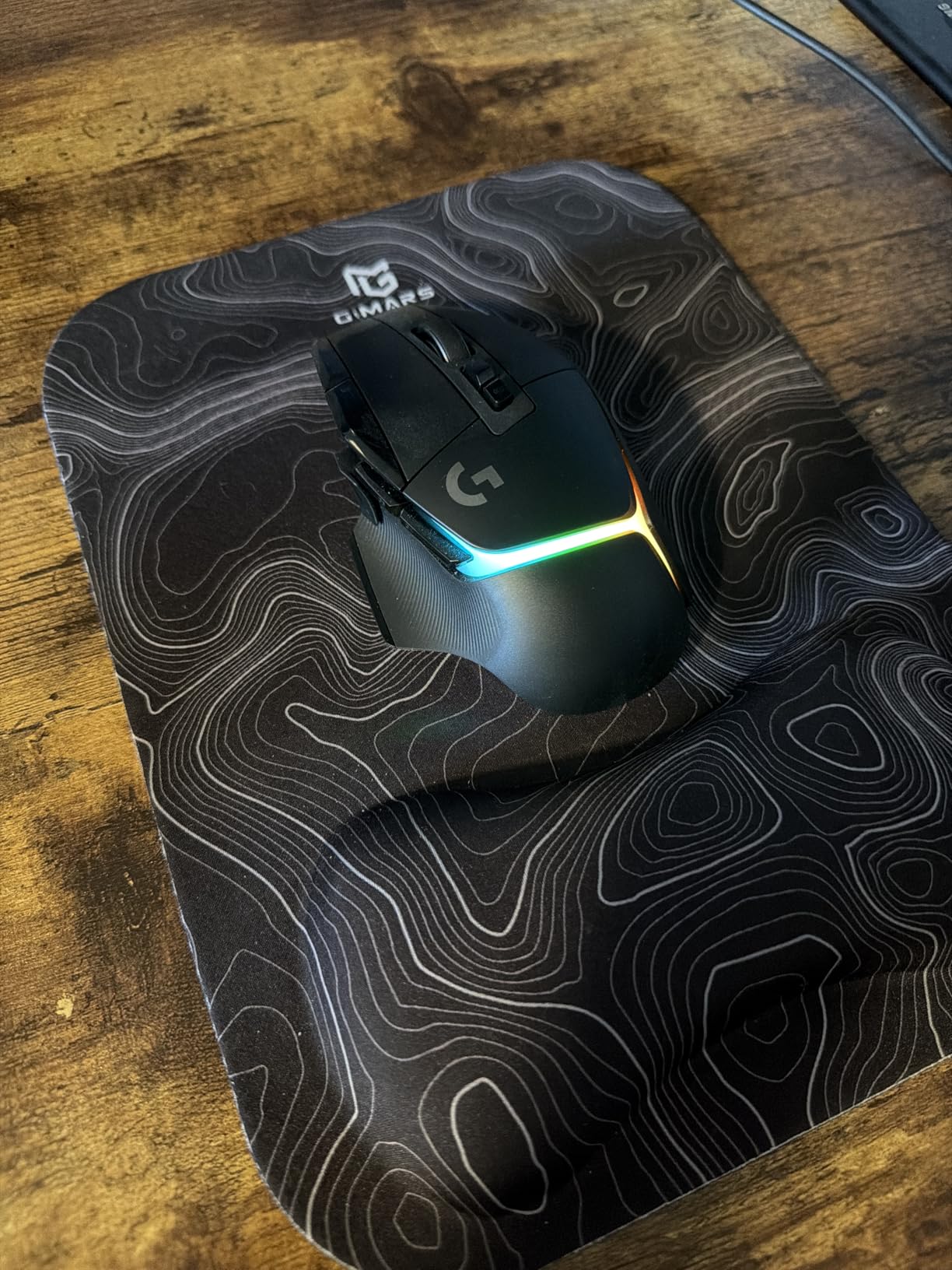
The G502 X Plus is the same proven shape with the feature list filled in: LIGHTSYNC RGB across eight LEDs, USB-C charging and a removable thumb button with a flat cap included in the box. If you want the G502 experience with the lighting on, this is the model in the range that gives it to you.
That removable thumb button is a genuine improvement over the wired G502. The default thumb button protrudes and gets hit during play, and the flat cap that ships with this model removes the protrusion entirely. It is a small part that solves an old annoyance.
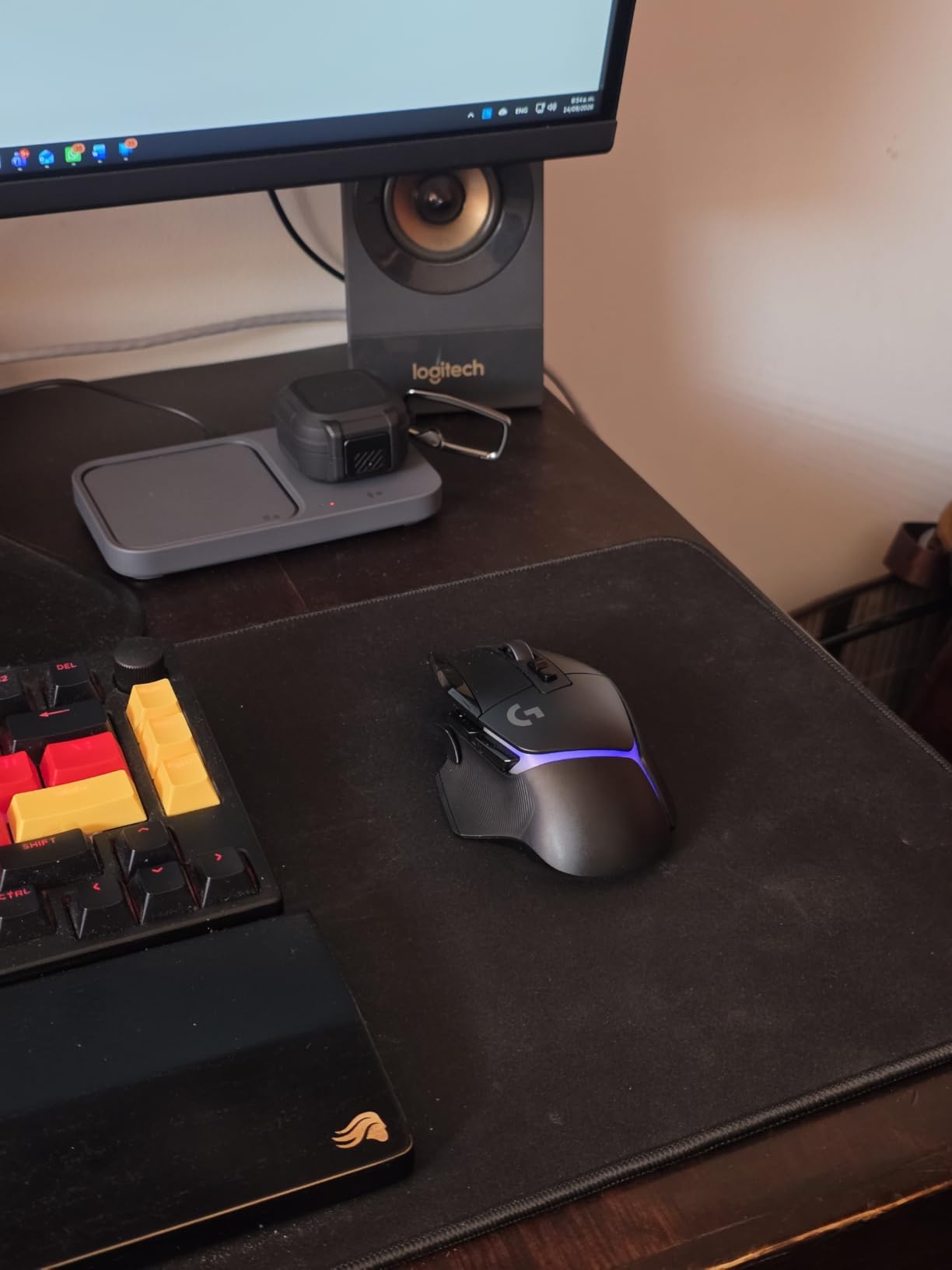
Performance under the hood matches the G502 X: LIGHTFORCE hybrid switches, LIGHTSPEED wireless on a protocol 68% faster than the previous generation, and a HERO 25K sensor tracking to the sub-micron with no smoothing. Thirteen programmable buttons and on-board memory are standard here too.
Battery life is the trade. With RGB running, the quoted figure drops to 37 hours, which is a real change from the G502 X’s 140-hour claim with lighting off. Turn the lighting off and the endurance story looks like its sibling again.
Check the weight, because buyers add discs
Reviews frequently mention that this model runs slightly light for a full-size body, and that some owners add a Logitech weight disc to bring the feel back to what the wired G502 delivered. That is a good sign for palm grip, because the shape is right and only the mass needs adjusting.
The shape suits medium to large hands in a palm grip. Small hands will find the same cramped fingers they would on any full-size body, and should look at the G305 or the DEX SE instead.
What annoys owners most
The free-spin scroll wheel is tilt sensitive. Tilt the mouse even slightly and the wheel can scroll the wrong way, which is distracting in games where an unintended scroll changes your view. If you use the free-spin mode, keep the mouse flat.
G HUB is repeatedly described as clunky and unintuitive, and the G logo is printed rather than backlit, a small downgrade from the wired G502. Weigh those against the lighting and USB-C, and the decision is usually about whether your desk needs RGB more than it needs endurance.
8. Logitech G Pro Wireless Shroud Edition – Best for Clean Two-Button Aim
Logitech G Pro Wireless Gaming Mouse – Shroud Edition
Weight: 80 g
LIGHTSPEED 1 ms wireless
Two-button shell
HERO 25K sensor upgrade
Pros
- Highest average rating here at 4.7 with an 87% five-star share
- An 80 g endoskeleton shell that stays light without feeling fragile
- 1 ms LIGHTSPEED wireless holds up in competitive play
- Clean uncluttered shape developed with esports players
- Free HERO 25K sensor upgrade through G HUB
Cons
- Only two buttons
- with no side buttons or DPI shift
- No RGB lighting on this edition
- Rechargeable battery rather than replaceable cells
- G HUB needed for the highest sensor settings
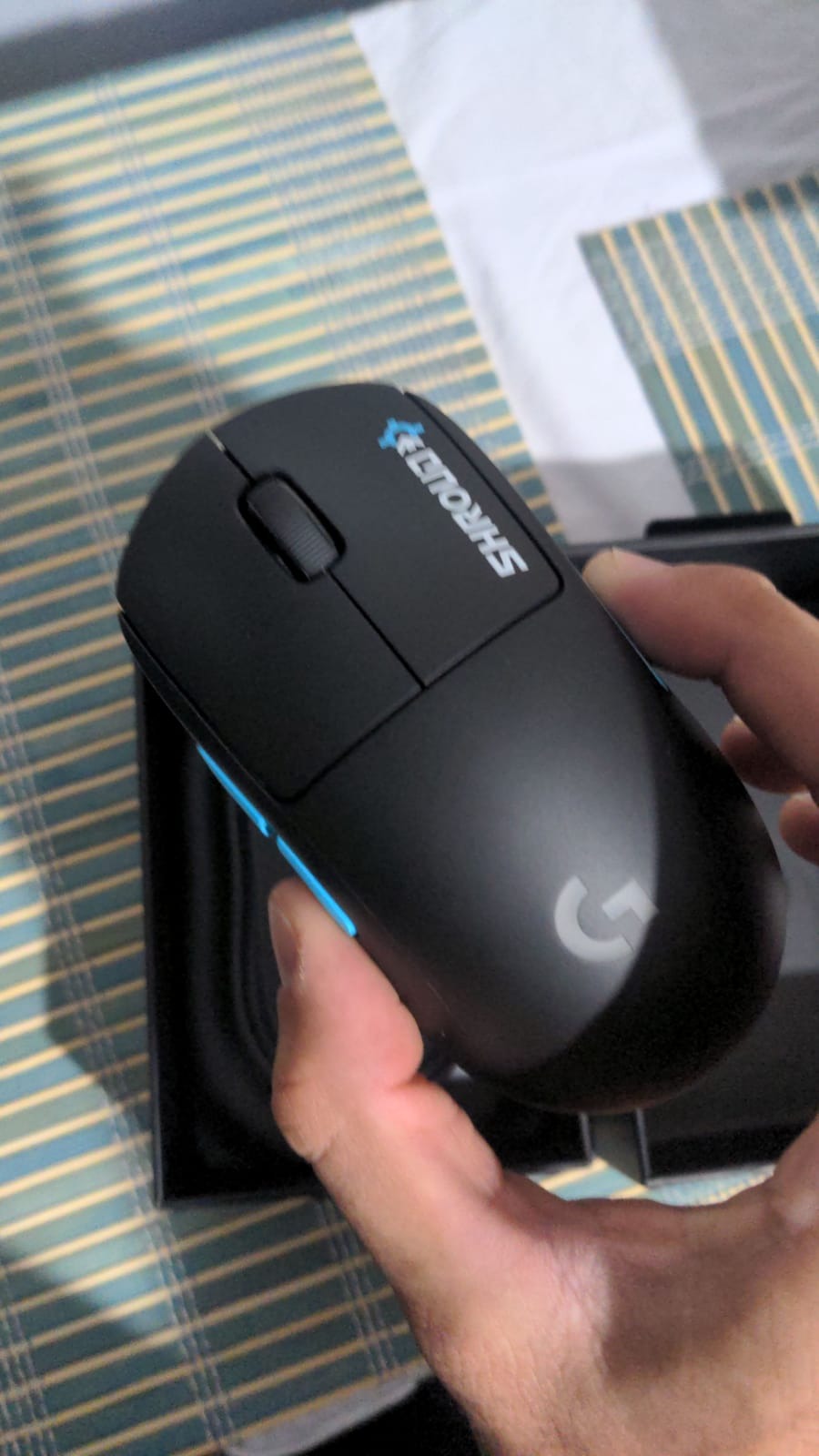
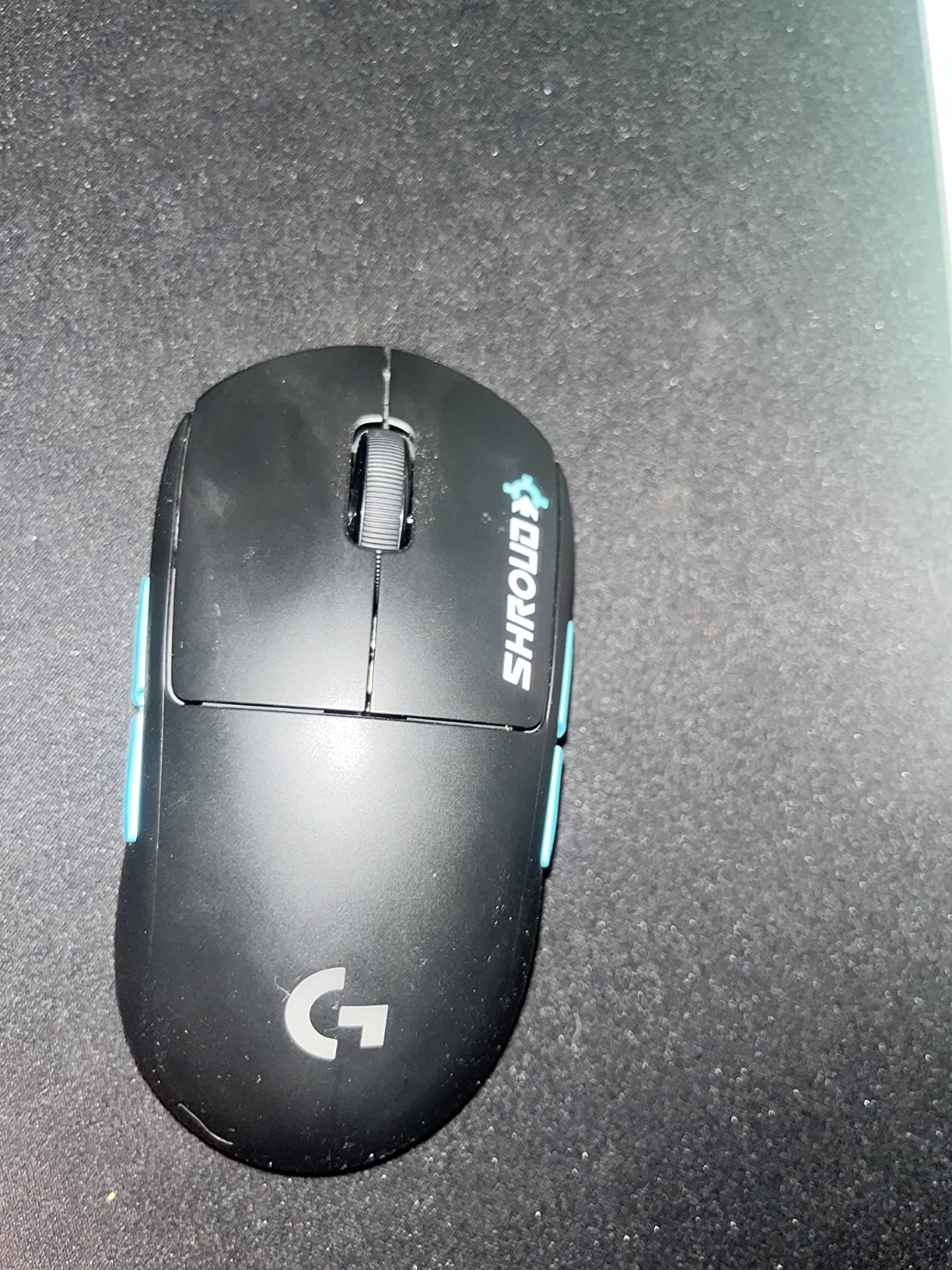
This is the highest-rated mouse in the roundup, at 4.7 across nearly 800 reviews, and the reason is restraint. Two buttons, an 80 g endoskeleton shell and a 1 ms wireless link. Nothing on the body moves that does not need to.
The shape was developed with professional players over two years, and you can feel where every decision came from. The shell is thin but structurally stiff, the edges are clean under a fingertip grip, and there is nothing to accidentally press during a flick.
The free G HUB sensor update is the sleeper feature here. It takes the HERO 25K sensor to 100-25600 DPI with 1:1 tracking, 400+ IPS and no smoothing, filtering or acceleration. You are getting the tracking headroom of the G502 family on a mouse that weighs 80 g.
Owners replacing an earlier G Pro describe the same four things in every thread we looked at: an excellent and accurate sensor, solid battery life, a simple shape, and connectivity that has been flawless. Those are the things that decide whether a mouse survives a year of daily play.
Check that two buttons is genuinely enough
There are no side buttons and no DPI-shift button on the body. Players who bind jump, crouch or peek to a thumb will have to move those to the keyboard. This is a deliberate design choice for clean aim, and it only works if your game lets you get away with it.
Small, low-profile shapes also suit fingertip and claw grip better than a large palm grip. If your hand sprawls across a full-size body, this shell will feel cramped no matter how light it is.
Where this design limits you
There is no RGB lighting on this edition, and the Shroud Edition finish is the visual feature rather than an illuminated one. You also cannot swap in AA cells like the G305 and G309 do, so charging is part of the routine again.
G HUB is required for the highest sensor settings, and the mouse runs on Windows, macOS and Linux, which is broader than most Logitech gaming mice. That cross-platform support is genuinely useful for anyone who switches between a gaming PC and a work machine.
9. Logitech G309 LIGHTSPEED – Best for Battery Life and Dual Wireless Modes
Logitech G309 Lightspeed Wireless Gaming Mouse
Weight: 86 g, or 68 g with POWERPLAY
LIGHTSPEED and Bluetooth
300-hour AA battery
HERO 25K sensor
Pros
- Dual wireless modes cover competitive gaming and everyday desktop use
- 300+ hours on one AA removes charging from the routine
- 68 g with the POWERPLAY wireless charging system
- LIGHTFORCE switches give fast and reliable clicks
- Grip stickers and a receiver extender cable are included
Cons
- Only six buttons
- which limits MMO and macro binding
- Battery power means you cannot play while charging
- Right-handed shape only
- No RGB lighting on this model
- Smaller review base than the older G-series entries
The G309 is the only mouse in this roundup that runs both LIGHTSPEED and Bluetooth from the same body. Switch to LIGHTSPEED when you are playing a competitive game, switch to Bluetooth when you are answering email, and never open a software switch to do it.
Battery life is the headline number: 300+ hours on a single AA, the longest quoted AA endurance in this lineup. With the POWERPLAY wireless charging system it drops to 68 g, lighter than the G305 and most of the full-size models, and the battery problem disappears entirely.
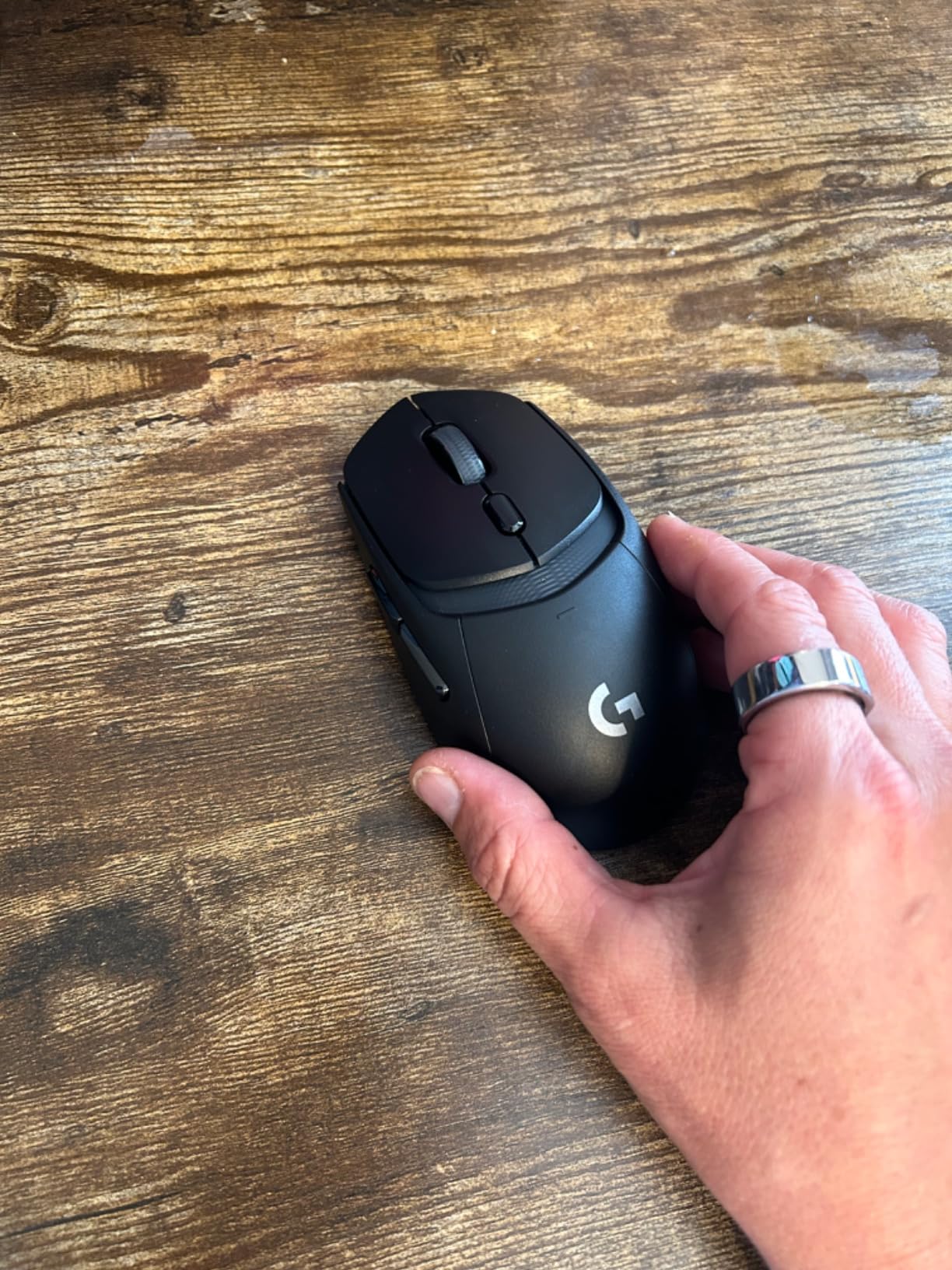
Otherwise it is a modern take on the compact shell. LIGHTFORCE optical-mechanical switches give fast actuation with a mechanical feel, and the HERO 25K sensor tracks to the sub-micron with zero smoothing. Six programmable buttons cover shooter and MOBA play without reaching for anything extreme.
Small touches add up. Grip stickers ship in the box so you can change the surface feel, and a receiver extender cable is included for desktop setups where the USB port is behind the monitor or under the desk.
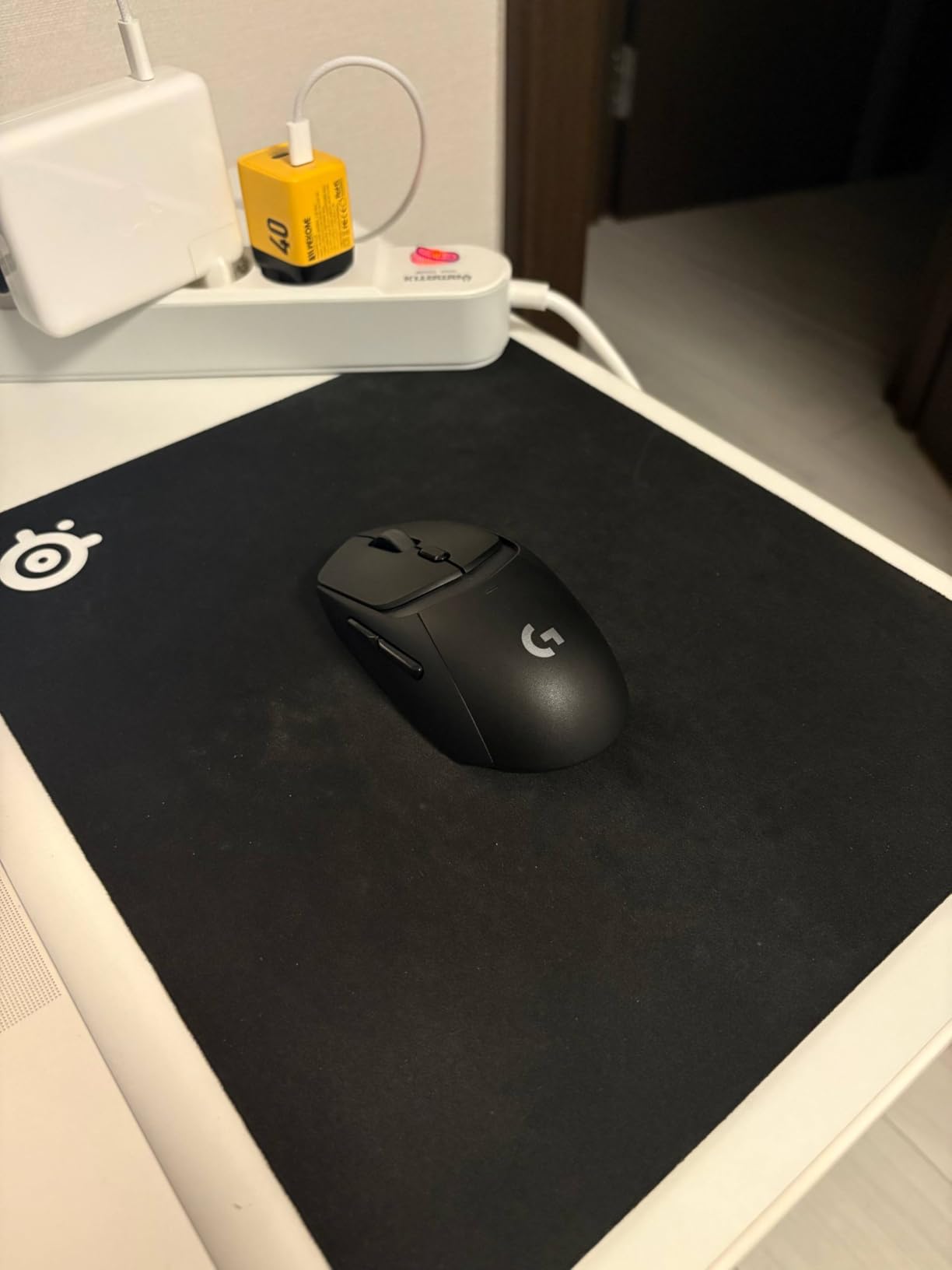
Check the button count and the AA constraint
Six buttons is the limit here, so MMO players with a large hotbar will run short. It handles shooters, MOBAs and single-player games well, but it is not the button-heavy answer the G502 X family provides.
Running on AA also means you cannot play while charging, since there is no cable to plug into. If your gaming happens at irregular hours and you would rather not plan around a charge, the rechargeable G502 X Plus or the POWERPLAY option makes more sense.
Where it falls short
There is no RGB lighting on this model. With a smaller review base than the older G-series entries, long-term durability reports are thinner, and the mouse is newer enough that multi-year owners are still accumulating data.
That said, nothing else here combines a competitive wireless link, a workday wireless link, and a battery you forget about. For a player who splits time between the desk and the lobby, the dual mode is the reason to pick this over the G305.
10. Logitech G PRO X Superlight 2 DEX SE – Best for Claw Grip and Fast Flicks
Logitech G PRO X Superlight 2 DEX SE Gaming Mouse – Black
Weight: 60 g
HERO 2 sensor up to 44000 DPI
1 kHz polling, upgradeable to 8 kHz
88-hour battery
Pros
- The lightest body here at 60 g
- built for fast flick aiming
- HERO 2 sensor tracks up to 44000 DPI at 888 IPS
- Up to 88 hours of battery on a rechargeable cell
- Zero-additive PTFE feet glide smoothly and consistently
- Two-year hardware warranty
Cons
- Only five buttons and no side buttons
- Right-handed asymmetric shape with no left-handed version
- Among the most expensive here
- 8 kHz polling needs the separate PRO LIGHTSPEED receiver
- Small low-profile chassis suits smaller hands
- Lowest review count here at 449
At 60 g this is the lightest mouse we tested, and it changes how a flick feels more than any other single spec in this roundup. Aiming is a full-arm movement, and when the mouse weighs almost nothing you can start and stop faster without your hand overcorrecting.
The DEX shape is the differentiator. It is asymmetrical, with a slight inward curve and programmable thumb buttons placed where a claw grip naturally lands. Reviewers who switched from a symmetric shell describe an adjustment period, then a sense of control they could not get from a symmetric mouse.
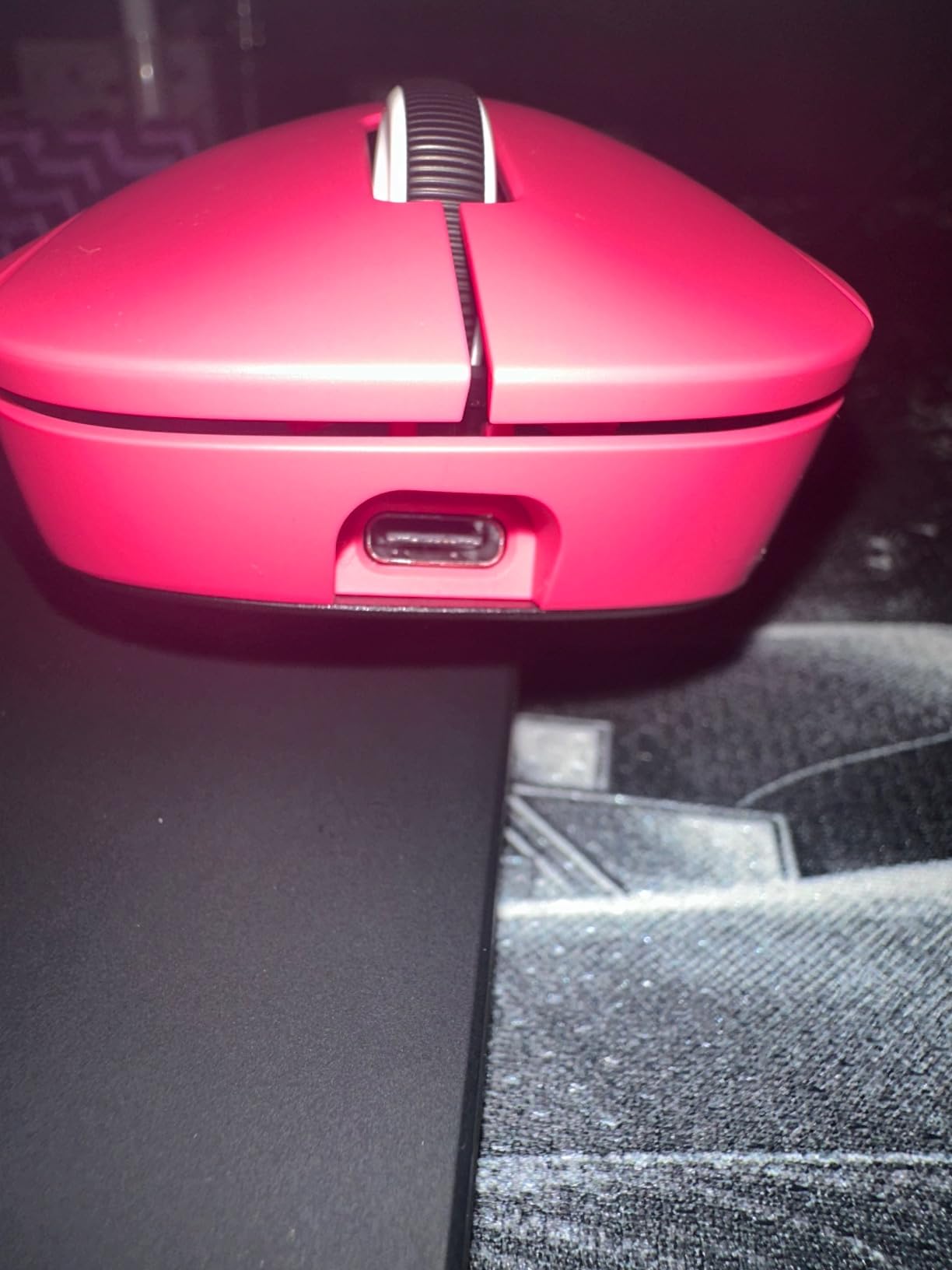
The HERO 2 sensor is the most capable here, tracking up to 44000 DPI with 888 IPS and 88 G acceleration, all configured through G HUB. Zero-additive PTFE feet keep the glide consistent without the roughness some feet develop with use.
The receiver is the piece most people miss. It ships at 1 kHz polling over the included USB receiver, and Logitech sells a PRO LIGHTSPEED Wireless Receiver separately that unlocks 8 kHz on this body. The mouse is built for that upgrade; the receiver is not included.
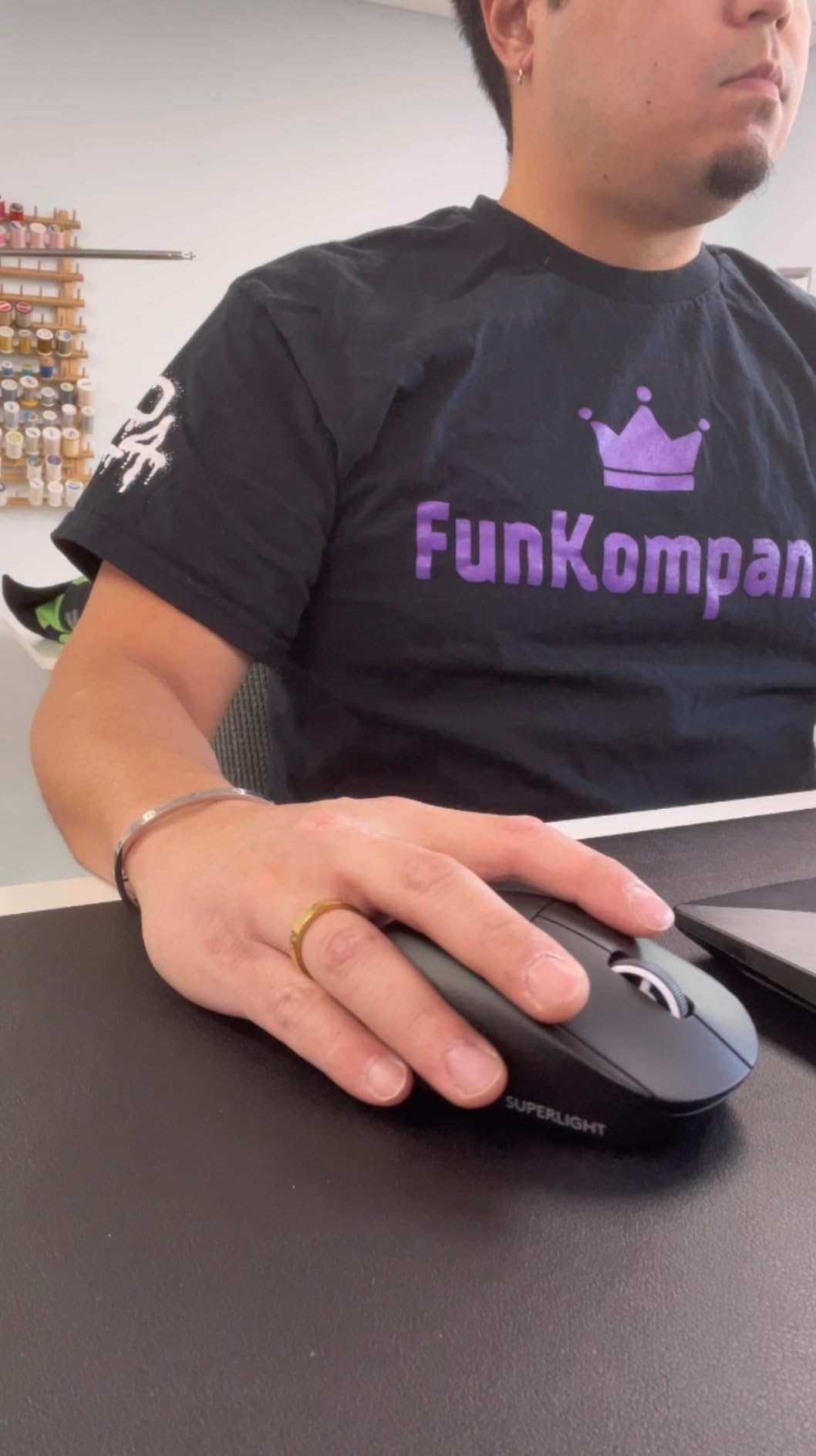
Check whether your hand fits a small asymmetric shell
The chassis is 4.95 inches long and low profile, so it suits fingertip and claw grip on small to medium hands. A player with large hands who wants a competitive weight class should try it carefully; the asymmetry helps claw grip but can feel cramped on a wide palm. Editors who use the DEX for play still keep a G502 X for desk work, which is the most common pattern we found.
Right-handed grip is the only one the DEX shape supports. That is a hard exclusion for anyone who plays left-handed, not a preference.
What the price premium buys and does not buy
Five buttons and no RGB lighting is a narrow brief, and MMO players should skip straight past this. The two-year hardware warranty is the longest in the group, which partly offsets the switch-durability anxiety that follows this brand.
Battery life is quoted at up to 88 hours on the rechargeable cell using the included USB-A to USB-C cable. That is far more charging than an AA mouse needs, but it is a small routine, and it is a reasonable middle ground for a mouse this light.
The review base of 449 is the smallest here, so long-term durability data is still thin. For the shape and weight, it is the most interesting mouse Logitech makes. For button count, endurance and value, the models above it win.
G502 X vs G502 X Plus vs PRO X Superlight 2 DEX: Which One Fits Your Desk?
If you only compare one thing, compare weight and polling rate, because those are the two variables users systematically weigh when they ask which is better for gaming. The G502 X runs 3.68 ounces with LIGHTSPEED wireless, the G502 X Plus carries the same shell with lighting and a 37-hour battery figure, and the DEX SE is 60 g with a receiver you can upgrade to 8 kHz polling.
That is the entire argument in one line. The G502 family is a comfortable, button-heavy, long-session mouse. The Superlight line is a fast, minimal, flick-oriented mouse. Everything else on this page is a variation on that trade.
A player on r/MouseReview who ran both the G502 X and a Superlight side by side described the split exactly as we experienced it: the free-scrolling wheel was not cutting it for fast-paced shooters, so both mice ended up on the desk, with the lighter one used in matches and the other used everywhere else. That dual-mouse setup is the most common answer among owners, and it is a legitimate one if your desk has room.
For grip, the ranking is straightforward. Palm grip goes to the G502 X and G502 X Plus, whose full-size body and thumb rest support the whole hand. Claw grip is where the DEX SE earns its place, because the asymmetry puts the buttons under your fingers instead of in front of them. Fingertip grip is comfortable on either, and lighter mice suit it best.
For hand size, the full-size G502 shells suit medium to large hands. The DEX SE and the G305 suit small to medium hands, with the G305 being narrower and the DEX SE more sculpted. The G203 is the smallest of the group and is the option to avoid if you already know you have large hands.
One editor’s verdict after testing the DEX put it plainly: for competitive play the Superlight shape wins, and for comfortable desktop work the G502 X stays on the desk. Our verdict is similar, with one addition. If you game on a laptop and work on the same machine, the G309 or the G502 X cover both jobs with one device, and a second mouse is optional rather than necessary.
Why the G502 Is Still the Most-Loved Logitech Mouse
The G502 has been loved for years for reasons that have nothing to do with being the fastest mouse in the range. It is the shape, the button count and the decade of muscle memory behind it.
Thirteen buttons in the X generation, eleven in the wired Hero, and enough side buttons to bind a full MMO hotbar without a keyboard.
A thumb rest and a full-size body that stays comfortable across a workday, which few esports shells manage.
A scroll wheel that switches between ratcheting and free spin, useful in games and in long documents.
A shape and button layout that has barely changed across generations, so muscle memory carries over.
A feature set that has grown at each step without the price band moving up with it.
Add the weight system and the reason the G502 survived the shift to ultra-light esports mice becomes obvious. Where a 60 g mouse optimises for one thing, the G502 optimises for everything it does, and lets you change the feel with a removable weight.
The honest counterpoint is that 8,000 Hz polling, the HERO 2 sensor and the 60 g shells now exist, and for pure competitive play they are better tools. Fans of the G502 make the opposing argument in the same threads: they would rather use a comfortable mouse that does everything than a specialist one they cannot use at the office. That argument is not settled, which is why the shape still sells.
How to Choose a Logitech Gaming Mouse: Weight, Polling Rate, Sensor, Grip and Buttons
Five decisions actually separate these mice. Spend time on these and the choice becomes obvious; spend it on RGB lighting and it will not.
1. Weight
Weight is the number that decides how a mouse feels after hour three. The range here runs from 60 g at the DEX SE, through 80 g at the G Pro Wireless and 86 g at the G309, up to a full-size body that most players describe as heavy. Below roughly 85 g, movement is mostly arm and wrist; above it, the whole hand tends to plant on the surface.
Do not treat a low weight as automatically better. Lighter mice suit competitive shooters where you flick hard, while fuller bodies suit long sessions and mixed work. The G502 Hero lets you change this yourself by adding or removing up to five 3.6 g weights.
2. Polling rate and wireless latency
Polling rate is how often the mouse reports its position to your computer. At 1000 Hz a mouse checks and reports roughly once every millisecond, and at 8000 Hz it does so about eight times inside that same millisecond. Higher rates shorten the delay between your hand moving and the game reacting, and the practical difference shows up as smoother correction during fast flicks.
Most Logitech mice in this roundup ship with a 1 ms wireless report rate. Only the DEX SE is built for an upgrade to 8 kHz through the separately sold PRO LIGHTSPEED receiver. That upgrade is worth it for competitive shooters on fast displays and largely pointless for MOBA, MMO and single-player play.
The trap is trusting the advertised number. Owners of the G703 report around 6 ms of real-world delay despite a 1 ms claim, which is why wireless models with newer protocols, like the G502 X and the G309, are the safer bets. Our picks for the best wireless gaming mice cover how the other brands compare on measured latency.
3. Sensor
DPI is a ceiling, not a setting. The G203 tops out at 8000 DPI, the G305 at 12000, the G502 family at 25600, and the DEX SE at 44000. In practice almost everyone plays between 400 and 3200 DPI, so the ceiling matters far less than whether the sensor tracks without smoothing, filtering or acceleration.
That last part is the real differentiator, and every model here reports it as zero. The G305 also gains 10x power efficiency over its previous generation, which is part of why its AA lasts as long as it does. Check that G HUB is installed before a tournament, since several mice here only reach their full settings through it.
4. Shape, grip and hand size
Map your grip before you map your budget. Palm grip means the whole hand rests on the mouse, which suits the full-size G502 shells. Claw grip means arched fingers with the heel planted, which is where the asymmetric DEX shape places buttons most naturally. Fingertip grip rests on the pads and moves the mouse with the fingers, which suits the lighter models.
Hand size is the most common purchase regret in this category. Small hands should stay with the G305, the G203 and the DEX SE. Medium hands fit almost everything here. Large hands should stay with the G502 Hero, the G502 X and the G502 X Plus, and should be careful with the narrower G305 and the low-profile esports shells.
Most models here are shaped for a right-handed grip, and the DEX SE has no left-handed version.
5. Button count and macros
Count the buttons against the games you actually play. Competitive shooters and MOBAs need almost nothing. MMOs need side buttons for a hotbar. MMO and macro-heavy players should start at the G502 X or G502 X Plus with thirteen programmable buttons; everyone else can use the six-button G305, G309, G403 and G203 without losing anything.
Check where macros live too. The G502 X and the G502 X Plus keep profiles in on-board memory, so they travel between machines. The G403, G703 and G Pro Wireless need G HUB for profiles. On-board memory is worth more than it sounds if you use more than one PC.
Battery and charging, in one paragraph
Three strategies exist in this roundup. Replaceable AA gives you the longest gaps between touches, with the G309 quoting 300+ hours and the G305 250 hours, and you simply cannot play while they run down. Rechargeable cells let you keep playing during a charge, which the G703 allows over USB and the G502 X Plus does over USB-C, at the cost of planning around a battery. The POWERPLAY system, sold separately and compatible with the G502 X, G502 X Plus and G309, removes the battery question entirely and makes the G309 lighter at 68 g.
Fixing a Double-Clicking G502 Mouse
Switch failure on the G502 series is one of the most searched problems for this brand, and it is almost always the same cause: dust and debris under the switch actuator forcing the contact to bridge. These steps fix most cases.
Unplug the mouse and blow compressed air under both main buttons while clicking them, clearing debris out of the switch well.
Open G HUB or Logitech Gaming Software and lower the click debounce time to its minimum, which stops stray double-inputs registering.
Clean the feet off the underside, wipe the sensor window with a dry cloth, and check that the feet are not catching on the pad edge and causing micro-jumps.
Update the mouse firmware and G HUB through the software’s update tab, since switch handling has changed between firmware revisions.
If it still double-clicks, contact Logitech support. Switch failure is a warranty item on current models, and replacement switches are also sold for the older generations.
If the double-click appears in only one application rather than everywhere, the mouse is fine and the software binding is the problem. Set the double-click speed in your operating system up a notch before you start taking the shell apart.
Frequently Asked Questions
Which Logitech gaming mouse is considered the best overall?
The Logitech G502 Hero wired mouse is our pick for overall use, because it combines the largest ownership base in this lineup with an eleven-button layout, a dual-mode scroll wheel and adjustable weights. If you need wireless, the G502 X LIGHTSPEED is the equivalent modern pick, and if you want the lightest competitive shell, the PRO X Superlight 2 DEX SE wins on weight and sensor headroom.
Why is the G502 so loved?
Three reasons. It has a full-size, thumb-rest shape that stays comfortable for a whole workday, it carries eleven or thirteen programmable buttons depending on the generation, and its scroll wheel switches between ratcheting and free spin for both games and documents. Add the removable weight system and decades of parts availability, and it becomes a mouse you can adapt rather than replace.
Is there a better mouse than the G502?
For pure competitive shooters, yes. The PRO X Superlight 2 DEX SE at 60 g with a HERO 2 sensor reaches up to 44000 DPI, and the G Pro Wireless at 80 g holds the highest rating in this roundup at 4.7. Both trade buttons and shape for speed, so for mixed gaming and work the G502 family still covers more ground on one device.
Which is better for gaming, the G502 X or the PRO X Superlight 2 DEX?
Choose the G502 X if you want a full-size shape, thirteen programmable buttons, a tiltable free-spin wheel and a long battery. Choose the DEX SE if you play claw grip competitively, want the lowest weight here at 60 g, and need the HERO 2 sensor with an upgrade path to 8 kHz polling. The G502 X ships at 3.68 ounces, so the weight gap between the two is roughly 45 grams, and that is the number your arm will feel first.
Can the Logitech G PRO X SUPERLIGHT drag click?
Drag click works as a software function rather than a physical switch feature. You set a button to send repeated left-click input in G HUB, which lets you recoil control and spray patterns run continuously in shooters. Its effectiveness depends on the game reading software-generated clicks, and competitive titles with strict input checks may ignore them.
Is 8000Hz polling actually worth it?
It matters most in competitive shooters at high sensitivity on a fast display, where the shorter delay between your hand moving and the game responding makes fast corrections smoother. It is largely pointless for MOBAs, MMOs and single-player play. In this roundup only the PRO X Superlight 2 DEX SE supports it, and it needs the separately sold PRO LIGHTSPEED receiver.
What are the best Logitech gaming mice for large hands?
Start with the full-size shells: the G502 Hero wired, the G502 X LIGHTSPEED and the G502 X PLUS all have the length, thumb rest and palm support that large hands need. Avoid the narrow G305 and the low-profile esports shells unless you use a claw grip, since those compress the hand into a smaller footprint. The G403 is a comfortable middle option at 87 g with a removable weight.
My Logitech G502 mouse is double-clicking. How do I fix it?
Almost always the switches are being held down by debris. Unplug the mouse, blow compressed air under both main buttons while clicking them, then open G HUB and lower the click debounce time to its minimum. Update the firmware, clean the feet and the sensor window, and if the problem persists contact Logitech support, since switch failure is covered on current models.
The Best Logitech Mice for Gaming in 2026
Ten mice, six weeks, one clear winner. The G502 Hero takes our best logitech mice for gaming recommendation because it is the only mouse here that works for a four-hour session and a full workday without being replaced at the desk.
Buy the G305 if you want wireless without a charging routine, the G203 if you are buying your first gaming mouse, and the G502 X if you want the modern wireless version of the shape everyone already knows. Competitive players who want the lowest weight in this group should look at the PRO X Superlight 2 DEX SE or the G Pro Wireless, and MMO players should start at thirteen buttons with the G502 X Plus.
Whichever you choose, match the shape to your grip and hand size before anything else. It is the one decision that no spec sheet can make for you, and it is the difference between a mouse you keep and a mouse you replace in a year.