
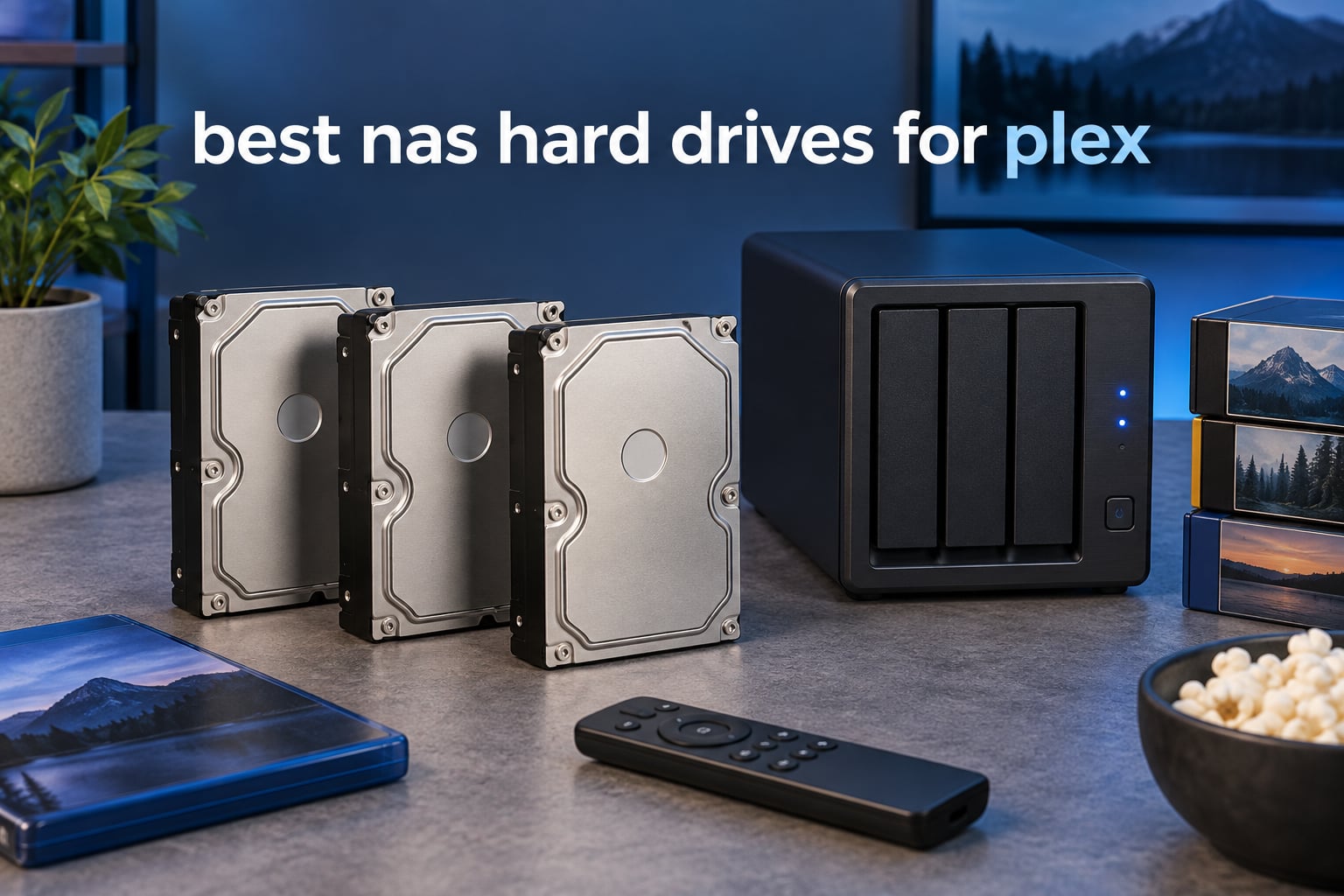
A Plex server lives or dies on its drives, and the wrong 3.5-inch hard disk can quietly ruin a media library that took years to build. After comparing ten of the most reviewed NAS hard drives on spec sheets, S.M.A.R.T. data reported by owners, and real-world behaviour in Synology, QNAP and TrueNAS enclosures, these are the best NAS hard drives for Plex in 2026. Every drive below records with CMR technology, which is the one requirement you should never compromise on.
One caveat first: your drives do not decide whether 4K playback is smooth. That is capped by the hardware transcoding in your NAS chassis, and no disk in this roundup fixes a CPU-only box. What the drive does control is sustained read throughput for simultaneous streams, RAID rebuild speed, and how quietly the whole thing runs in a living room. If you have not picked a chassis yet, our guide to the best NAS devices covers the transcoding side.
We also cover refurbished and enterprise-grade options, because for a large 4K archive the cost per terabyte matters more than the badge on the box. Every product here keeps a rating of 4.0 or above across hundreds or thousands of owner reviews, and each one lists its recording technology and workload rating so you can check it against your own array before buying.
Table of Contents
Top 3 Picks for a Plex NAS in 2026

10 Best NAS Hard Drives for Plex (October 2026)
| Product | Specifications | Action |
|---|---|---|
| WD Red Plus 4TB |
|
Check Latest Price |
| Seagate IronWolf 4TB |
|
Check Latest Price |
 WD Red Pro 12TB WD Red Pro 12TB |
|
Check Latest Price |
 Seagate IronWolf Pro 4TB Seagate IronWolf Pro 4TB |
|
Check Latest Price |
 WD Gold 8TB WD Gold 8TB |
|
Check Latest Price |
 Seagate IronWolf 10TB Seagate IronWolf 10TB |
|
Check Latest Price |
 Toshiba N300 8TB Toshiba N300 8TB |
|
Check Latest Price |
 Toshiba MG 12TB Toshiba MG 12TB |
|
Check Latest Price |
 HGST Ultrastar HC530 14TB Renewed HGST Ultrastar HC530 14TB Renewed |
|
Check Latest Price |
 MDD 14TB NAS Drive Renewed MDD 14TB NAS Drive Renewed |
|
Check Latest Price |
What Is the Best NAS Hard Drive for Plex?
The best NAS hard drive for Plex is a 3.5-inch CMR-recorded drive rated for 24/7 multi-bay operation, such as the WD Red Plus or Seagate IronWolf. CMR avoids the write stalls that cripple an SMR drive during a RAID rebuild, rotational vibration sensors keep neighbouring drives from interfering, and a workload rating of at least 180 TB per year matches what an active library writes.
Capacity matters less than people expect. A 4TB drive holds a decent number of remuxed 4K films, so most households can start at 4TB and add bays later.
1. WD Red Plus 4TB (WD40EFRX) – The Quiet Default Pick
Western Digital 4TB WD Red Plus NAS Internal Hard Drive HDD – 5400 RPM, SATA 6 Gb/s, CMR, 64 MB Cache, 3.5″ – WD40EFRX
4TB CMR
5400 rpm class
64 MB cache
NASware firmware
180 TB/yr workload
Pros
- CMR recording keeps RAID rebuilds consistent
- Very quiet and cool running in NAS use
- NASware firmware tuned for multi-bay enclosures
- Largest review pool in this roundup at 24364 ratings
Cons
- 5400 rpm class is slower than 7200 rpm drives
- Spin-up from sleep adds a few seconds of latency
- 64 MB cache is small next to NAS and enterprise models
This is the drive I keep coming back to for a first Plex build. It sits at 5400 rpm class, which sounds modest next to the 7200 rpm options here, but for Plex that number matters far less than you would think. A 4K remux sustains a steady sequential read well inside what this drive delivers, so two or three clients watching at once stay comfortable.
The 64 MB cache is the weakest spec on the box, and owners do mention the 2 to 5 second spin-up delay when a sleeping NAS wakes for a scheduled library scan. Neither issue shows up during playback, which is continuous sequential reading.

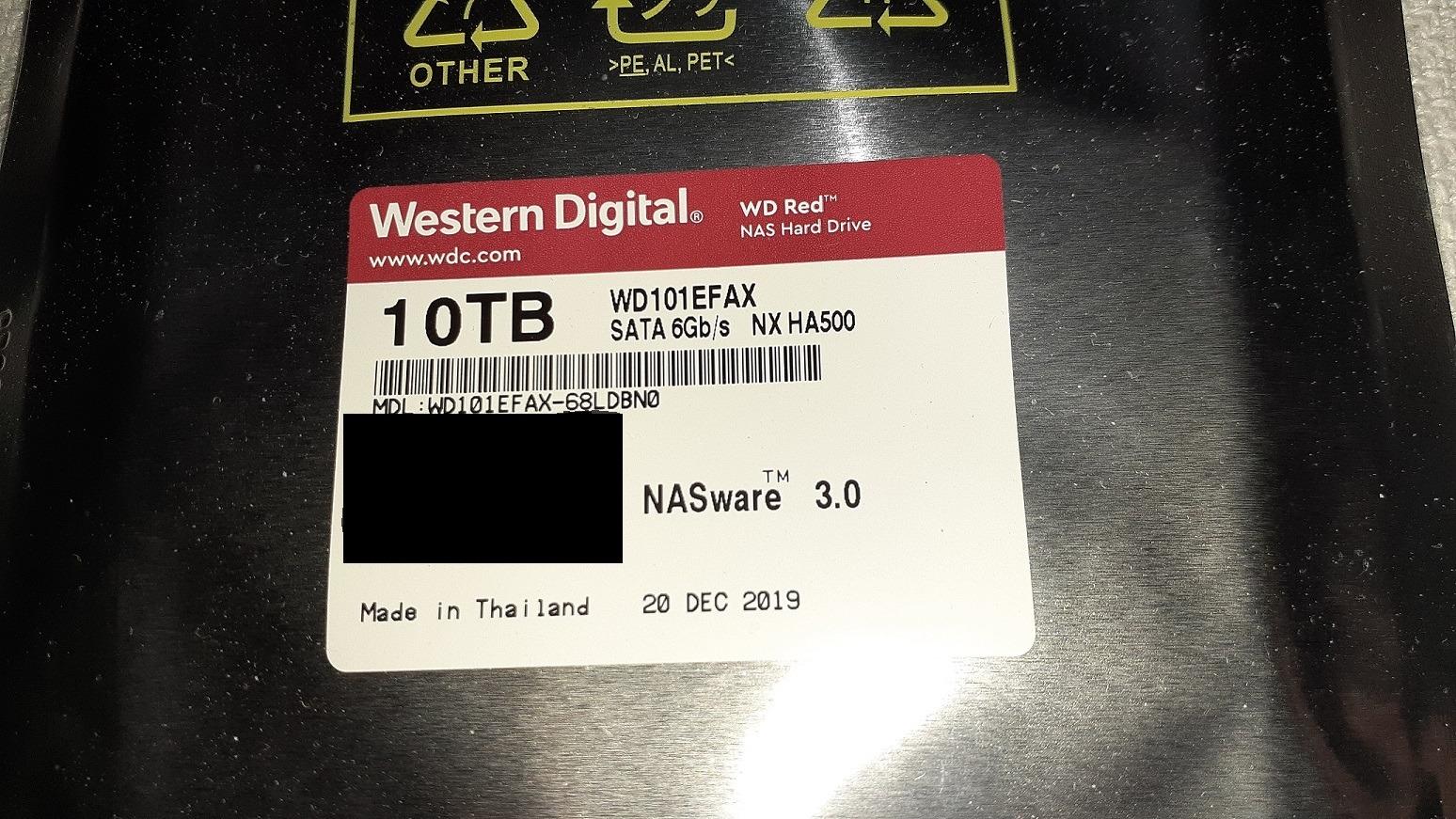
Owner reviews consistently describe quiet operation and cool running temperatures in the 24 to 32C range inside Synology and QNAP enclosures. Buyers running these for 8 years or more report clean S.M.A.R.T. data after tens of thousands of power-on hours, which is exactly the long-horizon behaviour a media server needs.
NASware firmware is the quiet hero here. It handles error recovery in multi-bay situations more gracefully than desktop firmware, and the drive is rated up to 180 TB per year of workload with support for enclosures of up to 8 bays.
Is it quiet enough for a living room?
Yes. Reviewers single out silence as the most repeated strength, and one of the largest themes in the feedback is how much cooler these run than enterprise or desktop 7200 rpm drives in the same bay. Multiple owners report drives still going after 8+ years.
A minority mention early dead-on-arrival units and small batches failing together, which is a batch problem rather than a design problem, and it is why staggering purchases matters.
Where does it fall short?
The 5400 rpm class means slower random and sequential throughput than the 7200 rpm drives in this list, so RAID rebuilds take longer. If you are filling eight bays with 24TB drives and expect to rebuild one often, look at the Red Pro or IronWolf Pro instead.
It also runs a little warmer than a desktop-grade HDD in a dense enclosure with little airflow, and 64 MB of cache is minimal for scrubbing large libraries while streaming.
2. Seagate IronWolf 4TB (ST4000VN006) – The Mainstream All-Rounder
Seagate IronWolf 4TB NAS Internal Hard Drive CMR 3.5 Inch SATA 6Gb/s 5400 RPM 64MB Cache for RAID Network Attached Storage Rescue Services (ST4000VNZ06/006)
4TB CMR
5400 rpm
64 MB cache
180 MB/s read
1M hour MTBF
Pros
- Entry point into a 4-bay NAS at a reachable capacity point
- CMR avoids SMR rewrite penalties on rebuild
- IronWolf Health Management surfaces drive health
- Quiet enough for a living room NAS
Cons
- 180 MB/s read speed is the lowest in this roundup
- 64 MB cache limits multi-client throughput
- Rated for enclosures up to 8 bays only
The IronWolf is the number one selling internal hard drive in its category and it earns that position. It sits at the same 5400 rpm class and same 64 MB cache as the WD Red Plus, but it adds IronWolf Health Management, which pushes drive health data straight into the NAS interface rather than making you read raw S.M.A.R.T. values.
That health reporting is genuinely useful for a Plex server. Plex will happily serve a file from a drive that is quietly degrading, so you want a dashboard that flags reallocated sectors and pending sectors before a film fails to open.
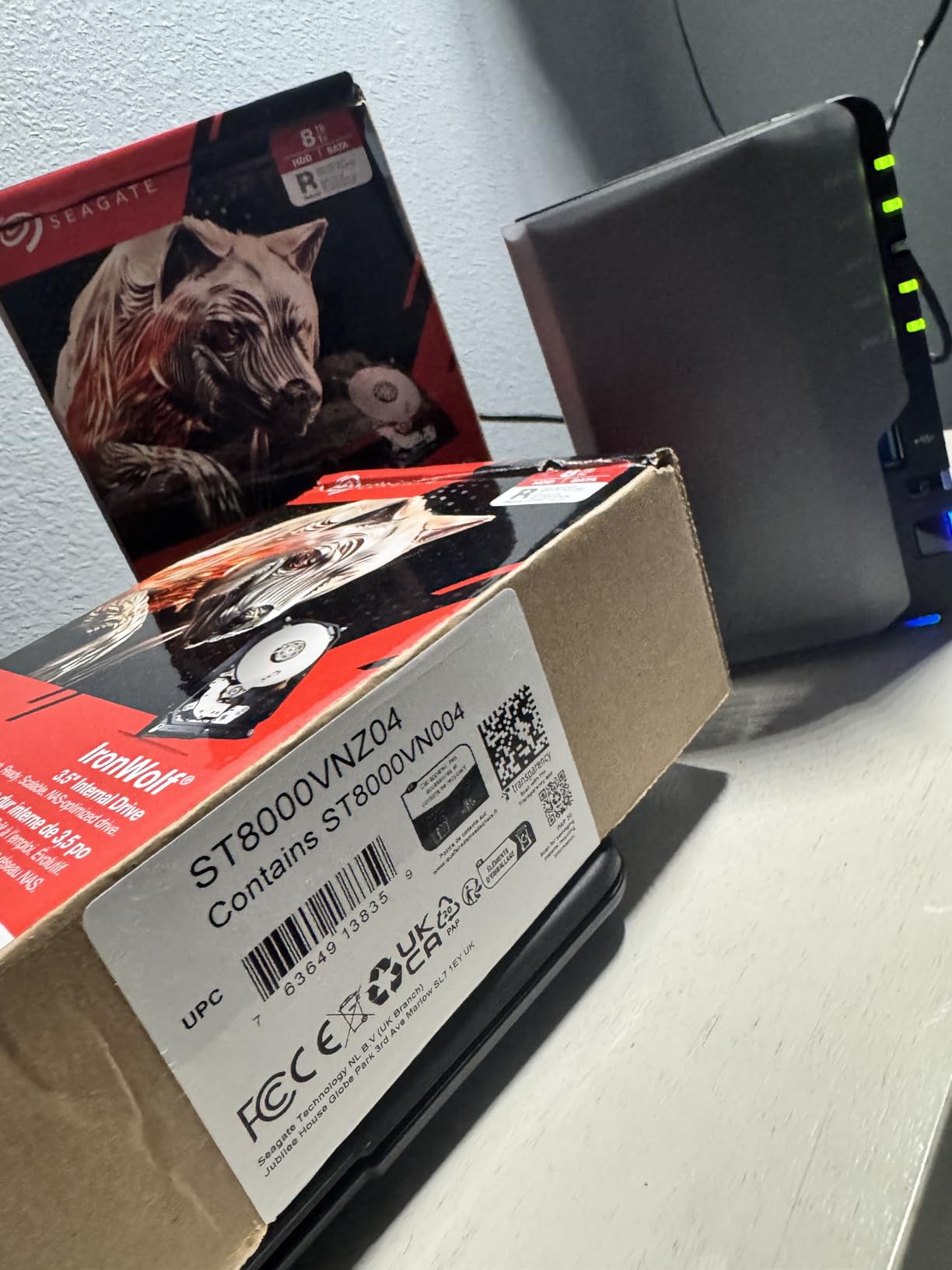
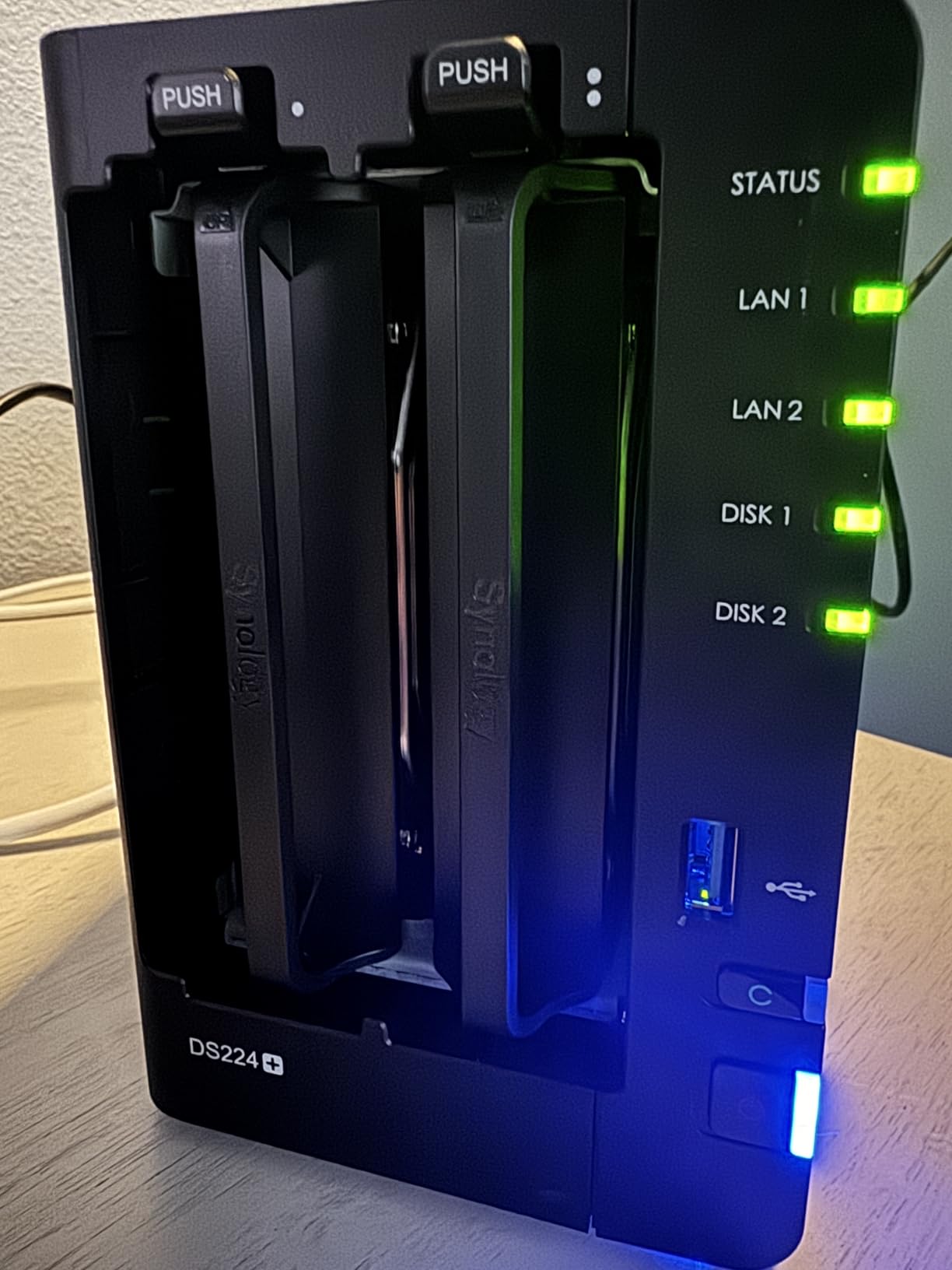
Owners running these in 2-bay and 4-bay Synology and QNAP units report dependable, quiet operation, with ratings clustered heavily in the five-star bucket. The recurring gripes are throughput and cache size rather than reliability, which tells you where the compromises sit.
Three years of warranty are included alongside three years of Rescue Data Recovery Services, so if a drive fails outright inside the coverage window there is a professional recovery path rather than a straight replacement.
How does it compare to the WD Red Plus?
They are near twins on paper: 4TB, CMR, 5400 rpm, 64 MB cache, 180 TB per year workload class. The tie-breakers are the health management dashboard and the Rescue recovery service on Seagate’s side, against a longer reliability track record and cooler reported temperatures on Western Digital’s.
Choose IronWolf if you want the NAS to tell you the drive is unwell. Choose Red Plus if you want the quietest running drive in the room.
What are the limits?
At 180 MB/s read speed this is the slowest drive in the roundup, and it is rated only for enclosures of up to 8 bays. If you are planning a ten-bay array or streaming several 4K remuxes at once, the 7200 rpm options handle headroom better.
The 64 MB cache is also the joint-smallest here, which shows when Plex scans and plays at the same time.
3. WD Red Pro 12TB (WD121KFBX) – Built for Big RAID Arrays
Western Digital 12TB WD Red Pro NAS Internal Hard Drive HDD – 7200 RPM, SATA 6 Gb/s, CMR, 256 MB Cache, 3.5″ – WD121KFBX
12TB CMR
7200 rpm
256 MB cache
550 TB/yr workload
5-year warranty
Pros
- 7200 rpm and 256 MB cache sustain multi-stream 4K playback
- Longest warranty in this roundup at 5 years
- 550 TB/yr handles heavy scrub and rebuild load
- Large cache keeps rebuilds predictable
Cons
- Clearly audible seek noise in a living space
- Runs warm when several share an enclosure
- Some third-party units lack manufacturer warranty
This is the drive to buy when you are past the trial stage. At 12TB with 7200 rpm, 256 MB of cache and a 550 TB per year workload rating, it covers the two scenarios that trip up consumer NAS drives: large arrays and heavy sustained writes during a rebuild.
Owners running combinations like three 8TB plus two 12TB drives in Synology SHR report stable health across years, and reviewers in RAID 1, RAID 5 and SHR setups describe plug-and-play recognition and years of clean S.M.A.R.T. data.
It is also rated for an unlimited number of bays, so it scales with a bigger chassis instead of stopping at 8.
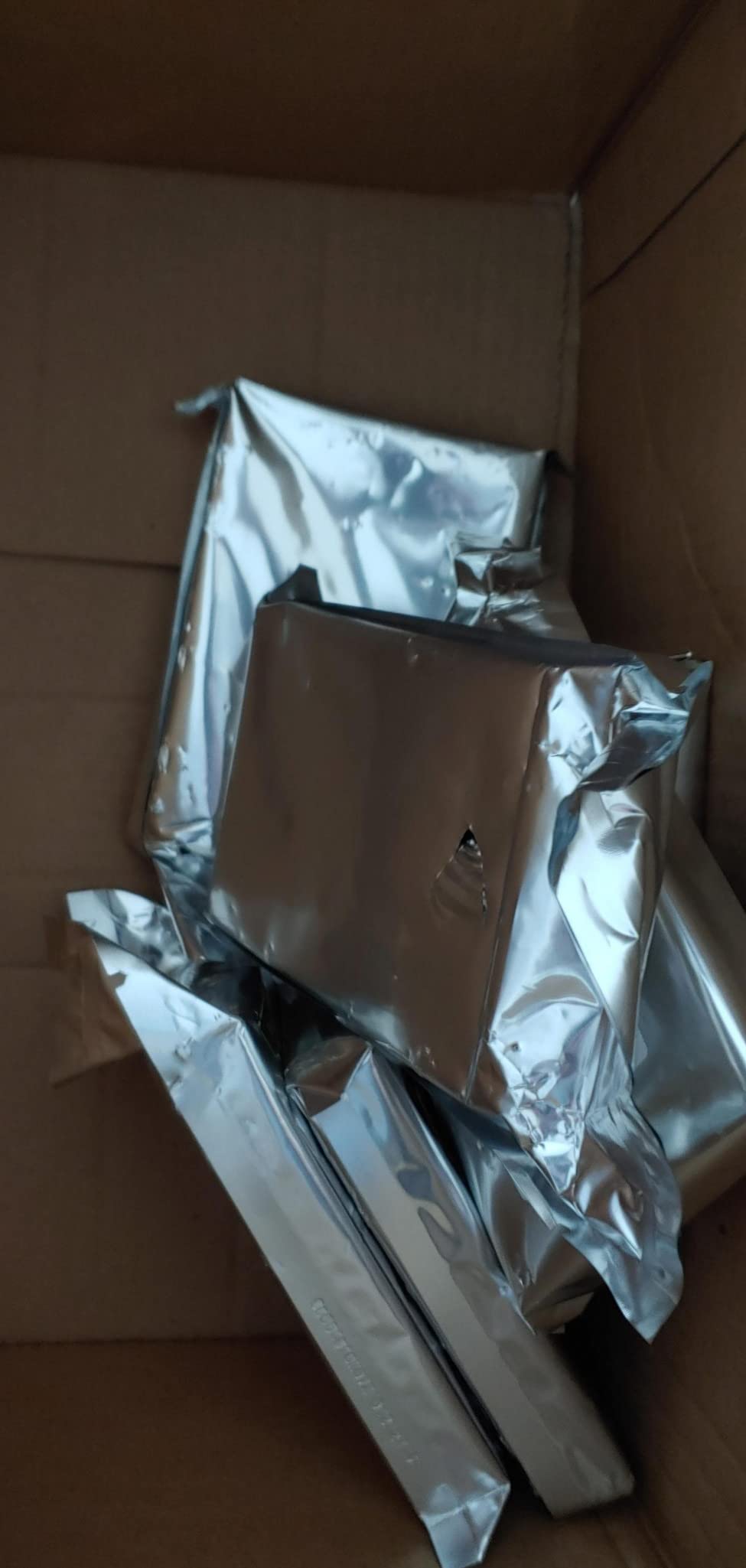
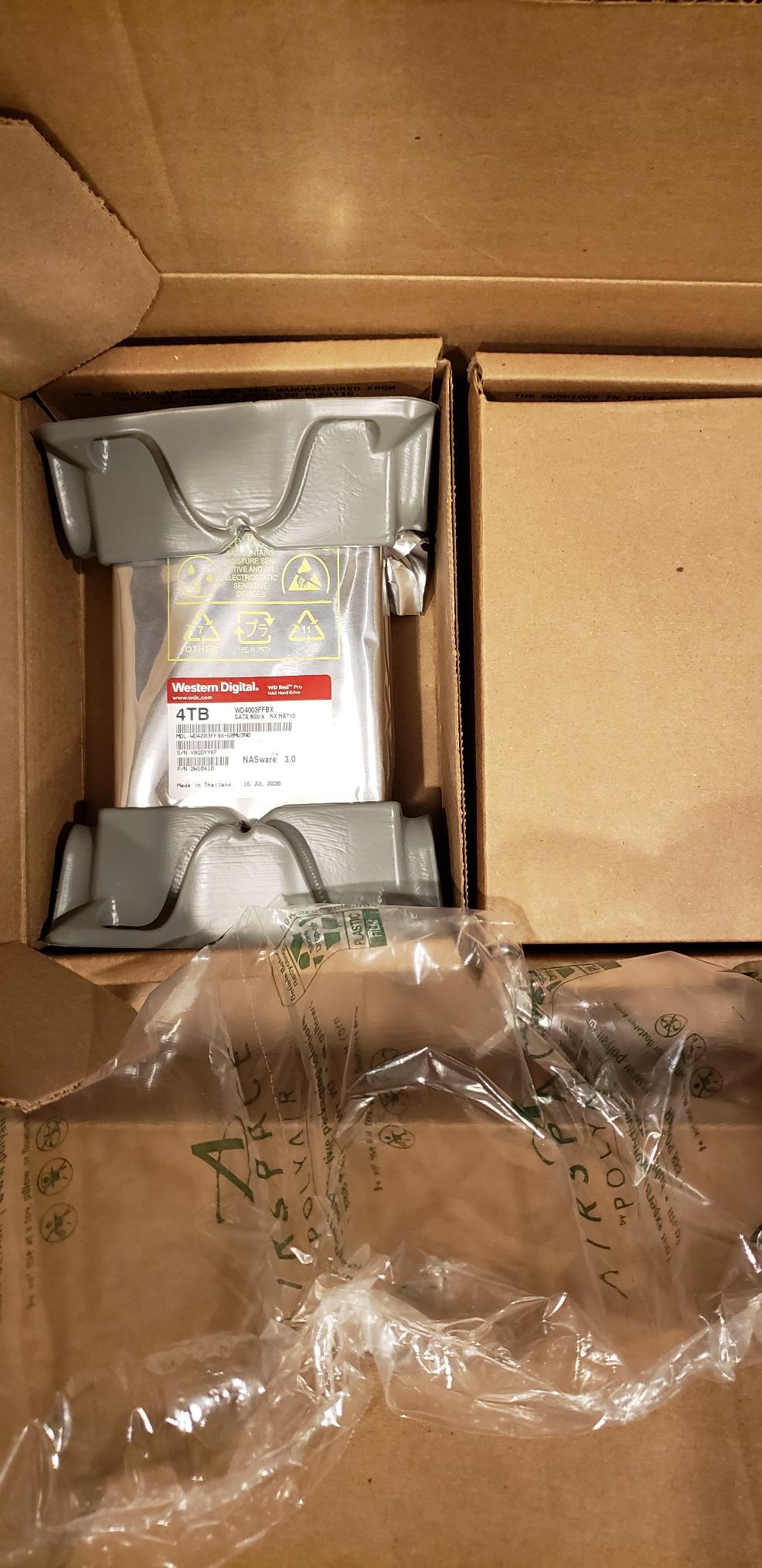
The 256 MB cache is what separates this from the 5400 rpm class. During a RAID rebuild, Plex keeps serving media while the array rebuilds in the background, and that write pressure is exactly where a small cache shows up as stutter.
Five years of manufacturer warranty is the longest coverage in this roundup, which matters when the drive holds 12TB of films you cannot re-download.
Can you use it for 4K Plex streaming?
Yes, and with headroom. The 7200 rpm spindle plus 256 MB cache is the combination most owners cite when they run multiple simultaneous 4K streams from a RAID 5 array. It is also comfortable handling Plex scrubbing and thumbnail generation alongside playback.
For ZFS or TrueNAS SCALE pools, the endurance rating means the array can absorb sustained write traffic without the drive becoming the weak link.
What should you watch out for?
Noise is the honest drawback. Multiple 7200 rpm Red Pro drives are audibly noisy in a living space, and reviewers mention it more than any other issue. Place the NAS in a closet or equipment cupboard rather than beside the television.
A minority of buyers report dead-on-arrival units and frustration with warranty turnaround, and some third-party marketplace units arrive without manufacturer warranty coverage.
4. Seagate IronWolf Pro 4TB (ST4000NEZ01) – Fastest 4TB Option
Seagate IronWolf Pro 4TB NAS Internal Hard Drive HDD – 3.5 Inch SATA 6Gb/s 7200 RPM 128MB Cache for RAID Network Attached Storage, Data Recovery Service – Frustration Free Packaging (ST4000NEZ01)
4TB CMR
7200 rpm
128 MB cache
214 MB/s read
1.2M hour MTBF
Pros
- 214 MB/s is the highest read speed at 4TB in this roundup
- 7200 rpm sustains concurrent streams in RAID 5
- Five-year warranty with 1.2M hour MTBF
- IronWolf Health Management at-a-glance health
Cons
- Audibly noisy seek from several feet away
- Some buyers report DOA units in larger lots
- Return shipping is paid by the buyer on RMA
If your bays will hold four drives and you want them fast without stepping up to 8TB, this is the one. At 214 MB/s sequential read it is the quickest 4TB drive here, and the 7200 rpm spindle means RAID 5 rebuilds finish sooner than on the 5400 rpm class.
It is rated for NAS enclosures up to 24 bays and carries a 1.2M hour MTBF figure, so it is built for larger multi-user arrays than the standard IronWolf. Five years of warranty and three years of Rescue Data Recovery Services come as standard.
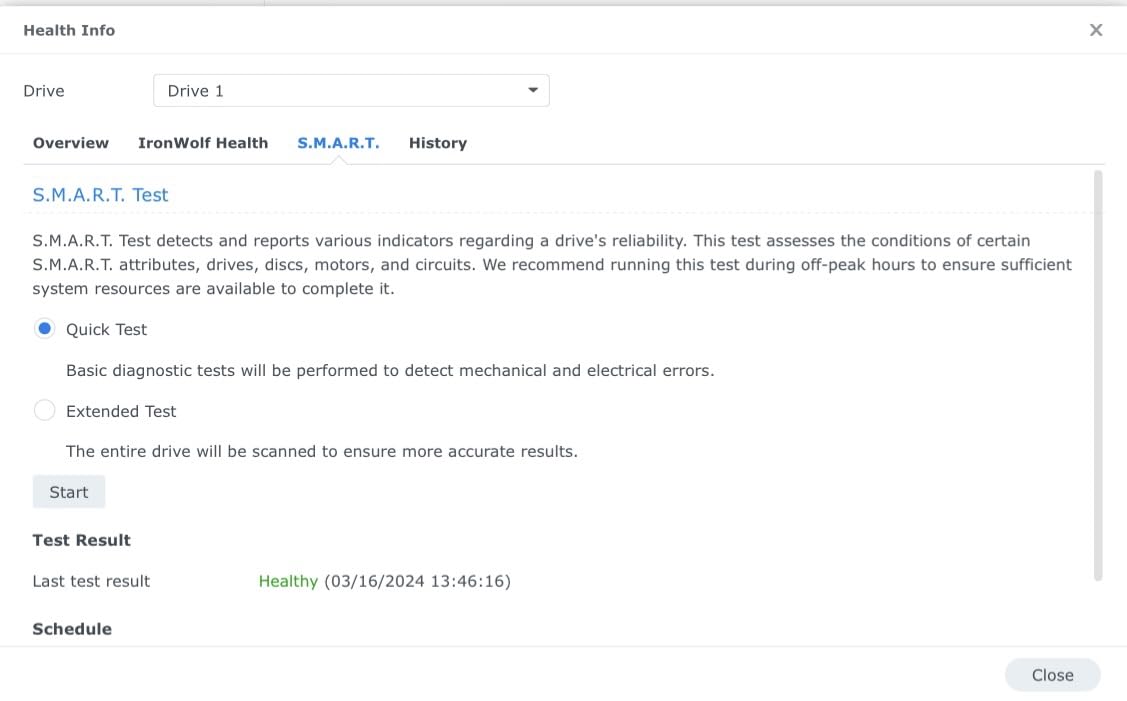
Reviewers running four of these in 24/7 RAID 5 with an NVMe read cache feeding a Plex server report all disks showing Healthy, faster results than the drives they replaced, and expect warm rather than cool running in a four-bay box.
The data protection features mitigate damage from sudden power loss, which matters on a NAS that can be rebooted unexpectedly.
Is it worth the step up from standard IronWolf?
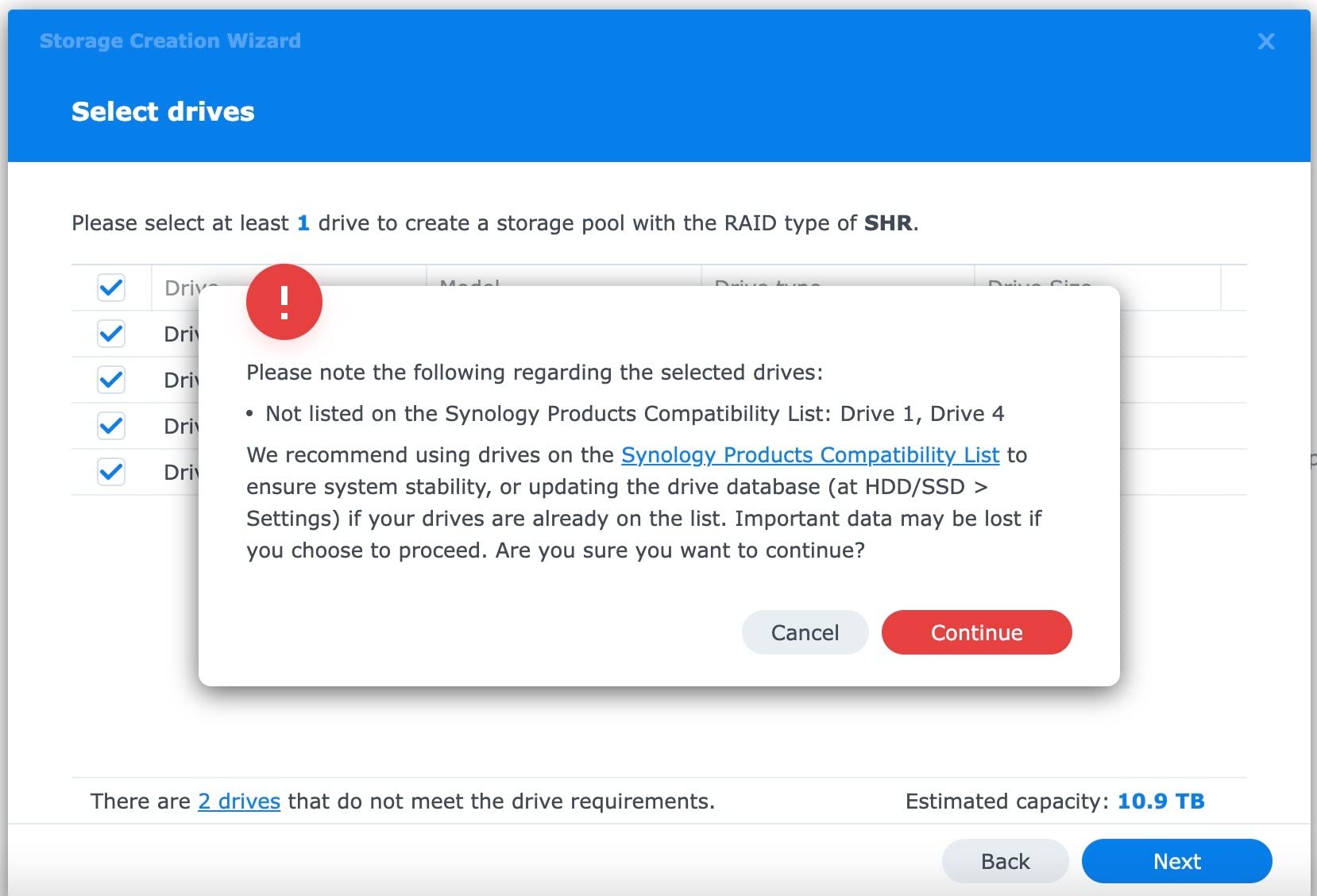
Yes if you run more than one simultaneous 4K stream or a large library that Plex scans frequently. Owners describe hot-swap working cleanly on Synology while replacing WD Red disks one at a time, which makes mixed-fleet maintenance painless.
For a single 1080p or light 4K library on a two-bay box, the extra throughput will not be visible and the standard IronWolf is the smarter buy.
What are the drawbacks?
Seek noise is audible from about eight feet away, so this is not a living-room drive. Reliability feedback splits: many long-term owners report zero errors, while a smaller group hit dead-on-arrival or early-failure units and friction with the RMA process.
RMA shipping costs fall on the buyer, and a few buyers report capacity readings below the labelled size once formatted.
5. WD Gold 8TB (WD8005FRYZ) – Highest Sequential Throughput
Western Digital 8TB WD Gold Enterprise Class Internal Hard Drive – 7200 RPM Class, SATA 6 Gb/s, 256 MB Cache, 3.5″ – WD8005FRYZ
8TB enterprise
7200 rpm
256 MB cache
267 MB/s read
HelioSeal from 12TB
Pros
- 267 MB/s read speed is the highest sequential figure here
- Enterprise endurance class with vibration protection
- 256 MB cache smooths concurrent streams and rebuilds
- Five-year limited warranty included
Cons
- Enterprise line lacks NAS health management features
- Higher power draw and heat than a NAS drive of similar size
- Owner ratings trail the NAS-specific options at 4.2
The WD Gold is not marketed as a NAS drive, and that is both its appeal and its problem. It posts the highest sequential read speed in this roundup at 267 MB/s, backed by an enterprise endurance class and vibration protection technology that was designed for racks full of drives.
That vibration handling is genuinely useful in a four-bay NAS, even if the drive is not officially in the compatibility list. Reviewers running it in backup and small server roles report solid performance.
HelioSeal helium filling starts at 12TB on this line, so if you later move up to larger capacities you get lower power draw per terabyte without changing families.
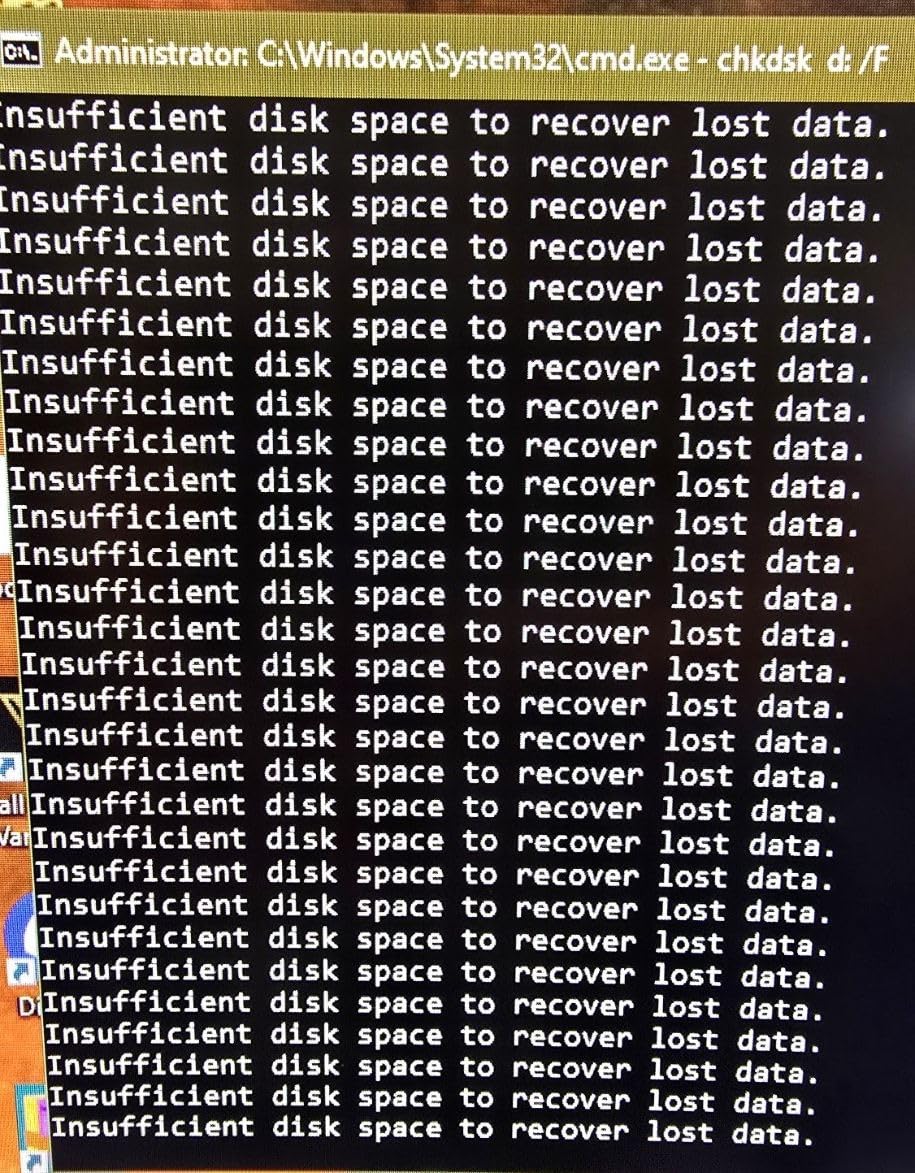
One more practical note: the model listed here is 8TB. Check your NAS vendor compatibility list before committing, because enterprise lines are not always validated against specific enclosures even when they physically fit and work.
The 256 MB cache does useful work during a RAID rebuild, holding recently accessed Plex metadata while the array writes out parity.
Who should consider an enterprise drive for Plex?
People running TrueNAS SCALE or a ZFS pool with checksumming, and anyone serving media alongside backups or a VM workload. The endurance class and vibration tolerance suit multi-bay enclosures better than a desktop drive would.
It also works well as a cold target for Plex nightly backups alongside a NAS-specific library drive.
Why it is not the default recommendation?
It has no NAS-aware health management, so you will read S.M.A.R.T. data manually rather than getting a health dashboard. Owners also report more heat and noise than consumer NAS drives of similar size.
The 4.2 average rating reflects dissatisfaction with acoustics and heat plus confusion about NAS compatibility, so treat it as a deliberate choice rather than a safe default.
6. Seagate IronWolf 10TB (ST10000VN0008) – Top Rated in This Roundup
Seagate IronWolf 10TB NAS Internal Hard Drive HDD – CMR 3.5 Inch SATA 6Gb/s 7200 RPM 256MB Cache for RAID Network Attached Storage, with Rescue Service (ST10000VN0008)
10TB CMR
7200 rpm
256 MB cache
210 MB/s read
1M hour MTBF
Pros
- Highest average rating of any drive in this roundup
- 7200 rpm with 256 MB cache for multi-stream 4K
- CMR avoids SMR write penalties in RAID arrays
- 10 TB is a practical size for a large library
Cons
- Cost per terabyte runs above the 4TB IronWolf and Red Plus
- Enclosures limited to 8 bays
- Enterprise use needs the IronWolf Pro line
This 10TB IronWolf carries the highest average rating in the roundup, with a large share of reviews sitting at five stars. It pairs 7200 rpm and 256 MB of cache with CMR recording, which is the combination we look for when a library needs to sustain several 4K streams while Plex is also scanning new media.
10TB is also a sweet spot for sizing. It lands you well past the 8TB mark without pushing into drives where you wait a long time on the first full surface scan before trusting the disk with data.
IronWolf Health Management is present as on the smaller model, and three years of warranty plus three years of Rescue Data Recovery Services are included.
Owners cite steady throughput, quiet-enough acoustics for normal rooms and painless integration into Synology arrays. The one consistent complaint is cost per terabyte, not performance or reliability.
If you are mixing capacities, note that this is the standard IronWolf line rated for enclosures up to 8 bays, not the Pro line that scales to 24.
Is 10 TB the right size for a 4K library?
For most households, yes. A remuxed 4K film commonly runs 60GB or more, so 10TB covers a sizeable shelf of films depending on whether you mix in 1080p content. If you plan regular additions rather than a fixed library, two of these in RAID 1 give you a comfortable buffer.
Owners report painless integration into Synology arrays, which is where most Plex builds start.
What are the tradeoffs?
The main one is cost per terabyte, which is well above the 4TB IronWolf and WD Red Plus. You pay more per unit of capacity but get 7200 rpm speed and 256 MB of cache instead of 5400 rpm and 64 MB.
The rating is based on a smaller review pool than the two entry-level drives, so treat the 4.6 figure with slightly more caution than the review count alone suggests.
7. Toshiba N300 8TB (HDWG780XZSTA) – Large Cache and RV Sensors
Toshiba N300 8TB NAS 3.5-Inch Internal Hard Drive – CMR SATA 6 GB/s 7200 RPM 512 MB Cache – HDWG780XZSTA
8TB CMR
7200 rpm
512 MB cache
253 MB/s read
RV sensors
Pros
- 512 MB cache paired with a 253 MB/s read speed
- Integrated rotational vibration sensors for multi-bay arrays
- Built for small office and home office NAS
- Owners report quieter running than Seagate drives
Cons
- 180 TB/yr workload rating is well below enterprise drives
- Only a three-year warranty
- One owner reported a failure just under two years
The N300 pairs a 512 MB cache, tied for the largest in this roundup, with integrated rotational vibration sensors, so it actively compensates when neighbouring bays set up vibration that would slow a head.
It is explicitly designed for small office and home office NAS use and rated for continuous 24/7 operation with a 180 TB per year workload. Native Command Queuing helps keep Plex responsive during scans.
Owners running 24/7 Synology and TerraMaster arrays, iSCSI and NFS shares, and RAID 10 sets report healthy drives after a year or more with consistent performance.
The standout owner feedback is acoustics. Multiple reviewers specifically call this quieter than the Seagate IronWolf drives they replaced, which makes it a strong candidate for a NAS that sits near the television.
Negative feedback is limited, with one report of a drive failing just under two years of continuous use and mild complaints about startup sound and vibration.

Does the RV sensor actually matter for Plex?
In a two-bay box, barely. In a four-bay or larger enclosure with 7200 rpm drives spinning together, vibration can push read heads off track and slow throughput, which is what an RV sensor corrects. If you are filling four or more bays, this is a real advantage.
The 253 MB/s read speed puts it near the top of this list for Plex throughput at 8TB.
Where it falls short
The 180 TB per year workload rating is well below the 550 TB per year of the enterprise drives here, so it is less suited to heavy continuous rewriting than a Pro or MG model.
The warranty is three years, and the review pool is the smallest of the consumer NAS drives listed, at 483 ratings.
8. Toshiba MG 12TB (MG07ACA12TE) – Enterprise Endurance for ZFS
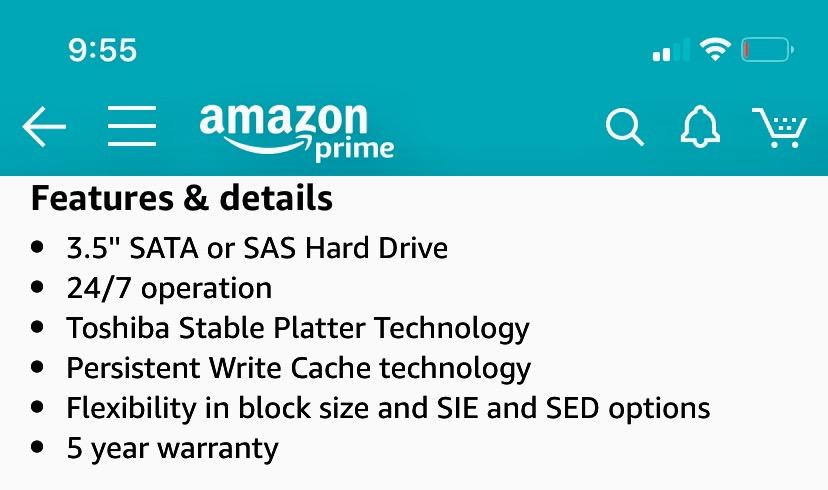
Toshiba MG Series Enterprise 12TB 3.5’’ SATA 6Gbit/s Internal HDD 7200RPM 550TB/year 24/7 Operation. MG07ACA12TE
12TB enterprise
7200 rpm
256 MB cache
550 TB/yr
5-year warranty
Pros
- 550 TB/yr workload rating for always-on serving
- Persistent Write Cache reduces loss on power interruption
- Stable Plater Technology improves read and write consistency
- Five-year warranty
- 240 MiB/s media speed
Cons
- Enterprise line without NAS health management tools
- Listing spec sheets show inconsistent interface figures
- Heavier power draw and heat than consumer NAS drives
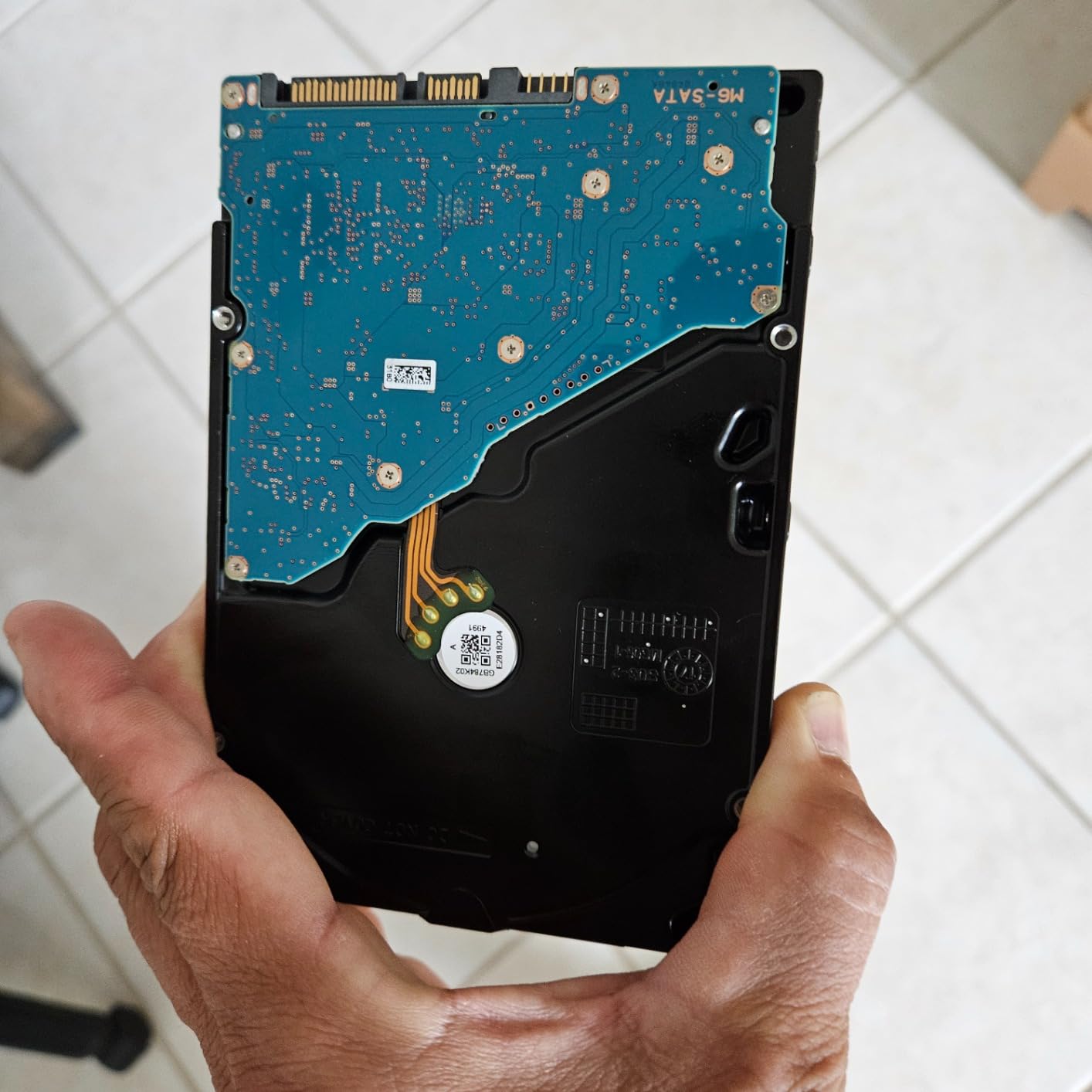
The MG series is the enterprise counterpart to Toshiba’s N300, and it is built for a different job. At 12TB with a 550 TB per year workload rating, it is aimed at always-on roles where the pool is writing heavily, which is exactly what a ZFS scrub or a busy backup schedule does to a drive.
Persistent Write Cache is the feature that matters most for a media server. It protects in-flight data if power drops unexpectedly, so a library is less likely to end up with corrupted metadata after an unplanned shutdown.
It offers SATA or SAS interface options, flexibility in block size plus SIE and SED options, and a five-year warranty.
Buyer feedback centres on always-on backup and storage roles where the 550 TB per year endurance and five-year warranty justify the enterprise positioning. Reviewers report 240 MiB/s media speed in real use.
For Plex, treat this as a library or archive drive in a TrueNAS SCALE or ZFS pool rather than the primary scratch disk for frequent scrubbing.
Is enterprise worth it for a Plex server?
For ZFS or TrueNAS SCALE pools, yes. Checksummed filesystems write heavily, and the endurance rating here gives headroom that a 180 TB per year consumer NAS drive does not.
For a simple RAID 5 or SHR library on a Synology or QNAP box, the N300 or IronWolf covers the same ground at lower heat and noise.
What do buyers complain about?
Several listings show inconsistent interface and transfer-rate figures, so confirm the SATA variant before ordering. There is no NAS-aware health tooling, and the drive draws more power and runs hotter than a consumer NAS drive.
The 4.2 average rating trails the NAS-specific options, mostly on noise, heat and missing health integration.
9. HGST Ultrastar DC HC530 14TB Renewed – 14TB on a Data Centre Budget
HGST WD Ultrastar DC HC530 14TB SATA 6Gb/s 3.5-Inch Data Center HDD – WUH721414ALE604 0F31152 (Renewed)
14TB HelioSeal
7200 rpm
512 MB cache
2.5M hour MTBF
Pros
- 14 TB of capacity in a single 3.5-inch bay
- 512 MB cache and 7200 rpm for sustained throughput
- Data center 2.5M hour MTBF endurance
- Helium platters keep power draw low for the capacity
Cons
- Renewed condition means unknown prior power-on hours
- Lowest average rating here at 4.0 with 16 percent one-star reviews
- Data center firmware with no NAS health tools or Rescue service
This is the value route to a large archive. The Ultrastar DC HC530 is a data centre drive with helium-filled HelioSeal platters, 512 MB of cache and a 2.5M hour MTBF class, listed here as an Amazon Renewed unit at 14TB.
Buyers treat it as a way to get capacity cheaply and report strong transfer speeds and low idle power in NAS, server RAID and backup roles. It is listed for use in NAS, desktop PCs, server RAID and restore workflows.
The 512 MB cache and 7200 rpm spindle give it more headroom for concurrent Plex streams than its renewed status might suggest.
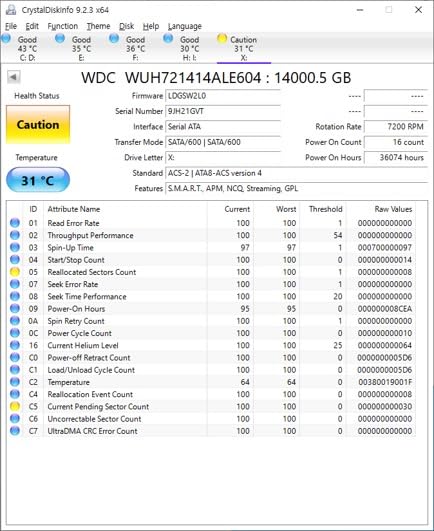
A SATA-to-SATA power adapter cable is included for legacy systems, which is helpful if your enclosure uses an older connector style.
The helium platters are rated at up to 58 percent lower idle watts per terabyte than 8TB air-filled Ultrastar drives, which matters once a full array is spinning.
Is a renewed data centre drive safe for a Plex library?
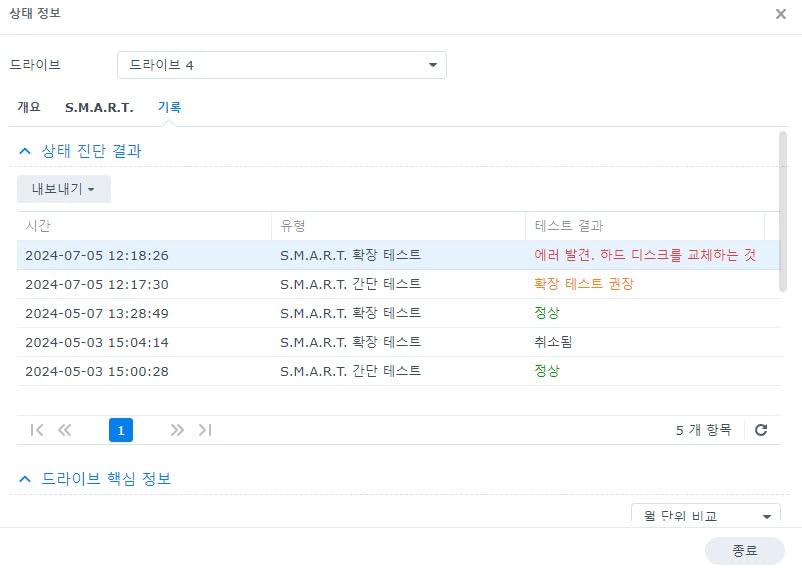
It can be, with backups in place. Renewed units carry unknown prior power-on hours, which is the honest risk: the endurance class says the design is reliable, not that this specific disk has had an easy life.
Check the drive against your NAS vendor compatibility list before building an array around it, since data centre firmware has no NAS-aware health management.
Why the rating sits at 4.0
This is the lowest average rating in the roundup, with 16 percent one-star reviews. Buyers who accept prior use rate it well; others worry about unknown S.M.A.R.T. history and the absence of a manufacturer data recovery service.
Unknown prior power-on hours is the deal to weigh. Renewed units still carry the design’s endurance class, but nobody can tell you how many hours this specific disk has already run.
10. MDD 14TB NAS Drive Renewed – Straightforward Bulk Storage
MDD (MD14TSATA25672NAS) 14TB 7200 RPM 256MB Cache SATA 6.0Gb/s 3.5” Internal NAS Hard Drive – 5 Years Warranty (Renewed)
14TB
7200 rpm
256 MB cache
200 MB/s read
5-year reseller warranty
Pros
- 14 TB of capacity in a single 3.5-inch bay
- 7200 rpm and 256 MB cache handle multi-stream 4K
- Five-year warranty from the reseller
- Listed as compatible with NAS and RAID systems
Cons
- Renewed condition with unknown prior power-on hours
- No SMART health integration and no data recovery service
- Bare drive only with no cables or screws included
This 14TB data centre drive is aimed at bulk storage rather than a primary library. At 14TB with 7200 rpm, 256 MB of cache and a 200 MB/s read speed, it has enough throughput for multi-stream Plex 4K direct play.
Owners using it for large, inexpensive bulk or archival storage cite capacity and the price point as the main draw. It is listed as compatible with desktop PCs and Macs, RAID systems, NAS and CCTV DVR use.
The warranty comes from the reseller rather than the drive manufacturer, so read the terms before relying on it.
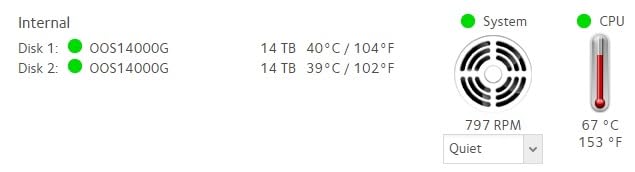
It is a bare drive only. No screws, cables or accessories are in the box, so budget separately for mounting hardware if your enclosure does not include it.
You also need to format the drive on the host system before it appears, which adds a step on first setup compared with a NAS-branded disk that the enclosure recognises immediately.
Is it good enough for a Plex library?
Yes for direct play and multiple streams, since 200 MB/s read speed clears the bandwidth several 4K clients need. It is a sensible second tier: keep your primary library on a NAS-rated CMR drive and use this for archive media you can re-download.
Because it lists 7200 rpm and a 256 MB cache, it will be louder than the 5400 rpm class drives in this roundup.
What should you know before buying?
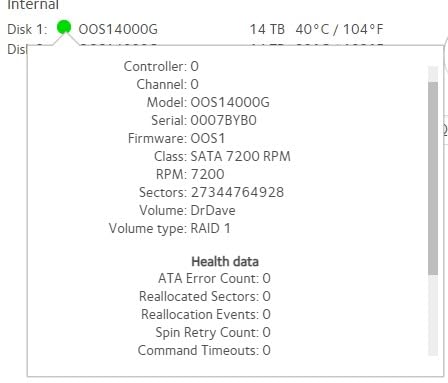
Renewed condition means unknown prior power-on hours, and there is no S.M.A.R.T. health integration or data recovery service. The rating of 4.2 comes from the smallest review base here, at 99 ratings, so treat the feedback as thin evidence.
Check your NAS compatibility list and keep a separate backup of anything irreplaceable.
How to Choose NAS Hard Drives for a Plex Server
Start with recording technology and work down. Everything else on the spec sheet is negotiable; CMR is not.
CMR or SMR: the one requirement you cannot skip
CMR, or conventionally magnetic recording, writes each track independently. SMR, or shingled magnetic recording, overlaps tracks so it gains capacity, and that overlap means a random write can force a long rewrite of everything after it.
For a Plex server that difference shows up during a RAID rebuild. An SMR drive can stall for minutes at a time, extend a degraded-array window from hours to days, or get flagged as failed by the enclosure. That is why every drive in this roundup is CMR.
Workload rating and what TB per year really means
The workload rating is how much data the drive is warrantied to move in a year. A 180 TB per year drive handles a household library comfortably, since reaching that figure means writing a very large amount of data every single day.
Heavier figures like 550 TB per year matter when the same drives handle backups, surveillance footage or a ZFS scrub alongside the media. Our external hard drive picks cover the cold-storage side of a backup plan.
Rotational vibration sensors in a multi-bay chassis
When four 7200 rpm drives spin in one enclosure, they push each other around. Rotational vibration sensors detect that and adjust head tracking to compensate. In a two-bay box you can skip this; in a four-bay or larger chassis, it is worth paying for.
How much capacity a 4K Plex library needs
A remuxed 4K film commonly runs 60GB or more, while a 1080p encode is usually 2 to 5GB. Work out roughly how many hours of each you own, multiply, and leave 20 percent headroom for growth.
For most homes, 4TB to 8TB per bay covers a few hundred films. If you want a second copy of everything, our backup drive guide covers the second tier of storage.
Buy drives in staggered batches so they do not fail together
Drives from a single manufacturing batch share component lots and firmware versions, so they tend to fail at similar times. Buying four at once can give you four correlated failures.
Stagger your purchases across different weeks and sellers, and mix capacities or families where you can. Run a full surface scan on each new drive before you load media onto it, using SeaTools or the vendor’s own utility, and keep a second copy of anything irreplaceable outside the array.
RAID 5 or SHR, and where to put the Plex database
RAID 5 gives you one drive of redundancy and, with four drives, roughly three drives of usable capacity. SHR does the same job but lets you grow one bay at a time, which suits most home builds. RAID 6 or SHR-2 costs a second drive of redundancy and is worth it if the array holds more than about 30TB.
Keep the Plex database itself on an SSD or NVMe volume if your NAS has one. The database takes constant small writes, which is the pattern hard drives handle worst, and a slow database makes the whole interface feel sluggish even when streaming is fine.
Do you need a dedicated NAS for Plex at all?
Not always. Plenty of people attach a single NAS drive to a desktop PC or gaming machine and run Plex from there, which is why the IronWolf and WD Red Plus in this roundup are sold as internal drives usable outside a NAS.
A dedicated unit earns its place when you want 24/7 availability, hot-swap bays, RAID redundancy and remote access. Our NAS buying guide for home setups covers when the jump is worth it.
One more thing about Plex specifically: remote streaming requires a Plex Pass or Remote Watch Pass, and hardware transcoding is tied to the CPU in your chassis. Verify your NAS has QuickSync, an Intel processor with QuickSync, or a supported GPU before you commit to a large library.
Frequently Asked Questions
What is the best NAS drive for Plex?
A 3.5-inch CMR drive rated for 24/7 multi-bay operation, such as the WD Red Plus or Seagate IronWolf. CMR avoids the write stalls that cripple an SMR drive during a RAID rebuild, rotational vibration sensors stop neighbouring drives from interfering, and a workload rating of at least 180 TB per year matches what an active library writes.
What kind of hard drive does a Plex server need?
A 3.5-inch SATA drive with CMR recording, a 180 TB per year or higher workload rating, and NAS-specific error recovery firmware. Avoid SMR models, and avoid desktop drives that were never rated for continuous operation.
Is a NAS worth it for Plex?
It depends on uptime and redundancy. A single NAS drive attached to a desktop works fine for light use, but a dedicated NAS gives you 24/7 availability, hot-swap bays and RAID redundancy so one failed disk does not mean a lost library.
How long do NAS hard drives last?
Owners of the drives in this roundup frequently report units still running after 8 or more years of continuous use with clean S.M.A.R.T. data. Lifespan depends far more on heat, vibration and power stability than on the printed workload rating.
How much storage do I need for a 4K Plex library?
A remuxed 4K film commonly runs 60GB or more, so budget roughly that per title and add 20 percent headroom. Most households need 4TB to 8TB per bay for a few hundred films.
Should I use the same brand of drive in my RAID?
Mixing brands and capacities reduces the risk of correlated failures, since drives from one manufacturing batch tend to fail at similar times. Matching makes replacement easier, so the practical compromise is to match capacity and speed but stagger purchases across batches and sellers.
Conclusion
The WD Red Plus 4TB remains our pick for the best NAS hard drives for Plex in 2026, because it combines CMR recording, quiet running and the largest owner-review base in this roundup at 24364 ratings. It is the drive we put in a two-bay or four-bay enclosure without overthinking it.
If you want in-NAS health reporting, take the Seagate IronWolf 4TB. If your array is larger than four bays or rebuilds regularly, the WD Red Pro 12TB buys endurance and cache at the cost of noise. Check your enclosure compatibility list, buy in staggered batches, and run a full surface scan before you trust any new drive with a library you cannot re-download.