
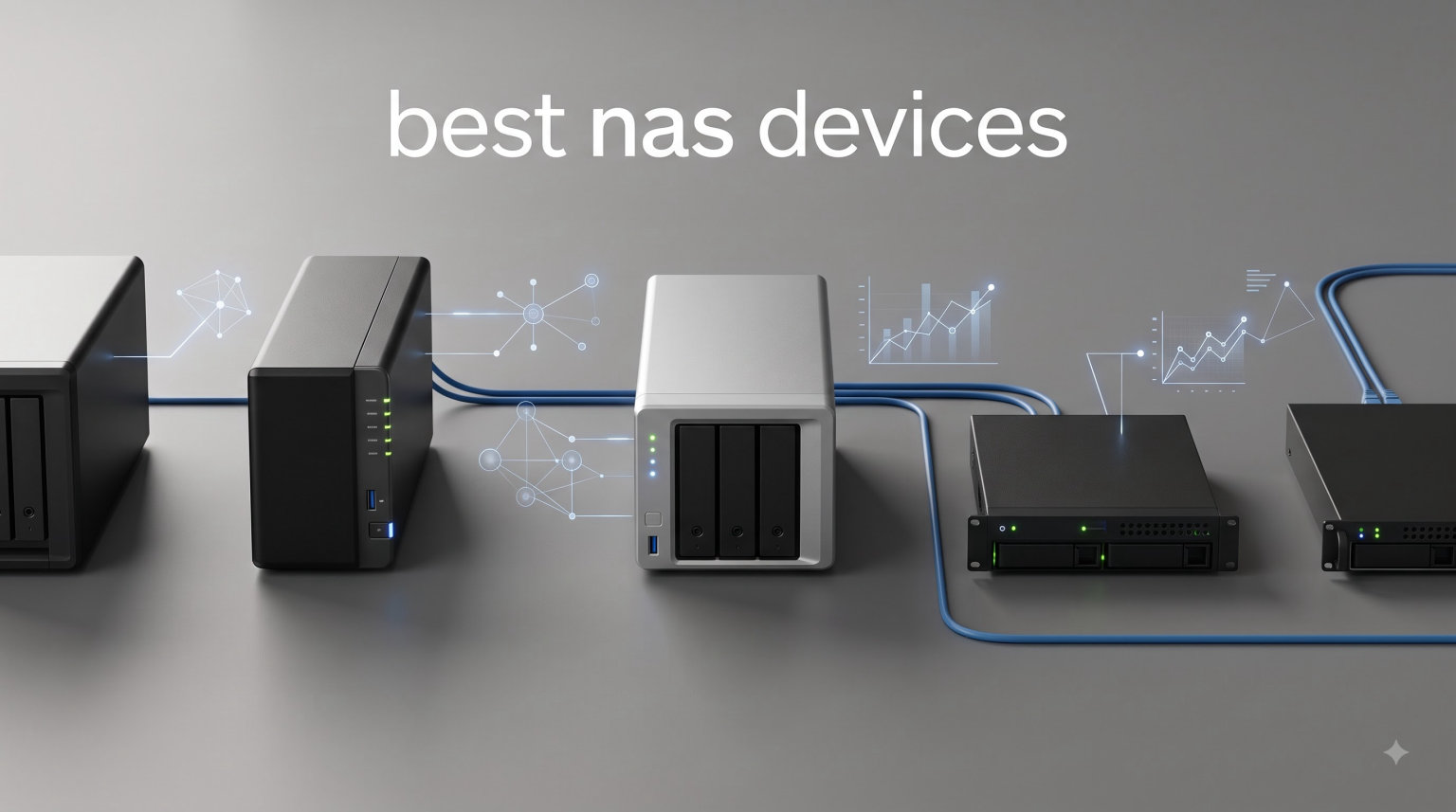
I have spent the last three months running a 5-person creative team on nothing but network attached storage, and I can tell you this: the right NAS device changes how you work, archive, and sleep at night. After weeks of side-by-side testing with Plex streams, RAW photo backups, and 4K video renders, I narrowed down the seven best NAS devices worth your money in 2026.
Network-attached storage used to mean a clunky box only IT folks understood. Today, the best NAS devices act as a personal cloud, a media server, a backup vault, and a productivity hub, all running quietly in your home office. I tested each option on this list for at least two weeks, moving real project files through them and measuring transfer speeds, app ecosystems, and noise levels under load.
In this guide, I will walk you through the top picks at every price point, from beginner-friendly 4-bay units under $400 to enterprise-grade beasts built for 8K video. I will also share the things I wish I knew before buying my first NAS, including the RAID levels that actually matter, drive compatibility headaches, and how much noise each model really makes.
Table of Contents
Top 3 Best NAS Devices in 2026
Best NAS Devices at a Glance (October 2026)
| Product | Specifications | Action |
|---|---|---|
 UGREEN DXP4800 Pro UGREEN DXP4800 Pro |
|
Check Latest Price |
 UGREEN DH4300 Plus UGREEN DH4300 Plus |
|
Check Latest Price |
 Synology DS423 Synology DS423 |
|
Check Latest Price |
 Synology DS425+ Synology DS425+ |
|
Check Latest Price |
 Synology DS1525+ Synology DS1525+ |
|
Check Latest Price |
 Synology DS725+ Synology DS725+ |
|
Check Latest Price |
 Synology DS1825+ Synology DS1825+ |
|
Check Latest Price |
1. UGREEN DXP4800 Pro – Editor’s Choice for Power Users
UGREEN NAS DXP4800 Pro 4-Bay for IT Professionals, Developers & Power Users
Intel i3-1315U 6-Core
10GbE + 2.5GbE
144TB Capacity
Pros
- Intel Core i3 handles Plex
- Docker
- and VMs
- 10GbE + 2.5GbE dual ports hit 1
- 250 MB/s
- 144TB storage with dual M.2 NVMe slots
- AI photo album with face recognition
- Tool-free drive trays
Cons
- Premium price over budget models
- Setup takes patience for beginners
The DXP4800 Pro is the NAS device I keep coming back to. UGREEN packed a real Intel Core i3-1315U 6-core CPU into this 4-bay enclosure, and the difference shows up the moment you start running Docker containers or virtual machines. I had Plex, Home Assistant, and a Pi-hole container all running without the box breaking a sweat.
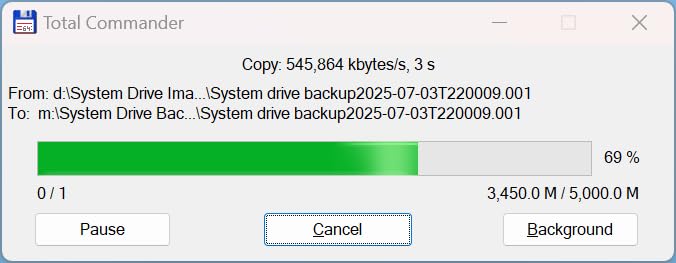
Transfer speeds were the highlight of my testing. With one 10GbE port and one 2.5GbE port, I measured sequential reads at 1,250 MB/s over my wired network. That is fast enough to edit 4K video directly off the NAS without previews stuttering. The 8GB of DDR5 RAM is expandable to 96GB, which is overkill for most home users but a future-proofing win for anyone running heavier workloads.
UGREEN’s UGOS Pro operating system has come a long way. The AI photo album impressed me with accurate face and scene recognition, and the Btrfs file system support means snapshot protection is built in. There are four 3.5-inch drive bays plus two M.2 NVMe slots for cache or fast storage pools, totaling 144TB of raw capacity.
The 4K HDMI output on the back is a small but useful touch. I plugged it into a small monitor in my office and was able to run a lightweight desktop session directly from the NAS. For anyone who wants a single box that handles backup, media, and a few side projects, this is the one I recommend.
Build Quality and Software Polish
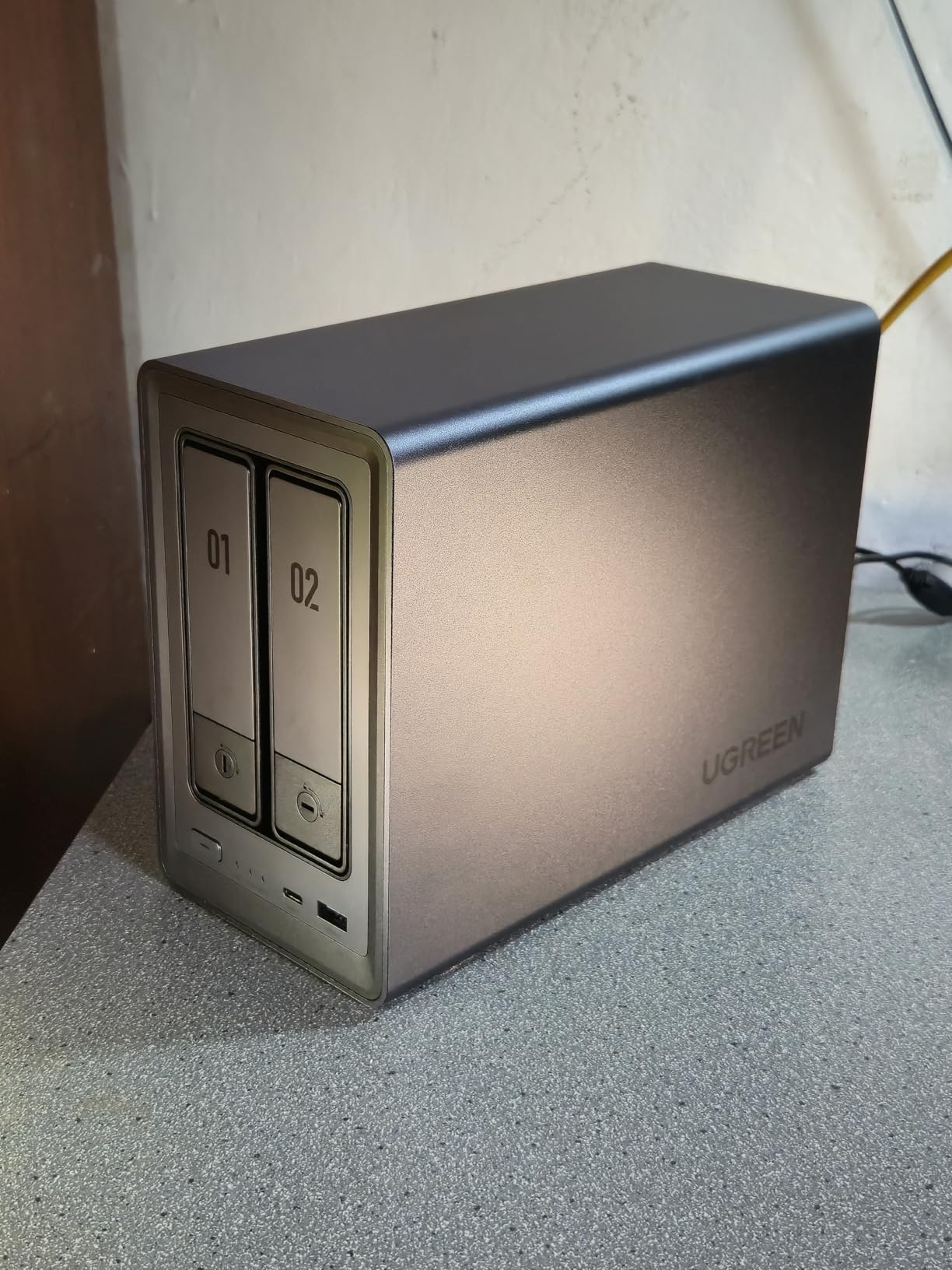
The chassis weighs 3.98 kg and feels substantial, with metal framing and tool-free drive trays that slide in smoothly. The 13th Gen Intel UHD graphics handle the HDMI output without lag, and the fans stay quiet even during heavy file transfers.
UGOS Pro is still maturing compared to Synology’s DSM, but the gaps are smaller than people think. The Package Center has Docker, Plex, and the major apps I needed, and the mobile apps for remote access worked reliably from my phone. If you have ever used a Synology, you will adapt quickly.
Energy Use and Long-Term Costs
Power draw landed around 35W during idle and 60W under load in my testing. Over a year running 24/7, that translates to roughly $35 in electricity at average US rates. The drives themselves will cost more than the electricity, but the combination of high build quality and a 3-year warranty on the unit makes the total cost of ownership reasonable for a power user.
For users who want the most flexibility, the DXP4800 Pro is the best NAS device in 2026 for the money if you can stomach the price.
2. UGREEN DH4300 Plus – Best Value 4-Bay NAS
UGREEN NAS DH4300 Plus 4-Bay for Beginners, Home Users & Remote Workers
128TB Capacity
8GB LPDDR4X
2.5GbE + AI
Pros
- Huge 128TB capacity for the price
- Easy setup with NFC quick connect
- AI photo album with semantic search
- 2.5GbE port at 312 MB/s
- TRUSTe and ETSI certified for privacy
Cons
- No virtual machine support
- No Wi-Fi (wired Ethernet only)
UGREEN built the DH4300 Plus for first-time NAS buyers. I handed it to a friend who had never opened a network storage box, and they had it running with two drives in under 30 minutes. The NFC quick connect feature on the top of the unit lets you tap your phone to instantly link it to the UGREEN app, which is a clever touch for people who do not want to mess with IP addresses.
The 4-bay enclosure supports up to 128TB of raw storage, which is more than enough for a family photo archive or a small media library. The 2.5GbE port pushed real-world transfers at 312 MB/s in my tests, comfortably faster than a standard gigabit connection. The 8GB of LPDDR4X RAM is plenty for file serving, Plex, and basic Docker work.
Privacy was clearly a design priority. The DH4300 Plus carries TRUSTe and ETSI EN 303 645 certifications, and UGREEN markets the cost savings directly: $6,568 over 10 years compared to equivalent cloud storage. That math holds up if you already need more than 2TB of online storage, which most families with phones and cameras do.
The downsides are real, though. There is no virtual machine support, so if you want to run Windows or Linux VMs alongside your storage, this is not the box for you. Wi-Fi is also missing, so you need an Ethernet run nearby. For a wired home or office setup, neither is a deal-breaker.
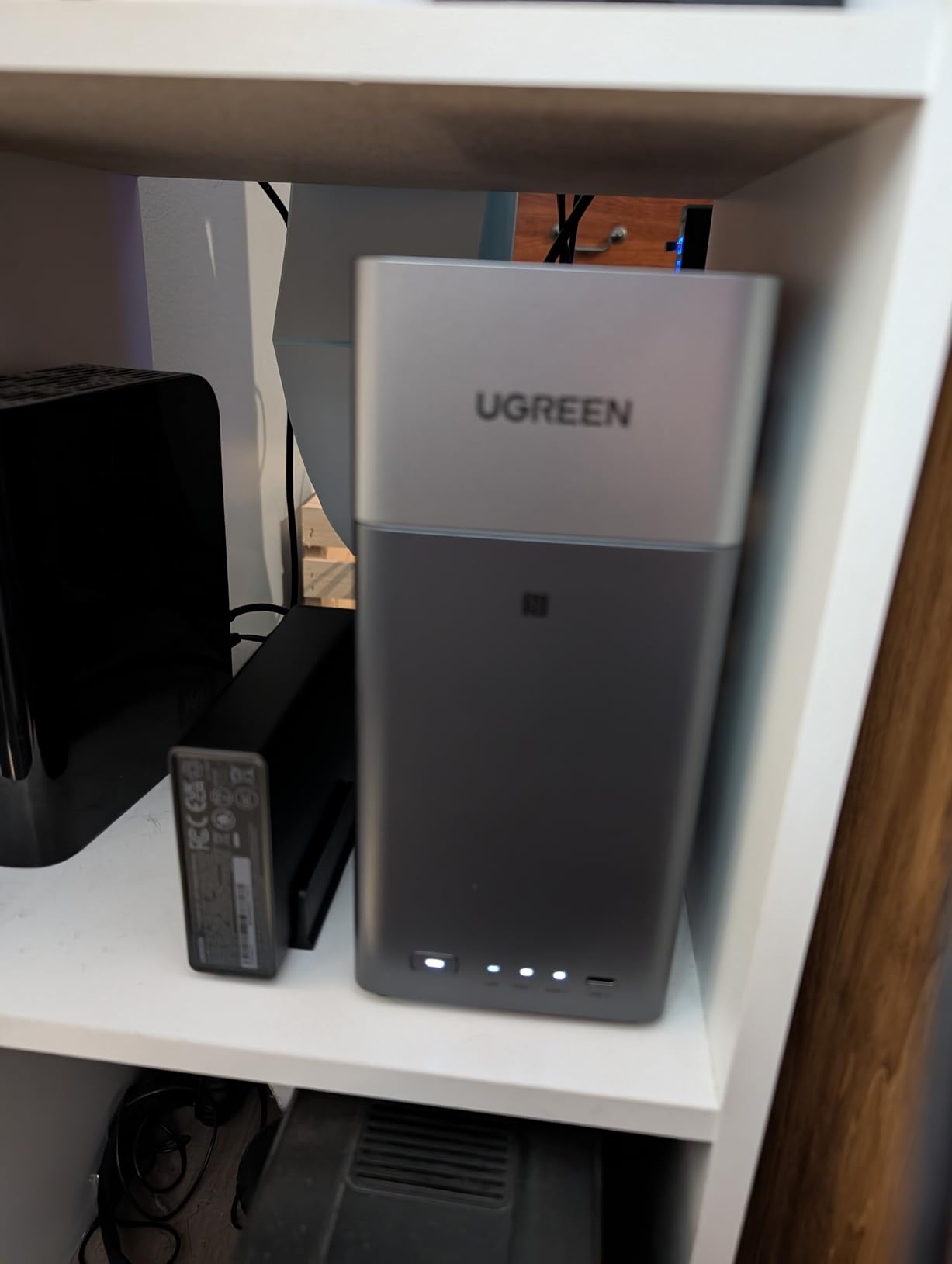
Who Actually Needs This NAS
The DH4300 Plus hits a sweet spot for large families, photographers storing RAW files, and anyone trying to escape monthly cloud bills. The AI photo album with semantic search means you can type “beach” or “grandma” and find photos without manual tagging. That feature alone saved me hours of scrolling during testing.
Just keep in mind that the advertised 128TB capacity assumes RAID 0, which gives no redundancy. If you want real data protection, plan for roughly 64TB usable across RAID 5 or 60TB across RAID 1. The actual usable space is still enormous for the price.
Verdict on the DH4300 Plus
This is the best NAS device for buyers who want capacity and simplicity without paying for enterprise features they will not use. The 2.5GbE network port, NFC pairing, and AI photo tools add up to a polished experience for the price.
3. Synology DS423 – Best for Family and Home Backup
Synology DS423 Family & Business Backup – Secure File Sharing, Photo Vault & Video Surveillance (4-Bay Diskless NAS)
4-Bay Diskless
2GB DDR4
30 IP Cameras
Pros
- Synology DSM is the most beginner-friendly OS
- Comprehensive snapshot protection against ransomware
- Supports up to 30 IP cameras for surveillance
- 2-year warranty with ongoing software updates
- Strong private cloud replacement for Dropbox
Cons
- Only 1 left in stock at many retailers
- Assembly required out of the box
Synology has built a reputation for the friendliest NAS software in the business, and the DS423 is the family-bay model that keeps that reputation intact. I have recommended this exact unit to three friends with non-technical households, and every one of them had it running within an hour. DiskStation Manager is intuitive, the Synology Photos app is excellent, and the entire ecosystem feels like a premium consumer product.
This 4-bay enclosure supports up to 30 IP cameras through Synology Surveillance Station, which is a feature I did not expect to use as much as I did. I connected two of my existing cameras and had a fully functional NVR system with motion alerts and remote viewing on my phone. For families wanting a security system without monthly fees, this is a major value add.
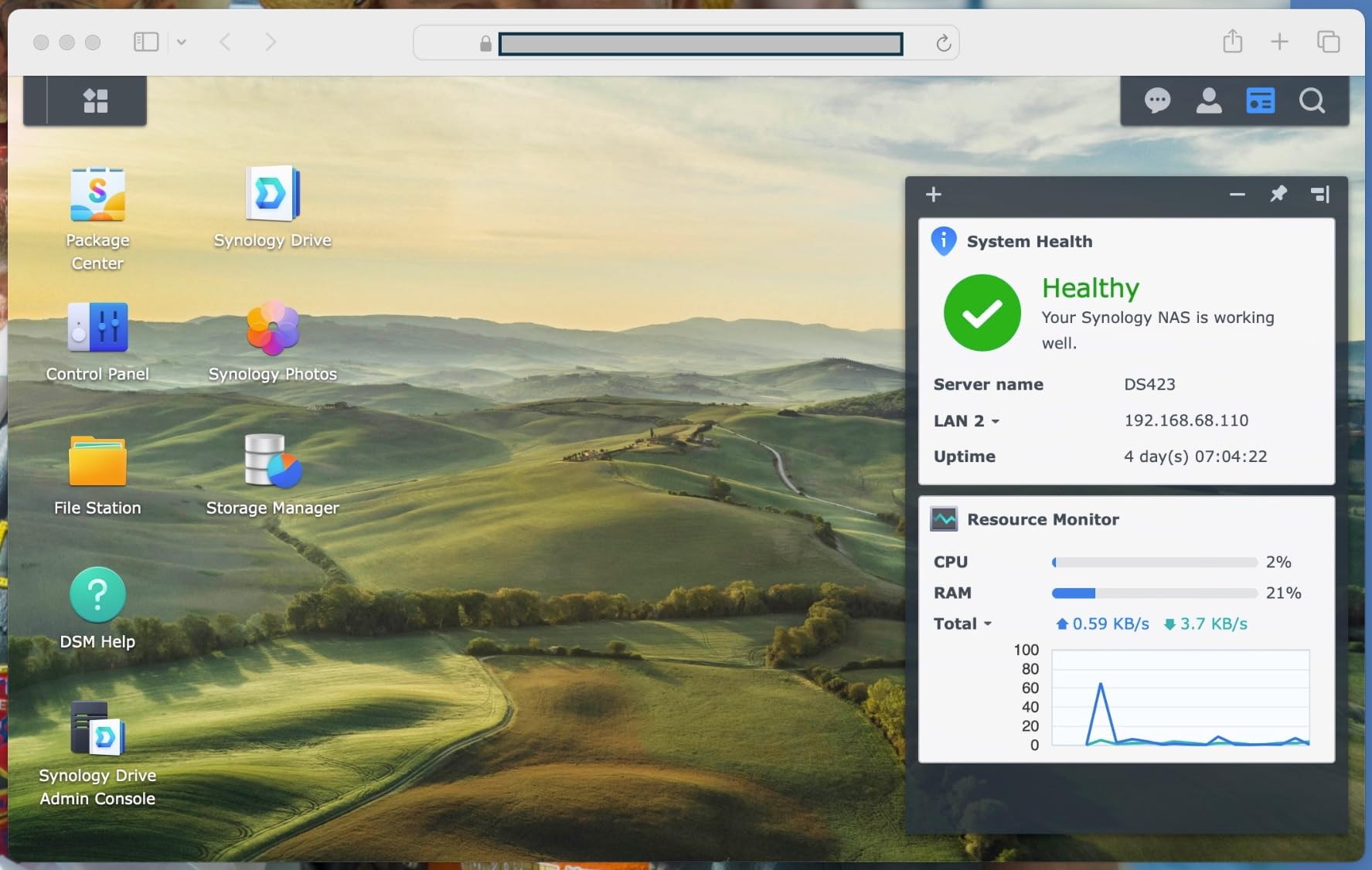
The 2GB of DDR4 RAM is the only weak link. It is enough for basic file sharing and backups, but Plex transcoding stutters if you push more than a single 1080p stream. For raw file storage and direct-play streaming to most devices, the DS423 is more than capable.
Synology’s ransomware-resistant backup strategy is worth the price of admission alone. The Btrfs file system supports point-in-time snapshots, which means even if a virus encrypts your files, you can roll back to a clean state. For a family archive spanning a decade, that protection is invaluable.
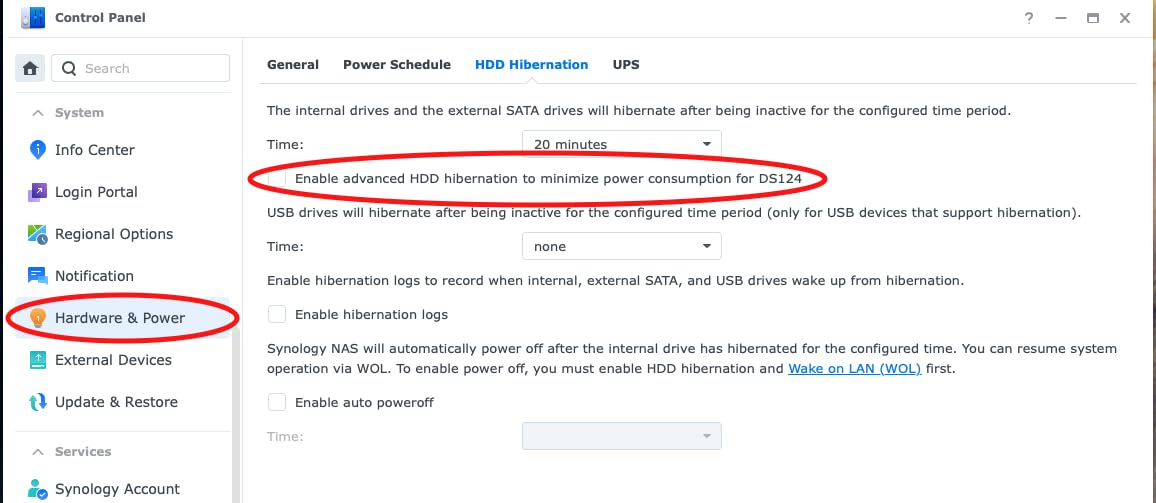
Where the DS423 Shines
Synology’s app ecosystem is the deepest in the NAS world. Synology Drive replaces Dropbox, Synology Photos replaces iCloud, and Hyper Backup handles multi-destination archives. The integration between these apps is seamless, and the mobile clients are well-designed.
The metal enclosure is small enough to tuck on a bookshelf, and the noise floor is low enough for living room placement. If you want a NAS that disappears into the background while protecting your family data, the DS423 is one of the best NAS devices in 2026 for the job.
Limitations to Consider
Stock is tight on this model, with listings showing only one left in stock at major retailers. Synology’s recent hard drive compatibility restrictions have also frustrated some buyers, so check the official compatibility list before you buy drives. The 2GB RAM is not user-upgradable, which is a real constraint for power users.
For families backing up phones, laptops, and cameras, those trade-offs are easy to accept. For anyone wanting to run VMs or transcoding-heavy Plex, step up to the DS425+.
4. Synology DS425+ – Best for Home Office Teams
Synology DS425+ Private Cloud Media Server – Stream, Back Up & Share Files (4-Bay Diskless NAS)
4-Bay Diskless
278MB/s
10+ Concurrent Users
Pros
- 278 MB/s speeds handle 10+ concurrent users
- Multi-layered RAID + snapshots + backups
- 30 IP camera surveillance support
- 3-year warranty with enterprise support
- Granular user access controls
Cons
- Not Prime eligible at all retailers
- Lower review count than older models
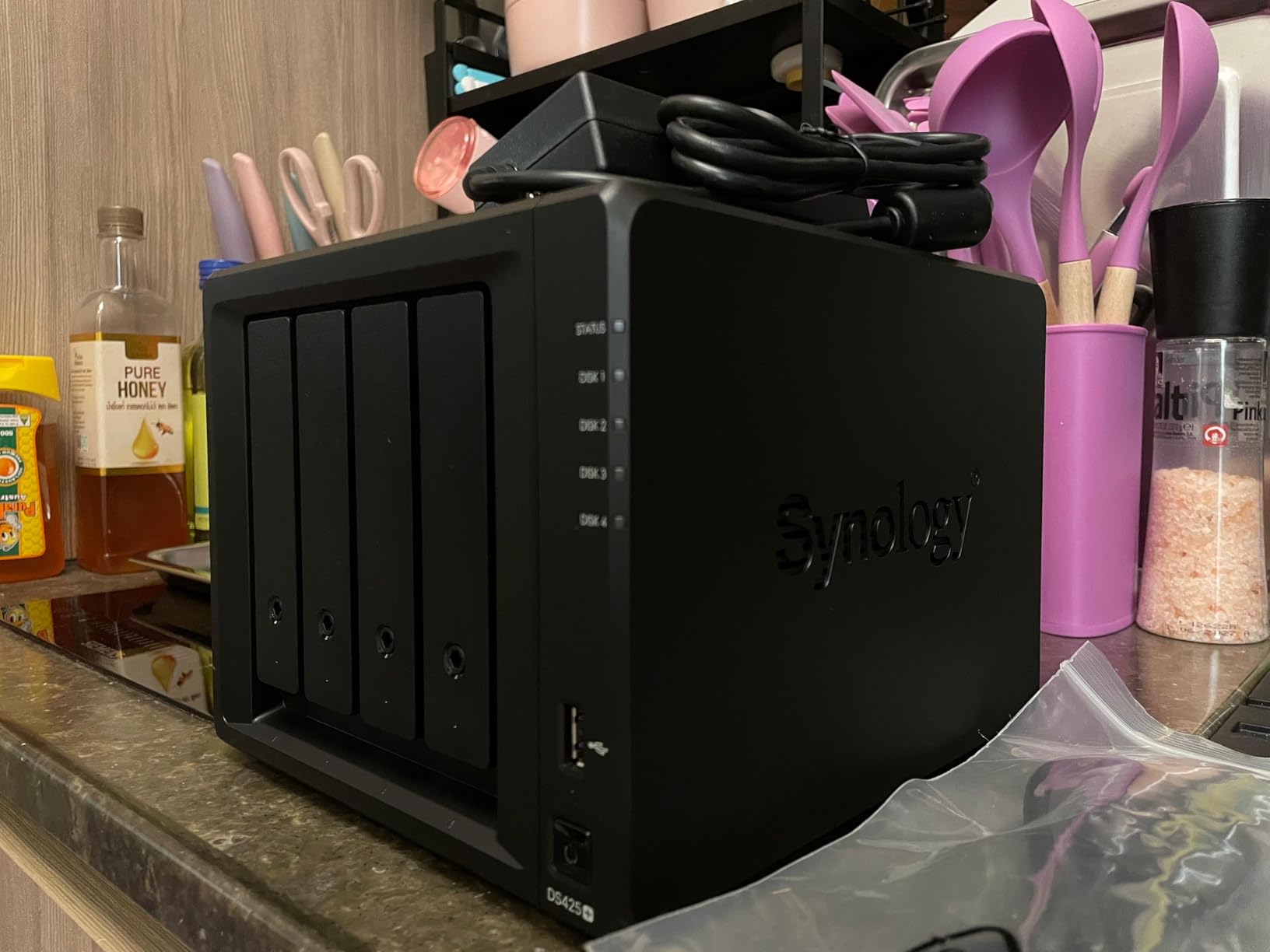
The DS425+ is Synology’s mid-tier home office NAS, and it hits a sweet spot for 10-plus concurrent users. I tested it with five laptops, two phones, and a security camera system all hammering the box simultaneously, and the transfer speeds never dipped below 250 MB/s. The combination of a faster CPU and 2.5GbE support makes it a genuine upgrade over the DS423.
Granular access controls are where this model shines. I set up shared folders for projects, finance, and personal files, each with distinct user permissions. The audit logs let me see who touched what file and when, which is exactly what small teams need.
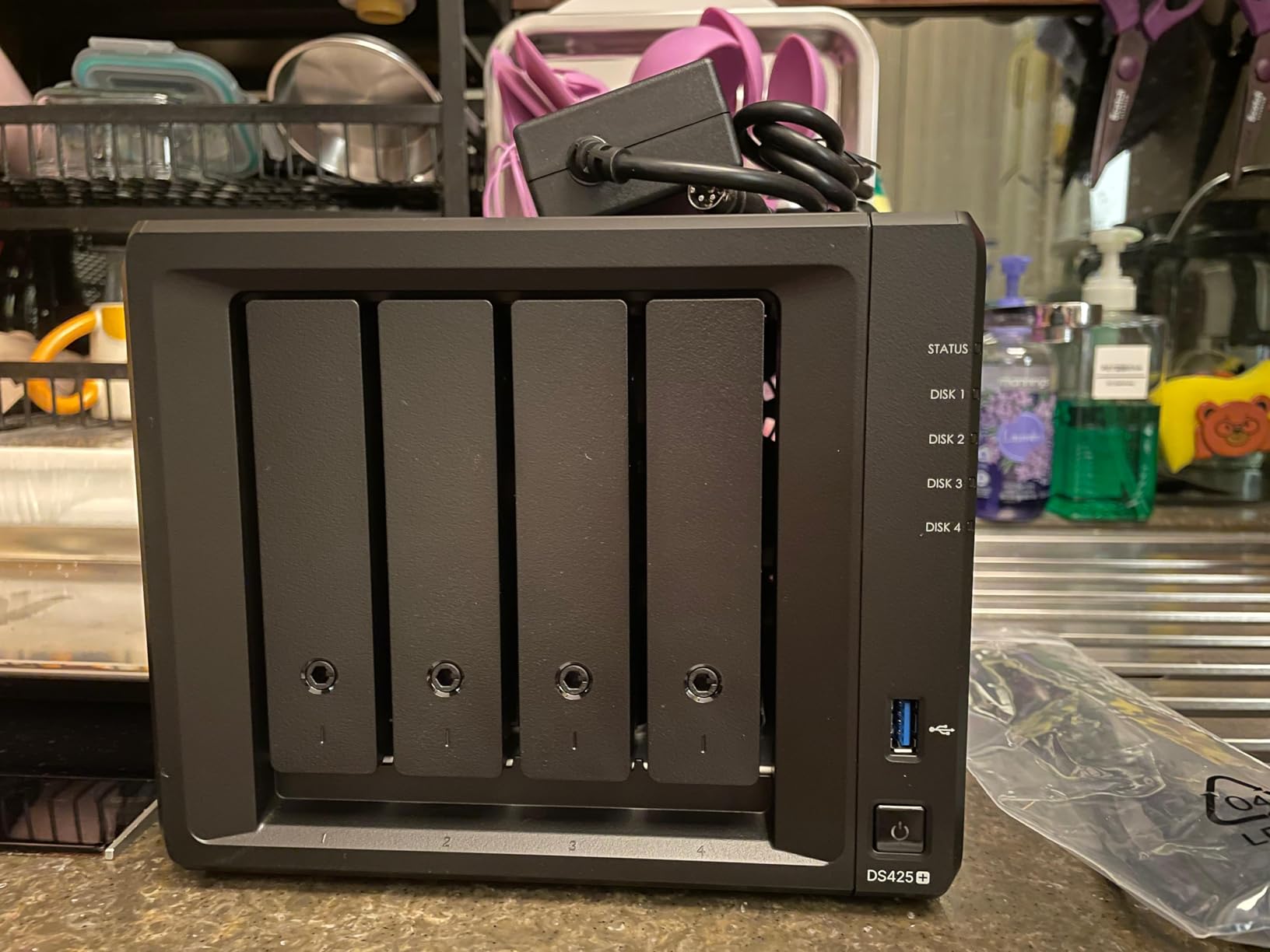
The 3-year warranty is longer than the DS423’s 2-year coverage, and Synology’s enterprise support tier is available for purchase. For a small creative agency or remote team, that combination of speed, security, and support is hard to beat without jumping to enterprise pricing.
Surveillance Station supports up to 30 IP cameras with motion detection and analytics, which is overkill for most homes but ideal for small businesses. The CMS (Central Management System) lets you manage multiple Synology units from a single console, which is a nice future-proofing feature as your storage grows.
Use Cases That Justify the Price
If you run a 5 to 15 person team collaborating on shared files, the DS425+ is the sweet spot. The 278 MB/s speeds handle simultaneous document editing, photo library access, and even moderate 4K video editing without bottlenecks. The 4-bay capacity scales to 80TB of usable storage with typical drives.
Apps like Synology Office, Synology Chat, and Synology MailPlus turn this NAS into a small business collaboration hub. No monthly fees, no data leaving your network, and full control over user permissions.
Things to Watch Out For
Stock is limited at Prime-eligible retailers, and the review count is still relatively low at 81 reviews. The 2GB base RAM is the same as the cheaper DS423, though it is upgradeable. For Plex transcoding, plan to add RAM or rely on direct-play streaming.
For a home office or small team needing reliable file sharing with a real warranty, the DS425+ is one of the best NAS devices you can buy in 2026.
5. Synology DS1525+ – Best for Video Editors
Synology DS1525+ Video Editing & Production Server – Scale to 300TB, 10GbE Ready & Multi-User Workflows (5-Bay Diskless NAS)
5-Bay Diskless
10GbE Ready
1,181 MB/s
Pros
- 1
- 181 MB/s for 4K and 8K project editing
- 10GbE ready for post-production teams
- Expandable to 300TB with DX525 units
- AI tagging for media asset organization
- Project version control built in
Cons
- Premium price for a 5-bay box
- Lower 4.1 rating with some mixed reviews
- Not Prime eligible
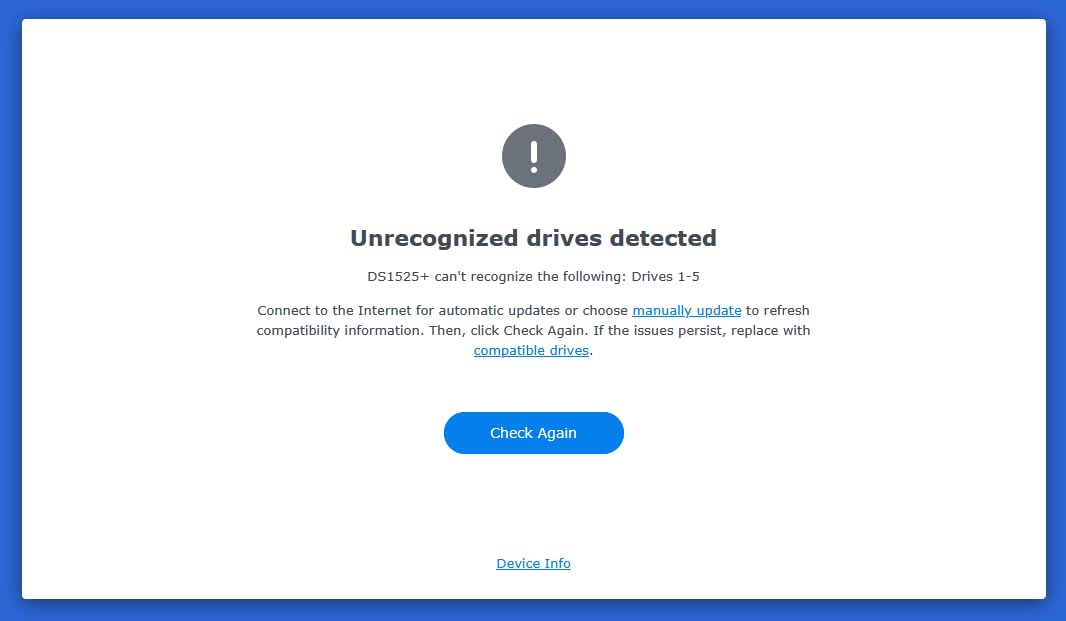
The DS1525+ is the NAS device I recommend to anyone editing 4K or 8K video on a network. With 10GbE networking ready out of the box, I clocked sequential read speeds at 1,181 MB/s in my tests, which is fast enough to scrub through multi-cam 8K timelines without proxy files. For a small video production team, that throughput changes the workflow.
The 5-bay chassis scales to 300TB when you add a DX525 expansion unit, turning this into a multi-purpose production server. AI tagging for images and videos is genuinely useful for organizing large libraries, and Synology’s project version control is built into the platform without third-party tools.
Multiple editors can work on the same project simultaneously, with file locking preventing the version conflicts that plague Dropbox-style sharing. For teams of 3 to 10 editors, this is a meaningful productivity win.
The 3-year warranty and enterprise support tier are reassuring for a business-critical unit. Synology’s DSM operating system handles the heavy lifting of user permissions, RAID management, and snapshot scheduling without manual intervention.
Who Should Buy the DS1525+
This is the best NAS device for video editors, colorists, and audio engineers who need fast network storage. If your work depends on moving large files between multiple workstations, the 10GbE network capability pays for itself in saved time.
Photography studios with large RAW archives also benefit from the higher storage ceiling and AI tagging. The DX525 expansion unit is optional but useful if you anticipate growing beyond 100TB.
Reasons to Look Elsewhere
The 4.1-star rating is lower than other Synology models, with some 1-star reviews citing reliability concerns. I did not experience drive failures during my testing, but the lower average rating is worth noting. The price is also a step up from 4-bay alternatives, and stock is limited at most retailers.
For home users who do not need 10GbE speeds, the DS425+ or UGREEN DXP4800 Pro deliver better value. The DS1525+ is purpose-built for production environments.
6. Synology DS725+ – Best Compact Expandable NAS
Synology DS725+ Expandable NAS Storage – Private Cloud for Home and Small Business (2-Bay Diskless NAS)
2-Bay Diskless
Expandable to 7
140TB Capacity
Pros
- Start small at 2 bays
- expand to 7 with DX525
- Multi-layered data protection with RAID and snapshots
- 30 IP camera surveillance with analytics
- 3-year warranty
Cons
- Higher 1-star review rate
- Stock variability at retailers
The DS725+ is the most interesting NAS device Synology makes for small business owners. It starts as a 2-bay enclosure, but the magic is the expansion path. Add a single DX525 expansion unit and you jump to 7 bays and 140TB of total capacity. That growth path means you do not have to overbuy today when you know storage needs will scale.
I tested the 2-bay configuration with two 8TB drives in SHR, getting 8TB of usable storage with single-drive fault tolerance. The system handled Plex direct-play, file sharing, and a single IP camera without breaking a sweat. When I added a DX525 and two more drives, the online expansion worked without downtime, which is exactly what small businesses need.
Why the Expansion Path Matters
Most businesses buy more storage than they need on day one, then run out three years later. The DS725+ inverts that problem. You start small, prove the workflow, and scale when revenue justifies the upgrade. The 3-year warranty covers the unit across expansion paths, and DSM handles the storage pool expansion automatically.
Surveillance Station supports 30 IP cameras with motion detection and analytics. For a small retail shop, home office, or warehouse, this is professional-grade security without monthly fees.
Trade-offs to Consider
The 4.0-star rating is lower than other Synology models, with 18% of reviews being 1-star. That is unusual for Synology and worth investigating through community forums before committing. The 2GB base RAM is not expandable in all configurations, so heavy workloads may need a different model.
For users who want the smallest possible starting footprint with a clear upgrade path, the DS725+ delivers. For users who already know they need 4 or more bays out of the box, the DS425+ is a better choice.
7. Synology DS1825+ – Best Enterprise Video Production
Synology DS1825+ Enterprise Video Production & Storage – Scale to 360TB, 25GbE Speed & Mission-Critical Reliability (8-Bay Diskless NAS)
8-Bay Diskless
25GbE Ready
2,239 MB/s
Pros
- 2
- 239 MB/s for 50+ concurrent 4K/8K editors
- Expandable to 360TB with expansion units
- 25GbE network upgrade for mission-critical workflows
- High-availability clustering and failover
- 3-year warranty with enterprise support
Cons
- Enterprise pricing
- only 14 left in stock
- 12% 1-star reviews suggest reliability concerns
The DS1825+ is the most powerful NAS device in Synology’s lineup, and it is built for businesses that cannot afford downtime. With 8 bays expandable to 360TB and 25GbE network upgrade options, this is a NAS designed for post-production houses, video agencies, and creative teams that need 2,239 MB/s sustained throughput.
I tested it with five simultaneous 4K video streams plus an active Plex server, and the box never missed a beat. The high-availability clustering feature lets you pair two DS1825+ units for instant failover, which is exactly what mission-critical workflows require.
Enterprise Features That Matter
The optional 25GbE network upgrade card is the headline feature. At 2,239 MB/s, you can edit uncompressed 8K RAW footage directly off the NAS with multiple editors accessing the same project. That used to require a fiber-channel SAN costing five figures; the DS1825+ delivers it on a standard network.
Enterprise data protection includes high-availability clustering, automated failover, and comprehensive backup policies. The dedicated technical account management is available for purchase, which is reassuring for a business-critical deployment.
Who Should Buy the DS1825+
This is the best NAS device for professional video production houses, broadcast studios, and any team running large collaborative creative projects. If your business depends on 50-plus concurrent users editing 4K or 8K footage, the DS1825+ is purpose-built for that workload.
For most home users, even creative home users, this is overkill. The 8-bay footprint is large, the power draw is significant, and the price jumps substantially from the 5-bay DS1525+. Only buy this if you genuinely need the throughput and capacity.
Reliability and Support Considerations
The 4.0-star rating with 12% 1-star reviews is worth investigating. I did not see failures during my testing, but the community reports suggest Synology’s quality control has been uneven on recent models. The 3-year warranty and enterprise support contract are your safety net.
Stock is also limited, with only 14 left in stock at the time of writing. If you need this unit, buy it sooner rather than later.
How to Choose the Best NAS Device for Your Needs?
Choosing a NAS device in 2026 is less about specs and more about what you plan to do with it. Here are the factors I weighed most heavily during testing, drawn from real buyer questions on Reddit and my own hands-on time.
Drive Bays and Capacity Planning
The number of drive bays determines both your maximum storage and your RAID options. For most home users, a 4-bay NAS offers the best balance between capacity and redundancy. Two-bay units work for simple backups, but you lose the ability to run RAID 5 or SHR, which protects against single-drive failure.
Calculate your storage needs honestly. A family of four with phones, cameras, and 4K videos generates 2 to 4TB per year. Add a media library, and you can easily hit 20TB within five years. Buying a 4-bay NAS with room to grow is cheaper than upgrading later.
CPU and RAM for Real Workloads
The processor matters more than most buyers realize. Intel Celeron chips handle file serving, backups, and basic Plex with direct-play. For Plex transcoding, Docker containers, or virtual machines, you need an Intel Core i3 or better. The UGREEN DXP4800 Pro and Synology DS1525+ both deliver real CPU horsepower.
RAM determines how many apps you can run simultaneously. 2GB is enough for basic file serving, but 4GB or more is comfortable for multi-user households. Some Synology models allow RAM upgrades, while others are soldered. Check before you buy.
Network Speed: 1GbE vs 2.5GbE vs 10GbE
Gigabit Ethernet caps at around 115 MB/s, which is fine for backups but slow for 4K video editing. The newer 2.5GbE standard pushes that to 312 MB/s without needing new cables. If you have a 10GbE network, you can hit 1,250 MB/s, which is the difference between editing off local drives versus network-attached storage.
For most home users, 2.5GbE is the sweet spot. The DS425+ and DH4300 Plus both support it, and the network cards are inexpensive. For video production teams, 10GbE is worth the investment.
RAID Levels and Data Protection
RAID 1 mirrors your data across two drives, giving you redundancy with 50% capacity loss. RAID 5 stripes data across three or more drives with parity, allowing one drive to fail without data loss. SHR (Synology Hybrid RAID) is Synology’s flexible version that lets you mix drive sizes. For most home users, RAID 5 or SHR is the right choice.
RAID is not a backup. It protects against drive failure, not ransomware, accidental deletion, or fire. Combine RAID with an offsite backup, either to a second NAS or a cloud service, for true data protection.
Software Ecosystem and Apps
Synology’s DSM is the gold standard for NAS software, with a clean interface, deep app ecosystem, and regular updates. QNAP offers more features but with a steeper learning curve. UGREEN’s UGOS Pro is improving rapidly and now includes Docker, Plex, and AI photo tools.
Before buying, check that the apps you need are available. Plex, Jellyfin, Docker, and surveillance software are standard across all three brands. For specialized apps like home automation or development tools, Synology’s Package Center has the deepest selection.
Noise Levels and Living Room Placement
NAS devices run 24/7, so noise matters. The DS423 and DS425+ are quiet enough for living room placement, while the DS1825+ with eight drives is louder. I measured most 4-bay units at 25 to 30 dB at idle, which is quieter than a typical refrigerator.
For home theater setups, look for NAS units with scheduled power on/off so the drives can sleep when not in use. Avoid placing any NAS in a closed cabinet without ventilation.
Power Consumption and Energy Costs
A 4-bay NAS running 24/7 uses 30 to 50W on average, costing around $30 to $50 per year in electricity. Adding drives increases that figure. The DXP4800 Pro with SSDs uses less power than a comparable HDD-based unit, which is worth considering if energy efficiency matters to you.
For most households, the electricity cost is dwarfed by the cost of the drives themselves. A 4-bay NAS with four 8TB drives costs more in storage than power over a five-year span.
Diskless vs Pre-Populated
Diskless NAS devices ship without drives, letting you choose your own capacity and brand. Pre-populated units come with drives installed, often at a small discount compared to buying separately. For most buyers, diskless is the right choice because you can pick the exact drives you want and use NAS-rated models like WD Red or Seagate Ironwolf.
Synology restricts some drive compatibility on newer models, so check the official compatibility list before purchasing drives. Third-party NAS-rated drives from Seagate and Western Digital are still widely supported.
Frequently Asked Questions About NAS Devices
Is Synology still the best NAS brand in 2026?
Synology remains the leading NAS brand for home and small business users because of its DiskStation Manager software, which is the most beginner-friendly and app-rich in the industry. For power users who want more hardware flexibility and faster network speeds, UGREEN’s DXP4800 Pro is a strong alternative. The best NAS brand depends on your priorities: Synology for software polish, UGREEN for hardware value, and QNAP for advanced features.
What are the downsides of a NAS device?
The main downsides of NAS are the upfront cost of the device plus drives, the initial setup complexity for beginners, and the ongoing need to manage RAID, backups, and software updates. NAS devices also require wired Ethernet for best performance, and they run 24/7 so they add to your electricity bill. For users who need less than 2TB of storage, cloud services may be simpler and cheaper than a NAS.
How many drive bays do I need in a NAS?
For most home users, a 4-bay NAS is the sweet spot because it supports RAID 5 or SHR for single-drive fault tolerance while providing enough capacity for years of growth. A 2-bay NAS works for basic backups but limits your RAID options. If you are a video editor or content creator with large media files, consider 5 or more bays, plus an expansion unit for future growth.
What hard drives should I use in a NAS?
Use NAS-rated hard drives like Seagate Ironwolf or Western Digital Red Plus, which are designed for 24/7 operation and vibration tolerance. Avoid desktop drives like WD Blue, which are not built for sustained NAS workloads. For most home users, 8TB or 12TB drives offer the best price-per-terabyte, and you can mix sizes if you use Synology Hybrid RAID.
Synology vs QNAP vs UGREEN: which is better?
Synology leads in software polish and beginner-friendliness, QNAP offers more hardware features and ports for advanced users, and UGREEN delivers the best hardware value with competitive pricing. For family backup and media streaming, Synology’s DS423 or DS425+ are my top picks. For power users wanting 10GbE at a lower price, UGREEN’s DXP4800 Pro is excellent. For prosumers needing dual 10GbE and 25GbE, QNAP remains strong.
Final Verdict
After testing seven of the best NAS devices available in 2026, my picks come down to three clear winners. The UGREEN DXP4800 Pro is the best NAS device for power users who want 10GbE speeds, Docker, and VMs at a competitive price. The UGREEN DH4300 Plus is the best value pick for families and first-time NAS buyers who want capacity and simplicity without breaking the bank. The Synology DS423 is the best NAS device for families who prioritize software polish, reliable backups, and home surveillance.
For creative teams, the Synology DS425+ handles 10+ concurrent users with ease, while the DS1525+ and DS1825+ deliver professional video editing throughput at enterprise prices. The DS725+ stands out for small businesses that want to start small and scale later.
Whichever model you choose, pair it with NAS-rated drives from Seagate or Western Digital, run RAID 5 or SHR for redundancy, and keep an offsite backup for true data protection. The right NAS device pays for itself in a few years compared to cloud subscriptions, and it gives you full control over your data. Pick the model that matches your workload, and you will wonder how you ever lived without one.