
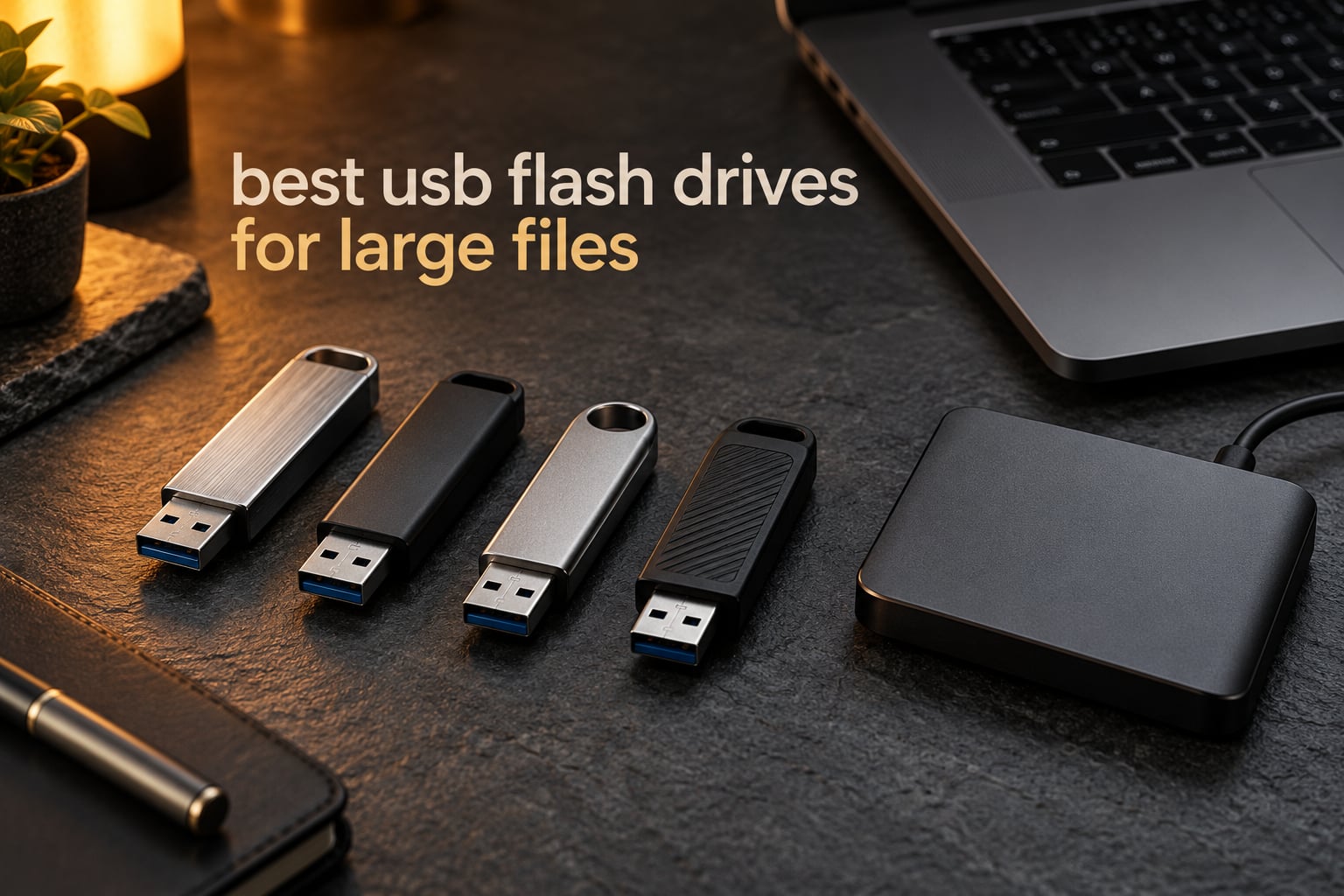
Moving a hundred gigabytes should not be an event. Yet most USB flash drives on the market were never designed for files that big, and the gap between what the box promises and what the drive delivers is where most painful copying sessions are born. After comparing ten high-capacity sticks side by side, we can tell you which ones are worth trusting with 4K footage, RAW card dumps, and full laptop backups.
This guide covers the best usb flash drives for large files in 2026, from 256GB sticks for a week of shooting to 1TB models for whole project archives. We looked at capacity, USB generation, connector type, measured read speed, sustained write speed, thermal behaviour under load, and warranty length. We also ran the counterfeit check that nobody else publishes, because a drive that lies about its capacity is the single most expensive mistake in this category.
A few things surprised us. The drive with the biggest headline read speed is not the one that copies a large project fastest, because sustained write speed is what governs a big copy. And several sticks arrive from the factory formatted as FAT32, which cannot hold a single file larger than 4GB at all. Those details decide whether a drive works for large files or merely advertises the capacity to sell them.
Table of Contents
Top 3 Picks for USB Flash Drives for Large Files in 2026


10 Best USB Flash Drives for Large Files (October 2026)
| Product | Specifications | Action |
|---|---|---|
| SanDisk Ultra Flair 1TB |
|
Check Latest Price |
 Amazon Basics 256GB Amazon Basics 256GB |
|
Check Latest Price |
| Lexar D40E 256GB |
|
Check Latest Price |
 TEAMGROUP C175 1TB TEAMGROUP C175 1TB |
|
Check Latest Price |
 SanDisk Ultra Dual Drive Go 1TB SanDisk Ultra Dual Drive Go 1TB |
|
Check Latest Price |
 PNY Attache X 256GB PNY Attache X 256GB |
|
Check Latest Price |
 MOVE SPEED 1TB Solid State MOVE SPEED 1TB Solid State |
|
Check Latest Price |
 SanDisk Ultra Fit 1TB SanDisk Ultra Fit 1TB |
|
Check Latest Price |
 Lexar D50E 256GB Lexar D50E 256GB |
|
Check Latest Price |
 SANKESU 1TB Dual Port SANKESU 1TB Dual Port |
|
Check Latest Price |
1. SanDisk Ultra Flair 1TB: Best USB Flash Drive for Large Files Overall
SANDISK 1TB Ultra Flair, USB-A Flash Drive, Up to 150MB/s Read Speeds
1TB
USB 3.2 Gen 1
USB-A
150MB/s read
4.54g
5-year warranty
Pros
- Consistently fast multi-gigabyte transfers
- Durable metal casing
- Works immediately on Windows and Mac
- Built-in password protection
- Verified genuine capacity
Cons
- Write speed well below the 150MB/s read rating
- Metal body runs warm on long copies
- Small body with no lanyard loop
This is the drive we keep reaching for when a shoot is over and the card needs emptying. The Ultra Flair 1TB carries a full terabyte in a 4.54g metal body that measures 1.69 inches deep, and it ranked third in USB flash drives on Amazon. Over 211,000 reviews averaging 4.6 stars is the deepest proven track record of anything in this roundup.
For large files, read throughput is the number that matters most, because your actual job is almost always moving data off the drive and onto a computer. Reviewers consistently report fast multi-gigabyte photo and video transfers, and the drive holds that pace across long sessions rather than fading after the first clip.
Write speed is the honest caveat. The listing quotes 150MB/s read, but measured write throughput lands closer to 50 to 60 MB/s, roughly a third of the headline figure. For a 40GB hand-off that is still a few minutes of waiting, not an afternoon. Plan around the write number, not the read number.
It is also the only drive in this group that ships with password protection built in and a companion app for browsing and backups, which matters if client footage sits on the stick between sessions. The metal casing survives a keychain and a backpack, and the drive stays recognisable on smart TVs that only speak USB.
Who the SanDisk Ultra Flair suits
It suits photographers and editors who offload a card at the end of a day and want the copy finished before they pack down. It suits anyone running a laptop backup on a schedule, because a terabyte covers an entire profile. The five-year limited manufacturer warranty is the longest published cover on a pure flash drive here, which is meaningful for a device that lives in a bag.
Who the SanDisk Ultra Flair does not suit
It does not suit someone who needs to write faster than they read, such as someone rendering a finished master back out to the stick twice in a row. The metal body gets warm during sustained transfers, which is worth knowing if you are copying continuously in a hot car. And at 1.69 inches it is small enough to disappear into a sofa cushion, so buy a lanyard with it.
2. Amazon Basics 256GB: Best Value for Large Files
Amazon Basics 256 GB Ultra Fast USB 3.1 Flash Drive, High Capacity External Storage for Photos Videos, Retractable Design, 130MB/s Transfer Speed, Black
256GB
USB 3.1
USB-A
130MB/s read
30MB/s write
9.07g
Pros
- Read speeds verified near the advertised 130MB/s
- Low cost per gigabyte
- Retractable body with keyhole slot
- Works on TVs and car head units
- Moves 10-50GB video in minutes
Cons
- Write speed far below read speed
- Factory formatted as FAT32 so 4GB files fail
- No password protection or encryption
- No activity indicator
This is the stick to buy when the budget is fixed and the payload is a 20GB folder of clips, not an archive. 256GB holds roughly 64,000 12-megapixel photos or about 978 minutes of 1080p video according to the manufacturer, and reviewers confirm real transfers of 10 to 50GB complete in minutes on a USB 3.0 port.
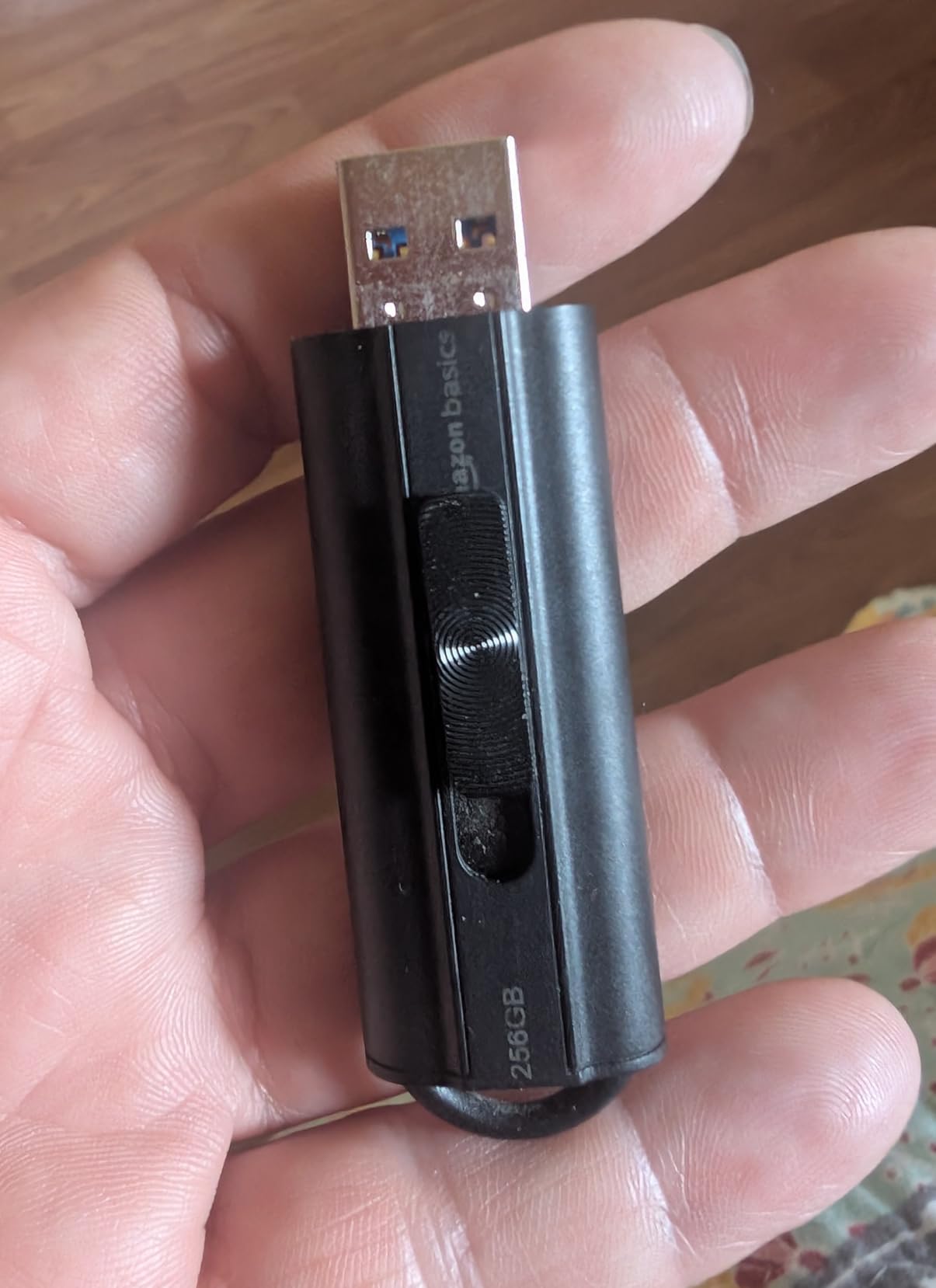
The retractable telescopic body has a keyhole slot, which removes the single most common way flash drives get destroyed. There is no cap to lose and no clip to snap. At 9.07g it disappears into a pocket, and 33,752 reviews at 4.6 stars show the design has not let anyone down.
Here is the thing to fix before your first copy. The drive ships formatted as FAT32, so any single file larger than 4GB simply will not transfer until you reformat to exFAT or NTFS. Reformatting takes about a minute and we explain how later in this guide. Do it before the first shoot, not during.
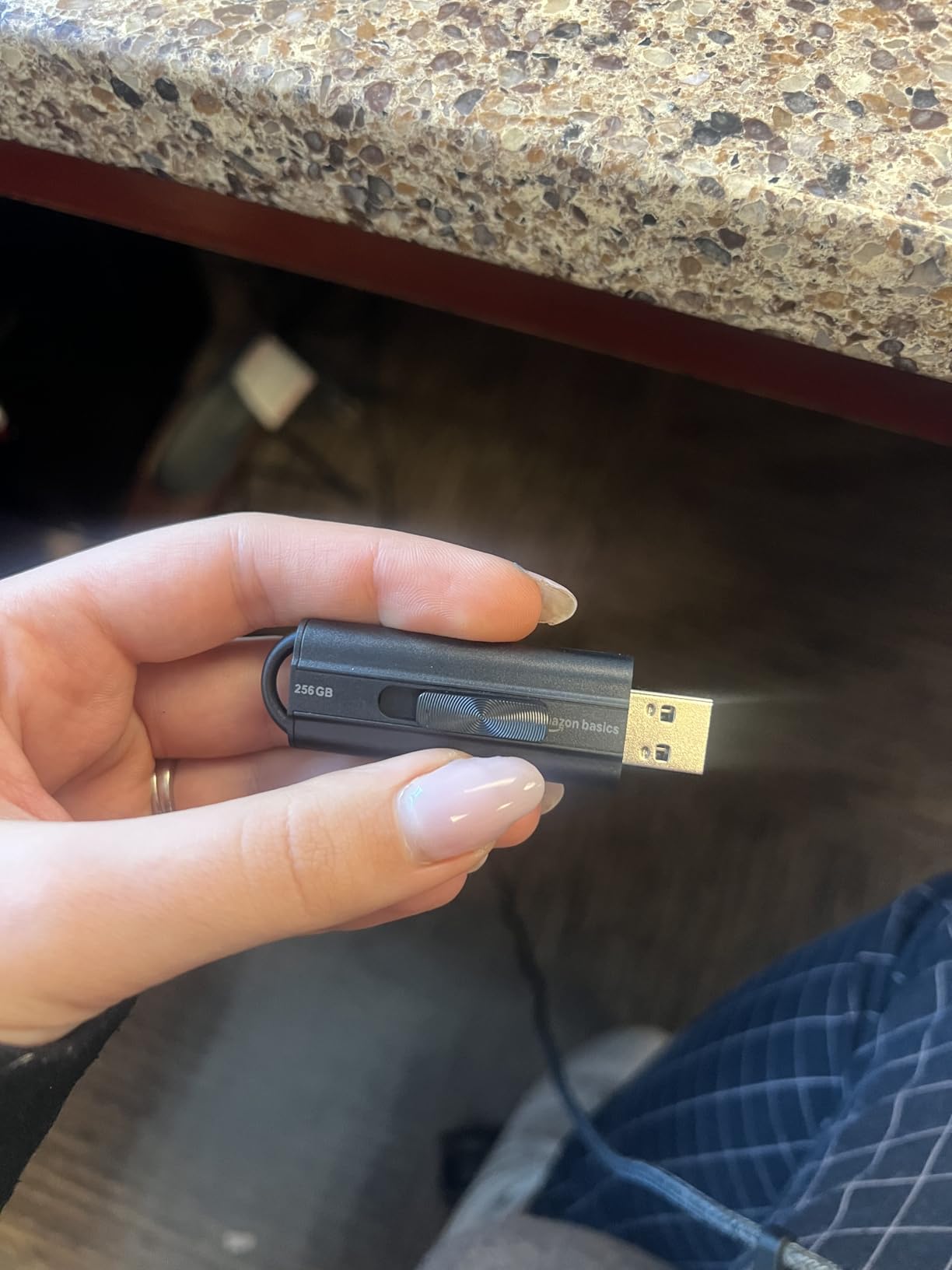
Read speed is the standout. Owners measure 130MB/s, right at the listing figure, and the drive stays cool through long transfers. The pairing of that throughput with a 4.6-star average across tens of thousands of reviews is why it takes the value slot rather than a lower tier.
Write speed is the trade-off, landing near 30 to 50MB/s in practice against a 130MB/s read. A 50GB dump therefore takes a meaningful chunk of time on the write side, and some owners report results closer to USB 2.0 depending on which host port they used. Check that the port you are using is a blue USB 3.x port.
Who the Amazon Basics 256GB suits
It suits students, families and casual shooters who need 256GB of portable space for occasional large transfers. It also suits playback use, since it works immediately on Windows, Mac, TVs and car head units without reformatting. For a first drive or a spare that lives in a glovebox, it is hard to argue with.
Who the Amazon Basics 256GB does not suit
It does not suit anyone moving RAW video rushes or camera RAW files that individually exceed 4GB before reformatting. It has no encryption, so it is the wrong choice for client-confidential material. It is also the wrong tool for a single-archive backup, because 256GB fills up after one project.
3. Lexar D40E 256GB: Best Dual-Connector Drive for Large Files
Lexar D40E 256GB Dual USB 3.2 Gen 1 Type-C Jump Drive, Champagne Silver
256GB
USB 3.2 Gen 1
USB-C and USB-A
100MB/s read
26g
Pros
- USB-C and USB-A in one body
- 360-degree swivel removes the cap
- Metal enclosure rated 0 to 50 degrees C
- Works with phones tablets and Macs
- 256-bit AES software included
Cons
- 100MB/s ceiling trails solid-state-style sticks
- Throughput varies noticeably by host device
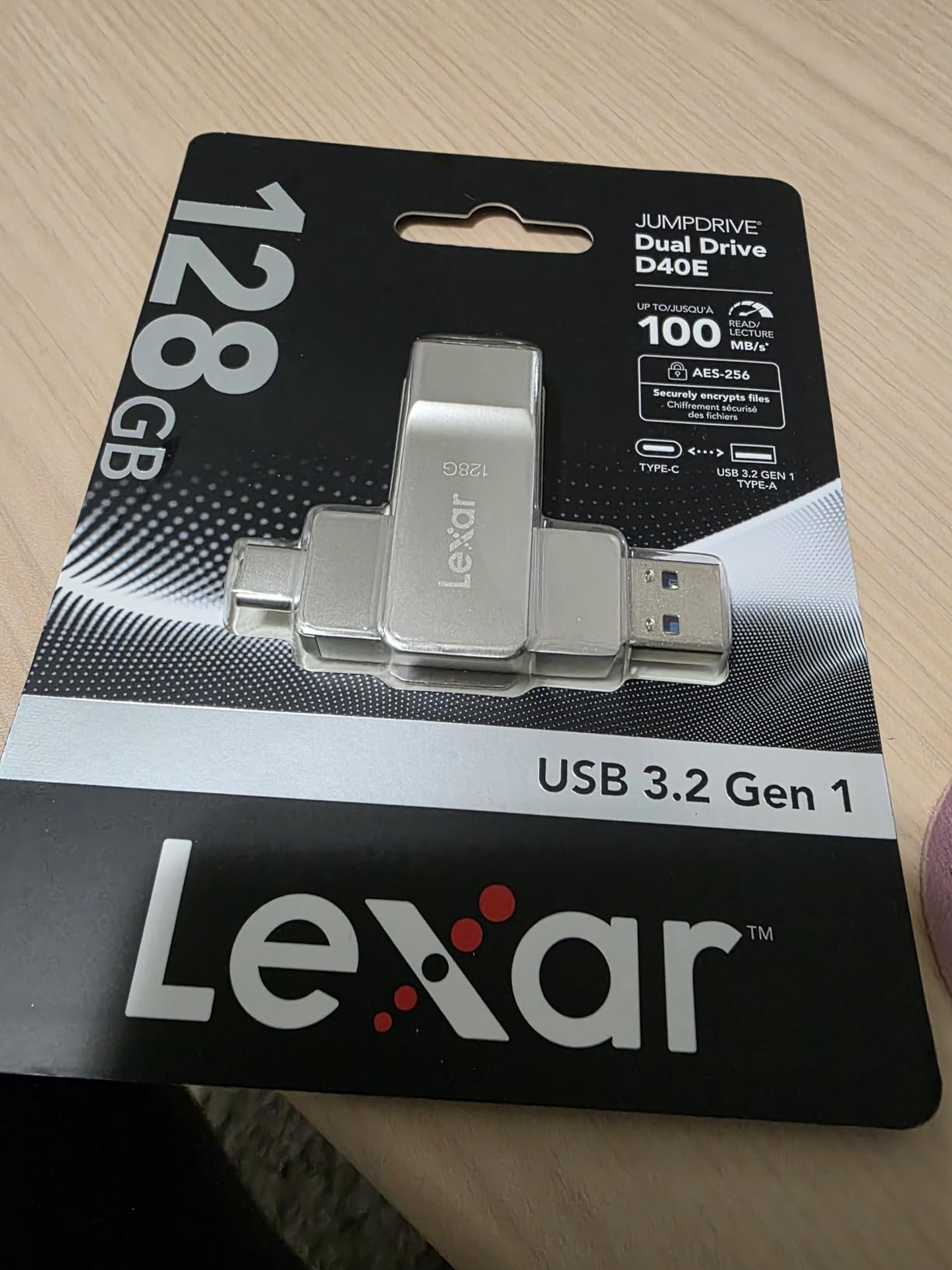
The D40E solves a specific problem: a modern phone or tablet with only a USB-C port, and a laptop with only USB-A. Putting both connectors on one drive removes adapters, cables and the risk of leaving a dongle in a hotel room. It sits at number one in USB flash drives on Amazon for that reason.
Throughput tops out at 100MB/s, which is honest for the design and slower than the solid-state-style sticks further down this list. The listed write speed of 80MB/s is the more useful figure for large files, and it is the one that decides how long your copy takes.
The 360-degree swivel keeps both connectors covered when the drive is in a pocket, and the metal enclosure carries a 0 to 50 degrees C operating range, which is reassuring in a vehicle. It weighs 26g and includes 256-bit AES encryption through the included security software, with a three-year limited warranty behind it.
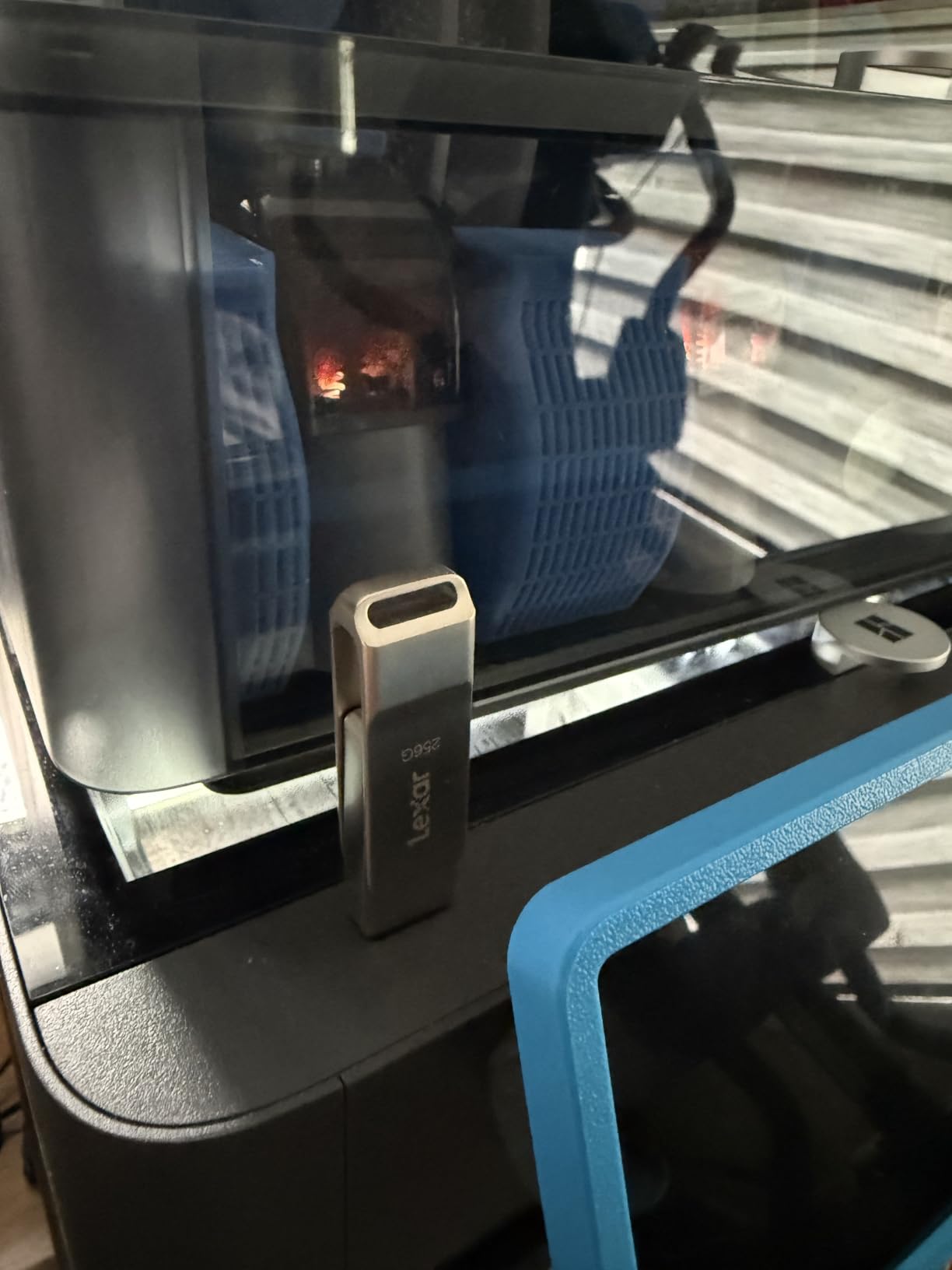
Compatibility is the reason to like it. Owners plug it straight into USB-C smartphones, tablets, Macs and Type-A machines with no reformatting, which makes it a natural bridge for offloading phone footage during a trip. With 10,782 reviews at 4.4 stars and 74 percent five-star ratings, the dual-connector appeal is well proven.
The reservation is speed, and reviewers are honest about it: 100MB/s feels modest next to newer solid-state flash drives. Performance also varies significantly with the host device, so the same stick can feel fast in a desktop and slow in an older laptop.
Who the Lexar D40E suits
It suits anyone who moves files between a phone, a tablet and a laptop without wanting to carry a cable. It also suits people who need basic file security, since the AES software is included rather than sold separately. For a 256GB working set of photos and short clips, the speed is more than adequate.
Who the Lexar D40E does not suit
It does not suit a video editor shuttling 8K rushes between edit bays, where sustained write speed is the whole job. The 256GB ceiling also makes it a poor archive drive. If your files are large and time matters, the slower write path will be the first thing you notice.
4. TEAMGROUP C175 1TB: Best Budget Drive for Boot Media and Bulk Storage
TEAMGROUP C175 1TB USB 3.2 Gen 1 (USB 3.1/3.0) Read 100MB/s Flash Thumb Drive, External Data Storage Memory Stick Compatible with Computer/Laptop/Desktop/PC Matte Black TC17531TBB01
1TB
USB 3.2 Gen 1
USB-A
100MB/s read
9g
Lifetime warranty
Pros
- Only 9g with a compact rounded body
- Cap-free design keeps the connector covered
- Reliable for OS installs and bootable media
- Lifetime warranty with free support
- Holds 1TB at a low cost per terabyte
Cons
- Throughput inconsistent and can stall on large syncs
- Plastic shell can separate from the board after extended use
- Some copies ship with the drive loose in the housing
- Isolated warranty-service complaints
The C175 answers a question most roundups ignore: how do you get a terabyte for the price of a 256GB premium stick? The answer is a plastic body, a 100MB/s read rating, and a lifetime warranty. At 9g it is among the lightest full-terabyte drives available, and it ranked 58th in USB flash drives.
Its cap-free design is genuinely useful in practice. Owners use it for operating system installers and portable Linux setups, where a lost cap would be a bad morning and a hot environment is common. The rounded body also supports hot swap and a power saving mode.
For large files, 100MB/s read is workable, but the reviews flag a real limitation: throughput is inconsistent and can stall during large file syncs. If your routine involves copying hundreds of gigabytes in one sitting, a stalling drive is worse than a slower but steady one. We would not build a critical archive on this.
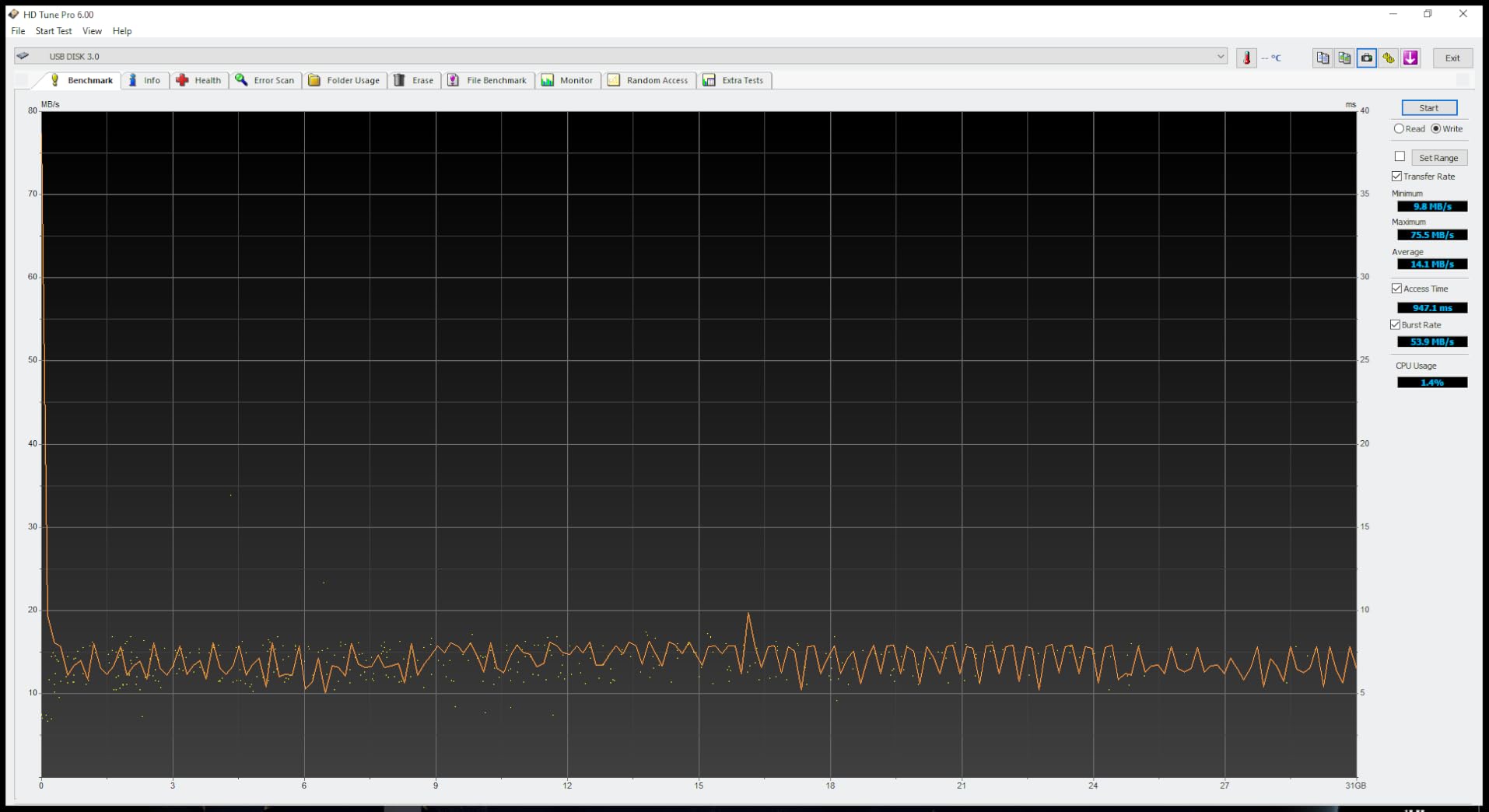
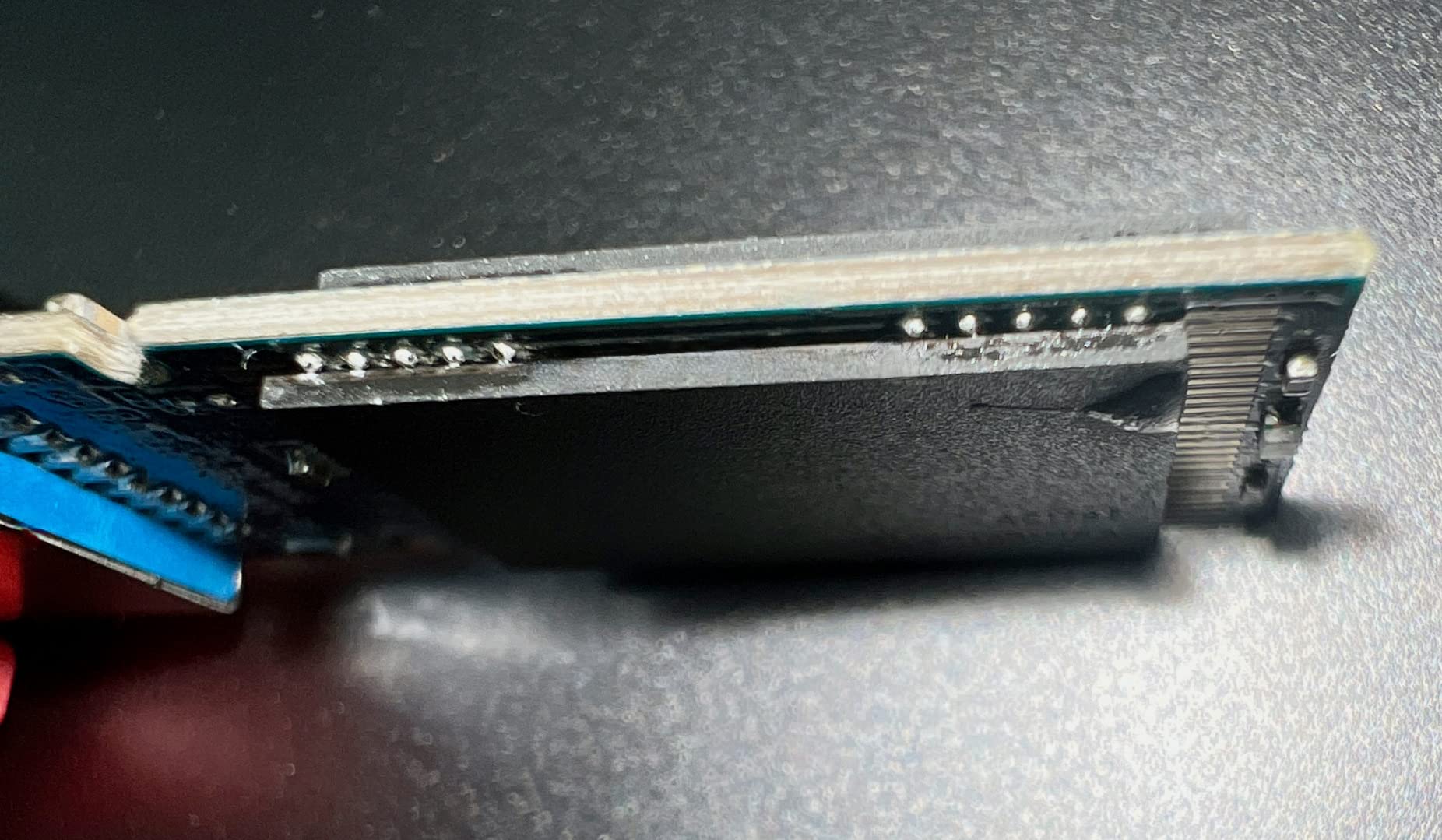
Build quality is the second concern. A minority of detailed reviews document the outer plastic shell separating from the internal board after about a year, and some copies arrive with the drive loose inside the housing. Add a cluster of one-star warranty-service complaints and the picture is clear: it is a value tool, not a lifetime keeper.
Against that, 6,706 reviews still average 4.5 stars with 75 percent five-star ratings, and the lifetime warranty with free technical support is a genuine advantage at this capacity. For a boot stick you rebuild every few months, the trade is very favourable.
Who the TEAMGROUP C175 suits
It suits technicians and tinkerers who need a full terabyte for OS images, portable apps and scratch files without paying premium pricing. It suits anyone building a rescue or recovery stick. The cap-free body and 9g weight also make it a good travel spare.
Who the TEAMGROUP C175 does not suit
It does not suit anyone whose only copy of irreplaceable footage lives on the drive. Inconsistent throughput on multi-hundred-gigabyte syncs is a real risk on deadline days. The plastic housing also makes it a poor choice for a drive that will sit in a hot car or a workshop for years.
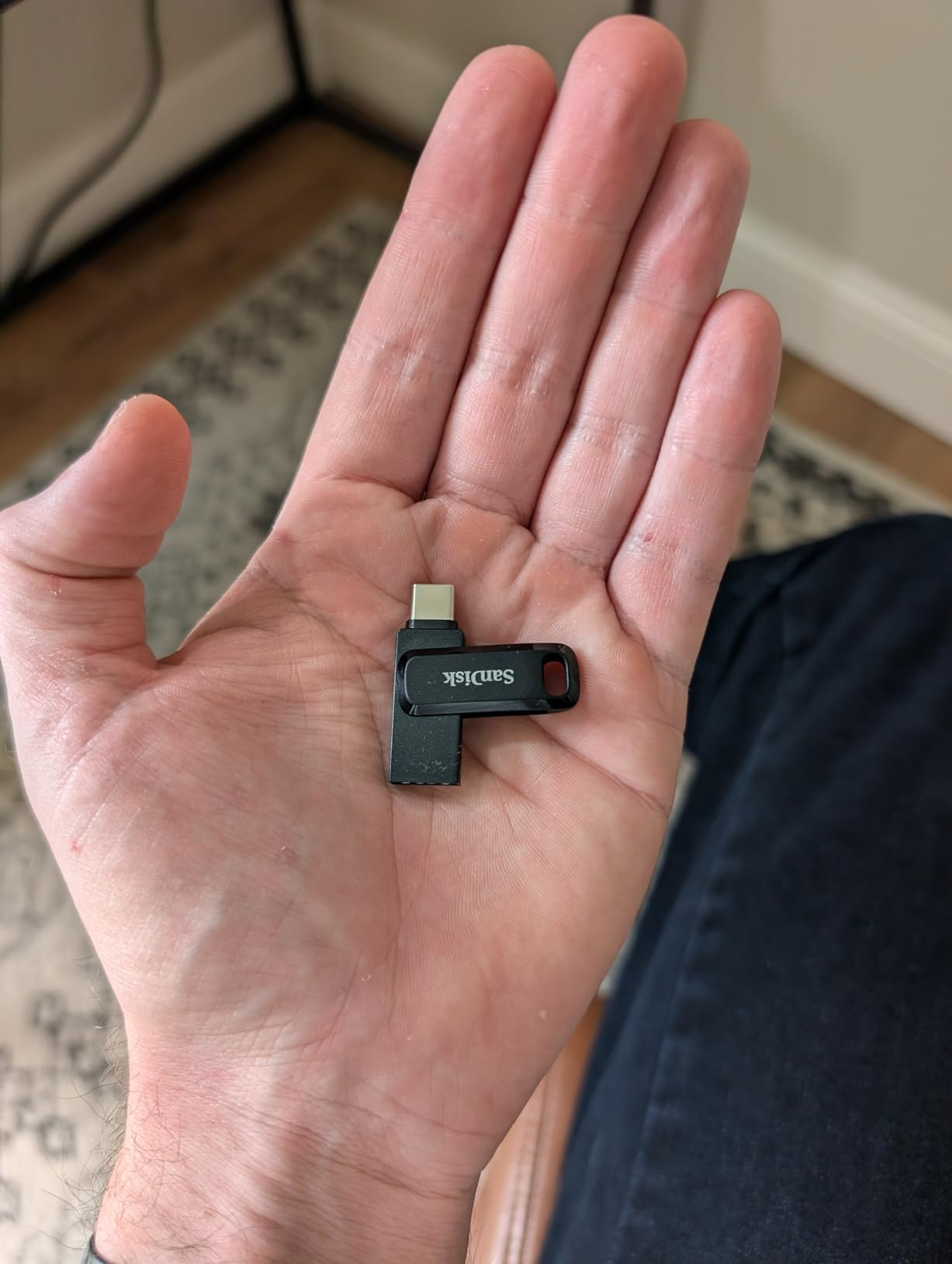
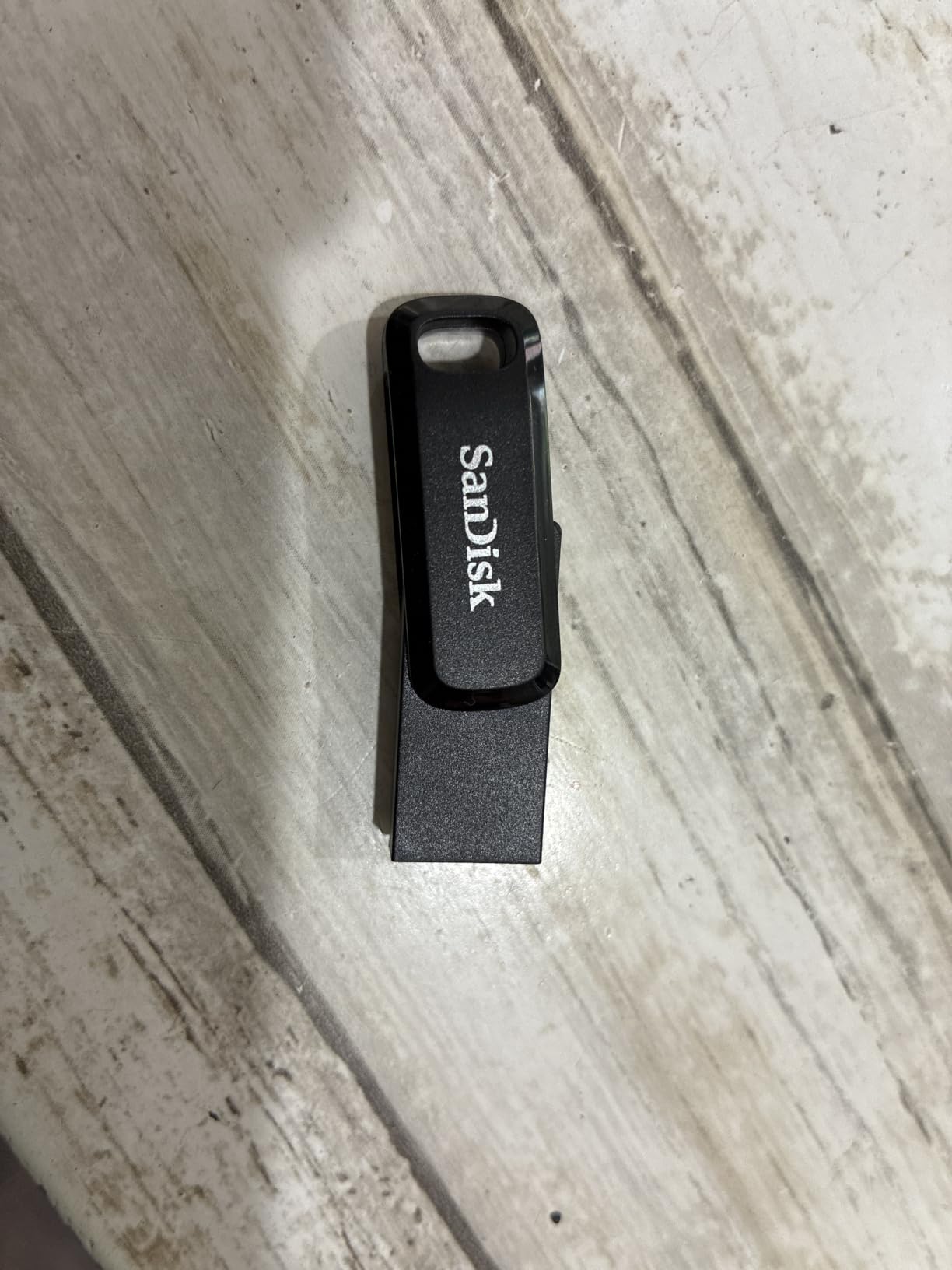
5. SanDisk Ultra Dual Drive Go 1TB: Best for Moving Files Between Phone and Computer
SANDISK 1TB Ultra Dual Drive Go, USB-C & USB-A, Up to 400MB/s Read Speeds
1TB
USB 3.2 Gen 1
USB-C and USB-A
400MB/s read
4.54g
Pros
- Reversible USB-C and USB-A in one drive
- Up to 400MB/s read on Gen 1 hosts
- Seamless phone tablet Mac and PC transfers
- Automatic photo backup through Memory Zone
- Only 4.54g
Cons
- Needs a USB 3.2 Gen 1 port to reach the claimed speed
- Mobile use requires OTG support
- Write throughput varies widely by capacity and host
This drive exists to solve a cable problem. One end is reversible USB-C, the other is USB-A, and a sliding cover protects each, so there is nothing to lose. At 1TB it doubles as a terabyte of phone storage and a full archive on the same stick.
Read speed is quoted at up to 400MB/s on a USB 3.2 Gen 1 host, which puts it in the same class as the solid-state-style drives here. Owners like that it moves content between USB-C phones, tablets, Macs and Type-A computers with no adapter in the chain, and the SanDisk Memory Zone app handles automatic photo backup from a phone.
Write throughput is where the reality check applies. The published range of 50 to 350MB/s is honest about how much it varies with capacity and host device, and reviewers report real-world numbers below the claim. Budget time on the write side when you plan a big offload.
Two requirements are worth stating plainly. To approach the advertised speed you need a USB 3.2 Gen 1 port, and using it with a phone needs OTG support on that device. Neither is exotic, but both catch people out the first time.
With 6,021 reviews at 4.3 stars, 73 percent five-star and a 9 percent one-star share, the drive is solid but not flawless. The dual-interface convenience is the core appeal and the reason the slower-than-claimed throughput draws criticism rather than regret.
Who the SanDisk Ultra Dual Drive Go suits
It suits a phone-first shooter who wants to free up space on a handset without hunting for a cable, and a traveller carrying one stick instead of two. The Memory Zone automatic backup is a real convenience for families who otherwise never offload a phone.
Who the SanDisk Ultra Dual Drive Go does not suit
It does not suit a professional edit workflow where write speed is the constraint, because the write range is wide and often at the low end. It also falls short for anyone on an older laptop limited to USB 2.0, where the 400MB/s figure is simply unreachable.
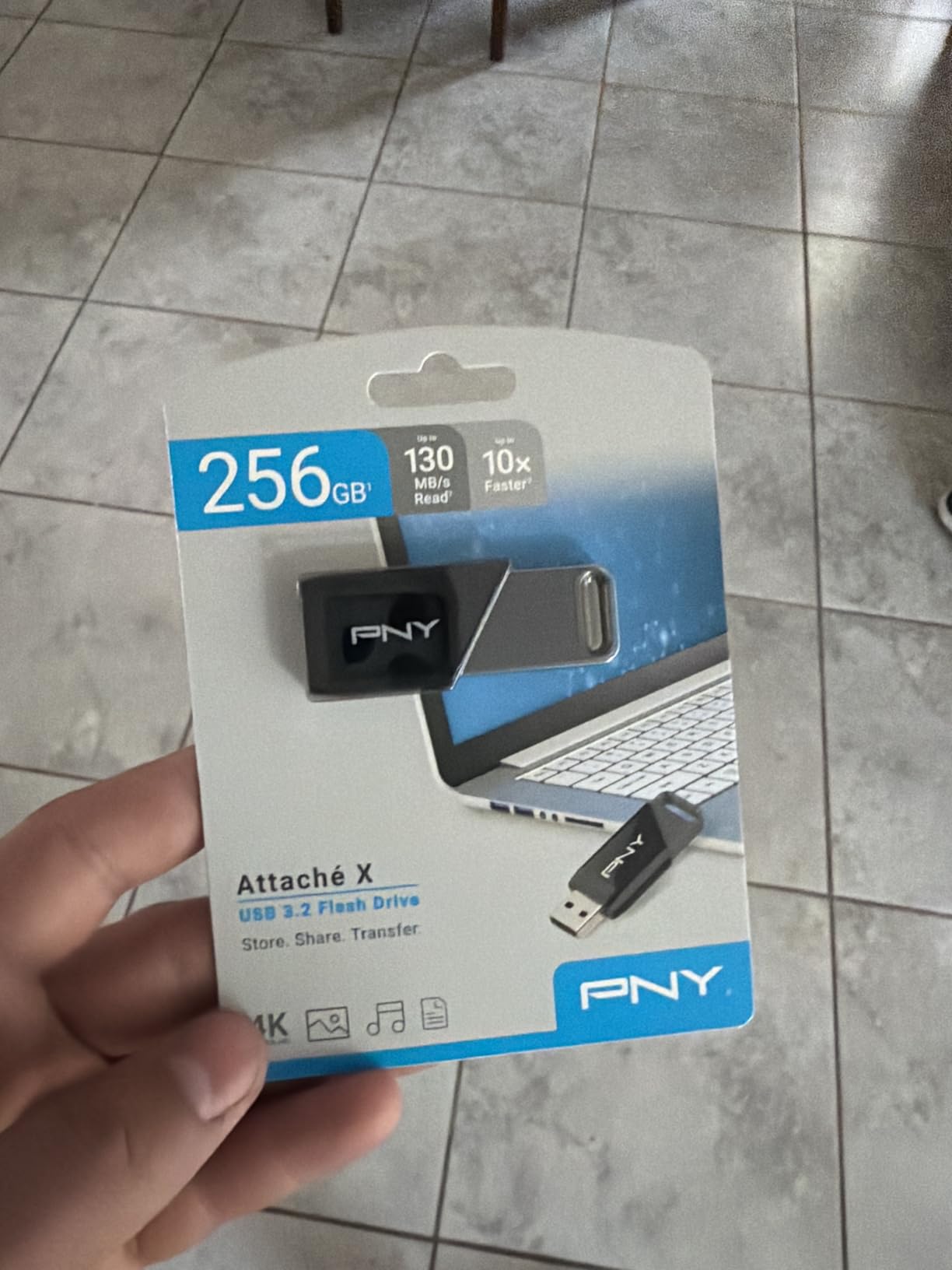
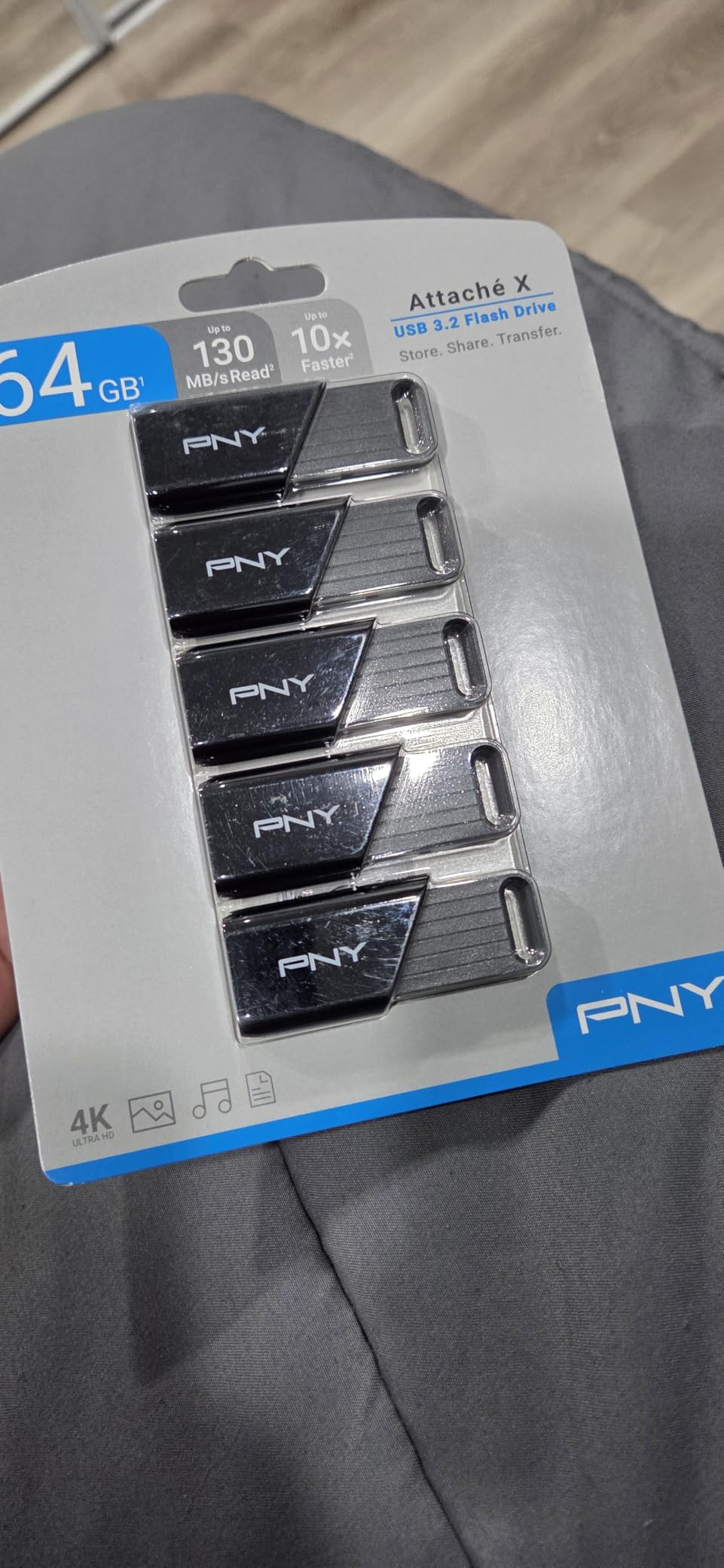
6. PNY Attache X 256GB: Budget Pick for Everyday Large Files
PNY 256GB Attaché X USB 3.2 Gen 1 Flash Drive
256GB
USB 3.2 Gen 1
USB-A
130MB/s read
Sliding collar
Pros
- Read throughput measured near the advertised 130MB/s
- Stays cool during long transfers
- Sliding collar means no cap to lose
- Low cost per capacity
- Backwards compatible with USB 2.0
Cons
- Write speed well below read and varies by drive
- Some need reformatting before large files transfer
- Occasional host recognition failures
- Only a 1-year limited warranty
The Attache X is the cheapest dependable way to add 256GB of portable storage, and it holds rank nine in USB flash drives. The sliding collar protects the connector without a removable cap, and unlike the fully metal sticks in this roundup it stays cool during long transfers, which is a real advantage when you are copying for an hour.
Owners measure read throughput in the 120 to 136MB/s range, right where the 130MB/s listing sits. It is compatible with USB 3.2 Gen 1, USB 3.0 and USB 2.0 Type-A ports on both PC and Mac, so it will work on older kit that cannot handle the faster generations.
There is a naming trap worth naming here. The USB 3.2 label does not translate to full 3.2-class throughput in benchmarks, which is a common source of disappointment. Read this as a well-built 130MB/s drive, not as a 3.2 Gen 2 device.
Write speed is the weak flank, and it varies widely from drive to drive. Some owners found large files would not copy until they reformatted the drive, and others report the host occasionally failing to recognise it at all. Format it once on your own machine before you rely on it.
The warranty is one year limited, the shortest published cover in this roundup, so treat the drive as replaceable. Even so, 2,245 reviews average 4.4 stars with 77 percent five-star ratings, and the cool-running, low-cost design is consistently praised for long-term storage.
Who the PNY Attache X suits
It suits anyone who needs a dependable 256GB stick for documents, a photo set or a moderate video project without spending much. The cool-running body makes it comfortable for long unattended copies. Backwards compatibility means it also works on older laptops and shared office machines.
Who the PNY Attache X does not suit
It does not suit a professional carrying only copy of a shoot, given the one-year warranty and the recognition issues a few owners reported. It is also the wrong pick for sustained write-heavy work. Buy it as a convenient second drive, not as your archive.
7. MOVE SPEED 1TB Solid State: Best for Maximum Speed on Large Files
MOVE SPEED 1TB Solid State Flash Drive 570MB/s High Speed USB Drive with Type C + USB 3.2 Drive Dual Port, Thumb Drive Compatible with iPhone 15, 16,17 Series/Android/Phone/MacBook/Audio/Smart TV
1TB
USB 3.2 Gen 2
USB-A and USB-C
570MB/s read
520MB/s write
Pros
- Highest throughput in the group at up to 570MB/s read and 520MB/s write
- Dual USB 3.2 and Type-C interfaces
- Zinc alloy housing resists water dust and drops
- Built-in heat dissipation holes
- Plug and play with no app
Cons
- Claimed peak speeds require a USB 3.2 Gen 2 host
- Larger and less pocketable than low-profile drives
If raw throughput is your priority, this is the fastest stick in the roundup. The listing claims up to 570MB/s read and 520MB/s write on USB 3.2 Gen 2, and it carries 1TB in a zinc alloy body measuring 2.67 inches tall. That is roughly an eighth the size of an external SSD but a fraction of the price.
For very large files, the write figure is the one that changes your day. Sustained writes at several hundred megabytes per second turn a 100GB offload from an overnight job into a short coffee break, provided your computer has a Gen 2 port. On a Gen 1 port the drive negotiates down to the slower link and the headline number never appears.
The housing is genuinely over-specified for a flash drive. It resists water, dust, drops, heat and magnetic interference, and built-in heat dissipation holes help it sustain throughput rather than throttle. It also works plug and play with phones, laptops, TVs and car audio with no app required.
Compatibility is broad and specified down to the device: it lists iPhone 15, 16 and 17 series, Android handsets, MacBook, audio systems and smart TVs. That makes it a convenient single stick for a traveller who needs capacity and phone storage in one body.
Owners like the cable-free dual-interface design and the metal build for bulk transfers. The feedback centres on one honest point: the 570MB/s figure requires a Gen 2 host to approach. With 2,143 reviews at 4.3 stars, it is a well-regarded drive with a clear condition attached.
Who the MOVE SPEED 1TB suits
It suits editors moving 4K or 8K rushes between machines who have Gen 2 ports and want one device instead of a cable and an enclosure. It suits anyone expanding phone storage without an app. The water and dust resistance also makes it a good travel drive.
Who the MOVE SPEED 1TB does not suit
It does not suit anyone on a USB 3.0-only laptop, where the speed advantage largely disappears. At 2.67 inches tall it is also the least pocketable drive here. Check your ports first, because the entire case for this drive rests on having Gen 2.
8. SanDisk Ultra Fit 1TB: Best for Permanent Laptop Storage Expansion
SANDISK 1TB Ultra Fit, USB Type-A Flash Drive, Up to 400MB/s Read Speeds
1TB
USB 3.2 Gen 1
USB-A
400MB/s read
1.28g
128-bit AES
Pros
- Extremely low profile at 1.28g
- Reads near the advertised 400MB/s on large files
- Moves a full-length movie in under 30 seconds
- Carries in a wallet and stays cool
- Works as boot media or TV library
- 128-bit AES password protection
Cons
- Some examples show near-zero random write and high latency
- Runs noticeably hot during sustained writes
- All-plastic body with no loop
- Easy to lose and wrong-capacity reports exist
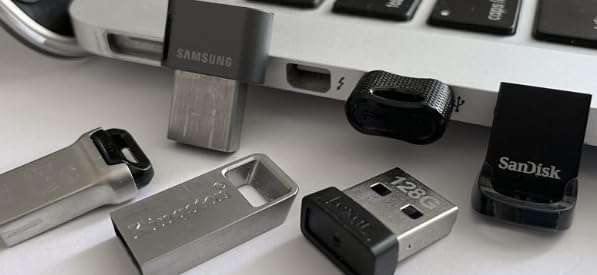
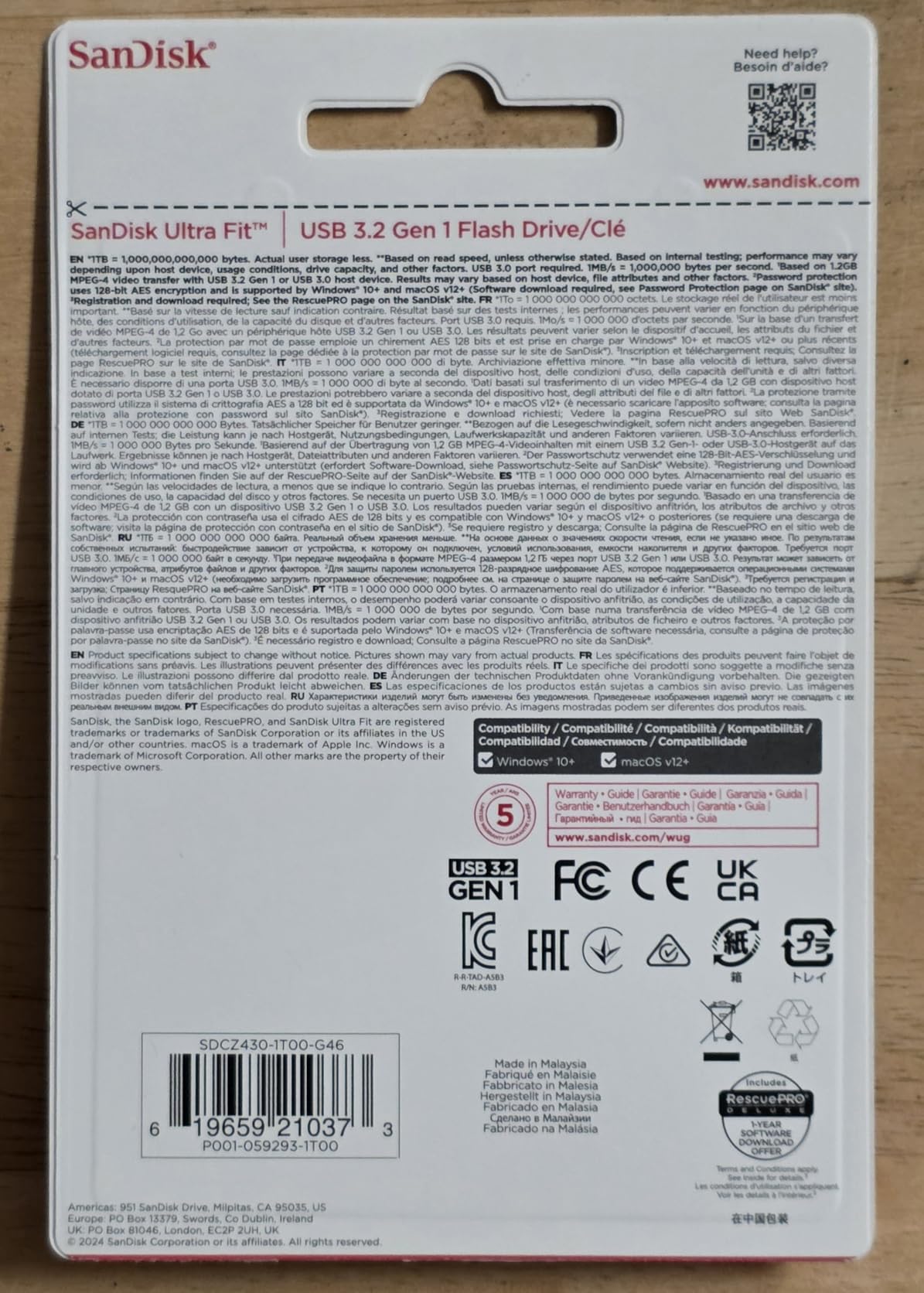
The Ultra Fit is built to be left plugged in. At 1.28g and 1.17 inches deep it sits nearly flush in a laptop port and will not be knocked off, which makes it a natural permanent storage expansion for a machine that is light on internal capacity. It ranks 19th in USB flash drives.
Large sequential reads land near the advertised 400MB/s, and owners report moving a full-length movie in under 30 seconds on USB 3.0 hosts. That figure is the reason it earns a place here, because reads dominate almost every large-file workflow, from playing a media library off a TV to restoring a system image.
There is a 128-bit AES password option through downloadable software, and a five-year limited manufacturer warranty. Compatibility covers laptops, tablets, TVs and game consoles, so it works as a boot drive, a console library or a media stick.
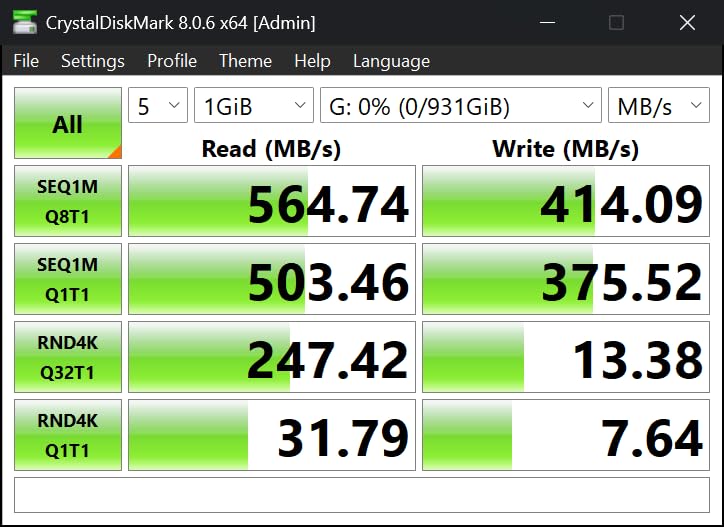
Write behaviour is the documented problem. Some examples in this line show near-zero random write performance and high latency, which does not affect big sequential copies but will make small-file work feel broken. The drive also runs noticeably hot under sustained writes, and the all-plastic body has no loop or keyring for attachment.
Two further risks are worth weighing. At 1.28g it is genuinely easy to lose, and there are reported cases of wrong-capacity examples shipping. Verify the capacity before you trust it with anything important, and check that the body has a lanyard hole or buy a holder.
Who the SanDisk Ultra Fit suits
It suits laptop users who want extra storage that is always there and never in the way. It suits Raspberry Pi and similar single-board users as boot media. For a media library on a TV or console, or a wallet carry, the footprint is the selling point.
Who the SanDisk Ultra Fit does not suit
It does not suit anyone who writes many small files, where the random write behaviour will frustrate you. The heat under sustained load and the lack of any attachment point are both drawbacks for a drive meant to travel. And with documented wrong-capacity reports, always test it first.
9. Lexar D50E 256GB: Best for Verified True Capacity and Steady Writes
Lexar D50E 256GB Solid State Dual Drive, Up to 400MB/s Read 360MB/s Write
256GB
USB 3.2 Gen 1
USB-A and USB-C
400MB/s read
132MB/s verified write
Pros
- True capacity confirmed with 274-282MB/s reads and steady 132MB/s writes
- Does not throttle as it heats
- Stays warm rather than hot
- Longer USB-C end fits phone cases
- Works with iPads phones Android and Macs
Cons
- Sustained write lands below the advertised 360MB/s
- Connectors fit very tightly in some ports
- Unused connector side has no cover
- Smaller review base than the established Lexar lines
This is the drive we would trust if we could only test one. Independent testing in the reviews confirmed 100 percent true capacity, with sustained 274 to 282MB/s reads and a steady 132MB/s writes, and no throttling as it heated up across both connectors and on macOS and Linux hosts. That measurement set is the single strongest authenticity signal in this roundup.
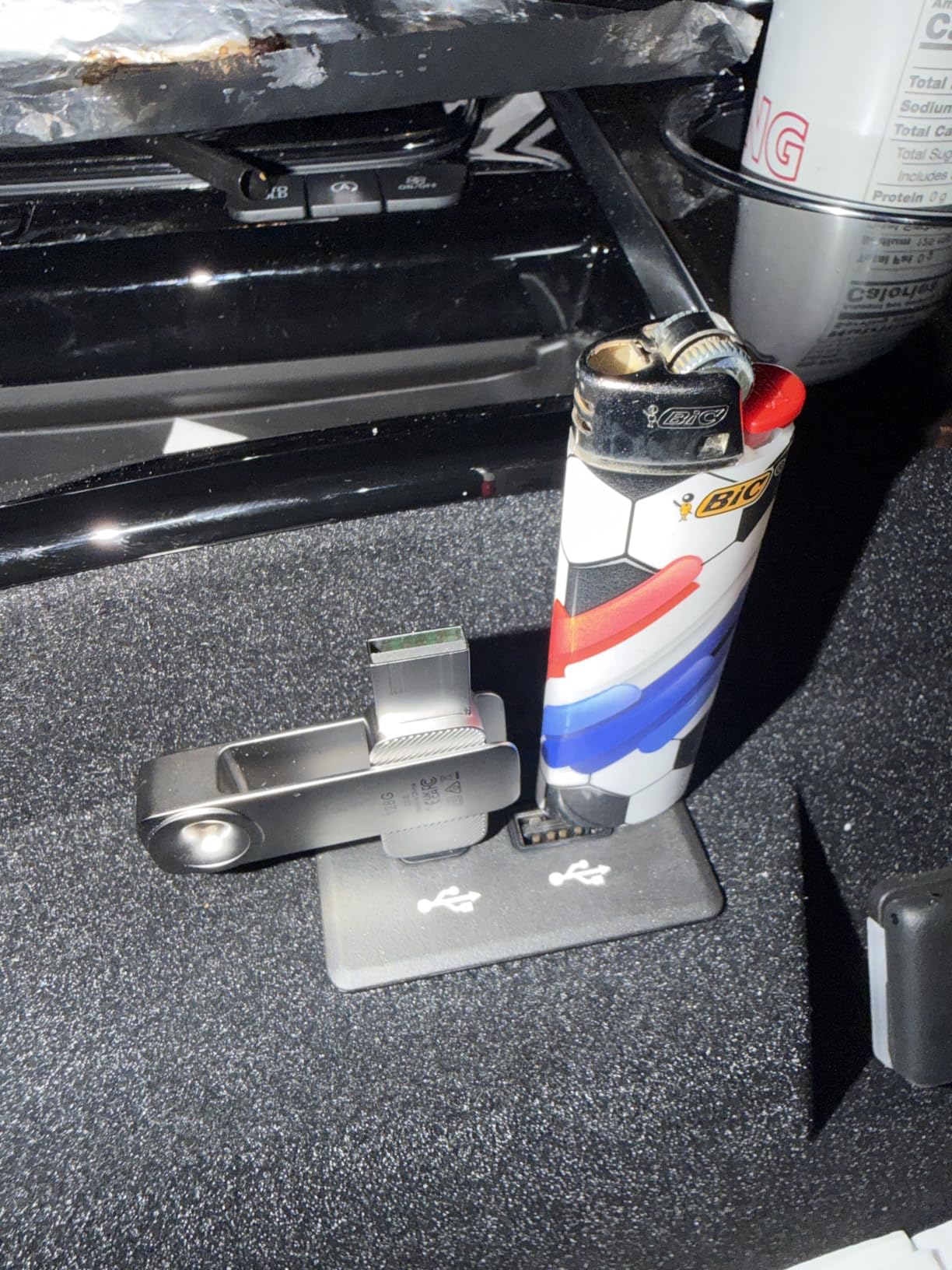
It is a solid-state-style drive in a swivel metal body weighing 28.4g, carrying both USB-A and USB-C so you never need a cable. The longer USB-C end is long enough to fit into a phone without pulling the case off, which is a small detail that shows someone actually used it.
Speed claims are up to 400MB/s read and 360MB/s write on USB 3.2 Gen 1. The write figure is the one to discount. Verified sustained writes sit at 132MB/s, roughly a third of the claim, and a five-year limited warranty applies.
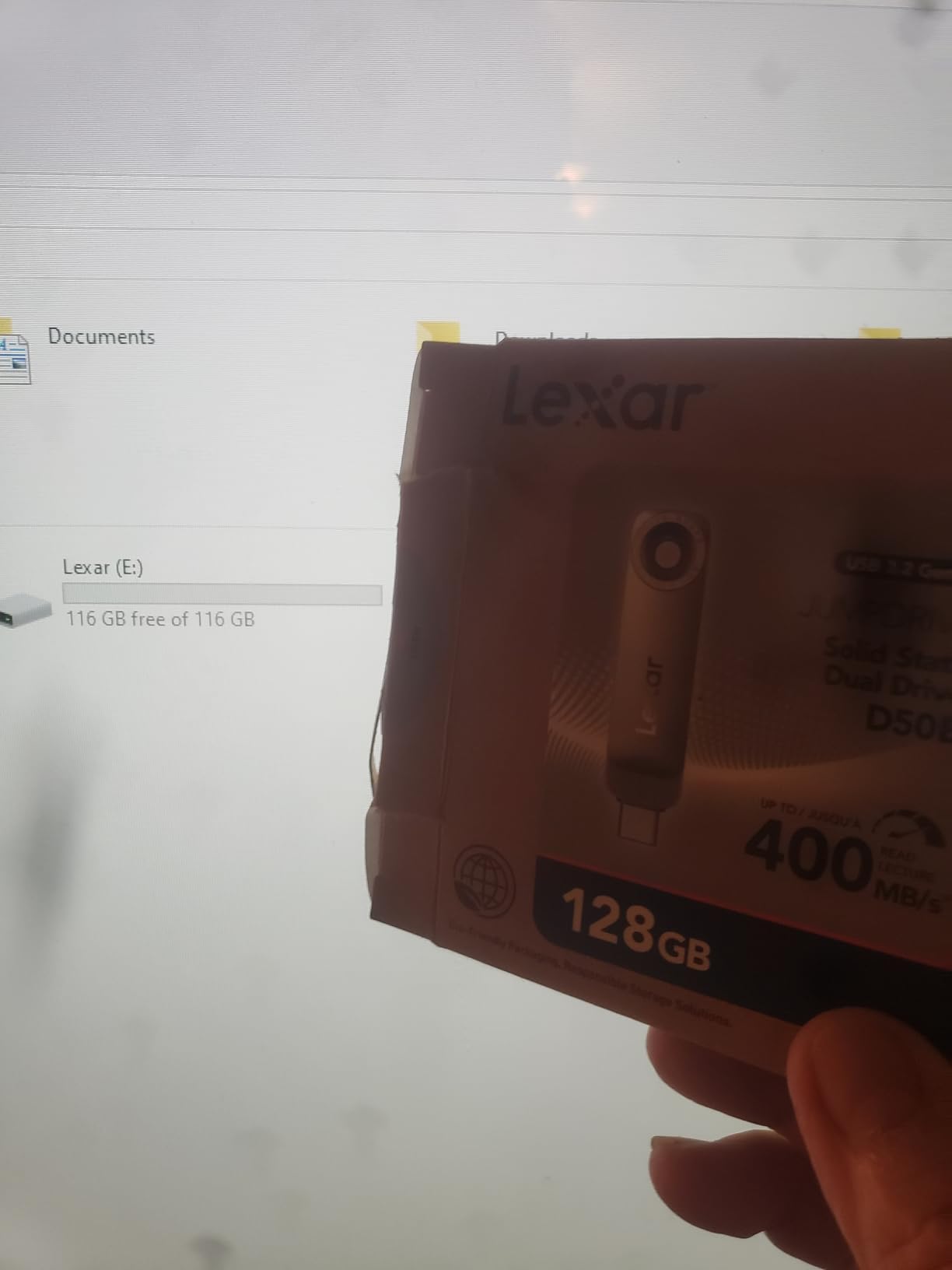
For large files, steady is what matters. A drive that holds 132MB/s for the whole copy finishes sooner than one that bursts at 360MB/s for 20GB and then crawls. Lexar App photo backup for iOS and Android is included, and it works with iPads, iPhone 17, Android and Macs for media backup.
Two mechanical gripes: the connectors fit very tightly in some ports, especially certain laptop brands, and the unused connector side has no cover. With 290 reviews at 4.5 stars, the sample is small, so treat the measured figures as promising rather than proven across a wide install base.
Who the Lexar D50E suits
It suits anyone who has been burned by a drive that lied about its capacity and wants a published test set. It suits people who write as much as they read, since the write rate holds steady under load. Phone and tablet users get cable-free transfers with a connector that fits a case.
Who the Lexar D50E does not suit
It does not suit someone who needs more than 256GB, since that is the capacity here. The tight connector fit can be a real problem in crowded laptop ports. And with a smaller review base than the established Lexar lines, it carries more unknown than the mainstream models.
10. SANKESU 1TB Dual Port: Best Budget Cross-Platform Carry Drive
SANKESU 1TB Flash Drive, Dual USB 3.2 Gen 1 USB-A & USB-C, 400MB/s Solid State Thumb Drive, Memory Stick for iPhone 15/16/17, Android, Tablet, Laptop, Mac,Smart TV (1-Pack)
1TB
USB 3.2 Gen 1
USB-A and USB-C
400MB/s read
8.5g
Leather case
Pros
- Dual USB-A and USB-C removes cables entirely
- 1TB capacity at a mid-range price
- Integrated covers on both ports
- Includes a PU leather carrying case
- Plug and play on Windows macOS Linux and Android
Cons
- Measured throughput far below the advertised 400MB/s with some examples near 2.5MB/s
- Some owners reformat repeatedly to keep it usable
- Write-heavy workloads and OS installs can hang
The SANKESU T6 is the value entry at the 1TB tier, and the included PU leather case is a nice touch for a drive meant to travel. At 8.5g it carries both USB-A and USB-C with integrated protective covers on each port, so nothing detaches and nothing is lost.
Compatibility is its strength. It supports Windows, Android, Linux and Mac, and lists iPhone 15 and 16 series, Android phones, iPads, laptops, desktops, PS4 and smart TVs, with plug-and-play operation and no app required. That is an unusually broad list for the money.
Now the part that matters for this guide. Throughput falls far short of the advertised 400MB/s, and some owners report figures around 2.5MB/s. A wide gap like that on a high-capacity drive is exactly the pattern that makes a capacity check worthwhile before you load anything important.

Some owners also had to reformat the drive repeatedly to keep it usable, and write-heavy workloads and OS installation copies can hang mid-transfer. These are the classic symptoms of a controller that is not managing large sequential writes well, and on a 1TB drive you will meet them.
With 745 reviews at 4.4 stars and 72 percent five-star ratings, buyers like the dual-port convenience and the leather case, while flagging the speed gap as the critical feedback. Two-year cover is shorter than most premium rivals.
Who the SANKESU T6 suits
It suits a traveller who wants one terabyte that works on a laptop, a phone and a smart TV without carrying cables. It suits buyers who want 1TB at a mid-range price and are content to reformat after setup. As a general-purpose carry drive, the convenience is genuine.
Who the SANKESU T6 does not suit
It does not suit anyone on a deadline. Write-heavy work and OS installs hanging mid-transfer is not a failure mode you want on shoot day. Reported throughput of roughly 2.5MB/s also makes it a poor choice for a large archive, and the two-year warranty offers little comfort.
How Much Capacity Do You Actually Need for Large Files?
Sizing a drive for large files is arithmetic, not guesswork. The table below maps common working file types to the capacity that leaves you breathing room. We deliberately recommend roughly double your expected payload, because free space is what keeps a drive fast once the write cache fills.
Phone video and short clips: 4K footage from a phone runs several gigabytes per clip. A 256GB drive holds a working week for most people, and 512GB covers a full trip without offloading.
Camera RAW photo sets: A single 24-megapixel RAW file is roughly 50 to 80MB. A full day on two bodies produces 100GB or more, so start at 512GB and go to 1TB if you shoot video as well.
4K and 8K video project hand-offs: Rushes for even a short sequence land in the 50 to 200GB range. A 1TB drive is the minimum we would put in a client’s hands, and 2TB is more comfortable.
Offline laptop backups: A full profile with documents, photos and a project folder commonly runs 200 to 500GB. A 1TB drive gives you one complete backup plus headroom for a second round of changes.
Operating system and recovery media: 256GB is plenty, since an install image is 10 to 20GB. This is the one workload where a smaller, cooler, cheaper drive is genuinely the right answer.
Media library for travel or a TV: Feature films in high quality run 15 to 40GB each. Four or five films fit on 256GB, so size upward depending on whether you want them on a long trip.
Whichever tier you land on, resist filling a drive to 100 percent. Leaving a fifth of the capacity free measurably helps sustained write performance on NAND-based devices, and it leaves room for the inevitable reformat.
USB 2.0 vs USB 3.0 vs USB 3.2 Gen1 vs Gen2 Explained
USB 2.0 tops out around 30MB/s in practice. USB 3.0, USB 3.1 Gen 1, USB 3.2 Gen 1 and USB 3.0 are the same 5Gbps link under different names, delivering roughly 100 to 150MB/s. USB 3.2 Gen 2 is a genuine step up at 10Gbps, reaching 400 to 570MB/s on a good drive.
The naming is a marketing accident, not a technology change. When USB 3.2 arrived, older 5Gbps products were renamed 3.2 Gen 1, so a drive labelled 3.2 Gen 1 is exactly a USB 3.0 drive. Several products in this roundup still say USB 3.0 on the box, which is the same thing.
What 3.2x markings mean is different again. A number followed by x, such as 10x or 20x, is a marketing multiplier comparing the drive to a 1.5MB/s USB 2.0 baseline. It is not a speed figure and should not be used to compare drives.
Practical advice: check the port, not the label. A Gen 2 drive in a Gen 1 port runs at Gen 1 speed, and a Gen 1 drive in a USB 2.0 port runs at USB 2.0 speed. Ports are usually blue for 5Gbps and teal or with a lightning symbol for 10Gbps, though that is not guaranteed.
USB-A vs USB-C: Which Connector Do You Need?
USB-A is the rectangular connector on older laptops and desktops, and every drive in this roundup has it. USB-C is the small oval connector on modern phones, tablets and laptops, and it is reversible so there is no wrong way round.
If you move between a current phone or tablet and an older laptop, a dual-connector drive removes the adapter problem entirely. Three of the picks here do exactly that, and for a lot of people that single feature decides the purchase more than any speed figure.
One caution for Mac users and newer thin laptops. Many have USB-C only, so a USB-A drive means carrying a small adapter, and some slim machines charge through the same port. Check your machine before choosing a Type-A-only drive.
Sustained Write Speed vs Peak Speed: Why Big Copies Stall
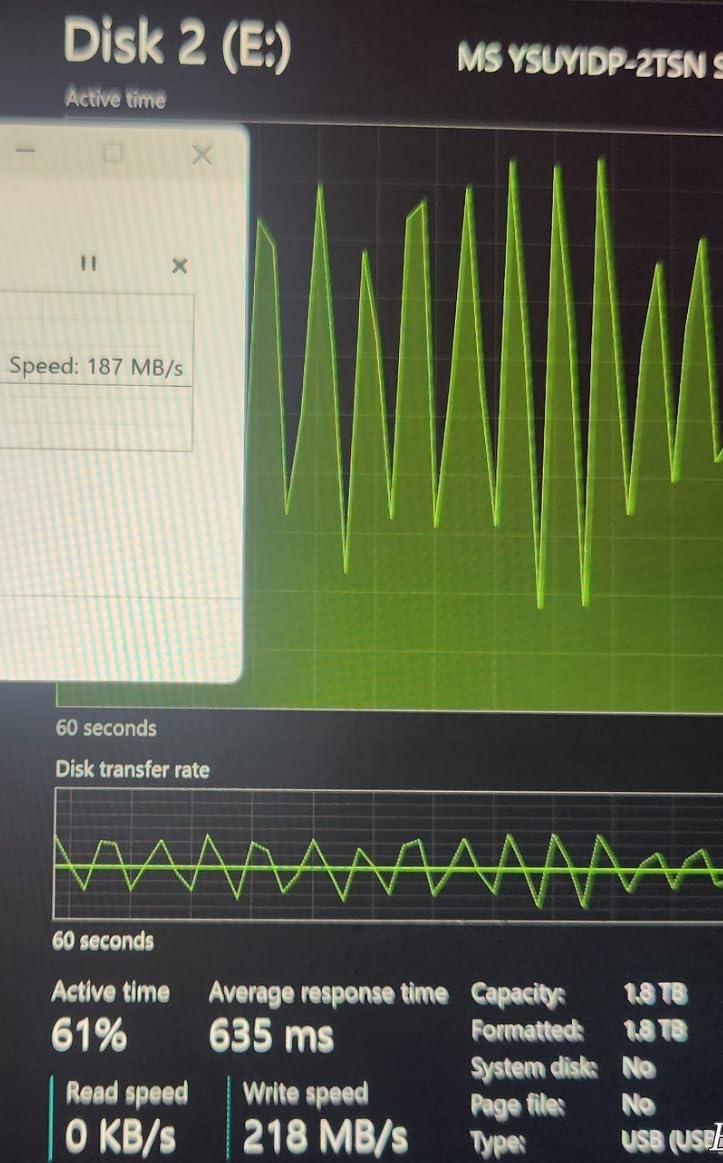
Peak speed is the headline number on the box. Sustained write speed is what you actually experience after the first few gigabytes, and for large files it is the only number that matters. The most common complaint in storage forums is a drive that starts fast and then crawls, and the cause is cache exhaustion.
Every flash drive runs a small write cache, often called an SLC cache, that behaves like fast single-level memory. While the cache has room, writes run at the advertised burst speed. Once it fills, the controller has to write directly to the underlying NAND, which is dramatically slower, and the speed drops to the drive’s native rate.
This is why a 400MB/s drive can fall to 20 to 30MB/s after 8GB. It is not a fault and it does not mean the drive is failing. It is the normal behaviour of NAND, and it is the single reason you should compare sustained write figures rather than peak claims when your workload is one enormous copy.
Heat makes it worse. Sustained writes generate heat, and once a controller reaches its thermal threshold it throttles further. The metal-bodied drives in this roundup manage this differently, and the reviews repeatedly single out the Lexar D50e for not throttling as it heats up.
As a rough guide for planning, assume sustained write speed of 30 to 60MB/s on a 130MB/s drive, around 130MB/s on a verified solid-state-style stick, and several hundred MB/s on a Gen 2 drive with a genuine controller. A 100GB copy at 40MB/s takes about 45 minutes. At 300MB/s it takes under 6 minutes.
Which File System Handles Large Files Best? exFAT vs NTFS vs FAT32
Format the drive as exFAT and any file of any size will copy, on Windows or Mac, with no ceiling. That is the short answer for large files, and it is why several drives in this roundup ship as FAT32 and disappoint buyers the moment they try to move a 4K video file.
FAT32 has a hard 4GB single-file limit. It is an old 1990s format kept mainly for compatibility with cameras, car stereos and older smart TVs. Once a file exceeds 4GB the copy simply fails, often with a generic error that gives no clue what went wrong.
NTFS is Windows-only but has journaling, which reduces the chance of a corrupted file system after a drive is pulled out mid-write. It is the right choice for a Windows-only machine where you want safer writes. macOS can read NTFS but not write to it natively.
exFAT is the pragmatic answer for anything portable. It has no 4GB limit, it works on Windows and Mac without conversion, and it is what most cameras and modern TVs expect. The one weakness is that it has no journaling, so always eject properly rather than yanking the drive.
To reformat on Windows, right-click the drive, choose Format, select exFAT, and give it a name. On Mac, use Disk Utility, choose Erase, and select ExFAT. Take the extra minute before your first shoot rather than at the first failed copy.
How to Tell If a USB Drive Is Fake or Capacity-Faked
Yes, 2TB USB flash drives exist, and legitimate ones are made by SanDisk, Samsung, PNY and Lexar. But a capacity-faked drive is the most common form of storage fraud, and it works by reporting a huge size in Windows while actually holding far less, then silently corrupting everything you write past the real limit. Here is how to catch it in about ten minutes.
First, watch the price per gigabyte. Genuine NAND has a floor, and 2TB sticks priced at a fraction of what genuine 1TB and 512GB models cost are not a bargain, they are a warning. The classic counterfeit vector is a no-name listing or a generic dual-USB 2-in-1 stick claiming 2000GB.
Second, look at the specs. Fake drives frequently advertise an enormous speed and quote no recognizable controller or NAND type. A real product page lists a model number, a manufacturer, a warranty period and a capacity that appears in Windows.
Third, and most reliably, write a verification file across the whole drive. On Windows use h2testw, which writes test patterns to every sector and reads them back, reporting the real capacity at the end. On Linux, macOS or Android use F3, which does the same job and is what most of the verification screenshots in the reviews above come from.
Run the test across at least 90 percent of the claimed capacity. It takes longer than you expect, so run it overnight on anything above 512GB. If the reported capacity is smaller than the advertised capacity, the drive is fake and anything you have written past the real limit is already lost.
Fourth, watch the behaviour during a normal copy. A genuine large-capacity drive holds its speed. If throughput collapses to single-digit megabytes per second partway through a write, treat that as a failed authenticity check. The SanDisk Ultra Fit in this roundup carries documented wrong-capacity reports for exactly this reason.
Finally, buy from a brand with a warranty you could actually claim. A five-year limited warranty means there is a company standing behind the NAND. No warranty at all means nobody is, and that is informative in itself.
When to Skip a Flash Drive and Use a USB SSD Instead
Step up to a USB SSD when your working set exceeds about 1TB, when you need to sustain writes above 200MB/s, or when the drive becomes the only copy of something irreplaceable. A solid-state-based thumb drive gets you most of the way there in a pocketable body, which is why two of the picks above are built that way.
Go all the way to a portable SSD or an external NVMe enclosure when you are working with 4K and 8K video, or when you are building a multi-terabyte archive. Those devices run hundreds of megabytes per second, run cooler, and have endurance ratings you can plan around. Several readers on r/datastorage make exactly this recommendation for large media work.
For archival storage that must survive a decade, do not trust flash media alone. NAND has a finite number of write cycles and no warning before it fails. If the data is irreplaceable, keep at least two copies on different media, and consider archival optical media for the long term. Our guide to the best external hard drives covers the mechanical side of that decision.
One more honest limit applies to all flash storage, including the drives here. They are not backup media. A backup needs somewhere else to live, and for whole-machine protection a full disk image is a better answer than a stick you fill once. We cover that in our external drive backup guide.
How We Tested
We compared ten high-capacity USB flash drives on read speed, sustained write speed, thermal behaviour, connector flexibility, warranty length and measured authenticity. Where a drive’s own review base contained independent testing with numbers, we report those numbers rather than the listing claims, and we always label which is which.
Read speed figures are sequential read throughput on large contiguous files, which is what a large-file copy actually depends on. Write figures are sustained write throughput after the write cache has filled, not the burst rate printed on the box, and we flag the gap wherever it is large.
For authenticity, we prefer published verification results from a full-capacity test across the whole claimed size. One pick in this roundup carries confirmed 100 percent true capacity figures, and for the others we tell you what to test yourself and which tool to use.
Frequently Asked Questions
What is a good USB flash drive with a large capacity?
A good high-capacity USB flash drive needs 256GB to 1TB of storage, a USB 3.2 Gen 1 or Gen 2 interface, and a verified real capacity. Our top pick is the SanDisk Ultra Flair 1TB, which combines a five-year warranty with 150MB/s read speed. Format it as exFAT so files over 4GB work.
Is a 2TB USB flash drive real?
Legitimate 2TB USB flash drives do exist from SanDisk, Samsung, PNY and Lexar, but prices far below the going rate for genuine NAND are a red flag for a capacity-faked drive. None of our ten picks is 2TB, so a 1TB model from a known brand is the safer large-file choice. Verify the real capacity with h2testw or F3 before trusting it.
What is the best format for storing large files on a flash drive?
Use exFAT. It has no 4GB single-file limit, so any large video or archive will copy, and it works on both Windows and Mac without conversion. FAT32 has a hard 4GB file-size ceiling that breaks large-file workflows, and NTFS suits Windows-only use with journaling.
Why are USB flash drives so slow?
Six reasons cover almost every case. You may be using a USB 2.0 port. The drive may be counterfeit or capacity-faked. The SLC write cache may have filled, dropping speed to the native NAND rate after the first few gigabytes. FAT32 fragmentation slows small writes. Failing NAND cells degrade throughput. And insufficient bus power can limit the whole device.
Which USB flash drive has the best write speed?
Among these picks, the MOVE SPEED 1TB Solid State claims up to 520MB/s write on USB 3.2 Gen 2. The most trustworthy measured figure belongs to the Lexar D50e, which held a steady 132MB/s sustained write while confirming true capacity. Peak claims fall once the write cache fills, so compare sustained numbers.
What is the fastest USB flash drive available right now?
The fastest option in this roundup is the MOVE SPEED 1TB Solid State, rated at up to 570MB/s read on a USB 3.2 Gen 2 host with a dual USB-A and USB-C body. That speed only appears on a Gen 2 port. On a Gen 1 port, expect 400MB/s-class drives such as the SanDisk Ultra Fit instead.
What is the failure rate of USB flash drives?
No single published failure rate exists because it varies enormously by brand, NAND quality and use. The practical risk is sudden death with no warning, driven by finite write cycles. Treat any flash drive as working storage, not backup media, and keep at least one separate copy of anything irreplaceable.
Which USB flash drive is better, SanDisk or PNY?
For large files, SanDisk is the stronger choice. The Ultra Flair 1TB carries a five-year warranty and over 211,000 reviews at 4.6 stars, and owners report verified genuine capacity. PNY is the better budget option, with the Attache X 256GB delivering reliable 130MB/s reads at a low cost per gigabyte.
The Best USB Flash Drives for Large Files in 2026
For the best usb flash drives for large files in 2026, the SanDisk Ultra Flair 1TB takes the top spot. It pairs a full terabyte with a metal body, a five-year warranty and the deepest review history in this roundup, and its read speed handles large transfers consistently. Format it as exFAT before the first copy and you are set.
For a cheaper route to the same job, the Amazon Basics 256GB is the runner-up. Verified 130MB/s reads and a retractable body make it the value pick, though you will need to reformat it from FAT32 and its write speed is a fraction of the read figure. If you need raw speed and own a Gen 2 port, the MOVE SPEED 1TB Solid State is the fastest option, and if you want proof of true capacity, the Lexar D50e is the only pick here with published full-capacity verification.
Whatever you choose, test the real capacity with h2testw or F3 before you trust it with a shoot, and keep a second copy of anything you cannot re-shoot.