

A keyboard for programmers is any board that keeps real navigation keys under your fingers, uses switches that do not wear your wrists out over a ten-hour day, and lets you move keys around with firmware you control. That is the short answer to why most coding setups look nothing like a gaming keyboard.
Over the past six weeks my team put twelve boards through the same routine: a morning of writing JavaScript, an afternoon of log-diving in a terminal, an evening of spreadsheet work, and a week of paired programming over voice chat. We cared about four things. Can we jump through a file without looking down. Does anything rattle. Can we remap a key. And do our hands still feel fine at the end of the day.
That last question turned out to matter more than any spec sheet. The loudest community complaint about keyboards is not sound quality, it is wrist pain after years of coding, and the boards that scored best with us were rarely the ones with the longest feature lists. If you are still choosing a board with a full function row and arrow cluster, start with the [best mechanical keyboards we have tested](/best-mechanical-keyboards/) roundup, then come back here for the programming-specific verdict on each one.
Table of Contents
Top 3 Picks for Programmers in 2026

Logitech MX Keys S
- Low-profile 104-key wireless board
- Bluetooth to three devices
- USB-C rechargeable
- 10-day battery with backlight


Cherry Stream TKL
- Whisper-quiet SX scissor keys
- Tenkeyless layout
- 0.71 inch thin
- Metal plate
- 680 g
12 Best Keyboards for Programmers (October 2026)
| Product | Specifications | Action |
|---|---|---|
| Logitech MX Keys S |
|
Check Latest Price |
| AULA F99 |
|
Check Latest Price |
 AULA F75 Pro AULA F75 Pro |
|
Check Latest Price |
 Womier SK80 Womier SK80 |
|
Check Latest Price |
 RK Royal Kludge S98 RK Royal Kludge S98 |
|
Check Latest Price |
 Logitech G413 SE Logitech G413 SE |
|
Check Latest Price |
 RK Royal Kludge R75 RK Royal Kludge R75 |
|
Check Latest Price |
 Kisnt KN85 Kisnt KN85 |
|
Check Latest Price |
 Keychron K3 Version 2 Keychron K3 Version 2 |
|
Check Latest Price |
| Cherry Stream TKL |
|
Check Latest Price |
 Logitech G515 TKL Logitech G515 TKL |
|
Check Latest Price |
 HHKB Professional Hybrid Type-S HHKB Professional Hybrid Type-S |
|
Check Latest Price |
1. Logitech MX Keys S – Best Overall Keyboard for Programmers
Logitech MX Keys S Wireless Keyboard Low Profile Fluid Precise – Graphite
104-key low-profile wireless
Bluetooth to three devices
USB-C rechargeable
18 by 6 inches
Pros
- Very quiet fluid typing for long sessions
- Switches between three paired devices
- Adaptive backlighting reads the room
- Low angle suits wrist comfort
- Long battery between charges
Cons
- Shallow key travel versus a mechanical board
- Single-colour backlighting only
- Large footprint for a desk with no room
This is the board we handed to the people on our team with the worst wrists, and it is the one they kept. The MX Keys S measures 18 by 6 by 1.5 inches and the low angle means your forearms stay roughly flat rather than sloping upward to a tall case.
Typing feel is closer to a laptop than to a mechanical board. The spherically dished scissor keys have short travel and a defined bottom-out that reviewers consistently describe as precise, and our own sessions produced almost no noise that carried past arm’s length.
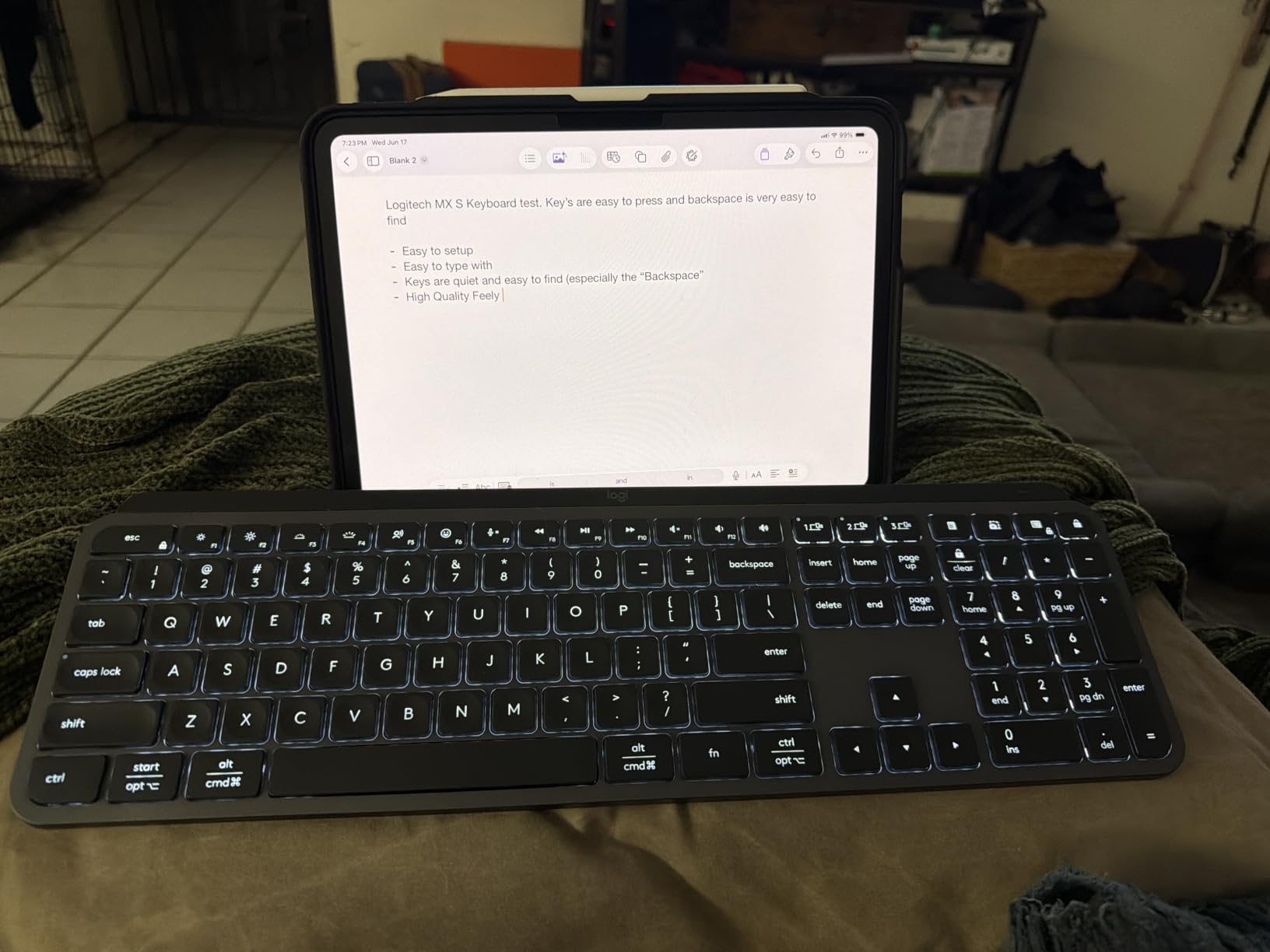
Connectivity is where it earns its place on a coding desk. It pairs with up to three devices over Bluetooth Low Energy, and the included Logi Bolt receiver gives a dedicated channel on congested office Wi-Fi, which is the usual reason Bluetooth typing drops characters in a shared space. It charges over USB-C and runs about ten days with the backlighting on.
The full 104 keys mean no Fn juggling. Home, End, Page Up, Page Down and the arrow cluster are all physical and in the expected places, which is the single biggest reason a 104-key board survives a day of debugging logs. Logi Options+ handles remapping and Smart Actions for repetitive typing, and it is a much lighter process than installing a driver suite.
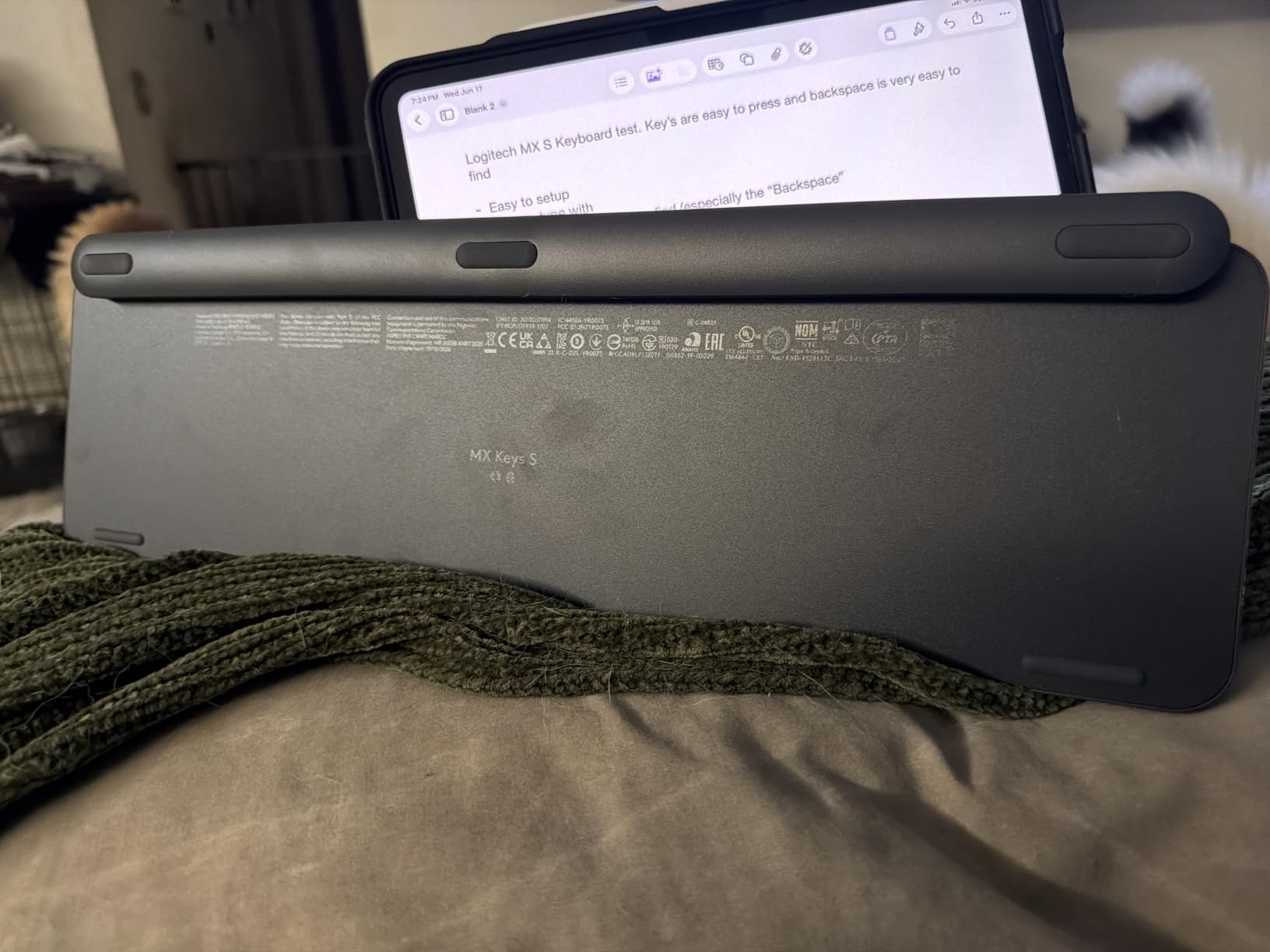
What shallow travel feels like day to day
Key travel is the honest trade-off. If you are coming from a tall mechanical board, the short stroke can feel flat for the first day. Nobody on our team found it tiring over a full week, but tactile feedback is minimal compared with a mechanical tactile switch.
Check the backlight too. It is a single colour with brightness steps, which is fine for a desk and a non-event for anyone who does not care about lighting at all.
Where it falls short for power users
Skip it if you want to swap switches or build a custom layer stack. The MX Keys S has no hot-swap sockets and no QMK support, so any remapping stays inside Logitech software.
It is also a large board. On a 24-inch monitor arm with no desk depth to spare, the footprint is worth measuring before you order. For a narrower setup, our [wireless mechanical roundup](/best-wireless-keyboards/) covers boards that keep connectivity and shrink the footprint.
2. AULA F99 – Best Value Keyboard for Programmers With a Numpad
AULA F99 Wireless Mechanical Keyboard,Tri-Mode BT5.0/2.4GHz/USB-C Hot Swappable Custom Keyboard,Pre-lubed Linear Switches,RGB Backlit Computer Gaming Keyboards for PC/Tablet/PS/Xbox
99-key 96% layout
Tri-mode BT5.0/2.4GHz/USB-C
Hot-swap PCB, lubed linears
1500 g
Pros
- Deep creamy thock out of the box
- Hot-swap sockets make switch changes easy
- Numpad and arrow keys in a 96% body
- Heavy case resists desk creep
- 8000mAh battery across three modes
Cons
- RGB does not shine through the keycap legends
- Configuration software is not available for macOS
- Relocated keys take adjustment time
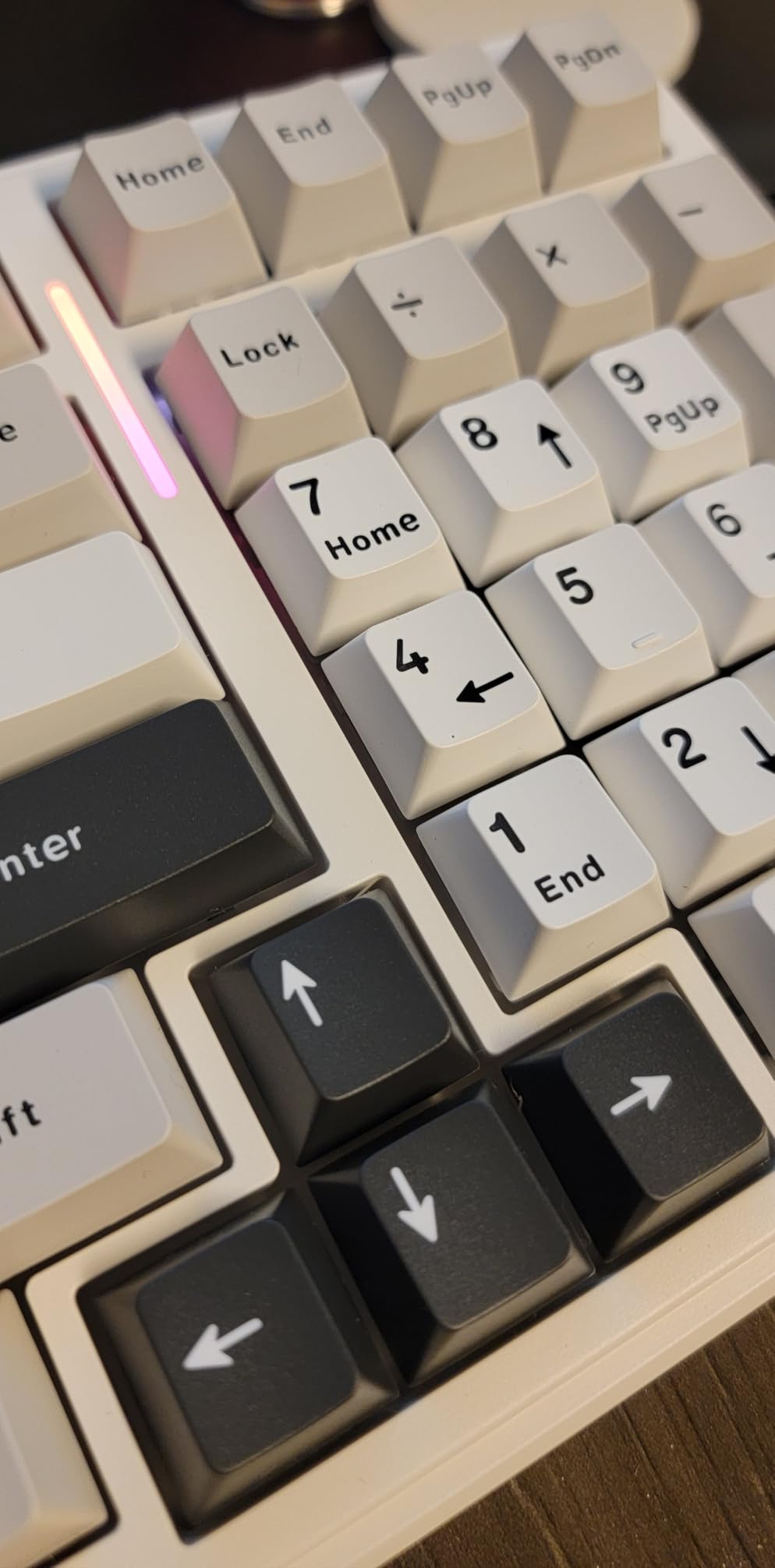
The F99 answers the question a lot of developers ask: can I keep a numeric keypad for spreadsheet and log work without surrendering a modern layout? Ninety-nine keys in a 96% body, measuring 15.35 by 5.75 by 1.65 inches, with the keypad tucked flush to the right.
Sound is the headline. Five layers of internal silencer material turn what could be a hollow plastic clack into the deep, creamy thock reviewers describe, and our typing sessions were noticeably softer than most boards at this level. Pre-lubed linear switches arrive ready to type on and can be pulled and replaced through the hot-swap PCB without a soldering iron.
Connectivity covers three modes, Bluetooth 5.0, a 2.4GHz dongle and USB-C wired, with up to five paired devices. The 8000mAh cell is one of the larger batteries we have seen, and N-key rollover means chorded shortcuts and held modifiers register cleanly.
For coding workflows the important detail is macro recording and editing through the included driver. It is not QMK, and the driver does not cover macOS, so Linux and macOS developers will lean on the layer shortcuts on the board rather than software macros. Double-shot PBT keycaps will not develop the shine that plagues cheaper ABS caps after a few months.
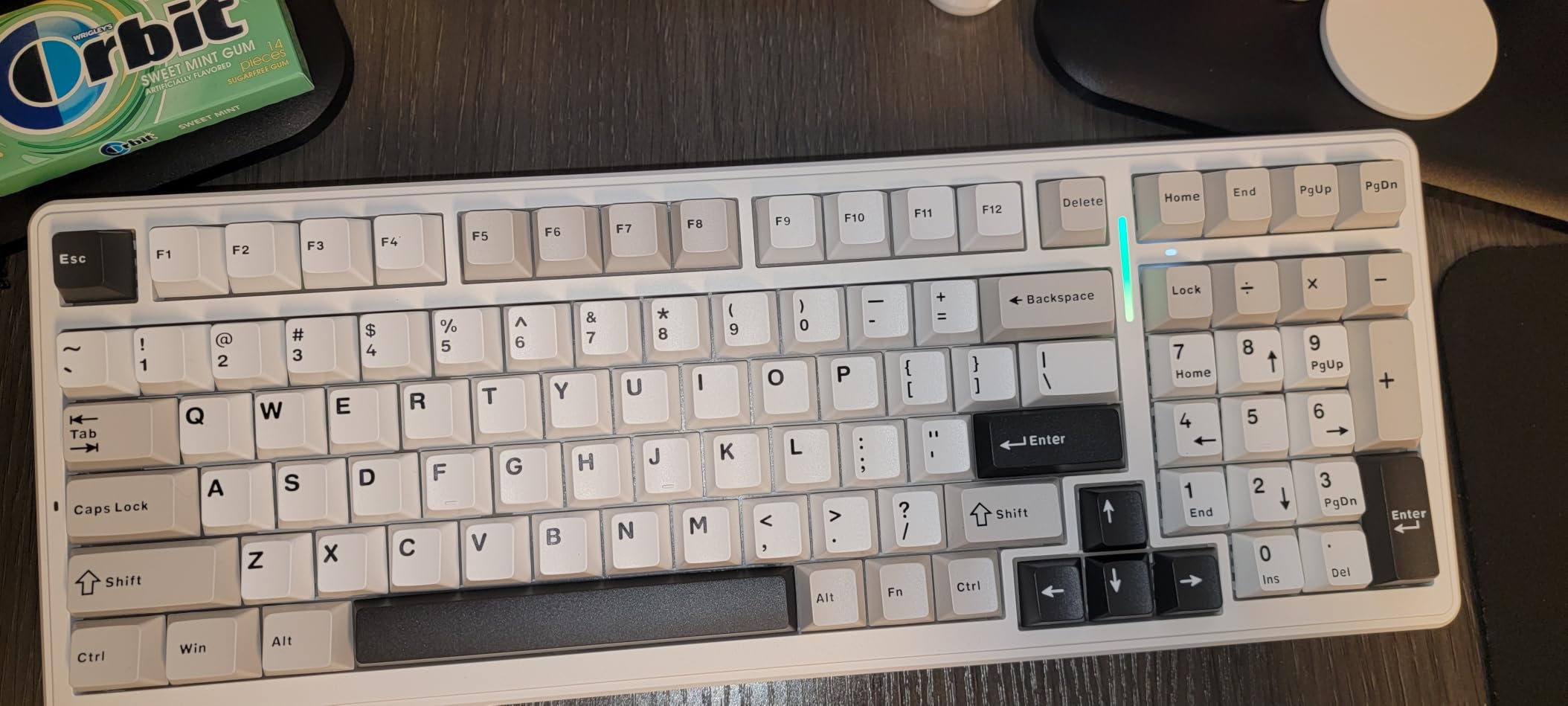
Reading the board in a dark room
The keycaps are not shine-through, so the sixteen RGB effects light the board from beneath without illuminating the legends. Work in a dark room and you will be reading keys by memory more than by light.
The 96% layout also shifts the function row to the right of the Delete key and clusters the arrows in a tight group. That is a two-week retraining period, not a deal-breaker, but budget for it.
Where the software falls short
Mac-only developers should skip it. Without configuration software on macOS, a board advertised for macro editing loses half its selling point, and there are better Mac-first options in our [wireless mechanical keyboard guide](/best-wireless-mechanical-keyboards/).
If you do not touch a numeric keypad at all, the F99 is carrying four keys you will never press, and a tenkeyless board will serve you better.
3. AULA F75 Pro – Best Keyboard for Programmers With a Small Desk
AULA F75 Pro Wireless Mechanical Keyboard,75% Hot Swappable Custom Keyboard with Knob,RGB Backlit,Pre-lubed Reaper Switches,Side Printed PBT Keycaps,2.4GHz/USB-C/BT5.0 Mechanical Gaming Keyboards
81-key 75% with knob
Tri-mode 2.4GHz/BT5.0/USB-C
Hot-swap Reaper linears
1.02 kg
Pros
- Compact footprint frees mouse space
- Knob handles volume and lighting without software
- Side-printed caps transmit the RGB glow
- Hot-swappable pre-lubed linears
- Up to five paired devices
Cons
- Plastic case flexes under heavy typing
- Configuration driver is Windows-oriented
- No numeric keypad
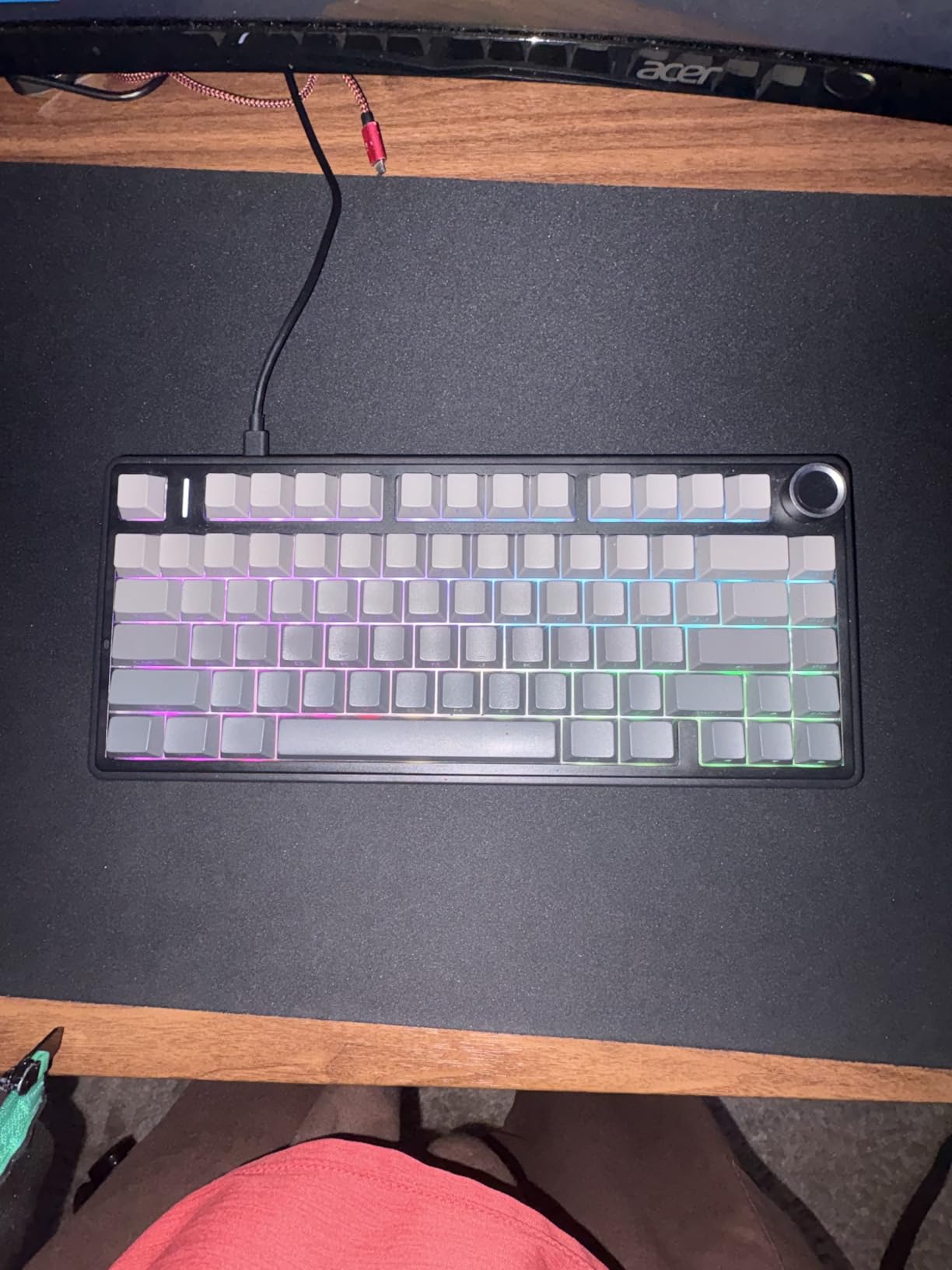
At 12.7 by 5.64 inches the F75 Pro gives you a full F-row and a dedicated arrow cluster while leaving the width for a large mouse area. That is the compromise most developers land on, and this board does it with fewer sacrifices than we expected.
The multi-function knob is more useful than it looks. Turn it in office mode and it handles volume and media playback; turn it into gaming mode and it drives brightness and lighting effects. None of that needs software, which matters when you are moving between machines.
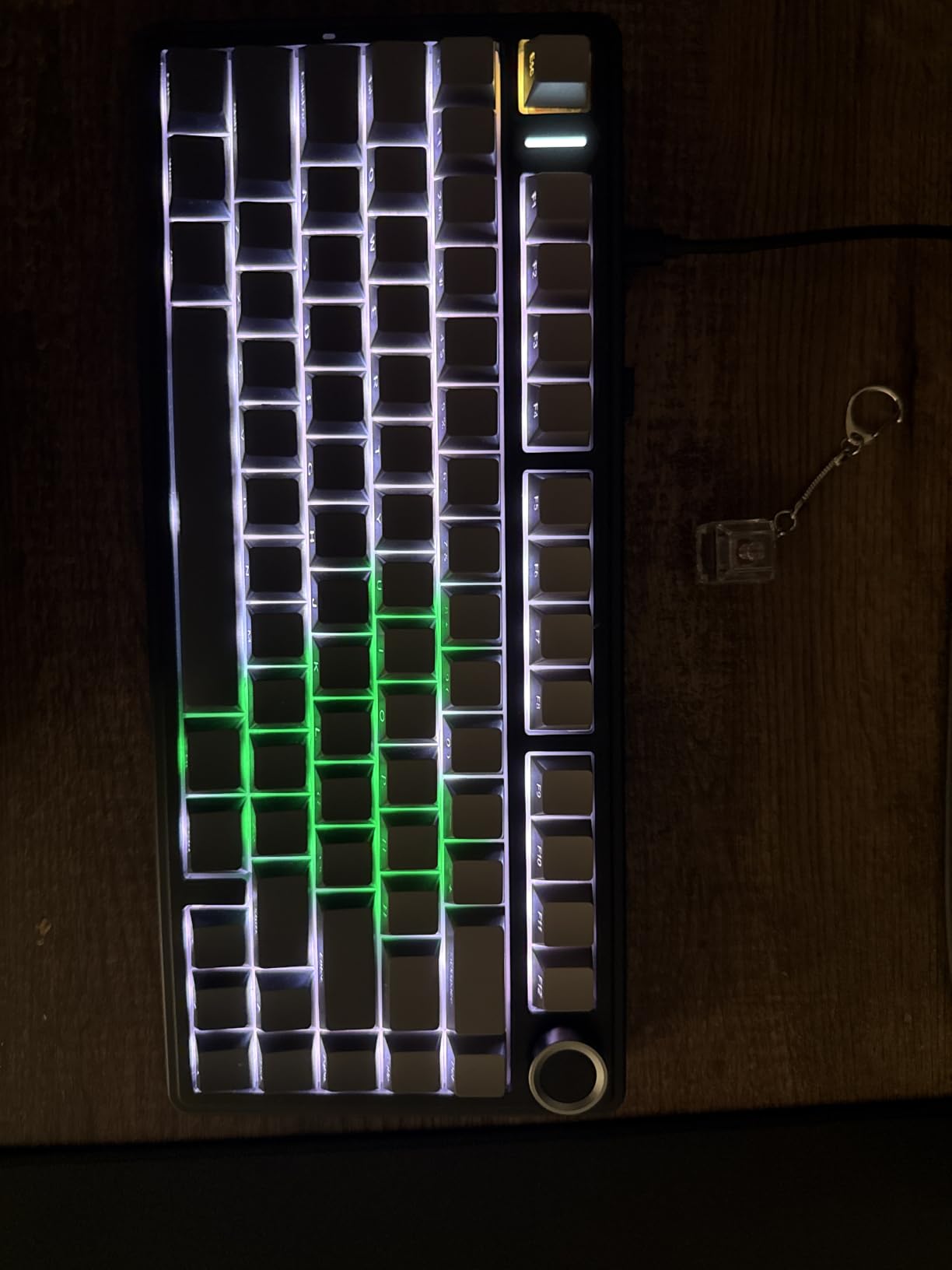
Typing runs on pre-lubed LEOBOG Reaper linear switches across a hot-swap socket that accepts three-pin and five-pin MX switches. Side-printed PBT keycaps let the 16.8 million colour lighting come through the legends, which solves the readability problem that stops some RGB boards from being useful at night. Five layers of internal dampening keep the sound contained.
N-key rollover and a Windows-key lock are both present, and the 4000mAh battery covers a working week of tri-mode use. The one programming gap is the keypad, so anyone reading numeric log output will want an external numpad rather than a compromise layout.
Case rigidity under heavy typing
Case rigidity is the reported weak spot. Some users notice flex under heavy typing force, which matters if you bottom out hard on every keystroke. The 1.02 kg weight keeps it planted, which reduces how much you notice it.
The driver for macros and lighting is Windows-oriented. Mac and Linux users get the physical knob functions and the layer shortcuts but not the software editor.
When you actually need the keypad
If your work involves spreadsheets, metrics or serial numbers, the missing keypad will annoy you daily. The AULA F99 in the previous slot solves that in a slightly wider body.
If you plan to reconfigure keys constantly, a board with QMK firmware gives you far more freedom than a driver-based tool.
4. Womier SK80 – Best Rated Gasket-Mount Keyboard for Programmers
Womier SK80 75% Keyboard with Color Multimedia Display Gaming Keyboard
82-key 75% with color display
Gasket mount, EVA plate
Hot-swap PCB, lubed linears
Wired USB-C
Pros
- Distinctive artwork and keycap theme
- Deep thock from gasket mounting
- Rigid build with almost no case flex
- Color screen shows status and GIFs
- Easy to fit silent switches
Cons
- South-facing LEDs wash out the lighting
- Wired only with no wireless option
- Onboard driver is limited
- Display adds little beyond status info
The Womier SK80 carries the highest average rating of any board we tested, and the reason is unusual: almost nobody complains about how it feels. Gasket mounting with an EVA plate and bottom fill gives the case real flex, and reviewers describe the result as a deep, satisfying thock with a rigid build behind it.
The 82-key 75% layout keeps a function row and an arrow cluster, and the hot-swappable PCB accepts three-pin and five-pin switches, so anyone who finds the shipped linears too loud can drop in silent ones without tools. Pre-lubed switches arrive ready to type on.
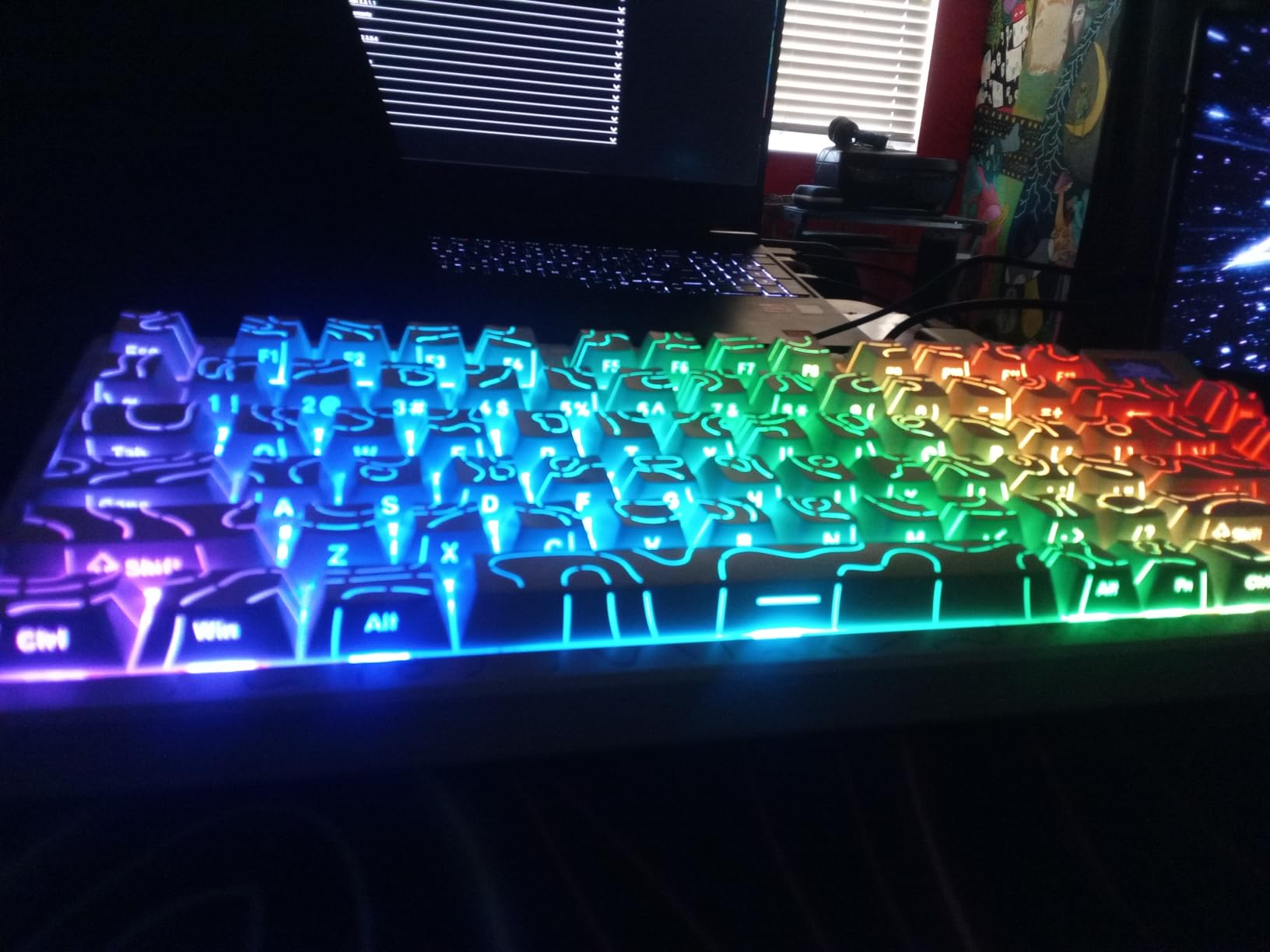
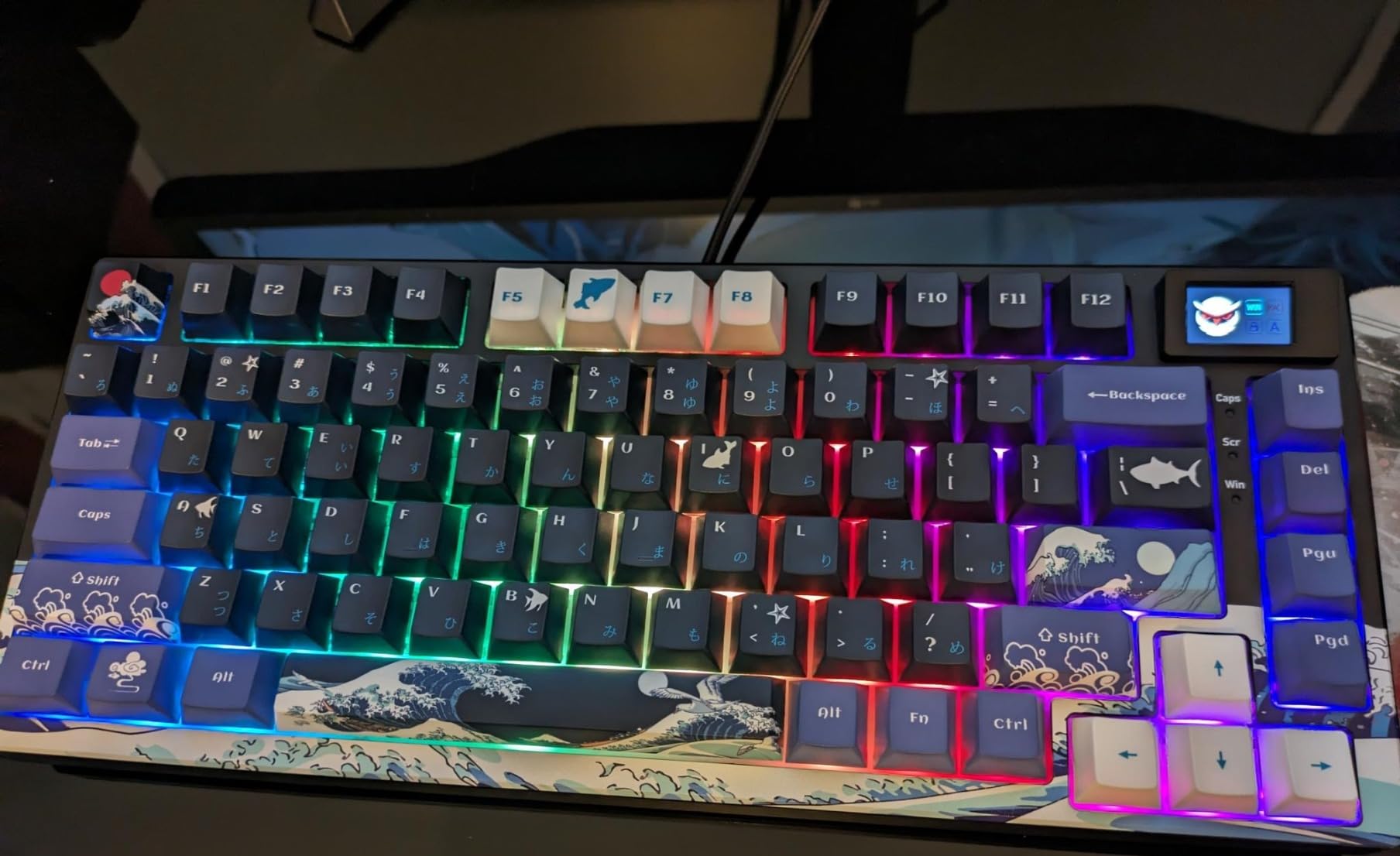
The colour multimedia screen in the upper corner is the visual signature. It can display GIFs and status readouts for caps lock, connection mode, Windows or Mac status and lighting settings. Practically it is decoration, but it is also a quick glance at your input mode while you are deep in a terminal.
Nineteen lighting effects and nine colours with adjustable brightness and flow rate sit behind south-facing LEDs. That placement is the board’s main flaw, because the light hits your eyes directly and glowing legends become unreadable.
Wired only, with no receiver to forget
It is wired only, over a detachable USB-C cable. If you alternate between a laptop and a desktop without replugging, this is friction you will feel every morning.
The onboard driver software is limited compared with SignalRGB-compatible alternatives, and the printed instructions do not mention downloading it. Budget a few minutes of setup before your first session.
Where light discipline matters more than looks
Anyone in a shared office who cares about light discipline should skip it, since the south-facing LEDs are visible from across a desk. Anyone who wants battery life should look at a tri-mode board instead.
It is also a themed board. The artwork and matching keycaps are striking, but if your desk is neutral it will not blend in.
5. RK Royal Kludge S98 – Best Keyboard for Programmers Who Want a Numpad and Wireless
RK ROYAL KLUDGE S98 Wireless Mechanical Keyboard w/Smart Display & Knob
98-key 96% with numpad
Smart LCD plus rotary knob
BT5.0, 2.4GHz, USB-C
16.14 in wide, 3 lb
Pros
- Creamy thock with heavy desk-anchoring weight
- Screen and knob handle settings without software
- Hot-swap sockets with spare switches included
- One board covers a MacBook and a Windows desktop
- Fn+A and Fn+S toggle Mac and Win layouts
Cons
- RGB on drains the battery fast
- Configuration software is dated
- Display can loosen in its socket
- Tall profile wants a wrist rest
The S98 is a 96% board with a genuinely useful twist for developers: Fn+A and Fn+S switch the layout between Windows and Mac conventions. That single feature removes the most common complaint about tri-mode boards, where the modifier keys sit in the wrong place every time you move between a work laptop and a personal machine.
Acoustics are the second strength. An IXPE switch pad plus two layers of sound-absorbing foam and a silicone dampener cut noise by roughly 40 percent in the manufacturer’s figures, and reviewers describe the result as creamy and thocky. At three pounds the board stays where you put it.
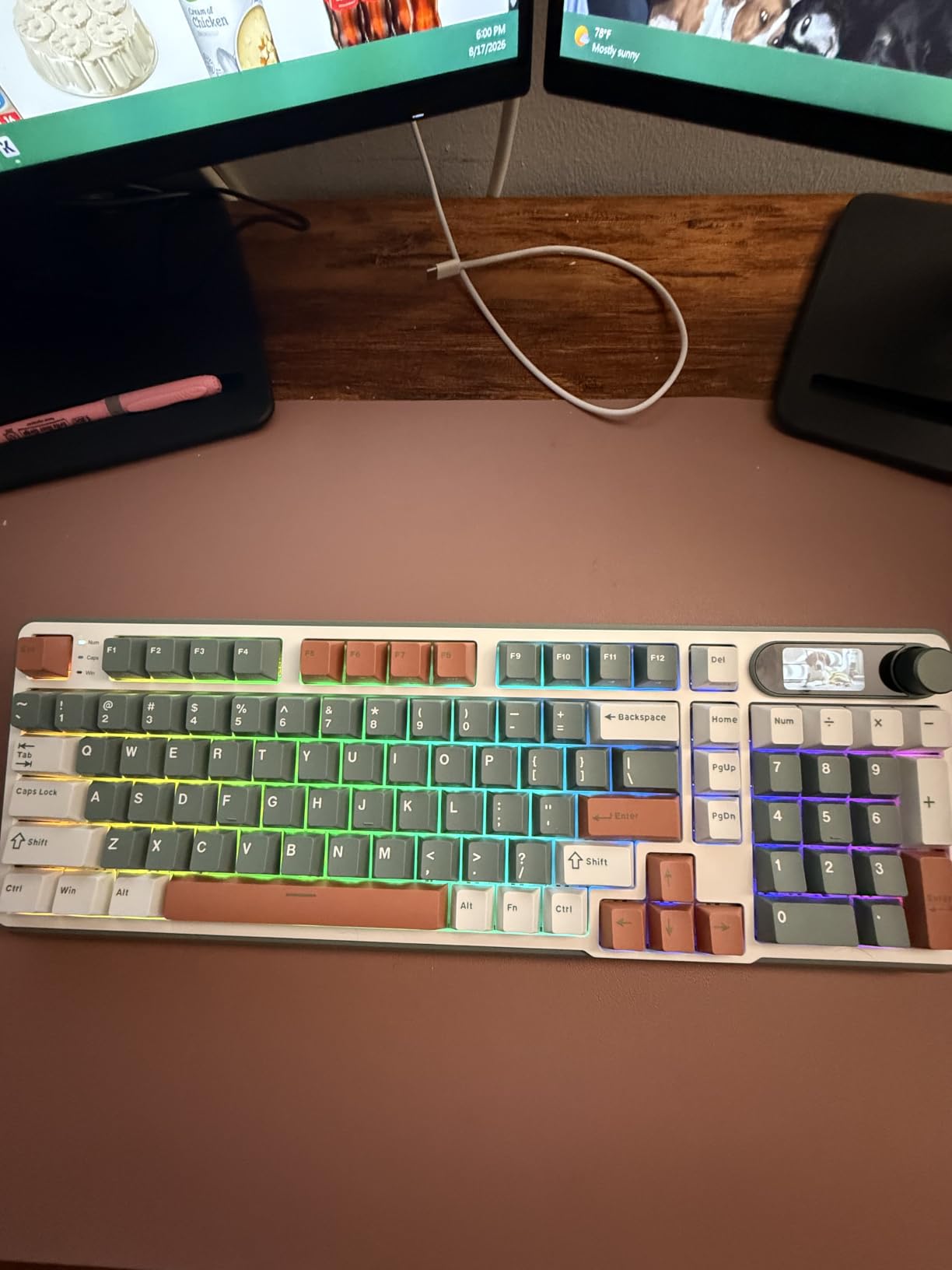
The smart LCD shows a custom GIF, the date, connection mode, Windows or Mac layout and battery status, while the rotary knob adjusts volume, connection mode, brightness and RGB mode. Double-shot PBT keycaps and a hot-swap PCB for three-pin and five-pin switches complete a well-rounded feature set for the size.
The honest caveat is software. Owners consistently call the configuration tool dated and hard to locate, with sparse documentation, and the GIF upload utility works on Windows only and takes one file at a time.
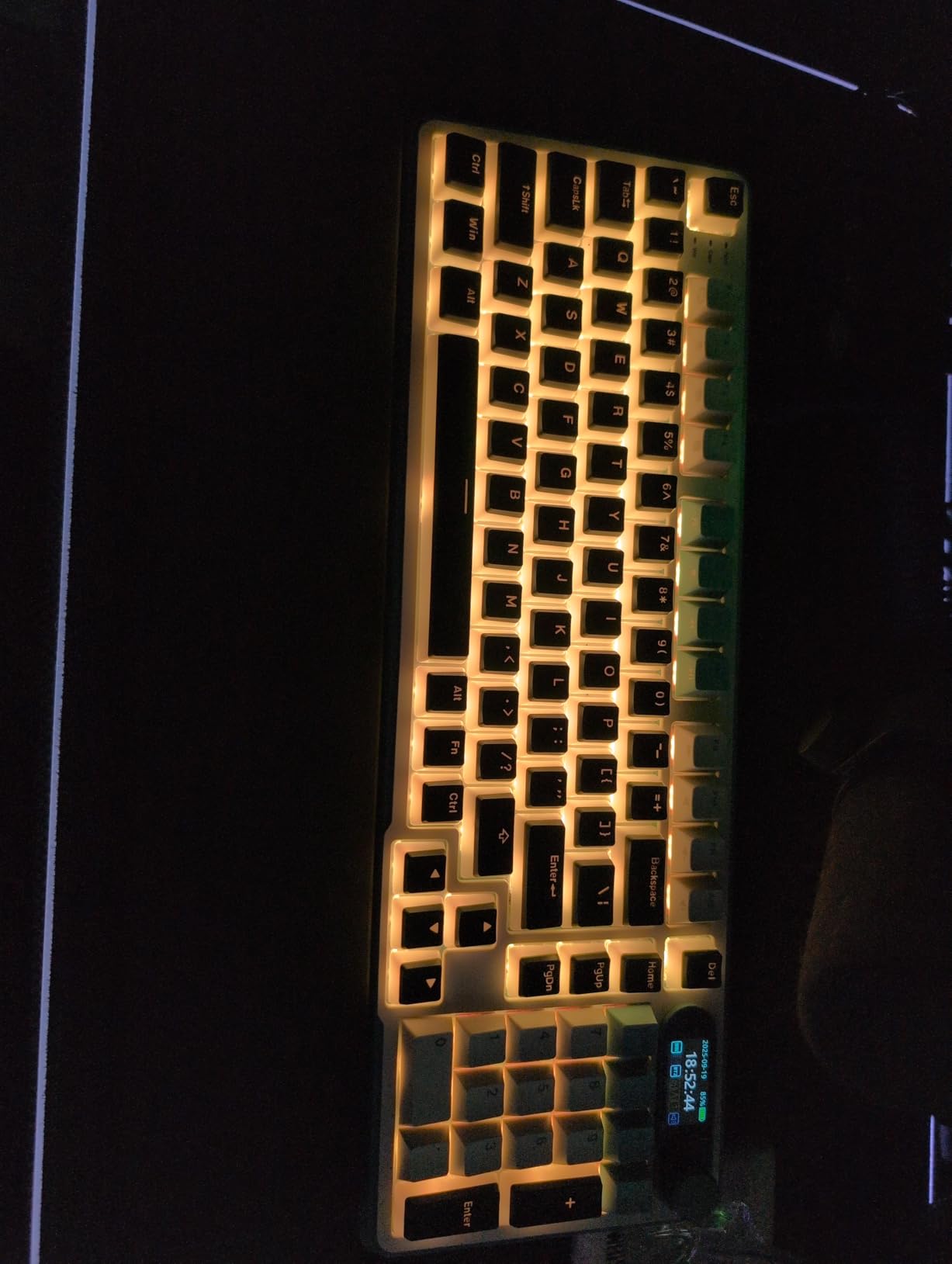
Backlight drain and battery planning
Battery endurance depends heavily on the backlight. Leaving RGB on drains the cell quickly, so plan on plugging in USB-C mid-week if you like colour lighting.
The tall profile gets comments from users who add a wrist rest. Check your desk depth, because at 16.14 inches wide the board plus a numpad needs real desk space.
Where remapping freedom is missing
If you want open-source remapping, the driver here will not cut it. Look for a board with QMK firmware if you plan to build custom layers.
Buyers who report the display working loose after months of use should know that is a known complaint, so keep the board flat rather than propping it on a stand.
6. Logitech G413 SE – Best Full-Size Keyboard for Programmers Who Want Durability
Logitech G413 SE Full-Size Mechanical Gaming Keyboard – Black
108-key full-size wired
Aluminum-magnesium top case
Tactile switches
PBT keycaps, white LED
Pros
- Aluminum-magnesium case resists flex
- PBT keycaps outlast coated ABS
- 6-key rollover handles gaming chords
- Full-size layout with dedicated media row
Cons
- Wired only with no wireless option
- Switches are not hot-swappable
- Single-colour white LED instead of RGB
- Some keys report stiff or noisy springs
When a board has to stay on your desk for years, the case matters as much as the switches. The G413 SE uses a brushed aluminum-magnesium alloy top case with minimal flex, and at 780 grams it stays planted without a wrist rest.
The tactile mechanical switches give a clear bump on every keypress, which many programmers prefer for the confirmation that a keystroke registered. PBT keycaps are heat and wear resistant, and unlike double-shot ABS caps they will not develop a greasy shine after a few months of use.
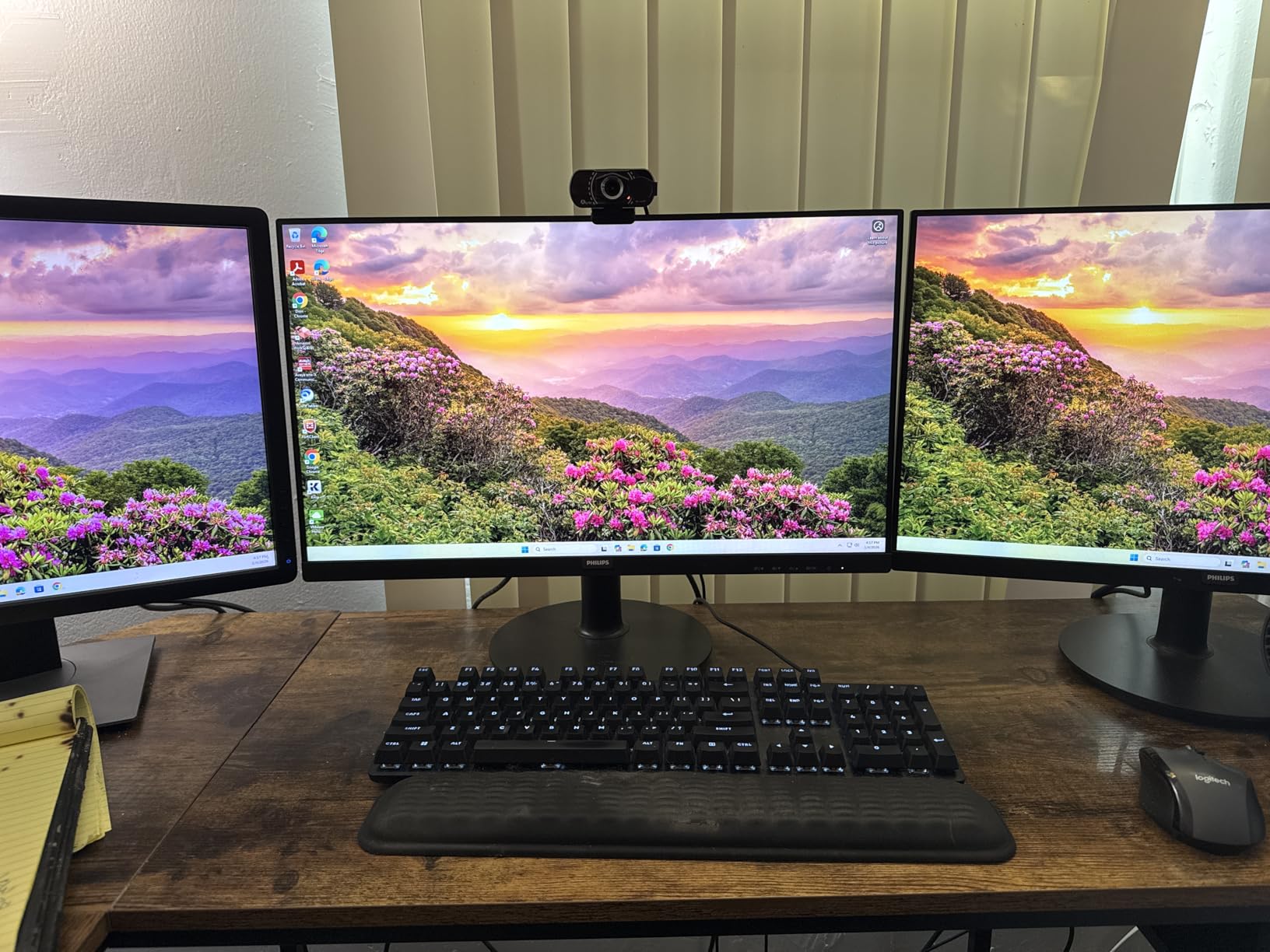
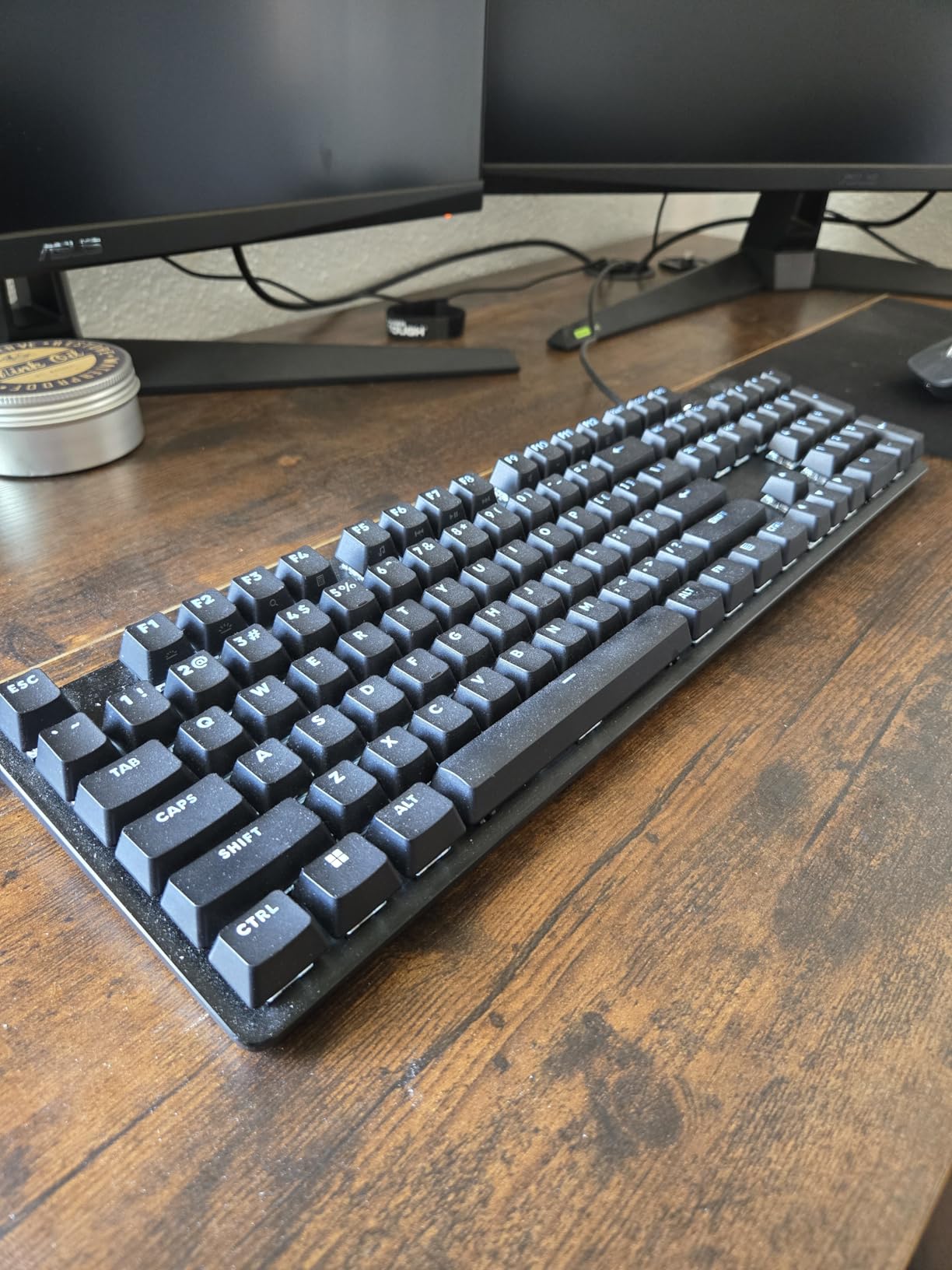
Layout is the other argument for this board. All 108 keys are physical, with a full function row, a navigation cluster, arrow keys and a numeric keypad, plus twelve Fn media keys for volume, playback, mute, lighting toggle and Windows lock. Six-key rollover anti-ghosting covers held modifier chords without dropping inputs.
Worth noting for your desk: the case is 17.13 inches wide and only 1.97 inches deep, a shallow profile that gives you a full board without the usual depth penalty. The trade-off is that everything runs over wired USB 2.0.
Desk depth and the missing wireless mode
There is no wireless option. That is a deal-breaker if you move between a laptop and a desktop or if your desk is cable-managed around a monitor arm.
The switches are soldered rather than hot-swappable. If the tactile feel is not for you, you are looking at a whole-board replacement, so if you can, test one in a store first.
Lighting and macro limits on an aluminum board
Anyone working in a quiet room will find the white backlight and a full-size mechanical board harder to manage than a silent option. Our [ergonomic keyboard roundup](/best-ergonomic-keyboards/) covers quieter setups.
If you need colour lighting or per-key macros, this board will not give you either.
7. RK Royal Kludge R75 – Best Wired 75% Keyboard for Sound and Feel
RK ROYAL KLUDGE R75 Wired Mechanical Keyboard with Volume Knob, 75% Mechanical Gaming Keyboard Gasket Mount, Hot Swappable Silver Switch, MDA Profile PBT Keycaps, Creamy Keyboards, Black
81-key 75% wired
CNC aluminum volume roller
Gasket mount, triple absorbers
Hot-swap PCB, 1.7 lb
Pros
- Deep creamy thock with no hollow echo
- Gasket mount gives a cushioned precise feel
- Weight keeps the board planted
- Aluminum knob is solid and detented
- Quiet enough for shared spaces
Cons
- Wired only with no wireless option
- Some boards report a lack of QMK/VIA firmware
- Plastic chassis rather than aluminum
- Included cable quality is mediocre
Sound dominates the conversation about the R75, and it earns it. The deep, rich thock with no hollow echo was the most consistent theme across its reviews, and that comes from gasket mounting combined with poron cotton, an IXPE foam pad, sponge case foam and pre-lubed stabilizers. Three absorption layers in a plastic case is unusual at this level.
At 1.7 pounds the board has real heft, which means it does not slide when you type hard and it stays put next to a mouse. The feel is cushioned rather than hard, which is what gasket mounting is supposed to deliver.
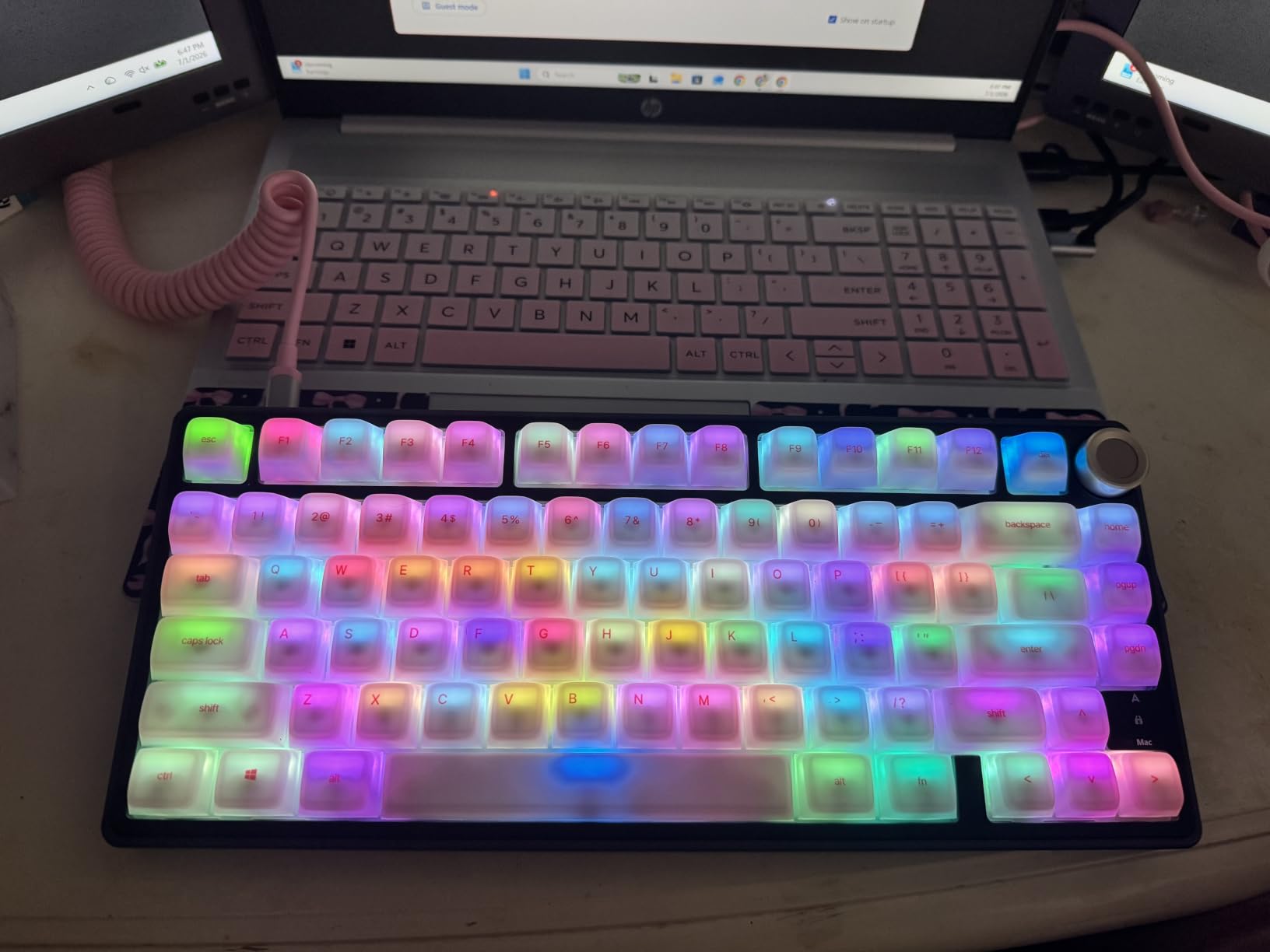
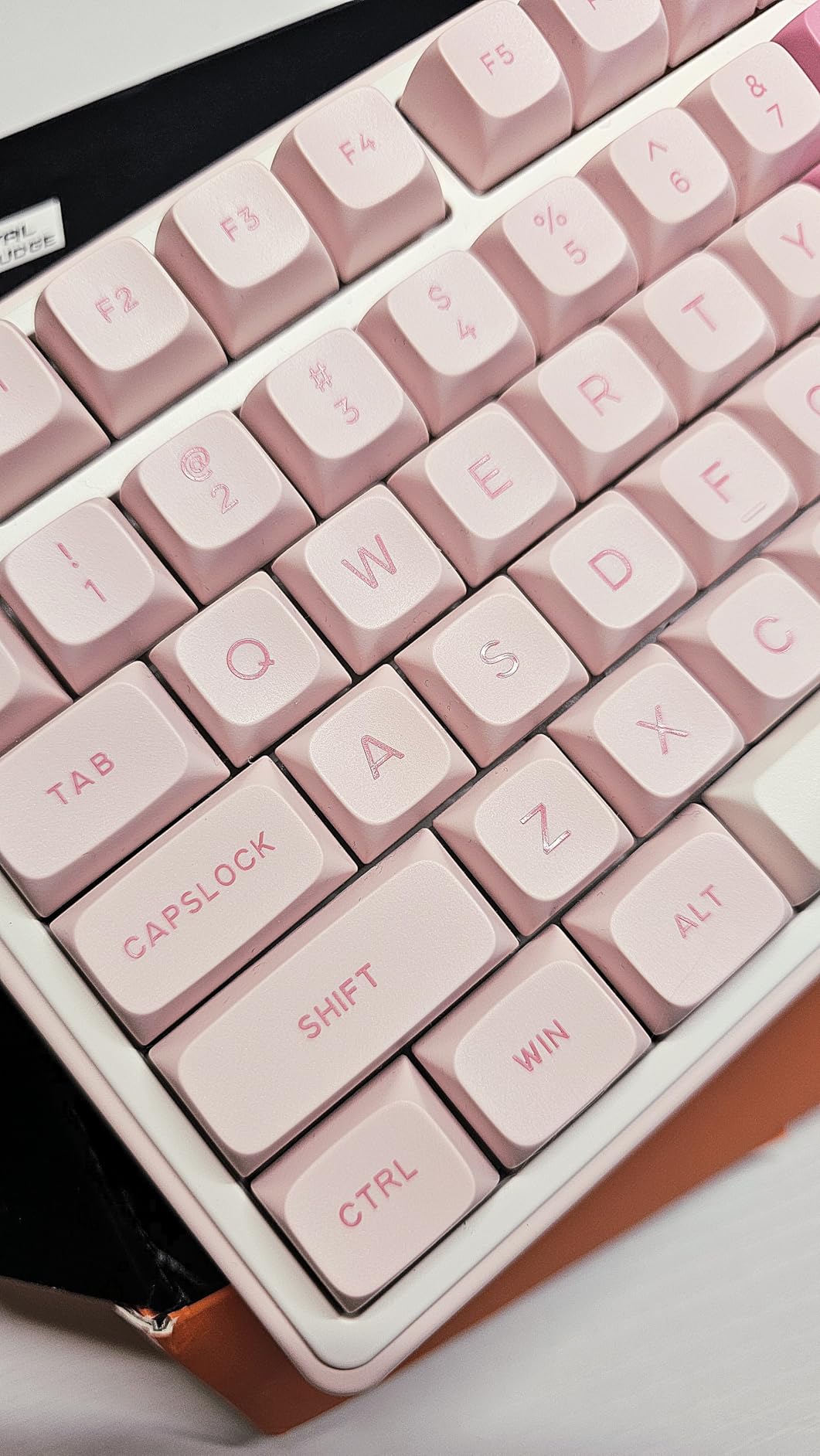
The 81-key 75% layout keeps a function row and arrow keys, and the CNC aluminum volume roller on the upper corner feels solid with real detents. MDA-profile double-shot PBT keycaps are shaped for a rounded fingertip landing, and the hot-swap PCB takes three-pin and five-pin switches with four spares included.
Lighting covers eighteen RGB modes plus eight monochrome options with five brightness and five speed levels. A removable clear dust cover is a small touch that matters more than expected on a board you will keep for years.
Firmware support that varies by production run
Firmware support is inconsistent across production runs. Some boards report lacking QMK and VIA support for remapping, which matters if buying open-source firmware is a hard requirement. Check on arrival.
The case is plastic, not aluminum, and the included cable is reported as mediocre. You may want to budget for a better USB-C cable.
When wireless is a hard requirement
If you need Bluetooth or a 2.4GHz receiver for switching between laptop and desktop, this board cannot do it. Choose a tri-mode model instead.
If you want a full-size layout with a numeric keypad, the 75% footprint is the wrong shape for your workflow.
8. Kisnt KN85 – Best 75% Keyboard for Programmers Who Refuse to Lose Keys
Kisnt KN85 Wireless Mechanical Keyboard, 75% Layout, Bluetooth/2.4GHz/USB-C, Custom RGB Backlit, Hot-Swappable Linear Switch, Creamy Sound for Gaming/Typing (Retro Beige)
85-key 75% with nav cluster
Tri-mode USB-C, 2.4GHz, BT
Gasket mount, Bsun linears
Pros
- Gasket mount and foam give a marbly thock
- Acoustics outperform pricier boards
- No missing or relocated navigation keys
- Three Bluetooth channels in a compact body
- Two-stage feet plus dust cover and puller
Cons
- Factory switches are louder than the creamy claim implies
- No knob or dedicated media controls
- Configuration software is Windows-only
- South-facing LEDs
- Some orders miss the spare keycaps
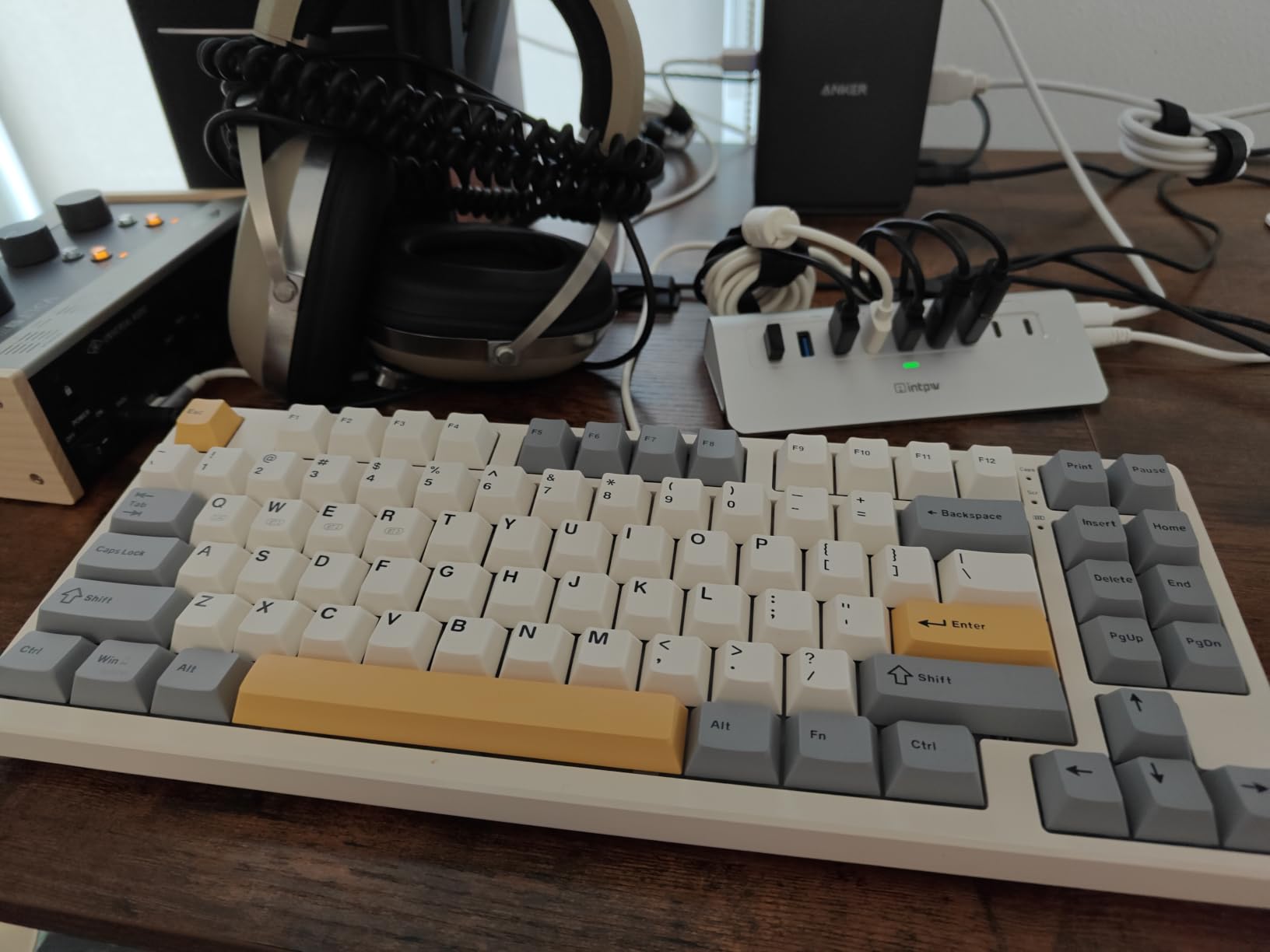
Most compact boards force a choice between footprint and keys. The KN85 largely refuses it. The 85-key 75% layout keeps F1 through F12, arrow keys, Home, End, Page Up, Page Down, Insert, Delete and Print Screen as physical keys, all in a body that measures 13.68 by 5.51 inches.
That is the feature that matters most for programming. Plenty of 60 and 65 percent boards bury navigation under a Fn layer, and every buried press is a small interruption in the middle of a debugging thought. Reviewers single out having no sacrificed keys as the reason the board holds up against models costing twice as much.
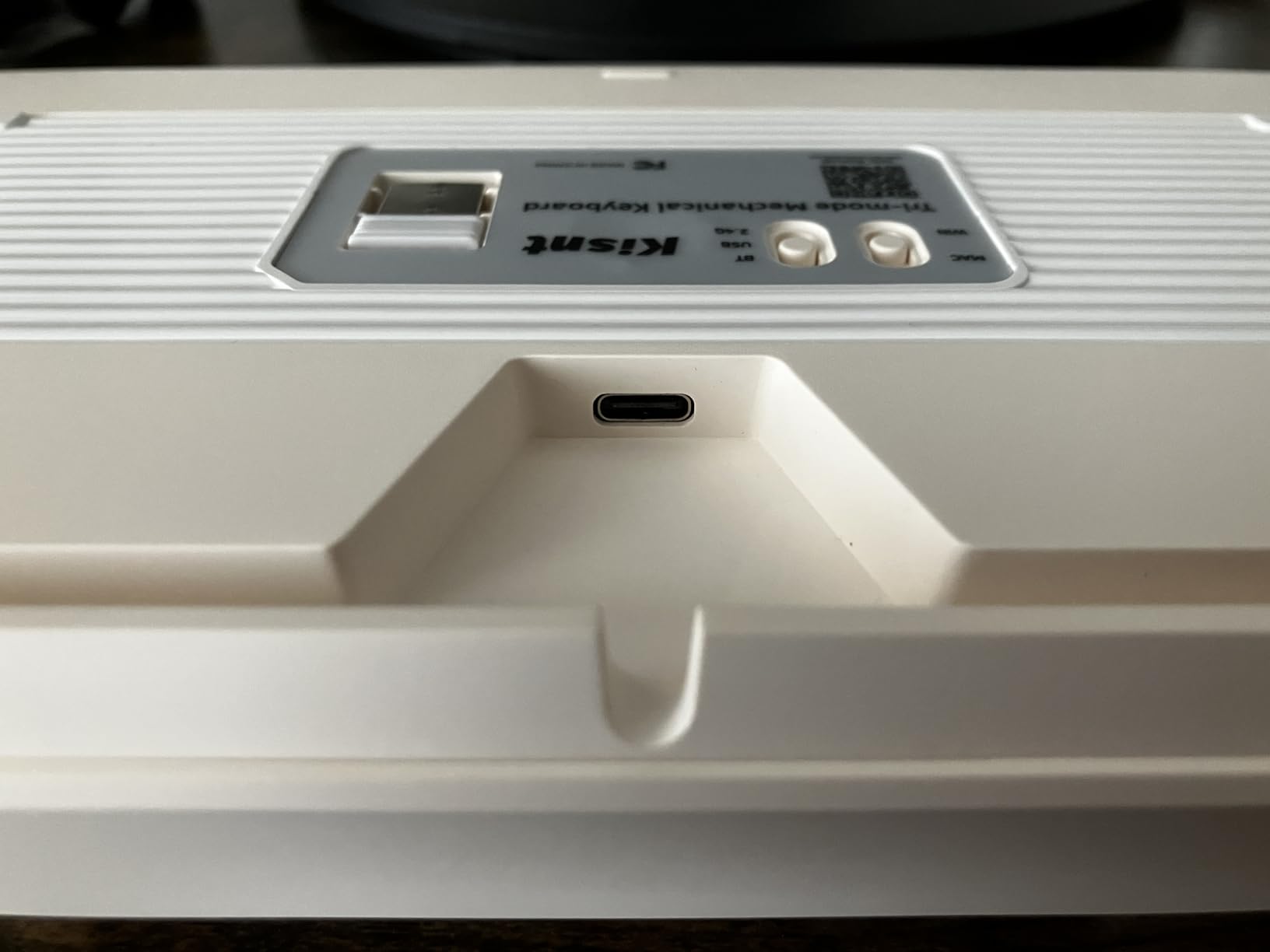
Connectivity is the other strength. Three modes are covered with stated latency of 2ms over USB, 5ms over 2.4GHz and 11ms over Bluetooth, plus three Bluetooth channels for a multi-device workflow. A 4000mAh rechargeable battery supports typing while charging.
Gasket mounting with multiple dampening layers and pre-lubed Bsun linear switches at 45 to 50gf produce what reviewers call a creamy, marbly thock. Two-stage fold feet let you change the typing angle, and a dust cover and switch puller come in the box.
Sound versus the word creamy
The factory switches are louder than the word creamy suggests. If your office is quiet, the honest fix is a set of silent switches through the hot-swap sockets rather than living with it.
The KN85 driver handles remapping and macros in wired and 2.4GHz modes on Windows only, with thin documentation. Mac and Linux users get working keystrokes but no editor.
Media control without a knob
South-facing LEDs mean shine-through keycaps will not light up, so night-time legibility depends on the printed legends rather than the lighting.
If you want a rotary knob for volume without touching the Fn layer, this board has none, and that is a daily friction point for people on calls.
9. Keychron K3 Version 2 – Best Low-Profile Keyboard for Programmers Who Remap Keys
Keychron K3 Version 2 QMK 75% Wireless Low-Profile Mechanical Keyboard
84-key low-profile 75%
Open-source QMK firmware
Three Bluetooth devices, USB-C
500 g, 0.87 inch tall
Pros
- Very thin and light for travel and hot-desking
- QMK firmware gives full remapping and macros
- Three Bluetooth devices plus wired mode
- Separate Mac and Windows keycaps included
- Good tactile low-profile option
Cons
- Floating keycap design collects debris
- White single-colour backlight only
- Switch lineup limited to brown red and blue
- Bluetooth range needs a nearby device
- Softest average rating in our group
This is the only board in our group with open-source QMK firmware, and that single fact matters more to a developer than any acoustic measurement. QMK lets you remap every key, build layers, and define macros on the board itself through Keychron Launcher, with no background process and no vendor cloud.
Concretely, that means you can move Home and End onto the bottom row where your thumbs sit, put a Vim-style escape layer under the function keys, or bind a single press to run a snippet insert. Configurations live on the keyboard and survive being plugged into a different machine.
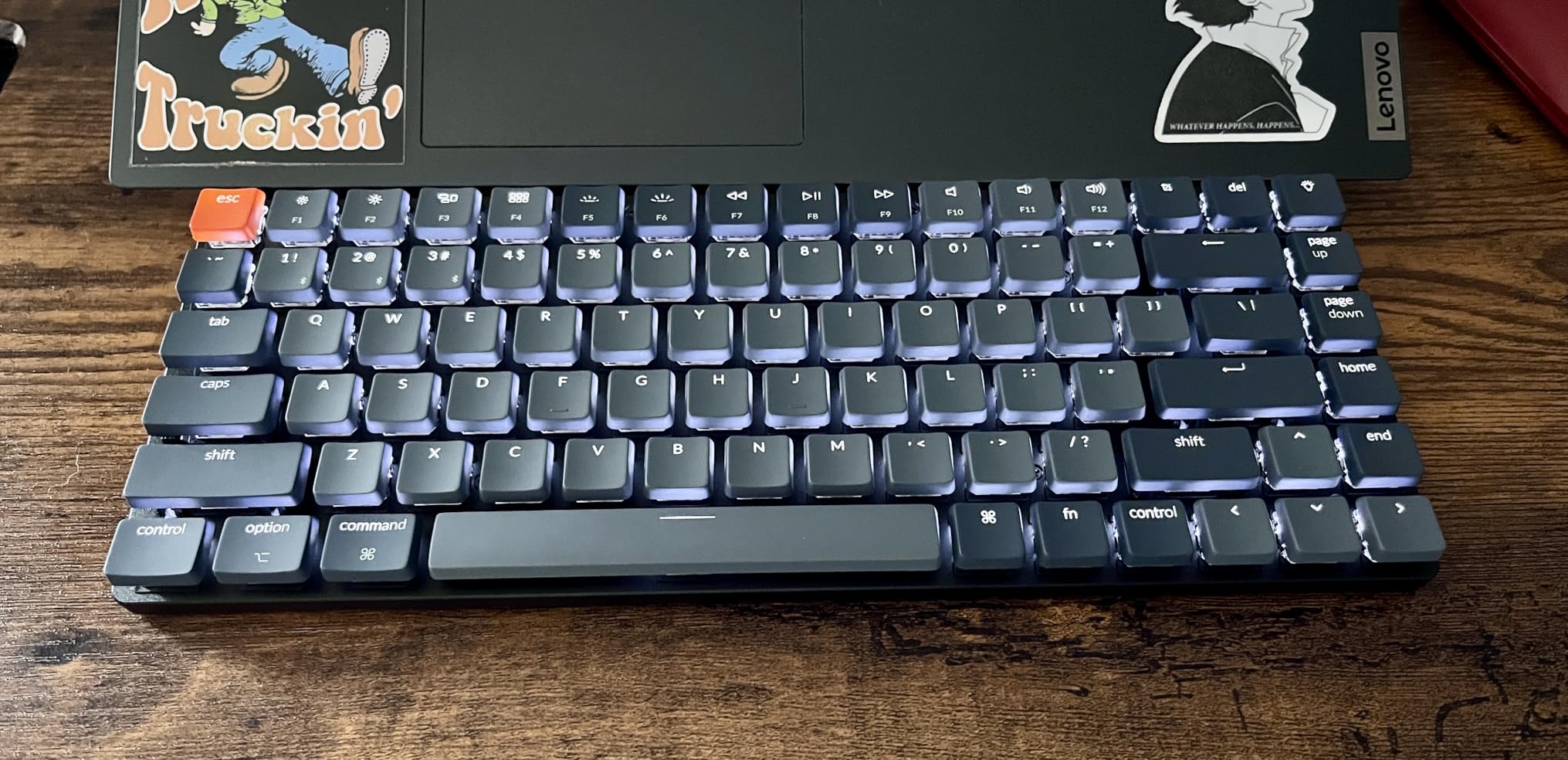
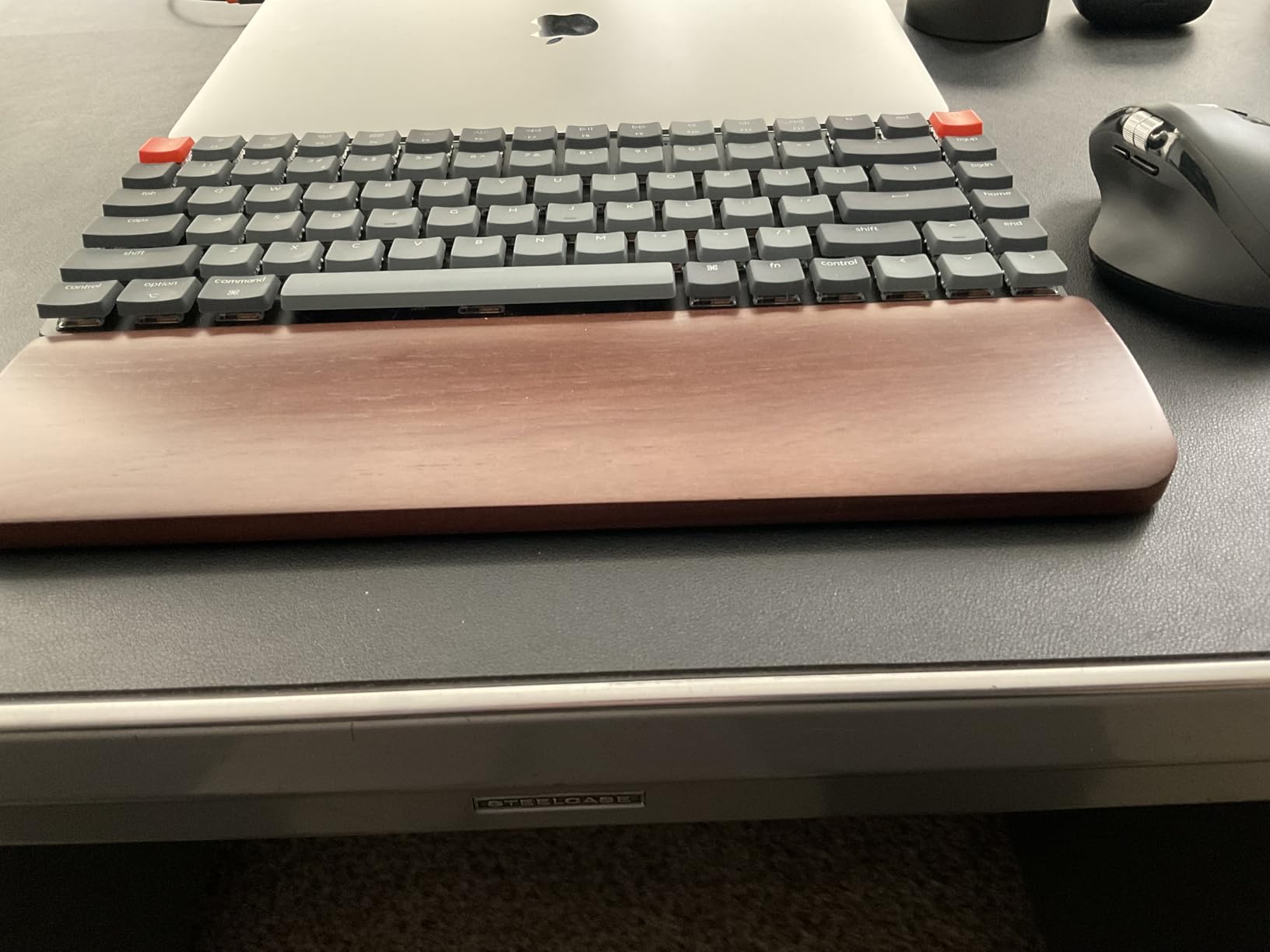
The physical design is unusually portable at 500 grams and 0.87 inches tall, built around a reinforced aluminum body with a plastic bottom frame. Floating keycaps keep the profile low, which reduces wrist extension, and the brown tactile switch option gives a clear bump without the height of a standard mechanical switch.
Bluetooth 5.1 covers three devices with USB-C wired mode as a fourth option. It arrives configured as a Mac layout with separate Windows and Mac keycaps in the box, so switching operating systems does not mean missing modifiers.
Durability reports to weigh before buying
This board has the lowest average rating of our twelve, at 4.2 stars with 8 percent one-star reviews. Those reviews tend to mention durability and connection issues, so treat it as the enthusiast option rather than the safe one.
The floating keycap design also collects crumbs and dust in the gap between caps and body. In a snack-adjacent dev environment that is a real maintenance consideration.
Where remapping freedom is missing on a G board
If you want RGB, the backlight is white only. If you want switch choice, the lineup is limited to brown, red and blue.
Bluetooth range needs the paired device to stay reasonably close, so a desktop with the keyboard across the room should use the wired mode or a board with a 2.4GHz receiver.
10. Cherry Stream TKL – Best Quiet Budget Keyboard for Programmers in Open Offices
Cherry Stream Keyboard TKL, Wired Keyboard Without Number Pad, Whisper Quiet Keys, Unique Typing Feel, Slim Design, SX Scissor Switches, QWERTY, White-Gray
93-key tenkeyless wired
CHERRY SX scissor switches
0.71 inch thin, metal plate
Six media keys, 680 g
Pros
- Genuinely quiet for a shared office
- Crisp defined bottom-out without mush
- Metal plate and weight keep it planted
- TKL layout brings the mouse closer
- Zero-latency wired connection
Cons
- No backlighting at all
- Limited multi-key rollover drops 4-key combos
- Scissor keys feel scratchy next to true mechanicals
- USB-A rather than USB-C
- Short fold-out feet
If your office is open-plan or you take back-to-back video calls, the noise is the constraint that matters, and the Cherry Stream TKL answers it well for a tenkeyless board. The CHERRY SX scissor switches produce a whisper-quiet keystroke with a defined pressure point, and reviewers describe the result as ThinkPad-like in feel at a fraction of the price.
It is a tenkeyless board with 93 keys, so you keep the function row, navigation cluster and arrow keys while losing only the numeric keypad. The immediate benefit is that your mouse sits closer, which reduces shoulder strain during long sessions, a benefit ergonomic keyboards emphasise for the same reason.
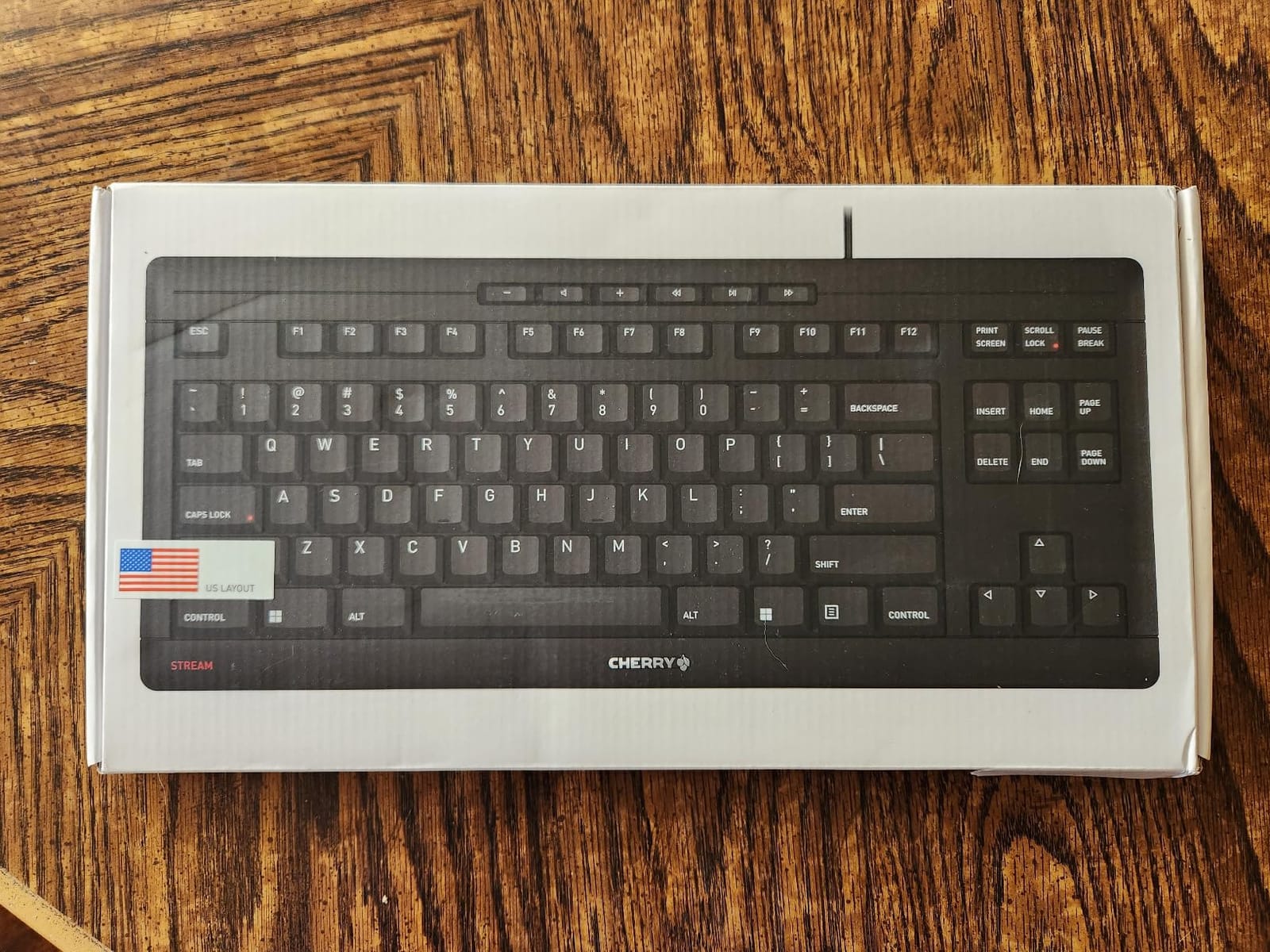
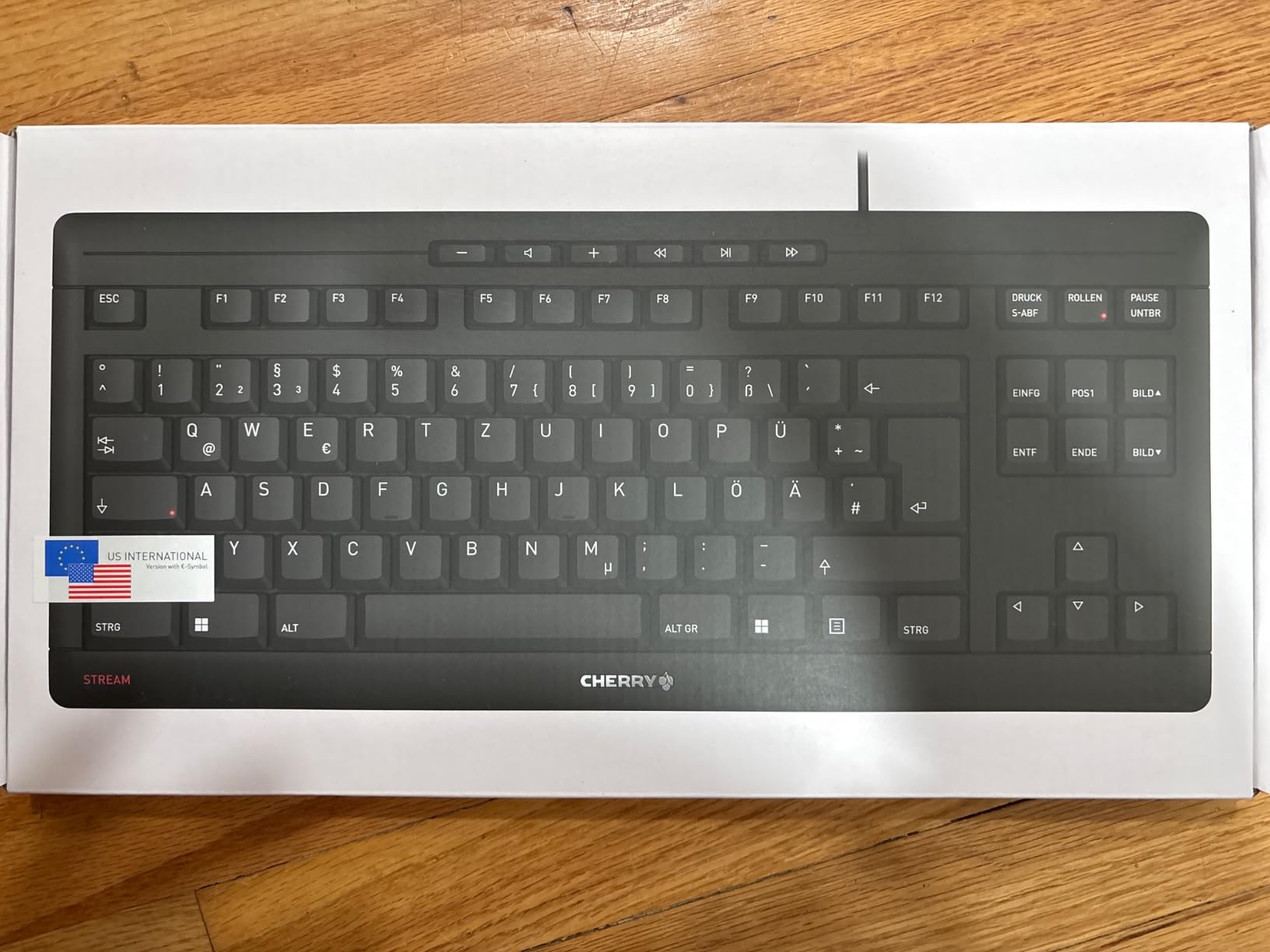
Build quality is better than the category average at 680 grams with an integrated metal plate and a 0.71 inch profile. Two red status LEDs show Caps Lock and Scroll Lock, six dedicated multimedia keys work without Fn combinations, and abrasion-resistant pad-printed labels outlast cheap silk-screened caps.
The two-year warranty is longer than most boards in this group carry, and the zero-latency wired USB connection removes wireless dropouts entirely. That combination of silence, stability and support is why we keep recommending it as a first upgrade.
Night-time legibility and rollover limits
There is no backlight. If you code in a dim room or watch a screencast while working, you will need a desk lamp. This board trades every lighting feature for silence.
Rollover is limited for combinations beyond three keys, which does not affect ordinary typing but will drop inputs during fast four-key gaming chords.
When scissor keys are the wrong choice
If you want the feel of a mechanical switch with more travel and a stronger tactile bump, scissor keys will never deliver that. Look at a tactile mechanical board instead.
The connector is USB-A and the fold-out feet are short, so a USB-C cable and a small riser may be worthwhile additions.
11. Logitech G515 TKL – Best Low-Profile Tenkeyless Keyboard for Programmers
Logitech G515 Lightspeed TKL Wireless Gaming Keyboard (Tactile) – White
90-key low-profile TKL
GL Brown lubed tactile
LIGHTSPEED 1ms, BT, wired
36 hour battery
Pros
- Tactile low-profile switches many rate as the best
- LIGHTSPEED wireless rivals wired latency
- Double-shot PBT caps resist finger oil
- Slim TKL keeps full F-row and nav cluster
- Comfortable enough for lap use
Cons
- Not hot-swappable
- Only one Bluetooth device slot
- Lightweight plastic body
- Backlight must stay on for legends
- Some reports of chatter after months
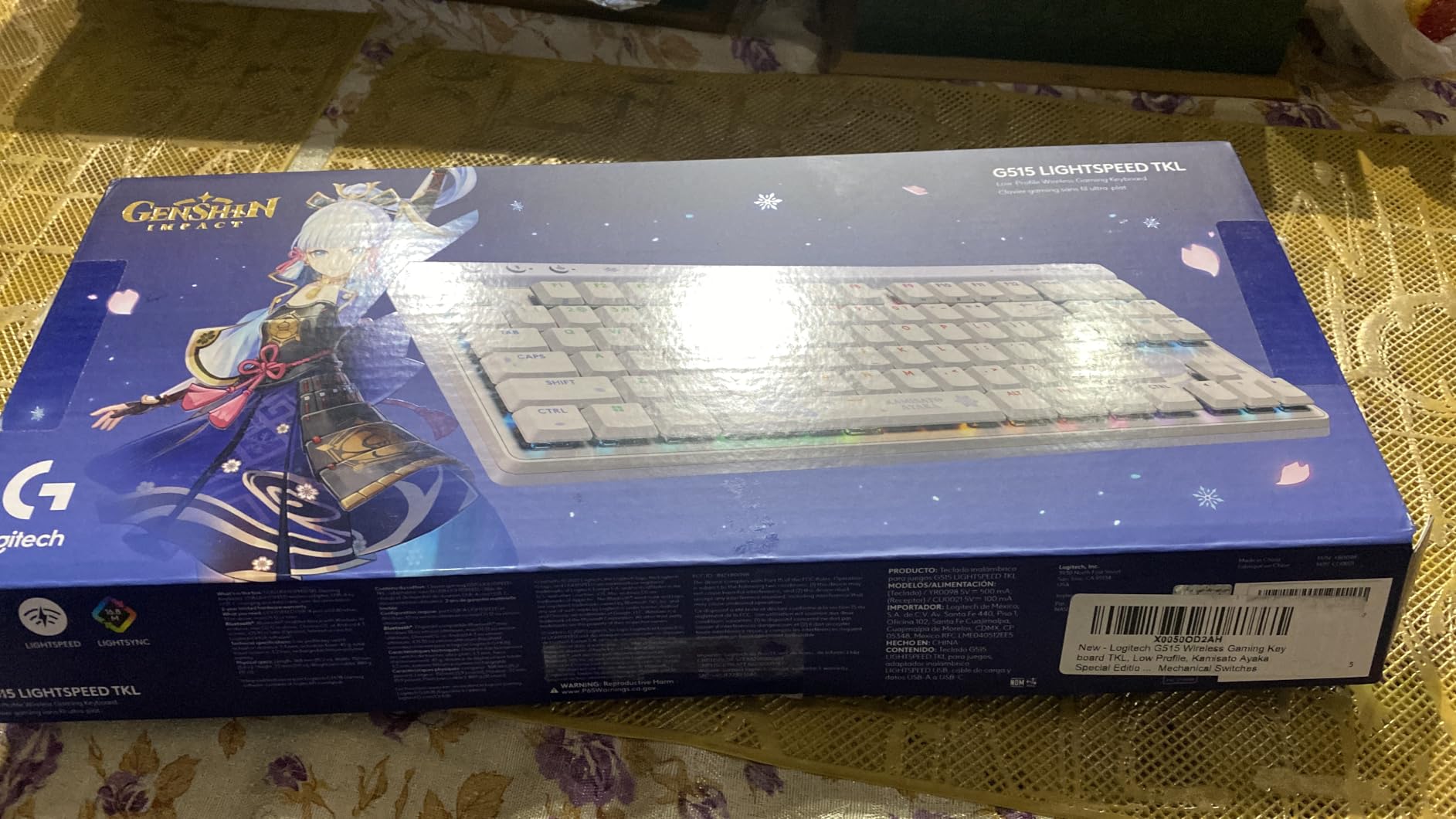
The G515 is a tenkeyless board built around GL Brown tactile switches that arrive factory-lubed. Reviewers upgrading from previous low-profile models consistently call the refined feel the deciding factor, and at 0.87 inches tall the board keeps your wrists close to flat.
Ninety keys in 14.49 by 5.91 inches means a full function row, navigation cluster and arrow keys without a numeric keypad, which is a shape that suits long coding sessions.
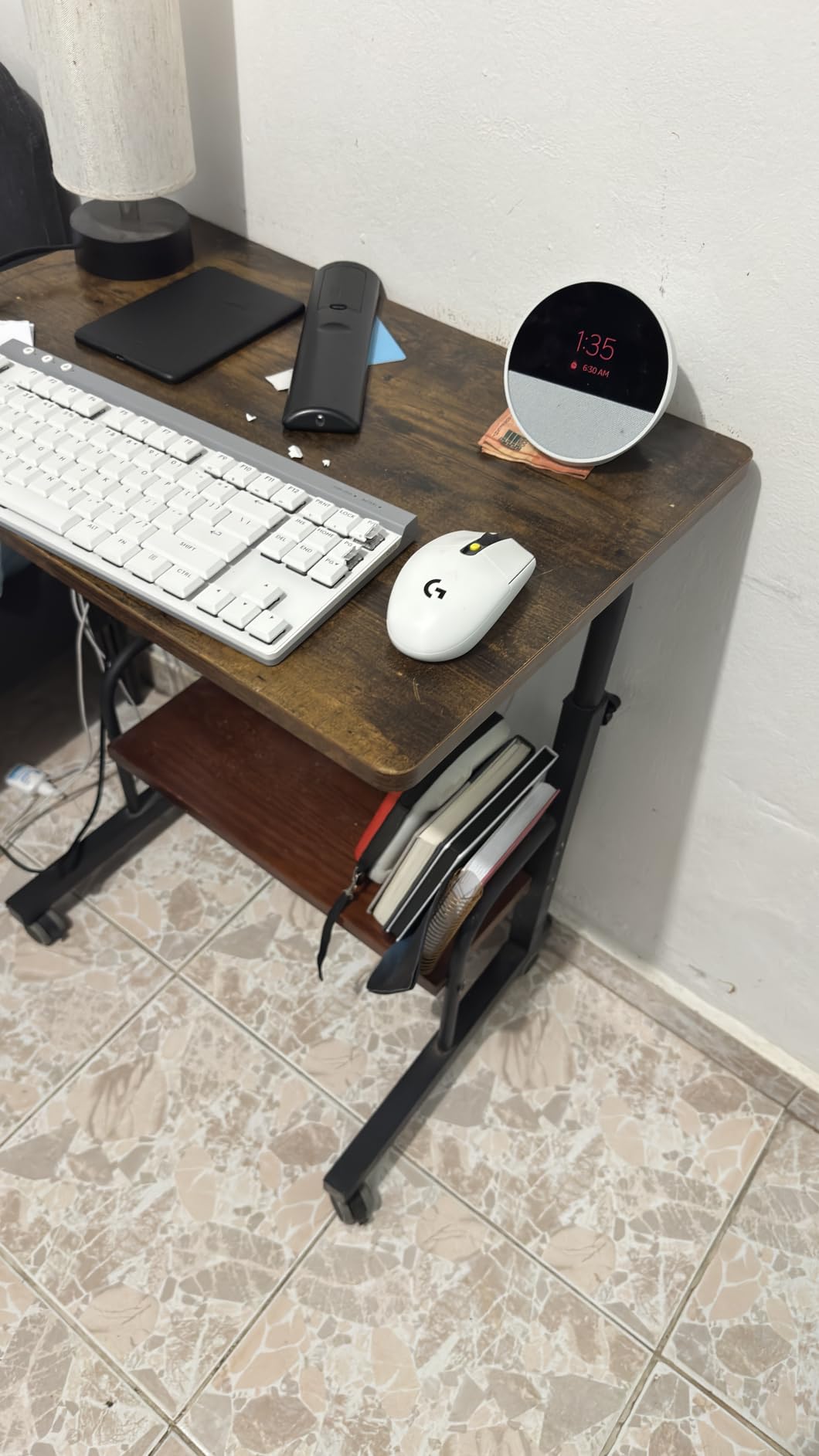
Wireless is handled three ways. LIGHTSPEED runs at a 1ms report rate and can pair two-to-one with compatible mice over a single receiver, Bluetooth covers a phone or tablet, and USB-C wired handles charging and data. Battery life runs up to 36 hours of continuous use.
Double-shot PBT keycaps have an anti-oil texture that resists the shine problem, and LIGHTSYNC RGB plus KEYCONTROL allow up to fifteen functions per key through G HUB. Note the requirement for the G HUB software on Windows; key remapping is thinner on macOS and Linux.
Soldered switches and a single Bluetooth channel
It is not hot-swappable, and Bluetooth covers a single device, so you cannot flip between a laptop and a desktop the way a tri-mode board allows.
Clear translucent legends only read when the backlight is on, so the RGB is effectively mandatory in a dark room. A few boards also report key chatter or unresponsive keys after several months.
Where a QMK board wins instead
If you want to tune switches or build layers, the soldered design ends that option. A QMK board gives you real control over every key.
If you want a knob or dedicated media keys, this board handles media through the Fn layer only, which costs you one extra keypress during a call.
12. HHKB Professional Hybrid Type-S – Best Ergonomic Travel Keyboard for Programmers
HHKB PFU Professional Hybrid Type-S PD-KB800BS
60-key Neo ergonomic
Topre Type-S capacitive
Topre mechanical action
Hybrid PC/Mac labels, USB-C
Pros
- Cult favourite Topre Type-S feel
- Quieter and lighter action than the Realforce line
- Compact body keeps the mouse close
- Well-tuned stabilizers across the layout
- Works on both Windows and macOS
Cons
- Sixty keys means constant Fn layer use
- Costs far more than every other board here
- No backlighting
- Topre domes cannot be hot-swapped
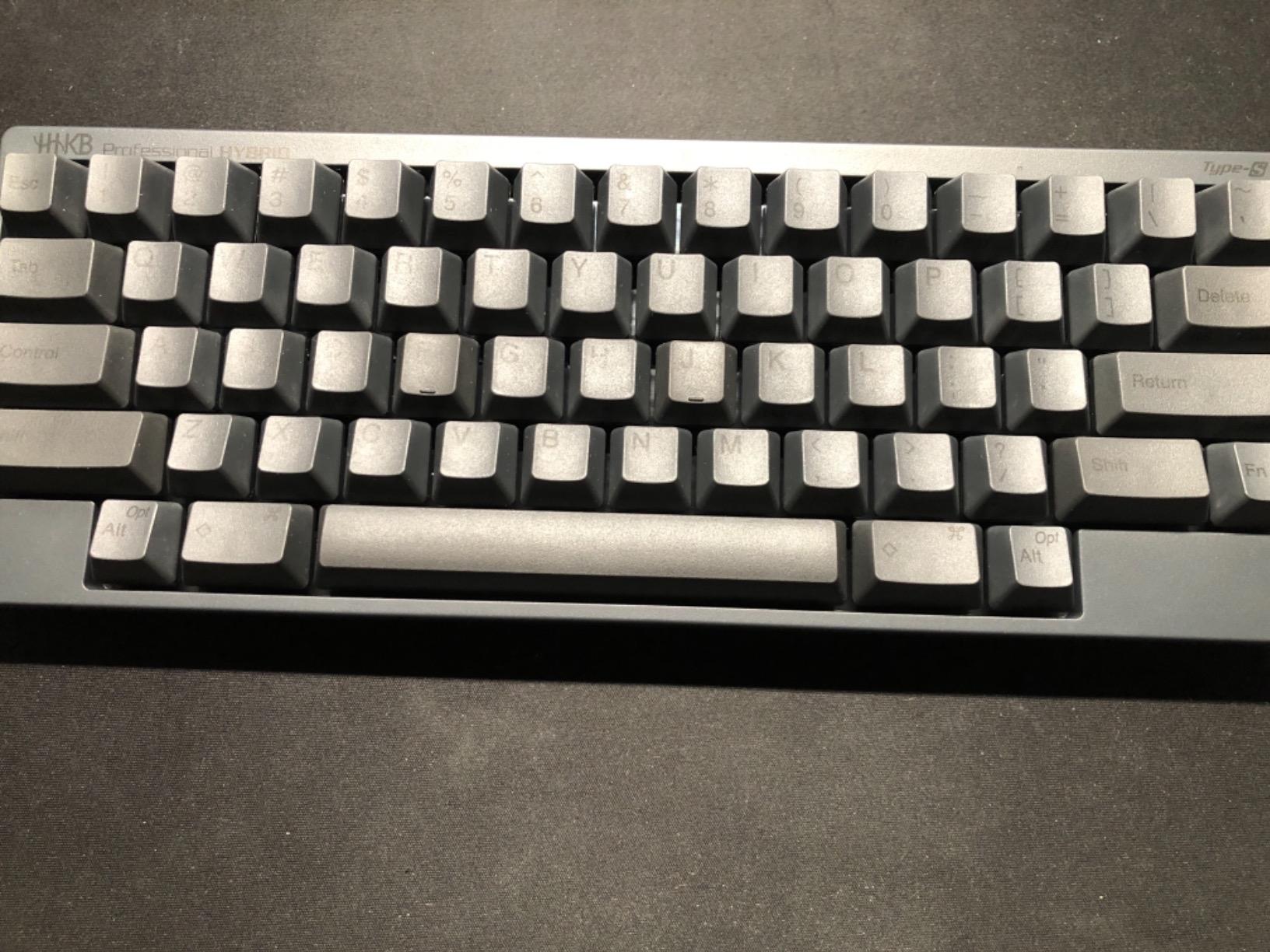
The HHKB is the enthusiast choice in this group and the least forgiving. The 60-key Neo layout splits control keys and arrow clusters so your fingers rest where a split ergonomic board would put them, and the Type-S Topre switches give a lighter, quieter action than the classic Realforce line.
Topre keys are mechanical in feel but capacitive in sensing, registering a press by a change in static charge rather than physical contact. Owners are loyal to the feel and to the build quality that comes with the Professional series, and they praise the stabilizers as unusually consistent across a compact layout.
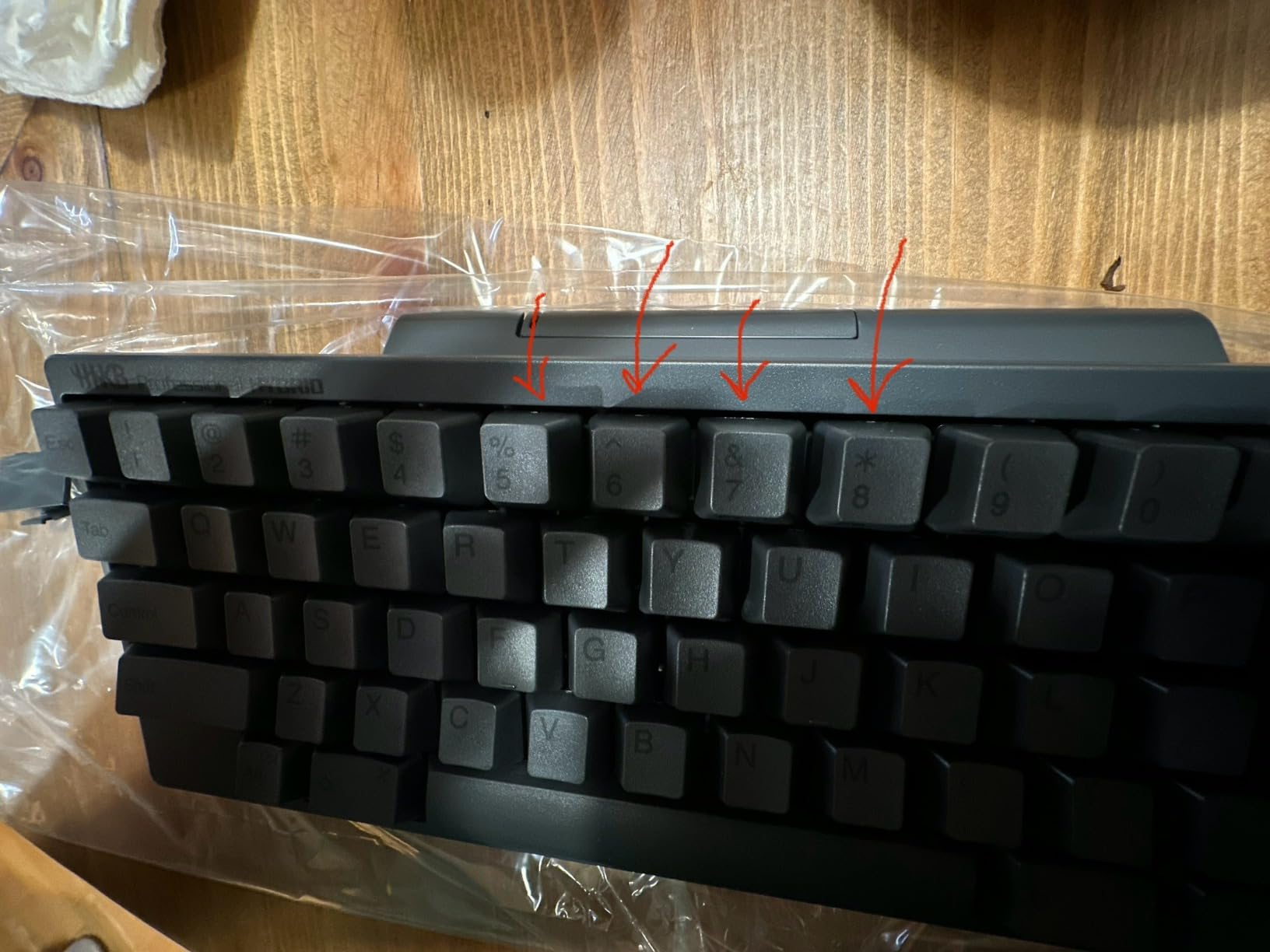
Hybrid labeling covers Windows and macOS from the same board, and a central detachable USB-C connection makes it a genuinely portable typing tool. At 60 keys it is the smallest board here by a wide margin, so it fits in any bag and works on a desk of any size.
The reason programmers gravitate toward this layout is the control key arrangement. Alt and Ctrl sit on both sides, so a chorded shortcut or a Vim-style prefix is a single motion rather than a stretch. The catch is that everything else, including navigation, moves to the Fn layer.
The cost and the 60-key learning curve
Cost is the first hurdle. It is far more than every other board in this roundup, and that is the most common reservation in its reviews.
The 60-key layout carries a real learning curve, and there is no backlight. Developers who arrive from a full-size board will spend the first week hunting for Home and End.
When a Topre feel is the wrong bet
If you are new to mechanical keyboards, this is not the place to start. The feel is distinctive and unchangeable, so you cannot test-then-upgrade out of it.
If you need a numeric keypad, a wireless mode or the ability to change switches, none of those exist on this board.
How to Choose a Keyboard for Programming
Start with layout, because it is the one decision you cannot undo with a keycap set. A 60 percent board gives you the smallest footprint and the fewest keys, which is why developers who use them usually remap Home, End and the arrows onto layers before anything else. A 65 percent board adds an arrow cluster and usually a right-hand column of function keys. A 75 percent board keeps a full F-row, a navigation cluster and arrows while dropping the numeric keypad. A tenkeyless board keeps everything except the keypad, and that shape is the one most coders land on because both Alt and Ctrl keys stay reachable with each hand.
Add a full-size board only if you genuinely type numbers. Spreadsheets, log analysis and serial fields justify a keypad; writing code almost never does.
Choose the switch for your typing style
Linear switches press smoothly with no bump, which suits fast typists who want to stop resisting the keys. Tactile switches add a small bump at the top of travel, giving confirmation without noise, and they are the most common choice for long coding sessions. Clicky switches add an audible click per keypress and are the loudest, so they suit private rooms rather than shared offices. Silent switches dampen both the bump and the sound, and they are the answer when your colleagues are a metre away.
Actuation force matters more than most buyers expect. A 45 to 50 gram switch feels light and fast, while anything above 60 grams can cause finger fatigue over eight-hour days.
Check the firmware, not just the app
QMK and VIA are open-source keyboard firmware that store remaps and macros on the board itself. In practice, a QMK board lets you remap Home and End to a thumb position, build a Vim or Emacs layer, or bind a single key to a snippet insert, and those settings travel with the keyboard when you plug it into another machine. Proprietary driver software does the same job more simply, but it usually runs constantly in the background and can break when an operating system updates.
Hot-swappable sockets are the second software-adjacent feature worth paying for. They let you change switches without a soldering iron, so you can move from clicky to silent in ten minutes rather than buying a new board.
Work out how much noise you can make
Rattling stabilizers and a hollow ping are the first things that ruin an otherwise good board, and they show up within a month. PBT keycaps resist the shine that plastic caps develop; double-shot ABS caps feel slick initially and turn greasy quickly under heavy use.
If you are on calls all day, budget for silent switches or a scissor-switch board like the Cherry Stream TKL. If you work alone, a gasket-mounted mechanical board with foam fill gives you the most contained sound in this group.
Ergonomics matter more than any spec
Wrist and finger pain after years of coding is the loudest concern in developer communities, and it is worth treating as a hardware decision rather than something to work around. Five signs your keyboard is the problem: discomfort that builds during a session and fades after a break, tingling in the fingers, a need to stretch or shake your hands mid-task, pain that lasts into the evening, and waking stiffness in the hands.
If any of those apply, move to a low-profile or split board, keep the wrists neutral rather than bent upward, and add a wrist rest so the desk edge supports the forearms rather than the palms. Our [ergonomic keyboard roundup](/best-ergonomic-keyboards/) goes deeper on posture. A full-size board with a keypad also pushes the mouse further out, which loads the shoulder, so a tenkeyless layout can help independently of the switches.
Wireless versus wired for typing
Two modes behave very differently. A 2.4GHz receiver is generally indistinguishable from a wired connection for typing and is the safe wireless option. Bluetooth in a congested office with several wireless peripherals is where dropouts appear, so keep the receiver option available.
Latency figures on these boards range from 2ms over USB to 11ms over Bluetooth, and none of that is noticeable while typing. It matters for gaming, not for code. If your setup is wireless-first, our [best wireless keyboards list](/best-wireless-keyboards/) covers the trade-offs in more detail.
Frequently Asked Questions
Is a mechanical keyboard better for programming?
A mechanical keyboard registers a keystroke mid-press rather than at full bottom-out, so it feels consistent across a long session and each switch can be swapped independently. For coding that matters less than layout and firmware, but the durability and the ability to fit silent switches make mechanical boards the more flexible choice. A scissor or membrane board is quieter and cheaper, and plenty of developers work fine on one.
Is tactile or linear better for coding?
Linear switches are smooth from top to bottom and suit fast typists who dislike resistance. Tactile switches add a small bump near the top of travel, which confirms the keystroke without extra noise. Most programmers end up on tactile or silent tactile because eight-hour sessions benefit from confirmation and fatigue is lower than with heavy clicky switches.
What keyboard has the best software?
Boards running open-source QMK firmware give the most control, because remaps, layers and macros are stored on the keyboard itself and edited through a browser-based tool with no background process. VIA does the same through a simpler interface. Proprietary drivers such as Logi Options+ or G HUB are easier to set up but tie remapping to one operating system and one app.
Is a 65 percent keyboard good for programming?
Yes, because a 65 percent board keeps dedicated arrow keys, which removes the Fn-layer presses that interrupt coding flow. It usually compresses the right-hand function keys and navigation cluster, so Home, End, Page Up and Page Down move behind a Fn or layer. A 75 percent board keeps a full function row and navigation cluster in a slightly wider body, which is why many developers prefer it.
Which mechanical keyboard should I buy?
Most developers should buy a 75 percent board with hot-swappable sockets, PBT keycaps and either QMK firmware or a usable driver. Add silent switches if you share a room, and pick a low-profile or split design if your wrists already hurt. Buy tenkeyless unless you type numbers daily, and keep a full-size board only when a numeric keypad earns its desk space.
The Best Keyboards for Programmers in 2026: Final Verdict
If you want one board and no decisions, buy the Logitech MX Keys S. A full 104 keys means navigation never moves, the low profile keeps wrists flat over a long day, and three-device Bluetooth plus a dedicated receiver makes it the smoothest switch between a laptop and a desktop in this roundup. It is also the most reviewed pick in this group at more than three thousand ratings, which tells you the return rate is low.
Choose differently when your constraints are clear. Want a numeric keypad for logs and spreadsheets, take the AULA F99 for its 96 percent layout, hot-swap sockets and battery. Want less desk width, take the AULA F75 Pro and its knob. Want remapping power, the Keychron K3 is the only board here with open-source QMK firmware. Share a quiet room, take the Cherry Stream TKL. Work full time on a laptop and value the feel, the HHKB is worth the money.
Whichever you pick, buy the layout first and the switches second. Set aside an evening to move Home and End, bind your editor’s most-used shortcut to a single key, and adjust the feet. If you also want broader desk advice, our [workstation keyboard guide](/best-workstation-keyboards-for-producers/) covers inputs built for long sessions.