
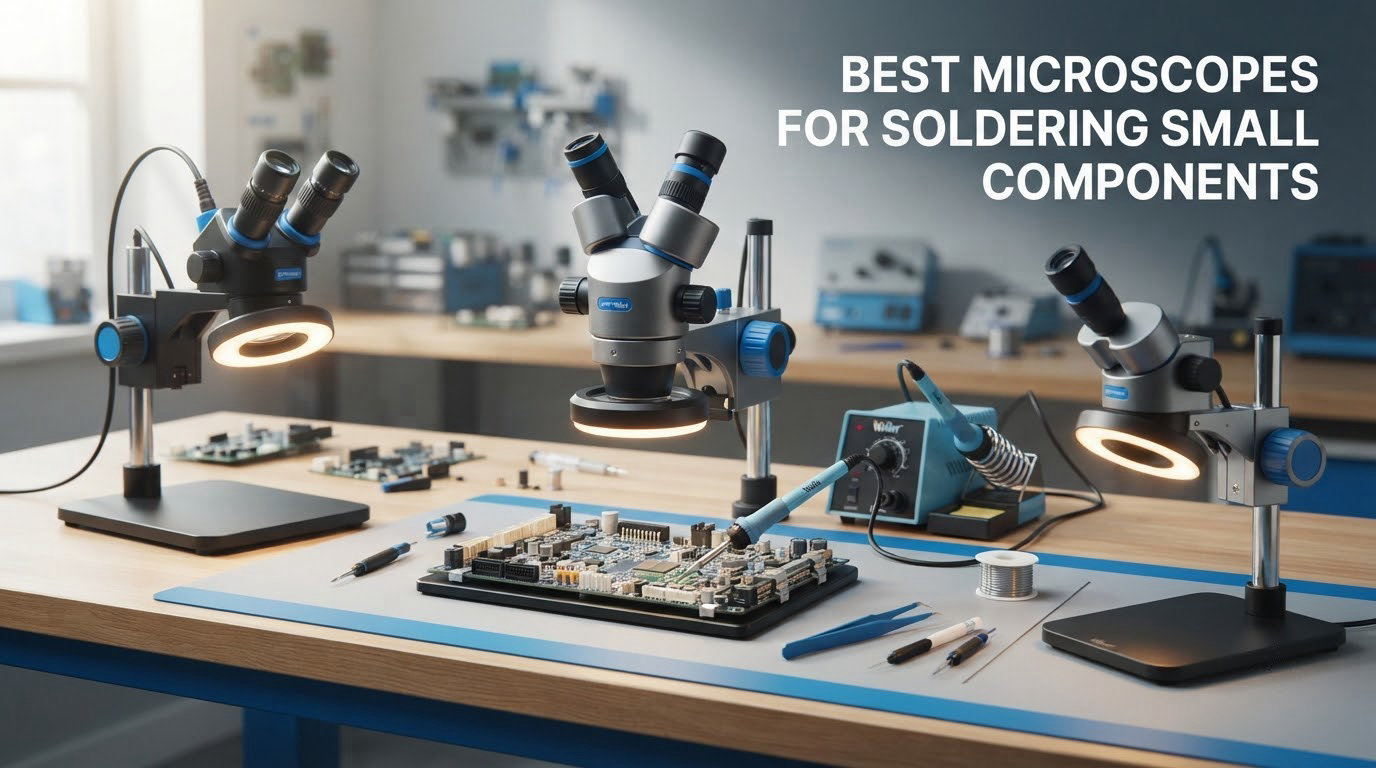
Most soldering mistakes are invisible until something stops working. A bridge between two pads, a cold joint with a dull crater, a chip that sat down at a slight angle on one end only. At 0402 and 0201 sizes, none of that reads at arm’s length, which is exactly why the best microscopes for soldering small components matter more than the iron itself.
Here is the short version before the detail. A stereo zoom microscope is the right default for hands-on micro-soldering, because your eye stays on the board, your hands stay in the same plane, and nothing about the workflow changes. A digital microscope with a built-in screen wins for documentation, teaching, client hand-offs and inspection, and it can beat a cheap optical scope on raw image quality. Neither one is universally better, and pretending otherwise is the single most common mistake in this category.
We spent weeks putting ten of the most popular scopes on an electronics bench, working reworked boards, dead phone boards and coin-scale 0201 parts under each one. This guide covers the full range, from a low-cost viewer that gets you through through-hole kits to trinocular lab optics with a 100 mm working distance. If you are still choosing tools, our guides to the best soldering irons for hobbyists and the best soldering stations for electronics cover the rest of the station.
Table of Contents
Top 3 Picks for Small-Component Soldering

TOMLOV DM9 Digital Microscope
- 7 inch LCD
- 12MP stills
- 1080P video
- 8 LEDs plus two gooseneck lights
- Metal base and stand

Andonstar AD210 10.1 inch Scope
- 10.1 inch IPS screen
- 1cm to 26cm working distance
- Top side and bottom LED lighting
- 32GB card and remote included

Andonstar AD249S-M Plus
- Three interchangeable lenses
- 2160P UHD HDMI output
- Boom arm soldering station
- Measurement software and 32GB card
The DM9 leads the list because of what it does not compromise: a metal base and metal stand, a genuine 7 inch screen, and lighting you can aim rather than just switch on. It is the scope we keep reaching for when a board needs quick inspection and a photo for the repair log.
The AD210 is the better buy if screen size drives your neck comfort more than resolution does. Ten inches of IPS panel, three lighting directions and a working distance that opens to 26 cm make it a long-session tool, and it costs a good deal less than the multi-lens station below it.
The AD249S-M Plus is the enthusiast pick. Three lenses, 2160P HDMI, a boom arm and a helping-hands kit turn it into a complete station, and it holds the highest rating in this group.
Best Microscopes for Soldering Small Components (October 2026)
| Product | Specifications | Action |
|---|---|---|
| TOMLOV DM9 7 inch Digital Microscope |
|
Check Latest Price |
| Andonstar AD210 10.1 inch Digital Microscope |
|
Check Latest Price |
| Andonstar AD249S-M Plus 3 Lens HDMI Microscope |
|
Check Latest Price |
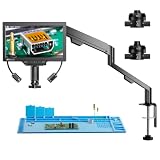 TOMLOV TM3K-3D 3D Digital Soldering Microscope TOMLOV TM3K-3D 3D Digital Soldering Microscope |
|
Check Latest Price |
 Leanking MK7 7 inch Digital Viewer Leanking MK7 7 inch Digital Viewer |
|
Check Latest Price |
 Aikokkl 5 inch C-Clamp Digital Microscope Aikokkl 5 inch C-Clamp Digital Microscope |
|
Check Latest Price |
 Elikliv EM4K-AF Auto Focus 4K Microscope Elikliv EM4K-AF Auto Focus 4K Microscope |
|
Check Latest Price |
 Andonstar AD409 Max Digital Microscope Andonstar AD409 Max Digital Microscope |
|
Check Latest Price |
 SWIFT Trinocular Stereo Zoom Microscope SWIFT Trinocular Stereo Zoom Microscope |
|
Check Latest Price |
 ZTEEERS Trinocular Stereo Zoom Microscope ZTEEERS Trinocular Stereo Zoom Microscope |
|
Check Latest Price |
Read the magnification column with suspicion. Numbers above roughly 1000x on a digital scope describe digital interpolation, not resolved optical detail, and the honest comparison is always optical zoom on an optical scope. We explain this in detail further down.
1. TOMLOV DM9 7 inch Digital Microscope – Our All-Round Pick
TOMLOV DM9 7″ Digital Microscope: 1080P 1200X Coin Microscope Magnifier, 12MP Ultra-Precise Focusing LCD Soldering Microscopes for Adults, PC View, 16GB
7 inch LCD
Metal base and 8.5 inch stand
12MP stills,1080P video
8 LEDs plus two gooseneck lights
Pros
- Metal base and stand stay steady when you touch the work
- Large 7 inch LCD cuts the leaning-in and eye strain
- Gooseneck lights plus 8 LEDs cut shadows and glare
- 12MP capture with a 16GB card included
- AC and battery power so it works away from a socket
Cons
- 1200x is digital magnification so high zoom is interpolated
- Screen-based viewing is not the same as looking through eyepieces
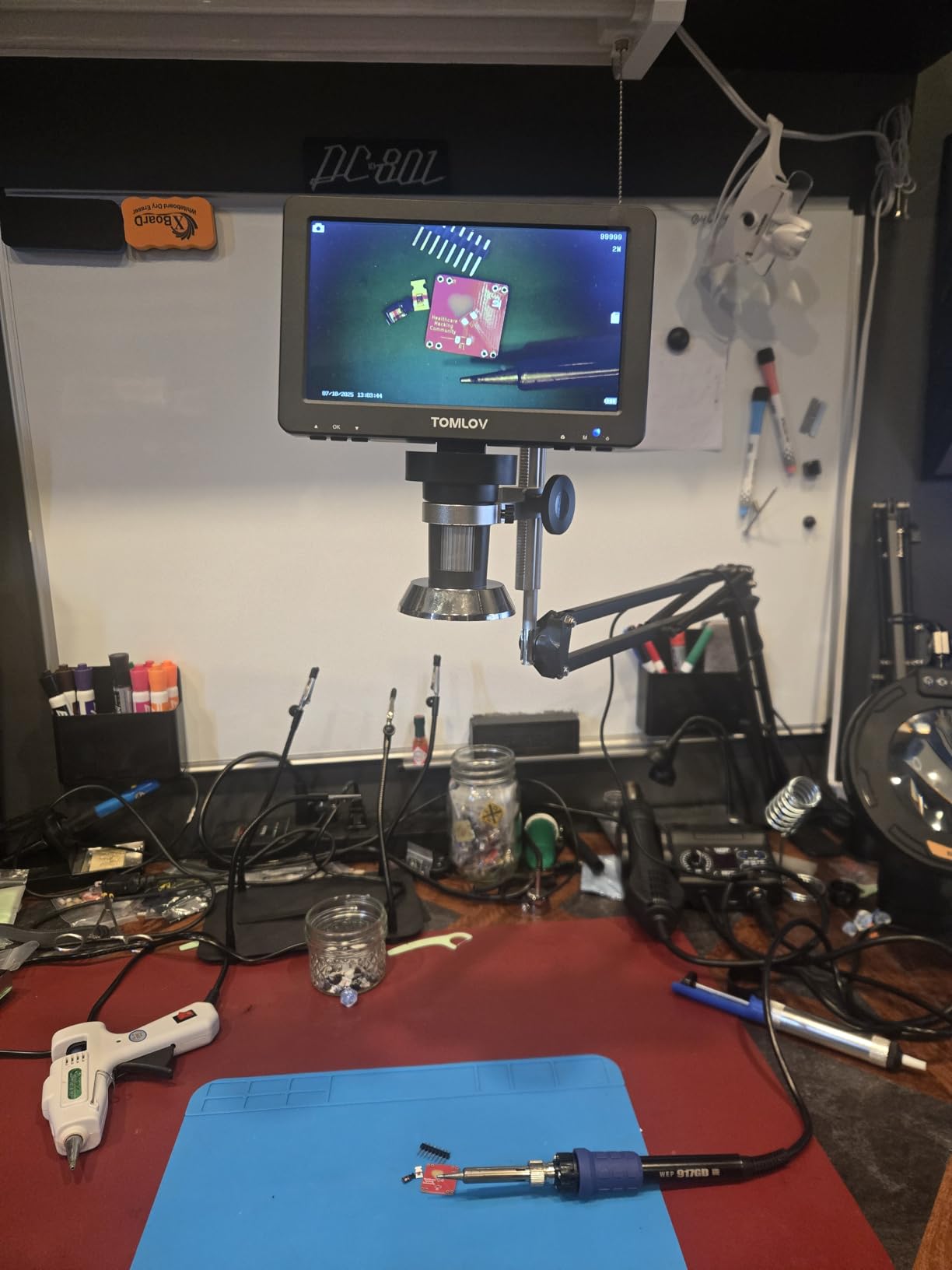
This is the scope we kept coming back to. The build is the argument: an aluminum alloy base and an 8.5 inch metal stand, so when you push a probe against a pad the image does not swim the way it does on plastic pillar stands. The heat-resistant stand also matters if you are working with an iron nearby.
Magnification is quoted at up to 1200x, which is the digital kind, and the 12MP stills plus 1080P video are what you actually get value from rather than the zoom headline. A 16GB microSD card is in the box, along with a wired remote so you can capture without touching the board.

Lighting is where it earns its place. Eight built-in LEDs give flat general illumination, and two flexible gooseneck lights let you bring a hard source in at a low angle to rake across a solder joint and expose a crater or a hairline crack that flat light would hide. On glossy green soldermask, that oblique angle is the difference between a clean-looking board and an accurate one.
It also connects over USB for Windows and Mac, so you can run live view on a larger monitor and keep the 7 inch panel for something else. Dimensions are 8.19 by 3.23 by 9.45 inches, which is a small bench footprint, and the listing carries a one-year warranty with an achromatic objective lens.
What it is genuinely good for
Inspection and light rework on 0603 and 0402 parts, checking for cold joints and bridges after a job, and capturing before-and-after photos for repair logs or client reports. It is also a good first digital scope because nothing about it feels like a toy.
If you are building a teaching bench, the USB output and remote capture make it easy to put the view on a wall display while you explain what you are doing.
Where it falls short
You are looking at a screen, not a board. Once your hand is committed to a fine 0201 placement, some technicians find the round trip between screen and board costs more than a stereo scope would.
And the 1200x figure is not 1200x of detail. When you push past the lens’s real optical range, the image is upscaled and soft, which is the marketing problem this whole category has.
2. Andonstar AD210 10.1 inch Digital Microscope – Best Value Screen Scope
Andonstar AD210 10.1 Inch LCD Digital Microscope for Soldering, Coin
10.1 inch Super IPS display
1cm to 26cm working distance
Top side and bottom LED lighting
32GB card and remote
Pros
- Ten inch IPS panel is comfortable across long repair sessions
- Working distance opens from 1cm to 26cm
- Three LED directions with adjustable brightness
- Sturdy upgraded stand with 12.6 inch maximum height
- 32GB card reader and remote included
Cons
- 260x ceiling is lower than several rivals for the finest SMD work
- Corded power means it needs a nearby outlet
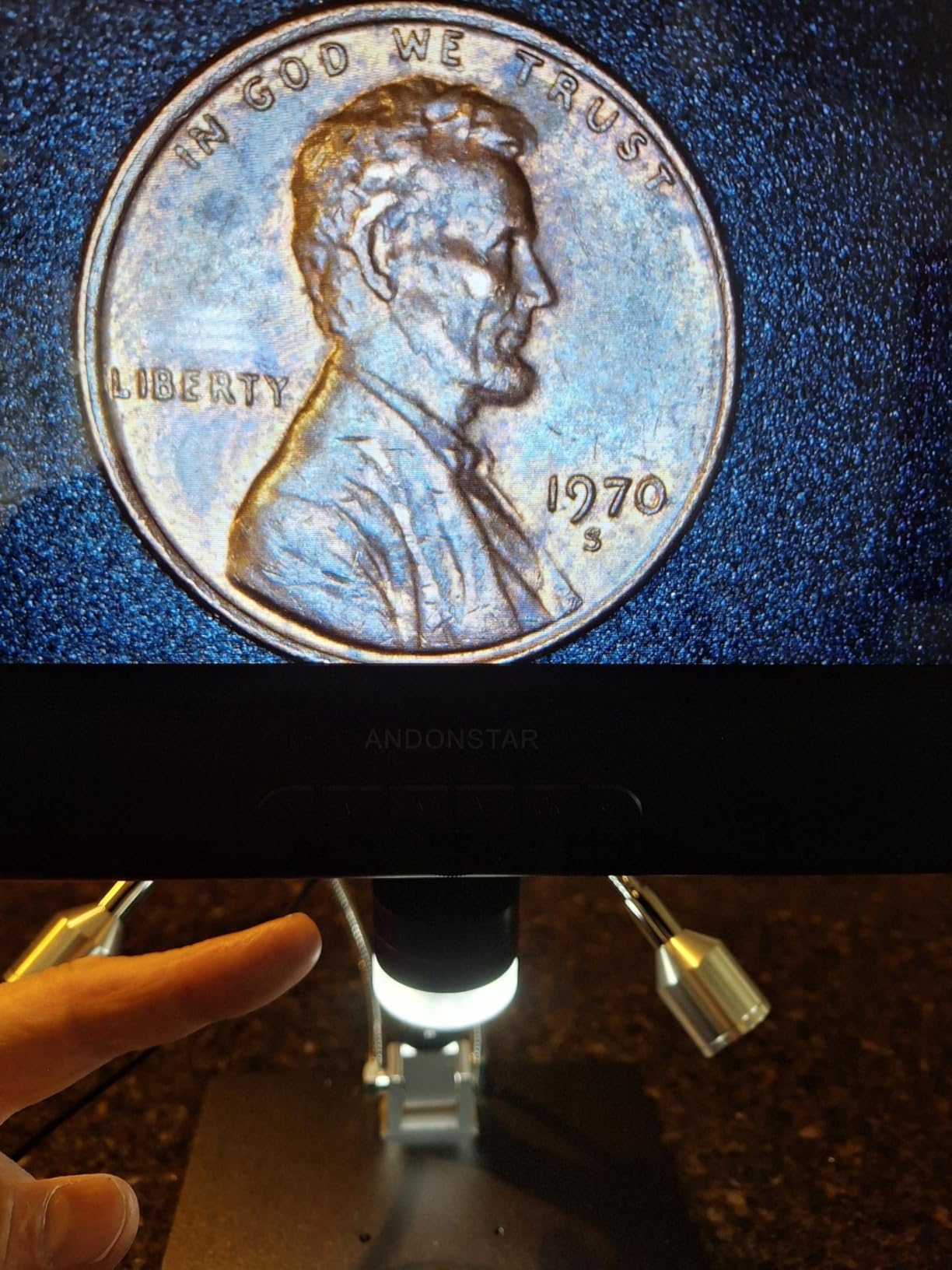
Screen size is the reason to buy this one. A 10.1 inch Super IPS panel with a 178-degree viewing angle means you can sit back slightly instead of hunching over a 5 or 7 inch display, and over a full day of board work that is a real comfort difference rather than a spec-sheet nicety.
The working distance is the other headline. It adjusts from 1 cm to 26 cm, so you can go from inspecting a solder fillet right up against the lens to framing an entire board without swapping anything. Maximum magnification is listed at 260x, which is honest for what a lens of this class resolves.
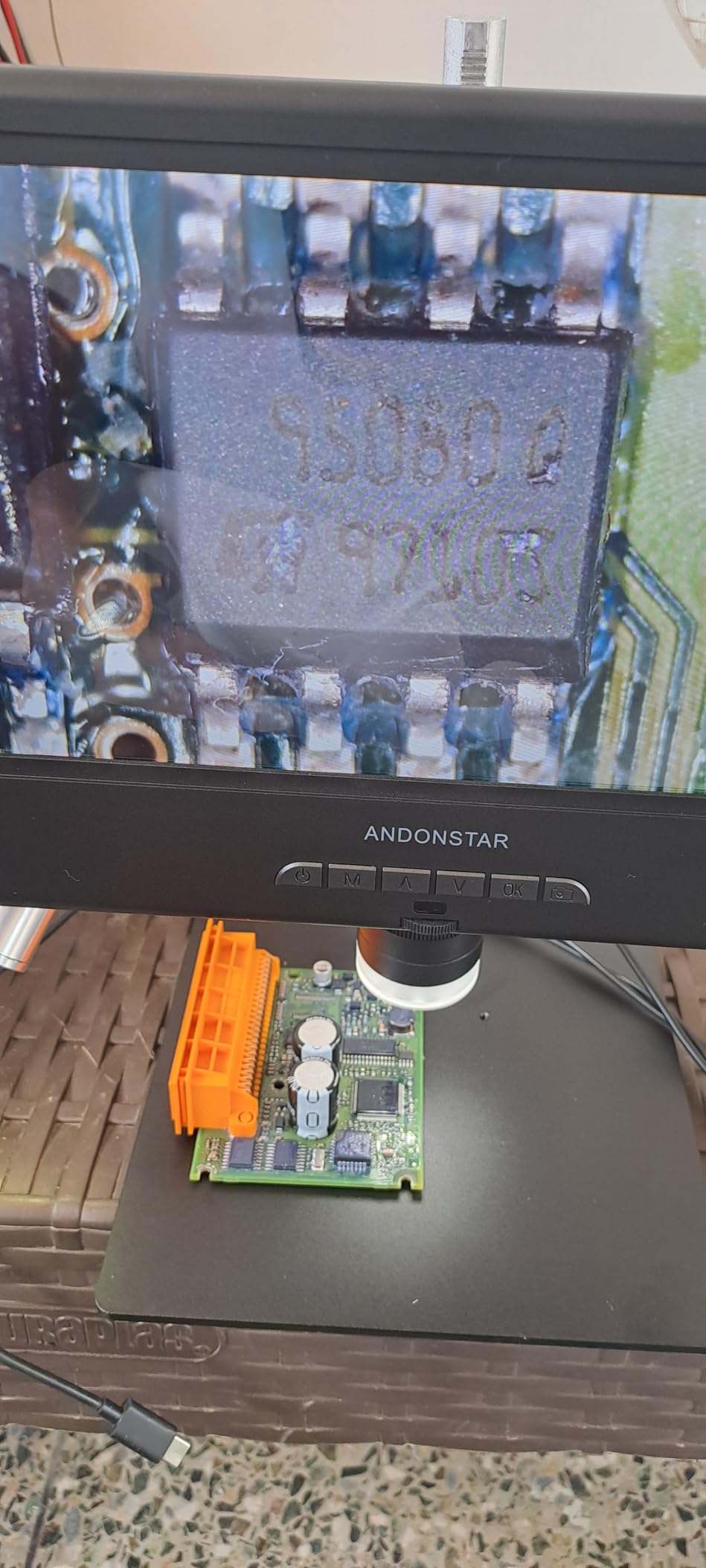
Lighting is unusually flexible for a screen scope. You get top, side and bottom illumination with adjustable brightness, plus an included bottom light stage, which is the difference between seeing into a gap between a shield can and the board and seeing only the shadow of the can.
The stand was upgraded for soldering work specifically: a larger base, direct vertical movement and a maximum height of 12.6 inches. The package includes a 32GB card, a card reader and a remote that handles photo, video, digital zoom and colour adjustment, so you can capture without touching the board. The unit itself is listed at 1.92 kg.
What it is genuinely good for
Long repair sessions, phone and laptop board work, and inspection where you want a bright large image and the flexibility to light a part from below. The card and remote also make it a natural choice for documenting jobs.
If your bench is shared and you want the scope out of the way when you are not using it, the vertical stand design means the head lifts away rather than sprawling across the bench.
Where it falls short
Two hundred and sixty times is a real ceiling. If your work regularly drops to 0201 parts or fine-pitch packages, a lens with a higher optical ceiling or a stereo scope will serve you better.
It is corded electric, so plan your bench layout around an outlet. On a crowded bench with a fume extractor, a battery-powered scope can simply move instead of being rearranged.
3. Andonstar AD249S-M Plus – Three Lenses and a Full Soldering Station
Andonstar AD249S-M Plus 3 Lens 2160P 10.1” HDMI Digital Microscope 2000x
Three interchangeable lenses
2160P UHD HDMI output
Pro boom arm station
Measurement software and 32GB card
Pros
- Three lenses cover soldering
- general work and slides
- 2160P UHD HDMI output suits sharing and teaching
- Boom arm station includes tool holder and helping hands
- Highest rating in this group at 4.7
- Lens L 60-240x is built for solder work
Cons
- Lenses swap by removing screws rather than a twist lock
- Boom arm and extension base take significant bench space
The idea here is simple: one body, three lenses. Lens L at 60-240x is the soldering lens, Lens A at 18-720x is the general-purpose one, and Lens D at 1560-2040x covers biological slides if you also use the scope for education. That solves the problem where one lens is either too close for a board or too far for a component.
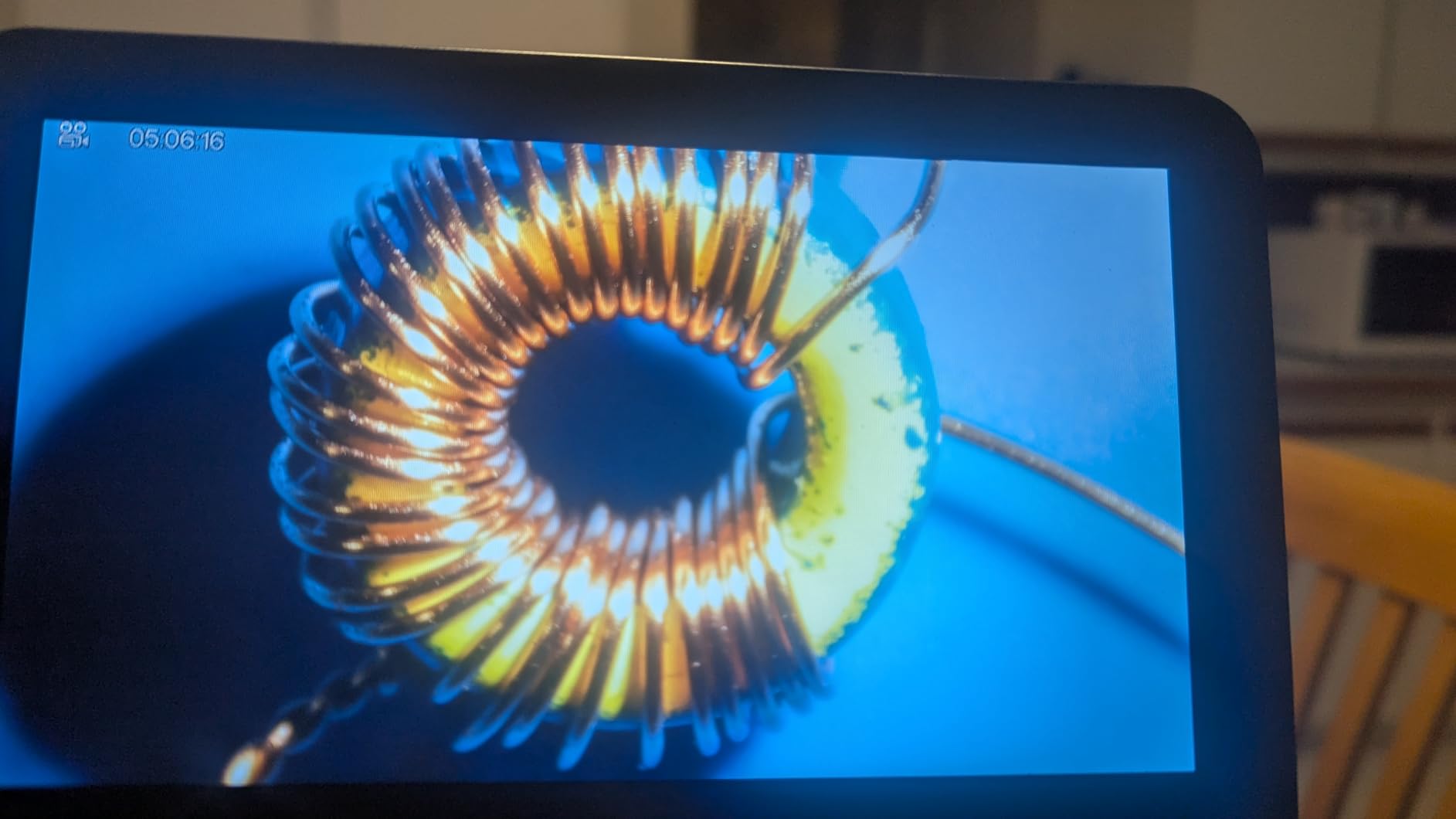
Output is 2160P UHD over HDMI to a larger monitor, with 3x digital zoom on top and eight LED intensity levels. Professional Windows measurement software handles measuring, photo and video, and a 32GB card is included. It is the most genuinely shareable setup in the group.
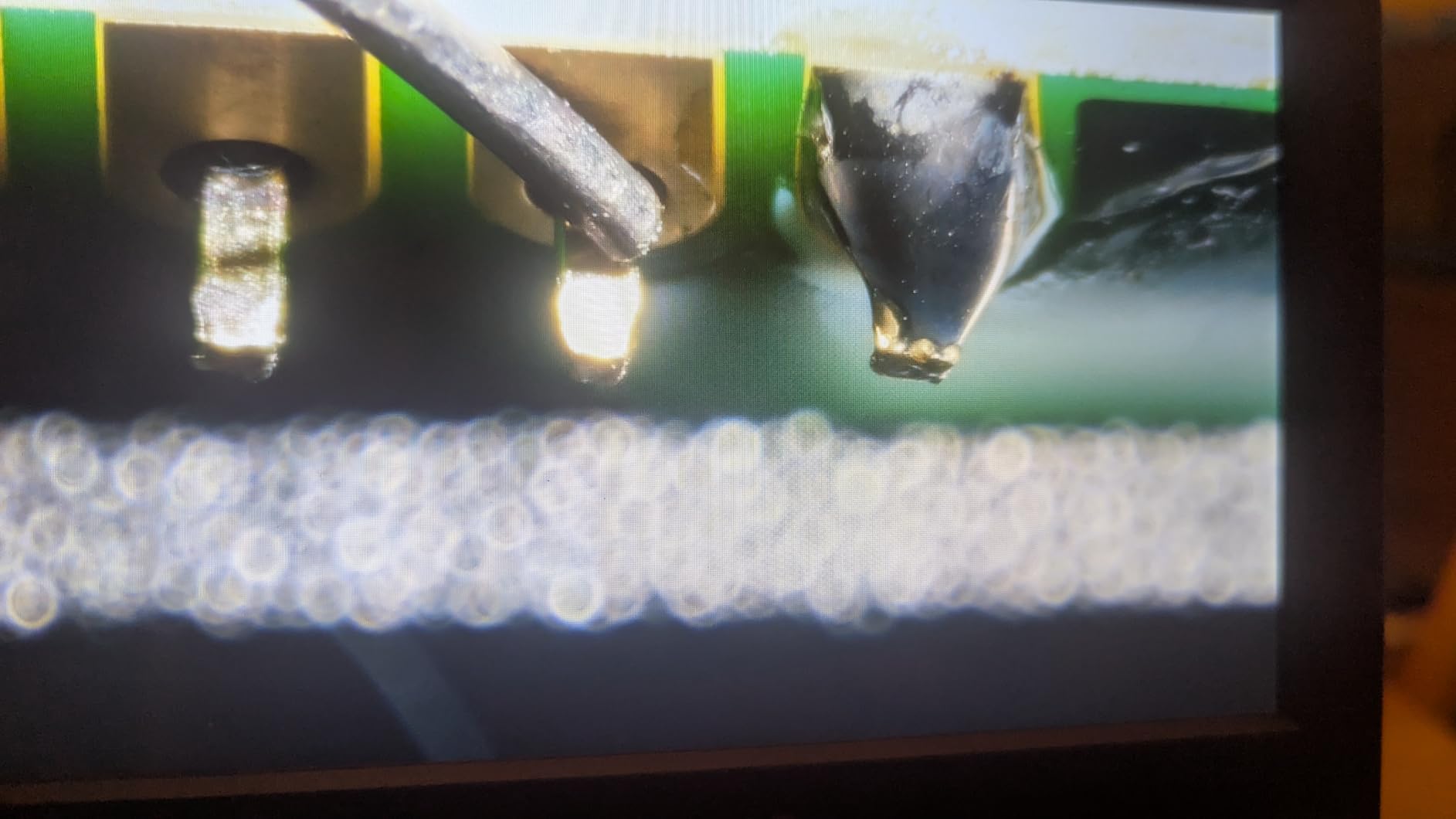
What makes it a station rather than a scope is the stand. A pro boom arm with a plastic extension base, component storage boxes, a soldering tool holder, helping hands with rotatable clamps and a soldering mat turn the whole thing into a defined workstation. The head is 15.75 by 11.81 by 12.99 inches, and the warranty runs two years.
Buyer sentiment on this one is strongly positive, with 81 percent five-star and no one-star ratings in the review set. People tend to describe it as a bench rather than a gadget, which tells you how they use it.
What it is genuinely good for
Someone who is doing real soldering as part of the job and wants documentation, measuring and client-facing images without a second device. The three lenses also mean you are not blocked when a board has both a hairline fine-pitch connector and a large through-hole connector.
HDMI output makes it easy to train someone at the bench, or to walk a customer through what you found on their board.
Where it falls short
Lens changes involve removing and reinstalling screws. If you swap lenses dozens of times a day, that friction adds up, and a magnetic or bayonet mount is more convenient.
The footprint is the bigger issue. A boom arm plus an extension base wants a dedicated corner of a bench, and it will fight a fume extractor’s arm for the same airspace.
4. TOMLOV TM3K-3D – True 3D Side Viewing on a Clamp Arm
TOMLOV 3D Digital Soldering Microscope TM3K-3D, 7″ Magnetic Dual Lens Scope
3D side viewing with 360 degree rotation
Magnetic dual lenses
3K UHD on a 7 inch IPS display
Bench clamp flex arm
Pros
- 3D rotation makes reading part numbers far easier
- Magnetic lenses swap without tools
- Flex arm clamps to the bench so the board moves freely
- Gooseneck spotlight reduces shadows versus a ring light
- HDMI and USB output for training and documentation
Cons
- 3D mode has a learning curve and some prefer plain 2D
- Spring-loaded arm can drift unless the lock is tightened
- Magnification ceiling is lower than several rivals
This is the one that changes how you inspect a board. True 3D side viewing with 360 degree rotation means you can orbit a component and read a laser-etched marking on the side of a chip or a capacitor, which a flat top-down view simply cannot show. On a populated board, that capability alone justifies the design.
The lenses are magnetic and tool-free. Lens L is the long-distance lens for PCB soldering, micro-soldering and watch repair; Lens W is a wide-angle for full-object views. Swapping between them takes a second, which matters more than it sounds when you are mid-task.

The stand is a 360-degree articulating flex arm with a bench clamp, so the scope hangs off the edge of the desk and the board moves underneath the lens rather than the other way around. That single design choice is a bigger ergonomic win on a crowded bench than any spec on the list.
Imaging is 3K UHD on a 7 inch IPS display, with HDMI and USB for a larger screen or computer analysis. A 10.1 inch variant exists as an alternative. Rather than a fixed ring light, you get an adjustable gooseneck spotlight, which follows your hand and produces far less glare on a shiny solder fillet. The package includes both lenses, a 4 inch stand, HDMI and USB cables, a soldering mat and an adaptor.
What it is genuinely good for
Reading markings on dense, populated boards, verifying a component’s orientation from the side, and inspection work where depth cues matter. The bench clamp is also ideal if your fume extractor already occupies the bench surface.
If you are documenting repairs or teaching, the HDMI path to a bigger display makes this easy to bring into a client conversation.
Where it falls short
The 3D mode takes practice. Some owners find that once they are used to it, they drop back to 2D for most tasks, which suggests the feature is more situational than essential.
The spring-loaded arm creeps. If you do not tighten the lock, it can drift upward during micro-soldering and pull the image out of focus mid-joint, which is a genuinely annoying failure mode.
5. Leanking MK7 7 inch Viewer – The Lowest-Cost Way to Start
Digital Microscope for Adults Kids 7inch Screen Coin Magnifier Microscopes for Error Coins PCB, Bugs, STEM Learning, Soldering Electronics Microscopes Camera
7 inch anti-glare display
25x maximum magnification
1800mAh rechargeable battery
Top and bottom LED lighting
Pros
- No phone app or eyepiece needed to get started
- Built-in battery makes it portable between bench and classroom
- Top and bottom LEDs cut glare in deep PCB grooves
- 32GB card included for direct photo saving
Cons
- 25x maximum is the lowest here and limits fine SMD work
- Macro viewer rather than a lab-grade instrument
- 4.2 rating with 8 percent one-star reviews
This is the pick for a beginner, a classroom, or anyone who wants to see what a microscope changes before spending real money on optics. It is a 7 inch anti-glare viewer with no phone, no app and no eyepiece in the chain, so there is nothing to set up and nothing to configure.
Magnification tops out at 25x. That is a genuine limit, and it means 0201 work is out of reach, but 0603 parts, through-hole joints, connector pins and general board inspection all sit comfortably in that range. Think of it as a first look tool rather than a production instrument.
The 1800mAh rechargeable battery gives roughly 2.5 to 3.5 hours of cordless use, which means it can move to a different bench, a classroom table or a job site rather than being permanently wired in. Lighting is dual, top and bottom, both adjustable, and the bottom light is what gets into deep PCB grooves where the top light just throws a shadow.
A 32GB card is included so you can save photos without buying anything, and the 7 inch panel runs ages 7 and up, which is why it keeps turning up in STEM settings. It is a macro viewer rather than a lab instrument, so it is not meant for biological specimens. The warranty runs one year.
What it is genuinely good for
Learning what a microscope adds to your work, checking through-hole and 0603 joints, coin and stamp inspection, and a portable viewer you can carry between benches. For students, our best microscopes for students guide covers the wider category.
If you only solder through-hole parts occasionally, this is enough to tell you whether a real scope would change your results.
Where it falls short
Twenty-five times is the ceiling, and that is the whole limitation in one sentence. Once you are placing 0402 parts or removing a small package, you will outgrow it quickly.
Its 4.2 rating is the lowest here, with 8 percent one-star reviews, and the complaints cluster around build consistency and image clarity rather than any single fault. Expect to treat it as a tool, not an instrument.
6. Aikokkl 5 inch C-Clamp Scope – Small Footprint, Hands Free
Aikokkl 5″ LCD Digital Soldering Microscope for PCB Repair with C-Clamp
C-clamp mount
5 inch IPS display
1000x digital magnification
Multi-angle goose-neck stand
Pros
- C-clamp frees both hands for the board and the iron
- Goose-neck flexes into tight workspaces and odd shapes
- 5 inch IPS panel reduces neck strain in long sessions
- Plug-and-play PC mode needs no extra software
- One year manufacturer warranty
Cons
- Manual focus only with no auto focus
- A microSD card is needed to save and is not included
- 1000x is digital so top zoom is interpolated
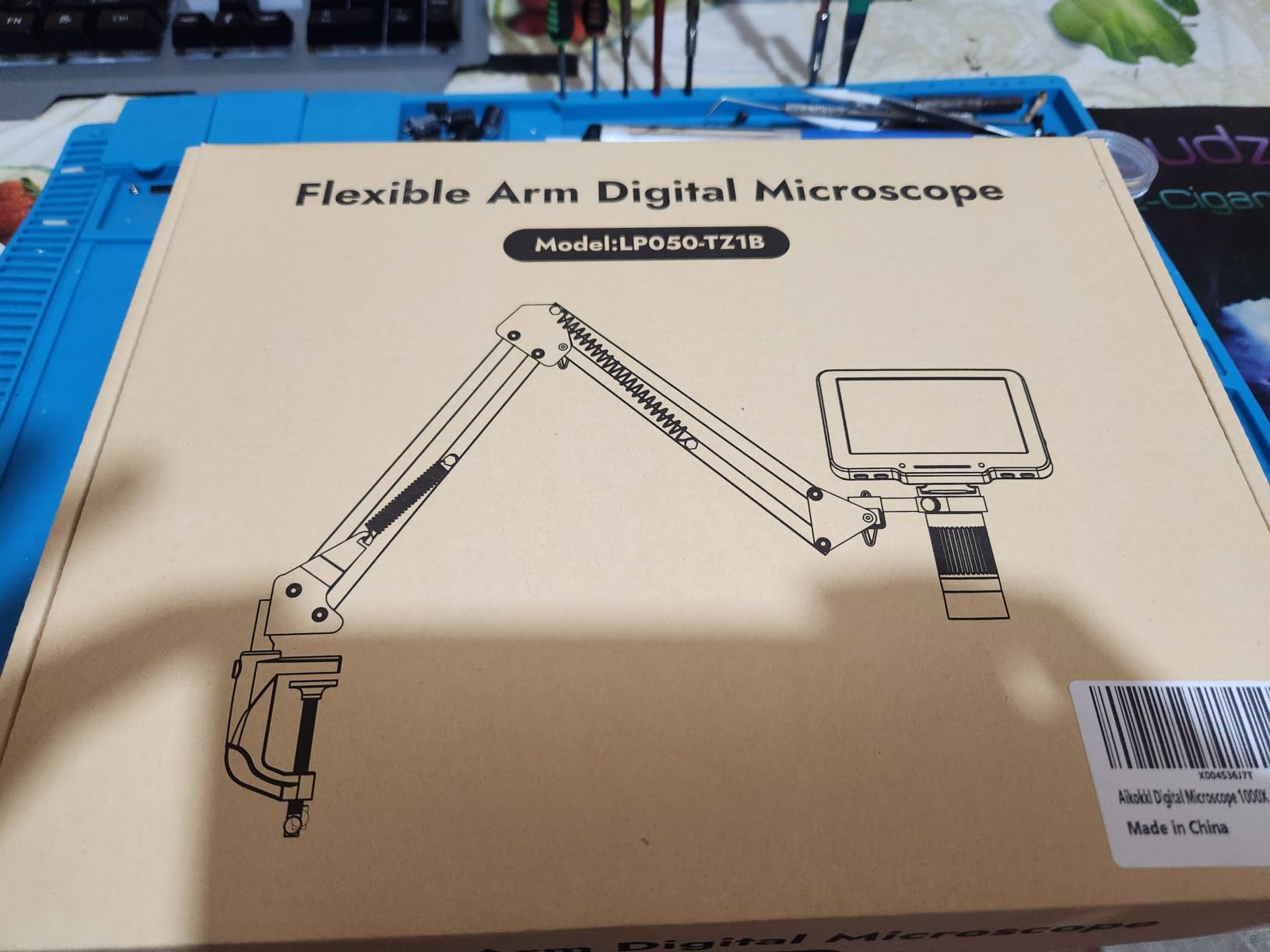
The C-clamp is the whole idea. It grips the edge of your desk and holds the scope out of the way, so the base and column never occupy the surface where your non-dominant hand rests. On a bench that already has a fume extractor, an iron stand and a parts tray, that reclaimed space is the feature that matters.
The goose-neck is genuinely flexible and bends to reach awkward angles around a fixture or a tall component, and the 5 inch IPS display is a sensible size for a small footprint while still cutting the neck angle that causes strain over a long session.
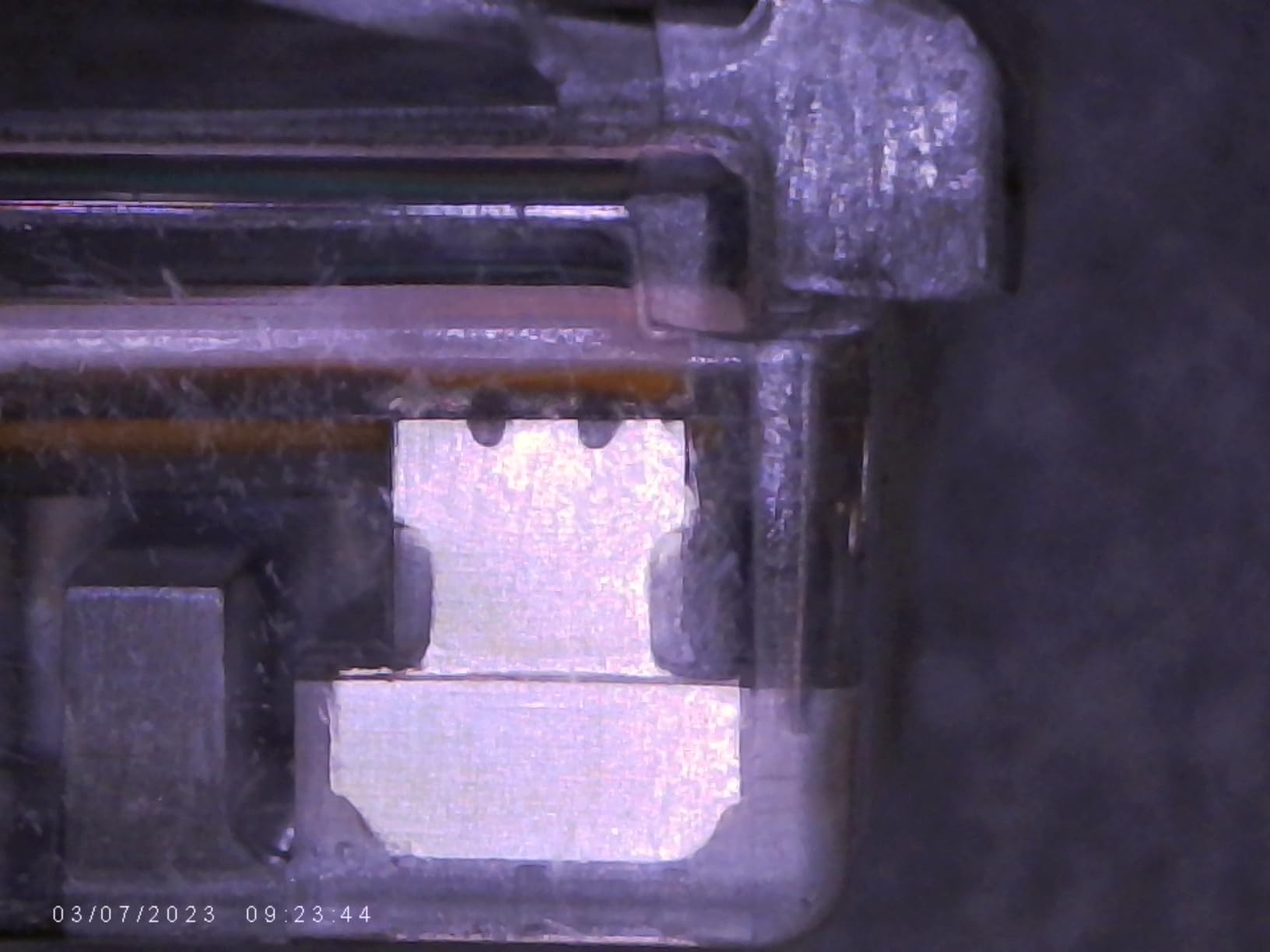
Magnification is quoted at up to 1000x, achieved by adjusting physical distance rather than optical zoom, and there is no auto focus. You set distance and turn the silver focus wheel by hand. For a clamped, stationary board that is a perfectly workable arrangement, and it is one more reason this scope suits rework more than freehand work.
PC camera mode is plug-and-play, using the built-in Windows Camera app or Mac Photo Booth, so there is no driver or third-party software to install. Note that a microSD card up to 32GB is required to save 1080P video and photos, and one is not included. The vendor offers troubleshooting guidance and free replacement for units with problems out of the box. Dimensions are 12.52 by 9.53 by 2.28 inches, weight 1.2 pounds.
What it is genuinely good for
Crowded benches, small work surfaces, and any setup where the base would otherwise sit in the way of your hands. It clamps on, does the job and clamps off, which also makes it the easiest option to move between a home bench and a shared workspace.
The PC camera mode is useful when you want the view on a second monitor while you work from a laptop.
Where it falls short
No auto focus, so every time you move the board or change components you are back to the focus wheel. On a moving board that is friction you will feel.
You need to buy a microSD card before you can save anything, and the 1000x claim is not 1000x of resolved detail once you are past the lens’s optical range.
7. Elikliv EM4K-AF – The Only True Auto Focus Scope in the Group
Elikliv Autofocus 4K Digital Microscope EM4K-AF, 8″ Soldering Microscopes
AI auto focus with TOF sensor
4K UHD video and 52MP stills
8 inch IPS screen
HDMI and USB tri-screen output
Pros
- Only genuine auto focus here with roughly 2 second refocus
- Highest sensor specs in the group at 4K UHD and 52MP
- 8 inch 1280x800 IPS screen with 178 degree angle
- HDMI and USB output to a larger monitor
- Rechargeable battery and 16GB card included
Cons
- Auto focus can still hesitate on low-contrast or shiny surfaces
- 3 pound weight and 10 inch stand take real bench space
Auto focus is the feature that separates this one. It uses a time-of-flight distance sensor together with AI-based clarity assessment and refocuses in about two seconds, which means you can push the board around, set an iron down, and pick the work back up without hunting for focus. On a digital microscope, that removes the single most common source of frustration.
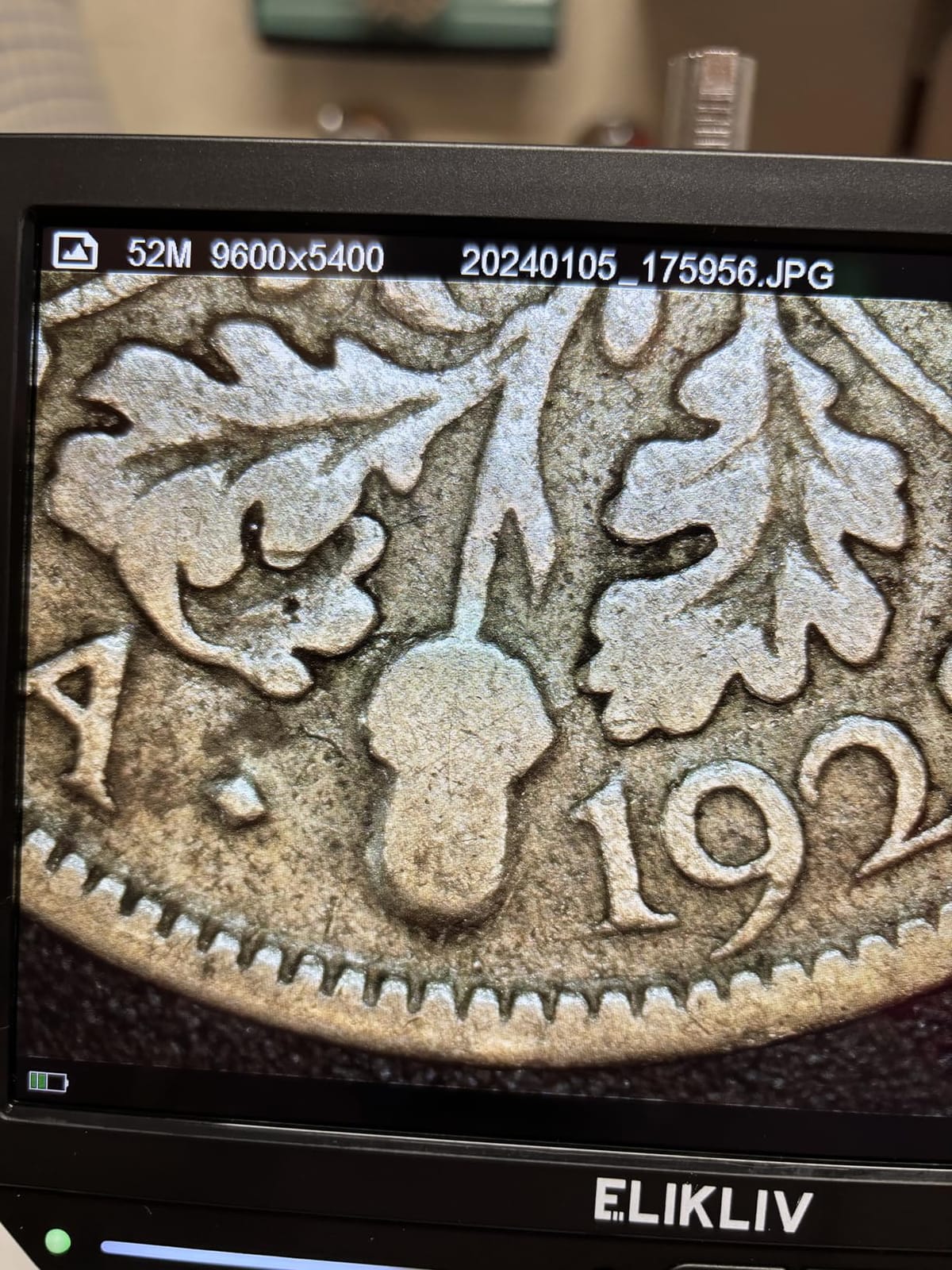
The imaging is the best spec sheet in this group: 4K UHD 3840x2160P video and 52MP still images, on an 8 inch IPS screen at 1280×800 with a 178-degree viewing angle. HDMI and USB give tri-screen output up to 2000x, so the same scope can drive a large monitor or your computer.
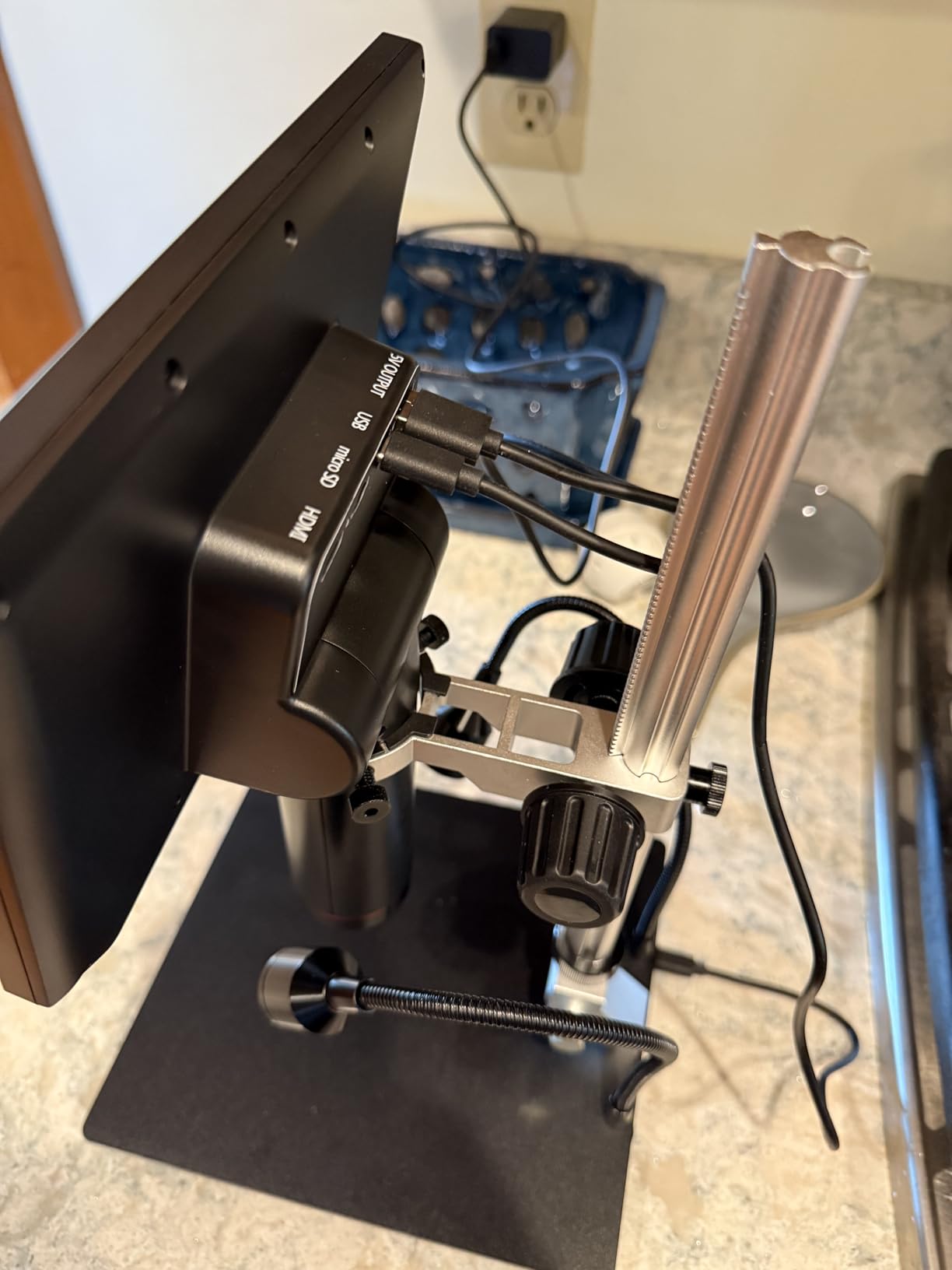
Magnification is quoted at up to 2000x, and again that is the digital figure. The practical value here comes from the sensor resolution, which keeps the image usable when you are zoomed in and when you capture a still for a report.
Freeze and split-screen modes are useful for comparing a joint before and after rework, and a smart controller handles capture, recording and zoom. The stand is 10 inches with a broad base extending to 6.3 inches, the unit is 3 pounds, and a rechargeable battery means it works away from an outlet. One-year manufacturer warranty, 16GB card included.
What it is genuinely good for
Inspection-heavy workflows where the board moves between tasks, 3D-printed or mechanical assemblies, and anyone who wants the sharpest capture in this group. The rechargeable battery also means it can move between benches without rewiring.
Split-screen makes before-and-after documentation of a repair quick, which is valuable if you invoice clients for board-level work.
Where it falls short
Auto focus is not perfect. On very low-contrast or highly reflective surfaces, such as a bright solder fillet under a ring of light, it can still take a moment longer than you would like.
Three pounds and a 10 inch stand is a real footprint. It is the largest portable option here, so it competes for bench space with your fume extractor and iron holder.
8. Andonstar AD409 Max – Endoscope Inspection for Phone Boards
Andonstar AD409 Max Digital Microscope with Soldering Station, Endoscope
Integrated endoscope
UV filter on the metal lens
2160P on a 10.1 inch screen
Oversized Max station
Pros
- Endoscope gives a real view of hidden component sides
- UV filter blocks soldering heat smoke and dust
- 2160P video with HDMI PC and WIFI output
- Station adds 370 percent more soldering area
- Heavy broad base stays stable during fine work
Cons
- Silicone mat corners align poorly with the base holes
- Some users report build feels flimsy for its size
- 10.1 inch screen sits close to the face over long sessions
- Only 51 ratings so long-term data is thin
The endoscope is the reason this one exists. A slim probe lets you look at the sides of components and get into spaces a top-down objective cannot reach, which is exactly the situation on a stacked phone board where a shield can or a foam shield hides the joint you need to inspect.
Second is the protection. A UV filter sits in front of the metal lens specifically to block soldering heat, smoke and dust, and on a scope that lives directly over a working iron that is a sensible engineering decision rather than a feature for the box.
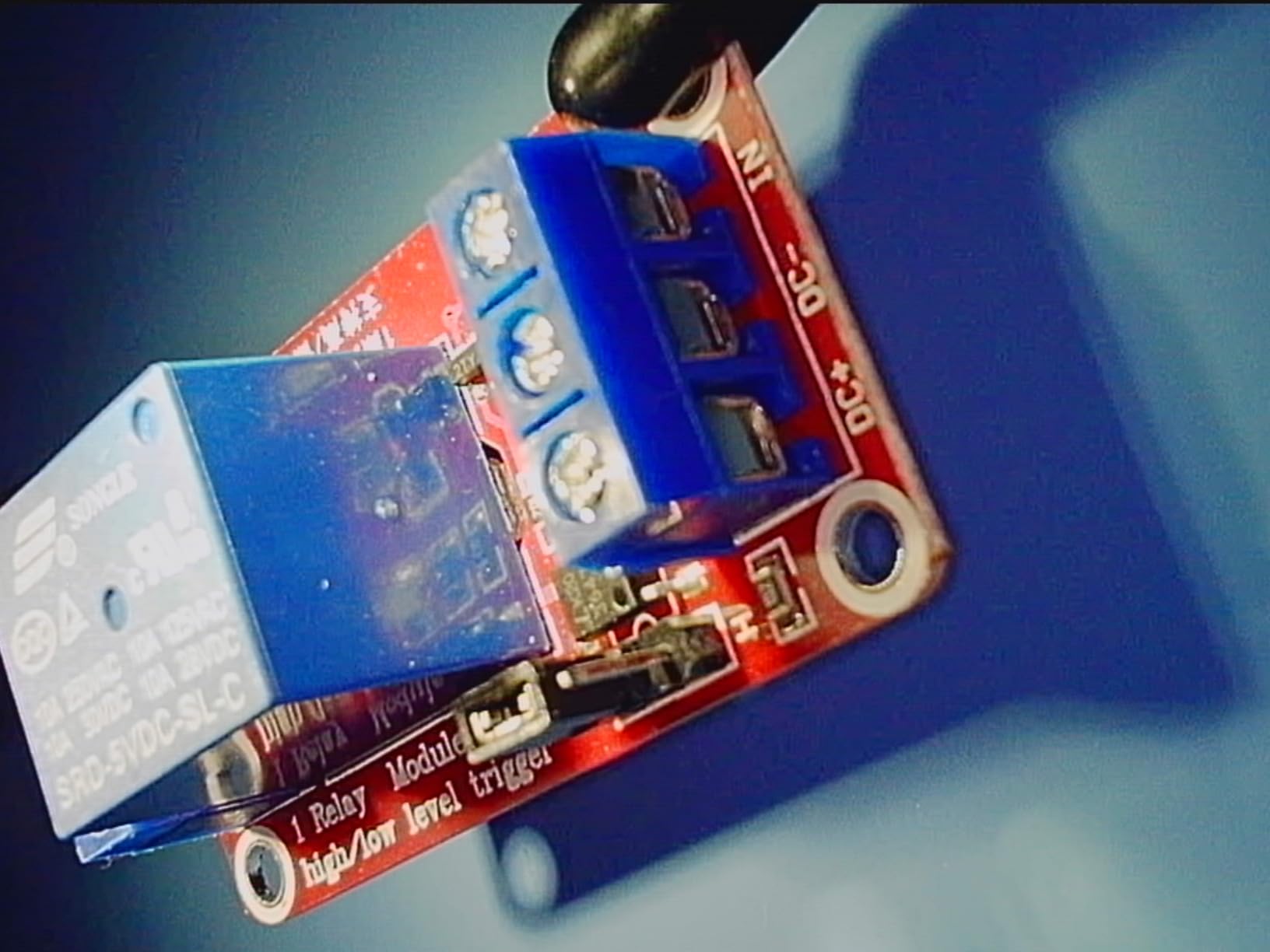
Video is 2160P on a 10.1 inch IPS screen with HDMI, PC and WIFI output, so you can stream a repair to a client or a colleague. Two side lights on the metal base run at eight intensity levels, and a wireless remote handles image adjustment and digital zoom. Windows measurement software covers length, area, photo and video, and microSD cards up to 64G are supported.
The Max station is genuinely oversized at 18.1 by 14.6 by 18.7 inches and is stated to increase soldering area by 370 percent, with a tool holder and rotatable helping hands included. Two-year manufacturer warranty. The caution is the review base: 51 ratings, the thinnest here, so long-term reliability data is limited.
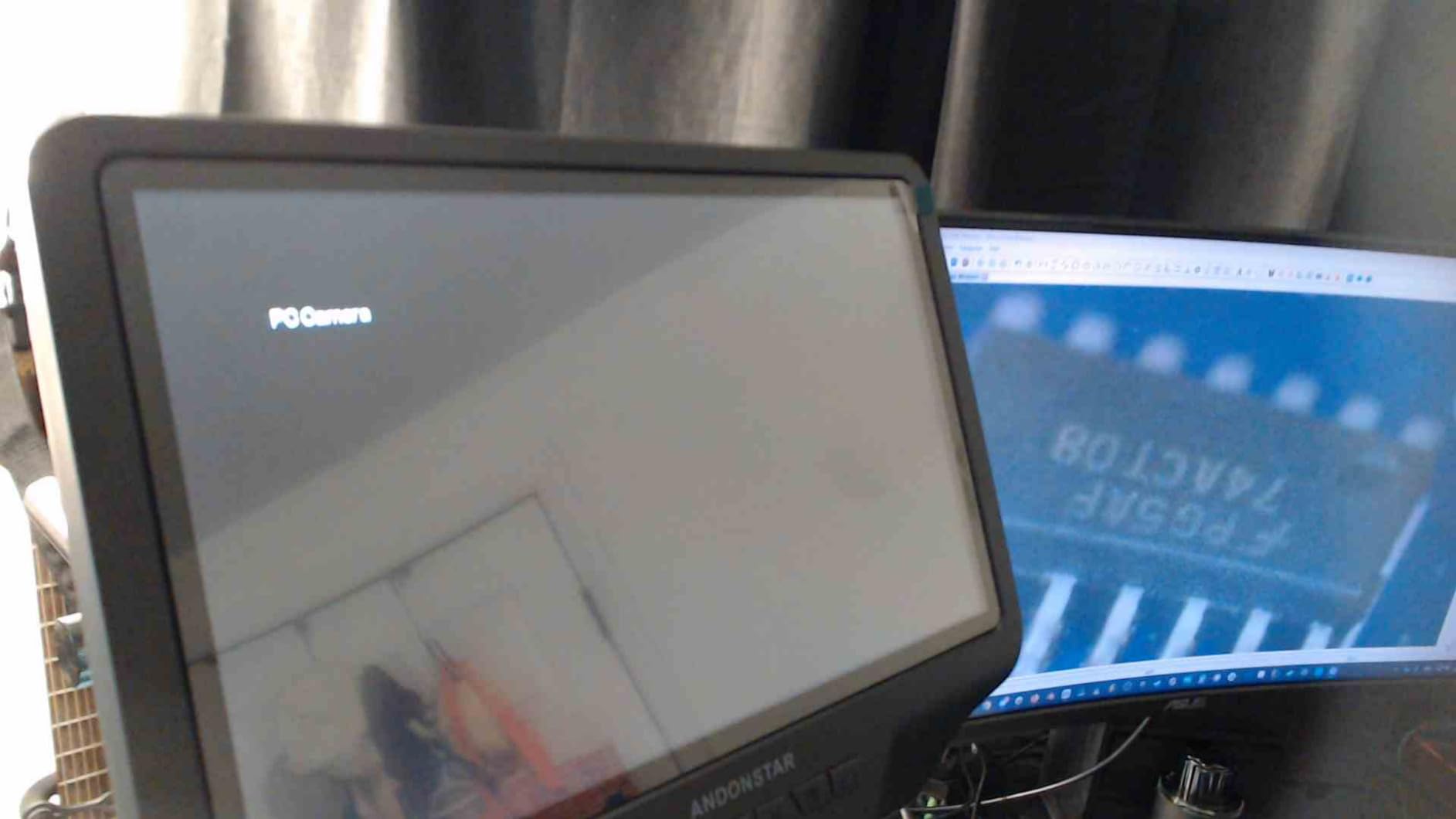
What it is genuinely good for
Phone and laptop board-level repair where you need to see around components, and any bench where you want a full defined soldering station rather than a standalone scope. The endoscope also reaches inside enclosures and pipes, which helps with mechanical assemblies.
WIFI and HDMI output make it the easiest of this group to use for client-facing demonstrations.
Where it falls short
Several users report the silicone soldering mat’s corner protrusions do not align with the base mounting holes, so it sits oddly. It is a small thing, but it is the most repeated complaint in the reviews.
Some owners feel the build is flimsier than the dimensions and warranty suggest, and the 10.1 inch screen sits close to your face, which tires the eyes over a long session. With only 51 ratings, treat the feedback as directional.
9. SWIFT Trinocular Stereo Zoom Microscope – Real Optics, 100 mm Working Distance
SWIFT Trinocular Stereo Zoom Microscope with 56-Bulb LED Ring Light,3.5X-90X Magnification,WF10X Eyepieces,0.7X-4.5X Zoom Objective, 0.5X 2.0X Additional Objectives,Table Pillar Stand
True stereo optical view
7X-45X with 3.5X-90X range
4 inch 100 mm working distance
56-bulb LED ring light
Pros
- Real depth perception with both eyes in the optical path
- 100 mm working distance clears irons and tweezers
- 56-bulb ring light is even and low heat
- 0.5X and 2.0X objectives extend the range
- Trinocular port doubles as a camera port
- 45 degree tilted head suits eyeglass wearers
Cons
- Table pillar stand is less flexible than a boom arm
- 90x optical ceiling is far below digital claims
- Small review base of 46 ratings
This is the one that answers the stereo-versus-digital question in practice. Two wide-field 10X eyepieces and a 0.7X-4.5X zoom objective give 7X-45X of genuine optical magnification, and the 0.5X and 2.0X auxiliary objectives push that to 3.5X-90X. Every number there is resolved detail, not interpolation.
Working distance is 4 inches, or 100 mm, and that is the number that changes soldering. Your iron, tweezers and board all fit underneath the objective without touching it, which means you can work at 40X without the lens being in the way of your hands. The head is tilted 45 degrees with full 360-degree rotation, so eyeglass wearers can use it comfortably.

Lighting is a 56-bulb LED ring light giving even, shadow-free, low-heat illumination. Low heat matters more than it sounds when you are inspecting heat-sensitive parts, and shadow-free light is what makes a flat solder fillet look flat rather than full.
The trinocular port is genuinely useful: it works as an eyepiece or as a camera and photo port, so you can add a camera for documentation later without replacing the head. It sits on a sturdy metal base with a plain table pillar stand, weighs 4.2 kg, and is finished in black, silver and white.
What it is genuinely good for
Hands-on micro-soldering where you want your eye on the board, fine-pitch rework, and inspection of parts where depth perception changes the answer, such as a QFN or a shielded connector. It is also the natural choice for gemology, engraving and semiconductor inspection work.
If you already own a camera and want documentation, the trinocular port is the reason to buy this over a binocular head.
Where it falls short
The table pillar stand is the main limitation. A pillar fixes your working height, so when you switch between a large board and a small part you are moving the whole microscope rather than swinging a boom arm over the work.
Ninety times optical is the ceiling, which sounds low next to a 2000x claim but is far more useful than it, and the review base of 46 ratings is thin for a purchase at this level.
10. ZTEEERS Trinocular Stereo Zoom Microscope – The Boom Stand Specialist
ZTEEERS Professional Trinocular Stereo Zoom Microscope, 3.5X-90X Magnification,WF10X Eyepieces, 0.7X-4.5X Zoom,0.5X & 2.0X Auxiliary Lens, Double-Arm Boom Stand, 56S LED Ring Light,Two adapters
Double-arm boom stand
18 lb solid steel base
3.5X-90X total magnification
Per-eye diopter adjustment
Pros
- Double-arm boom positions over any bench height and stays put
- 18 lb steel base stays steady when you touch the work
- 56S LED ring light with dimmer for even cool light
- Diopter adjustment per eye handles differing eye strength
- Adapters included for eyepieces and cameras
Cons
- Very heavy and long with reviewers measuring near 30 inches
- Weak or missing setup instructions
- Can feel fragile and may tip if over-extended
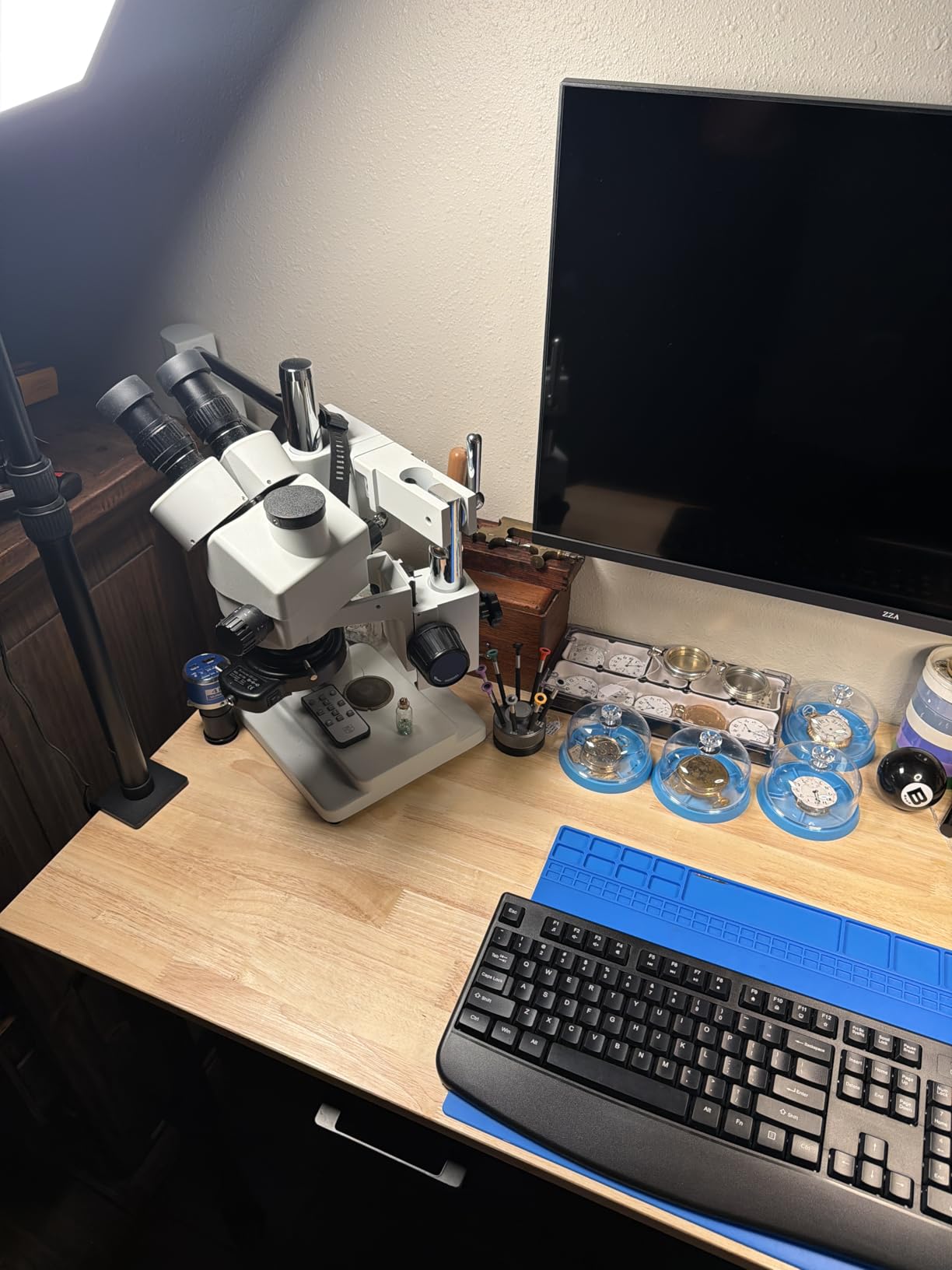
The stand is the reason to buy this over the other optical scope. A double-arm boom with a ball-bearing glide positions the head over any bench height and stays where you put it, so you move the board rather than the microscope. Combined with an 18 lb solid steel rectangular base, the view does not shift when you touch the work.
Optically it matches the class: 10X super widefield eyepieces, 48-75 mm inter-pupillary adjustment, plus or minus 6 diopter per eye, and a 0.7X-4.5X zoom objective with 0.5X and 2X auxiliary lenses for 3.5X-90X total. Per-eye diopter is a small feature that makes a real difference when your eyes are not matched.
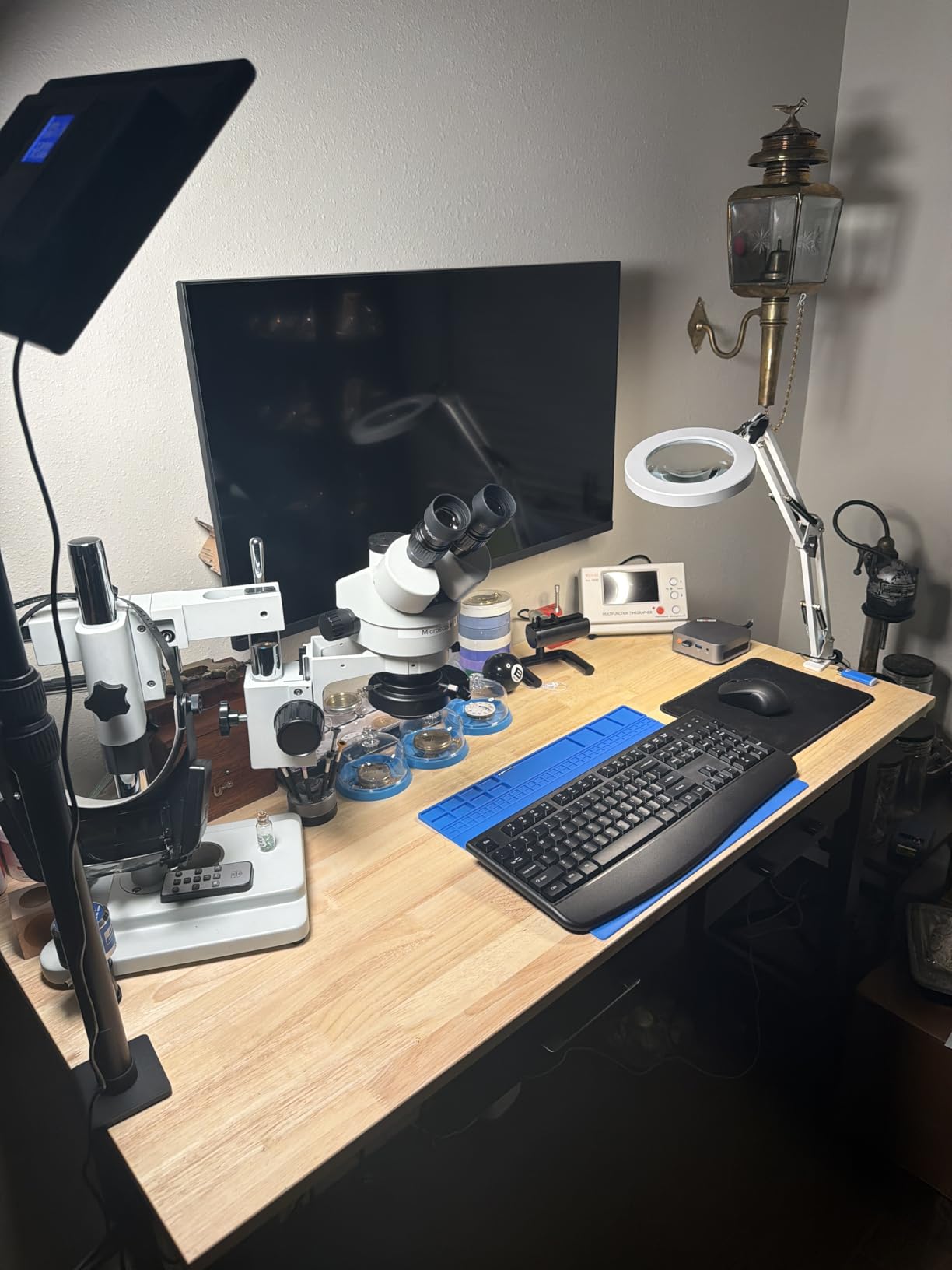
Lighting is a 56S LED ring light with a dimmer switch, which is what you want for cool, even illumination on a board without the heat build-up of a halogen lamp. The head sits at a 45 degree inclination with 360-degree rotation, and observation is synchronous through the camera channel alongside both eyepieces.
Two adapter configurations are included, covering both electronic eyepieces and a digital camera on the trinocular port. Buyers frequently compare it to the widely used AmScope SM-4NTP, reporting near-identical hardware and function, with the ring light and 0.5X and 2X auxiliary lenses included that would be extra elsewhere.
What it is genuinely good for
A dedicated electronics bench with room to spare, especially PCB rework where you move the board constantly rather than the scope. The double-arm means you can clear the head entirely to get a board in and out, which matters on dense phone work.
If your eyes differ in strength, the diopter adjustment removes a constant source of eyestrain that most eyepieces ignore.
Where it falls short
Size and weight. The listing gives 19.5 by 11.5 by 19.5 inches, but reviewers measure the total length closer to 30 inches, and with an 18 lb base it needs its own stand or cart rather than a desk.
Documentation is weak, and several buyers worked out assembly from videos. Some also feel it looks more fragile than the specification suggests, and an over-extended arm can tip it.
Buying Guide: How to Choose a Soldering Microscope
Seven decisions matter, and only the first is about the microscope itself.
Optical or digital. If you place parts and hold an iron, buy optical stereo. If you inspect, document, teach or stream, buy digital with a screen. If you do both, optical with a trinocular port lets you add a camera later.
Real optical magnification, not the headline number. You need 7X-45X at minimum. Treat any digital figure above 500x as marketing, and check what the lens actually resolves.
Working distance, measured in millimetres. 100 mm is a good bench target. Under 60 mm and your hands and iron will not fit under the objective, and you will be constantly refocelling.
Lighting you can angle. A ring light gives even, shadow-free light, which is right for general inspection but can throw glare onto shiny solder and glossy soldermask. Goose-neck or side lights let you rake light across a joint and reveal a crater or a bridge that flat light hides.
Stand type and bench footprint. A pillar stand is compact and stable but fixes your working height. A boom arm moves over anything but needs a wide base and, if clamp-mounted, a clean bench edge. Check the clearance against your fume extractor arm before you commit.
Capture and output. If you will photograph repairs, need HDMI to a monitor, or want measurement software, check for a card included in the box. Several scopes need an SD card you have to buy separately before anything can be saved.
Power and portability. Corded units need an outlet on your bench. Rechargeable units move between benches but have a limited session length. On a crowded bench, being able to move the scope is worth more than any extra magnification.
One route worth knowing about: a used or refurbished lab stereo scope. On r/AskElectronics, a hobbyist described buying a stereozoom microscope used from a PCB fab that was closing down, and got professional optics for a fraction of the new cost. It requires knowing what you are looking at, but it is a real option for a serious bench.
Who Should Skip a Microscope Entirely
If you only ever solder through-hole parts on perfboard and kits, a microscope will not change your results and a 10x loupe will do the job at a fraction of the cost and none of the bench space. The same goes for occasional work a few times a year.
The point at which it becomes worth buying is the first time you place or remove a component smaller than 0603, or the first time a board comes back from a customer dead with no visible fault. Before that, you are buying a tool for work you have not started.
Frequently Asked Questions
What magnification is good for soldering?
For small-component soldering, 7X to 45X of true optical magnification covers almost everything, with 20X to 45X as the working sweet spot. An 0201 part is roughly 0.6 mm long, so 30X to 45X is needed to place an iron tip and read a marking. 0603 and 0805 parts work comfortably at 10X to 20X. Ignore digital magnification figures above 500x, because they describe interpolation rather than resolved detail.
What are the best digital microscopes for soldering?
Among the digital scopes we tested, the TOMLOV DM9 is the best all-round choice, with a metal base and stand, a 7 inch LCD, and gooseneck lights that cut glare. The Andonstar AD210 is the best value pick, offering a larger 10.1 inch IPS screen and three lighting directions. The Elikliv EM4K-AF is the only true auto focus scope, and the Andonstar AD249S-M Plus is the most complete station with three lenses and 2160P HDMI output.
What is the best mini microscope?
The best small option is the Aikokkl 5 inch C-Clamp scope, which clamps to the edge of a desk so both hands stay completely free for the board and the iron. If you want something even cheaper to learn on, the Leanking MK7 is a 7 inch viewer with a rechargeable battery and no phone or app needed, but its 25x ceiling will not handle 0402 or 0201 work.
What is a stereo soldering microscope?
A stereo soldering microscope, also called a dissecting microscope, uses a zoom objective and two separate optical paths so you view the board through eyepieces with real three-dimensional depth perception. Both hands stay free, there is no screen between your eye and the work, and the magnification is optical rather than interpolated. That is why bench technicians choose one for placing and removing parts.
What is the best type of microscope for soldering?
A stereo zoom microscope is the best type of microscope for soldering when your work is placing, removing and inspecting parts, because your eye stays on the board and your hand keeps a natural reference. A digital microscope with a built-in screen is better for inspection, quality control, teaching and documenting repairs for clients. A digital scope works well for 0603 and larger parts on a clamped board, but micro-soldering is where it strains.
Is Swift or AmScope better?
Both are established names in optical stereo work, and the choice comes down to the stand and accessories rather than the glass. AmScope is widely used as a reference point for value optical stereo, and its SM-4NTP-style boom configurations are frequently matched by other brands that bundle the ring light and auxiliary lenses at a lower cost. SWIFT positions at the higher end of lab and inspection work, with trinocular heads and long working distance.
Final Verdict: Which Soldering Microscope Should You Buy?
Start with how you work, not with the specification list. If you are placing and removing parts by hand, buy optical. The SWIFT trinocular scope gives you 7X-45X of real magnification with a 100 mm working distance, and the ZTEEERS double-arm boom is the better choice if you have a dedicated bench and move the board constantly.
If you inspect, document, teach or work on client boards, buy digital. The TOMLOV DM9 is the one we would pick first, because the metal base, metal stand and aimable gooseneck lights are the details that survive daily use. The Andonstar AD210 is the value pick with the largest screen here, and the Elikliv EM4K-AF is worth the extra if auto focus and 4K capture matter to your workflow.
Still unsure? Buy the AD210 if screen comfort drives your day, the DM9 if you want one tool that does everything well, and skip straight to optical if the words fine-pitch or 0201 appear anywhere in your work. Those are the best microscopes for soldering small components for three very different benches, and only one of them is right for yours.