
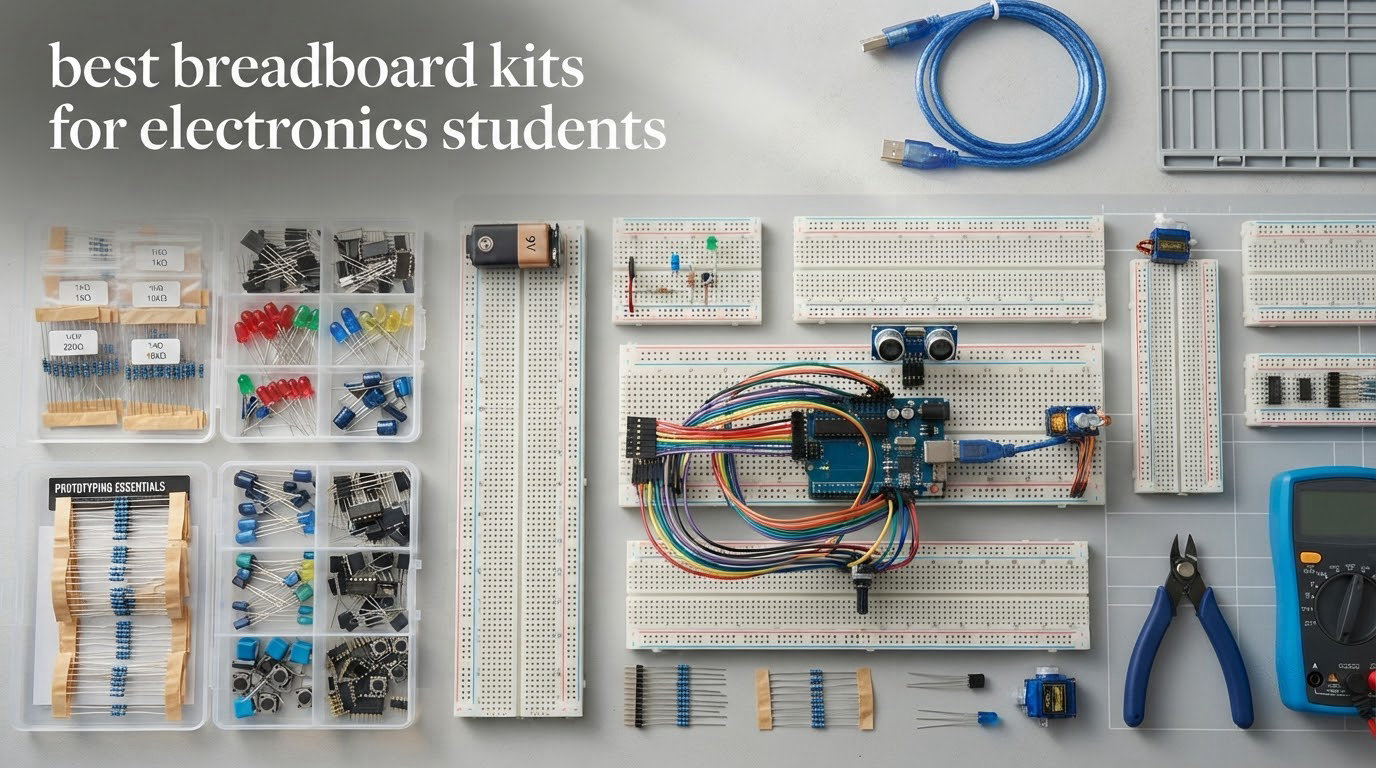
There is a specific moment in every electronics course where a student stops watching and starts building. It is not when the first LED blinks on a video. It is the afternoon a breadboard arrives, four resistors and two LEDs get pushed into the holes, and for the first time a circuit they designed actually runs. Getting the best breadboard kits for electronics students right at that moment matters more than any spec sheet, because the board is the tool they will use every week for the rest of the program.
The problem is that most kits on the market are sold to parents buying for children. They arrive with a 400-point half-size board, twenty jumper wires and a printed sheet of near-identical projects. Electronics students outgrow that within a term. A 2012 study of undergraduate students using home experiment kits found the same shortcoming repeated in its own data: the breadboard included with the kit was too small to fit the more complicated circuits students wanted to build.
We compared twelve solderless kits for this roundup, weighing them on three things the marketing pages rarely mention: how many tie points the board actually has, what power hardware is in the box, and whether the component list teaches anything or just fills a tray. The 2026 lineup below covers everything from a low-cost component bundle to a full Arduino platform with a controller board, so you can match the kit to the course you are taking rather than to the price you want to pay.
Table of Contents
Top 3 Picks for Best Breadboard Kits for Electronics Students (October 2026)
Three kits pull ahead of the field, and they win for very different reasons. The ELEGOO UNO R3 Project Super Starter Kit is the only one that ships with a working microcontroller, so a student can go from a resistor to a coded project without a second purchase. The REXQualis Electronics Component Fun Kit is the value pick: an 830-point board, more than 400 components and a labelled case at a fraction of the platform cost. The ELEGOO Electronic Fun Kit Bundle is the cheapest credible entry point for a student who only needs passive and discrete parts.

ELEGOO UNO R3 Super Starter Kit
- 830-class breadboard with power module
- UNO R3 controller included
- 22+ guided projects
- 65 jumper wires

REXQualis 830-Point Fun Kit
- 830 tie-point board
- 400+ components
- Power module with USB cable
- Labelled storage case

ELEGOO 235-Part Fun Kit
- 235 labelled components
- 400-tie-point breadboard
- 3.3V/5V power rails
- 74HC595 and 4N35 included
Best Breadboard Kits for Electronics Students (October 2026)
Every kit below includes a solderless breadboard. What separates them is board size, power hardware, and component depth. Read the tie-point count first, because it decides what you can physically fit on the board.
| Product | Specifications | Action |
|---|---|---|
| ELEGOO UNO R3 Project Super Starter Kit |
|
Check Latest Price |
| REXQualis Electronics Component Fun Kit |
|
Check Latest Price |
| ELEGOO Electronic Fun Kit Bundle |
|
Check Latest Price |
 REXQualis Electronics Basic Kit REXQualis Electronics Basic Kit |
|
Check Latest Price |
 BOJACK 480 Pcs 37-Value Component Kit BOJACK 480 Pcs 37-Value Component Kit |
|
Check Latest Price |
 BOJACK Breadboard and Jumper Assortment BOJACK Breadboard and Jumper Assortment |
|
Check Latest Price |
 ELEGOO Upgraded Electronics Fun Kit ELEGOO Upgraded Electronics Fun Kit |
|
Check Latest Price |
 Miuzei Electronics Component Kit Miuzei Electronics Component Kit |
|
Check Latest Price |
 QLOUNI 1530-Piece Electronics Lab Set QLOUNI 1530-Piece Electronics Lab Set |
|
Check Latest Price |
 Dixseplu Multi-Size Breadboard Set Dixseplu Multi-Size Breadboard Set |
|
Check Latest Price |
 minidodoca Upgraded Component Fun Kit minidodoca Upgraded Component Fun Kit |
|
Check Latest Price |
 ALLECIN Jumper Wire and Breadboard Kit ALLECIN Jumper Wire and Breadboard Kit |
|
Check Latest Price |
1. ELEGOO UNO R3 Project Super Starter Kit: Best Overall for Electronics Students
ELEGOO UNO R3 Project Super Starter Kit with PDF Tutorial for Beginners
UNO R3 controller
Breadboard with power module
22+ guided projects
65 jumper wires
1.2 pounds
Pros
- Only kit here with a working microcontroller in the box
- 22+ lesson PDF tutorial with example code
- Breadboard power module rated to 9V input
- Component list printed on the inside cover
- Very large review base across real builds
Cons
- UNO R3 runs out of input and output pins on large projects
- Tutorial documentation is Windows-first for IDE setup
- Occasional reports of a dead power rail or missing small parts
This is the kit we recommend to a student who has a course that involves code and not just circuits. The UNO R3 controller is the reason. Everything else on the list is a pile of passive parts that sit inert until something tells them what to do, and this is the only kit in our comparison where that something is included.
The component list is unusually broad for a starter platform: an LCD1602 with a pre-soldered header, ultrasonic and DHT11 sensors, a joystick module, an IR receiver and remote, an SG90 servo, a stepper motor with ULN2003 driver, a relay, a DC motor with fan blade, a 74HC595 shift register, a PN2222 transistor, a 1N4007 diode, 120 resistors and 65 jumper wires. Reviewers consistently single out the fact that a beginner can finish a project without ordering a single extra part.
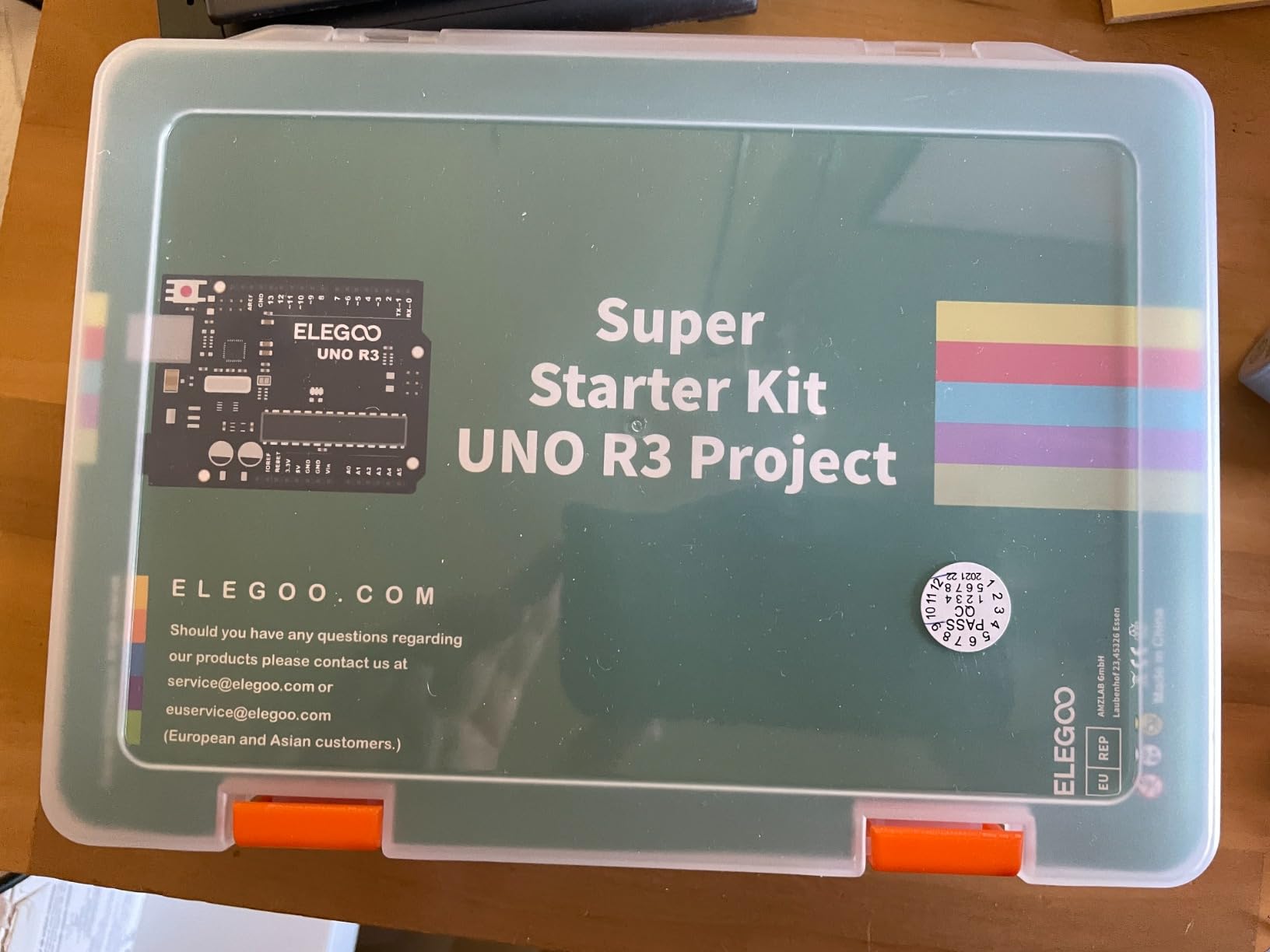
The lesson material is the quiet strength. It runs through 22 guided projects covering digital input and output, analog sensing, timing, motor control and displays, and each one includes example code you can modify rather than copy. That matters more than the hardware in a first term, because it teaches the habit of changing a threshold and watching what happens.
Setup guidance tells you to select the UNO board and the right port, check component polarity, and keep the power module input at 9V or below. Worth noting for anyone who already knows some of this: the documentation assumes Windows for IDE setup and leaves Mac configuration largely to you.
Who This Kit Suits
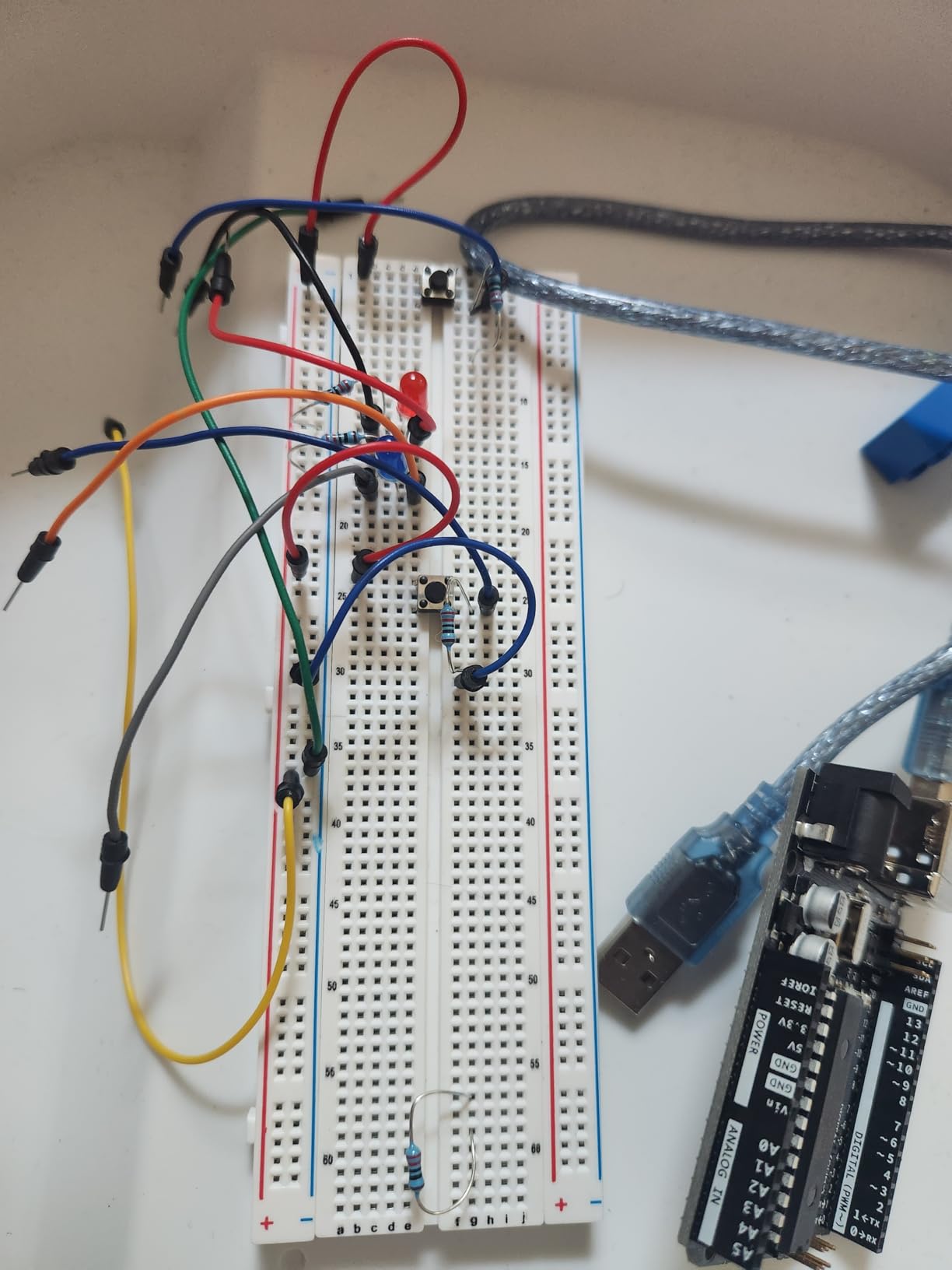
A student taking a microcontroller course, a robotics club member, or a beginner who wants one purchase that covers a full term of work. If your goal is embedded C practice, sensor interfacing or any project with an Arduino IDE step, this is the kit that removes the most friction. It is also the natural first purchase for a homeschool or STEM classroom setup because the tutorial gives you a syllabus.
Who Should Skip It
Skip it if you are studying analog electronics only, or if you already own a microcontroller board and want a parts tray instead. The UNO R3 has a limited pin count, so a project with several sensors plus displays will push you toward a shift register or a larger board sooner than you expect. Anyone on a tight budget who has no plan to code should start with a components kit and add a board later.
2. REXQualis Electronics Component Fun Kit: Best Value 830-Point Kit
REXQualis Electronics Component Fun Kit w/Power Supply Module, Jumper Wire, 830 tie-Points Breadboard, Precision Potentiometer,Resistor Compatible with Arduino, Raspberry Pi, STM32
830 tie-point breadboard
400+ components
Power module with USB cable
Labelled case
Pros
- Full-size 830 tie-point board at a low price
- More than 400 components across many categories
- Power module with USB cable is rarely included elsewhere
- Each part bagged and labelled in a sturdy box
- Breadboard tie points grip leads firmly
Cons
- No controller board
- so a separate purchase is required
- Documentation is a website download rather than printed material
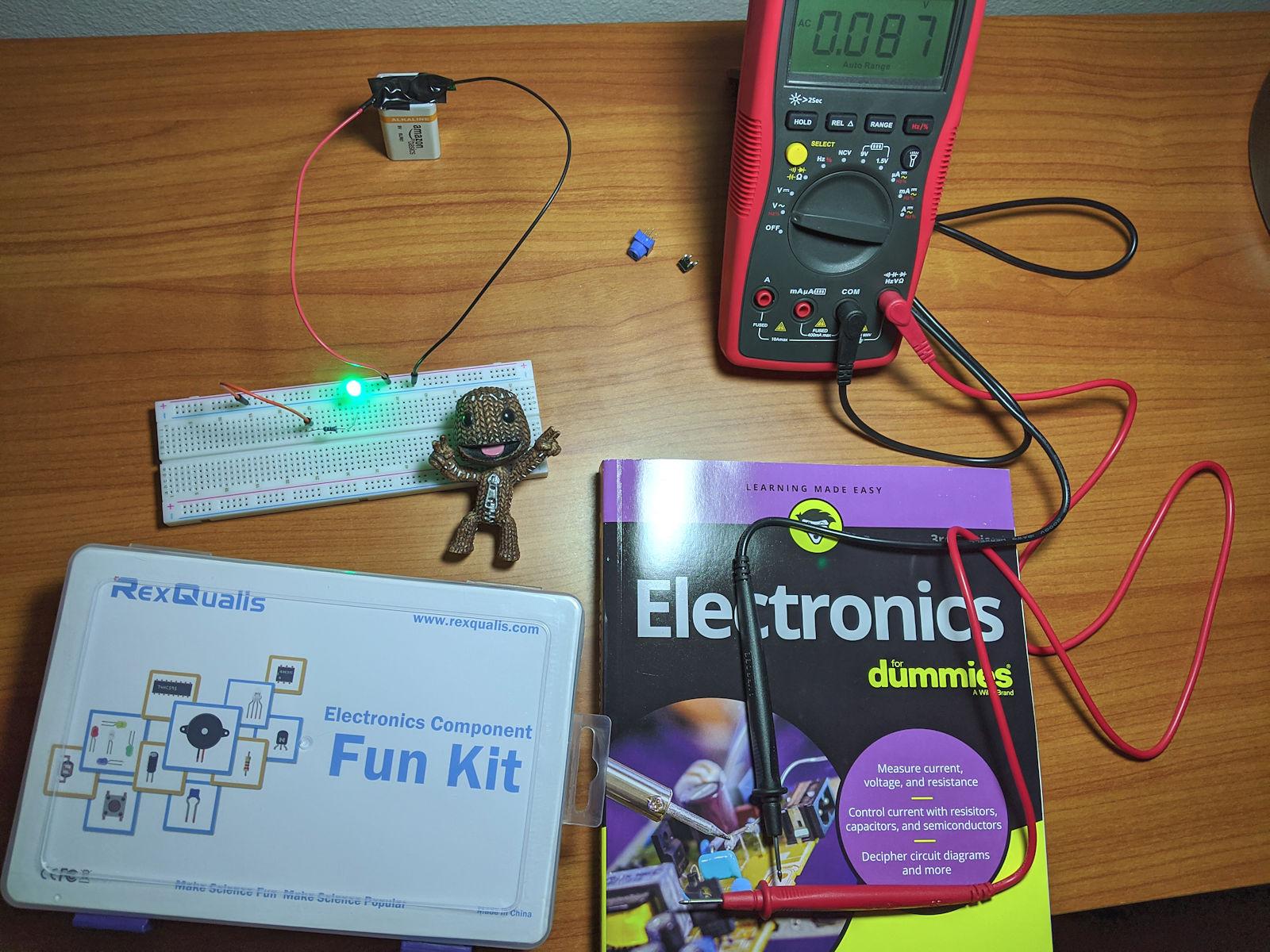
This is the kit we hand to a student who is already sure they want electronics but has not yet decided which microcontroller they will use. The board is the reason it wins: a full-size 830 tie-point layout, which clears a 14-pin or 16-pin DIP IC instead of stranding you on a half board.
The rest of the box is more than 400 components, and the packaging is the detail reviewers notice most. Resistors, LEDs, transistors and integrated circuits are individually packaged and labelled in a sturdy case, so when you misplace a 1k ohm resistor in the middle of a late build you can find a replacement in seconds. That organization pays for itself over a four-year degree.
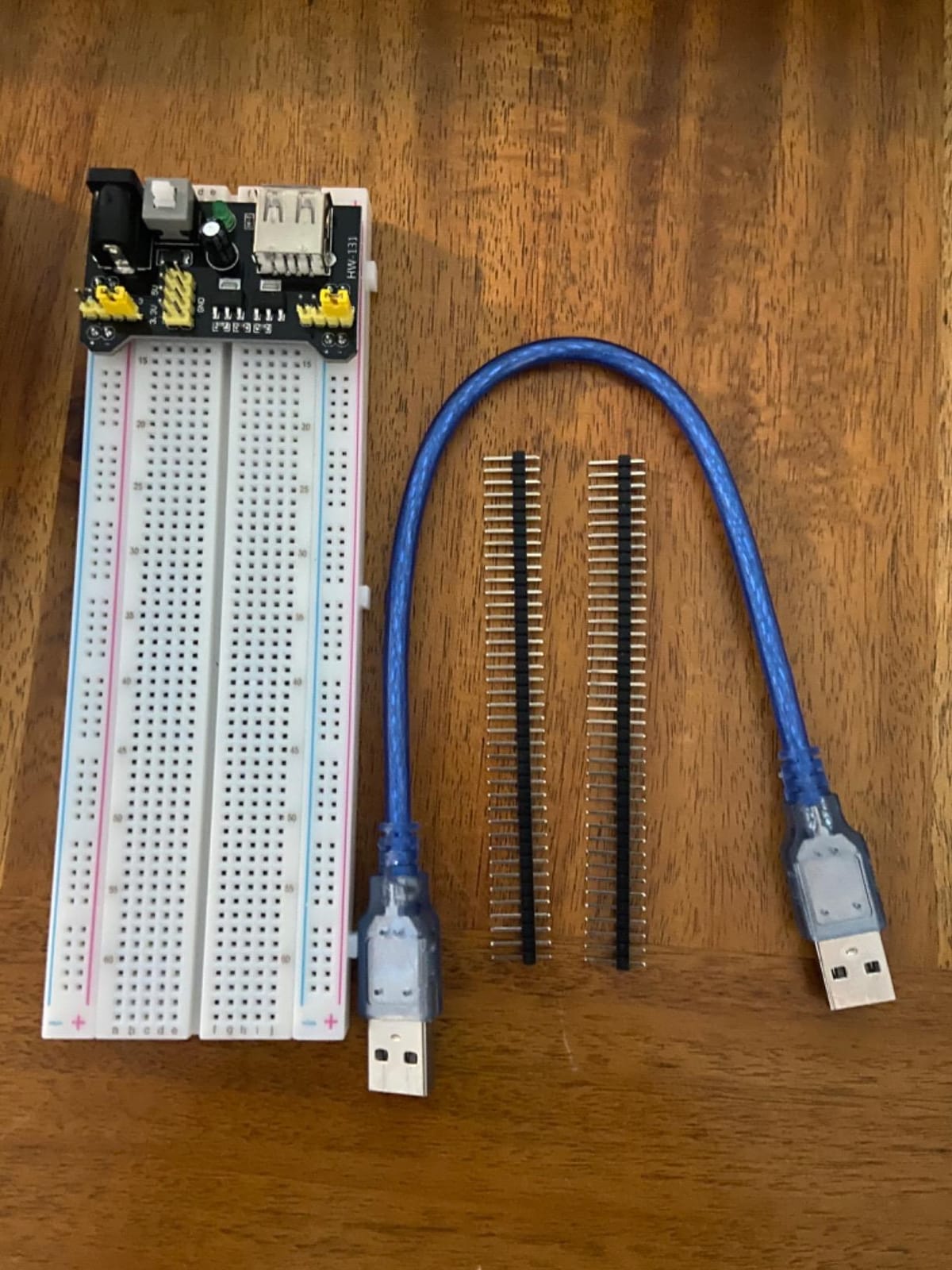
It also includes a breadboard power supply module with a USB power cable, a component several manufacturers leave out entirely. The module feeds the rails directly and removes the need for a battery or a wall adapter during early discrete-circuit work.
Datasheets and tutorials are downloadable from the manufacturer site rather than printed in the box. Datasheet and tutorial are available to download from the manufacturer website or you can contact their customer service, so plan to have a laptop nearby when you start.
Who This Kit Suits
A first-year student building a personal bench, or anyone who wants to do discrete and analog work without committing to a controller platform. It pairs well with an Arduino, a Raspberry Pi or an STM32 board since it works with all three, and the 830-point surface gives you room for op-amp exercises, transistor switching and 555 timer circuits.
Who Should Skip It
Skip it if you want a single box that also teaches you to code. The controller board is explicitly not included, so budget for one separately. The download-based documentation also suits a self-motivated student better than one who wants a printed guide to follow step by step.
3. ELEGOO Electronic Fun Kit Bundle: Best Budget Breadboard Kit
ELEGOO Electronic Fun Kit Bundle with Breadboard, 235 Items for Arduino
235 labelled components
400-tie-point board
3.3V and 5V rails
7.4 ounces
Pros
- Wide component range at a very low entry point
- Resistors are labelled
- which many kits omit
- Tie points grip wires and component leads firmly
- Inside-lid component chart and online documentation
Cons
- 400-point board gets crowded on complex builds
- Board is in three sections with a self-adhesive pad
- No controller board
- cable or wall adapter
This is the cheapest kit here that still teaches something specific rather than just supplying parts. The component set includes a 74HC595 shift register to expand your output count, a 4N35 optocoupler for exploring signal isolation, PN2222 transistors for switching loads and 1N4007 diodes for polarity protection. Each of those is a lesson in itself.
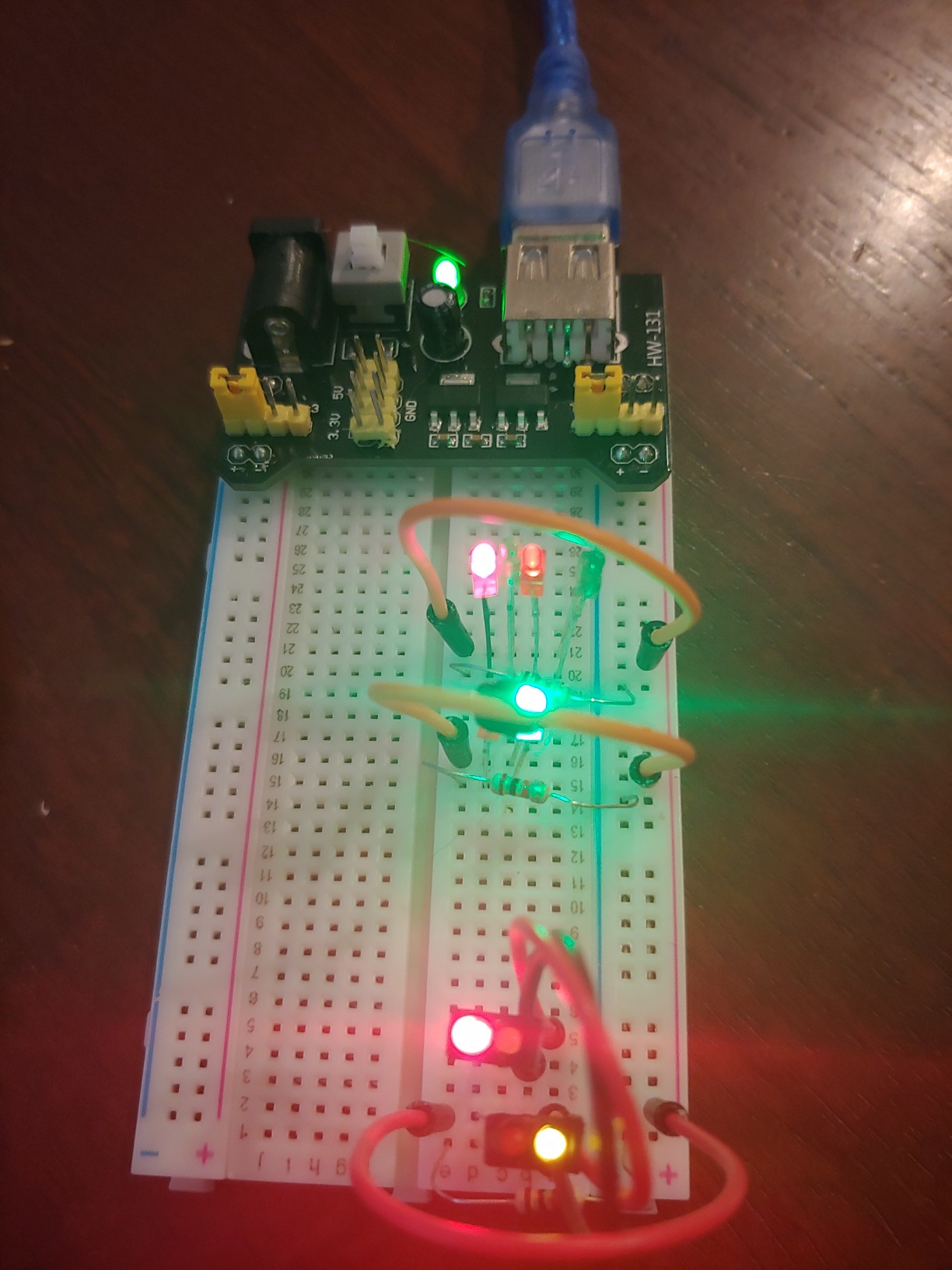
The board is 400 tie points, and that is the single compromise you accept here. It handles LED indicators, button inputs, traffic-light sequences, light-activated circuits and buzzer alarms without trouble. It will not comfortably seat a 16-pin DIP, and reviewers regularly note it becoming crowded on more complex builds.
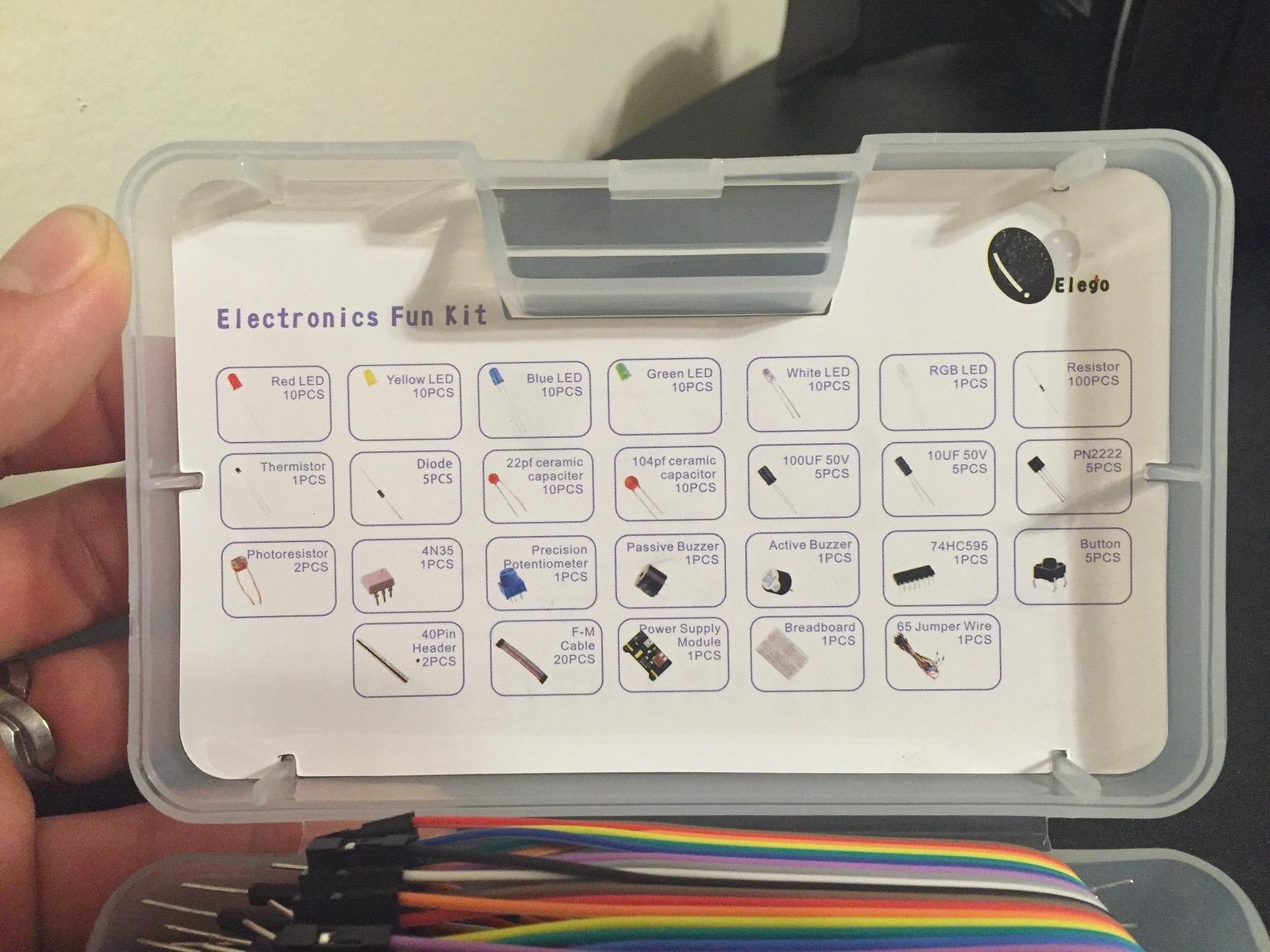
The power module offers selectable 3.3 V or 5 V rails, which is genuinely useful when you start mixing logic levels. Use a suitable 6.5-9V DC input and do not exceed 9V on this module.
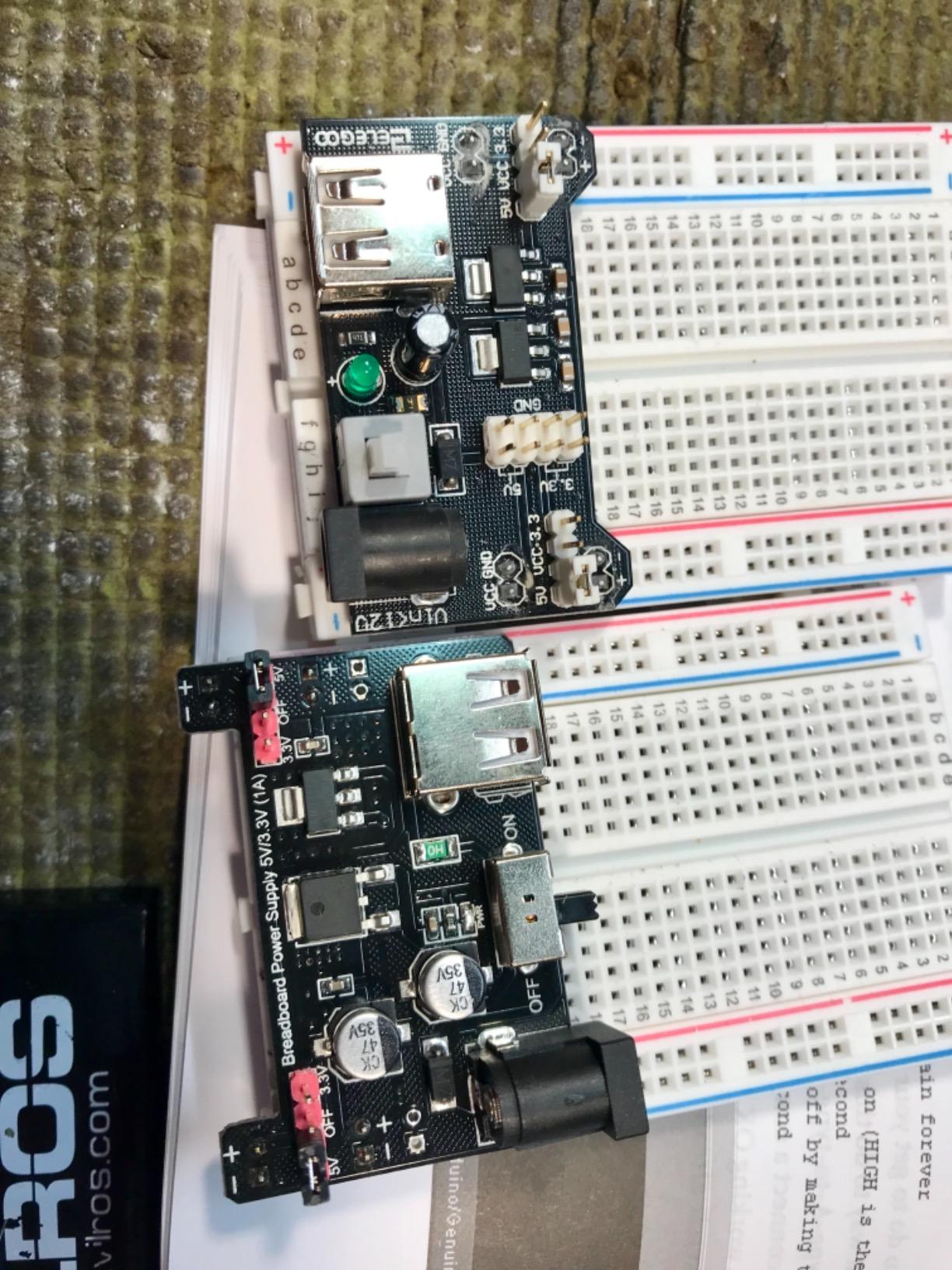
The most common complaint in reviews is the absence of kit-specific beginner instructions. Several buyers went looking for a printed tutorial and found that the website material did not match this exact kit. There is an inside-lid component chart that helps, and a manual covering the parts became available later, but plan to learn from schematics and component datasheets here.
Who This Kit Suits
A student working strictly from theory to circuit, who wants transistor, diode and optocoupler experiments at minimum cost. It is also a good second kit because the component types overlap only partly with a starter platform, so you are adding new part families rather than duplicates. Teachers running a low-cost intro lab will find the labelled resistors genuinely useful.
Who Should Skip It
Skip it if your coursework includes integrated circuits with more than 8 pins, or if your project list includes anything with a microcontroller and several sensors. The board is also built in three sections with a large self-adhesive pad underneath, which limits how you can expand it later.
4. REXQualis Electronics Basic Kit: Best Breadboard Kit for Raspberry Pi Projects
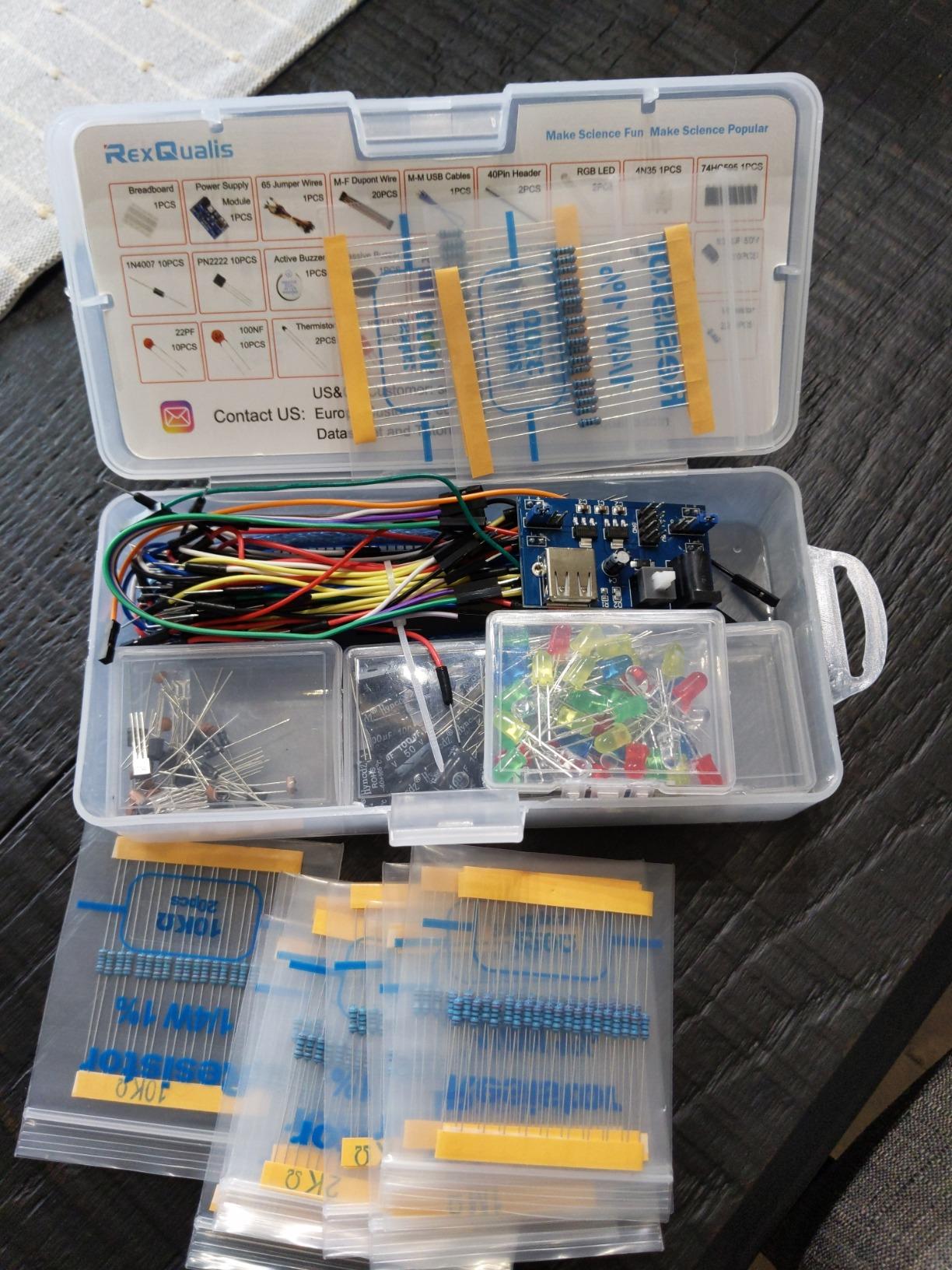
REXQualis Electronics Basic Kit w/Power Supply Module, Breadboard, Jumper Wire, LED,Resistor, comes with more than 300pcs sensors and components for fun and simple electronic projects.
300+ components
Power module with USB cable
Labelled component storage
3 pounds
Pros
- Over 300 labelled components at a low entry price
- Individually packaged parts in a sturdy case
- Breadboard power module with USB cable included
- Lists both Arduino and Raspberry Pi as compatible devices
Cons
- No controller board included
- Datasheets and tutorials must be downloaded
- Documentation is thinner than dedicated starter kits
Where the previous REXQualis kit leads on board size, this one leads on being the smaller, lighter sibling that still lists Raspberry Pi as a supported device. If your projects are Python-driven rather than C-driven, the part set works the same way and the box is easier to carry to a lab.
You get more than 300 components, individually packaged and labelled, plus the same breadboard power supply with USB cable. Compatibility is listed for both Arduino and Raspberry Pi, which is the reason this kit earns its place on a student shortlist at all.
Reviewers treat this less as a course kit and more as an expansion pack for a bench that already has a board and a controller. That is an honest read of the product. It gives you parts to populate existing circuits rather than a guided path through them.
Documentation is the weak point. The datasheet is downloadable from the manufacturer site, and the tutorials are less detailed than what a dedicated starter kit provides. If you are the kind of student who learns by following a numbered sequence of projects, pick a kit with printed or well-structured lesson material instead.
Who This Kit Suits
A student running Python-based hardware projects on a Raspberry Pi who needs a broad discrete component supply. The labelled packaging and sturdy box make it a good shelf-stable parts kit for a shared lab or a student room where parts get borrowed. It also works well as a second box alongside a microcontroller platform.
Who Should Skip It
Skip it as a first purchase if you need guidance. There is no controller and no structured course content, so a complete beginner will be sorting parts without a roadmap. Anyone whose circuit list is IC-heavy should note that this kit does not advertise a full-size board the way the 830-point version does.
5. BOJACK 480-Piece 37-Value Component Kit: Best Component Depth on an 830 Board
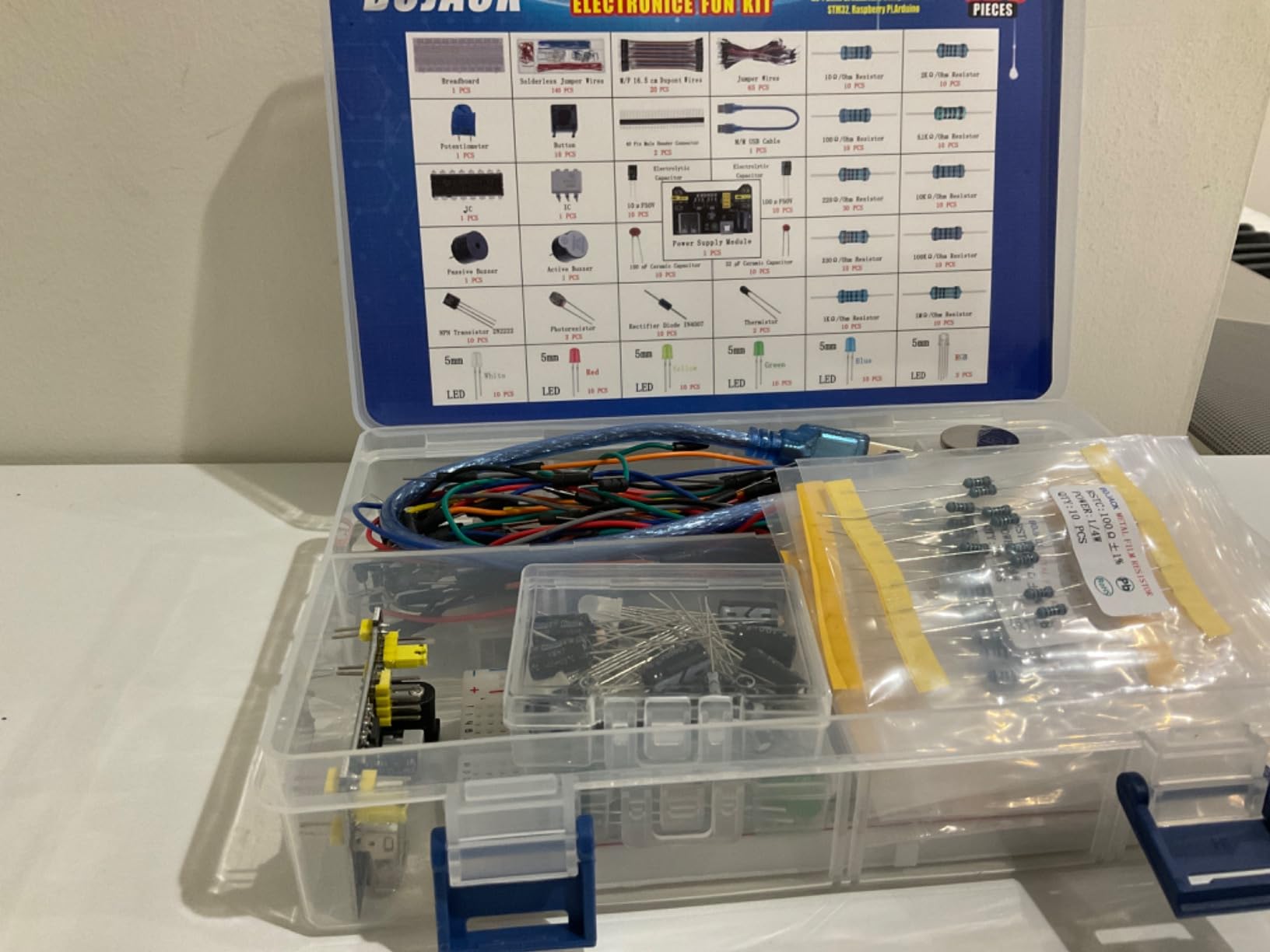
BOJACK 37 Values 480 Pcs Electronics Component Fun Kit with Power Supply Module, Jumper Wire,Precision Potentiometer,830 tie-Points Breadboard Compatible with STM32,Raspberry Pi,Arduino
480 pieces across 37 values
830 tie-point breadboard
Power module and USB cable
Pros
- 480 pieces spanning 37 component values in one box
- Transparent box with clear labels for fast part finding
- Power module and USB data cable included for immediate use
- Parts plug straight into the board with no soldering
- Works with Arduino / Raspberry Pi / STM32
Cons
- No controller board included
- Documentation is limited compared with dedicated starter kits
This kit pairs a full-size 830 tie-point board with one of the widest component assortments at the mid-budget level. 37 values across 480 pieces is enough breadth that you can build comparative circuits, not just repeat the same one: several resistor values to test Ohm’s law properly, multiple semiconductor types, and a range of indicators.
Storage is handled well. Each component is classified, packaged and placed in a transparent box with clear labels, so you can see what is missing at a glance. For a student who loses parts constantly, that is worth more than another 100 resistors.
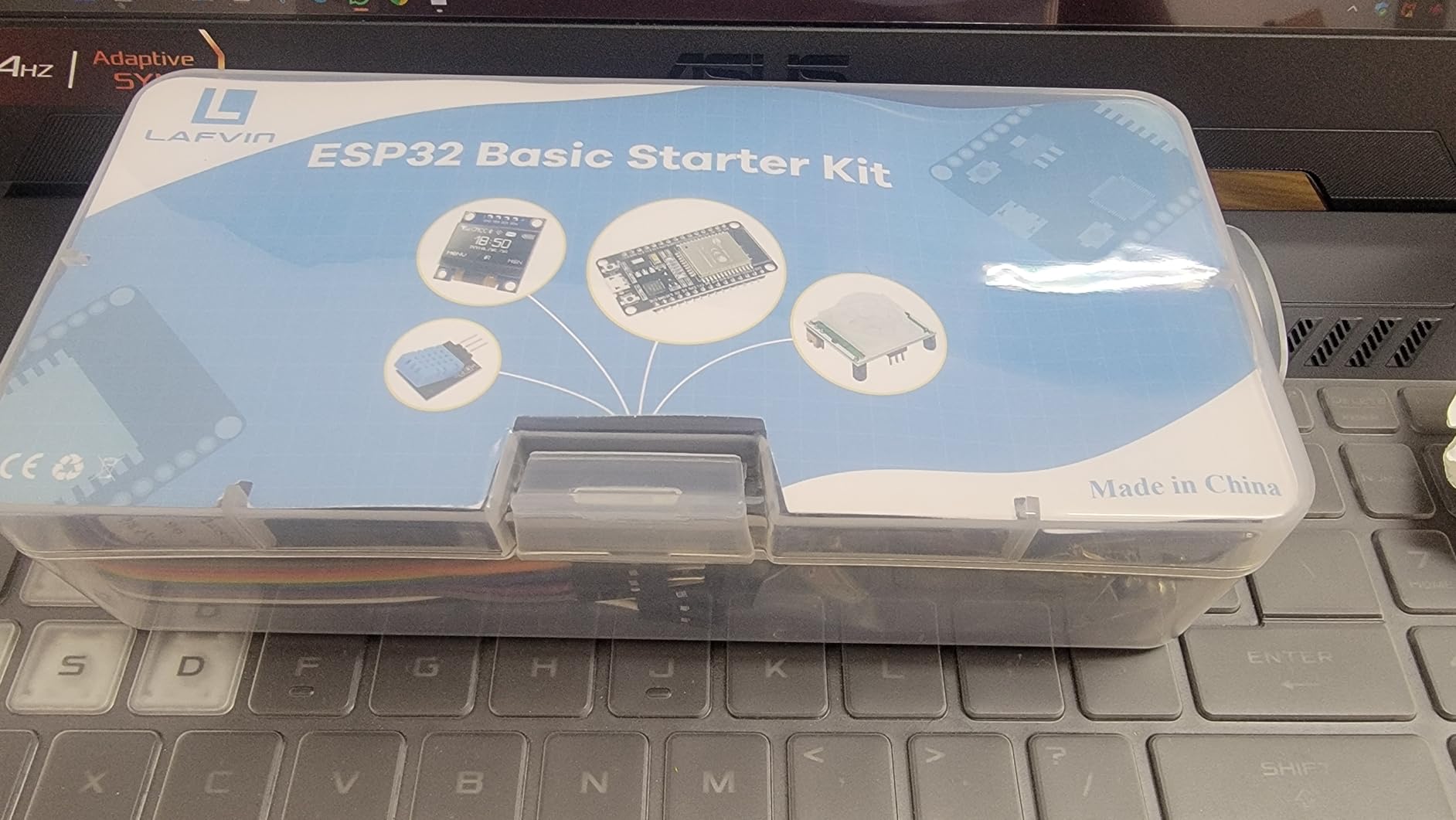
The power module and USB data cable are included, and the components can be plugged directly into the board with no soldering. That combination means you can go from opening the box to a working circuit without buying anything else beyond a controller.
Compatibility is listed across STM32, Raspberry Pi and Arduino, so the same parts tray serves whichever platform your course uses. The limitation reviewers mention most is documentation, which does not approach the guided material of a dedicated starter kit.
Who This Kit Suits
A second-year student who has already built their first circuits and now needs quantity across many values. It suits lab work where each student builds a slightly different design, and it suits anyone teaching an electronics course who needs a component supply that can be shared around a room without losing parts.
Who Should Skip It
Skip it as an absolute first kit. With no controller and thin documentation, a beginner will face 480 parts before learning what any of them do. If you want guided projects, choose a platform kit instead and use this one to restock later.
6. BOJACK Four-Board Breadboard and Jumper Assortment: Best Breadboard Set for a Shared Bench
BOJACK 3 Values 130 Pcs Solderless Breadboard 4 Pcs 830 Tie Points & 400 Tie Points & 126 Pcs Flexible Breadboard Jumper Wires
Four boards in 830 and 400 sizes
126 flexible jumper wires
Spliceable boards
Pros
- Boards splice together to build larger working surfaces
- Colour coding makes board structure readable at a glance
- Tin-plated phosphor bronze contacts for reliable connections
- 126 flexible jumper wires cover a wide range of needs
Cons
- Breadboards are plain and need separate components
- Entry-level contact tension can feel lighter than premium boards
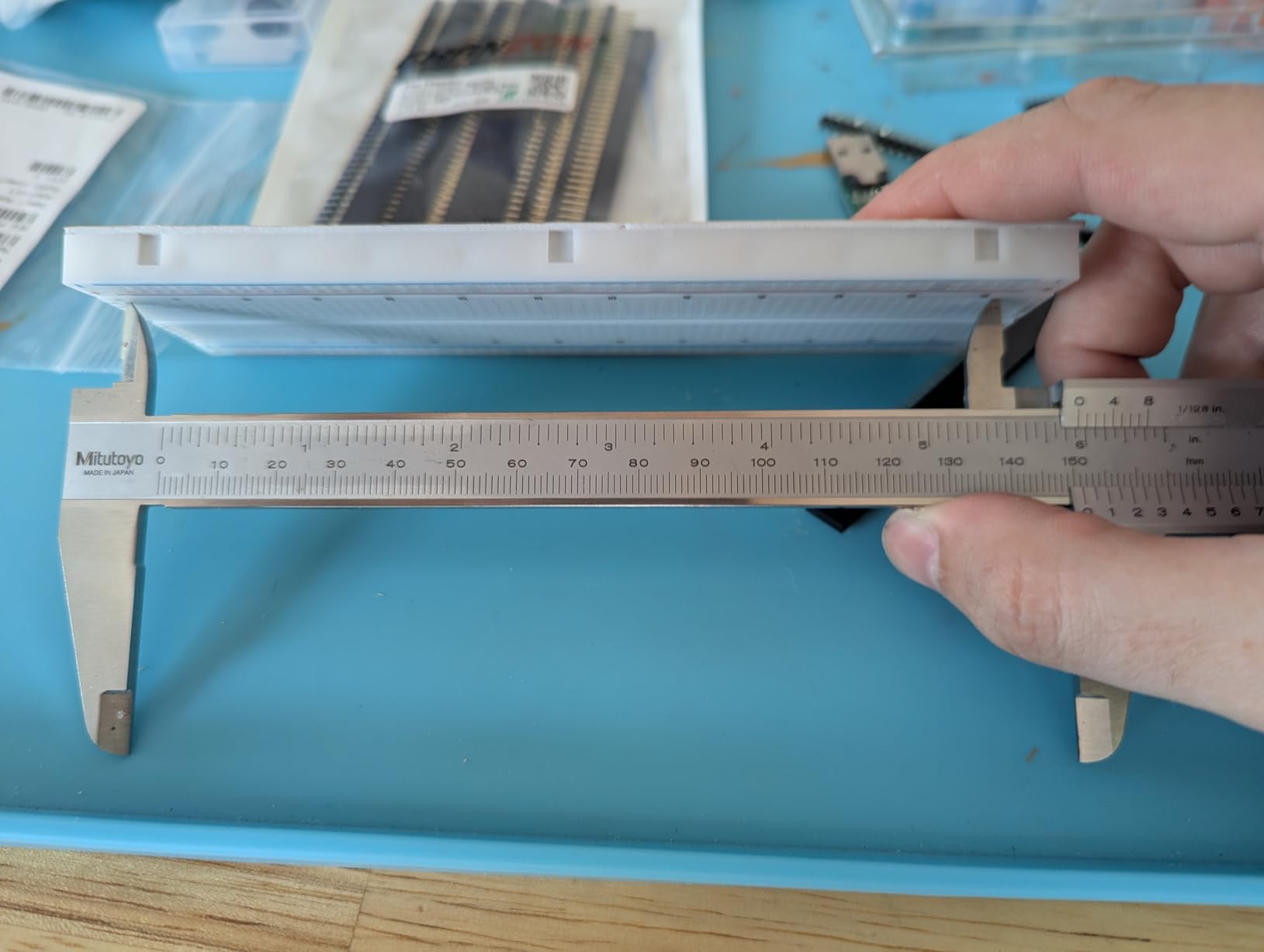
This is the only entry in the comparison that is boards rather than a parts kit, and that makes it the right answer for a specific job: outfitting a study group, a lab bench or a club room where several people need their own surface. You get four boards, two at 830 tie points and two at 400, so every person in a group can have the size their circuit needs.
The splicing feature is the part we would highlight. The boards can be joined end to end according to the unit, and the colour-coded structure makes the internal layout obvious once you join them. That turns two half-sized work areas into one large prototyping field.
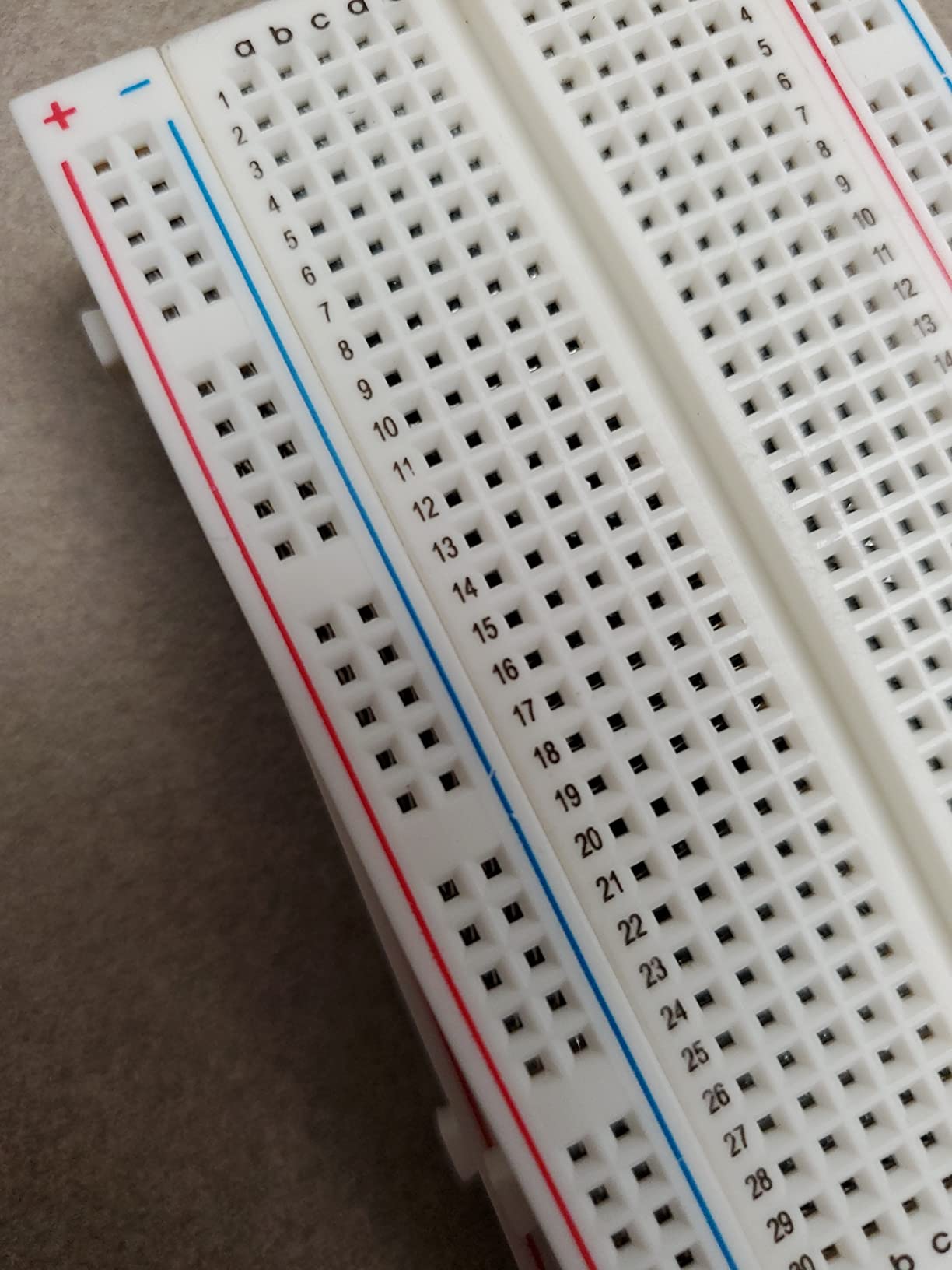
Construction is stated plainly: an ABS plastic panel with a tin-plated phosphor bronze contact sheet. Those are the two materials that matter on any breadboard, because the contact alloy determines whether a lead sits firmly or wiggles after a few months of use.
You also get 126 flexible jumper wires, which is more wire than most single-board kits include. Note that this is a bundle and not a component kit: you will need to source resistors, LEDs and any semiconductors yourself, and reviewers consistently describe the boards as dependable rather than premium in feel.
Who This Kit Suits
Lab technicians, club officers and students sharing a bench. It is also the sensible upgrade once you own a component kit and find yourself reworking the same board between classes. Two full-size boards plus two half boards cover a two-person team with room to spare.
Who Should Skip It
Skip it if you have not built a circuit yet. A board with no components teaches nothing on its own, and the contact tension on entry-level boards is lighter than on premium boards, so a beginner will fight the holes more than they need to. Buy parts alongside it or pair it with one of the component kits here.
7. ELEGOO Upgraded Electronics Fun Kit: Best Step Up From a Half-Size Board
ELEGOO Upgraded Electronics Fun Kit w/Power Supply Compatible with Arduino
830-point breadboard
300+ components
3.3V and 5V rail selection
Pros
- Larger 830-point board gives room for ICs and multi-stage circuits
- Over 300 parts spanning passives semiconductors and indicators
- Power module offers selectable 3.3V and 5V rails
- Includes 74HC595
- 4N35 and PN2222 for component study
Cons
- No controller board
- programming cable or wall adapter
- Tutorial and wiring guidance are digital only
This is the same component philosophy as the budget ELEGOO bundle, moved onto a full-size board. If you have already worked through a 400-point kit and hit the wall where multi-stage circuits stop fitting, this is the direct answer, and it is the cheapest path on our list from a half board to an 830-point surface.
Over 300 components cover LEDs, resistors, capacitors, diodes, transistors, buttons and buzzers. The teaching parts are the same useful set: a 74HC595 to expand outputs, a 4N35 for signal isolation, PN2222 transistors for switching compatible loads and 1N4007 diodes for polarity protection and rectification.
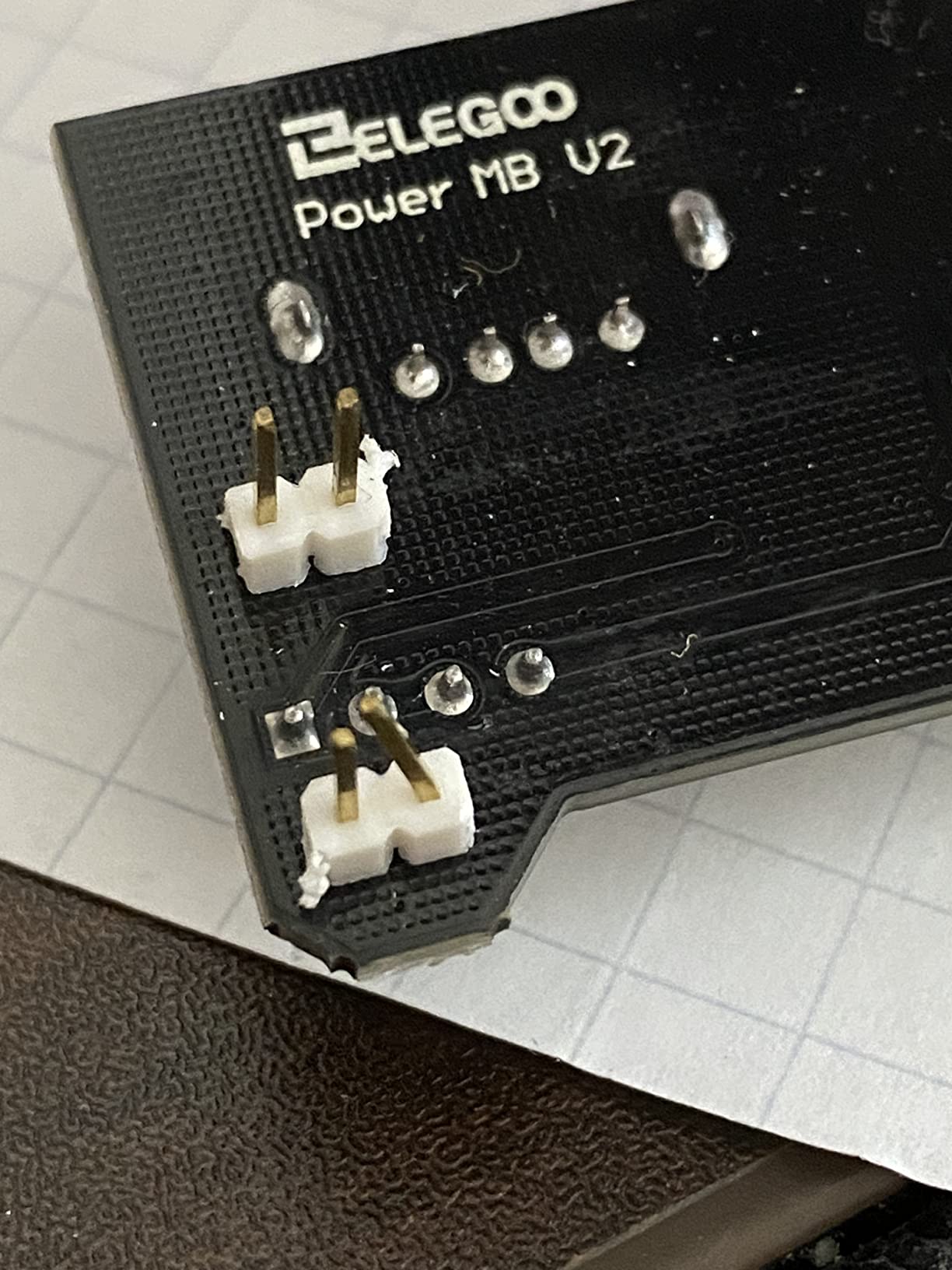
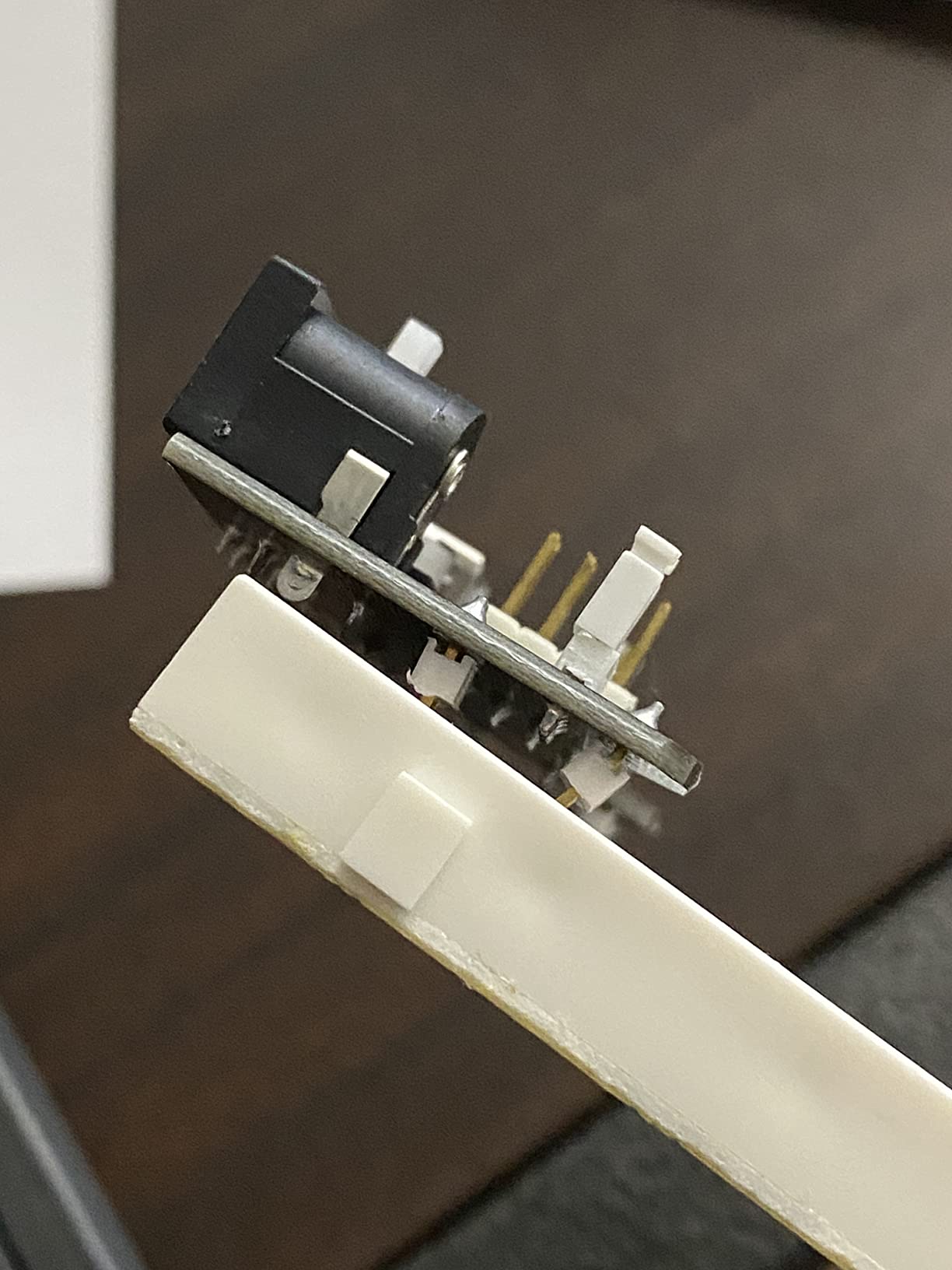
The power module gives selectable 3.3 V and 5 V rails, and reviewers specifically note the extra board space as the reason to move up. That space is what lets you keep an IC powered, its decoupling capacitor placed, and its inputs connected without rearranging everything.
Documentation is digital only, with no printed booklet in the box. Use a suitable 6.5-9V DC input on the power module and do not exceed 9V. As with the other components kits here, a controller board, programming cable and wall adapter are separate purchases.
Who This Kit Suits
Students who started on a 400-point board and now need ICs and multi-stage circuits. It also suits anyone building timer circuits, logic exercises or sequential circuits where the extra columns make the difference between a readable build and a tangle.
Who Should Skip It
Skip it if you are buying your first kit and want guidance, since there is no printed material and no controller. If your future circuit list does not include integrated circuits, the 400-point bundle does the same job with less board and less money.
8. Miuzei Electronics Component Kit: Best Breadboard Kit for First-Year Labs
Miuzei Electronics Component Kit with Breadboard Compatible with Arduino
400+ labelled components
USB power cable included
Sturdy storage box
Pros
- Over 400 labelled and individually packaged components
- Breadboard kit includes a USB power cable often sold separately
- Broad accessory selection gives beginners many project starting points
- Datasheet and tutorial available for download
Cons
- No controller board included
- Tutorial must be downloaded rather than supplied in print
- Part-count labeling across listings can be inconsistent
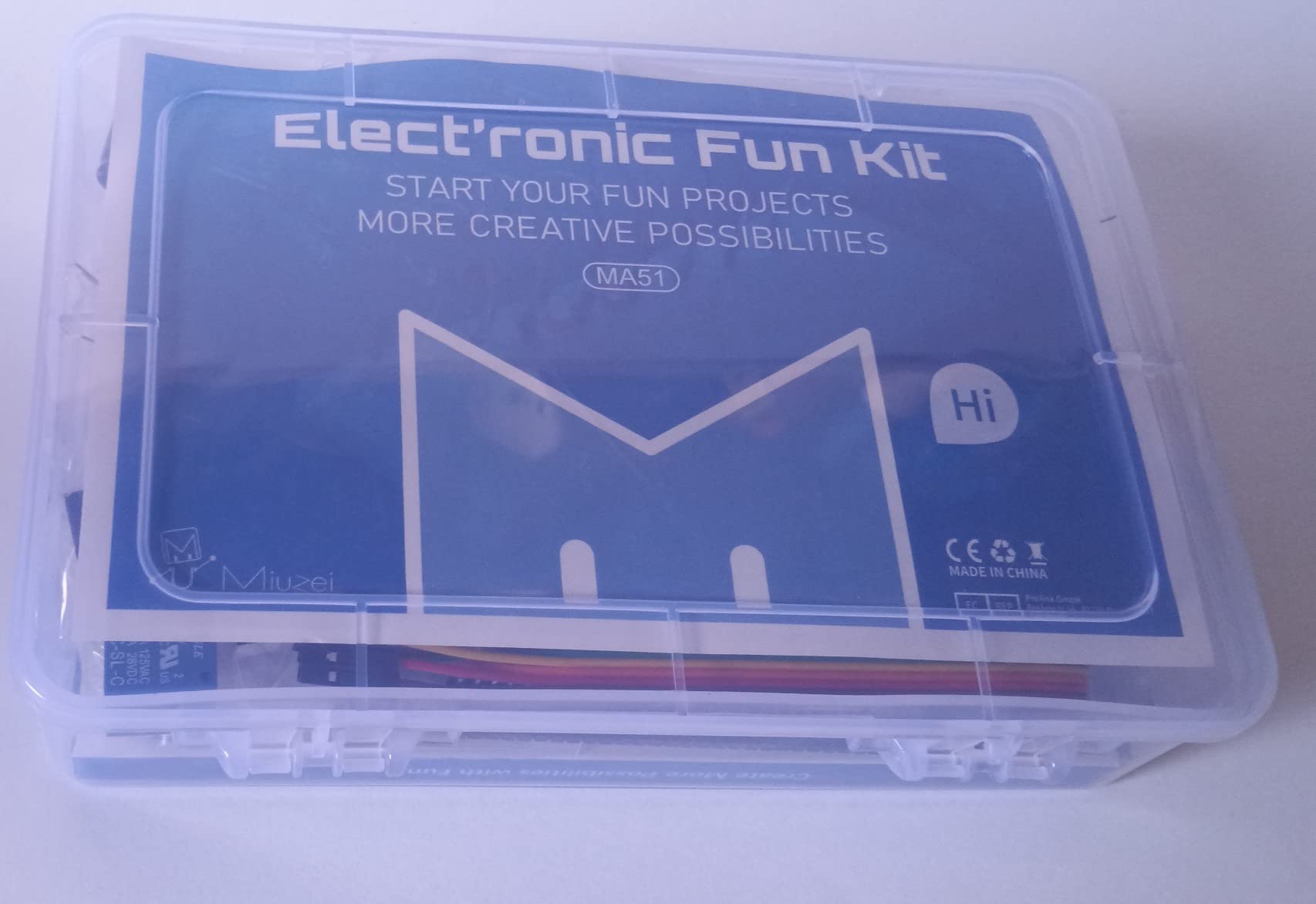
This is a straightforward component kit built for someone who wants breadth on a shelf rather than a guided sequence in a box. Over 400 sensors and components are included, with LEDs, resistors, buttons, capacitors, transistors, diodes and integrated circuits individually packaged and labelled in a sturdy case.
The USB power cable in the breadboard kit is the detail worth calling out. It is a simple part that many manufacturers omit from otherwise similar kits, and it means you can power a board from a laptop or a USB supply without sourcing a barrel jack adapter of your own.
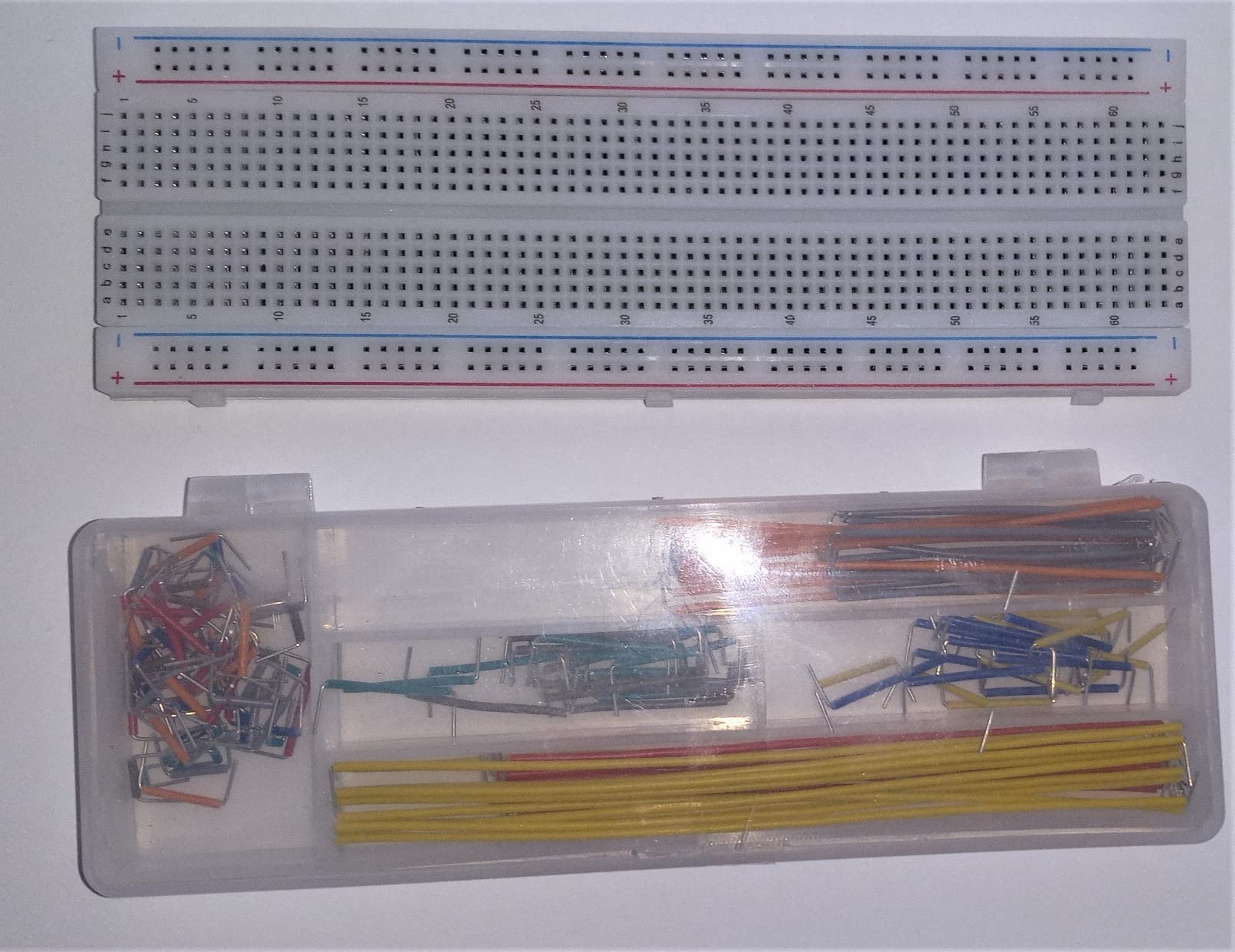
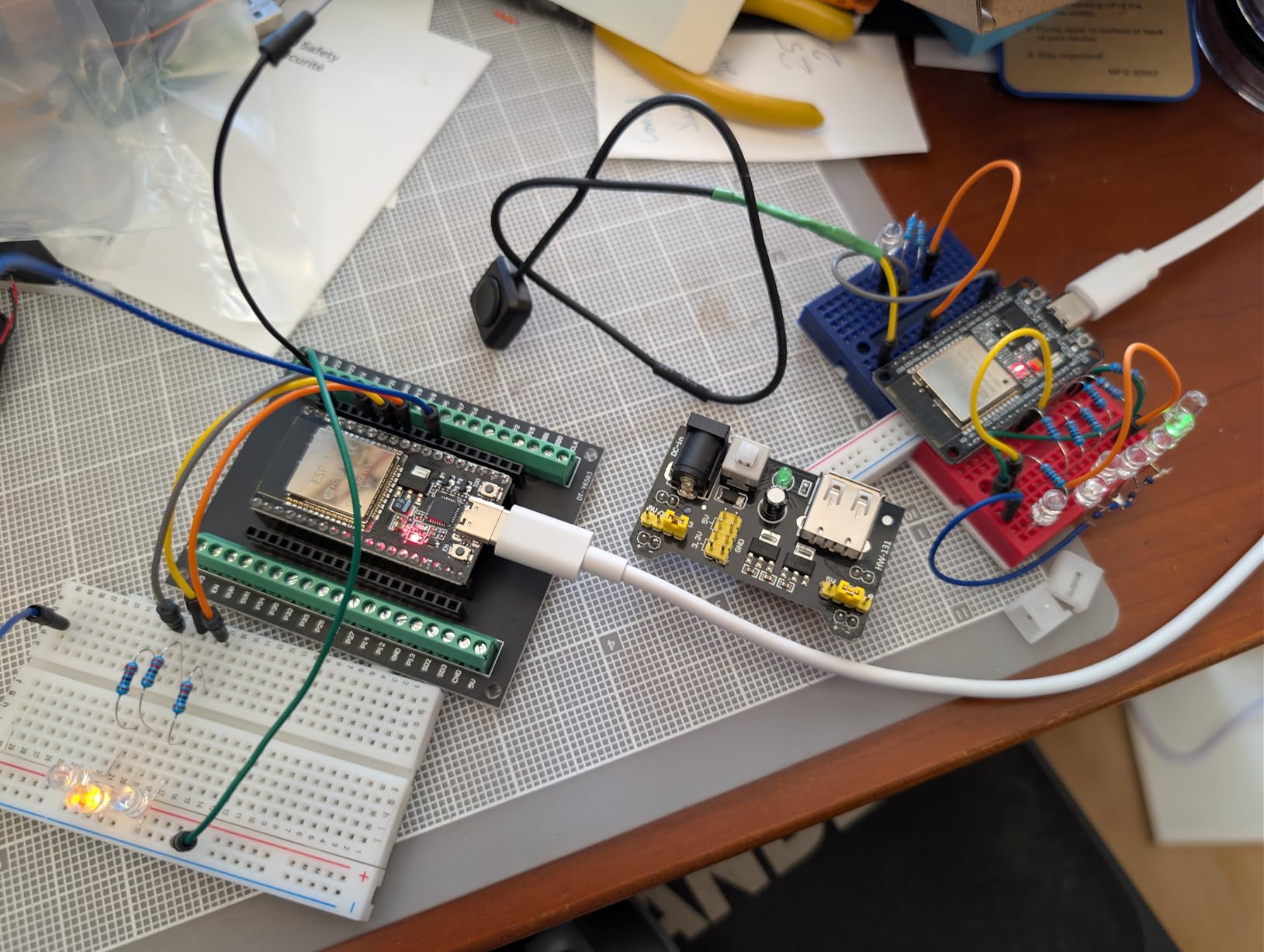
Reviewers describe it as a well-organized starter expansion kit, which is an accurate summary. It gives a beginner many project starting points, and the datasheet and tutorial are downloadable from the manufacturer site rather than printed.
The controller board is not included, so you need a separate platform for coded work. And part-count labeling across listings can be inconsistent, so check the current listing against the contents chart before you order a specific quantity. The stated warranty period is short, which is another reason to keep the case intact and the labels legible.
Who This Kit Suits
Students running first-year lab sessions where each circuit is built once, dismantled, and rebuilt with different parts. The labelled organization is the deciding factor in a shared lab, because a missing part costs minutes instead of an hour. It also works as a restocking kit once your initial component supply runs down.
Who Should Skip It
Skip it if you need a full-size board, since the advertised board size here is on the smaller side of what we consider comfortable for DIP work. Also skip it if inconsistent part labeling between listings would bother you, which it should if you are ordering in bulk for a class.
9. QLOUNI 1530-Piece Electronics Lab Set: Best Breadboard Kit for Lab-Level Part Depth
1530Pcs Electronics Component Kit – Electronics Lab Starter Set 830-Tie Breadboard, Metal-Film Resistors, Ceramic & Electrolytic Capacitors, LEDs, Diodes, Transistors, Dupont & Jumper Wires
1530 pieces
830-tie board with bridged rails
1 percent metal-film resistors
Pros
- Very high part count across passives semiconductors and indicators
- Resistors paper-taped by value and parts bagged by type
- Full-size 830-tie breadboard with bridged power rails
- 1 percent metal-film resistors suit precision timing and filtering
- Sturdy case keeps a large assortment organized
Cons
- No microcontroller or power supply module included
- Part volume can overwhelm a beginner before sorting
- Polarity-sensitive electrolytics and diodes need care
This is the component library on our list, not a starter kit, and it is the one we would hand to a third-year student setting up a personal lab. 1530 pieces in one case: 600 metal-film resistors at 1 percent tolerance across 30 values from 10 ohm to 1M ohm, 300 ceramic capacitors, 120 electrolytics, 104 LEDs in 3mm and 5mm across five colours plus flashing types, 100 mixed diodes and 180 TO-92 transistors across 18 types.
Resistor tolerance is the detail that separates it. At 1 percent, these resistors are accurate enough for precision timing and filtering work, which matters the moment you move past demonstration circuits into anything where a 5 percent part would shift your result.
The board is a full-size 830-tie solderless breadboard with bridged power rails, so the rails run continuously rather than splitting at the middle. You also get 60 Dupont leads at 20cm in male-to-male / male-to-female / female-to-female, plus 65 pre-formed jumpers in four lengths. Pre-formed jumpers are the single best quality-of-life addition on this list, because they stop you spending ten minutes of a lab session stripping and bending wire.
Organization is handled unusually well for a bulk kit. Resistors are paper-taped by value and parts are bagged by type, so picking a value is a lookup rather than a dig. The listing rates it for STEM classrooms with 14-year-olds and up, and it suits 3.3V and 5V microcontroller labs. Observe polarity on electrolytic capacitors and diodes, and handle static-sensitive parts appropriately.
Who This Kit Suits
Students who have already built the standard dozen circuits and need the value range for real designs. It suits analog and power-electronics coursework, timing circuits, and any build where you need many resistor values without making 30 separate purchases. It also works as a departmental supply kit for a teaching lab.
Who Should Skip It
Skip it if you have never built a circuit. Reviewers note that the sheer volume of parts can be overwhelming for a beginner before sorting, and there is no controller or power module in the box. Start with a guided platform kit, then add this one as your second purchase.
10. Dixseplu Multi-Size Breadboard Set: Best Breadboard Kit for Multi-Board Work
Breadboard Kit with Flexible Wires & 9V DC Adapter for Arduino, IoT & STEM
Five boards in four sizes
9V module with 5V and 3.3V output
65 soft jumpers
Pros
- Mix of board sizes lets you match a footprint to each circuit stage
- Integrated 9V power module with 5V and 3.3V outputs
- Color-coded mini boards for rail assignment
- 65 soft jumper wires with pure copper cores
- Tin-plated phosphor bronze contacts
Cons
- Build quality is functional rather than premium
- Mini boards are too narrow for some larger development boards
- The 9V power lead is a known weak point in some units
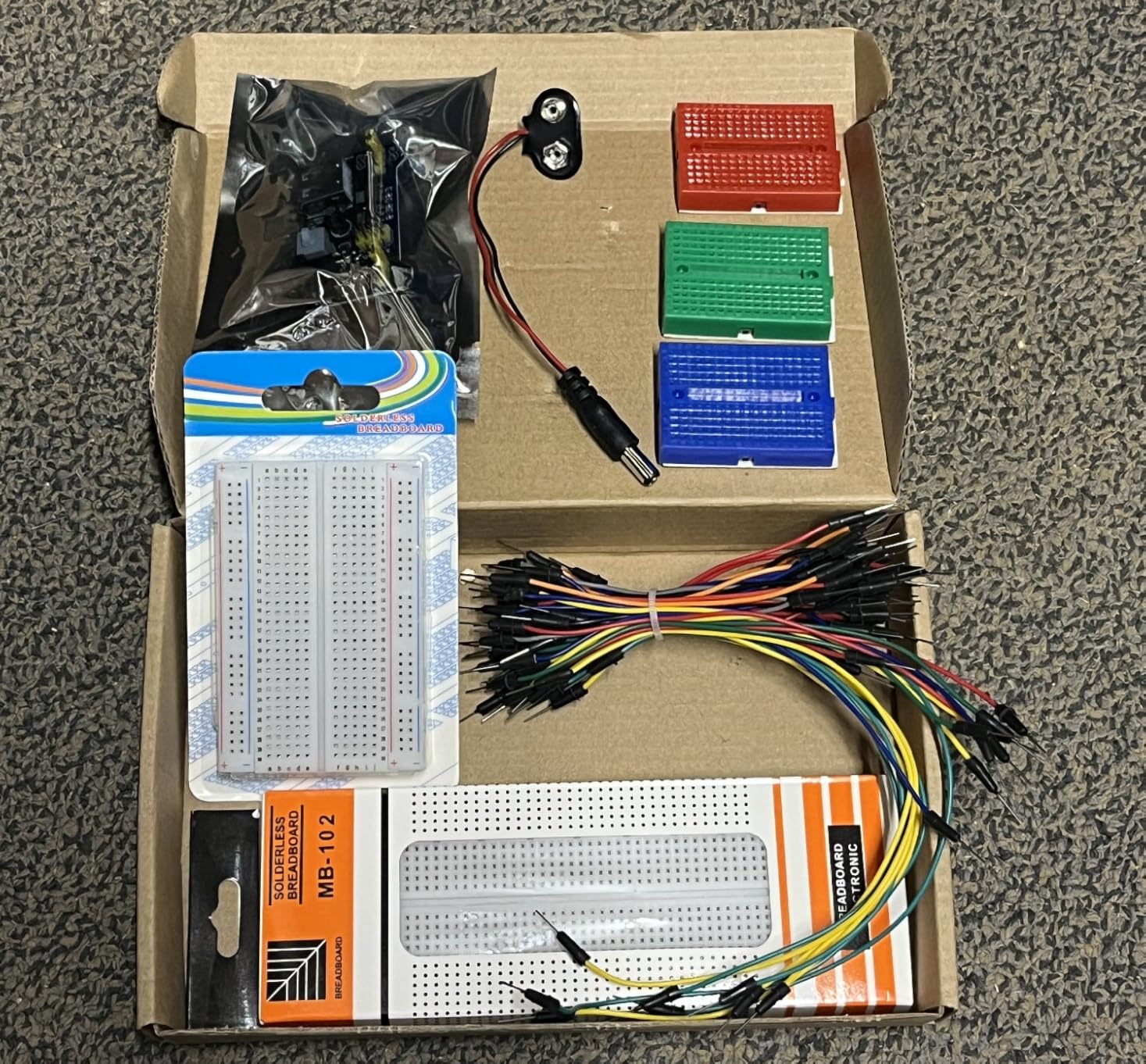
Most kits give you one board. This one gives you five: an 830-tie full-size board, a 400-tie board and three 170-tie mini boards in red, green and blue. The colour coding is not decoration. You can assign one mini board to power, one to signal and one to ground, and suddenly your debug process has a visual structure.
The power module is integrated rather than add-on. It takes a 9V DC input with a battery clip and offers dual 5V and 3.3V outputs straight to the board, which means no separate adapter is needed for early work. Contacts are tin-plated phosphor bronze for stable conductivity, and the boards carry a self-adhesive backing for mounting.
The 65 soft male-to-male jumper wires come in four lengths with pure copper cores, which we prefer for repeated reworking because they flex without fatigue at the tip. There are no components in this box, so you will be pairing it with one of the component kits on this list.
Reviewers call it a capable budget breadboard set and are candid about the trade-offs: build quality is functional rather than premium, the mini boards are too narrow for some larger development boards, and a faulty 9V power lead is the most common defect reported. Test the lead with a meter before you commit to a build.
Who This Kit Suits
Anyone working across several circuits at once, particularly an IoT or sensor-network build where each subsystem gets its own small board. The 830 board handles the main controller, the 400 board handles a peripheral, and the mini boards hold power distribution cleanly. Compatible with Arduino and Raspberry Pi projects.
Who Should Skip It
Skip it as a standalone purchase because it contains no components at all. Also look elsewhere if you are mounting a full-size development board directly on the mini boards, since the width will not take it.
11. minidodoca Upgraded Component Fun Kit: Best Breadboard Kit with Complete Power Hardware
Minidodoca Upgraded Electronics Component Fun Kit Power Supply Module, Jumper Wire, 830 Breadboard, LED,Capacitor,Diode,Resistor,Transistor,Compatible Raspberry Pi, STM32
9V 1A adapter and battery clip
830-point breadboard
74HC595 and 74HC138
Pros
- 9V 1A power adapter plus power module and battery clip
- 830-point board gives room for ICs such as 4N35 and 74HC595
- Adds a 4-digit display / alligator clips / banana plugs / thermistor / photoresistor
- Each component is tested and sorted before packing
Cons
- 3.3V and 5V module output exceeds the 2.2V to 3.4V LED range
- 4-digit display is common-anode and needs careful wiring
- Battery must be purchased separately
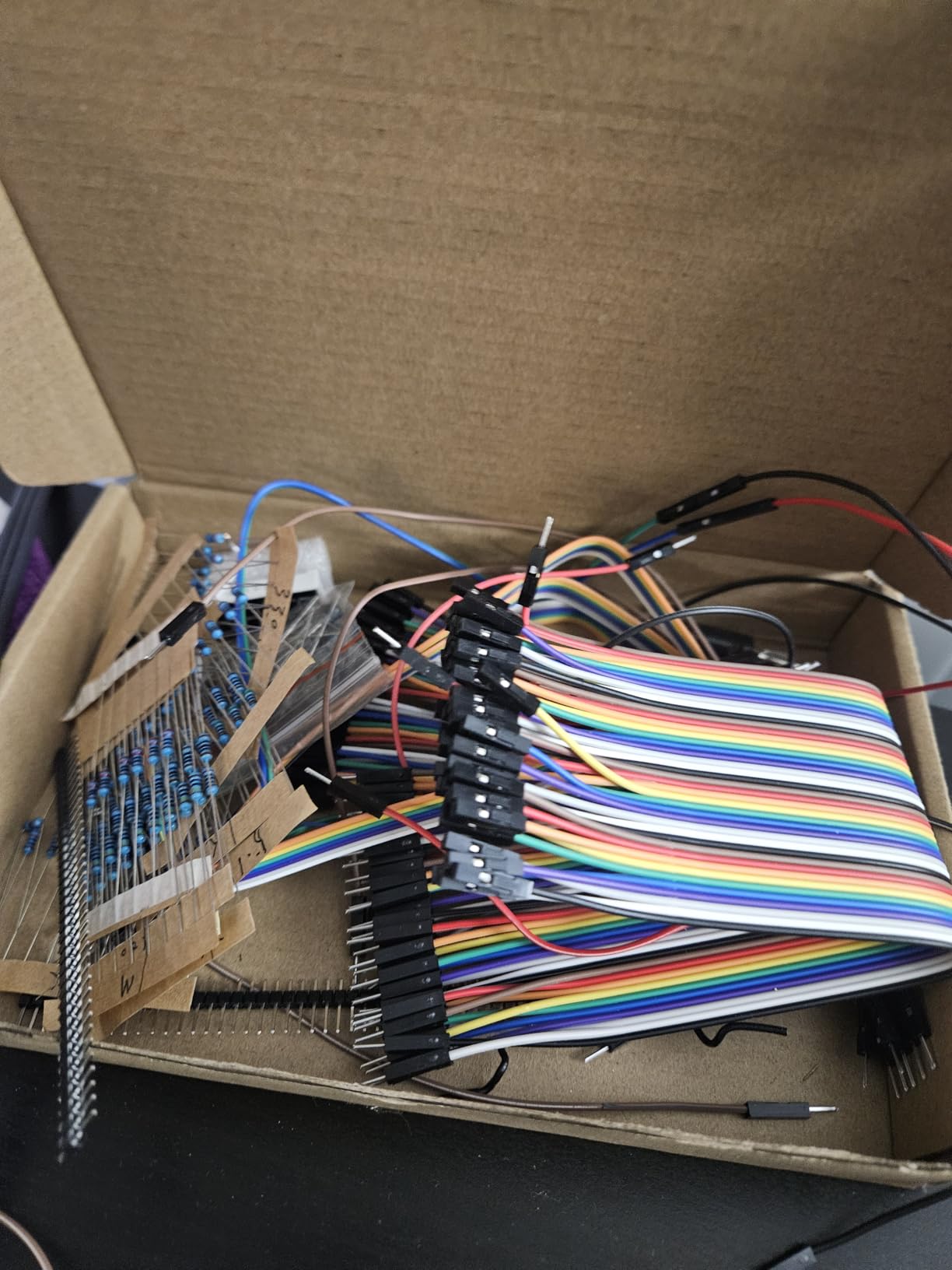
The reason this kit earns a place is the power hardware. Most competitors include a small breadboard power module. This one includes a 9V 1A power adapter, the power supply module with a 5.5mm by 2.5mm input, and a battery clip, so you can choose between a wall supply and a battery without sourcing anything.
The board is 830 tie points, and the component list is aimed squarely at IC work. You get 4N35, 74HC595 and 74HC138, plus a 4-digit common-anode display, 12 values of capacitors, 10 values of resistors, 5 values of LEDs, buttons, buzzers, a precision potentiometer, a thermistor, an RGB LED, a photoresistor, pin headers, transistors and diodes.
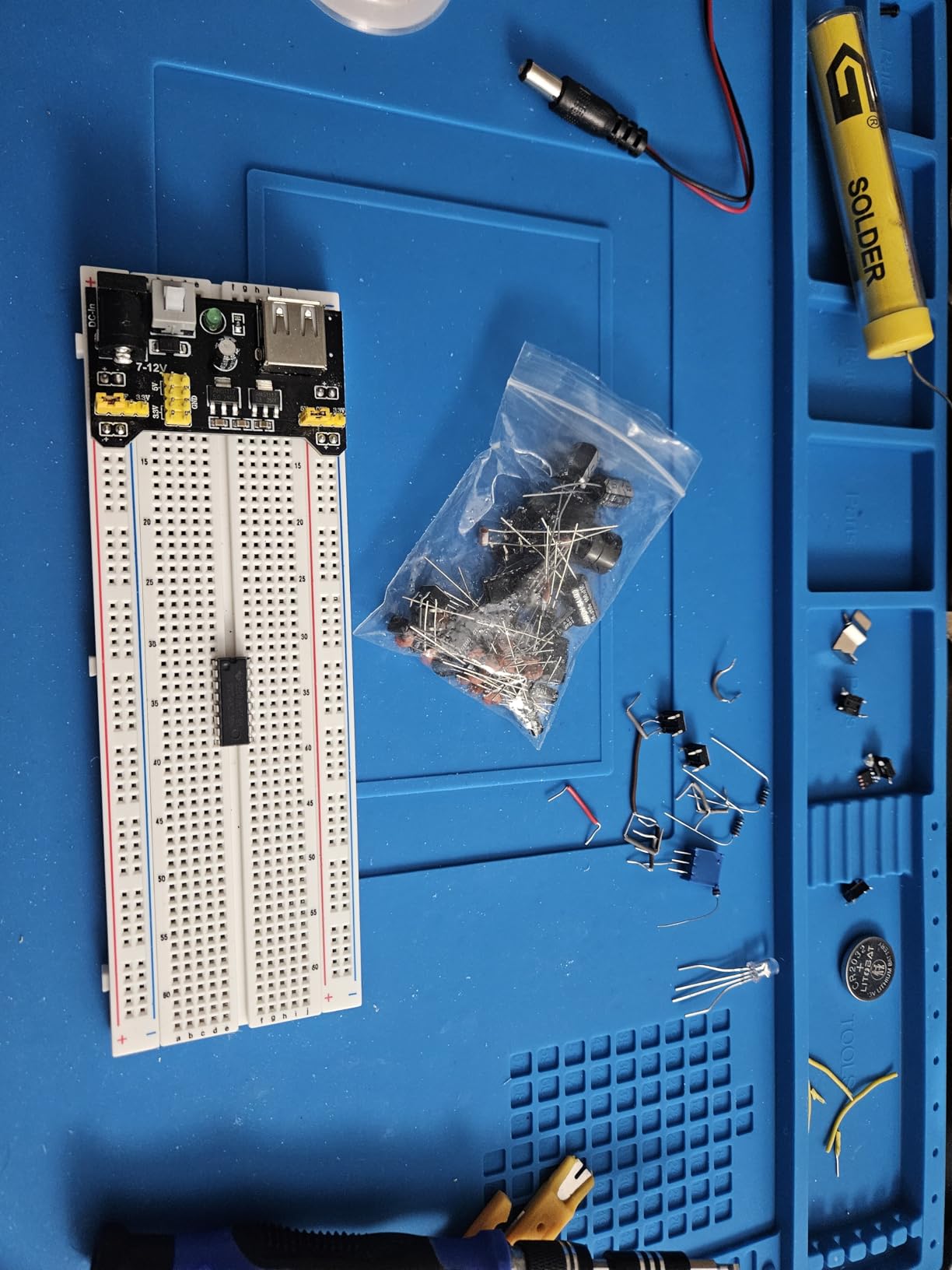
Each component is tested and sorted before packing, which is a meaningful quality difference in a kit this size. You also get alligator clips and banana plugs, the small detail that decides whether a bench setup feels professional or improvised.
Two documentation points matter here. The module outputs 3.3 V and 5 V while LEDs work between 2.2 V and 3.4 V, so a series current-limiting resistor is required on every LED. And the 4-digit display is common-anode, so the wiring order reverses relative to the usual assumption. Both are documented by the manufacturer rather than left as traps.
Who This Kit Suits
Students whose lab work involves display output, decoders or sensor conditioning, since the 74HC138 and 4-digit display open up projects a plain LED kit cannot reach. It also suits anyone who wants to prototype away from a wall socket using the battery clip. Two size variants are available for different project depths.
Who Should Skip It
Skip it if you are buying your first electronics kit and have not yet learned about LED forward voltage. Getting the resistor requirement wrong damages LEDs, and that is a steep first lesson. Note also that the battery for the clip is a separate purchase, and the warranty runs 12 months.
12. ALLECIN Jumper Wire and Breadboard Kit: Best Breadboard Kit for Wire Flexibility
ALLECIN Solderless Electronics Breadboard Jumper Wires Kit 400 830 Tie Point Breadboard 14Values Solid Jumper Wire 126pcs U-Shape Male to Male Bread Board Cable Wire Ribbon Cables
14 jumper lengths from 2mm to 125mm
400 and 830 tie-point boards
Three 40-pin Dupont cables
Pros
- 14 jumper lengths cover nearly every breadboard spacing need
- Includes 400 and 830 tie-point boards alongside Dupont ribbon cables
- Solderless design allows parts to be reused across circuits
- Jumper wire quality is consistently rated as good
Cons
- Breadboard terminal contacts do not grip leads firmly
- Jumper pin tips are thinner than ideal for tight sockets
- Limited supply of black and red wires
- Breadboard stiffness can make leaded components hard to push in
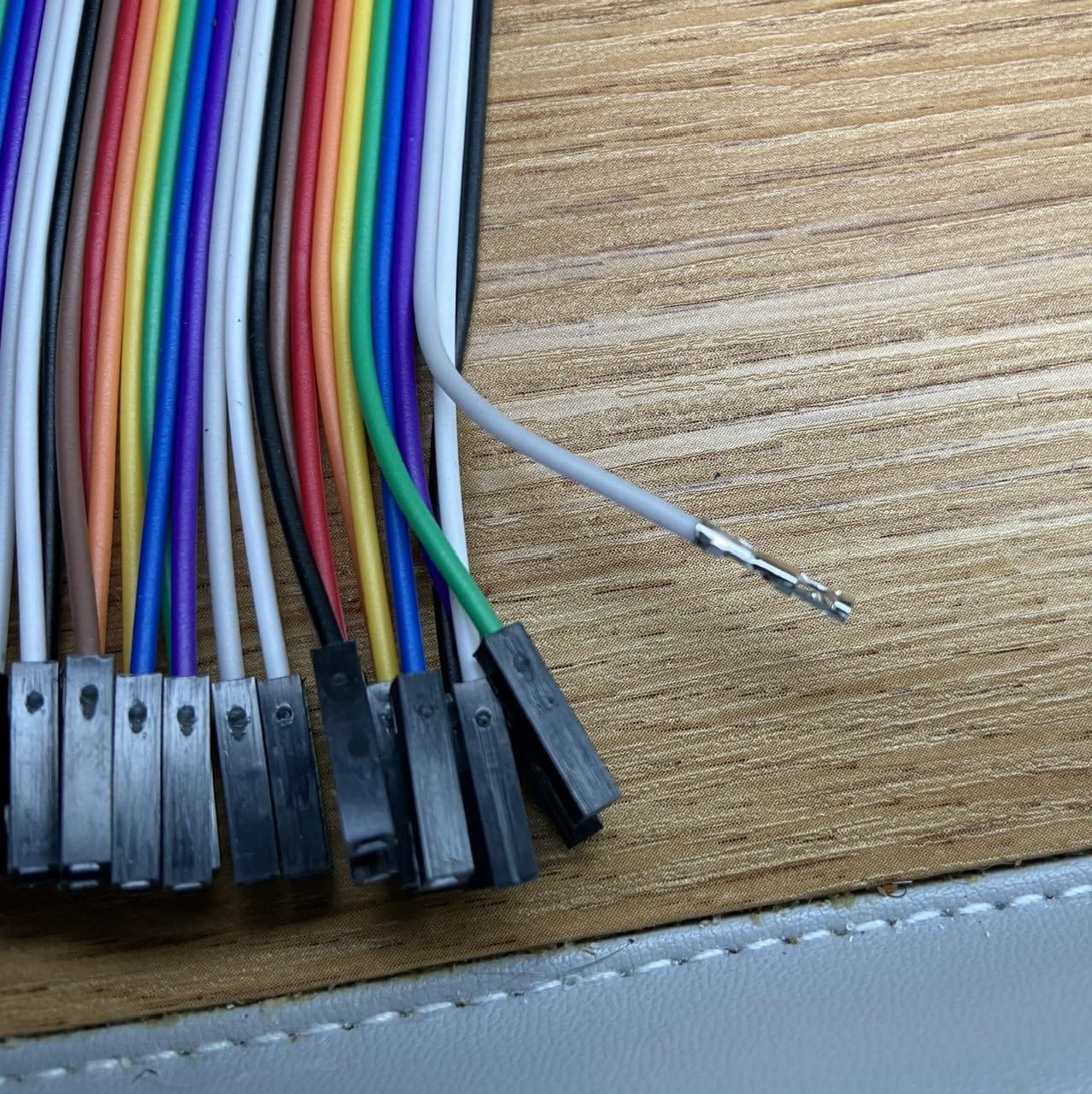
Wire selection is usually an afterthought and it should not be. This kit is built around the point: 14 values of 24AWG U-shaped male-to-male jumpers running from 2mm to 125mm, covering everything from a two-column bridge to a span across a full board. Add 65 flexible breadboard jumper wires and three 40-pin Dupont cable sets in female-to-female, male-to-female and male-to-male.
Two boards come with it, one at 400 tie points and one at 830, in ABS with tin-plated phosphor bronze contacts. Reviewers who bought this for an embedded systems class report it covering the personal-breadboard requirement comfortably.
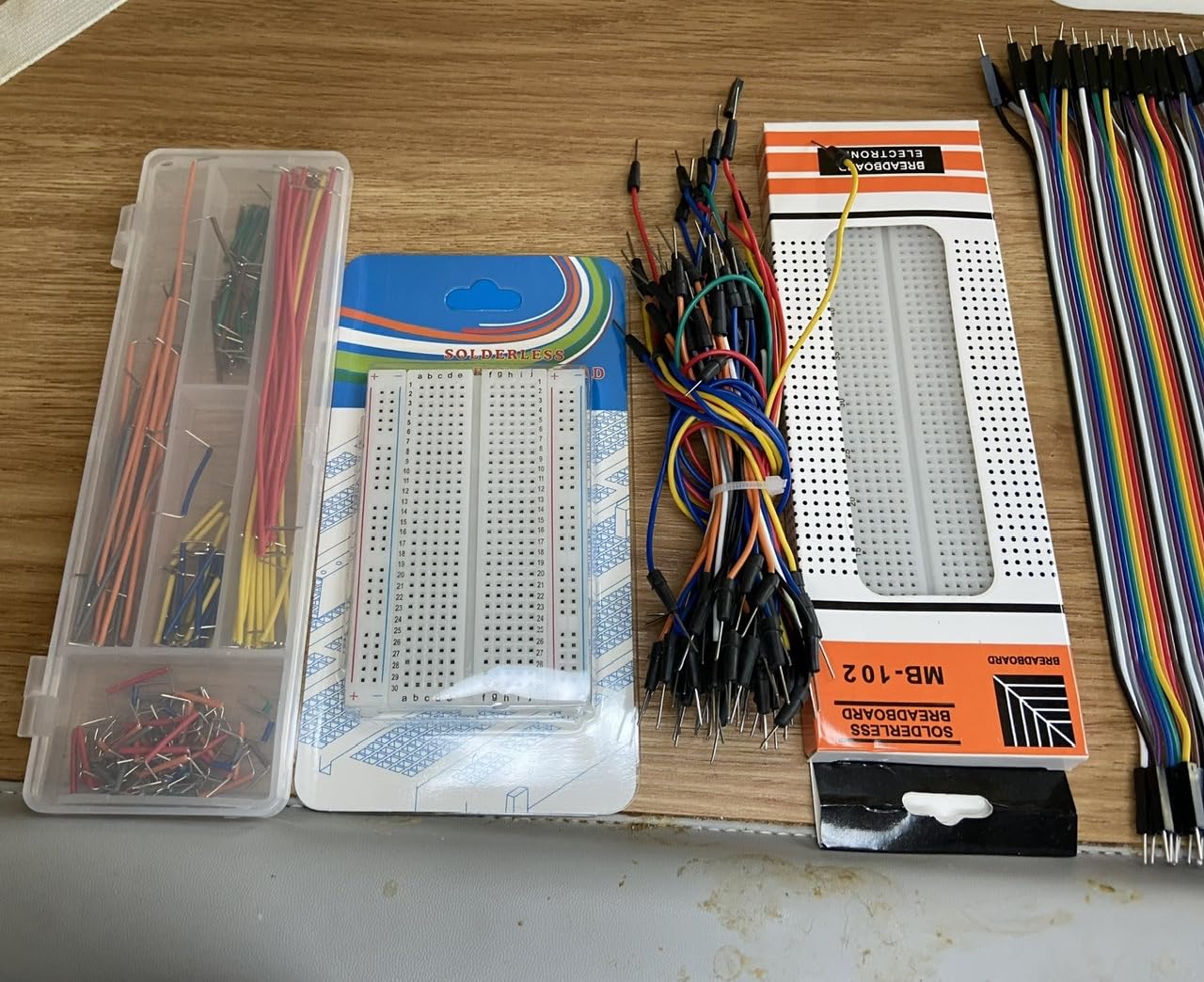
The honest weakness, repeated across reviews, is the board rather than the wires. Terminal contacts do not grip component leads firmly, jumper pin tips are thinner than ideal when inserting into tight sockets, and the board stiffness makes leaded components harder to push in. If your build is lead-heavy rather than wire-heavy, this is not the board you want.
The wire colors are also limited. There is a restricted quantity of black and red, so in practice other colors get pressed into service for power and ground. Label your ends. This is the one kit on the list where no components are included, so treat it as wire infrastructure rather than a kit.
Who This Kit Suits
Students who already own a board and a component supply and keep running out of the right jumper length. The 14-value spread solves a specific frustration that fixed-length wire sets create constantly. It is also a good course kit for a lab where students must build identical wiring patterns repeatedly.
Who Should Skip It
Skip it as a first breadboard kit because the contact quality will frustrate a beginner more than the extra jumper lengths help. Anyone building IC-heavy or lead-heavy circuits should spend that budget on a board with firmer contacts instead.
Breadboard Kits by Student Level
Age bands are how every kit roundup on the search results organises itself, and they are aimed at parents buying for children. Students are better served by level, because what you need changes based on the course you are taking rather than how old you are.
High school and first-time builders. Start with the ELEGOO Electronic Fun Kit Bundle or the REXQualis Basic Kit. Both are inexpensive, both include a power module, and both teach discrete component function with parts like the 74HC595 and 4N35 that have a clear job. If your club or class involves any coding at all, skip both and go straight to the ELEGOO UNO R3 Project Super Starter Kit instead, because arriving at week three with a board and no controller is a bad outcome.
First-year undergraduate. This is where an 830-point board becomes non-negotiable, because introductory courses routinely ask you to build around a 14-pin or 16-pin IC. The REXQualis Electronics Component Fun Kit or the BOJACK 480-Piece kit give you a full-size board and a broad component supply at a sensible cost. Pair either with a controller board you already own or plan to buy.
Advanced and lab work. You want tolerance and value range, not project count. The QLOUNI 1530-piece set with 1 percent metal-film resistors and 65 pre-formed jumpers, or the BOJACK four-board assortment if you need multiple surfaces. The minidodoca kit belongs here too when your work involves display output and you would rather not chase power adapters and clips separately.
One rule cuts across all three levels. If your kit includes a 400-point board as its only surface, expect to buy a second board within a term. That is not a criticism of the kit, it is a fact about DIP packages.
How to Choose a Breadboard Kit
Work through these six checks in order. The first two eliminate more bad purchases than everything else combined.
1. Count tie points and check for 830. An 830 tie-point full-size board is the practical minimum for an electronics student because it seats a 16-pin DIP with room to spare. A 400-point board is fine for LED, button and sensor circuits and wrong for almost anything integrated.
2. Decide what powers the board. Three options exist. A 9V battery clip works and costs nothing extra. A breadboard power supply module with a USB cable feeds 3.3 V or 5 V rails from a laptop or supply and is the most common choice in the kits here. A bench supply is what you want once you need to vary voltage and current, and none of these kits includes one.
3. Check the jumper wires. Pre-formed solid jumpers in several lengths beat loose un-cut wire in every way that matters during a lab session. 22AWG or 24AWG is the right range; anything noticeably thinner struggles in a tight clip.
4. Look for teaching components, not just quantities. A 74HC595 shift register, a 4N35 optocoupler, a PN2222 transistor and a 1N4007 diode each demonstrate a specific function. A tray of 30 identical LEDs demonstrates repetition. Ask what each part type is for before you commit to a part count.
5. Weigh the documentation honestly. Printed or well-structured lesson material is worth real money if you learn by following. Download-only documentation suits a self-motivated student and frustrates everyone else. Both formats appear on this list and we have flagged which is which.
6. Ask whether a controller is included. Nine of these twelve kits contain no microcontroller at all. That is fine if you own a board already, and a waste of money if you do not. Only the ELEGOO UNO R3 kit includes one.
Finally, consider what breaks first. Jumper pins bend, LED legs snap at the resistor joint, and rail clips loosen after months of use. A kit with individually labelled compartments helps you notice a missing part. Photographing your full kit on day one also saves you an argument at the end of term.
What Comes After the Kit
Most students stall after the kit, because they reach the point of needing a measurement and having only a board. Here is the order we would buy things in.
A multimeter comes first. Without one you are inferring what a circuit is doing from whether an LED lights. A basic multimeter lets you confirm continuity across a rail, measure a resistor value in circuit, and check a supply voltage before blaming your wiring. It resolves the single most common beginner problem: an LED that does not light because the supply is off or the resistor is the wrong value.
A soldering iron comes second, once your circuit works. Breadboards are for exploring, and at some point you need a fixed connection. Our guide to the best soldering stations for electronics covers the temperature control that matters for through-hole work, and by the time you pick one up you should already know what a bad joint looks like.
A bench supply comes third, if your work involves analog or power circuits. Varying the supply voltage is how you watch a circuit change behaviour rather than merely switch on. Nothing in this roundup includes one, and the small modules here top out at a fixed output.
A magnifier or microscope comes fourth, for surface-mount inspection and small part work. If you move toward surface-mount components or inspect a solder joint, our best microscopes for students guide covers what actually gets used in electronics work versus what sits on the shelf.
A logic analyzer comes fifth, if you program. Once you are debugging I2C, SPI or UART traffic, seeing the bus is faster than adding print statements. A basic 8-channel analyzer covers most undergraduate embedded work. A scope comes after that, when you need timing on analog signals rather than protocol frames.
Frequently Asked Questions
What is the best breadboard for electronics?
For most electronics students an 830 tie-point full-size board is the right answer. It seats a standard 14-pin or 16-pin DIP integrated circuit with room to spare, which a 400-point half-size board cannot do. Larger boards in the 3000-plus tie point range are worth adding only if you run several projects at once or want built-in supply regulation. Look for tin-plated phosphor bronze contacts and colour-coded rails.
What is the best breadboard kit for beginners?
The ELEGOO Electronic Fun Kit Bundle is the lowest-cost credible entry point, with 235 labelled components and a power module offering selectable 3.3 V and 5 V rails. If your course involves any coding, skip straight to the ELEGOO UNO R3 Project Super Starter Kit instead, because it is the only kit in our comparison that includes a working microcontroller. Both teach component function rather than just supplying parts.
Which breadboard is the best quality?
Quality on a breadboard comes down to two things: the contact alloy and how firmly the clip grips. Boards using tin-plated phosphor bronze contacts, such as the BOJACK four-board assortment, give reliable connections. Premium boards feel noticeably better than entry-level ones, whose contact tension reviewers often describe as lighter. Board rigidity matters too, since a stiff board is hard to push leaded components into.
How do breadboards work?
A solderless breadboard connects components through metal spring clips underneath the plastic surface. In the center section, holes are grouped in sets of five, and each group is connected vertically. The long groove down the middle is where a DIP integrated circuit straddles, with each pin landing in its own group. Power rails run along each side, connected horizontally and usually split in the middle.
How many tie points do I need?
You need 830 tie points as a minimum if your coursework involves any integrated circuit, because a 400-point board cannot seat a 16-pin DIP package. For LED, button, sensor and transistor circuits, 400 points is workable but becomes crowded on multi-stage builds. Most students end up owning one 830-point board permanently and a 400-point board for quick tests.
Can electronics students use breadboards for their lab work?
Yes for prototyping, teaching demonstrations and coursework that stays at low voltage and low current. Breadboards work well for op-amp exercises, 555 timer circuits, logic gates and microcontroller input and output practice. They are not suitable for mains-referenced work, switching power conversion or RF designs, because there is no galvanic isolation and spring contacts add resistance you cannot see in a schematic.
Final Verdict
The best breadboard kits for electronics students are not the ones with the most projects or the biggest part count. They are the ones that give you an 830 tie-point board, a power source in the box, and parts that each demonstrate something you will need later.
Start with the ELEGOO UNO R3 Project Super Starter Kit if your course involves code. It is the only kit here with a controller, the lesson material is the strongest on the list, and the review base behind it is large enough that you will find answers to problems before you hit them. If you are doing analog and discrete work and already know your platform, the REXQualis Electronics Component Fun Kit gives you more board and more components for far less. If budget is the binding constraint, the ELEGOO Electronic Fun Kit Bundle still teaches component function rather than just filling a tray.
Whatever you choose, buy the board size you will need in second year rather than the one that feels generous today, and buy a multimeter in your first term. Those two decisions prevent almost every frustration we hear from students on this path.