
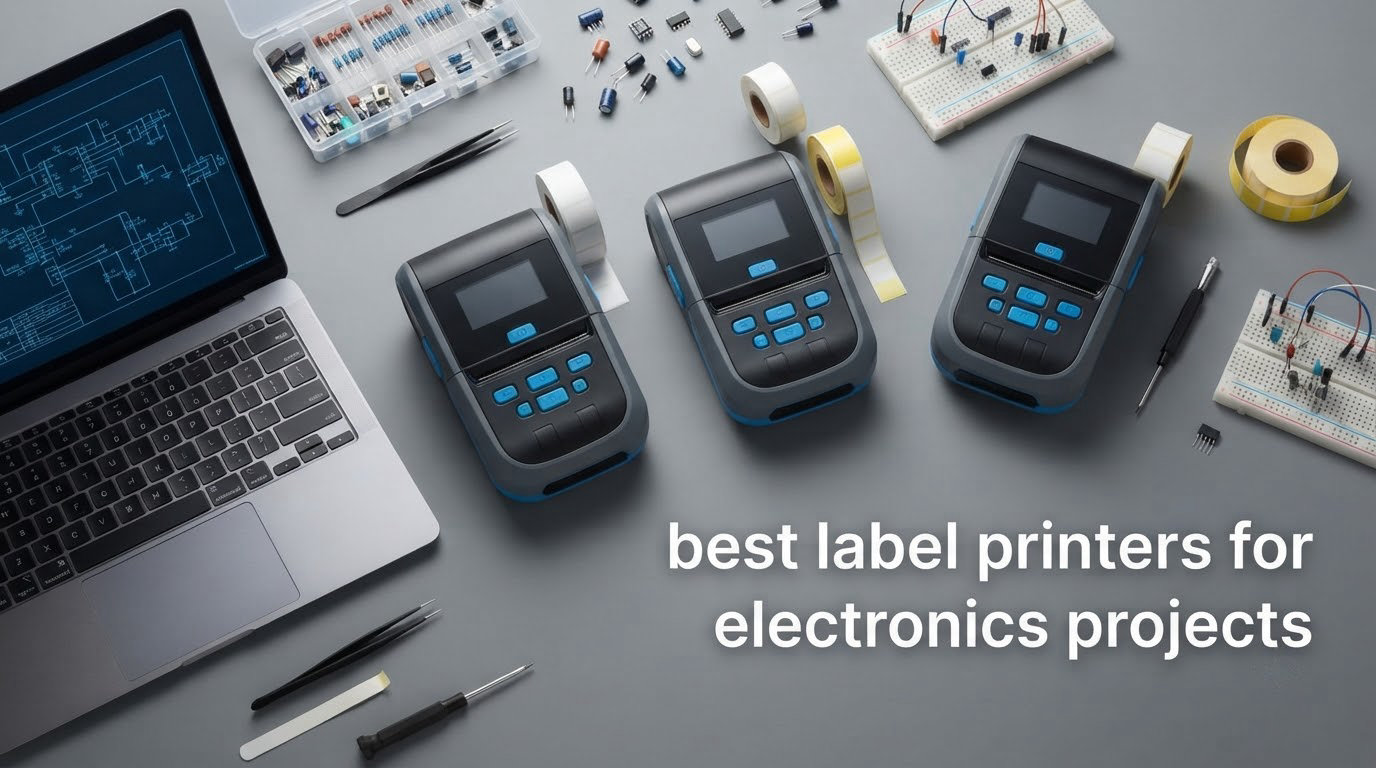
Six months after you finish a build, you open the enclosure and find three wires with no idea which one fed the sensor. That single moment is why the best label printers for electronics projects are not a gadget, they are the cheapest insurance in the workshop. A label maker for electronics costs less than a single replacement IC, and it is the difference between a repair that takes ten minutes and one that takes the whole evening.
We spent several weeks putting eight thermal label printers through an actual electronics test set: a twelve-wire harness, a 3D-printed project box, 6mm component bins, SMD reel labels, a heat-shrink sleeve and a dense Code 128 sticker. We printed from phones, laptops and parts lists, and we watched what happened after labels spent a week next to a soldering iron. If you are setting up a bench, our soldering station guide covers the other half of the same workflow.
Our overall pick is the SUPVAN T50M Pro. It holds a 4.4 star rating across 7,872 reviews, prints from 3/4 inch up to 2 inch wide at 203 dpi, runs at 60 labels per minute and takes artwork from a phone, a tablet or a PC. The QL-800 is the pick for barcoded inventory, and the Brother PT-D210 is the one we keep taped to the bench for wire flags.
Table of Contents
Top 3 Picks for Electronics Labeling in 2026
These three cover most electronics benches. Everything else in this guide is a specialist answer to a narrower job.

SUPVAN T50M Pro
- 203 dpi direct thermal
- 3/4 to 2 inch wide labels
- 60 labels per minute
- Free app with 660+ icons

Brother QL-800
- 300 x 300 dpi
- 93 labels per minute
- Built-in auto cutter
- Plug and Label from Excel

Brother PT-D210
- 3.5mm to 12mm laminated TZe tape
- Screen preview before printing
- Four tapes included
Best Label Printers for Electronics Projects (October 2026)
Every pick below, with the specification that actually decides whether it suits an electronics job.
| Product | Specifications | Action |
|---|---|---|
| SUPVAN T50M Pro |
|
Check Latest Price |
| Brother QL-800 |
|
Check Latest Price |
| Brother PT-D210 |
|
Check Latest Price |
 Brady M210 Brady M210 |
|
Check Latest Price |
 Nelko P21 Nelko P21 |
|
Check Latest Price |
 Phomemo M110 Phomemo M110 |
|
Check Latest Price |
 DYMO LabelManager 160 DYMO LabelManager 160 |
|
Check Latest Price |
 Brother PT-M95 Brother PT-M95 |
|
Check Latest Price |
1. SUPVAN T50M Pro – Best Overall for a Mixed Electronics Bench
SUPVAN T50M Pro Bluetooth Label Maker Machine with Tape, Black
Thermal 203 dpi
Wide 3/4 to 2 inch labels
60 labels per minute
USB Type C and app control
Pros
- Widest affordable label range for wires bins and enclosures
- Fast at 60 labels per minute
- App imports logos and QR codes from a phone tablet or PC
- Light at 433 g
- No registration and automatic label size recognition
Cons
- No standalone keyboard or display
- Monochrome output only
- Uses proprietary SUPVAN tape
The T50M Pro is the printer we kept reaching for. It printed a 12mm wire flag, a 1 inch bin label and a 2 inch enclosure plate in the same session without a media change, which no other affordable unit here managed. At 203 dpi the text on a small flag is clean enough to read six months later.
Print speed is the quiet advantage. The rated 60 labels per minute is roughly twice what the Brother handheld models manage, and it is the reason a full component drawer relabel is a five-minute job rather than a coffee break. Image import from a phone, a tablet or a PC means you can pull a logo or a QR code straight from a parts spreadsheet.
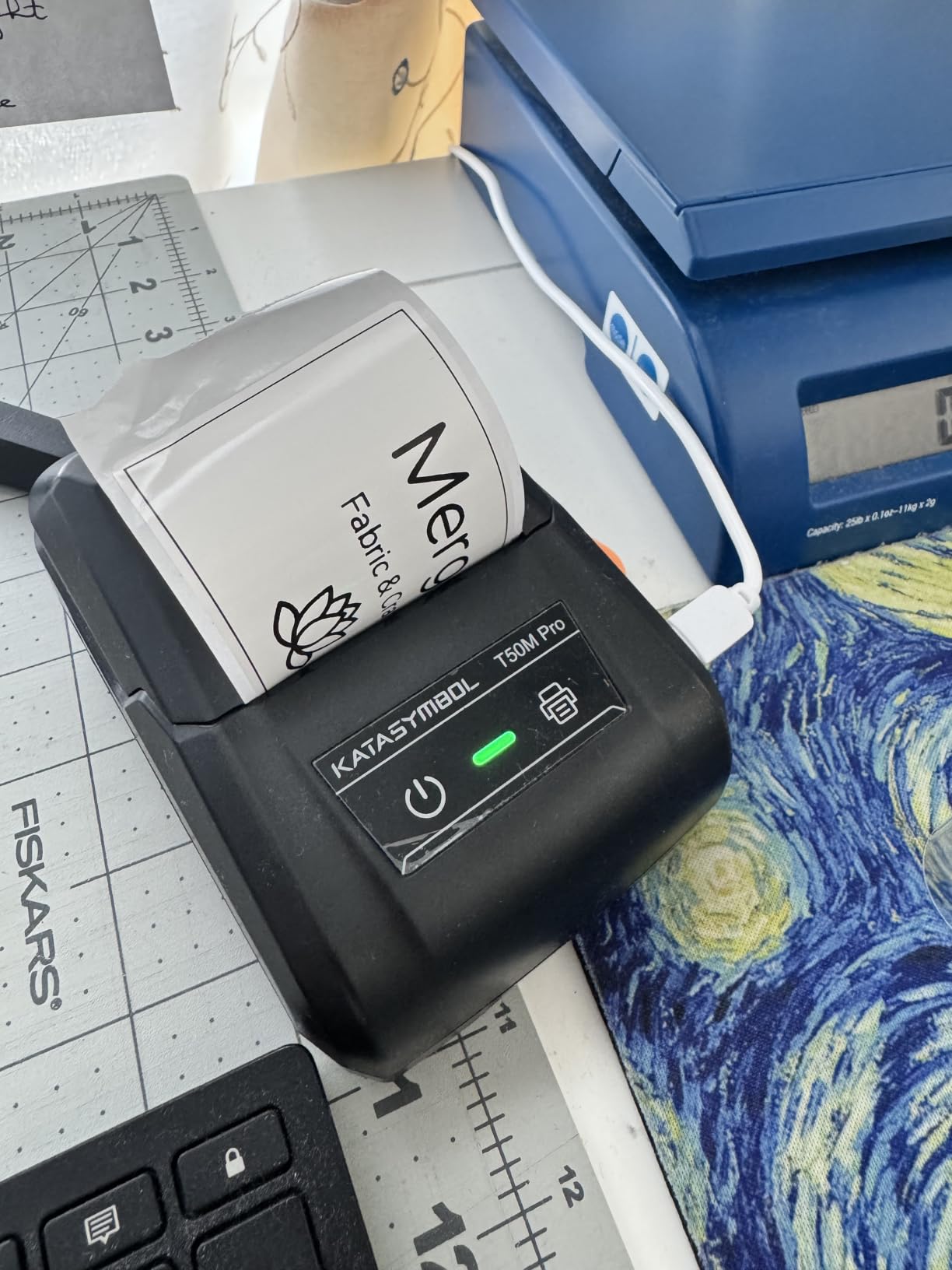
Automatic label size recognition removes the single most common failure we saw on small machines, where a slightly misloaded roll prints text off the edge and half the batch is wasted. Here the printer reads the media and scales the layout. It also supports square, round, address, cable, jewelry and file label shapes, which covers most drawer labelling needs.
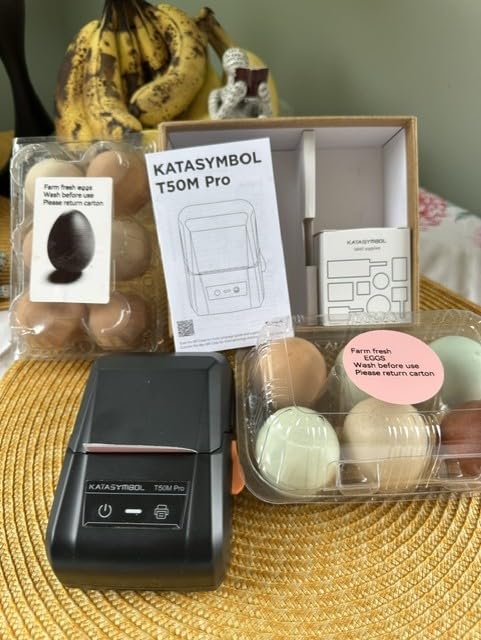
There is no ink or toner, and the whole body weighs 433 g, so it lives in a drawer rather than on a shelf. The dimensions are 5.9 by 2.6 by 4.3 inches, and the box includes a 40mm by 30mm white roll, a charging cable and a one year warranty.
The trade-off is control. There is no keyboard and no display, so every label is composed in the app on your phone or tablet. If you want to walk up and type a wire ID without unlocking anything, look at the PT-D210 or the PT-M95 further down.
When the T50M Pro earns its bench spot
It is the right pick for mixed work: jumper and harness flags one day, component bin labels the next, an enclosure plate for a finished build the day after. The width range means you stop buying three different machines for three different jobs.
It also suits a small production run of assembly labels, because 60 labels per minute covers a short batch without a warm-up cycle. The app import path is useful when your labels carry a part number and a logo together.
When it will frustrate you
It cannot print from a laptop as a standard printer, and it has no barcode-first workflow beyond the app’s QR and image tools. For a real inventory system with Code 128 on every part, the QL-800 is the correct tool instead.
Anyone who wants colour output should skip it, because direct thermal is monochrome. It also runs on proprietary SUPVAN tape, so consumables are locked to one supplier.
2. Brother QL-800 – Best for Barcoded Parts Inventory
Brother QL-800 High-Speed Professional Printer, Plug & Label, DK Pre-Sized, Multi-System Compatible, Black & Red, USB Cable Included
300 x 300 dpi thermal
Up to 2.44 inch roll media
93 labels per minute
USB with auto cutter
Pros
- Highest resolution in this group at 300 x 300 dpi
- Prints from Excel and Word without extra software
- Built-in auto cutter for clean edges
- Black and red output on DK-2251 media
- Fast enough for batch inventory runs
Cons
- P-touch Editor software has hard to find options
- No Wi-Fi so the computer must be next to the printer
- Some driver errors reported with the black and red roll
- Border margin settings block the full label area
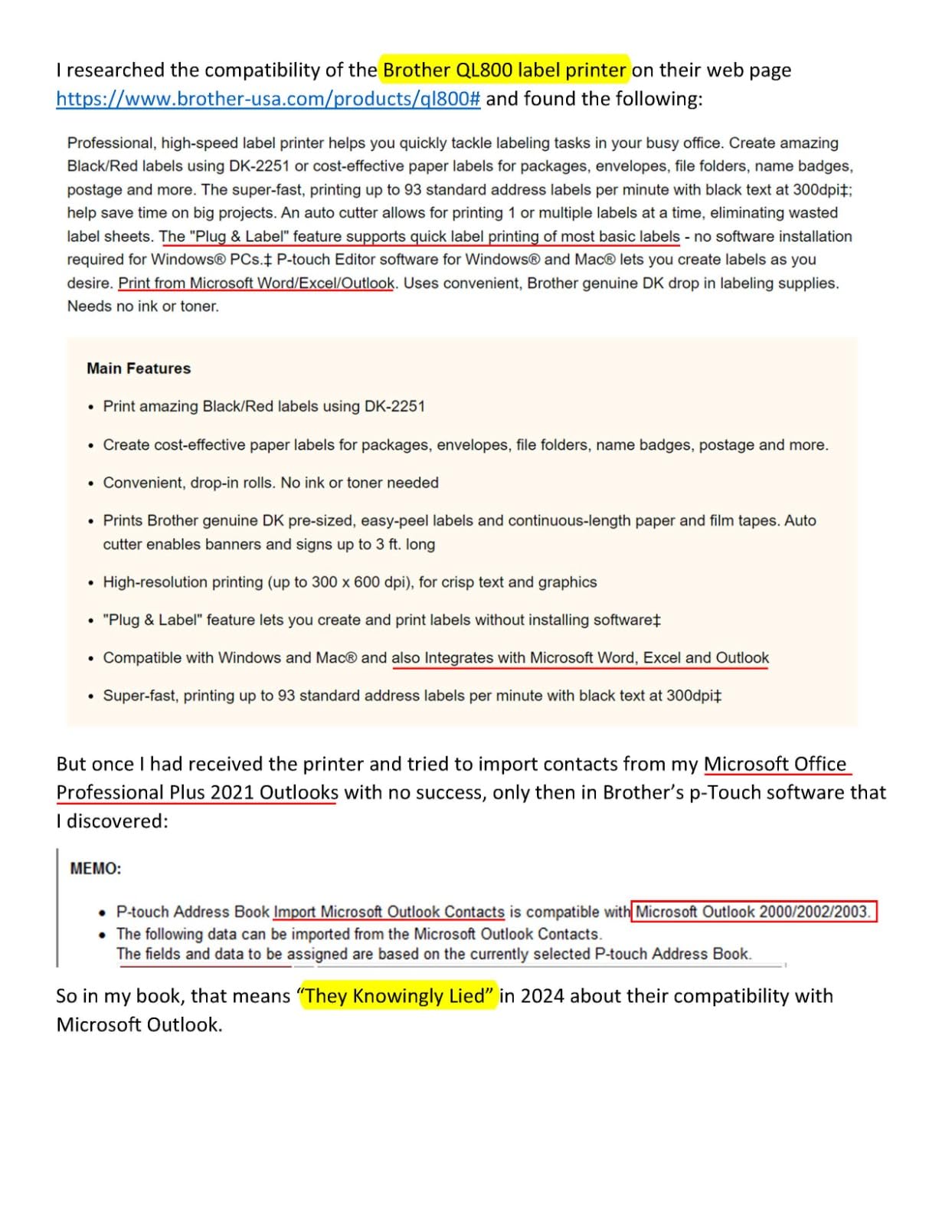
If your labels come from a bill of materials, the QL-800 is the only printer in this group that treats your computer as a normal printing source. It connects over USB, installs as a standard Windows or Mac printer, and its Plug and Label feature prints directly from Word, Excel and Outlook. That single feature removes the app-based workflow that stalls every other unit here.
Resolution is the deciding number. At 300 x 300 dpi it produces the cleanest small text and the most reliably scannable dense barcodes in this group, which is exactly what a 6mm part label with a Code 128 and a long part number needs. At 203 dpi, that same label is a gamble.
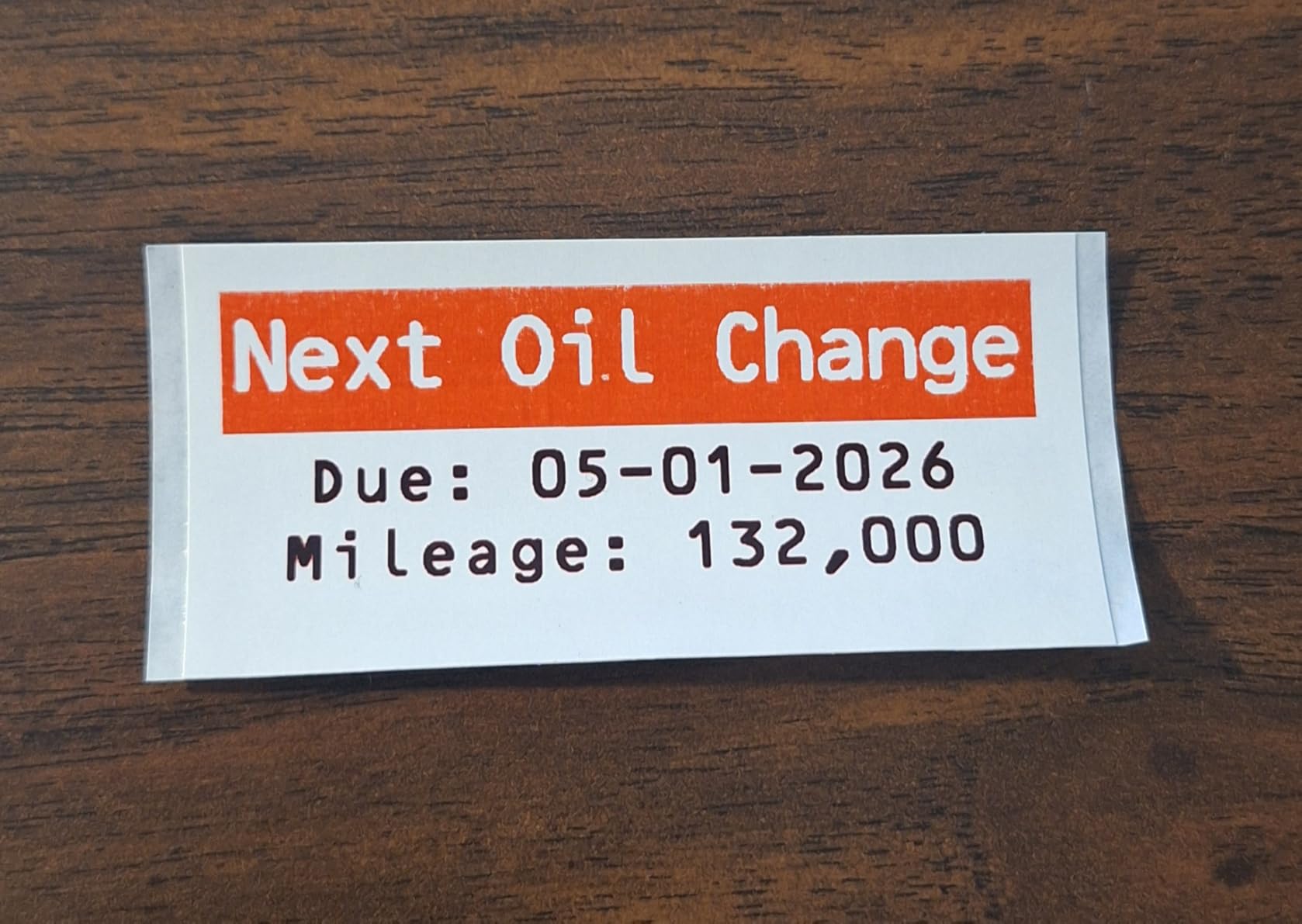
Throughput is the second argument. The QL-800 prints up to 93 labels per minute, so labelling a hundred dev boards or a shelf of sorted bins takes about a minute. The built-in auto cutter gives clean edges with no manual trimming, and it handles DK pre-sized labels as well as continuous tape up to 3 feet.
It is also the only printer here with two-colour output. With DK-2251 media it prints black and red, which is useful when you want warnings, voltage markings or a red inventory tag to stand out on an otherwise monochrome board.
The honest weakness is software. P-touch Editor is the recurring complaint across reviews, with greyed-out options and layouts that take experimentation. Reviewers also report driver errors when the black and red roll is installed, and border margin settings that stop you using the full label area.
What the QL-800 does that nothing else here can
It prints from a computer, which means labels can be generated from a parts list, a KiCad or Eagle export, or a spreadsheet, with no phone in the loop. For anyone tracking a few hundred components, that is the difference between real inventory and decorated drawers.
At 300 dpi it also handles the smallest labels in this roundup without blurring. If barcode legibility matters more than portability, this is the printer to buy.
Where it falls short
There is no Wi-Fi or network printing, so the computer has to sit at the machine. The software needs patience, and if you need postal address barcodes or automated ERP integration, this is not that class of device.
It is also a desktop printer: 2.5 pounds, 4.9 by 8.4 by 5.6 inches, mains powered. It will not come to a customer site with you.
3. Brother PT-D210 – Best for Wire and Harness Labels
Brother P-Touch, PTD210, Easy-to-Use Label Maker Bundle (4 Label Tapes Included), White, Small
Thermal 180 x 180 dpi
TZe tape from 3.5mm to 12mm
Wired USB and battery
1.1 pounds
Pros
- Laminated TZe tape resists water and fading
- Four tapes included so it is usable immediately
- Screen preview before printing reduces wasted flags
- One-touch access to fonts frames and templates
- Light enough to carry around the bench
Cons
- 180 dpi is the lowest resolution here
- Wired only with no Bluetooth
- Brother TZe tape costs more than generic equivalents
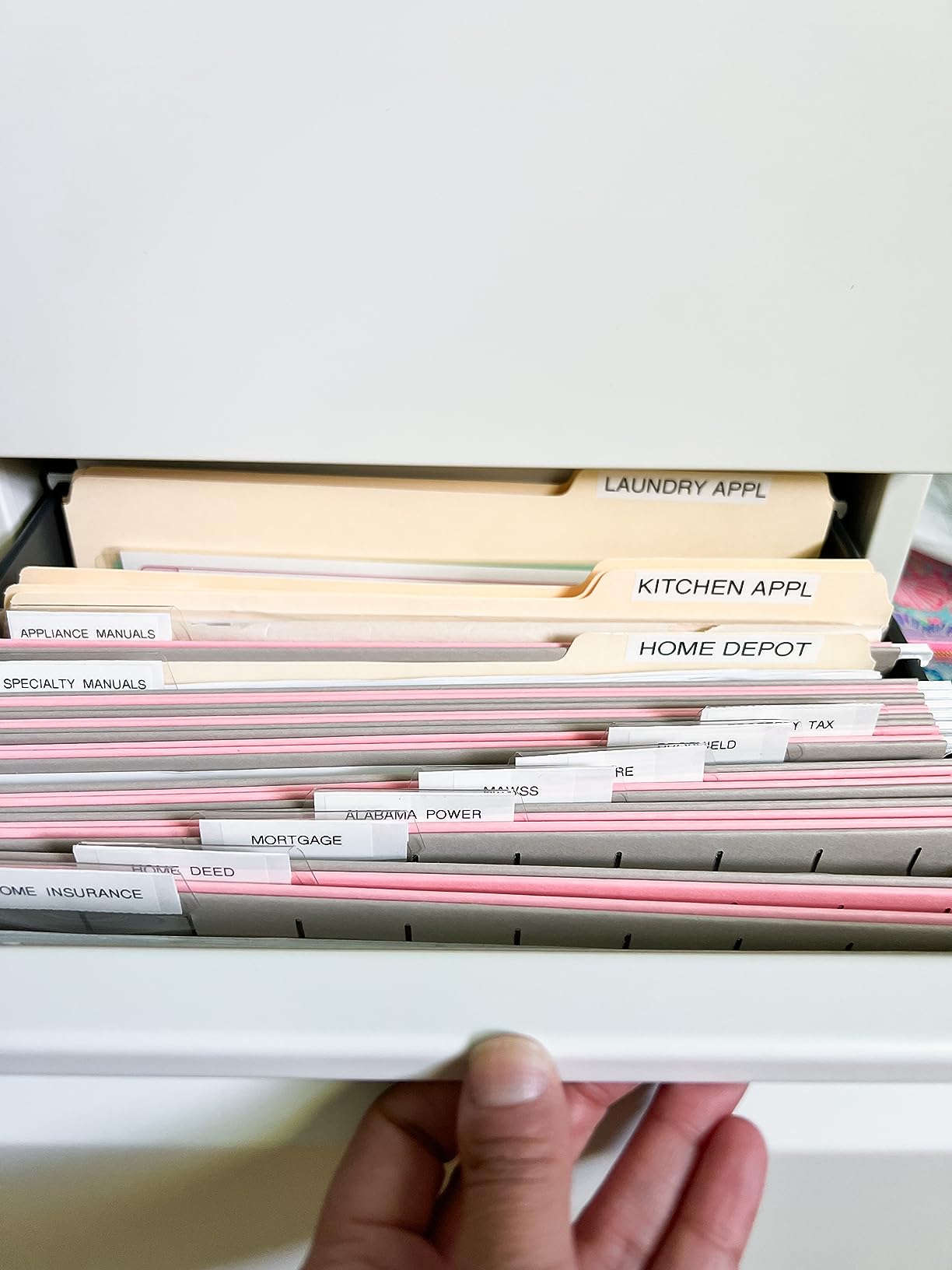
The PT-D210 is the printer we used most for the harness in our test set, and the reason is tape width. It accepts Brother TZe tape in 12mm, 9mm, 6mm and 3.5mm, which is exactly the range a jumper, a hookup lead and a small signal wire need. The narrower widths simply do not exist for most of the affordable machines here.
Preview matters more than it sounds. You compose a wire ID on the built-in screen, see the full text scroll across the display, and only then print. On a flag that will sit inside a sealed enclosure, catching a typo before it is laminated into place is worth the extra second.
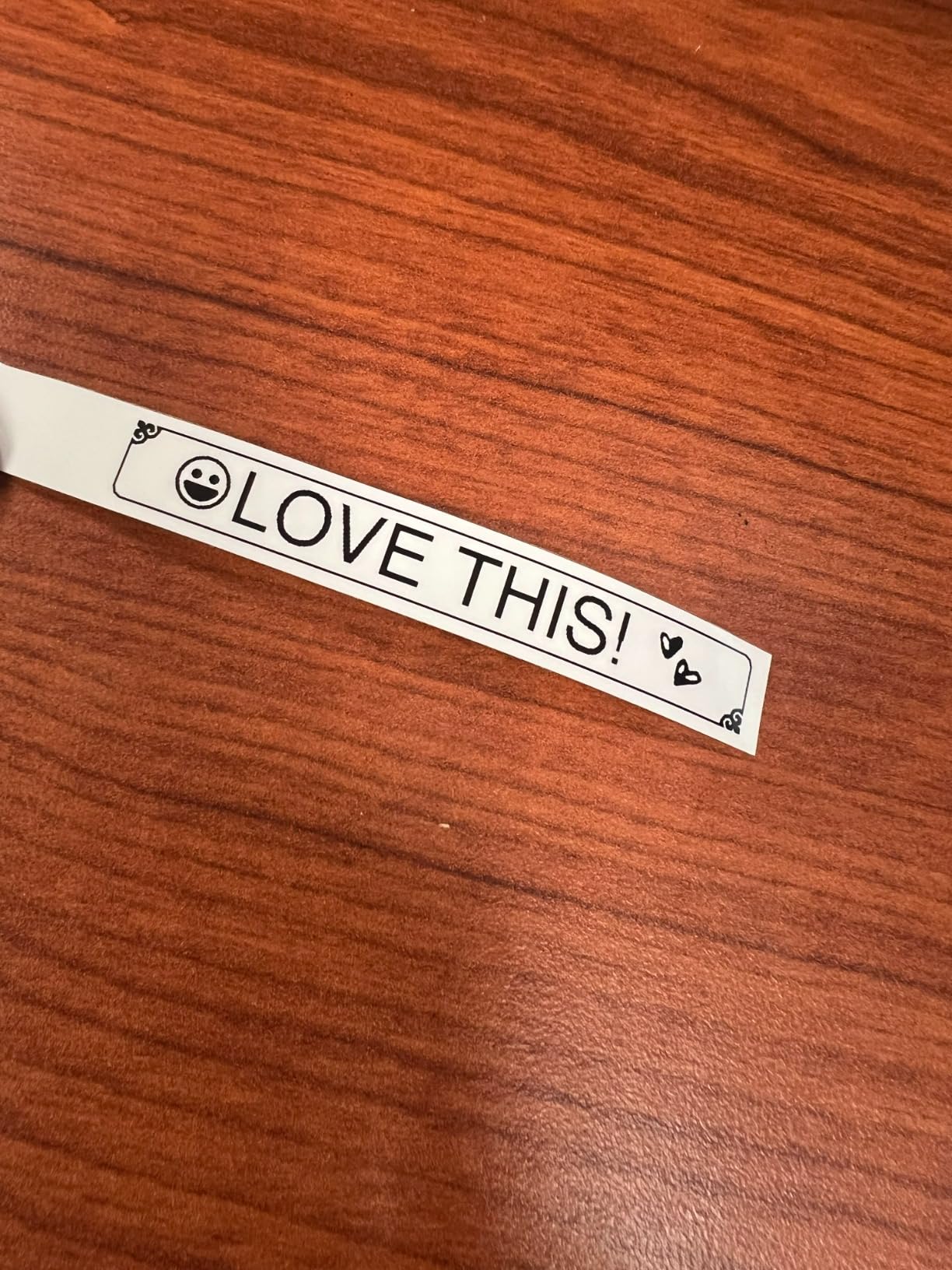
Consumables are the quiet strength. TZe tape is laminated and rated water and fade resistant, and it is sold at big-box electronics and office stores, so you are never waiting on a single supplier. It also comes in coloured and clear versions, which lets you colour-code power, ground and signal in a harness.
The bundle includes one 12mm sample tape and three full 12mm black-on-white tapes, so it prints something useful within a minute of opening the box. One-touch keys give direct access to fonts, symbols, frames and templates, with 14 fonts, 98 frames, 10 styles and 27 templates available.
Resolution is the limitation, and it is a real one. At 180 x 180 dpi the QL-800’s output is visibly sharper, which you notice on a 3.5mm flag with a long part number. It is acceptable for text and short codes, and marginal for a dense barcode at that width.
When the PT-D210 is the right tool
Wire and cable work, and specifically narrow wire work. If you build harnesses, label patch leads, or mark each line in a project box, the 3.5mm to 12mm range is the deciding factor rather than dpi.
It is also the safest default for a shared bench because anyone can pick it up, type a label and print, with no phone pairing and no app account. That matters in a lab where students rotate through.
When it will not be enough
It is wired only, so there is no Bluetooth printing from a laptop or phone. And because resolution is 180 dpi, a dense Code 128 on a 6mm flag is not a reliable scan.
If you need a barcoded inventory system, skip to the QL-800. If you need colour, neither this nor the other Brother handhelds will help, since TZe colour is a tape colour rather than printed ink.
4. Brady M210 – Best for Field Service and Rugged Benches
Brady M210 Portable Label Printer Kit (M210-KIT), Yellow/Black
203 x 203 dpi thermal
0.25 to 0.75 inch media
Li-ion rechargeable battery
2 year warranty
Pros
- Rated 4.7 with 430 reviews for durability
- Drop tested with molded rubber bumpers
- Backlit LCD and keypad work in low light
- 90 plus cartridges across 12 material types
- Hard case and battery included in the kit
Cons
- Slow compared with any desktop printer
- Single colour thermal output only
- 0.75 inch maximum media width limits panel labels
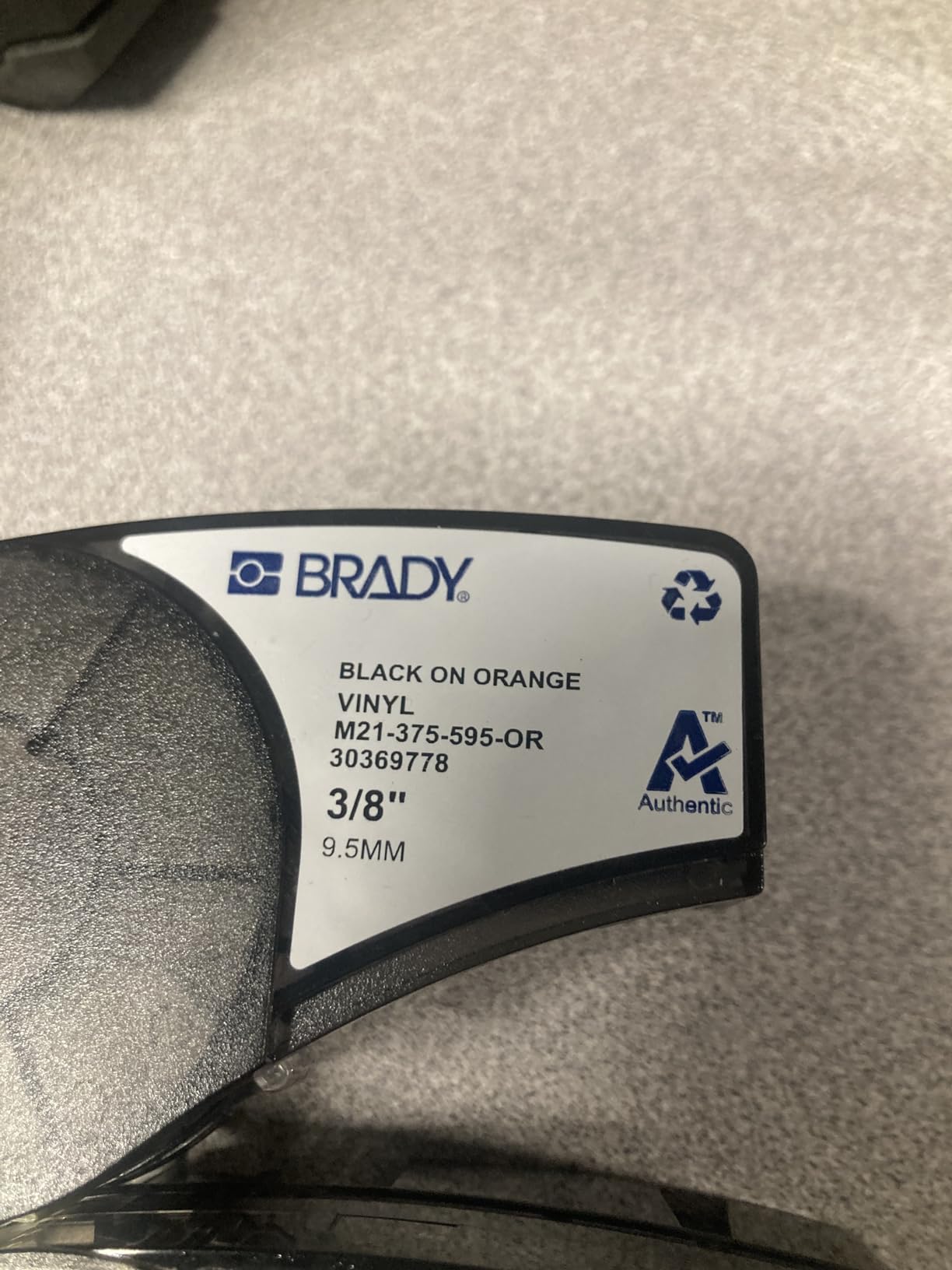
The M210 is built for a different environment than the rest of this list. It is drop tested, wrapped in molded rubber bumpers, and rated to survive 6-foot drops, and that changes how it feels on a job site or in a van. Our test set’s project box got dropped once during the week, and the printer was fine.
Media choice is where it separates itself. It uses more than 90 cartridges across 12 material types, including the nylon cloth patch panel and wire and cable labels supplied in the kit. For a harness that will be handled, abraded and re-worked, cloth and flag stock outlast paper by a wide margin.
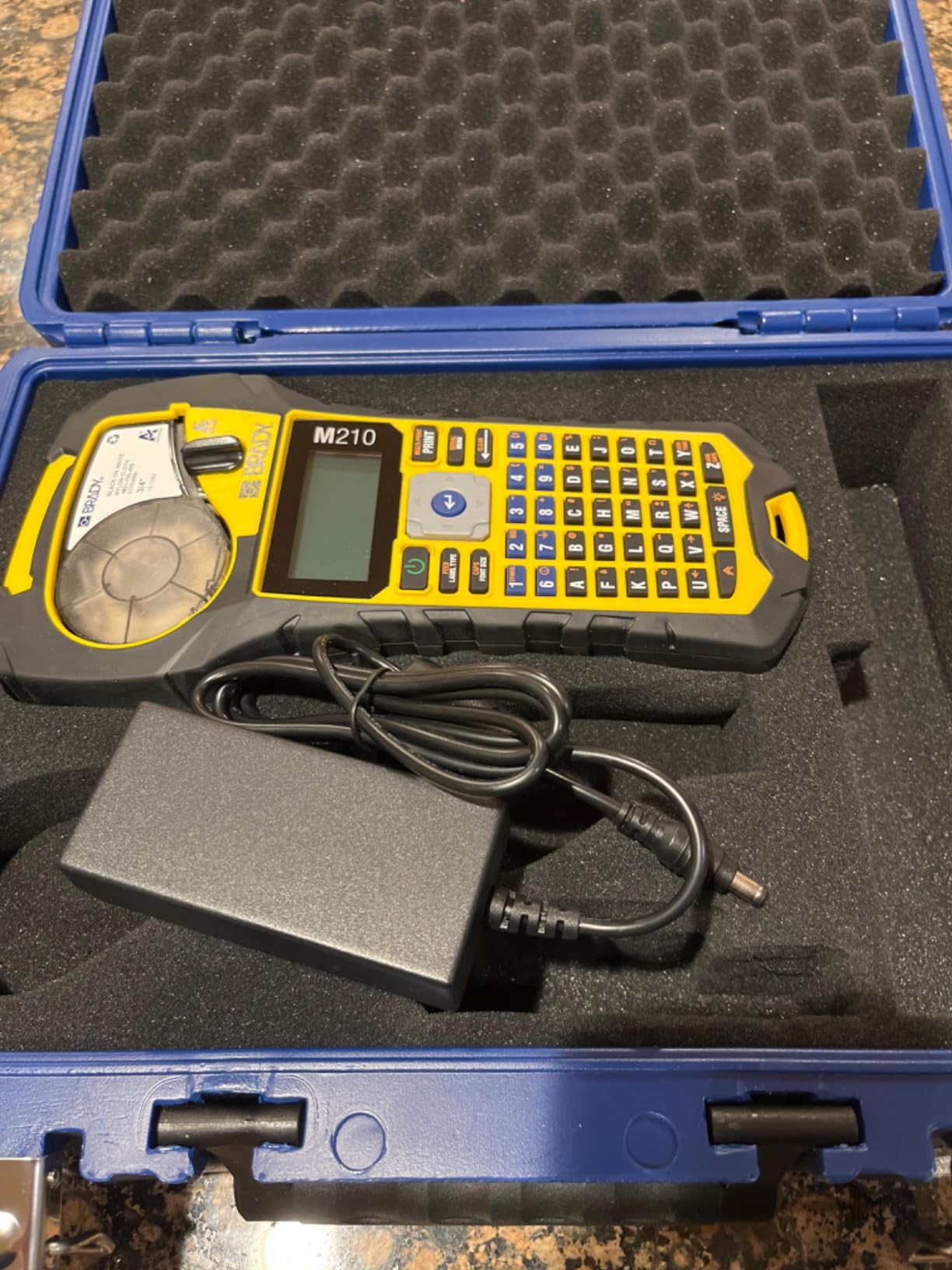
The keypad is genuinely useful rather than decorative. It has letters A to Z, numbers 0 to 9 and a backlit LCD, so you can label in a dark cabinet or under a car without pairing a phone. Text size runs from 6 to 40 point in a single colour, which covers a large panel label down to a small wire ID.
Power is handled properly. The kit includes a rechargeable Li-ion battery, a charger, an AC adapter and a hard case, with a two year warranty behind it. At 4.5 pounds it is the heaviest machine here, but that weight is part of why it feels stable in the hand.
Print speed is the compromise. The listed first-page time is 2.54 seconds and its rated output works out to well under one label per second, so a batch of a hundred enclosure labels will take noticeably longer than on the QL-800. For a handful of labels on site, you will not notice.
Who should buy the M210
Anyone who labels away from a desk: field service technicians, installers, and people who work on older equipment in plant rooms and cupboards. The battery, the backlit keypad and the drop rating are all aimed at that job.
It is also the right choice for a workshop where labels must survive handling, because the 12 material types include cloth and industrial-grade stocks that paper-based competitors cannot feed.
Who should not
Anyone labelling many items in one sitting, because the speed is slow. The 0.75 inch maximum media width also means this cannot produce a full enclosure plate, which is a real constraint for project box work.
There is no colour output. If your scheme depends on a red warning label, this will not produce it in printed ink.
5. Nelko P21 – Best Budget Pick for Small Part Bins
Nelko P21 Label Maker Machine with Tape, Bluetooth Label Printer, White
203 x 203 dpi direct thermal
Up to 14x75mm labels
11.52 ounces
Bluetooth to phones
Pros
- Most reviewed product here at 24296 reviews
- Half the size and weight of a traditional label maker
- Rechargeable battery with no ink or toner
- 750+ free templates plus QR codes and barcodes
- Deep app library with 3600+ icons and 29 languages
Cons
- Not compatible with computers or Android 14 devices
- Fixed label lengths with no continuous tape support
- Monochrome only
- Charging adapter not included
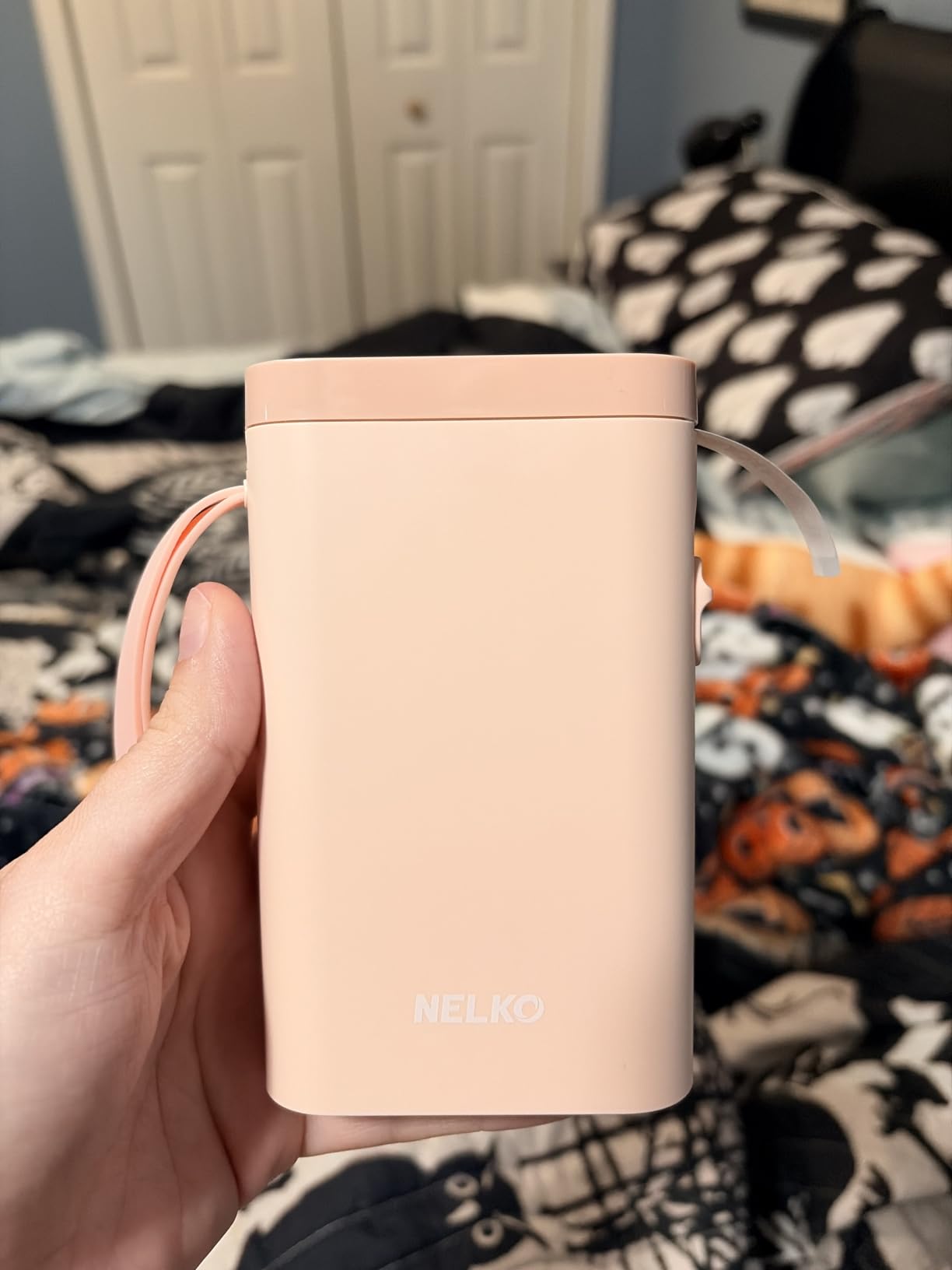
The Nelko P21 is the answer to the most common question on electronics forums: which affordable label maker should I get for my projects. At 11.52 ounces it is about half the size and weight of a traditional handheld, and it disappears into a tool bag. For a small parts drawer or a box of jumper wires, it is the least intrusive option we tested.
The app is the reason it holds a 4.4 star average across 24,296 reviews, the largest review base in this group. It carries 3600+ icons, 700+ borders, 5500+ materials, 750+ templates and 29 languages, all free, along with QR code and barcode generation. Very few paid apps give you that much for nothing.
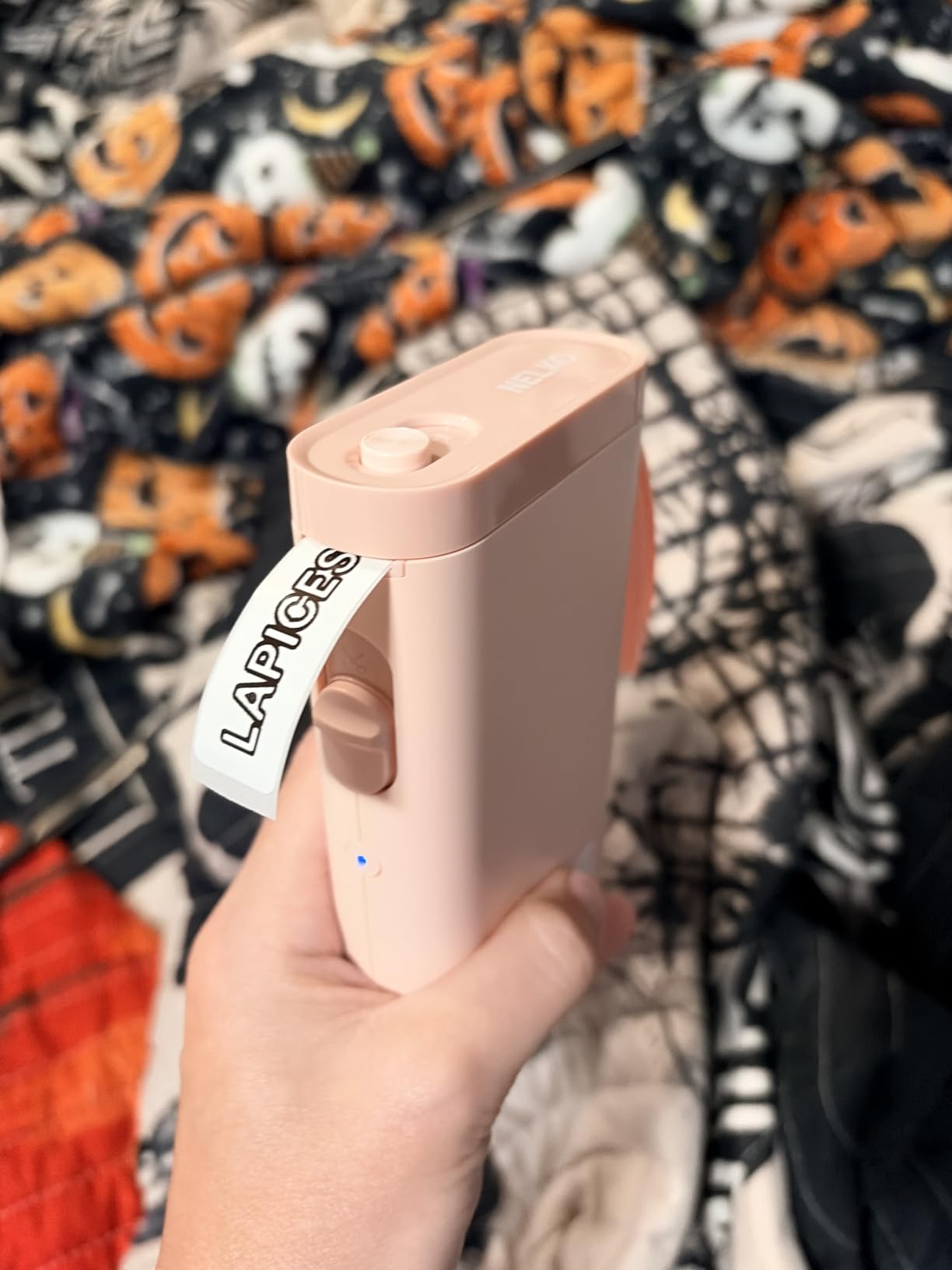
Output is 203 x 203 dpi direct thermal, BPA-free, with a built-in rechargeable battery. Label media runs 14x40mm, 14x50mm and 14x75mm, which suits a component bin, a dev board tag or a short cable flag without wasting tape.
What it will not do is print from a computer, and that is the honest limit. There is also no support for Android 14 devices, and label lengths are fixed, so you cannot run a continuous roll and cut to length yourself. The charging adapter is not in the box, which is an easy first-day annoyance.
Where the P21 makes sense
Small bins, small tags and short flags. It is the cheapest credible way to stop labelling drawers with masking tape and marker, and the size means it lives on the bench rather than in a cupboard.
It is also a good first machine. There is no ink, no toner and no account, so a new user can print a useful label within a couple of minutes of pairing.
Where it stops
It is phone-only, so it cannot print a parts list from a laptop, and the 14x75mm ceiling rules out an enclosure plate. On dense barcodes at small widths, 203 dpi is the same compromise seen on the other affordable units here.
If your workflow is computer-driven, choose the QL-800. If it is phone-driven but wider, choose the T50M Pro.
6. Phomemo M110 – Best for Batch Printing Away From the Desk
Phomemo M110 Label Makers, Portable Bluetooth Thermal Printer with Display
Thermal 203 dpi
20mm to 50mm label range
Bluetooth 4.0 and USB Type C
222.8 g
Pros
- Print Master app supports Excel batch printing
- OCR reads text from a photo in seconds
- 20mm to 50mm width range covers most bench labels
- Bluetooth 4.0 pairs in about 2 seconds at up to 33 feet
- Light at 222.8 g and quiet in operation
Cons
- Many app templates icons and fonts need a paid subscription
- Only one small test roll included
- Monochrome thermal only
- Small spindle can cause stack printing if loaded too tight
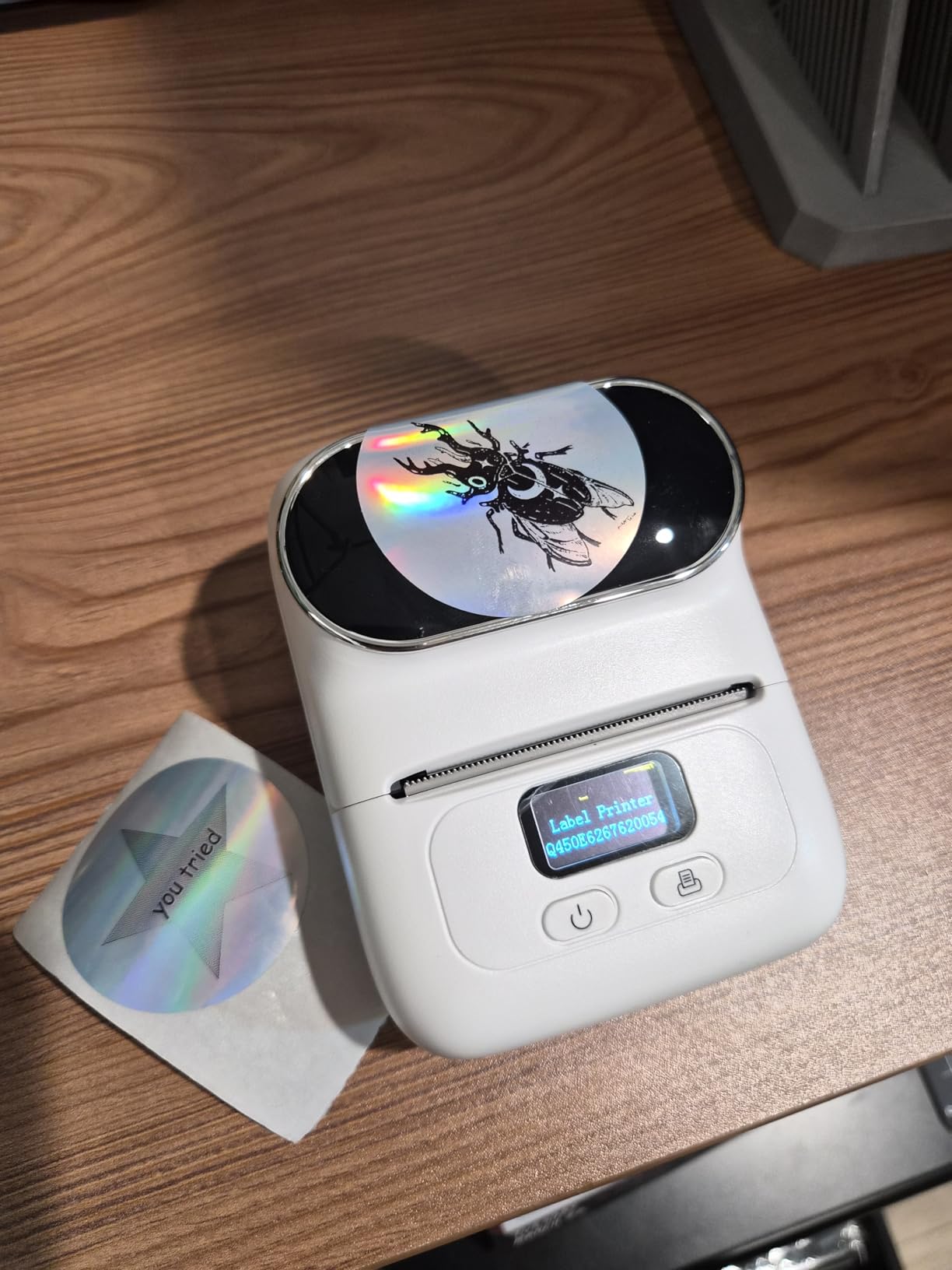
The M110 is the most interesting answer to a specific problem: getting a list of parts out of a spreadsheet and onto a stack of labels while standing at a bench, a truck or a shelf. The Print Master app supports Excel batch printing, so a column of part numbers becomes a column of printed labels without typing each one.
That feature is why we picked it out of the phone-first category. Most small label apps can import an image; fewer can read a spreadsheet. The OCR function is a bonus, turning text from a photo of a data sheet into editable label text in about four seconds.
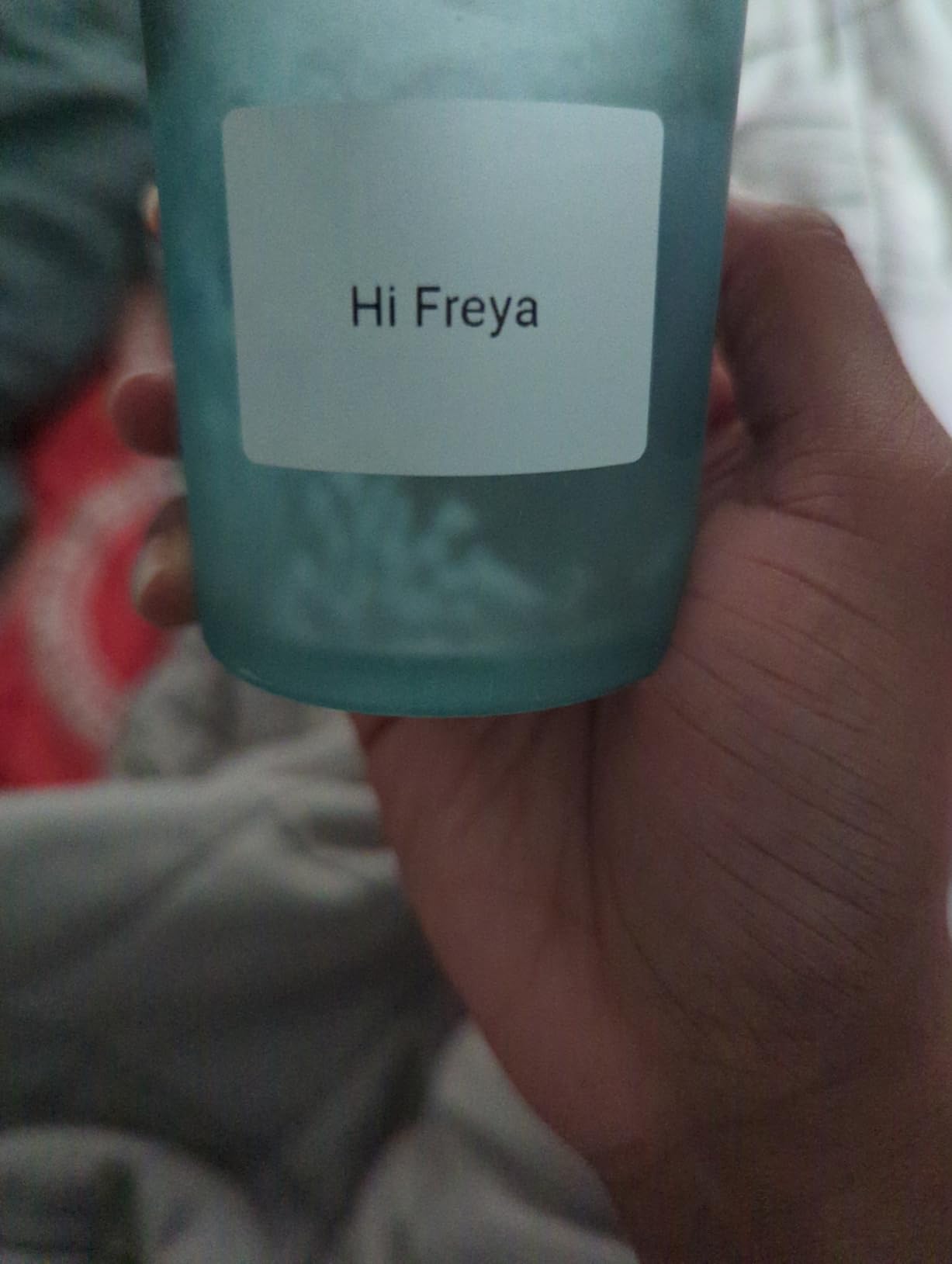
Hardware is deliberately simple. Label widths run from 20mm to 50mm, output is 203 dpi monochrome, and Bluetooth 4.0 reaches up to 33 feet with pairing in about two seconds. It charges over USB Type C and weighs 222.8 g, so it is the second-lightest machine here after the P21.
It is not a shipping label printer, and it does not print in colour. Both are stated in the product data rather than discovered later, which is worth something when you are comparing devices at shortlist stage.
The recurring complaint is the subscription. A meaningful number of app templates, icons and fonts sit behind a paid unlock, and free use is noticeably thinner than the Nelko app. Only one small test roll is included in the box, so budget for consumables up front.
When the M110 is worth it
Batch work away from a computer, and photo-to-label jobs where you are reading a component marking off a datasheet. Its 20mm to 50mm range is wider than most pocket machines and narrower than the T50M Pro.
Reviewers repeatedly single out fast pairing, quiet operation and light weight as the reasons it stays in the bag, and that matters more than spec sheets suggest for a portable tool.
When it is not
If you refuse to pay for app extras, the free tier will feel thin. And the small spindle is a real mechanical limit: load a roll too snugly and you can get stack printing rather than a clean feed.
For larger labels or enclosure work, move up to the T50M Pro. For computer workflows, use the QL-800.
7. DYMO LabelManager 160 – Best for Fine Text and Symbols
DYMO LabelManager 160 Label Maker Bundle with 3 D1 Label Cassettes, Portable Handheld, QWERTY Keyboard, One-Touch Smart Keys, Large Display, Home & Office Organization
Thermal 300 x 300 dpi
D1 tape in 1/4 to 1/2 inch
Wired USB
1.3 pounds
Pros
- 300 x 300 resolution for clean small text
- Over 20 text formats and 200+ symbols
- Large display checks content before printing
- One-touch smart keys speed up editing
- Three half inch D1 cassettes included
Cons
- Relies on proprietary D1 cassettes that cost more than generic tape
- Monochrome thermal output with no colour printing
- Wired USB interface only with no Bluetooth
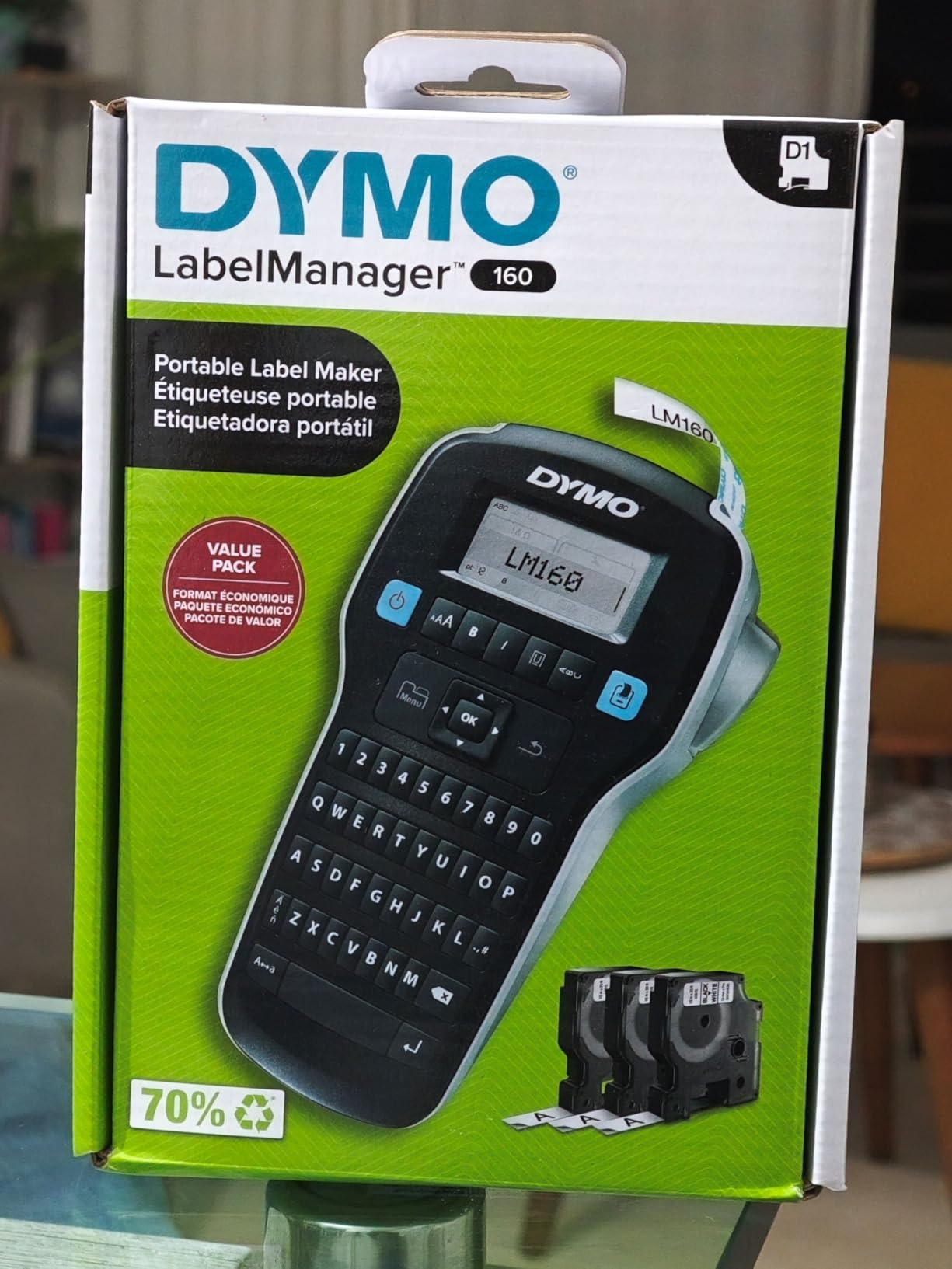
The LabelManager 160 is the odd one out here, and in a useful way. It is a handheld with a QWERTY keyboard and a large display, but its stated resolution is 300 x 300. Combined with narrow D1 tape, that is the combination you want when a label carries a long part number, a suffix and a symbol in a small space.
Editing is where it beats the app machines. Over 20 text formats and 200+ symbols are on the device, and the one-touch smart keys handle the repeated work of prefixing every label in a set. The large display means you are not squinting at a phone screen while standing over a parts drawer.
Media is D1 cassettes in 1/4, 3/8 and 1/2 inch widths, with three 1/2 inch black-on-white cassettes in the bundle. Automatic power-off extends battery life between sessions, and at 1.3 pounds it is still comfortable to carry between a bench and a rack.
Worth noting: D1 cassettes are proprietary and cost more per foot than generic thermal tape, and the interface is wired USB with no wireless option. Both are consistent complaints in the reviews rather than surprises.
Output is monochrome. Some people produce a colour effect by printing onto coloured tape, but that is a background colour, not printed ink, and it should not be planned around as if it were colour output.
Where it fits
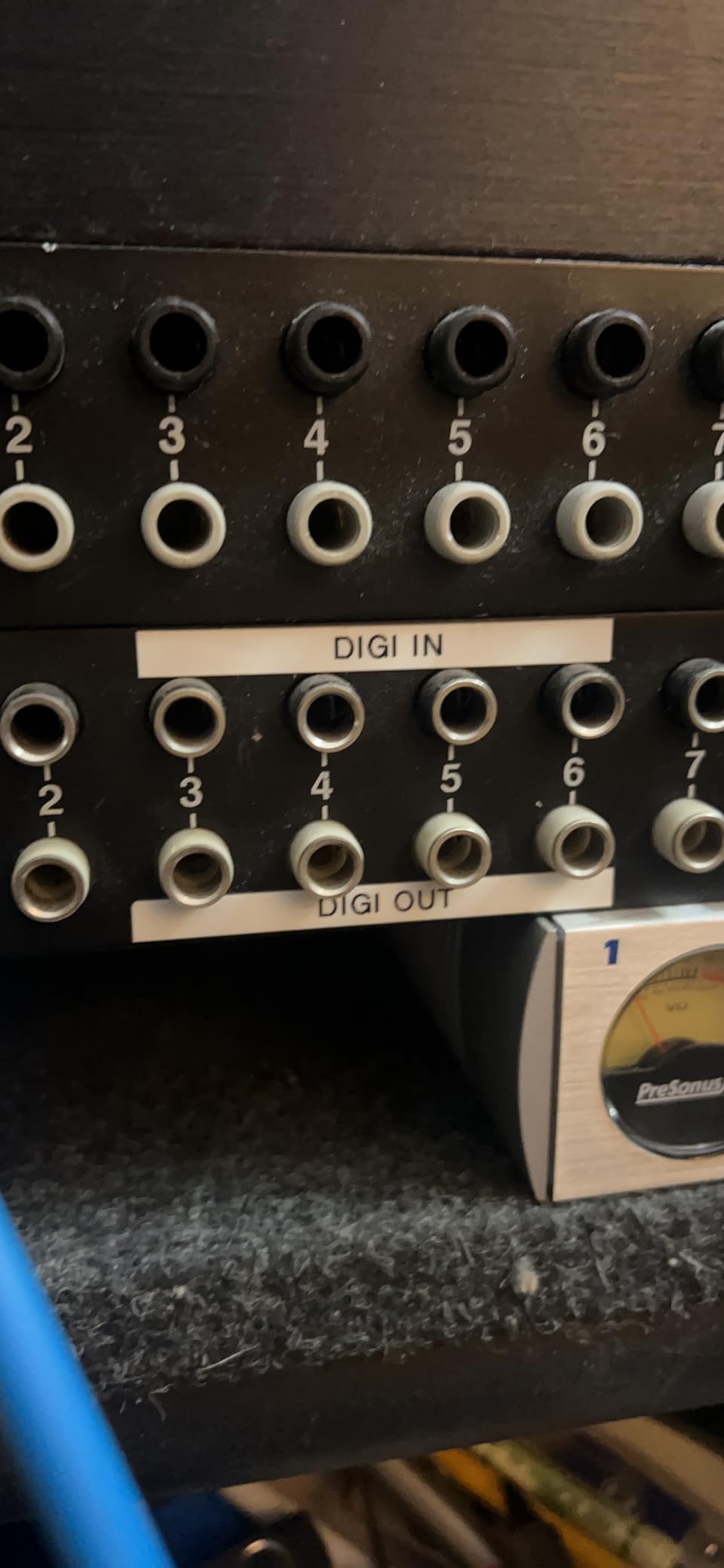
Panels, small tags and anything where a long string of characters has to stay readable at 1/2 inch. The 300 dpi resolution is the reason, and the QWERTY keyboard is the reason it stays a favourite for repeat labelling sessions.
It suits a person who does not want to deal with a phone app at all, and it is a good companion to a computer-based printer for bench work.
Where it does not
It cannot print from a phone or a network machine, and it tops out at 1/2 inch tape, so it will not produce an enclosure plate. D1 consumable cost is the running expense to plan for.
If you need bigger media, use the T50M Pro. If you need barcodes from a database, use the QL-800.
8. Brother PT-M95 – Best Standalone Bench Label Maker
Brother PT-M95 P-Touch Monochrome Label Maker Bundle (4 Label Tapes Included),White
Brother M tape in 9mm and 12mm
One or two lines of text
80 character backlit preview
Runs on AAA batteries
Pros
- Runs for months on four AAA batteries
- 80 character backlit display shows the full label
- Compact at 9.12 ounces with a QWERTY keyboard
- M tape available in 9mm and 12mm widths and several colours
- Stores up to three label files in memory
Cons
- Only two native font sizes with width settings to simulate more
- Tape cartridges need precise positioning to load
- Battery only with no AC adapter option
- Included tapes are not laminated
The PT-M95 is the simplest machine we tested and the one we left on the bench the longest. It has a QWERTY keyboard, an 80 character backlit LCD that previews the entire label, and it runs for months on four AAA batteries. Nothing to pair, no account, no driver.
It prints one or two lines of text with 8 Deco Mode patterns and 9 type styles, on Brother M tape in 9mm and 12mm widths. Two lines is exactly the format most wire flags and bin labels need, and it is the fastest way to get a readable label onto a part without opening an app.
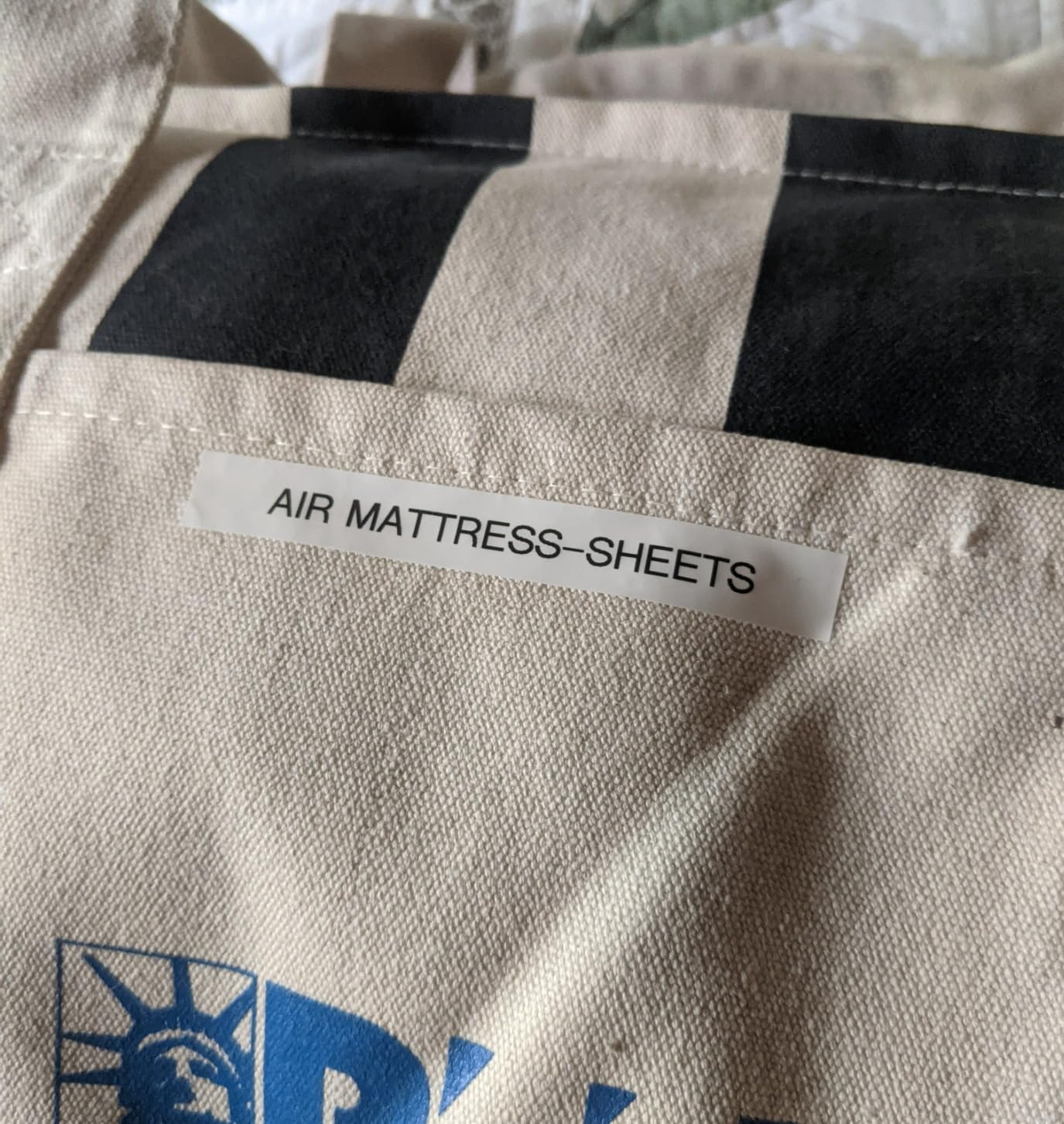
The display is the feature that keeps it relevant. Eighty characters of preview means you can see a long part number and its suffix together before printing, and the tape length and margin controls let you set blank space before and after the text, which is how you centre a label on a small tag.
It also stores up to three label files in memory, so recurring labels such as a project code or a bench ID do not have to be retyped. The bundle includes one sample and three full 12mm black-on-white tapes.
There are real limits. There are only two native font sizes, with half and double width used to simulate the rest. Tape loading needs accurate positioning, which is the most common complaint. And it is battery only, with no AC adapter option.
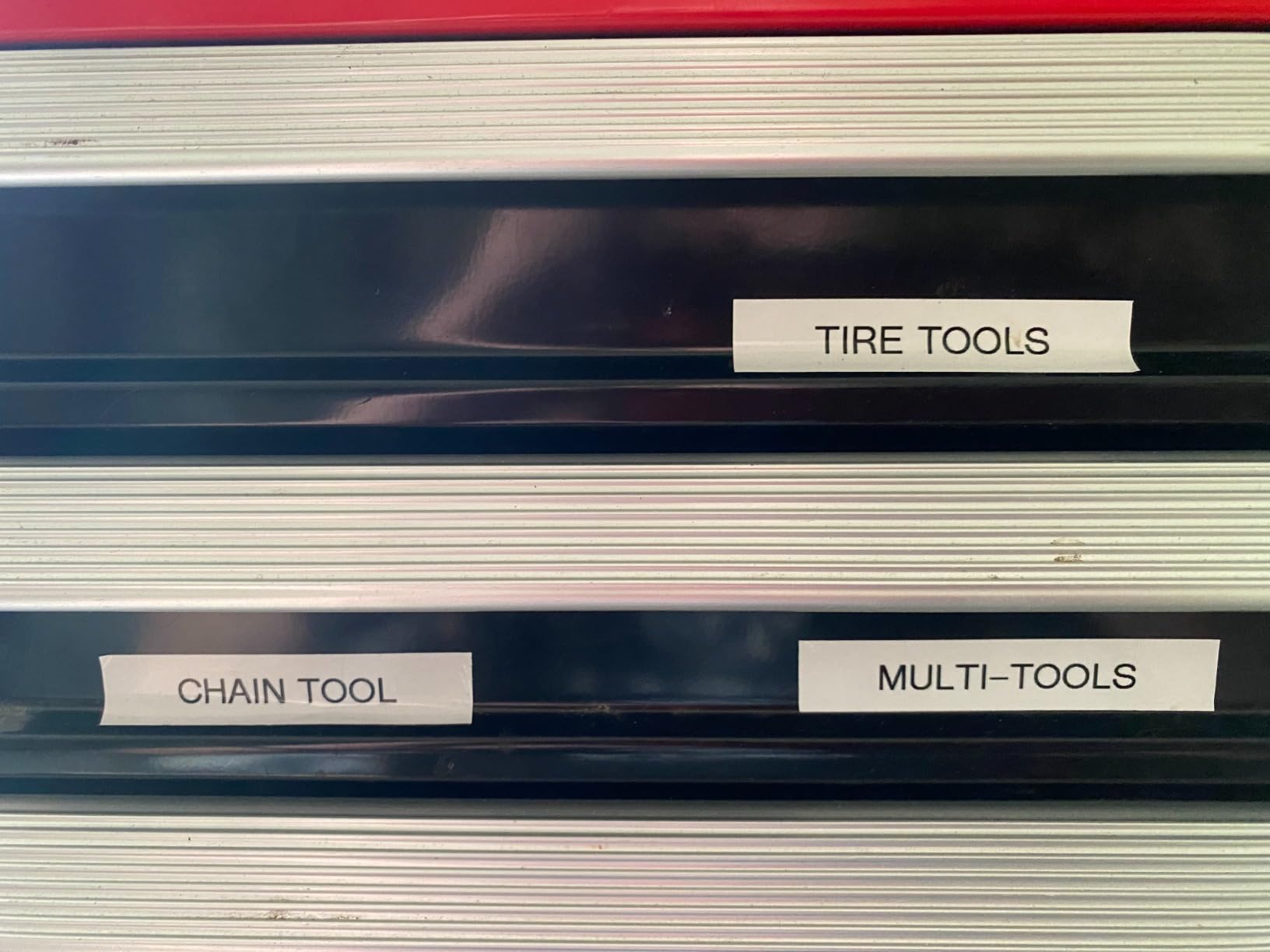
When the PT-M95 is the right buy
A bench that gets used by many people, or by students who should not have to install anything. Short two-line text labels, a standing bench identifier, and a project code repeated across a stack of boards.
At 9.12 ounces it is the lightest full-keyboard machine here, and the battery life means it can live in a drawer for months and still work.
When it is not
The included tapes are not laminated, so out of the box the labels are less suited to damp or outdoor use. Buy laminated M tape for anything on a bench that gets wiped, and expect no barcode support beyond what fits in two lines of text.
For narrower wire flags, use the PT-D210, which goes down to 3.5mm and uses laminated tape by default.
How to Choose a Label Printer for Electronics Work
Six decisions matter, and only two of them are about the printer. Work through them in this order and you will avoid the most common mistake, which is buying a beautiful label maker that cannot be driven from your computer.
1. Decide how the label will be produced. If labels come from a parts list, a design tool export, or a spreadsheet of serial numbers, you need a printer with a real desktop driver and a USB connection. The QL-800 is the only unit in this guide built around that path. If your labels are typed one at a time at the bench, any of the keyboard machines will do.
2. Check the phone-only trap. Three of the eight machines here are controlled by a phone or tablet app. The one recurring theme in buyer discussions about electronics label makers is that phone-only printing quietly blocks anyone whose labels come from a bill of materials. This is a feature filter, not a preference.
3. Match the media width to the job. Measure the smallest thing you need to label, not the largest. Jumper leads and thin signal wires need 3.5mm to 6mm, and component bins and dev boards need 12mm to 14mm. A project box front panel needs 1 inch or wider.
Print width and label width are not the same number, so check the printable area as well as the maximum media size. A machine that takes 2 inch tape but prints only 1.4 inch will not suit a long part number.
4. Treat dpi as a barcode decision. 203 dpi is fine for text on labels 12mm and wider. Below that, or on a dense Code 128, resolution starts to matter and 300 dpi is the safer choice. A label that will not scan is worse than no label, because it fails silently.
5. Look for an auto cutter if you print in batches. Hand-tearing labels wastes tape and leaves ragged edges on a small bin sticker. The QL-800 has a built-in cutter; most handheld machines do not, because they cut one label at a time by design.
6. Price the consumables, not the printer. Brother TZe, DYMO D1, Brother M and SUPVAN tape are all proprietary and do not interchange. Specialty media such as self-laminating labels, wrap-around flag stock and heat-shrink tubing costs more per label than plain stock, and it is the specialty media you will actually need. Plan on replacing the roll several times a year rather than treating the machine as the only purchase.
If you want a broader look at office-oriented machines rather than electronics ones, our label maker guide for the office covers the different priorities there.
One more case where a thermal printer is the wrong tool: a single enclosure panel. For one or two large labels, a laser printer on matte vinyl, or a vinyl cutter for a clean graphic, will produce a better result with no dedicated machine on the bench. Thermal printers earn their place through repetition, not through a single beautiful label. Our photo printer guide covers higher-resolution print paths if the finish matters more than the workflow.
Label Materials That Survive an Electronics Workbench
Paper thermal labels fade. This is the single most common failure we saw in testing, and it is chemical rather than mechanical: direct thermal prints darken further with heat and light, and they fade in sunlight. A label that reads clearly in month one can become faint in month six if it sits in a window or on a dashboard.
For anything that will live on a wire or inside a project box, use polyester or cloth stock rather than paper. Polyester resists abrasion, solvents and oil, and it does not stretch. For a harness that will be handled repeatedly, cloth flag stock or a wrap-around label is the durable answer, and it is why the Brady M210’s 12 material types matter.
Self-laminating labels are the practical middle ground. A self-laminating label has a clear top layer that you press down over the print, sealing the text against water, oil and handling without a separate laminating pouch. For bin drawers, PCBs and anything near a soldering station, that is usually enough protection.
Heat-shrink tube labels are a different workflow entirely. They print onto a tube that shrinks over the wire, so the label becomes part of the insulation and cannot peel or abrade. Print onto the tube flat, then shrink it on with a heat gun.
Wrap-around labels serve the same purpose more cheaply. They wrap around the wire so the text stays readable from any angle, which matters when the harness disappears into a duct or a cabinet.
On adhesives, the failure mode worth knowing is lifting after heat. An adhesive that holds a label flat on a cold bench can let go after a few minutes under a hot-air rework station. If your labels go inside an enclosure that gets hot, self-laminating or a heat-rated adhesive grade is worth the extra cost.
Frequently Asked Questions
What is the best label maker for labeling wires?
For wire and harness work, the Brother PT-D210 is the strongest pick because it accepts TZe tape in 12mm, 9mm, 6mm and 3.5mm widths and prints laminated, water and fade resistant labels. For heavy field work on a job site, the Brady M210 adds a backlit keypad, a rechargeable battery and 90-plus cartridges across 12 material types.
What type of printer is best for printing labels?
Direct thermal is the right default for electronics work because it needs no ink and no ribbon, which is why all eight printers in this guide are thermal. Thermal transfer adds a ribbon and produces abrasion, heat and solvent resistant labels for items that must survive on a bench for months. Inkjet and laser printers produce the sharpest output but need ink or toner and cut to sheets rather than rolls.
What is the difference between a label printer and a sticker printer?
A label printer prints onto rolls of self-adhesive media, usually thermal, and cuts or tears to a fixed length. A sticker printer is generally a small inkjet or laser unit that prints onto sheets you then peel and stick yourself. For electronics work the roll format matters, because a bin label or a wire flag needs to be produced one at a time without cutting a sheet.
Can a label printer print QR codes?
Yes, but it depends on the machine. The app-controlled printers in this group, including the SUPVAN T50M Pro, Nelko P21 and Phomemo M110, generate QR codes and barcodes from the phone app. The Brother QL-800 can print codes at 300 dpi from Excel or a design tool, which is the more reliable option for inventory work because the resolution is high enough for dense codes on small labels.
Do thermal labels fade in heat?
Yes. Direct thermal prints are chemical, so they darken with heat and fade with ultraviolet light, and a label in a hot car or a sunlit window can become unreadable within months. Polyester or cloth stock resists this far better, and a self-laminating label adds a clear top layer. Heat-shrink tube labels are the most permanent option because the print becomes part of the insulation.
Can I print labels from my laptop or a parts list?
Only with a printer that has a real desktop driver. The Brother QL-800 connects over USB, installs as a standard printer and has a Plug and Label feature that prints from Word, Excel and Outlook, so a column of part numbers becomes a column of labels. The app-controlled machines in this guide are phone and tablet only and cannot be driven from a computer.
The Verdict: Which Label Printer Should You Buy
If you only buy one, take the SUPVAN T50M Pro. It covers the widest range of electronics jobs, from 3/4 inch wire flags to 2 inch enclosure plates, at 203 dpi and 60 labels per minute, and its 4.4 star rating across 7,872 reviews is the strongest combination of satisfaction and volume in this group.
Add the Brother QL-800 if your labels come from a computer, and the Brother PT-D210 if wire flags are your main task. Our best label printers for electronics projects roundup is updated as new models land, so check the ratings before you commit.