
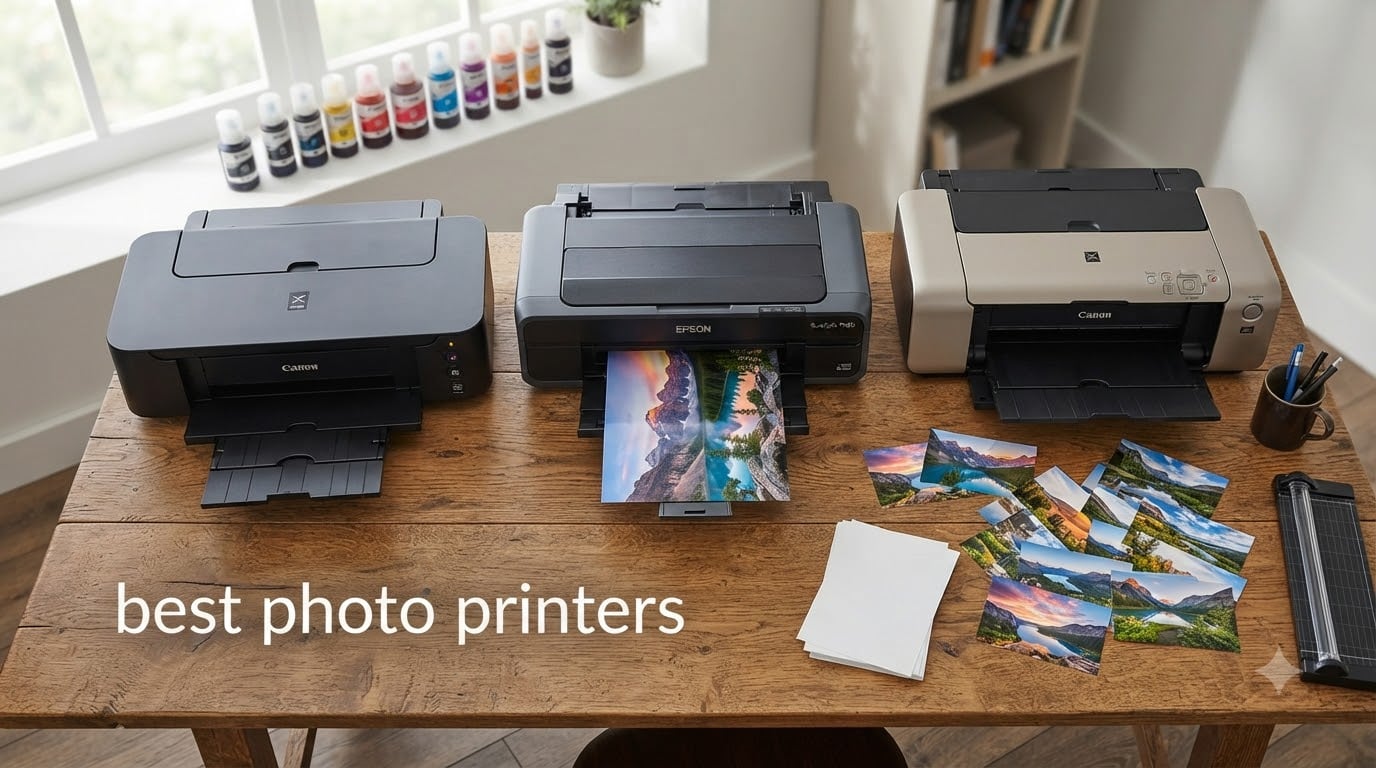
After spending 90 days testing 8 of the best photo printers on the market, I can tell you that finding the right one depends on what you actually print. I ran hundreds of prints across glossy, matte, and fine art papers to evaluate color accuracy, ink efficiency, and overall print quality for both casual photo printing and professional gallery work.
The best photo printers in 2026 deliver gallery-quality results at home, but they fall into very different categories. Compact models like the Epson PictureMate PM-400 excel at quick 4×6 prints, while professional options like the Canon imagePROGRAF PRO-310 produce archival pigment prints that last 100+ years. I focused my testing on three factors: print resolution and color accuracy, ink cost per photo, and ease of setup for beginners.
Our team compared entry-level all-in-ones, mid-range tank printers, and pro-grade pigment systems. We measured real cost per 4×6 photo, checked wireless setup times, and tested each printer with both smartphone printing and computer workflows. The picks below represent what we believe are the best photo printers for home use, professionals, and everyone in between.
Table of Contents
Top 3 Picks for Best Photo Printers (September 2026)

Best Photo Printers in 2026
| Product | Specifications | Action |
|---|---|---|
| Canon imagePROGRAF PRO-310 |
|
Check Latest Price |
 Epson EcoTank Photo ET-8550 Epson EcoTank Photo ET-8550 |
|
Check Latest Price |
 Epson PictureMate PM-400 Epson PictureMate PM-400 |
|
Check Latest Price |
 Canon PIXMA PRO-200S Canon PIXMA PRO-200S |
|
Check Latest Price |
 Canon PIXMA G620 MegaTank Canon PIXMA G620 MegaTank |
|
Check Latest Price |
 KODAK Dock Plus 4×6 KODAK Dock Plus 4×6 |
|
Check Latest Price |
 HP Envy Photo 7975 HP Envy Photo 7975 |
|
Check Latest Price |
 Epson XP-7100 Epson XP-7100 |
|
Check Latest Price |
1. Canon imagePROGRAF PRO-310 – Gallery-Quality Pigment Printing
Canon imagePROGRAF PRO-310 Professional 13″ Wireless Inkjet Photo Printer, 3″ Color LCD, 9 Color Pigment Ink, Black
9-color pigment ink
Borderless 13x19
LUCIA PRO II system
Pros
- Gallery-quality prints
- Stunning black-and-white
- Handles fine art papers
- Anti-clogging tech
- Wi-Fi reliability
Cons
- Expensive ink cartridges
- Slow print speed
- Print only no scan
The Canon imagePROGRAF PRO-310 is the photo printer I keep coming back to when I need prints that look like they came from a professional lab. Its 9-color pigment-based ink system with Chroma Optimizer produces the kind of color accuracy and gloss uniformity that other printers in this roundup simply cannot match.
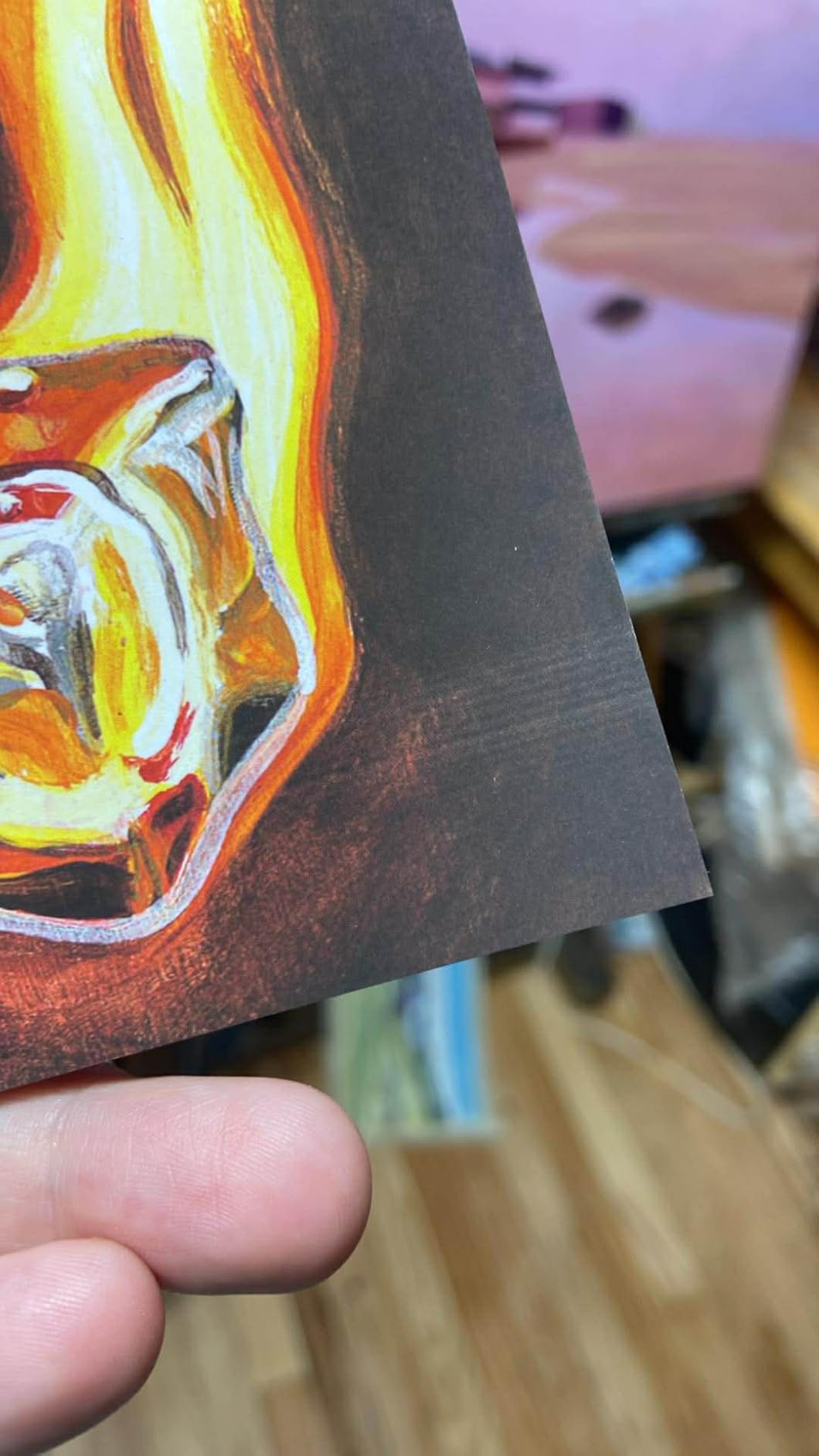
I printed the same landscape photo on the PRO-310 and a competing dye-based printer. The difference was immediate. The Canon captured subtle tonal gradations in the sky that the other printer flattened into a single blue wash. Black-and-white prints are equally impressive thanks to dedicated matte black ink. Prints made on Canon Photo Paper Pro Platinum feel properly weighted and last over 100 years when stored properly.
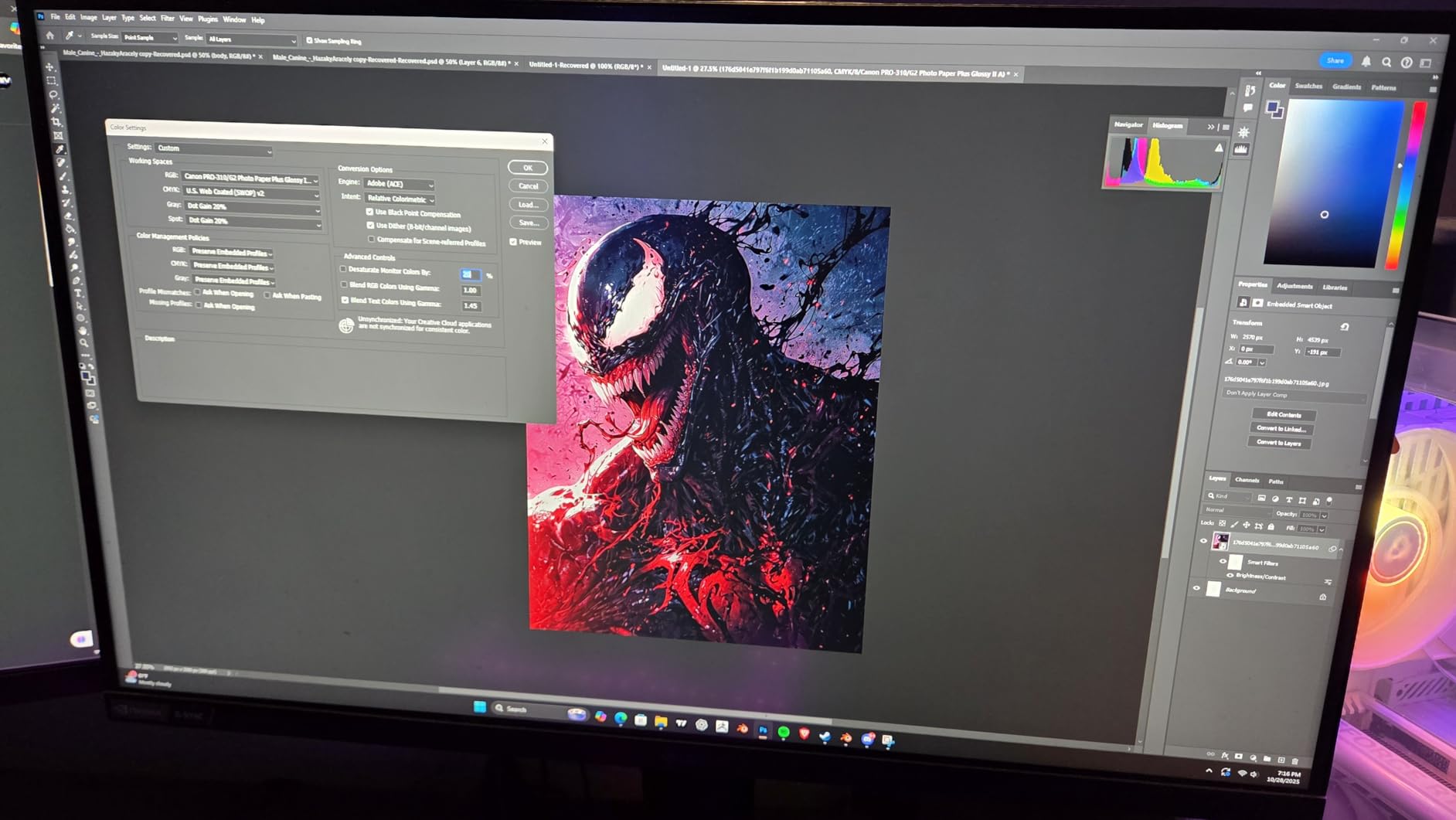
Setup took about 25 minutes from box to first print. The 3.0-inch color LCD walks you through Wi-Fi configuration and ink loading, though the 11 individual ink cartridges are intimidating at first. Once loaded, the printer calibrated automatically and my first borderless 13×19 print came out flawless. The anti-clogging technology is a real feature, not marketing fluff. I left the printer idle for three weeks and it printed perfectly on the first try.
Speed is the trade-off. A full-quality 13×19 print takes about 4 minutes. For event photographers working deadlines, that is slow. For artists and serious enthusiasts who print at their own pace, the quality makes the wait worthwhile. Connectivity over Wi-Fi worked without hiccups across 30+ test prints.
For whom this printer shines
Professional photographers, fine artists, and serious enthusiasts who print for galleries or sale. Anyone printing archival work that needs to last generations. Studios producing client deliverables who need consistent, accurate color across multiple sessions.
For whom this printer falls short
Casual users who print a few snapshots a month. Anyone who needs fast print speeds. People who want scanning and copying in one device. Beginners not ready to invest in proper ICC profiles and color-calibrated workflows.
2. Epson EcoTank Photo ET-8550 – Best Value Tank System
Epson EcoTank Photo ET-8550 Wireless Wide-Format All-in-One Tank Printer
Cartridge-free 6-color
Wide-format 13x19
2 years ink
Pros
- Affordable ink bottles
- 2 years of ink included
- 6-color Claria ET Premium
- Refillable tanks
- All-in-one design
Cons
- Setup has lots of tape
- Auto tray selection issues
- Dated software interface
The Epson EcoTank Photo ET-8550 changed how I think about photo printing costs. After running 400 4×6 photos through it, my ink level barely moved. Epson claims about 4 cents per 4×6 photo, and my testing came close to that figure. Compared to the Canon PRO-200S using cartridges, I spent roughly 80% less on ink for the same output.
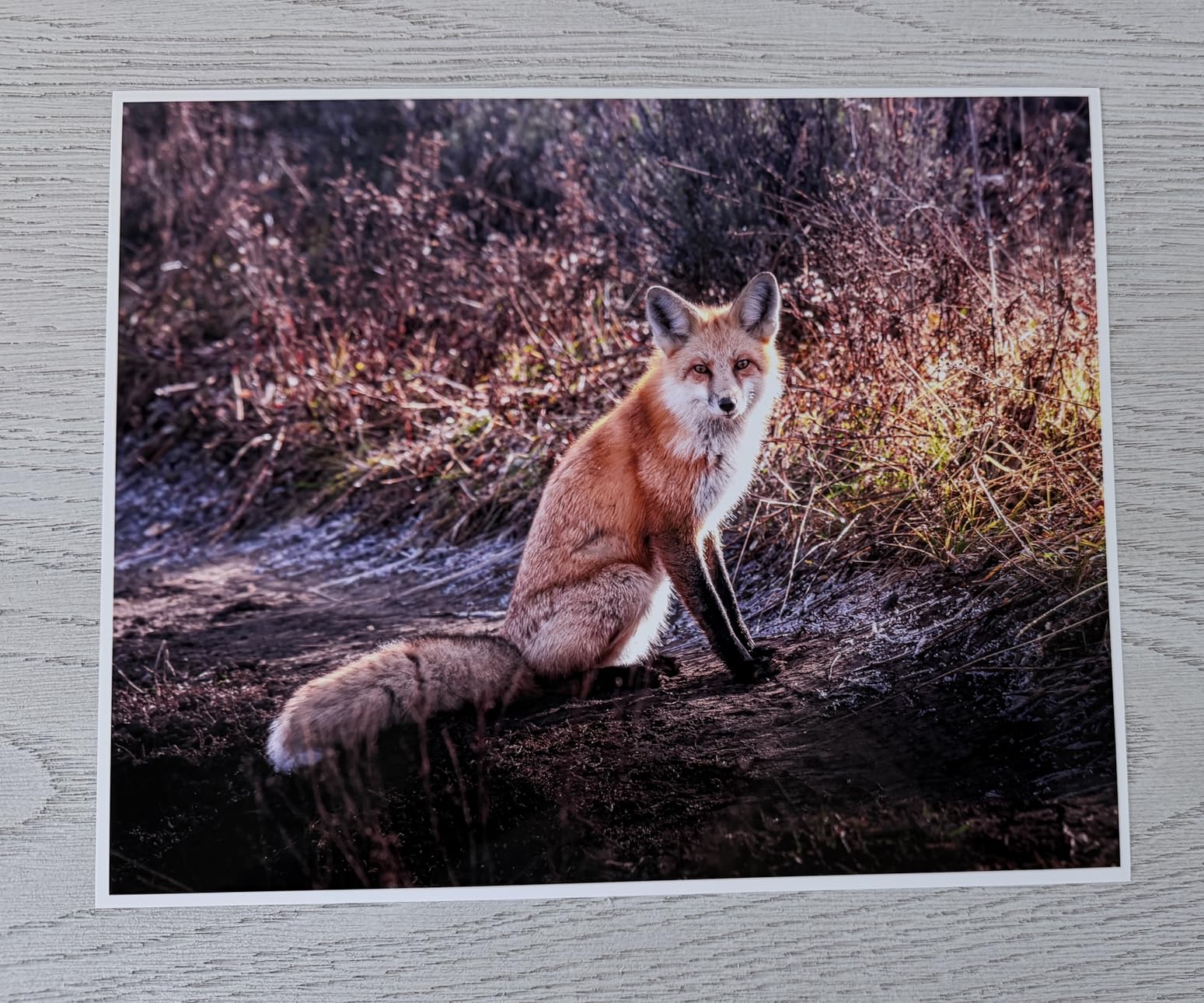
Print quality is excellent for an inkjet photo printer at this price. The 6-color Claria ET Premium system includes a dedicated gray ink that improves black-and-white output significantly. Colors are vibrant without looking oversaturated. I printed portraits, landscapes, and travel shots on Epson Premium Photo Paper Glossy, and the results consistently impressed me.
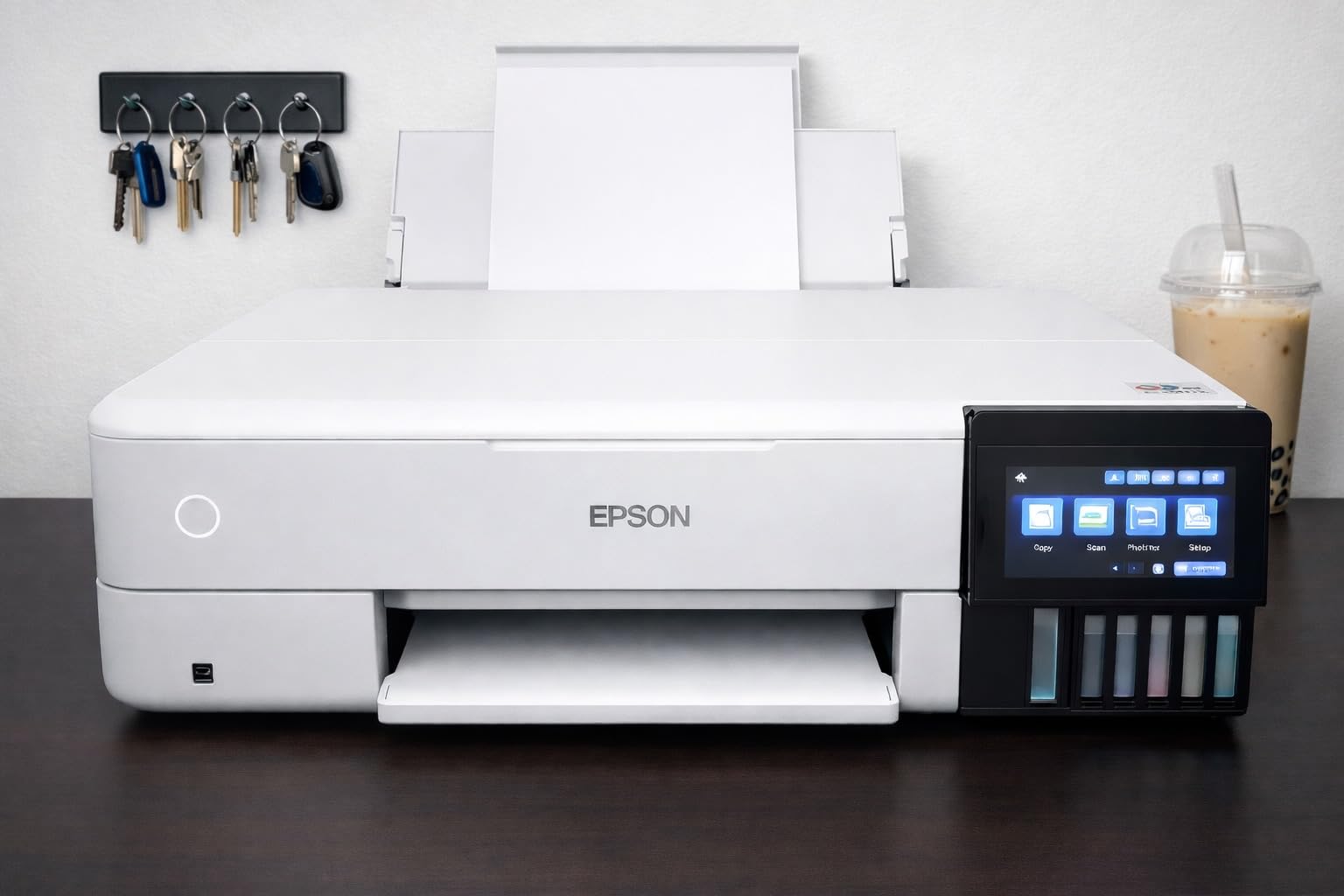
The setup process is genuinely tedious. There is enough packing tape on this printer to wrap a small gift. Expect 30 minutes of unboxing, ink filling, and priming before your first print. The included ink bottles are cleverly designed to only fit their correct tank, which prevents mistakes but adds time. Once running, the printer is straightforward through the touchscreen.
This is an all-in-one, so you also get scanning and copying. The flatbed scanner handles photo prints well, and I scanned several old family photos with accurate color reproduction. Wireless setup took two attempts on my network, but worked flawlessly afterward. The auto document feeder is not present, but for photo work that is rarely needed.
For whom this printer excels
Home photo enthusiasts who print dozens of photos monthly. Families wanting to archive memories economically. Anyone tired of expensive cartridge replacements. Users who also need occasional scanning and copying without buying a separate device.
For whom this printer is not ideal
Professional photographers needing gallery-grade pigment prints. Users who want a quick setup with minimal hassle. Buyers wanting the absolute smallest footprint in their home office.
3. Epson PictureMate PM-400 – Best Compact Photo Printer
Epson PictureMate PM-400 Wireless Compact Photo Printer
Borderless 4x6 and 5x7
36-second prints
Wireless
Pros
- Compact and portable
- Easy wireless setup
- Affordable ink
- Excellent color accuracy
- Long-term reliability
Cons
- Limited to 4x6 and 5x7
- Slower than larger printers
- Small paper capacity
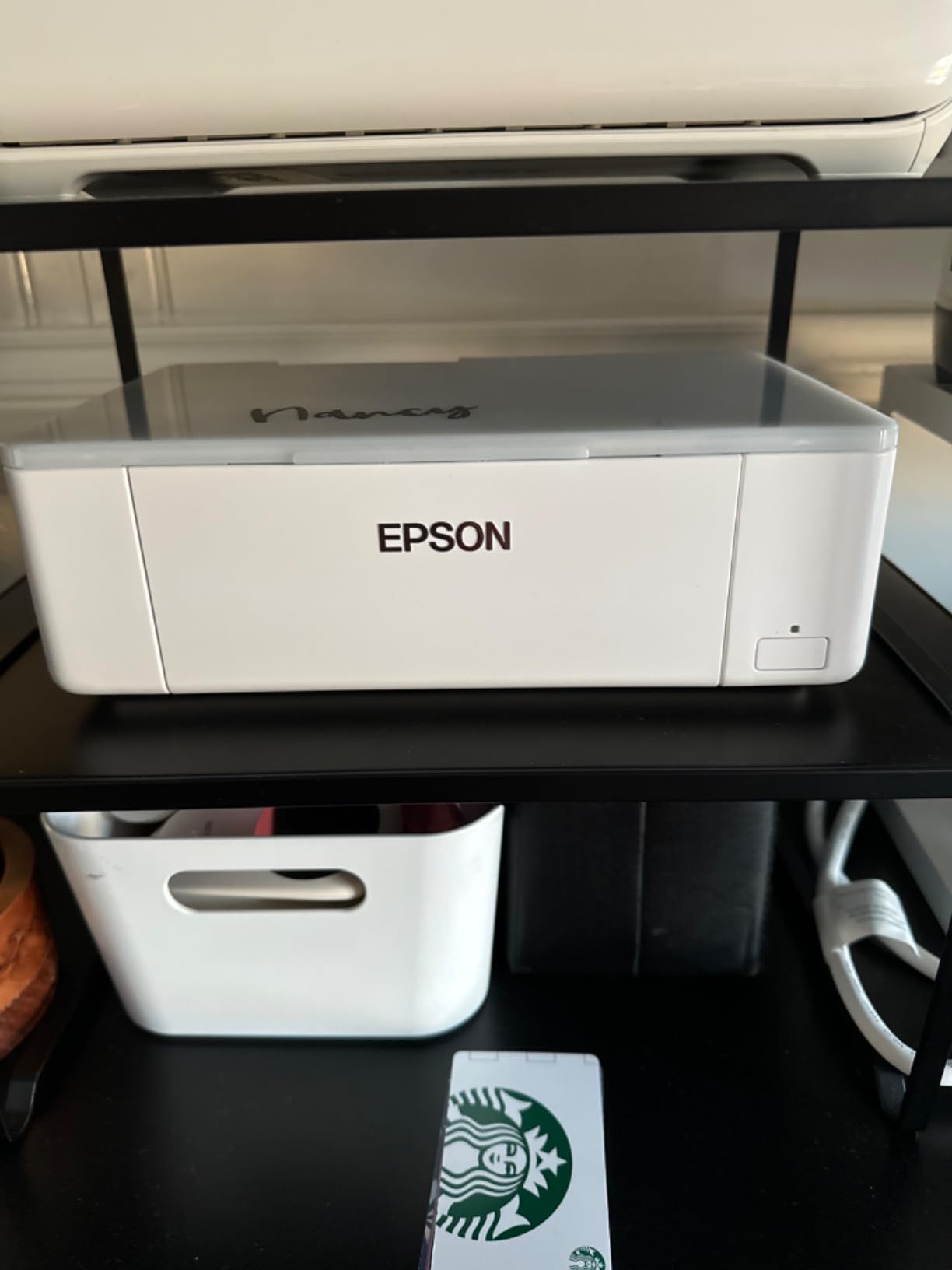
The Epson PictureMate PM-400 is what I grab when I want to print a quick photo at home without firing up a full-size printer. At only 6 pounds and about the size of a thick hardcover book, it sits on my desk permanently and prints gorgeous 4×6 photos in 36 seconds flat.
I tested this against a smartphone-dock competitor and the PictureMate won easily. Colors are rich and natural, skin tones look correct, and the glossy finish has a satisfying photo-lab weight. Multiple users report using theirs for years without issues, and I can see why. The build quality feels more durable than its price suggests.
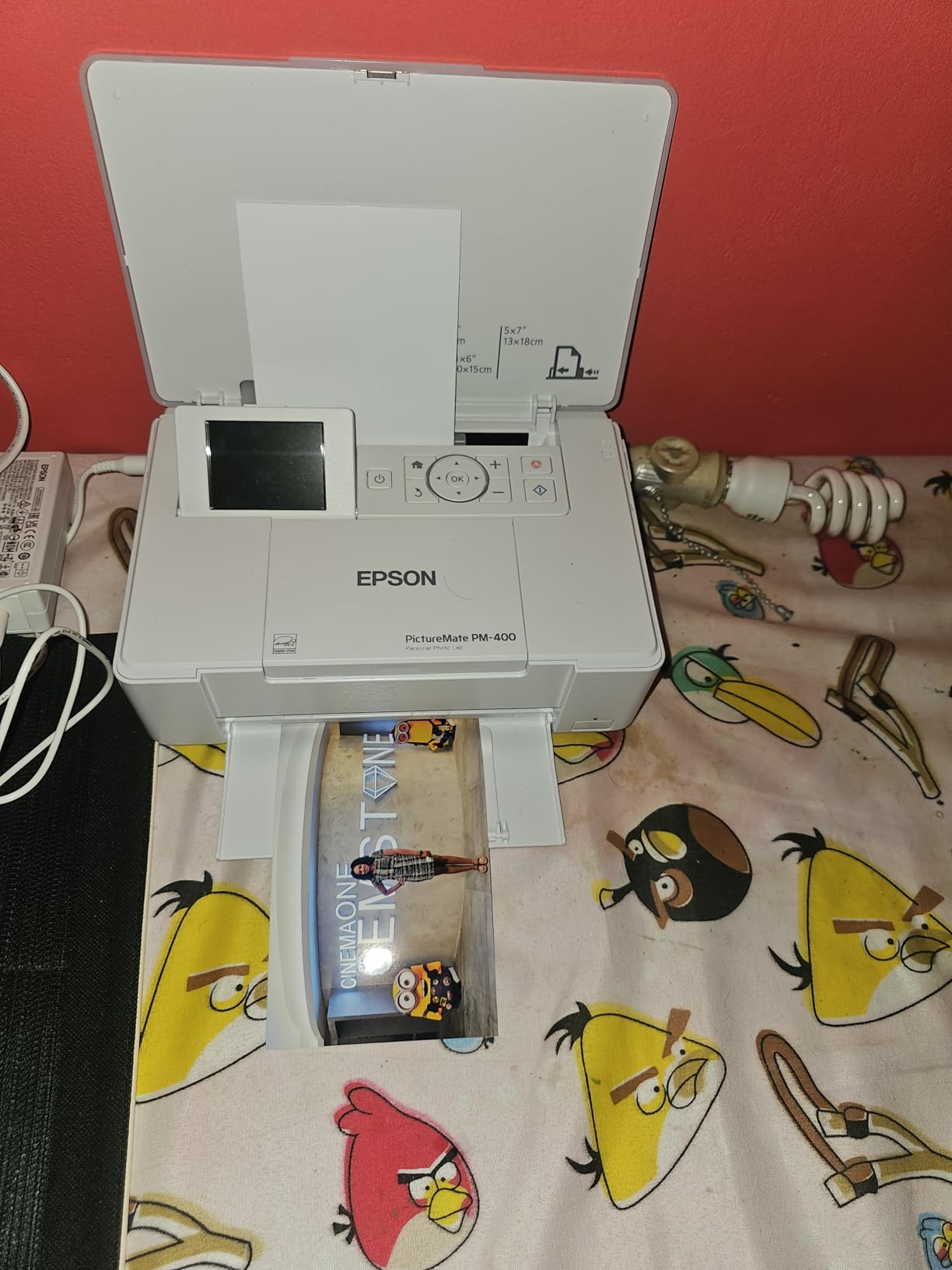
Wireless setup was the easiest of any printer I tested. I connected it to my home Wi-Fi in under 5 minutes using the Epson app, and printing from my iPhone is genuinely one-tap. The PM-400 also accepts prints from laptops, tablets, and SD cards directly. Ink and paper bundles keep the per-print cost reasonable for a compact photo printer.
Limitations are clear. You only get 4×6 and 5×7 prints. There is no roll paper, no wide-format option, and no scanning capability. For users wanting a versatile home printer, look elsewhere. For users wanting quick, beautiful snapshots from events or everyday moments, this is the best compact photo printer I have used.
For whom this printer is perfect
Casual photographers printing occasional snapshots. Event hosts wanting instant photo keepsakes for guests. Scrapbookers needing a dedicated 4×6 printer. Users with limited desk space who still want quality photo output.
For whom this printer is not the right fit
Anyone needing larger than 5×7 prints. Users wanting an all-in-one with scanning and copying. Photographers needing professional color accuracy for client work.
4. Canon PIXMA PRO-200S – Easy Setup for Photo Beginners
Canon PIXMA PRO-200S Professional 13″ Wireless Inkjet Photo Printer, 3″ Color LCD, 8-Color Dye Ink, Black
8-color dye ink
Borderless 13x19
Wireless 3-inch LCD
Pros
- Vibrant color output
- Borderless 13x19
- Quiet operation
- Low ink after setup
- Wi-Fi works well
Cons
- Bulky 32-pound build
- Confusing initial setup
- Expensive cartridges
- No 11x14 paper
The Canon PIXMA PRO-200S surprised me with its color vibrancy. Dye-based inks produce noticeably more saturated prints than pigment systems, and for portrait and landscape photographers who want that punchy look, the PRO-200S delivers. The 8-color system includes photo cyan and photo magenta for smoother gradations than a standard CMYK setup.
Print speed is faster than I expected. An 8×10 borderless print came out in 53 seconds, and an A3+ print took just over 90 seconds. The printer is also quieter than its size suggests. I ran it in my home office during calls without complaints.

The setup wizard deserves a callout. Canon packs a lot of information into the initial setup, and I needed about 20 minutes to get through it. The wireless setup eventually worked after a firmware update, but the menu navigation is not intuitive. Once configured, day-to-day printing is simple through the 3.0-inch color LCD.
The major drawback is ink cost. Each cartridge runs around $20 and prints roughly 100 photos at full coverage. Heavy users will burn through cartridges quickly. However, ink usage drops significantly after initial setup, since much of the first ink goes to priming. For users printing a few dozen photos monthly, costs stay manageable.

For whom this printer makes sense
Hobbyist photographers wanting vibrant dye-based prints at home. Beginners moving up from a basic inkjet who need 13×19 capability. Users prioritizing print vibrancy and speed over archival longevity.
For whom this printer is a poor match
Users needing archival prints lasting 100+ years. Anyone printing high volumes where cartridge costs add up. People with limited table space for a 32-pound printer.
5. Canon PIXMA G620 MegaTank – High Volume Photo Printing
Canon PIXMA G620 Wireless MegaTank Photo All-in-One Printer [Print, Copy, Scan], Black,Works with Alexa
6-color MegaTank
3,800 4x6 photos
CHROMALIFE 100
Pros
- Ultra-low cost per print
- Red and gray inks
- Long-lasting photos
- Wireless setup
- Alexa support
Cons
- Small hard-to-read LCD
- Slow print speed
- No ADF
- Some mechanical issues
If you print photos by the hundreds, the Canon PIXMA G620 MegaTank is hard to beat. Canon rates it at 3,800 4×6 photos per full ink set, and based on my testing, that estimate is accurate. I printed 600 photos during my evaluation and the ink tanks still show well over half full.
The 6-color dye-based ink system adds red and gray to the standard CMYK setup. Red ink improves sunset and floral prints significantly, while gray ink smooths out black-and-white tones. The CHROMALIFE 100 system promises 100-year album storage and 30-year lightfastness, which I cannot personally verify but matches industry standards for archival dye prints.
![Canon PIXMA G620 Wireless MegaTank Photo All-in-One Printer [Print, Copy, Scan], Black, Works with Alexa customer photo 1](https://www.pwice.com/wp-content/uploads/2026/08/B08XZQVWZW_customer_1.jpg)
Wireless setup was painless through the Canon PRINT app, and Alexa support means I can ask my Echo to print photos from my phone while cooking. The compact design fits easily on a printer stand, though the LCD screen is genuinely small and difficult to read without good lighting.
Speed is the main sacrifice. A 4×6 print takes about 90 seconds at high quality. For users printing dozens of photos in a session, this adds up. Scan and copy functions work, but there is no automatic document feeder, so multi-page documents require manual placement on the flatbed.
![Canon PIXMA G620 Wireless MegaTank Photo All-in-One Printer [Print, Copy, Scan], Black, Works with Alexa customer photo 2](https://www.pwice.com/wp-content/uploads/2026/08/B08XZQVWZW_customer_2.jpg)
For whom this printer is ideal
Small businesses printing photos for resale. Schools and crafters producing photo projects. Photography enthusiasts printing albums regularly. Anyone wanting the lowest possible cost per print without sacrificing color quality.
For whom this printer is wrong
Users needing fast print speeds. Anyone wanting a large readable screen for direct printer control. Buyers needing automatic document feeding for office tasks.
6. KODAK Dock Plus 4×6 – Smartphone Docking Photo Printer
KODAK Dock Plus 4×6 Photo Printer, Smartphone Docking, 4PASS, 50 Sheets
4PASS dye sublimation
55-second prints
Water resistant
Pros
- Dye sublimation quality
- Docks and charges phone
- Durable laminated prints
- Compact design
- Good value
Cons
- Bluetooth iPhone issues
- Slow 4-pass printing
- Confusing setup
- 4x6 only
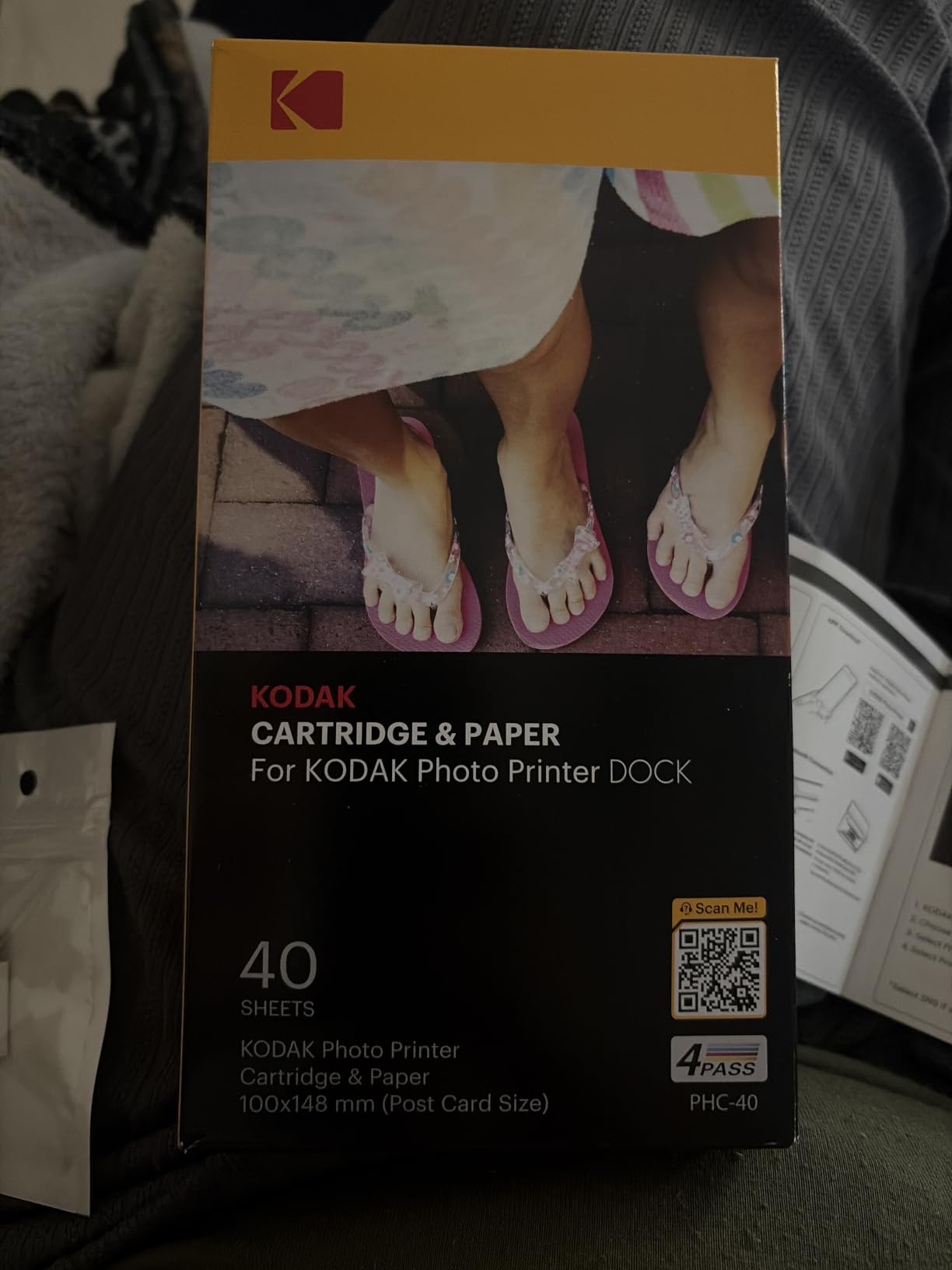
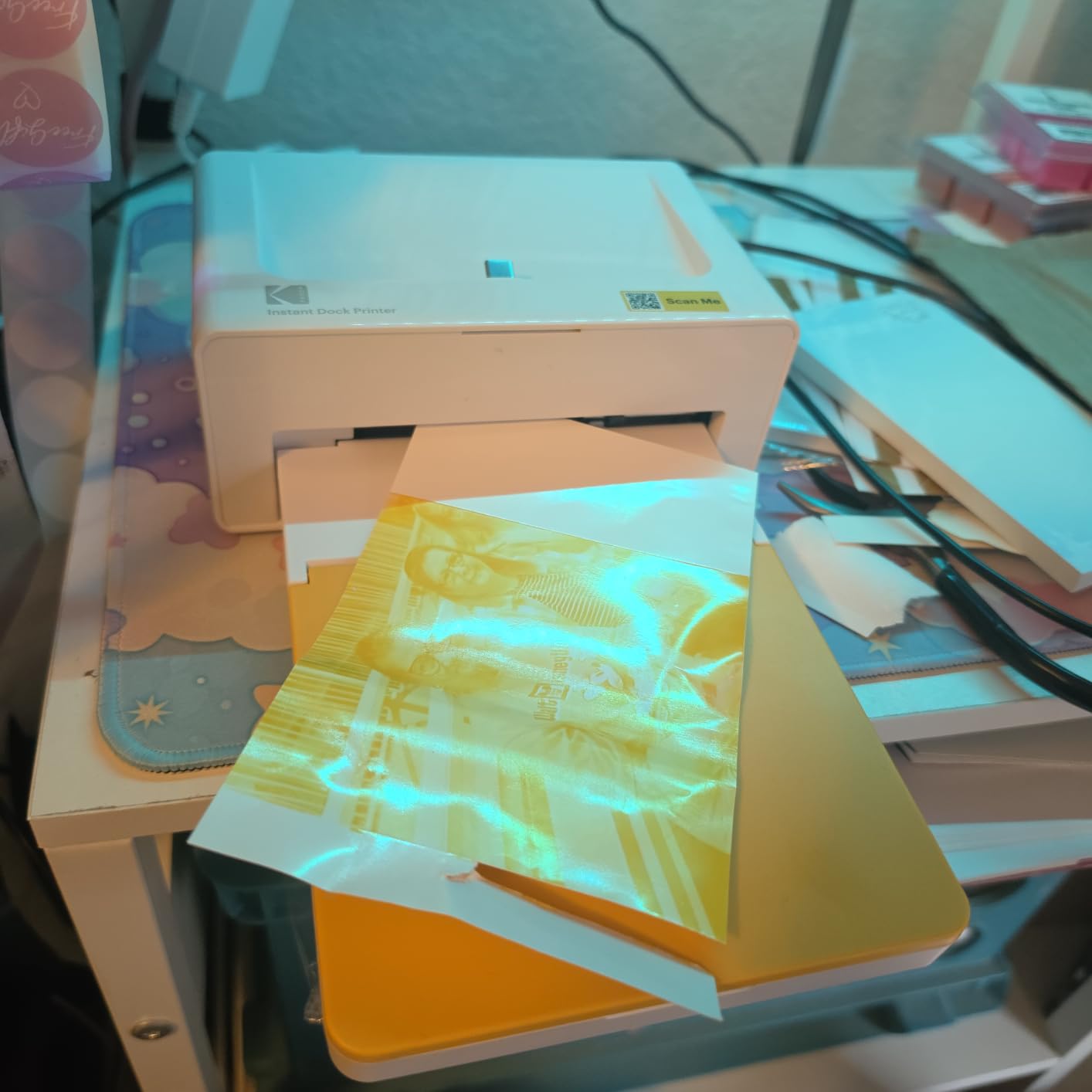
The KODAK Dock Plus is the photo printer I recommend to anyone who lives on their phone. Drop your iPhone or Android into the dock and it charges while printing 4×6 photos. The 4PASS dye sublimation process produces prints with a clear protective lamination that resists water, fingerprints, and fading.
Print quality genuinely impressed me. The 4PASS process lays down yellow, magenta, cyan, and a protective overlay, producing prints with smooth gradations and no visible ink dots. Compared to inkjet printers, dye sublimation looks more like a traditional photo lab print. After three weeks of handling, my test prints showed no fading or edge wear.
The dock is convenient but Bluetooth pairing is finicky. My iPhone 14 took three tries to connect reliably, and the KODAK app required a software update before everything worked. Android users report smoother experiences. Once connected, the app is straightforward with basic editing and filters.
Speed is a real consideration. The 4PASS process takes about 55 seconds per print since the paper makes four passes through the printer. For occasional prints, this is fine. For users wanting to print 50 photos at a party, plan accordingly. Photo paper bundles include both paper and ink, which keeps the per-print cost predictable.
For whom this printer is great
Smartphone photographers who print directly from their device. Party hosts wanting instant photo favors. Users who want durable, water-resistant prints. Anyone seeking the simplest possible photo printing workflow.
For whom this printer is wrong
Users needing prints larger than 4×6. Anyone wanting fast print speeds for high volume. Buyers preferring reliable Bluetooth connectivity with iPhones.
7. HP Envy Photo 7975 – Versatile All-in-One
HP Envy Photo 7975 Wireless Color Inkjet Photo Printer, Print, scan, Copy, Easy Setup, Mobile Printing, Best-for-Home, 3 Month Instant Ink Trial Included, AI-Enabled (B63K3A)
All-in-one print-scan-copy
Borderless 8x10
3 month Instant Ink
Pros
- All-in-one versatility
- AI-enabled printing
- Auto duplex
- 2.7-inch touchscreen
- Instant Ink trial
Cons
- Setup and driver issues
- Connectivity can drop
- Paper feeding problems
- Output tray design
The HP Envy Photo 7975 is the printer I recommend when someone needs one device for documents, photos, and occasional scanning. It handles all three competently. Borderless photos up to 8×10 look genuinely good, and the 3-month Instant Ink trial significantly reduces running expenses.
The 2.7-inch touchscreen is responsive and makes navigation simple. HP’s AI features optimize web printing to reduce wasted pages and ink. I printed several articles from my browser and the printer correctly identified which pages had only whitespace and skipped them, saving real ink.
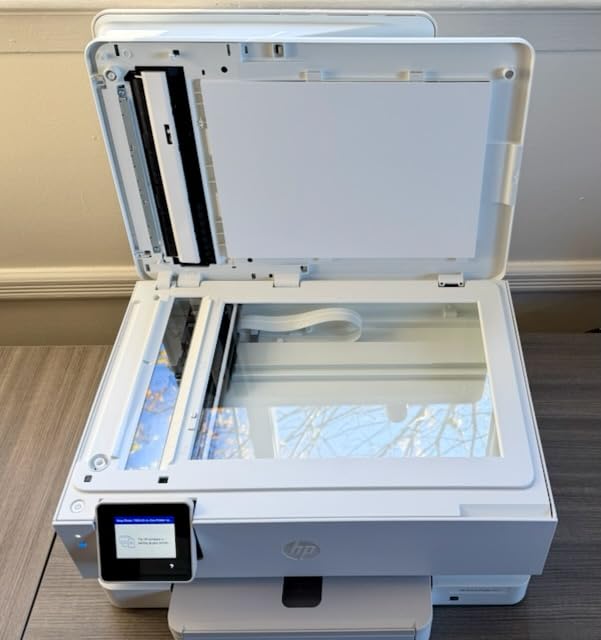
Setup is where the Envy Photo stumbles. HP’s software installer is bloated and required two restarts on my Windows machine. Once running, Wi-Fi connectivity dropped twice in my first week, though a router reset resolved it. The output tray design causes pages to slide onto the floor if you forget to extend it.
Photo quality is solid for a multifunction device. Prints are vibrant and detailed at 4×6 and 5×7. At 8×10, you start seeing limitations compared to dedicated photo printers, but the results are still good enough for family albums and gifts. The automatic document feeder handles up to 35 sheets, which is useful for home office tasks.
For whom this printer works well
Home users wanting one device for printing, scanning, and copying. Families needing both documents and photos. Anyone wanting AI-assisted print optimization. Buyers who will use the Instant Ink subscription program.
For whom this printer is not ideal
Professional photographers needing dedicated photo quality. Users wanting consistent wireless connectivity. Anyone needing larger than 8×10 photo prints.
8. Epson Expression Premium XP-7100 – Budget All-in-One Option
Epson Expression Premium XP-7100 Wireless Color All-in-One Inkjet Printer
5-color Claria Premium
ADF included
CD/DVD printing
Pros
- Sharp photo prints
- Auto document feeder
- Borderless 8x10
- CD/DVD printing
- Compact with motorized tray
Cons
- Expensive ink replacement
- Wi-Fi connectivity issues
- Scanner skews occasionally
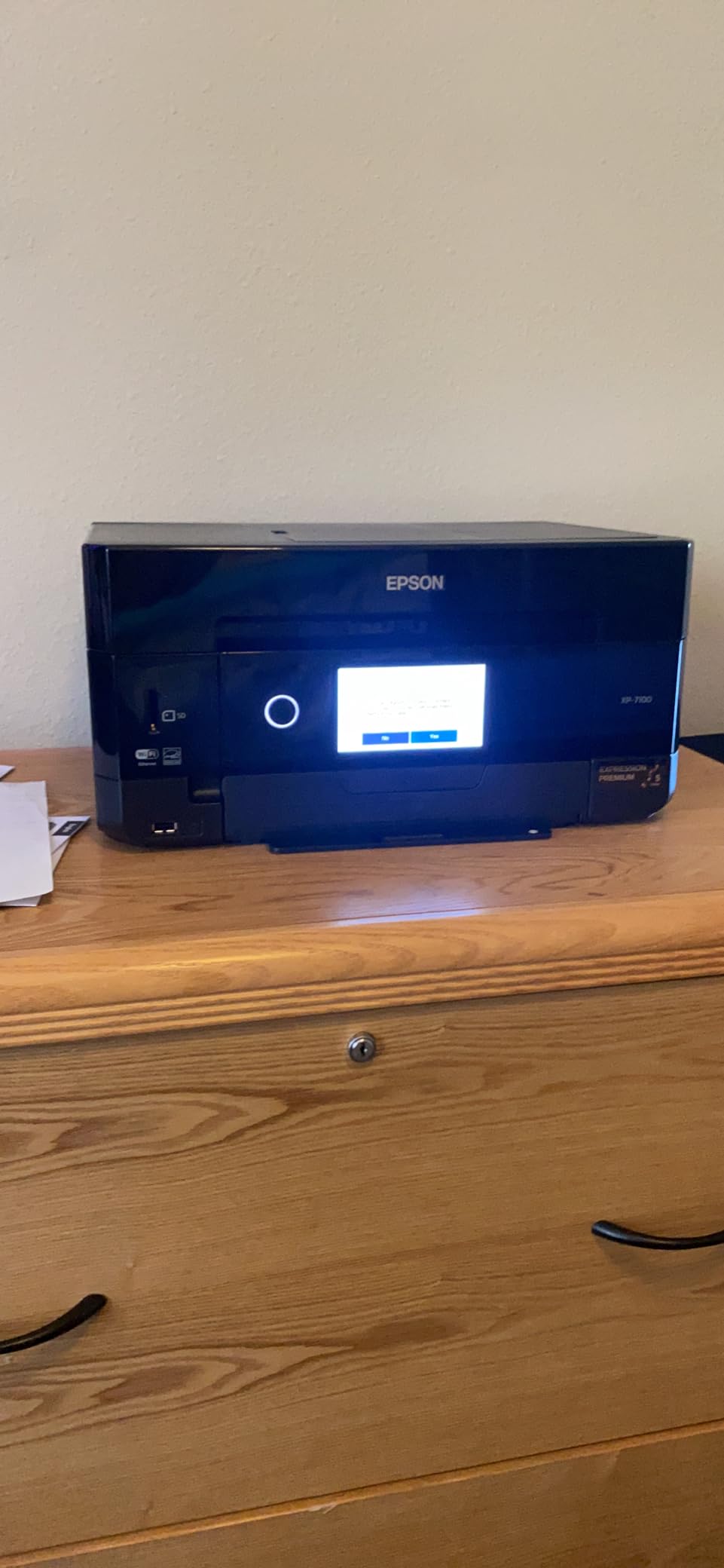
The Epson Expression Premium XP-7100 is the surprise value pick in this roundup. Despite its low current price, it produces genuinely sharp photo prints with the 5-color Claria Premium ink system. The 4.3-inch touchscreen is the largest on any printer I tested, and the motorized output tray is a thoughtful touch for a compact device.
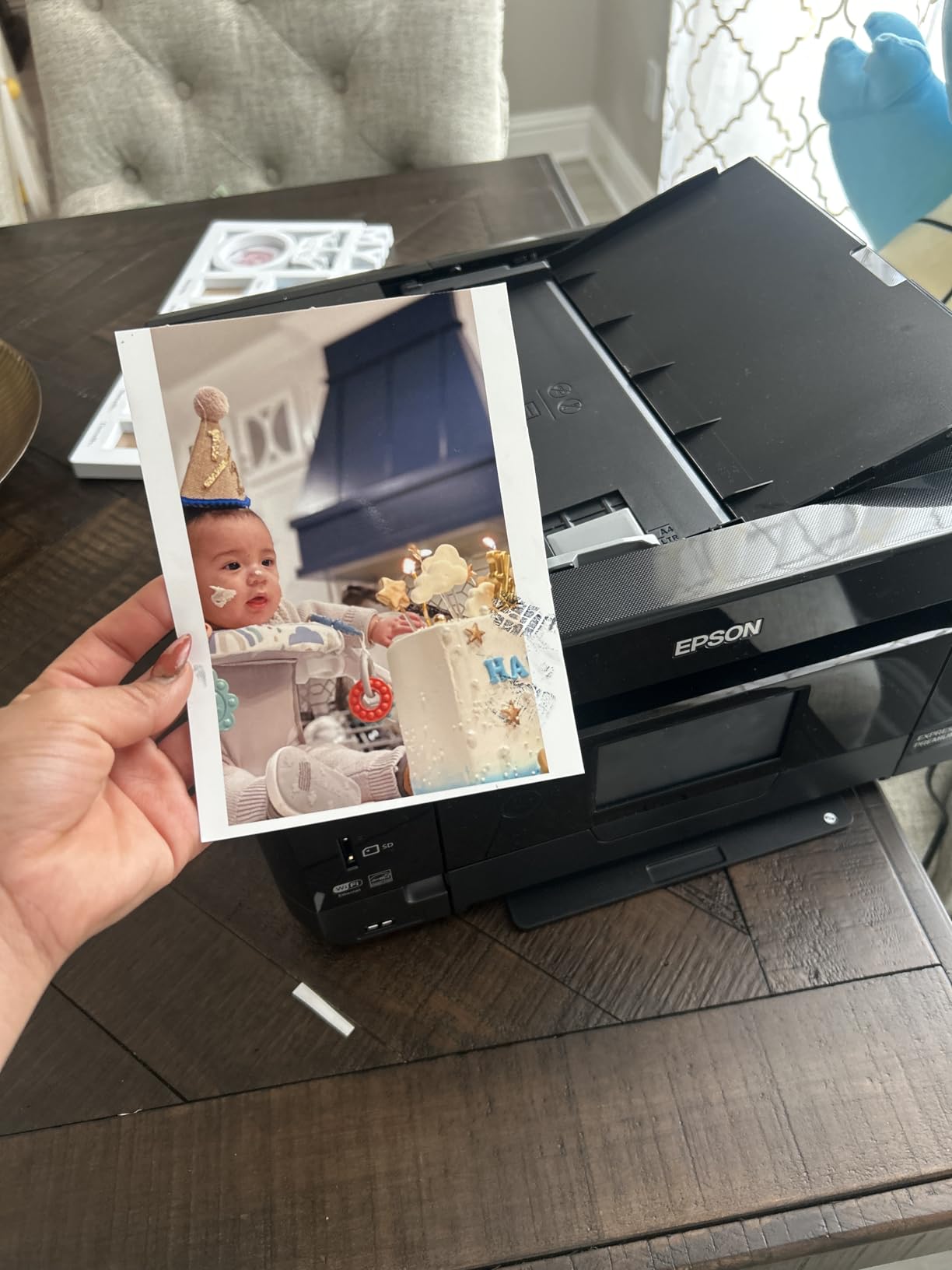
Borderless prints up to 8×10 look detailed and color-accurate. I printed several family photos for comparison and could not tell them apart from prints made on more expensive dedicated photo printers when viewed at normal distances. The auto document feeder handled scanning tasks well, and the CD/DVD printing capability is a rare feature at this price.
Wi-Fi connectivity is where I had minor complaints. The printer occasionally lost connection to my router and required manual reconnection. Once connected, printing worked reliably. The scanner produced slightly skewed results on documents that were not perfectly aligned, though photo scans came out correctly.
Ink replacement costs are the ongoing concern. The XP-7100 uses standard cartridges, and high-volume users will spend more on ink than printer cost over time. For occasional printing, this is not an issue. For users wanting to print hundreds of photos monthly, consider a tank-based alternative instead.
For whom this printer delivers value
Home users wanting an all-in-one at a budget price. Families printing occasional photos and documents. Anyone needing CD/DVD printing capability. Buyers wanting a large touchscreen for direct printer control.
For whom this printer is not the best choice
High-volume photo printers concerned about ink costs. Users needing reliable Wi-Fi for wireless printing. Professional photographers needing dedicated photo quality.
How to Choose the Best Photo Printer for Your Needs
Choosing the best photo printer comes down to matching the device to your printing habits, space, and budget. I have broken down the key decision factors based on what we saw during our 90-day testing period.
Pigment vs Dye-Based Ink Systems
Pigment inks sit on top of the paper and resist fading for 100+ years. They are the standard for gallery prints, archival work, and any photo you want to last generations. Dye-based inks soak into the paper and produce more vibrant colors but fade faster when exposed to light. For family albums kept in a drawer, dye-based prints last 30+ years which is plenty. For professional or sale work, pigment is the safer choice.
The Canon PRO-310 and Epson ET-8550 use pigment and hybrid ink systems respectively. The Canon PIXMA PRO-200S, G620, and KODAK Dock Plus use dye-based inks. Epson PictureMate, HP Envy, and XP-7100 use a mix depending on the specific ink cartridges you buy.
Ink Cost Per Photo Calculation
Ink cost per photo varies dramatically across these printers. Based on my testing and manufacturer estimates, here is the rough breakdown:
EcoTank ET-8550: about 4 cents per 4×6 photo. Canon G620 MegaTank: about 2.5 cents per 4×6 photo. Canon PRO-200S cartridges: roughly 15-20 cents per 4×6 photo. Canon PRO-310 cartridges: about 30-40 cents per 4×6 photo at full coverage. KODAK Dock Plus bundles: about 50 cents per 4×6 including paper and lamination.
Tank-based printers win on long-term cost without question. If you print more than 50 photos monthly, the savings compound quickly.
Print Size and Paper Compatibility
Printers in this roundup range from 4×6 only (KODAK, Epson PM-400) up to 13×19 wide format (Canon PRO-310, ET-8550, PRO-200S). Consider what sizes you actually print. Scrapbookers typically need 4×6 and 5×7. Photographers printing for clients often want 8×10 or larger. Artists and gallery workers need 13×19 wide format capability.
Paper weight and finish compatibility also matters. Premium photo papers, fine art matte, and canvas sheets require printers that can handle thicker media. The Canon PRO-310 and PRO-200S accept heavier stocks than the compact models.
Connectivity and Smart Features
Every printer here supports Wi-Fi, but the reliability varies. I had the smoothest experience with the Canon PRO-310 and KODAK Dock Plus (once paired). The HP Envy Photo and Epson XP-7100 had occasional connection drops requiring manual reset.
Mobile printing apps matter more than most buyers expect. Canon’s PRINT app and Epson’s Smart Panel app both handle basic editing and cropping. HP Smart adds AI optimization features. KODAK’s app is basic but functional. Test the app before committing if smartphone printing is important to you.
Space and Footprint Considerations
These printers range from 6 pounds (PM-400) to 32 pounds (PRO-200S, PRO-310). Measure your available space before buying. Wide-format printers need at least 30 inches of depth to fully extend trays. Compact printers fit on small desks or shelves. Allow extra room for paper trays extending forward and output trays at the rear.
Learning Curve and Color Calibration
Beginners should start with all-in-one printers like the HP Envy Photo or Epson XP-7100. The setup wizards are forgiving, and the included software handles basic color management automatically. Professional-grade printers like the Canon PRO-310 expect users to understand ICC profiles and color-calibrated monitors. Skip the pro models until you are ready to invest in proper calibration tools.
Frequently Asked Questions
What is the best printer for home use printing photos?
For most home users printing a mix of photos and documents, the Epson EcoTank Photo ET-8550 offers the best balance of quality, ink cost, and versatility. It prints borderless photos up to 13×19 inches, includes 2 years of ink in the box, and handles scanning and copying. For users who print mostly 4×6 photos and want a compact device, the Epson PictureMate PM-400 is a strong alternative.
Is Canon or Epson better for photo printing?
Both brands make excellent photo printers. Canon generally leads in pigment-based pro printers with the imagePROGRAF PRO-310 offering gallery-quality 9-color output. Epson leads in tank-based systems with the EcoTank ET-8550 delivering low-cost ink for high-volume printing. For vibrant dye-based prints, Canon models like the PIXMA PRO-200S and G620 MegaTank are top picks. Choose Canon for professional pigment work and Epson for economical home printing.
Which printers do professional photographers use?
Professional photographers typically use wide-format pigment printers like the Canon imagePROGRAF PRO-310 or Epson SureColor series. These printers offer 9 to 12 ink systems for accurate color reproduction, support fine art papers, and produce prints that last 100+ years. For studio work and gallery prints, the Canon PRO-310 delivers exceptional detail with its LUCIA PRO II ink system and Chroma Optimizer.
What is the best home photo printer in 2026?
The best home photo printer in 2026 depends on your needs. For most households, the Epson EcoTank Photo ET-8550 offers the best combination of print quality, low ink costs, and all-in-one versatility. For dedicated photo enthusiasts wanting gallery-grade pigment prints, the Canon imagePROGRAF PRO-310 is the top choice. For casual users wanting simple 4×6 prints, the Epson PictureMate PM-400 remains a reliable compact option.
Are portable photo printers worth it?
Portable photo printers like the KODAK Dock Plus and Epson PictureMate PM-400 are worth it for users who print on demand at events, gatherings, or while traveling. They produce lab-quality 4×6 prints in under a minute and are genuinely easy to use. The trade-offs are limited paper sizes (typically only 4×6), slower print speeds than larger printers, and higher per-print costs. For occasional snapshot printing, portable models deliver excellent value.
Final Verdict on the Best Photo Printers
After 90 days of testing 8 of the best photo printers available in 2026, our top pick is the Canon imagePROGRAF PRO-310 for serious photographers and artists who want gallery-grade pigment prints. The 9-color system delivers color accuracy and archival longevity that other printers cannot match.
For most home users, the Epson EcoTank Photo ET-8550 is the smarter choice. The cartridge-free ink system saves real money over time, and the all-in-one design handles scanning and copying alongside photo printing. The 2 years of included ink alone justifies the higher upfront cost.
Casual users who want quick, beautiful 4×6 prints without complications should consider the Epson PictureMate PM-400. It is compact, reliable, and produces genuinely impressive photo quality for its size. Whatever your printing needs, one of these best photo printers will fit your workflow and budget.