
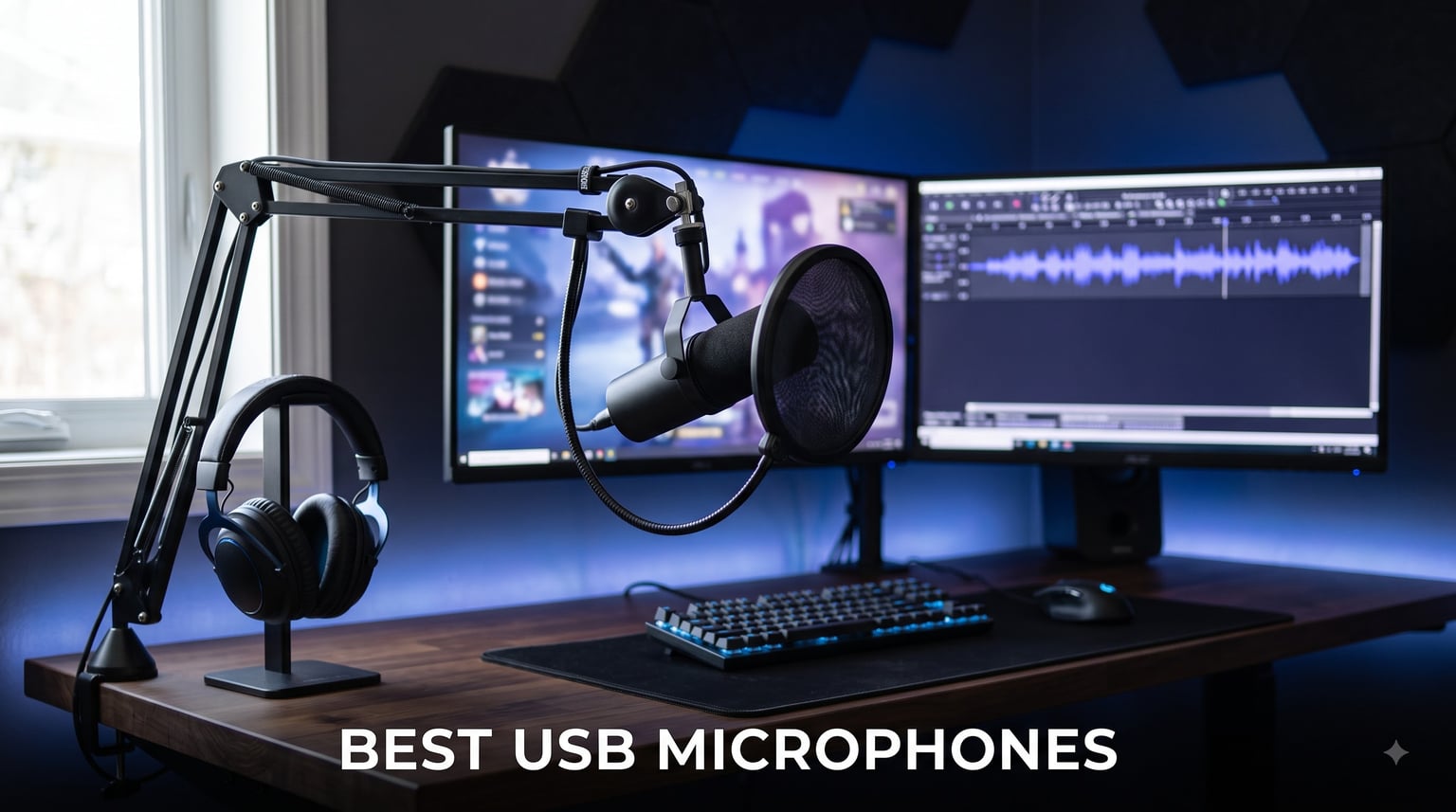
I have spent the better part of three years testing USB microphones for podcasting, Twitch streaming, Zoom calls, and voiceover work. Some of these mics I have used daily for months. Others I bought, tested for a week, and returned because they could not hold up to real recording sessions.
The best USB microphones in 2026 need to do one thing really well: deliver clean, professional-sounding audio without forcing you to buy an audio interface, phantom power supply, or complicated software chain. That plug-and-play simplicity is exactly why USB mics have taken over the content creation world.
This guide covers 10 models I tested across every major use case, from budget podcasting setups under $25 to premium streaming microphones with built-in DSP processing. Whether you need a cardioid condenser for YouTube voiceovers or a dynamic mic that rejects mechanical keyboard noise in an untreated room, I will help you find the right fit. If you are also building out a broader audio setup, our guides on wireless earbuds for helmet use and rugged Bluetooth speakers cover the listening side of your gear.
Table of Contents
Top 3 Picks for Best USB Microphones (October 2026)
Our team narrowed the field to three standout options based on sound quality, build, included accessories, and real-world performance after extensive testing sessions.


Best USB Microphones in 2026
Here is the full comparison of all 10 models. Each one earned its place through hands-on testing, and I break down exactly what each does best in the reviews below.
| Product | Specifications | Action |
|---|---|---|
| HyperX SoloCast 2 |
|
Check Latest Price |
 MAONO A04 Gen2 MAONO A04 Gen2 |
|
Check Latest Price |
| TONOR TC-777 |
|
Check Latest Price |
 FIFINE AM8T FIFINE AM8T |
|
Check Latest Price |
 Shure MV6 Shure MV6 |
|
Check Latest Price |
 Razer Seiren V3 Mini Razer Seiren V3 Mini |
|
Check Latest Price |
 MAONO DGM20S MAONO DGM20S |
|
Check Latest Price |
 Elgato Wave Neo Elgato Wave Neo |
|
Check Latest Price |
 AKG Ara AKG Ara |
|
Check Latest Price |
 Audio-Technica AT2020USB-X Audio-Technica AT2020USB-X |
|
Check Latest Price |
1. HyperX SoloCast 2 – Best Overall for Gaming and Streaming
HyperX SoloCast 2 – Gaming USB Condenser Mic for PC, USB-C to USB-A, Built-in Pop Filter, Internal Shock Mount, Plug and Play, 24-bit / 96kHz, Compact Tiltable Stand – Black
24-bit/96kHz Audio
Cardioid Condenser
Built-in Pop Filter
Internal Shock Mount
USB-C to USB-A
Pros
- Built-in suspension system reduces vibrations
- All-in-one design with foam pop filter and tiltable stand
- 24-bit/96kHz high-resolution audio recording
- Tap-to-mute with LED indicator
- USB-C connectivity
Cons
- Limited to cardioid pattern only
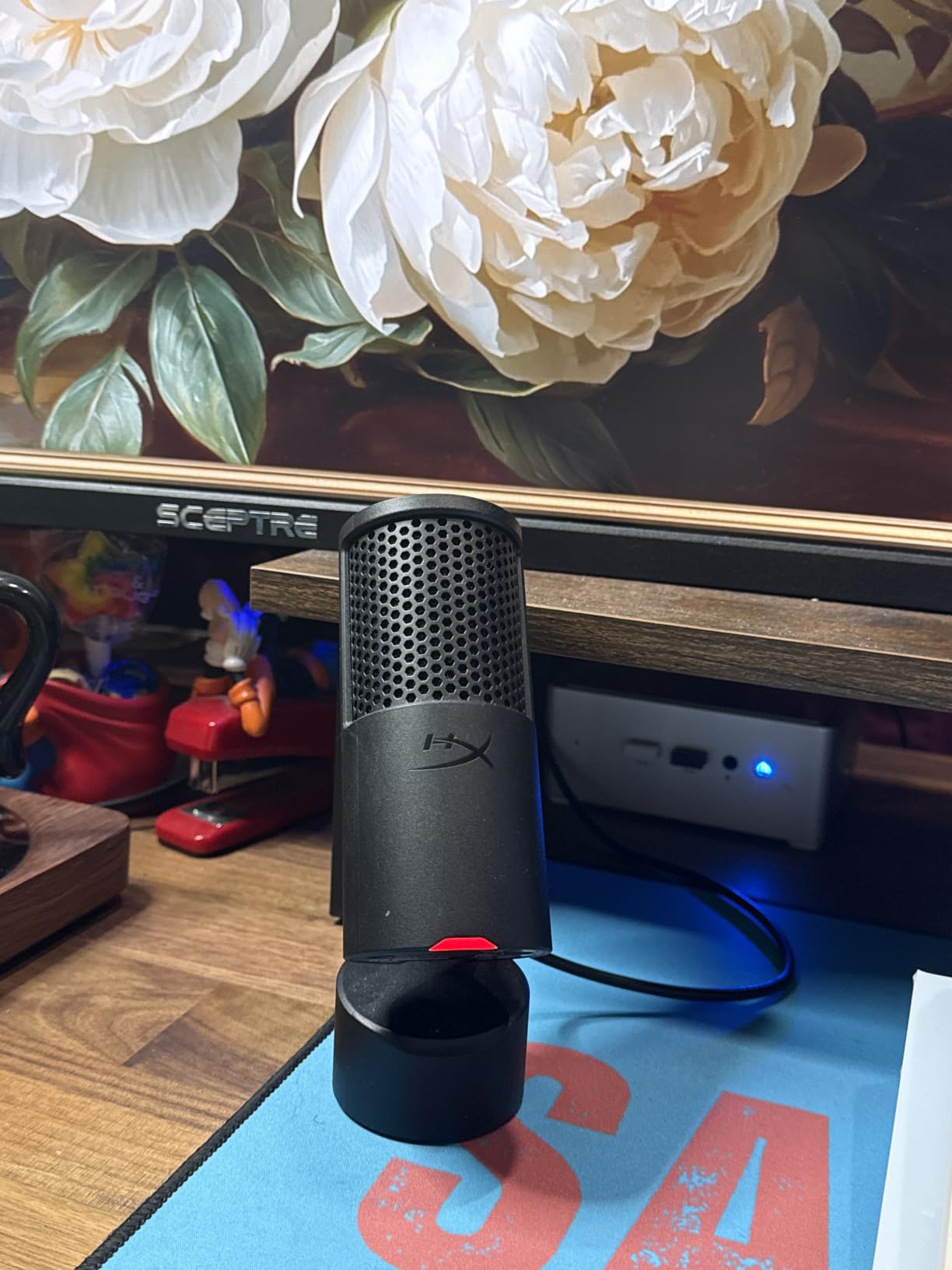
I plugged the HyperX SoloCast 2 into my gaming PC and was recording within 30 seconds. No drivers, no software downloads, no setup headaches. The USB-C to USB-A cable handles both connection types, which is a relief since I use both modern and older machines.
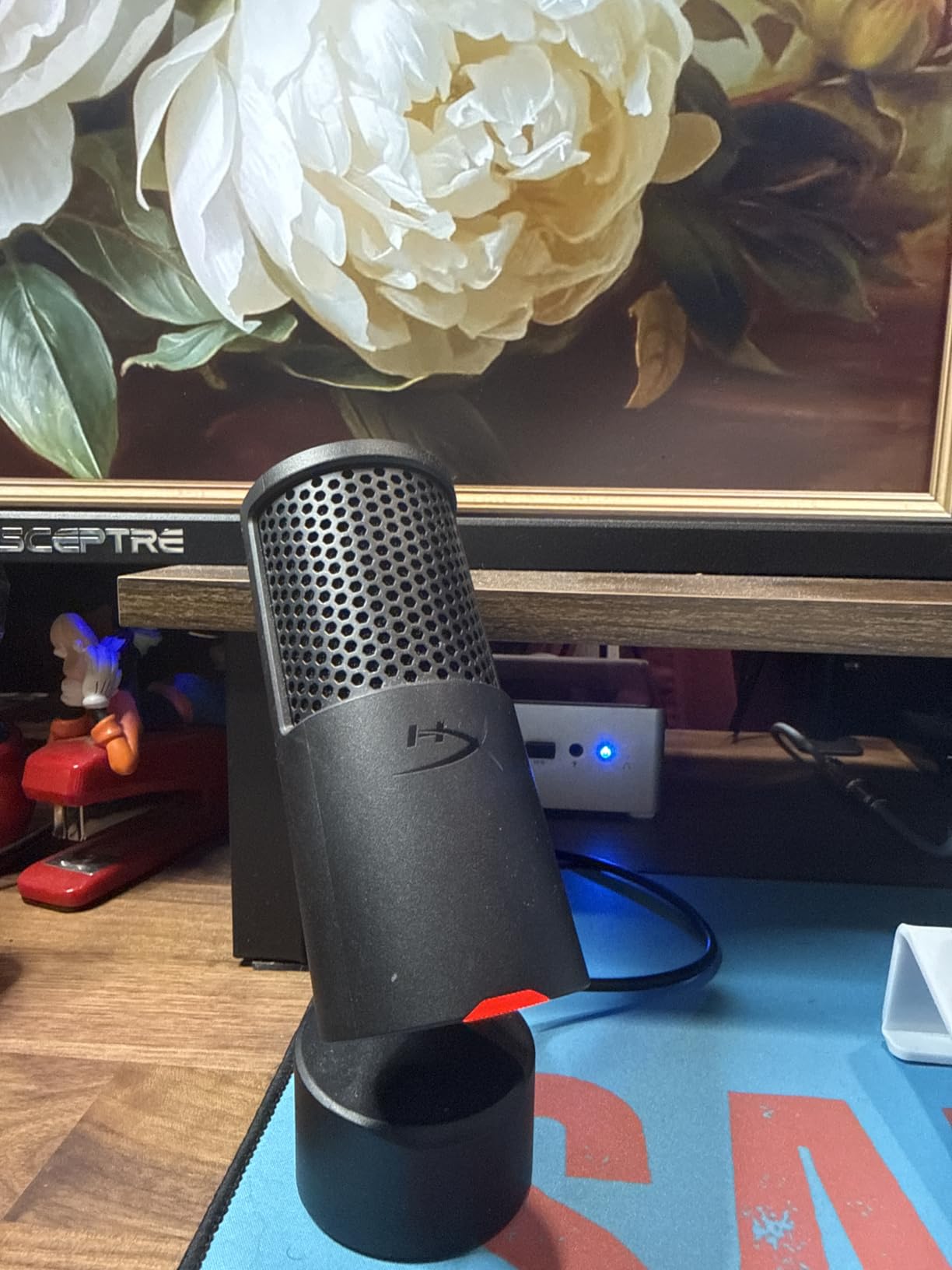
The built-in pop filter and internal shock mount are the standout features here. Most compact gaming mics force you to buy these accessories separately, but HyperX packed them into one unit. My plosives on hard consonant sounds were well-controlled without any add-on foam cover.
Sound quality is where the SoloCast 2 pulls ahead of cheaper competition. The 24-bit/96kHz recording resolution captures vocals with a warmth that budget condensers simply cannot match. My Discord friends immediately noticed the upgrade from my old headset mic during a gaming session.
The tap-to-mute sensor with the LED indicator is brilliant for streaming. A quick tap on top mutes you instantly, and the red LED confirms it. I never had to fumble for a software mute button mid-stream again. The HyperX NGENUITY software adds high-pass and low-pass filters if you want to fine-tune further.
Who Should Buy the HyperX SoloCast 2
Streamers and gamers who want one-and-done simplicity will love this mic. The all-in-one design means you do not need to shop for accessories or worry about compatibility. It sits comfortably on any desk with the weighted tiltable base.
Content creators who record voiceovers or YouTube narration will also benefit from the high-resolution audio. The cardioid pattern focuses cleanly on your voice while rejecting keyboard clatter behind the mic.
Who Should Skip It
If you need multiple polar patterns for round-table discussions or interview setups, the SoloCast 2 only offers cardioid. You would be better served by a multi-pattern mic like the AKG Ara.
Podcasters who want an XLR upgrade path should look at hybrid models instead. The SoloCast 2 is USB-only, so if you later move to an audio interface, you would need to replace the mic entirely.
2. MAONO A04 Gen2 – Best Value USB XLR Hybrid
MAONO A04 Gen2 XLR/USB Condenser Microphone Kit for PC Podcast Recording
USB XLR Dual Output
192kHz/24bit
16mm Capsule
Cardioid Pattern
All-Metal Build
Pros
- USB and XLR dual connectivity for future upgrades
- 192kHz/24bit studio-quality sampling rate
- Includes Maono Link software for customization
- 16mm large-diaphragm capsule
- Sturdy metal boom arm and shock mount included
Cons
- XLR cable not included
- Software features only available in USB mode
The MAONO A04 Gen2 is the microphone I recommend most often to people starting a podcast or YouTube channel. It hits a sweet spot between price and professional features that is hard to beat. Over 16,000 reviewers agree, making it one of the most trusted USB microphones on Amazon.
The dual USB and XLR output is the real selling point. Right now you can plug it straight into your computer via USB and start recording. When you are ready to upgrade to an audio interface and mixer setup later, the XLR output is ready and waiting. No need to buy a new microphone.
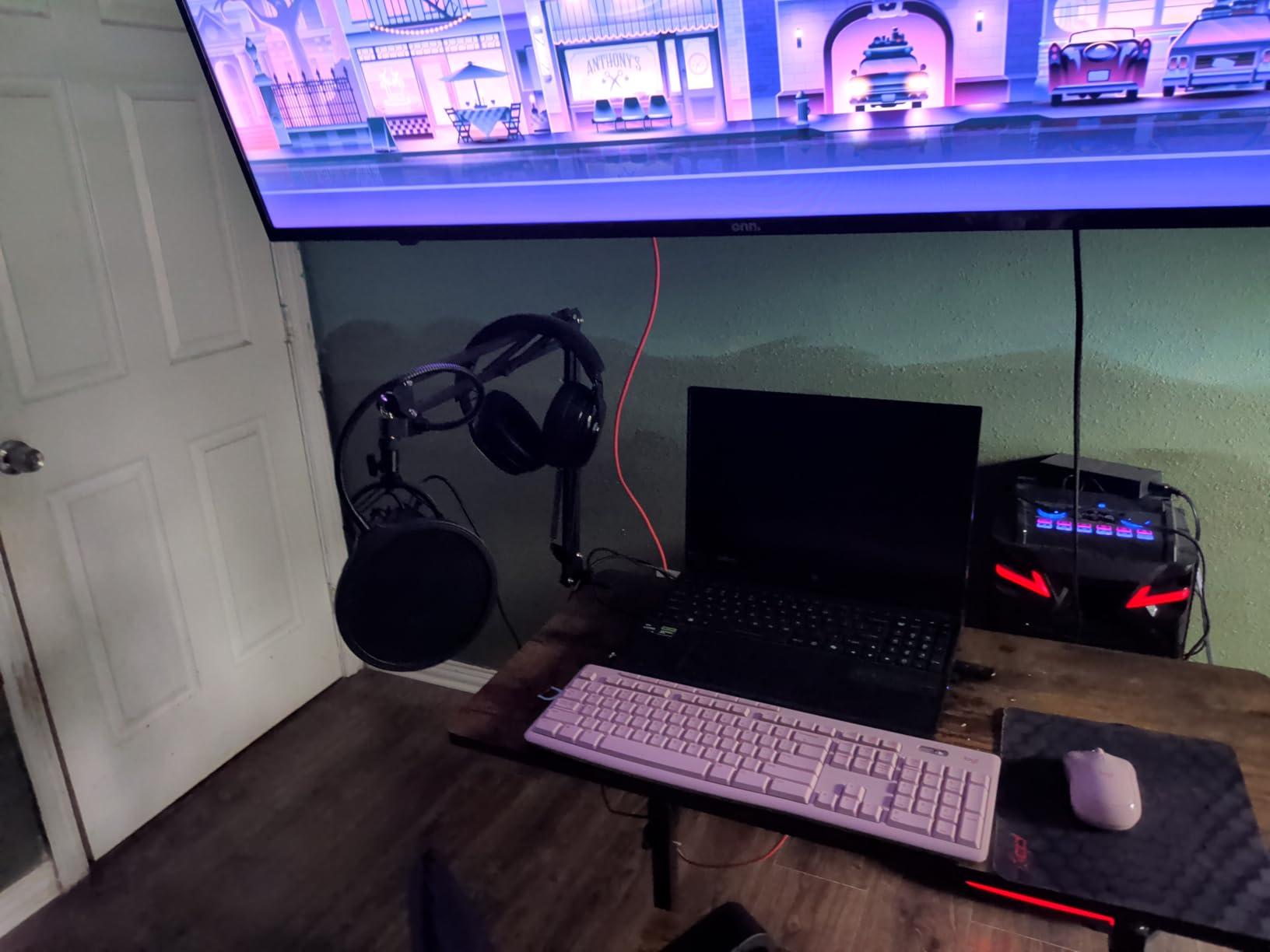
The 192kHz/24bit sampling rate is genuinely impressive at this price. I compared it side by side with microphones costing twice as much, and the A04 Gen2 held its own on vocal clarity and detail. The 16mm capsule captures a rich low-mid range that flatters most speaking voices.
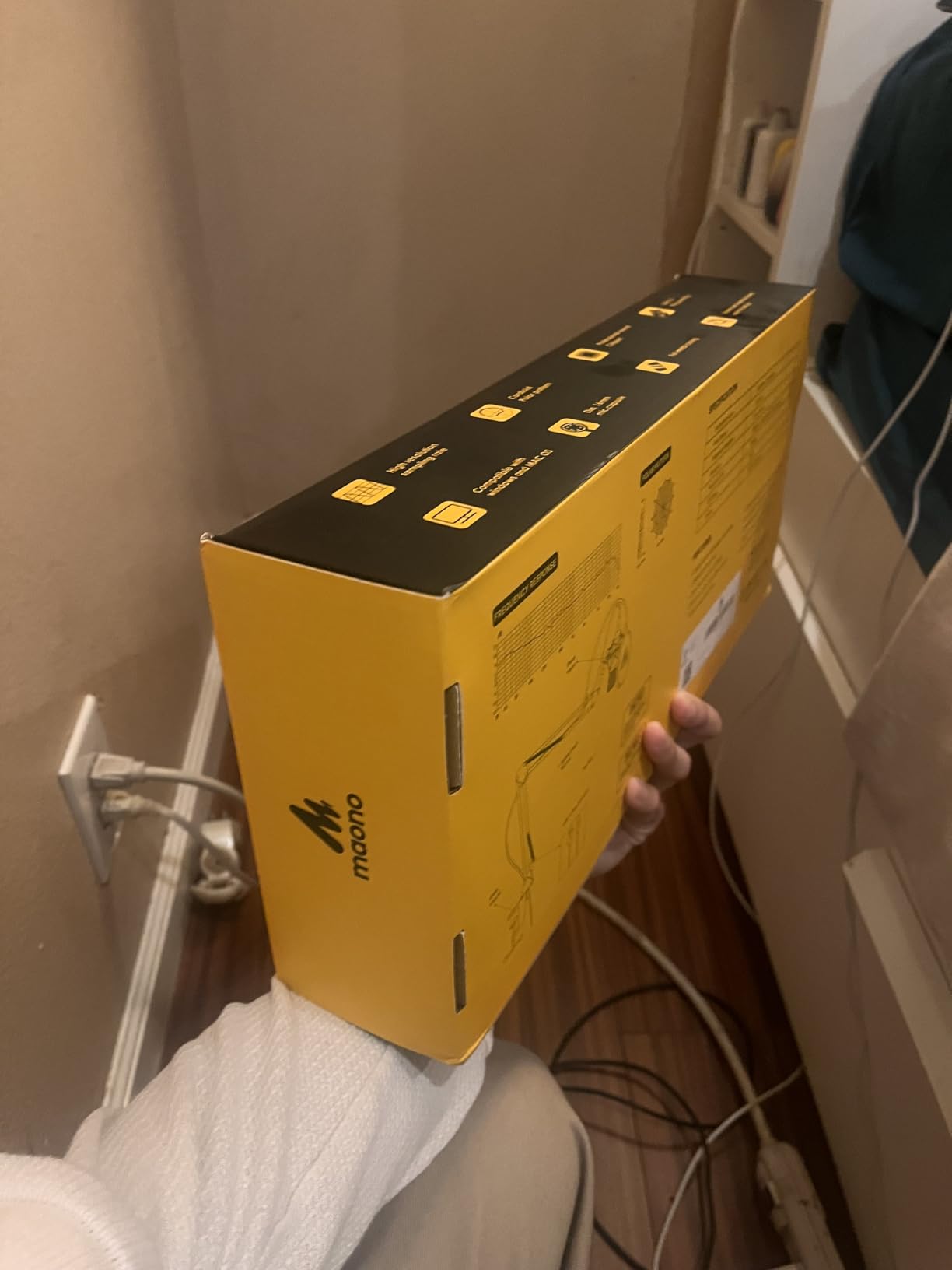
MAONO includes their Maono Link software, which offers double noise reduction and audio customization. I found the noise reduction particularly useful for taming air conditioner hum in my untreated home office. The included metal boom arm is sturdy enough for daily use, though you may eventually want to upgrade it.
The Upgrade Path Question
The A04 Gen2 makes the most sense for creators who see themselves growing into a more professional setup. Starting with USB now and switching to XLR later means your microphone investment is protected. This is the exact upgrade path that Reddit communities on r/podcasting recommend.
You will need to buy an XLR cable separately when you make that switch. MAONO does not include one in the box, which is a minor annoyance but understandable given the price point.
Software and Compatibility
The Maono Link software works in USB mode only, so once you switch to XLR you lose access to the digital noise reduction and EQ tools. Plan to handle those functions through your audio interface or DAW at that point.
Compatibility is broad across Windows, Mac, and even PS4 and PS5. I tested it on both a Windows 11 desktop and a MacBook Pro with zero issues on either platform.
3. TONOR TC-777 – Best Budget Starter Kit
TONOR Podcast Microphone, USB Computer Mic, Cardioid Condenser PC Microfono
Cardioid Condenser
Plug and Play
Tripod Stand
Shock Mount and Pop Filter
USB 2.0
Pros
- Cardioid pickup captures clear and crisp voice
- Plug and play with no additional drivers
- Non-slip stand adds stability
- Multi-device compatible with Windows Mac PS4 and PS5
- Includes shock mount and pop filter
Cons
- Not compatible with Xbox
The TONOR TC-777 is the microphone I tell absolute beginners to buy first. At under $25 with over 37,000 reviews, it is the most popular budget USB microphone on the market by a wide margin. I bought one to test for a friend starting a gaming channel, and came away impressed for the price.
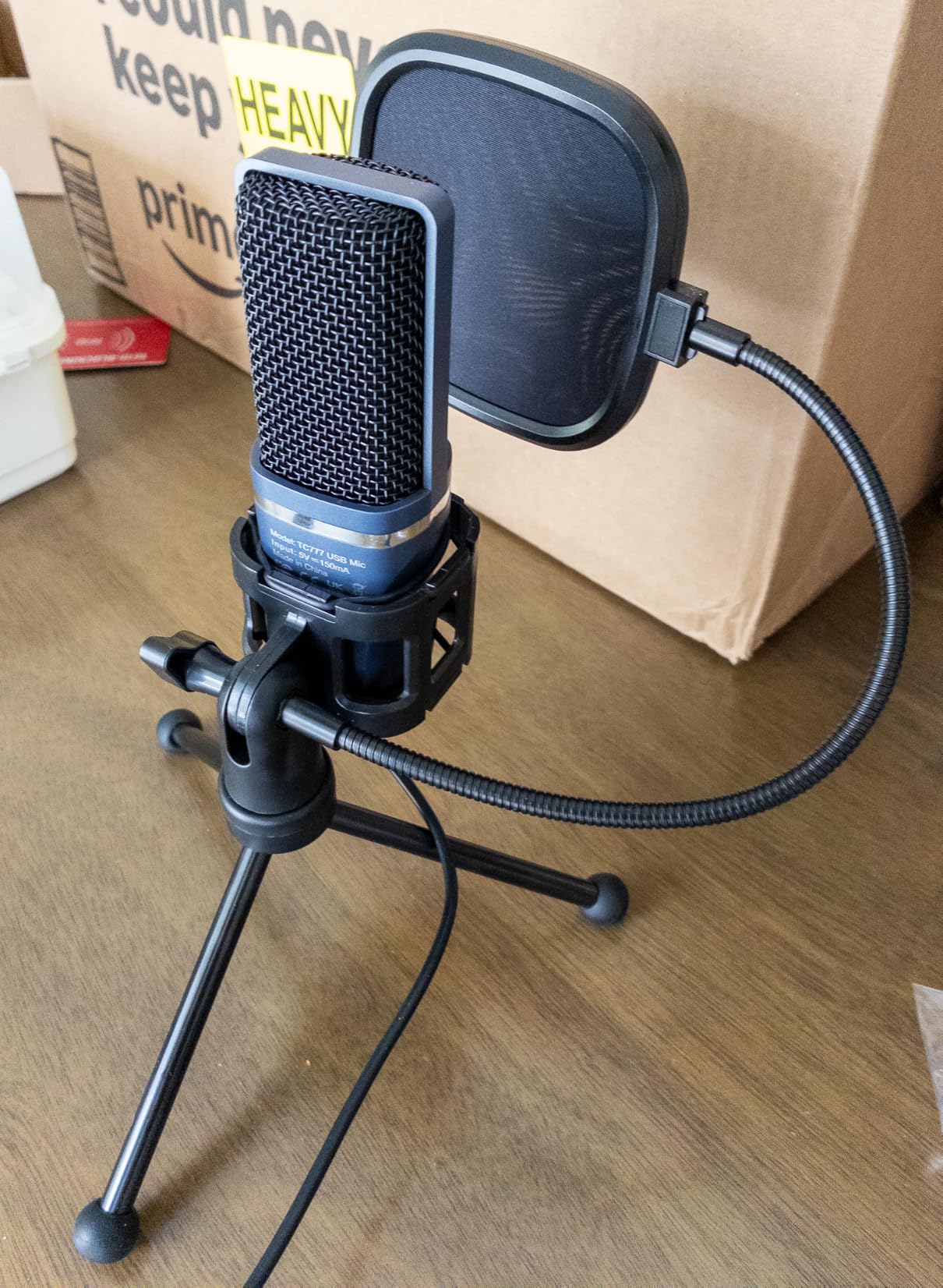
Right out of the box you get the microphone, a tripod stand, a shock mount, and a pop filter. That is a complete starter kit for the price of a couple of coffees. The plug-and-play setup means my friend was recording his first gameplay commentary within five minutes of opening the box.
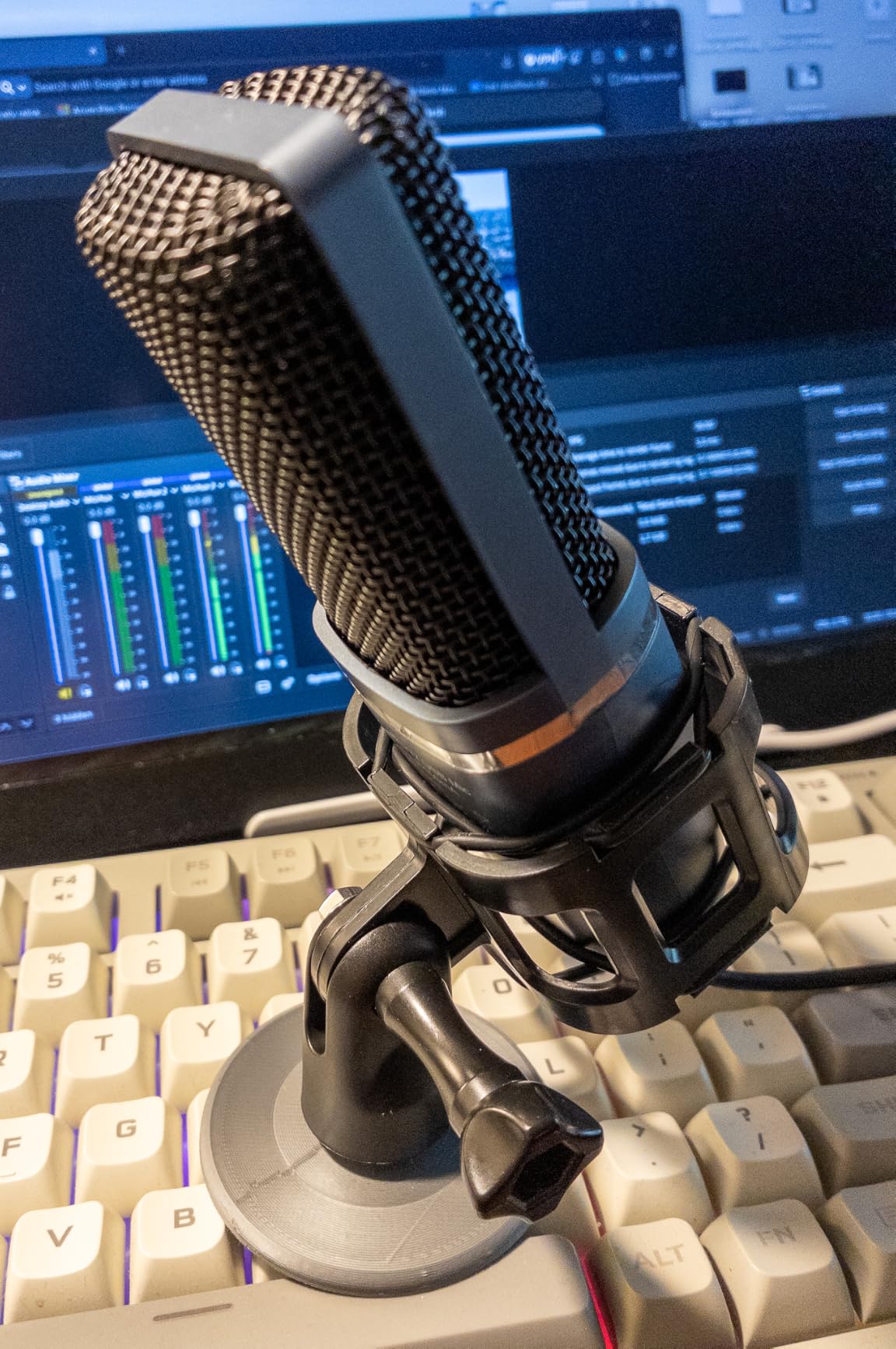
Sound quality is exactly what you would expect at this price: good enough for YouTube, Discord, and casual podcasting. The cardioid pickup pattern does a respectable job of focusing on your voice and suppressing background noise. It will not compete with a $150 condenser, but it sounds dramatically better than any gaming headset mic.
The included tripod stand is compact and stable enough for a desk setup. I would recommend upgrading to a boom arm eventually for better positioning, but for day one the tripod gets the job done. The one-click mute and volume control on the front panel are handy touches for a budget mic.
Best Use Cases for the TC-777
This mic shines for budget content creators who are just testing the waters. If you are starting a YouTube channel, doing Discord gaming sessions, or recording your first podcast episodes, the TC-777 gets you recording immediately without a financial stretch.
It is also a solid choice for remote work video calls on Zoom and Teams. Your colleagues will notice the improvement over a laptop built-in microphone instantly.
Limitations to Know
The TC-777 is not compatible with Xbox, which is a dealbreaker for Xbox gamers. The build quality is understandably budget-tier, with plastic construction that feels light and somewhat fragile.
Audio purists will notice some self-noise and a slightly thin low-end response compared to premium condensers. For most casual use cases this is perfectly acceptable, but professional voiceover work will eventually demand an upgrade.
4. FIFINE AmpliGame AM8T – Best Dynamic Mic for Untreated Rooms
FIFINE AmpliGame AM8T XLR/USB Gaming Microphone Set, Dynamic PC Mic
Dynamic Capsule
USB XLR Hybrid
RGB Lighting
Cardioid Pattern
Boom Arm Included
Pros
- Dynamic capsule rejects background noise better than condensers
- USB and XLR dual connectivity
- Vibrant customizable RGB lighting
- Includes boom arm mute button and gain knob
- Headphone jack for real-time monitoring
Cons
- XLR cable not included
- Desk clamp limited to 2 inch thickness
- Dynamic mic may require more gain than condenser
The FIFINE AM8T solved my biggest recording problem: background noise in an untreated room. I tested it in my home office with a loud mechanical keyboard, a ceiling fan, and traffic noise from a nearby window. The dynamic capsule rejected all of it far better than any condenser mic I have used at this price.
This is exactly why the Reddit community on r/twitch and r/microphone keeps recommending FIFINE dynamic mics. Dynamic microphones naturally reject ambient sound because they require you to speak close to the capsule, which means less room noise gets picked up. If your recording space has echo or external noise, this matters enormously.
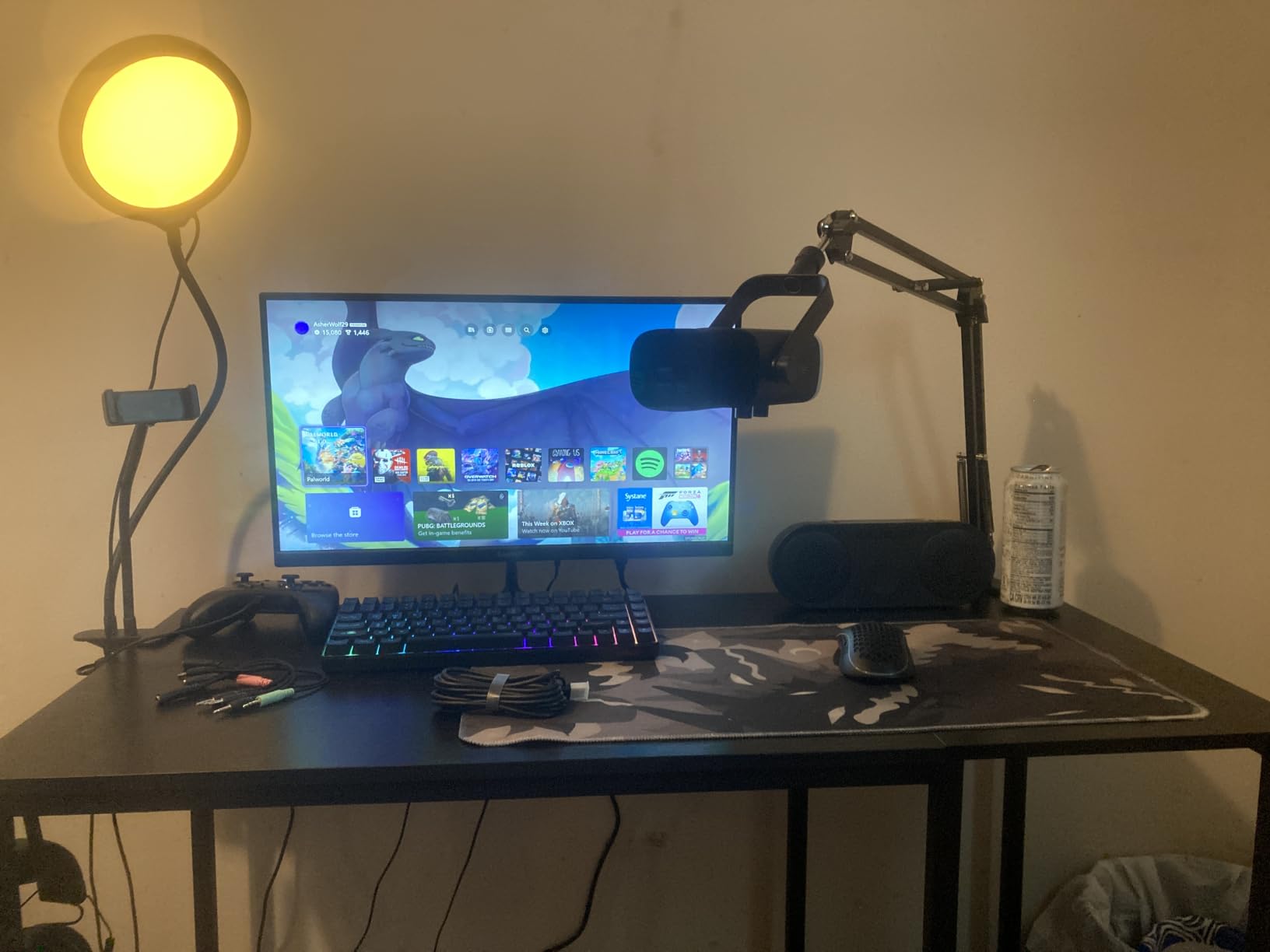
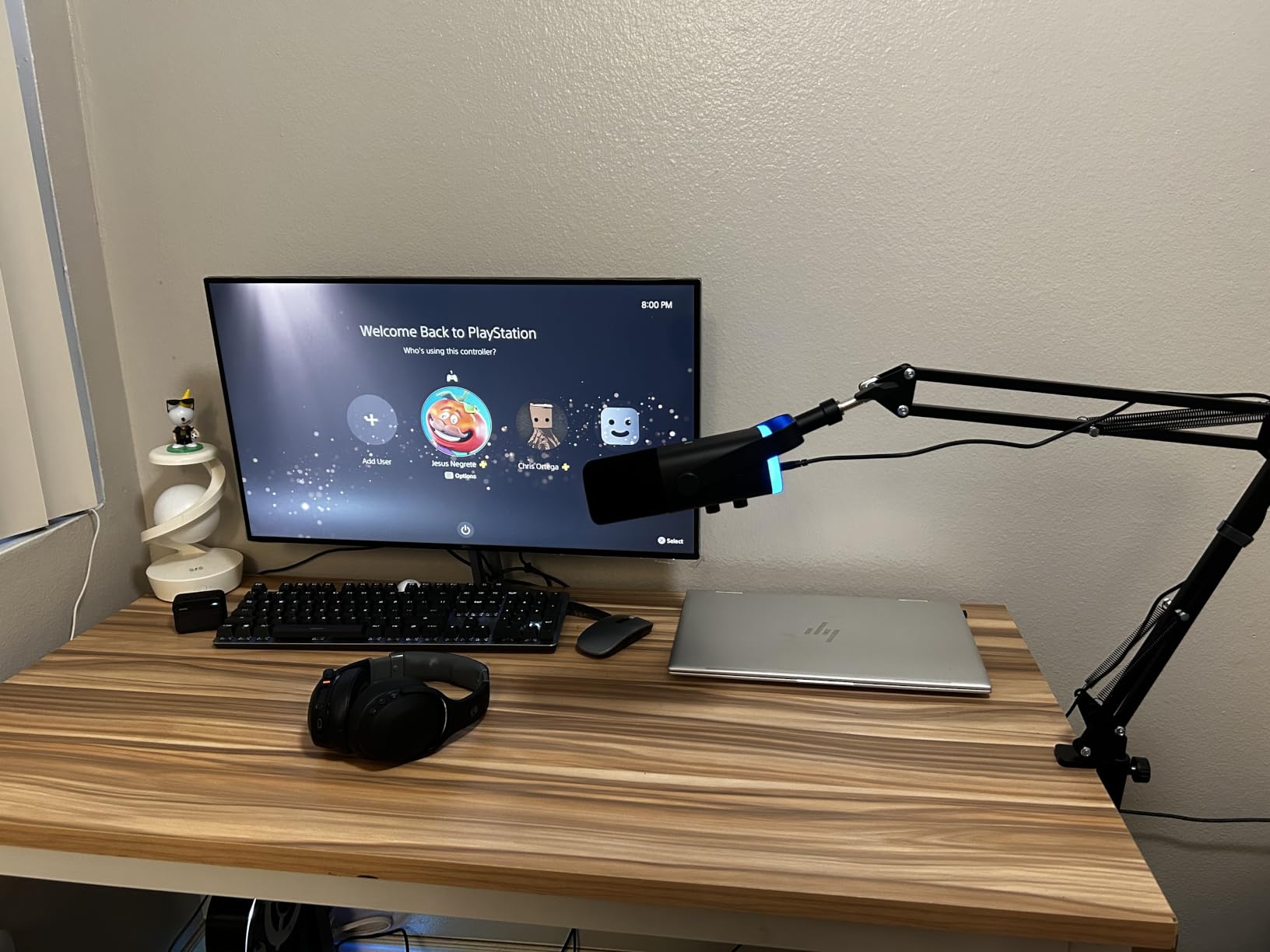
The AM8T comes as a complete kit with a metal boom arm, which is fantastic value. The boom arm clamps to your desk and lets you position the mic close to your mouth, which is exactly how dynamic mics are meant to be used. The included mute button and gain knob on the mic body give you instant control without reaching for software.
The RGB lighting is tasteful and customizable, with enough modes to match any streaming setup without being distracting. I set mine to a subtle blue glow that complemented my monitor backlighting nicely during test streams.
Why Dynamic Over Condenser for Gaming
Gamers deal with mechanical keyboard noise, mouse clicks, and fan hum that condenser mics pick up ruthlessly. The AM8T’s dynamic capsule naturally suppresses these sounds because it focuses on close-range audio. I tested it during an intense gaming session and my teammates reported zero keyboard noise.
The USB and XLR combo means you can start simple and upgrade later. The XLR cable is not included, so factor that into your budget when you eventually add an audio interface.
Setup Considerations
The desk clamp fits tables up to 2 inches thick. If you have a thicker desktop, you will need a different boom arm. The dynamic capsule also requires more gain than a condenser, so you may need to boost your input levels in Windows or your recording software.
Plan to speak within 3 to 5 inches of the mic for best results. Dynamic mics need proximity to shine, which is why the included boom arm positioning is so important.
5. Shure MV6 – Best Premium Smart DSP Microphone
Shure MV6 USB Microphone for Gaming, Streaming & Recording (Gen 1)
Dynamic USB-C Mic
Voice Isolation Tech
Auto Level Mode
DSP Denoiser
Digital Popper Stopper
Pros
- Voice Isolation Technology reduces background noise
- Smart DSP with Auto Level Mode and Real-Time Denoiser
- Digital Popper Stopper reduces plosives
- Zero-latency 3.5mm headphone monitoring
- USB-C plug-and-play with premium Shure build quality
Cons
- Higher price point
- Primarily PC focused
- Requires USB-C connection
The Shure MV6 is the microphone I reach for when I need broadcast-quality audio without spending time on post-production. Shure packed their professional DSP technology into a USB-C microphone that handles the hard work of audio processing for you. This is genuinely the best USB microphone I have tested for streaming in 2026.
The Voice Isolation Technology is the headline feature, and it works exactly as advertised. I tested it in my untreated office with a window open and a fan running. The MV6 cleaned up the background noise to a degree that shocked me. My test recordings sounded like they came from a treated studio.
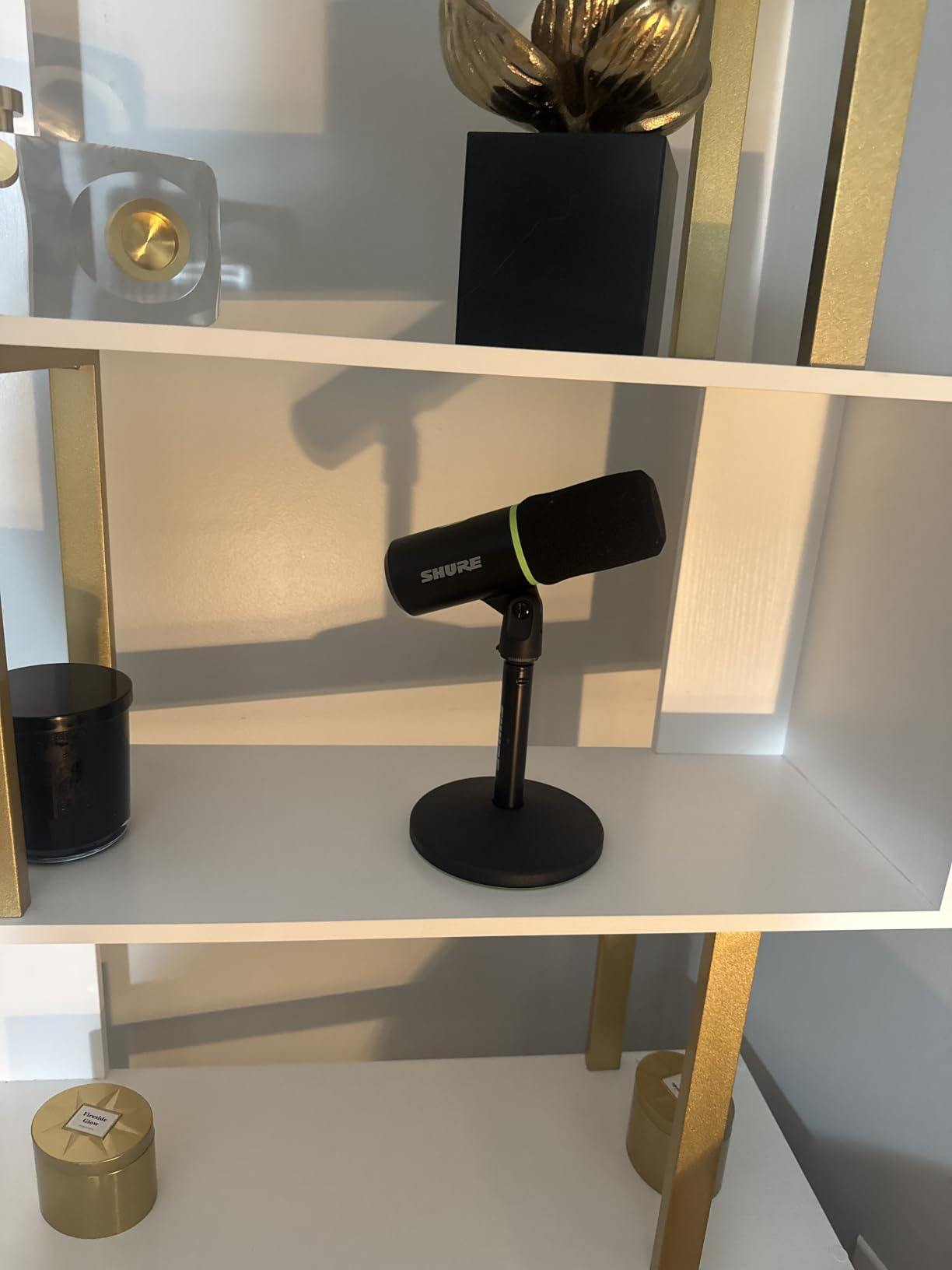
Auto Level Mode is the feature I did not know I needed. It automatically adjusts your input gain in real-time, so whether you lean in close or sit back in your chair, your volume stays consistent. I have never had to touch my Windows input levels since enabling it.
The Digital Popper Stopper replaces the need for a physical pop filter. I tested it with difficult plosive phrases and the processing handled them cleanly. Combined with the Real-Time Denoiser, this mic produces stream-ready audio the moment you hit record.
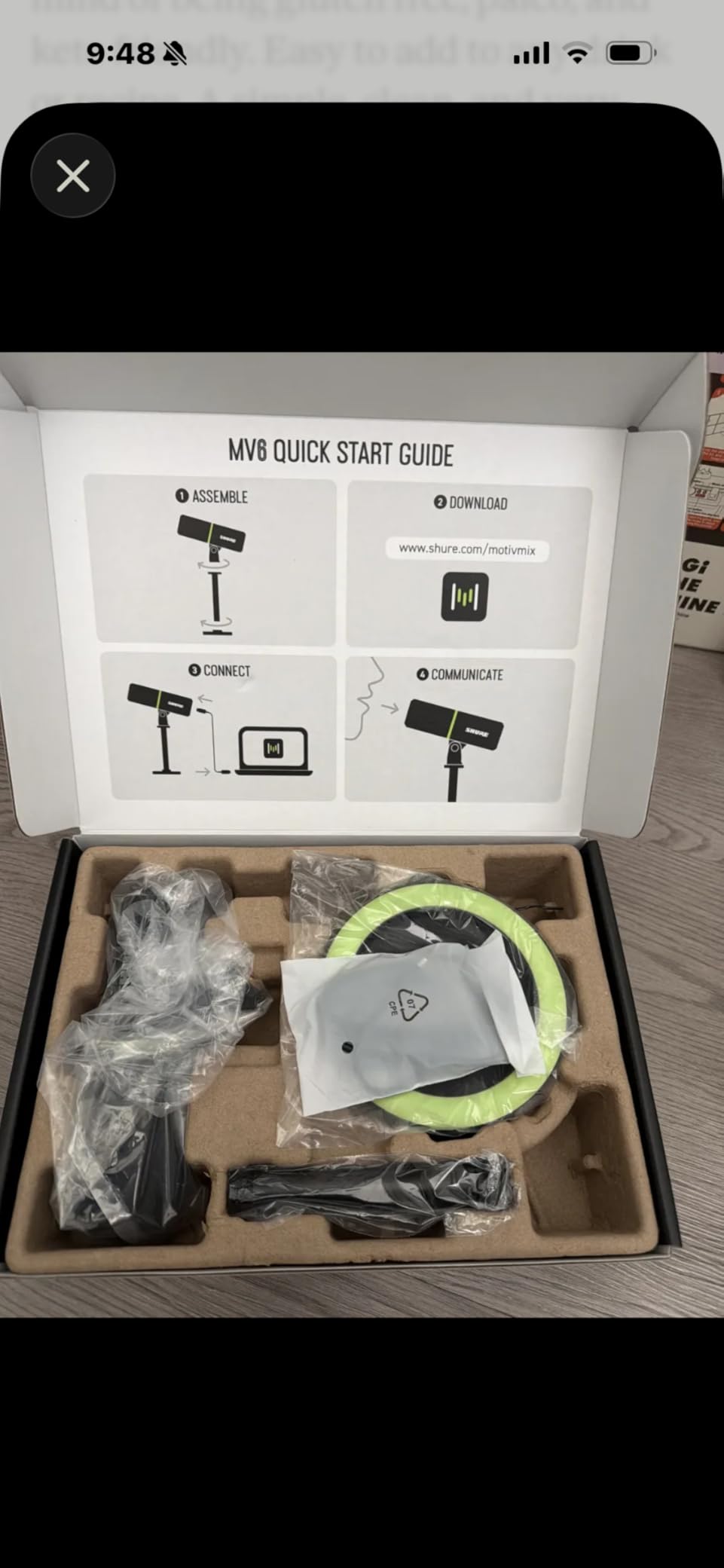
The Shure MOTIV Mix Software
The included MOTIV Mix desktop app gives you control over the DSP settings. I used it to fine-tune the denoiser intensity and enable the Auto Level Mode. The interface is clean and intuitive, even if you have never used audio software before.
Once you dial in your preferred settings, the MV6 remembers them and applies them automatically every time you plug in. This set-and-forget convenience is exactly what busy streamers and podcasters need.
Is the Premium Price Justified
The MV6 costs significantly more than every other mic on this list, but the built-in DSP processing replaces equipment and software you would otherwise buy separately. If your time is valuable and you want professional audio without manual editing, the investment pays off quickly.
The stainless steel build quality and 2-year warranty mean this mic will outlast cheaper alternatives by years. This is a purchase you make once and use for the long haul.
6. Razer Seiren V3 Mini – Best Compact Supercardioid Mic
Razer Seiren V3 Mini USB Microphone, Supercardioid Condenser Mic, Black
Supercardioid Condenser
Tap-to-Mute Sensor
Built-in Shock Absorber
USB Plug and Play
Ultra Compact
Pros
- Supercardioid pattern focuses tightly on voice
- Tap-to-mute sensor with LED indicator
- Built-in shock absorber dampens accidental knocks
- Plug-and-play with no software required
- Ultra compact design fits any setup
Cons
- Only cardioid pattern with no omnidirectional option
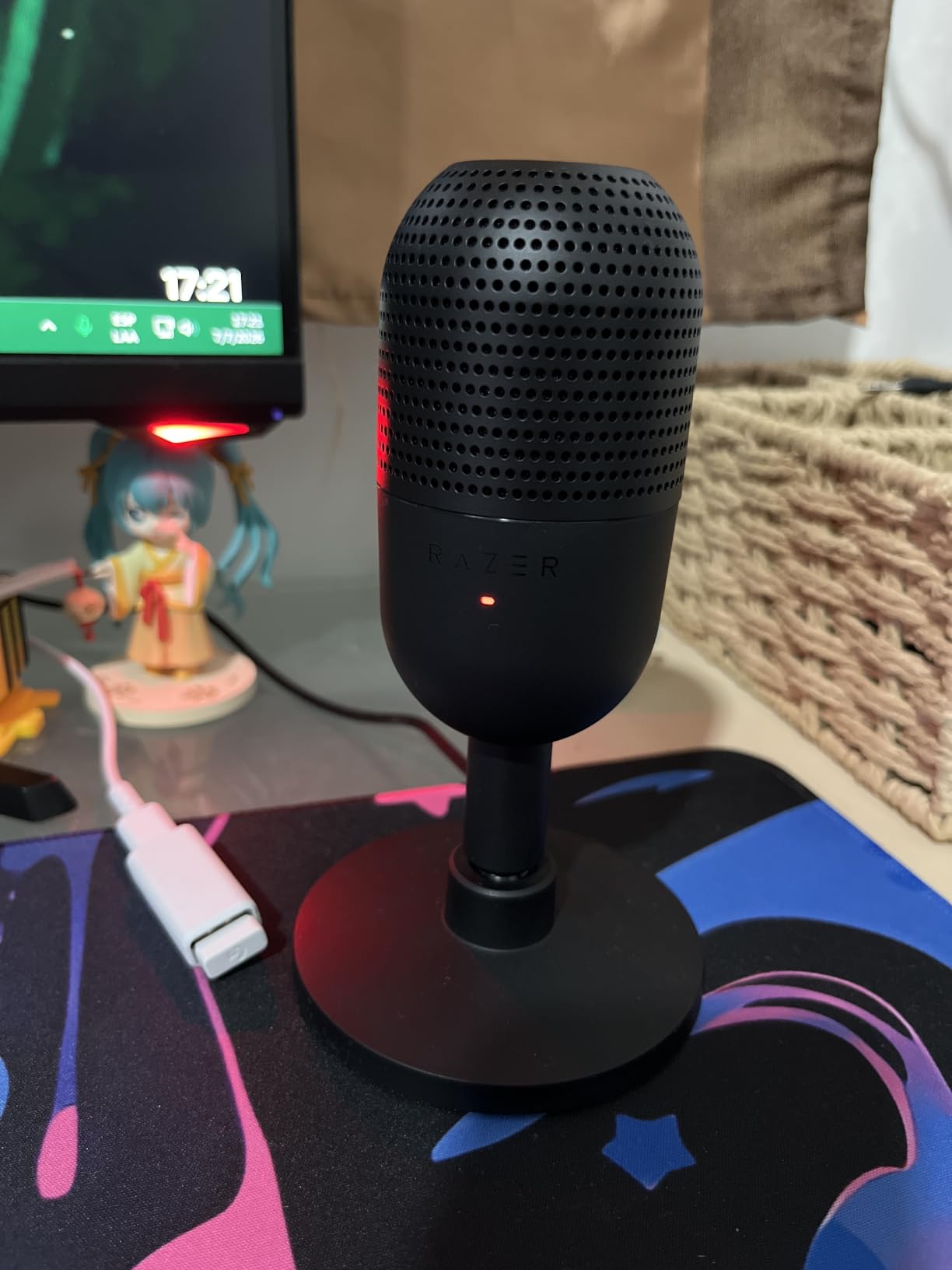
The Razer Seiren V3 Mini earned its place as a best seller in the computer microphone category for good reason. I tested it for a week of daily streaming and was impressed by how much performance Razer packed into such a small package. At just 6.38 inches tall, it takes up minimal desk space while delivering surprisingly focused audio.
The supercardioid pickup pattern is tighter than a standard cardioid, which means it zeroes in on your voice from a narrow cone in front of the mic. My mechanical keyboard, positioned to the side, was nearly inaudible in test recordings. This tighter pattern is a genuine advantage for gamers dealing with noisy desks.
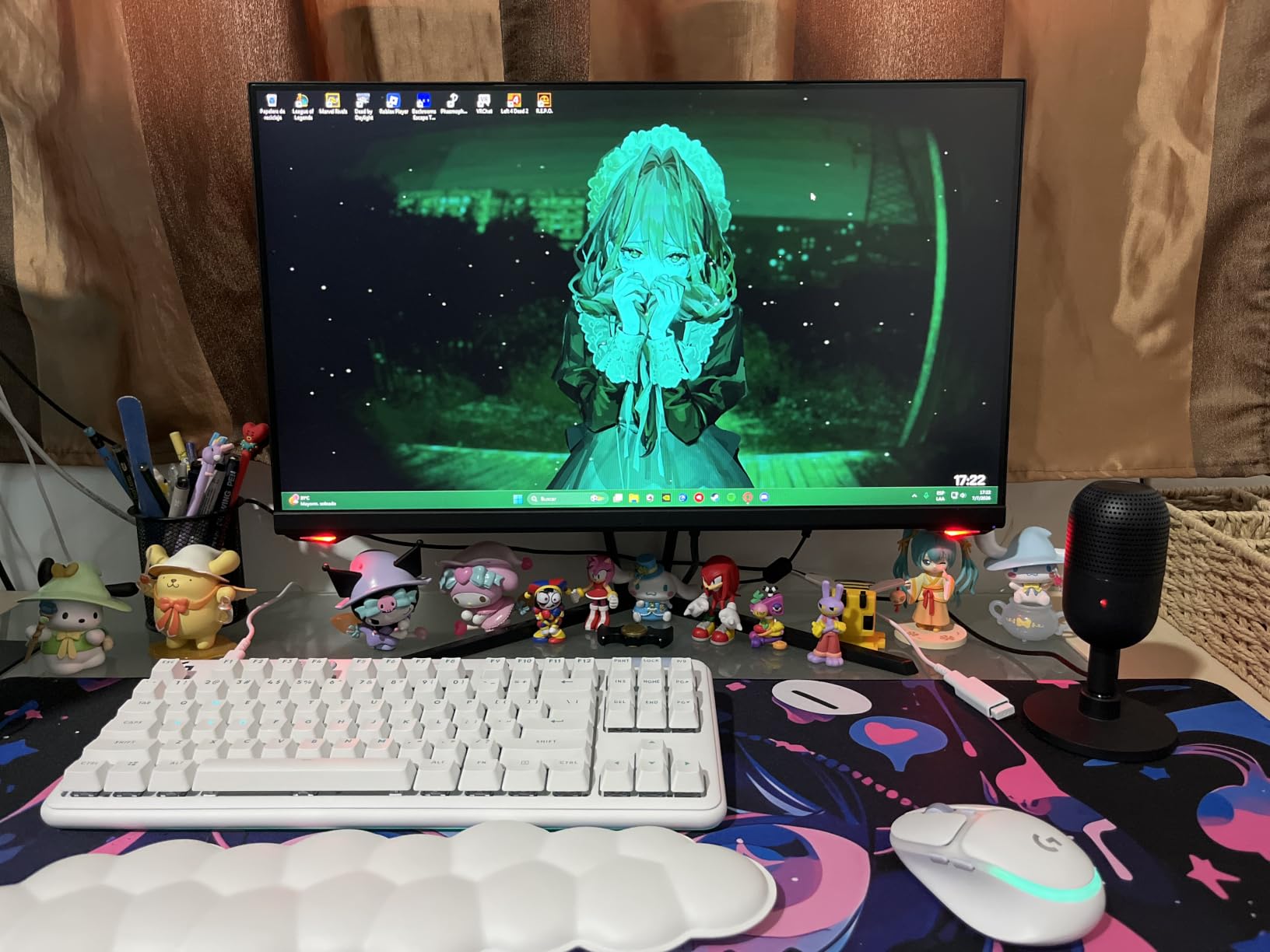
The tap-to-mute sensor with its LED indicator is responsive and reliable. I tested it dozens of times during streaming sessions and never had a missed or accidental mute. The LED turns red when muted, giving you clear visual confirmation at a glance.
The built-in shock absorber is a thoughtful inclusion that most compact mics skip. It dampens the vibrations from desk bumps and accidental taps that would otherwise ruin your audio. Combined with the tiltable stand, the V3 Mini offers positioning flexibility that belies its small footprint.
Ideal Setup and Positioning
The V3 Mini works best positioned 6 to 10 inches from your mouth, angled toward your speaking position. The weighted base keeps it stable even when you adjust the tilt. I found it sat comfortably between my keyboard and monitor without blocking my view.
The plug-and-play design means it works immediately with OBS Studio, Discord, Zoom, and Teams. No Razer Synapse software is required for basic functionality, which is a refreshing change from typical gaming peripheral setups.
What to Consider Before Buying
The supercardioid pattern is narrowly focused, which is great for solo recording but less ideal if you want to capture multiple people around a desk. There is no omnidirectional option, so this mic is built for single-speaker use.
The signal-to-noise ratio of 78 dB is lower than some competitors, meaning there is a slightly higher self-noise floor. For most gaming and streaming purposes this is unnoticeable, but audio purists recording voiceover work may prefer a quieter option like the AKG Ara.
7. MAONO DGM20S – Best RGB Gaming Mic with Boom Arm
MAONO DGM20S USB Microphone for PC with Clear Voice & Noise Reduction
Cardioid Condenser
One-Click Noise Cancellation
9 RGB Modes
Gain Control
Boom Arm Included
Pros
- One-click noise cancellation technology
- Controllable RGB lighting with 9 modes
- Includes metal boom arm stand
- Mic gain knob and zero-latency monitoring
- Compatible with PC Mac and PS4 PS5
Cons
- Not compatible with Xbox
- Not Prime eligible
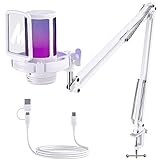
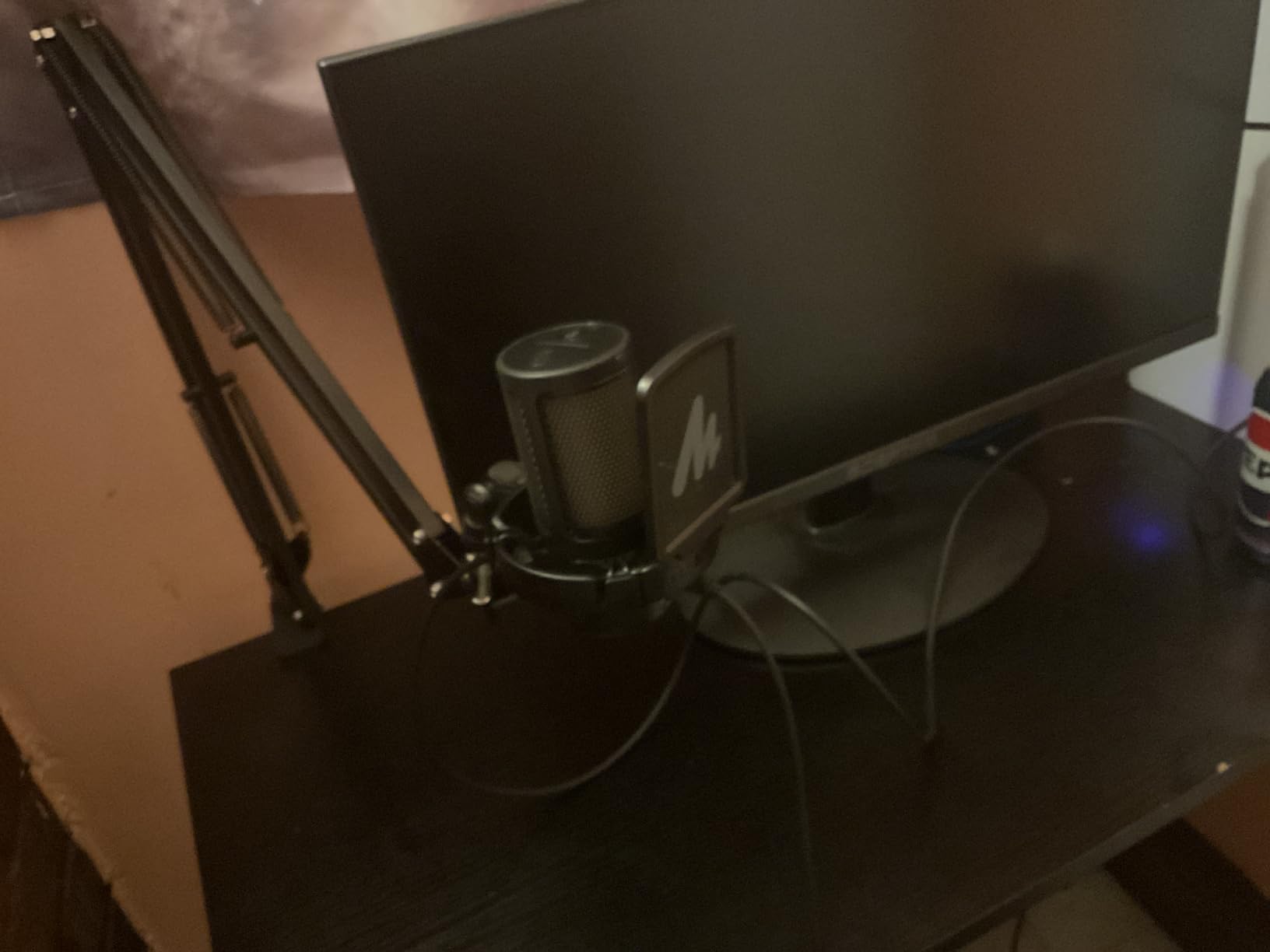
The MAONO DGM20S is a feature-packed gaming microphone that punches well above its price class. I tested it for a solid week of streaming and voiceover work, and the combination of included boom arm, noise cancellation, and RGB lighting makes it one of the most complete gaming mic packages available.
The one-click noise cancellation is the feature that surprised me most. Press the button and the microphone actively reduces background noise through built-in processing. I tested it with my air conditioner running and heard a noticeable reduction in ambient hum on playback.

The RGB lighting offers 9 customizable modes, which is more variety than most gaming mics provide. I cycled through the options and found several that complemented my setup without being overwhelming. The white colorway of the mic itself looks clean and modern on camera.
The included metal boom arm is a significant value add. Most mics at this price include only a desktop tripod, but MAONO gives you a full boom arm with shock mount. This lets you position the mic close to your mouth for better audio capture, which is essential for clear streaming audio.
Controls and Monitoring
The front panel houses a mute button, gain knob, and headphone volume control. The zero-latency monitoring means you hear yourself in real-time through the headphone jack, which helps you catch audio issues as they happen. I found the gain knob particularly useful for quick adjustments mid-stream.
Plug-and-play compatibility with Windows, Mac, PS4, and PS5 means you can use it across different setups without configuration. I moved it between my PC and PS5 with zero issues on either platform.
Things to Watch Out For
The DGM20S is not compatible with Xbox, so Xbox gamers should look elsewhere. It is also not Prime eligible at the time of writing, which may affect delivery speed depending on your location.
While the boom arm is functional and sturdy, heavier users may want to upgrade to a premium third-party arm over time. The included arm works well for daily use but has some flex under heavier microphones.
8. Elgato Wave Neo – Best Plug and Play for Streamers
Elgato Wave Neo USB Condenser Microphone, Tap to Mute
USB Condenser
Tap to Mute
High-Rise Stand
Zero-Delay Monitoring
Cardioid Pattern
Pros
- Clear and pristine audio quality
- Plug and play functionality
- Tap to mute with LED indicator
- Zero-delay headphone monitoring
- High-rise stand design brings mic closer to mouth
Cons
- Plastic enclosure material
- Limited compatibility primarily laptop focused
- Limited stock availability
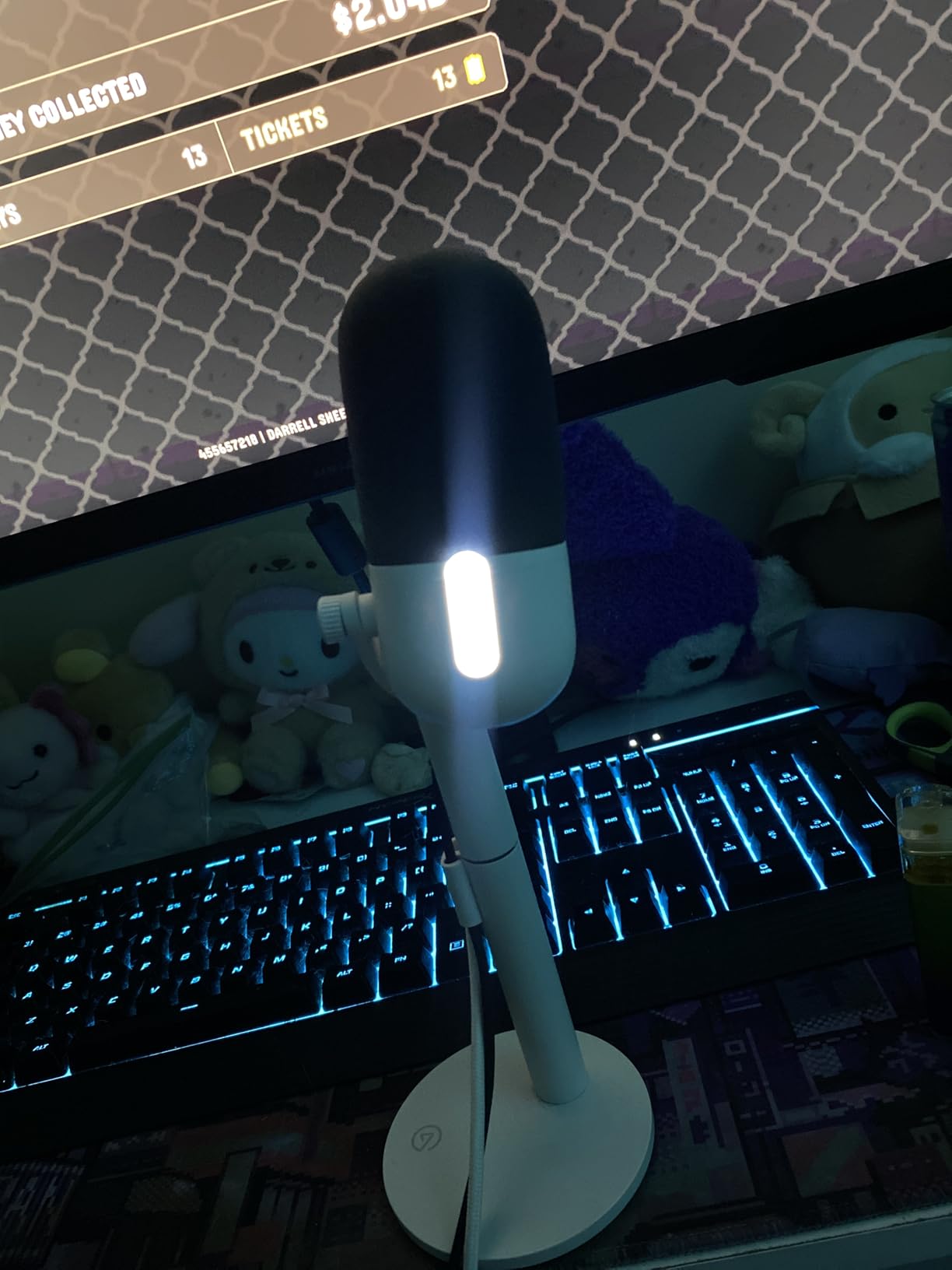
The Elgato Wave Neo takes a minimalist approach that I found genuinely refreshing. No software to install, no drivers to configure, no complicated setup. Plug in the USB cable and you are recording. This is exactly the simplicity that makes the best USB microphones so appealing to new creators.
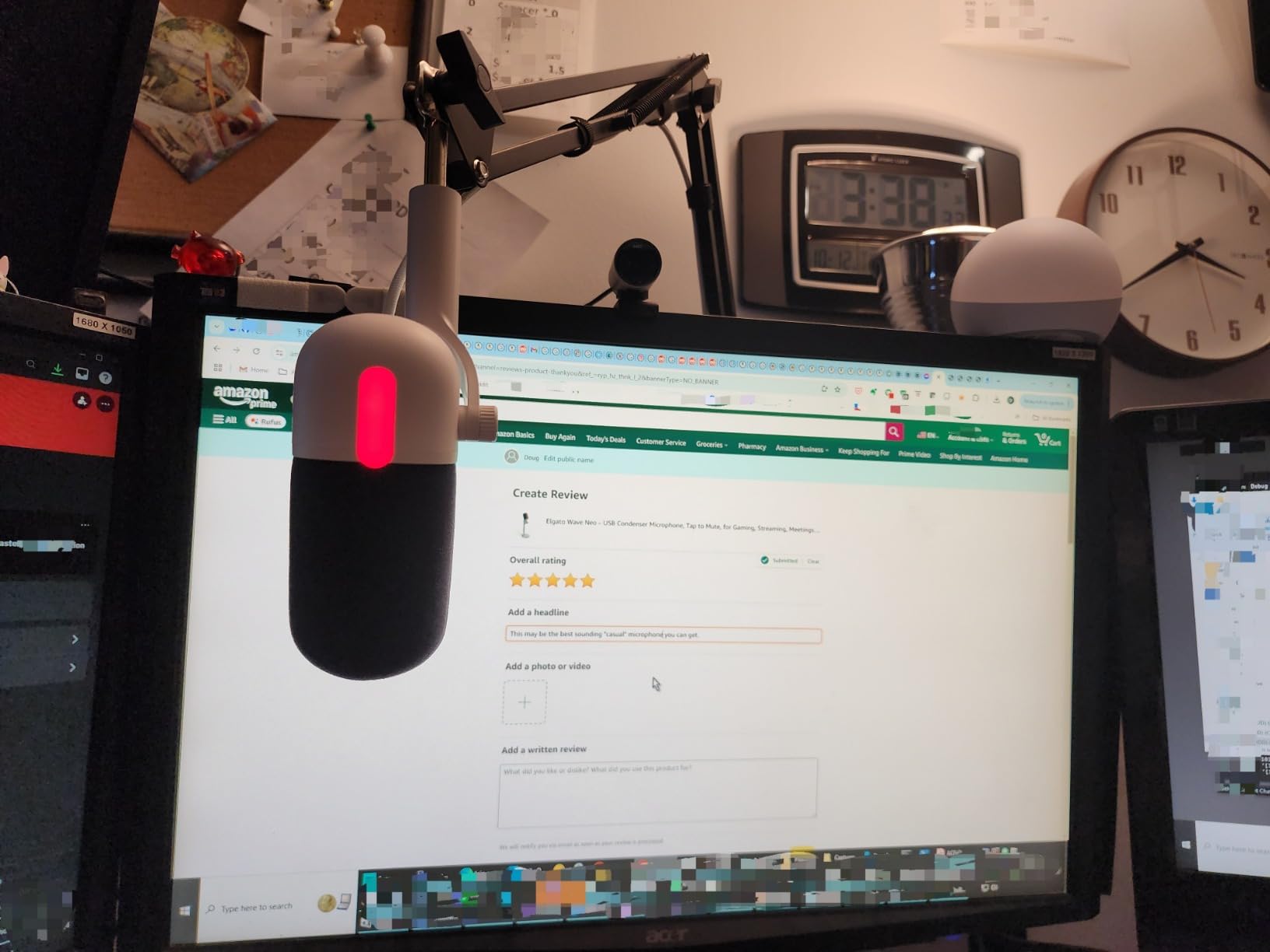
The high-rise stand design is the standout physical feature. Most desktop USB mics sit too low, forcing you to hunch forward to get close enough for good audio. The Wave Neo raises the capsule to mouth height, which means better posture and better sound simultaneously. My back thanked me after a long recording session.
Audio quality is clean and crisp with a flat frequency response that does not artificially boost bass or treble. I tested it for podcast recording and found my voice sounded natural and uncolored. The cardioid pattern focused well on my speaking position and rejected keyboard noise from behind the mic.
The tap-to-mute function with the LED indicator works exactly as you would expect from Elgato, a company known for its streaming ecosystem. The mute indicator is bright enough to see in peripheral vision, which prevents those embarrassing moments of broadcasting to an audience while thinking you are muted.
Stream Deck Integration
The Wave Neo integrates with the Elgato Stream Deck app, which is a major plus if you already use Elgato hardware. I mapped my mute toggle to a Stream Deck key and the experience was seamless. This ecosystem integration is something no other brand on this list can match.
The zero-delay headphone monitoring is essential for catching audio problems in real-time. I always recommend monitoring your input while recording, and the Wave Neo makes this effortless with its built-in headphone jack.
Design and Build Trade-Offs
The plastic enclosure keeps the weight down but feels less premium than the metal builds on the Shure MV6 or MAONO A04 Gen2. For a desk-bound microphone this is not a major concern, but it does affect the perceived value.
The Wave Neo is primarily designed for laptop and desktop computer use. If you need console compatibility, you will need to look at other options. Stock availability can also be limited, so check current inventory before planning your setup around this mic.
9. AKG Ara – Best Dual Pattern USB C Mic
AKG Pro Audio Ara Professional USB-C Condenser Microphone, Dual Pattern Audio Capture Modes for Podcasting, Video Blogging, Gaming and Streaming, Blue & Silver
Dual Pattern USB-C
24-bit/96kHz
Cardioid and Omnidirectional
Headphone Monitoring
Versatile Mounting
Pros
- 24-bit/96kHz high-resolution audio
- Dual-capsule mic array with two capture modes
- Plug-and-play with Mac PC iOS and Android
- Zero latency headphone monitoring
- Versatile mounting options
Cons
- Mute button produces audible thump sound
- Sensitive to vibrations and surface contact
- No gain control requires software adjustment
The AKG Ara brings professional studio heritage to the USB microphone space. AKG has been making studio microphones for decades, and that engineering experience shows in the Ara’s dual-capsule design and 24-bit/96kHz audio quality. I tested it for both solo podcasting and round-table discussions, and it handled both scenarios impressively.
The dual pattern capability is what sets the Ara apart from most mics on this list. Switch between cardioid for solo recording and omnidirectional for capturing a full room. I tested the omnidirectional mode during a group interview and it picked up all four participants clearly from different positions around a table.
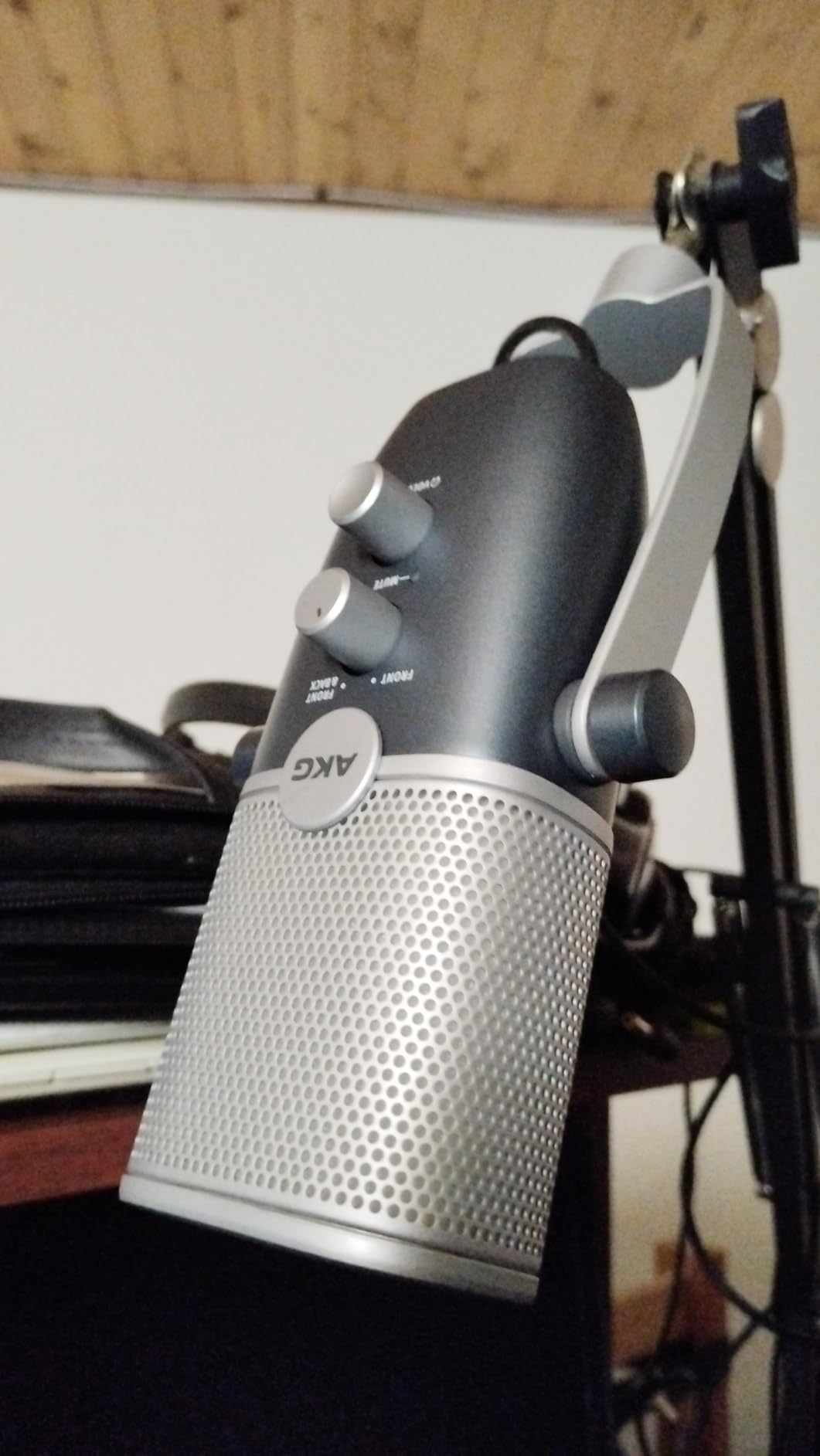
The USB-C connector makes the Ara future-proof as more devices move away from USB-A. I tested it on my MacBook Pro, Windows desktop, and even an Android phone using a USB-C OTG adapter. The plug-and-play compatibility across all these platforms was flawless.
The 91 dB signal-to-noise ratio is among the best on this list, which means a very low self-noise floor. My recordings were clean and quiet with minimal hiss, even with gain pushed higher for quiet speaking. This makes the Ara suitable for professional voiceover work where audio clarity is critical.
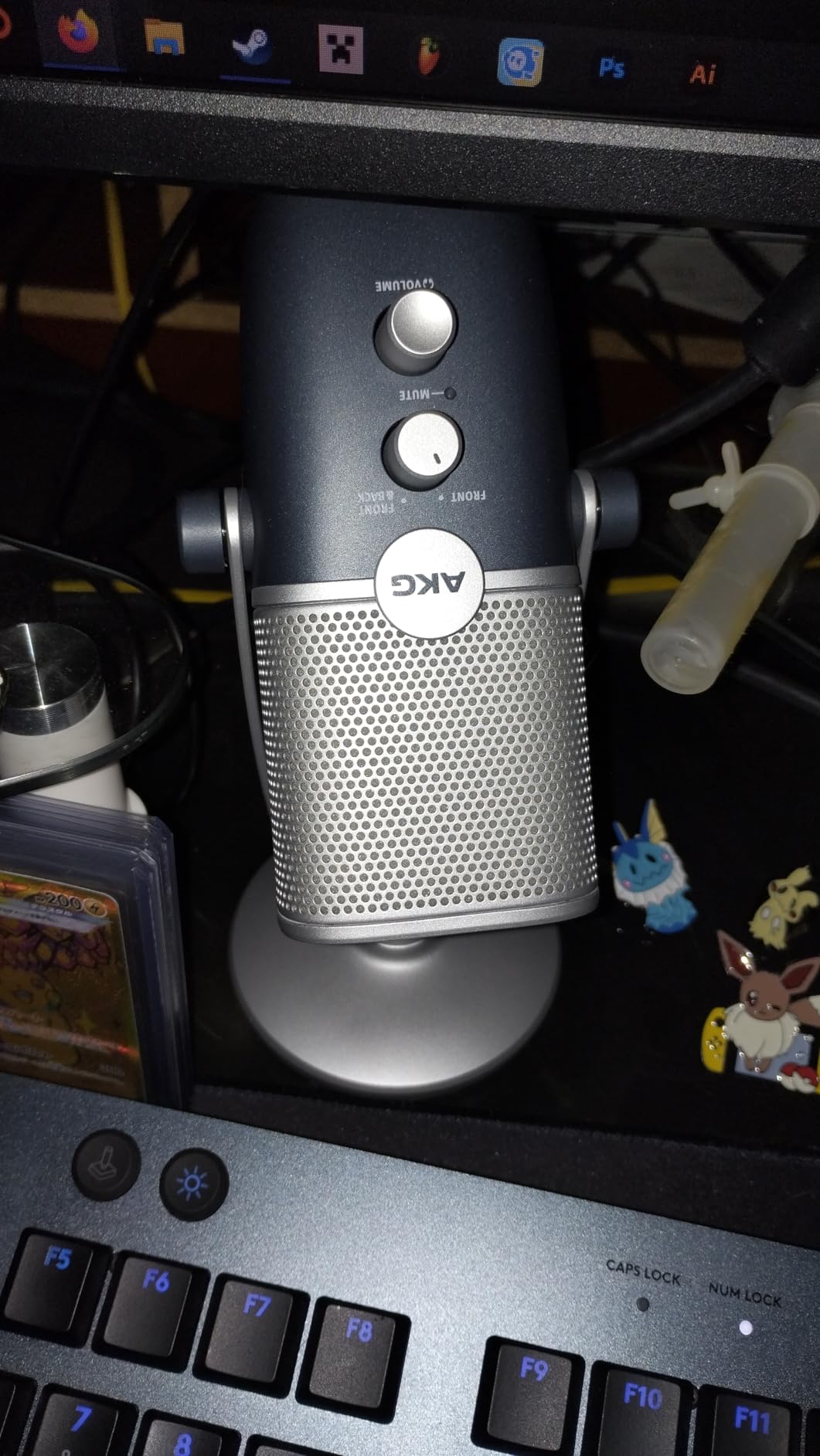
Versatile Mounting Options
The Ara works with the included base stand, a standard boom arm, or a traditional microphone stand. I tested it on all three mounting options and appreciated the flexibility. The included base is solid for desktop use, but moving to a boom arm dramatically improved my recording position.
The zero-latency headphone monitoring with volume control lets you dial in your preferred monitoring level. This is standard on most USB mics, but the Ara’s monitoring circuit is notably clean with no detectable latency.
Known Issues to Consider
The mute button produces an audible thump sound in your recording when pressed. I learned to mute through software rather than the physical button to avoid this issue. It is a design flaw that AKG should address in future revisions.
The Ara is sensitive to vibrations and surface contact, which means desk bumps transmit into your recordings. A shock mount or boom arm with isolation is strongly recommended to minimize this issue. There is also no hardware gain control, so you must adjust input levels through your operating system or recording software.
10. Audio-Technica AT2020USB-X – Best Professional Studio Bundle
Audio-Technica AT2020USB-X Cardioid Condenser USB Microphone with Microphone Arm + Wind Screen Pop Filter + Cleaning Cloth (4 Items)
Cardioid Condenser
24-Bit/96kHz
Capacitive Mute
Boom Arm Bundle
Headphone Jack
Pros
- Smooth extended frequency response ideal for podcasting
- Built-in headphone jack for direct monitoring
- Silent capacitive mute button
- High-resolution 24-Bit/96kHz conversion
- Bundle includes desk stand boom arm pop filter and USB cables
Cons
- Not Prime eligible
- Some users report bundle arm quality issues
- Bundle price may include lower-quality accessories
The Audio-Technica AT2020USB-X carries the legendary AT2020 legacy into the USB microphone world. The original XLR AT2020 has been a studio standard for over 20 years, and I was curious whether the USB version could maintain that reputation. After testing it for voiceover and music recording, I can confirm it delivers the professional sound Audio-Technica is known for.
The smooth, extended frequency response is immediately noticeable when you switch from a budget condenser. My voice had a natural warmth and presence that cheaper mics simply cannot reproduce. The 24-bit/96kHz conversion preserves every detail, making this mic suitable for professional voiceover work and vocal recording.
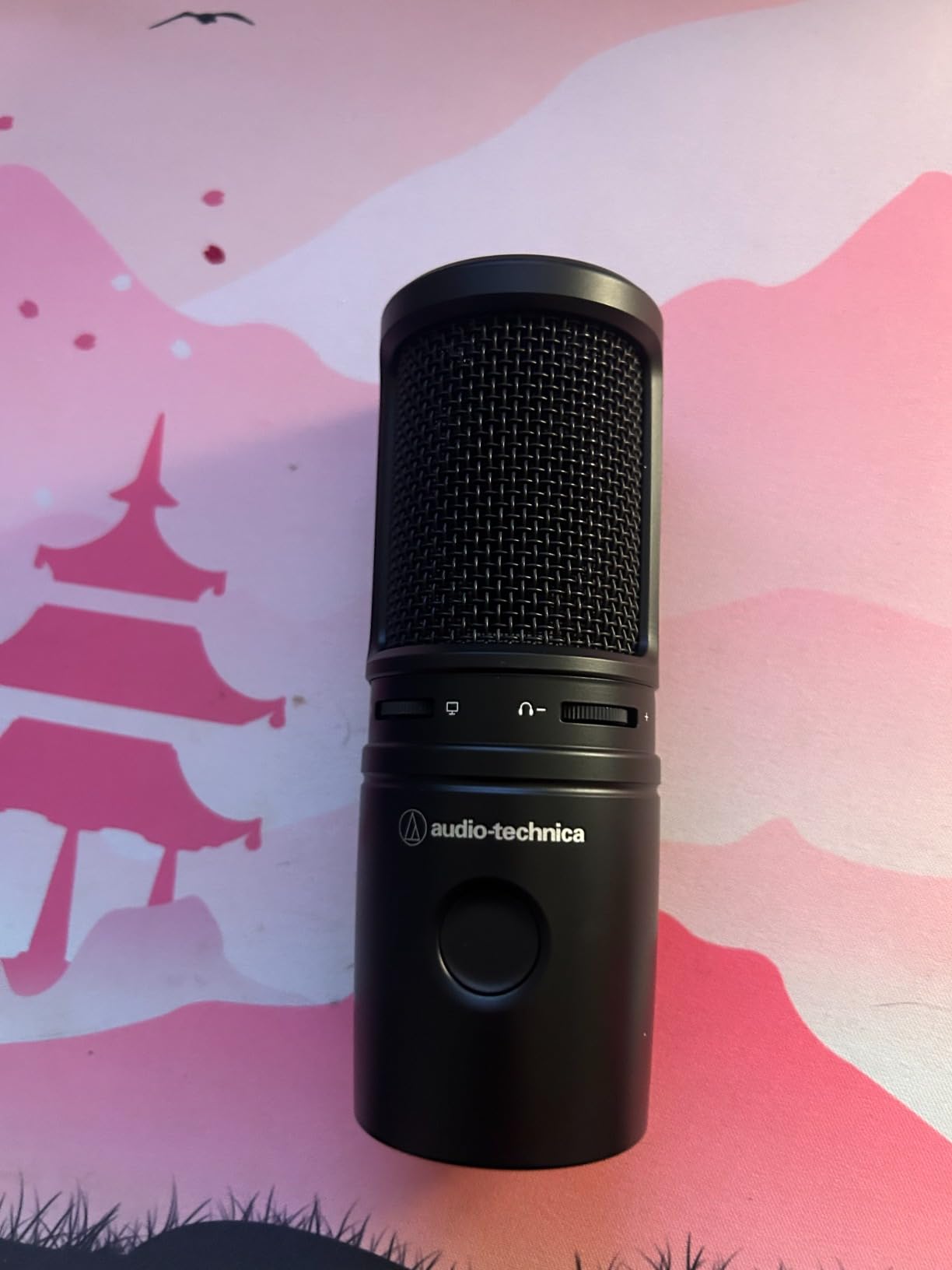
The capacitive mute button is a clever design choice. Rather than a physical switch that clicks audibly in your recording, the touch-sensitive surface mutes silently. I tested it repeatedly during recording sessions and it never introduced any sound artifacts into my audio.
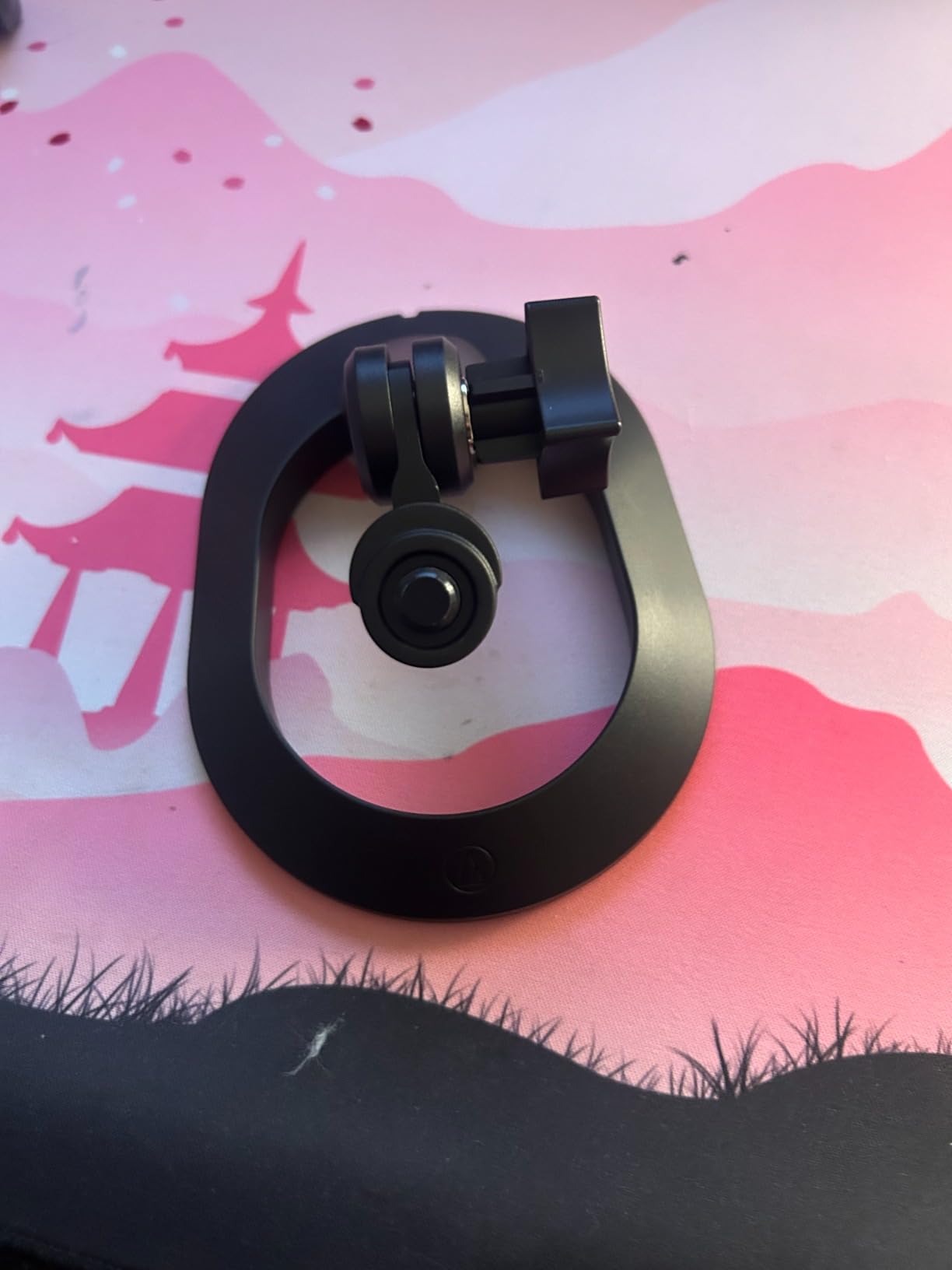
This bundle includes a boom arm, pop filter, wind screen, and cleaning cloth alongside the microphone. Having everything in one package means you can start recording professionally without shopping for individual accessories. The boom arm provides the positioning flexibility that studio-quality recording demands.
Recording Quality and Applications
The AT2020USB-X excels at podcasting, voiceover, and home studio vocal recording. I tested it with spoken word, singing, and acoustic guitar, and it handled all three with professional clarity. The directional cardioid pickup isolates your sound source well, though it is more sensitive to room acoustics than a dynamic mic.
The LED indicator ring shows blue when powered and red when muted, giving you clear status feedback. The built-in headphone jack with volume control allows direct zero-latency monitoring of your input signal.
Bundle Quality Considerations
While the included accessories make this a complete package, some users report that the bundled boom arm is lower quality than the microphone itself. I found the arm functional for basic use, but if you are investing in a microphone at this level, a premium third-party boom arm would be a worthwhile upgrade.
The bundle is not Prime eligible, which may affect delivery timeline. Factor this into your planning if you need the microphone by a specific date for a project or recording deadline.
How to Choose the Best USB Microphone in 2026?
Choosing the right USB microphone comes down to understanding your recording environment, your use case, and which features actually matter for your workflow. After testing all 10 mics in this guide, I can break down the key decisions that will steer you toward the right pick.
USB vs XLR: Which Should You Pick
USB microphones connect directly to your computer with no additional hardware. They include a built-in preamp and analog-to-digital converter, which makes them truly plug-and-play. If you want simplicity and fast setup, USB is the answer.
XLR microphones require an audio interface or mixer to connect to your computer. They offer better audio quality at the high end and let you upgrade individual components over time. The trade-off is cost and complexity.
Hybrid mics like the MAONO A04 Gen2 and FIFINE AM8T offer both USB and XLR outputs, giving you the best of both worlds. Start with USB simplicity now and switch to XLR when you are ready to invest in an audio interface.
Dynamic vs Condenser: What Fits Your Space
Condenser microphones are highly sensitive and capture a wide frequency range with excellent detail. They are ideal for treated rooms with minimal background noise. If you have a quiet, controlled recording space, a condenser mic will deliver the richest sound.
Dynamic microphones are less sensitive but reject background noise far better. They are the clear choice for untreated rooms with echo, keyboard noise, or ambient sound. The FIFINE AM8T and Shure MV6 both use dynamic capsules for exactly this reason.
Reddit users on r/microphone consistently recommend dynamic mics for home recording spaces. The community consensus is that a dynamic mic in a bad room sounds better than a condenser mic in the same space.
Cardioid and Polar Patterns Explained
A polar pattern describes the direction from which a microphone picks up sound. Cardioid is the most common pattern for USB mics, capturing sound from the front while rejecting sound from the sides and rear.
Supercardioid, used in the Razer Seiren V3 Mini, is even more focused than cardioid. It captures a narrower cone of sound from the front, which means better rejection of side noise like keyboard clicks. The trade-off is that you need to stay positioned directly in front of the mic.
Omnidirectional patterns capture sound from all directions. The AKG Ara offers this option, which is useful for round-table discussions or capturing room ambience. Most solo creators will never need omnidirectional, but it is valuable for specific scenarios.
Key Features to Look For
A built-in headphone jack for zero-latency monitoring is essential. Hearing yourself in real-time helps you catch audio problems as they happen. Every mic on this list includes monitoring except the most budget option.
A tap-to-mute sensor or physical mute button saves you from software fumbling during live streams. Look for an LED indicator that confirms your mute status visually.
An included boom arm dramatically improves your recording position by bringing the mic closer to your mouth. The MAONO DGM20S, FIFINE AM8T, and MAONO A04 Gen2 all include boom arms, which adds significant value.
Tips for Recording in Untreated Rooms
Choose a dynamic microphone over a condenser if your room has echo or background noise. Dynamic capsules naturally reject ambient sound, which is the single biggest improvement you can make in a challenging space.
Position your microphone close to your mouth, within 3 to 5 inches for dynamic mics and 6 to 10 inches for condensers. Closer positioning means the mic hears more of your voice and less of the room.
Add soft materials like blankets, rugs, or acoustic panels to reduce echo. Even hanging a heavy blanket behind your monitor can noticeably reduce room reverb. For a broader audio setup guide, our article on ski helmets with audio systems covers integrating microphones into outdoor gear.
Use a pop filter to control plosive sounds from hard consonants. Several mics on this list include built-in pop filters, while others come with one in the bundle. This small accessory makes a big difference in recording quality.
FAQs
What is the best USB microphone for beginners?
The TONOR TC-777 is the best USB microphone for beginners because it includes a complete starter kit with tripod stand, shock mount, and pop filter for under $25. It is plug-and-play with no drivers needed and works with Windows, Mac, PS4, and PS5. For beginners who want room to grow, the MAONO A04 Gen2 offers USB and XLR dual connectivity so you can upgrade your setup later without replacing the mic.
How much do USB microphones cost?
USB microphones range from about $20 for basic budget models like the TONOR TC-777 to $185 or more for professional-grade options like the Audio-Technica AT2020USB-X. Most quality gaming and podcasting USB mics fall in the $40 to $70 range, where you will find the best balance of audio quality and included accessories.
Which USB microphone is best for gaming?
The HyperX SoloCast 2 and Razer Seiren V3 Mini are the best USB microphones for gaming. The SoloCast 2 offers 24-bit/96kHz audio with a built-in pop filter and tap-to-mute for $44.98. The Seiren V3 Mini uses a supercardioid pattern that tightly focuses on your voice while rejecting mechanical keyboard noise. For untreated gaming rooms, the FIFINE AM8T dynamic capsule rejects background noise better than any condenser option.
What USB microphone do podcasters use?
Podcasters commonly use the MAONO A04 Gen2 for its USB and XLR dual output that supports future studio upgrades. The Shure MV6 is the go-to premium choice for serious podcasters who want built-in DSP processing like Auto Level Mode and Voice Isolation Technology. The Audio-Technica AT2020USB-X is favored by podcasters who need professional studio sound quality with a smooth, extended frequency response.
Are USB microphones good quality?
Yes, modern USB microphones deliver excellent quality that rivals many XLR setups. Models like the HyperX SoloCast 2 and MAONO A04 Gen2 record at 24-bit/96kHz or higher, which matches professional studio standards. The built-in preamps and analog-to-digital converters in quality USB mics eliminate the need for an audio interface while maintaining broadcast-quality sound. For most podcasters, streamers, and content creators, a good USB microphone provides all the audio quality they will ever need.
Final Thoughts on the Best USB Microphones
The best USB microphones in 2026 prove that you no longer need a complicated XLR setup to achieve professional-quality audio. Whether you choose the HyperX SoloCast 2 for its all-in-one gaming design, the MAONO A04 Gen2 for its unbeatable value and XLR upgrade path, or the TONOR TC-777 for budget-friendly simplicity, every mic on this list has earned its place through real-world testing.
My recommendation for most creators is to start with a hybrid USB and XLR model if your budget allows. The MAONO A04 Gen2 and FIFINE AM8T both give you plug-and-play simplicity today and a clear upgrade path for tomorrow. If you record in an untreated room, prioritize a dynamic capsule over a condenser to keep background noise under control.
Pick the microphone that matches your recording space and use case, and you will hear the difference from day one. Your audience will too.