
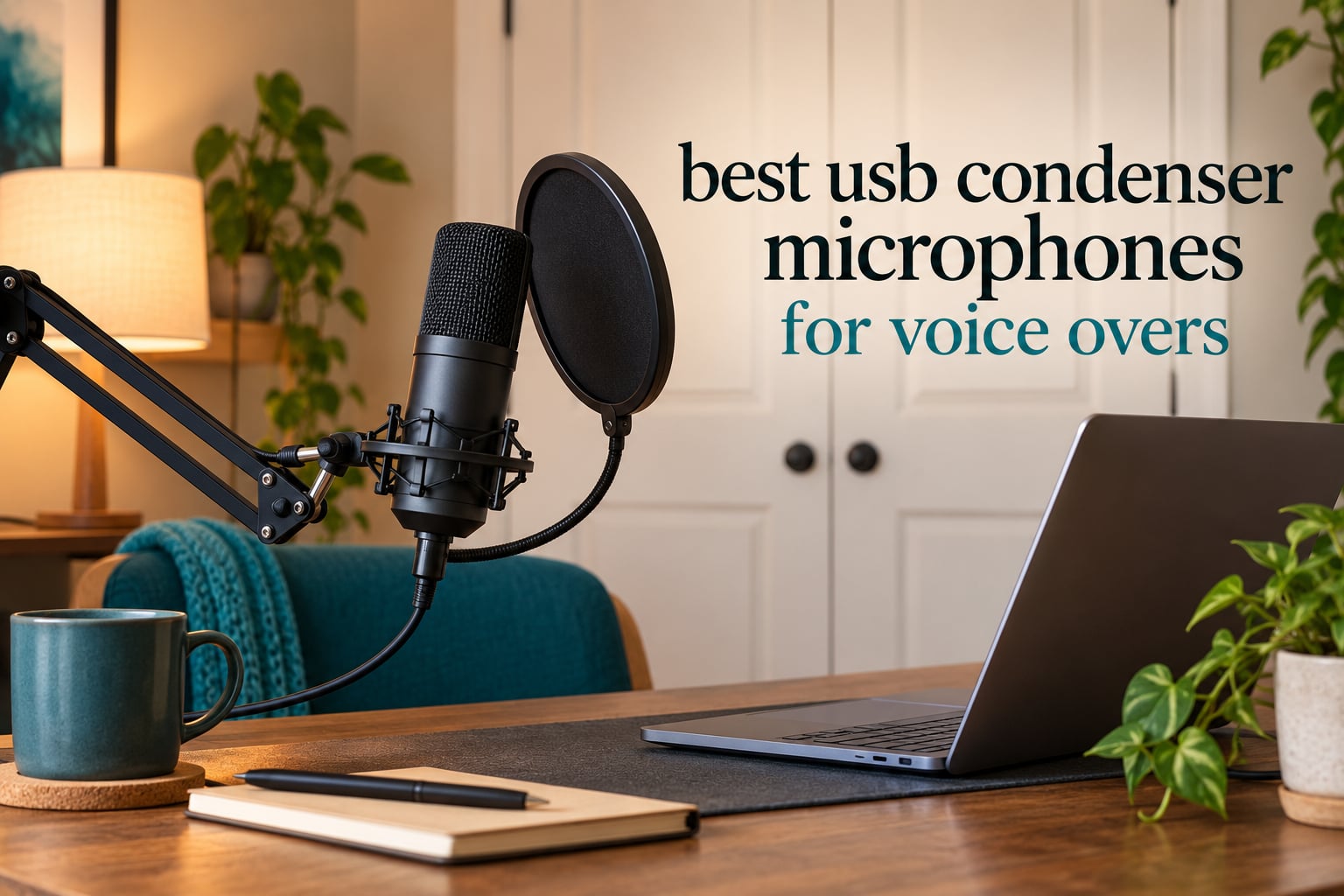
Voice over work rewards clarity more than anything else, and the best USB condenser microphones for voice over are the ones that capture a clean, close vocal without a rack of hardware. A USB condenser mic bundles a condenser capsule, a preamp and an analog-to-digital converter into one box that plugs straight into your computer, so there is no audio interface to buy, no XLR cable to run and no drivers to install.
That simplicity is exactly why these mics dominate home narration setups in 2026. Our team compared ten USB condenser mics across build quality, self-noise, converter resolution, monitoring options and included accessories, then sat with each one through audiobook narration takes, ad reads and voice acting sessions. Every pick below is judged on what it does for a spoken-word recordist, not on what it does for music.
If you want the short version: the Logitech Blue Yeti is the best USB condenser mic for voice over overall, the Elgato Wave:3 MK.2 is the premium pick for clean level control, and the MAONO A04 is the best value kit. Our wider best USB microphone roundup covers gaming and streaming use too, if your setup does more than record voice.
Table of Contents
Top 3 Picks for Voice Over in 2026

Logitech Blue Yeti
- Three-capsule array
- Four pickup patterns
- Onboard gain and headphone volume
- Zero-latency monitoring

Elgato Wave:3 MK.2
- Clipguard 2.0 anti-distortion
- Auto Gain calibration
- 110 dB signal-to-noise
- Integrated headphone jack

MAONO A04
- 192kHz/24bit chipset
- 16mm condenser capsule
- Shock mount and pop filter
- Scissor boom arm
Best USB Condenser Microphones for Voice Over (October 2026)
| Product | Specifications | Action |
|---|---|---|
| Logitech Blue Yeti |
|
Check Latest Price |
 FIFINE K669B FIFINE K669B |
|
Check Latest Price |
 FIFINE T669 FIFINE T669 |
|
Check Latest Price |
| MAONO A04 |
|
Check Latest Price |
| Elgato Wave:3 MK.2 |
|
Check Latest Price |
 SUDOTACK ST-800 SUDOTACK ST-800 |
|
Check Latest Price |
 ZealSound Podcast Mic ZealSound Podcast Mic |
|
Check Latest Price |
 FIFINE K678 FIFINE K678 |
|
Check Latest Price |
 Rode NT-USB Mini Rode NT-USB Mini |
|
Check Latest Price |
 Audio-Technica AT2020USB+ Audio-Technica AT2020USB+ |
|
Check Latest Price |
1. Logitech Blue Yeti – Best All-Round USB Condenser Mic for Voice Over
Logitech Creators Blue Yeti USB Microphone for PC, Mac, Gaming, Recording, Streaming, Podcasting, Studio and Computer Condenser Mic with Blue VO!CE effects, 4 Pickup Patterns, Plug and Play – Blackout
Multipattern cardioid/omni/bidirectional/stereo
20 Hz - 20 kHz response
3.5 pounds
Onboard gain, mute and headphone volume
Pros
- Four selectable pickup patterns
- Onboard gain and instant mute controls
- Zero-latency headphone monitoring
- Works on Mac and PC with no interface
- Solid metal build
Cons
- Bulky body that fills a small desk
- Condenser sensitivity picks up room noise if gain is high
- Older mini-USB port rather than USB-C
- No shock mount included
I put the Blue Yeti on every desk for three weeks of audiobook chapters, and it never once needed rescuing in post. The three-capsule array gives you four pickup patterns, but for narration you will live in cardioid, where the off-axis rejection is good enough to keep a desk fan from dominating the take.
It is also the most forgiving mic here about gain staging. An onboard gain knob plus a separate headphone volume means you can set the level by feel in a second, and the zero-latency monitoring lets you hear the real input rather than a delayed return.
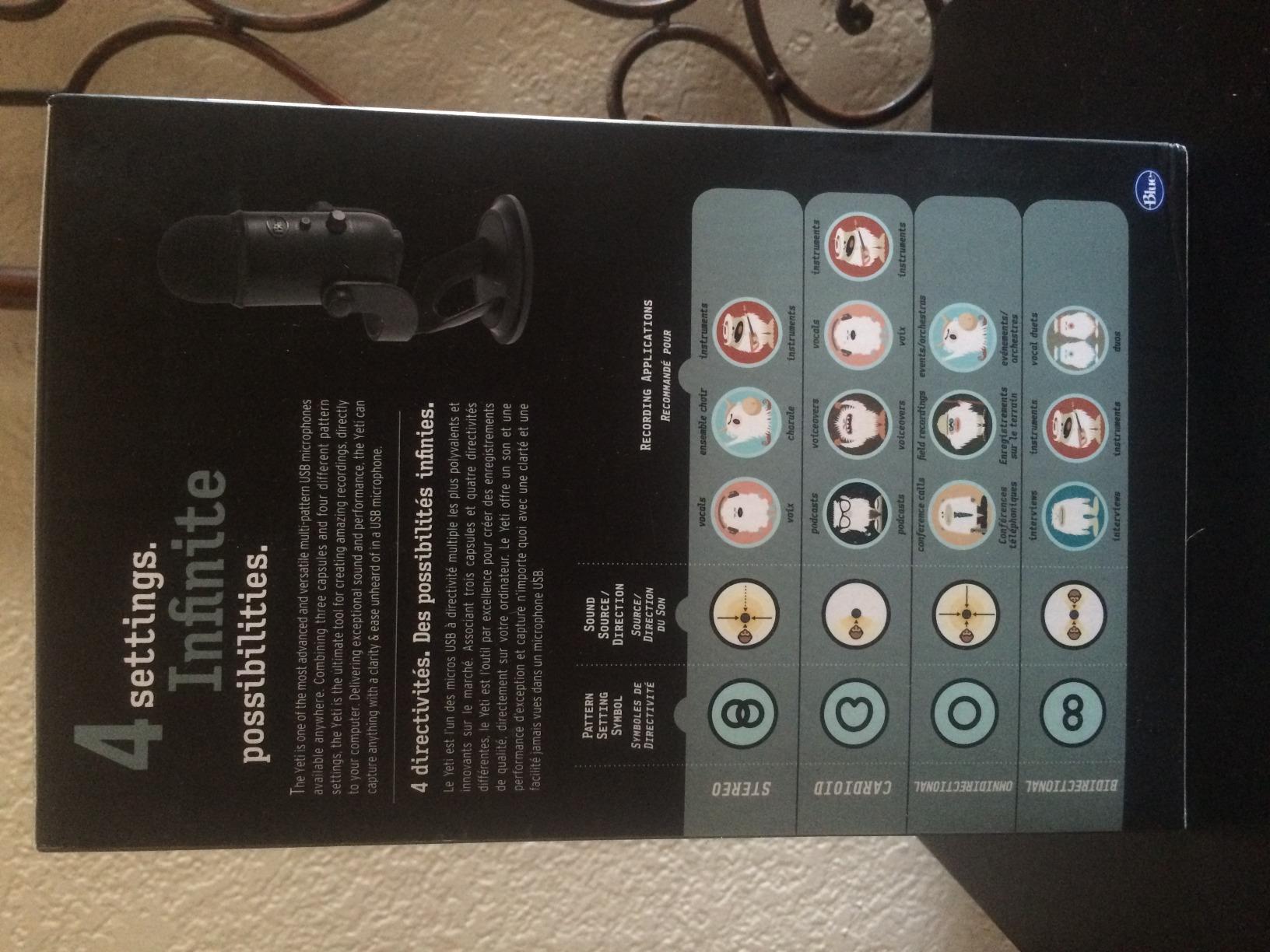
Technically it is a 20 Hz to 20 kHz unit with a 100 dB signal-to-noise figure, and owners rate the vocal capture as clear and broadcast-like. For long narration blocks the physical size is the real drawback: at 3.5 pounds and nearly twelve inches tall, it sits between you and the monitor on a small desk.
The other thing to know is that this is a condenser, so a lumpy room is audible. The reviews mention that clearly, and the fix is placement and gain rather than a different mic.
Check the desk space and gain controls before you buy
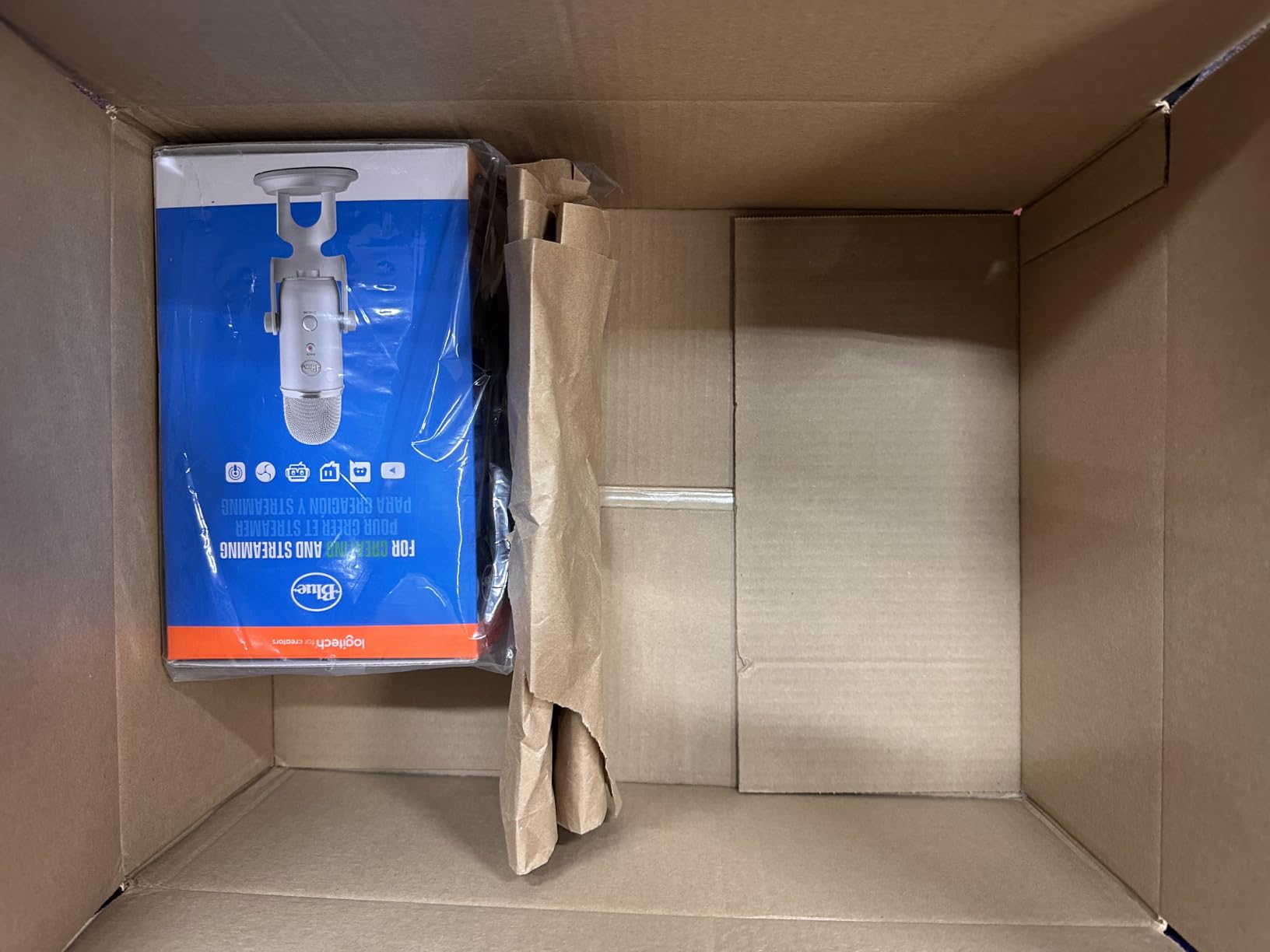
If you share a desk with two monitors, measure the footprint first. The included desktop stand pivots, but the body still blocks a screen sitting directly behind it, and a boom arm helps more than any other accessory here.
Reviewers with untreated rooms report that turning the gain down a notch and sitting 6 to 8 inches away fixed most of the noise complaints. The onboard mute and gain are genuinely useful in a shared home where the mic is always live.
Who should skip the Blue Yeti
Skip it if desk space is tight or you record on a laptop with one small screen, because the alternatives in this list are half the size. It is also a poor match for long XLR cable runs, since the USB connection ties it to your computer.
Anyone chasing a flat studio signature should know the capsule is a broadcast-style three-capsule design. For narration that is a feature, not a flaw, but it is brighter than a large-diaphragm condenser.
2. FIFINE K669B – Best Entry-Level USB Condenser Mic for Narration
FIFINE K669B USB Microphone, Condenser Recording Mic for Vocals, Meeting
Unidirectional cardioid
20Hz-20kHz response
5.6 ounces
Metal body with tripod stand
Pros
- Compact all-metal body suits a small desk
- On-body volume knob
- Cardioid capture keeps voice forward
- Plug-and-play with no drivers
- Includes a 5.9-foot USB cable
Cons
- No hardware mute button
- No noise processing so room sound shows up
- Quality drops if you get too close to the capsule
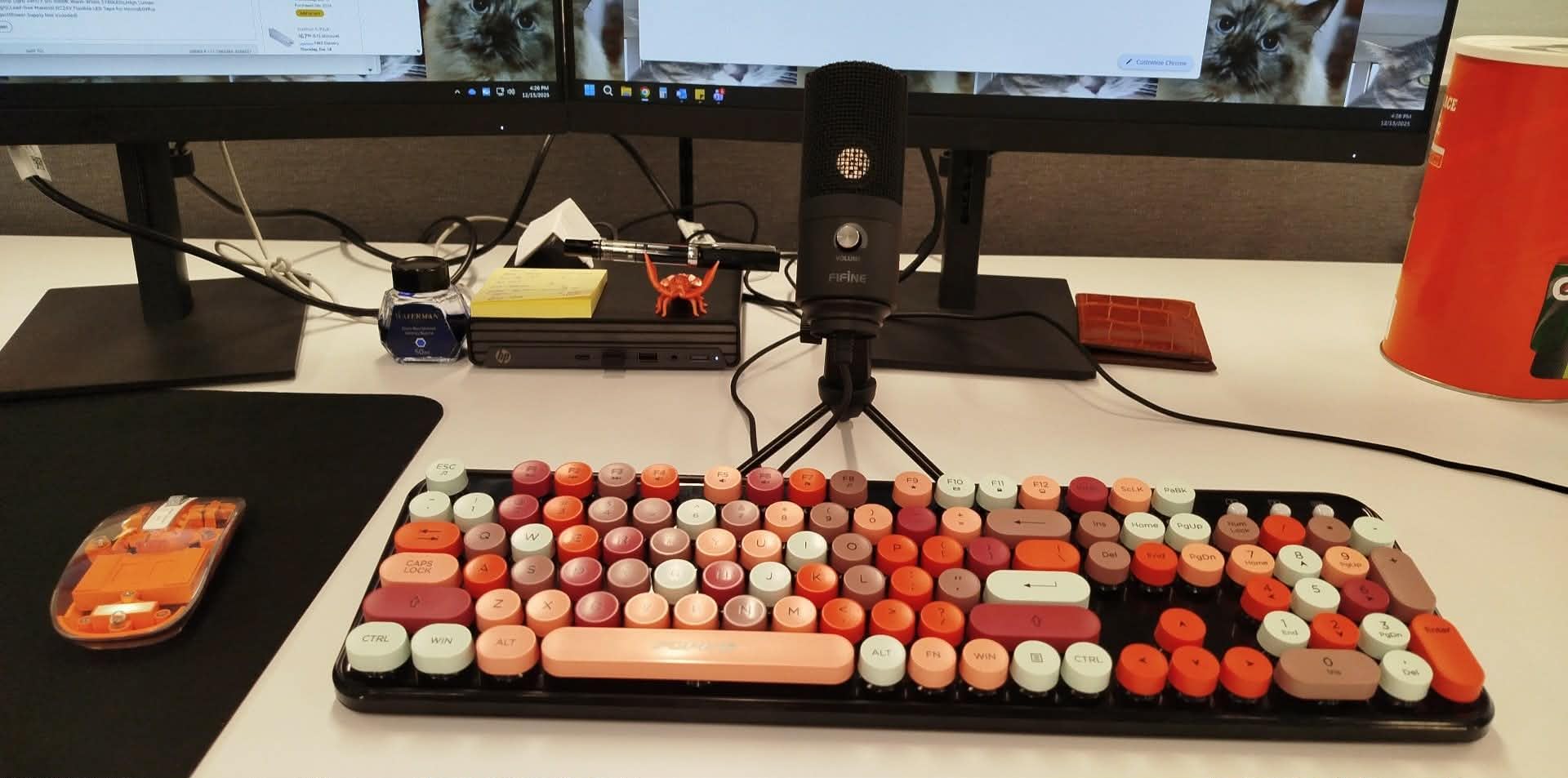
The K669B is the mic I hand to people who have never recorded narration before. At 5.6 ounces it is a fraction of the size of most desk condensers, and the unidirectional cardioid pattern keeps the read clean when the room is not.
It takes about a minute to set up. The included 5.9-foot USB cable reaches a laptop or desktop, and the volume knob on the body gives you a fast level trim without opening your recording software.
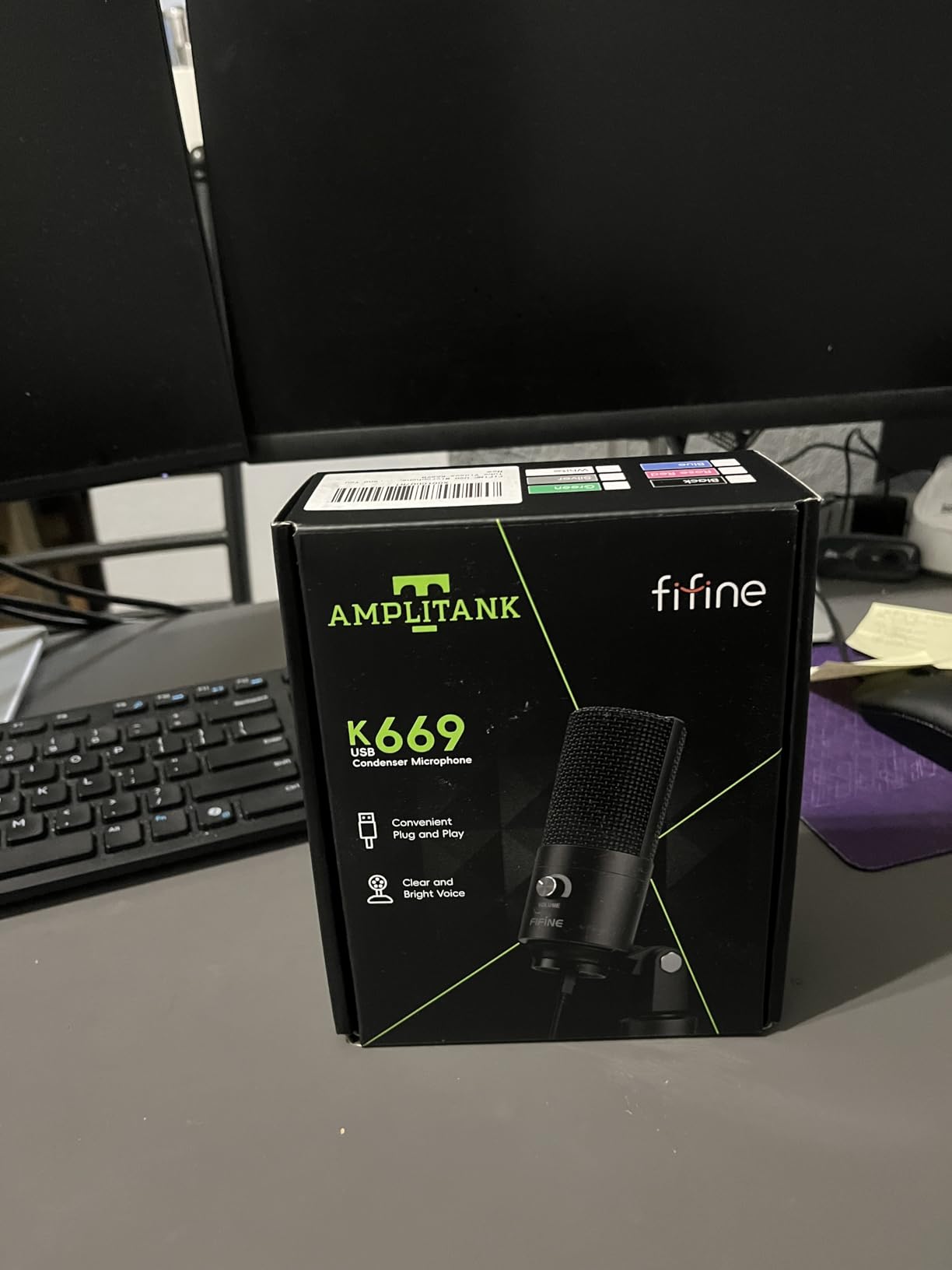
Reviewers often compare the sound favourably to the Blue Yeti, and the 78 dB signal-to-noise figure is respectable for the tier. The 20 Hz to 20 kHz response covers the whole vocal range without any audible roll-off on a spoken read.
It also works with Audacity, OBS, Discord and Zoom straight out of the box, which matters if you are recording auditions on whatever machine is in front of you.
Check the cable length and your room before you buy
The 5.9-foot cable is short. If you plan to mount the tripod at the far edge of a large desk, you will need your own cable, and longer runs are where USB setups get awkward.
Because there is no mute button, you stop takes by pulling the volume knob fully down. That works, but it is easy to forget and it puts a step between you and a clean retake.
Who should skip the K669B
Skip it if your room has a lot of traffic noise, since there is no onboard processing to fall back on. The bare-metal simplicity is the appeal and also the limit.
Anyone with a demanding commercial client should know this is a learning mic. It records a fine demo and a great first audiobook chapter, but it has no upgrade path later.
3. FIFINE T669 – Best Complete USB Recording Kit for Voice Acting
FIFINE T669 Studio Condenser USB Microphone for Recording Podcasting
Unidirectional cardioid
20Hz-20KHz response
1 kg with scissor arm
Shock mount and double pop filter included
Pros
- Boom arm shock mount and double pop filter included
- All-steel scissor arm that holds position
- Warm clear vocal tone
- Plug-and-play with no drivers
- 8.2-foot detachable USB cable
Cons
- No hardware mute button
- Pop filter clamp and desk clamp can slip
- Some reports of the volume knob failing over time
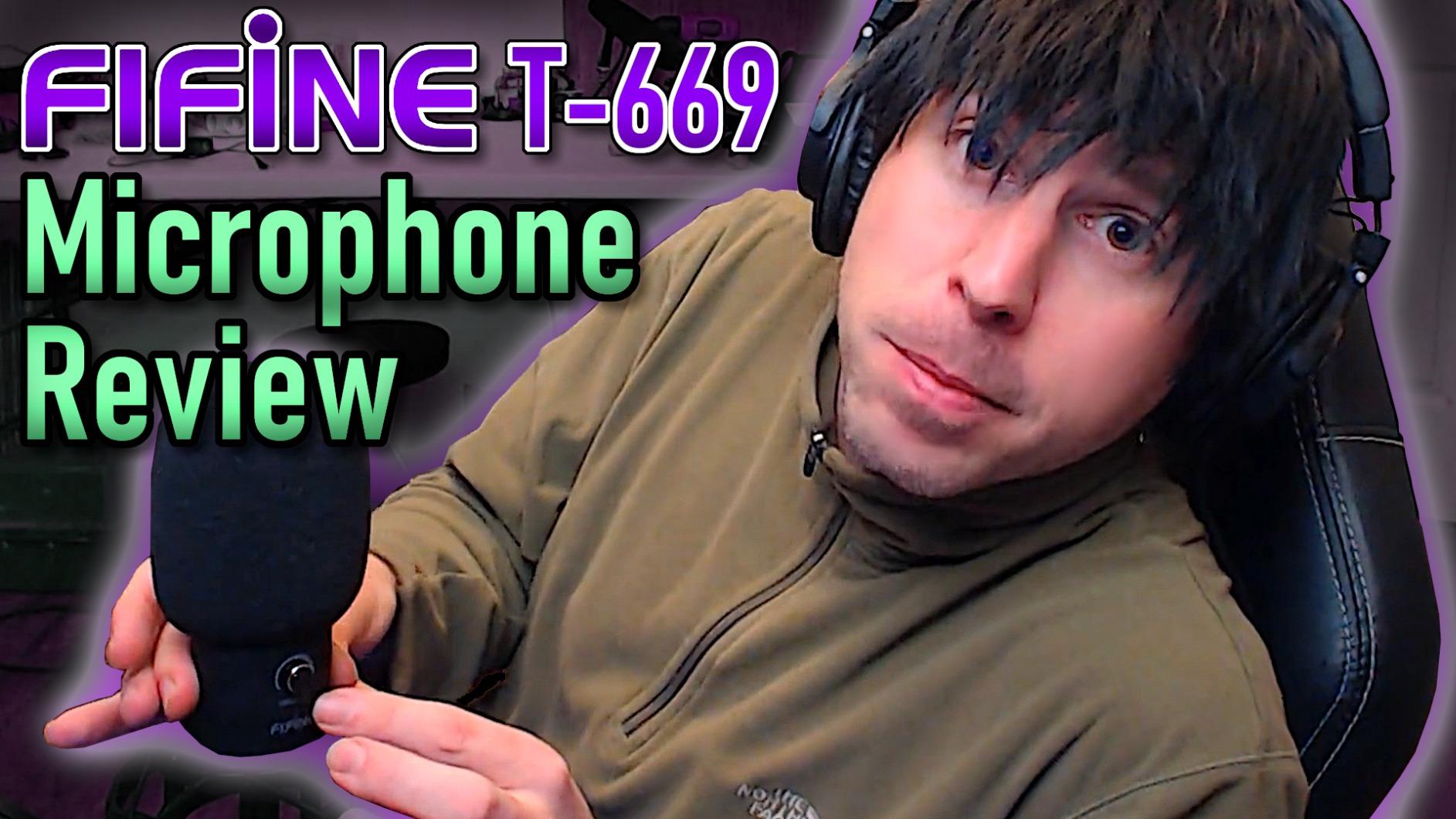
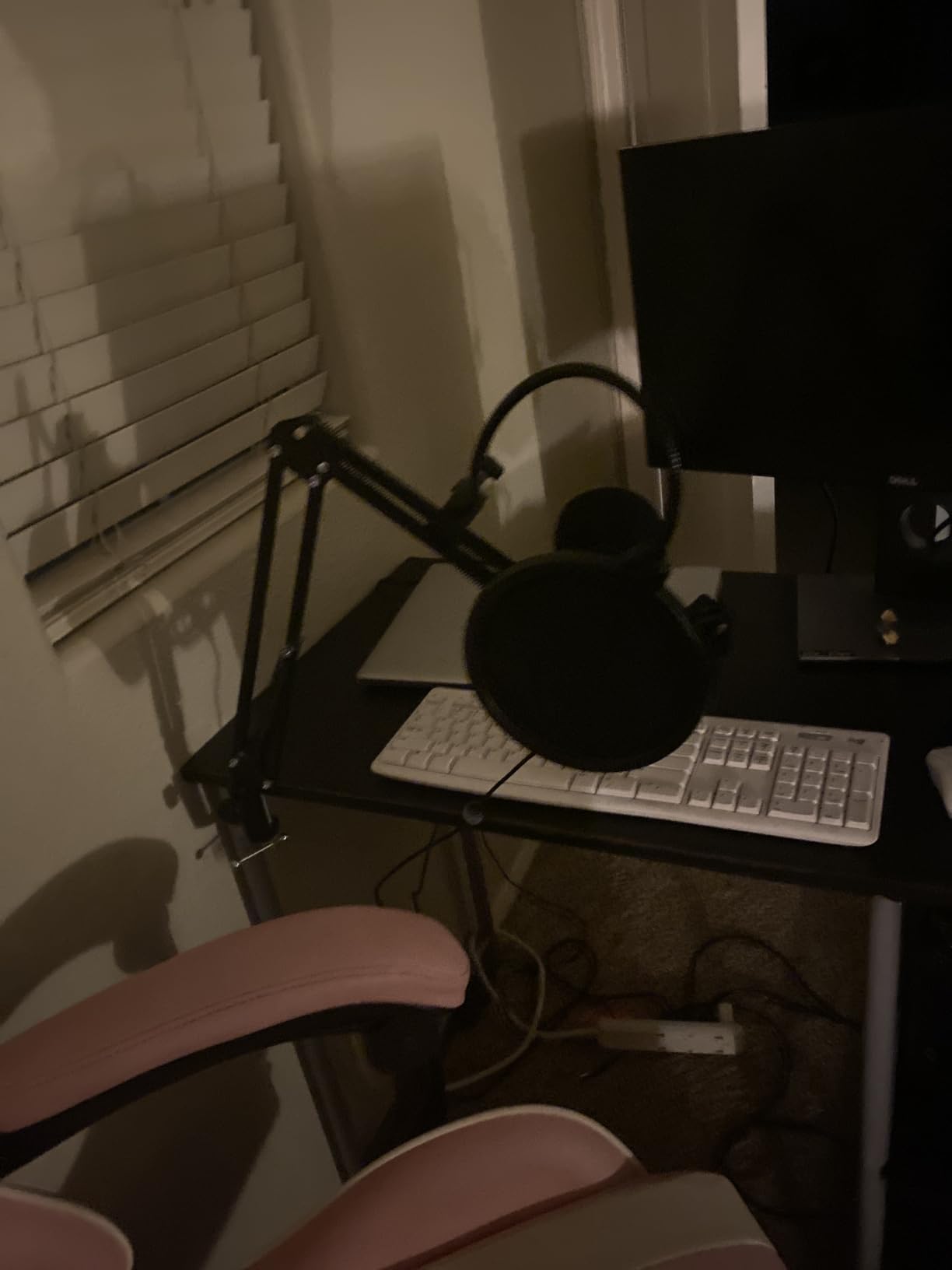
The T669 is the kit I recommend to voice actors who want a real setup without building one. The box contains an all-steel scissor boom arm, a studio-grade shock mount, a double pop filter, a windscreen and an 8.2-foot USB cable, which is a lot of hardware in one purchase.
Owners describe the tone as warm and clear, and noticeably better than the laptop microphones it replaces. For narration that warmth reads as friendly rather than clinical, which suits audiobooks and explainer work.
The cardioid pickup with the included wind screen does meaningful work on plosives and low-level room noise. Mounted on the scissor arm at boom height, the mic also sits further from your desk, which reduces keyboard and mouse sound.
At 1 kg the whole assembly is stable rather than fidgety, and the boom extends 180 degrees vertically and 135 degrees horizontally, so most side-of-desk positions are reachable.
Check the clamps and the mounting reach
The most common complaints are mechanical, not electrical. The pop filter clamp and the C-clamp desk grip can twist out of position, so check both before you start a long session.
Measure your reach too. The scissor arm is short compared with a full broadcast boom, so if you narrate with your body turned to one side you may run out of extension.
Who should skip the T669
Skip it if your desk cannot take a C-clamp or if you record standing up at a tall surface. The arm is designed for a seated desk position.
Fewer reports of knob failure than you would expect, but they exist, so treat the volume control as consumable rather than permanent. It is still the most complete kit at this level.
4. MAONO A04 – Best Value USB Condenser Mic for Voice Over
MAONO A04 USB Microphone, 192kHz/24Bit Condenser Mic Kit for PC Podcast
192kHz/24bit chipset
30 Hz - 16 kHz response
16mm electret condenser
All-metal kit with boom arm
Pros
- 192kHz/24bit chipset for the price
- Full accessory bundle with boom arm and pop filter
- Cardioid pattern rejects keyboard noise
- All-metal parts
- No drivers required
Cons
- Fixed hot input level with no gain control
- No hardware mute button
- Boom arm fittings reported breaking over time
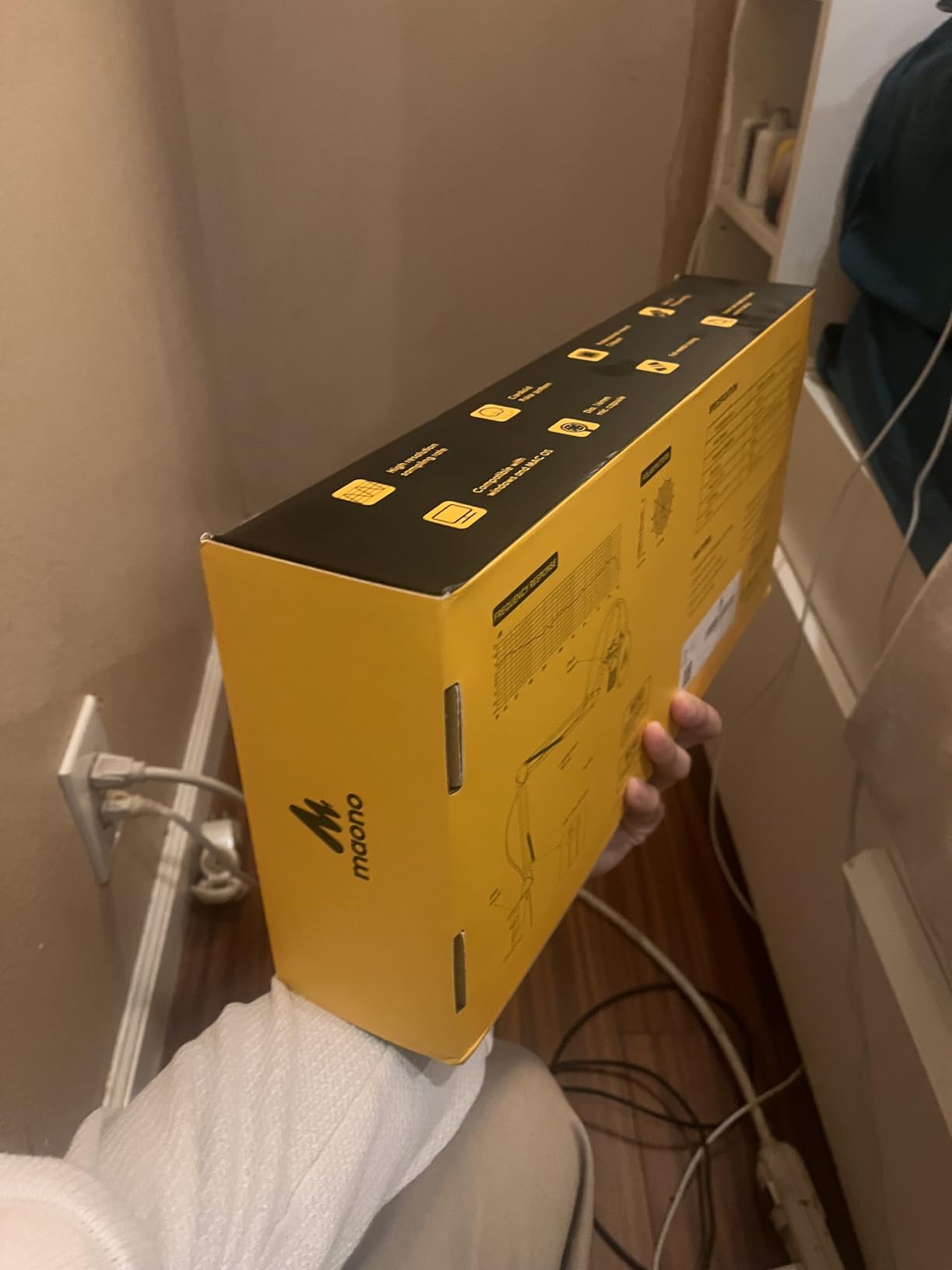
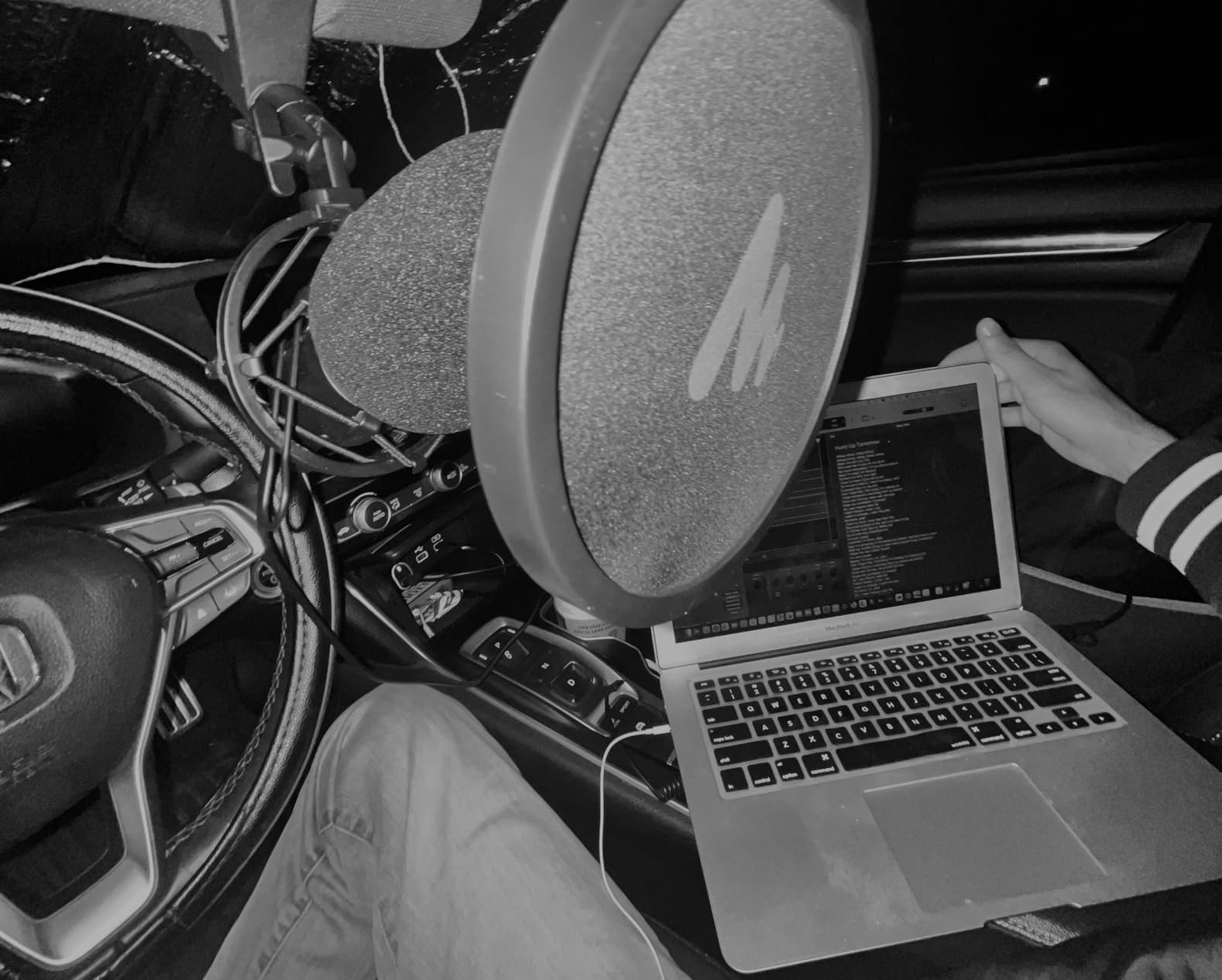
The MAONO A04 is the mic that surprised us most in the pack. A 192 kHz/24-bit chipset in a kit that includes a scissor arm, metal shock mount, pop filter and foam windscreen is an unusually complete package for the money.
Several professional voice-over users in the reviews call it worth every penny, and the cardioid pattern keeps keyboard and background chatter behind the read. Manufacturer guidance puts the sweet spot at 2 to 6 inches from your mouth.
The 16mm electret condenser transducer gives it a stronger bass response than the smaller mics in this list, which suits a deeper or warmer narration voice. The included shock mount also does the job of killing desk thumps.
It connects over USB with a USB-A or USB-C to USB-B cable, so it also works with PS4, PS5 and mobile phones, and the stated best range is tight enough that you cannot drift too far off axis.
Check your input level and your arm hardware
There is no gain knob, and the input level is quite hot. If you speak loudly you will clip in software, so pull the track fader down a few notches before your first take.
Watch the boom arm fittings. Owners report aluminium parts breaking after extended use, so if you record daily, tighten them and check them periodically rather than assuming they will hold.
Who should skip the A04
Skip it if you need a hardware mute. During long sessions a dedicated mute button saves real time, and this kit does not have one.
The 30 Hz to 16 kHz response is narrower than the 20 kHz mics in this list. It will not matter for speech, but it is a ceiling worth knowing about.
5. Elgato Wave:3 MK.2 – Best Premium USB Condenser Mic for Voice Over
Elgato Wave:3 MK.2 USB Condenser Microphone, DSP Effects
Super cardioid capsule
110 dB signal-to-noise
7.52 ounces
Clipguard 2.0 and Auto Gain
Pros
- Highest average rating in this roundup
- Clipguard 2.0 makes clipping near-impossible
- Auto Gain calibrates levels in seconds
- Tap-to-mute with LED has lasted years
- Free Wave Link software
Cons
- Wave Link has a real learning curve
- Background noise shows up unless processing is tuned
- Shock mount and pop filter sold separately
- Bass response is slightly under-emphasised
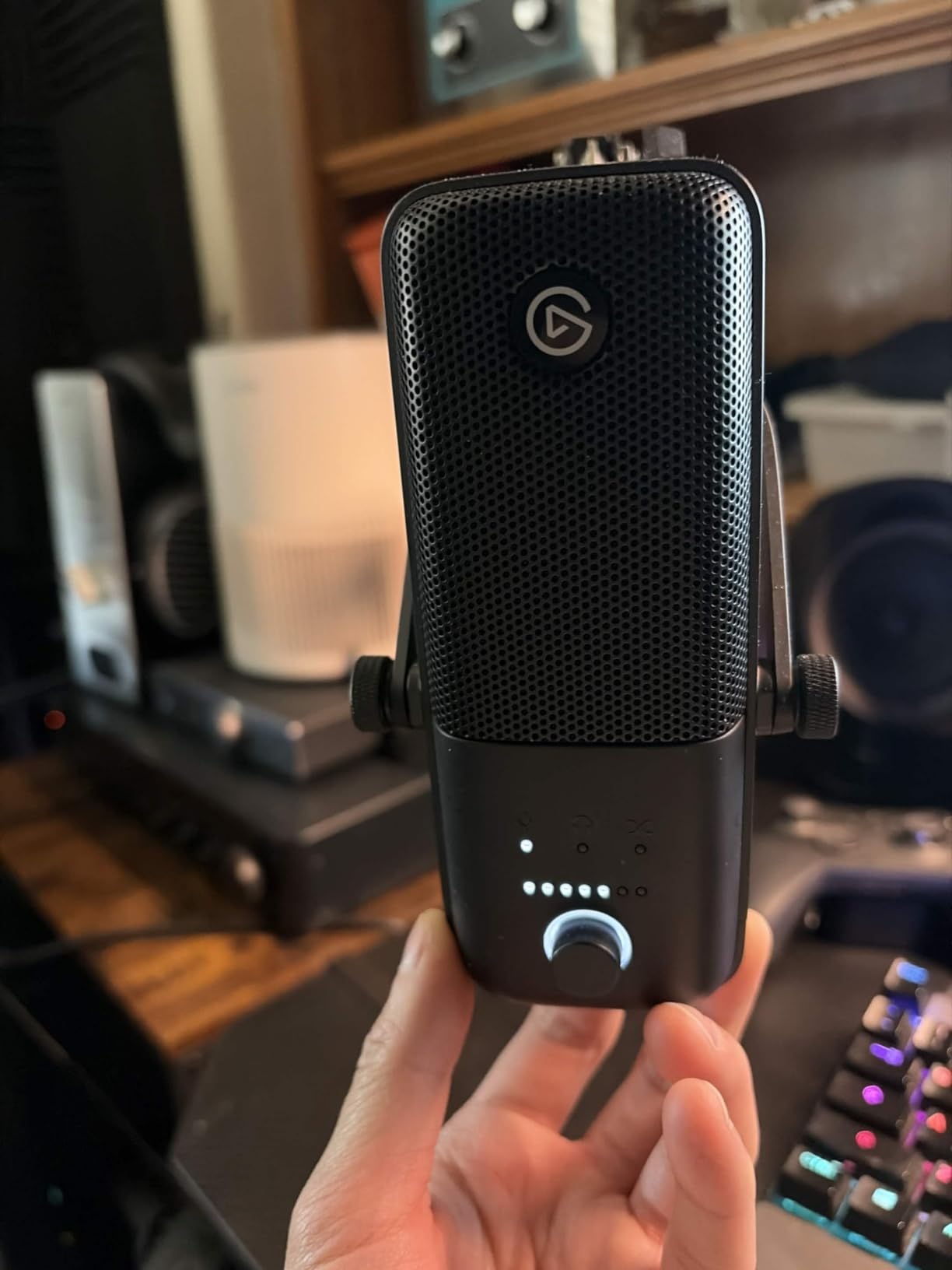
The Wave:3 MK.2 is the mic I recommend to someone who wants predictable capture more than raw warmth. The super cardioid pattern and 110 dB signal-to-noise figure give it the tightest noise rejection of any condenser in this list, and the 7.52-ounce body is genuinely small.
Clipguard 2.0 is the feature that matters for voice over. It is a multi-stage anti-distortion system that makes clipping virtually impossible, and Auto Gain sets your level in seconds, so you stop thinking about gain staging and start reading.
Long-term owners report five-plus years of reliable service with no hardware failures, and the multifunction dial with tap-to-mute gives you quick control without touching the mouse. It resolves up to 24-bit/96 kHz over USB-C.
The free Wave Link software acts as a virtual mixer and plugin host, which is a lot of capability for no extra hardware. It also carries a voice enhancer, compressor and EQ chain you can tune per voice.
Check the software and the missing accessories
Wave Link has a noticeable learning curve and some owners hit routing issues on first setup. Budget an evening with it before a paid session, not an hour before.
Shock mount, pop filter and boom arm are all sold separately, and some of those accessories cost as much as a budget mic on their own. Add them to your purchase list before you start.
Who should skip the Wave:3 MK.2
Skip it if you want a warm, chesty vocal. Bass response is slightly under-emphasised, which reads as clarity rather than weight for some voices and as thinness for others.
At 8.4 inches tall it can block a monitor placed directly behind it, and the super cardioid pattern is unforgiving if your mouth moves off axis during a long read.
6. SUDOTACK ST-800 – Best Starter USB Mic Kit for First Auditions
SUDOTACK ST-800 Podcast Microphone Kit, 192kHz/24bit USB Condenser PC Mic
192kHz/24bit sampling
0.03 kHz - 16 kHz response
350 g
Shock mount, clamp, windscreen and pop filter
Pros
- Full accessory set in the box
- Cardioid pattern rejects off-axis room noise
- Metal construction at an entry price
- Folding boom arm with tension knob
- No drivers on Windows or Mac
Cons
- Response tops out at 16 kHz
- No mute button or gain control on the body
- Condenser design shows room noise in untreated rooms
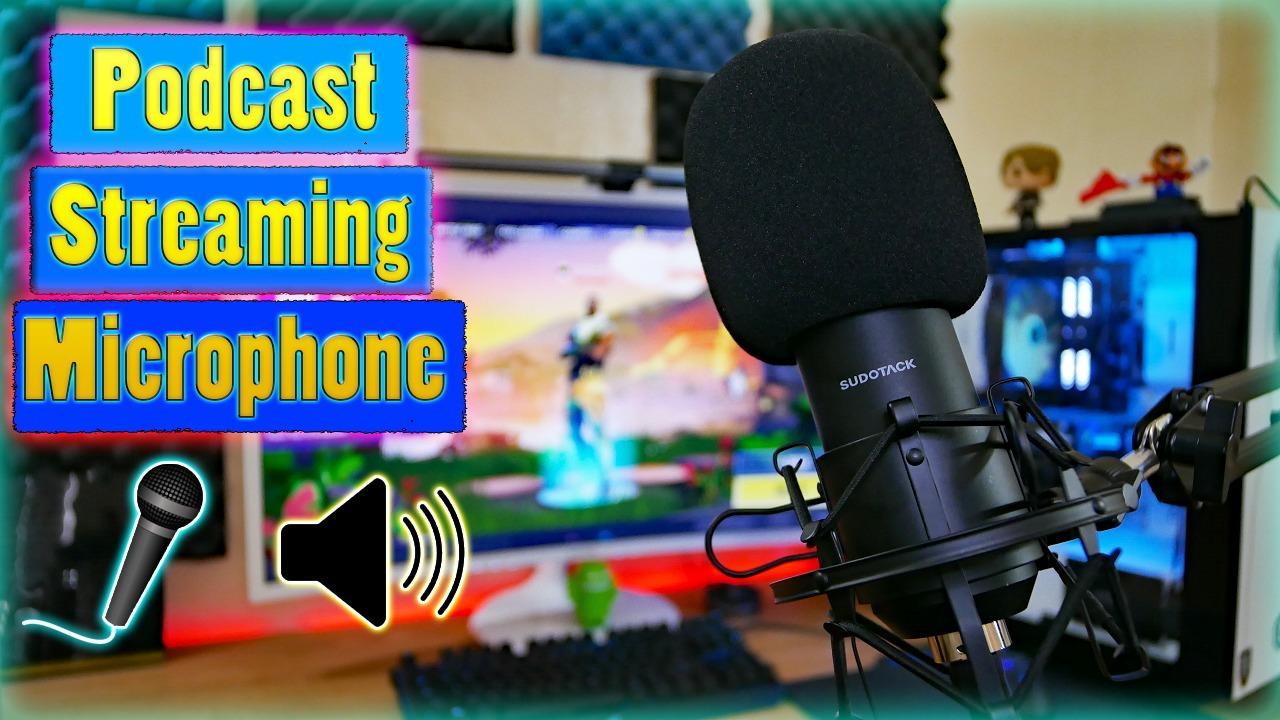
The ST-800 is a sensible first kit for a narrator who has just landed their first paid audition. The shock mount, table clamp, anti-wind foam cap and pop filter all ship in the box, so you are recording on day one rather than shopping for accessories.
Reviewers call it simple to assemble and clear for voice acting and podcasting, and the 192 kHz/24-bit sampling chipset gives you headroom for post-processing later.
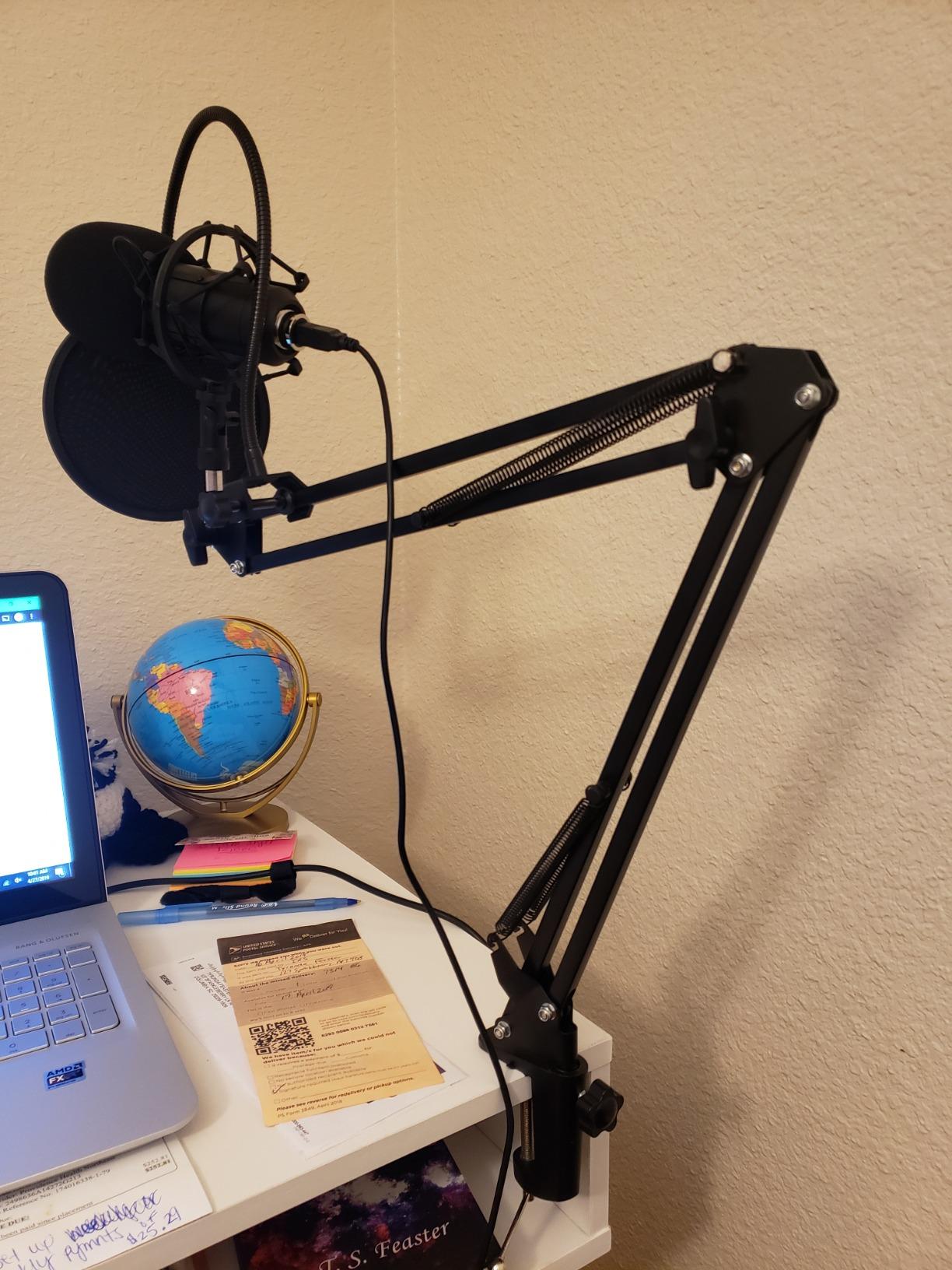
At 350 g the whole assembly stays put, and the scissor arm has a tension knob that stops it creeping while you read. The cardioid pattern focuses on your voice and suppresses off-axis sound, which helps in a busy household.
It runs on both Mac and Windows with no drivers, which is a small thing until you are recording from a borrowed laptop the night before a deadline.
Check the frequency ceiling and your controls
The response runs from 30 Hz to 16 kHz, and that ceiling is the limitation owners mention most. It will not hurt speech, but fine high-frequency detail and sibilance control are limited.
There is no mute button and no gain control on the body, so level adjustments happen in your software. Budget for that friction in your workflow.
Who should skip the ST-800
Skip it if you record in a genuinely untreated room. Experienced engineers caution that condensers are a poor fit in noisy spaces, and this one has no onboard processing to help.
It is a starter kit, not an end point. If you are already delivering commercial narration, the tuning ceiling will show up in client feedback.
7. ZealSound Podcast Mic – Best USB Condenser Mic for Recording Away From Your Desk
ZealSound Podcast Microphone for PC, Noise Cancellation USB Mic with Gain, Volume Adjustment & Mute Button, Monitoring & Echo, for YouTube, TikTok, Podcasting, Streaming, iPhone, iPad, Android, Mac
Cardioid condenser
40 Hz - 18 kHz response
46kHz sampling
Gain, monitoring and echo knobs
Pros
- Unusually deep control set for the tier
- Zero-latency headphone monitoring built in
- Noise reduction mode cuts fan hum and clicks
- USB-C and Lightning adapters included
- Weighted metal base with rotating body
Cons
- Noise reduction mode can gate parts of the vocal
- Sibilance runs slightly sharp
- Short USB-C connector will not clear most phone cases
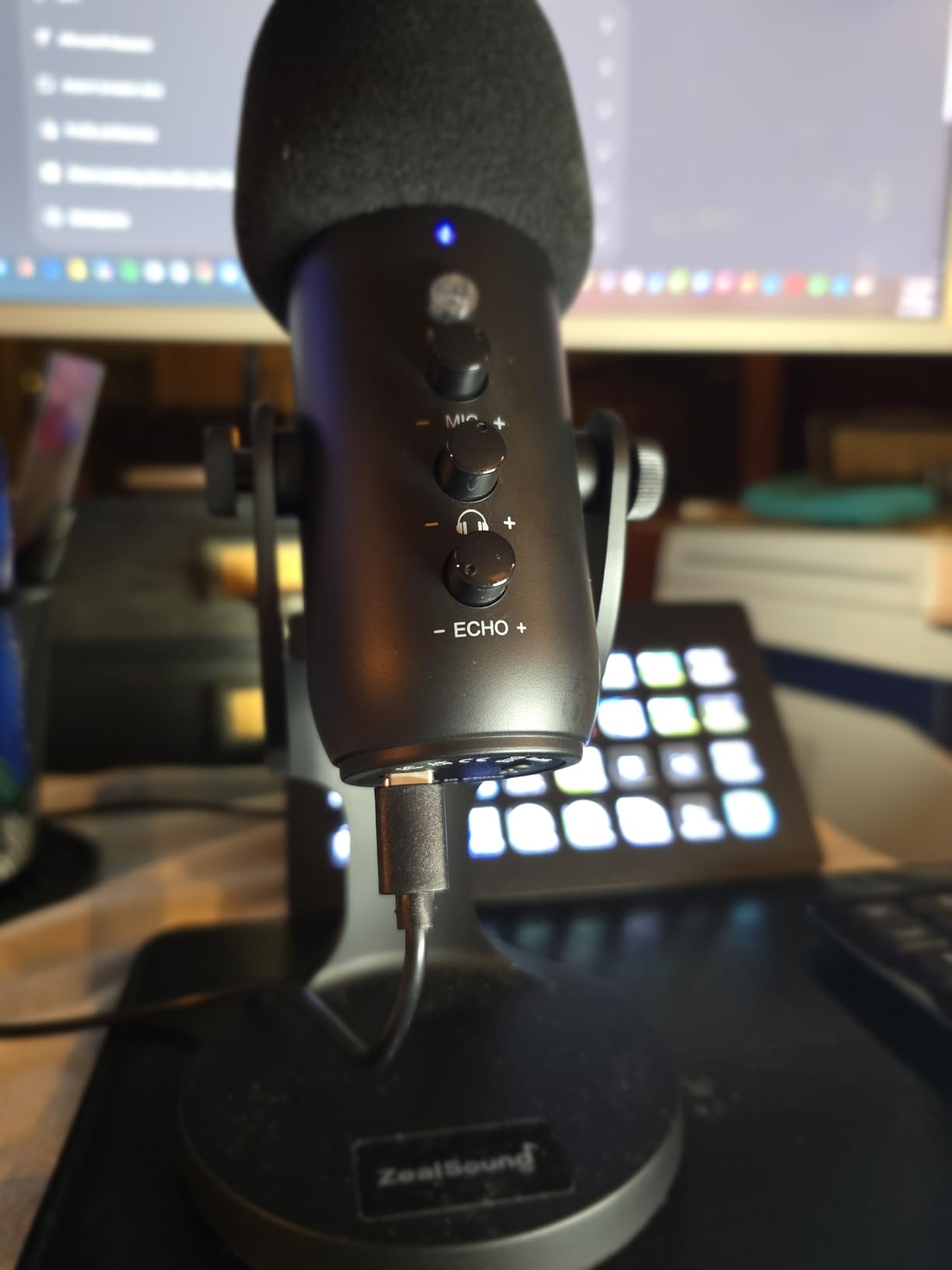
The ZealSound is the odd one out in this roundup, and that is why it earns a place. It has separate knobs for mic volume, monitoring volume and echo, plus a dedicated mute button, which is more control than anything else in the entry tier offers.
It also ships with a 70.87-inch USB cable, a USB-C adapter and a Lightning adapter. If you record auditions away from home, that bundle removes the usual packing problem of hunting for an adapter.
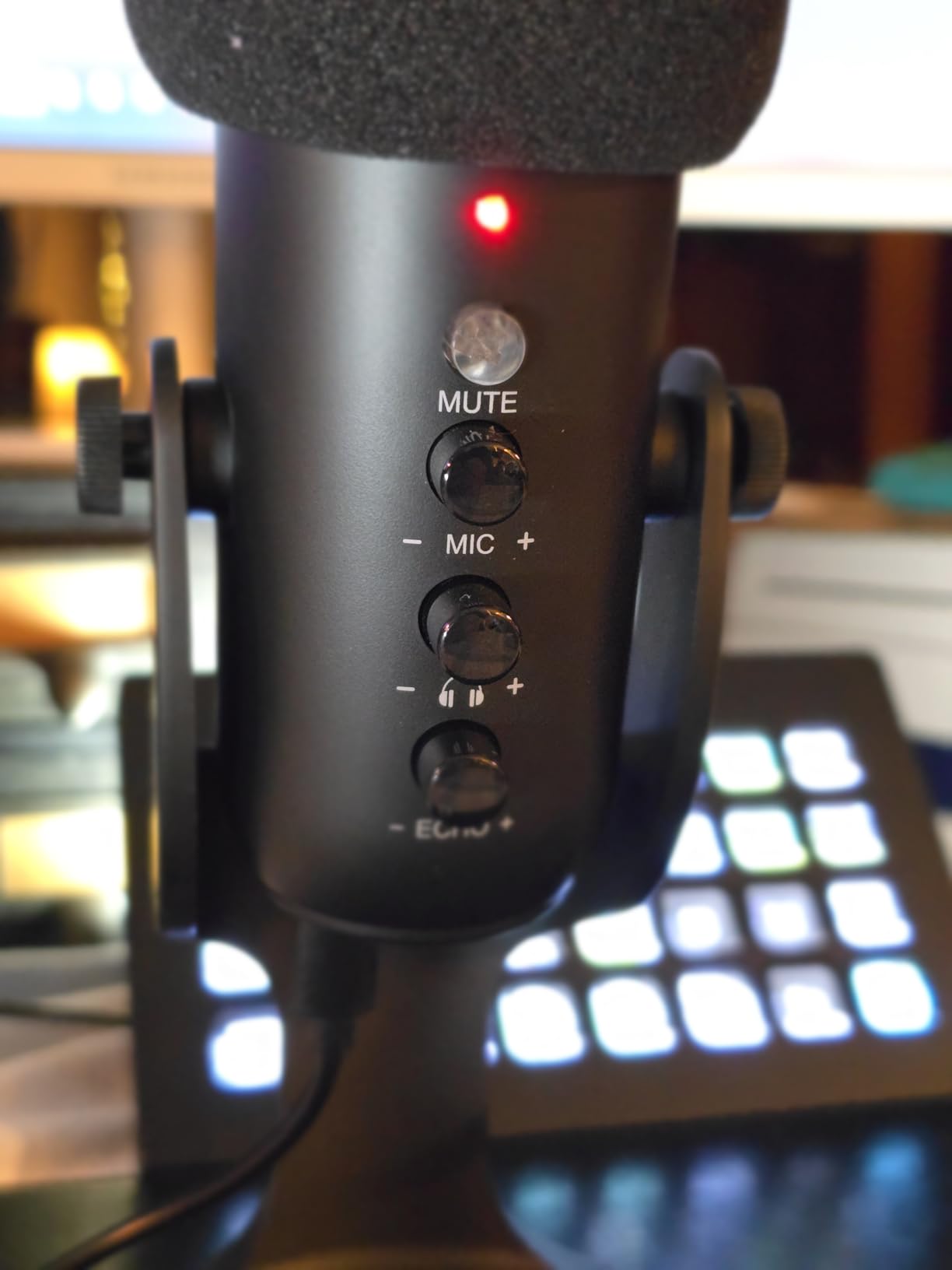
The 360-degree rotatable top-addressed body on a weighted metal base means you can angle the capsule precisely at your mouth, which is more useful for narration than it sounds. Voice actors and beginners report good results with a little EQ work.
Press and hold the mute button and a blue indicator lights to enable noise reduction, which measurably reduces fan noise, keyboard clicks and background chatter before it reaches your track.
Check the noise reduction mode and the phone fit
Noise reduction is a processing choice, so it is a trade. Some users find it gates or thins parts of the vocal, which is awkward on a long paragraph. Try a full take on and off before deciding.
Sibilance can be a little sharp, and the short USB-C connector will not clear most phone cases. Test your phone rig before you rely on it for a remote audition.
Who should skip the ZealSound
Skip it if you read overlapping dialogue for a single take. One cardioid channel cannot separate two speakers, and reviewers report robotic cross-talk when it is pushed that way.
This mic also carries the largest share of one-star feedback of anything we analysed, so treat it as a portable tool rather than a main studio microphone.
8. FIFINE K678 – Best USB Condenser Mic for Zero-Latency Monitoring
FIFINE K678 USB Podcast Microphone for Recording Streaming
Cardioid condenser
40Hz-20kHz response
2.2 pounds
3.5mm zero-latency monitoring
Pros
- Zero-latency headphone output doubles as computer audio
- Working mute button with LED indicator
- Solid all-metal body on a die-cast zinc stand
- Cardioid rejection holds up at low gain
- Handles sibilance well when tilted
Cons
- USB and headphone ports sit under the mount thread
- Physical mute does not sync with software mute
- Knobs are hard to adjust by feel
- Slight play in the body when tightened
The K678 is the pick for narrators who deliver straight into headphones. The 3.5mm headphone output has no latency, so you hear your real input while you read, and the same jack doubles as your computer output if you want a single-cable setup.
Detailed testing reviews report strong noise rejection and clean recordings when gain is kept low and the mic sits close, typically 6 to 8 inches. Owners also praise how it handles sibilance when tilted slightly below the mouth.
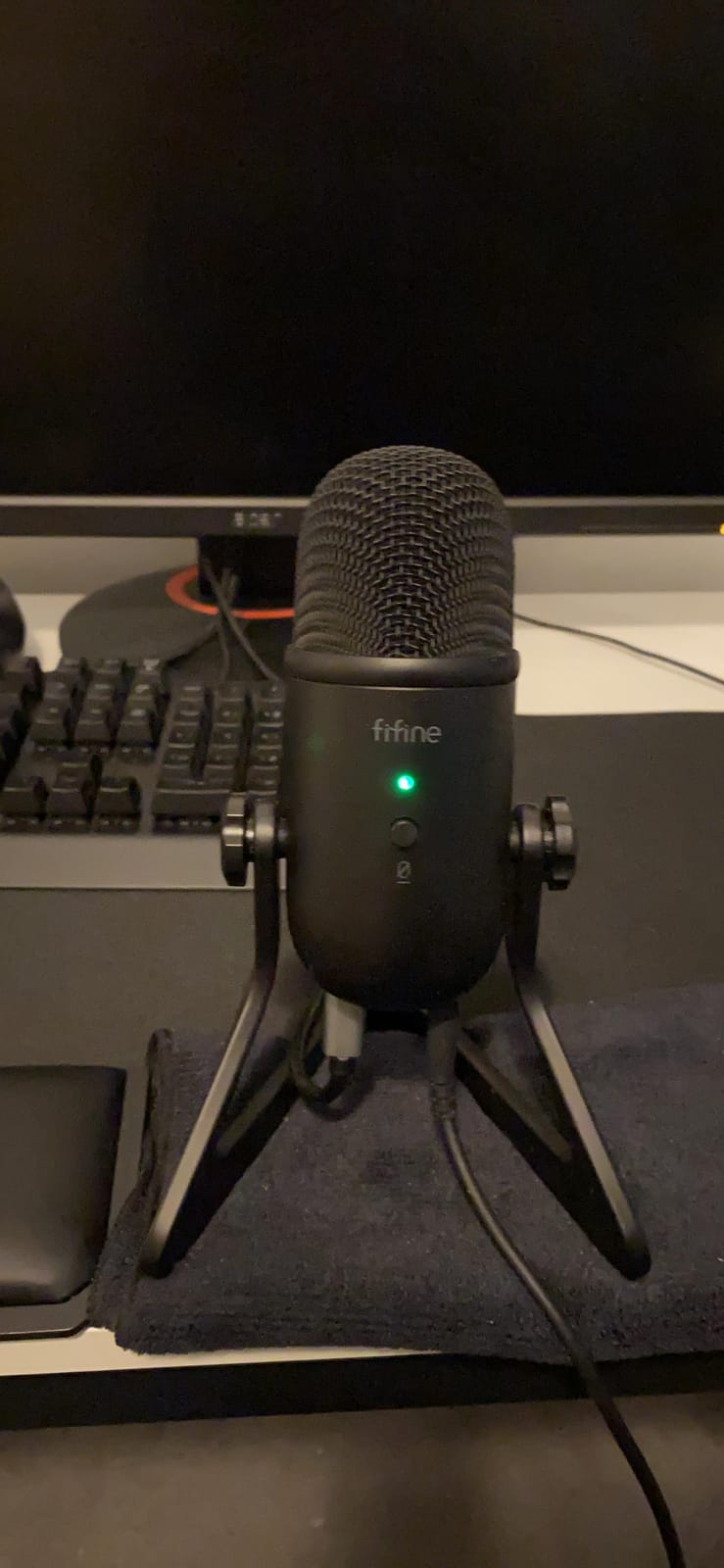
The die-cast zinc stand gives it real weight at 2.2 pounds, and the 6.56-foot USB cable includes a dual magnet ring that limits electromagnetic interference from nearby computer hardware.
For voice acting specifically, the independent mic gain and headphone volume knobs mean you can balance your monitoring level without touching the recording level. That separation is rarer than it should be.
Check the port placement before you buy
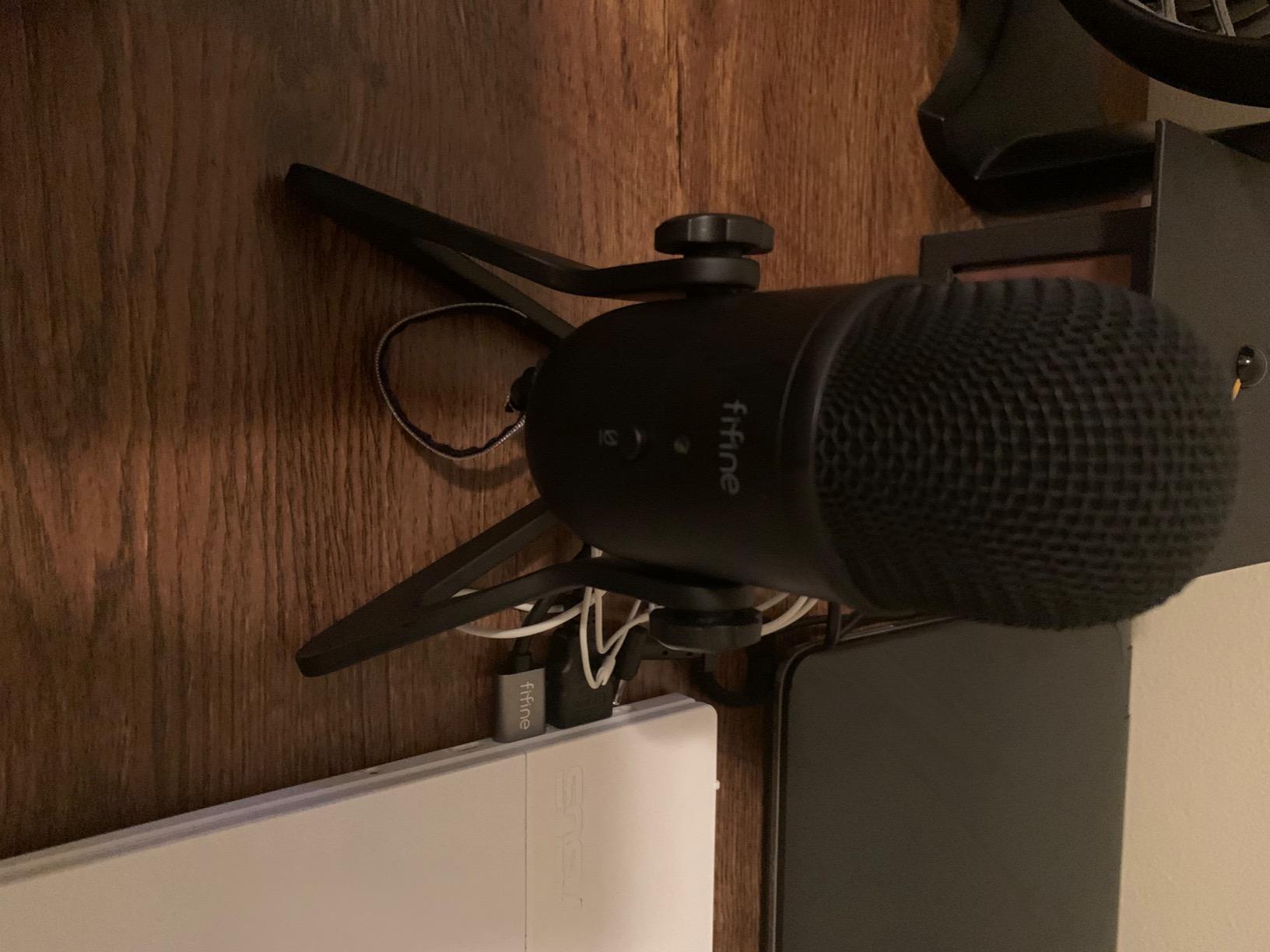
The USB and headphone ports sit next to the mount thread, so the mic cannot go on a boom arm without an extender. The included 5/8-inch to 3/8-inch adapter helps with threads, not with that geometry.
The physical mute will not change the muted icon inside conferencing software, so check your levels before joining a call if you rely on it.
Who should skip the K678
Skip it if you move your mouth a lot while reading. The close 6 to 8 inch working distance rewards consistency and punishes drift.
The knobs are smooth enough to be hard to set by feel in a dark booth, so if precise levels matter to you, the dial-driven Wave:3 MK.2 is easier to blind-adjust.
9. Rode NT-USB Mini – Best Compact USB Condenser Mic for Narration
RØDE NT-USB Mini Studio-Quality USB Condenser Microphone
Condenser capsule tuned for voice
20 Hz - 20 kHz
585 g
24-bit/96kHz USB-C
Pros
- Built-in pop filter handles plosives
- Strong headphone amplifier drives higher-impedance headphones
- Compact all-metal footprint
- Magnetic stand detaches onto any boom arm
- 24-bit/96kHz over USB-C
Cons
- Desktop stand is very low and passes room noise
- No gain control on the body
- Single cardioid pattern only
- Noise floor can read slightly sizzly
The NT-USB Mini is the one I recommend when a home booth has to be small. It measures 7.28 by 2.36 by 1.97 inches, so it takes almost no desk space, and the heavy all-metal body feels far more premium than its price tier suggests.
Its built-in pop filter handles plosives without a separate purchase, and the headphone amplifier is strong enough to drive higher-impedance headphones, which matters when you are monitoring for an audiobook read.
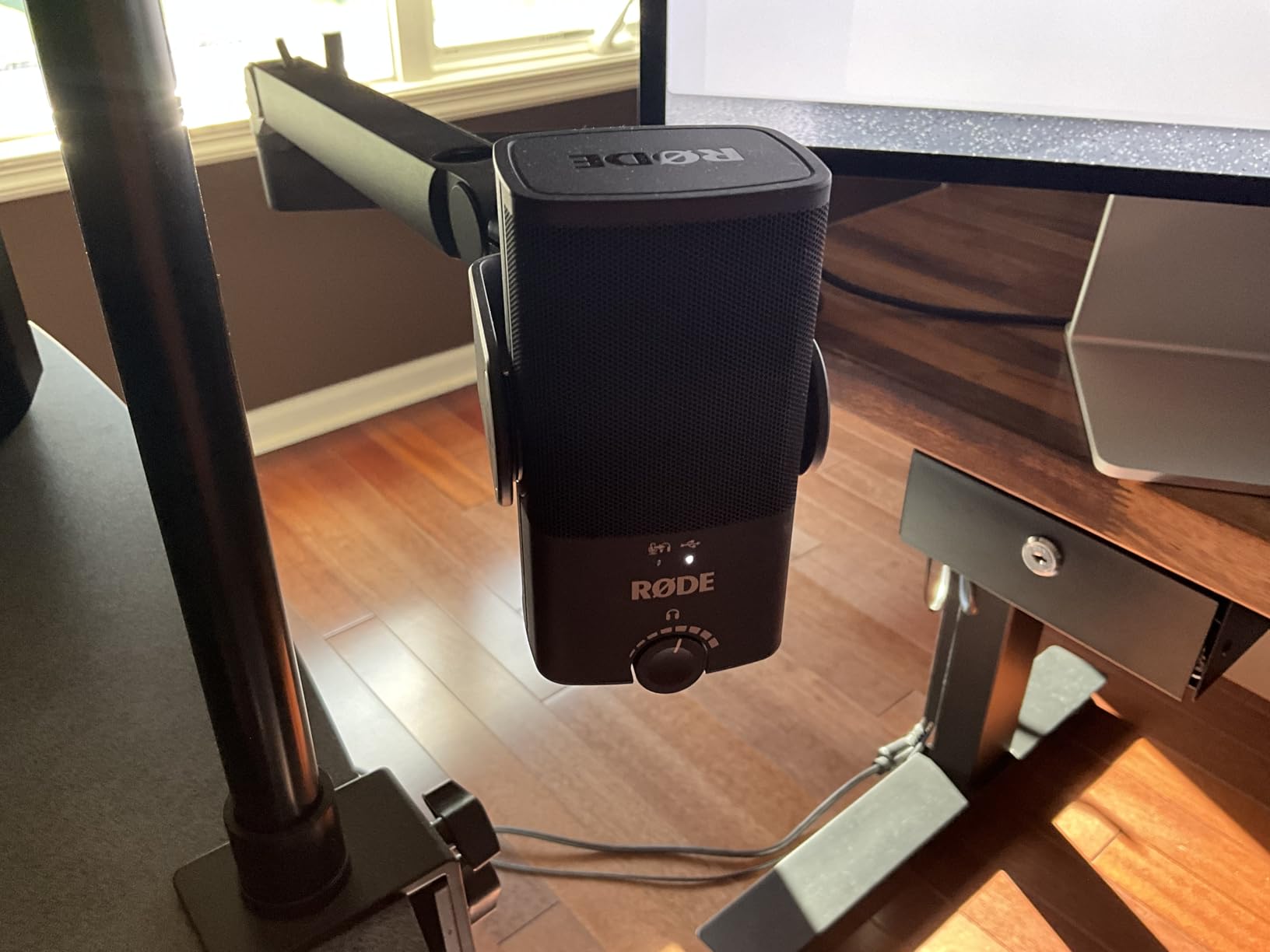
It connects over USB-C straight to Mac, PC or iPad with no interface or drivers, and resolves 24-bit/96 kHz. The detachable magnetic stand pops off instantly and mounts on any arm with the standard thread.
Owners describe a large audible upgrade over laptop and headset microphones, and the capsule is tuned for voice rather than music, so it needs very little corrective EQ in post.
Check the stand height and your room before you buy
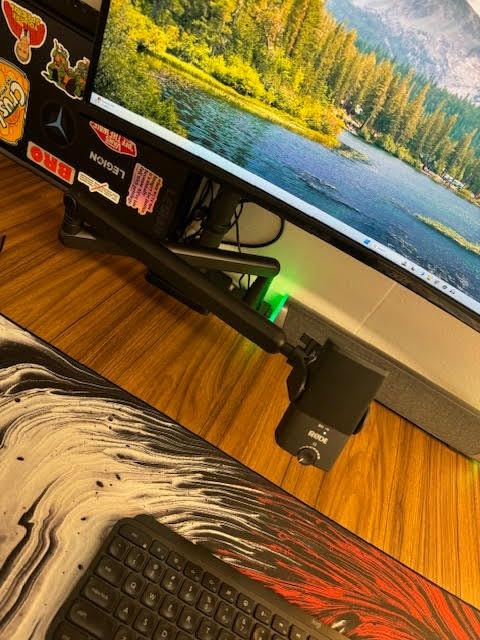
The included magnetic desk stand is very low, and owners repeatedly recommend a boom arm instead. A low stand also means the capsule sits closer to your desk, which is where keyboard sound lives.
Note the limits honestly: it is single cardioid with no high-pass option on this model, and there is no on-body gain control, so levels live in software.
Who should skip the NT-USB Mini
Skip it if your room is untreated and you will not buy a boom arm. The low stand plus a slightly sizzly noise floor is a combination owners mention often.
Sampling tops out at 96 kHz rather than 192 kHz, and on monotone or flat vocal timbres some narrators find the tone less characterful than a large-diaphragm condenser.
10. Audio-Technica AT2020USB+ – Best USB Condenser Mic for Low Self-Noise
Audio-Technica AT2020USB+ Cardioid Condenser USB Microphone, with Built-in Headphone Jack & Volume Control, Perfect for Content Creators (Black)
Cardioid condenser
20 Hz - 20000 Hz
2.3 pounds
74 dB signal-to-noise
Pros
- Exceptionally low self-noise with no hiss in a plain room
- Less sensitive so less room noise reaches the track
- Zero-latency monitoring plus a mix control
- Milled aluminium body with threaded mount
- Blue LED marks the front of the capsule
Cons
- No hardware mute or on-body gain control
- Small tripod stand tips when tilted
- Stand threads can strip with repeated mounting
- Converts at 16-bit/44.1-48kHz
The AT2020USB+ is the quietest microphone in this roundup, and for home voice over that matters more than any headline spec. Audio professionals praise the balance of low self-noise and moderate sensitivity, because it means far less noise reduction work on every take.
It is also the least sensitive condenser here, which is exactly the trait you want in an apartment. A condenser that overhears the fridge hum will make you chase noise all afternoon, and this one does not.
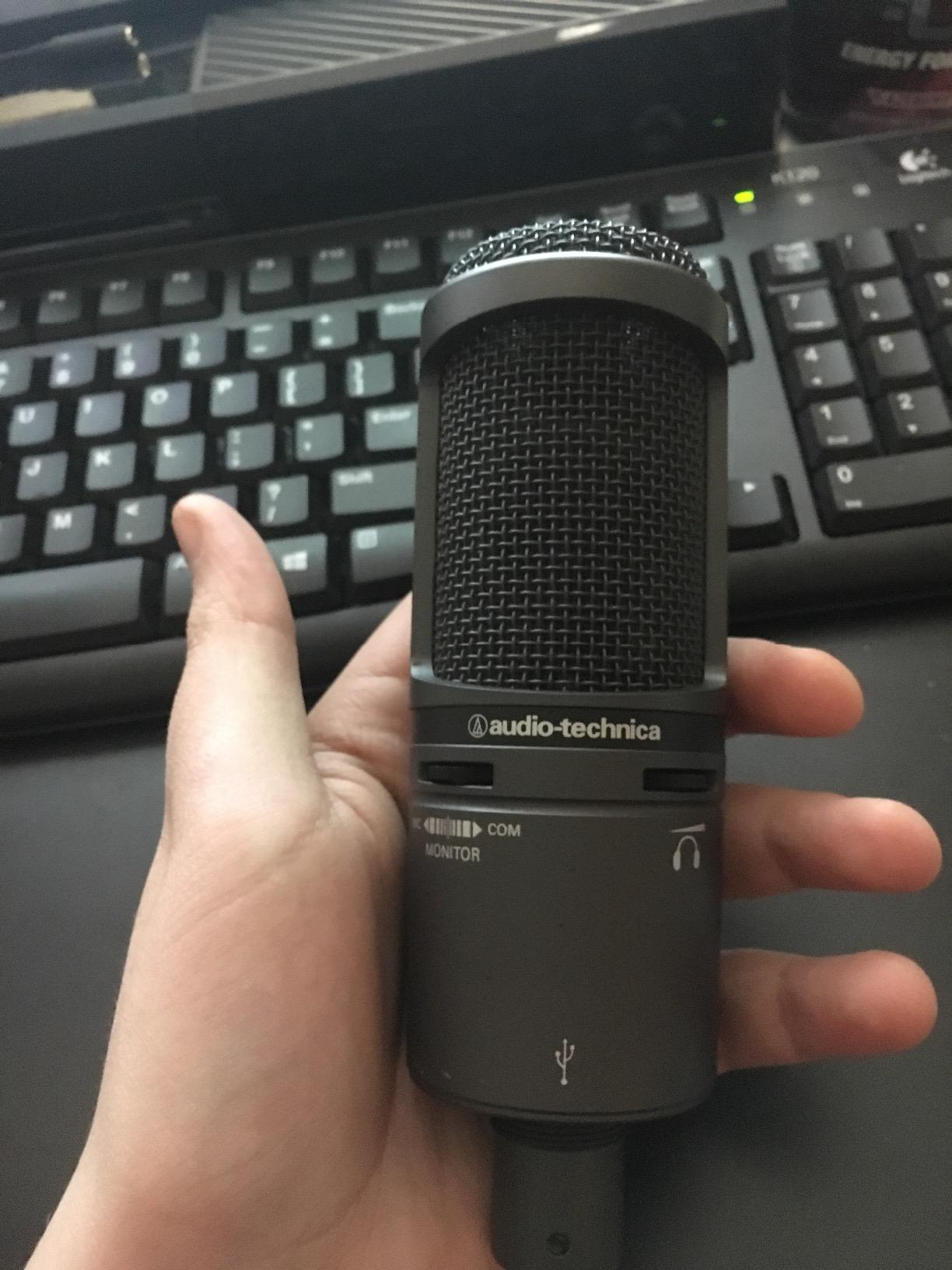
The side-address cardioid capsule has a blue LED marking the front and centre, which makes positioning obvious. The headphone jack has volume control and a mix control that blends your mic signal with computer audio, useful for reviewing a spot with a reference track.
Owners report long-term reliability, including four-year users with no cable or hardware failures. The body is milled aluminium with a pivoting threaded stand mount that accepts a boom arm.
Check the converter depth and the stand
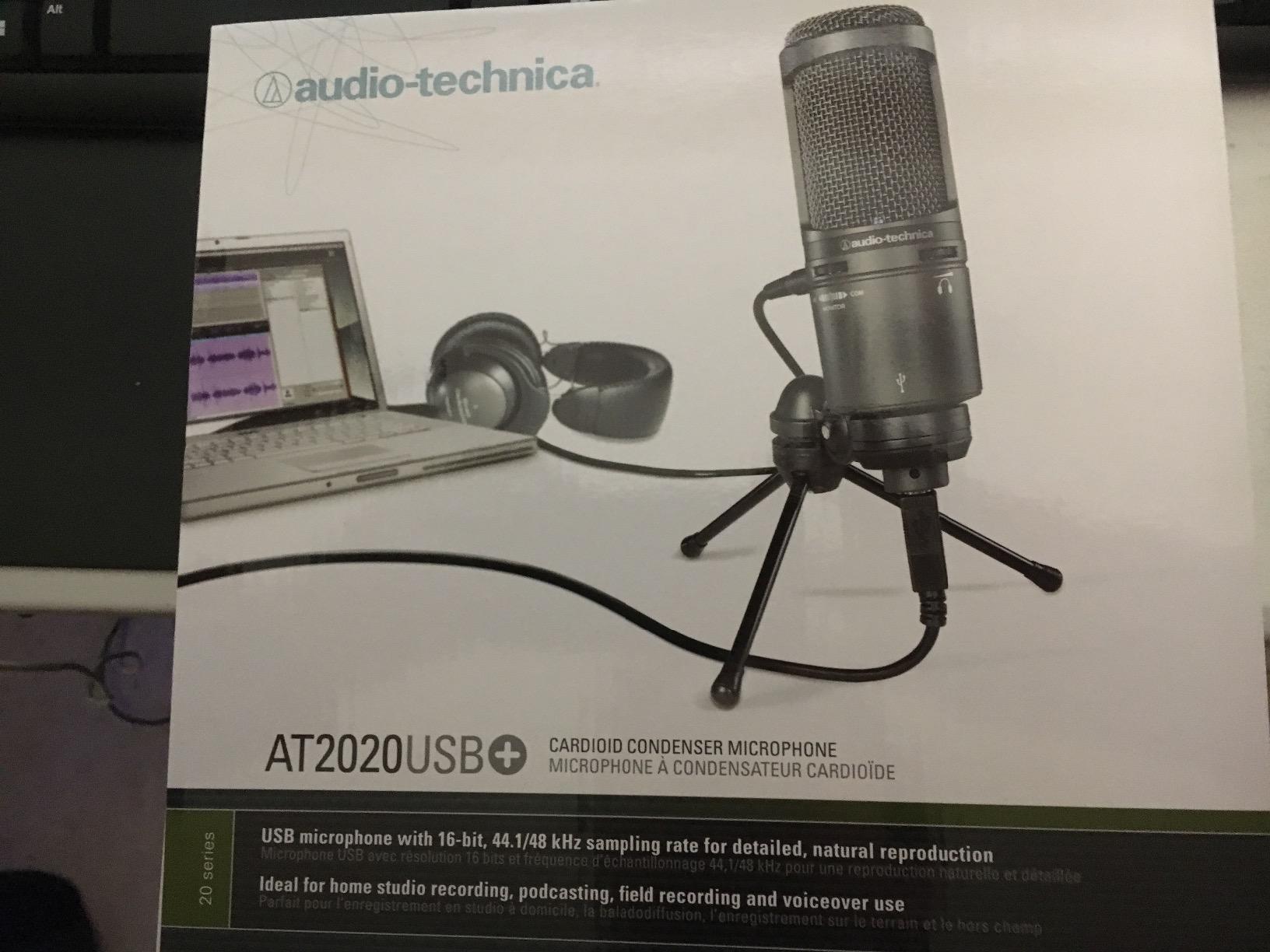
Know what you are getting: this is a 16-bit A/D converter at 44.1 or 48 kHz, the lowest depth in the roundup. For narration at 48 kHz that is workable, but it gives you less headroom for heavy processing than the 24-bit mics.
The bundled tripod stand is the most common complaint. It tips when tilted, and its threads can strip with repeated mounting, so budget for a proper stand or a boom arm.
Who should skip the AT2020USB+
Skip it if you are chasing broadcast presence or a brighter, more modern vocal. Its neutral, low-noise character is a virtue for long reads and a little plain for punchy commercial work.
It also still picks up some room reflection in a typical home room, so treat the acoustic advice below as part of the purchase rather than an optional extra.
How to Choose a USB Condenser Mic for Voice Over
Here is what is the best USB microphone for vocal recording, in order of importance. First, converter resolution: a 24-bit capture at 48 kHz or 96 kHz gives you headroom for the compression and noise reduction that every narration mix eventually needs. Second, self-noise: a low noise floor saves hours in post. Third, monitoring: a zero-latency headphone output lets you perform with confidence. Fourth, cardioid pickup: it rejects room sound far better than omnidirectional. Fifth, a pop filter, either built in or included. Sixth, and this is the one people miss, hardware that does not process your input.
Avoid onboard DSP if you edit later
Voice over is a post-production craft. If a microphone applies a compressor, EQ or noise gate to the signal before it reaches your computer, that processing is baked into the file and cannot be undone. A clean capture is worth more than a flattering capture that limits your choices, which is why the plainest microphone on this list can be the most professional one.
Condenser or dynamic in a noisy room
Condenser mics are the default choice for voice over because of their sensitivity and clarity, and that is what every mic in this roundup uses. But veteran engineers on audio forums consistently warn that condensers are a poor match in untreated or noisy rooms. If you cannot control your space, a dynamic microphone rejects room tone far better and will save you more than any upgrade here would.
Read our condenser microphone roundup if you want the XLR route, and our USB mic guide for podcasting for two-person setups with a second speaker in the room.
USB cable length shapes your whole room
USB 2.0 runs reliably up to about five metres, and that limit is not just a spec, it is a design constraint. Your computer has to sit within reach of the cable, so the mic ends up close to your desk, your keyboard and your computer fan. A long XLR run lets you put the interface across the room and the mic in the quiet corner. If your space is a problem, that single fact pushes you toward XLR.
Fix Your Room Before You Buy a Better Mic
The best microphone for recording in an untreated room is a microphone inside a treated one. On audio forums, the most repeated piece of advice from narrators is that investing in the recording space pays off more than the mic, and the same threads note that a budget mic sounds great with a little extra effort put into the room. Four fixes handle most home problems.
1. Record in a closet, not a bedroom
Wardrobes full of clothing are a broadband absorber you already own. Hang thick garments, close the doors and record from inside, and the reflective surfaces that cause a hollow, boxy voice largely disappear.
2. Add soft, thick surfaces
A heavy duvet over the back of a chair behind you, thick curtains on the nearest wall and a rug on the floor will cut the worst reflections. Cheap foam panels help with mid frequencies but do almost nothing for bass, and bass is what makes a room sound live.
3. Create distance from the noise source
Room noise on a mic is mostly a level problem. Turning the gain down and sitting 6 to 8 inches away fixes far more hiss than any software, and it is why several of the mics here specify that working distance.
4. Capture room tone on purpose
Record 30 seconds of silence in your room and keep it. Editors use room tone to smooth edits and fill gaps, and a narration file without it will sound like it was cut out of nothing.
Plosives, Pop Filters, and Mic Technique
How can you prevent plosives from forming on your microphone? Do it in this order, because gear is the last step, not the first. Experienced engineers on DIY audio forums put it plainly: plosives are mostly a placement problem, not a gear problem.
1. Move off axis
Angle the mic 30 to 45 degrees away from your mouth line rather than pointing straight at it. Plosive bursts come straight forward, so the capsule sees far less of them from the side.
2. Keep your distance
Stay 6 to 8 inches away. Closer increases the low-frequency energy that makes P and B sounds thump, and the effect gets worse as you move in.
3. Use a pop filter at a real distance
A pop filter should sit roughly two to three inches from the front of the mic, not flat against the grille. The T669, MAONO A04 and ST-800 all include one, and the NT-USB Mini has one built in.
4. Add a windscreen for the big consonants
A foam windscreen handles a hard B more effectively than a thin pop filter, and three of the kits here include one. It is a cheap fix that costs you almost no high-frequency detail on speech.
5. De-ess in post as a backstop
Every serious narration chain has a de-esser. Use it last, lightly, because pulling sibilance out aggressively is what makes a voice sound lispy and unnatural.
When Not to Buy a USB Condenser Mic
USB condenser microphones are a genuinely good answer for most of this list, and the mics above will serve you well. They are the wrong answer in a few specific situations, and we would rather name them than sell you something that will not help.
Auditions that must match a studio
If a client is auditioning you to match a specific studio sound, a USB mic with its own converter and capsule signature can work against you. The safe play is to know what the reference is, or to buy a USB and XLR hybrid microphone so you have both options on the same capsule.
Recording two speakers at once
A single cardioid channel cannot separate overlapping dialogue. If you are producing two-person content in one room, you need either two cardioid mics on separate tracks or a mic with a pattern switch, which the Blue Yeti is the only pick here to offer.
When the upgrade path matters more than the setup
USB-only microphones cannot move to a better interface later. A USB and XLR hybrid microphone lets you start with plug-and-play and move up a chain when your work demands it, and that is the single strongest argument for spending a little more up front. For streaming-specific needs, our streaming microphone guide covers the mix-and-monitoring side in more detail.
Frequently Asked Questions
What is the best USB condenser microphone?
The Logitech Blue Yeti is the best USB condenser microphone for most people in 2026. It offers four pickup patterns, onboard gain and headphone volume, and zero-latency monitoring in one body. The Elgato Wave:3 MK.2 is the premium alternative if you want automatic level control, and the MAONO A04 is the best value kit.
Which mic is best for voiceover?
For narration, the Audio-Technica AT2020USB+ has the lowest self-noise and the least sensitivity, which means the least room noise and the least post-processing in a home space. For a warmer delivery, the FIFINE T669 kit records well and includes a pop filter, shock mount and boom arm.
Are USB mics bad for recording vocals?
Not in most cases. A USB microphone combines a capsule, preamp and converter, and the weakest link is usually the internal A/D converter rather than the capsule, which adds hiss and limits headroom. For narration, pick a 24-bit model with low self-noise, avoid heavy onboard processing, and treat the room.
What is the best microphone for recording in an untreated room?
A microphone that is less sensitive, placed close, in a soft space. The Audio-Technica AT2020USB+ is the least sensitive condenser in our roundup. Then record in a closet, add a duvet over your chair, keep 6 to 8 inches of distance, turn the gain down and capture 30 seconds of room tone for editing.
How can I prevent plosives from forming on my microphone?
Angle the mic 30 to 45 degrees off the mouth line, stay 6 to 8 inches away, and place a pop filter two to three inches in front of the capsule. Add a foam windscreen for hard B sounds, and finish with a light de-esser in post. Gear is the last step, not the first.
Bottom Line
The best USB condenser microphones for voice over in 2026 come down to three honest picks. The Logitech Blue Yeti is the all-round choice, with four patterns, onboard gain and the deepest well of owner feedback of any mic here. The Elgato Wave:3 MK.2 is the one to buy if you want levels handled for you and near-zero clipping risk. The MAONO A04 is the kit to buy if you want a complete recording setup in one box.
For long-form narration in a real home, add the Audio-Technica AT2020USB+ to the shortlist and treat your room first. Whichever mic you choose, buy a pop filter or a boom arm, keep your gain low and record your room tone, and the capture will sound far more professional than the hardware list suggests.