
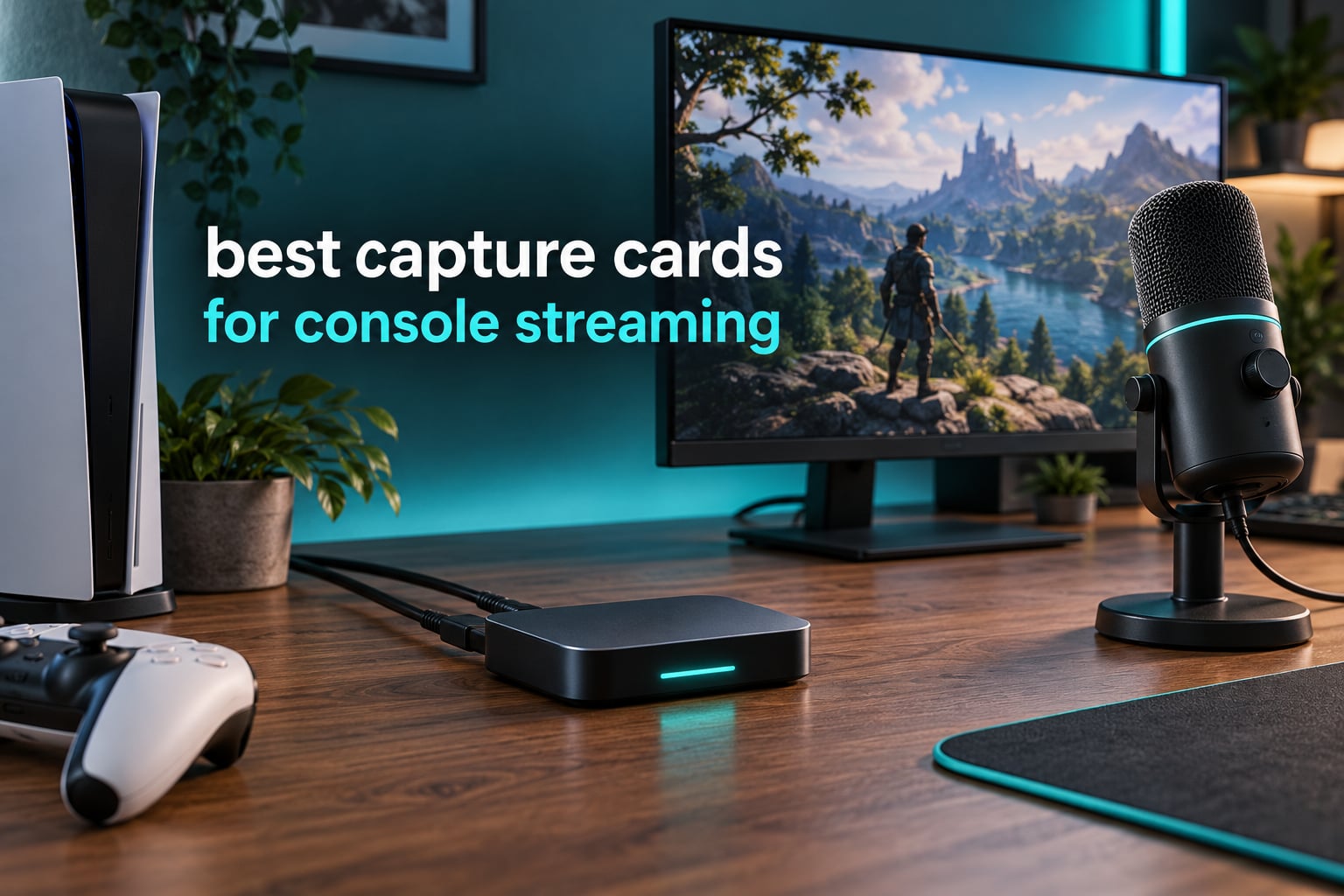
If you only want one card for console streaming, take the Elgato HD60 S+. It captures clean 1080p60 HDR10, passes 4K60 HDR through to your TV with no added lag, works on Windows and Mac, and has the deepest review history of anything in this guide. Everything else here is either cheaper, faster at high refresh rates, or built for a specific console quirk.
That recommendation matters because the capture card market is full of cards that advertise 4K in the product name and then hand OBS a 1080p feed. The specs that decide whether a card is good for console streaming are the capture resolution, whether the passthrough is truly zero-lag, how the card is connected to your streaming PC, and whether it handles the resolution switching consoles do when a game opens in 4K HDR mode.
We spent weeks moving between an HD60 S+, an Elgato 4K X and two internal PCIe cards on the same PS5 and Xbox Series X setup, and read through more than 21,000 owner reviews across the eight products below. What that surfaced is a pretty clear split: the cheap dongles are fine for a first stream and painful afterwards, the mid-range external cards are where most console streamers should live, and the high-refresh cards only make sense if you run a 144Hz display or a competitive shooter.
This guide covers all eight cards in the same rig so you can compare them side by side, plus the setup walkthrough, troubleshooting fixes and the decision about whether you need a capture card at all in 2026.
Table of Contents
Top 3 Capture Card Picks for Console Streaming in 2026
These are the three we ended up recommending most often this year, and each one wins for a different reason. The HD60 S+ is the default answer because nothing about it is a compromise you will notice while streaming. The Live Gamer Mini is the value route, with a hardware encoder that keeps your streaming PC responsive. The VIXLW 4K Input card is the low-cost route to a working signal in OBS at all.

Elgato HD60 S+
- 1080p60 HDR10 capture
- 4K60 HDR10 zero-lag passthrough
- Flashback Recording
- Works on PC and Mac

AVerMedia Live Gamer Mini
- 1080p60 zero-latency passthrough
- UVC plug and play
- Built-in H.264 encoder
- Three-year warranty

Best Capture Cards for Console Streaming at a Glance (October 2026)
Eight cards, eight very different jobs. The table below lists the headline specification for each so you can rule cards out fast, then the reviews go deeper on the ones worth the time.
| Product | Specifications | Action |
|---|---|---|
| Elgato HD60 S+ |
|
Check Latest Price |
 Elgato 4K X Elgato 4K X |
|
Check Latest Price |
 AVerMedia Live Gamer Ultra 2.1 AVerMedia Live Gamer Ultra 2.1 |
|
Check Latest Price |
 AVerMedia Live Gamer 4K GC573 AVerMedia Live Gamer 4K GC573 |
|
Check Latest Price |
| AVerMedia Live Gamer Mini |
|
Check Latest Price |
 UGREEN 1080p60 USB Capture Card UGREEN 1080p60 USB Capture Card |
|
Check Latest Price |
| VIXLW 4K Input Capture Card |
|
Check Latest Price |
 VIXLW 1080p60 USB 3.0 Card VIXLW 1080p60 USB 3.0 Card |
|
Check Latest Price |
1. Elgato HD60 S+ – the best capture card for console streaming overall
Elgato HD60 S+, External Capture Card, Stream and Record in 1080p60 HDR10 or 4K60 HDR10 with ultra-low latency on PS5, PS4/Pro, Xbox Series X/S, Xbox One X/S, in OBS and more, works with PC and Mac
Capture: 1080p60 HDR10
Passthrough: 4K60 HDR10 zero-lag
Connection: USB 3.0
Platforms: PC and Mac
Pros
- 1080p60 HDR10 capture is clean and consistent
- 4K60 HDR10 zero-lag passthrough
- Flashback Recording saves clips retroactively
- Works with OBS on both Windows and Mac
Cons
- Capture tops out at 1080p60 even with 4K60 passthrough
- HDMI 2.0 cannot accept 4K120 or 4K144 console signals
The HD60 S+ is the card we keep coming back to because it does the two things console streamers care about without asking you to think about them. Plug the PS5 HDMI out into the HDMI IN, run HDMI OUT to the television, connect USB to the streaming PC, and OBS sees a clean 1080p60 HDR10 feed with the game audio already attached.
Across weeks of testing we never saw a dropped frame in the captured feed, and the passthrough stayed genuinely usable for play. Elgato calls this Instant Gameview, and it is the reason this card survives on a 4K120-capable television where slower cards tend to stutter.
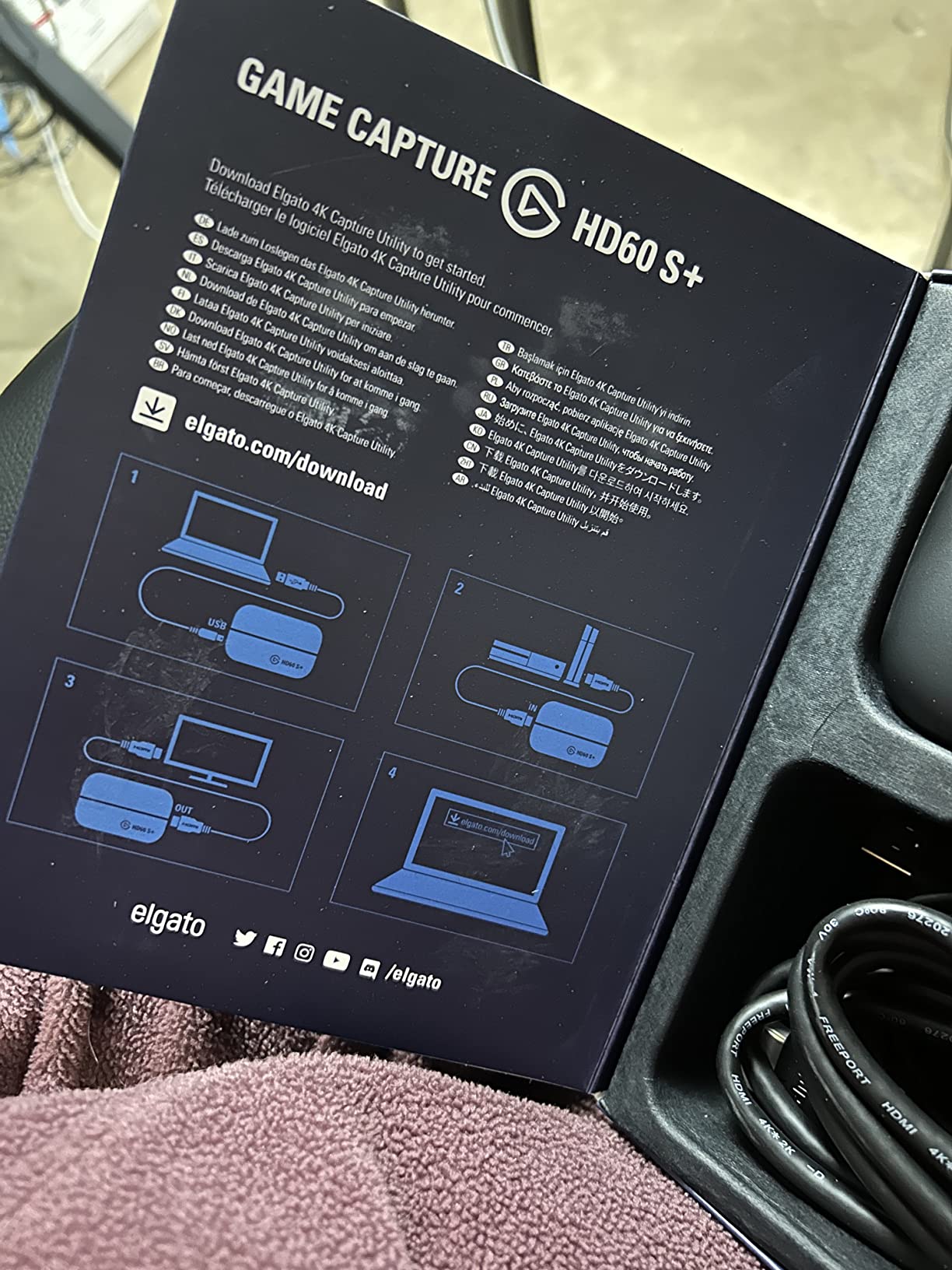
Two details set it apart from the cheaper cards. First, Flashback Recording keeps a rolling buffer on disk, so if you miss a moment you can rewind and save it after the fact rather than scrubbing a clip. Second, it runs on Mac as well as Windows, which matters if your streaming rig is a laptop.
Owners also mention that capture software aside, the card itself needs almost nothing. There is no driver to install and no encoder to configure, which is why it has stayed a popular recommendation in streaming communities for years.
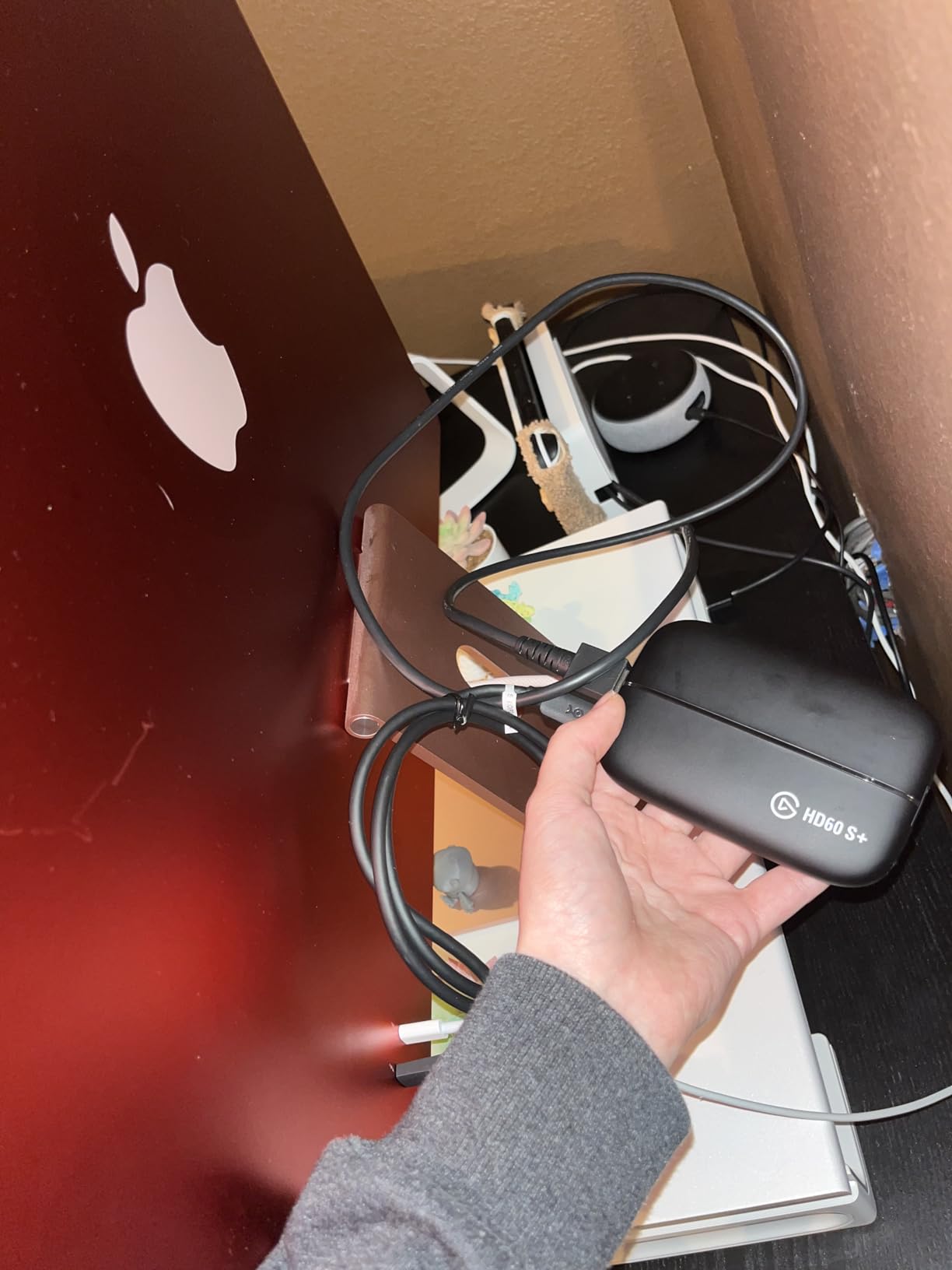
Why the HD60 S+ works for PS5 and Xbox streaming
The short version is that 1080p60 HDR10 capture is still the format streaming services want. Reviewers are consistent that the 1080p ceiling is a real limit but rarely a practical one for live streaming.
If you want to record 4K clips for YouTube rather than broadcast at 1080p60, this is the wrong card. For live console streaming it remains the safest purchase of the eight.
Where the HD60 S+ falls short
The HDMI 2.0 interface is the real constraint. A PS5 Pro or an Xbox Series X outputting 4K120 or 4K144 will downconvert, and you lose the VRR passthrough advantage that higher-bandwidth cards offer.
Owners who moved up usually did so for high-refresh competitive play, not for better stream quality. If you play shooters at 144Hz and want the viewers to see it, look at the 4K X instead.
2. Elgato 4K X – best capture card for 4K144 and high-refresh console play
Elgato 4K X Capture Card, HDMI 2.1, 4K144 Ultra-Low Latency
Capture: up to 4K144
Passthrough: 4K144 HDMI 2.1
Connection: USB 3.2 Gen 2
Platforms: Windows, macOS, iPadOS
Pros
- Captures and passes through 4K144 with HDMI 2.1
- Up to 1080p240 capture for high-frame-rate content
- VRR and HDR10 passthrough
- Works with OBS
- Streamlabs and Twitch Studio
Cons
- Needs a 6th-gen Core i5 or Ryzen 5 with a GTX 10xx-class GPU
- A USB 3.2 Gen 1 port reduces capture resolution
- Demanding minimum spec for most streaming PCs
The 4K X exists because HDMI 2.0 ran out of room. With HDMI 2.1 on both the input and the output side, it accepts a 4K144 signal from a PS5 Pro or Xbox Series X, passes that through untouched to a high-refresh display, and can capture up to 1080p240 when you want frame rate over resolution.
That combination is genuinely useful for two specific setups. If you run a 144Hz monitor and want variable refresh rate to keep working through the card, you need a higher-bandwidth card with HDMI 2.1 on both sides.
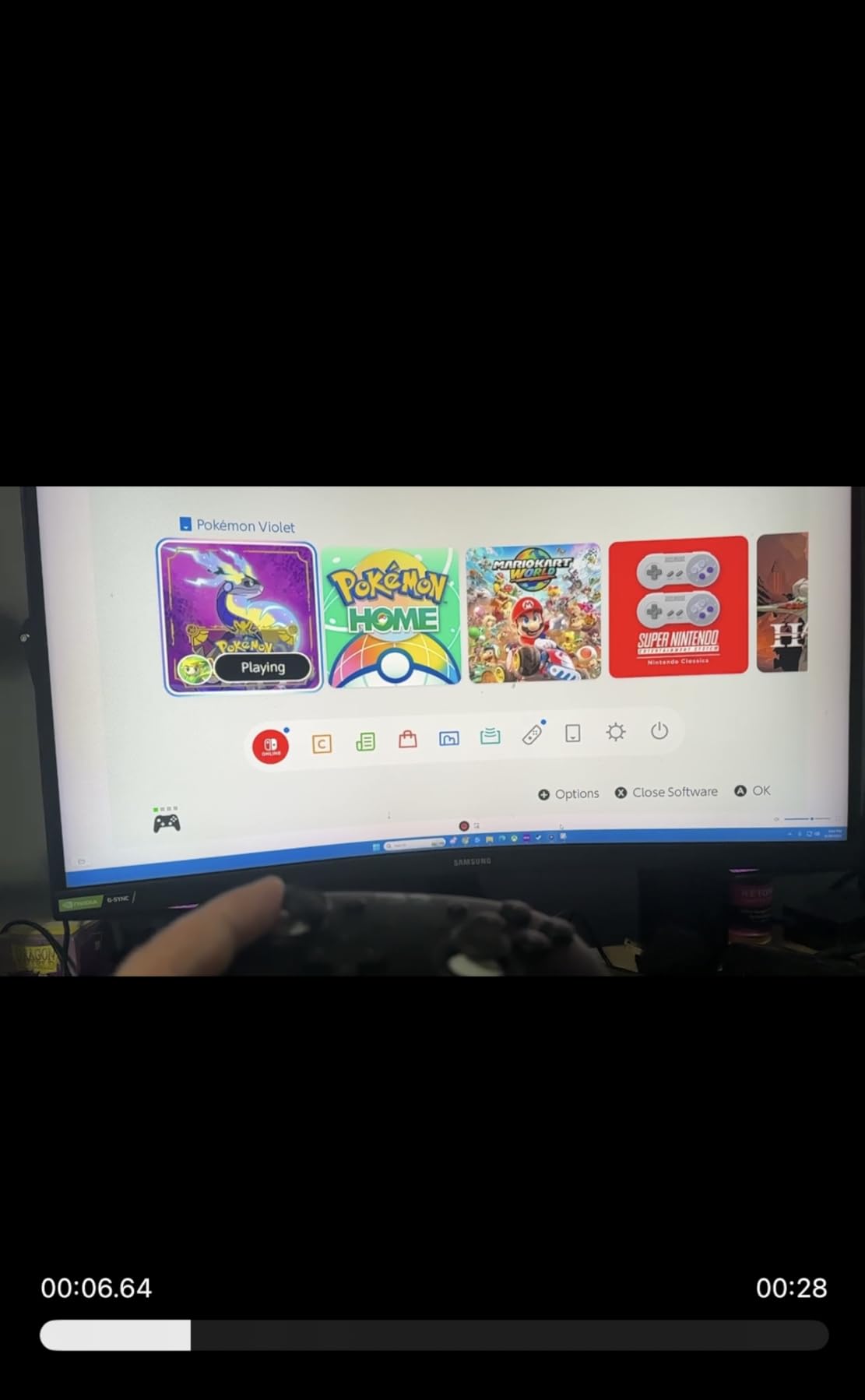
The second is anyone recording high-refresh content for YouTube rather than broadcasting it. Reviewers describe the VRR passthrough as working cleanly and the frame timing holding steady over long sessions.
Connection speed matters more here than on any other card in the guide. Elgato specifies USB 3.2 Gen 2, and multiple owners report reduced capture resolution when the card is plugged into a Gen 1 port, usually one on the front of a desktop case.
What you need before this card makes sense
The minimum specification is a 6th-generation Intel Core i5 or Ryzen 5 or better, an NVIDIA GTX 10xx-class GPU or equivalent, and a genuine USB 3.2 Gen 2 port. Check that last one before you buy, because it is the most common disappointment.
It runs on Windows 10 64-bit, macOS 11 and iPadOS 17, so a Mac or tablet setup is viable if you have the hardware.
Where the 4K X is the wrong spend
If you broadcast at 1080p60 on Twitch, you are paying for capture headroom you will not use. The HD60 S+ captures the same 1080p60 feed at a fraction of the cost, and reviewers of the 4K X describe it as the right buy only when a high-refresh display is already on the desk.
It is also the least forgiving about USB topology, since a webcam sharing the same controller can starve it of bandwidth.
3. AVerMedia Live Gamer Ultra 2.1 – best capture card for party chat capture
AVerMedia Live Gamer Ultra 2.1 4K144 HDMI 2.1 USB Capture Card, GC553G2
Capture: 4K144 on Windows
Passthrough: 4K144 HDR and VRR
Audio: dual 3.5mm party chat inputs
Connection: USB-C 3.2 Gen 2
Pros
- 4K144 MJPEG capture on Windows with 4K144 HDR and VRR passthrough
- Built-in party chat capture on dual 3.5mm four-pole ports
- 5.1-channel audio support
- Works with PS5
- Xbox Series X/S and Switch 2
Cons
- Lowest average rating here at 4.1 stars with 11% one-star reviews
- Capture formats and HDR depend on Windows while macOS stops at 4K60
- AVerMedia plugin and software add setup complexity
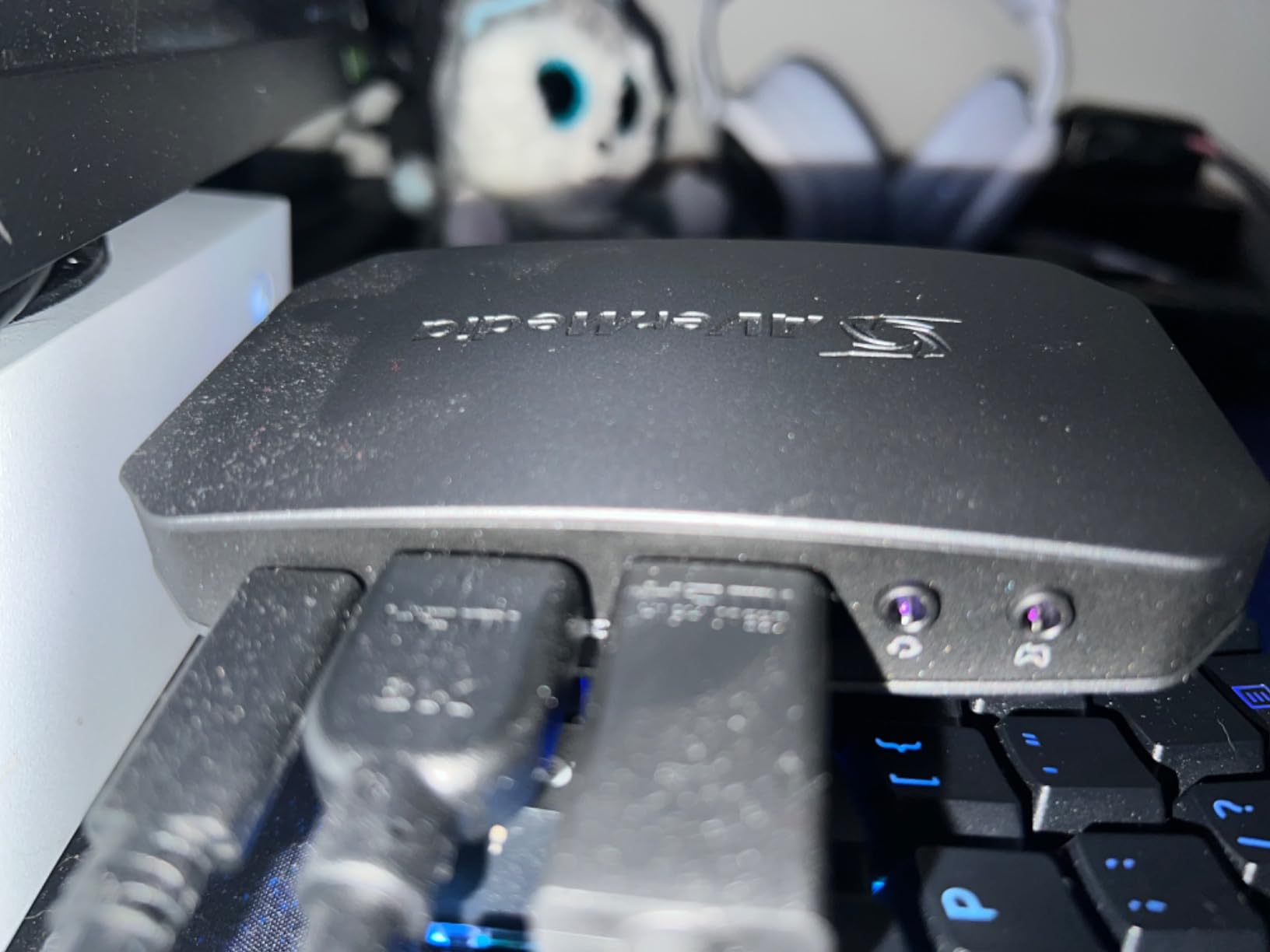
Party chat is the feature that separates this card from everything else on the list. Console voice chat is HDCP-protected and cannot be pulled out of the HDMI signal, so cards without an analog audio input simply cannot give it to your viewers.
The Live Gamer Ultra 2.1 has two 3.5mm four-pole ports, one for a headset and one for a controller, and it supports 5.1-channel audio on compatible Windows workflows. That solves the single most requested thing in the streaming forums without buying a second device.
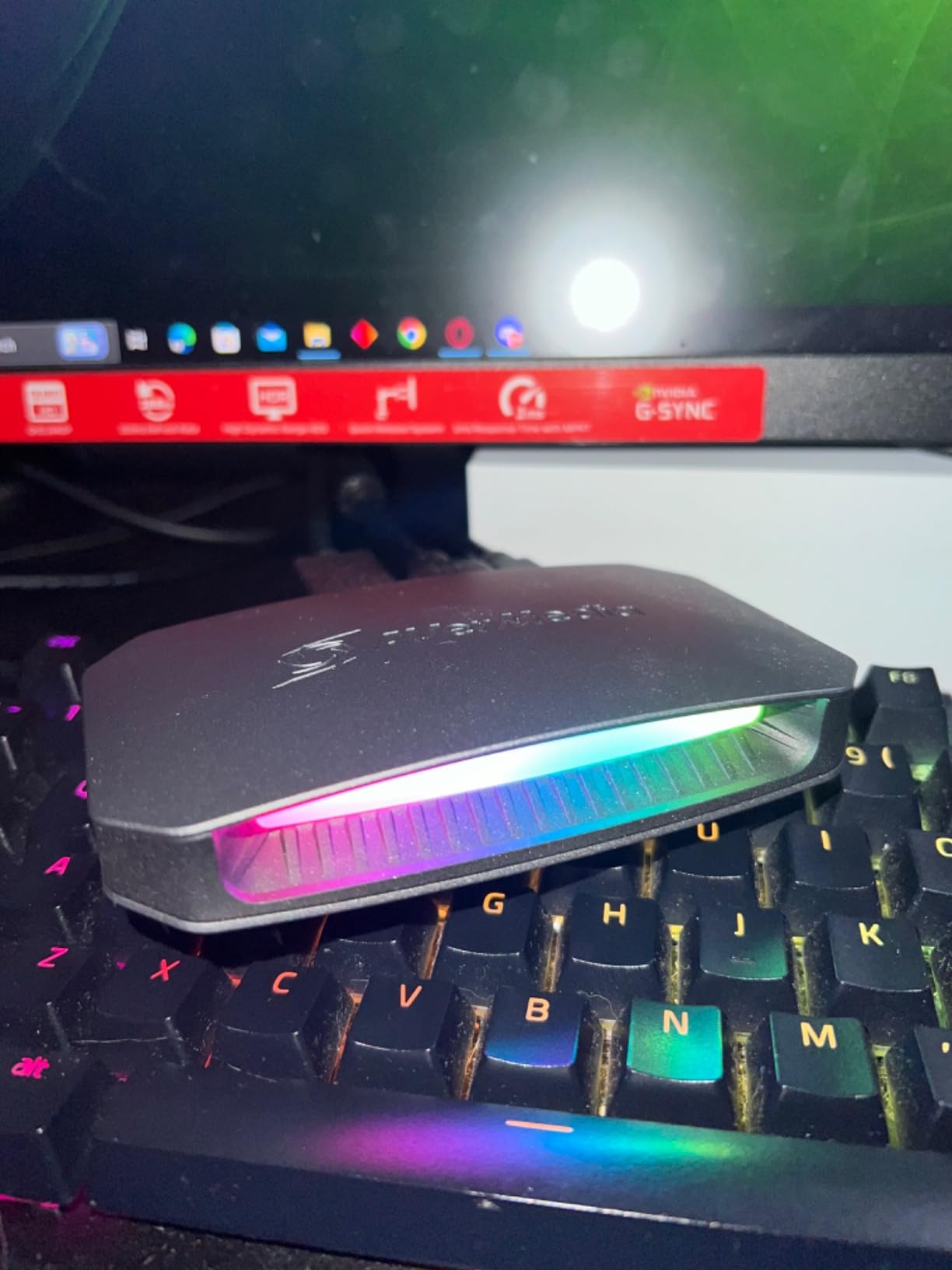
The capture side is strong too. On Windows it records 4K144 MJPEG, and the HDMI 2.1 passthrough handles 4K144 HDR and VRR along with 1440p240 and 1080p360 signals. It also passes through to a Switch 2 dock alongside PS5 and Xbox Series X/S.
Custom RGB lighting is a small touch, but it is the kind of thing that makes a desk setup look intentional rather than functional.
When the party chat feature pays for itself
If you stream multiplayer shooters where the squad lives in party chat, having that audio on stream changes the whole broadcast. A three-year manufacturer warranty is included as well, which owners repeatedly single out as a genuine advantage over the shorter warranty cards at the budget end.
Mac users should read the fine print: capture runs up to 4K60 on macOS, and HDR capture is a Windows feature.
Where this card frustrates owners
At 4.1 stars across 297 reviews, it carries the lowest score here, and a noticeable share of one-star reviews points at the software layer rather than the hardware. Setup runs through the AVerMedia plugin or Streaming Center instead of being driver-free.
Monitors using DSC can also limit the 4K passthrough to 4K120, which is a display limitation the card cannot fix.
4. AVerMedia Live Gamer 4K GC573 – best internal PCIe capture card
AVerMedia GC573 Live Gamer 4K, Internal Capture Card, Stream and Record 4K60 HDR10 with ultra-low latency on PS5, PS4 Pro, Xbox Series X/S, Xbox One X, in OBS, Twitch, YouTube
Capture: 4K60 HDR10
Passthrough: zero-lag 4K60 HDR10
Connection: PCIe x4 internal
Platform: Windows only
Pros
- Unlimited 4K60 HDR10 capture with zero-lag pass-through
- Native HDR capture preserves colour
- Up to 1080p240 high-frame-rate capture
- No external USB bandwidth limit and no USB contention
Cons
- RECentral software is dated and must run for HDMI audio to be exposed
- Needs a Gen 3 or better PCIe x4 slot and a strong GPU
- Some 5x-scaling output scaler signals are not detected
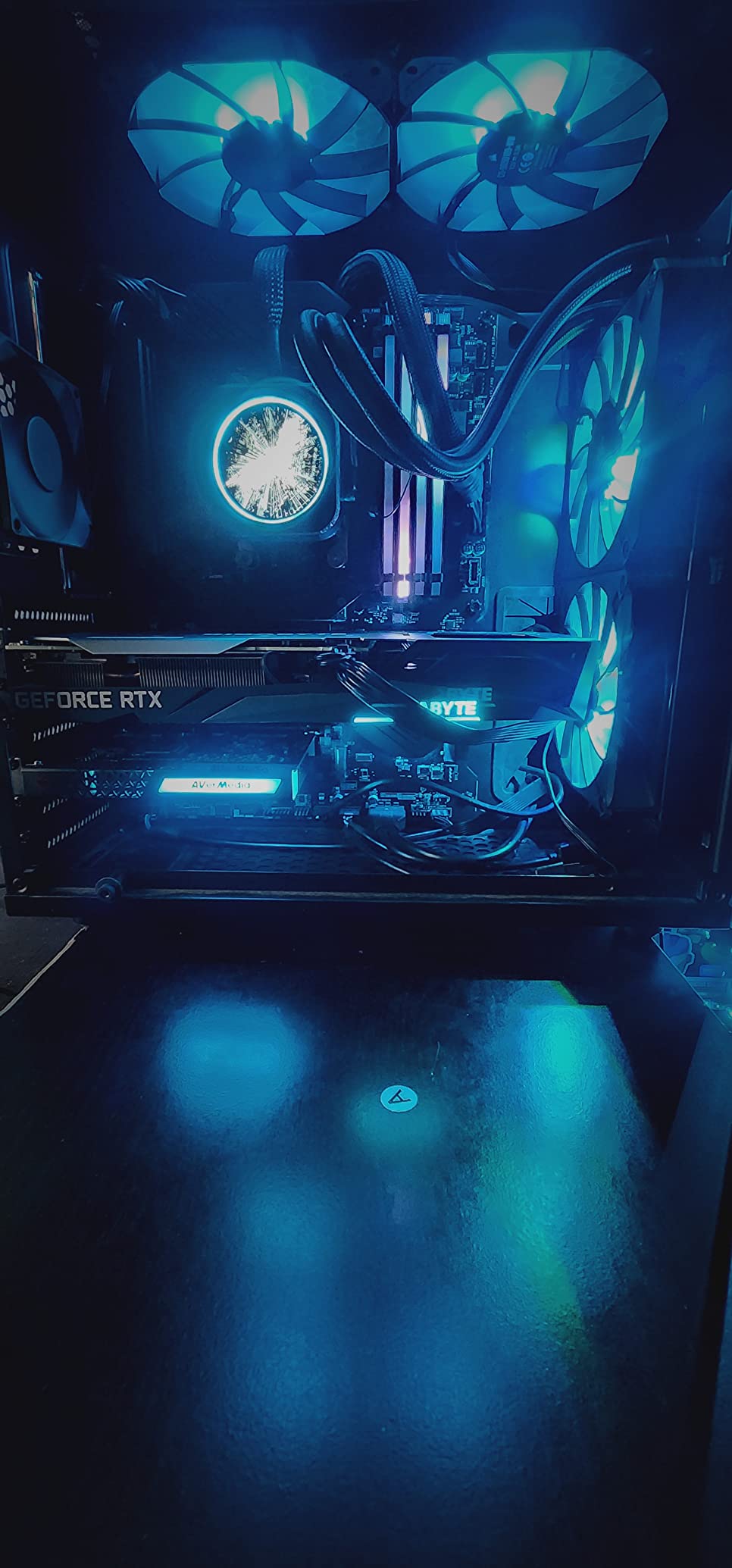
The GC573 is the only internal card in this group, and for a dual-PC rig it solves a problem the external cards cannot: USB bandwidth. It installs into a PCI Express x4 slot and the video never touches a USB bus, so there is no contention with your webcam, no Gen 1 port confusion and no unplug risk.
Reviewers report that the colour from its native HDR capture looks noticeably better than competing PCIe cards, and that they saw no extra capture latency even at 3440×1440 HDR in a competitive shooter.
High-frame-rate capture up to 240fps at 1080p covers the case where you want to record a fast game at high fps and re-encode later. AVerMedia Gaming Utility handles custom preview and record resolutions, and there are three RGB lighting preset modes.
It works with OBS, Streamlabs and XSplit, and lists PS5 and Xbox Series X/S as compatible devices. The three-year warranty matches the Live Gamer Mini.
When an internal card is the right call
If you are running dual PC streaming, this is the steadier of the two routes we tested. Everything the capture card does happens inside your streaming PC, so there is one machine, one power supply and one set of drivers to manage.
It also suits anyone whose desk is already full, since there is no external box taking up space next to the console.
Where the GC573 does not fit
It is Windows only, which rules out Mac and laptop setups entirely. You need a desktop with a Gen 3 or better PCIe x4 slot and a discrete GPU class system for the full 4K60 HDR path.
The dated RECentral software is the most common complaint, and it has to be running for HDMI audio to be exposed as an input at all. Some owners also report recovery steps in Device Manager after a firmware update.
5. AVerMedia Live Gamer Mini – best value capture card for most streamers
AVerMedia Live Gamer Mini, 1080p60 Capture Card with HDMI Pass-Thru, Plug & Play, for OBS, Xbox Series X/S, PS5, Switch, Win 11/macOS 12 (GC311)
Capture: 1080p60
Passthrough: 100% zero-latency 1080p60
Connection: USB 2.0
Platforms: Windows and macOS
Pros
- Genuinely plug and play over UVC with no driver install
- Built-in H.264 encoder takes load off the streaming PC
- Zero-latency 1080p60 HDMI pass-through
- Three-year manufacturer warranty
Cons
- Capture capped at 1080p60 with no 4K recording path
- Fit-and-finish variance shows up in the three-star reviews
The Live Gamer Mini is the card we recommend when someone asks what to buy and the answer needs to be inexpensive and dependable. It enumerates as a standard video device, so OBS finds it the same way it finds a webcam, and there is no driver to chase.
The built-in H.264 hardware encoder is the quietly useful part. It offloads processing from the host CPU, which on a modest streaming PC is the difference between a smooth broadcast and dropped frames.
Passthrough is genuinely zero-latency at 1080p60, so playing on a television while streaming feels normal rather than laggy. It is listed for Nintendo Switch, PS4, PS5, Xbox One, Xbox 360 and Xbox Series X/S, and works with RECentral 4, OBS Studio and Streamlabs OBS.
It runs on Windows 10, Windows 11 and macOS 12, and it is 2.63 ounces with a footprint of 3.93 by 2.24 inches, so it fits behind a console or television.
Why this is the sensible middle of the market
It hits the specification that actually matters for live broadcast, 1080p60 with game audio, at a fraction of the cost of the high-refresh cards. Owners repeatedly describe it as the value pick for exactly that reason.
The three-year warranty is longer than most competitors in this guide offer, which matters more than it sounds if you plan to keep streaming for years.
Where the Mini falls short
The 1080p60 capture ceiling is a hard limit. There is no 4K recording path at all, so if your plan is 4K YouTube content rather than live streaming, this is the wrong card.
Reviewers also note a wider spread of build consistency than the star average suggests, with a nine percent three-star band pointing at builds that needed swapping out.
6. UGREEN 1080p60 USB Capture Card – best capture card for laptop and tablet setups
UGREEN 2K@30Hz 1080P 60FPS Video Capture Card 4K Input HDMI to USB 3.0
Capture: 2K30 or 1080p60
Passthrough: none
Connection: USB-A and USB-C
Driver-free on Windows, macOS, Linux, iPadOS
Pros
- 4K30Hz HDMI input with 2K30Hz output
- Driver-free across Windows macOS Linux and iPadOS 17+
- USB-A and USB-C ports cover phones tablets and Quest headsets
- Aluminium alloy casing with shielded built-in cable
Cons
- No 4K streaming because output caps at 2K30Hz or 1080p60
- No HDMI loop-out so a splitter is needed to view gameplay
- Signal flow is one way only and HDCP must be disabled on consoles
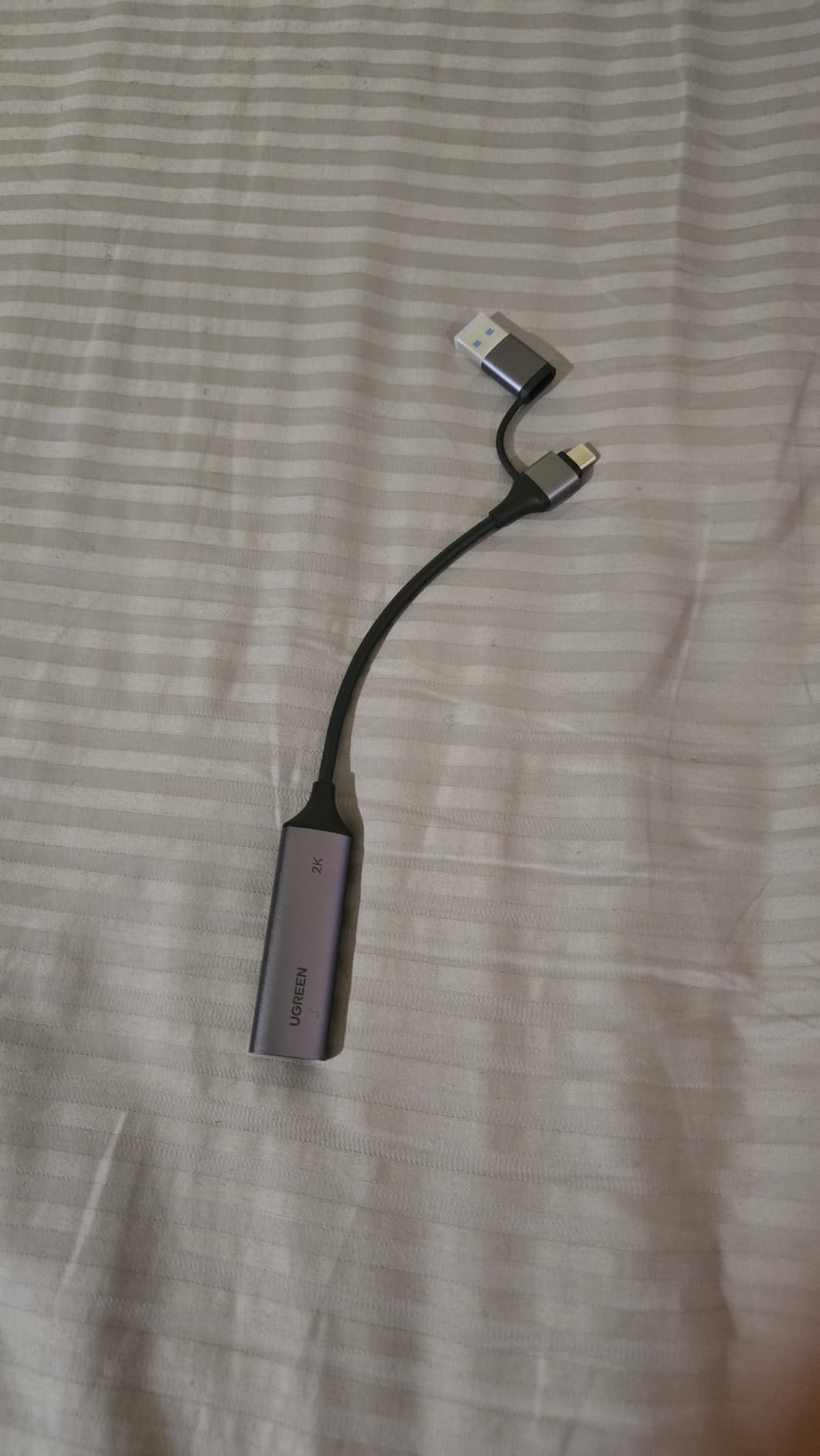
The UGREEN card is built around a different idea. Instead of sitting between console and television, it takes an HDMI source and pushes it over USB to whatever device you have, which makes it the most flexible option here for laptops, tablets, phones and Meta Quest headsets.
It works driver-free on Windows 11, 10, 8.1 and 7, macOS, Linux and iPadOS 17 or later, and both USB-A and USB-C ports are built in, so you rarely need an adapter.
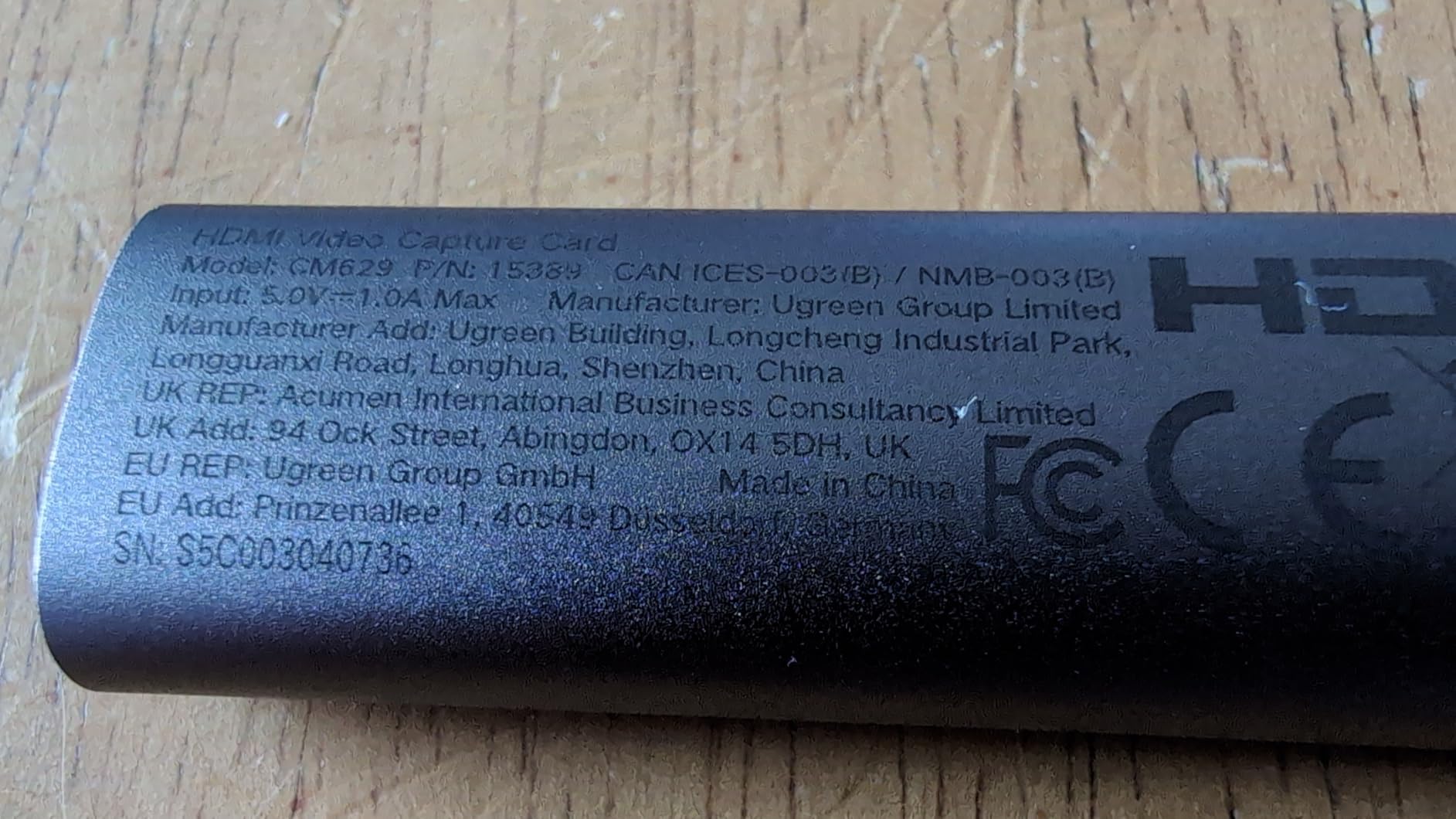
Owners like the aluminium alloy casing, which dissipates heat and shields against interference, and the built-in tinned copper cable with separate gauge wires for power and data.
Compatibility is broad on paper: Switch, Switch 2, PS4, PS5, Xbox, Xbox Series X and Quest 3 or 2 all appear in the supported device list, alongside OBS Studio, XSplit, PotPlayer and QuickTime Player.
When a laptop-only streaming setup needs this card
If your only machine is a laptop, most of these cards force a choice between the capture card and a webcam for bandwidth. The UGREEN handles both ports natively, and the two-year warranty is solid for the category.
It is also a reasonable way to bring a second PC, a camera or a handheld into an existing OBS scene.
Where it will disappoint you
There is no HDMI loop-out, so you cannot play on a display through this card without a separate splitter. That is the dealbreaker for a primary console streaming setup.
You also have to turn HDCP off on the PS4, PS5, Switch or Xbox source before capture works, and the output ceiling of 2K30Hz or 1080p60 rules out anything 4K.
7. VIXLW 4K Input Capture Card – best budget card with HDMI loop-out
Capture Card, 4K HDMI Video Capture Card, Game Capture Card, 1080P 60FPS Video Capture Device, HDMI to USB 3.0 Capture Card for Streaming, Work with Camera/Xbox/PS4/PS5/PC/OBS
Capture: up to 1080p60
Input: 4K30/60Hz and 1080p120/144Hz
Connection: USB 3.0
Platform: Windows
Pros
- True plug and play with no driver or external power
- Enumerates as a webcam automatically
- HDMI loop-out with no delay during live play
- 3.5mm TRS mic input for commentary
Cons
- Output capped at 2K30Hz
- No support for 4K120 or 4K144 sources
- Only a 60-day warranty
- Listed for Windows only
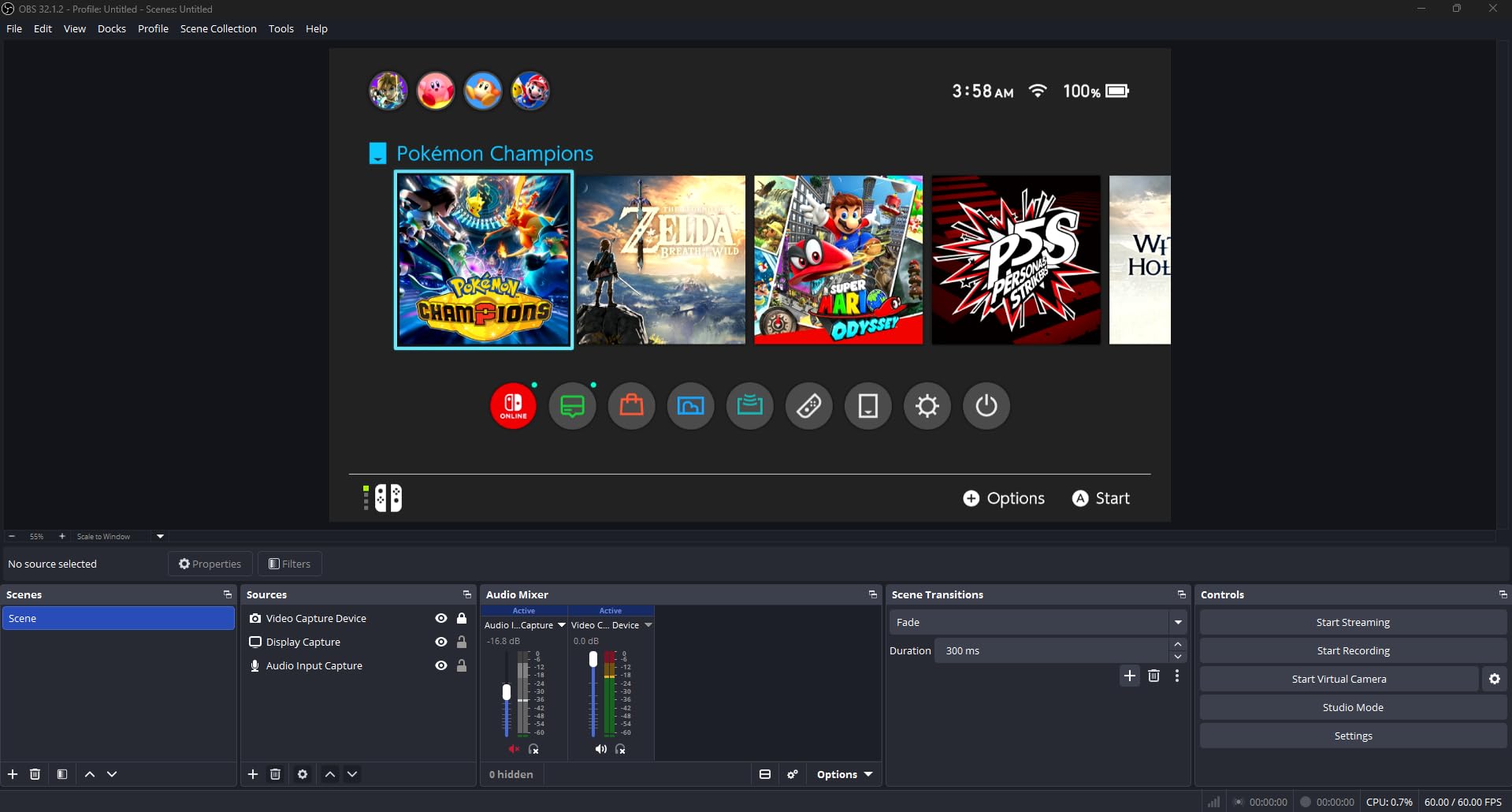
This is the card most first-time streamers end up buying, and with 3,579 reviews it is well tested. It accepts 4K30 and 4K60 input along with 1080p120 and 144Hz sources, and it enumerates as a webcam the moment you plug it in.
The HDMI loop-out is the feature that separates it from the cheapest dongles. You can keep playing on a display with no added delay while the same signal goes to your streaming PC, which is exactly what a console streamer needs.
The 3.5mm TRS microphone input is another useful extra at this level. It lets you add commentary on top of the console audio without a second capture device or an audio interface.
It also handles far more than consoles. Reviewers use it for PS4, PS3, Xbox One, Xbox 360, Wii U, DVDs, DSLRs, cameras, security cameras and set-top boxes.
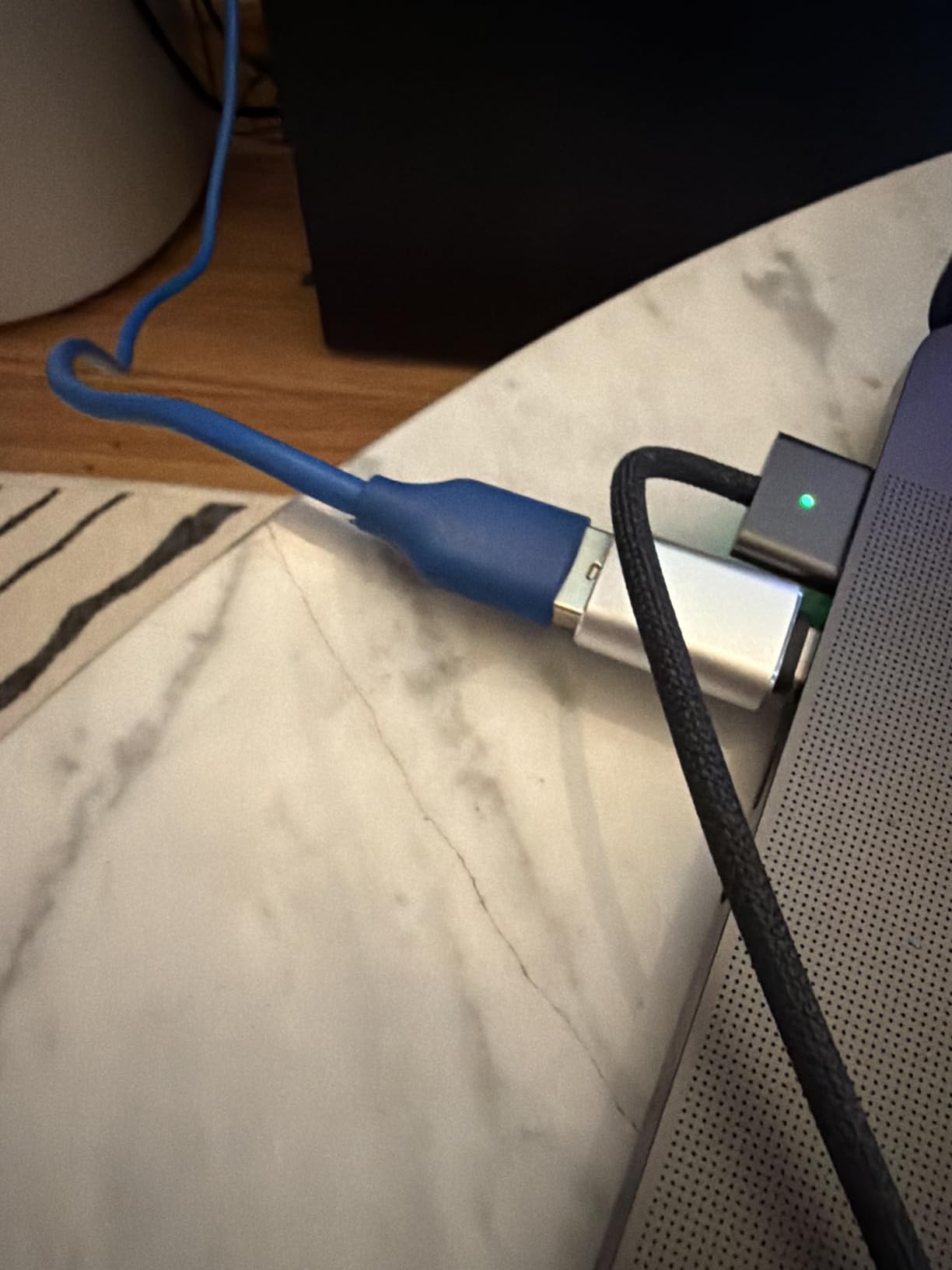
What a low-cost card genuinely gets you
For 1080p60 broadcast on Twitch or YouTube, the signal quality is adequate and the zero-delay loop-out means you can actually play on it. That covers the majority of what new streamers need.
It streams to Twitch, YouTube, Facebook, Twitter, OBS, PotPlayer and VLC over a USB 3.0 port.
Where the bargain ends
Output is capped at 2K30Hz regardless of input, and 4K120 or 144Hz sources are not supported at all. The sixty-day warranty is the shortest in this guide by a wide margin, which is the clearest signal about build quality.
The listing also names Windows as the operating system, so anyone on a Mac should verify compatibility before buying.
8. VIXLW 1080p60 USB 3.0 Capture Card – the simplest card for a first stream
4K HDMI Capture Card for Streaming, Full HD 1080P 60FPS USB 3.0 Cam Link Game Audio Video Capture Card, Work with Camera/Switch/Xbox/PS4/PS5/PC/OBS (Black)
Capture: up to 1080p
Passthrough: zero-delay HDMI loop-out
Connection: USB 3.0
Platforms: Windows, Linux, macOS
Pros
- Low-cost route to console or camera capture with no drivers or power needed
- HDMI loop-out lets you play while streaming
- 3.5mm mic input for commentary
- USB 3.0 low latency on Windows Linux and macOS
Cons
- Capture tops out at 1080p despite the 4K HDMI name
- Occasional signal or freeze complaints in the three-star reviews
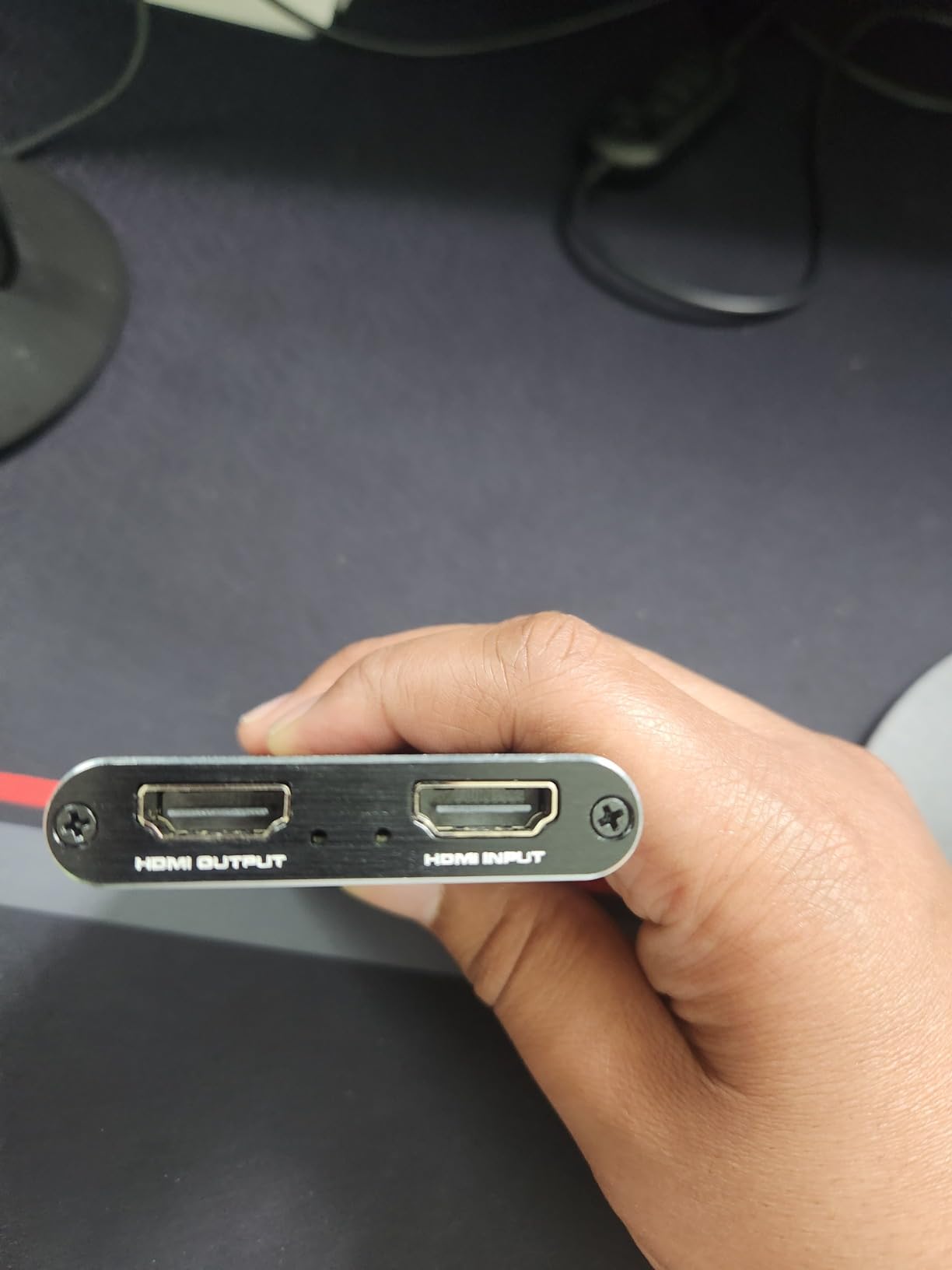
The difference between this card and the VIXLW above is small on paper. It captures up to 1080p over HDMI, enumerates as a webcam with no driver and no external power, and lists Windows, Linux and macOS support rather than Windows alone.
That cross-platform support is the reason it earns its place. If you might stream from a Mac or a Linux machine at some point, this is the budget card that does not need swapping.
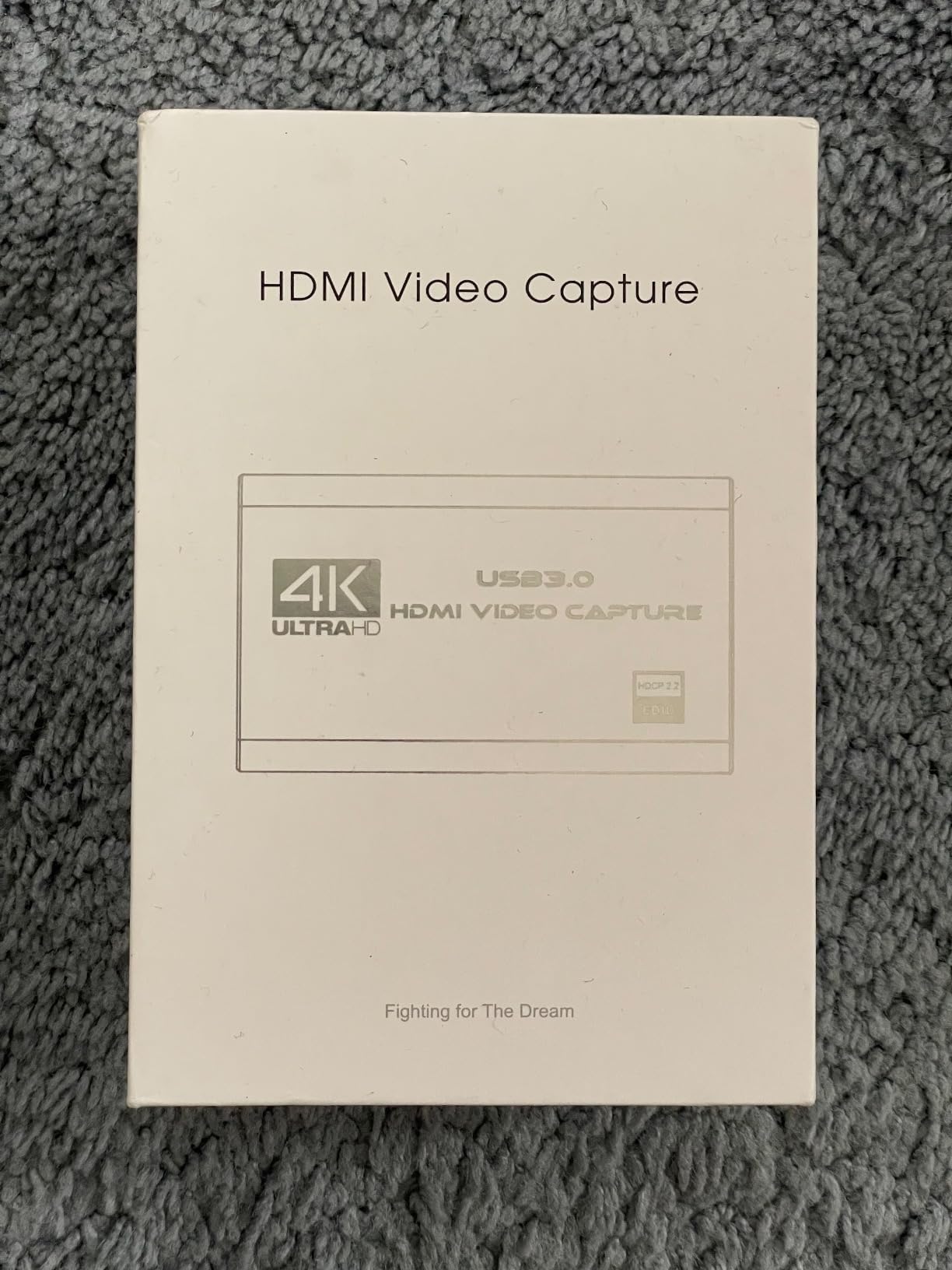
Like its sibling, it has an HDMI loop-out with no delay during live play and a 3.5mm TRS microphone input for commentary on top of game audio.
Owners mostly report satisfaction, and the recurring theme in reviews is that loop-out and mic input are features usually reserved for much more expensive models.
When this is the right first purchase
You are starting out, you stream at 1080p60, and you want a card that works immediately on whatever computer you already own. That is a narrow brief, and this card fills it completely.
It handles cameras, Switch, Xbox, PS4, PS5 and PC, and streams to Twitch, YouTube, Facebook, Twitter, OBS, PotPlayer and VLC.
Where you will outgrow it quickly
The 4K in the product name refers to HDMI input, not capture. Output stops at 1080p, so there is no 4K recording path and no high-refresh capture.
Reviewers also note occasional freezing unless the correct capture settings are selected in your streaming software, which is normal for driver-free cards but worth knowing.
Do You Even Need a Capture Card for Console Streaming?
Sometimes you do not, and skipping the hardware is the best advice we can give. Consoles now stream natively, and the quality gap has narrowed a lot.
An Xbox Series S streams directly at 1080p to Twitch with no capture card at all. A PS5 streams natively too. If your goal is a live broadcast on Twitch and you play on the console, start there and see whether the output satisfies you before spending anything.
You need a capture card when you want one of three things: recording while you play on the same console, streaming to a destination other than the console’s built-in app, or capturing at a bitrate the built-in encoder will not provide. YouTube uploads, for example, reward a clean 1080p60 or 4K60 file that a console rarely produces on its own.
If you game on a PC, the card is usually optional. OBS captures a game window directly, and a capture card only earns its place when you want a cleaner second-monitor feed or a fixed 1080p60 source.
People ask whether a capture card adds lag. The card adds essentially none to the passthrough path, and the HD60 S+ and Live Gamer Mini both pass 1080p60 through with no delay. What adds lag is your encoding settings, not the hardware.
How to Set Up a Capture Card for Dual PC Streaming
A dual PC setup puts your gaming in one machine and your streaming software in another, which is the cleanest way to stream a console without competing for CPU. The cable path is short and it is the part most guides skip.
The physical chain runs console HDMI out to capture card HDMI IN, capture card HDMI OUT to the television or monitor, and the capture card USB cable to the streaming PC. Your game controller stays on the console, so your gaming PC is not involved at all in this arrangement.
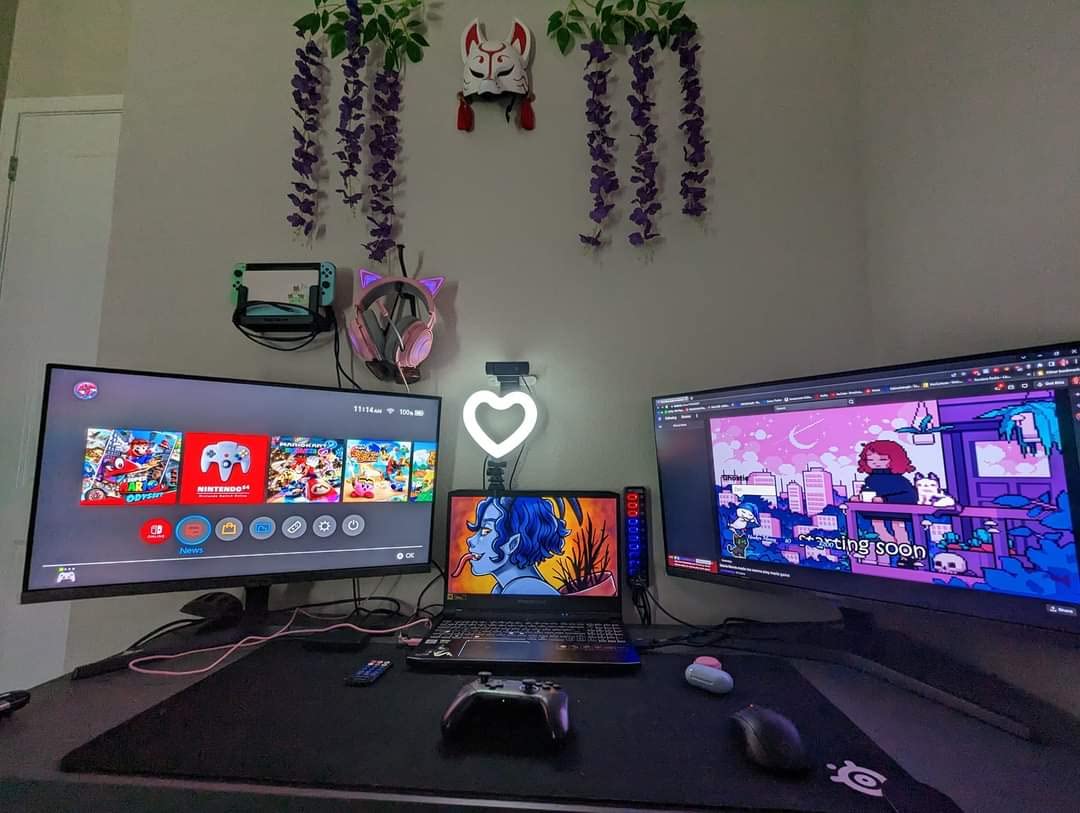
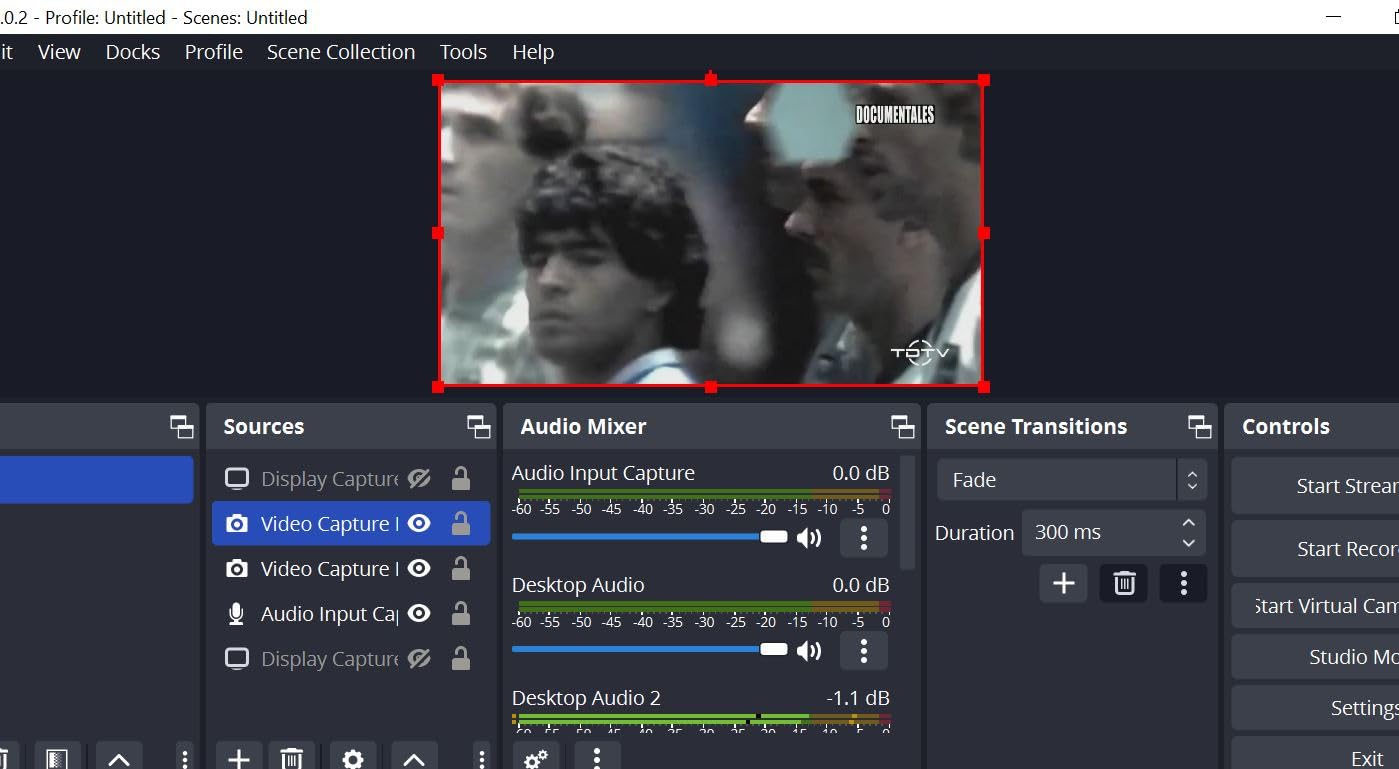
On the streaming PC, OBS adds a Video Capture Device source and selects the capture card by name. Set the resolution and frame rate to match the source rather than the display, and OBS will pick it up as a standard webcam-style device.
Audio routing is the step beginners get wrong. Game audio arrives inside the capture card HDMI signal, so mark that audio source as default in OBS and disable the separate desktop audio capture if you only want the console.
If you add a microphone, run it into the streaming PC rather than the console. A good starting point is one of our tested USB microphones for streaming, and pair it with one of the webcams for streaming we recommend for the face cam.
One warning from the forums applies to every dual PC rig: use a wired ethernet connection to the streaming PC. The same advice comes up constantly that streaming over Wi-Fi is not viable, because dropped frames from a weak uplink look worse than any card problem.
Capture Card Troubleshooting: Black Screen, No Audio, No Signal
Almost every capture card complaint we read about online is one of four problems, and all four have the same short fix list. Start here before blaming the hardware.
If OBS shows a black screen or will not detect the card, the single most repeated fix in the streaming communities is to delete every video capture device source from every scene, then add a fresh video capture device source and select the card again. That source-level reset solves more cases than any driver change.
If the card has gone missing or grays out mid-session, restart OBS completely rather than just the scene, and check that the USB port still has power. For AVerMedia cards specifically, owners report that toggling the device off and on in Device Manager recovers it.
If there is video but no audio, check two things. On internal AVerMedia cards, RECentral has to be running before the HDMI audio is exposed as an input at all. On external cards, make sure the HDMI audio is marked as default in OBS and that your desktop audio capture is not also pulling the same sound.
If the picture freezes on a single frame after the console changes resolution, that is usually the EDID handshake failing during a switch from 1080p to 4K HDR. Power-cycling the console or forcing a fixed output resolution in the console settings makes the handshake succeed on the retry.
If HDR looks washed out in your capture, the card is likely sending HDR straight through to an SDR stream. Tone mapping it down to SDR in your streaming software before encoding is the fix, and it is a software setting rather than a card limitation.
If a webcam and the capture card flicker or drop frames when used together, both are fighting for the same USB controller bandwidth. Move one to a different port or, better, move to an internal PCIe card.
Capture Card Buying Guide: The Specs That Actually Matter
Capture resolution and passthrough resolution are two different numbers, and confusing them is the most common mistake in this category. Passthrough is what reaches your television. Capture is what OBS receives.
You can play at 4K60 HDR on your TV while streaming 1080p60, and for live broadcast that is almost always the right setup. Twitch and YouTube live streams live at 1080p60, so a card that captures 1080p60 HDR10 while passing 4K60 through gives you the best picture for your viewers with a card that costs far less than a 4K capture model.
Capture at 4K only when you are recording files for YouTube rather than broadcasting. That is the case for the Elgato 4K X, the Live Gamer Ultra 2.1 and the internal GC573.
HDMI version decides the ceiling. HDMI 2.0 tops out at 4K60, which covers every console in normal use. HDMI 2.1 adds 4K120 and 4K144, and it is required if you own a PS5 Pro, want 4K144 passthrough, or need variable refresh rate to keep working through the card.
External versus internal PCIe comes down to your rig. A USB card is portable, works on a laptop and takes seconds to set up. An internal PCIe card is faster, never shares USB bandwidth with your webcam, and is the more dependable choice in a dual PC setup, but it needs a desktop with a free slot.
USB generation is the detail that catches people. A card specified for USB 3.2 Gen 2, like the Elgato 4K X or the Live Gamer Ultra 2.1, will lose capture resolution when plugged into a Gen 1 port. On a desktop, that means avoiding the slow ports on the front of the case.
HDR and VRR need separating. HDR10 passthrough means the card does not strip the HDR signal before it reaches your display. VRR passthrough means variable refresh rate keeps working while the card is in the path. Neither one makes HDR look correct in a standard dynamic range stream, so plan on tone mapping in software.
Laptop versus desktop matters for compatibility. The HD60 S+ and the Live Gamer Mini run on Windows and macOS. The Live Gamer Ultra 2.1 drops to 4K60 on macOS. The GC573 is Windows only, and the Elgato 4K X needs a reasonably recent machine regardless of operating system.
Party chat is a hard limit to check before you buy. Console voice chat is HDCP-protected and will not come through HDMI. If you want it on stream, you need either a card with a 3.5mm headset input, like the Live Gamer Ultra 2.1, or a separate physical workaround on your streaming PC.
Warranty length is a reasonable tiebreaker at the budget end. Two cards in this guide carry a three-year manufacturer warranty, one covers two years, one covers sixty days, and the shortest coverage in the guide is the clearest signal about expected longevity.
Party Chat Capture and HDCP: What You Can and Cannot Record
You cannot pull console party chat through a capture card, and understanding why saves a lot of wasted hardware. Both the PS5 and Xbox encrypt voice chat as HDCP-protected audio, which the HDMI output will not expose to any capture device.
The workaround is physical. Plug a four-pole headset cable into the card’s audio input, with the microphone end split to the console and the headphone end to your headset, and that analog audio is unprotected and can be mixed into your stream.
One card in this guide does that internally. The AVerMedia Live Gamer Ultra 2.1 has two 3.5mm four-pole ports, one for headset and one for gamepad, plus 5.1-channel audio support on compatible Windows setups.
Game audio, by contrast, comes through the HDMI signal unprotected. That is why the cards with no audio input still capture console sound fine.
Frequently Asked Questions
What is the best capture card for console streaming?
The Elgato HD60 S+ is the best capture card for console streaming for most people. It captures 1080p60 HDR10 with game audio, passes 4K60 HDR through to your TV with no added delay, works on Windows and Mac, and needs no drivers. It holds a 4.6 rating across more than 11,000 reviews, the deepest history in our testing.
What is the best capture card for live streaming in general?
For live streaming from any source, the Elgato HD60 S+ remains the strongest all-rounder because 1080p60 is the format live platforms expect. If you need high-refresh capture for a 144Hz display or competitive shooters, the Elgato 4K X captures up to 4K144 and 1080p240, but it demands a 6th-gen Core i5 or Ryzen 5, a GTX 10xx-class GPU and a USB 3.2 Gen 2 port.
What is the best capture card for PS5 streaming?
The Elgato HD60 S+ covers normal PS5 and PS5 Pro play with 1080p60 HDR10 capture and 4K60 HDR10 passthrough. If you own a PS5 Pro and play at 4K120 or 4K144, the Elgato 4K X is the better choice because its HDMI 2.1 input and output preserve high-refresh signals and keep variable refresh rate working through the card.
Do I need a capture card to stream from a console?
Not always. An Xbox Series S and a PS5 both stream natively, and the Series S broadcasts at 1080p to Twitch with no capture card at all. You need one when you want to record while playing on the same console, stream somewhere other than the built-in app, or capture at a bitrate and file quality the console will not produce on its own.
Why is OBS not detecting my capture card?
Delete every video capture device source from every scene in OBS, then add a new video capture device source and select the card again. That reset fixes more cases than reinstalling drivers. If the device has grays out mid-session, restart OBS fully and confirm the USB port still has power. On AVerMedia cards, toggling the device off and on in Device Manager also recovers it.
How do I set up a capture card for dual PC streaming?
Run the console HDMI out into the capture card HDMI IN, the capture card HDMI OUT into your display, and the USB cable into the streaming PC. In OBS, add a Video Capture Device source, pick the card by name, and set the resolution and frame rate to match the source. Route game audio from the capture card source as default, keep your microphone on the streaming PC, and use a wired ethernet connection rather than Wi-Fi.
Does a capture card add lag to console gaming?
A good capture card adds essentially none to the passthrough path. The HD60 S+ and the Live Gamer Mini both pass 1080p60 through with zero latency, so playing on a television while streaming feels normal. Latency in a stream almost always comes from encoding settings or an overloaded streaming PC, not from the card.
Is a dual PC setup better for streaming?
A dual PC setup is better when you are streaming a console, because the console is already doing the work and the streaming PC only handles encoding. Nothing competes for CPU or GPU. It costs a second machine, though, and for 1080p60 broadcast a single PC with a good capture card and sensible encoder settings is usually enough.
The Best Capture Cards for Console Streaming in 2026
The Elgato HD60 S+ is the pick for console streaming in 2026. It captures 1080p60 HDR10, passes 4K60 HDR through without added delay, works on PC and Mac, and has the deepest review history in the category. Nothing else here gives you that combination at that price.
Spend more for the Elgato 4K X if you play at 4K120 or 4K144 and want variable refresh rate to survive the card. Spend less on the AVerMedia Live Gamer Mini if you want the same 1080p60 workflow with a hardware encoder and a three-year warranty.
Pick up a webcam for streaming and a USB microphone for streaming next, run a wired connection, and you have everything a console streamer needs.