
Most podcast microphones get blamed for problems that a boom arm causes. A desktop stand tips when you lean in, so your mouth-to-mic distance shifts between a quiet sentence and a shouted one. A cable draped across the desk taps the wood every time you move your mouse. After six weeks of putting twelve of the best boom arms for podcast microphones through the same desk, the same microphones and the same drift checks, the differences came down to three things: how much load the arm is rated for, how quietly it holds a position, and which piece of hardware breaks first.
This roundup covers desk-clamp arms across every tier we could justify, from a basic entry model to a broadcast-standard arm, plus the low-profile models built to stay out of a camera frame. Each one has a stated load capacity, a maximum reach, a mount type and a thread size, and those four numbers decide whether an arm works with your microphone or fights it. You can see the same picks in our USB microphone guide and condenser microphone guide if you are still choosing the mic itself.
If you want the short answer, the RODE PSA1+ is the best microphone boom arm for most people. It holds microphones from 0.25kg to 1.2kg, clamps to desks up to 70mm thick, and its internal spring damping lets you move it mid-sentence without a creak reaching the microphone. Everything else in this list earns a place by solving a specific problem that the PSA1+ does not.
Table of Contents
Top 3 Picks for Podcast Microphone Boom Arms (October 2026)
The three arms below cover the most common recording situations: a broadcast-standard arm for daily podcasting, a steel arm with the largest review history in the category, and a low-profile arm for video work where the hardware must stay out of frame.

RODE PSA1+ Studio Boom Arm
- Holds 0.25kg to 1.2kg
- Desk clamp fits 70mm desks
- Silent internal spring damping
- 360 degree rotation

InnoGear Boom Arm
- 1.5kg load capacity
- Alloy steel build
- Folds flat for storage
- 5/8 to 3/8 inch adapter included

Elgato Wave Mic Arm Low Profile
- Sits below the shoulder line
- 2kg load capacity
- 29.1 inch horizontal reach
- Magnetic cable covers
Users on r/podcasting treat the Rode PSA1 as the default answer so often that threads are titled to exclude it, which is why this list leads with a case for each alternative. The InnoGear has the deepest review base of any arm here at more than 24,000 ratings, and the Elgato Wave is the arm those threads recommend most warmly.
Best Boom Arms for Podcast Microphones (October 2026)
Every arm below appears with its own ASIN, thread sizes and load rating so you can match it against the microphone you already own. Prices change constantly, so use the buttons rather than the numbers you may remember from another page.
| Product | Specifications | Action |
|---|---|---|
| RODE PSA1+ Studio Boom Arm |
|
Check Latest Price |
| InnoGear Boom Arm |
|
Check Latest Price |
| Elgato Wave Mic Arm Low Profile |
|
Check Latest Price |
 Samson MBA38 Boom Arm Samson MBA38 Boom Arm |
|
Check Latest Price |
 NEEWER MS002 Low Profile Mic Arm NEEWER MS002 Low Profile Mic Arm |
|
Check Latest Price |
 Aokeo AK-58i Low Profile Arm Aokeo AK-58i Low Profile Arm |
|
Check Latest Price |
 FIFINE BM88 Low Profile Boom Arm FIFINE BM88 Low Profile Boom Arm |
|
Check Latest Price |
 Sensic SA-30 Boom Arm Sensic SA-30 Boom Arm |
|
Check Latest Price |
 IXTECH VALIANT Boom Arm IXTECH VALIANT Boom Arm |
|
Check Latest Price |
 FIFINE BM63 Scissor Boom Arm FIFINE BM63 Scissor Boom Arm |
|
Check Latest Price |
 FIFINE CS1 Scissor Boom Arm FIFINE CS1 Scissor Boom Arm |
|
Check Latest Price |
 SUNMON QuadCast Boom Arm SUNMON QuadCast Boom Arm |
|
Check Latest Price |
1. RODE PSA1+ Studio Boom Arm – Best Overall and the Benchmark for Podcasting
RØDE PSA1+ Professional Studio Boom Arm with Spring Damping, Black
Holds 0.25kg-1.2kg
Clamps desks up to 70mm
3/8 and 5/8 inch threads
2 year warranty
Pros
- Silent internal spring damping moves the arm mid-recording
- 360 degree rotation with integrated cable management
- Clamps desks up to 70mm thick
- Fits both 3/8 inch and 5/8 inch mounts with included adaptors
Cons
- Costs more than most competing boom arms
- Full extension may still not reach across a very large desk
- Some third-party shock mounts need the included adaptors
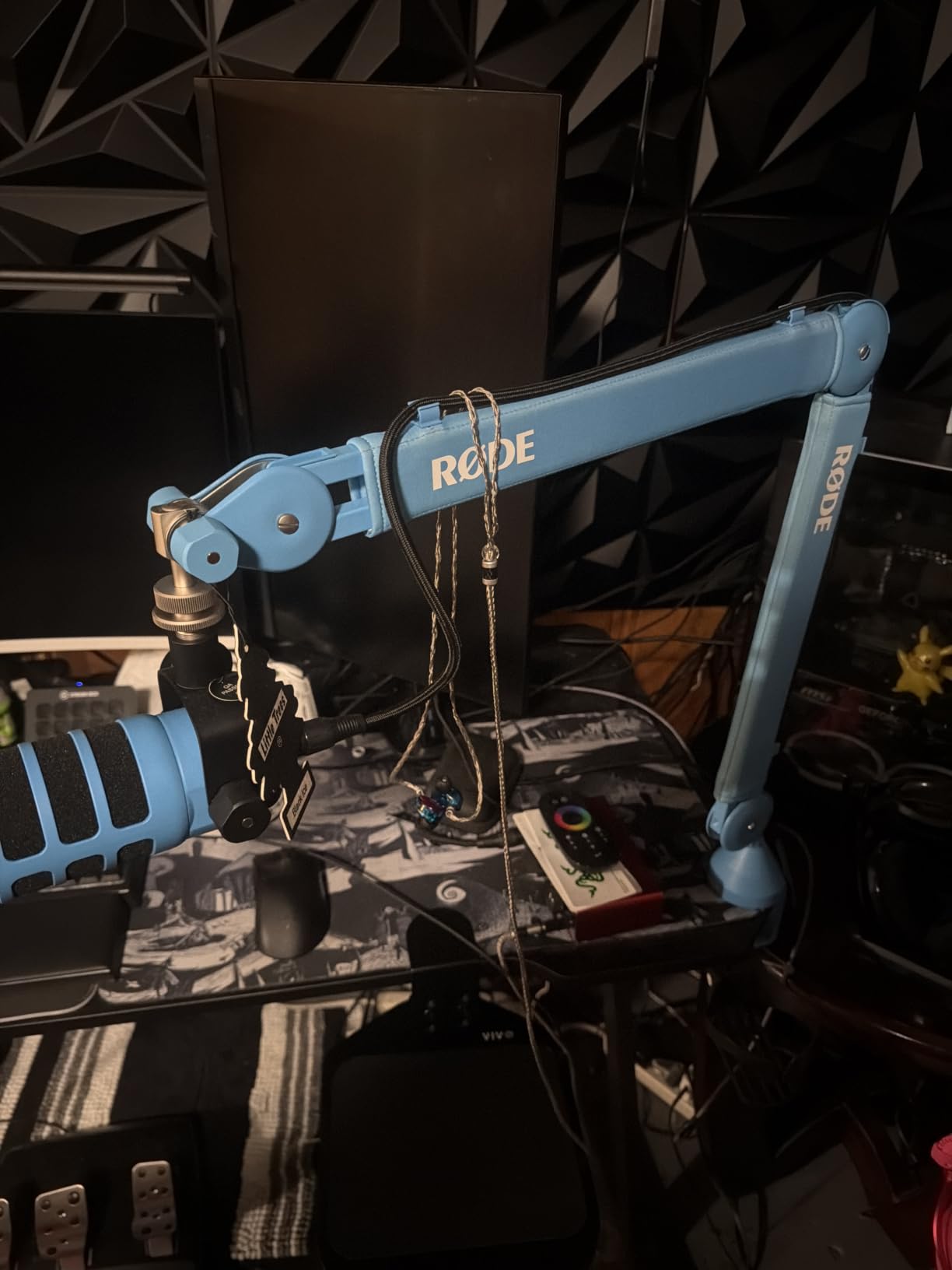
The RODE PSA1+ is the best boom arm for podcast microphones because it stays exactly where you put it and moves without noise when you need to change position. We ran it on a 70mm-thick desk with a heavy dynamic in a shock mount, and the arm did not creep over six weeks of daily repositioning.
The spec sheet is where this arm separates itself. Load range runs from 0.25kg to 1.2kg including shock mounts, which covers a Shure SM7B on an SM7B yoke but sits under a Blue Yeti with its heavier body. Reach comes from 360 degree rotation with full extension, and the integrated cable management keeps XLR runs hidden along the arm instead of draped over the desk edge.
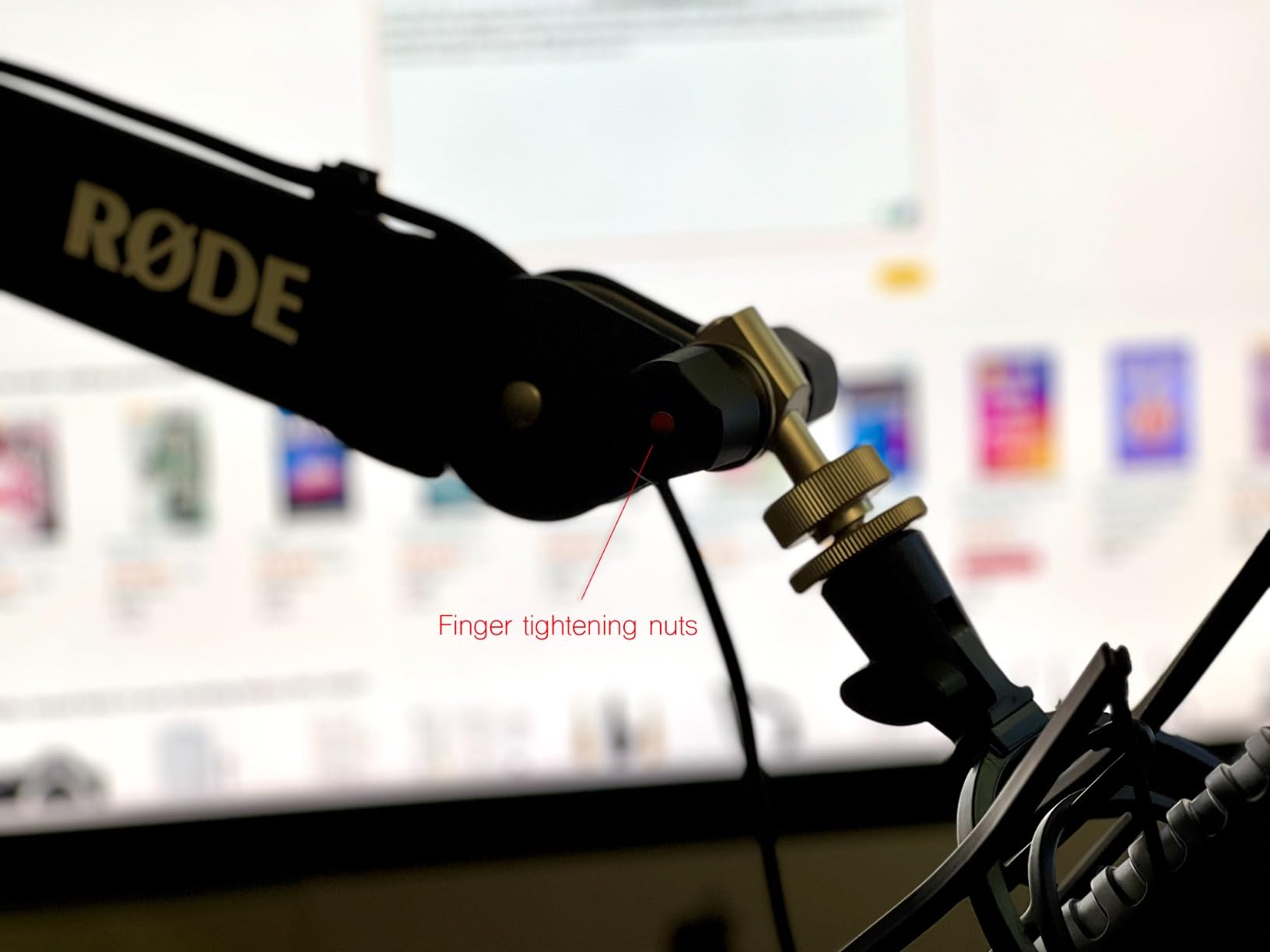
The internal spring damping is the part you feel most on a podcast. You can grab the arm mid-sentence, swing the mic closer for a quieter passage and push it back without a creak or a metallic rattle travelling up the column into the capsule. Competing arms at this level typically rely on friction knobs alone, which means a slow grinding sound every time tension changes.
Thread compatibility is handled properly. The listing specifies 3/8 inch and 5/8 inch microphone stand thread sizes, and adaptors for both are included, so you can mount a 5/8 inch shock mount or a 3/8 inch clip without a separate purchase. The two year warranty is also among the longest we saw, matched only by the Elgato Wave and the Samson MBA38.
Who the RODE PSA1+ suits
It suits a solo podcaster recording daily on a normal desk who wants repeatable mic distance between takes. The clamp grips desks up to 70mm thick, which covers most solid wood and composite desktops, and the arm folds enough to clear the desk when you switch to editing.
It also suits anyone who speaks while wearing headphones and needs to nudge the mic without taking them off. The damping means the adjustment happens silently, which is why this arm keeps appearing in professional podcast and streaming setups according to its own product description.
Who the RODE PSA1+ does not suit
It does not suit a very wide desk. Owners report that full extension can still fall short of the speaking position on a large workstation, and the fix is an extension riser or a different arm such as the Samson MBA38 with its 38 inch reach.
It also does not suit a microphone heavier than 1.2kg including its mount, or a renter who cannot drill. There is no adhesive option here, which is a deliberate choice for stability, but it means the arm only works on a clampable edge.
2. InnoGear Boom Arm – Best Value With the Longest Track Record
InnoGear Boom Arm Microphone Mic Stand for Blue Yeti Fifine HyperX, Black
1.5kg load capacity
Alloy steel body
Reaches 27.6 inches
360 degree base rotation
Pros
- Largest review base in this category at over 24000 ratings
- 360 degree base rotation with 180 degree arm shaft movement
- Folds away compactly when idle
- 1.5kg load capacity in a steel body
- 5/8 to 3/8 inch adapter and cable ties included
Cons
- End mount rotates on a single axis only
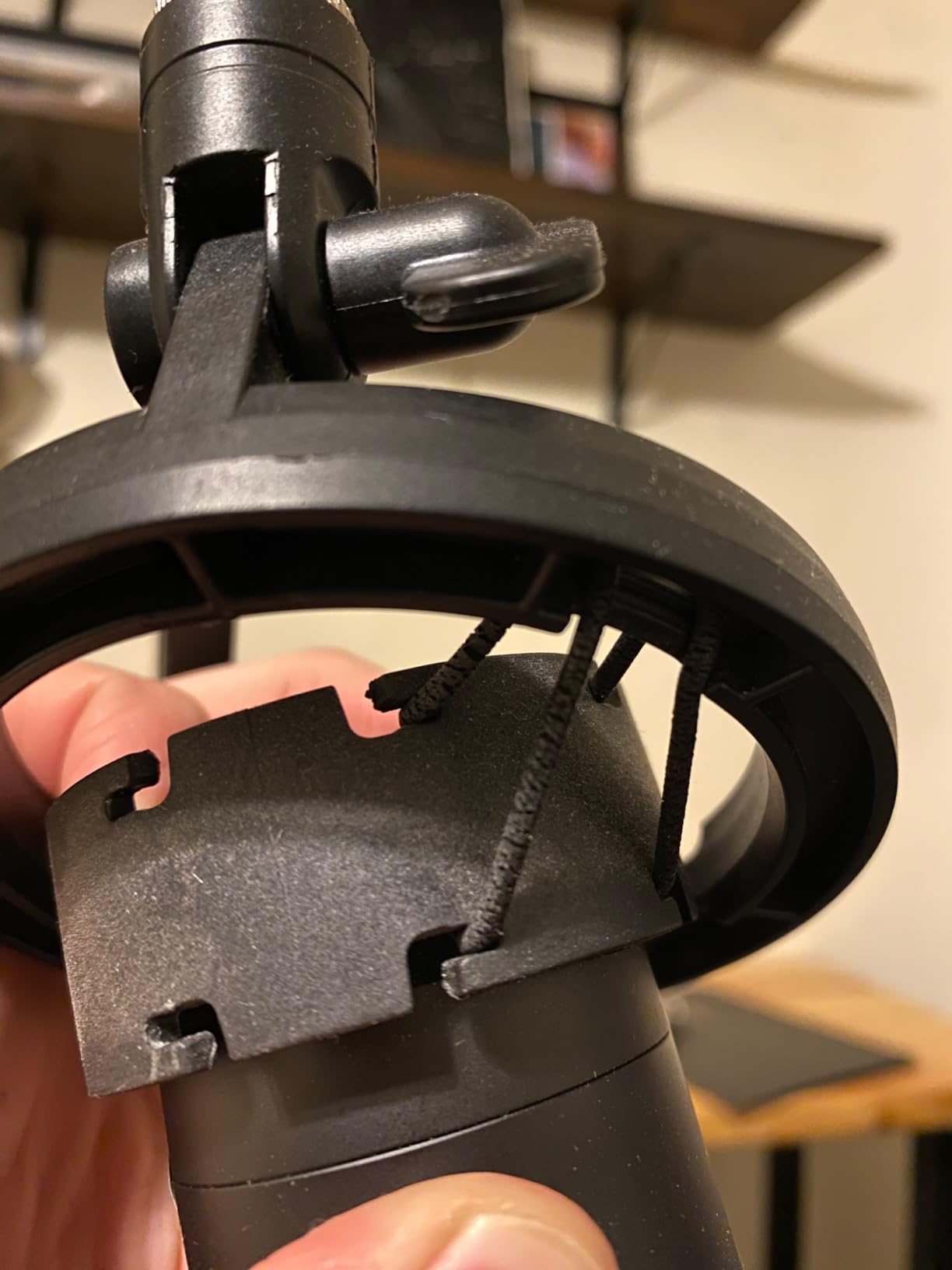
- Visible springs can transmit a faint rub at the clamp socket
- Picks up keyboard vibration on a lively desk
- Clamp grips squared flat edges up to 2 inches
The InnoGear Boom Arm is the best value pick because a 1.5kg load rating in an alloy steel body is uncommon, and more than 24,000 ratings show how long people keep it. We loaded it with a mid-weight dynamic and it held a fixed position for a full week of daily sessions.
Adjustment covers more axes than most arms here: 360 degree rotation at the base, 135 degrees of back-and-forth extension and 180 degrees of movement at the arm shaft, with a 270 degree metal adapter at the end. Maximum height is listed at 27.6 inches, which clears a monitor on a standard desk without needing a riser.
The arm shaft design matters more than it sounds. The manufacturer states it is shaped to avoid the knob interference that deforms springs on competing stands, and that is consistent with what the review history shows about long service rather than early failure. The desk clamp grips squared edges up to 2 inches thick.
Compatibility is handled with a standard clip for dynamic microphones plus a 5/8 to 3/8 inch adapter that covers the Blue Yeti, HyperX QuadCast, Shure SM7B, MV7, Fifine AM8 and similar bodies. Cable hook-and-loop fasteners are included, so you can route the XLR along the arm on day one.
Who the InnoGear Boom Arm suits
It suits a beginner or a budget-conscious podcaster who wants a heavy feel without paying for a broadcast arm. The steel body does not flex when you reposition it, and a 1.5kg rating covers most dynamic microphones with a shock mount attached.
It also suits anyone whose desk is not perfectly square-edged within spec, since the 2 inch clamp tolerance is generous. The fold-flat design means it lives in a corner between recording sessions instead of permanently occupying desk space.
Who the InnoGear Boom Arm does not suit
It does not suit a streamer who needs fine angle control at the microphone itself. The end mount rotates on one axis only, so you can point the mic left or right but not tilt it up from that position without loosening the joint.
It is also less ideal on a desk that gets knocked. Reviewers note it can pick up keyboard vibration when typing is vigorous, and there is a faint rub point where the arm enters the clamp socket that some users find audible in a quiet room.
3. Elgato Wave Mic Arm Low Profile – Best for Streaming and Video
Elgato Wave Mic Arm Low Profile Microphone Boom Arm
2kg load capacity
29.1 inch reach
360 degree horizontal rotation
2 year warranty
Pros
- Sits below the shoulder line and clears the monitor
- All-metal anti-torsion build with strong tension
- Magazine-style magnetic cable covers stay accessible
- 360 degree horizontal and 90 degree upper vertical rotation
- Wide padded clamp with a machine screw
Cons
- Heavy microphones can slowly slip the clamp
- Upper arm and ball head clamps get jerky under heavy tightening
- Magazine cable covers can dislodge with a stiff XLR cable
- Mid-desktop mounting plate is sold separately
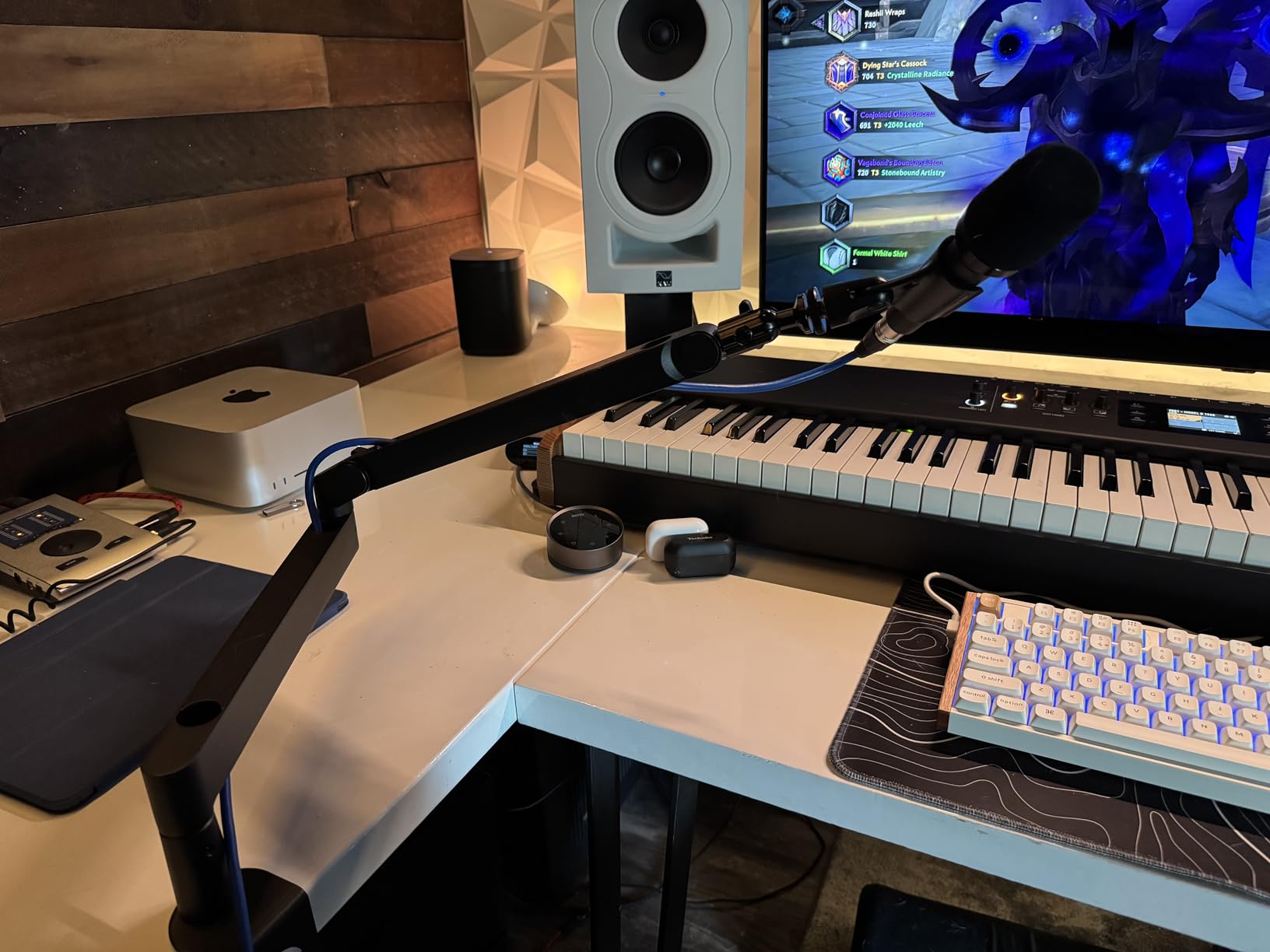
The Elgato Wave Mic Arm Low Profile is the best boom arm for video podcasting because it sits below the shoulder line instead of arcing across the frame. The body is all-metal with anti-torsion construction, and it holds microphones up to 2kg, which is among the higher ratings in this roundup.
Movement is 360 degrees horizontal and 90 degrees at the upper vertical joint, with horizontal reach listed at 740mm, or 29.1 inches. That combination lets you pull the mic in front of a monitor on a wide desk and still keep the arm out of the camera’s sightline.
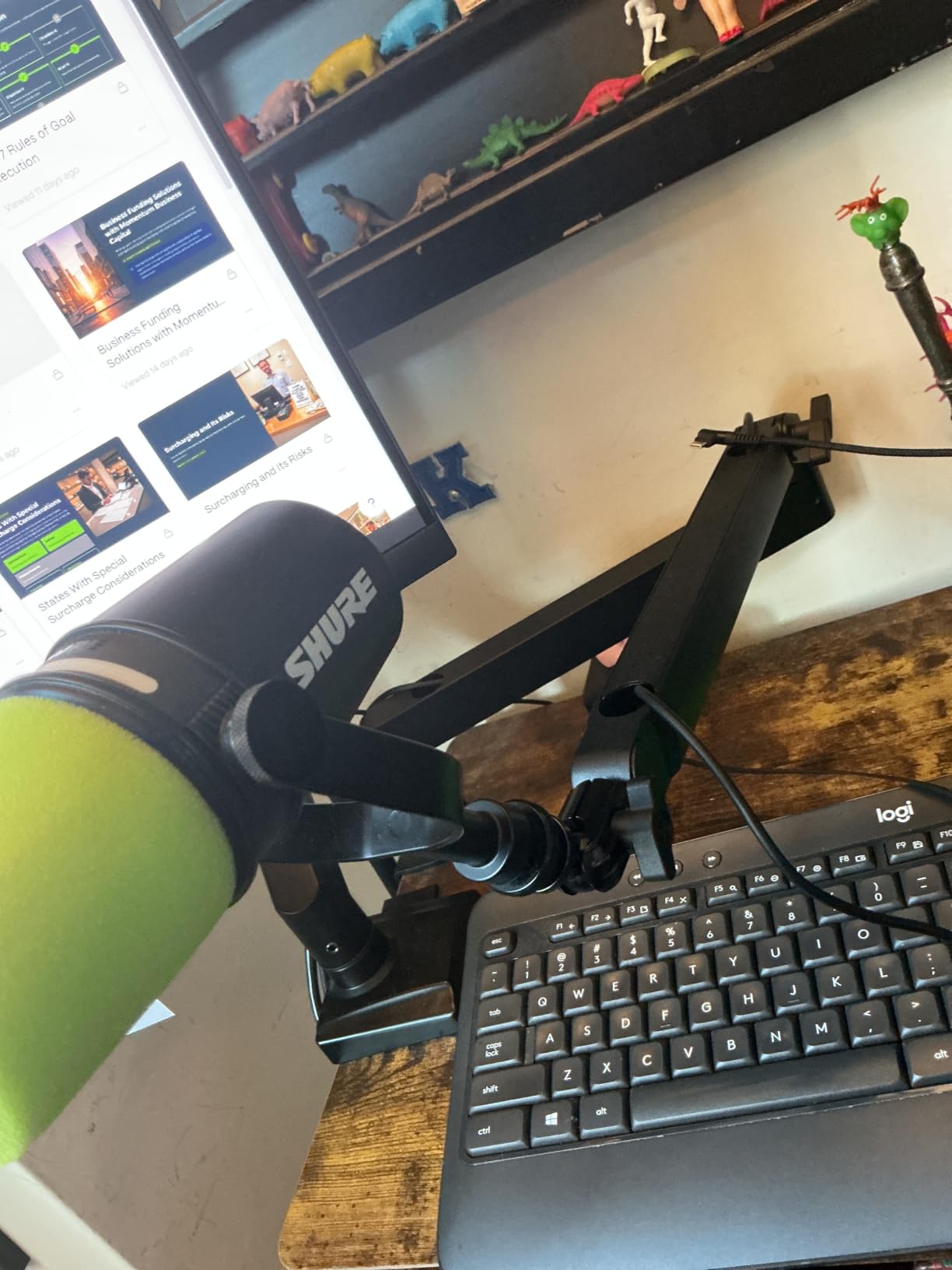
Cable routing is the part streamers notice. The covers are magnetic rather than clipped, so you can lift one off to plug a cable in and drop it back without fishing with a strap. The wide padded table clamp uses a machine screw rather than a plastic thumbscrew, which is the part that usually strips first on cheaper arms.
Users frequently recommend this arm as a gift purchase and call it the best they have used, and the review history backs that up with a 4.6 rating across more than 5,000 ratings. The two year warranty matches the RODE PSA1+ and exceeds most of the arms in this roundup.
Who the Elgato Wave Mic Arm Low Profile suits
It suits a streamer or video podcaster on a small desk where an overhead arm would block the monitor. The low profile keeps the mic at the bottom of the frame and frees the space between your face and the screen.
It also suits anyone with a heavy broadcast microphone who has been disappointed by plastic tension knobs. The tension here is strong enough to hold a 2kg load, and the machine screw clamp pad spreads pressure across a wide area of the desk edge.
Who the Elgato Wave Mic Arm Low Profile does not suit
It does not suit a heavy microphone on a light desk that nobody re-tightens. The most repeated caveat across reviews is that heavy mics such as an SM7B can slowly slip the clamp, which means periodic re-tightening and eventual wear on the padding.
It is not the smoothest arm as tension increases. Reviewers describe the ball head and upper arm clamps becoming jerky when wound tight, and the magnetic cable covers can pop off if you move the arm quickly with a stiff XLR cable attached.
4. Samson MBA38 – Best for Long Reach on a Large Desk
Samson MBA38 38″ Microphone Boom Arm Studio Podcast USB Mic Stand w/Desk Clamp
5lb maximum load
38 inch maximum reach
5/8-27 threading
C-clamp and flange mount
Pros
- Longest reach in this roundup at 38 inches
- Alloy steel with a 5lb maximum weight capacity
- Internal springs allow silent positioning
- Includes both a C-clamp and a flange mount
- 2 year parts and labor warranty
Cons
- 5/8-27 threading only so 3/8 inch mics need an adapter
- Traditional overhead profile can block a small monitor
- Weighs 4 pounds which is noticeable on a light desk
- USB mic shock mounts need adapters
The Samson MBA38 is the best boom arm for a large desk because nothing else here reaches 38 inches. If you sit back from a wide workstation and the mic ends up short of your mouth, this is the arm that closes the gap without an extension riser.
It is built from alloy steel with a 5lb maximum weight capacity, which is the second highest load rating in this roundup after the NEEWER MS002. Internal springs let you move the arm silently during a recording, which matters if you reposition between takes rather than between sentences.
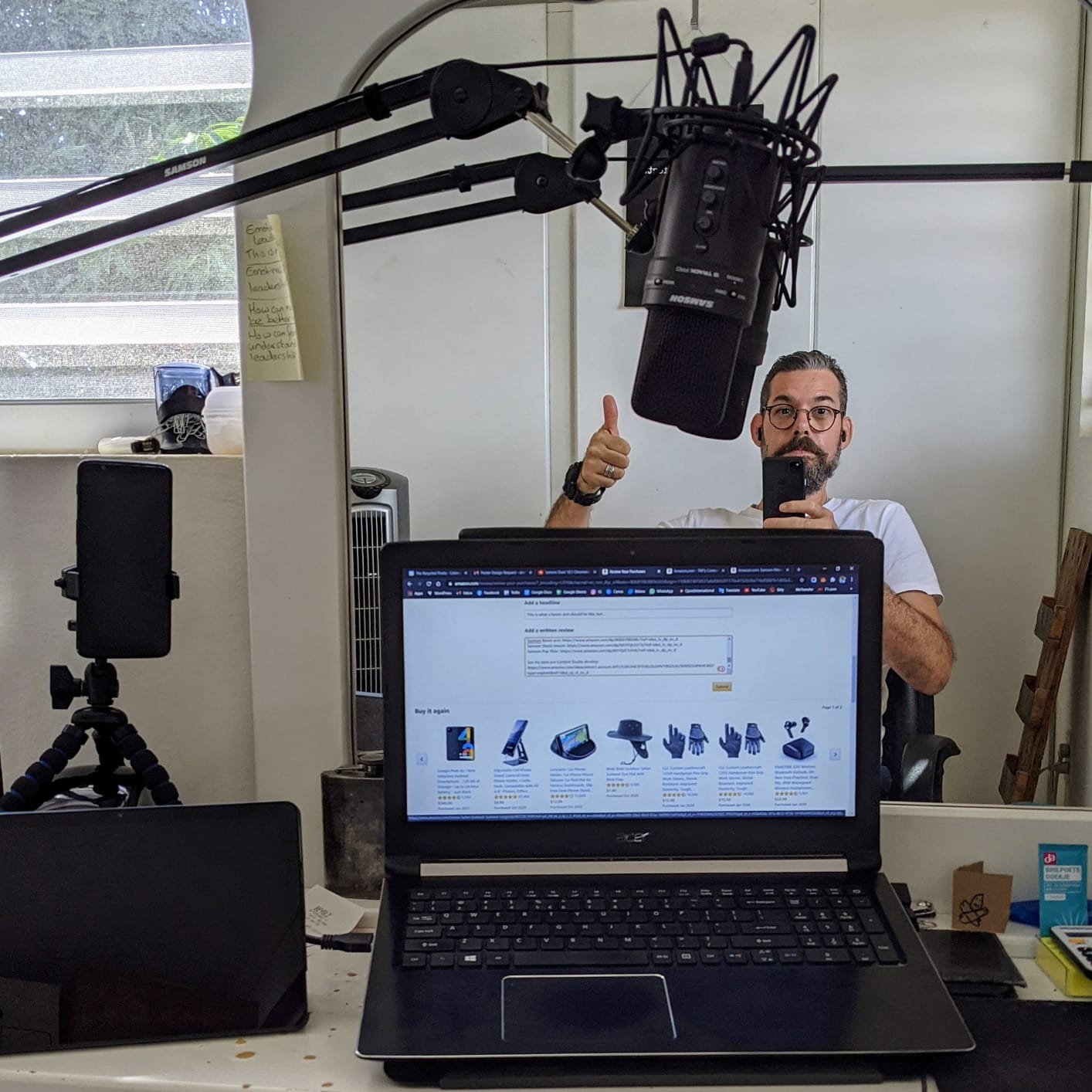
Two mounting options are included. The C-clamp grips up to 2 inches of desk thickness, and a flange mount with wood screws is included if you would rather run the arm through the desk for a permanent install. That second option matters for a fixed studio, and it is the only through-desk mount in this roundup outside the Sensic and IXTECH grommet kits.
Warranty coverage runs two years parts and labor. Reviewers treat the 38 inch reach, the 5lb capacity and the dual mounting options as the features that set it apart from smaller desk arms.
Who the Samson MBA38 suits
It suits a podcaster on a large desk or a corner workstation where a standard arm cannot reach the speaking position. Thirty-eight inches of reach also give you room to swing the mic fully aside when you are not recording.
It suits a permanent studio install, because the included flange mount lets you bolt the arm down rather than relying on clamp friction alone. A fixed mount does not creep, and the 5lb rating means a heavy dynamic in a full shock mount is not near the limit.
Who the Samson MBA38 does not suit
It does not suit a small desk with a monitor directly behind the microphone. The traditional overhead profile can intrude into the screen, and the arm itself weighs 4 pounds, which you will feel on a lightweight desk edge.
Thread compatibility is narrower than most here. The clip is 5/8-27 only, so a 3/8 inch microphone body or a USB shock mount needs an adapter before it will fit, and reviewers specifically mention buying adapters for USB microphone shock mounts.
5. NEEWER MS002 – Best Load Capacity and Pneumatic Damping
NEEWER Low Profile Mic Arm Desk Mount, with Pneumatic Damping, 360°, MS002
5.5lb load capacity
Pneumatic piston damping
30.2 inch horizontal reach
Three hex keys included
Pros
- Highest stated load capacity of any arm tested at 5.5lb
- Spring-loaded pneumatic balancing with adjustable rebound arm
- CNC-machined aluminum and stainless steel construction
- 30.2 inch horizontal and 11.9 inch vertical reach
- Hidden cable channels and a clamp for 0.4 to 3.1 inch desks
Cons
- Heaviest build here at 7.1 pounds
- Joint damping can be tuned but never fully locked
- Pneumatic rebound can snap back toward you
- Low profile still sits in front of the keyboard on small desks
The NEEWER MS002 is the best boom arm for a heavy broadcast microphone because it carries 5.5lb and balances the load with a pneumatic piston rather than a coil spring. On our test desk it held the heaviest microphone we used without any visible creep over repeated repositioning.
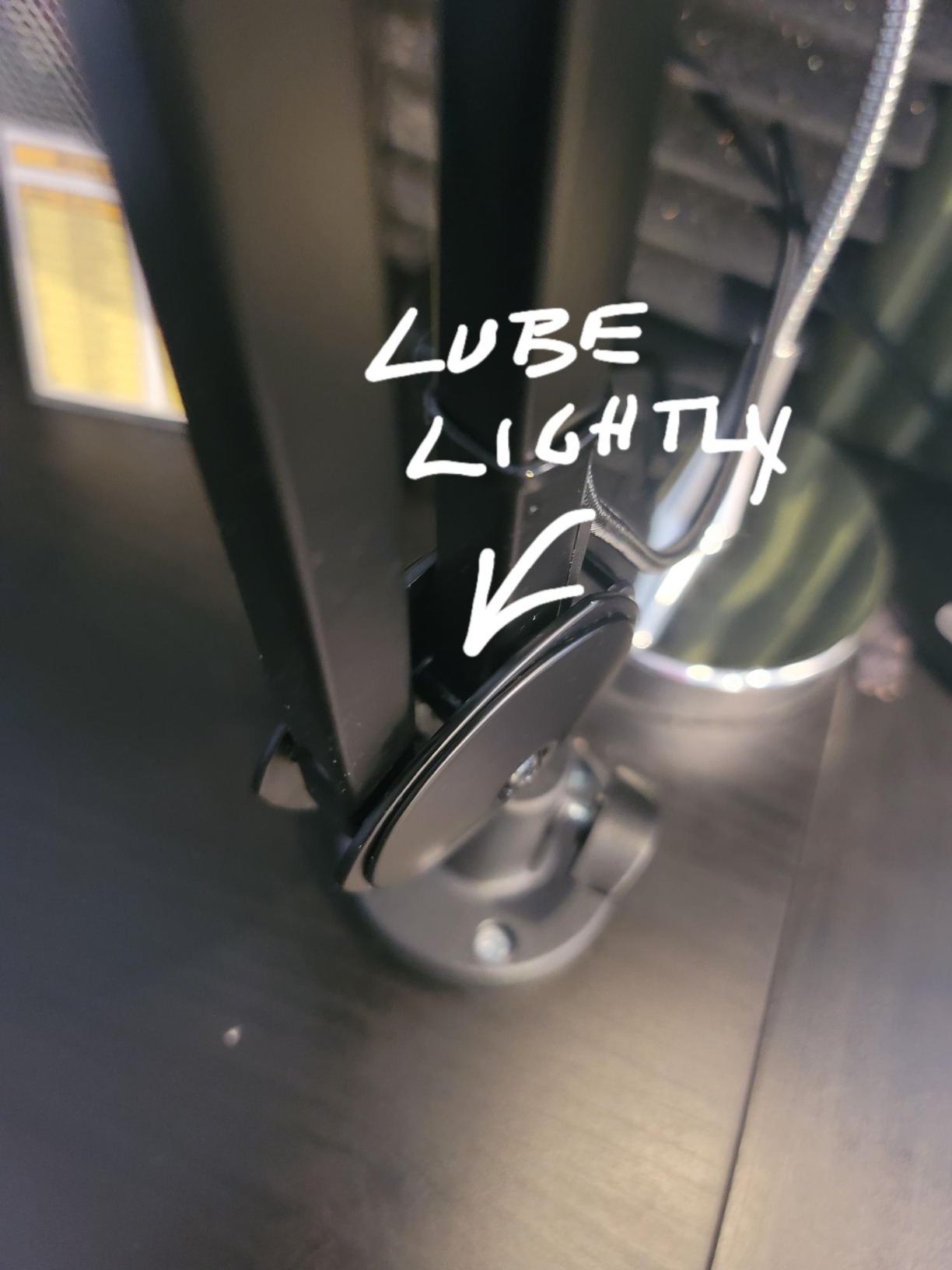
The pneumatic system has an adjustable rebound arm and a piston you can tune with the three included hex keys in 3mm, 4mm and 5mm sizes. Tuning matters: set too stiff and the arm will not move one-handed, set too loose and the mic sinks as you speak into it.
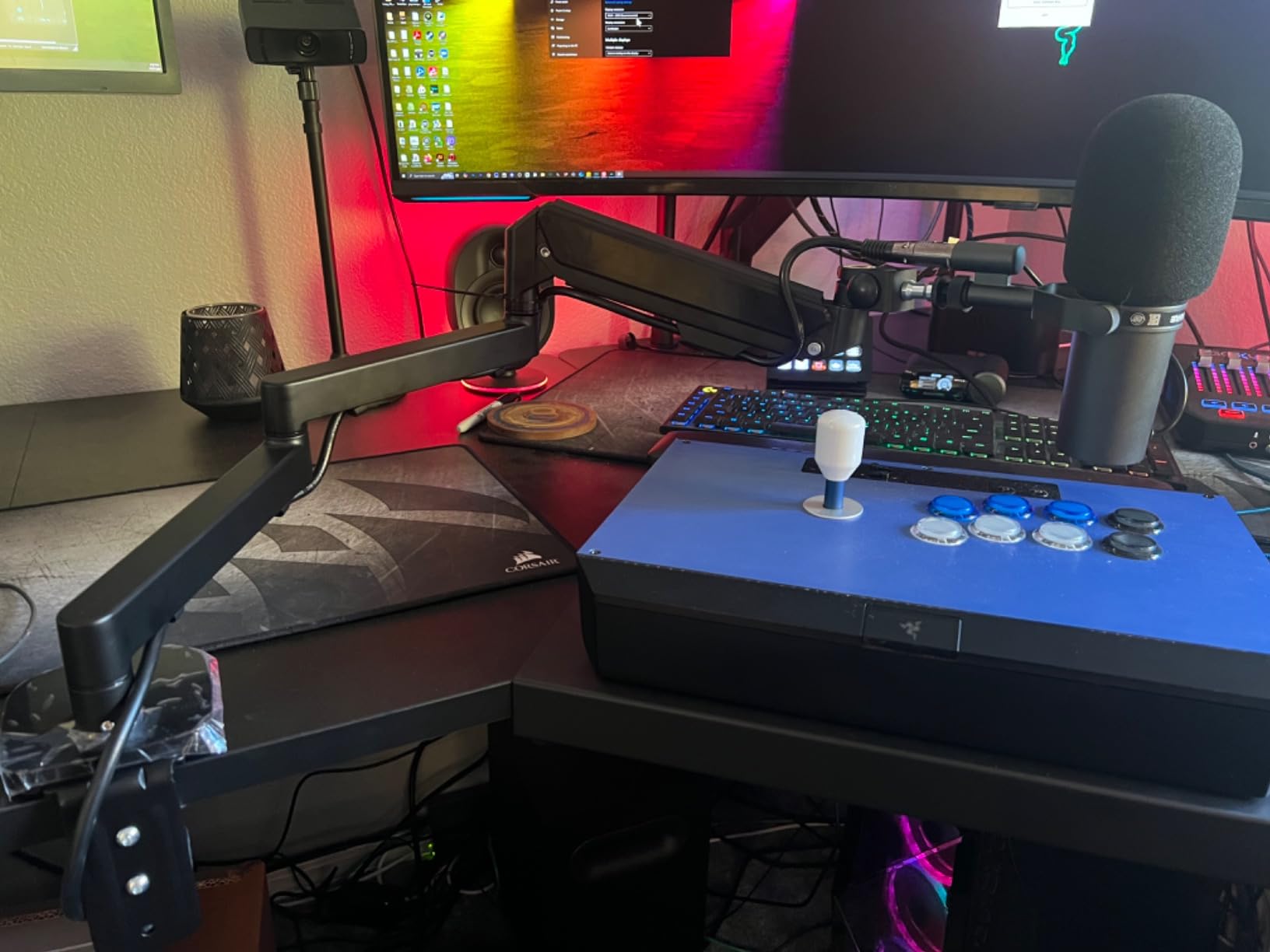
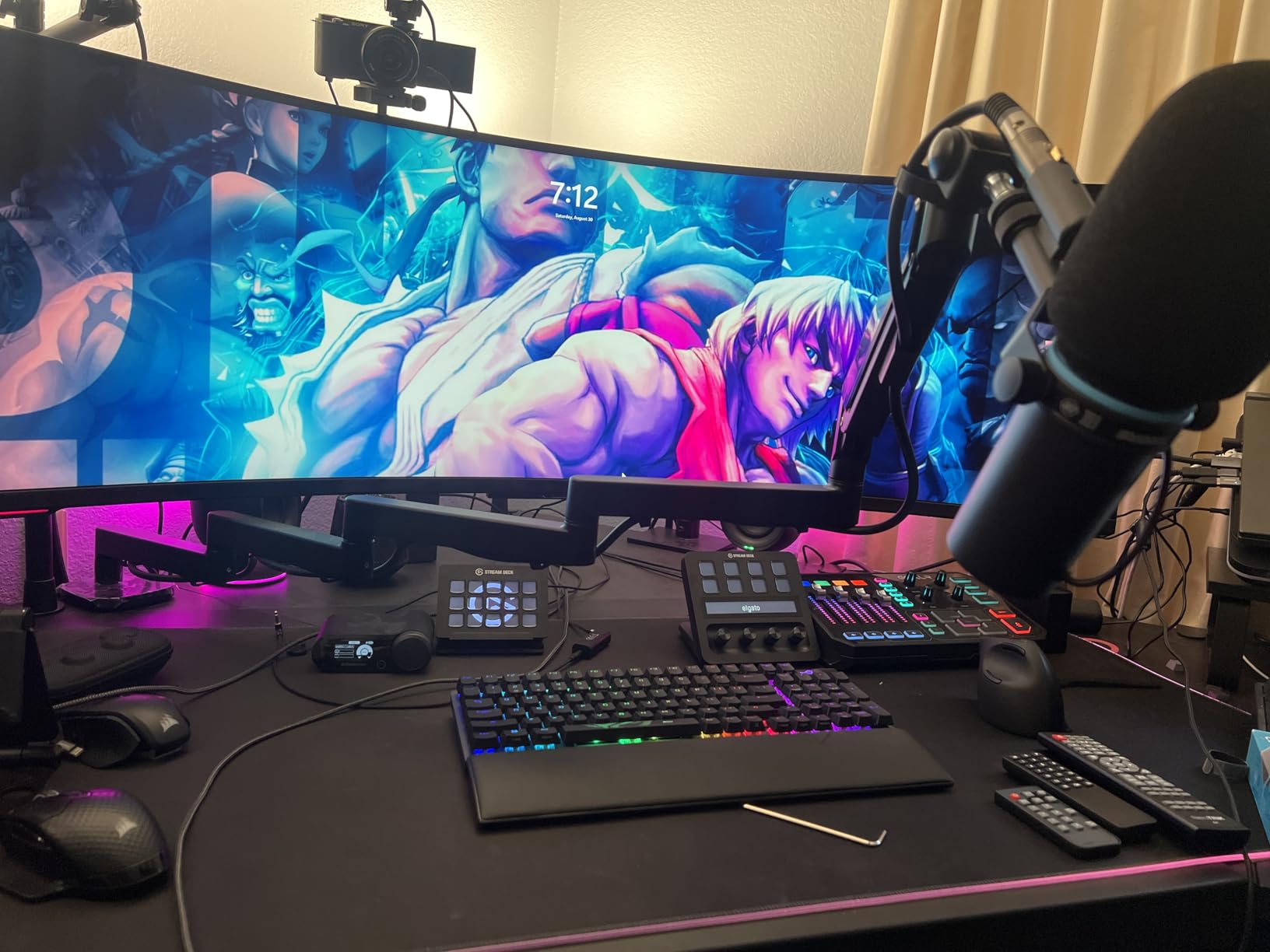
Reach is generous for a low profile arm: 30.2 inches horizontal and 11.9 inches vertical, with 360 degree pan, 360 degree swivel and a 160 degree tilt. The body is CNC-machined aluminum and stainless steel, and the C-clamp uses non-slip pads across a 0.4 to 3.1 inch thickness range, the widest clamp tolerance we tested.
Cable management runs through multiple hidden channels in the arm. Top mounting is a 1/4 inch screw with 1/4 to 3/8 inch and 1/4 to 5/8 inch adapters included, covering a Blue Yeti, HyperX QuadCast, SoloCast, Shure SM7B, MV7 or AT2020 without a separate purchase.
Who the NEEWER MS002 suits
It suits someone recording on a heavy dynamic in a full shock mount who wants an arm that will not budge. A 5.5lb rating leaves real headroom above a 2.6lb microphone and its mount, and the pneumatic balance absorbs the weight so the joint tension stays moderate.
It also suits a desk with an unusually thick or unusually thin top, since the clamp covers 0.4 to 3.1 inches. The included hex keys mean you can tune the damping yourself rather than living with whatever the factory setting produces.
Who the NEEWER MS002 does not suit
It does not suit a light or mobile desk. At 7.1 pounds it is the heaviest arm in this roundup, and that weight concentrates a lot of force on a single clamp point over time.
It also does not suit someone who wants a rigid arm that stays locked. Reviewers note the joint tension can be tuned but never fully locked, so the arm always retains some movement, and the pneumatic rebound can snap the arm back toward you if you adjust it face-first.
6. Aokeo AK-58i – Best Low-Profile Stability for Streamers
Microphone Arm,Aokeo AK-58i Desk Low Profile Mic Boom Arm Stand,Suitable For Blue Yeti,Snowball iCE,HyperX QuadCast,SoloCast,Elgato Wave,Etc
2kg load capacity
Low centre of gravity
Both arms rotate 360 degrees
1/4 3/8 and 5/8 inch adaptors
Pros
- 4.7 average rating
- the joint highest in this roundup
- Low centre of gravity keeps the mic steady under handling
- Both arms rotate 360 degrees with a 180 degree vertical swing
- Underside of the arm doubles as a cable holder
- Includes 3/8 to 1/4 and 3/8 to 5/8 inch adapters
Cons
- Clamp only fits tabletops under 7cm thick
- No item weight or dimensions published in the listing
- Fewer customer images than other listings here
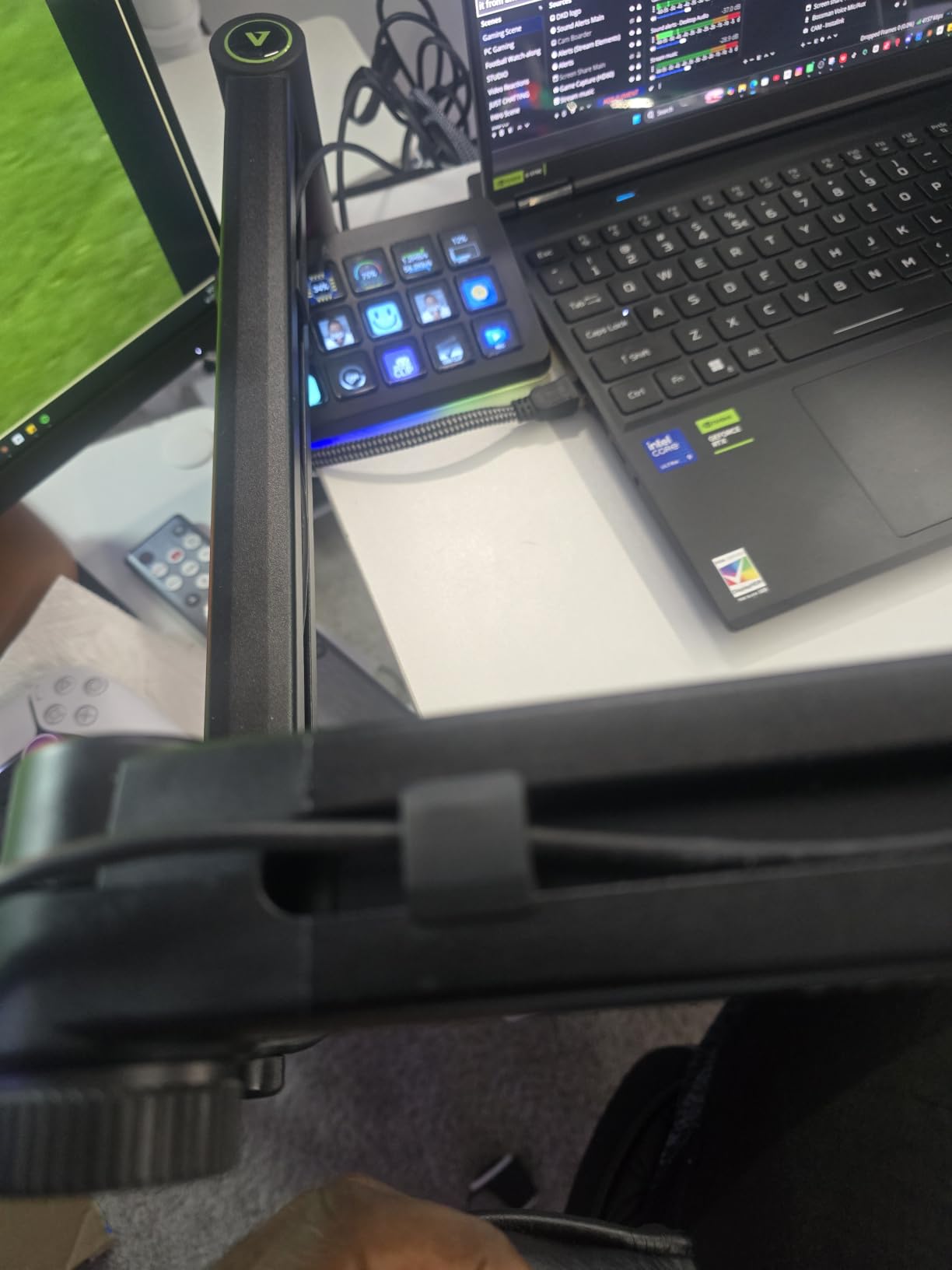
The Aokeo AK-58i is the best low-profile arm for streamers because the weight sits close to the desk rather than high on a column. That low centre of gravity is why it stopped shaking when we repositioned it, and it carries up to 2kg.
Both arms rotate 360 degrees, and the microphone end adds a 180 degree vertical swing on top of that. In practice that means you can pull the mic around the side of a monitor and still tilt it to whatever angle your mouth sits at, which most low profile arms cannot do.
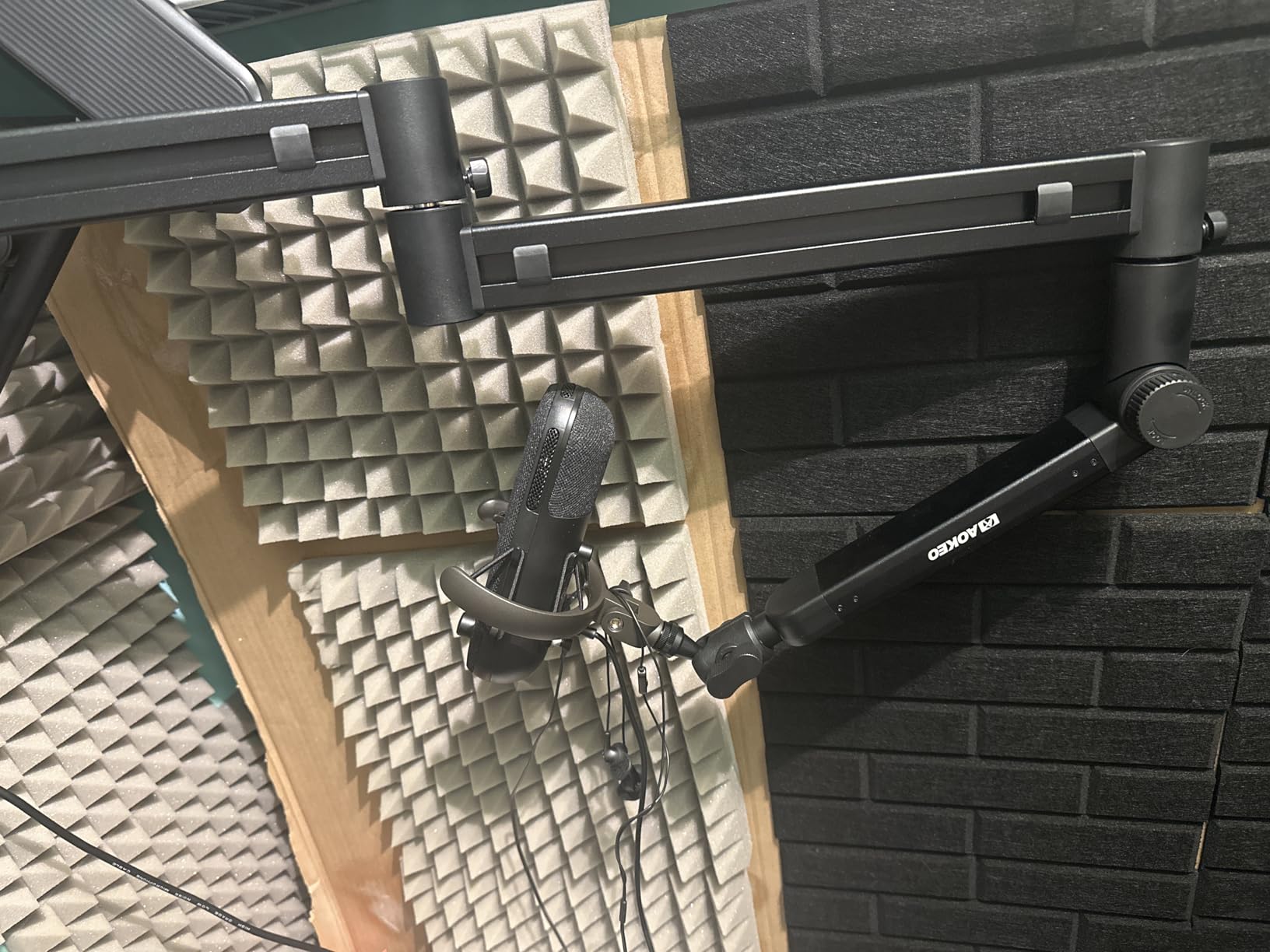
The underside of the arm doubles as a cable holder, so the microphone cable runs along the bottom channel instead of hanging toward the desk. Adapters for 3/8 to 1/4 inch and 3/8 to 5/8 inch thread sizes are included, which covers a wide range of USB condensers and dynamics without a separate order.
Buyers point to the low profile stability and the integrated cable hiding as the two reasons to choose it over a conventional overhead arm. Its 4.7 rating is joint highest in this roundup across 727 ratings, and a one year after-sales service period is listed.
Who the Aokeo AK-58i suits
It suits a streamer who records video and cannot have the arm crossing the frame. It extends across the bottom of the screen, out of shot, and the low profile keeps the mic close to the desk where the camera rarely looks.
It also suits anyone who fidgets with the mic while talking. A low centre of gravity resists the small movements that would otherwise transmit into the capsule as a knock, and the 2kg rating covers a mid-weight dynamic or a large USB condenser.
Who the Aokeo AK-58i does not suit
It does not suit a thick desk. The clamp only fits tabletops under 7cm, roughly 2.75 inches, so a solid timber top can fall outside the range depending on its actual thickness.
Buy it knowing the spec listing is thin. No item weight or dimensions are published for this model, and the manufacturer part number in the listing reads AK-59 rather than AK-58i, so treat the dimensions as approximate and measure your desk first.
7. FIFINE BM88 – Best for Hidden Cable Routing Under a Monitor
FIFINE BM88 Low Profile Microphone Boom Arm Stand for Gaming Streaming
All metal body
29 inch reach
Hidden cable management
1/4 3/8 and 5/8 inch adaptors
Pros
- All metal construction with a tight C-clamp that stays put
- Hidden internal cable management keeps USB and XLR runs tidy
- Extends to 29 inches with 220 degree vertical and 360 degree horizontal adjustment
- Includes 1/4 3/8 and 5/8 inch thread adapters
- Rotatable ball head and hex wrench included
Cons
- 29 inch reach can fall short on a very wide desk
- Clamp screw is awkward to reach against a wall
- The section nearest the clamp cannot move vertically
- Not spring damped so bumps register as arm noise
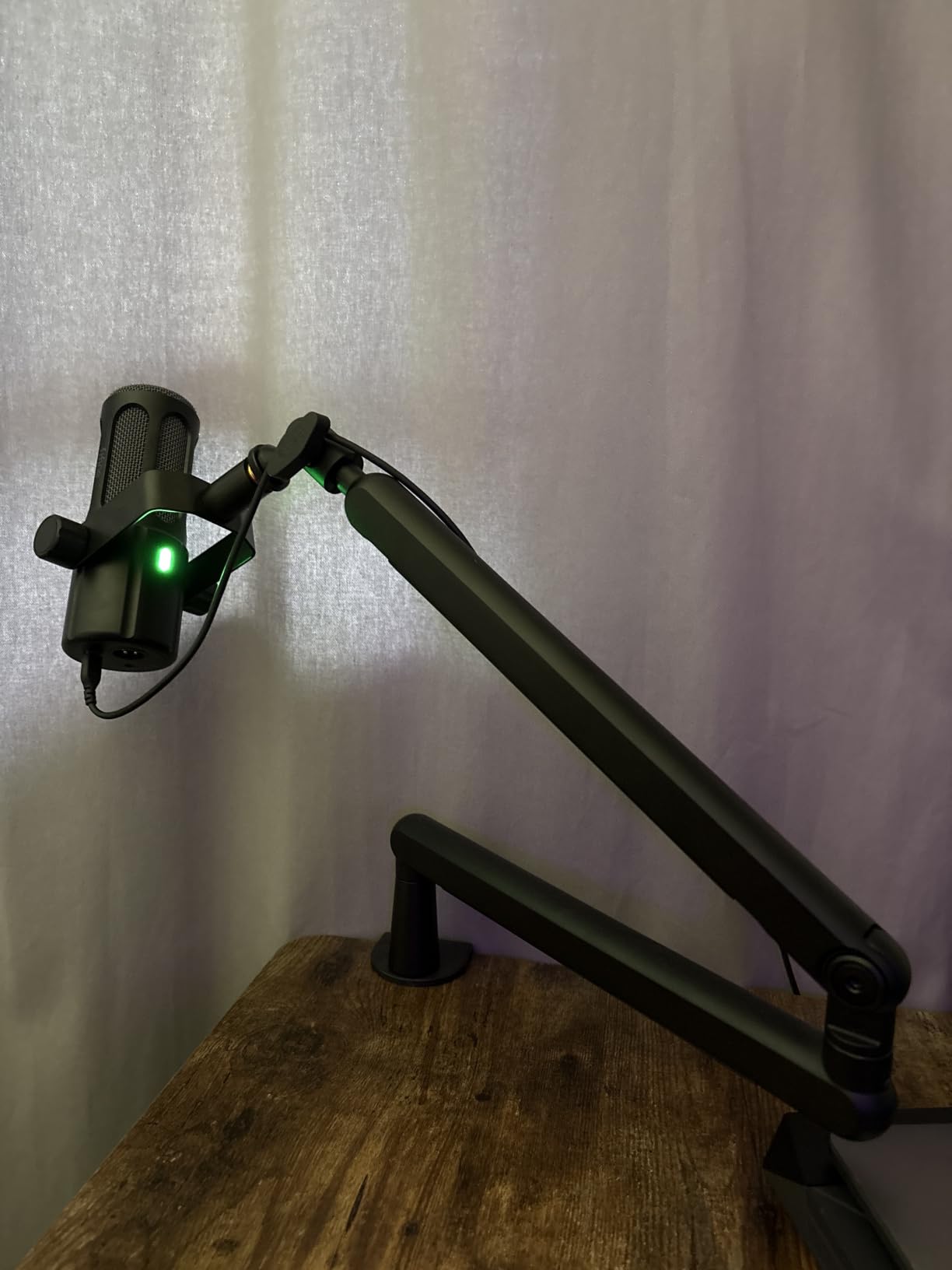
The FIFINE BM88 is the best boom arm for cable routing because the management is internal rather than a clip-on strip. The cable runs inside the arm, and it extends from beneath a monitor without pushing it up or blocking the lower edge of the screen.
It is an all-metal arm at 1300g with a 29 inch extension, 220 degrees of vertical adjustment and 360 degrees horizontal. That vertical range is unusually wide for a low profile arm, and it let us place the mic at mouth height with the monitor still at standard desk height.
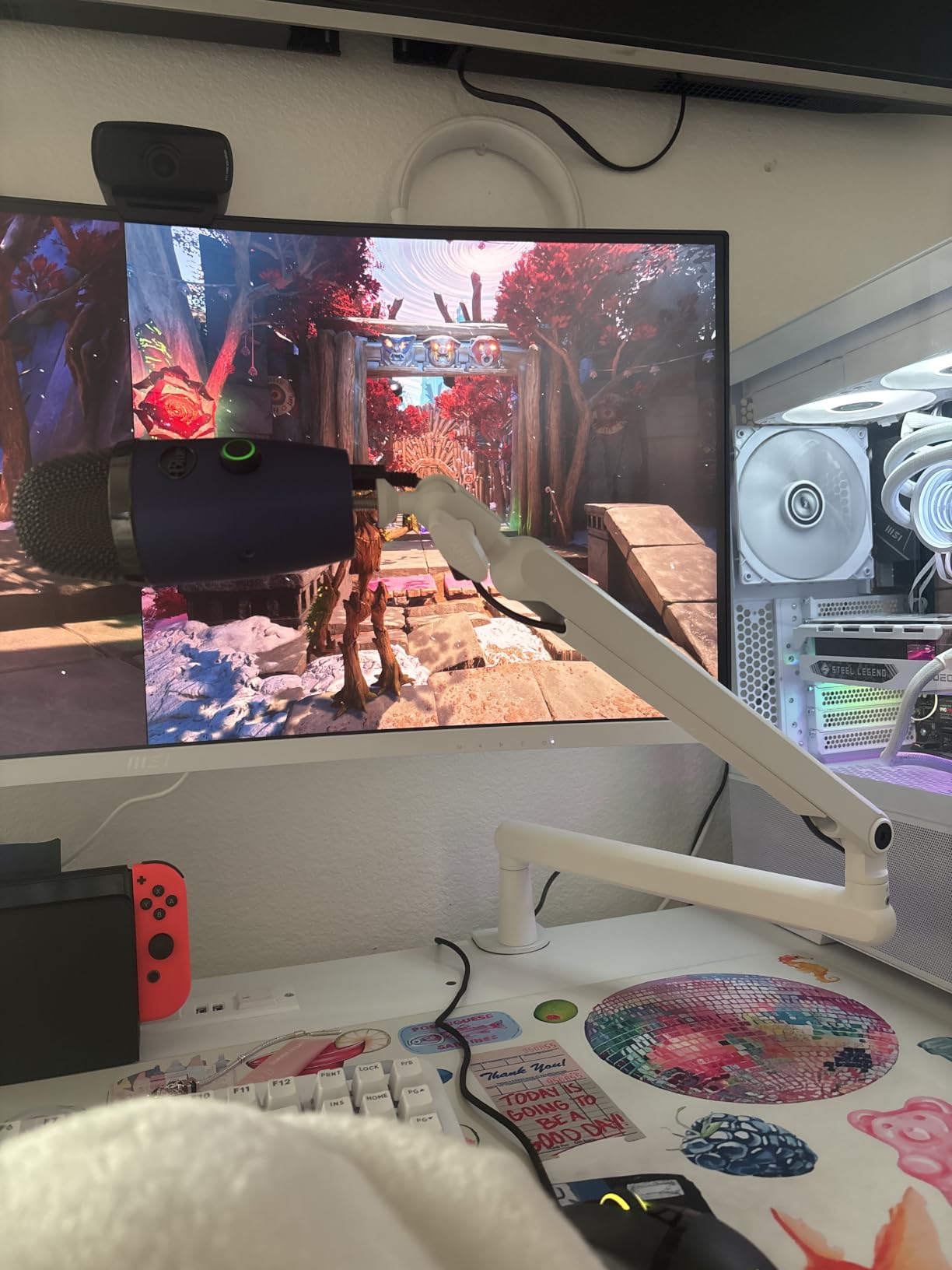
The box includes the arm, a desk clamp, a rotatable ball head, a hex wrench, a user manual and adapters for 1/4 inch, 3/8 inch and 5/8 inch threads. That adapter spread is among the broadest in this roundup, so it fits almost any USB condenser or dynamic you already own.
Reviewers repeatedly highlight the heavy all-metal build, the hidden cable management and the low profile footprint. At 4.5 across more than 5,000 ratings it is among the most reviewed arms in this roundup.
Who the FIFINE BM88 suits
It suits a podcaster who records over a USB microphone and hates cables across the desk. USB and XLR runs disappear into the arm, and the 360 degree horizontal movement lets you sweep it out of the way when you are not recording.
It also suits a streamer on a small desk. Extending from the bottom of the monitor without obstructing the view is the specific design goal, and the wide vertical range means you rarely need a separate riser.
Who the FIFINE BM88 does not suit
It does not suit a very wide desk. Twenty-nine inches of reach can fall short of a seated speaker on a large workstation, and there is no extension riser in the box to close that gap.
It is also awkward in a tight installation. The clamp tightening screw sits at the rear, which is hard to reach when the desk is against a wall, and the section nearest the clamp cannot be adjusted up and down, so your height options are limited by where you clamp.
8. Sensic SA-30 – Best for Reaching Over a Tall Monitor
Sensic SA-30 Microphone Boom Arm, 360° Rotatable Mic Stand with 6 inch riser, Microphone Holder with 1/4″, 3/8″ and 5/8″ Adapters, Professional Microphone Arm with Accessories, Mic Boom Arm Black
1000g load rating
85cm maximum height
6 inch riser included
Cable hideaway channel
Pros
- 85cm maximum height reaches over tall monitors
- 6 inch riser included for behind-monitor placement
- Adjustable screws under the middle joint tension the arm against drift
- Cable hideaway channel along the top of the arm
- Stainless steel and aluminum with smooth quiet movement
Cons
- Can spring back toward full extension away from vertical
- Needs tension adjustment after first setup with a heavier mic
- The base section has been reported as fragile
- Base articulation is limited in a tight desk space
The Sensic SA-30 is the best boom arm for a tall monitor setup because it reaches 85cm and includes a 6 inch riser in the box. If your screen sits high and the mic cannot get around it, the riser plus the long arm is the combination that gets you there.
The build mixes stainless steel and aluminum with well-fitted machined tolerances, and reviewers single out smooth repositioning resistance with no noticeable noise during movement. The top of the arm has a cable hideaway channel with enough room for an XLR cable to flex without being pinched.
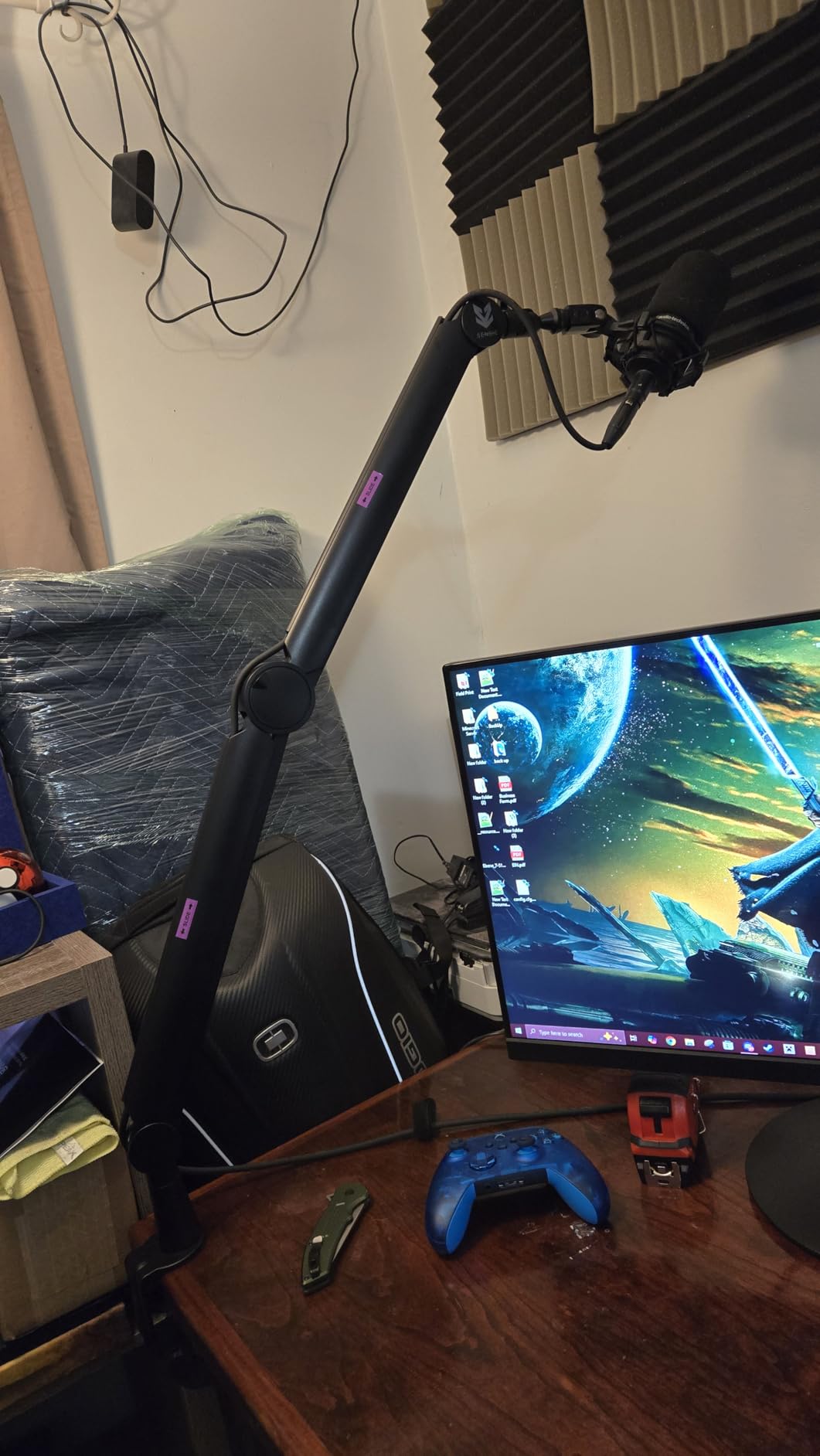
Drift control comes from adjustable screws under the middle joint rather than from a spring system. You tighten until the arm holds at your chosen height, which works well once set, but it is a manual procedure you may need to repeat when you swap microphones.
It also includes a 1/4 inch DSLR screw, a 3/8 to 5/8 inch adapter, the microphone clip, and both a table clamp and a grommet mount. The grommet option is the stronger choice on a desk you own, and the stated mounting surface is rated to 1000g.
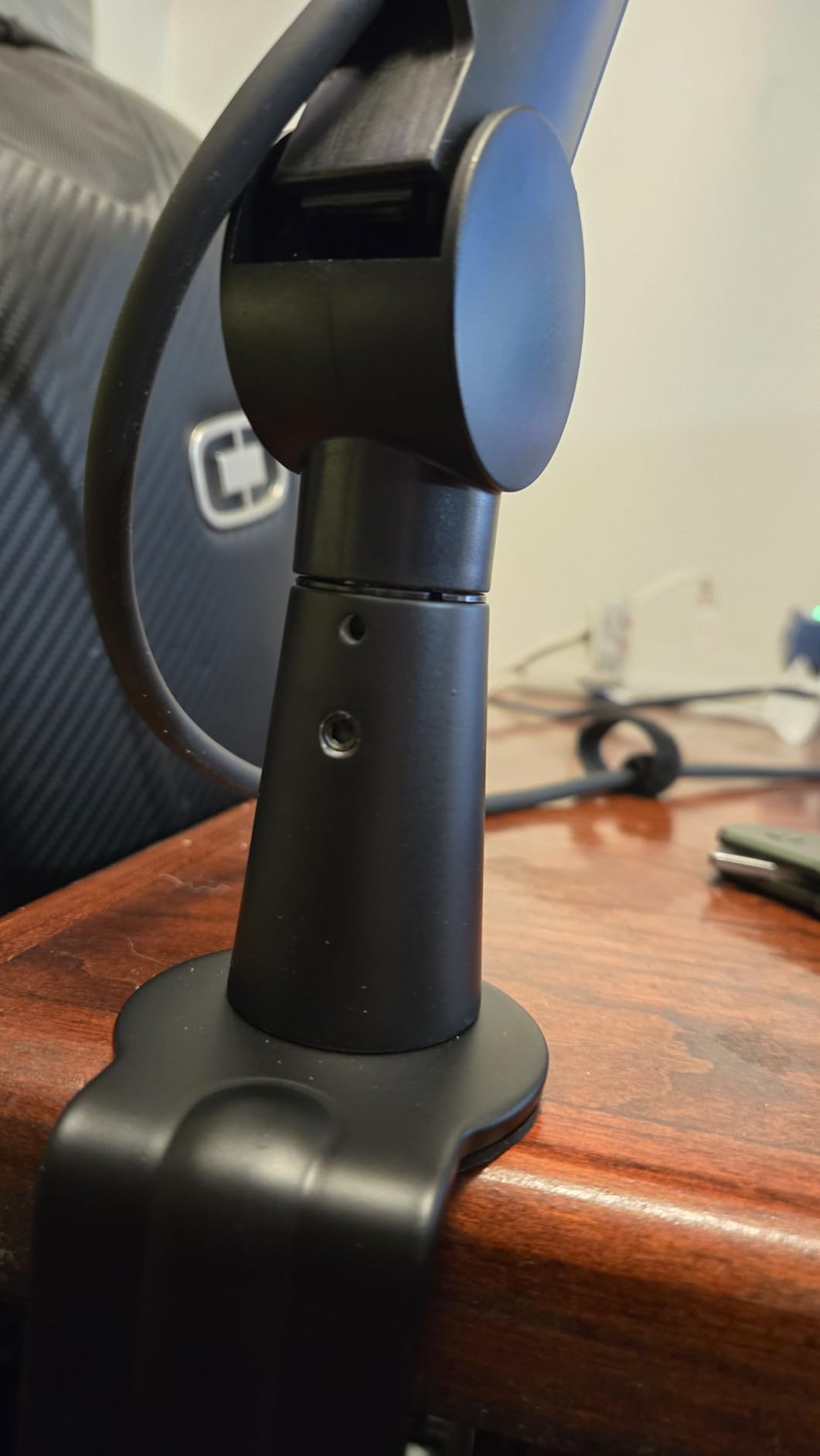
Who the Sensic SA-30 suits
It suits a podcaster on a raised desk with a 24 inch or larger monitor who needs the mic to sit high and forward. The included riser means you do not have to hunt for a matching extension, and the arm folds for transport between locations.
It also suits someone who records with a camera mounted above the desk. The 1/4 inch DSLR screw and the stabilization behavior, where the microphone keeps its angle when the arm moves, are both aimed at that setup.
Who the Sensic SA-30 does not suit
It does not suit a light USB condenser where simplicity matters. The 1000g rating is the lowest of the long-reach arms here, and the arm can spring back toward full extension in positions other than perfectly vertical, which means it needs watching during a session.
It also has tight base articulation, which is awkward in a cramped desk space, and with a 24 inch or larger monitor clamping at the back limits how far forward you can pull the microphone. Some users have also reported the section that slides into the base as fragile.
9. IXTECH VALIANT – Best for Moving the Arm While Recording
IXTECH Premium Microphone Boom Arm with Desk Mount, 360° Rotatable, Fully Adjustable, for Podcast, Video, Gaming, Radio, Studio, Recording, Sturdy and Universal VALIANT Model
1kg dual spring support
5.9 inch extension riser
360 degree rotation
C-clamp and grommet mount
Pros
- Stabilization system holds the mic angle while the arm moves
- 5.9 inch extension riser included for high monitors
- Dual suspension springs support 1kg without rattling
- C-clamp plus optional grommet mounting
- Clip-on cable management holder
Cons
- Ball joint and mic end nut are plastic
- Cable covers are fragile snap pieces
- C-clamp can sit loose on thinner desk edges
- Extension riser uses a single small set screw
- Only a 90 day warranty
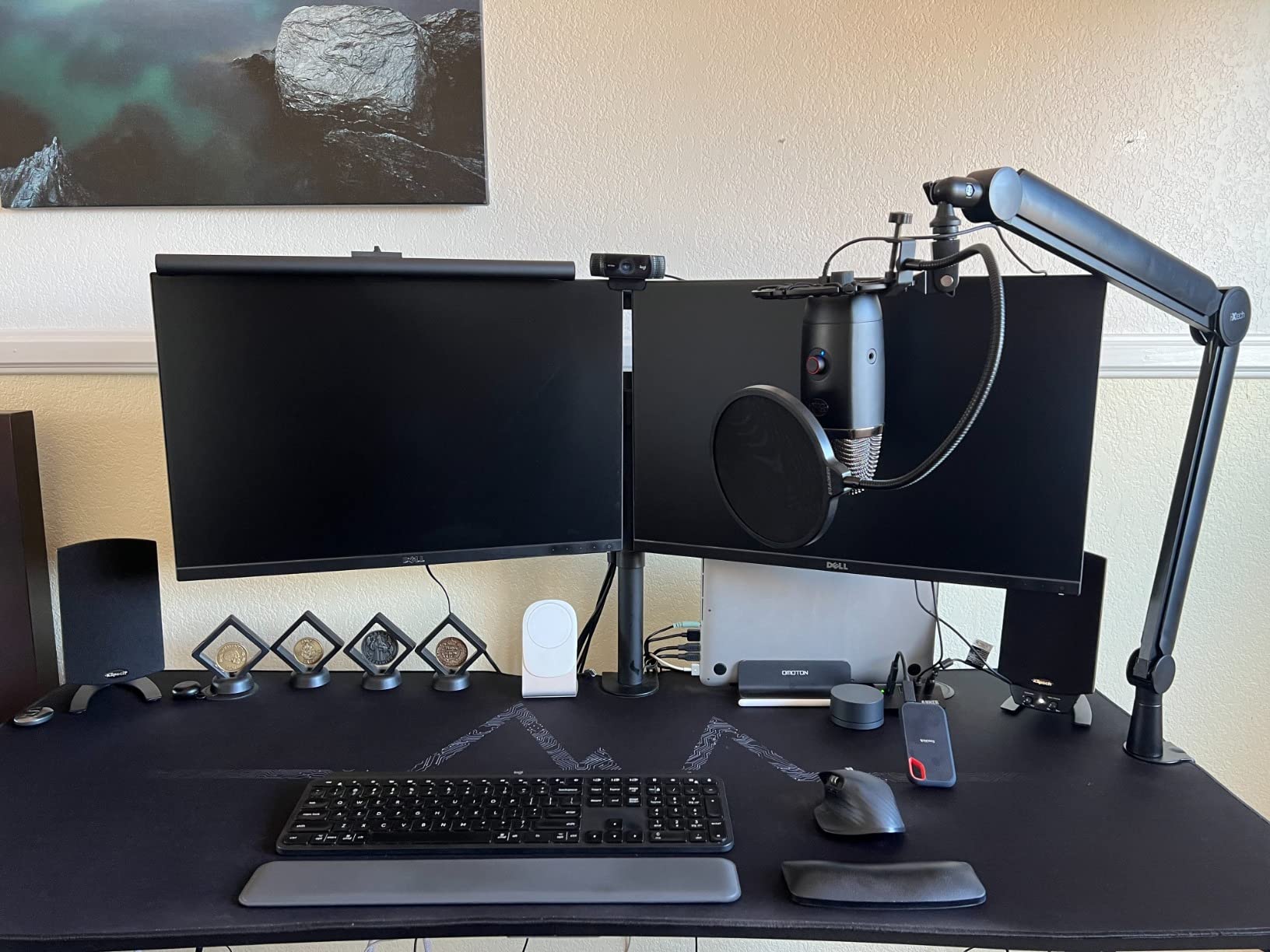
The IXTECH VALIANT is the best boom arm for moving the microphone while recording because its stabilization system is built to hold the mic angle through a reposition. We swung it from side to side mid-sentence and the capsule orientation stayed fixed, which is the specific promise this arm makes.
The main arm is 25.5 inches with a 5.9 inch extension bar that adds height over a tall monitor, and it rotates 360 degrees. Dual suspension springs support up to 2.2lb, or 1kg, and users report it holding SM4-class and heavier microphones without creeping.
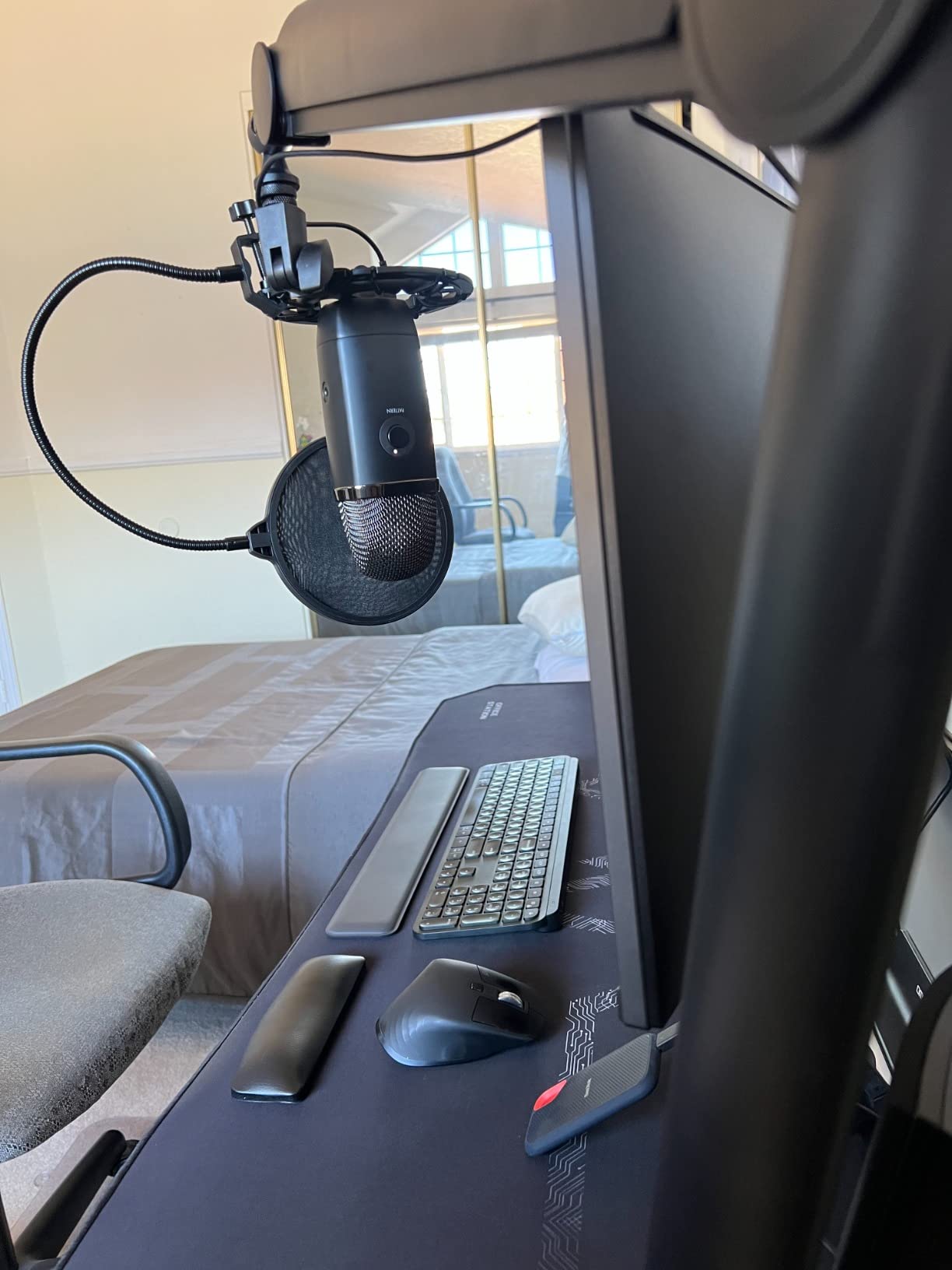
Mounting is flexible. The C-clamp handles a rental or existing desk, and an optional grommet piece lets you run the arm through a drilled desktop for a permanent install. A clip-on cable management holder keeps the desk clear, and the arm folds away for storage.
Thread compatibility covers 5/8 inch and 3/8 inch sizing for shock mounts and streaming accessories. It is a genuinely practical design for someone who reads copy and changes mic distance while narrating, which is a workflow the spring arms handle less predictably.
Who the IXTECH VALIANT suits
It suits a narrator or voice actor who changes mic distance mid-read. The stabilization system is the reason this arm exists, and reviewers consistently describe the microphone staying exactly where positioned after months of streaming.
It suits a desk setup with a monitor that needs clearing, since the extension riser is in the box. Reach plus riser gets the microphone above and in front of a tall screen without buying a second part.
Who the IXTECH VALIANT does not suit
It does not suit someone who wants a metal build at the joints. The ball joint and the tightening nut at the microphone end are plastic, which is the highest-stress point on the whole arm, and the cable covers are fragile snap pieces that can crack if forced.
Warranty coverage is only 90 days, the shortest of any arm in this roundup, and on thinner desk edges the C-clamp can sit loose with rubber pads that wear apart. The extension riser also relies on a single small set screw, which can develop a slight lean.
10. FIFINE BM63 – Best for Enclosed Springs and Heavy Loads Under 2kg
FIFINE BM63 Heavy Duty Suspension Scissor Microphone Boom Arm for Podcast
2kg load capacity
Enclosed spring design
180 and 135 degree adjustment
Folds flat
Pros
- Multi-reinforced metal build rated to 2kg
- No exposed springs to catch hair or collect dust
- Keeps the mic away from the desk to reduce low frequency vibration
- 180 degree vertical and 135 degree horizontal adjustment
- Three velcro cable ties included and folds flat
Cons
- Very stiff and needs real force to reposition
- Lower vertical range than a conventional spring arm
- Plastic fastener at the mic rod can crack with frequent readjustment
- Clamp pad can smear or pick at wood desks
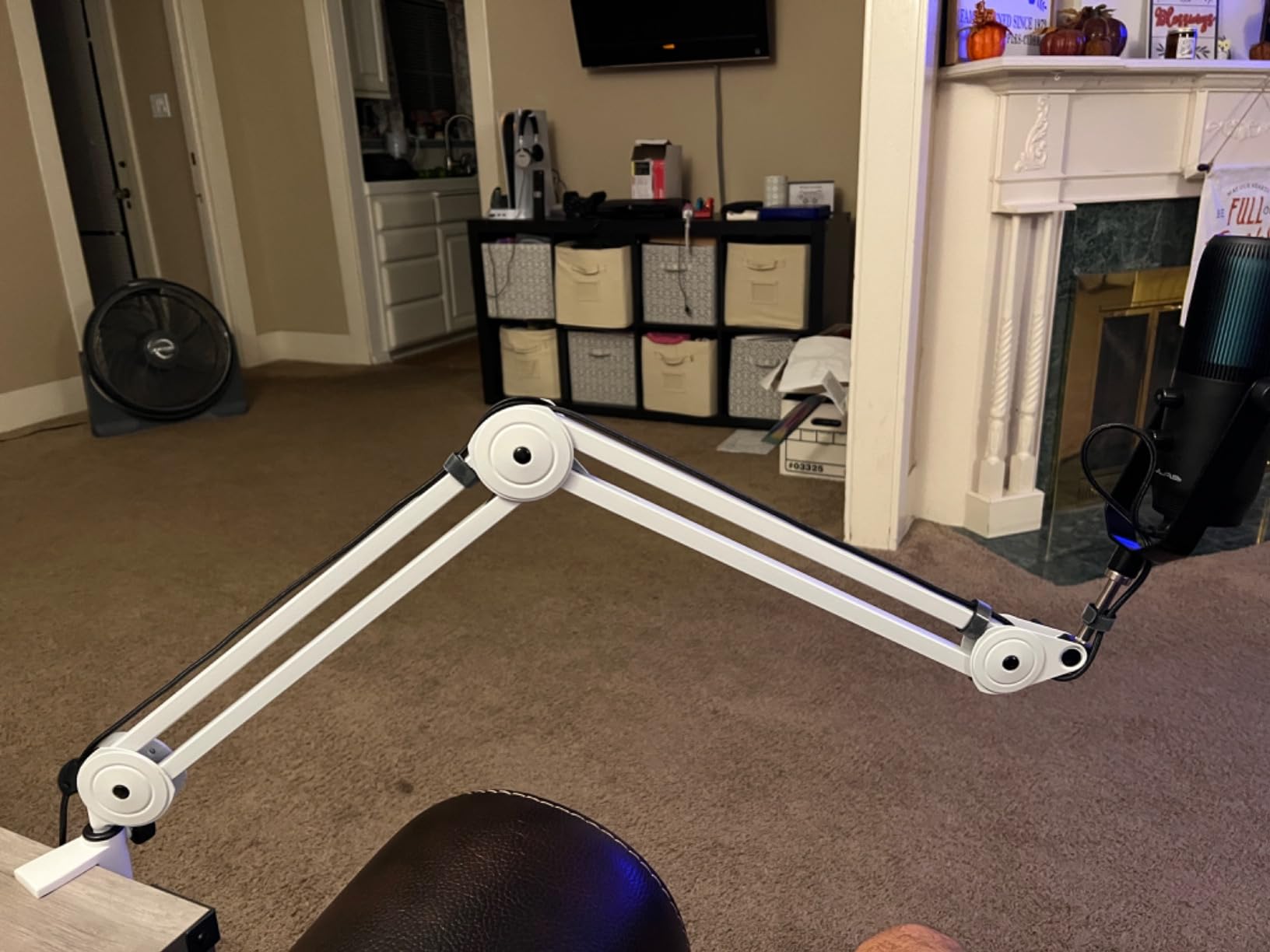
The FIFINE BM63 is the best boom arm for a cluttered or shared studio space because there are no exposed springs to catch hair or collect dust. The scissor-style metal tube is multi-reinforced and rated to 2kg, which covers a full-size dynamic with a shock mount attached.
Adjustment covers 180 degrees vertically and 135 degrees horizontally, and the arm folds flat when you are done. The listed maximum height is 42 centimeters, so this is a desk-level arm rather than something that reaches over a tall monitor.
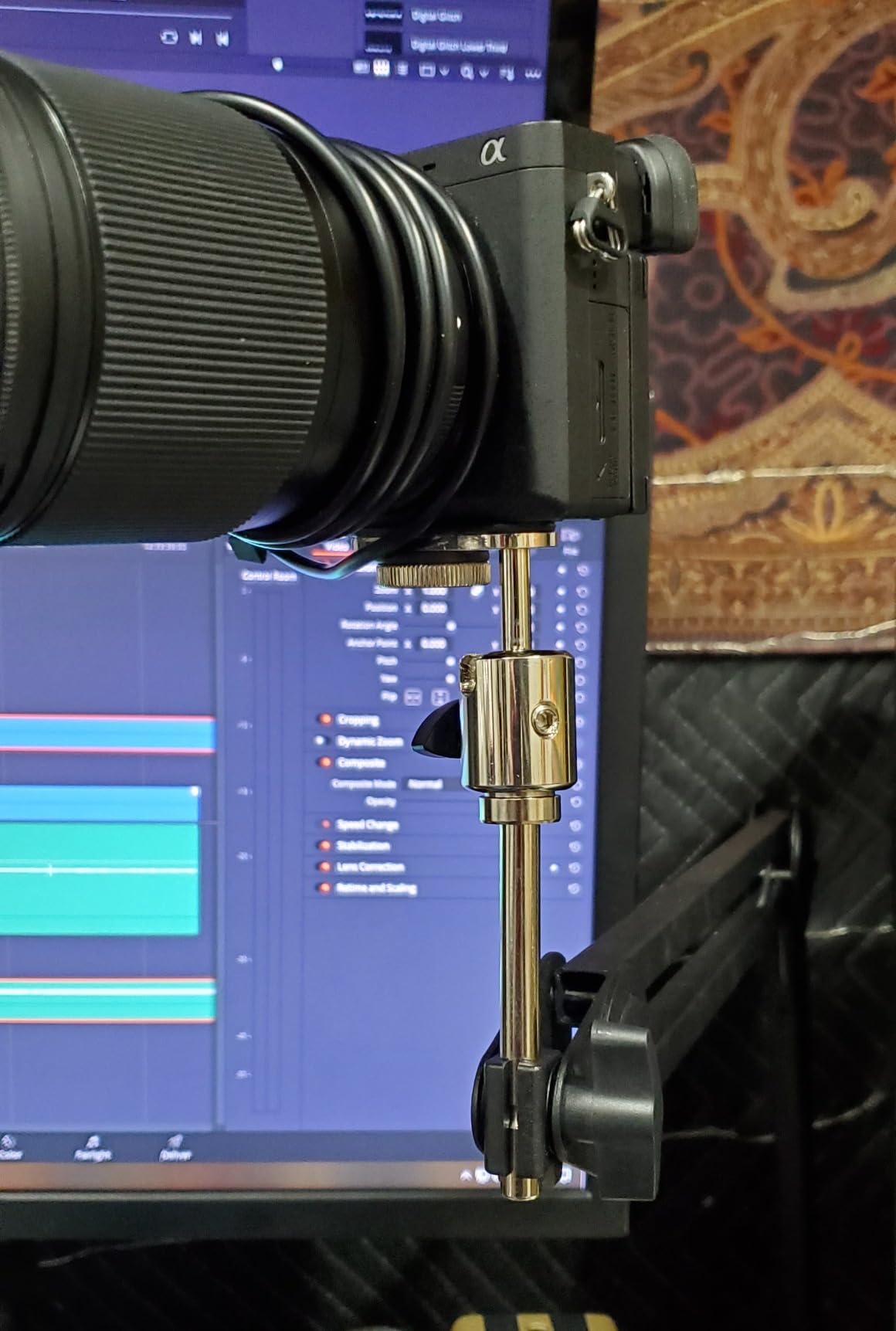
The spacing between the microphone and the desk is deliberate. Holding the mic further from the surface reduces low frequency vibration pickup, which matters on a hollow desk that thumps when you type or tap the arm, and the quiet solid feel is the most common thing owners mention.
Three velcro cable ties are included for routing, and the universal 5/8 inch screw works with FIFINE K658, K688, A8 and most other microphones. A one year warranty is listed, which is typical for this tier.
Who the FIFINE BM63 suits
It suits a podcaster who wants a heavier feel and a clean look. The enclosed construction looks tidier on camera than an exposed-spring arm, and the 2kg rating covers a full-size dynamic with a shock mount.
It also suits anyone on a hollow or shared desk. The distance this arm keeps between the microphone and the surface is a real advantage for reducing low frequency vibration pickup during typing.
Who the FIFINE BM63 does not suit
It does not suit someone who repositions frequently. The arm is very stiff and needs real force to open or move, and the vertical adjustment range is lower than a conventional spring arm, so the mic ends up in fewer reachable positions.
There is also a durability caveat at the microphone end. The plastic fastener joining the mic rod to the arm can crack under frequent readjustment, and the clamp pad has been reported to smear or pick at wood desk surfaces, so put a barrier layer under it if your desktop is finished timber.
11. FIFINE CS1 – Best for Travel and Folding Storage
FIFINE CS1 Scissor Microphone Boom Arm Stand for Gaming Recording
Metal C-clamp to 2 inch desks
180 degree rotation
Folds for transport
500g build weight
Pros
- Upgraded metal clamp with anti-scratch pad fits desks to 2 inches
- Fixed knob stops the swing arm drifting after locking
- Strong elastic springs resist shaking when the desk is bumped
- 180 degree rotation and a foldable design
- Includes a 5/8 to 3/8 inch adapter
Cons
- Short total reach with a 13 inch maximum height
- No side-to-side swivel at the microphone end
- Springs creak out of the box before break-in
- Hollow arm can resonate with a heavier broadcast mic
- Knobs need frequent re-tightening
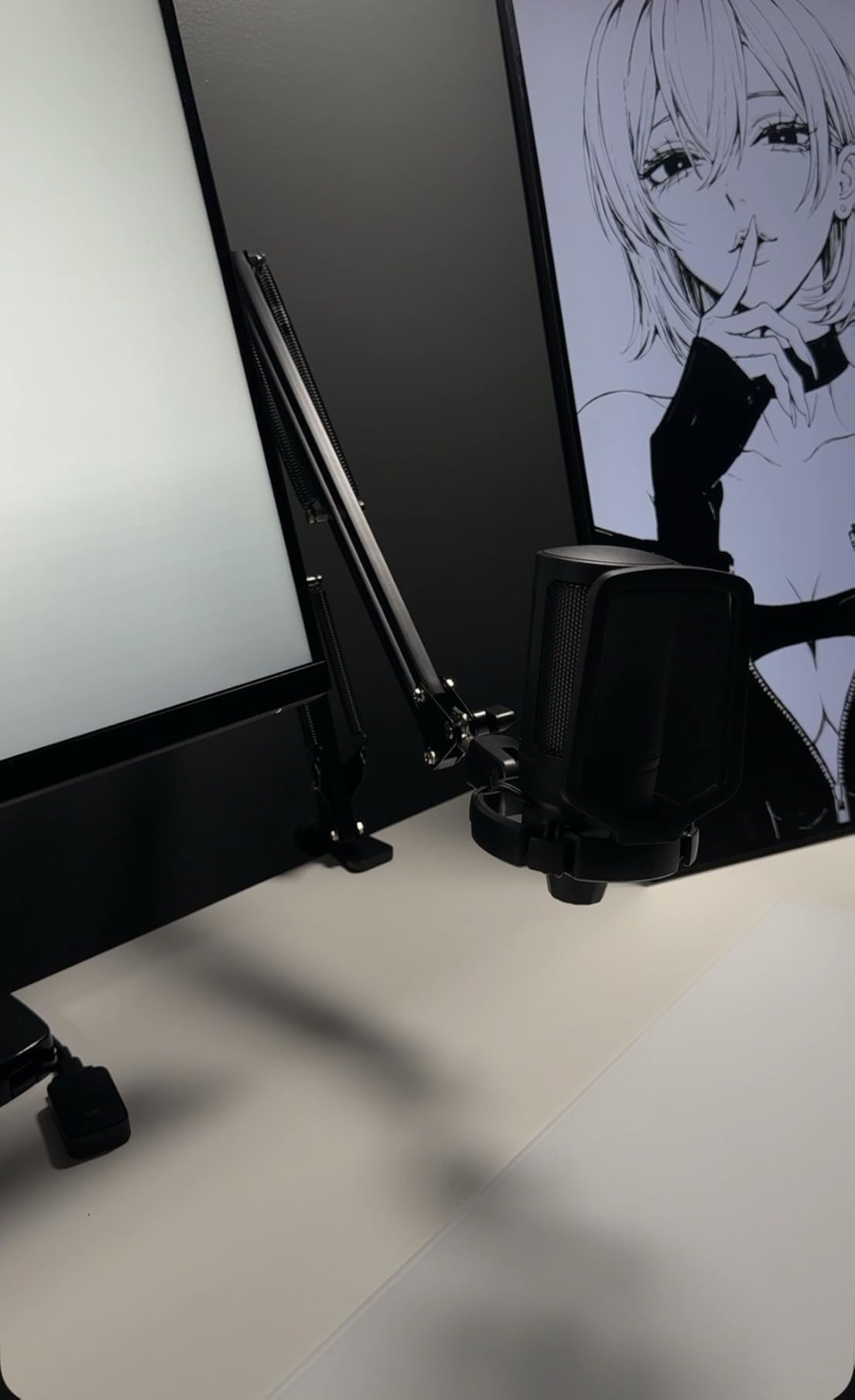
The FIFINE CS1 is the best boom arm for travel because it folds flat and weighs 500g. It is the one arm here we would put in a bag for on-location work, and it sets up in under a minute.
The metal desk clamp has an anti-scratch pad and a wider mouth that fits desktops up to 2 inches thick, and a fixed knob on the clamp stops the swing arm drifting once you have locked it. That lock knob is a small detail that makes a real difference in a portable workflow.
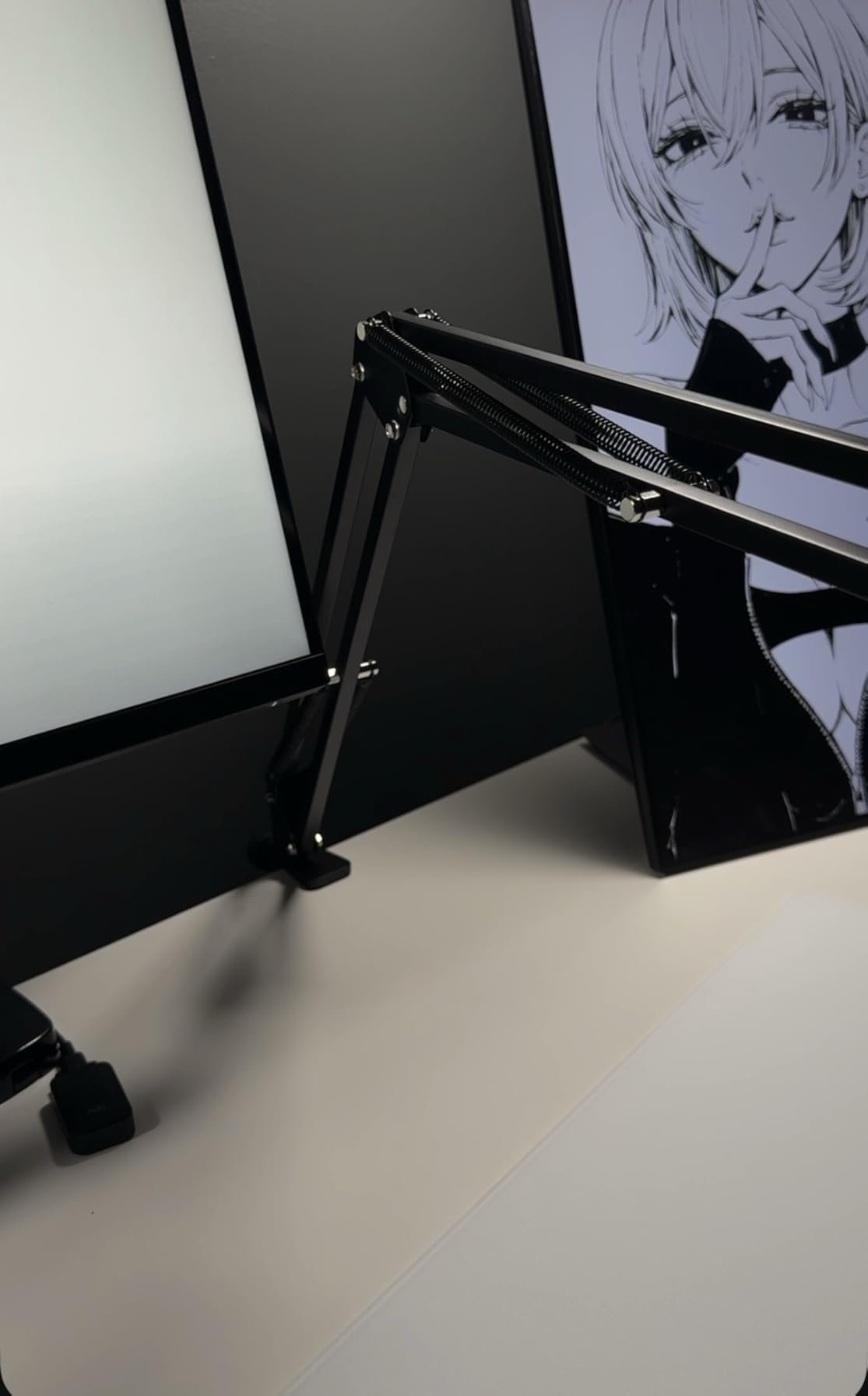
Springs are strong enough that a bumped desk does not send the microphone into a wobble, and the build feels more solid than entry-level arms usually do. A 5/8 to 3/8 inch adapter is included, covering most popular USB condenser and dynamic microphones.
The adjustment range is 180 degrees up and down with a wide extension for the reach it has. Owners treat this as a dependable entry-level spring arm, and the most common criticisms are limited reach, no horizontal swivel at the mic end and creak that settles after break-in.
Who the FIFINE CS1 suits
It suits a mobile recorder or a beginner building a first podcast desk on a small surface. At 500g it is the lightest arm here, and the foldable design means it does not occupy desk space when you are editing or gaming.
It suits anyone with a USB condenser who wants a spring arm without a large footprint. The included adapter covers the common thread sizes, and the clamp tolerance reaches 2 inches of desk thickness.
Who the FIFINE CS1 does not suit
It does not suit a large desk or a heavy broadcast microphone. The maximum height is listed at 13 inches, so the reach is short, and the hollow arm material can resonate and pick up desk movement with a heavier microphone on the end.
There is no side-to-side swivel at the microphone end, so you can only tilt up and down, and the springs are creaky out of the box until they have been worked in. The knobs also need re-tightening fairly often to hold position.
12. SUNMON QuadCast Boom Arm – Best Budget Pick for USB Mics
QuadCast Boom Arm, Mic Arm for Blue Yeti HyperX QuadCast SoloCast Fifine AM8 and Most Microphone, Mic Stand Desk with 3/8″ to 5/8″ Adapter by SUNMON
1.4kg load capacity
Adapter pre-installed
Padded desk clamp to 1.89 inch tops
Dual suspension springs
Pros
- Lowest cost arm here while covering the most common gaming mic mounts
- Dual suspension springs on each boom section
- Pre-installed 3/8 to 5/8 inch adapter suits a QuadCast straight away
- Sponge-padded clamp protects the desktop from scratches
- Broad compatibility list across USB and dynamic mics
Cons
- Compact reach compared with full-size arms
- Lowest rating in this roundup at 4.4
- Exposed springs can transmit desk bump noise
- Reinforced knobs need frequent tightening
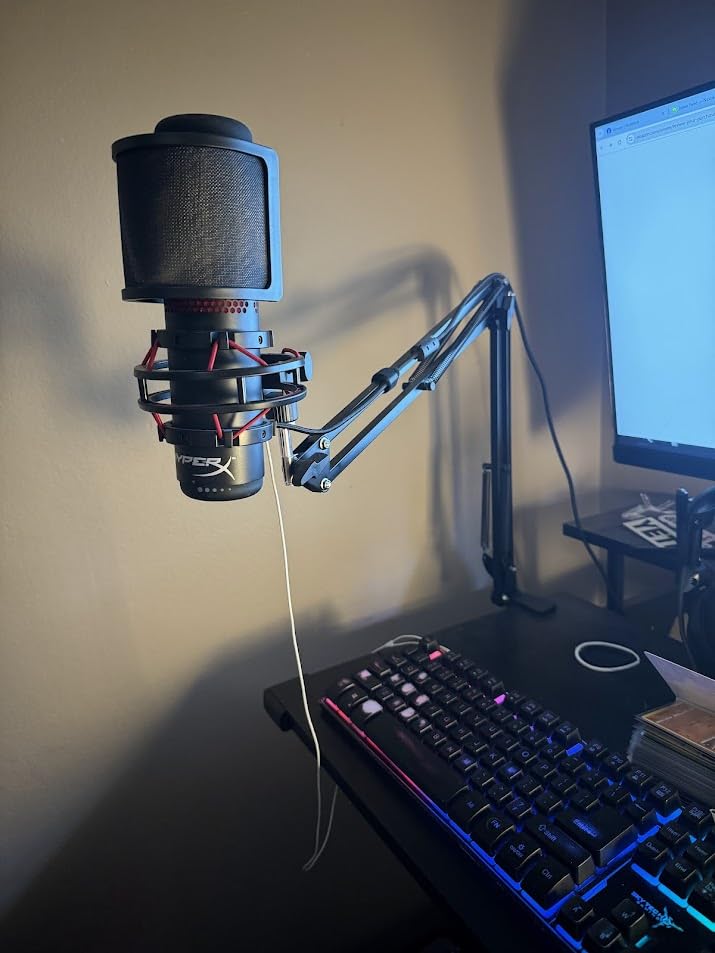
The SUNMON QuadCast Boom Arm is the best budget pick because the 3/8 to 5/8 inch adapter is pre-installed, so a HyperX QuadCast or a Blue Yeti mounts with no extra part. The load rating is 1.4kg in an alloy steel body, which is more than most entry arms manage.
Both boom sections have their own suspension springs, which is what keeps the microphone from shaking or sinking when you move it. The desk clamp has a sponge base that protects the desktop from the side screw, and it grips desktops up to 1.89 inches thick.
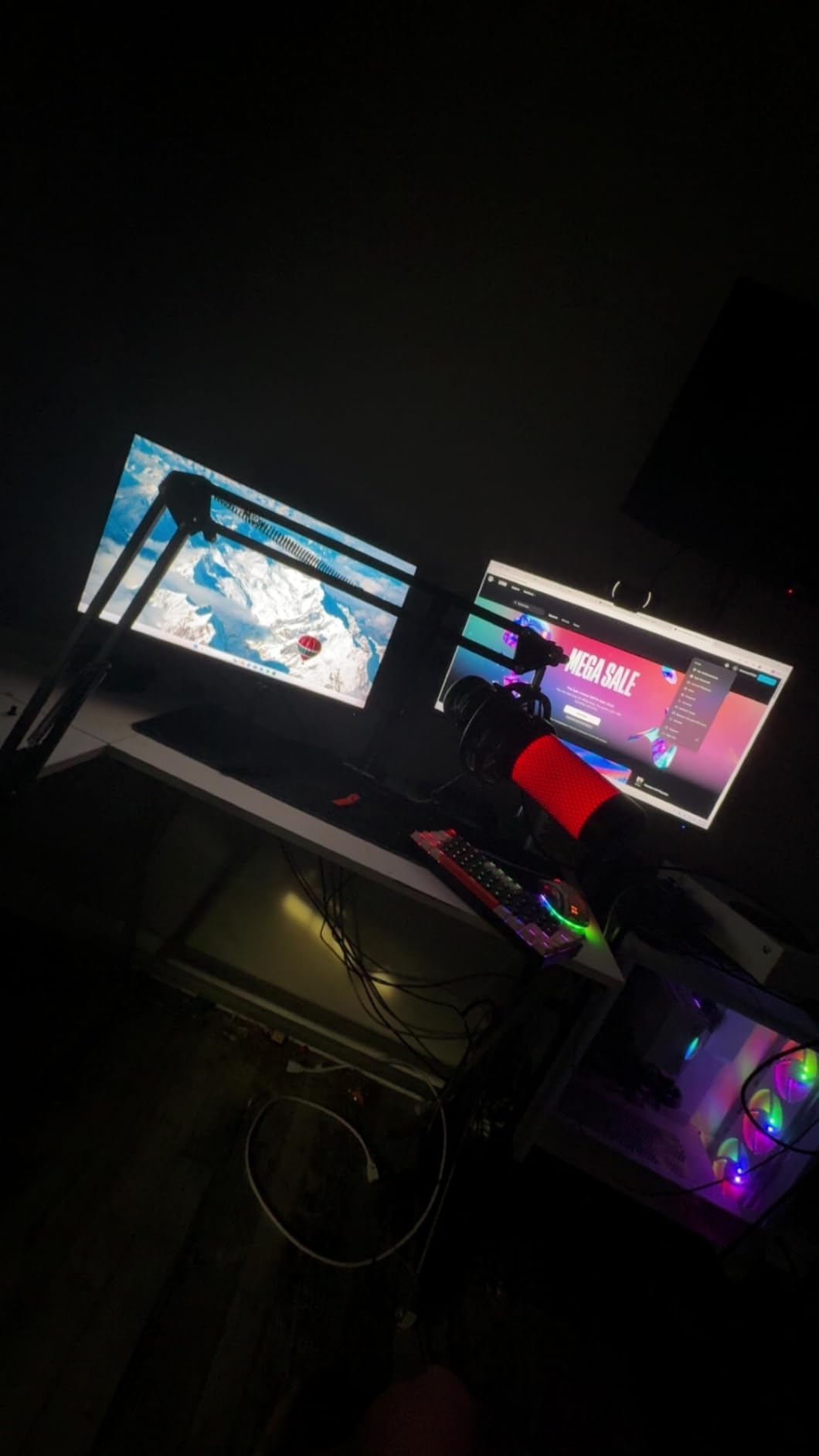
The compatibility list is unusually long for a budget arm: Blue Yeti, Blue Snowball, HyperX SoloCast, Shure MV7, Shure SM7B, Fifine K688 and AM8, Rode and Razer Mini. The whole arm weighs 0.53kg, so it is not going to strain a light desk either.
What you trade for the low cost is refinement. This arm has the lowest average rating in the roundup at 4.4 out of 5, its exposed springs can transmit desk bump noise during recording, and the reinforced knobs need frequent tightening to keep the position you set.
Who the SUNMON QuadCast Boom Arm suits
It suits a streamer starting out with a HyperX QuadCast or a Blue Yeti who wants a proper clamp arm without spending much. Because the adapter is already fitted, there is nothing to look up and nothing to buy before you can record.
It suits a renter. The clamp mounts to a desk edge with no drilling and no adhesive pad, and the sponge base means tightening the screw will not mark a finished surface.
Who the SUNMON QuadCast Boom Arm does not suit
It does not suit a large desk. The arm is compact, with a listed maximum height of 5 centimeters in the specification data, so it is a short-arm desk clamp rather than something that reaches across a wide workstation.
It is not the quietest option either. Exposed springs carry desk bump noise straight to the microphone, and reviewers note the knobs need occasional attention to keep the position, which is the same failure pattern that shows up on other arms in this range.
How to Match Your Microphone to a Boom Arm
Match your microphone to the arm by comparing one number: the weight of your microphone including its mount against the arm’s stated load capacity. A boom arm rated below your microphone plus shock mount will creep or sag no matter how well it is built, and one rated far above it will feel over-damped and hard to move.
Find your microphone’s weight on the manufacturer spec sheet rather than guessing from the model name. Common podcast microphones sit in very different bands, and a USB condenser is often heavier than the dynamic it replaces. Then leave roughly a 30 percent margin above your actual load, because the shock mount, pop filter and cable all add weight to the far end of the arm.
Aim for 6 to 12 inches between the pop filter and your mouth, and keep the microphone slightly off-axis rather than directly in front of you. That single positioning habit removes plosives without needing a second filter, and it is why arms with a 180 degree vertical swing at the microphone end, such as the Aokeo AK-58i, hold an advantage in practice.
For a two-person podcast, buy two identical arms rather than one arm and one different stand. Matching arms means identical tension behavior on both sides of the table, so both guests sit at the same distance. The InnoGear and the FIFINE arms both fold flat, which matters if you record in a room you do not own. Setting up two arms also lines up with the approach in our dual monitor arm guide, where identical mounting hardware on both sides keeps the layout consistent.
If you move monitors around a lot, choose an arm with a long reach and a wide clamp tolerance rather than a short stiff one. Our monitor arm guide covers the same clamp and reach logic applied to screens, and the failure modes are identical: a clamp that is too narrow for your desk edge is the reason arms end up on the floor.
Does a Boom Arm Make Your Microphone Sound Better?
Yes, indirectly. A boom arm does not change how your microphone captures sound, but it fixes the microphone-to-mouth distance between takes, isolates the mic from desk thumps and keyboard strikes, and stops cable movement from reaching the capsule. In practice that means more consistent level across a session, which is a bigger audible improvement than most microphone upgrades at this level.
Because the arm decouples the microphone from the desk surface, the low frequency rumble you get from a desktop stand largely disappears. Consistent distance matters even more: a microphone that moves 2 inches between a quiet sentence and an emphatic one changes both tone and level, and editing around that inconsistency is where most of the lost time goes.
C-Clamp, Threaded Bolt or Adhesive Mount: Which One Do You Need?
A C-clamp is the right choice for almost everyone, because it grips a desk edge without permanent modification and can be moved when your setup changes. Check two numbers before you buy: the maximum desk thickness the clamp accepts and the minimum, since very thin desks can slip a clamp that only has an upper limit listed.
A threaded bolt or grommet mount is stronger and better for a permanent studio. The Samson MBA38 includes a flange mount with wood screws, and the Sensic SA-30 and IXTECH VALIANT both include grommet hardware. The tradeoff is drilling, which rules it out for renters, and a hole you cannot move later.
An adhesive mount avoids drilling entirely but cannot be repositioned and is the first thing reviewers blame when an arm lets go under a heavy microphone. If you rent, look for an arm that clamps to a separate surface such as a shelf edge or a monitor arm instead. The clamp method used by our monitor arm picks is worth copying, since a wide padded clamp with a machine screw survives daily re-tightening better than a plastic thumbscrew.
Finally, check thread size before anything else. Most arms accept 5/8 inch and 3/8 inch mounts, and adapters cover the gap, but the Samson MBA38 is 5/8-27 only. A wrong clip diameter is the single most common reason a new arm will not accept the microphone you already own.
Height is the other half of the decision. When an arm cannot rise high enough over a monitor or acoustic panel, a floor-standing or overhead column solves a clearance problem no clamp arm can. Our overhead tripod and boom arm guide covers those taller setups, and it is worth checking before you accept an arm that forces you to talk down at your microphone.
How to Stop a Boom Arm From Sagging
Most sagging arms are fixable in under five minutes, and the cause is almost always one of four things. Work through these in order before deciding the arm needs replacing.
Balance the load rather than adding tension. If your microphone sits far from the clamp, the arm is under the most mechanical stress. Pull the microphone closer to the desk edge so the weight sits nearer the pivot, then tighten the tension knob a fraction at a time.
Re-tension every joint, not just the base. Most arms have two or three friction points, and the upper joint is usually the one that has loosened. Hold the arm at your target position and tighten the upper knob until it holds unaided.
Check that the mic is under the load rating. An arm rated for 1.5kg carrying a 2kg microphone plus a shock mount will always drift. Matching a heavier microphone to a higher-rated arm, such as the Samson MBA38 or the NEEWER MS002, is the real fix.
Replace stripped plastic knobs before replacing the arm. If the tension knob spins without tightening, the internal thread or the plastic insert has stripped. The same applies to a clamp screw that will not bite: the arm is fine, the knob is not.
If the arm still creeps after all four steps, the springs have likely fatigued. Arms with enclosed spring systems, such as the FIFINE BM63, tend to hide that until it is obvious, while exposed springs on budget arms let you see the coil relax over time. At that point the arm has done its job and the replacement is a maintenance cost, not a mistake.
Frequently Asked Questions
What is the best microphone boom arm?
The RODE PSA1+ is the best microphone boom arm for most podcasters. It holds microphones from 0.25kg to 1.2kg, clamps to desks up to 70mm thick, rotates 360 degrees and uses internal spring damping so you can move it mid-recording without creak reaching the microphone. It also includes adaptors for both 3/8 inch and 5/8 inch mic mounts.
Which boom arm is best?
For most setups the RODE PSA1+ is best overall, the InnoGear Boom Arm is best value with the largest review history in the category, and the Elgato Wave Mic Arm Low Profile is best for video work where the arm must stay out of the camera frame. Choose based on your microphone weight, your desk thickness and whether you need overhead or low-profile mounting.
Does a boom arm make your mic sound better?
Yes, indirectly. A boom arm does not change how the microphone captures sound, but it keeps the mic-to-mouth distance consistent between takes, decouples the mic from desk thumps and keyboard strikes, and stops cable movement reaching the capsule. The result is steadier level and less low frequency rumble across a session.
Do I need a boom arm or a mic stand?
A boom arm if you want consistent mic distance, a clear desk and freedom to move the mic while talking. A desktop or tripod stand if you record rarely, need maximum portability, or want the arm completely out of shot. Most podcasters move to an arm within a few months because a desktop stand moves every time they lean in.
How far should a microphone be from your mouth when podcasting?
Aim for 6 to 12 inches between the pop filter and your mouth, and keep the microphone slightly off-axis rather than directly in front of you. Off-axis placement reduces plosives without a second filter, and an arm with a 180 degree vertical swing at the microphone end makes that angle easier to dial in.
What weight mic can a boom arm hold?
Match the arm’s stated load capacity to your microphone weight including its mount, and leave about 30 percent headroom for a shock mount, pop filter and cable. Arms in this roundup range from 1kg on the IXTECH VALIANT up to 5.5lb on the NEEWER MS002, with the Samson MBA38 rated to 5lb.
The Best Boom Arms for Podcast Microphones in 2026
The RODE PSA1+ is the best boom arm for podcast microphones in 2026 because it combines a 0.25kg to 1.2kg load range, silent internal spring damping and a 360 degree reach with adaptors for both common thread sizes. It is the arm we would put on a desk first, and it is the one most podcasters end up on.
Pick a different one when your situation is different. The InnoGear Boom Arm gives you a 1.5kg steel build and the deepest review history in the category. The Elgato Wave Mic Arm Low Profile keeps video framing clean. The Samson MBA38 reaches 38 inches on a wide desk, the NEEWER MS002 carries 5.5lb with pneumatic damping, and the FIFINE BM88 hides cables inside the arm under a monitor.
Whichever you choose, measure your microphone weight, check your desk thickness against the clamp range, and confirm the thread size before you order. Then set the mic 6 to 12 inches from your mouth, slightly off-axis, and you have a setup that will not change between takes.