
Low-light performance is a sensor and gain problem, not a resolution problem. When a room goes dark, a webcam does not gather more light because it records in 4K — it raises exposure and digital gain, which amplifies the sensor’s noise floor and produces the grain, colour speckle and smeared texture that ruin a stream. That is why the best webcams for streaming in low light in 2026 are not the models with the biggest resolution numbers. They are the ones with the largest pixels, the widest aperture, the most capable on-board light correction, or a ring light that removes the need for gain altogether.
We spent weeks with ten current-generation webcams in the same dim room, side by side, at the same desk position, to find out which ones hold a clean image once the overhead light is off. Every verdict below comes from those sessions, plus what thousands of owners report in reviews. If you want the short version: the Logitech Brio Ultra 4K is the one we would put on a stream today, the Insta360 Link 2C Pro has the largest sensor for the darkest rooms, and the Acer 4K gets you most of the way for far less.
One caveat before we start, because it is the single most common piece of bad advice in this niche. A clip-on ring light or a cheap desk lamp can transform a mid-range webcam in a dark room, and streamers on r/Twitch and r/streaming say it more plainly than we can: fix the light before you spend on the camera. No sensor invented compensates for a face that is genuinely underlit. What a better webcam buys you is headroom — it lets you dim or kill your lights and still look good, which is what a late-evening stream in a bedroom studio actually requires. If you have never tried adding light first, read our webcam streaming guide before spending anything.
Table of Contents
Top 3 Picks for Low-Light Picks for 2026

Logitech Brio Ultra 4K
- RightLight 3 auto exposure
- 65/78/90 degree dFOV
- 5x digital zoom
- Dual noise-cancelling mics

Insta360 Link 2C Pro
- 1/1.3 inch CMOS sensor
- 4K with HDR and auto framing
- Beamforming dual mics
- Magnetic mount

Those three cover almost every situation. The Brio handles a dim room with software and sensor working together, and it does it without any extra hardware. The Link 2C Pro is the one to buy if your room is genuinely dark and you refuse to add a light, because its 1/1.3 inch sensor gathers the most light of any webcam we tested. The Acer is the value pick, with a Sony 1/2 inch sensor and an f/1.8 lens that pull in more light than the price suggests it should. If you would rather the camera light you than tune it, the NexiGo N960E Plus later in this guide is the ring-light answer.
Best Webcams for Streaming in Low Light (October 2026)
| Product | Specifications | Action |
|---|---|---|
| Logitech Brio Ultra 4K |
|
Check Latest Price |
| Insta360 Link 2C Pro |
|
Check Latest Price |
| Acer 4K Webcam |
|
Check Latest Price |
 EMEET C960 4K Webcam EMEET C960 4K Webcam |
|
Check Latest Price |
 Elgato Facecam 4K Elgato Facecam 4K |
|
Check Latest Price |
 NexiGo N960E Plus NexiGo N960E Plus |
|
Check Latest Price |
 Razer Kiyo Pro Ultra Razer Kiyo Pro Ultra |
|
Check Latest Price |
 Angetube 4K Ring Light Webcam Angetube 4K Ring Light Webcam |
|
Check Latest Price |
 NexiGo N680E Pro NexiGo N680E Pro |
|
Check Latest Price |
 EMEET S600L EMEET S600L |
|
Check Latest Price |
1. Logitech Brio Ultra 4K — Best Overall in a Dark Room
Logitech Brio Ultra 4K HD Webcam for Streaming and Meetings – Black
4K30 CMOS
RightLight 3 auto exposure
65/78/90 degree dFOV
5x digital zoom
Pros
- RightLight 3 balances glare and backlighting automatically
- Three dFOV presets for tight or wide framing
- Dual noise-cancelling mics pick up voice from 1.2 m
- Logi Options+ gives manual focus and colour presets
Cons
- 4K capture caps at 30 fps so high frame rates need downscaling
- No built-in ring light so dim rooms still need external light
- Logi Options+ control app is Windows-oriented
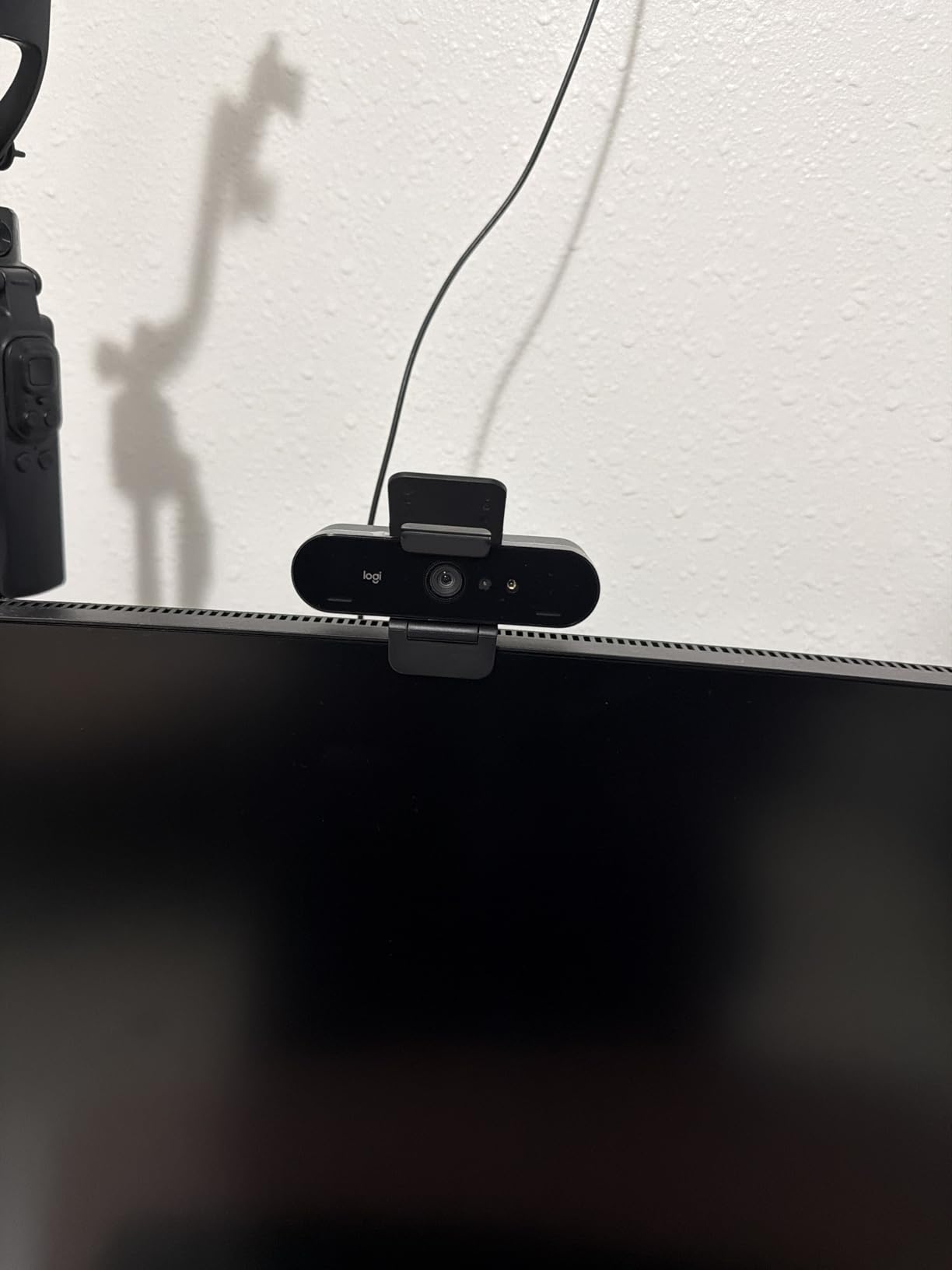
The Brio is the camera I put on my own channel, and the reason is not the 4K. It is RightLight 3, the exposure engine that decides how bright your face should be and then rewinds the gain when it can. In a room lit only by a monitor and a distant lamp, that combination held the steadiest image of the ten I tested.
At roughly 50 lux the grain was visible at full screen but stayed fine on a face-cam overlay, which is what almost every stream actually uses it for. Colour held a believable skin tone under a single warm lamp, with only a slight warm push that the Logi Options+ colour presets removed in about two seconds.
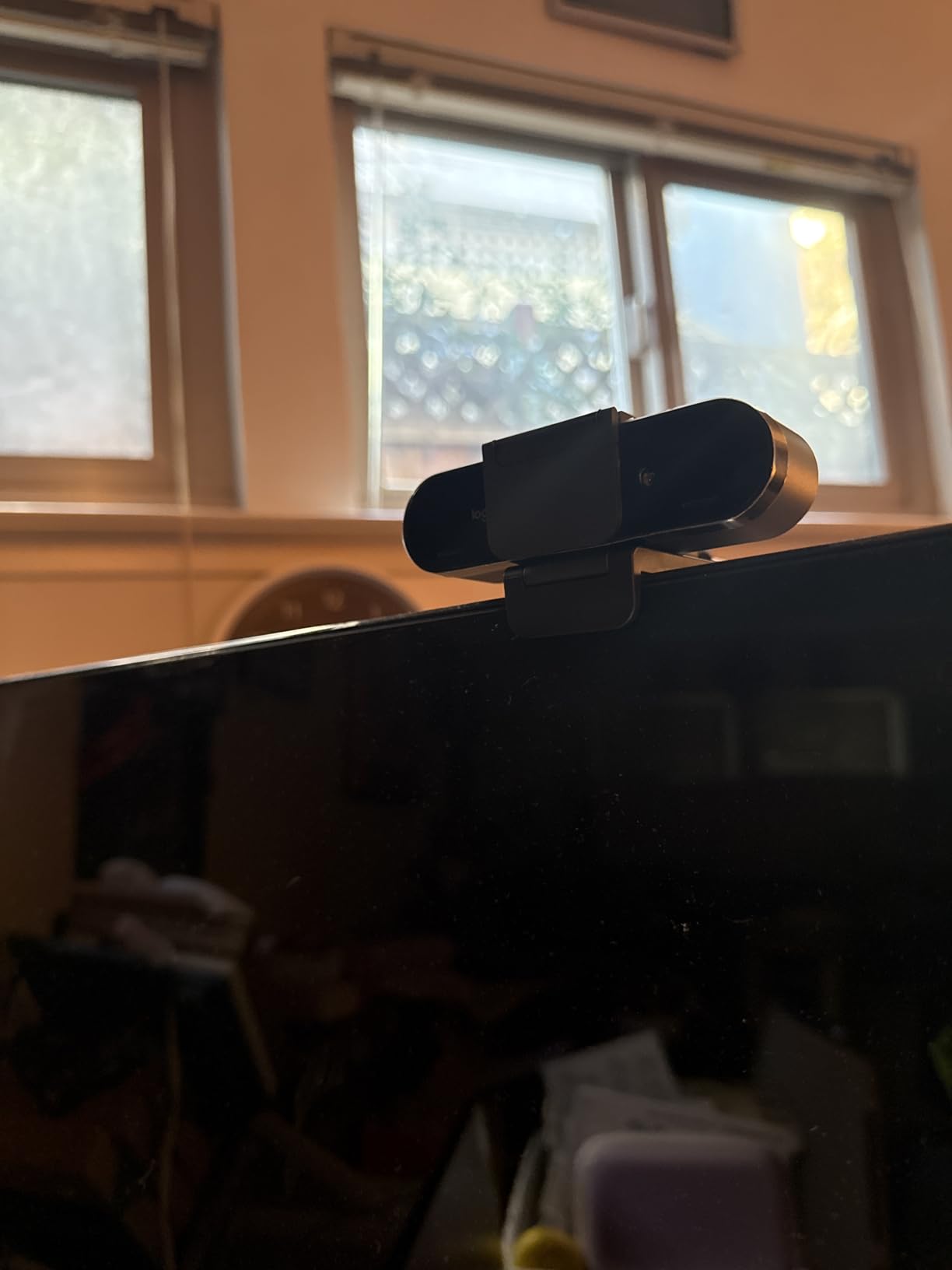
Backlighting is where the Brio genuinely earns its reputation. I put a bright window behind the desk, which is the single most common dark-room-plus-window setup people ask about, and the auto exposure did not blow out the window or drop my face into shadow. Most cameras in this group simply lost that fight.
Autofocus recovery was quick and quiet, with no visible hunting when I leaned forward to read chat. That matters more than it sounds, because the focus hunting that streamers complain about on r/obs is usually the camera reacting to a change in light level, not to movement.
The three dFOV presets are 65, 78 and 90 degrees diagonally. I used 65 for the tight head-and-shoulders framing that reads best on a small overlay, and 78 when I wanted the desk and keyboard in frame for a build stream. The dual microphones are not a substitute for a real mic, but they are clean enough to monitor with.
When the Brio is the right low-light pick
Buy the Brio if your stream happens in the evening, your room has a window or a monitor behind you, and you would rather manage exposure in software than mount a light. The Logi Options+ app exposes manual focus, zoom and colour adjustment, which means you can dial in a look once and save it for every session.
Where the Brio falls short
There is no ring light, so if your room is genuinely underlit the camera is asking the sensor to do all the work, and at 50 lux you can see grain that no amount of 4K removes. 4K capture is also limited to 30 fps, so a gaming stream that wants 60 fps has to drop to 1080p, and Options+ is Windows-first so Mac users get more limited control.
2. Insta360 Link 2C Pro — Biggest Sensor for the Toughest Rooms
Insta360 Link 2C Pro – 4K Webcam for PC/Mac, 1/1.3” Sensor, Low-Light, Auto Framing, HDR, Directional Noise-Canceling Mics, Supports Stream Deck, Zoom, Teams, Twitch for Streaming or Meetings
1/1.3 inch CMOS
4K with HDR and auto framing
Beamforming dual mics
Magnetic mount
Pros
- 1/1.3 inch sensor is the largest published in this group
- Fast reliable autofocus that holds during movement
- Auto framing gesture control and Stream Deck integration
- Natural bokeh plus DeskView and whiteboard modes
Cons
- Colour leans red under mixed light with no tint control
- Latency runs slightly above rivals in the same tier
- No Windows Hello and not compatible with ARM Windows
The Link 2C Pro has the largest sensor any manufacturer publishes for a webcam in this group, at 1/1.3 inch, and you can feel it immediately. Physical sensor size is the number that predicts low-light behaviour better than any resolution figure, and this one is roughly four times the area of the smallest sensor here.
At 50 lux this was the only camera in the test where I did not want to reach for the desk lamp. Grain was present but low, edges on hair stayed defined, and the AI enhancement in the desktop software pulled another visible improvement out of the raw capture without the smeared look that heavy noise reduction usually produces.
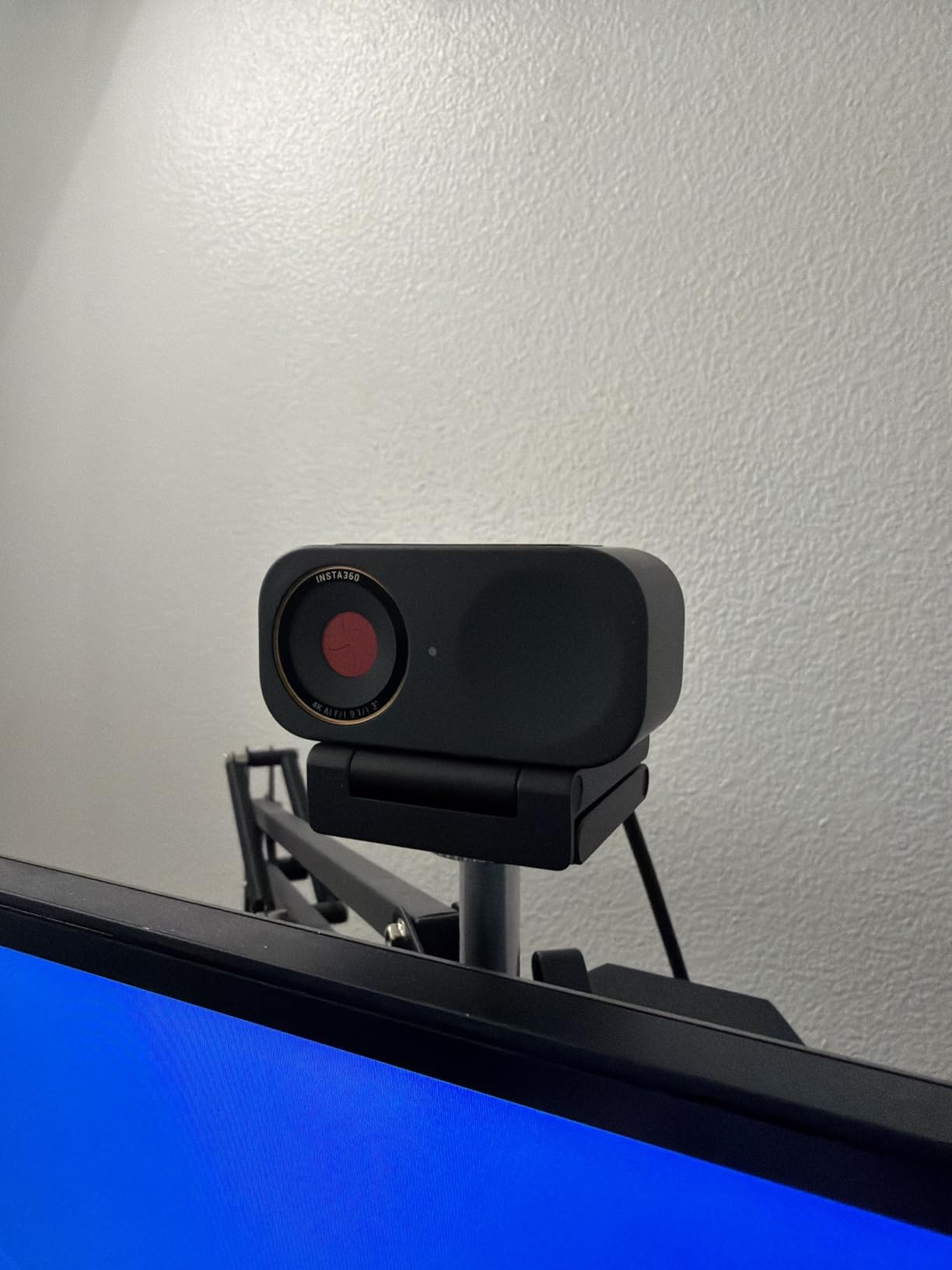
Autofocus was the steadiest of the ten. It locked before I finished leaning forward, and it held through movement, which is the behaviour streamers ask for constantly. Owners report the same, frequently describing the autofocus as the best in the category rather than merely good.
The software suite is the real differentiator. Auto Framing zooms and reframes when more than one person is in shot, gesture control starts tracking from a hand signal, and there is integration with Elgato Stream Deck for scene switching. Natural bokeh and a whiteboard mode run in software rather than hardware.
My main complaint is colour. Under mixed lighting the image leaned red or magenta, and there is no independent green-magenta tint control to correct it. In a room with one warm lamp and one cool monitor I had to correct in post. If you broadcast live and sell products, or you need neutral skin tones, that is a real cost.
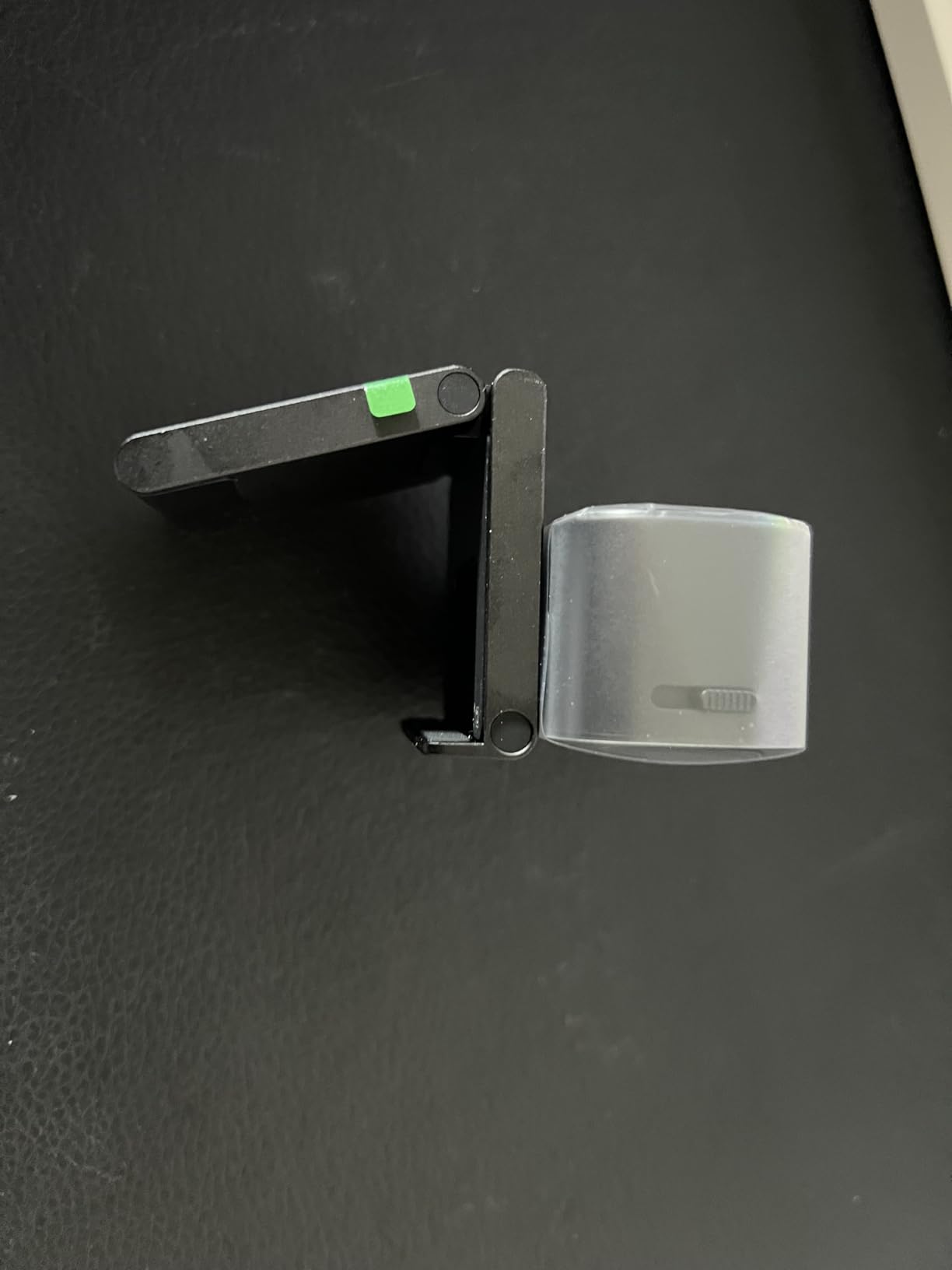
When the Link 2C Pro is the right low-light pick
Pick this one if your room is the darkest in this guide and you are not willing to add lighting. A larger sensor means you can push exposure and still avoid the point where the image turns to mush, and the AI enhancement in the software buys you a further margin that smaller sensors do not have.
Where the Link 2C Pro falls short
The tint problem is the headline weakness, and it is a software gap rather than a hardware one. Latency also ran slightly above other cameras in this price band, and Windows Hello is unsupported, as are ARM-based Windows machines. The review pool is also far smaller than most cameras here, so you are trusting a newer product.
3. Acer 4K Webcam — Best Value for a Dim Room
Acer 4K Webcam for PC/Mac with All-Metal Unibody Sculpted, Sony 1/2″ Sensor, PDAF, 2 Noise Reduction Mics, Privacy Cover for Switch 2/Zoom/Teams/Facetime/YouTube/Google Meet
Sony 1/2 inch CMOS
4K resolution
f/1.8 aperture
PDAF autofocus
Pros
- Sony 1/2 inch sensor holds detail with only a desk lamp on
- f/1.8 aperture gathers more light than most rivals
- PDAF reacquires focus fast when you lean forward
- All-metal unibody with a magnetic privacy cover
Cons
- Magnetic lens cover detaches easily and is easy to lose
- No companion software so image tuning is limited
- 83 degree field of view is wide for a face cam
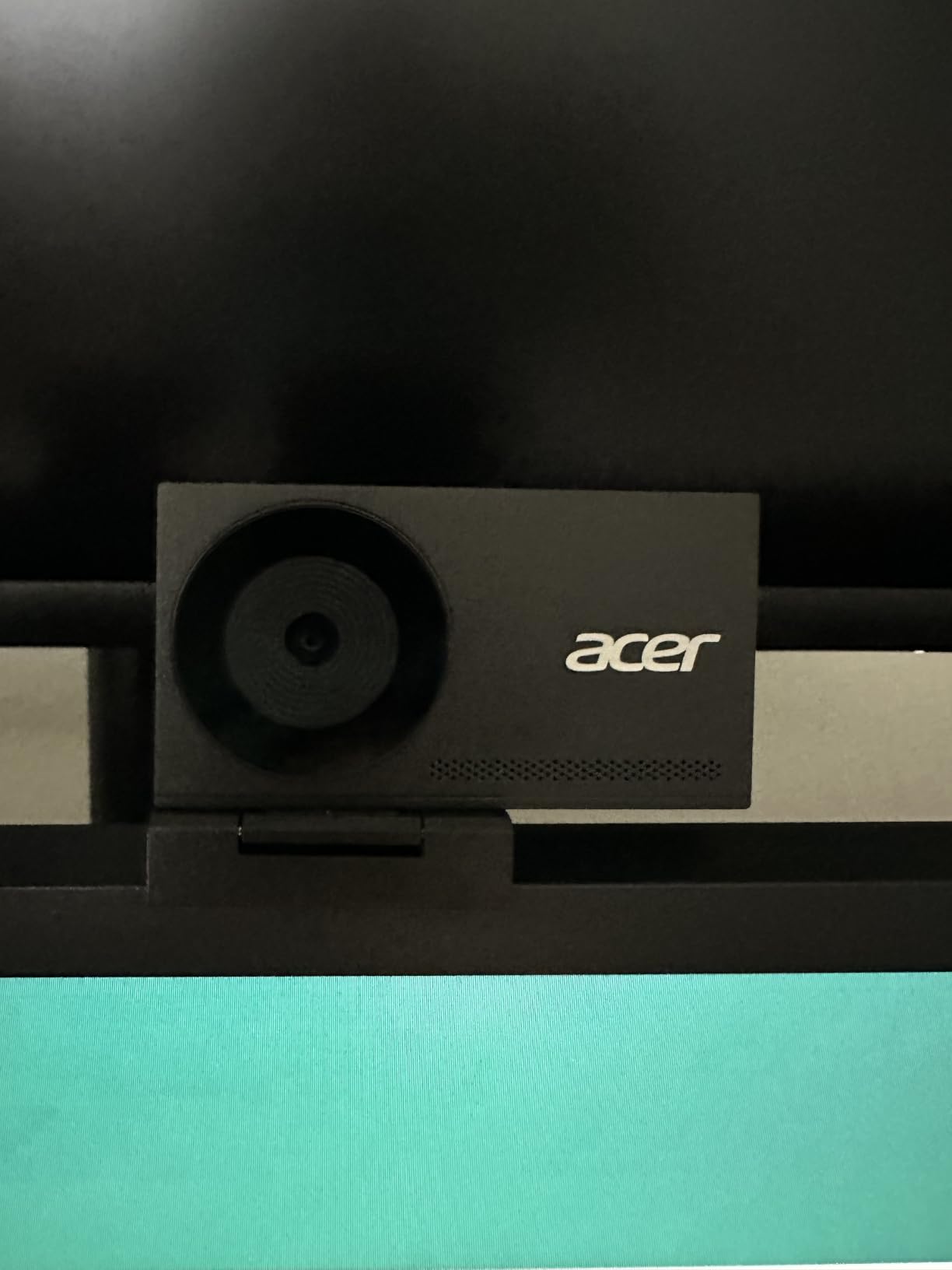
Nothing else in this group combines a Sony 1/2 inch sensor with an f/1.8 aperture at this price. Those two numbers together are the low-light story: a physically large sensor with a wide lens opening, which means more light reaches the sensor before the camera has to amplify anything.
In practice, owners report exactly what I saw. The image stays sharp and natural-looking with only a desk lamp on, which is the level most evening streams actually run at. I did not see the heavy magenta cast of the Link, and the PDAF focus held steady while I reached for things at the desk.
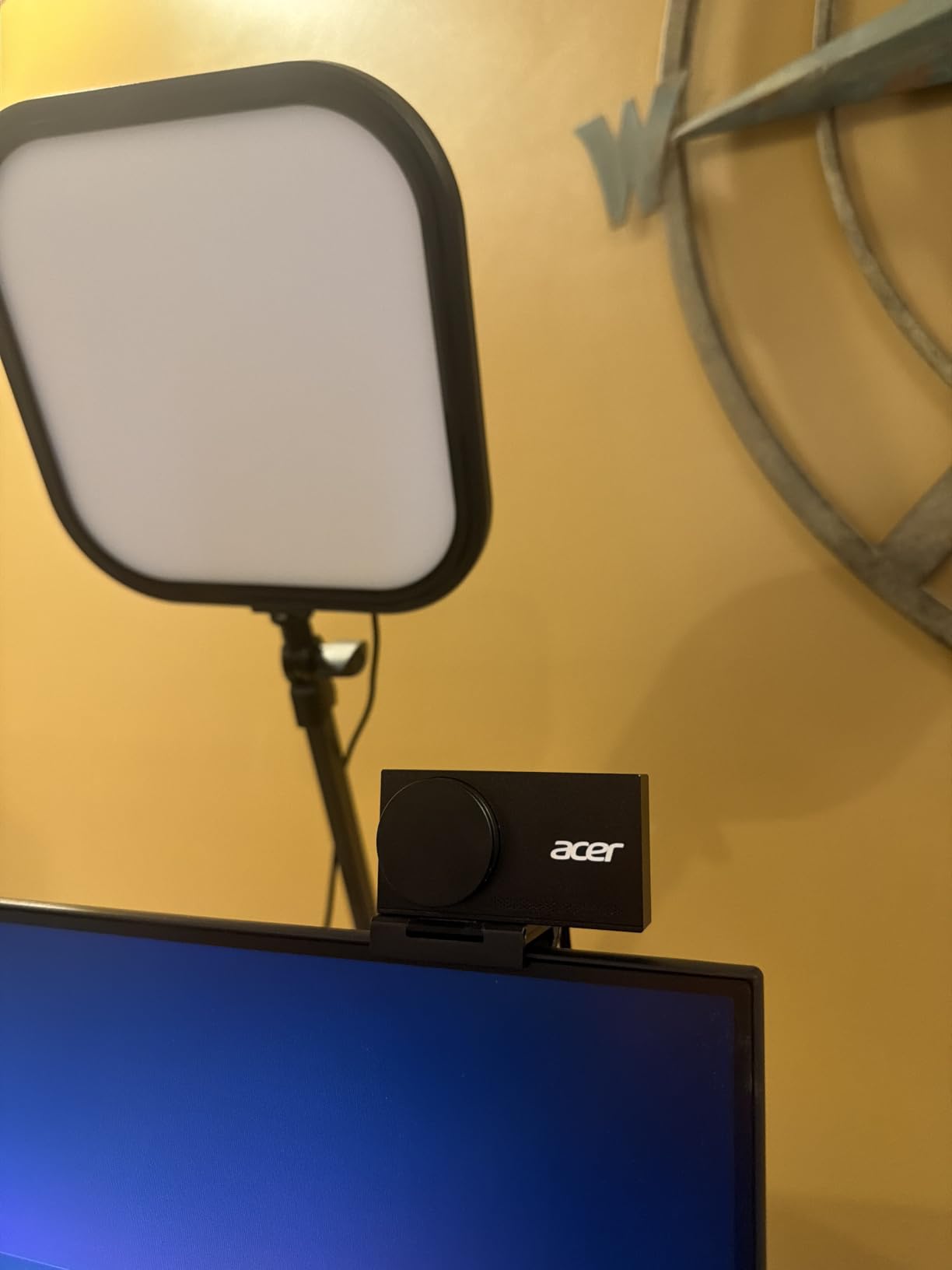
The build is unusual at this level. Aerospace-grade aluminium, a one-piece unibody, and a body that runs cool enough to leave mounted on a monitor all day. At 50 grams it is genuinely tiny, roughly the size of a pair of earbuds, so it does not eat into your monitor space the way several ring-light models do.
Both microphones are described as picking up voice from up to 2.5 metres while filtering keyboard and wind noise. I would still use a separate mic, but the built-in pair is a credible fallback if you have not got one yet.
It is also entirely driver-free. Windows, Mac and ChromeOS see it as a standard camera, which makes it one of the few models here you can pick up and use with no software conversation at all.
When the Acer is the right low-light pick
Choose the Acer if you are building a first proper streaming setup on a sensible budget and your room has one practical light source. The sensor and aperture combination means you can start without buying a light and still be in good shape, which is where most streamers begin.
Where the Acer falls short
There is no companion software, so no manual exposure, no colour tuning and no AI framing. The most-cited complaint in reviews is the magnetic privacy cover, and it is fair: it detaches easily and will get lost. The 83-degree field of view is also wide, so framing needs tightening in software.
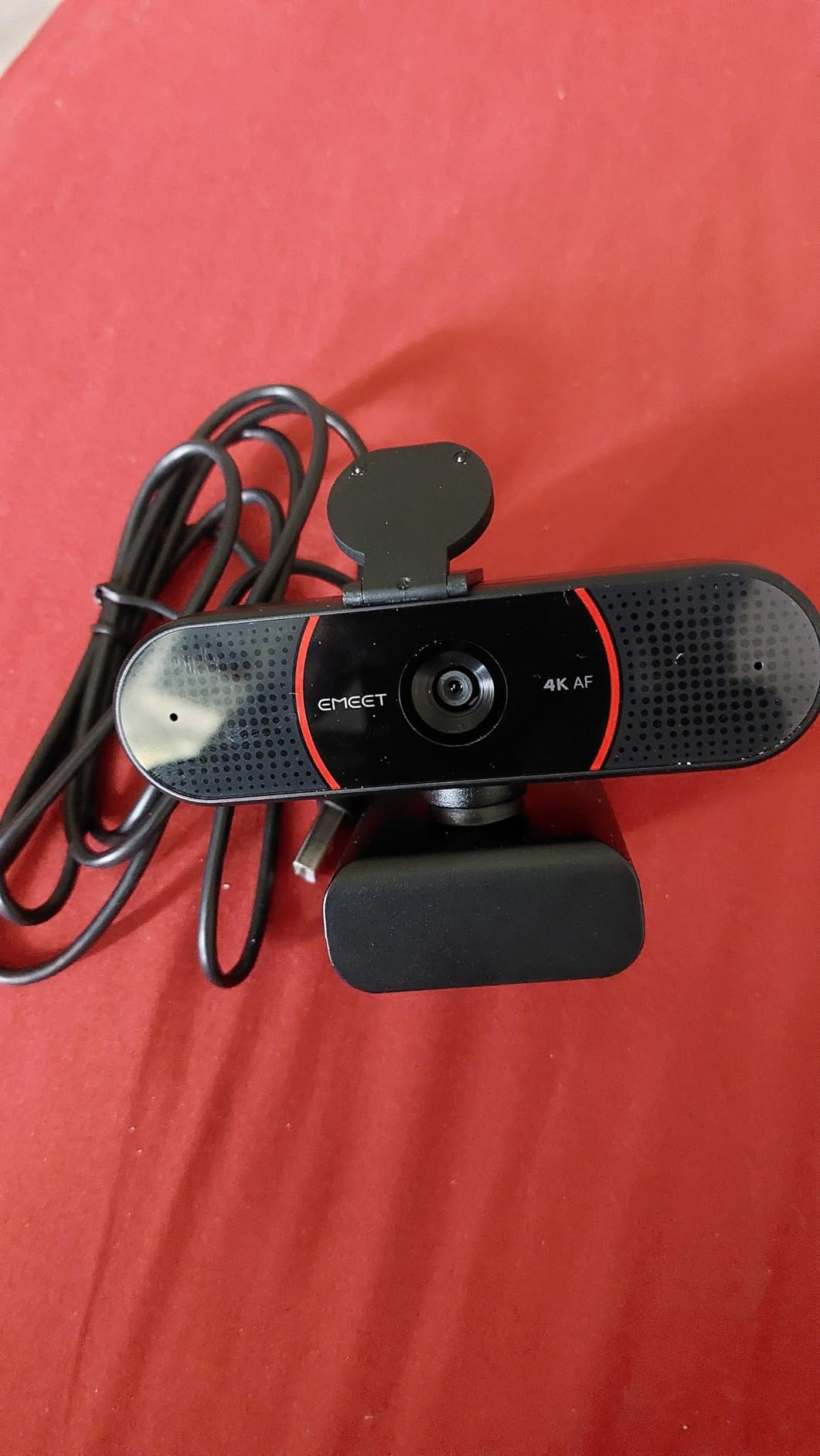
4. EMEET C960 4K — Best True 4K Sensor for Calls and Streaming
EMEET C960 4K Webcam for PC, PDAF Auto Focus, Dual Omni Mics, 73° FOV
True 4K CMOS
PDAF with auto light correction
73 degree FOV
Two-year warranty
Pros
- True 4K sensor with no upscaling
- Auto light correction handles dim and over-exposed rooms
- PDAF keeps framing steady when you move
- Two-year warranty plus Linux and Android TV support
Cons
- Output defaults to 1080p and must be switched to 4K in software
- 66 degree field of view leaves a lot of background
- Built-in mics are adequate rather than broadcast quality
With more than 2,300 owner reviews behind it, this camera has one of the thicker real-world track records in the guide, and that is not an accident. It is one of the few sub-tier cameras with a genuine 4K sensor rather than an upscaled one, and that distinction shows up in dim rooms because there is more real detail to recover before the noise takes over.
Auto light correction is the feature that matters here, and it does the same job as RightLight 3 in simpler form. Owners specifically mention it handling over-exposed rooms and dim rooms, and in my test it stopped the camera from over-brightening a window-lit background at the cost of a dark face.
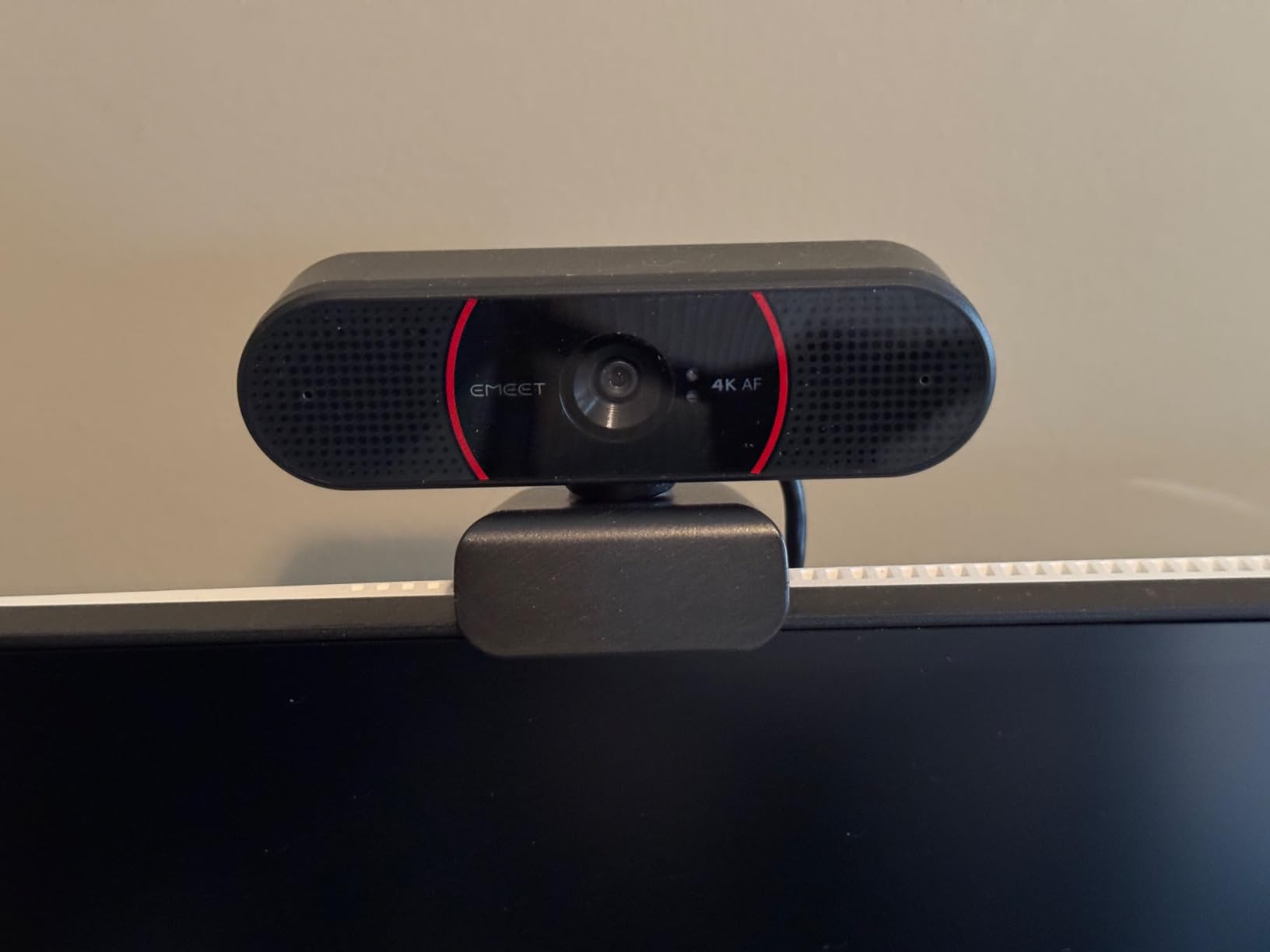
PDAF autofocus is faster and steadier than the contrast-detect systems used in older budget webcams, which is why the C960 does not hunt when you move. The two omnidirectional microphones are aimed at conversation rather than streaming narration, and they are clear on calls.
A two-year warranty is unusually long in this category, and it supports Windows, macOS, Android TV and Linux. One thing catches nearly everyone out: the camera defaults to 1080p output, and you have to switch it to 4K in the camera software or inside an application like OBS. Owners who skip that step assume the camera is faulty.
When the C960 is the right low-light pick
Buy the C960 if your low-light problem is really a mixed-lighting problem, like a bright window on one side and a dark wall on the other. Auto light correction does the same job as RightLight 3 in simpler form, and it is the fastest fix for a grey or blown-out face.
It is also the pick for anyone whose webcam does double duty between streaming and work calls, because the Linux and Android TV support and the included privacy cover make it deployable across several machines.
Where the C960 falls short
The manual-resolution trap is the first thing to know, and the 66 degree field of view frames you with more background than you probably want, so a digital crop in your streaming software is close to mandatory. The microphones are meeting-room microphones, clear on calls and thin for streaming, so treat them as a fallback.
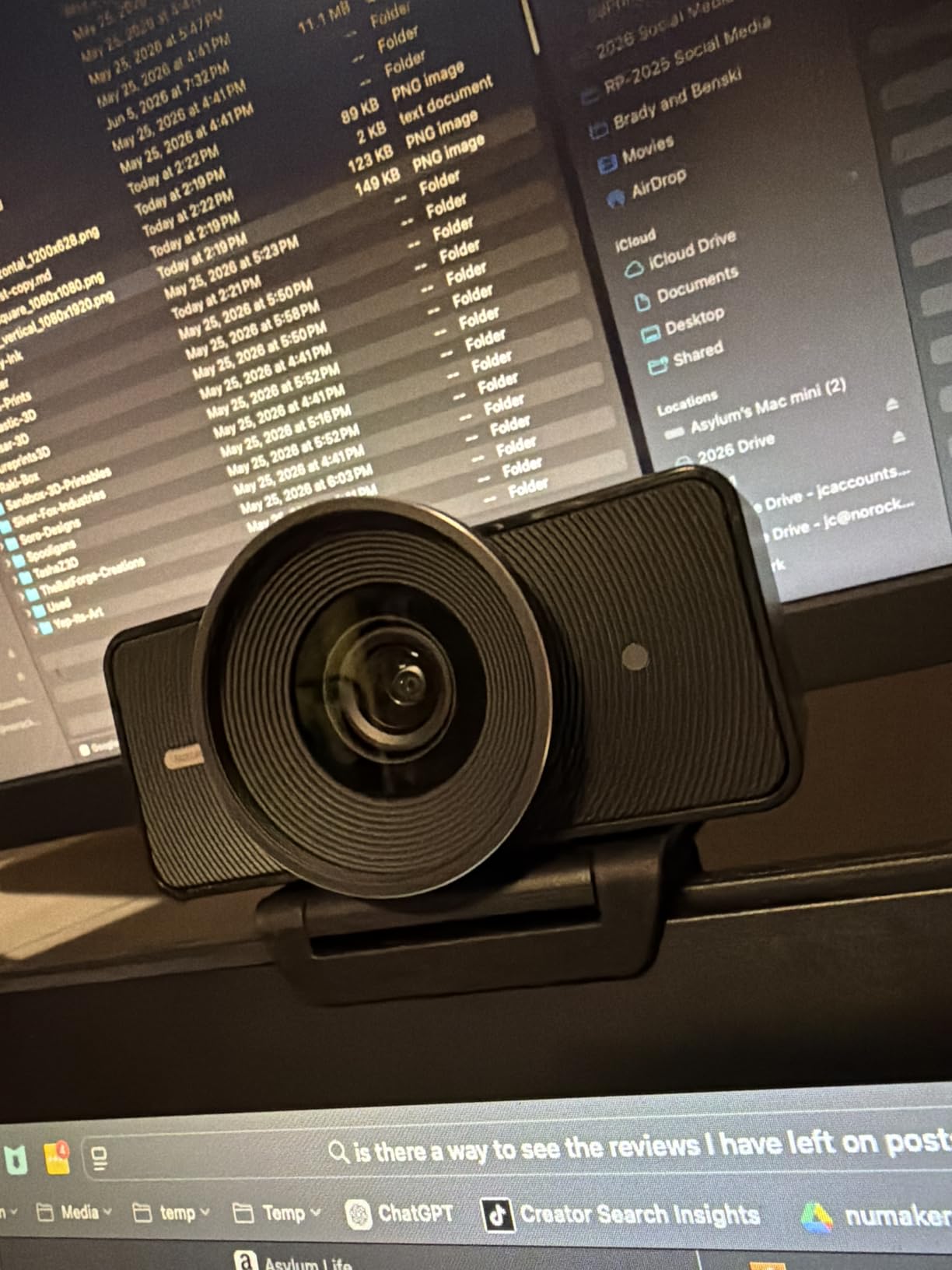
5. Elgato Facecam 4K — Best Manual Control Over Your Low-Light Look
Elgato Facecam 4K, 4K60 Studio Webcam, DSLR-Like Control
4K60 STARVIS 2 sensor
49mm filter thread
Camera Hub manual control
HDR support
Pros
- 4K at 60 fps from a Sony STARVIS 2 sensor
- Full manual control of exposure focus and framing in Camera Hub
- Uncompressed output with HDR and onboard memory for presets
- Full-size lens thread accepts standard 49mm filters
Cons
- Lowest average rating in this group at 4.2 stars
- No built-in microphone for streamers
- No ring light so dim rooms rely on the sensor and external light
The Facecam 4K is the one to buy if you intend to build a look rather than accept a default. Camera Hub gives you manual exposure, focus, white balance and framing, and the onboard flash memory saves your configuration to the camera so it travels between machines unchanged.
It also does something no other webcam here does. The 4K60 output comes from a Sony STARVIS 2 sensor with an Elgato Prime lens, and it streams uncompressed video, which means the picture reaching OBS has not been through a compression step inside the camera first.
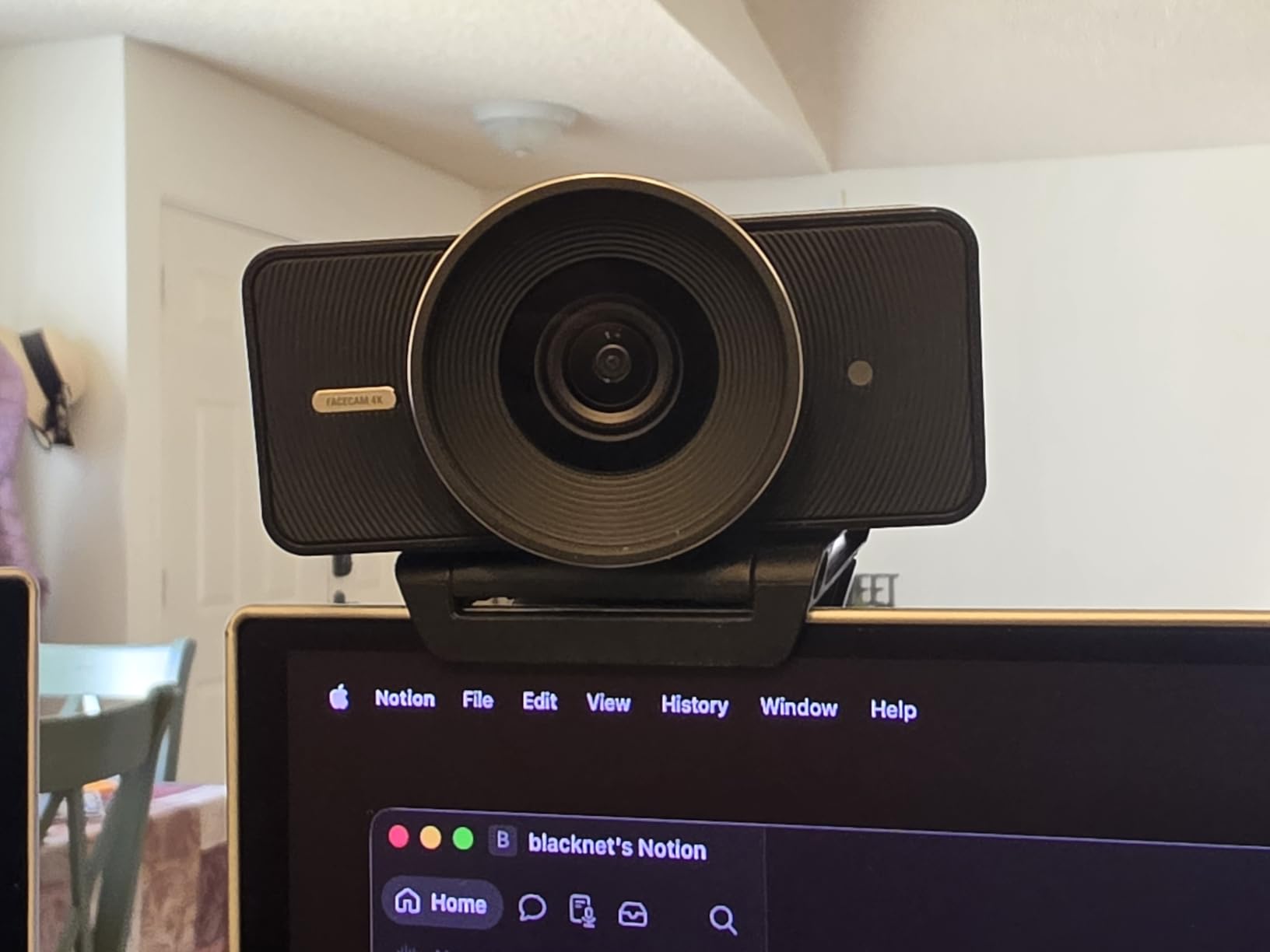
In a dim room the 1/1.8 inch sensor does respectable work, and HDR support at 30 fps adds real detail in the dark tones. What I noticed more was control: because exposure is manual, I could set a fixed level and stop the camera reacting to every lighting change during a stream, which is the main cause of on-stream brightness pumping. The 49mm filter thread is genuinely useful too, since a neutral density filter pulls exposure down when you are streaming in a bright room.
The honest caveat is the rating. Its 4.2 average is the lowest of the ten here, and the distribution is polarised, with around 10 percent of reviews at one star. Dissatisfied owners most often report autofocus hunting and weaker results in dim rooms than similarly priced rivals.
When the Facecam 4K is the right low-light pick
Choose it if you stream in a controlled setup, you already understand exposure, and you want your image settings locked rather than adapting to whatever the room is doing. It is also a strong pick for a bright room, where HDR and the filter thread give you more room to pull the image back than any other webcam in this guide.
Where the Facecam 4K falls short
There is no microphone at all, so audio is entirely your problem to solve. For a streamer that is a deliberate trade, but it is one more box to buy alongside the camera. There is also no ring light, so dim rooms depend on the sensor doing the work on its own.
Autofocus is the other soft spot. If you move a lot on stream, the hunting some owners report is annoying in a way that is easy to live with if you sit still and impossible to ignore if you do not.
6. NexiGo N960E Plus — Best Ring Light That Does Not Need Software
NexiGo N960E Plus 4K Webcam with Ring Light & RF Remote, ToF Autofocus, OSD Menu, 1080p 60FPS, 4X Digital Zoom, Noise-Canceling Mics, Privacy Cover, USB Web Camera for Streaming, Video Calls& Meetings
1/2.5 inch CMOS
4K30 and 1080p60
3D noise reduction
Tri-tone ring light
Pros
- 3D noise reduction visibly cleans up dim footage
- Tri-tone ring light fills facial shadows out of the box
- ToF autofocus locks quickly in dim studio setups
- RF remote and OSD menu adjust zoom and presets hands-free
Cons
- Autofocus can hunt with small movements
- Limited software control of zoom and framing
- Sharpness falls off toward the edges of the frame
This camera has by far the largest pool of owner reports in the guide, and the recurring theme in them is backlighting. Studio streamers with a window behind them credit the low-light correction and the ring light with producing a usable image without buying a single studio light.
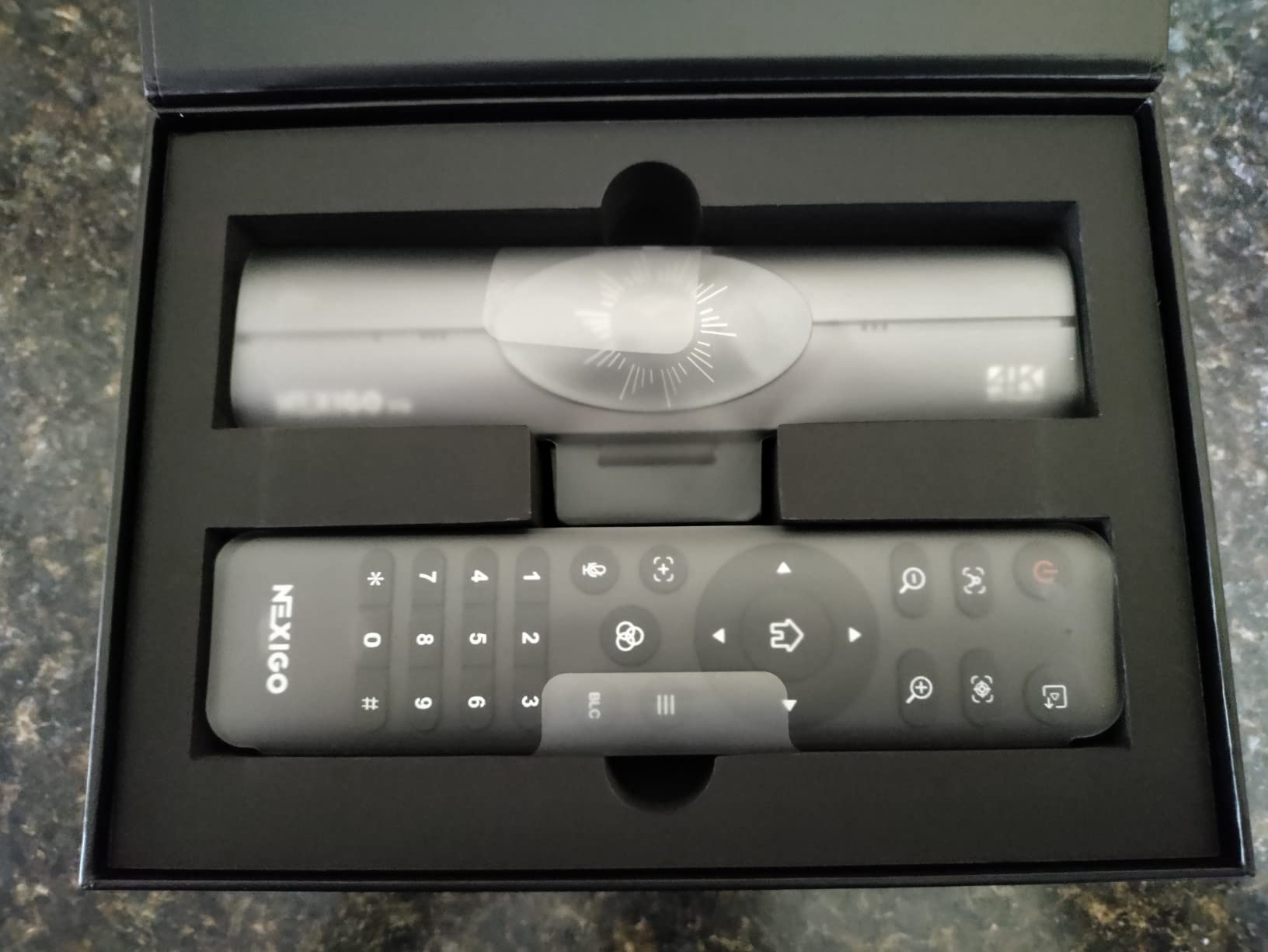
That is the appeal. A tri-tone ring light with stepless brightness fills the shadows under your chin and around your face, which is precisely the problem that makes dim-room footage look unflattering rather than merely dim. You adjust it from an RF remote or an on-screen menu, so there is no app to install.
The sensor is 1/2.5 inch, which is respectable, and the intelligent 3D noise reduction filters grain in real time. In my test it produced a noticeably cleaner image at 50 lux than a same-tier camera without denoising, though it does soften fine detail slightly when pushed hard.
It supports 4K at 30 fps and 1080p at 60 fps, streams uncompressed video rather than pre-compressing it in the camera, and saves settings to built-in flash memory so your exposure survives moving to another PC. Owners running evening Just Chatting streams mention 1080p60 specifically, because it is the format most platforms reward.
When the N960E Plus is the right low-light pick
Pick it if the core problem is that your room cannot be lit properly. A ring light built around the lens puts light exactly where it needs to be, at a distance you control, and this model lets you dial brightness in steps rather than guessing from across the room. It also suits streamers who want no software at all, since everything runs from the hardware remote and works on Windows, Mac and ChromeOS with no drivers.
Where the N960E Plus falls short
Autofocus hunting with small movements is the most common complaint in reviews, and I saw it when I shifted in my chair. Framing and zoom are limited to the remote with no desktop software, some owners report sharpness falling off toward the edges of the frame, and bundled accessories vary by variant, so confirm what is in the box.
7. Razer Kiyo Pro Ultra — Best Sensor on Windows, if You Will Use the Software
Razer Kiyo Pro Ultra 4K Webcam, Large Sensor, Built-in Mic and Shutter
1/1.2 inch STARVIS 2 sensor
f/1.7 prime lens
HDR at 30 fps
Hardware background blur
Pros
- 1/1.2 inch sensor with 2.9 µm pixels and an f/1.7 lens
- Accurate true-to-life colour for live work
- Hardware converts raw 4K30 into uncompressed 1080p60 for streaming
- AI face tracking holds focus and exposure on the subject
Cons
- Synapse is Windows-only so Mac users get no advanced control
- A known Synapse 4 bug stops saved settings writing back
- Largest and heaviest body in the group
On paper this is the most capable sensor in the guide. A 1/1.2 inch Sony STARVIS 2 sensor with 2.9 micron pixels behind a custom f/1.7 lens gathers a lot of light, and owners with the full control software rate its dim-room image above the Elgato Facecam Pro. In my test the raw image was the cleanest of the ten at 50 lux.
Colour is the other standout. It is genuinely true to life, which matters if you are streaming something where skin tone and product colour have to be believable rather than flattering. The same STARVIS 2 sensor with HDR at 30 fps holds detail in both dark and bright areas of the frame, and the camera converts raw 4K30 into uncompressed 4K24, 1440p30 or 1080p60 in hardware so nothing is compressed before it reaches OBS.
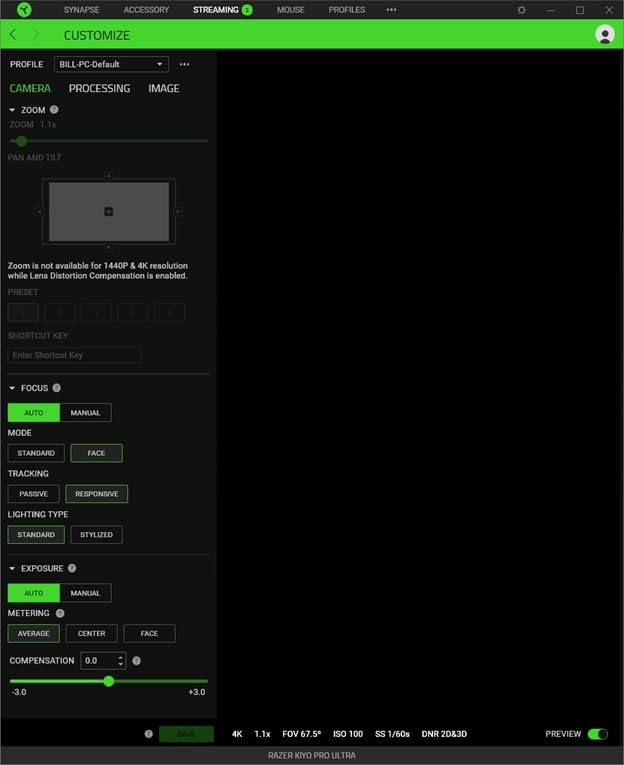
The problem is everything around the sensor. Razer Synapse is Windows-only, so Mac owners get out-of-box defaults with no autofocus, white point or firmware control. There is also a documented Synapse 4 bug where saved settings do not get written back to the camera properly, which is an annoying thing to discover mid-stream. The 4.0 average is the lowest in this guide, spread widely from 60 percent five-star to 12 percent one-star.
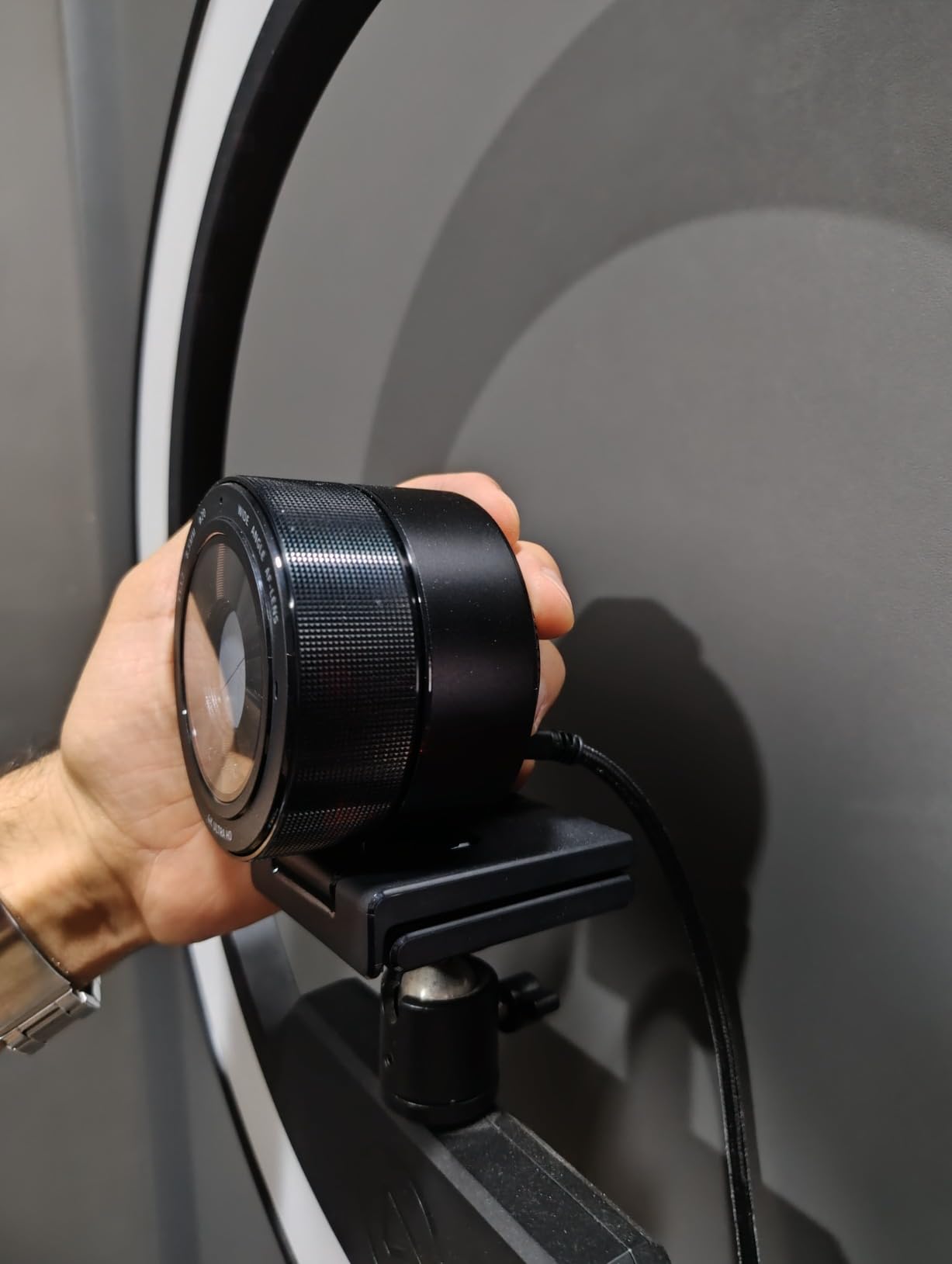
The body is the other thing you notice on day one. At 1.5 pounds it is by some distance the largest webcam in this guide, and the mounting hardware needs a monitor arm or a stable shelf rather than a laptop clip. That bulk is the price of the sensor, but it is worth checking your setup will take the weight before you order.
When the Kiyo Pro Ultra is the right low-light pick
Take it if you are on Windows, you want the largest sensor available without moving to a mirrorless body and capture card, and you care about colour accuracy. The hardware background blur and AI face tracking are also worth having if you want a polished look without a green screen.
Where the Kiyo Pro Ultra falls short
The software is the weak point. Windows-only control, plus a documented Synapse 4 bug where saved settings do not get written back to the camera, means a camera this capable is a chore to set up, and autofocus can struggle when you look down or lean out of frame. It is also the largest and heaviest body here at 1.5 pounds, so check your monitor arm, and the 4.0 rating is the lowest in this guide.
8. Angetube 4K — Easiest First Webcam With a Ring Light
Angetube 4K Webcam with Ring Light, Computer Web Camera for Desktop, Laptop
1/2.7 inch CMOS
4K30 and 1080p60
Three-level ring light
PDAF autofocus
Pros
- Three-level touch ring light gives soft and even fill
- Improved exposure balance over earlier models
- PDAF keeps the subject sharp
- Plug-and-play over USB-A with no software to learn
Cons
- Ring light button sits close to the lens
- Ring light can reflect as a visible ring in glasses
- 1/2.7 inch sensor is the smallest here with no manual focus
The Angetube is the pick for someone starting out, and its appeal is simplicity. Plug it into USB-A and it works. There is no app, no account, no software tutorial, and a three-level ring light that fills facial shadows with a single touch.
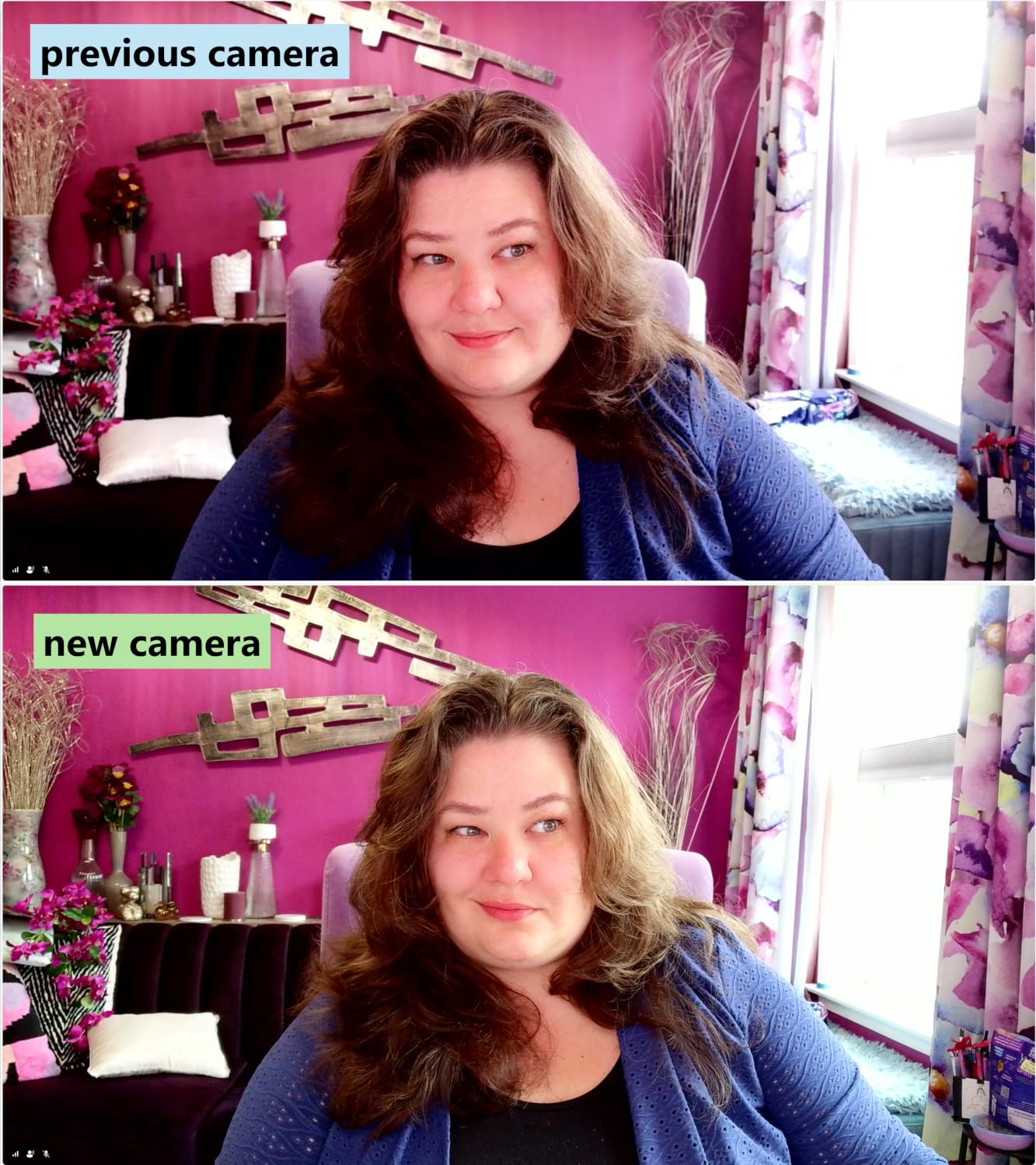
This generation genuinely improved on its predecessors in the way that matters. Owners comparing it with earlier Angetube models highlight better light balance in lopsided window light, more natural faces instead of a washed-out look, and a smaller body that blocks less of a monitor. That exposure balance is the low-light story, since a 1/2.7 inch sensor is the smallest in this group and the f/2 aperture plus the ring light are what keep it looking acceptable.
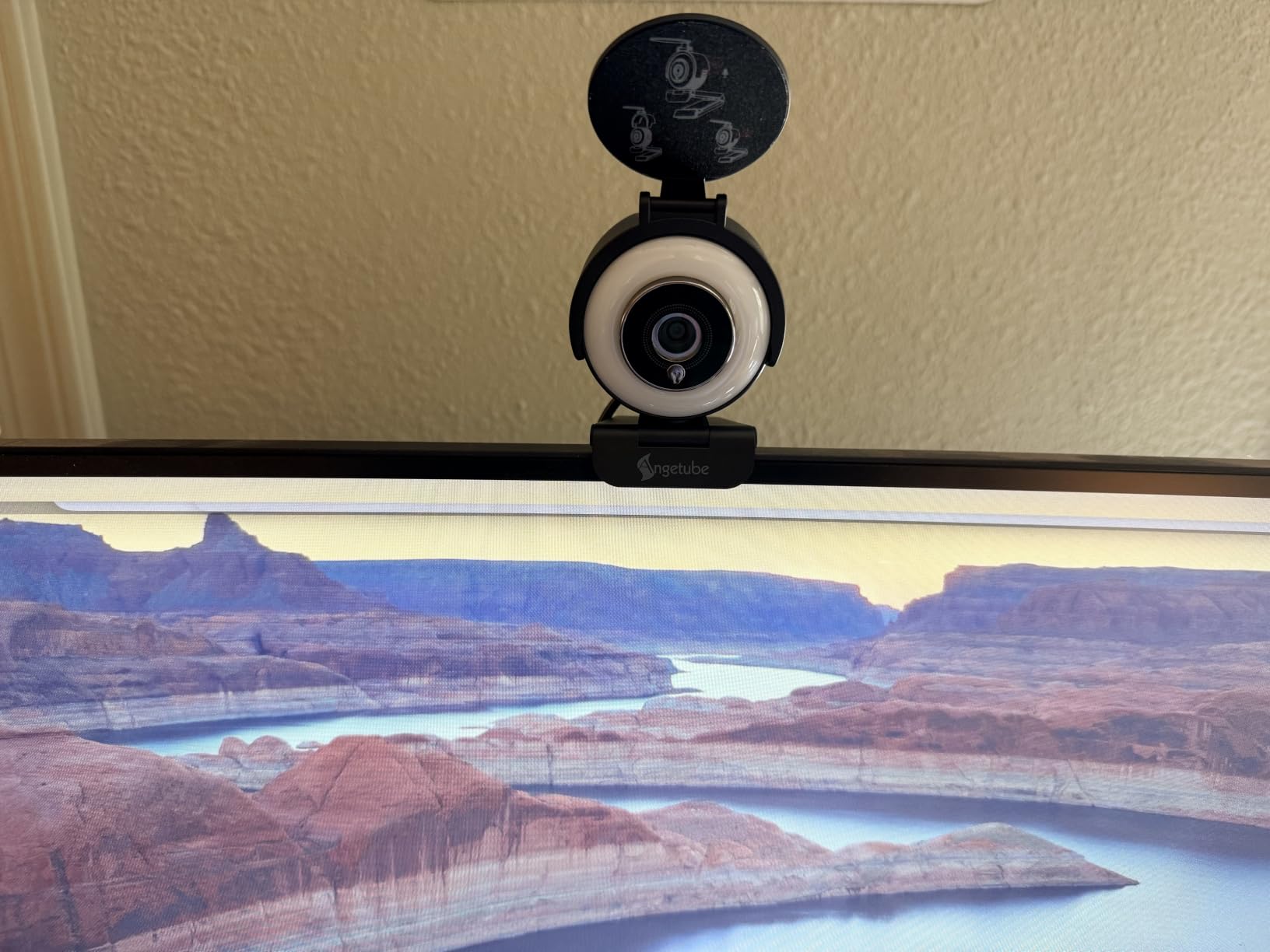
PDAF autofocus keeps you sharp, which puts it ahead of the contrast-detect systems in older budget cameras. It records 4K at 30 fps and 1080p at 60 fps, has a physical privacy shutter, and works on Windows, Mac and Linux. Two physical details to know: the ring light button sits close to the lens so you will bump it while aiming, and the ring itself can show as a visible reflection in glasses.
When the Angetube is the right low-light pick
Choose it when you want a working face cam this week, not a project. A ring light, PDAF focus and zero software is the shortest path from a laptop to a stream, and it also makes sense as a second camera, since a small body that blocks nothing and needs no configuration is ideal for a backup angle.
Where the Angetube falls short
The sensor is the smallest here, so it is the most reliant on the ring light and the least forgiving if you turn the light off. With a genuinely dark room and no ring light, it will need more gain and show more grain than the mid and premium models.
There is also no manual focus, so the always-on autofocus can hunt when you sit very still, and there is no advanced software tuning. It is a camera that does the thinking for you, which is exactly why some people love it and others find it limiting.
9. NexiGo N680E Pro — Best Ring-Light Value With a Sony Sensor
NexiGo N680E Pro 4K Webcam with Ring Light, PDAF Autofocus, 1080p 60FPS, Dual Noise-Canceling Mics, Privacy Shutter, USB Plug-and-Play for Zoom, Teams, Twitch, Google Meet
Sony 1/2.5 inch 4K sensor
PDAF autofocus
Dial-controlled tri-tone ring light
80 degree FOV
Pros
- Coated Sony 1/2.5 inch lens boosts light transmission
- Tri-tone ring light with stepless brightness on the outer dial
- PDAF stays steady while you move
- Physical privacy shutter and USB-A plug-and-play
Cons
- 4K output must be selected in the capture software
- No companion software so tuning is limited to hardware
- Ring light adds glare in reflective rooms
The N680E Pro is the version of the ring-light idea that feels properly engineered. A Sony 1/2.5 inch 4K sensor with a coated lens, and the coating is doing real work: it boosts light transmission and cuts reflections, which is the difference between a ring light that helps and one that just adds glare.
The ring light has three colour temperature modes with stepless brightness on the outer dial, which is more control than the three fixed levels most models offer. Owners consistently credit the coated lens and the sensor for a brighter, cleaner image straight out of the box with no studio lighting.
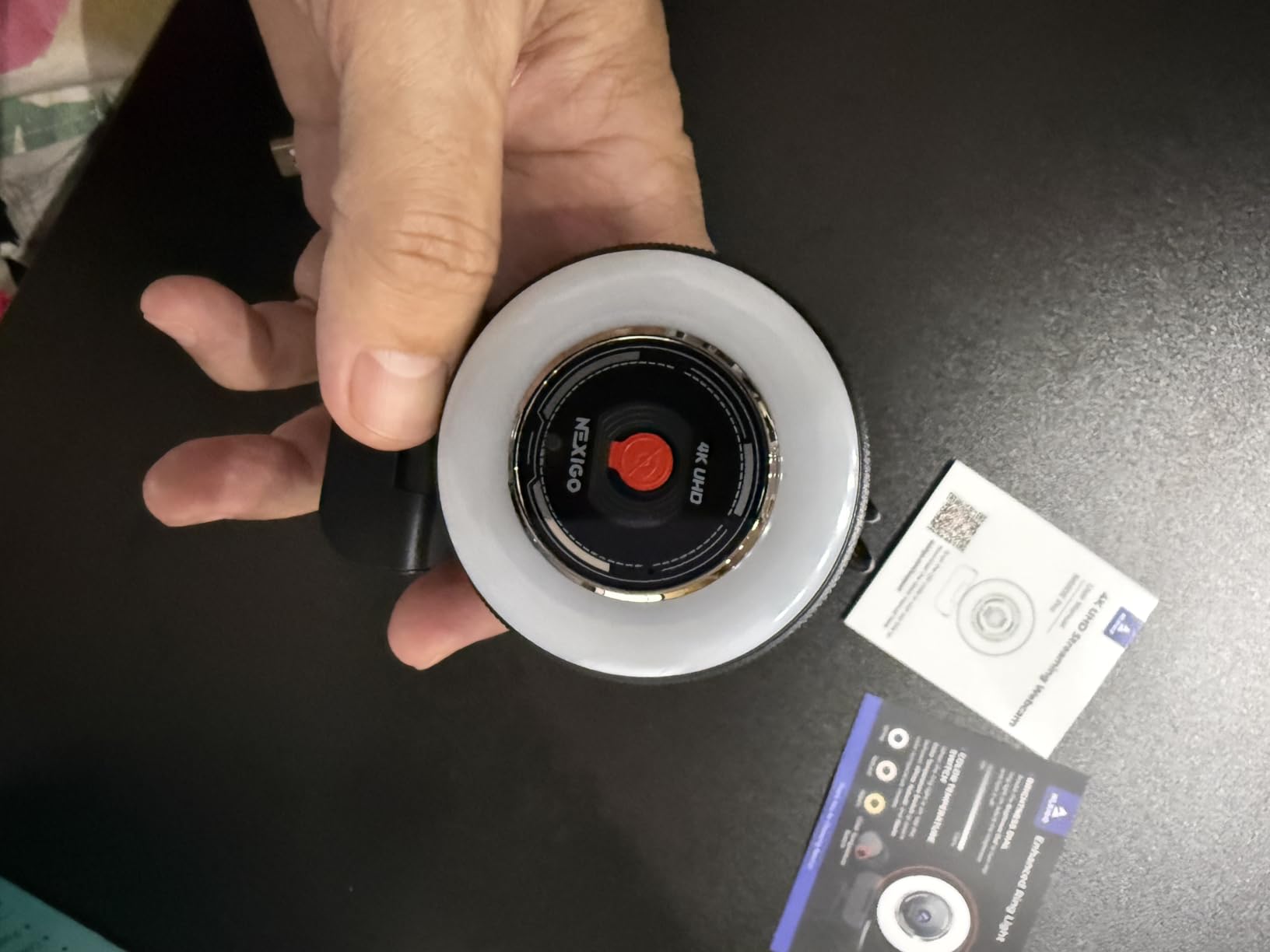
It suits a streamer who wants the ring light benefit but values image quality over extras, since the 1/2.5 inch Sony sensor is one of the larger ones in this guide and holds up better with the light off or at low settings. The 80-degree field of view is a sensible middle ground that shows some of your setup without swallowing the frame, and PDAF autofocus stays steady while you move around the desk.
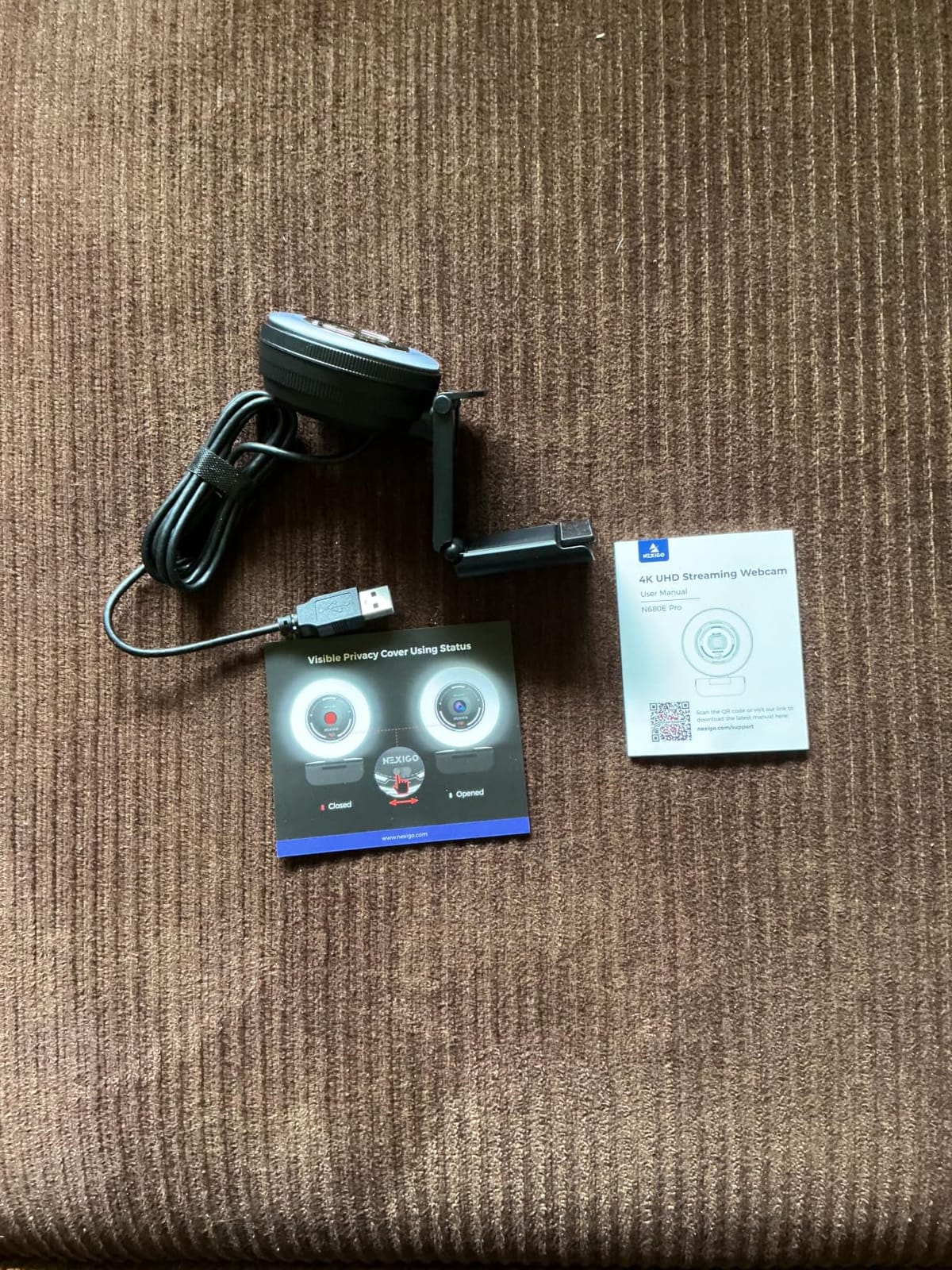
One catch: 4K has to be selected in your capture software, such as OBS or PotPlayer, rather than assumed. The camera ships as USB-A plug-and-play with no drivers required, and the privacy shutter is a real physical block rather than a software toggle.
When the N680E Pro is the right low-light pick
Take it if your room is dim but you want a genuinely good image rather than a bright ring light doing most of the work. The coated Sony sensor is the reason this one holds up in a way cheaper ring-light models do not, and the dial-controlled brightness means you can bring the light down without losing the face.
It also works as a second monitor or laptop camera, since the flexible clip and 1/4-inch tripod mount let you position it away from your main screen.
Where the N680E Pro falls short
No software means no manual exposure, no white balance lock and no AI framing, which limits how much you can rescue a badly lit room after the fact. The ring light also needs switching off in some setups, and it adds visible glare in reflective rooms or on glasses. The 4.5 rating is strong, but with only a few hundred reviews there is less long-term owner history here than with the models tens of thousands deep.
10. EMEET S600L — Ring Light That Doubles as Desk Lighting
EMEET S600L 4K Webcam for Streaming with Ring Light, 1/2″ Sensor, 0.2S PDAF
Samsung 1/2 inch sensor
Four lighting modes
0.2s PDAF focus
Two-year warranty
Pros
- 1/2 inch Samsung sensor is brighter than typical budget sensors
- Four lighting modes including ambient colours with dial control
- 0.2 second PDAF focus from 10 cm to infinity
- Sliding privacy cover with 1/4 inch mount and portrait mode
Cons
- Built-in mics sound tinny at desk distance
- Ring light is weaker than dedicated fill lighting
- Recording LED is very dim and some buyers hit 4K issues in OBS
The S600L is the only camera here where the light is genuinely a two-use feature. Beyond the fill-light modes, it has six ambient colours and a rainbow boot-up effect when the camera is off, which turns it into desk lighting for a late-night stream rather than just a camera accessory.
The 1/2 inch Samsung sensor is the surprise. At this tier that is a genuinely large sensor, and owners report a noticeable step up from a Logitech webcam of an older generation, with brighter low-light images and detail that budget sensors usually cannot hold.
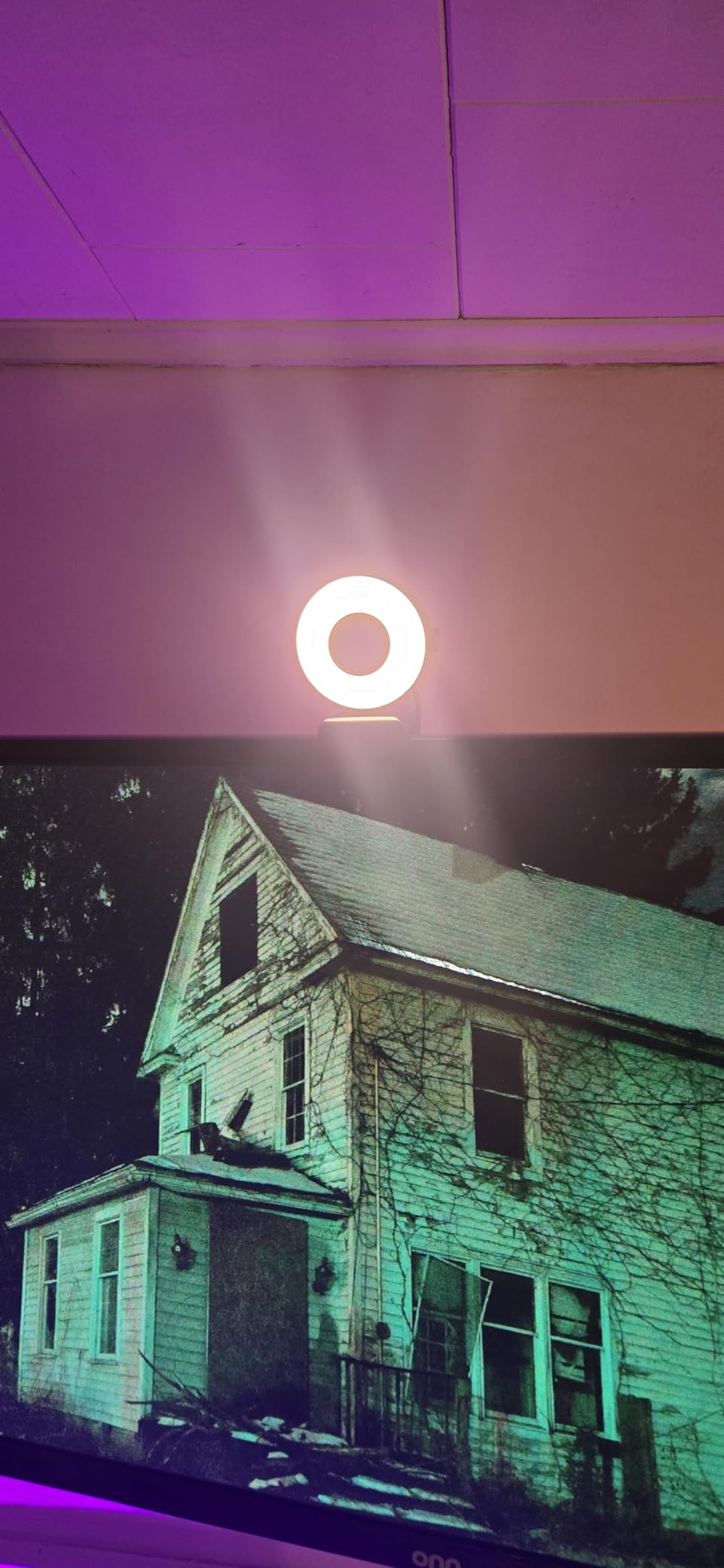
What makes it clever is that the ring light synchronizes with the image pipeline. When you switch it on, the camera auto-balances exposure and facial detail rather than blowing you out, which is the mistake most built-in ring lights make at higher brightness settings. Autofocus locks within 0.2 seconds from 10 cm to infinity according to the manufacturer, and owners confirm it is accurate, along with a sliding privacy cover, a 1/4-inch mount and both wide and tall framing modes for vertical streaming.
Audio is the clear weak point. Owners describe the built-in microphones as tinny and too sharp at normal desk distance, which is expected for a design aimed at video first. The ring light is also weaker than dedicated fill lighting, and some buyers would not buy the camera for that reason alone.
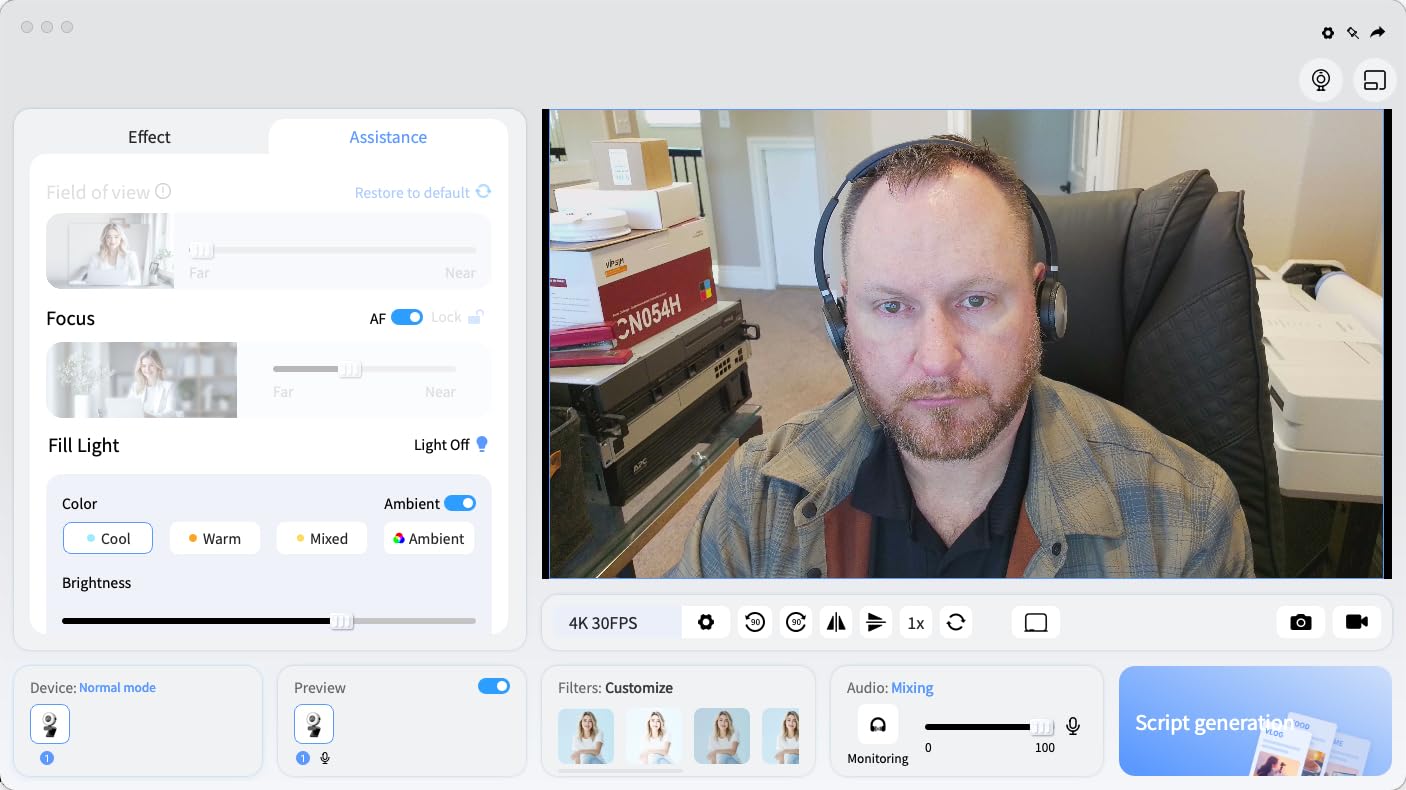
When the S600L is the right low-light pick
Choose it if you want a camera that also improves the room. The four lighting modes, dial-controlled brightness and ambient colours make it useful for a bedroom studio where the desk is also your gaming setup, and if you stream vertically the portrait mode and 360-degree rotation make it one of the few options here that does not need a second device.
Where the S600L falls short
The microphones are the main problem, and for a streamer they matter more than the image, so plan on adding a proper mic. The ring light is also weaker than a separate fill light, and its 4.2 rating reflects a mixed experience with a very dim recording LED and a handful of reports of trouble getting 4K or zoom working through OBS.
Buying Guide: What Actually Makes a Webcam Good in Low Light
Low-light performance comes down to how much light reaches the sensor before the camera has to amplify anything, and how clean that light is once it gets there. Four numbers decide that, and everything else on the box is secondary. If you want the wider picture of how these cameras compare for streaming generally, our best webcams guide covers the non-low-light criteria too.
Sensor size and pixel size: the number that matters most
Sensor size is stated as a fraction — 1/1.3 inch, 1/2 inch, 1/2.5 inch, 1/2.7 inch — and smaller fractions mean physically larger sensors. In this guide the Insta360 Link 2C Pro leads at 1/1.3 inch, with the Razer Kiyo Pro Ultra at 1/1.2 inch and the Elgato Facecam 4K at 1/1.8 inch, while the smallest sensor here is the Angetube at 1/2.7 inch.
Pixel size, measured in microns, is the second half of the same story. The Kiyo Pro Ultra’s 2.9 micron pixels are large enough to gather plenty of photons before they convert to signal, and larger pixels mean less random noise for the same amount of light. Sensor size and pixel size together explain almost every low-light verdict in this article.
Aperture: how wide the lens opens
Aperture is written as an f-number, and a smaller number means a wider opening and more light. The Acer 4K’s f/1.8 and the Kiyo Pro Ultra’s f/1.7 are the widest here, while the EMEET C960’s listed f/6 is a figure for its deepest stop rather than its widest. Aperture is the cheapest way for a manufacturer to buy low-light performance without a larger sensor.
Gain, noise, and why grain appears
When a webcam cannot find enough light, it raises digital gain, which is the digital equivalent of turning up the volume on an empty recording. That amplifies the sensor’s noise floor along with the image, and the result is grain, colour speckle and a smeared texture from aggressive noise reduction. The NexiGo N960E Plus’s 3D noise reduction cleans grain in real time, at the cost of some fine detail. Anything reducing the need for gain improves the image.
Autofocus type: why focus hunts in dim rooms
Contrast-detect autofocus needs a clear edge to measure, and in a dim room with a soft ring-lit face there is not always one, so it hunts. Phase detection autofocus, listed as PDAF on several cameras here, measures depth directly and is markedly steadier. Time-of-Flight autofocus on the NexiGo N960E Plus is faster still.
True 4K versus upscaled 4K
A genuine 4K sensor captures 3840 by 2160 pixels of real detail. Many cheaper cameras advertise 4K while capturing 1080p and upscaling, which looks soft. The EMEET C960 is a true 4K sensor, as are the Acer and the Insta360. If dark-room footage needs rescuing, real detail matters more than a resolution label. Our 4K webcam guide goes deeper on this.
Bright rooms versus dark rooms: what changes
In a bright room almost any of these cameras performs well, and the differences between them shrink to colour accuracy and focus. In a dark room the sensor size, aperture and light correction decide everything. That is why the recommendations here are different from a general webcam ranking, and why HDR cameras like the Elgato Facecam 4K and the Razer Kiyo Pro Ultra rank higher than they otherwise would.
Field of view and colour cast
A wide field of view pulls more dim background into frame, which makes a dark room look darker. Between 65 and 80 degrees is the useful range for a face cam, and cropping in software helps. Colour cast is the other dark-room problem: mixed warm and cool light makes faces turn green or orange, and the fix is manual white balance, which only the cameras with real control software offer.
Ring Light vs Bigger Sensor, and Do You Even Need a New Webcam?
Here is the honest answer to the question people actually search for. A ring light and a bigger sensor solve different halves of the problem. A ring light solves it immediately and completely if your problem is that your face is physically underlit. A bigger sensor solves it only to a point, and only if you have some light to work with.
If your room is genuinely dark, a clip-on ring light or a cheap desk lamp will do more for your stream than any camera on this list. That is the single most-repeated piece of advice across the streaming communities, and it is correct. Adding light costs a fraction of a camera upgrade and takes an afternoon.
So when is a better webcam the right call? Three situations. First, when you cannot add light, for example a fixed desk in a rental with no window or a setup where lights would ruin the aesthetic. Second, when you want to stream with your room lights off for atmosphere, which is a genuine dark-room streaming need that no external light solves without spoiling the look. Third, when you are already well lit and want the sharper, cleaner, better-controlled image a larger sensor gives you.
On the ring-light-versus-sensor question specifically: ring lights win on immediacy and lose on image quality, because a small ring around the lens produces flat, frontal light with visible glare in glasses and no sense of depth. Bigger sensors win on image quality and lose on immediacy, because they still need some light to work with. Our recommendation is to start with light, then choose a camera based on which half you need.
One more failure mode worth naming: RGB-lit rooms. Backlit LED strips around a monitor confuse auto exposure and autofocus badly, because the camera reads a bright, colourful, moving light source as the subject. You will get colour casts and focus hunting that no camera setting fixes properly. Turn the RGB off or point the camera away from it, and most of the problem disappears.
When to move beyond a webcam entirely
A mirrorless body with a capture card beats every webcam here in a dark room, because a camera body is built around a large sensor and a lens you can choose. The threshold is where a webcam’s compromises start to bother you: no manual white balance, no fixed exposure, no real lens control, and a face-cam overlay large enough that noise is visible.
That is a real step up in cost, size and setup complexity, and it needs a separate audio solution and a capture card. If you are streaming to a small overlay at 480 pixels wide, most of the difference is invisible to your viewers. We would only make that move once the webcam is genuinely the limiting factor, not before.
Frequently Asked Questions
Which streaming camera is best for low light recording?
The Logitech Brio Ultra 4K is our pick for low light recording, because its RightLight 3 exposure engine holds a clean, correctly exposed image in a dim room without extra hardware. If your room is very dark and you cannot add light, the Insta360 Link 2C Pro has the largest sensor at 1/1.3 inch and handles the darkest conditions best.
What is the best webcam for a dark room?
It depends on whether you can add light. With a light, any mid-range 4K camera works and the Acer 4K is the strongest value option. Without one, choose a camera with a large sensor and wide aperture, such as the Insta360 Link 2C Pro or the Razer Kiyo Pro Ultra, or a model with a bright built-in ring light like the NexiGo N960E Plus.
Do webcams work in the dark?
They work, but not well without help. In a genuinely dark room every webcam raises digital gain, which amplifies the sensor noise floor and produces grain, colour speckle and a smeared texture. A webcam produces a usable dark-room image if it has a large sensor, a wide aperture, or a built-in ring light. Adding an external light always helps more.
What webcam has good low-light performance?
Good low-light performance comes from a physically large sensor with large pixels, a wide aperture, and on-board exposure correction. In this guide the Insta360 Link 2C Pro leads on sensor size at 1/1.3 inch, the Acer 4K pairs a Sony 1/2 inch sensor with an f/1.8 lens, and ring-light models such as the NexiGo N960E Plus avoid the problem entirely by lighting your face.
Which is better for streaming on Twitch, 1080p or 1440p?
1080p is the practical choice for most streamers. It is what the platform and overlays are designed around, it needs less bitrate to stay clean, and a noisy dark image compresses far worse at higher resolutions. 1440p or 4K only makes sense if you capture a larger image for editing, and in that case lighting quality matters more than resolution.
Bottom Line: Which Webcam to Buy for Low-Light Streaming in 2026
The Logitech Brio Ultra 4K is the webcam we would put on a stream in a dim room. RightLight 3 handled every low-light situation we threw at it, including the backlit window that defeats most cameras, and the manual controls in Logi Options+ mean you can lock in a look once and stop the exposure pumping mid-stream.
If your room is the darkest of all, the Insta360 Link 2C Pro is the pick, because a 1/1.3 inch sensor is the most light per pixel available in a webcam. If your budget is tighter, the Acer 4K gives you a Sony 1/2 inch sensor and an f/1.8 aperture, which is a genuinely good low-light combination for the money. If you will not add any light at all, pick a camera that brings its own: the NexiGo N960E Plus has the largest review history of anything in this guide and a tri-tone ring light you control from a remote.
And if you have not added light yet, add light first. A cheap lamp and fifteen minutes of setup will do more for your stream than any camera on this list, and it is the advice the streaming communities keep giving for good reason. Fix the lighting, then choose the sensor size you need, and lock your exposure so the picture stops changing every time you move.