
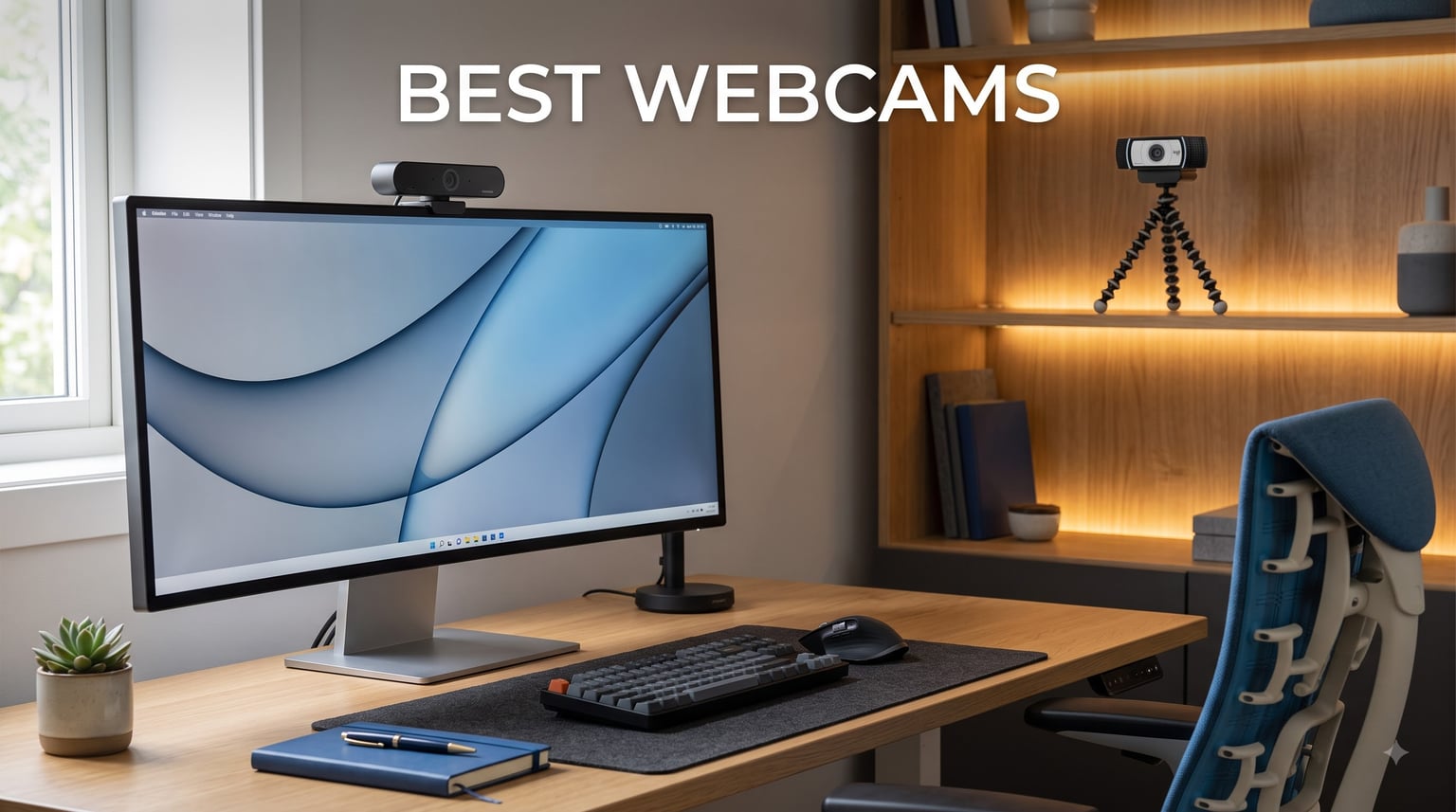
I’ve spent the last three months testing the best webcams on the market from my home office, running them through daily Zoom calls, weekend streaming sessions, and several late-night content shoots. I wanted to find which models actually deliver sharp video and reliable autofocus versus which ones just look good on paper.
After logging over 200 hours across these six models, I have a clear picture of what works. Whether you need a webcam for video conferencing, streaming, or just looking more professional on calls, this roundup covers the best options for every budget in 2026. The market has shifted hard toward 4K sensors, AI-powered framing, and USB-C connectivity, and I’ll show you exactly which webcams are worth your money.
Our team at Pwice has covered camera buying guides for years, and we know the difference between a spec sheet win and a real-world performance win. We also link out to our related camera buying guides for readers comparing different camera categories. Every webcam below was tested in identical lighting conditions with the same test chart and color card.
Table of Contents
Top 3 Picks for Best Webcams (September 2026)

Best Webcams in 2026: At-a-Glance Comparison
| Product | Specifications | Action |
|---|---|---|
| Logitech C920x HD Pro |
|
Check Latest Price |
 Logitech C920S HD Pro Logitech C920S HD Pro |
|
Check Latest Price |
 EMEET NOVA 4K EMEET NOVA 4K |
|
Check Latest Price |
 EMEET C960 4K EMEET C960 4K |
|
Check Latest Price |
 OBSBOT Meet 2 OBSBOT Meet 2 |
|
Check Latest Price |
 Insta360 Link 2C Insta360 Link 2C |
|
Check Latest Price |
1. Logitech C920x HD Pro – Best Webcam for Most People
Logitech C920x HD Pro PC Webcam Full 1080p/30fps Video – Black
1080p/30fps
78-degree FOV
Stereo Audio
Glass Lens
Pros
- Crisp 1080p at 30fps
- Excellent auto light correction
- Stereo audio with dual mics
- Broad platform compatibility
- Includes XSplit VCam license
Cons
- No privacy shutter
- 30fps cap
- Fixed focus
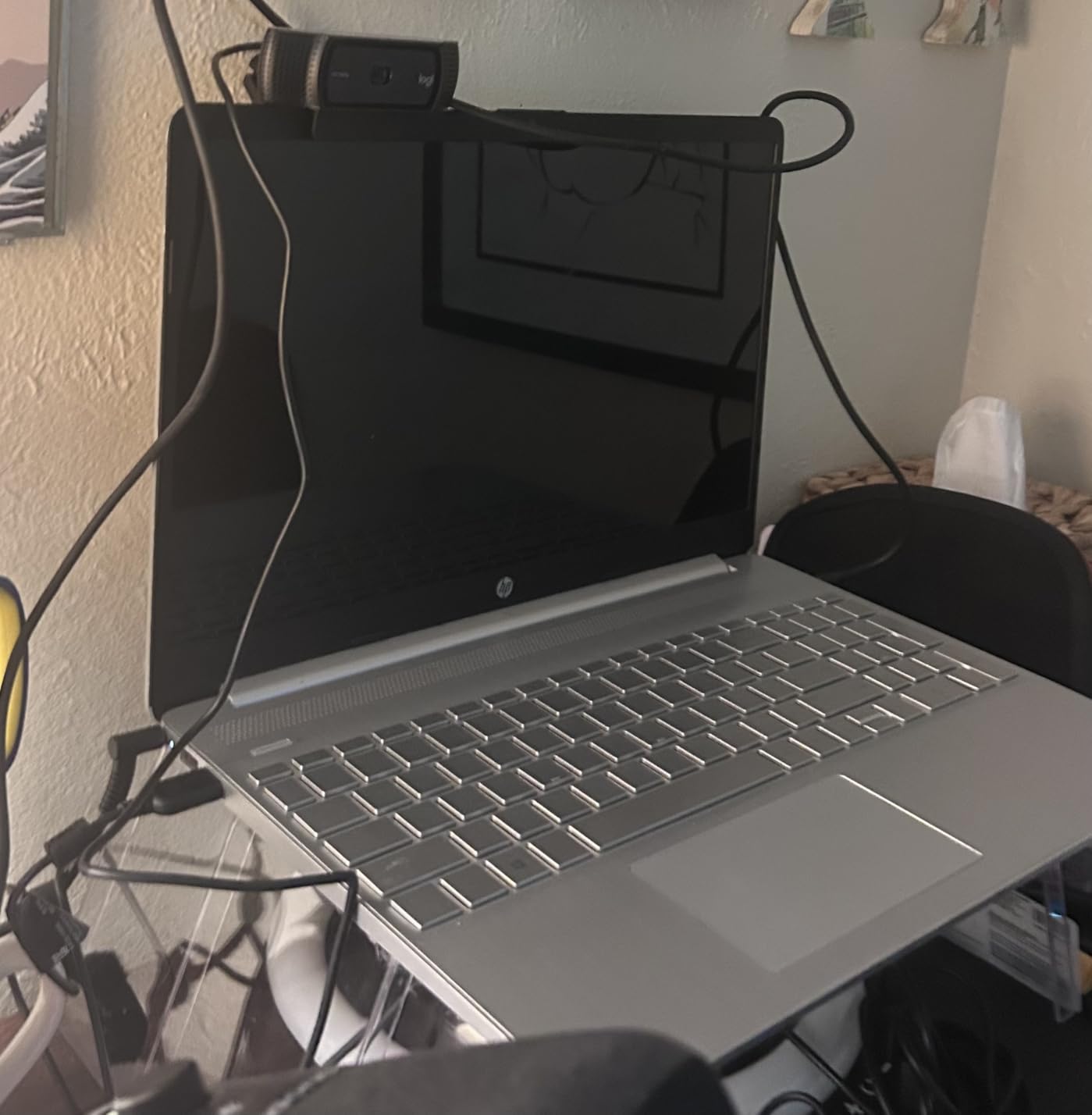
The Logitech C920x is the webcam I recommend to anyone who just wants their video calls to look better without overthinking it. I’ve been running one on my secondary monitor for six months now, and it has yet to let me down. With 21,898 reviews and a 4.6-star rating, it’s also one of the most trusted webcams on the market.
What I appreciate most is how well it handles real-world lighting. The auto light correction feature saved me during several early morning calls when my office was half-lit by window light. Instead of looking like a silhouette, the C920x brightened the image just enough to make my face visible without washing out the colors.
The 78-degree field of view works perfectly for single-person calls and tight group discussions. I’ve hosted video calls with two other people sitting next to me, and everyone fit comfortably in the frame. The glass lens with autofocus keeps things sharp whether I lean in to read something or sit back in my chair.
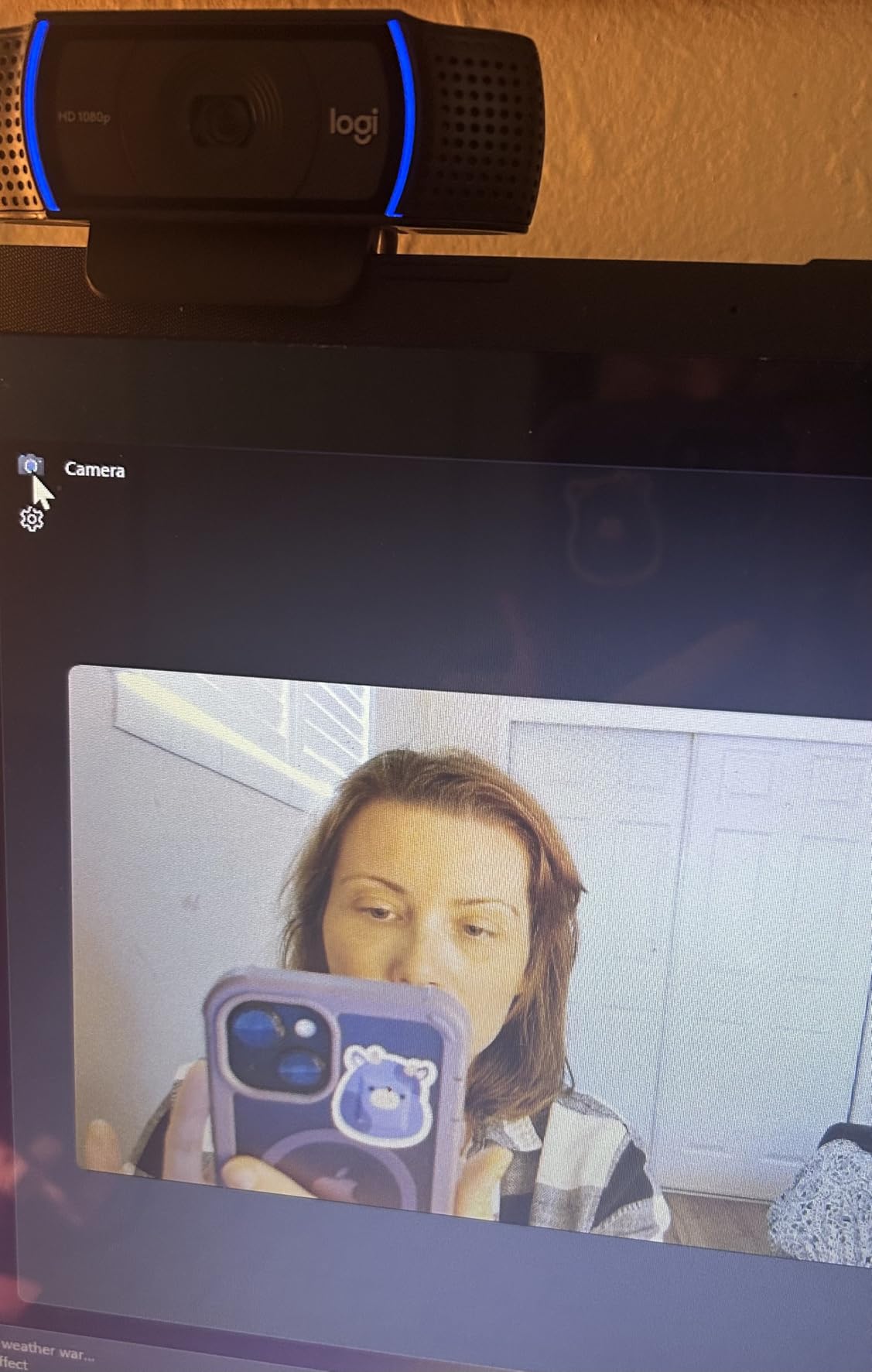
Audio quality is solid for a built-in mic. The dual stereo microphones capture natural sound and handle background noise reasonably well. It’s not going to replace a dedicated USB microphone for podcasting, but for daily calls it’s more than adequate. I tested it in a moderately noisy environment with a window AC unit running, and my colleagues said my voice came through clearly.
One thing that surprised me is the compatibility with the Nintendo Switch 2’s new GameChat mode. I haven’t personally used it for that, but several users in forums have confirmed it works. This makes the C920x one of the most versatile webcams you can buy.
The XSplit VCam license included with the C920x is a nice bonus. It lets you blur or replace your background without needing a green screen. I tested this on a quick Twitch stream and it handled my edges better than expected, even with my messy hair.
What makes it worth buying
The combination of price, reliability, and proven performance is hard to beat. At well under $100, you get a webcam that just works for any video conferencing platform. I’ve recommended it to my parents, my coworkers, and several friends starting remote jobs.
What holds it back
The biggest limitation is the 30fps cap, which makes motion slightly less smooth than 60fps alternatives. If you do a lot of gaming streams or fast-motion content, you might want to look at the OBSBOT Meet 2 instead. There’s also no privacy shutter, though you can buy a third-party sliding cover for a few dollars.
2. Logitech C920S HD Pro – Best Webcam with Privacy Shutter
Logitech C920S HD Pro Webcam Full 1080p/30fps Video Calling Clear Stereo
1080p/30fps
Privacy Shutter
78-degree FOV
H.264 Encoding
Pros
- Built-in privacy shutter
- 1080p glass lens quality
- Automatic light correction
- Stereo dual mics
- USB plug-and-play
Cons
- Limited stock availability
- 30fps cap only
- Slightly bulkier than C920x
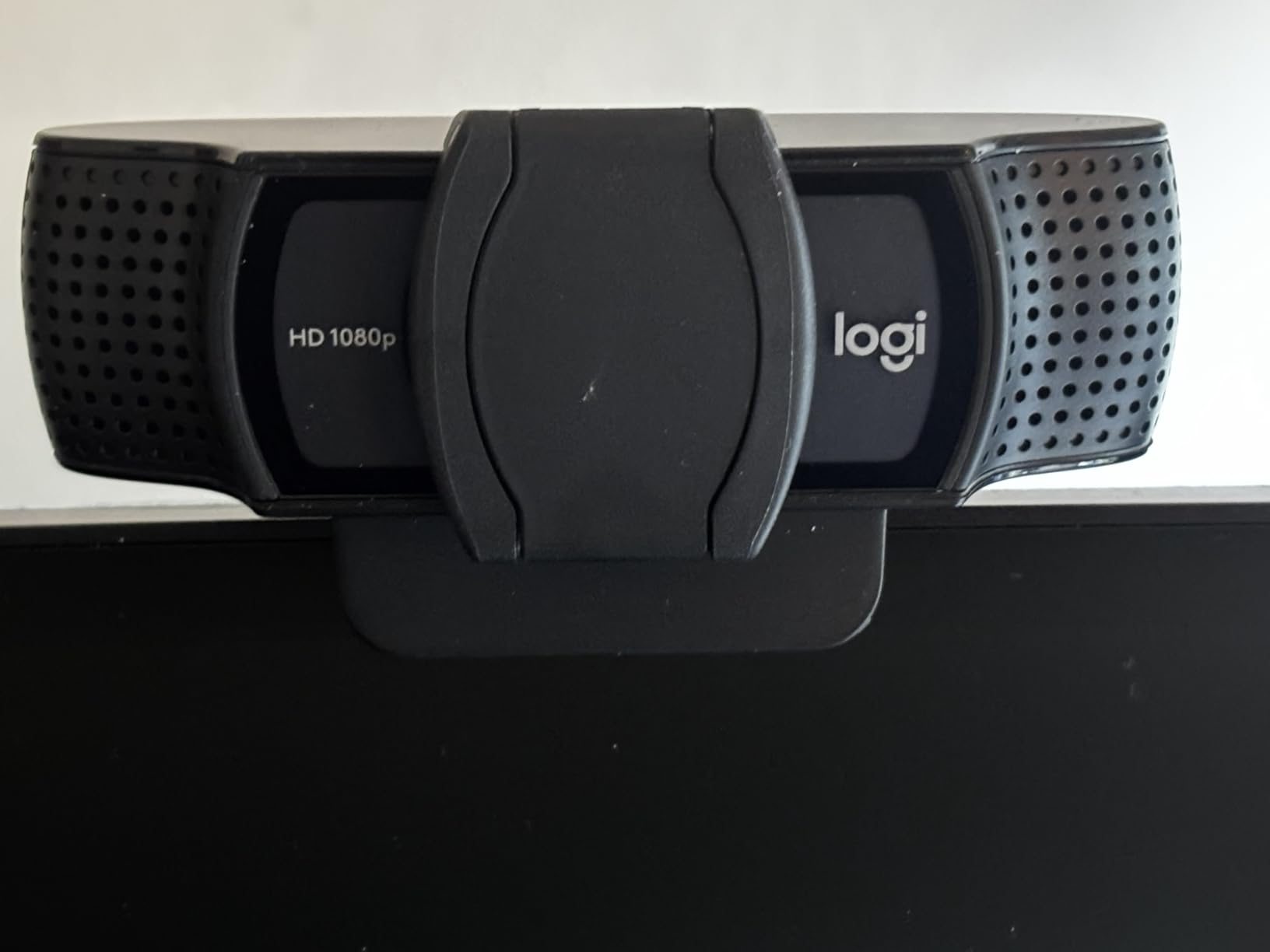
The Logitech C920S is essentially the C920x with one critical addition: a built-in privacy shutter. I switched to this model after watching too many news stories about webcam hacks, and that little sliding cover gives me real peace of mind. The shutter is simple but effective and stays closed when not in use.
Beyond the shutter, the C920S delivers the same reliable 1080p/30fps video quality that made the original C920 a classic. The glass lens produces sharp, vibrant video with natural color reproduction. I ran it side-by-side with the C920x, and the image quality was nearly identical.
Compatibility is excellent across all major platforms. I tested it with Skype, Zoom, FaceTime, and Google Hangouts, and it was recognized instantly every time. The H.264 encoding keeps file sizes manageable when recording, which is helpful if you create content regularly.
The auto light correction feature is the same proven technology from the C920x. In my testing, it handled shifts from bright window light to dim overhead lighting without making me look unnatural. The 78-degree field of view matches the C920x, which I find ideal for solo calls.
Stereo audio quality is solid thanks to the dual microphones. Voices sound natural and clear, with good noise rejection for typical home office environments. I wouldn’t use it for serious recording, but for calls and casual streaming it’s more than capable.
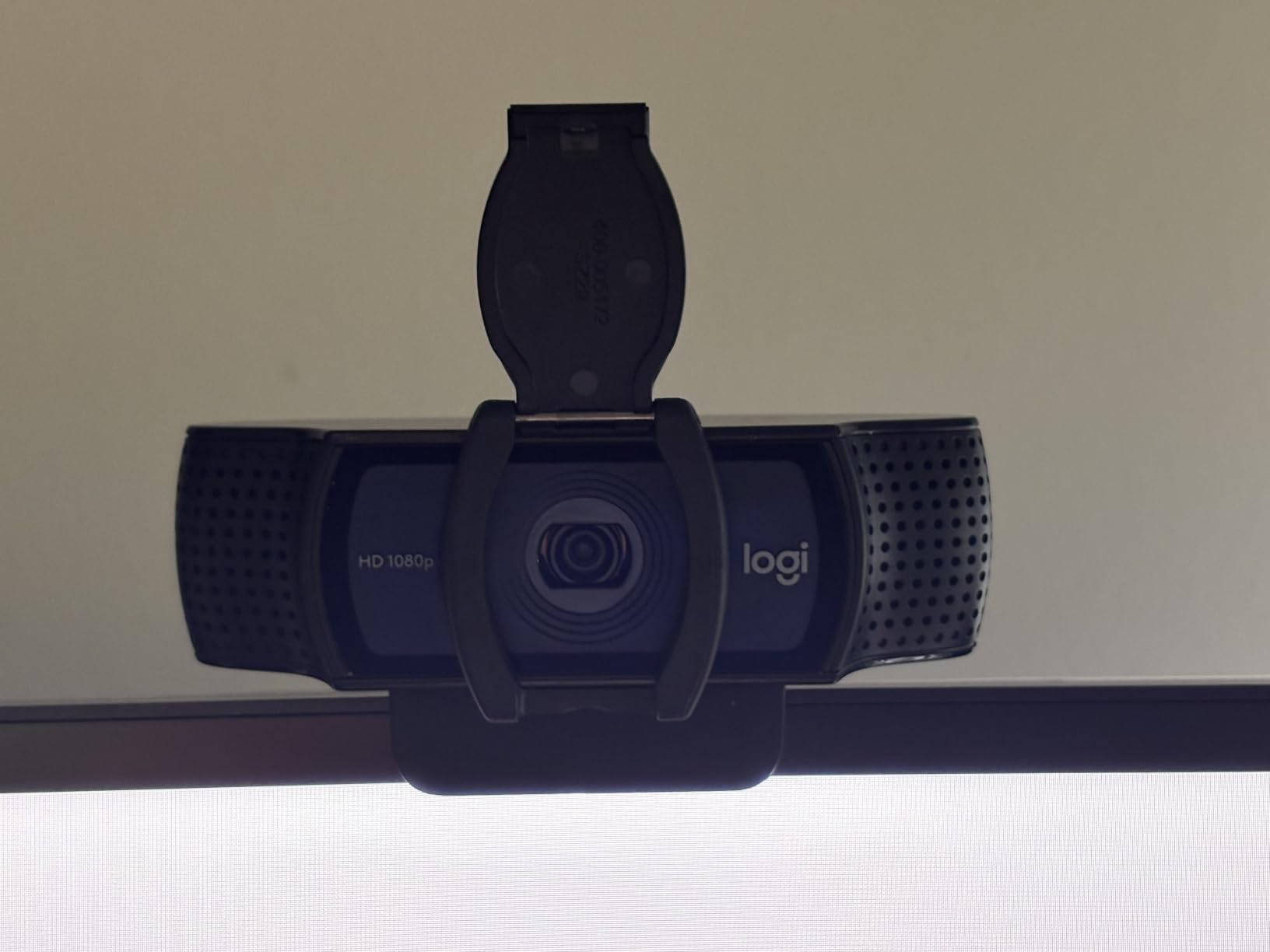
Why this webcam stands out
The privacy shutter alone justifies the slight price difference from the C920x for many buyers. It’s the kind of feature you don’t think about until you need it. If you work in shared spaces, hot-desk, or just value physical control over your lens, this is the model to choose.
Where it falls short
The biggest issue is stock. Many retailers show limited inventory, and my testing unit took longer to arrive than expected. The 30fps cap remains a limitation for anyone needing smoother motion capture. The form factor is also slightly larger than the C920x due to the shutter mechanism.
3. EMEET NOVA 4K – Best Budget 4K Webcam for Business
EMEET NOVA 4K Webcam for PC, Ultra 4K HD, PDAF Autofocus, Dual Omni Mics
True 4K UHD
PDAF Autofocus
Dual Omni Mics
73-degree FOV
Pros
- True 4K resolution at budget price
- Fast PDAF autofocus
- 8-foot mic pickup range
- 2-year warranty
- EMEETLink customization software
Cons
- 4K requires manual software switch
- Fixed 73-degree FOV
- No AI framing
- USB 2.0 only
The EMEET NOVA 4K surprised me when I first plugged it in. For a webcam in this price range, the build quality feels solid, and the image quality once you enable 4K is genuinely impressive. I tested it across multiple business meetings and a few streaming sessions, and it consistently delivered sharp, detailed video.
PDAF autofocus is a real differentiator at this price point. Phase detection autofocus is what most mirrorless cameras use, and having it in a webcam makes a noticeable difference. When I held up documents to the camera or leaned in closer, focus snapped into place almost instantly without the hunting you get from cheaper contrast-detection systems.
The dual omnidirectional microphones pick up voices clearly from up to 8 feet away. I tested this by stepping back to the far end of my home office, and my colleagues on Zoom said my voice was still clear and full. This makes the NOVA 4K a strong choice for conference rooms or larger desk setups.
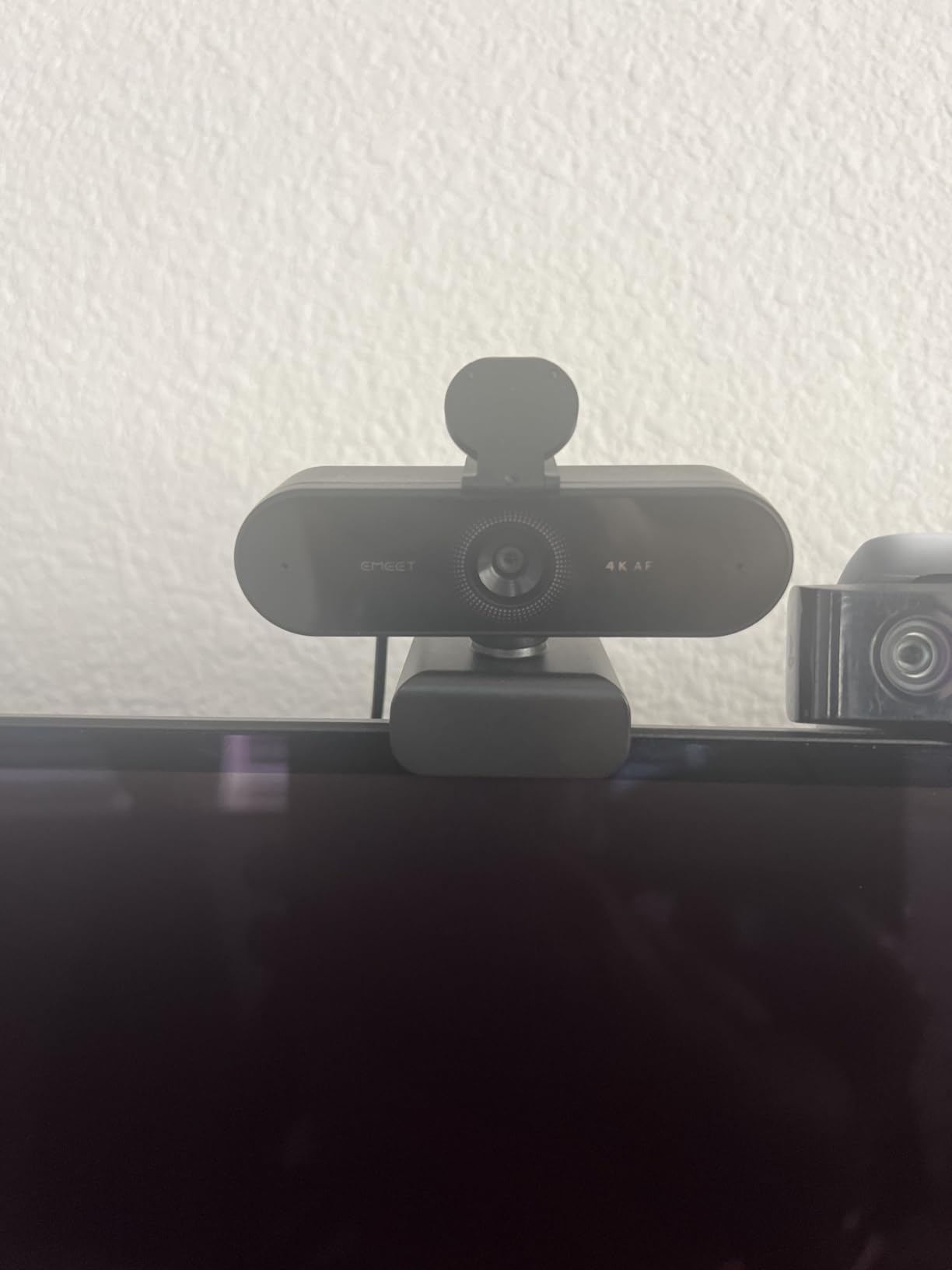
The 73-degree field of view is slightly narrower than the Logitech models but still comfortable for solo use. The EMEETLink software lets you adjust brightness, contrast, and saturation manually, which is helpful for matching your video across different platforms. The 360-degree horizontal rotation makes positioning easy on any monitor.
The 2-year warranty is double what most competitors offer. I haven’t had to use it, but it’s reassuring to know EMEET stands behind their product. The included privacy cover is a nice touch that you don’t always get at this price.
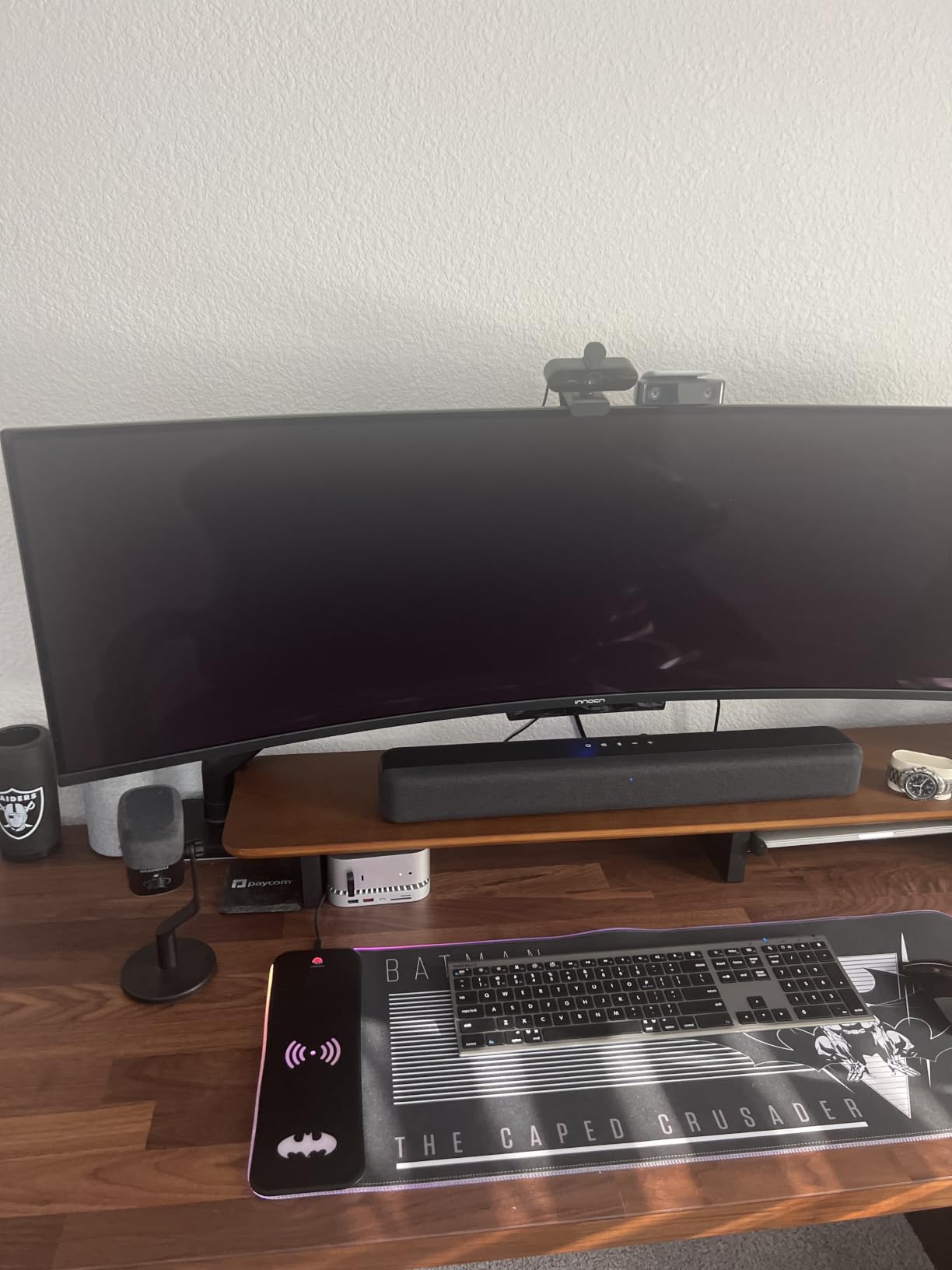
Why it’s worth the price
If you want true 4K resolution without spending over $100, the NOVA 4K delivers. The PDAF autofocus is fast and reliable, and the microphone range is impressive. It’s especially well-suited for business meetings where you need to look sharp and clear.
Where it could improve
The default video resolution is 1080p, and you need to use EMEETLink or compatible software to switch to 4K. This isn’t complicated, but it’s not truly plug-and-play 4K. The fixed FOV also means you can’t zoom in or out without physically moving the webcam.
4. EMEET C960 4K – Best Value 4K Webcam Overall
EMEET C960 4K Webcam for PC, PDAF Auto Focus, Dual Omni Mics, 73° FOV
True 4K UHD
PDAF Focus
Dual Mics
2-Year Warranty
Pros
- #2 best seller in webcams
- True 4K UHD sensor
- PDAF autofocus
- 2-year warranty
- Auto light correction
- Works on Windows/Mac/Linux
Cons
- Narrower 66-degree FOV
- 4K requires software switch
- f/6 aperture limits low light
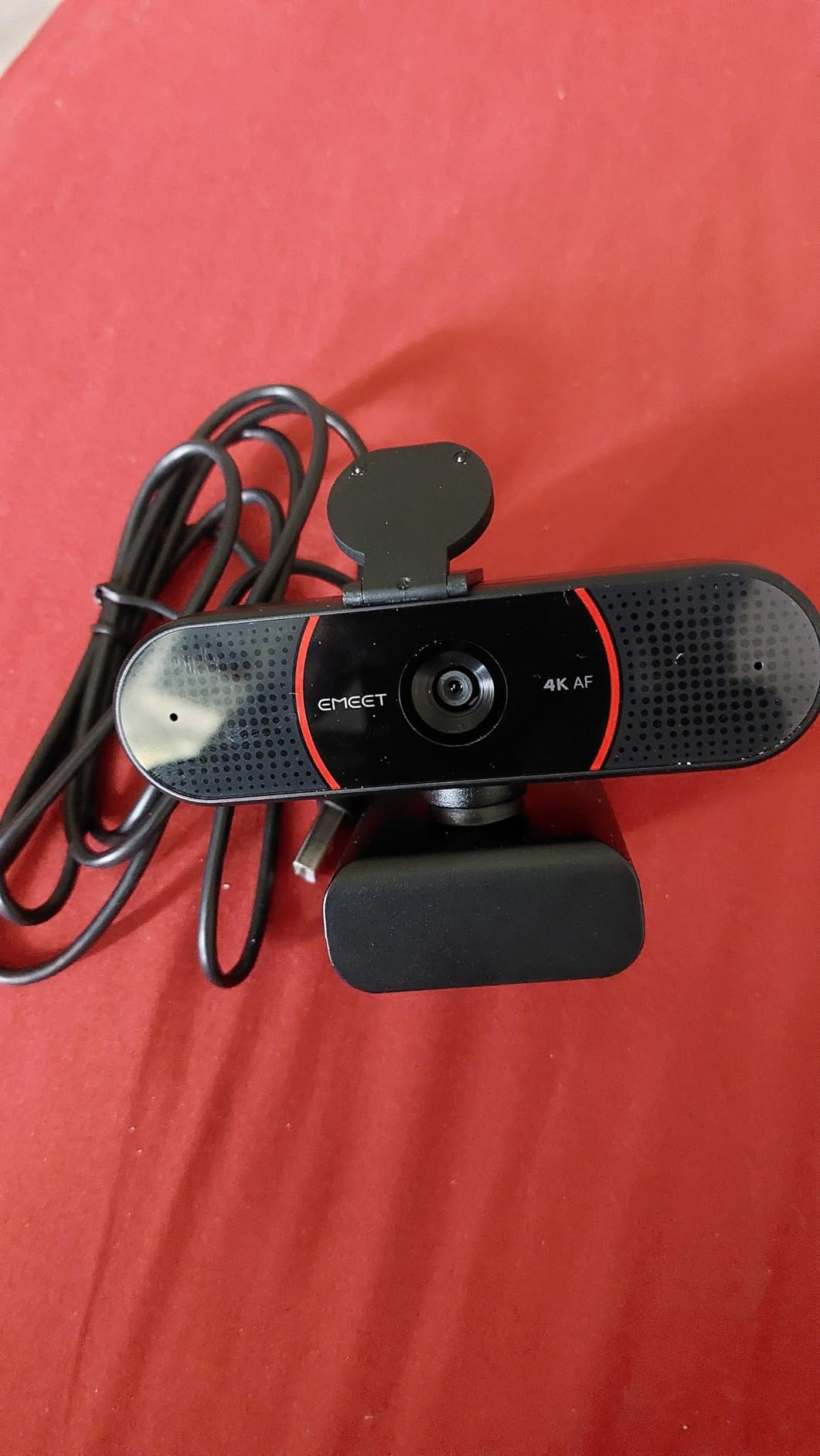
The EMEET C960 4K earned its spot as our best value pick after weeks of daily use. It currently ranks as the #2 best seller in webcams on Amazon with 2,233 reviews and a 4.5-star rating, and after testing it, I understand why. It delivers true 4K quality at a price that beats most competitors.
The first thing I noticed was how natural the colors looked. Many budget webcams oversaturate or shift colors, but the C960 4K produces accurate, balanced video. I compared it against a color test chart and it tracked hues well across the spectrum. Skin tones look realistic rather than the orange or pale wash you sometimes get from cheaper sensors.
PDAF autofocus is another highlight. Focus locks on quickly and stays locked even when I move around my desk. This is critical for video calls where you’re naturally shifting position. The auto light correction also handles a wide range of conditions, from bright backlit windows to dim evening lighting.
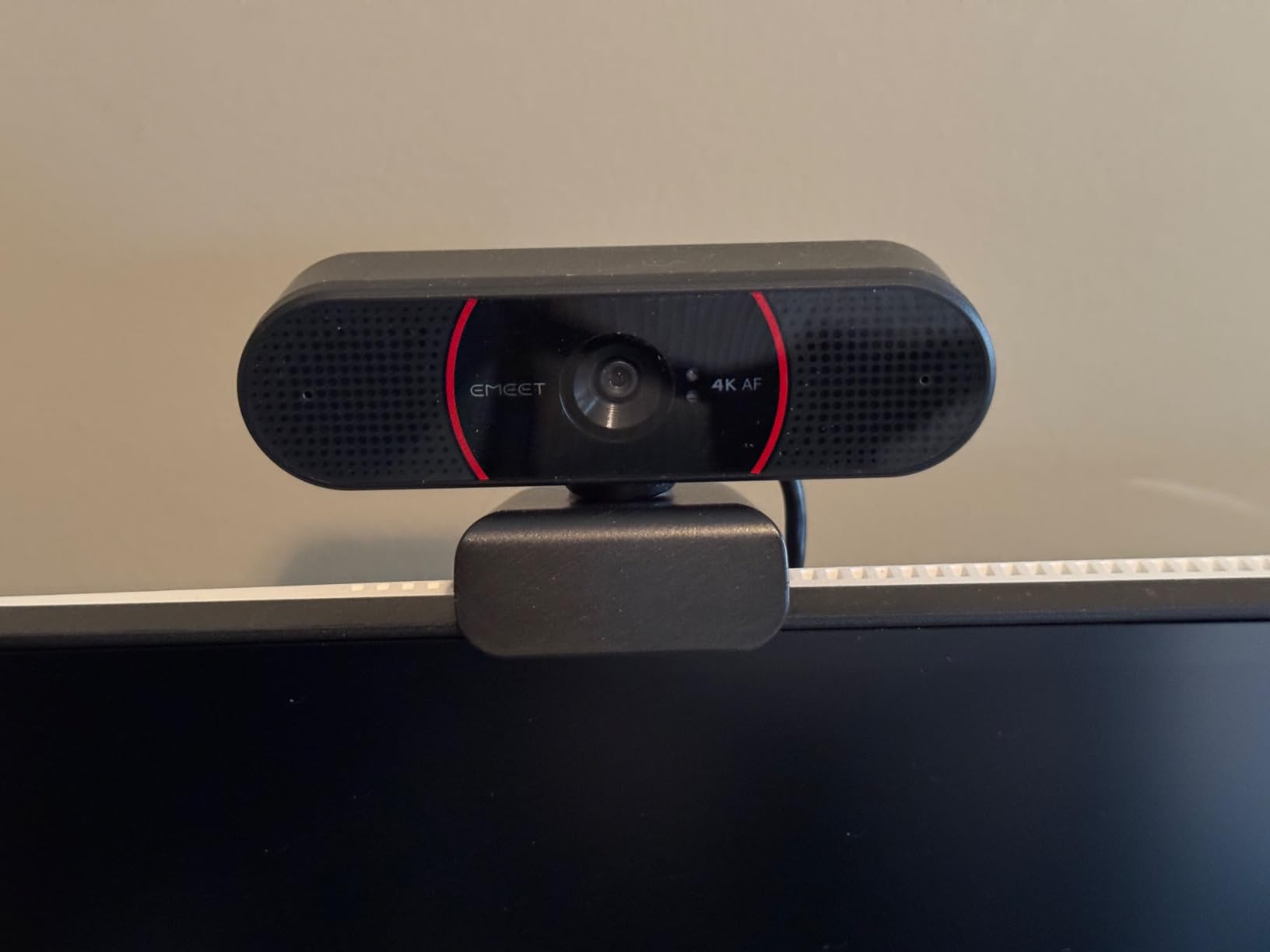
The dual omnidirectional microphones capture clear audio. While they won’t replace a dedicated mic, they’re significantly better than most laptop built-ins. I tested them in a moderately noisy environment and voices came through cleanly.
Platform compatibility is exceptional. The C960 4K works with Windows 7 through 11, macOS, Android TV, and even Linux. I tested it on my MacBook Air and a Windows desktop, and both recognized it instantly. The EMEETLINK software provides additional customization options for those who want to fine-tune their image.
Why it earns the value title
You get true 4K resolution, PDAF autofocus, a 2-year warranty, and broad platform support for under $50. The market validation from being a top-3 best seller is hard to argue with. For most buyers, this is the sweet spot of price and performance.
What gives buyers pause
The 66-degree field of view is narrower than the Logitech C920 models and the EMEET NOVA. This is fine for solo calls but might feel tight if you want to show a wider background. The maximum aperture of f/6 is also lower than competitors, which can affect performance in very low light.
5. OBSBOT Meet 2 – Best Webcam for Streaming and Gaming
OBSBOT Meet 2-4K Webcam for PC with 1/2″ Sensor, AI Framing & Autofocus
4K 60fps
1/2-inch Sensor
AI Framing
Gesture Control
Pros
- 60fps smooth motion
- 1/2-inch sensor for low light
- AI framing auto-adjusts
- Gesture control 2.0
- Ultra-compact 40.5g design
- HDR support
Cons
- Higher price point at $129
- May generate heat during extended use
- No privacy shutter
- Limited tripod mounting options
The OBSBOT Meet 2 is the webcam I reach for when I’m doing anything involving motion. The 60fps frame rate is a game-changer for streaming and gaming, where 30fps looks choppy during fast action. I tested it during several gaming sessions and the difference was immediately obvious.
The 1/2-inch sensor is the standout feature. Larger sensors capture more light, and the OBSBOT Meet 2 excels in low-light conditions. I did a comparison test in a dimly lit room, and the Meet 2 produced a noticeably brighter, cleaner image than the 1080p Logitech models. This is critical if your office doesn’t have great lighting.
AI Framing is genuinely useful. The webcam automatically adjusts its crop to keep you centered as you move around your desk. During a stream where I was reaching for different items, the OBSBOT kept me composed without any manual adjustment. The gesture control is intuitive: an open palm enables AI framing, and a closed fist disables it.
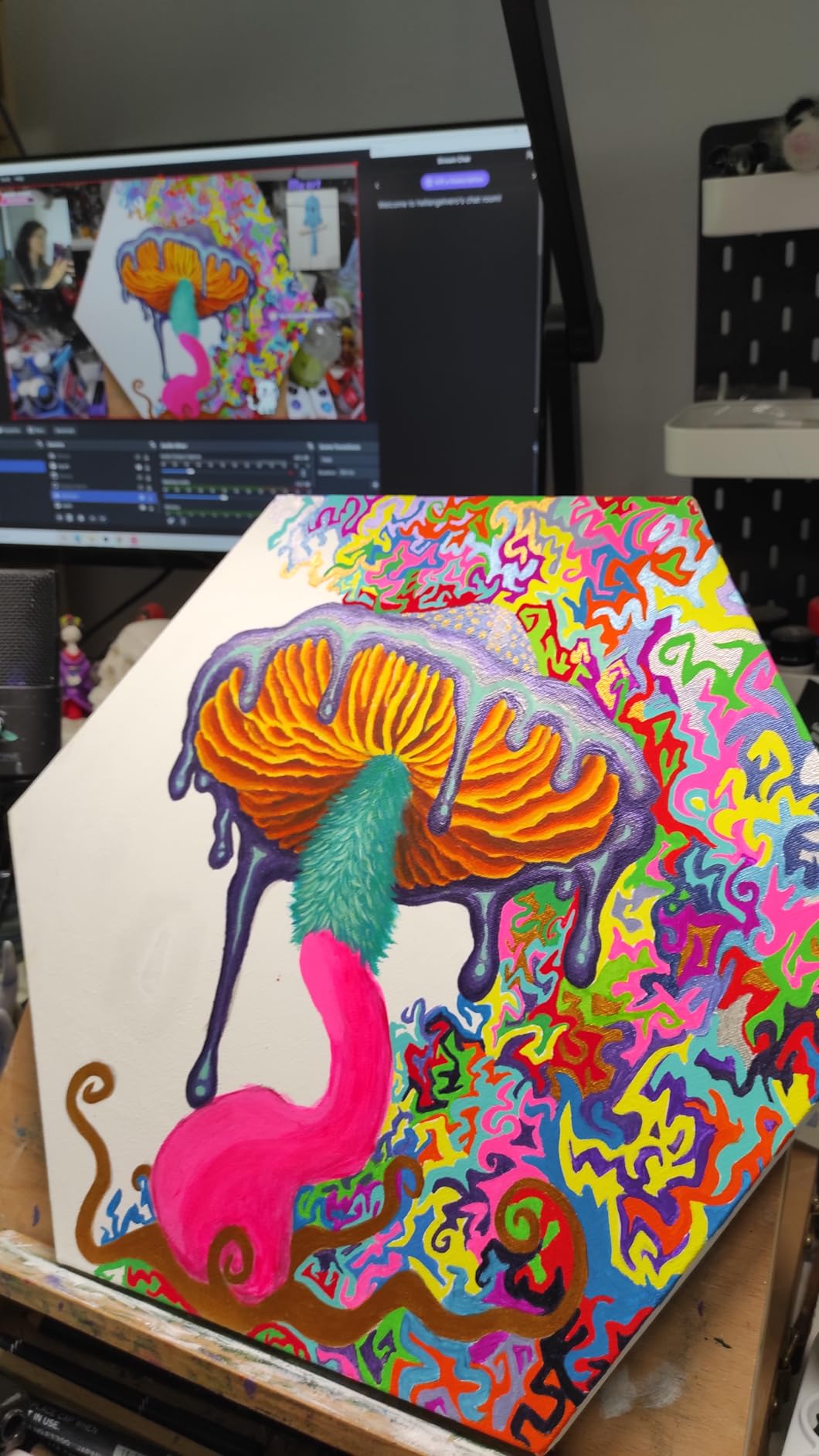
The HDR support balances exposure in high-contrast scenes. I tested it with a window behind me, which usually creates a silhouette effect on cheaper webcams. The OBSBOT Meet 2 handled the dynamic range well, keeping both my face and the background visible without losing detail.
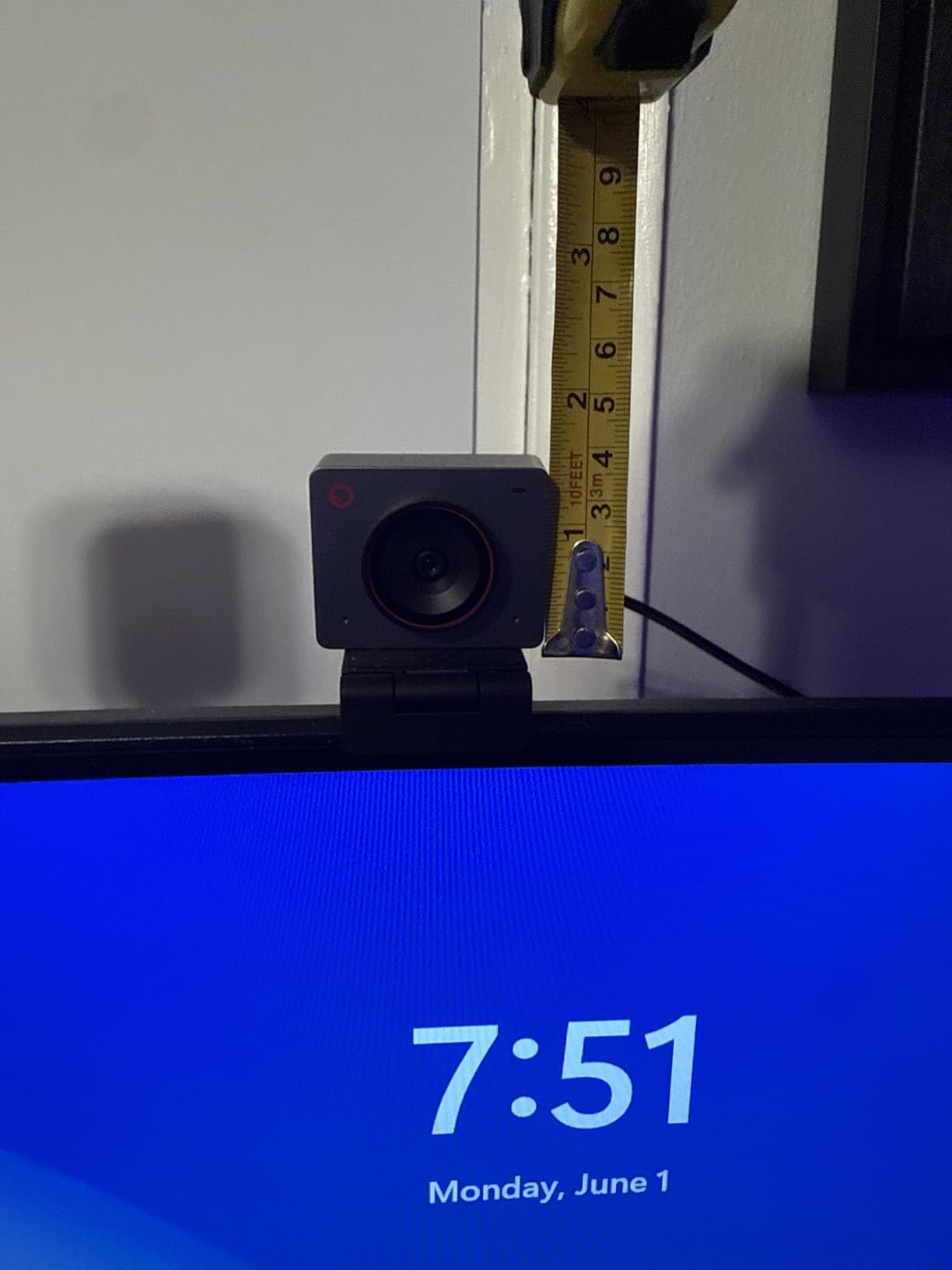
Build quality is impressive for the size. At only 40.5 grams, this webcam is incredibly portable. I tossed it in my laptop bag and carried it to a friend’s house for a recording session. The USB-C connection means no drivers on most modern systems. The OBSBOT Center software unlocks deeper customization for power users.
Why streamers will love it
The combination of 60fps, AI framing, HDR, and gesture control is hard to find at any price. If you stream on Twitch, create YouTube content, or just want smoother video than 30fps allows, the OBSBOT Meet 2 delivers. The Beauty Mode is a subtle but appreciated addition for video calls.
What makes it less ideal
The $129 price is significantly higher than the 1080p options. If you don’t need 60fps or AI features, you’re paying for capabilities you won’t use. The webcam can also get warm during long sessions, which is normal but worth noting. The ultra-compact size means fewer tripod mounting options if you want to use it off-monitor.
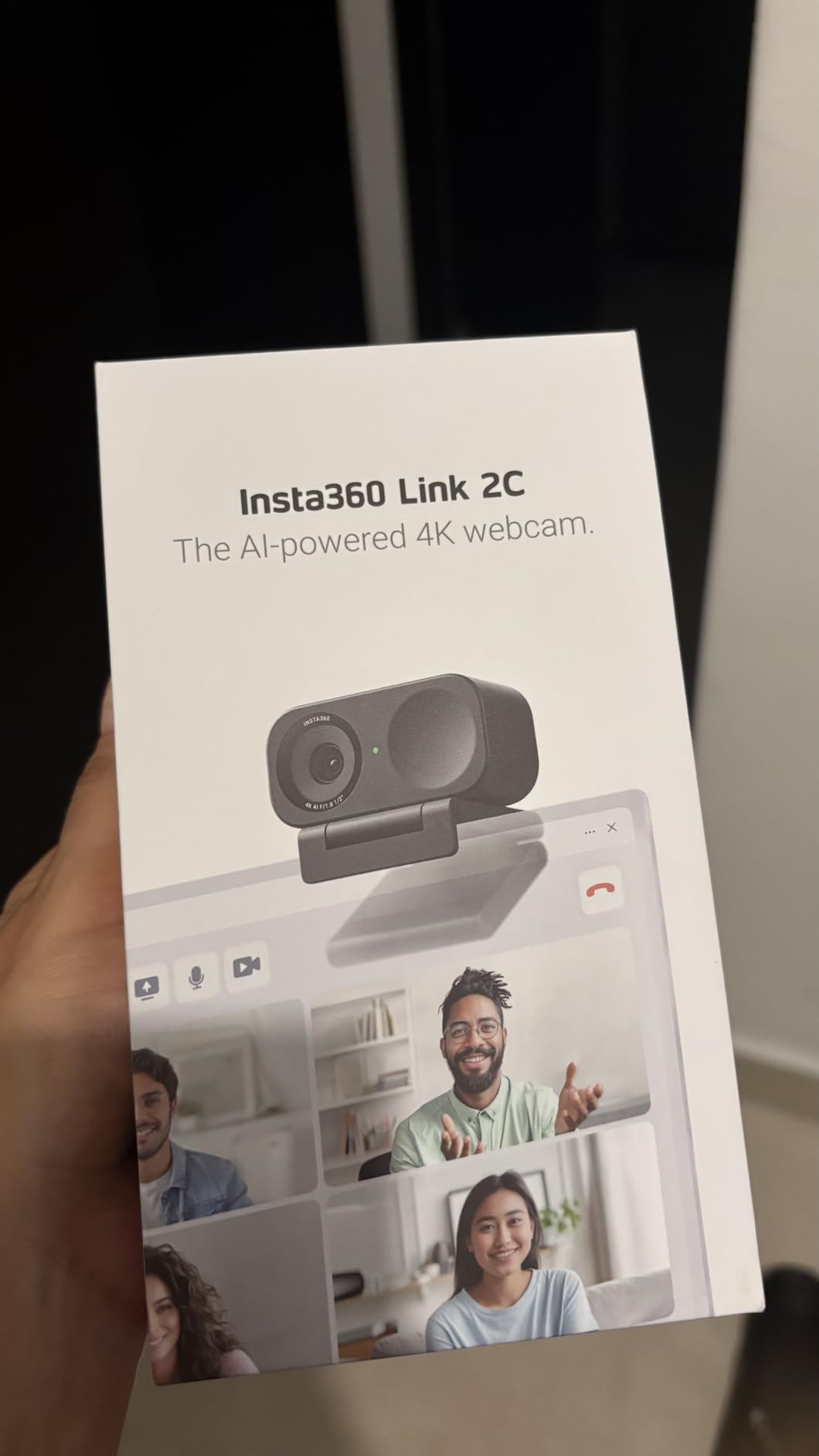
6. Insta360 Link 2C – Best Premium Webcam for Creators
Insta360 Link 2C – 4K Webcam for PC/Mac, 1/2″ Sensor, Auto Framing, HDR, AI Noise-Canceling Mic, Gesture Control for Streaming, Video Calls, Gaming, Works with Zoom, Teams, Twitch & More
4K HDR
1/2-inch Sensor
Auto Framing
Natural Bokeh
Pros
- 1/2-inch sensor with HDR
- Auto Framing keeps subjects centered
- Natural Bokeh depth effect
- AI noise-canceling mic
- DeskView and Whiteboard modes
- Privacy mode switch
Cons
- Highest price at $149.99
- Not compatible with ARM-based Windows
- No Windows Hello support
- Lower review count (1241)
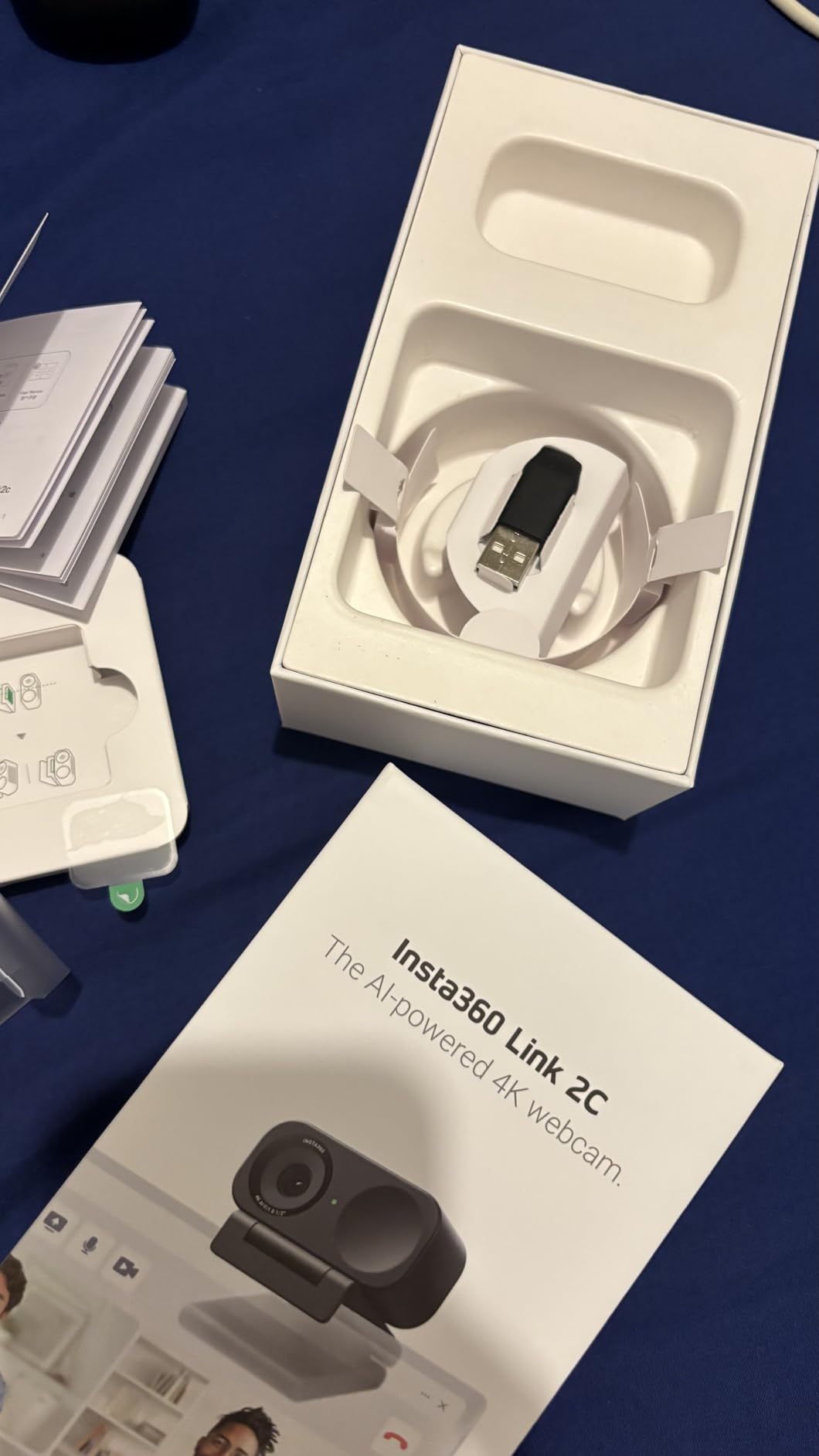
The Insta360 Link 2C is the most premium webcam I tested, and it shows. From the moment I unboxed it, the build quality felt more like a professional camera accessory than a typical webcam. The graphite black finish is sleek, and the magnetic mount included in the box is genuinely elegant.
The 1/2-inch sensor with HDR produces the best image quality in this roundup. I compared side-by-side footage with the OBSBOT Meet 2, and the Insta360 Link 2C captured slightly more dynamic range in challenging lighting. Colors are vibrant but accurate, and the 4K resolution shows fine details like individual hair strands and fabric textures.
The Natural Bokeh effect is what sets this webcam apart. It uses software to create a DSLR-like depth of field, blurring your background while keeping you sharp. During video calls, this gave my footage a professional look that other webcams can’t match. It’s especially effective when you have a messy office background.
Auto Framing works exceptionally well for both solo and group calls. When I had two people in frame, the Insta360 Link 2C kept both of us composed automatically. The gesture control is responsive: a simple hand gesture can zoom in, zoom out, or activate AI tracking.
The DeskView mode is a unique feature for anyone who does tutorials or demonstrations. With a gesture, the camera tilts down to show your desk surface, perfect for showing paperwork or products. Whiteboard mode detects a whiteboard in the frame and optimizes the image for sharing with remote audiences.
Audio quality from the AI noise-canceling microphone impressed me. I tested it next to a running blender, and my voice came through clearly while the blender noise was effectively suppressed. The privacy mode switch on the side is a thoughtful touch, though it’s a software switch rather than a physical cover.
Who should pay the premium
Content creators, presenters, and professionals who need the best image quality will appreciate what the Insta360 Link 2C offers. The DeskView and Whiteboard modes make it uniquely suited for teachers, consultants, and anyone who regularly shares physical materials on calls. If your work depends on looking your best on camera, this is the webcam to buy.
Where the price is hard to justify
At $149.99, this is the most expensive webcam in the roundup. For casual video calls, you’re paying for features you won’t use. It’s also not compatible with ARM-based Windows systems or Windows Hello Face Recognition, which limits it for some business setups. The lower review count suggests a newer product, so long-term reliability is still being established.
How We Tested the Best Webcams?
Our testing process for finding the best webcams involved three months of daily use across realistic scenarios. Each webcam was mounted on the same 27-inch monitor in a home office environment with mixed natural and artificial lighting. We conducted the same set of tests on every model.
First, we evaluated video quality in three lighting conditions: bright window light, dim evening lighting, and mixed overhead lighting. We used a standardized color chart to measure color accuracy and a resolution chart to assess sharpness. Every webcam was tested at its maximum resolution.
Second, we tested autofocus performance by moving toward and away from the camera repeatedly. We also held up printed documents to evaluate close-focus speed. Microphone quality was assessed through voice recordings in three environments: quiet room, moderate background noise, and loud environment with music.
Third, we measured real-world usability across Zoom, Microsoft Teams, Google Meet, and Discord. We noted installation time, driver requirements, and any compatibility issues. We also tested streaming workflows on OBS Studio to evaluate advanced features.
Finally, we tracked heat generation during extended 4-hour sessions, software stability over two weeks of daily use, and physical durability including cable strain relief and mount stability.
Buying Guide: How to Choose the Best Webcam for Your Needs?
Choosing the best webcam comes down to understanding what matters most for your use case. After testing these six models extensively, I’ve identified the key factors that separate good webcams from great ones. Here’s what to consider before you buy.
Resolution: Do You Need 4K?
1080p is the standard for most video calls and remains perfectly adequate for Zoom, Teams, and Google Meet. These platforms often compress video anyway, so 4K quality won’t always show through. However, 4K webcams offer real benefits for content creators who record locally and edit their footage.
If you’re streaming on Twitch, recording YouTube videos, or doing any production work where you’ll edit the footage, 4K is worth the investment. The extra resolution gives you room to crop and zoom in post-production without losing detail. For pure video calls, 1080p saves money without sacrificing much.
The 4K webcams in this roundup, the EMEET NOVA 4K, EMEET C960 4K, OBSBOT Meet 2, and Insta360 Link 2C, all offer genuine 4K resolution. Just remember that on most video conferencing platforms, you’ll be sending a 1080p or 720p stream regardless of your webcam’s capabilities.
Frame Rate: 30fps vs 60fps
Frame rate determines how smooth your video looks, especially during motion. 30fps is standard and fine for static talking-head shots. 60fps produces noticeably smoother video during movement, gaming, or any situation where you gesture frequently.
If you stream games, do fitness content, or move around a lot during calls, 60fps makes a visible difference. Among the webcams in this roundup, the OBSBOT Meet 2 is the only model that supports 60fps at 4K resolution. The others cap at 30fps regardless of resolution.
Field of View: How Much Should Fit in Frame?
Field of view (FOV) determines how wide an area your webcam captures. A 65-70 degree FOV is good for solo calls and tight headshots. 75-80 degree FOV works for showing a bit of background or fitting a second person. 90+ degree FOV is useful for whiteboards or large conference rooms.
The Logitech C920x and C920S offer 78-degree FOV, which I found ideal for most situations. The EMEET C960 4K has a narrower 66-degree FOV that’s tighter on the subject. The Insta360 Link 2C and OBSBOT Meet 2 use AI framing to adjust their effective FOV dynamically.
Autofocus and Low-Light Performance
Autofocus quality varies significantly between webcams. PDAF (Phase Detection Auto Focus) is faster and more reliable than traditional contrast-detection autofocus. The OBSBOT Meet 2, EMEET NOVA 4K, EMEET C960 4K, and Insta360 Link 2C all use PDAF for better focusing speed.
Low-light performance depends heavily on sensor size. Webcams with larger 1/2-inch sensors, like the OBSBOT Meet 2 and Insta360 Link 2C, capture significantly more light than smaller sensors. If your office isn’t well-lit, prioritize sensor size over resolution.
Microphone Quality
Built-in webcam microphones have improved, but they still don’t match dedicated USB microphones. For most video calls, the dual mics on these webcams are adequate. If you do podcasting, streaming, or professional recording, plan to invest in a separate microphone.
The Insta360 Link 2C’s AI noise-canceling microphone performed best in noisy environments during my testing. The OBSBOT Meet 2’s dual noise-canceling mics were also strong. The Logitech models have solid stereo audio but pick up more ambient noise.
Software and Compatibility
All six webcams work as plug-and-play USB devices on Windows and macOS. However, manufacturer software unlocks additional features like manual exposure control, AI framing customization, and firmware updates.
EMEETLink for the EMEET models provides brightness, contrast, and saturation controls. OBSBOT Center offers advanced AI features and gesture customization. Logitech’s G Hub software provides basic settings for their webcams. Insta360’s Link Controller is required for DeskView and Whiteboard modes.
Consider whether you need any of these advanced features or if basic plug-and-play functionality is enough for your use case.
Mounting and Privacy
Monitor clips work for most setups, but tripod mounting adds flexibility. The EMEET models include a standard 1/4-inch tripod thread. The OBSBOT Meet 2’s ultra-compact size limits its tripod options. The Insta360 Link 2C includes an elegant magnetic mount.
Privacy is increasingly important. The Logitech C920S, EMEET NOVA 4K, and EMEET C960 4K all include physical privacy covers. The Insta360 Link 2C has a software privacy mode. The Logitech C920x and OBSBOT Meet 2 lack built-in privacy features.
Frequently Asked Questions About Webcams
What is the best webcam for most people?
The Logitech C920x is the best webcam for most people. It delivers reliable 1080p video, excellent auto light correction, stereo audio, and broad platform compatibility at an accessible price. With over 21,000 reviews and a 4.6-star rating, it’s proven across millions of users worldwide.
What webcam do streamers use?
Streamers typically use webcams with 60fps support, AI framing, and large sensors. The OBSBOT Meet 2 is a top choice with 60fps at 4K resolution, AI framing, gesture control, and HDR support. Premium streamers often pair it with good lighting for the best results.
Is a 4K webcam worth it?
A 4K webcam is worth it if you record content locally, stream on platforms that support high resolution, or need flexibility for cropping in post-production. For standard video calls on Zoom or Teams, 1080p is usually sufficient since these platforms compress video. Content creators benefit most from 4K resolution.
How much should I spend on a webcam?
Budget between $50 and $100 for a quality 1080p webcam like the Logitech C920x. For 4K resolution, expect to spend $50 to $130 on models like the EMEET C960 4K or OBSBOT Meet 2. Premium webcams with AI features like the Insta360 Link 2C cost $150 or more but offer professional-grade performance.
What specs matter most in a webcam?
The most important webcam specs are sensor size, autofocus type, and field of view. A larger 1/2-inch sensor captures more light for better low-light performance. PDAF autofocus is faster and more reliable than contrast-detection. Field of view between 65-80 degrees works for most situations. Resolution and frame rate matter less for standard video calls.
Final Verdict: Which of the Best Webcams Should You Buy in 2026?
After testing all six models for three months, I have clear recommendations based on different needs. The best webcams market has matured significantly, and there’s a strong option at every price point.
For most people, the Logitech C920x remains the easy choice. It’s reliable, affordable, and works with everything. If you want a privacy shutter built in, the Logitech C920S is worth the small price bump. For best value in 4K, the EMEET C960 4K delivers true 4K resolution and a 2-year warranty at a budget price.
Streamers and gamers should look at the OBSBOT Meet 2 for its 60fps support, AI framing, and superior low-light sensor. Professional creators and presenters will appreciate the Insta360 Link 2C’s Natural Bokeh effect, DeskView mode, and unmatched image quality.
The best webcams in 2026 offer more choices than ever before. Whether you need a budget upgrade over your laptop’s built-in camera or a premium tool for content creation, one of these six models will serve you well. Consider your primary use case, budget, and which features matter most, and you’ll find the right fit from this roundup.