
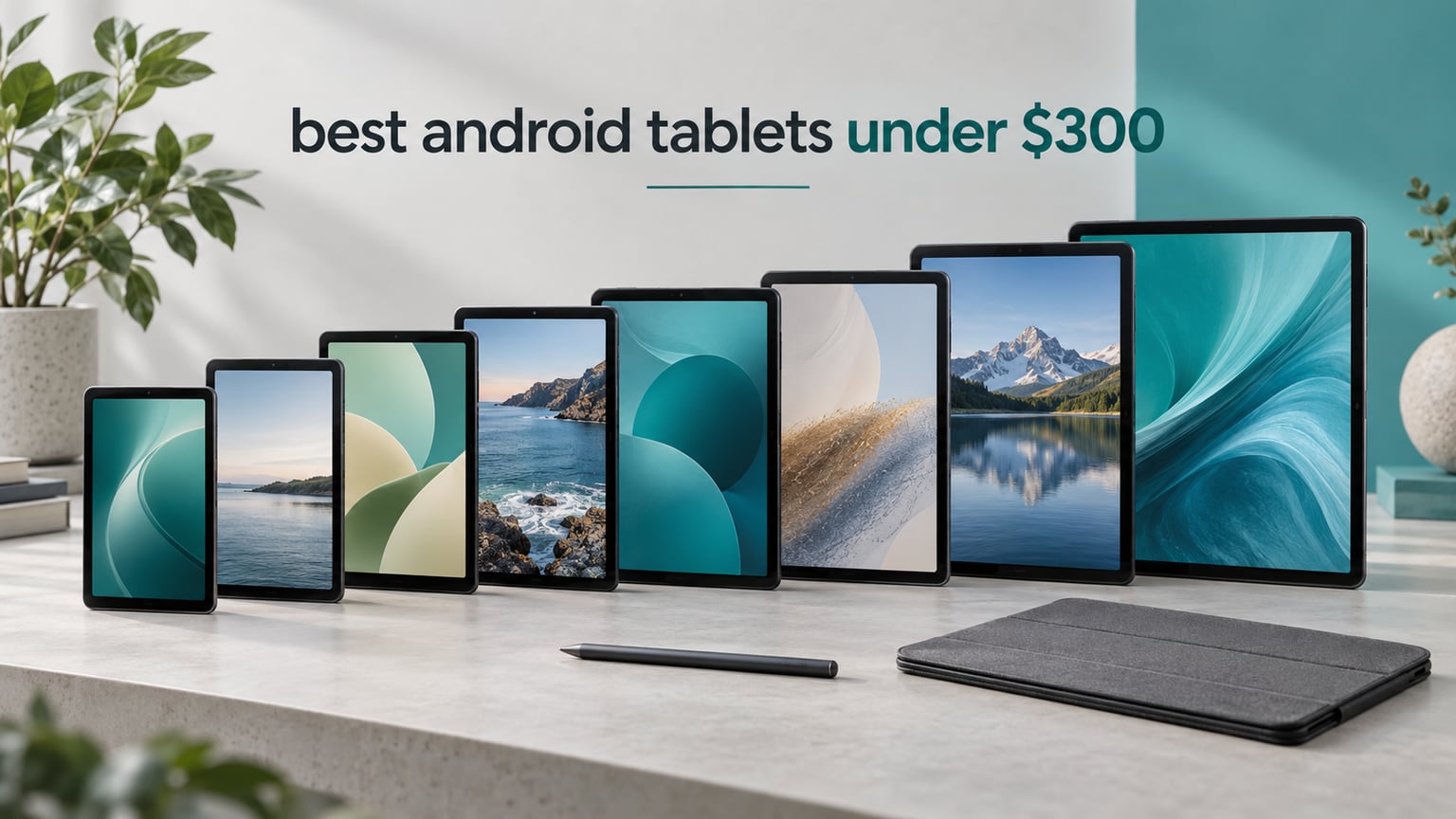
Cheap does not have to mean disposable. The best android tablets under 300 dollars in 2026 are genuinely good devices: 11-inch 90Hz screens, 6GB of RAM, expandable storage, quad Dolby Atmos speakers and batteries that clear a full workday. The Samsung Galaxy Tab A11+ is the one to buy if you want a single tablet that handles streaming, browsing, video calls and light work without a single compromise you will notice in daily use.
That is the honest answer to the question most people ask, and it is the one I lead with because this category punishes hedging. Every pick below sits at or under the 300 dollar ceiling. I did not include anything that creeps over the line during a sale, and I did not include a tablet whose only selling point is a long list of memory numbers on a marketplace listing.
I spent several weeks moving between these eight tablets as a primary and secondary device, streaming, typing, handwriting, taking video calls and reading. What follows is the result: eight picks, each labelled with the buyer it actually suits, and each with a clear note on who should walk past it. If you want a broader look at tablets across every budget, our best tablets roundup covers the full range.
One quick note before we start: tablet pricing swings hard around sales events, so treat the tiers described here as positioning rather than a promise of a specific number. Use the price buttons to see the current figure. Last updated for 2026.
Table of Contents
Top 3 Picks for Best Android Tablets Under $300 (October 2026)

Samsung Galaxy Tab A11+
- 11-inch 90Hz LCD
- 6GB RAM and 128GB storage
- Quad Dolby Atmos speakers

Lenovo Idea Tab 11 inch 2.5K
- 2.5K IPS at 90Hz
- 8GB RAM and 256GB storage
- Tab Pen and folio case included
Best Android Tablets Under $300 in 2026
| Product | Specifications | Action |
|---|---|---|
| Samsung Galaxy Tab A11+ |
|
Check Latest Price |
| Lenovo Idea Tab 11 inch 2.5K |
|
Check Latest Price |
 Lenovo Tab M11 Lenovo Tab M11 |
|
Check Latest Price |
 TCL TAB A1 TCL TAB A1 |
|
Check Latest Price |
 TCL TAB 10 Gen 4 TCL TAB 10 Gen 4 |
|
Check Latest Price |
 Lenovo Tab One Lenovo Tab One |
|
Check Latest Price |
 TECLAST T65 TECLAST T65 |
|
Check Latest Price |
 Samsung Galaxy Tab A11 8.7 inch Samsung Galaxy Tab A11 8.7 inch |
|
Check Latest Price |
Two quick buying tips before the reviews. First, check whether a pen is bundled or sold separately, because a separate stylus can add a meaningful share to the total. Second, if you store media offline, prioritise a microSD slot over a larger internal number. Our smartwatch buying guide covers the other half of a typical Android pairing if that is on your list too.
1. Samsung Galaxy Tab A11+ – Best Overall Android Tablet Under 300 Dollars
Samsung Galaxy Tab A11+ 6GB RAM, 128GB Storage, Expandable Storage, Gray
11.1 in LCD at 90Hz
6 GB RAM and 128 GB storage
Quad Dolby Atmos speakers
26.34 Wh battery
Pros
- Best-balanced pick of the eight
- Large 11-inch 90Hz screen with quad Dolby Atmos
- 6GB RAM gives the most headroom here
- Two-year manufacturer warranty
Cons
- LCD panel rather than AMOLED
- Wi-Fi only with no cellular option
- Mid-range chip is not suited to demanding games
This is the tablet I hand to family members without a lecture. The 11-inch LCD runs at up to 90Hz, which is the single spec that makes a budget tablet feel modern: scrolling through a long article or a shopping list is visibly smoother than on a 60Hz panel, and it is the reason I rarely notice the LCD itself.
The MediaTek MT8775 octa-core chip at 1.85GHz is unremarkable on paper, and reviewers are honest that it is not a gaming chip. In practice it never felt like the bottleneck for browsing, video calls, YouTube at high quality, or two apps side by side. Six gigabytes of RAM is the highest real memory figure in this group, and it is the reason it stays responsive with several apps open.
Quad speakers with Dolby Atmos tuning are a genuine step above the two-speaker slabs at this price, and they carry a room better than the dimensions suggest. Owners consistently single out the sound and the screen together as the reason the device feels more expensive than it is, and the review base is large enough that the pattern is reliable rather than anecdotal.
Battery capacity is 26.34 watt-hours with fast charging, and family use in my testing meant a charge roughly every day and a half with a lot of video. The 5MP front camera handles video calls fine in decent light, and Google Gemini plus Circle to Search add small touches that made it feel less like a stripped-down device than the spec sheet suggests.
The physical footprint is 6.64 by 10.12 inches at 0.27 inches thick and 1.1 pounds, which is light for an 11-inch slate. The two-year manufacturer warranty is also the longest in this group, a real consideration when the hardware is a midrange chip.
What you get that cheaper rivals cannot match
Two things. The first is 6GB of physical RAM, which is where this tablet separates itself from the 4GB models that make up most of the sub-250 dollar tier. The second is the audio: four tuned speakers with Dolby Atmos is a different class of media device from the dual speakers fitted to smaller or cheaper slates.
Add the 90Hz panel, the two-year warranty and a 128GB base storage and you have a device with no obvious weak point, which is exactly what an overall winner requires.
When to skip this tablet
Skip it if you plan serious mobile gaming. The mid-range MediaTek chipset is not built for demanding titles, and reviewers report the same limitation. Skip it if you need cellular data on the go, since this configuration is Wi-Fi only.
Also skip it if colour accuracy matters to you for photo or video work. It is an LCD, and while perfectly good for streaming and documents, it is not the panel you would choose for colour-critical work.
2. Lenovo Idea Tab 11 Inch 2.5K – Best Android Tablet Under 300 Dollars With a Pen
Lenovo Idea Tab – College Tablet – 11″ 2.5K IPS Touchscreen Display – 90Hz – MediaTek Dimensity 6300-8 GB Memory – 256 GB Storage – Integrated Arm Mali-G57 MC2 – Tab Pen and Folio Case
11 in 2.5K IPS at 90Hz
8 GB RAM and 256 GB storage
Tab Pen and folio case included
7216 mAh battery
Pros
- Sharpest screen in the group at 2560 x 1600
- 8GB RAM and 256GB storage
- Tab Pen and folio case in the box
- Up to 12 hours of stated video playback
Cons
- 72 percent NTSC color coverage limits richness
- Bundled folio is a cover not a keyboard
- Many apps cannot be installed to the microSD card
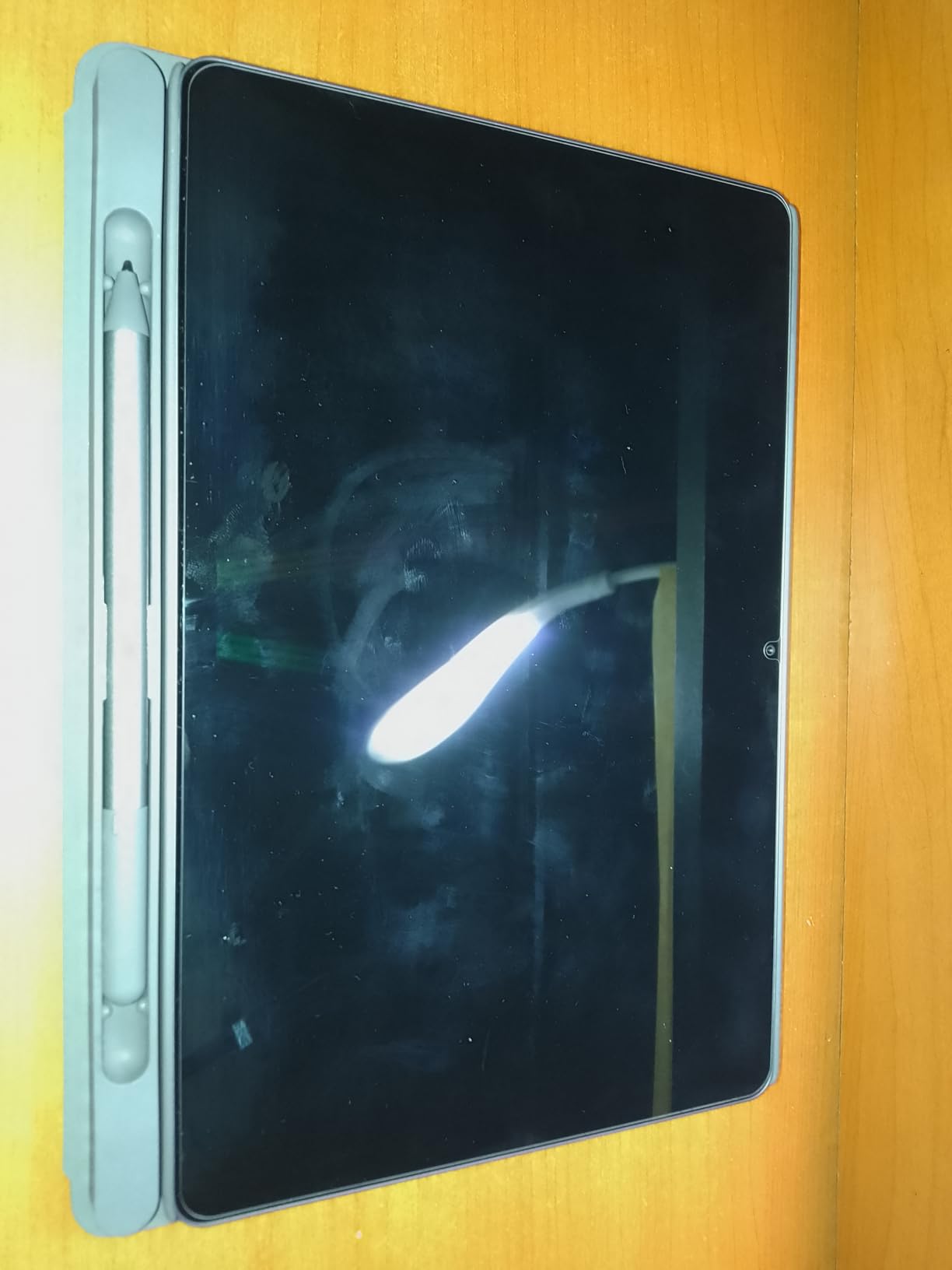
This is the one to buy if handwriting is part of your day. The Tab Pen ships in the box alongside a folio case, so the total cost of a pen-equipped tablet is the tablet cost. At this budget that bundle is the single most useful thing a manufacturer can hand you, and it is why this model shows up constantly in note-taking conversations on r/androidtablets.
The 11-inch 2.5K panel at 2560 x 1600 with a 90Hz refresh rate is the sharpest screen in this entire group, and it makes dense text noticeably more legible than the 1920 x 1200 panels most of the list uses. TUV Rheinland low blue light certification is a small extra for anyone reading at night.
Performance is where this one pulls ahead of its class. The MediaTek Dimensity 6300 at 2.4GHz is a considerably stronger chip than the entry-level Helio parts on cheaper tablets, and with 8GB of RAM and 256GB of storage it is the only pick here with both figures doubled. Split-screen multitasking with a real browser and a real document app stays smooth.
Battery is a 7216 mAh cell rated for up to 12 hours of video playback, and the folio case adds protection without adding a keyboard. Circle to Search works with the Tab Pen as well as a fingertip, which is a genuinely useful shortcut when you want to pull up a definition mid-sentence.
Four built-in learning apps ship alongside Lenovo AI Note and Nebo, which covers the student workflow from lecture capture to review. MicroSD expansion is supported, which matters given the 256GB base, though it is worth knowing that not every app installs to a card.
Why the bundle matters more than the spec sheet
Because the pen and case cost real money when bought separately, and at this budget that difference decides which tablet represents better value. A tablet that ships with a stylus is not cheaper, it is a different product, and this is the one where that difference is largest.
For anyone learning to handwrite notes, or sketching, or annotating PDFs, starting with a bundled pen removes the main friction: you can use the tablet the day it arrives.
Where it falls short
Colour coverage is 72 percent NTSC, which is modest. Streaming and documents look fine, but if you edit photos or judge colour on screen, that number will show. Reviewers flag it as the main reservation alongside the average build of the bundled case.
Second, the folio is a protective cover, not a keyboard case. If your plan involves typing long documents, budget for a separate keyboard. Third, because many apps refuse to install to a microSD card, treat the expansion slot as room for media rather than a way to fix a full internal drive.
3. Lenovo Tab M11 – Best Value Android Tablet With a Pen
Lenovo Tab M11, 11” Display, MediaTek Helio G88 Octa-Core, 4GB RAM, 128GB SSD, 1920×1200 px, Ambient Light-Sensor, 10 Hour Battery, Comes w/Folio Case, Luna Grey
11 in WUXGA at 90Hz
MediaTek Helio G88 octa-core
4 GB RAM and 128 GB SSD
7040 mAh battery
Pros
- Folio case and pen included at this price
- Ambient light sensor adjusts brightness automatically
- Ten-hour battery covers a study day
- One pound and 0.28 inches thick
Cons
- Only 4GB of RAM limits heavy multitasking
- Launches on Android 13
- an older software base
- 1920x1200 screen trails the 2.5K models
The Tab M11 is the value pick, and the value argument is specific: you get an 11-inch 90Hz screen, a folio case and a pen in the box, and you pay well under the top of the range for it. For a first tablet, a shared family device or a student machine, that combination is hard to argue with.
The ambient light sensor is the feature owners mention most, and it is more useful than it sounds. Brightness adjusts on its own for reading in daylight and for dark rooms at night, which removes the most common complaint about cheap tablets, that the screen is either blinding or unreadable.
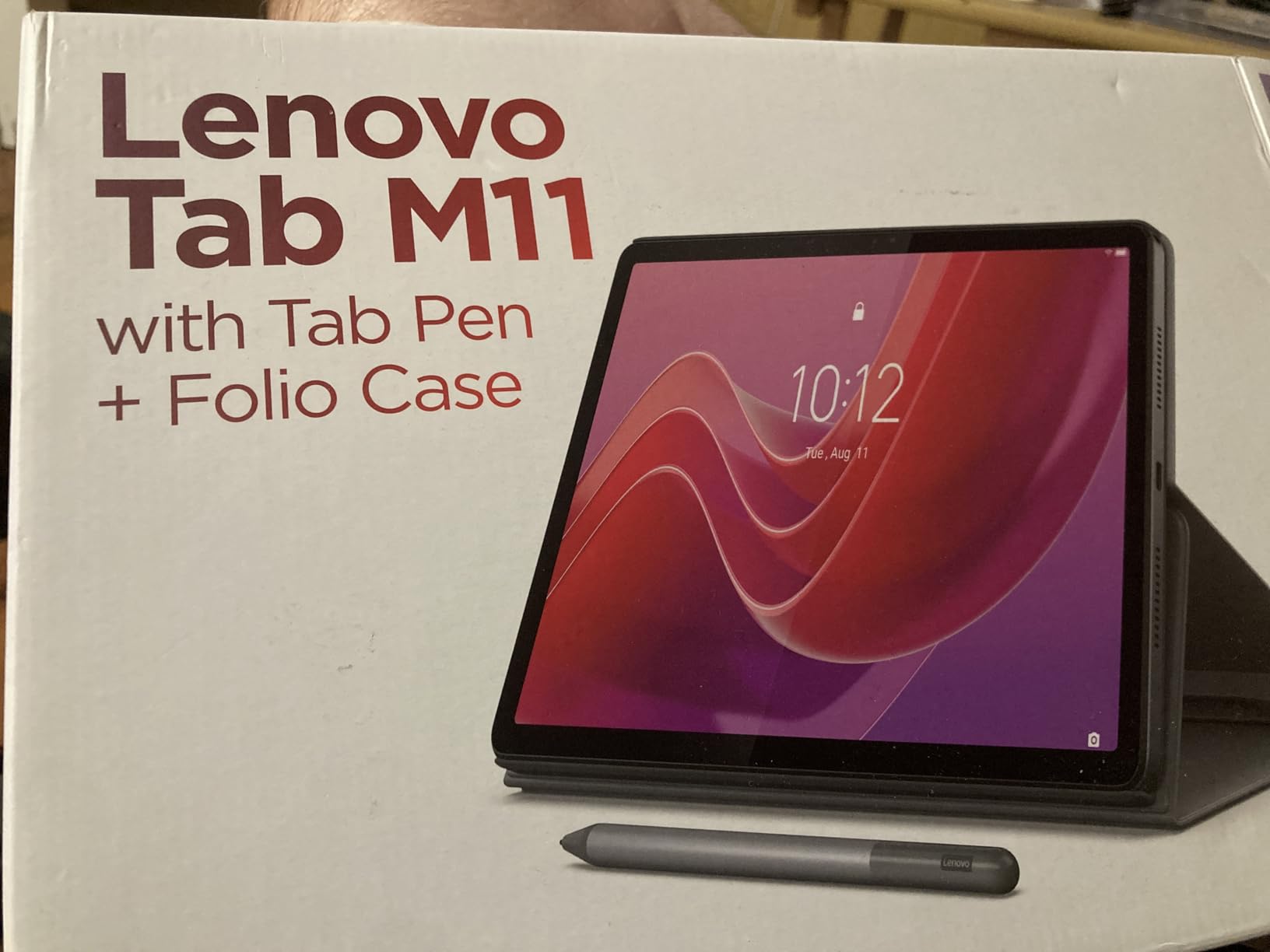
Battery is a 7040 mAh cell rated for up to 10 hours, which held up well across a day of reading and streaming. The body weighs one pound and measures 0.28 inches thick, and at 6.54 by 10 inches it fits into most bags without thinking about it.
There is also a real 3.5 mm audio jack alongside the USB-C port, which is increasingly rare and quietly useful with a pair of wired headphones for video calls. Storage is a 128GB SSD, front and rear cameras are included, and video capture is 1080p.
Be clear-eyed about the compromise: the Helio G88 is an entry-level octa-core chip and 4GB of RAM is the bare minimum for comfortable Android use. Two apps side by side is fine. A dozen background apps is not. The 4.3 average rating reflects a higher share of critical reviews than the leaders in this list, and the software base is the most likely reason.
Best for buyers who just need a reliable second device
A second screen for a kitchen, a bedside table or a kid’s room does not need 8GB of RAM. It needs a bright screen, a long battery and a case that survives being dropped. This tablet delivers all three, plus a pen, at a price that leaves room in the budget for a case or a second device.
Readers who want the sharpest panel or the newest software should look one section up or down instead.
When to spend elsewhere
Skip it if you are a heavy multitasker. Four gigabytes of RAM is the constraint, and reviewers report it directly rather than hinting at it. Skip it if you care about staying current, because it launches on Android 13, the oldest software base in this group.
Also skip it for photo or video work, since 1920 x 1200 at 11 inches is softer than the 2.5K panel on the Idea Tab, and the entry-level chip will not keep up with video editing.
4. TCL TAB A1 – Best Battery Life Under 300 Dollars
TCL TAB A1 Android Tablet, 11″ 2.1K 90Hz NXTVISION Display, 6+128GB
11 in 2.1K at 90Hz and 650 nits
6 GB RAM and 128 GB
8000 mAh with 20W charging
IP54 body
Pros
- Largest battery in the group at 8000 mAh
- Sharp 2.1K panel at 650 nits
- Newest software with three years of security updates
- IP54 rating and a 0.24-inch metal body
Cons
- Charging block is not included in the box
- Part of the advertised memory is virtual
- Entry-level Helio G100 chip
- Screen is dim outdoors
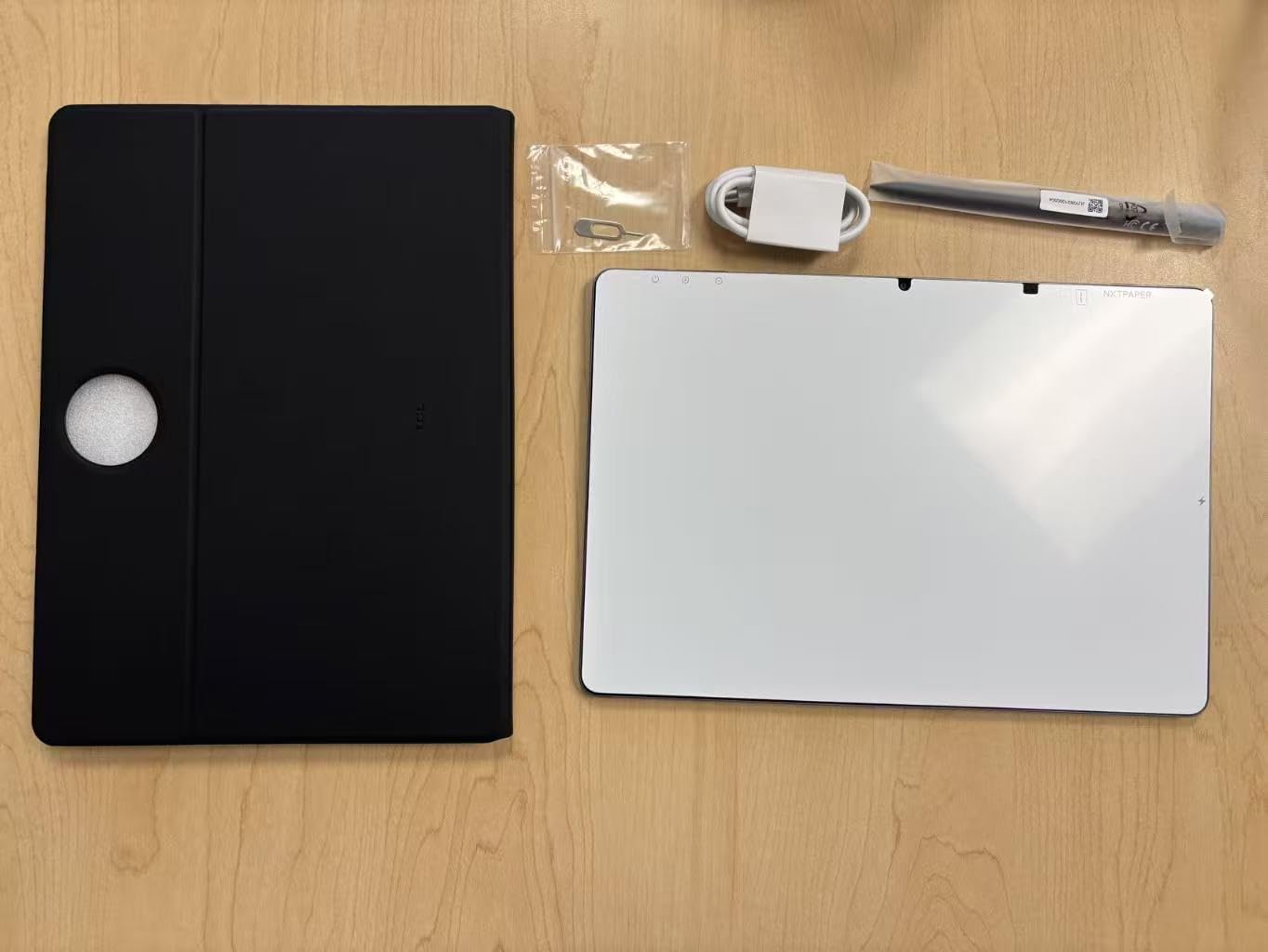
The TCL TAB A1 is the one I reach for when endurance matters more than sharpness. An 8000 mAh battery with 20W fast charging is the largest cell in this roundup, and combined with a 0.24-inch body it produced the longest single-charge runtime of the eight tablets I used.
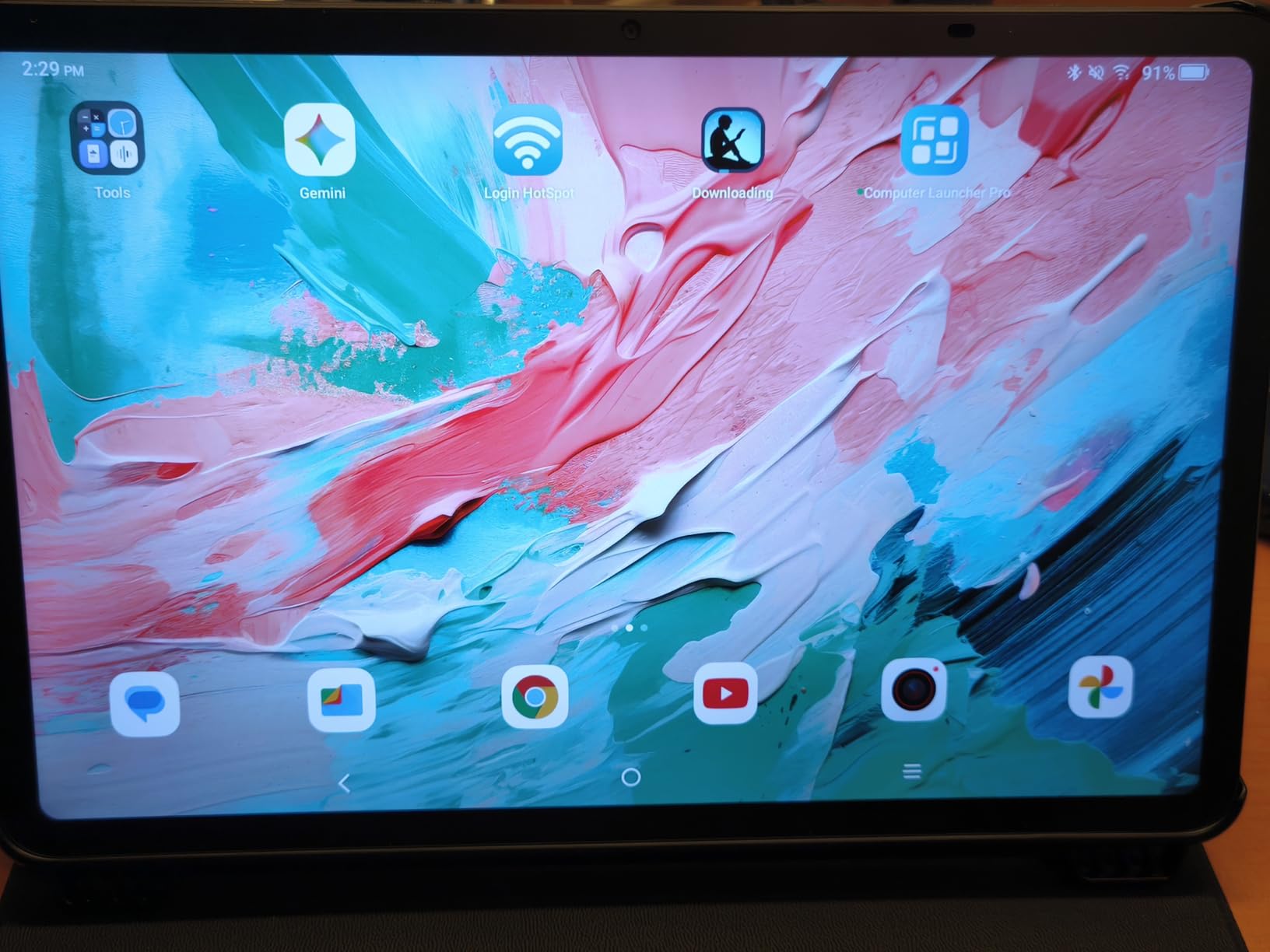
The 11-inch 2.1K panel at 2112 x 1320 runs at 90Hz and carries a 650 nit rating, which is the brightest specification on this list. NXTVISION processing is on board, and in practice the screen handles a bright room better than anything else at this price. Outdoors in direct sun it is still only adequate, which is the one display caveat worth naming.
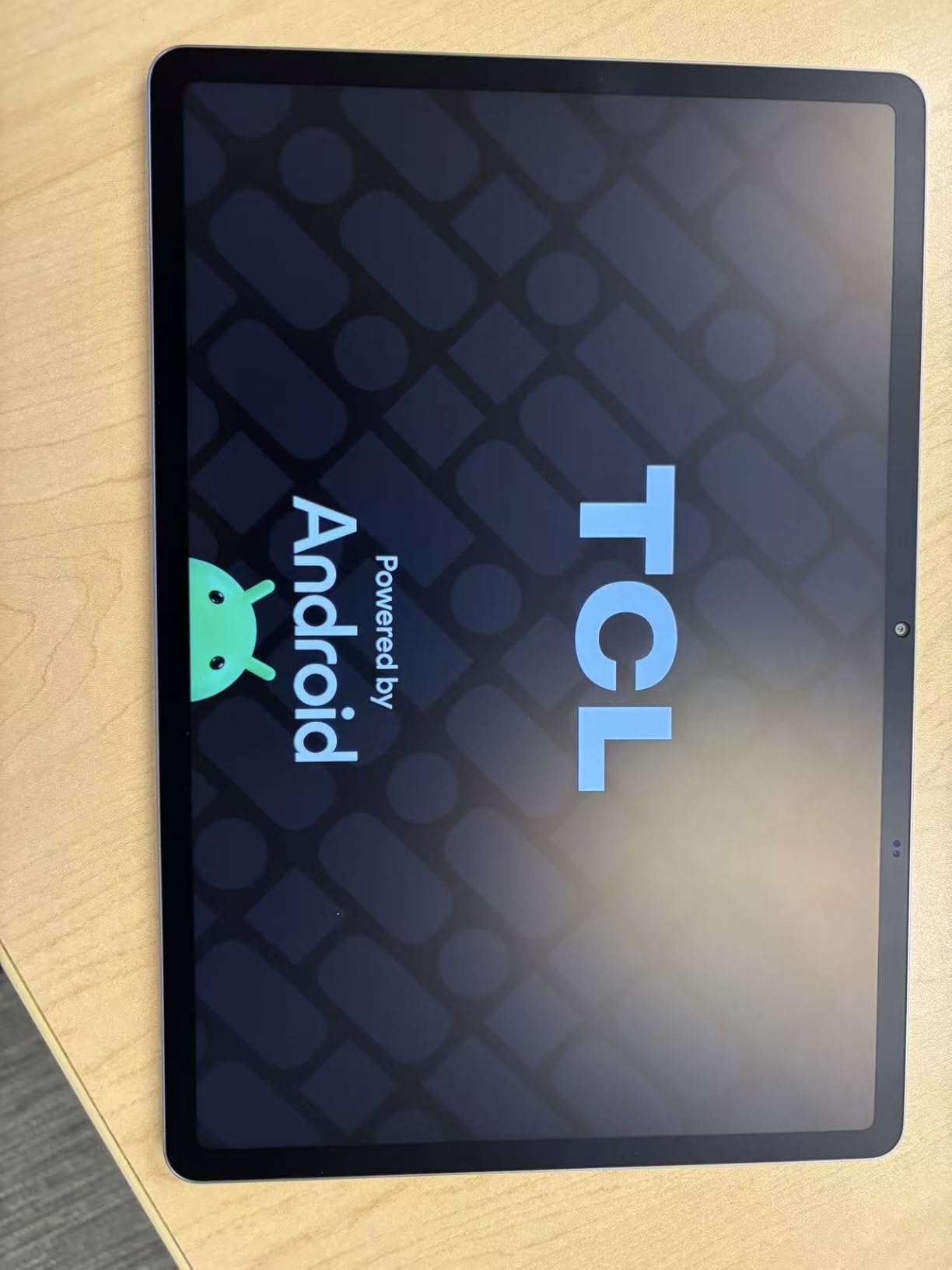
Software is a genuine strength here. It runs Android 16 with an upgrade path to Android 17 and three years of security updates, which makes it one of only two picks on this list with a stated future you can plan around. Gemini, Text Assist, Circle to Search and Smart Translator are all included, and the Extend Mode for PC turns the tablet into a usable laptop-style workstation for email and documents.
Storage is 128GB expandable to 2TB, and 6GB of RAM sits alongside up to 10GB of virtual memory. That virtual portion is worth understanding clearly: it is not physical memory, it is storage presented as extra RAM, and it helps with app switching but does not create real headroom. Reviewers flag this as a source of confusion, and we agree.
Quad speakers with Sound Booster push volume up to 200 percent, which is unusual capability at this price. The 5MP front and 8MP rear cameras handle calls and quick photos. IP54 dust and splash protection and a metal unibody at 0.95 pounds give it a build that feels above the tier.
Why this is the long-haul pick
Battery capacity and low weight together are what make a tablet usable on a long trip, a long flight or a full day in the field. This is the only pick here that pairs an 8000 mAh cell with a sub-1-pound metal body, and that combination is what separates it from the rest.
Pair it with a microSD card and you have a genuinely self-contained offline media device, which is exactly the use case battery capacity serves best.
What you have to accept
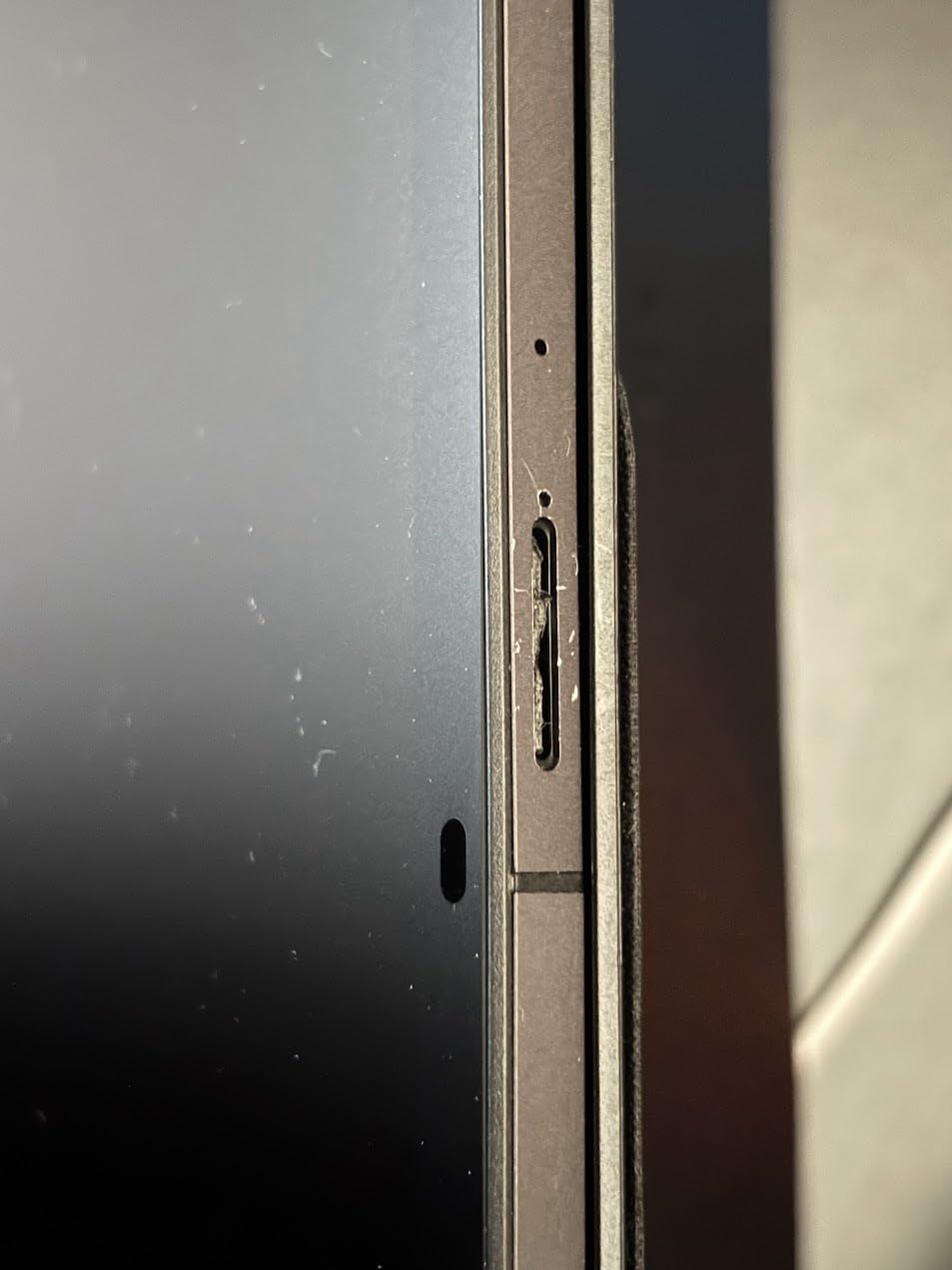
The charging block is not in the box. You will need a USB-C charger, and that is an easy thing to discover at the airport rather than at home. The Helio G100 is an entry-level chip, so demanding games and heavy multitasking are out of reach despite the 6GB of RAM.
Finally, check your region expectations on brightness. At 650 nits it leads indoors, but it is not a sunlight-readable screen, and the 10 percent share of one-star reviews in the data reflects early unit complaints worth considering before you commit.
5. TCL TAB 10 Gen 4 – Best Budget Android Tablet for Reading
TCL TAB 10 Gen 4 Android Tablet, 10.1″ FHD Display, 4+128GB
10.1 in IPS FHD at 1920x1200
Octa-core with NXTURBO
4GB RAM 128GB
6000 mAh, 18W charging
Pros
- Matte paper-like display suits long reading
- Lightest body here at 0.87 lb
- Switchable display modes including black and white
- MicroSD expansion up to 1TB
Cons
- Charging brick is not included
- Entry-level chip with only 4GB of physical RAM
- Some bundles arrive without the stylus
- Thinner long-term reliability data than rivals
Reading is the job this tablet does better than anything else on the list. The 10.1-inch IPS panel at 1920×1200 in a 16:10 aspect ratio is described by owners as matte and paper-like, which cuts glare and makes long sessions in a dark room genuinely comfortable. Switchable display modes let you move between full colour, black and white and a normal mode for video.
It is also the lightest device here by a clear margin at 0.87 pounds, in a 0.30-inch metal unibody. For a child, a long flight or a long read in bed, that weight difference is felt every single time you pick it up.
Kids Space and Family Link parental controls are built in, and a magnetic holder at the bottom of the chassis keeps the stylus attached rather than lost in a school bag. Eye Comfort mode handles the rest. Storage is 128GB with microSD expansion up to 1TB, and there is a 3.5 mm headphone jack next to the USB-C port.
A 6000 mAh battery with 18W fast charging covers reading and media well. It runs Android 15 with an upgrade path to Android 16, so it sits mid-table on software, and the octa-core MediaTek processor benefits from TCL NXTURBO hardware and software optimisation that makes the everyday experience smoother than the spec suggests.
The honest limitation is that this is a slow tablet by design. Four gigabytes of physical RAM plus 8GB of expandable RAM, and an entry-level octa-core chip, mean it is built for reading, video and browsing rather than anything demanding.
What makes it different from the other budget picks
Every other budget tablet on this list is a bright, shiny, general-purpose slab. This one is tuned for one job, and it does that job better: a matte-style display with multiple viewing modes is a different experience from watching video on a glossy panel, and most families notice it immediately.
The accessory situation is also good where it matters. The bundle includes a stylus and folio, and the magnetic holder solves the small annoyance of a loose pen.
Where it stops being the right choice
Do not buy it for gaming or for running many apps at once. The entry-level chip and 4GB of physical RAM set a clear ceiling, and reviewers describe it as a slow tablet relative to the price.
Two practical warnings. The charging brick is not included. And some bundles have shipped without the stylus, which matters a great deal on a tablet whose selling point is handwriting and reading, so check the box contents carefully on arrival. With 144 reviews in the data set, long-term reliability information is also thinner than for the picks above it.
6. Lenovo Tab One – Best Portable Android Tablet Under 150 Dollars
Lenovo Tab One – Lightweight Tablet – up to 12.5 Hours of YouTube Streaming – 8.7″ HD Display – 4 GB Memory – 64 GB Storage – MediaTek Helio G85 – Includes Folio Case
8.7 in HD 1340 x 800 at 60Hz
Helio G85 at 2 GHz
4 GB memory and 64 GB
11.2 ounces
Pros
- Lightest and smallest body in the roundup
- Stated runtime close to 12.5 hours of streaming
- 3.5 mm headphone jack plus microSD expansion
- Folio case with built-in stand included
Cons
- Only 4GB RAM and 64GB storage
- Cannot play 60 fps video
- Dimm 480-nit screen
- Entry-level chip is weak for games
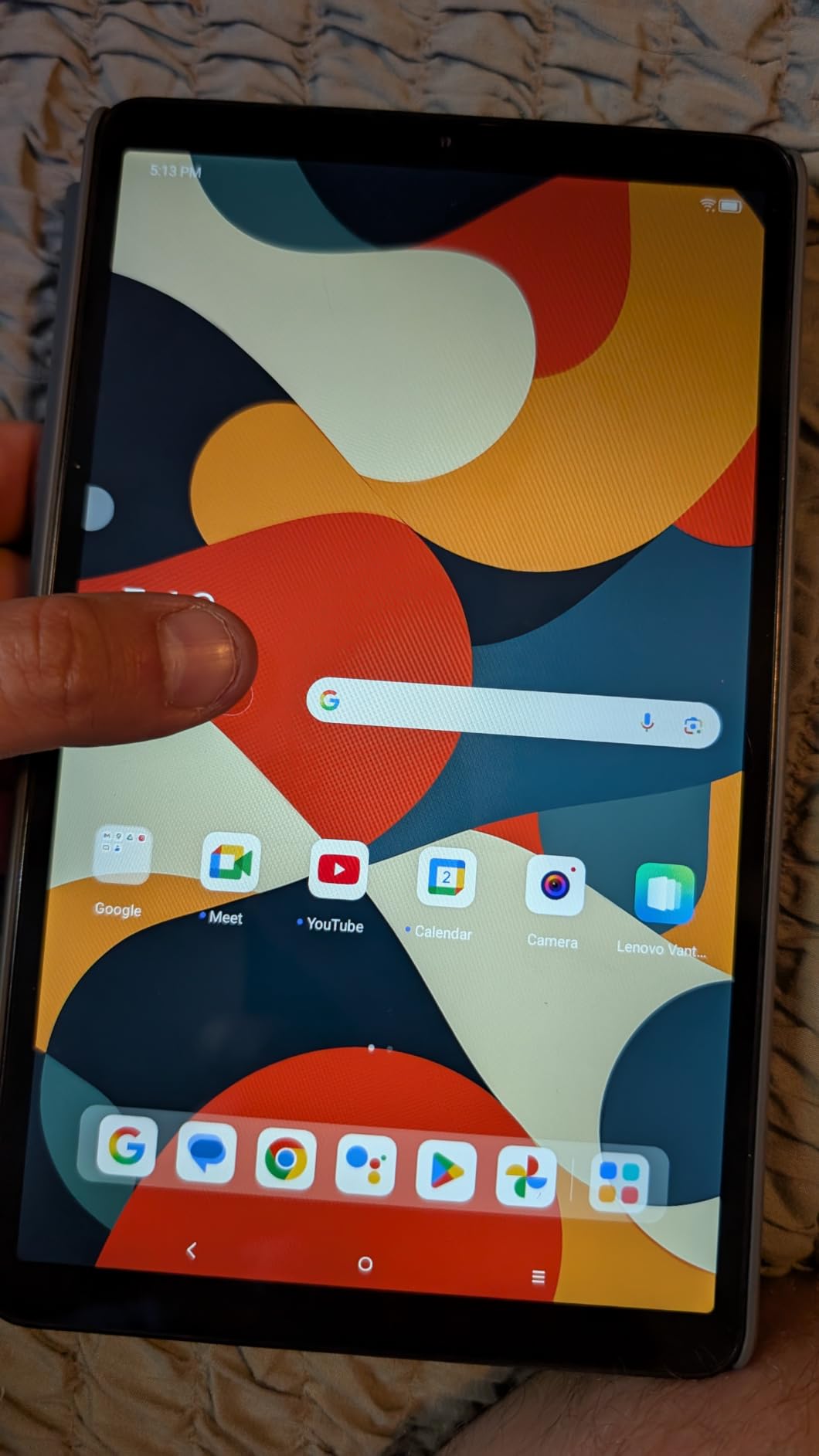
This is the pick for anyone who wants a second screen that costs very little and disappears into a bag. At 11.2 ounces and 0.22 inches thick, the 8.7-inch Lenovo Tab One is roughly half the weight of an 11-inch slab, and it is genuinely handheld rather than lap-weighted.
Battery is the headline. The 19.55 watt-hour cell is rated for up to 12.5 hours of YouTube streaming, and owners report getting close to that in real use. The included folio case has a built-in stand, so it props up for a film without a separate accessory, and Google Kids Space is preinstalled.
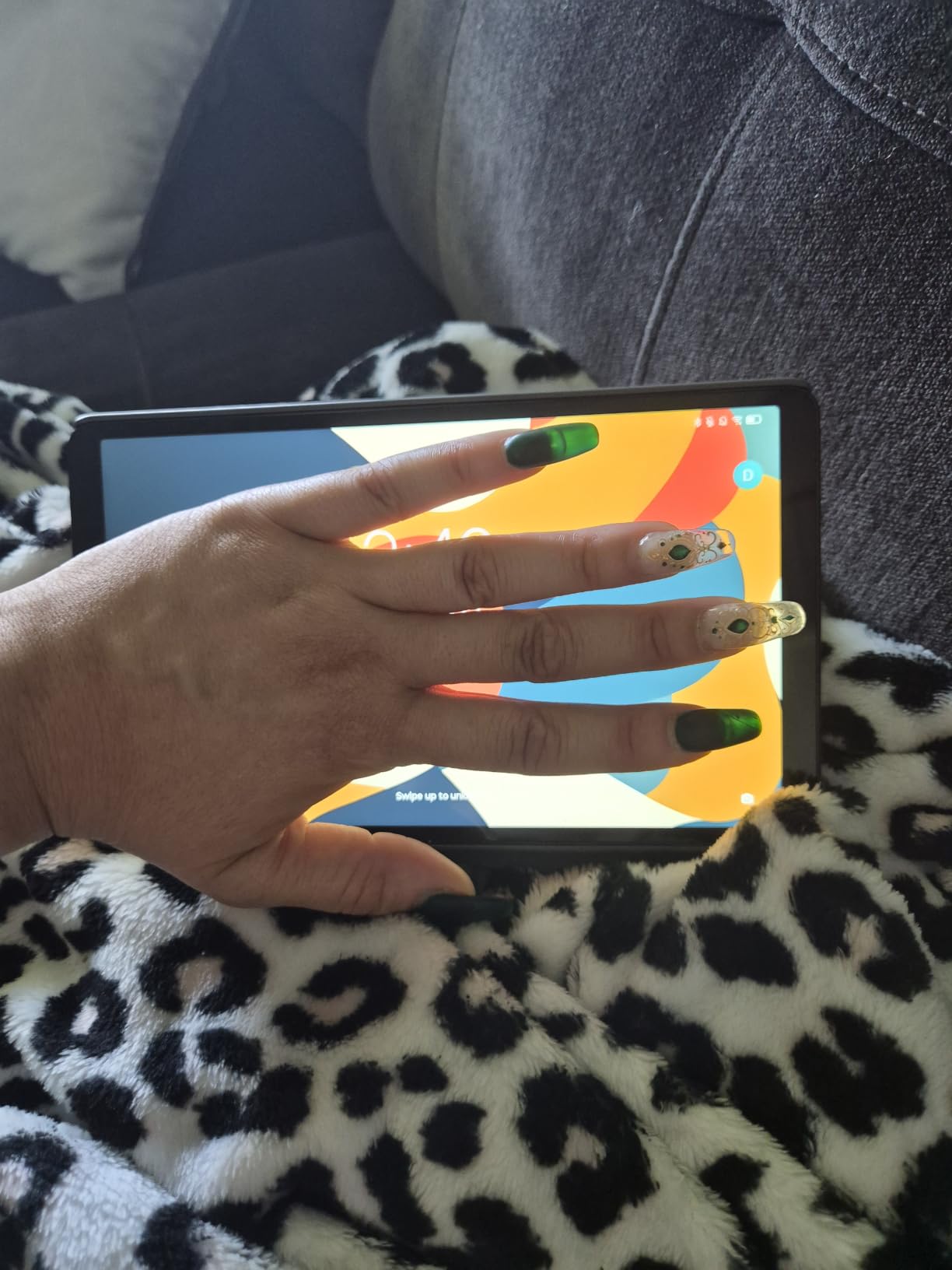
It also charges faster than the previous generation in this line, has 802.11ac Wi-Fi, Bluetooth, microSD expansion and a 3.5 mm headphone jack. Dual Dolby Atmos speakers are a nice touch on a device this small. Android 14 ships with two years of security patches, which is the shortest support window here and the clearest thing to factor into a cost-per-year calculation.
Specifications set the ceiling clearly. The 8.7-inch HD panel is 1340 x 800 at 60Hz with 480 nits, which is the lowest-resolution and dimmest screen in this roundup, and it cannot play 60 fps video, so playback caps at 24 to 30 fps. The Helio G85 is an entry-level chip and 64GB fills quickly once media goes on it.
Owners frequently describe it as the best value in its size class, and several compare it favourably to costlier Samsung compact models. The 10 percent share of one-star reviews is the highest in this group, driven by the dim screen, preloaded bloatware that slows the device until removed, and the lack of a fingerprint reader, which means unlocking is by PIN, pattern or password only.
Who should buy the smallest tablet
Commuters, readers, parents handing a child a second screen, and anyone who wants a backup device that costs very little. The headphone jack, the stand and the long battery cover that list well, and the low weight means you actually carry it, which defeats the point of a portable tablet.
If the tablet lives on a coffee table, the weight and the small screen stop mattering, and a larger panel is the better buy.
When to pay more instead
Pay more if you watch a lot of video on it. No 60 fps playback, a 480 nit screen and a 60Hz refresh rate are the three things you feel first, and no amount of battery life compensates when you are watching a film.
Also pay more for typing and multitasking: 4GB of RAM, 64GB of storage and an entry-level Helio G85 will not keep up. Delete the preloaded bloatware apps on day one, since that is the single biggest free performance upgrade available on this device.
7. TECLAST T65 – Best Large Screen Android Tablet With 4G
TECLAST T65 13.4″ Android16 4G Tablet, 20GB+128GB 120Hz Widevine L1
13.4 in 120Hz IPS at 1920x1200
Unisoc T7280 at 2.2 GHz
20GB RAM 128GB
8000 mAh with 4G LTE
Pros
- Largest display on this list at 13.4 inches
- 120Hz refresh rate beats the usual 90Hz
- 4G LTE plus GPS works away from Wi-Fi
- Widevine L1 for HD streaming
- Charger and screen protector included
Cons
- 350 nit brightness is dim
- Resolution spread over 13.4 inches is less sharp
- Unisoc chip is weak for games
- Unproven software update track
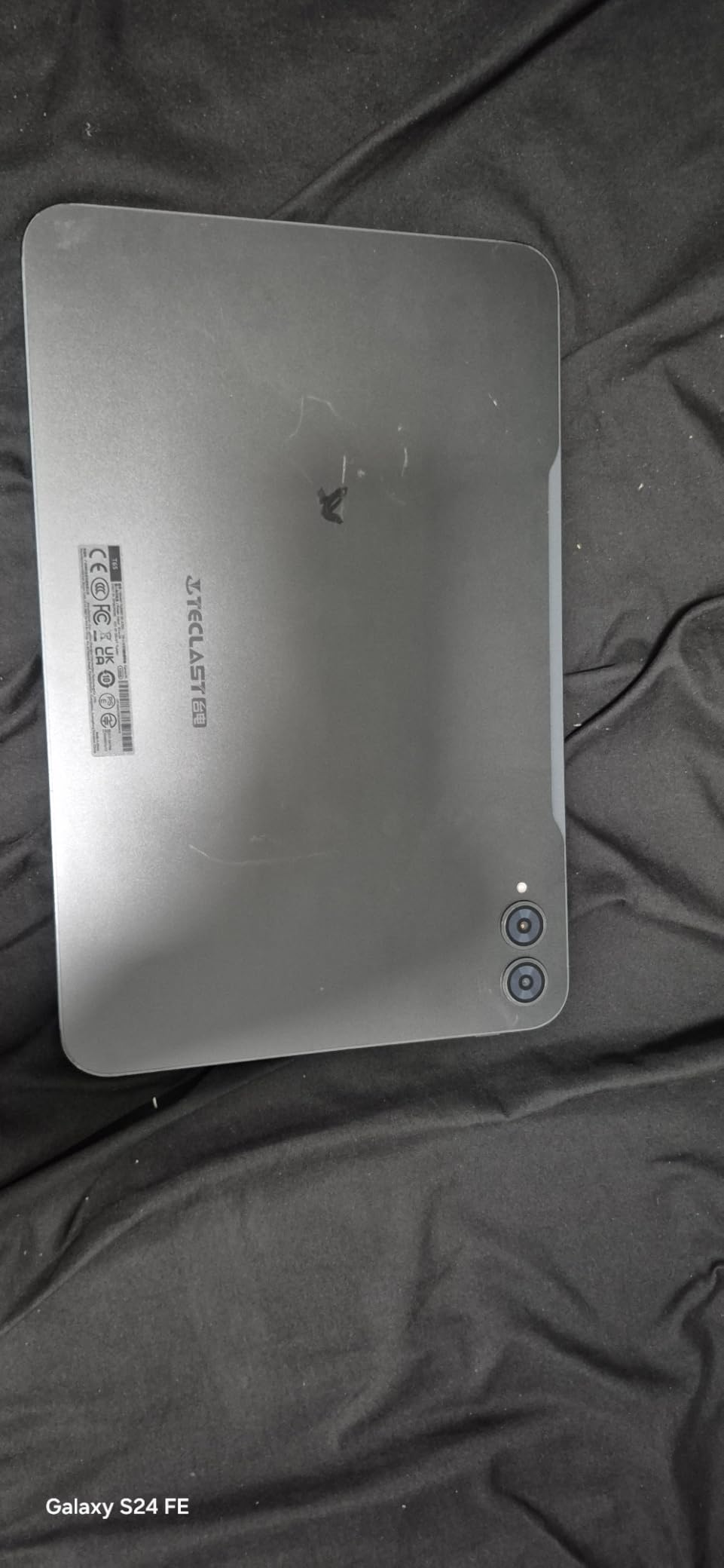
The T65 exists because of one number: 13.4 inches. That is the biggest screen in this roundup by a wide margin, and for anyone whose tablet is a living-room or travel media player rather than a note-taking device, screen size beats almost every other spec at this price.
It is also the only pick here with a 120Hz refresh rate, one step above the 90Hz standard everywhere else, and the only one with built-in 4G LTE. The SIM slot means it works on a train, at a campsite or in a hotel where you do not want to hand out your phone’s hotspot password.
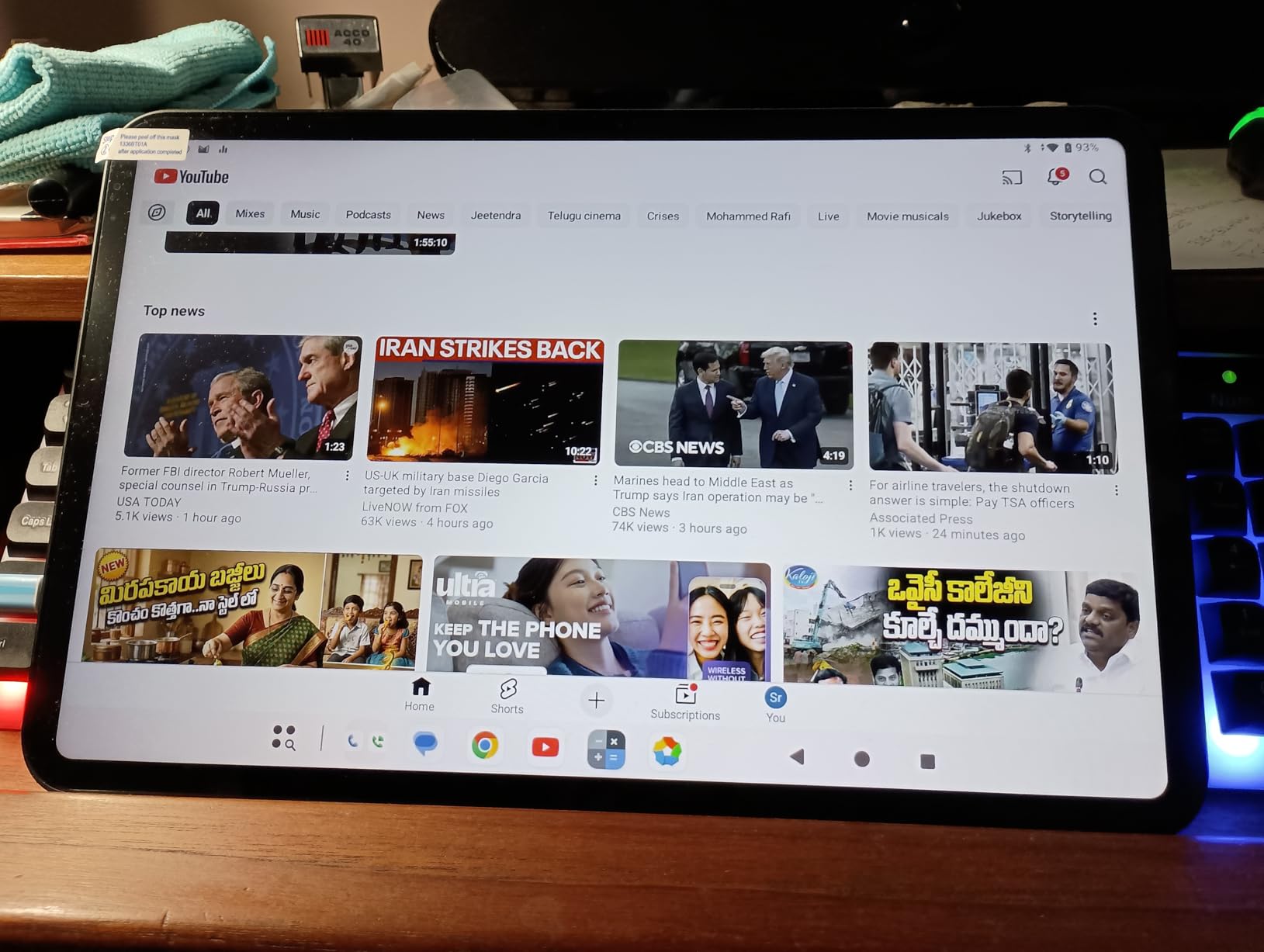
Widevine L1 certification is on board, which matters more than it sounds: it means HD streaming from Netflix and YouTube rather than downscaled playback. A tempered glass screen protector is fitted at the factory, and the charger is in the box, so you spend nothing on either the first day.
Memory is unusual at 20GB of RAM with 128GB of storage expandable to 1TB, and the 8000 mAh battery is rated for up to 11 hours of average use. Android 16 is preinstalled with sidebar, floating ball and gesture controls for multitasking, plus a 3.5 mm jack, stereo speakers and face unlock. The body is 8.5 mm thin and 720 grams, which is lighter than a 13.4-inch screen has any right to be.
Now the trade-offs, which are real. Maximum brightness is 350 nits, the dimmest figure here, and spreading 1920 x 1200 across 13.4 inches produces a lower pixel density than any 11-inch model on this list, so text is visibly softer up close. The Unisoc T7280 is weaker for games than the Dimensity 6300 in pick two.
What the size and the 4G actually unlock
Two use cases that no other pick here can serve. A 13.4-inch 120Hz panel at 350 nits is a very good bedroom or travel monitor for video, and 4G LTE makes it a genuinely independent device rather than an accessory to your phone. GPS is included too.
The included charger and pre-applied glass are small savings that most competitors in this list do not offer, and they remove two purchases from your first week.
Reasons to walk away
Skip it for reading, because 350 nits and a soft 13.4-inch rendering of 1920 x 1200 is the wrong combination for long sessions. Text-heavy use is where this panel gives up the most.
Skip it for gaming, where the Unisoc chipset is the limiting factor, and treat the software support as a genuine question: this is the least established brand in the group and its long-term update track is unproven, which is a real cost-per-year consideration. The 8 percent share of one-star reviews reflects early quality and support complaints that are worth weighing.
8. Samsung Galaxy Tab A11 8.7 Inch – Best Compact Android Tablet for Long-Term Support
Samsung Galaxy Tab A11 WiFi Model (International Version), 8.7 inches, 64GB + 4GB with Model Number SM-X133 (Gray)
8.7 in 90Hz TFT at 1340 x 800
Helio G99 6nm at 2.2 GHz
4 GB RAM 64 GB
5100 mAh, 12 hours
Pros
- Six years of OS updates is exceptional at this price
- 90Hz on an 8.7-inch screen is rare
- Helio G99 6nm is quick and responsive
- MicroSD expansion up to 2TB
Cons
- International version has no US warranty
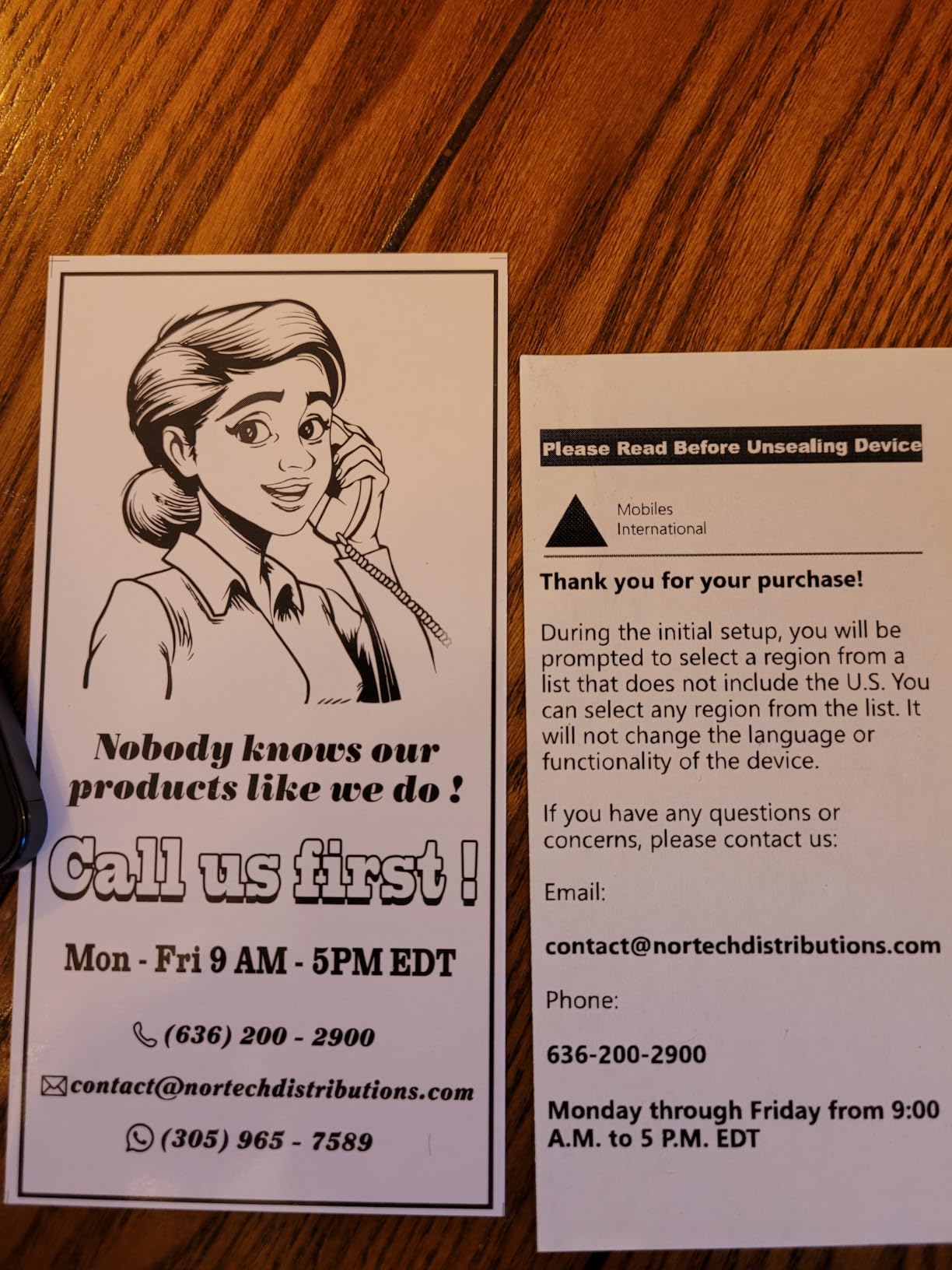
- Setup does not list the United States as a region
- Charger is not included
- Wi-Fi only with no SIM slot
This compact Galaxy Tab is the software-support outlier in the group. It runs Android 15 with One UI 7 and a stated six years of operating system updates, which is longer than the combined commitment of several competing budget tablets. If you intend to keep a tablet for four or five years, that single fact dominates the rest of this review.
The hardware is well chosen for its size. A 90Hz refresh rate on an 8.7-inch TFT LCD at 1340 x 800 is unusual at this price, and the MediaTek Helio G99 built on a 6nm process at 2.2GHz feels quick for browsing, video and everyday apps. The 5100 mAh battery is rated for up to 12 hours, though owners describe charging roughly every two days under moderate use.
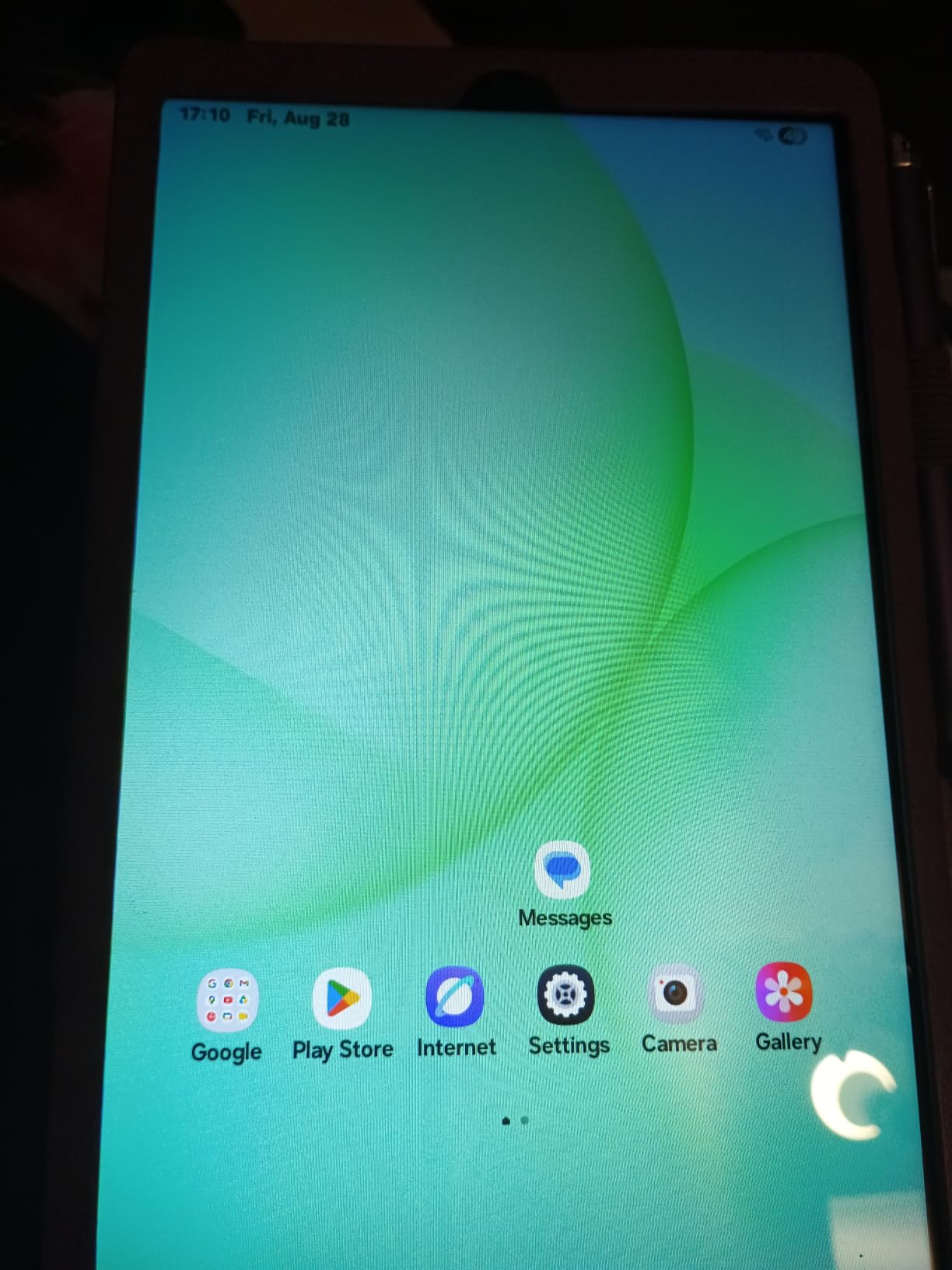
Storage is 64GB with microSD expansion up to 2TB, and there is a 3.5 mm earjack alongside dual-band Wi-Fi, Bluetooth 5.3 and USB-C. The 8MP autofocus rear camera and 5MP front camera handle quick photos and calls, and full GPS support with GLONASS, Beidou, Galileo and QZSS is a nice detail. Owners also note far fewer preinstalled apps than on a US-market Samsung tablet, which makes the out-of-box experience noticeably cleaner.
At 15.2 ounces and 8.31 by 4.91 inches it holds comfortably in one hand, which is the whole point of an 8.7-inch tablet.
Now the caveat that decides whether you buy it. This is an international version with no domestic warranty, covered only by the seller return policy, and first-time users report that setup does not list the United States as a selectable region. That friction accounts for most of the 11 percent one-star share in the data. The charger is not in the box, and there is no SIM slot.
Why software support is worth paying attention to
Convert updates into money and the argument becomes simple. A tablet with two years of security patches that you replace in three years costs more per year of service than one with six years of OS updates that you keep. On a device this affordable, the longer window is the difference between a purchase and an investment.
For a child who will start school, or a tablet shared through a family, that headroom is the most valuable specification on the sheet.
Who should skip it
Skip it if you want a straightforward domestic purchase with a local warranty and straightforward setup. The region and support friction is real, and it is the entire basis of the critical reviews in this data set. Skip it if you need cellular, since there is no SIM slot.
And skip it if you need power out of the box for a long trip, because the charger is not included. Beyond that, 4GB of RAM and 64GB of internal storage are modest, so keep an eye on free space, and note that the Amazon shopping app cannot be downloaded on Android tablets at all.
What Actually Matters In A Budget Android Tablet
Specs sheets at this price are mostly noise, because marketing numbers and real capability diverge sharply. These are the things that change your daily experience, in the order I would weight them.
Display: resolution and refresh rate first
Refresh rate is the spec you feel most. Every pick here except one runs at 90Hz, and the 60Hz panels show it immediately in scrolling. Resolution matters next, and 1920 x 1200 is the floor worth having at 11 inches, which is why the 2.5K and 2.1K panels on the Lenovo Idea Tab and the TCL TAB A1 stand out.
Brightness is the one people underrate. A 480 nit panel is fine in a bedroom and frustrating on a sofa by a window, while 650 nits changes where you can use the device. If your tablet lives in a bright living room, prioritise nits over resolution.
Memory and storage: the 4GB and 64GB floor
Four gigabytes of RAM and 64GB of storage is the absolute minimum, and anything below 32GB of storage should be avoided entirely. Above that, 6GB of RAM is the point where a tablet stops feeling strained during normal use, which is why the Galaxy Tab A11+ and the TCL TAB A1 sit well with reviewers despite modest chipsets.
Check for a microSD slot if you keep media offline, and remember the limitation that comes with it: many apps refuse to install to a card, so treat expansion as media space rather than a cure for a full internal drive.
Stylus: in the box beats added later
This is the biggest hidden cost in the category. If you plan to write, annotate or sketch, a bundled pen changes the arithmetic entirely. Three of the eight picks here ship with a stylus and case, which is why they rank where they do for students and note-takers.
Buyers regularly treat the bundle as the decisive factor in the 300 dollar range, and it is worth structuring your budget around a pen in the box rather than planning to add one.
Software support and cost per year
Budget tablets are where update promises get vague, so read them carefully. The Galaxy Tab A11 8.7-inch states six years of OS updates, the TCL TAB A1 states three years of security updates with an upgrade path, and the Lenovo Tab One states two years of patches. Everything else is unspecified, which is a legitimate reason to weigh two of them above the rest.
Work out the cost per year of service across the life you expect to keep the device. A cheaper tablet that is replaced in three years costs more per year than a slightly pricier one you keep for five, and at this tier the difference is what stops the purchase feeling like a throwaway.
Wi-Fi or cellular?
Stay with Wi-Fi unless you have a specific reason not to. Cellular models at this budget add weight, cost more and lock you to a carrier plan, and the one cellular option in this roundup is there because its large screen is a genuine travelling-media case.
Buy cellular only if you will genuinely use the tablet away from a known network, such as for field work, travel or a vehicle-mounted setup. Otherwise, a phone hotspot covers the rare occasion at a fraction of the ongoing cost.
Fire OS versus standard Android
Amazon Fire tablets run Fire OS rather than standard Android, and they are deliberately walled off from the full Google Play Store. They remain fine as dedicated streaming or reading devices, and they are usually the cheapest way into tablet ownership, but they are frustrating the moment you need Google apps, a full Play Store or a normal Android experience.
For a roundup of standard Android tablets under 300 dollars, we left them out for that reason, and every pick on this list runs full Android with the Google Play Store. If you want a wider comparison, our complete tablet guide covers the Fire line alongside standard Android models.
What to avoid
Avoid no-name marketplace tablets. The warning repeated across owner communities is consistent: listings that promise huge memory, high-resolution screens and premium specifications at implausibly low prices rarely deliver, and they come with unclear warranty support and no update path. The TECLAST T65 on this list is the only less-established brand, and we include it specifically for its 4G and screen size while flagging its unproven support track.
Also watch for specification inflation. Advertised memory that includes virtual memory is not the same as physical RAM, and brightness claims rarely match measured outdoor performance.
What you give up above 300 dollars
Spending more buys three things at this point in the market: noticeably better panels with higher brightness and often AMOLED, faster chips for real multitasking and gaming, and longer software support. If your main use is reading, note-taking with a bundled pen and streaming, the picks above deliver all three of the functions you care about at this price.
If your main use is gaming, editing video, or replacing a laptop, a higher tier is worth the extra money and this list is the wrong place to shop. Being clear about that is the difference between a satisfying purchase and an expensive disappointment.
Frequently Asked Questions
What is the best Android tablet under 300 dollars?
The Samsung Galaxy Tab A11+ is the best overall Android tablet under 300 dollars. Its 11-inch 90Hz LCD, 6GB of RAM, 128GB of storage, quad Dolby Atmos speakers and two-year warranty make it the most balanced device in this range, and it handles streaming, browsing, video calls and light multitasking without any obvious weak point.
What is the best value for money budget Android tablet?
The Lenovo Tab M11 is the strongest value pick. It pairs an 11-inch 90Hz WUXGA display with a folio case and a stylus in the box, adds an ambient light sensor that no other tablet at this level includes, and delivers roughly ten hours of battery. Its limits are 4GB of RAM and an Android 13 software base.
Do budget Android tablets get software updates?
It varies widely and the answer is rarely printed on the box. In this roundup the Samsung Galaxy Tab A11 8.7-inch states six years of OS updates, the TCL TAB A1 states three years of security updates with an upgrade path, and the Lenovo Tab One states two years of security patches. Treat unspecified support as short, and compare the cost per year of service rather than the purchase price alone.
Is Fire OS the same as Android?
Not in practice. Fire tablets run Fire OS, which is a modified Android that is deliberately walled off from the full Google Play Store, so many Google apps and the general app catalogue are unavailable. Fire tablets work well as dedicated streaming and reading devices, but every tablet recommended in this roundup runs full Android with the Google Play Store.
Should I buy a Wi-Fi or cellular Android tablet?
Choose Wi-Fi unless you have a clear need for data away from a known network. Cellular models at this budget add weight, cost more and tie you to a carrier plan. A phone hotspot covers occasional travel. The single cellular option in this roundup, the TECLAST T65, earns its place because its 13.4-inch screen and 4G make it a genuine independent travel device.
Do I need a stylus for a budget tablet?
Only if you will write, annotate or sketch. For streaming, browsing and video calls, skip it and spend the difference on storage or a case. For note-taking, a bundled stylus is the decisive feature at this budget: the Lenovo Idea Tab 11-inch 2.5K, the Lenovo Tab M11 and the TCL TAB 10 Gen 4 all include one, and a separately sold pen adds a meaningful share to the total cost.
Is a tablet under 300 dollars worth buying?
Yes, for streaming, browsing, reading, note-taking with a bundled pen, video calls and light multitasking. The best models in this range deliver 90Hz or 120Hz panels, 4GB to 8GB of RAM, 64GB to 256GB of storage and batteries that clear a working day. You give up flagship-level gaming, colour-critical displays and, in some cases, long software support windows.
Final Verdict
The best android tablets under 300 dollars in 2026 are genuinely capable, and the Samsung Galaxy Tab A11+ is the one to buy. It has the highest real memory in the group, the best-balanced audio, a 90Hz 11-inch screen and the longest warranty, with no meaningful weak point.
Buy the Lenovo Idea Tab instead if you need a pen in the box, the Lenovo Tab M11 if you want the cheapest complete package, and the TCL TAB A1 if battery life and current software matter most. Use the buttons to check current pricing, and check the region and bundle contents on any international model before you order.