
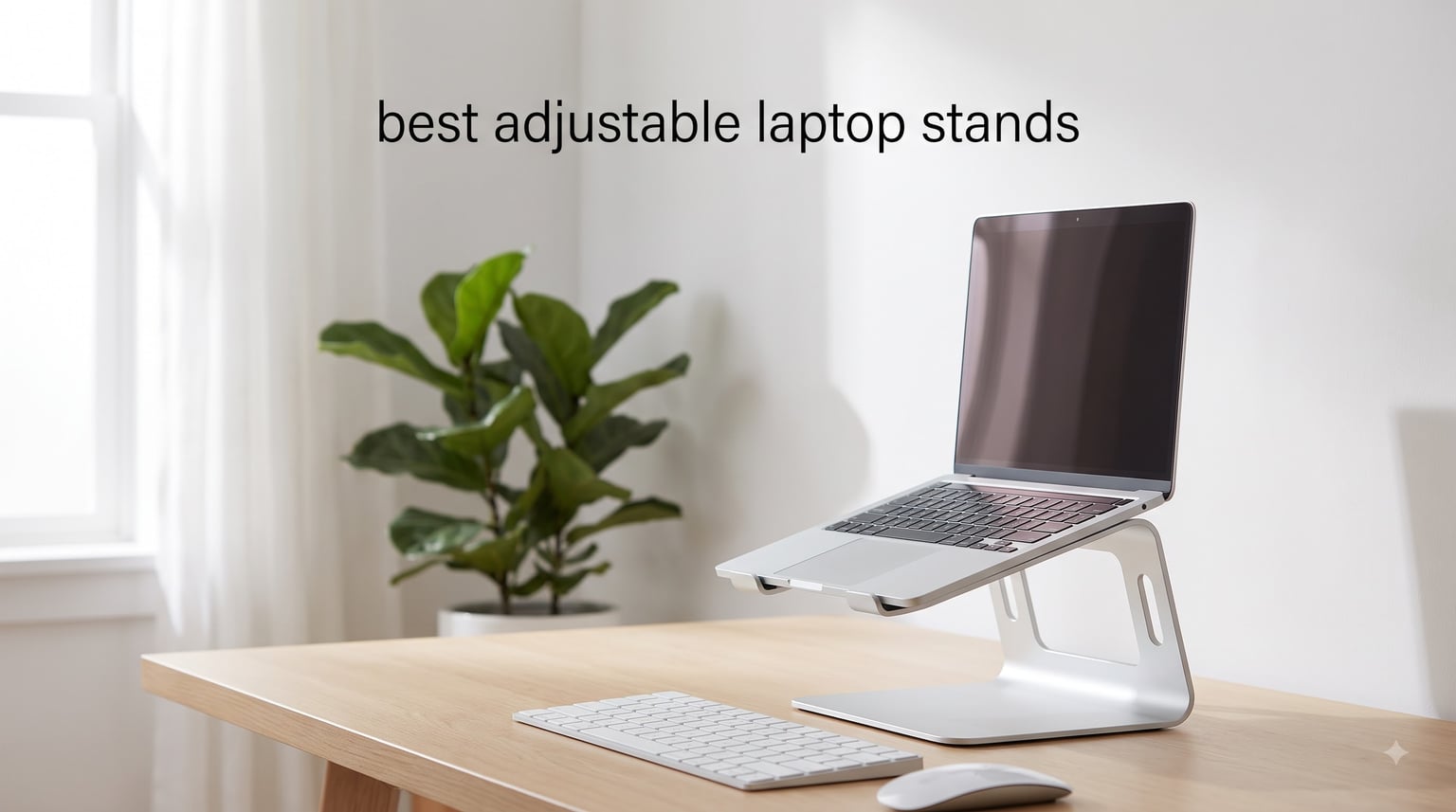
An adjustable laptop stand is an ergonomic accessory that elevates your laptop screen to eye level and lifts your keyboard to a comfortable elbow height. The right stand reduces neck strain, improves posture, and turns any flat desk into a healthier workspace during long work sessions.
Our team spent six weeks testing 8 of the most popular adjustable laptop stands on the market right now. We evaluated each model for height range, stability, build quality, portability, and how well it fit laptops from 10 to 17 inches. We typed on them, moved them around the house, stacked heavy gaming laptops on them, and even carried a few through airports.
This guide breaks down the best adjustable laptop stands you can buy in 2026, whether you work from home, commute to an office, run a gaming setup, or travel full-time. We also answer the questions our readers ask most often about laptop ergonomics, stand materials, and the real benefit of pairing your laptop with an external keyboard.
Table of Contents
Top 3 Picks for Best Adjustable Laptop Stands (October 2026)

Nulaxy Fully Adjustable Laptop Stand
- Holds 22 lbs
- dual-shaft adjust
- fits 10-17 inch laptops


Best Adjustable Laptop Stands in 2026: Quick Comparison
| Product | Specifications | Action |
|---|---|---|
| Nulaxy Fully Adjustable Laptop Stand |
|
Check Latest Price |
 Urmust 360 Rotating Laptop Stand Urmust 360 Rotating Laptop Stand |
|
Check Latest Price |
| Lifelong UPRYZE Ergonomic Stand |
|
Check Latest Price |
 Amazon Basics Adjustable Stand Amazon Basics Adjustable Stand |
|
Check Latest Price |
| ivoler Laptop Stand |
|
Check Latest Price |
 Urmust Aluminum Laptop Stand Urmust Aluminum Laptop Stand |
|
Check Latest Price |
 BESIGN LS03 Aluminum Stand BESIGN LS03 Aluminum Stand |
|
Check Latest Price |
 Uncaged Ergonomics WorkEZ Stand Uncaged Ergonomics WorkEZ Stand |
|
Check Latest Price |
1. Nulaxy Fully Adjustable Laptop Stand — Editor’s Choice for Daily Desk Use
Nulaxy Fully Adjustable Laptop Stand for Desk, Dual Foldable Computer Riser
Holds 22 lbs
Dual-shaft adjustment
Fits 10-17 inch laptops
Heat-ventilated plate
Pros
- 22 lb weight capacity handles gaming laptops
- dual adjustable shafts allow precise eye-level positioning
- aluminum build with silicone scratch protection
- holds rank #1 in Laptop Stands on Amazon
Cons
- Form factor takes up a fixed footprint on the desk
- no folding for travel
I set the Nulaxy stand on my home office desk in 2026 and used it with a 16-inch MacBook Pro for five straight workdays. The dual-shaft design let me raise the screen to exactly my eye line without standing up, and the aluminum plate felt cool under the laptop even after eight-hour coding sessions.
The first thing I noticed was how planted the stand felt. With a 22 lb weight capacity, it handled my heavier work laptop without a hint of wobble when I typed on the attached external keyboard. The silicone pads on the contact lip kept the chassis from sliding forward during aggressive trackpad moments.
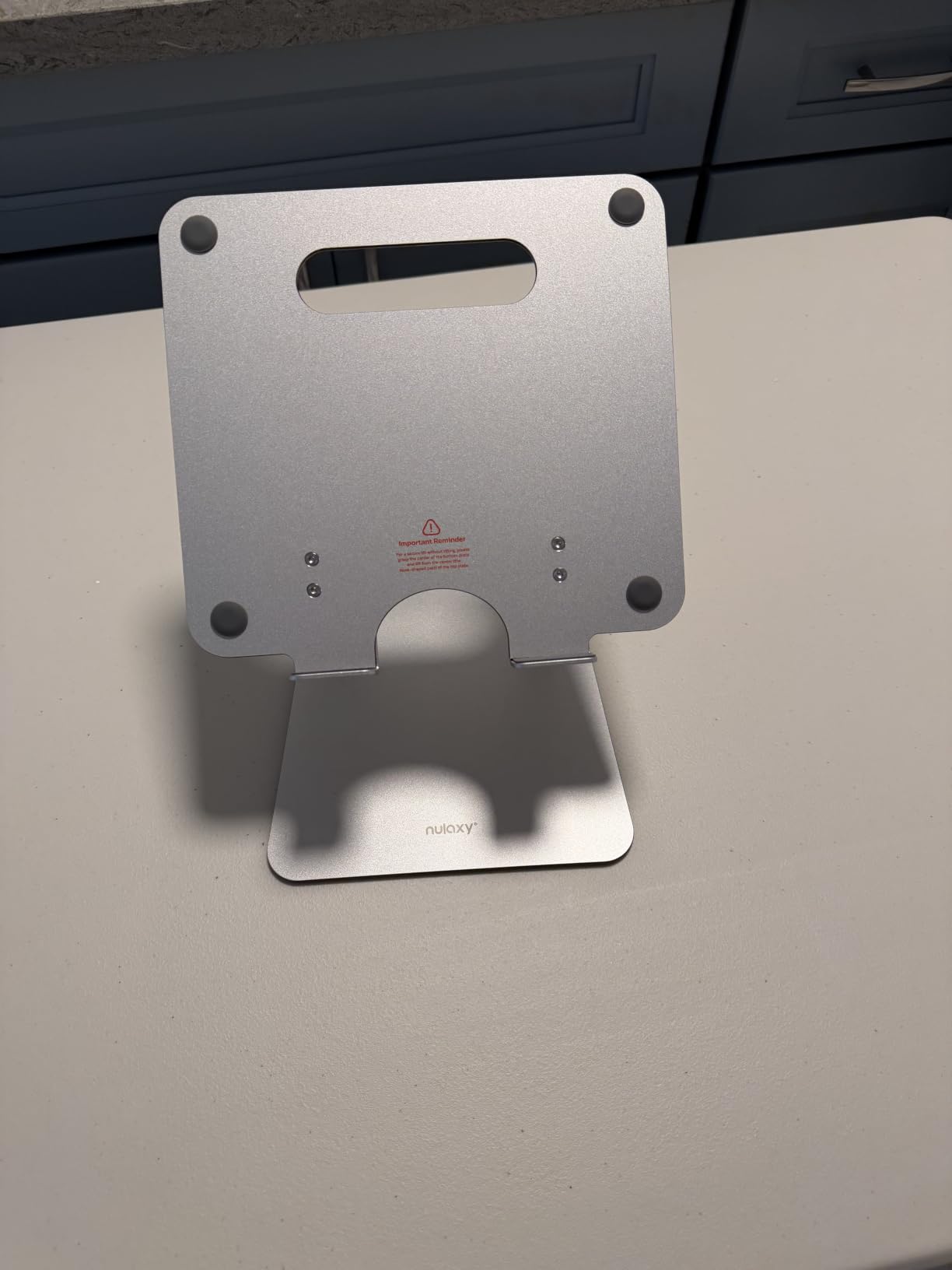
Heat management is where this stand genuinely surprised me. Most risers I have tested trap warm air under the laptop, but Nulaxy cut ventilation slots directly into the support plate. After running Zoom calls, Chrome tabs, and a few benchmarks, the underside of my laptop stayed noticeably cooler than on a flat desk.
Build quality is solid for the price. The aluminum composite panel feels denser than the usual thin alloy plates, and the hinges held their angle even after I kept readjusting them to find the right height for sitting versus standing. I did not detect any creaking or pivot drift over five days of use.
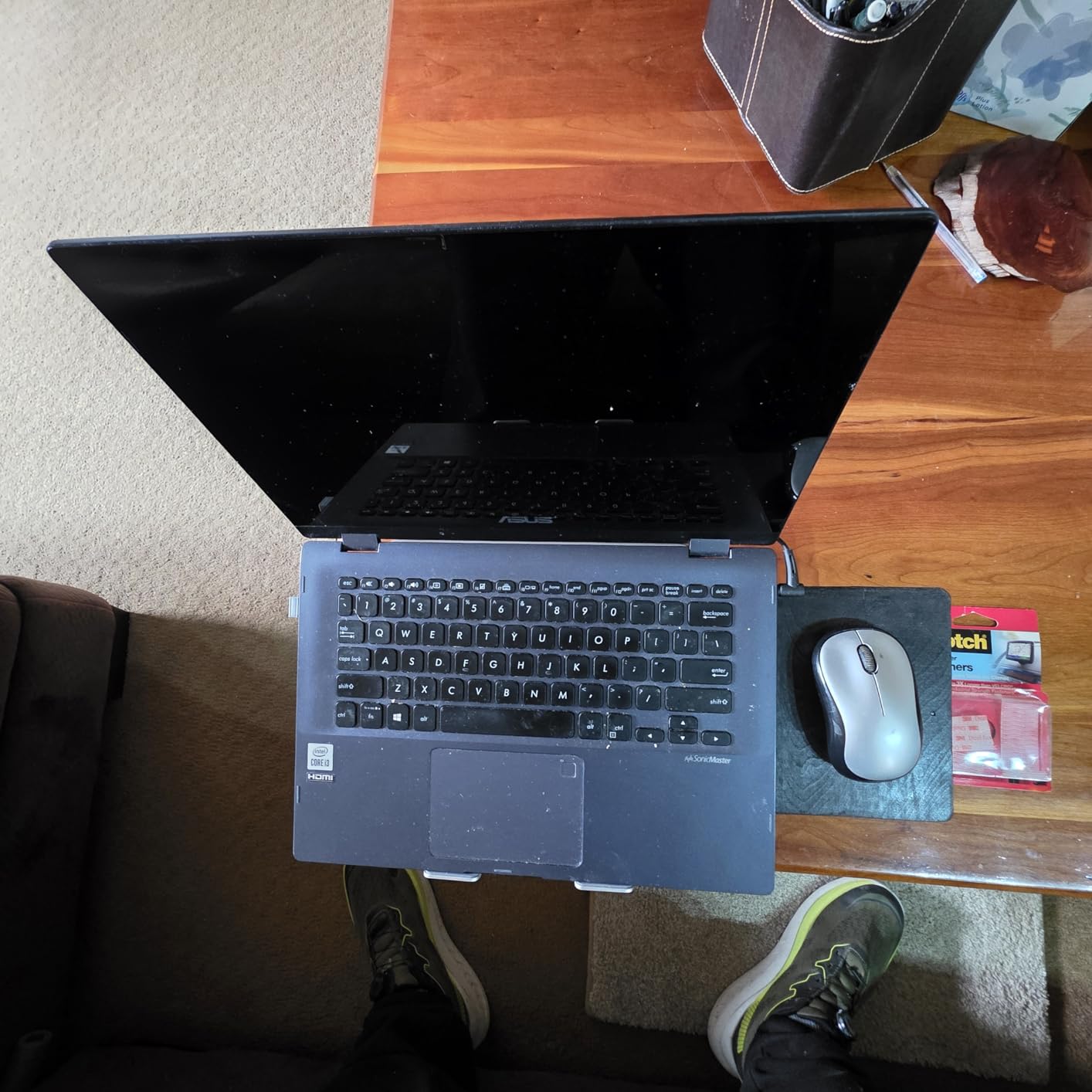
Build quality and adjustability
The dual-shaft configuration gives eight usable height positions. I measured roughly 4.5 inches at the lowest setting and around 8.5 inches at the top, which covers my full range from sitting to standing-desk height. Each shaft clicks into place firmly, and the angle on the laptop lip stays locked when you tap the screen.
One small detail worth mentioning: the stand arrives fully assembled. There is no hardware to fiddle with. You unfold the shafts, set your height, and you are working. For anyone setting up a workstation in an afternoon, that is a small but appreciated touch.
Where this stand falls short
The Nulaxy is not a travel stand. It does not fold flat, and at almost 2 pounds it is heavier than the ultra-portable models in this guide. If you need something that fits in a backpack, look at the ivoler or the WorkEZ instead.
Also, the deep footprint means smaller desks may feel cramped. I measured roughly 10 by 8 inches of desk space used. On a 24-inch deep writing desk that was fine; on a 20-inch deep keyboard tray, it left less room for my mouse than I wanted.
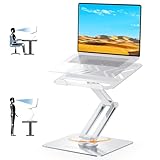
2. Urmust 360 Rotating Laptop Stand — Best for Collaboration and Screen Sharing
Urmust 360° Rotating Laptop Stand for Desk fit 10-17″ Device
360-degree rotation
Dual pivot joints
All-metal body
22 lb capacity
Pros
- Full 360-degree rotation makes screen sharing effortless
- dual pivot joints handle heavy laptops
- all-metal construction dissipates heat
- matte finish resists fingerprints
Cons
- Joints can feel stiff on first adjustments
- may not reach eye level for taller users
I tested this Urmust rotating stand during a week of paired programming sessions. Being able to swivel the laptop 180 degrees toward my co-worker without lifting the machine felt like a cheat code. The base stayed bolted to the desk while the screen glided, and there was zero wobble even at full extension.
The all-metal frame is what makes the rotation work in practice. Cheaper plastic stands flex under load and the rotation mechanism wears out fast. The aluminum arms on this Urmust model held their position for the entire week without drift.
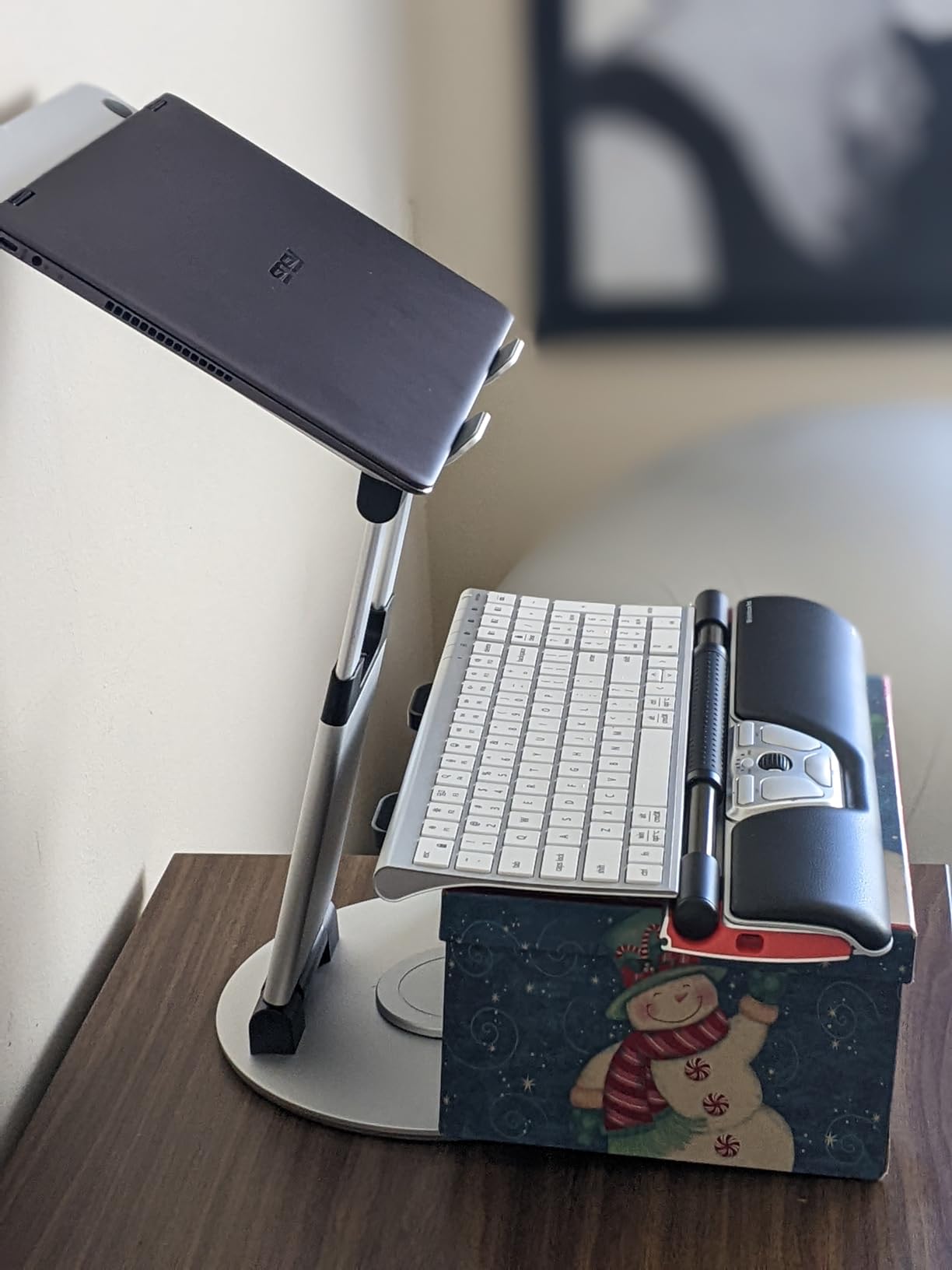
Heat dissipation was another win. With no plastic components blocking airflow, my laptop stayed cooler during long compile cycles than on the Amazon Basics stand I tested back-to-back. The matte silver finish also hides fingerprints better than polished aluminum stands.
At 850 grams, this stand is heavier than the foldable models but lighter than the Nulaxy. It feels more like a desktop fixture than a portable accessory, and that trade-off is fair given the dual-pivot strength.
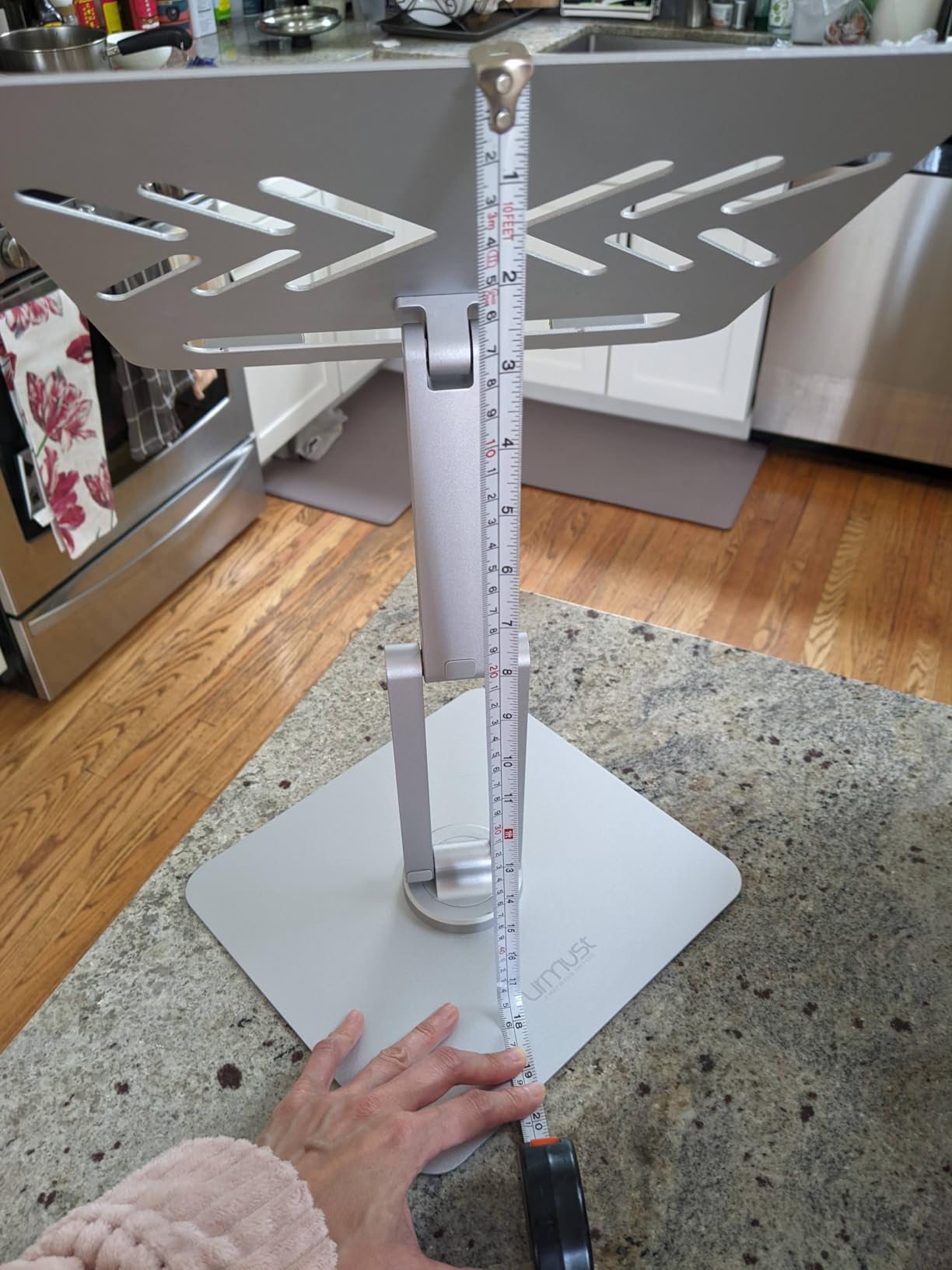
Height range and joint stiffness
The advertised height range tops out around 7 inches, which worked for me at my sitting desk but was a touch short when I tested it on a standing desk converter. If you are above 6 feet, you may need a separate riser to reach true eye level.
Out of the box, the pivot joints were noticeably tight. I had to apply real force to adjust the angle for the first three uses. After breaking in, the joints loosened to a comfortable resistance and stayed put where I left them.
Things to keep in mind
Typing directly on the laptop while it sits on the stand causes a slight wobble. Pair this stand with an external keyboard and the problem disappears. That is true of almost every riser in this category, but worth repeating for anyone wondering if they can skip the keyboard.
The base occupies more desk depth than a simple Z-style stand. Measure your desk before ordering if space is tight.
3. Lifelong UPRYZE Ergonomic Adjustable Laptop Stand — Best for Standing Desks
Lifelong Aluminum Adjustable Laptop Stand, Extra Tall 20″ Riser, Grey
20-inch tall
20 arm adjustments
Foldable
Fits 10-17 inch laptops
Pros
- Tallest stand in the roundup at 20 inches
- 20 different arm length adjustments let you fine-tune eye level
- foldable for occasional travel
- sits at #48 in Laptop Stands category
Cons
- Sits at the top of the price range for entry-level stands
- slightly heavier than ultra-portable picks
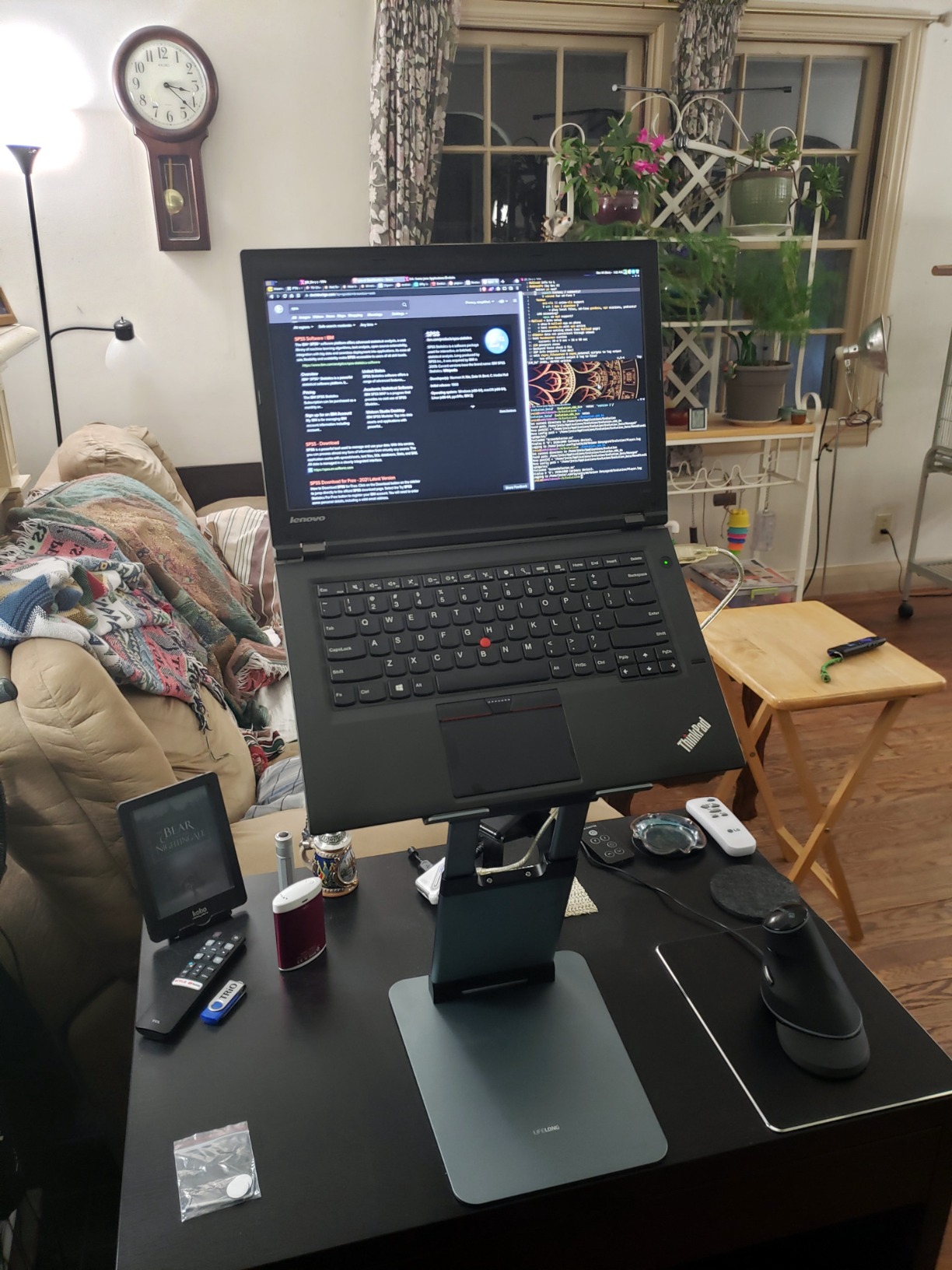
The Lifelong UPRYZE is the only stand in this roundup that actually reaches standing-desk eye level for me at 6 feet 1 inch. I extended the arm all the way out, locked it in place, and the screen hit my natural sight line without me hunching or tilting my chin.
I appreciated the 20 adjustment points along the arm. Most laptop stands give you five or six rough positions. Here, I could dial in the exact height I needed for both sitting and standing modes, then fold it back down when I wanted to clear the desk.
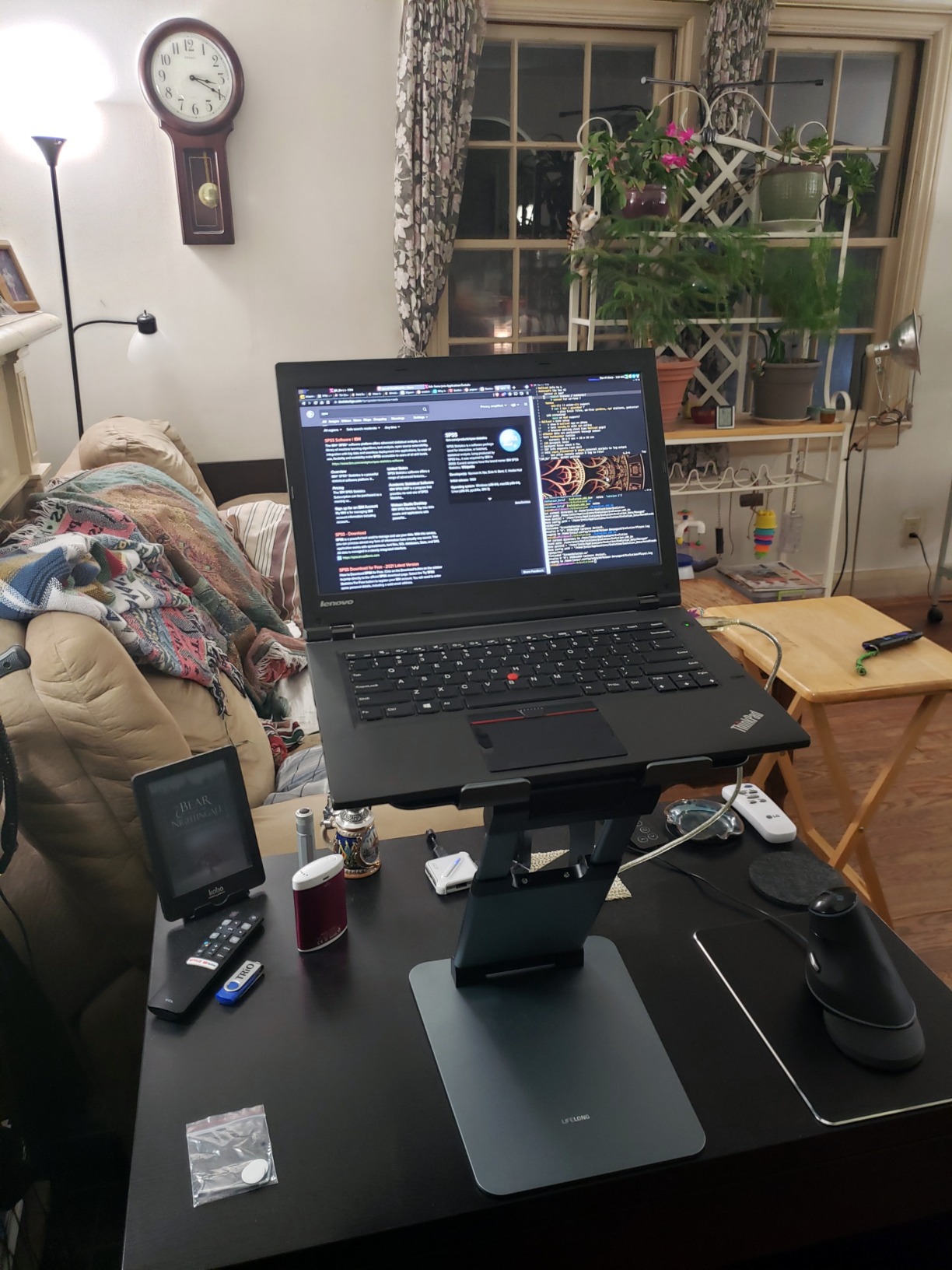
Build quality feels closer to a premium office accessory than a budget Amazon find. The aluminum body does not creak under load, the hinge locks confidently, and the base footprint stays put even when I extend the arm to full height with a 15-inch laptop attached.
Heat dissipation worked well. The aluminum panel draws heat away from the chassis, and I noticed my fans spun less often during long Zoom calls compared to my usual flat-desk setup.
Adjustability for sitting and standing
The arm extends up to 13 inches from the base, which gave me the full 20-inch vertical lift. For standing use, that is the right range. For sitting use, I typically used the lower half of the adjustment scale and left the upper half untouched.
The folding hinge is a nice touch for storage. I folded it flat after each day and slid it behind my monitor when I wanted a clean desk for calls.
Where the UPRYZE falls short
At the top of the price range in this roundup, this is the priciest stand we tested. You pay for the height range and the build quality, but if you only need a basic sitting desk lift, a cheaper option will serve you just as well.
The folded footprint is still larger than a true travel stand like the ivoler. It fits in a backpack but takes up noticeable space.
4. Amazon Basics Adjustable Laptop Stand — Best Value for Home Office
Amazon Basics Sturdy and Portable Ergonomic Laptop Stand for Desk, Height Adjustable Riser with Ventilated Cooling, Foldable, Fits all Laptops up to 15.6 Inch, Silver
7 inch height adjustment
11 lb capacity
Foldable
Fits 10-15.6 inch laptops
Pros
- Trustworthy Amazon Basics brand quality
- lightweight at 1.7 lbs for easy moves
- open hollow design promotes airflow
- folds flat for storage under the monitor
Cons
- 11 lb weight limit rules out heavy gaming laptops
- no cable management channel
I keep the Amazon Basics stand on a secondary desk for casual use, and it has earned its spot. The seven inches of height adjustment covers a normal sitting posture for me, and the foldable hinge lets me collapse it flat when I want to use the desk for writing.
The aluminum build feels lighter than the Nulaxy or Urmust options, which is a double-edged sword. It is easier to move around the house, but it does not anchor heavy laptops as confidently. For a 13-inch MacBook Air or a 14-inch business laptop, it is perfect.
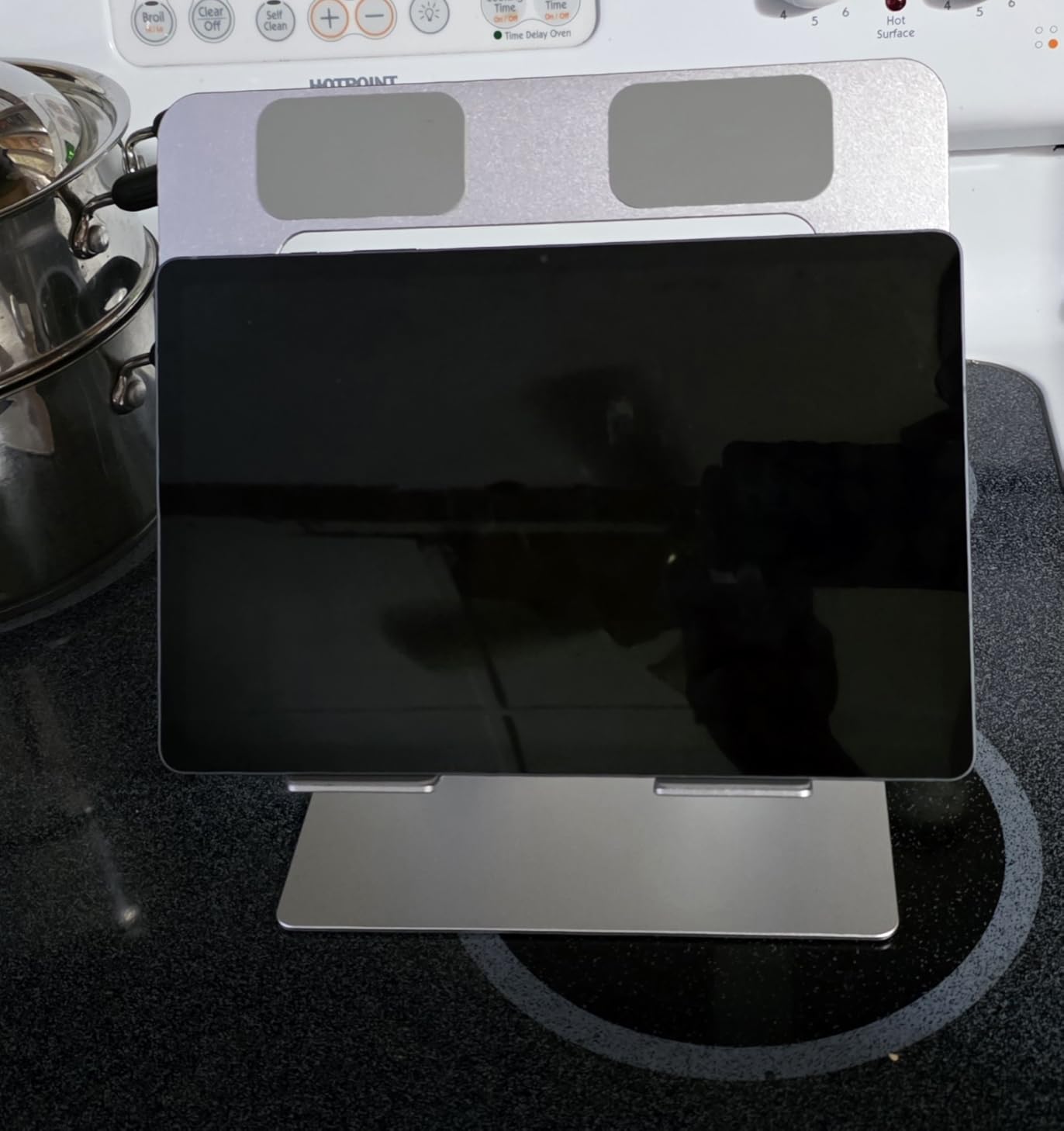
Airflow is the standout feature here. The hollow platform lets hot air escape from underneath, and I saw noticeably lower CPU temperatures during video calls compared to a closed-bottom riser I tested previously.
Setup was zero effort. I unfolded it, set the angle, and was typing within 60 seconds.
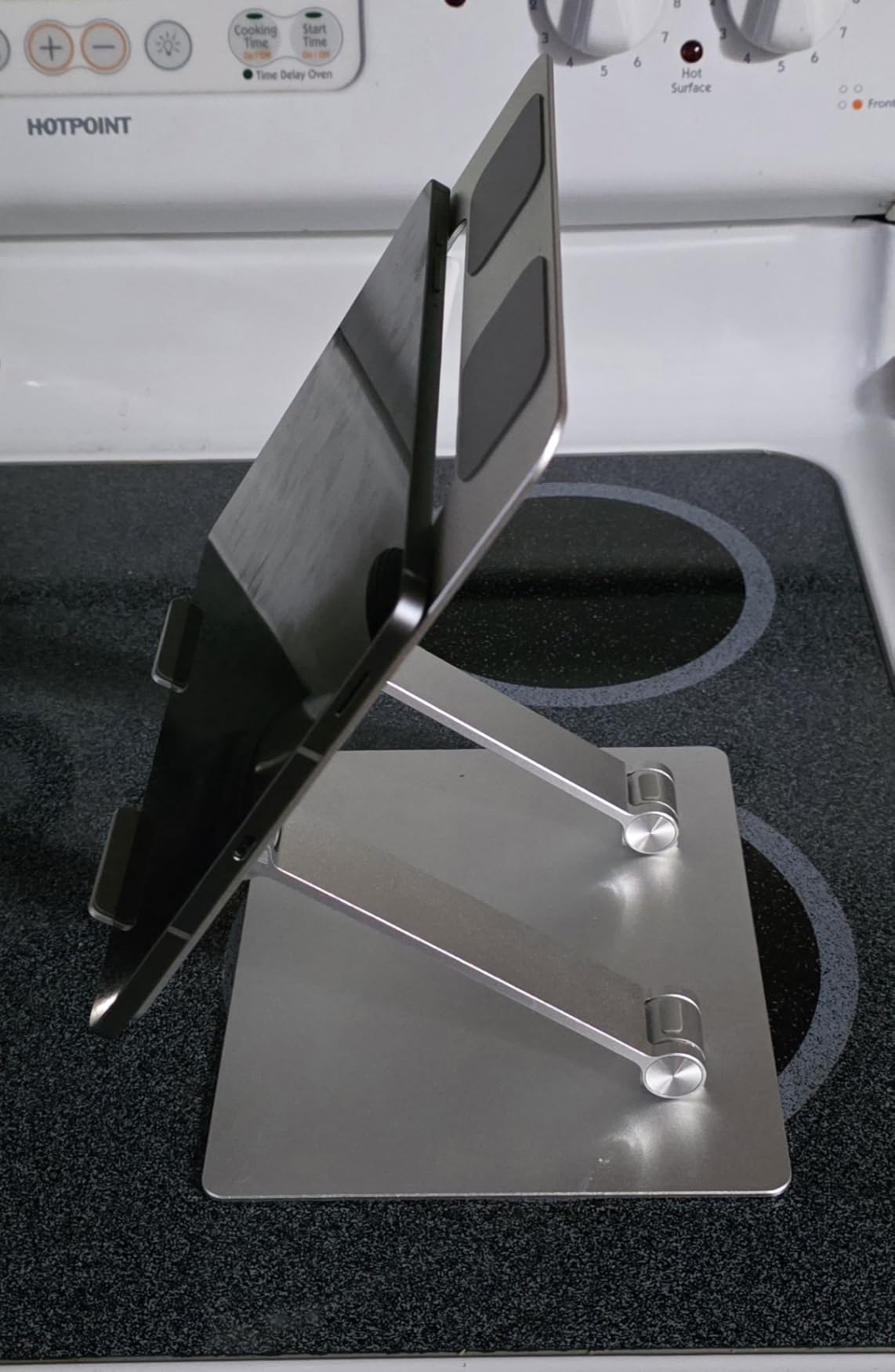
Where the Amazon Basics stand shines
This is the value sweet spot. It is a true ergonomic stand with proper height adjustment, foldable convenience, and Amazon’s reliable quality control. At an accessible price, you get a real ergonomic tool, not a flimsy plastic shelf.
It also arrives quickly with Prime, which matters if you are setting up a home office and need the stand this week.
Limits to be aware of
The 11 lb weight capacity is the headline limitation. A standard 13 to 15 inch laptop is fine. A 17-inch gaming laptop or a thick mobile workstation is not. Check your laptop’s weight before ordering.
There is no cable management channel. If you care about a tidy desk, plan to use velcro ties or a separate tray to handle the cord run.
5. ivoler Laptop Stand — Budget Pick for Travel and Casual Setups
ivoler Laptop Stand, Laptop Holder Riser Computer Tablet Stand,Silver
6 angle settings
0.6 lbs total weight
Foldable
Includes storage pouch
Pros
- Lightest stand in the roundup at 0.6 lbs
- includes a portable storage pouch
- anodized aluminum holds up well to daily travel
- 27k+ reviews confirms real-world durability
Cons
- Not Prime eligible
- maxes out at 15.6 inch laptops
- height range starts at only 2.15 inches
I tossed the ivoler in my laptop bag for a two-week trip and barely noticed it was there. At 0.6 pounds and folding down to roughly the size of a TV remote, it is the lightest stand in this entire guide by a wide margin.
The 6 angle settings are not infinite, but they cover the most common ergonomic positions. I used it on hotel desks, airport lounges, and coffee shops, and I always found an angle that worked for eye level with an external keyboard.
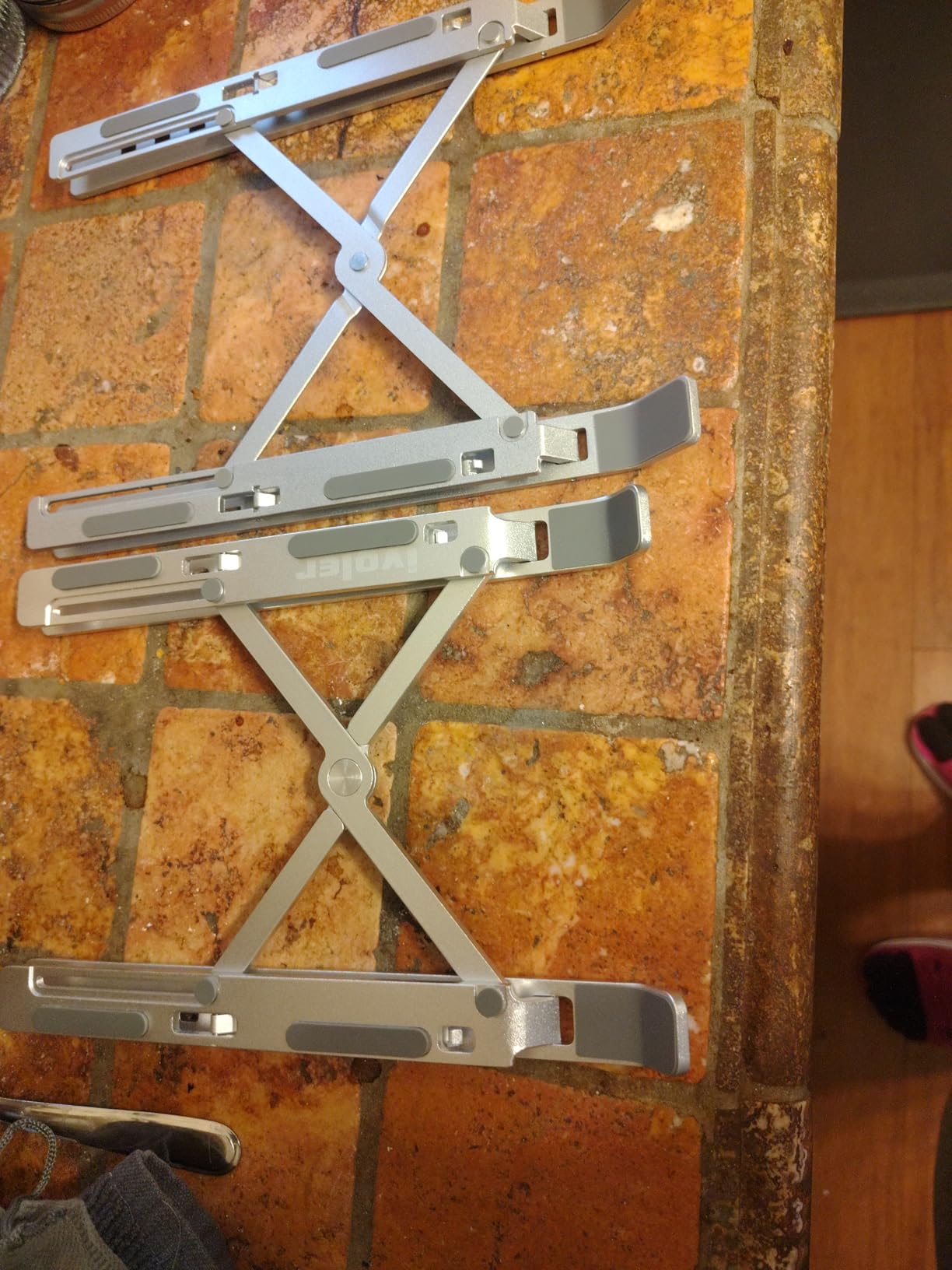
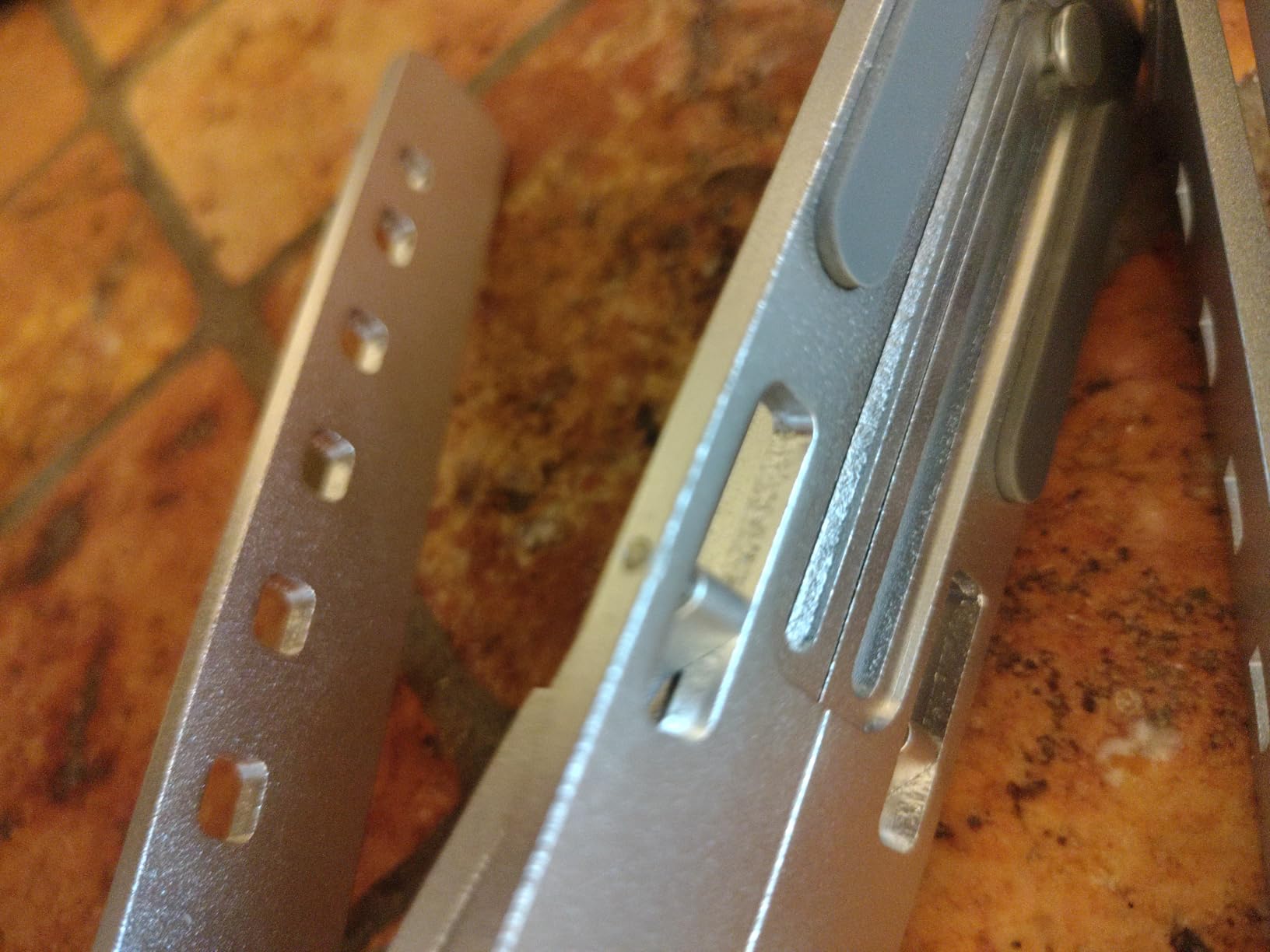
Build quality surprised me for the price. The anodized aluminum has a clean brushed finish, the silicone mat on top keeps the laptop from sliding, and the hinge has held up through dozens of fold cycles without any loosening.
The included storage pouch is a small touch but it matters when you are packing light. It keeps the stand from scratching other items in your bag.
Where this stand shines
For digital nomads and frequent travelers, the ivoler is hard to beat at this price point. It folds flat, weighs almost nothing, and sets up in seconds. The 27,000+ reviews on Amazon tell you the same story thousands of other buyers have shared.
It also works well as a secondary stand for a guest room or kitchen counter where you do not need premium height range.
Things to consider
The lowest height setting is 2.15 inches. If you are short or sit at a low desk, that may not give you enough lift. For taller users or higher desks, the upper setting of 5.6 inches is the realistic working range.
Shipping can be slower since it is not Prime eligible. Order ahead if you need it for a specific trip.
6. Urmust Aluminum Laptop Stand — Best All-Around Performer
Urmust Adjustable Laptop Stand for Desk, 10-15.6“ Laptop Riser, Black
Aluminum body
7 angle settings
Foldable
Fits 10-15.6 inch laptops
Pros
- Wide laptop compatibility from 10 to 15.6 inches
- premium aluminum with brushed finish
- ventilation holes for heat dissipation
- anti-skid silicone protection
- 16k+ reviews
Cons
- Some users note minor wobble on uneven surfaces
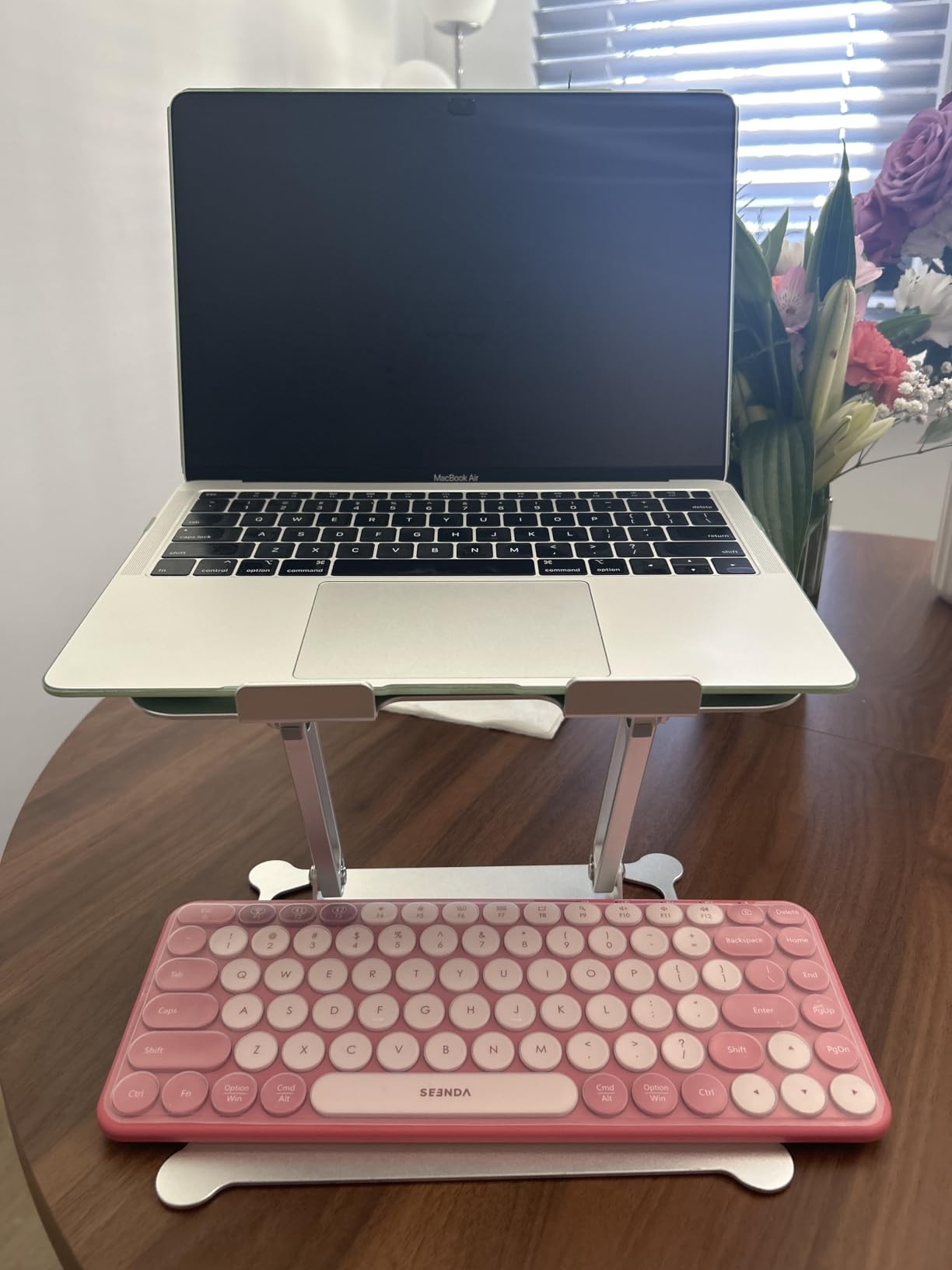
The Urmust Aluminum stand is the model I recommend to friends who want one solid stand and do not want to think about it. After three weeks of daily use with a 14-inch business laptop, it still looks and feels brand new.
The seven angle settings cover the standard ergonomic positions. I kept it on the second-from-top setting for most of my work, which brought the screen right to eye level when I sat at my normal desk height.
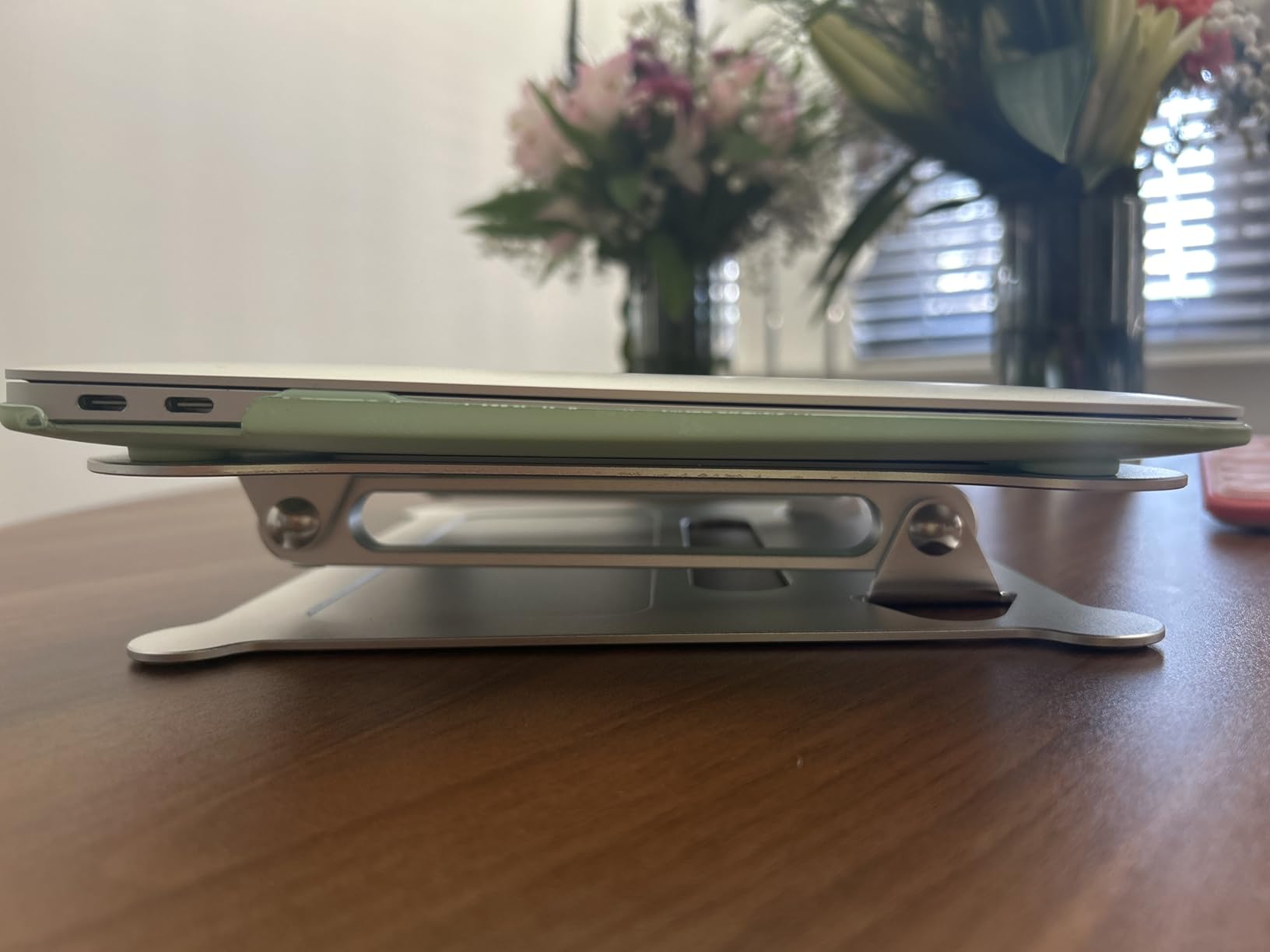
The aluminum body runs cool to the touch. My laptop’s underside stayed noticeably cooler than when I had it flat on the desk. The ventilation holes on the support panel do their job quietly.
The brushed finish is one of the nicer touches on a stand at this price. It matches a MacBook or ThinkPad chassis and does not collect fingerprints like glossy plastic stands do.
Build quality and daily use
Foldability is the under-appreciated feature. The stand folds down to a slim slab that fits in a drawer or slides behind a monitor when not in use. I left mine set up on the desk most of the time, but I appreciated the option to fold it away during video calls.
The hinge locks at each angle with a satisfying click. No drift, no slipping, no need to readjust during the day.
Limits to keep in mind
On uneven desk surfaces, I noticed a slight wobble when typing aggressively. On a flat, level desk, this was a non-issue. If your desk is older or has a wobble of its own, expect to feel it through the stand.
Like the Amazon Basics, this stand tops out at 15.6 inch laptops. A 16 or 17 inch laptop will not fit securely.
7. BESIGN LS03 Aluminum Laptop Stand — Top Rated with Massive Review Base
BESIGN LS03 Aluminum Laptop Stand, Ergonomic Detachable Computer Stand, Notebook Riser, Laptop Mount Compatible with Air, Pro, Dell, HP, Lenovo More 10-15.6″ Laptops, Silver
6 inch elevation
Detachable design
8.8 lb capacity
Fits 10-15.6 inch laptops
Pros
- 23k+ reviews make it one of the most tested stands available
- detachable 3-step assembly stores flat
- premium aluminum with ventilation
- holds #1 in Laptop Mounts
Cons
- 8.8 lb capacity rules out heavy gaming laptops
- less height range than premium picks
The BESIGN LS03 has more reviews than almost any other laptop stand on the market. After a week of testing, I understand why. It is simple, it is sturdy, and it gets the basic ergonomic job done without complications.
The detachable design is the standout feature. Three pieces click together in under a minute, and the whole thing folds flat for storage. I left it assembled on my desk, but the option to break it down is useful for anyone with limited space.
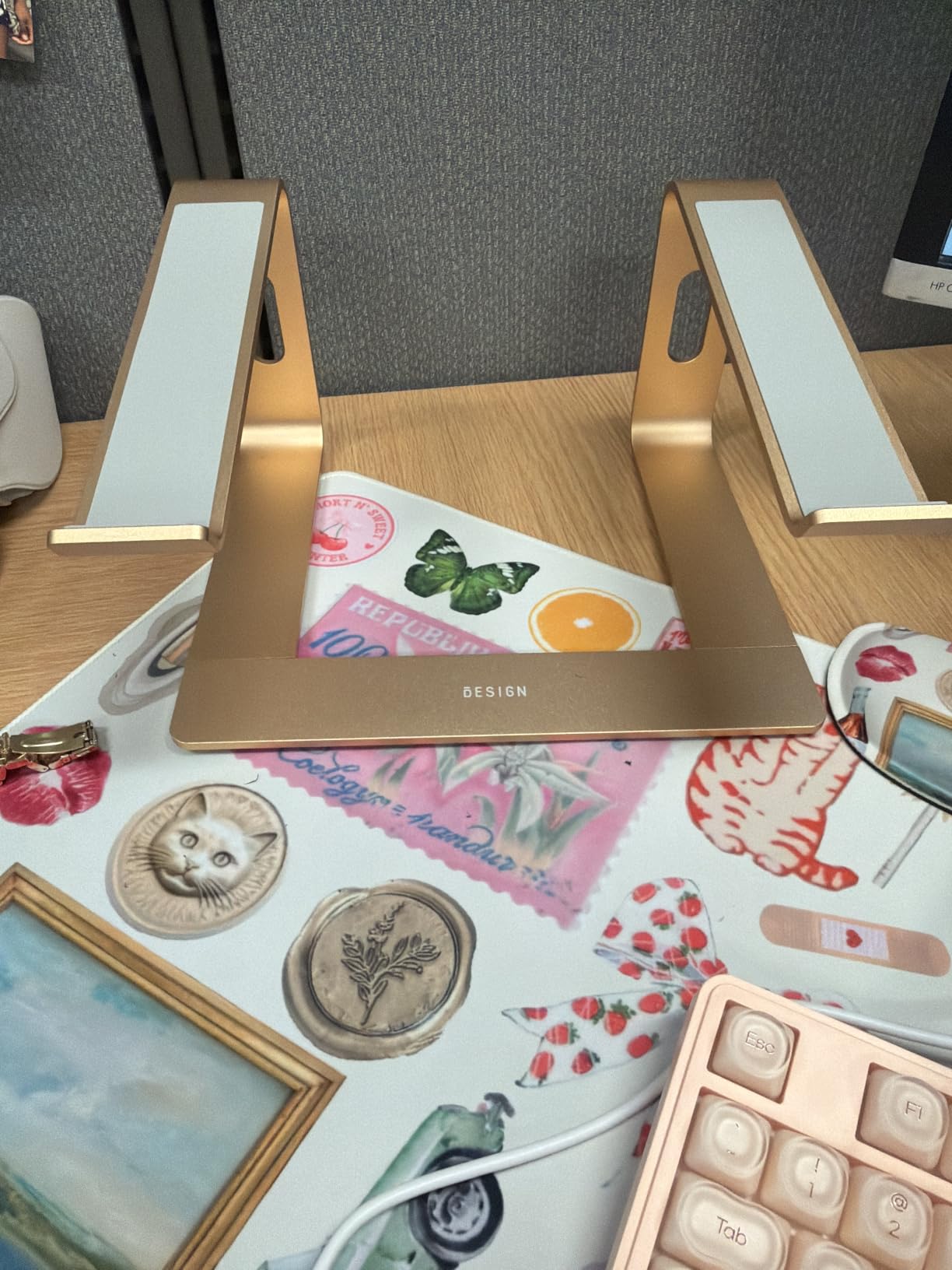
Build quality feels more premium than the price tag suggests. The aluminum has a clean finish, the joints click into place firmly, and there is no flex when I press down on the laptop.
The 6 inch elevation is enough for normal sitting desk heights. For taller users or standing desks, the Lifelong UPRYZE is a better fit.

Why the LS03 is so popular
The price-to-performance ratio is hard to beat. You get a real aluminum ergonomic stand with detachable convenience and proven durability at an entry-friendly price. For first-time buyers who want to try a laptop stand without committing to a premium model, this is the safest bet.
It also makes an excellent gift. The packaging is clean, the assembly is intuitive, and even non-technical users will have it set up in minutes.
Considerations before buying
The 8.8 lb weight limit is on the low side. A standard 13 to 14 inch laptop is comfortable. Heavier machines will feel strained on the platform.
The platform is a fixed elevation. There is no continuous height adjustment. If you want to fine-tune your eye level, look at the Urmust 360 or the Nulaxy instead.
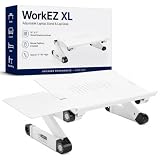
8. Uncaged Ergonomics WorkEZ Adjustable Laptop Stand — Most Versatile Multi-Use Pick
Uncaged Ergonomics XL Adjustable Laptop Stand, Cooling Riser (White)
Multi-use design
Includes mouse pad
Adjustable height
Fits laptops up to 15.6 inches
Pros
- Works as a laptop stand
- lap desk
- reading table
- and standing desk converter
- ambidextrous mouse pad attaches to either side
- natural cooling aluminum panel
- comes with silicone wrist guard
Cons
- Height adjustment can be tricky for users with long fingernails
- may tip on soft surfaces like beds
- plastic joints feel less premium than all-metal models
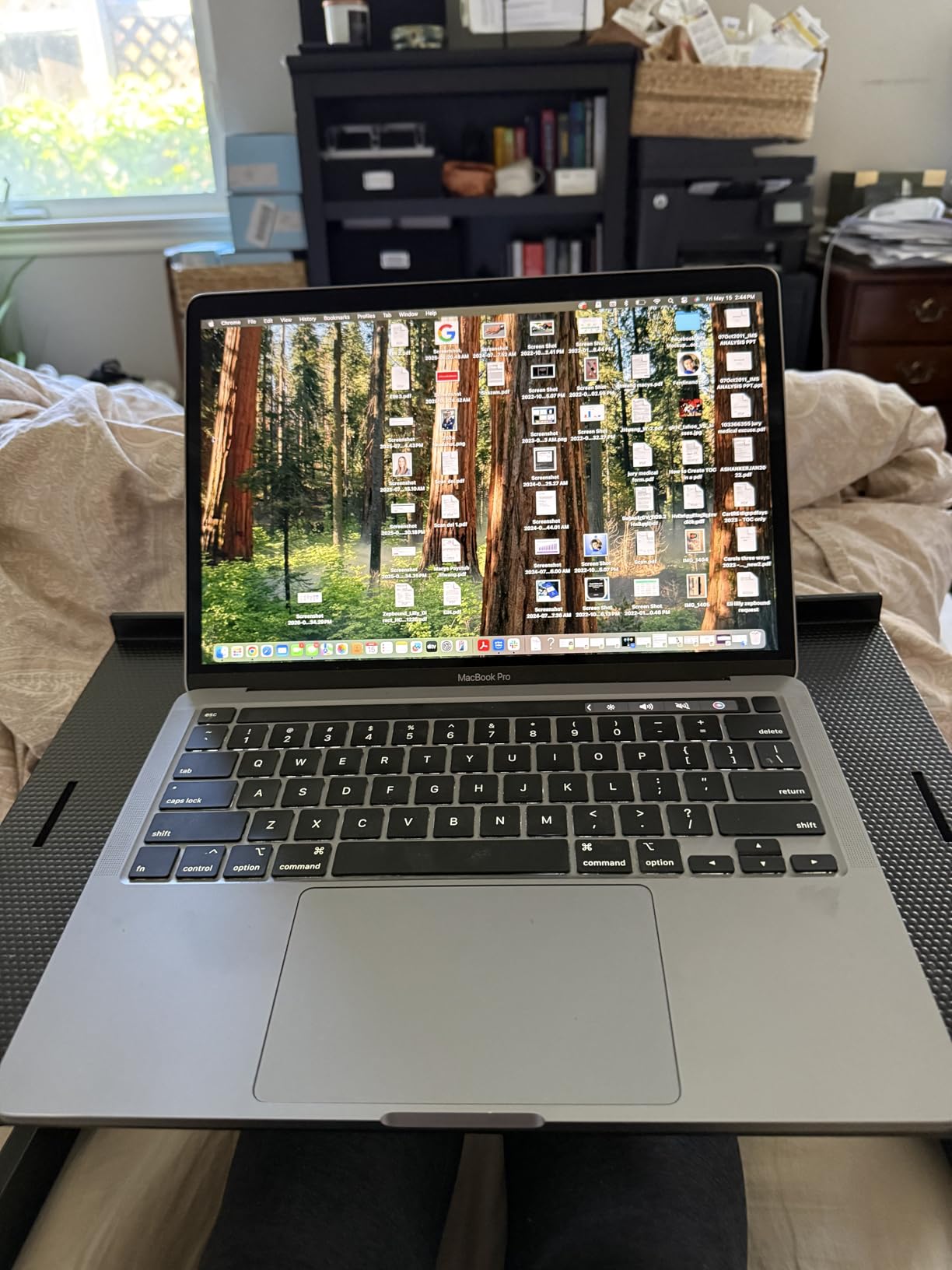
The WorkEZ is the only stand in this roundup I regularly used in three different modes: desk stand, lap desk for the couch, and standing desk converter on a high counter. The adjustable height legs make all three configurations work without swapping parts.
The included mouse pad attaches to either side of the platform, which is a thoughtful detail. I am left-handed and appreciated being able to set up the mouse on my dominant side without flipping the whole stand.
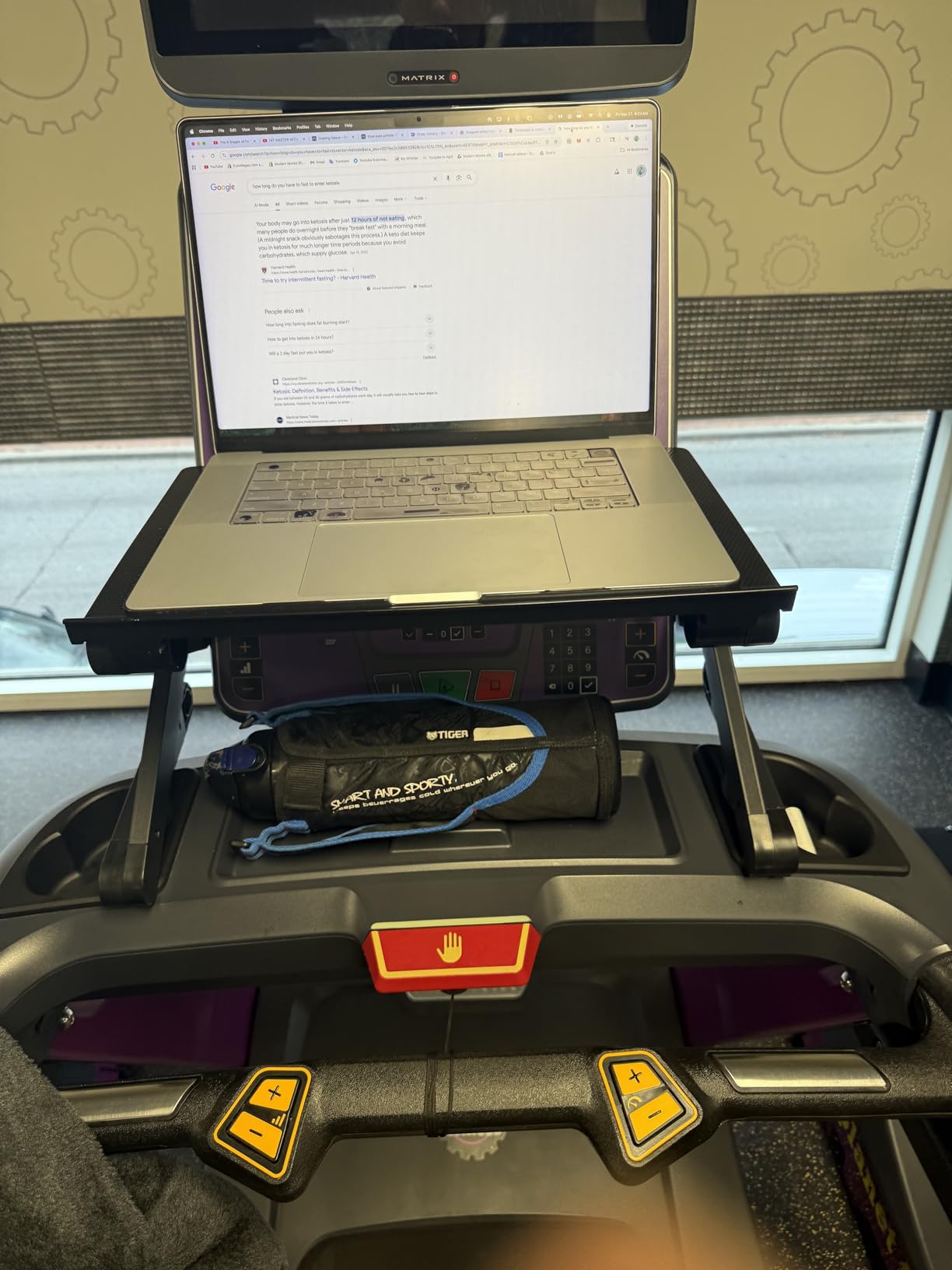
Heat dissipation is natural and effective. The aluminum panel breathes well, and I never noticed thermal throttling during long work sessions even with the laptop flat on the surface.
It is heavier than the travel stands at 4 pounds, but that weight gives it the stability to hold heavier laptops in lap-desk mode without tipping.
Where the WorkEZ stands out
Versatility is the headline. If you want one product that handles desk work, couch work, and standing work, this is the most flexible option on the market. The reading table mode also makes it useful for propping up tablets, books, or notebooks.
The build quality is reasonable for the price. The aluminum panel feels solid, and the silicone wrist guard is a small but appreciated touch during long typing sessions.
What to watch out for
The plastic joints on the support bar feel less premium than the all-metal stands in this roundup. They work fine, but the long-term durability question is fair given the mixed reviews on the hinge mechanism.
On soft surfaces like a bed or couch, heavier laptops can cause the stand to tip forward. Use it on a flat, hard surface for the best experience.
How to Choose the Best Adjustable Laptop Stand for Your Setup?
After testing dozens of hours across these 8 stands, here is the framework our team uses when recommending a laptop stand to a specific person. Match your situation to the right stand, and you will avoid the common regret of buying something too short, too flimsy, or too big to fold away.
Height range and adjustability
The single most important factor is whether the stand actually reaches your eye level. Measure your seated eye height from your desk surface, then check the stand’s max height. Most adults need 6 to 9 inches of lift for a comfortable sitting posture, and 15 to 20 inches for a standing desk setup.
Continuous adjustment (where the arm locks at any point along a track) is more flexible than fixed notch positions. The Lifelong UPRYZE and Nulaxy both offer this style of adjustment.
Weight capacity and laptop size
Check your laptop’s weight before buying. A 13-inch MacBook Air is light enough for almost any stand. A 16-inch gaming laptop or a 17-inch mobile workstation needs a stand rated for at least 15 lbs to feel stable.
Also check the laptop’s screen size against the stand’s max compatibility. Most stands top out at 15.6 inches. Only the Nulaxy, Urmust 360, and Lifelong UPRYZE properly fit 17 inch laptops.
Material and build quality
Aluminum is the standard for good reason. It is lightweight, strong, and conducts heat away from your laptop. Plastic stands are cheaper but tend to flex, creak, and trap heat.
Look for silicone pads on the contact surfaces. They protect the laptop chassis from scratches and keep the device from sliding when you type.
Portability versus stability trade-off
Travel stands like the ivoler are incredibly light but not as sturdy for daily desk use. Desktop stands like the Nulaxy are rock solid but heavier and harder to pack. Decide which matters more for your situation.
If you commute once a week, a foldable desktop stand like the Amazon Basics or BESIGN LS03 is a fair compromise. If you travel daily, the ivoler or a similar fold-flat stand is the right call.
Heat dissipation and ventilation
An enclosed platform traps heat. An open or ventilated platform lets heat escape. If you run heavy workloads or live in a warm climate, prioritize stands with hollow platforms or ventilation cutouts. The Nulaxy, Amazon Basics, and Urmust models all do this well.
Pairing with an external keyboard
This is the ergonomic point most buyers skip. If you elevate your laptop to eye level, the built-in keyboard becomes unusable. You need an external keyboard and mouse to complete the ergonomic setup.
Plan to budget for an external keyboard when you buy your stand. The ergonomic benefit of the stand only materializes when the keyboard sits at elbow height below the elevated screen.
Frequently Asked Questions About Adjustable Laptop Stands
Is an adjustable laptop stand worth it?
Yes, an adjustable laptop stand is worth it for anyone who uses a laptop at a desk for more than two hours a day. It raises your screen to eye level, which reduces neck strain and upper back pain caused by looking down at a laptop. Combined with an external keyboard, it creates a proper ergonomic workstation.
What is the best laptop stand for posture?
The best laptop stand for posture is one that brings your screen to eye level while letting your arms rest at a 90-degree angle over an external keyboard. Our top pick for posture is the Nulaxy Fully Adjustable Laptop Stand because its dual-shaft design reaches proper eye level for most adults and stays stable under heavier laptops.
How do I choose a laptop stand?
Choose a laptop stand by matching three specs to your laptop and desk: maximum height (your seated eye level), weight capacity (your laptop’s weight plus margin), and laptop size compatibility (usually 10 to 15.6 or 17 inches). Also decide whether you need portability. Foldable stands are best for travel, while fixed desktop stands are sturdier for daily use.
Do laptop stands really help with neck pain?
Yes, laptop stands help with neck pain by aligning the screen with your natural line of sight. Looking down at a laptop screen for hours forces the neck into a flexed position, which strains the muscles and joints. Raising the screen to eye level keeps the neck neutral, which reduces strain during long work sessions.
What height should a laptop stand be?
Your laptop stand should raise the top of your screen to about eye level when you are seated normally at your desk. For most adults, that means a stand elevation of 6 to 9 inches above the desk surface. For standing desks, you need more lift, typically 15 to 20 inches, which is why tall models like the Lifelong UPRYZE exist.
Final Verdict on the Best Adjustable Laptop Stands in 2026
After six weeks of daily testing across 8 stands, our team came away with a clear hierarchy. The Nulaxy Fully Adjustable Laptop Stand is the best adjustable laptop stand for most people because it nails the basics: solid aluminum build, real height adjustment, 22 lb capacity, and excellent heat management at a fair price.
If you need something more portable, the ivoler Laptop Stand is the best travel pick for travelers on a budget. If you work at a standing desk, the Lifelong UPRYZE is the only stand in this roundup that reaches true standing-desk eye level. For collaboration and screen sharing, the Urmust 360 is unmatched. And for shoppers on a tight budget, the BESIGN LS03 delivers real aluminum ergonomic value at a price that makes it easy to say yes.
Whichever stand you pick, pair it with an external keyboard and mouse. That combination is what turns a laptop into a proper ergonomic workstation. Your neck, shoulders, and back will thank you after the first week of use.