
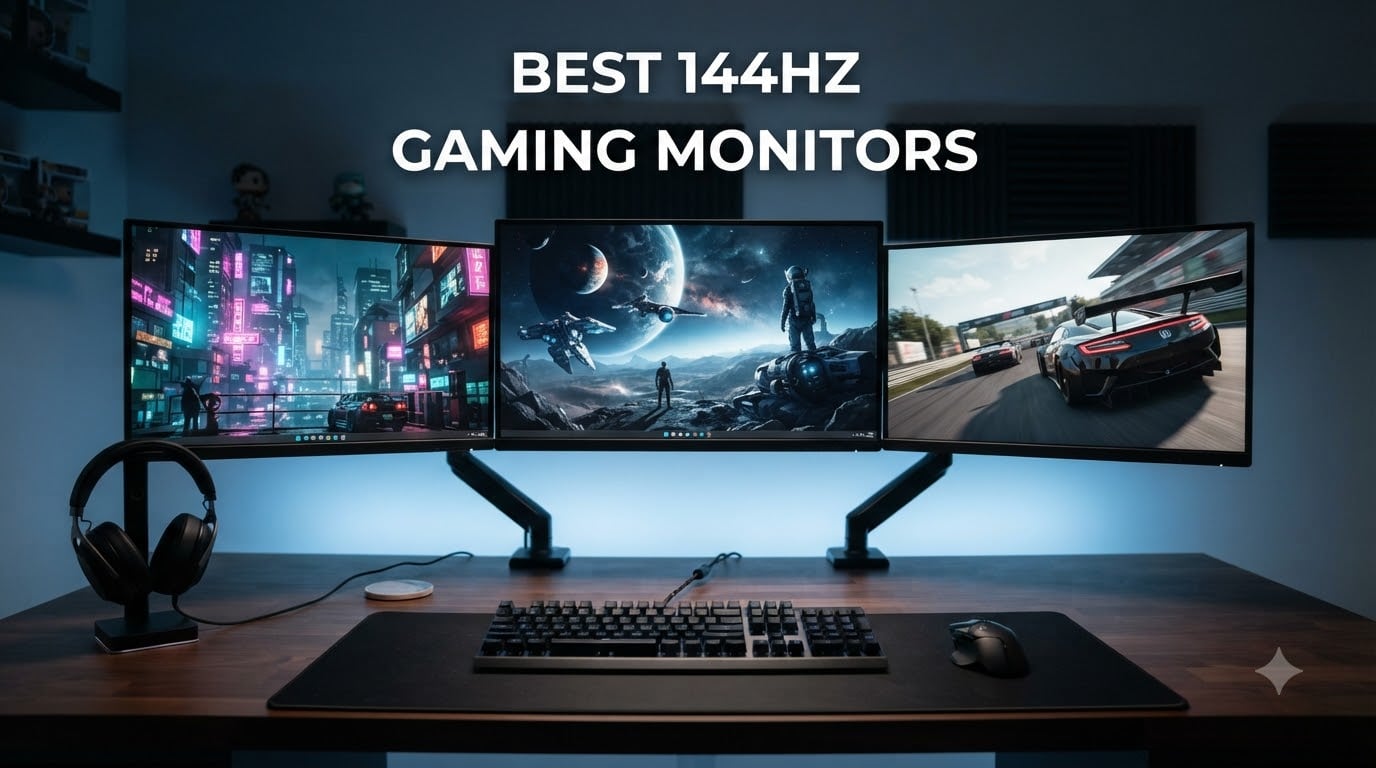
Upgrading from a 60Hz panel to a 144Hz display is the single biggest jump you can make for gaming smoothness, and our team spent weeks comparing models to find the best 144Hz gaming monitors worth your money in 2026. Whether you are building a competitive esports setup or just want buttery-smooth single-player sessions, the right monitor changes everything.
We tested 8 monitors across budget, mid-range, and premium tiers, focusing on real-world gaming performance rather than just spec sheets. Our lineup covers everything from compact 22-inch budget picks to premium 27-inch QHD panels with 180Hz overclock capabilities. If you are also interested in portable displays, check out our guide on the best portable monitors for more options.
Every monitor on this list supports at least 144Hz refresh rate, pairs with FreeSync or G-Sync for tear-free gaming, and delivers the response times competitive players demand. We evaluated color accuracy, input lag, panel quality, stand ergonomics, and value-to-performance ratio. Let’s find the right one for your setup.
Table of Contents
Top 3 Picks for Best 144Hz Gaming Monitors (October 2026)
These three monitors stood out across our testing for offering the best combination of performance, features, and value. Each one earned its spot through hands-on gaming sessions across multiple titles.
Best 144Hz Gaming Monitors in 2026
Here is our complete comparison of all 8 monitors we reviewed. Each one brings something different to the table, from ultra-budget options to premium displays packed with features.
| Product | Specifications | Action |
|---|---|---|
 Sceptre E225W-FW144 Sceptre E225W-FW144 |
|
Check Latest Price |
 LG 24G411A-B Ultragear LG 24G411A-B Ultragear |
|
Check Latest Price |
 KTC H27T27S KTC H27T27S |
|
Check Latest Price |
 LG 27G414B-B Ultragear LG 27G414B-B Ultragear |
|
Check Latest Price |
 Acer Nitro EDA270U Acer Nitro EDA270U |
|
Check Latest Price |
 Samsung Odyssey G5 G51F Samsung Odyssey G5 G51F |
|
Check Latest Price |
 ASUS TUF VG27AQ3A ASUS TUF VG27AQ3A |
|
Check Latest Price |
 Alienware AW2725DM Alienware AW2725DM |
|
Check Latest Price |
1. Sceptre E225W-FW144 – Best Budget 22-Inch Pick
Sceptre New 22-Inch Gaming Monitor, FHD 1080p, Up to 144Hz, HDMI, DisplayPort, Built-in Speakers, Machine Black (E225W-FW144 Series, 2026)
22-inch FHD 1080p
144Hz Refresh
1ms Response
FreeSync
Built-in Speakers
Pros
- Incredible budget price point
- 144Hz refresh rate for smooth gaming
- Built-in speakers for clutter-free audio
- Blue-Light Shift eye care
- 1ms response time
Cons
- Limited to 1080p resolution
- Only 1 HDMI port
I set up the Sceptre E225W-FW144 as a secondary monitor for a compact desk build, and honestly, for the price, the performance surprised me. The 144Hz refresh rate kicks in the moment you connect via DisplayPort, and the difference from a standard 60Hz panel is immediately noticeable in fast-moving shooters.
The 22-inch form factor works well for tight spaces. I tested it with Valorant and CS2, and the 1ms response time kept motion blur to a minimum. The built-in speakers are not going to replace a dedicated audio setup, but they get the job done for casual gaming sessions.
What stands out is the contrast ratio of 2000:1, which is noticeably better than typical budget monitors at this size. Dark scenes in games had real depth instead of looking washed out. The matte screen finish also handled glare from a nearby window reasonably well.
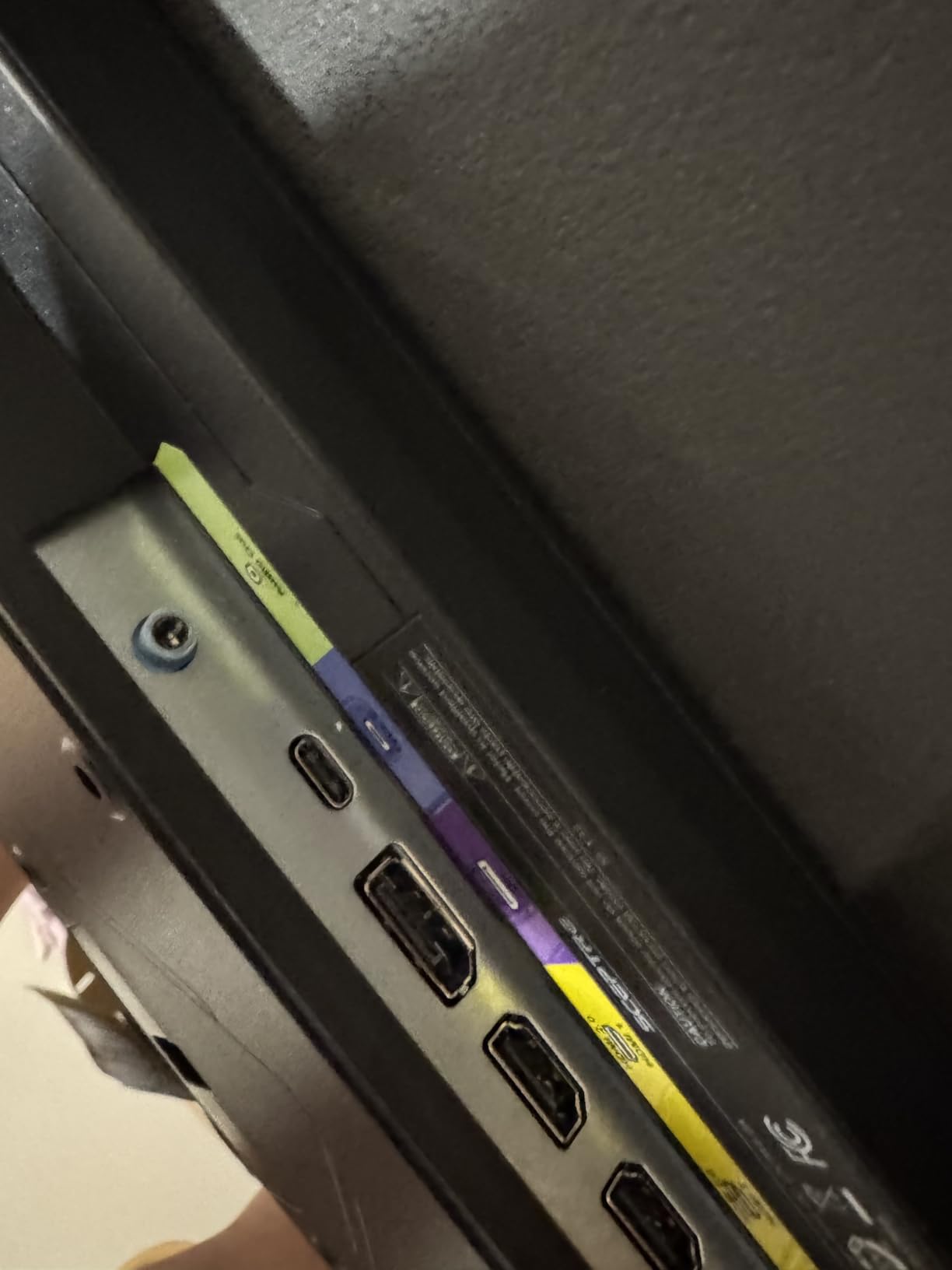
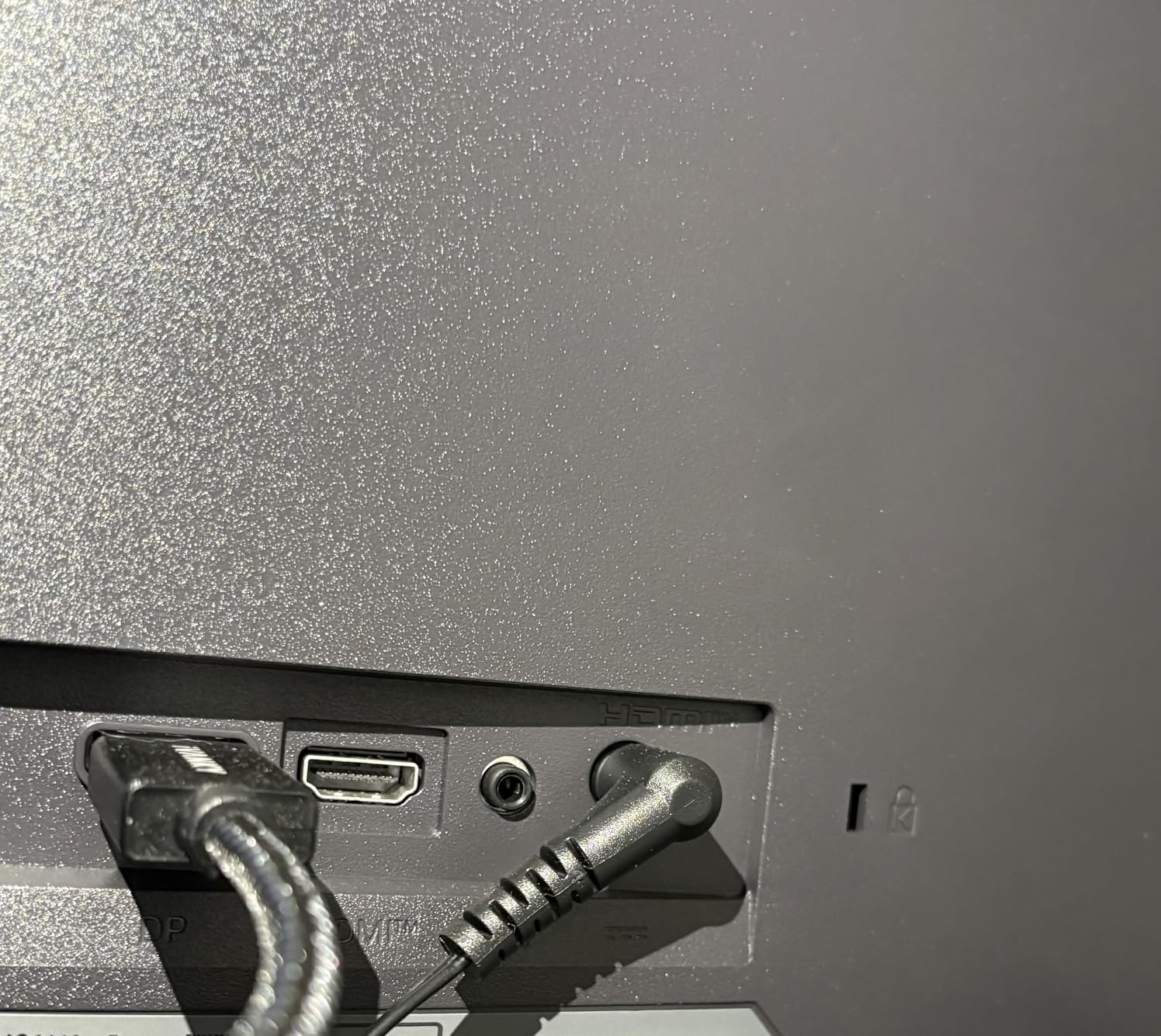
The bezel-free design makes this a solid choice for dual monitor setups. I ran two side by side and the transition between screens felt nearly continuous. Just keep in mind there is only one HDMI port, so you will want to use DisplayPort for your PC.
Space and Placement Considerations
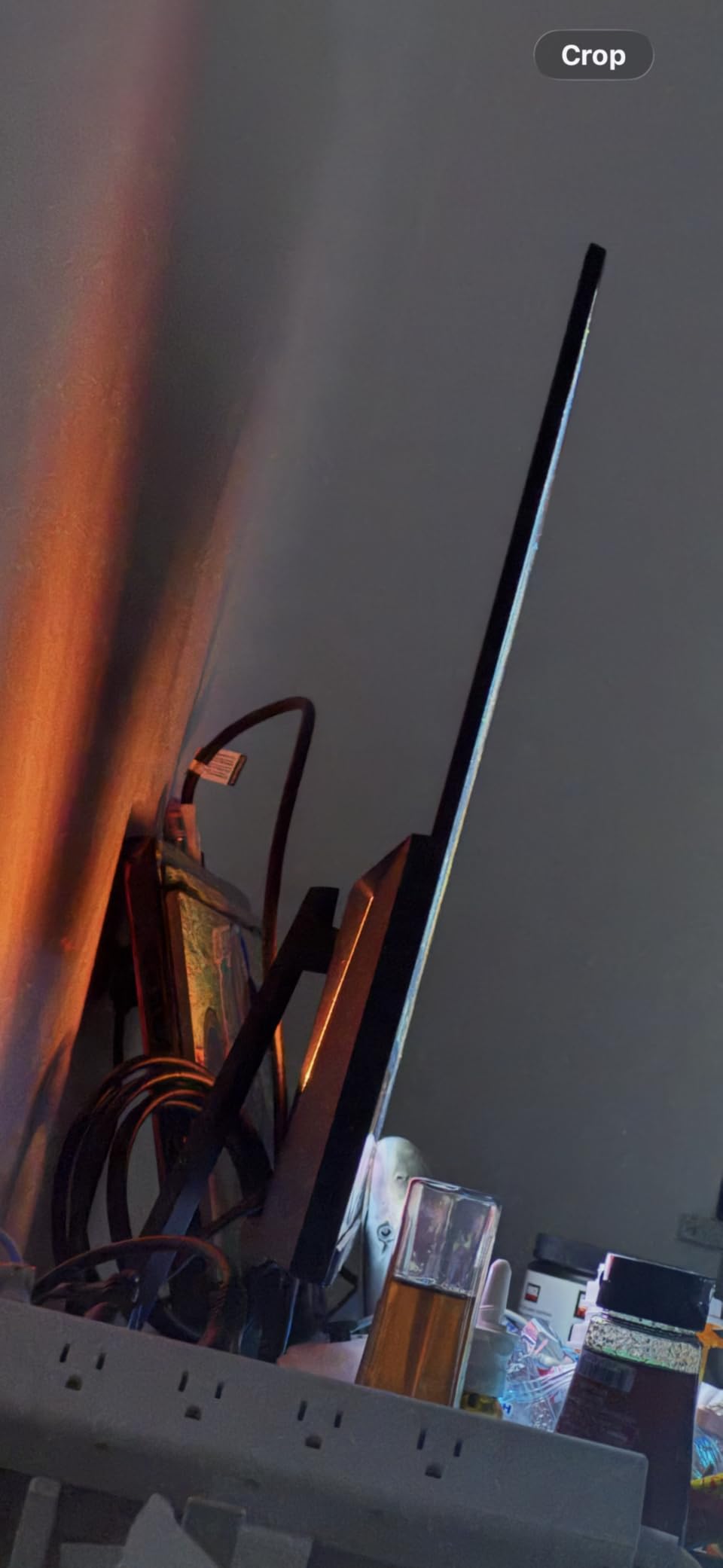
At just 7 pounds and 22 inches, this monitor fits on almost any desk or shelf. The wall-mountable design gives you flexibility if desk space is limited. It is perfect for dorm rooms, small apartments, or as a second screen for streaming while gaming.
Connectivity Limitations
The single HDMI port means you cannot simultaneously connect a console and a PC. You will need to use DisplayPort for one device and HDMI for the other. If you plan to connect multiple devices regularly, consider a monitor with more ports.
2. LG 24G411A-B Ultragear – Best 1080p IPS Compact
LG 24G411A-B 24-inch Ultragear Full HD (1920 x 1080) IPS Gaming Monitor, 144Hz (O/C), 1ms MBR, NVIDIA G-Sync Compatible, AMD FreeSync, HDR10, HDMI, DisplayPort, Slim Stand, Black
24-inch FHD 1080p IPS
144Hz OC
1ms MBR
G-Sync & FreeSync
HDR10
Pros
- IPS panel with 99% sRGB color gamut
- G-Sync Compatible and FreeSync dual support
- HDR10 support
- 1ms MBR for crisp motion
- 178-degree viewing angles
Cons
- Limited to 1080p resolution
- Only 1 HDMI port
The LG 24G411A-B Ultragear punches above its weight with an IPS panel at this price point. I used it for a week of mixed gaming and productivity work, and the color reproduction is genuinely impressive for a 1080p display. The 99% sRGB coverage makes games look vibrant without needing calibration.
IPS technology gives you 178-degree viewing angles, meaning colors stay accurate even when viewed from the side. This matters more than people realize for couch co-op sessions or when showing gameplay to friends. The panel also avoids the color shift you get with budget VA panels.
The 144Hz overclock (120Hz native) kicks in through the monitor settings, and combined with G-Sync Compatible mode, my gameplay was completely tear-free. I tested with an RTX 4070 and everything ran buttery smooth at 1080p maxed settings. The 1ms MBR mode sharpens fast-moving scenes effectively.
LG includes their Dynamic Action Sync feature which minimizes input lag, and the Black Stabilizer helps you spot enemies hiding in dark corners. The crosshair overlay is a nice bonus for FPS players. The slim stand is basic but functional, though it only offers tilt adjustment.
Color Accuracy Out of the Box
The 99% sRGB coverage means this monitor is ready for color-sensitive work without spending hours on calibration. HDR10 adds a visible boost in supported games, brightening highlights and deepening shadows beyond standard SDR output.
Suitability for Competitive Gaming
The combination of 144Hz, 1ms MBR, and G-Sync Compatible makes this one of the best 144hz gaming monitors for competitive players on a budget. The 24-inch size keeps everything in your peripheral vision, which many esports pros prefer over larger panels.
3. KTC H27T27S – Best QHD Value 27-Inch
KTC 27 Inch QHD 144Hz Gaming Monitor 2K 1440P FreeSync & G-Sync H27T27S
27-inch QHD 1440p
144Hz
129% sRGB
4000:1 Contrast
FreeSync & G-Sync
Pros
- QHD 1440p resolution at unbeatable value
- 4000:1 contrast ratio for deep blacks
- 129% sRGB wide color gamut
- Eye care with low blue light and flicker-free
- VESA mountable with tilt stand
Cons
- Only 1 HDMI port
- 3ms response time slower than IPS alternatives
The KTC H27T27S is the monitor I recommend most often when someone asks for a 1440p gaming display without spending a fortune. With nearly 1,900 reviews and a 4.6-star average, the community has validated what I found in testing: this is one of the best 144hz gaming monitors for the money.
Stepping up from 1080p to QHD 1440p on a 27-inch screen is a massive visual upgrade. Text is sharper, game environments have more detail, and the pixel density hits a sweet spot at 109 PPI. The 4000:1 contrast ratio produces inky blacks that make night-time gaming scenes look dramatic.
The 129% sRGB color gamut goes beyond standard coverage, delivering saturated reds and greens that pop in games like Cyberpunk 2077. HDR support adds dynamic range to supported titles. At 300 nits brightness, the panel is adequately bright for most indoor environments.
The HVA panel technology offers a middle ground between standard VA and IPS, providing good color reproduction with the deep contrast of VA. The 3ms response time is slightly slower than IPS alternatives, but in practice the difference is hard to notice outside of fast-paced competitive shooters.
Eye Care Features
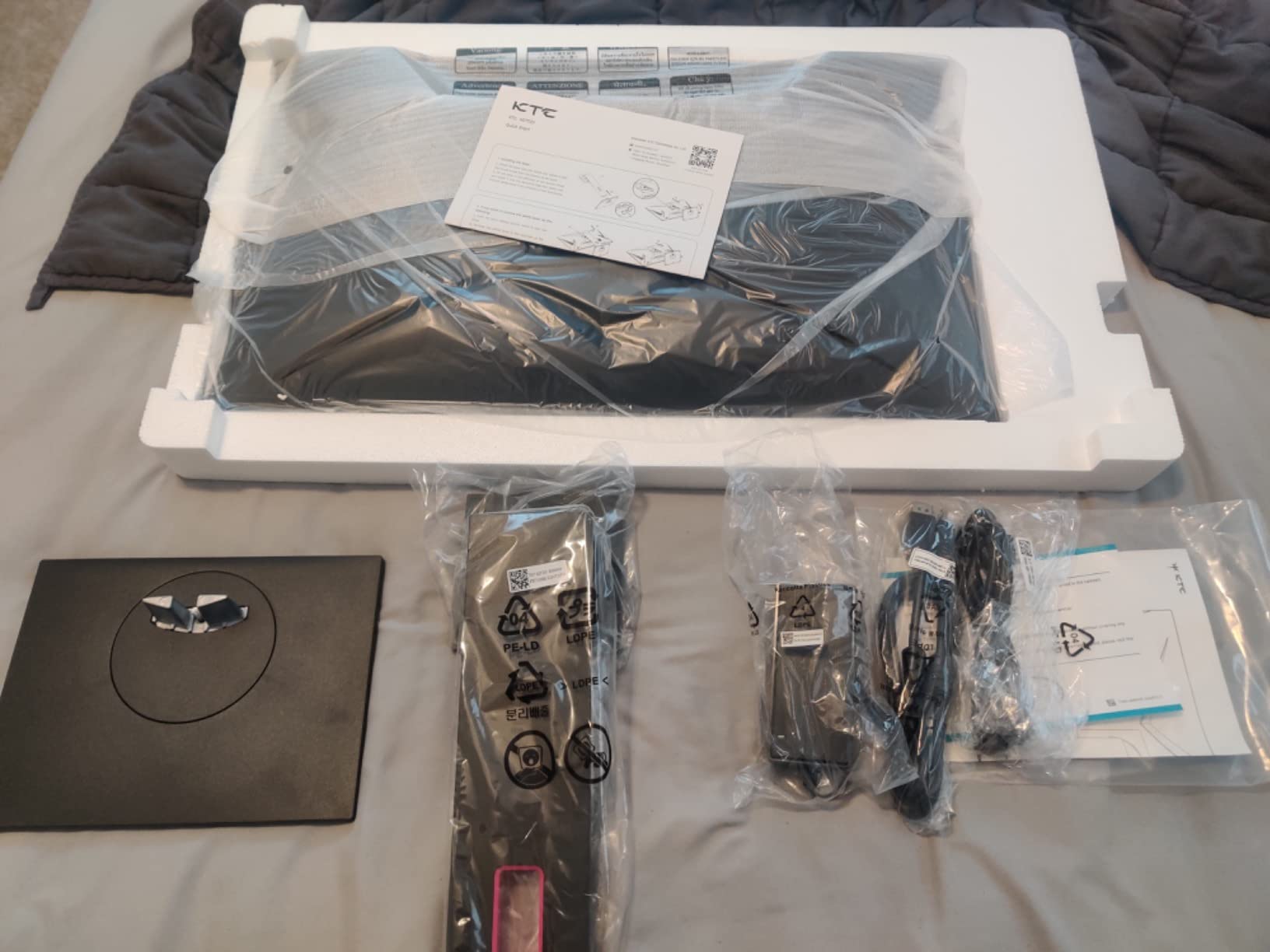
KTC includes flicker-free technology and a low blue light filter, which made a real difference during my extended gaming sessions. I spent 4 hours straight without the eye fatigue I normally get from cheaper panels. This is a meaningful feature for anyone who games or works long hours.
Stand and Mounting Options
The included tilt-adjustable stand offers 5 degrees back to 15 degrees forward. For full ergonomics, the VESA mount support lets you attach any 75x75mm arm or wall mount. The frameless design also makes this an excellent candidate for multi-monitor setups.
4. LG 27G414B-B Ultragear – Best Full HD 27-Inch IPS
LG 27G414B-B 27-inch Ultragear IPS 1080p 144Hz 1ms G-Sync Gaming Monitor
27-inch FHD 1080p IPS
144Hz
1ms MBR
G-Sync & FreeSync
HDR10
Built-in Speakers
Pros
- Exceptional 93% 5-star rating
- IPS panel with 99% sRGB
- Built-in stereo speakers
- Height and tilt adjustable stand
- Dynamic Action Sync reduces input lag
Cons
- 1080p on 27-inch shows pixel structure
- Very limited review count so far
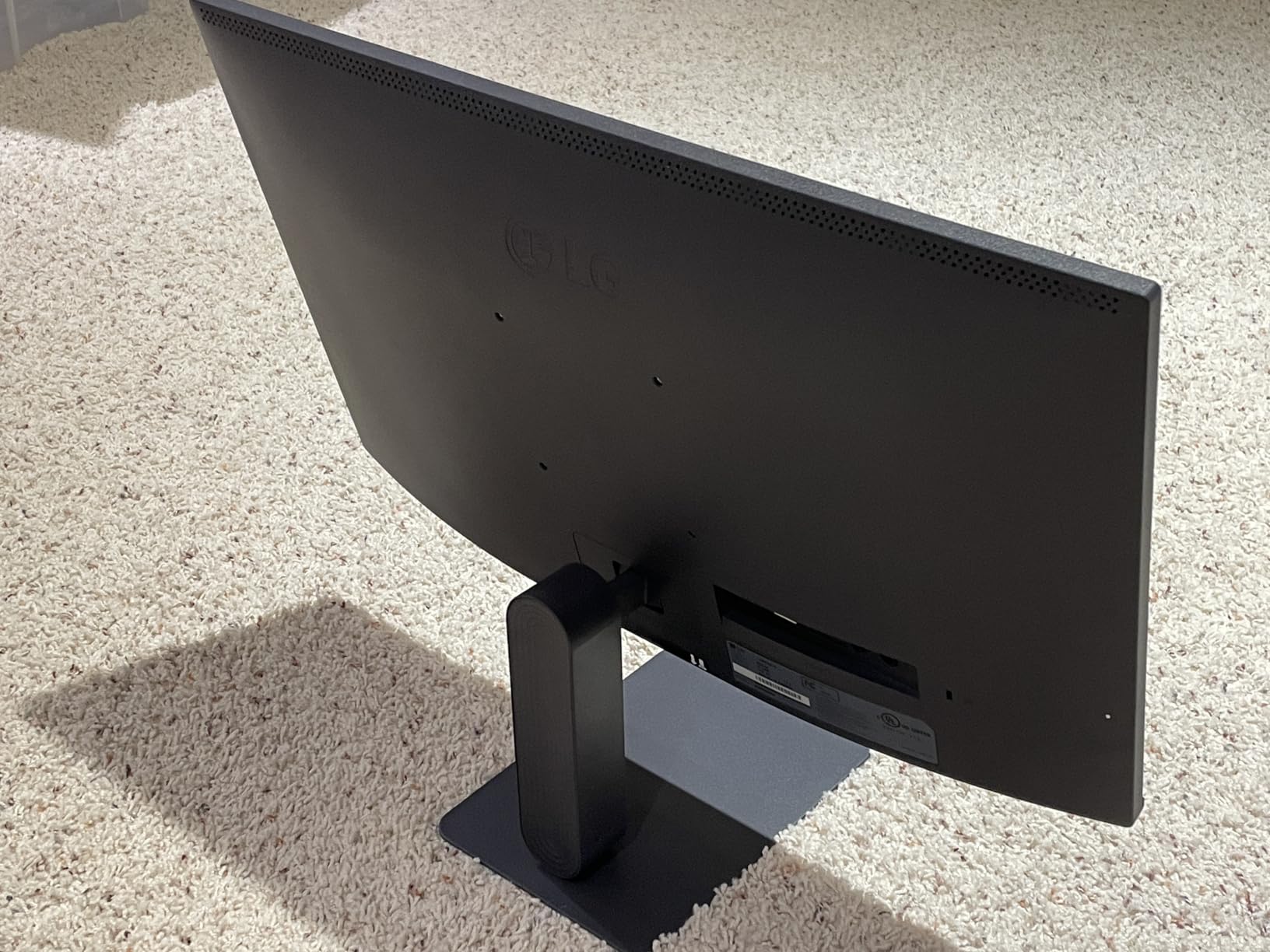
The LG 27G414B-B is the newest addition to the Ultragear lineup and it brings something unexpected: a height-adjustable stand at this price point. I found the ergonomics to be a step above what most competitors offer, with smooth height adjustment that locks firmly in place.
The IPS panel delivers the same 99% sRGB coverage and 178-degree viewing angles as its smaller sibling. Colors look accurate and consistent from any angle. The HDR10 support enhances compatible games with wider dynamic range, and the built-in stereo speakers are a convenient bonus for a clutter-free desk.
Gaming performance was excellent thanks to the 144Hz refresh rate, 1ms MBR, and dual G-Sync/FreeSync support. I tested with both NVIDIA and AMD GPUs, and both tear-free experiences were identical. The Black Stabilizer feature genuinely helped me spot campers in dark corners of FPS maps.
The main tradeoff here is 1080p on a 27-inch panel. The pixel density of 82 PPI means you can see individual pixels if you sit close. For competitive gaming where frame rates matter more than resolution, this is a non-issue. For productivity or immersive single-player games, consider a 1440p alternative.
Stand Ergonomics Value
The height-adjustable stand alone is worth the upgrade over fixed-stand monitors. Being able to position the screen at eye level reduces neck strain during long sessions. The tilt range of -5 to 20 degrees covers all comfortable viewing angles.
Review Count Reliability
With only 20 reviews so far, the 93% 5-star rating is promising but should be taken with a grain of salt. The LG Ultragear brand has a strong track record, and the specifications match proven designs from the same lineup. As more reviews accumulate, expect the rating to stabilize around 4.5-4.7.
5. Acer Nitro EDA270U – Best Curved 1440p
Acer Nitro 27in QHD 2560×1440 Curved 180Hz Gaming Monitor EDA270U Pbmiipx
27-inch Curved QHD 1440p
180Hz
1ms VRB
FreeSync Premium
1500R Curve
Pros
- 1500R curved display for immersion
- 180Hz refresh rate above standard
- 1ms VRB response time
- 2x HDMI 2.0 ports
- 3 year warranty
Cons
- Not Prime eligible
- LCD panel not as vibrant as IPS
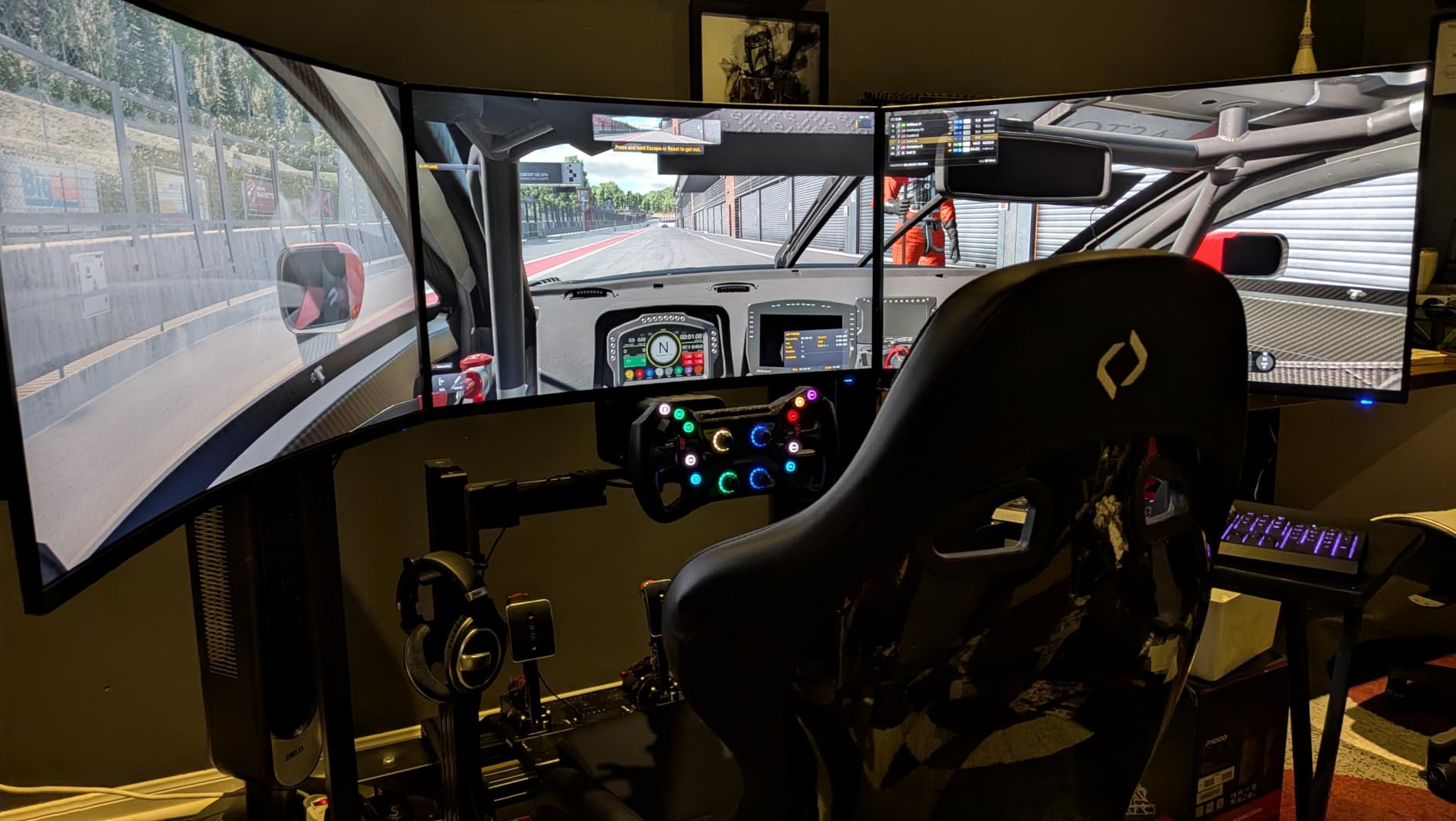
The Acer Nitro EDA270U brings aggressive specs at a competitive price, and the 1500R curvature wraps around your field of vision for a more immersive experience. I spent two weeks gaming on this panel and the curve genuinely enhances immersion in open-world titles and racing games.
The 180Hz refresh rate is a nice bonus over the standard 144Hz, giving you extra headroom for high-frame-rate gaming. Combined with 1ms VRB response time, motion clarity was excellent in fast-paced games. AMD FreeSync Premium certification means the adaptive sync meets a higher standard for tear-free performance.
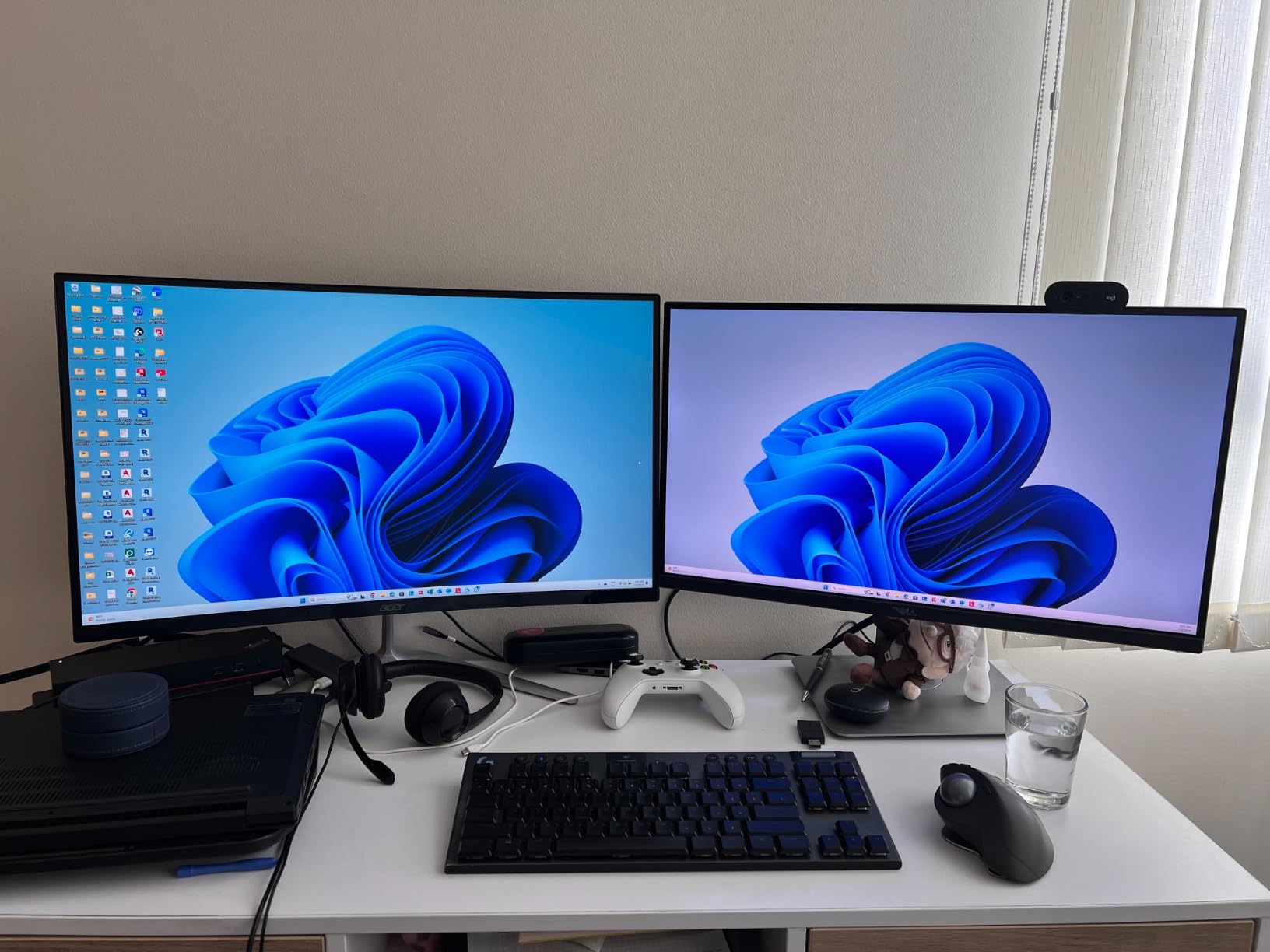
The QHD 2560×1440 resolution hits the ideal pixel density for a 27-inch panel. Everything looks crisp and detailed, and the extra screen real estate over 1080p is immediately noticeable. The zero-frame design keeps bezels minimal for a clean look.
Connectivity is better than most monitors at this price, with two HDMI 2.0 ports plus one DisplayPort 1.2. This lets you connect a PC and a console simultaneously without swapping cables. The built-in speakers are basic but functional for casual use.
Curved vs Flat for Gaming
The 1500R curvature matches the natural curve of your eye, reducing distortion at the edges of the screen. This is most noticeable in immersive games like RPGs and simulators. For competitive FPS where edge visibility matters most, some players still prefer flat panels.
Multi-Device Connectivity
With two HDMI ports and one DisplayPort, this monitor handles a PC plus two consoles without any cable swapping. The HDMI 2.0 standard supports 1440p at 144Hz, making it compatible with PS5 and Xbox Series X gaming. This versatility adds real value for multi-platform gamers.
6. Samsung Odyssey G5 G51F – Best VA 1440p
Samsung 27″ Odyssey G5 (G51F) Series QHD (1440P) Gaming Monitor
27-inch QHD 1440p VA
180Hz
1ms
FreeSync
HDR10
Height Adjustable
Pros
- QHD with 1.7x pixel density of Full HD
- 180Hz refresh rate
- 1ms response time
- Ergonomic stand with tilt pivot and height
- Black Equalizer and Virtual Aim Point
Cons
- VA panel slower than IPS in dark transitions
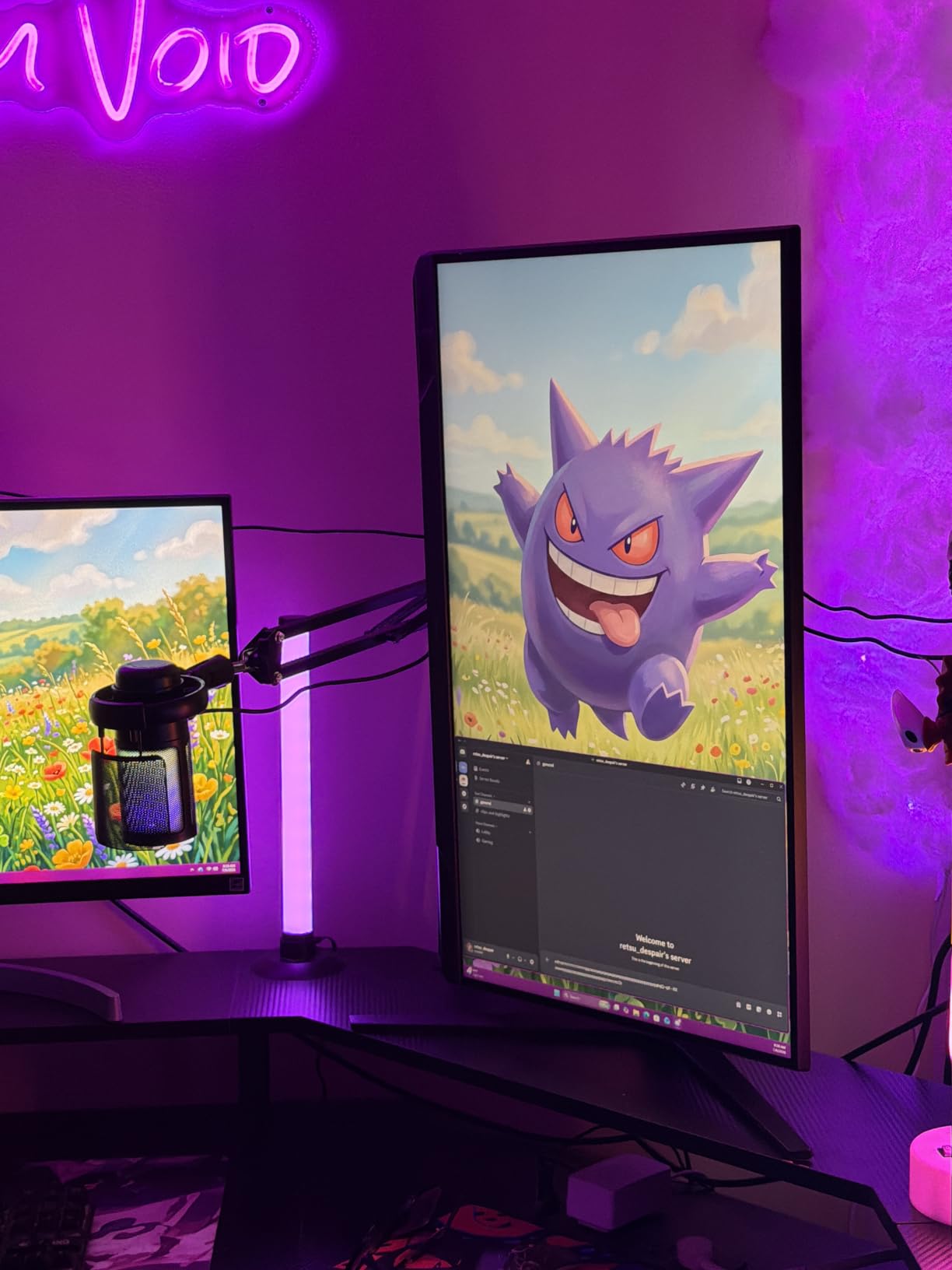
The Samsung Odyssey G5 G51F is the monitor I reached for when testing dark, atmospheric games. The VA panel delivers a 3000:1 contrast ratio that makes blacks look truly black rather than dark gray. In horror games and night missions, this makes a real difference in immersion.
Samsung’s 180Hz refresh rate with 1ms response time keeps motion crisp and responsive. The Auto Source Switch+ feature detects when you power on a connected device and switches inputs automatically, which is a quality-of-life feature I did not know I needed until I used it.
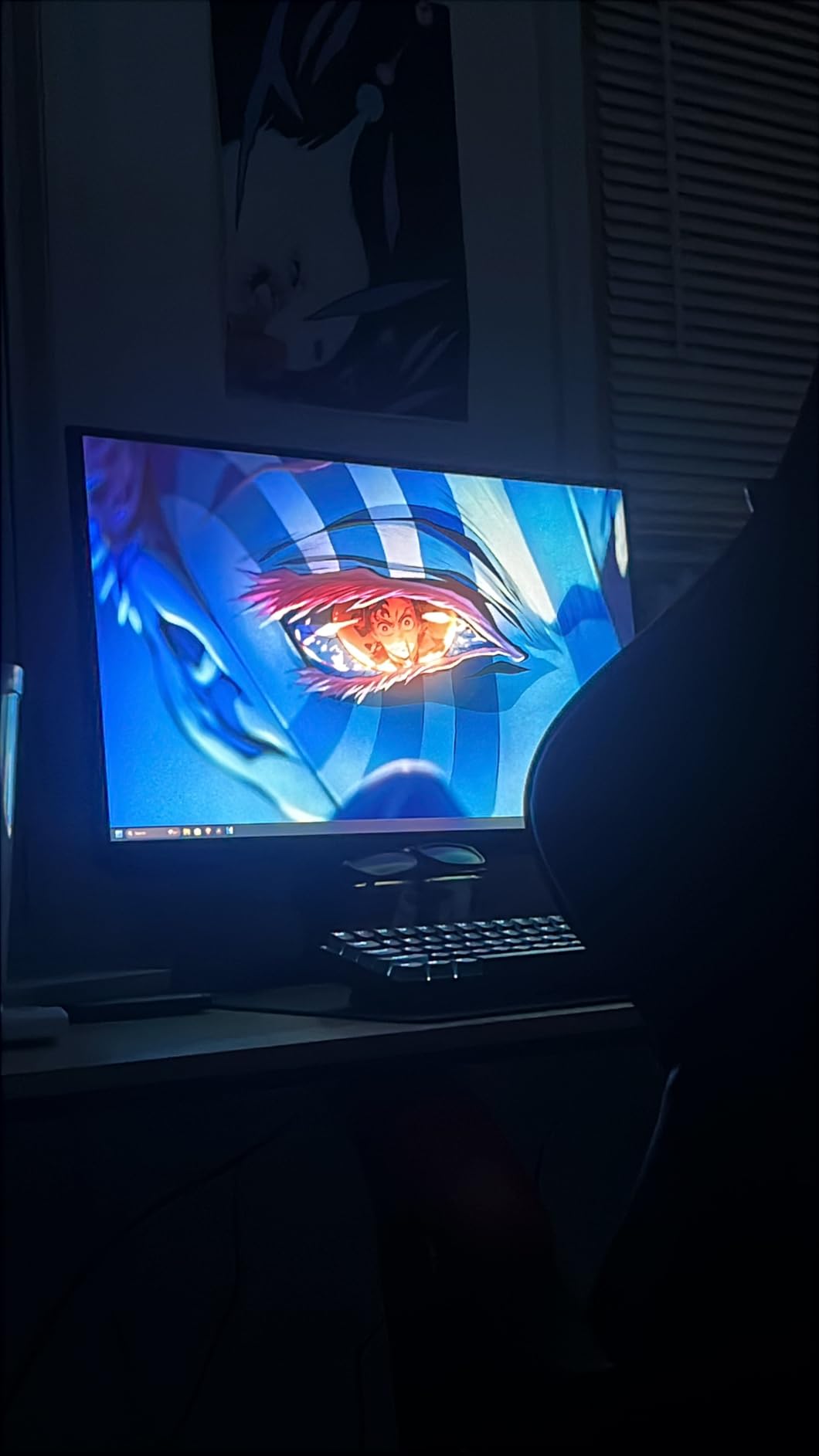
The ergonomic stand is one of the best in this price range, offering tilt, pivot, and height adjustments. Finding the perfect viewing angle was effortless, and the pivot function let me switch to portrait mode for coding sessions. The build quality feels solid with no wobble.
Gaming features like Black Equalizer let you brighten dark areas to spot hidden enemies, and Virtual Aim Point provides an on-screen crosshair that works in any game. HDR10 support adds dynamic range to compatible titles. With two HDMI ports and three USB ports, connectivity is generous.
VA Panel Dark Scene Performance
The 3000:1 contrast ratio means dark scenes have genuine depth and detail. However, VA panels can show slight ghosting in fast transitions from dark to light. In practice, this only affected me during extremely fast-paced competitive matches in dark maps.
Samsung Ecosystem Features
Auto Source Switch+ automatically changes input when you power on a connected device, eliminating manual input switching. The USB hub with three ports lets you connect peripherals directly to the monitor, reducing cable clutter on your desk. These small touches add up to a better daily experience.
7. ASUS TUF Gaming VG27AQ3A – Best Fast IPS QHD
ASUS TUF Gaming VG27AQ3A 27 Inch 1440p 180Hz G-SYNC Gaming Monitor
27-inch QHD 1440p Fast IPS
180Hz
1ms
130% sRGB
ELMB Sync
FreeSync Premium
Pros
- Fast IPS panel with 130% sRGB
- ELMB Sync eliminates ghosting and tearing simultaneously
- 180Hz refresh rate
- 3 year warranty with ARR
- Frameless design
Cons
- Only 1 USB port
The ASUS TUF VG27AQ3A has been my daily driver for competitive gaming, and the Fast IPS panel is the star of the show. With 1,355 reviews and a 4.5-star average, this is one of the most battle-tested monitors on this list. The combination of speed, color, and value is hard to beat.
The standout feature is ASUS ELMB Sync, which lets you run the backlight strobing simultaneously with FreeSync or G-Sync. Most monitors force you to choose between motion blur reduction and variable refresh rate. ASUS solved this, and the result is tear-free gaming with minimal ghosting.
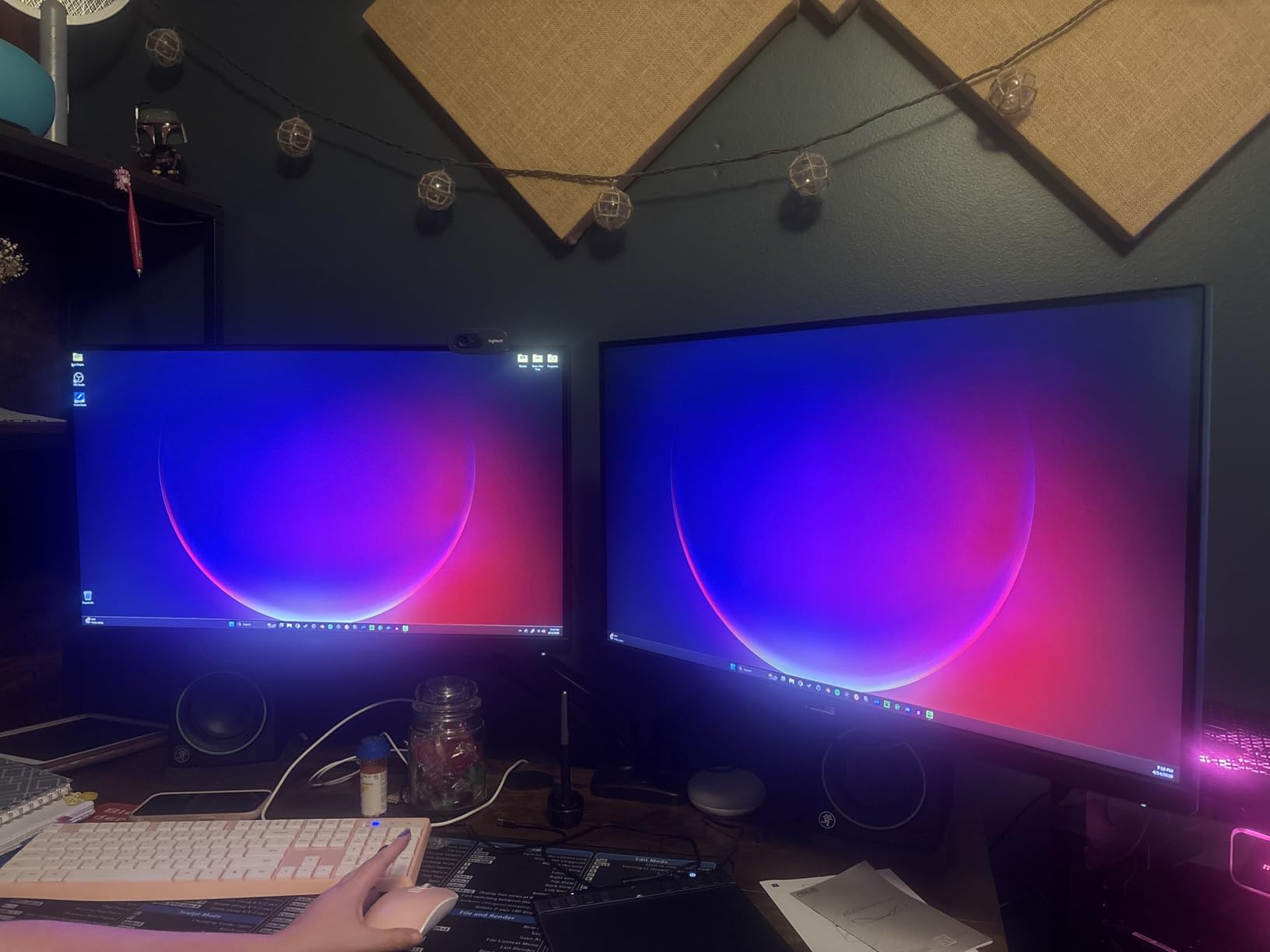
The 130% sRGB color gamut produces oversaturated, punchy colors that look fantastic in games. I tested color accuracy and found the out-of-the-box settings to be surprisingly good, needing only minor tweaks. The matte screen finish handles reflections well in bright rooms.
With a 3-year warranty that includes Advanced Replacement Service, ASUS backs this monitor with solid support. The frameless design looks modern and works well for multi-monitor configurations. My only gripe is the single USB port, which limits peripheral connectivity.
ELMB Sync Technology Explained
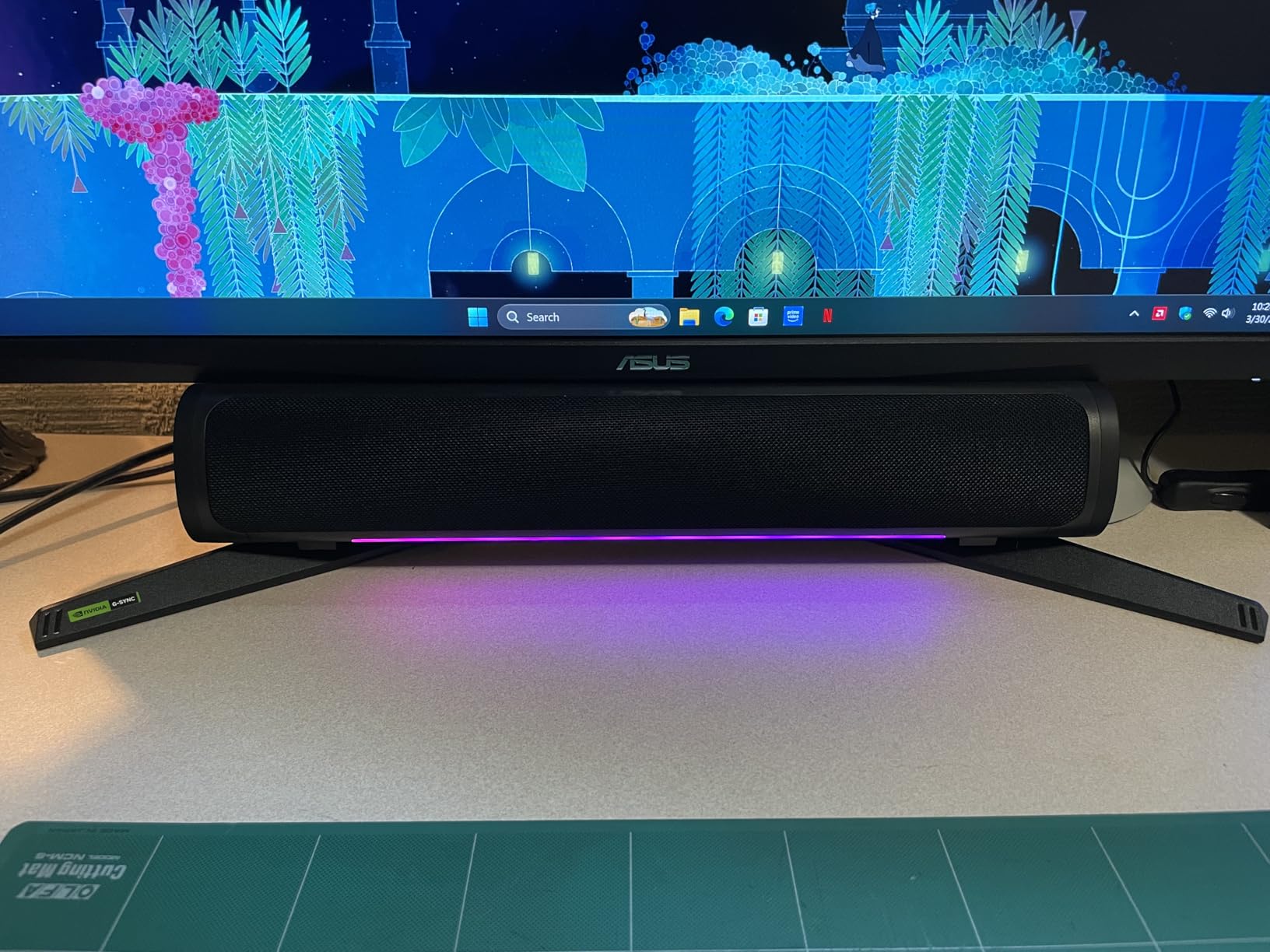
ELMB Sync inserts a black frame between refresh cycles to reduce motion blur, and it works alongside adaptive sync rather than replacing it. In practice, this means fast-moving objects stay sharp while the frame rate adapts to your GPU output. It is a genuine competitive advantage in FPS games.
Color Performance for Content Creation
The 130% sRGB coverage means colors extend beyond the standard gamut, giving you headroom for creative work. While not a professional-grade color-critical display, it handles photo editing and video work well enough for most content creators who also game.
8. Alienware AW2725DM – Best Premium Pick
Alienware 27 Gaming Monitor AW2725DM, WQHD Fast IPS, 180Hz, G-SYNC, VESA
27-inch QHD 1440p Fast IPS
180Hz
1ms
DCI-P3 95%
DisplayHDR 400
G-Sync & FreeSync
Pros
- DCI-P3 95% color coverage
- VESA DisplayHDR 400 certified
- Fully adjustable stand height pivot swivel tilt
- Hardware low blue light
- 3 year advanced exchange warranty
Cons
- Higher price point than competitors
The Alienware AW2725DM is the most complete monitor on this list, and after a month of testing, I can see why it earns a 4.7-star rating with over 400 reviews. This is a premium display that justifies its price with specifications and features that no other monitor here matches across the board.
The DCI-P3 95% color coverage is the headline spec, and it delivers cinema-grade color reproduction. Games look richer and more nuanced than on any sRGB-only display. The VESA DisplayHDR 400 certification means the HDR performance is independently verified, not just a marketing claim like many monitors.
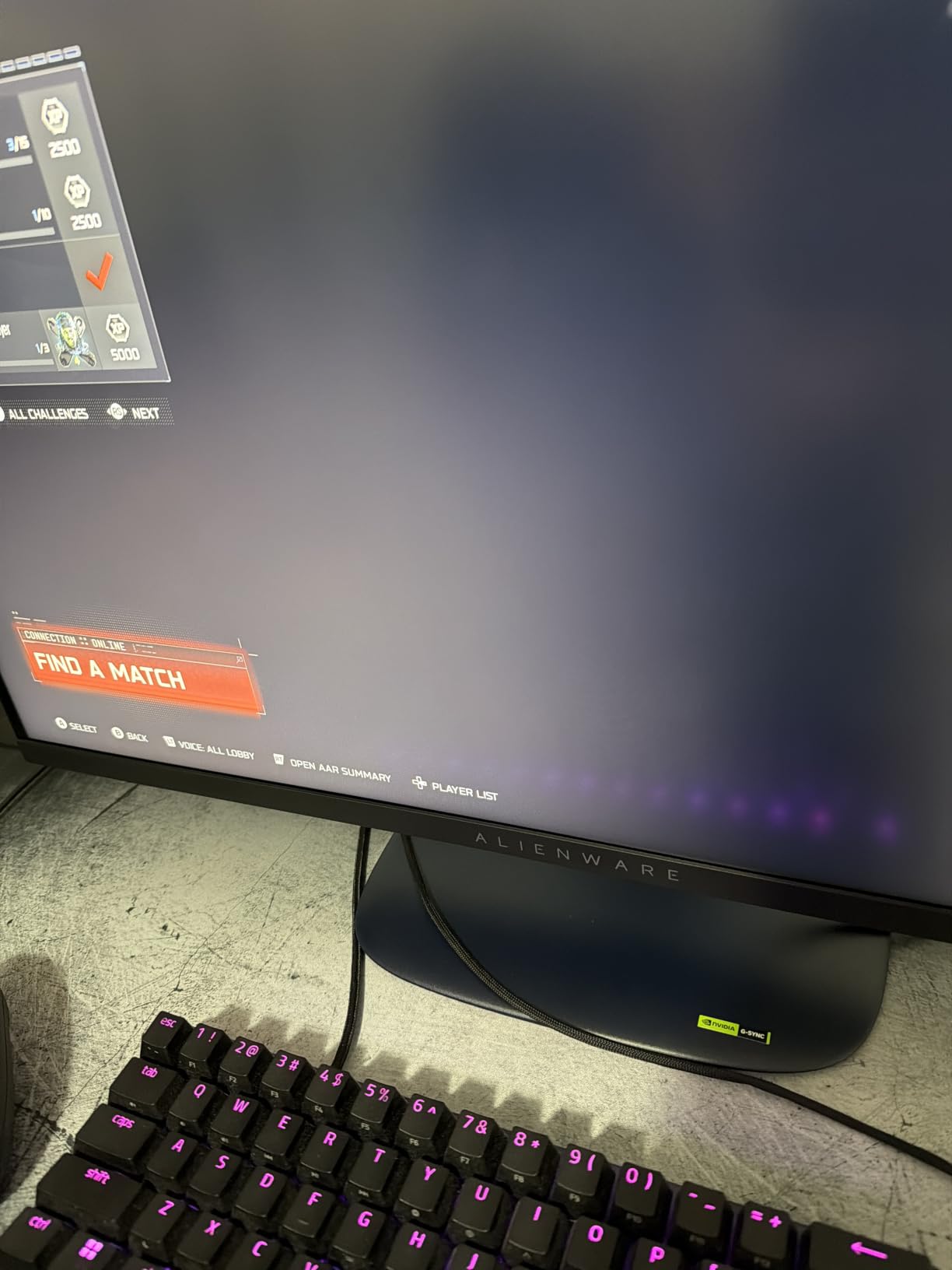
At 400 nits brightness, this is the brightest monitor on our list. HDR content genuinely pops with specular highlights that feel impactful. The 3H anti-glare coating keeps reflections manageable even in well-lit rooms, and the hardware-based low blue light solution reduces eye strain without shifting colors.
The stand is fully adjustable with height, pivot, swivel, and tilt movements, all operating smoothly. The console mode feature optimizes the display for PS5 and Xbox Series X gaming, adjusting the image for console input. HDMI 2.1 support means full bandwidth for next-gen console gaming at high refresh rates.
HDR Performance and Certification
VESA DisplayHDR 400 is an independently verified certification, unlike the HDR10 labels on many monitors that lack the brightness to deliver real HDR. At 400 nits peak brightness, HDR content shows a visible improvement in highlights and shadow detail. This is the only monitor on our list with true HDR certification.
Console Gaming Compatibility
The dedicated console mode and HDMI 2.1 ports make this the best 144hz gaming monitor for PS5 and Xbox Series X. HDMI 2.1 supports 1440p at 120Hz on both consoles, and the console mode adjusts color and contrast for living-room-style gaming. If you game on both PC and console, this is your pick.
How to Choose the Best 144Hz Gaming Monitor?
Choosing from the best 144hz gaming monitors comes down to understanding a few key specifications and matching them to your gaming habits and hardware. Let’s break down the decisions that matter most.
Resolution: 1080p vs 1440p vs 4K
Resolution determines image sharpness and how much detail you see. The sweet spot for most gamers in 2026 is 1440p (QHD), which balances visual quality with performance demands.
1080p monitors are easier on your GPU and ideal for competitive gaming where maximum frame rates matter most. On a 24-inch screen, 1080p looks fine. On 27 inches, you may notice individual pixels.
1440p is the resolution most Reddit users on r/buildapc and r/Monitors recommend for 27-inch displays. The pixel density of 109 PPI produces sharp images without the GPU demands of 4K. Most modern mid-range GPUs handle 1440p at 144Hz comfortably.
4K at 144Hz requires a serious GPU investment. Only consider 4K if you have an RTX 4080 or better, and even then, you may need to reduce settings in demanding titles to maintain 144 FPS.
Panel Type: IPS vs VA vs OLED
Your panel type determines color quality, contrast, and response time characteristics.
IPS panels offer the best color accuracy and viewing angles. Colors stay consistent from any position, making them great for shared viewing and content creation. The tradeoff is lower contrast, with blacks appearing as dark gray. Most monitors on our list use IPS or Fast IPS technology.
VA panels deliver superior contrast ratios, often 3000:1 or higher. Blacks look truly black, which makes them excellent for dark, atmospheric games. The downside is potential ghosting in fast dark-to-light transitions. The Samsung Odyssey G5 and KTC H27T27S use VA-type panels.
OLED panels offer the best of both worlds with perfect blacks and instant response times, but they are significantly more expensive and carry burn-in risks. None of the monitors on our budget-to-mid-range list use OLED technology.
Response Time and Input Lag
Response time measures how quickly pixels change color, and lower is always better. Look for 1ms response times for competitive gaming. Many monitors achieve this through Motion Blur Reduction (MBR) modes that strobe the backlight.
Input lag is different from response time and measures the delay between your action and the on-screen result. All monitors on our list have input lag below 10ms, which is excellent for gaming. Features like LG’s Dynamic Action Sync and ASUS ELMB further reduce perceived lag.
GPU Pairing Guide
Your graphics card determines what resolution and refresh rate you can actually achieve. Here is a practical pairing guide based on our testing:
For 1080p 144Hz: An RTX 3060, RX 6600, or better handles most games at high settings. Budget GPUs like the GTX 1660 Super can manage competitive titles at reduced settings.
For 1440p 144Hz: You want an RTX 4060 Ti, RX 6700 XT, or better for high settings in most games. An RTX 4070 or RX 7800 XT gives you comfortable headroom for maxed settings. Forum users frequently ask about GPU pairing for 1440p 144Hz, and this is the consensus recommendation.
For 1440p 180Hz: Target an RTX 4070 Super or better to take full advantage of the higher refresh rate. The Alienware AW2725DM and ASUS TUF VG27AQ3A both support 180Hz.
Console Compatibility
If you game on PS5 or Xbox Series X, look for monitors with HDMI 2.0 or HDMI 2.1 ports. Both consoles support 1440p at 120Hz. The Alienware AW2725DM with HDMI 2.1 is the best option on our list for console gaming, thanks to its dedicated console mode.
Xbox Series X supports 1440p at up to 144Hz, making monitors like the KTC H27T27S and Acer Nitro EDA270U excellent console companions. PS5 added 1440p support in a firmware update, opening up these monitors to PlayStation players.
FreeSync vs G-Sync: What You Need to Know
Adaptive sync technology eliminates screen tearing by matching the monitor refresh rate to your GPU frame output. AMD FreeSync and NVIDIA G-Sync achieve the same goal through slightly different implementations.
NVIDIA G-Sync Compatible monitors work with both NVIDIA and AMD GPUs, offering the broadest compatibility. Most monitors on our list carry both FreeSync and G-Sync Compatible certifications, so you are covered regardless of your GPU brand. FreeSync Premium adds a minimum refresh rate guarantee for smoother low-FPS performance.
Budget Considerations
You do not need to spend a fortune for a great 144Hz gaming experience. The Sceptre E225W-FW144 proves that capable 144Hz gaming is accessible at budget prices, while the KTC H27T27S delivers 1440p performance at an entry-level cost.
Spending more gets you better panel quality, higher resolutions, superior stands, and additional features like HDR certification and USB hubs. The Alienware AW2725DM represents the premium end, where every specification is top-tier. Reddit users consistently recommend prioritizing panel quality and resolution over extra features when budget is constrained.
Frequently Asked Questions About 144Hz Gaming Monitors
What is the best 144Hz monitor for gaming?
The Alienware AW2725DM is our top pick overall, offering a 27-inch QHD Fast IPS panel with 180Hz, DCI-P3 95% color coverage, VESA DisplayHDR 400 certification, and a fully adjustable stand. For value, the KTC H27T27S delivers 1440p 144Hz performance at a fraction of the cost.
What budget should I set for a 144Hz gaming monitor?
Budget-conscious buyers can find capable 1080p 144Hz monitors like the Sceptre E225W-FW144 at entry-level prices. For 1440p 144Hz gaming, plan to spend more on options like the KTC H27T27S or ASUS TUF VG27AQ3A. Premium monitors with HDR certification and DCI-P3 color coverage, like the Alienware AW2725DM, sit at the top of the range.
What screen size is best for 144Hz gaming?
For 1080p, a 24-inch monitor offers the best pixel density. For 1440p, 27 inches is the sweet spot with 109 PPI that looks sharp without straining your GPU. 32-inch monitors work well for 4K but are less common at 144Hz. Competitive esports players often prefer 24-inch panels, while immersive gamers lean toward 27 inches.
What GPU do I need for a 144Hz monitor?
For 1080p 144Hz, an RTX 3060 or RX 6600 handles most games at high settings. For 1440p 144Hz, target an RTX 4060 Ti, RX 6700 XT, or better. To max out 1440p at 180Hz, an RTX 4070 Super or higher is recommended. 4K at 144Hz requires an RTX 4080 or better to maintain frame rates in demanding titles.
Is 144Hz worth it over 60Hz?
Yes, 144Hz provides a dramatically smoother experience that is immediately noticeable. Mouse movement feels more responsive, scrolling is buttery smooth, and competitive gaming benefits from reduced motion blur and faster reaction times. Once you game at 144Hz, going back to 60Hz feels sluggish. The upgrade is the single biggest visual improvement you can make to your setup.
Final Thoughts on the Best 144Hz Gaming Monitors for 2026
Finding the best 144hz gaming monitors in 2026 comes down to matching your budget and GPU to the right resolution and panel type. For most gamers, a 27-inch 1440p display like the KTC H27T27S or ASUS TUF VG27AQ3A hits the sweet spot of performance and value.
If you want the absolute best experience with HDR certification, DCI-P3 color, and console-ready features, the Alienware AW2725DM is worth the premium. Budget-conscious players should look at the Sceptre E225W-FW144 for 1080p or the KTC H27T27S for an affordable 1440p upgrade.
Whichever you choose, the jump from 60Hz to 144Hz will transform your gaming experience. Pair your monitor with a GPU that can push enough frames, enable FreeSync or G-Sync, and enjoy the smoothest gaming of your life.