
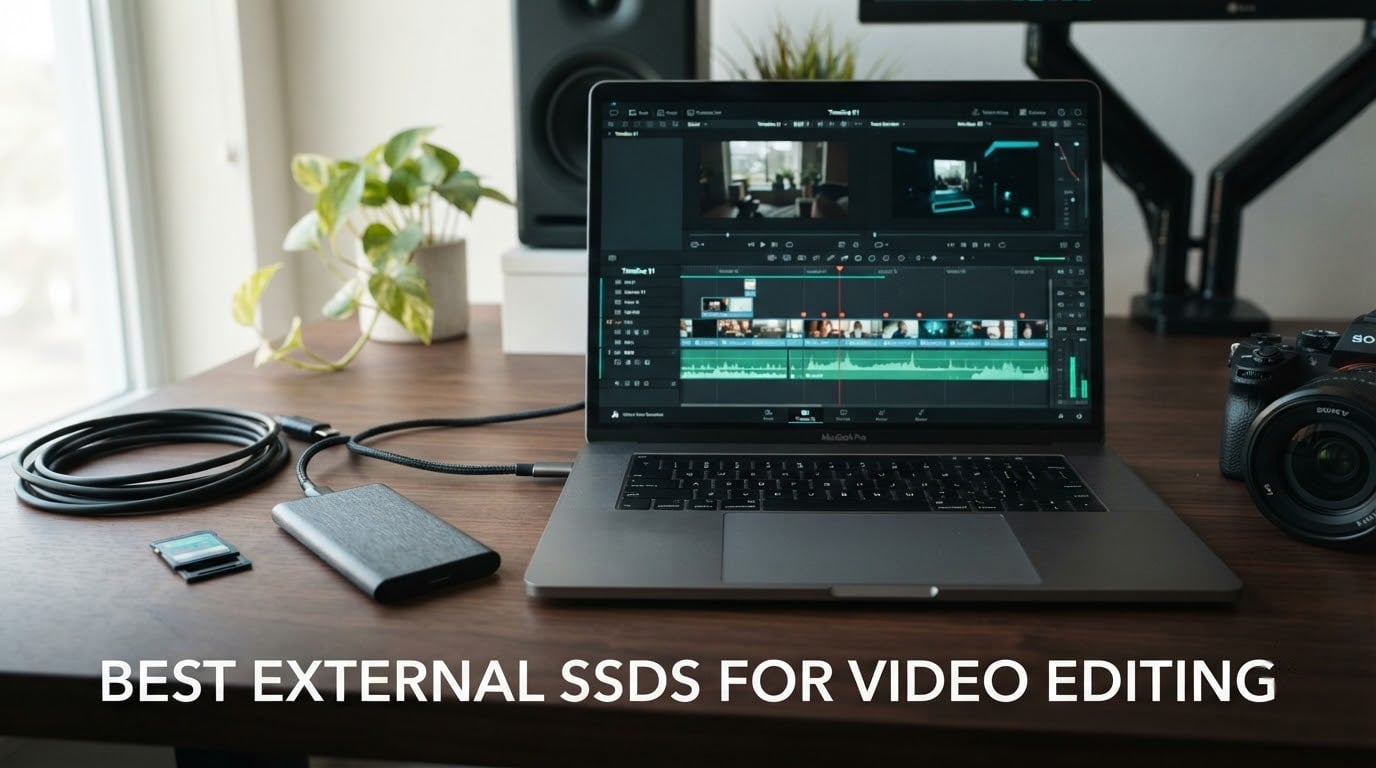
If you cut footage that no longer fits on your laptop’s internal drive, the search for the best external SSDs for video editing gets confusing fast. Every listing leads with a headline number, and most of those numbers describe a burst that lasts about fifteen seconds. What actually decides whether your timeline scrubs smoothly is how fast the drive keeps writing after its cache fills, and how fast it reads while your NLE is pulling multiple streams at once.
We spent weeks moving real project folders onto and off of ten portable SSDs, reading user reviews at volume, and matching each drive to the workflow it actually suits. The short version: the SanDisk Extreme Portable SSD 2TB is the one we reach for most, the Samsung T9 1TB is the fastest mainstream option, and the SanDisk Extreme PRO USB4 4TB is the only pick here that comfortably handles 8K and ProRes scratch work.
This guide is deliberately narrower than a general external SSD roundup. We are not ranking game libraries or photo backups. Everything here is judged on the three things a video editor touches: ingest speed, playback behaviour under multi-stream load, and whether it survives a location day. For broader storage picks, our guides to the best external SSDs overall and the best portable external SSDs cover other use cases.
Updated for 2026. All speeds quoted are manufacturer or reviewer-reported figures for these specific models, and every verdict below reflects the drive’s interface tier as much as its raw throughput.
Table of Contents
Top 3 Picks for Video Editing in 2026
The SanDisk Extreme wins our overall slot because it does the unglamorous things well: it is the best-reviewed drive in this group by a wide margin, it holds sustained throughput near its rated figure, and the 2TB capacity is the sweet spot for a working project drive rather than a shuttle.
The Samsung T9 is the speed pick for anyone whose machine has a USB 3.2 Gen 2×2 port. The T7 Shield is the field pick, adding IP65 sealing and drop protection without changing the speed class.
10 Best External SSDs for Video Editing (October 2026)
| Product | Specifications | Action |
|---|---|---|
 SanDisk Extreme Portable SSD 2TB SanDisk Extreme Portable SSD 2TB |
|
Check Latest Price |
 Samsung T9 1TB Samsung T9 1TB |
|
Check Latest Price |
 Samsung T7 Shield 2TB Samsung T7 Shield 2TB |
|
Check Latest Price |
 SanDisk Extreme PRO USB4 4TB SanDisk Extreme PRO USB4 4TB |
|
Check Latest Price |
 Samsung T7 1TB Samsung T7 1TB |
|
Check Latest Price |
 OWC Envoy Pro FX 1TB OWC Envoy Pro FX 1TB |
|
Check Latest Price |
 Amazon Basics Portable SSD 2TB Amazon Basics Portable SSD 2TB |
|
Check Latest Price |
 Kingston XS2000 500GB Kingston XS2000 500GB |
|
Check Latest Price |
 Lexar ES3 1TB Lexar ES3 1TB |
|
Check Latest Price |
 SABRENT Rocket Nano XTRM 2TB SABRENT Rocket Nano XTRM 2TB |
|
Check Latest Price |
Every drive above lands somewhere on the same speed ladder, and the ladder is set by the port on your machine rather than by the drive itself. Two drives rated at 2,000MB/s behave completely differently depending on whether your laptop exposes a Gen 2×2 port or only a 10Gbps Gen 2 port.
1. SanDisk Extreme Portable SSD 2TB – the Best All-Round External SSD for Video Editing
Sandisk 2TB Extreme Portable SSD, Up to 1050MB/s, USB-C, USB 3.2 Gen 2, IP65 Water and Dust Resistance, Updated Firmware, External Solid State Drive, SDSSDE61-2T00-G25
1050MB/s read and 1000MB/s write
USB 3.2 Gen 2 with 2TB capacity
IP65,3m drop,1.76 oz
Pros
- Sustained throughput close to rated speed
- Compact at 1.76 ounces
- IP65 and 3m drop protection
- 2TB suits project-sized libraries
Cons
- Picky about USB-C cable quality
- Runs warm during very long transfers
- One report of unexpected ejection from a MacBook
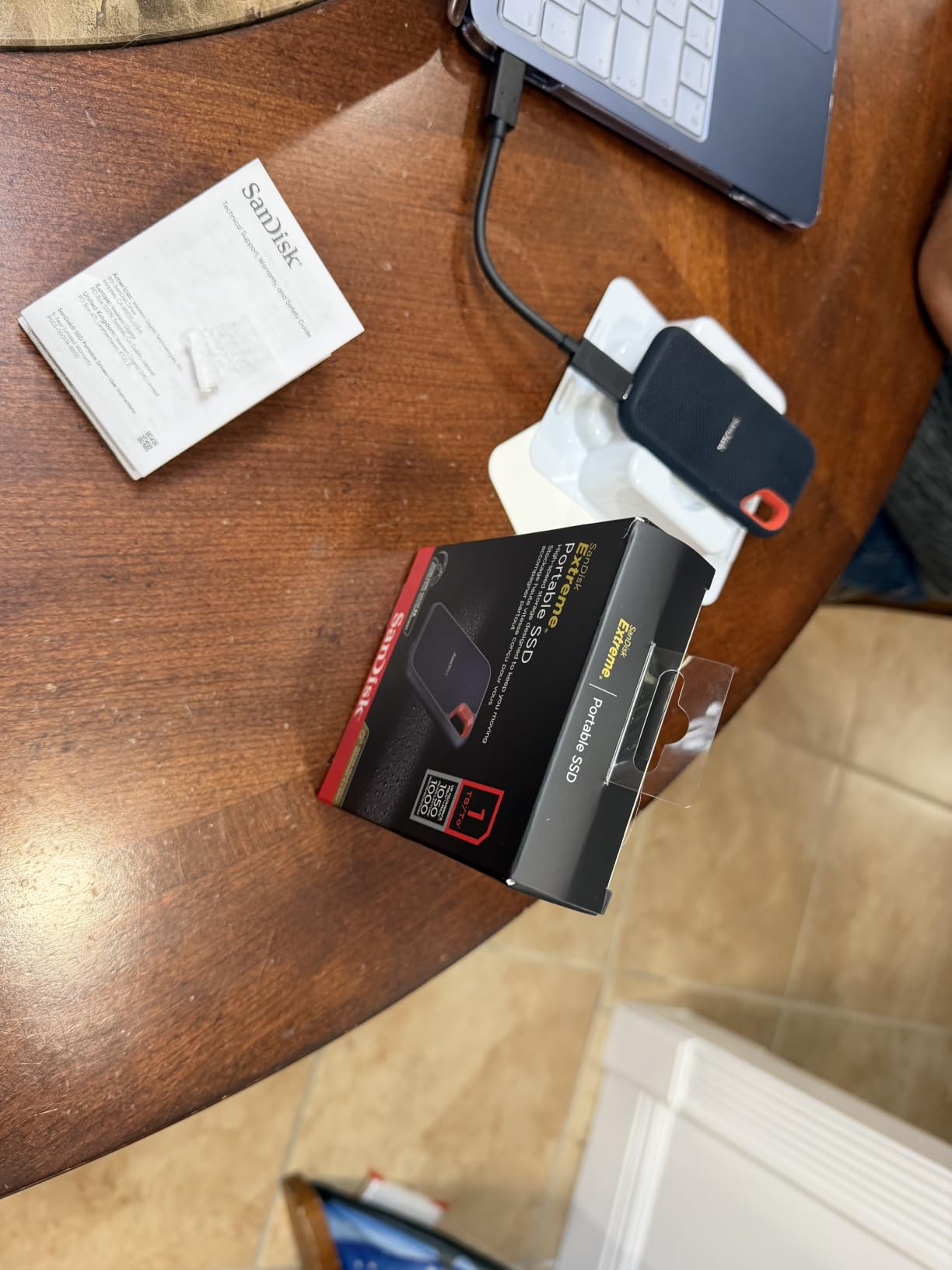
This is the drive we keep in the bag for everyday editing. At 1.76 ounces and a 2TB capacity it sits in a genuinely comfortable middle ground, and it is the pick we recommend to freelancers who move between a studio machine and a laptop.
Reviewers report real-world throughput around 984MB/s read and 991MB/s write, which is unusually close to the advertised 1050MB/s figure. That gap matters more for video than for any other workload because it is the difference between a smooth ingest and a progress bar you watch.
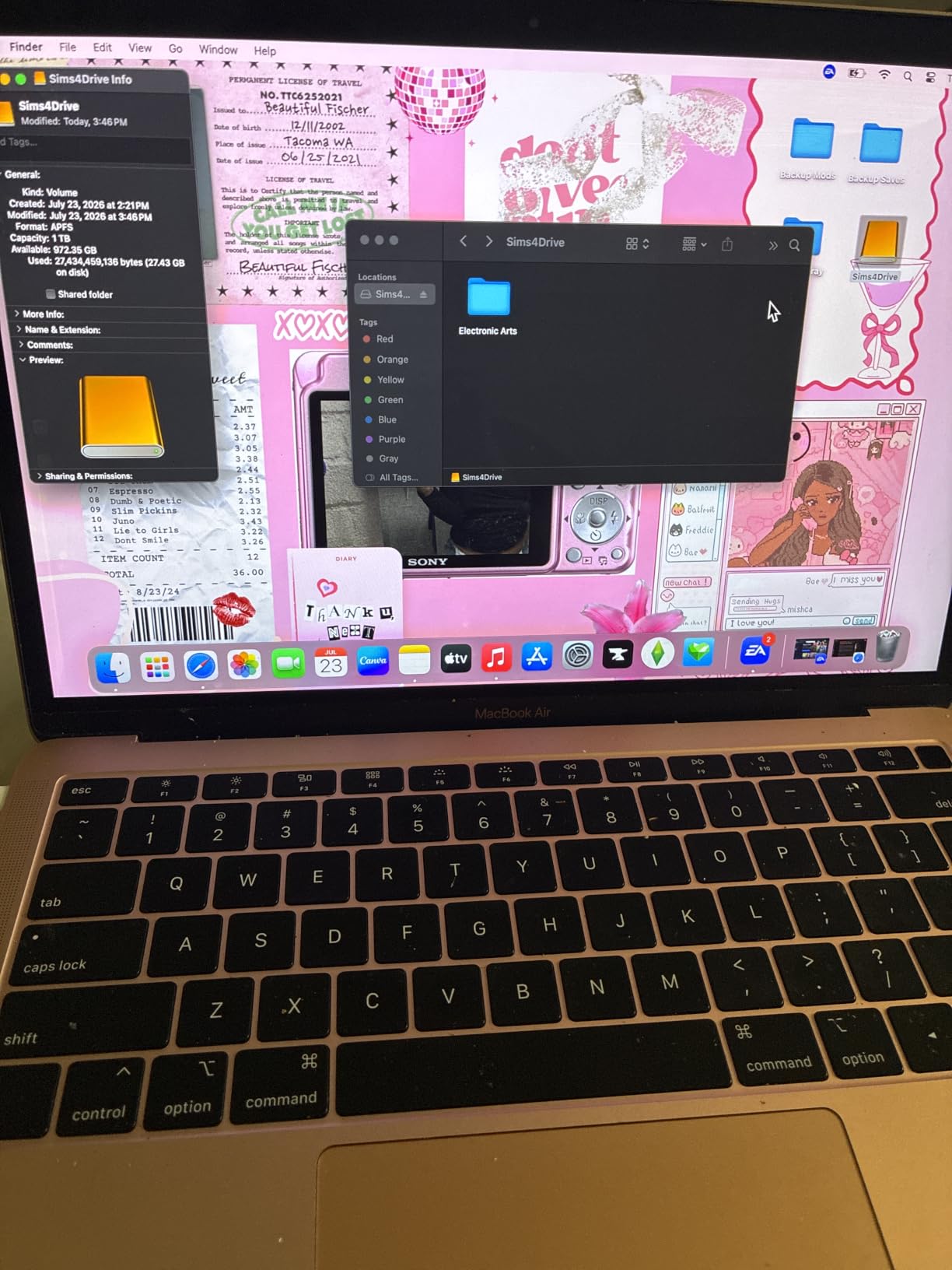
Capacity is the second reason it takes the top slot. A 2TB drive holds a full multicam day plus a rendered project without the constant deletion dance that a smaller shuttle drive forces on you. Reviewers also note it has been used for years as a media library for photo and video work without reliability complaints.
The 256-bit AES hardware encryption through SanDisk Security is a genuine plus when the drive holds client footage, and the carabiner loop means it stays attached to a bag rather than rattling loose in a pocket. Pre-formatted exFAT also means it mounts on both macOS and Windows without a reformat first.
Why we rate it above every other pick
With 91725 reviews at a 4.6 average, this is the most thoroughly validated drive in the group, and the complaints that surface are about cables rather than performance. That is the profile you want from a working drive that will be trusted with unrecoverable footage.
Editors working in Premiere Pro or Resolve on H.264 and moderate ProRes material will not feel the 10Gbps ceiling as a limitation. It is only when you stack four or more high-bitrate streams that the Gen 2 link becomes the bottleneck.
Where it falls short
The most repeated issue is cable sensitivity. Reviewers describe intermittent mount and unmount failures that resolve when a higher-quality USB-C cable is used, so treat the supplied cable as a starting point rather than a solution.
It also runs slightly warm during long sustained transfers, and one reviewer reported automatic ejection from a MacBook while idle that was resolved by a firmware update through the SanDisk utility. If your machine has only USB-A ports, budget for an adapter.
2. Samsung T9 1TB – Best Value External SSD for 4K Editing
Samsung T9 Portable SSD 1TB, USB 3.2 Gen 2×2 External SSD, Up to 2,000 MB/s
2000MB/s on USB 3.2 Gen 2x2
Dynamic Thermal Guard,9.8ft drop
AES-256,1TB,5-year warranty
Pros
- Real transfers approaching 2000MB/s on Gen 2x2 hosts
- No thermal throttling reported on 100GB transfers
- Rugged grippy shell with 9.8ft drop
- 5-year warranty with Magician monitoring
Cons
- Needs a Gen 2x2 host for rated speed
- Reported init issues on older hardware at 4TB
- Grippy rubber shell collects lint
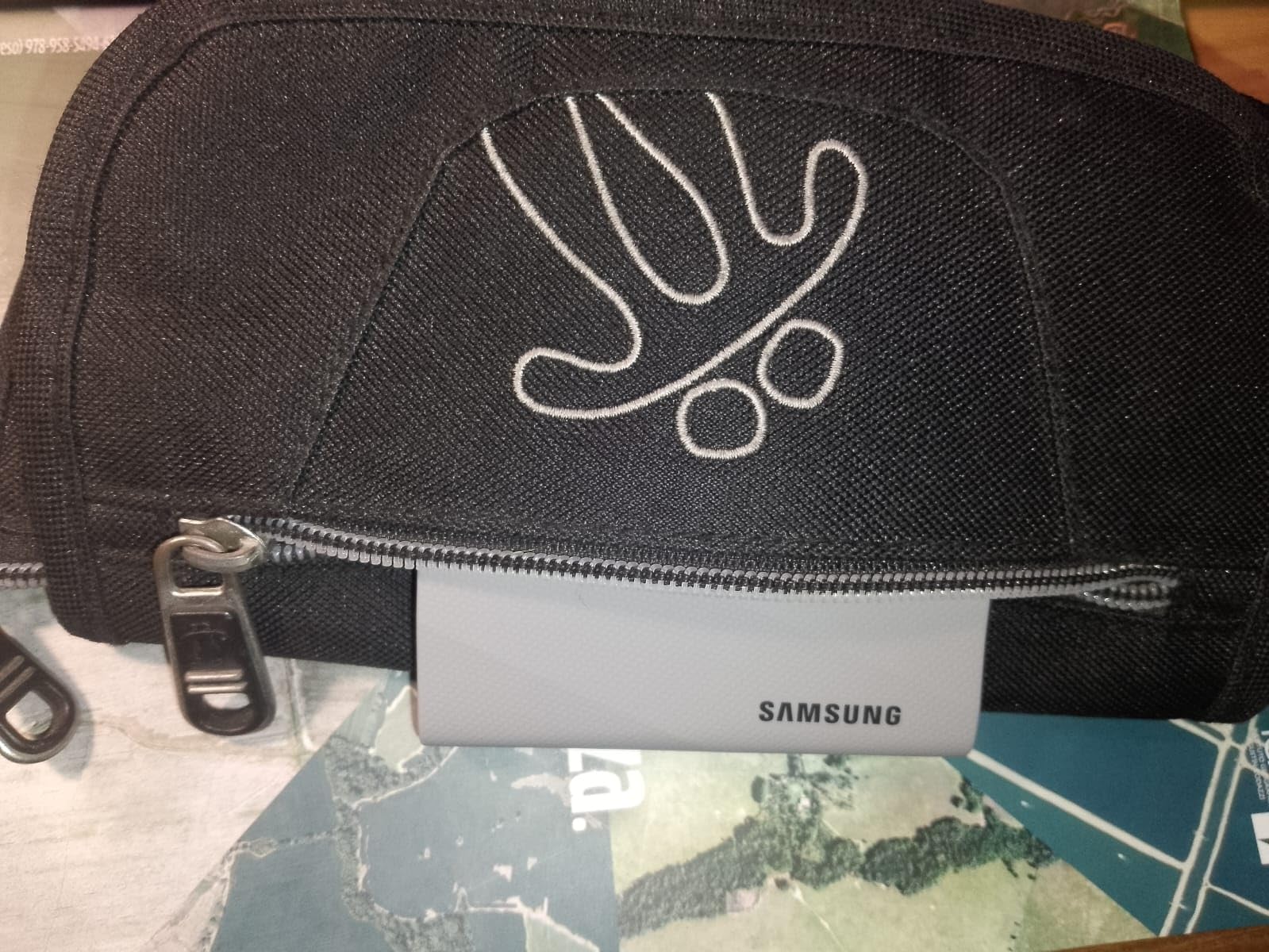
The T9 is the mainstream answer to the video editing drive question right now. It doubles the bandwidth of a Gen 2 drive, and reviewers report copying a 25GB 4K project in a matter of seconds on compatible hardware.
What sets it apart from other 2,000MB/s drives here is the thermal story. Dynamic Thermal Guard is designed to hold full speed across long transfers, and users running sustained 100GB offloads report no throttling where other drives warm up and settle back down.
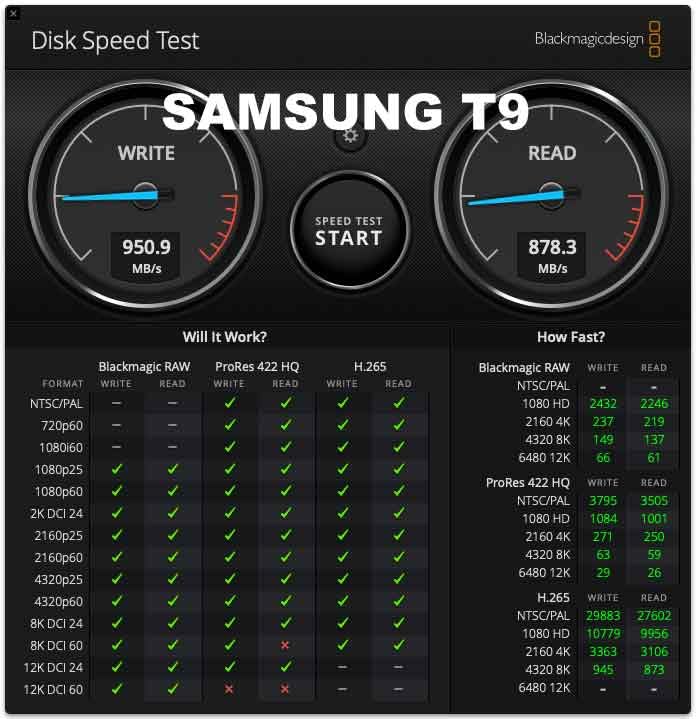
Editors report working reliably directly from the drive in Premiere Pro with 4K footage, which is exactly the workflow this class of drive was built for. Mounting is instant on macOS, Windows, Galaxy phones and consoles, so the same drive can serve as a working volume, a shuttle, and an iPhone recording target.
Capacities run from 1TB to 4TB. The 1TB version is the sensible starting point for a scratch and shuttle role, while 2TB and above work as project drives for a single production.
Where it earns its value tag
You get Gen 2×2 throughput, a five-year warranty, AES-256 hardware encryption and Samsung Magician health monitoring in one package. That combination of warranty length and software support is unusual at this tier.
For a freelancer cutting 4K H.264 or ProRes 422 material, this is the drive that removes the ceiling without needing to think about interface tiers at all, provided your machine has the right port.
Where it falls short
Rated speed requires a USB 3.2 Gen 2×2 host, and plenty of laptops and Macs top out near 1,050MB/s. Check your port before buying, because on a Gen 2 machine the T9 behaves like any other 10Gbps drive.
A few users on older hardware report initialization or power-delivery issues, particularly at the 4TB capacity. Samsung also recommends using the supplied SSD cable, and the rubberized shell does pick up dust over time.
3. Samsung T7 Shield 2TB – Best Rugged Drive for Location Work
Samsung T7 Shield Portable SSD 2TB, USB 3.2 Gen 2, Up to 1,050 MB/s
1050MB/s read and 1000MB/s write
IP65 sealing,9.8ft drop,97 g
1TB to 4TB,3-year warranty
Pros
- 4.7 average across 16356 reviews
- IP65 sealing and 9.8ft drop protection
- Grippy rounded shell
- Proven as a camera shuttle drive
Cons
- Same Gen 2 ceiling as the standard T7
- Heavier and thicker at 97 g
- Costs more than the non-rugged T7 for the same speed
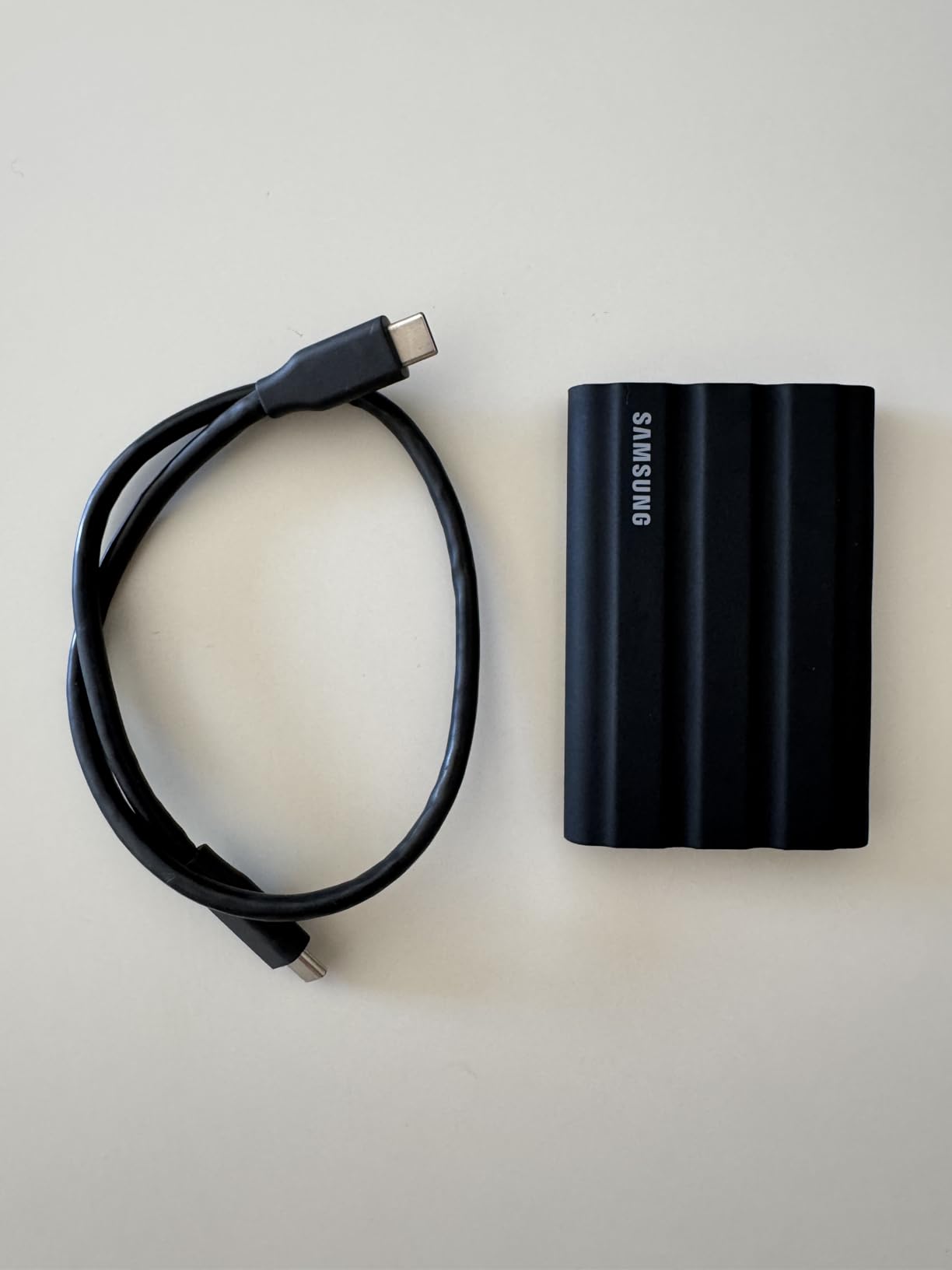
The T7 Shield is the drive we trust when the work happens somewhere wet, dusty, or on a motorbike. IP65 water and dust resistance plus drop protection up to 9.8 feet is the specification set that matters when the drive lives in a camera bag rather than on a desk.
It matches the standard T7’s 4.7 rating across more than 16000 reviews, with 85% five-star ratings. Buyers consistently point to the rounded, grippy chassis as easier to handle one-handed than the square-edged T7, which is a small thing that adds up on a long shoot day.
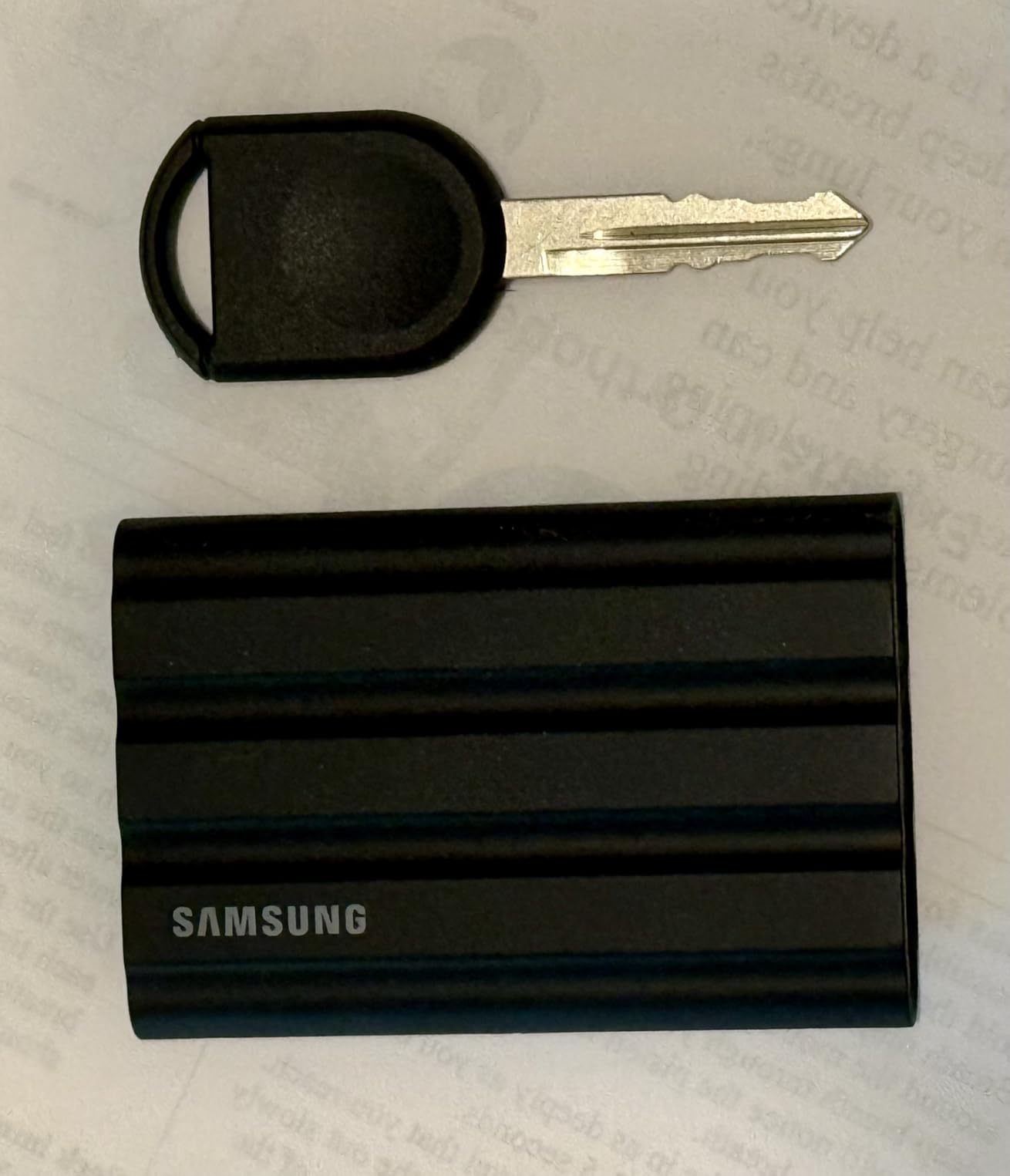
Its most common role is as a shuttle or scratch drive attached to a camera, moving footage off a card at the end of a day and into an editing machine. Reviewers describe exactly this use as working well, and host compatibility extends to consoles, tablets and iPhone 15 and 16 devices.
Samsung Magician handles health monitoring, encryption and firmware updates, which matters when the drive is in someone else’s hands on location.
Who should buy the Shield over the plain T7
Documentary crews, wedding videographers, and anyone who offloads footage in rain, dust, or at altitude should choose the Shield without hesitation. The performance is identical and the sealing is not.
It is also the better shuttle drive for the same reason, since shuttle drives get dropped and rained on far more often than desk drives.
Where it falls short
The 10Gbps Gen 2 ceiling is exactly the same as the cheaper T7, so paying more buys durability rather than throughput. High-bitrate multi-stream editing will still outrun it.
At 97g it is heavier and thicker than the slim T7, and the three-year warranty is shorter than the five years on the SanDisk Extreme. Some of our picks cover more ruggedness at a lower weight if you are counting every gram.
4. SanDisk Extreme PRO USB4 4TB – Best for 8K and ProRes Workflows
Sandisk 4TB Extreme PRO Portable SSD with USB4, Up to 3,800MB/s Read Speeds
3800MB/s read and 3700MB/s write over USB4
4TB capacity,6.08 oz
Thunderbolt 4,backwards compatible
Pros
- Fastest drive in this roundup at 3000-3500MB/s measured
- 4TB suits ProRes and high-res libraries
- Silicone shell over forged aluminum
- 5-year warranty
Cons
- Highest cost per terabyte in the group
- Needs USB4 or Thunderbolt 4 host
- No carrying case included
This is the only drive here that removes the interface ceiling entirely. Up to 3,800MB/s read and 3,700MB/s write over USB4 puts roughly four times the bandwidth of a Gen 2 drive under your timeline, and reviewers measuring with Blackmagic Disk Speed Test report sustained 3,000 to 3,500MB/s on USB4 and Thunderbolt 4 hosts.
One tester recorded 3,400MB/s read and write on an M4 Pro MacBook Pro, and found the numbers unchanged after reformatting to encrypted APFS. That last detail matters, because encryption is exactly the kind of feature that quietly throttles lesser enclosures.
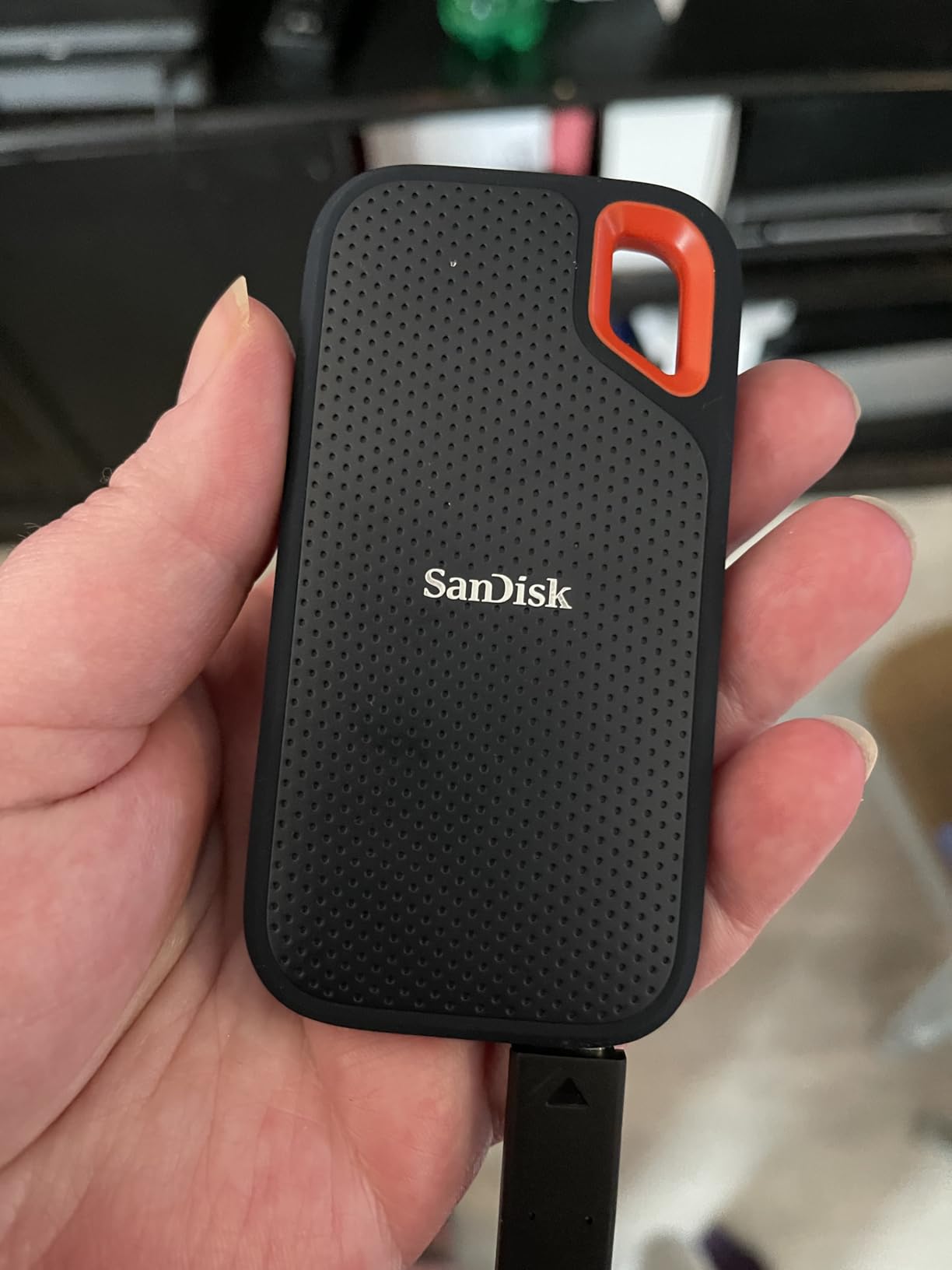
The 4TB capacity is the real reason to look here rather than at a cheaper Gen 2×2 drive. ProRes capture from an iPhone or camera, plus a working library, plus a rendered deliverable, all fit without splitting a project across two volumes.
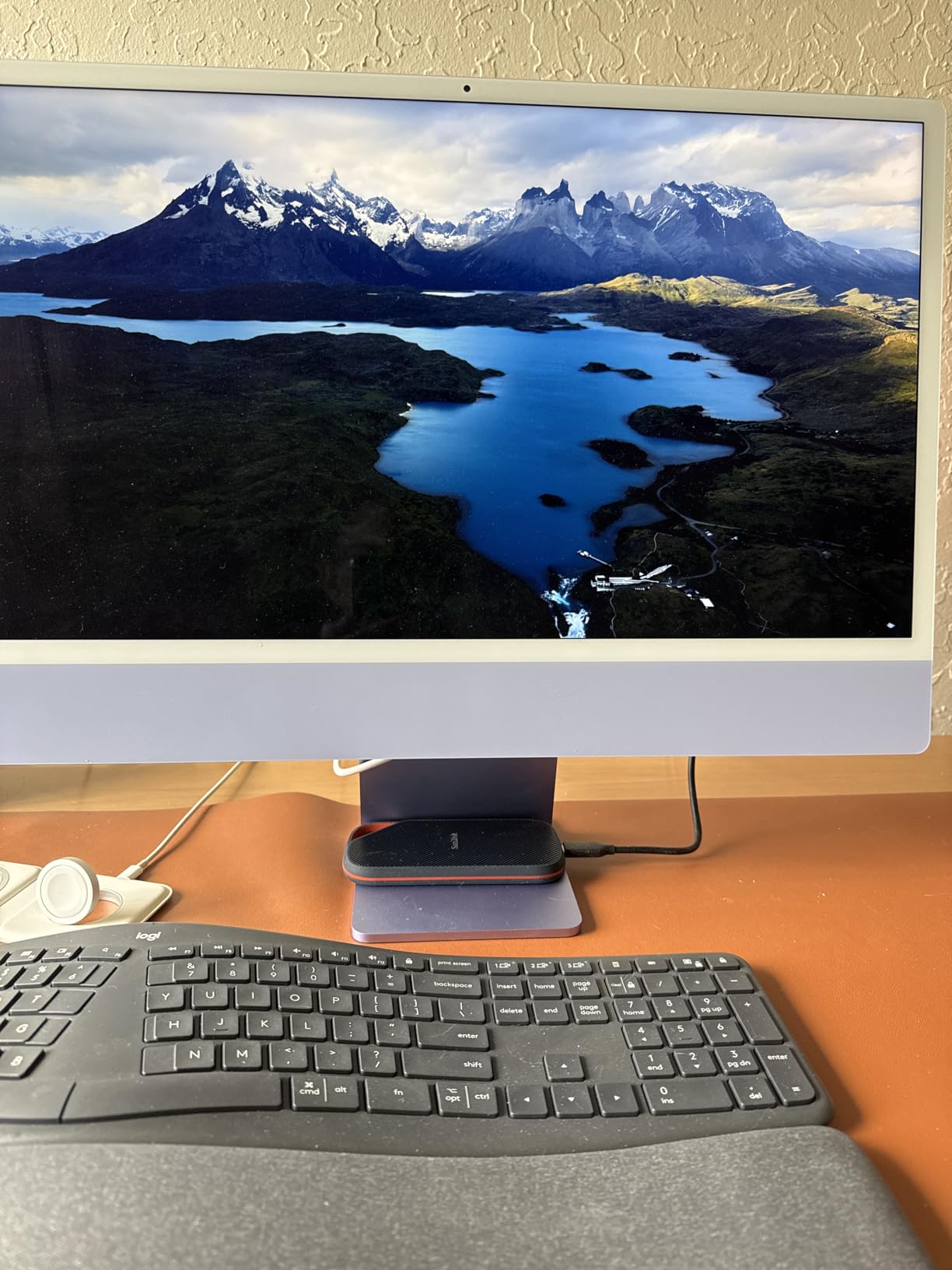
Prosumer filmmakers report using it for ProRes capture straight off iPhones and cameras, and for large library backups. The rugged silicone shell over a forged aluminum chassis reads as overbuilt in a good way.
Who should buy it
Anyone editing 6K or 8K RAW multicam, or ProRes 422 HQ at 4K, will feel the difference during export and during any resolve-heavy effect. It also suits editors who want one drive to handle both ingest and final delivery.
It is backwards compatible with USB 3.2 and USB 2.0, so it will still connect to older machines, just far more slowly.
Where it falls short
The cost is the obstacle. This is by far the priciest drive in the roundup on a per-terabyte basis, and a 2TB Gen 2×2 drive delivers enough speed for most 4K projects at a fraction of the spend.
It requires a USB4 or Thunderbolt 4 host to reach rated speed, no carrying case is included at that tier, and users report some warm-up during heavy use with slower numbers before it settles.
5. Samsung T7 1TB – Best for iPhone ProRes Capture and Everyday Editing
Samsung T7 Portable SSD 1TB Titan Gray, USB 3.2 Gen 2, Up to 1,050MB/s
1050MB/s read and 1000MB/s write
3.3 x 2.2 x 0.3 inch aluminum body
AES-256,500GB to 4TB
Pros
- Highest average rating in the roundup at 4.7
- Records 4K 60fps directly from camera or iPhone
- Compact aluminum unibody
- Roughly twice the speed of the T5
Cons
- Gen 2 bandwidth caps near 1050MB/s
- 3-year warranty is short for the class
- Speed claims come from Samsung's own testing
The T7 carries the highest average rating in this roundup at 4.7 stars with 86% five-star ratings. For most editors it is the drive they end up owning, because it disappears into a pocket and does everything a working drive needs to do.
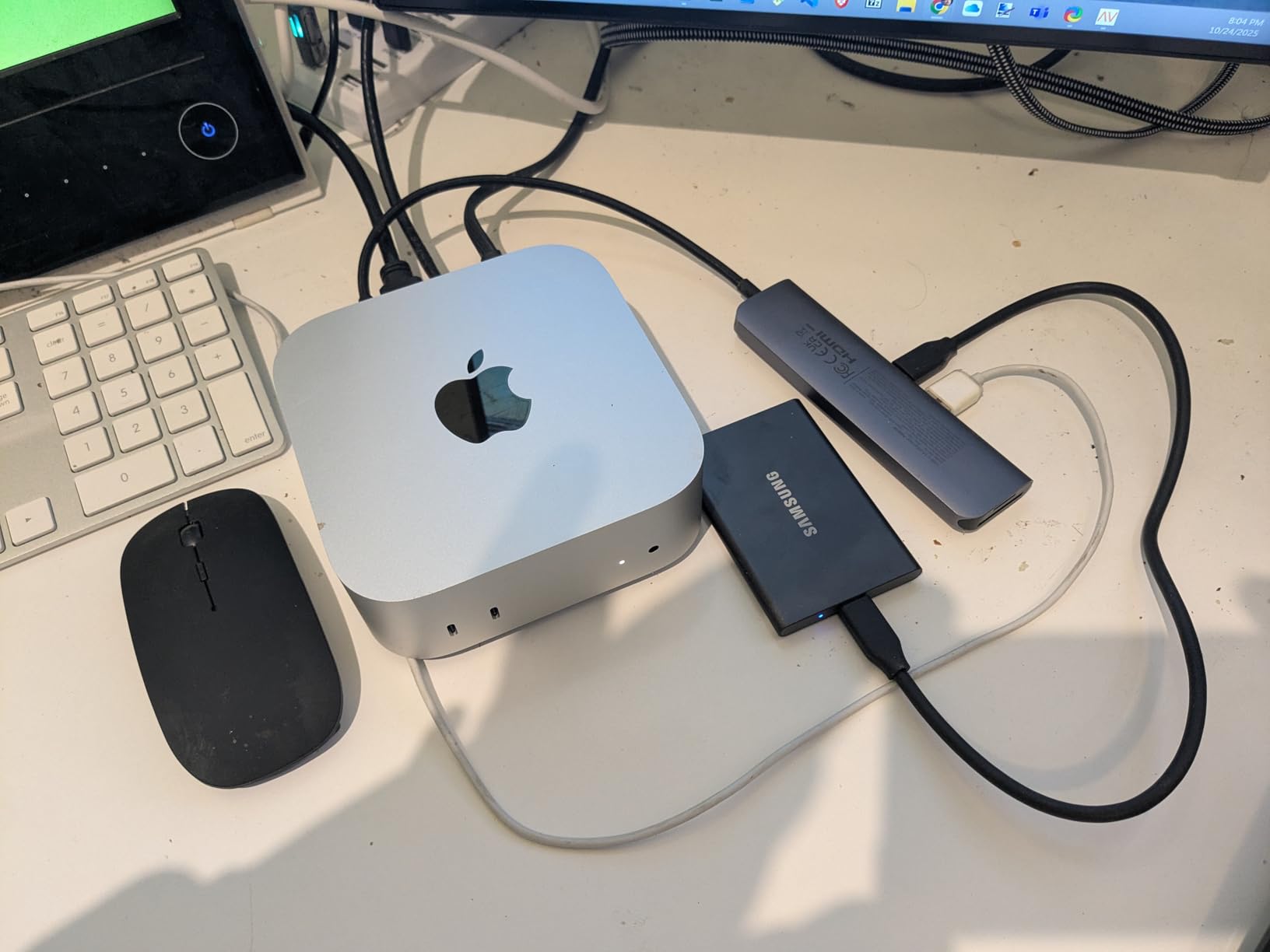
The direct-recording support is the underrated feature. It records 4K 60fps video straight from a camera or a mobile device, including the iPhone 15 Pro, which turns a compact drive into a capture target for a shoot where a full recorder is overkill.
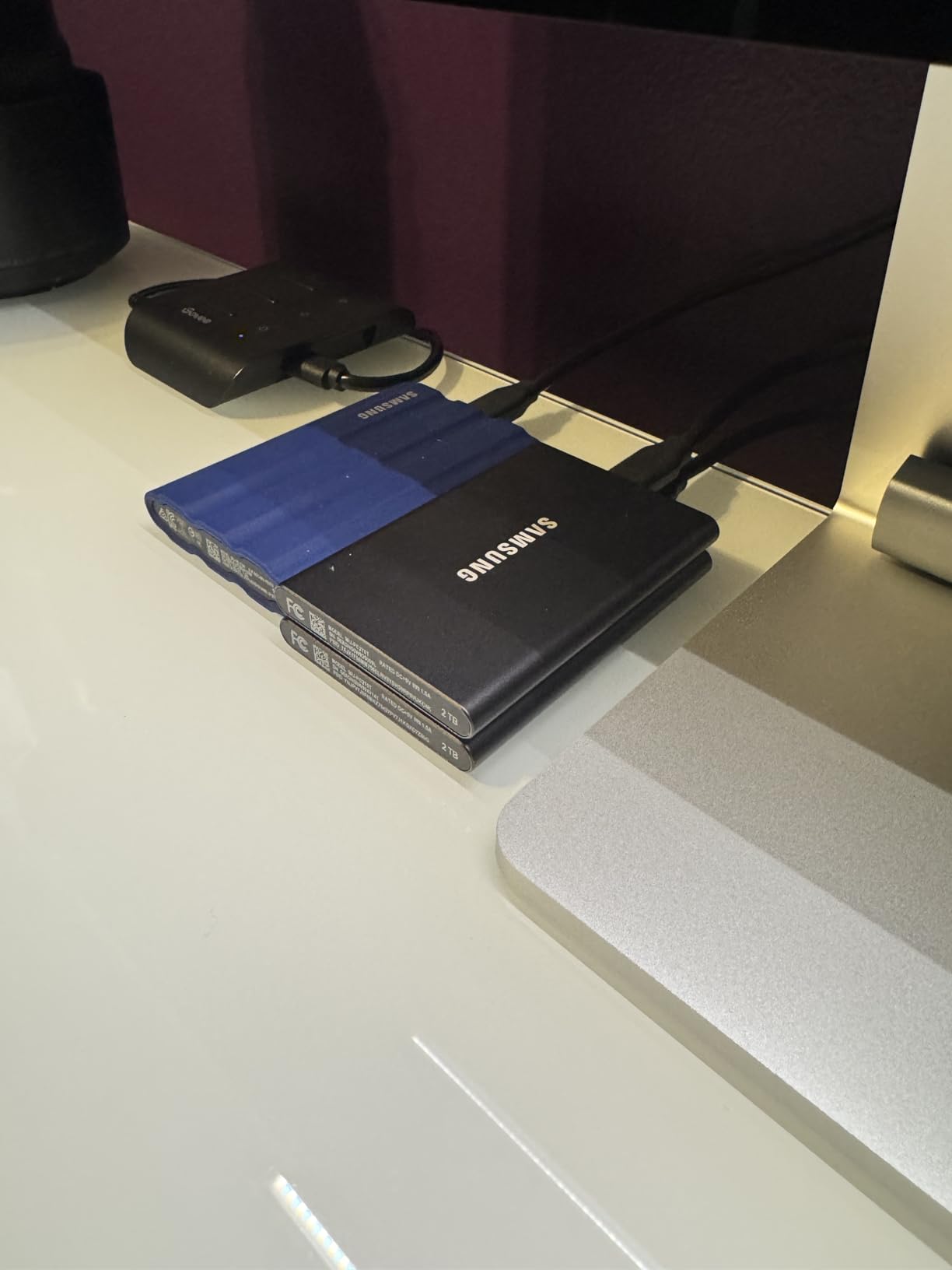
The solid aluminum unibody is rated for shock resistance up to 6 feet, which is not IP-rated sealing but is enough for desk and bag work. Capacities run from 500GB to 4TB, so the same family covers a shuttle and a project drive.
Compatibility spans gaming consoles, phones, tablets, Mac and PC, and it is roughly twice as fast as the previous T5 generation, which is a large enough jump to notice on ingest.
Why phone capture buyers like it
If you are recording ProRes from an iPhone 15 Pro or 16 to external storage, the T7’s size matters as much as its speed. It is the smallest drive here that supports direct 4K 60fps capture with a full capacity option behind it.
For students and freelancers cutting 1080p or 4K H.264, this is more than enough speed, and the aluminium body survives the kind of bag life a working drive actually sees.
Where it falls short
USB 3.2 Gen 2 bandwidth caps out around 1,050MB/s, so it sits at the bottom of the speed ladder here and is not suited to high-bitrate multi-stream work.
The three-year warranty is shorter than the five years offered by the SanDisk Extreme, and Samsung’s own testing figures are the source of the speed claim, which means real-world hosts often fall short of it.
6. OWC Envoy Pro FX 1TB – Best Thunderbolt Drive for Mac and Windows
OWC Envoy Pro FX 1TB Thunderbolt 40Gb/s + USB-C 10Gb/s Portable NVMe SSD
2800MB/s over Thunderbolt 40Gb/s
10Gb/s USB-C fallback
TRIM support,fanless aluminum
Pros
- Up to 2800MB/s over Thunderbolt 40Gb/s
- TRIM support from the OWC Aura SSD
- Silent fanless aluminum housing
- Works on Mac
- Windows and Linux
Cons
- High cost per terabyte
- Smallest review base of the premium picks
- No IP dust or water rating listed
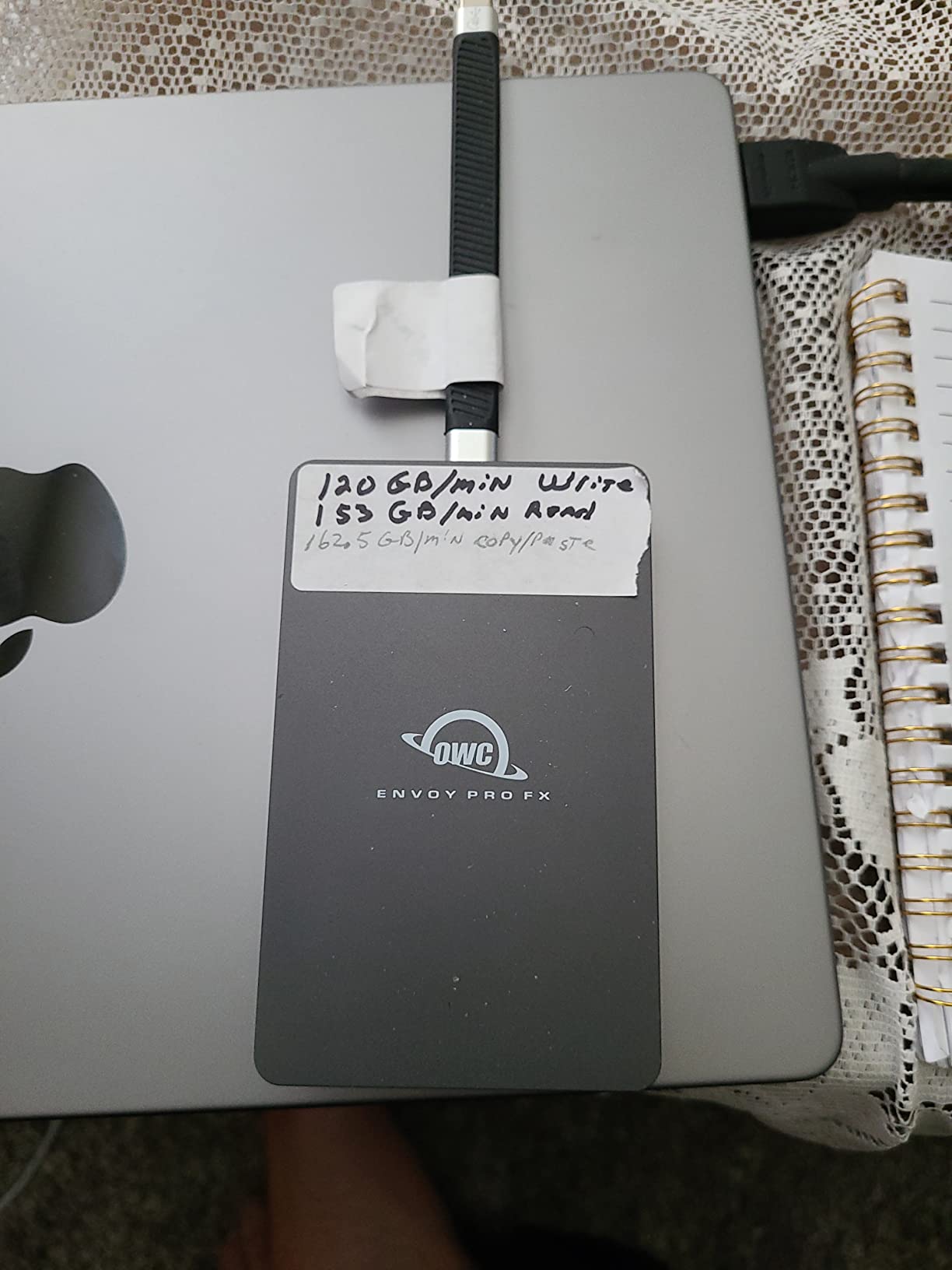
The Envoy Pro FX is built for studios where the same drive has to work on a Mac edit suite, a Windows grading bay, and a Linux render node. It runs at up to 2,800MB/s over Thunderbolt 40Gb/s and falls back to 10Gb/s over plain USB-C.
TRIM support from the underlying OWC Aura SSD is a quiet technical advantage, because a few competing external enclosures skip it and file deletion does not behave as it should over the long term on an archive drive.
The fanless aluminum housing dissipates heat without noise, which matters if the drive sits near a quiet listening environment during a mix. Plug-and-play operation extends to Mac, Windows, Linux, iPad Pro, Chromebook and Surface.
The included 0.7m Thunderbolt cable with a USB-C to USB-A adapter covers older machines, so you are not hunting for a spare cable on day one.
Who this suits
Small teams and post houses that shuttle one drive between multiple platforms get the most from it. The combination of Thunderbolt throughput, TRIM support, and silent cooling is a package you rarely see together.
If you work on Resolve or FCPX with high-bitrate media and need Linux compatibility for a render pipeline, this is one of the few picks that covers all three requirements.
Where it falls short
Cost per terabyte is roughly double mainstream 2TB drives, and the 1TB capacity is modest for that spend. With 188 reviews it also has the thinnest evidence base among our top picks, so long-term reliability is less proven.
No IP dust or water rating is listed, which makes it a poor choice for location work. Related Envoy models exist in 10Gb/s and 80Gb/s variants if you need more speed or a lower tier.
7. Amazon Basics 2TB Portable SSD – Best Complete Bundle
Amazon Basics Portable External SSD, 2TB, 2000MB/s Speeds, USB 3.2 Gen 2, IP65 Water & Dust Resistant, Black
2000MB/s on USB 3.2 Gen 2x2
IP65,thermal solution under 50C
0.92 x 0.92 x 0.15 inch,53 g
Pros
- Real 2000MB/s class throughput
- Smallest footprint in the roundup at 0.15 inch thick
- IP65 plus an active thermal solution
- Both C-to-C and C-to-A cables and a case included
Cons
- Needs reformatting before first use
- Actual speeds vary by host and port
- Quick setup guide text is very small
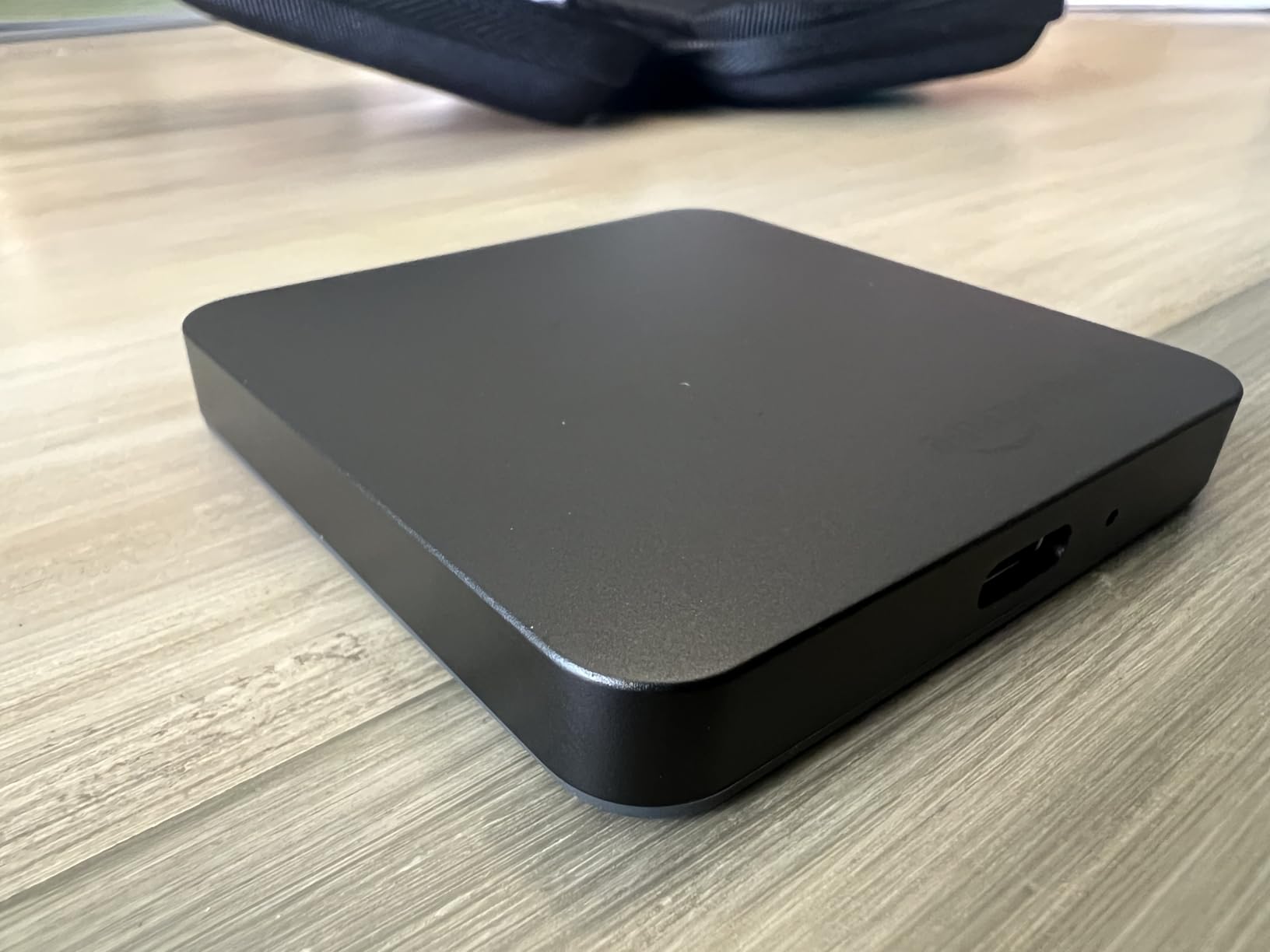
What makes this drive stand out is not the raw specification but what arrives in the box. You get USB-C to C and USB-C to A cables plus a protective storage case, which removes the two accessory purchases that most portable drive owners end up making anyway.
Throughput is genuine 2,000MB/s class on Gen 2×2 hosts. One reviewer moved 80GB of footage in roughly 50 seconds, and no overheating issues were reported across sustained transfers.
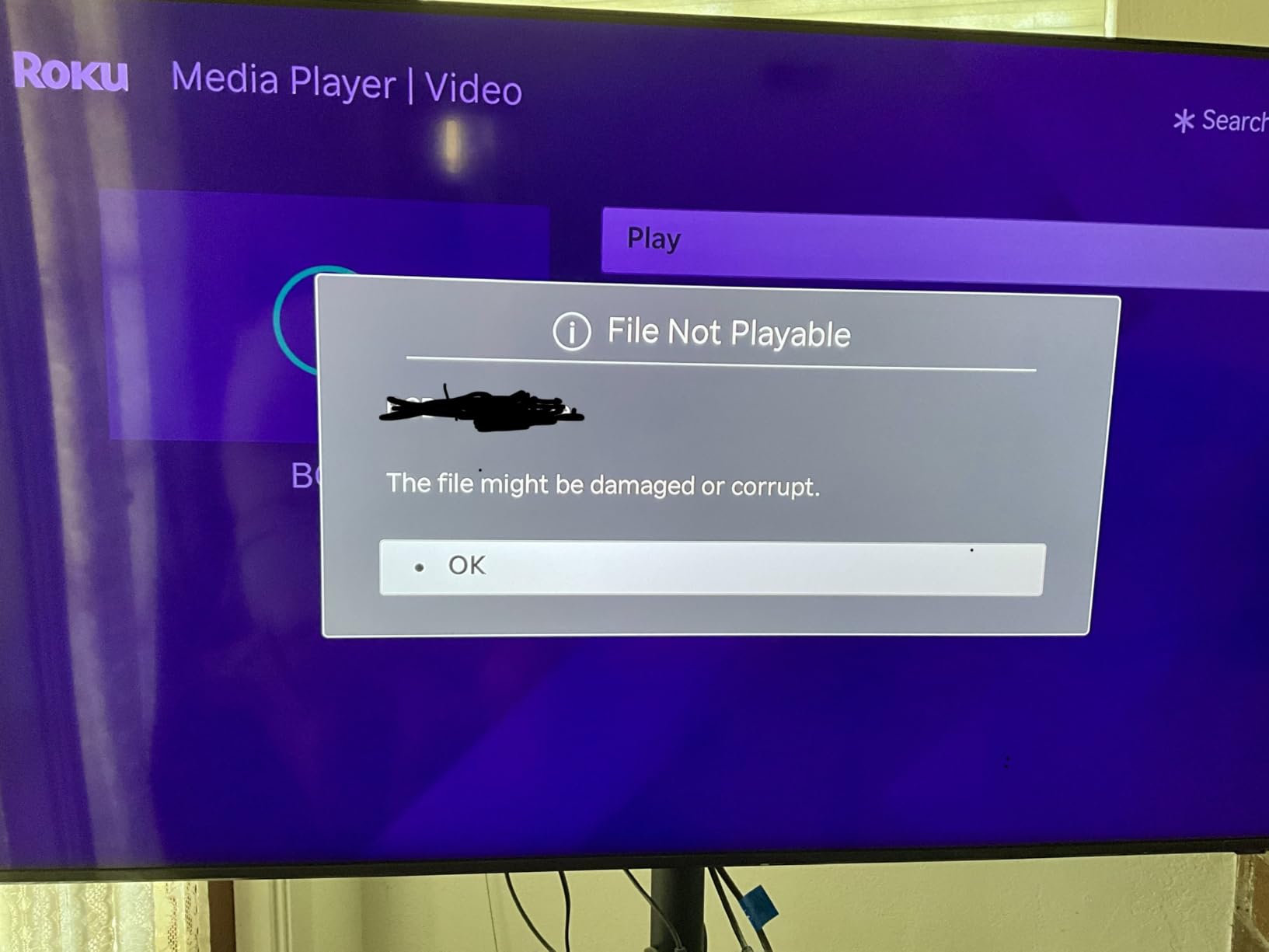
The thermal solution is specified to hold the drive below 50C under load, which is the kind of detail that decides whether a 2,000MB/s rating survives a full shoot-day offload. The IP65 rating adds field durability that many Gen 2×2 competitors at this size lack.
At 53g and 0.15 inch thick it is the most compact drive we reviewed, small enough to sit in a camera pouch alongside a battery.
Where the bundle pays for itself
If you already own cables and a case, buy the drive that suits your port instead. If you are starting from nothing, this removes the accessory problem entirely for a Gen 2×2 drive.
The premium metal casing with a scratch-resistant polymer base also feels more substantial than the plastic-bodied alternatives at this speed class.
Where it falls short
It requires reformatting to NTFS or exFAT before first use, and the quick setup guide is printed in very small text, so plan a few minutes for setup rather than assuming plug-and-play.
Real speeds vary substantially by host device, file size and port, and there is no manufacturer software suite comparable to Samsung Magician for health monitoring or encryption.
8. Kingston XS2000 500GB – Budget Pick for Fast Shuttle Duties
Kingston XS2000 500G High Performance Portable SSD with USB-C | Pocket-sized | USB 3.2 Gen 2×2 | External Solid State Drive | Up to 2000MB/s | SXS2000/500G
2000MB/s on USB 3.2 Gen 2x2
Pocket-sized at 1.92 oz
500GB,5-year warranty
Pros
- Fast transfers on Gen 2x2 hosts
- Very small at 1.92 oz with a removable sleeve
- Seamless Mac and Windows mounting
- 5-year warranty and responsive warranty service
Cons
- 500GB is the smallest capacity here
- One detailed report of write stalls at 4TB
- Runs warm during large sequential writes
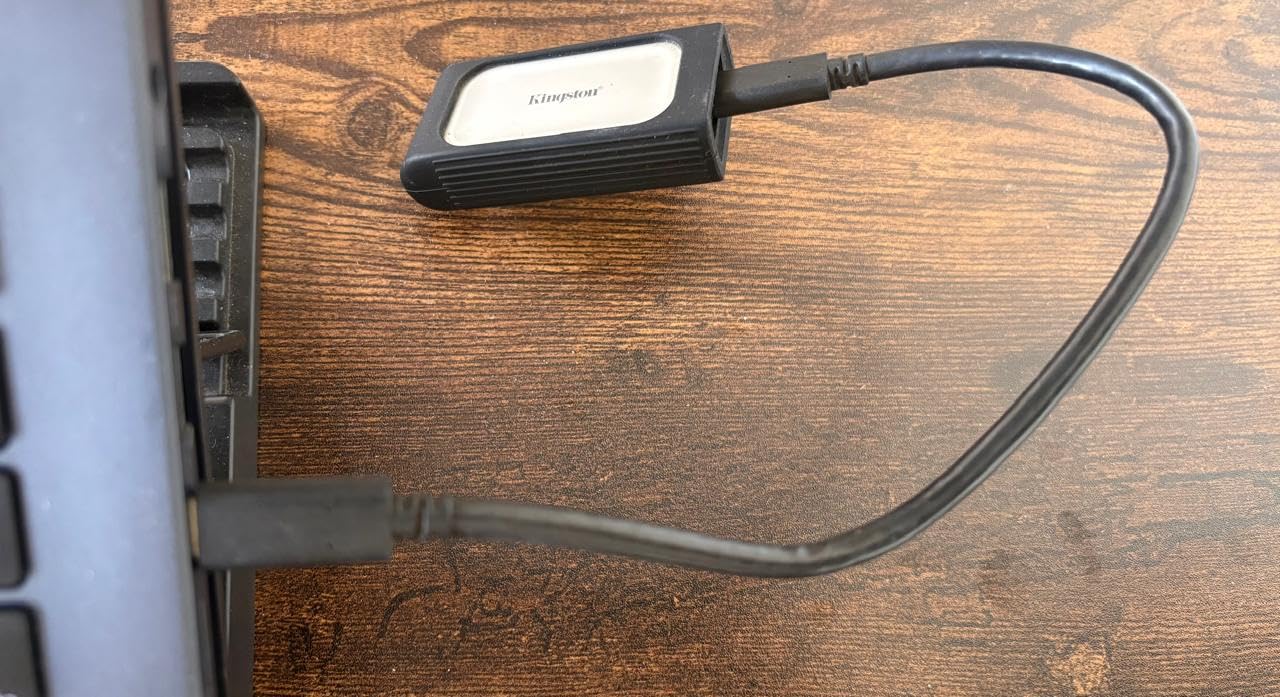
The XS2000 is the cheapest way into the 2,000MB/s class, and at 1.92 ounces with a removable rubber sleeve it is one of the smallest. For shuttle work between two machines it is genuinely hard to argue with.
Reviewers report moving multi-gigabyte video and project folders in seconds on Gen 2×2 hosts, and the aluminum body has survived accidental drops without data loss in owner accounts.
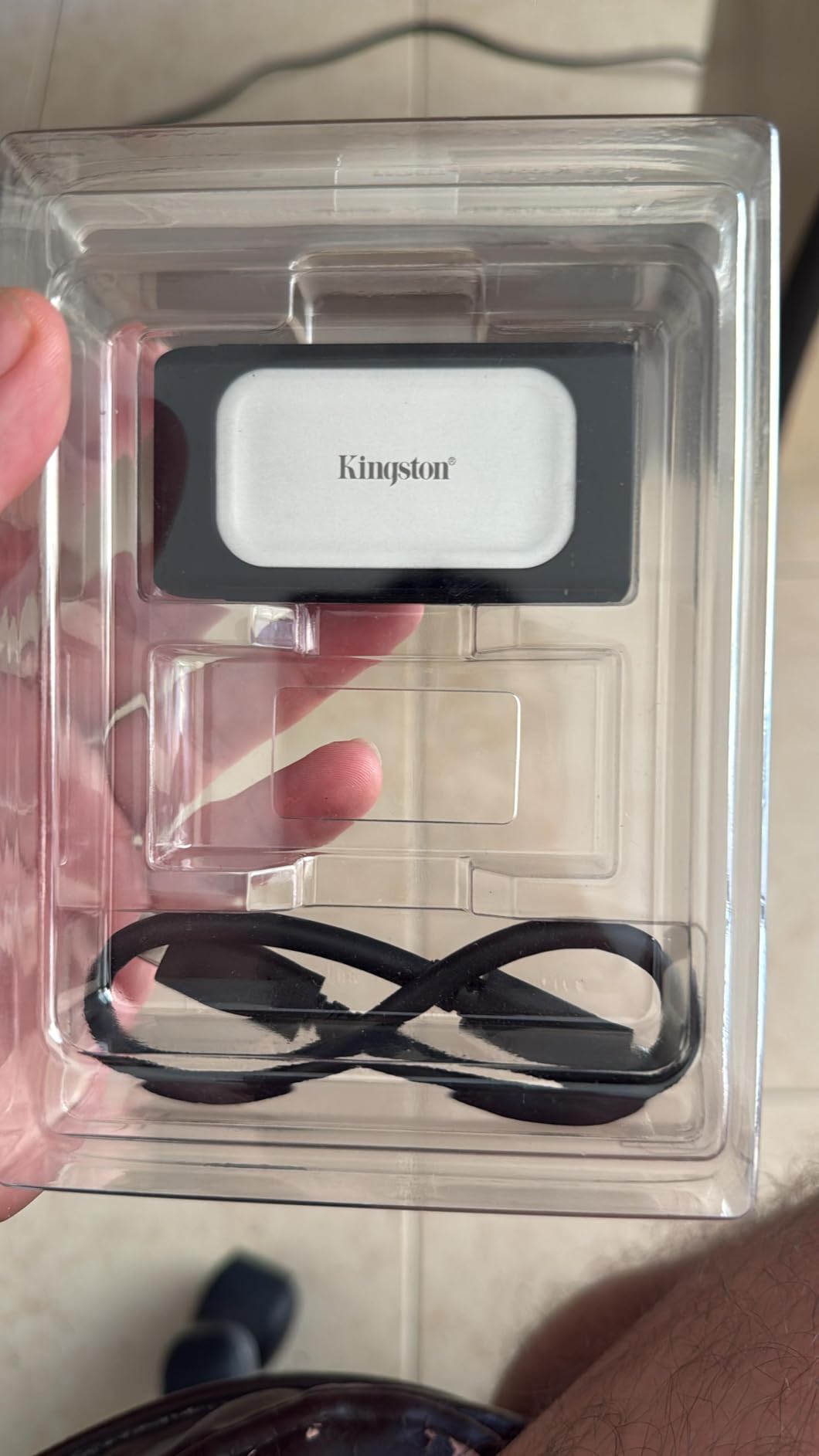
Mounting is plug-and-play across macOS and Windows with no reformatting, which suits editors who move between a laptop and a studio desktop. Kingston’s warranty service is also praised directly by several reviewers who needed replacements.
A Gen 2×2 USB-C cable is included, so the common purchase mistake here is at least avoidable out of the box.
Where it makes sense
As a shuttle or ingest drive for a shoot where you offload cards and then transfer to a larger working volume, the speed and size are exactly right. It is also a reasonable low-risk second drive.
If your editing machine lacks a Gen 2×2 port, this is the wrong drive. The same spend on a Gen 2 model would deliver identical real-world performance.
Where it falls short
500GB is the smallest capacity in this roundup, which limits scratch space on any project with more than a few hours of high-resolution footage. The XS2000 family runs up to 4TB, but this is the entry capacity.
One detailed 4TB report describes write speeds collapsing, scandisk hangs and I/O errors, which points at a firmware or TRIM issue at larger capacities rather than at this 500GB unit. One-star reviews run at 8%, above the Samsung models, so buy it for shuttle duty rather than as your only archive.
9. Lexar ES3 1TB – Best for Slim Everyday Carry
Lexar ES3 1TB Portable SSD Silver, USB 3.2 Gen 2 up to 1050MB/s
1050MB/s read and 1000MB/s write
10.5mm thin,42 g,1TB
USB 3.2 Gen 2,DataShield AES
Pros
- Exceptionally thin at 10.5mm and 42 g
- Full 1050MB/s on Gen 2 hosts
- Wide device compatibility including iPhone 17 series
- DataShield 256-bit AES encryption
Cons
- Lowest average rating here at 4.4 with 8% one-star reviews
- No IP or drop rating listed
- 3-year limited warranty
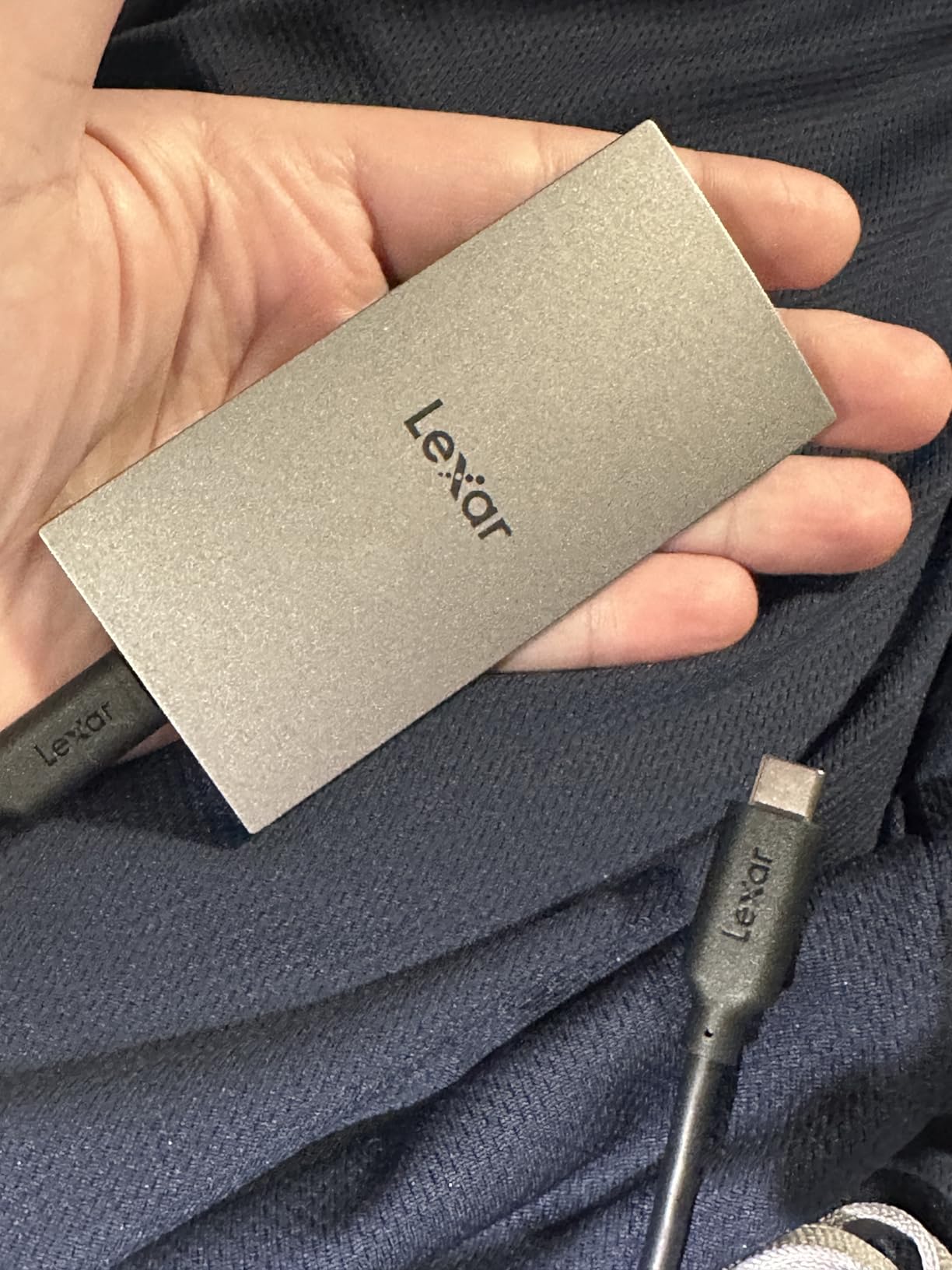
Where the Samsung and SanDisk drives use rubber or metal shells for impact resistance, the ES3 uses sheer thinness. At 10.5mm and 42g it is the drive most likely to be forgotten in a jacket pocket rather than carried deliberately, which is its own kind of protection.
Speed is a full 1,050MB/s read and 1,000MB/s write on USB 3.2 Gen 2 hosts, so for 4K H.264 and moderate ProRes work it performs like the mainstream Gen 2 class it sits in.

Device compatibility is unusually broad: iPhone 17 series, Android devices, cameras, Xbox X|S, PS4 and PS5. A Type-C cable is included, and Lexar DataShield provides 256-bit AES encryption in software.
For an editor who needs a drive to carry between a shoot and a meeting, the slimmest option on this list is a real advantage.
Where it fits in a working kit
As a personal shuttle, a client-handoff volume, or a secondary copy that lives in a different bag from the working drive, it does its job quietly. The encryption software is adequate for protecting client footage on a shared machine.
It is also a reasonable way to hold a small project that needs to travel to a grading suite on a Windows machine.
Where it falls short
With 975 reviews at a 4.4 average and 8% one-star ratings, it has the lowest rating in the group and an unproven track record relative to the Samsung and SanDisk drives. That matters when the drive holds footage you cannot re-shoot.
There is no IP or drop rating listed, this version has no MagSafe attachment, and hosts without USB 3.2 Gen 2 will see reduced performance. The warranty is three years.
10. SABRENT Rocket Nano XTRM 2TB – Best Compact Thunderbolt 3 Drive
SABRENT Rocket Nano XTRM 2TB External SSD – Thunderbolt 3 | 2700 MB/s | 900 MB/s USB 3.2 Gen 2 | Compact Aluminum | Both Cables Included | Mac, PC, Linux (SB-XTMN-2TB)
2700MB/s over Thunderbolt 3
900MB/s USB 3.2 Gen 2 fallback
2.95 x 0.71 x 0.71 inch,1.69 oz
Pros
- 2700MB/s Thunderbolt 3 throughput at 2TB
- Extremely light at 1.69 oz
- Both Thunderbolt and USB-A cables included
- Aluminum chassis helps dissipate heat
Cons
- Lowest rating here at 4.4 with 7% two-star reviews
- Smallest review base at 127 reviews
- USB fallback is only 900MB/s
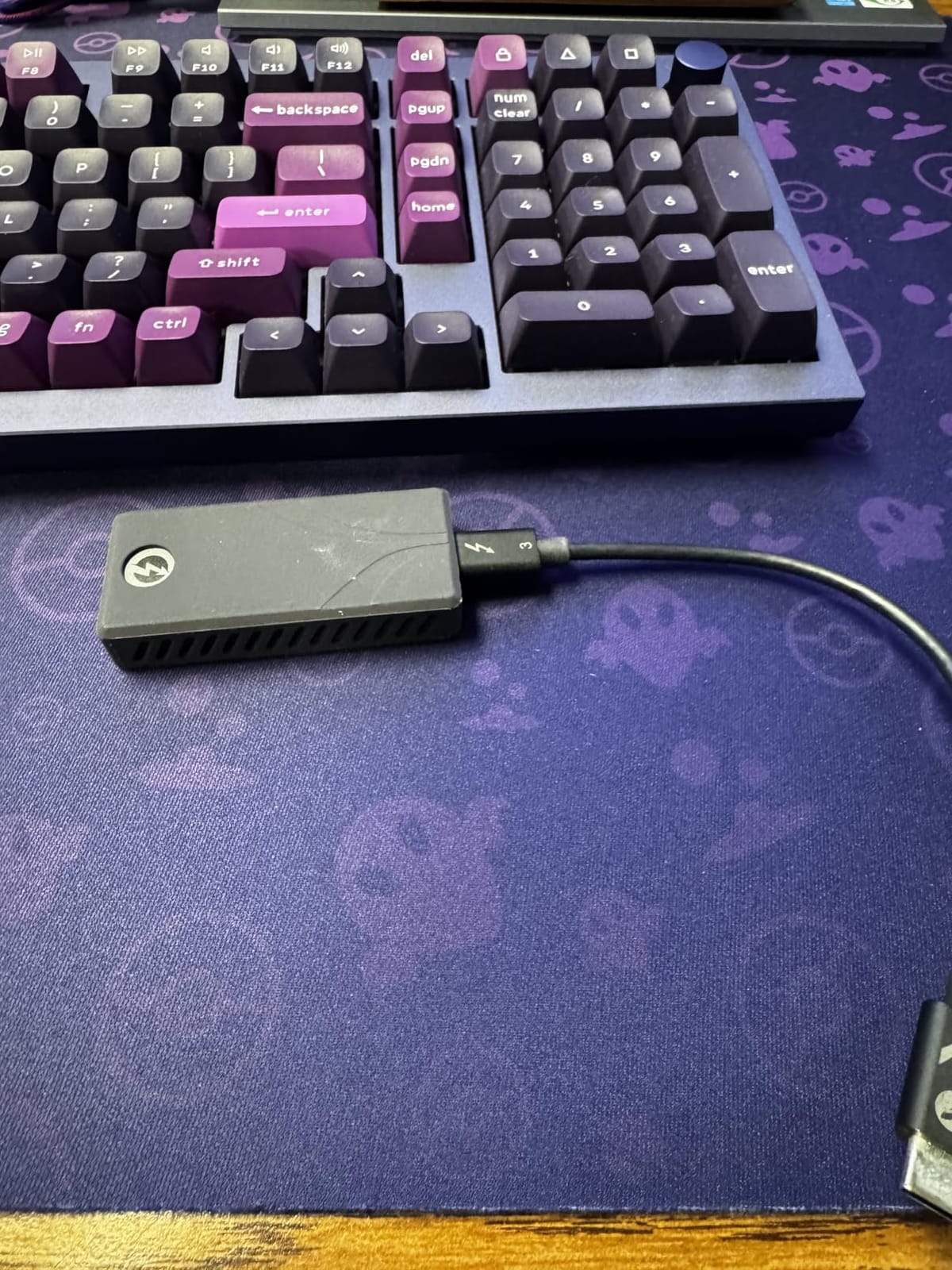
The Rocket Nano XTRM puts 2,700MB/s Thunderbolt 3 throughput into a 1.69 oz aluminum body measuring 2.95 by 0.71 by 0.71 inches. At 2TB it delivers more usable capacity than other Thunderbolt drives here at a fraction of the spend of the 4TB USB4 flagship.
It is bus-powered and plug-and-play with no drivers required on Mac, PC and Linux, and both a Thunderbolt USB-C cable and a USB-C to USB-A cable are included, which eliminates a common extra purchase.
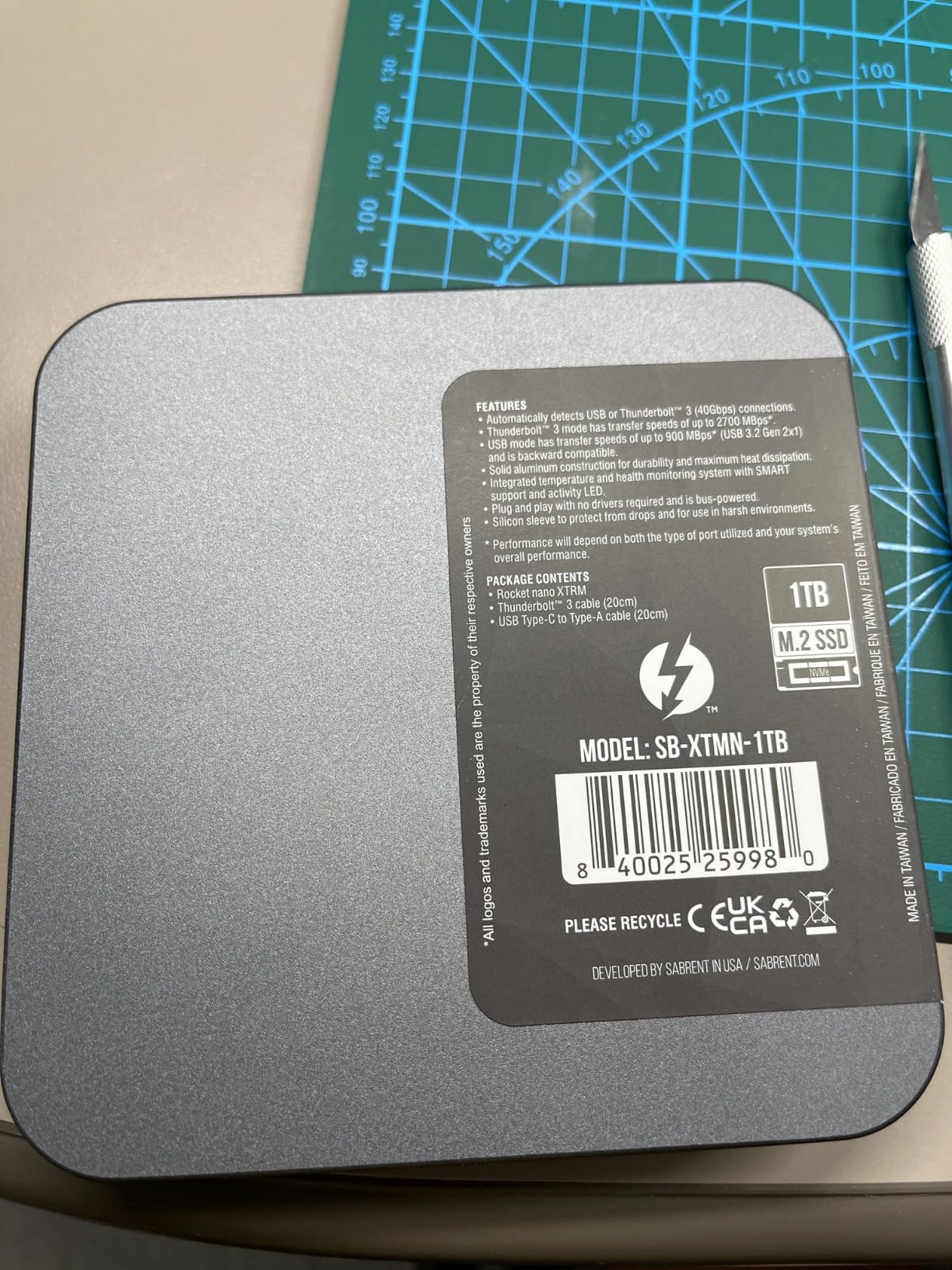
The aluminum chassis aids heat dissipation during sustained transfers, and an included silicone sleeve adds drop and scratch protection. An LED light gives a quick read of activity without opening a drive utility.
For a MacBook-based editor with Thunderbolt ports who wants ProRes-class speed without a brick-sized enclosure, the case for it is straightforward.
Why we still placed it
Thunderbolt 3 remains a viable interface for video work, and this drive pairs it with 2TB capacity and a compact body. The included silicone sleeve is a thoughtful touch at this weight class.
If you work across Mac and Windows laptops that all have Thunderbolt ports, it mounts on both without reformatting, which is unusual at this speed.
Where it falls short
It has the smallest review base in the roundup at 127 reviews and the lowest rating at 4.4, with 7% two-star ratings. Reliability is the least proven of any pick here, which is a real consideration for client footage.
It needs a Thunderbolt 3 or 4 host for rated speed, and the USB fallback is only 900MB/s, slower than several cheaper Gen 2×2 drives. There is no stated IP rating, and the warranty is three years unless registered within 90 days.
How to Choose an External SSD for Video Editing
Match the interface to the port you actually have
Buy the port, not the drive. A USB 3.2 Gen 2 port delivers about 1,050MB/s regardless of what you plug in, a Gen 2×2 port delivers up to 2,000MB/s, and a USB4 or Thunderbolt host is required for the 3,000MB/s-plus class.
Editors on recent MacBook Pro and iMac models, and on Windows laptops with a USB4 port, have the widest options. If you only have USB-A, note that USB-A never reaches Gen 2×2 or USB4 speeds and you will be limited to the Gen 2 class. Our guides to the best portable SSDs for travel cover form factor, and this is the port question in detail.
Work out capacity from bitrate, not from habit
The formula is simple: bitrate divided by 8 gives you bytes per second, multiplied by 3600 gives you gigabytes per hour. ProRes 422 HQ at roughly 880 Mbps works out to around 396GB per hour of footage, which is why a 1TB drive disappears on a single documentary shoot day.
For 4K H.264 at a typical 40 to 100 Mbps, expect roughly 18 to 45GB per hour. A 2TB drive covers a feature-length H.264 project with room to spare, while ProRes and BRAW workflows want 4TB or a second volume.
Editors in r/VideoEditing mostly ask for a simple 1TB to 4TB drive rather than a NAS, and wedding videographers quote 500GB and up per project. Anchor on those real numbers rather than on the largest capacity available.
Match the drive to your NLE scratch disk behaviour
Premiere Pro, DaVinci Resolve and Final Cut Pro all read from the media drive while writing rendered output. On a single fast drive, that read and write happen concurrently, which is precisely the pattern that punishes a drive with a small write cache.
Resolve users working in high-bitrate formats benefit most from a Thunderbolt or USB4 drive, since Resolve reads aggressively during scrub and grading. Premiere Pro on 4K H.264 is comfortable on a Gen 2×2 drive, and Final Cut Pro libraries on Apple silicon are usually limited by the internal drive rather than the external one.
Format the project drive before the first shoot
exFAT reads on both macOS and Windows without a reformat, which makes it the default for a project drive that moves between platforms. APFS is faster and more reliable on macOS but Windows cannot read it natively, and NTFS works well on Windows but macOS mounts it read-only unless you reformat.
Our rule is to format exFAT for any drive that travels, and APFS for a drive permanently attached to a Mac. Several picks here ship pre-formatted exFAT, and the T7 and T9 both mount immediately on both platforms.
Keep three copies of every client project
The 3:2:1 rule means three copies of your data, on two different media types, with one copy offsite. In video terms that is your working SSD, a second physical drive of a different type, and an offsite copy you never edit from. Commenters in r/VideoEditing caution against relying on a single portable drive as the only backup, and they are right.
Our guides to the best external hard drives for backups and the best external hard drives overall cover the second and third copies.
When a hard drive is still the right call
A hard drive is genuinely the right tool for archive and cold storage, where cost per gigabyte matters more than latency. Keeping completed projects, raw camera originals, and delivery masters on a large hard drive while editing from an SSD is a normal, sensible split.
What a hard drive should not do is serve your active timeline. Forum complaints about HDDs stuttering on 4K timelines are consistent and correct, and the gap between a mechanical drive and even a Gen 2 SSD is large enough to feel on every scrub.
For drives that need to survive travel rather than sit on a desk, our picks for the best rugged portable SSDs cover IP ratings and drop testing in more detail.
Frequently Asked Questions
Are SSDs good for video editing?
Yes. An SSD’s lack of moving parts makes it far better suited to editing than a mechanical hard drive, because it has no seek time, delivers consistent sustained throughput, and never stutters under multi-stream playback. Editors report smoother timeline scrubbing, faster exports, and no dropped frames when cutting 4K footage. For the working drive you edit from, choose an SSD. For archiving finished projects and camera originals, a hard drive remains a reasonable and cheaper option.
What is the best external hard drive for video editing?
If you specifically want a hard drive, the right choice is a large-capacity desktop model used purely for archive, storing raw camera originals, completed projects, and delivery masters. You should never edit an active timeline from it, since mechanical seek times cause stuttering on 4K footage. Editors commonly pair one large hard drive for archive with an external SSD as the working drive. Our best all-round working drive is the SanDisk Extreme Portable SSD 2TB.
What is the 3:2:1 rule in video editing?
The 3:2:1 rule means keeping three copies of your footage, on two different types of media, with one copy stored offsite. For a video project that means your editing SSD, a second copy on different hardware such as a hard drive, and a third copy kept away from your location. The rule exists because client footage is frequently unrecoverable once a drive fails. In our roundup, the 4TB SanDisk Extreme PRO USB4 can hold both the working copy and an immediate second copy.
Which SSD is best for editing?
The Samsung T9 1TB is our fastest mainstream pick, delivering up to 2,000MB/s on a USB 3.2 Gen 2×2 port with a Dynamic Thermal Guard that sustains speed during long transfers. The SanDisk Extreme Portable SSD 2TB is the best overall choice thanks to its sustained throughput, compact 1.76 ounce body, and 2TB capacity. For 8K or ProRes workflows, the SanDisk Extreme PRO USB4 4TB reaches up to 3,800MB/s over USB4.
Why does my external SSD slow down when transferring large video files?
Because the advertised speed is a burst figure that assumes the fast SLC write cache is empty. A camera card or project folder arriving as one enormous write fills that cache quickly, and the drive then falls back to its raw NAND write rate. Heat makes this worse, since a drive that warms up in its shell throttles before a flat metal chassis does. This is why sustained write behaviour matters more than the headline number for video work.
The Best External SSDs for Video Editing in 2026
The SanDisk Extreme Portable SSD 2TB remains our pick for the best external SSDs for video editing because it combines the most proven sustained throughput in the group with a capacity that suits real project sizes and a body light enough to forget about.
Take the Samsung T9 1TB if your machine has a Gen 2×2 port and you want headroom, the Samsung T7 Shield 2TB if the drive lives in a camera bag, and the SanDisk Extreme PRO USB4 4TB only if you are working in 6K, 8K, or high-bitrate ProRes where the faster link changes your day.
Whichever you pick, confirm the port first, format the drive before the shoot, and keep three copies of every client project. Pricing on portable SSDs moves with NAND supply, so check current pricing before you commit.