
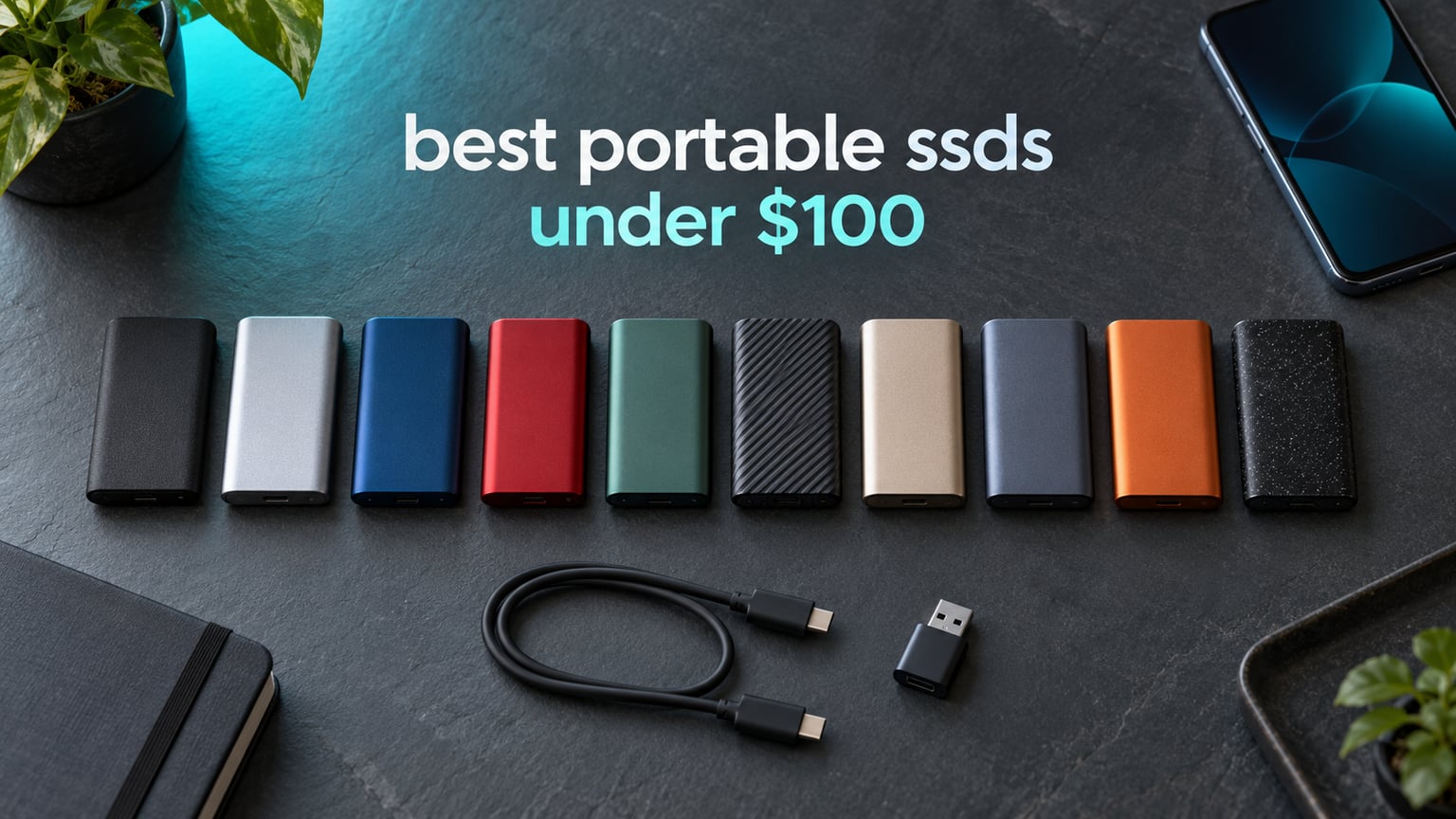
Here is the short version: the Netac ZSlim 500GB is the best portable SSD under 100 dollars for most people in 2026, because it pairs a genuinely useful 500GB of storage with a 9mm-thin, 30g aluminium body, a 3-year warranty and more than 3,000 owner reviews behind it. The drives at this budget rarely deliver the 2000 MB/s on the box, but this one delivers honest 500 MB/s-class transfer speeds that make offloading a camera card or a laptop’s photo library feel quick.
Speed is the wrong place to start shopping in this price bracket. The best external SSDs under 100 dollars split into three clear groups: roughly 450 to 550 MB/s drives that need an ordinary USB port, roughly 1050 MB/s drives that need a 10 Gbps port, and a small 2000 MB/s cluster that needs a 20 Gbps port most laptops do not have. We covered all ten picks with the port math worked out so you can tell which group you actually need before you spend anything.
We spent weeks reading verified owner feedback across all ten drives, comparing warranty length, review volume, one-star share and sustained-write behaviour, and mapping every claim back to manufacturer specifications. Every product below is a real drive you can buy today at or under the 100-dollar ceiling, and every rating and review count in this guide is copied straight from the listing rather than estimated. For a broader look at premium enclosures with no budget cap, our guide to the best portable external SSDs is the natural next read.
Table of Contents
Top 3 Picks for the Portable SSDs Under $100 (October 2026)


If you only read one line: the Netac ZSlim wins on capacity and thinness, the Transcend wins on speed-to-size ratio and warranty length, and the ORICO wins when 512GB matters more than raw throughput. All three carry review counts well above the middle of this group, which matters more than it sounds at this price tier.
10 Best Portable SSDs Under $100 in 2026
| Product | Specifications | Action |
|---|---|---|
| Netac ZSlim 500GB |
|
Check Latest Price |
| Transcend ESD310C 256GB |
|
Check Latest Price |
| ORICO 512GB B5PLUS |
|
Check Latest Price |
 Vansuny 500GB Vansuny 500GB |
|
Check Latest Price |
 SSK 250GB USB-C SSD SSK 250GB USB-C SSD |
|
Check Latest Price |
 Netac ZX20 512GB Extreme Netac ZX20 512GB Extreme |
|
Check Latest Price |
 SSK 500GB Gen 2×2 SSK 500GB Gen 2×2 |
|
Check Latest Price |
 fanxiang F901 256GB fanxiang F901 256GB |
|
Check Latest Price |
 RAOYI 512GB Dual-Head RAOYI 512GB Dual-Head |
|
Check Latest Price |
 ORICO C5 256GB ORICO C5 256GB |
|
Check Latest Price |
1. Netac ZSlim 500GB Portable SSD – Our Overall Pick for Thin, Capacious Backup
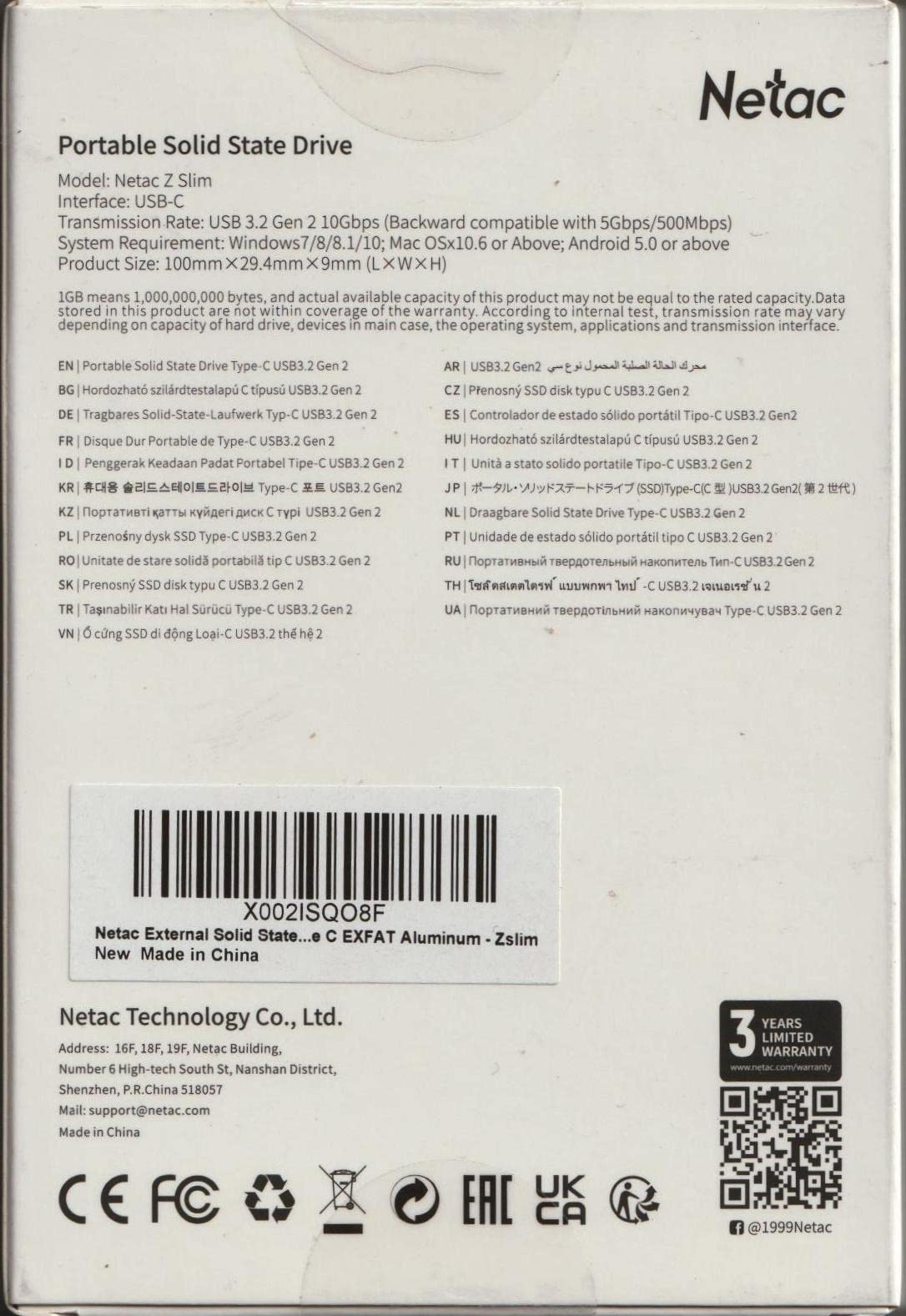
Netac 500GB Portable SSD USB 3.2 Gen 2 (10 Gbps, Type-C) External Solid State Drive Backup Slim Portable Drive for File Storage/Business Travel Essential, Rapid Read & Write Low Noise, Zslim
500GB
Up to 550MB/s read and 450MB/s write
30g and 9mm thin
USB 3.2 Gen 2
3-year warranty
Pros
- 500GB of usable capacity in a credit-card-thin body
- Light 30g aluminium shell that slips into a pocket
- USB-C-to-A cable plus USB-A-to-C adapter in the box
- Works across Windows macOS Linux and Android
Cons
- One-star share sits at 10% in owner reviews
- USB 3.2 Gen 2 interface caps it below 1000MB/s drives
- Some owners report failures after a year or more of use
The Netac ZSlim is the drive we keep coming back to because the physical design is genuinely better than the spec sheet suggests. At 9mm thick and 30g it is one of the smallest 500GB drives in this roundup, and the aluminium unibody feels more substantial in the hand than the plastic shells used on cheaper alternatives.
In day-to-day use it behaves like a 500 MB/s-class drive, which is roughly what a 10 Gbps USB port can deliver in practice for small files. Copying a folder of RAW photographs off a laptop takes seconds rather than minutes, and it never gets hot enough to worry about during a long transfer.
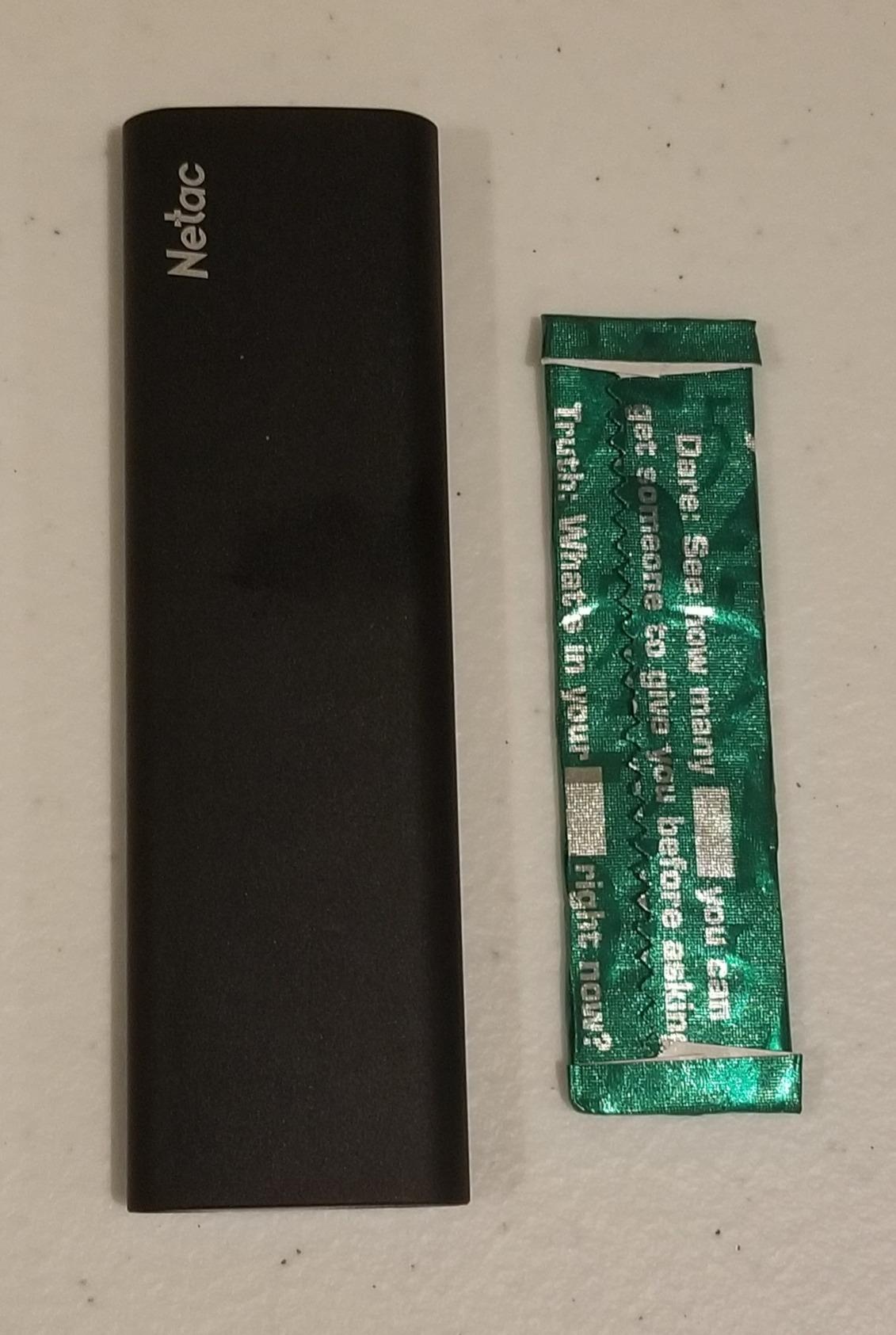
The 71% five-star share in the owner reviews matches what the drive does well, general-purpose storage. Reviews repeatedly single out the balance of size and capacity, and the included cable plus adapter means it works with older laptops that only have USB-A without an extra purchase.
The number that deserves attention is the 10% one-star share, among the higher in this group. The recurring theme in those reviews is a drive that stopped being recognised after extended use. Our advice is simple: never let this be the only copy of anything you cannot re-download.
Who should buy the Netac ZSlim 500GB
Buy it if you want half a terabyte of backup that fits in a jacket pocket and you plan to connect it to whatever machine is in front of you. It suits photographers offloading cards, students carrying coursework, and anyone building a second copy of a document library.
The 500GB capacity also makes it a workable scratch disk for 1080p and 4K proxy editing. You will not fit a large ProRes library here, but you will fit proxies, project files and a card’s worth of footage with room to spare.
Who should skip the ZSlim and pick something else
Skip it if your workflow moves 50GB or more in one sitting and you need the transfer to finish quickly. A 1050 MB/s Gen 2 drive such as the SSK 250GB will roughly halve that time on a port that supports it.
Skip it too if reliability is your only priority and you cannot tolerate a 10% one-star share. The Transcend ESD310C pairs a longer warranty with a lower one-star rate, though you give up 256GB of capacity to get it.
2. Transcend ESD310C 256GB Dual SSD – Best Speed-to-Size Ratio
Transcend 256GB ESD310 Dual Portable SSD 1050MB/s USB-A+C, Thumb Drive
256GB
1050MB/s read and 950MB/s write
4.54g thumb-drive body
USB-C plus USB-A
5-year warranty
Pros
- Dual USB-C and USB-A connectors in one tiny body
- Weighs 4.54g and measures 2.81 x 0.79 x 0.31 inches
- Pre-formatted exFAT so it works out of the box on Windows Mac and Android
- Five-year limited warranty is among the longest here
Cons
- 256GB fills quickly with 4K video or a game library
- Will not work with Lightning ports on older iPhones
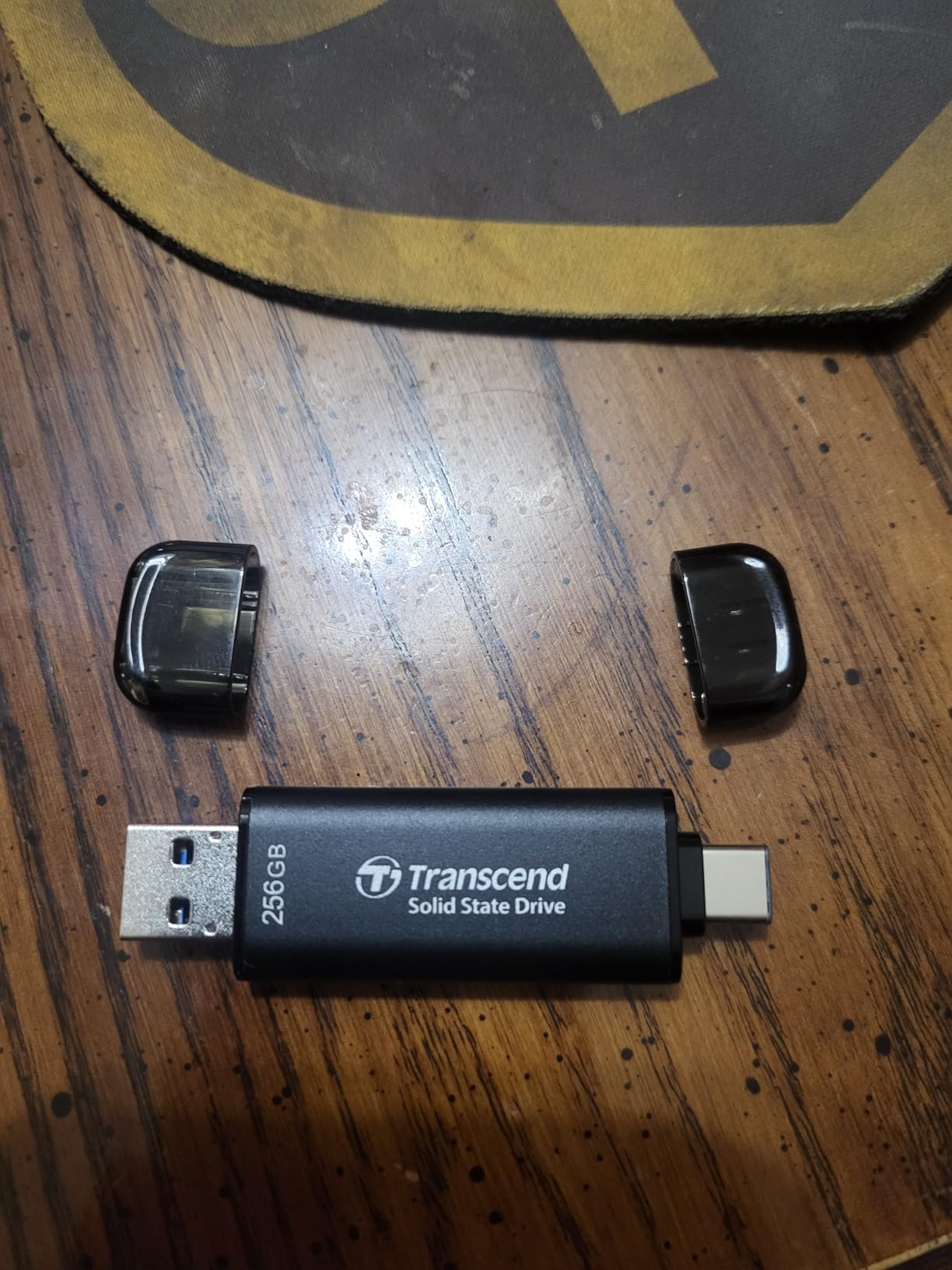
The Transcend ESD310C solves a problem most budget drives ignore: the adapter problem. It has a USB-C connector on one end and a USB-A connector on the other, both retractable, so it plugs straight into a modern laptop, an older laptop, a Steam Deck or a ROG Ally without a dongle in your bag.
It is also the lightest drive in this roundup at 4.54g. That sounds silly until you clip it to a keyring and forget it is there, which is exactly how it gets used as a daily transfer drive between a phone and a laptop.
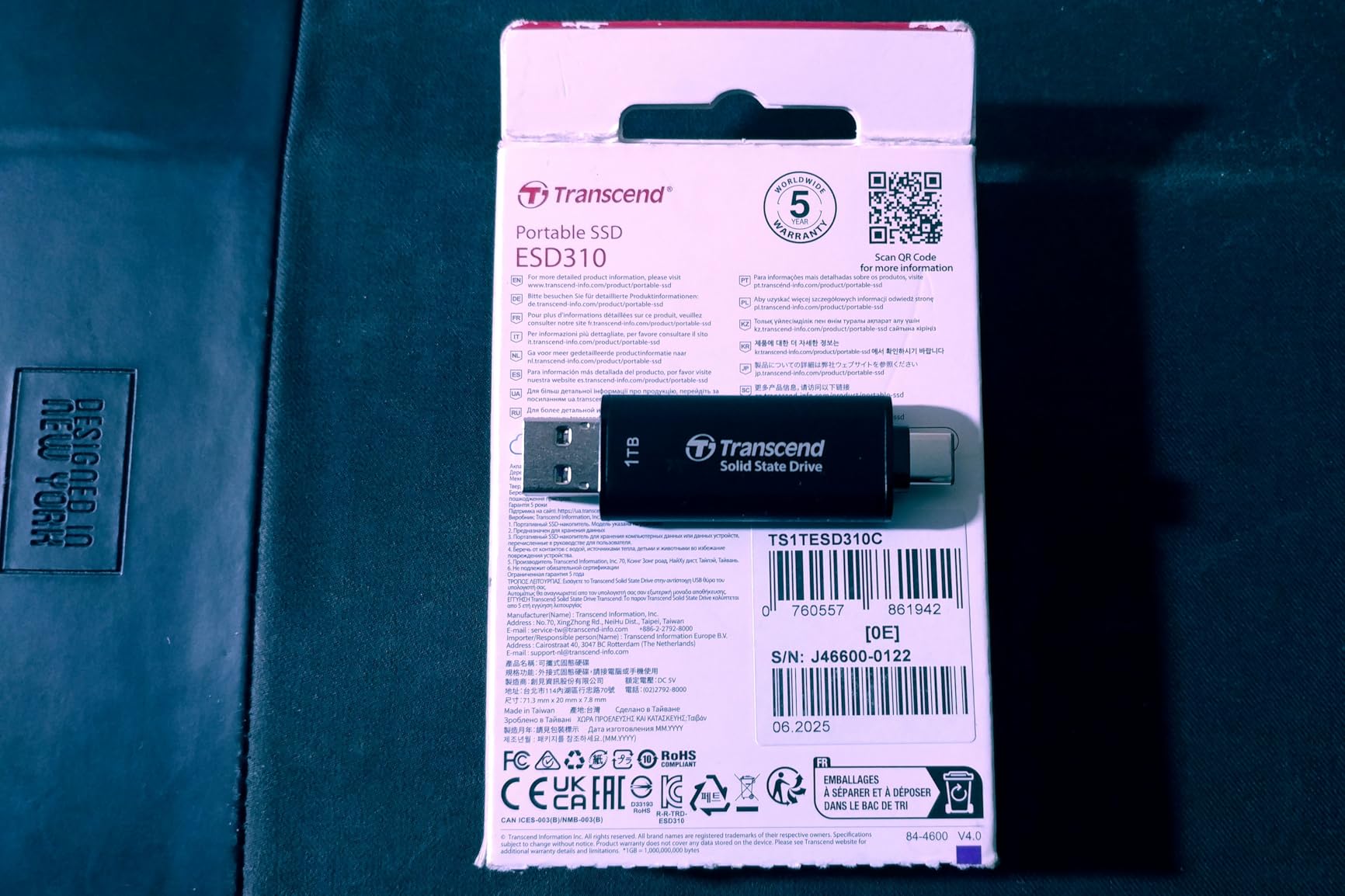
Speed is the real story: 1050 MB/s read and 950 MB/s write, held up by SLC cache technology, which keeps large transfers from collapsing the moment a burst cache fills. On a 10 Gbps port this drive feels closer to an internal SATA SSD than to a typical external one.
The manufacturer lists compatibility with Steam Deck, ROG Ally, MSI Claw, PS5, Xbox, iPhone 15 and Android, and it arrives pre-formatted as exFAT so the first connection works without a formatting detour. Transcend Elite software adds a one-time password protection option if the drive holds client material.
Who should buy the Transcend ESD310C
Buy it if you move files constantly between USB-C and USB-A machines and you want the longest warranty in this price bracket. A five-year limited warranty is the strongest reliability signal we can offer without lab data.
It is also the right pick for console-adjacent handheld use, where a tiny drive that survives being carried around beats a larger one that gets left at home.
Who should skip the ESD310C and pick something else
Skip it if you are building a media library or a game library. At 256GB it is the smallest capacity here in practical terms, and a single modern AAA install can eat a large share of it before you have copied anything of your own.
Skip it if you own an iPhone with a Lightning port. The drive needs USB-C, and it will not negotiate with older iPhone hardware no matter how much you would like it to.
3. ORICO 512GB B5PLUS Portable SSD – Best Value for 512GB Buyers
ORICO 512GB Portable SSD with 2 in 1 USB C/A Cable, Up to 460MB/s,Black
512GB
Up to 460MB/s
Sustained writes around 400MB/s
0.09 lb
18-month warranty
Pros
- 512GB of storage at the value end of this price bracket
- Real-world sustained writes around 400MB/s with peaks near 425MB/s
- 2-in-1 USB-C and USB-A cable included in the box
- Works with Windows 11 phones tablets and consoles out of the box
Cons
- Tethered USB-A adapter is easy to snap off
- Textured plastic shell feels inexpensive to some buyers
- Bright blue activity LED stays lit during transfers
The ORICO B5PLUS is the value pick in this lineup, and the reason is capacity rather than speed. Getting 512GB with an honest 460 MB/s ceiling and a bundled dual-interface cable is exactly what a photographer offloading full cards needs, and it sits comfortably inside the budget bracket.
More important than the headline number is what happens after the cache fills. Owner testing reports sustained writes holding around 400MB/s with peaks near 425MB/s, which is the honest number to plan around when you are copying several hours of footage in one go.
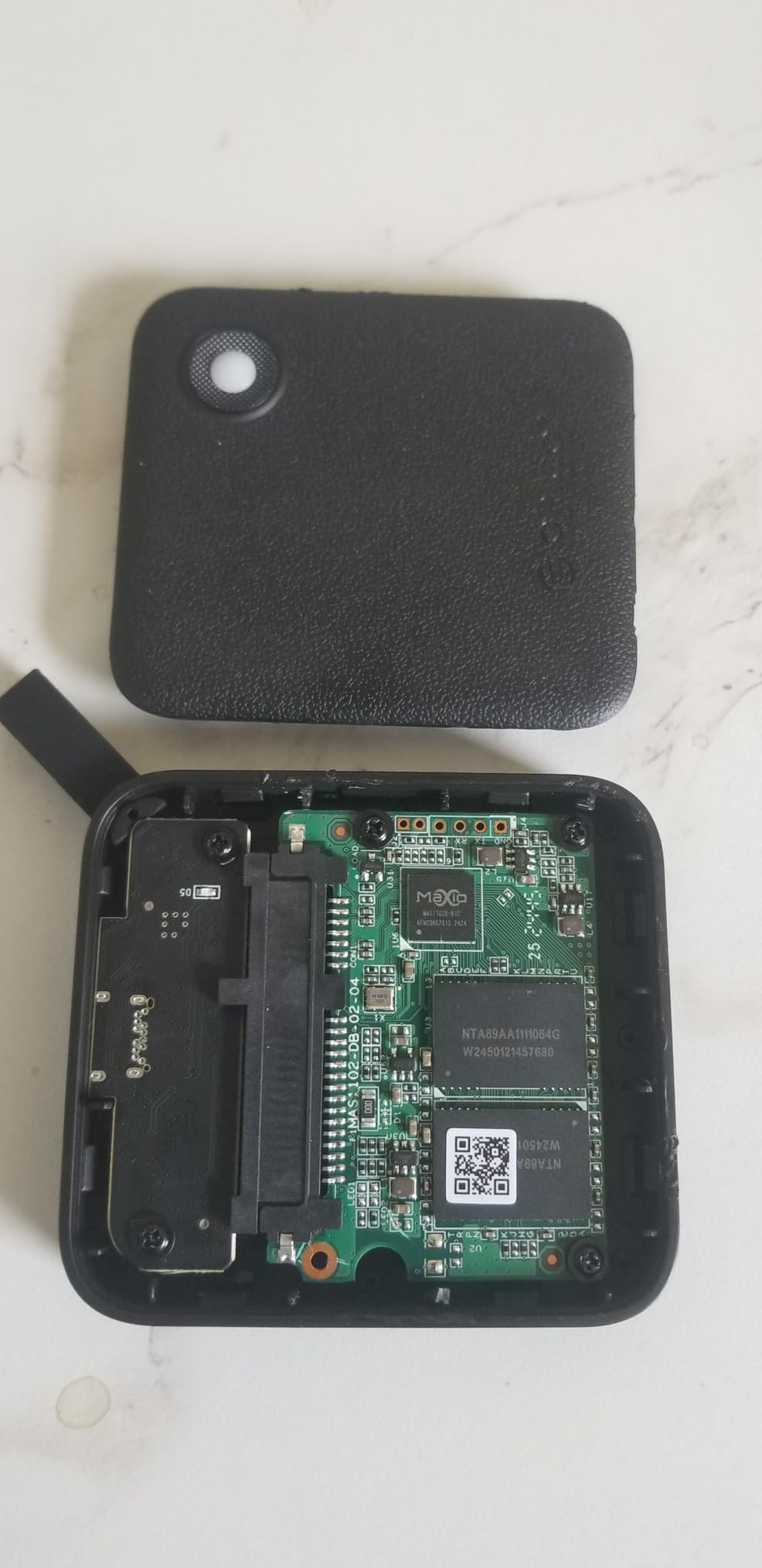
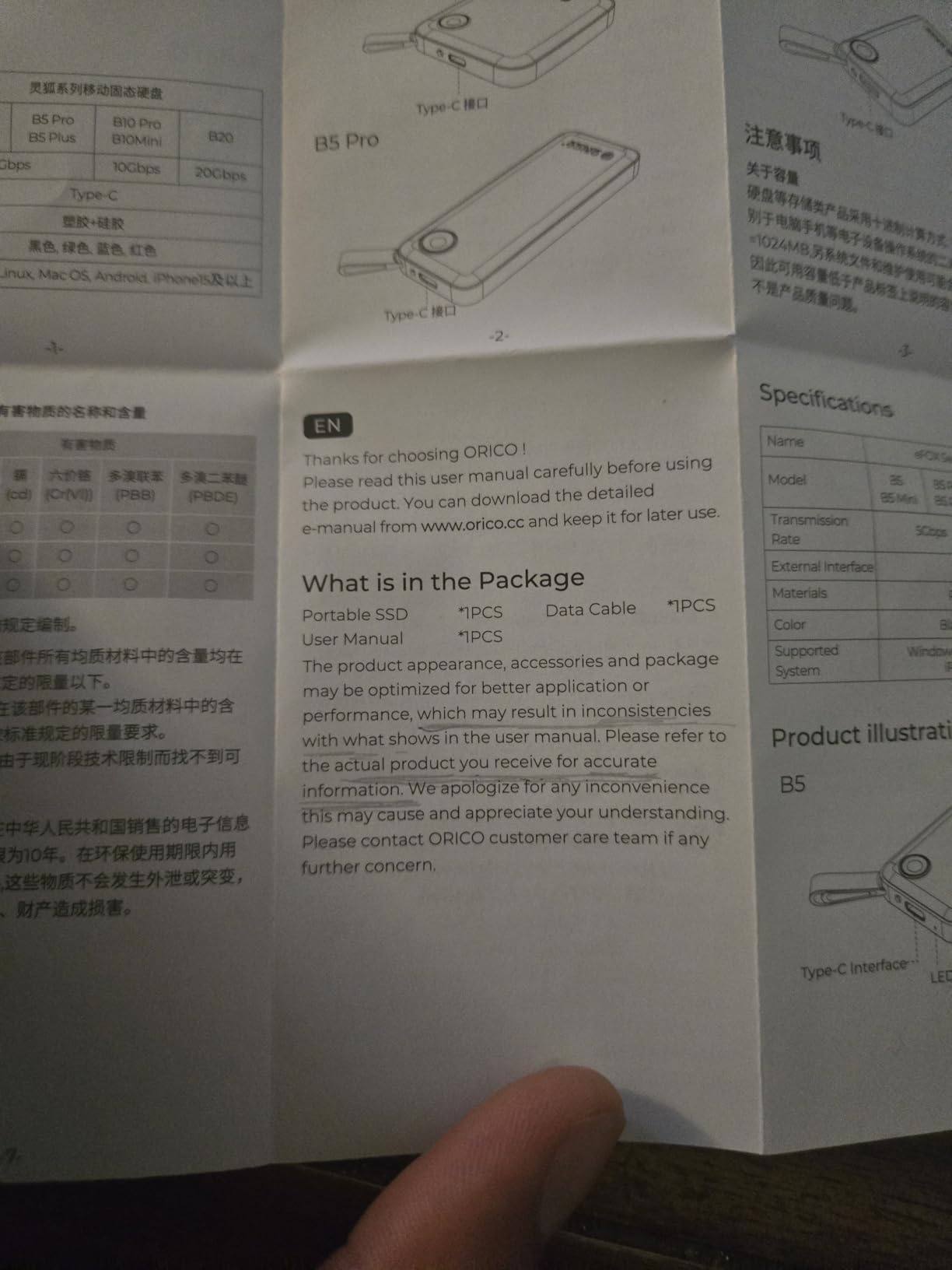
At 0.09 lb in a 2.44 x 2.72 x 0.5-inch body it is genuinely pocketable, and the textured shell does a good job of not showing scratches. Manufacturer compatibility lists cover Windows 11, iPhone workflows, consoles and Android, so one drive covers most of what people actually connect to.
The console list is unusually generous for a budget drive: Xbox One, Xbox Series S and X, Nintendo Switch, PS4 and PS5 all appear in the specifications. That makes it a reasonable second drive for a console that is filling up with games you only play occasionally.
Who should buy the ORICO 512GB
Buy it if you shoot video or photography and need room to offload several card fills before you get home. A 512GB drive with sustained 400 MB/s writes covers a working day of footage without slowing down halfway through.
It is also a sensible shared drive for a household with a PC and a console, since the same unit handles both game storage and file transfer with the bundled cable.
Who should skip the B5PLUS and pick something else
Skip it if you need a warranty you can lean on. The listed cover is 18 months, which is shorter than the 3-year and 5-year terms offered elsewhere in this roundup, and that gap matters if the drive holds work you cannot recreate.
Skip it if you are hard on cables. The USB-A half of the 2-in-1 cable is tethered rather than a separate adapter, and reviews describe it as easy to break off at the housing.
4. Vansuny 500GB Portable SSD – Best Bundled Kit for First-Time Buyers
Vansuny 500GB Portable External SSD, USB 3.1 Gen2 450MB/s High-Speed Data Transfer, Metal USB C Mini Portable External Solid State Drive for PC, Laptop, Phones and More
500GB
Up to 450MB/s read
Palm-sized metal body
USB 3.1 Gen 2
1-year warranty
Pros
- Cable
- USB-A adapter and a storage pouch all in the box
- Metal body smaller than your palm at 30g
- Works with Windows Mac and Android
- Waterproof and shock-resistant construction
Cons
- Sustained transfers reported dropping to around 12MB/s
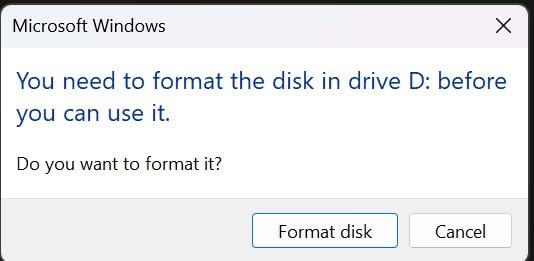
- One owner reported a drive that stopped being recognised and would not reformat
- Only a 1-year warranty
The Vansuny 500GB wins on what arrives in the box. You get the drive, a Type-A to Type-C adapter, a cable and a storage bag, the most complete kit in this roundup, and it removes the most common first-day complaint about budget drives: missing the wrong cable.
The body is a small metal housing at 30g that is smaller than your palm, and the manufacturer describes it as waterproof, shockproof and wear resistant. It works with Windows, macOS and Android, so the same drive travels between your phone and your desktop without a format change.
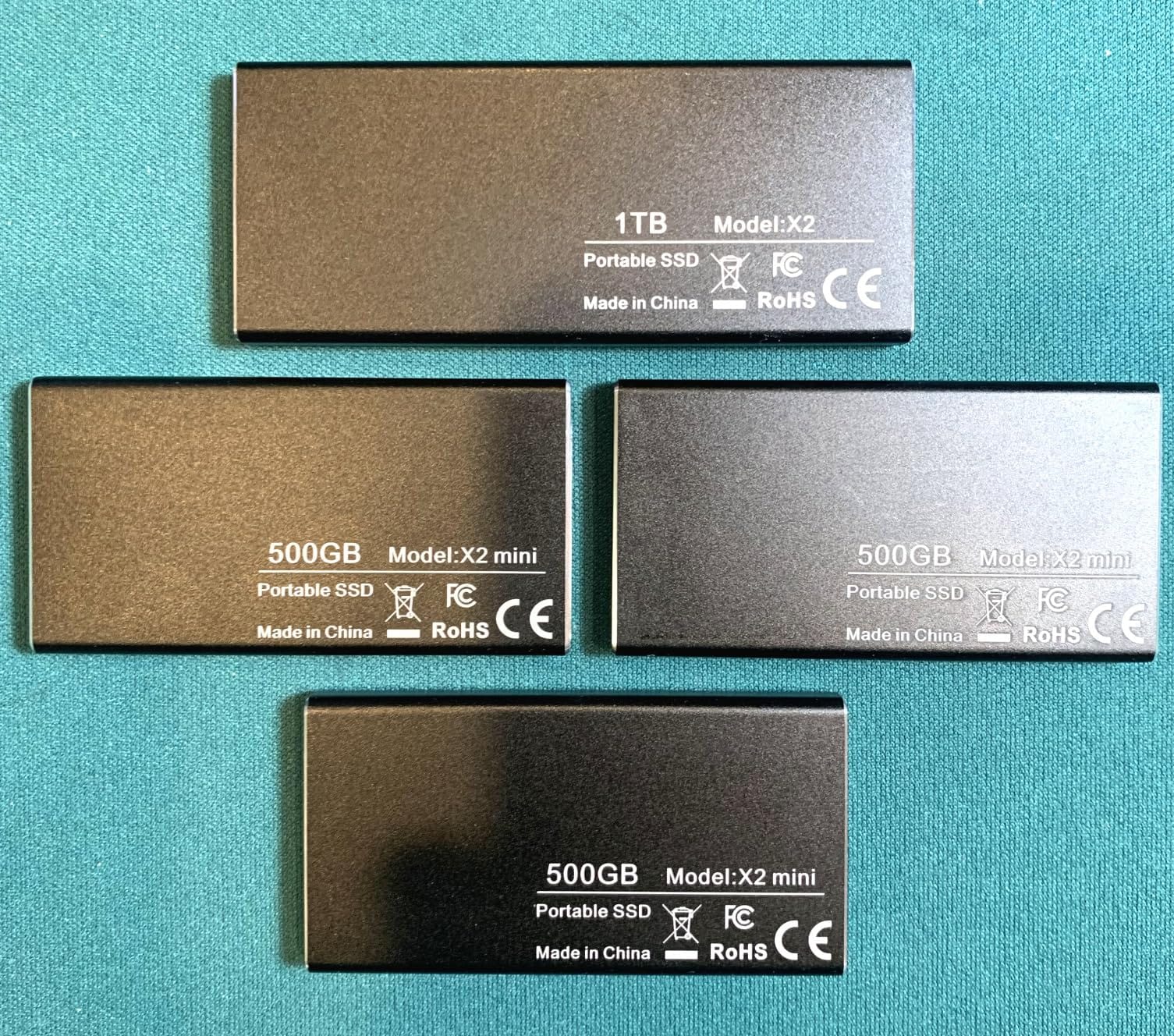
The specification is modest: up to 450MB/s read and 400MB/s write over USB 3.1 Gen 2. That is a real and useful speed for backups and file transfer, but it is not a drive for editing a 4K timeline directly from.
The 67% five-star share tells you most owners are happy with it as a simple backup drive. The 10% one-star share is where the interesting problems live, and we address those honestly below rather than rounding them off.
Who should buy the Vansuny 500GB
Buy it if this is your first external drive and you want everything you need in one box. The included pouch is a small thing that matters when the drive lives in a bag that gets thrown in a car seat.
It also suits anyone backing up a modest amount of data on a schedule rather than moving large libraries around. Photo folders, documents and a course library are exactly the kind of workload a 500MB/s drive handles without drama.
Who should skip the Vansuny and pick something else
Skip it if you move very large files. Owners report sustained transfers falling to around 12MB/s once the write cache is exhausted, and the drive also runs warm during heavy transfers, which is a combination we would not want next to a long video offload.
Skip it if support matters to you. There are reports of a failed drive that would not be recognised or reformatted, combined with an unresponsive warranty support channel, and the 1-year warranty gives you among the least protection in this group.
5. SSK 250GB USB-C Portable SSD – Most Reviewed and Best for iPhone ProRes Capture
SSK Portable SSD 250GB External Solid State Hard Drive USB C Up to 1050MB/s
250GB
1050MB/s read and 1000MB/s write
SLC cache
36.6g aluminium
3-year warranty
Pros
- Highest review count in this roundup at more than 3700 ratings
- Ranks in the top five of its Amazon category
- 1050MB/s read and 1000MB/s write over 10Gbps with SLC cache
- Both USB-C and USB-A cables included plus S.M.A.R.T. diagnostics
Cons
- 250GB displays as roughly 232GB on Windows
- Smallest capacity here so it suits scratch and transfer work
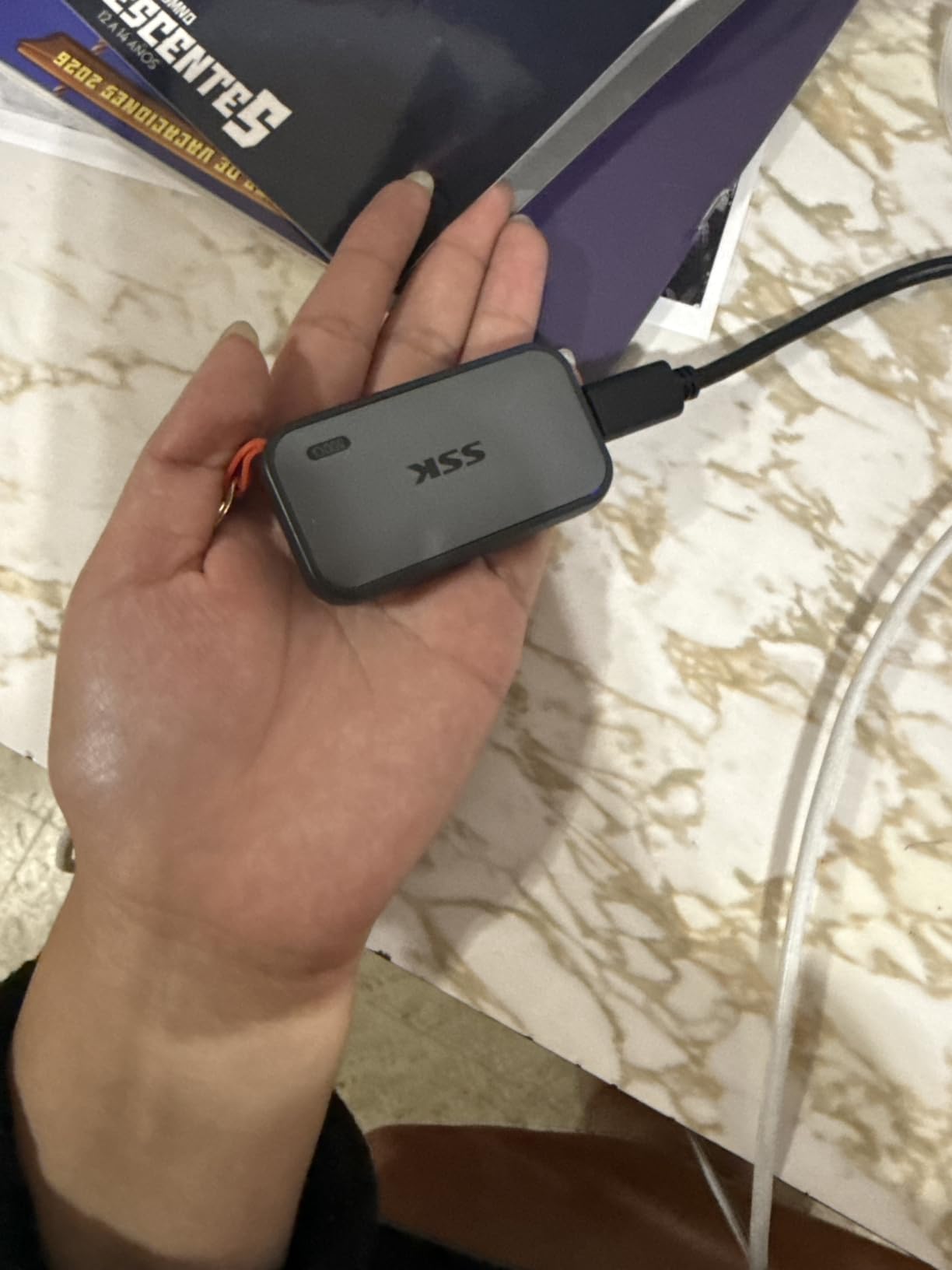
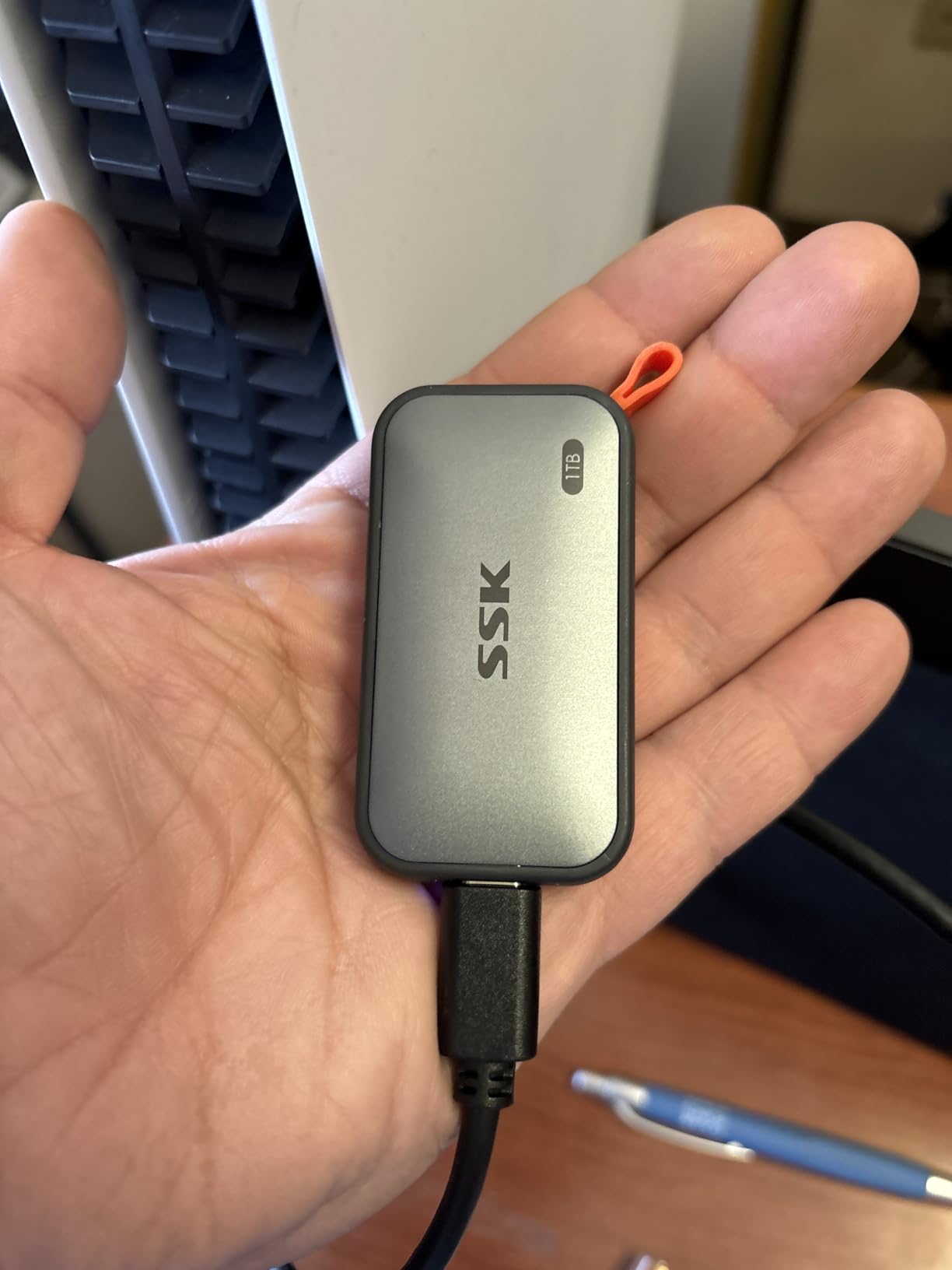
The SSK SD500 is the most-reviewed drive in this group, and that matters more than the spec sheet. In budget storage, a large volume of owner feedback is one of the few reliability signals you can actually buy, because it tells you how a drive behaves after a year of ordinary abuse rather than after a bench test.
It also carries the 10 Gbps class of performance, hitting 1050MB/s read and 1000MB/s write, with SLC caching that uses part of the capacity to keep large transfers steady. The enclosure is a 2mm-thin aluminium alloy case weighing 36.6g that dissipates heat well enough to stay cool during long transfers.
SSK is the brand that comes up most often in budget threads on r/DataHoarder as a safe pick at this price, largely because the dual-cable bundle removes the guesswork and the review base is large enough to trust. That is forum sentiment, not lab data, but it lines up with the rating distribution we can see.
For creators, the detail that stands out is power draw. The drive is rated for 4K60Hz ProRes HDR direct capture on iPhone under 2.4W, which is the constraint that trips up many small external drives when a phone asks them to record video straight to external storage.
Who should buy the SSK 250GB
Buy it if you shoot video on a modern iPhone and want to record straight to the drive instead of filling up internal storage. Low power draw and a fast sustained write speed are the two things that matter here, and this drive has both.
It is also a strong daily carry for anyone shuttling project folders between a laptop and a desktop that both have 10 Gbps ports. At that speed it feels like an internal drive, not an accessory.
Who should skip the SSK 250GB and pick something else
Skip it if you want to store anything long term. At 250GB, shown as roughly 232GB in Windows because of decimal versus binary capacity, there is no room for a growing library, and it is better understood as a fast scratch and transfer drive.
Skip it if the capacity confusion on first connect will bother you. It is a display convention rather than a fault, but it surprises enough first-time buyers that it comes up repeatedly in the reviews.
6. Netac ZX20 512GB Extreme SSD – Best for 20 Gbps Port Owners
Netac 512GB Extreme Portable SSD External Solid State Drives Up to 2000MB/s Read 1700MB/s Write Speed, USB 3.2 Gen.2 Business Travel Essential Supports Win to Go Dust-Resistant
512GB
Up to 2000MB/s read and 1700MB/s write
USB 3.2 Gen 2x2
23g
3-year warranty
Pros
- Headline speeds of 2000MB/s read and 1700MB/s write
- Only 23g in a 71.5 x 43.5 x 8mm housing
- Shock-resistant aluminium with a reinforced inner frame
- USB-C to C and USB-C to A cables plus a 3-year warranty
Cons
- Needs a 20 Gbps port or the speed advantage disappears
- Review base of 229 ratings is thin for a reliability read
- One owner reported a unit that froze mid-transfer and could not be reformatted
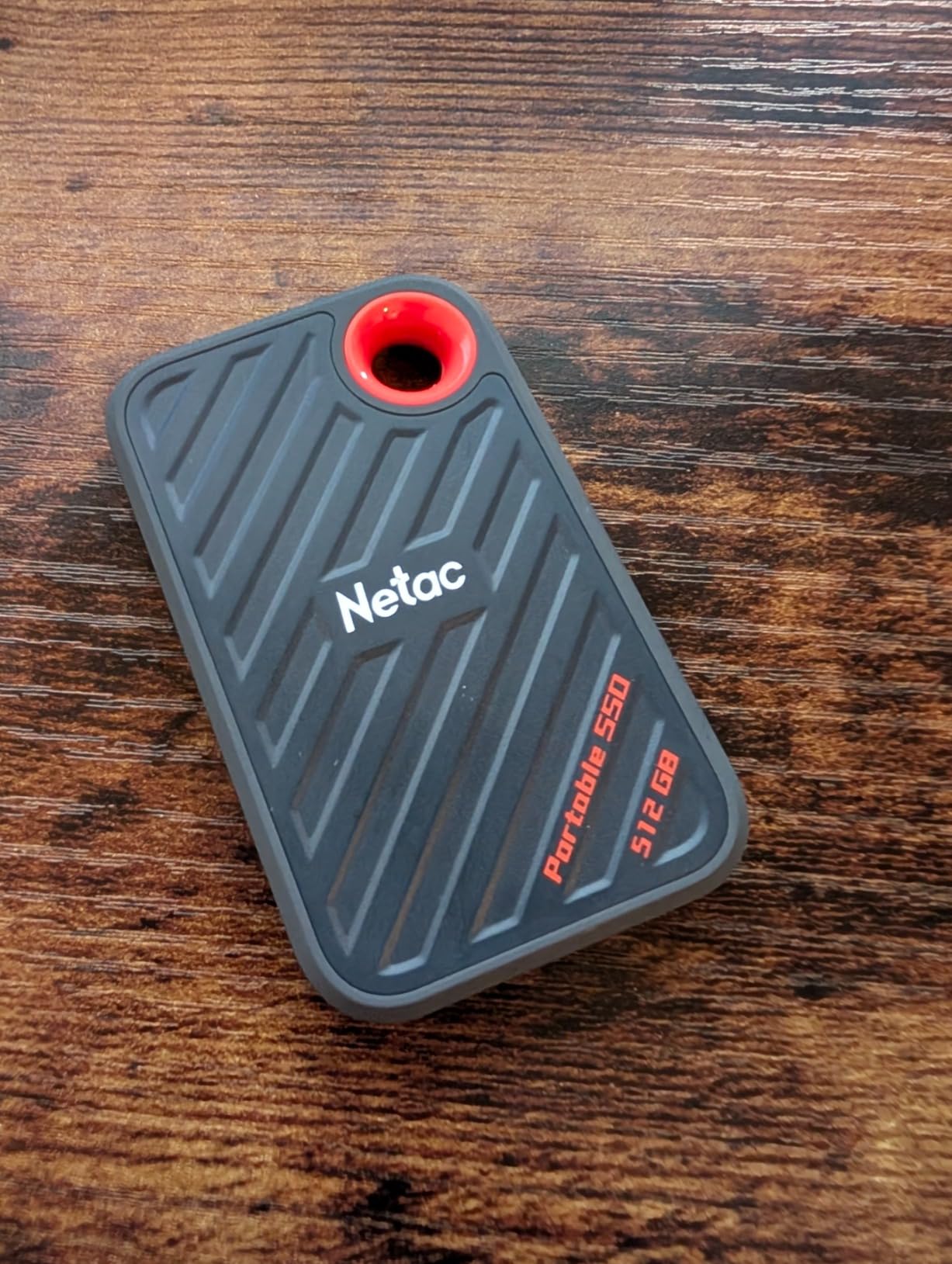
The Netac ZX20 exists for one specific buyer: someone whose laptop or desktop has a USB 3.2 Gen 2×2 port and wants to use it. At 512GB with advertised figures of 2000MB/s read and 1700MB/s write, it joins the SSK 500GB Gen 2×2 in the 2000 MB/s class, and it weighs 23g.
It is also dust-resistant and Windows-to-Go capable, which makes it one of the few budget drives here that can double as a bootable system drive. Both USB-C to C and USB-C to A cables come in the box alongside a 3-year warranty.
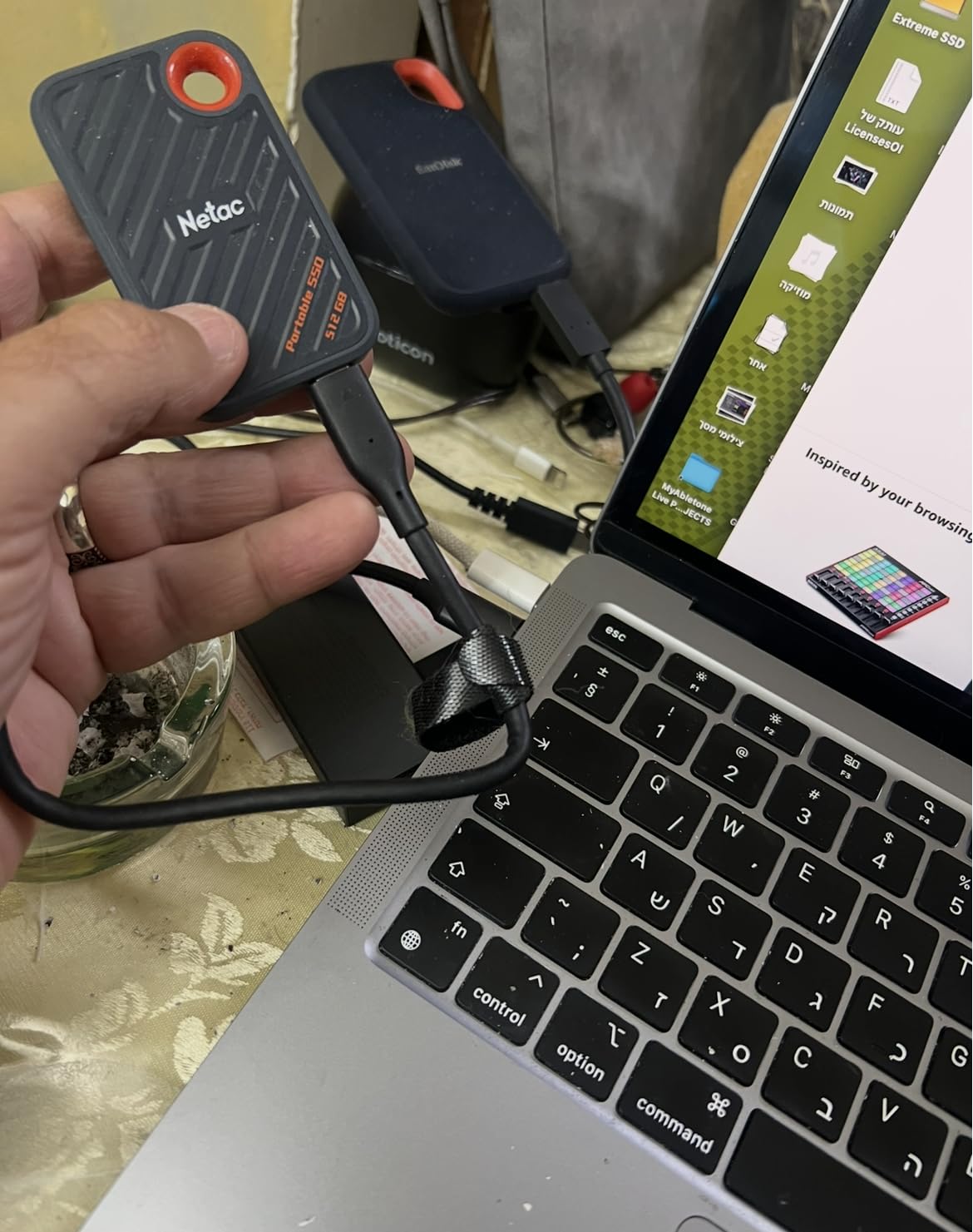
The catch is the same one that catches every Gen 2×2 drive. On a 10 Gbps port it performs like a 1050 MB/s drive, and macOS caps these enclosures at roughly 1000 MB/s regardless of what the label says. Buying it without checking your port is how people end up disappointed by a fast drive.
Reviewers do like the combination of speed and a body small enough for a travel pouch. What they cannot give you is a long reliability history, because 229 ratings is a thin base for judging a drive that holds backups.
Who should buy the Netac ZX20
Buy it if you have verified a 20 Gbps port on your machine and you regularly move large project folders. At 512GB it also has room to be a working drive rather than a shuttle, which the smaller 2000 MB/s options cannot manage.
Windows-to-Go users get a bonus here. A dust-resistant enclosure that boots from USB is genuinely useful if you move between a work machine and a personal one.
Who should skip the ZX20 and pick something else
Skip it if your ports are 10 Gbps or if you are on a Mac. In both cases you will pay for headroom your hardware will not let you use, and a 1050 MB/s drive performs the same on a 10 Gbps port.
Skip it if the drive will hold your only copy of anything. The review base is small, and there is a report of a unit that froze mid-transfer and could not be reformatted, which is the failure mode nobody wants to meet.
7. SSK 500GB Gen 2×2 Portable SSD – Best 20 Gbps Drive with Full Cable Support
SSK 500GB Portable SSD External Solid State Hard Drive USB3.2 Gen2x2 20Gbps
500GB
Up to 2000MB/s over 20Gbps
USB 3.2 Gen 2x2
60g zinc alloy
3-year warranty
Pros
- 20Gbps interface reaching up to 2000MB/s
- Includes a 20Gbps USB-C cable and a 10Gbps USB-A cable
- S.M.A.R.T. diagnostics and adaptive TRIM for steadier writes
- Fits in the palm of a hand and runs large apps directly
Cons
- Thunderbolt and other ports cap it at 10Gbps
- Reported to run very hot during long large-file transfers
- Delivered speeds often fall short of the advertised figure
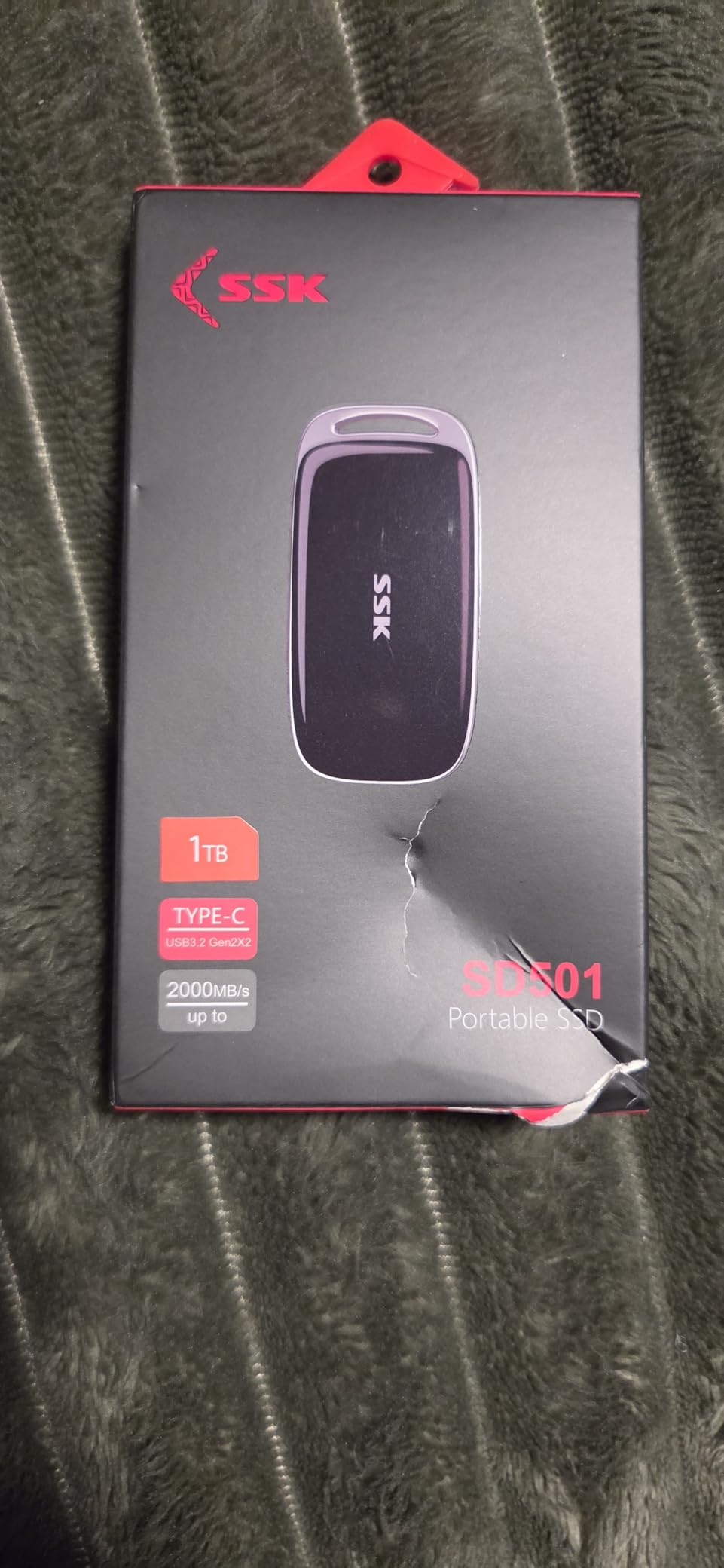
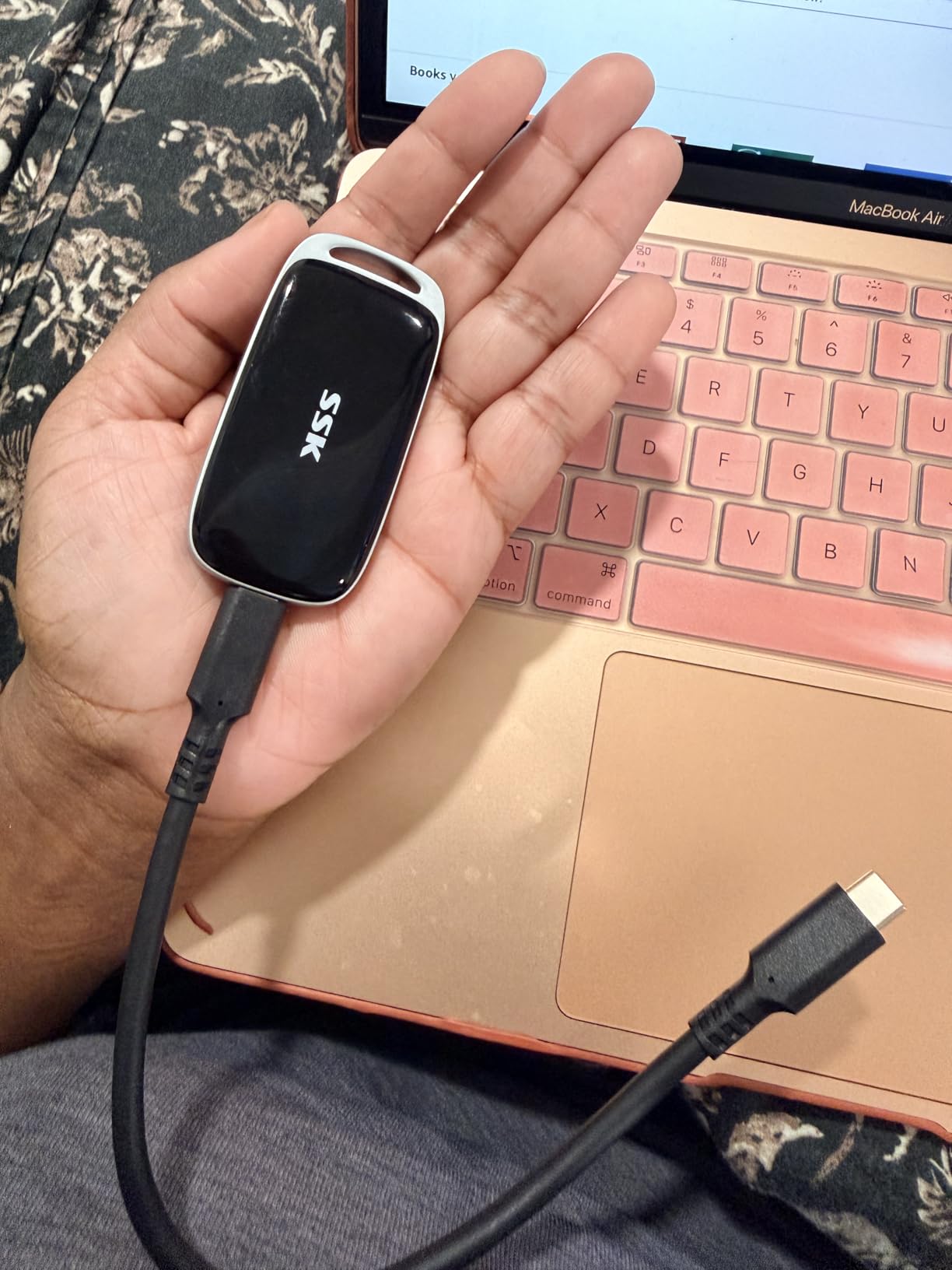
Where the Netac ZX20 sits at the lower end of this class, the SSK SD501 is the more considered one. The SD501 includes both a 20Gbps USB-C cable and a 10Gbps USB-A cable, which removes the single most common reason a Gen 2×2 drive disappoints: being plugged into a cable rated for less.
It also adds S.M.A.R.T. health diagnostics and adaptive TRIM, so you can check the drive’s condition rather than finding out the hard way. The zinc alloy case gives it 60g and a palm-sized footprint of 2.93 x 1.46 x 0.42 inches.
Owners like that it runs quietly and can host large applications directly from it, which is a genuine step up from treating an external drive as pure storage. At 500GB it also gives you more room than the smaller high-speed options.
What owners do not like is heat. Long large-file transfers push this drive noticeably warm, and delivered speeds commonly land below the advertised 2000MB/s once real-world overhead and the host port are taken into account.
Who should buy the SSK 500GB Gen 2×2
Buy it if you have a genuine 20 Gbps port and want to run applications or a working project from the drive rather than just storing files. The S.M.A.R.T. support is a real advantage when the drive is that central to your work.
It is also a better choice than the ZX20 if you will connect to older USB-A hardware regularly, because the 10Gbps cable is genuinely included rather than substituted.
Who should skip the SD501 and pick something else
Skip it if you work on a Mac or on any machine without a 20 Gbps port. Thunderbolt and most other ports cap it at 10Gbps, so you lose most of what you are paying for.
Skip it if it will live next to your thigh in a hot car or a crowded bag. Reports of high surface temperature under sustained load are consistent enough that we would not want this drive inside a laptop sleeve during a multi-hour transfer.
8. fanxiang F901 256GB Dual-Head SSD – Best for Connectors That Retract
256GB External SSD USB Drive, 520MB/s USB-C & USB-A Portable SSD -F901
256GB
Up to 520MB/s read and 450MB/s write
30g zinc alloy
USB-C and USB-A
5-year warranty
Pros
- Highest average rating in this group with only 2% one-star
- Benchmarks around 500-550MB/s read and up to 497MB/s write
- Retractable push-pull USB-C and USB-A connectors with no caps to lose
- Real SATA SSD behind a Gen 2 bridge with working SMART and TRIM
Cons
- Heavy metal body puts torque on the port and sags in horizontal sockets
- Small-file and many-small-files transfers are far slower than headline figures
- Plastic slider feels cheap and exposed ports collect lint
The fanxiang F901 is the highest-rated drive in this lineup at 4.6, with only 2% of reviews landing at one star. That is a small sample, but the character of the feedback is consistent: owners who benchmark it tend to find it delivers more than the label claims.
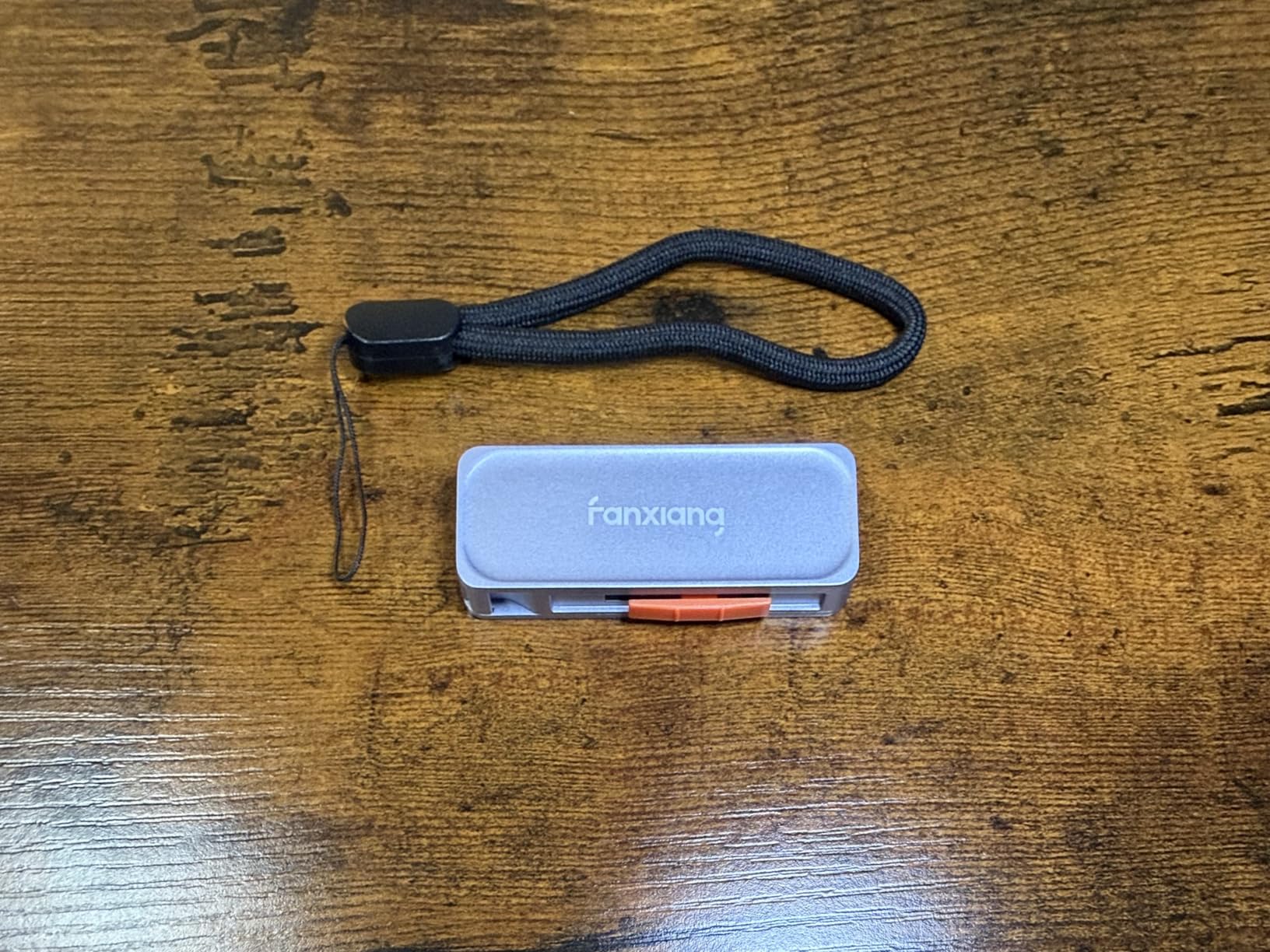
The connectors are the reason most people keep it. Push-pull retractable USB-C and USB-A mean there is no cap to lose in a pocket and no adapter to leave behind at a family house, and the built-in lanyard hole lets you clip it to a keyring or bag strap.
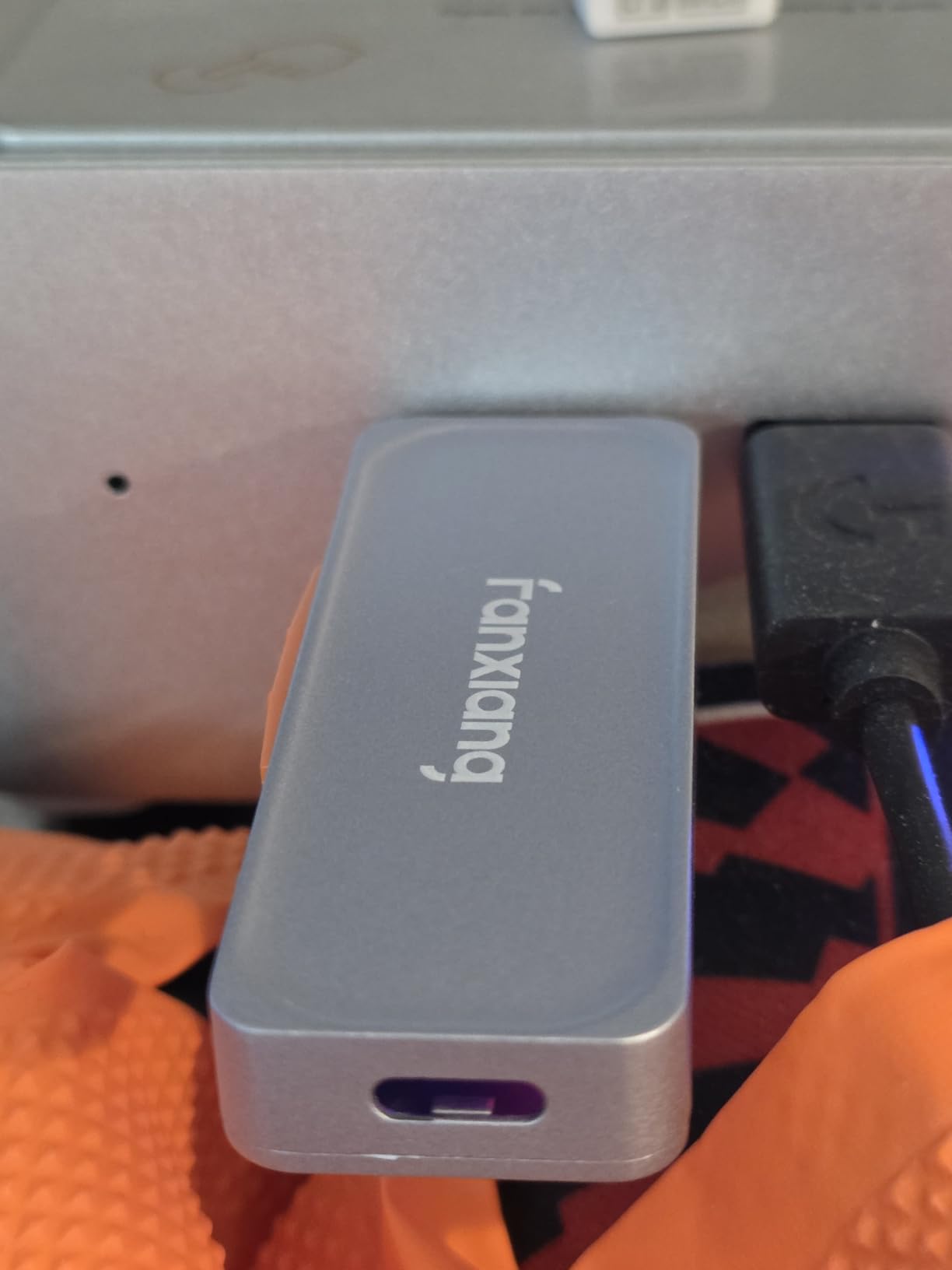
Internally it is a real SATA SSD behind a USB 3.2 Gen 2 bridge with working SMART and TRIM, not a generic flash stick. That distinction matters for anyone who cares about health monitoring, and the zinc alloy housing doubles as a heatsink to hold steady sustained writes.
The drive is pre-formatted as exFAT, so it works across Android, Mac, Windows, car audio and smart TVs without a formatting session. Rated operation runs from 32F to 122F, and it supports 4K ProRes direct recording on iPhone 15 Pro and later with a 5-year warranty behind it.
Who should buy the fanxiang F901
Buy it if you move between USB-C and USB-A machines constantly and you have lost adapters before. The retractable dual connectors make it the least fussy carry option in this roundup, and the 5-year warranty is the joint-longest here.
Phone and car workflows suit it well too. The exFAT default and broad device support mean it drops into an Android phone, a car stereo or a smart TV without special preparation.
Who should skip the F901 and pick something else
Skip it if your device ports are horizontal and lightly built. At 30g in solid zinc alloy, owners report noticeable torque on the port and some sag in horizontal sockets, which can produce the intermittent disconnects that plague USB storage.
Skip it if your workload is thousands of small files. Many-small-files transfers are dramatically slower than the 500 MB/s headline, so a larger-capacity 512GB drive is usually the better tool for project folders and photo catalogues.
9. RAOYI 512GB Dual-Head SSD – Best Budget Drive with TLC NAND
RAOYI 512GB USB C External SSD, 2-in-1 Solid State Drive Up to 450MB/s Dual USB 3.2 + Type-C Thumb Drive Portable SSD Drive for iPhone 15/16/17, Android, Tablet, PC and PS4
512GB
450MB/s read and 400MB/s write
TLC NAND
Dual USB-C and USB-A
1-year warranty
Pros
- Dual USB-C and USB-A head design removes the adapter
- TLC NAND inside a drop-proof zinc alloy casing
- Works with iPhone 15/16/17 Android tablets Mac and PS4
- Palm-sized at 0.05 kg with a protective double-head cover
Cons
- One of the shortest warranty terms in this roundup
- Highest one-star share here at 11% on a small review base
- No support for Lightning ports
The RAOYI is worth knowing about because it specifies TLC NAND rather than leaving the flash type unstated. TLC holds write performance better under sustained load than QLC, which is exactly the failure mode that catches people copying long video files to a budget drive.
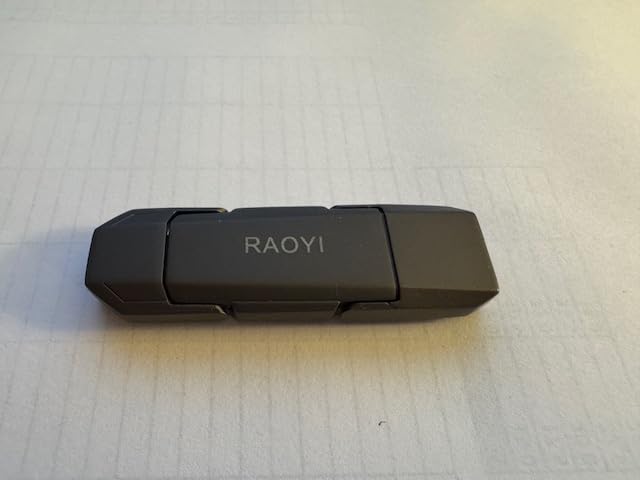
The dual-head design covers USB-C and USB-A in a single palm-sized body at 0.05 kg, with a protective cover over the heads. It comes pre-formatted as exFAT and is backward compatible with USB 3.1, 3.0 and 2.0, so older hardware is not locked out.
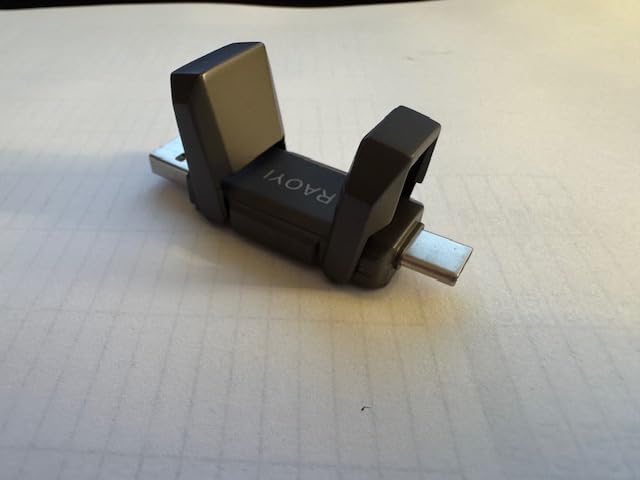
Device support is broad for a drive at this level: iPhone 15, 16 and 17 series, Android, tablets, macOS, Windows, car audio and PS4 all appear in the manufacturer specifications. The waterproof, dust-resistant and shock-resistant claims are typical of the class rather than exceptional.
Speed is a straightforward 450MB/s read and 400MB/s write over USB 3.2 Gen 2. That is enough for phone offloads, document libraries and console game storage without being the drive you edit 4K timelines from.
Who should buy the RAOYI 512GB
Buy it if you move files between phones, tablets, a PC and a console and you want one drive that handles all four without adapters. The TLC NAND is the quiet advantage for anyone writing large files repeatedly.
PS4 owners get explicit support here, and 512GB is a sensible size for a secondary console library of older titles.
Who should skip the RAOYI and pick something else
Skip it if warranty length is part of your reliability calculation. One year is among the shortest terms in this roundup, and with an 11% one-star share on a small review base you have less margin for a failure.
Skip it if you need Thunderbolt-class transfer speed or a Lightning connection. The USB 3.2 Gen 2 ceiling is what it is, and older iPhones simply will not talk to it.
10. ORICO C5 256GB Portable SSD – Best for Hook Mounting and Cool Running
ORICO C5 256GB External SSD up to 460MB/s,USB 3.2 Gen1,Hanging Hole Design
256GB
Up to 460MB/s
USB 3.2 Gen 1
0.22 lb aluminium
3-year warranty
Pros
- Hanging hook design for a belt backpack or bag strap
- Aluminium alloy body rated against drops dust and wear
- Runs silent and cool compared with larger external SSDs
- 2-in-1 USB-C and USB-A cable included with a 3-year warranty
Cons
- Does not connect to iPhone despite the mobile-focused marketing
- Not optimized for sustained large 4K video transfers
- 256GB is a small working capacity
The ORICO C5 is the simplest drive here, and the hanging hook moulded into the housing is its feature. Mount it on a backpack strap or belt and it stays physically attached to the gear that needs backed up, which quietly eliminates the most common cause of lost portable drives.
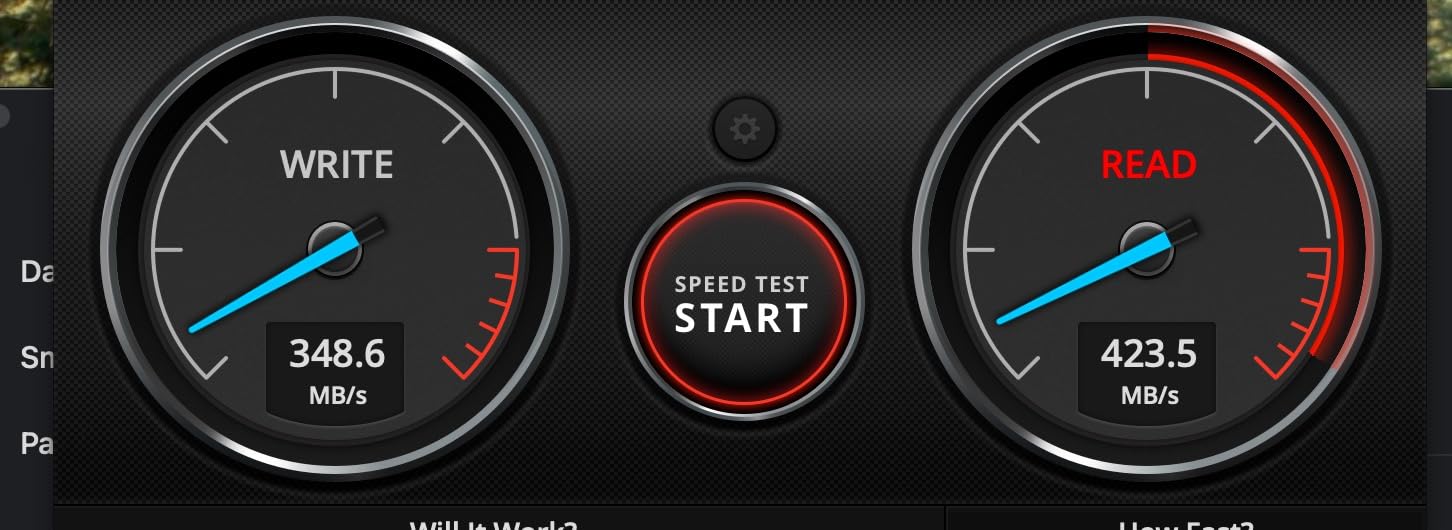
At 5.19 x 1.33 x 0.74 inches and 0.22 lb it is one of the larger-bodied picks in the lineup, but it runs silent and cool, which owners consistently notice next to bigger external drives. The aluminium alloy housing resists drops, dust and wear, and a 3-year warranty is included.
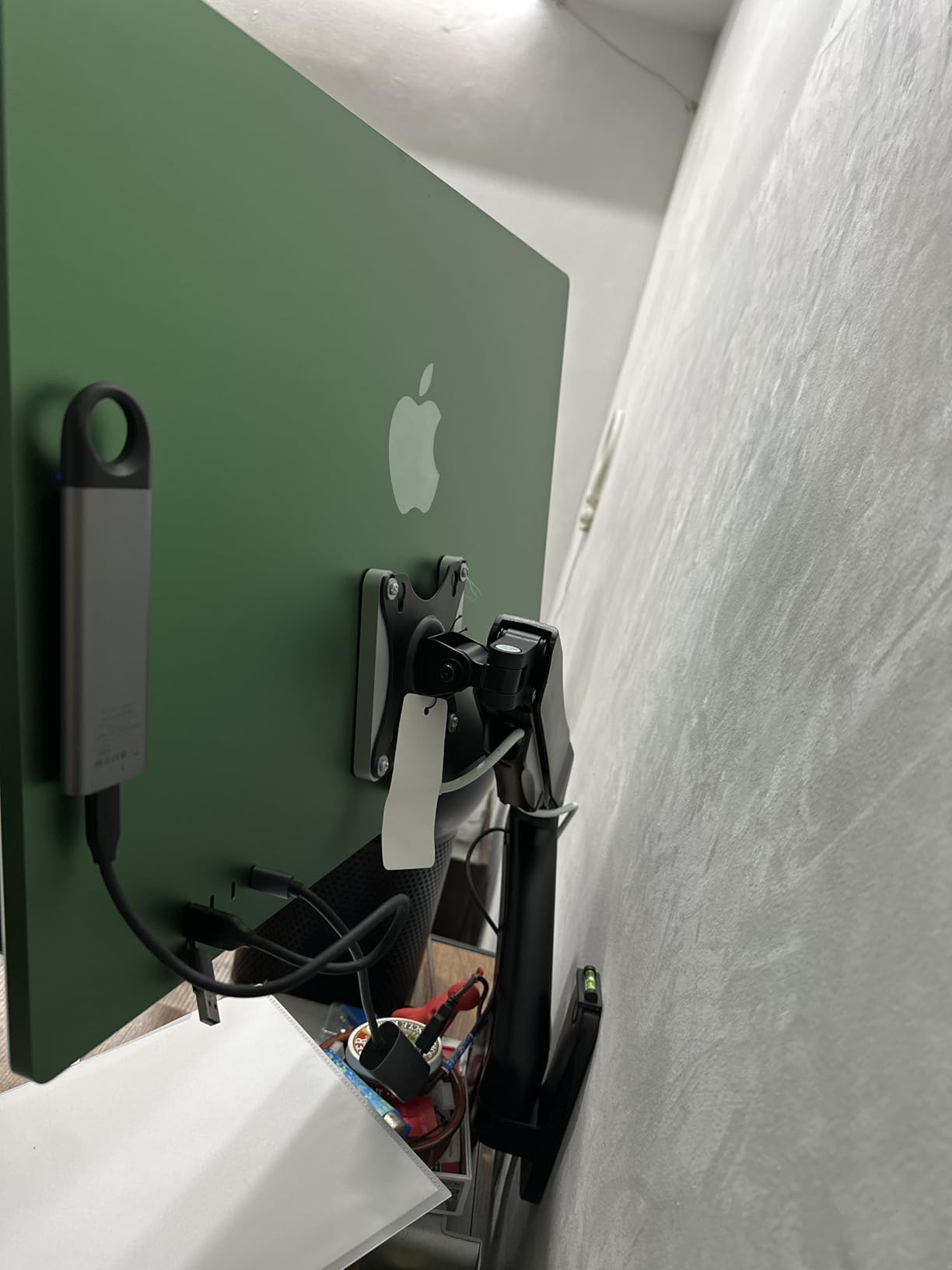
Speed is 460MB/s over USB 3.2 Gen 1, so it works on essentially any modern port including older laptops and USB 3.0 machines. The 2-in-1 USB-C and USB-A cable is in the box, and the drive is plug-and-play on Android, iOS, macOS and Windows for whatever each platform allows.
The listed use cases are interesting: owners mention Tesla Sentry Mode cameras, iMacs, Android phones and both Windows and Mac machines. That makes it a decent companion drive for a security camera or a shared family machine where you just need reliable extra storage.
Who should buy the ORICO C5
Buy it if you carry a camera or a security setup and you want the drive physically attached to your gear. The hook mounting is a small design decision that eliminates a surprisingly large category of problem.
Buy it if you also value running cool. For a drive that stays plugged in as a general-purpose secondary store, low heat and silence are genuine quality-of-life wins.
Who should skip the C5 and pick something else
Skip it if you expected iPhone connectivity from the mobile-focused marketing. Reviews flag that it will not connect to an iPhone directly, which undercuts the portability promise for some buyers.
Skip it for video work. It is explicitly not optimized for sustained large 4K transfers, and at 256GB you would be filling it with the first shoot day. The Transcend ESD310C or the SSK 250GB serve that role far better.
How We Picked: Review Data, Port Math and Reliability Signals
We did not run a lab. Everything in this guide comes from manufacturer specifications plus the aggregate of verified owner reviews, and we would rather tell you that than dress up published numbers as our own measurements. Where owner testing appears in the review data, such as measured transfer speeds or sustained-write behaviour, we attribute it as owner testing rather than as our result.
Our selection rubric weighted four things. First, real capacity, because a 256GB drive and a 512GB drive are not interchangeable when you are building a media library. Second, the honest speed tier, matched to what the drive’s interface can actually deliver on a normal port. Third, warranty length as a proxy for how confident the manufacturer is in its own flash and controller. Fourth, review volume, because a drive with 3722 ratings tells you far more about year-two behaviour than one with 90.
The reliability rubric is deliberately simple. We looked at average rating, one-star share, review volume and warranty term together. The fanxiang F901 scores best on rating with only 2% one-star, but on 109 reviews that is a small sample. The SSK 250GB scores well on every axis at once: 4.5 average, a large review base and a 3-year warranty. The Netac ZSlim carries a 10% one-star share, which is why we frame it as the best overall pick on physical design and capacity rather than on failure rate.
One honest note on the wider category: buyers on r/DataHoarder and similar budget-storage threads repeatedly report early failures in no-name drives between a few months and a year or more, sometimes while still inside a 3-year warranty. That is a real pattern in this price bracket and it applies to the whole class, not one brand. Multiple owners in those threads recommend keeping a redundant backup rather than trusting a single budget drive with anything irreplaceable, which is the single most useful piece of advice in this entire guide.
Check Your USB Port Before You Buy
The single most common buyer mistake in this price bracket is buying a fast drive for a slow port. The USB interface sets the ceiling, and the drive’s own controller never gets a chance to exceed what your computer can negotiate. Work out which tier your machine supports before you choose anything from the list above.
USB 3.2 Gen 1 (5 Gbps) caps out near 500 MB/s in practice. This is what an unlabelled USB 3.0 port usually is, and it is enough for any 450 to 550 MB/s drive in this roundup.
USB 3.2 Gen 2 (10 Gbps) caps out near 1050 MB/s. The SSK 250GB and Transcend ESD310C live here and need this port to shine.
USB 3.2 Gen 2×2 (20 Gbps) caps out near 2000 MB/s. The Netac ZX20 and SSK 500GB Gen 2×2 need this port, and nothing else will do.
USB4 and Thunderbolt 3, 4 and 5 carry more bandwidth than these enclosures use, but macOS in particular caps a Gen 2×2 SSD at roughly 1000 MB/s.
On a Mac, that last line is worth reading twice. Owners on Mac-focused forums describe the frustration of buying 2000 MB/s hardware and watching the system report about 1000 MB/s, because the platform does not currently expose 20 Gbps to these enclosures. If your primary machine is a Mac, the Gen 2 tier is the honest ceiling and the 2000 MB/s options will not earn their extra cost.
A practical check takes thirty seconds. Look at the port on your laptop or desktop, then check the manufacturer specification sheet for that port’s generation. If it says 5 Gbps, buy the 450 to 550 MB/s group. If it says 10 Gbps, the 1050 MB/s drives are your sweet spot. Only reach for Gen 2×2 when you have confirmed a 20 Gbps port, and use the cable that came in the box.
One more port-related caveat: a cable rated for 5 Gbps plugged into a 20 Gbps drive will quietly cap you at 500 MB/s. This is the exact complaint forum members raise about cheap bundled cables, and it is why the SSK 500GB Gen 2×2, which comes with a genuine 20 Gbps cable, is the safer high-speed buy than a bare drive with a generic cable.
How to Choose the Best Portable SSD Under 100 Dollars
Start with capacity, because it is the decision you cannot undo later. A 256GB drive is a scratch disk for transfer and phone recording, and a 500GB or 512GB drive is the minimum for photo or video work. If you want 1TB at this budget, you are shopping at the edge of what the 100-dollar ceiling covers, and the deals that exist change week to week, so treat capacity as the first filter rather than an afterthought.
Next, match the speed tier to your port as described above. Advertised speed is a laboratory ceiling measured on ideal hardware, and the number of megabytes per second you will actually see depends on file size, host port and cache behaviour. Sequential large files approach the headline number; thousands of small files do not come close, so do not judge a drive by how a folder of 40,000 JPEGs feels.
Then check the interface generation, and be suspicious of inflated listings. Owner reports in budget threads describe drives advertised at 1000 MB/s that measure 400 to 500 MB/s in practice. Cross-check that the listing states a specific USB generation, not just a speed figure, because a generation label is harder to fudge than a number.
Durability is the fourth filter. Look for an aluminium or zinc alloy housing over thin plastic, an IP55 or IP65 rating if the drive will live in a bag or outdoors, and a stated drop figure. Our separate guide to the best rugged portable SSDs for travel goes deeper on this if the drive will be handled roughly.
Warranty length is the fifth filter and the least expensive protection available. In this roundup the range runs from one year on the Vansuny and RAOYI to five years on the Transcend ESD310C and the fanxiang F901. A longer warranty is not proof of reliability, but it does tell you how much risk the manufacturer is willing to absorb, and it is the most honest signal available when you cannot test the drive yourself.
NAND type matters if you write large files repeatedly. TLC flash sustains writes far better than QLC once the SLC cache fills, which is why the RAOYI specifying TLC NAND is a genuine point in its favour for video work. S.M.A.R.T. diagnostics, listed on the SSK drives, let you check drive health over time rather than discovering a problem during a recovery.
Compatibility is the sixth filter. Check whether you need USB-C only or USB-A too, whether you plan to record ProRes video directly to the drive from an iPhone, and whether a console is in the picture. The ORICO B5PLUS lists PS4, PS5, Switch and both Xbox Series consoles, while the Transcend and SSK drives are pitched at handhelds such as the Steam Deck and ROG Ally.
Finally, think about what happens to the drive long term. NAND flash loses charge gradually when it sits unpowered, so a portable SSD in a drawer is a worse five-year archive than a spinning hard drive is. Use these drives for active working storage and backups, and follow the 3-2-1 rule for anything you cannot recreate: three copies, two media types, one off-site. No budget portable SSD should be the last place a file exists.
Formatting is the last step before you start. exFAT is the sensible default because Windows and macOS both read and write it without extra software, which is why the Transcend, fanxiang and RAOYI arrive pre-formatted that way. NTFS is the better choice for a Windows-only drive that needs full permission support, and APFS is the right choice for a Mac-only Time Machine target. Reformatting takes a couple of minutes and prevents the most common surprise of all: a drive that looks empty but will not accept a copy.
Common Portable SSD Problems and How to Fix Them
If a drive will not appear at all, work down the physical list first. Try the other port, try the other cable, and confirm the drive is formatted in a filesystem your computer understands. A drive formatted NTFS on a Mac or exFAT on an older console will simply not mount, and that is not a hardware fault.
If transfers crawl partway through a large file, the likely cause is cache exhaustion rather than a broken drive. Budget enclosures have limited SLC cache, so a single 40GB copy will outrun it and drop to raw NAND speed. Videographers who hit this report success by chunking transfers into pieces under 15GB.
If a console will not see the drive, format it to exFAT, confirm the drive is faster than the console’s minimum requirement, and re-seat the cable. Console storage also tends to want more headroom than a phone does, so a nearly full drive can stop being detected.
If a Raspberry Pi or Linux machine drops the connection randomly, look at USB autosuspend rather than the drive. Disabling autosuspend or moving the drive to a powered hub solves most of the intermittent disconnect complaints reported in homelab threads.
Finally, if a drive ever stops being recognised entirely, stop writing to it immediately. Reviewers describe units in this class that could not be reformatted, and repeated write attempts on a failing drive reduce the chance that a specialist recovers the data.
Frequently Asked Questions
What is the best budget portable SSD?
The best budget portable SSD for most people in this price bracket is the Netac ZSlim 500GB. It gives you half a terabyte of storage in a 9mm-thin, 30g aluminium body, with a 3-year warranty and more than 3,200 owner reviews behind it. If you want more speed and less capacity, the SSK 250GB reaches about 1050 MB/s over a 10 Gbps port. If you need 512GB and sustained write speed for video, take the ORICO 512GB.
Which portable SSD is the most reliable?
Reliability at this budget is judged on warranty length, review volume and one-star share together. The Transcend ESD310C leads on warranty with five years, and the fanxiang F901 has the highest average rating with only 2% one-star responses. The SSK 250GB has the largest review base of the group, which gives the best evidence of long-term behaviour. No budget drive should hold your only copy of anything, so keep a second backup.
Is it worth buying a portable SSD?
Yes, if you move files larger than a few gigabytes, shoot video, expand a console, or want a backup that does not need mains power. A portable SSD has no moving parts, so it survives being knocked in a bag, draws almost no power, and transfers at roughly 450 to 1050 MB/s in this budget range. A portable hard drive costs less per terabyte and is better for cold long-term archiving, but it is slower and mechanically fragile.
What is the best cheap and reliable external SSD?
The SSK 250GB is the best balance of cheap and reliable in this roundup. It combines 1050 MB/s read and 1000 MB/s write over USB 3.2 Gen 2, an SLC cache that protects sustained transfers, S.M.A.R.T. health diagnostics, a 3-year warranty and both USB-C and USB-A cables in the box. Its review count is the highest of any drive we looked at, which is the strongest reliability signal available at this price.
Which is better, the Samsung T7 or the SanDisk Extreme?
Both are excellent drives, but at 1TB they commonly sit above this guide’s 100-dollar ceiling, so they fall outside a strict budget roundup. Between the two, creators usually treat the Samsung T7 as the safe default for everyday transfers and the SanDisk Extreme as the durability choice, with a stronger water and dust rating. Sub-100-dollar equivalents to consider here are the Transcend ESD310C and the SSK 250GB.
What are some good alternatives to the Samsung T7 SSD?
The closest alternatives in this price range are the SSK 250GB at 1050 MB/s over 10 Gbps, the Transcend ESD310C dual-interface thumb drive with a five-year warranty, and the ORICO 512GB if you need more capacity than speed. For phone and console work, the RAOYI 512GB dual-head and the fanxiang F901 both offer USB-C and USB-A in one body. All of them cost well under the 100-dollar ceiling.
Final Recommendations
The best portable SSDs under 100 dollars in 2026 come down to which port you own and how much capacity you need. For most buyers the Netac ZSlim 500GB is the pick, because 500GB in a 9mm-thin body is the combination that keeps working after the novelty wears off.
Pick the SSK 250GB for speed on a 10 Gbps port or for iPhone ProRes recording. Pick the Transcend ESD310C for the longest warranty and the least fussy connectors. Pick the ORICO 512GB when sustained writes and console support matter. Pick the Netac ZX20 or SSK 500GB Gen 2×2 only after confirming a 20 Gbps port, and pick the fanxiang F901 or RAOYI when a dual-head thumb drive fits your phone-and-laptop routine better.
Whichever you choose, keep a second copy of anything you cannot re-download, and format the drive to exFAT before you start filling it. Our broader buying guides cover the best external SSDs across every budget for readers who want to stretch past the 100-dollar ceiling.