

Wrist pain that shows up every evening after a full day of typing and clicking is not random. The angle your hand is forced into on a flat mouse is one of the most common causes of repetitive strain, and the fastest structural fix is a mouse that puts your forearm back into a neutral handshake position instead. That is what this roundup covers: the best vertical mice for wrist pain, compared on grip angle, hand-size fit, sensor range, connectivity and the honest realities of the adjustment period.
We went through ten vertical mice built for pain relief, from a machined-free premium Logitech flagship down to a budget rechargeable option, and read the long-term owner reports on each. Every pick below has a clear best-for case, and we flag where a cheaper mouse does the same job better.
Pwice may earn a commission from qualifying purchases made through the links on this page.
Quick Answer: The Logitech MX Vertical is the best vertical mouse for wrist pain overall, thanks to its 57 degree angle and 4000 DPI sensor. The Logitech Lift fits small hands better, and the TECKNET 52 degree model is the quiet pick for shared offices.
Table of Contents
Top 3 Picks for Vertical Mice for Wrist Pain in 2026

Logitech MX Vertical
- 57 degree vertical angle
- 4000 DPI optical sensor
- Switches between three devices
- USB-C charging while in use

Logitech Lift Vertical
- 57 degree angle sized for small hands
- Silent clicks with SmartWheel
- Up to 24 months of battery

TECKNET 52 Degree Vertical
- 52 degree angle for small and medium hands
- 600mAh rechargeable battery
- Silent clicks rated to 6 million presses
10 Best Vertical Mice for Wrist Pain (October 2026)
| Product | Specifications | Action |
|---|---|---|
| Logitech MX Vertical |
|
Check Latest Price |
| Logitech Lift Vertical |
|
Check Latest Price |
| TECKNET 52 Degree Vertical Mouse |
|
Check Latest Price |
 ProtoArc EM11 NL Vertical Mouse ProtoArc EM11 NL Vertical Mouse |
|
Check Latest Price |
 Lekvey Rechargeable Vertical Mouse Lekvey Rechargeable Vertical Mouse |
|
Check Latest Price |
 UGREEN Quiet Vertical Mouse UGREEN Quiet Vertical Mouse |
|
Check Latest Price |
 TECKNET 4800 DPI Vertical Mouse TECKNET 4800 DPI Vertical Mouse |
|
Check Latest Price |
 Anker 2.4G Wireless Vertical Mouse Anker 2.4G Wireless Vertical Mouse |
|
Check Latest Price |
 Anker Wired Vertical Mouse Anker Wired Vertical Mouse |
|
Check Latest Price |
 JYKEYMOUT Rechargeable Vertical Mouse JYKEYMOUT Rechargeable Vertical Mouse |
|
Check Latest Price |
1. Logitech MX Vertical – Best Overall Vertical Mouse for Wrist Pain
Logitech MX Vertical Wireless Mouse Ergonomic Design – Graphite
57 degree angle
4000 DPI sensor
Three device switching
8 oz weight
Bluetooth and USB receiver
Pros
- 57 degree angle reduces wrist pressure
- Ergonomist-designed with textured rubber grip
- 4000 DPI with cursor speed switch
- Switches among three devices
- USB-C charging works while in use
Cons
- Scroll wheel stops instantly with no tilt or free-scroll
- Needs one to two weeks to adjust
- Rubber coating wears at thumb and pinky touch points
This is the mouse we end up recommending to most people who come to us with mousing-related wrist ache. Logitech claims the 57 degree angle reduces muscular activity by roughly 10 percent against a standard mouse, and owners recovering from tendonitis and hypermobility issues consistently credit it with ending end-of-day pain.
The 4000 DPI sensor is the practical differentiator. It moves your cursor with far less hand travel than the 1600 DPI ceiling on most budget vertical mice, which matters during recovery because less movement means less repetition. The cursor speed switch lets you change sensitivity on the fly without opening settings.
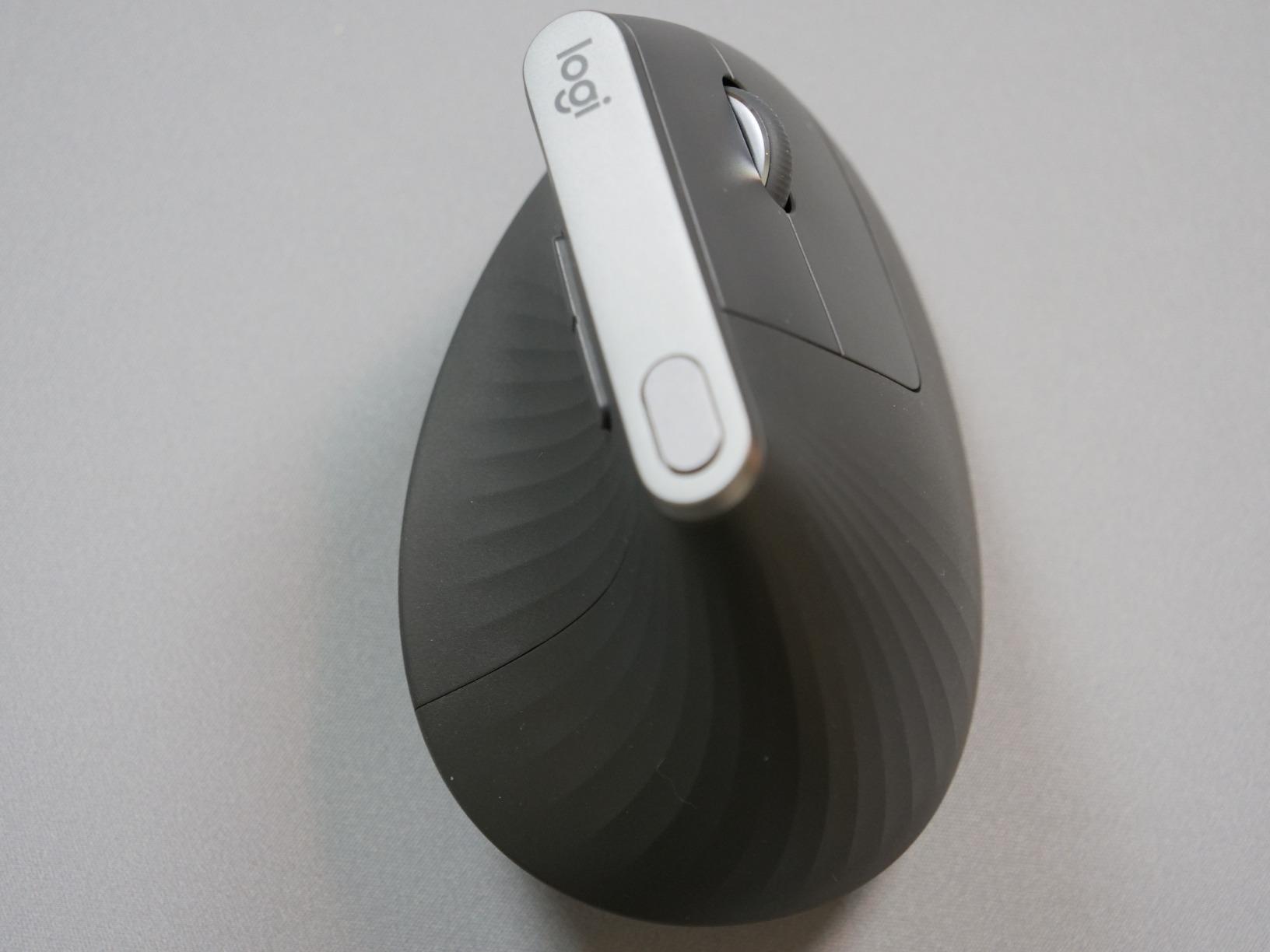
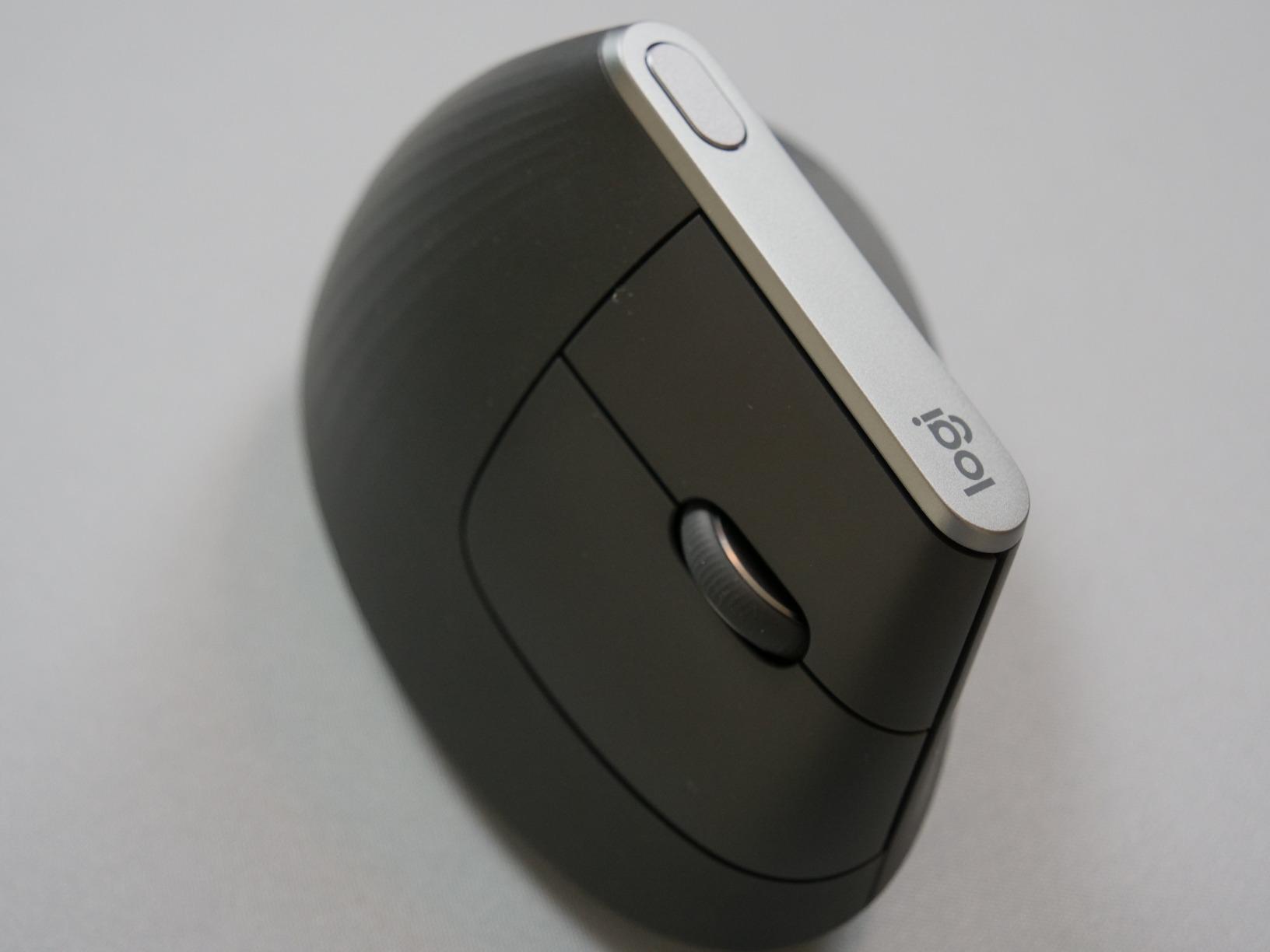
At 8 ounces it is the heaviest mouse in this roundup, and that is deliberate. A body with some mass resists accidental movement when you are reaching across the keyboard, and long-term owners rarely complain about the weight. The textured rubber shell grips well enough to lift the mouse without dragging it.
The compromises are real but narrow. The scroll wheel stops dead with no free-scroll or tilt, which feels abrupt next to the MX Master series. There are also fewer programmable buttons than the Master 3, so per-app customisation is limited.
Check fit before you commit
At 7.5 by 6 inches this is the largest shell here, and it suits medium to large hands. Reviewers with smaller hands often report that the palm overhangs the body and the thumb rest sits too far away to be useful. If your hand measures short, look at the Logitech Lift instead.
Give it a genuine two-week trial before judging it. The shape is unfamiliar enough that a few days feels clumsy, and that feeling is the most common reason people abandon a vertical mouse too early.
Best for long-term desk ownership
This is the one to buy if you expect to keep the mouse for years. The USB-C charging cable is included and the mouse tracks over a cable while it charges, so a dead battery never stops your day. Owners report the chassis survives drops and daily abuse.
It is the better choice for multi-computer work because it moves between up to three paired devices over Bluetooth or the included receiver. If you split your day between a laptop and a desktop, that switching is what makes this one feel premium rather than merely expensive.
2. Logitech Lift Vertical – Best Vertical Mouse for Small Hands
Logitech Lift Vertical Ergonomic Wireless Mouse – Graphite
57 degree angle
Sized for small to medium hands
125 g
Silent clicks
24 month battery
Pros
- Built for small to medium hands
- Silent clicks with SmartWheel
- Up to 24 months per AA battery
- Softly textured grip with snug thumb rest
- Available in a left-handed variant
Cons
- Compact body feels cramped for very large hands
- Less programmability than the MX Vertical
- Firm adjustment period for new users
Hand-size mismatch is the top reason vertical mice get returned, and this is the model built for the smaller end of that spectrum. At 4.3 by 2.7 inches it is noticeably more compact than the MX Vertical, and the snug thumb rest gives small hands something to grip instead of air.
The silent clicks are the feature most often missed when comparing it to the MX Vertical. If you work in an open-plan office, on calls, or next to anyone who does, the difference between a quiet click and a standard one is bigger than any spec on the sheet.
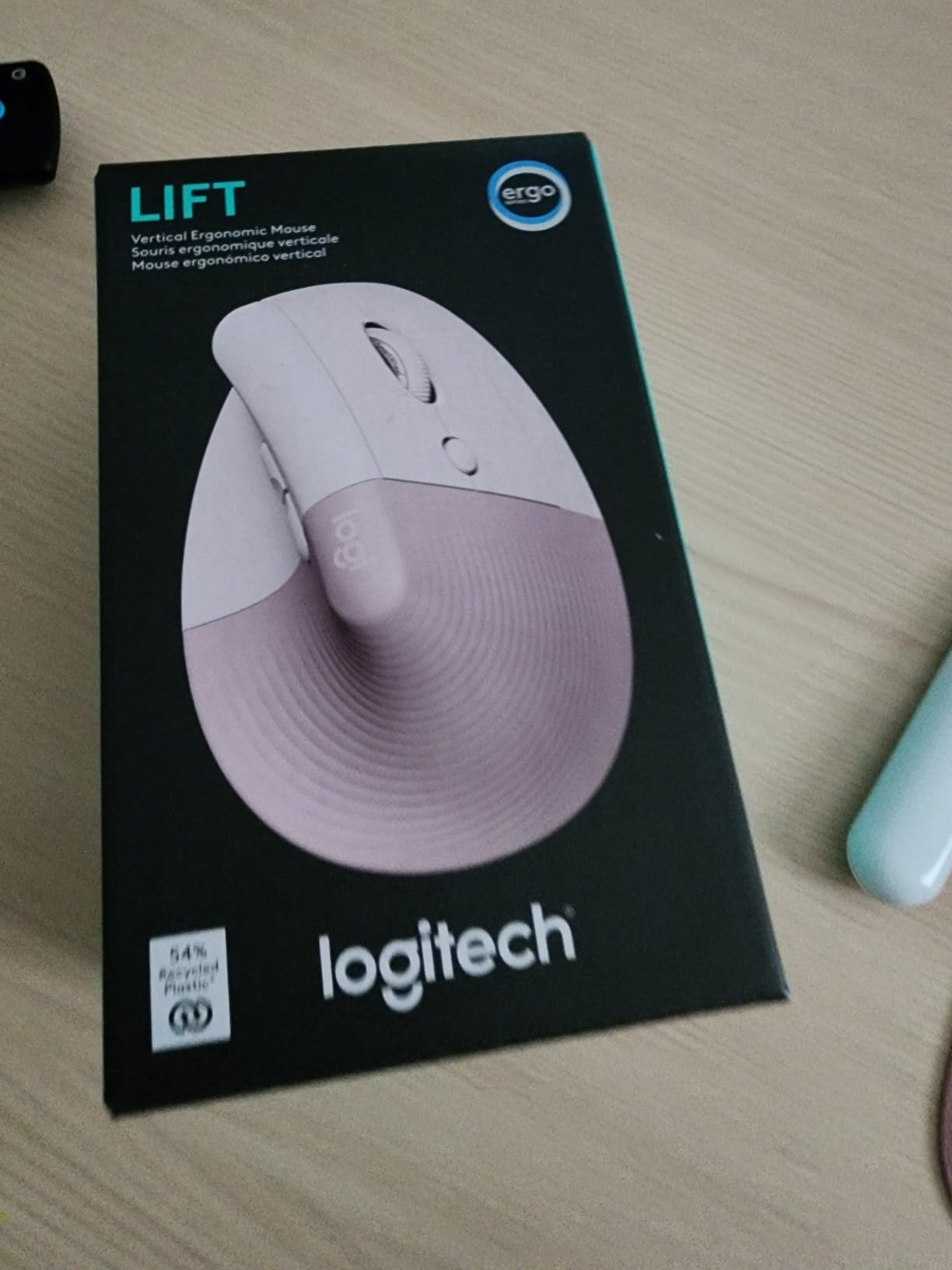
Battery life is the quiet hero here. One AA battery is rated for up to 24 months, which removes charging from your routine entirely. Connectivity covers Bluetooth Low Energy and the Logi Bolt receiver, and it works across Windows, macOS, Chrome OS and Linux.
Long-term owners on r/MouseReview consistently rank this model above the MX Vertical for daily comfort, and a reviewer with 15 years of vertical mouse experience places it at the top of the same list. The reason given is simple: it fits the hand, and the shape stays comfortable through a long session.

Where the small size cuts both ways
The same compact body that suits small hands frustrates large ones. Users with bigger palms report that their ring finger falls off the edge and that the thumb rest is too shallow to load the hand. If you have a large hand and a lot of mousing to do, a bigger shell will serve you better.
Programmability is thinner than on the MX Vertical. There are six buttons with customisable actions and a SmartWheel for smooth scrolling, but you are not getting the deep per-app button mapping of Logitech’s higher-end line.
Best for quiet offices and shared desks
The whisper-quiet switches plus the year-plus battery make this the model we suggest to anyone who does focused work in a busy room. Nothing to charge, nothing to pair, nothing to explain to a colleague sitting two metres away.
It is also the pick for anyone who wants a vertical shape from a brand with a real support network and an ergonomist certification behind the design. One of the few left-handed variants of any mainstream vertical mouse comes from this line, which matters more than it sounds.
3. TECKNET 52 Degree Vertical Mouse – Best for Silent Clicks
TECKNET Ergonomic Mouse, Bluetooth 5.0/3.0 & USB A, Wireless Vertical Mouse
52 degree angle
Silent clicks
600mAh rechargeable
4800 DPI maximum
Three device switching
Pros
- Highest average rating in this roundup
- 52 degree angle suits small and medium hands
- 600mAh battery gives about two months per charge
- Silent clicks rated to 6 million presses
- Six DPI levels up to 4800
Cons
- Shallower 52 degree angle than the 57 degree Logitech designs
- Forward and back buttons fail on macOS
- No software for remapping buttons
Nothing in this roundup has a better rating distribution than this one, with 78 percent of buyers giving five stars. The design reason is the 52 degree angle, which is deliberately shallower than the Logitech 57 degree shells so the wrist sits in a relaxed handshake grip without feeling tipped over.
The rechargeable battery is the practical stand-out. A 600mAh cell gives roughly two months of use from a 1.5 hour charge, which is the sweet spot between disposable batteries and daily charging. It connects over Bluetooth 5.0 and 2.4G and switches among three paired devices.
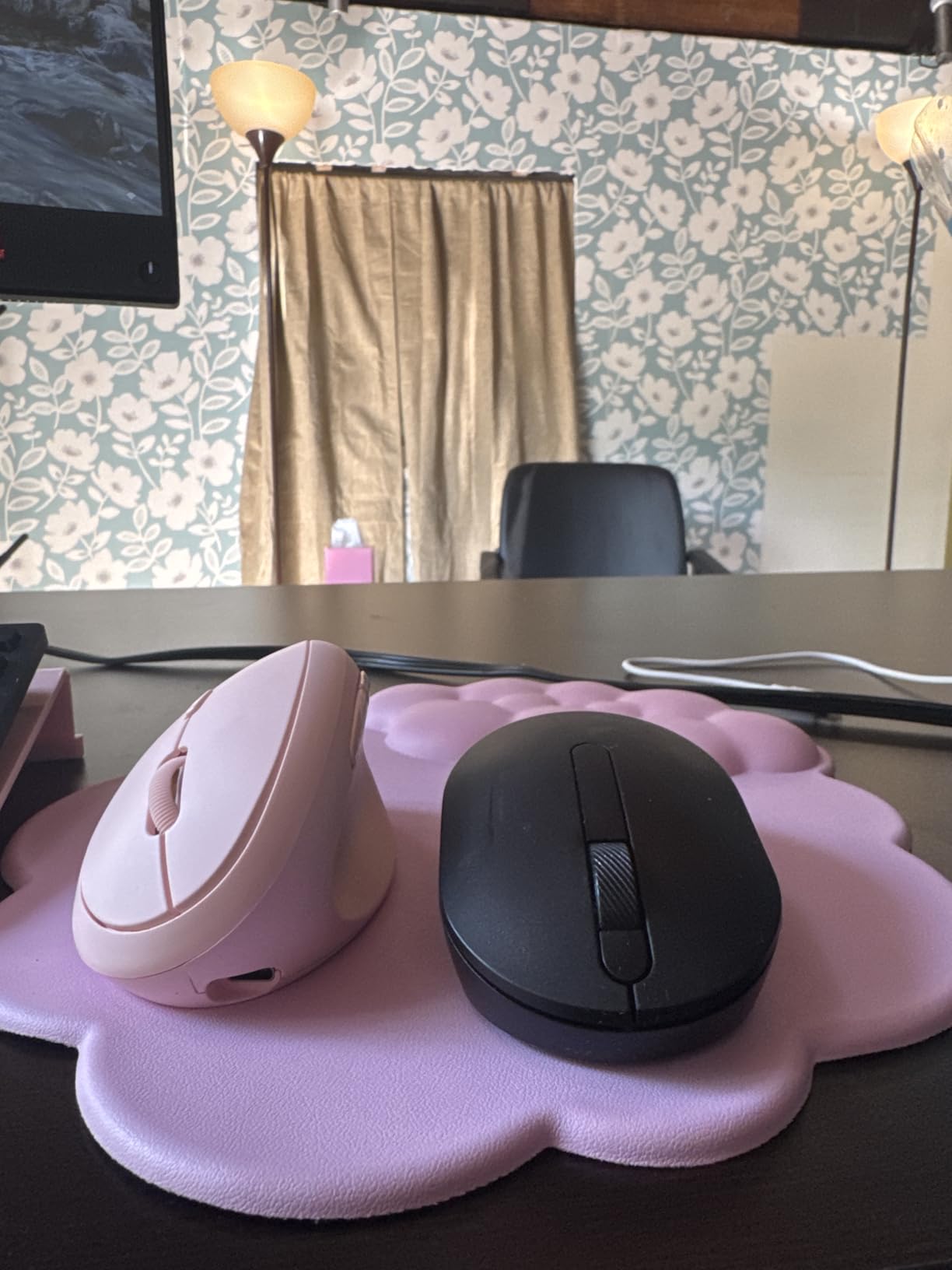
Silent click technology is rated at up to 6 million presses across six buttons, which is a stated durability figure rather than a measured one. Users working in libraries and shared offices rate the quietness as the reason they bought it.
The forward and back buttons do not function on macOS, and there is no companion software for remapping them on any platform. If your work is Mac-first, treat those two side buttons as decorative.
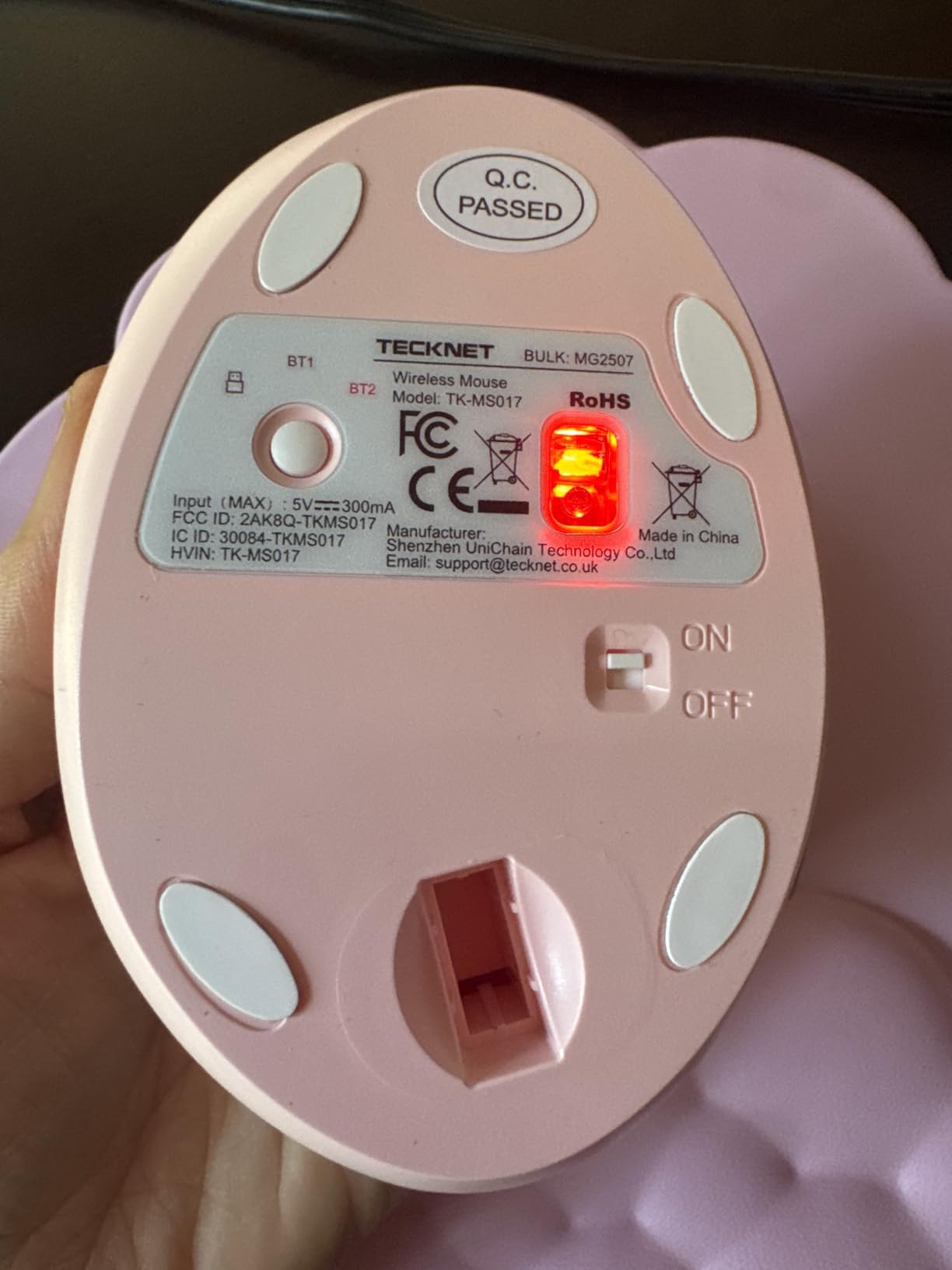
Is a 52 degree angle enough?
For most people with general wrist fatigue, yes. The 5 degree difference against the Logitech design is small in isolation, though reviewers who have used both report slightly less dramatic relief. If your symptoms are tendonitis-grade rather than general fatigue, a steeper angle is worth the extra money.
Sizing targets small and medium hands. The body is slim through the middle, so very large hands tend to hang off the back edge rather than being cradled.
Best for a rechargeable, quiet daily driver
The combination of a rechargeable cell, silent switches and a three-device setup covers most of what people chase with expensive vertical mice, at a fraction of the build cost. For spreadsheet work, administrative roles and general office hours, it does the job without a cable or a battery habit.
If your pain is severe enough that you are being careful about how much you move your hand at all, the 4800 DPI ceiling gives you room to lower sensitivity. Combine that with a raised pointer speed setting and your hand travels less over a full day.
4. ProtoArc EM11 NL – Best Vertical Mouse for Long Desk Days
ProtoArc EM11 NL Wireless Ergonomic Vertical Mouse, Rechargeable, Black
Vertical angle for hands under 7.5 inch
500mAh rechargeable battery
Silent main clicks
2400 DPI
Three devices
Pros
- Angle several owners prefer over costlier Logitech models
- Silent main click switches
- 500mAh battery lasting weeks per charge
- Three devices over Bluetooth and 2.4G
- Comfortable fit reported within a day
Cons
- Scroll wheel skips at high speed on long pages
- No free-scroll and wheel presses can trigger auto-scroll
- Buttons not programmable and side buttons fail on macOS
- Glossy shell can feel slippery
This is the most interesting recommendation in the list because several owners switched to it from a Logitech MX and preferred the angle. The shell is angled more aggressively than the 57 degree Logitech design, and for people whose pain sat on the wrist rather than the forearm, that extra rotation made the difference.
Silent main click switches, a 500mAh rechargeable battery and three-device pairing give it the feature set people usually associate with the premium tier. Owners report the battery lasting weeks to months between charges, and the buttons are placed where your fingers land naturally.
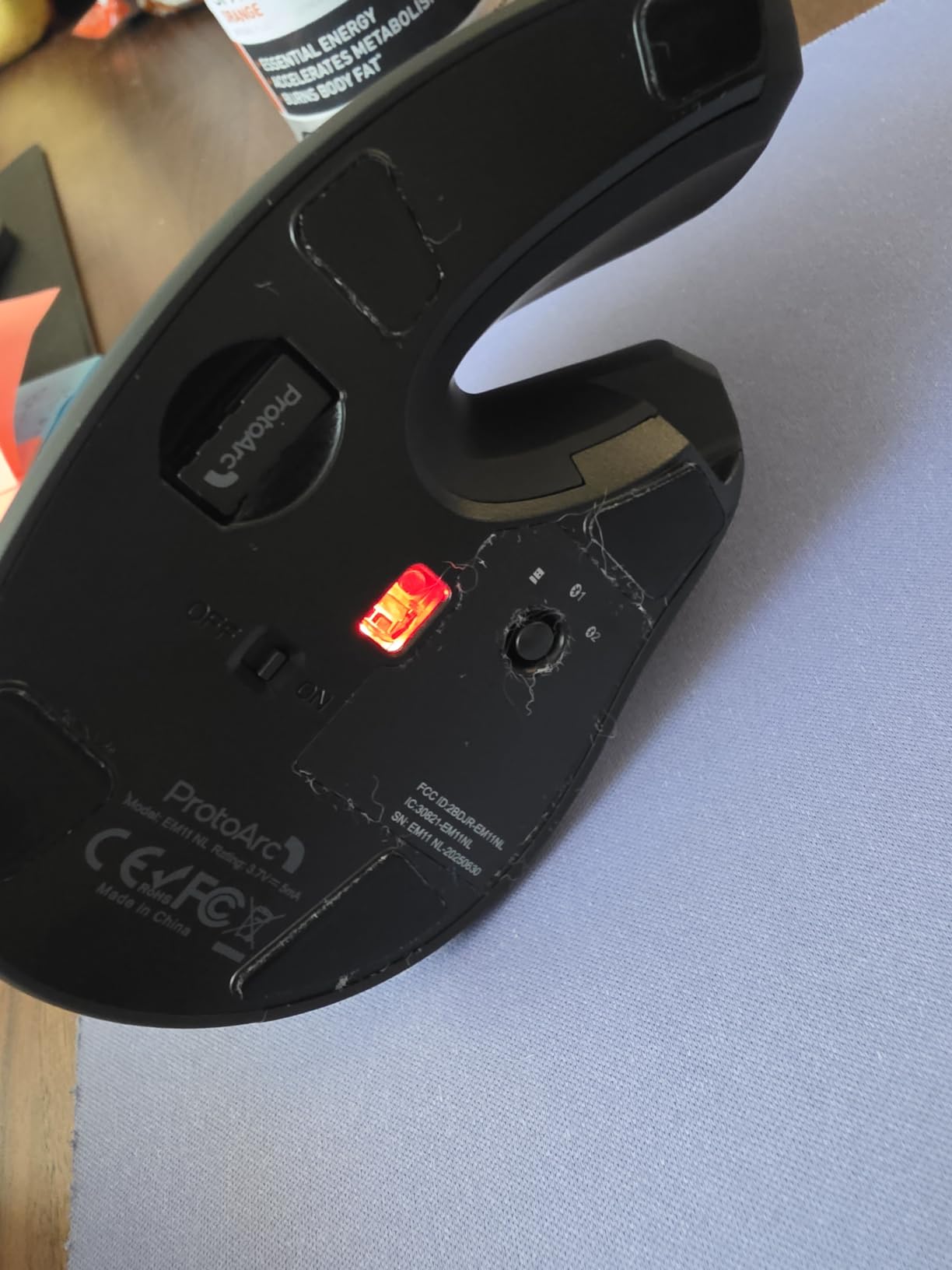
The scroll wheel is the consistent problem. Users report it skipping and slowing during fast scrolling on long pages, with no freewheel option and occasional accidental wheel presses that trigger auto-scroll. If you scroll heavy documents all day, this is the one to test carefully.
The glossy plastic shell also draws complaints about feeling slippery under dry hands, and the battery is not user replaceable. Fit is aimed at small and medium hands, with hand lengths under about 7.5 inches called out on the box.
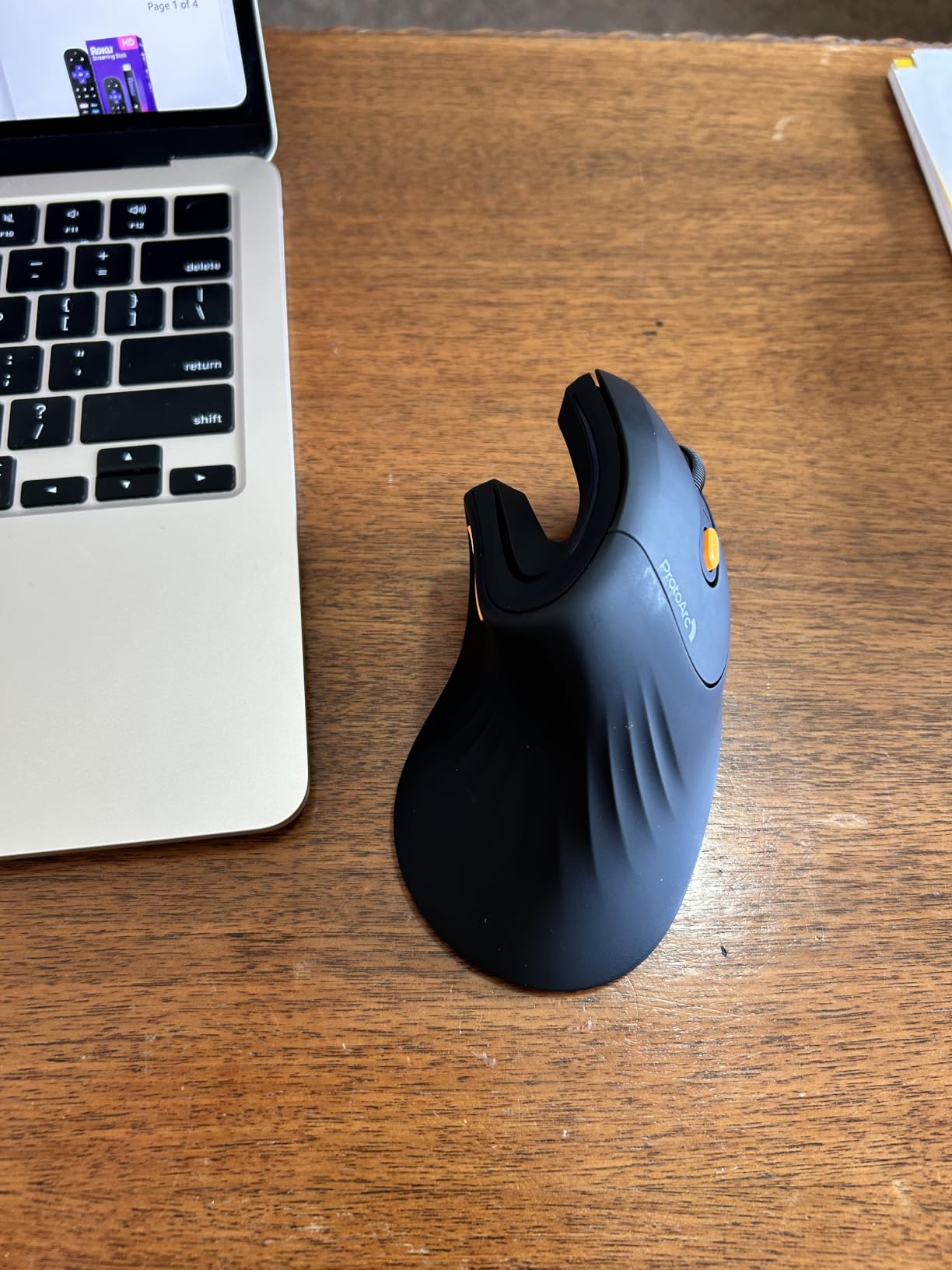
Testing the angle before you spend more
Because several owners preferred this angle to a much costlier Logitech model, it works well as a low-risk test. Two weeks on this mouse tells you whether a steeper vertical angle helps your particular wrist before you commit to a premium body.
That is the logic behind the common advice of testing cheaply first. If the angle helps and the scroll wheel does not, you now know you want a steep-angle premium model rather than a steeper budget one.
Best for value per feature
At the feature level, nothing else in this roundup packs more into a budget body: silent clicks, rechargeable battery, three devices and adjustable DPI up to 2400. The trade-offs are the wheel, the missing software and the smaller hand fit.
The forward and back buttons do not work in macOS and cannot be remapped anywhere. Plan your shortcut layout around that if you switch between operating systems during the day.
5. Lekvey Rechargeable Vertical Mouse – Best Rechargeable Value
Lekvey Ergonomic Mouse, Rechargeable Vertical Wireless Mouse, Comfort Grip
Neutral handshake grip
150 hours per charge
2.4GHz nano receiver
1600 DPI
36 month warranty
Pros
- Neutral handshake posture with reported pain relief after 3 to 5 days
- Rechargeable battery rated at 150 hours per charge
- Plug and play with no pairing or drivers
- Back and forward buttons plus three DPI levels
- Works on Windows
- Mac and Linux
Cons
- Only three DPI levels topping out at 1600
- 2.4GHz receiver only with no Bluetooth
- Sized for medium and large hands
- Plastics only build
At 3.36 ounces this is one of the lightest vertical mice here, and lightness matters more for wrist pain than most spec sheets suggest. Users in forums consistently report that a lighter mouse reduces the effort of small corrective movements, which is exactly the motion that aggravates sore wrists.
The built-in rechargeable battery is rated for over 150 hours of continuous use, and the nano receiver stores in the base so you do not lose it. Setup is genuinely plug and play, with no pairing step and no drivers, which makes it a good choice if your employer hands you a locked-down work laptop.
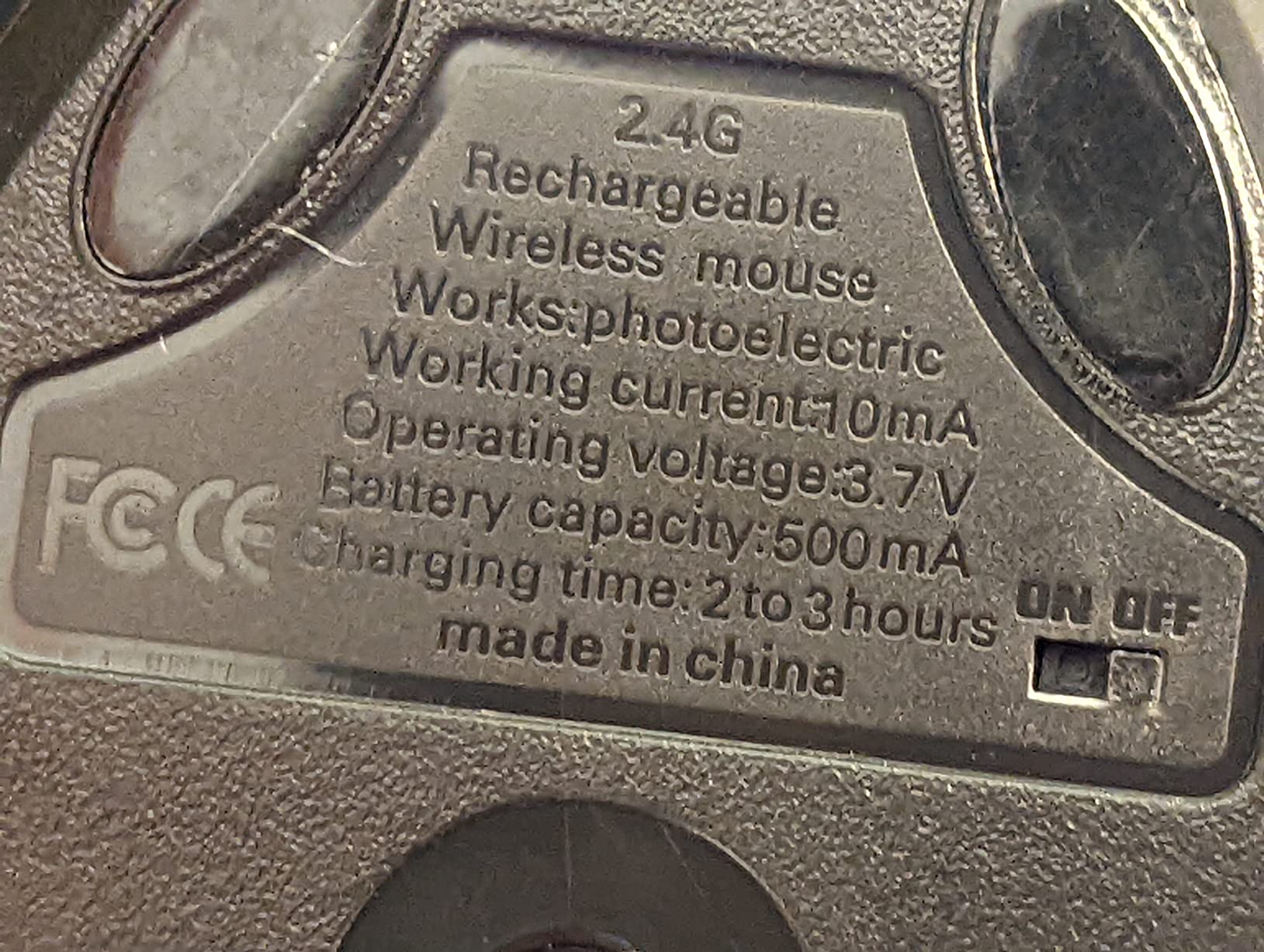
Reviewers describe the pain relief as arriving quickly, often within three to five days of switching, which is faster than the two-week adjustment most vertical mice demand. The 36-month manufacturer warranty is among the longest in this roundup.
The compromise is sensor range. Three DPI levels topping out at 1600 means you move your hand more per centimetre of screen travel than you would with a 4000 or 4800 DPI mouse. On a large monitor that adds up over a full day.
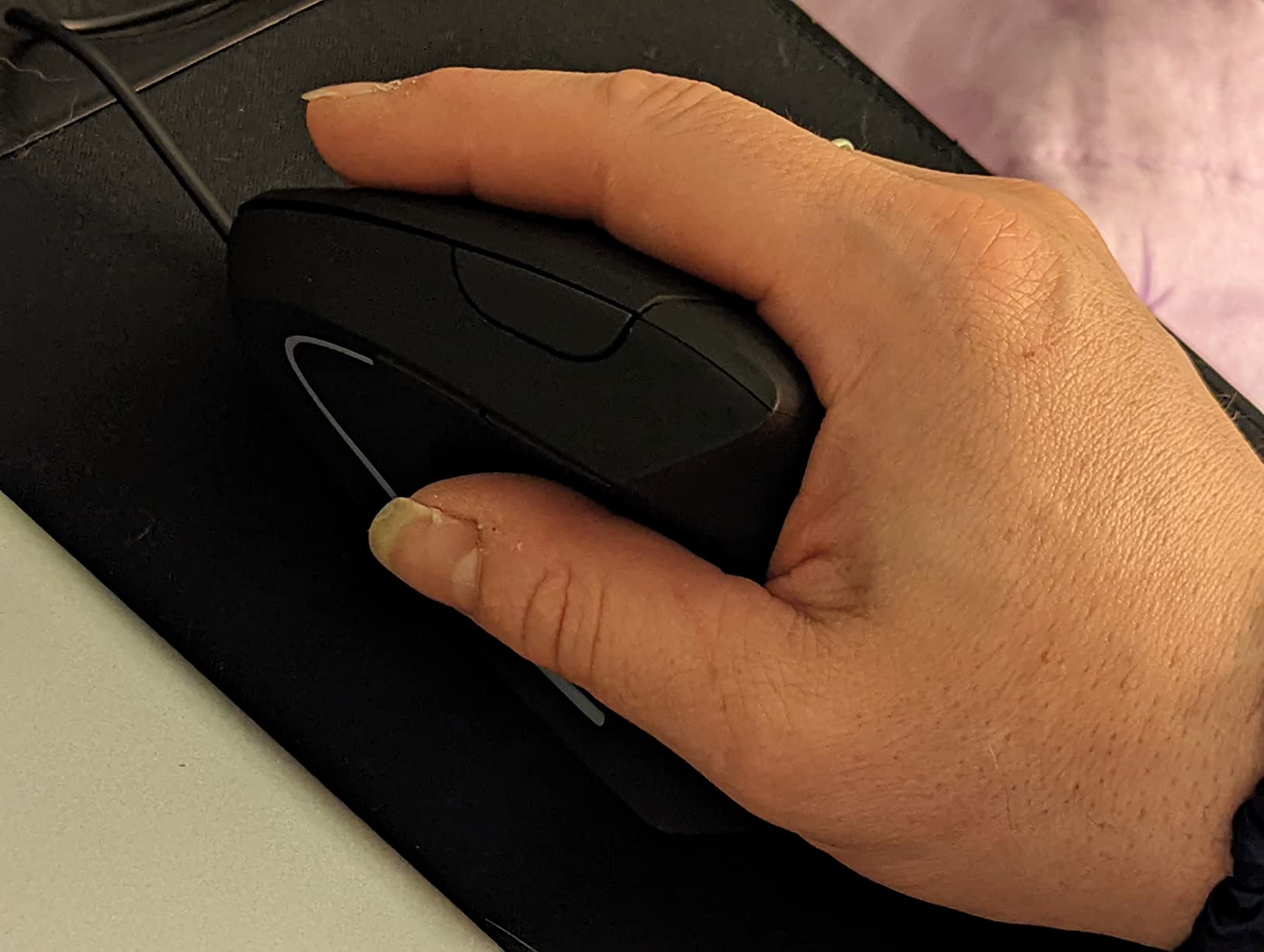
Fit and connectivity limits
At 5.0 by 3.0 by 2.5 inches the body is large and is recommended for medium or large hands. Smaller hands tend to find it oversized, which is the opposite problem from the compact Logitech Lift.
There is no Bluetooth, so the mouse pairs to one machine at a time through the 2.4GHz receiver. If you alternate between a laptop and a desktop, that single-device limitation will shape your workflow.
Best for long uninterrupted sessions
The rechargeable cell removes the disposable battery habit, which several users on forums call out as a hidden pain point. Budget mice that run on AAA cells tend to die mid-afternoon, and swapping batteries mid-task is exactly the kind of small friction that erodes your focus.
Wide operating system support covering Windows, Mac and Linux, plus a long warranty, makes this a low-maintenance choice for mixed work environments. The plastics-only build is the main thing you give up against a machined premium body.
6. UGREEN Quiet Vertical Mouse – Best Vertical Mouse for Large Hands
UGREEN Ergonomic Wireless Mouse, Bluetooth & 2.4G Wireless, Quiet Clicks
Vertical handshake design
Best suited to larger hands
4000 DPI max
Quiet clicks
170 g body
Pros
- Wide base gives the palm somewhere to rest
- Reported relief for wrist
- elbow and shoulder strain
- Virtually silent clicks with PTFE glide feet
- Switches among three devices
- Official app for remapping buttons
Cons
- Large footprint is wrong for small hands
- Thumb area is shallow and side buttons trigger easily
- Uses a single AA battery
- Bluetooth mode reported as sluggish versus 2.4G
This is the large-hand answer in the roundup, and it comes with a wide base that actually gives your palm somewhere to land rather than hovering over the desk edge. Users with larger hands report the vertical posture is easier to hold without gripping hard.
The owners who mention a diagnosed wrist condition report substantial pain relief, including one user with De Quervain’s tenosynovitis. That is a single report rather than clinical evidence, but it lines up with what the rest of the review data shows about posture change.
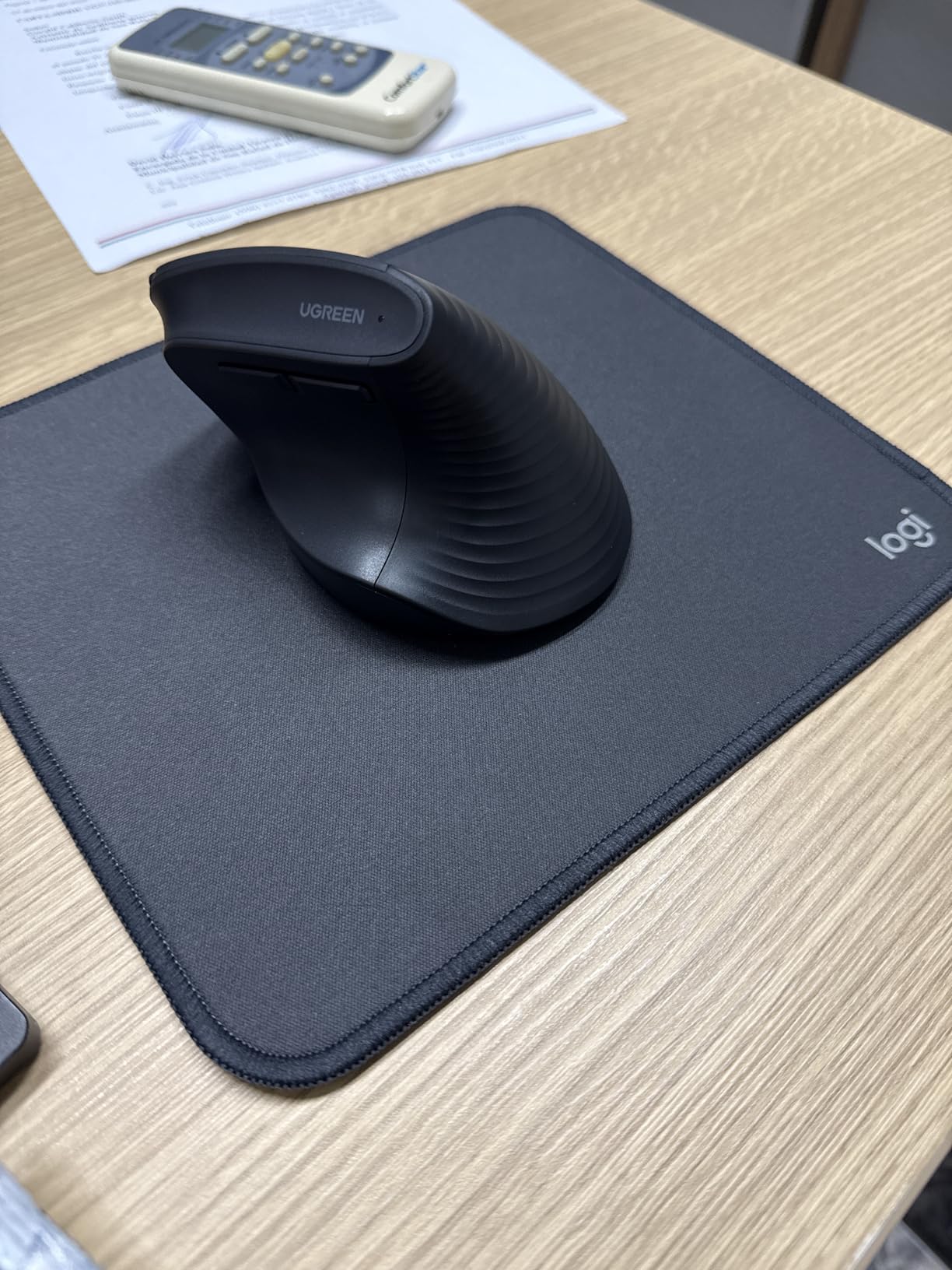
Quiet clicks and PTFE glide feet make it the smoothest-tracking silent mouse here. The glide feet produce very little friction noise, so even the movement sound is reduced, not just the click. Connectivity covers 2.4G and Bluetooth with switching among up to three devices.
The shallow thumb area is the main ergonomic weakness. Side forward and back buttons sit where a resting thumb can hit them, which produces accidental navigation clicks while you work. A single AA battery powers it for around 12 months.
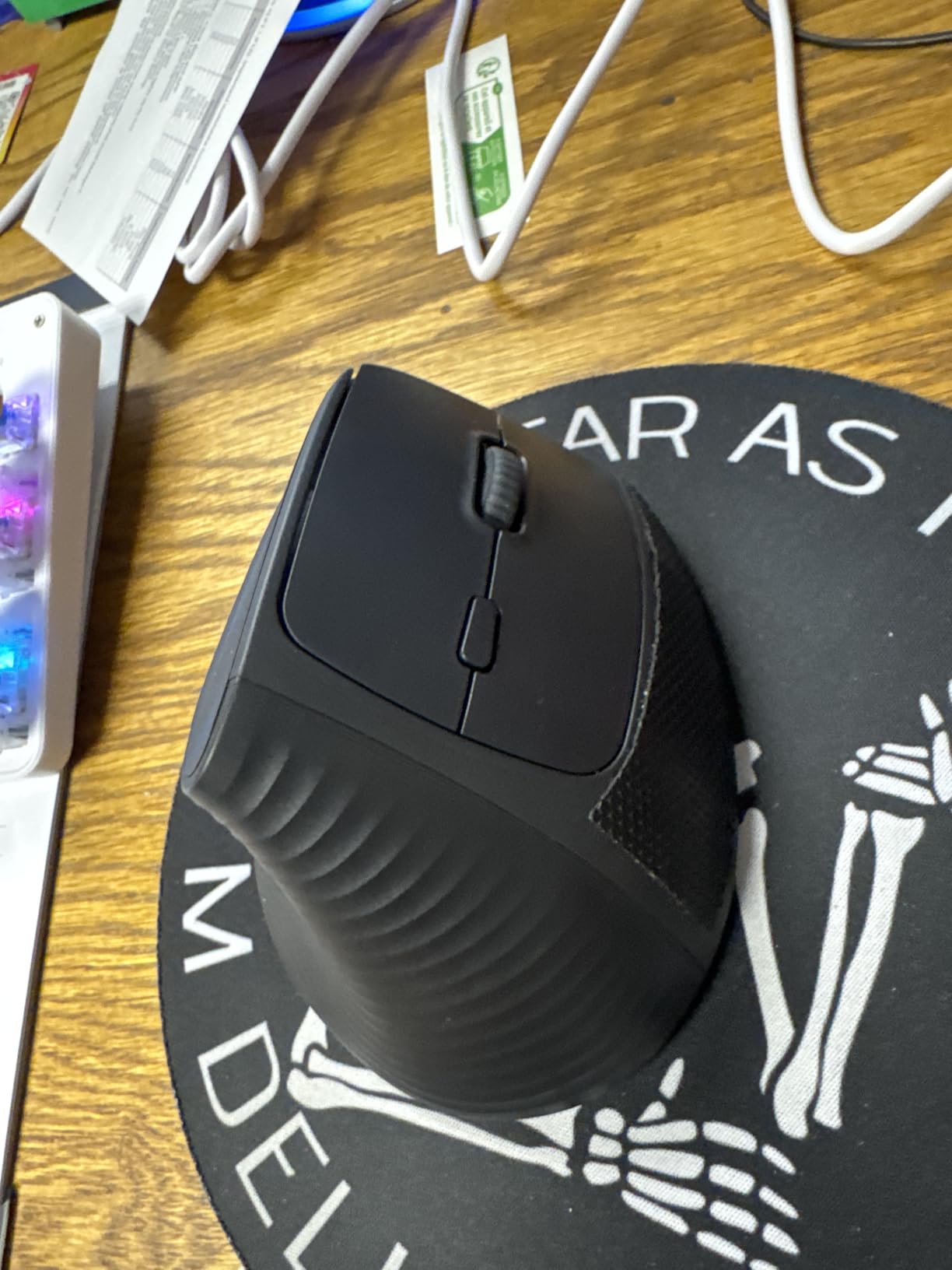
Who should skip it
If your hands are small, this is the wrong shape. The wide body is listed as best suited to larger hands, and users report it feeling oversized rather than supportive. Pair it with a shorter hand and you will grip harder, which defeats the purpose.
Some units have been reported to register connectivity only at the lowest DPI setting, and Bluetooth mode is described as sluggish compared with the 2.4G dongle. Use the receiver rather than Bluetooth if you notice pointer lag.
Best for big hands and big monitors
The 4000 DPI maximum pairs well with the larger body, because you can lower sensitivity and still cross the screen without large arm sweeps. That combination reduces both wrist movement and shoulder travel, which is why some owners mention elbow and shoulder relief alongside wrist relief.
It is also the only pick here with an official companion app for remapping buttons, which matters if you rely on non-standard shortcuts. Check that the software is approved for your work environment before you plan around it.
7. TECKNET 4800 DPI Vertical Mouse – Best Multi-Device Vertical Mouse
TECKNET Ergonomic Mouse, 4800 DPI Wireless Bluetooth Vertical, 3-Device
Six DPI levels to 4800
Bluetooth 5.0 and 2.4G
Three device switching
Silent main clicks
36 month warranty
Pros
- Six easily switched DPI levels up to 4800
- Switches between three paired devices
- Silent left and right clicks for quiet offices
- Large soft shell fits medium and large hands
- Three year warranty for registered users
Cons
- Right-handed design only
- Side buttons do not work in macOS
- Fragile battery plate that can crack if dropped
- Scroll wheel feels gummy
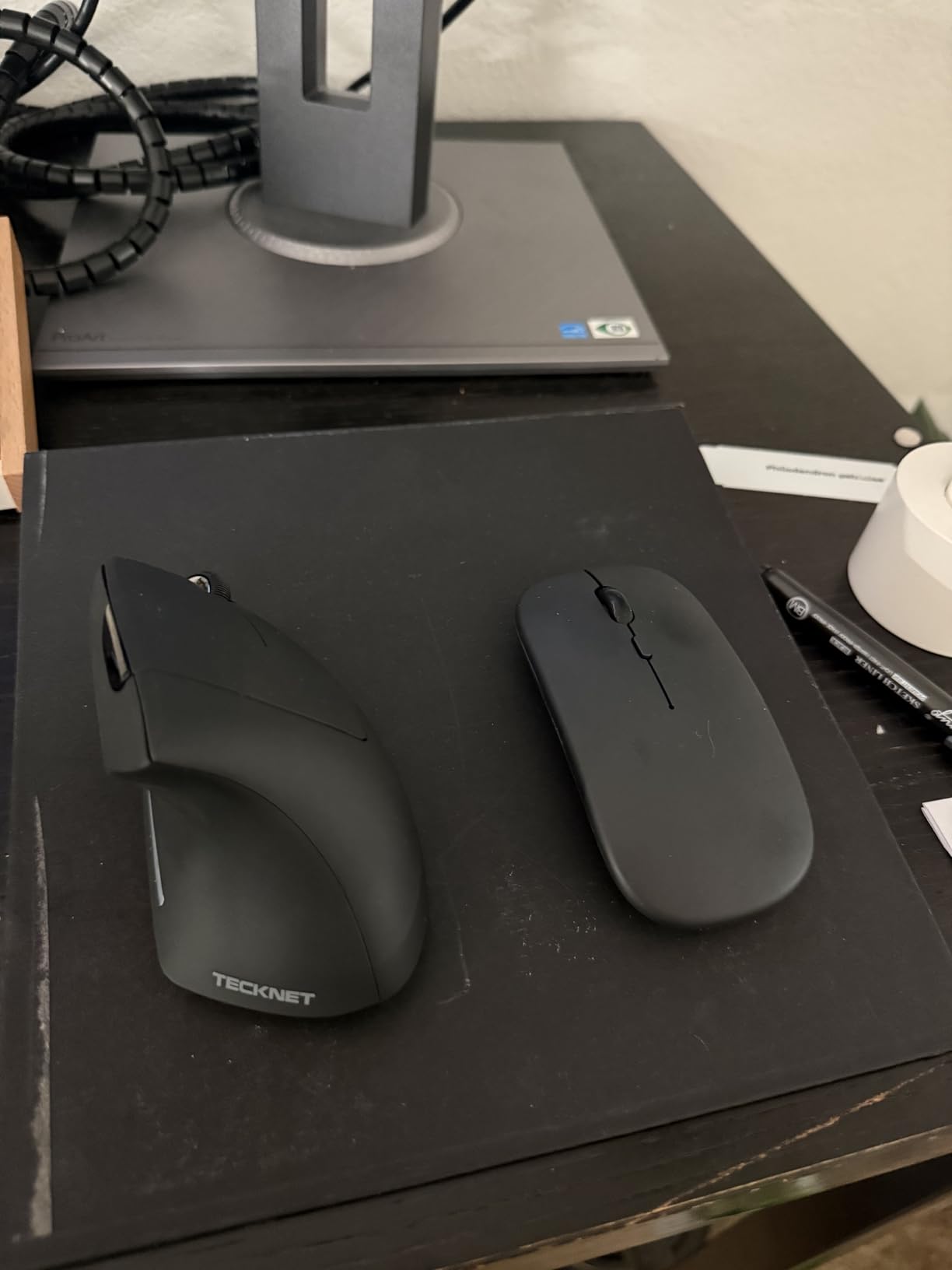
This is the feature configuration we would build if multi-device work were the priority. Six DPI levels from 800 to 4800, indicated by an LED flash count, and switching between three paired devices over Bluetooth 5.0 and 2.4GHz give you the widest connectivity range in the roundup.
Reviewers repeatedly credit it with relieving both wrist and shoulder pain at a budget price point. The large soft plastic shell fits medium to large hands, which is a useful complement to the compact models in this list.
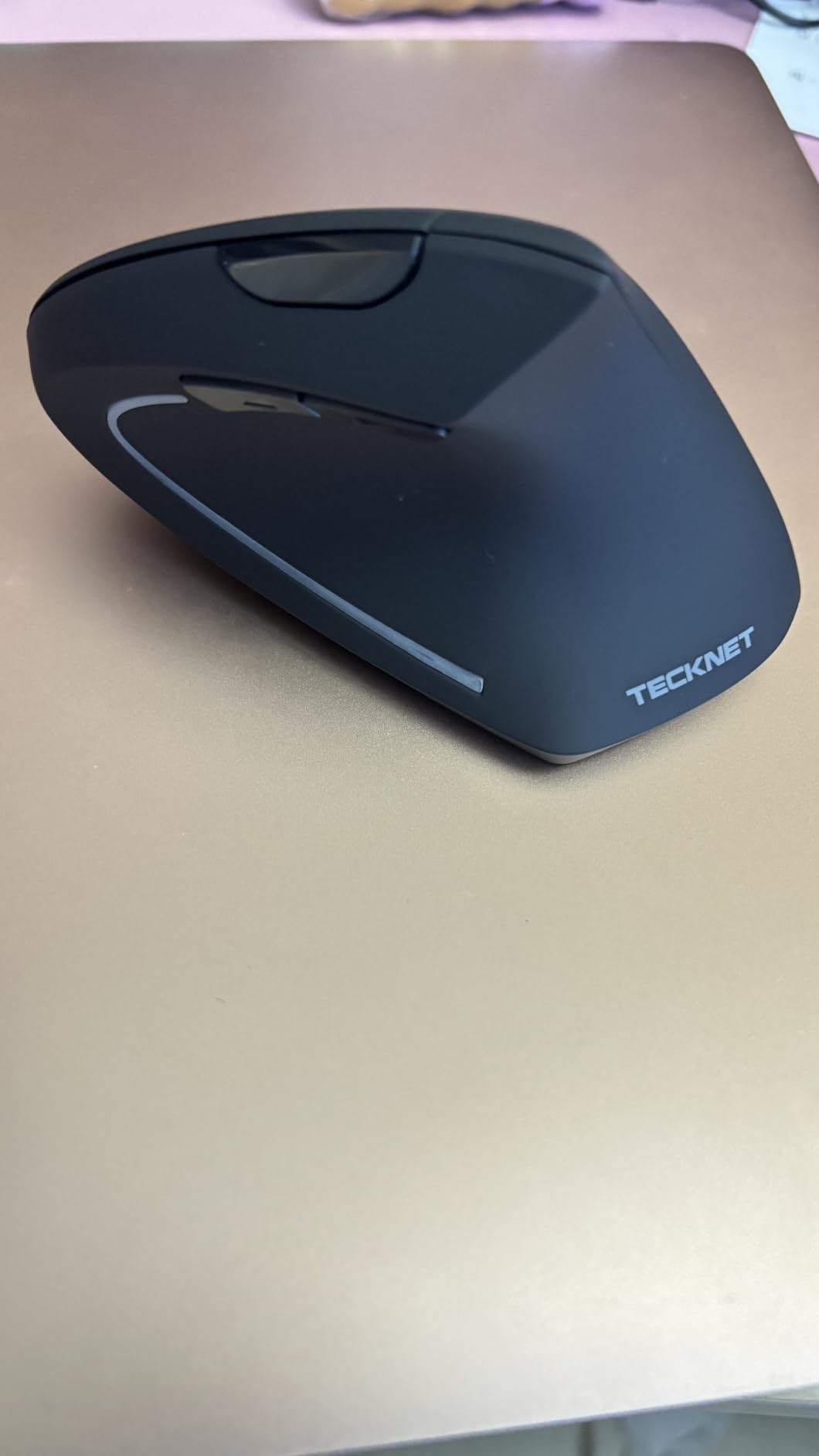
Silent left and right clicks make it a realistic option for a shared office, and the deep sleep function after 10 to 30 minutes of inactivity conserves the two AAA batteries it runs on. An LED blinks when those batteries get low.
Two AAA batteries rather than a rechargeable cell is the main ongoing annoyance. The battery plate is also described as fragile and crackable if the mouse is dropped, so set it down gently rather than tossing it after a session.
Buy it for switching, not for silence
The silence here applies to the main left and right clicks only. The function buttons are not silent, so the mouse is quieter than a standard model but not as quiet as the TECKNET 52 degree pick or the Logitech Lift.
The side buttons do not work on macOS and there is no companion software to remap them. On a Windows or Linux multi-machine setup this is a strong pick; on a Mac-first desk you will mostly use it as a single-device mouse.
Best for large hands who need sensor range
The 4800 DPI ceiling combined with a bigger shell gives you the freedom to lower sensitivity significantly, which reduces how far your hand travels. That is the single most useful combination during wrist recovery, when less movement is the goal.
A three-year warranty for registered users is the longest coverage here, which matters on a plastic body where the battery plate is the weak point. Register the product when it arrives so the warranty is live.
8. Anker 2.4G Wireless Vertical Mouse – Most Reviewed Vertical Pick
Anker 2.4G Wireless Ergonomic Mouse, Right Hand Vertical Mouse USB Receiver
Vertical handshake grip
2.4GHz USB receiver
800 to 1600 DPI
Five buttons
4.48 oz body
Pros
- Long-running best budget recommendation in buying guides
- Neutral handshake position with reported strain reduction
- Lightweight and compact at 4.48 oz
- Three DPI levels with page navigation buttons
- Auto power-saving after 8 minutes of inactivity
Cons
- 2.4GHz only with no Bluetooth
- Clicks are audible and cannot be silenced
- Two AAA batteries not included
- 1600 DPI maximum limits precision
With more than 53000 reviews behind it, this is the most thoroughly tested vertical mouse in the roundup, and buying-guide communities repeatedly name it the budget recommendation. That volume matters: when something breaks or disappoints, there are thousands of owners documenting it rather than a handful.
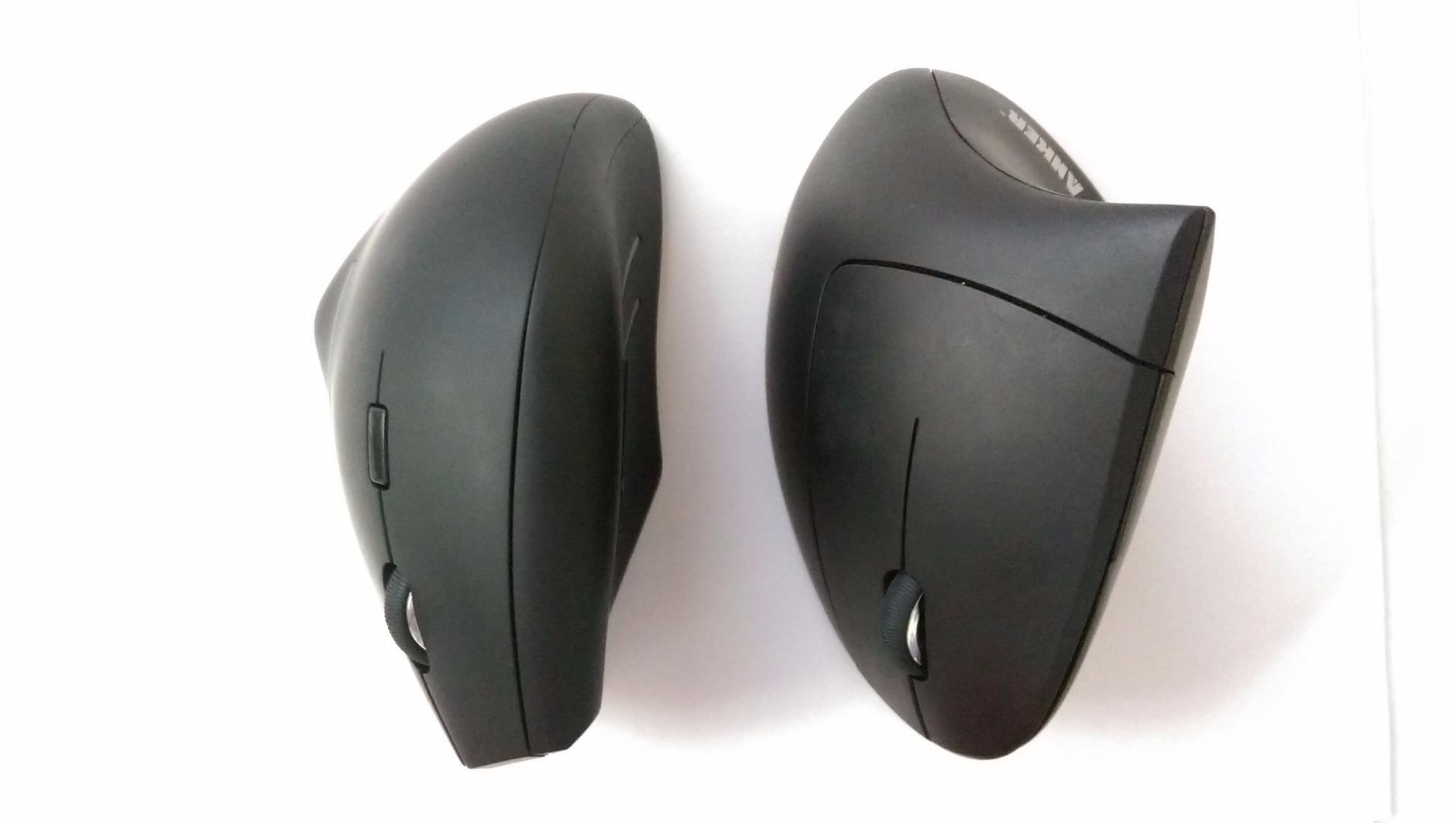
At 4.48 ounces it is light, which reduces the effort of small corrective movements. The vertical structure promotes the neutral handshake position, and 800, 1200 and 1600 DPI levels cover general office work. Page navigation buttons are a small touch most budget mice skip.
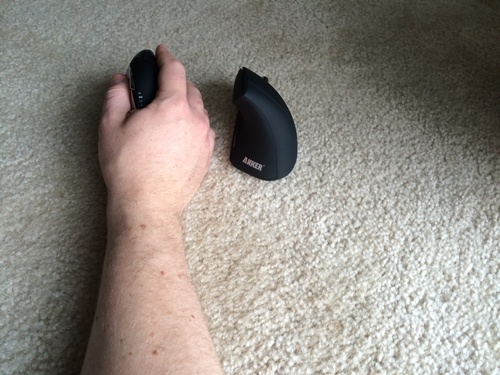
Power saving after 8 minutes of inactivity wakes on the next button press, and the receiver stores in the base. The package includes an 18-month warranty. It is a straightforward, dependable tool that does one thing well.
The click noise is unavoidable on this model, which is a genuine problem in a quiet office. The 1600 DPI ceiling is also low by modern standards, and disposable AAA batteries are not included, so budget for those over the first year.
Is a cheap vertical mouse worth buying?
Yes, as a test. The ergonomic benefit comes from the vertical angle, not from the brand. Two weeks on a budget vertical mouse tells you whether the angle works for your anatomy before you spend real money on a premium body.
Upgrade only if the angle helped but the sensor or build disappointed. If a low-cost mouse already fixed your end-of-day ache, there is no reason to spend more. That staged approach is the single best money advice in this roundup.
Best for a low-risk first switch
The limitations here are predictable and simple: 2.4GHz only, audible clicks, a 1600 DPI ceiling and no Bluetooth. None of those affect the wrist benefit, and all of them are reasons you might upgrade later.
What you gain is a mouse that works immediately with no pairing and no software. If your setup is locked down or you travel between devices, that simplicity is worth more than a longer feature list.
9. Anker Wired Vertical Mouse – Best Wired Vertical Mouse
Anker USB Wired Vertical Mouse, Ergonomic Mouse for Computer and Laptops
Wired USB connection
1.5m cable
1000 and 1600 DPI
Five buttons
3.36 oz body
Pros
- No batteries
- no charging and no wireless dropouts
- Very light at 3.36 oz with a compact footprint
- Vertical handshake position reduces strain
- Page navigation buttons included
- Simple 18-month warranty
Cons
- Cable restricts movement compared with wireless
- 1600 DPI maximum sensitivity
- No DPI button or multi-device switching
- Plain plastic shell with no grip texture
A small but consistent group of buyers wants a vertical mouse specifically because they do not want to deal with wireless. That is this one. There is nothing to charge, no receiver to lose, no pairing step and no chance of a dropout in the middle of a task.
It is the lightest vertical mouse in the roundup at 3.36 ounces, with a compact 4.72 by 2.47 inch body. The neutral handshake position does the same ergonomic work as the expensive models, and the 1.5 metre cable reaches comfortably across a desk.
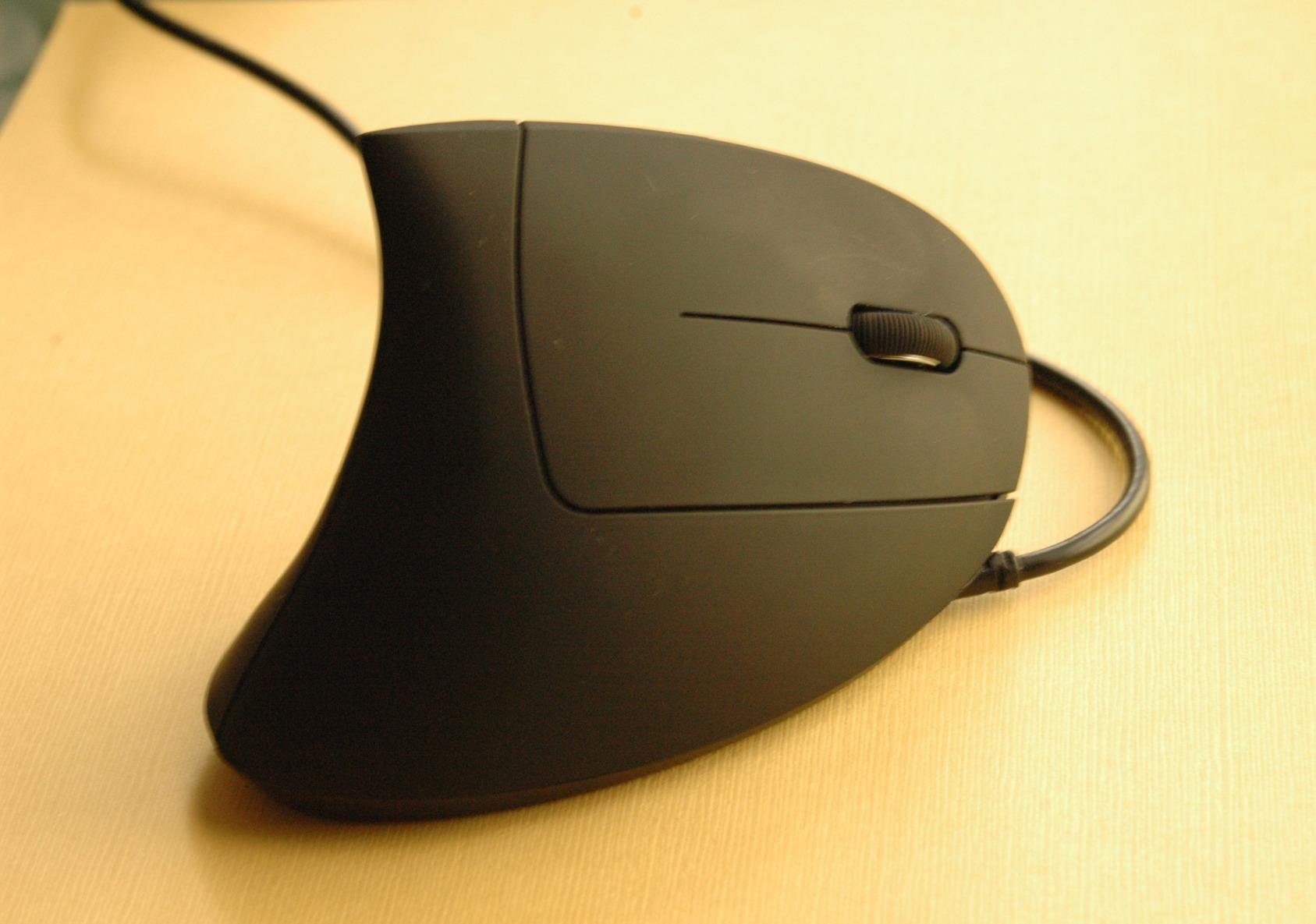
Reviewers note the low 1-star share for a budget mouse, which usually points to consistency rather than excitement. Nobody is describing this as a thrill. They are describing a simple tool that does not fail, and for an ergonomic purchase that is the point.
The cable does restrict movement compared with wireless, and there is no DPI button, no multi-device switching and no Bluetooth. Sensitivity switches between 1000 and 1600 DPI by another means rather than a dedicated control.
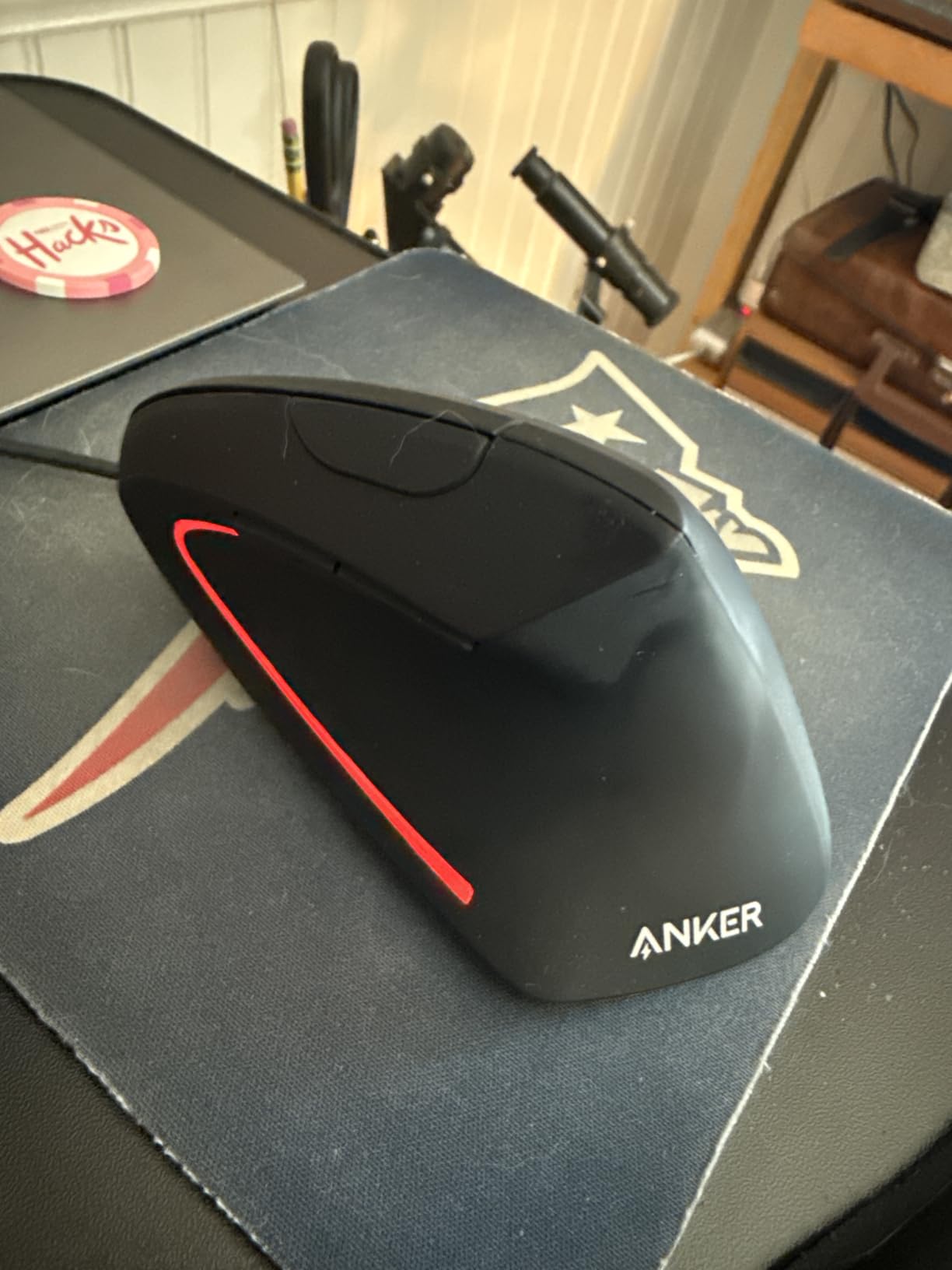
When a cable is an advantage
Latency-sensitive work, high polling needs and locked-down corporate environments all favour a wired connection. If you have been putting up with intermittent wireless dropouts, removing that variable removes a source of small frustrations that add up over a long session.
There is also nothing to charge before a meeting. For some people that reliability is the deciding factor, and it is worth saying plainly rather than pretending wireless is always better.
Best for a desk-bound setup
If your mouse lives in one spot and never travels, the wireless feature set is wasted capability. The light weight and vertical angle do the ergonomic work, and the wired connection removes every maintenance task.
The 1600 DPI ceiling means more hand movement per screen width than a 4000 DPI model, so pair it with a higher pointer speed setting to compensate. Budget users frequently combine this with a wrist rest, which several owners say helps more than the mouse alone.
10. JYKEYMOUT Rechargeable Vertical Mouse – Best Budget Vertical Pick
JYKEYMOUT Bluetooth and 2.4G (2-in-1) Rechargeable Wireless Mouse, Ergonomic Vertical Design, 1000/1200/1600 DPI, 6 Silent Buttons, for Laptop, Computer, PC, MacBook, Chromebook-Black
Vertical handshake grip for right hand
Bluetooth 5.2 and 2.4GHz
Six silent buttons
1600 DPI
Rechargeable Li-Po
Pros
- Lowest cost in the roundup with a true vertical shape
- Built-in rechargeable battery instead of disposable cells
- Six silent buttons across the shell
- Dual Bluetooth and 2.4GHz connectivity
- Compact 4.8 by 2.4 inch body
Cons
- 1600 DPI ceiling is the lowest here
- Only two devices connect at once
- No software for button remapping and side buttons fail on macOS
- Right-handed only
- Glossy shell less durable over long daily use
This is the cheapest way to test whether a vertical shape works for you at all. It delivers a genuine neutral handshake posture for the right hand, a rechargeable battery, and six silent buttons, which is more than the price would normally buy.
The rechargeable cell is the feature that lifts it above the disposable-battery budget tier. Charging over Type-C gives roughly one to three months per charge, and the mouse enters a power-saving mode after 10 minutes of inactivity.
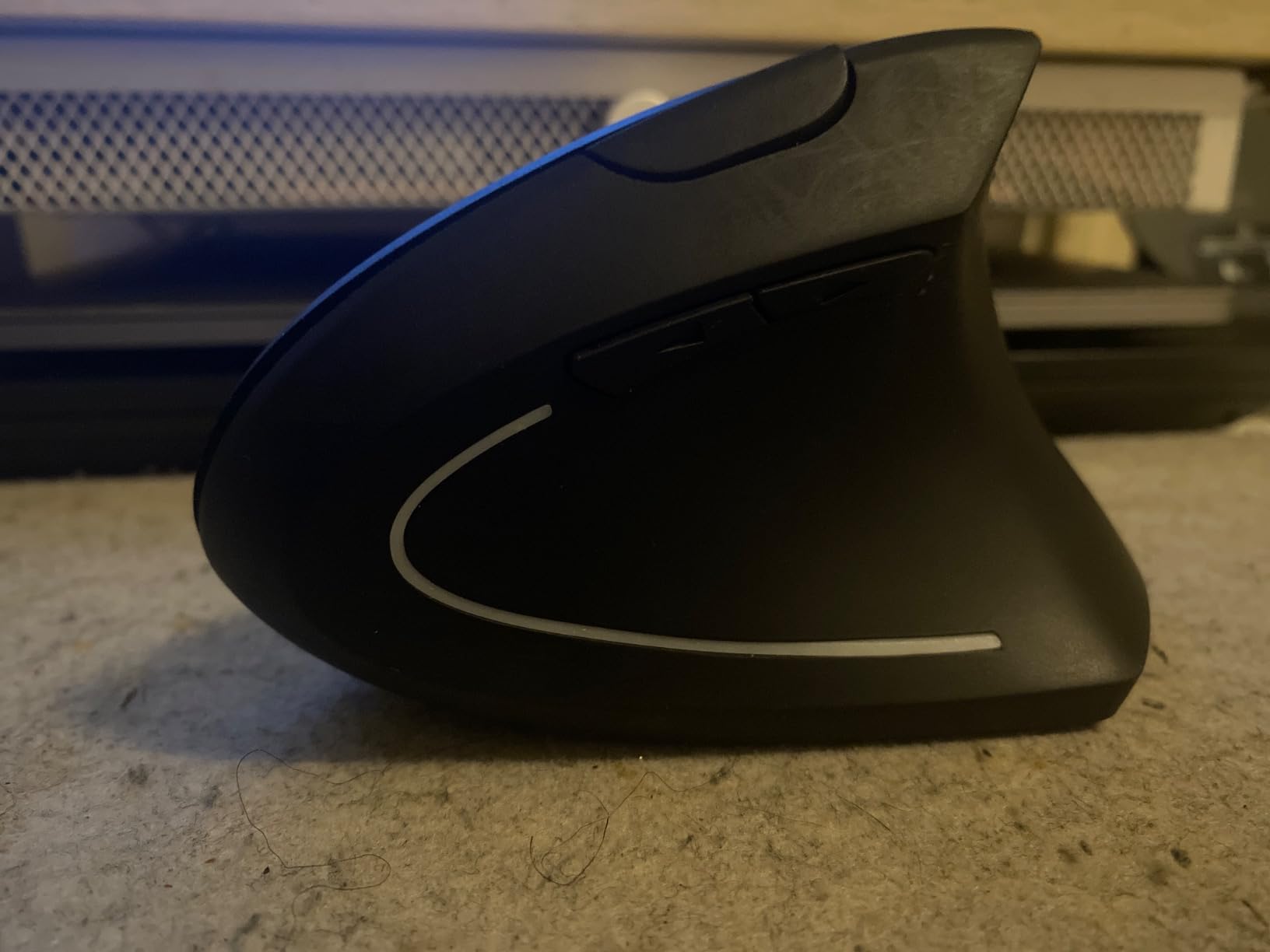
Connectivity is the weak point. It pairs two devices at once, one over Bluetooth and one over the USB receiver, so you cannot keep three machines ready. Back and forward buttons do not work on macOS, and there is no remapping software on any platform.
The 1600 DPI ceiling is the lowest in the roundup, which limits precision work and design applications. The glossy plastic shell also feels slippery when dry and shows wear faster than a matte surface.
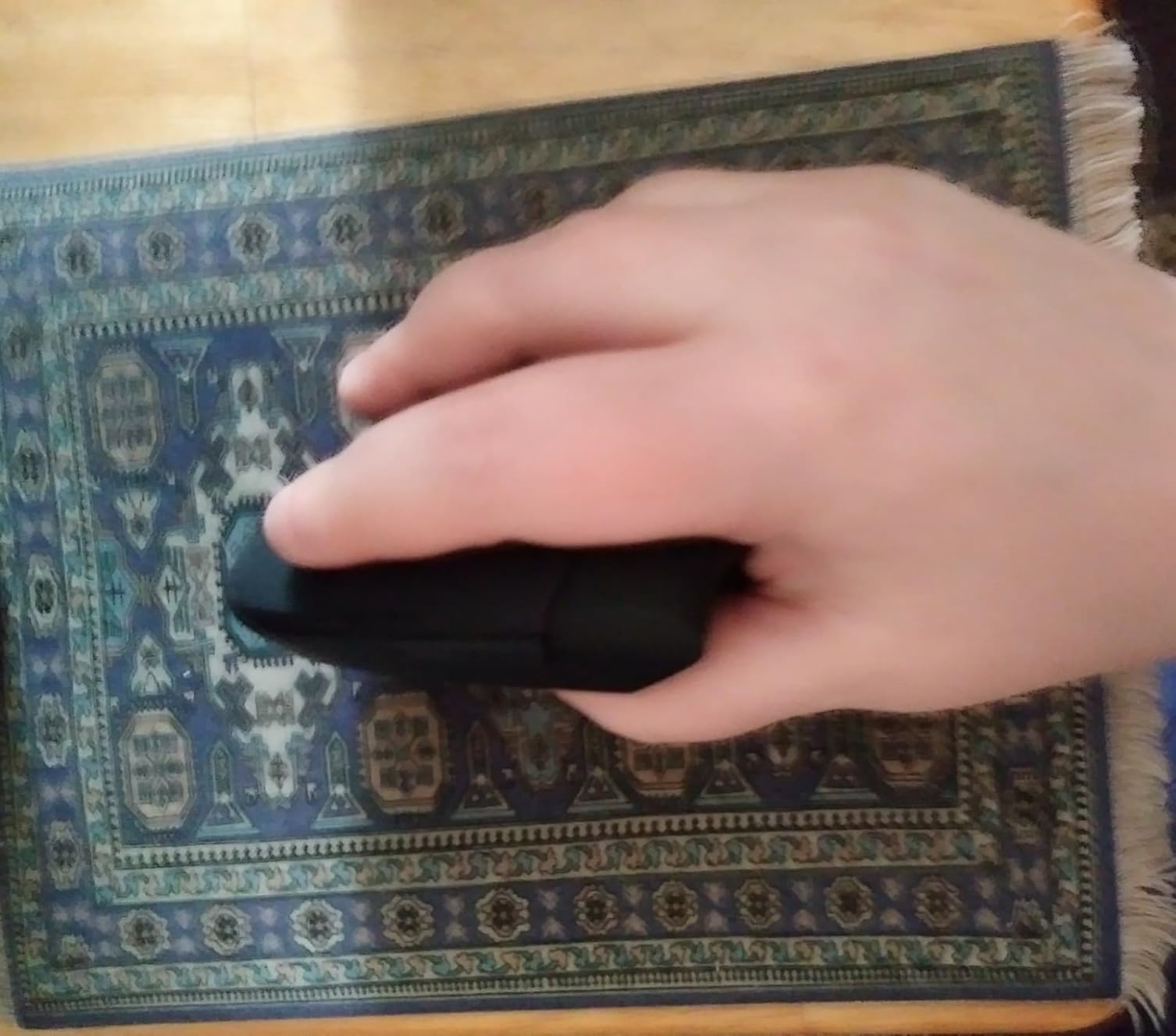
Best for a two-week trial
Buy this one to find out if the angle suits you, not as a long-term daily driver. Two weeks tells you whether your wrist pain responds to a neutral forearm position, and that answer is worth far more than any spec comparison.
If the angle works and you then want a better sensor, a steeper angle or more devices, you know exactly which direction to upgrade. If it does not work, you have spent very little to find out.
Best for silent clicks on a tight budget
Six silent buttons across the shell make this one of the cheapest quiet options in the roundup. That matters in shared spaces where the standard clicks on budget mice are the thing colleagues complain about most.
It is also one of the few budget picks that skips disposable batteries entirely, which removes the recurring small cost and the mid-session battery failure. A one-year warranty is included, which is shorter than most picks here.
How to Choose a Vertical Mouse for Wrist Pain in 2026
Match the mouse to your hand size
Measure from the crease at your wrist to the tip of your middle finger, in centimetres. Under 17 cm reads as a small hand, 17 to 19 cm as medium, and over 19 cm as large. That single measurement prevents most returns in this category.
Small hands generally suit the compact shells: the Logitech Lift at 4.3 inches and the ProtoArc EM11 NL, which is built for hand lengths under 7.5 inches. Large hands fit the UGREEN, the Lekvey and the TECKNET 4800 DPI, all of which have wider bodies and deeper palm support.
Medium hands, which are the most common case, can go either way. Pick by shell width rather than by the size label, and read the manufacturer fit notes. Weight is worth checking too, because a lighter mouse reduces the effort of small corrective movements.
Match the mouse to where your pain is
Where the pain sits changes which shape helps. Wrist and base-of-thumb ache after long sessions is the classic case for a vertical mouse, because that is exactly the posture change it delivers.
Forearm and elbow discomfort often needs more than a vertical angle. A trackball removes arm rotation entirely and is the usual next step when the forearm is the problem. Shoulder and neck pain usually points at posture and desk setup rather than the mouse.
Numbness, tingling or a weakening grip is not a posture problem. That pattern suggests nerve involvement and needs medical assessment. A mouse can remove the strain that contributes to symptoms, but it cannot reverse nerve compression.
Know the adjustment period before you buy
Days one to three are awkward. Your hand expects a flat mouse, so aiming slows down and the shape feels wrong. This is the phase where most people give up, and it is also the phase where the benefit has not appeared yet.
By days four to ten it starts to feel normal, and by around day fourteen most owners report that reaching for a flat mouse feels strange. Judge the mouse at the two-week mark, not on day three, and keep your old mouse on the desk until then.
Some users find that a wrist rest alongside the vertical mouse helps more than either one alone. Others get better results by lowering pointer sensitivity during recovery so their hand travels less while they adapt.
Consider wireless, weight and build quality
Wireless is usually the better choice for wrist pain, because cable drag makes you grip harder to keep the mouse where you want it. If you prefer a cable, a wired vertical mouse still gives you the angle without the connection overhead.
Build quality predicts longevity better than any other factor in this category. A plastic body with a sealed battery will outlive a lighter one with a fragile battery door, and a three-year warranty is a reasonable proxy for the manufacturer’s confidence in the shell.
Gaming deserves a separate answer. Vertical mice work well for strategy, role-playing and simulation titles. For fast first-person shooters that need rapid large flicks, many players still prefer a low-centre-of-gravity traditional mouse, so the common setup is a vertical mouse for working hours and a gaming mouse for sessions. If you are protecting a sore wrist, keep session length short rather than switching shapes mid-match.
Whichever you pick, treat it as part of a wider setup rather than a standalone fix. Keyboard position, chair height and breaks all move the needle, and our guide to wrist-focused technique basics covers the load side of the equation. For support while the new habit settles, our wrist support guide covers external support options.
Frequently Asked Questions
What is the best vertical mouse for wrist pain?
The Logitech MX Vertical is the best overall vertical mouse for wrist pain. Its 57 degree angle holds your forearm in a neutral handshake position, the 4000 DPI sensor cuts how far your hand travels, and it switches between three devices over Bluetooth or the included receiver. For small hands the Logitech Lift fits better, and for quiet offices the TECKNET 52 degree model has silent clicks and a rechargeable battery.
Which mouse is best for wrist pain?
It depends on where the pain is. Wrist and base-of-thumb ache after long sessions responds best to a vertical mouse, which is what most of this roundup covers. Forearm and elbow discomfort often needs a trackball, because it removes arm rotation entirely. Shoulder and neck pain usually comes from desk posture rather than the mouse. Numbness, tingling or a weakening grip needs a clinician, not a mouse swap.
Are vertical mice better for wrists?
Yes, for most people. A vertical mouse holds your hand in a natural handshake position so the radius and ulna in your forearm stay closer to parallel instead of rotating into pronation under a flat mouse. That removes sustained tension from the forearm muscles and tendons, which is what produces end-of-day wrist fatigue over a full workday of repeated movement.
Do vertical mice actually help with carpal tunnel?
Partially. A vertical mouse reduces the strain that contributes to carpal tunnel symptoms and may slow progression, but it cannot reverse existing nerve compression. A diagnosed carpal tunnel syndrome needs medical assessment and often treatment. Sharp pain, persistent numbness or a weakening grip are reasons to see a clinician rather than to change mice.
How long does it take to get used to a vertical mouse?
Days one to three feel awkward and slower because your hand is trained for a flat shape. Between days four and ten it starts feeling normal. By around day fourteen most owners find that going back to a flat mouse feels unnatural, which is the reverse adaptation that proves the ergonomic change worked. Judge a new vertical mouse at two weeks, not on day three.
Our Final Verdict on the Best Vertical Mice for Wrist Pain
The Logitech MX Vertical is the best vertical mouse for wrist pain overall. The 57 degree angle, the 4000 DPI sensor and three-device switching make it the most complete answer to the wrist and forearm strain that comes from a full day of mousing, and it holds up over years rather than months.
Match the shape to your hand instead. Small hands belong on the Logitech Lift, large hands on the UGREEN or the TECKNET 4800 DPI. Quiet rooms call for the TECKNET 52 degree model or the ProtoArc, and anyone who wants zero charging overhead should look at the Lekvey or the wired Anker.
Test the angle cheaply before you spend heavily, and give any new mouse a full two weeks. If wrist pain is sharp, persistent, or accompanied by numbness or a weakening grip, see a clinician rather than a shopping list. More on how movement and wrist mechanics interact is in our wrist motion basics guide.