
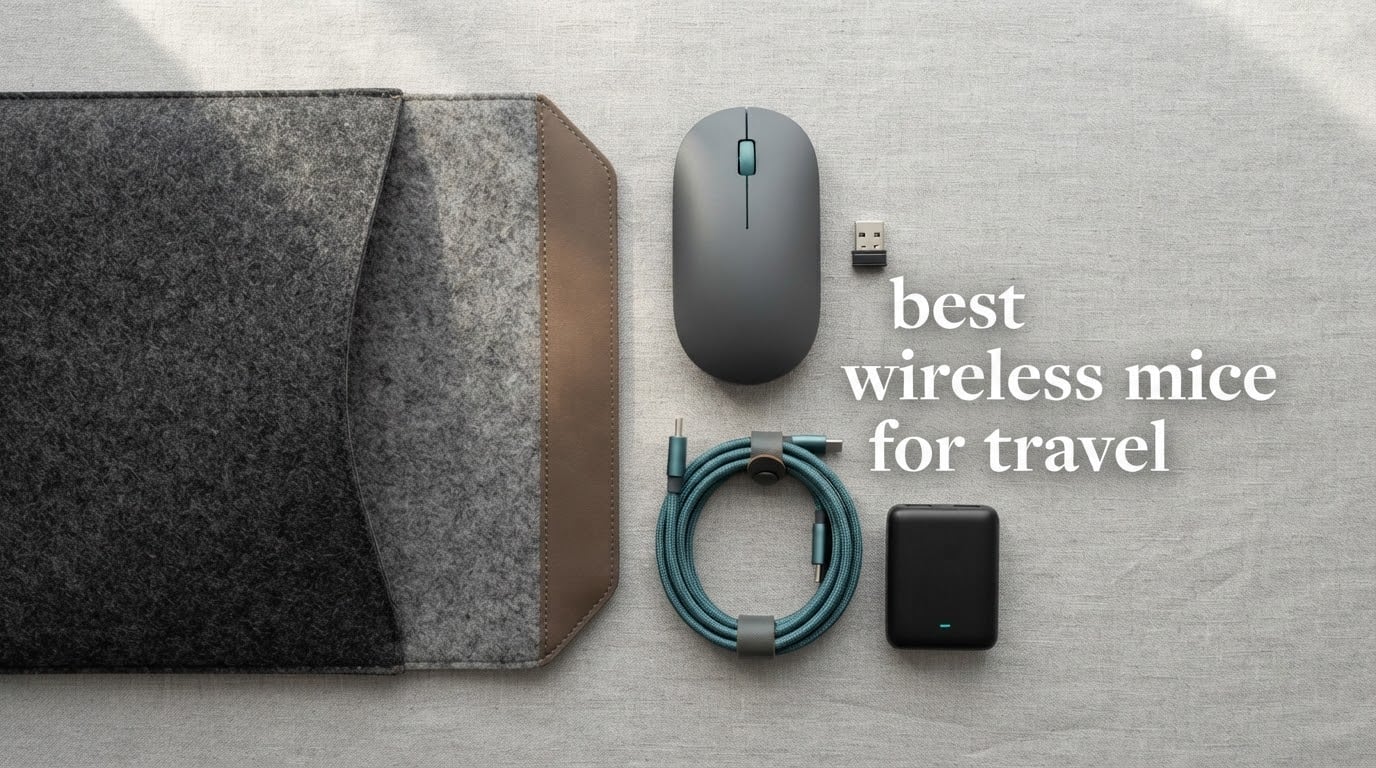
There is a specific kind of frustration that only shows up at 30,000 feet: the one where you have packed a laptop, a charger and three cables, and the pointing device you brought feels like a brick in your hand after ninety minutes on a tray table. The best wireless mice for travel solve a narrower problem than most guides admit. They have to be small enough to disappear into a laptop sleeve, light enough to forget, and comfortable enough to still feel right in hour six.
Most roundups test the first two and skip the third. That is the gap this guide closes. Every pick below carries an explicit verdict on whether it holds up for a full workday in a coworking space or whether it is really only good for short sessions, an airport lounge and a hotel desk at night. A mouse that scores perfectly on packability but forces a claw grip by lunchtime is a disappointment, and you only find that out at hour three.
We compared ten travel-capable mice on weight, footprint, battery, connectivity, surface tracking and hand fit, and read through more than 145,000 owner reviews between them. The list spans under 31 grams to about 120 grams, two-button shells to six-button ones, disposable AA cells to USB-C rechargeable packs, and Bluetooth-only to tri-mode dongle designs. Every one of them fits in a tech pouch. Not all of them deserve a place in yours.
Last updated for October 2026. Prices change constantly, so use the buttons below to check current listings rather than trusting any number you remember.
Table of Contents
Top 3 Picks for Wireless Mice for Travel (October 2026)


Three picks sit at the top of this roundup for different reasons. The Logitech M185 wins on proven reliability and an owner base large enough that its weaknesses are well documented. The VssoPlor gets you the highest resolution in the group at the lowest tier. The HP X3000 G3 wins the category almost nobody thinks about: battery that survives a whole trip without a charge.
Best Wireless Mice for Travel in 2026
| Product | Specifications | Action |
|---|---|---|
| Logitech M185 Compact Wireless Mouse |
|
Check Latest Price |
 Logitech M196 Compact Bluetooth Mouse Logitech M196 Compact Bluetooth Mouse |
|
Check Latest Price |
 TECKNET Folding Wireless Mouse TECKNET Folding Wireless Mouse |
|
Check Latest Price |
 NYIEFADA Arc Tri-Mode Rotating Mouse NYIEFADA Arc Tri-Mode Rotating Mouse |
|
Check Latest Price |
 TECKNET Ultra-Thin 4800 DPI Mouse TECKNET Ultra-Thin 4800 DPI Mouse |
|
Check Latest Price |
 VssoPlor Slim 2.4G Wireless Mouse VssoPlor Slim 2.4G Wireless Mouse |
|
Check Latest Price |
 INPHIC Slim Rechargeable Mouse INPHIC Slim Rechargeable Mouse |
|
Check Latest Price |
| HP X3000 G3 Wireless Mouse |
|
Check Latest Price |
 Afaartcci Rechargeable Bluetooth Mouse Afaartcci Rechargeable Bluetooth Mouse |
|
Check Latest Price |
 Logitech Slim Wireless Mouse for Mac Logitech Slim Wireless Mouse for Mac |
|
Check Latest Price |
1. Logitech M185 Compact Wireless Mouse: The One Everyone Should Pack
Logitech M185 Compact Ambidextrous 2.4 GHz Wireless Mouse – Swift Grey
Weight: 30 g
DPI: 1000
Battery: 12 months on one AA
Connection: 2.4 GHz nano receiver
Pros
- Lightest mature option at 30 g
- Contoured ambidextrous shell fits small to medium hands
- Up to 33 ft / 10 m link
- Three-year limited warranty
- Works with Windows and Mac out of the box
Cons
- Only three buttons
- 1000 DPI is modest for precision work
- Glossy shell shows wear over time
The M185 is the reason most people never think hard about this category. It weighs 30 grams, which is about the same as five sheets of paper, and at that weight you genuinely stop noticing it in a bag. Its footprint is small enough to sit in the side pocket of a laptop sleeve rather than taking up the main compartment.
Grip is a contoured ambidextrous shell that suits small and medium hands equally well. It is not sculpted, and it has no palm hump, but it does not force the flat claw posture that gets uncomfortable in hour three either. For a full workday it is a steady, unremarkable hand shape rather than a cringing one.
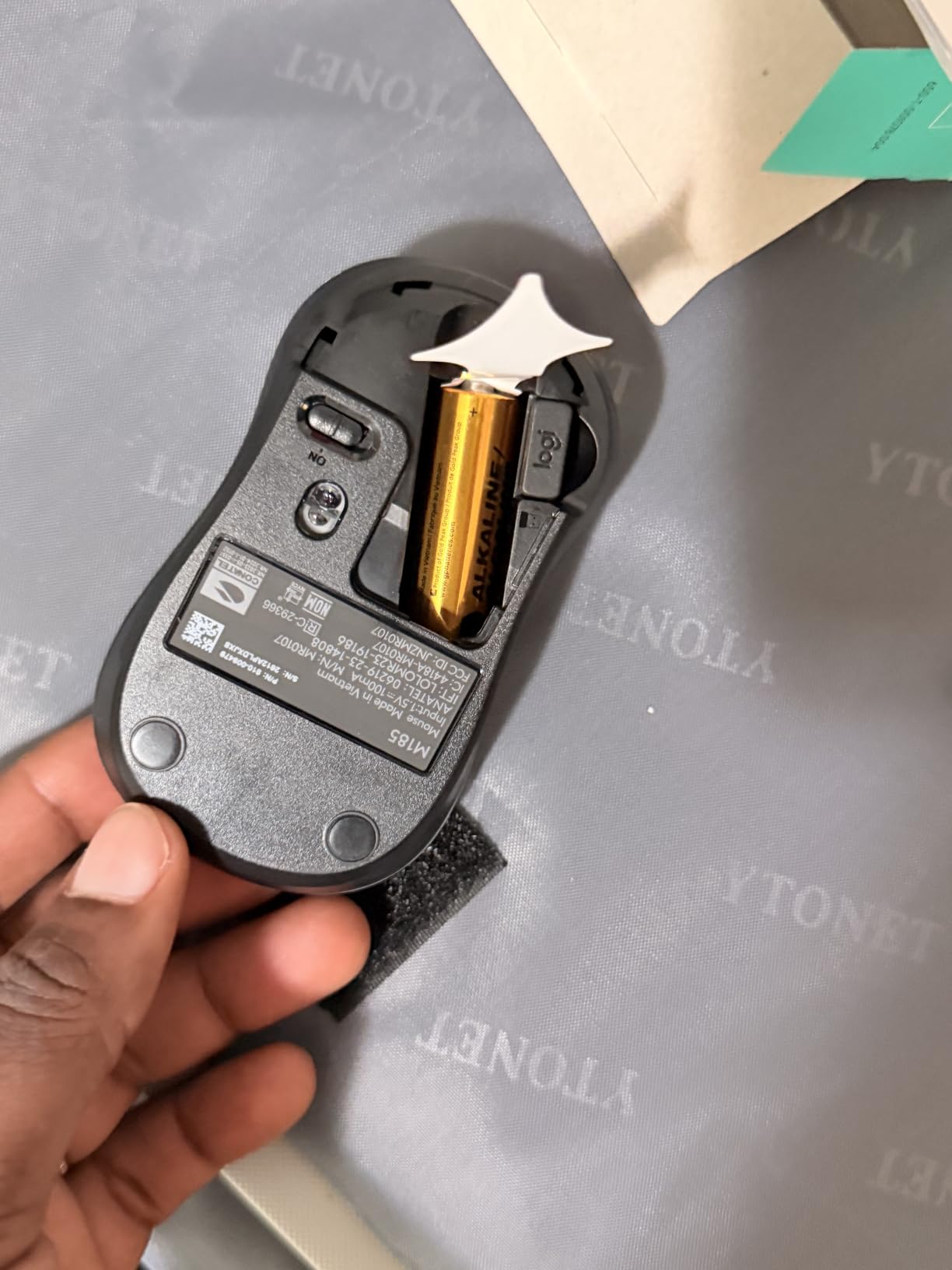
The engineering is boring in the best way. A 1000 DPI optical sensor handles a tray table and a laminate café surface without a mousepad, and a line-by-line scroll wheel gives you the detented feel that flat capacitive mice often lose. Auto-sleep kicks in when you walk away, and one AA cell is quoted at up to 12 months.
The nano receiver plugs into a full-size USB-A port and the connection holds up to 33 feet. It stores against the mouse body, though the storage is a shallow clip rather than a proper cavity, so it is worth checking before you zip the pouch shut. Connection stability across many owner reviews is consistently described as reliable.
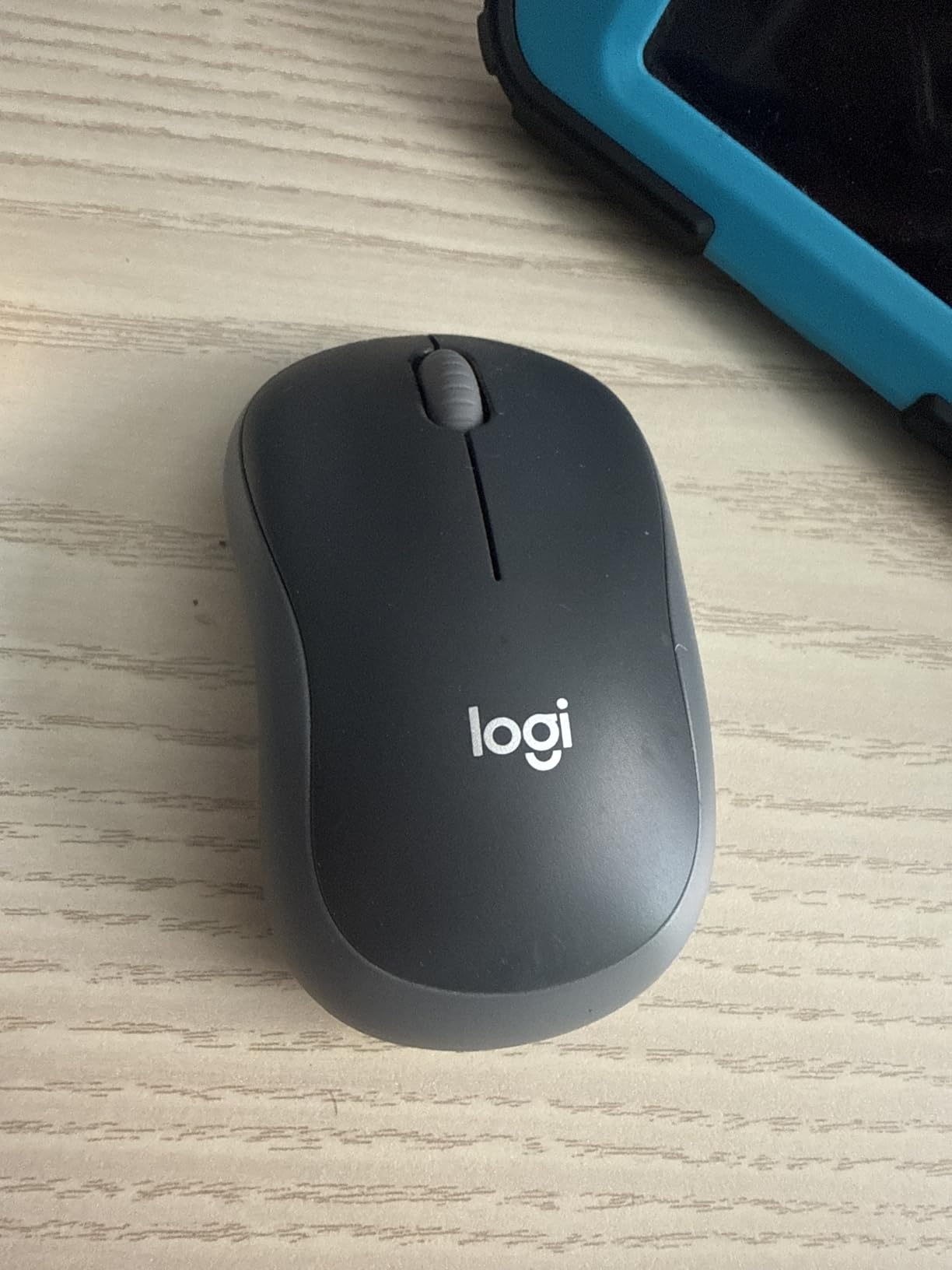
What the M185 does well over a long session
Two things separate this from the cheaper budget mice: the warranty runs three years, and the 45,000-review base means the shape has been stress-tested by an enormous number of hands. If you are packing one mouse and only one, this is the low-risk decision.
The recycled-plastic content in the shell is a nice detail for anyone buying on sustainability grounds, and it does not change the feel of the plastic.
Where it falls short
Three buttons means no side controls, no back button and no DPI switch. There is no way to raise sensitivity on the fly, which bites if you work on a high-DPI external display. The 1000 DPI ceiling is also why graphic designers tend to skip this one.
And because it is a 2.4 GHz dongle mouse rather than a Bluetooth mouse, it needs a USB-A port. On a dongle-free laptop you will need an adapter in your pouch, which defeats some of the point.
2. Logitech M196 Compact Bluetooth Mouse: Best if You Have No Spare USB Port
Logitech M196 Compact Ambidextrous Bluetooth Wireless Mouse – Graphite
Weight: 2.65 oz
DPI: 1000
Battery: 12 months on one AA
Connection: Bluetooth, no receiver
Pros
- No dongle and no port needed
- Pairs in seconds with a single press
- Works with Windows
- macOS and Linux
- Contoured ambidextrous shell
- Recycled plastic in the Graphite version
Cons
- Two-button layout with no scroll wheel
- 1000 DPI sensor is low for precision work
- Only one paired host at a time
The M196 is the pick for anyone whose laptop has USB-C ports only and no dongle in their kit. It pairs over Bluetooth in seconds with no receiver to lose and no adapter to remember. That single design decision removes the most common travel complaint in this whole category.
At 2.65 ounces it is among the lighter mice here, and the contoured shell fits either hand with a slightly flatter profile than the M185. Reviewers consistently describe it as more comfortable than a trackpad for long sessions, though not in the same league as a sculpted ergonomic shape.
Optical tracking holds on most surfaces, and the 1000 DPI sensor is the same one used in the M185. One AA battery is quoted at up to 12 months with auto-sleep, and the Graphite version contains 67 percent certified post-consumer recycled plastic.
Compatibility is broad: Windows, macOS and Linux, plus tablets and smartphones that speak Bluetooth. Logitech notes it pairs with MacBook Neo laptops in a matching finish. It ranks in the top ten of its category on Amazon, which tells you how many people have bought it on exactly this reasoning.
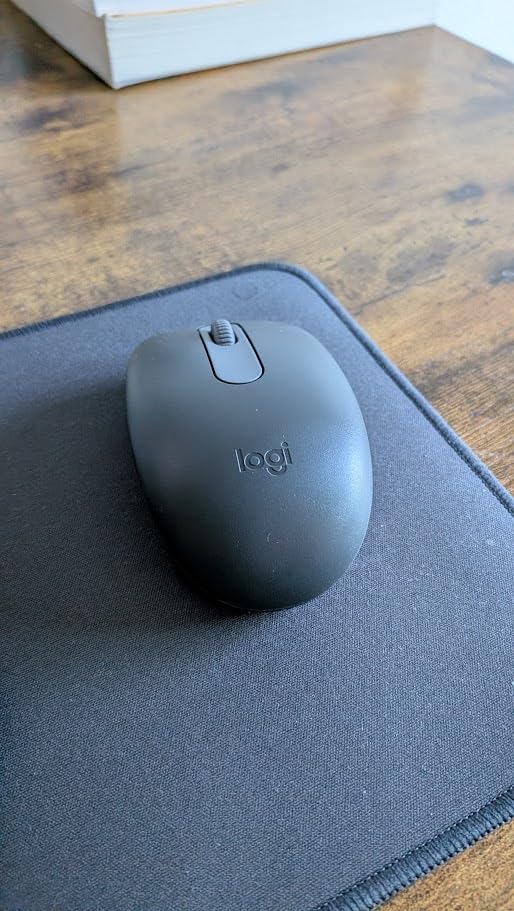
Why this is the safe USB-C answer
The travel reality is that a loose 2.4 GHz dongle in a laptop sleeve is a thing that will eventually migrate to the bottom of the bag. A Bluetooth-only mouse simply cannot be lost that way, and the M196 needs no charging cable on the road because it runs on AA cells.
It also works on a bed, a lap or a train table without a surface to speak of, which is more than can be said for several trackpad-only workflows.
What gives it away as the budget tier
There is no scroll wheel. Reviewers mention this as the defining limitation, and it is a real one for anyone reading long documents or scrolling spreadsheets. A click-only left and right button pair also rules it out for design work and most games.
Multi-device pairing is absent too. If you switch between a work laptop and a personal machine daily, re-pairing every time is friction you will notice.
3. TECKNET Folding Wireless Mouse: Best for the Smallest Possible Footprint
TECKNET Folding Wireless Mouse, 2.4G Travel Mouse, 3 Adjustable DPI
Weight: 53 g
DPI: 2000/1500/1000
Battery: up to 24 months on 2 AAA
Connection: 2.4 GHz, receiver stored in hinge
Pros
- Folds completely flat with the receiver stored inside
- Hinged design gives a full-size shape when open
- Three DPI levels without software
- Passed a 5-million-click test
- Quiet solid-feeling clicks
Cons
- Auto-sleep after about five minutes interrupts meetings
- No physical on/off switch
- Side buttons do not function on macOS
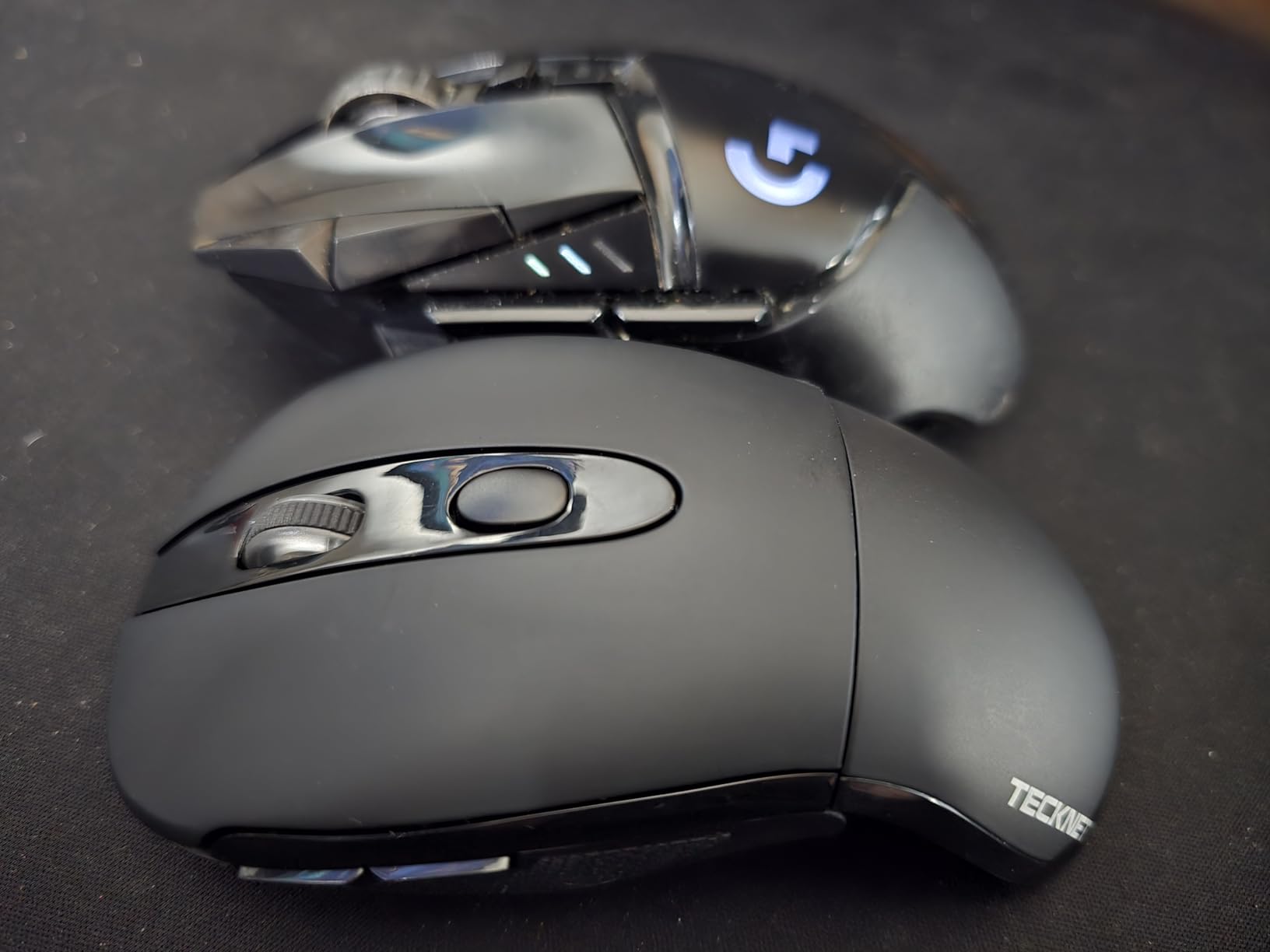
This is the only mouse in the group that genuinely disappears. The hinged tail folds the shell flat, and the tail doubles as the storage slot for the nano receiver, so the whole thing packs into a pocket without a separate dongle pouch. Nothing else here stores its receiver that neatly.
Opened up, the hinge gives you a much taller and more natural shape than the flat ultra-thin designs. That matters more than most buyers expect: a 53 gram mouse with an actual arch under your fingers is far easier on the wrist over six hours than a 30 gram pancake.
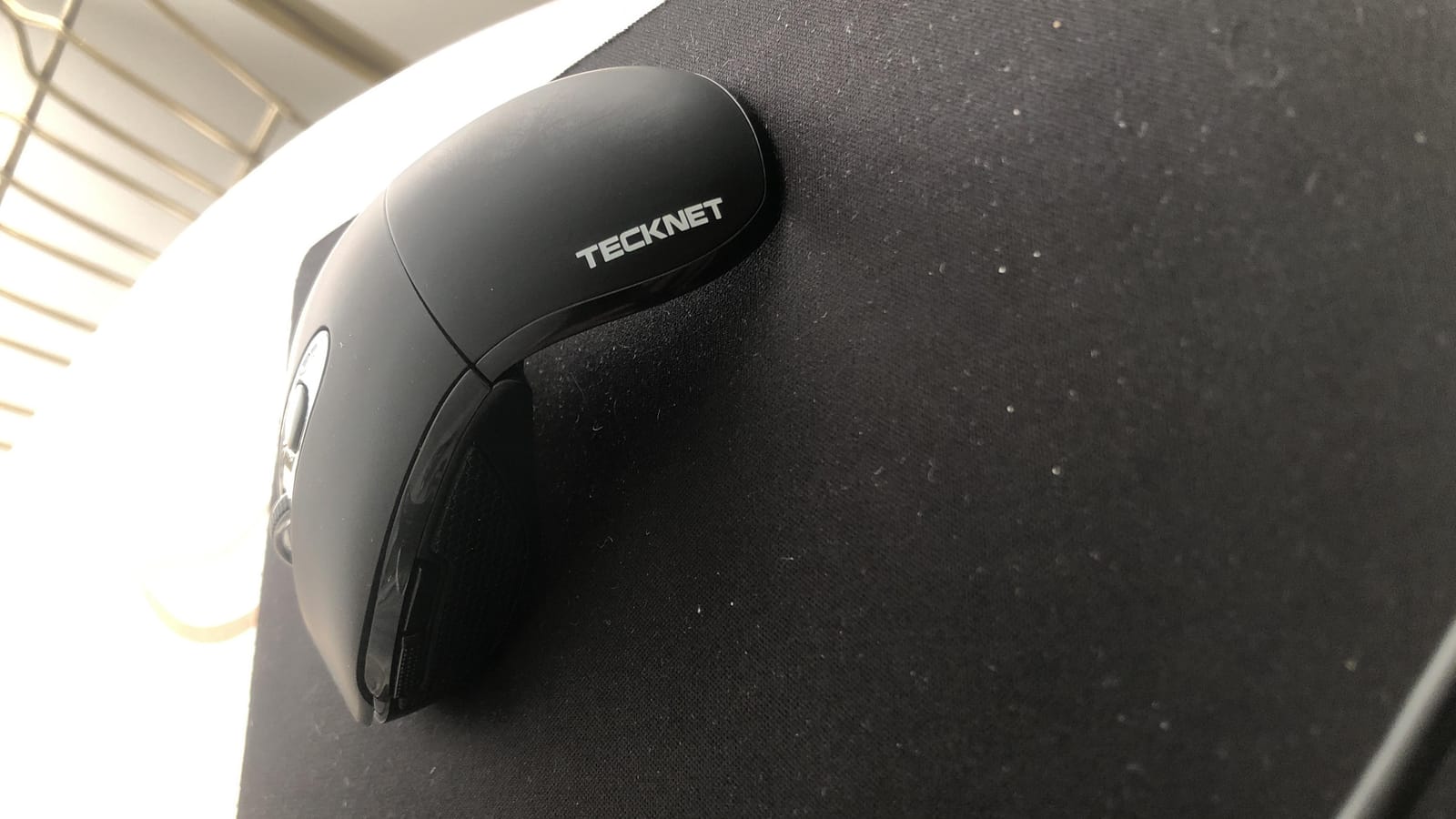
Three DPI levels at 2000, 1500 and 1000 are switchable with a button on the underside, no drivers and no software. The 2.4 GHz link is quoted at up to 33 feet with strong anti-interference, and the buttons are described as quiet with a solid feel rather than thin and clicky.
Build quality is the surprise. TECKNET reports the unit passed a five-million-click endurance test, and the rubberized finish gives it grip that cheap glossy plastic lacks. Windows, macOS, Chrome OS and Linux are all covered.
Why the fold beats a thin profile
Flat mice solve packability by making themselves uncomfortable. This one solves it by folding, which means you get a normal-height grip when you are working and a 5 millimeter slab when you are packing. If your workdays are long and your bag space is tight, that trade is the whole point.
Two AAA batteries are quoted at up to 24 months of battery life, and an LED warns you when they are low. Buy them at any airport shop on the far side of the world, which is not something you can say about an internal rechargeable cell.
The auto-sleep problem you should know about
The most common complaint across reviews is the aggressive auto-sleep, which powers the mouse down after roughly five minutes of inactivity and needs a button press to wake. On a video call or during a long reading stretch, that can mean your cursor vanishes mid-sentence.
There is also no physical on/off switch, so keeping it fully off means removing the batteries. And the side buttons are Windows-only, which matters if you work on a Mac.
4. NYIEFADA Arc Tri-Mode Rotating Mouse: Best for Three Devices Without Re-Pairing
Bluetooth Wireless Arc Travel Mouse, Bluetooth 5.0/4.0 & 2.4G Tri-Mode, Rotating Foldable Ergonomic Mice, Type-C Rechargeable Multi-Device for Microsoft Laptop, PC, MacBook, Chromebook, Lenovo – Black
Weight: 120 g
Silent clicking
Connection: Bluetooth 5.0 plus Bluetooth 4.0 plus 2.4 GHz
Battery: about 30 days per charge
Pros
- Three device channels: two Bluetooth plus one 2.4 GHz dongle
- Rotates 90 degrees to sit flat in a pocket
- Silent clicks suit trains
- offices and shared desks
- Rechargeable battery lasts about 30 days
- Works with Windows
- Linux and MacBook
Cons
- Heaviest mouse in the roundup at 120 g
- Right-hand orientation only
- Highest one-star share of this group
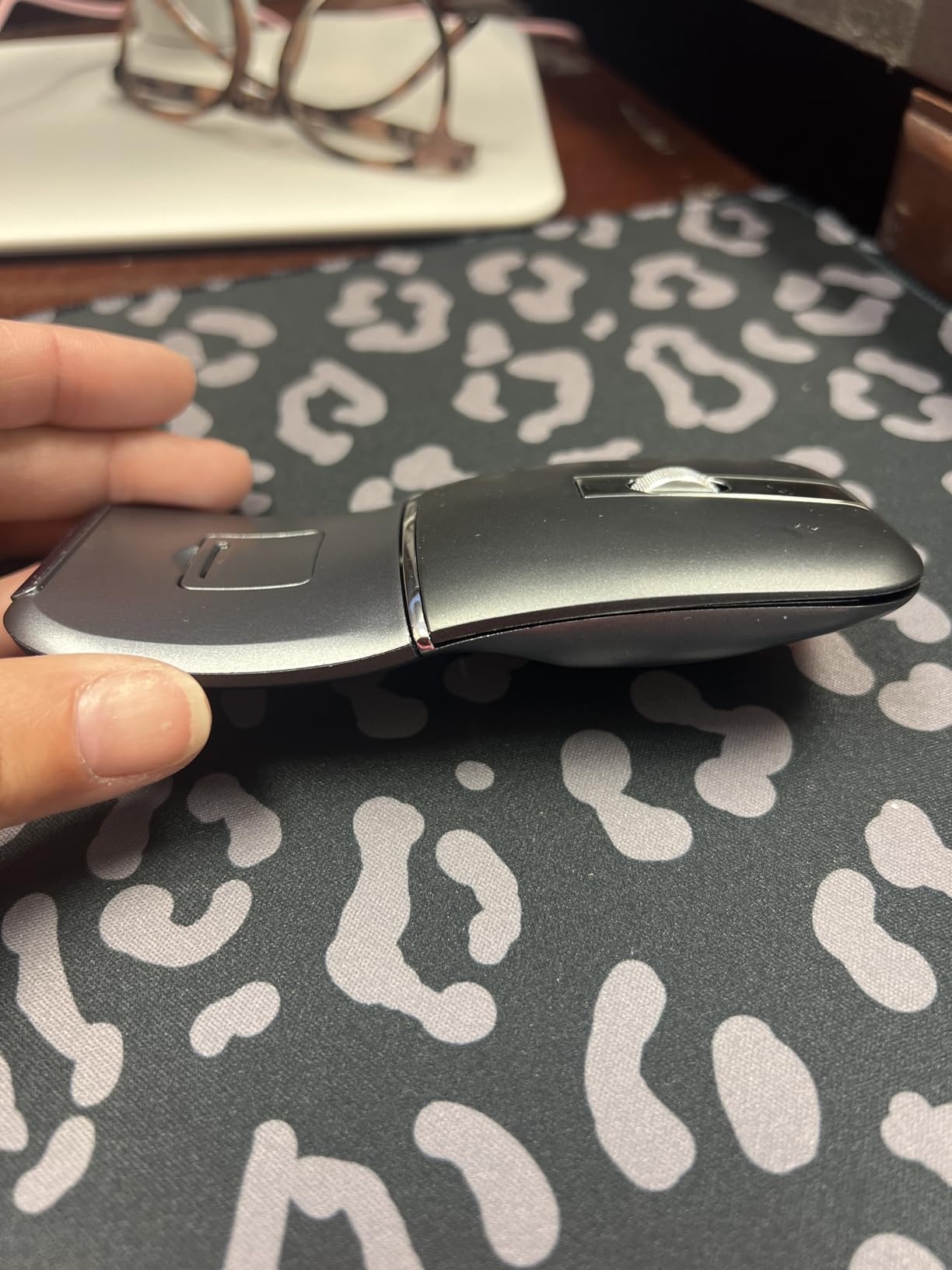
The recurring question on travel forums is whether one mouse can cover a work laptop, a personal laptop and a tablet without re-pairing every time. This is one of the few mice in the roundup that answers yes, with two Bluetooth channels plus a 2.4 GHz receiver, each bound to a different device.
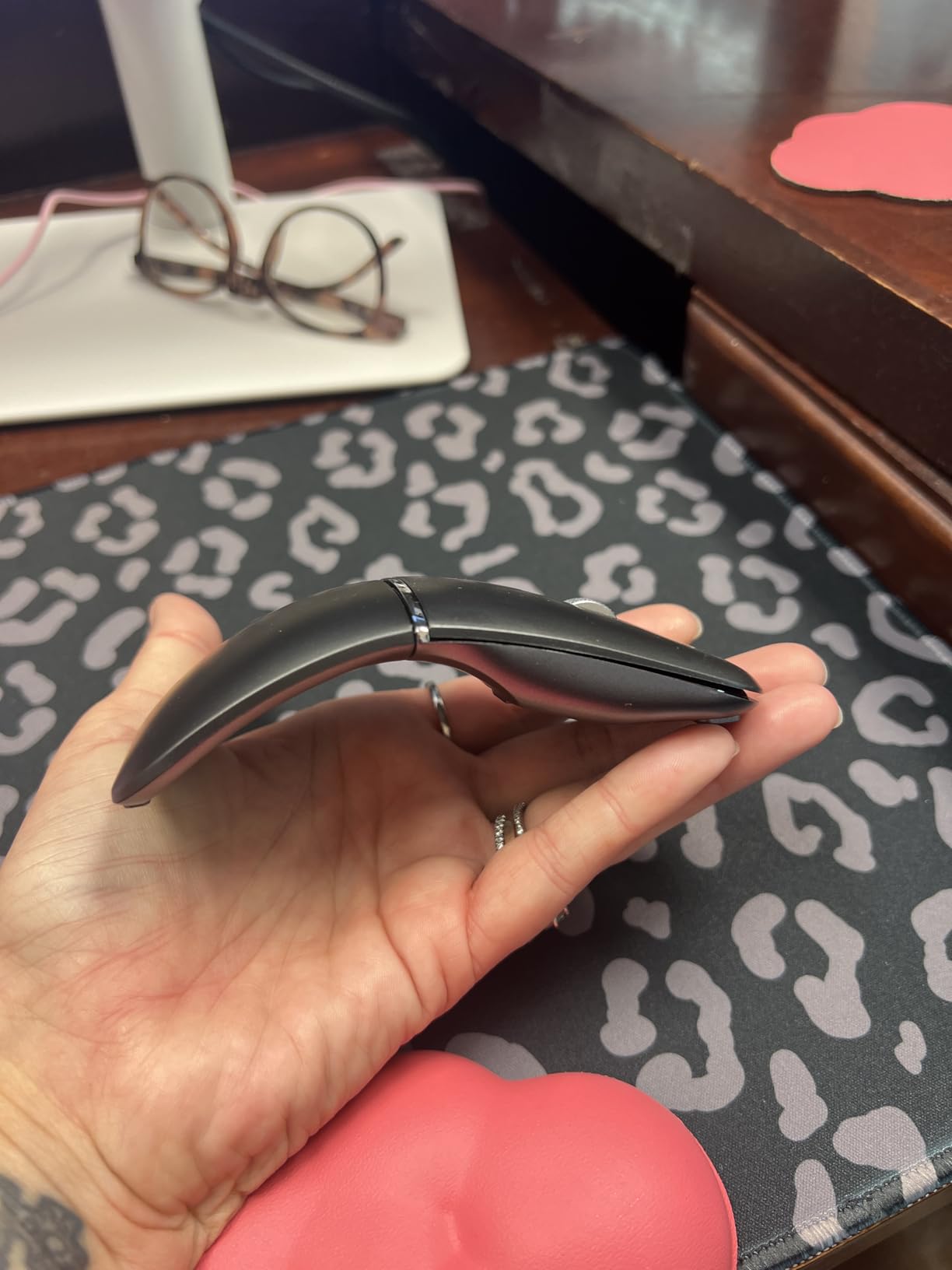
Switching is fast, and the silent click mechanism is genuinely useful in a shared cabin or a quiet café. Owners frequently single that out as the reason they bought it, and reviewers describe the rotating arc as snapping flat enough for a coat pocket.
The rechargeable lithium-polymer cell runs about 30 days per charge, which covers a typical trip. Charging is over USB-C, so the same cable that charges your laptop charges your mouse. That single-cable rule is a real advantage over disposable-cell designs.
Compatibility spans Windows 7 through 11, Linux, and machines from Dell, Lenovo, MacBook and Chromebook lines. A 12-month warranty and a 30-day return window come with it.
Who this genuinely suits
If your work pattern is a laptop at the office, a second machine at home and an iPad in a bag, tri-mode switching removes the single most common source of frustration on the road. For that user this is the most capable pick here, and the silent clicks make it polite in a sleeper berth or a shared office.
The rotating hinge is also a nicer mechanism than a fold-flat joint. It is a single 90 degree action rather than a full fold, so there is less flex in the shell while you work.
Where the trade-offs bite
At 120 grams it is by far the heaviest mouse here, roughly four times the weight of the M185. That is the price of the hinge, the arc body and the tri-mode radio, and it undercuts the case for carrying it if you are strictly minimising.
The shape is for a right hand only. And at 4.2 stars across 703 reviews it sits lowest in this roundup, with an 11 percent one-star share suggesting some durability and tracking inconsistency that the marketing does not mention.
5. TECKNET Ultra-Thin 4800 DPI Mouse: Best for Precision on a Thin Surface
TECKNET Bluetooth Wireless Mouse for Laptop, Rechargeable Silent Computer Mouse (Bluetooth 5.2/3.0 & 2.4G), Ultra-Thin, 6-Level Adjustable 4800 DPI Bluetooth Mouse for Mac OS, iPad, Windows, Android
Weight: 3.2 oz
Max sensitivity: 4800 DPI
Battery: about 60 days per USB-C charge
Connection: Bluetooth 5.2/3.0 plus 2.4G, three devices
Pros
- 4800 DPI is the highest resolution in the roundup
- Six DPI levels from 800 to 4800
- Three-device switching with one click
- 2.5 hour USB-C charge rated for about 60 days
- Clicks roughly 90 percent quieter
Cons
- Spec listing conflicts on power source with an AA mention
- Matte black finish shows fingerprints and grime
- Fewer reviews so long-term durability is less documented
If your idea of working from a plane involves editing a spreadsheet or placing objects precisely, sensor resolution is the number that matters, and this mouse leads the group at 4800 DPI with six switchable levels from 800 up. That is four times the ceiling of the two Logitech budget picks.
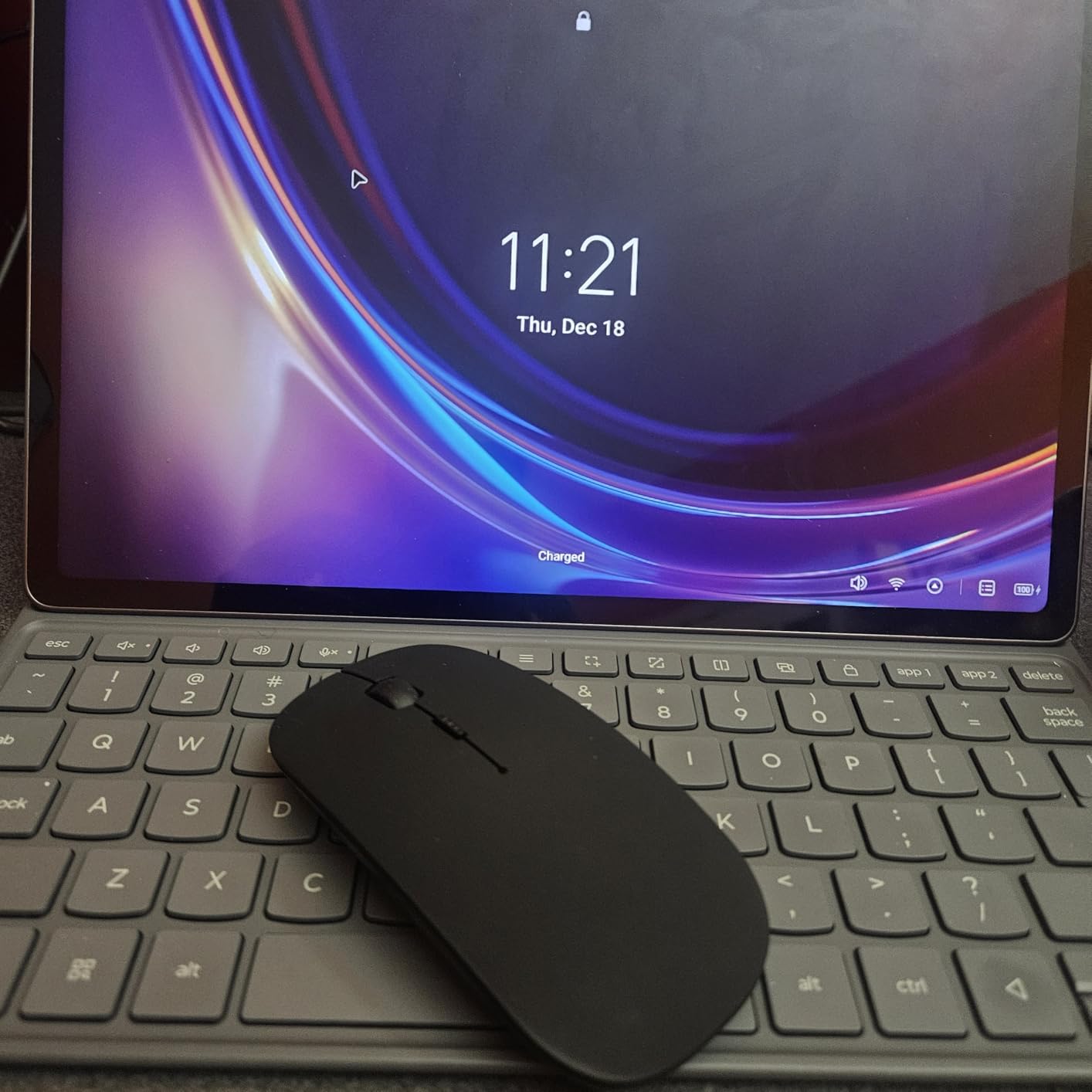
The body is 0.93 inches at its thickest and weighs 3.2 ounces, so it is genuinely pocketable without a hinge or a rotating joint. Six buttons include side controls, which is unusual at this weight class.
Connection covers three devices across Bluetooth 5.2, Bluetooth 3.0 and a 2.4 GHz receiver, with a one-click switch. Range is quoted at 15 meters over 2.4 GHz and 10 meters over Bluetooth.
The rechargeable cell takes about 2.5 hours over USB-C and is rated at up to 60 days of two-hour daily use, with 12-month standby and a 30-minute auto-sleep. Clicks are advertised as around 90 percent quieter, which reviewers confirm for real use in offices.
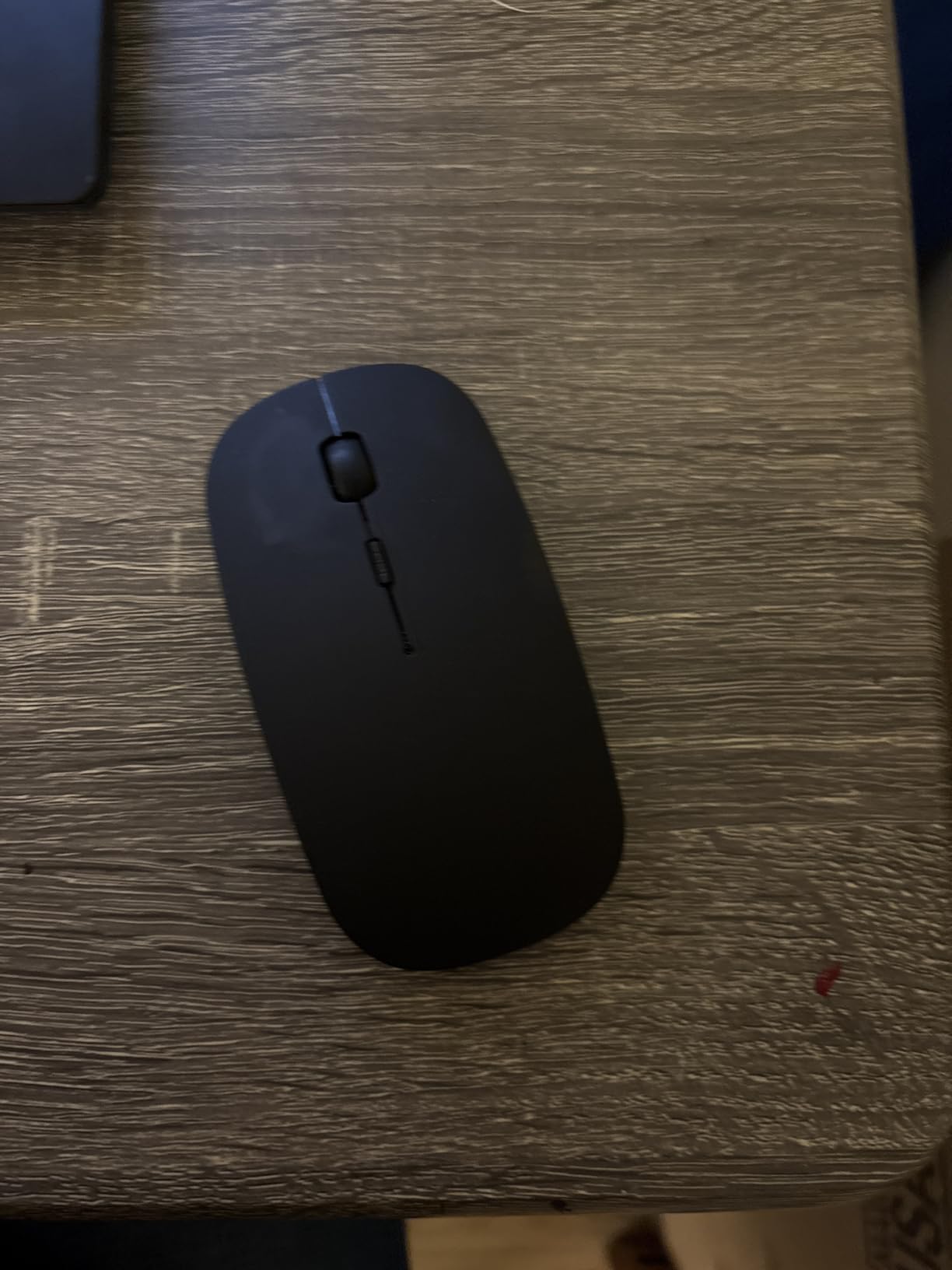
When the extra DPI is worth it
Resolution is the entire argument. On a tray table or a glass cafe surface without a pad, a low-DPI sensor needs bigger, more deliberate movements, and that is where wrist fatigue shows up first. Six levels let you tune for a laptop panel and a desktop display without changing mice.
Windows, macOS, Android, Linux, iOS and ChromeOS are all covered, which makes it the broadest platform support in the group alongside the Afaartcci.
Reasons to pass on it
The listing specification is internally inconsistent, mentioning two AA batteries alongside a rechargeable cell. Buyers who care about knowing what is actually inside should confirm the battery type before travelling on it.
It is also the thinnest shell here, which means a flat grip and the claw-posture problem that testers flag on ultra-thin designs. And with only 594 reviews, long-term durability is less documented than for the picks with tens of thousands of reviews.
6. VssoPlor Slim 2.4G Wireless Mouse: Best Value in the Roundup
VssoPlor Wireless Mouse, 2.4G Slim Computer Laptop Mouse, Black and Gold
Weight: not published
Max sensitivity: 2400 DPI
Battery: single AA
Connection: 2.4 GHz, receiver stows inside
Pros
- 2400 DPI doubles the resolution of the budget Logitech picks
- Silent clicks with a smooth frosted shell
- Receiver stores inside the mouse body
- Stable 2.4 GHz link to 10 meters
- Very wide range of colourways
- 28000+ owner reviews
Cons
- Disposable AA battery rather than rechargeable
- Light feel and build quality do not read as premium
- Small internal receiver storage is easy to overlook
The VssoPlor is the pick that makes the budget case hard to argue. At 4.5 stars across more than 28,000 reviews, it has an owner base large enough to be genuinely informative, and it delivers 2400 DPI for less than the price of a coffee on the way to the gate.
The slim body slides into a laptop bag without a folding hinge or a rotation mechanism, and the quiet clicks are one of the most commonly praised features in reviews. Owners working late or in shared spaces call out the noise reduction explicitly.
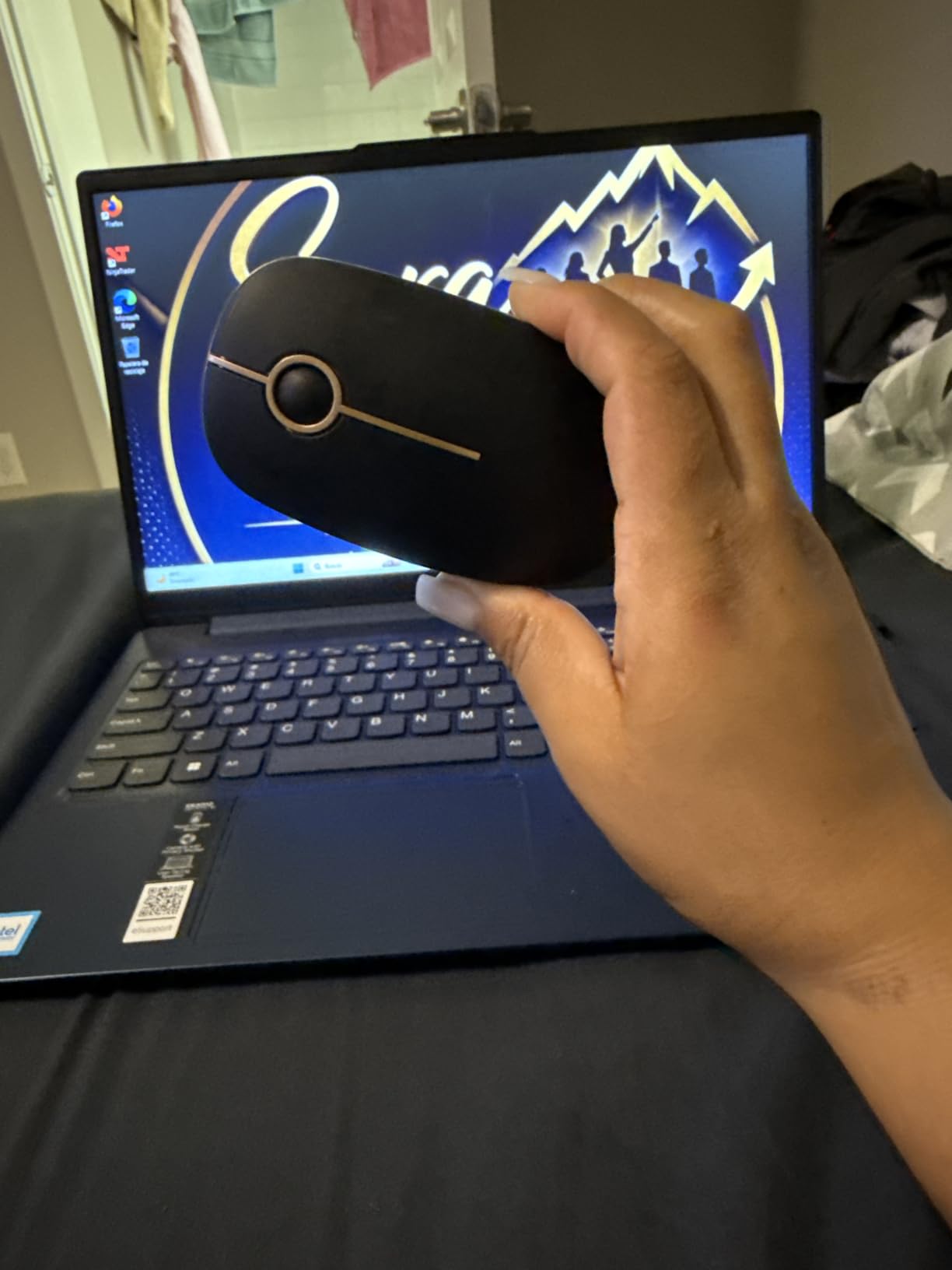
The 2.4 GHz link is quoted as stable to 10 meters with smooth tracking on most surfaces, and the plug-and-play nano receiver stows inside the mouse when you are not using it. That internal storage is small, so it is worth a glance before you close the pouch.
Compatibility covers Windows 7 through 10 and XP, Vista and Mac OS X 10.4. An intelligent sleep mode after five minutes of inactivity stretches a single AA cell further than you would expect.
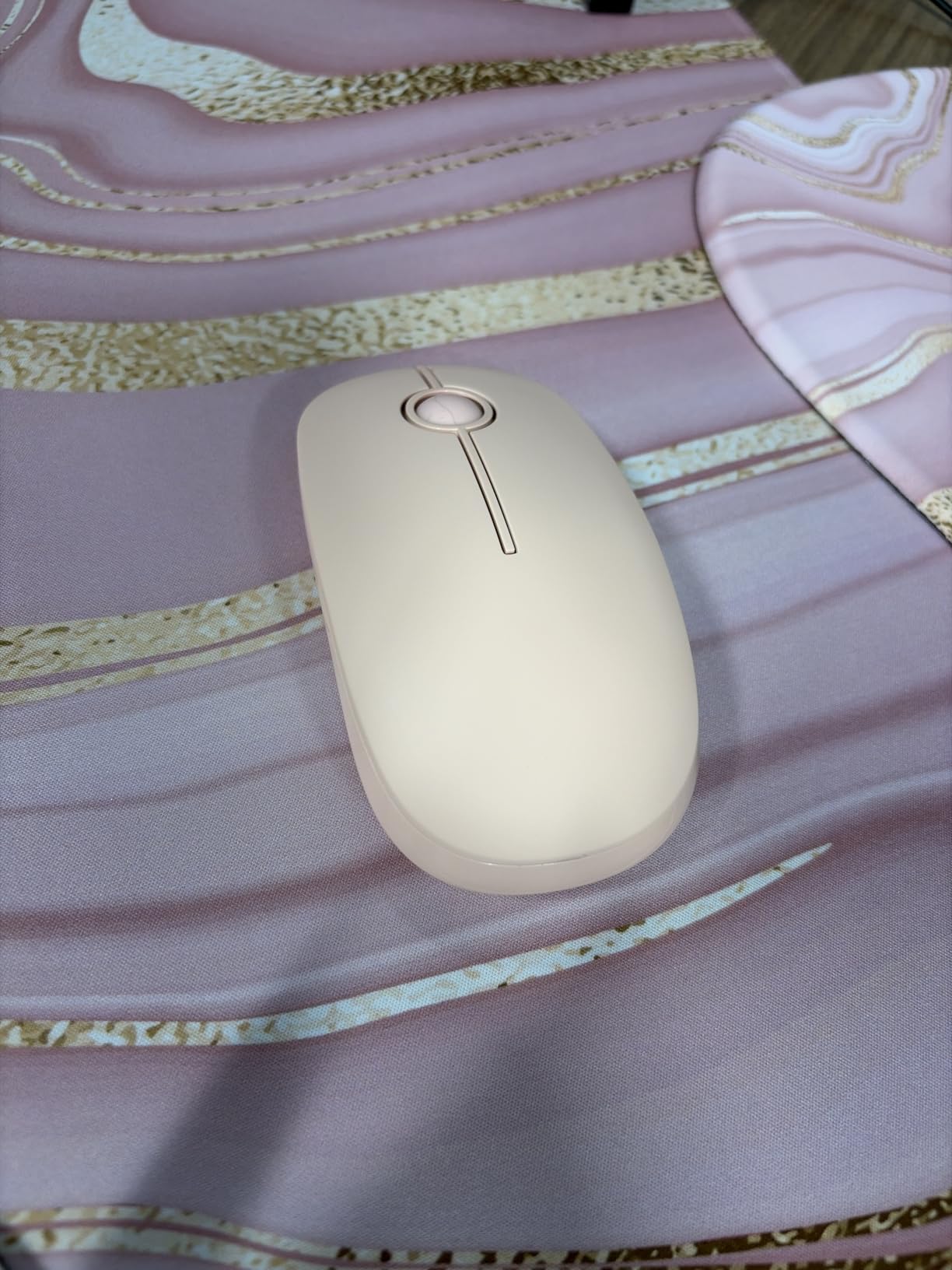
Why this beats the cheaper Logitech options
Resolution and silence. The M185 and M196 both top out at 1000 DPI with audible clicks, and this mouse doubles the resolution while cutting the noise. For most travel work that difference is more noticeable than any of the ergonomic arguments.
It also has the second largest review base in this roundup, so the failure modes are documented rather than hypothetical. Pairs instantly and works with both Windows and Mac.
What you give up at this tier
There is no side button and no DPI switch on the body, so the 2400 DPI is fixed. There is no rechargeable cell, which means planning for AA batteries, and no multi-device pairing at all.
Reviewers also note the lightweight construction can feel less satisfying in the hand than a metal-bodied option, and one report describes a unit failing after about a month. For occasional travel use that risk is acceptable; for daily carry over years, it is worth weighing.
7. INPHIC Slim Rechargeable Wireless Mouse: Best Rechargeable Everyday Carry
INPHIC Slim Wireless Mouse Rechargeable, 2.4G Silent Cordless
Weight: 80 g
DPI: 800/1200/1600/2400
Battery: 700mAh rechargeable, about one month
Connection: 2.4 GHz
Pros
- Three battery indicator lights show remaining charge at a glance
- Rechargeable cell works while charging
- Main clicks are up to 90 percent quieter
- Four DPI levels switchable
- Windows
- Mac
- Linux and Chrome OS support
Cons
- Scroll wheel is not silent
- Deep sleep needs a button press to wake
- Several reports of units failing within months
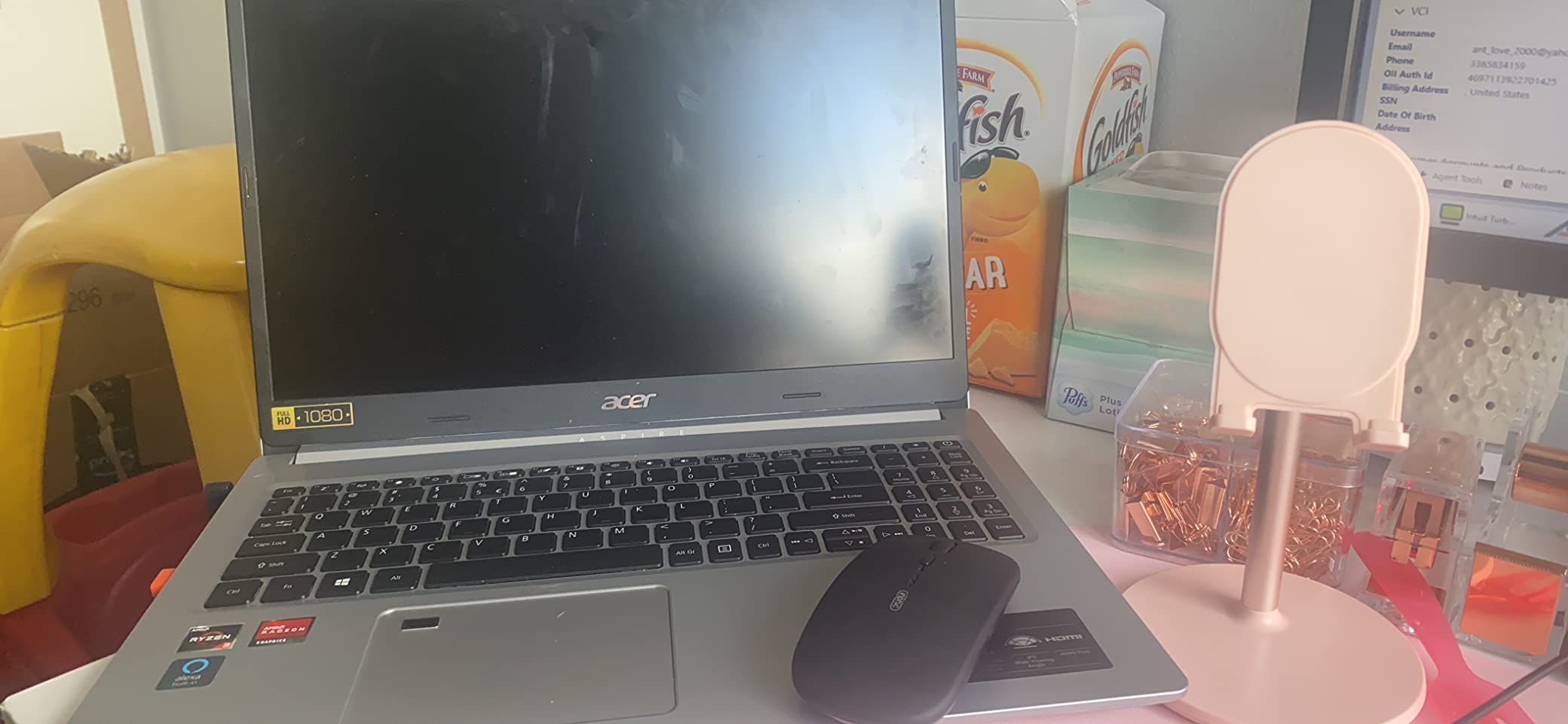
The INPHIC is the one to pick if your travel mouse doubles as your everyday desk mouse. At 80 grams it is heavier than the ultralight picks, which is a fair trade for a shape that stays comfortable through a full working day and a rechargeable cell that removes battery planning from the trip entirely.
The three power-indicator lights are a small detail that changes travel planning. You can see at a glance whether the 700mAh cell has enough charge for a flight, instead of finding out when the cursor stops moving in a hotel room at midnight.
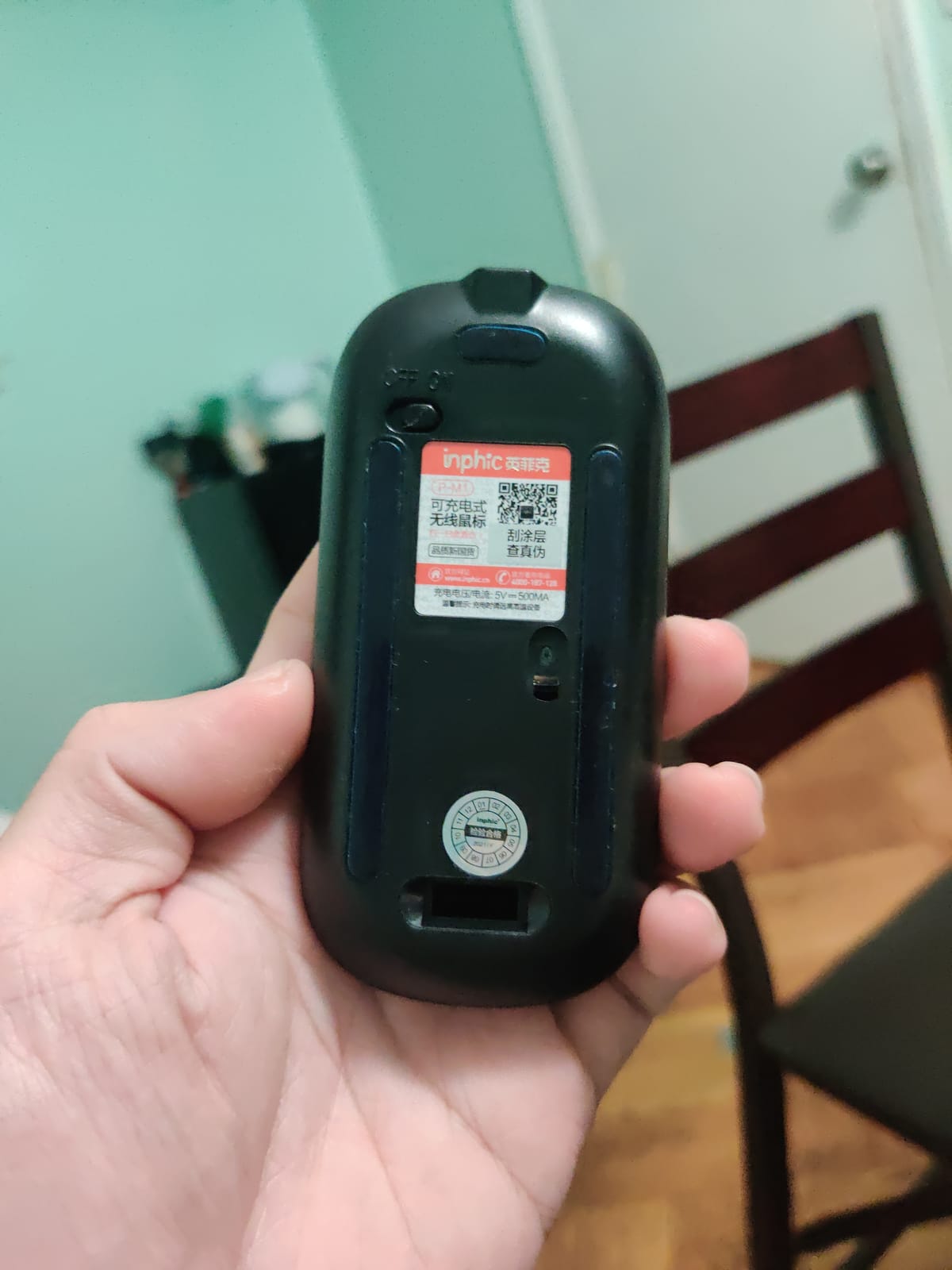
Charging is over micro-USB and the mouse works while it is plugged in, which means a long-haul flight is a viable charging window. Rated battery life is about a month per charge, and the 2.4 GHz connection holds up to 10 meters.
Four DPI levels at 800, 1200, 1600 and 2400 give you more control than most picks at this weight. Main clicks are advertised as up to 90 percent quieter, and the nano receiver stores on the back of the shell.
What works for a full workday here
The 4.21 by 2.24 inch footprint sits between the flat budget mice and the folding designs, which means there is enough palm support to relax your hand without the bulk that defeats the purpose. Silent primary clicks make it workable in a shared office or a quiet car.
It works with Windows, Mac, Linux and Chrome OS, and covers tablets and MacBooks as well as desktops. Compatibility is rarely a problem with this one.
Where the durability reports should worry you
A meaningful number of reviews describe the mouse failing outright after a few months, and the surface finish is reported as wearing at high-contact points. If you are buying a travel-only backup that sits in a drawer between trips, that is low risk. If you are planning a daily carry, buy it with the idea that it may need replacing.
Note also that only the two main keys are silent. The scroll wheel still clicks, which is exactly what you are using in a quiet space. Deep sleep also requires a button press to wake.
8. HP X3000 G3 Wireless Mouse: Best Battery Life by a Wide Margin
HP X3000 G3 Wireless Mouse – Black, 15-Month Battery, Side Grips for Control, Travel-Friendly, Blue LED, Powerful 1600 DPI Optical Sensor, Compatible with Wins PC/Laptop, Mac, Chromebook (683N7AA)
DPI: 1600
Battery: up to 15 months on one AA
Connection: 2.4 GHz USB-A to 30 feet
Buttons: 3
Pros
- Up to 15 months from a single AA cell
- LED multi-surface tracking works without a mousepad
- Nano receiver stores inside the mouse
- Works with Windows
- Mac and Chrome OS
- Contoured ambidextrous three-button shell
Cons
- Three buttons and no side controls
- Glossy plastic feels less durable under impact
- Some buyers prefer a larger shape
Nothing else in this roundup solves the battery question as thoroughly as the HP X3000 G3 does. Fifteen months on a single AA cell means you can buy a battery at the departure gate and forget about it for the rest of the year. For long trips and remote workers who hate charging, that is worth more than any feature.
The LED multi-surface sensor is the second headline. It tracks smoothly on virtually any surface without a mousepad, which is exactly the airline tray table and bare café table scenario that defeats lesser optical sensors.
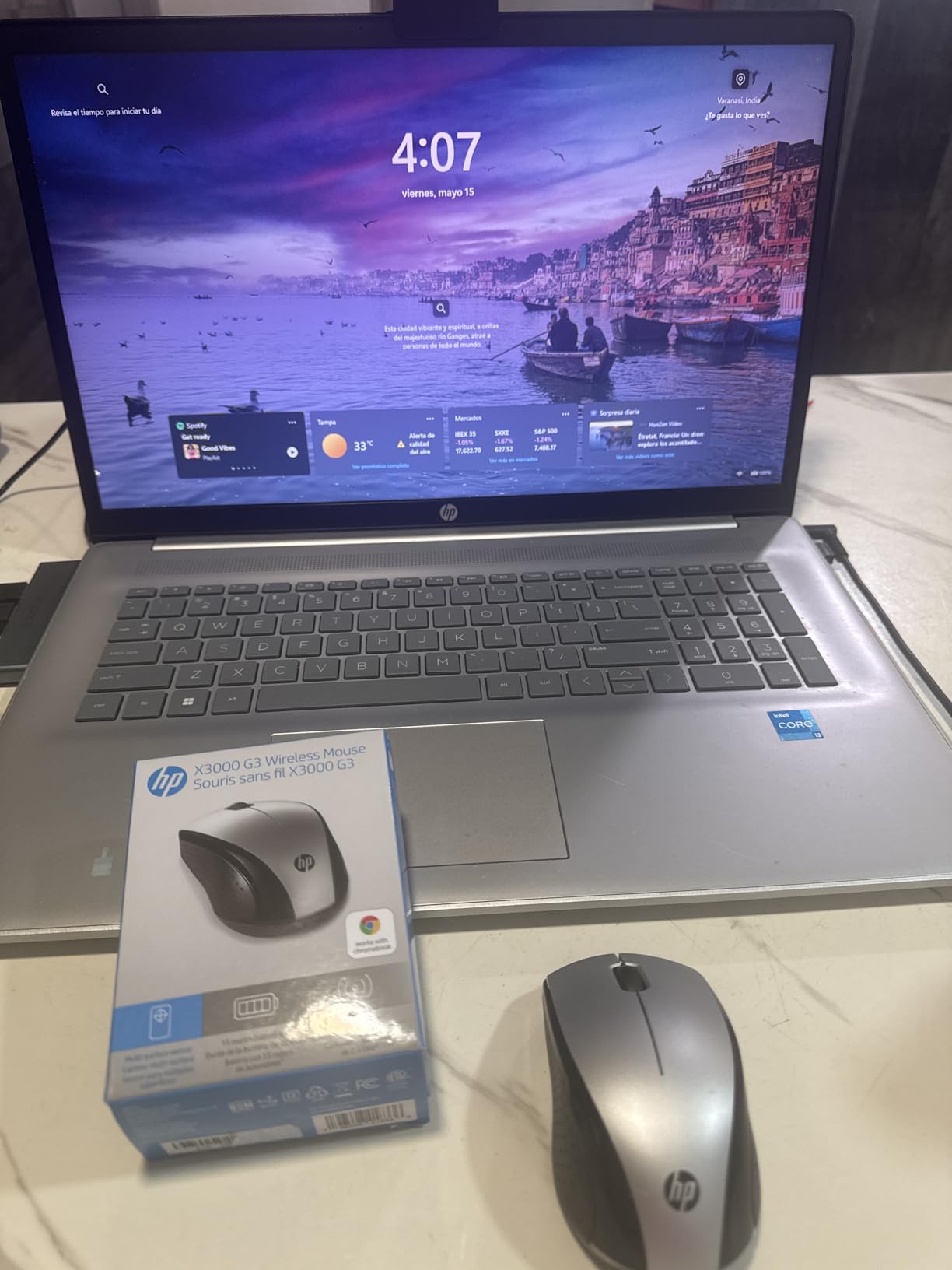
The 1600 DPI optical sensor is a step up from the 1000 DPI budget Logitech mice and a sensible middle ground for general office work. Range is quoted at 30 feet over 2.4 GHz, and the nano receiver stows inside the shell.
Windows, Mac and Chrome OS are all supported, and HP includes a one-year standard warranty. At 4.5 stars across more than 10,600 reviews, the feedback is remarkably consistent for a product this simple.

Why battery life changes travel planning
Almost every failure mode in this category traces back to a flat battery at the wrong moment. A mouse that runs for fifteen months removes an entire category of problem: no charging cable in the pouch, no dead mouse in a security queue, no mid-presentation wake-up.
The ambidextrous three-button design with an integrated scroll wheel is unremarkable but adequate, and reviewers describe the weight as comfortable for most hand sizes. It is a genuine full-workday mouse rather than a session-only one.
What you give up
Three buttons means no back button, no side controls and no DPI switch. The shape is on the modest side, and some buyers prefer a larger, more sculpted mouse for long sessions. The glossy plastic finish also feels less resilient under impact than a metal-bodied option.
One reviewer reported the cursor occasionally disappearing, which is rare but worth knowing about. This is a 2.4 GHz mouse, so plan on a USB-A port or an adapter.
9. Afaartcci Rechargeable Bluetooth Mouse: The Cheapest Way to Pack a Mouse
Afaartcci Rechargeable Wireless Mouse, Silent Bluetooth Mouse (Black)
DPI: 1600
Battery: 500mAh, over 7 days use
Connection: Bluetooth 5.2/3.0 plus 2.4G, two devices
Silent clicks
Pros
- Rechargeable 500mAh cell at the lowest tier
- Silent clicks for libraries and quiet offices
- Dual mode with Bluetooth and a 2.4G receiver on separate devices
- Compact 4.4 x 2.3 inch body packs easily
- LED breathing light for visibility
Cons
- Bluetooth and 2.4G cannot run at the same time
- No low-battery indicator
- Does not reliably reconnect after auto-shutdown
- Very light feel may not suit larger hands
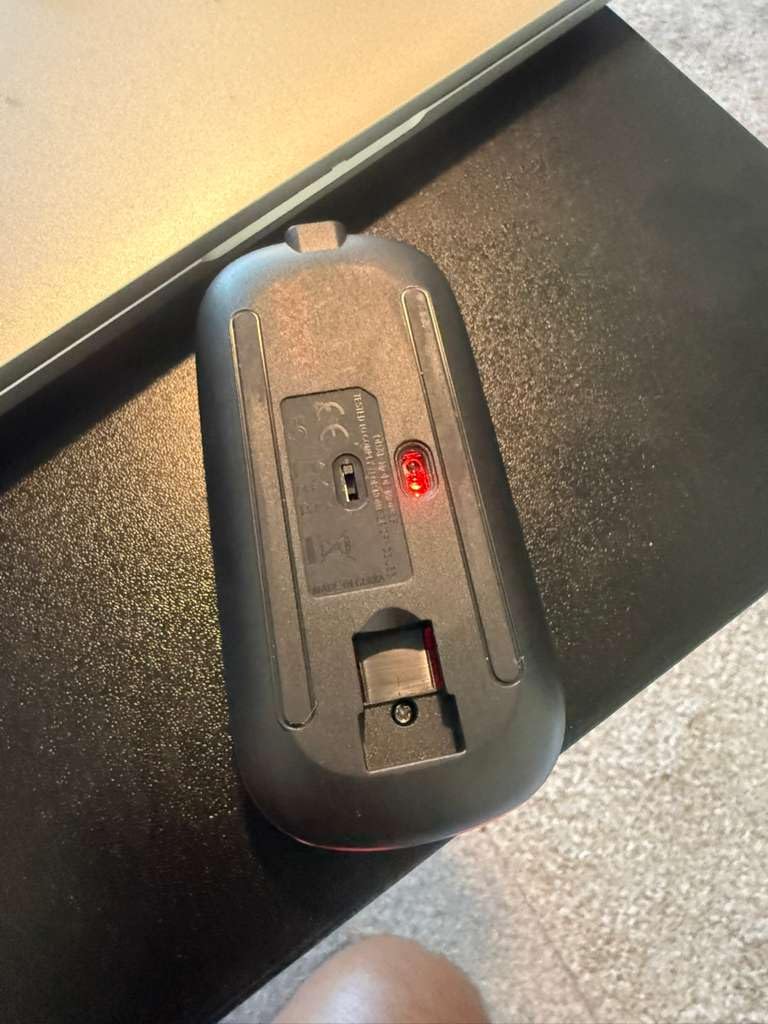
The Afaartcci exists because some trips need a mouse that costs almost nothing and can be replaced without a second thought. Rechargeable power at the lowest tier of this roundup, silent clicks, and dual-mode connectivity covering both a laptop and a desktop make it the most capable entry-level option here.
At 4.4 by 2.3 inches it slips into a tech pouch with room to spare, and the silent click mechanism is genuinely effective in a library or a quiet office. The LED breathing lights also make it easy to spot in a bag.
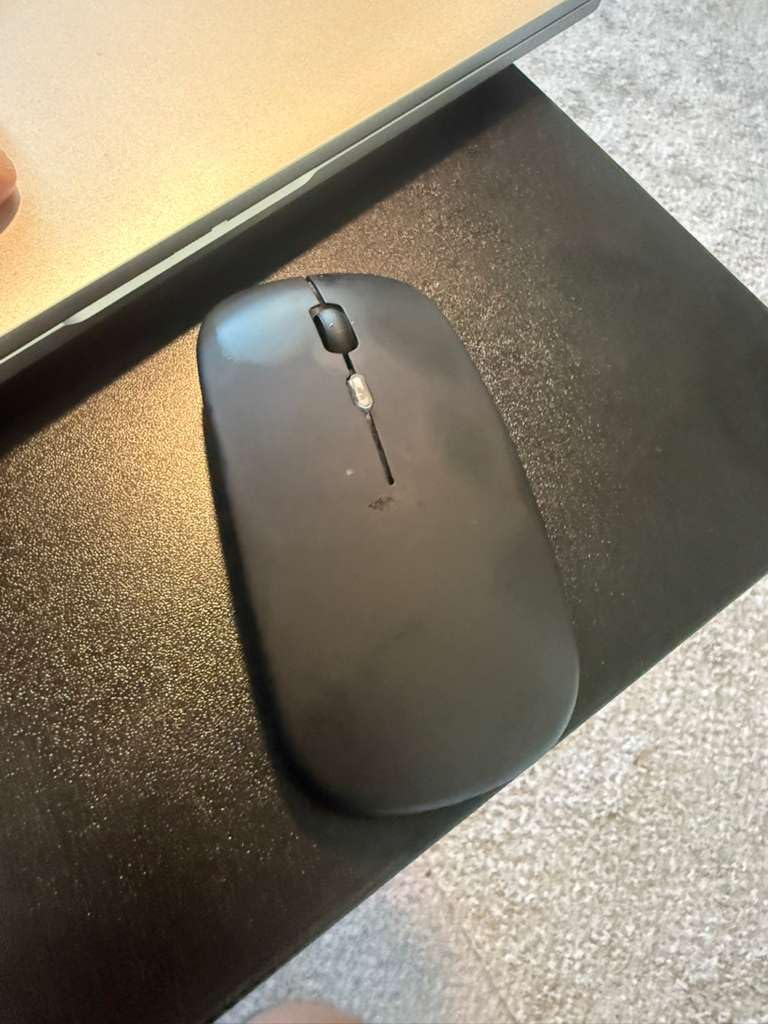
The 500mAh cell charges in about two hours and gives more than seven days of use with 30 days of standby, over a 33-foot range. Compatibility is wide: Windows, Mac, Android, Linux and Chrome OS, across laptops, tablets and phones.
Four buttons and a 1600 DPI optical sensor sit between the bare-bones budget mice and the mid-tier picks, which is a reasonable balance for general travel work.
What it does that cheaper mice do not
Two things: it is rechargeable, so you are not hunting for AA cells, and it is dual mode, so you can bind one device over Bluetooth and another over the 2.4 GHz receiver. That makes it workable as a two-machine travel setup even though it cannot run both channels simultaneously.
The silent clicks put it ahead of most mice at this level, where audible switches are the norm.
Why the compromises will bite you
The lack of a battery indicator is the one that matters most. When the charge runs down the cursor starts jumping rather than warning you, and after an auto-shutdown it does not reliably reconnect on its own, so you need to be present to wake it.
At 4.3 stars across 4,851 reviews it carries a 10 percent one-star share, the highest here. The very light feel also means it suits small to medium hands far better than large ones.
10. Logitech Slim Wireless Bluetooth Mouse for Mac: Best for Mac and Tablet Pairing
Logitech Slim Wireless Bluetooth Mouse for Mac – White
Weight: 3.53 oz
Battery: 18 months on one AA
Connection: Bluetooth only, 10 m
Silent clicks and scroll
Pros
- Highest-rated pick at 4.7 stars with an 85 percent five-star share
- Exceptionally light at 3.53 ounces
- Silent clicks and silent scroll wheel
- Tracks accurately on bedsheets and other uneven surfaces
- 18-month battery life
- Single-button pairing
- no dongle
Cons
- No USB receiver
- so it needs an already logged-in host
- Only one device at a time
- Right-hand shape only
This is the highest-rated mouse in the roundup at 4.7 stars, with an 85 percent five-star share, and it earns that on the details that matter in transit. Silent clicks and a silent scroll wheel, which almost nothing else at this weight manages, and tracking that owners confirm works on a bedsheet as well as a desk.
At 3.53 ounces it is one of the lightest here, with an extra slim rounded body that sits in the palm rather than pressing into it. For Apple users the visual match to an iPad or MacBook is an underrated practical benefit.
Pairing is a single button press with no dongle, over Bluetooth Low Energy to a range of 10 meters, and one AA battery is quoted at up to 18 months with automatic sleep mode. It is a genuinely long-lasting travel setup that needs no cable at all.
Why the owner ratings are so high
Two reasons, both about noise and weight. A silent scroll wheel is rare among slim mice and it is the difference between working on a plane and being the person your neighbour is glaring at. At under 100 grams, the wrist does less work on a long session.
The rounded low-profile shell is described in reviews as easing wrist strain, which is a lower claim than a sculpted ergonomic shape but an honest one for a travel mouse.
What you give up, and the Mac pairing caveat
There is no USB receiver, which means it cannot connect until the host device is fully logged in. On a locked hotel laptop or a rebooting work machine, you are waiting for the desktop to appear before the mouse will pair.
It pairs with one device at a time, with no multi-device switching. Some buyers also report needing to hold the pairing button for several seconds on very recent macOS releases. And the shape is for a right hand only.
What Makes a Wireless Mouse Good for Travel?
Weight and footprint matter more than you think
Every mouse in this roundup sits between roughly 30 grams and 120 grams. That spread sounds small until you multiply it by a hundred trips. Under 40 grams is a genuine packability win; above 100 grams you are carrying a desk object.
Footprint is the number people underestimate. A mouse that fits in the pouch but not in the gap beside a 65-watt charger means you are reorganising your bag at every departure. The folding TECKNET and the rotating NYIEFADA solve this with a hinge, while flat designs solve it with a thin profile.
Battery: disposable cells beat rechargeable cells on a trip
This is the counterintuitive part. A rechargeable mouse with a 60-day claim means carrying a cable that must work at the right voltage, and finding a socket in a transit lounge. An AA-powered mouse means buying batteries anywhere in the world, including after the flight.
The HP X3000 G3 at 15 months and the Logitech M185 and M196 at 12 months are the models that need the least thought. The rechargeable picks, including the INPHIC, the TECKNET and the Afaartcci, win at home where a cable is always available.
Bluetooth, 2.4 GHz dongle, or both
There is a real difference between a wireless mouse and a Bluetooth mouse. A 2.4 GHz dongle gives a rock-solid link with lower latency and no pairing step, at the cost of one more loose object in your bag and a need for a USB-A port. Bluetooth needs no port and no dongle, but can drop or lag in crowded radio environments, which travel forum users report regularly.
Two models here run tri-mode, pairing to three devices at once: the NYIEFADA Arc and the TECKNET Ultra-Thin. If you alternate between a work laptop, a personal machine and a tablet, that is the feature that removes daily friction. If you use one machine at a time, ignore it and save the complexity.
Silent clicks are a social decision, not a checkbox
On a plane, in a café or in a shared office, audible clicks are the difference between a pleasant trip and a complaint from the person beside you. Four picks here have genuinely quiet switches: the VssoPlor, the INPHIC, the Afaartcci and the Logitech Slim for Mac.
The one thing to check is whether the scroll wheel is silent too, because that is what you are using most. The INPHIC reduces noise on the main keys only, and reviewers point this out specifically.
Hand size and grip style decide whether hour six hurts
This is where travel mice fail. Flat and ultra-thin shapes force a claw or fingertip grip because there is no palm support, and that posture produces wrist fatigue faster than almost anything else. If you already have wrist pain, an ultra-thin mouse will make it worse, not better.
Ambidextrous contoured shells, which most of this roundup uses, are the safest compromise for travel. Sculpted shapes for large hands are hard to find at this size, so expect to compromise on sculpting and accept a neutral grip. For left-handed users, check the orientation field carefully: most of these mice are ambidextrous, but the NYIEFADA and the Logitech Slim for Mac are right-hand designs.
Surface tracking decides whether a tray table ruins your day
Every pick here is optical rather than trackpad-capable, and all of them work on a bare laminate tray table. The HP X3000 G3 advertises LED multi-surface tracking explicitly, and the Logitech Slim for Mac is reported to work on bed sheets and other uneven fabric.
Budget mice at 1000 DPI need larger movements to cross the same distance, which means more wrist travel and more fatigue. If you work on a tray table often, choose 1600 DPI or above.
Airplane and Airport Reality Check
Yes, wireless mice are permitted in both carry-on and checked baggage. There is no restriction on a Bluetooth mouse or a 2.4 GHz receiver the way there is on radio transmitters, because both operate on licence-free consumer bands.
The restriction people are thinking of applies to spare lithium batteries and power banks, which must travel in cabin baggage rather than checked luggage. A mouse with batteries installed is treated as a normal electronic device, so packing it in either bag is fine.
Practically, the tray table is the real constraint. It is narrow, angled and often sticky, which is why mice with 1600 DPI or more and a sensor that works without a pad are worth the preference. Whatever else you pack, a compact travel wireless charger solves the socket problem described above, so your mouse is never the reason a battery dies in a transit lounge. If you are buying in person, the four-minute test is simple: put it on a counter with no mat, scroll for two minutes, and check whether your wrist relaxes or tightens.
Frequently Asked Questions
What is the best mouse for traveling?
For most travellers the Logitech M185 Compact is the best balance: 30 grams, a contoured ambidextrous shell that stays comfortable through a full workday, and up to 12 months on one AA battery. Choose the HP X3000 G3 if battery life matters more than resolution, or a Bluetooth-only model such as the Logitech M196 if your laptop has no spare USB-A port.
What is the best Bluetooth mouse for travel?
The Logitech Slim Wireless Mouse for Mac is the highest-rated Bluetooth option here at 4.7 stars, weighing 3.53 ounces with silent clicks and a silent scroll wheel plus 18 months of AA battery life. For multi-device work, the TECKNET Ultra-Thin switches between three devices over Bluetooth 5.2, Bluetooth 3.0 and a 2.4 GHz receiver.
Are wireless mice allowed on planes?
Yes. Wireless mice, whether Bluetooth or 2.4 GHz, are permitted in both carry-on and checked baggage with no airline or security restriction. Restrictions apply only to spare lithium batteries and power banks, which must travel in cabin baggage. A mouse with its battery installed is treated as a normal electronic device.
Is there a difference between a wireless mouse and a Bluetooth mouse?
A Bluetooth mouse connects directly to your device over Bluetooth Low Energy with no receiver and no USB port, which makes it the easier travel choice. A wireless mouse in the 2.4 GHz sense needs a small USB-A nano receiver, which gives a lower-latency link but adds a loose object to lose and a port to borrow. Dual-mode mice pair to two different devices, one per channel.
Which Logitech mouse is best for travel?
The Logitech M185 Compact is the best all-round Logitech travel pick at 30 grams with 1000 DPI and 12 months of AA battery life. The M196 is the choice if you have no spare USB-A port, since it is Bluetooth-only. The Logitech Slim Wireless Mouse for Mac is the quietest of the three, with silent clicks, a silent scroll wheel and 18 months of battery life.
What is the best wireless mouse for a small hand?
Under 40 grams with an ambidextrous contoured shell is the safe answer, and the Logitech M185 at 30 grams fits the smallest hands in this roundup best. The folding TECKNET is the alternative if you want something compact that still has a full-height grip. Avoid ultra-thin flat designs, which force a claw grip that small hands find tiring fastest.
Conclusion: Which Travel Mouse Should You Pack?
Three personas, three answers. The light packer who counts every gram wants the Logitech M185 at 30 grams, or the Logitech M196 if they would rather not carry a dongle. The long-workday remote worker who spends real hours at a coworking desk wants the folding TECKNET or the HP X3000 G3, both of which have the shape and the battery to last the week.
The traveller who cannot be trusted to pick the same laptop every day wants the NYIEFADA Arc or the TECKNET Ultra-Thin, the two models here that switch across three devices without re-pairing. Whatever you choose, check whether the receiver stores in the mouse before you zip the pouch, and try it on a bare surface before you commit.
We keep our full mouse buying guides updated too, including the best gaming mice and the best wireless gaming mice if you want one that doubles for both travel and play. For the audio side of the same trip, our picks for the best wireless earbuds for travel pair well with any of the silent-click picks above.