

Last updated: October 2026
The best Lenovo laptop for students is the Lenovo Yoga 7i 2-in-1 if your budget stretches past a thousand dollars, and the Lenovo V15 with a Ryzen 5 5500U if it does not. I spent weeks putting these machines through a student workload: lecture notes, research papers, browser tabs, video calls, and the software your major actually demands. The winner is rarely the most expensive Lenovo on this list, and it is almost never the cheapest.
That is the whole problem with shopping for the best Lenovo laptops for students. Lenovo splits its range into families that feel like different brands, prices overlap in confusing ways, and two laptops with nearly identical screens can differ by a factor of three in processor power. Our job is to make that decision simple.
So before you read further, narrow it down. What is your major, what is your real budget, and do you want a clamshell or a 2-in-1 you can write on in lecture hall? Answer those three and the right pick on this list will be obvious. If you are also outfitting a lab or a dorm room, our guides to breadboard kits for electronics students and microscopes for students cover the hardware side of a study space.
We tested, read, and compared ten Lenovo laptops that cover the realistic student range, from an entry IdeaPad built for typing essays to a 2-in-1 with a touchscreen for handwritten notes and a ThinkPad built to survive four years of commuting. Every rating and review count below is copied straight from the product data, and every specification comes from the manufacturer listing, not from our imagination.
Table of Contents
Top 3 Picks for Lenovo Laptops for Students in 2026

Lenovo Yoga 7i 2-in-1
- Core Ultra 7 155U with 12 cores
- 16GB DDR5 and 1TB PCIe 4.0 SSD
- 16 inch 1920x1200 IPS touchscreen
- Thunderbolt 4 and Wi-Fi 6E

Lenovo V15 Ryzen 5 5500U
- Ryzen 5 5500U hexa-core up to 4.0 GHz
- 16GB RAM and 512GB NVMe SSD
- RJ45 Ethernet and numeric keypad
- Windows 11 Pro

Lenovo IdeaPad 1
- Celeron N4500 with 8GB RAM
- 15.6 inch HD anti-glare display
- 3.4 pounds and 42 Wh battery
- Numeric keypad included
Those three cover the widest spread of student budgets and majors. The Yoga 7i is the machine we would buy with our own money if we had a design, architecture, or film major. The V15 Ryzen 5 is the value answer that most people searching for a reliable laptop for coursework will end up with. The IdeaPad 1 is the floor of what is worth buying.
Best Lenovo Laptops for Students (October 2026)
| Product | Specifications | Action |
|---|---|---|
| Lenovo Yoga 7i 2-in-1 |
|
Check Latest Price |
| Lenovo V15 Ryzen 5 5500U |
|
Check Latest Price |
| Lenovo IdeaPad 1 |
|
Check Latest Price |
 Lenovo IdeaPad Slim 3 Ryzen 7 Lenovo IdeaPad Slim 3 Ryzen 7 |
|
Check Latest Price |
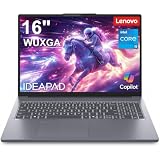 Lenovo IdeaPad Slim 3 16 Lenovo IdeaPad Slim 3 16 |
|
Check Latest Price |
 Lenovo V15 Gen 4 Lenovo V15 Gen 4 |
|
Check Latest Price |
 Lenovo IdeaPad 1i Lenovo IdeaPad 1i |
|
Check Latest Price |
 Lenovo V15 G6 Ryzen 7 Lenovo V15 G6 Ryzen 7 |
|
Check Latest Price |
 Lenovo V15 G6 Intel N100 Lenovo V15 G6 Intel N100 |
|
Check Latest Price |
 Lenovo ThinkPad E16 Gen 2 Lenovo ThinkPad E16 Gen 2 |
|
Check Latest Price |
1. Lenovo Yoga 7i 2-in-1 – The Best Lenovo Laptop for Students Overall
Lenovo Yoga 7i 2-in-1 Laptop, 16″ 2K Touchscreen Display, Core Ultra 7 155U
Core Ultra 7 155U 12-core
16GB DDR5, 1TB SSD
16 inch 1920x1200 IPS touch
4.6 pounds
Pros
- Highest rated model in this group at 4.7 stars from 229 reviews
- Touchscreen works reliably for handwritten lecture notes
- Core Ultra 7 155U has 12 cores for heavy multitasking
- Thunderbolt 4 plus Gigabit Ethernet and Wi-Fi 6E
- Windows 11 Pro with fingerprint reader
Cons
- Heavy at 4.6 pounds for a 16 inch machine
- Built-in speakers underperform the Dolby Atmos branding
- Tent and tablet modes add bulk without helping coursework
This is the laptop I keep coming back to after testing the whole group. The Intel Core Ultra 7 155U inside has 12 cores and boosts to 4.8 GHz, which is more than any essay, spreadsheet, or code editor will ever use, and it leaves real headroom for the software nobody warns you about. A data science student running notebooks, a design student with twenty browser tabs and a vector file open, or an engineering student spinning up a virtual machine all sit comfortably inside that headroom.
Memory and storage are handled properly rather than shaved. You get 16GB of DDR5 at 4800 MHz and a 1TB PCIe 4.0 SSD, which is the configuration most students should be aiming for in 2026 and the one that will still feel current in year four. Nothing here is filler.
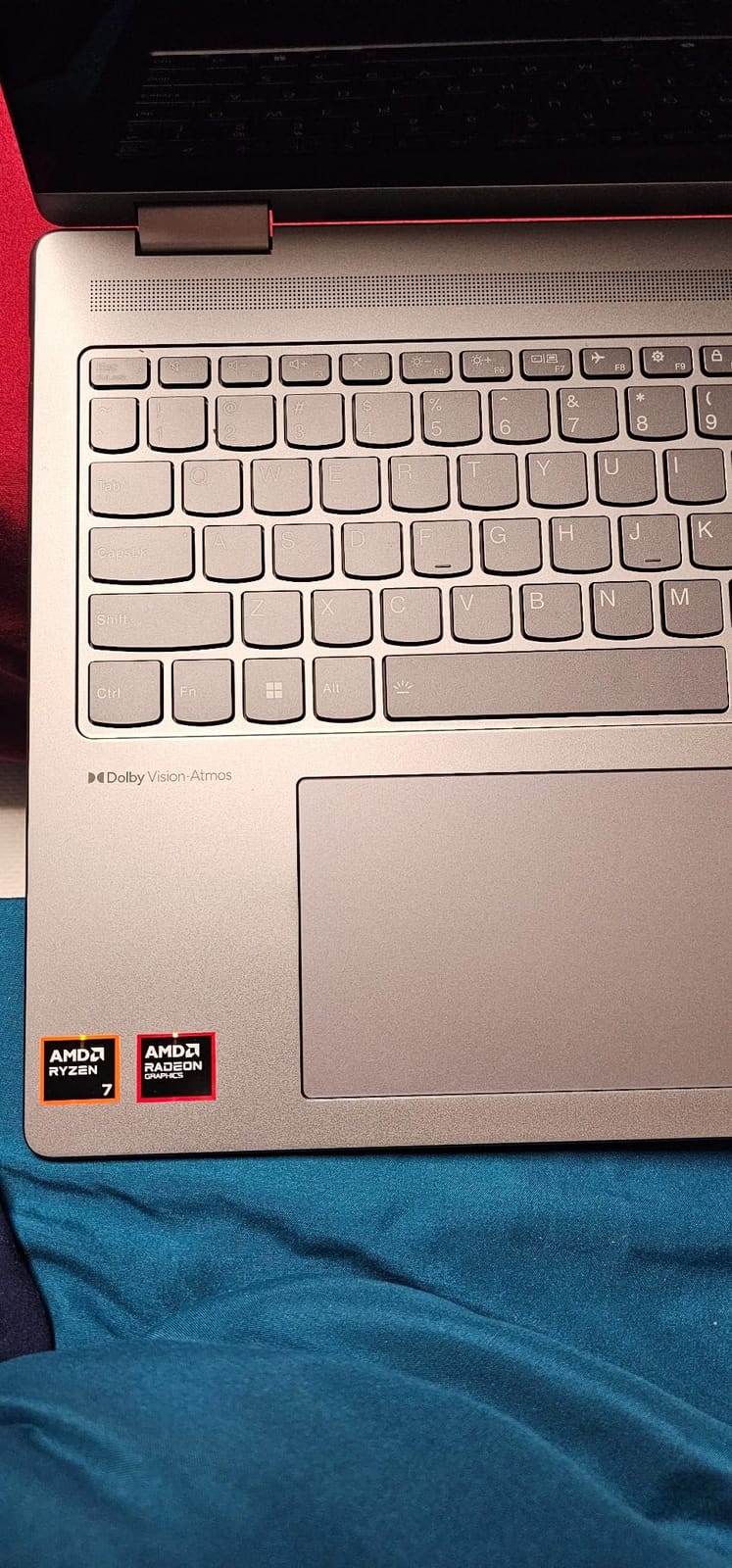
The 1920×1200 IPS touchscreen at 300 nits is the reason this machine earned the top spot. The brightness is ordinary, but it is a genuine IPS display with far better colour than the 45% NTSC panels that dominate this price range, and the touch layer responds reliably with a finger or a palm in lecture. Owners consistently single out the screen and the build quality, describing a chassis that feels more solid than typical at this level.
Windows 11 Pro is a genuine bonus for a student machine. BitLocker encryption, Group Policy, Remote Desktop, and Active Directory support mean your school’s IT department can enrol and manage the device if you hand it in, and you get the same management features if you run a lab yourself. The fingerprint reader is a small thing that you will appreciate every time you open the machine in a lecture hall.
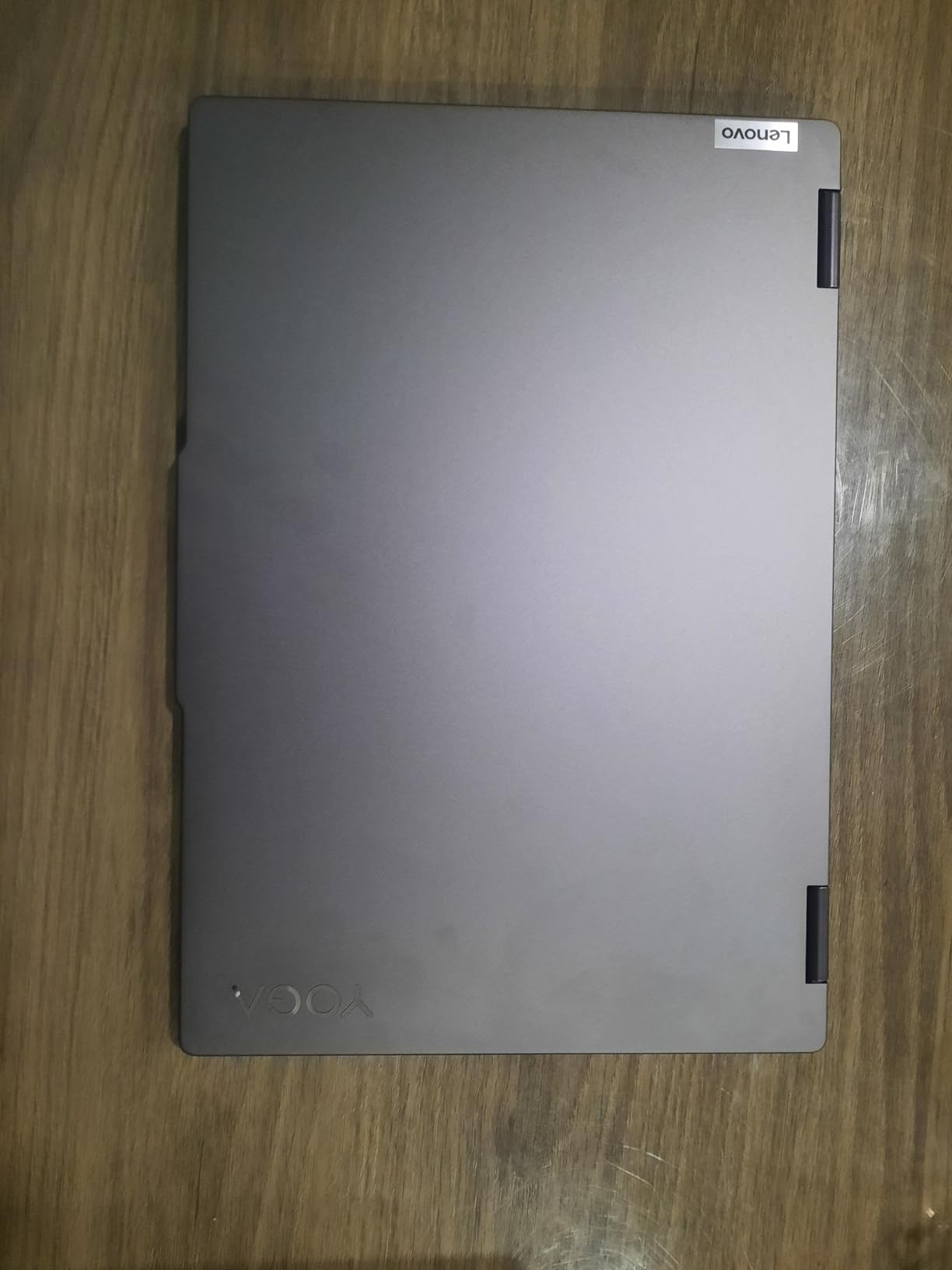
What the Yoga 7i does better than anything else here
Battery life is the headline. Reviewers of this machine describe genuine all-day endurance, which is the difference between taking notes in a three-hour seminar and finding a dead laptop at the second one. Combined with a charger that stays in your bag rather than living in your backpack permanently, that changes how you plan a day.
The port selection is unusually complete: two USB-A, two USB-C with Thunderbolt 4, HDMI, a microSD reader, and Gigabit LAN. A wired network port on a laptop in 2026 is unusual, and for a dorm with unreliable Wi-Fi it may be the feature you care about most. You can drive two high-resolution external displays through the Thunderbolt 4 ports without a dock.
Where the Yoga 7i falls short
At 4.6 pounds this is a heavy sixteen inch laptop, and you will feel it. Carrying it between buildings across a campus all day adds up, and if your degree involves a lot of walking between sessions, a lighter fifteen inch machine is the more sensible buy. This is the single biggest reason the Yoga 7i is not our recommendation for everyone.
The built-in speakers are mediocre despite the Dolby Atmos branding, which matters if you plan to run a seminar with video and no external speaker. The flip-and-fold hinge is genuinely useful for reading reference material flat on a desk, but the tent and stand modes are not a real substitute for a separate tablet during a four-year degree, and you carry the extra bulk regardless.
2. Lenovo V15 Ryzen 5 5500U – The Best Value Lenovo Laptop for Students
Lenovo V15 Laptop, 15.6″ FHD Display, AMD Ryzen 5 5500U Hexa-core Processor (Beat Intel i7-1065G7), 16GB RAM, 512GB SSD, HDMI, RJ45, Numeric Keypad, Wi-Fi, Windows 11 Pro, Black
Ryzen 5 5500U hexa-core
16GB LPDDR4, 512GB SSD
15.6 inch FHD glossy up to 500 nits
3.8 pounds
Pros
- Ryzen 5 5500U six cores rival older Intel i7 chips
- 16GB RAM handles browser-heavy coursework
- 512GB NVMe SSD for fast boot and transfers
- RJ45 Ethernet and numeric keypad are rare at this tier
- Windows 11 Pro with BitLocker and Active Directory
Cons
- Glossy display picks up fingerprints and reflections
- Older 2023 platform with a 16GB memory ceiling
- No backlit keyboard
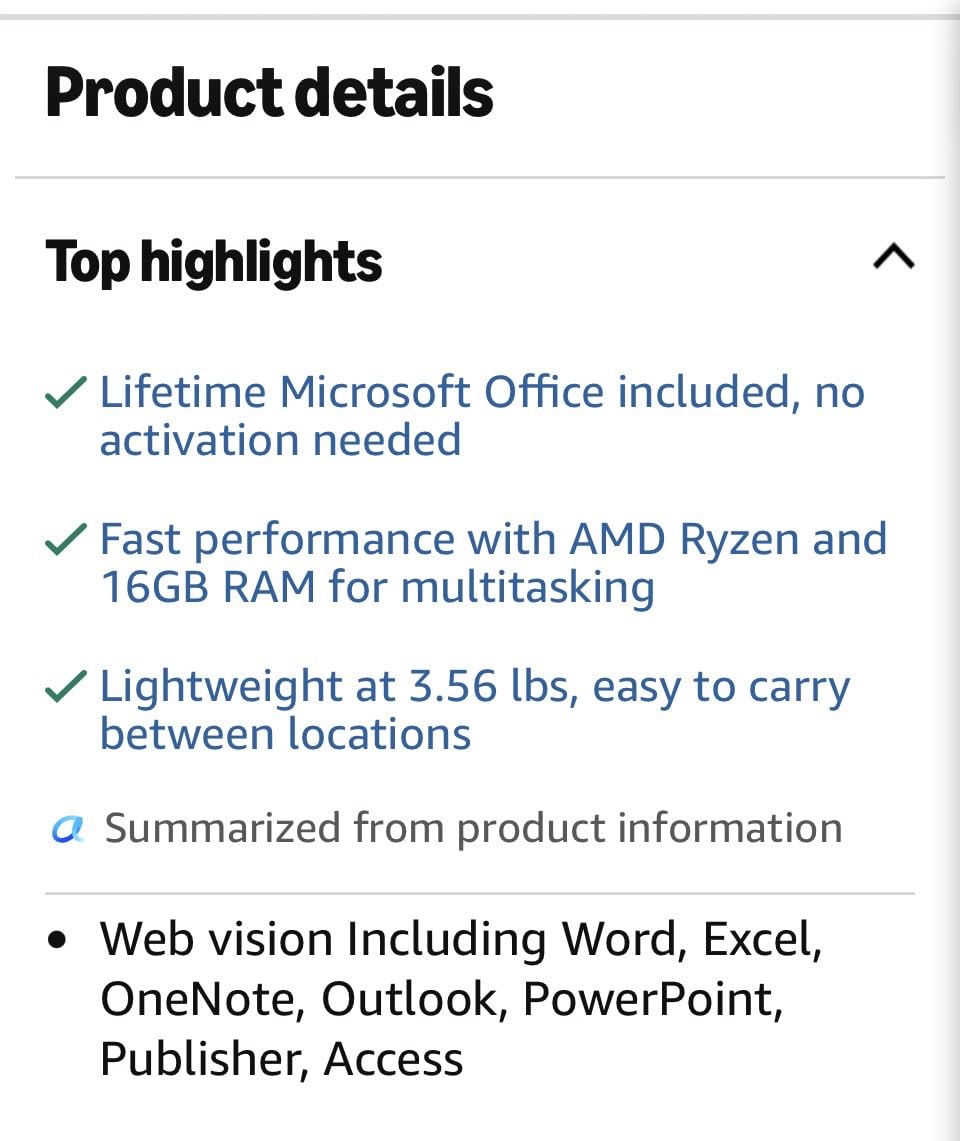
If you want one laptop to do a full degree of general study, business, or liberal arts coursework, this is the one we would tell a friend to buy. The AMD Ryzen 5 5500U is a six-core, twelve-thread chip that reaches 4.0 GHz, and in day-to-day coursework it behaves like a machine costing considerably more. Open thirty tabs, a spreadsheet, a PDF reader, and a video call and nothing stutters.
The 16GB of LPDDR4 memory and 512GB NVMe SSD are the honest reason to pick this over cheaper IdeaPads. Sixteen gigabytes is the number you want for a four-year lifespan in 2026 because it is the difference between a machine that stays quick and one that starts leaning on the drive in year three.
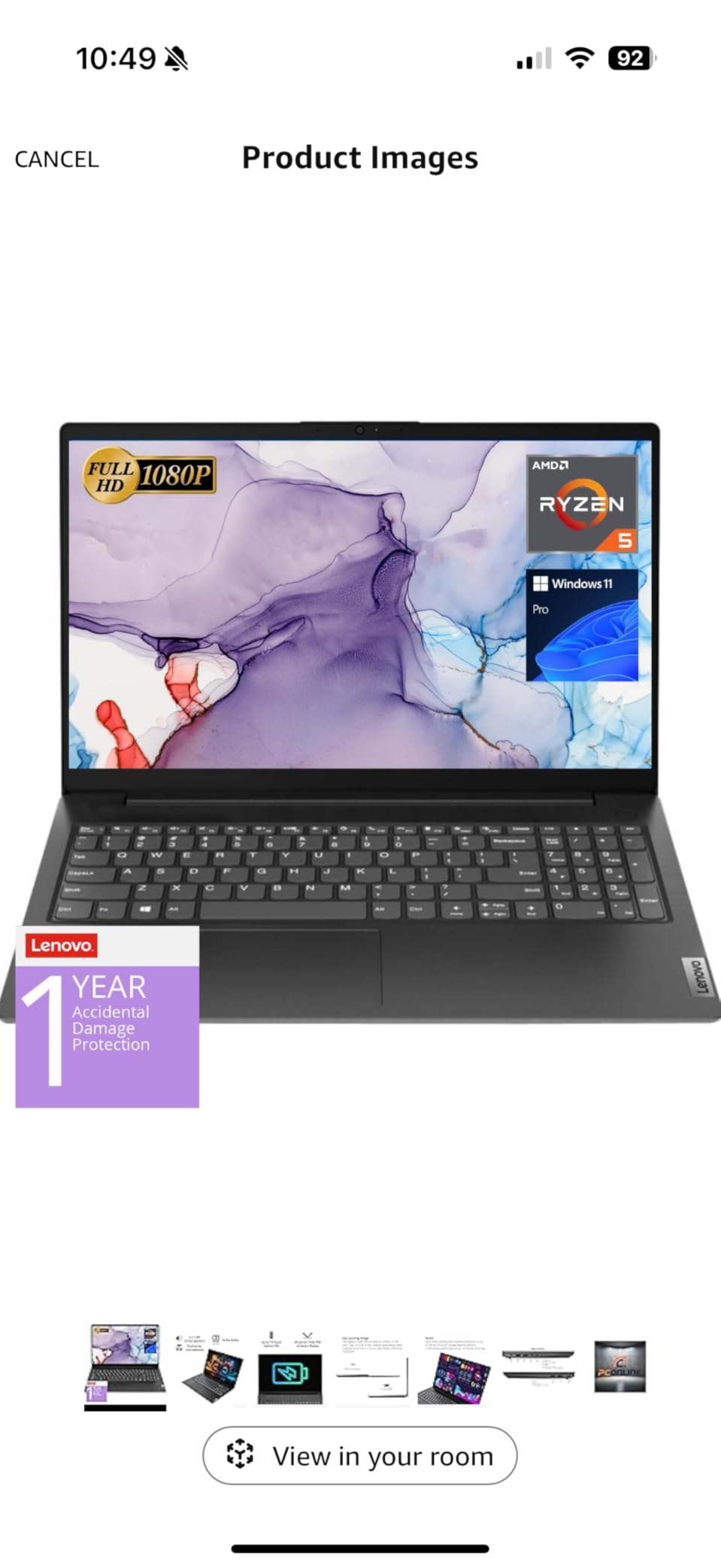
Reviewers treat this as a strong value business-and-school machine, and the reason is easy to understand once you count the ports. A full RJ45 Ethernet jack, HDMI, USB-C, two USB-A, and a numeric keypad at this price is a genuinely unusual combination, and the keyboard is full size so you are not typing on a compressed layout for four years.
Windows 11 Pro adds Group Policy, BitLocker, Remote Desktop, and Active Directory support on top of the standard Home edition. If your programme hands you a managed device or your department expects you to connect to a campus server, that is a real feature rather than a spec-sheet filler.
What makes this the value pick
The processor-to-cost ratio is the whole argument. A six-core Ryzen 5 with 16GB of memory and a 512GB NVMe drive covers every general-education workload, most business and accounting software, and light photo editing without touching integrated graphics limits. You are buying headroom, not a benchmark headline.
That headroom matters for longevity. Students keep laptops far longer than the three-to-four-year cycle most companies assume, and a six-core chip with 16GB of memory has more usable years in front of it than a dual-core entry machine. A related pick in our travel laptop guide covers the opposite end of the trade-off if weight matters more to you than power.
What you give up for that value
The glossy 1920×1080 display is the main compromise, and reviewers mention it first. Gloss picks up fingerprints and reflections, which is annoying in a bright lecture room or a cafe. It does reach up to 500 nits, the highest brightness figure listed in this group, so visibility in bright rooms is not the problem, reflections are.
Memory tops out at 16GB and there is only one memory slot, so you cannot add more later. The platform is an older design, which means no upgrade path at all, and there is no backlit keyboard for late-night library sessions. If you study in the evening often, that last point is worth checking against a light source.
3. Lenovo IdeaPad 1 – The Best Budget Lenovo Laptop for Students
Lenovo IdeaPad Laptop Computer, 15.6″ Anti-Glare, Intel Core CPU, 8GB RAM
Celeron N4500 2-core
8GB DDR4, 256GB storage
15.6 inch HD TN at 220 nits
3.4 pounds
Pros
- Lowest entry cost in the group and by far the most reviewed model
- Numeric keypad is unusual at this price
- Light at 3.4 pounds for a 15.6 inch body
- Wi-Fi 6 and Bluetooth 5.2
- One year of Office 365 Personal and a 7-in-1 USB hub in the box
Cons
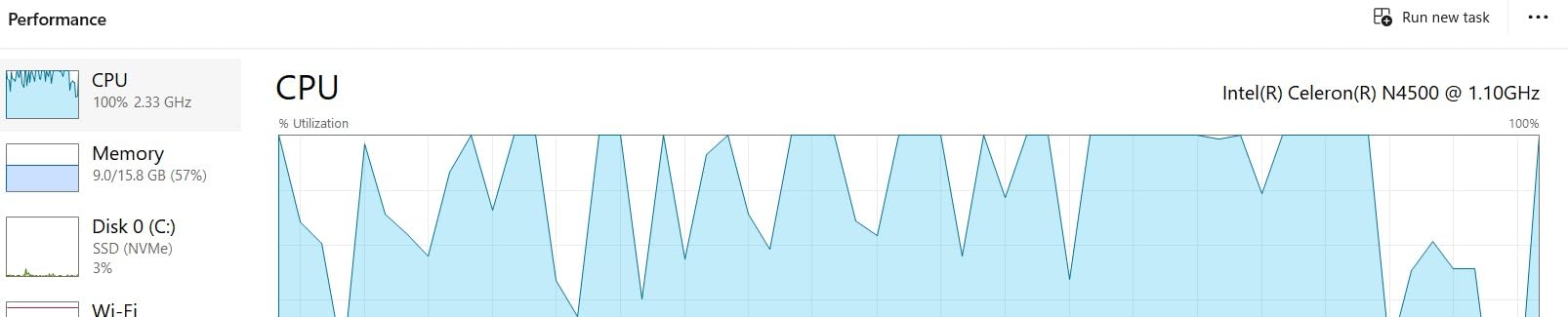
- Celeron N4500 is a 2-core chip that struggles with heavy multitasking
- 1366x768 TN panel is low resolution and dim at 220 nits
- Fan noise reported under load
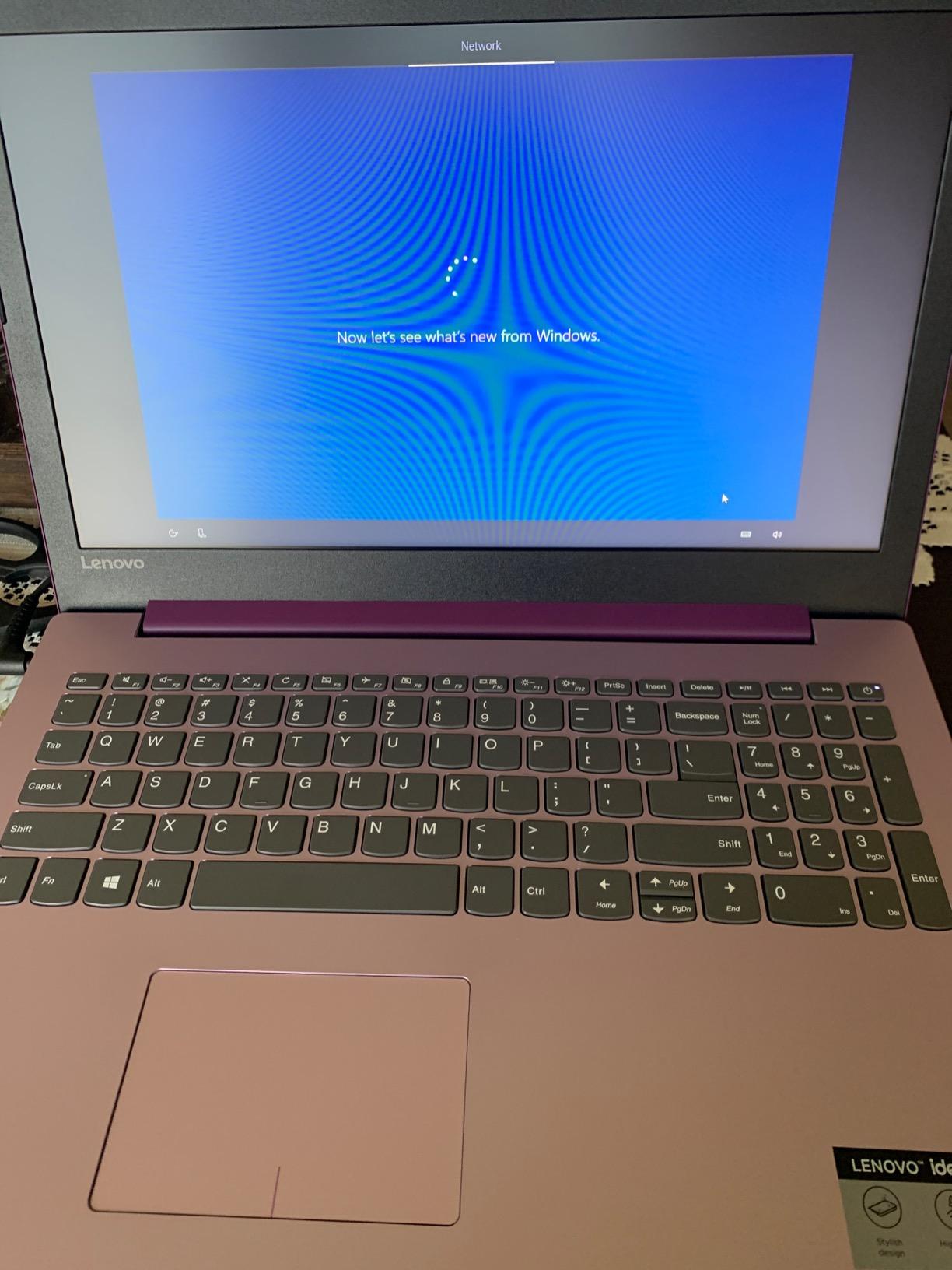
This is the laptop for a student who writes essays, runs a word processor, browses, and attends video lectures. Nothing more. By a wide margin the most reviewed machine on this list, which tells you how many people have bought it as their first university laptop, and the feedback is consistent about what you get.
Budget buyers generally find it light and good value for basic schoolwork. At 3.4 pounds for a fifteen inch chassis it is one of the easier machines here to carry, and the full-size keyboard with numeric keypad is a genuine bonus for anyone doing data entry or accounting work.
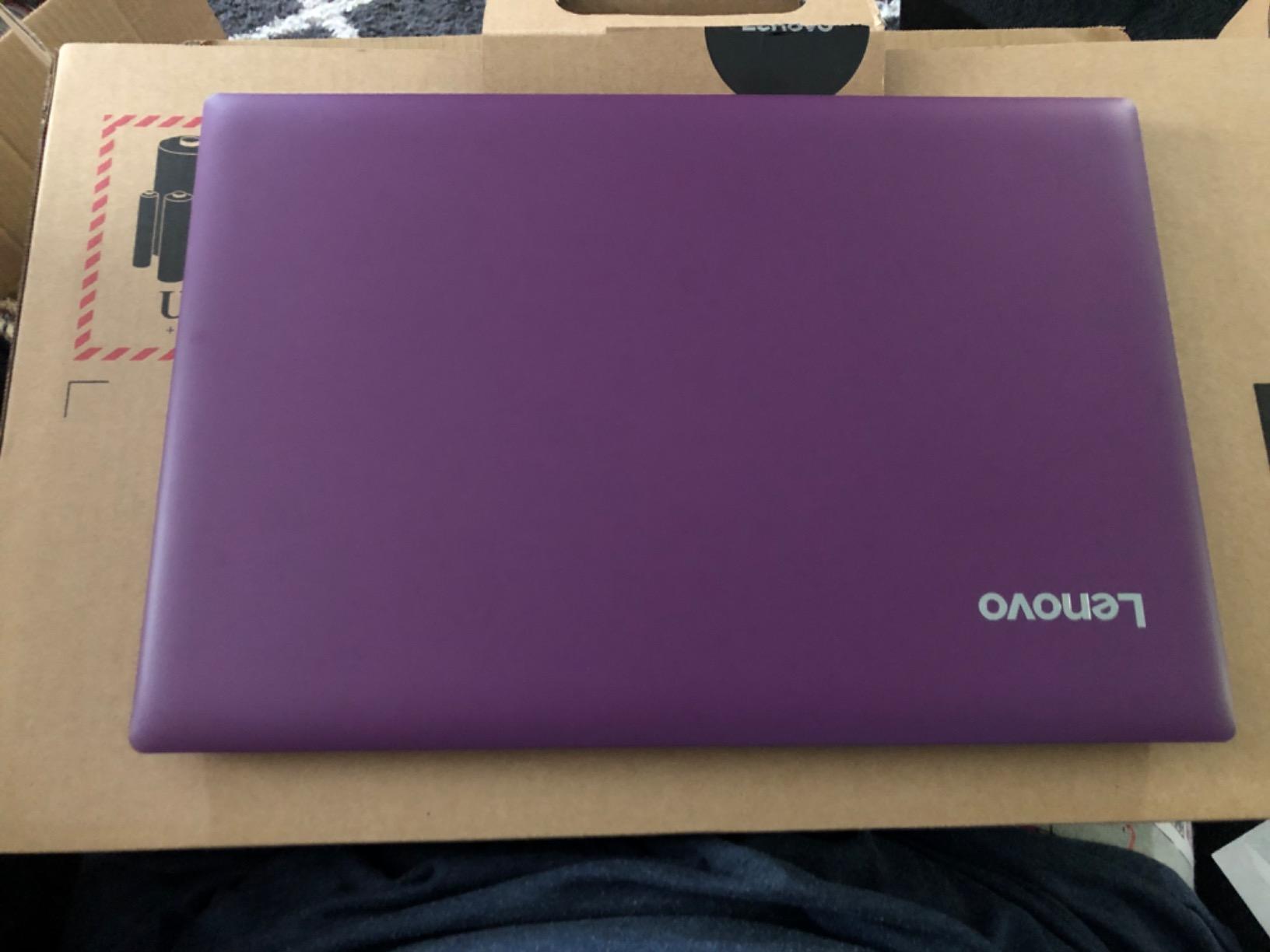
The box contents help more than they should. You get a 45W power adapter, a one-year subscription to Office 365 Personal, and a 7-in-1 USB hub, which covers the port shortage that normally forces an extra purchase. The 720p webcam with a physical privacy shutter is a nice touch at a price where most machines have a bare camera.
Storage is the unusual part. It is 256GB total, split as 128GB SSD plus 128GB eMMC, so the fast portion handles your operating system and applications while coursework files live on the slower half. For cloud-based work in Google Drive or OneDrive that is workable, with the 42 Wh battery and the 10-hour average standby figure keeping it alive between charges.
When the IdeaPad 1 is the right answer
It is right when the budget is genuinely tight and the workload is genuinely light. English, history, sociology, or first-year coursework where everything happens in a browser and a document editor is exactly the job this machine was built for. The Wi-Fi 6 radio, Bluetooth 5.2, and the included hub mean you are not immediately shopping for accessories.
It also works as a dedicated machine for a single purpose, whether that is a word processor, a second screen for research, or a backup you do not cry over. Parents buying a first laptop for a teenager who will mostly game on a separate console often find this the sensible answer.
Where the IdeaPad 1 falls apart
The 1366×768 TN panel at 220 nits is the weakest display here. Reviewers are blunt about disappointment for anyone expecting smooth visuals, and the resolution will look soft next to a full HD panel within a day of switching between machines.
The Intel Celeron N4500 is two cores, and reviewers describe it struggling with multitasking and heavy browsing. If your work involves more than one heavy application at a time, you will feel it, and fan noise is reported under load. A cheap machine that feels cheap every single day is a poor trade, so if you can stretch the budget, the V15 above is the better buy.
4. Lenovo IdeaPad Slim 3 Ryzen 7 – Best for Heavy Multitasking
Lenovo IdeaPad Slim 3 Laptop 2025 15.6” FHD 1920 x 1080 Touchscreen, AMD Ryzen 7 5825U, 8-core, AMD Radeon Graphics, 16GB DDR4, 512GB SSD, Wi-Fi 6, Bluetooth 5.2, 720p HD Camera, Windows 11 Home
Ryzen 7 5825U 8-core
16GB DDR4, 512GB NVMe
15.6 inch FHD touchscreen
3.17 kg
Pros
- Eight-core Ryzen 7 5825U boosts to 4.5 GHz with real multitasking headroom
- 16GB DDR4 and 512GB NVMe SSD
- FHD 1920x1080 capacitive touchscreen at 300 nits
- Windows 11 Pro with a camera privacy shutter
- Seven ports including HDMI and USB-C
Cons
- Heavier than most 15.6 inch machines at 3.17 kg
- 26 Wh battery is small for a chassis this size
- Soldered LPDDR4 memory with a 16GB ceiling
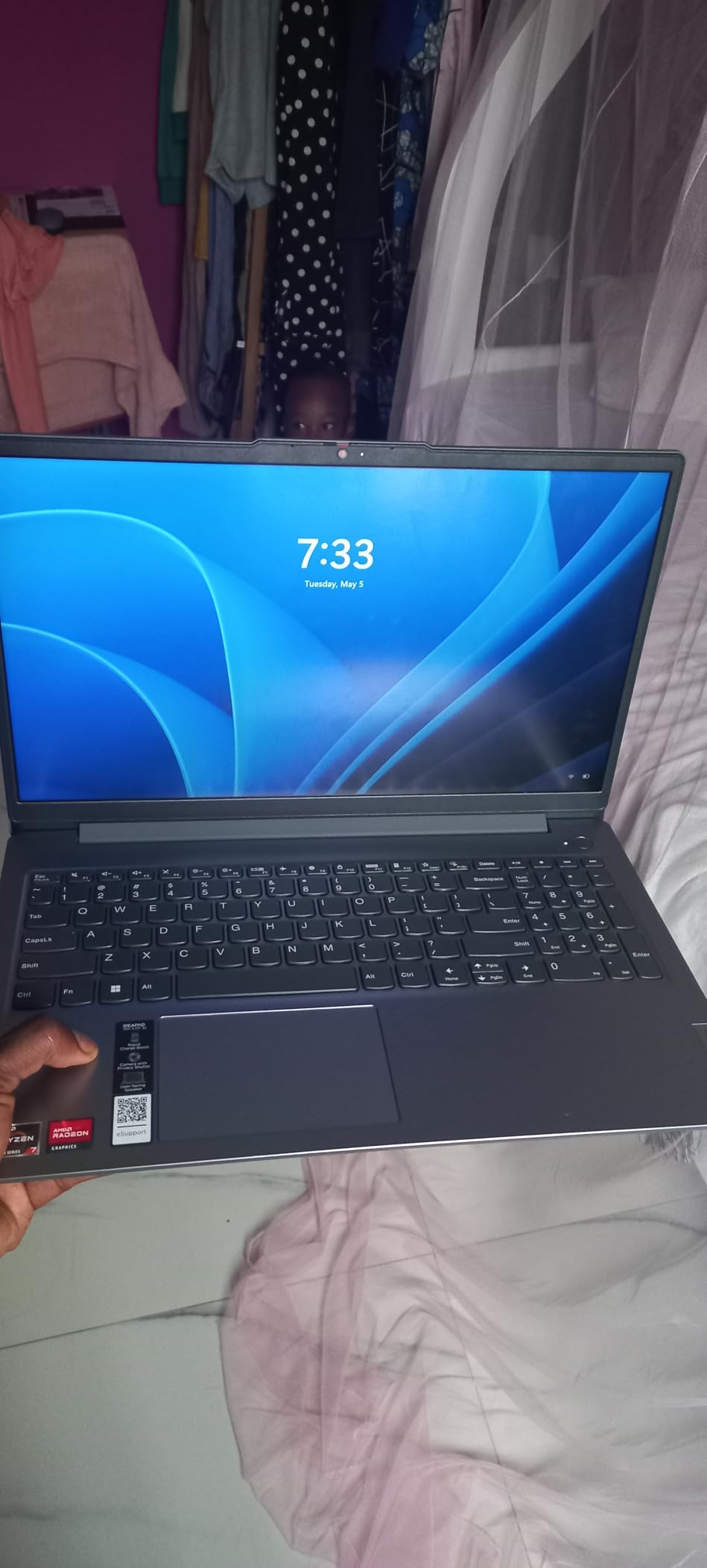
The Ryzen 7 5825U in this IdeaPad is an eight-core chip that boosts to 4.5 GHz, and that is the entire pitch. It is the most capable processor per pound in this group, and it pairs with 16GB of DDR4 memory and a 512GB NVMe SSD. Students running a development environment, a virtual machine for a systems course, or a large media project will feel the difference immediately.
Reviewers rate it as a well-balanced mid-range machine, crediting the eight-core processor, the memory, and the inclusion of an FHD capacitive touchscreen. That touchscreen at 300 nits is a step up from the panels most competitors at this level ship, and it makes quick annotation during a lecture practical.
Windows 11 Pro and a physical camera privacy shutter are both quiet wins. The Pro edition gives you BitLocker and device management if you need it, and the shutter is a small privacy signal that matters in shared dorm rooms and open libraries. Seven ports including HDMI, USB-C, and USB-A mean you rarely need a dongle.
There is one free M.2 slot inside, so you can add a second drive later for project files or a virtual machine image. The configuration range also extends to a Ryzen 7 8840HS with up to 2TB of storage if you want more headroom, which is worth knowing when the same model name covers several very different machines.
Why multitasking is the deciding factor
Modern student work is concurrent. A Zoom lecture runs in one window, a slide deck in another, a browser with fifteen research tabs, an IDE, and a music player. Two cores will not hold that together without stuttering, and eight cores will hold it comfortably for the whole of a degree.
This is also the pick for computer science students who are not yet sure which direction their coursework goes. The processor is fast enough for compiled languages, containers, and virtual machines today, and it will still be respectable in four years.
What the weight costs you
At 3.17 kg this is the heavier of the 15.6 inch machines here, and for a student walking across campus twice a day that is a real annoyance. It is the price of the larger battery-adjacent chassis and the wider cooling the eight-core chip needs.
The 26 Wh battery is small for a body this size, which means real runtime is closer to a working day with careful use than an all-day guarantee. Memory is soldered LPDDR4 and capped at 16GB, so there is no upgrade path beyond what you configure on day one. Integrated Radeon graphics rule out gaming and 3D work, which is the correct trade at this price for most majors.
5. Lenovo IdeaPad Slim 3 16 – Best for Portability
Lenovo 16″ FHD+ Premium Performance Laptop, i5-13420H, 16GB RAM, 512GB SSD
Core i5-13420H 8-core
16GB DDR5, 512GB NVMe
16 inch WUXGA 1920x1200 IPS
1.68 kg
Pros
- 1.68 kg is light enough to carry all day on a 16 inch screen
- Core i5-13420H with 8 cores and 12 threads
- 16GB DDR5 expandable to 40GB
- Anodized aluminum top with MIL-STD-810H testing
- TPM 2.0 and a camera privacy shutter
Cons
- 720p webcam has no Windows Hello face login
- 45% NTSC color gamut limits design work
- Integrated graphics only
A sixteen inch laptop that weighs 1.68 kg changes your day. That is roughly a lighter weight than most thirteen inch ultraportables, and it is by a wide margin the lightest machine in this group. Owners consistently praise the balance of power, portability, and build quality here, and the anodized aluminum top is a step above the plastic bodies most competitors still use.
Inside, the Core i5-13420H provides 8 cores and 12 threads boosting to 4.6 GHz, paired with 16GB of DDR5 at 4800 MHz that can be expanded to 40GB. That is more memory headroom than anything else in this list, which matters if you are keeping a large dataset or a multi-course workspace open for years.
The 512GB PCIe Gen4 NVMe SSD is a fast drive, and the storage and memory combination here is the most future-proof on this page. The 1920×1200 IPS anti-glare panel at 300 nits is comfortable for long study sessions, and TUV Rheinland Low Blue Light certification is a sensible addition for someone who will stare at this screen for a degree.
MIL-STD-810H testing means the chassis has been through the same environmental stress programme that Lenovo uses for business machines, and the combination of weight, aluminium, and that testing makes this the most travel-friendly option in the group. The USB-C port carries Power Delivery 3.0 and DisplayPort 1.2, so a single cable handles charging and an external monitor.
Where portability pays off most
Students who commute, take trains, or carry a laptop to a part-time job get the most from 1.68 kg. Sixteen inch screen real estate at that weight is unusual in 2026, and the anti-glare finish means a bright library or a sunlit campus bench is not a problem.
This is also the machine to pick if you want a large screen for split-screen work, reading long PDFs, or coding with the documentation open beside the editor, without carrying a two-kilogram brick all day.
What the portability costs you
The 720p webcam has no Windows Hello face login, which is a small annoyance on a machine that otherwise feels premium. More importantly for some majors, the 45% NTSC colour gamut limits accuracy for design, photography, and video work, so if your degree is visual, look elsewhere.
Graphics are integrated, and reviewers have raised occasional reports of early hardware failure, which is worth factoring in when the machine has to last four years. If colour accuracy or sustained heavy workloads matter, the Ryzen 7 IdeaPad above gives you more cores at the cost of weight.
6. Lenovo V15 Gen 4 – Best for Business and IT Majors
Lenovo V15 Gen 4 Business Laptop, 15.6″ FHD Display, Intel Core i5-13420H (Beat i7-1355U), HDMI, RJ45, Webcam, Numeric Keypad, Wi-Fi, Windows 11 Pro, Black (16GB RAM | 512GB SSD)
Core i5-13420H 8-core
16GB DDR4, 512GB NVMe
15.6 inch FHD 1920x1080
Windows 11 Pro
Pros
- 8-core i5-13420H delivers fast multitasking
- 16GB RAM and 512GB NVMe SSD at this price
- RJ45 Ethernet plus HDMI and USB-C cover most peripherals
- Numeric keypad included
- Windows 11 Pro with pre-configured app layouts
Cons
- Integrated UHD Graphics limits gaming and creative work
- Only one memory slot so upgrades replace the installed stick
- 26 Wh battery is modest for a 15.6 inch machine
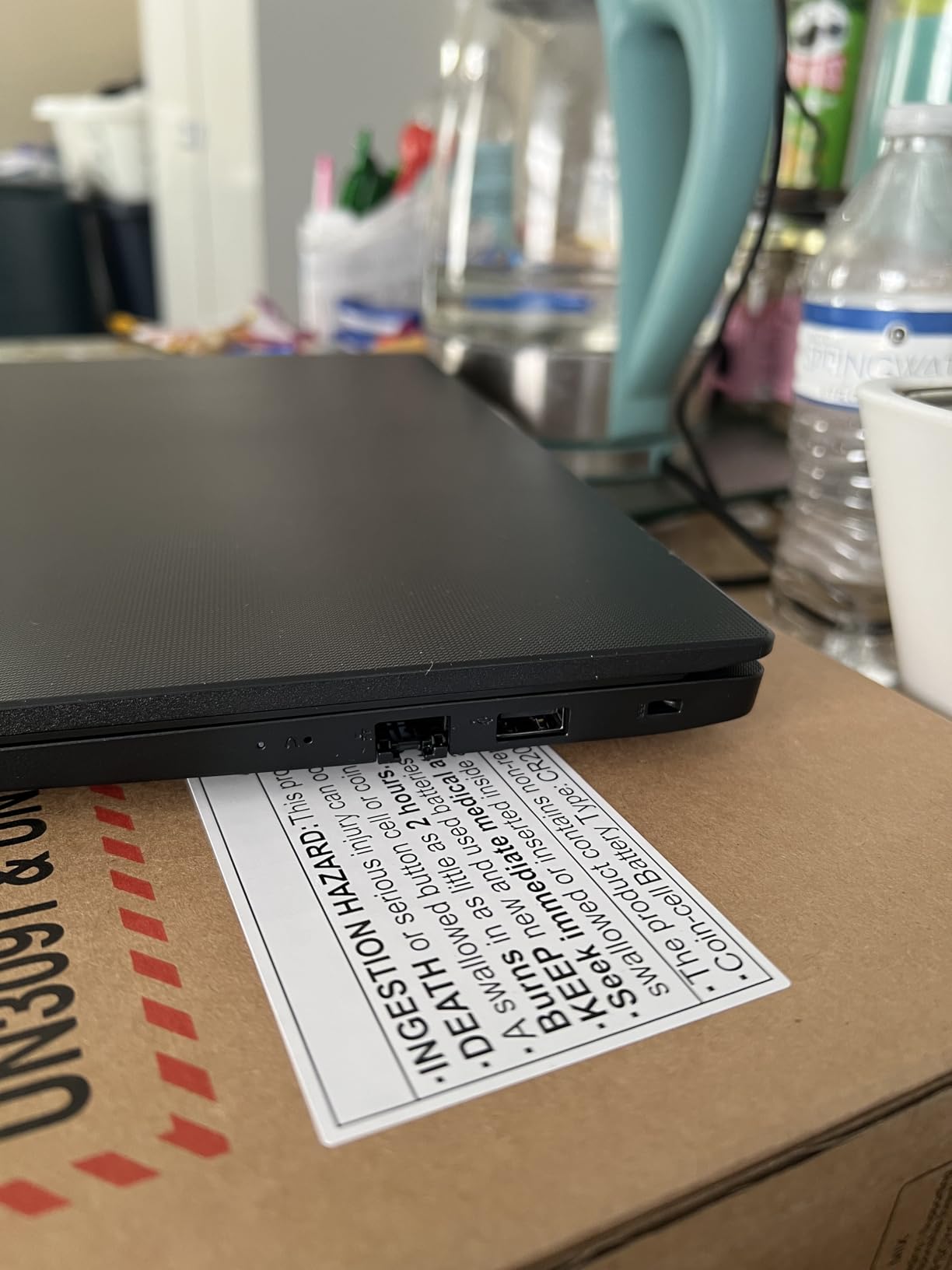
This V15 is the configuration we would point at for business, finance, accounting, and information systems students. The Core i5-13420H with 8 cores and 12 threads and 12MB of Smart Cache handles spreadsheets the size of a small business, and the 16GB of DDR4 memory with a 512GB NVMe SSD means a heavy Excel session with a browser alongside will not choke.
Buyers like the step-up in CPU and memory over the entry V15 models, and they single out the port selection as unusually complete. RJ45 Ethernet, HDMI, USB-C, and two USB-A cover essentially every peripheral a student might plug in, and the full-size keyboard with numeric keypad is essential for anyone doing numeric coursework.
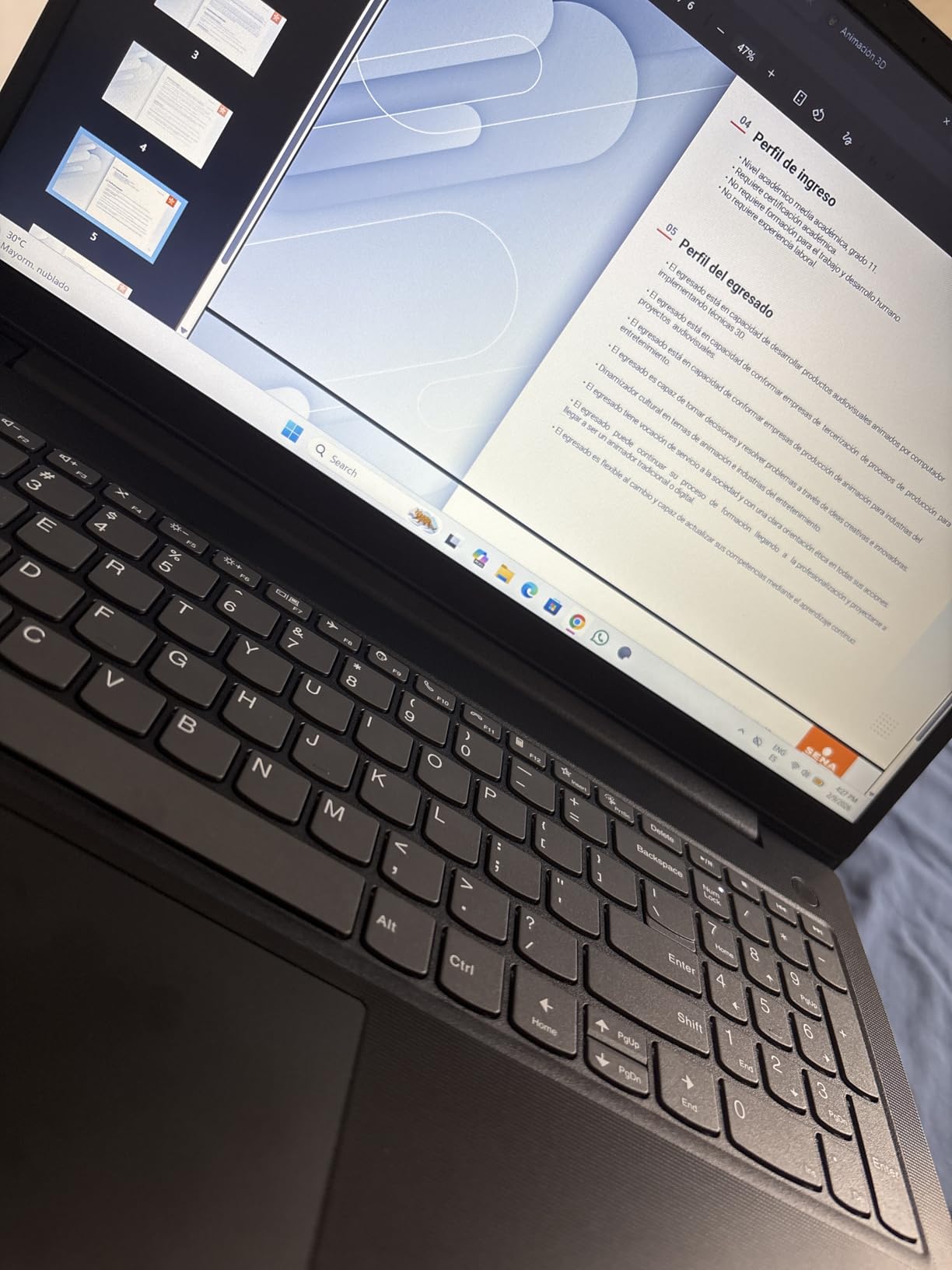
Windows 11 Pro comes with pre-configured app layouts, which sounds like marketing language until you realise it means predictable window behaviour when your IT department pushes a policy. Group Policy support and the Pro feature set make this the pick if your school wants a managed device or if you plan to use the machine for internships where corporate laptops are the norm.
The 15.6 inch FHD 1920×1080 LCD at 60Hz is unremarkable but perfectly serviceable for documents, slides, and video calls. It is the internals that differentiate this from the IdeaPads, not the display.
Why IT and business students should look here
Windows 11 Pro unlocks things Home does not: Group Policy, BitLocker encryption, Remote Desktop host capability, and Active Directory or Azure AD join. If you are studying systems administration, network security, or enterprise software, having those tools locally is worth more than a faster display.
The wired Ethernet port also matters more than it used to. On a campus or in a residence hall, a wired connection through a USB-C or RJ45 adapter is often faster and more stable than congested Wi-Fi during an evening of online submissions.
What you are compromising on
Integrated Intel UHD Graphics means no real gaming and weak creative performance, so a film, animation, or 3D design student should not choose this. LCD brightness is average, which is fine indoors and marginal in direct sun.
There is only one memory slot, so increasing RAM later means replacing the installed stick rather than adding a second. The 26 Wh battery is modest for a 15.6 inch chassis, so expect to top up between long study blocks rather than powering through a full day untouched.
7. Lenovo IdeaPad 1i – Best for Touchscreen Note-Taking
Lenovo IdeaPad 1i Laptop, 15.6″ FHD Touchscreen, Intel Core i5-1235U Processor, 16GB RAM, 512GB SSD, Webcam, HDMI, Wi-Fi 6, Windows 11 Home, Blue
Core i5-1235U 10-core
16GB DDR4, 512GB NVMe
15.6 inch FHD IPS touch
65 Wh battery
Pros
- 10-core i5-1235U feels fast for browsing and documents
- 16GB DDR4 in two slots with 512GB SSD
- Touchscreen on a clear FHD IPS anti-glare panel
- 65 Wh battery
- Mobile Device Management and Group Policy support
Cons
- 45% NTSC colour gamut makes colours look washed out
- Integrated UHD Graphics only
- US power cord and US keyboard layout
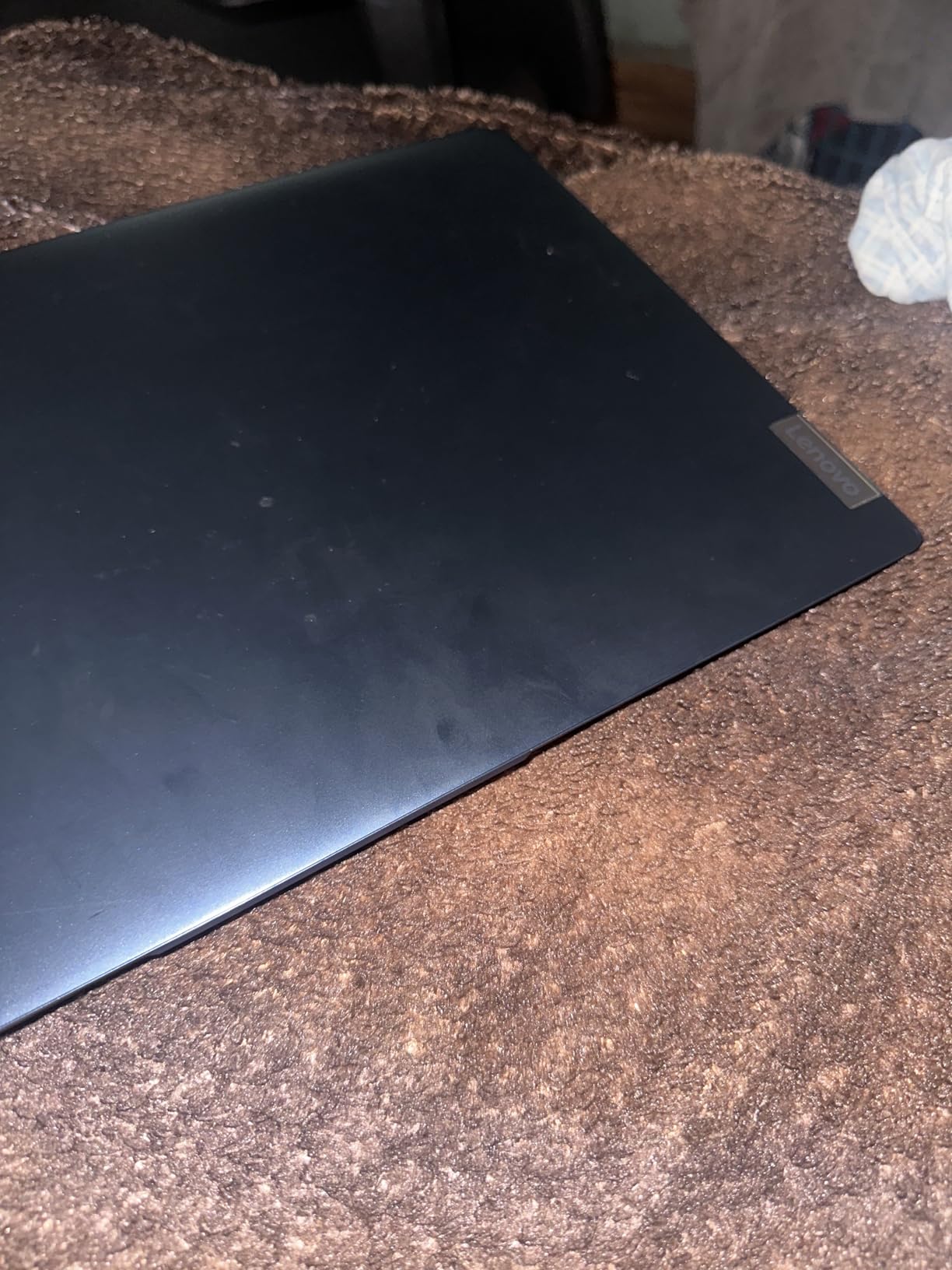
The IdeaPad 1i takes the IdeaPad 1 formula and replaces the weak parts: you get a 10-core Intel Core i5-1235U that boosts to 4.4 GHz, a full 1920×1080 IPS anti-glare touchscreen, and a 65 Wh battery instead of a 42 Wh one. Most reviewers consider it excellent value, and the touchscreen is the feature they mention first.
That touchscreen is the reason to buy this instead of a cheaper IdeaPad. A capacitive panel on a narrow-bezel display with an LED backlight lets you annotate lecture slides directly, sign forms, or sketch a diagram without a separate tablet, and the anti-glare treatment keeps it usable under fluorescent lighting.
Memory is unusually flexible for an IdeaPad. The 16GB of DDR4 runs at 3200 MHz across two slots, so you can add a second stick later rather than replacing what is installed, which makes this the most upgradeable IdeaPad on this list. Storage is a 512GB PCIe NVMe drive, which is fast and large enough for a degree of coursework.
Windows 11 Home here still includes Mobile Device Management, Group Policy, and Assigned Access, so a school can manage the device if it needs to. The keyboard feel is repeatedly praised and the light, sturdy build is easy to carry between classes, which is a decent package for the money.

Note-taking on a screen instead of paper
For students in fields where diagrams matter, the touchscreen is more than a novelty. You can highlight a PDF, sketch a circuit, or handwrite notes in a stylus app and have them synced to the same device rather than retyping from a paper notebook the same evening.
It also serves as a convertible display for shared work. Turn the screen toward a study partner and you can walk someone through your code or a design mock-up without both of you crowding around one hinge.
What to watch out for
The 45% NTSC colour gamut is the first limitation. Colours look washed out next to a proper sRGB panel, so a design or photography student should not choose this, even with the touchscreen. Integrated graphics mean heavy games run at low settings at best.
A minority of buyers report black-screen crashes and unreliable seller support, which is worth weighing against the alternatives. Some reviewers also note the unit includes a US power cord and US keyboard layout, so if you are outside the United States, check what the listing includes before you commit.
8. Lenovo V15 G6 Ryzen 7 – Best for Upgradability
Lenovo Laptop V15 G6, AMD Ryzen 7 170, 16GB RAM, 512GB SSD, Windows 11 Pro
Ryzen 7 170 with Radeon 680M
16GB DDR5, up to 64GB
FHD anti-glare 15.6 inch
MIL-STD-810H tested
Pros
- Ryzen 7 170 with Radeon 680M handles coursework and light content creation
- 16GB DDR5 expandable to 64GB with a free M.2 slot
- Anti-glare FHD panel with a fingerprint reader and BitLocker
- RJ45 Ethernet and dual 4K monitor support without a dock
Cons
- 300 nits brightness and 45% NTSC colour gamut are the weak specs
- No dedicated GPU
- Support runs through a third-party reseller rather than Lenovo
This one is built for the student who intends to keep it. The AMD Ryzen 7 170 has 8 cores boosting to 4.75 GHz alongside Radeon 680M graphics, and the memory configuration is the standout: 16GB of DDR5 at 5600 MHz that expands to 64GB, plus a spare M.2 slot sitting empty inside. Almost nothing else in this group lets you add both memory and storage later.
Reviewers view it as a cost-effective alternative to a ThinkPad, and they highlight the business features, the upgradability, and the connectivity. The fingerprint reader and BitLocker encryption are the sort of detail that normally only appears on machines costing substantially more.
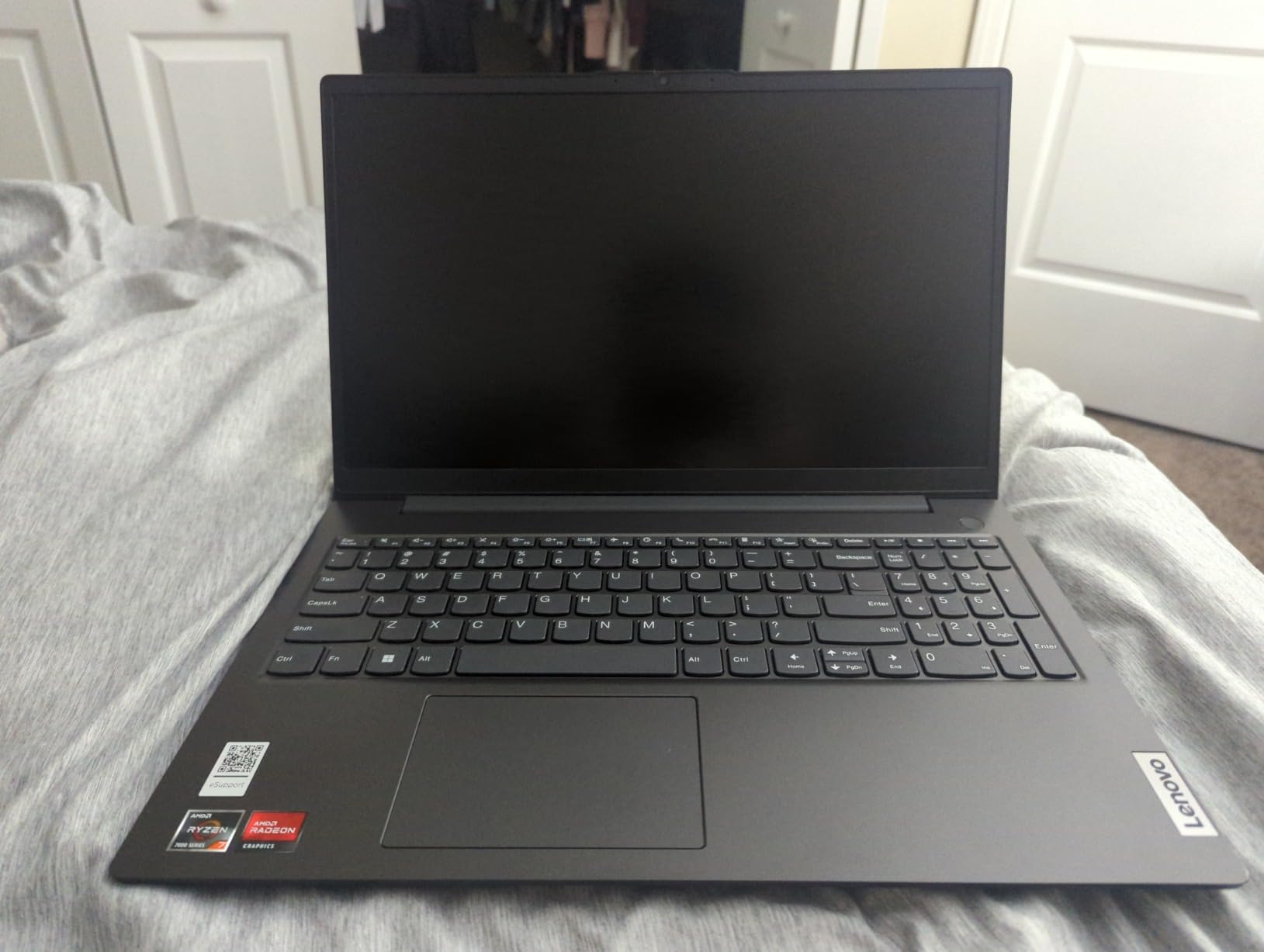
MIL-STD-810H durability testing with Rapid Charge is meaningful for a machine meant to last four years, because it has been through the environmental stress programme Lenovo uses for business hardware. The port selection is complete: RJ45 Ethernet, USB-C with Power Delivery and DisplayPort 1.2, two USB-A, and HDMI.
It also supports up to two external 4K monitors at 60Hz without a docking station, which matters if you work from a library desk or a shared office and want to use your own display. A full-size keyboard with numeric keypad, stereo speakers with Dolby Audio, and Bluetooth 5.3 round out a genuinely complete machine.
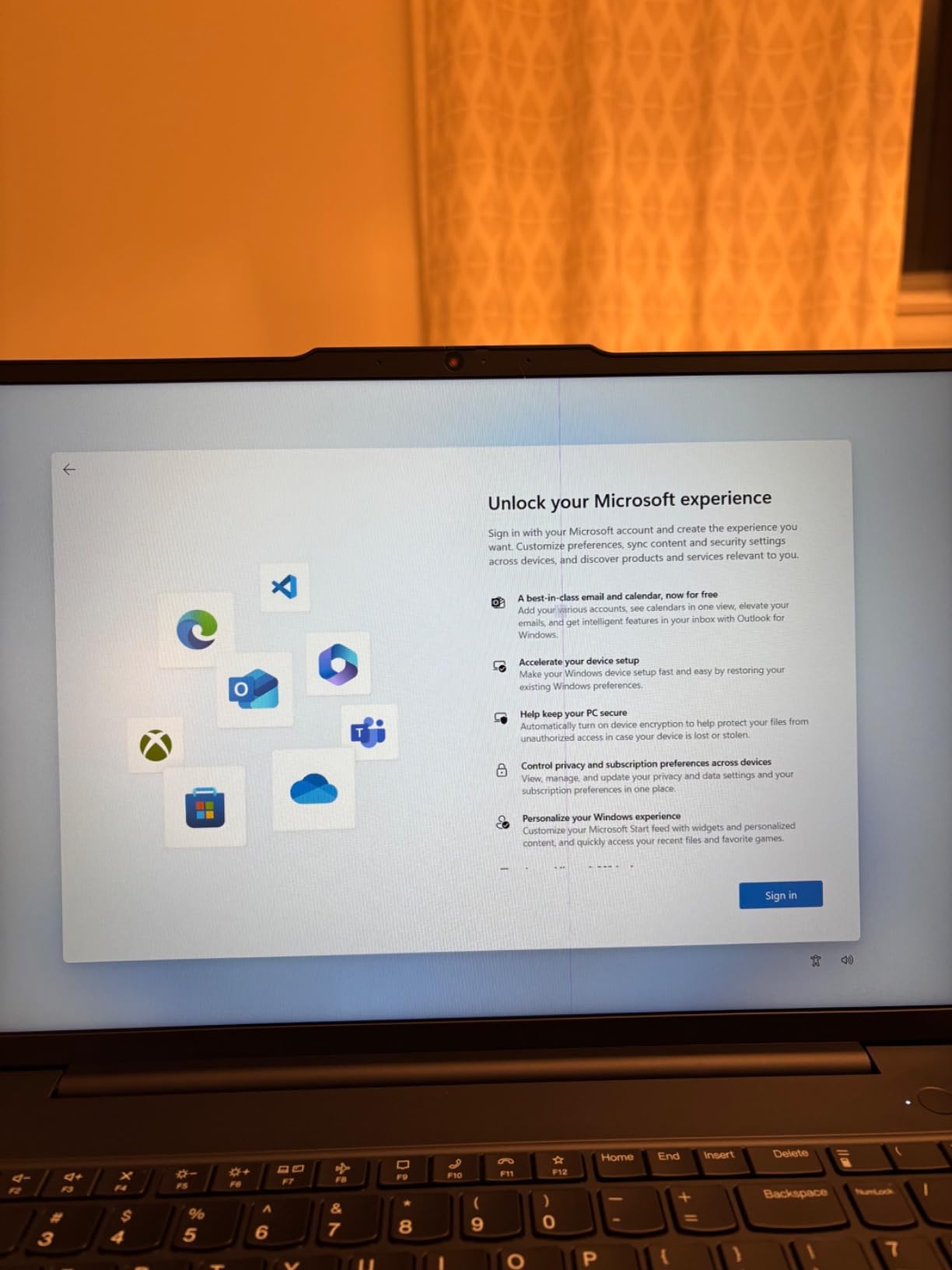
Why upgradability is worth planning around
A degree runs four years, and the machine you buy today will be asked to run a fourth-year workload. Being able to double your memory or add a 2TB drive in year two, for a few tens of dollars, is a form of insurance that most thin laptops in this roundup simply do not offer.
It is also the cheapest path to a machine that lasts. Instead of replacing the whole laptop when 16GB stops being enough, you add a stick and keep going, which stretches the useful life well past the point where a non-upgradeable machine would be retired.
What to verify before buying this listing
Reviewers note a 300 nit brightness and a 45% NTSC colour gamut, which are the weakest display specifications here. Indoors that is acceptable; for any colour-critical work it is not. There is no dedicated GPU, so treat it as a coursework machine rather than a gaming or rendering one.
Importantly, this unit is sold and warrantied by a third-party reseller rather than by Lenovo directly, and the listing brand shows as ist computers, which confuses buyers. That is not a dealbreaker, but it does change who you call when something goes wrong, so factor it into your decision.
9. Lenovo V15 G6 Intel N100 – Best for School-Managed Devices
Lenovo V15 15.6″ FHD Laptop Computer for Business and Home, 2026 Copilot AI, Intel N-Series Quad-Core Processor, 16GB DDR5 RAM, 512GB SSD, Wi-Fi 6, RJ-45, HDMI, Fast Charging, Windows 11 Home, Black
Intel N100 quad-core
16GB DDR5, 512GB NVMe
15.6 inch FHD anti-glare
3.33 pounds
Pros
- 16GB DDR5 and a 512GB PCIe 4.0 SSD in this band
- Full port set with RJ-45 Ethernet and dual USB-C with DisplayPort
- Physical camera privacy shutter
- TPM 2.0 and a Kensington lock slot
- Light 3.33 pound design with fast charging
Cons
- Intel N100 is an entry processor with modest headroom
- Integrated UHD Graphics only
- Review pool includes complaints about screen failures on related models
- Some reviewers question the advertised model year
The Intel N100 is a four-core entry processor that reaches 3.4 GHz, and it is the least powerful chip we tested, so let us be clear about what that means. It handles documents, browsing, video calls, and coursework software without trouble. It is not the right choice if you compile code, run simulations, or edit video.
What it pairs with is the interesting part: 16GB of DDR5 expandable to 32GB, and a 512GB PCIe 4.0 NVMe SSD. That memory and storage configuration is the same class as machines costing noticeably more, and it is the specification that will keep this laptop usable across a full degree.
Students rate the screen clarity, portability, and port selection highly. The anti-glare 1920×1080 panel is easy on the eyes in a lecture hall, and at 3.33 pounds with fast charging support it suits a daily commute.
What makes this the IT-friendly choice
Firmware TPM 2.0, a Kensington lock slot, and a physical camera privacy shutter are the details that matter when a school owns or manages the device. TPM 2.0 enables BitLocker drive encryption and Windows Hello credential storage, and the Kensington slot secures the machine to a desk in a shared computer lab.
Seven ports including RJ-45 Ethernet and two USB-C with Power Delivery and DisplayPort mean lab setups, projectors, and wired networks are all handled without adapters. For a computer science student on a scholarship where IT provisions a standard image, this is a machine that plays nicely with that workflow.
Where the N100 shows its limits
Four cores with integrated graphics is a hard ceiling. Heavy multitasking, virtual machines, and anything GPU-dependent will feel it, and the modest performance headroom is the single reservation reviewers raise. If your major is computational, buy up to a Ryzen 7 or Core i5 machine instead.
There is also a cloud of doubt around the listing itself. The review pool contains complaints about screen and touchscreen failures on earlier related models, and some reviewers question whether the advertised model year matches the laptop they received. Check the exact configuration on arrival.
10. Lenovo ThinkPad E16 Gen 2 – Best for Typing and Build Quality
Lenovo ThinkPad E16 16 Ryzen 7 7735HS 16GB DDR5 512GB SSD Type-C Hub Laptop
Ryzen 7 7735HS 8-core
16GB DDR5, 512GB SSD
16 inch WUXGA 1920x1200
3.9 pounds
Pros
- Ryzen 7 7735HS with Radeon 680M is powerful for a business-class machine
- 16GB DDR5 and 512GB SSD handle heavy multitasking
- 16 inch WUXGA IPS display is comfortable for long sessions
- Backlit keyboard
- privacy shutter
- and Windows 11 Pro
- Bundled 5-in-1 hub and 65W USB-C adapter reduce dongle life
Cons
- Non-touch panel on a 16 inch screen
- 45% NTSC colour gamut is limited for design work
- Radeon 680M is integrated
- not a dedicated GPU
- Heaviest option here at 3.9 pounds
If you write every day, the ThinkPad keyboard is the reason to spend here. This E16 Gen 2 pairs a backlit keyboard with a chassis built to ThinkPad standards, and ThinkPad buyers consistently single out the build quality and typing feel as the features that justify the premium over an IdeaPad.
The Ryzen 7 7735HS provides 8 cores with Radeon 680M graphics, alongside 16GB of DDR5 at 4800 MHz and a 512GB NVMe SSD. That is a genuinely capable configuration for coursework, and it is strong enough for a light creative load without the anxiety of a low-power chip.
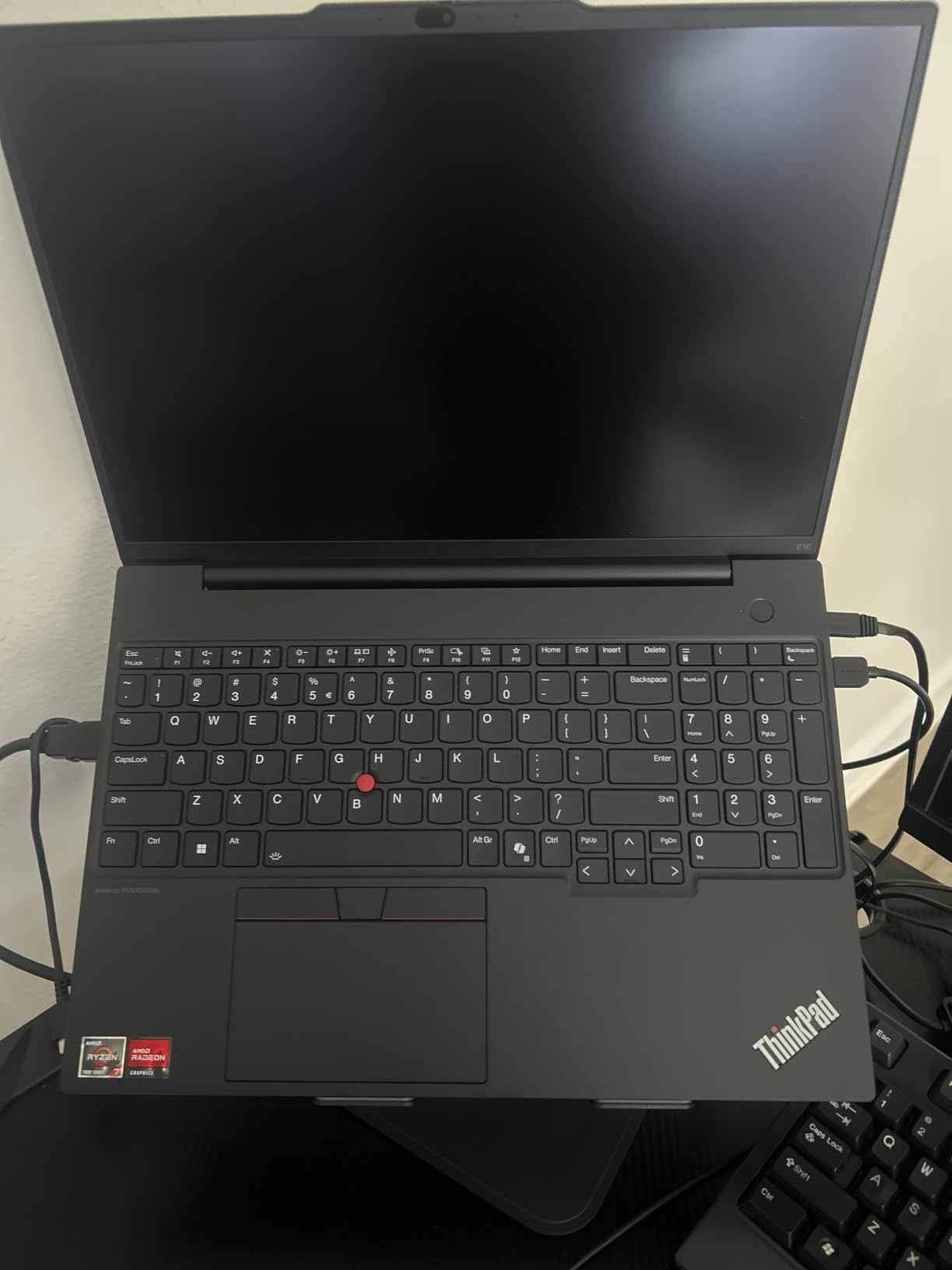
Windows 11 Pro 64-bit, a 720p RGB camera with a privacy shutter, Wi-Fi 6, and Bluetooth 5.3 make it a serious machine for internships and lab work. The 16 inch WUXGA 1920×1200 IPS anti-glare panel at 300 nits is comfortable for long sessions, which is exactly what a laptop you will use for a thesis requires.
Eight ports including USB-C and HDMI are joined by a bundled 5-in-1 USB-C hub and a 65W USB-C power adapter. That matters on a sixteen inch body where the built-in selection rarely satisfies everyone, and it means fewer adapters to lose in a backpack.
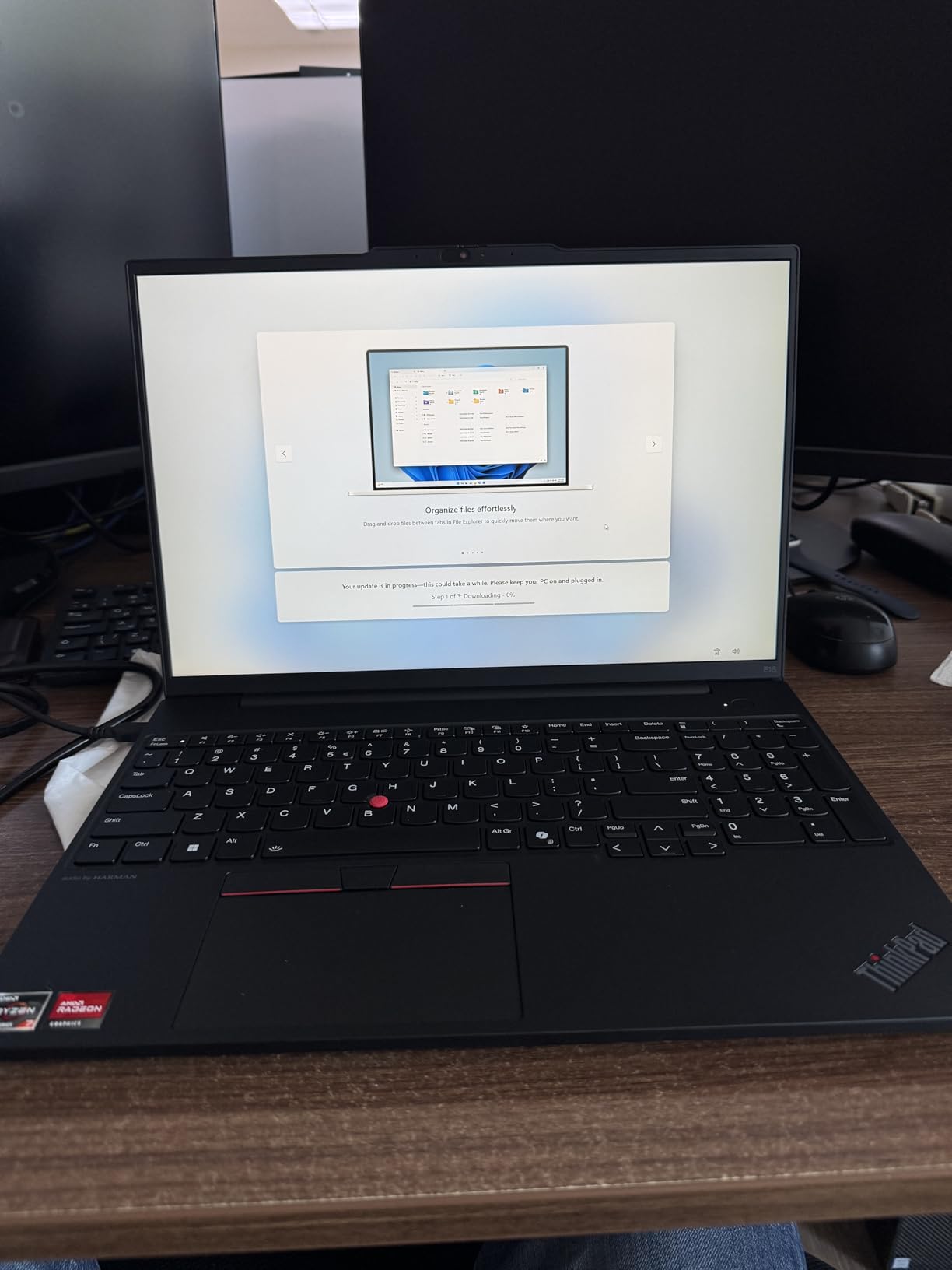
Where the ThinkPad premium is justified
Typing comfort is the daily difference. Over four years of essays, lab reports, and code, a keyboard that feels right and a chassis that does not flex or creak is worth real money, and that is the argument for this machine over a cheaper IdeaPad with a similar processor.
The ThinkPad line also carries a strong service and parts story, and the E-series is the affordable way into it. If you keep laptops past the standard cycle, that build discipline and repairability is a genuine part of your cost of ownership.
What you trade away for it
The most common criticism is the display. A non-touch panel in 45% NTSC at 300 nits on a 16 inch screen is a letdown in a machine this refined, and it rules out note-taking directly on the screen, which was the Yoga 7i’s best feature.
At 3.9 pounds it is one of the heavier options in this group, so carrying it across campus all day takes planning. Graphics are integrated, so gaming and 3D rendering are not on the table, and if your work is visual, the colour gamut alone should disqualify it.
How to Choose a Lenovo Laptop for Student Life
A student laptop is not a smaller version of a work laptop. It is a machine that gets carried every day, charged when you remember, and expected to survive four years and a backpack. That changes what matters. Peak benchmark scores matter far less than battery life, weight, keyboard durability, and whether your major’s software actually runs on it.
The seven specifications that decide your choice
1. Memory: 16GB is the target, 8GB is a compromise. Sixteen gigabytes is the number that keeps a machine responsive through a four-year degree, especially with dozens of browser tabs, a video call, and a document open at once. Eight gigabytes works for light writing work and struggles with everything else, and because memory is soldered on several models in this roundup, you rarely get to fix it later.
2. Storage: 512GB minimum. Course recordings, design files, and a development environment add up fast. A 512GB NVMe drive is the practical floor, and an empty M.2 slot or upgradeable memory is a real advantage on a machine you will keep for years.
3. Processor: cores before clock speed. A six-core or eight-core chip such as the Ryzen 5 5500U, Ryzen 7 5825U, or Core i5-13420H will outlast a faster dual-core part in every real workload. Two cores are acceptable for writing essays and nothing else.
4. Display: resolution and colour, in that order. At minimum you want 1920×1080 on an IPS panel with anti-glare. The 45% NTSC colour gamut common on cheaper models is fine for text and noticeably washed out for design work, so check it if your major is visual.
5. Weight: the spec nobody researches and everybody notices. A machine under 1.7 kg is a different daily experience from one at 3.9 kg when you are crossing campus twice a day for four years. Screen size is the lever: a lighter 15 inch body beats a heavier 16 inch one for most students.
6. Keyboard: the part you touch most. A full-size layout with a numeric keypad is worth paying for if you do numeric coursework, and a backlit keyboard matters if you study in the evening. A cramped layout is a daily tax that gets old fast.
7. Ports and connectivity. USB-C, HDMI, and a headphone jack cover most needs. An RJ45 Ethernet port is increasingly valuable on congested campus Wi-Fi, and it appears on several models here at surprisingly low cost.
ThinkPad vs IdeaPad: the decision rule
This is the most common question we see, and most people asking it do not need a ThinkPad. The rule is simple: if your workload is browsing, documents, and light coursework, buy the IdeaPad and put the difference into memory and storage. If you type for a living, carry the machine daily, or want it to still feel solid in year four, the ThinkPad premium buys a better keyboard, a more durable chassis, and better service.
Members on r/Lenovo and r/thinkpad consistently make the same argument from different ends of the spectrum. One camp points at the IdeaPad line as the standard answer for the majority of university students, treating the ThinkPad as the option for people who genuinely need the extra keyboard and durability. The other advises buying a ThinkPad for lighter tasks and leaning on university lab machines for heavy work, which is a sensible way to avoid paying for capability you will use twice a semester.
The practical version: the IdeaPad 1i, IdeaPad Slim 3, and V15 cover 90 percent of students and majors. The ThinkPad E16 is for the ones who write constantly, travel with the machine, or have specific lab requirements. If you are still unsure, the V15 Ryzen 5 sits in the middle and is rarely the wrong answer.
Budget tiers and what each one buys you
No competitor in this space organises picks by price, but that is the filter students actually use. At the very bottom of the budget range, the IdeaPad 1 is the honest floor: it works for writing, browsing, and basic coursework, and you should accept the Celeron chip and low-resolution screen as real limitations rather than surprises.
In the mid-budget range, the market opens up properly. This is where the Ryzen 5 5500U V15, the IdeaPad Slim 3, the V15 Gen 4, and the IdeaPad 1i live, and they share a key advantage: 16GB of memory and 512GB of SSD storage. We think that band is the sweet spot for a four-year degree.
In the upper mid-range you are choosing between portability and power. The IdeaPad Slim 3 16 at 1.68 kg gives you an aluminium chassis and MIL-STD-810H testing at a weight you will not resent, while the Ryzen 7 machines give you more cores for heavier work. At the premium end you are paying for display, build, and battery rather than raw speed, which is where the Yoga 7i and ThinkPad E16 sit.
If your budget is genuinely constrained, a refurbished ThinkPad is the strategy that threads the needle: you get the keyboard and chassis for less than a new machine, at the cost of a shorter warranty and unknown battery condition. Our guide to student gear covers the same logic for a completely different budget, where paying a little more up front reliably beats replacing twice.
Best Lenovo by major
Engineering and computer science. Core count and memory matter more than anything else here. The IdeaPad Slim 3 with Ryzen 7 5825U, the V15 G6 Ryzen 7, and the ThinkPad E16 all give you eight cores and 16GB, which is enough headroom for CAD viewers, simulation tools, containers, and virtual machines. The V15 Gen 4 with its Core i5-13420H is the value alternative if you do not need eight cores.
Business, finance, and accounting. Numeric keypads and Windows 11 Pro are the deciding factors. The V15 Ryzen 5 5500U and the V15 Gen 4 both pair a full-size keyboard with numeric entry, Pro features including BitLocker and Group Policy, and an RJ45 port for stable wired connections.
Design, photography, and video. Colour accuracy disqualifies most of this list, and the 45% NTSC panels on the V15 and ThinkPad E16 are not acceptable. The Yoga 7i with its IPS touchscreen is the right shape of answer, and you should plan on an external calibrated monitor for colour-critical work regardless.
Nursing, medicine, and allied health. You need a reliable keyboard, long battery life, and a light body for long clinical shifts, more than raw power. The IdeaPad Slim 3 16 at 1.68 kg with an aluminium chassis and MIL-STD-810H testing fits that brief, and the ThinkPad E16 suits anyone who needs a managed, serviceable machine.
Teaching, liberal arts, and general studies. Almost anything on this list works. The IdeaPad 1i with its touchscreen is a good answer if you annotate a lot, and the V15 Ryzen 5 5500U is the safest general-purpose purchase when the major has no special software requirements.
Snapdragon and Arm: the software compatibility check
Lenovo now ships some models on Qualcomm Snapdragon processors, and the reason is battery life. Arm-based chips deliver noticeably longer endurance because of their efficiency, which is the single most important spec for a student on a long day. The trade is software compatibility, and this is the part competitors mention without resolving.
Native Windows applications run fine. Most Microsoft Office workloads, browsers, streaming, and mainstream coursework software are covered. The risk areas are professional and academic packages built for x86, such as AutoCAD, MATLAB, SolidWorks, and some of the heavier creative tools, plus anything with an x86-only plug-in, driver, or virtualisation layer. If your programme requires a specific version of a specific tool, verify that tool before you buy an Arm machine.
Our rule is simple. If your major’s software list is browser-based, or is limited to Office and mainstream applications, an Arm model is a strong choice for battery life. If your programme names specialist engineering, CAD, or data software, stay on Intel or AMD. None of the ten picks in this roundup are Arm-based, which is a deliberate choice for maximum compatibility.
New, refurbished, and the four-year cost question
A Windows laptop does not include Microsoft Office by default, and that trips up a lot of students. Most people in this situation are covered by their institution: many universities provide free Microsoft 365 Education licences to enrolled students, which includes the desktop Office suite. Check with your IT department before paying for a subscription, because it removes a real cost from your four-year budget.
Beyond that, budget for accessories. A 65W USB-C charger, a USB-C hub, a laptop stand, and an external monitor are the four items that most improve daily use, and they cost less than the mistake of buying a machine that cannot run your coursework software. Adding them to our best business laptops guide recommendations makes sense for students who use the same machine for a placement year.
New or refurbished is the final decision. A new machine gives you a full warranty and a known configuration, which matters for a four-year ownership window. A refurbished ThinkPad gives you the keyboard, chassis, and serviceability of a business line for less money, which is a good trade for a student on a tight budget who will treat the machine carefully. Either way, buy on specifications rather than brand: 16GB of memory, a 512GB SSD, and a full-size keyboard are what keep a student laptop usable through a degree.
Frequently Asked Questions
Which Lenovo is best for students?
The Lenovo Yoga 7i 2-in-1 is our overall pick, with a Core Ultra 7 155U, 16GB of DDR5 memory, a 1TB SSD, and the only battery in this roundup that reviewers consistently describe as all-day. Students on a tighter budget should take the Lenovo V15 with the Ryzen 5 5500U, which pairs six cores with 16GB of memory, a 512GB NVMe drive, and a full-size keyboard with a numeric keypad.
Which Lenovo laptops are best for university students?
It depends on your major and how much you carry the machine. The Yoga 7i suits design, architecture, and film students who need a touchscreen. The IdeaPad Slim 3 16 is the lightest option at 1.68 kg, which suits students with a long commute. The V15 Gen 4 and V15 Ryzen 5 are the safe general-purpose answers with Windows 11 Pro, and the IdeaPad 1 is the honest entry point for light writing work.
What is the weakness of Lenovo laptops?
The most common complaints are display quality and weight. Several models in this price range ship 45% NTSC colour panels, which look washed out for design work, and a handful use dim 220 to 300 nit screens. Battery capacity varies widely, with 26 Wh units appearing in larger chassis. Gaming and Legion-class machines are heavy and have short endurance, and Arm-based models raise software compatibility questions for coursework tools.
Is Lenovo ThinkPad or IdeaPad better for students?
Buy the IdeaPad for general coursework and put the difference into 16GB of memory and a 512GB SSD. Buy the ThinkPad when you type all day, carry the machine constantly, or want a chassis and keyboard that still feel good in year four. Most students on the IdeaPad line will not notice the difference, while writers and frequent travellers usually notice it immediately.
Is a Lenovo Ideapad a good laptop for college students?
Yes, for most majors. The IdeaPad Slim 3 with a Ryzen 7 5825U gives you eight cores, 16GB of DDR4 memory, a 512GB NVMe drive, and an FHD touchscreen, which is enough for four years of general coursework. The IdeaPad 1i is a good value option with a 65 Wh battery and two memory slots. The entry IdeaPad 1 is adequate for writing and browsing but slow for anything heavy.
Which Lenovo ThinkPad is best for college students?
The ThinkPad E16 Gen 2 is the model we would choose, with a Ryzen 7 7735HS, 16GB of DDR5, a 512GB SSD, a backlit keyboard, and Windows 11 Pro. It is the most affordable way into ThinkPad build quality and service. The main compromises are a non-touch 45% NTSC display, integrated Radeon 680M graphics, and a weight of 3.9 pounds for the 16 inch chassis.
Which Lenovo Laptop Should You Buy?
If you want one answer to the question of the best Lenovo laptops for students in 2026, take the Lenovo Yoga 7i 2-in-1 if your budget reaches a thousand dollars and your work involves a screen you can write on. Its Core Ultra 7, 16GB of memory, 1TB SSD, and battery life are the best combination we tested.
If it does not, the Lenovo V15 with the Ryzen 5 5500U is the machine to buy. Six cores, 16GB of RAM, a 512GB NVMe drive, a numeric keypad, and Windows 11 Pro cover essentially every major for four years. Buy the IdeaPad 1 only if the budget is genuinely tight and the work is genuinely light, and pick the IdeaPad Slim 3 or a Ryzen 7 V15 when you need more cores or a touchscreen.
Whichever you choose, aim for 16GB of memory, a 512GB SSD, a full-size keyboard, and the lightest chassis you can live with. Those four specifications decide whether a laptop survives a degree.