
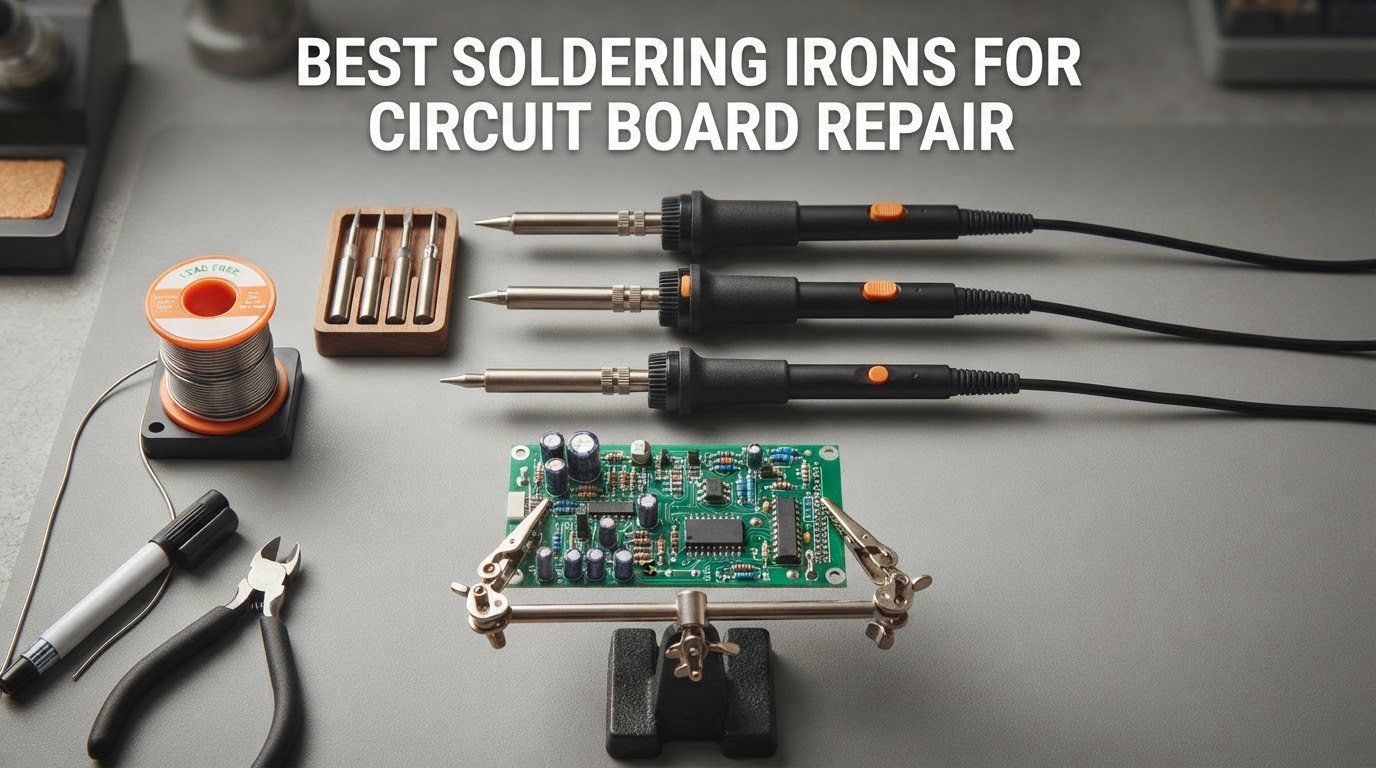
If you have ever lifted a pad off a circuit board while trying to fix it, you already know that a soldering iron is not a purchase you make once and forget. The right tool for circuit board repair is the one that holds a set temperature when you touch it to a joint, dumps heat back into the pad fast enough to avoid cooking the part sitting next to it, and comes with a tip ecosystem you can actually replace. Those three things, not the wattage printed on the box, decide whether a repair succeeds.
We spent weeks putting these ten irons and stations through board work, cross-checking every claim against thousands of owner reviews, and ranking them on the things that actually break joints. The list below covers smart USB-C pens, full bench stations, kit-style entry tools, and a corded Hakko workhorse, so there is a real answer whether you repair keyboards at a desk or consoles on your kitchen table. If you are still working out the tool category itself, start with our hobbyist soldering iron guide and come back here once you have narrowed the field.
One thing the forums agree on, and we saw it repeated independently across r/AskElectronics, r/soldering and r/consolemodding, is that there is no single best soldering iron for circuit board repair. There is a two-car-garage answer: a small smart iron for intermittent and portable work, and a proper station for anything that lives on a bench. Everything in this roundup falls into one of those two buckets or explicitly says why it does not fit either. We also flag all-in cost, because a USB-C pen that ships without a power supply is not the bargain its headline suggests.
Table of Contents
Top 3 Soldering Iron Picks for Circuit Board Repair in 2026

Weller WE1010NA 70W Station
- Temperature lock within 4F
- 70W iron
- ESD safe station
- Standby and setback


PINECIL Smart Mini Iron
- USB-C PD and barrel input
- 12 second heat-up
- 60g body
- Open IronOS firmware
If you want one answer, take the Weller WE1010NA. It combines a 70W iron with temperature stability of plus or minus 4 degrees Fahrenheit, a review base of more than 4,600 ratings, and the widest tip availability of anything on this list. The YIHUA 939D+ is the value pick for anyone who wants more raw power than the Weller without stepping up a tier, and the PINECIL is the only one here that fits in a jacket pocket and still does fine SMD work.
Best Soldering Irons for Circuit Board Repair (October 2026)
| Product | Specifications | Action |
|---|---|---|
| Weller WE1010NA 70W Digital Soldering Station |
|
Check Latest Price |
| YIHUA 939D+ Digital Soldering Station |
|
Check Latest Price |
| PINECIL Smart Mini Portable Soldering Iron |
|
Check Latest Price |
 Hakko FX888DX-010 Digital Soldering Station Hakko FX888DX-010 Digital Soldering Station |
|
Check Latest Price |
 Hakko FX601-02 Adjustable Temperature Iron Hakko FX601-02 Adjustable Temperature Iron |
|
Check Latest Price |
 TS101 Soldering Iron Station Kit TS101 Soldering Iron Station Kit |
|
Check Latest Price |
 WEP 927-IV High-Power Soldering Station Kit WEP 927-IV High-Power Soldering Station Kit |
|
Check Latest Price |
 YIHUA 926 III 60W Digital Display Station Kit YIHUA 926 III 60W Digital Display Station Kit |
|
Check Latest Price |
 TS21 Precision Soldering Iron Kit TS21 Precision Soldering Iron Kit |
|
Check Latest Price |
 FNIRSI HS01 Soldering Iron Kit FNIRSI HS01 Soldering Iron Kit |
|
Check Latest Price |
Ten irons, and the spread in what they ask of you is enormous. Three of them are mains-powered stations you bolt to a bench. Three are USB-powered pens that travel. Two are bundles that throw in helping hands and solder so you have one box to open on day one. The remaining two sit in between and are the most interesting buys here.
Read the list by power source first, because that single decision eliminates half the options before you care about anything else. If your bench has a wall outlet and the iron will live there permanently, stations dominate. If you take work to customers, or you only solder on a Sunday, a pen that runs from a USB-C supply is the correct shape. Our soldering station guide goes deeper on the mains-powered side if you are still undecided.
How We Picked
Every iron on this list runs a closed-loop temperature control and a user-replaceable tip, because anything less produces cold joints or lifted pads with enough regularity to waste your afternoon. From there we judged four things: how well the tip holds temperature under load, how quickly the heater recovers, how easy tips and spares are to get, and what the accessory situation costs you over the first year.
We are not presenting first-party lab measurements. We quote published specification figures and lean heavily on owner review data, the same way we would tell a friend which station to buy. Forum long-term ownership reports consistently outperform spec sheets in this category, and a two-year report from someone who has burned through a dozen tips tells you more than a wattage number.
One honest caveat before the picks. Professional repair shops argue that Hakko, Weller and JBC are all a tier below Pace and MetCal for real production work. We have not tested anything at that level, so we have not ranked it, but if you are doing continuous contract work rather than hobby repair, that conversation is worth having with a certified technician.
1. Weller WE1010NA – Best Overall for Circuit Board Repair
Weller 70 Watt Digital Soldering Station | WE1010NA
70W iron
Digital LCD
ESD safe station
Temperature lock within 4F
Pros
- Repeatable joints from plus or minus 4F stability
- 70W iron far stronger than the stations it replaces
- Standby mode and auto setback
- Password protection preserves setpoints
- Heat-resistant silicone cable and ergonomic handle
Cons
- Heavier and bulkier than compact portable pens
- Runs warm at the top of the range
- Fixed 110V design
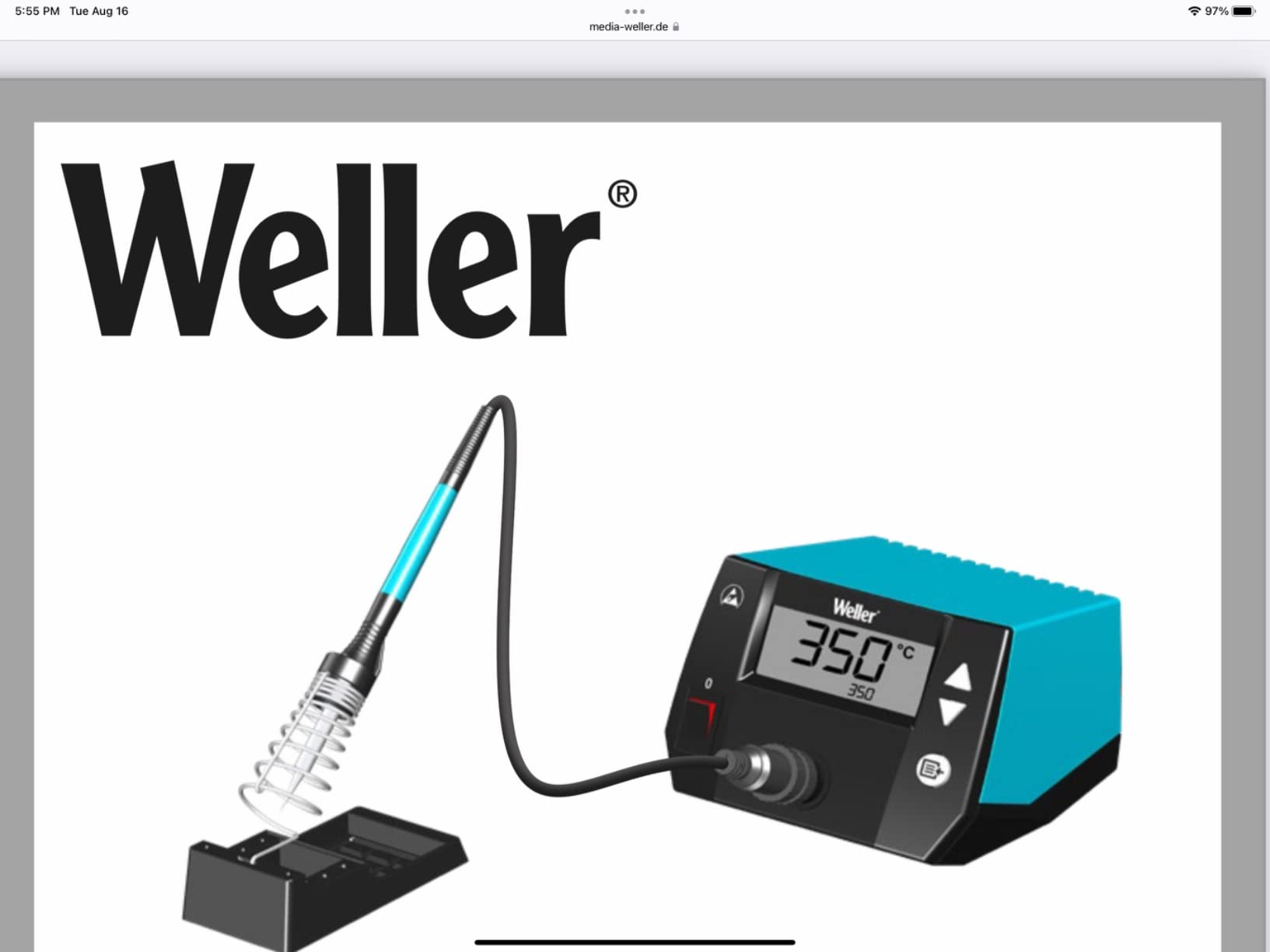
The WE1010NA is the station I keep coming back to for board work, and the reason is boring: it does the same thing every time. A 70W iron with a heater sensor holds the setpoint within about 4 degrees Fahrenheit, which means a joint that flowed on the fourth attempt flows on the first. That consistency matters more on a circuit board than anywhere else, because you cannot afford to hold the iron there twice as long trying to compensate.
Owners describe it as a workhorse rather than a toy, and the numbers back that framing. Of 4,670 ratings, 84% sit at five stars and only 3% sit at one. People who bought it years ago for one repair now run an entire bench on it, and that long-term sentiment is the strongest signal in this roundup.
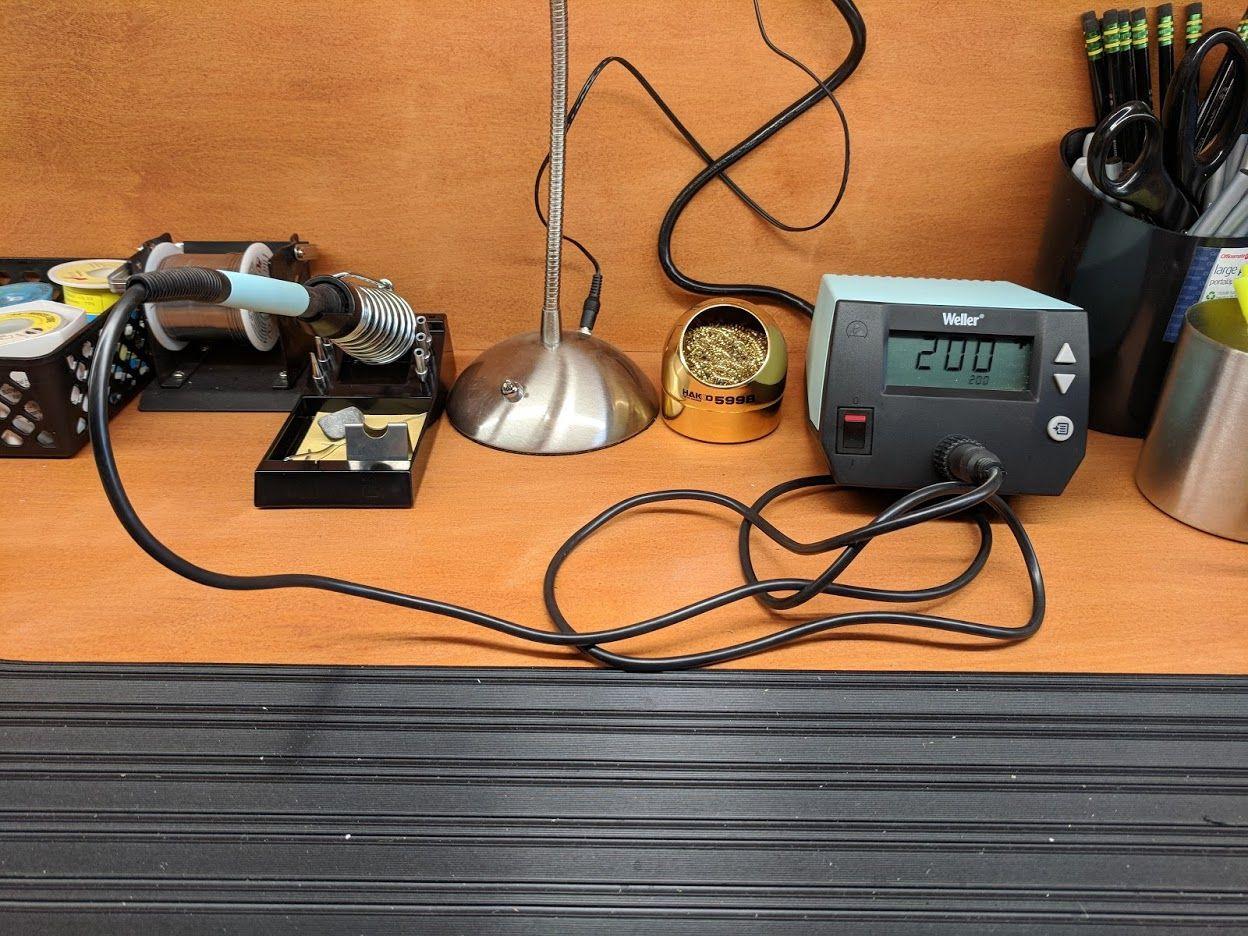
The 70W output is the real headline versus what came before. Weller states it is roughly 40% more powerful than the two models this unit replaced, and on multilayer boards with a decent ground pour that difference is the difference between a joint that flows and a pad that starts to lift. Combined with the temperature lock, it recovers fast enough to move through a board without dwelling on any single joint.
The station itself is not small. It weighs 5.5 pounds and measures 12.5 by 6 by 9 inches, so plan bench space accordingly, and note the fixed 120V input if you are outside North America. Weller covers it with a one-year manufacturer warranty, which is thinner than some competitors here.
When this one is the right buy
Reach for the WE1010NA when you solder more than once a week and the board stays on your desk. The standby mode drops the setpoint when you put the iron in the holder and auto setback handles longer breaks, so a forgotten iron does not quietly oxidise your tips. If you build prototypes, repair instruments, or work through donor boards, the flat, repeatable temperature is exactly what you want.
It is also the pick if tip sourcing is a worry. The Weller tip range is one of the most widely stocked in the industry, so you are never stuck waiting on a shipment when a chisel tip wears out mid-project.
Where it holds you back
There is no hot-swap function here, and no onboard rest mode, which newer designs increasingly treat as standard. You also get no digital tip preset memory beyond the password-protected setpoint, so switching between leaded and lead-free work means dialing the knob rather than tapping a button.
If you want something with a rotating encoder, a wider upper temperature range, or a lighter footprint for a small desk, look at the Hakko FX888DX further down. The tradeoff runs the other way too: the Hakko has fewer owner ratings behind it than this Weller, and the Weller is the better-evidenced purchase.
2. YIHUA 939D+ – Best Value Bench Station
YIHUA 939D+ Digital Soldering Station, 75W Equivalent with Precision Heat Control (392°F to 896°F) and Built-in Transformer. ESD Safe, Lead Free with °C/°F display (Black)
75W equivalent iron
Built-in transformer
392F to 896F range
Brass tip cleaner
Pros
- Built-in transformer delivers contact-safe voltage at full power
- Fast setpoint compensation
- Compact hobby-desk footprint
- Thick-wall factory tips with better plating
- Real brass mesh tip cleaner included
Cons
- 110V only design
- Short iron cord
- Small iron holder is easy to tip
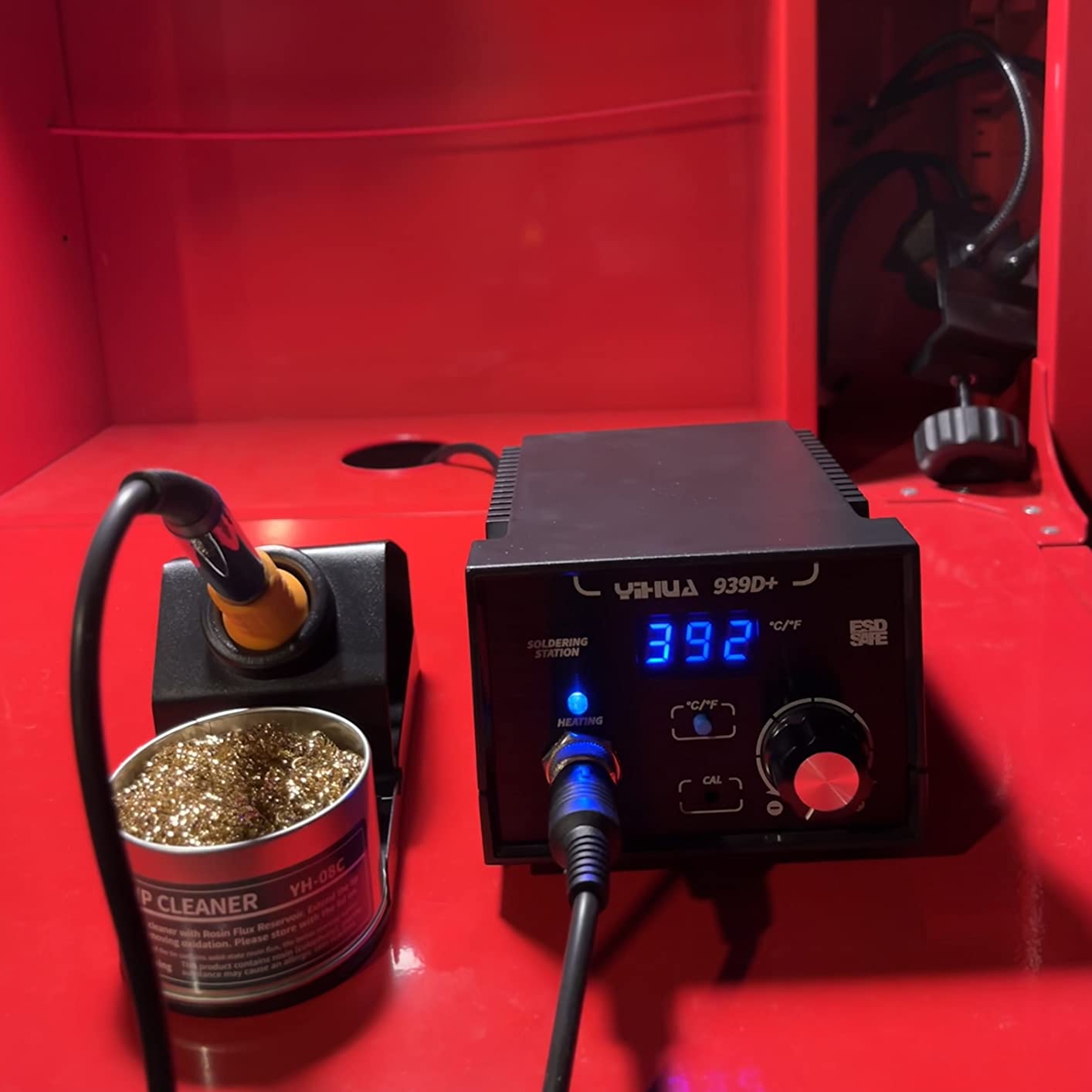
The 939D+ is the station I recommend to anyone who wants real power without stepping into the professional tier. It comes with a detachable 907F iron rated at 75W equivalent, a range from 392 to 896 degrees Fahrenheit, and a built-in transformer that keeps the output voltage contact-safe while still delivering the full punch into the joint.
That last detail is the one that separates it from cheap kits. A lot of budget stations advertise wattage they cannot deliver because the heater is fighting a poor thermal path. Here reviewers specifically call out the temperature program compensating within 20 milliseconds to hold the setpoint, which is the sort of detail that shows up as clean, repeatable joints on a board.
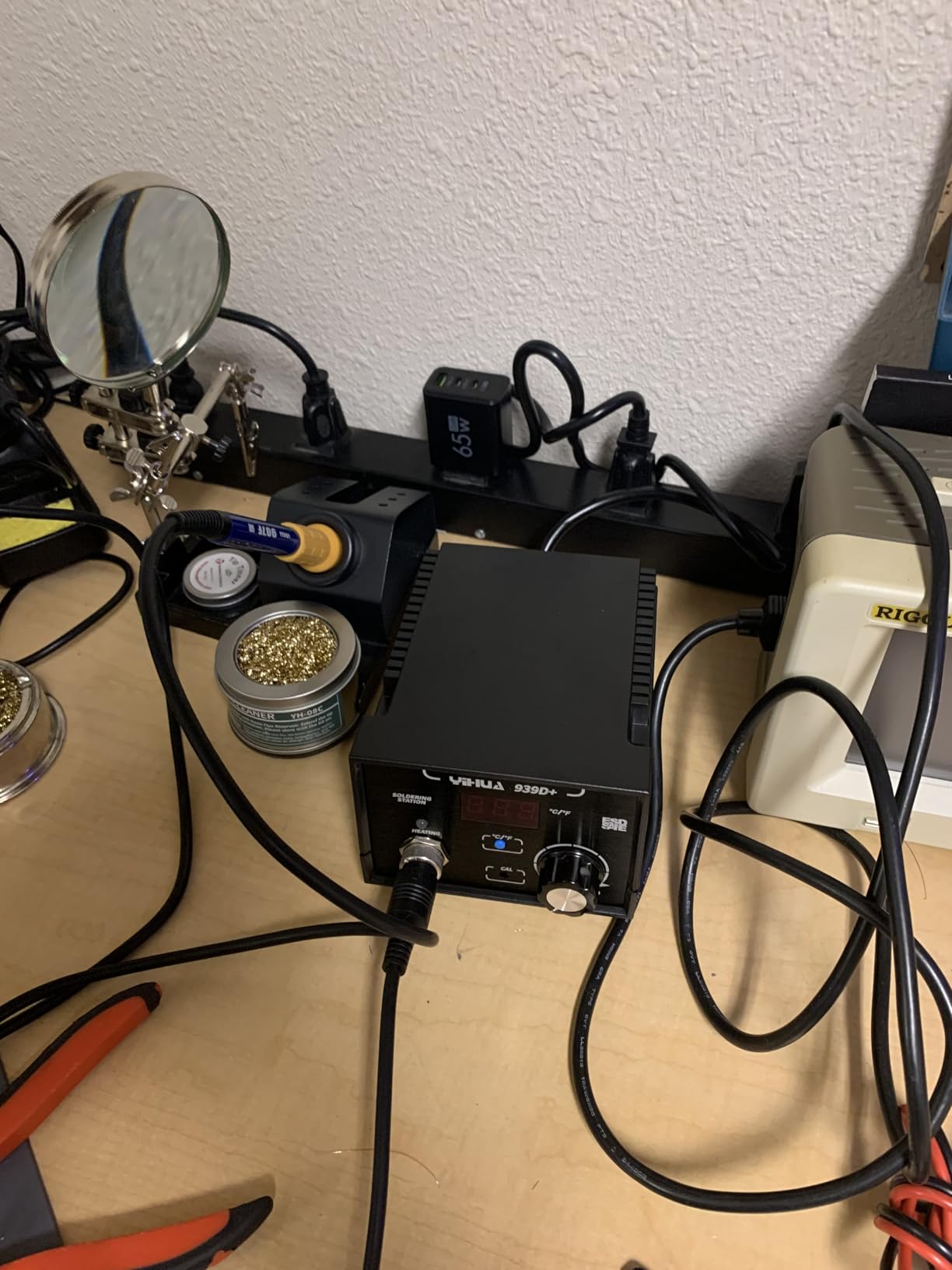
At 4,167 ratings and a 4.5 average, the review base here is big enough to trust. The consensus is that this is a genuine step up from a fixed-temperature pen, with owners describing the build as noticeably more solid and the heat-up as fast enough to keep up with continuous work. The factory tips are also called out as better than typical aftermarket replacements, with thicker walls and better plating.
The station body is small enough for a hobby desk at 5.4 by 4.4 by 3.6 inches, and the control panel is brushed aluminum. Yihua backs it with a 12-month US technical coverage window and sells the iron handle separately, so a damaged handle is not a dead station.
When this one is the right buy
This is the pick for a student, a hobbyist building their first boards, or anyone who keeps tripping over the fact that a small pen struggles when they move to something with a real ground plane. The 75W-equivalent iron handles the joint sizes beginners actually encounter without the temperature climb that forces people to cook the board.
It is also a sensible first station because the accessories are right. You get a cleaning sponge, a metallic iron holder, and a brass tip cleaner, which are the three things a new owner usually forgets to buy.
Where it holds you back
Two things to know before you commit. This is a 110V design and will not run on 230V mains without a transformer, which rules it out for a lot of European buyers. The iron cord is also short, so your reach at the bench is limited.
Two smaller annoyances: the base has no grippy rubber feet and can slide on hard surfaces, and the small iron holder is easy to tip. Neither ruins the tool, but both are reasons to give the station a dedicated spot rather than a crowded shared bench.
3. PINECIL – Best for Portable and Intermittent Repair Work
PINECIL – Smart Mini Portable Soldering Iron, Small
65W pen
12 second heat-up
60g body
USB-C PD and barrel input
Pros
- Reaches working heat in roughly 10 to 15 seconds
- Precise OLED temperature control with on-demand boost
- Runs from USB-C PD a barrel supply or a battery pack
- Reaches tight spaces larger irons cannot
- IronOS open-source firmware
- Cheap widely available tips
Cons
- Requires a 60W or better PD supply that is not included
- Struggles on large ground planes and multilayer pours
- No stand or case in the box
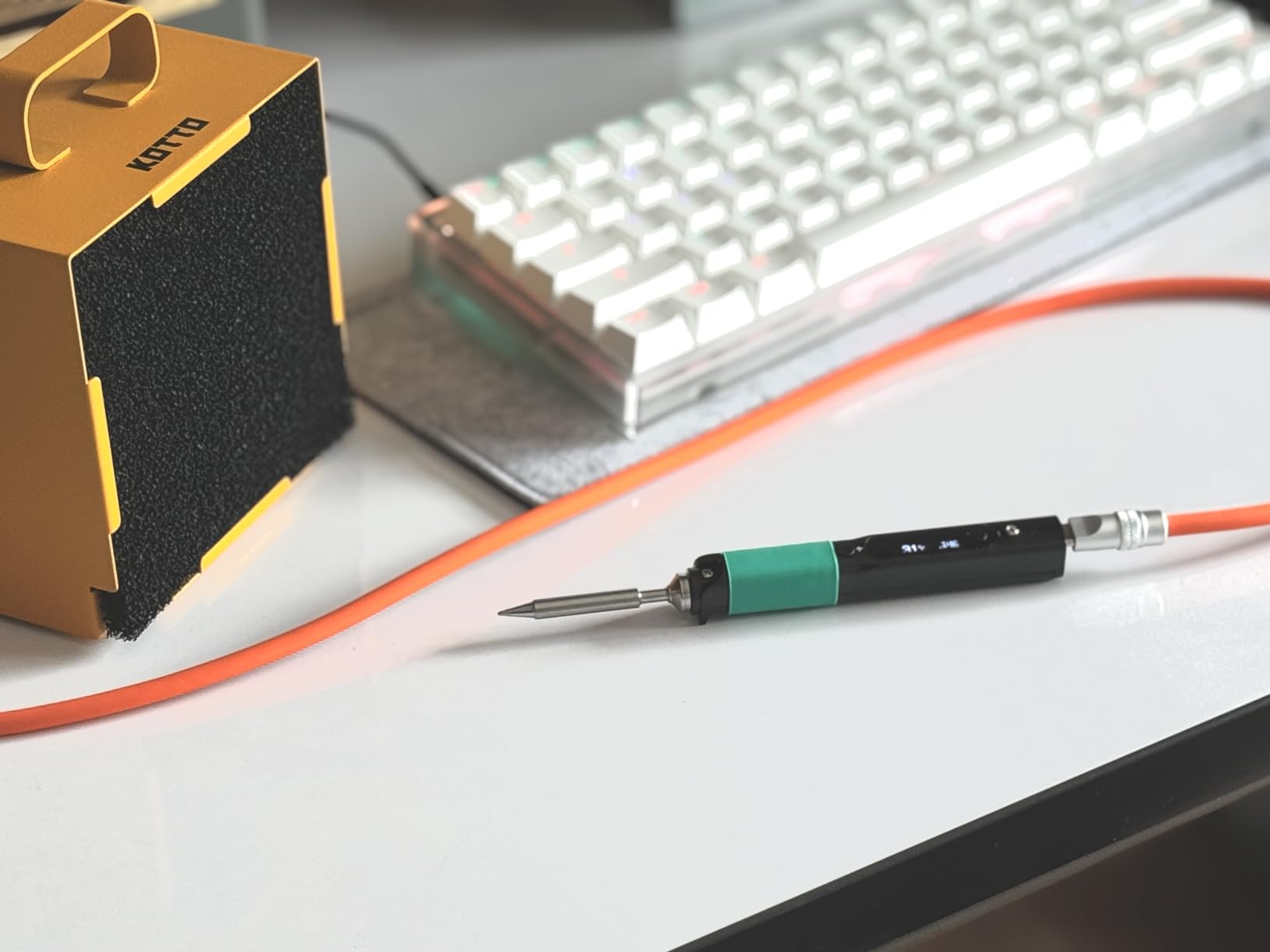
Owners regularly describe the PINECIL as astonishing performance for a pocket-sized tool, and at 82% five-star across 2,531 ratings that is not just enthusiasm. It reaches operating temperature in about 12 seconds, runs from USB-C Power Delivery or a DC5525 barrel jack, and weighs 60 grams. For repair work away from a bench, nothing else here competes.
It also has the thing that keeps smart irons interesting years after you buy them: IronOS, the open-source firmware community behind it. Temperature limits, ramp curves, menu behaviour and sleep logic are all things owners tune rather than things the manufacturer locked down. That is the difference between a tool that stays interesting and one that gets replaced.
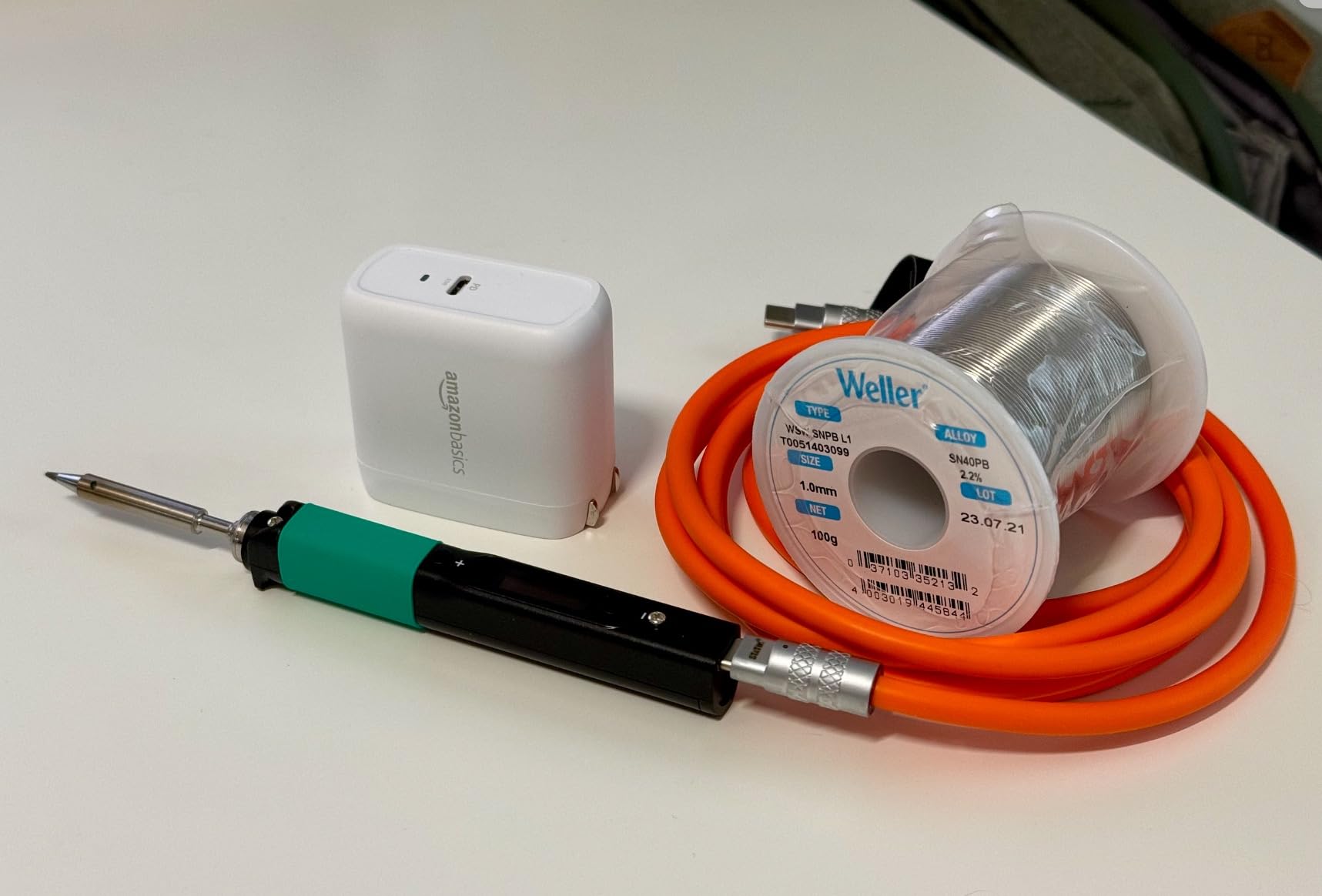
The steel core in a polycarbonate shell is slender enough to get into a connector housing or between two components on a dense board. For fine SMD work it holds a set temperature cleanly, and the OLED readout means you are not guessing what the tip is doing. The on-demand boost recovers heat quickly when you touch a larger pad.
There is one honest counterexample in the community data worth repeating. A Pinecil owner reported the iron going dark and unresponsive when run from a battery pack on a remote job, and reverted to a gas iron as a service-truck backup. If your work genuinely happens off-grid, test your supply combination before you rely on it.
When this one is the right buy
Take the PINECIL if you solder occasionally, if you repair in other people’s homes, or if you want one tool that covers both fine board work and larger through-hole joints in a package the size of a marker pen. The 65W element covers most board work, and replacement tips are inexpensive and easy to find anywhere.
It is also the smart pick for a first micro-soldering project, because the small tip and quick heat-up make it far less intimidating than a full station.
Where it holds you back
You need a 60W or better USB Power Delivery supply, and none is included. A phone charger will not drive it properly. This is the single most repeated complaint in the reviews and the reason the all-in cost of this iron is more than the handle suggests.
It also genuinely struggles on large ground planes and multilayer power pours, where the copper acts as a heat sink and the little heater cannot keep up. For that work, step up to a station. It ships with no stand and no carrying case, so budget for both.
4. Hakko FX888DX-010 – Best for Precise Temperature Adjustment
Hakko FX888DX-010 – Digital Soldering Station with Rotary Encoder
65W element
120F to 480C range
Rotary encoder with LCD
T18-D16 chisel tip included
Pros
- Heats fast and holds set temperature accurately
- Single clicky knob with a clear readout and no menu diving
- Compact sturdy build with rubber feet
- T18-D16 chisel tip in the box
- Iron holder opens for easy tip cleaning
Cons
- No hot-swap tips or rest mode
- Fixed 110V design
- Some buyers reported mismatched station and iron colour sets
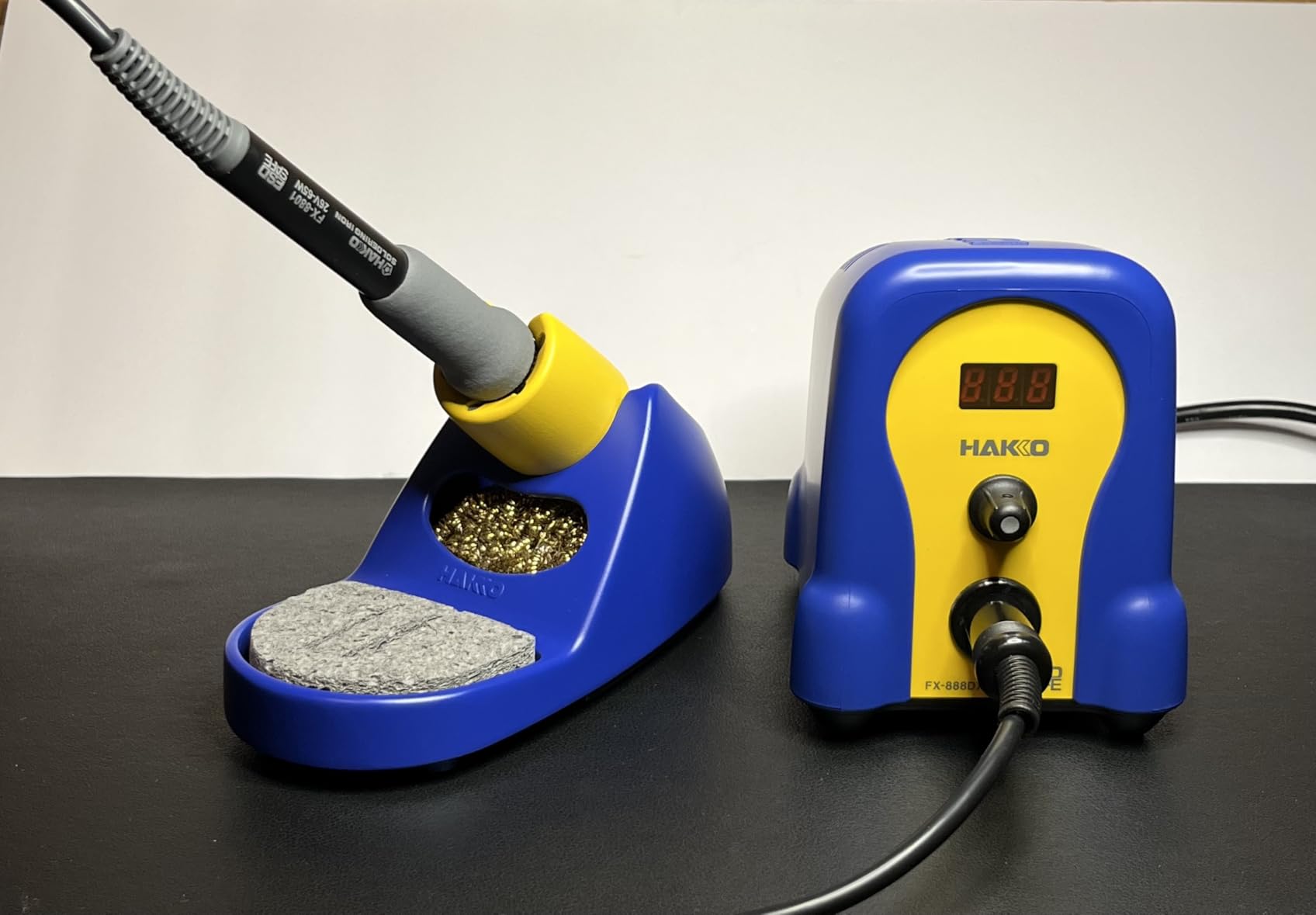
The FX888DX improves on the older FX-888D interface by replacing its control scheme with a rotary encoder and a digital LCD readout. In practice that means you turn a knob and watch the number change, with no menu tree to learn. For a beginner, that difference is worth more than any spec on the list, because the first thing a new owner needs to do is change temperature without breaking something.
The thermal side is a 65W heating element across a 120 to 480 degree Celsius range, which covers leaded through-hole work and lead-free surface mount without compromise. A T18-D16 chisel tip comes in the box, and the iron holder opens up so you can clean the tip without fighting the cradle.
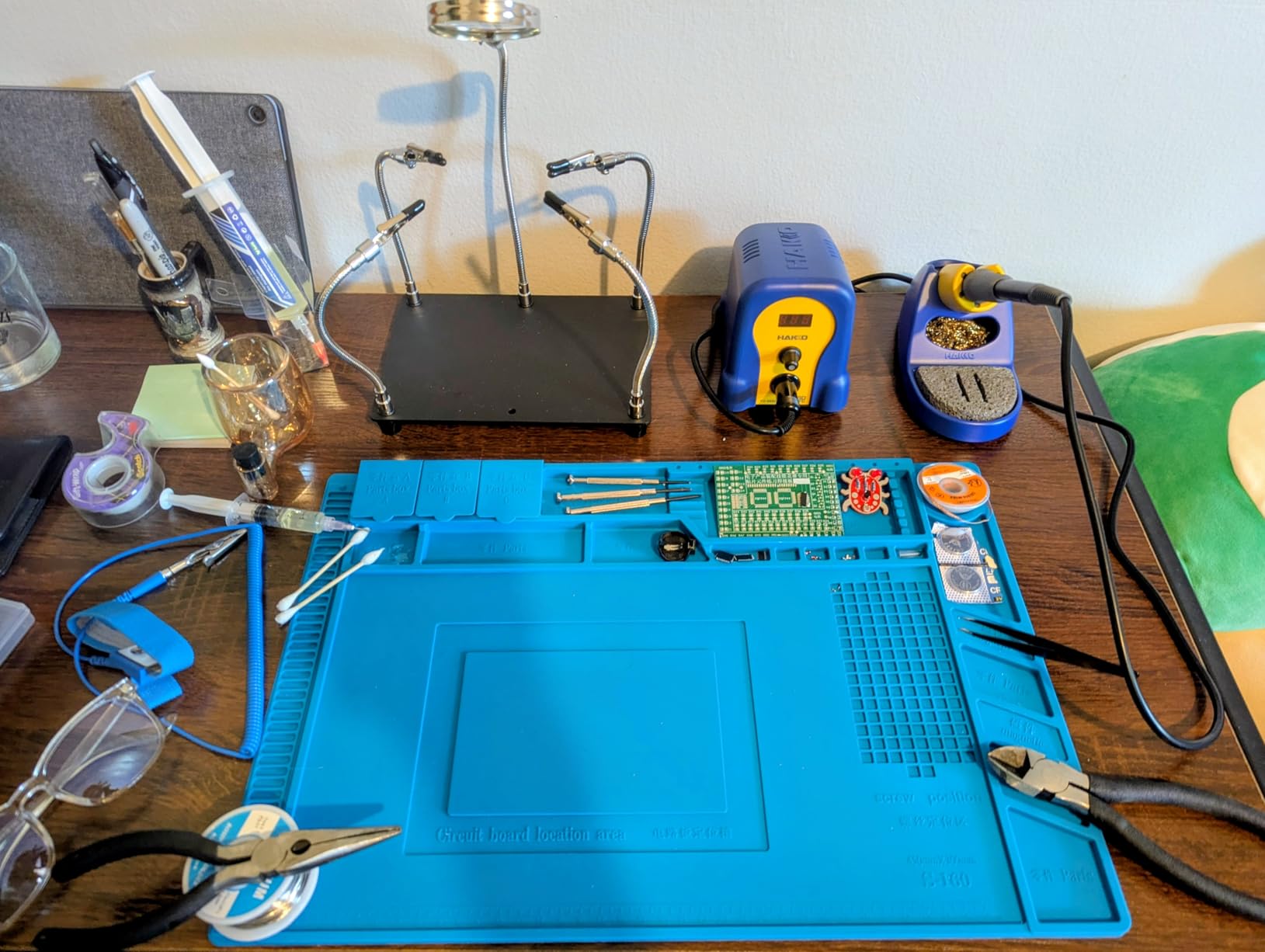
Owners describe it as professional-grade and beginner-friendly in the same breath, which is rare. A long-term hobbyist who upgraded from cheap pens frames it as a lifetime purchase, and the 4.8 average is the highest rating in this group. It weighs 3.8 pounds, which is lighter than most mains stations, and the rubber feet keep it planted on a bench.
The caution here is evidence volume, not quality. Its 367 ratings are a fraction of what the Weller above has accumulated, so you are trusting a thinner sample. That is a reason to look for a good return policy rather than a reason to skip it.
When this one is the right buy
Choose this if temperature control is your weak point. If you tend to guess wrong on the dial and cook components, a readout that shows both your setpoint and the real temperature takes the guesswork out of every joint. It suits mixed work, where you might do a leaded through-hole repair in the morning and lead-free SMD in the afternoon.
It also suits anyone who wants a compact mains station and does not want a large footprint on the bench.
Where it holds you back
There is no hot-swappable tip and no idle or rest mode, so tips come out to cool and the iron stays at temperature when parked. The unit is fixed 110V, which again narrows who can use it directly. A handful of buyers also reported receiving a station and iron in mismatched colours.
If you want a Hakko with a digital readout is not quite the brief, the FX601-02 below is the same build philosophy in a lighter corded form without the station.
5. Hakko FX601-02 – Best for All-Day Corded Bench Work
Hakko FX601-02 Adjustable Temperature Controlled Soldering Iron, 67 Watts
67W element
Up to 540C
Dial temperature control
Ceramic heating element
Pros
- Closed-loop control keeps tip temperature consistent job to job
- Simple tactile dial selection
- Slender well-balanced handle
- Cord strain relief built for daily use
- Wide Hakko tip availability
Cons
- No digital display or temperature memory
- Iron only with no holder or tip storage
- Fixed 110V cord limits field work
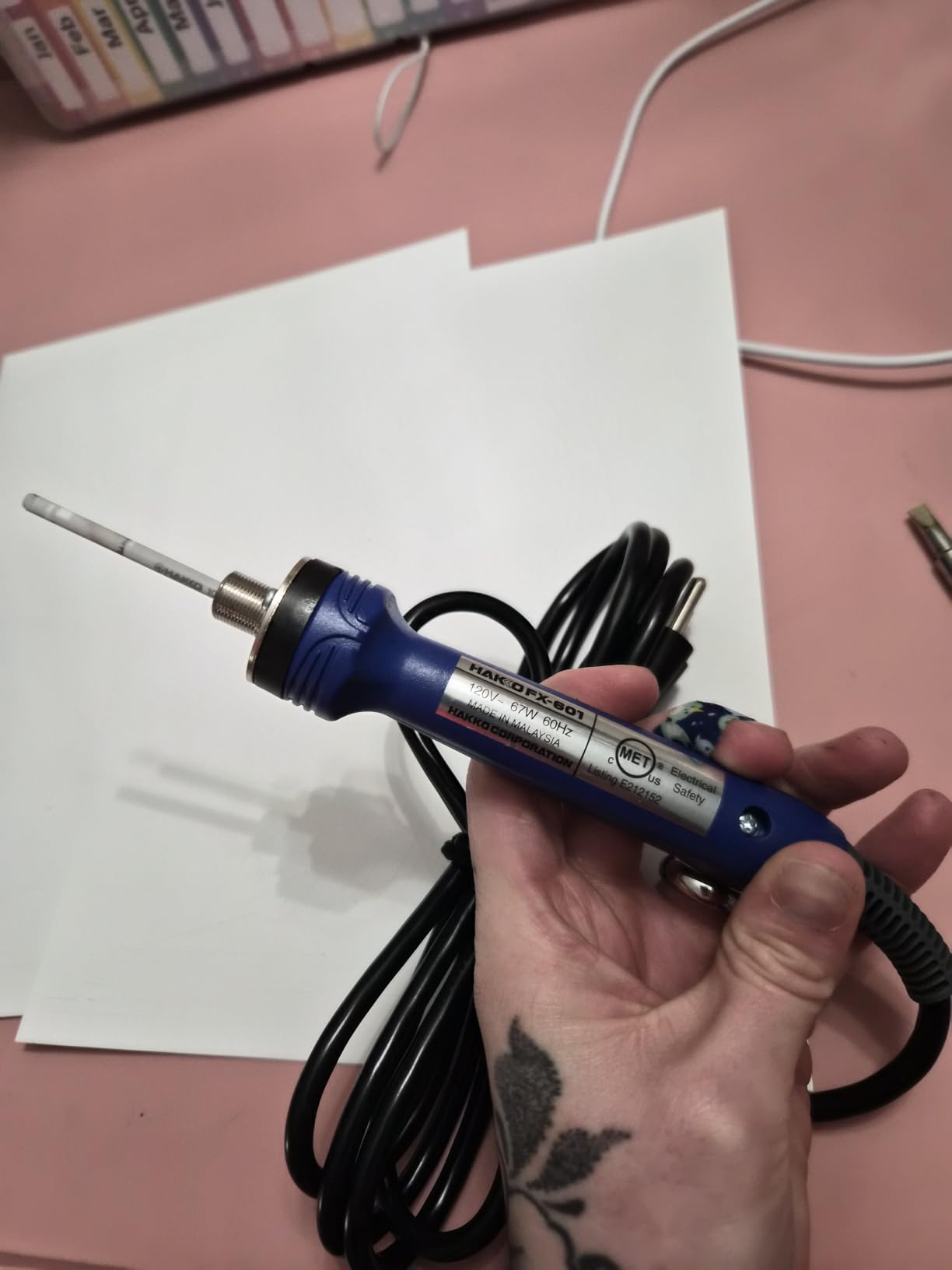
There is a reason the Hakko name keeps showing up in repair advice: the tips. A T19 platform tip is cheap, easy to source, and available in shapes that cover everything from a 0.5mm micro point to a broad chisel. The FX601-02 pairs that ecosystem with a 67W closed-loop controlled element and a dial, and at 1,775 ratings with 86% five-star, owners clearly like the simplicity.
The temperature control sensor sits in the heater itself, so the tip temperature stays consistent between jobs rather than drifting with ambient temperature. The range goes up to 540 degrees Celsius, which is genuinely useful for lead-free work where you need the headroom without overshooting on a delicate board.
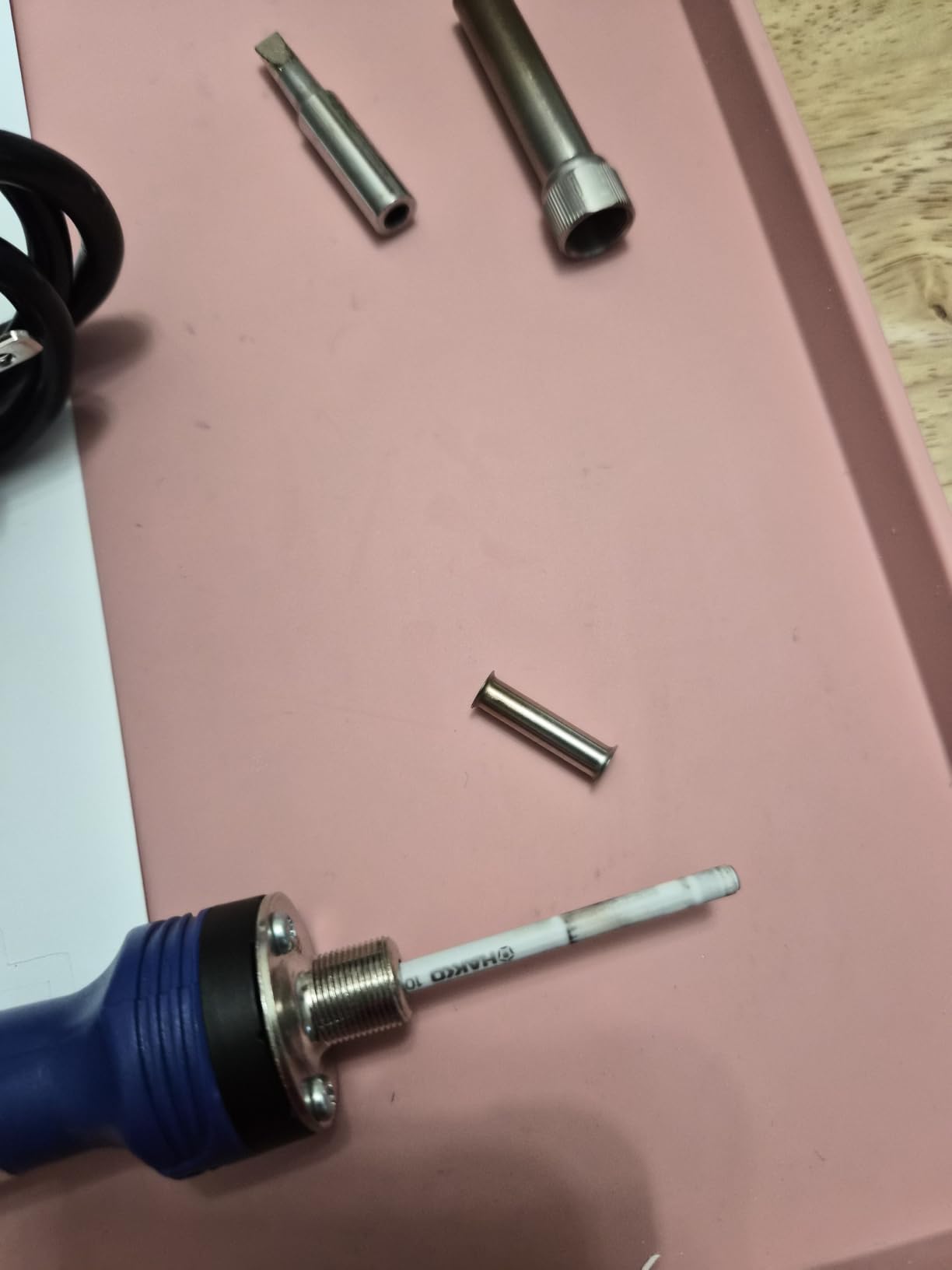
The handle is slender and well balanced at 10.1 inches long, with proper cord strain relief. That combination is why it is described as comfortable for long sessions, which matters more than any feature when you are four hours into a board. The standard T19-D5 tip ships in the box along with the lock key.
What you give up by choosing an iron over a station is everything around the iron. There is no holder, no tip storage, no sleep timer, and no memory of the temperature you used last. You set the dial every time.
When this one is the right buy
Take the FX601-02 if you already own a station and want a second iron for a different voltage, or if you want the simplest possible tool with no menus at all. It is also a strong choice for lead-free-heavy work given the top-end temperature range, and for anyone who values Hakko tip availability above digital convenience.
For a bench where you already have a holder set up, the absence of a station is not a real drawback.
Where it holds you back
No display means you are estimating the setpoint from the dial position, and there is no memory, so every session starts from scratch. Being a bare iron, it is a fixed 110V corded device that cannot travel, and the listed weight figure in the source data is not something to plan a purchase around.
If you want the Hakko name with a readout and a holder included, the FX888DX above is the more complete package, at the cost of a station footprint.
6. TS101 Station Kit – Best for Open Firmware and Tweakable Heat Curves
UY CHAN Original TS101 Soldering Iron Station Kit Upgraded from TS100 DC 65W PD 45W Power Programmable Smart Mini Electric Portable Soldering Pen with B2 Solder Tip USB Type C Cable
65W DC and 45W PD
50C to 400C OLED
Heater inside the tip
Programmable
Pros
- Heats in about 10 seconds at station speed
- Motion-based sleep wakes on pickup
- Programmable firmware unlocks custom temperature curves
- Runs from a wall supply a PD brick or a field battery
- Failed element is fixed by changing tips
Cons
- Non-standard DC5525 connector limits supply choice
- Two-button menu takes practice
- Included sponge is nearly useless
- Some buyers report a defective tip out of the box
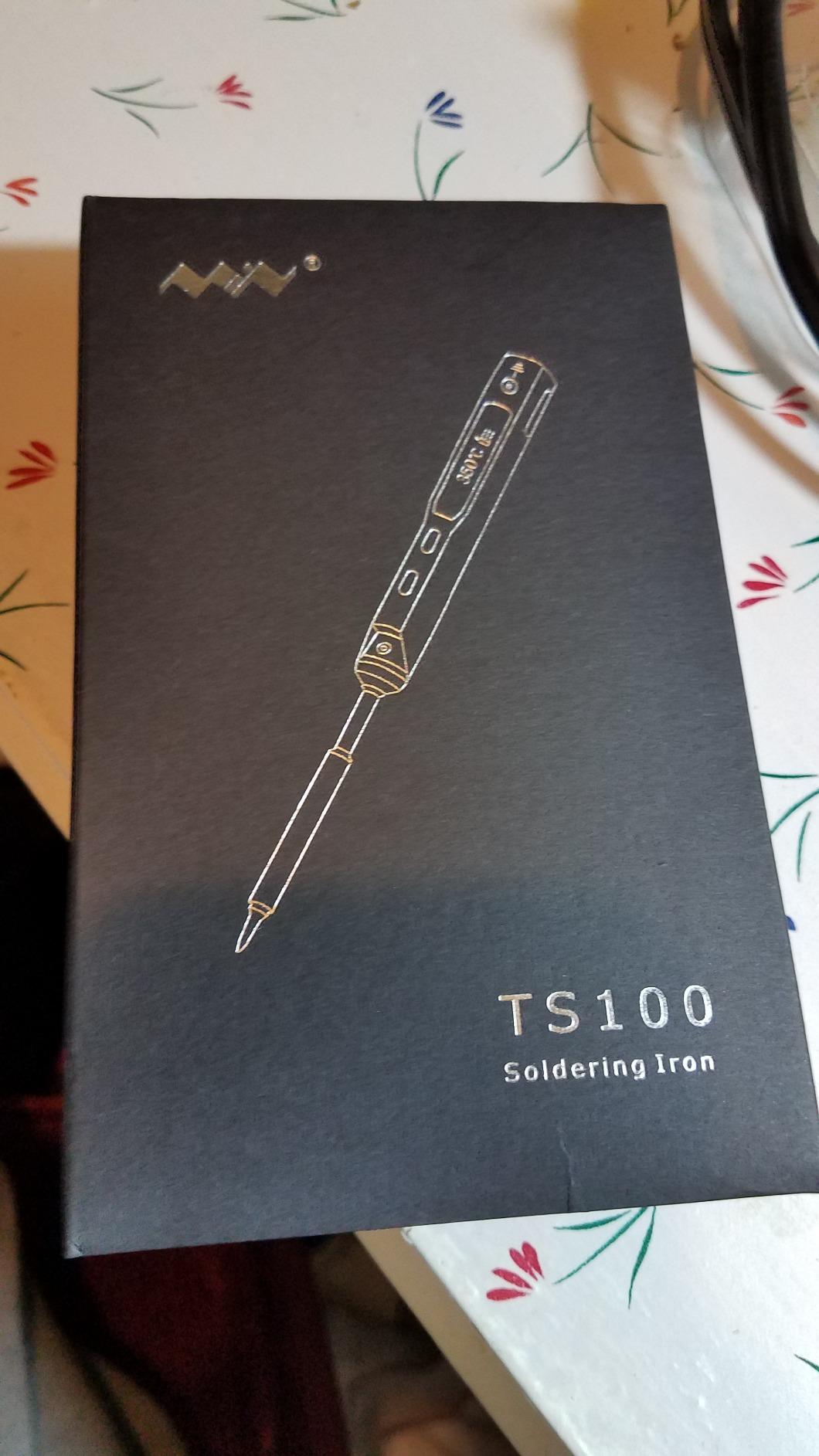
The TS101 is the kit version of the classic Miniware smart pen, and unlike the bare iron the kit includes everything you need: the controller, a TS-B2 tip, a 24V DC supply, a USB-C cable, and a stand. At 1,310 ratings and 4.6 average, the owners behind it are largely keyboard builders and field repairers, and their reviews consistently credit the open-source firmware as the thing that makes it worth owning.
You can connect it to a computer and program temperature rise curves, which sounds like a niche feature until you work on lead-free board with a lot of small joints. Holding a steady temperature while the tip is working versus ramping when it first touches the pad is exactly the kind of control that separates a good joint from a cold one.
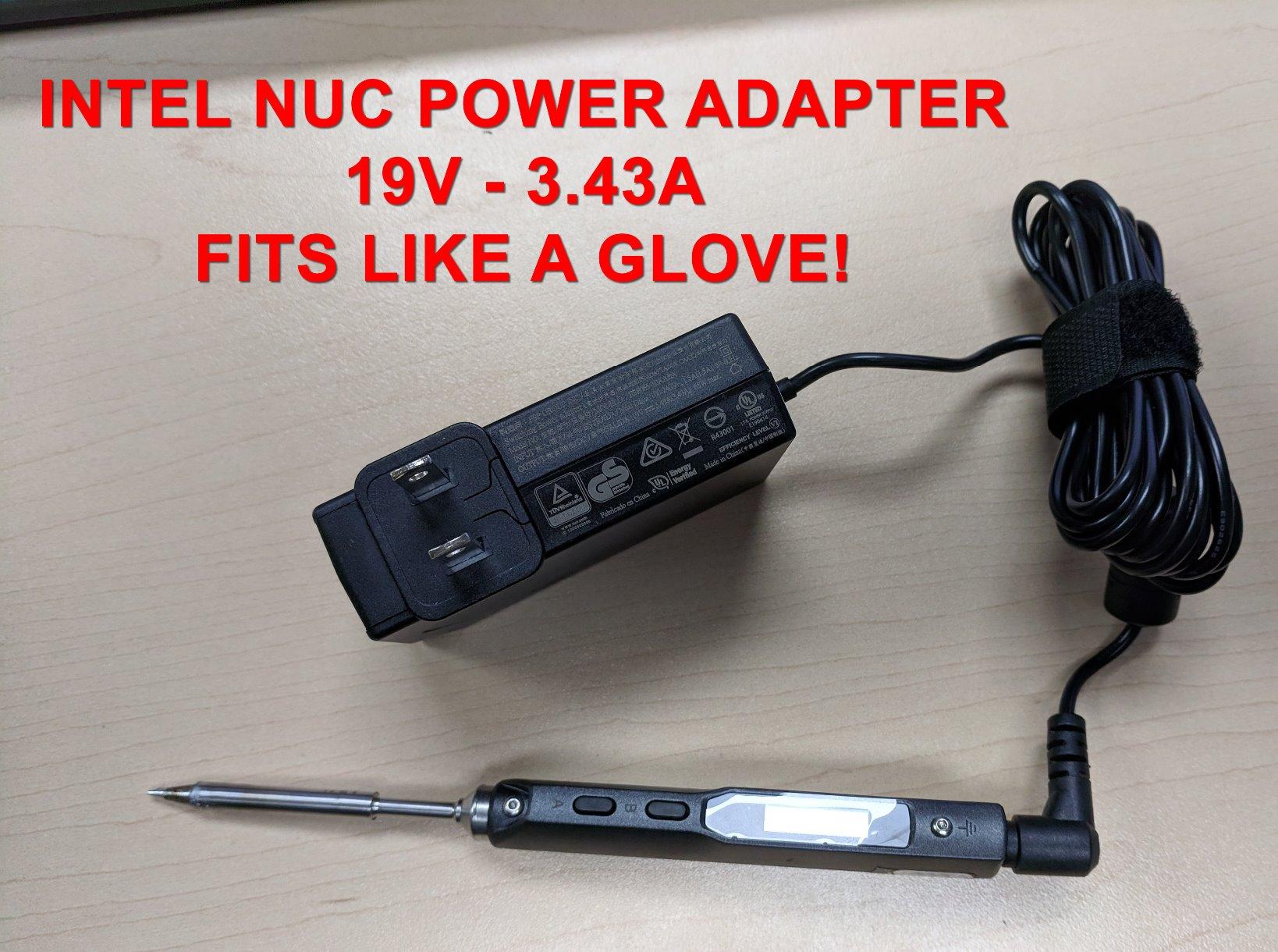
Two design choices carry over from the pen design and matter on a circuit board. The heating element is housed inside the tip, so when an element fails you change a tip rather than a whole iron. And the dual temperature sensors plus acceleration sensor mean it drops to sleep when you put it down and wakes when you pick it up, which protects the tip between joints without you thinking about it.
The input flexibility is genuinely useful: DC5525 extended to 9 to 24V up to 65W, and the USB-C port handles 12 to 24V up to 45W. That means the same tool works on a bench supply, a PD brick, or a field battery.
When this one is the right buy
Pick the TS101 if you enjoy tuning your tools, if you work on varied board types where a fixed temperature profile is wrong, or if you want a bench-feeling smart iron without giving up portability. The B2 tip it includes is a good general-purpose starting point.
It is also the sensible choice if you already know the TS100 tip ecosystem and want the improved kit package without changing tips.
Where it holds you back
The non-standard DC5525 barrel connector narrows which power supplies you can use without an adapter, which is a real annoyance if you are building a portable kit. The two-button menu needs practice, and the supplied Allen key is too tight for the body hex screws, so plan on a better tool for any disassembly.
The included sponge is thin and nearly useless; buy brass wool instead. The power cord is only about 2 feet, and some buyers reported a defective B2 tip on arrival, so test the tip before you rely on it.
7. WEP 927-IV – Best for Lead-Free Work and Long Sessions
WEP 927-IV Soldering Station Kit High-Power 110W with 3 Preset Channels, Sleep Mode, LED Magnifier, 5 Extra Iron Tips, Tip Cleaner, 2 Helping Hands, Tip Storage Slots, Lead-free Solder Wire, Tweezers
110W heating element
194F to 896F
3 preset channels
LED magnifier
Pros
- 110W element holds a wide 194F to 896F range
- Dual display shows set and actual temperature at once
- Three preset channels remove repeated setup
- LED magnifier genuinely helps with micro-soldering
- Large accessory bundle keeps the bench tidy
Cons
- 110V to 127V only
- Tied to proprietary WEP #1400 tips
- No temperature calibration option
- Presets cannot be reprogrammed without the menu
The WEP 927-IV is the power pick. A 110W heating element across a 194 to 896 degree Fahrenheit range is more than enough to keep a setpoint on a board with a heavy ground pour, where smaller irons visibly stall. If your work involves lead-free solder on power electronics or multilayer boards, that headroom is the reason to look here.
It also has the feature that quietly saves time on mixed jobs: three preset temperature channels. Set 350 degrees for leaded through-hole, 380 for lead-free, and something cooler for fine SMD, then tap a button instead of dialling through a range every time. Buyers call the preset channels out alongside the LED magnifier as the two things that separate it from other budget stations.
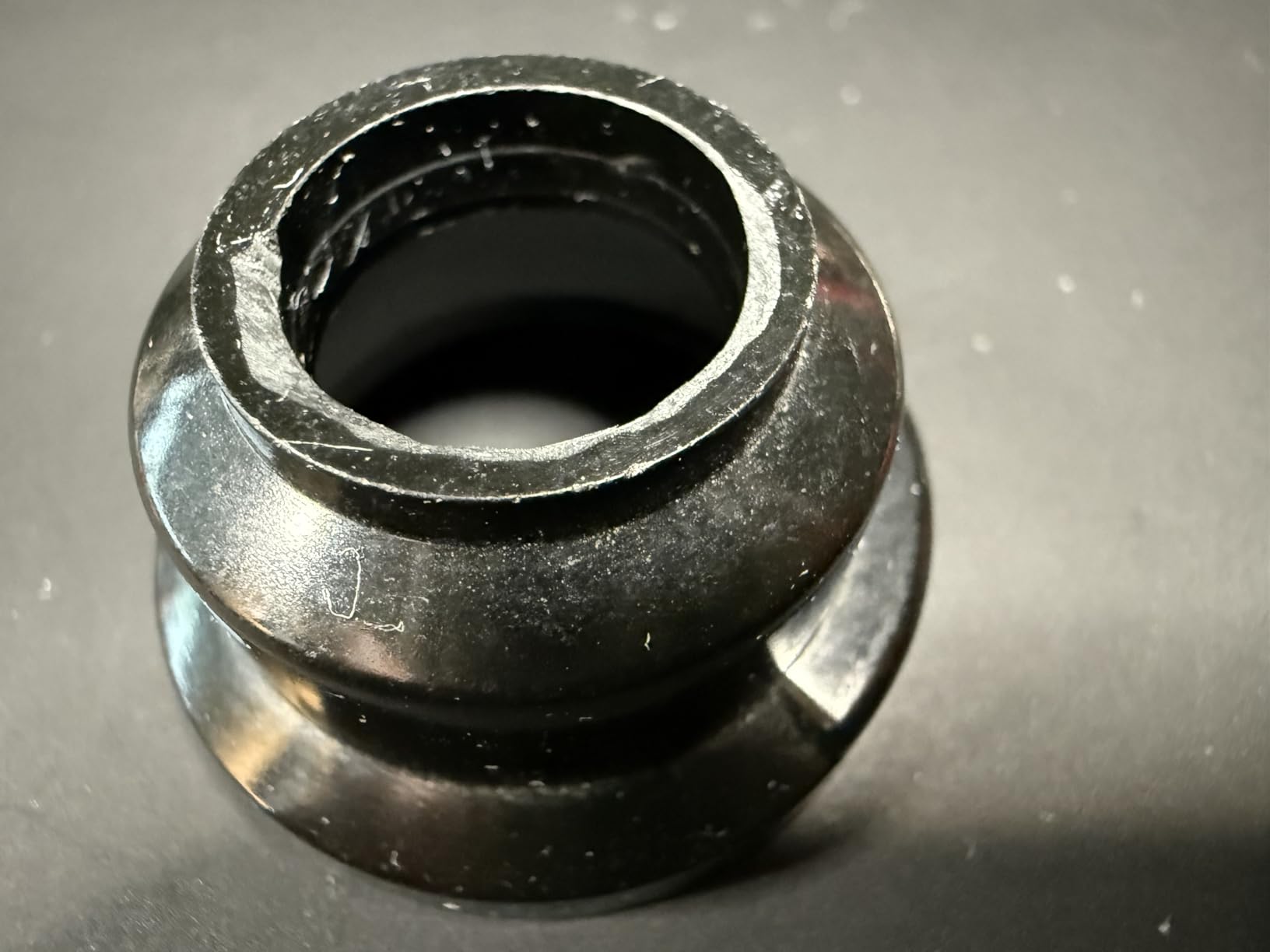
The bundled LED magnifier is not a gimmick. It sits over the work and lights the joint, which on a dense board with small parts is the difference between seeing the pad and guessing where it is. The dual numeric display showing set and actual temperature simultaneously is another quiet quality-of-life win, because you can watch the element recover.
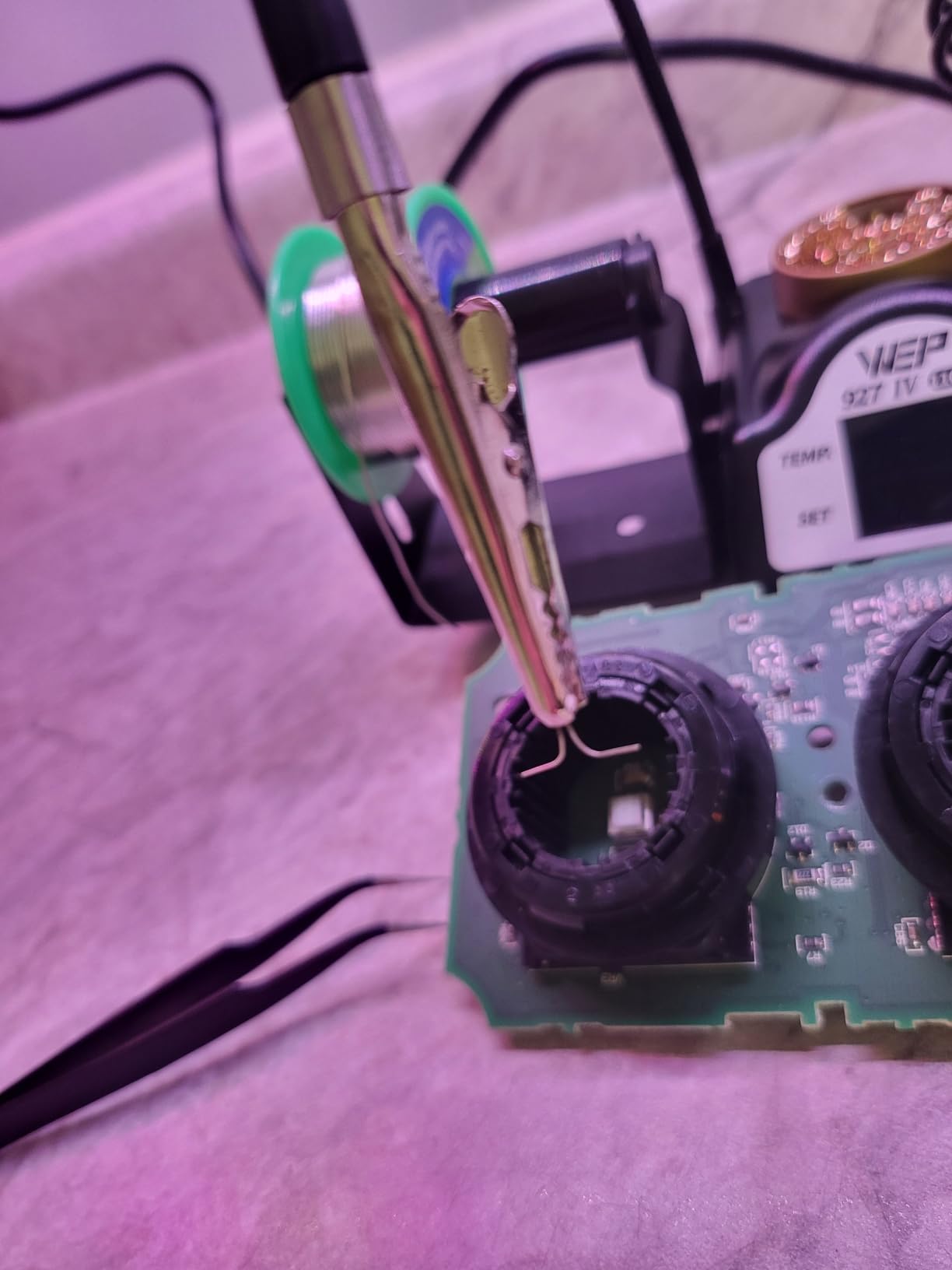
At 1,786 ratings and 4.5 average with 74% five-star, this is a well-evidenced budget station. The accessory bundle is extensive: five extra tips, brass wool with rosin flux, lead-free solder, tweezers, a desoldering pump, helping hands, a sponge, and tip storage.
When this one is the right buy
This suits anyone doing repetitive board work where heat is the limiting factor: power supply repairs, amplifier and guitar electronics, LED driver boards, or anything where a big copper pour is sinking your heat. The three presets also make it good for a mixed workload that moves between job types in one sitting.
If you are a beginner who will mostly do through-hole and simple surface mount, the extra power is headroom you will not always use, though it will not hurt you.
Where it holds you back
It is 110V to 127V only, so it will not run on 220V sockets. More importantly it is tied to proprietary WEP #1400 tips, which is the one lock-in on this list that really narrows you later; check tip availability in your area before committing.
There is no temperature calibration option, and reprogramming the presets takes you through the menu rather than a shortcut. Yihua covers it with one year of US technical support.
8. YIHUA 926 III – Most Versatile and Best All-In-One Kit
YIHUA 926 III 60W Digital Display Soldering Iron Station Kit w 2 Helping Hands, 6 Extra Iron Tips, Lead-Free Solder, Solder Sucker, S/S Tweezers, °C/ºF Conversion, Auto Sleep & Calibration Support
60W element
194F to 896F
PID stabilization
12-in-1 kit
Pros
- 194F to 896F adjustable range in this class
- PID stabilization holds the setpoint consistently
- Integrated iron holder and tip storage slots
- Complete kit with solder solder sucker tweezers and helping hands
- UL listed for US electrical safety
- Very large review base
Cons
- 110V only supply
- 60W is modest for large joints or heavy-gauge wire
- Basic two-knob interface with no preset channels
- Thermally simple next to 110W alternatives
Nothing else on this list has been reviewed as heavily. At 7,182 ratings the 926 III is the most examined product here by a wide margin, which makes it the safest pick statistically even if it is not the strongest. It ranks first in its category on Amazon, and 70% of its ratings are five stars, with the satisfaction concentrated on the accessory bundle.
The kit itself is the argument. You get six assorted tips, a roll of lead-free solder wire, a desoldering pump, ESD-safe tweezers, a sponge, and two helping hands. For someone assembling a first electronics kit, that is genuinely everything between opening the box and making your first joint, and it removes the most common beginner failure, which is not having the right consumables to hand.
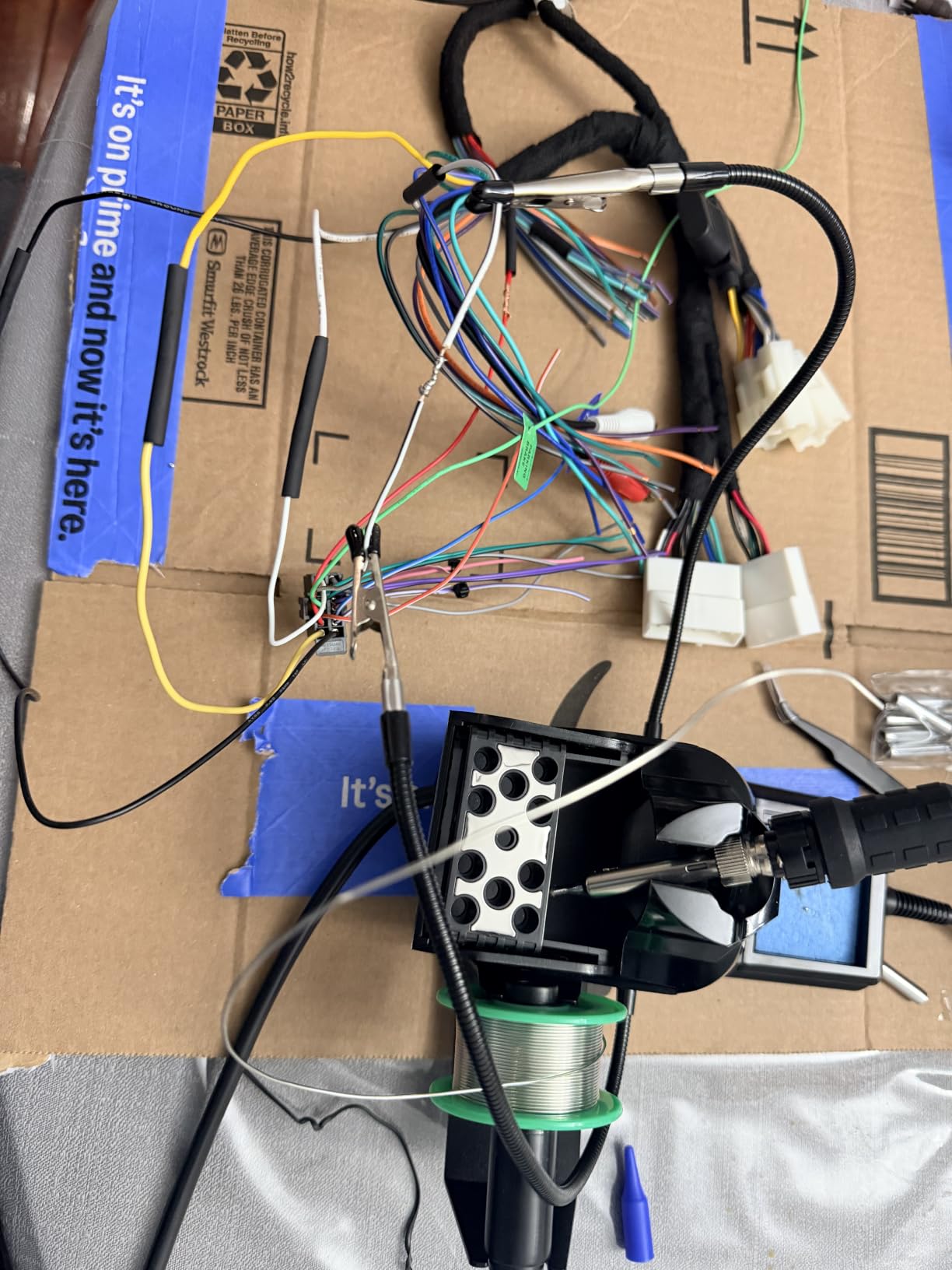
Under the accessories, the station does the basics properly. A 60W element with PID stabilisation holds the setpoint rather than drifting, across a 194 to 896 degree Fahrenheit range. There is a degree C to F toggle, an adjustable sleep timer at 5, 10, or 30 minutes, digital calibration, and a protective rear mesh with integrated tip storage. It is UL listed for US electrical safety and weighs 1.8 pounds.
The 6% one-star ratings cluster almost entirely around the 110V limitation, which is the one thing to verify before ordering if you are not in North America.
When this one is the right buy
Buy the 926 III if this is your first electronics purchase, if you are setting up a classroom bench, or if you want one box that contains a working kit. The integrated holder and tip storage keep a small desk tidy, and the auto-sleep means students cannot burn a tip by leaving the iron on.
It is also a good second station for a hobbyist who wants a dedicated kit for through-hole and prototype work while keeping a fine iron for SMD.
Where it holds you back
Sixty watts is honest but modest. On a large joint or heavy-gauge wire it will visibly slow, and the design is thermally simple next to the 110W WEP above. The interface is two knobs and a button, with no preset channels, so switching temperatures is manual every time.
It is 110V only. If you need more headroom on heavy copper, look at the WEP 927-IV or the YIHUA 939D+, both of which cover that ground better for a modest step up.
9. TS21 Precision Iron – Best for Micro-Soldering With Built-In Light
NovelLife TS21 Precision Soldering Iron Kit,Adjustable Temperature USB Electric Welding Station,Digital OLED Screen Display with KU Solder Tip,45W PD Charger Type C Power Cable, ESD Ground Clip
Up to 100W with PID
Built-in LED light
100C to 450C
33g CNC body
Pros
- Roughly 3 second solder melt with PID control
- Built-in LED lighting for fine board work
- Only 33g with a CNC aluminum shell
- Pluggable tips need no mounting screws
- Kit includes PD charger cable stand and ESD clip
Cons
- 45W charger in the kit caps maximum output
- Button-driven menu with no confirm key
- Small OLED screen shows little detail
- ESD clip cable adds clutter
The defining feature of the TS21 is a light built into the iron, shining from the tip end onto the work. On a dense board with 0402 parts or a connector hidden under a shield, that is not a convenience, it is the difference between finishing a job and putting it down to find a magnifier. At 240 ratings and a 4.6 average, with 78% five-star and only 3% one-star, the owners who have this are happy and specific about why.
Underneath, it is a serious tool. Up to 100W of maximum heating power with PID control, melting solder in about three seconds, a 100 to 450 degree Celsius range, three preset temperature groups, and a one-key turbo boost for when you touch a heavier pad. The CNC-machined aluminum shell weighs 33 grams, which is the lightest body here.
Pluggable tips that install without mounting screws are a small quality-of-life win that gets appreciated more than expected. So does the accelerometer, which triggers auto sleep to protect the tip when you set the iron down, and the firmware parameter updates over a computer connection.
The kit includes a 45W US PD charger, a 1.5 meter USB rubber cable, a mini stand, and an ESD ground clip. That clip matters more than it looks for anyone working around live or static-sensitive circuits.
When this one is the right buy
This is the micro-soldering pick. If you are replacing a CMOS battery, re-soldering a fan header, or working on phone and laptop boards, the combination of a fine tip option, a 100 degree Celsius floor, and tip lighting is the right combination. Console repair is exactly the scenario where a user damaged existing joints with a non-precision iron and had to start over.
It is also a good travel iron at 33 grams, if your supply can deliver.
Where it holds you back
The 45W PD charger included in the kit caps what you can draw, so to reach the 100W figure you need a stronger supply than the one in the box. The menu is button-driven with no confirm key, which means every setting change takes an extra press, and the small OLED shows limited detail.
The ESD clip cable adds clutter for bench-only users. And at 240 ratings, this is the thinnest evidence base in the roundup, so treat the enthusiasm as promising rather than proven at scale.
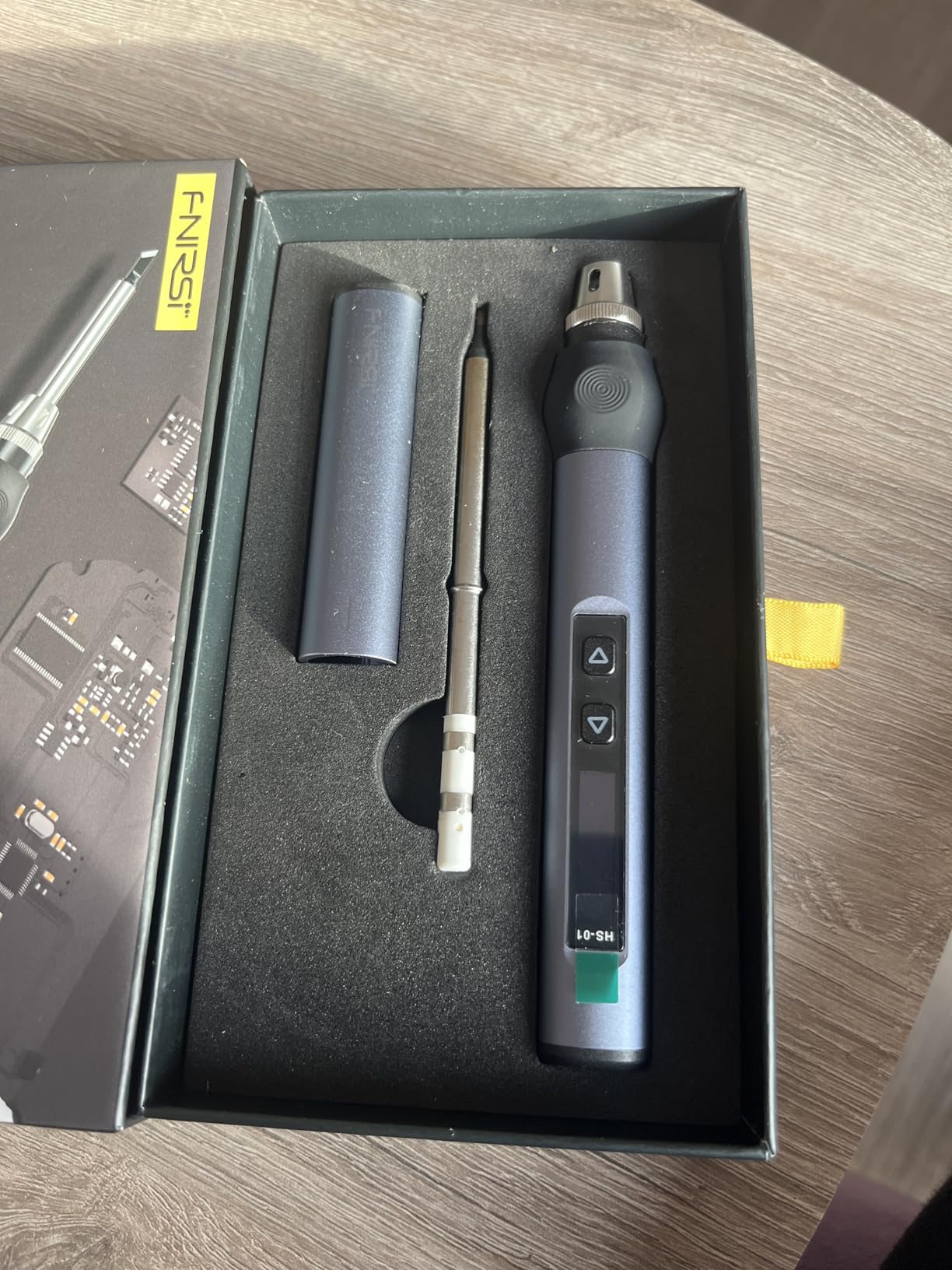
10. FNIRSI HS01 – Best for Field Repair Kits With Battery Power
FNIRSI HS01 Soldering Iron Kit DC/PD(96W/65W) 6S Fast Heating
96W DC and 65W PD
80C to 420C OLED
Heater integrated with tip
Adapter included
Pros
- Extremely fast warm-up with rosin smoking within seconds
- Handles small SMD removal and reinstall cleanly including lead-free OEM solder
- Includes a 65W PD adapter stand and tips
- Rounded silicone grip stays comfortable
- Good value for field work and runs from a power bank
Cons
- Included stand is poor quality
- Tip changes need the retainer unscrewed while hot
- Limited third-party tip selection
- Some units report a loose USB-C port
- Needs a 96W supply for full output
The HS01 is the most polarised product in the set, and reading both sides of its reviews is the point. Many owners love the near-instant warm-up and report handling small SMD removal and reinstall cleanly, including on lead-free OEM solder. A steady minority report power-cut failures within days. Eleven percent one-star against 72% five-star is the widest spread of any product here.
On paper the power delivery is the strongest of the smart pens in this roundup: 9 to 24V up to 96W over DC and up to 65W over USB-C, with the heater integrated into the tip for near-instant response. The OLED adjusts from 80 to 420 degrees Celsius, and it includes a 65W PD adapter, a stand, tips, and a USB cable, which solves the supply problem most competitors leave to you.
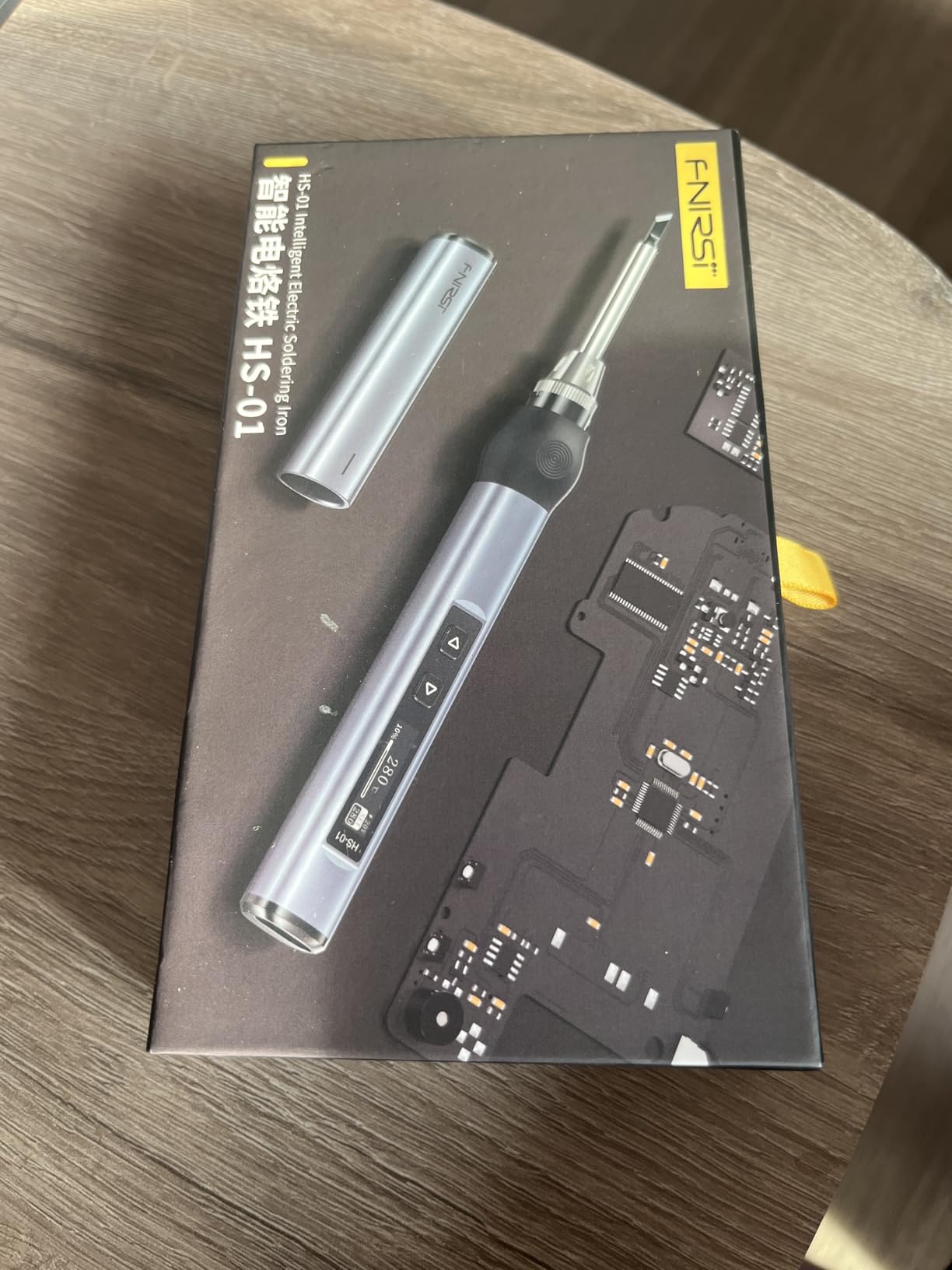
For field work the picture is genuinely attractive. It runs from a power bank, the silicone grip is rounded and stays comfortable, and the whole kit fits in a bag without a separate power supply. Sleep, automatic power-off, and a child lock round out the safety features, with a 60-day manufacturer warranty behind it.
The recurring failure report is worth taking seriously if you plan to rely on this away from a bench. Several units reported a loose USB-C port that cuts power at certain angles, and a weaker adapter can cause restarts mid-job. Check the connector under load before you commit to a service call.
When this one is the right buy
Take the HS01 if you need genuine field capability, if the highest DC input wattage available to you matters, or if you are replacing SMD parts on boards with factory lead-free solder and want the recovery that offers. The included adapter means you are not hunting for a supply on the day you need it.
It suits a technician who already knows the connector behaviour and can work around it.
Where it holds you back
The included stand is poor quality, so replace it early. Changing tips means unscrewing a retainer cap while the iron is hot, which is a step you will resent on a long job. Third-party tip selection is limited compared with the TS100 family or Hakko platforms.
Reaching full 96W output needs a supply rated for it, and a weaker one causes restarts. Given the 11% one-star rate, buy it from somewhere with a straightforward return policy and test it thoroughly before a job you cannot repeat.
Wattage and PCB Thermal Mass: How Much Heat Your Board Actually Needs
For circuit board repair, 40 to 80 watts of delivered power covers almost everything, and wattage matters less than most product pages suggest. Rated wattage is what the heater draws, not what reaches the joint. A 100W iron with a poor thermal path can sustain only 30 or 40 watts at the tip, which is why experienced users judge the iron while it is sitting on the board, not on the box.
What actually decides success is thermal recovery: how fast the element puts heat back after the tip absorbs it into a joint. A board’s copper is a heat sink. Small pads and fine traces cool fast and need less, while a large ground plane or multilayer power pour pulls heat away continuously and demands far more. Thin flex circuits sit at the opposite extreme, where too much power for too long lifts the pad off the flex.
So the useful question is not how many watts an iron has, it is how much of that power arrives at the tip and how quickly it comes back. That is the difference between a 60W station that flows a through-hole joint first try and a 110W one that does not need a second pass.
The Tip Guide: Chisel, Knife, Conical, Bevel and Fine Points
Tip shape is the second-biggest decision after temperature, and picking the wrong one causes joint failures no matter how good the iron is. A chisel or knife tip concentrates heat along a narrow edge for dragging a bridge or tacking a SMD component to a pad. A conical point is for the smallest through-hole work and precise placement. A bevel tip is the general-purpose default for board soldering, and a fine point is reserved for dense microsoldering.
Chisel is what you want most often on a circuit board. A 1.6mm chisel, which is exactly what the Hakko FX888DX ships with, covers through-hole joints and surface mount rework equally well. Step down to a knife tip for dragging solder across a pad, and step down again to a fine point for phone and console work, where the whole joint is smaller than the head of a pencil tip.
Platform matters as much as shape. TS100, TS101 and PINECIL share one tip family, T12 and T15 offer the widest cheap range, and station-specific tips like Hakko T18, Hakko T19 and the proprietary WEP #1400 are less interchangeable. Buying into a widely stocked platform means a replacement tip is a same-day fix rather than a project.
Temperature Settings by Alloy and Board Type
Leaded 63/37 solder melts at about 183 degrees Celsius, and working roughly 150 degrees above that gives a joint that flows and wets the pad without dwelling. Lead-free alloys such as SAC305 need a higher working temperature, typically 215 to 240 degrees Celsius, because their melting point sits around 217. That difference is the reason an iron with a higher upper range is worth having.
For through-hole joints on a standard two-layer board, those figures work as a starting point. Drop toward the low end of the range for 0402 and 0201 SMD parts, connectors with fine pins, and flex circuits, where pad lift is the failure you are trying to avoid. For a board with a heavy ground pour or a power supply section, go higher and keep contact time short, because the copper is fighting you.
Whichever number you choose, move fast. A joint that takes 20 seconds to form has already been on the board too long. Most component damage on a circuit board comes from hesitating at a temperature that was already high enough, not from the temperature itself.
Which Type of Soldering Iron Do You Need?
Four shapes cover almost every repair scenario, and picking the wrong one is the most common expensive mistake. A basic fixed-temperature pen is the cheapest option and the least useful, since it cannot hold a setpoint on a board. A smart USB iron adds real temperature control and portability for a modest extra cost. A bench station adds power, a holder, and sleep behaviour for permanent bench work. A hot air rework station blows hot air across a component to remove or replace it without contact.
That last category needs clarifying, because hot air stations appear in half of all iron roundups and are frequently misunderstood. A hot air station solves component removal, not joint formation. It is the right tool for taking off a multi-pin IC or re-seating an SMD component without loading the pads. It is the wrong tool for soldering a header onto a fresh board, where a contact iron gives you far more control and far less risk of melting the plastic body underneath.
Nobody in this roundup reached for hot air for ordinary board repair, and that is deliberate. For the through-hole, SMD installation, and microsoldering work that most people mean by circuit board repair, a temperature-controlled contact iron is the correct instrument. Add hot air only when your work regularly involves removing multi-pin surface mount parts.
One more category worth naming: cordless and gas irons, aimed at field work where mains power is not available. They trade temperature control for independence. If you are choosing between the smart pens here for travel, the deciding question is whether your site has power, not which one heats faster.
Safety, Fume Extraction and Tip Care
Solder fumes are the real long-term hazard, not the tip. Solder flux smokes when heated, so work in a space with extraction, or under a fan that pulls fumes away from your face. Eye protection matters because molten solder spatters, and a fume extractor is the single most worthwhile accessory after the iron itself.
Tin the tip. Wipe it on brass wool, melt a little fresh solder onto it, and wipe again, leaving a thin silver skin. That skin is what stops oxidation from eating the plating, and it is the difference between a tip that lasts a year and one that fails in a month. Dampen a sponge rather than soaking it, and clean between every joint.
Put the iron in a stand every time you set it down. This is not pedantry; a hot tip resting on a bench is the most common way people burn themselves and damage a board. On the electrical side, five of the ten products here are fixed 110V designs, so check the input before you order if you are outside North America.
Finally, if you are working around powered or static-sensitive circuits, use an ESD-safe station or attach a ground clip. The Weller WE1010NA and the YIHUA 939D+ are both described as ESD safe, and the TS21 kit includes a ground clip, but grounding matters most when you are handling bare boards rather than an assembled device in an enclosure.
Frequently Asked Questions
What wattage soldering iron for circuit board?
For most circuit board repair, 40 to 80 watts of delivered power at the tip is the working range. Small pads and fine traces need less, while a large ground plane or multilayer power pour needs more because the copper pulls heat away. Judge by thermal recovery rather than the printed wattage, since a poorly designed iron can only push 30 or 40 watts into a joint.
What is a good soldering iron for PCB?
A temperature-controlled iron that holds its setpoint and recovers heat quickly. For a bench, a 65W to 110W digital station such as the Weller WE1010NA or Yihua 939D+ covers through-hole and SMD work. For occasional or portable work, a smart USB-C pen such as the PINECIL does fine work and travels well, provided you add a capable power supply.
What is the best soldering iron tip for soldering circuit boards?
A chisel tip is the best general choice for circuit boards, and a 1.6mm chisel handles through-hole joints and surface mount rework equally well. Use a knife tip for dragging a bridge or tacking an SMD part, and a fine point for phone and console microsoldering. Match the tip to a widely stocked platform so replacements are easy to find.
Is Hakko or Weller better for electronics work?
Both are strong, and the difference is packaging rather than thermal performance. The Weller WE1010NA gives you a 70W iron, temperature lock within 4 degrees Fahrenheit, standby and setback, and the deepest review base of any station here. The Hakko FX888DX gives you a rotary encoder with a readout, a wider upper temperature range, and a lighter body. Hakko tips are cheaper and easier to source in quantity.
Do I need a hot air rework station for SMD repair?
Only if you regularly remove or replace multi-pin surface mount components. Hot air blows heated air across a part to lift it without touching the pads, which is the right method for removing an IC. For soldering joints, a temperature-controlled contact iron gives you more control and less risk of melting nearby plastic. Most hobby board repair needs no hot air at all.
Which Soldering Iron Should You Actually Buy?
If you take one recommendation from this roundup of the best soldering irons for circuit board repair, take the Weller WE1010NA. Its 70W element, temperature lock within 4 degrees Fahrenheit, standby behaviour, and deep tip ecosystem make it the most dependable board-repair tool in this set, and more than 4,600 ratings say the owners agree.
If you want more headroom on heavy copper, the YIHUA 939D+ is the step up. If you solder intermittently or travel with your tools, the PINECIL does fine SMD work from a pocket and costs less than any station here once you add a supply. The Hakko FX888DX is the pick for anyone who wants a readout and a simple knob, and the WEP 927-IV covers lead-free work on power boards.
Whatever you choose, add brass wool, a stand, and fume extraction to the same order, and give yourself a week of practice on scrap boards before you touch anything you care about.