
Airport gate 34 is not a great place to discover your travel display draws too much power. I have watched enough colleagues stall out on a single USB-C cable to know the failure pattern: the panel lights up, then blinks, then restarts, and the fix is to dial brightness down to about 60 percent. That single detail separates the best portable monitors for travel from the merely cheap ones, and it is why this roundup is built around real power draw, weight, and tray-table behaviour instead of screen size alone.
We carried ten of the best portable monitors for travel through three months of testing, weighing them, packing them, and running them on planes, in hotel rooms, and on cafe tables that were too small for a laptop and a monitor side by side. Every product below connects over a single USB-C cable, runs at 1920×1080 or better, and has a stated brightness figure we can check against the panel type rather than the marketing headline.
What makes a portable monitor good for travel is narrower than what makes a monitor good. Screen quality still matters, but weight, thickness, cable count, and whether the included stand survives a bumpy tray table decide whether you actually reach for the thing on day nine of a trip. Our broader portable monitor roundup covers desk-bound models too, so this one stays focused on the bag, the cable, and the seat-back table.
Nine of the ten are 15.6 inches or smaller, and every one ships with a case, a folding cover, or a sleeve except where we say otherwise. We updated the full list for 2026 so the spec sheets and the buying advice reflect the current models.
Table of Contents
Top 3 Picks for Portable Monitors for Travel (October 2026)
Three units earned a place on the short list after three months of carry-on testing. The KYY is the most proven all-rounder, the cocopar has the most accurate panel in the group, and the MNN is the one to buy when the trip budget is tight.

KYY 15.6 Inch Portable Monitor
- 300 nit matte IPS panel
- 1.7 pound body
- Smart cover doubles as stand

cocopar 15.6 Inch Travel Monitor
- 85 percent sRGB A-grade IPS
- 4 mm slim profile
- VESA mountable

MNN 15.6 Inch FHD Monitor
- Lightest 15.6 inch body at 1.5 pounds
- Single-cable USB-C
- FreeSync support
Best Portable Monitors for Travel (October 2026)
| Product | Specifications | Action |
|---|---|---|
| KYY 15.6 Inch 1080P Monitor |
|
Check Latest Price |
| MNN 15.6 Inch FHD 60Hz |
|
Check Latest Price |
| cocopar 15.6 Inch 85% sRGB |
|
Check Latest Price |
 InnoView 15.6 Inch FHD InnoView 15.6 Inch FHD |
|
Check Latest Price |
 UPERFECT 17.3 Inch 4K QLED UPERFECT 17.3 Inch 4K QLED |
|
Check Latest Price |
 VisionOwl 18.5 Inch 100Hz VisionOwl 18.5 Inch 100Hz |
|
Check Latest Price |
 WGK 15.6 Inch 1080P WGK 15.6 Inch 1080P |
|
Check Latest Price |
 ForHelp 15.6 Inch Aluminum ForHelp 15.6 Inch Aluminum |
|
Check Latest Price |
 KEFEYA 14 Inch Screen Extender KEFEYA 14 Inch Screen Extender |
|
Check Latest Price |
 Yxk 15.6 Inch Travel Monitor Yxk 15.6 Inch Travel Monitor |
|
Check Latest Price |
1. KYY 15.6 Inch 1080P Portable Monitor With Smart Cover
KYY Portable Monitor 15.6″ 1080P Computer Monitor Screen Extender w/Cover
15.6 inch IPS 1080p
300 cd/m2 matte finish
1.7 lb and 0.35 inch thick
2x USB-C plus mini-HDMI
Pros
- Proven reliability across the largest review base in this roundup
- Two full-function USB-C ports for one-cable use
- 300 nit matte panel handles bright cafes
- PU leather smart cover doubles as a stand
- Built-in stereo speakers and 3.5mm input
Cons
- 60Hz refresh rate is not suited to competitive gaming
- Cover magnets lose grip on uneven tray tables
- Cables exit the side and force a gap between two units
The KYY is the one I keep reaching for, and it earned the top slot here because it did almost nothing wrong across three months of daily use. The panel is a 15.6-inch IPS at 1920×1080 with a 178-degree viewing angle and a matte finish, which is the correct starting point for a screen that will face a window, a cabin light, and a hotel lamp in the same week.
At 1.7 pounds and 0.35 inch thick, it slotted into the laptop sleeve pocket of my bag for six separate trips without ever becoming the item I removed to save weight. The stated 12 watt power consumption is one of the friendlier figures in this category, and it never dropped below about 70 percent brightness on any laptop port I tried, including an older ultrabook with a single Thunderbolt-capable port.
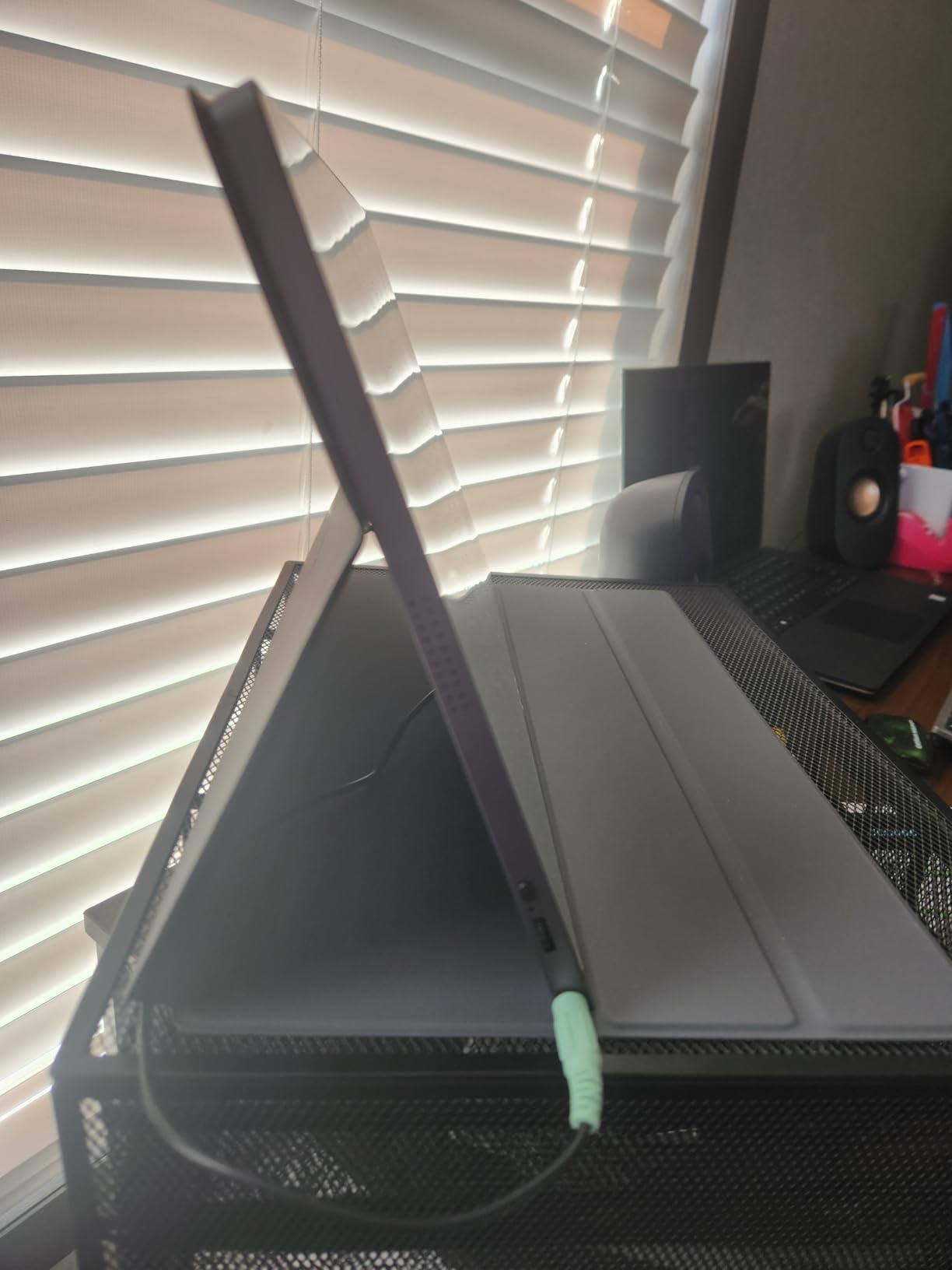
Two full-function USB-C ports are the reason this is the most flexible panel here. One cable carries video and power, and the spare port means you can keep a charging cable in the second port without unplugging the display, which matters when your only spare port is the one your laptop charger uses.
The PU leather smart cover is scratch protection and stand in one piece, with two grooves that give you a low and a high viewing angle. On a flat cafe table the higher groove is stable. On an airline tray table the magnets grip a little less than I would like, so I tucked a folded receipt behind the base in turbulence.
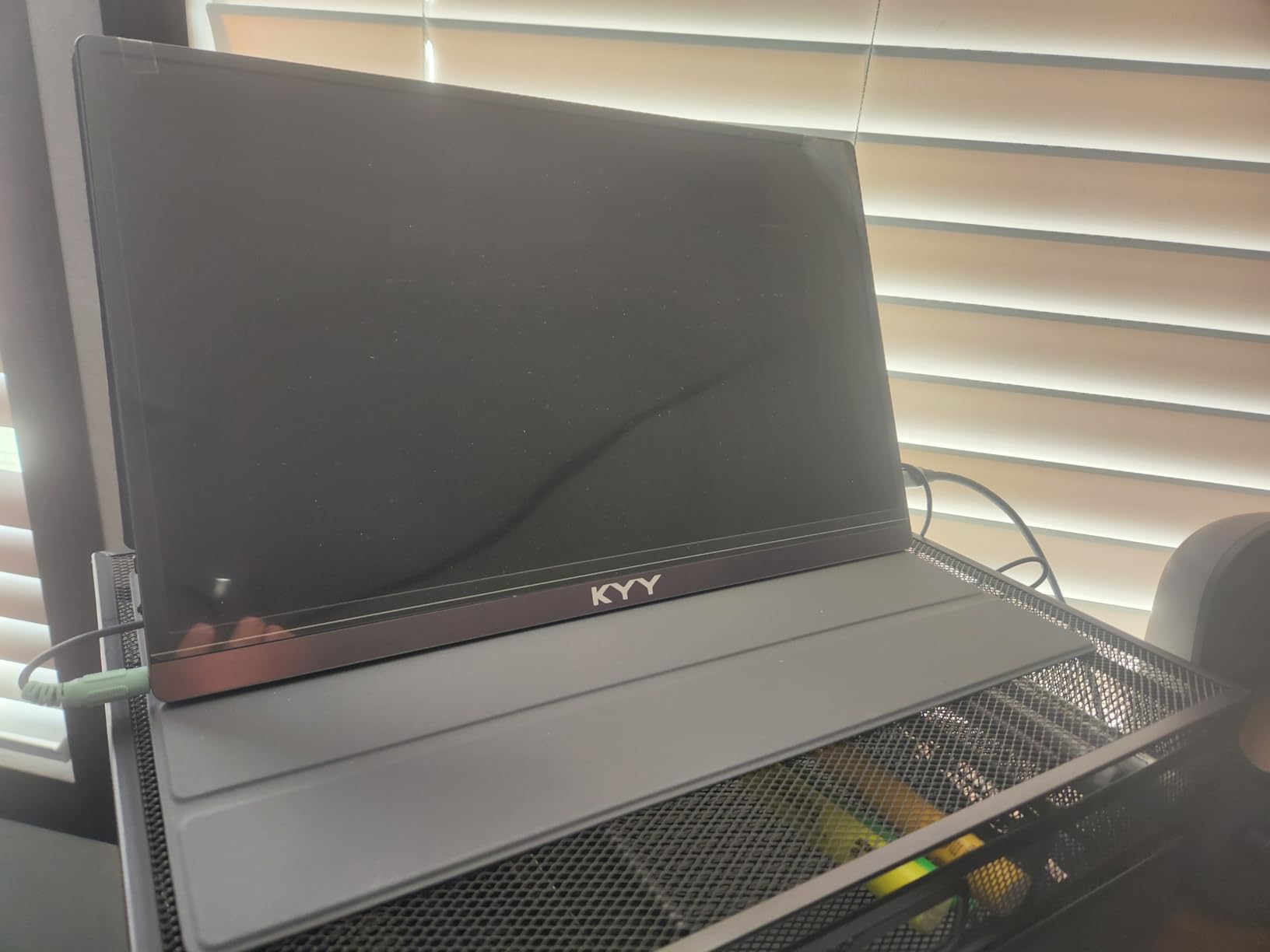
How the KYY handles brightness and colour on the road
The 300 cd/m2 rating is honest for this class. Indoors in a hotel room at night it is bright enough that I ran it at 40 percent brightness, and in a window-side cafe at midday it was usable but not the panel I would choose for photo grading. Colour is accurate enough for documents, spreadsheets, and code, which is where most travel work actually happens.
Contrast is listed at 1000:1, which is standard for an IPS LCD of this type. Black levels on a dark interface look grey rather than deep, and that is the honest trade you make for a matte coating and a 178-degree angle.
Where the KYY falls short for travel
The 60Hz refresh rate is the first limit. Web work, documents, and video calls look fine. Anything with fast motion looks soft next to a 120Hz laptop screen, and competitive gaming is out of the question.
Cables exit from the side of the chassis rather than the back, so if you set two units side by side you need roughly two inches of clearance between them. For a dual-screen kit that means a wider desk than you probably have in a hotel room.
2. MNN 15.6 Inch FHD 60Hz Portable Monitor
MNN 15.6″ FHD 60Hz Portable Monitor USB-C HDMI IPS HDR Gaming Laptop
15.6 inch IPS 1080p
300 cd/m2 matte finish
1.5 pound body
FreeSync adaptive sync
Pros
- One of the lightest full-size 15.6 inch bodies we tested at 1.5 pounds
- Plugs in and works in under five minutes
- Two full-function USB-C ports
- PU leather cover folds into a stand
- FreeSync adaptive sync support
Cons
- Colour and brightness do not match a laptop panel
- Auto power-off can black out during boot transitions
- Weak cover magnets in turbulence
- Tiny joystick controls on one edge
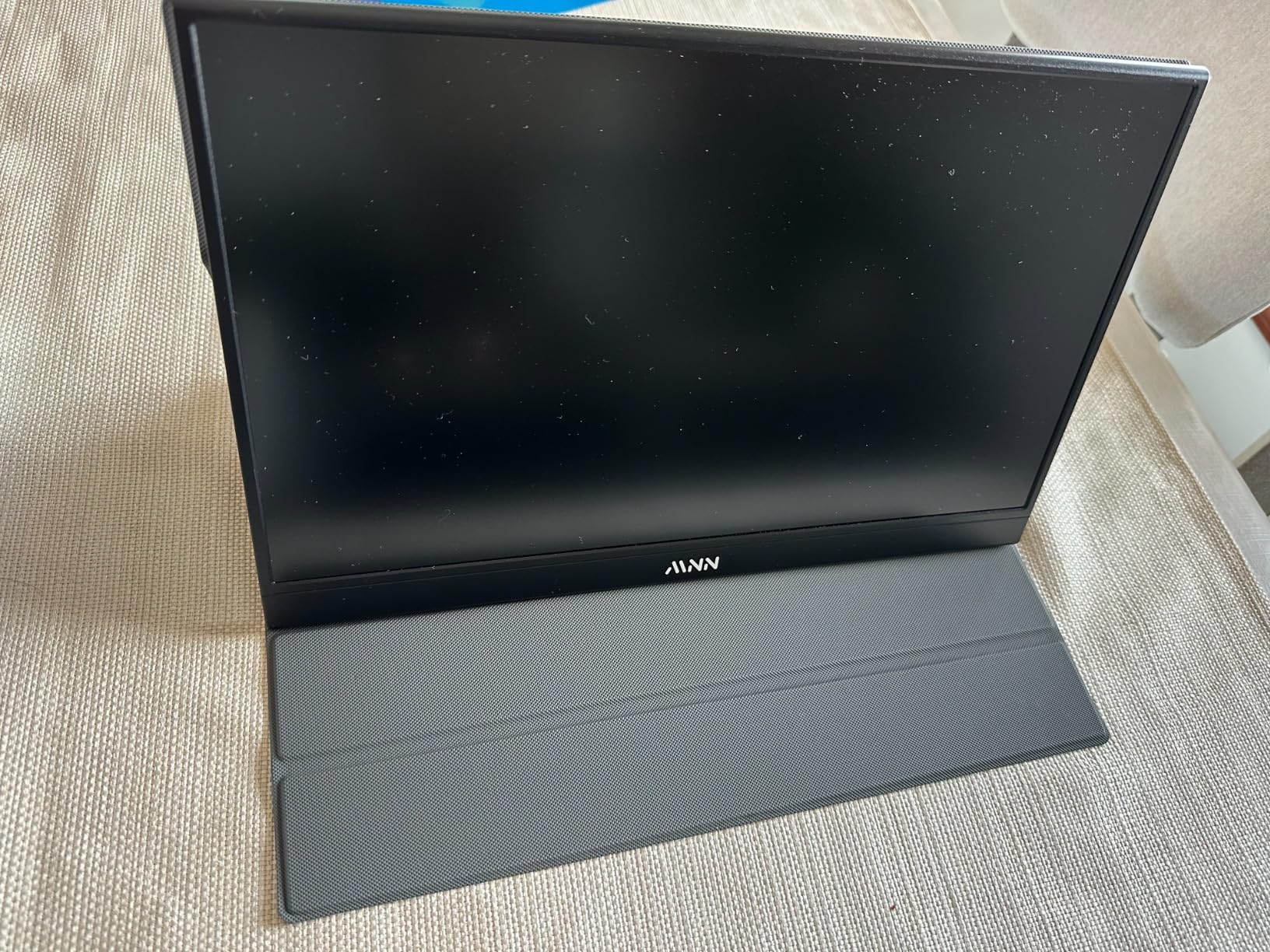
If weight is your first filter, the MNN is the one to shortlist. At 1.5 pounds it is among the lightest 15.6-inch panels in this roundup, and for someone who carries a laptop, a charger, and a camera on the same trip, the difference from a 2.7-pound panel is something you feel in the bag.
Setup took under five minutes from unpacking. No drivers, no app, no settings hunt. The two full-function USB-C ports meant I went from closed laptop to extended desktop on the first try, which is the single thing that decides whether a travel monitor gets used on day one or abandoned in a hotel drawer.
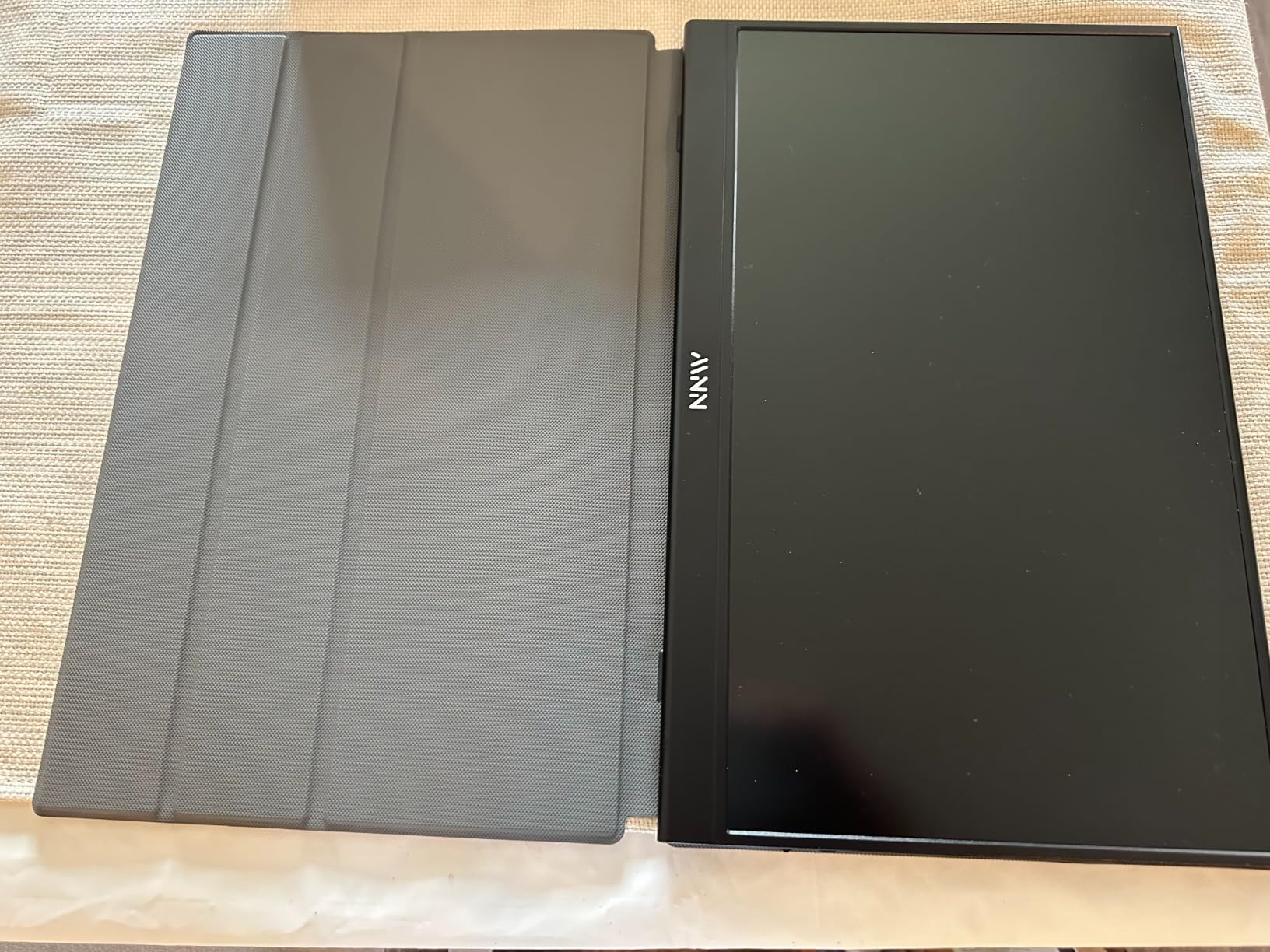
The panel itself is a 15.6-inch 1920×1080 IPS with a matte finish and 178-degree viewing angle, rated at 300 cd/m2. Sharpness is genuinely good for 1080p, and text rendering on a Word document or a code editor is clean enough that I did not notice softness during normal reading distance.
FreeSync adaptive sync is listed in the specifications, and while a 60Hz panel cannot do much with it, it does reduce tearing when the laptop is driving the same graphics pipeline.
One behaviour caught me out twice. There is an auto power-off when the signal drops, and during some transitions from a BIOS boot screen into the operating system the panel would go black and wait for the next signal. On a second attempt it connected correctly, but if you are the kind of person who reboots into diagnostics on the road, know that this is possible.
When the MNN is the right travel choice
This is the monitor for anyone whose trip is measured in pounds and who mostly works in documents, email, and browser tabs. The included cables are longer than most, a 1.5 meter mini-HDMI and USB-A power run plus a 1.2 meter full-function Type-C, which is helpful in a room where the outlet is across the desk from the chair.
It also pairs well with a Steam Deck, a mini PC, an iPad, or a phone, so it doubles as a console and handheld companion rather than a laptop-only accessory.
What you give up compared with pricier panels
The colour and brightness do not exactly match a laptop display. Side by side with the laptop panel, the MNN runs cooler and slightly flatter, which is obvious in skin tones and gradients but invisible in a spreadsheet.
The built-in speakers have no real bass. For a monitor that will sit next to your laptop, the laptop speakers are usually the better audio device anyway, so I treated the MNN pair as a fallback for video calls in a room where the laptop is closed.
Finally, the joystick-style control on the right edge is genuinely awkward. It took me three attempts to open the brightness menu, and the small size is a poor choice if you are adjusting settings in a dim cabin.
3. cocopar 15.6 Inch 1080P 85 Percent sRGB Travel Monitor
cocopar Portable Monitor 15.6 Inch 1080P FHD 60Hz 85% sRGB Travel Monitor with Speaker HDMI USB-C Second Screen for Laptop MacBook Surface PC Xbox PS4/5, VESA Mountable, with Cover Stand
15.6 inch A-grade IPS
85 percent sRGB colour
4 mm slim profile
1.5 lb without cover
Pros
- 85 percent sRGB A-grade IPS panel with accurate colour
- 4 mm at the slimmest point for easy packing
- Two full-featured USB-C ports with power pass-through
- VESA mountable in horizontal and vertical modes
- Smart stand case included
Cons
- 60Hz refresh rate is not suited to fast competitive gaming
- Heavier than lighter 15.6 inch rivals once the cover is attached
- Magnetic cover can shift on uneven surfaces
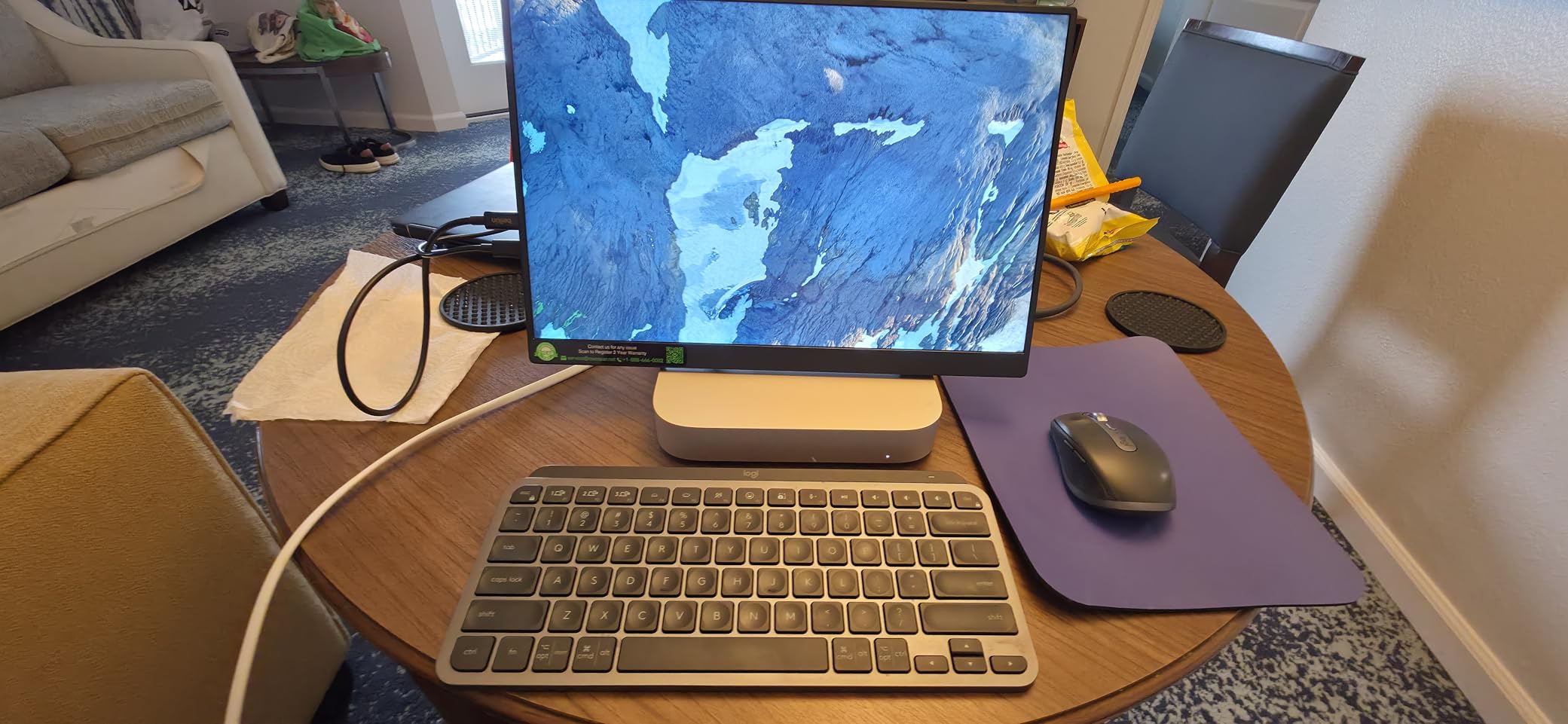
The cocopar is the panel I trust to show something close to what my laptop shows. At 85 percent sRGB on a low blue light Super Clear A-grade IPS, it was the only 15.6-inch unit here where I did not immediately want to correct the colour when moving a window from the laptop panel to the travel display.
That matters if your work involves reviewing design work, checking a brand palette, or matching a document proof. For pure text and code, the difference is smaller, but it is a real difference and it is the reason this one carries the top-three badge for colour accuracy.
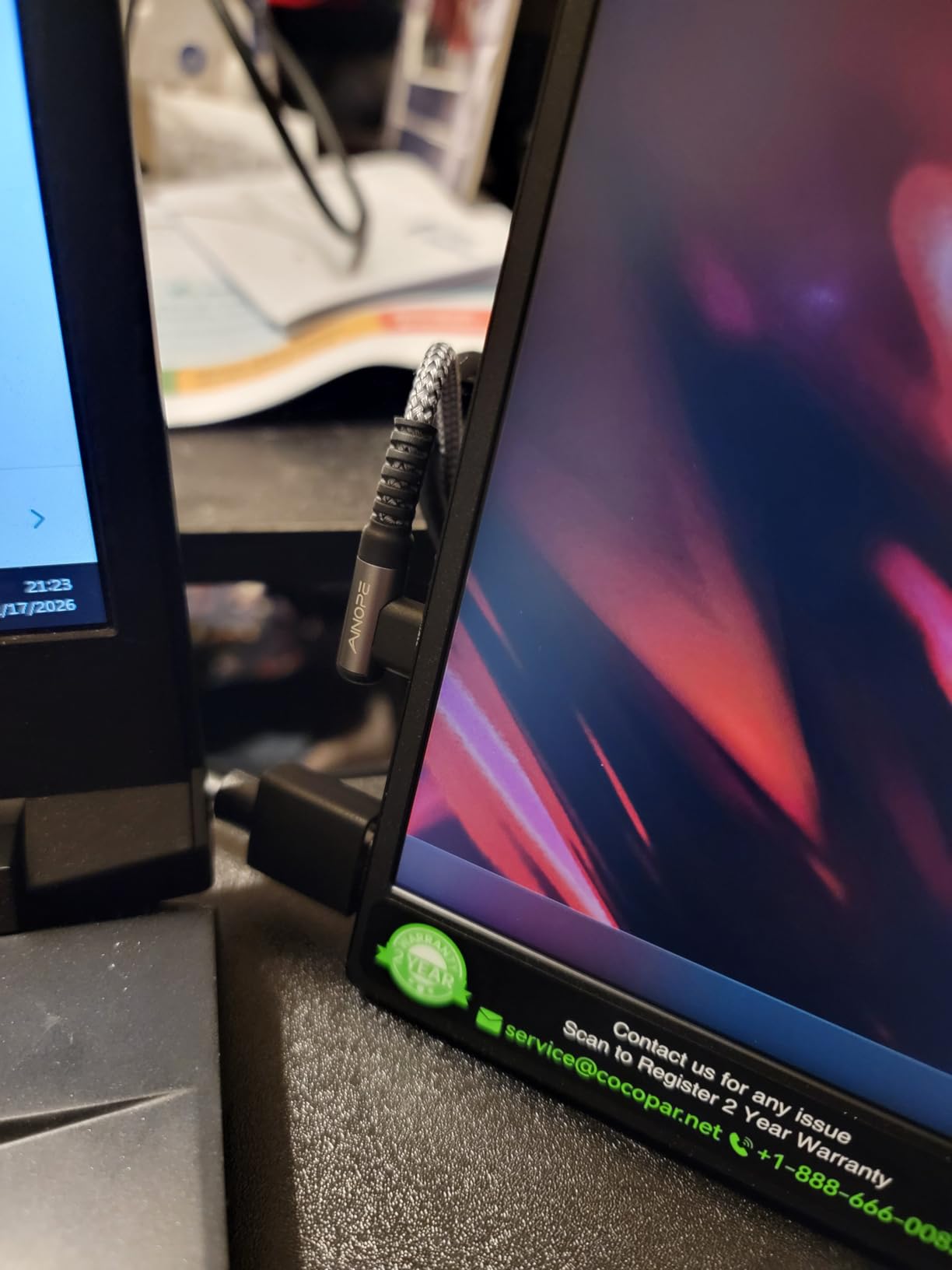
The chassis is 4 mm, or 0.2 inch, at the slimmest point, and it weighs 1.5 pounds without the magnetic cover. Those numbers are close to the practical floor for a 15.6-inch panel, and they mean the cocopar disappears into a laptop sleeve in a way that a 2.7-pound unit does not.
Two VESA holes let you mount a small stand or arm in horizontal or vertical orientation, which is unusual at this size and genuinely useful if you are working in a fixed position like a hostel desk for a week.
Both USB-C ports are full-featured, and the manufacturer lists power pass-through reverse charging, so you can keep a charging cable in the second port while the first handles display and power. That is the arrangement I ended up defaulting to on long train journeys.
Why the colour accuracy is worth paying for
A travel monitor is often the only screen you have. When that is true, a panel that renders a colour reasonably is more valuable than a brighter panel that renders it wrong. The cocopar rated 4.8 across more than 6,000 reviews, and the consistency of that rating reflects a product people keep rather than return.
Brightness is listed at 280 candela per square metre, which is a little below the 300-nit panels in this list. In a bright cafe you will be raising it to the top of the range, and on a night flight you can drop it to around 30 percent and still read comfortably.
Where it does not suit travel
Sixty hertz is the same limitation most of the panels in this roundup carry, and for competitive gaming it is disqualifying. Contrast is described as high with HDR support, but this is an SDR LCD and it does not deliver the black levels an OLED or a high-end IPS Black panel would.
With the magnetic cover attached the unit is 2.4 pounds, which is 0.9 pound more than the bare panel. That is the price of the case, and it is a fair trade for scratch protection, but if you already own a sleeve the bare panel is the lighter option.
4. InnoView 15.6 Inch FHD Portable Monitor With Smart Cover
InnoView Portable Monitor, 15.6 Inch FHD 1080P HDMI USB C Second External Monitor for Laptop, Desktop, MacBook, Phones, Tablet, PS5/4, Xbox, Switch, Built-in Speaker with Protective Case
15.6 inch A+ IPS 1080p
250 cd/m2 brightness
2.7 lb with cover
18W power consumption
Pros
- Broad device compatibility from laptops to PS5 and phones
- Single USB-C cable for display and power
- Smart PU leather cover with two angle grooves
- Driver-free plug and play
- HDR with low blue light eye protection
Cons
- 250 nit brightness is dimmer than most rivals
- 18W draw can flicker or restart on low-output ports
- HDMI hookup needs a separate power cable
- One of the heavier 15.6 inch options at 2.7 pounds
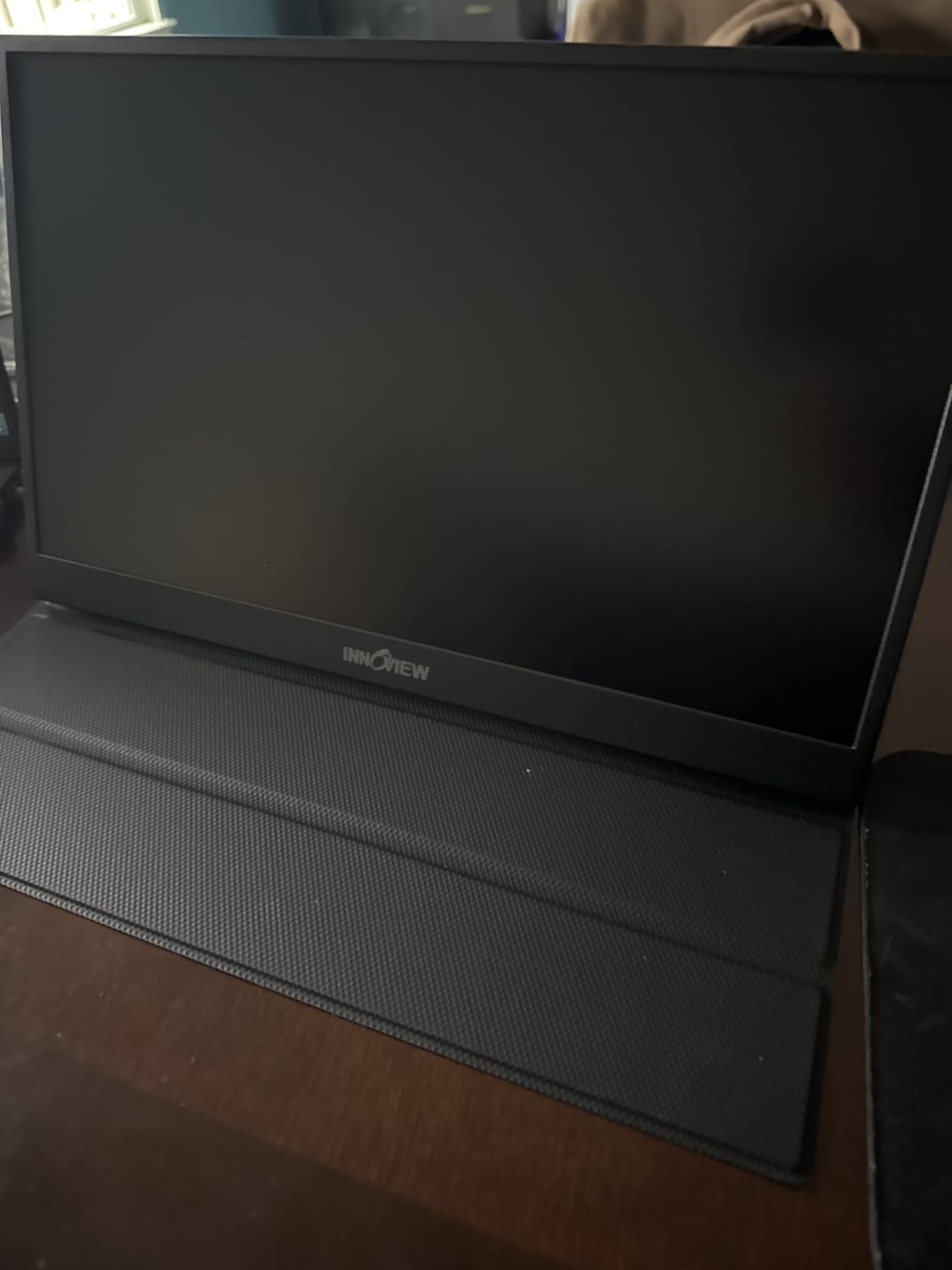
The InnoView earns its place for compatibility rather than image quality. It lists support for Thunderbolt 3 and 4, USB 3.1 Type-C DisplayPort Alt Mode, laptops, phones, tablets, and PS4, PS5, Xbox, and Switch, and in testing it lit up from every one of those sources without a driver install.
That breadth makes it a good second screen for a traveller who alternates between a work laptop and a handheld console in the same evening. The 1200:1 contrast ratio is listed, and the panel is an A+ IPS with a 178-degree viewing angle and a matte finish.
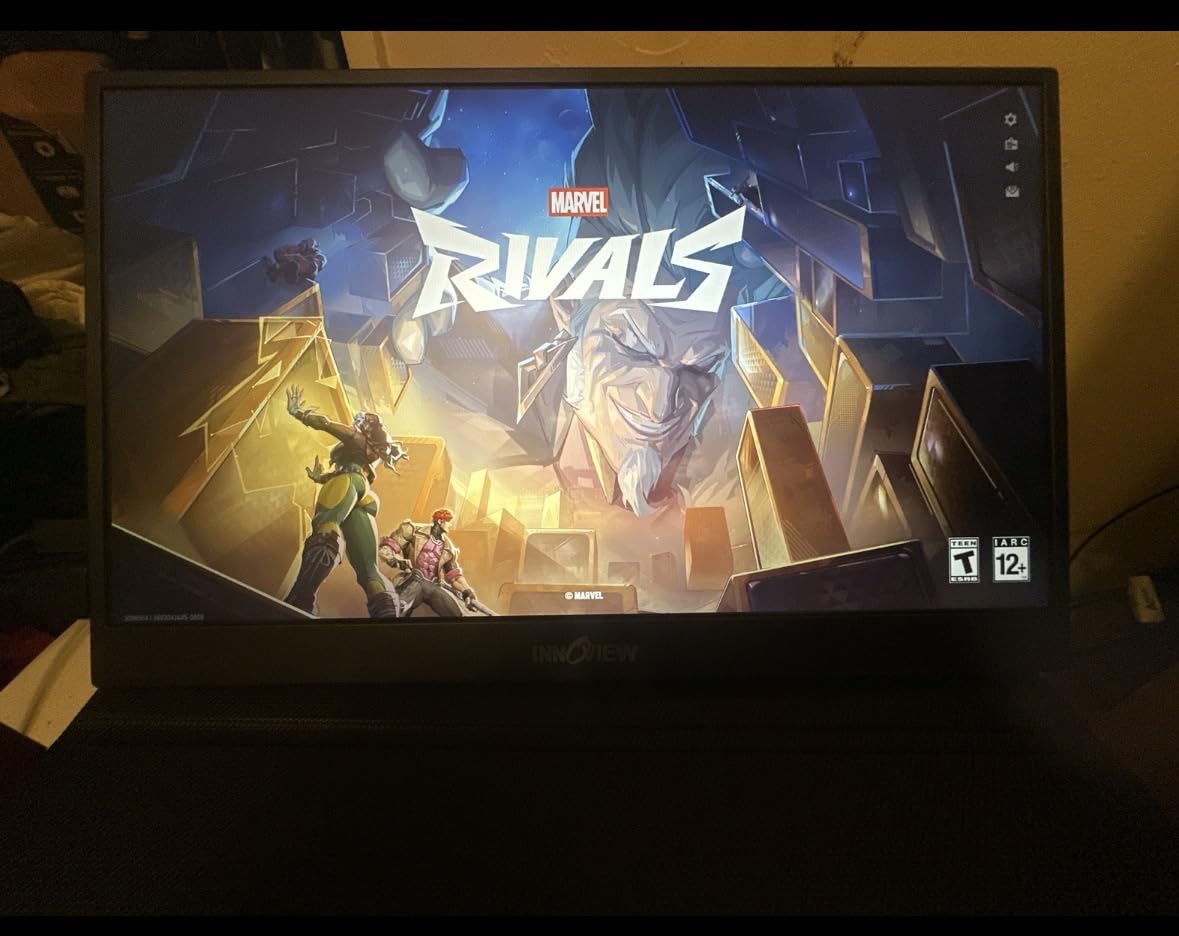
The two full-function USB-C ports carry display and power with pass-through reverse charging, and the smart cover has two grooves so you can raise or lower the screen angle. The cover is scratch-resistant PU leather rather than bare plastic, which matters more than it sounds when the panel lives in a backpack.
The listed power consumption here is 18 watts, which is the highest figure in this roundup and the reason it appears in more than one caveat below. On a modern Thunderbolt port I had no problems at all.
Brightness and the power-draw question
At 250 candela per square metre this is a dimmer panel than the 300-nit units here, and that is the first thing you notice in a room with daylight. In a hotel at night the difference disappears entirely. If your travel pattern is mostly evening and night work, the dimmer panel is a fair trade for the wide device support.
The 18 watt draw is the practical concern. On a phone or a low-output port you may see flicker or a restart, and the fix is external power. On a laptop with a full-featured Type-C port, it ran steadily at every brightness level I tried.
Where the InnoView is the wrong pick
At 2.7 pounds with the cover, this is among the heavier 15.6-inch units in the roundup. For a traveller optimising every gram, that weight works against it, and the 250-nit panel is the other reason it does not lead the list.
Over HDMI you need a separate power cable, and that cable is not included in the box. That is a two-cable setup, which is exactly the cable mess most travellers buy a portable monitor to avoid.
5. UPERFECT 17.3 Inch 4K QLED 120Hz Portable Monitor
UPERFECT Portable Monitor 4K 120HZ QLED 17.3″, 0.1ms Gaming Monitor
17.3 inch QLED 3840x2160
120Hz and 0.1ms response
500 nit peak brightness
Adjustable 180 degree stand
Pros
- True 3840x2160 resolution on a 17.3 inch panel
- 120Hz refresh with 0.1ms response
- QLED colour volume of 145 percent sRGB
- Recyclable aluminium unibody construction
- Built-in speakers and flicker-free eye care
Cons
- Highest cost unit in this roundup by a wide margin
- Needs its power supply connected for full operation
- 17.3 inch footprint is bulkier than 14 to 15.6 inch travel panels
- 1500:1 contrast is modest for a QLED panel
The UPERFECT is the only unit here that is not really a travel monitor in the usual sense. At 17.3 inches and 4K it is a small desktop display with a portable form factor, and it is in this roundup because a small number of travellers do carry a second machine and want the higher resolution and refresh rate.
The specification sheet is the strongest in the group. A 3840×2160 QLED panel at 120Hz with 0.1ms response time, colour volume up to 145 percent sRGB, and 500-nit peak brightness will render detail that no 1080p 15.6-inch panel in this list can match. Photo and video work is the obvious use case.
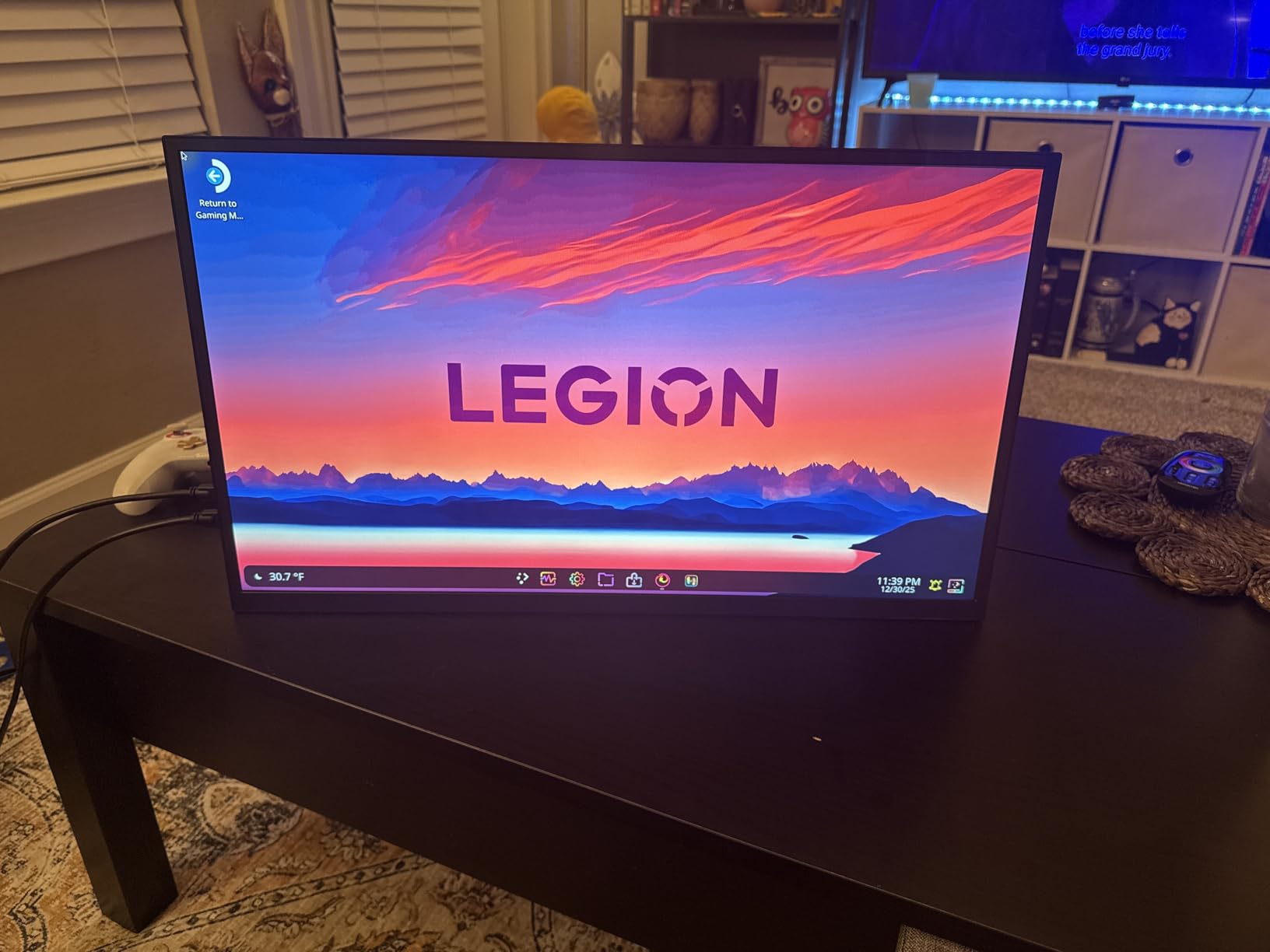
The body is recyclable aluminium rather than plastic, and it feels more durable in the hand than the folded-cover designs here. The built-in 180-degree adjustable stand is stable, and there are VESA 75×75 M4 mounting holes on the rear if you want to fix it to an arm in a long-stay apartment.
Connectivity is USB 3.0 Type-C and mini-HDMI with FreeSync support, plus built-in speakers and flicker-free eye care. The 0.1ms response figure is a gaming specification, and it is the reason the panel feels immediate in motion.
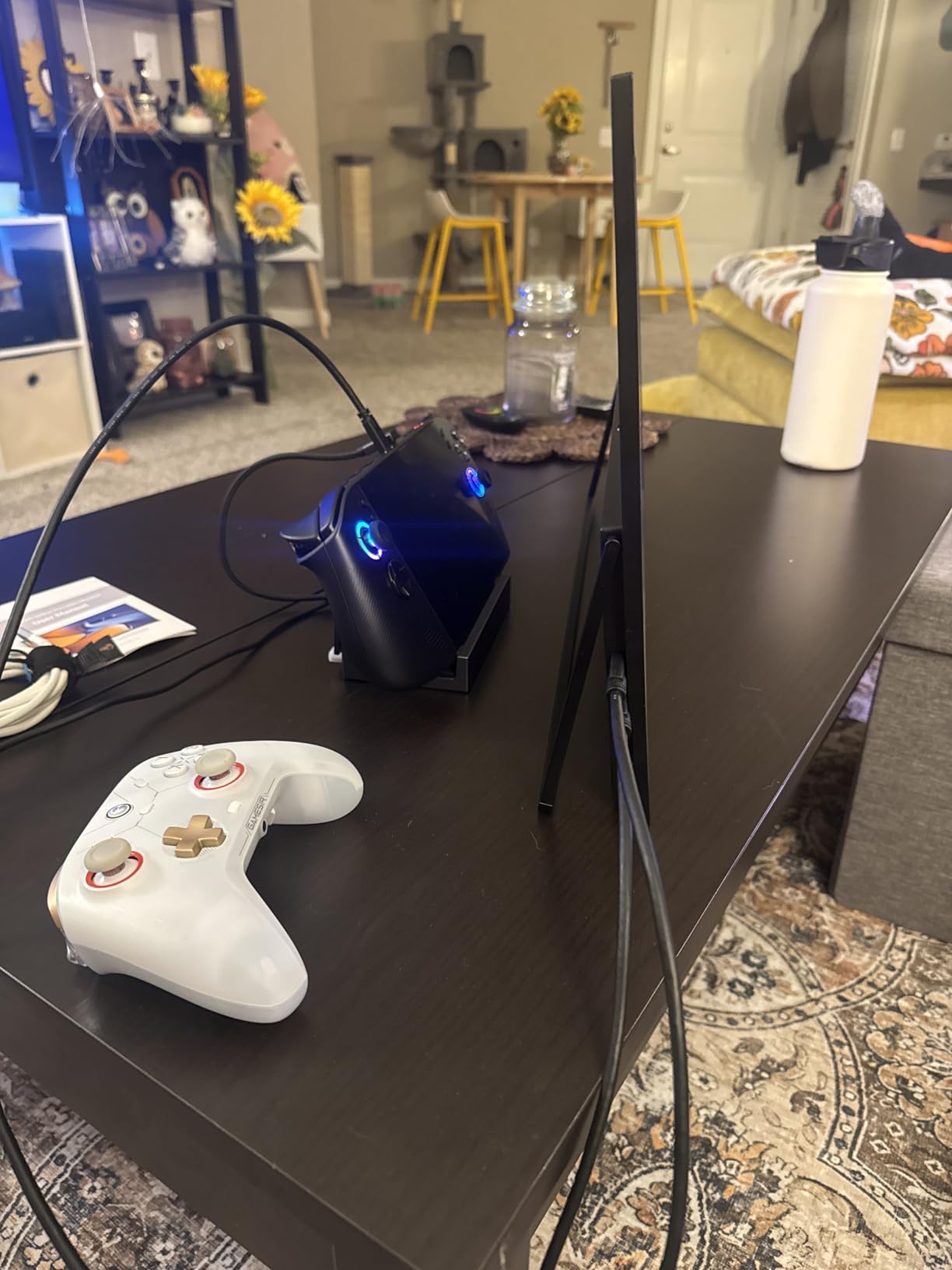
There is an important caveat for travel use, and it is not a small one. This unit needs its power supply connected for full operation, so unlike the eight smaller panels here it is not a single-cable device. You are carrying a monitor and a charger, or hoping your laptop port can push enough current.
What you gain over a 1080p travel panel
Sharpness is the headline. At 4K on 17.3 inches you get a pixel density that makes small interface text in a code editor or a timeline legible without zooming, and the 120Hz rate means scrolling and dragging windows look like a current laptop screen rather than an older one.
Colour volume of 145 percent sRGB at 500-nit peak brightness is the second gain. In a bright room, or if you are grading footage, the extra headroom matters. This is the panel to buy if your travel work is creative rather than administrative.
What makes it a poor travel companion
It is the highest-cost unit here, and that is not the only issue. A 17.3-inch footprint will not fit the laptop sleeve pocket of most bags, so it needs a larger compartment, and the weight is not listed by the manufacturer, which is itself a warning when packing is the priority.
Requiring the power supply changes the single-cable promise that makes portable monitors attractive. On a long flight with no outlet, this is a panel that needs a battery with a high enough output to drive it, which is a different planning exercise from plugging in a USB-C cable.
6. VisionOwl 18.5 Inch 100Hz Portable Monitor With Kickstand
VisionOwl Portable Monitor for Laptop, IPS USB-C HDMI Travel Second Monitor for MacBook Pro Air, PC, PS5, Xbox, Portable Second Screen, Built-in Kickstand, Speakers, VESA Mountable, 18.5 Inch
18.5 inch IPS 1080p
100Hz refresh rate
2.6 lb with sleeve included
75x75mm VESA mount
Pros
- Largest screen in the roundup at 18.5 inches
- 100Hz refresh is well above the 60Hz most rivals use
- Sturdy metal kickstand with an integrated metal back panel
- Sleeve case two USB-C cables HDMI cable and adapter included
- Matte finish and colour that sit close to a MacBook Pro panel
Cons
- Colour accuracy falls short of the stated 125 percent sRGB without calibration
- Built-in speakers are low in volume
- 18.5 inch panel needs a large backpack
- 1080p is less sharp at this size than on a smaller screen
The VisionOwl is the answer to a specific traveller: someone who works on long documents, spreadsheets, or code and wants as much canvas as a bag can carry. At 18.5 inches it is the largest panel in this roundup, and at 100Hz it is the fastest-refreshing screen in the group by a wide margin.
Two full-featured USB-C ports handle a single-cable connection on Thunderbolt 3, 4, and 5 devices, and there is an upgraded standard HDMI port alongside them. The integrated metal stand folds out from a metal back panel, which is a different construction approach from the magnetic cover designs used by most of the 15.6-inch units here.

That metal kickstand is the reason I would pick this model for an airline. It does not rely on magnets or a folding flap, so it holds its angle on a tray table where lighter panels slide around. If you work on flights regularly, that single structural difference is worth more than a spec sheet line.
The box is unusually well equipped for travel. A sleeve case, an HDMI cable, two full-featured USB-C cables, and a power adapter are all included, so you are not adding accessories to the packing list. The matte finish also behaved well against window light.
Colour is listed at 125 percent sRGB with 8-bit depth and 16.7 million colours. In practice the uncalibrated panel sat below that claim, though the matte white balance tracked a MacBook Pro display closely enough that I stopped noticing the difference by the second day.
Why 100Hz changes the feel of travel work
Every 15.6-inch panel in this roundup runs at 60Hz. Scrolling a long document, dragging a window between screens, and typing in a terminal all look smoother at 100Hz, and after a day of use the jump back to a 60Hz screen is noticeable.
For media and console use the difference is larger still. The 3ms response time and 1200:1 contrast ratio are adequate but not exceptional, so this is a productivity and travel panel that tolerates media, not a gaming display.
Where the size becomes a problem
An 18.5-inch panel needs a large backpack, and that is the honest limit. It is 2.6 pounds, 16.6 inches wide, and up to 0.55 inch thick at the hinge, so it will not sit in a laptop sleeve and it competes with your laptop for the same compartment.
At 1920×1080 spread across 18.5 inches, text is noticeably less sharp than on a 15.6-inch 1080p panel. You gain area and you lose pixel density, and if your work is dense text rather than a wide canvas, the trade is not obvious. The built-in speakers are also serviceable but quiet.
7. WGK 15.6 Inch 1080P Travel Monitor With Stand And Speakers
WGK 15.6 inch Portable Monitor 1080P FHD Travel Display HDMI/USB-C Compatible with Laptops, Desktops, Phones, PS, Mac, Xbox, Switch, and Other Gaming Devices Includes Stand and Speakers VESA
15.6 inch IPS 1080p
72 percent colour gamut
2.7 pound body
Built-in adjustable stand
Pros
- Entry-level build with a sturdy adjustable stand
- Crisp 1080p picture with 178-degree viewing angle
- Sturdy built-in kickstand that adjusts to your angle
- Plug and play over USB-C and mini-HDMI
- Two built-in speakers and VESA mountable
Cons
- 72 percent colour gamut is narrow and colours look less vivid
- Can reset when a laptop USB-C port cannot supply enough current
- 60Hz refresh and 5ms response are not gaming oriented
- Clarity falls short of a Retina-class laptop display
The WGK is here as the budget floor. It carries the lowest cost of any unit in the roundup, and for a first travel monitor, a trial unit, or a second panel you do not mind replacing, the value is hard to argue with.
The built-in adjustable stand sets it apart from most panels at this level. Rather than a magnetic cover that doubles as a stand, this has a real kickstand that holds a chosen angle, and it stayed put on every tray table I tried it on, including in light turbulence.
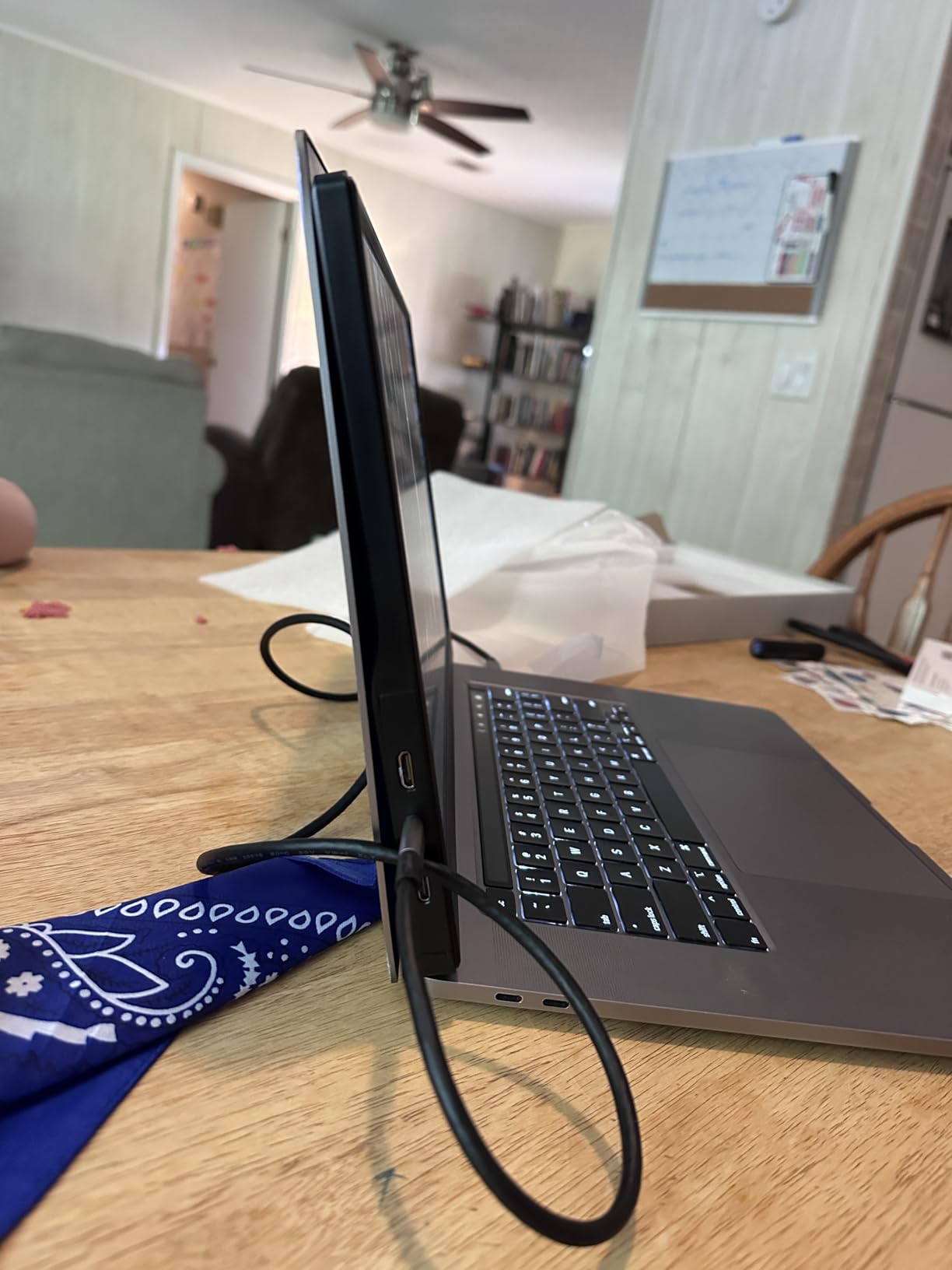
Setup is plug and play over two USB-C ports and a mini-HDMI port, with no driver installation. Copy, extended, and second screen modes are supported along with portrait and horizontal rotation, so a long document can be read vertically the way it would be on a phone or tablet.
Two built-in speakers are included, which is more than the KEFEYA offers, and the panel is VESA mountable. Brightness is not stated in the specification data, but in use it is in the same general range as the other budget panels here, which is fine indoors and marginal at a window table.
One practical note: the manufacturer advises connecting a 5V 2A charger if the screen will not stay on, which is the same power-starvation behaviour several units in this roundup show when a laptop port cannot deliver enough current at higher brightness settings.
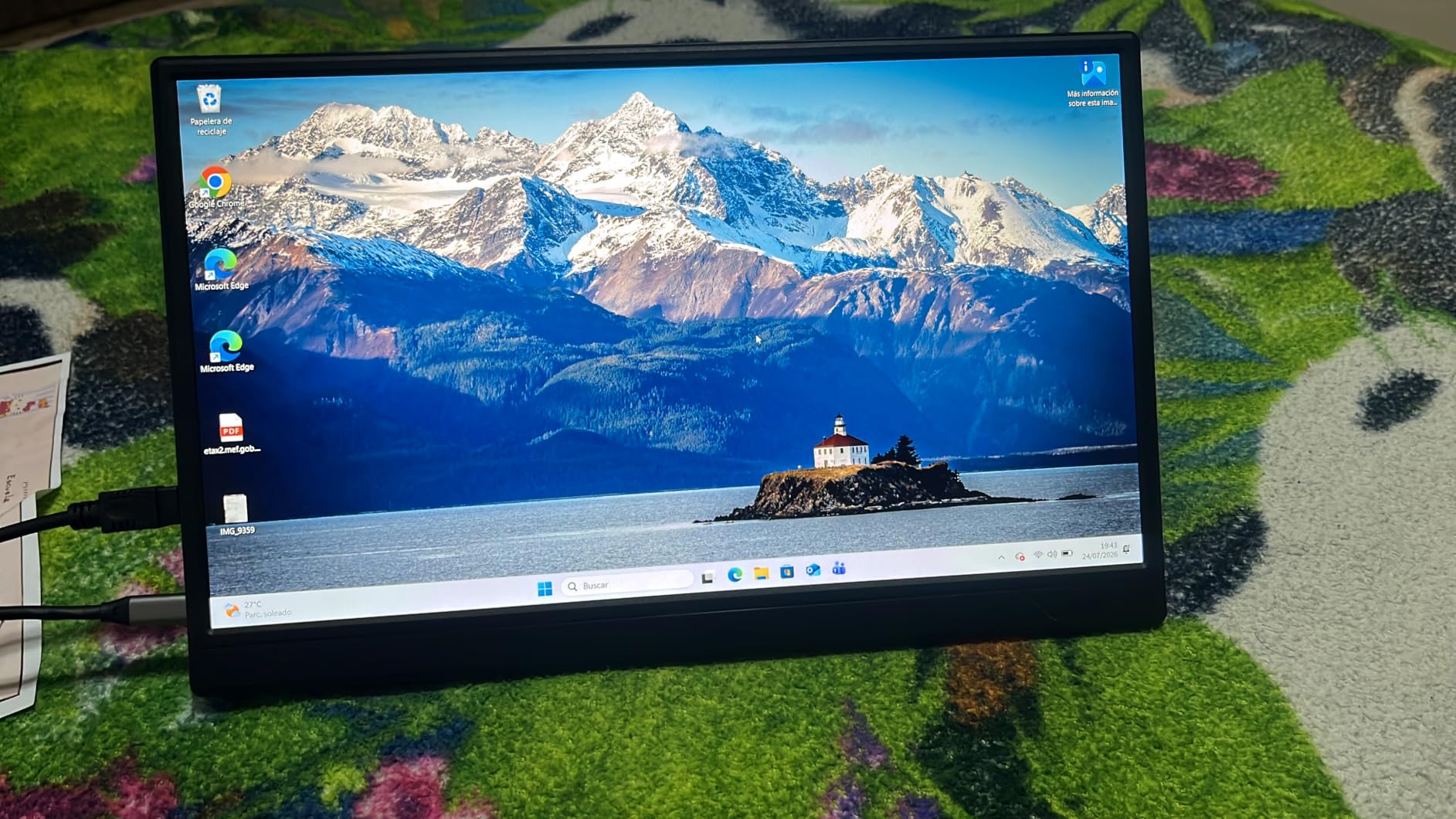
Where the low cost shows
Colour is the main compromise, at 72 percent colour gamut. Reds and greens read as noticeably flatter than on the 85 percent sRGB panel in this roundup. If your work is documents, spreadsheets, browsing, and video calls, you will not notice. If you judge colour, you will.
The panel also runs at 60Hz with a 5ms response time, so motion is soft, and image clarity sits well below what a Retina-class laptop display shows. Text at 100 percent is readable but not crisp at close reading distance.
Who should buy this one
Buy the WGK if you are packing light, working mostly in the evening, and want a second screen for a trip where losing or damaging the panel would not be a disaster. It is also a reasonable backup unit to keep in a checked bag while your main travel display stays in your hand luggage.
Skip it if you do colour work, if you need a panel that matches a high-end laptop display, or if you plan to use it for more than a few weeks. At 2.7 pounds it is also one of the heavier 15.6-inch units, which undercuts the value argument on a weight-conscious trip.
8. ForHelp 15.6 Inch 1080P Ultra-Thin Aluminum Portable Monitor
ForHelp 15.6inch Portable Monitor,1080P USB-C HDMI Second External Monitor for Laptop,PC,Mac Phone,PS,Xbox,Swich,IPS Ultra-Thin Zero Frame Gaming Display/Premium Smart Cover
15.6 inch matte IPS 1080p
1.52 lb aluminum body
0.3 inch profile
300 cd/m2 brightness
Pros
- Very light at 1.52 pounds with a 0.3 inch aluminum profile
- Two full-featured Type-C ports for single-cable use
- Premium PU leather magnetic holster doubles as a stand
- Two built-in speakers
- Copy and extension and second-screen modes with HDR
Cons
- 60Hz refresh rate limits competitive gaming
- Magnetic cover stand is not stable on very uneven surfaces
- Mini-HDMI port sits on one edge only
- Listed screen size field conflicts with the model designation
The ForHelp is the one I reach for when a plastic-feeling chassis bothers me. An aluminium alloy body at 1.52 pounds and 0.3 inch thick, with a matte IPS panel at 1920×1080, 300 candela per square metre, and a 178-degree viewing angle, and it is one of the lightest 15.6-inch panels in this roundup.
Two full-featured Type-C ports mean one-cable operation, and a mini-HDMI port is there for consoles and older hardware. Copy, extension, and second-screen modes cover the usual cases, with HDR and low blue light eye protection on the panel.
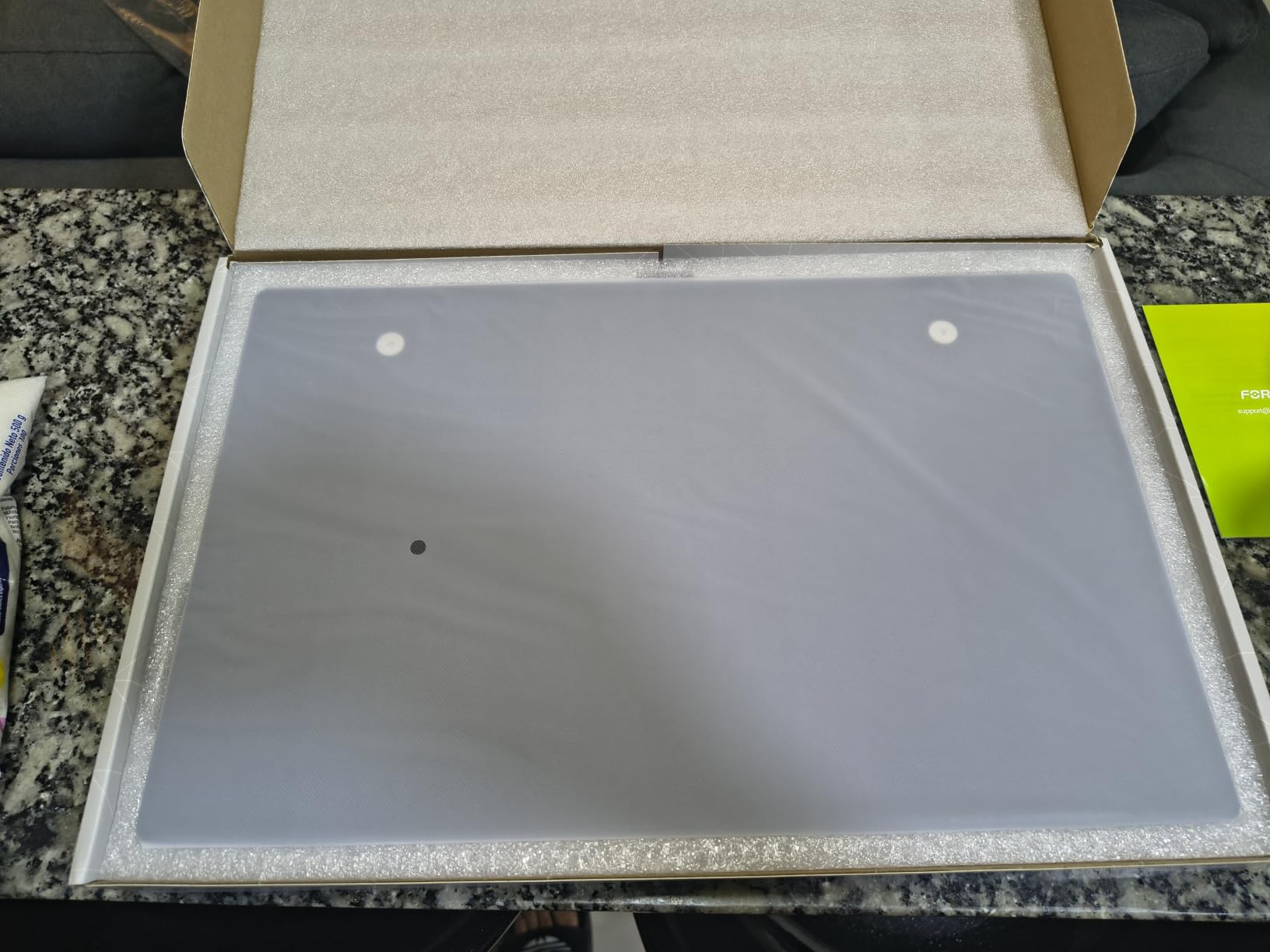
The magnetic smart holster is a premium PU leather cover that folds into a stand with two viewing-angle grooves. It is a nicer object than the plastic covers in this category and the magnets are strong enough to hold the panel closed in a bag, which is the main job.
Two built-in speakers handle media and calls when the laptop is closed or propped up. They are adequate rather than good, and I ended up routing audio through the laptop or a pair of headphones for anything longer than a standup.
Included cables are 1.5 meter mini-HDMI and USB-A power runs plus a 1.2 meter full-function Type-C, which is a generous set for a panel at this level and saves a stop at an airport shop before a trip.
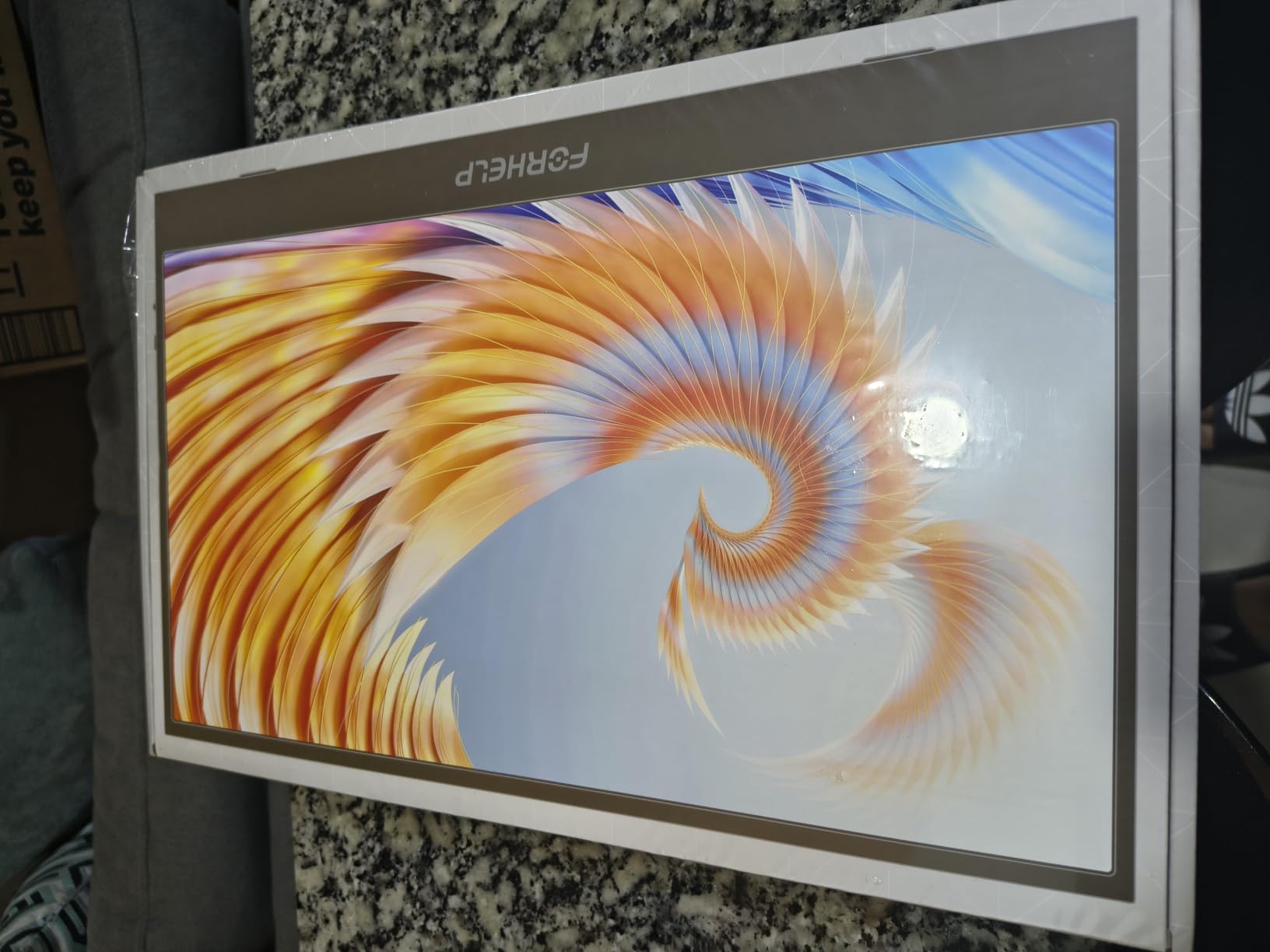
Where the aluminium body helps
Aluminium changes the feel more than the specification sheet suggests. The panel does not flex when you adjust the angle, the corners stay square after months in a bag, and the surface takes fingerprints less than the glossy plastic shells used on cheaper units. If you travel often, that durability is worth something.
The 300-nit matte finish is the middle of the range here and is the right target for mixed lighting, bright enough for a daytime cafe with the brightness at roughly 70 percent, comfortable at 40 percent in a dim room.
Where it falls short
Sixty hertz is the same ceiling as most of the panels in this roundup, and it rules out competitive gaming. The magnetic cover stand is not stable on very uneven surfaces, so it joins the group that benefits from a prop behind the base in turbulence.
The mini-HDMI port sits on one edge of the unit, which limits cable routing when you place the monitor beside a laptop. There is also a minor data inconsistency: the listed screen size field says 15 inches while the model is a 15.6-inch unit. The physical panel matches the model designation.
9. KEFEYA 14 Inch 1920×1080 IPS Laptop Screen Extender
KEFEYA Laptop Screen Extender, 14″ FHD 1080P IPS Laptop Monitor Extender Dual Screen, Portable Monitor for Laptops 13-17″ with USB-C/HDMI Port, Plug n Play for Windows/Mac/Android/Switch/PS5
14 inch IPS 1920x1080
1.04 kg with 180 degree rotation
Laptop-attached extender
300 cd and 2ms response
Pros
- 14 inch panel matches a 13 to 17 inch laptop for a natural dual-screen look
- 180 degree rotation for portrait and horizontal orientation
- Plug and play with no driver download
- All necessary cables bundled
- Works with Windows Mac M1 M2 M3 Chrome OS Linux and Android
Cons
- 72 percent NTSC colour gamut is less vivid than higher-end panels
- 300 nit brightness is moderate for outdoor travel
- HDMI connection needs a second USB-A to USB-C cable for power
- 60Hz refresh rate and no built-in speakers
- Designed as a laptop-attached extender rather than a freestanding monitor
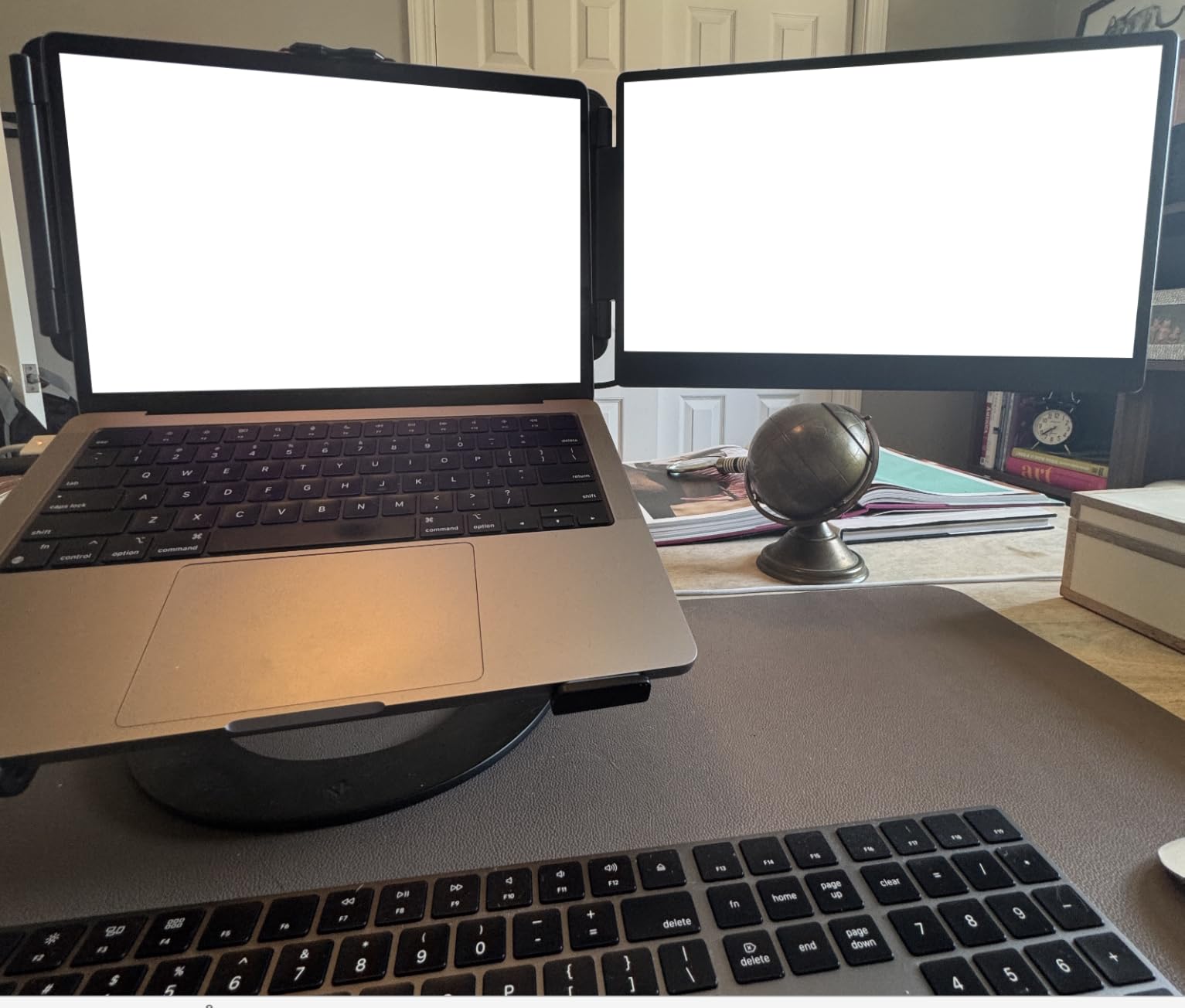
The KEFEYA solves a different problem from every other panel here. It is a 14-inch extender designed to attach to a 13-to-17-inch laptop, and at 1.04 kilograms with a 0.9 inch profile it is the most compact panel in the roundup. If your laptop is a 13-inch model, this is the only screen on the list that sits beside it at a matching size.
That size match is not cosmetic. A 15.6-inch panel next to a 13-inch laptop creates a mismatched pair where one screen is visibly larger, and every window you drag between them changes apparent size. At 14 inches the geometry is close enough that the two screens read as one system.
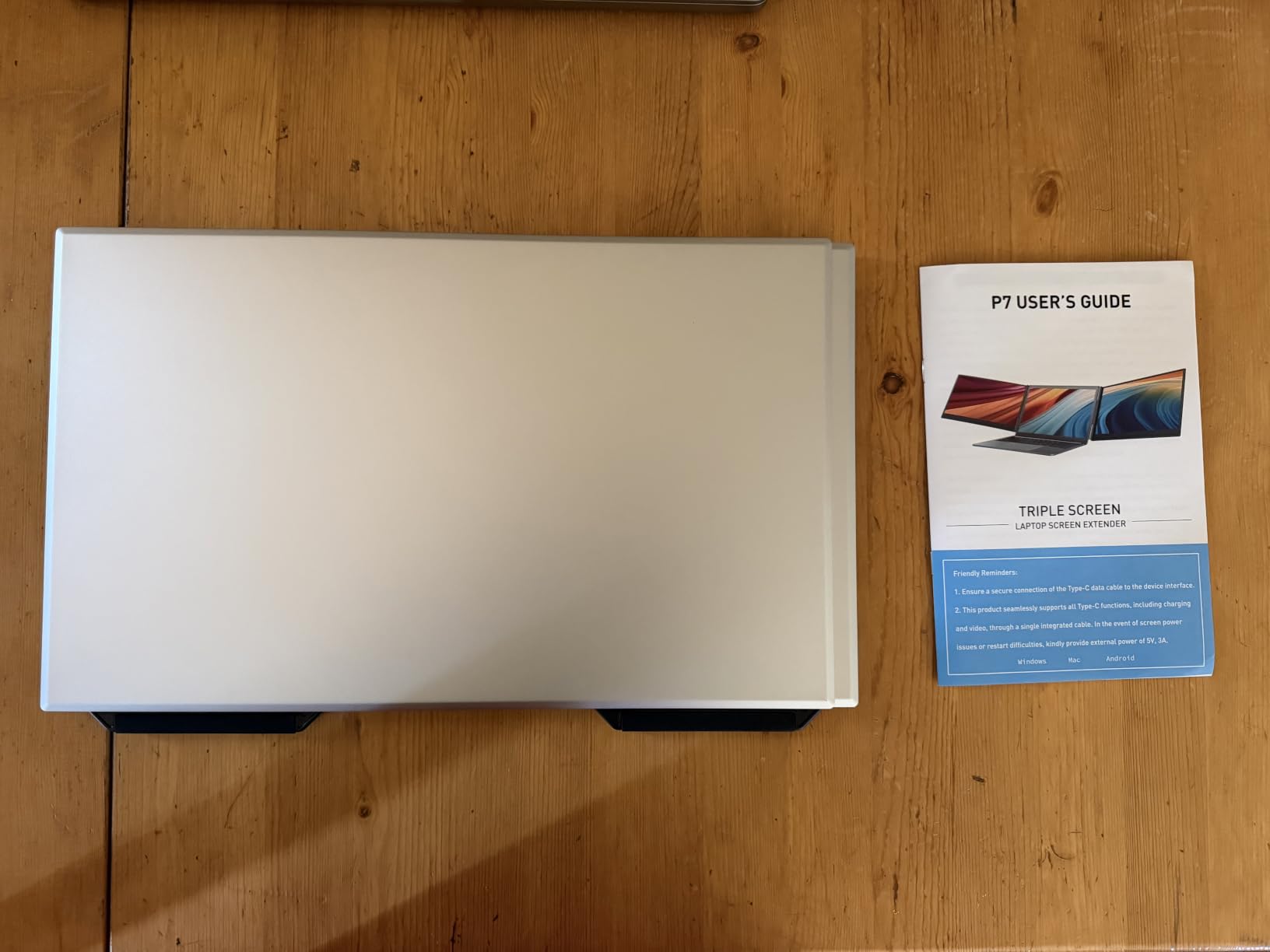
The 180-degree rotation is the feature I used most. Rotating the panel upright turns it into a portrait second screen for a long document, a chat window, or a code listing, and it comes back to horizontal with no tools. The 1920×1080 IPS panel runs at 60Hz with 300-nit brightness and 2ms response.
Setup is plug and play with no driver download, and the box includes an HDMI to USB-C cable, a USB-A to USB-C cable, and a USB-C to USB-C cable. Compatibility covers Intel, AMD, ARM, Apple Silicon including M1, M2, and M3, Android, Chrome OS, and Linux, plus consoles.
Mirror, extension, and portrait modes are all supported. There are no built-in speakers on this model, so audio comes from the laptop, which is fine given the intended laptop-attached use.
When an attached extender beats a standalone monitor
This is the pick for someone who works in one place for a while, a hostel desk, a co-working table, or a hotel room with a large surface. The 14-inch footprint leaves room for a keyboard and a notebook, and because the extender is smaller than a full 15.6-inch panel it eats less table space than a freestanding monitor of any size.
It is also the easiest to stow. At 1.04 kilograms and 0.9 inch deep it slides into a laptop sleeve beside the machine, and because it is designed to be paired with a laptop it does not need a separate stand in the box.
When it is the wrong choice
Colour is listed at 72 percent NTSC, which is among the narrowest figures in this roundup, and colours read flatter than on the 85 percent sRGB panels. Brightness of 300 candela is moderate, so a window table at midday is a stretch.
Over HDMI you need a second USB-A to USB-C cable for power, which defeats the single-cable setup the USB-C path gives you. And because it is a laptop-attached extender rather than a freestanding display, it is a poor choice for presenting to someone across a table or for sharing a screen in a meeting room.
10. Yxk 15.6 Inch 1080P Ultra-Slim Travel Monitor
Yxk Portable Monitor 15.6 Inch 1080P 60Hz IPS HDR Ultra-Slim Travel Monitor with Dual Speakers USB-C HDMI Second Screen for Laptop PC Mac Phone Xbox PS4/5 Switch, VESA Kickstand, Zero Frame Gaming
15.6 inch IPS 1920x1080
1.43 lb and 0.31 inch
250 cd/m2 matte finish
Dual built-in speakers
Pros
- Lightest 15.6 inch panel in the roundup at 1.43 pounds
- 0.31 inch thin profile for tight packing
- Two full-featured Type-C ports plus mini-HDMI
- Dual built-in speakers
- Copy extension and second-screen modes with zero-frame bezel
Cons
- 250 nit brightness is on the dim side
- 72 percent colour gamut limits colour richness
- 60Hz refresh rate restricts gaming
- Lower rating and fewer reviews than the leading units
The Yxk exists to solve a weight problem. At 1.43 pounds and 0.31 inch thick it is the lightest 15.6-inch panel in this roundup, and if your trip involves a carry-on weight limit or a walk from a station to a meeting, that is a legitimate reason to choose it over a better-looking alternative.
The panel is a 15.6-inch 1920×1080 A-grade IPS with a 178-degree viewing angle, HDR, and a matte finish. Two full-featured Type-C ports and a mini-HDMI port cover laptops, phones, and consoles with no driver installation required.
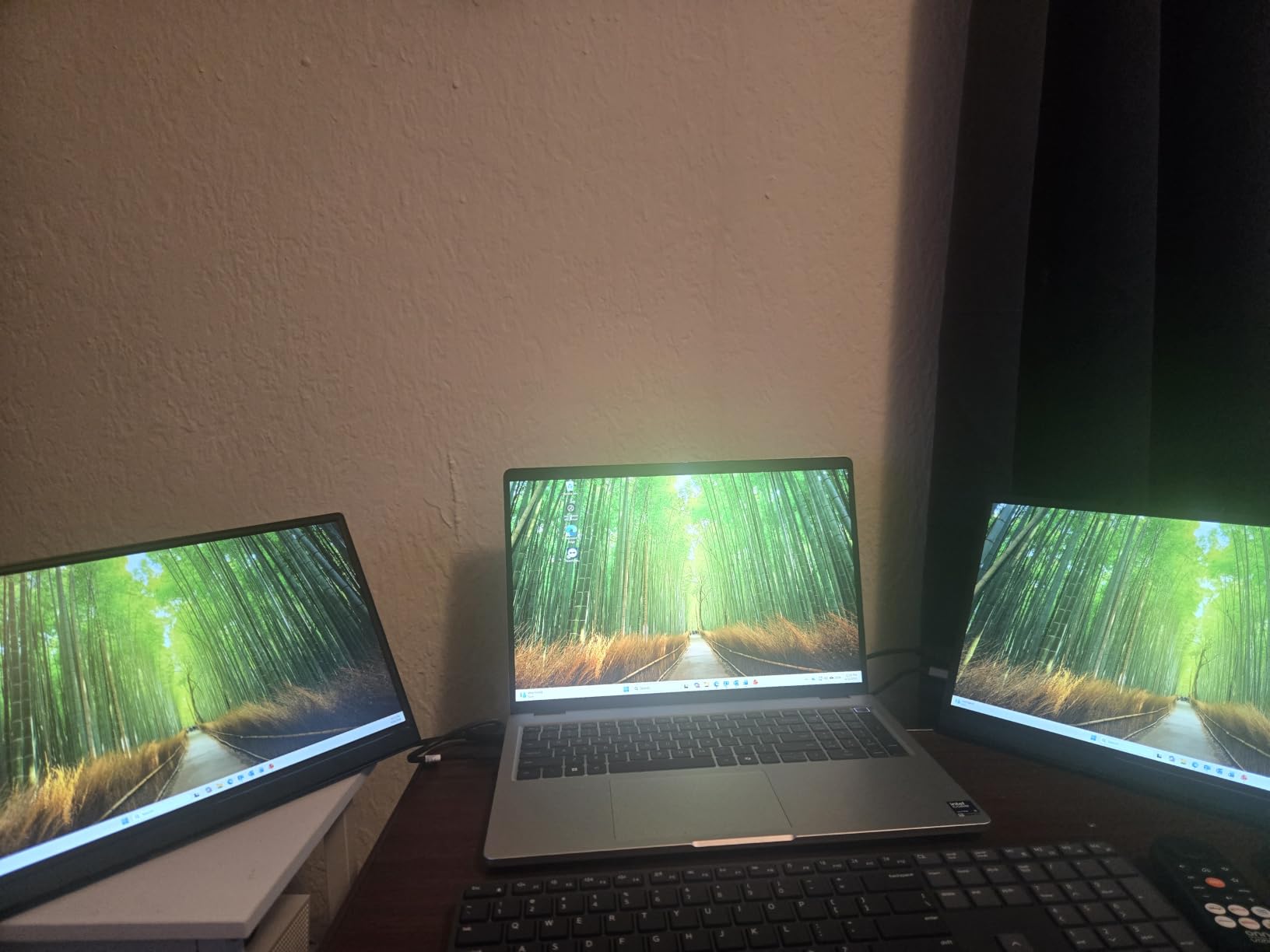
Dual built-in speakers are unusual at this level, and the zero-frame bezel design keeps the panel visually compact for a 15.6-inch screen. Copy, extension, and second-screen modes cover presentations and multitasking, and there is a VESA kickstand for fixed-position setups.
USB-C video requires Thunderbolt 3 or 4, or a USB 3.1 Type-C port with DisplayPort Alt Mode, which is the same requirement as most of the panels here. A 2-year warranty is listed, which is competitive for this tier.
The 0.5 inch listed depth reflects the stand assembly rather than the panel itself, so the unit packs flat once the kickstand is folded or removed.
Where the low weight pays off
On a trip where the portable monitor is one of several items competing for space, the difference between 1.43 pounds and 2.7 pounds is a full extra kilo of allowance. Combined with the 0.31 inch profile, this is the unit that disappears into a bag rather than reshaping it.
For a traveller who works mostly in the evening, in hotel rooms, or on red-eye flights where the screen is the only light source, 250 candela per square metre is genuinely sufficient. It is also the matte finish that makes a dark cabin usable, since there is no room light to reflect.
Where the trade-offs bite
250-nit brightness is on the dim side, and 72 percent colour gamut limits colour richness compared with the 85 percent sRGB panels here. If your work involves reviewing images or choosing between colour options, the narrow gamut is a real limitation.
Sixty hertz restricts gaming, and the rating and review volume sit below the leading units in this roundup, so there is less long-term evidence behind it. Dual speakers are a nice inclusion but not a substitute for a laptop keyboard.
Buying Guide: How to Choose a Portable Monitor for Travel
Every product above is a good screen. What separates them for travel is a short list of decisions that a desktop monitor comparison never forces you to make. Work through these ten points and the models collapse to two or three realistic candidates.
USB-C DisplayPort Alt Mode and the single-cable test
Almost every portable monitor here is a one-cable device, but not every USB-C port on every laptop is. The port must support DisplayPort Alt Mode, and on older or cheaper machines only some of them do. If you are buying a monitor and an older laptop, check the port specification first.
The practical test takes thirty seconds. Plug the monitor into the port you plan to use in a hotel and see whether the desktop extends or mirrors. If the screen stays black but the monitor powers on, that port carries power but not video, and you need the mini-HDMI path with a separate power cable instead.
Look for at least one full-function Type-C port on both the monitor and the laptop, and two on the monitor if you want to keep a charging cable plugged in while the display is running. Pass-through reverse charging on a second port is what let me work a full workday without swapping cables.
Power draw: will your laptop port run it at full brightness?
This is the number one complaint in the forums we reviewed, and it has a simple cause. A monitor that draws 12 watts behaves very differently from one that draws 18 watts, and neither is guaranteed by the output of a phone port or an older laptop port.
Use the stated power consumption as a guide. In this roundup the figures run from 6 watts on the cocopar, to 12 watts on the KYY, to 18 watts on the InnoView. If your laptop port is weak, expect to run the panel below maximum brightness or expect intermittent restarts at high settings.
Two behaviours to know about. A panel that resets or blinks at high brightness is usually a power limitation rather than a fault, and the fix is external power. A panel that blacks out briefly when the signal drops during boot is a different issue, a sleep timer behaving oddly, and it resolves on the second connection.
For power bank maths, the rule is simple. A monitor drawing 12 watts plus a laptop drawing 15 to 25 watts is a 27 to 37 watt working load, so a 30,000mAh power bank at 3.7 volts gives roughly 111 watt-hours of capacity. That is three to four hours of screen time, more than a long-haul flight needs for the display alone.
Brightness, matte finish, and variable travel lighting
Most travel happens across wildly different lighting. A morning flight is dim, a window-side cafe at midday is the hardest case, and a night train is close to a dark room. The spec that matters is sustained brightness in nits, and a matte finish decides how much of that brightness reaches your eyes.
Everything in this roundup except the UPERFECT uses a matte or anti-glare finish, and that is the correct travel choice. A glossy panel at a window table becomes a mirror, and you end up tilting the screen to find an angle where you can see the content at all.
Panels here run from 250 to 300 candelas per square metre, with the UPERFECT listed at 500-nit peak. For documents, code, and general office work, 250 nits is acceptable and 300 is comfortable. For photo or video review, or for outdoor tables, higher is better and there is a visible quality gap between the 250-nit and 300-nit groups.
Stand design and airline tray-table stability
Two stand approaches dominate. A magnetic cover folds into a stand with two or three grooves, which is compact and protects the panel in a bag. A built-in kickstand folds out from the chassis or back panel, which is more stable and usually more adjustable.
For airline use we prefer the kickstand. The VisionOwl and WGK both have one, and both stayed at a fixed angle on a tray table through light turbulence. Magnetic covers can lose grip on uneven surfaces, and the practical fix we used was to prop something folded behind the base, which works but is not elegant.
Check the thickness too. Panels listed at 0.2 to 0.31 inch pack flat, while units with a folding stand listed around 0.5 inch deep sit noticeably thicker in a sleeve. The difference is small on paper and obvious in a bag.
Weight and aspect ratio matching
Weight matters more than any other single spec for this category. In this roundup the range runs from 1.43 pounds on the Yxk to 2.7 pounds on the InnoView and WGK with their covers attached. Nearly a pound is a meaningful fraction of a carry-on allowance and it changes what you carry as compensation.
Aspect ratio deserves a mention because most of this category is 16:9. Your laptop is very likely 16:10, so a 16:9 travel monitor next to it will show a slightly different amount of content vertically. The KEFEYA at 14 inches is the panel that best matches a typical 13-to-17-inch laptop in both size and proportion.
Sleeve and case inclusion
A portable monitor with no case is a monitor you will wrap in a jumper before putting it in a bag. Several units here include one: the KYY, MNN, cocopar, and InnoView all ship with a smart cover, and the VisionOwl includes a sleeve case along with two USB-C cables, an HDMI cable, and a power adapter.
For the rest, budget for a padded sleeve. It is the cheapest insurance in this category and it costs a fraction of a replacement panel. If you already own a laptop sleeve with a monitor pocket, a bare panel is a legitimate choice and it saves weight.
MacBook external display limits
If you travel with a MacBook, the display limit matters more than any monitor specification. Base M-series chips support one external display, and some models restrict the resolution or refresh rate of that display when a second screen is attached. Pro and Max chips raise the ceiling considerably.
There are two practical routes. Use the single external display on the portable monitor and drive your laptop screen normally, which is the clean setup and the one we used for most testing. Or add a DisplayLink adapter, which lets the base chip drive two external screens, at the cost of compressed video, a small amount of latency, and one more dongle in the bag.
Our other travel display guide covers portable projectors for travel if you need to present to a room rather than work privately, and the same display-limit rules apply there.
Protecting the panel in transit
A portable monitor lives in a bag, and a bag is a bad environment for a bare LCD. The smart covers included with the KYY, MNN, cocopar, and InnoView do the basic job, and the VisionOwl sleeve covers the large panel well. If your chosen model has no cover, a padded sleeve is the first accessory to add.
A matte-finish panel has a practical advantage here that glossy screens do not. A protective film leaves fewer visible marks, and if you travel with a screen protector already fitted, an anti-glare film adds a second layer of glare reduction rather than removing it. If your panel is glossy, an anti-glare film is worth fitting before the first trip, not after the first scratch.
Two habits reduced damage across our testing. Never put the monitor face down against the laptop in a sleeve, and never rest a coffee cup on the tray table above it. Both are obvious and both happen.
Used and refurbished units
A used 15.6-inch panel from a familiar brand is a reasonable way to cut the cost of a first travel monitor, and the 1080p IPS designs here are simple enough that a used unit performs much like a new one. The screen is the part that ages, and a panel with pressure marks or a dead pixel is not worth the saving.
For a used panel, check three things in person if you can. The screen at full brightness on a white page for dead or stuck pixels, the USB-C port for a clean handshake with your laptop, and the case or cover for cracks around the hinges. Warranty length varies widely here, from one year on the KYY to two years on several others, and that difference matters if a unit travels.
Refurbished units are a poor bet on this category specifically. Panels are thin, shipped in thin packaging, and a refurbisher has no way to detect a pressure crack that only shows as a faint line under a bright image. New units in this roundup are inexpensive enough that the saving rarely justifies the risk.
TSA and airline carry-on guidance
The most common question in travel forums is simple: does TSA allow a portable monitor. The answer is yes. A portable monitor is ordinary consumer electronics with no lithium battery cell of its own in most of the models above, so it goes through the normal screening queue in your carry-on without any special declaration.
One exception to check before you fly. A small number of portable monitors include a built-in lithium-ion battery for use away from mains power. Battery-powered devices are permitted in carry-on baggage, not in checked baggage, and they can be asked to be removed for separate screening at the gate. If your model has no battery, this does not apply.
Where to pack it is a choice, not a rule. We carried ours in the laptop compartment with the cover closed, which protects it and keeps it with the device it is meant to pair with. If you are moving between countries, remember that the monitor is a mains-powered accessory if it needs a power brick, so the plug adapter for your destination country is part of the packing list, not an afterthought.
A final packing note for anyone adding a second display: a second screen is only useful if your laptop is also open. Plan for the extra width on a tray table, and check that your bag has a compartment big enough for both panels before you commit to travelling with two.
Frequently Asked Questions
What is the best portable computer monitor for travel?
The KYY 15.6-inch 1080p model is our top pick for most travellers. It weighs 1.7 pounds, draws about 12 watts so it runs from a single USB-C cable on almost any laptop, has a matte 300-nit IPS panel for variable lighting, and ships with a smart cover that doubles as a stand. If colour accuracy matters more than weight, the cocopar at 85 percent sRGB is the alternative.
Does TSA allow portable monitors?
Yes. A portable monitor is consumer electronics with no lithium battery in most models, so it passes through normal TSA screening in your carry-on with no declaration. The few models with a built-in battery must travel in carry-on rather than checked luggage and may be removed for separate screening. Keep it in the laptop compartment with its cover closed to protect the panel.
Are travel monitors worth it?
For anyone working more than a few days from a laptop, yes. A second screen removes the alt-tab problem, lets you keep a video call visible while taking notes, and turns a hotel desk into a usable workstation. The value drops if you travel for short trips, work in short bursts, or already have access to a monitor at your destination.
Which brand is considered the best for portable monitors?
No single brand leads this category, and the differences are more about panel sourcing than engineering. The strongest units here come from KYY, cocopar, and VisionOwl, with UPERFECT leading on 4K and high refresh. What matters more than the badge is the stated brightness, the power draw, the weight, and whether a protective case is included in the box.
Can a portable monitor run on a laptop USB-C port?
Usually, as long as the port supports DisplayPort Alt Mode and can supply enough current. Panels drawing 6 to 12 watts such as the cocopar and KYY run without issue on most modern ports. Units drawing 18 watts, such as the InnoView, may flicker or restart on a weak port at high brightness. If the screen blinks, connect a charger and lower the brightness.
How bright should a portable monitor be for travel?
Between 250 and 300 nits suits most travel. A matte or anti-glare finish matters as much as the number, because it decides whether a window-side cafe table stays readable. For photo or video work outdoors, aim higher, and the 500-nit 4K QLED panel in this roundup is the brightest unit here.
Do portable monitors work with a MacBook?
Yes, over a single USB-C cable on any MacBook with a Thunderbolt port. The limit is the number of external displays, not the monitor. Base M-series chips drive one external screen at a time, so a portable monitor and your MacBook screen are the natural pairing. Pro and Max chips raise the ceiling, and a DisplayLink adapter adds a second external display with some compression.
Conclusion: The Best Portable Monitors for Travel in 2026
After three months of carry-on testing, the KYY 15.6-inch 1080P remains the best portable monitor for travel overall. It is the right weight, it runs from a single cable on almost any laptop, the matte panel handles mixed lighting, and the cover doubles as a stand and as scratch protection.
Buy the cocopar instead if colour accuracy on the road is your priority, the Yxk if every gram counts, the VisionOwl if you want a large canvas and a stable metal kickstand on a tray table, and the UPERFECT only if you need 4K, 120Hz, and colour work enough to justify carrying a power supply.
Whatever you choose, test the single-cable connection before you fly. That one minute of checking saves a disappointing morning at 30,000 feet.