
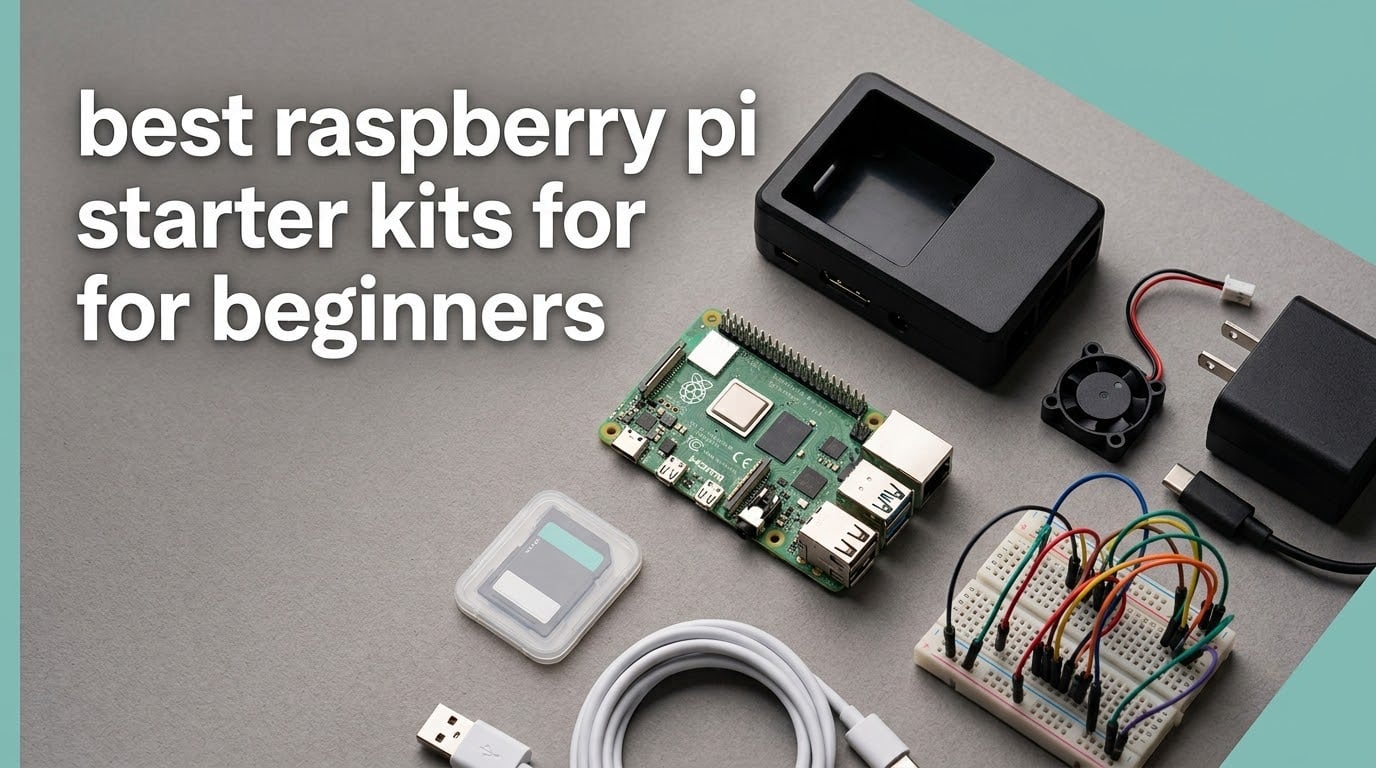
A Raspberry Pi starter kit bundles the board, a matched power supply, a case, cooling, and a microSD card into one box, so a beginner can boot a working Linux computer without sourcing six accessories separately. The board itself ships as a bare circuit board with no storage, no charger and no enclosure, which is exactly why bundles exist.
That definition hides two very different products. Some kits are complete desktop bundles that boot straight into Raspberry Pi OS. Others are electronics-education bundles full of breadboards, sensors and motors, and every one of those arrives without the Pi. We reviewed ten kits and checked one thing above all: whether the power supply, the cooling and the memory card actually match the board inside the box.
Pi 5 hardware is the current generation, and only one kit here ships with it. The rest are Pi 4, Pi 3 B+ or board-free component bundles, and that single fact changes which kit suits a first-time buyer. Current board generation was our baseline, since most competing roundups still lead with hardware several generations old.
If you are shopping for someone else’s hobby rather than your own, the comparison is worth skimming first. It works the same way as our [best aquarium starter kits](https://www.pwice.com/best-aquarium-starter-kits/) and [saltwater starter kits](https://www.pwice.com/best-saltwater-starter-kits/) guides: check the completeness of the bundle before you check the brand name.
Table of Contents
Top 3 Picks for Raspberry Pi Starter Kits in 2026

CanaKit Pi 4 4GB Starter PRO
- Pi 4 4GB board
- 32GB preloaded SD card
- 3.5A USB-C supply
- case with fan

Freenove Ultimate Starter Kit
- 223 components
- 962-page tutorial
- 128 projects
- five programming languages

CanaKit Pi 3 B+ Starter Kit
- Pi 3 B+ with 1GB RAM
- 32GB preloaded SD card
- 2.5A supply
- quick-start guide
The CanaKit Raspberry Pi 4 4GB Starter PRO is the one we would hand to a first-time buyer. It is the highest-rated kit in this roundup, and every part in the box is matched to the board by the same manufacturer.
The Freenove Ultimate Starter Kit is the strongest electronics-learning bundle here, with 223 components and 128 guided projects, but it does not include the Raspberry Pi board. The CanaKit Raspberry Pi 3 B+ kit is the least expensive route to a working desktop, at the cost of 1GB of RAM and older silicon.
Best Raspberry Pi Starter Kits for Beginners (October 2026)
| Product | Specifications | Action |
|---|---|---|
| CanaKit Raspberry Pi 4 4GB Starter PRO |
|
Check Latest Price |
| Freenove Ultimate Starter Kit |
|
Check Latest Price |
| CanaKit Raspberry Pi 3 B+ Starter Kit |
|
Check Latest Price |
 Vilros Raspberry Pi 4 4GB Aluminum Case Kit Vilros Raspberry Pi 4 4GB Aluminum Case Kit |
|
Check Latest Price |
 Vilros Raspberry Pi 4 4GB Clear Case Kit Vilros Raspberry Pi 4 4GB Clear Case Kit |
|
Check Latest Price |
 SunFounder Raphael Ultimate Kit SunFounder Raphael Ultimate Kit |
|
Check Latest Price |
 RasTech Raspberry Pi 5 8GB 64GB Kit RasTech Raspberry Pi 5 8GB 64GB Kit |
|
Check Latest Price |
 Freenove Complete Starter Kit Freenove Complete Starter Kit |
|
Check Latest Price |
 SunFounder Da Vinci Starter Kit SunFounder Da Vinci Starter Kit |
|
Check Latest Price |
 GeeekPi Raspberry Pi 4 4GB Starter Kit GeeekPi Raspberry Pi 4 4GB Starter Kit |
|
Check Latest Price |
Five of these kits come with the Raspberry Pi board, four are pure electronics bundles with no board at all, and one is a Pi 4 bundle where the memory card is the single thing missing. That distinction matters more than any other when you are choosing between two kits on the shelf.
How We Picked These Kits
Every kit was scored on six things. First, board generation: is the hardware current, and does the stated RAM match the workload a beginner will actually run. Second, power supply: does the rated current meet the board’s requirement, and does the cable match the connector.
Third, cooling: passive heat sinks, an active fan, or a metal case that pulls heat from the chip. Fourth, storage: is a microSD card in the box, is it preloaded, and is the capacity reasonable. Fifth, documentation: is there a quick-start guide and enough project material to fill a month. Sixth, warranty length, which is a surprisingly good proxy for how a brand treats a faulty component.
We did not benchmark these boards against each other. The ratings and review counts in each box come straight from the customer review data, and every specification quoted below is the manufacturer’s own published figure.
1. CanaKit Raspberry Pi 4 4GB Starter PRO – The Complete Beginner Bundle
CanaKit Raspberry Pi 4 4GB Starter PRO Kit – 4GB RAM
Pi 4 4GB
1.5GHz quad-core
32GB preloaded SD
3.5A USB-C supply
fan case
Pros
- Top-rated kit here at 4.8 stars across over 6500 reviews
- Complete matched bundle that boots without extra purchases
- USB-C PiSwitch gives a real on-off control
- Quick-start guide and GPIO reference card included
Cons
- 4GB of RAM is getting tight for heavy modern workloads
- Bundled case is plastic so the fan is needed under load
I have rebuilt this configuration more times than I can count, and the reason it works is that nothing in the box is a guess. The board is a Raspberry Pi 4 4GB Model B with a 1.5GHz quad-core processor, and the 32GB Samsung EVO+ Class 10 card arrives already flashed.
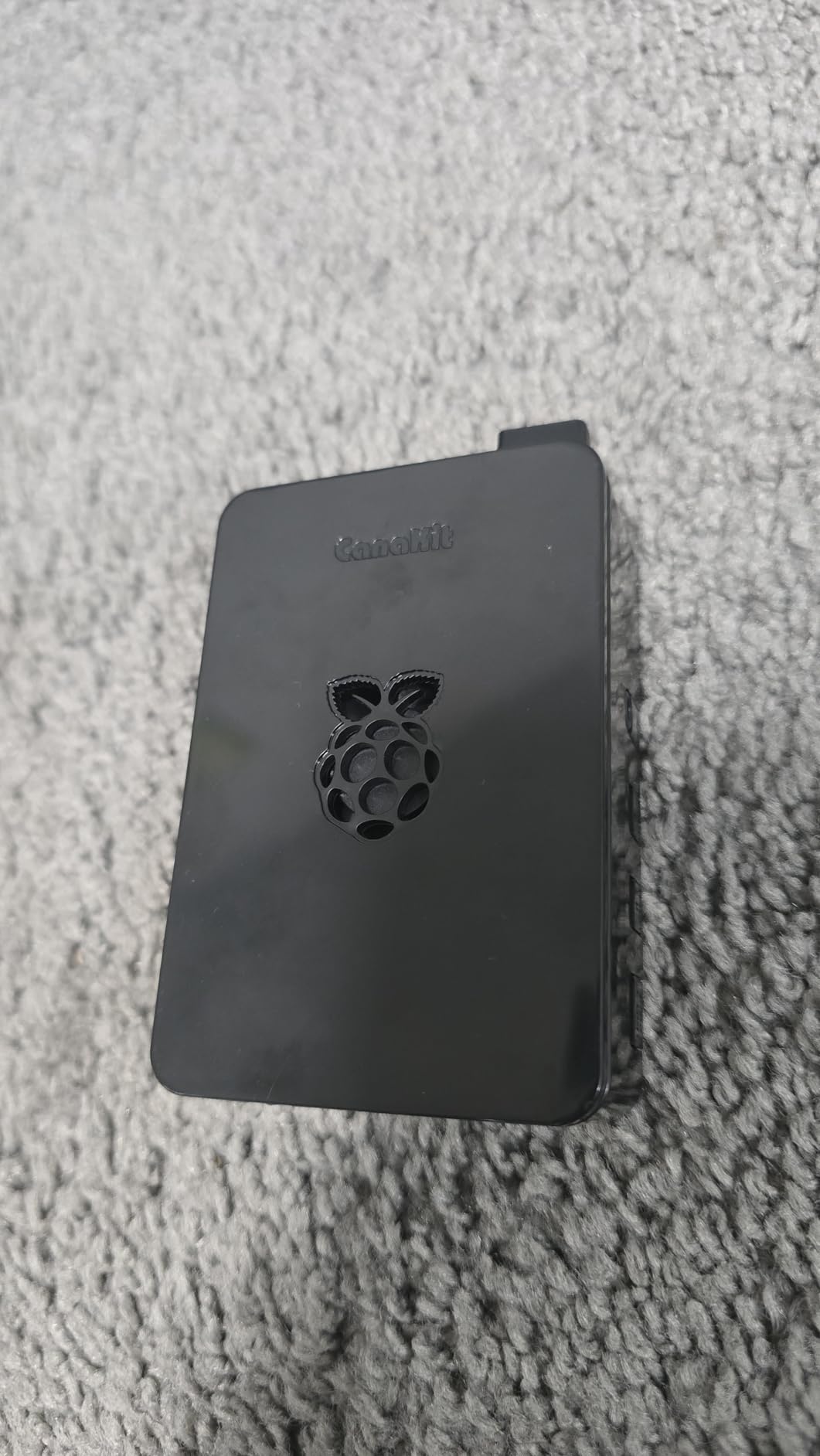
The case is a CanaKit high-gloss shell with an integrated fan mount, and the matching low-noise bearing fan screws into it. Heat sinks come too, and the 3.5A USB-C supply has a noise filter so the board will not brown out under load.
The extras separate this from a bare board: a six-foot micro-HDMI to HDMI cable rated for 4K60p, a USB card reader, a full-colour quick-start guide, a GPIO reference card, and the USB-C PiSwitch for real on-off control.
Nothing else is included. There is no monitor, keyboard or mouse, and the package weighs 1.1 pounds, so it is a desk unit rather than a portable one.
Who this kit suits
Buy this if you want a working computer this weekend with no decisions to make. Four gigabytes handles a browser, a code editor, Raspberry Pi OS and a few services, and 32GB fits a desktop image plus projects.
It is also the right gift for a teenager who has never opened a terminal. The quick-start guide gets them to a desktop, and the GPIO reference card saves a search on the first LED project.
Where it falls short
Four gigabytes is the ceiling, not the floor. A dozen browser tabs plus a video call and a Python IDE will hit the swap. Step up to 8GB or Pi 5 silicon if you plan to compile or host services.
The case is plastic, so the fan is not optional during sustained work. That is minor because the fan is in the box, but keep airflow around the board.
2. Freenove Ultimate Starter Kit – Best for Learning Electronics
Freenove Ultimate Starter Kit for Raspberry Pi 5 4 Zero 2 W (NOT Included)
223 components
962-page tutorial
128 projects
Python C Java Scratch Processing
Board not included
Pros
- 223 components in a compartmentalised storage box
- 962-page tutorial with 128 projects and full code
- Code in five languages including Python and Scratch
- Works from the Pi 1B+ through the Pi 5
- Support praised for fast photo-based troubleshooting
Cons
- No Raspberry Pi board included so it is an add-on not a complete kit
- Tutorial is download-only English and occasionally awkward
- Some wiring diagrams show wire colours not in the kit
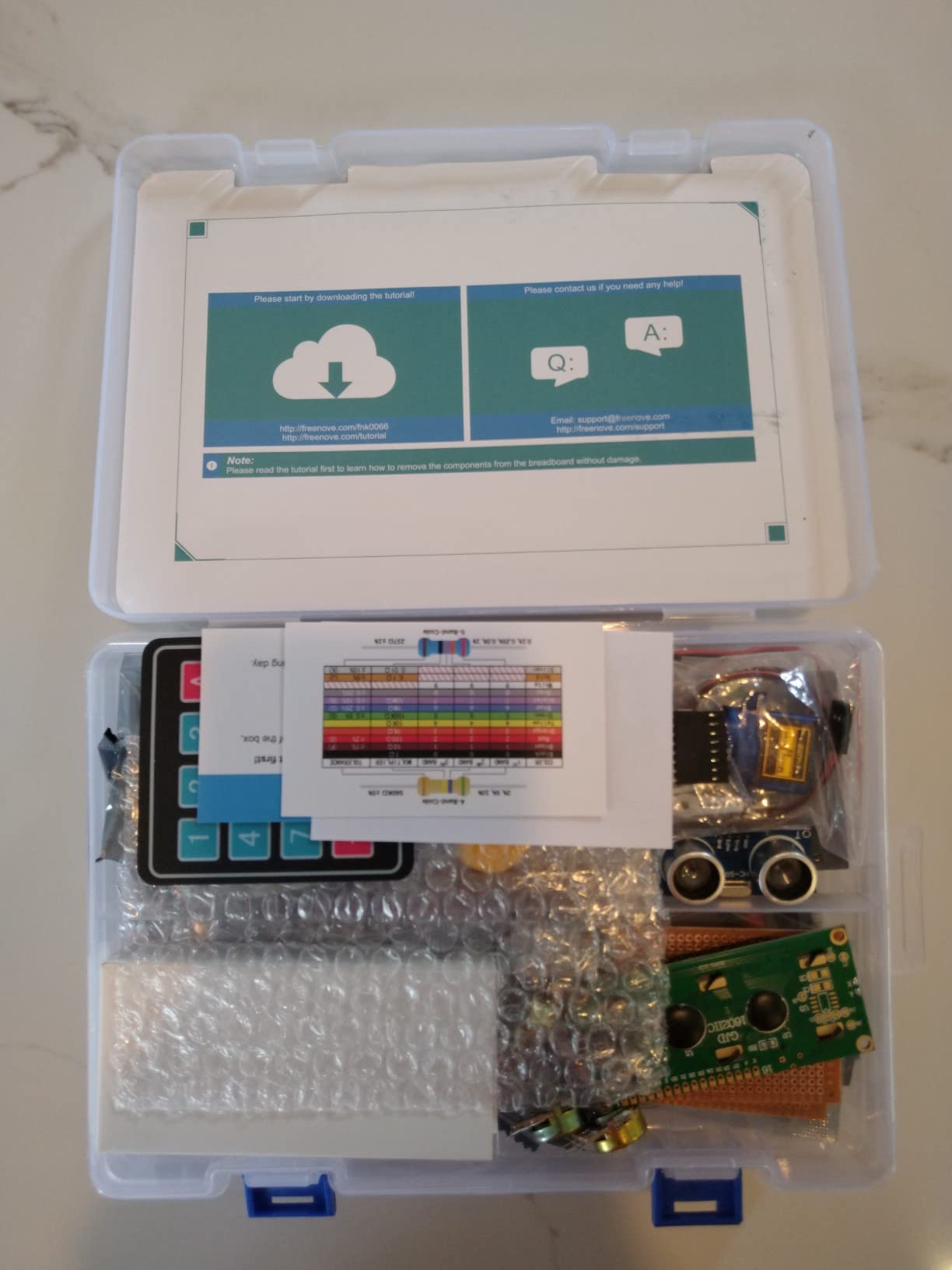
This is not a computer kit. It is a parts bin with a curriculum attached, and if your goal is breadboarding, sensors and GPIO projects rather than a desktop, it is our pick in this roundup. The box holds 223 components in a compartmentalised case.
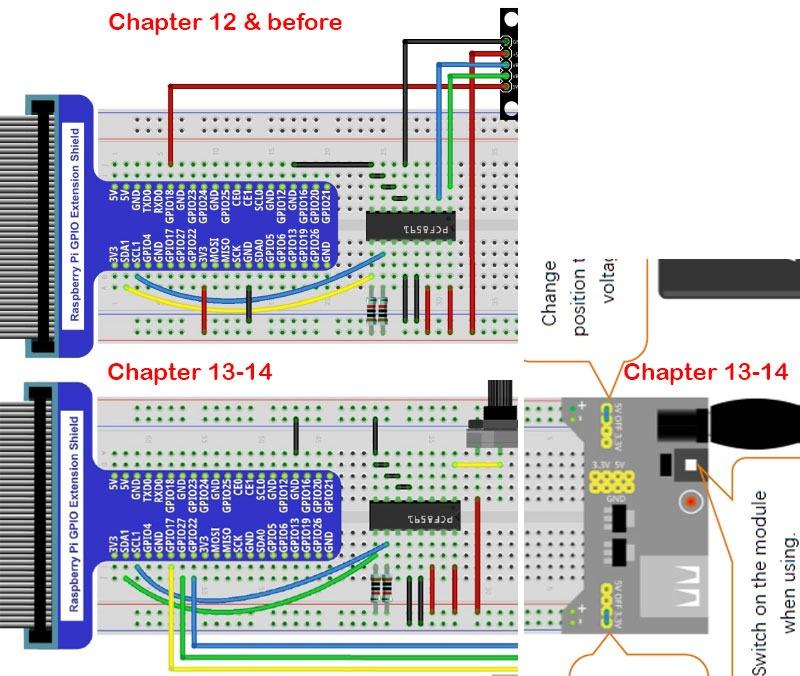
The tutorial runs to 962 pages and covers 128 projects from a blinking LED to more involved GPIO work, each with a schematic, a wiring diagram, complete code and an explanation. Code comes in Python, C, Java, Scratch and Processing, so the same box serves a ten-year-old and an adult learning embedded C.
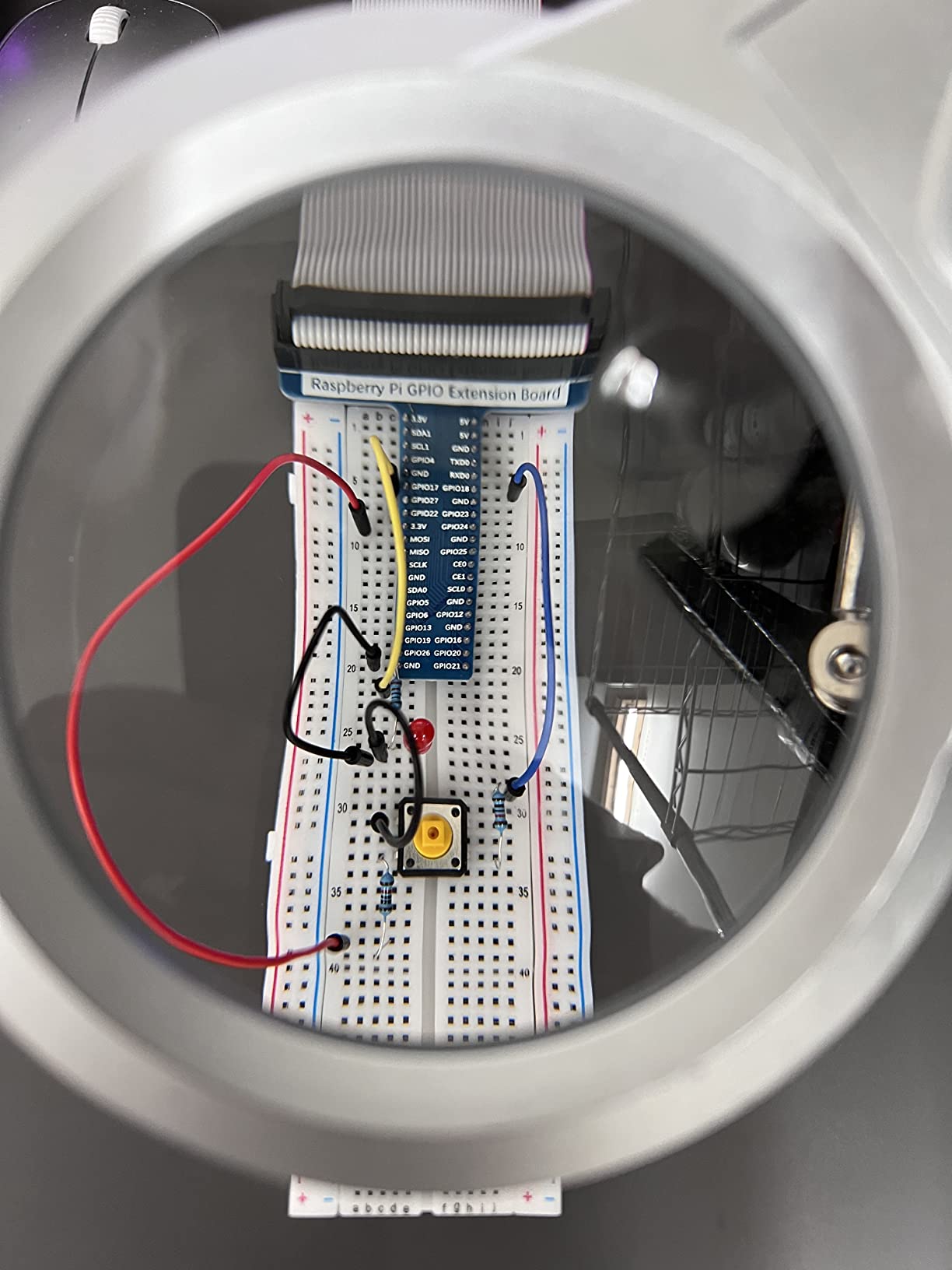
Compatibility is broad, running from the Raspberry Pi 1B+ through the Pi 5, 500, 400, 4B, 3B+ and Zero 2 W. The warranty is one year limited, and 223 parts is enough that you will not be back for a sensor within the first year.
Reviewers single out the support. Sending a photo of a miswired breadboard and getting a working correction back is what separates this from a generic parts bundle.
Who this kit suits
Buy this if you already know you want to wire things. The volume of material means you will not run out of projects for months, which is the reason we rank it first among the electronics bundles here.
The five-language code coverage makes it a natural choice for a school, or for a parent covering more than one age group. It is also a good second purchase once a complete desktop kit has run its course.
Where it falls short
No Raspberry Pi board is included, and the listing says so in the title, which is honest but easy to miss. Budget for a board, case, power supply and card on top, or it is a box of parts you cannot use yet.
Documentation is download-only and English-only, and the GPIO extension board sits in different positions between projects, so you will rewire between lessons. Occasional defective components turn up, such as a failed 40-pin ribbon cable.
3. CanaKit Raspberry Pi 3 B+ Starter Kit – Best Value Complete Package
CanaKit Raspberry Pi 3 B+ (B Plus) Starter Kit (32 GB EVO+ Edition, Premium Black Case)
Pi 3 B+
1.4GHz quad-core
1GB RAM
32GB preloaded SD
2.5A micro-USB supply
Pros
- Ready to boot with a preloaded 32GB Class 10 card
- Dual-band Wi-Fi and Bluetooth on board
- Colour quick-start guide and GPIO reference card included
- 4.7 stars across nearly 2500 reviews
Cons
- 1GB of RAM is very limited for modern desktop use
- 32GB card is small by current standards
- Board is several generations behind current models
The Raspberry Pi 3 B+ is old silicon, and the reason this kit still makes sense is that the bundle is complete for less than a Pi 4 desktop kit. The board carries a 1.4GHz 64-bit quad-core ARMv8 processor with 1GB of LPDDR2 memory, on-board dual-band Wi-Fi and Bluetooth, and improved Ethernet performance.
Storage is a 32GB EVO+ Class 10 card preloaded with the OS, and a USB card reader comes in the box so you can re-image without a separate adapter. The power supply is a 2.5A micro-USB unit with a noise filter, built for this board and UL listed.
The bundled image is the NOOBS-era multi-boot installer, listing Raspbian, Ubuntu MATE, Snappy Ubuntu Core and Windows 10 IoT Core. That is a friendly start because it asks which OS you want rather than dropping you into a raw image.
A premium case, a six-foot display cable, two aluminum heat sinks, a GPIO quick reference card and a full-colour quick-start guide complete a 1.1-pound package.
Who this kit suits
This suits light workloads: a retro gaming station, a media player in a spare room, a print server, or a first taste of Linux for someone who will not open more than two browser tabs.
It is also the low-risk way to teach a child that computers can be repaired and reprogrammed, because the whole thing is forgiving and nothing is expensive to replace.
Where it falls short
One gigabyte of RAM is the hard limit. A desktop session with a browser and anything else will swap, and buyers report this as the dominant reservation.
The 32GB card fills quickly once a desktop image is installed, and the NOOBS-era header layout makes some modern tutorials harder to follow. Buy a larger, faster card in your first week.
4. Vilros Raspberry Pi 4 4GB Aluminum Case Kit – Most Compact for Cooling
Vilros Raspberry Pi 4 4GB Basic Starter Kit with Fan-Cooled Heavy-Duty Aluminum Alloy Case
Pi 4 with 4GB RAM
aluminum alloy case
pre-installed fan
USB-C switched supply
No SD card
Pros
- Aluminum alloy case actively pulls heat from the board
- 4GB suits retro gaming and media servers
- USB-C supply has a built-in on and off switch
- Bestseller rank of 28 in single board computers
Cons
- SD card is not included so you must flash your own
- Metal case adds weight and can trap heat if the fan fails
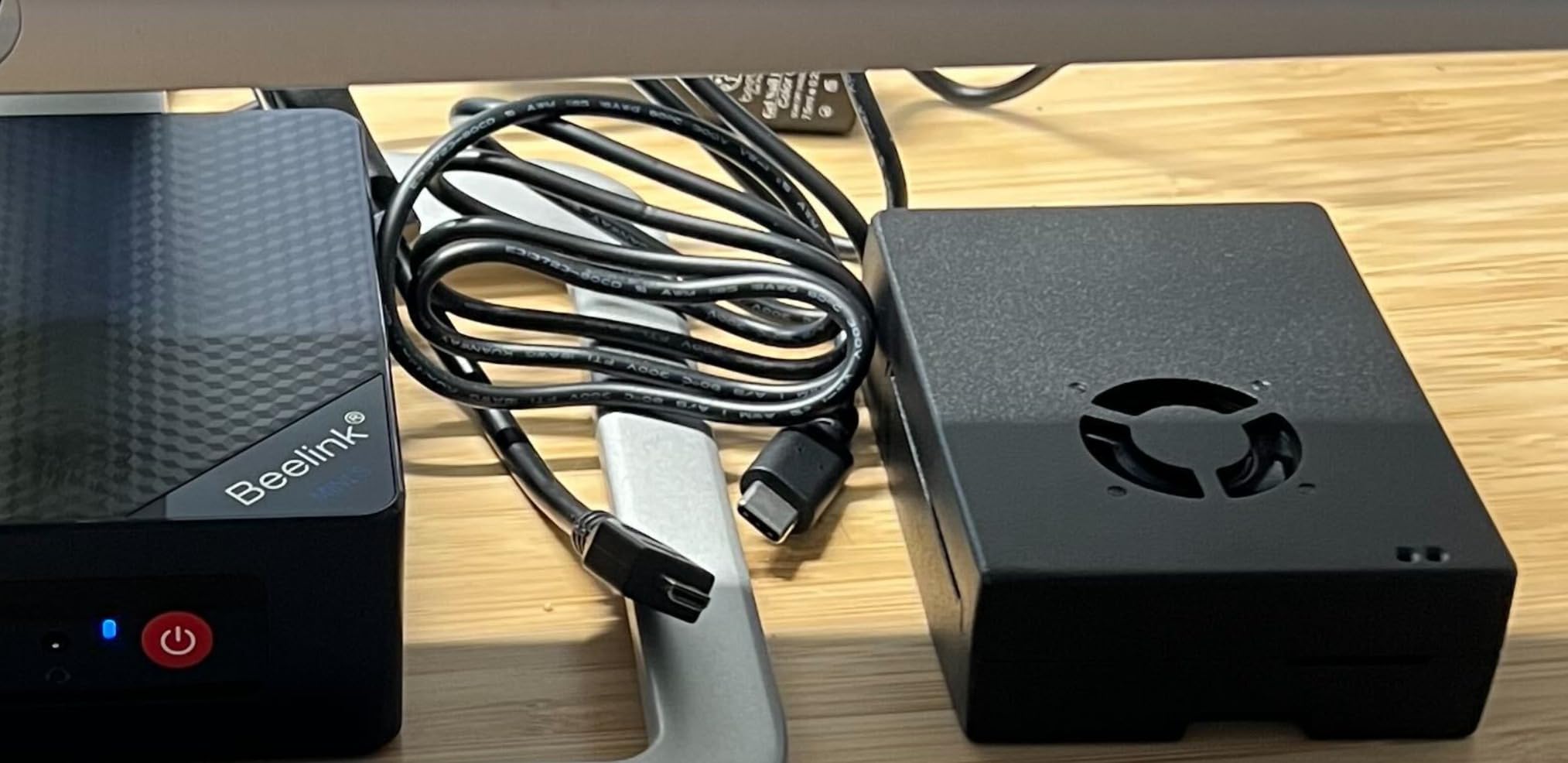
Most Pi cases are plastic shells. This one is an aluminum alloy enclosure with a pre-installed fan, and that single design choice is why it holds sustained workloads better than kits with more RAM. Heat leaves the board through metal rather than through still air.
Inside is a Raspberry Pi 4 with 4GB of RAM, described by the manufacturer as matching or exceeding many mainstream laptops of its era. The power supply is USB-C with an on and off switch, a small convenience you will use every day.
Stated use cases are retro gaming, media servers, printing from non-wireless printers, time-lapse video and home servers. All of them are thermal jobs rather than peak-CPU jobs, which is exactly where a metal case pays back the premium.
The warranty is one year. Six items make up the package count, but the microSD card is explicitly not among them.
Who this kit suits
Choose this if your Pi will run for hours rather than sit idle between sessions. A media centre, a retro cabinet or a home server all benefit, and the inline power switch makes shutdown clean.
It is also the option for anyone who already owns a Pi 4 and only needs a proper case, power supply and cooling.
Where it falls short
There is no microSD card. Reviewers report this as the near-universal complaint, and it adds a real step before first boot: you must buy a card and flash the OS yourself.
Aluminum also means a heavier enclosure, and a metal case traps heat if the fan ever stops, so keep it somewhere with airflow rather than sealed in a drawer.
5. Vilros Raspberry Pi 4 4GB Clear Case Kit – Best for Retro Gaming
Vilros Basic Starter Kit for Raspberry Pi 4 with Fan Cooled ABS Case-Includes Raspberry Pi 4 Board and 7 Accessories (4GB, Clear Transparent Case)
Pi 4 4GB
ABS case with fan
four heat sinks
3A switched supply
micro-HDMI adapter
Pros
- Eight well-chosen parts including a pre-installed fan and four heat sinks
- Case has camera mounting holes and a GPIO access opening
- Inline on and off switch on the power supply
- Works for Linux Kali Homebridge and retro gaming
Cons
- microSD card not included
- Quick-start guide fan pin instructions often wrong for the supplied fan
- Included fan is noticeable on the higher voltage rail
This is the best-balanced Pi 4 bundle for someone who wants to open the case and tinker. You get a two-part ABS snap-assembly case with a pre-installed fan, four heat sinks, a 3A power supply with an inline on and off switch, a micro-HDMI adapter, a neoprene bag and an updated quick-start guide.
The board is a Raspberry Pi 4 Model B with 4GB LPDDR4 memory running a Broadcom BCM2711 quad-core Cortex-A72 at 1.5GHz. Connectivity is 2.4GHz wireless LAN, Bluetooth, Gigabit Ethernet, two USB 3.0 and two USB 2.0 ports, a 40-pin GPIO header and two micro-HDMI outputs.
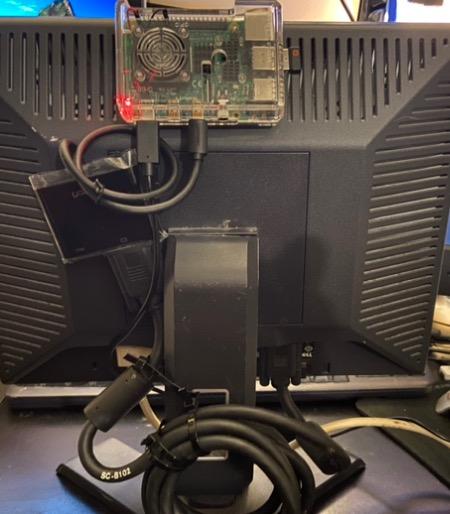
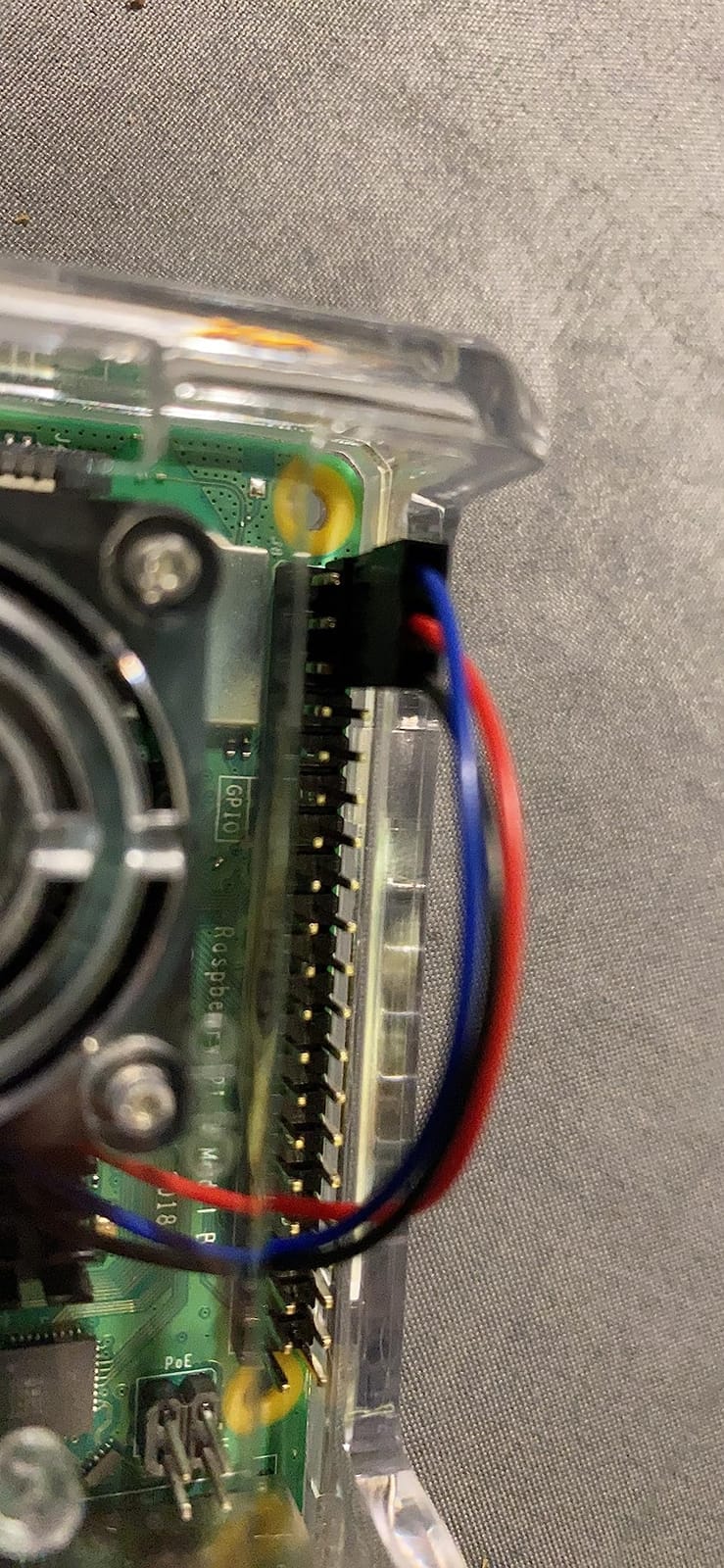
Two case details matter for projects. The mounting holes accept a Pi camera, so a camera build needs no second enclosure, and a cutout gives easy GPIO access without pulling the board out.
Owners report smooth performance across Linux, Kali, Homebridge and retro-gaming workloads on the 4GB board, and the board measures a standard 85.6 by 56.5mm.
Who this kit suits
This suits a beginner who wants a desktop, a media player or a retro-gaming machine and values a case that opens without tools. The snap-fit assembly makes it the most project-friendly plastic case here.
The neoprene bag is a small extra that gets overlooked and is genuinely useful if you plan to move the Pi between a desk and a shelf.
Where it falls short
The microSD card is absent, so this needs a second purchase before first boot. The quick-start guide has also been reported listing the wrong GPIO pins for the supplied fan, so follow the case wiring rather than the printed guide.
On the higher voltage rail the fan becomes audible, and the case feet do not line up with the board’s mounting screws, which is awkward inside a larger build. The warranty is one year.
6. SunFounder Raphael Ultimate Kit – Most Versatile for Guided Learning
SunFounder Raphael Ultimate Starter Kit for Raspberry Pi 5 4 B 3B B+ 400, Zero 2 W, RoHS Compliant, Python, C Java, Online Tutorials & Video Courses for Beginners (Raspberry PI NOT Included)
337+ components
161 projects
70+ video lessons
five languages
Pi not included
Pros
- 337+ components with 161 guided projects
- 70+ video lessons taught by educator Paul McWhorter
- Supports Python C Java Node.js and Scratch
- Includes camera speaker sensors actuators LEDs and LCDs
- Community forum and technical support
Cons
- Raspberry Pi board not included
- Component count can overwhelm absolute beginners
- Some parts and documentation show quality variance
The SunFounder Raphael is built around video rather than paperwork. There are 70+ expert-led video lessons taught by educator Paul McWhorter, and for someone who has never held a breadboard that is a lower barrier than a PDF. The kit targets beginners aged ten and up.
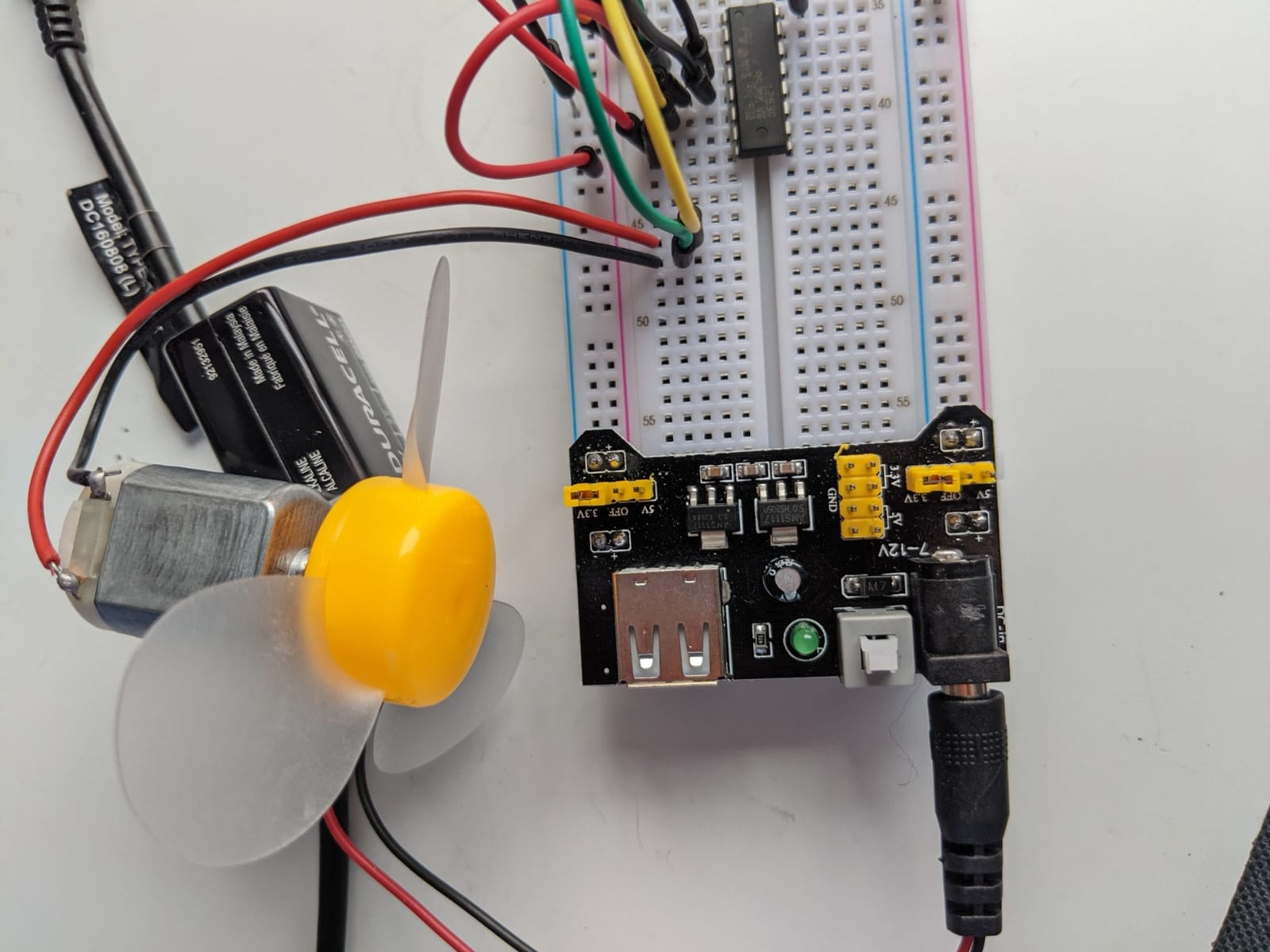
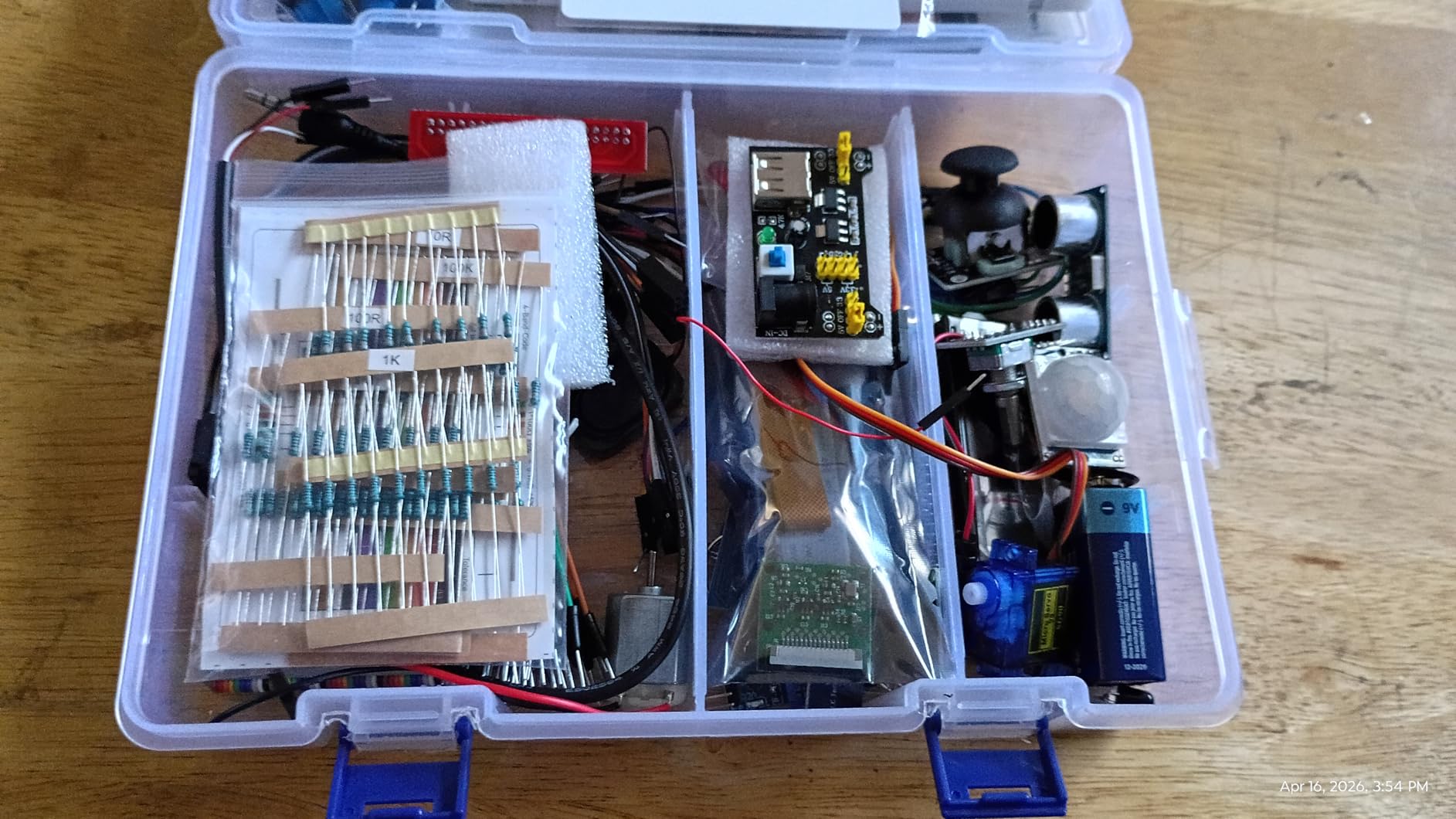
The hardware list runs to 337+ components spanning a camera, a speaker, sensors, actuators, LEDs and LCDs across 161 guided projects. Code is covered in Python, C, Java, Node.js and Scratch, with a community forum and technical support behind it.
Compatibility covers the Raspberry Pi 400, 4B, 3B+, 3B, 3A+, 2B, 1B+, 1A+, Zero W and Zero, with the Pi 5 and Zero 2 W listed as supported. The package weighs 0.72kg and the warranty is one year.
Reviewers credit the kit with making Pi learning approachable for children and adults who prefer watching to reading, and the breadth of parts covers a first year of GPIO work.
Who this kit suits
This is the pick for a parent buying for a child who will not read a 900-page manual, and for a classroom where video can be shared with a whole group. It also suits adults who came from Arduino and want Python-based Linux projects with real sensors.
If you already own a Pi 4 or Pi 5, this is a strong second purchase, since the video course assumes a working computer.
Where it falls short
The Raspberry Pi is not included, so the kit is useless on its own. You need a board, case, power supply and card before any of the 161 projects can run, and that is how this kit most often disappoints a first-time buyer.
A dense parts list needs guidance. Beginners can feel overwhelmed by the component count without someone pointing at project one, and there is some variance in part and documentation quality.
7. RasTech Raspberry Pi 5 8GB 64GB Kit – Best for Pi 5
RasTech Raspberry Pi 5 8GB Kit 64GB Edition with Active Cooler,27W GaN 5.1V5A USB-C Power Supply,Pi5 8GB Board,64GB Card Readers Kit,Pi 5 Case,Dual 4K Micro HD Out Cables and User Manual
Pi 5 with 8GB
2.4GHz Cortex-A76
64GB card
27W GaN 5.1V 5A supply
active cooler
Pros
- Current-generation 8GB Pi 5 board at 2.4GHz
- 27W GaN supply delivers 5.1V 5A and removes undervoltage warnings
- Active Cooler holds temperatures steady under sustained load
- 64GB card with two readers and two 4K micro-HDMI cables
- Bestseller rank of 47 in single board computers
Cons
- More capability than a first project needs
- Manual does not show where the three thermal pads go
- Plastic case blocks HAT accessories such as NVMe hats
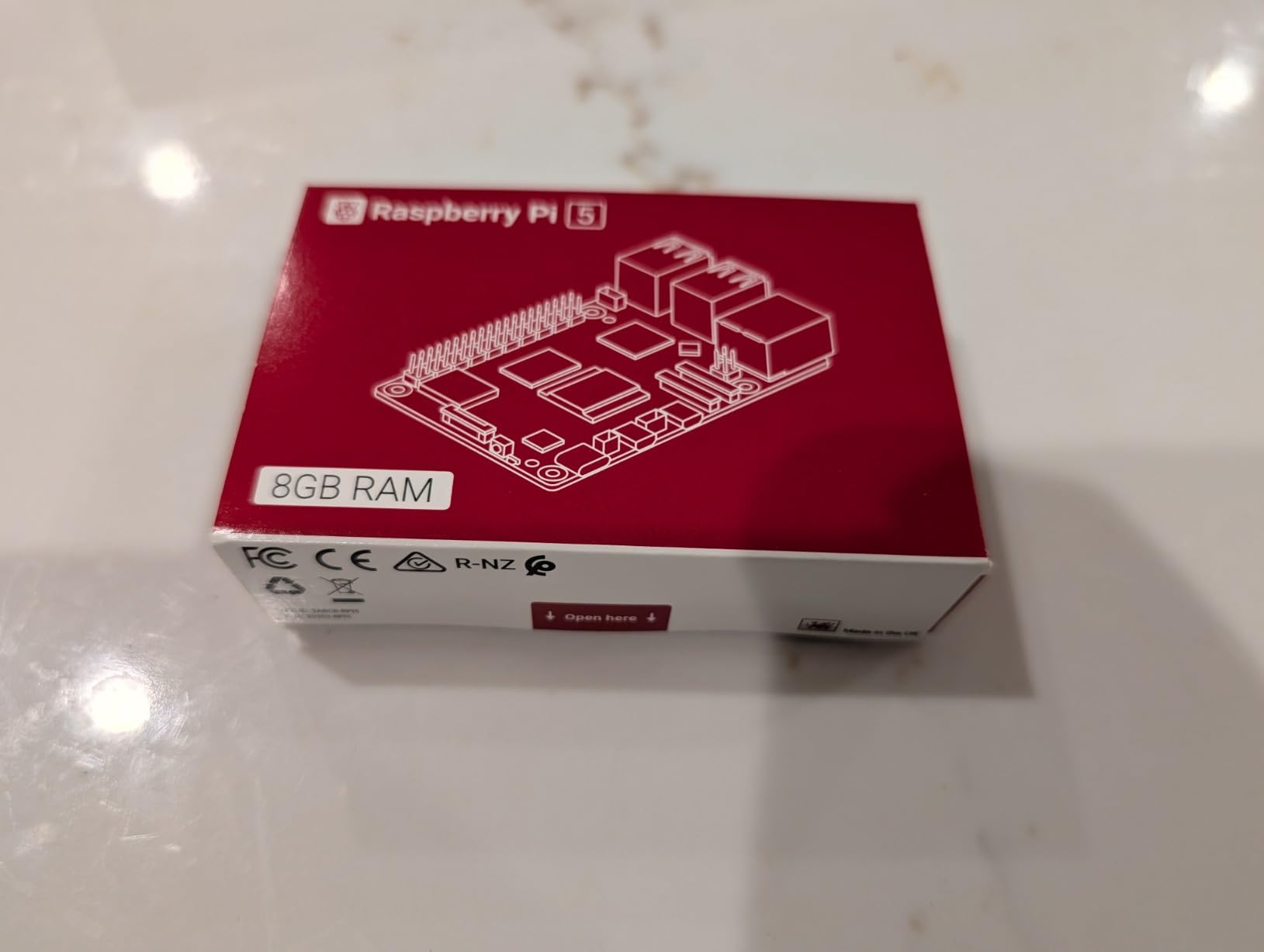
This is the only kit here built around the current Raspberry Pi 5 generation, and for a first buyer in 2026 that matters. The board carries 8GB of LPDDR4X memory and a 64-bit quad-core Arm Cortex-A76 at 2.4GHz with an 800MHz VideoCore VII GPU supporting Vulkan 1.2.
Display capability is the headline: dual 4Kp60 HDR outputs plus dual 4-channel MIPI DSI and CSI transceivers, so two monitors and a camera both work without adapters. Raspberry Pi OS ships on the 64GB card, and two card readers are included.
The power supply deserves attention. It is a 27W GaN adapter with multi-voltage output at 5.1V and 5A, 9.0V and 3.0A, 12.0V and 2.25A, and 15.0V and 1.8A. That 5.1V 5A figure is what removes the low-voltage warning you see with lesser adapters on a Pi 5.
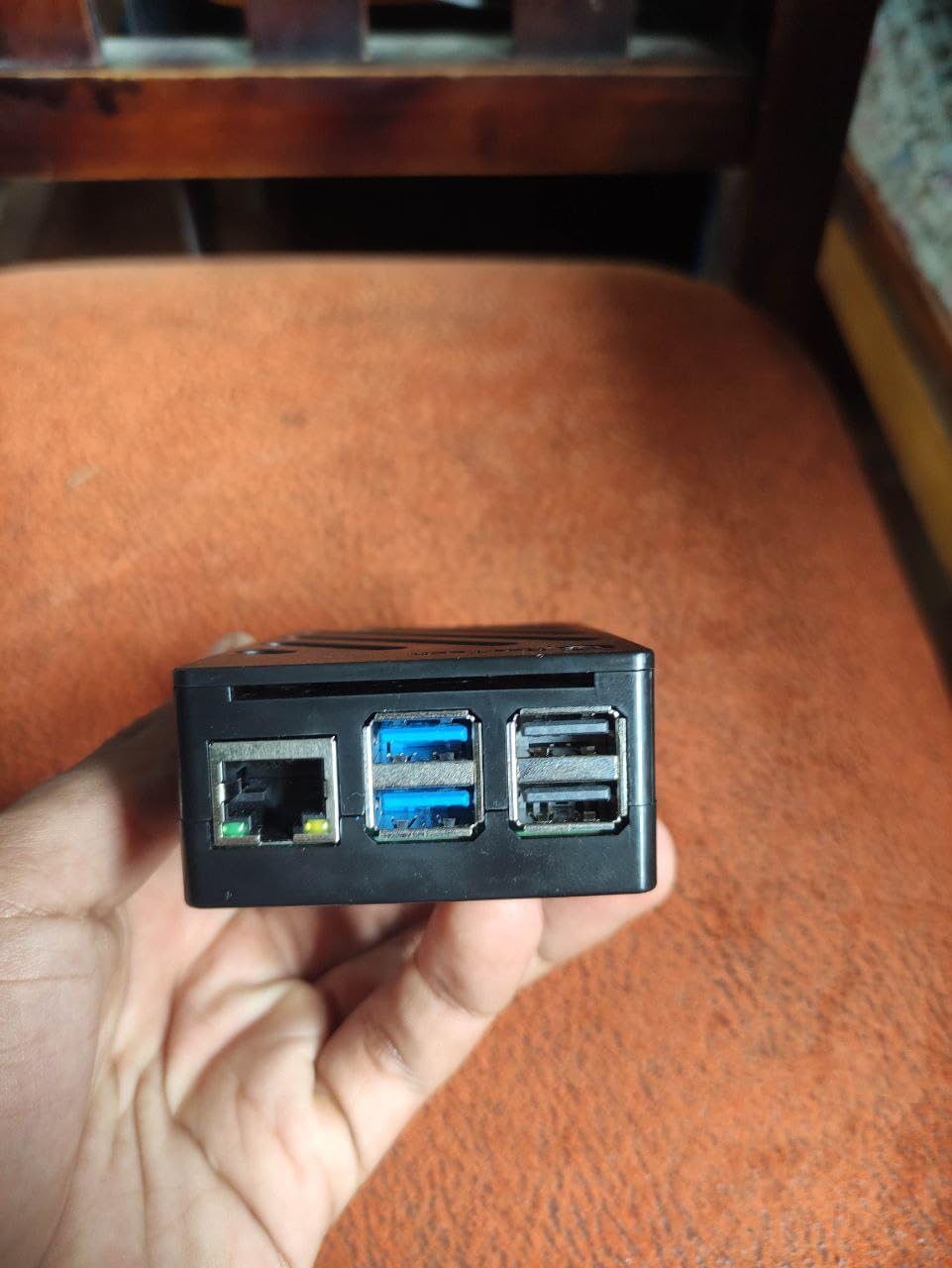
Cooling is handled by an Active Cooler plus a matching case giving access to USB-C, micro-HDMI, USB, Ethernet, the card slot, the power button and the 4-lane MIPI connectors. Two 4K micro-HDMI cables and a screwdriver are in the box, with a one-year warranty.
Who this kit suits
Buy this if you want the current board, the headroom of 8GB and a power supply you will not replace in a year. It suits someone who plans to compile software, run containers, host services on a home network, or drive two displays from one board.
One caveat for the more technical route: the bundled plastic shell blocks HAT form-factor accessories, so an NVMe storage project means a different enclosure.
Where it falls short
This is the most capable bundle and the least necessary for a first project. Learning Python, blinking an LED and browsing the web do not need 8GB or a 2.4GHz Cortex-A76, so you are buying headroom you will not use for months.
The manual does not say where the three thermal pads go, so you will search for a video before assembly. The case power button cutout can also rest on the board’s own button, and the plastic shell blocks HAT accessories.
8. Freenove Complete Starter Kit – Best for Part Variety
Freenove Complete Starter Kit for Raspberry Pi 5 4 Zero 2 W (NOT Included)
386 components
1170-page tutorial
164 projects
camera and speaker
Pi not included
Pros
- 386 items covering sensors modules and wiring
- 1170-page tutorial with 164 projects
- Code in Python C Java Scratch and Processing
- Works from the Pi 1B+ through the Pi 5 and Zero 2 W
Cons
- Raspberry Pi board not included
- Lowest average rating of the three Freenove kits here at 4.4 stars
- Speaker and camera do not work with the Pi 5 and Zero series
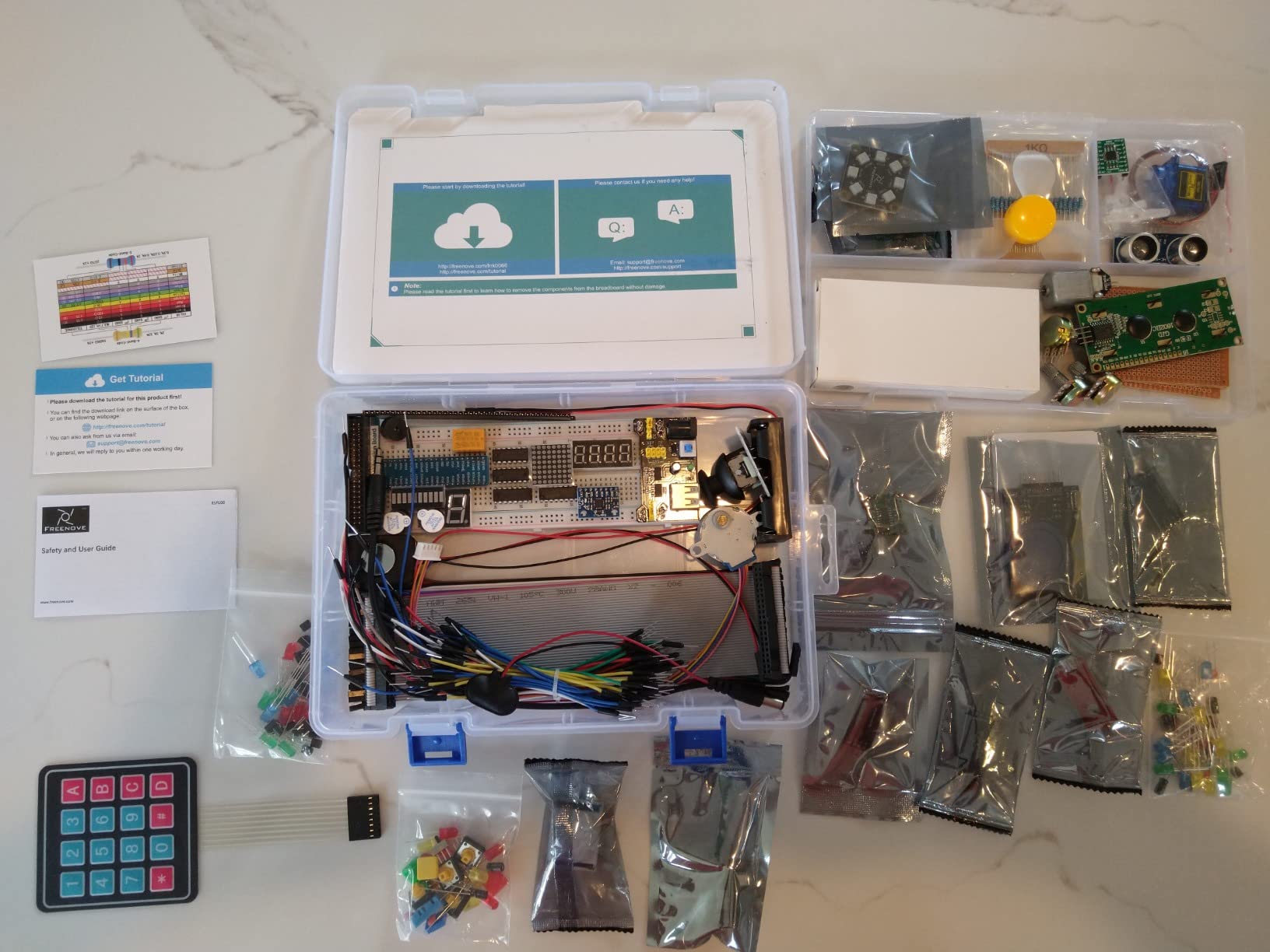
This is the Freenove Complete Kit rather than the Ultimate Kit, and the difference is scale. It carries 386 items against 223, the tutorial runs to 1170 pages against 962, and there are 164 projects against 128. A camera and speaker module account for much of the extra weight.
Code coverage is 51 Python examples, 46 C examples, 27 Java examples, 15 Scratch examples and 25 Processing examples. Compatibility spans the Raspberry Pi 400, 4B, 3B+, 3B, 3A+, 2B, 1B+, 1A+, Zero 2 W, Zero W and Zero, with a one-year limited warranty.
One compatibility caveat matters. The Pi 5 is not compatible with the speaker, and the 500, 400 and Zero series are not compatible with either module, so the two eye-catching additions are unavailable on several boards.
Reviewers note that the volume of parts plus download-only English documentation means a beginner benefits from guidance rather than opening the box alone.
Who this kit suits
This is for someone who expects to stay in the hobby. A 386-part inventory with 164 projects will keep a determined beginner busy far longer than a smaller bundle.
It also works as a shared family or classroom inventory, where one kit serves several learners taking turns at the same board.
Where it falls short
No Raspberry Pi board is included, so you are buying components for a computer you do not own. The 4.4-star rating is the lowest of the three Freenove options here, which reflects more complaints across the range.
Documentation is download-only and English-only, and the camera and speaker being excluded on the newest boards is a real limitation if you bought it hoping to build a video project on a Pi 5.
9. SunFounder Da Vinci Kit – Best for Young Learners
SunFounder Da Vinci Starter Kit for Raspberry Pi 5 4B 3B B+ 400, Zero 2 W, Python C Java Scratch Node.js, Online Tutorials & Video Courses for Beginners & Experts (Raspberry PI NOT Included)
300+ components
150+ projects
70+ video lessons
five languages
Pi not included
Pros
- Budget entry into Pi electronics learning with 300+ components
- 70+ video lessons by Paul McWhorter
- Covers Python C Java Node.js and Scratch
- No missing or bent-pin components reported
Cons
- Raspberry Pi board not included
- Tutorials reference the deprecated wiringPi library
- Some samples do not match the documentation
The Da Vinci is the entry point of the two SunFounder bundles here, aimed at beginners and experts with 300+ components, 150+ projects and the same 70+ expert-led video lessons. Reviewers treat it as a fun, high-value kit for children and adults learning electronics together.
The hardware covers sensors, actuators, LEDs and LCDs, and the language coverage is Python, C, Java, Node.js and Scratch. Overseas buyers report no missing or bent-pin components, and the parts are well labelled, which matters when a child is doing the assembly.
The honest weakness is documentation drift. Tutorials still call for the wiringPi library, obsolete since 2019, so parts of the course will not run as written on current Raspberry Pi OS. That is the single most reported complaint in this roundup.
Weight is 0.41kg, the warranty is one year, and compatibility is listed for the Raspberry Pi 400, 4B, 3B+, 3B, 3A+, 2B, 1B+, 1A+, Zero W and Zero.
Who this kit suits
This suits a family buying together, where a parent and child will work through the video lessons side by side. Value per component is the strongest argument here, and well-labelled parts reduce the frustration that kills a child’s first electronics project.
It is also a good fit for an adult returning to hardware after a software-only career, since the video format lets you proceed at your own pace.
Where it falls short
No Raspberry Pi board is included, so budget for the computer as well as the parts. The deprecated wiringPi references mean some projects need adapting before they run on a current OS, and translated documentation contains grammatical errors that occasionally obscure instructions.
The LCD backlight is reported as very weak even after adjusting the onboard potentiometer, and some samples do not match the documentation, so allow time for debugging.
10. GeeekPi Raspberry Pi 4 4GB Starter Kit – Best All-in-One Package
GeeekPi Starter Kit for Raspberry Pi 4 4GB, with Pi 4, Case, 64GB Card, Card Reader, Cables and 18W USB C Power Supply
Pi 4 with 4GB RAM
64GB card and reader
5V 3.6A Type-C supply
case with 40mm fan
Pros
- Genuinely complete package with case fan heat sinks card reader and cables
- Beginners report assembly in about ten minutes
- Quiet 40mm PWM fan plus four aluminum heat sinks
- 5V 3.6A Type-C supply with on and off switch
Cons
- Included 64GB card has locked read-only for some users after heavy use
- micro-HDMI connectors become intermittent
- Only a six-month warranty
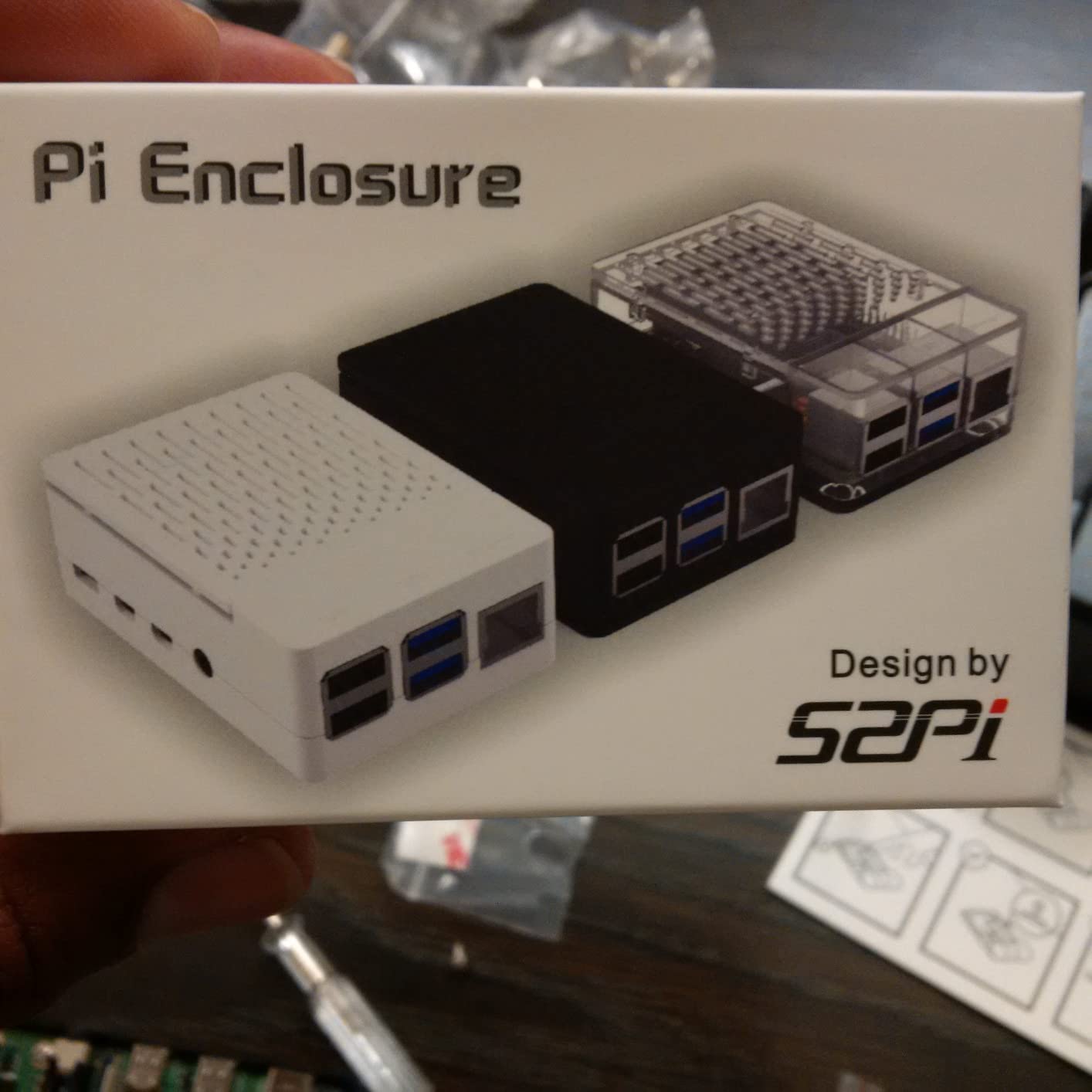
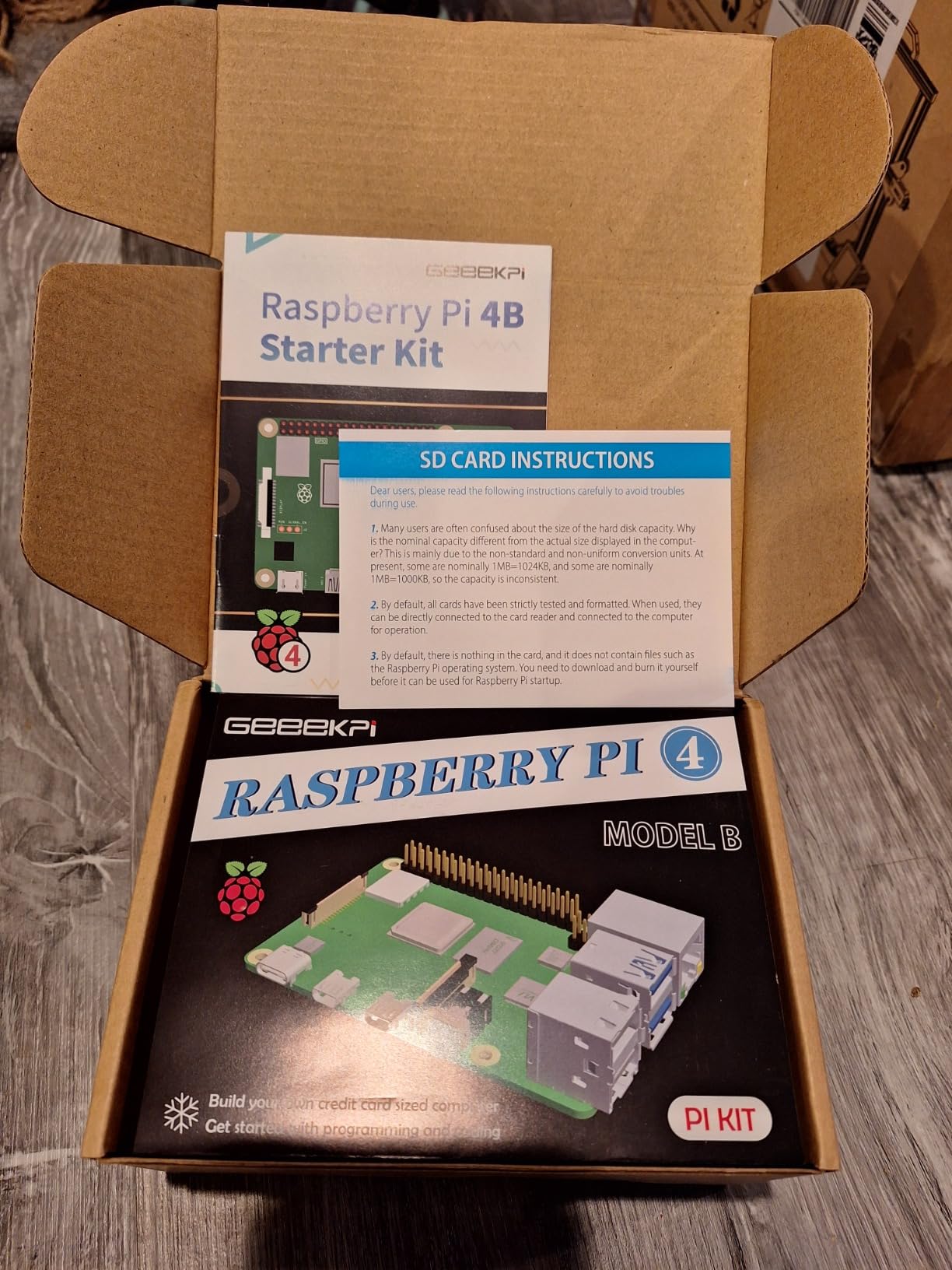
The GeeekPi bundle is the most complete on paper after the CanaKit PRO, and it includes a 64GB card rather than 32GB. The package holds a Pi 4B with 4GB RAM, a case, a cooling fan, four aluminum heat sinks, a 5V 3.6A Type-C power supply, a 64GB SD card with reader and two 4K cables.
Beginners report assembly in roughly ten minutes with everything fitting correctly, which is a good sign for a kit sold to first-time builders. The fan is a quiet 40mm PWM unit and the supply has a physical on and off switch. Package weight is 539g.
The board is a 64-bit quad-core with 4GB LPDDR4 memory, and the kit lists Linux as the operating system. Compatible devices are monitors, keyboards and mice, smartphones and tablets, so the intent is a desktop replacement rather than a headless server.
Customer service replaced a faulty SD card quickly when contacted. The warranty, however, is six months, the shortest of any kit in this roundup.
Who this kit suits
Choose this if the priority is having every part on day one, including 64GB of storage and two 4K cables. Owners use it for home automation, retro gaming and kernel development, and the single-box approach appeals to gift buyers who do not want to build a shopping list.
It is a reasonable option for a first desktop computer, since the 4GB board and dual cables cover a monitor plus a television.
Where it falls short
The bundled 64GB card is the weak point. Owners report it locking read-only after heavy use, and the micro-HDMI connector tips are less durable and can become intermittent. The power adapter also feels cheap.
Budget for a known-good microSD card early rather than trusting the bundled one, and note the six-month warranty against the one-year coverage elsewhere in this list.
What to Look for in a Raspberry Pi Starter Kit
Six checks decide whether a first kit is a good buy. Work through them in order and most of the disappointment in this category disappears before you open the box.
Which board should a beginner buy?
A Raspberry Pi 5 with 8GB is the strongest starting point in 2026 if your projects will grow, because the 2.4GHz Cortex-A76 and dual 4K60 outputs leave room for coding, media and light server work on one board. A Pi 4 with 4GB is the sensible middle ground and covers almost every beginner project. A Pi 3 B+ with 1GB is fine for a first taste of Linux, and a Zero 2 W suits tiny headless projects rather than a desktop.
Power supply: the 5V 5A question
Check the printed current rating, not just the connector type. The Pi 5 wants a 5.1V 5A USB-C supply, and guidance on the Raspberry Pi forums is consistent: an underpowered adapter produces the low-voltage warning, throttles the processor and can corrupt an SD card during a write. A Pi 4 is happy with a 3A to 3.5A supply, and a Pi 3 B+ needs a 2.5A micro-USB unit.
Cooling and thermal throttling
Every current board benefits from a heat sink, and anything running longer than a few minutes benefits from a fan. A plastic case with a fan is adequate for everyday desktop use, while a metal case that pulls heat from the chip is better for media servers, emulation and long sessions.
On a Pi 5 the Active Cooler is the correct choice, because the chip generates more heat than earlier generations.
microSD card and the preloaded image problem
Most complete kits include a microSD card, but the kit is only usable out of the box if that card is both present and preloaded, and several bundles here skip it entirely. A preloaded card usually carries an older Raspberry Pi OS image, and owners frequently re-image it with Raspberry Pi Imager in their first session anyway.
Treat the bundled card as a convenience rather than a permanent solution. Look for an A2 application class card if you plan to run several services, and buy 64GB or more if you will install a full desktop image.
Kits that do not include the Raspberry Pi board
Four kits in this roundup arrive without a board: both Freenove bundles and both SunFounder kits, and the listings say so in the product titles. That is not a defect. If you already own a Pi, or you want a Pi 5 board with a case bought for a Pi 4, an electronics bundle is often the better buy because you are not paying twice for the same computer. If you have no Pi at all, you are buying a parts bin you cannot use, and you need to add a board, a case, a power supply and a card to the cost.
What you still need to buy separately
No kit in this roundup includes a display, a keyboard or a mouse. You also need somewhere to plug in, unless you plan to run the board headless over SSH. Micro-HDMI cables are easy to lose, so check that one is in the box; two of the kits here include two, and one includes an adapter only. A [pizza oven starter accessory kit](https://www.pwice.com/best-pizza-oven-starter-accessory-kits/) works the same principle: the accessories are the decision, not the headline item.
Frequently Asked Questions
Is a Raspberry Pi starter kit worth it?
Yes, for a first single-board computer a starter kit is usually worth it. A Raspberry Pi ships as a bare board with no power supply, no case, no cooling and no storage, so a kit that bundles those matched parts saves you buying six accessories separately. The exception is when you already own a Pi, in which case an electronics component bundle is often the better buy.
What Raspberry Pi should I buy as a beginner?
A Raspberry Pi 5 with 8GB is the strongest starting point if your projects will grow, because it has the most headroom for coding, media and light server work on one board. A Pi 4 with 4GB covers almost every beginner project and is the value pick. A Pi 3 B+ with 1GB suits a first taste of Linux, and a Zero 2 W suits small headless projects rather than a desktop.
What can I do with a Raspberry Pi starter kit?
A complete kit boots into Raspberry Pi OS and supports browsing, a code editor and a terminal immediately. An electronics bundle unlocks breadboarding, sensors, LEDs, motors and GPIO projects with Python, C, Java, Scratch or Node.js. With a case and cooling you can build a media centre, a retro-gaming station, a print server or a small home server.
Do Raspberry Pi starter kits include the SD card?
Some do and some do not. The CanaKit bundles in this roundup include a preloaded 32GB or 64GB Class 10 card with a USB reader, while both Vilros kits and the Freenove and SunFounder component bundles do not. Always check the package list, because a kit without a card is not usable until you buy and flash one yourself.
What are the downsides of the Raspberry Pi?
The main limits are the 1GB or 4GB memory ceiling on older and mid-range boards, the need for active cooling under sustained load, and the constant risk of a mismatched power supply causing throttling. Many kits also ship with a plastic case, thin documentation, or a preloaded image that is out of date. Component bundles that exclude the board are the most common purchase mistake.
The Verdict: Which Kit to Buy First
The CanaKit Raspberry Pi 4 4GB Starter PRO is the best Raspberry Pi starter kit for most beginners. It is the highest-rated kit in this roundup, every part in the box was chosen to match the board, and it boots without a single extra purchase beyond a screen and a keyboard.
Buy the RasTech Pi 5 8GB kit instead if you want current silicon, 8GB of memory and a 5.1V 5A supply that will not need replacing. Buy the Freenove Ultimate Starter Kit if your interest is wiring things rather than using a computer, and add a board to it. Buy the CanaKit Pi 3 B+ kit if you want the shortest path to a working Linux desktop and can live with 1GB of RAM.
Whichever you choose, spend ten minutes checking the power supply rating against the board, confirm the microSD card is actually in the box, and treat the preloaded image as a temporary convenience. Our [model railroad scenery starter kit guide](https://www.pwice.com/best-scenery-starter-kits-for-model-railroad-beginners/) follows the same rule: check what is inside before you commit. That single habit will save you the returns that this category generates more than any other.