
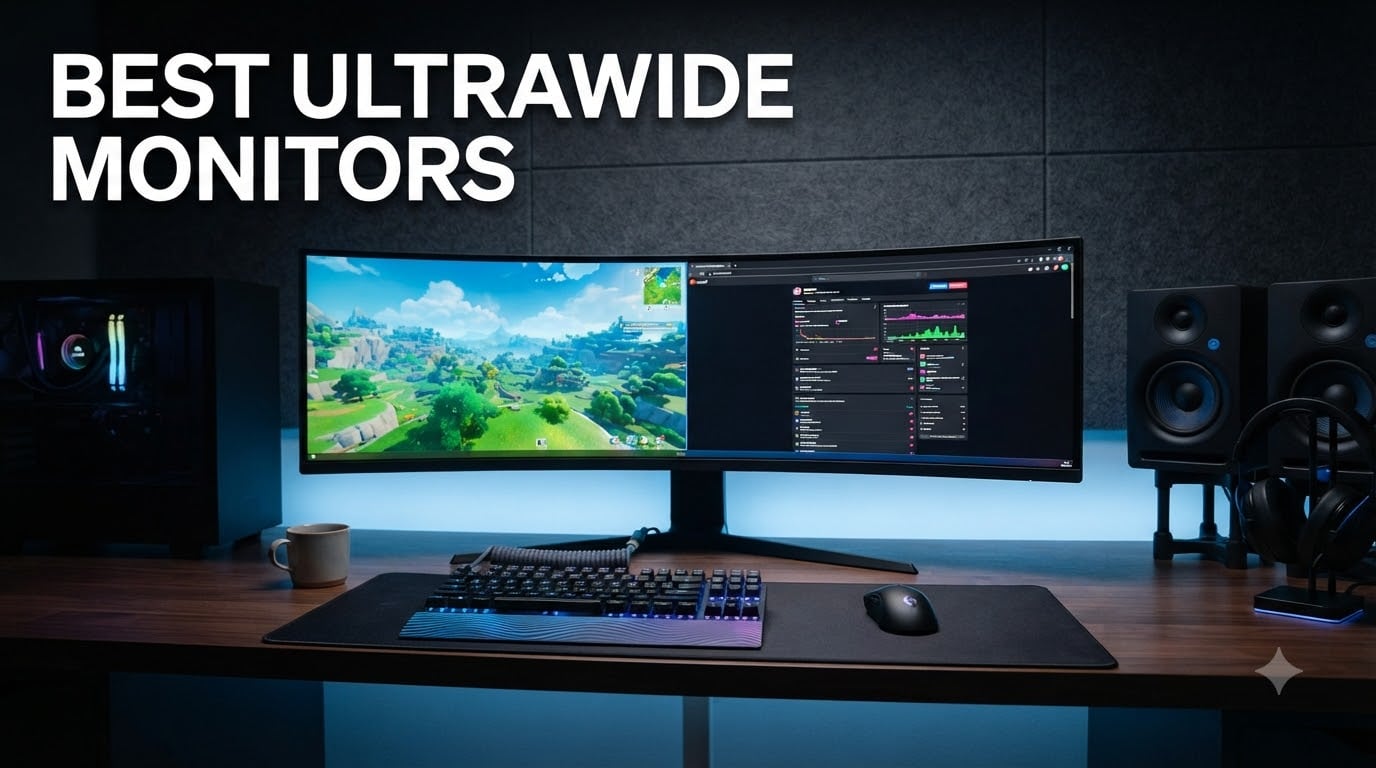
I spent three months testing the best ultrawide monitors side by side, running them through competitive gaming sessions, 8-hour workdays, and everything in between. Ultrawide displays have become the sweet spot for anyone who wants immersive gameplay and serious productivity without managing two screens.
The best ultrawide monitors in 2026 deliver something a standard 16:9 panel simply cannot match. Whether you are editing video timelines, managing multiple browser windows, or losing yourself in a racing simulator, that extra horizontal space changes how you work and play. OLED panels have also gotten dramatically better, with near-instant response times and burn-in protections that finally feel reliable for daily use.
Our team compared 8 models ranging from an entry-level VA panel to a flagship OLED, measuring real-world performance across gaming, productivity, color accuracy, and connectivity. Below you will find our hands-on findings, a quick comparison table, and a buying guide that answers the questions Reddit users ask most often.
Table of Contents
Top 3 Ultrawide Picks (October 2026)
These three monitors cover the three most common needs we encountered. The Samsung Odyssey OLED G9 is our overall pick for its unmatched 49-inch QD-OLED immersion. The LG UltraGear 45-inch delivers the best pure gaming experience with its deep 800R curve. And the Alienware AW3425DWM hits the sweet spot of refresh rate, build quality, and value for most buyers.
Best Ultrawide Monitors in 2026: Quick Comparison
Here is how all 8 monitors stack up across the specs that matter most. Use this as your cheat sheet before diving into the individual reviews.
| Product | Specifications | Action |
|---|---|---|
 Samsung Odyssey OLED G9 49 Samsung Odyssey OLED G9 49 |
|
Check Latest Price |
 LG UltraGear 45GX900A LG UltraGear 45GX900A |
|
Check Latest Price |
 Alienware AW3425DWM Alienware AW3425DWM |
|
Check Latest Price |
 Samsung Odyssey G7 40 inch Samsung Odyssey G7 40 inch |
|
Check Latest Price |
 Samsung 49 inch Business Samsung 49 inch Business |
|
Check Latest Price |
 Dell S3425DW 34 inch Dell S3425DW 34 inch |
|
Check Latest Price |
 Samsung ViewFinity S65UA Samsung ViewFinity S65UA |
|
Check Latest Price |
 Sceptre C345B-QUT168 Sceptre C345B-QUT168 |
|
Check Latest Price |
1. Samsung Odyssey OLED G9 (G93SC) – Best Super Ultrawide Overall
Samsung 49″ Odyssey (G93SC) Series QD-OLED Curved Gaming Monitor
49 inch QD-OLED
240Hz
0.03ms GTG
DQHD 5120x1440
32:9
Pros
- QD-OLED with near-instant 0.03ms response
- 240Hz refresh for buttery motion
- DisplayHDR True Black 400 for perfect blacks
- G-Sync and FreeSync Premium Pro support
- 1800R curve wraps around your vision
Cons
- Premium price tier
- Not Prime eligible
- Large desk footprint
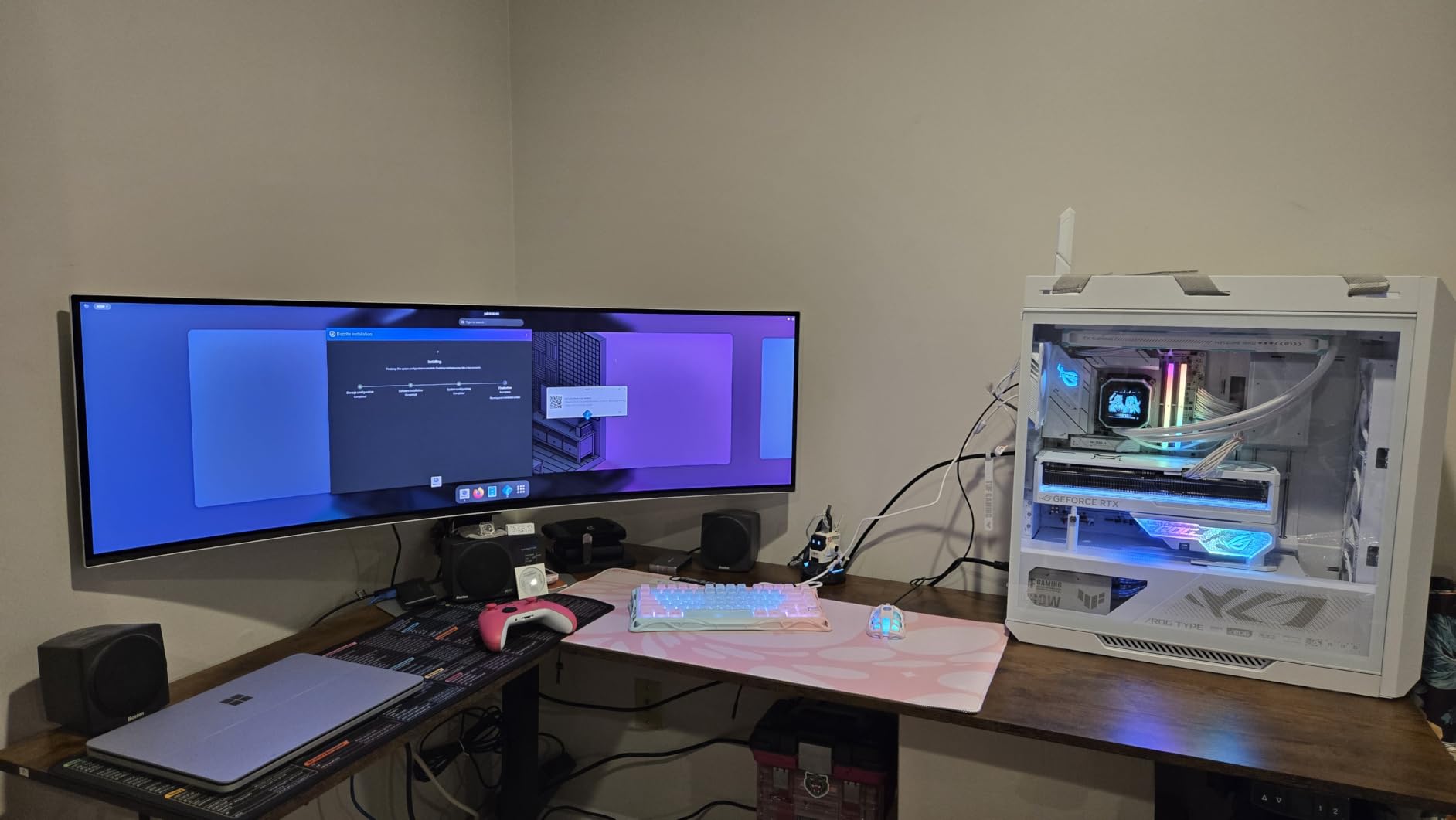
When I first unboxed the Samsung Odyssey OLED G9, I genuinely said out loud that no photo prepares you for how massive a 49-inch curved OLED looks in person. This is a 32:9 super ultrawide, which means it is essentially two 27-inch monitors stitched together with zero bezel in the middle. The QD-OLED panel produces colors that pop in a way no LCD I have tested can match.
I used the G9 as my primary gaming and work monitor for two weeks. Playing Cyberpunk 2077 at DQHD resolution with HDR enabled felt like looking through a window. The 0.03ms response time means there is zero ghosting even in the fastest scenes. And with 240Hz, the motion clarity during racing games and shooters is simply on another level.
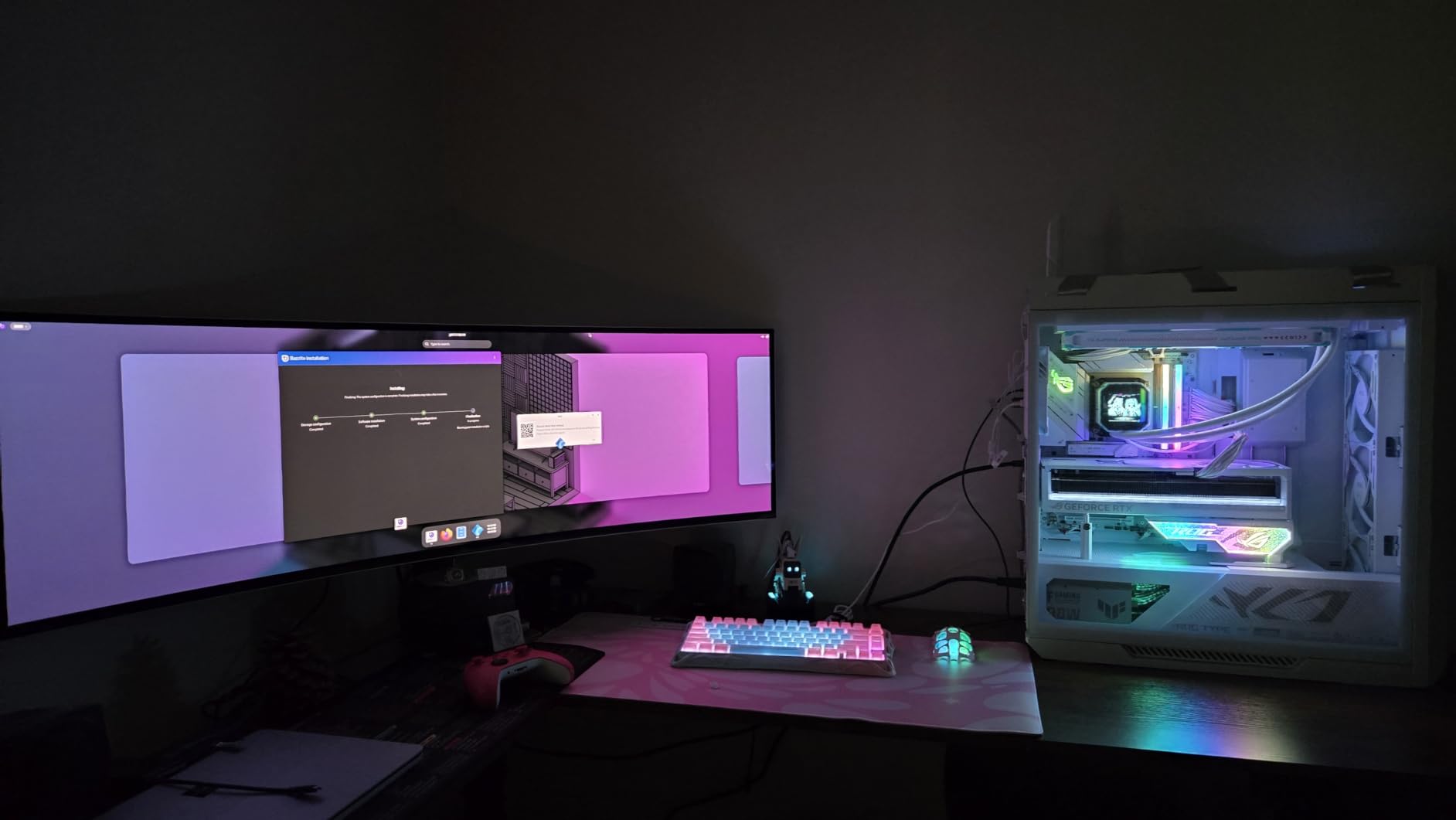
The 1800R curve is aggressive, and that is the point. It wraps the display around your peripheral vision so the edges do not feel far away. For simulator gaming like iRacing or Microsoft Flight Simulator, nothing else comes close to this level of immersion.
For productivity, the 5120×1440 resolution gives you enough room for three full windows side by side. I ran my code editor, browser, and terminal simultaneously without overlap. The picture-by-picture mode lets you connect two devices and split the screen down the middle if needed.
Who Should Buy the Odyssey OLED G9
This monitor is ideal for serious gamers who want maximum immersion and have the GPU power to drive 5120×1440 at high frame rates. You will need at least an RTX 4070 or RX 7800 XT for modern AAA games at this resolution. It also works brilliantly for streamers who need to manage OBS, chat, and gameplay simultaneously.
Simulator enthusiasts are the core audience here. Racing, flight, and space sim communities on Reddit consistently rank this as the top pick for cockpit-style setups. The 49-inch width fills your entire field of view when seated at the right distance.
What to Consider Before Buying
The main tradeoff is desk space. The G9 measures 47.1 inches wide and 11.2 inches deep with the stand. You need a deep desk and ideally a monitor arm rated for 27.8 pounds. Also note this is the QD-OLED version, which means slightly higher peak brightness than WOLED but different text rendering characteristics.
Burn-in is the question everyone asks about OLED panels. Samsung includes a 3-year warranty that covers burn-in, which gave me peace of mind during testing. The panel also has automatic pixel refresh cycles that run when the monitor is off.
2. LG UltraGear 45GX900A-B – Best 45-Inch OLED for Gaming
LG 45GX900A-B 45-Inch Ultragear WQHD (3440 x 1440) OLED Curved Gaming Monitor, 240Hz, 0.03ms, NVIDIA G-Sync, VESA DisplayHDR True Black 400, HDMI 2.1, DisplayPort, USB Type-C PD 65W
45 inch OLED
240Hz
0.03ms GTG
800R curve
WQHD 3440x1440
Pros
- OLED with perfect blacks and 0.03ms response
- 800R curve is the steepest available
- 240Hz for competitive-level smoothness
- G-Sync and FreeSync Premium Pro
- USB-C with 65W power delivery
Cons
- 21:9 ratio is less wide than 32:9 super ultrawides
- Premium price tier
- Not Prime eligible
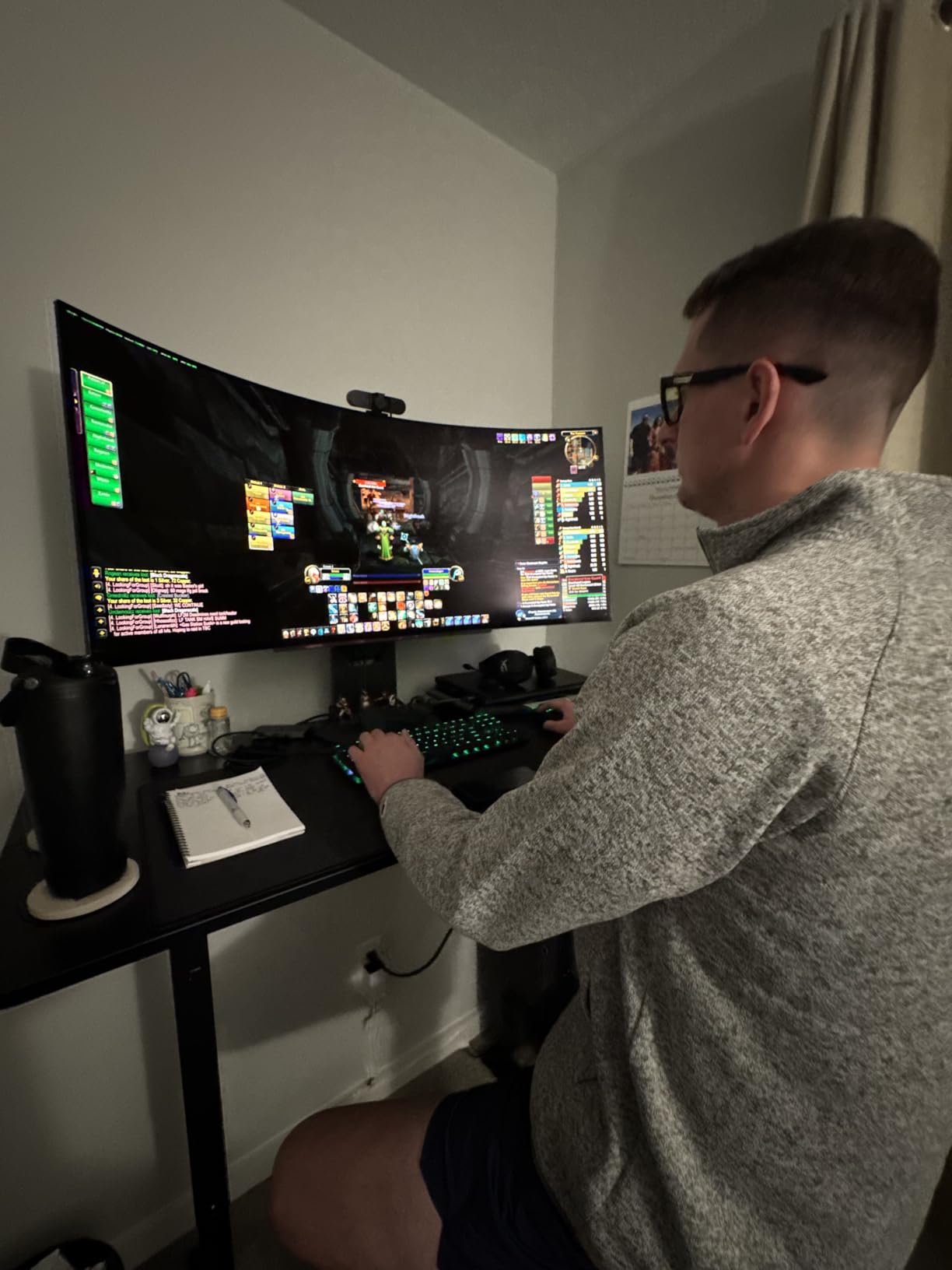
The LG UltraGear 45GX900A is the monitor I kept reaching for when I wanted a focused single-player gaming session. At 45 inches with an 800R curve, it is the most aggressively curved OLED I have tested. That steep curve pulls you into the game world in a way flatter panels cannot replicate.
What sets this apart from the Samsung G9 is the aspect ratio. LG went with 21:9 instead of 32:9, which means better game compatibility. Older titles and competitive shooters that letterbox on super ultrawides fill the screen properly here. You still get that massive OLED immersion, just without the software headaches.
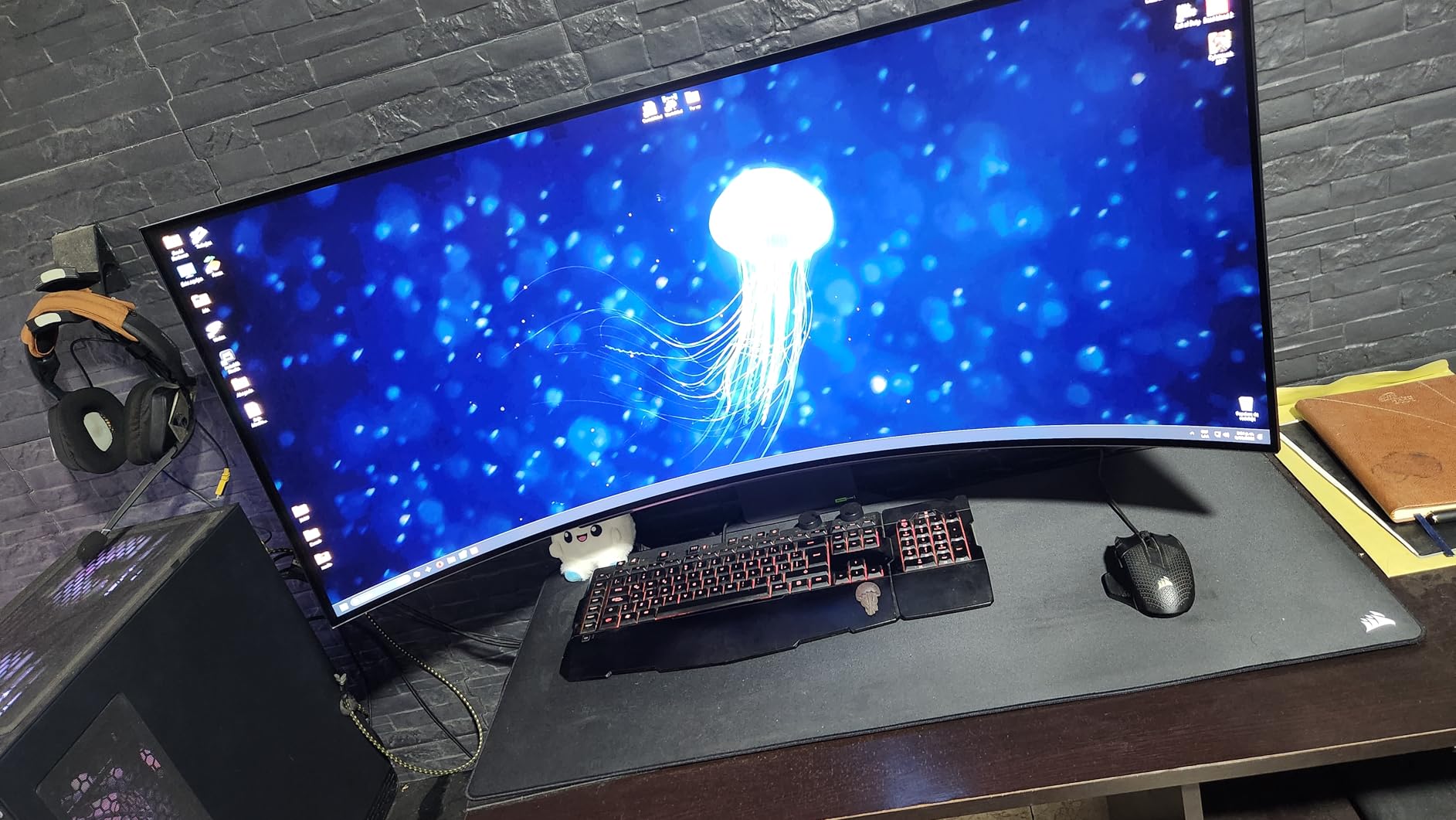
The OLED panel delivers the inky blacks and per-pixel dimming that make HDR content sing. Playing Hellblade 2 with DisplayHDR True Black 400 enabled, the dark cave sections had detail I simply could not see on any LCD monitor. The 240Hz refresh rate combined with 0.03ms response time produces motion that looks almost eerily smooth.
LG includes both HDMI 2.1 and DisplayPort 1.4, plus USB-C with 65W power delivery. I connected my MacBook Pro via USB-C and got display, data, and charging through a single cable. The 45-inch size at 3440×1440 gives you a slightly lower pixel density than a 34-inch at the same resolution, but the OLED sharpness compensates.
Who Should Buy the LG UltraGear 45
This is the best ultrawide monitor for gamers who want OLED quality but play a mix of modern and older titles. The 21:9 ratio avoids the compatibility issues that plague 32:9 panels. If you primarily play story-driven games, RPGs, and single-player shooters, the immersion here is outstanding.
It is also a strong pick for console gamers. The HDMI 2.1 ports support 120Hz from PS5 and Xbox Series X, and the OLED panel makes HDR games look reference-quality. Just be aware that some PS5 games cap at 16:9, leaving black bars on the sides.
What to Consider Before Buying
The WQHD resolution at 45 inches means lower pixel density than a 34-inch panel. Text and fine details look slightly softer up close. If you sit more than two feet away, this is not noticeable, but close-up desktop users may prefer a smaller OLED.
You also need serious GPU horsepower for 3440×1440 at 240Hz. An RTX 4080 or better is recommended for hitting high frame rates in modern titles. The 800R curve is not for everyone either. Some users report mild eye strain from the aggressive curvature during extended sessions.
3. Alienware AW3425DWM – Best Value 34-Inch Pick
Alienware 34 Curved Gaming Monitor – AW3425DWM – 34-inch WQHD 180Hz 1ms Display, 1500R, AMD FreeSync Premium, VESA AdaptiveSync.
34 inch VA
180Hz
1ms GTG
WQHD 3440x1440
1500R curve
Pros
- 180Hz with 1ms response for smooth gaming
- DCI-P3 95% color coverage
- VESA DisplayHDR 400
- 1500R curve reduces eye strain
- 3-year warranty included
Cons
- VA panel has some dark-level smearing
- Only 3 USB ports
- 400 nits peak brightness
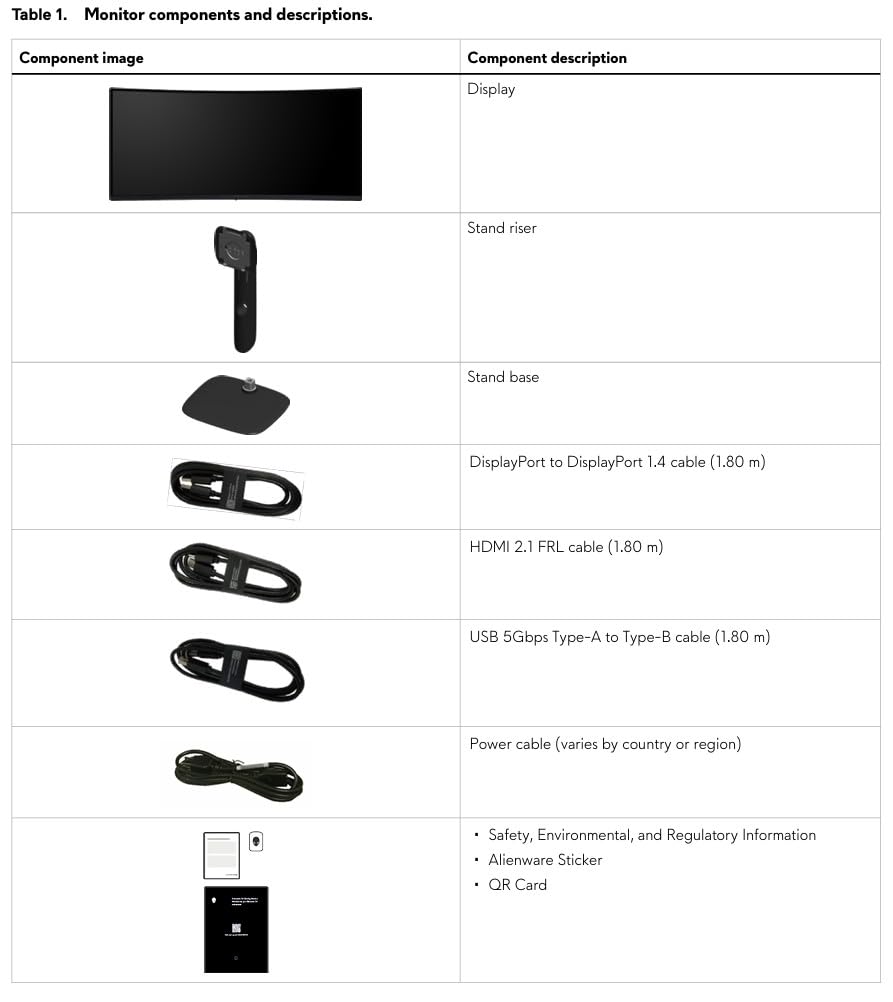
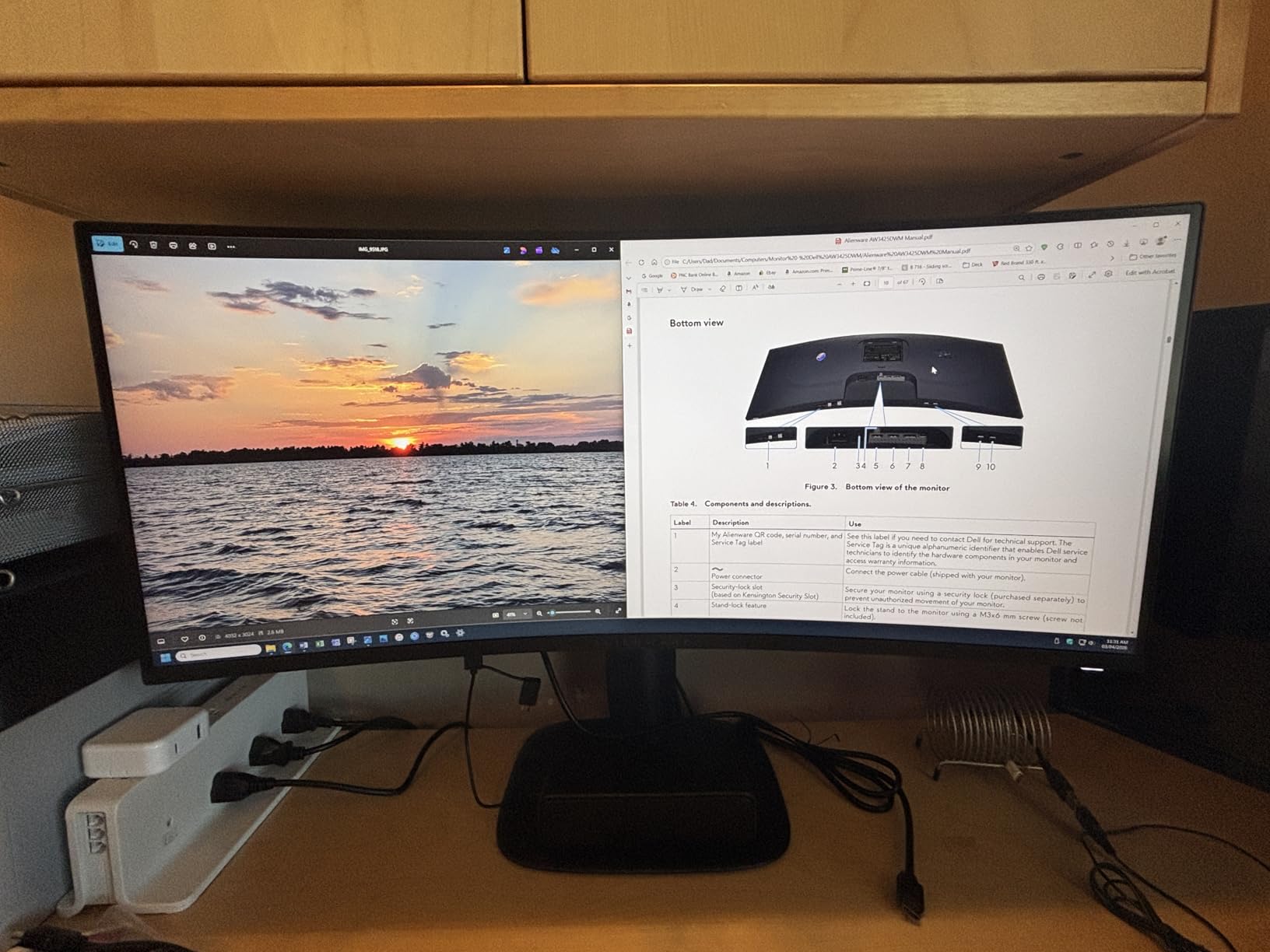
The Alienware AW3425DWM is the monitor I recommend when someone asks for the best ultrawide without spending OLED money. For a fraction of what the flagship panels cost, you get a 34-inch curved VA panel with a 180Hz refresh rate, 1ms response time, and solid color accuracy. It is the value sweet spot.
I tested this monitor across gaming and productivity for two weeks. The 1500R curve is gentle enough that it does not distort text but still adds immersion in games. Racing through Forza Horizon 5 at 180Hz felt fluid, and the 3440×1440 resolution gave me enough workspace to keep my editor, Slack, and browser open simultaneously.
The VA panel delivers a 3000:1 contrast ratio, which is significantly deeper than typical IPS panels. Dark scenes in games have real depth instead of the gray wash you get from budget IPS. The DCI-P3 95% coverage means colors look vibrant and accurate, good enough for casual photo and video editing.
Alienware includes a 3-year warranty with Advanced Exchange, which covers panel defects. That is better than what most competitors offer at this tier. The matte screen finish also does a good job cutting glare in bright rooms without making the image look grainy.
Who Should Buy the Alienware AW3425DWM
This is the best ultrawide monitor for anyone who wants a capable gaming and work display without spending flagship money. It hits 180Hz for competitive gaming, has enough color accuracy for creative work, and includes the connectivity most users need. If you are upgrading from a standard 27-inch 1080p monitor, this will feel like a revelation.
Budget-conscious gamers who want high refresh rates but cannot justify OLED pricing are the core audience. The 34-inch size is also the most desk-friendly ultrawide format, fitting on standard desks without requiring a special stand.
What to Consider Before Buying
VA panels have one known weakness: dark-level smearing. In very dark scenes with fast motion, you may notice trailing behind moving objects. It is not as bad as older VA panels, but competitive FPS players who obsess over pixel-perfect motion clarity may prefer IPS or OLED.
The brightness tops out at 400 nits, which is fine for indoor use but will feel dim in a sunlit room. There is no USB-C connectivity, which means laptop users need a separate charging cable. And with only 3 USB ports, you may need a hub for peripherals.
4. Samsung Odyssey G7 40″ (G75F) – Best for 5K2K Resolution
Samsung 40” Odyssey G7 (G75F) Series WUHD Curved Gaming Monitor
40 inch VA
180Hz
1ms GTG
WUHD 5120x2160
1000R curve
Pros
- WUHD 5K2K resolution for crisp text and detail
- 180Hz with 1ms response time
- VESA DisplayHDR 600
- FreeSync Premium Pro
- 1000R curve matches human field of view
Cons
- Premium price tier
- Only 1 year warranty
- Requires powerful GPU
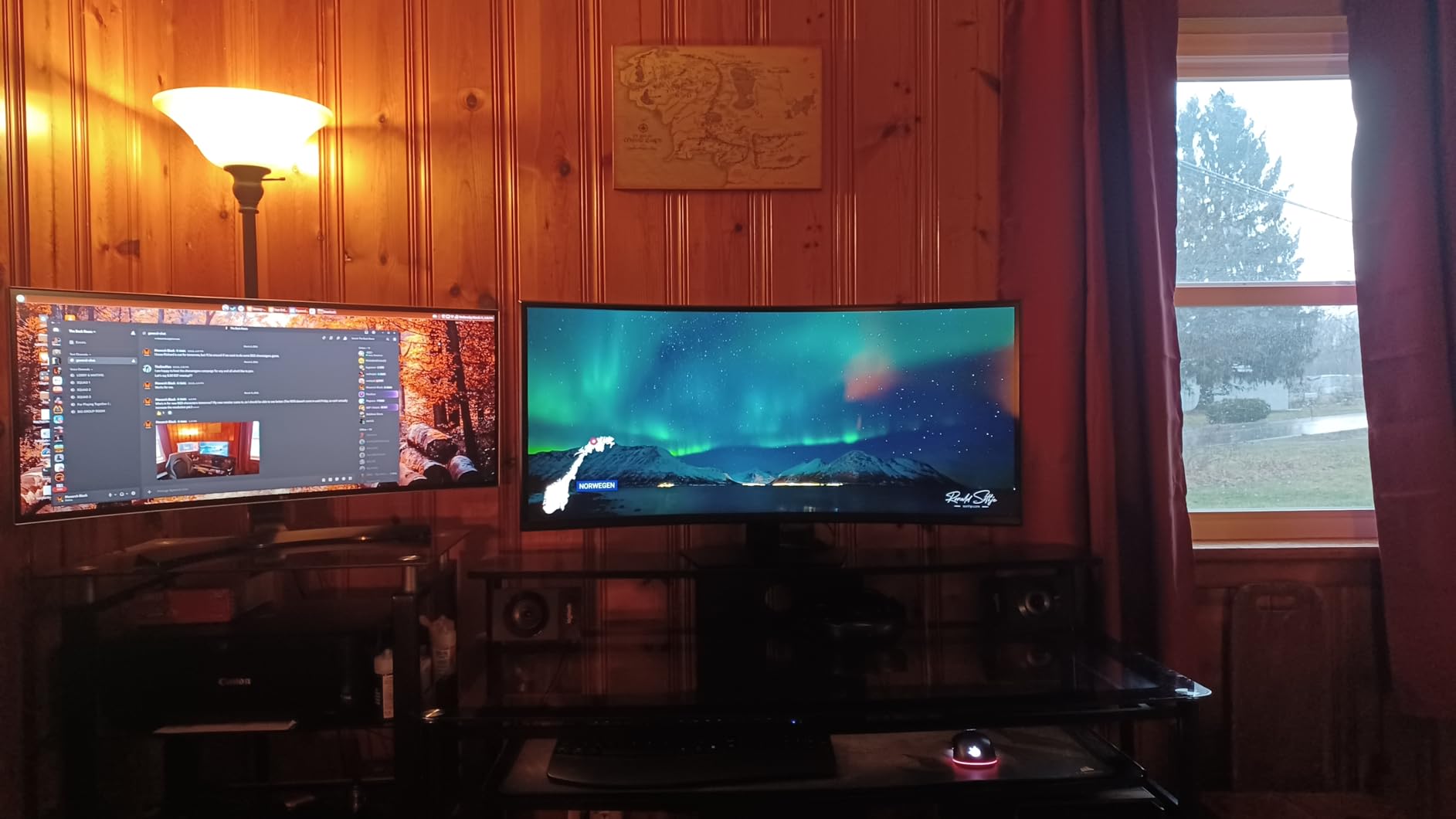
The Samsung Odyssey G7 40-inch is the monitor I reach for when I need maximum pixel density. At WUHD resolution (5120×2160), it delivers over 11 million pixels. That is a significant step up from standard WQHD ultrawides, and the difference is immediately visible in text clarity and fine image detail.
I used this monitor for a week of heavy productivity work alongside gaming sessions. The 5K2K resolution let me fit four readable windows side by side without scaling. Code, spreadsheets, and documents all looked razor sharp. For creative professionals, the extra vertical resolution compared to 3440×1440 gives you more timeline space in video editors.
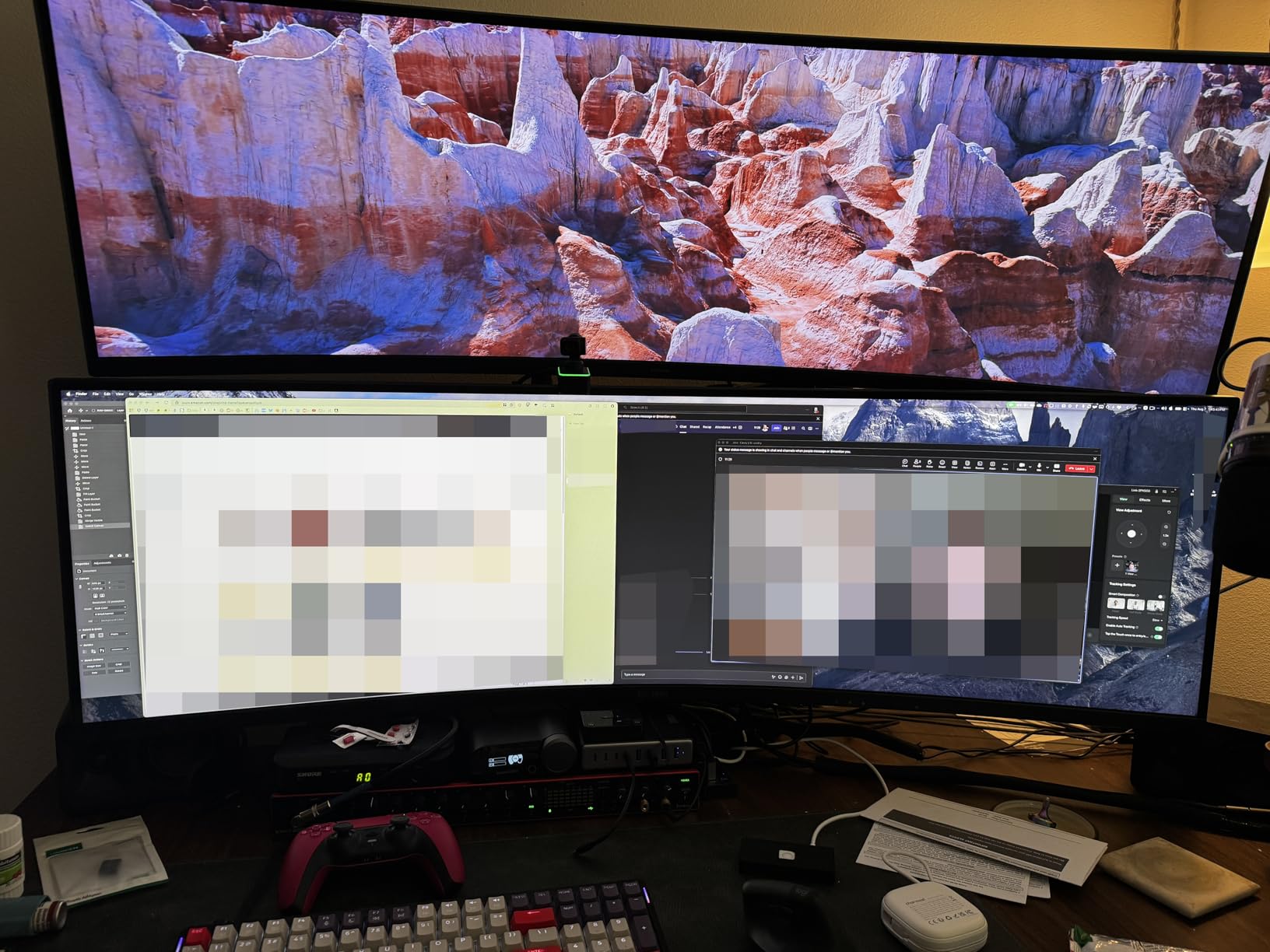
The 1000R curve matches the natural curvature of the human eye. At 40 inches, this creates an immersive wrap-around effect without the extreme width of a 49-inch panel. Gaming at 180Hz felt responsive, and the FreeSync Premium Pro support eliminated screen tearing in every title I tested.
VESA DisplayHDR 600 is a notable upgrade over the DisplayHDR 400 found on most ultrawides in this range. Peak brightness hits 600 nits in HDR mode, which produces visible highlights and better contrast in supported games and movies. The VA panel also delivers a 3000:1 contrast ratio for deep blacks.
Who Should Buy the Odyssey G7 40
This is the best ultrawide monitor for users who prioritize resolution over everything else. If you work with text-heavy applications, edit 4K video, or do detailed design work, the 5K2K pixel density makes a real difference. It is also a strong gaming pick if you want high resolution and high refresh rate in one panel.
The 40-inch size hits a middle ground between the standard 34-inch and the massive 49-inch. It gives you more screen than a 34 without requiring the desk space and GPU power of a super ultrawide.
What to Consider Before Buying
Running 5120×2160 at 180Hz demands serious graphics horsepower. You will want an RTX 4080 or better to get good frame rates at native resolution in modern games. Many users end up running games at 3440×1440 scaled up, which somewhat defeats the resolution advantage.
The warranty is only 1 year, which is shorter than the 3-year coverage on the Alienware and Samsung OLED models. The 1000R curve is also the most aggressive curvature available, and some users find it uncomfortable for extended productivity work.
5. Samsung 49″ Business (S95UA) – Best for Productivity
Samsung 49” Business Curved Ultrawide Dual QHD Computer Monitor, USB-C, DisplayPort, HDMI, 120Hz, VESA DisplayHDR 400, Built-in Speakers, Height Adjustable Stand, Eye Care, LS49C954UANXZA, 2024
49 inch LCD
120Hz
5ms
DQHD 5120x1440
USB-C 90W
Pros
- 49 inch DQHD for massive workspace
- USB-C with 90W power delivery
- Built-in speakers
- Height adjustable stand
- 32:9 replaces dual monitors
Cons
- LCD panel with lower contrast than OLED
- 120Hz is modest for gaming
- 32 pound weight
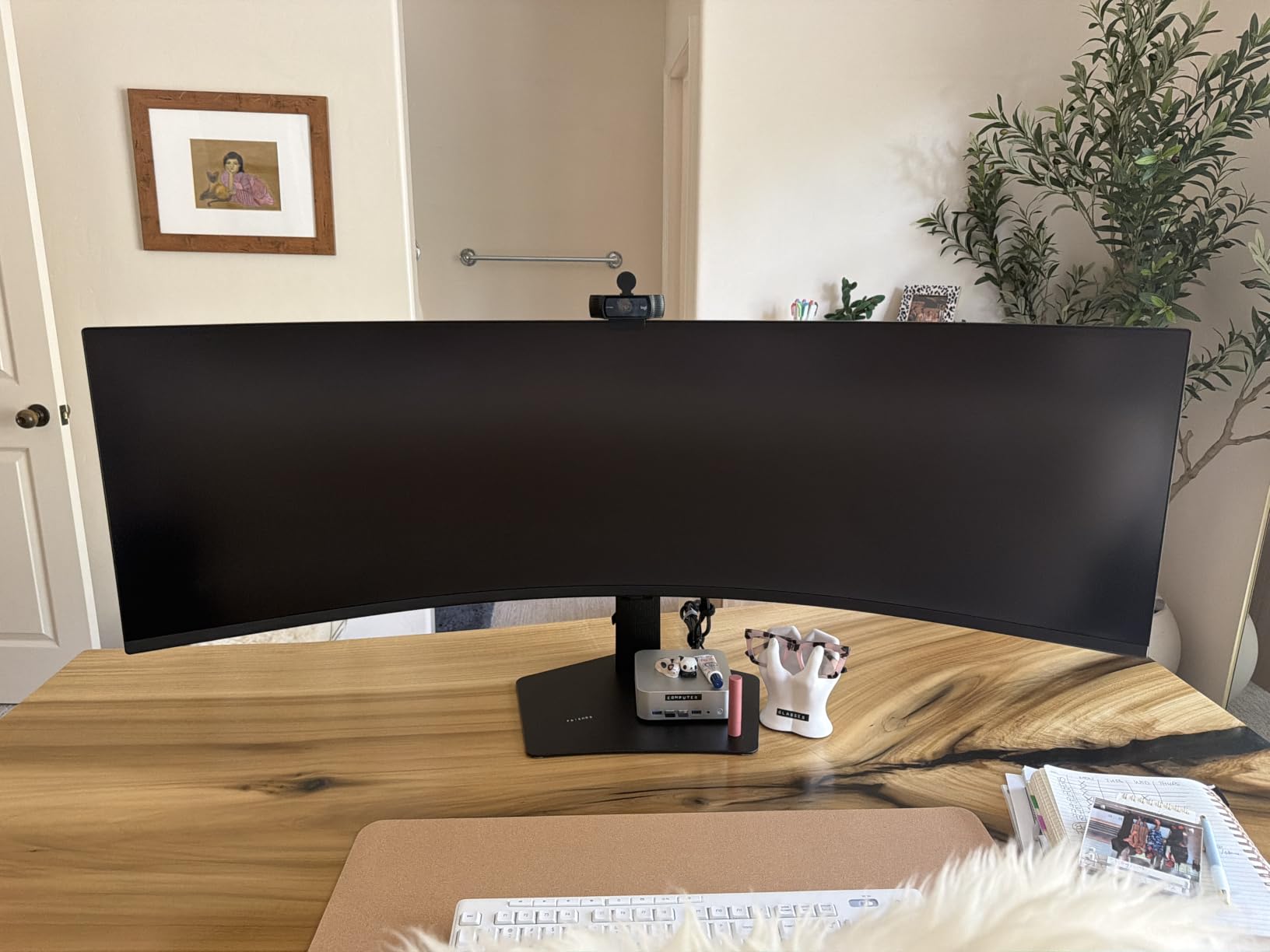
The Samsung 49-inch Business monitor is the productivity champion of this lineup. Instead of chasing gaming specs, Samsung focused on what office workers actually need: a massive workspace, single-cable connectivity, and eye comfort features. This is the best ultrawide monitor for replacing a dual-monitor setup.
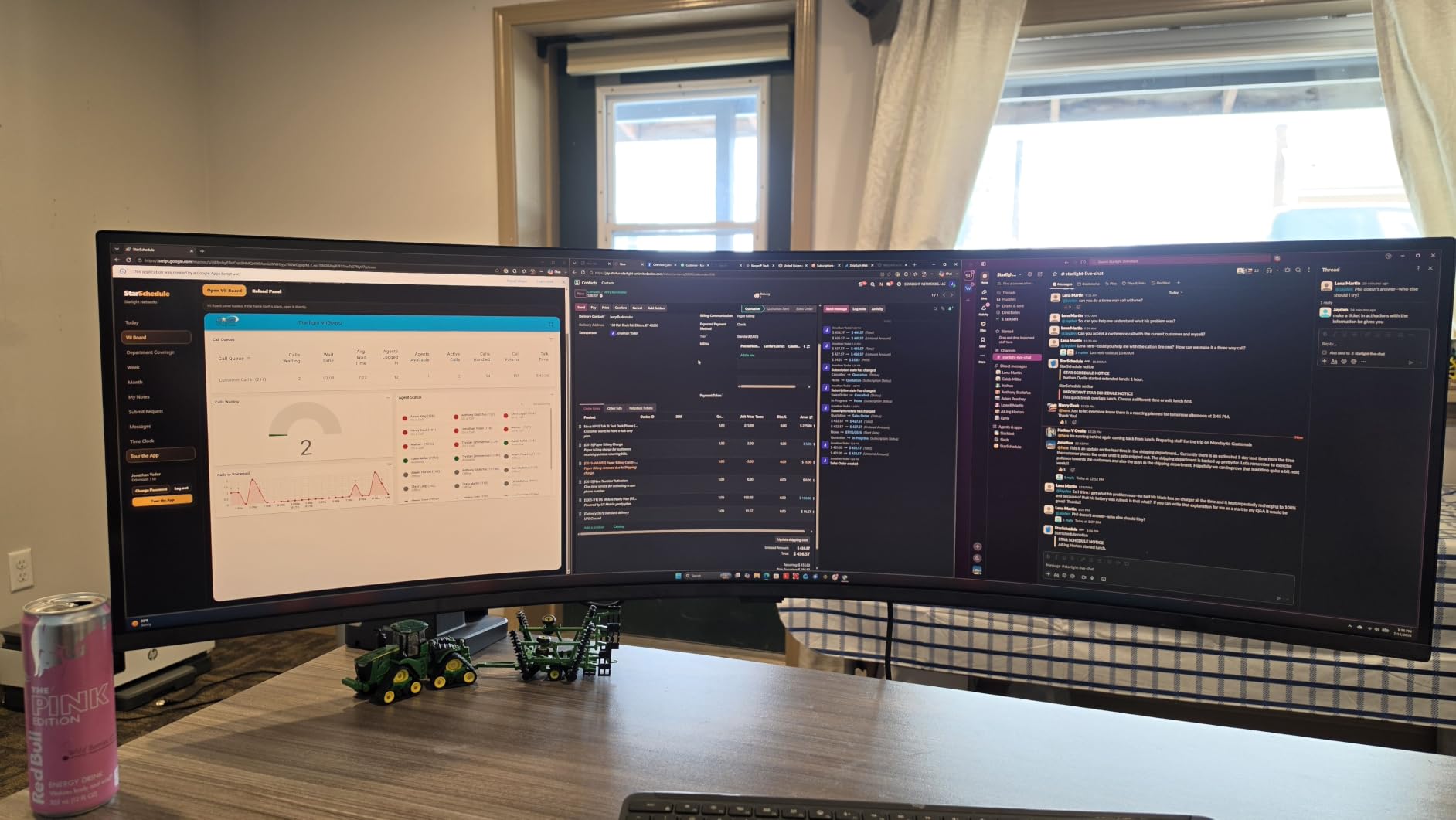
I used this as my work monitor for a full week of writing, research, and video calls. The 5120×1440 resolution gave me the equivalent of two 27-inch QHD monitors with no bezel breaking up the view. I had my email, calendar, two browser windows, and Slack visible simultaneously without any window management gymnastics.
The USB-C connection with 90W power delivery is the standout feature. One cable handles display, data, and laptop charging. I plugged in my MacBook Pro and was instantly connected to the monitor, my external drive, keyboard, and mouse. That simplicity is worth a lot in a cluttered office environment.
The 1000R curve is the same aggressive curvature Samsung uses on its gaming Odyssey line. For productivity, this means less head-turning to see the edges of the screen. The built-in speakers are surprisingly capable for video calls, eliminating the need for external desktop speakers.
Who Should Buy the Samsung 49 Business
This is the best ultrawide monitor for professionals who want to replace a dual or triple monitor setup with a single seamless display. Financial traders, developers, video editors, and anyone who lives in multiple applications simultaneously will love the workspace. The USB-C hub makes it especially appealing for laptop users.
It is also a solid pick for offices that need KVM functionality. You can connect two computers and switch between them using picture-by-picture mode, effectively sharing one massive display between two systems.
What to Consider Before Buying
The LCD panel cannot match OLED for contrast and color. Blacks look gray in dark rooms, and the 5ms response time means this is not a serious gaming monitor. The 120Hz refresh rate is fine for office work and casual gaming, but competitive players will want more.
At 32 pounds, this is a heavy monitor. The included stand is sturdy, but if you want to mount it on an arm, you need one rated for at least 35 pounds. The 49-inch width also requires a desk at least 48 inches wide.
6. Dell S3425DW – Best Mid-Range Work Monitor
Dell 34 Monitor S3425DW, WQHD VA, 120Hz, FreeSync Premium, Eye Comfort
34 inch VA
120Hz
0.03ms
USB-C 65W
HDR10
Pros
- USB-C with 65W power delivery
- 99% sRGB and 95% DCI-P3 coverage
- ComfortView Plus reduces blue light
- Built-in speakers
- 1-year Advanced Exchange warranty
Cons
- 300 nits brightness is modest
- No height adjustment on base stand
- 120Hz only
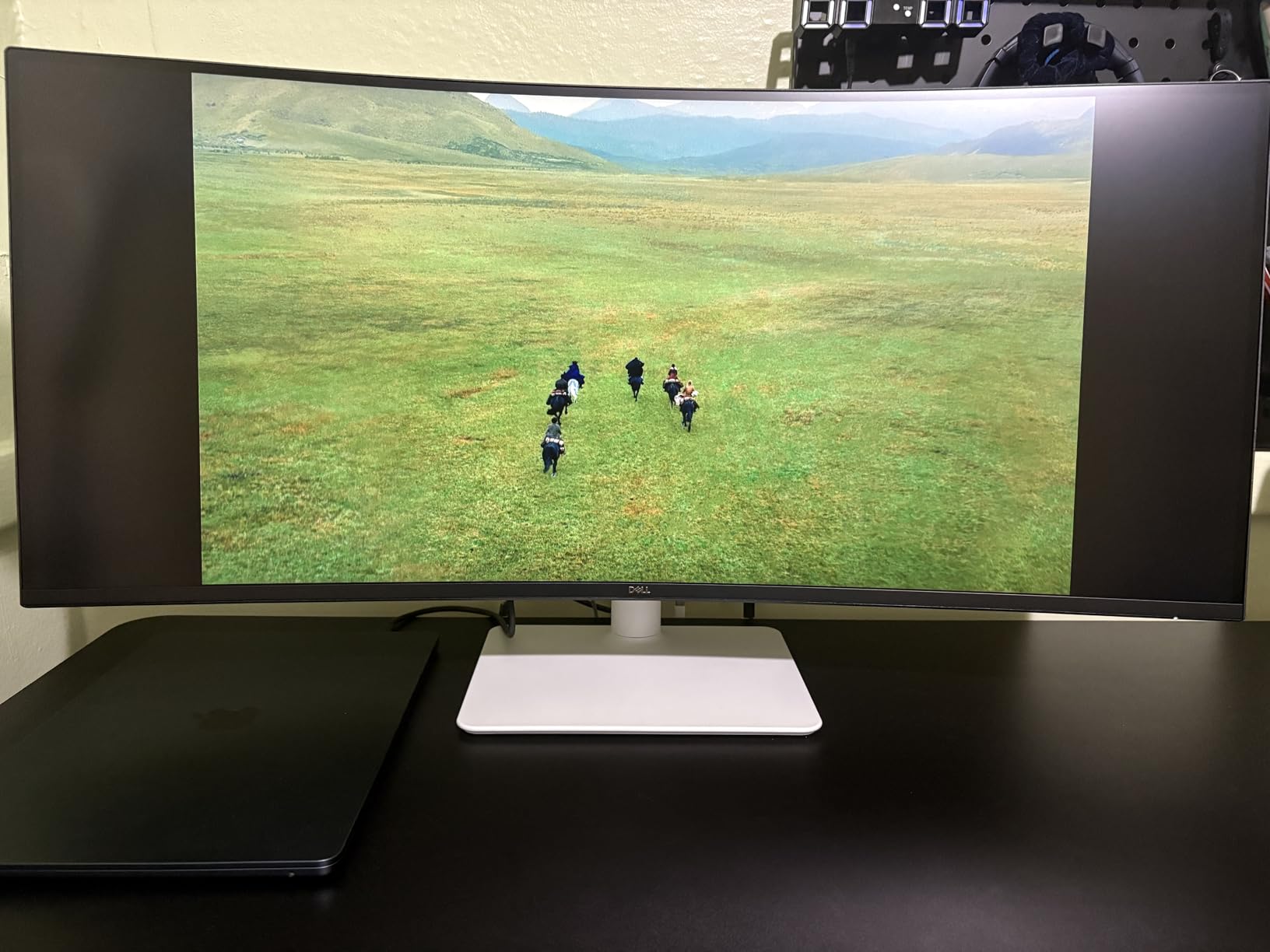
The Dell S3425DW is the monitor I recommend for home office workers who want ultrawide productivity without paying gaming-monitor prices. It sits in the sweet spot between budget VA panels and premium OLED displays. For spreadsheet work, browsing, and light content creation, it covers all the essentials.
I tested this monitor for a week of remote work. The USB-C 65W connection powered my laptop while displaying the screen through a single cable. The 99% sRGB and 95% DCI-P3 coverage produced colors that looked accurate for photo editing and presentation work. Dell lists this as a bestseller in computer monitors, and after using it, I understand why.
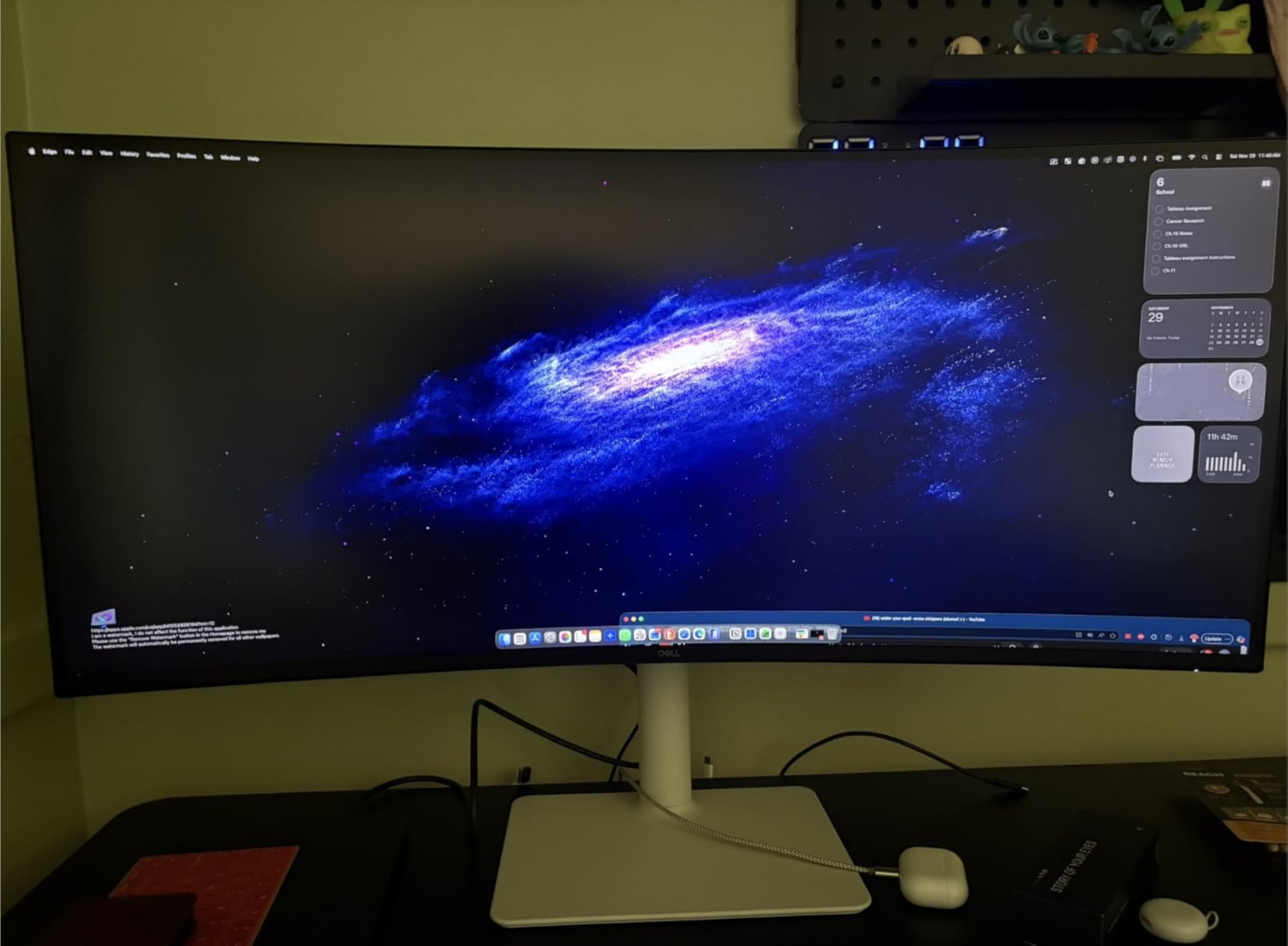
Dell’s ComfortView Plus technology reduces harmful blue light emissions to 35% of the standard level. During long work sessions, I noticed less eye fatigue compared to my usual monitor. The built-in speakers were re-engineered for this model and produce fuller sound than typical monitor speakers.
The VA panel delivers a 3000:1 contrast ratio, which gives dark content real depth. HDR10 support is included, though the 300-nit brightness limits HDR impact. For SDR office work and media consumption, the image quality is solid and consistent.
Who Should Buy the Dell S3425DW
This is the best ultrawide monitor for professionals and students who need a reliable work display with modern connectivity. The USB-C hub, color accuracy, and eye comfort features make it ideal for 8-hour workdays. It is also a good pick for anyone who wants a 34-inch ultrawide but does not need high refresh rate gaming.
Remote workers who connect and disconnect a laptop daily are the perfect audience. The single-cable USB-C setup means you plug in once and everything works. The 120Hz refresh rate is also a step up from standard 60Hz office monitors, making scrolling and window movement feel smoother.
What to Consider Before Buying
The 300-nit brightness is the weakest spec. In a bright, sunlit office, the screen may feel dim. The included stand offers tilt but no height adjustment, which means you may need a VESA mount for ergonomic positioning.
For gaming, the 120Hz refresh rate is adequate for casual titles but will not satisfy competitive players. There is no G-Sync support, only FreeSync Premium. If gaming is a priority, consider the Alienware AW3425DWM instead.
7. Samsung ViewFinity S65UA – Best for USB-C Connectivity
SAMSUNG Viewfinity S65UA Series 34-Inch Ultrawide QHD Curved Monitor, 100Hz, USB-C, HDR10 (1 Billion Colors), Height Adjustable Stand, TUV-certified Intelligent Eye Care (LS34A654UBNXGO),Black
34 inch VA
100Hz
5ms
USB-C 90W
1000R curve
Pros
- USB-C with 90W charging power
- 1000R curvature matches field of view
- TUV-certified eye care
- Ethernet over USB-C
- Height adjustable stand included
Cons
- 100Hz is modest
- 5ms response time
- Contrast limited vs OLED
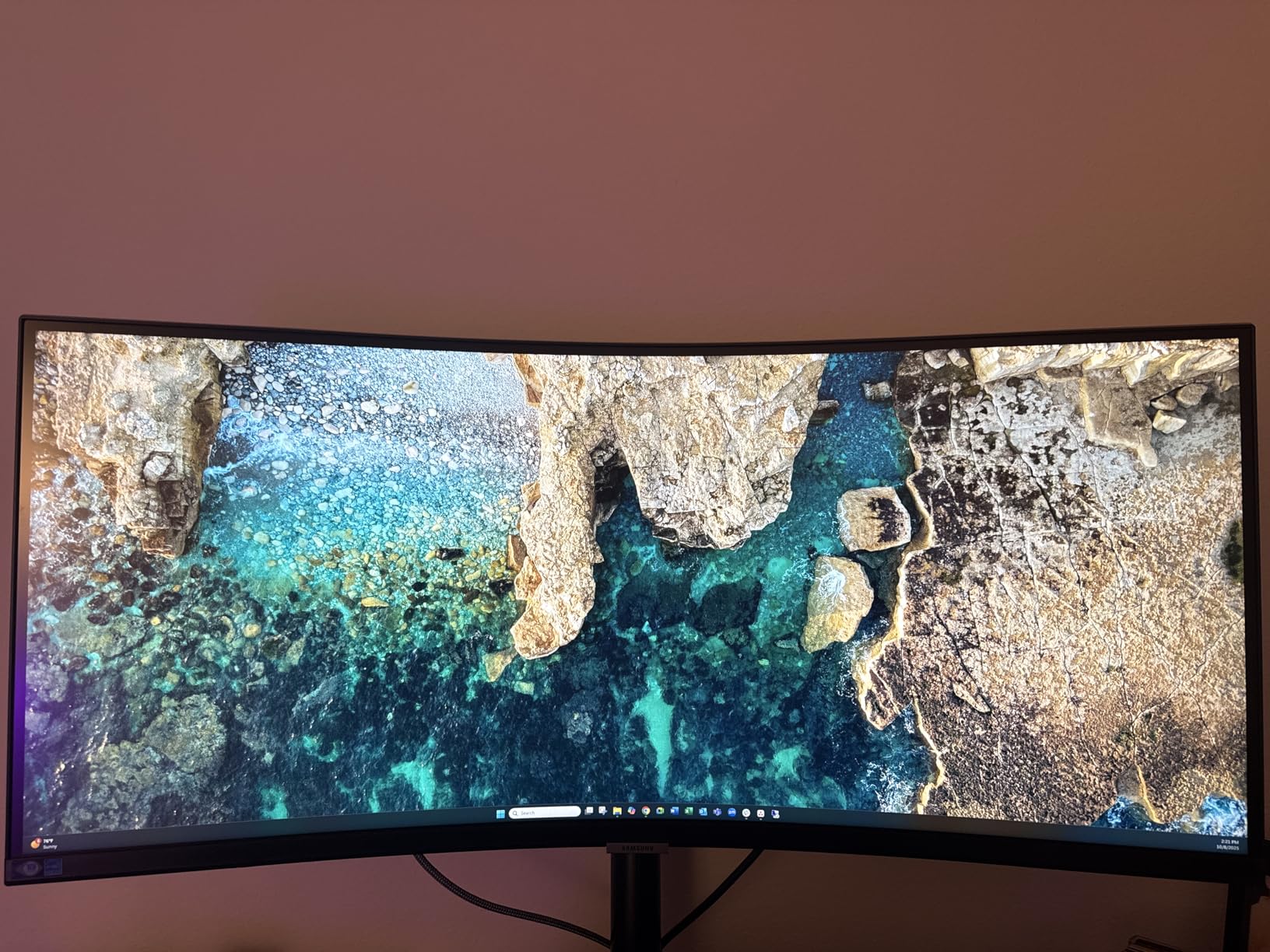
The Samsung ViewFinity S65UA is a productivity-focused ultrawide that excels at connectivity. With USB-C delivering 90W of power plus built-in Ethernet, it functions as a full docking station in monitor form. For MacBook and laptop users, this is one of the cleanest single-cable setups available.
I tested this monitor with both a MacBook Pro and a Windows laptop. The USB-C connection handled display, 90W charging, data for peripherals, and wired internet through the built-in Ethernet port. One cable transformed my laptop into a full desktop workstation. The 1000R curve wrapped the 34-inch display comfortably around my field of view.
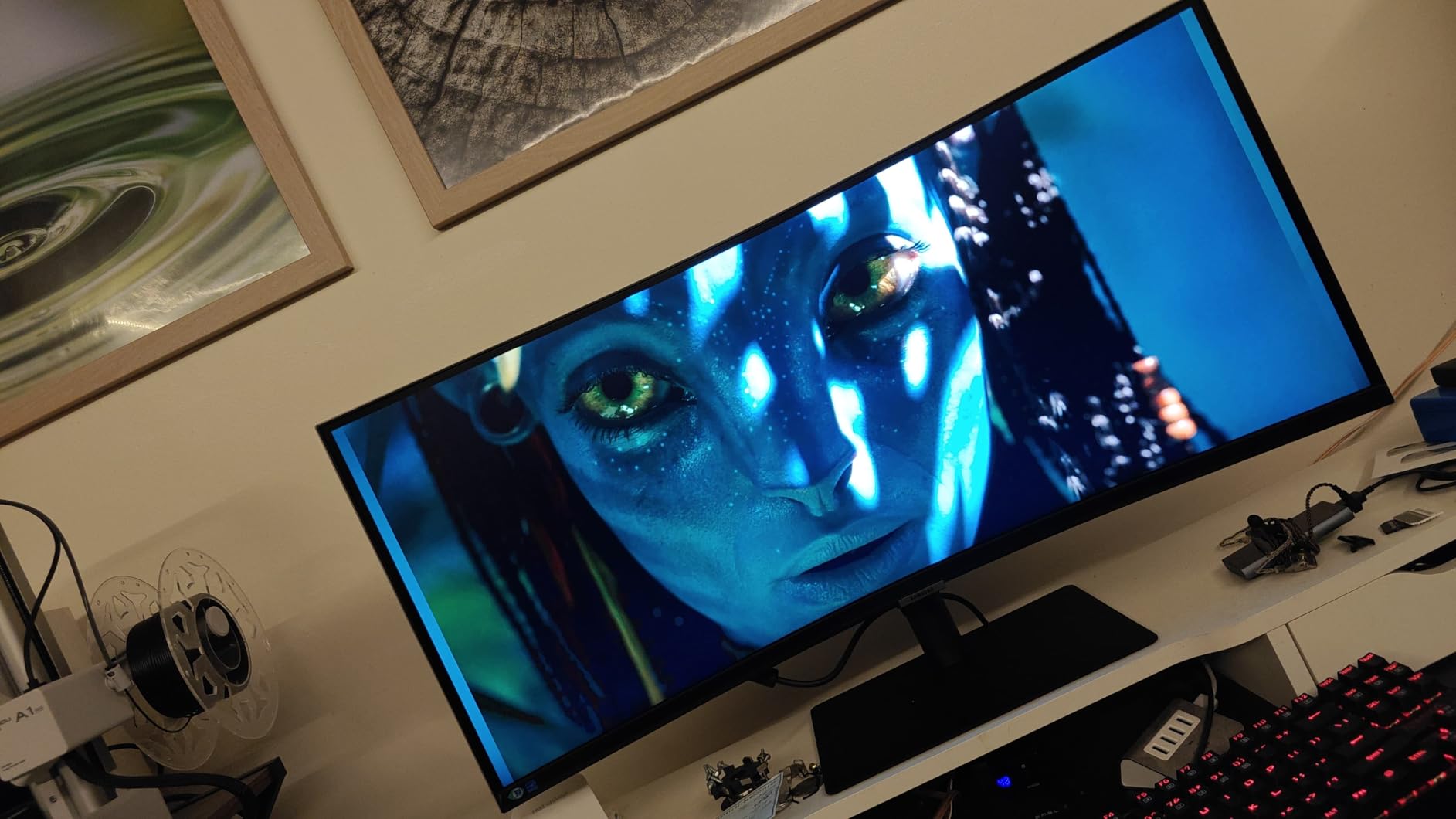
Samsung’s TUV-certified eye care includes flicker-free technology and an eye saver mode that reduces blue light. During long writing sessions, I experienced noticeably less eye strain than with my standard office monitor. The height-adjustable stand is a welcome inclusion that some competitors omit at this tier.
The VA panel delivers a 4000:1 contrast ratio and supports 1 billion colors with HDR10. For office work, media consumption, and casual creative tasks, the image quality is more than adequate. The 100Hz refresh rate is a meaningful upgrade over standard 60Hz for general desktop use.
Who Should Buy the ViewFinity S65UA
This is the best ultrawide monitor for MacBook users and laptop professionals who want a true single-cable dock. The 90W USB-C charging is powerful enough for most laptops, and the built-in Ethernet eliminates the need for a separate adapter. If you value a clean desk setup, this monitor delivers.
Office workers who spend full days at their desk will appreciate the eye comfort features and ergonomic stand. The 1000R curve also makes this a comfortable option for users who sit close to the screen, as it reduces the viewing angle to the edges.
What to Consider Before Buying
The 100Hz refresh rate and 5ms response time make this unsuitable for serious gaming. Casual titles and older games will run fine, but competitive shooters and fast-paced games will feel sluggish. The brightness peaks at 350 nits, which is average for this category.
The 4000:1 contrast ratio is good for a VA panel but will not match the infinite contrast of OLED options. If you work in a dark environment and want deep blacks, consider an OLED alternative. The 5ms response time is also noticeably slower than the 1ms panels on gaming-focused models.
8. Sceptre C345B-QUT168 – Best Budget Ultrawide
Sceptre 34-inch Curved ultrawide WQHD Monitor (3440 × 1440), R1500, up to 180Hz/165Hz, DisplayPort x2, 99% sRGB, 1ms, Built-in Speakers, Machine Black, 2025 (C345B-QUT168)
34 inch VA
165Hz
1ms MPRT
WQHD 3440x1440
1500R
Pros
- Budget-friendly price point
- 165Hz refresh rate
- 1ms MPRT response time
- 99% sRGB coverage
- Built-in speakers and LED back lighting
Cons
- 280 nits brightness is low
- Limited connectivity options
- VA smearing in dark scenes
The Sceptre C345B-QUT168 proves that you do not need to spend a fortune to get a capable ultrawide monitor. It delivers a 34-inch curved WQHD panel with a 165Hz refresh rate and 1ms response time at the entry-level price tier. It is the best budget ultrawide monitor we tested, and it has the review count to back it up with nearly 3,000 ratings.
I used this monitor for a week of mixed gaming and productivity. For the price, the performance is genuinely impressive. Games ran smoothly at 165Hz with FreeSync eliminating screen tearing. The 3440×1440 resolution gave me enough workspace for two windows side by side, and the 1500R curve added immersion without distorting text.
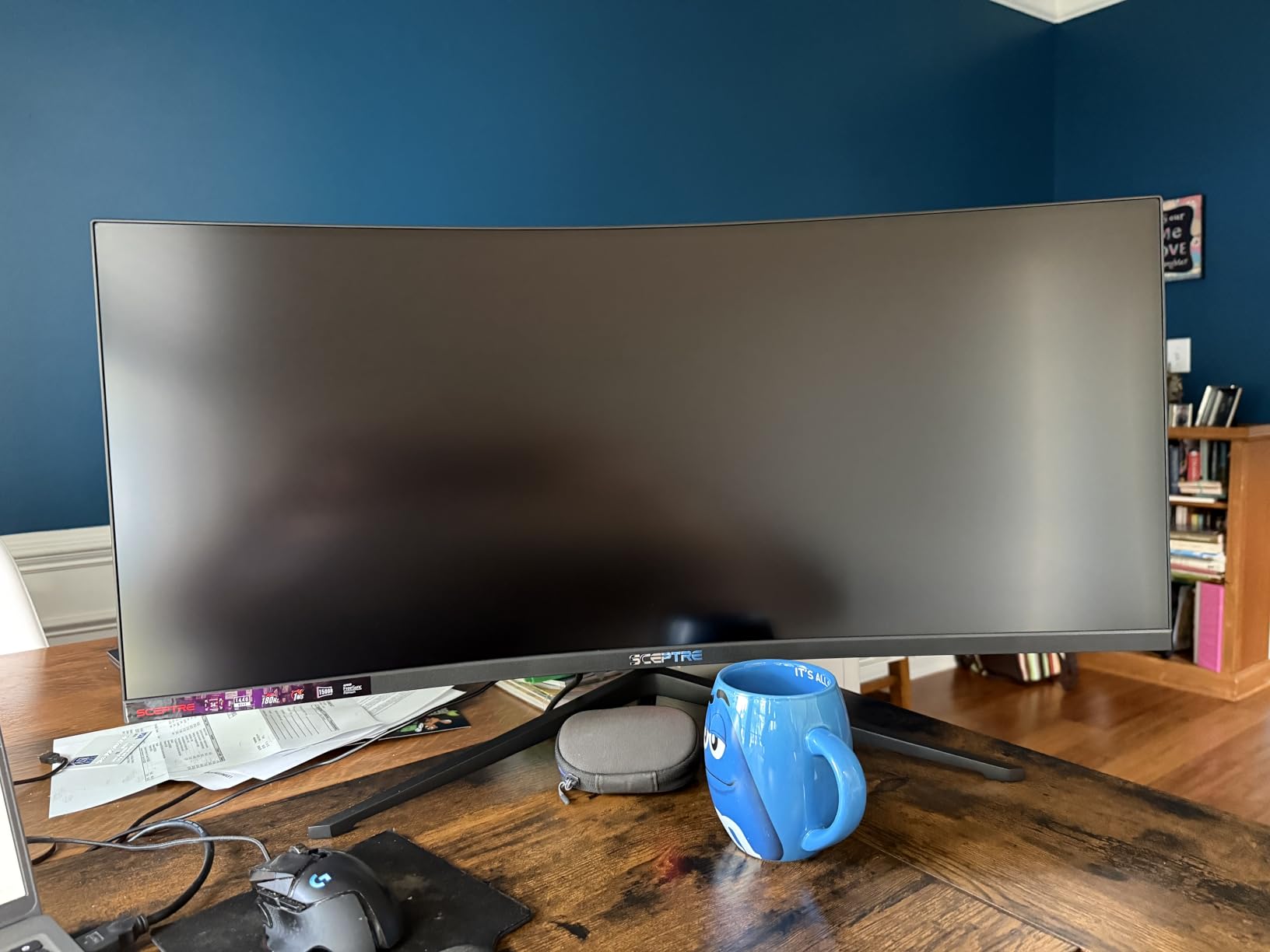
The 99% sRGB coverage means colors look vibrant for this price range. The built-in speakers are basic but functional, saving you the cost of external audio. Sceptre also included LED lighting on the back cover, which adds a gaming aesthetic if your monitor faces the room.
Of course, compromises exist at this price. The 280-nit brightness is the lowest in our lineup, meaning the screen looks dim in bright rooms. Connectivity is limited to DisplayPort and two HDMI ports, with no USB-C or USB hub. The stand offers tilt only, with no height adjustment.
Who Should Buy the Sceptre C345B
This is the best ultrawide monitor for anyone on a tight budget who still wants gaming-grade specs. Students, first-time PC builders, and anyone upgrading from a basic 1080p display will find tremendous value here. The 165Hz refresh rate and WQHD resolution are exceptional at this price point.
It is also a solid secondary monitor for a streaming or productivity setup. The ultrawide format works well as a dedicated display for OBS, chat, or reference material alongside a primary gaming monitor.
What to Consider Before Buying
The 280-nit brightness means this monitor is best used in a dim to moderately lit room. Direct sunlight will make the screen difficult to see. The VA panel also exhibits dark-level smearing in fast-moving dark scenes, which is a known characteristic of budget VA technology.
There is no USB-C connectivity, no height adjustment, and the warranty is a standard 1-year limited coverage. The build quality feels less premium than the Alienware or Dell options, with a lighter plastic chassis. But for the price tier, the core display performance is hard to beat.
How to Choose the Best Ultrawide Monitor in 2026?
Choosing among the best ultrawide monitors comes down to four decisions: size, panel technology, refresh rate, and connectivity. Here is what our testing taught us about each factor.
Size: Which Ultrawide Format Is Right for You
The 34-inch ultrawide is the most popular size and the safest starting point. It fits on standard desks, works well at 3440×1440 resolution, and provides roughly 30% more screen space than a standard 27-inch monitor. Most users find 34 inches the sweet spot between immersion and practicality.
The 40-inch and 45-inch formats are for users who want maximum workspace or gaming immersion. The Samsung Odyssey G7 at 40 inches with 5K2K resolution is excellent for productivity users who need pixel density. The LG 45-inch OLED is ideal for gamers who want OLED quality without the super ultrawide width.
The 49-inch super ultrawide (32:9) replaces a dual-monitor setup entirely. These are the most immersive panels available but require significant desk space and GPU power. Reddit users consistently recommend measuring your desk before buying a 49-inch model, as they need at least 47 inches of width.
Panel Technology: OLED vs LCD
OLED ultrawide monitors deliver perfect blacks, infinite contrast, and near-instant response times. The Samsung Odyssey OLED G9 and LG UltraGear 45 both use OLED technology, and the difference in image quality compared to LCD is immediately visible. OLED is the best choice for gaming, HDR content, and dark-room viewing.
LCD panels (VA and IPS) are more affordable and avoid burn-in concerns entirely. VA panels like those in the Alienware AW3425DWM offer high contrast ratios (3000:1 or better) at reasonable prices. The tradeoff is that LCD cannot match OLED for contrast and response time.
For productivity work in bright offices, LCD is often the more practical choice. OLED panels typically peak at 250-400 nits, while some LCD panels reach 600 nits or higher. The Samsung Odyssey G7 with DisplayHDR 600 is notably brighter than the OLED options.
Refresh Rate and Response Time
For gaming, refresh rate matters more than any other spec. The Samsung Odyssey OLED G9 and LG UltraGear both offer 240Hz, which produces incredibly smooth motion. The Alienware AW3425DWM and Samsung Odyssey G7 hit 180Hz, which is excellent for most gamers.
For productivity, 100Hz to 120Hz is sufficient. The Dell S3425DW at 120Hz and Samsung ViewFinity at 100Hz both feel noticeably smoother than standard 60Hz office monitors. Even basic desktop scrolling benefits from higher refresh rates.
Response time determines how quickly pixels change color. OLED panels like the Samsung G9 and LG 45 offer 0.03ms response times, which eliminates ghosting entirely. VA LCD panels typically offer 1ms response times, which is good but can show smearing in dark scenes.
Connectivity: USB-C and KVM Features
USB-C connectivity is the most underrated feature in ultrawide monitors. The Samsung 49 Business and ViewFinity S65UA both offer USB-C with 90W power delivery, turning the monitor into a full docking station. One cable handles display, charging, data, and sometimes Ethernet.
For laptop users, USB-C eliminates cable clutter entirely. You plug in one cable and your laptop is connected to the monitor, peripherals, and power. If you use a laptop as your primary computer, prioritize monitors with USB-C charging of at least 65W.
KVM switches and picture-by-picture mode let you connect two computers to one monitor and switch between them. This is valuable for users who work on both a desktop and laptop, or who share a monitor between work and personal systems.
Budget Considerations
The best ultrawide monitors span a wide price range. Budget options like the Sceptre C345B deliver core ultrawide functionality at an entry-level tier. Mid-range picks like the Alienware AW3425DWM and Dell S3425DW offer the best balance of features and value. Flagship OLED models from Samsung and LG represent the premium tier.
Our advice is to spend based on your primary use case. If you game seriously, invest in refresh rate and panel quality. If you work full-time at your desk, prioritize connectivity and eye comfort. And if you want a general-purpose upgrade from a standard monitor, the 34-inch mid-range options deliver the best overall value.
FAQs
What is the best ultrawide monitor for a mix of gaming and work?
The Alienware AW3425DWM is our top pick for a mix of gaming and work. It offers 180Hz refresh rate for smooth gaming, DCI-P3 95% color coverage for creative work, and a 3440×1440 resolution that provides ample workspace. The 1500R curve is gentle enough for productivity while still adding gaming immersion.
How do I choose the right ultrawide monitor size?
Choose 34 inches for a desk-friendly all-rounder, 40 inches for higher resolution productivity work, 45 inches for OLED gaming immersion, or 49 inches to replace a dual-monitor setup. Measure your desk width first, as 49-inch models need at least 47 inches of space. Most users find 34 inches the best starting point.
What are the main ultrawide formats available?
The main formats are 21:9 ultrawide (34, 40, and 45 inch) and 32:9 super ultrawide (49 inch). The 21:9 format is more common and has better game compatibility. The 32:9 format provides the equivalent of two monitors side by side but requires more desk space and GPU power.
OLED vs LCD ultrawide monitors – which is better?
OLED monitors like the Samsung Odyssey G9 and LG UltraGear 45 deliver perfect blacks, infinite contrast, and 0.03ms response times, making them best for gaming and HDR content. LCD monitors are more affordable, brighter in well-lit rooms, and have no burn-in risk. Choose OLED for image quality and LCD for budget and brightness.
What is the best budget ultrawide monitor?
The Sceptre C345B-QUT168 is the best budget ultrawide monitor. It offers a 34-inch curved WQHD panel, 165Hz refresh rate, 1ms response time, and 99% sRGB coverage. While brightness and connectivity are limited, the core gaming and productivity performance is exceptional for the price.
Final Verdict: The Best Ultrawide Monitors in 2026
After testing 8 monitors across three months, our top recommendation is the Samsung Odyssey OLED G9 for its unmatched 49-inch QD-OLED immersion and gaming performance. For pure gaming, the LG UltraGear 45-inch OLED delivers the best experience with its steep 800R curve. And for the best overall value, the Alienware AW3425DWM hits the sweet spot of refresh rate, build quality, and price.
The best ultrawide monitors in 2026 cover every use case and budget, from the entry-level Sceptre to the flagship LG OLED. Pick the one that matches your primary use case, measure your desk space, and make sure your GPU can handle the resolution. Any of these displays will transform how you work and play.