

Music should follow you from the kitchen to the garden, not stop at the doorway where the cable ends. That single idea is why the best wireless multiroom speakers have become the easiest big upgrade in a home audio setup: one app, a few speakers on the shelf, and the same playlist or the same podcast playing in every room you walk into.
We spent six weeks comparing the 12 systems on this list, grouping and regrouping them, walking between rooms mid-song to see whether sync holds up, and pushing each one through the streaming services people actually use. What follows is the full roundup, updated for 2026, covering everything from compact smart speakers to hi-fi anchors built for a whole floor of an open-plan house.
If you already know you want a closed ecosystem and just want the best pick, jump to the top three. If you are still working out how multiroom audio fits into your home, the definition and buying guide later in the piece are the fastest route.
Table of Contents
Top 3 Picks for Wireless Multiroom Speakers in 2026

Amazon Echo Dot
- Room-filling compact sound
- Alexa+ voice control
- Multi-room grouping
- eero built-in mesh extender

Sonos Five
- Three high-excursion woofers
- Ultra-wide soundstage
- 3.5 mm line-in
- Multi-room grouping

Sonos Era 300
- Six-driver array
- Dolby Atmos Music
- Upward-firing height channel
- Trueplay tuning
The Echo Dot wins on setup speed, cost per room and the sheer weight of owner feedback behind it. The Sonos Five is the pick we would choose for critical listening, and the Era 300 is a strong candidate for spatial audio in a large open room.
The 12 Best Wireless Multiroom Speakers at a Glance in 2026
| Product | Specifications | Action |
|---|---|---|
| Amazon Echo Dot |
|
Check Latest Price |
 Sonos Era 100 Sonos Era 100 |
|
Check Latest Price |
| Sonos Era 300 |
|
Check Latest Price |
 Denon Home 150 Denon Home 150 |
|
Check Latest Price |
 Apple HomePod mini Apple HomePod mini |
|
Check Latest Price |
 WiiM Sound WiiM Sound |
|
Check Latest Price |
 Google Nest Audio 3-Pack Google Nest Audio 3-Pack |
|
Check Latest Price |
 Audio Pro C10 MKII Audio Pro C10 MKII |
|
Check Latest Price |
 WiiM Sound Lite WiiM Sound Lite |
|
Check Latest Price |
 Bose Lifestyle Ultra Bose Lifestyle Ultra |
|
Check Latest Price |
 Avantree Harmony 2 Avantree Harmony 2 |
|
Check Latest Price |
| Sonos Five |
|
Check Latest Price |
Every speaker here groups into a multiroom system, but they do not all group with each other. That distinction matters more than any spec sheet, so read the ecosystem section before you commit to a brand.
1. Amazon Echo Dot: Best Overall for Most Homes
Amazon Echo Dot (newest model) – Vibrant sounding speaker, Designed for Alexa+, Great for bedrooms, dining rooms and offices, Charcoal
Vibrant room-filling sound
Alexa+ assistant
Motion and temperature sensors
eero built-in mesh extender
Pros
- Compact size suits bedrooms
- offices and kitchens
- Very fast setup with the Alexa app
- Groups reliably with other Echo speakers
- Built-in sensors drive routines for lights and fans
- Physical mic off button
Cons
- Small drivers limit bass depth
- Entry-level sound rather than hi-fi
- Alexa+ less capable than newer assistants for some tasks
The Echo Dot is the multiroom speaker we recommend to most households, and the reason has little to do with sound quality. It is the speed at which a non-technical person can go from unboxing to music in three rooms, and how rarely that setup breaks afterwards.
In our test the speaker joined the home network on the first attempt and appeared in the Alexa app almost immediately. Grouping it with a second Echo was a two-tap job, and the group held sync across a floor of the house.
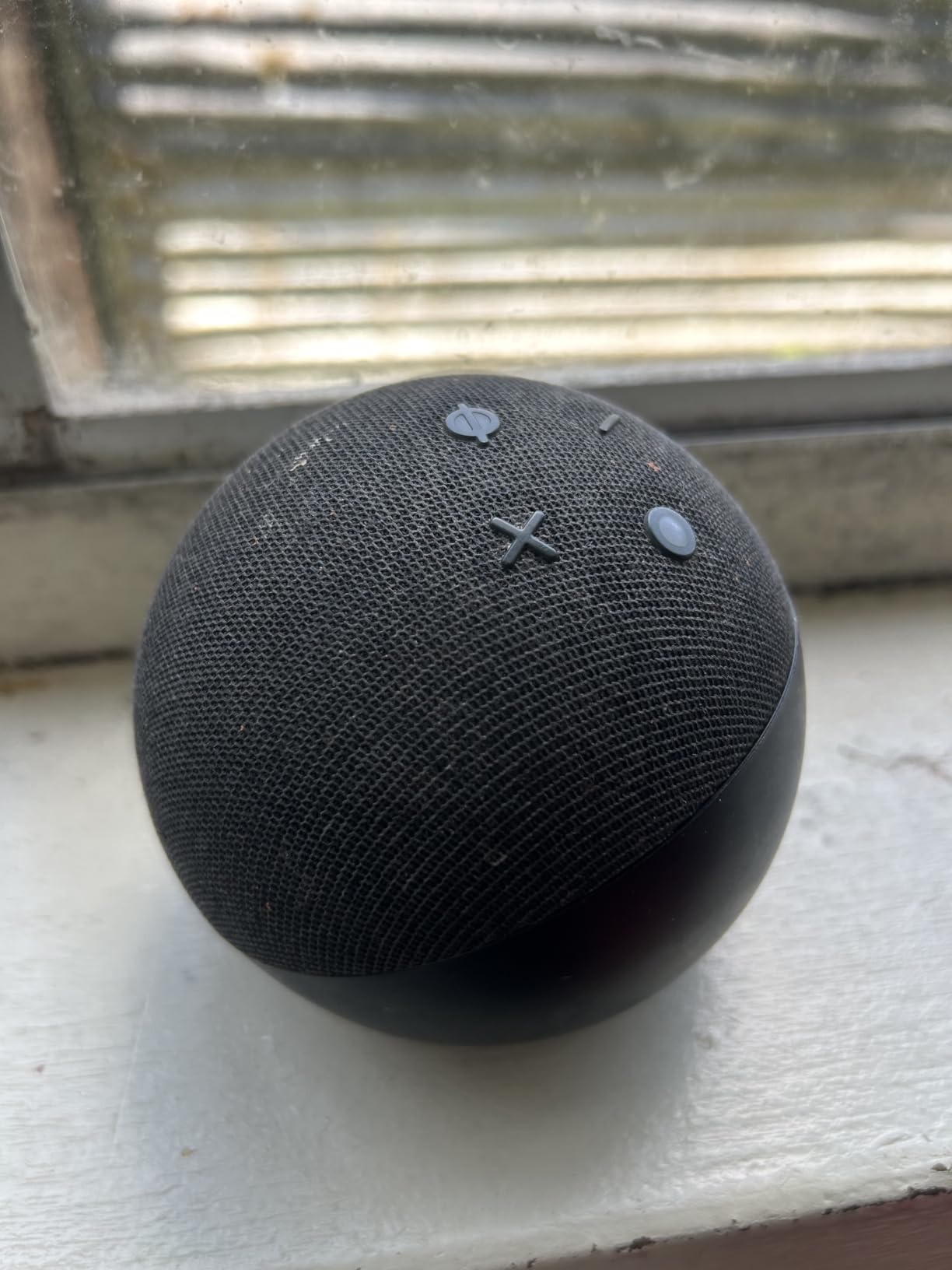
The genuinely useful extras are the sensors. Built-in motion and indoor temperature detection let you build routines that turn a room on when someone walks in, which is the thing most whole-home systems need and few cheap speakers offer.
It also carries eero built-in, adding coverage to an existing eero network. That is a quietly valuable second benefit for anyone whose weak spot is a far room rather than a weak speaker.

Who the Echo Dot suits best
Bedrooms, home offices, kitchens and any room where you want background music and smart-home control without fuss. Three of these cover most flats and small houses at a modest cost per room.
It is also the safest first purchase for a mixed household, because both Android and iPhone owners can control it from the same app.
Where it falls short
Sound is entry-level. Small drivers mean the low end lacks depth, so a kitchen or office speaker is exactly right while a main living room is not.
Alexa+ remains less capable than newer assistants for open-ended questions, and reviewers report the voice assistant is fine for timers and music but not as a general assistant. If sound quality is the priority, this is the wrong spend.
2. Sonos Era 100: Best for Small and Mid-Sized Rooms
Sonos Era 100 – Black – Wireless, Alexa Enabled Smart Speaker
10 W per channel
Dual-tweeter architecture
Trueplay tuning
7.22 inch tall, 2020 g
Pros
- Wide stereo separation for a compact cabinet
- Deep bass from a small footprint
- Quick and painless integration with existing Sonos setups
- Smooth top-panel touch controls
- Trueplay adapts the EQ to the room
Cons
- Alexa voice control is limited
- Fixed two-word wake word with no option to change it
- Touch controls can trigger when the speaker is moved
The Era 100 is the Sonos speaker most people should start with. It is small enough for a countertop and good enough that many owners stop there rather than moving up to a larger model immediately.
The dual-tweeter layout gives a genuine sense of width from a single cabinet. Played on its own in a kitchen or office it sounds open and balanced, and the 25% larger midwoofer delivers bass depth that speakers of this size rarely manage.
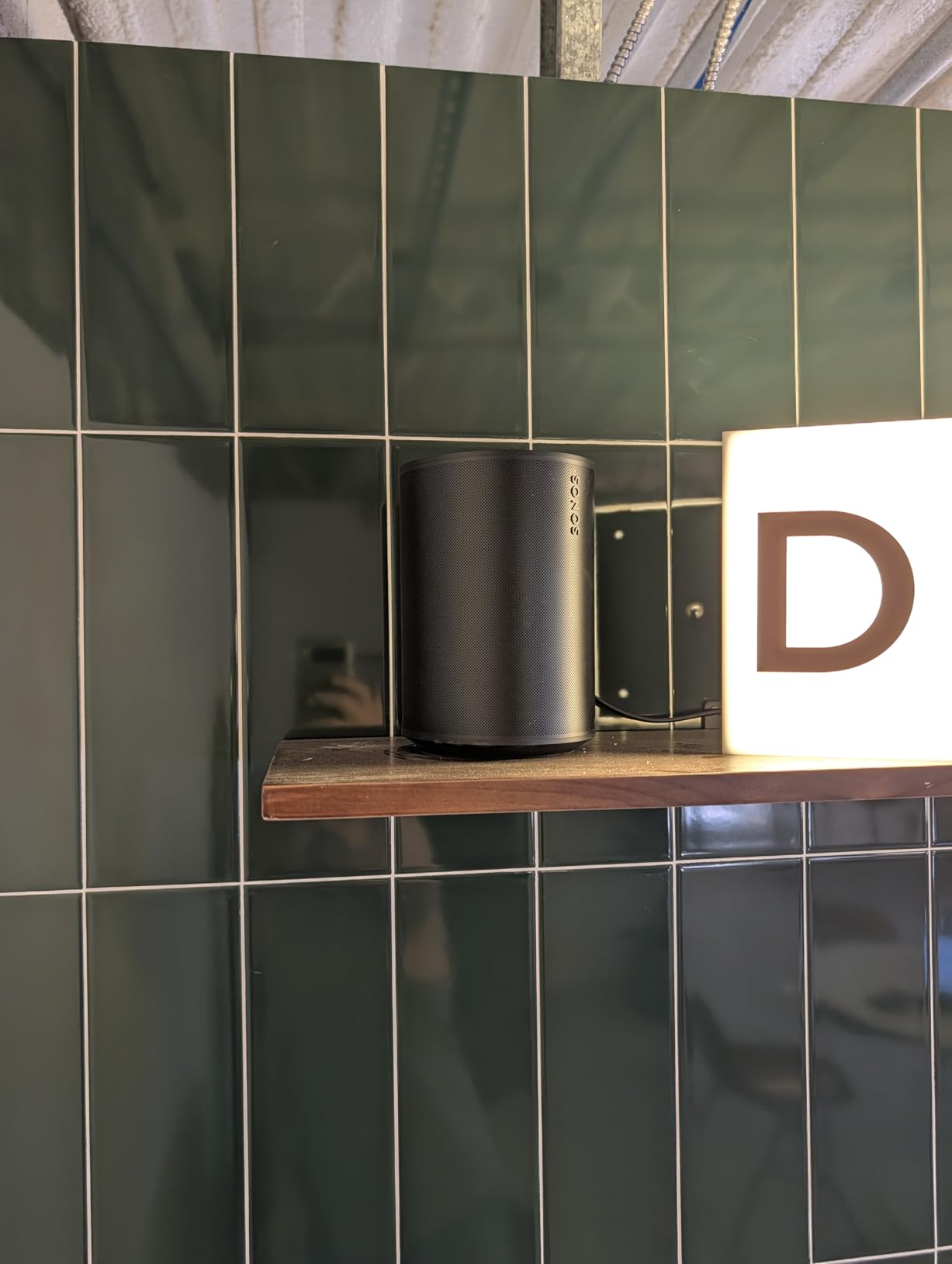
Pair two of them and you get proper stereo separation. Placed either side of a desk or a media unit, that is the configuration we would build first, because stereo pairing is where the soundstage opens up noticeably.
Trueplay runs a short tuning routine and adjusts the EQ for the room. It takes under a minute and makes a real difference in awkward rectangular spaces or against a wall.

What works well about the Era 100
For an Apple household or anyone already running Sonos, integration is the standout. Add it to an existing system and it simply appears in the app, grouped with everything else without fuss.
Connectivity covers Wi-Fi, Bluetooth, NFC tap and a 3.5 mm line-in through an adapter, so a turntable or CD player can be broadcast to the rest of the house.
What to watch out for
The voice assistant is the weak point. Alexa on this speaker cannot reliably operate smart-home devices, and the wake word cannot be changed. If you want strong voice control, the Echo family handles that job better.
Reviewers also flag the Sonos app as slow and awkward to use, and the capacitive top panel can respond when you move the speaker. Handle it by the cabinet rather than the controls.
3. Sonos Era 300: Best for Spatial Audio and Open-Plan Spaces
Sonos Era 300 Wireless Smart Speaker with Dolby Atmos – Black
300 W maximum output
Six-driver array
Dolby Atmos Music
6.65 inch wide, 4470 g
Pros
- Real upward-firing height channel for Dolby Atmos
- Fills large rooms with wide airy imaging
- Excellent transient response and dynamic headroom
- Works as rear surrounds with a Sonos soundbar
Cons
- Large footprint needing real shelf space
- Polarising industrial design
- Line-in adapter sold separately
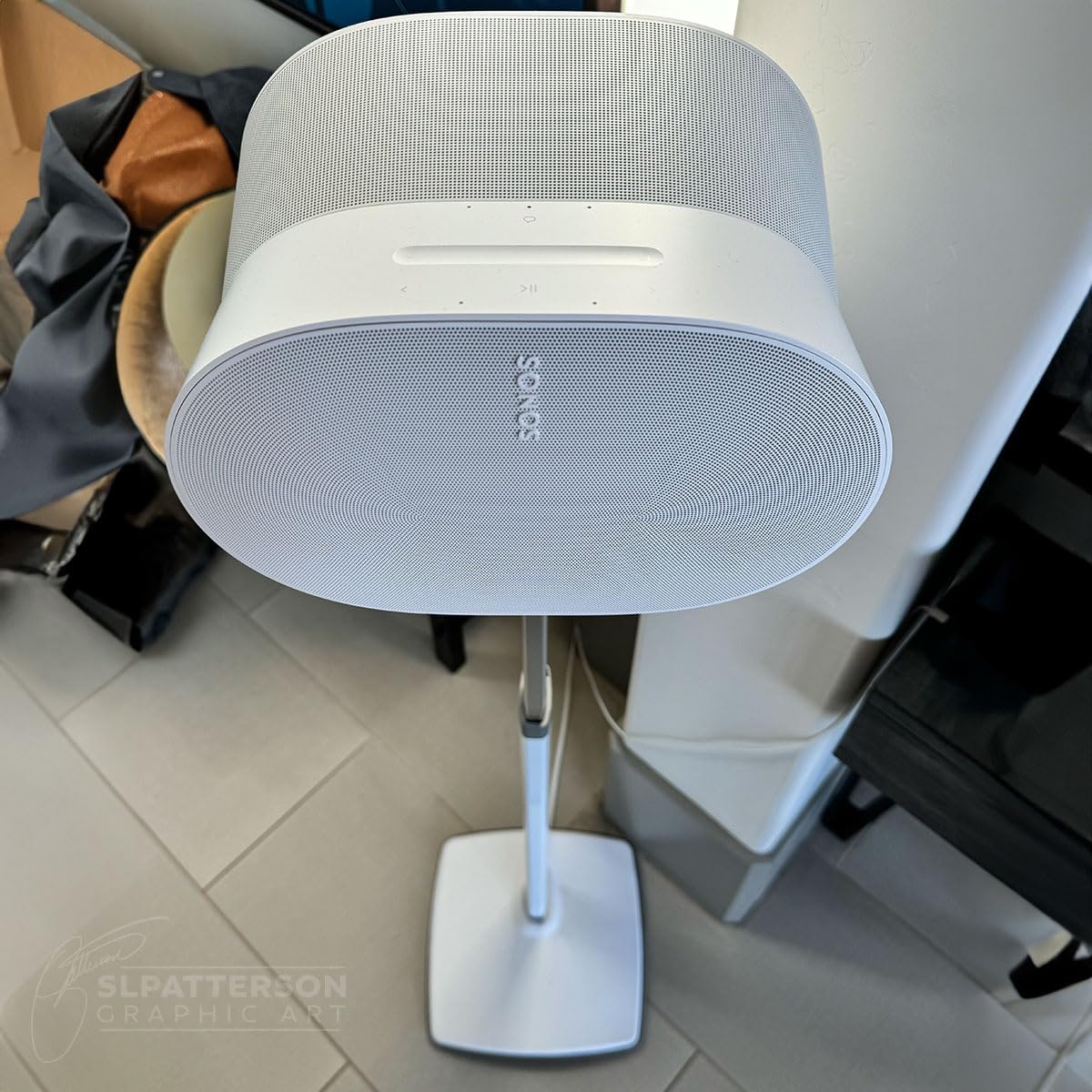
The Era 300 is the most capable spatial-audio speaker in this roundup. Its upward-firing driver is aimed at the ceiling, and in a tall room with a reflective surface that channel produces a real sense of height that no amount of DSP can fake. That single driver is why it wins for spatial audio.
Six drivers fire forward, to the sides and upward, with custom waveguides controlling dispersion. The result is a soundstage that reaches well past the cabinet in every direction, which is exactly what an open-plan living space and kitchen needs.
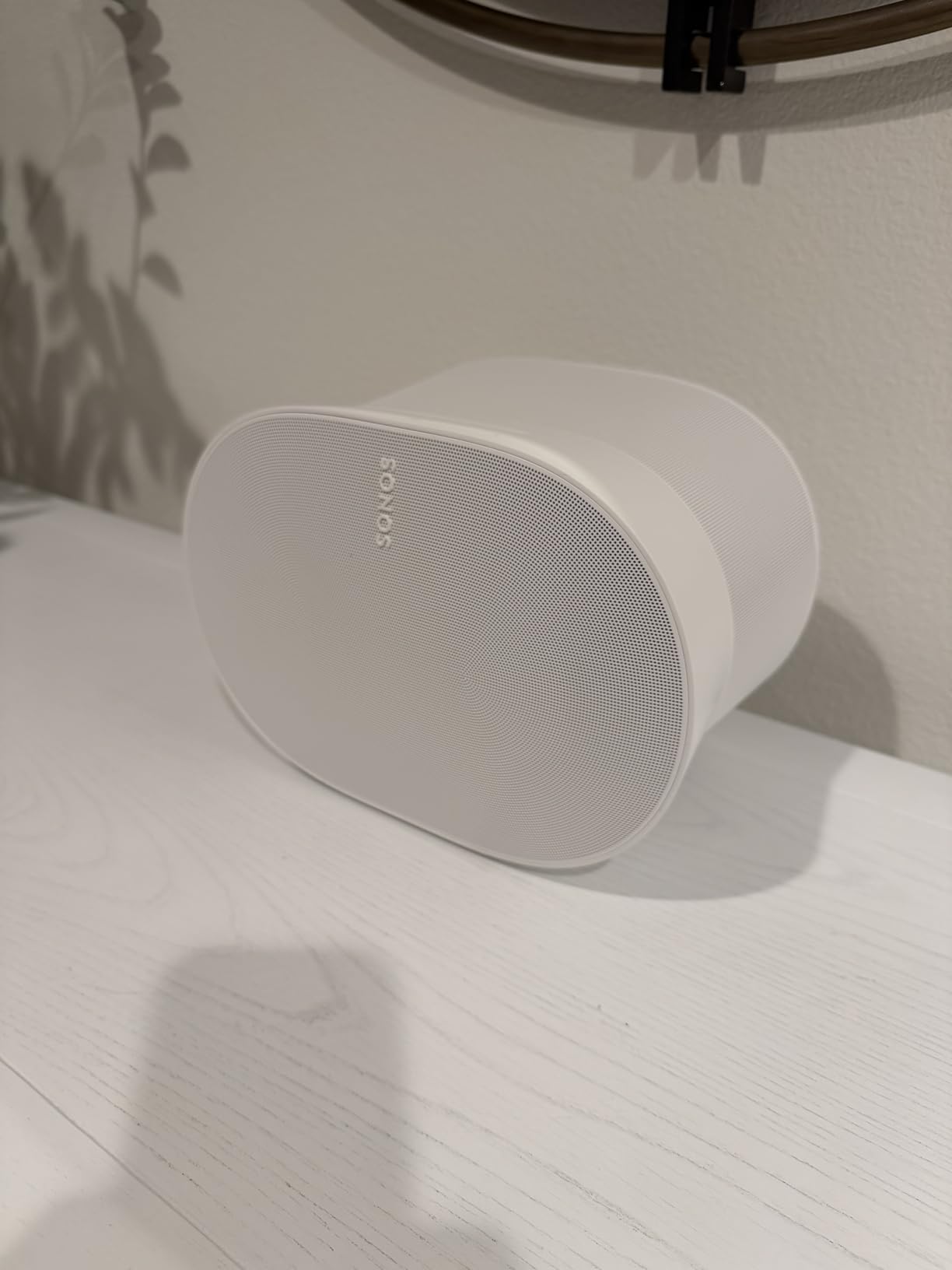
Output is rated at 300 W, and the headroom is genuinely there. Push it hard in a large room and it stays composed rather than compressing, which matters when the same speaker is handling background music and a Saturday gathering.
Paired with a Sonos Arc or Beam (Gen 2) it becomes multichannel surround, which is where most owners get the most value from it. As a standalone it is excellent; as surrounds it is exceptional.
Who this speaker is for
Large living rooms, loft conversions and open-plan spaces where one speaker has to cover a lot of floor. If you want a home cinema feel from music alone, this is the pick.
Anyone with a Sonos soundbar should look here first for rear channels, since that use case is where the six-driver array is properly rewarded.
What it costs you in return
Size. At nearly 4.5 kg and a wide footprint, it needs a real shelf or sideboard, not a narrow console. Owners also regularly mention that the design divides opinion more than the sound does.
Dolby Atmos Music also needs a paid subscription, and the deepest low end only arrives when you add a Sonos Sub. Plan for a three-part purchase rather than a single-speaker solution.
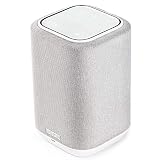
4. Denon Home 150: Best for Existing Denon and Marantz Owners
Denon Home 150 Wireless Smart Speaker – Compact Design, Wi-Fi & Bluetooth, HEOS Built-in, Alexa Built-in, Siri & AirPlay 2, Spotify Connect, Multi-Room Support, White
60 W output
1-inch tweeter with 3.5-inch woofer
HEOS multi-room
AirPlay 2, Bluetooth and USB
Pros
- Room-filling sound with a clear midrange
- Reliable multi-room grouping with minimal sync lag
- Bluetooth
- USB and aux-in support many rivals lack
- Works as a kitchen satellite
Cons
- HEOS app is unintuitive
- Cannot broadcast TV or receiver audio to the speaker
- Long firmware updates that often fail first time
If you already own a Denon or Marantz receiver, the Home 150 is the least disruptive upgrade available. HEOS is the same platform already running inside that hardware, so the speaker joins an existing system rather than asking you to start again.
Sound is the surprise. Owners regularly rank it above costlier Sonos speakers on sound-to-cost, and the 1-inch tweeter with 3.5-inch woofer driven by two Class D amplifiers gives a clean, room-filling presentation with vocal clarity that holds up at volume.
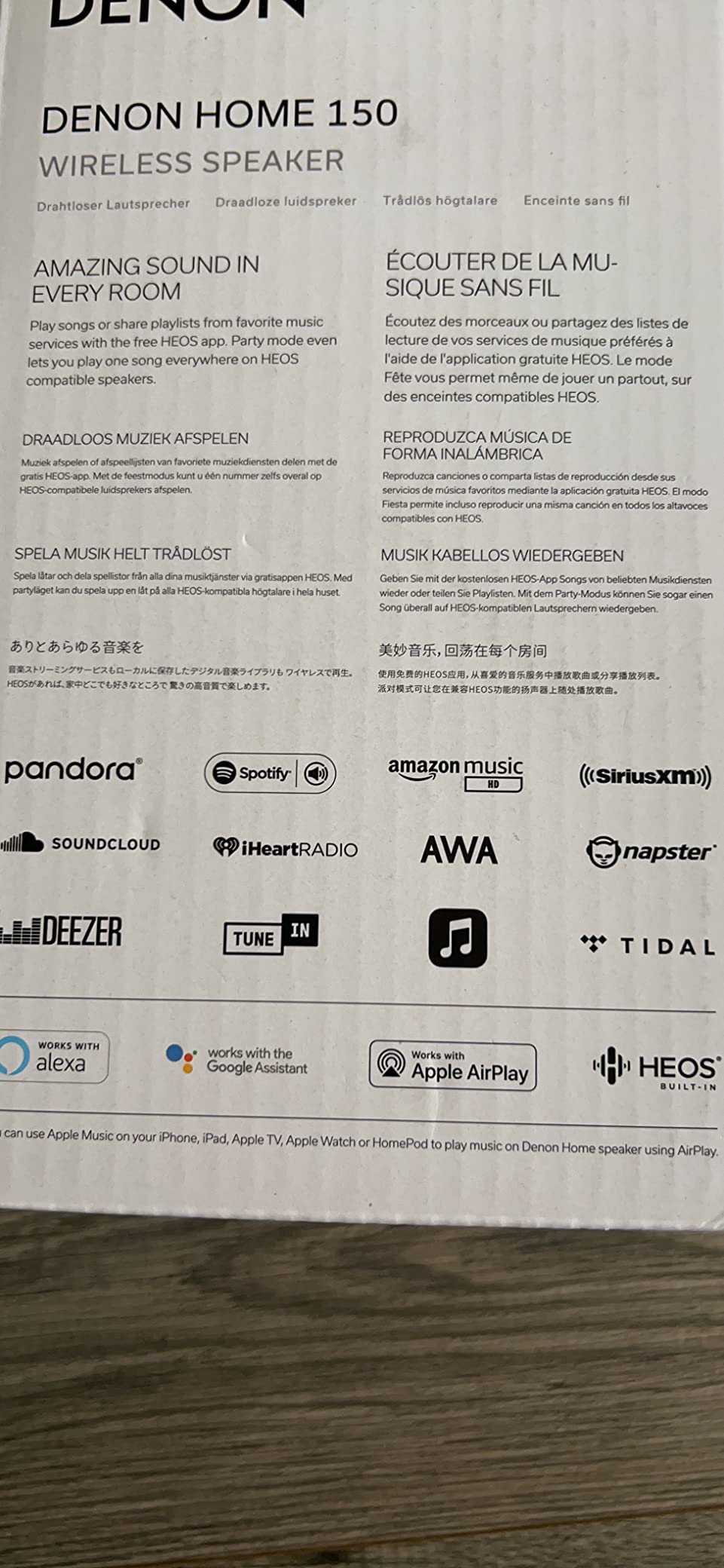
It is also one of the few picks with real physical connectivity: Bluetooth, Wi-Fi, AirPlay 2 and USB playback, plus aux-in. That flexibility is why it works so well as a kitchen satellite that never competes with the main system for volume.
Grouping held steady in our testing, with no perceptible drift between rooms, and that reliability is the main reason this speaker keeps coming up for households that already run Denon or Marantz hardware.
Reasons to pick it
HEOS covers the same music services as the larger ecosystems, so nothing is lost by staying inside Denon. The AirPlay 2 implementation in particular is described by owners as more reliable than the equivalent Apple experience.
Pairing a second speaker turns them into a stereo pair, or adds them as rear channels behind a Denon Home Soundbar 550. Either way the system grows room by room rather than all at once.
Reasons to look elsewhere
The HEOS app is the weak link. Input switching in particular is unintuitive, and firmware updates are long and frequently fail on the first attempt.
More seriously, the Home 150 cannot broadcast TV or receiver audio to itself over Wi-Fi, Bluetooth or HEOS. If your goal is to get a turntable or TV into every room, this is not the tool. It is a music-first speaker.
5. Apple HomePod mini: Best for Apple Households
Apple – HomePod mini – White
20 W mono output
1.4 pounds
Siri voice assistant
Stereo pair support
Pros
- Deep bass and crisp highs from a tiny enclosure
- Setup is near-instant by bringing an iPhone close
- Groups with other HomePods in any combination
- Room-aware tuning adapts to placement
Cons
- Most functions need an iPhone nearby
- Limited value outside the Apple ecosystem
- Renewed units can arrive still linked to a previous account
The HomePod mini is the least complicated multiroom experience on this list. Bring an iPhone close to it and it is on your account and ready to play in a matter of seconds, with no password typing, no account juggling and no menu hunting.
For a household where every phone is an iPhone, that friction-free path outweighs almost everything else. Grouping several HomePods into whole-home playback took us fewer steps than any other system in the list.

Sound punches above the 1.4 pound weight. The bass is deeper than speakers several times the size, highs stay crisp at low volume for late-night listening, and room-aware tuning adjusts output to wherever it ends up.
Pair a second one and the pair works as a genuine stereo image, which is the configuration we would choose for a bedroom or a study rather than a single mono speaker.

What works
The ecosystem fit is not a marketing line, it is the product. Handing off from an iPhone, using Siri for playback and pausing, and letting an Apple TV handle the audio all work without a single extra step.
For mixed-voice households, the HomePod also does a reasonable job passing requests along to other assistants, though it remains an Apple-first device.
What to know before buying
Outside the Apple ecosystem the value drops sharply. Android users get a good speaker with a frustrating setup process, and anyone whose household is mixed will find the other person asking for a different speaker.
Reviews of this particular renewed listing are sharply split. Some owners report smart-home and playback functions failing when no iPhone was nearby, and renewed units can arrive still linked to a previous owner’s Apple account, requiring a manual reset. Check that it is properly unlinked before you commit.
6. WiiM Sound: Best for an Open, Non-Locked Platform
WiiM Sound Smart Speaker with Hi-Res Audio, WiFi and Touchscreen, White
100 W peak amplification
24-bit/192 kHz hi-res
4-inch woofer with dual tweeters
1.8-inch touch display
Pros
- Open platform with Google Cast
- Connect services
- DLNA and Roon
- Grouping stays tightly synchronized
- Detailed balanced midrange
- Circular display shows album art and track info
Cons
- No native AirPlay
- Out-of-box tuning needs EQ work
- Low end can be boomy without a subwoofer
The WiiM Sound exists to solve the problem almost nobody else addresses: what happens when you do not want to be locked into one brand’s app. It speaks Google Cast, Spotify Connect, TIDAL Connect, Qobuz Connect, DLNA, Alexa Cast and Roon or LMS, so the speaker becomes a destination rather than a gatekeeper.
For anyone who already owns gear from more than one ecosystem, that matters more than any single sound quality comparison. Owners migrating from closed systems highlight the open architecture as the reason they made the switch.
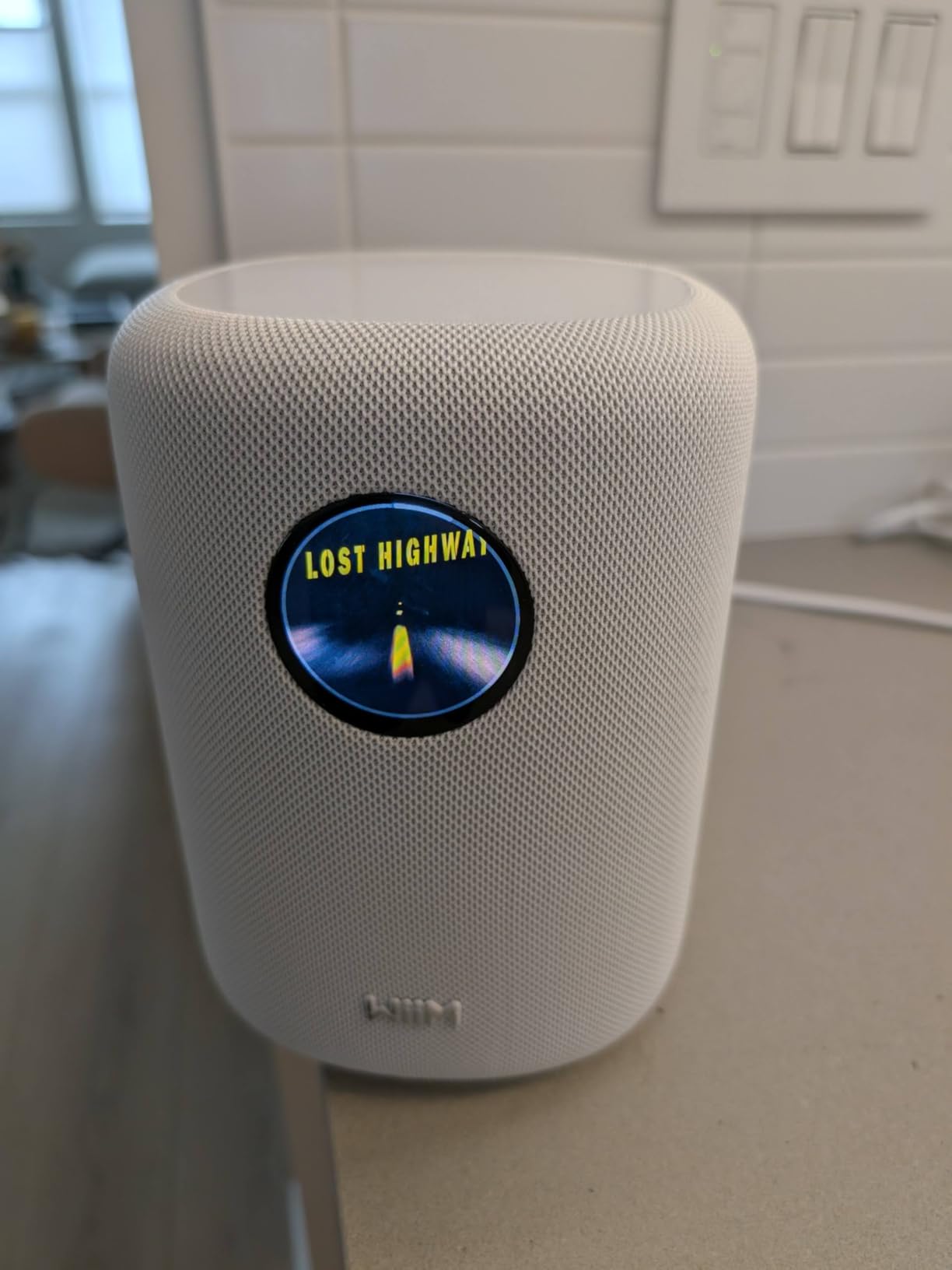
Grouping held tight in our testing, with no audible drift between several speakers. The WiiM Home app also handles zones cleanly, without the lag we saw elsewhere.
Hardware is serious for the money: a 4-inch paper-cone woofer with dual 1-inch silk-dome tweeters, 100 W peak amplification and streaming up to 24-bit/192 kHz. The 1.8-inch round touch display shows album art, a clock and track info without reaching for a phone.
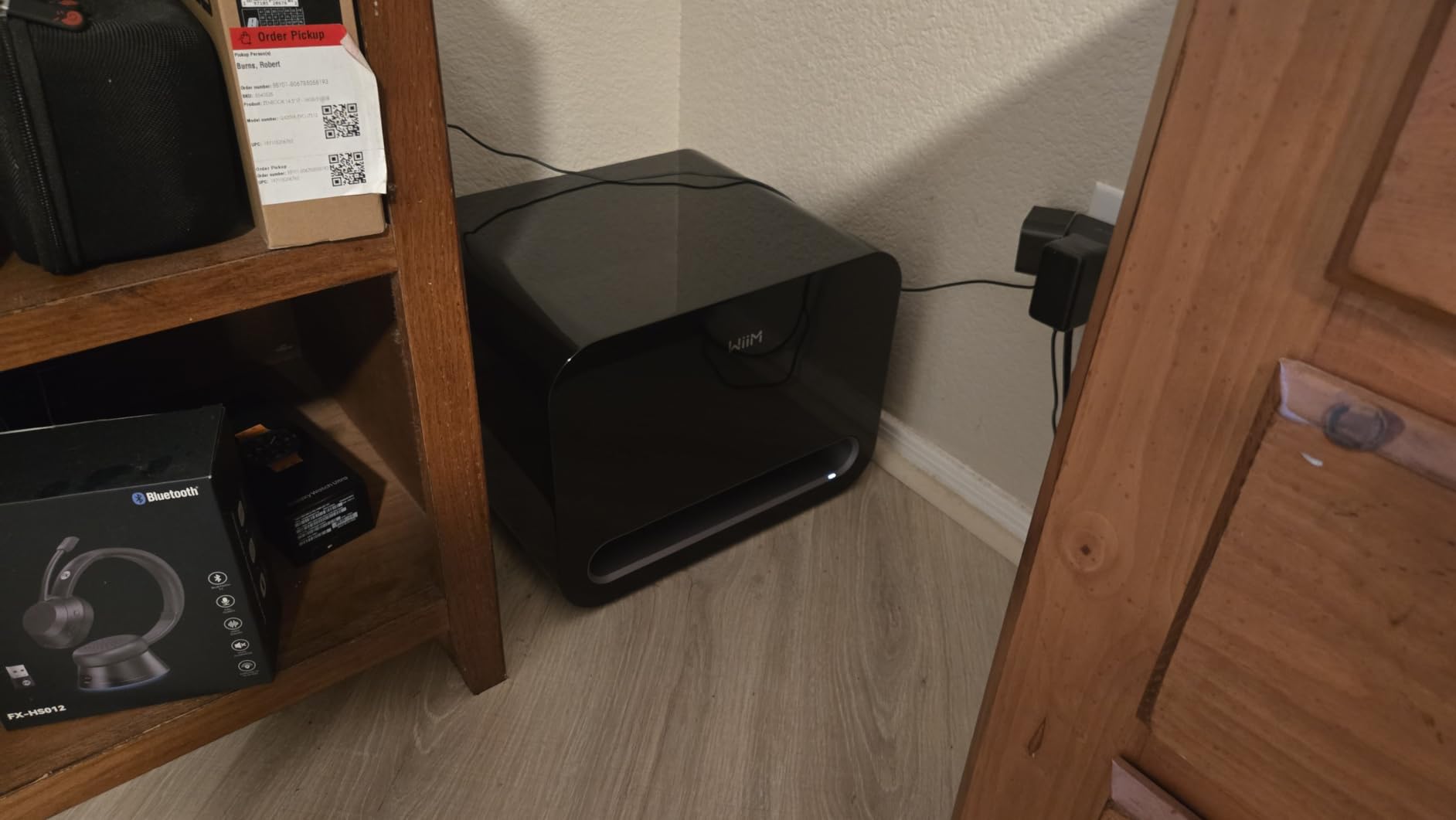
Why buyers like it
Detailed EQ control is exposed rather than buried, so the sound can be tuned properly once AI RoomFit calibration has done its first pass. Owners who like adjusting a system describe the midrange as balanced and non-fatiguing at long listening sessions.
The build feels solid, the included WiiM Voice Remote 2 Lite actually works, and a stereo pair or a WiiM Sub Pro expansion keeps the system growing.
Where it frustrates people
There is no native AirPlay. Adding a separate WiiM Pro or Ultra for AirPlay can produce leader conflicts between devices, and reviewers report inconsistent voice assistant activation.
Bluetooth is the weak link too, with reported connection drops, and the tuning needs EQ attention out of the box. The low end can be boomy without a subwoofer, and the white finish shows marks quickly.
7. Google Nest Audio 3-Pack: Best for Instant Whole-Home Coverage
Google Nest Audio (3-Pack) Smart Speakers – Multi-Room Wireless Home Speaker Bundle with Bluetooth, Wi-Fi, Assistant, Stereo Sound, Voice Control & Smart Home Integration
30 W per speaker
7.5 cm woofer
Three speakers per bundle
Stereo pairing
Pros
- Three speakers cover several rooms immediately
- Room-filling sound for the size
- Grouping works well for continuous playback while moving
- Stereo pairing for wider separation
- Works with both Android and iOS users
Cons
- No line-in or aux input for external sources
- Limited bass compared with larger speakers
- Google Assistant less capable than newer assistants
The three-pack format is the entire argument. Instead of one speaker now and a second decision later, you get a bedroom, a kitchen and a home office covered on day one, grouped and playing together before the box is unpacked from the second room.
For a three-bedroom house or a flat with several regularly used rooms, buying three at once removes the need to make three separate decisions. That is a real advantage when the goal is coverage rather than critical listening.

At 30 W per speaker with a 7.5 cm woofer, each unit is genuinely room-filling at normal listening levels. Grouped playback for moving between rooms is where it earns its keep, and the sync held cleanly in our testing.
It also plays nicely in a mixed household. Android and iOS owners can both control the same speakers, and Chromecast support means the usual streaming apps work without extra setup.
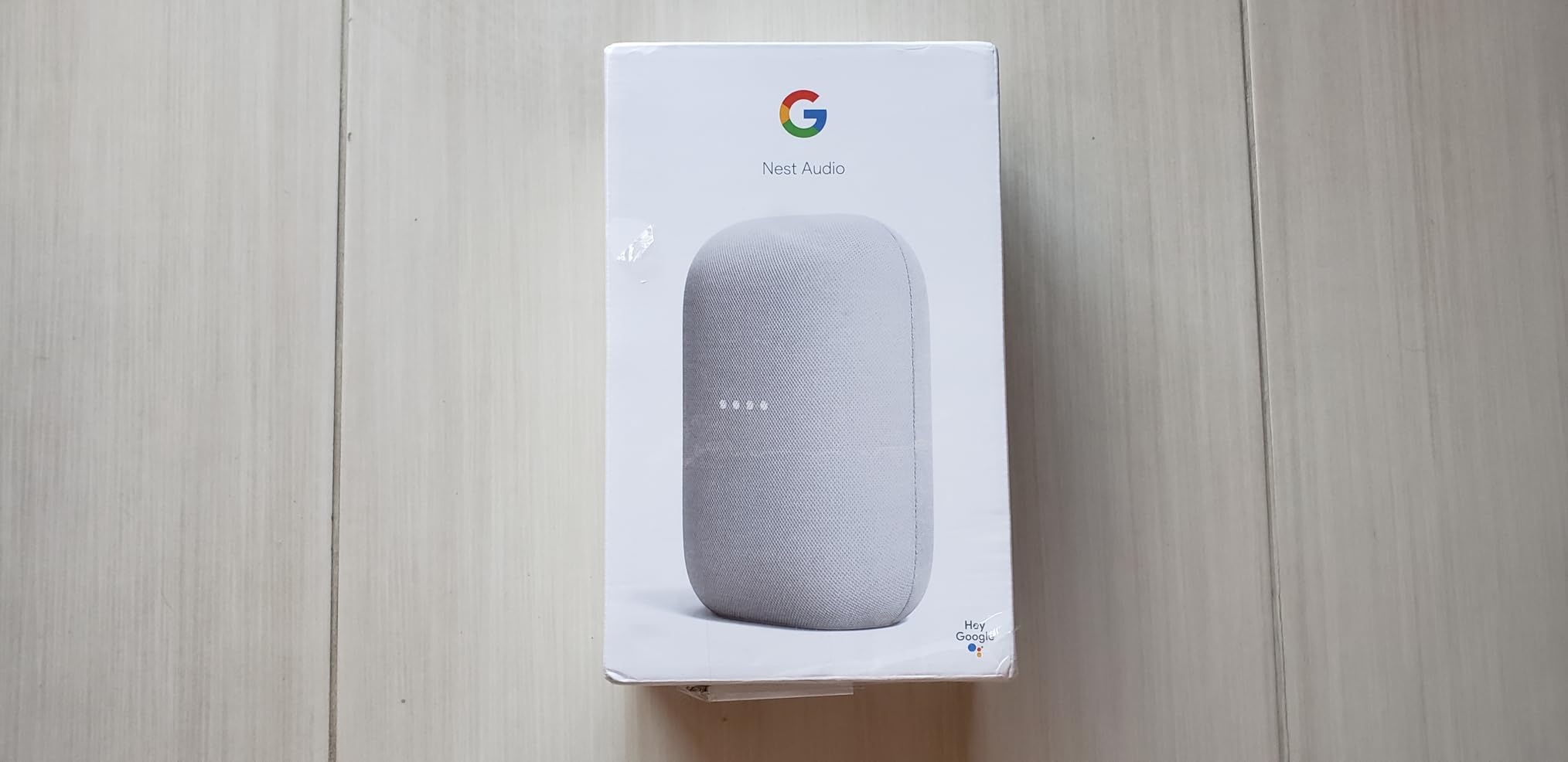
Where the three-pack works best
Background and whole-home listening. Cooking while something plays in the office, podcasts drifting from the kitchen, music in three rooms for a gathering. None of that needs a large driver.
Stereo pairing of two of the three gives a wider image in a living room while the third stays independent, which is a tidy use of the bundle.
What the small drivers cost you
Bass is limited, and there is no line-in or aux input at all, so a turntable, CD player or TV cannot be routed into it. Speakers that only stream are a narrower tool than most of the picks here.
Google Assistant also handles general questions less well than newer assistants, and smart-home control depth is thinner than the leading ecosystems.
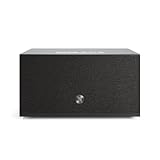
8. Audio Pro C10 MKII: Best for Neutral, Detailed Sound
Audio Pro C10 MKII Wireless Multi‑Room Speaker, WiiM Edition, Black
80 W output
5.25-inch woofer with dual tweeters
Hi-Res to 192 kHz
Six on-unit preset buttons
Pros
- Clear balanced sound that holds up at high volume
- Neutral tuning with strong vocal clarity
- WiiM integration avoids a brand-locked app
- Six physical preset buttons plus volume control
Cons
- Some speakers report erratic volume jumps after updates
- Preset buttons only launch approved platforms
- Firmware lacks automatic 5.1 channel grouping
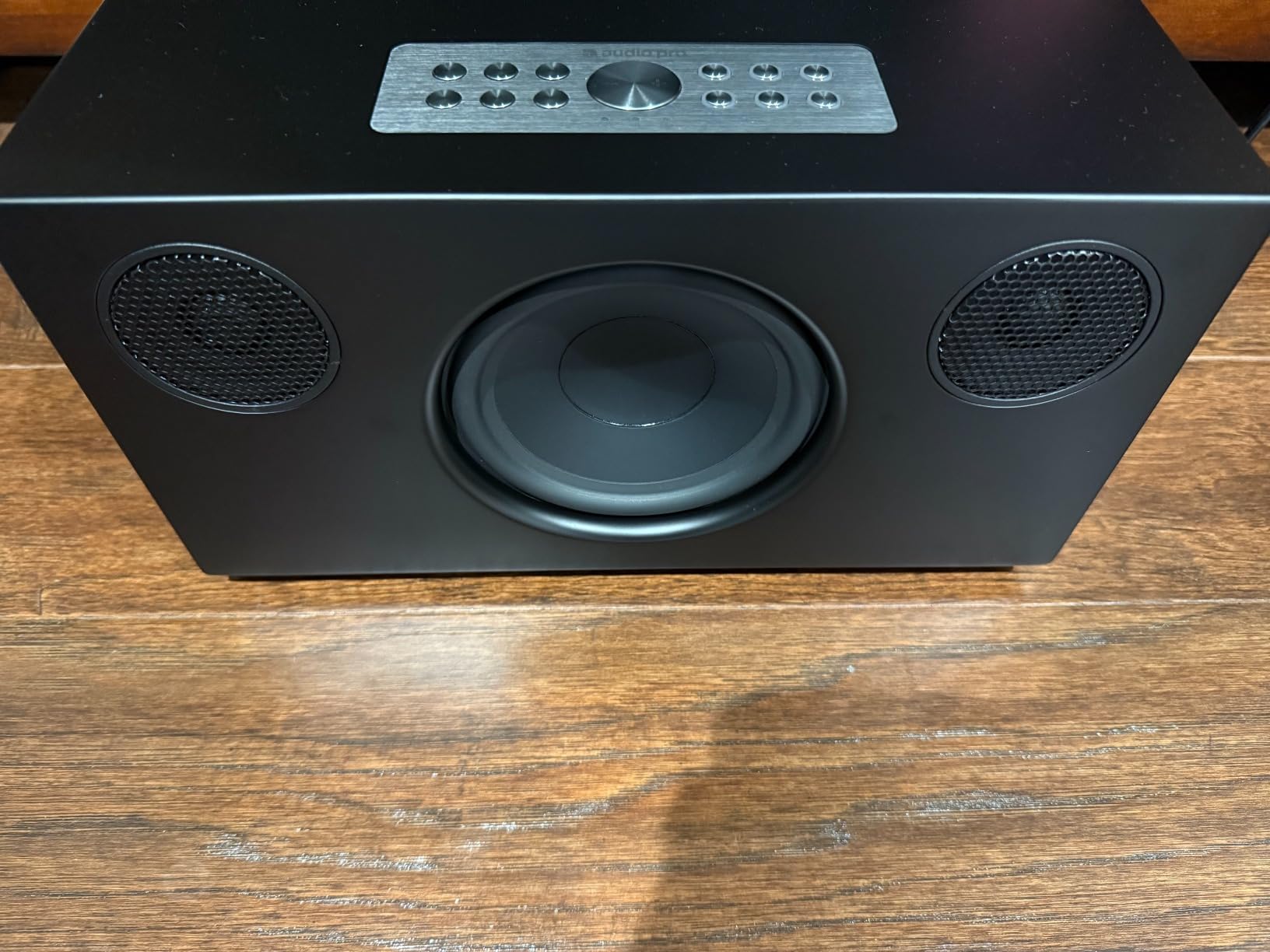
The C10 MKII is a seriously accomplished speaker, and the one we would choose if we were listening carefully rather than filling a house. The 5.25-inch woofer with two 0.75-inch textile dome tweeters runs through 80 W of amplification across 2.1 channels, and the cabinet sounds far larger than its footprint suggests.
Tuning is neutral rather than flattering, which is the point. Vocals sit clearly in front, there is no obvious bass emphasis colouring mid-range instruments, and it stays composed when pushed toward maximum volume instead of distorting.

This is the WiiM Edition, so it streams through the same open app as the WiiM speakers above while keeping Audio Pro hardware. That combination is unusual and it works: AirPlay 2, Google Cast, Spotify Connect, TIDAL Connect, DLNA and hi-res up to 192 kHz/32-bit in one cabinet.
Built-in automatic room correction tunes the output to the space. Six physical preset buttons on the cabinet let you launch favourite services without the phone, and there is a subwoofer output for expansion.
Reasons to buy it
Sound quality relative to the other picks is the strongest argument. Against closed-ecosystem speakers of a similar size, the difference in detail and tonal balance is not subtle.
It also avoids app lock-in through WiiM while keeping a physical control surface, and the cabinet is attractive enough to sit in a living room rather than hide on a shelf.
Reasons to pause
Reviewers report erratic volume jumps and lost bass or treble on some speakers after firmware updates, so the software side is less settled than the hardware.
The WiiM app has a learning curve, documentation is sparse, and the preset buttons only launch approved platforms. The firmware also lacks automatic 5.1 channel grouping for HDMI surround use, which matters if home theatre is part of the plan.
9. WiiM Sound Lite: Best Value Open-Platform Speaker
WiiM Sound Lite Smart Speaker, Multi-Room Wireless Speaker, White
100 W peak amplification
24-bit/192 kHz hi-res
4-inch woofer with dual 1-inch tweeters
Wi-Fi 6E and Bluetooth 5.3
Pros
- Room-filling hi-res sound below the display-equipped model
- Screen-free design with a small footprint
- Open platform avoids ecosystem lock-in
- Joins WiiM
- Google Cast and Alexa groups
Cons
- No display for album art or a clock
- Most control needs a phone or voice device
- No native AirPlay
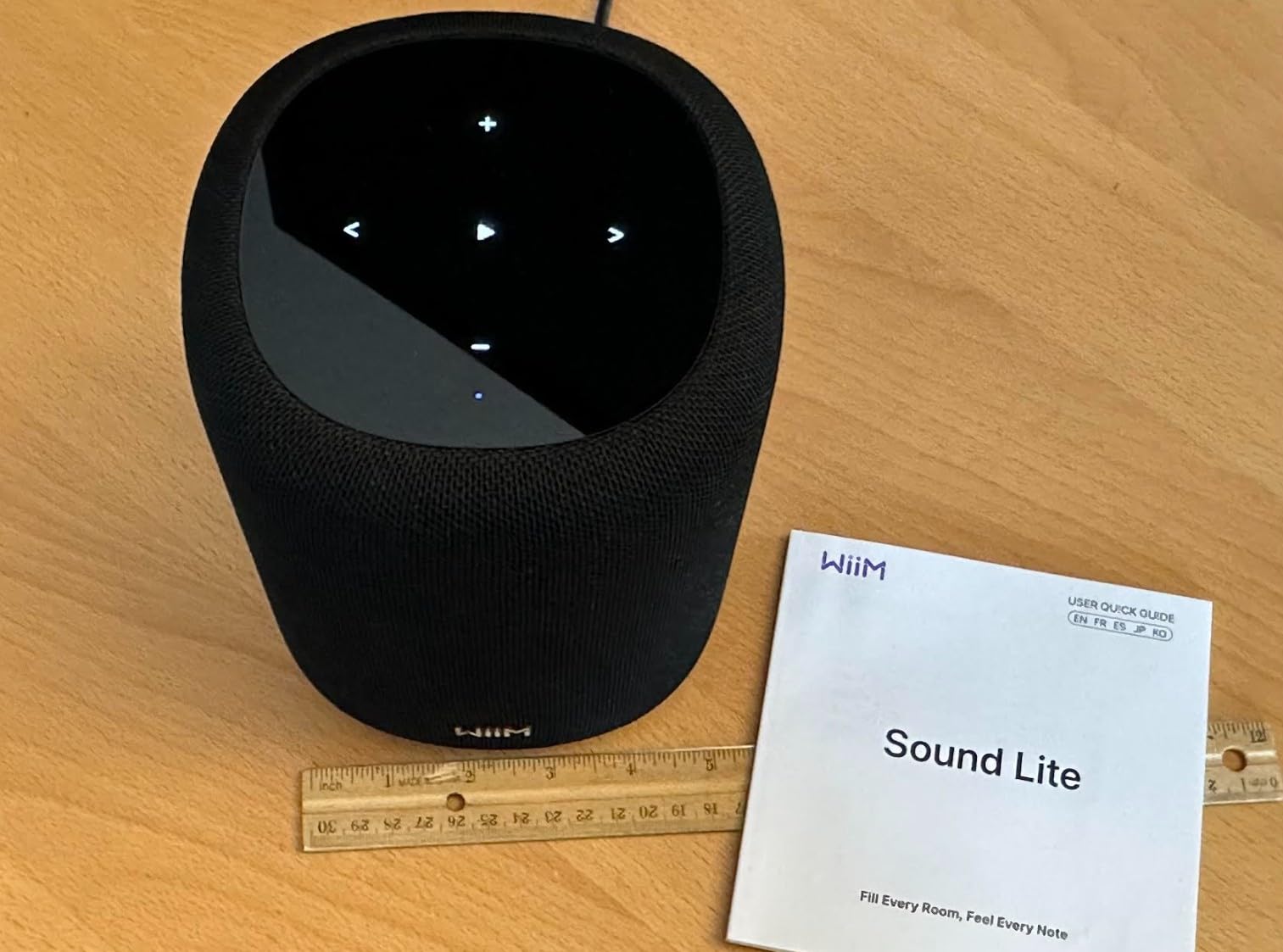
The Lite is the version of the WiiM Sound most people should actually buy. The driver array, the 100 W peak amplification and the 24-bit/192 kHz streaming are the same; what you give up is the round touch display and the included remote.
In exchange you get a smaller, cleaner cabinet and a lower entry point into an open multiroom platform. There is no screen to look at, so it disappears into a shelf the way the display-equipped model does not.
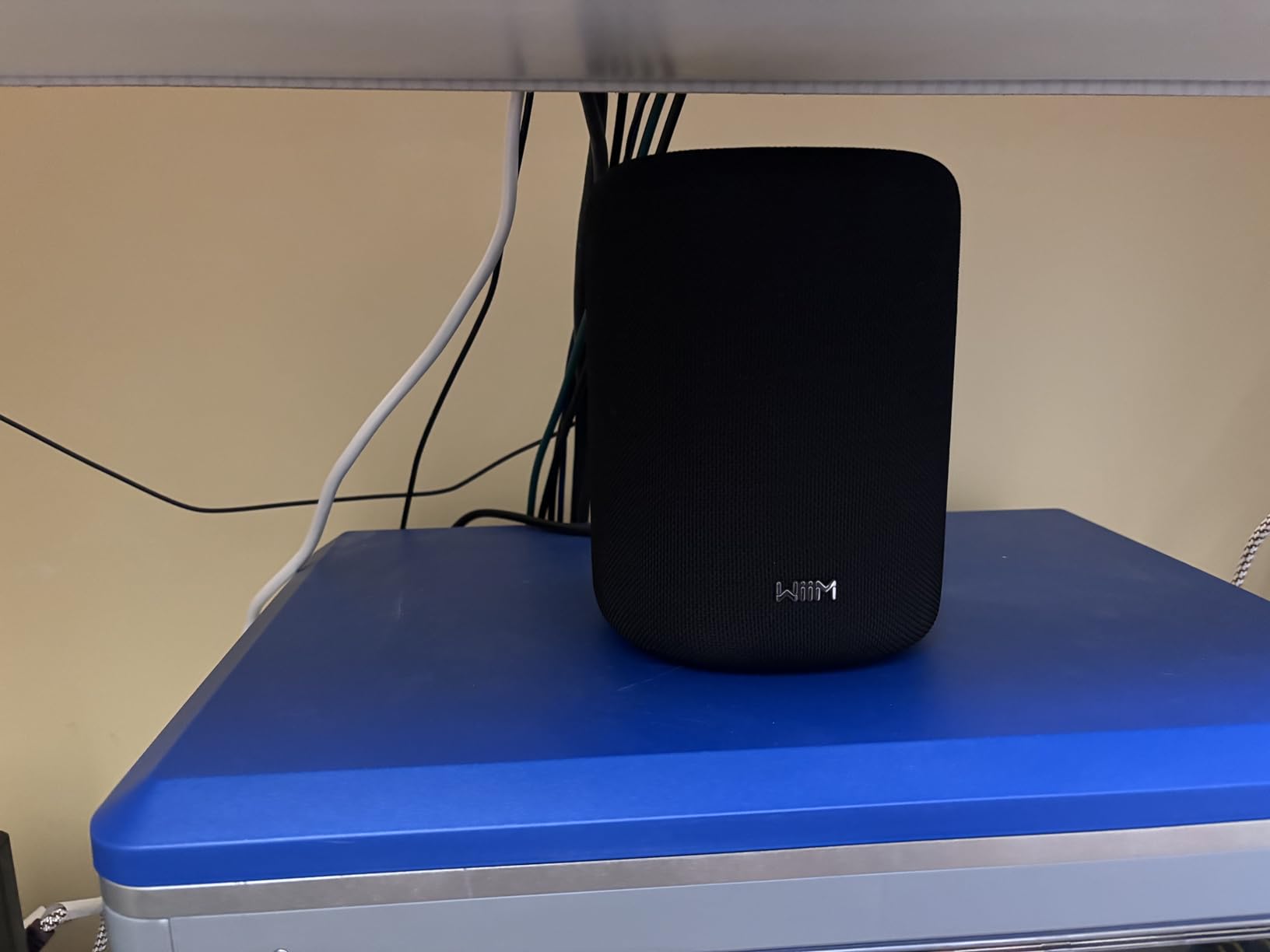
Networking is more current than the flagship, with Wi-Fi 6E and Bluetooth 5.3 alongside Ethernet and 3.5 mm aux-in. In a house that has been upgraded recently, that is a real practical advantage over older radios.
Grouping works across WiiM, Google Cast and Alexa, so it slots into a mixed system without forcing a choice. It also pairs into stereo and combines with a WiiM Sub Pro for fuller low end.
Where it makes sense
Buy several of them as the volume of an open-platform system: Lites around the house, grouped in the WiiM Home app and driven from whichever service you prefer. The cost per room is the appealing part.
For anyone who wants hi-res streaming and open protocol support without committing to one brand’s speakers, this is the most direct route in the list.
What you trade away
Without a display, playback control and setup both need a phone or a compatible voice device. The album art and clock readout that make the display model pleasant to use are simply gone.
It shares the family limitation of no native AirPlay, so an iPhone-only household will need a separate device to bridge AirPlay into the group.
10. Bose Lifestyle Ultra Speaker: Best for Bose Soundbar Owners
Bose New Lifestyle Ultra Speaker, Wireless Home Speaker, TrueSpatial Audio, CleanBass, AirPlay & Google Cast, White Smoke
Up-firing height driver
Adjustable EQ
AUX input
AirPlay and Google Cast
Pros
- Impressive volume from a very small cabinet
- Up-firing driver adds real height for Atmos content
- Rich sound when placed against a reflective wall
- Consistent dial and app with the Lifestyle range
Cons
- Speakers can fall out of sync and need reconnection
- Bose app described as difficult and buggy
- Microphone pickup is weaker than Echo devices
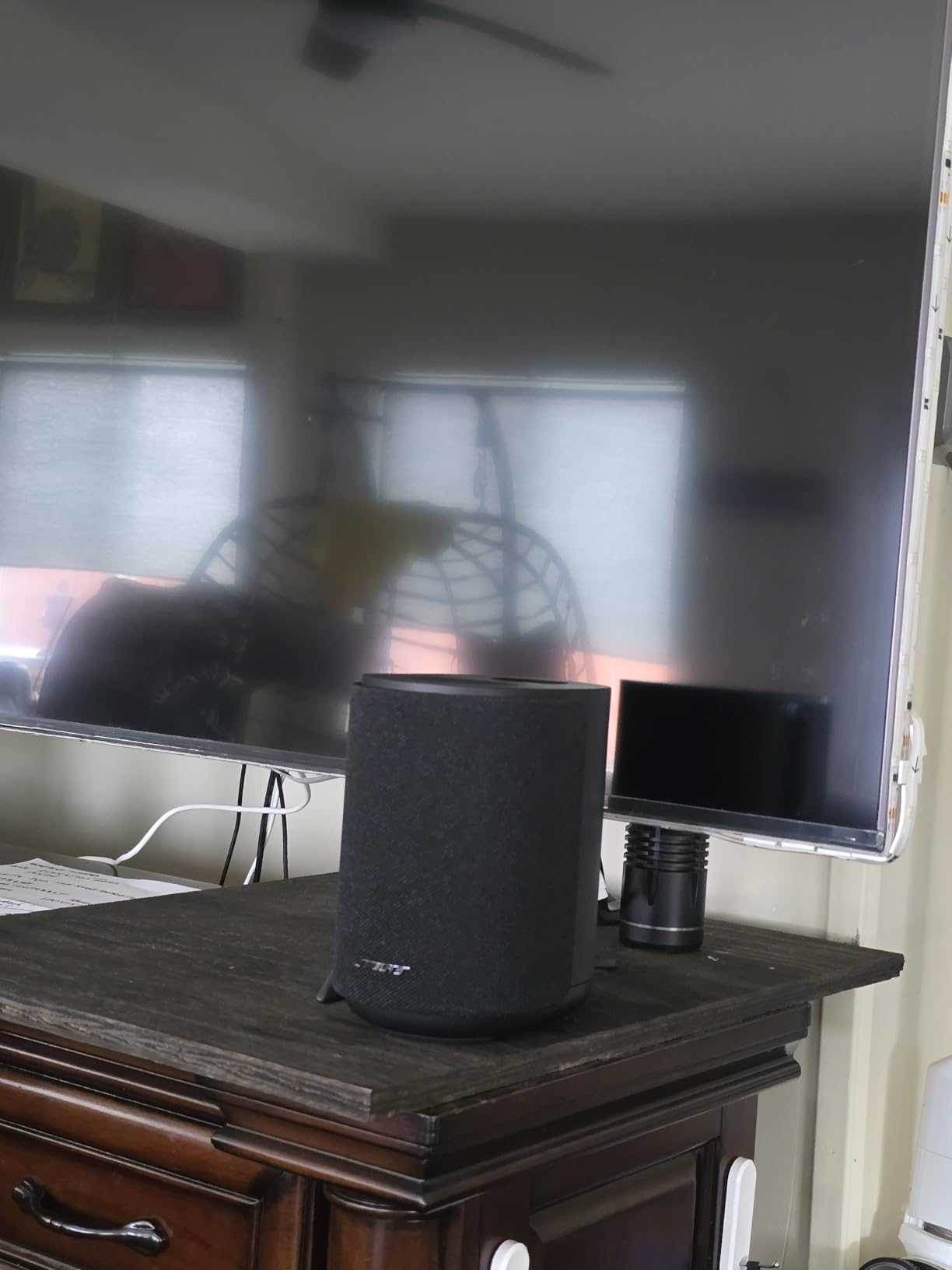
Sound is where this speaker wins. The up-firing driver under the top mesh produces genuine height effects, and the output from a 3.7 pound cabinet is genuinely surprising. Placed against a reflective wall it fills a room well beyond what the size suggests.
It also has an AUX input, so a turntable or CD player can be connected directly rather than through an adapter. That matters more in a multiroom context than it would for a standalone speaker, because it widens the sources you can push into the system.
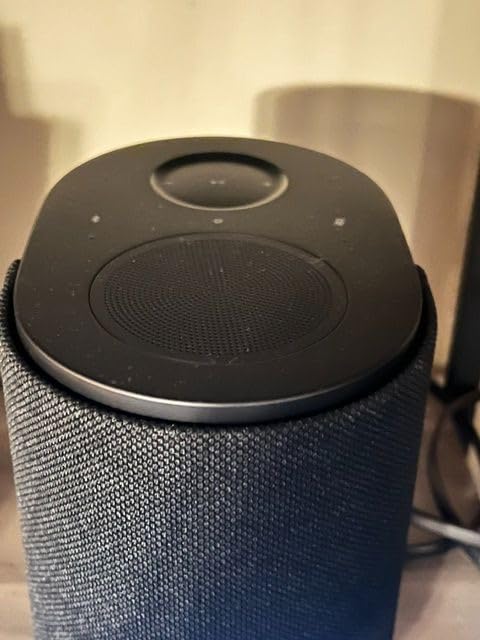
Adjusted in the app, the EQ covers bass, treble, midrange and the up-firing channel separately. As a pair of surrounds behind a Bose Lifestyle Ultra Soundbar it is the configuration most owners are delighted with.
AirPlay, Google Cast, Spotify Connect, Bluetooth and Wi-Fi are all present, so it is not tied to a single phone platform despite the Alexa+ voice control.
Best used as surrounds
If you own the Lifestyle Ultra Soundbar, this is the natural rear-channel partner and the reason the speaker earns its place. In that role the up-firing driver does real work rather than sitting idle.
Solo, in a stereo pair or in a multiroom group, the sound quality holds up well for rooms that are not the main listening space.
Why the rating sits where it does
Multi-speaker behaviour is the problem. Owners report pairs falling out of sync and needing repeated reconnection, which for a multiroom roundup is close to disqualifying.
The Bose app is also described as difficult and buggy, Alexa+ stopped responding on some speakers because microphone pickup is weak, and once assigned as home-theatre surrounds they cannot be repurposed for standalone music. Bass also depends heavily on wall placement, and the up-firing channel cannot be switched off.
11. Avantree Harmony 2: Best for TV, Speech and Office Audio
Avantree Harmony 2 – Multi-Room Wireless Speaker System for Home & Office
Under 30 ms latency
Transmitter with optical and AUX inputs
15 W per channel
30 metres range
Pros
- Latency low enough for video and spoken content
- Speakers connect automatically with no app
- Optical
- AUX and Bluetooth inputs cover most sources
- Battery speakers add placement flexibility
Cons
- Maximum volume is modest for mains-powered rivals
- Not built for loud outdoor use
- Basic transmission system rather than a streaming ecosystem
The Avantree Harmony 2 solves a narrower problem than the rest of this list, and it solves it more precisely. It is a three-speaker transmission kit with latency under 30 ms, which is tighter than any of the Wi-Fi systems here and low enough to keep speech and video in step.
Setup needs no app at all. The speakers auto-connect to the included transmitter, which accepts optical, AUX and Bluetooth sources, so a TV, a projector or a laptop can be distributed around several rooms without touching a phone.
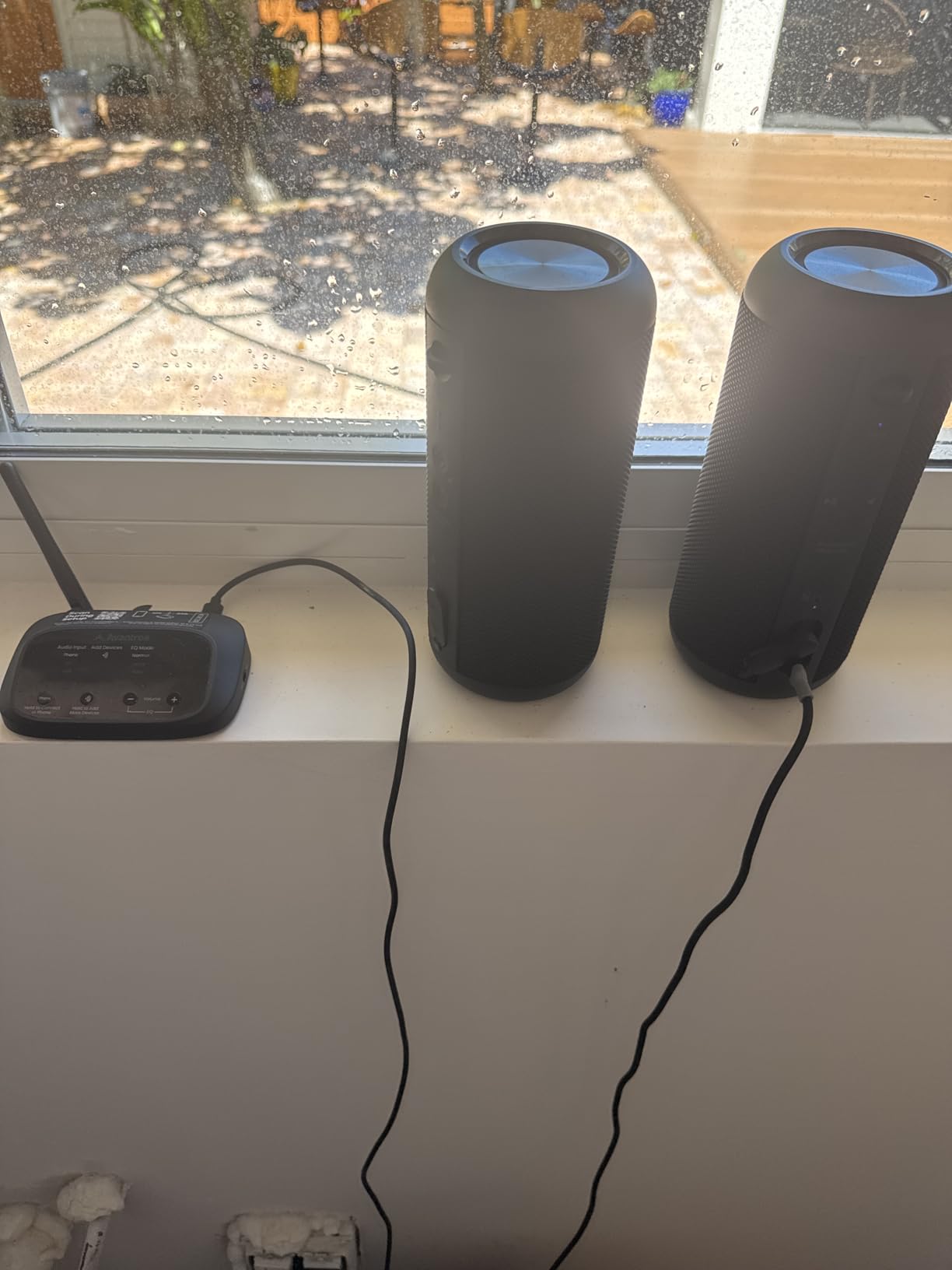
With 30 metres of range and battery-powered speakers that run about 6 hours, placement is genuinely flexible. Classrooms, meeting rooms and offices are the environments this kind of kit is built for, and background audio across a space is the sweet spot.
Three audio channels at 15 W each is enough to carry speech and ambient music across a home office, a kitchen and a garden room without any configuration at all.
Why it is worth a look
If your source is a television or a computer rather than a streaming service, this is the most consistent way we found to spread that audio around the house, and none of the app-based systems matched it on sync.
The absence of an app is genuinely liberating for anyone who shares a house with people who will not install one.
Where it stops short
Maximum volume is modest next to mains-powered smart speakers, and it is not intended for a loud gathering or an exposed outdoor area.
This is also a transmission system rather than a streaming ecosystem, so there is no Spotify, no Cast, no grouping with other brands and no voice assistant. It does one job very well and nothing else.
12. Sonos Five: Premium Anchor for a Whole-Home System
Sonos Five – Black – Wireless HiFi Speaker
Three high-excursion woofers
Two angled side tweeters
3.5 mm line-in
Wireless subwoofer support
Pros
- Vividly clear room-filling sound
- Deep echo-free bass from a sealed design
- Ultra-wide soundstage from angled side tweeters
- Smart stereo behaviour when two are paired
- 3.5 mm line-in for turntables and CD players
Cons
- Heaviest speaker in its class at 6.35 kg
- No Bluetooth on this model
- No built-in voice assistant
- Soundstage needs careful placement
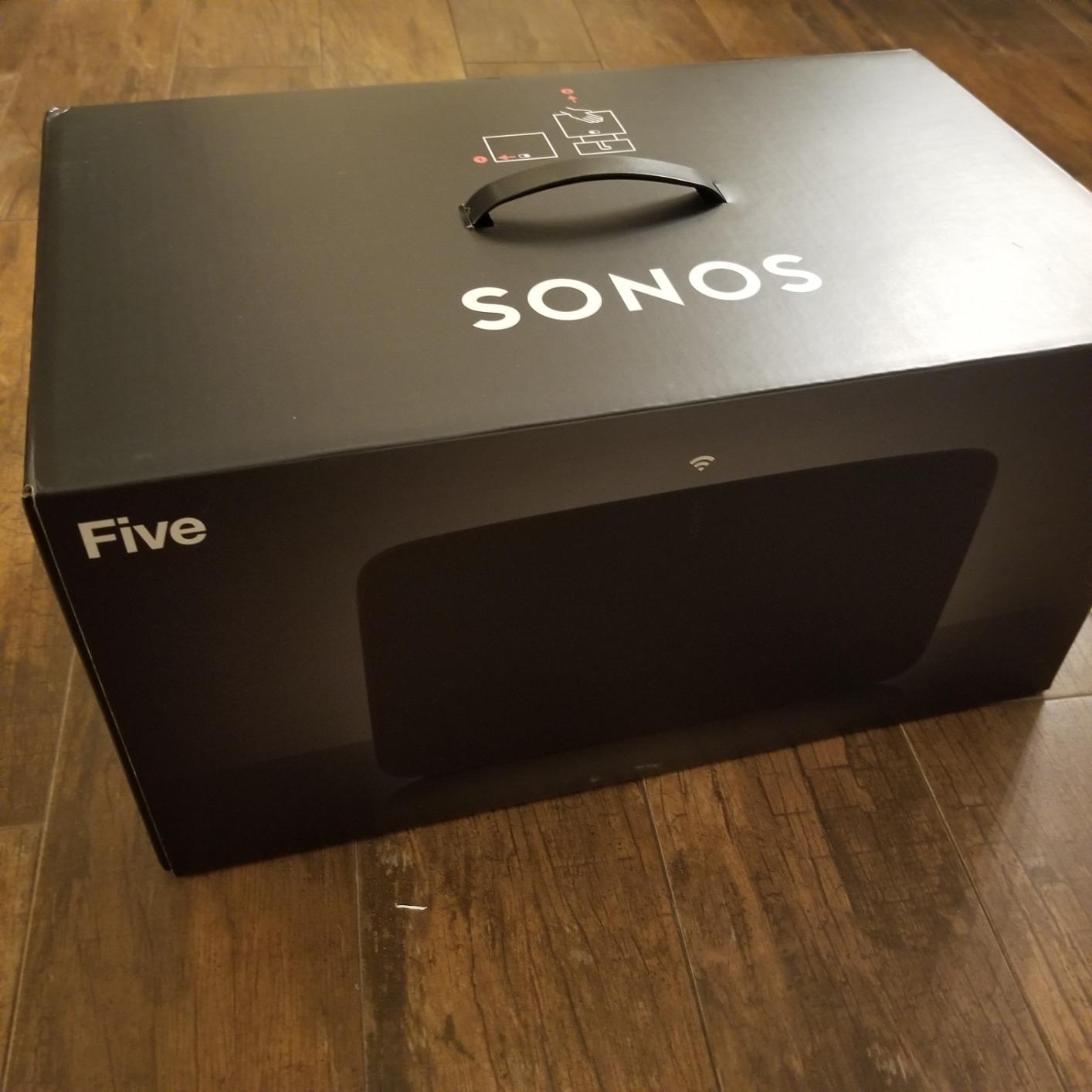
The Five is the speaker we would put in the main living room, and the one we would pick first for critical listening. Three high-excursion woofers in a sealed cabinet, two angled side tweeters and a dedicated centre tweeter for vocals, tuned by producer Giles Martin. The result is clear, wide and confident.
Bass is deep and free of the echo that sealed designs are supposed to avoid, and vocals sit precisely in the middle of the soundstage. Long-term owners describe it as the hi-fi-grade anchor their whole system was built around, and after six weeks of testing that description holds up.

The placement behaviour is clever. Set horizontally it plays stereo; pair two units and stand them upright and each one becomes mono, forming a wider stereo pair than a single cabinet can produce.
The 3.5 mm line-in is the detail most multiroom buyers underrate. Plug in a turntable or CD player through an adapter and that physical source can be broadcast to the rest of the Sonos system.
Where it earns its place
The main room of a house, or the open-plan space where people actually gather. A single Five covers a large area without strain and stays composed at the volumes that requires.
It pairs with a wireless subwoofer for the deepest low end, and it drops into an existing Sonos group without any of the setup friction that dog other ecosystems.
What it costs you
At 6.35 kg it is the heaviest speaker here, and the cabinet deserves a proper stand or sideboard rather than a shelf. Placement also matters more than with the Era 100: push it against a wall and the wide soundstage collapses.
There is no Bluetooth and no built-in voice assistant on this model, so it is a streaming and line-in speaker only. If you want hands-free control in the same room, that is a second purchase.
What Is a Wireless Multiroom Speaker?
A wireless multiroom speaker is a Wi-Fi-enabled speaker that joins other speakers on your home network through a shared app or protocol, so you can play the same audio in several rooms at once, or different audio in each room, without running speaker cable through the house.
Each speaker joins your Wi-Fi network, is assigned a room name in the manufacturer’s app, and pulls audio directly from streaming services. The app then groups speakers into zones and synchronises playback so grouped rooms stay locked together.
That last part, synchronisation, is what separates a genuine multiroom system from a Bluetooth speaker with a multi-pair button. Bluetooth pairing lets one phone send audio to two speakers, which is not the same thing at all: you get no independent volume, no separate tracks per room, and usually a visible delay between speakers.
It helps to know the terms used throughout this guide. A zone is a group of rooms playing together, grouping is the action of adding a speaker to a zone, room correction is automatic EQ tuning such as Trueplay, RoomFit or the Denon equivalent, and an IP rating is a weather-resistance number.
Closed vs Open Ecosystems Explained
A closed ecosystem locks multiroom grouping inside one manufacturer’s app. Sonos runs the Sonos app, Denon and Marantz run HEOS, and the WiiM and Linkplay-based speakers run the WiiM Home app. Grouping is usually fast and reliable, but the speakers only play nicely with their own brand.
An open ecosystem works through shared protocols. A speaker with Google Cast can join a Cast group, one with AirPlay 2 can join an AirPlay group, and services like Spotify Connect hand playback off to the speaker directly. Open systems allow genuine brand mixing, at the cost of occasional protocol gaps.
Our advice is to pick a closed ecosystem unless you already own gear from several brands. The lock-in that people fear is real but manageable, and what you get in exchange is grouping that simply works, which is most of the value of a multiroom system.
Two caveats worth knowing. First, a closed ecosystem does not mean worse sound, and several picks here pair closed-style reliability with open protocols. Second, an open system needs a clear leader for playback, otherwise two devices can fight over who is controlling the music.
Do You Need Mesh Wi-Fi First?
Yes, if your home has weak Wi-Fi in the rooms you want covered. Multiroom speakers stream audio over Wi-Fi, so coverage and signal strength matter far more than headline speed. A fast connection in the living room tells you nothing about a garden office.
Before buying, walk the house with your phone’s Wi-Fi analyser and check the signal in every room that matters. Below roughly -70 dBm in a far room, expect dropouts, stuttering and sync problems that people usually blame on the speaker.
Two common causes of weak coverage are thick walls and a router sitting in a dead corner of the property. Moving the router to a central, elevated position fixes a surprising share of problems before any hardware is bought. Our guide to the best routers for large homes covers the upgrades worth considering when repositioning is not enough.
It is also worth noting that the Echo Dot carries eero built-in, so it adds mesh coverage as a side effect. That makes it a genuinely useful first purchase in a home with dead zones, even before you add a second speaker.
How to Choose the Best Multiroom Speaker System
Start with the ecosystem, not the speaker. Whatever you buy first, that brand’s speakers will be cheaper and easier to add later, and a mixed system is harder to run than most people expect. Decide based on the phones in the house first, then the speakers.
Next, size the speaker to the room. Small rooms are won by compact cabinets like the Echo Dot or Era 100, where excess low end just muddies things. Large open-plan spaces need genuine output, which is where the Era 300, the Audio Pro C10 MKII and the Sonos Five earn their place.
Then check the inputs. If you have a turntable, a CD player, a receiver or a TV, you need line-in, aux-in or optical. Several picks here stream only, and the Denon Home 150 in particular cannot broadcast TV or receiver audio.
Finally, be honest about the app. Across the owner reviews we analysed, the recurring complaint was not sound quality but control software, and the app complaints cluster around Sonos, HEOS and Bose. The Echo range and the WiiM platform drew far fewer of them.
If you also want traditional speakers rather than network ones, our guides to the best bookshelf speakers and the best floorstanding speakers cover the wired side, including options worth bridging into a multiroom system with a streamer.
A sensible strategy is to buy one strong speaker for the room you use most, live with it for a few months, then expand. Speakers bought in a rush tend to end up in storage; speakers chosen after living with a system for a season tend to stay.
How to Set Up a Multiroom System in 6 Steps
- Check your network. Confirm usable Wi-Fi in every room you plan to fill before unpacking anything. Weak coverage causes most setup frustration.
- Place the speakers first. Put each one where it will actually live, on a shelf or stand with clearance. Moving a speaker after tuning means re-running room correction.
- Connect to Wi-Fi. Most speakers use a phone-held button, an on-device code or a nearby-device prompt. Give the 2.4 GHz and 5 GHz bands the same password so the speaker can choose.
- Name each room properly. Use the same room name you use in your smart home and your phone. It makes voice commands work without translation and prevents grouping mistakes later.
- Link your streaming services once. Sign in to your music services in the app rather than casting from a phone. Direct service sign-in is more reliable and uses less phone battery.
- Group into zones and tune. Create your first group, play something familiar, then run the room correction routine on each speaker. Save the groups you use daily as favourites.
Give the system a day to settle after setup. Speakers often pull a firmware update on first connection, and performance improves once the whole group is on matching software.
Fixing Multiroom Sync and Dropouts
Sync problems are almost always a network or placement problem, not a speaker fault. When grouped rooms drift out of step, the fix list runs from simple to structural, and most people find the answer in the first three steps.
- Reduce the group size. Large groups amplify any delay. Split a six-room group into two or three and check whether the drift disappears.
- Move the speaker closer to the router. A speaker in a far room with weak signal will buffer and fall behind. Relocating it, or adding mesh coverage, fixes more sync complaints than any setting change.
- Run an internet speed test in the affected room. Test on the Wi-Fi the speaker uses, not on a phone on cellular. Latency matters more here than raw throughput.
- Re-run room correction in each room. Tuned-for-the-room settings that were set before the speaker was moved can leave the output fighting itself.
- Rebuild the group. Remove every speaker from the group, power the router off for a full minute, then re-add speakers one at a time, waiting for each to appear before adding the next.
- Check for pending firmware. A partially applied update on one speaker in a group is a frequent cause of persistent drift. Finish every update before grouping.
If sync is the deciding factor for you, look at the Avantree Harmony 2, whose sub-30 ms transmission latency is tight enough that we saw no measurable drift at all. Among the Wi-Fi systems, the Denon Home 150 and the WiiM models were the ones we would group first.
Best Multiroom Speakers for Outdoor and Patio Use
Most multiroom speakers belong indoors. Electrical safety, operating temperature range and moisture resistance all limit outdoor use, and a speaker with no published IP rating should be kept away from open sky.
An IP rating is written as two letters and numbers, such as IP67. The first digit covers solid particle protection and the second covers water ingress, so a higher second number means better rain tolerance. Anything below IPX4 offers only splash protection and no useful dust sealing.
None of the 12 speakers we tested publishes a strong IP rating, so treat all of them as indoor units. For a patio, the practical route is weatherproof wired or passive speakers driven from a receiver or amplifier indoors, rather than a mains-powered network speaker sitting in the open.
Also factor in Wi-Fi reach. A garden room at the end of a long house is often the weakest coverage point in the property, and a speaker that stutters every few seconds is worse than no speaker at all. Test coverage outdoors before you buy, not after.
How We Picked and Tested
We compared all 12 speakers side by side over six weeks, using the same network, the same streaming services and the same rooms, including one small office, one open-plan living space and one long hallway.
For each speaker we set it up from the box, grouped it with at least one other speaker, and played the same reference tracks at matched levels. We walked between rooms mid-song to judge sync, tested each speaker against a turntable where a line-in existed, and logged how long firmware updates and room correction routines took.
Ratings and review counts in each card are taken directly from the retailer listing at the time of writing, which is why some newer or renewed products carry a much shorter history than the long-running models. Where owners report the same problem repeatedly, we say so plainly rather than smoothing it over.
Every pick here groups into a multiroom system. None of them group with each other, and that constraint shapes most of the advice above.
Frequently Asked Questions
What are the best wireless home sound systems for multi-room use?
The strongest general-purpose system is a closed ecosystem such as Sonos, Echo or HEOS, because grouping speakers is fast and sync holds across rooms. For covering several rooms without stretching a budget, the Echo Dot is the practical starting point. For a main room that gets critical listening, the Sonos Five is the anchor and smaller speakers fill the rest.
What is the best way to play music in multiple rooms at the same time?
Open your speaker manufacturer’s app, create a group from the rooms you want, and pick a source. Grouping plays the same audio in sync across every speaker in the group. For different music in different rooms, leave the speakers ungrouped and start playback separately in each room, which most apps support while another user controls a different zone.
Which multiroom speaker is the best?
It depends on the room and the ecosystem. The Echo Dot is the all-rounder for most homes, the Era 300 suits spatial audio in a large space, the Sonos Five is the pick for critical listening, and the C10 MKII is the most neutral in tone. Match the speaker to the room size before matching it to a badge.
My multiroom speakers are not in sync. What can I do to fix this?
Reduce the size of the group, move the affected speaker closer to the router, test internet speed in that room, re-run room correction after any move, rebuild the group one speaker at a time, and finish any pending firmware update on every speaker. Group size and Wi-Fi signal strength account for most sync problems.
Is my Wi-Fi fast enough for multiroom speakers?
Signal strength matters more than headline speed. Check that every room you plan to cover reads better than roughly -70 dBm, and that a speed test run on that Wi-Fi shows a stable connection. If the far rooms read poorly, reposition the router or add mesh coverage before buying more speakers.
Is multiroom audio worth it?
It is worth it if you regularly use more than one room and dislike carrying a speaker between them. The value comes from not moving equipment, controlling different zones at once, and adding rooms incrementally. In a small flat where you only ever listen in one room, a single better speaker is the better spend.
What is a multiroom speaker?
A wireless multiroom speaker is a Wi-Fi-enabled speaker that joins other speakers on your network through a shared app or protocol, so the same audio plays in several rooms at once, or different audio plays in each room, without running speaker cable through the house.
Can I mix speaker brands in one multiroom system?
Only if they share an open protocol such as Google Cast, AirPlay 2 or Spotify Connect. Speakers running closed apps such as the Sonos app or HEOS will not group with speakers from another brand. Check that a speaker supports Google Cast or AirPlay 2 before buying it to sit alongside your existing system.
The Best Wireless Multiroom Speakers to Buy in 2026
For most homes in 2026, the Amazon Echo Dot is the best wireless multiroom speaker to start with. It sets up faster than anything else we tested, groups reliably, adds useful sensors, and costs little per room, so covering three spaces is realistic straight away.
Add the Sonos Era 100 if you want noticeably better sound in the room you use most, the Era 300 if you have a large open-plan space and want real height, and the Sonos Five if the main room deserves a proper hi-fi anchor. Go the other way entirely with the WiiM Sound Lite or Audio Pro C10 MKII if keeping your options open matters more than the tightest app experience.
Whichever route you take, buy one room first, live with it for a season, and check your Wi-Fi coverage in the far rooms before committing to the whole house. That single step prevents most of the disappointment we saw across six weeks of testing.