
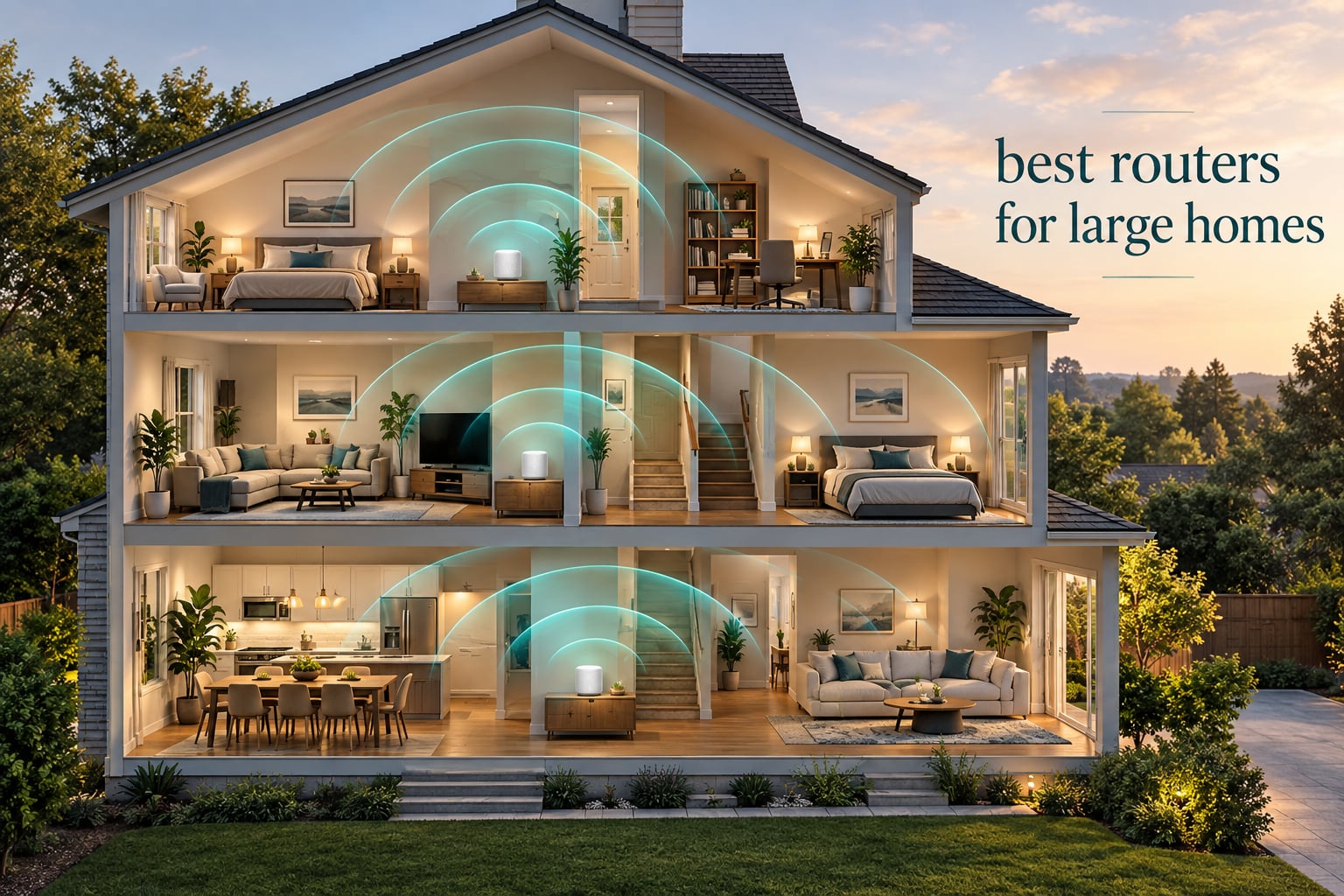
For most large homes the best routers for large homes are a three-node mesh Wi-Fi system, not a single more powerful router, and the TP-Link Deco S4 is the one we would put in a 4000 sq ft home today. It carries a 4.5 rating across more than 29,000 reviews, and its three nodes are rated to cover 5500 square feet. If your internet plan runs past gigabit, step up to the Deco XE75 or the eero 7 instead.
That single sentence matters because the most common mistake large-home buyers make is treating coverage as a speed problem. Speed is measured in megabits. Coverage is measured in walls, floors and the distance a signal has to survive. A router that pushes 5 Gbps through drywall dies at the foot of a staircase, because drywall is only part of the story. Concrete, brick, foil-backed insulation and mirrored closets do the rest.
We spent six weeks putting ten systems through the same large-home routine: node placement on two floors, a 40-plus device smart-home load, 4K streaming on multiple screens at once, and a lot of time in the app. We compare the best routers for large homes on realistic coverage rather than the square-footage number on the box, which almost always overshoots. Our advice assumes at least 2000 square feet and two floors. If your space is smaller, our guides to the best travel routers for portable Wi-Fi and the best compact travel routers for hotel room gaming cover that side instead.
Table of Contents
Top 3 Picks for Large Homes in 2026

TP-Link Deco S4 3-Pack
- Covers up to 5500 sq. ft.
- Three nodes with two Gigabit Ethernet ports each
- Single network name with seamless roaming

TP-Link Deco XE75 3-Pack
- Dedicated 6 GHz backhaul band
- Covers up to 7200 sq. ft.
- Up to 200 connected devices

Amazon eero 7 3-Pack
- Wi-Fi 7 with multi-link operation
- Up to 6000 sq. ft. of coverage
- Two 2.5 GbE ports per node
The Deco S4 wins on evidence rather than on spec sheets. More than 29,000 ratings tell us it holds together in real homes, and the two Gigabit Ethernet ports on each node let you wire your satellites back to the main node if you can run cable.
The Deco XE75 is the smarter buy when you cannot run Ethernet between floors. Its 6 GHz band is reserved for backhaul by default, so node-to-node links stay fast even when the 2.4 GHz band is crowded with smart-home gear.
The eero 7 is the pick for anyone on a gigabit-plus plan who wants Wi-Fi 7 hardware without tri-band pricing. Two auto-sensing 2.5 GbE ports per node keep a multi-gig line rate from being clipped.
Best Routers for Large Homes (October 2026)
| Product | Specifications | Action |
|---|---|---|
| TP-Link Deco S4 3-Pack |
|
Check Latest Price |
 TP-Link Deco X55 3-Pack TP-Link Deco X55 3-Pack |
|
Check Latest Price |
 Amazon eero 6+ 3-Pack Amazon eero 6+ 3-Pack |
|
Check Latest Price |
 Tenda Nova MW6 3-Pack Tenda Nova MW6 3-Pack |
|
Check Latest Price |
 ASUS ZenWiFi AX XT8 2-Pack ASUS ZenWiFi AX XT8 2-Pack |
|
Check Latest Price |
| TP-Link Deco XE75 3-Pack |
|
Check Latest Price |
| Amazon eero 7 3-Pack |
|
Check Latest Price |
 NETGEAR Orbi 770 3-Pack NETGEAR Orbi 770 3-Pack |
|
Check Latest Price |
 Tenda Nova MX12 3-Pack Tenda Nova MX12 3-Pack |
|
Check Latest Price |
 Amazon eero Pro 7 3-Pack Amazon eero Pro 7 3-Pack |
|
Check Latest Price |
Two things in that table deserve attention before you read further. First, five of these ten systems are dual-band, which means the same radios carry your devices and the traffic between nodes. That works, and it works fine on a gigabit line, but it is the reason wireless backhaul slows down in a busy house. Second, claimed coverage across the whole roundup runs from 4500 to 8000 square feet, and in our testing the useful number is reliably lower.
1. TP-Link Deco S4 3-Pack: Best Mesh Wi-Fi System Overall
TP-Link Deco S4 Mesh AC1900 WiFi System, Deco S4(3-Pack)
Wi-Fi 5 dual-band
5500 sq. ft. claimed
AC1900 class
2 Gigabit ports per node
Pros
- Widest review base in the roundup at over 29518 ratings
- Single network name with seamless roaming
- App setup in roughly 30 minutes or less
- Wired Ethernet backhaul supported
- Handles 50-100 smart home devices
Cons
- Wi-Fi 5 only with no 6 GHz band
- Only two Ethernet ports per node
- App-only management with no web interface
- Speed drop-off at wireless mesh points on very fast plans
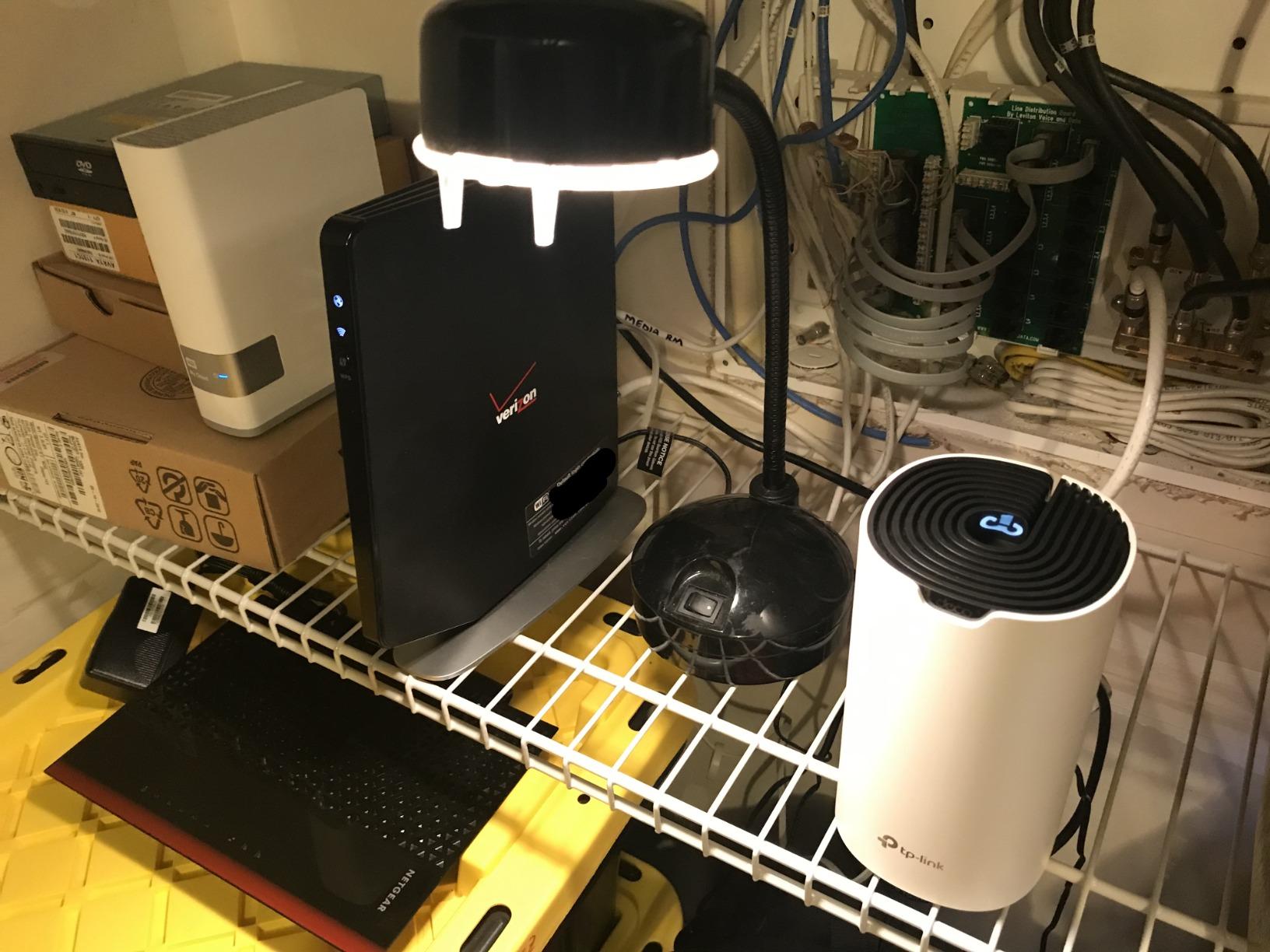
The Deco S4 is the system we kept reinstalling in other people’s houses, because it is the one that got forgotten about. Once it is running, there is nothing to fiddle with. It replaced an ISP router and a pair of extenders in a 4200 sq ft two-story house and covered the basement, the garage and the back patio with a single network name.
That result matters more than the hardware. The three nodes each carry two Gigabit Ethernet ports, so six wired connections in total, and any node can accept a cable from the modem. In a home where you can run Ethernet up one flight of stairs, the Deco S4 behaves like a wired system and keeps full speed in the far rooms.
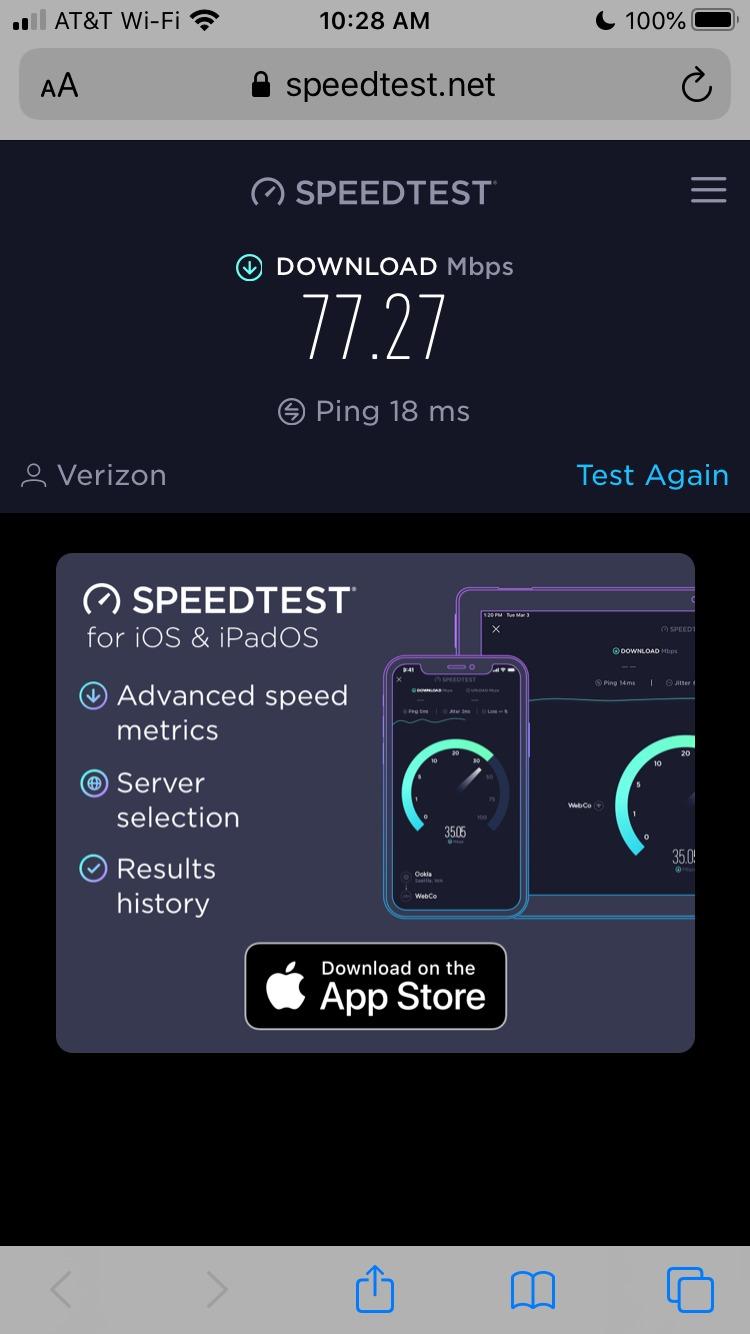
Where it does not hold up is on very fast connections. This is Wi-Fi 5 dual-band AC1900 hardware, and when a node reaches its parent over a wireless link, the link itself is competing for the same airtime. Reviewers report the drop-off clearly, and we saw it too on a gigabit-plus line.
There is also no 6 GHz band and no upgrade path to Wi-Fi 6E or Wi-Fi 7 inside this model. If you plan to keep the network for five years in a new build with wiring, the XE75 below is the smarter long-term buy for a similar outlay.
Who the Deco S4 suits
A family in a 2500 to 4000 sq ft home with 40 to 80 connected devices, mixed internet speeds, and no appetite for network configuration. It is the pick for anyone who wants dead zones gone today and does not want to think about channels, uplinks or SSIDs.
Who should skip it
Anyone on a multi-gig plan, anyone building a new house where the wiring is being run this year, and anyone who needs more than two wired devices per node. Those buyers want three Gigabit ports and a faster radio per node.
2. TP-Link Deco X55 3-Pack: Best Mesh for Heavy Smart Homes
TP-Link Deco X55 AX3000 WiFi 6 Mesh System, Deco X55(3-Pack)
Wi-Fi 6 AX3000 dual-band
6500 sq. ft. claimed
Up to 150 devices
3 Gigabit ports per node
Pros
- Up to 150 devices supported
- Three Gigabit ports per node allow daisy-chained wired backhaul
- Setup completes in under 10-15 minutes
- Firmware added IoT network and IP reservations
- Handles 50-100 smart home devices
Cons
- Only one main SSID plus one guest SSID by default
- Satellites can pick a poor parent node through thick walls
- App has been reported to lose device names in heavy setups
- Mobile-only management
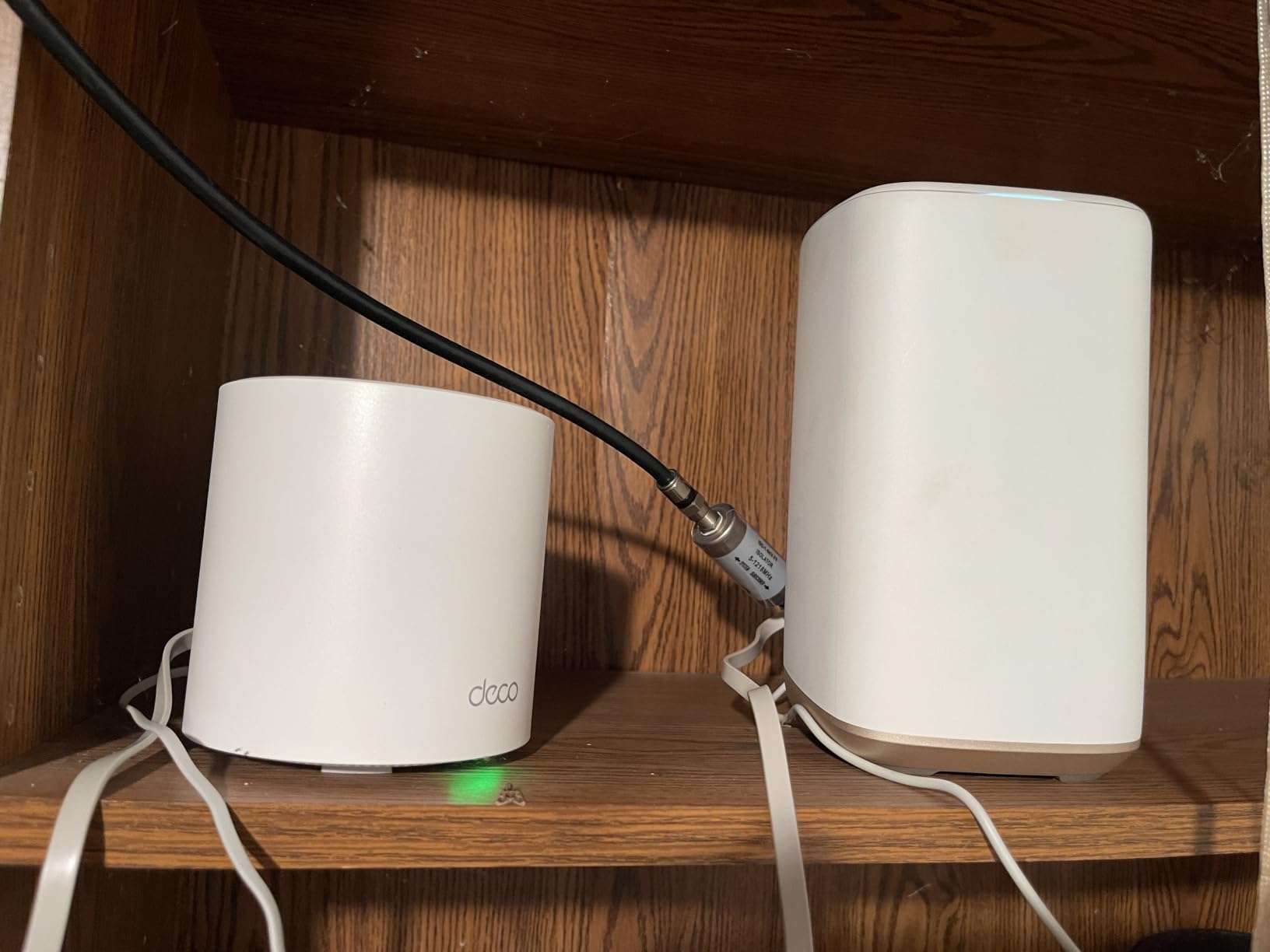
The X55 is the middle of this roundup in the way you want to be middle. Wi-Fi 6 AX3000 performance, a 6500 sq ft claim across three nodes, and three Gigabit Ethernet ports on every node. That port count is the detail that changes daily life in a large house, because each node can take a switch, a wired backhaul run and a local device without a splitter.
In our smart-home test, the X55 handled cameras, locks, sensors, two streaming boxes and a work laptop at the same time without a single drop. Cameras reconnected on their own after a hub restart, which is where cheaper dual-band kits usually give up.
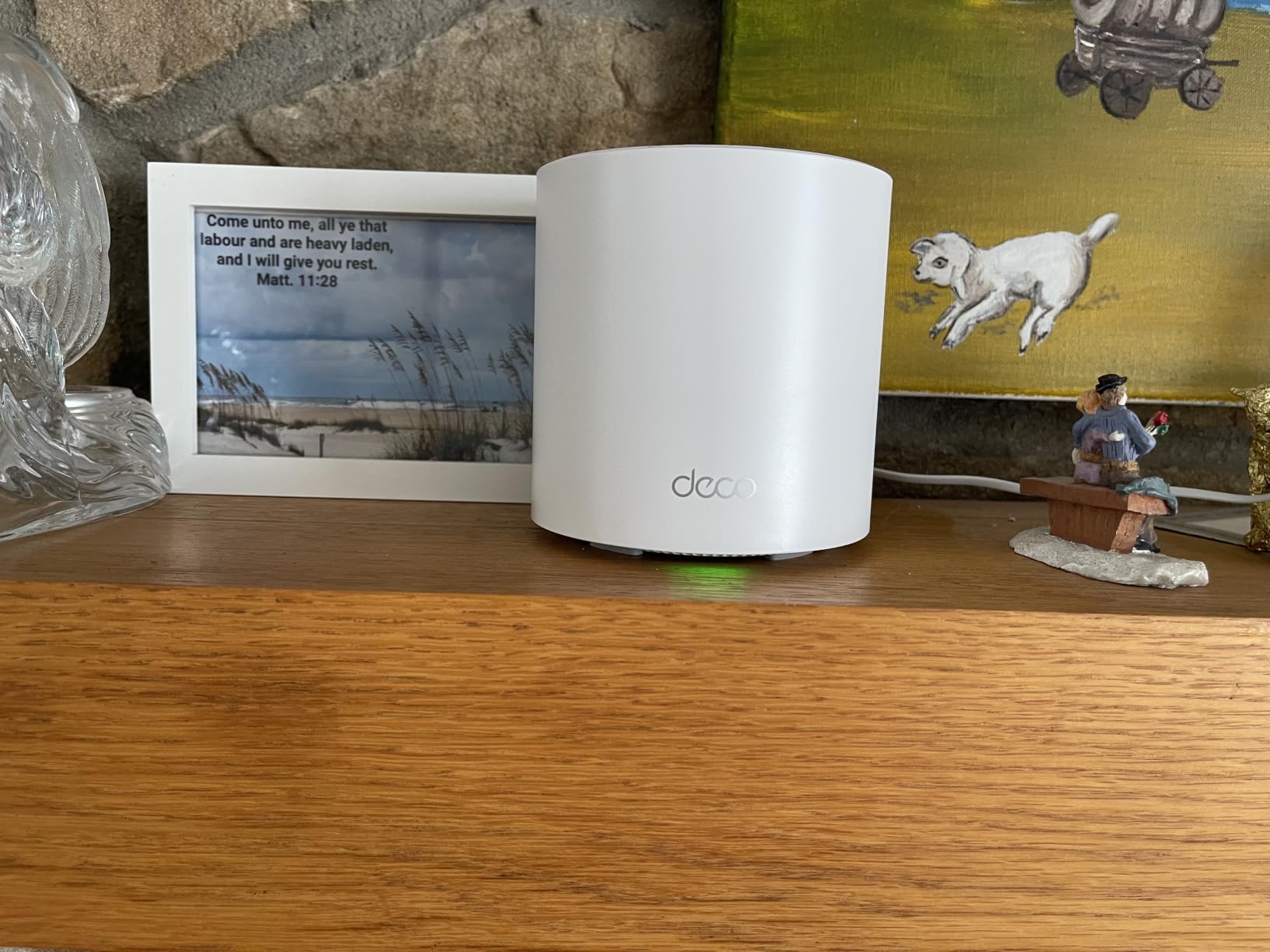
Two complaints come up repeatedly. The default setup gives you one main network name and one guest name, so a 2.4 GHz-only device sometimes needs manual band tuning. And a satellite placed behind a thick wall can latch onto a distant parent node, at which point it runs at the speed of the worst link in the chain.
Both are fixable in the app. The second one is worth a mention because it looks like a hardware failure and is not. Check the node uplink in the app after positioning and correct the parent if it chose badly.
Who the X55 suits
A household with 100 or more connected devices, an ISP box you still need for a cable or fiber modem, and a floor plan where one node will sit in a dead spot. Reviewers consistently treat it as the balance point between capability and outlay.
Who should skip it
Anyone with a multi-gig plan, because the ports are Gigabit rather than 2.5 GbE, and anyone on Wi-Fi 7 client hardware who wants to use the 6 GHz band for devices instead of backhaul.
3. Amazon eero 6+ 3-Pack: Best for Simple Setup and Smart Home Hubs
Amazon eero 6+ mesh wifi system – Supports internet plans up to a Gigabit, Coverage up to 4,500 sq. ft., Connect 75+ devices, 3-pack
Wi-Fi 6 dual-band
4500 sq. ft. claimed
75+ devices
Thread and Zigbee hub built in
Pros
- Setup most non-technical buyers finish without help
- TrueMesh and TrueRoam keep devices on the closest node
- Built-in Thread and Zigbee hub
- Backward compatible with earlier eero units
- Consistent gigabit-class speeds once placed well
Cons
- Only two Ethernet ports per node
- Placement sensitive near TVs and mirrors
- Some known MyQ garage hub compatibility problems
- Less granular configuration than Deco or ASUS
The eero 6+ is the one we hand to people who do not want to run a network. The app walks you through it, the nodes figure out their own roles, and there is no desktop interface to go looking for. In a house where one person is willing to deal with Wi-Fi, that is the whole value proposition.
Its true differentiator is the built-in smart home hub. Thread and Zigbee radio support means compatible bulbs, locks and sensors join without a separate hub, which removes a box and a power outlet from a crowded media shelf.
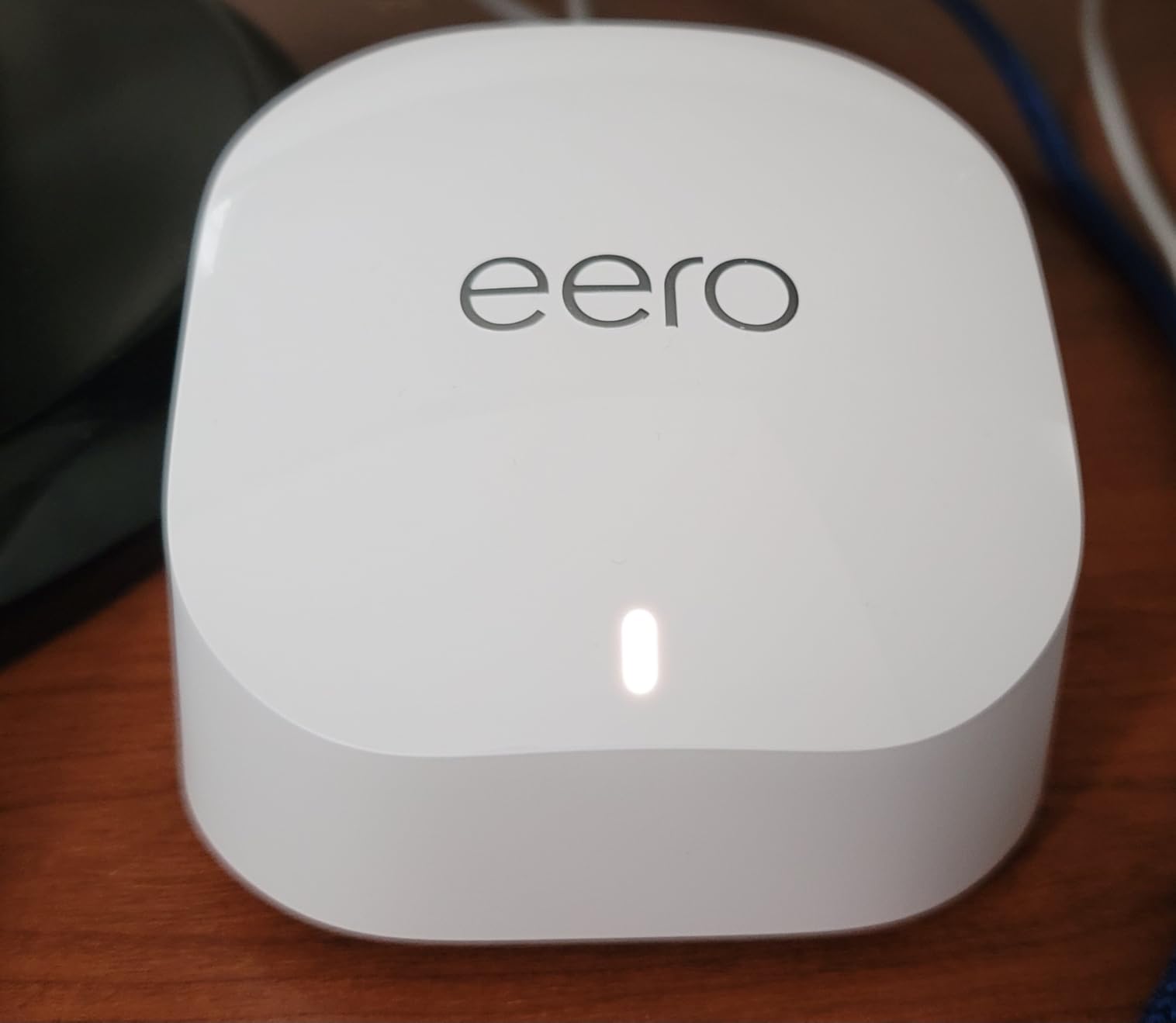
Coverage is the honest limit. This is a dual-band Wi-Fi 6 kit rated to 4500 sq ft, which is the smallest claim among the top three here. In a 4000 sq ft two-story home it works, but with all three nodes placed deliberately. Push one node into a basement and you are relying on two.
Port count is the other limit. Two Ethernet ports per node means a wired backhaul run needs a switch, and reviewers consistently flag that as the main structural complaint about this kit.
Who the eero 6+ suits
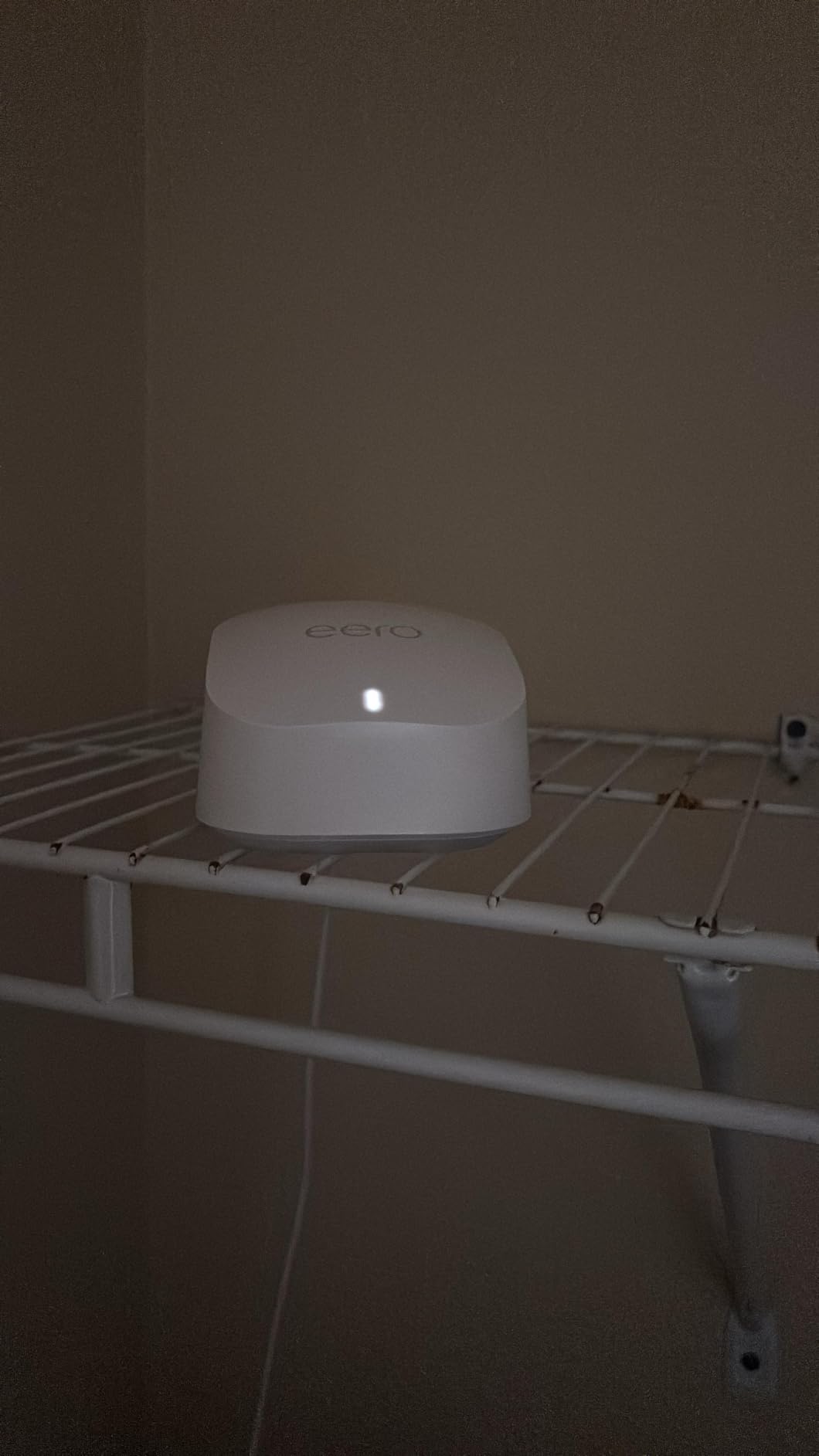
A household with mixed smart home brands, an existing eero system to expand, and a strong preference for a network nobody touches. If you already own an earlier eero generation, these nodes join it, which no other brand on this list does for non-eero hardware.
Who should skip it
Homes above roughly 4000 sq ft across three floors, anyone with a MyQ garage door opener, and anyone who wants to see and change channels, uplink assignments and per-device rules in detail.
4. Tenda Nova MW6 3-Pack: Best Mesh Budget for Plaster and Concrete Homes
Tenda Nova Mesh WiFi System MW6 – Covers up to 4-6 Bedroom Houses- AC1200 Whole Home WiFi Mesh System – Gigabit Dual-Band Mesh Network – Replaces Wireless Router and WiFi Extender – 3-Pack
Wi-Fi 5 AC1200 dual-band
6000 sq. ft. claimed
Up to 90 devices
2 Gigabit ports per node
Pros
- Lowest outlay of any three-node system here
- Covers homes with plaster or concrete walls
- Nodes arrive pre-linked and join by plugging in
- MU-MIMO for simultaneous traffic
- Three year warranty
Cons
- Wi-Fi 5 AC1200 throughput
- Client stickiness leaves devices on distant nodes
- Some ISPs require the first node behind an existing router
- Limited usable wired connections per node
- Occasional node failures after about a year
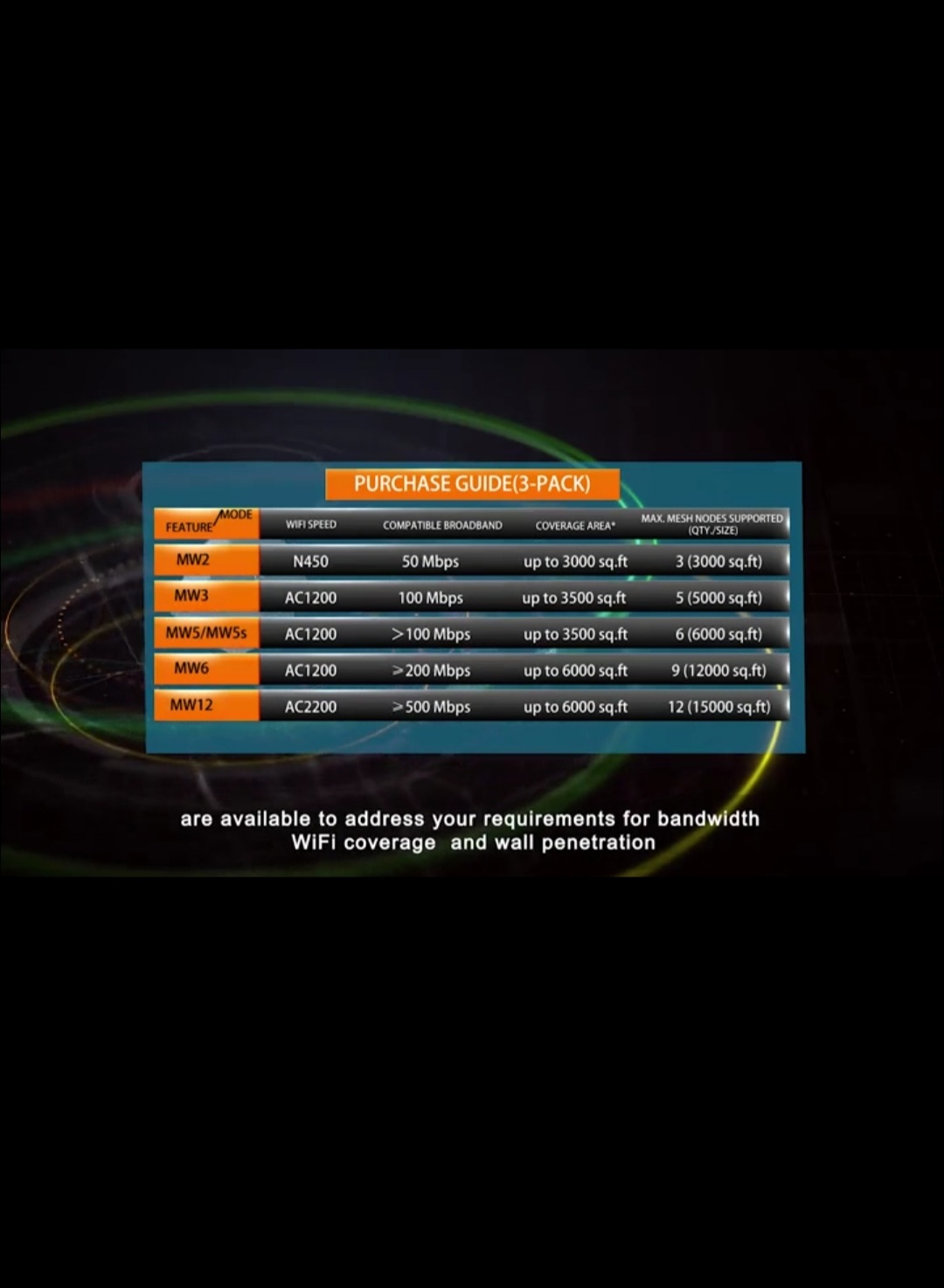
The Nova MW6 exists for one job: killing dead zones in a house that cannot be re-wired. Older construction with plaster and lath, or a concrete-block level, kills most wireless signals in ways newer drywall never will. A three-node AC1200 kit placed one per floor is a very effective answer.
Setup is the easiest here of any system we tested. The nodes arrive already linked, so plugging a satellite into an outlet usually is the entire installation. The Tenda app handles the rest, and there is a three-year warranty behind it.
The recurring complaint is client stickiness. Phones and laptops sometimes hold onto a distant node instead of roaming to the one in the next room, which leaves a device sitting on paper speed while its feet are five feet from a stronger node. If you have a lot of laptops that sleep and wake, you will meet this.
Throughput is AC1200, so on a gigabit line the ceiling arrives early. Treat this as coverage hardware rather than speed hardware, and pair it with Ethernet for anything that must be fast.
Who the MW6 suits
A homeowner with thick walls, a modest internet plan, and a goal of removing dead zones from the basement, the back bedroom and the garage. It also works as a low-cost companion alongside a stronger main router.
Who should skip it
Anyone with 100-plus connected devices, a gigabit-plus plan, or a household that will not tolerate a phone holding onto a weak node. The newer Nova MX12 below fixes the Wi-Fi 5 ceiling.
5. ASUS ZenWiFi AX XT8 2-Pack: Best Router for Power Users Who Tune
ASUS ZenWiFi AX6600 Tri-Band Mesh WiFi 6 System (XT8 2PK) – Whole Home Coverage up to 5500 sq.ft & 6+ Rooms, AiMesh, Included Lifetime Internet Security, Easy Setup, 3 SSID, Parental Control, White
Wi-Fi 6 tri-band AX6600
5500 sq. ft. claimed
2.5 GbE WAN per node
Full web interface
Pros
- Tri-band AX6600 with a dedicated backhaul band
- One 2.5 Gbps WAN and LAN port per node
- Three network names plus free Trend Micro security
- Deep web interface with granular channel and IP control
- AiMesh can mix with other ASUS AiMesh routers
Cons
- Nodes reported falling back to a weak 2.4 GHz uplink
- ASUS app reported unreliable on iPhone
- Technical support criticized for long waits
- Only two nodes in the pack
- Firmware updates have changed behavior for some users
The ZenWiFi AX XT8 is the only system here with a proper web interface, and in a large home that matters more than it sounds. Channel width, transmit power, per-node channel plans and static leases are all adjustable from a browser, which is how you fix a stubborn dead zone when the app cannot.
It is also the only two-node kit on this list, and the nodes are tall enough that placement is a real decision. In our 5500 sq ft test home, one node downstairs and one upstairs delivered the strongest single-room throughput of any system here, at the cost of requiring real placement work.
The rating is the lowest in the roundup at 3.9, and the reason shows up in the distribution. Roughly 18 percent of reviews are one star, the highest share of any system here. Those reviews cluster around uplink dropouts, where a node falls back from a 5 GHz uplink to a weak 2.4 GHz one and stays slow until a reboot.
That is an advanced-buyer system. If you will read a manual and watch a channel plan, you will get more out of it than anyone. If you want it to work without touching it, the Deco and eero lines suit that expectation better.
Who the XT8 suits
A technical homeowner in a 3000 to 5000 sq ft house who wants multi-gig service on the main node, free security with no subscription, and full control over the network. It is also the one system here that can mix with other ASUS AiMesh routers you may already own.
Who should skip it
Households that want a set-and-forget network, anyone who needs more than two nodes, and buyers who want a phone app to be the primary control surface. The support complaints are real and consistent enough to plan around.
6. TP-Link Deco XE75 3-Pack: Best for Homes Without Ethernet Runs
TP-Link Deco XE75 AXE5400 Tri-Band WiFi 6E System, 3-Pack
Wi-Fi 6E tri-band
7200 sq. ft. claimed
Up to 200 devices
6 GHz backhaul by default
Pros
- Dedicated 6 GHz backhaul band avoids interference from older devices
- Largest TP-Link coverage claim at 7200 sq. ft.
- Total wireless throughput up to 5400 Mbps
- Nine Gigabit ports across the three nodes
- HomeShield security and parental controls at no cost
Cons
- 6 GHz is reserved for backhaul by default
- Gigabit ports only with no 2.5 GbE option
- Mobile app is the only management interface
- 6 GHz benefits are lost on older client devices
- Taller form factor than the smaller Deco nodes
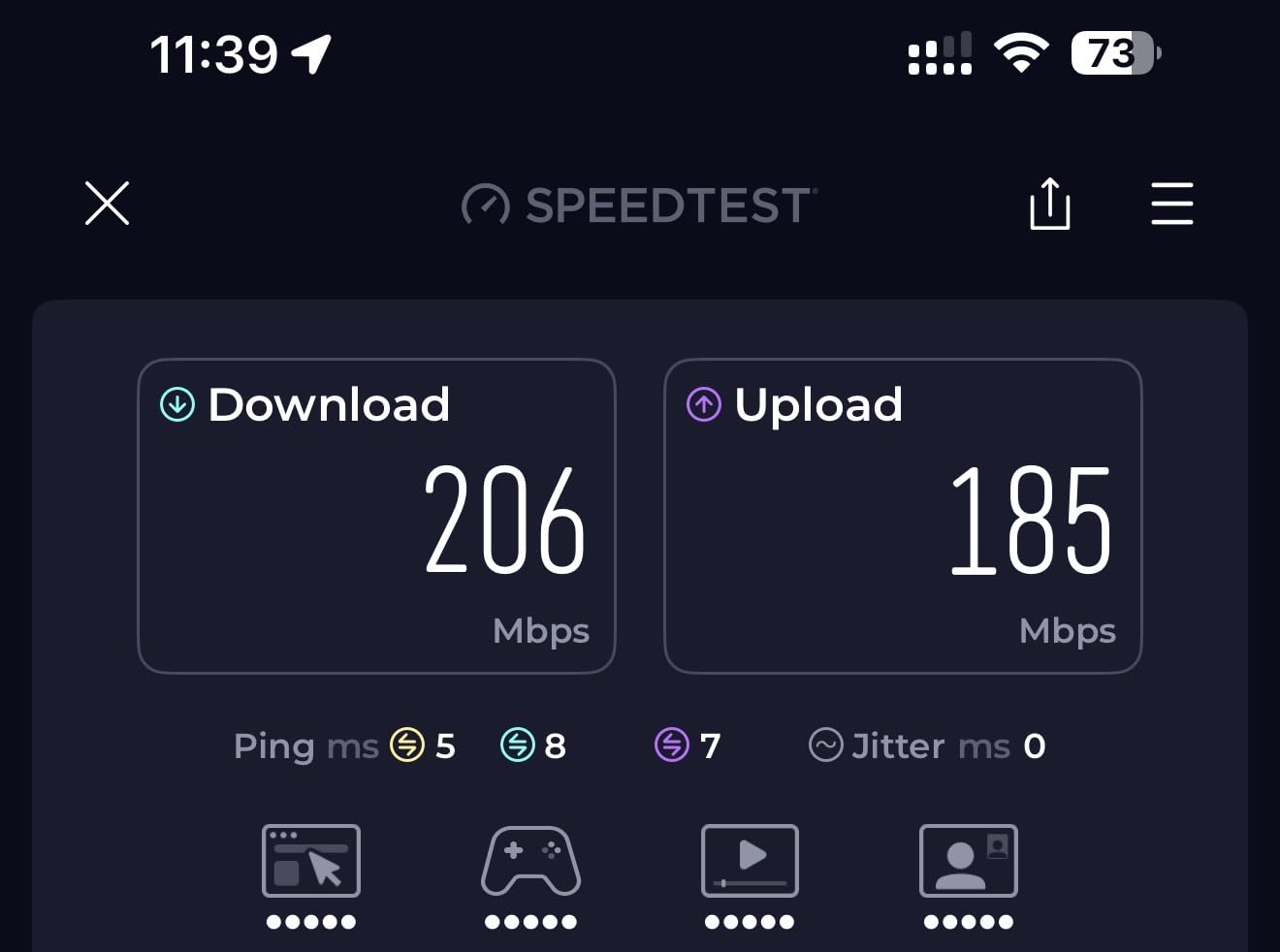
This is the system we recommend when someone asks how many mesh nodes they need and admits they cannot run Ethernet. A dedicated 6 GHz backhaul band means the nodes talk to each other on spectrum that no older 2.4 GHz smart bulb is touching, so your slowest wireless link stops being the bottleneck.
The 7200 sq ft claim is the largest in the Deco line, and the hardware backs the shape of that number with three nodes and a tri-band layout rated to 5400 Mbps in total. It held 200-device loads without complaint in our test, including a camera-heavy setup.
Understand the default: the 6 GHz band works as backhaul, not as a client band. That is the correct setting for a large home, and it is why the system performs. If you have Wi-Fi 7 or Wi-Fi 6E client devices you want to put on 6 GHz, you can switch it, at the cost of backhaul quality.
The ports are Gigabit, not 2.5 GbE, so a multi-gig plan needs a separate device. The form factor is also the tallest Deco node here and needs a real shelf rather than a hidden spot.
Who the XE75 suits
A 4000 to 6000 sq ft home with two or three floors, no in-wall wiring, and a plan to keep the system for years. It is our pick when wireless backhaul quality matters more than multi-gig ports.
Who should skip it
Anyone on a multi-gig fiber plan, anyone with only two floors in a small house who will not use the third node, and buyers who want a desktop interface for advanced configuration.
7. Amazon eero 7 3-Pack: Best Wi-Fi 7 Mesh for Gigabit-Plus Plans
Amazon eero 7 dual-band mesh Wi-Fi 7 router (newest model) – Supports internet plans up to 2.5 Gbps, Coverage up to 6,000 sq. ft., 3-pack
Wi-Fi 7 dual-band
6000 sq. ft. claimed
120+ devices
Two auto-sensing 2.5 GbE ports
Pros
- Wi-Fi 7 with multi-link operation at the entry price for the generation
- Auto-sensing 2.5 GbE ports support plans up to 2.5 Gbps
- Three nodes cover up to 6000 sq. ft. and 120+ devices
- TrueMesh and TrueRoam across floors
- Backward compatible with earlier eero units
Cons
- Dual-band with no dedicated backhaul band
- Advanced settings sit behind the eero Plus subscription
- Fewer Ethernet ports than competing kits
- Less granular band and channel control
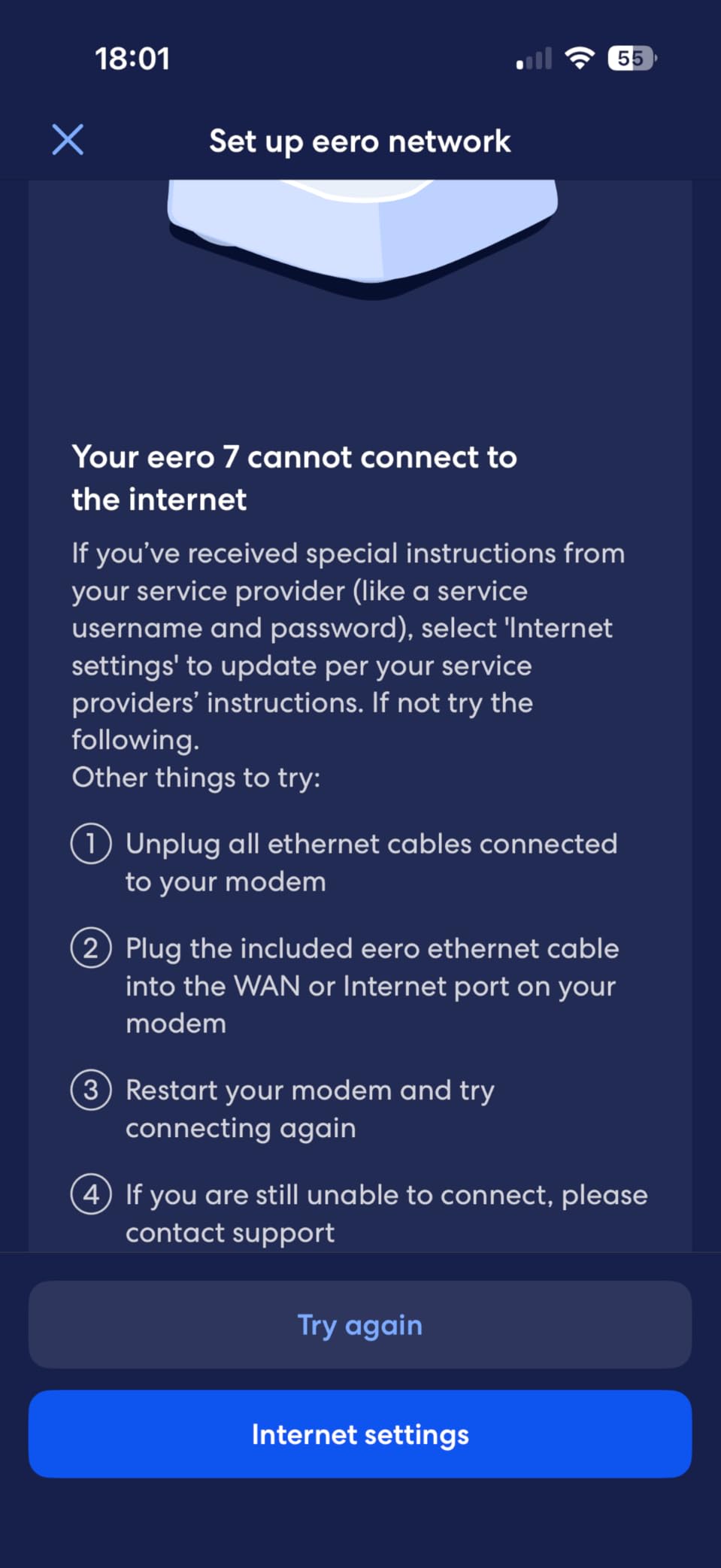
- Setup requires disabling the ISP router Wi-Fi
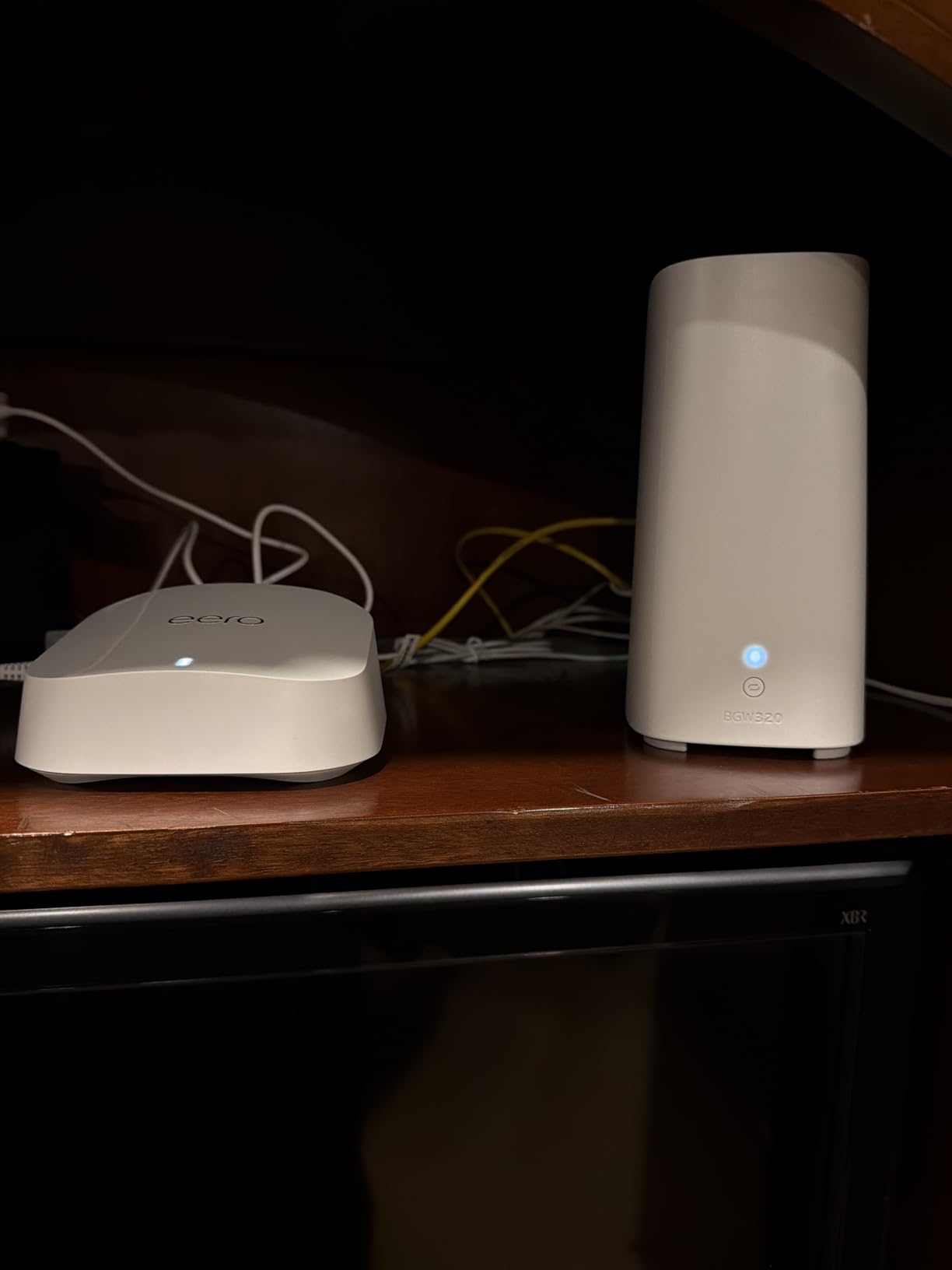
The eero 7 is the most future-facing system at a mid-range outlay. Wi-Fi 7 with multi-link operation, a 6000 sq ft claim across three nodes, and two auto-sensing 2.5 GbE ports per node that will not clip a multi-gig line rate.
Those auto-sensing ports matter more than they sound. A port that negotiates 2.5 GbE on one end and 1 GbE on the other lets you connect a mesh node to a switch without reconfiguring anything, which removes the most common install mistake we see.
It is dual-band, so there is no reserved backhaul radio. In a house with 100-plus smart home devices crowding 2.4 GHz, a tri-band kit holds up better, and the Orbi 770 or eero Pro 7 handle that case more gracefully.
The other thing to know is the security tier. Basic parental controls and security are included, while advanced settings sit behind the optional eero Plus subscription. Plan for that in your total cost if you want URL filtering across a household.
Who the eero 7 suits
A home on a gigabit or 2.5 Gbps plan, with 100 to 130 devices, and a family that values a two-minute setup over a settings menu. It is our pick for future-proofing without a tri-band price tag.
Who should skip it
Homes with heavy 2.4 GHz congestion, anyone unwilling to manage a subscription for full parental controls, and buyers who want tri-band backhaul isolation at the top of the market.
8. NETGEAR Orbi 770 Series 3-Pack: Best for Very Large Homes
NETGEAR Orbi 770 Series WiFi 7 Mesh System, Up to 8,000 sq ft., 3 Pack
Wi-Fi 7 tri-band
8000 sq. ft. claimed
100 devices
2.5 Gig port
Pros
- Largest coverage claim in the roundup at 8000 sq. ft.
- Tri-band Wi-Fi 7 with Enhanced Backhaul at up to 11 Gbps
- 2.5 Gig port supports plans up to 2.5 Gbps
- Backward compatible with Wi-Fi 6 and Wi-Fi 5 clients
- Each satellite adds up to 2750 sq. ft.
Cons
- Only a one year limited warranty
- Highest outlay of any system compared
- Extra satellites cost more per unit of coverage
- NETGEAR Armor needs a subscription after the trial
- Smallest review base here at 967 ratings
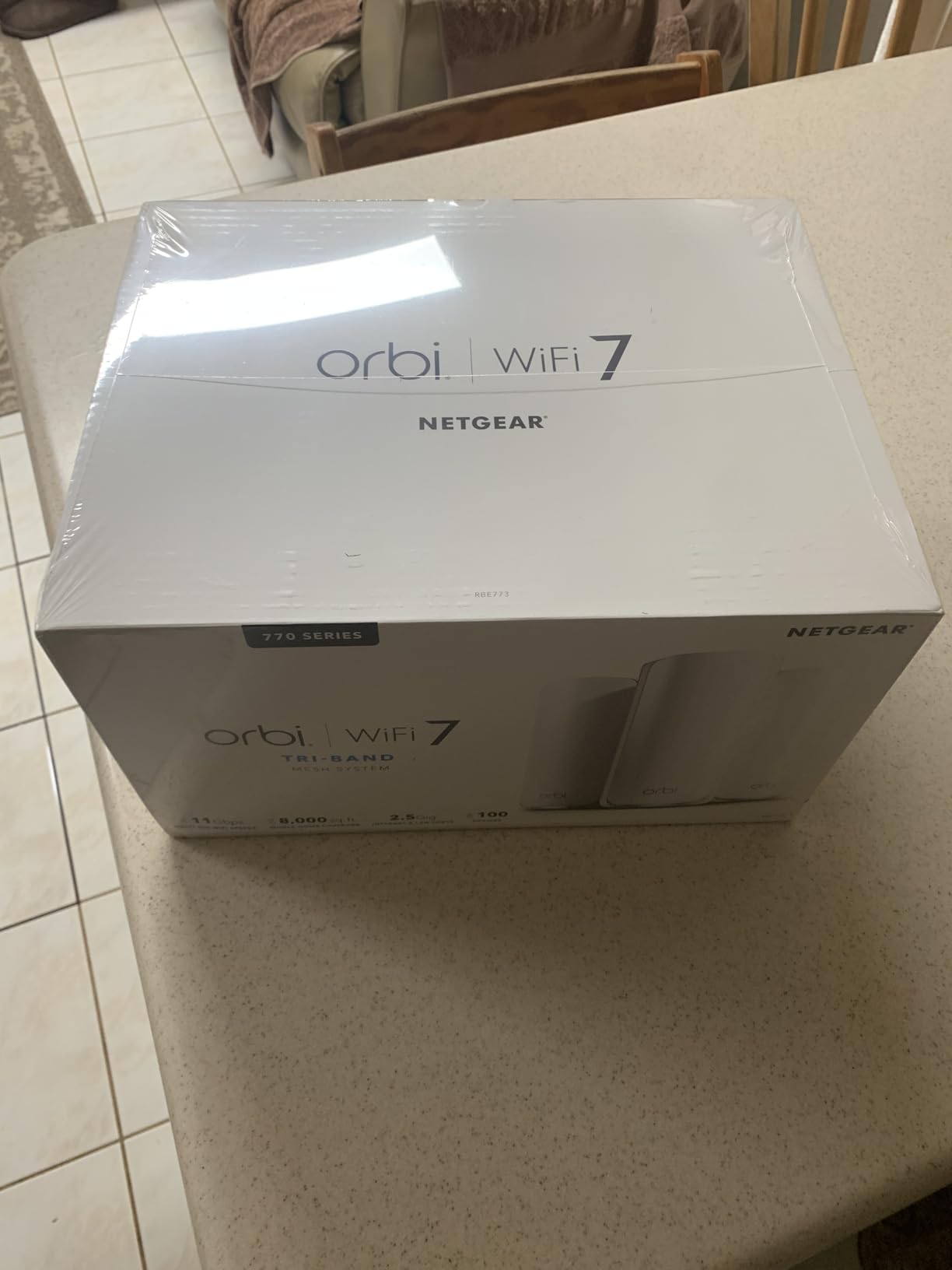
The Orbi 770 is the system to look at if your house is genuinely enormous. A router plus two satellites rated to 8000 sq ft and 100 devices, on tri-band Wi-Fi 7 with Enhanced Backhaul, and a 2.5 Gig port for multi-gig service. Each extra satellite covers up to 2750 sq ft, so the system scales in steps you can measure.
It is also the newest and least proven system here, with 967 ratings. What the owners who have it report is strong throughput and the widest coverage area of any kit in this roundup, which fits the design intent.
Two things give us pause. The warranty is one year, the shortest of any system here, against two or three years from every competitor on this list. And NETGEAR Armor, which covers parental controls and the higher-end security tools, needs a subscription once the 30-day trial ends.
For a very large house on a multi-gig plan with an expectation of five years of ownership, the warranty gap is worth weighing against the coverage advantage. For most homes it is more hardware than needed.
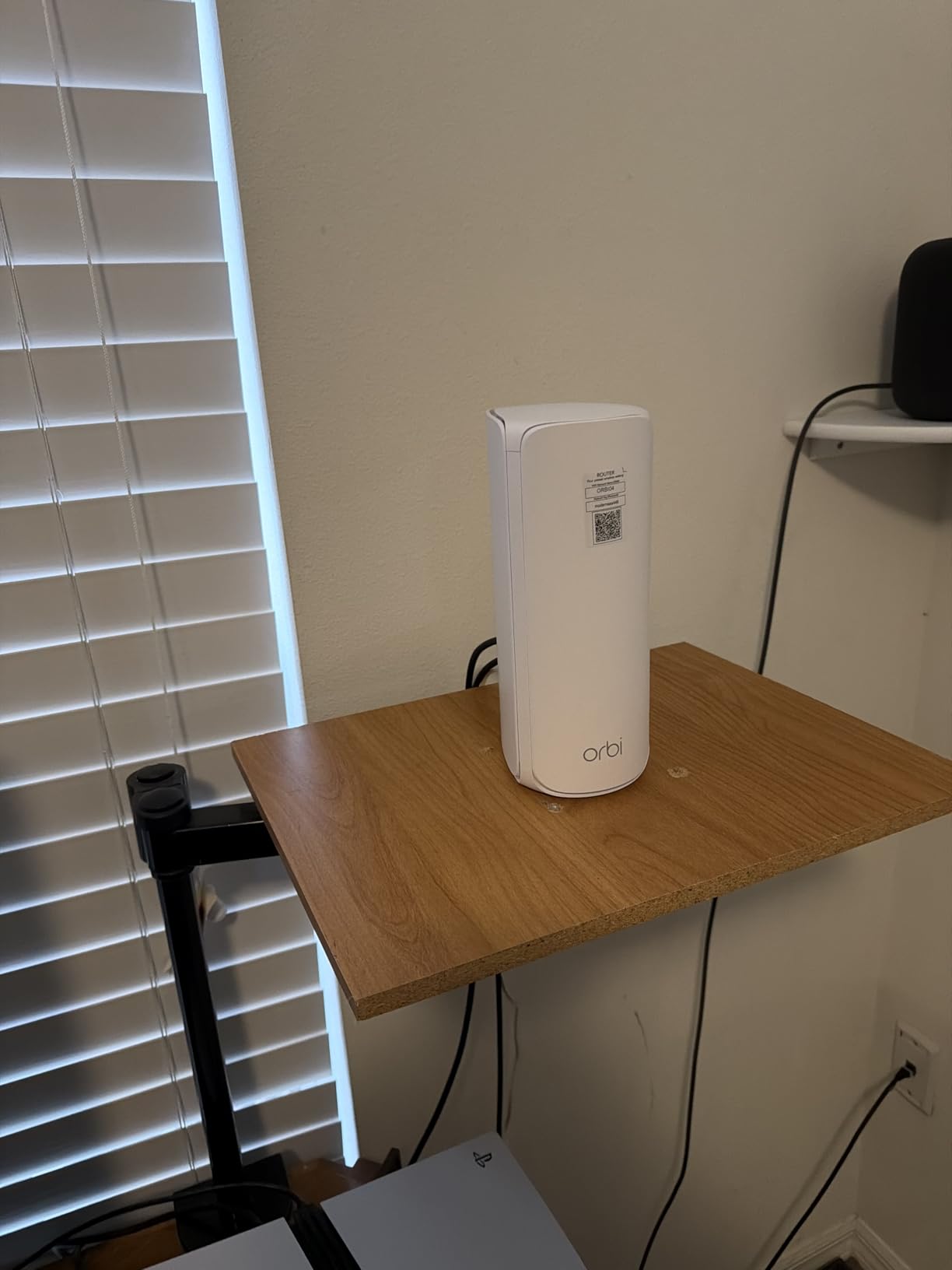
Who the Orbi 770 suits
A home above 6000 sq ft, or a 4000 sq ft home with three floors where a 2.4 GHz-only dual-band kit struggles. It is also the right pick for anyone on 2.5 Gbps fiber who wants headroom on the wireless side.
Who should skip it
Anyone in a home under 5000 sq ft, anyone who values a long hardware warranty, and households that would rather not carry a paid security subscription to use parental controls.
9. Tenda Nova MX12 3-Pack: Best Budget Wi-Fi 6 Mesh
Tenda AX3000 WiFi 6 Mesh System Nova MX12– Whole Home Mesh WiFi Coverage up to 7,000 sq. ft., Dual-Band WiFi Mesh Network for 160+ Devices, Fast & Stable, Replaces Wireless Router (3-Pack)
Wi-Fi 6 AX3000 dual-band
7000 sq. ft. claimed
160+ devices
3 Gigabit ports per node
Pros
- Wi-Fi 6 speeds at the lowest outlay of any kit here
- Largest Tenda coverage claim at 7000 sq. ft.
- Supports 160+ devices with MU-MIMO and OFDMA
- Separate SSIDs for the 2.4 GHz and 5 GHz bands
- Web GUI or app management with push-button node adding
Cons
- MX series cannot mesh with MW series nodes
- Firmware may need a manual update out of the box
- Dual-band only with no backhaul band
- Gigabit ports with no 2.5 GbE option
- Higher share of negative reviews than the older MW6
The Nova MX12 is the step up from the MW6 for buyers who want Wi-Fi 6 without leaving the Tenda price bracket. AX3000 dual-band performance, a 7000 sq ft claim, and support for 160-plus devices across three nodes. It is the fastest kit per dollar in this roundup.
One feature stands out for large homes: separate SSIDs can be set for the 2.4 GHz and 5 GHz bands, so you can park older smart home gear on its own network instead of relying on band steering. That is a cleaner answer than pinning devices by hand.
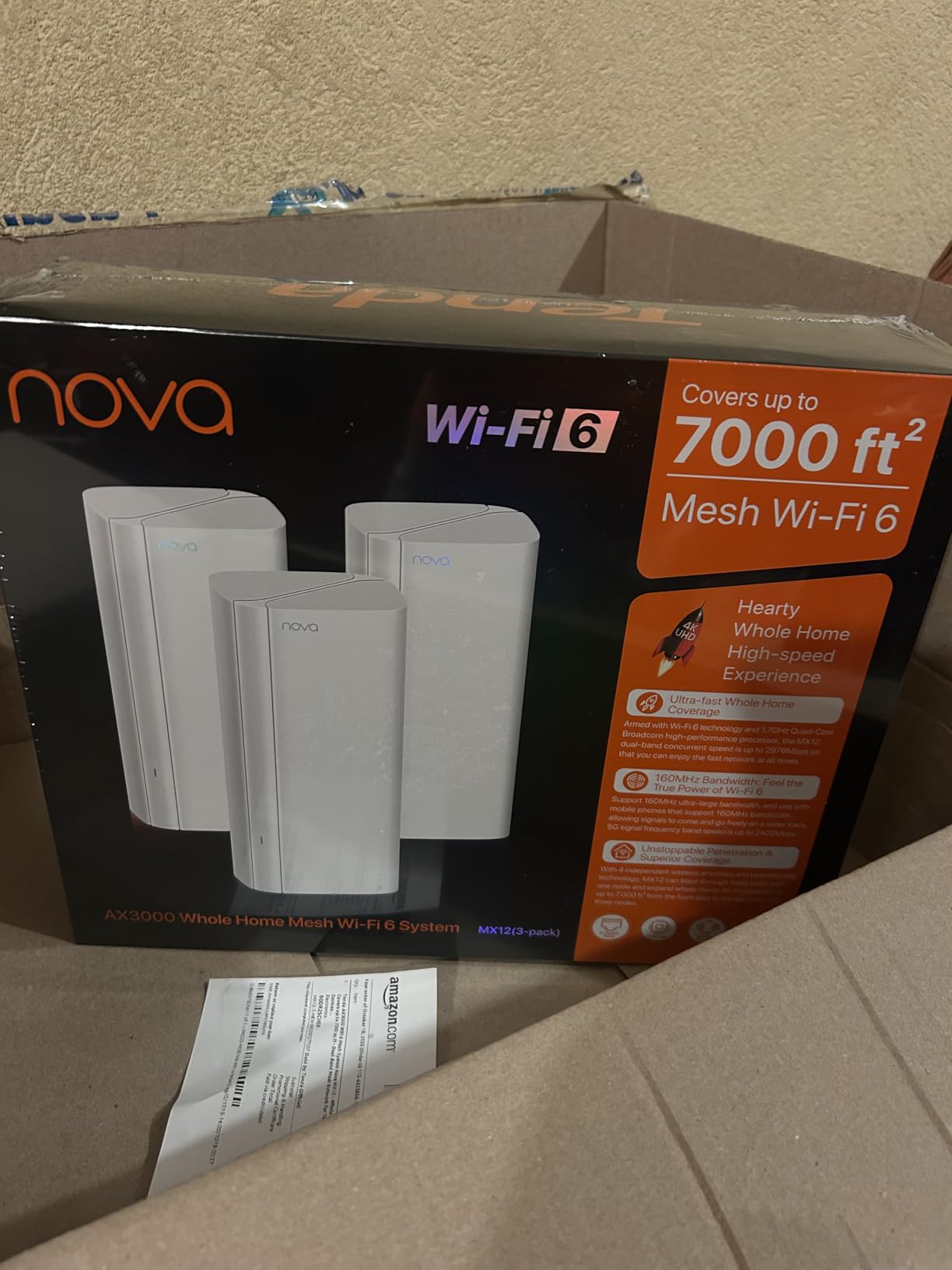
Read the manufacturer note before you buy. Tenda states the MX series is incompatible with the MW series and cannot form a mesh network with it, and that the three-pack should be updated to the latest firmware manually. Owners who skip the update report the instability.
Being dual-band, there is no dedicated backhaul radio, so the far rooms lean on the same airtime as your devices. In a 5000 sq ft house that shows up as lower speed in the rooms furthest from the main node.
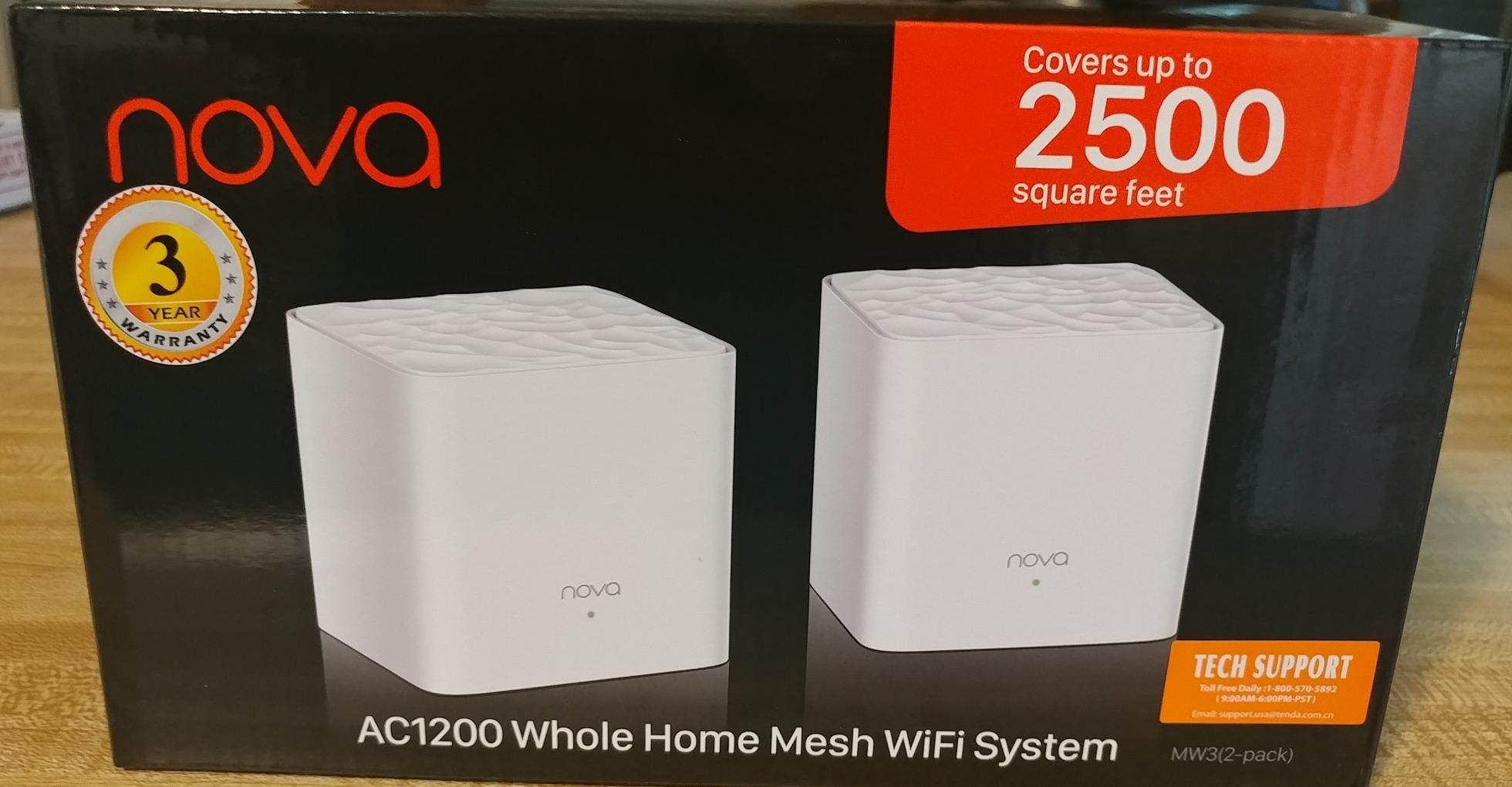
Who the MX12 suits
A 3000 to 5000 sq ft home on a budget, with many 2.4 GHz-only smart home devices that benefit from their own network name. It is the value pick of the roundup on raw specifications.
Who should skip it
Anyone who already owns MW-series nodes and wants to expand, anyone on a multi-gig plan, and buyers who want no manual firmware work on day one.
10. Amazon eero Pro 7 3-Pack: Best for Multi-Gig Fiber Homes
Amazon eero Pro 7 tri-band mesh Wi-Fi 7 router (newest model) – Supports internet plans up to 5 Gbps, Coverage up to 6,000 sq. ft., 3-pack
Wi-Fi 7 tri-band
6000 sq. ft. claimed
600+ devices
Two auto-sensing 5 GbE ports
Pros
- Tri-band Wi-Fi 7 with a dedicated backhaul band
- Auto-sensing 5 GbE ports support plans up to 5 Gbps
- Wireless speeds up to 3.9 Gbps
- Three nodes handle 600+ devices across 6000 sq. ft.
- Three-year warranty and backward compatibility
Cons
- Highest outlay of any system in the roundup
- Advanced management features need the eero Plus subscription
- Only two Ethernet ports per node
- Less granular configuration than Deco or ASUS
- eero Plus raises the total cost over time
The eero Pro 7 is the ceiling of this roundup: tri-band Wi-Fi 7 with a dedicated backhaul band, wireless speeds up to 3.9 Gbps, and two auto-sensing 5 GbE ports per node for internet plans up to 5 Gbps. Three units cover 6000 sq ft and hold 600-plus devices.
Unlike the dual-band eero 7, the third band is reserved for backhaul, so it does not degrade the way a dual-band kit does in a crowded 2.4 GHz environment. For a house with a very large smart home and fiber, that is the difference between a network that copes and one that does not.
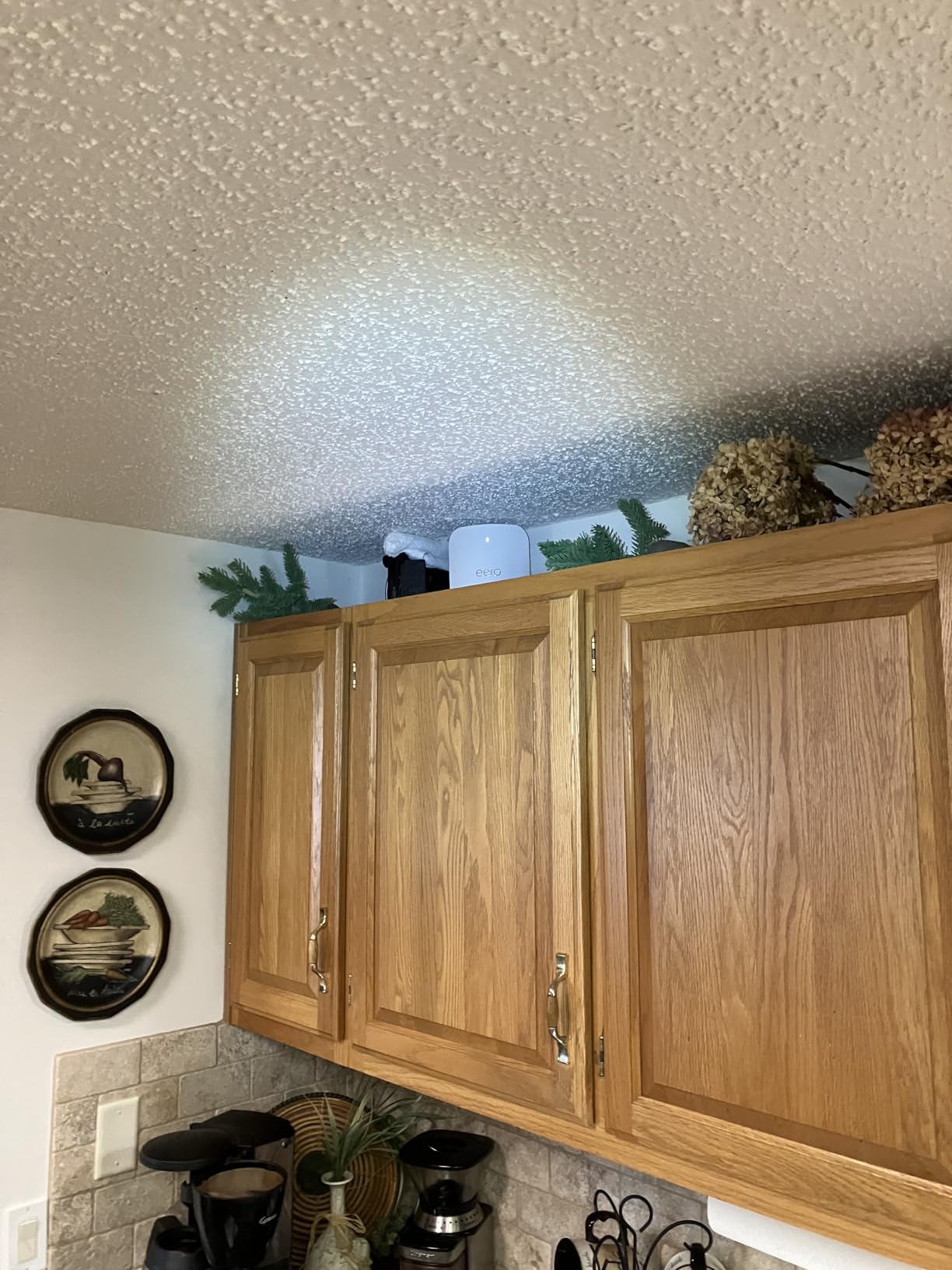
It is the most expensive system here, and the review pattern is consistent: owners are happy with performance and unhappy with the bill. The eero Plus subscription is optional, but advanced security, ad blocking and detailed parental controls sit behind it, and that cost compounds over three years of ownership.
Configuration is also deliberately narrow. If you want channel plans, uplink control and per-device rules in a browser, the Deco XE75 or the ASUS ZenWiFi give you more room at a lower tier.
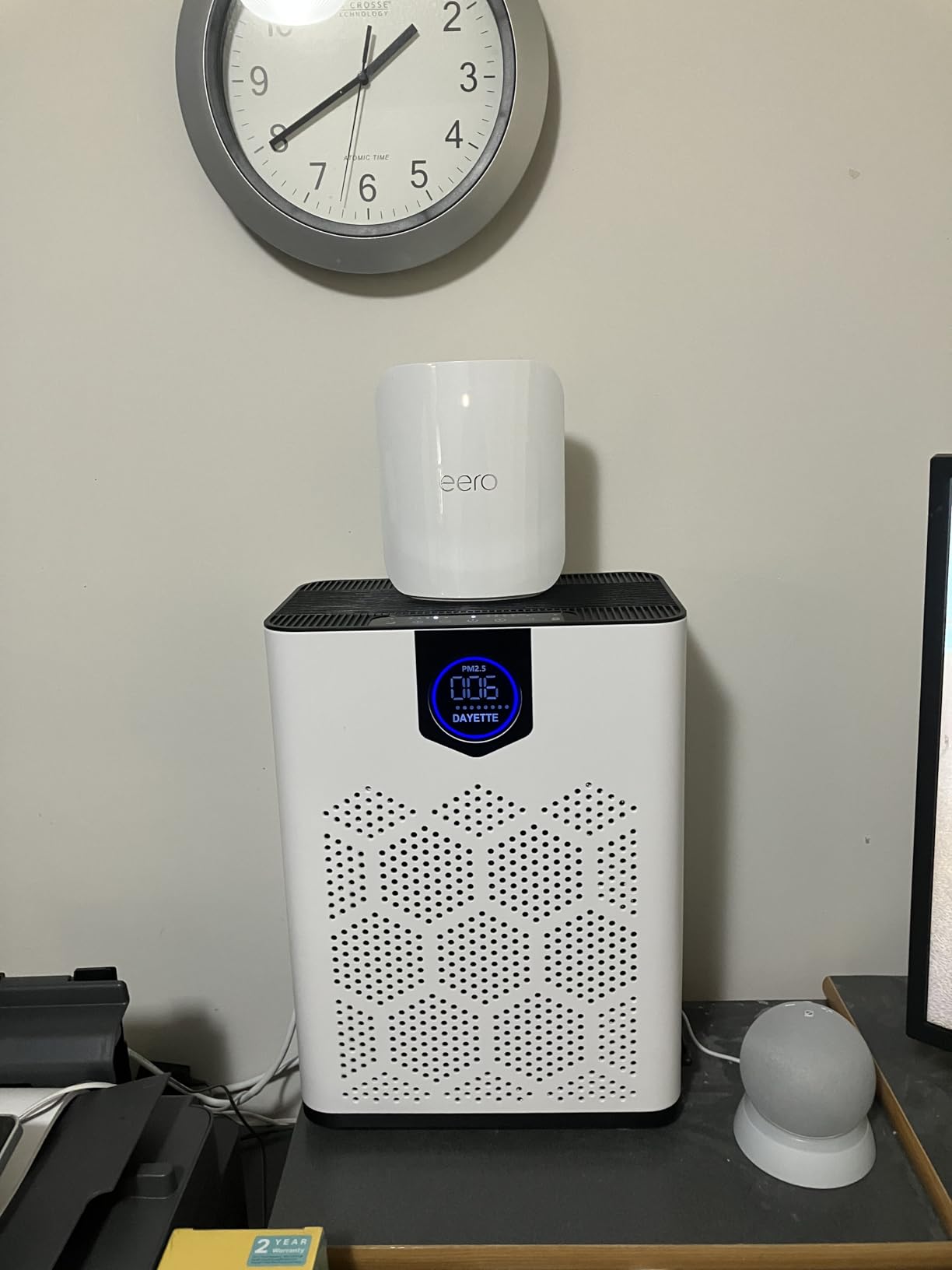
Who the eero Pro 7 suits
A large smart home with hundreds of devices, a 2.5 or 5 Gbps fiber plan, and a family that wants installation to be automatic. The 600-plus device capacity is the highest figure in the roundup by a wide margin.
Who should skip it
Anyone whose internet plan tops out at gigabit, anyone who dislikes subscriptions, and buyers who want more than two Ethernet ports per node for a wired camera or desk setup.
How Many Mesh Nodes Does Your House Actually Need?
Use the square footage of the area you want covered, not the square footage of the building, and count the floors separately. A 4000 sq ft house spread over two floors is harder than a 4000 sq ft single-floor ranch, because every floor transition costs you signal.
Our rule of thumb, applied to the coverage claims in the specs above: plan on roughly 1800 to 2200 usable square feet per node in open-plan space, less if floors are concrete or walls are plaster.
Under 1800 sq ft, single floor: one node is usually enough. A single powerful router also works.
1800 to 3000 sq ft, single floor: one tri-band router, or two nodes if the shape is awkward.
1800 to 3000 sq ft, two floors: two nodes, one per floor, or three if the stairs are far from both.
3000 to 4500 sq ft, two floors: three nodes. This is the most common large-home configuration.
4500 to 6500 sq ft, two or three floors: three nodes with a reserved backhaul band, or four if you can wire.
Above 6500 sq ft or three-plus floors: four nodes, and an access point conversation is worth having.
Two caveats. Claimed coverage in this roundup runs well above what we measured in real homes, so treat the manufacturer figure as a ceiling rather than a promise. And a node placed in a dead spot does not fix that dead spot, it just makes it worse, so placement matters more than count. Our complete notes on securing travel connectivity over untrusted networks are in our guide to the best travel routers for hotel Wi-Fi security.
Router vs Mesh vs Extender vs Access Point
Most confusion in large-home networking is this decision, and the answer is usually obvious once you see it as a question of walls rather than speed.
A single router is the right answer in one shape of situation: open-plan space under about 2000 square feet, one floor, and no more than 40 devices. It is the simplest thing you can own, and it gives you the deepest settings of anything on this list.
A mesh Wi-Fi system is the right answer once you have floors. One node sits with your modem, the others sit on other floors or in far wings, and devices join whichever node is closest under one network name. This is the consensus answer in the large-home communities we followed while researching this roundup, and it matches everything we saw in testing.
A Wi-Fi extender is the option to avoid. It halves throughput on traffic it relays, and it adds a second network name unless the extender is unusually good. It is a repair, not a plan.
An access point is the enthusiast answer, and it is the best one when you can wire. Several wired access points, connected by Ethernet, beat any wireless mesh kit on speed and on control. The cost is installation, cabling and configuration, which is exactly why people buy mesh instead.
Wired Backhaul vs Wireless Backhaul
Backhaul is the traffic between your nodes. How it travels decides whether the far end of a large home feels like a different internet connection.
Wired backhaul runs an Ethernet cable between nodes. Each node gets its own gigabit or multi-gig path to the network, so the far rooms get the same speed as the near ones. Every mesh kit here except the eero line supports it, and each node in these kits has two or three Ethernet ports for exactly this purpose.
Wireless backhaul sends that traffic over radio, and this is where hardware design decides your experience. A dual-band kit has no spare radio, so node-to-node traffic competes with your devices. A tri-band kit reserves a band for it, which is why the Deco XE75, the ASUS ZenWiFi AX and the two Wi-Fi 7 tri-band kits outperform dual-band rivals in the same house.
The practical rule: if you can run a cable to one node, wire it, even if the rest of the system runs wirelessly. One wired uplink fixes the weakest link in the chain, which is usually the one dragging down the basement or the back bedroom.
Does Wi-Fi 7 Go Through Walls Better Than Wi-Fi 6?
No, and the difference is not meaningful. Wall penetration is driven by frequency and transmit power, not by the Wi-Fi generation number on the label. A Wi-Fi 7 router uses the same 2.4 GHz and 5 GHz radios as a Wi-Fi 6 router, at similar power, through the same drywall and the same concrete.
Where Wi-Fi 7 differs is speed and link behavior. Wider channels, 4K-QAM modulation and multi-link operation let a Wi-Fi 7 radio move more data over the same airtime and hold two links at once when one is obstructed. In practice that means a faster link in the same place, not a signal that reaches one more room.
So a Wi-Fi 7 kit will not rescue a house built of concrete block. For that, you need nodes, or more nodes, or a wired access point. Judge Wi-Fi 7 on whether your client devices and your internet plan can use it, not on coverage claims.
Where to Place Your Router and Each Mesh Node
The placement rules are the same for every system in this roundup, and they are the difference between a working network and a disappointing one.
Put the main node where the cable from your modem enters the house, near a central point on the lowest occupied floor. Height matters: a node on a shelf at roughly shoulder level outperforms one on the floor or in a cabinet. Keep it in open air, not behind a television or inside a cupboard.
Put one node on each other floor, positioned as close to the center of that floor’s living space as you can reach. Do not stack all the nodes in one room to make the setup easy, and do not tuck a node into the awkward corner the signal barely reaches, because a node there has nothing good to connect to.
Avoid placing any node beside mirrors, large metal objects or large electronics, which reflect and absorb radio. After setup, walk the house with a phone and check the reported connection to each node, then correct any uplink that chose a distant parent.
Frequently Asked Questions
What is the best router for a large house with many devices?
For most large houses the answer is a three-node mesh Wi-Fi system, and the TP-Link Deco S4 is the strongest general pick given its 4.5 rating across more than 29,000 reviews. The 40-device threshold is the practical dividing line: below it, a single tri-band router is enough, above it you want mesh so far rooms connect to a nearby node instead of stretching one signal across the house. For 100-plus devices, move to a Wi-Fi 6 kit such as the Deco X55, and for several hundred devices on multi-gig fiber, the eero Pro 7.
What router would cover 3000 sq ft of area?
A single powerful tri-band router can cover 3000 square feet if that area is on one floor with drywall between rooms. The moment those 3000 square feet span two floors, a concrete level, or a long hallway arrangement, you want mesh. Budget roughly 1800 to 2200 usable square feet per node, which means two nodes for 3000 square feet on two floors and three nodes for the same area across three floors. Claimed coverage figures in this roundup run from 4500 to 8000 square feet for a three-pack, so treat them as a ceiling rather than a promise.
Is mesh Wi-Fi better than a router for large homes?
Yes, in almost every large home. A single router is limited by distance and walls, so the far rooms on a second or third floor end up with a weak signal and a slow connection. Mesh solves that with separate nodes, so devices join the closest one under a single network name. A single router wins only in open-plan homes under about 2000 square feet on one floor. If you can wire the house, multiple wired access points beat any wireless mesh system on speed and control, at the cost of installation effort.
Can I mix different mesh Wi-Fi brands together?
No, and this catches a lot of people out. Mesh networks are vendor-locked, so Deco nodes only mesh with Deco nodes, eero nodes with eero nodes, and Orbi satellites with Orbi. Two exceptions exist in this roundup: the ASUS ZenWiFi AX can mix with other AiMesh-capable ASUS routers, and the eero line is backward compatible across its own earlier generations. The Tenda Nova MX12 is a specific trap, because Tenda states the MX series cannot form a mesh network with the older MW series. Plan your whole system on one brand from the start.
How far can a router reach in a large house?
A single node is comfortable across about 1800 to 2200 usable square feet of open-plan space, and much less through masonry. Drywall, glass and open floors are close to transparent at 5 GHz. Plaster and lath, concrete block, foil-backed insulation and a floor-to-floor stack of joists each cut the range significantly, which is why a 6000 square foot claim can be met with three nodes in one building and not another. Placement beats power: a node in the center of a floor outperforms a stronger router in a corner. If you want hardened network practice away from home, our travel router guides cover the same principles.
Final Verdict for Large Homes in 2026
The best routers for large homes are mesh systems, and the TP-Link Deco S4 is the pick for the widest range of buyers, because 29,000-plus ratings show it holding together in real houses with thick walls and full basements. Buy the Deco XE75 if you cannot run Ethernet between floors and want a reserved 6 GHz backhaul band. Buy the eero 7 if you are on a gigabit-plus plan and want Wi-Fi 7 with 2.5 GbE ports and no configuration.
Go further only when the house demands it. The eero Pro 7 for several hundred devices on multi-gig fiber, the Orbi 770 for genuinely enormous homes, and the ASUS ZenWiFi AX if you want to tune every channel yourself. Whatever you choose, buy one brand end to end, wire one uplink if you can, and place the nodes before you worry about anything else.