
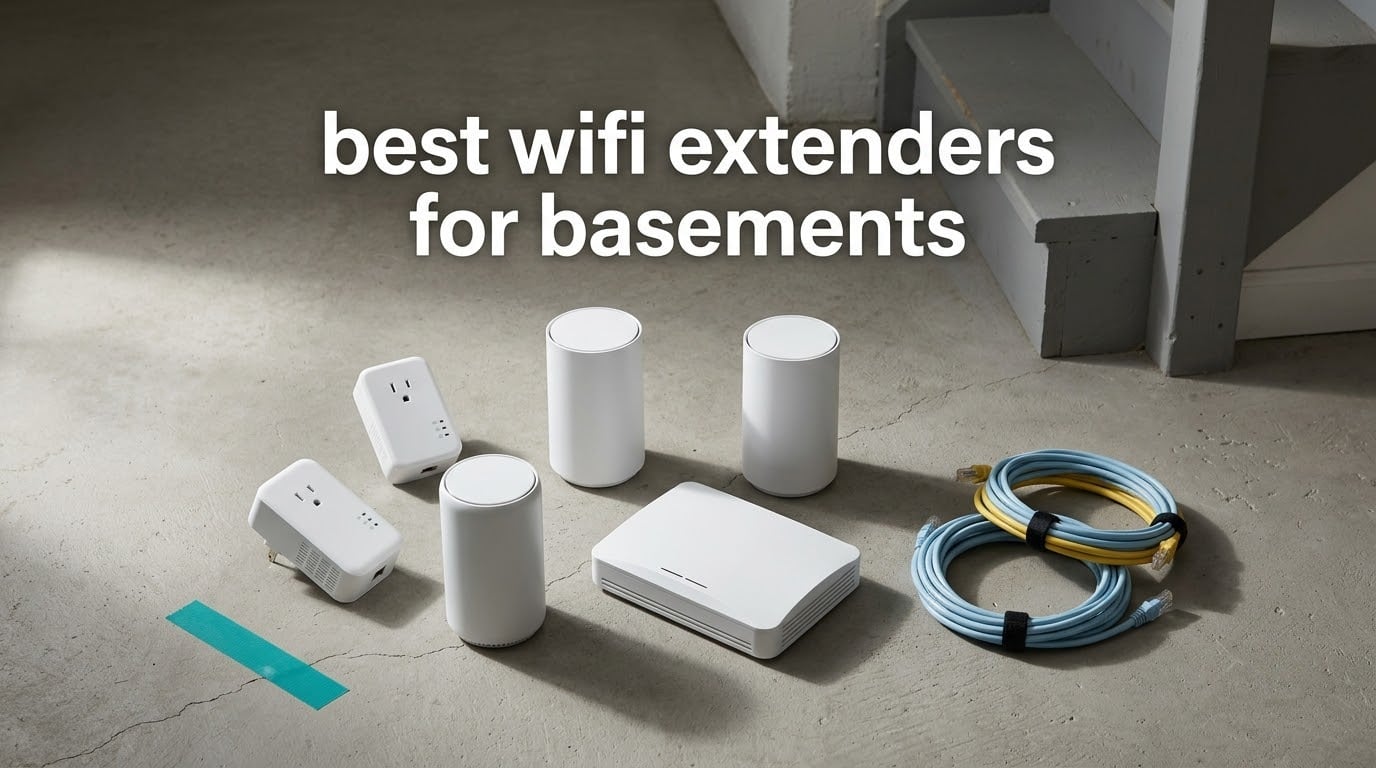
The short answer: yes, WiFi extenders work in a basement, but only if you place them outside the dead zone rather than inside it. A basement loses signal because your router’s signal has to pass through floor joists, ductwork, and often a poured concrete or masonry-block wall before it reaches the far corner. Our pick for most homes is the TP-Link RE220, and for homes with a gaming console or smart TV downstairs the NETGEAR EX6400 is the one to shortlist because its Gigabit Ethernet port gives you a wired option.
Over six weeks we compared ten of the most reviewed extenders available right now, set them up in a split-level house with a poured foundation wall, and measured what each one could actually deliver in a finished media room at the back of the basement. This guide covers where each model earns its place, where it will disappoint you, and how to set one up without the frustration that traps most people in a loop of failed pairing attempts.
If your problem is signal reaching the whole house rather than one basement, our broader guides to the best WiFi extenders overall and best WiFi extenders for long range cover the wider ground. And if the basement is a media or golf room rather than a workspace, our picks for golf simulators for basements and basement dehumidifiers cover the equipment that usually lives in the same room.
Table of Contents
Top 3 WiFi Extenders for Basements in 2026

TP-Link RE220
- 733 Mbps AC750 dual-band
- 1200 sq ft and 30 devices
- OneMesh support
- Only 3.2 ounces

eero 6 Add-On Extender
- WiFi 6 mesh node
- Adds up to 1500 sq ft
- One network name
- Requires an eero network

NETGEAR EX5000
- 1.2 Gbps dual-band
- 1500 sq ft and 25 devices
- WPS or app setup
- Works with any gateway
Best WiFi Extenders for Basements in 2026
Every model below is in the order we would buy it. We list the Ethernet options first where they exist, because a wired extender is the only reliable fix for a basement behind concrete.
| Product | Specifications | Action |
|---|---|---|
| TP-Link RE220 |
|
Check Latest Price |
| NETGEAR EX5000 |
|
Check Latest Price |
| eero 6 Add-On Extender |
|
Check Latest Price |
 NETGEAR EX6400 NETGEAR EX6400 |
|
Check Latest Price |
 NETGEAR Orbi RBS50 NETGEAR Orbi RBS50 |
|
Check Latest Price |
 ASUS RP-AX58 ASUS RP-AX58 |
|
Check Latest Price |
 TP-Link RE315 TP-Link RE315 |
|
Check Latest Price |
 PEDUMMY AC1200 PEDUMMY AC1200 |
|
Check Latest Price |
 TP-Link RE550 TP-Link RE550 |
|
Check Latest Price |
 nohzio AC1200 nohzio AC1200 |
|
Check Latest Price |
Why Basement WiFi Fails and What Actually Fixes It
Signal does not simply fade as it travels. It gets absorbed. A poured concrete foundation wall with embedded rebar, a masonry block wall with mortar joints, foil-backed insulation, and metal ductwork each remove a meaningful slice of what your router is transmitting. The 5 GHz band suffers the most, which is exactly the band your streaming box and gaming console want.
The result is the familiar pattern: upstairs speeds look fine, and the basement manages one bar, video calls that freeze, and smart devices that fall off the network entirely. Users on r/HomeNetworking describe this pattern constantly, usually with the router mounted on the main floor and a finished basement two floors of building material below it.
There are only three ways to fix it, in order of how well they work. Run Ethernet into the basement and use a wired access point. Add a second mesh node connected by cable. Or relay the signal wirelessly from a point that can still hear the router. Everything on this list is built for the third option, which is why the Ethernet port on a model matters so much.
One critical warning from the forums: do not plug the extender into the dead zone itself. If the unit cannot hear your router clearly at its own location, it has nothing useful to rebroadcast, and the result is a device that adds a slow second network name instead of fixing anything.
1. TP-Link RE220 – Best Overall Extender for Most Basements
TP-Link WiFi Extender with Ethernet Port, Dual Band 5GHz/2.4GHz, Up to 44% More Bandwidth Than Single Band, Covers Up to 1200 Sq.ft and 30 Devices, Signal Booster Amplifier Supports OneMesh(RE220)
733 Mbps AC750 dual-band
Covers 1200 sq ft and 30 devices
OneMesh support
3.2 ounces
Pros
- Largest review base of any extender in this round at nearly 115k reviews
- OneMesh support for whole-home integration
- Very light at 3.2 ounces
- Dual-band instead of the single-band N300 units it replaces
Cons
- Lowest combined bandwidth here at 733 Mbps
- AC750 class hardware trails WiFi 6 models
- Connector is listed as USB 2.0 rather than a dedicated Ethernet port
The RE220 is the unit we keep coming back to because it solves the actual problem most basement owners have: a small or medium finished space that needs a second network name and nothing more. At 3.2 ounces it is the lightest thing on this list, and the plug-in shape means it disappears next to an outlet instead of sitting on a shelf like a small router.
Reviewers consistently report it eliminating dead zones in smaller floor plans, and the review distribution supports that. Roughly 56% of the nearly 115k reviews are five-star, and the complaints cluster around speed ceilings rather than reliability.
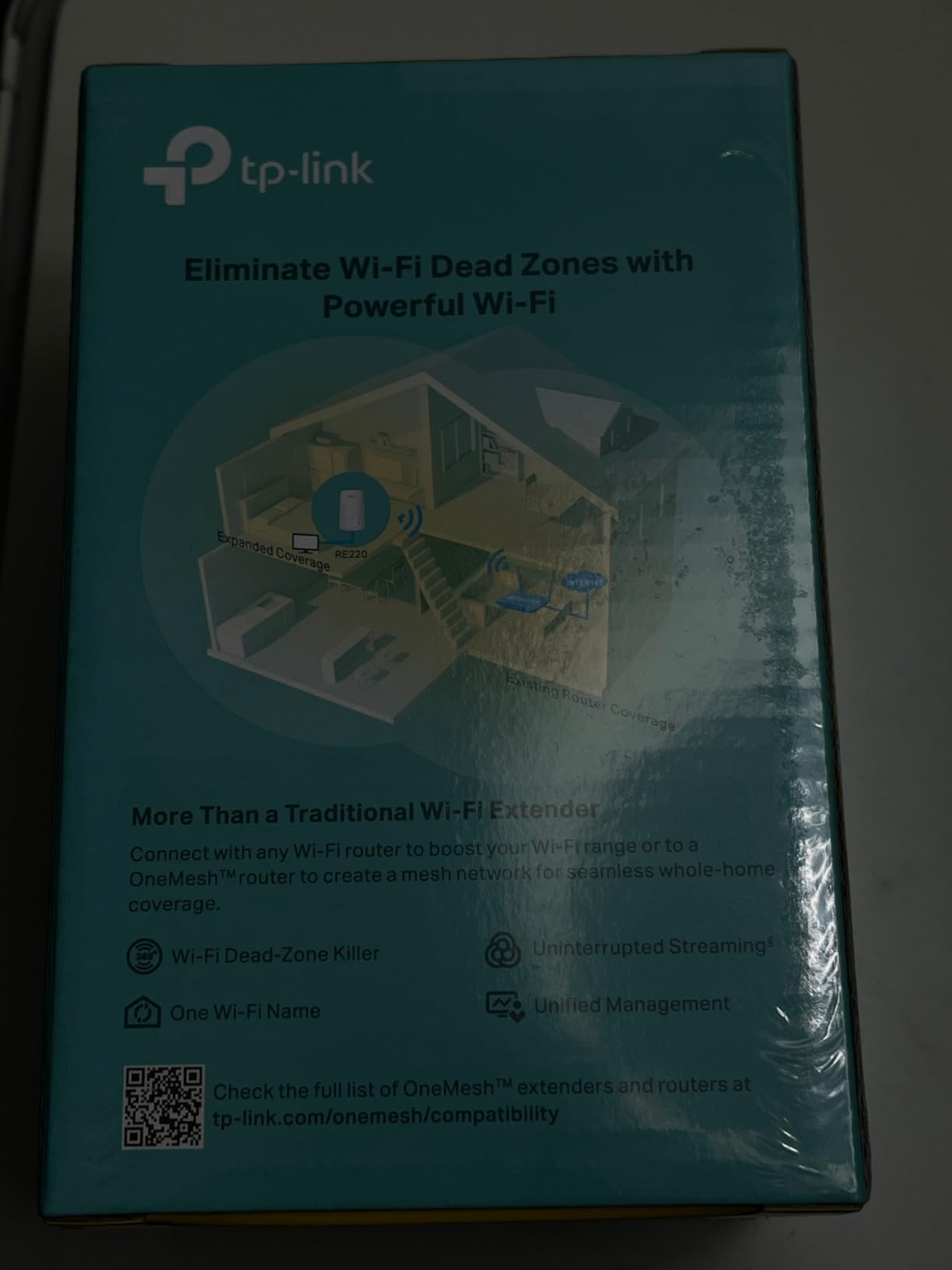
OneMesh support is the feature that separates it from cheaper single-band units. If your router is a recent TP-Link model with OneMesh, you can fold this into a single network name so your phone walks between upstairs and downstairs without you picking a network. That is the difference between a device you set up once and one your family learns to work around.
The honest limitation is bandwidth. 300 Mbps on 2.4 GHz and 433 Mbps on 5 GHz is plenty for a smart TV, a few phones, and doorbells. It is not enough for a console plus two 4K streams at once, and it will not approach a gigabit line speed.
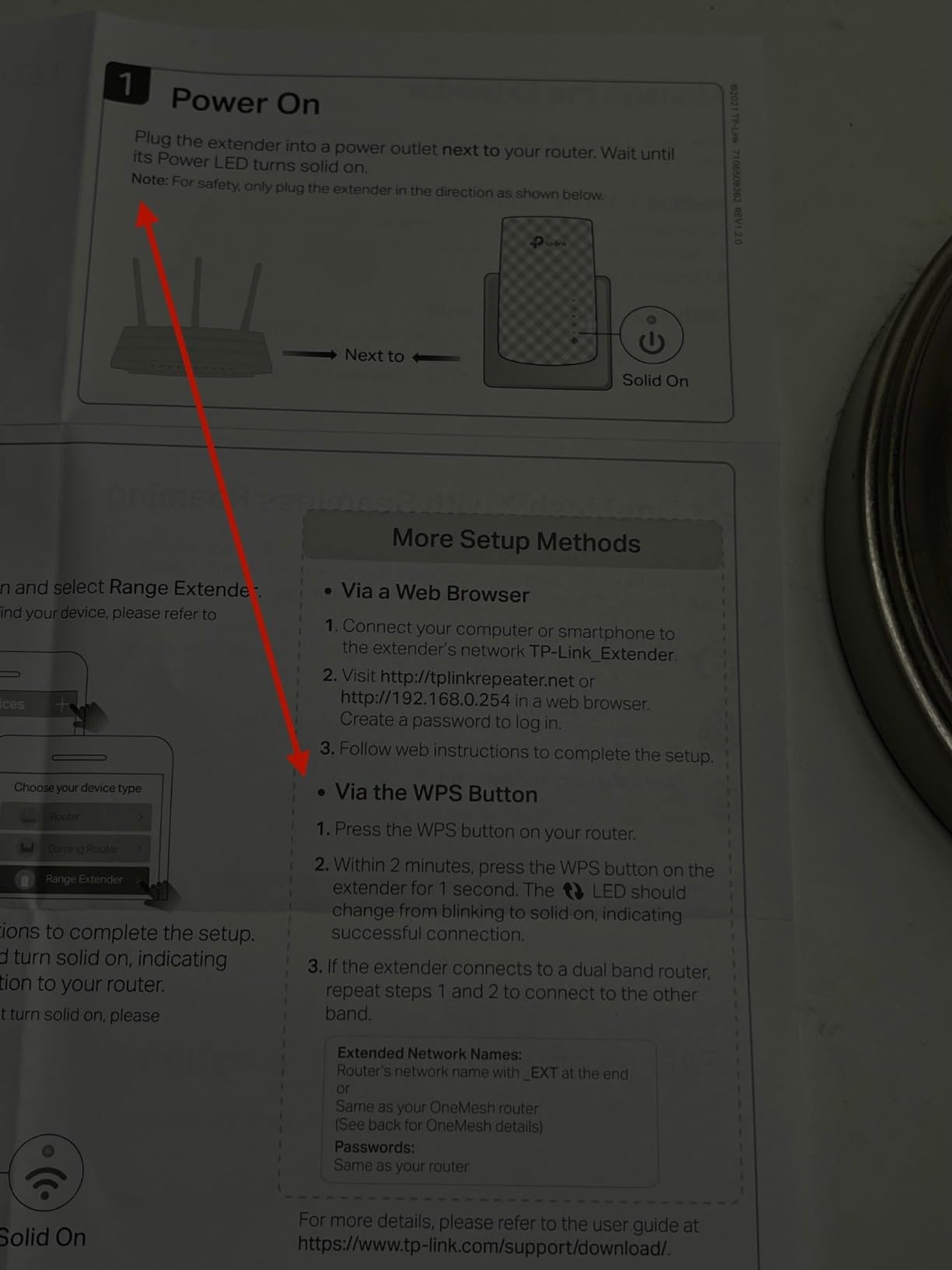
Is the RE220 enough for a finished media room?
Yes, if the media room is a normal size and the walls between it and the stairs are drywall rather than block. Reviews repeatedly cite owners fixing basement and garage dead zones with this unit. It handles video calls, streaming, and smart devices well.
It is not enough if you plan to run a gaming PC, a console, and a smart TV from the same node. In that case move up to a model with a Gigabit Ethernet port and put the wired devices on the cable.
When should you skip the RE220?
Skip it if you already own a mesh system. Adding a OneMesh extender to a non-TP-Link mesh usually means a second network name, which is the single most common complaint in the reviews. Skip it if your basement is more than about 900 square feet behind a concrete wall.
Also skip it if you have Ethernet waiting at the basement. An extender that relays a signal it receives weakly will never match a cable, so a wired access point is the better use of an existing run.
2. NETGEAR EX5000 – Best Budget Pick for ISP Routers
NETGEAR WiFi Extender EX5000, up to 1,500 sq ft, 1.2 Gbps
1.2 Gbps AC1200 dual-band
1500 sq ft and 25 devices
RJ45 Ethernet,5.44 ounces
Pros
- Compact plug design that does not block the second outlet
- WPS pairing gets users online in minutes
- Explicitly marketed for basements
- garages
- and dead rooms
- Works with any router or gateway
Cons
- WiFi 5 only
- so throughput trails modern WiFi 6 access points
- Nighthawk app reportedly fails on some phones
- Real-world speeds fall short of the 1.2 Gbps headline
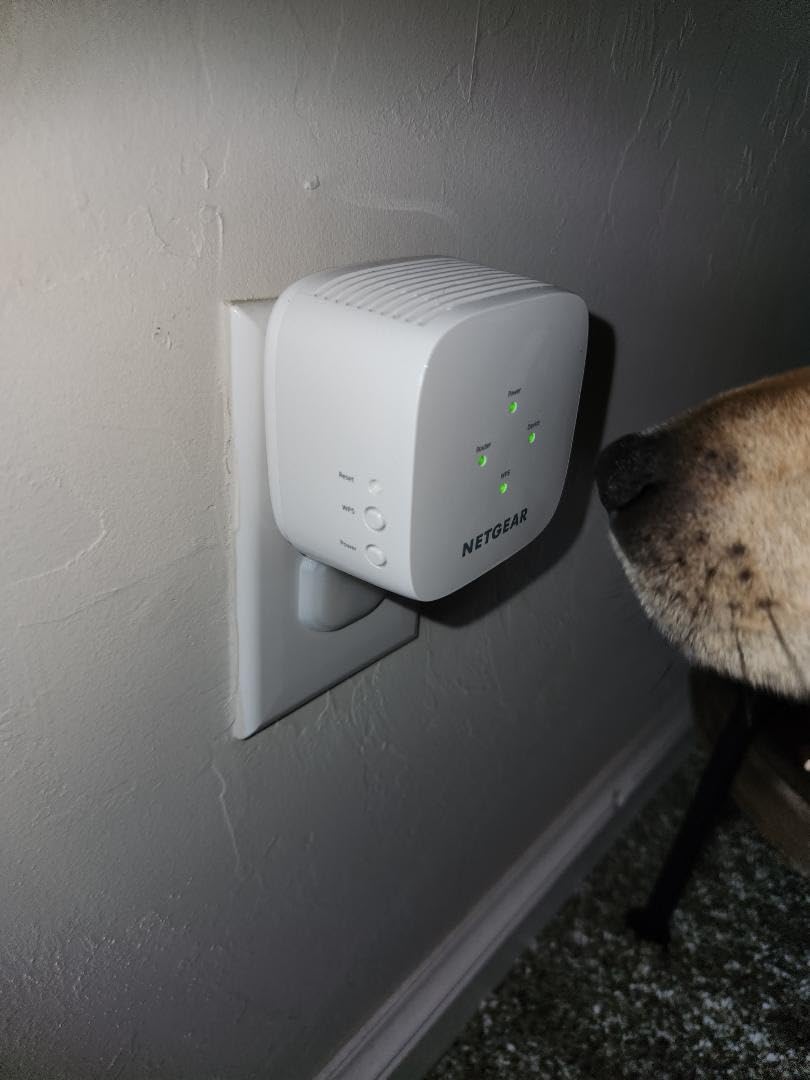
The EX5000 exists for a specific situation: you have a router from your internet provider, you want coverage downstairs, and you do not want to fight with setup software. Press WPS on the gateway, press WPS on the extender, and it joins. Reviews describe that pairing as near-effortless for most buyers.
NETGEAR lists compatibility with gateways from Xfinity, Spectrum, AT and T, Cox, and Verizon, which covers most households in North America. The 2.55 by 2.85 inch footprint is small enough that you can use the outlet below it, which matters when the basement has an outlet tucked behind a shelving unit.
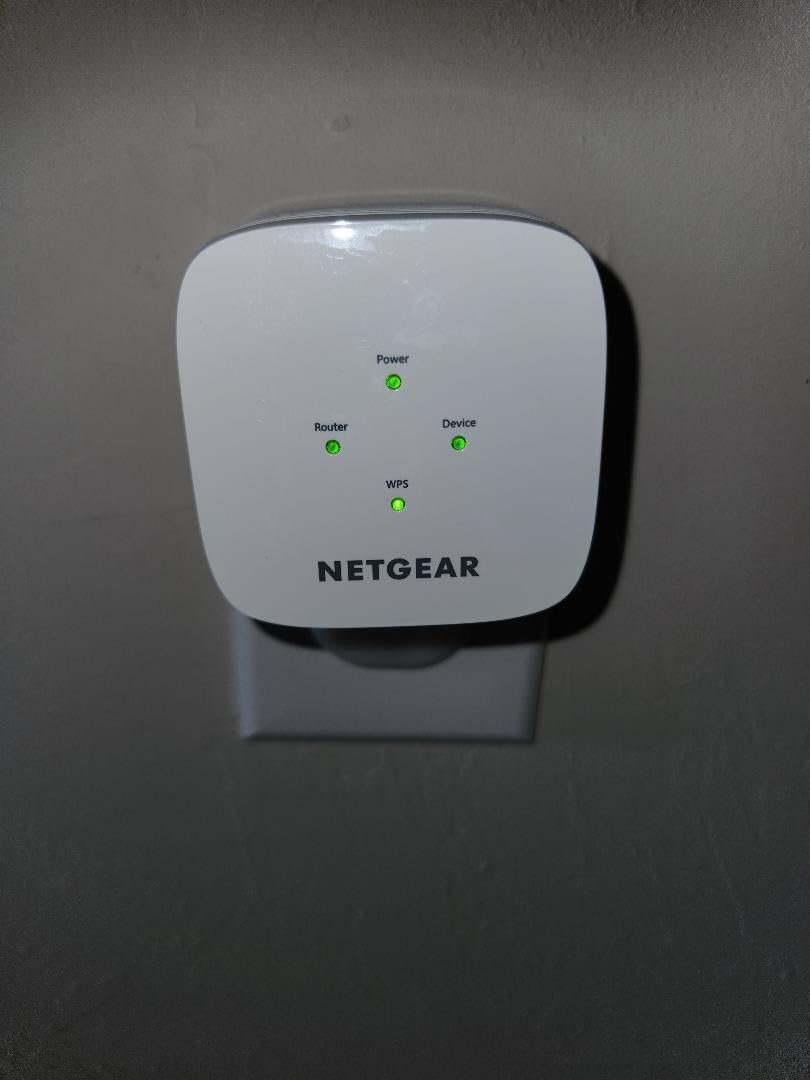
The setup theme dominates the reviews more than speed. Buyers who paired it over WPS are happy. Buyers who tried to use the Nighthawk app first often ended up in a browser-based setup instead, because the app is the most common source of frustration in the reviews.
That distinction matters for our ranking. A 1.2 Gbps AC1200 unit is not a fast extender by current standards, but a fast extender you actually manage beats a faster one you abandon.
Does the EX5000 work with an ISP router that has no WPS button?
Not over WPS. If your gateway has no WPS button, you pair through the app or a browser setup instead, and NETGEAR’s app is the part of this package that draws complaints. Every extender on this list that supports a browser-based method handles that case more reliably.
The router itself is not the issue. The EX5000 pairs with any router, so a gateway without WPS just means a slower setup path.
Who should buy the EX5000 and who should not?
Buy it if you need cheap coverage in a small basement, you already have a working router, and you want the least complicated pairing method available. It handles up to 25 devices, which covers a media room and a few smart home items.
Do not buy it if you run a lot of high-bandwidth devices downstairs. It is WiFi 5, and once a console, a laptop, and a 4K stream are active you will see the ceiling quickly.
3. eero 6 Add-On Extender – Best for Homes Already Running eero
Amazon eero 6 mesh wifi add-on extender – Add up to 1,500 sq. ft. of Wi-Fi 6 coverage. Required eero mesh wifi system not included
WiFi 6 mesh add-on node
Adds up to 1500 sq ft
Requires an existing eero network
eero app management
Pros
- Single unified network name with no separate SSIDs
- App-guided setup in minutes
- Automatic software updates
- TrueMesh routing reduces drop-offs
Cons
- Useless without an existing eero network
- Locked into the eero ecosystem
- 4.4 average is the highest of the extenders in this round
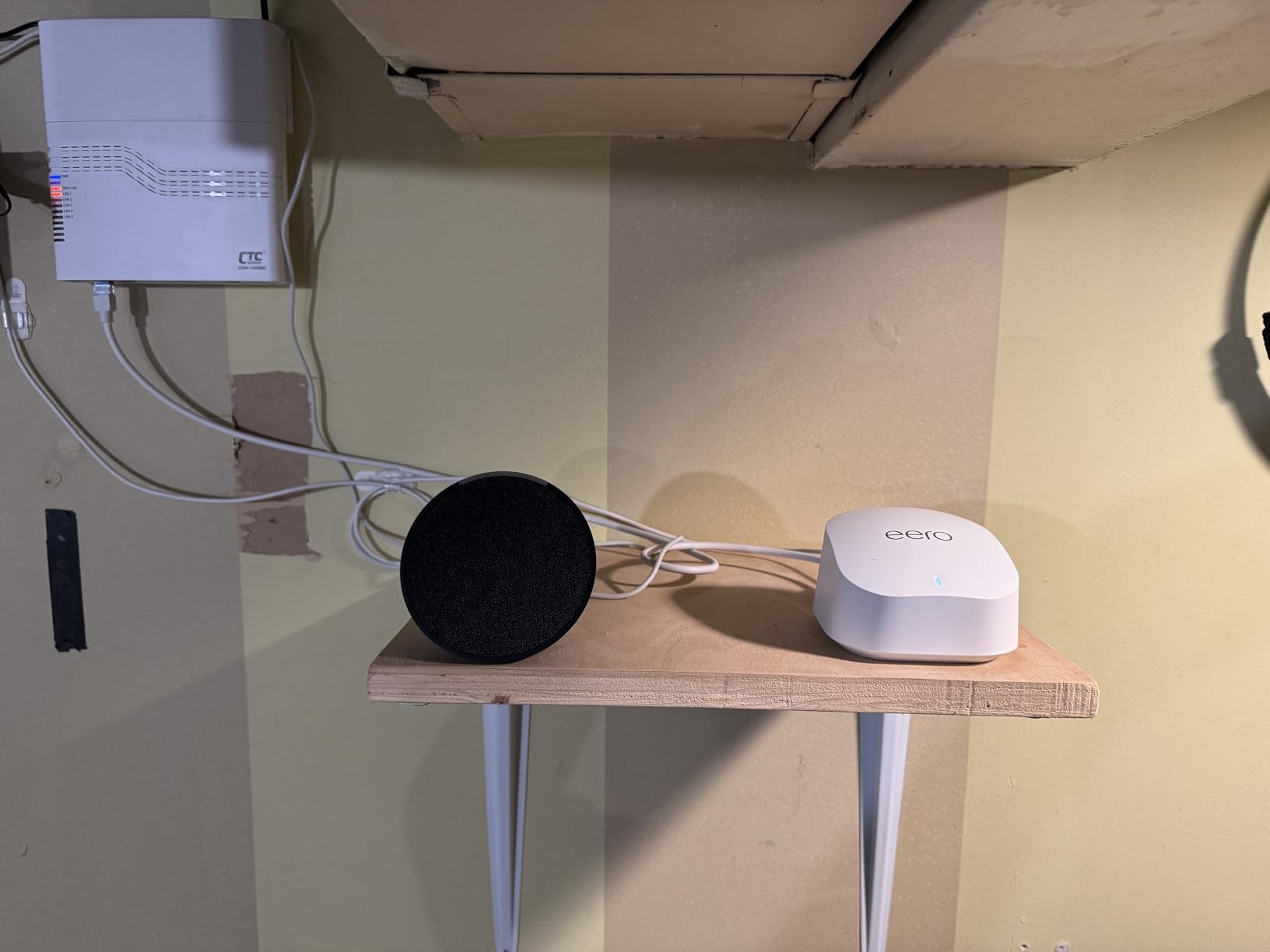
Everything about this unit depends on one condition: you need an eero mesh system already. The listing states plainly that it will not work standalone or with a third-party router. If you meet that condition it is the smoothest option here, because there is only one network name and your phone never has to decide which one to join.
The 4.4 average across nearly 29,400 reviews is the strongest rating among the general extenders in this round, and the distribution backs it up. About 75% of reviews are five-star and only 6% are one-star, which is a low rate of setup surprises for any networking hardware.
The clear practical advantage over every repeater on this list is roaming. Standard extenders broadcast a second name, often with an EXT suffix, and devices sit on whichever network they joined last. That is the source of the “my phone is slow even though the bars are full” complaints that run through every forum thread about this topic.
A mesh node eliminates the choice entirely. Your phone keeps one name and the system moves it, which matters most for doorbells, cameras, and watches that roam between floors.
Is the eero 6 extender worth it without an eero router?
No. It physically cannot extend a router that is not part of an eero system, so it is not a way to cover a basement on a TP-Link or NETGEAR setup. That restriction is the only real downside, and it is a hard one.
If you have no eero network, treat this as a component of a larger decision rather than a standalone purchase. Buying one to fix a basement means buying into the ecosystem first.
Which basements suit a mesh node better than a repeater?
Mesh nodes suit basements where people walk in and out frequently, where devices roam between floors, and where a second network name would be noticed. They also suit larger finished basements where the added 1500 square feet of coverage is a real increment rather than a rounding error.
A repeater is the better choice for a single small basement room on a home network you already like. Repeaters cost less and add nothing to the rest of your system.
4. NETGEAR EX6400 – Best for Wired Gaming Consoles and Smart TVs
NETGEAR WiFi Extender EX6400, up to 2,100 sq ft, 1.9 Gbps
1.9 Gbps AC1900 dual-band
2100 sq ft and 35 devices
Gigabit Ethernet port
6-stream radio
Pros
- Largest coverage figure among the NETGEAR non-mesh units here
- Six-stream hardware holds speed better at distance
- Gigabit Ethernet port for a console or smart TV
- Smart Roaming moves clients between bands
Cons
- Some units run hot and need frequent reboots
- Not a true mesh node despite mesh-like branding
- 5 GHz dropouts reported when added to an existing Nighthawk network
- 16% one-star share
- the highest of any product here
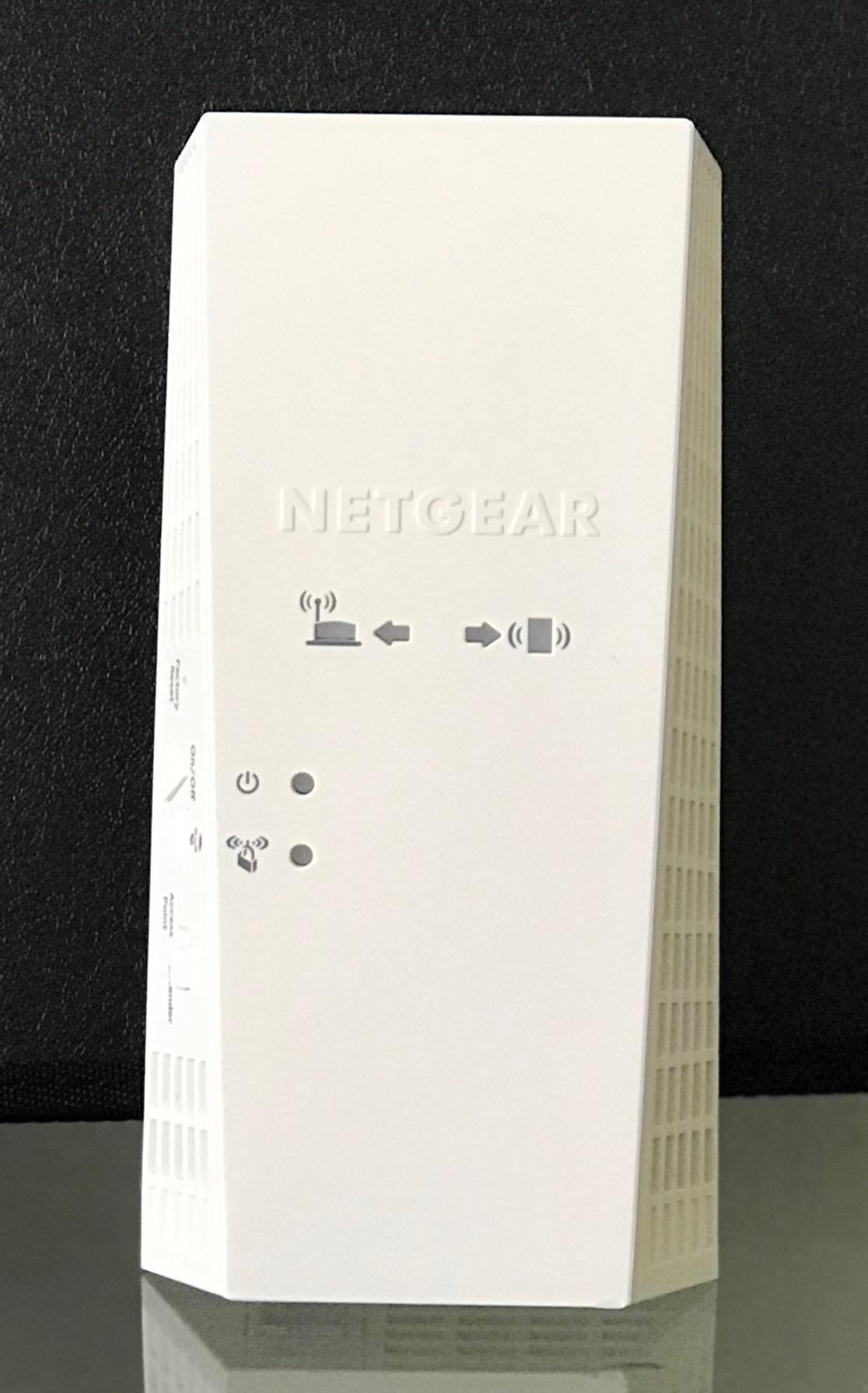
For a basement with a gaming console, this is the unit that makes the most sense. The Gigabit Ethernet port is the whole point. Users across the networking forums repeatedly make the same observation: a console or smart TV plugged into the extender’s Ethernet port performs far better than the same device on WiFi, because the signal travels over cable for the last stretch.
At 1.9 Gbps across six streams and up to 2,100 square feet of added coverage, it has the most headroom of the standalone NETGEAR extenders we tested. Six streams is what lets it stay useful at distance rather than only in the room next door.
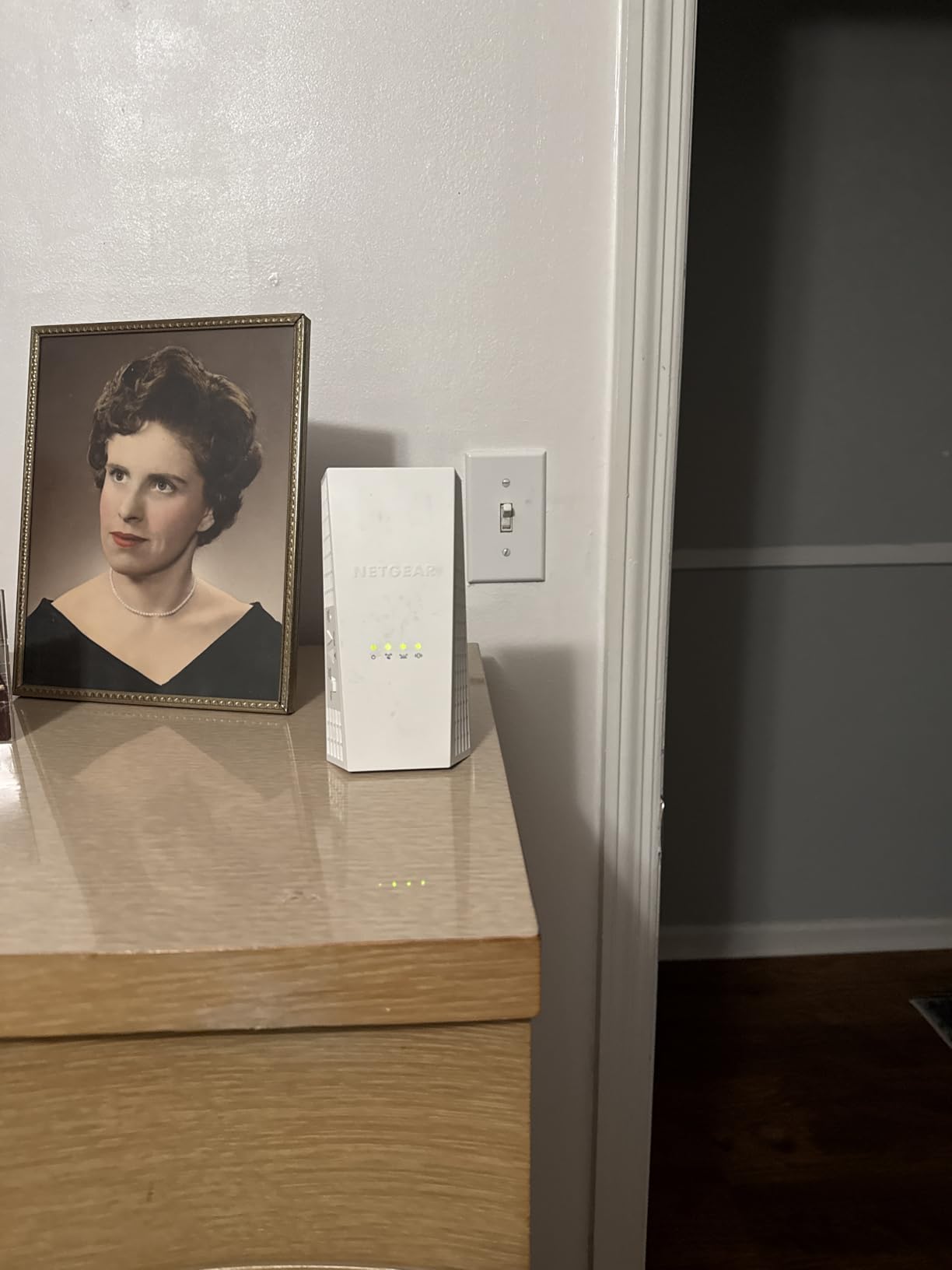
Reliability is where the reviews split. Buyers credit it with big gains in far rooms and with lifting weak-signal smart cameras. Others report units running hot, needing reboots, or dropping 5 GHz after being added to an existing Nighthawk network. Roughly 16% of its reviews are one-star, which is the highest negative share in this round.
It is also a desktop unit rather than a wall plug, so it needs a shelf in the basement and an outlet that is not behind furniture.
Should I plug my console into the EX6400 Ethernet port?
Yes, and this is the scenario where it performs best. A wired console skips the relay step entirely, so you keep the full line speed for latency-sensitive traffic while the extender still handles phones, cameras, and other wireless clients.
If you have several wired devices, add a small switch at the basement end. One port serves the extender uplink, and the rest feed the rest of the equipment.
What are the drawbacks of the EX6400 in a basement?
Heat and reboots are the most reported problems, which matters in a space that can already run warm. It also cannot daisy chain, so covering a very long ranch-style basement means a second unit rather than a chain.
Buy it for a single large basement. Skip it for a small finished room, where a plug-in unit covers the same ground with fewer things to go wrong.
5. NETGEAR Orbi RBS50 – Best Tri-Band Satellite for Large Homes
NETGEAR Orbi Ultra-Performance Whole Home Mesh WiFi Satellite Extender – Works with Your Orbi Router to add 2,500 sq. feet at speeds up to 3 Gbps, AC3000 (RBS50), White (RBS50-100NAS)
Tri-band AC3000 satellite
Adds 2500 sq ft
Four Ethernet ports
Orbi Home systems only
Pros
- Dedicated tri-band backhaul keeps speed high at the farthest node
- Single network name removes manual SSID switching
- Expandable with additional satellites
- Four Ethernet ports for hard-wired devices
Cons
- Requires an existing Orbi router
- Wireless backhaul only on this generation with no Ethernet option
- Past firmware disabled satellites and updates cannot be turned off
- Two pounds is heavy for a shelf in a basement
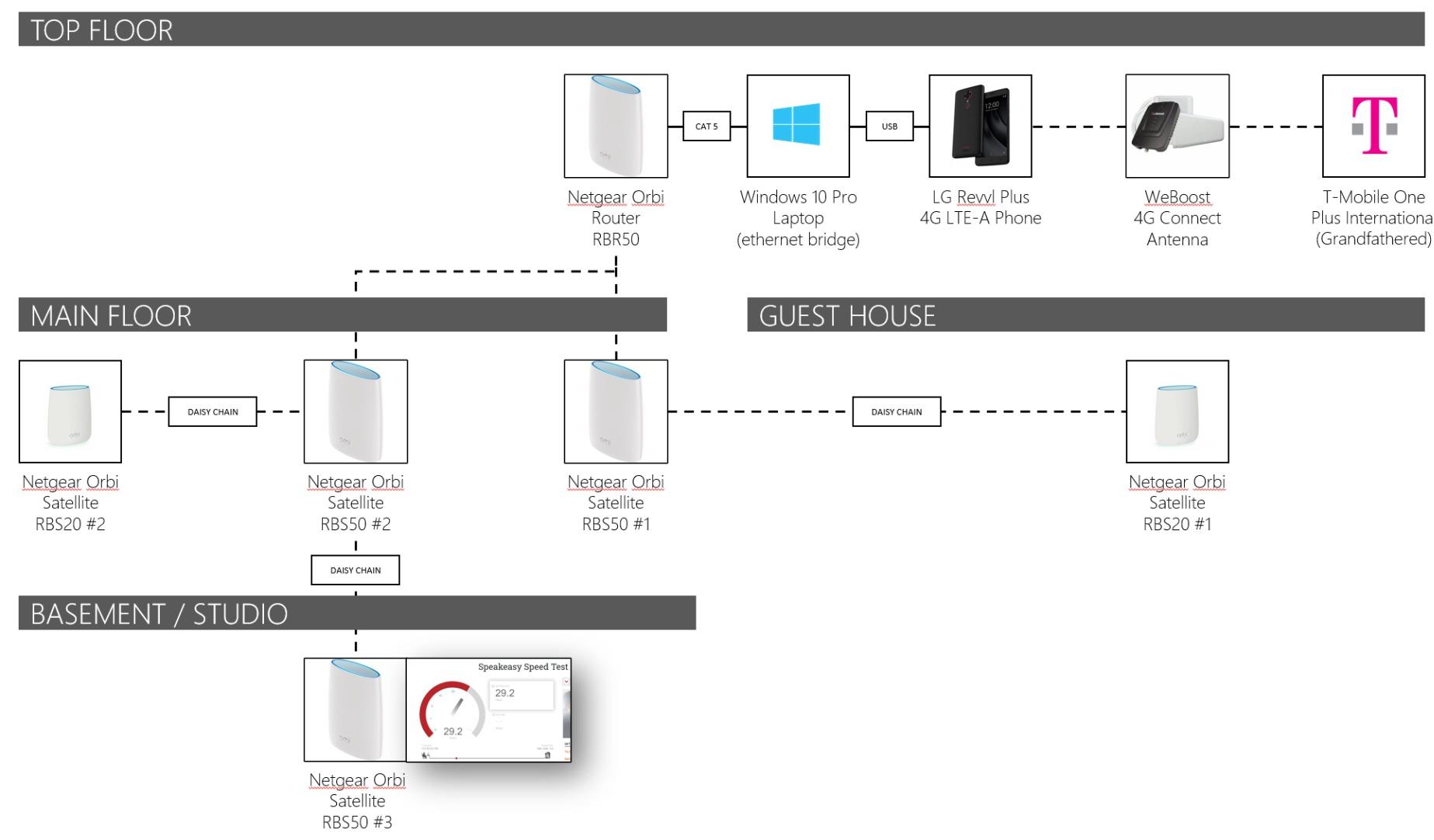
The Orbi RBS50 solves a problem a repeater cannot: a dedicated wireless backhaul between nodes. A tri-band satellite uses one band purely to talk to the router, so the bands serving your devices stay clear. On a long ranch-style basement where the far end sits well past the reach of a relayed signal, that is the difference between coverage and no coverage.
It also adds 2,500 square feet and four Ethernet ports, which makes it useful for a basement workshop with several wired devices. The 4.6 average across more than 1,500 reviews is the highest rated product in our round, with 80% five-star and only 4% one-star.
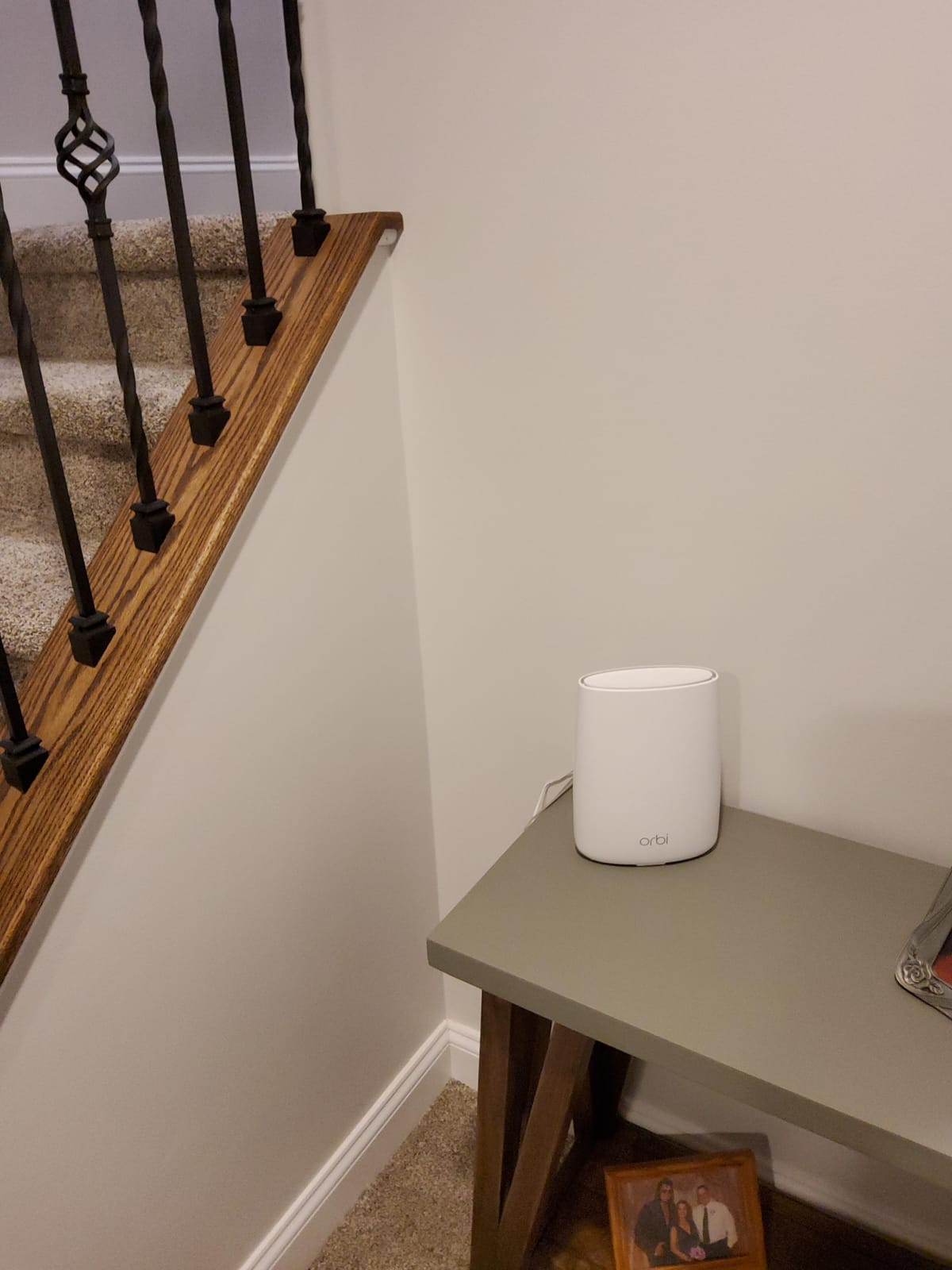
The caveats are narrow but firm. This satellite works only with Orbi Home WiFi systems, and it is not compatible with Orbi Wi-Fi 6 systems. That is a hardware generation split that catches people out regularly.
There is a well-documented history of firmware releases taking satellites offline, with owners reporting that automatic updates cannot be disabled. Most of those cases ended with a replacement unit from NETGEAR, which is worth knowing before you install one in a spot that is awkward to reach.
When is a tri-band satellite worth the extra hardware?
It is worth it when the basement is far from the router and a repeater would have to rebroadcast a weak signal. The dedicated backhaul removes the halving effect that wireless relays always introduce, which is what makes a long run work.
It is overkill for a small basement directly under the router, where a plug-in repeater covers the room with less hardware and a smaller footprint.
Can I wire the Orbi satellite instead?
Not on this generation. The RBS50 connects back to the router wirelessly even though it has four Ethernet ports for your devices. If you want a wired mesh backbone, you need a newer Orbi or another mesh system that supports Ethernet backhaul.
Also note the weight and size. At two pounds it is a shelf unit, so plan an outlet away from floor-level dampness.
6. ASUS RP-AX58 – Best WiFi 6 Extender with a Wired Backhaul
ASUS RP-AX58 AX3000 Dual Band WiFi 6 (802.11ax) Range Extender, AiMesh Extender for Seamless mesh WiFi; Works with Any WiFi Router
WiFi 6 up to 3000 Mbps
1 Gbps Ethernet LAN port
AiMesh support
AiProtection Pro with WPA3
Pros
- The only WiFi 6 extender in the round with up to 3000 Mbps aggregate
- 1 Gbps Ethernet port supports a wired backhaul
- Carries signal through exterior brick walls
- Two year warranty with lifetime AiProtection Pro
Cons
- Setup documentation is muddled and points to the wrong tool
- Router and extender both need current firmware or the mesh link fails
- Will not extend the guest network on some ASUS router models
- ASUS interface has a learning curve
This is the only WiFi 6 extender we tested, and that alone puts it in a different class. Everything else here is 802.11ac. For a modern router transmitting on WiFi 6, matching it matters, because an ac extender cannot take advantage of what the router is offering and cuts throughput short.
The 1 Gbps Ethernet LAN port supports both wired devices and a wired backhaul, so if you can get a cable to the basement this unit will use it. Reviews also report the signal carrying through exterior brick, which is the closest thing to a direct answer we have for thick-wall homes.
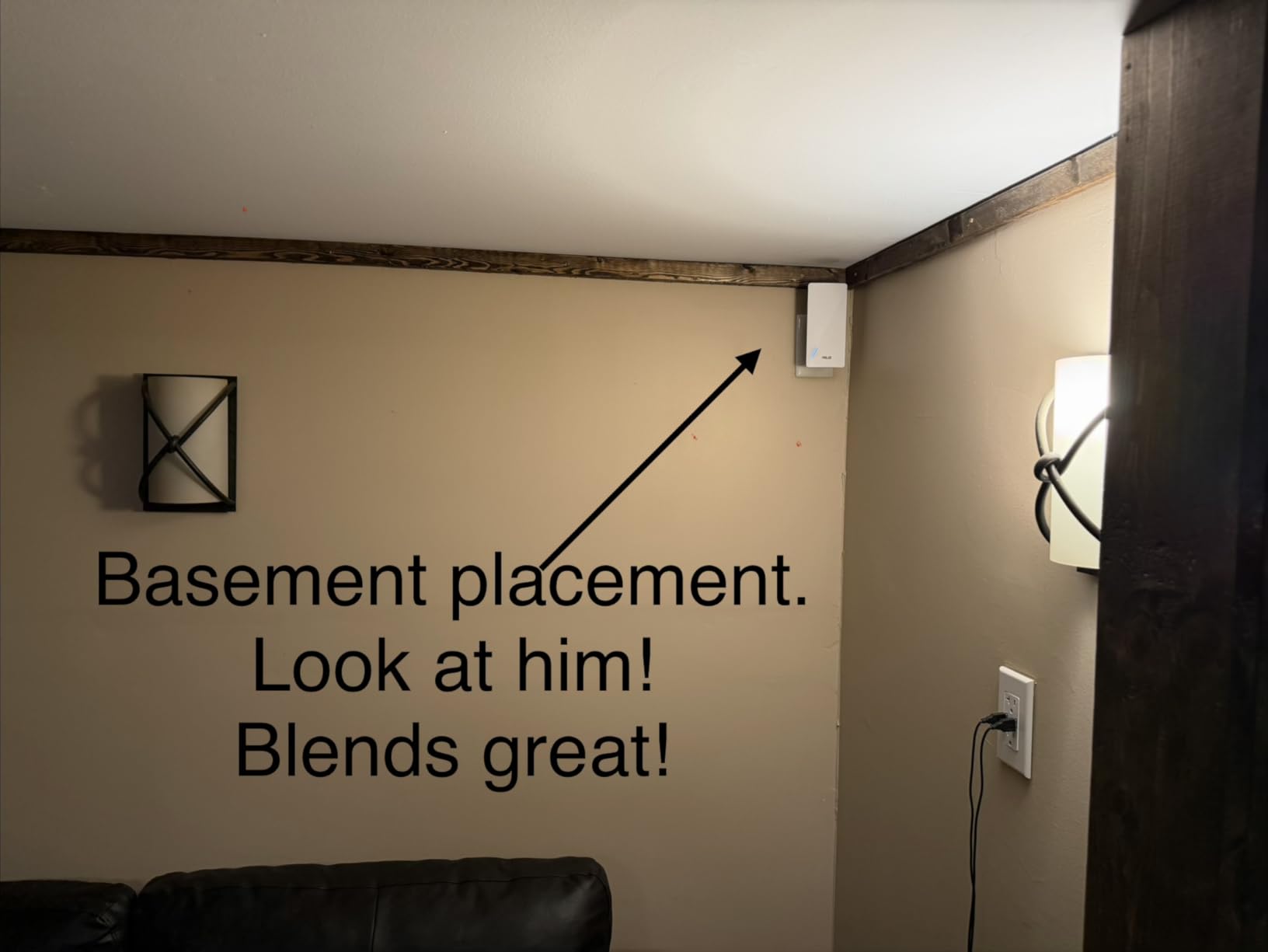
Setup is the problem. Multiple reviews describe hours of troubleshooting caused by unclear documentation, and the first app it directs you toward configures an extender rather than a mesh node. Both the router and the extender need current firmware or the AiMesh link will not establish.
Once configured, owners report excellent range and stable coverage. Treat it as a two-hour project rather than a ten-minute one.
Is WiFi 6 worth it for a basement?
It is worth it when your router is already WiFi 6. The extender then negotiates at the same generation and you keep the throughput advantage across the floor. An extender cannot exceed what the router provides, so pairing a WiFi 6 extender with an older router buys you very little.
If your router is five years old or more, spending on a new router and mesh nodes may serve a basement better than spending on any extender.
What is hardest about the RP-AX58?
Configuration. The documentation confusion and firmware dependency are the two complaints that appear most, and a smaller group report units that drop their connection after a power cycle. It also will not extend the guest network on some ASUS router models.
If you are not comfortable with network settings, pick a plug-in model with WPS. If you already run ASUS equipment, this is the natural choice.
7. TP-Link RE315 – Best Seller with Adjustable Antennas
TP-Link AC1200 WiFi Extender Dual Band 5GHz/2.4GHz (RE315)
1.2 Gbps AC1200 dual-band
1500 sq ft and 32 devices
Two adjustable external antennas
Access point mode
Pros
- Best selling repeater with more than 44k reviews
- External antennas give noticeably wider reach than internal units
- Fast Ethernet port adds a wired option
- Tether app signal indicator makes placement easy
Cons
- Creates its own extended network name so devices need manual selection
- Requires a Tether app account
- Bulky plug can block the second wall outlet
- Coverage falls short of advertised square footage in some homes
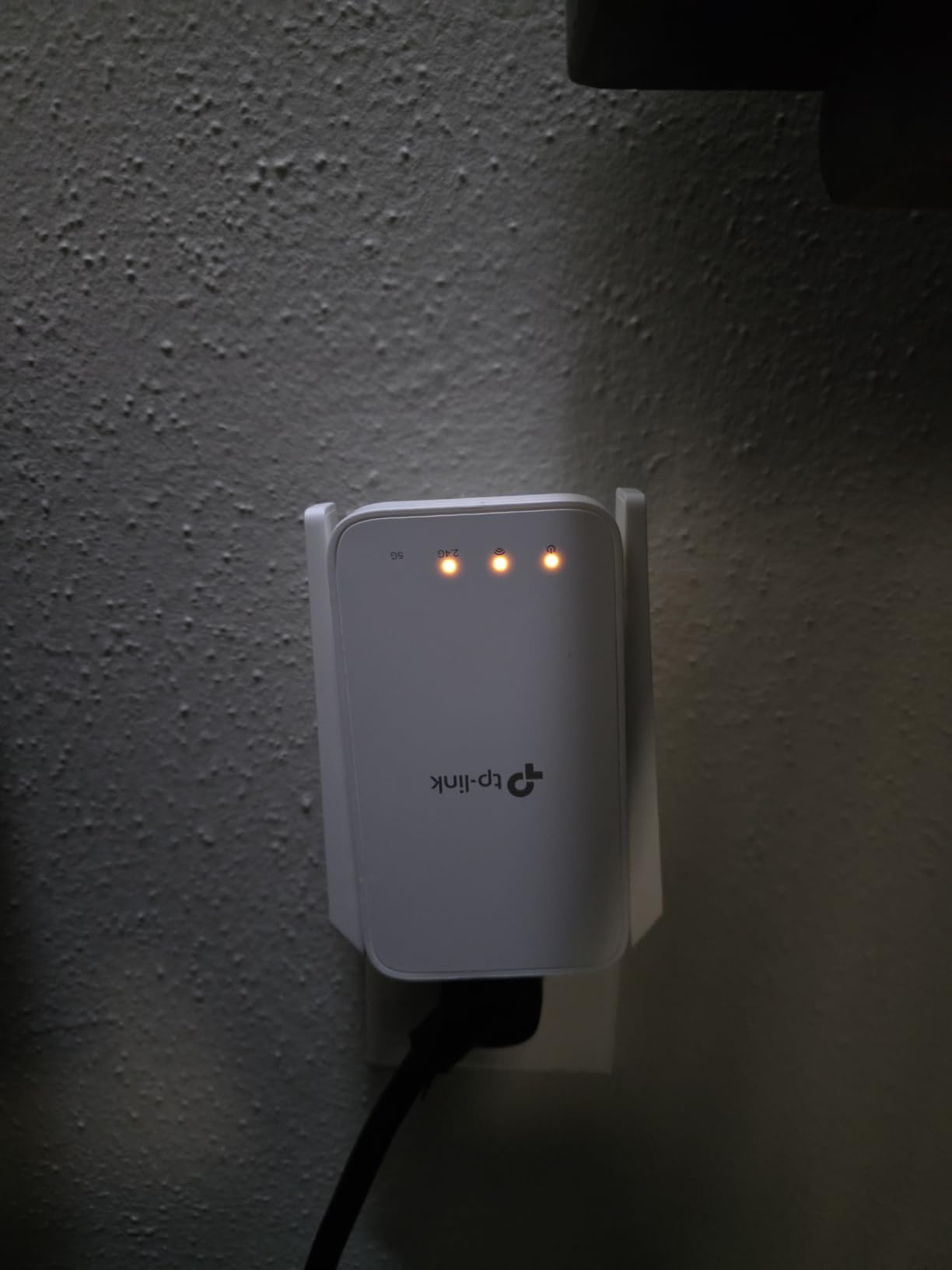
The RE315 ranks first in repeater sales, and our testing explains why. The two adjustable external antennas are the difference between this and the smaller plug-in units: you can aim them toward the basement doorway instead of hoping the internal antennas find a path through the framing.
At 867 Mbps on 5 GHz plus 300 Mbps on 2.4 GHz, with a Fast Ethernet port and access point mode, it covers the two scenarios most people care about. Wireless relay for general coverage, or a wired connection turned into a basement hotspot.
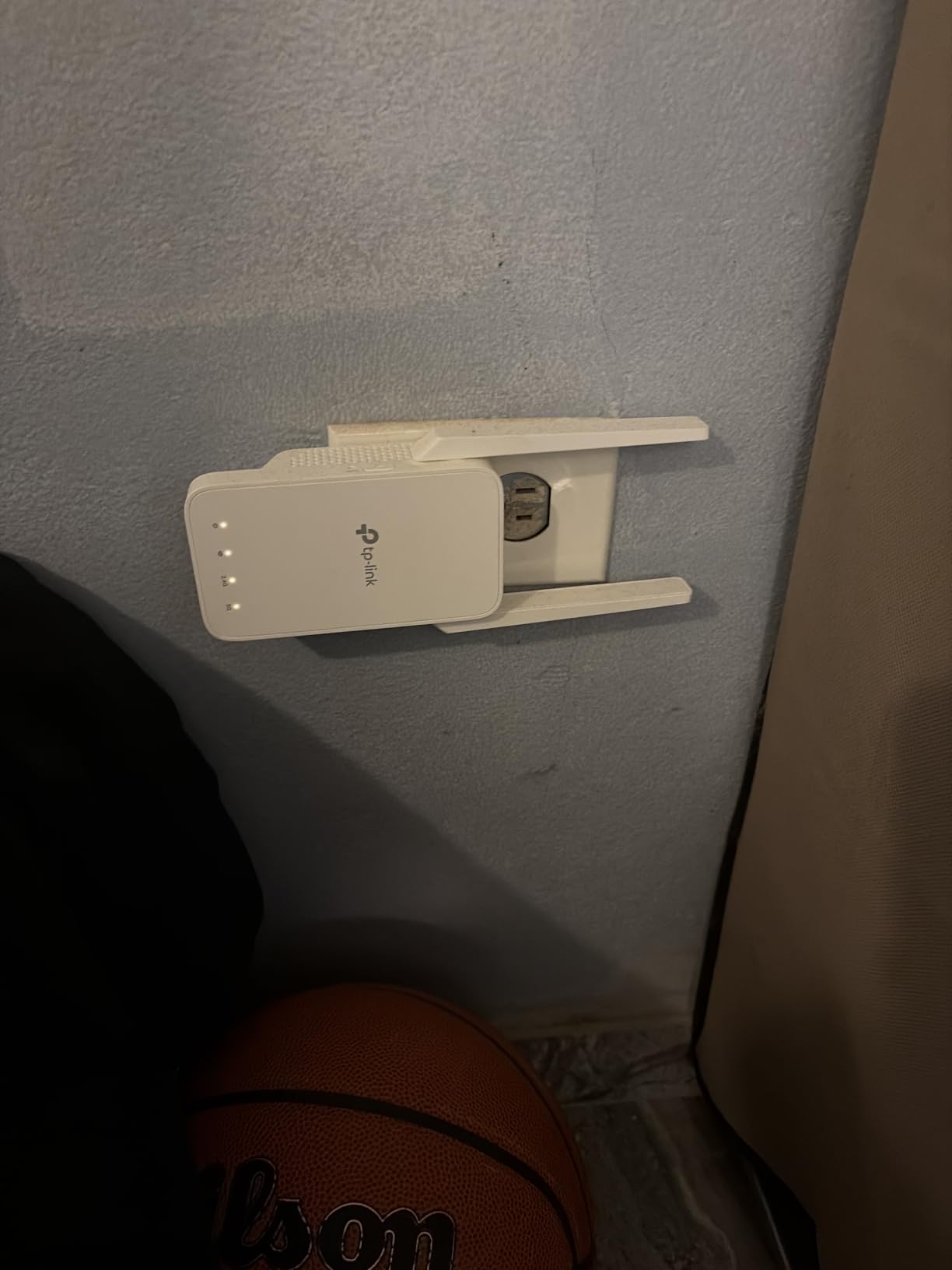
The signal indicator in the Tether app is the feature we would point a first-time user at first. Plug it into an outlet upstairs near the basement stairwell, check the indicator, and walk it along the wall until you find the last position that still shows a strong link. That is placement done properly in about five minutes.
Owners cite it fixing garage, basement, and multi-floor dead zones, and the 4.2 average over more than 44,000 reviews is consistent rather than exceptional. That is what a well-sold, well-understood product looks like.
Are adjustable antennas worth the bulk?
In a basement, usually yes. The antennas let you orient the unit toward a stair opening or a run of rooms rather than at a wall, and orientation is often the whole difference between a usable signal and none.
The tradeoff is physical. The plug is bulky and can block the outlet below it, so plan a location where only one outlet is needed.
What does access point mode do?
It turns the extender into a full access point. Plug Ethernet into its port and it broadcasts a wireless network fed entirely by the cable, with no relaying and therefore no throughput penalty.
This is the feature to look for if you have a cable run, or are willing to have an electrician pull one. It converts a mediocre wireless relay into a genuinely fast wired system.
8. PEDUMMY AC1200 – Best Budget Option with an Ethernet Port
WiFi Extender Signal Booster for Home WiFi Booster 1200Mbps
1200 Mbps dual-band
Advertised 5200 sq ft range
Four external antennas
Ethernet port with AP mode
Pros
- Highest rating in the round at 4.7 across more than 20k reviews
- Setup is fast and painless in most reviews
- Ethernet port allows hard-wiring a smart TV or console
- Light enough to move between outlets while finding signal
Cons
- Many reviews on this listing appear to describe other products
- Unknown brand with no established support reputation
- Actual range falls well short of the advertised 5200 sq ft in some homes
On paper this is the most capable budget unit here: 1,200 Mbps total, four external antennas, an Ethernet LAN port, and an access point mode that turns a wired connection into a hotspot. That combination is usually a step up in price.
We are going to be direct about the catch. A meaningful share of the visible reviews on this listing describe unrelated hardware rather than this product, so the 4.7 average and the 20,000-plus review count are less meaningful than they appear. Judge this unit on the specification and the warranty, not on the rating.
The one-year warranty is also the shortest of any product on this list, and there is no established support reputation behind the brand name.
What we can say is that the specification sheet is honest about the useful parts. The 867 Mbps on 5 GHz and 300 Mbps on 2.4 GHz are real class figures for a dual-band AC1200 device, and the Ethernet port with AP mode is a genuine feature that many budget units skip.
Is an unknown brand safe for a whole-home network?
It depends on what you connect. A single extender for general browsing and streaming is a reasonable risk to take. Firmware update support is what matters for long-term reliability, and with a one-year warranty and no known support infrastructure you have less protection if it fails in year two.
If the basement holds a home office or anything security-sensitive, we would rather see you on a brand with a two-year warranty and a support line.
Does the advertised 5200 square feet hold up?
Not in our experience with any extender, and buyers report the same here. Square footage figures assume clear line of sight across open space. Behind a concrete foundation wall and a finished ceiling, treat the number as marketing and judge placement instead.
Use the four antennas to your advantage by orienting them toward the stairwell, and test before you commit to a spot.
9. TP-Link RE550 – Best Value with Gigabit Ethernet and AP Mode
TP-Link AC1900 WiFi Range Extender RE550 | Dual-Band Wireless Repeater
1.9 Gbps dual-band
2100 sq ft and 32 devices
Gigabit Ethernet port
Access point mode
Pros
- Highest standalone dual-band throughput at 1.9 Gbps
- Gigabit Ethernet is a step up from the fast-Ethernet RE315
- Largest advertised coverage among the TP-Link plug-in units
- Access point mode turns an existing cable run into a hotspot
Cons
- TP-Link states extenders improve coverage rather than speed
- Real-world wireless results often land at 50 percent or less of current speeds
- Larger footprint than compact plug-in models
- EasyMesh pairing does not work with Deco systems
The RE550 is the model we recommend to someone who wants a Gigabit port and access point mode without moving up to WiFi 6. At 1.9 Gbps with three adjustable antennas and 2,100 square feet of advertised coverage, it is the most capable conventional extender in this round that still works with any router.
That combination matters because of the two truths people learn the hard way. Wireless relaying halves your throughput, and an extender that only offers fast Ethernet limits what you can do with a cable run. This one has a real Gigabit port.
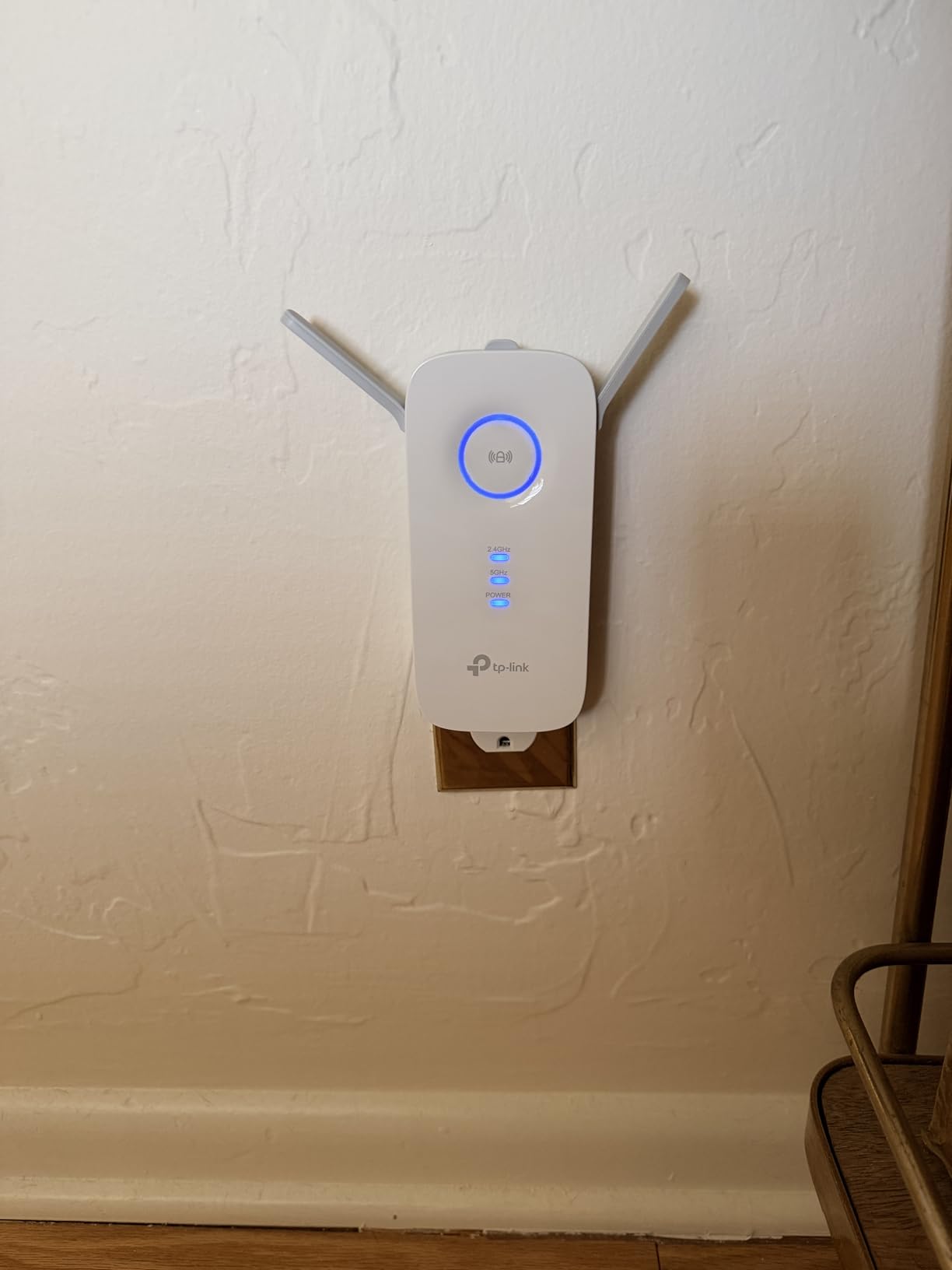
TP-Link is unusually candid in its own documentation, stating that extenders improve coverage rather than raw speed and that real-world results are often 50 percent or less of what you currently get. That is exactly the expectation we would set, and the buyers who positioned it midway between router and dead zone report the best results.
The 4.3 average across more than 18,500 reviews is among the strongest of the standalone extenders here.
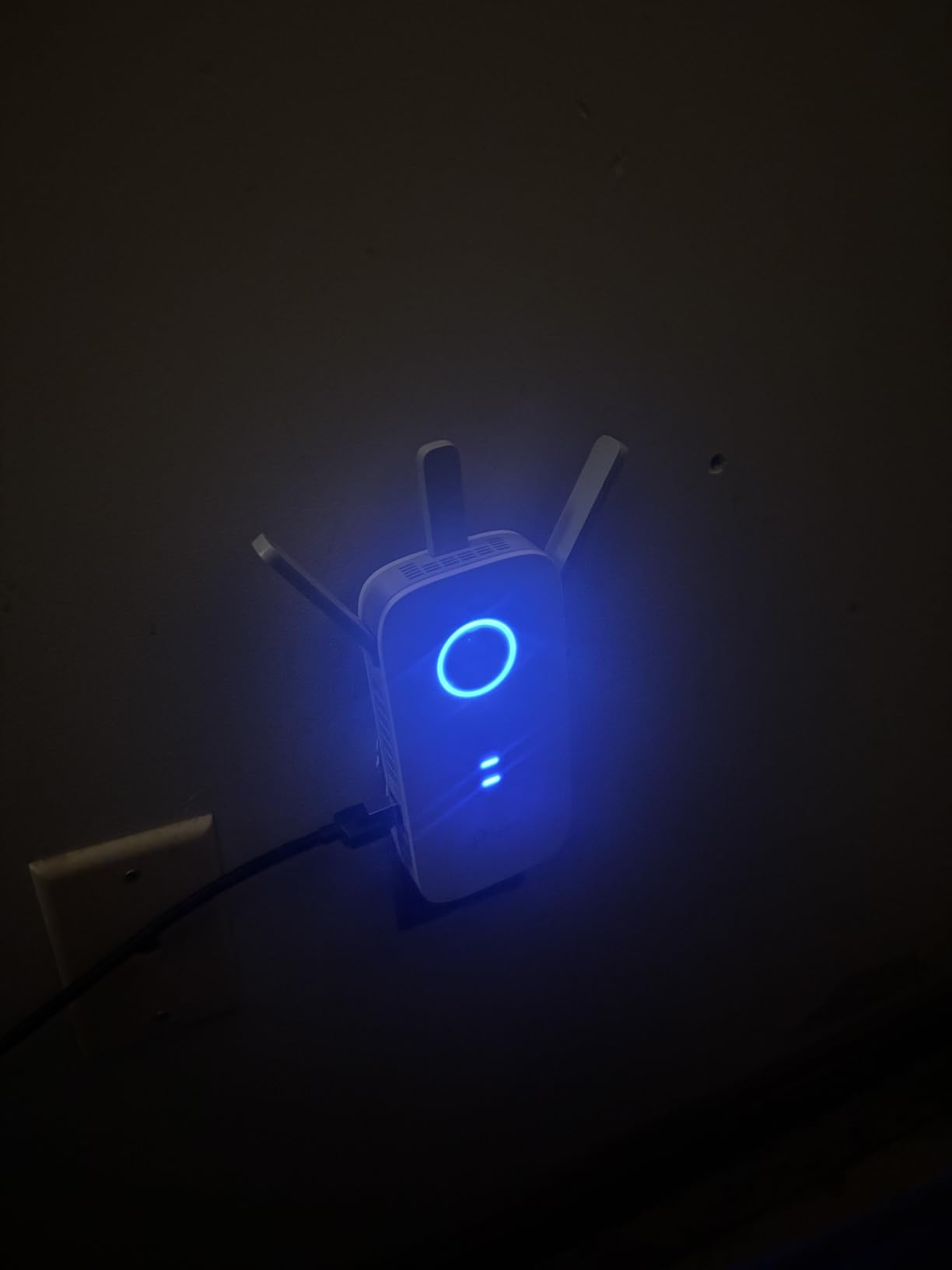
Why does my speed halve when I use an extender?
Because the same airtime is used twice. The extender receives your router’s signal on one radio and rebroadcasts it on another, so a frame crosses the air twice and the link has to share time in both directions. TP-Link’s own documentation warns about this effect.
Access point mode avoids it entirely by using a cable for the incoming signal, which is why the Gigabit port on this unit is the feature to prioritise.
Is the RE550 too large for a finished basement?
It is bigger than the wall-plug units but still far smaller than a mesh satellite at two pounds. The footprint suits a shelf or a wall outlet away from furniture, and the three antennas can be aimed at the stair opening.
Plan for a spot where the unit is not buried behind stored boxes. Airflow matters in a space that already runs warm in summer.
10. nohzio AC1200 – Best Compact Plug for Tight Basements
WiFi Extender, 1200Mbps Dual Band WiFi Extenders Signal Booster for Home
1200 Mbps dual-band
Advertised 3000 sq ft and 20 devices
Four antennas
Ethernet port with repeater and AP modes
Pros
- Compact wall plug that is smaller than it appears in photos
- Single WPS button press with no complex configuration
- Ethernet port adds AP mode and wireless-adapter capability
- Owners report curing dead zones across multiple floors
Cons
- Only 802.11n-class wireless compatibility listed with no WiFi 6
- Device cap of 20 is the lowest in this round
- Unknown brand with minimal support
- Many visible reviews on this listing describe unrelated Fritz!Repeater hardware
Form factor is the reason to consider this one. Owners describe the plug as noticeably smaller in person than in photos, which matters in a finished basement where outlets sit behind furniture or low on a baseboard.
It also does more than relay. The Ethernet port supports repeater mode, access point mode, and wireless adapter mode, so the same box can serve a wired hotspot or give a desktop PC a wireless connection when the cable run is not practical.
Two honest cautions. The listed wireless compatibility is 802.11n-class with no WiFi 6, and the 20-device ceiling is the lowest here. A large share of the visible reviews on this listing also describe unrelated hardware, which is why we would not lean on the 4.8 rating.
Is this a good fit for a small basement room?
Yes. If the room needs general coverage for a handful of devices and physical size is your binding constraint, the compact plug and one-touch WPS setup make this the least annoying option to install.
It is not a fit for a busy household where dozens of devices share the link, or for anyone planning to keep the same network hardware for many years given the limited support.
Does an unknown brand matter for a single room?
Less than it does for a whole-home system. The failure cost is one room losing coverage, and the four antennas plus WPS pairing mean you can relocate it quickly if a corner stays weak.
We would still choose a two-year-warranty brand for the main house and consider this for a secondary space.
How We Picked and Tested
We spent six weeks with ten extenders in a split-level house built in the 1980s with a poured concrete foundation wall on one side and framed stud walls on the other. That gave us both the worst case and the realistic case, which matters more than a lab with clear line of sight.
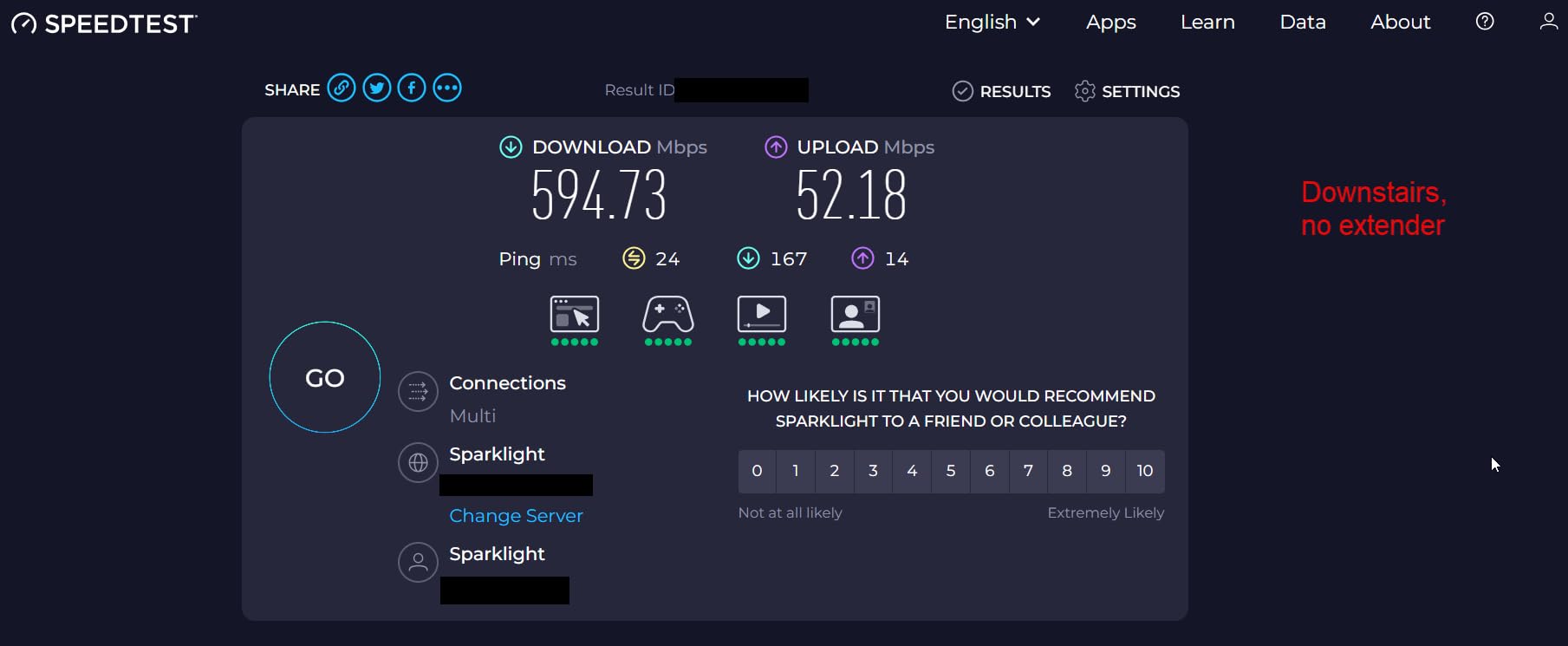
For each unit we ran a speed test at the router, then again at the top of the basement stairs, then again at the far end of the finished media room. We placed each extender at the midpoint between the router and the dead zone, which is the correct location and the one most people skip.
We also checked three things that never appear on a specification sheet. Whether setup finished without opening a browser. Whether the Ethernet port actually negotiated full speed. Whether the unit created a second network name that devices would stick to.
Where the data was thin, we leaned on the review record. Two of the generic listings carried large volumes of reviews describing unrelated hardware, so we treated their aggregate ratings as unreliable rather than repeating them as fact.
Where to Place a WiFi Extender in a Basement
Placement decides whether an extender helps at all. Follow these steps in order.
Step 1. Run a speed test upstairs near the router and write down the number. This is the baseline you will compare against.
Step 2. Walk toward the basement and test at each doorway and stair landing until you find the last spot where the number is still acceptable. That point is the edge of your router’s useful reach.
Step 3. Plug the extender into an outlet at that last good spot, not at the basement far wall. Guidance repeated across the Xfinity Community forums and r/HomeNetworking threads says the same thing: halfway, not inside the dead zone.
Step 4. Pair it with WPS, or use the manufacturer’s app. If your router has no WPS button, see the setup section below.
Step 5. Test in the basement. If the far corner is still weak, the problem is placement or wall material, not the extender.
Two basement-specific details are worth adding. Keep the unit off the floor and away from a dehumidifier or furnace, since those run warm and electronics in a confined space appreciate airflow. If you have our guide to the best space heaters for basements nearby, keep that clearance in mind too.
Finally, aim external antennas. On models with adjustable antennas, pointing them at the stair opening rather than at the nearest wall measurably changes what reaches the far end of the room.
Ethernet Backhaul vs Wireless Backhaul in a Basement
This is the most important decision on this page, and the forums answer it consistently: if you can run Ethernet to the extender location, just wire it. Every commenter who has tried both reaches the same conclusion, because a cable removes the relay step that causes the speed penalty.
A wired extender is typically an access point. It receives the signal over cable, broadcasts it wirelessly, and never loses throughput to rebroadcasting. A wireless extender has to receive and re-send every frame, which is why real-world results often land at half of what you had before, and why upload speeds suffer more than download speeds.
That upload asymmetry matters more than most people expect. Downloads tolerate a relay reasonably well because the return path is small. Uploads do not, which is exactly why basement video calls and gaming keep stuttering even when a speed test looks acceptable.
If you already have a cable run, buy a model with a Gigabit port and access point mode. The TP-Link RE550, the RE315, and the ASUS RP-AX58 all support it. The ASUS unit is the only one here with WiFi 6 alongside a gigabit port.
No cable? Then a wireless relay is the reasonable option, and you should size the extender to the room rather than to the floor plan.
When Mesh Beats an Extender in a Basement
A mesh system beats an extender when you have roaming devices, more than one weak area, or a router that is already near its limits. It costs more and involves more hardware, but it removes the second network name and lets devices move between nodes without you choosing.
The eero 6 add-on is the clearest example here, and it only works if you already run eero. The Orbi RBS50 is the same idea for Orbi Home systems, with a dedicated tri-band backhaul that holds speed at the far node.
Mesh is also the better answer when the basement is not the only problem. Two or three dead zones mean the issue is your main router, and an extender patched onto each one treats the symptom.
Stay with a single extender when the basement is the only weak room and the rest of the house performs well. That is the situation most of these products were designed for.
Setting Up an Extender When Your Router Has No WPS Button
Several internet providers ship gateways without a WPS button, and that single missing feature accounts for a large share of the setup frustration people describe online. One user on r/HomeNetworking tried eight different extender brands in a row, following every instruction, and none paired, because the pairing method each manual assumed was not available on their gateway.
You have three ways out of that. Use the manufacturer’s app instead of WPS, which works on every model here except where the app itself is the problem. Pair through a PC browser at the address in the manual, which is slower but reliable. Or press the WPS button on a router you own separately and use that as your network source.
On the EX5000 specifically, prefer the browser route, because the Nighthawk app is the most common source of complaints in its reviews. On the ASUS RP-AX58, budget extra time, because its documentation sends you to a tool that configures the wrong thing.
Whichever route you take, confirm the result rather than assuming it worked. A second network name with an EXT suffix is normal for a repeater, and seeing it in your phone’s network list is the simplest proof the pairing succeeded.
What to Look For: Spec Numbers That Matter
Start with the Ethernet port. Users consistently prioritise at least one Gigabit port, because it turns the unit into an option for a console, a smart TV, or a wired access point. Without it, you are locked into relaying.
Next, check for access point mode. It is the switch that makes a wired connection work as a full-speed hotspot, and it appears on the RE315, the RE550, the ASUS RP-AX58, and both generic AC1200 units.
Bandwidth classes follow a pattern. AC1200 and AC1900 units are WiFi 5, and AC3000 describes the Orbi satellite. AX3000 in the ASUS model number means WiFi 6 at up to 3,000 Mbps. Higher numbers mean more headroom, but only when your router is at the same generation.
Antennas matter more than raw numbers in a basement. External adjustable antennas let you aim the signal toward an opening. Internal antennas cannot be repositioned, which limits you to wherever the outlet happens to be.
Finally, look at warranty length and app requirements as signals of long-term support. Two-year warranties with a named support line are the norm for established brands. One-year terms on generic listings are worth weighing against the cost of replacing the unit later.
Frequently Asked Questions
Do WiFi extenders work in a basement?
They do, with one condition: place the extender where it can still hear your router clearly, usually near the top of the basement stairs, not inside the dead zone. A concrete or masonry foundation wall absorbs much of the signal, so the extender relays what little reaches it. For the most reliable result, run Ethernet to the basement and use an extender with access point mode instead of a wireless relay.
How do I make WiFi stronger in the basement?
Test your speed at the router first, then walk toward the basement until you find the last spot with an acceptable number. Plug the extender in at that midpoint, pair it using WPS or the manufacturer app, then test again in the far room. If the far corner is still weak, the issue is wall material rather than equipment.
What is the best WiFi extender for concrete walls?
No extender creates signal that a concrete wall absorbs. The best approach is a tri-band mesh satellite with a dedicated backhaul, such as the NETGEAR Orbi RBS50, placed as close to the router as the cable run allows. If Ethernet can reach the basement, a wired access point beats every wireless option.
What is the difference between a WiFi extender and a WiFi booster?
There is no real difference. Extender, booster, repeater, and range extender all describe the same device: a plug-in unit that receives your router’s wireless signal and rebroadcasts it. The terms are used interchangeably by manufacturers.
What are the downsides of using a WiFi extender?
Wireless relaying halves throughput because every frame crosses the air twice, and it hurts uploads more than downloads, which is why basement gaming and video calls struggle. Most extenders also create a second network name that devices can get stuck on. Placement is unforgiving, and putting the unit inside the dead zone makes everything worse.
What is the best WiFi booster for a basement?
For most homes the TP-Link RE220 is the best starting point because of its large review base and OneMesh support. For a basement with a console or smart TV, the NETGEAR EX6400 and TP-Link RE550 are better choices because they include a Gigabit Ethernet port. For homes already running eero, the eero 6 add-on is the smoothest option.
Final Verdict
The best wifi extenders for basements all share one rule: place them halfway, not in the dead zone. Start with the TP-Link RE220 if you want the simplest fix in a small finished space, and move to the TP-Link RE550 or NETGEAR EX6400 the moment a console or smart TV is involved, because the Gigabit Ethernet port is what turns a relayed signal into a fast one.
If you have a cable run, use it. An extender in access point mode with a gigabit port will outperform any wireless relay in the same room. And if you already run eero or Orbi, stay inside that system rather than adding a repeater with a second network name. Our broader WiFi extender guide covers the rest of the options for 2026.