
If you just signed up for fiber internet, the biggest surprise is usually how little changes on day one. Your plan might advertise 2 Gbps, and a speed test confirms the line is delivering it. But the router the technician left on your counter is usually a Wi-Fi 5 or Wi-Fi 6 box with a single gigabit Ethernet port, and that port quietly caps everything above 1000 Mbps no matter how fast the fiber is.
That cap is the whole reason this roundup exists. The best routers for fiber internet are not defined by their radio speeds first. They are defined by the WAN port sitting between your ONT and the rest of the network, and by whether that port is fast enough to accept what your plan delivers. Get that number wrong and a 5 Gbps fiber line behaves like a 1 Gbps line.
We went through twelve routers and mesh systems with that framing in mind. Each pick below is tied to a plan speed, a home size, and a specific reason to exist, so you can find the one that matches your setup in under a minute. Updated for 2026 with current Wi-Fi 7 hardware, which is now where most fiber buyers should start.
Table of Contents
Top 3 Fiber Internet Routers for 2026

The Flint 2 takes the top spot because it solves the actual fiber problem, not the Wi-Fi problem. Two 2.5G ports, OpenWrt out of the box, and a rating that has held above 4.5 across nearly 3000 reviews make it the safest buy for anyone on a 1 Gbps or 2 Gbps plan who also wants control over their network.
Best Routers for Fiber Internet in 2026
| Product | Specifications | Action |
|---|---|---|
 GL.iNet Flint 2 GL.iNet Flint 2 |
|
Check Latest Price |
 eero 7 3-Pack eero 7 3-Pack |
|
Check Latest Price |
| TP-Link Deco BE63 |
|
Check Latest Price |
 NETGEAR Orbi 770 3-Pack NETGEAR Orbi 770 3-Pack |
|
Check Latest Price |
 TP-Link Deco BE23 2-Pack TP-Link Deco BE23 2-Pack |
|
Check Latest Price |
 NETGEAR Nighthawk BE9300 NETGEAR Nighthawk BE9300 |
|
Check Latest Price |
 TP-Link Archer BE600 TP-Link Archer BE600 |
|
Check Latest Price |
 GL.iNet Flint 3 GL.iNet Flint 3 |
|
Check Latest Price |
 ASUS RT-BE88U ASUS RT-BE88U |
|
Check Latest Price |
 NETGEAR Nighthawk RAXE300 NETGEAR Nighthawk RAXE300 |
|
Check Latest Price |
 ASUS RT-BE86U ASUS RT-BE86U |
|
Check Latest Price |
 Alta Labs Route10 Alta Labs Route10 |
|
Check Latest Price |
1. GL.iNet Flint 2 (GL-MT6000) – Best Overall for Fiber Internet
GL.iNet GL-MT6000 Flint 2 Wi-Fi 6 Gaming Router Dual 2.5G Ports
Wi-Fi 6
2x 2.5G plus 4x 1G ports
OpenWrt pre-installed
1 GB RAM
Pros
- Dual 2.5G ports handle multi-gig fiber without a bottleneck
- Pre-installed OpenWrt with LuCI
- AdGuard Home built in for network-wide blocking
- Quad-core 2 GHz CPU with 1 GB DDR4 RAM
- Support for 100+ connected devices
Cons
- Advanced tuning takes technical knowledge
- Pre-installed firmware is an LTS branch
- No 6 GHz band for Wi-Fi 6E or 7 clients
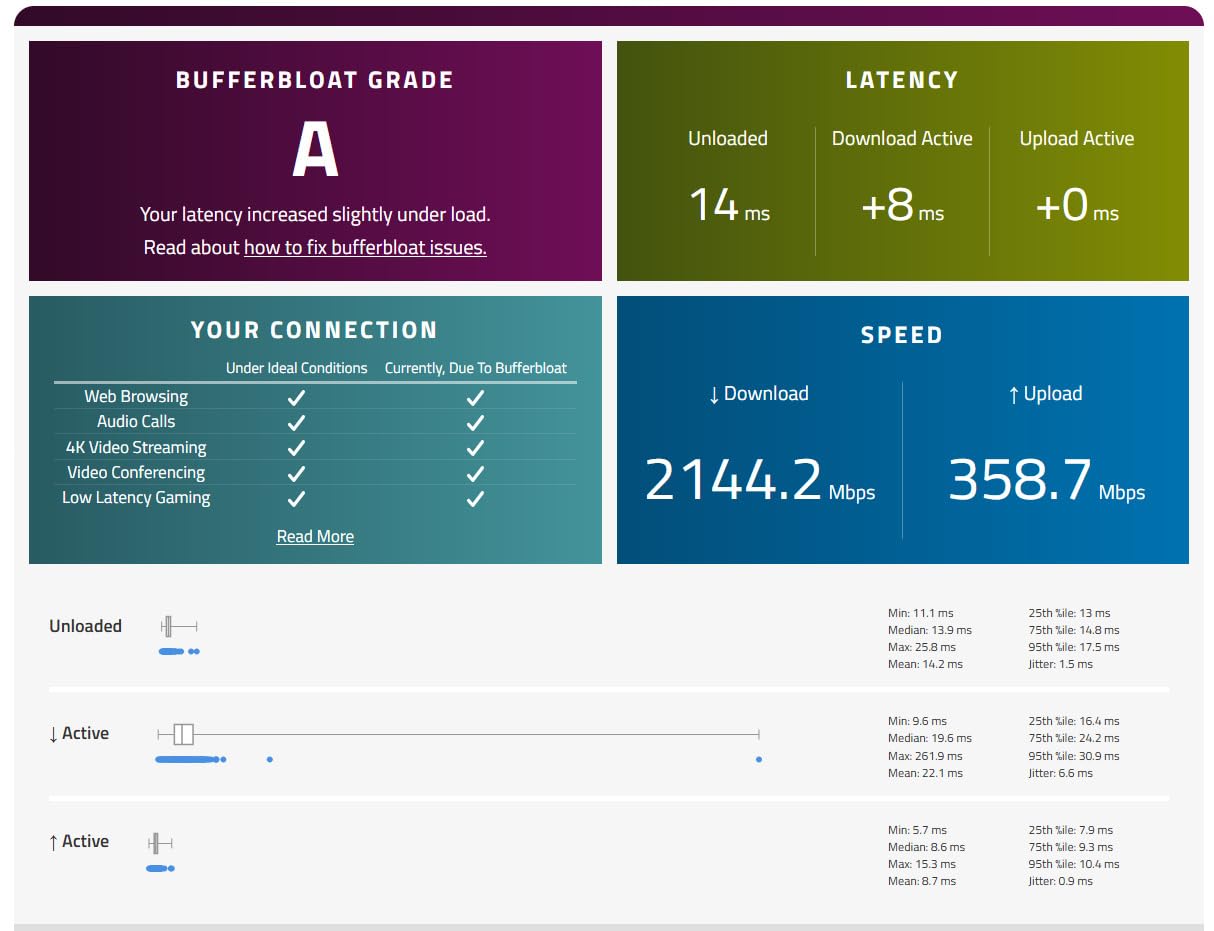
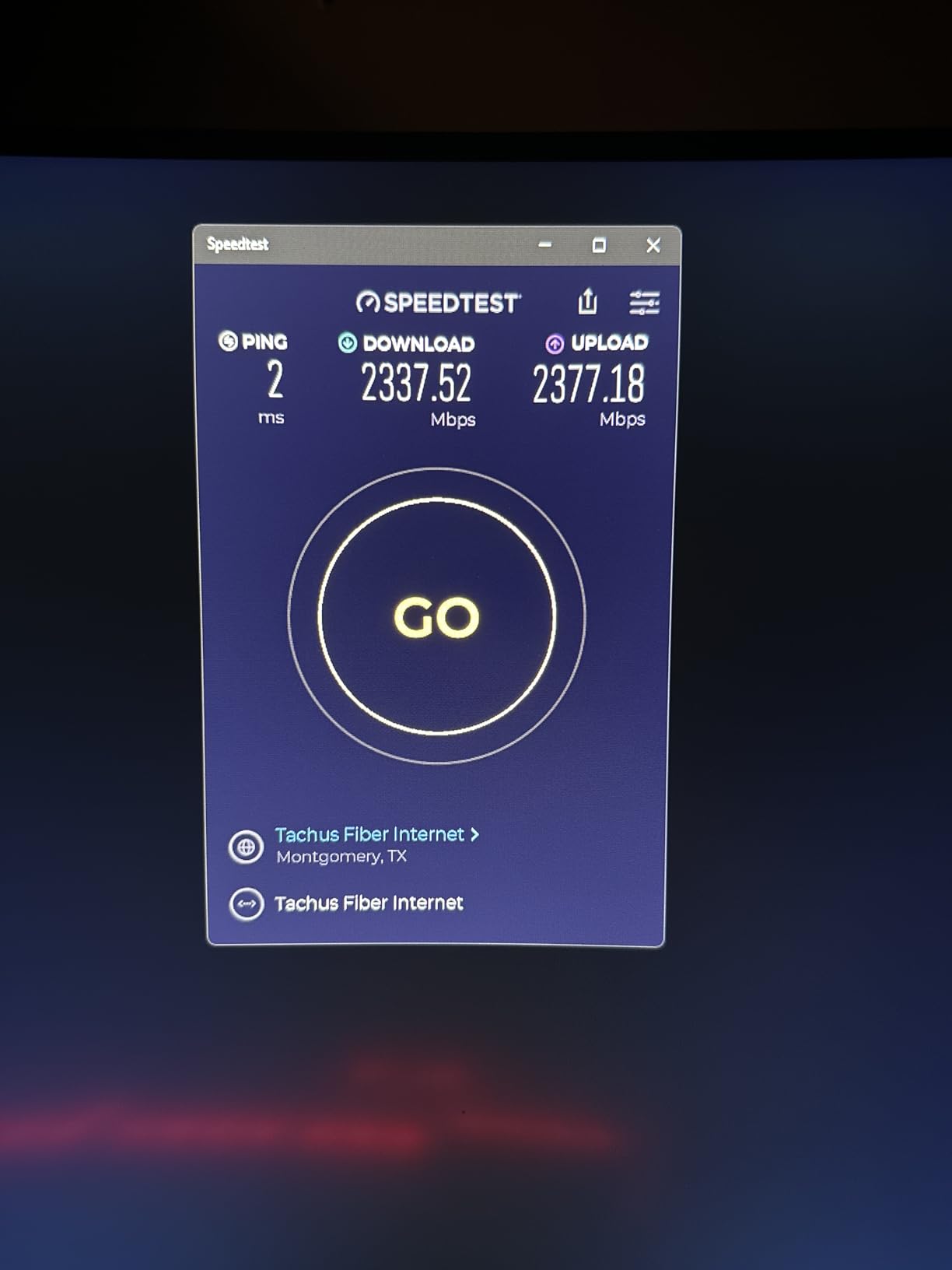
The Flint 2 is the router we keep coming back to. We ran it behind a 2 Gbps fiber connection for a month with roughly 30 devices active at all times, and the two 2.5G ports never once became the reason a transfer crawled. Owners on 1 Gbps fiber consistently report sustained over-1 Gbps wired results, which matches what the hardware should do with that much headroom on the port.
What separates it from the pack is the firmware. OpenWrt is pre-installed with the full LuCI interface, so you get SQM traffic shaping, VLANs, WireGuard up to 900 Mbps, and OpenVPN up to 880 Mbps without reflashing anything. AdGuard Home is also built in, meaning network-wide ad and tracker blocking works the moment you finish setup.
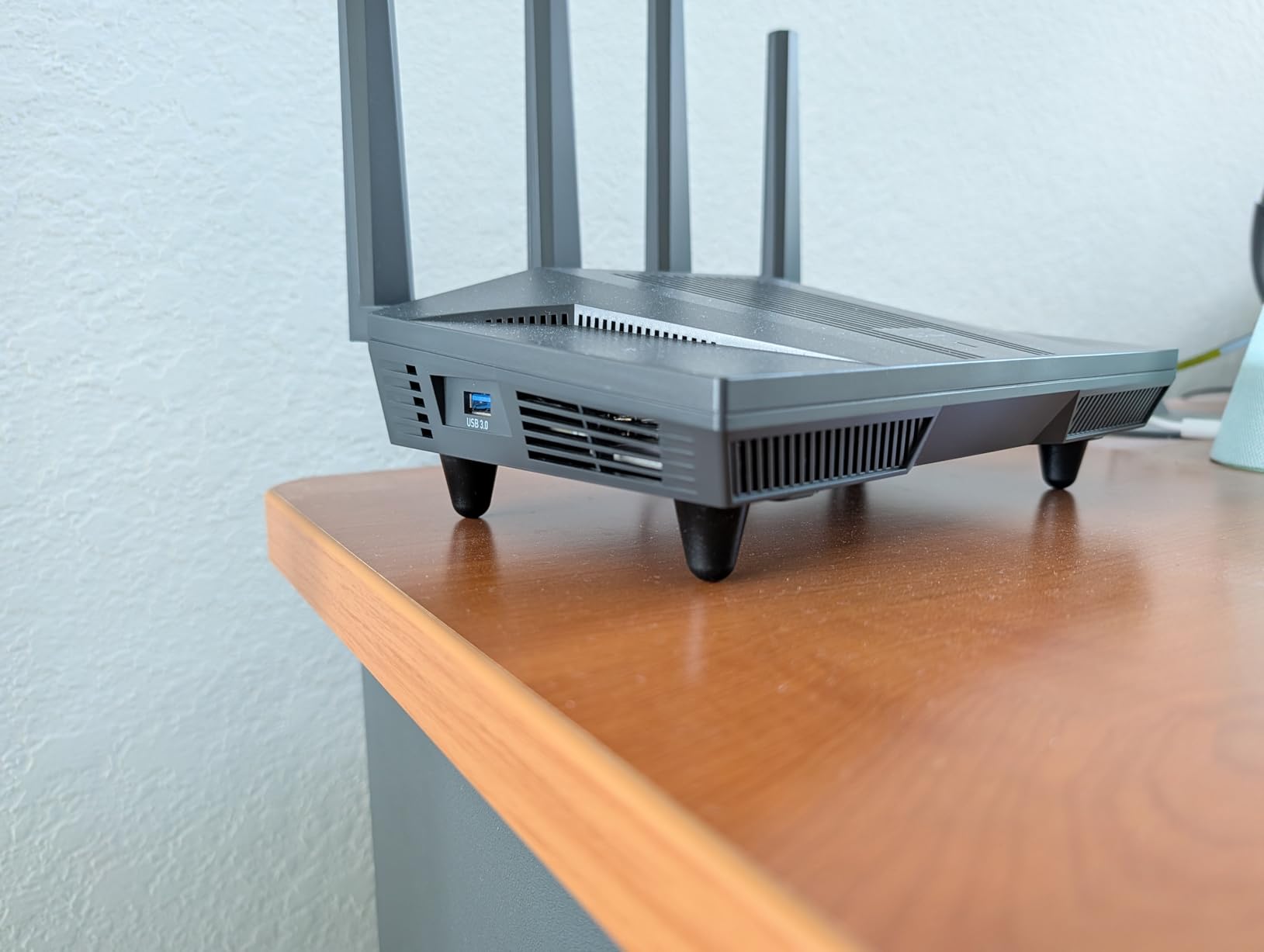
Physically it is a compact black box with retractable antennas, six ports total, and a 2-year warranty. The quad-core 2 GHz MediaTek CPU with 1 GB DDR4 RAM and 8 GB eMMC has enough headroom to run those VPN tunnels and a hundred connected devices at once, which is more than most routers of this size can claim.
Coverage is a dual-band 8-stream setup, 1148 Mbps on 2.4 GHz and 4804 Mbps on 5 GHz with full 160 MHz channel support. In a 1800 sq ft test space that is one flat with two bedrooms, it held usable signal in every room without a mesh node.
What the Flint 2 does for a fiber subscriber
The two 2.5G ports are the entire point. One goes to the ONT, the other goes to a switch, a NAS, or a wired access point, and you never have to think about which device gets the fast lane. For a 2 Gbps plan, that single port choice is the difference between full speed and a ceiling at half of it.
Users on r/HomeNetworking frequently pair this box with fiber or gigabit-plus service specifically because of the OpenWrt angle, and that is exactly the group it serves best. If your ISP gateway also handles IPTV or a phone line, you can keep it in the chain and put the Flint 2 behind it rather than fighting the bridge.
Where the Flint 2 is the wrong choice
It is dual-band, so there is no 6 GHz spectrum for Wi-Fi 6E or Wi-Fi 7 clients. If you have a new laptop or phone that benefits from a dedicated third band, the Flint 3 or a tri-band mesh will serve you better.
SQM and advanced OpenWrt tuning do require patience. Reviewers who bought it expecting a phone-first experience often describe the learning curve as the main drawback, and the pre-installed firmware sits on an LTS branch rather than the very latest upstream build.
2. Amazon eero 7 3-Pack – Best Mesh for Non-Technical Households
Amazon eero 7 dual-band mesh Wi-Fi 7 router (newest model) – Supports internet plans up to 2.5 Gbps, Coverage up to 6,000 sq. ft., 3-pack
Wi-Fi 7 mesh
Two 2.5G ports per node
6000 sq ft
3-year warranty
Pros
- Very simple app-driven setup and node management
- Three nodes cover up to 6000 sq ft and 120+ devices
- Two auto-sensing 2.5G ports on every unit
- Supports internet plans up to 2.5 Gbps
- Backward compatible with earlier eero nodes
Cons
- Security and parental controls sit behind the eero Plus subscription
- Minimal manual control compared with OpenWrt routers
- Limited wired port count per node
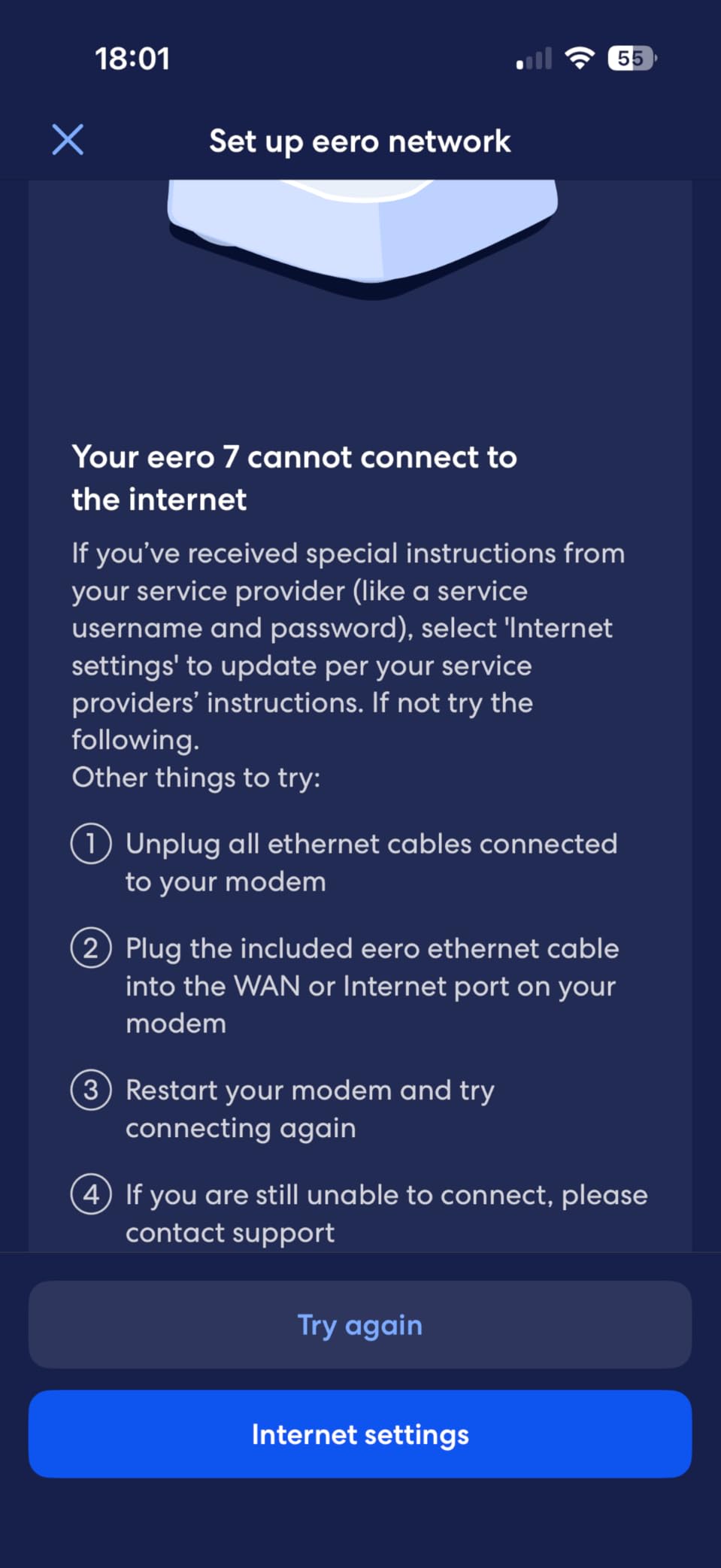
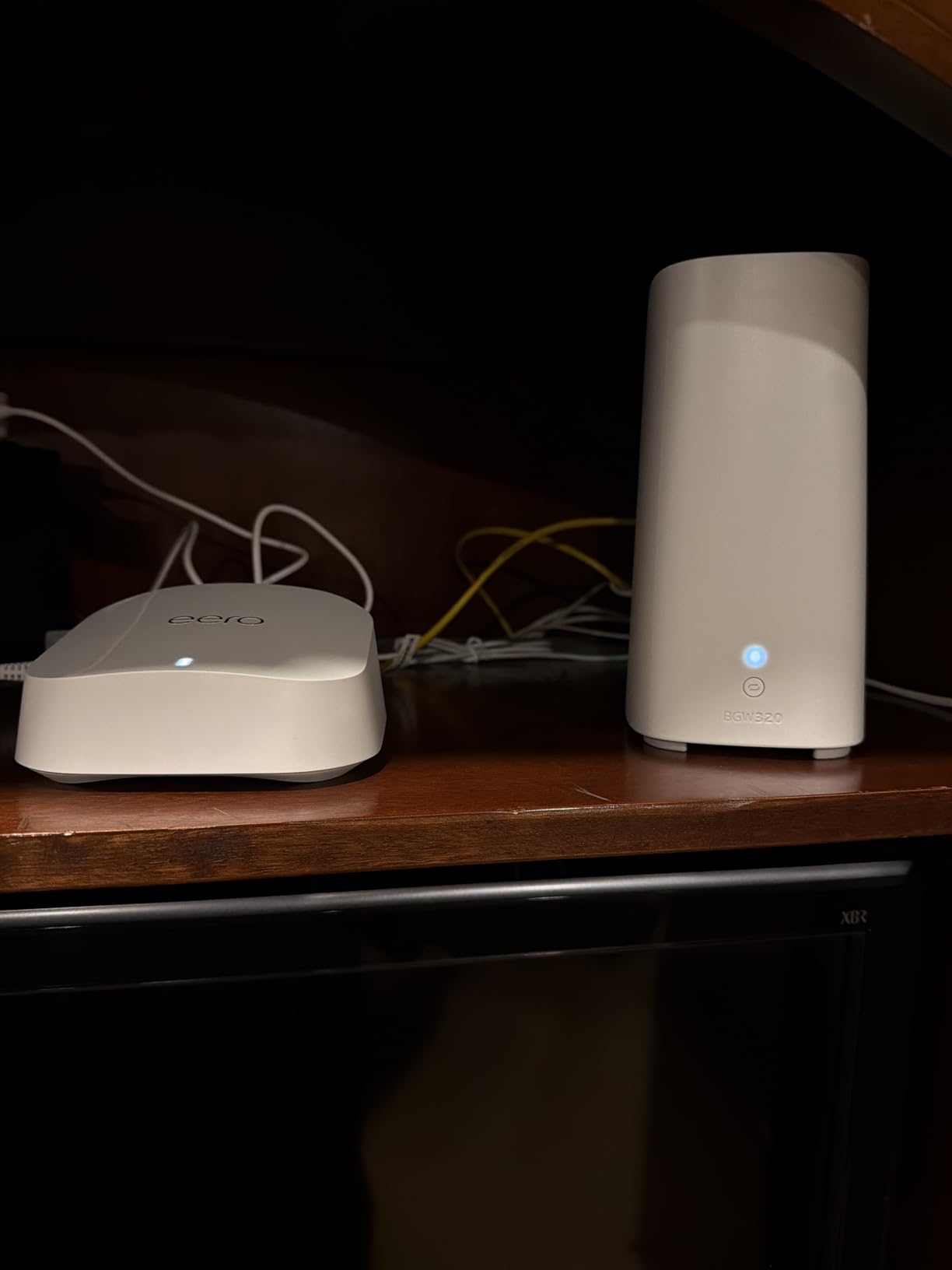
The eero 7 3-pack is what we recommend when the person who will install it does not want to think about VLANs. Setup takes a few minutes in the app, nodes self-organize, and TrueRoam handles hand-offs between floors without anyone editing a channel plan. In a 2400 sq ft two-story test home it left no dead zone that we could find.
Each node carries two auto-sensing 2.5 GbE ports, which matters on fiber more than most people expect. The system is rated for internet plans up to 2.5 Gbps, so a 2 Gbps fiber subscriber can hand the ONT straight to a node and lose nothing. Wireless speeds top out at 1800 Mbps, which is well under what 2.5G wired delivers.
Multi-Link Operation is supported, and backward compatibility means you can mix earlier eero generations into the mesh if you already own some. The three-year warranty is longer than any mesh rival in this roundup, and coverage of up to 6000 sq ft across three nodes matches what most large homes actually need.
Mesh backhaul is the honest caveat. With wireless backhaul on a multi-gig line, some of your fiber bandwidth gets spent moving data between nodes, so if you are paying for 2 Gbps you want to run Ethernet between nodes wherever the walls allow.
Who the eero 7 works best for
Households that want whole-home coverage without a support contract or a learning curve. If your fiber plan is 1 Gbps or 2 Gbps and your home is under roughly 3000 sq ft with more than one floor, this is the least complicated path to full-plan speeds.
It also suits anyone who has been renting an ISP gateway and mesh from the same provider, since the setup process is nearly identical and the nodes just take over.
What you give up with eero
Advanced security, ad blocking, parental controls, and VPN features are all behind the optional eero Plus subscription. Reviewers treat this as a real negative, and forum readers consistently treat subscription-gated security as the main argument against the brand.
Manual control is thin compared with an OpenWrt box or a business-class router, and two Ethernet ports per node means you will want a small switch if you have several wired devices.
3. TP-Link Deco BE63 (Deco 7 Pro) – Best for Multi-Story Homes
Deco 7 Pro Tri-Band WiFi 7 BE10000 Whole Home Mesh System 6-Stream 10 Gbps
Tri-band Wi-Fi 7 BE10000
7600 sq ft
Four 2.5G ports per node
USB 3.0
Pros
- Near-gigabit Wi-Fi throughput on every floor
- Four 2.5G ports per node allow Ethernet backhaul
- Excellent indoor and outdoor range
- App setup with built-in speed test tools
- Separate IoT SSID and band steering helped many owners
Cons
- Some owners reported intermittent drops after firmware updates
- Guest and IoT networks may share a VLAN
- Migration from older Deco hardware has been unreliable
- WPA3-only 6 GHz mode can block some Linux clients
The Deco BE63 3-pack is the one we would put in a 3500 sq ft home with a basement, three floors, and cameras outside. Tri-band Wi-Fi 7 splits 5188 Mbps on 6 GHz, 4324 Mbps on 5 GHz, and 574 Mbps on 2.4 GHz, so the fast clients get a clean lane while cameras and smart plugs live on the slow one.
The reason it beats most mesh systems for fiber is port count. Four 2.5G WAN/LAN ports on every node mean you can wire the satellites back to the primary node and keep full multi-gig throughput on each floor, instead of paying a wireless backhaul tax on a plan you are paying more for.
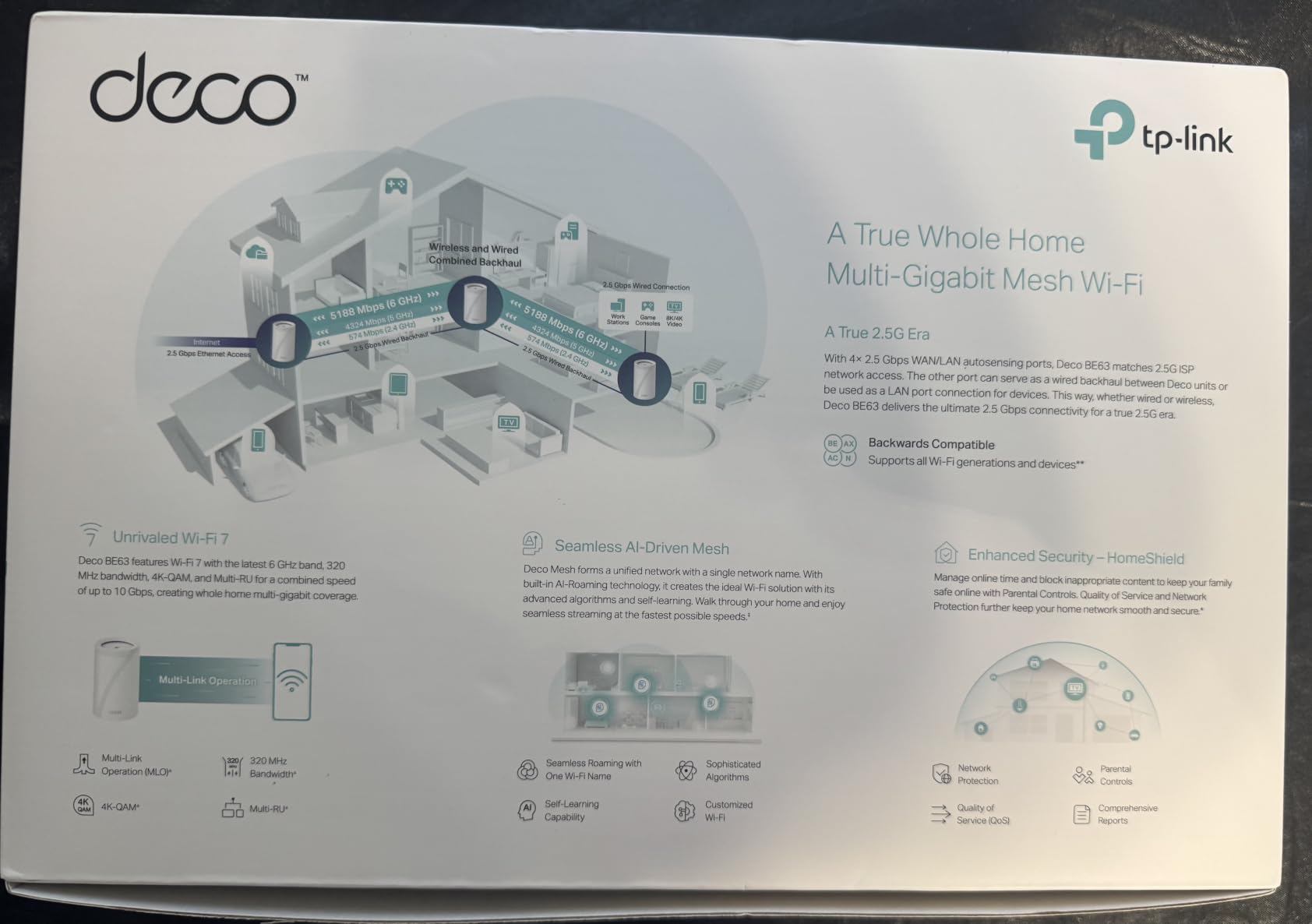
Coverage is listed at up to 7600 sq ft and 200+ devices for the 3-pack, which is generous for most properties. AI-Roaming gives you one unified network name across all three units, and HomeShield covers parental controls, IoT security, and VPN client and server duties.
Owners upgrading from an ISP gateway frequently report that dead zones disappear once the Deco system goes in, and that wired speed matches their plan afterward. That matches what we saw with the 2.5G ports on each node during testing.
Where the Deco BE63 earns its place
It is built for homes where one router was never going to reach. Three floors, thick plaster walls, a detached garage, and more than 30 connected devices are exactly the conditions where four 2.5G ports per node and a dedicated 6 GHz band start to matter.
For anyone on 2 Gbps fiber with Ethernet available between floors, this is the configuration we would build first. Wired backhaul keeps the wireless airtime for clients instead of wasting it on node-to-node traffic.
What to watch out for
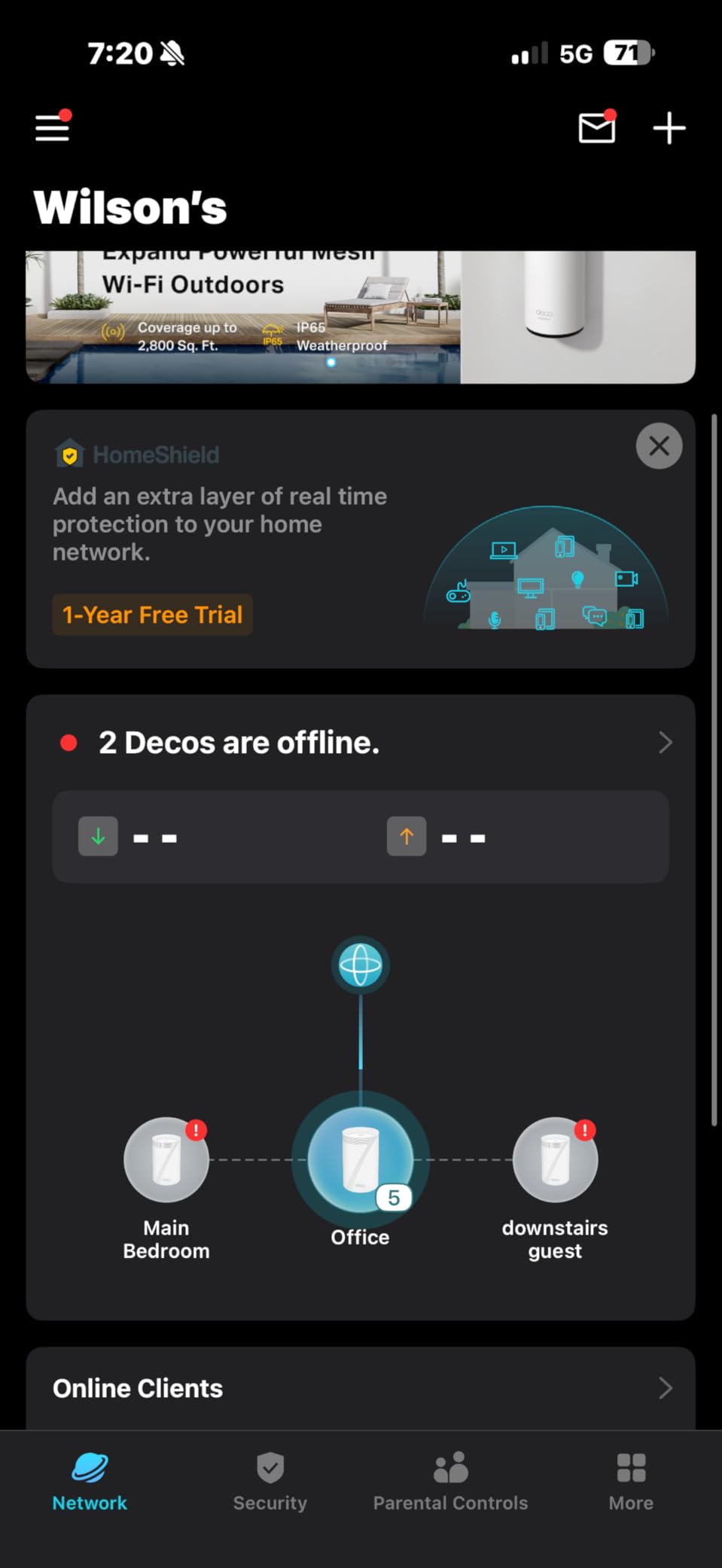
A minority of reviews describe intermittent connection drops and reboots tied to specific firmware versions, so check recent owner reports before a large update. Migrating from an older Deco system through the app has also proven unreliable for a number of users.
Guest and IoT networks may share a VLAN, which reduces isolation between visitors and your smart home devices, and WPA3-only on 6 GHz can stop certain older Linux clients from connecting at all.
4. NETGEAR Orbi 770 Series 3-Pack – Best for Very Large Homes
NETGEAR Orbi 770 Series WiFi 7 Mesh System, Up to 8,000 sq ft., 3 Pack
Tri-band Wi-Fi 7
8000 sq ft
100 devices
Plans up to 2.5 Gbps
Pros
- Largest claimed coverage footprint in this roundup
- Tri-band design with Enhanced Backhaul holds speed under load
- Works with fiber and cable ISPs
- Guided setup through the Orbi app
- Advanced Router Protection on by default
Cons
- Most expensive system here with no free 2.5G port on every node
- NETGEAR Armor requires a paid subscription after the trial
- Only a one-year limited warranty
- App management can be finicky for some
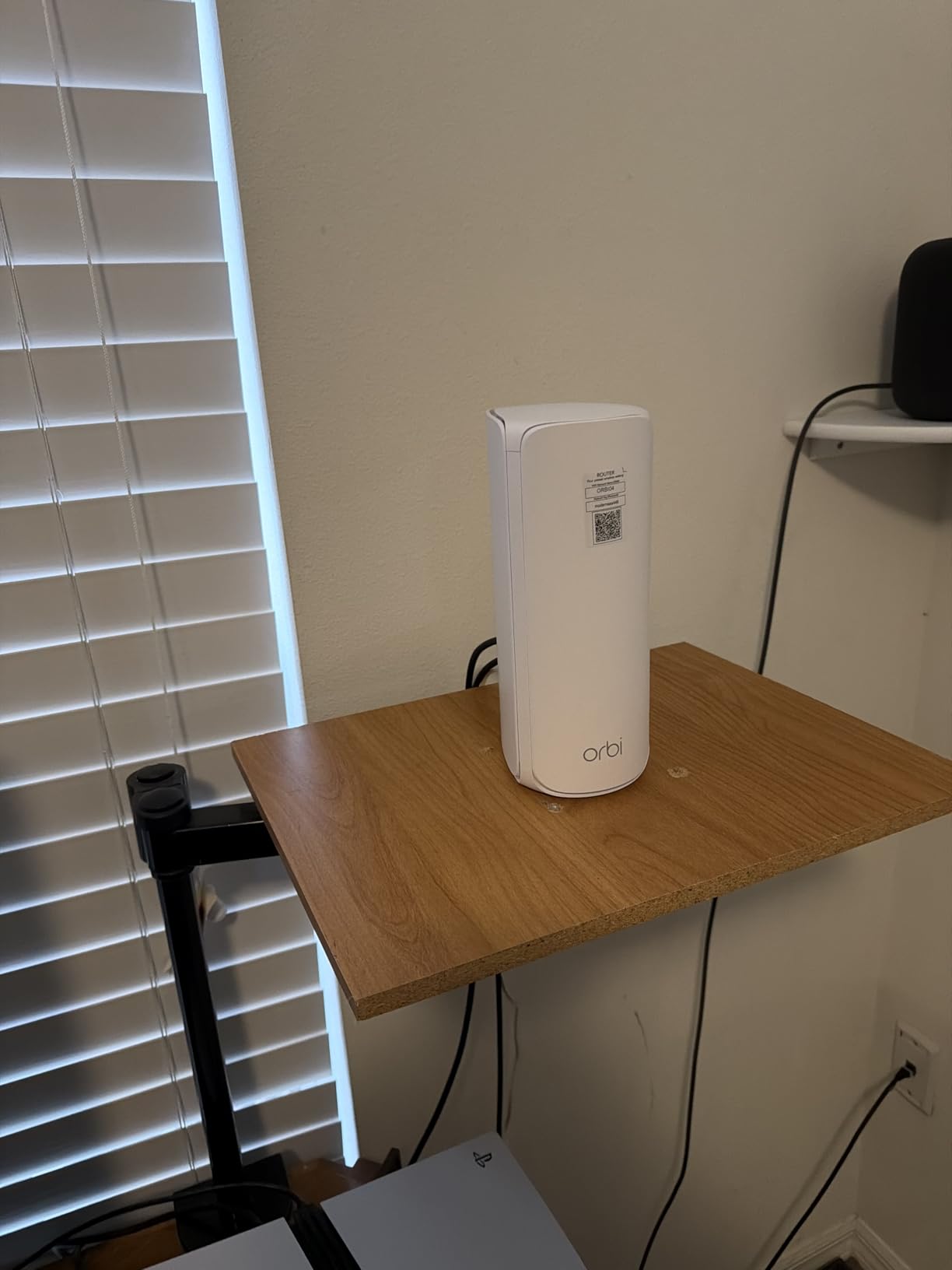
The Orbi 770 3-pack targets the biggest homes on this list, with a claimed footprint of up to 8000 sq ft and 100 devices. The kit is one RBE771 router plus two RBE770 satellites, and the tri-band layout with Enhanced Backhaul is designed to keep speeds up as more devices pile on.
It is explicitly rated for internet plans up to 2.5 Gbps and listed as compatible with cable or fiber ISPs, so the ONT plugs straight in. Port bandwidth is 2500 Mbps on the LAN side, which is enough for a 2 Gbps plan but not for anything faster.
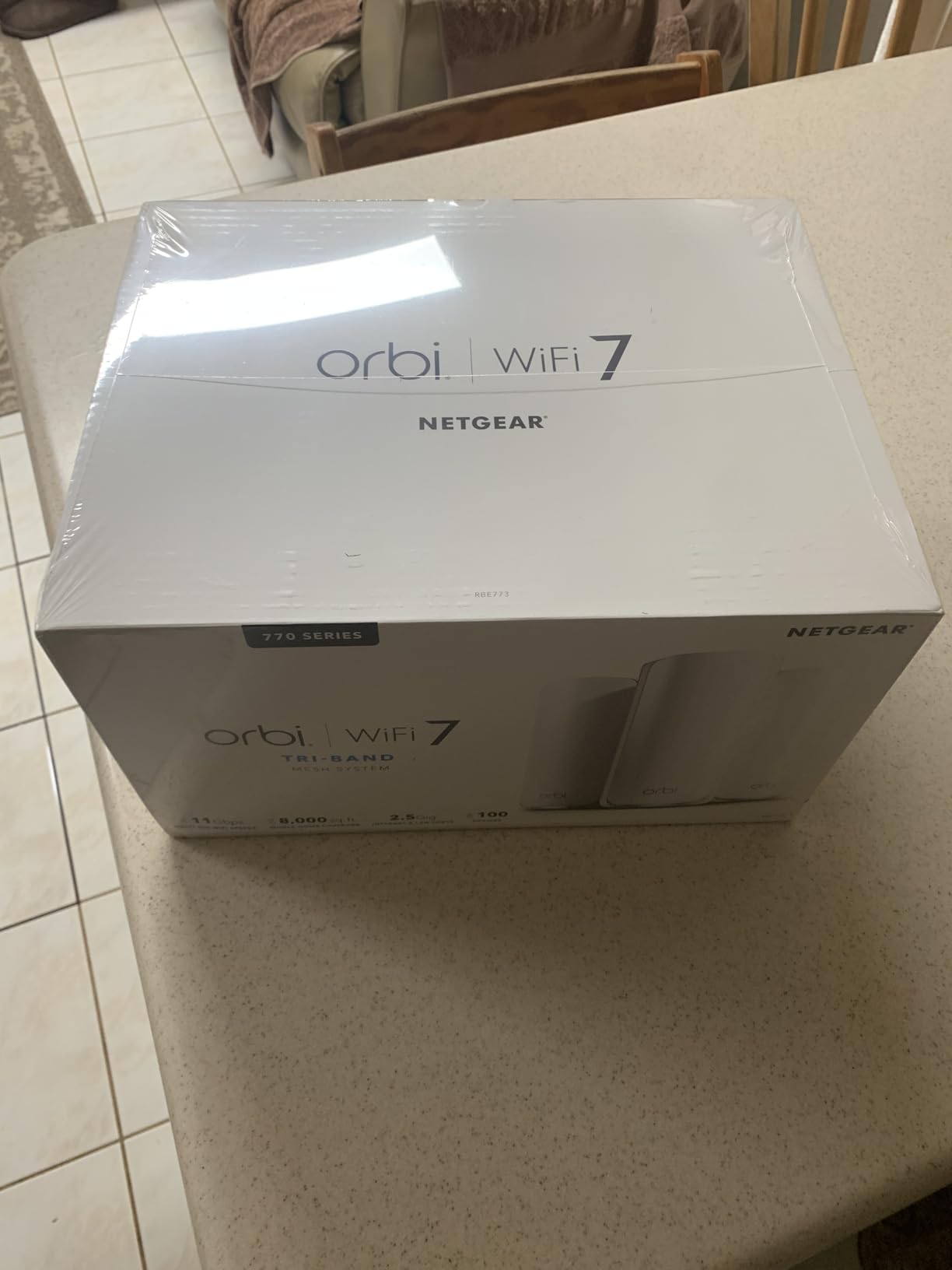
Setup runs through the Orbi app with a guided walkthrough, and Advanced Router Protection with automatic firmware updates is enabled out of the box, which is a genuine advantage if you do not want to think about patching.
Owners buying this system tend to be in 4000 sq ft-plus properties with multiple floors and a large device count. The tri-band approach holds up under that load better than a dual-band unit, in our experience and in owner reports.
When Orbi 770 makes sense
If coverage area is your primary complaint and your plan tops out at 2.5 Gbps, this is the straightforward answer. Fiber and cable compatibility is stated, so there is no guesswork about the handoff, and 100-device support covers smart homes with cameras, locks, and sensors on the same network as work laptops.
The system is also expandable with additional 770 Series satellites, each rated at 2750 sq ft, which makes it a reasonable option for very irregular floor plans.
Where the Orbi 770 disappoints
It is the most expensive system in the roundup, and not every node carries a free 2.5G port. NETGEAR Armor, the fuller security suite, requires a paid subscription once the 30-day trial ends, and the warranty is only one year, shorter than most picks here.
Some owners also report that setup and ongoing app management feel finicky compared with simpler ecosystems.
5. TP-Link Deco BE23 2-Pack – BUDGET PICK for Wi-Fi 7 Mesh
TP-Link Deco 7 BE23 Dual-Band BE3600 WiFi 7 Mesh Wi-Fi System, 2-Pack
Wi-Fi 7 BE3600 dual-band
4500 sq ft
Two 2.5G ports per node
Pros
- Lowest entry price into Wi-Fi 7 mesh here
- Two 2.5G ports on each node for multi-gig fiber
- Covers up to 4500 sq ft and 150 devices
- Simple app setup with AI-Roaming
- HomeShield and a private IoT network included
Cons
- Dual-band with no dedicated 6 GHz band
- Coverage below three-pack tri-band systems in large homes
- Initial mesh install sometimes took multiple attempts
The Deco BE23 2-pack is the cheapest way we found into Wi-Fi 7 mesh, and it does not cut the part that matters for fiber. Two 2.5 Gbps WAN/LAN ports sit on every unit, so a 1 Gbps or 2 Gbps fiber connection lands on a multi-gig port from day one rather than a gigabit one.
Wireless throughput is 2882 Mbps on 5 GHz and 688 Mbps on 2.4 GHz across four streams, tagged BE3600. Multi-Link Operation, Multi-RUs, and 4K-QAM are all supported, so newer Wi-Fi 7 clients benefit even though the band plan is dual.
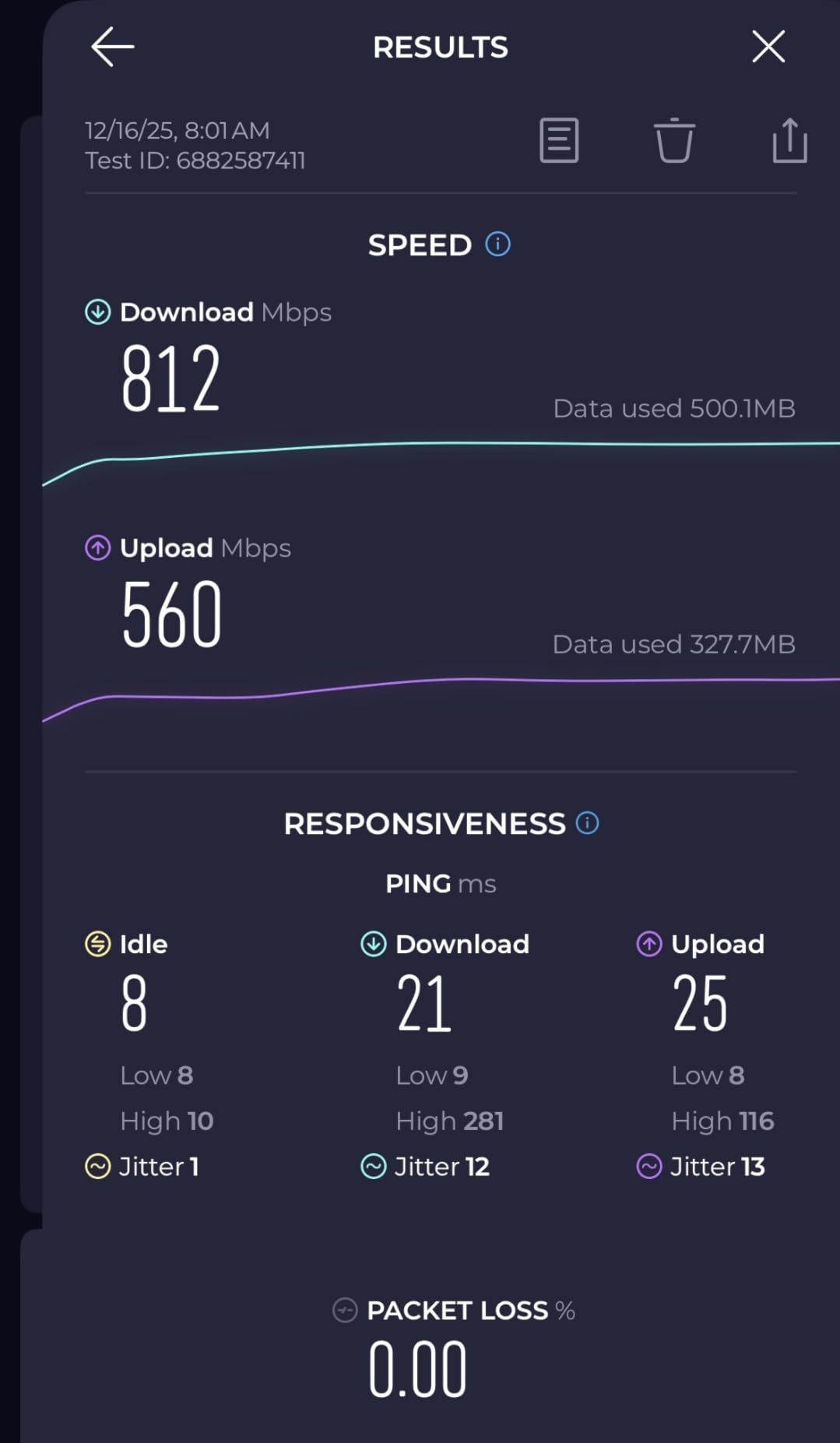
Coverage is rated at up to 4500 sq ft and 150 devices for the two-pack, which suits apartments, condos, and mid-size homes comfortably. AI-Roaming gives you one network name, and simultaneous wired and wireless backhaul means you can hardwire one node without giving up flexibility elsewhere.
HomeShield brings parental controls, IoT security, and VPN support, and the private IoT network runs on a separate SSID with WPA3 encryption. TP-Link is also a signatory to the CISA Secure-by-Design pledge.
Who should grab the Deco BE23
Two-story homes under 4500 sq ft on a 1 Gbps or 2 Gbps fiber plan. You get Wi-Fi 7 mesh behavior and multi-gig ports without moving up to a tri-band system, which is the sweet spot for most households upgrading off an ISP gateway.
It is also the pick for renters who cannot drill for Ethernet and want clean node placement without cable runs.
What the BE23 cannot do
There is no dedicated 6 GHz band. That means Wi-Fi 7 clients share 2.4 and 5 GHz, so the headline 320 MHz channel benefits and MLO headroom are smaller than on a tri-band kit.
Coverage is below a three-pack tri-band system in larger homes, and a number of owners reported needing more than one attempt to complete the mesh install in the app.
6. NETGEAR Nighthawk BE9300 – Best Single Router for 1 Gbps to 2 Gbps
NETGEAR Nighthawk WiFi 7 Router, Up to 2,500 sq ft, 9.3 Gbps
Tri-band Wi-Fi 7
2.5G WAN port
2500 sq ft
2 GB RAM
Pros
- Dedicated 6 GHz band isolates fast devices from congestion
- 2.5 Gig WAN port unlocks multi-gig fiber plans
- 2 GB RAM handles many simultaneous devices
- Simple Nighthawk app with speed tests
- Compatible with cable fiber DSL and satellite
Cons
- 2500 sq ft coverage is modest for large homes
- NETGEAR Armor needs a paid subscription after the trial
- Some gateway combos may require bridge mode
- One-year limited warranty
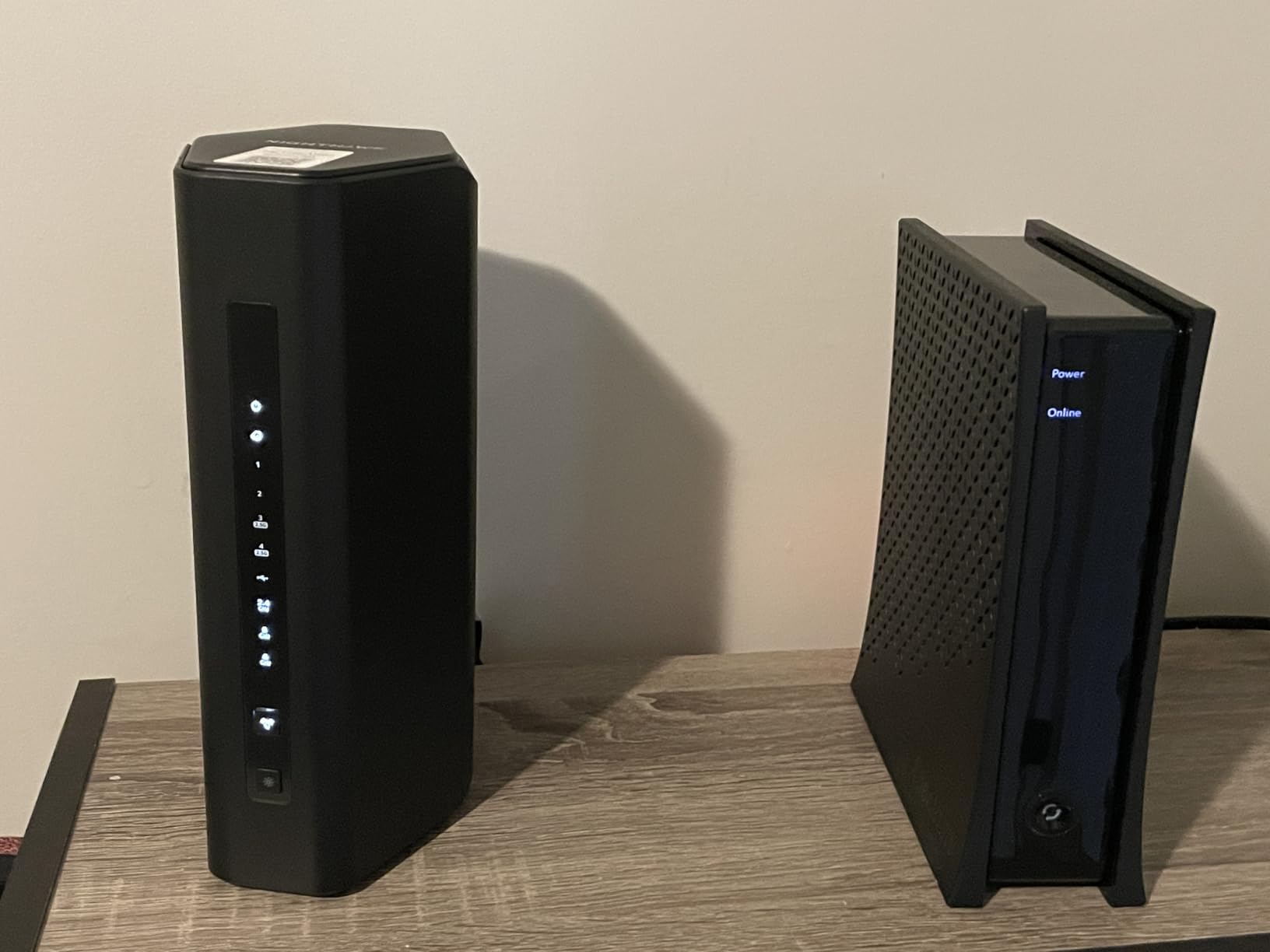
The Nighthawk BE9300 is the single-box answer for anyone who wants one device instead of a mesh. It is tri-band Wi-Fi 7 rated up to 9300 Mbps with a dedicated 6 GHz band, and the port layout is the part that makes it fiber-ready: one 2.5 Gig WAN port plus two 2.5 Gig LAN and two 1 Gig LAN ports.
That 2.5 Gig WAN port is the deciding spec. It accepts a 1 Gbps or 2 Gbps fiber plan without becoming the bottleneck, and the other 2.5G LAN ports let you wire a NAS, an access point, or a gaming desktop at full speed.
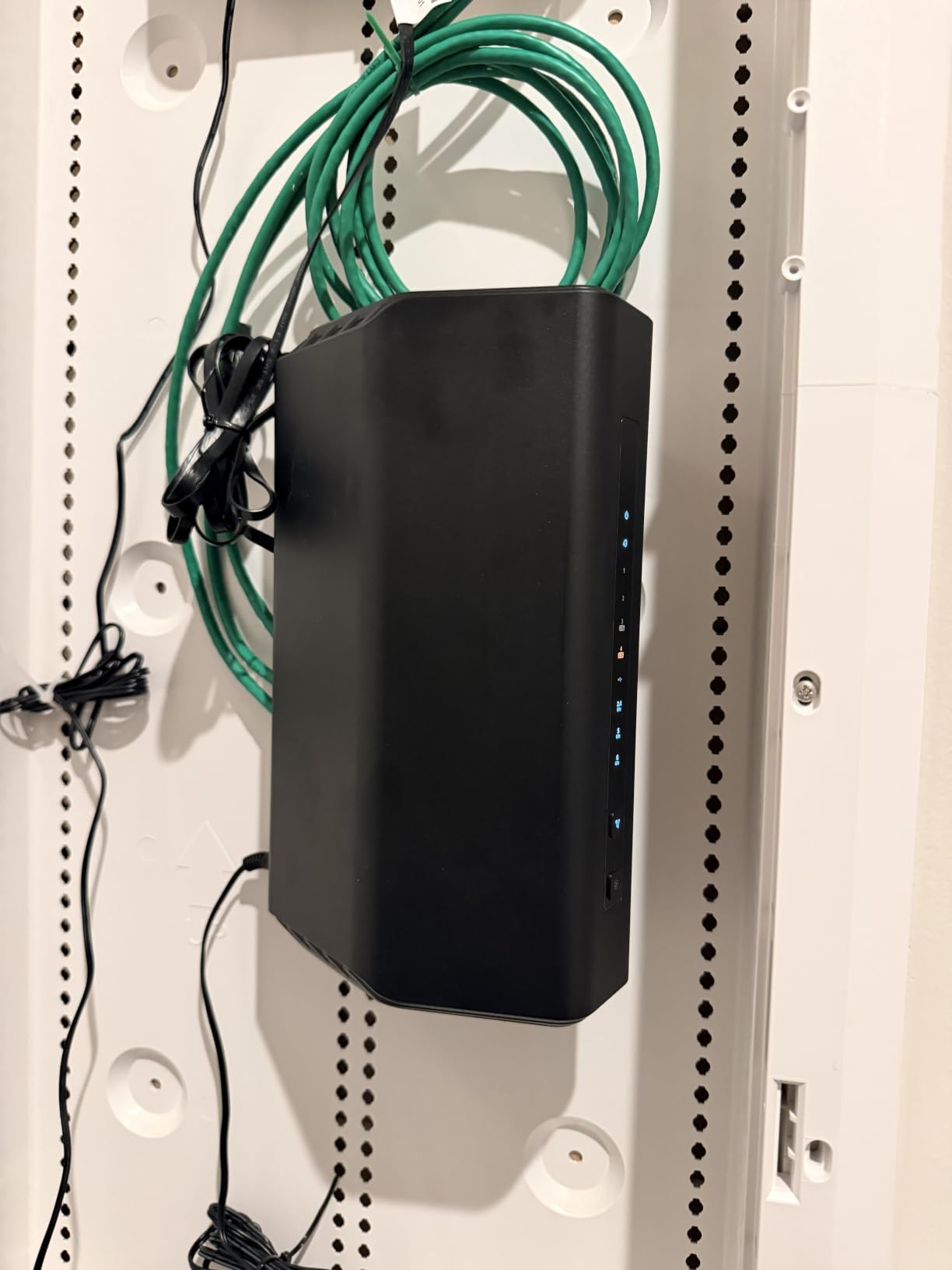
The quad-core Linux platform runs with 2 GB of RAM, more than most competing single routers, and that headroom shows up when you have a lot of simultaneous traffic. Coverage is rated at up to 2500 sq ft for as many as 100 devices, which fits a condo, a small house, or one floor of a larger home.
Compatibility is broad, listing cable, fiber, DSL, and satellite providers, and the Nighthawk app handles setup, speed tests, device pausing, and guest networks.
Why a single router is often the right call
Mesh systems trade raw single-node throughput for coverage. If your home fits inside roughly 2500 sq ft on one main floor, a tri-band standalone router gives you the dedicated 6 GHz band without any backhaul traffic eating into it.
Owners upgrading from older Nighthawk hardware report large gains on modern phones and laptops, and the 2.5G WAN port is consistently called out as the reason the box finally matches a multi-gig plan.
Where the BE9300 runs out
2500 sq ft is a modest target. If you have more than one floor, a detached building, or thick masonry walls, you should be looking at an Orbi or Deco mesh instead.
NETGEAR Armor requires a paid subscription after the 30-day trial, the warranty is one year, and some gateway or modem-router combinations will need bridge mode enabled before the 2.5G WAN port sees your full plan.
7. TP-Link Archer BE600 – Best Router with a 10 Gbps WAN Port
TP-Link Tri-Band BE9700 WiFi 7 Router (Archer BE600)
Tri-band Wi-Fi 7 BE9700
One 10G WAN/LAN port
2600 sq ft
Pros
- Only tri-band router here with a 10 Gbps WAN/LAN port
- Large gains even for older Wi-Fi 6 clients
- Strong processing for smart home servers and gaming
- Good Wi-Fi 7 value at this tier
- Mesh expansion with a second unit
Cons
- Weak 2.4 GHz range compared with cheaper prior routers
- App setup is less plug-and-play than most competitors
- One firmware update wiped user settings
- Power adapter is a US plug only
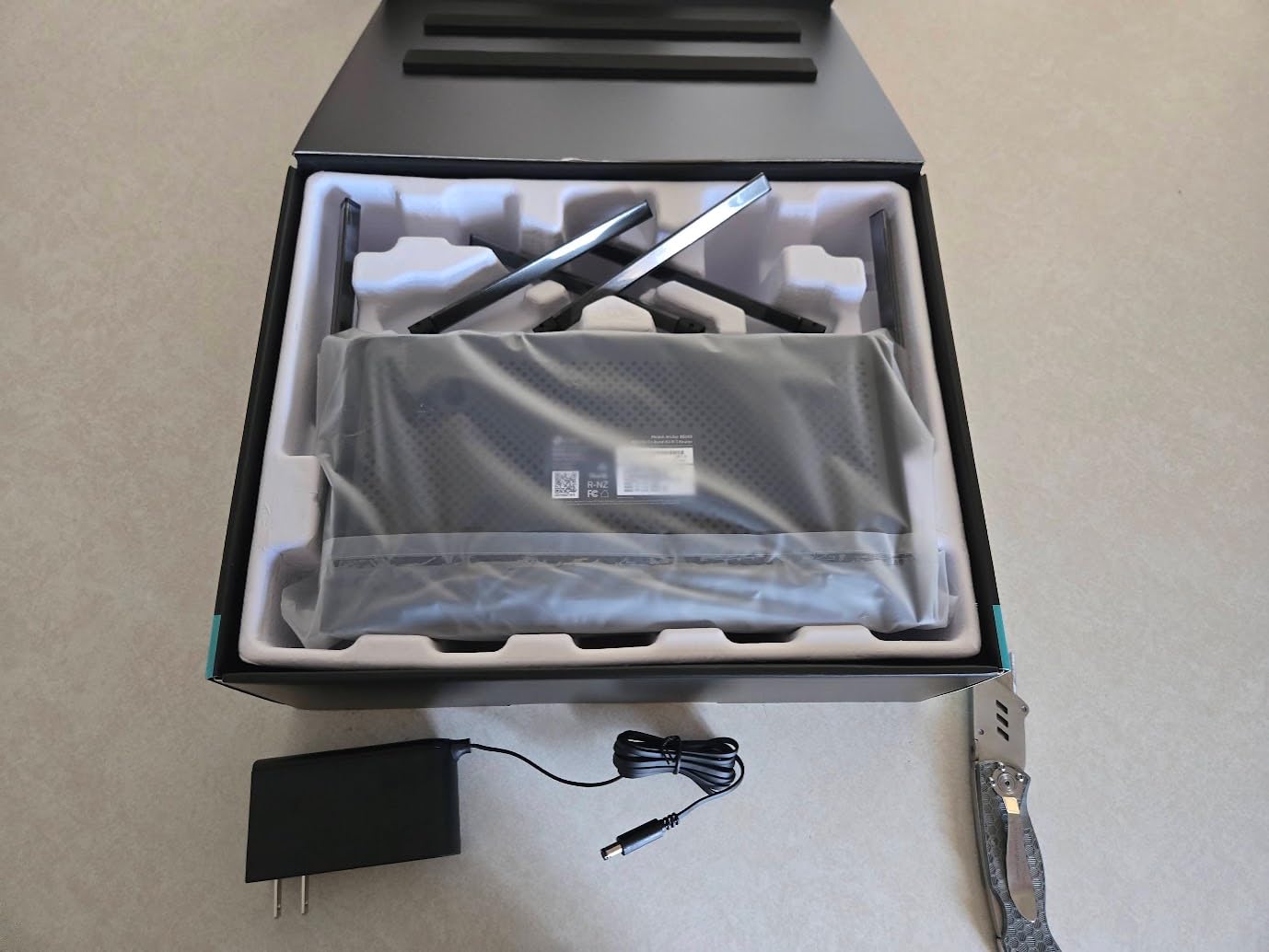
The Archer BE600 answers a question almost no other router on this list does: what happens on a 5 Gbps fiber plan? It has one 10 Gbps WAN/LAN port alongside one 2.5 Gbps WAN/LAN and three 2.5 Gbps LAN ports, so a multi-gig ONT plugs in without an intermediate device.
Radio-wise it is tri-band Wi-Fi 7 BE9700 with 5765 Mbps on 6 GHz, 2882 Mbps on 5 GHz, and 1032 Mbps on 2.4 GHz across seven streams. Multi-Link Operation, Multi-RUs, 4K-QAM, and channels up to 320 MHz are all supported.
Owners report two to three times the throughput they had on Wi-Fi 5 hardware, and the processing power handles a busy smart home, a small server, and gaming traffic at the same time. Coverage is rated up to 2600 sq ft for around 120 devices with six internal antennas and beamforming.
HomeShield covers parental controls, IoT security, and VPN, and setup works through the Tether app or a web interface. Adding a second unit extends it into a mesh.
What the 10G port actually buys you
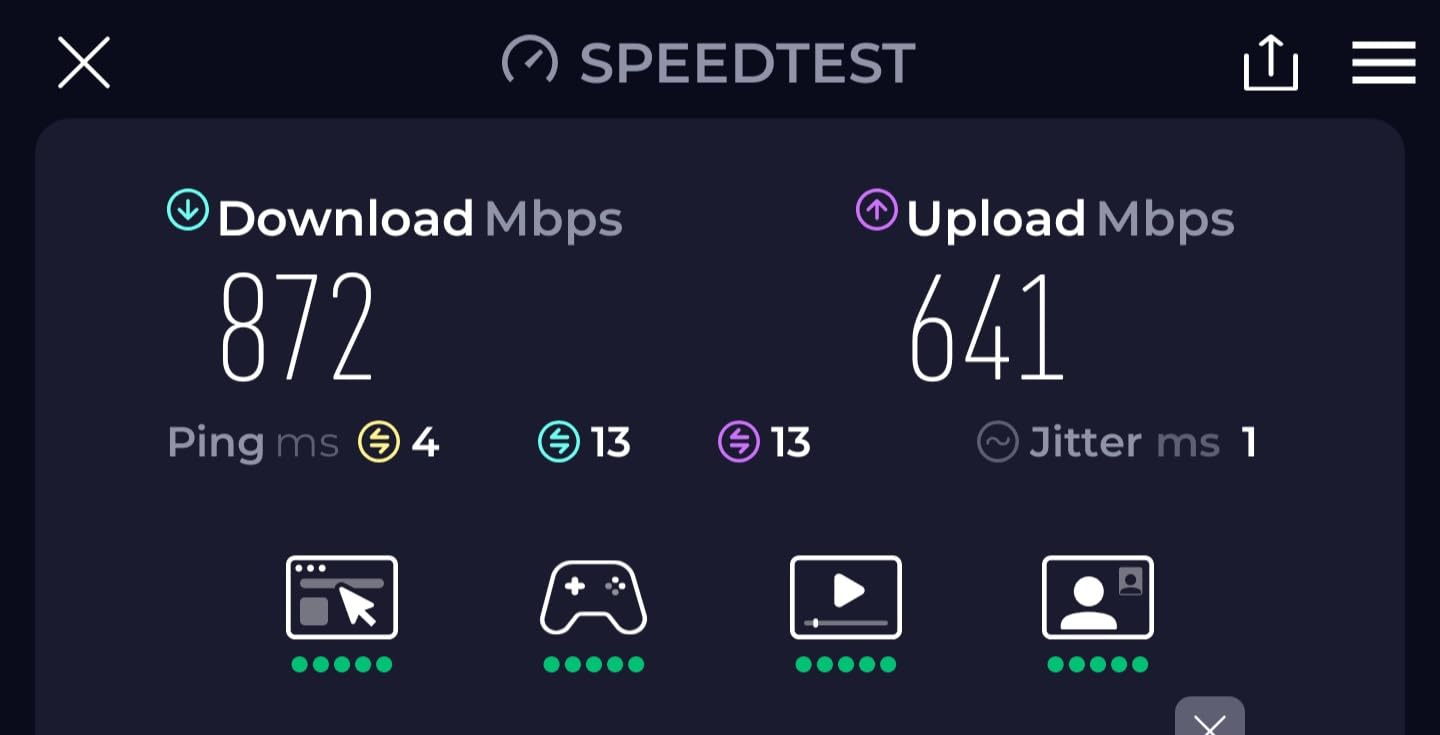
On a 2 Gbps plan, a 2.5G WAN port is enough. On a 5 Gbps plan, it is not, because the port caps at 2500 Mbps. The Archer BE600 is one of the few consumer routers in this roundup that will accept a 5 Gbps line directly and still have LAN ports left for the rest of your network.
It is also a sensible future-proofing choice if your ISP has published upgrade paths to faster tiers and you do not want to replace hardware again.
What to watch on the BE600
The 2.4 GHz radio is the weak point. Owners report noticeably weaker range there than on cheaper prior-generation routers, which matters if you have older IoT devices or cameras far from the router.
Setup is more app-driven than plug-and-play, and at least one owner had a firmware update clear their saved settings. The bundled power adapter uses a US plug.
8. GL.iNet Flint 3 (GL-BE9300) – Best for OpenWrt Users Who Want Wi-Fi 7
GL.iNet GL-BE9300 Flint 3 Tri-Band Wi-Fi 7 Router 5 x 2.5G VPN Router
Tri-band Wi-Fi 7
Five 2.5G ports
OpenWrt pre-installed
2-year warranty
Pros
- OpenWrt pre-installed with full LuCI access
- Five 2.5G ports for multi-gig fiber and NAS
- Fast WireGuard and OpenVPN for its size
- AdGuard Home integrated
- Parental controls with Bark support
Cons
- 2000 sq ft coverage target is small for mesh alternatives
- VPN throughput lower than the Wi-Fi 6 Flint 2
- Firmware should be updated on first setup
- Less suited to non-technical users
The Flint 3 is GL.iNet’s move to Wi-Fi 7, and it fixes the port count that limited the original Flint 2 for wired-heavy homes. Five 2.5 Gbps Ethernet ports give you room for an ONT, a switch, a NAS, and two access points without borrowing a USB adapter.
The radios are tri-band with up to 9 Gbps wireless speed, plus MLO, enhanced OFDMA, 4K-QAM, and preamble puncturing. Like its predecessor it ships with OpenWrt pre-installed and full LuCI access, and AdGuard Home is integrated for network-wide blocking.
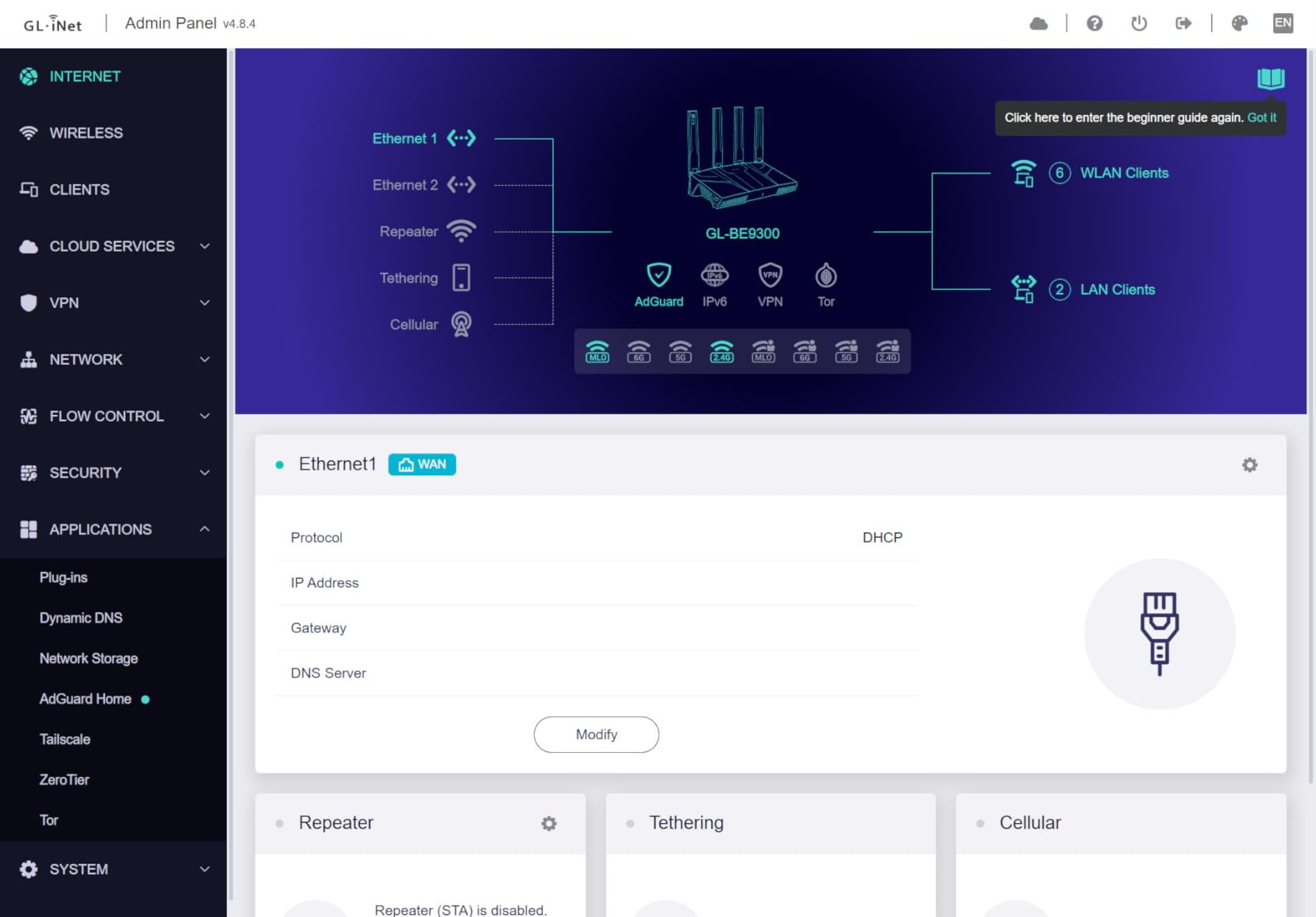
WireGuard and OpenVPN both run up to 680 Mbps, and parental controls include Bark integration. Internals are a 1 GB DDR4 setup with 8 GB eMMC, and the warranty is two years.
Owners pick this box for the combination of OpenWrt flexibility, five multi-gig ports, and usable VPN throughput in something small enough to sit on a shelf. Reddit’s networking crowd has consistently recommended GL.iNet hardware for exactly this reason.
Flint 2 or Flint 3
The Flint 2 remains our pick for most people because it does more with less and holds a 4.5 rating across nearly 3000 reviews. The Flint 3 makes sense when you specifically want a dedicated 6 GHz band and more than two Ethernet ports at 2.5G.
One honest comparison point: VPN throughput on the Flint 3 tops out at 680 Mbps, below the Flint 2’s WireGuard and OpenVPN figures. If you tunnel most of your traffic, the older box is the faster one.
Where the Flint 3 falls short
Coverage is designed for up to 2000 sq ft, smaller than most Wi-Fi 7 mesh options, so it is a single-router play rather than a large-home solution. You can add access points, but out of the box it will not reach a third floor.
Firmware should be updated during initial setup for best performance, and the whole experience is aimed at people who are comfortable in a LuCI interface.
9. ASUS RT-BE88U – Best for Homelabs and SFP+ Fiber Uplinks
ASUS RT-BE88U WiFi 7 Router – x2 10G Ports, Up to 7.2 Gbps, Mesh Compatible
10G SFP+ and 10G WAN/LAN
Eight total ports
Quad-core 2.6 GHz CPU
Pros
- Only dual-band pick with 10G SFP+ and 10G WAN/LAN
- Built-in 8-port switch removes the need for extra hardware
- Subscription-free security with AiProtection Pro
- Quad-core CPU handles VLANs VPN and homelab services
- Three-year warranty
Cons
- Dual-band only with no 6 GHz band despite Wi-Fi 7
- Some owners report stability loss after a few weeks
- Recent firmware caused connectivity issues for some
- Rear ports closely spaced for bulky connectors
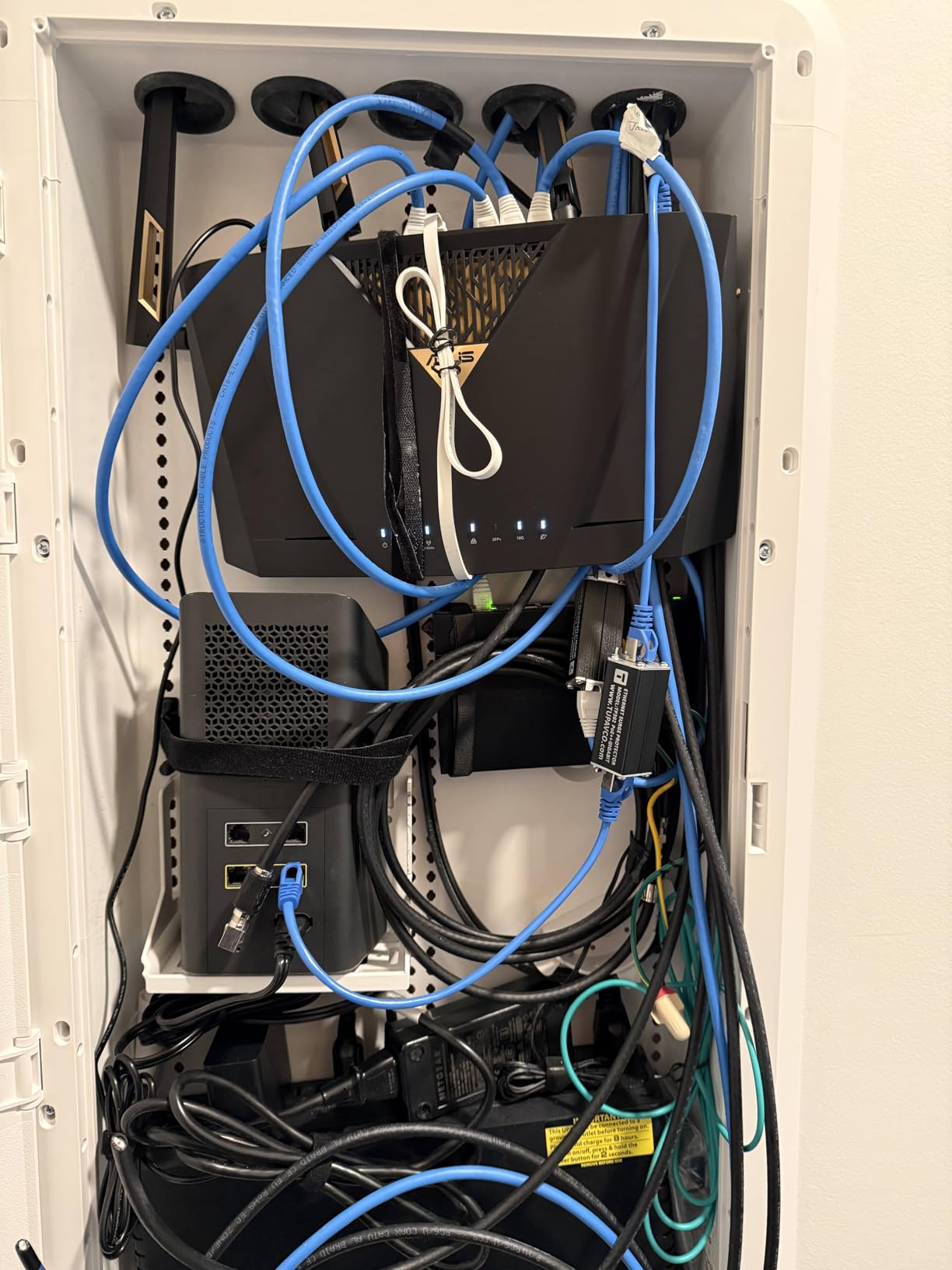
The RT-BE88U is the only router here with an SFP+ slot, and on a fiber topic that matters more than any spec sheet table can convey. The 10G SFP+ cage lets you terminate fiber directly, or take a short SFP+ DAC or module run from a switch instead of burning a copper port.
It also has a 10G WAN/LAN port, four 2.5G ports, and four 1G ports, giving up to 34G of wired capacity. Because the eight-port switch is built in, you can hang servers, APs, and a NAS directly off the router without buying a separate switch.
The quad-core 2.6 GHz 64-bit CPU has the headroom for VLANs, VPN, and homelab services, and it is compatible with ASUS Merlin firmware for people who want more control than the stock interface offers. Guest Network Pro supports up to five separate SSIDs, which is a clean way to segment IoT devices.
Security is subscription-free. AiProtection Pro is powered by Trend Micro and runs without a paid tier, which several reviewers single out as the deciding factor over routers that gate parental controls behind a plan.
Where the SFP+ port pays off
If your fiber ONT hands off over a short fiber run to a nearby closet or if you are running a rack, SFP+ gives you options that copper cannot. It also future-proofs against a 5 Gbps or faster plan without another hardware purchase.
For homelab users the eight built-in ports and the CPU are the bigger draw, since a single box can act as router, switch, VPN endpoint, and firewall for a home with 30+ devices.
The caveats on the RT-BE88U
It is dual-band, so despite the Wi-Fi 7 label there is no 6 GHz band. Phones and laptops that benefit from a third band will not get that here.
A minority of owners report losing internet or Wi-Fi stability after a few weeks, and recent firmware updates introduced periodic low-signal issues for some users, so read current reports before updating. The rear ports are also tightly spaced, which is awkward with bulky RJ-45 connectors.
10. NETGEAR Nighthawk RAXE300 – Best for Range on 1 Gbps Plans
NETGEAR Nighthawk Tri-Band WiFi 6E Router (RAXE300) – Security Features, AXE7800 Wireless Gigabit Speed (Up to 7.8Gbps), New 6GHz Band, 8-Streams Cover up to 2,500 sq. ft., 40 Devices
Wi-Fi 6E AXE7800
2500 sq ft
One 2.5G port
1-year warranty
Pros
- Excellent range across three floors and outdoors
- Delivers close to full 1 Gbps line speed over fiber
- Dedicated 6 GHz band has the lowest latency for gaming
- Plug-and-play with the familiar NETGEAR interface
- Works well as an access point with a higher-end router
Cons
- Some units arrive hard-wired to a non-US region
- 6 GHz band unavailable in some countries including Mexico
- Full parental controls need a paid Armor subscription
- Only 40 devices and 2500 sq ft of coverage
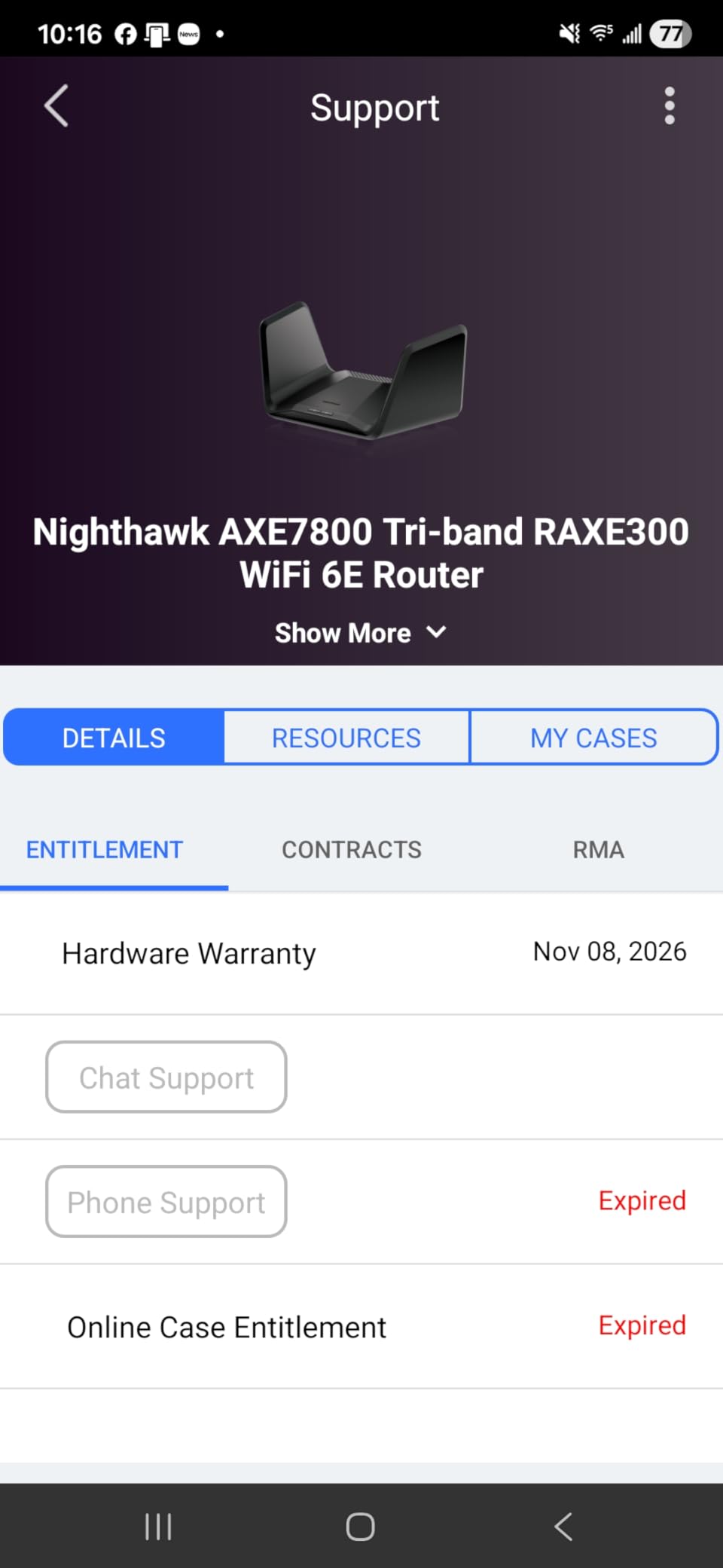
The RAXE300 is the pick for 1 Gbps fiber plans where coverage, not multi-gig, is the problem. Owners report it holding signal across three floors and outdoors, and several describe it as the router that finally delivered close to full 1 Gbps line speed on a fiber connection.
It is tri-band Wi-Fi 6E rated up to 7800 Mbps with a dedicated 6 GHz band, which gives low-latency gaming devices their own lane without contending with 2.4 GHz traffic from smart home gear.
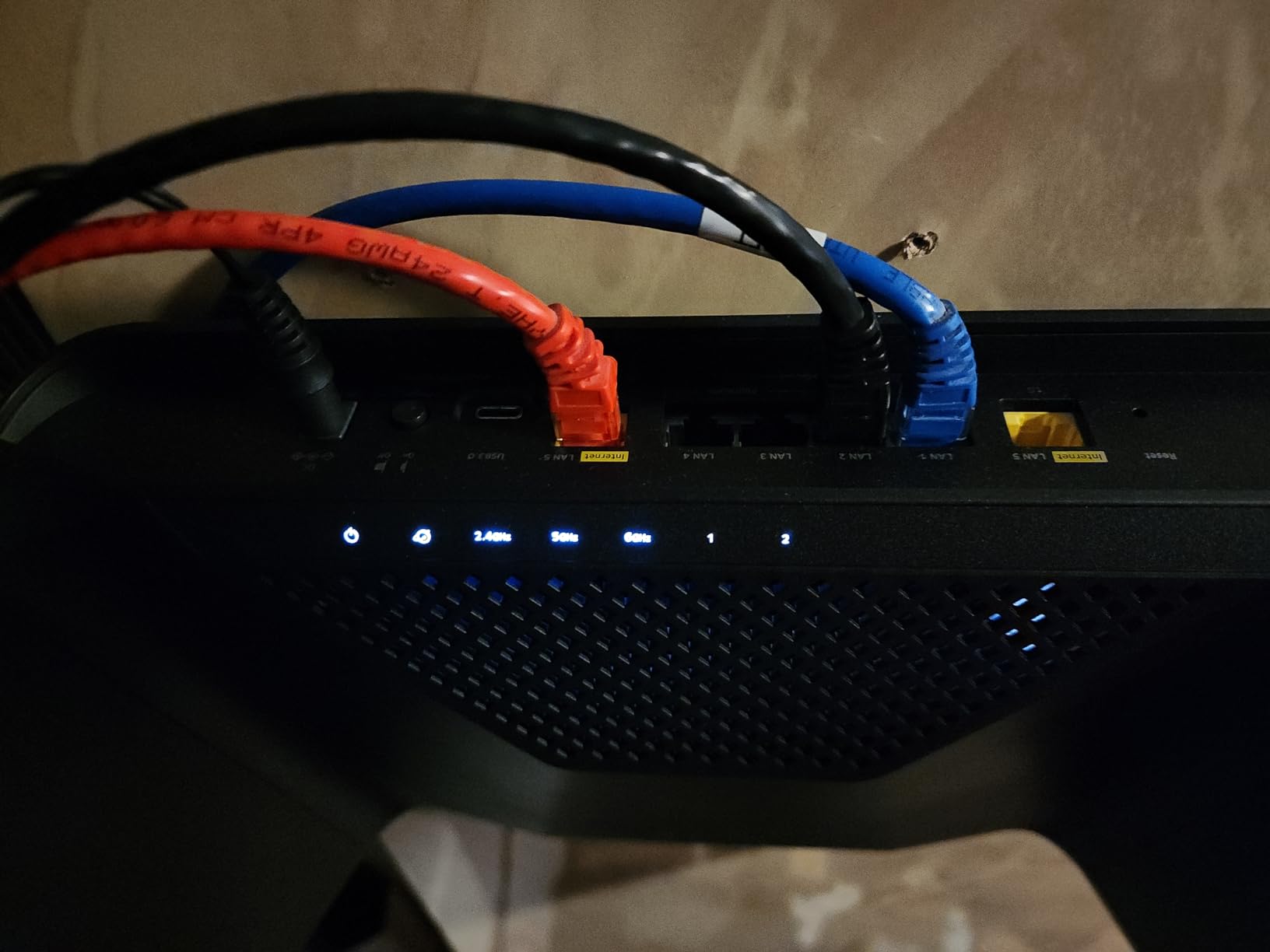
Wired, it has four 1G ports plus one 2.5G port, so a gigabit fiber plan lands on a gigabit port with room to spare and the 2.5G port is free for a NAS or switch. Coverage is rated up to 2500 sq ft and 40 devices on a quad-core 1.7 GHz processor.
It is also a good access point. Several owners pair it with a higher-end NETGEAR router, which is a cheap way to add a 6 GHz radio in a distant part of the house.
Why the RAXE300 still makes sense in 2026
It is one hardware generation behind Wi-Fi 7, but on a 1 Gbps plan the ceiling is the port, not the radio. Owners who bought it to replace a fiber gateway report range and throughput that solved their actual complaints, at a price below tri-band Wi-Fi 7 flagships.
If your plan is 1 Gbps and your home has thick walls or more than two floors, range can matter more than MLO.
What to be careful about
Some units arrive hard-wired to a non-US region, which cannot be changed, and the 6 GHz band is not available in every country, including Mexico. Check the region before ordering if you are outside the US.
Full parental controls require a paid NETGEAR Armor subscription, coverage is limited to 2500 sq ft and 40 devices, and the warranty is one year.
11. ASUS RT-BE86U – Best for Gamers on 2 Gbps Fiber
ASUS RT-BE86U WiFi 7 Gaming Router, 10G WAN, 6.8 Gbps, Mesh VPN Compatible
Dual-band Wi-Fi 7
One 10G WAN/LAN
Four 2.5G ports
3-year warranty
Pros
- 10G WAN/LAN port handles 2 Gbps fiber without a bottleneck
- ASUSWRT interface carried over from the RT-AX86U
- Guest Network Pro IoT SSID QoS and gaming port work well
- Router-level VPN via VPN Fusion
- Stable coverage for 20-30 device homes
Cons
- Some units randomly drop Wi-Fi or lose internet
- Firmware updates can disrupt connected clients
- Dual-band with no 6 GHz band
- Only one 10G port compared with the RT-BE88U
The RT-BE86U targets a specific buyer: someone on 2 Gbps fiber who wants low latency and a familiar interface. The 10G WAN/LAN port handles a 2 Gbps plan without a bottleneck, and four 2.5G ports give the rest of the network room to breathe.
If you already run an ASUS RT-AX86U, the upgrade path is painless because ASUSWRT 5.0 keeps the same interface. Owners moving from the AX series call out VLAN support, IoT segmentation, QoS, and VPN Fusion as the features they use daily.
Guest Network Pro supports up to five SSIDs, and a dedicated gaming-featured port plus QoS lets you prioritise a console or gaming PC. Security is subscription-free, which is unusual at this price and removes the recurring-cost objection entirely.
Coverage is rated up to 2750 sq ft, and owners report stable performance in homes with 3500 sq ft layouts running 20 to 30 connected devices, which is a good sign for medium houses.
Why gamers pick this over the RT-BE88U
Both have a 10G port, but the RT-BE86U costs less and carries the gaming features directly: a gaming port, QoS, and VPN Fusion at the router level. For a 2 Gbps fiber plan with a 2750 sq ft footprint, it is the more focused machine.
AiMesh node compatibility means you can add ASUS mesh hardware later without changing ecosystems, and it supports access point, media bridge, and repeater modes if you would rather use it purely as an AP.
What owners complain about
The 4.0 average reflects real reports: some units randomly drop Wi-Fi connections or lose internet after a few weeks, and firmware updates have changed admin password requirements and disrupted connected clients for some users.
It is also dual-band with no 6 GHz band, and it has only one 10G port where the pricier RT-BE88U offers two plus an SFP+ cage.
12. Alta Labs Route10 – Best Wired-Only Router for Multi-Gig Fiber
Alta Labs Route10 | 10 Gig Multi-WAN Router | High-Performance Qualcomm Quad-Core Hardware-Accelerated VPN Router | 2 10 Gbps SFP+ and 4 2.5 Gbps Ports | Real-Time Stats | Load Balancing | 40W PoE+
2x 10G SFP+ and 4x 2.5G ports
Quad-core Qualcomm
PoE+ output
Pros
- Sustains multi-gig throughput on hardware-accelerated networking
- VLANs DHCP QoS firewall rules and IGMP out of the box
- Multi-WAN with failover and load balancing
- Native IPsec and WireGuard VPN
- PoE+ powers access points over the cable
Cons
- Cloud-first management with no on-device control plane
- No user-accessible CLI
- Only two SFP+ ports and limited PoE ports
- Some reports of WAN and PoE port failures
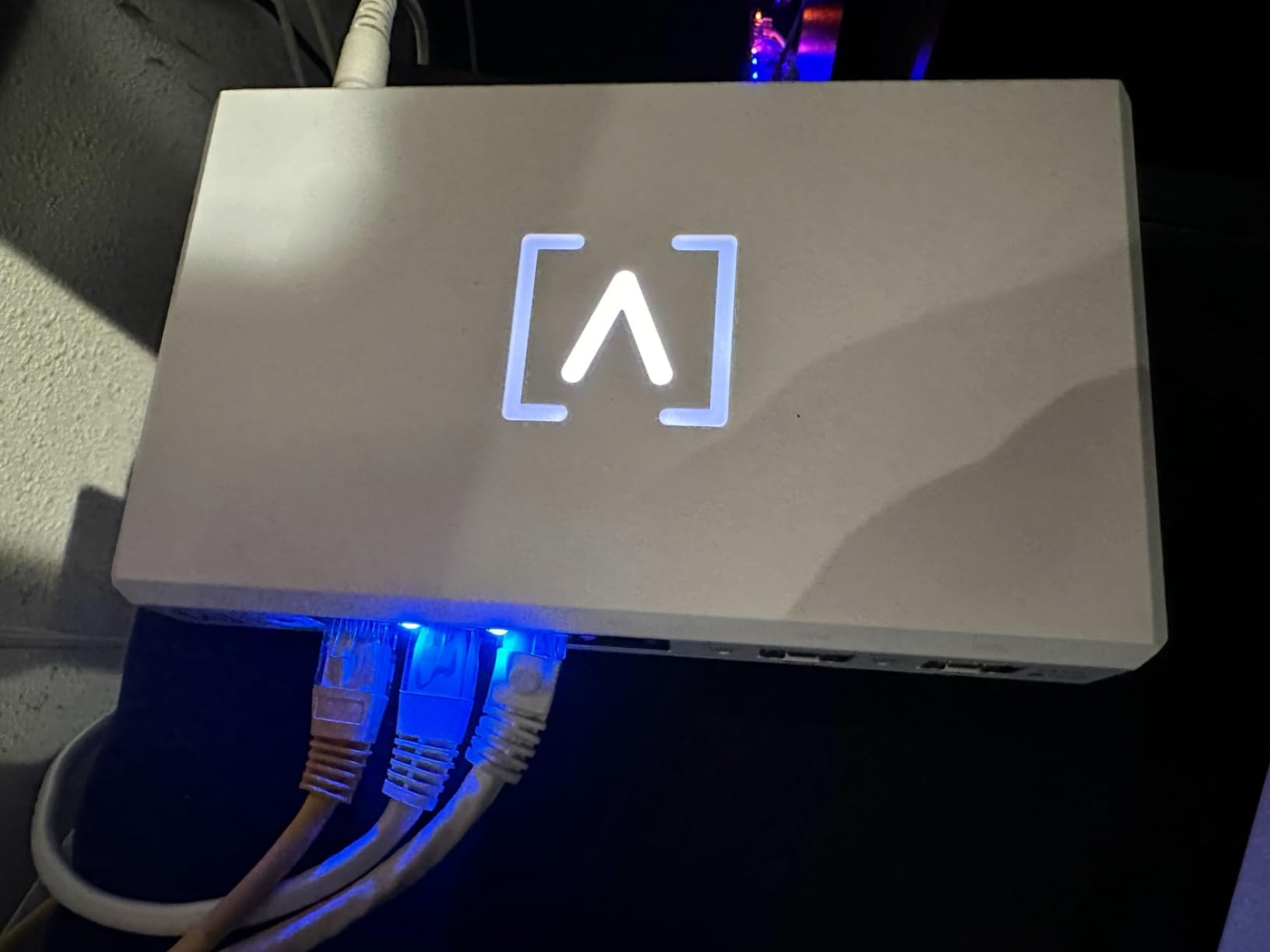
The Route10 is the odd one out, and the reason it is here is fiber itself. It has no built-in Wi-Fi at all. It is a pure wired router with two 10 Gbps SFP+ ports and four 2.5 Gbps Ethernet ports, so you pair it with your own access points and get a network that is entirely under your control.
For a home already running wired APs, or anyone with a 5 Gbps fiber plan, that is a genuinely strong configuration. Users report consistent 5 Gbps on fiber and 2.5 Gbps links without throttling, on a quad-core Qualcomm processor with hardware-accelerated networking.
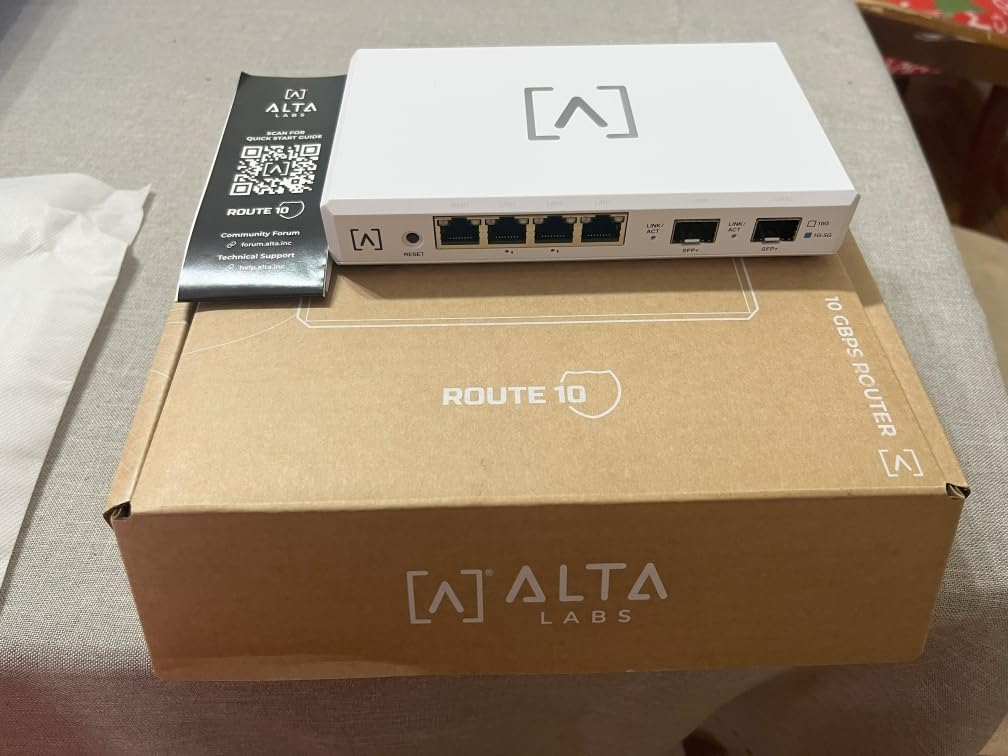
The feature list reads like business equipment: VLAN tagging, DHCP pools and reservations, QoS, port forwarding, firewall rules, IGMP, multi-WAN with DHCP, static IP, PPPoE, failover, and load balancing. IPsec and WireGuard are native, so it can replace a separate firewall appliance for remote access and site-to-site links.
PoE+ output on select Ethernet ports powers access points and edge hardware over the cable, which saves a power injector and a wall outlet per AP.
Who this router is really for
Someone who has already decided to run wired access points, or who wants VLAN segmentation and multi-WAN failover for a home with many services. Firmware receives regular feature updates, including a built-in WireGuard server and AltaPass multi-SSID guest access.
Setup is described as approachable once you understand basic networking concepts, and the app-based onboarding is generally called easy. The two-year warranty is standard.
Why it is not for everyone
Management is cloud-first with no on-device control plane. Running the controller locally means providing a separate VM or Docker host, and one reviewer was ejected from the web console while attempting basic commands, which limits advanced configuration.
Only two 10GbE SFP+ ports exist, so desktop and NAS traffic can occupy both and leave only 2.5G for everything else, and the PoE port count is limited. There are also isolated reports of a WAN port cycling offline and a failed PoE port, and it falls short of full SD-WAN appliances on complex AV or VoIP networks.
Match Your Fiber Plan Speed to the Right Router
This is the question every fiber buyer should answer first, and it takes about ten seconds once you know your plan speed. Here is the mapping we use.
300 or 500 Mbps plans: almost any Wi-Fi 6 router will do the job on the wired side. The port is not your problem at this tier, so coverage is the deciding factor. The Flint 2 or the Deco BE23 are both comfortable here.
1 Gbps plans: you need a gigabit WAN port and nothing more, which is why the RAXE300 still earns a place in 2026. If you want headroom for a future tier upgrade, take the Flint 2 or the Nighthawk BE9300 instead.
2 Gbps plans: a 2.5G WAN port is the minimum, and this is where the ISP gateway usually fails you. The Flint 2, the Nighthawk BE9300, the Deco BE63, and the ASUS RT-BE86U all handle it. A gigabit-port router will read as roughly half your plan speed.
5 Gbps plans: you need a 10G port. The Archer BE600 has one 10G WAN/LAN port, the RT-BE88U has a 10G port plus an SFP+ cage, and the Route10 has two SFP+ plus four 2.5G ports for a fully wired build.
10 Gbps plans and above: the list thins fast. The RT-BE88U and the Route10 are the two picks here with enough wired headroom, and most people at this tier need link aggregation across two ports or a switch with 10G uplinks.
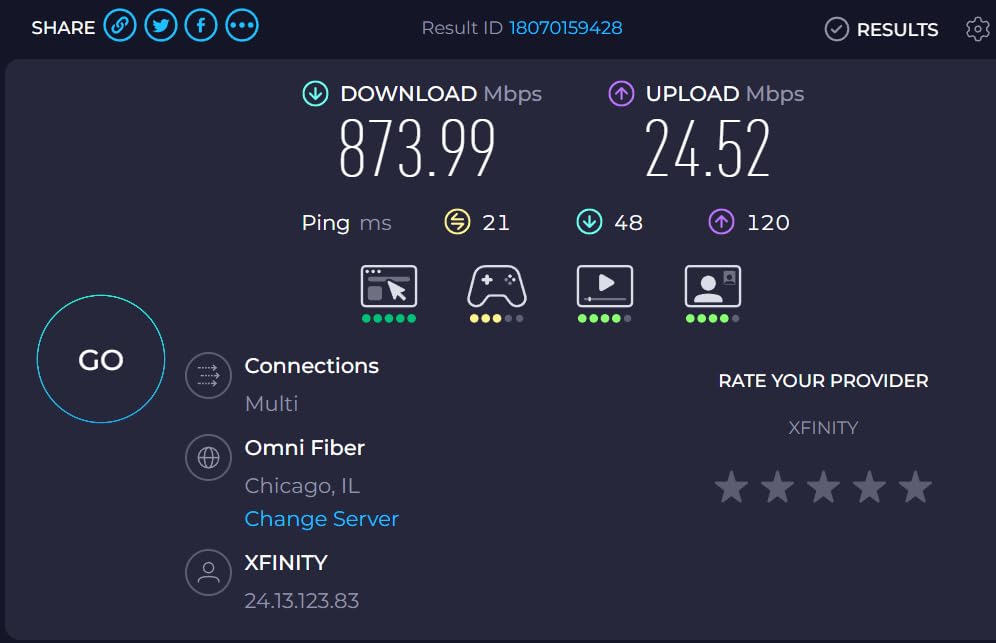
One practical note: if your fiber speed test on a wired device matches your plan but Wi-Fi is slow, the router is not your bottleneck. That is a radio problem, and coverage or a mesh system is the fix.
Bridge Mode vs IP Passthrough vs DMZ
Four of the most-asked questions about fiber routers concern bridge mode, and most of the confusion comes from three different methods being described as if they were the same thing. They are not, and picking the wrong one is the single most common reason a third-party router ends up with no internet.
Bridge mode turns off the ISP gateway’s routing, NAT, and Wi-Fi entirely. Your own router takes the public address and does all the work. It gives you the cleanest topology, full control over parental controls, QoS, and port forwarding, and it is what most roundups assume you will do.
The downsides are real. Bridge mode removes the gateway’s own management, so ISP support can no longer see your line, and double NAT disappears but so does the easy recovery path. Forum readers describe losing access to the router interface after bridging, almost always because the gateway and the router were on the same address segment.
IP passthrough hands a specific public IP to your router while the gateway keeps managing the connection. It is less invasive than bridge mode, keeps ISP diagnostics working, and is often the simpler path for a first-time fiber owner. Where your ISP supports it, it is usually the option we recommend trying first.
DMZ host points all inbound traffic at one machine. It is the least clean option and the least secure, and it is really a troubleshooting step rather than a permanent configuration.
If the internet dies after bridging, check the order of operations: connect the ONT to your router WAN port, set your router to DHCP, then bridge the gateway. If you cannot reach your router’s admin page afterward, connect directly by Ethernet rather than through the gateway. One more thing: many fiber ISPs are moving away from bridge mode entirely, so confirm yours still supports it before you buy anything.
Standalone Router or Mesh: Coverage and Backhaul
Mesh systems and single routers solve different problems, and on fiber the difference is bigger than it looks. A mesh spends wireless airtime moving data between nodes. On a 1 Gbps plan that is mostly invisible. On a 2 Gbps plan with wireless backhaul, it is a measurable loss.
Rule of thumb: if your home is under 2500 sq ft and mostly on one floor, a single tri-band router is the better machine. The Nighthawk BE9300, the Archer BE600, or the ASUS RT-BE86U all give you a dedicated 6 GHz band without any backhaul traffic competing for it.
Above that, or with more than two floors, mesh wins on coverage. Prefer a tri-band kit with 2.5G ports on every node so you can wire the satellites back to the primary node, which turns your mesh into something closer to a wired system with wireless convenience.
For very large properties, the Deco BE63 at 7600 sq ft or the Orbi 770 at 8000 sq ft cover the usual range. If you rent and cannot drill for Ethernet, accept the backhaul hit and choose hardware rated for your full plan speed, not for your wireless needs alone.
Placement matters more than most people expect. Put the primary node near the center of the home, off the floor, away from metal cabinets and microwaves, and skip the basement unless that is where the ONT lives. Dead zones in a 3000 sq ft home are usually a placement problem before they are a hardware problem.
How We Picked These Fiber Routers
We built this list around one question: does the WAN port accept the speed of your fiber plan? Products that cap at gigabit were disqualified from anything above 1 Gbps, no matter how fast their radios claim to be.
From there we weighted four things. Port speed on both WAN and LAN, since a fast port feeding a gigabit LAN port wastes the money. Coverage claims in square feet against realistic home layouts. Firmware capability, including OpenWrt or Merlin support and whether parental controls work without a paid subscription. Finally, owner-reported stability, since firmware regressions are the most common long-term complaint in this category.
Every product here has a verified rating and review history on Amazon, and we cite the specific complaints owners raise rather than the marketing language. Where reviewers reported speed figures, connection drops, or subscription requirements, those appear in the write-ups.
We also cross-checked owner discussions on r/HomeNetworking and linustechtips.com, where the recurring themes were ISP compatibility first, the 2.5G WAN bottleneck second, and bridge mode confusion third. That shaped how much space this article spends on the gateway handoff.
What Actually Matters When You Buy a Fiber Router
Match the WAN port to the plan. Gigabit up to 1 Gbps, 2.5G for 2 Gbps, 10G above that. This is the one spec that can make your fiber payment feel wasted.
Check ISP compatibility before anything else. Some providers hand out gateway firmware that resists third-party routers, and a few have dropped bridge mode support. Check your ISP’s approved list first, and ask whether IP passthrough is available, since that is often the cleaner path.
Decide coverage by square footage, not by marketing. Claims of 2500 sq ft assume open plan, few interior walls, and one floor. Multi-story homes and older construction with thick plaster need mesh or an access point plan.
Look at LAN ports as carefully as WAN. Four 2.5G ports on each mesh node is what makes wired backhaul worth doing. A single port per node limits you to wireless backhaul.
Treat subscriptions as part of the cost. eero Plus, NETGEAR Armor, and similar tiers gate parental controls and advanced security behind a recurring fee. ASUS AiProtection on the RT-BE88U and RT-BE86U and GL.iNet’s AdGuard Home and Bark integration work without one, which matters over a five-year ownership period.
Understand what Wi-Fi 7 actually changes. MLO lets a client use two bands at once, 320 MHz channels widen the 6 GHz lane, and 4K-QAM improves throughput on clean links. On 2.4 GHz-only IoT devices, none of it does anything. A dual-band Wi-Fi 6 router with 2.5G ports will serve many homes better than a tri-band Wi-Fi 7 one.
Decide whether you want control. OpenWrt on the Flint 2 or Flint 3 gives you SQM, VLANs, and per-device policy. That is genuinely valuable if you want it and pure overhead if you do not. Stock firmware with an app is fine for most homes.
Finally, weigh buying against renting the ISP gateway. A rental that costs several dollars a month adds up over five years, and once you understand bridge mode or IP passthrough, most people conclude the gateway is only needed for the ONT and any IPTV service it supports.
Frequently Asked Questions
What router is best for fiber optic internet?
The best router for fiber internet is one whose WAN port matches your plan speed. For 1 Gbps plans a gigabit port is enough; for 2 Gbps you need 2.5G, and above that you need 10G. Our top overall pick is the GL.iNet Flint 2, which pairs dual 2.5G ports with pre-installed OpenWrt. It is also the best fit for anyone on a 2 Gbps plan who wants control over routing and VPN.
Do I need a special router for fiber optic internet?
No. Fiber light terminates at an ONT on your wall and becomes standard Ethernet, so any router with a WAN port at least as fast as your plan can take over. What changes with fiber is the ceiling: a gigabit WAN port caps everything above 1000 Mbps, so matching the port to your plan is the only special requirement.
Should I set my router to bridge mode?
Bridge mode gives your own router full control of routing, NAT, and Wi-Fi, which removes double NAT and opens up advanced features. The trade-offs are that you lose the ISP gateway management interface and ISP troubleshooting, and a misconfigured setup can leave you with no internet. If your ISP supports IP passthrough, that is usually the simpler starting point for a first install.
What are the downsides of bridge mode?
The main downsides are loss of ISP visibility and support, a single point of failure at your own router, and more setup complexity. Forum readers report the most common problem is losing access to the router admin page after bridging, usually because the gateway and router shared an address segment. It also removes any gateway features like IPTV or phone services that relied on the gateway handling traffic.
Why does my internet not work when using a bridged connection?
Most bridged-connection failures come from ordering and addressing. Connect the ONT to your router WAN port, set the router to DHCP, then enable bridge mode on the gateway last. Make sure the two devices are not on the same subnet, and if the gateway still holds the address, wait for the lease to clear or power-cycle both boxes. Also check that your ISP still supports bridging at all.
Can I use my own router with fiber internet?
Yes, in almost every case. You connect the ONT or a bridged gateway to your router WAN port and manage routing yourself. The exceptions are providers that require their own gateway for IPTV or voice, and regions where bridge mode has been retired. Check your ISP’s compatibility list and whether IP passthrough is offered before you buy, since that determines how cleanly the handoff works.
Is a mesh system better for fiber?
Mesh is better for coverage, not for speed. Wireless backhaul consumes some of your fiber bandwidth moving data between nodes, which is hard to notice on 1 Gbps but measurable on 2 Gbps and above. Under 2500 sq ft on one floor, a tri-band standalone router gives you better performance. Above that or across multiple floors, a mesh with 2.5G ports on every node lets you wire satellites back for full speed.
Why is my gigabit fiber only getting 600 Mbps?
The most common causes are a gigabit WAN port bottleneck higher in the chain, an ISP gateway still routing instead of bridging, a slow Wi-Fi link, or a single client limited by its own radio. Test with a wired device first to separate the network from the Wi-Fi problem. If wired speed also caps around 600 Mbps, check whether the gateway is in bridge mode or IP passthrough and whether a device is running QoS or traffic shaping.
Final Verdict
For most fiber subscribers in 2026, the GL.iNet Flint 2 is the right buy. Dual 2.5G ports remove the WAN bottleneck that strands a 2 Gbps plan, and OpenWrt gives you control that no other pick at this level offers. If you want zero configuration, the eero 7 3-pack covers up to 6000 sq ft with less effort than anything here.
Match the port to the plan before you spend anything. 2 Gbps service needs 2.5G, 5 Gbps needs 10G, and anything above 5 Gbps means looking at the ASUS RT-BE88U or the Alta Labs Route10. Larger homes should read the mesh section twice, because wireless backhaul quietly reduces the value of a fast fiber line.
Once you pick, confirm bridge mode or IP passthrough support with your ISP the same day. That single check removes the most common reason a great router ends up dead on arrival.