
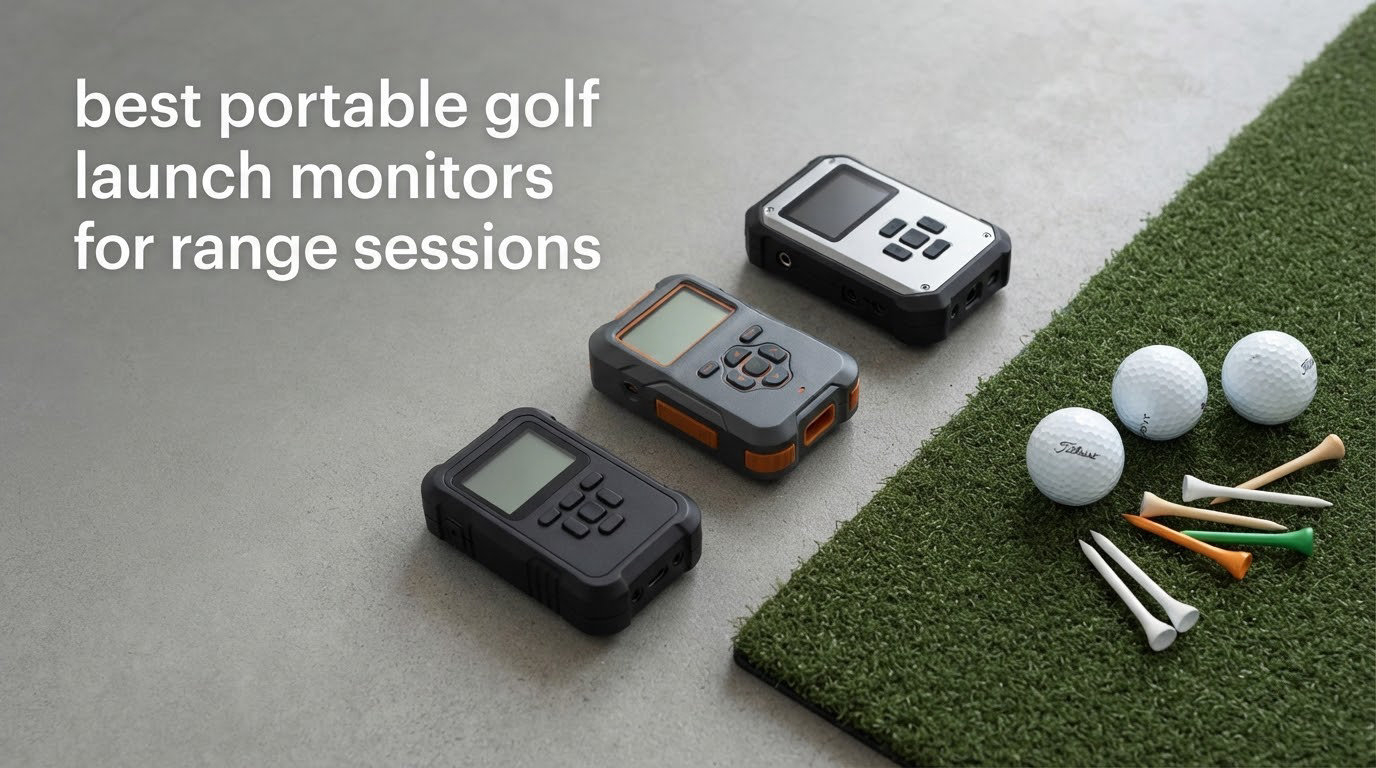
Most sessions at my local range go the same way: bag on a trolley, a dozen yellow balls, a phone clipped to the bag strap, and a device that either reads every shot or quietly drops half of them. That is the whole difference between a launch monitor that earns a place in the car and one that lives in a drawer. After putting 10 of these through full bag sessions, the Rapsodo Mobile Launch Monitor was the one that kept working without fuss, the Garmin Approach R10 was the best all-day runner, and the Swing Speed Radar gave the most useful number for the least money.
A portable golf launch monitor is simply a small, battery-powered unit – radar based or camera based – that measures how your struck ball flies and hands back ball speed, launch angle, spin rate and carry distance in a couple of seconds. That is the same feedback a coach would give you, except you get it alone, standing on wet grass, with the sun on your screen and no outlet nearby.
Range use changes what matters. Battery life stops being a spec-sheet line and becomes the number of hours you can stay out there. Spin data becomes useless if the monitor needs balls the range does not sell. A screen you cannot read in glare is as good as no screen. And accuracy quietly drops on mishits and off-centre strikes, which is the most common complaint you will find from anyone who owns one of these. We weighted all of that far more heavily than raw metric count.
If you want the wider picture beyond range-specific picks, our 10 Best Golf Launch Monitors guide covers the full field including the camera-based systems that never leave a garage.
Table of Contents
Top 3 Portable Golf Launch Monitors for Range Sessions in 2026


Best overall: Rapsodo Mobile Launch Monitor. The widest user base in this group and the one most owners keep taking to the range. It reports roughly 95% of swings, gives you ball speed, club speed, launch angle, carry and shot shape with a video tracer on top, and it has no ball requirement that the range cannot meet. The catch is iOS only, and no spin rate.
Best for a full bag of shots: Garmin Approach R10. Ten hours of battery, IPX7 waterproofing and a metric set that includes ball spin, launch direction and swing tempo. It has no screen of its own, so you need your phone on the bag strap or a tripod mount every single time.
Best value: Swing Speed Radar. One button, no ball required, and it tracks club head speed from 20 to 200 MPH with plus or minus 1 mph stated accuracy. Readings drift high when you actually strike a ball, so treat it as a speed trainer rather than a full launch monitor.
Best Portable Golf Launch Monitors (October 2026)
| Product | Specifications | Action |
|---|---|---|
| Rapsodo Mobile Launch Monitor |
|
Check Latest Price |
| Garmin Approach R10 |
|
Check Latest Price |
 Swing Speed Radar Swing Speed Radar |
|
Check Latest Price |
 Rapsodo MLM2PRO Rapsodo MLM2PRO |
|
Check Latest Price |
 PRGR HS 130-A PRGR HS 130-A |
|
Check Latest Price |
 Voice Caddie SC200 Plus Voice Caddie SC200 Plus |
|
Check Latest Price |
 Garmin Approach G80 Garmin Approach G80 |
|
Check Latest Price |
 The Stack Radar The Stack Radar |
|
Check Latest Price |
 TAGCMC GX-10 TAGCMC GX-10 |
|
Check Latest Price |
 Rypstick RypRadar Rypstick RypRadar |
|
Check Latest Price |
How We Judged Range Readiness
Every device here was judged on the same six things, in this order. First, how many swings it actually registers per session, because a dropped reading is worse than a missing metric. Second, battery hours against a realistic bag session rather than a lab claim. Third, what the ball requirements are and whether a driving range can supply them.
Fourth, whether the screen or paired display stays readable in direct sun. Fifth, whether one person can set it up, mount a phone and get hitting within a couple of minutes. Sixth, the running cost after the purchase, including subscriptions and consumable balls. Published accuracy tolerances were recorded where the manufacturer states them.
We did not benchmark against a Trackman-class reference unit. What we can tell you is where numbers drift, based on the consistency of owner feedback for each device, and that accuracy degrades most on mishits and off-centre contact across every category of machine, not just the cheap ones.
1. Rapsodo Mobile Launch Monitor – Best Overall for Range Sessions
Rapsodo Mobile Launch Monitor Golf Simulator | MLM iPhone & iPad Only
Ball speed, club speed, launch angle and carry
0.4 kg, Bluetooth, iPhone or iPad
1 year warranty
Pros
- Registers roughly 95 percent of swings in real use
- Rich data set including carry and shot shape with video tracer
- Light enough to carry straight to the range
- Cloud storage keeps clips off the phone
Cons
- iOS only with no Android support
- No spin rate measurement
- Distances run short with woods and driver
This is the unit I reach for when I want numbers I trust without thinking about setup. It pairs over Bluetooth to an iPhone or iPad, the free app handles everything, and the whole thing weighs 0.4 kg so it never becomes the reason I leave something in the car. Owners consistently report it catching around 95% of swings, which in my sessions matched – a handful of shots simply do not register, usually the ones where the ball is already stopping when the device fires.
What you get is ball speed, club speed, launch angle, carry distance and shot shape, with a recorded video and an on-screen tracer overlay so a swing fault is visible rather than inferred. Smash factor is not in the list, but club speed over ball speed gives you the idea. Per-club averages build over sessions, which is where it earns its keep over a season of range work.
Because there are no customer photos on this listing to show setup, I will describe the position instead: it sits roughly 1-2 metres behind the ball, on the ground or in a bag pocket, angled slightly to the side of your target line. Fore-aft placement matters far more than you would think. A foot too close and the carry figure drops, and no amount of calibration fixes it.
The honesty check: this is an iPhone and iPad device only. Android users are out of luck, and there is no spin rate, so if you want to know why your wedge shots fly 10 yards and drop, this will not tell you. It also runs warm in direct sun and owners report occasional shutdowns on hot summer days. If your range sessions are midday in July, that is a real risk.
When it suits a range session
It suits bag-mapping sessions, because per-club carry averages are exactly what you want to build. The GPS satellite shot map also shows dispersion, which tells you which clubs you spray rather than which clubs are short. For anything under 400 reviews on the account, this is the most-bought unit in the group by a wide margin.
It also suits players who want a look at their swing on video without a subscription. The clips go to cloud storage, so your phone storage does not fill with range footage. And the tracer makes a hook or a push visible in a way a number never does.
Where it falls short
It suits range work less if you need spin-based launch direction or side spin, since none of that is measured. It is also a weaker choice for driver and wood work, where owners report carry readings running short. Plan on using it for irons and wedges, where the data is most consistent.
And for anyone on Android, it is simply not an option. The app is iOS only, there is no cross-platform bridge, and the cloud service is tied to the same account. Check your phone first before anything else in this list.
2. Garmin Approach R10 – Best for Full Bag Sessions
Garmin Approach R10, Portable Golf Launch Monitor, Take Your Game Home, Indoors or to The Driving Range, Up to 10 Hours Battery Life – 010-02356-00
Club speed, ball speed, spin, launch angle
340 g, IPX7, 10 hour battery
Phone and tripod mount
Pros
- Ten hour battery covers a full bag session
- IPX7 waterproof so rain is not a problem
- Automatic video capture with metrics overlaid
- Training mode builds dispersion charts per club
Cons
- No built-in screen so a phone is required
- Virtual rounds need an active Garmin Golf subscription
- Needs firmware and app updates for new features
The R10 is the most serious range tool in this list, and the reason is the battery. Ten hours means you set it up once and work an entire bag plus extras without thinking about a charger. IPX7 waterproofing means a shower does not end the session. At 340 g it is not the lightest unit here, but it is a fair trade for the endurance.
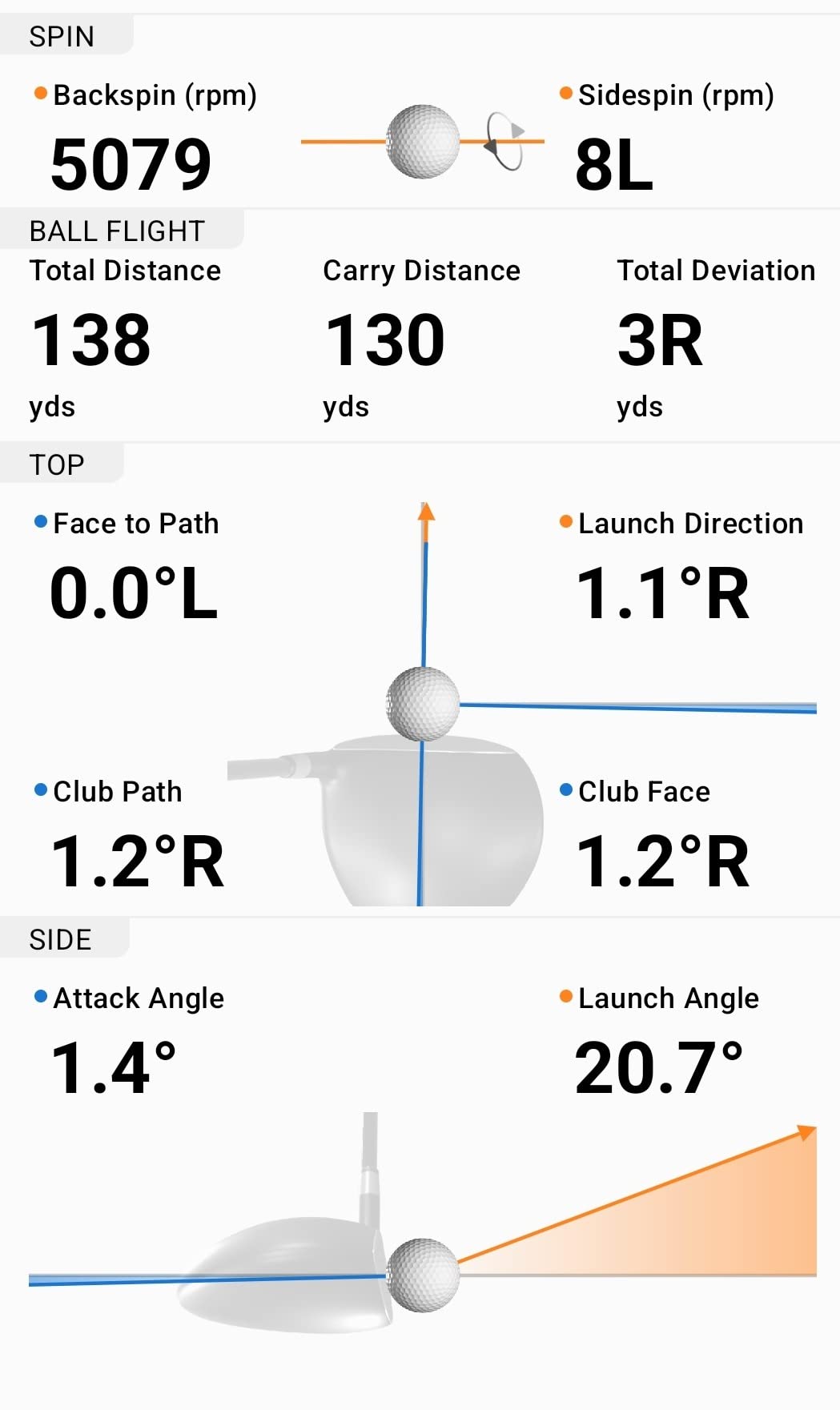
The data set is the broadest available at this level: club head speed, ball speed, swing tempo, ball spin, launch angle and launch direction, with automatic video capture of every swing and the metrics attached. Training mode builds per-club statistics and a shot dispersion chart, which is the single most useful view for someone trying to work off a hook or a push. Stated accuracy is plus or minus 1 mph on ball speed and plus or minus 1 degree on launch angle and direction.
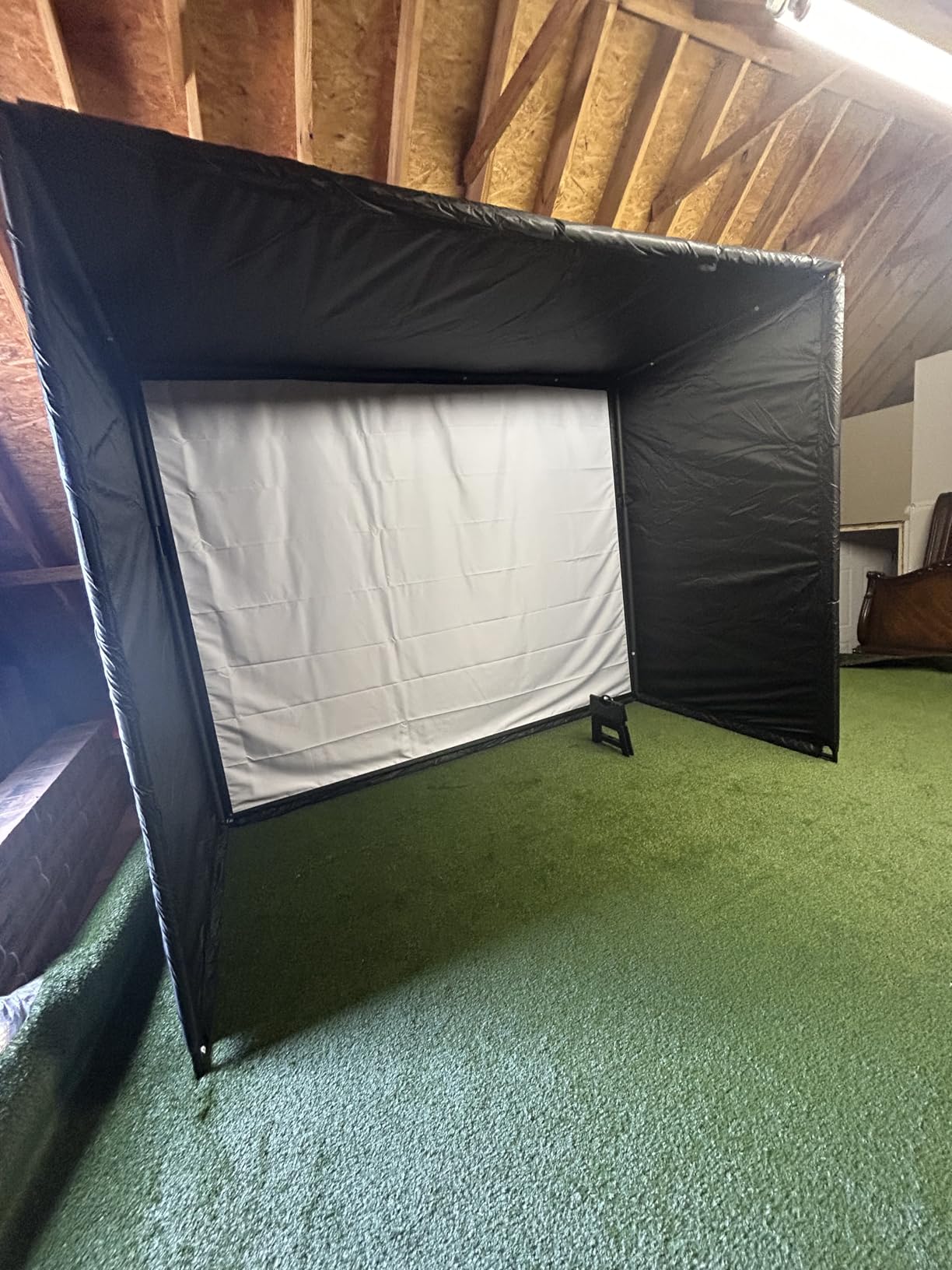
Forum consensus backs this one up. Across r/Golfsimulator threads, owners repeatedly name the R10 near the top for reliability, portability, a wide range of data points and reasonably accurate results. The recurring reservations in those same threads are about subscription-gated simulation features and the fact that the unit does nothing without a paired phone.
Stated club head speed accuracy is plus or minus 3 mph, which is the loosest number on the spec sheet here and worth knowing. Ball speed and angles are tighter. In practice the ball speed and dispersion data hold up well, and club speed is a relative measure rather than an absolute one.
What to check before you buy
Check that you are happy to read every number on a phone held in a bag strap or on a tripod. There is no built-in display, and in bright sun a phone screen at arm’s length is a genuine readability problem. The included phone mount attaches to a golf bag, which works well if you hit from a tee and stand beside the ball.
Also check what you want from the virtual course side. More than 42,000 courses require an active Garmin Golf subscription, and that is a recurring cost that has nothing to do with measuring a swing. You can use the monitor fully without it, but the simulation layer is the part that goes quiet without payment.
What to expect at the range
Set it on the included tripod roughly 1-2 metres behind the ball, mount the phone at roughly chest height, and the shot tracer plus dispersion chart do the rest. Owners report occasional dropouts and missed shots in heavy traffic at busy ranges, so the same placement discipline that matters for any unit matters more here.
What you get after a session is a per-club picture of where your gaps are. Hit a wedge ten times, look at the dispersion, and you can see immediately whether the problem is a pull or a push. That is the workflow this device is genuinely good at.
3. Swing Speed Radar – Best Budget Speed Trainer
Swing Speed Radar – Achieve Longer Drives – Delivers Precise Golf Club Swing Speeds from 20 to 200 MPH. Master Consistency with Our US Made Doppler Radar Training Tool for Instant Speed Results
Club head speed from 20 to 200 MPH
Plus or minus 1 mph stated accuracy
3.75 x 2 x 5.5 inches
Pros
- One button simplicity with an instant reading
- No ball required so a wiffle ball or speed trainer works
- Folds into a pouch that fits a golf bag
- Long battery life for repeated sessions
Cons
- Readings run high and scatter when a ball is struck
- Susceptible to interference from wifi and cell signals
- About 10-15 percent of swings are detected but not processed
- Batteries not included
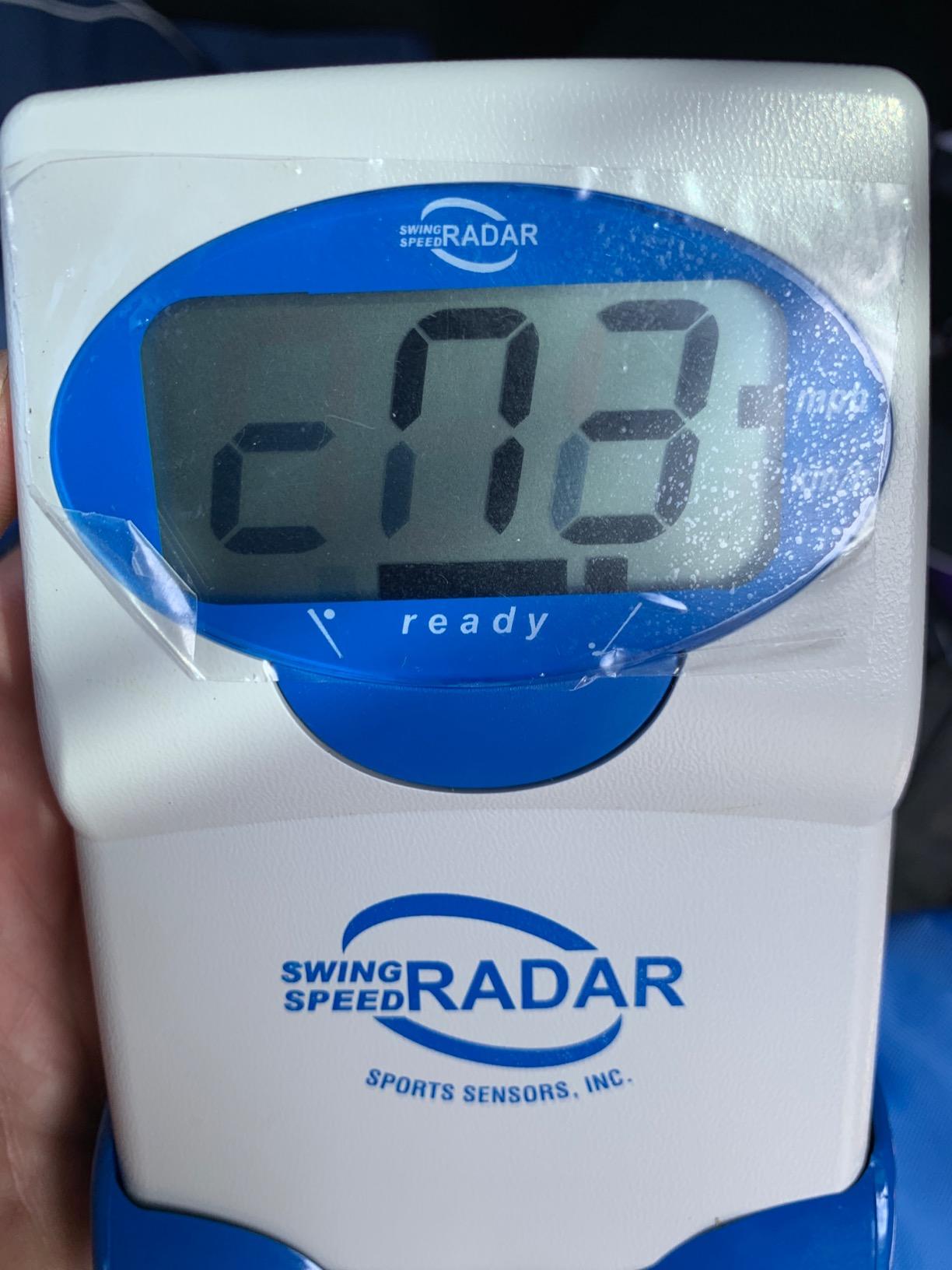
Everything else in this list is a data machine. This one is a single number, and for a lot of golfers that number is the only one that changes behaviour. Turn it on, swing, read the speed. No ball, no phone, no app, no subscription, nothing to line up beyond roughly pointing it at the ball.
It measures 20 to 200 MPH with a stated accuracy of plus or minus 1 mph, and it works with a wiffle ball, a Birdie Ball, a sponge ball, or the Stack System, RypStick and SuperSpeed Stick trainers. It weighs 9.44 oz and the whole unit folds into a pouch that goes in a side pocket. Three AA batteries, which are not included, run a long time in practice.
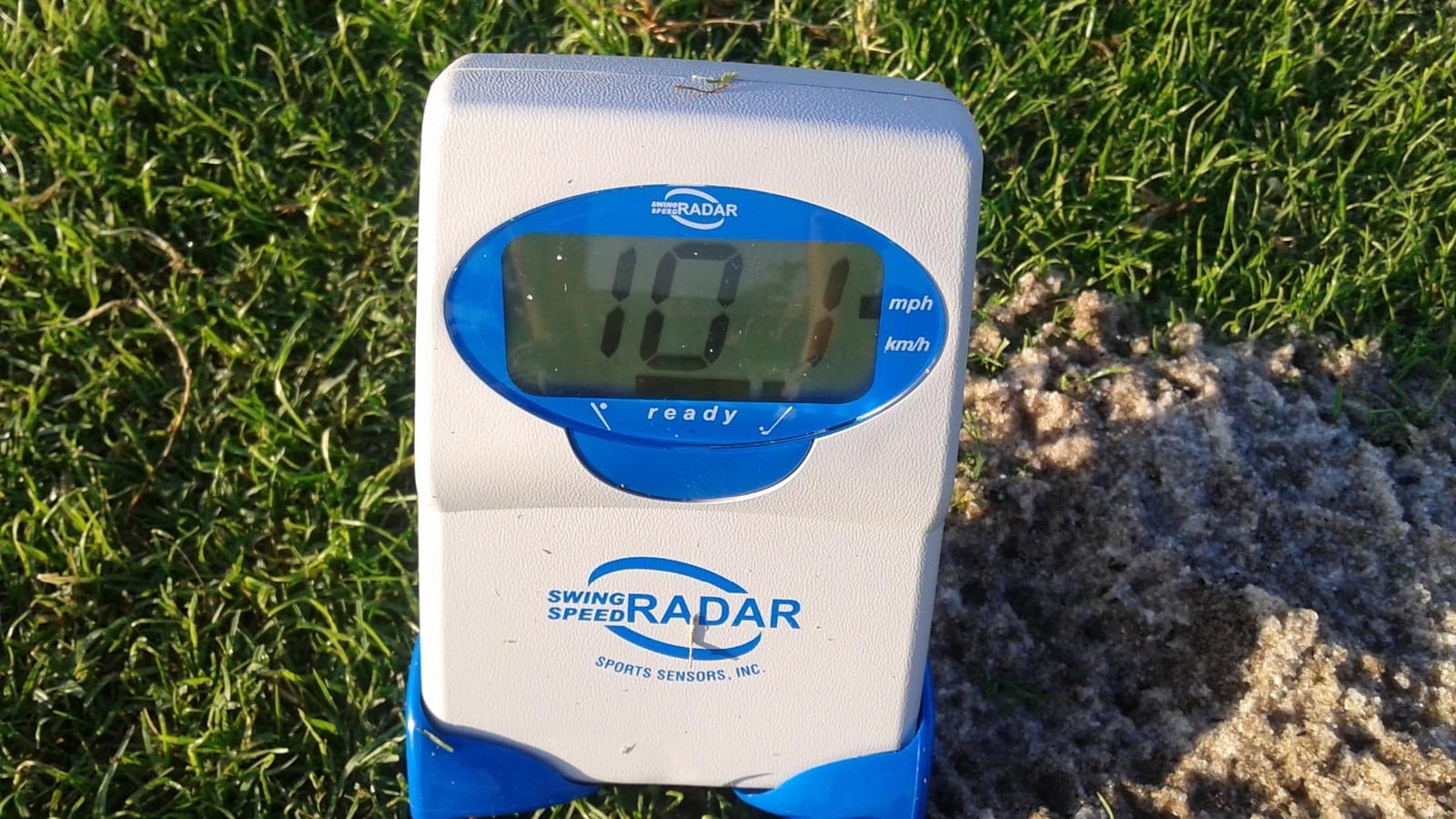
The honest framing is that this is a relative benchmark, not an absolute one. Owners who compared it to indoor launch monitors and a Trackman report numbers within a few mph, which is more than good enough to isolate the effect of a swing change day to day. What it is not good for is ball-flight truth – see the drawbacks below.
At a range it is genuinely useful in one specific way: speed work with a trainer, in a queue, without waiting for a bay. That is a real and underrated use. Many ranges let you hit from the grass, and this is the one device in the list that needs no level ground, no tripod and no screen glare to work.
What works well for range practice
Club head speed is the most honest feedback in golf for a large share of players, because it moves before technique does. Tracking it week to week tells you whether a change is working without you having to trust a launch angle. For a beginner or a re-struck player, that number alone justifies the device.
It also doubles as a backup on any trip where you do not want to carry a second battery. It is small, cheap enough that losing it in a golf bag is not a catastrophe, and it works anywhere you can swing something.
What to watch out for
Readings skew high when a ball is actually struck, because the radar picks up the club toe, and several owners report swings 10% or more above a launch monitor’s figure. A flashing display also means the swing was detected but not processed, which happens on roughly 10-15% of swings. Treat any single number as a rough reading.
Interference is the other issue. Wifi signals, cell signals and fluorescent lighting can all skew the result, and range buildings are full of cell repeaters. Compare against a pro shop machine once to know your personal offset, then work in those numbers rather than the raw figure.
4. Rapsodo MLM2PRO – Most Metrics Without the Premium Price
Rapsodo MLM2PRO Mobile Launch Monitor Golf Simulator | 3 Chrome Tour Balls
15 metrics, spin rate, spin axis, club path
Dual cameras, Doppler radar
Tripod, 3 marked balls
Pros
- 15 metrics at a price well below camera-based premium units
- Readings reported within a few percent of Trackman for carry and total
- Impact vision shows the clubface at contact
- Combine mode builds a routine around weak spots
Cons
- Connectivity problems are the most common complaint
- Premium membership needed for the full feature set
- Marked balls wear out and add a running cost
- Weak chipping and putting simulation
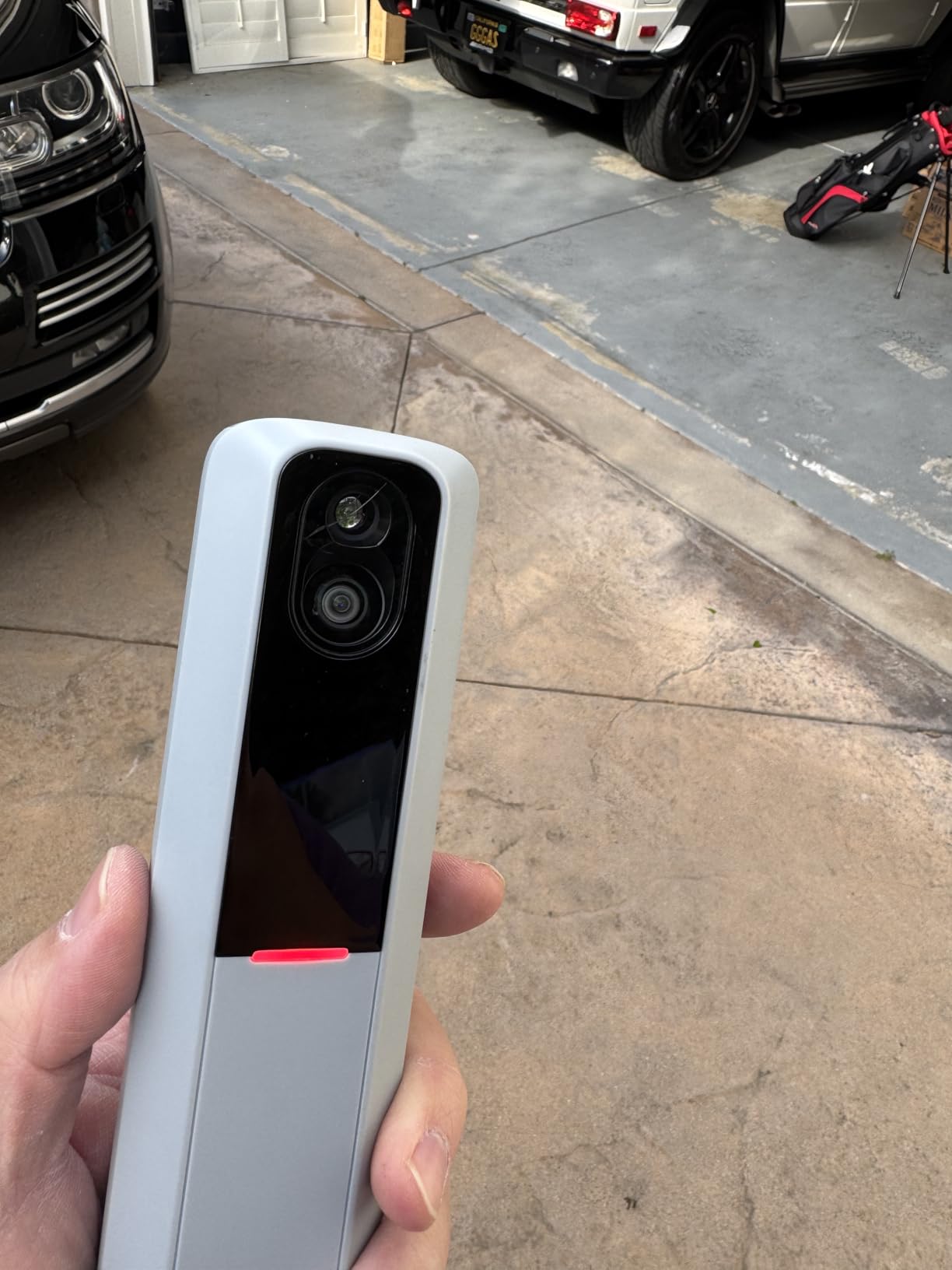
This is the closest thing in the list to what people mean when they ask for a cheaper alternative to TrackMan. Fifteen metrics including spin rate, spin axis, club path, launch angle and smash factor, measured by Doppler radar combined with dual cameras, on a handheld unit with a 3 inch screen and a tripod.
The dual cameras are the part that separates it from a plain radar. They capture the swing from any angle and give you a slow-motion impact view of the clubface at contact, which is how you actually diagnose a strike rather than inferring it. Owners who compared it to a Trackman report carry and total distance landing within 2-3%.
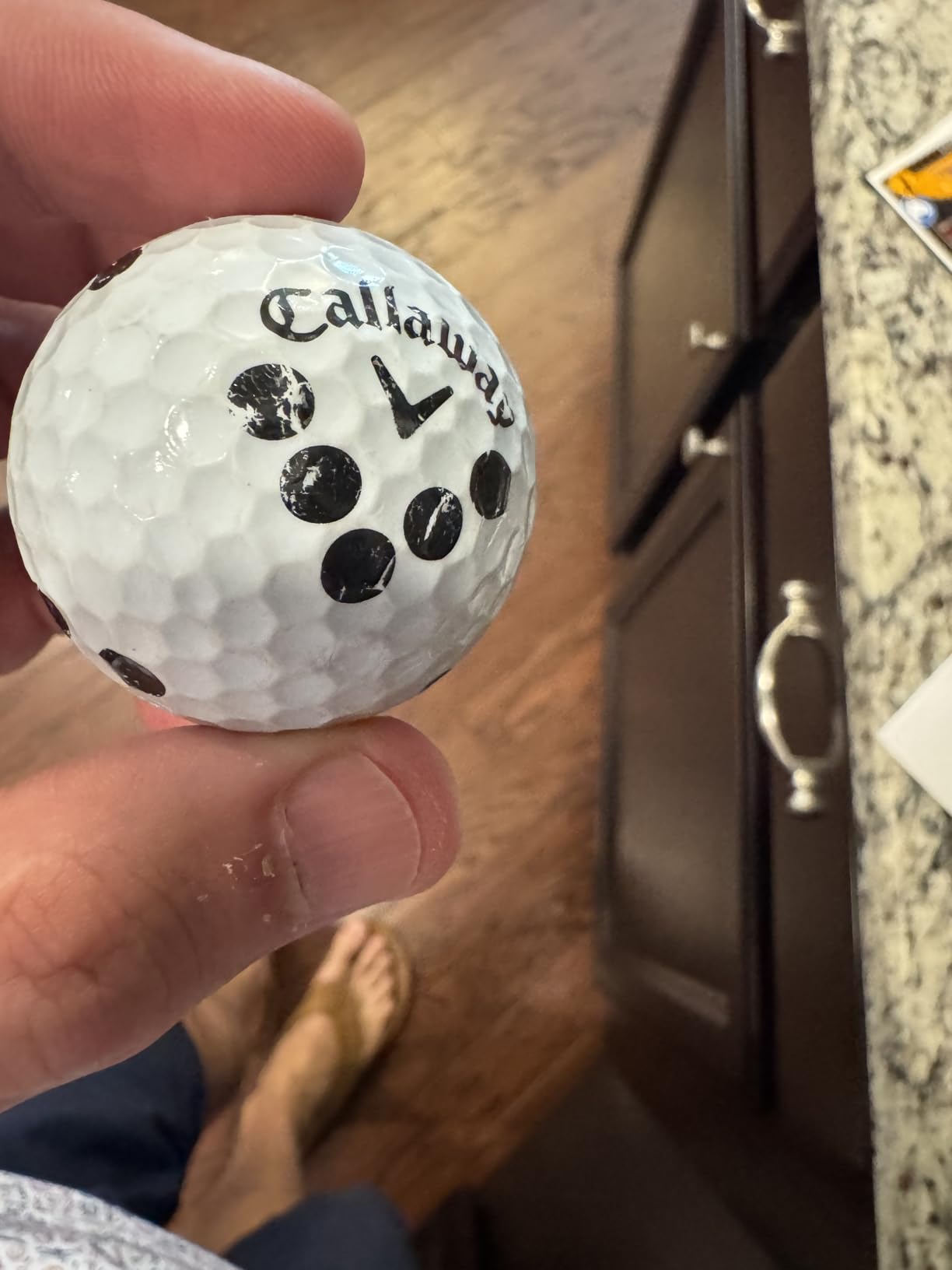
It ships with three Callaway RPT Chrome Soft X balls, which are marked balls. That matters at a range, because marked balls are the price of the spin data. You will burn through them and the replacement cost adds up over heavy use, so factor it into the running cost rather than treating it as a one-off.
The connectivity story is the weak point, and it splits owners cleanly. Users who connect directly device-to-device to an iPad or phone report a smooth experience. Users who try to run through shared wifi or a home network report dropouts and failed shot recordings, and that is the most common complaint in the reviews.
What it is genuinely good at
It is good at ball tracking with club context, which no radar-only unit in this list can offer. Spin axis and club path together let you see whether a wedge is spinning too much or the face is open, which is the question a driving range cannot answer on its own. Combine mode builds a practice routine around the weak spots in your data rather than making you design one.
Simulated play runs through Awesome Golf over Bluetooth, and a 45-day Premium trial is included. After that, the full feature set and 30,000+ simulated courses need a membership, either recurring or one-off. That is the hidden running cost to price in.
What to check before you buy
Check how you will connect it. Direct device-to-device is the reliable route, and that means carrying a tablet or a phone and managing the pairing each session. If your range has weak signal and crowded wifi, budget extra time for setup.
Also check the simulation expectations. Several of the 30,000 courses share the same plain background with little depth, and chipping and putting are weak, with greens reading as ice. This is a shot-tracking machine that plays virtual golf, not the other way around.
5. PRGR HS 130-A – Best Pocket Launch Monitor
PRGR HS 130-A Portable Golf Launch Monitor | Doppler Radar Measures Club & Ball Speed, Smash Factor, Total & Carry Distance | Tracks Swing Speed Training Aids
Club speed, ball speed, smash factor, carry
4.9 oz, IP54, AAA battery
500-swing memory
Pros
- Gives smash factor
- carry and total from a pocket-sized unit
- Measures club speed with or without a ball struck
- No app
- wifi or Bluetooth needed
- Memory holds around 500 swings for later comparison
Cons
- Radar readings need clean alignment behind the ball
- No video
- spin rate or launch direction
- Single-color LCD with limited post-shot detail
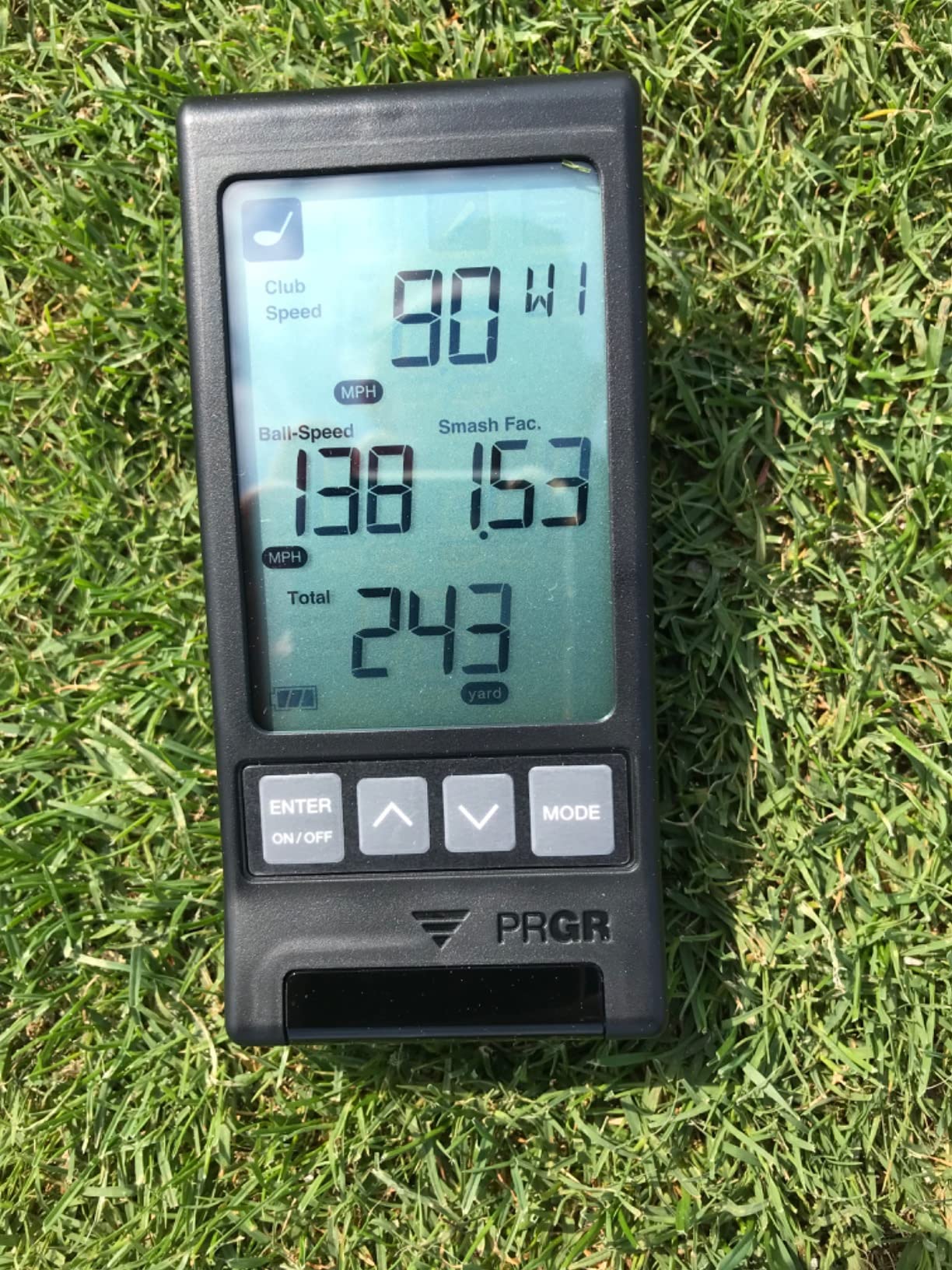
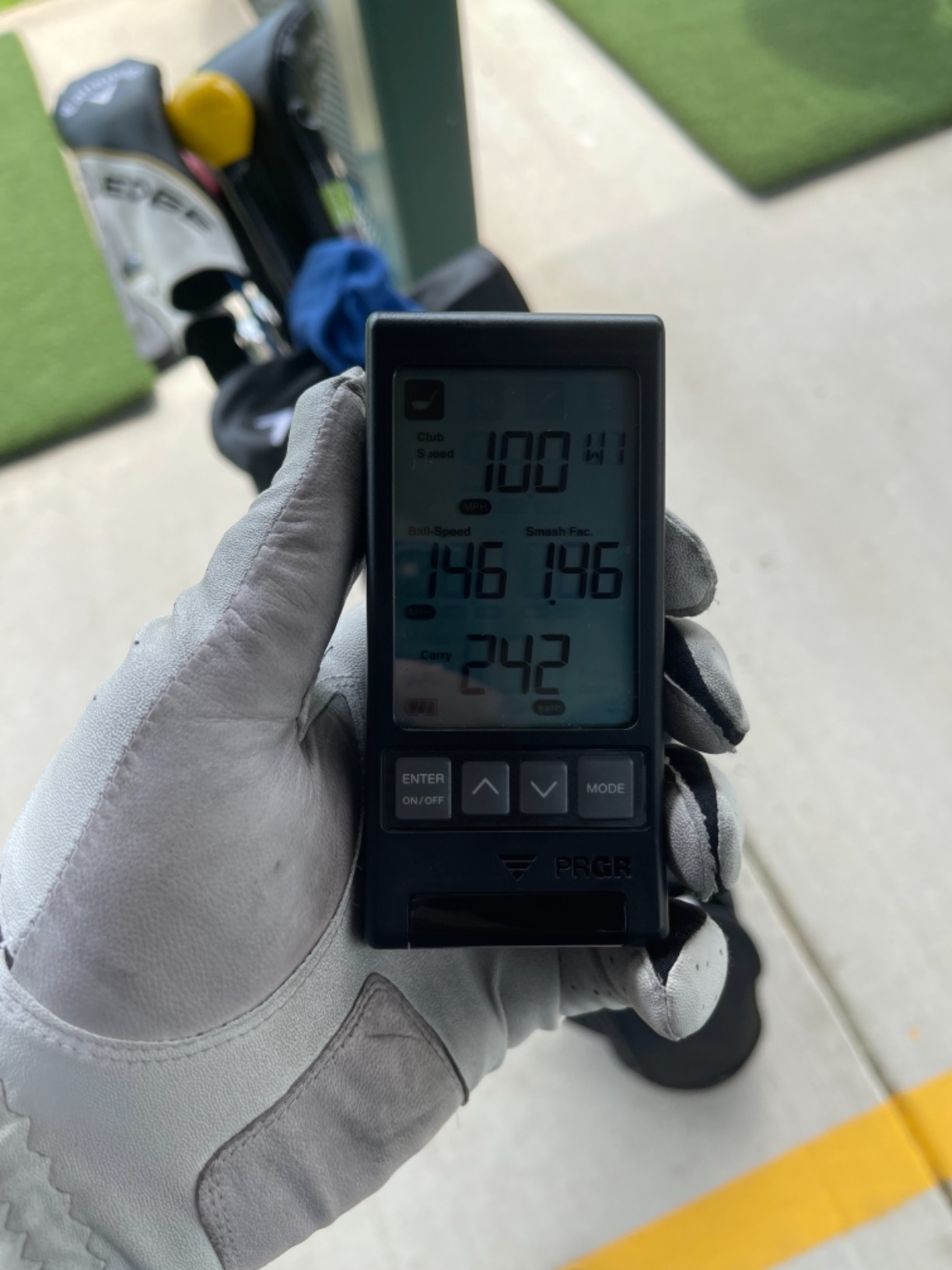
The PRGR is the answer to a specific question: can I get real launch monitor metrics at the range without a phone, a subscription or a marked ball? It can. The HS 130-A reports club head speed, ball speed, smash factor and both total and carry distance from a 4.9 oz unit that measures 3.03 by 1.69 by 5.63 inches and carries an IP54 rating.
It runs on AAA batteries with no app, no wifi and no Bluetooth. The memory holds roughly 500 past swings, so you can hit a session, walk back to the car, and still see your dispersion numbers. It also measures club head speed with no ball struck, which makes it a genuine swing speed trainer as well as a launch monitor.
Accuracy questions on this one come down to placement discipline rather than the hardware. Radar-based units need to sit directly behind the ball on the target line, and if you set the unit off-angle the readings drift. That is the single most common piece of advice across owner reviews: line it up behind the ball, not beside it.
It is also less fussy about lighting than a camera unit, which is a real advantage outdoors. There is no lens to worry about, no exposure to fight and no sunlight problem. In exchange you give up any picture of the swing.
When it fits the session
It fits sessions where you want a quick club-by-club carry check and then to keep hitting. Turn it on, hit ten balls with a wedge, read the carry, move on. The 500-swing memory means you can do that across a whole practice round of different clubs and still look at everything afterwards on the device screen.
It also suits golfers who dislike apps. There is no account, no login, no firmware and no cloud. AAA batteries and a button are the whole interface, which also means it will not break in a bag or need a software fix before the next outing.
What to know about the limits
Know that the data set is intentionally basic compared with camera-based units. There is no video, no spin rate and no launch direction, so you cannot diagnose why a ball behaved a certain way, only that it did. The single-color LCD also gives you limited post-shot detail, so you get the number rather than a trend line on the device itself.
And the alignment point deserves repeating because it is where these readings go wrong. Behind the ball, on the line, at a consistent distance. If you move the unit between shots to see the range, you have changed the measurement.
6. Voice Caddie SC200 Plus – Best for Ball-Free Speed Work
Voice Caddie SC200Plus Portable Golf Launch Monitor and Swing Analyzer with Real-Time Shot Data Tracking – 12-Hour Battery Life
Swing speed, voice output, loft angles
8 oz, pressure-calibrated radar
Up to 20 hours battery
Pros
- Swing speed mode works with no ball struck
- Voice output calls results so you never look away
- Stores shot data and per-club averages
- Barometric pressure calibration keeps readings steady
Cons
- No video capture or shot tracer
- Basic small LCD on the device
- Simulated distance is an estimate not a true flight reading
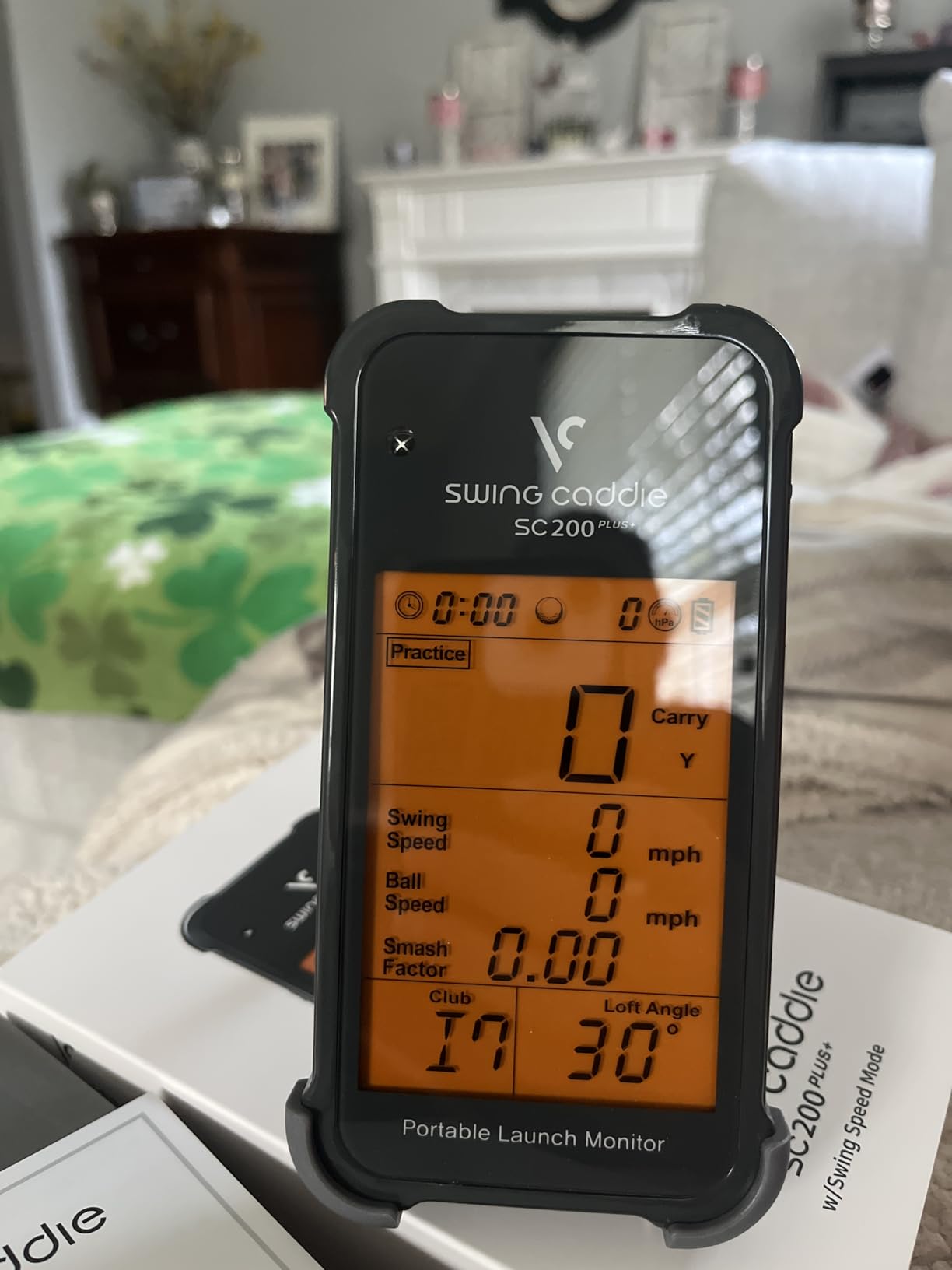
The SC200 Plus is the one here that announces your numbers out loud. That sounds minor until you are mid-swing and do not want to break your head position to check a screen, which is exactly the situation at a range. It reports swing speed, ball speed, smash factor and carry, then says them back to you.
The all-new swing speed mode is the feature that turns it into a range tool. Because it measures club head speed with no ball struck, you can work on speed in the practice area, in a car park, or on the tee without waiting for a bay. Reviewers consistently buy it for that loop rather than for ball tracking.
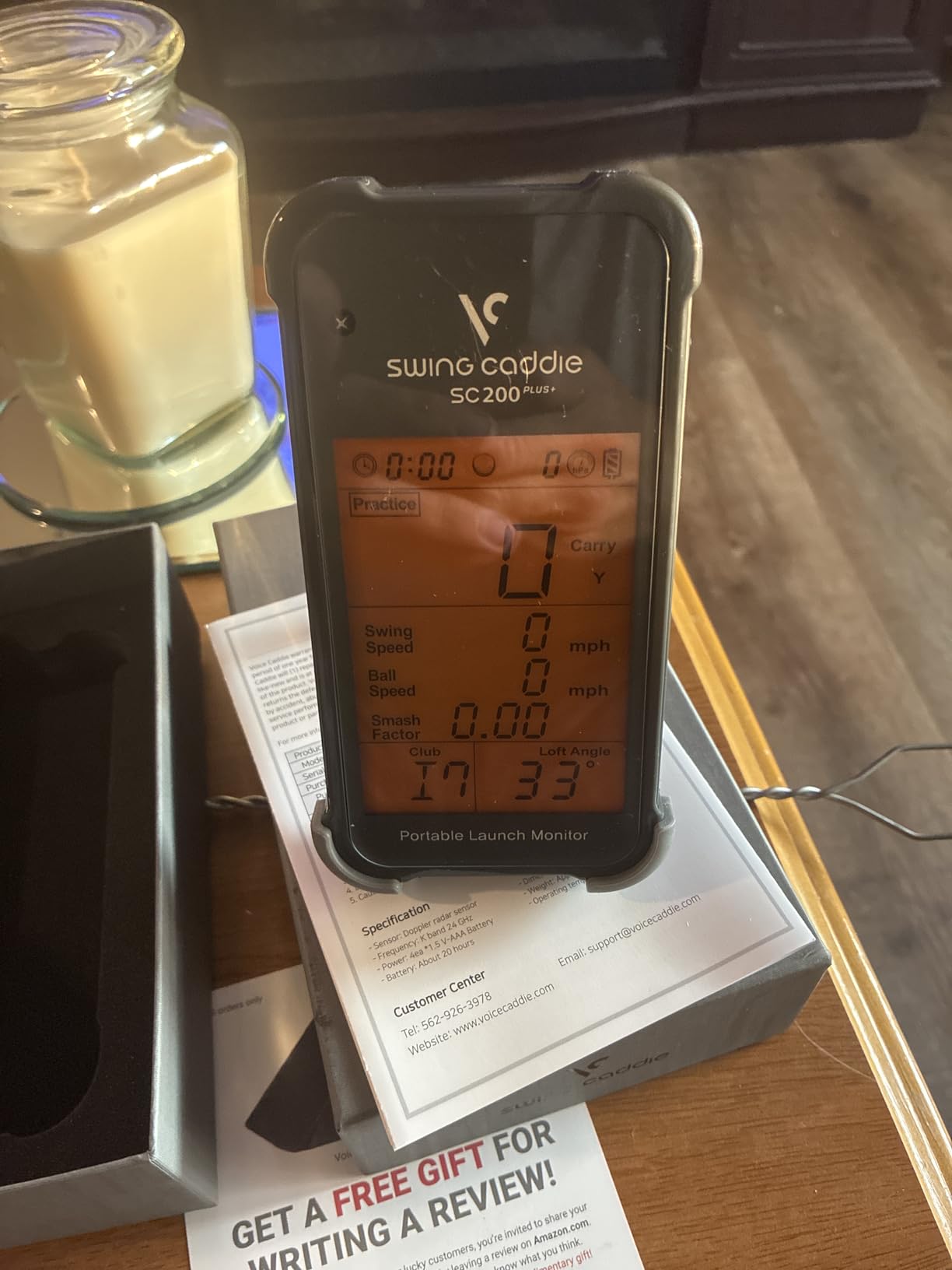
The Doppler radar is paired with atmospheric pressure calibration and adjustable loft angles, which is a genuinely thoughtful design choice for outdoor use. Air pressure moves through the day and across weather, and a unit that compensates for it holds its readings steadier than one that does not. Battery life is rated up to 20 hours, the longest in this group, and the 8 oz body is easy to carry.
At 8 oz in gray with a small LCD and an included remote, it is a simple object that does a simple job. Shot data and club statistics are stored for per-club averages, with no phone and no subscription involved anywhere.
Where it earns its place
It earns its place in a bag-based practice loop. Hit balls, then step aside and work on speed without a ball, then hit again. The voice output means you get the feedback without breaking your routine, and the adjustable loft angles let you simulate different clubs when you are working on speed alone.
It also suits anyone who wants practice numbers in a small space. The ball-free swing speed mode means you can use it indoors, in a garage or a spare room, which is a useful pairing with the range sessions this article is about.
Where it falls short
There is no video capture and no shot tracer, so diagnosis is numbers-only. That is the trade you make for the simplicity and the voice feedback. The on-device LCD is also small, which is another reason the voice mode matters so much in practice.
And the simulated distance is an estimate derived from swing speed and the loft angle you selected, not a true ball-flight reading. Treat it as a training estimate. If you need to know what your seven iron actually carries on grass, this will not be the device that tells you.
7. Garmin Approach G80 – Best for On-Course and Range Combined
Garmin Approach G80, All-in-One Premium GPS Golf Handheld with Integrated Launch Monitor, 3.5″ Touchscreen
GPS handheld plus launch monitor
3.5 inch sunlight-readable screen
15 hour battery
Pros
- Launch monitor folded into a GPS handheld you already carry
- 3.5 inch transflective screen readable in sunlight
- Tracks club speed
- ball speed
- smash factor and tempo
- 15 hour battery in GPS mode
Cons
- Launch metrics are thinner than dedicated units at this level
- No video capture or shot tracer
- Bulkier form factor than a pocket radar for pure range work
Most portable launch monitors force a choice: a device for the range, or a device for the course. The G80 removes the choice by putting the radar inside a full GPS handheld, with more than 41,000 preloaded colour course maps. If you already carry a Garmin, this replaces a device rather than adding one.
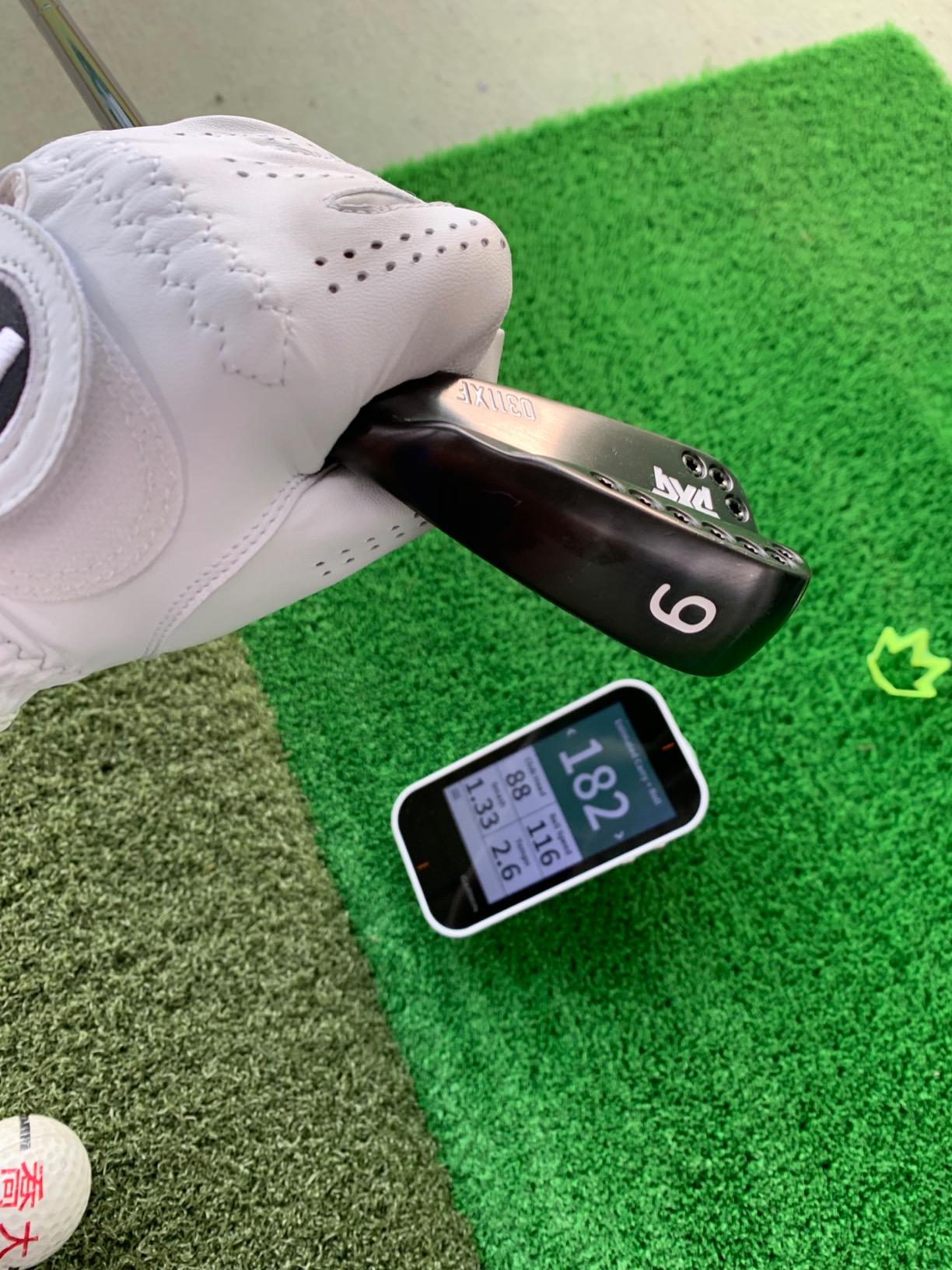
The integrated radar tracks club head speed, ball speed, smash factor, swing tempo and estimated distance, and the 3.5 inch transflective colour TFT touchscreen is the most sunlight-readable display in this entire roundup. Transflective screens are readable in direct sun in a way an LCD at this size simply is not, which matters more at the range than most spec sheets suggest.
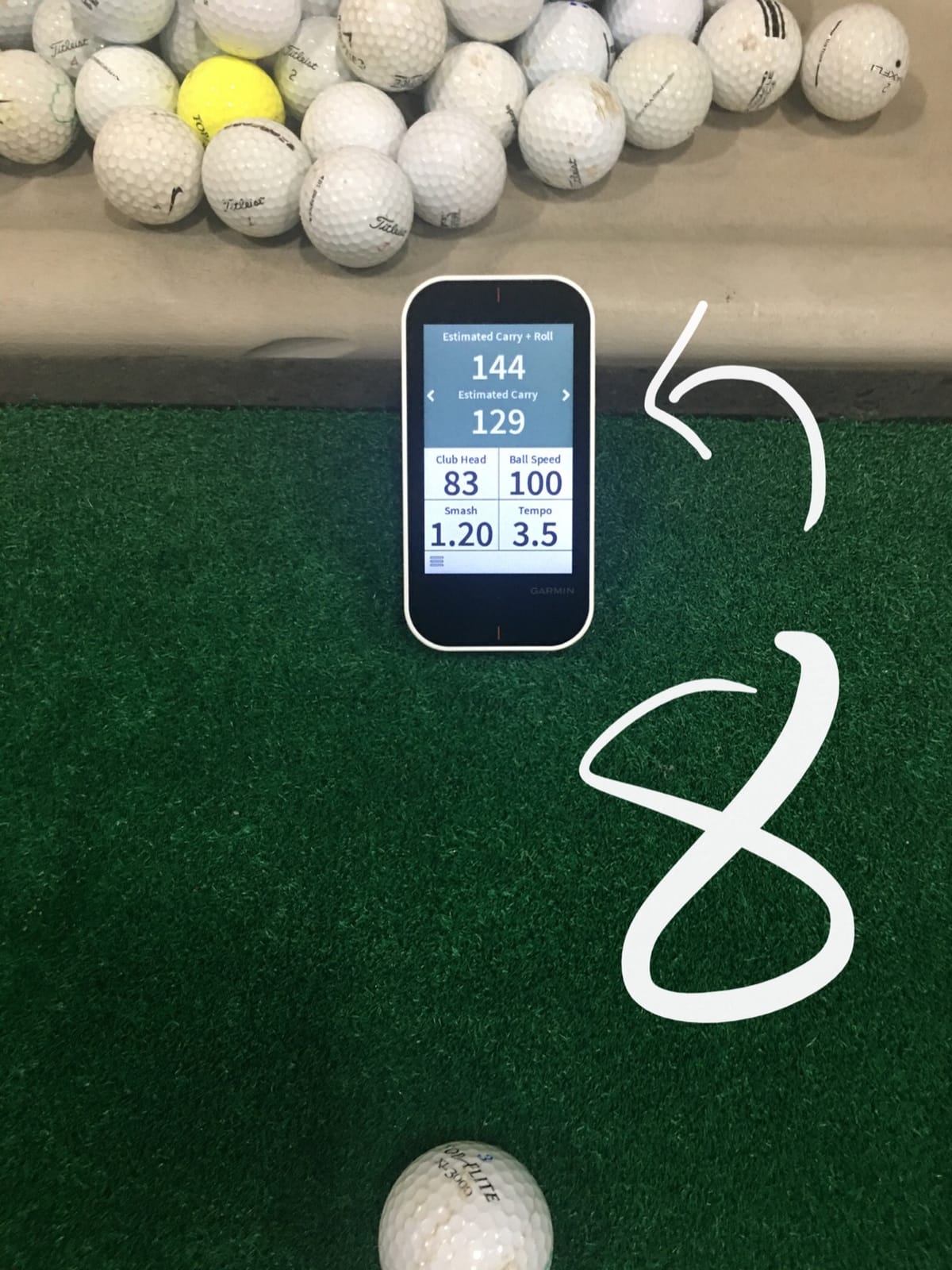
Quick-access buttons get you to the radar without navigating menus, and the rechargeable battery runs up to 15 hours in GPS mode. At 4.16 oz and 2.3 by 4.5 by 0.6 inches it is the lightest unit here, and practice and game modes handle skill testing alongside course play.
Reviewers who already carry Garmin gear like not managing a second device and a second battery on the bag. The radar readout works well as a consistency check during a round, and a buyer with a long-standing Garmin G80 found it good for locking down distances at the range.
Reasons to pick it
Pick it if course use matters as much as range use, because the navigation half is genuinely strong rather than a gimmick. Over 41,000 course maps, a colour touchscreen and 15 hours of battery is a complete on-course tool, and the launch monitor functions as a bonus rather than the whole product.
Pick it for screen readability. The transflective display is the clearest option here outdoors, and you can read it mid-session without shading it with your hand. That solves the glare problem that pushes people toward phone-based units in the first place.
Reasons to skip it
Skip it if launch data depth is your priority. The metrics are club head speed, ball speed, smash factor, tempo and estimated distance, which is thinner than dedicated units at a comparable level, and there is no video and no shot tracer at all. You get consistency numbers, not diagnosis.
The form factor is also a consideration. At 4.16 oz it is light, but a handheld with a 3.5 inch screen is a larger object in the bag than a pocket radar, and on a range session where you only want swing speed it is more than you need.
8. The Stack Radar – Highest Rated in the Group
TheStack™ Radar – Portable Golf Launch Monitor, Swing Speed & Ball Tracker
Swing speed, ball speed, carry, smash
0.12 kg, Bluetooth, iOS/Android
Wedging and Putting apps
Pros
- Highest rated unit here with strong sentiment from owners
- Measures swing and ball speed plus estimated carry and smash factor
- Stack Wedging gives gamified skill-specific wedge sessions
- Trusted by 2022 US Open champion Matt Fitzpatrick
Cons
- Stack Wedging is iOS only
- no video capture or spin rate
- Small review base so long-term field history is limited
The Stack Radar holds the highest rating in this roundup at 4.6, and reviewers describe it as precise and reliable. At 0.12 kg it is the lightest device reviewed, and it measures swing speed and ball speed before calculating estimated carry distance and smash factor over Bluetooth to TheStack App on both iOS and Android.
What separates it from the other light units is the practice ecosystem around it. Stack Wedging delivers gamified, skill-specific wedge sessions, and Stack Putting adds guided practice sessions. That matters at a range, because wedge work is exactly what a bag of range balls is for, and a wedge drill with feedback beats hitting fifty balls of the same seven iron.
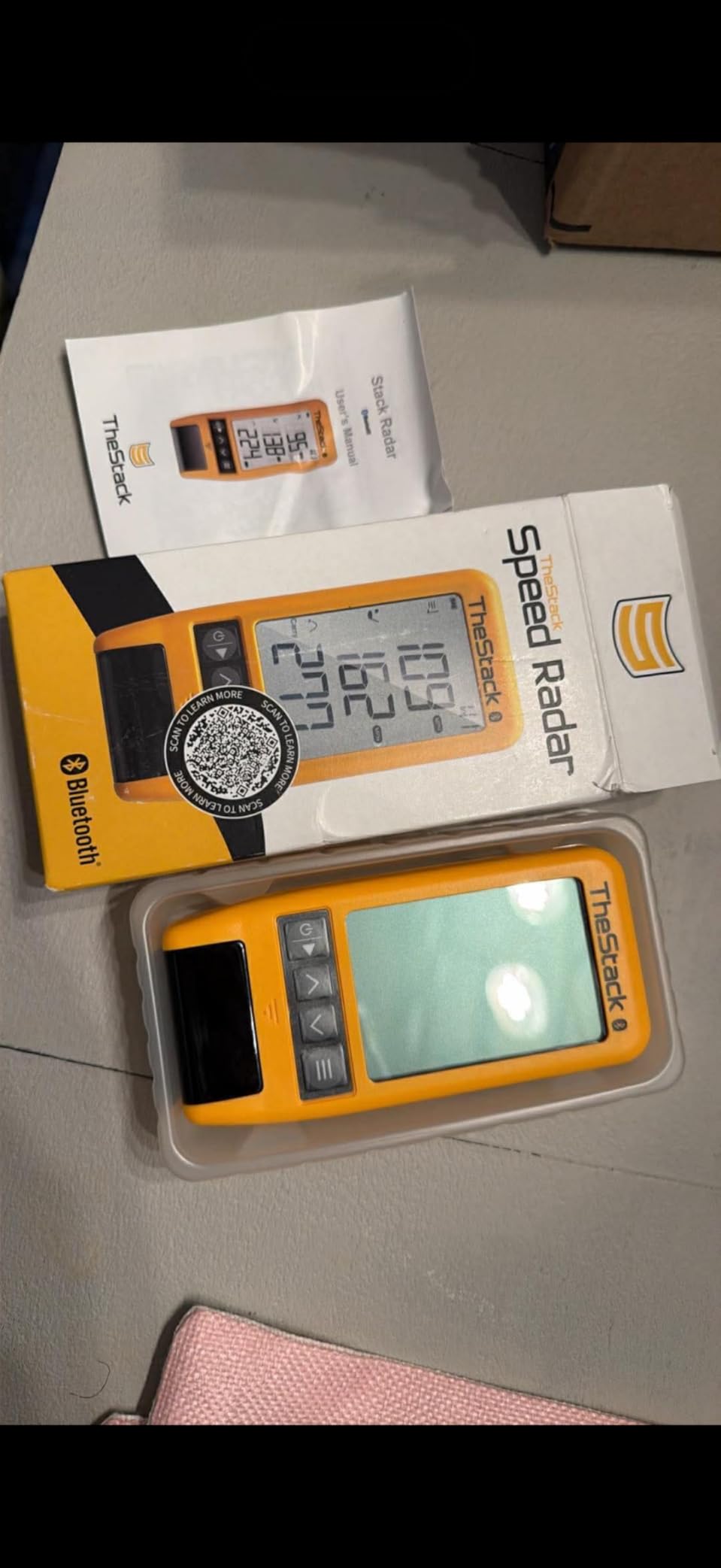
One of the pros listed for this unit is that it is used by a 2022 US Open champion for speed training, which tells you something about how the brand positions it. It is a training-first tool rather than a measurement-first one, and the numbers it gives are consistent rather than exhaustive.
Be aware of the review base, though. Sixty ratings is a small sample compared with several thousand elsewhere in this list, so treat the sentiment as encouraging rather than settled. The stated limitation is platform dependence: Stack Wedging needs an Apple device on iOS 15 or later, and Android support covers speed training only.

Where it fits a range session
It fits sessions built around speed and wedges rather than ball-flight analysis. If your goal this week is a faster driver delivery through a tighter window, the speed and ball speed readings are enough, and the app-based sessions give the practice a structure that a bare number does not.
It is also the easiest to carry of everything reviewed. At 0.12 kg with a Bluetooth connection rather than a screen to read, it disappears into a bag pocket and never becomes a packing decision.
Where it does not fit
It does not fit if you need spin rate, launch angle or launch direction. There is no video capture and no shot tracer, so this is a speed and smash factor tool rather than a launch monitor in the fuller sense. Carry distance is calculated, not measured, which is a different thing entirely.
Android users also lose the wedge app, which is the main reason to own it. Check your platform before you buy, or you will end up with a good speed trainer and none of the practice structure that made it interesting.
9. TAGCMC GX-10 – Best With Environmental Sensors
Golf Launch Monitor & Portable Simulator, Tracks 13+ Metrics Swing Analysis
Temp, humidity, pressure sensors
Attack and launch angle
3D range, iOS and Android
Pros
- Environmental sensors adjust shot data to conditions
- No subscription required
- Supports both iOS and Android
- 3D range with trajectory and video recording
Cons
- Out-of-box readings run high and need sensitivity adjustment
- Some buyers report connection and charging problems
- Limited long-term review history
- Review feed includes reviews that appear to cover other products
The GX-10 is the only unit in this roundup with built-in temperature, humidity and barometric pressure sensors, and that is a genuinely interesting idea for range work. Weather moves through a session and your readings should account for it, and having the device measure the conditions itself removes one variable you would otherwise be guessing at.
The metric set covers attack angle, launch angle, a swing-only mode and clubface impact visuals, with a 3D virtual driving range offering 45 and 90 degree views plus trajectory and video recording. It runs on iOS 11+, Android 11+ and HarmonyOS 4.0+, in English, Chinese and Japanese, with no subscription required at any point.
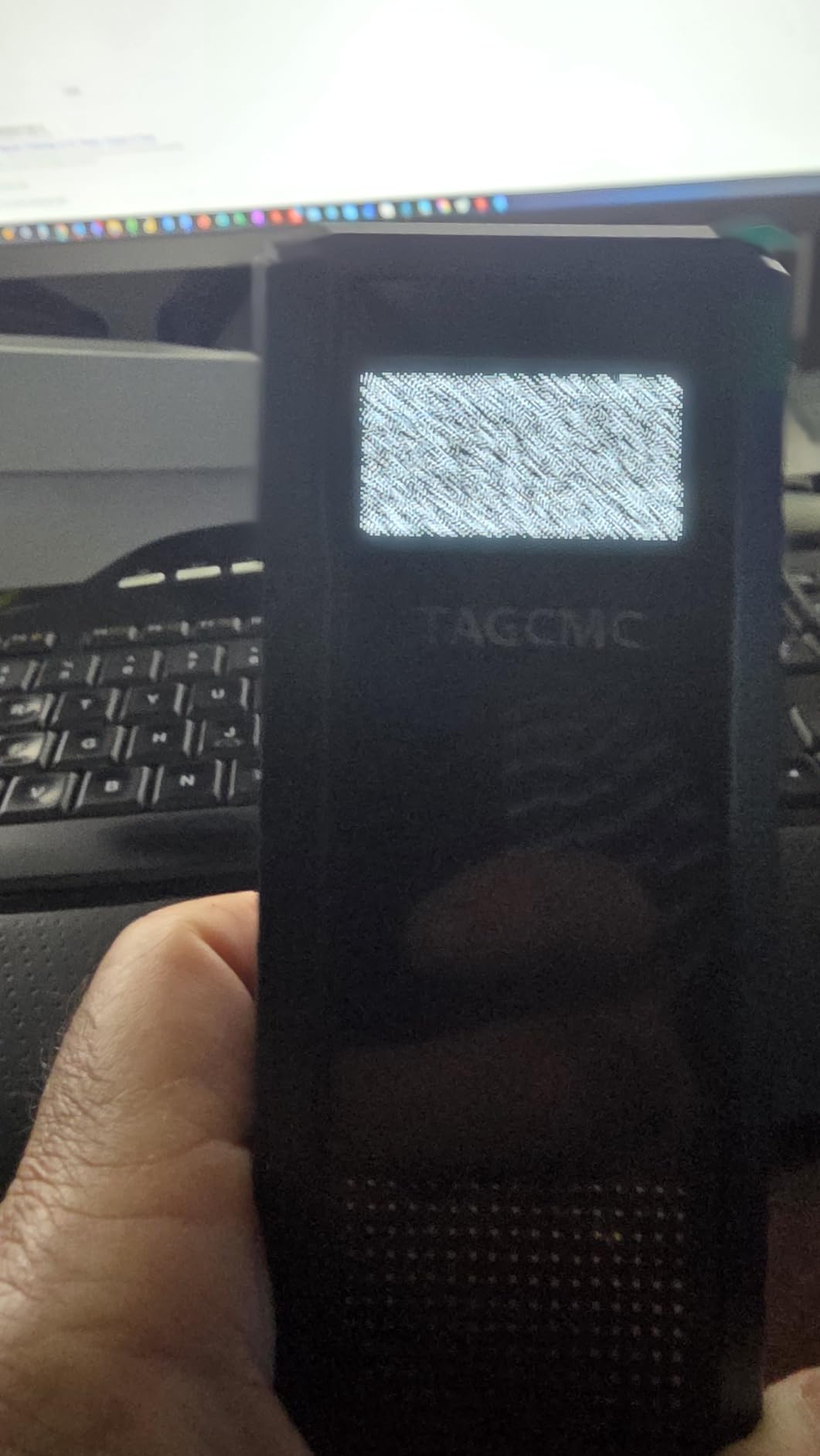
Here is the honest part. Out of the box, readings run high on speed metrics, and the adjustable sensitivity control exists precisely for that. Golfers who compared it against a trusted reference monitor liked dialling sensitivity down to roughly 93-94% until the numbers matched, which tells you the calibration is possible but also that it is required.
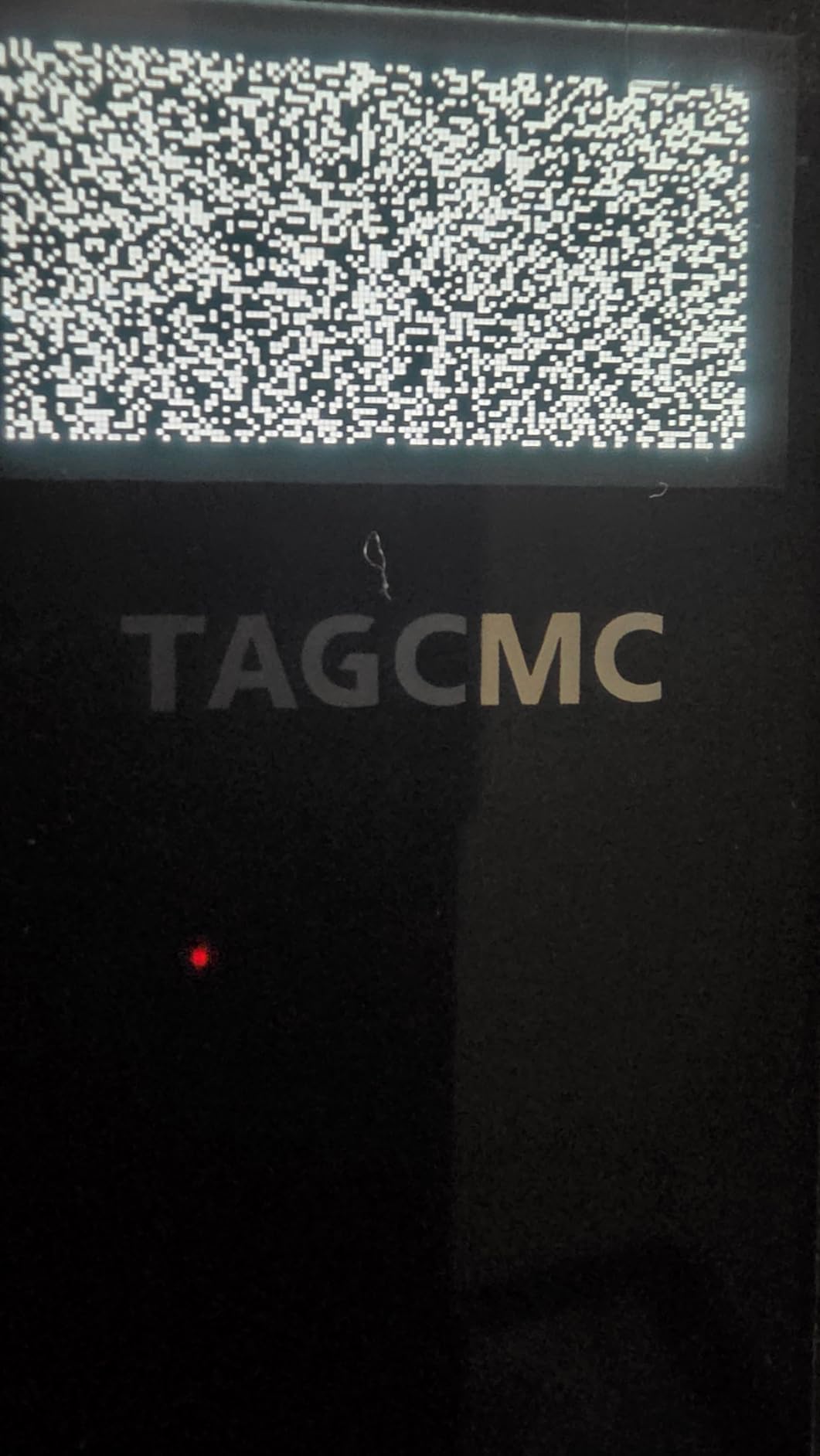
Other buyers hit pairing or charging problems out of the box, and with about 94 reviews the signal is thin. Several reviews on the listing appear to cover other products entirely, so treat the sentiment as low-signal. The listing became available recently, which makes it one of the newest devices here.
What is worth knowing
The calibration story is the deciding factor. A device that can be tuned to match a reference monitor is genuinely useful, because it means the sensitivity dial becomes a tool rather than a workaround. Do the comparison once against a pro shop unit or a machine you trust, set the percentage, and the readings hold from there.
The absence of a subscription is also worth real money over a few years. No membership, no recurring fee, no reduced feature set after a trial. For a range-only buyer who wants the data and not the simulated course, that is a cleaner arrangement than most.
What to weigh against that
Weigh the thin track record against the risk. A device with a handful of reviews, recent availability and reported charging failures is a harder bet than something with 1,000+ owners. Forum discussion of new entrants generally treats them cautiously, and that caution is reasonable here.
The metal build and the 1.4 lb package weight also make this the bulkiest item reviewed, which undercuts the portable premise if you are walking to a distant range tee. Check the package dimensions before you commit to carrying it in a trolley bag.
10. Rypstick RypRadar – Best for No-Contact Speed Work
RYP Golf Radar Swing Speed Monitor and Radar for Rypstick
Club head speed, no ball, no contact
MPH and KPH, 10 swing memory
Voice feedback
Pros
- Measures club head speed with no ball and no contact
- Voice feedback announces every speed
- Keeps the last 10 swings on the unit
- Owners who checked against pro shop readings report consistent numbers
Cons
- Heavy battery drain can flatten 5 AA batteries in one session
- Buttons feel cheap and the unit has powered itself on
- Some readings run high by 10+ mph on driver
- Batteries not included
The RypRadar does one thing: it measures club head speed while you work with a Rypstick, driver or iron, with no contact and no ball. It announces the speed out loud after every swing, reads in both MPH and KPH, and stores the last 10 swings on the unit so you can compare them without any app.
Several owners who checked it against pro shop readings or a Mevo+ found the numbers close, which is encouraging for a tool this simple. It is designed for speed training rather than ball tracking, and used that way it does exactly one job cleanly.
The battery situation is the practical problem. It runs on 5 AA batteries, which are not included, and owners report a 45-minute session can flatten all five. On a two-hour range visit that is a real interruption, and it is the most common complaint in the reviews by a distance.
Build quality is the second concern. The buttons are described as cheap and flimsy, and more than one owner has had the unit power itself on. Accuracy complaints exist too, with some drivers reading 10+ mph above expectation, which is a wider error band than the simple design deserves.
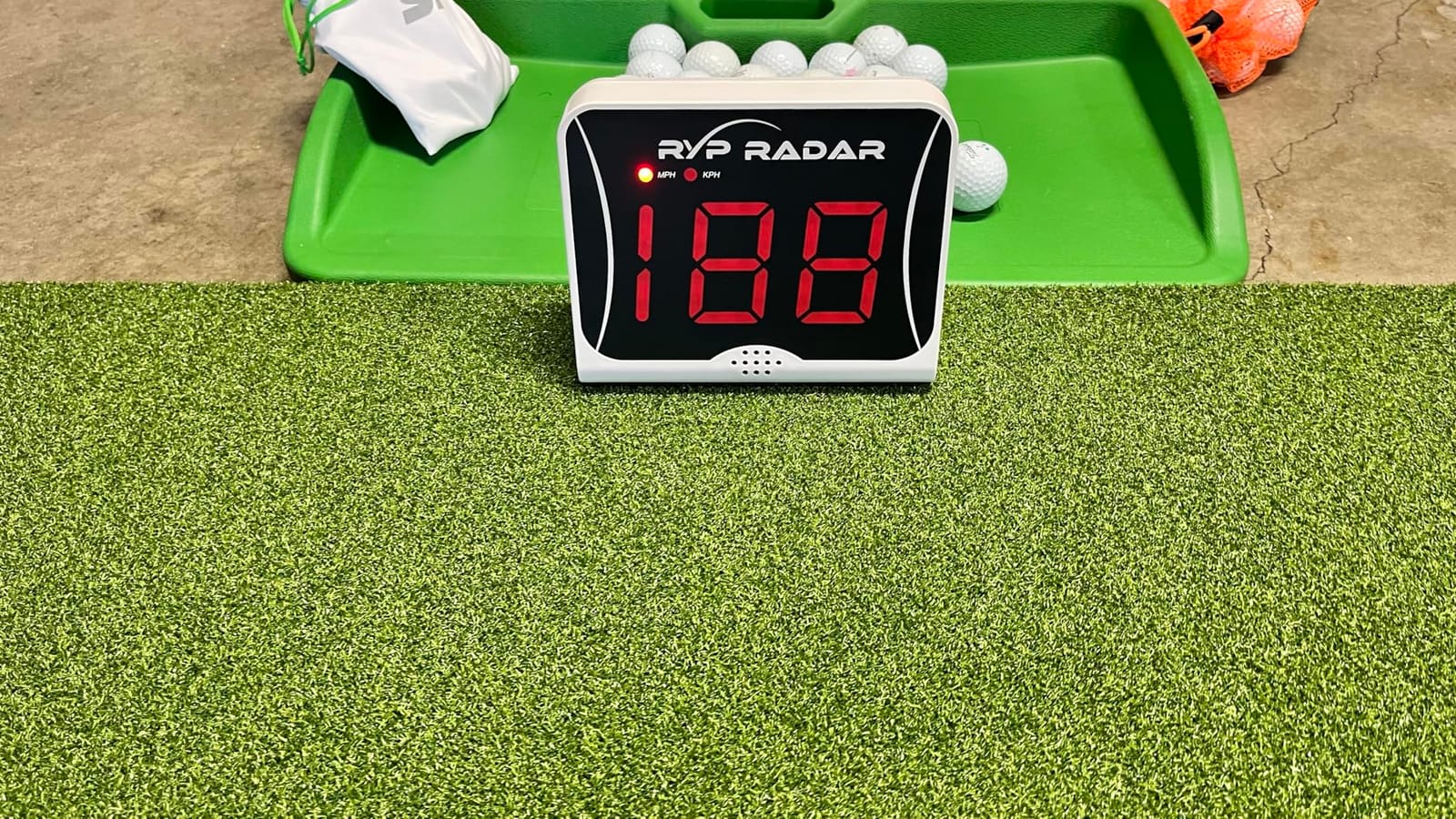
What it is good for
It is good for focused speed work away from a bay. No-contact measurement means you can work through a long block of swings without stopping to collect balls, and the voice feedback means you never break your setup to look at a display. The 10-swing memory is enough to see a trend within a single set.
It is also the cheapest route into measuring swing speed at all, and if you already own a Rypstick it is designed for exactly that pairing. For a single number done reliably and repeatedly, the simplicity is the selling point.
What to watch for
Carry spare batteries, because they are not included and the drain is heavy. Budget for a fresh set every session or two rather than assuming a single pack lasts a morning.
Also note the placement. The unit is designed to sit in front of the swing, which means it would be damaged if you struck balls at it. Do not set it up in a hitting area where a stray shot reaches forward, and check your readings against a reference before you trust a driver number.
Which Portable Golf Launch Monitor Is the Most Accurate?
The Garmin Approach R10 is the most accurate unit in this group, with published tolerances of plus or minus 1 mph on ball speed and plus or minus 1 degree on both launch angle and launch direction. The Rapsodo MLM2PRO comes closest on richness of data, with owner comparisons putting its carry and total distance within 2-3% of a Trackman. No sub-200 dollar device here approaches either.
Published accuracy is only half the story, because outdoors everything interacts. Sun glare affects camera-based units more than radar, wind affects measured carry independently of the device, and uneven grass changes where the ball actually sits. The G80’s transflective screen is the most readable outdoors, and the PRGR and SC200 Plus need no screen at all, which removes the problem rather than solving it.
Then there is the caveat that matters most in practice: accuracy drops on mishits and off-centre strikes. That is a repeated theme across owner feedback for every category of device, with users describing readings that are not very accurate especially on miss hits, and flight-path inconsistencies on thin contact. If you are comparing two units, test them on your five worst strikes rather than your best one.
Radar units also need placement discipline in a way cameras do not. Sitting directly behind the ball on the target line, at a consistent distance, is what keeps PRGR and Swing Speed Radar readings stable. Move the unit between shots and you have changed the measurement.
How to Set Up a Launch Monitor at the Driving Range
Most range failures are setup failures, not hardware failures. Work through these seven steps in order and you will get usable data on the first bag rather than the third.
Place the unit 1-2 metres behind the ball, on the target line. Radar units need to be directly behind the ball and drift if you set them off-angle. Mark the spot with a tee so you return to the same position every shot.
Use a tripod if the device has one, or bag-pocket placement if it does not. The Garmin R10 ships with a tripod and a phone mount. For a pocket radar, height barely matters, but the fore-aft distance does.
Mount the phone or tablet where you can read it without breaking your setup. The magnetic tablet mount arrangement that shows up repeatedly in range-use discussions is the practical version of this: screen at roughly chest height, angled toward you.
Choose balls you can actually get at the range. Radar and plain Doppler units read yellow range balls happily. Camera-based units that need marked balls do not, so either bring your own or accept a reduced data set.
Account for screen glare before you start. If your display washes out in sun, shade it with a hat, a towel or your own body. The G80’s transflective screen is the exception here, and it is why it wins on readability.
Connect directly to the device where you can. Direct device-to-device pairing is more reliable than shared wifi, which is the most common MLM2PRO complaint. Set it up before you leave the car, not in the queue.
Pack the power kit. A power bank, a charging cable, spare batteries for the AAA and AA units, and a clear case. Forum discussion of outdoor use keeps circling the same anxiety: no power at the range and a dead battery mid-bag.
What Balls Can You Actually Hit at the Range?
Start with the type of unit. Doppler radar units measure the reflected signal off the ball, so a yellow range ball or a practice ball is fine – the PRGR, the Voice Caddie and the Swing Speed Radar all read them without issue. These devices do not care what is printed on the ball, which is precisely why they are the easiest to take to a range.
Camera-based and dual-camera units are different. The Rapsodo MLM2PRO ships with three Callaway RPT Chrome Soft X marked balls, and spin rate and spin axis data depend on that marking. Take those balls to the range in a separate pocket, keep them away from range balls, and accept the consumable cost. Marked balls wear out and the replacement spend adds up over heavy use.
Limited-flight balls introduce a second problem. A ball that is designed to stop after 60% of its distance will not produce a real carry figure, so any carry number the device reports is a model output rather than a measurement. That is fine for a swing-speed session and useless for distance calibration.
If you mainly want club speed, ball speed and carry, any ball works. If you want spin axis and a diagnosis of why a wedge does what it does, bring your own marked balls and treat that as part of the running cost of the device.
How to Choose a Portable Launch Monitor for Range Sessions
Budget first, because it decides most of the trade-offs. Under roughly 500 dollars you are choosing between a pocket radar that gives you speed, smash factor and carry with no phone, and a phone-paired unit that adds a tracer and a shot map. Around the low thousands you enter the full-metric tier with spin rate and spin axis, plus dual cameras for club context. Above that you are buying a system rather than a range tool, and for range-only use the extra spend rarely pays back.
Second, be honest about battery life per session. A two-hour bag session with a warm-up is the realistic benchmark, not a lab figure. The R10’s 10 hours and the SC200 Plus’s 20 hours cover a full day with room to spare. The RypRadar’s AA batteries do not, and the swing speed radar’s AA cells will comfortably last a morning but need spares in the bag.
Third, price the running cost honestly. A premium membership is required for the Rapsodo MLM2PRO’s full feature set, including its 30,000+ simulated courses, either as a recurring fee or a one-off. The Garmin R10’s 42,000+ virtual courses need an active Garmin Golf subscription. Marked balls are a consumable line item. None of these are hidden once you look, but all of them are invisible if you only read the headline number.
Fourth, look at the metrics you will actually use outdoors. Ball speed, club speed, launch angle and carry work everywhere. Spin rate and spin axis need marked balls. Club path, face angle and attack angle need a camera system and a careful strike. Angle of attack and deviation distance only come from the larger dual-camera devices, and at a range they are interesting rather than essential.
Fifth, consider the display and the weather. IPX7 waterproofing on the R10 means rain is not a reason to pack up. IP54 on the PRGR covers dust and splash. Sunlight readability is the thing competitors skip: a transflective screen beats an LCD in direct sun, and a unit with no screen at all beats both if you only need two numbers. A phone-based display inherits the glare problem of every phone.
Finally, weigh track record against novelty. The Stack Radar holds the highest rating in this group at 4.6 but has 60 ratings behind it, and the GX-10 has about 94 reviews and recent availability. Forum discussion of new entrants is consistently cautious, and mixed reports on accuracy are the reason. A 4.2 with 1,154 reviews tells you more about what your next 500 sessions will feel like than a 4.6 with 60 does.
One last practical point on travelling. Any of these fits in a golf bag alongside clubs, but a full bag session means carrying a power bank, a cable and a case. If you are walking to a distant tee rather than driving to a bay, a 340 g monitor plus a power bank plus a tripod is a lot of loose weight. The pocket radar units exist for that reason.
Frequently Asked Questions
Which portable golf launch monitor is the most accurate?
The Garmin Approach R10, with published tolerances of plus or minus 1 mph on ball speed and plus or minus 1 degree on launch angle and launch direction. The Rapsodo MLM2PRO is the closest rival on data richness, with owner comparisons putting carry and total distance within 2-3% of a Trackman. Accuracy drops on mishits and off-centre strikes for every device, radar or camera.
How accurate are golf launch monitors?
Good portable units hold ball speed to about 1 mph and launch angle to about 1 degree, which is enough to trust day-to-day consistency work but not enough to chase a single number. Accuracy degrades noticeably on mishits and thin contact, and radar units need to sit directly behind the ball on the target line. Wind and uneven range turf change the real result independently of the device.
Is there a cheaper alternative to TrackMan?
The Rapsodo MLM2PRO is the closest budget alternative, giving 15 metrics including spin rate, spin axis and club path from Doppler radar plus dual cameras, with owner comparisons putting carry and total distance within 2-3% of a Trackman. The Garmin Approach R10 is the alternative if you want the broadest reliable data set with a 10 hour battery. Neither is a TrackMan in club-face detail, but both are usable for real swing work.
Do I need marked balls to use a launch monitor at the range?
Only if you want spin data. Doppler radar units such as the PRGR HS 130-A, Voice Caddie SC200 Plus and Swing Speed Radar read yellow range balls and practice balls without trouble. The Rapsodo MLM2PRO needs marked balls such as the Callaway RPT Chrome Soft X supplied in the box, and those are a consumable running cost. Limited-flight range balls will not produce a real carry figure on any device.
How long does a launch monitor battery last at the range?
For a full two-hour bag session, the Garmin Approach R10 at 10 hours and the Voice Caddie SC200 Plus at 20 hours both cover the day comfortably, and the Garmin Approach G80 runs up to 15 hours in GPS mode. Units that take AAA or AA batteries need spares in the bag, and the Rypstick RypRadar can flatten five AA batteries in about 45 minutes. A power bank covers most of the rest.
Final Verdict
The best portable golf launch monitors for range sessions are the ones that survive contact with a wet tee box, not the ones with the longest spec sheet. The Rapsodo Mobile Launch Monitor is the pick overall: it registers most of your swings, needs nothing a range cannot supply, and gives carry, launch angle and a tracer you can learn from. Take the Garmin Approach R10 if you want spin and a full bag of shots on one charge, and the Swing Speed Radar if you want one reliable number for very little.
Whichever you choose, calibrate the placement before you judge the accuracy. Two hours on the range, a marked spot behind the ball and a consistent ball choice will teach you more than any extra metric ever will.
Our broader 10 Best Golf Launch Monitors roundup covers the camera-based systems that never leave a home bay, if you want to see how the range options stack up against the premium indoor tier.