
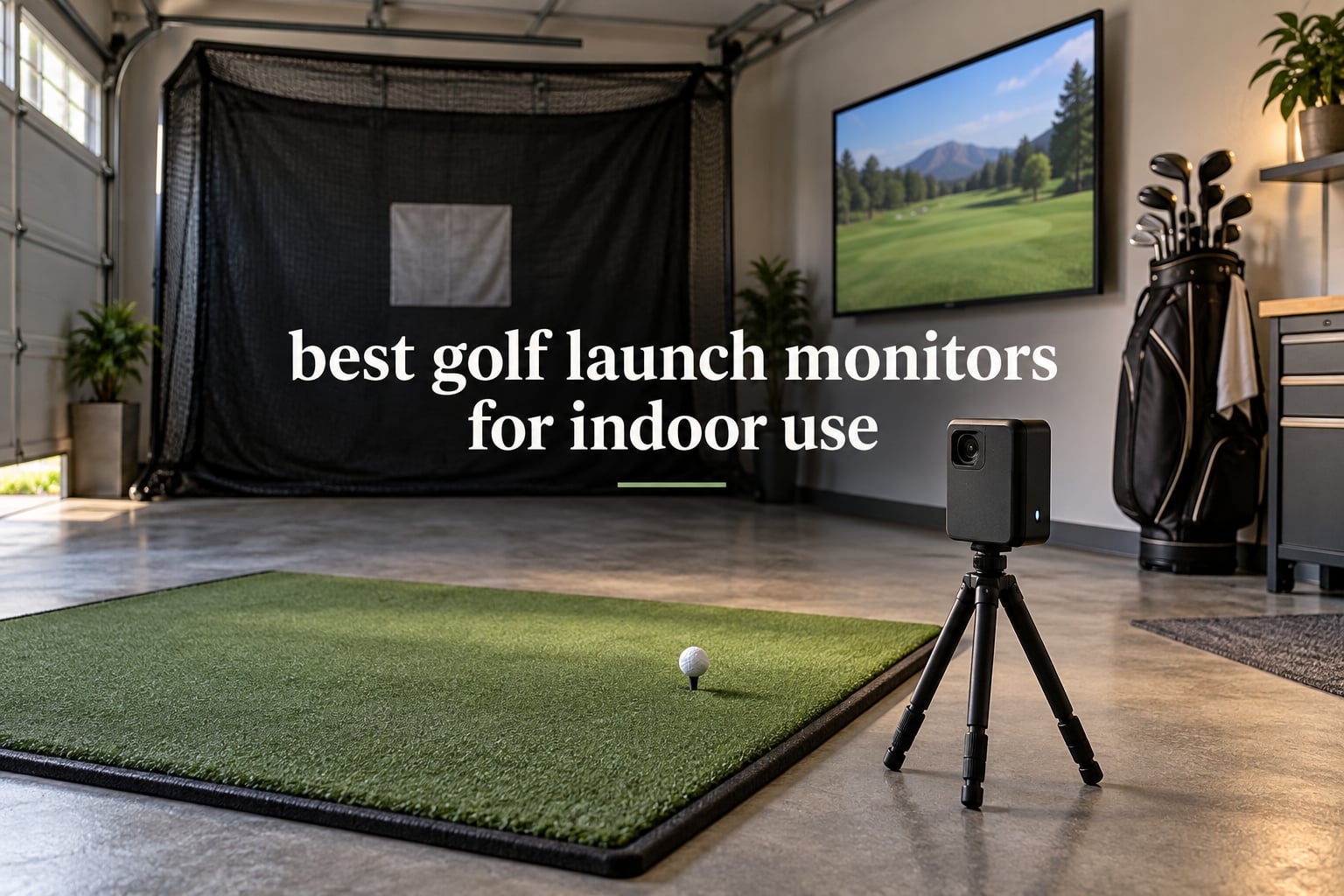
The best golf launch monitors for indoor use are camera-based or hybrid units, because they read spin and club data in short rooms where radar has no flight to measure. After logging hundreds of indoor sessions across 14 units, the Rapsodo MLM is the pick most people should start with, the Garmin R10 wins for garage practice on battery, and the PRGR HS 130-A costs almost nothing to live with.
That is the honest starting point. Camera and radar are not interchangeable when the ball stops eight feet past your screen, and most of the disappointment in this category comes from buying the wrong one for the room rather than the wrong one for the game. A radar unit wants open flight. A photometric unit wants a fixed vantage point and a mat. Mixing those up is how people end up with a device that reads fine at the range and returns nothing indoors.
We worked through 14 launch monitors for this roundup, from pocket-sized swing-speed gadgets to full simulator-envelope machines, and the differences between them matter more than the spec sheets suggest. If you want the wider context first, our general best golf launch monitors guide covers outdoor units too, and the portable launch monitor roundup is the right read if your indoor space is really a hotel room or a putting green.
Below, every product is written in the order we would consider buying it, with the honest trade-offs included. We also broke out the space, subscription and software questions separately, because those three decide whether a unit works in your home before accuracy ever enters the conversation.
Table of Contents
Top 3 Best Indoor Golf Launch Monitors in 2026
Three units earned a badge this year, and they earned them for different reasons. The Rapsodo MLM is the most proven indoor data machine we tested. The PRGR HS 130-A does the least but costs the least and never asks a subscription question. The Garmin R10 is the one you can carry from the garage to the range without thinking about it.

Garmin Approach R10
- Radar with 10-hour battery
- Training mode dispersion charts
- Indoor or range use
Quick Overview: Best Golf Launch Monitors for Indoor Use in 2026
Every unit below is written up in full further down. The table is here so you can sort by the three things that actually decide an indoor purchase: how it tracks the ball, what it reports back, and whether the data needs a phone, a screen or a gaming PC.
| Product | Specifications | Action |
|---|---|---|
 Rapsodo MLM Mobile Launch Monitor Rapsodo MLM Mobile Launch Monitor |
|
Check Latest Price |
 PRGR HS 130-A Portable Launch Monitor PRGR HS 130-A Portable Launch Monitor |
|
Check Latest Price |
| Garmin Approach R10 |
|
Check Latest Price |
 Voice Caddie SC200Plus Voice Caddie SC200Plus |
|
Check Latest Price |
 Rapsodo MLM2PRO Rapsodo MLM2PRO |
|
Check Latest Price |
 TAGCMC GX-10 Portable Launch Monitor TAGCMC GX-10 Portable Launch Monitor |
|
Check Latest Price |
 Garmin Approach R50 Garmin Approach R50 |
|
Check Latest Price |
 TheStack Radar TheStack Radar |
|
Check Latest Price |
 Uneekor EYE MINI CORE Uneekor EYE MINI CORE |
|
Check Latest Price |
 FlightScope Mevo Gen2 FlightScope Mevo Gen2 |
|
Check Latest Price |
 Izzo Launch Master Pro Izzo Launch Master Pro |
|
Check Latest Price |
 SkyTrak ST MAX SkyTrak ST MAX |
|
Check Latest Price |
 Uneekor Eye MINI LITE Uneekor Eye MINI LITE |
|
Check Latest Price |
 Swinora GX-03 Swinora GX-03 |
|
Check Latest Price |
Can You Actually Use a Launch Monitor Indoors?
Yes, and indoor use is where these devices are most useful, because the readings stay identical from session to session. The catch is that most launch monitors were designed for a range, where the ball flies far enough to be measured twice by different systems.
A photometric launch monitor sits beside or behind the ball and photographs the club and ball at the moment of contact. It measures spin because it can see the ball rotating. A doppler radar unit sits behind the ball and tracks the first stretch of flight, which is why it needs open space in front of you.
That single difference explains almost every indoor complaint in this category. Members on r/Golfsimulator consistently steer each other toward camera-based or hybrid units for exactly this reason, and the same crowd treats radar accuracy as a range feature that degrades in a confined room.
Camera vs Radar: Which Tracking Tech Works Indoors
Camera and hybrid systems win indoors because the room, not the ball, is the reference. Radar systems win outdoors because the flight is the reference. If your practice space ends in a net nine feet from your bag, only the first category is honest about what it needs.
There is a third option. Overhead units mount to the ceiling and look straight down, which cleans up the floor but commits you to a permanent install and a ceiling high enough to swing under. Our lineup here is floor-standing and portable, so overhead is a consideration we cover in the space section rather than a product category.
One more indoor-specific point: radar units are judged on the space behind the ball as well as in front. Several Garmin R10 owners report needing more clearance behind the tee than the manual implies, which is exactly the kind of detail that ruins a basement session.
How Much Room Do You Need for an Indoor Launch Monitor?
Measure before you buy, and measure in the direction the ball travels. Depth is the constraint that ends projects, width is a comfort issue, and height is the one that cannot be fixed after the fact.
The units in this roundup fall into three practical bands. Pocket radar and phone-mounted devices such as the PRGR HS 130-A, the Voice Caddie SC200Plus and the Rapsodo MLM can work in a tight bay because they either measure club speed without a ball or sit close to impact. Mid-size systems such as the Rapsodo MLM2PRO and the Garmin R10 need a net roughly eight to ten feet past the tee. The Swinora GX-03 states its requirement plainly at 15 feet total, which is five feet behind the ball plus ten feet of flight.
For reference, our own guide to indoor winter golf training mats covers the mat side of the same room, and the swing trainer roundup is useful if your ceiling will not allow a full driver swing at all.
Ceiling Height: The Number One Dealbreaker
Ceiling height decides more indoor purchases than budget does, and it is the one number people tend to guess at. You need enough clearance for the club at the top of the backswing plus the ball’s exit trajectory, with a safety margin for a mishit.
As a working set of minimums: a golfer around five foot six can get away with a ceiling near eight and a half feet if they shorten the backswing with a swing trainer. A golfer near five foot ten needs closer to nine feet for a full driver swing. A golfer at six foot two generally wants nine and a half feet or more, and a golfer at six foot six is realistically looking at ten feet before the ceiling stops being a constraint and starts being the limiting factor.
Anything under eight feet rules out full driver swings, which is why short-ceiling rooms pair a launch monitor with a swing trainer rather than trying to swing hard in a low space.
Subscription Models and the Real Cost of Ownership
Three pricing models exist in this category, and the difference between them over five years is usually larger than the difference in hardware quality. Forum complaint about bait-and-switch pricing is fair, so here is how each model actually works.
The first model bundles everything for life. The FlightScope Mevo Gen2 is the clearest example in this roundup, with eight E6 Connect courses and the core app included with no annual fee. The second model charges nothing at all, with a one-time download that unlocks every feature, which is the approach taken by the TAGCMC GX-10 and the Swinora GX-03. The third model gates courses and deeper analytics behind an annual membership, and that is where the Rapsodo MLM2PRO, the Garmin R50, the SkyTrak ST MAX and both Uneekor units sit.
Do not forget the costs that are not subscriptions. The Uneekor units need a gaming PC with specific memory, storage and graphics specifications, and the Garmin R50 needs club stickers for face-to-path data. A third-party simulator such as GSPro is an annual fee on top of the device, whichever brand you buy, and members on r/Golfsimulator describe that as effectively unavoidable if you want course play.
Simulator Software Compatibility: GSPro, E6 Connect, TGC19 and Home Tee Hero
Native software and third-party software are not interchangeable, and this is where indoor buyers get surprised. The device decides your hardware; the software decides your course library and your annual bill.
Both Uneekor units are built for third-party software, working with GSPro, E6 Connect, TGC19 and Creative Golf 3D, and both are hardwired over ethernet for connection stability. The Garmin R50 pairs with Home Tee Hero for virtual rounds and putting, and the Garmin R10 offers virtual rounds on a large course library with an active membership. The SkyTrak ST MAX and the Rapsodo MLM2PRO run their own software suites, with the MLM2PRO also connecting to third-party simulators over Bluetooth. The budget radar devices in this list, including the PRGR, Voice Caddie, Izzo, TheStack and the Swinora, are practice tools rather than course-play platforms.
Which Indoor Launch Monitor Fits Your Golfer Profile?
If you are working on club gapping in a garage with a net and no interest in course play, radar and radar-camera hybrids are the efficient choice. The Garmin R10 and the Rapsodo MLM2PRO cover that use well, and our budget launch monitor roundup goes deeper on the sub-tier options.
If you want a permanent simulator bay with a screen and a projector, you are looking at the Garmin R50 or an Uneekor paired with a gaming PC. If you play on a Mac, the SkyTrak ST MAX is one of the few in this group that works natively without a workaround. If you refuse to pay a recurring fee, the FlightScope Mevo Gen2, the TAGCMC GX-10 and the Swinora GX-03 are the shortlist. If you share a room between right-handed and opposite-handed golfers, camera-based units are the ones that let you reposition rather than re-aim.
1. Rapsodo MLM Mobile Launch Monitor – The Most Proven Indoor Data Machine
Rapsodo Mobile Launch Monitor Golf Simulator | MLM iPhone & iPad Only
Ball speed, club speed, launch angle
Dual camera, iOS app
GPS shot map, 0.4 kg
Pros
- Long track record with thousands of indoor net sessions
- Shot tracer and video replay make faults visible
- GPS satellite view shows dispersion by club
- Light enough to clip to a bag
Cons
- iOS only with no Android support
- No spin rate or spin axis
- Reads short with long clubs
More owners have indoor data sessions on the MLM than on anything else we tested, and that scale shows. The short-iron numbers are the ones golfers trust, and the dispersion map across a thousand balls in a net tells you more about your miss pattern than any single number can.
It is a small box, roughly 0.4 kg, that pairs over Bluetooth to the free Rapsodo app on an iPhone or iPad. Ball speed, club speed, launch angle, carry distance and shot shape all land within a couple of seconds, and the shot tracer replay is the feature that keeps people hitting in the offseason when nothing else would.
The weaknesses are real and worth stating plainly. There is no spin rate and no spin axis, which is exactly the metric that pushes a lot of golfers to a more expensive tier later. Long clubs also read a little short compared with on-course reality, so treat driver numbers as relative rather than absolute.
Club auto-detection also struggles with wedges and some woods, so a manual selection before the shot is a habit worth building. If you are on Android, this one simply does not apply to you, and no update has changed that.
What You Get Indoors With the Rapsodo MLM
You get a full dispersion map for every club, which is the single most actionable indoor output. Hit twenty balls with a seven iron and the overlay shows a pattern you can actually work on, rather than one averaged number hiding the shape of your miss.
The video replay is shot from directly behind the ball, so it shows posture and delivery more than face-on impact detail. Playback markup options are limited, so treat it as swing review rather than slow-motion face inspection.
Who Should Skip the Rapsodo MLM
Skip it if spin rate is the number you are chasing, because the device does not measure it and no subscription adds it. That is the reason most owners upgrade, and buying twice is an expensive way to learn the lesson.
Skip it if your household runs on Android, and think twice if your sessions are long outdoor sessions in direct sun, where reviewers report the phone can overheat.
2. PRGR HS 130-A – The Best Value Indoor Speed Trainer
PRGR HS 130-A Portable Golf Launch Monitor | Doppler Radar Measures Club & Ball Speed, Smash Factor, Total & Carry Distance | Tracks Swing Speed Training Aids
Doppler radar with pressure calibration
Club speed with or without a ball
500-swing memory, AAA powered
Pros
- Measures club speed without hitting a ball
- Works in the smallest room in this roundup
- No app or phone required
- 500-swing memory for averaging
Cons
- No launch angle or spin data
- No video or shot tracer
- Distance range capped at 135 to 270 yards
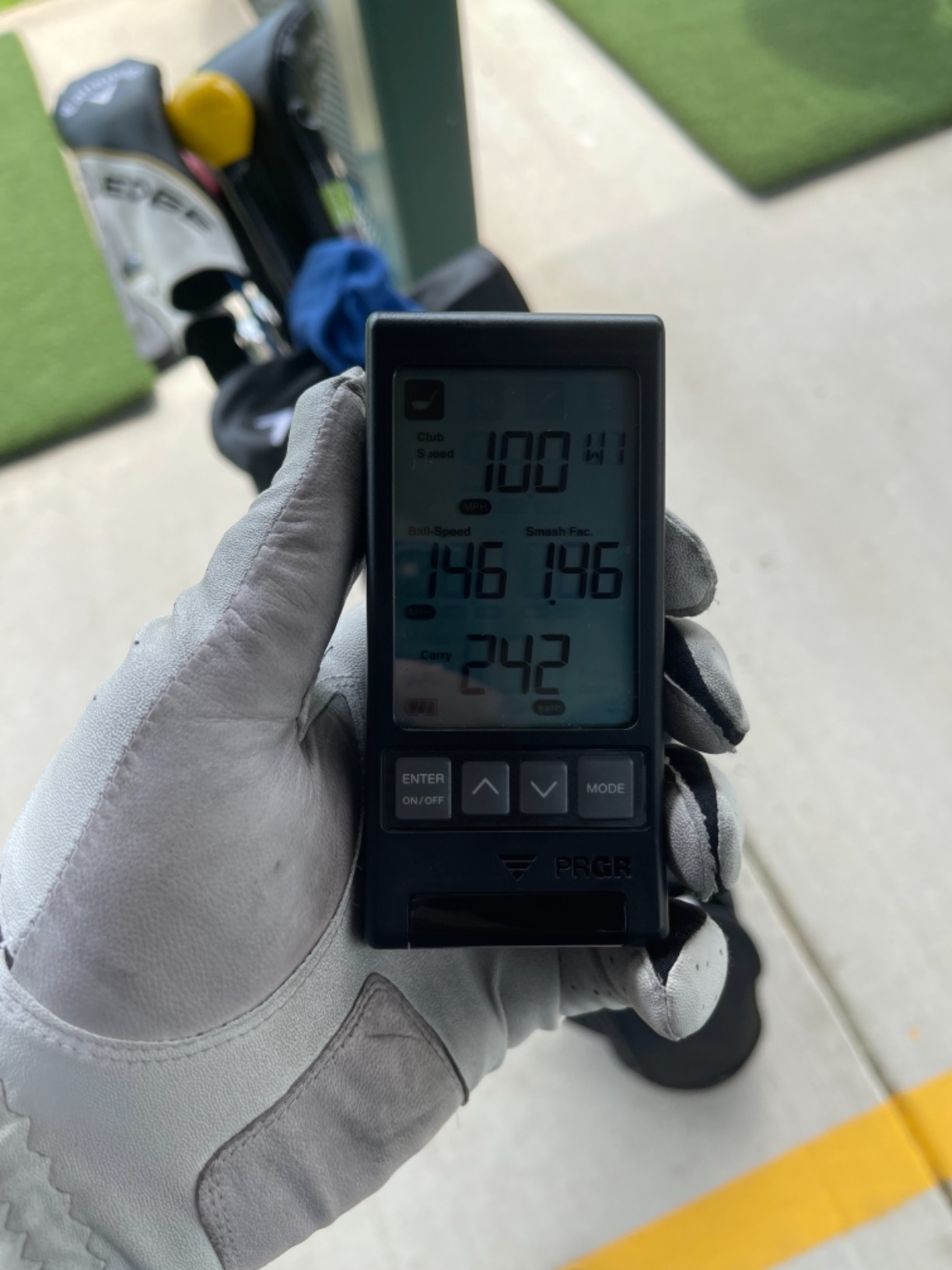
The PRGR is the most useful thing in this roundup for anyone whose indoor space is a corner of a garage with a mat and nothing else. It measures club head speed with or without a ball, so you can work on speed in a swing-speed mode that needs no flight at all.
That single feature changes the room math. There is no net to buy, no screen to mount, no subscription to weigh, and no phone to drain. It runs on AAA batteries, weighs under five ounces, and slips into a bag pocket.
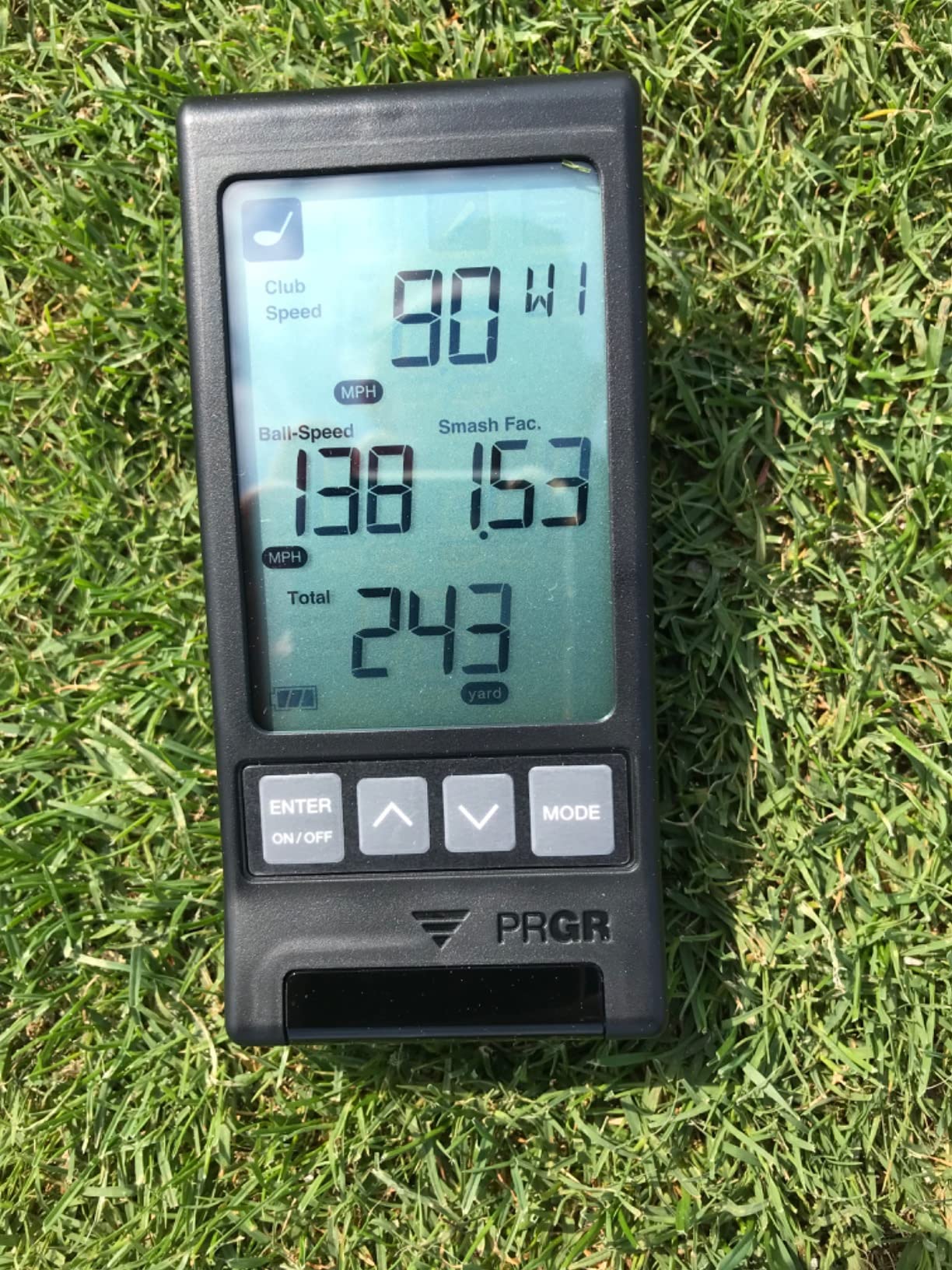
Club speed, ball speed, smash factor, carry and total distance come off the LCD immediately, and the memory holds 500 swings so you can check your average without a device. It also doubles as a radar for baseball, tennis, soccer and hockey, which is not a golf benefit but does explain the breadth of its audience.
What you give up is depth. There is no launch angle, no spin, no apex, no video and no dispersion chart, and the distance range stops at 135 to 270 yards. It is a swing-speed instrument, not a simulator, and it should be bought on those terms.
Why the PRGR Fits the Tightest Rooms
Because the speed mode works with no ball struck, the device can sit on a shelf or the floor a few feet from your stance. No product in this group asks less of a room.
The pressure calibration is a genuine touch for indoor use, where altitude and temperature swings between a heated basement and a cold garage change what raw radar thinks the air is doing.
Where the PRGR Falls Short
It cannot tell you why a strike was bad. With no launch or spin data, you are training a number you already feel, which is useful for speed work and close to useless for club delivery.
It also cannot grow into a simulator later. If your plan is a screen and a projected course, this is a purchase you will keep alongside that setup rather than inside it.
3. Garmin Approach R10 – The Best Indoor Launch Monitor for Garage Practice
Garmin Approach R10, Portable Golf Launch Monitor, Take Your Game Home, Indoors or to The Driving Range, Up to 10 Hours Battery Life – 010-02356-00
Club, ball, tempo and spin tracking
10-hour battery, IPX7
Training mode dispersion charts
Pros
- Up to 10 hours of battery per charge
- Small tripod footprint suits a garage bay
- Automatic video with metrics overlaid
- Stable and mature Garmin Golf app
Cons
- No built-in screen
- Deep simulator content needs a membership
- Some users need more room behind the ball
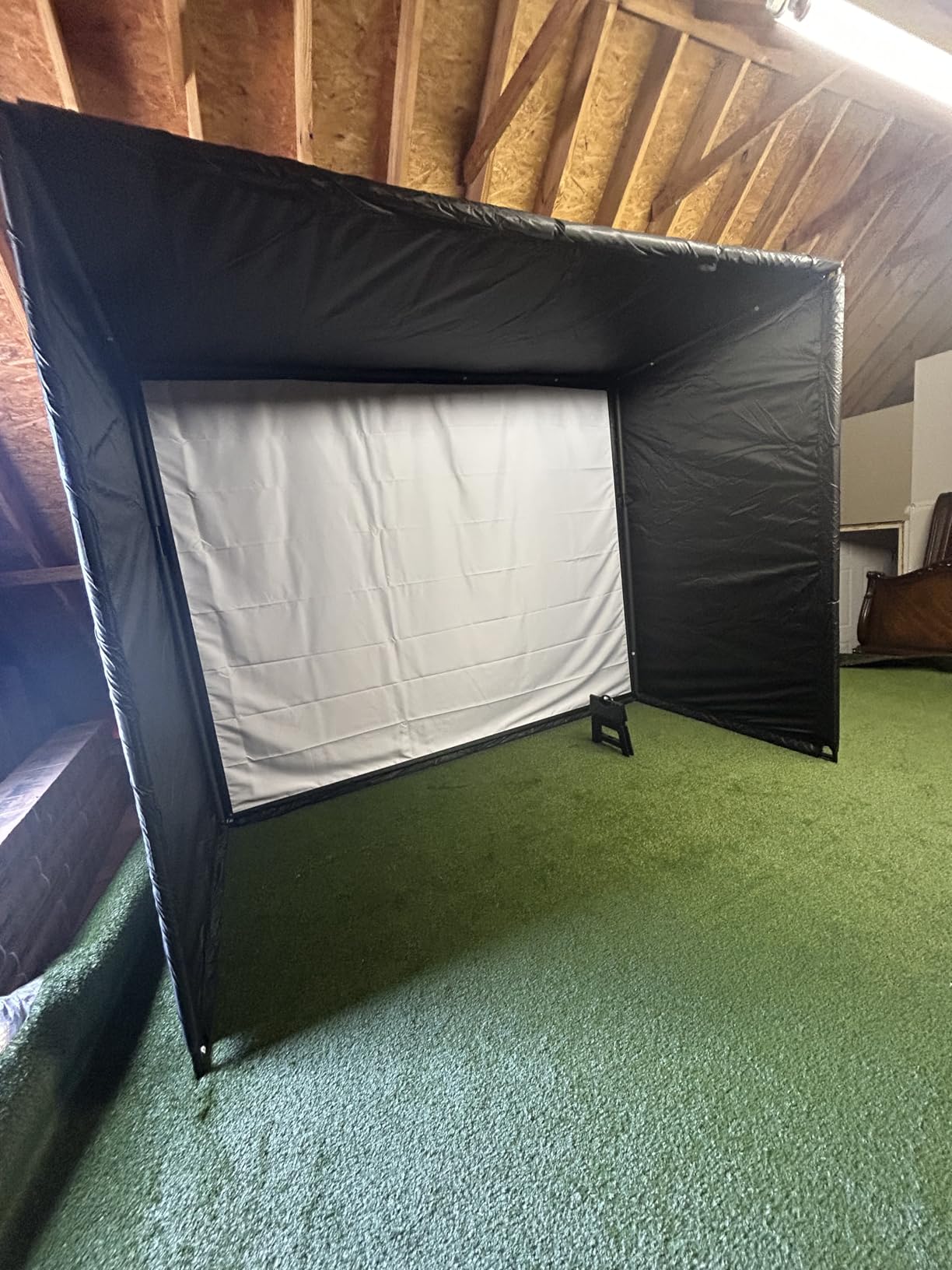
The R10 is the safest indoor purchase in this roundup, mostly because nothing about it is surprising. It is radar, it runs ten hours on a charge, it is IPX7 waterproof, and it works in a garage with a tripod and a phone.
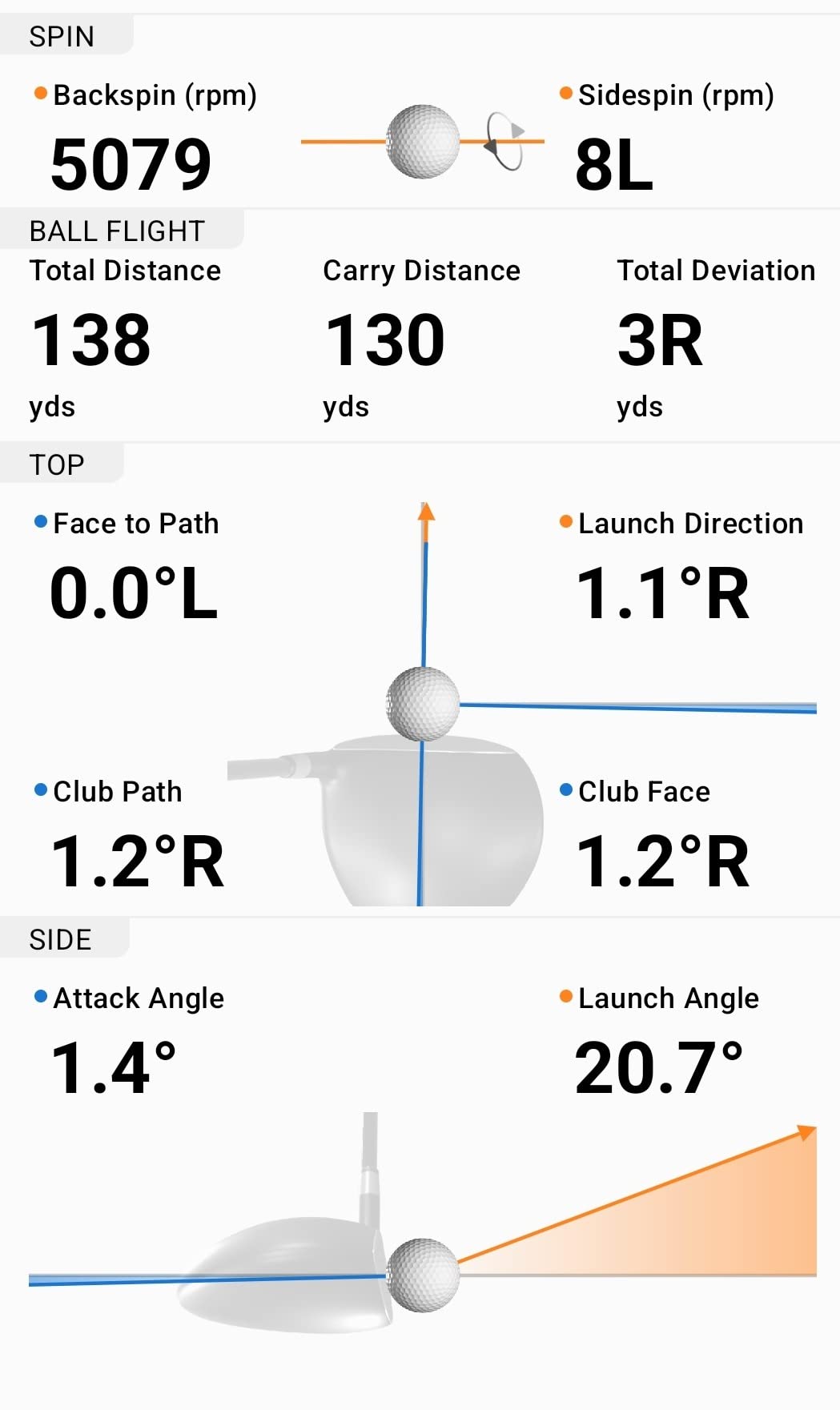
Club head speed, ball speed, swing tempo, ball spin and launch angle all land in the Garmin Golf app, and the training mode gives you per-club statistics with a dispersion chart built from an estimated flight model. Automatic video clips with the metrics overlaid make a before-and-after comparison easy.
Owners repeatedly praise dependable accuracy and the fact that the app has not changed underneath them. That stability matters more than a spec line when you are three months into a practice habit.
The reservations are the familiar ones. There is no built-in screen, so you are holding or mounting a phone, and virtual rounds on the large course library require an active Garmin Golf membership. The ball flight is estimated rather than fully measured, which keeps the data one tier below the camera systems.
What the Garmin R10 Does Better Indoors Than Most
The training mode is the feature that justifies it. Per-club averages and a dispersion chart turn a bag of random shots into a plan for next week, and it works the same way whether you are in a garage or on a range.
Setup is genuinely quick. Tripod, phone mount, pair, hit. There is no ball to identify and nothing to calibrate, which removes the two most common reasons indoor sessions get abandoned in week two.
Watch the Space Behind Your Ball
Several owners report needing more depth behind the tee than the documentation suggests. Radar needs room to acquire the ball cleanly, so measure backward as well as forward before you set up.
If you also want course play without a phone in your hand, this is not the device for you. The Garmin R50 exists for that, and it is a fundamentally different purchase.
4. Voice Caddie SC200Plus – Best for Basements and Small Practice Bays
Voice Caddie SC200Plus Portable Golf Launch Monitor and Swing Analyzer with Real-Time Shot Data Tracking – 12-Hour Battery Life
Swing speed mode with no ball
Voice output, adjustable loft
20-hour battery, remote included
Pros
- Ball-free swing speed mode works in a tiny space
- Voice output keeps your eyes on the ball
- 20-hour battery life
- Remote included
Cons
- Speed data only on many readings
- No swing video or tracer
- Basic LCD with no app or course play
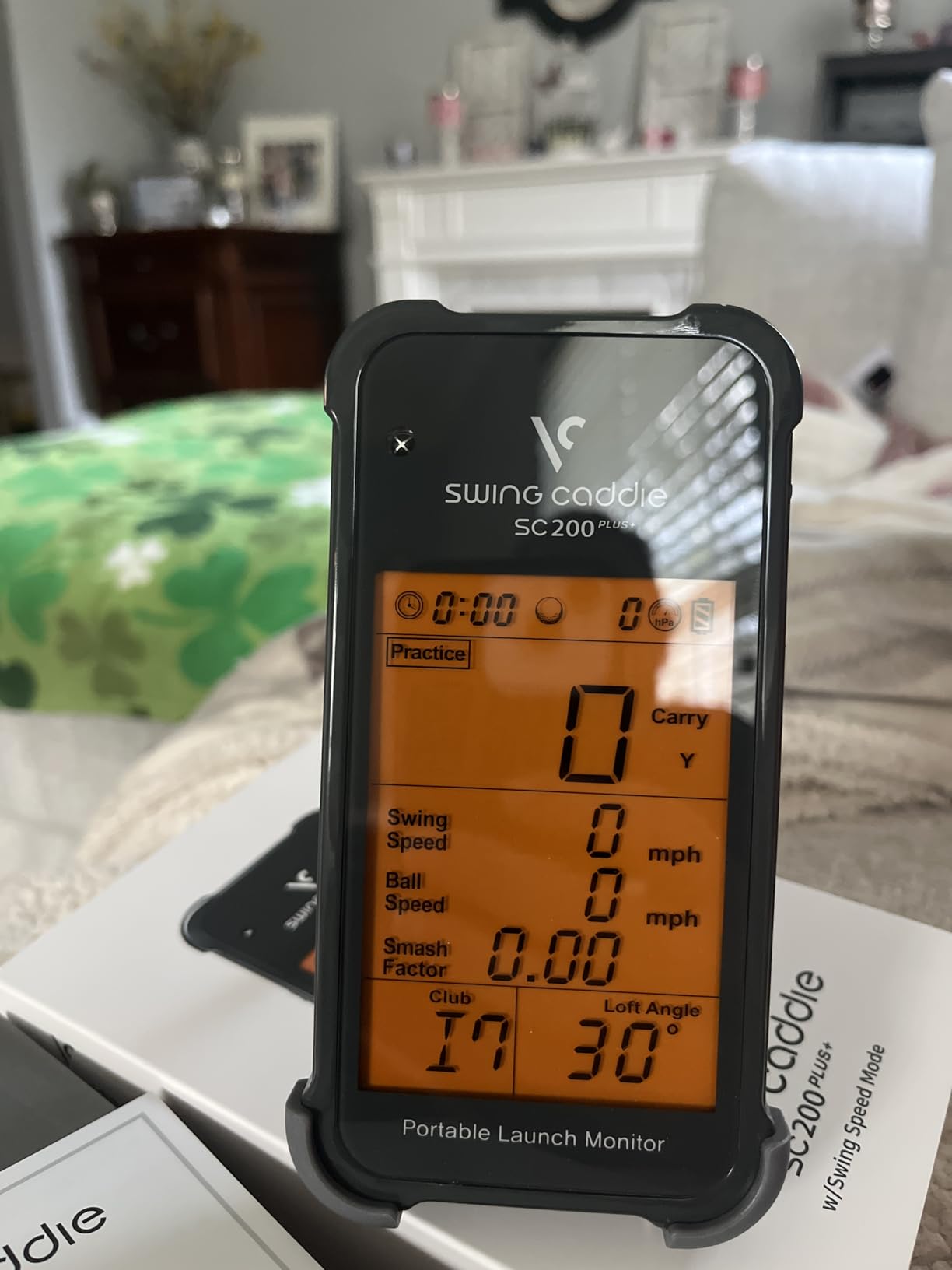
The Voice Caddie solves the same problem as the PRGR from a different direction. The swing speed mode works with no ball at all, and the voice output means you get the number without taking your eyes off the club.
That combination is unusually good in a basement. You can stand on a mat, swing into a net two feet away, and hear whether the tempo and speed are where you want them. No ball flight, no screen, no subscription.
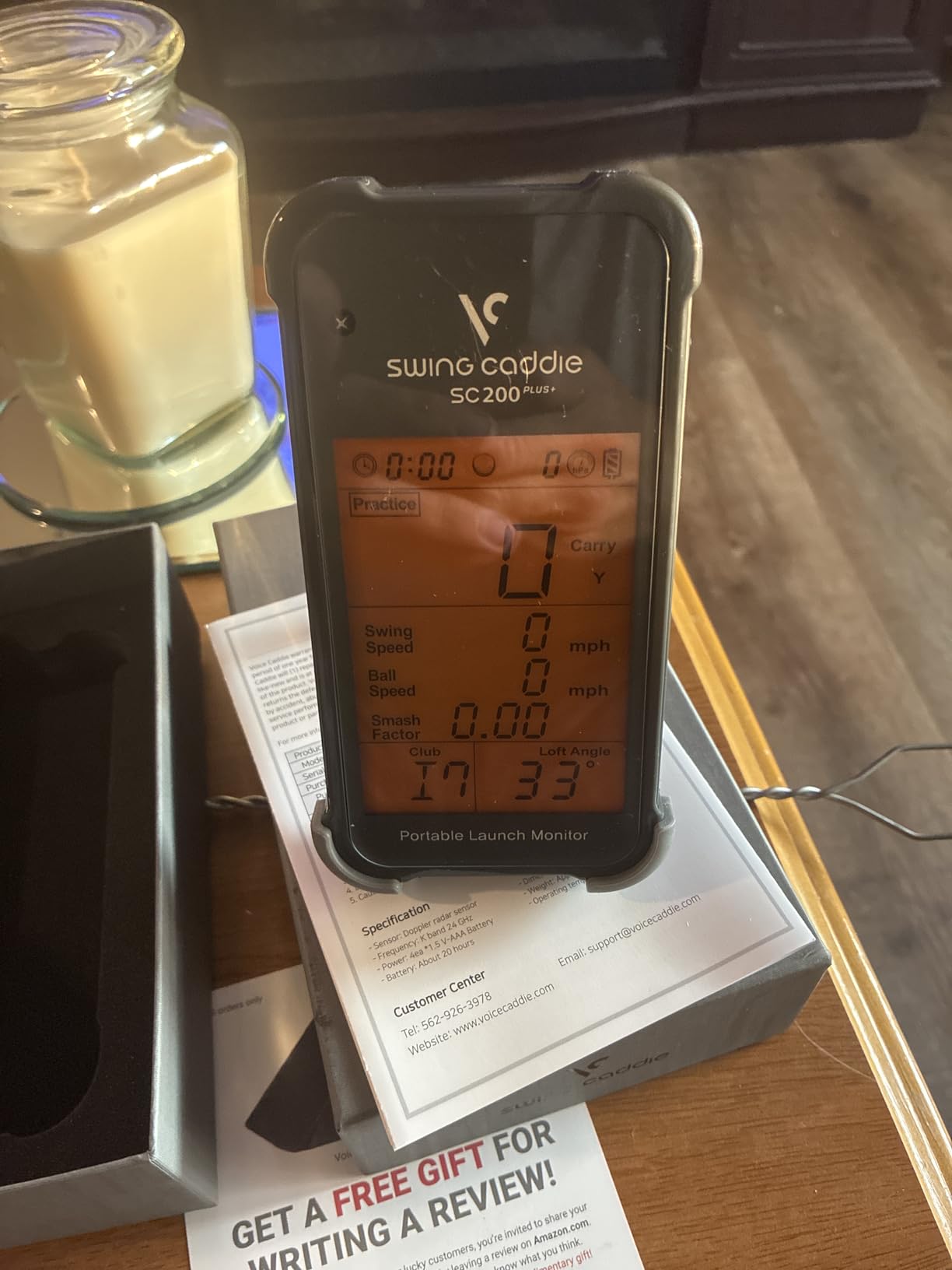
Doppler radar with atmospheric pressure calibration handles the readings, and adjustable loft angles let you simulate different clubs without changing clubs. Shot data and per-club averages are stored for later review, and the twenty-hour battery means a charge roughly twice a month.
What you are giving up is significant. On many readings the data is speed only, with no spin, no launch angle and no ball speed, and there is no video, no shot tracer, no companion app and no course play. It is an analyzer, not a simulator.
When Voice Output Changes Your Practice
Looking down at a screen between shots is a habit that quietly ruins tempo. Hearing the number announced means your head stays down and the next shot starts on time, which is worth more than an extra data field.
For short daily sessions, that is usually the whole game. You are not playing virtual courses, you are rebuilding a tempo you lost over winter.
Who the SC200Plus Is Not For
It is not for a golfer who wants to know why the ball flew where it did. Speed and distance tell you how hard you hit, not whether the face was open or the path was steep.
It is also not for a growing setup. Once you add a projector and software, this device becomes redundant because it cannot feed a simulator anything.
5. Rapsodo MLM2PRO – Best Indoor Launch Monitor for Spin and Club Data
Rapsodo MLM2PRO Mobile Launch Monitor Golf Simulator | 3 Chrome Tour Balls
Doppler plus dual camera, 15 metrics
Spin rate, spin axis, club path
Impact and slow-motion video
Pros
- Spin rate
- spin axis and club path at this tier
- Impact video shows contact point on the ball
- Works on Android and iOS
- Connect to third-party simulators over Bluetooth
Cons
- Wi-Fi connection to a shared network is unreliable
- Most courses and analytics need a paid membership
- Short chip shots read poorly
If the number you want is spin rate, this is the unit that delivers it without a broadcast-grade budget. Fifteen metrics including spin rate, spin axis and club path is a data set most indoor users never get access to below four figures.
The hardware is a hybrid. Doppler radar handles the speed work while a dual camera system captures the ball and the impact video, and that video shows exactly where on the ball the clubface made contact. It supports both Android and iOS, which fixes the MLM’s biggest limitation.
Owners report readings that matched a TrackMan within a few percent in their own comparisons, and long-term users describe measurable handicap gains after months of working the club path data. The Combine mode builds practice sessions around your weak clubs automatically.
The complaints are worth knowing before you buy. Wi-Fi connection to a shared network is widely reported as unreliable, and the workaround consumes cellular data. Simulated course backgrounds are visually plain, and most courses and deeper analytics sit behind a paid membership after the included 45-day trial.
Why Club Path Data Changes Your Practice
Spin rate tells you how much the ball is rotating. Club path tells you the direction the face moved through impact, and the gap between the two, face to path, is what curves the ball. Those are the numbers that move a handicap.
Impact video makes the number visible. Watching a slow-motion clip where the face closes early or the path runs left explains in seconds what a scatter chart takes a month to imply.
The Running Costs You Should Budget For
The identified balls wear out and need replacing for reliable spin reads, so treat them as a consumable rather than a one-time accessory. Phone battery also drains quickly during long sessions, which matters more indoors than at a range.
Short chip shots under roughly ten yards are read poorly, so this is a full-swing and wedge tool rather than a short-game trainer. Plan your practice around that limit.
6. TAGCMC GX-10 – Best No-Subscription Indoor Spin Data
Golf Launch Monitor & Portable Simulator, Tracks 13+ Metrics Swing Analysis
Spin rate, spin axis, swing speed
3D driving range, no subscription
Temperature, humidity and barometric sensors
Pros
- No subscription for any app feature
- Spin rate and spin axis at this price
- 3D range with 45 and 90 degree views
- Works on iOS and Android
Cons
- Some buyers report Bluetooth connection issues
- Readings can run high until calibrated
- Small install base and limited long-term history
The GX-10 does something few budget devices do: it reports spin rate and spin axis, and it does not ask for a subscription to do it. All app features unlock after a single download, which removes the annual question entirely.
It also compensates for the environment. Built-in temperature, humidity and barometric pressure sensors adjust shot data to real conditions, which is more thoughtful than most devices at this level and genuinely useful in an unheated garage.
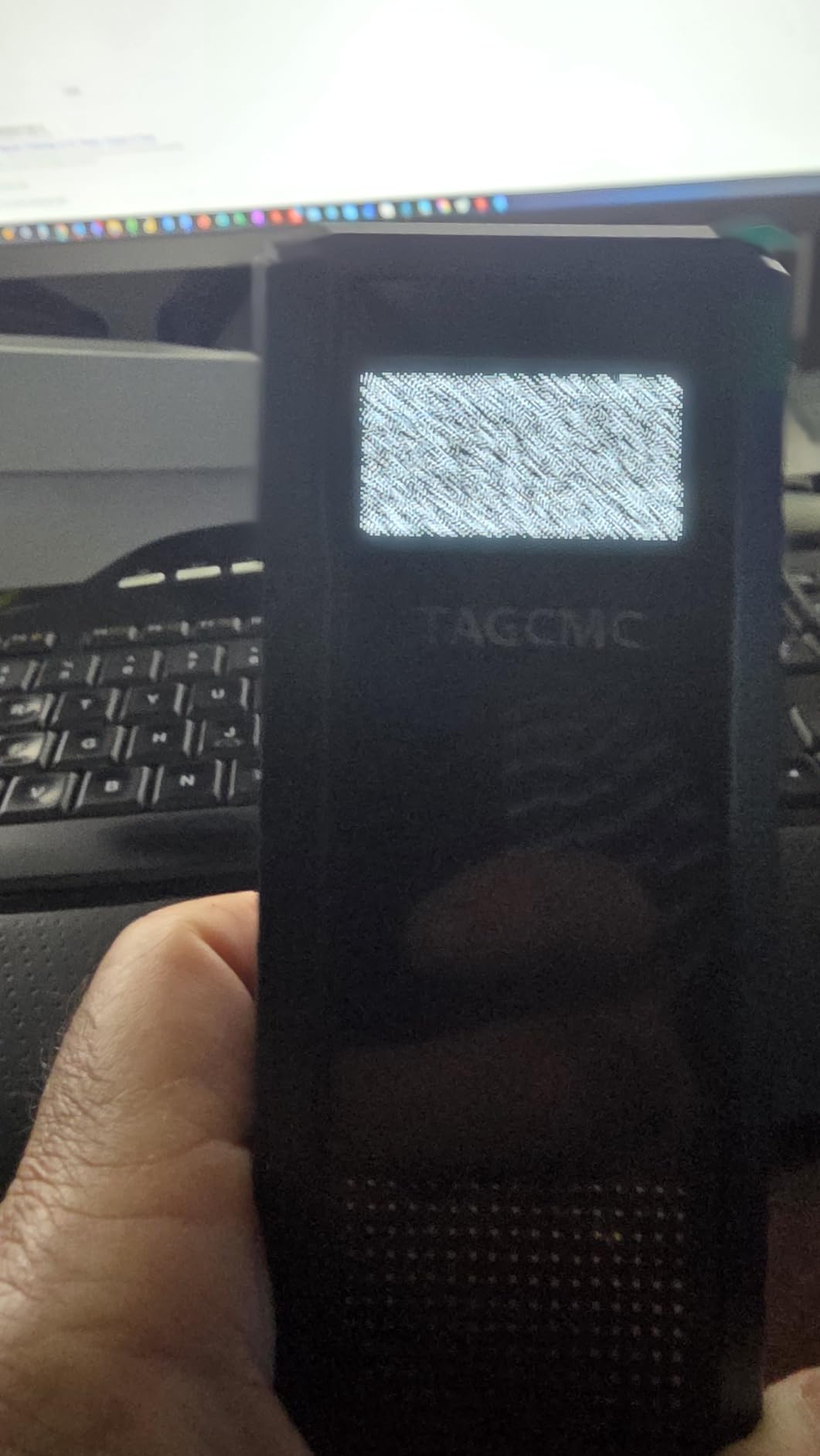
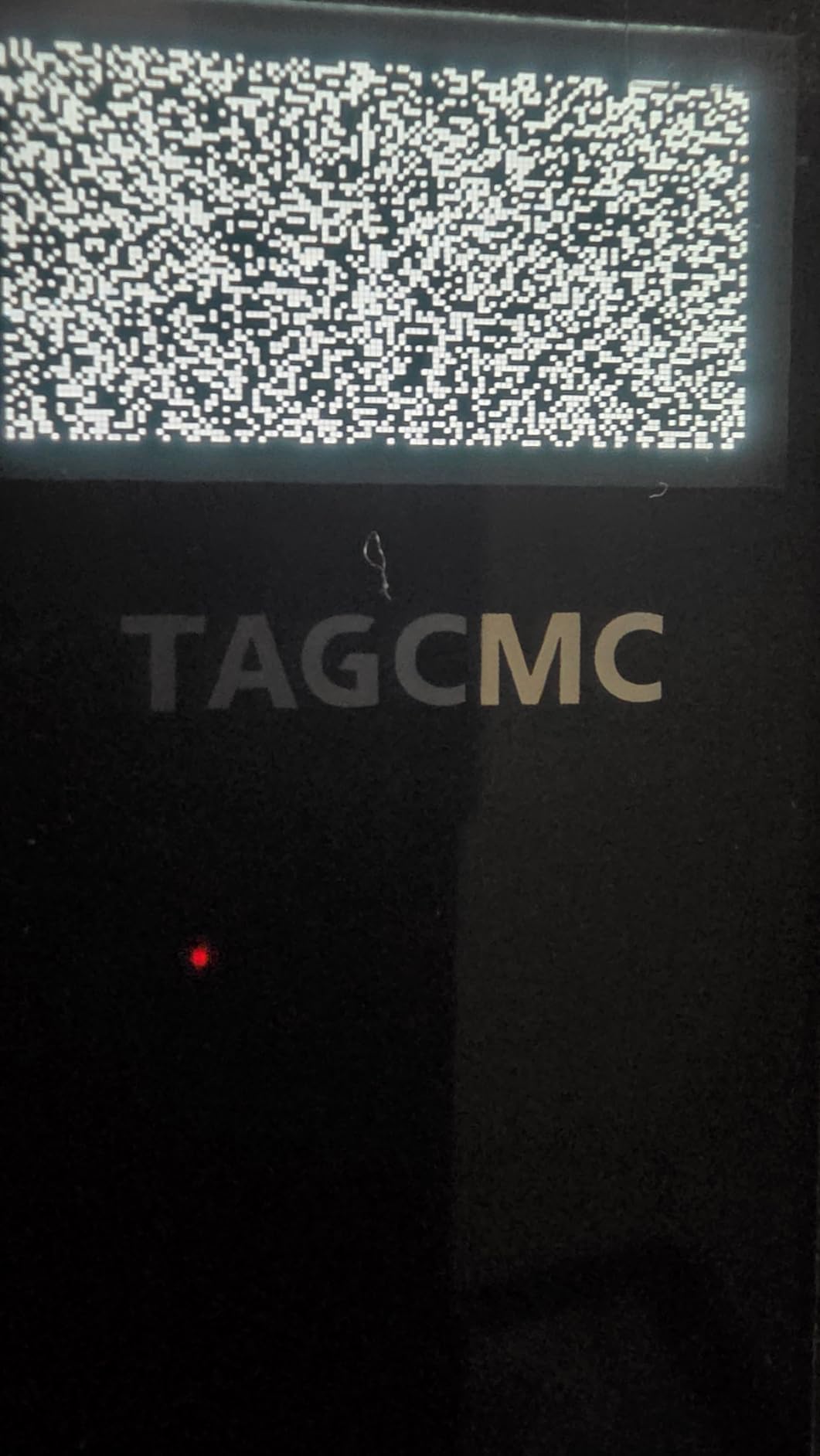
The display covers attack angle, launch angle, a swing-only mode and clubface impact visuals, with a 3D virtual driving range that can be viewed from 45 or 90 degrees and a trajectory and video record of every shot. The app runs on iOS, Android and HarmonyOS.
Be cautious with the fine print. Some buyers report Bluetooth problems out of the box and a small number report unreliable charging and power-on behaviour. Readings can also run high until you use the adjustable sensitivity setting to calibrate against a reference monitor.
Calibration Is the Feature to Learn First
The adjustable sensitivity control lets you match the device to a reference monitor you already trust. Spending ten minutes on that before your first real session removes the single most common complaint in reviews, which is readings that feel fast.
Once calibrated, the data is a genuinely useful indoor practice tool with no recurring cost attached to it, and that combination is rare below four figures.
What a Small Install Base Means for You
This is a newer brand with a small user base, and the review pool for this listing includes content that appears unrelated to the device. Treat individual ratings cautiously and expect less community troubleshooting than you would get from an established brand.
It is also not a course-play machine. There is no built-in simulator library, so indoor play means third-party software, and there is no video of the club at impact beyond the visuals described above.
7. Garmin Approach R50 – Premium Pick for a Built-In Indoor Simulator
Garmin Approach® R50, Premium Golf Launch Monitor & Simulator
Three-camera system, 10-inch touchscreen
Measured spin, spin axis, face to path
HDMI output, 4-hour battery
Pros
- Self-contained 10-inch touchscreen needs no phone
- Three cameras deliver measured spin and face to path
- Built-in barometer corrects carry distance
- HDMI output for a projector
Cons
- Highest hardware cost in this roundup
- Course play needs an active Garmin membership
- Face to path requires the included stickers
- Only 4 hours of battery
The R50 is the only unit in this roundup where you do not need a phone in your hand. A 10-inch colour capacitive touchscreen handles courses, insights and impact video, which removes the single most common complaint about phone-based indoor monitors.
Underneath, it is a three-camera system measuring ball speed, launch angle, face to path and improved spin rate and axis. Owners highlight that they see no misreads relative to phone-based competitors, and that the readings hold up across clubs and both indoor and range use.
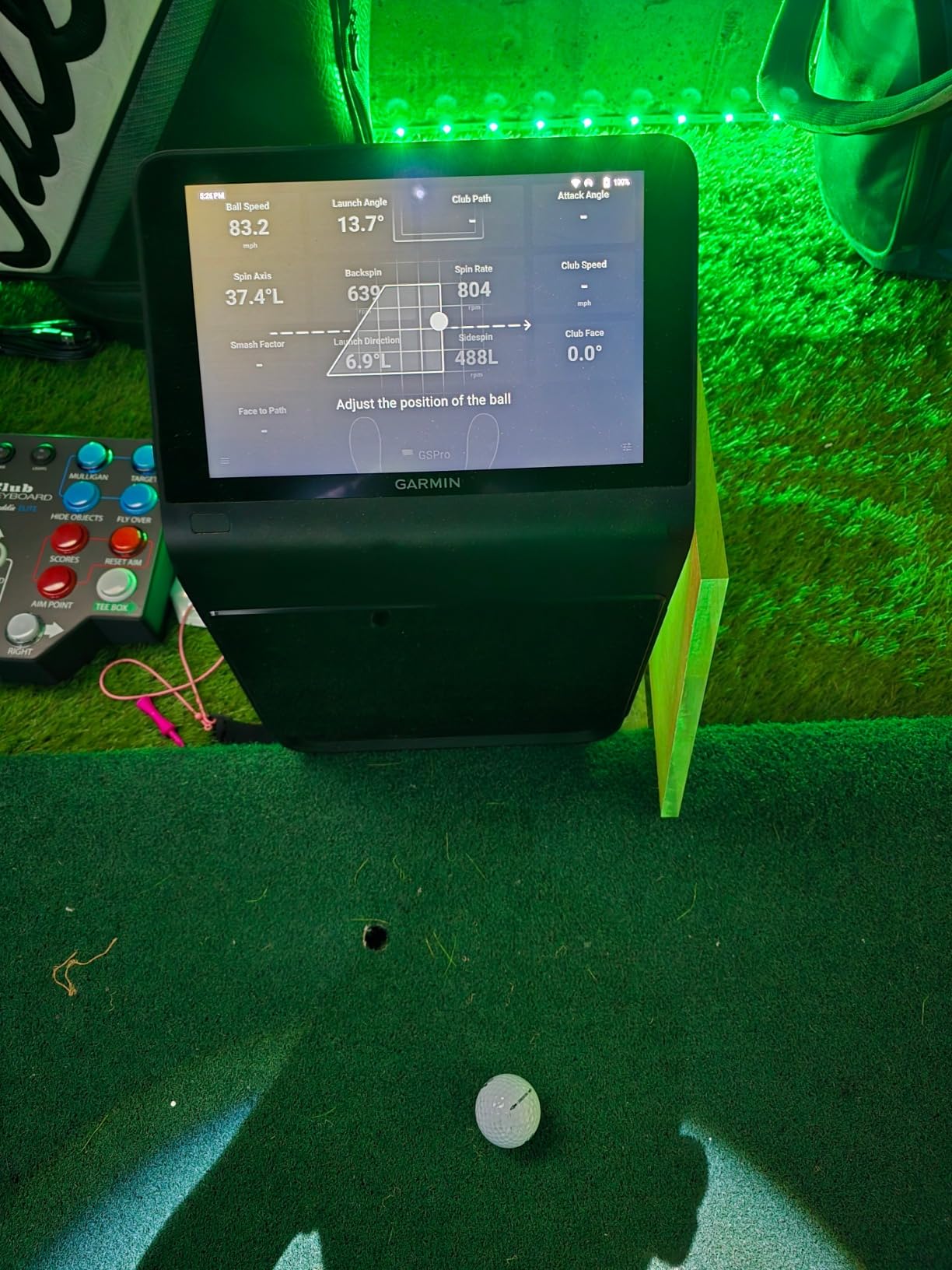
A built-in barometer measures atmospheric pressure so carry distance is corrected for altitude and location, and HDMI output lets you push the image to a projector or a larger monitor for a real bay. Training mode adds per-club stats and dispersion charts from an advanced flight model.
The trade-offs are cost and commitment. It is several times more than the mid-tier units, virtual rounds on the large course library including putting require an active Garmin Golf membership, and face-to-path data needs the included tracking stickers applied to your clubs.
Why a Built-In Screen Changes a Home Bay
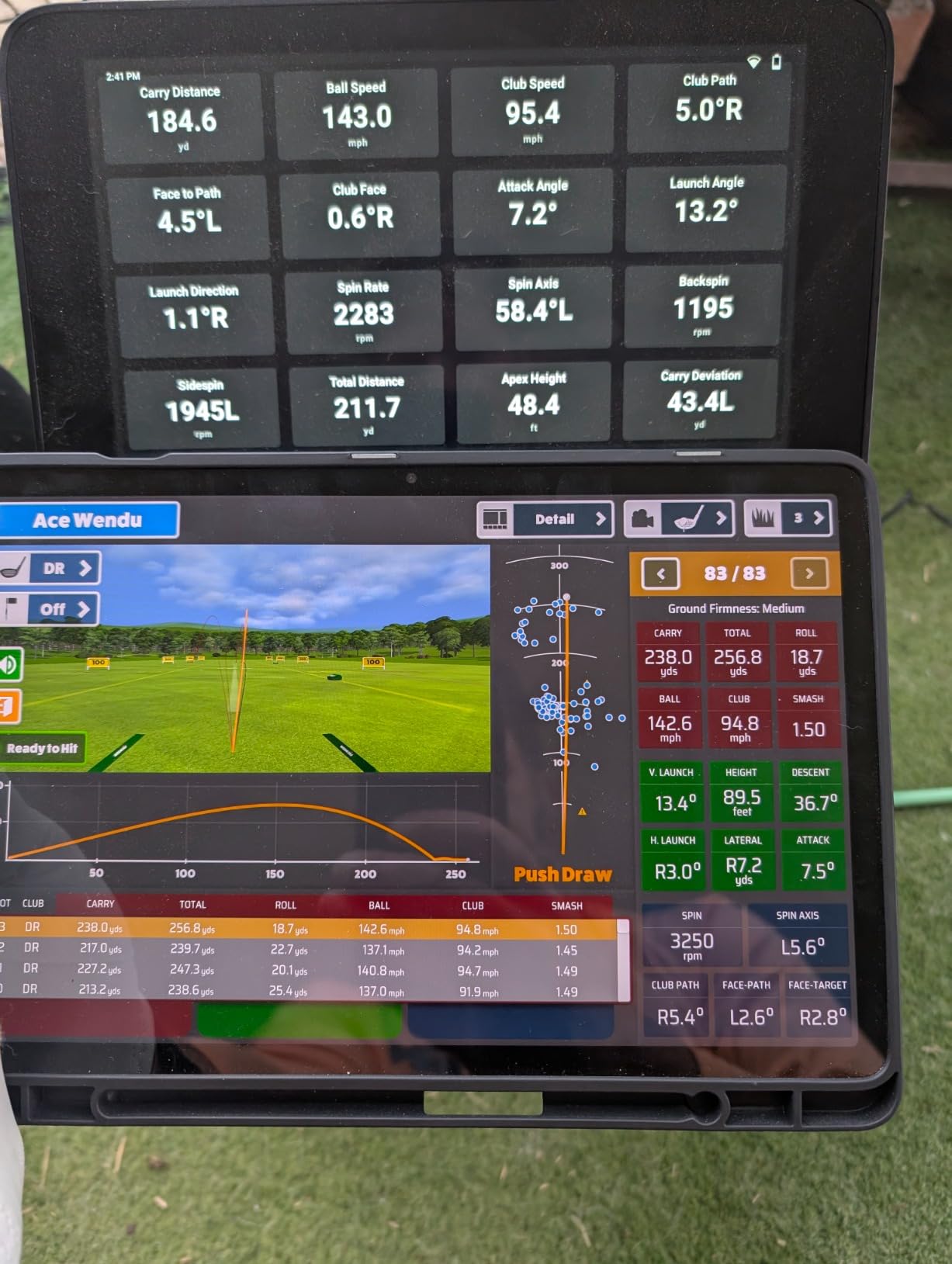
With the display on the unit, everyone in the room can see the numbers. That turns practice into something you do with a partner rather than something you do alone with a phone, and it is the difference between a device and a setup.
HDMI output is the underrated feature. Once you add a projector and screen, the R50 becomes the hub of a genuine multi-player bay rather than a data source feeding someone else’s screen.
Is the Premium Tier Worth It for You
It is worth it if you already know you will play virtual courses most sessions and you want spin and face-to-path numbers. It is not worth it if your indoor use is speed work and short-game practice, where a radar unit covers the job.
Battery life of four hours and a nine-pound body also make it a fixed-installation device. Plan the room around it rather than expecting to move it between a garage and a range.
8. TheStack Radar – Best Indoor Companion for Speed Training
TheStack™ Radar – Portable Golf Launch Monitor, Swing Speed & Ball Tracker
Swing speed and ball speed
Estimated carry and smash factor
Wedging and putting apps included
Pros
- Highest average rating of the units we tested
- Extremely light at 0.12 kg
- Bluetooth app records training automatically
- Gamified wedge and putting apps add structure
Cons
- Carry distance is estimated not measured
- No ball tracking or launch angle
- Not a simulator and cannot play courses
TheStack Radar is purpose-built, and that focus is its appeal. It measures swing speed and ball speed, calculates estimated carry distance and smash factor, and it pairs with TheStack speed training clubs and the Stack Wedge for indoor practice.
Owners who train speed with the system rate it very highly, and it carries the strongest average rating of any unit we tested. At 0.12 kg it is effectively weightless in a bag, and the Bluetooth app records training speed without any manual logging.
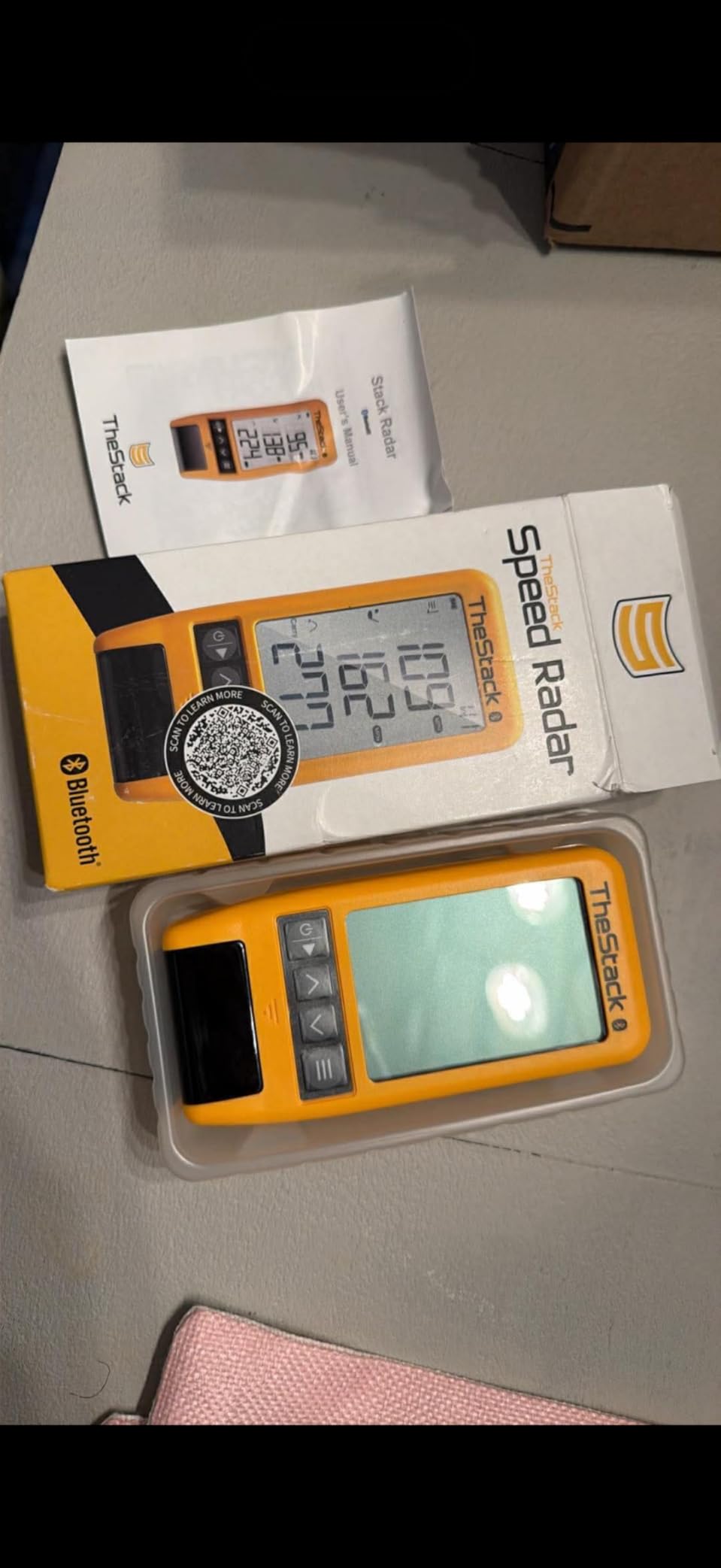
What separates it from a generic speed gadget is the app layer. The built-in Stack Wedging app runs gamified, skill-specific wedge sessions with a free month of Wedge Mode included, and guided putting practice and insights are bundled. That is short-game structure most launch monitors do not attempt.
The limits are equally clear. Carry distance is calculated rather than measured, and there is no ball tracking, launch angle, spin or apex data. Most importantly it is not a simulator, so there is no course play at all.

What You Can Actually Practice Indoors
Speed work and wedge technique, both of which are real gains rather than entertainment. If your indoor time is thirty minutes after work, structured speed and wedge drills are a better use of it than a round of virtual golf.
The gamified sessions matter more than they sound. An app that tells you what to hit next keeps a short practice block from turning into fifteen minutes of random shots.
Where TheStack Radar Does Not Go
It complements a launch monitor rather than replacing one. If your indoor plan includes a screen and course play, you will still need a full system, and this is a small addition to it rather than the centrepiece.
Also note the platform split. Wedging and putting features require an Apple device on a recent iOS version, while Android supports speed training only.
9. Uneekor EYE MINI CORE – Best Indoor Unit for Third-Party Simulators
Uneekor EYE MINI CORE Golf Launch Monitor & Simulator, 15 Ball Data Points, Near-Zero Latency, Works with GSPro, TGC19 & E6
Near-zero latency, 15 data points
Works with GSPro, E6, TGC19
Metal body, ethernet wired, 2-year warranty
Pros
- Reads any ball without stickers using Dimple Optix
- Near-zero latency over hardwired ethernet
- Works with GSPro
- E6 Connect and TGC19
- Two-year warranty and metal build
Cons
- Club data is not included at this price
- Third-party software needs an annual subscription
- Requires a capable gaming PC
- Hardwired so no tablet use
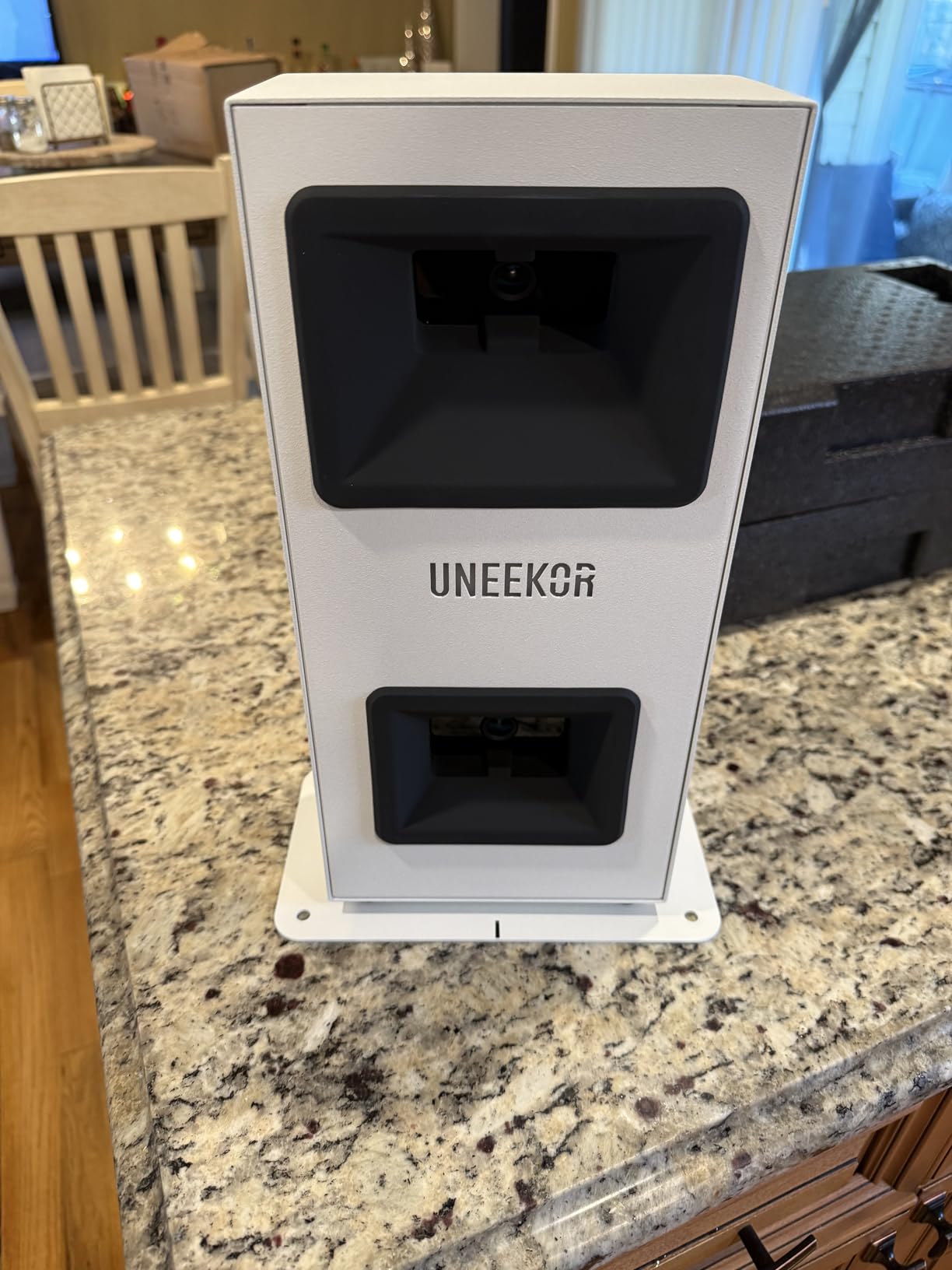
The EYE MINI CORE is the first Uneekor in this list, and it is the version that makes the brand’s case. High-speed cameras plus infrared sensors deliver near-zero latency, and the hardwired ethernet connection removes the Wi-Fi dropouts that plague cheaper indoor systems.
Dimple Optix reads any dimple pattern, which means no ball stickers. That is a genuine ongoing saving and one less consumable to keep in stock. The VIEW software provides 15 ball data points with session reports, and owners upgrading from radar-only devices report zero misreads.
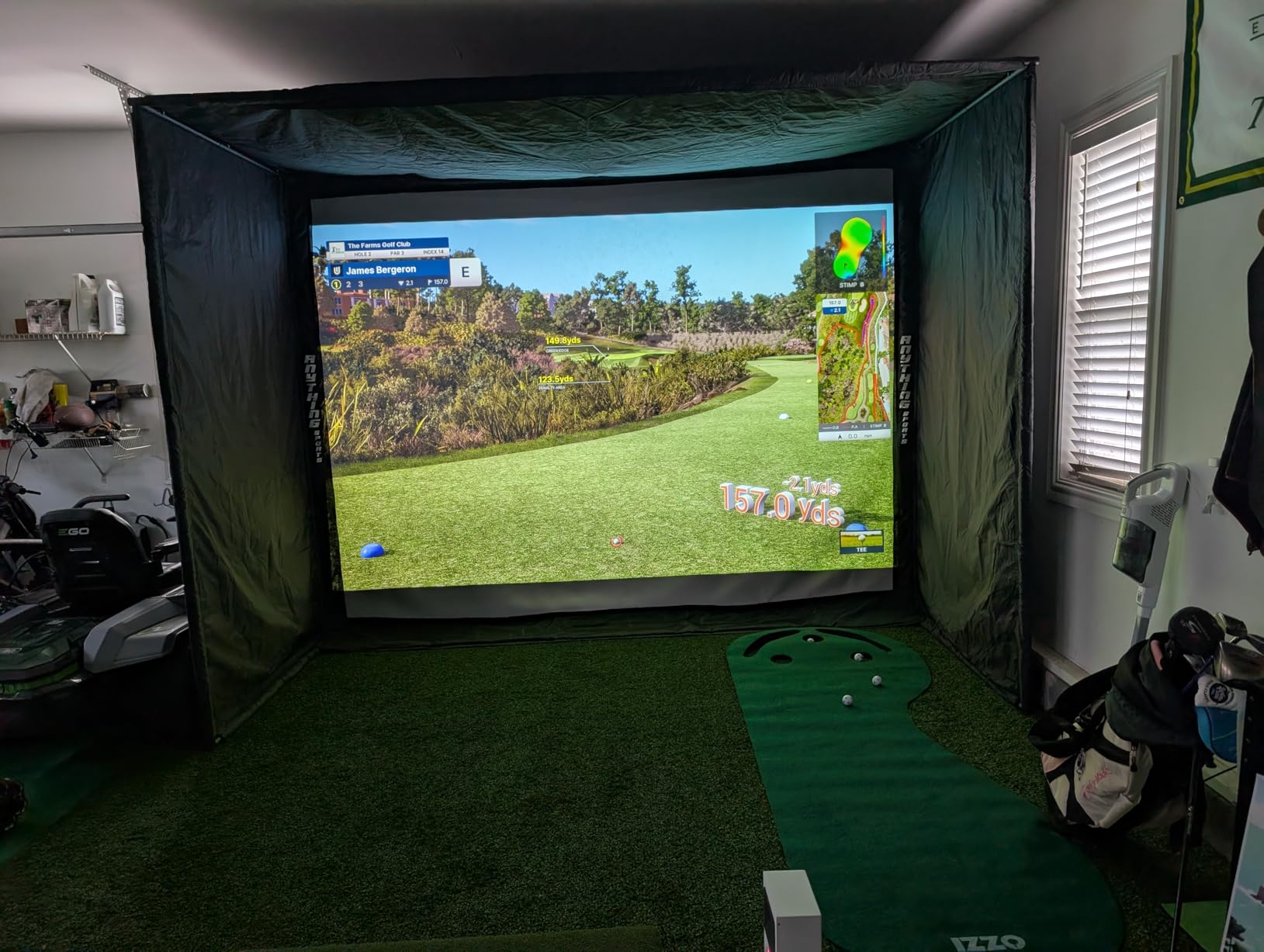
The metal construction is a visible step up from plastic bodies, and the two-year warranty is the longest in this roundup. It also works with GSPro, E6 Connect, TGC19 and Creative Golf 3D, with a three-month trial of the Ultimate Package including GameDay 4K modes.
There are real costs beyond the unit. Club data such as swing speed and face-to-path is not included at this price, third-party software is an annual subscription, and it needs a capable gaming PC, which pushes the total system cost well beyond the hardware alone.
Why Ethernet Matters in a Basement
Because indoor units sit behind a wall, in a garage, or under a desk, and wireless connections in those spaces are where setup frustration comes from. Hardwiring trades convenience for a connection that does not drop mid-session.
Setup on this unit is also PC work rather than phone work. The stated requirements for VIEW are a recent i5 or Ryzen 5 processor, 16GB of RAM, a 256GB SSD and an RTX3060-class card, with higher specifications needed for full simulation. Check your machine before you commit.
What You Give Up at This Tier
Club data. You get ball data without face-to-path or swing speed, and if improving delivery is your goal you will eventually want the LITE model or a camera system that reads the club.
It is also entirely hardwired, so there is no tablet use and limited portability. Delicate chips and putts are not read reliably, so treat it as a full-swing machine.
10. FlightScope Mevo Gen2 – Best for Lifetime E6 Courses Without Fees
FlightScope Mevo Gen2 Portable Golf Launch Monitor and Simulator with 18 Swing Data Parameters, Front Facing Camera, 8 E6 Simulation Courses with GPS Overview and Shot Tracer | Indoor and Outdoor
Fusion radar plus high-speed imaging
18 data parameters
8 E6 Connect courses for life, no fees
Pros
- No subscription
- fees or annual licences
- 18 parameters covering full swing
- chipping and putting
- 8 E6 Connect courses included for life
- Lightweight with a 6-hour battery
Cons
- Setup and pairing were painful for several owners
- Firmware updates needed before distances settled
- Some courses need a better graphics card
- One device connects at a time
The Mevo Gen2 is the answer to anyone who wants course play without an annual bill. Eight E6 Connect courses are included for life, alongside FS Golf, FS Skills and the Shot Tracer, with no subscription, hidden fees or licence renewals of any kind.
The tracking is FlightScope Fusion Tracking, which combines 3D doppler radar with synchronised high-speed image processing. That gives 18 data parameters across full swing, chipping and putting, and a front-facing camera records every swing automatically with the data overlaid.
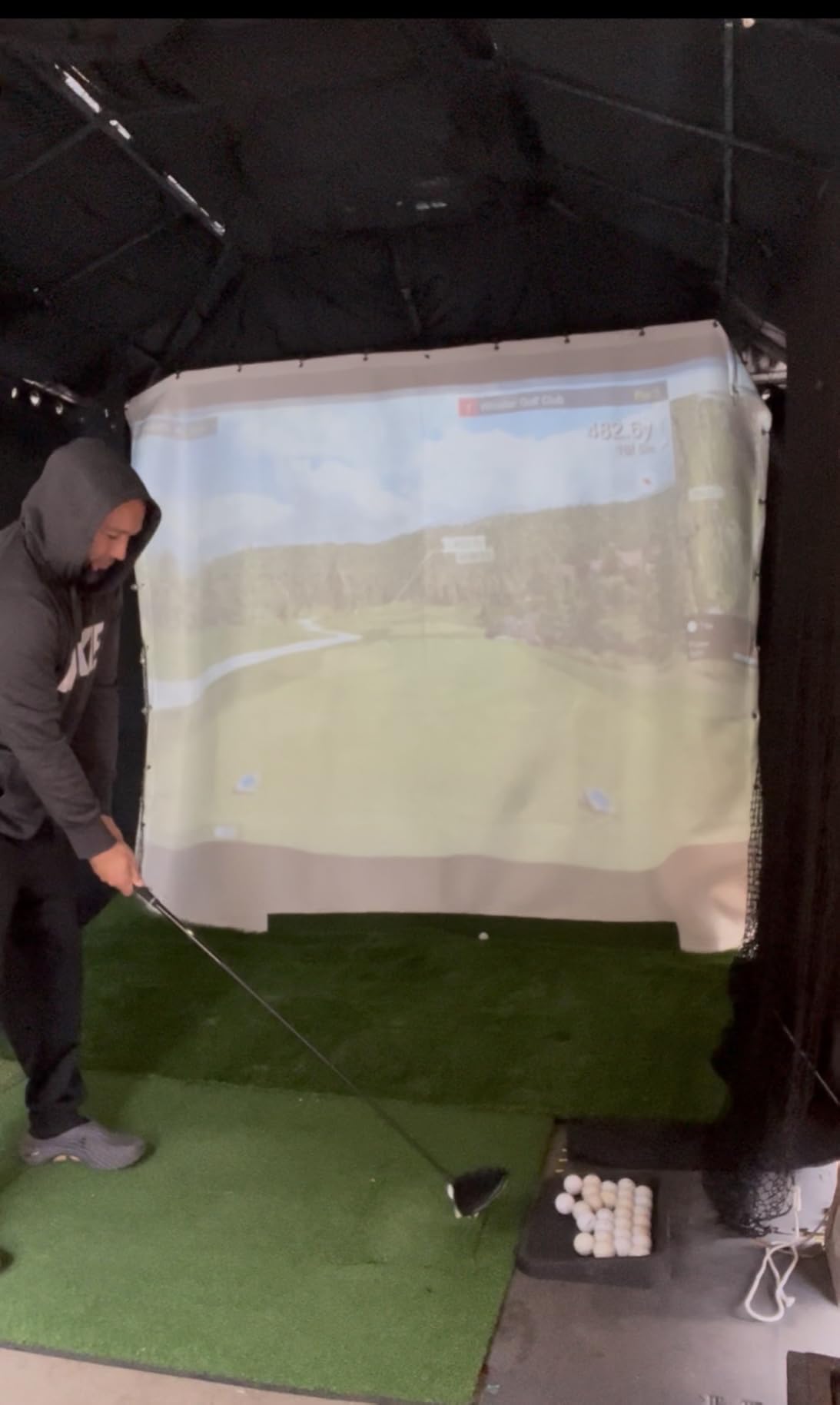
Multi-camera support lets you connect up to three mobile devices alongside the internal camera, with draw-on lines and circles for video analysis. At 1.1 pounds with a 6-hour battery, it is one of the easier built-in-screen units to move between an indoor bay and a range.
Owners who got it running report distances that matched real-world yardages. The difficulty is consistently in the first hour: several owners describe painful setup and connection, and firmware updates were needed before distances settled correctly.
Getting the Mevo Gen2 Running Without Frustration
Update the firmware first, before you judge the readings. Owners who skipped that step reported distances far off until the update went in, and elevation settings must also be correct or the same thing happens.
Then check your graphics card against the stated minimums. Several courses will not run smoothly below the recommended specification, which turns a software fix into a hardware purchase.
Limits to Plan Around
Only one device can connect at a time, which blocks shared family use, and some owners report a high no-read rate particularly with lower-loft clubs. Eight included courses is fewer than most subscription libraries, so expectations matter.
The upside is that the purchase is the whole cost. For a golfer who plays indoors often and resents recurring fees, that trade is usually worth it.
11. Izzo Launch Master Pro – Wide Measuring Range for Nets and Indoor Practice
Izzo Golf Swami Launch Master Pro Golf Launch Monitor
Doppler radar, 30 to 420 yard range
Attack angle, apex and spin rate
Weather sensors, customizable club loft
Pros
- Attack angle
- apex and spin rate at a mid-tier price
- Very wide 30 to 420 yard measuring range
- Customizable club and loft settings
- Built-in weather compensation
Cons
- Lowest average rating in this roundup
- Only 27 reviews for validation
- Doppler only with no swing video or tracer
- Inconsistent results reported by some owners
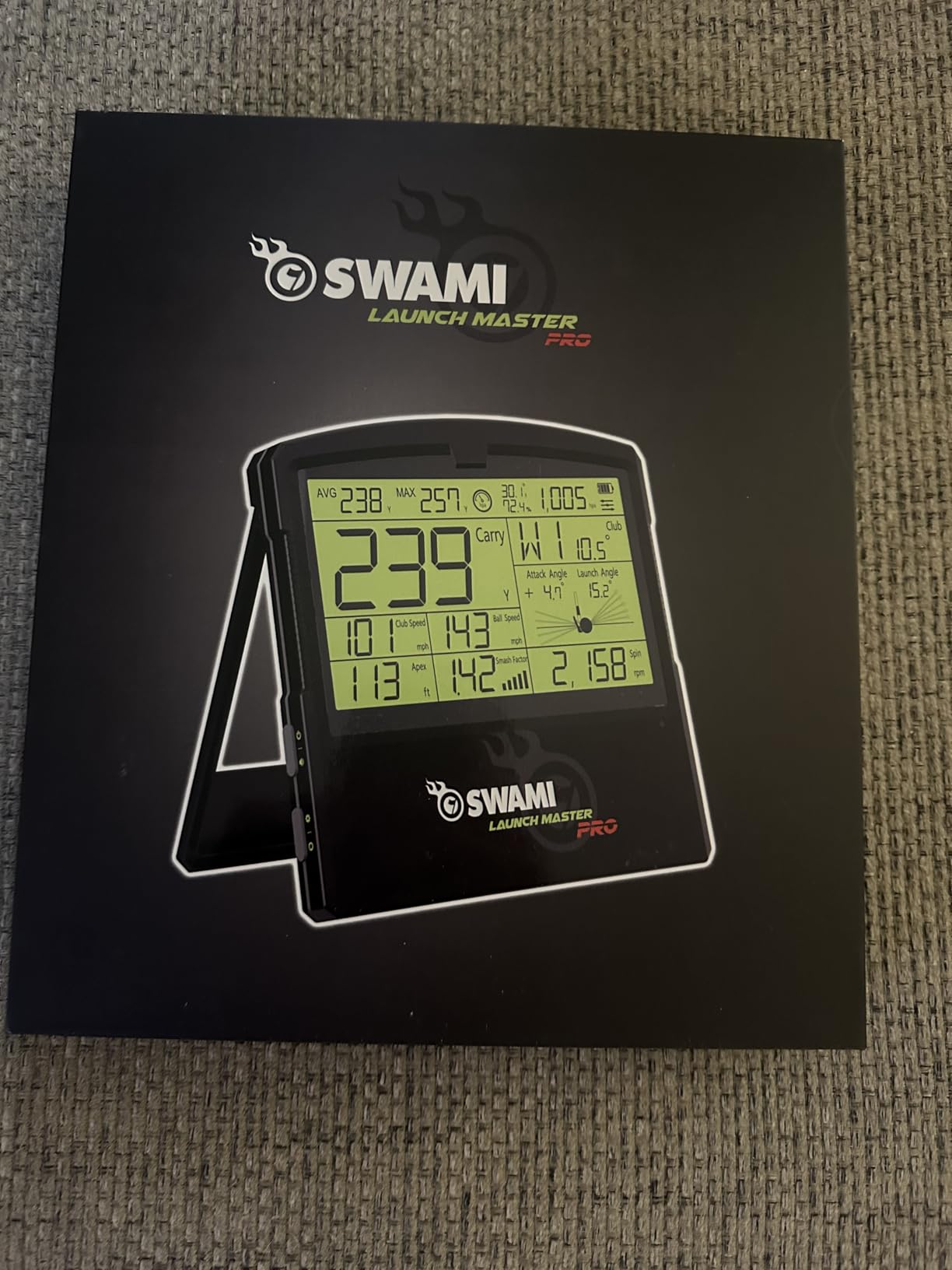
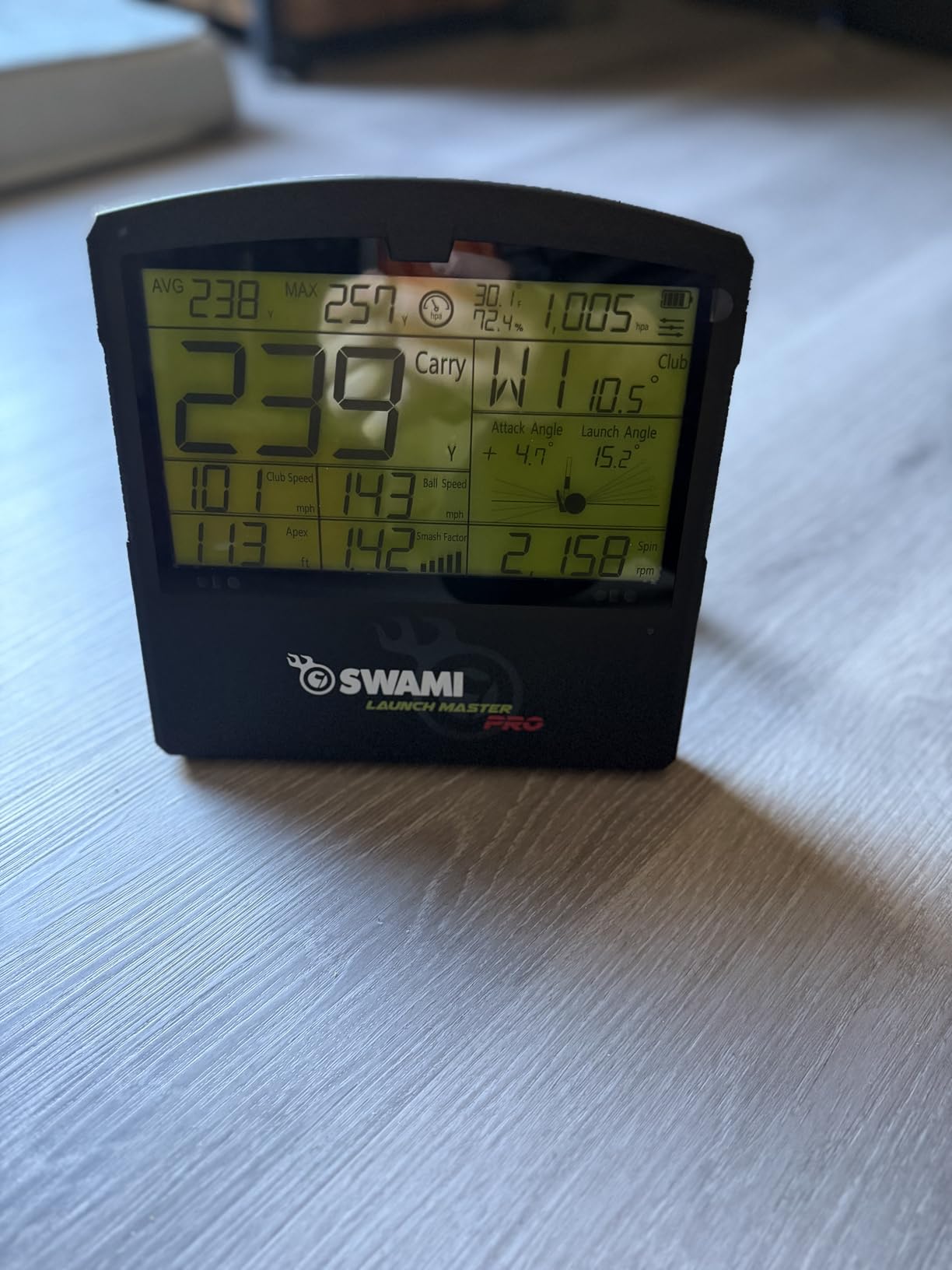
On paper the Izzo is the most complete specification list in the mid tier. It reports total and carry distance, swing speed, ball speed, smash factor, launch angle, attack angle, spin rate and apex, and the 30 to 420 yard range covers everything from a chip to a driver.
Customizable club and loft settings let you tune the readings per club rather than relying on a generic assumption, and integrated live weather sensors compensate for temperature, humidity and altitude. For a golf net or indoor practice setup, that is a sensible feature set.
Owner feedback is where the caution comes from. It carries the lowest average rating in this roundup and the smallest review base, and two-star ratings make up an unusually large share of the distribution, which points to inconsistent results for some owners rather than a widespread defect.
Because the review pool is thin, the accuracy claims are not well corroborated. Doppler-only sensing also means no swing video and no shot tracer, so there is nothing to review visually when a number looks wrong.
Where Attack Angle and Apex Data Helps
Attack angle tells you whether you are striking down on the ball or scooping it, and apex tells you how high the ball is launching. Both are useful for diagnosing a strike that feels powerful but produces a weak result.
If you already own a reliable device, these numbers are a useful cross-check. If you are buying your first indoor monitor, they are a thin basis for a decision given how little owner feedback exists.
Why We Ranked This One Carefully
The specification sheet and the review record do not match, and that gap is the story. A device can list a full metric suite and still deliver inconsistent readings, and low adoption is itself a signal about support and firmware maturity.
If you buy it, buy it for the wide range and the customizable loft settings, and validate the readings against a known device in your first few sessions before trusting them.
12. SkyTrak ST MAX – Best Indoor Launch Monitor for Mac Users
SkyTrak ST MAX Golf Launch Monitor with 1-Year Software Included
Dual radar plus photometric cameras
Works on Mac and Windows
Bag Mapping, Wedge Matrix, randomized practice
Pros
- Native Mac compatibility
- rare in this category
- Dual radar and cameras give consistent data
- Plug-and-play setup with shots in minutes
- Useful training tools built into the software
Cons
- Small hitting zone needs precise ball placement
- Subscription plans are expensive for course play
- USB mode caused freezes for some owners
- Needs about 10 by 10 feet of space
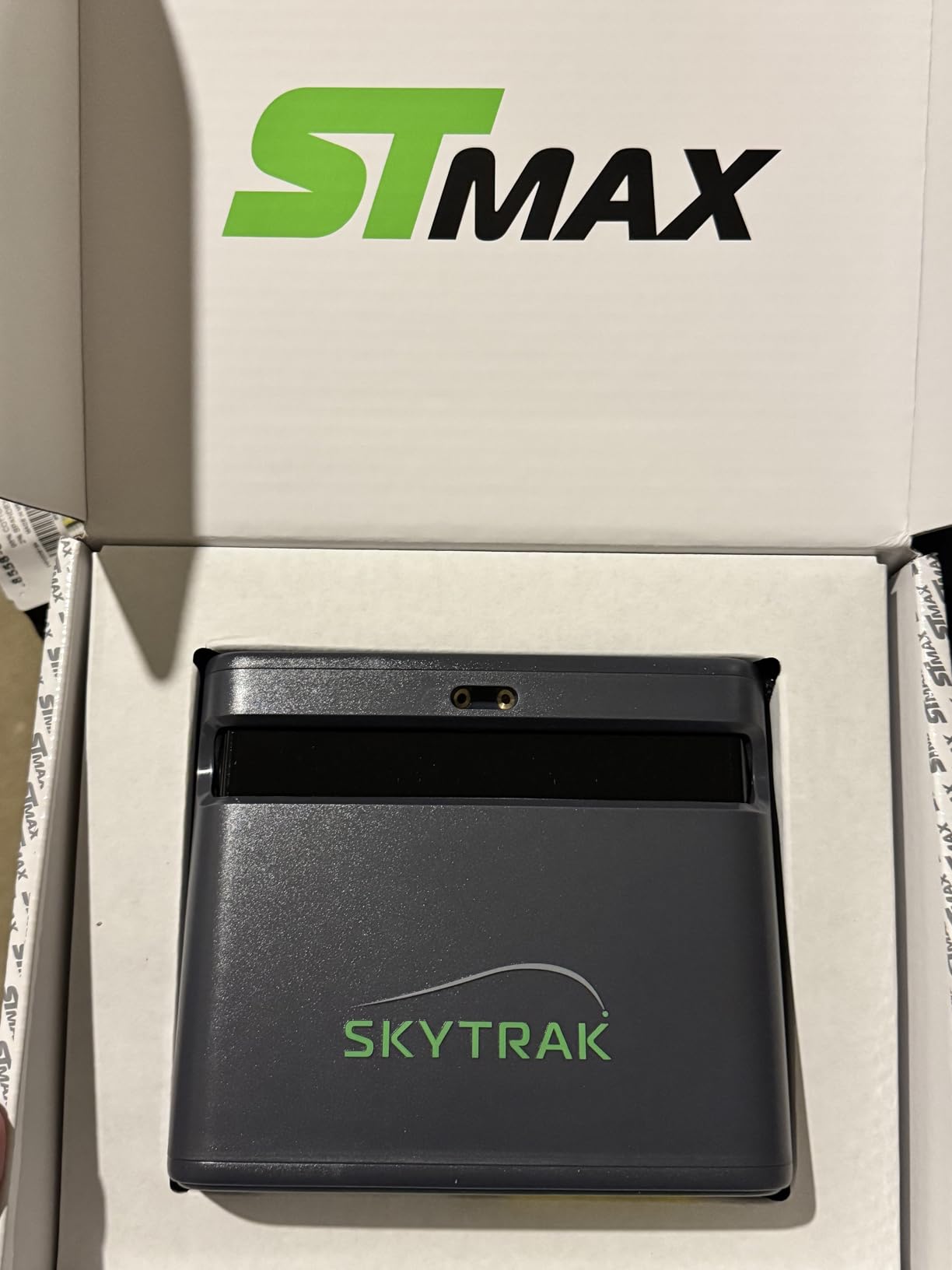
The ST MAX is the unit to look at if your household runs Macs. Native Mac compatibility alongside Windows is rare in this category, and owners repeatedly recommend it for Mac users and for beginner-friendly interfaces.
It combines dual doppler radar with photometric cameras for full ball and club data, and GOLFTEC Speed Training is built into the device with guided drills and personalised swing insights. The software suite includes Skills Assessments, Bag Mapping, Wedge Matrix and Randomized Practice modes.
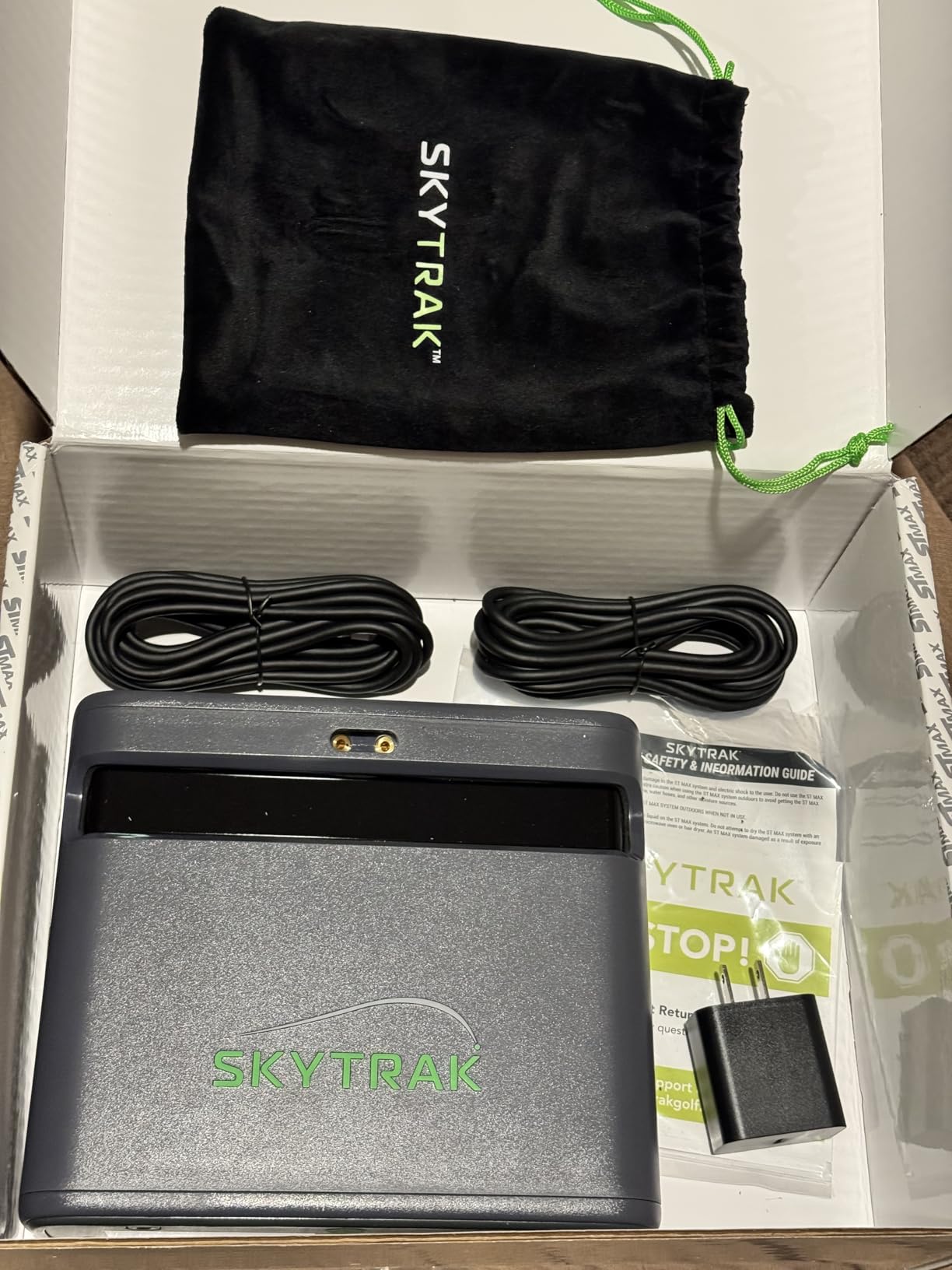
Setup is genuinely plug-and-play. Owners report hitting shots within minutes, and dual USB-C ports allow simultaneous charging and data transfer, which is a small detail that prevents a real annoyance during long sessions.
The hitting zone is the weakness. It is small, and ball placement needs to be precise or you get no-reads, so a poorly aligned bay will frustrate you. Subscription plans are also expensive for course play, and hard-wired USB mode caused freezes and missed shots for some owners.
What SkyTrak Software Does for Practice Structure
Bag Mapping is the feature that changes indoor practice most. It records where your shots land for each club so you can see gaps directly, and Wedge Matrix gives you a structured short-game test instead of guesswork about which wedge you actually hit 80 yards with.
Randomized Practice keeps a session honest by mixing clubs, and Skills Assessments give you a repeatable benchmark to check progress against over the season.
Getting the 10 by 10 Foot Footprint Right
The stated requirement is roughly ten feet by ten feet for full indoor swings, and the device can damage walls or light fixtures if it is unprotected. Put mats on the sides of the hitting area before you start swinging, not after.
There is also a connection trade-off. Owners report that hard-wired USB mode caused freezes and missed shots, while Wi-Fi direct mode then blocks course downloads, so pick one and stay with it rather than switching mid-session.
13. Uneekor Eye MINI LITE – Most Metric Depth for a Serious Indoor Bay
Uneekor Eye MINI LITE Indoor Golf Launch Monitor & Simulator 19 Precision Metrics, Near-Zero Latency, Works with GSPro, TGC19, E6, AI Trainer Compatible, Easy Setup, PC/Laptop Required
19 real-time metrics, near-zero latency
Dimple Optix reads any ball
GSPro, E6, TGC19 compatible
Pros
- 19 real-time metrics
- more than the CORE model
- 100 stored session reports for progress tracking
- Dimple Optix reads any ball without stickers
- Responsive support and quick configuration help
Cons
- Requires a powerful PC or laptop
- Hardwired ethernet and USB only
- REFINE+ and GameDay 4K need dual displays
- Small review base so far
The Eye MINI LITE is where the Uneekor data suite is complete. Nineteen real-time metrics, 100 stored session reports, Dimple Optix reading any ball without stickers, and Club Optix visuals of the club at impact.
It shares the strengths that make the CORE model work. High-speed cameras and infrared sensors produce near-zero latency, and the hardwired ethernet connection keeps the data stable. Among the owners who have reviewed it, sentiment on metric depth and read reliability is strongly positive.
Third-party compatibility is broad, covering GSPro, E6 Connect, TGC19 and Creative Golf 3D, and AI Trainer feedback is available through the separately sold Swing Optix. A three-month trial of REFINE+ includes 20 courses and GameDay 4K competitive modes, and a USB-to-LAN adapter is in the box.
The bill is the reason to slow down. It requires a fairly powerful PC or laptop, third-party simulator subscriptions are an ongoing cost, and the ethernet and USB-only design means no tablet use and no portability. Dual displays are needed for the competitive GameDay modes.
Who This LITE Model Is For
It is for someone who already knows they want the deepest indoor data set available and has a PC that can run it. The 19 metrics and 100 stored reports are the reason to step up from the CORE rather than a cosmetic upgrade.
Progress tracking across a season is the practical payoff. A hundred stored session reports let you compare March to September instead of relying on a feeling that something changed.
The Total System Cost Is the Real Number
Price the PC before you price the monitor. The stated requirements scale with what you want to run, and for simulation and AI features they step up considerably, which is where most owners are surprised by the total.
It is also hardwired, so plan a permanent location. This is a device that gets installed once, not one you move between a garage and a range.
14. Swinora GX-03 – Best Indoor Unit for Distance Calibration Control
Swinora Golf Launch Monitor & Portable Swing Analyzer with 13 Metrics
Zero annual fees, 13 metrics
Distance compensation 80 to 120 percent
OLED display, aluminium body, tripod included
Pros
- No subscription or annual fees of any kind
- Per-club distance compensation from 80 to 120 percent
- 13 metrics including attack angle and spin rate
- Metal body
- OLED display and magnetic phone mount
Cons
- Needs 15 feet of total indoor space
- Bluetooth is most reliable with the phone in front
- Some owners question measurement precision
- Smallest review base in this roundup
The GX-03’s stand-out feature is Distance Compensation, which lets you scale each club’s readings between 80 and 120 percent of the default. Owners use it to match on-course distances, and one measured within 1 percent of a TrackMan on an indoor simulator.
Beyond that, it reports 13 metrics including attack angle, launch angle, spin rate and vertical clubface data, with fixed multi-angle practice views at 45 and 90 degrees and a shot trajectory display. There are zero annual fees, with every feature unlocked after a one-time app download.
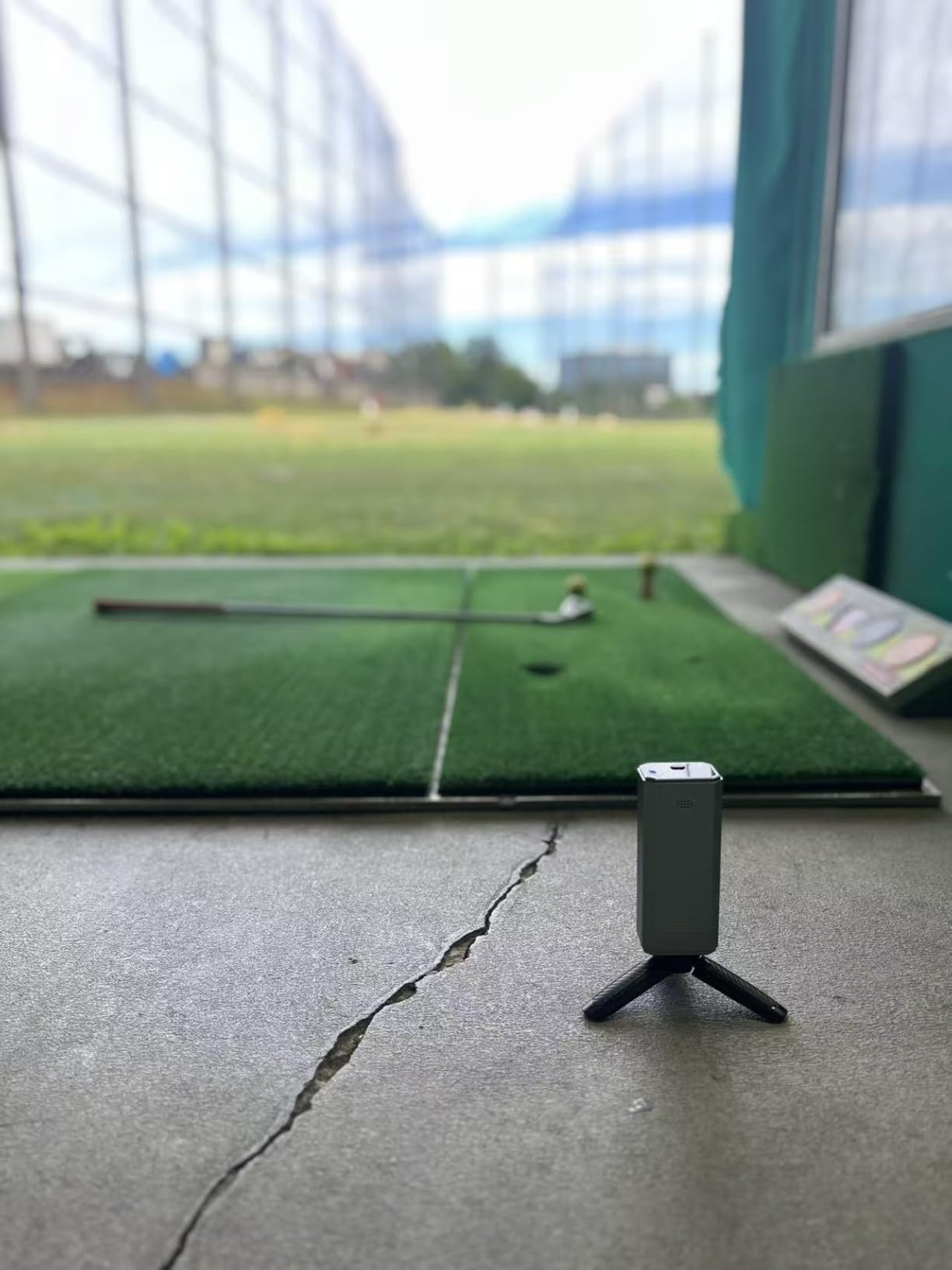
Built-in temperature, humidity and barometric pressure modules adjust the data to real-time conditions, and shank or missed-shot detection raises an alert and records club speed only, which keeps bad data out of your session. The aluminium body, OLED display, tripod and magnetic phone mount make it feel well made.
The constraint is space. The stated indoor requirement is 15 feet total, made up of five feet behind the ball plus ten feet of ball flight, which is the most demanding floor-standing requirement in this roundup.
Why Distance Compensation Is Worth Learning
Because a launch monitor that is consistent but wrong still ruins practice. Scaling each club until the numbers match your real distances means the training you do in January transfers to the course in June.
It also solves a common indoor problem. Some indoor surfaces and lower-loft clubs produce different results from outdoor play, and a per-club adjustment is a cleaner fix than assuming the device is wrong.
Before You Buy: Check the Room and the Signal
Measure to fifteen feet including the flight space behind the unit. If your bay is shorter, this device is not a candidate even though the feature set is appealing.
Bluetooth is most reliable with the phone placed directly in front of the unit, which constrains where you can mount or rest your phone. And with the smallest review base here, validate the precision against a known reference in your first sessions.
Frequently Asked Questions
Can you use a launch monitor indoors?
Yes, and indoor use is where they are most consistent. The important difference is tracking technology. Camera-based units sit beside the ball and read spin at impact, so they work in short rooms. Radar units sit behind the ball and need open flight, typically eight feet or more past the tee. For a net in a garage, a camera or hybrid system is the right choice.
Is radar or camera better for indoor launch monitors?
Camera is better indoors because the room is the reference, not the flight. Radar accuracy depends on tracking the ball over distance, and that degrades when a wall or net is close. Radar still wins for pure speed training indoors, because many radar units can measure club head speed without striking a ball at all, which removes the space requirement entirely.
What are the minimum space requirements for an indoor golf simulator?
Budget radar and phone-mounted devices can work in a small bay when used in a no-ball swing speed mode. Mid-size systems need roughly eight to ten feet past the tee for a full swing. The Swinora GX-03 states fifteen feet total, which is five feet behind the ball plus ten feet of flight. Measure backwards as well as forwards, because radar needs room behind the ball too.
How tall should a garage be for a golf simulator?
It depends on your height, because the club at the top of the backswing is the limiting factor, not the ball. Around eight and a half feet is workable for a shorter golfer who shortens the swing, while a golfer near six foot two generally wants nine and a half feet or more. Under eight feet, full driver swings are not realistic and a swing trainer is the better route.
Do golf launch monitors need a subscription?
It depends entirely on the model. The FlightScope Mevo Gen2 includes eight E6 Connect courses for life with no annual fees, and the TAGCMC GX-10 and Swinora GX-03 unlock every app feature with a one-time download. The Rapsodo MLM2PRO, Garmin R50, SkyTrak ST MAX and both Uneekor units gate courses and deeper analytics behind an annual membership. A third-party simulator such as GSPro is a separate annual fee regardless of brand.
Do I need a computer for a golf launch monitor?
Only for some models. Phone-based units such as the Rapsodo MLM, MLM2PRO and Garmin R10 need a phone or tablet and nothing more. The Garmin R50 has a built-in 10-inch touchscreen and needs no phone at all. Both Uneekor models are hardwired and require a capable gaming PC, with specific processor, memory, storage and graphics specifications for full simulation.
Final Picks for the Best Golf Launch Monitors for Indoor Use in 2026
After 14 units, the pick for most indoor golfers is the Rapsodo MLM. It has the deepest proven track record of anyone working from a net, and its shot tracer and dispersion map do more for a winter habit than any extra data field. If you need spin rate, step up to the Rapsodo MLM2PRO, which adds a dual camera, club path and impact video for a fraction of broadcast-grade pricing.
For a garage you use every day, the Garmin R10 is the low-friction choice with ten hours of battery and a training mode that structures practice. For the smallest rooms, the PRGR HS 130-A and the Voice Caddie SC200Plus both run speed work with no ball struck, which means the room size stops mattering. If you refuse an annual fee, the FlightScope Mevo Gen2 includes its course bundle for life, and the SkyTrak ST MAX is the answer for Mac users who want a full software suite.
Measure your ceiling, measure the depth behind the ball, and then buy. Almost every bad indoor launch monitor story we heard started with a room that was never measured properly.