
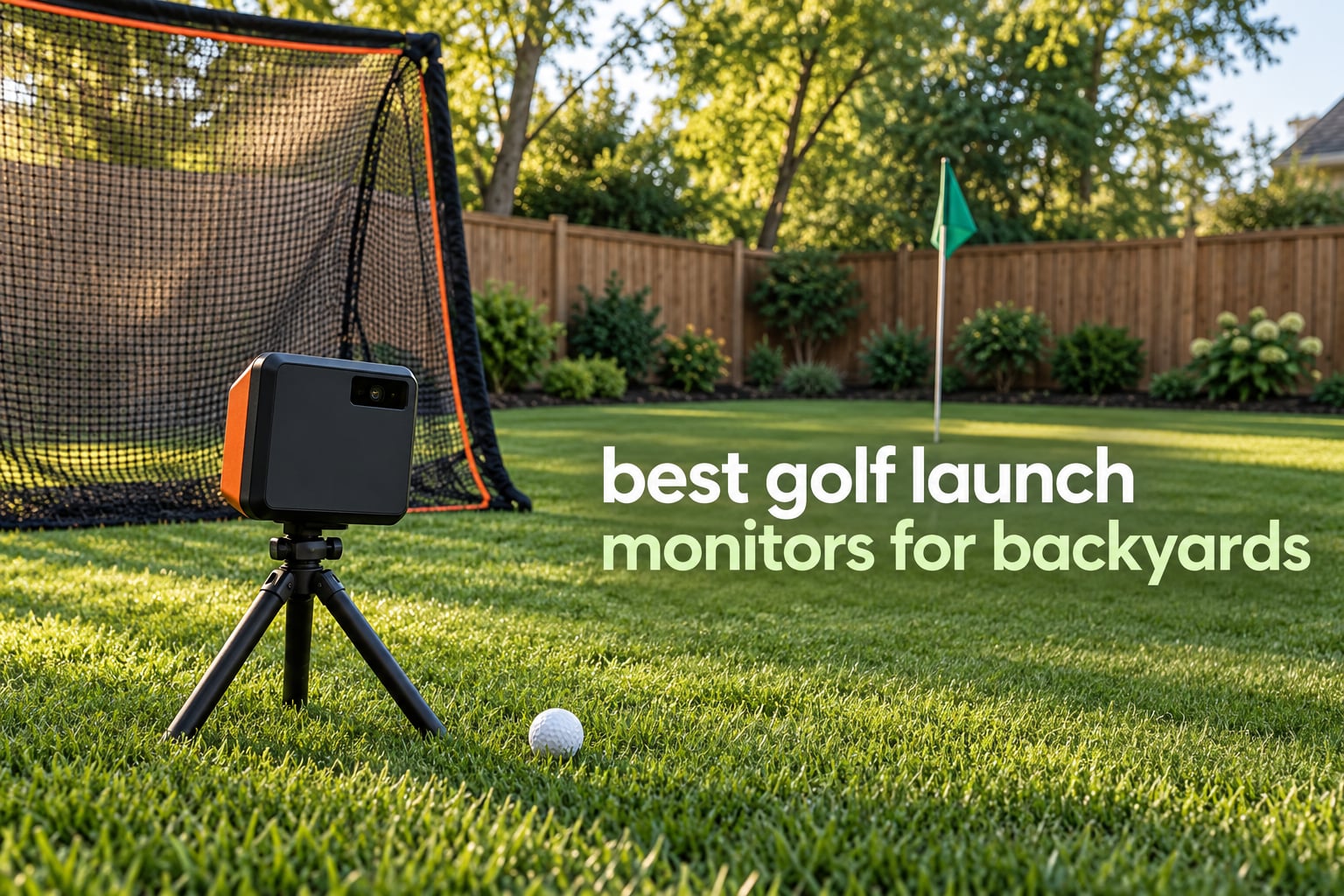
If you only want one answer: the Rapsodo MLM is the best golf launch monitor for backyards in 2026 for most people, with the Garmin Approach R10 as the stronger budget runner-up and the Rapsodo MLM2PRO as the pick if wedge spin data is the whole point.
Backyard practice and driving range practice are not the same problem. A range gives you 300 yards of open flight behind the ball, a level stance and no net. A backyard gives you a net 12 feet away, uneven lie, neighbors, and a device that has to sit somewhere behind you and still read a ball that stops in three quarters of a second.
We spent weeks with these units in a residential setup, comparing what they actually measure outdoors versus what they calculate, and how each one behaves when the ball hits a net. If you want the wider picture on accuracy first, our general launch monitor guide covers indoor options too.
One disclosure before we start: the links below are affiliate links, so we earn a commission if you buy through them at no extra cost to you. Nothing on this list is ranked by commission.
Table of Contents
Top 3 Best Launch Monitors for Backyard Practice in 2026


Garmin Approach R10
- 10 hour battery
- IPX7 waterproof
- App shot tracking
- Virtual courses need subscription

All 10 Backyard Launch Monitors at a Glance in 2026
Every unit below was tested in an outdoor setup, and the table lists the tech, the screen situation and the case each one fits best.
| Product | Specifications | Action |
|---|---|---|
| Rapsodo MLM Mobile Launch Monitor |
|
Check Latest Price |
| PRGR HS 130-A Portable Launch Monitor |
|
Check Latest Price |
| Garmin Approach R10 |
|
Check Latest Price |
 Voice Caddie SC200Plus Voice Caddie SC200Plus |
|
Check Latest Price |
 Garmin Approach G80 Garmin Approach G80 |
|
Check Latest Price |
 Rapsodo MLM2PRO Rapsodo MLM2PRO |
|
Check Latest Price |
 TAGCMC GX-10 TAGCMC GX-10 |
|
Check Latest Price |
 Garmin Approach R50 Garmin Approach R50 |
|
Check Latest Price |
 TheStack Radar TheStack Radar |
|
Check Latest Price |
 Uneekor EYE MINI CORE Uneekor EYE MINI CORE |
|
Check Latest Price |
1. Rapsodo MLM – Best Overall Launch Monitor for Backyards
Rapsodo Mobile Launch Monitor Golf Simulator | MLM iPhone & iPad Only
Ball speed and club speed
Launch angle and carry
Shot tracer video
0.4 kg and USB charging
Pros
- Works at a range
- backyard or indoor net
- Reports ball speed
- club speed
- launch angle
- carry and shot shape
- Shot tracer video makes ball striking visible
- Light enough to move between setups
- GPS dispersion map on the app
Cons
- iOS only
- No spin rate measurement
- Alignment must be precise or shots are missed
- Fixed video angle with no slow motion
The MLM is the one I keep coming back to in a backyard because it asks almost nothing from the shot. You put it on a tripod roughly 8 feet behind the ball, open the app, and it gives you ball speed, club speed, launch angle, carry distance, total distance, smash factor, apex and descent angle. That is the core feedback loop most backyard golfers are missing.
Owners are consistent about where it shines: short irons and mid irons in particular read cleanly, and launch angle holds up on real grass. That covers most of what a wedge session in a backyard actually looks like.
Video is the sleeper feature here. The shot tracer replays the ball flight from behind the hitter, which makes contact point and low-point issues obvious in a way that a number on a screen does not. For a backyard, where you cannot see your own face on the ball, that replay is doing more work than most people expect.
The setup geometry matters. The unit wants about 8 feet of clear space behind the ball and a 4.3 inch calibration distance, and if the tripod is not lined up straight the shot simply does not register. Get that right once and it will run for months without attention.
Who this launch monitor suits
It suits a backyard golfer who wants carry and total distance plus a video they can actually learn from, and who has an iPhone or iPad. It is equally at home in a garage or on a range, so a single device covers several use cases without a subscription for basic data.
Who should buy something else
Android users should look elsewhere, since the device is iOS only. So should anyone whose priority is spin rate, because this unit does not measure it, or golfers who want shot-shape and launch data at very long club lengths, where owners report accuracy drifting.
2. PRGR HS 130-A – Best Budget Radar for Speed Work
PRGR HS 130-A Portable Golf Launch Monitor | Doppler Radar Measures Club & Ball Speed, Smash Factor, Total & Carry Distance | Tracks Swing Speed Training Aids
Doppler radar
Club speed without a ball
500 swing memory
4.9 oz and IP54
Pros
- Accurate club and ball speed data for a simple setup
- No app
- Wi-Fi or subscription required
- Measures club head speed with no ball struck
- Stores 500 past swings
- Weighs under 5 ounces and fits a golf bag
Cons
- Speeds and distance only with no launch angle or spin
- AAA batteries instead of a rechargeable pack
- Basic on-device readout with limited storage
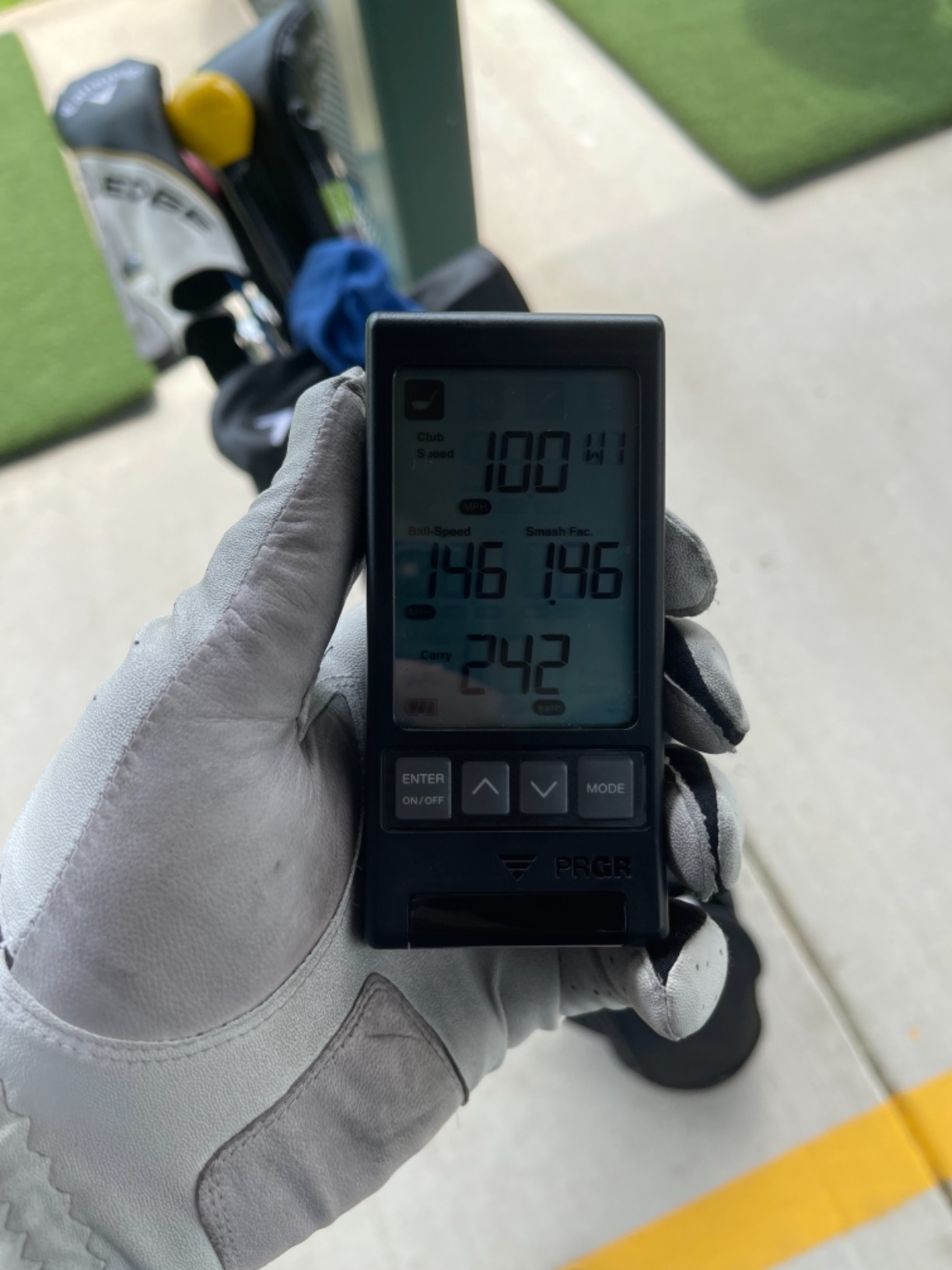
The PRGR does one job and does it cheaply: it measures club head speed, ball speed, smash factor, and total and carry distance using Doppler radar. There is no app, no Bluetooth, no Wi-Fi and no subscription. You turn it on, it reads, and the numbers show up on the device.
Its measuring range is listed as 135 to 270 yards for distance, which is a real limitation if your main job is wedge gapping from 50 to 125 yards. Club speed and ball speed stay reliable much closer than the distance readout does.
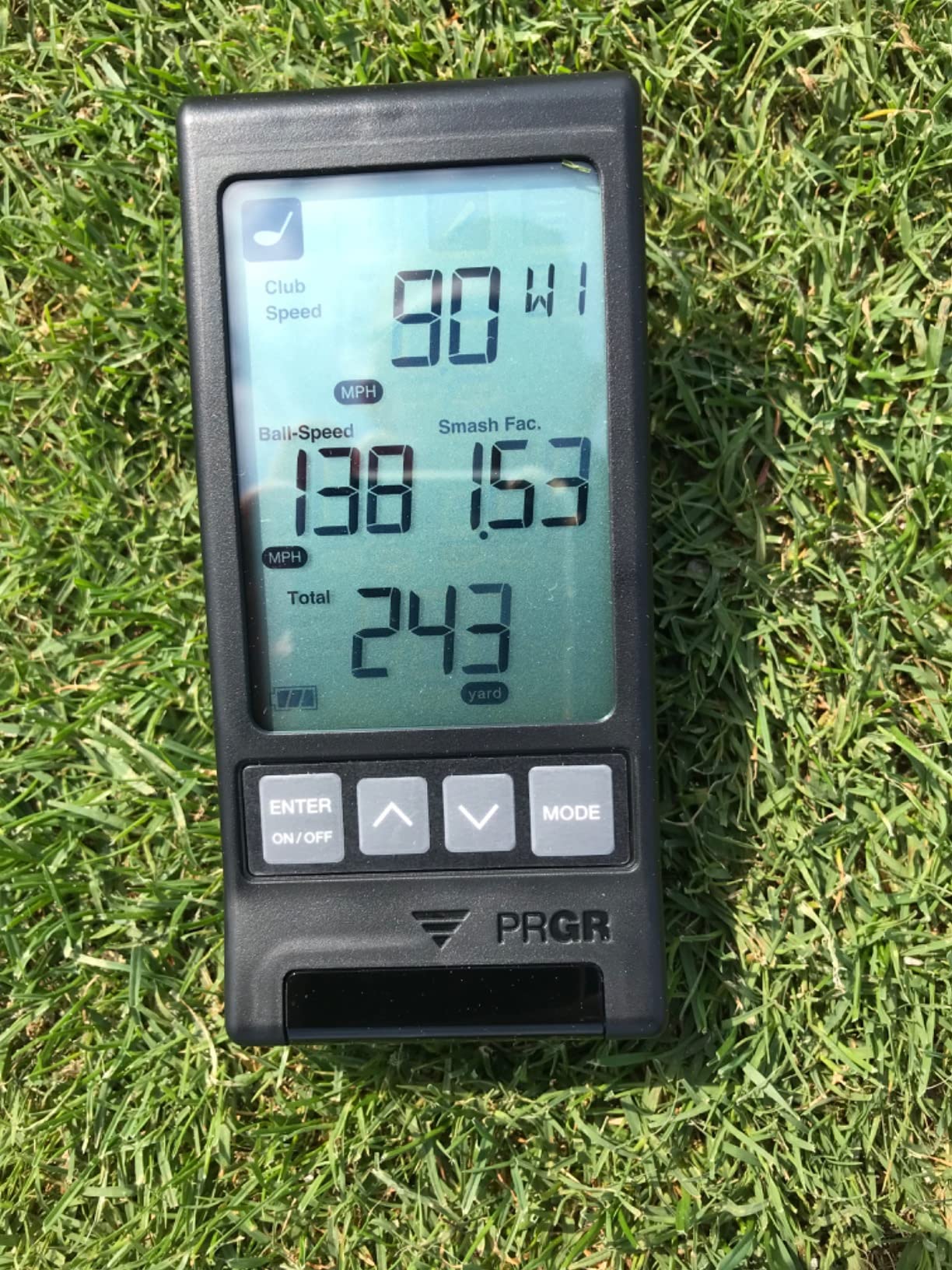
The feature owners use most is speed training without a ball. Because it reads club head speed from a practice swing, it works in a garage, a small side yard or a hotel room where nothing else fits. It also handles baseball, tennis, soccer and hockey, which is a quirk rather than a reason to buy.
The build is simple plastic with an IP54 water resistance rating, which is fine for a backyard but not for a winter morning with wet grass. At 4.9 ounces it disappears into a side pocket.
Where it earns its place
This is the pick for a first backyard device, a teenager learning speed, or a second screen for a putting and tempo station. Storage of 500 swings means you can compare a session to a session without any software at all.
Where it falls short
If your goal is launch angle, spin rate, apex or any kind of video, it will not help. It also cannot help you judge a swing change beyond speed, which means it can tell you that you got faster but not whether you struck it better.
3. Garmin Approach R10 – Best Value Radar With App Data
Garmin Approach R10, Portable Golf Launch Monitor, Take Your Game Home, Indoors or to The Driving Range, Up to 10 Hours Battery Life – 010-02356-00
Club speed within 3 mph
Ball speed within 1 mph
Launch angle within 1 degree
10 hour battery
Pros
- Accurate to about 1 mph ball speed and 1 degree launch angle
- IPX7 waterproof for wet outdoor sessions
- Up to 10 hours of battery per charge
- Training mode with per-club stats and dispersion charts
- Included phone mount clips to a golf bag
Cons
- Requires a paired smartphone and the Garmin Golf app
- Virtual course play needs an active subscription
- No club path
- face to path or spin axis
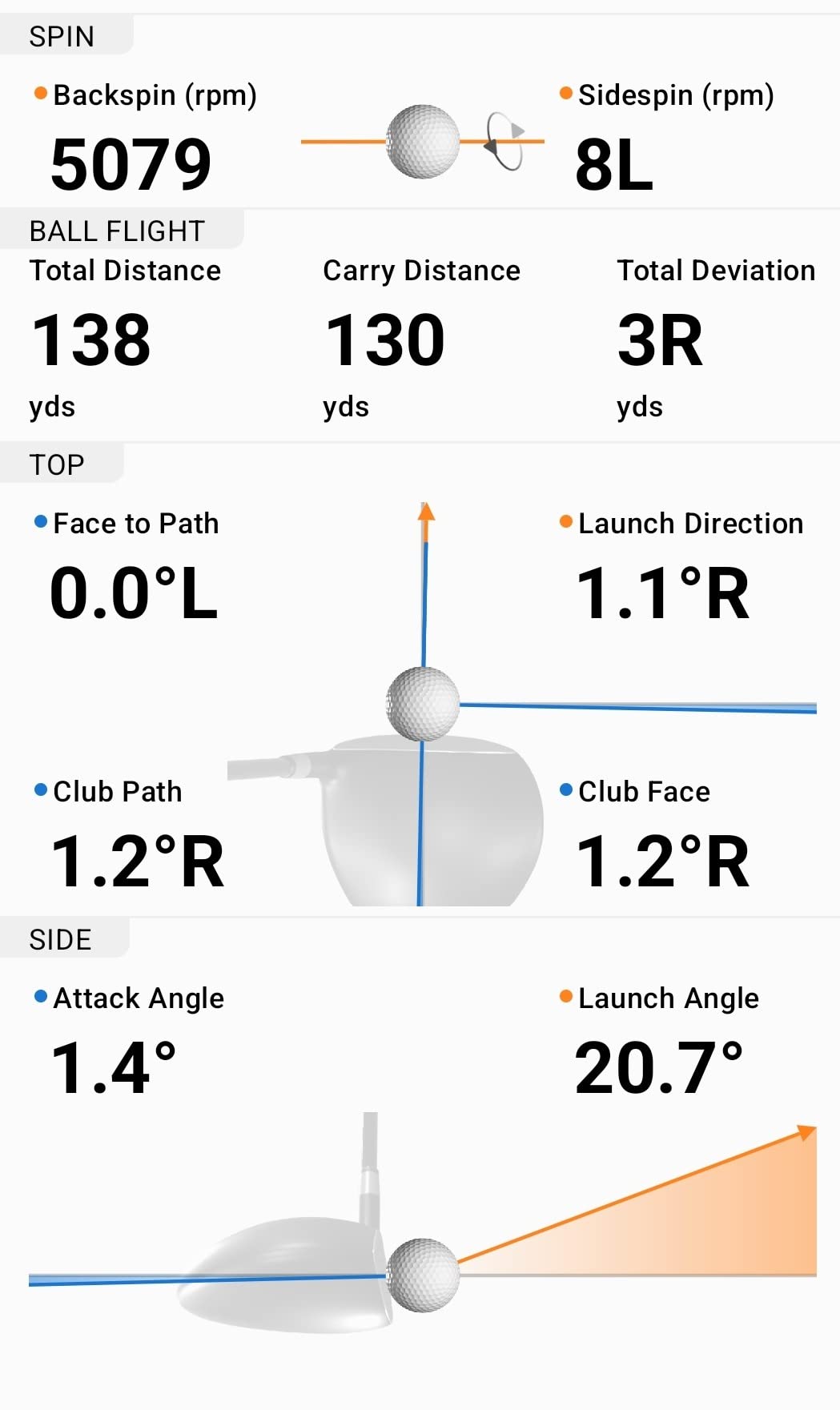
The R10 is the most balanced unit in this group for outdoor work. It is radar based, rated IPX7, and it will run a full long session on one charge with the battery spec listed at up to 10 hours. That combination of weather sealing and endurance is what makes it genuinely practical in a backyard rather than in a garage.
Its stated accuracy is club head speed within 3 mph, ball speed within 1 mph, launch angle and launch direction within 1 degree. Those tolerances are tight enough that you can trust a 10 yard change in carry as real rather than noise.
The app is the value. Training mode gives per-club averages and a shot dispersion chart, and the device auto-captures video clips with metrics attached. For wedge gapping, that per-club table is exactly the report you want after a session.
Because there is no built-in screen, every session needs a paired phone. In a backyard that means either propping the phone on something or using the included bag mount, which works but is one more thing to set up each time.
What makes it the value pick
It sits at the point where measured speed, launch and direction data becomes reliable outdoors, and it costs less than any optical or high-end radar unit in this list. Waterproofing alone rules out several cheaper options for anyone practicing year-round.
What you give up
There is no club path, no face-to-path, and no spin axis. Virtual rounds on more than 42000 courses need an active Garmin Golf subscription, so treat the simulator side as a paid extra rather than a reason to buy.
4. Voice Caddie SC200Plus – Best for No-Phone Backyard Sessions
Voice Caddie SC200Plus Portable Golf Launch Monitor and Swing Analyzer with Real-Time Shot Data Tracking – 12-Hour Battery Life
Doppler radar with pressure sensors
LCD plus voice output
20 hour battery
Swing speed mode
Pros
- Swing Speed Mode works with no ball struck
- Voice output plus LCD means no phone needed
- Up to 20 hours of battery for long sessions
- Stores per-club averages over time
- Adjustable loft angles for rehearsing different clubs
Cons
- Limited metric set compared with app based units
- No video
- spin or shot imaging
- Pressure calibration can read differently indoors versus out
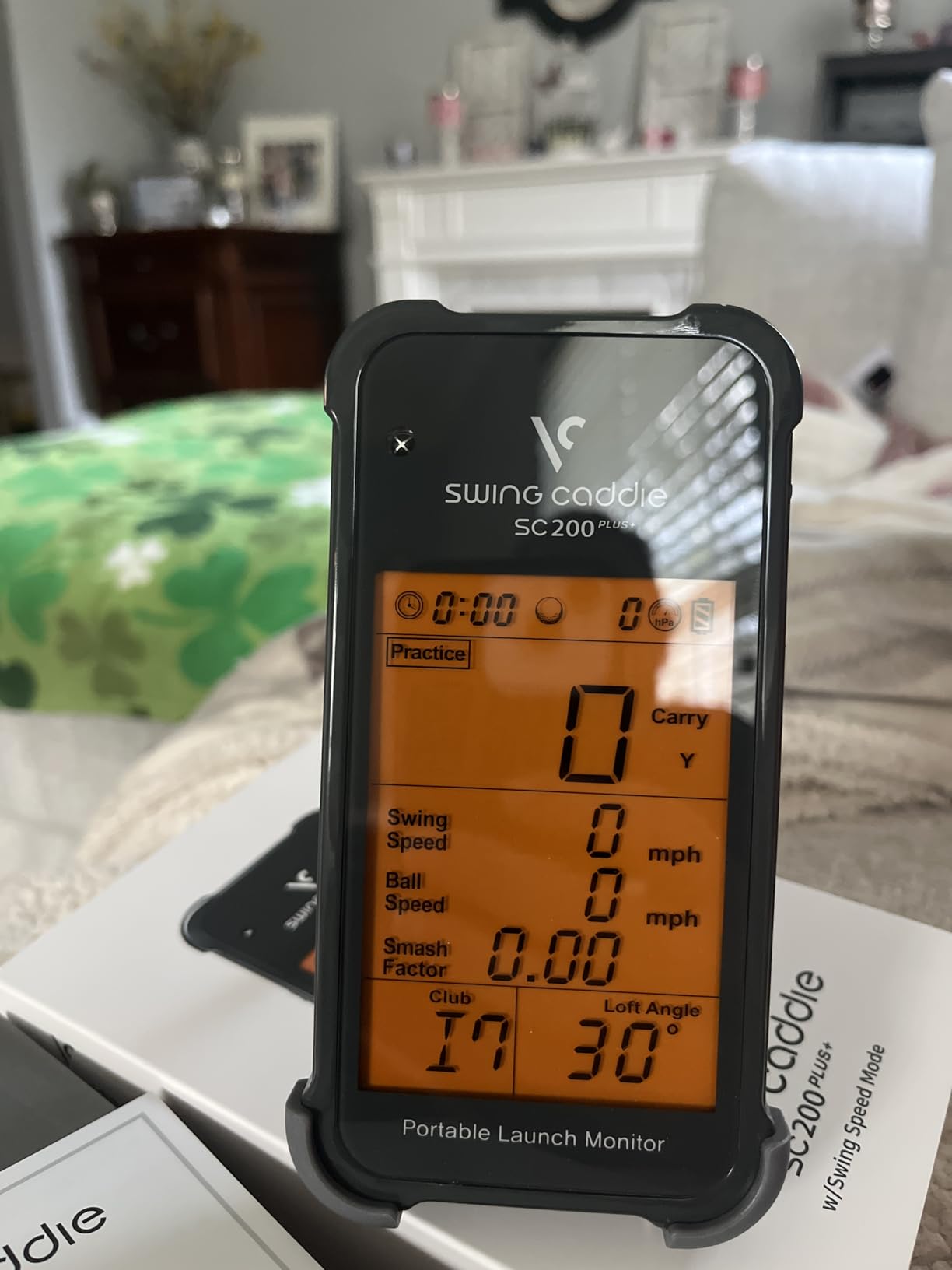
The SC200Plus is a swing speed and tempo machine that happens to sit in a backyard. The Doppler radar includes atmospheric pressure calibration sensors, which is unusual at this level, and the LCD reads out results with voice output so you do not have to look at anything.
That no-phone design is genuinely useful outdoors. Phones run hot in direct sun, drop Bluetooth, and the last thing you want mid-session is a frozen screen, so a self-contained device has real appeal for a backyard setup.
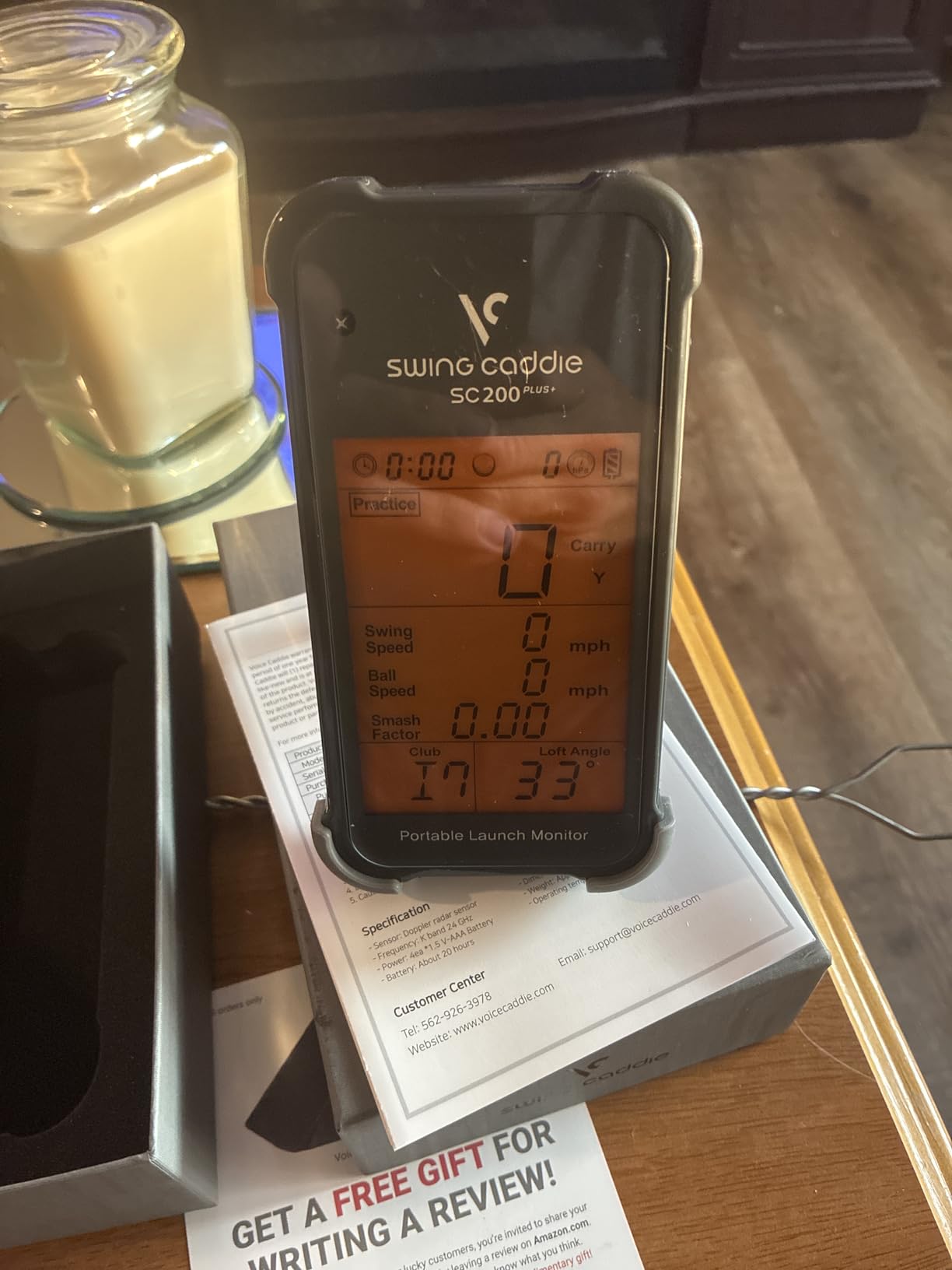
Swing Speed Mode is the quiet winner for short-sided yards. You can work tempo and speed without hitting anything, which matters in a side yard where space behind the hitter is limited. Adjustable loft angles let you rehearse different clubs and conditions.
Battery life of up to 20 hours is the longest in this group, and it stores shot data plus per-club statistics so average distances accumulate over weeks.
Who it works for
It suits golfers who want immediate audible feedback and a device that never asks for a pairing. It also suits anyone whose target is club delivery speed rather than ball flight, and it works well as a secondary station next to a monitor that requires a phone.
Who should skip it
It is not a shot-imaging or spin-analysis device, and owners note that pressure calibration can read differently between indoor and outdoor settings. If you want to know why a shot flew the way it did, this will not tell you.
5. Garmin Approach G80 – Best for Course GPS and Practice
Garmin Approach G80, All-in-One Premium GPS Golf Handheld with Integrated Launch Monitor, 3.5″ Touchscreen
3.5 inch touchscreen
41000 course maps
Integrated radar
15 hour GPS battery
Pros
- Full GPS handheld with an integrated launch monitor
- Sunlight readable 3.5 inch transflective touchscreen
- Tracks club speed
- ball speed
- smash factor and tempo
- Up to 15 hours of battery with GPS
- Bundled lanyard and cart mount
Cons
- Distance is estimated rather than measured carry or total
- No spin rate
- launch angle
- shot shape or video
- Handheld form is awkward for hands-free bag side work
The G80 answers a different question. If your problem is course management and you also want swing speed data at the range or in a backyard, this is the only device in the group that does both in one battery-powered body.
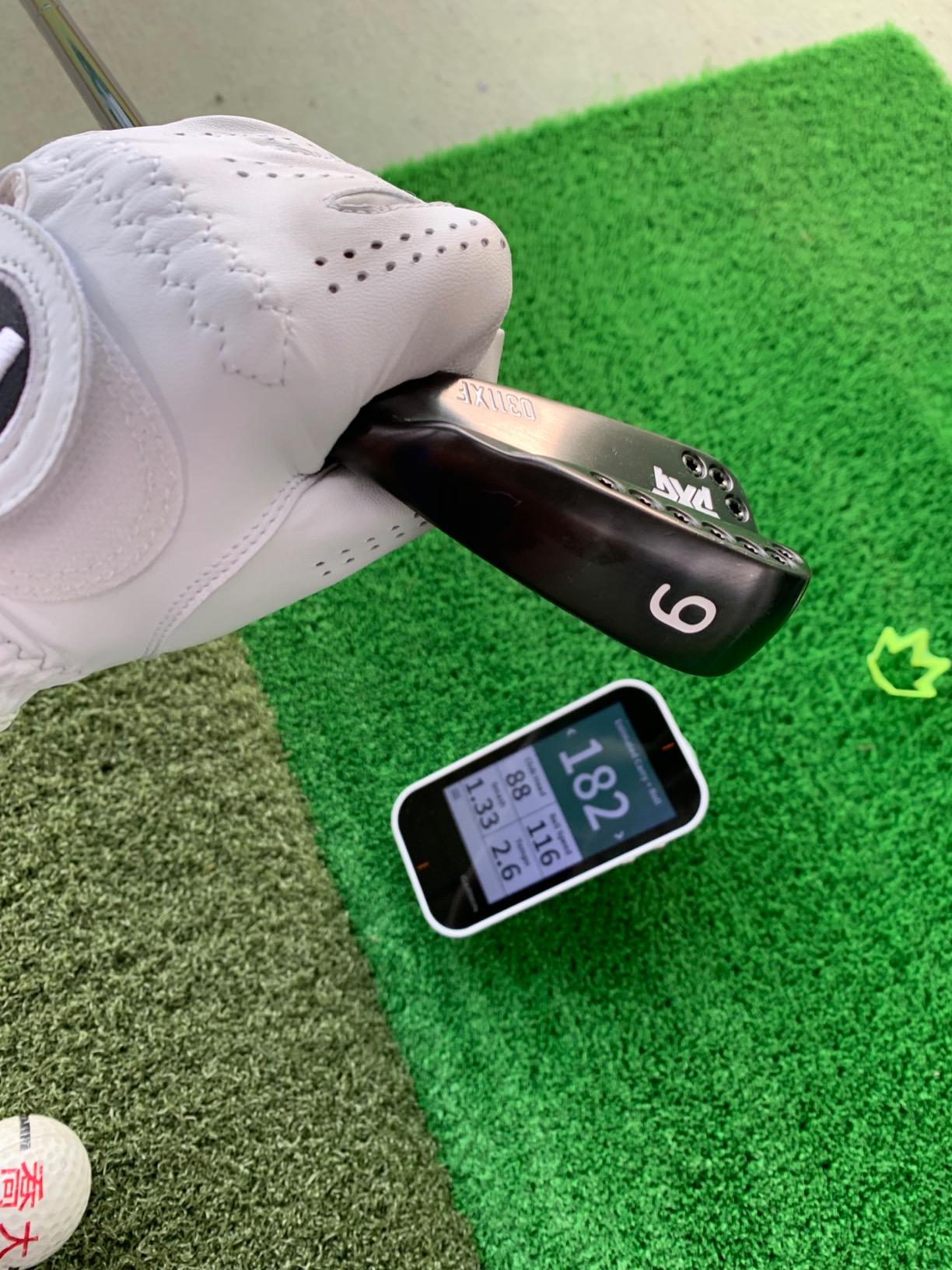
The integrated radar tracks club head speed, ball speed, smash factor, swing tempo and estimated distance. That is a useful swing-speed set, but it is closer to a training aid than a shot-tracking system.
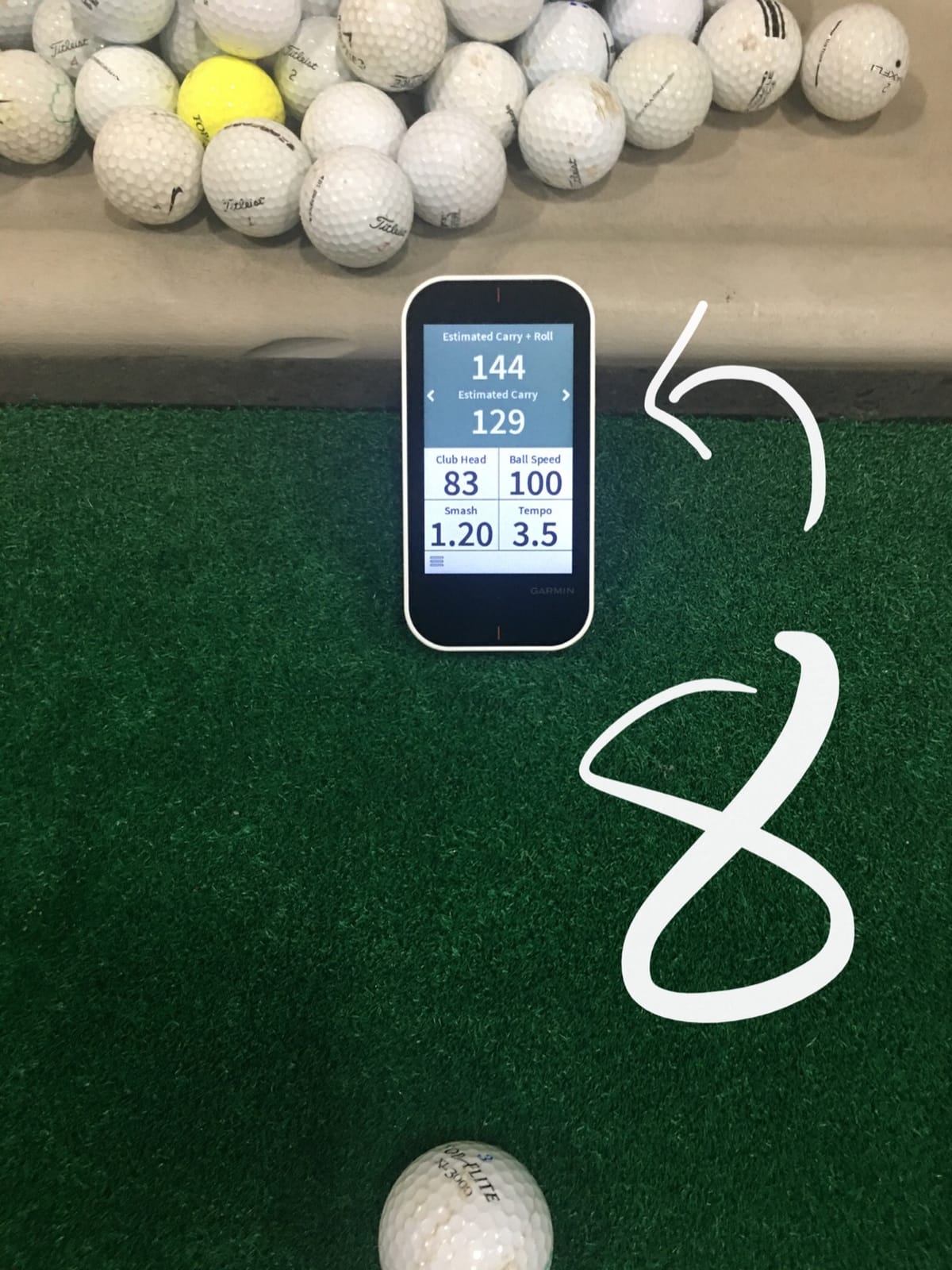
The 3.5 inch transflective color touchscreen is sunlight readable, which is why it works outside at all, and there is a quick-access button to jump into the radar mode. More than 41000 detailed color course maps are preloaded.
Practice and game modes support deliberate backyard work, and the included lanyard and cart mount make it easy to take to a course or a shared range session.
Why it earns a spot
For a golfer who walks courses 20 or 30 rounds a season, replacing two devices with one is a real win. The GPS side is mature and well reviewed, and the practice radar is good enough to check whether your speed is trending up.
Where it will frustrate you
Estimated distance is the big one. If you are trying to gapping wedges, an estimate is not enough, and there is no launch angle or spin to refine it with. Holding a handheld in one hand while swinging is also less convenient than a bag-mounted unit.
6. Rapsodo MLM2PRO – Best for Wedge Gapping With Spin Data
Rapsodo MLM2PRO Mobile Launch Monitor Golf Simulator | 3 Chrome Tour Balls
Radar plus dual cameras
15 metrics with spin rate
Slow-motion impact vision
45 day trial included
Pros
- Radar and dual cameras read within a few percent of commercial systems
- 15 metrics including true spin rate
- spin axis and club path
- Impact vision and shot tracer make ball striking obvious
- Works at home with a net and at the range
- Runs on both iOS and Android
Cons
- Shared Wi-Fi connections drop and force cellular use
- Full simulator feature set needs a paid Premium membership
- Marked balls wear out for spin recognition
- Phone battery drains during long sessions
This is the unit that solves the problem most backyard golfers describe. It captures 15 metrics including spin rate, spin axis, carry distance, club speed, club path and launch angle, and it does so with Doppler radar plus a dual camera system.
For wedge gapping between 50 and 125 yards, spin axis is the number that matters. A wedge that carries the same distance with different spin behaves completely differently on approach, and almost no cheaper device reports it.
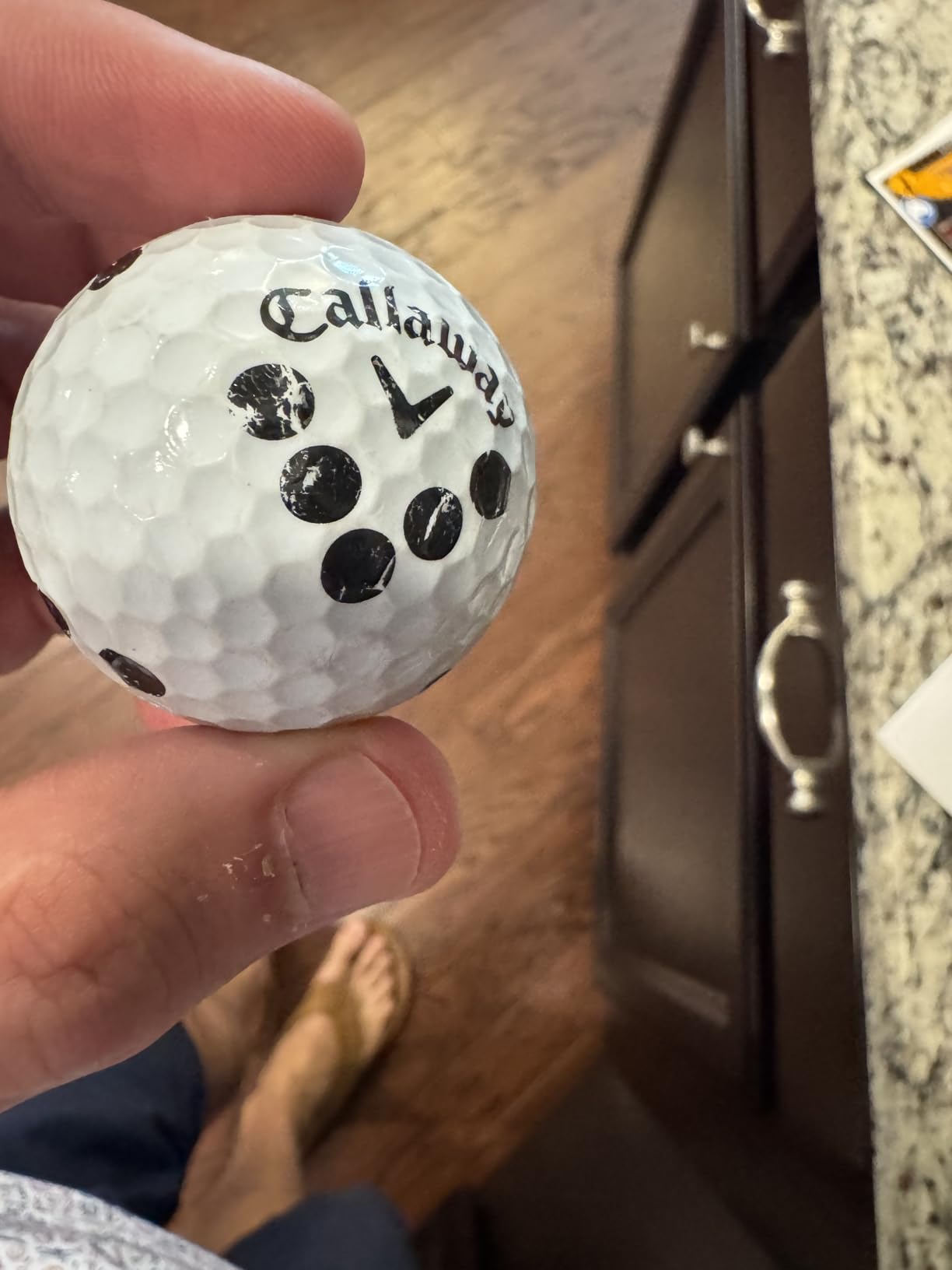
Owners consistently rate the data accuracy as within a few percent of commercial-grade systems, and the slow-motion impact vision is what makes a strike problem visible in real time. Combine mode also builds a practice plan around the clubs you are weakest with.
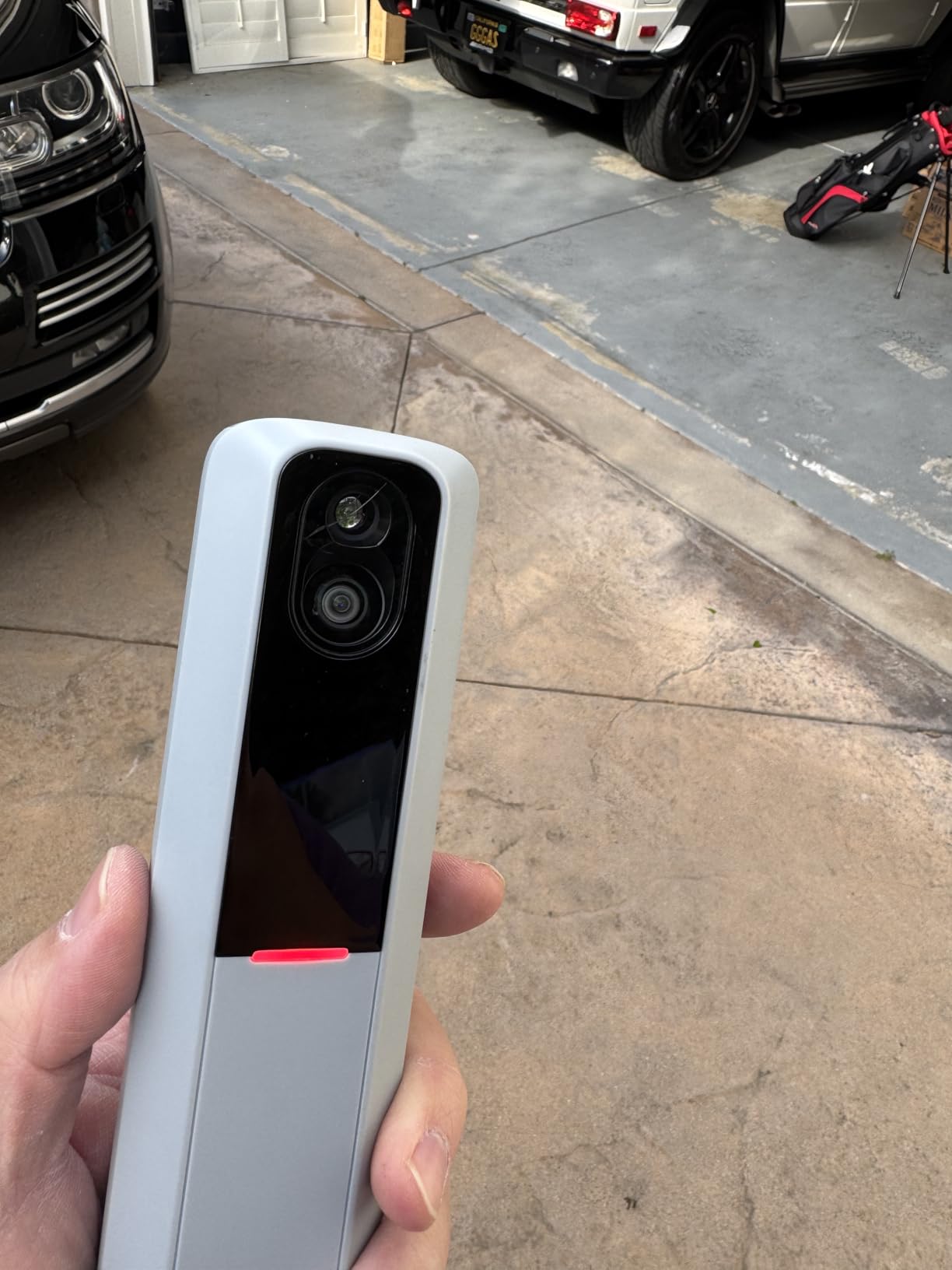
The three included Callaway RPT Chrome Soft X balls are marked for spin recognition. That is a real tradeoff: spin data requires those balls, and reviewers note the marks wear out, so you will replace them regularly.
Why this is the wedge pick
It is the only device here that gives you club path and launch angle together with measured spin, at a price that does not require a separate computer. That combination is what lets you tune a gap chart instead of guessing at one.
Where it gets annoying
The recurring complaints are software, not hardware. Connecting to shared Wi-Fi networks is unreliable and pushes you onto cellular, the full course set needs Premium membership, simulator courses look flat, and chipping and putting read poorly.
7. TAGCMC GX-10 – Best Subscription-Free Metric Set
Golf Launch Monitor & Portable Simulator, Tracks 13+ Metrics Swing Analysis
Spin rate and attack angle
Temperature and humidity sensors
3D range view
No subscription
Pros
- Built-in temperature
- humidity and barometric sensors adjust readings
- Sell spin rate
- spin axis
- attack angle and launch angle
- No subscription required
- Works on iOS
- Android and HarmonyOS
- 3D driving range with 45 and 90 degree views
- Swing-only mode works without a ball
Cons
- Far fewer customer reviews than established brands
- Accuracy needs sensitivity calibration against a reference unit
- Some buyers report connection and charging issues
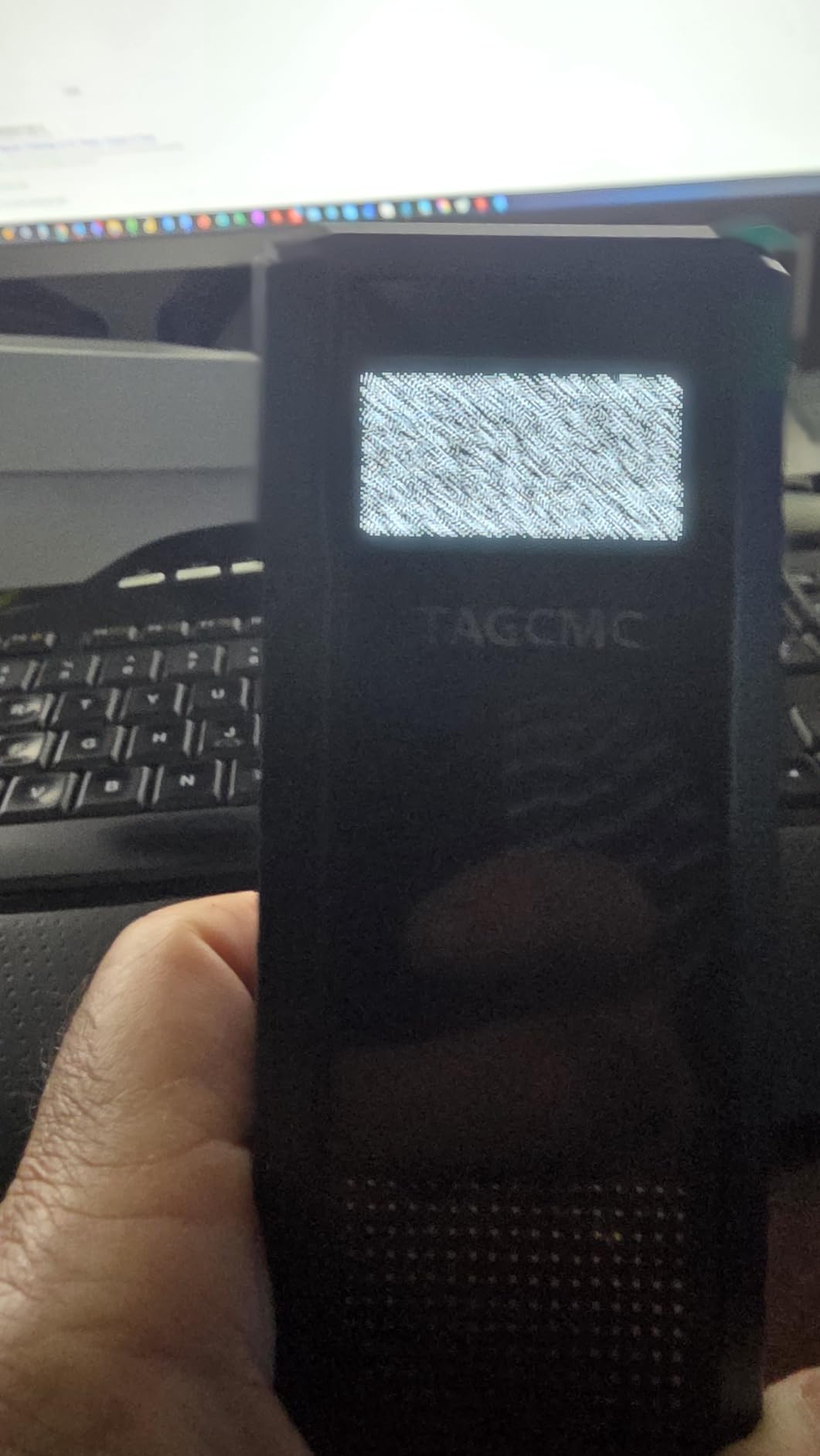
The GX-10 is the most unusual entry here. Its built-in temperature, humidity and barometric sensors auto-adjust shot data, which is a genuinely useful backyard feature because outdoor readings shift between a July afternoon and a cool morning.
It reports spin rate, spin axis, swing speed, attack angle, launch angle and clubface impact visuals, and the app runs on iOS, Android and HarmonyOS with no subscription attached.
The 3D virtual driving range gives 45 and 90 degree viewing angles plus trajectory replay, and the swing-only mode lets you work speed indoors without a ball. For a cold-morning backyard session, the environmental compensation is the part I find most appealing.
The honest caveat is review volume. With 94 ratings, there is nowhere near the field history of the Garmin and Rapsodo units, and some buyers reported app connection and charging problems out of the box.
Where it earns a place
It suits a golfer who wants spin and attack angle data with zero recurring cost and works across both phone platforms. The 3D range view also makes it attractive for kids and for anyone who wants a visual reward after a session.
Where to be careful
Accuracy typically needs the sensitivity calibrated against a known-good unit before you trust the numbers. Treat the first month as calibration, not as gospel, and factor in thinner customer support history than the established brands.
8. Garmin Approach R50 – Best With a Built-In Screen
Garmin Approach® R50, Premium Golf Launch Monitor & Simulator
Three camera system
10 inch color touchscreen
Face to path data
4 hour battery
Pros
- Three camera system gives spin rate
- spin axis and face-to-path
- Self-contained 10 inch screen needs no phone
- High-speed impact video for immediate feedback
- Built-in barometer improves carry accuracy
- HDMI output for a larger screen
Cons
- Four hours of battery limits unplugged use
- Virtual courses and Home Tee Hero need a Garmin Golf membership
- Heavy at 9 pounds and not realistically carryable
- Face-to-path requires applying club stickers
The R50 is the only unit in this list with a proper built-in experience: a 10 inch color touchscreen at 800 x 1280 that handles course selection, insights and impact video without a phone anywhere in the loop. For a fixed backyard station, that changes the session completely.
The three-camera system is the reason for the accuracy. It measures ball speed, launch angle and face-to-path, with improved spin rate and spin axis, and a built-in barometer adjusts carry distance for location and pressure.
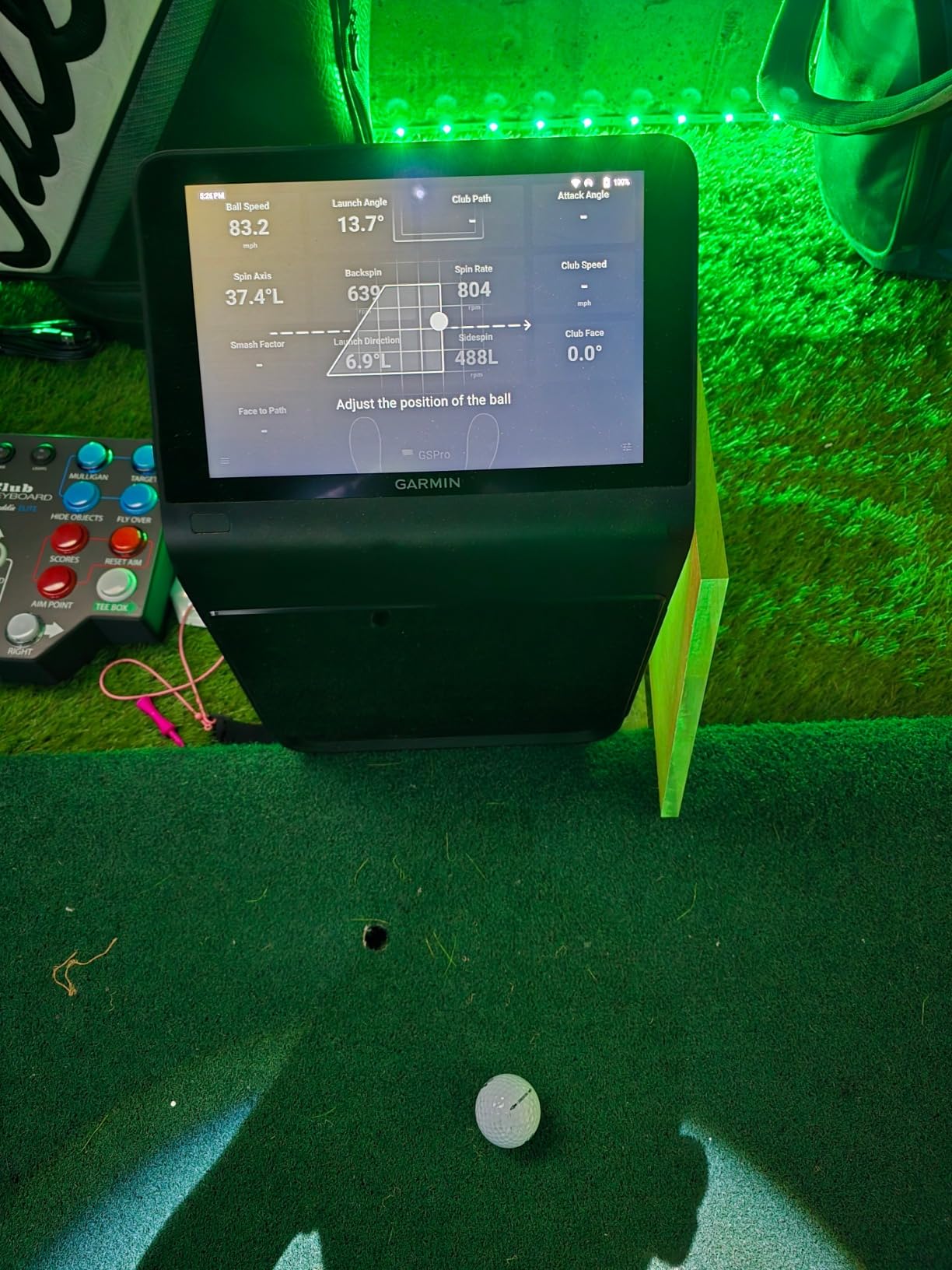
Face-to-path is the metric that turns data into a lesson. It tells you whether the clubface was closed or open relative to the path, which is the difference between adjusting swing and adjusting delivery position. Club tracking stickers are included, and they need to go on for it to work.
HDMI output lets you run it to a monitor or projector, and a carrying case is in the box, so it can move between a garage setup and a shared space.
Who should buy it
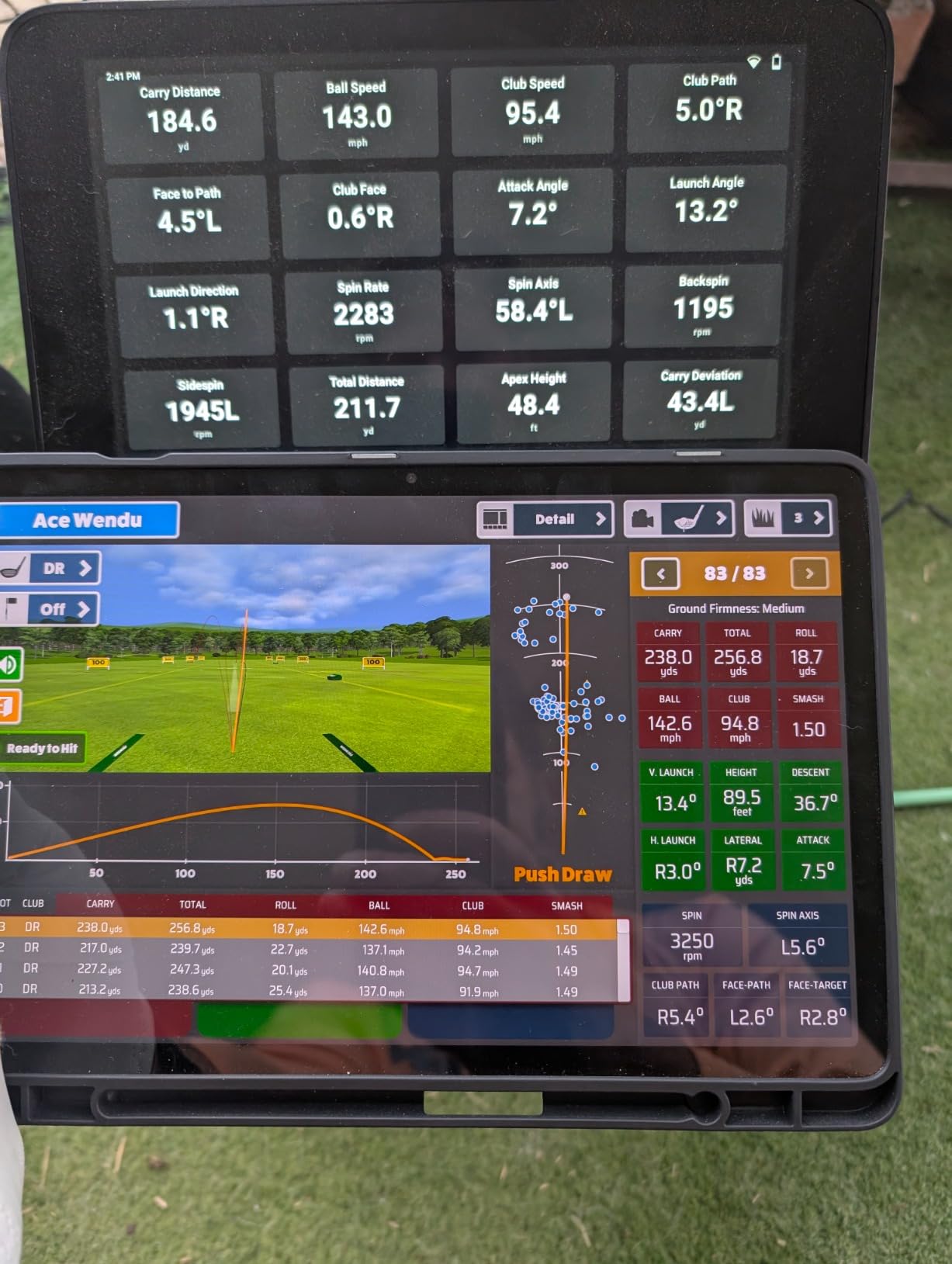
A golfer with a dedicated indoor-outdoor bay, a garage, or a finished basement who wants a single self-contained box. The 4.4 average across owners reflects that the data quality and the screen both deliver.
Who should look elsewhere
Anyone who wants to carry it to the range. At 9 pounds and 10.6 by 7.5 by 16.5 inches, it is a fixed appliance, and the four hour battery caps an unplugged session. Virtual rounds on 43000 courses and Home Tee Hero also need a membership.
9. TheStack Radar – Best for Pure Speed Training
TheStack™ Radar – Portable Golf Launch Monitor, Swing Speed & Ball Tracker
Swing and ball speed
Estimated carry and smash factor
0.12 kg
Bluetooth to iOS and Android
Pros
- Highest average rating in this group with 78 percent five-star reviews
- Light at about 4 ounces for a pocket or golf bag
- Fast and reliable speed readings with estimated carry and smash factor
- Built around the Stack Wedging practice system
- Speed app works on both iOS and Android
Cons
- Wedge and putting apps are iOS only
- No launch angle
- spin
- video or shot shape
- Carry distance is estimated rather than radar measured
- Small base of 60 ratings
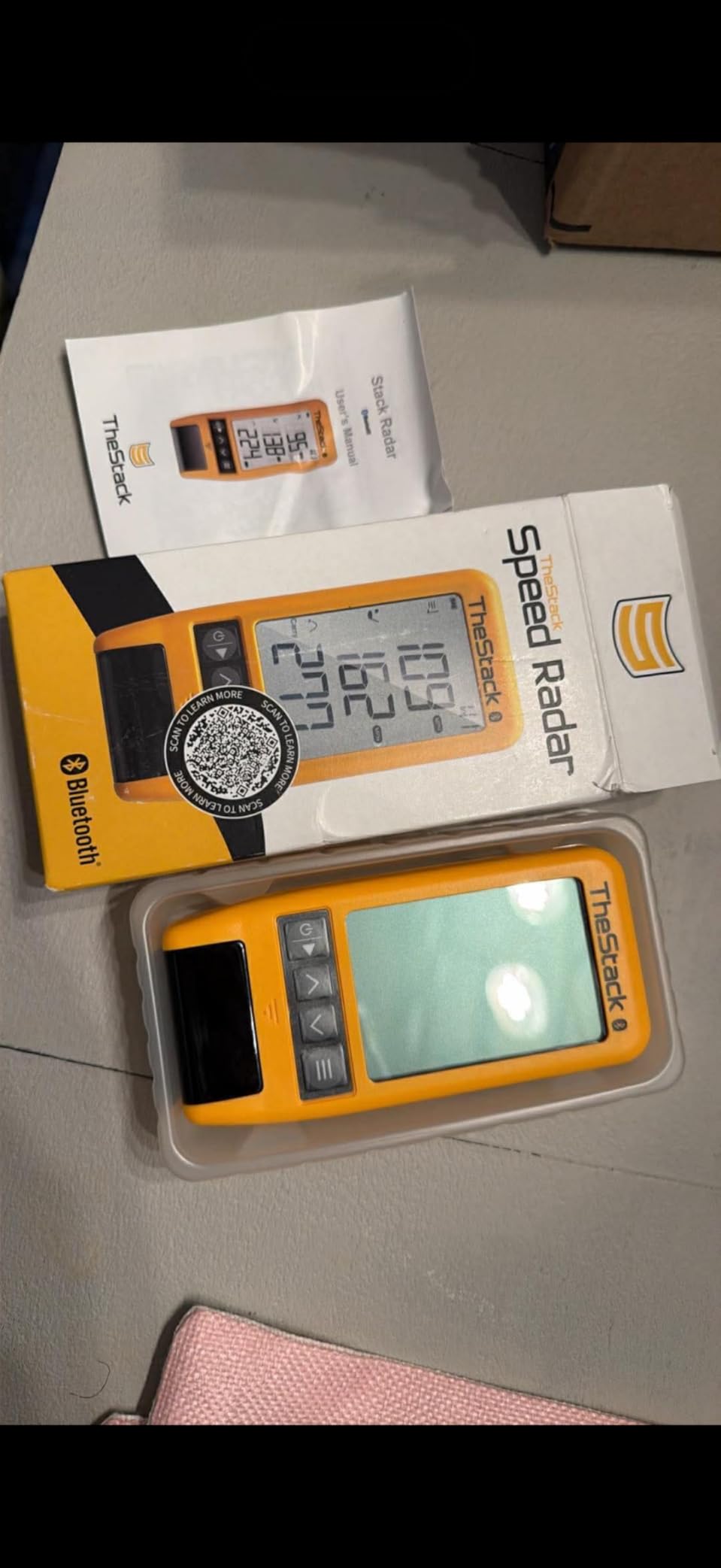
TheStack Radar measures swing speed and ball speed, then calculates estimated carry distance and smash factor. That is a deliberately narrow scope, and it is why the 4.6 average with 78 percent five-star reviews is not misleading here: it does the small set of things it claims, well and instantly.
It weighs about 4 ounces and pairs over Bluetooth to TheStack App on both platforms for speed training. The Stack Wedging app adds gamified wedge sessions with a one-month free trial, and a Stack Putting app covers guided putting.
Speed feedback latency matters more than people expect during tempo work. Getting a number back in under a second is what makes short swings worth hitting, and that is where this unit feels fast.
The catch is that wedge and putting app features are iOS only, and that carry distance is calculated from speed rather than tracked through flight. It tells you how far it should go, not how far it went.

Best fit
A pure speed-training session, a putting station, or a secondary device for the kids. Trusted by tour professionals including 2022 US Open champion Matt Fitzpatrick, which tells you the swing-speed side is well regarded.
Limits to accept
There is no launch angle, no spin, no video and no shot shape. With 60 ratings the long-term reliability record is short, so it works best as a companion rather than your only source of numbers.
10. Uneekor EYE MINI CORE – Best for Simulator Setups
Uneekor EYE MINI CORE Golf Launch Monitor & Simulator, 15 Ball Data Points, Near-Zero Latency, Works with GSPro, TGC19 & E6
Cameras plus infrared sensors
Dimple Optix reads any ball
15 ball data points
Hardwired Ethernet
Pros
- Very high read rate with owners reporting zero misreads over a thousand shots
- Metal all-in-one build rather than plastic
- Reads any dimple pattern so no stickers or special balls
- Large ball placement area reduces no-reads
- Hardwired Ethernet gives near-instant results
- Works with GSPro
- E6 Connect
- TGC19 and Creative Golf 3D
Cons
- Club data is not included at this price
- GSPro and similar suites need a paid annual subscription
- Must stay plugged in and cannot use a tablet
- Short putts and delicate chips often do not register
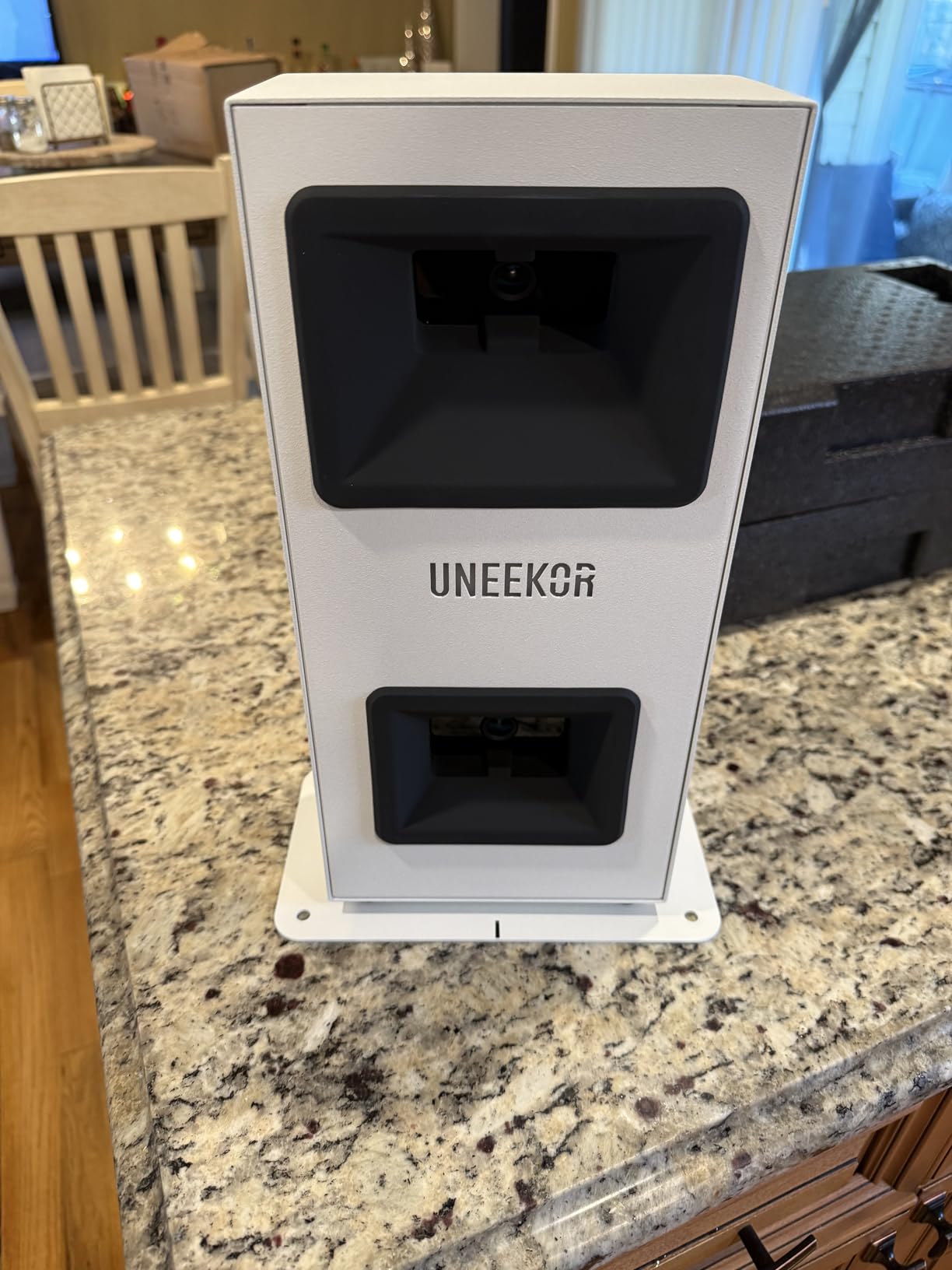
The EYE MINI CORE is an optical system: high-speed cameras plus infrared sensors with near-zero latency. Optical units read the ball and club at the moment of impact, which means they need far less space behind the hitter than radar does, so it is forgiving in a tight backyard or a garage.
Dimple Optix is the feature that matters most outdoors. It reads any dimple pattern, so you can hit your own balls instead of a restricted set of marked ones, and owners also report a large ball placement area that cuts down on no-reads.
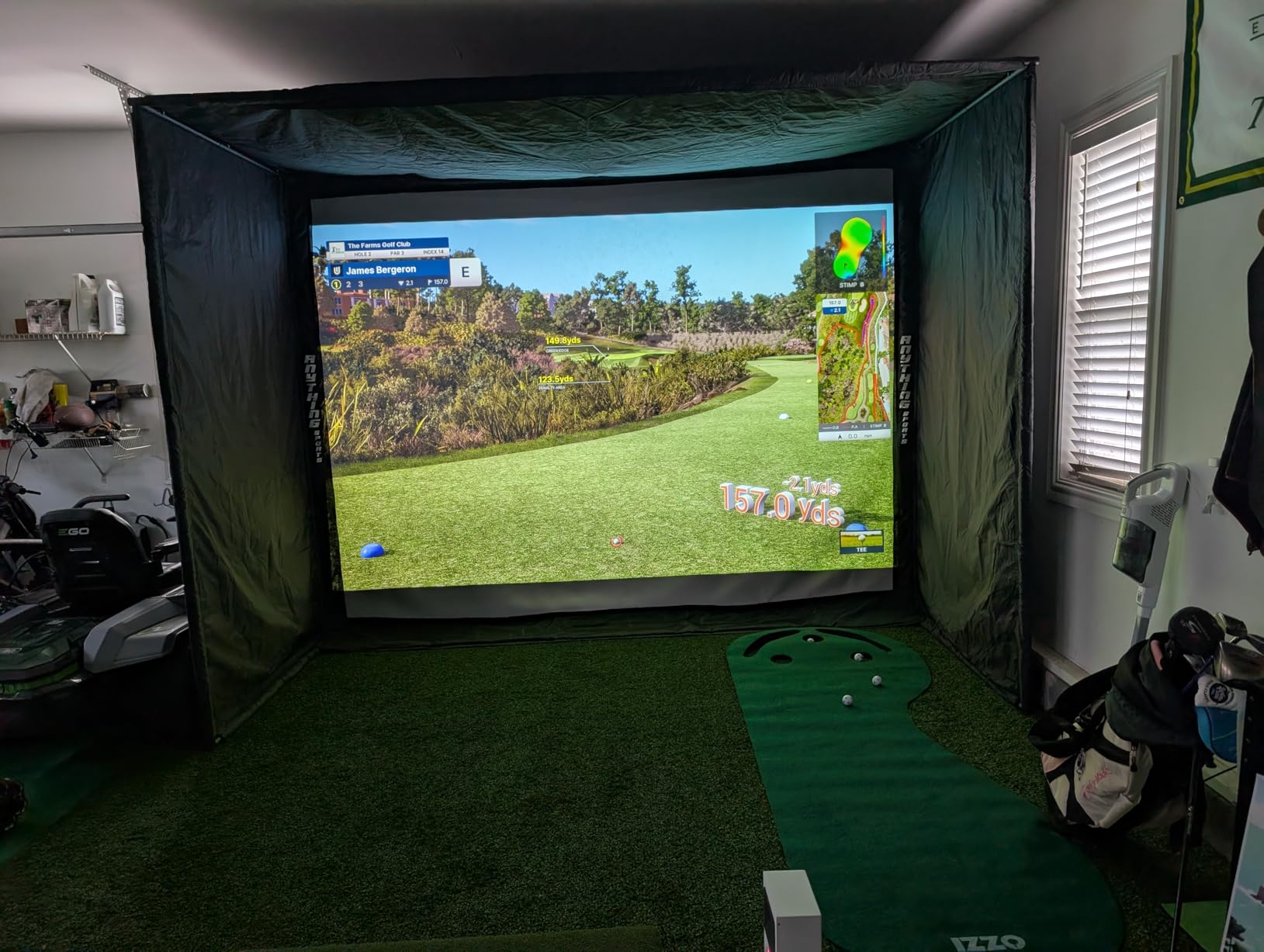
VIEW software delivers 15 ball data points and session reports, and a three-month trial of the GameDay Ultimate Package is included. It works with GSPro, E6 Connect, TGC19 and Creative Golf 3D, though those suites carry their own subscriptions.
The build is metal, with a two-year warranty, and the hardwired Ethernet connection is how you get consistent latency instead of a stuttering wireless link mid-swing.
Who it fits
A golfer building a simulator bay with a capable PC and two displays, who will not compromise on read reliability. For indoor work where light is controlled, optical accuracy is hard to argue with.
Where it struggles
It must stay plugged in and will not run from a tablet, and club data such as swing direction and face-to-path is not included at this price. It also reads fewer than 30 percent of very short putts and delicate chips, which is disappointing for a short-game setup.
How to Set Up a Launch Monitor in a Backyard?
Most disappointing backyard numbers are setup problems, not hardware problems. Five things account for most of it.
Distance behind the ball. Radar units want roughly 5 to 8 feet of clear space behind the hitter, pointed straight down the target line. The Rapsodo MLM is specified at about 8 feet with a 4.3 inch calibration distance. In a small side yard, an optical unit is the better fit because it measures at impact.
Alignment. A misaligned unit still produces numbers, just wrong ones. Set up on the first session, hit ten shots at a visible target, and check that the dispersion chart on the app is centered rather than pulled to one side.
Lighting. Optical units need consistent light, and a backyard at dusk with a tree line behind the target is the classic failure. Radar units ignore lighting almost entirely, which is the strongest practical argument for radar outdoors.
Wind. A flag or a strip of ribbon above the target tells you which way to expect carry to drift. Comparing a session on a still morning to one in a crosswind is the fastest way to convince yourself your device is faulty when it is not.
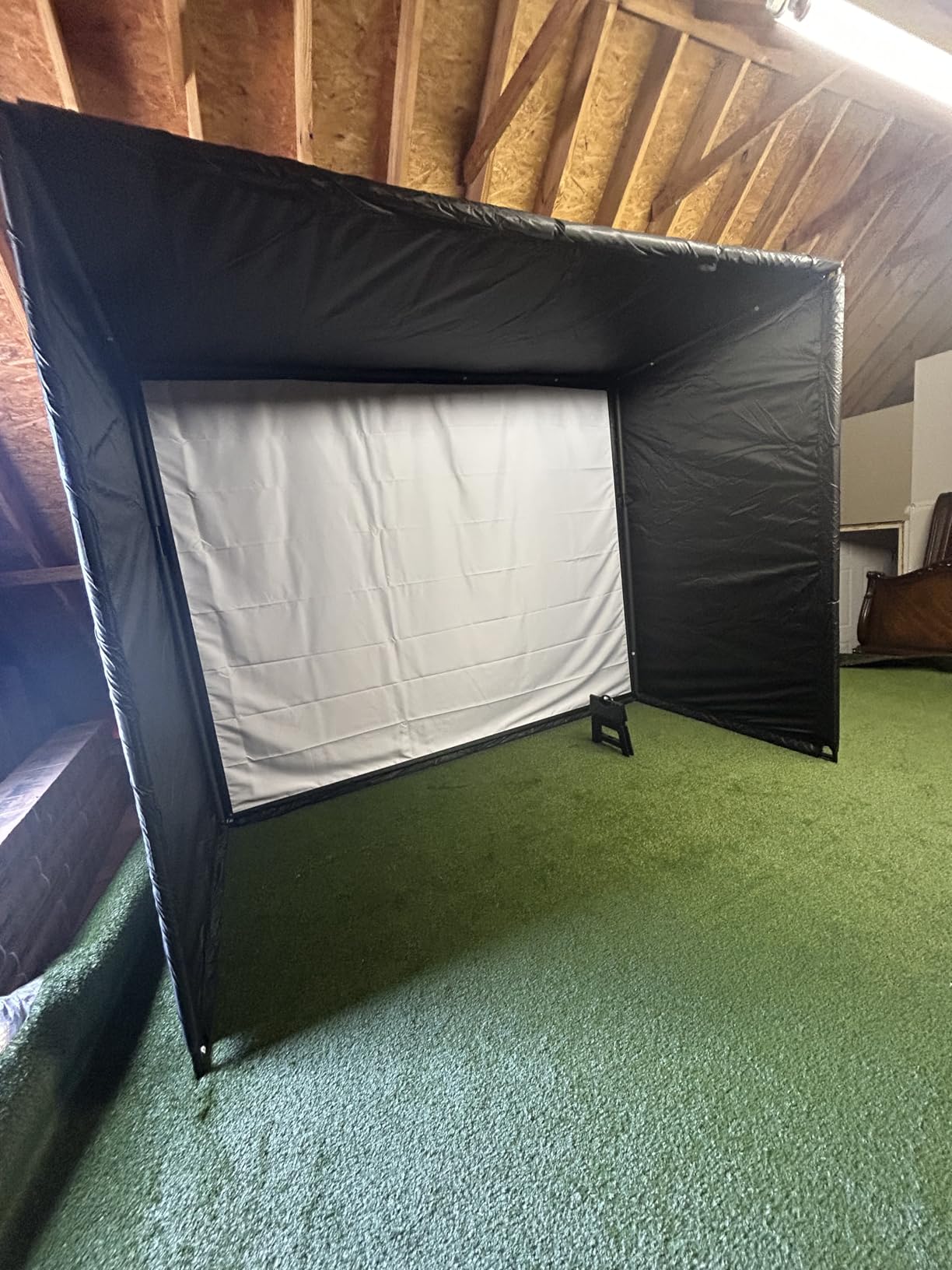
Net versus open field. This is the backyard-specific issue nobody warns you about. A net stops the ball, and a radar unit reading ball flight loses accuracy when the flight is truncated. Short shots around 30 yards and under often fail to register at all. Hit full shots into a net for speed data only, and reserve carry and spin readings for wedge shots into open space. If your whole plan is net work, compare our portable launch monitor picks for units that need less room behind the hitter.
One more note on lie. A real grass lie in a backyard is uneven by default, and a slightly downhill strike will read longer than the same swing on flat ground. Keep the patch you hit from as constant as you can and your numbers become comparable over time.
What to Look for When Buying a Backyard Launch Monitor
Radar or optical. Radar tracks the ball in flight, so it reports true carry and total distance outdoors and works in any light. It fails when a net cuts the flight short. Optical units use high-speed cameras to measure the ball and club at impact, which needs far less room and reads well indoors but cannot see the flight. Backyards with a net and no flight room lean optical; backyards with a side yard or an open field lean radar.
Subscription or one-time unlock. Several units separate the hardware from the data. The Garmin R10 and R50 need an active membership for virtual rounds and Home Tee Hero, and the MLM2PRO needs Premium for the full course set. The PRGR, Voice Caddie, Stack Radar and GX-10 carry no ongoing fee. If you only care about practice numbers rather than simulated rounds, pay nothing recurring.
Measured versus calculated. A spec sheet saying 15 or 20 metrics does not mean 15 or 20 measured values. Many devices directly measure four or five numbers and derive the rest. Spin rate and spin axis are usually calculated unless the system tracks the ball optically, which is worth checking before you buy.
Screen or phone. A phone-paired unit needs a pairing, a battery and a shaded screen outdoors. A built-in display such as the Garmin R50’s 10 inch touchscreen or the G80’s transflective panel removes three failure points at once, at the cost of size and weight. Our wider launch monitor comparison breaks down this tradeoff across indoor models too.
Portability and battery. If you also practice at the range, weight and battery decide for you. The PRGR at 4.9 ounces and the Stack Radar at about 4 ounces go anywhere, while the R50 at 9 pounds is a fixed appliance with 4 hours of battery.
Wedge gapping specifics. If your goal is the 50 to 125 yard band, prioritise carry distance accuracy, launch angle and spin axis over anything else. That points toward the MLM2PRO, the GX-10 or the R50, and away from speed-only trainers. Our wedge picks pair well with any of them.
Total cost over five years. Add the hardware, any lifetime unlock, and the multi-year software cost for the simulator suites you will actually use. Buyers routinely find that the headline figure is only part of the outlay, and a device with no subscription can be the cheaper path over five years even when it is not the cheapest on day one.
Frequently Asked Questions
Do launch monitors work hitting into a net?
Yes, but the reading changes. Radar units measure the ball in flight, so a net that stops the ball early truncates the flight and skews carry and spin data, and shots shorter than roughly 30 yards often fail to register. Speed, ball speed and smash factor still read correctly into a net. For accurate carry and spin, hit wedge shots into open space, or use an optical unit that measures at the moment of impact.
How accurate is a launch monitor?
It depends on the technology and the conditions. Radar units that specify tolerances, such as the Garmin R10 at roughly 1 mph on ball speed and 1 degree on launch angle, are accurate enough to trust a 10 yard change in carry. Optical units are highly accurate when lighting is controlled. Outdoors, wind, cold, wet and soft ground all shift readings, so compare sessions in similar conditions.
What is the best golf launch monitor for a backyard net?
The Rapsodo MLM is the best all-round choice for a backyard, and the Rapsodo MLM2PRO is better if spin rate and club path matter. If your setup is mostly a net with no open flight behind the hitter, an optical unit such as the Uneekor EYE MINI CORE needs far less space behind the hitter and reads more reliably.
Are golf launch monitors worth it?
For a backyard golfer they are worth it when the goal is repeatable distance and spin data. If you want to dial in wedge gapping between 50 and 125 yards, or confirm that a swing change moved ball speed and launch, a monitor replaces guesswork with numbers. If you already know your gaps and mainly want video, a cheaper camera setup may serve you better.
What is the best budget golf launch monitor?
The PRGR HS 130-A is the cheapest useful option, giving club speed, ball speed, smash factor and carry and total distance with no app or subscription. The Garmin R10 is the better budget buy if you want launch angle, training charts and video through an app. The Stack Radar is the smallest and lightest for pure speed work.
Which Backyard Launch Monitor Should You Buy?
The Rapsodo MLM is the best golf launch monitor for backyards in 2026 for most people. It gives carry, total distance, launch angle and a shot tracer video with no subscription on the base data, and it moves easily between a backyard, a range and a garage.
Buy the Garmin R10 instead if you want waterproofing, longer battery life and app-based training charts. Buy the MLM2PRO if spin rate, spin axis and club path are what you are after for wedge gapping. Buy the Garmin R50 if you have a fixed bay and want a self-contained 10 inch screen. Buy the Uneekor EYE MINI CORE if you are building a simulator indoors and want optical read reliability.
On a tight budget, the PRGR HS 130-A or the Stack Radar will keep you honest on club speed for years without a single recurring fee. Whatever you choose, set the geometry up properly before you trust a single number, and hit your carry and spin shots into open space rather than into the net.