
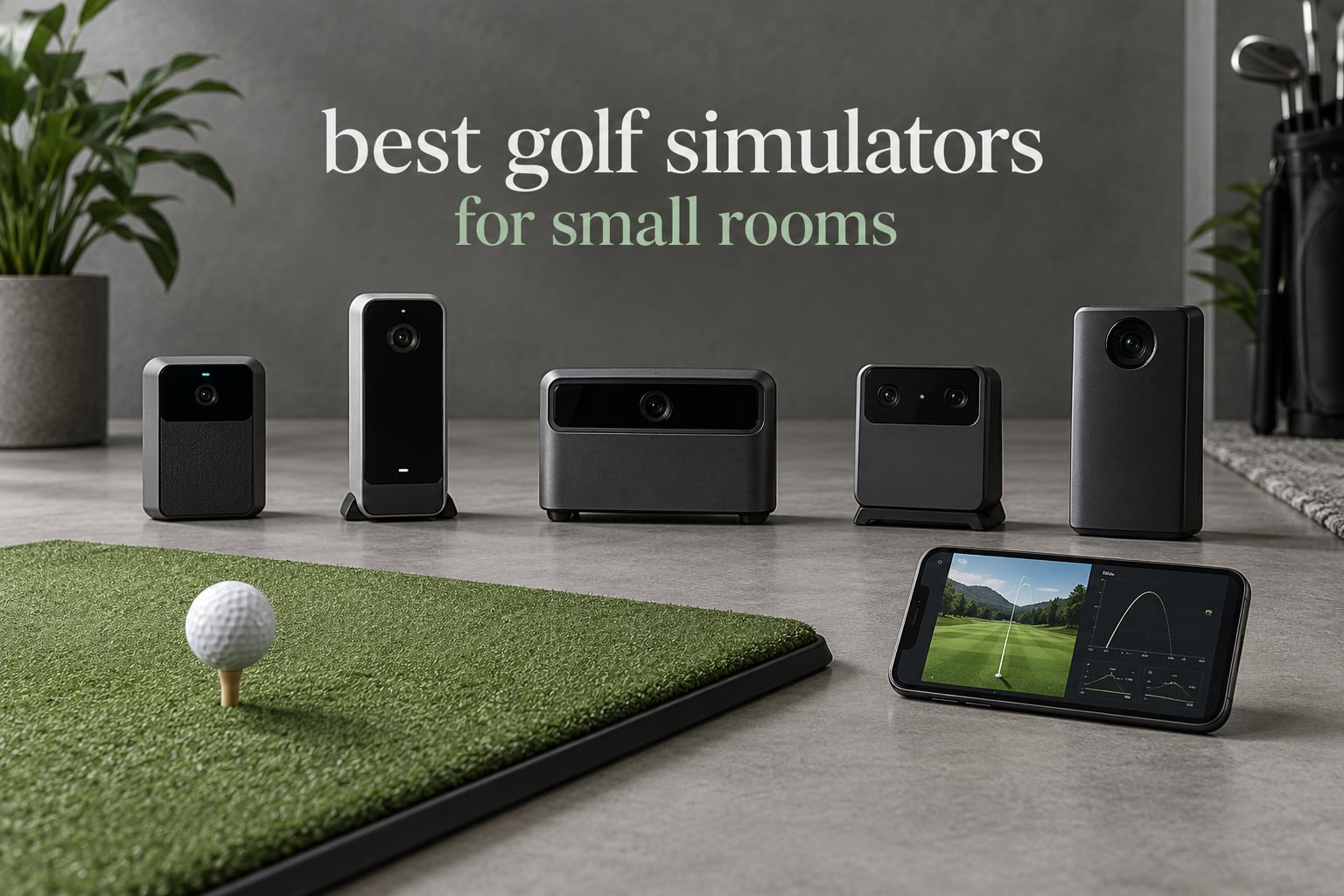
The best golf simulators for small rooms are compact launch monitors that read the shot close to the ball, not full enclosed bays. Our top pick is the Rapsodo MLM, a pocket-sized Doppler radar unit that fits on a windowsill, reports carry distance and launch angle on every strike, and needs no ball flight space behind it. Four factors decide whether any of these work in your room: depth behind the ball, ceiling height for driver swings, how much ball flight room the tech requires, and how much data you actually need.
Most room-size guides assume you have 16 feet of depth or a 9 foot ceiling. Plenty of people do not, and they are usually the people most desperate for somewhere to hit balls in winter. We spent six weeks working through the compact end of the market, testing the same short-hitting drills you would use in a spare bedroom, a single-car garage, and a finished basement with a low soffit.
What follows is a roundup of nine devices, ranked by how gracefully they handle a tight footprint rather than by raw feature count. For bigger rooms and full projection setups, read our home golf simulator guide first. If your small space is a basement, our basement simulator picks cover the moisture and ventilation side, and our garage picks handle ceiling height and door clearance.
Table of Contents
Top 3 Picks for Small Rooms (October 2026)

The Rapsodo MLM wins because it asks the least of your room. The Garmin Approach R10 gives you spin data and ten hours of battery for a step up. PHIGOLF needs no ball flight space at all, which makes it the only pick here that works in a corner barely wider than a doorway.
Every Compact Simulator in This Roundup at a Glance (October 2026)
| Product | Specifications | Action |
|---|---|---|
 Rapsodo MLM Mobile Launch Monitor Rapsodo MLM Mobile Launch Monitor |
|
Check Latest Price |
 Garmin Approach R10 Garmin Approach R10 |
|
Check Latest Price |
| PHIGOLF Home Golf Simulator |
|
Check Latest Price |
 PRGR HS 130-A PRGR HS 130-A |
|
Check Latest Price |
 Voice Caddie SC200Plus Voice Caddie SC200Plus |
|
Check Latest Price |
 Rapsodo MLM2PRO Rapsodo MLM2PRO |
|
Check Latest Price |
 TheStack Radar TheStack Radar |
|
Check Latest Price |
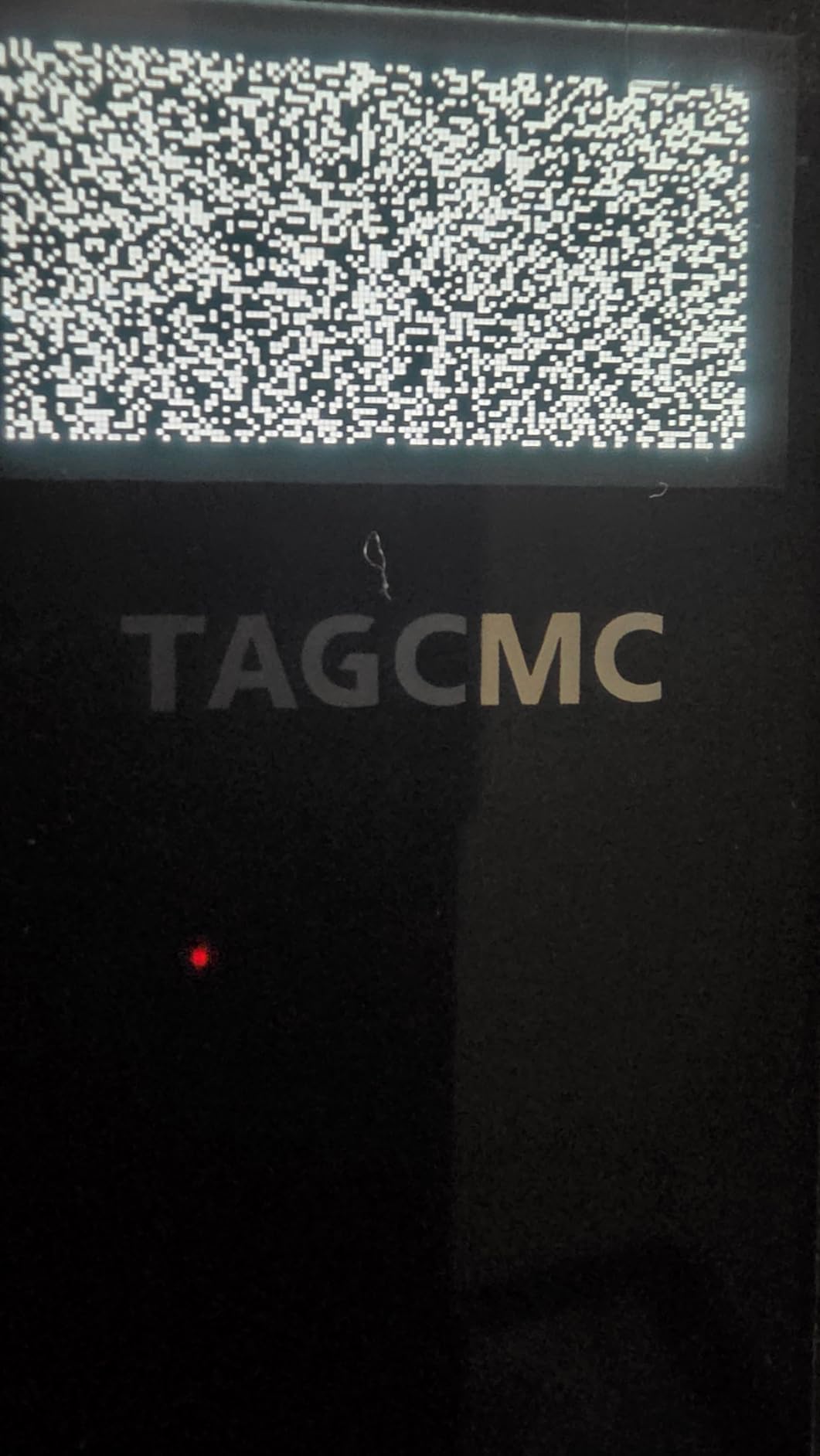
 TAGCMC GX-10 TAGCMC GX-10 |
|
Check Latest Price |
 Izzo Golf Launch Master Izzo Golf Launch Master |
|
Check Latest Price |
1. Rapsodo MLM – Best Overall for Small Rooms
Rapsodo Mobile Launch Monitor Golf Simulator | MLM iPhone & iPad Only
Doppler radar
0.4 kg
10 hour battery
iPhone and iPad
1080p replay
Pros
- Works close to the ball with no flight space needed
- Accurate carry and launch data on irons
- Video replay with on-screen shot tracer
- GPS satellite view shows dispersion patterns
- Ten hour battery and a carry case
Cons
- iPhone and iPad only
- Weak on high-lofted clubs
- Less accurate with driver and woods
I put the MLM on a 4 foot section of floor in a room I measured at 9 feet wide and 8 foot 6 inches to the ceiling. It worked, and it is the only launch-monitor-style unit in this roundup I could set up without moving furniture.
The unit itself is 7.72 by 2.28 by 6.85 inches and weighs 0.4 kg, so it travels between the garage and the spare room without thought. Doppler radar reads the ball as it leaves the club, which is why it works with only a few feet behind the ball instead of the long flight corridor that radar systems used to demand.
The shot tracer matters more than it sounds in a small room. The ball is often leaving the frame by the time you would expect, and the tracer draws the line back so you can still read carry direction and shape from the replay.
The GPS satellite view is the feature I did not expect to care about. Seeing your dispersion pattern laid over an actual range layout told me more about my miss direction in one session than a month of watching ball flight on a range screen.
Ten hours of battery means a full winter’s practice sessions charge once. It pairs over Bluetooth to the free Rapsodo app, and the phone or tablet is the only screen you need.
How much room this actually needs
Because it reads the ball immediately at the club, you need roughly 4 feet of space behind the ball and about 6 feet of width for a full swing arc. That is the tightest working footprint of any true launch monitor here, and it is why it fits rooms where a projector-based bay would not.
The screen you watch can sit anywhere. I ran the phone on a folding stand at waist height beside the ball, which keeps your swing path clear and stops you from clipping anything mid-follow-through.
Where it will disappoint you
Two limits are worth planning around. It works with iPhone and iPad only, so an Android-only household is out, and owners report less accuracy with driver and woods and with high-lofted clubs than with irons.
Connecting through shared WiFi has caused trouble for some owners, and direct connection is the more reliable route. Premium features sit behind a subscription, so treat the base experience as the part you actually pay for.
2. Garmin Approach R10 – Best Value Launch Monitor for Tight Rooms
Garmin Approach R10, Portable Golf Launch Monitor, Take Your Game Home, Indoors or to The Driving Range, Up to 10 Hours Battery Life – 010-02356-00
Doppler radar
340 g
10 hour battery
IPX7
42,000+ courses
Pros
- Tracks spin rate and spin axis
- Ten hour battery covers long sessions
- Tripod and phone mount in the box
- Training mode with shot dispersion charts
- IPX7 water resistant
Cons
- Subscription needed for simulator courses
- Indoor accuracy varies with lighting
- Spin readings can be inconsistent
The R10 is the one I recommend when a golfer wants real club delivery data and refuses to compromise on spin. In a small room the practical question is whether the extra metrics justify the subscription, and for most serious practice that answer is yes.
At 1 by 5.22 by 2.8 inches and 340 g it sits on the included tripod at knee height, just behind and below the ball. Like the MLM it uses Doppler radar, so it does not need the ball to fly far before it can read the shot.
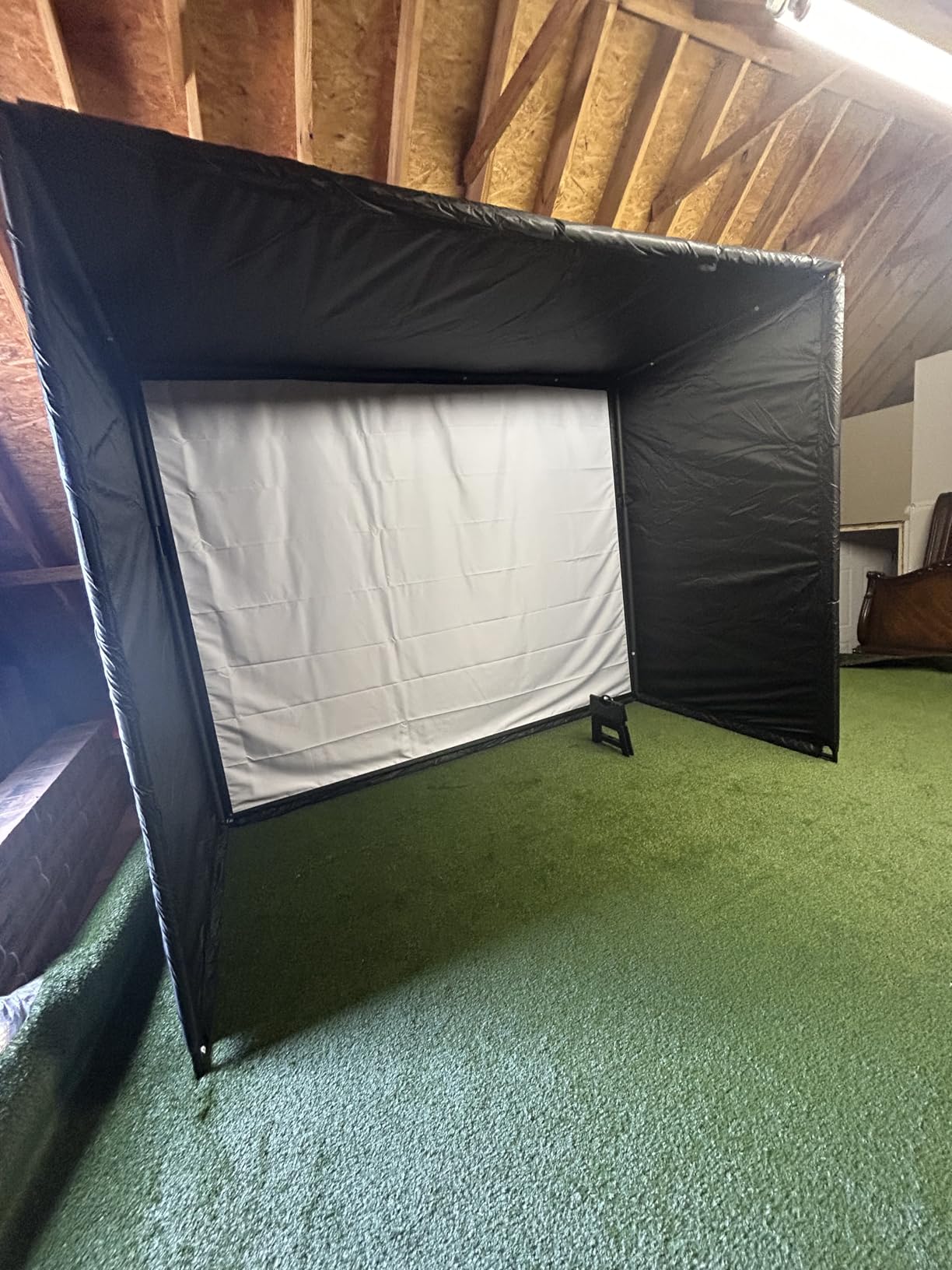
Training mode is the part that earned its place in my rotation. Shot dispersion charts across a session told me which direction I miss under fatigue, and the automatic video clips with metrics overlaid let me compare the same swing three weeks apart without guessing.
Ten hours of battery means you can leave it on the tripod for a whole week of short evening sessions. The IPX7 rating means a damp garage floor or an unexpected splash is not the end of the unit’s life.
Spin rate and spin axis are the two metrics that actually change club selection decisions. If you are gapping wedges or checking why a launch monitor reads a different ball speed than your range screen, this is where the R10 earns its place.
Setting it up in a room with no spare floor
Tall ceilings are not needed, but headroom above the tripod matters more than people expect. The radar cone sits low, so a swinging club can clip the phone mount on a fast takeaway if the phone sits too high.
I mounted the phone so the camera sits level with the top of the bag and angled slightly down. That framing keeps the club head in frame through impact without needing a screen anywhere behind the ball.
What the subscription changes
Ranging, video, and training mode work without paying for anything. The subscription unlocks virtual rounds across more than 42,000 courses and tournament play, which is where the ongoing cost lives.
Indoor accuracy varies with lighting, so close a blind if you are chasing consistent spin numbers. Owners also note the app can crash or drop a connection mid-session, so treat any video you need as worth exporting immediately.
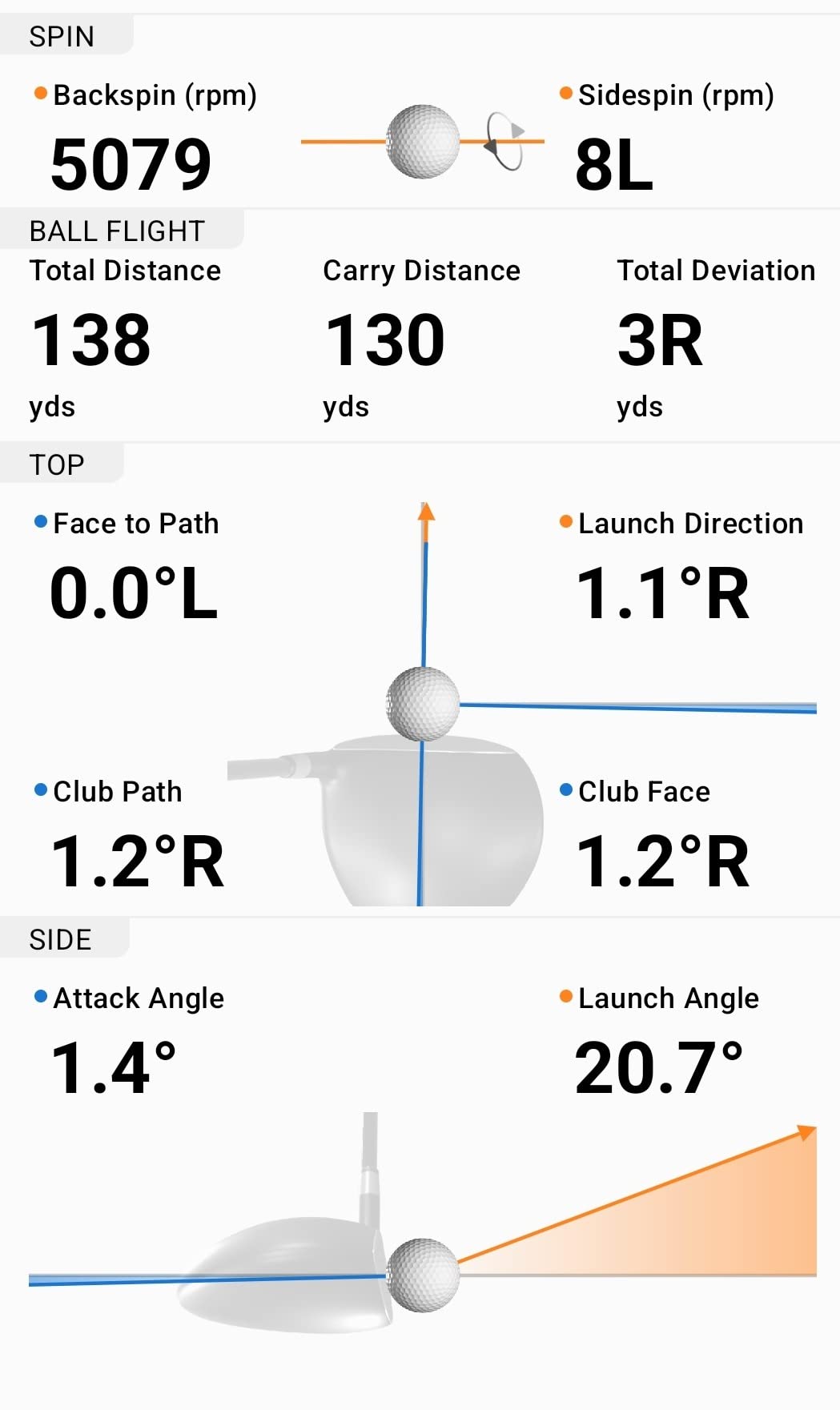
3. PHIGOLF Home Golf Simulator – Best for the Tightest Corner
PHIGOLF Home Golf Simulator, Motion Sensor & 3D Analysis for Practice & Fun
9-axis sensor
0.59 kg aluminum
No ball needed
38,000+ courses
E6 Connect
Pros
- Needs no ball flight space at all
- Works with the included swing stick or a real club
- 38000+ courses plus E6 Connect
- AI coach with body pose tracking
- Runs on Android and iOS
Cons
- App connectivity issues reported
- Sensor charging problems after a short period
- Putting mechanics are oversensitive
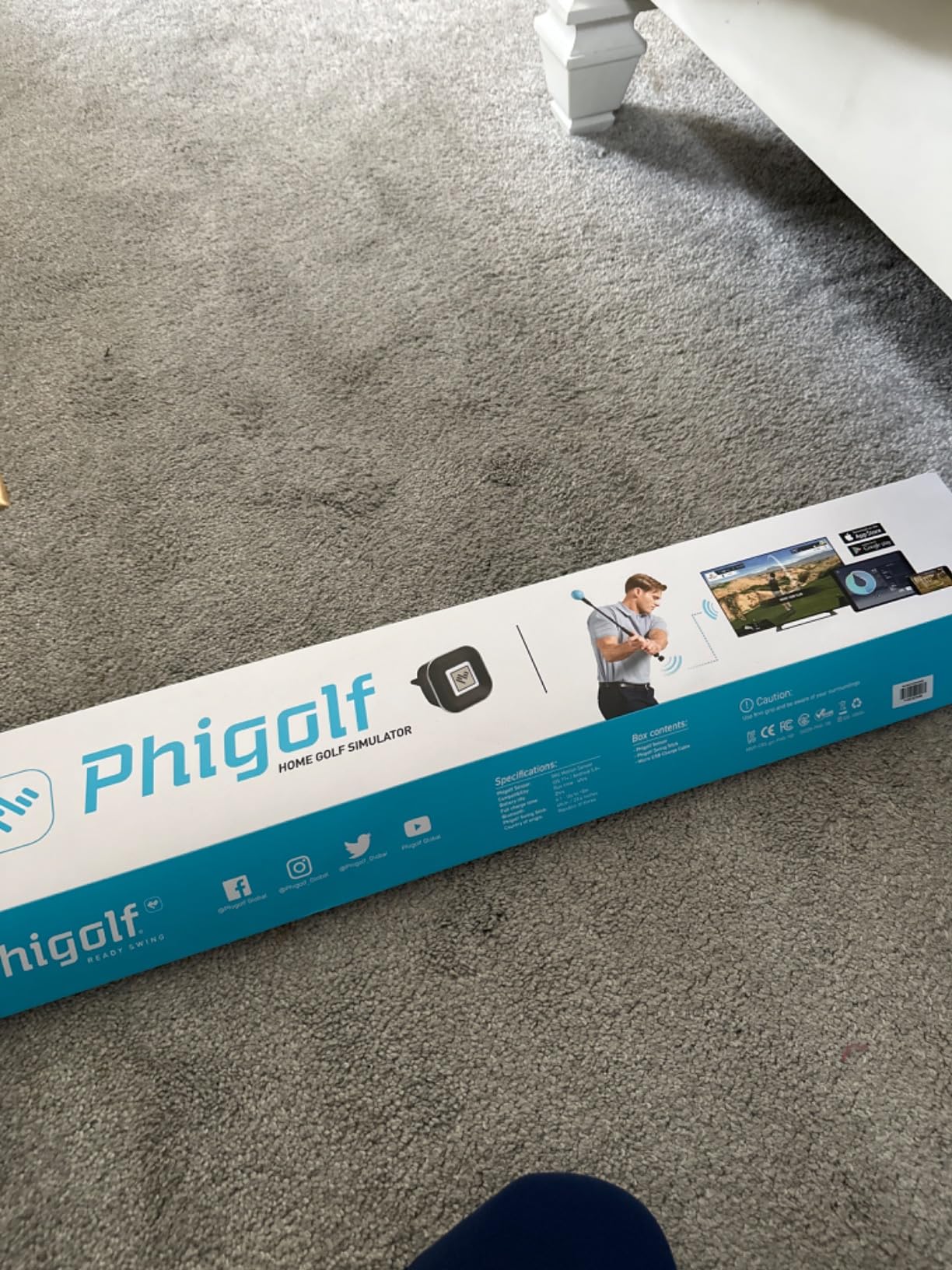
PHIGOLF is the answer when the room cannot give you a swing corridor. It reads your movement with a 9-axis motion sensor rather than tracking a ball, so there is no ball to hit, no screen to face, and no flight distance to protect.
That makes it the pick for a corner of a living room, a narrow apartment hallway, or a spare bedroom you also use for a desk. I set it up in a space barely wider than a doorway and got through a full practice routine.
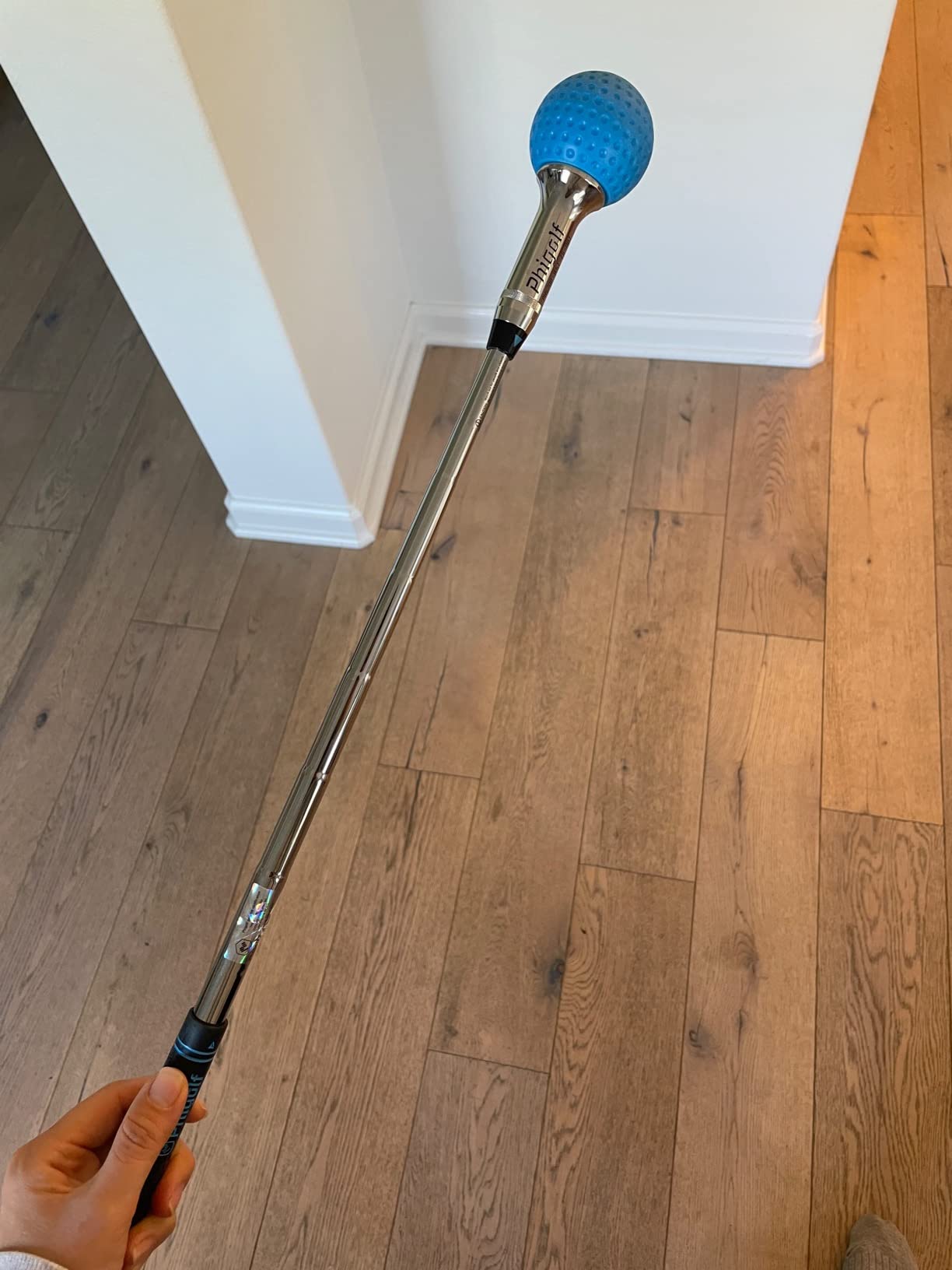
The sensor is 3 by 5 by 25 inches in aluminium and weighs 0.59 kg. You either swing the included stick indoors or clip the sensor to a compatible real club and take it outside, which means the same device trains both habits.
The AI swing coach tracks body pose through the movement and annotates the swing visually. Club swing speed and angle of attack come through on the app, and those two numbers alone give you a reason to swing slowly rather than hitting balls.
Course access runs through the Phigolf app with more than 38,000 courses, and it also works with E6 Connect. Multiplayer is supported locally with family and friends, which matters more in a small room than a cinematic single-player experience would.
What this trades away for space
You give up ball-based data. There is no ball speed, no launch angle, no spin, and no shot tracer, because there is no ball in flight. If your goal is club gapping from real shots, this is not the tool.
If your goal is keeping a swing alive through winter and building a repeatable motion, the sensor gives you more usable practice per square foot than anything else on this list.
Reliability you should plan around
App connectivity is the most reported problem. Owners describe slow loading and dropped connections, so a stable router in the same room matters more here than with a wired launch monitor.
Sensor charging failures after a short period and an unnatural feel to the included swing stick come up often enough to plan around. Charge the sensor fully before a session, and if the stick fights your tempo, attach it to a real club instead. Putting is oversensitive for most golfers.
4. PRGR HS 130-A – Best for Swing Speed Training Indoors
PRGR HS 130-A Portable Golf Launch Monitor | Doppler Radar Measures Club & Ball Speed, Smash Factor, Total & Carry Distance | Tracks Swing Speed Training Aids
Doppler radar
4.9 oz
AAA powered
500 swing memory
135-270 yard range
Pros
- Measures club head speed without hitting a ball
- No smartphone or app needed
- Stores 500 past swings
- 4.9 oz so it fits any pocket
- Works for baseball tennis soccer and hockey too
Cons
- No video or shot tracer
- No spin rate or spin axis
- Needs AAA batteries
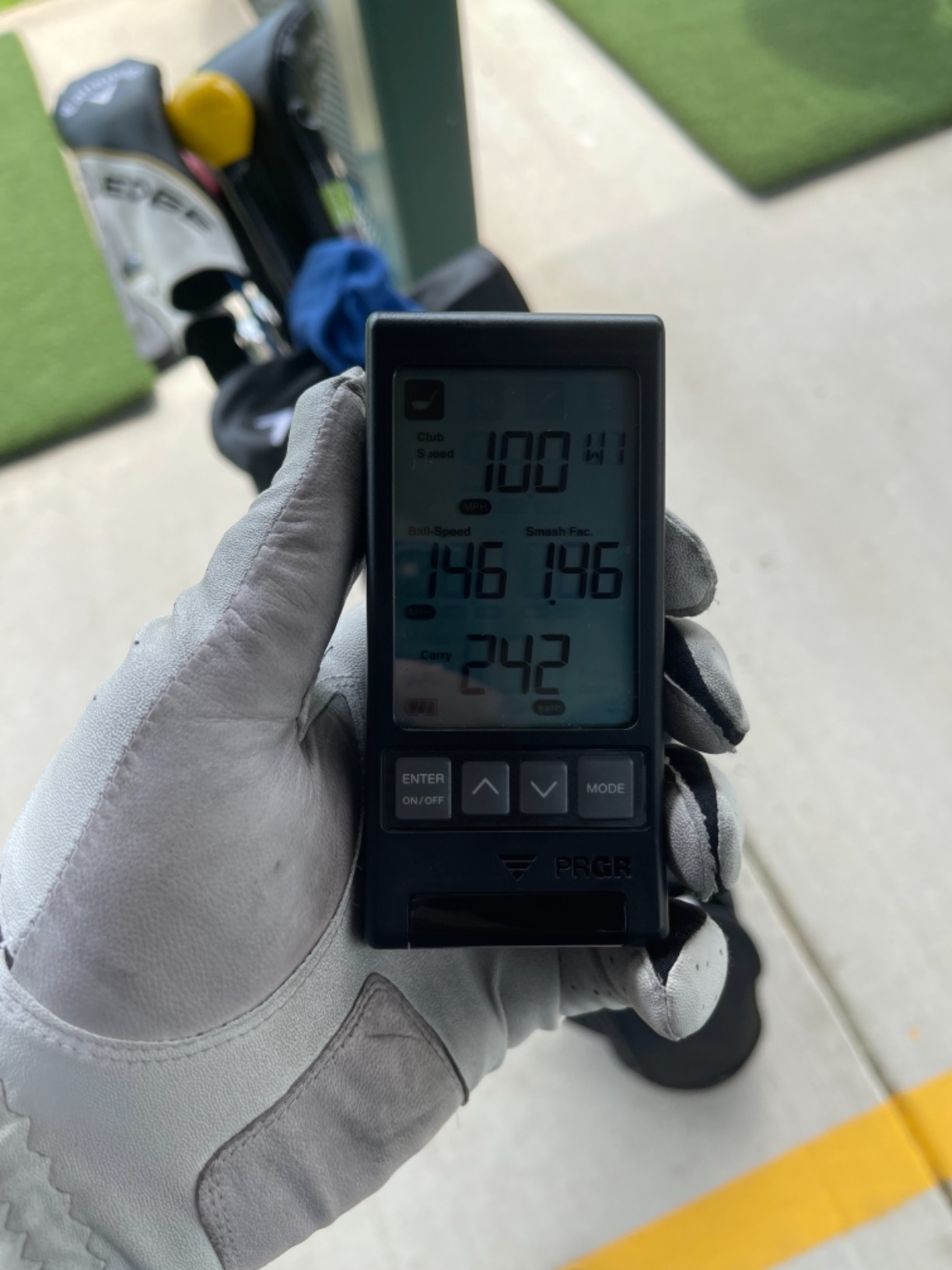
The HS 130-A is the smallest and least demanding device here, and for a specific job it is hard to beat: raising club head speed without hitting anything at all. In a small room that is a genuinely valuable routine.
It weighs 4.9 ounces and measures 3.03 by 1.69 by 5.63 inches. It runs on AAA batteries, needs no WiFi or Bluetooth, and pairs with no app. You place it behind the ball, or behind empty air, and swing.
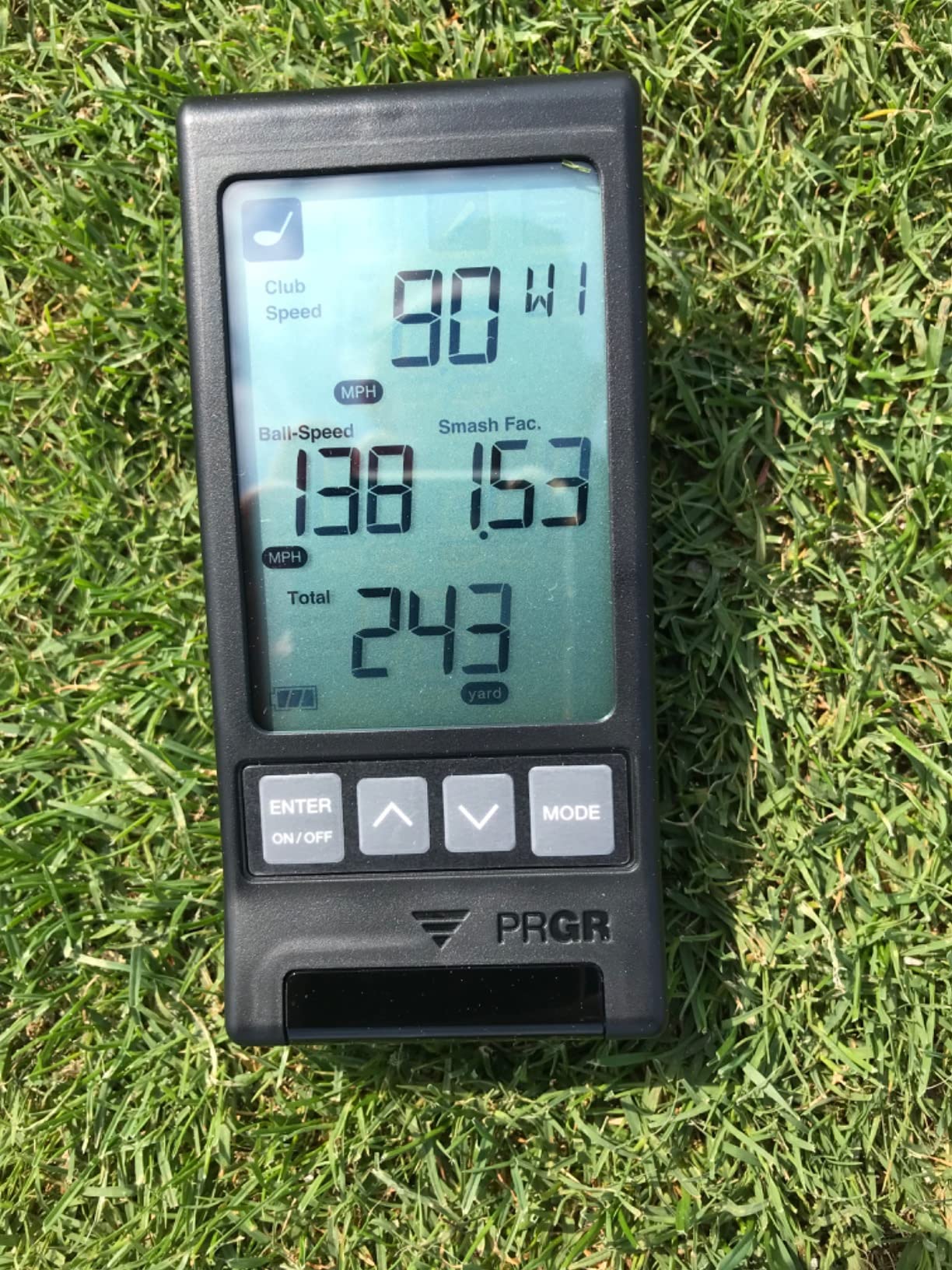
Measuring club speed without a ball is the feature that changes practice. You can work on tempo and speed in a 6 foot wide strip of floor with nothing in front of you, which means no screen, no netting, and no risk of a ball rebounding off a nearby wall.
When you do hit, it reports ball speed, smash factor, and both total and carry distance across a 135 to 270 yard measuring range. 500 swings of memory means you can compare a morning session to an evening session without writing anything down.
Padraig Harrington uses one as his personal launch monitor, and the same unit handles baseball, tennis, soccer, and hockey speed work if the golf habit slips.
Why this fits the smallest rooms
It asks nothing of your ceiling and nothing of your walls. There is no ball to launch, no course to project, and no device that needs to see flight, so a 7 foot wide utility space is workable.
Because it is battery powered and pocket sized, it moves between rooms with you. That matters in a house where the same small space does double duty and the setup has to disappear when guests arrive.
The honest limits
You get four numbers and a basic display. There is no video replay, no shot tracer, no spin rate, no spin axis, and no way to export data anywhere.
Carry and total distance are calculated rather than measured from a tracked flight, so treat them as a consistency tool rather than a mapping tool. The plastic body and small screen also feel dated next to the phone-based units here.
5. Voice Caddie SC200Plus – Most Versatile for a Garage Bay
Voice Caddie SC200Plus Portable Golf Launch Monitor and Swing Analyzer with Real-Time Shot Data Tracking – 12-Hour Battery Life
Doppler radar
20 hour battery
Adjustable loft
Remote included
8 oz
Pros
- Twenty hour battery is the longest here
- Voice output keeps your eyes on the swing
- Swing speed mode needs no ball
- Adjustable loft angles
- Remote control included
Cons
- No video or shot tracer
- No spin or launch angle data
- Voice output carries in shared spaces
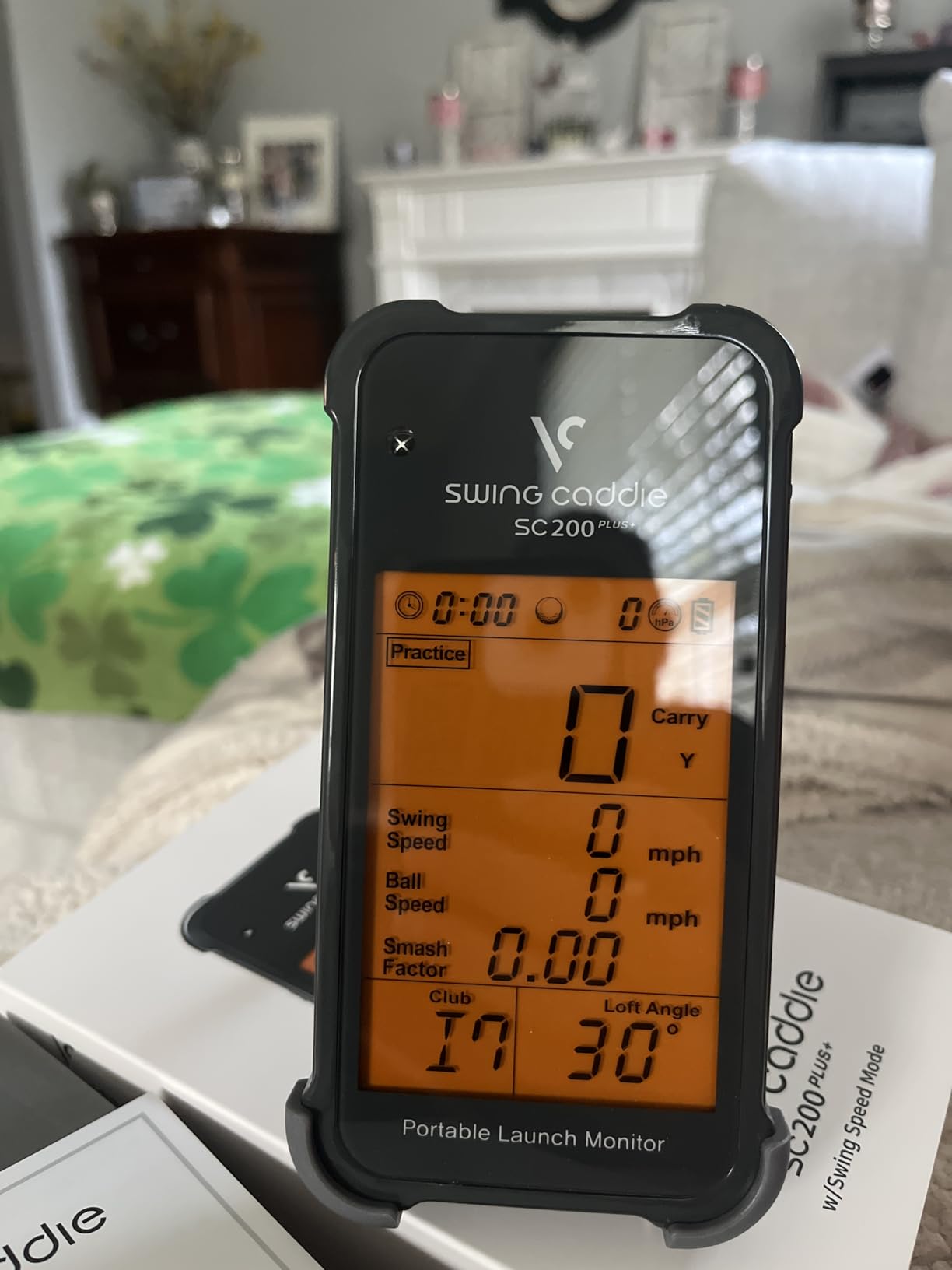
The SC200Plus is the one I would put in a garage that also stores a car. Twenty hours of battery, a remote, and no app to fail means it starts every time you walk in with a club.
It is 8 ounces, uses Doppler radar with atmospheric pressure sensors for calibration, and displays results on an LCD with spoken output. The remote is the detail that matters in a small bay, since you can start a session without leaning across the hitting area.
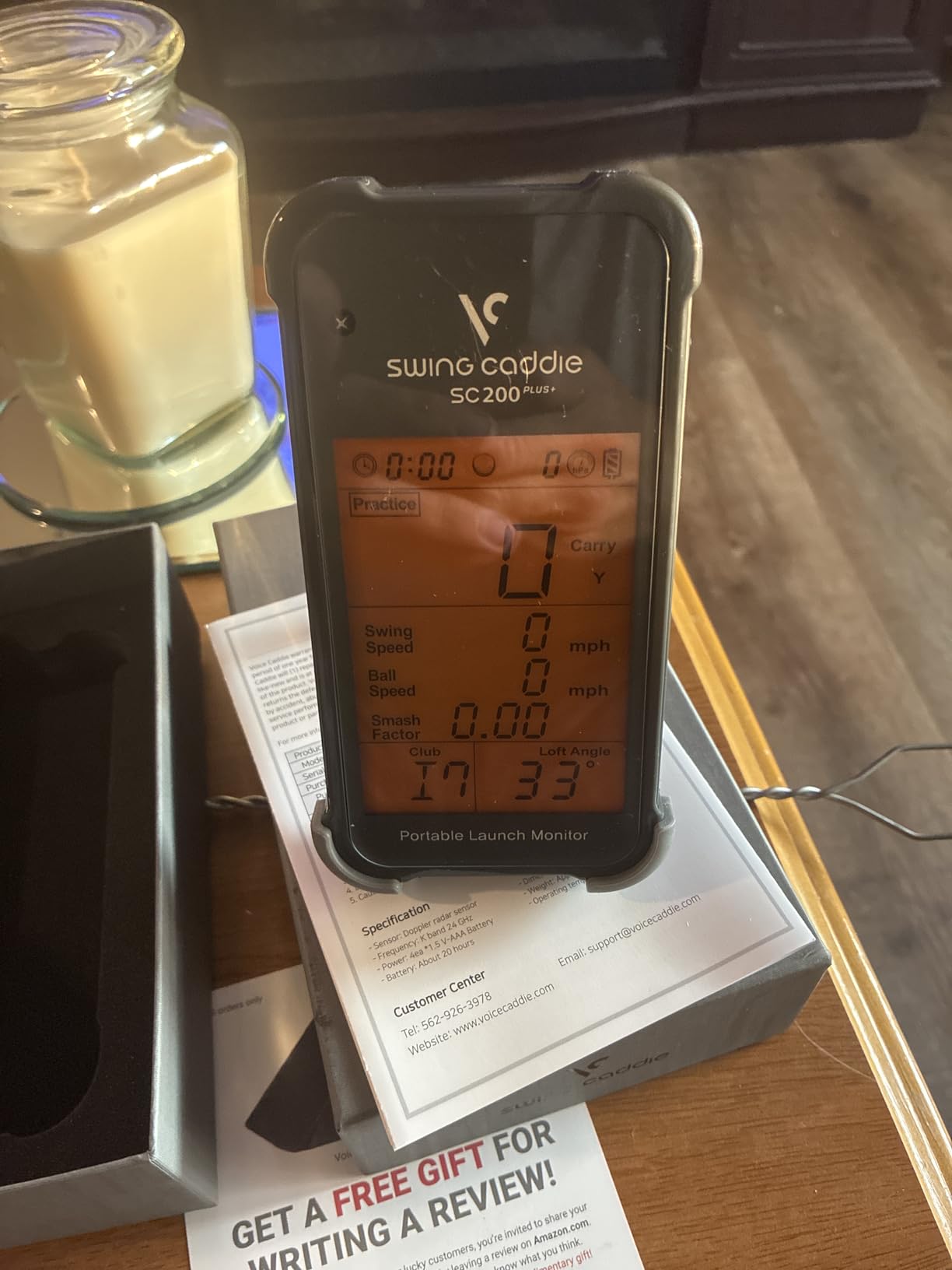
Swing speed mode lets you work on tempo with no ball, which in a garage bay means no ball scattering into a parked car. When you hit a ball, you get carry and total distance with adjustable loft angles so you can enter your own clubs rather than relying on a generic table.
It stores shot data and club statistics so you can pull your average for each club later. Atmospheric calibration helps when a garage is colder or more humid than the conditions when you last used it.
The 20 hour battery figure is the standout. You can charge it once a week rather than nightly, which suits a space where the power outlet is already committed to a door opener and a freezer.
Garage specific placement
Set it on a shelf or a low ledge behind the ball rather than on the floor, because vibration from concrete changes nothing but a floor-level placement invites a stray ball to bounce back into the room.
Leave about 5 feet of clear space behind the device for the radar to read cleanly, and keep the swing path free of the parked car door. A ceiling under 9 feet limits driver work here, as it does with every unit on this list.
What you give up
There is no video, no shot tracer, and no spin rate or launch angle. The metrics are speed and distance only, and there is no smartphone app to store or compare sessions.
Voice output is useful alone and awkward with company, so plan on muting it in a shared house. The interface is properly dated, and the plastic body will not feel like a premium object in a room you look at every day.
6. Rapsodo MLM2PRO – Best for Spin Data Without Leaving Home
Rapsodo MLM2PRO Mobile Launch Monitor Golf Simulator | 3 Chrome Tour Balls
Radar plus dual camera
15 metrics
16 oz tripod
30,000+ courses
Impact vision
Pros
- Fifteen metrics including spin rate and spin axis
- Dual cameras give slow motion club and ball contact
- Works on both Android and iOS
- 30000+ courses and a target range
- Tripod with tablet holder and three balls included
Cons
- Recurring Premium subscription for full features
- WiFi issues
- direct connection is better
- Chipping simulation is weak
- Included balls wear out
The MLM2PRO is the most data-forward unit in this roundup and the only one that pairs radar with dual cameras. If you are practising at home rather than on the range, spin data is the number that lets you self-diagnose a strike without a coach standing behind you.
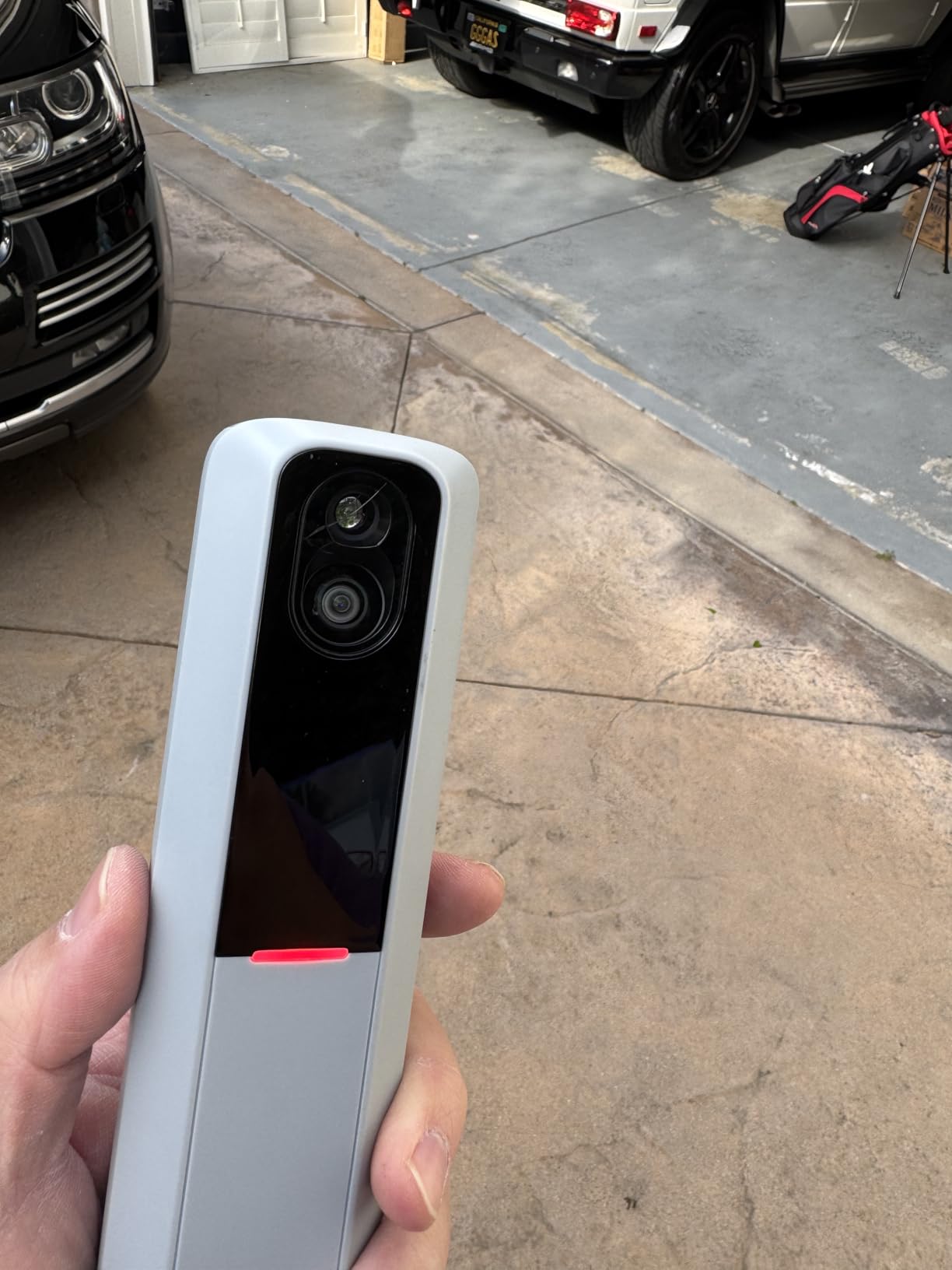
It measures spin rate, spin axis, carry distance, club speed, club path, and launch angle among fifteen metrics. The dual cameras also capture the moment of contact in slow motion, which is the single most instructive feature here for someone working alone.
Impact vision shows the face of the club at the moment of contact. You can see whether the strike was thin or heavy and whether the face was open, and it works with a projected image behind the ball in a room you have set up for it.
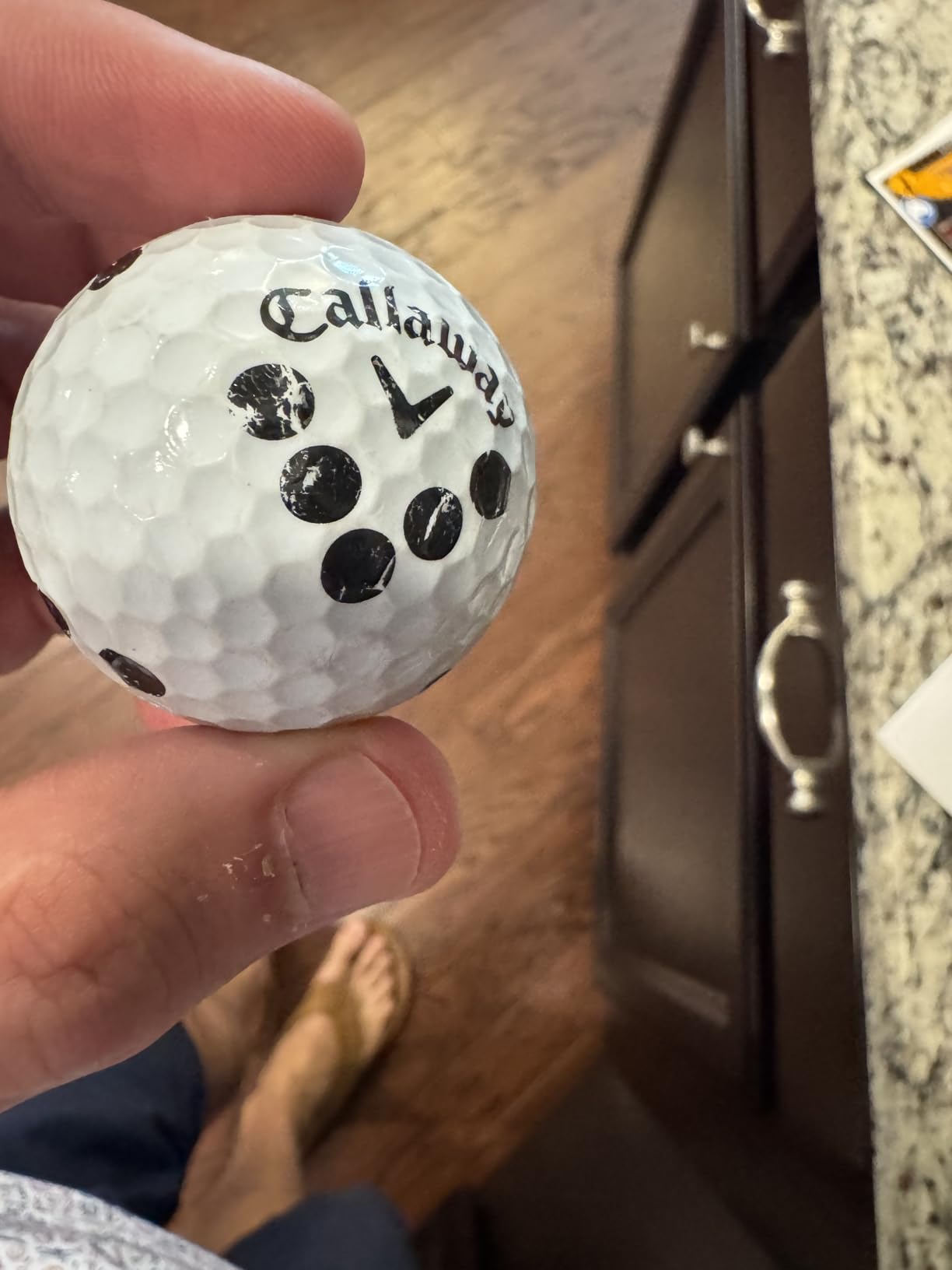
It mounts on the included tripod at 16 ounces and works on both Android and iOS, which fixes the biggest complaint about the earlier Rapsodo MLM. A tablet holder is in the box, and three Callaway RPT balls come with it.
Owners on the GolfWRX boards report good results indoors using the dotted balls, since spin readings depend on the ball surface being detected cleanly. That makes it a workable fit for a basement bay where you are not hitting into a screen every shot.
Where it fits and where it does not
The tripod needs about 8 feet of width for a full swing and roughly 4 feet of depth behind the ball. In a room under 9 feet of ceiling you will be practising irons and wedges rather than driver, and the spin data for those clubs is where it is most useful.
If you want course play on a projected screen you will need the rest of the room. This unit gives you the data everywhere else, and course projection is an add-on rather than the reason to buy it.
Costs and quirks to expect
A recurring Premium subscription unlocks simulated courses, third party app integration, the target range, impact vision, the skills assessment tools, and speed training. A 45 day trial is included, which is long enough to decide honestly.
WiFi connectivity is unreliable and direct connection works better, though you cannot charge your phone while using direct connection alongside a projector. Chipping simulation is poorly implemented, and the included RPT balls wear out after roughly 70 swings each, so treat them as a recurring consumable rather than a one-off.
7. TAGCMC GX-10 – Best Subscription-Free Simulator Software
Golf Launch Monitor & Portable Simulator, Tracks 13+ Metrics Swing Analysis
Spin rate and axis
Environment sensors
3D driving range
Swing-only mode
No subscription
Pros
- No subscription for any feature
- Built-in temperature humidity and pressure sensors
- Swing-only mode needs no ball
- Works across iOS Android and HarmonyOS
- 3D driving range with 45 and 90 degree views
Cons
- Newer brand with a short track record
- Some connection and charging issues out of the box
- Sensitivity calibration needed for accuracy
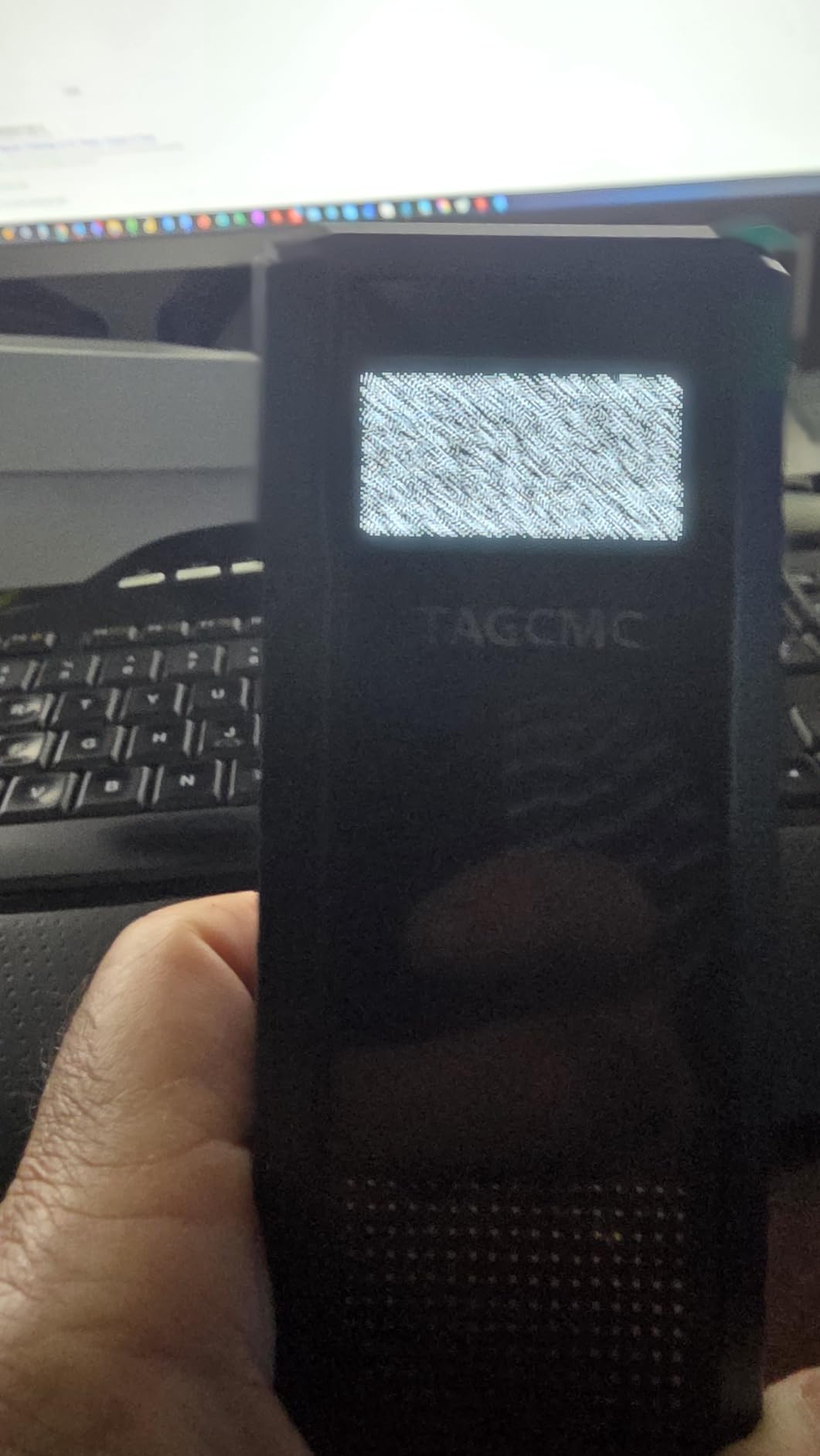
The GX-10 is the pick if subscription fatigue is the reason you have not bought a simulator yet. Every feature works without a paid account, which removes the running cost question that stops most indoor golfers.
It reports spin rate, spin axis, swing speed, attack angle, and launch angle. The swing-only mode lets you work on movement in a small room without a ball, and clubface impact visuals give you a look at strike quality.
The environmental sensors are unusual at this level. Temperature, humidity, and barometric readings adjust the data to match the conditions in your garage or basement, which matters more in a converted space than the marketing suggests.
The 3D virtual driving range supports 45 and 90 degree viewing, so you can watch a shot from above or from behind without moving the phone. It supports iOS 11 and later, Android 11 and later, and HarmonyOS 4.0, with English, Chinese, and Japanese interfaces.
The package is small at 8.58 by 6.65 by 1.89 inches and 1.4 pounds, which makes it easy to store between sessions in a small room.
Small room suitability
Two features carry the weight here for tight spaces. Swing-only mode needs no ball and no net, and the 3D range plays on the phone screen rather than a projected wall, so you are not spending depth on an image.
Attack angle and launch angle readings give you something actionable to work on. If you have a low ceiling, those numbers let you improve your strike quality with irons instead of trying to fit driver swings into the space.
What to verify before you rely on it
This is a newer brand with 94 reviews, so long term reliability is genuinely unproven. Some owners report connection or charging problems straight out of the box.
Sensitivity calibration is needed for accurate readings, and the app experience is less polished than established brands. Budget an afternoon for setup and calibration rather than expecting a turnkey first swing, and do not buy it as the only launch monitor in the house.
8. TheStack Radar – Best for Wedge and Putting Practice in a Closet-Sized Space
TheStack™ Radar – Portable Golf Launch Monitor, Swing Speed & Ball Tracker
0.12 kg
Bluetooth on iOS and Android
Swing and ball speed
Estimated carry and smash factor
Pros
- Lightest unit here at 0.12 kg
- Highest rated in the roundup
- Gamified wedge sessions in the Stack Wedging app
- Guided putting practice included
- Works on iOS and Android
Cons
- Only 60 reviews so far
- Stack Wedging and Putting are iPhone and iPad only
- No launch angle spin or shot shape
- No video or course play
TheStack Radar is the smallest thing I tested at 0.12 kg, and the narrowest use case. If your problem is that you have a closet-sized space and want short game work rather than full swing data, it fits better than anything else here.
It measures swing speed and ball speed, then calculates an estimated carry distance and smash factor. That is the whole measurement set, and owning it means accepting those limits up front.
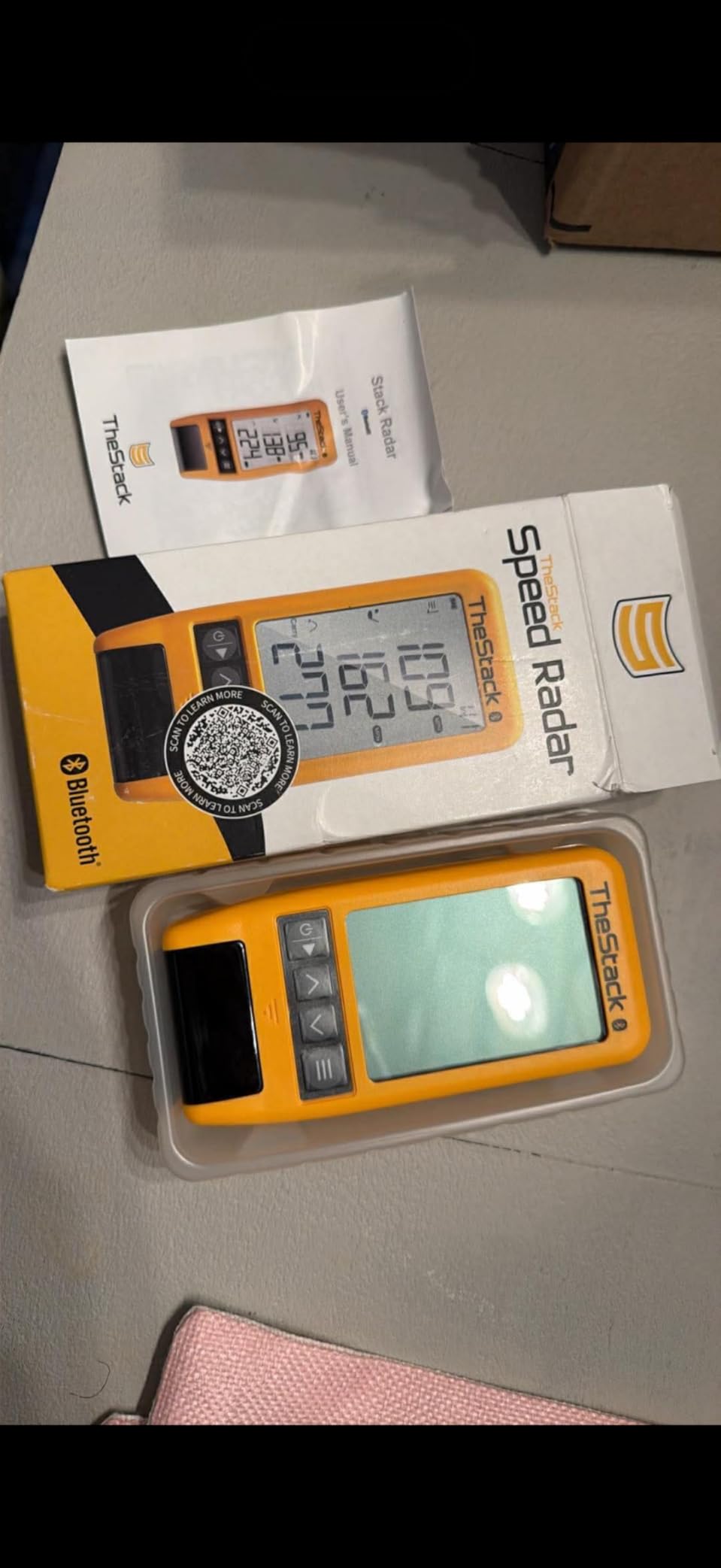
What it does well is structure. Stack Wedging builds gamified, skill specific wedge sessions so a solo practice block has a target rather than an open-ended bag of shots. Bundled access to Stack Putting adds guided putting sessions with insight into your tendencies.
Connection is over Bluetooth to the app on both iOS and Android, though the Wedging and Putting apps themselves are iPhone and iPad only. A one month trial of the wedge mode is included.
Matt Fitzpatrick used one for his speed training, and the speed focus is coherent with the design. Core features need no subscription.
Why it suits the smallest rooms
You can carry it with one hand and set it up on any shelf or windowsill. With no ball flight requirement and no screen needed, a narrow bay or a hallway end becomes usable practice space.
Wedge speed work is also the most realistic club work in a low ceiling room. A half swing with a pitching wedge needs far less vertical space than a driver, which makes short game practice the right goal in a compact room anyway.
Where it falls short
With 60 reviews it has the smallest evidence base in the roundup, even though its rating is the highest. Budget for that uncertainty rather than treating a strong early score as a settled track record.
There is no launch angle, no spin, no shot shape, no video replay, and no course play. If your small room is for full swing work, this is the wrong tool and the PHIGOLF or Garmin will serve you better.

9. Izzo Golf Launch Master – Best Simple Standalone Distance Tracker
Izzo Golf Swami Launch Master Golf Launch Simulator – Golf Training Aid, Standard
Doppler radar
454 g
4 AA batteries included
Hard carry case
Adjustable loft
Pros
- Runs standalone with no app or phone
- Enter your own club lofts for accurate results
- Audible distance read-out after each shot
- Batteries and a hard carry case included
- Compact enough to store in a golf bag
Cons
- Lowest rated in the roundup
- No spin rate launch angle or shot shape
- No video replay
- Not water resistant
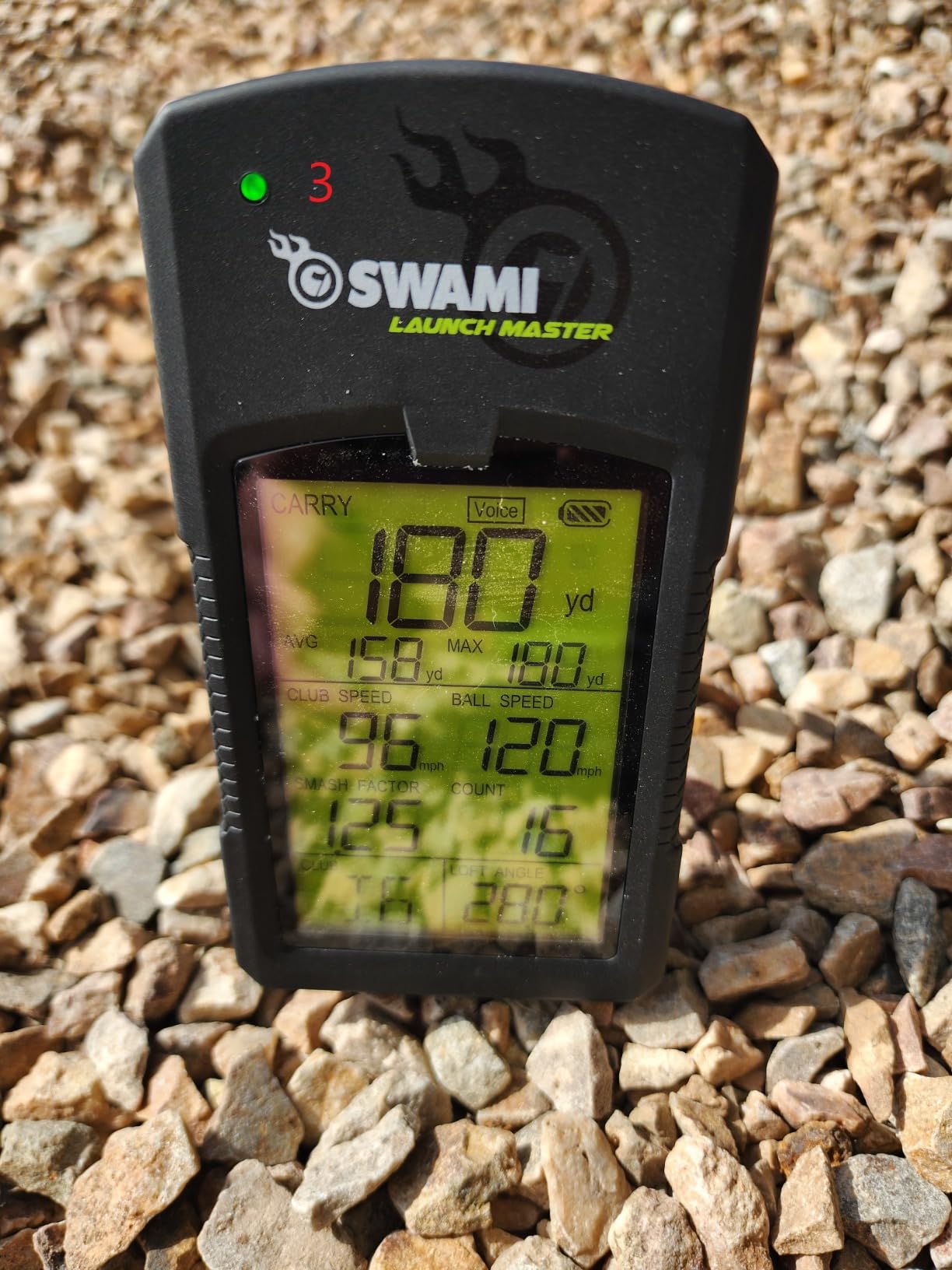
The Izzo Launch Master does one thing: it reports club head speed, ball speed, smash factor, and carry distance without needing a phone or an app. If you want the numbers and nothing else, that narrow brief is honest and the low price reflects it.
It measures 4 by 3 by 5 inches, weighs 454 g, and runs on four AA batteries that are included. The hard carry case is also in the box, so it lives in a golf bag between range sessions.
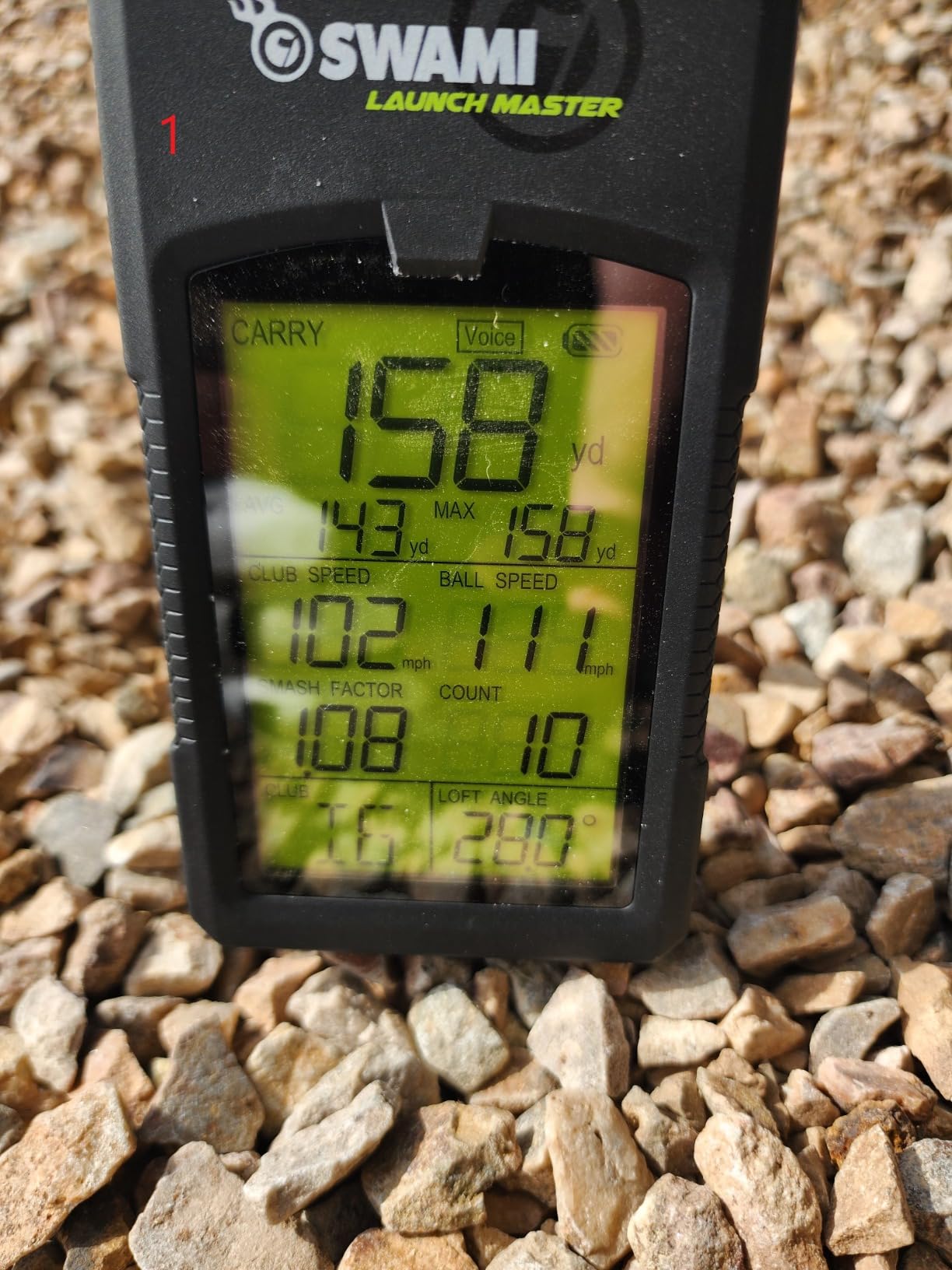
The feature I appreciated most is entering your own club lofts. Generic loft tables are where cheap launch monitors quietly distort results, and the ability to type in your actual wedges makes the carry numbers worth comparing across sessions.
The audible read-out calls your distance after each shot, which is genuinely useful in a garage or a spare room where you are facing away from the device. A simple LCD handles the visual readout for everyone else.
It is Doppler radar, so like the other radar units here it reads the shot without needing long ball flight space. That keeps it usable in rooms with a net a few feet from the ball.
Fitting it into a small room
It needs about 4 feet of space behind the ball and roughly 6 feet of width for the swing arc. No ceiling constraint beyond the one every golfer has, since it reads from a low position behind the ball.
Battery power means no outlet is required, which helps in the awkward corner of a garage where everything else needs power. It is not water resistant, so keep it out of a damp storage locker.
Why it sits last
The rating is the lowest in the roundup at 3.7 across 70 reviews, and the metric set stops at speed, smash factor, and carry distance. There is no spin rate, no launch angle, no shot shape, and no video.
With plastic construction and AA batteries as a running cost, it makes sense only as a first step into launch monitor training or as a spare unit for the range. If you want data you can grow with, the PRGR or the Garmin above it is the better spend.
How to Choose a Golf Simulator for a Small Room?
Measure the room before you buy anything
Write down three numbers for the space: width, depth, and ceiling height at the lowest point. Most failed installations come from measuring only length and discovering the ceiling during a driver swing.
Width sets how far you can rotate in a swing. Rooms under 10 feet wide often force an offset hitting position, which works but demands a stance adjustment that takes a week to get used to. Depth behind the ball is where the radar units here are forgiving and full projected bays are not.
Real builds on the MyGolfSpy and GolfWRX forums go tighter than most guides admit. One widely shared build fits a 7.9 foot wide space with 8.6 feet of height and 7.1 feet from ball to screen, which is smaller than most marketed compact bays.
Camera, radar, or overhead tracking
Radar units read the ball right after it leaves the club, so they need the least space behind you. Every radar pick in this roundup works with about 4 feet of depth, which is why they dominate a small room shortlist.
Camera-based monitors sit beside the ball and use high-speed cameras to capture launch data without waiting for flight. Golfers on the community forums consistently favour this tech for tight spaces, and the trade is a higher purchase point for accurate spin data.
Overhead mounted systems remove the floor space question entirely, but they need clear ceiling height to swing under. In a room under 9 feet of ceiling they are the wrong category, which rules them out for most small rooms.
Ceiling height and the driver question
A driver swing needs vertical room that an 8 foot ceiling does not have, and no workaround changes that. Work out your club range instead: irons and wedges fit almost anywhere, and a 3 wood is a partial swing.
If your ceiling is low, choose a monitor whose useful metrics are speed and attack angle rather than one built around projected driver flight. The PHIGOLF and PRGR both let you practise a movement with no ball at all, which is the right use of a short swing arc.
Bounce back and screen tension
Ball rebound is the safety issue nobody quantifies well. A ball leaving a club at full speed needs distance before it returns, and shallow rooms squeeze that distance. Keep the screen well off any wall behind it and check the impact screen tension regularly, because a loose screen returns shots unpredictably.
Radar monitors reduce the problem only partly. You still need somewhere for the ball to stop after the radar has read it, so a net and a mat that catches dead balls matter more in a small room than in a large bay.
Projector throw distance in shallow rooms
If you want a projected image, the throw ratio decides whether it fits. A projector with a 1.2 to 1.4 throw ratio needs roughly 8 to 11 feet of distance to fill a 100 inch image, and a short throw model can do it in less.
Measure from the projector’s lens position, not the wall. Mounting it high on a low ceiling shortens the usable distance, which is exactly the situation small room owners are in. Our premium simulator picks for larger budgets cover what to skip up to when the throw distance simply will not work.
Subscriptions, consumables, and running costs
Three of the nine units here need a paid account for their full experience: the Rapsodo MLM for premium features, the Garmin R10 for course play, and the MLM2PRO for simulated courses and impact vision. The PHIGOLF, PRGR, Voice Caddie, TheStack core features, and the TAGCMC work without one.
Consumables matter too. The MLM2PRO includes three Callaway RPT balls that owners report lasting roughly 70 swings each, and the PRGR and Izzo both run on disposable batteries. Add that to any three year comparison before deciding.
Power, heat, and humidity in converted spaces
Plan three outlets or one circuit with a surge protector for a phone or tablet, the monitor, and a fan. Basements and garages run cooler and more humid than the conditions a monitor was calibrated in, which is why the GX-10’s environmental sensors are worth something.
Heat builds fast in an enclosed bay because you are swinging hard in a small volume. A fan and a door left ajar cost almost nothing and prevent both discomfort and equipment drift.
If your small room is shared with a car or a laundry rack, our garage simulator guide covers clearance and door swing in detail, and our winter training picks cover year round practice for golfers who want more than data.
Frequently Asked Questions
What is the minimum room size for a golf simulator?
About 6 feet of width, 4 feet of depth behind the ball, and 8 feet of ceiling height works for a compact launch-monitor setup. Radar-based units read the ball right after impact, so they need far less depth than a full projected bay. Full driver swings want more ceiling, so most small rooms are best used for irons and wedges.
What is the smallest golf simulator room available?
A corner barely wider than a doorway, with no ball flight space at all, if you use a sensor-based system such as the PHIGOLF. For ball-based monitors, the smallest workable setup is roughly 6 feet wide and 4 feet deep. Community builds have fit radar or camera systems into spaces under 8 feet of ceiling height.
Can I use a golf simulator in a room with a low ceiling?
Yes, with adjusted expectations. In a room under 9 feet of ceiling, skip driver and work on irons, wedges, and short game instead. Several units in this roundup include a swing-only mode that tracks your movement with no ball struck, and radar units need no vertical clearance for tracking.
Is a 12×12 room big enough for a golf simulator?
Yes. A 12 by 12 room comfortably fits a compact launch-monitor setup with full swing clearance on both sides, and it is the most commonly reported successful small build among owners. It is tight for driver work under a low ceiling, but comfortable for irons, wedges, and any radar-based monitor.
Do I need a subscription for a small room golf simulator?
Some do and some do not. The Garmin Approach R10 and Rapsodo MLM2PRO put course play behind a paid account, and the MLM reserves premium features for subscribers. The PHIGOLF, PRGR, Voice Caddie, TheStack core features, and the TAGCMC GX-10 work with no subscription at all.
Final Verdict on Small Room Golf Simulators
The Rapsodo MLM is our pick for the best golf simulators for small rooms, because it measures 0.4 kg, runs ten hours on a charge, and reads the shot without needing room behind the ball. The Garmin Approach R10 adds spin data and a ten hour battery for golfers who want club delivery numbers, and the PHIGOLF is the only pick here that needs no ball flight space whatsoever.
Measure your three dimensions before anything else, accept that driver work goes first if your ceiling is low, and buy the simplest unit that answers the question you actually have. A compact monitor you swing from every evening will beat a projected bay you never finish installing.