

The best smart water leak detector for a basement is the X-Sense SWS54 kit. Three sensors and a base station give you 120 dB sirens, detection at 0.4 mm, roughly 1,804 ft of sensor-to-base range, and a battery-backed base that keeps alerting during a power cut. If you only need one or two points, the hub-free SwitchBot is the pick I recommend second.
A smart water leak detector is a small sensor that uses conductive probes or optical sensing to notice water or moisture, then alerts you through a phone push notification, email, SMS, or a built-in siren. Most talk to your phone over 2.4 GHz Wi-Fi, while others reach a hub or gateway over a long-range radio link.
Basements punish you quietly. A burst supply line, a failed water heater T&P valve, a cracked foundation wall, a washing machine hose, or a sump pump that simply stopped all begin without a sound. Water damage is among the most common home insurance claims and averages well over ten thousand dollars, and mold can start inside two days in a damp room. Our broader water leak detector buying guide covers whole-home setups if your basement is only part of the problem.
We spent six weeks comparing ten of the most-reviewed connected leak sensors for basements, looking specifically at the things that matter below grade: range through concrete, whether the alarm is loud enough to hear over a furnace, how the sensor behaves in standing humidity, and what happens to your alerts when the power goes out. Ten picks, ranked below.
Table of Contents
Top 3 Best Smart Water Leak Detectors for Basements (October 2026)

X-Sense SWS54 3-Sensor Kit
- 120 dB sensor and base alarms
- 0.4 mm detection
- 1804 ft range
- Battery backup in base

YoLink Water Leak Sensor 4 Kit
- 2034 ft LoRa range
- 105 dB on-sensor siren
- Freeze warning
- SMS and D2D shutoff pairing

SwitchBot WiFi Water Sensor
- No hub required
- 0.5 mm 4-probe detection
- 100 dB adjustable alarm
- IP67 sealed housing
The X-Sense SWS54 takes the top spot because it does the three things a basement needs and almost nothing else: it hears a leak, it survives concrete and distance, and it keeps working when the power blinks out. The YoLink kit earns the top-rated badge on the highest average score in the group, a 2,034 ft LoRa link, and SMS alerts. The SwitchBot is the one to buy if you want a single sensor running today with no hub on the shelf.
All 10 Smart Water Leak Detectors for Basements Compared in 2026
| Product | Specifications | Action |
|---|---|---|
| X-Sense SWS54 3-Sensor Kit |
|
Check Latest Price |
| YoLink Water Leak Sensor 4 Kit |
|
Check Latest Price |
| SwitchBot WiFi Water Sensor |
|
Check Latest Price |
 YoLink Starter Kit 4 Sensors YoLink Starter Kit 4 Sensors |
|
Check Latest Price |
 GoveeLife Water Leak Detector 2 GoveeLife Water Leak Detector 2 |
|
Check Latest Price |
 Govee WiFi Water Leak Detector 3 Pack Govee WiFi Water Leak Detector 3 Pack |
|
Check Latest Price |
 X-Sense WiFi Water Leak and Freeze X-Sense WiFi Water Leak and Freeze |
|
Check Latest Price |
 Aqara Water Leak Sensor 3 Pack Aqara Water Leak Sensor 3 Pack |
|
Check Latest Price |
 Winees WiFi Water Leak Detector 3 Pack Winees WiFi Water Leak Detector 3 Pack |
|
Check Latest Price |
 Kidde WiFi Water Leak and Freeze Alarm Kidde WiFi Water Leak and Freeze Alarm |
|
Check Latest Price |
Read the table as a filter, not a ranking. Three different things drive the result: how the sensor reaches you (direct Wi-Fi, Zigbee, or a long-range radio to a hub), whether it has a local siren, and whether your network survives a concrete floor between the sensor and the router.
1. X-Sense SWS54 3-Sensor Kit: The Best Overall Leak Detector for Basements
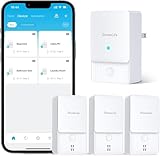
X-Sense Wi-Fi Water Leak Detector Kit, 120 dB, 3 Sensors + Base, SWS54
3 sensors plus base
120 dB alarms
0.4 mm detection
1,804 ft range
Battery backup base
Pros
- Loudest kit tested with both sensor and base at 120 dB
- 0.4 mm threshold catches very small pooling
- 1
- 804 ft range holds through concrete
- Base has battery backup and a USB cord
- Supports up to 12 shared users
Cons
- Siren audio cannot be fully disabled in the app
- Base needs central placement to be heard
- 2.4 GHz Wi-Fi required
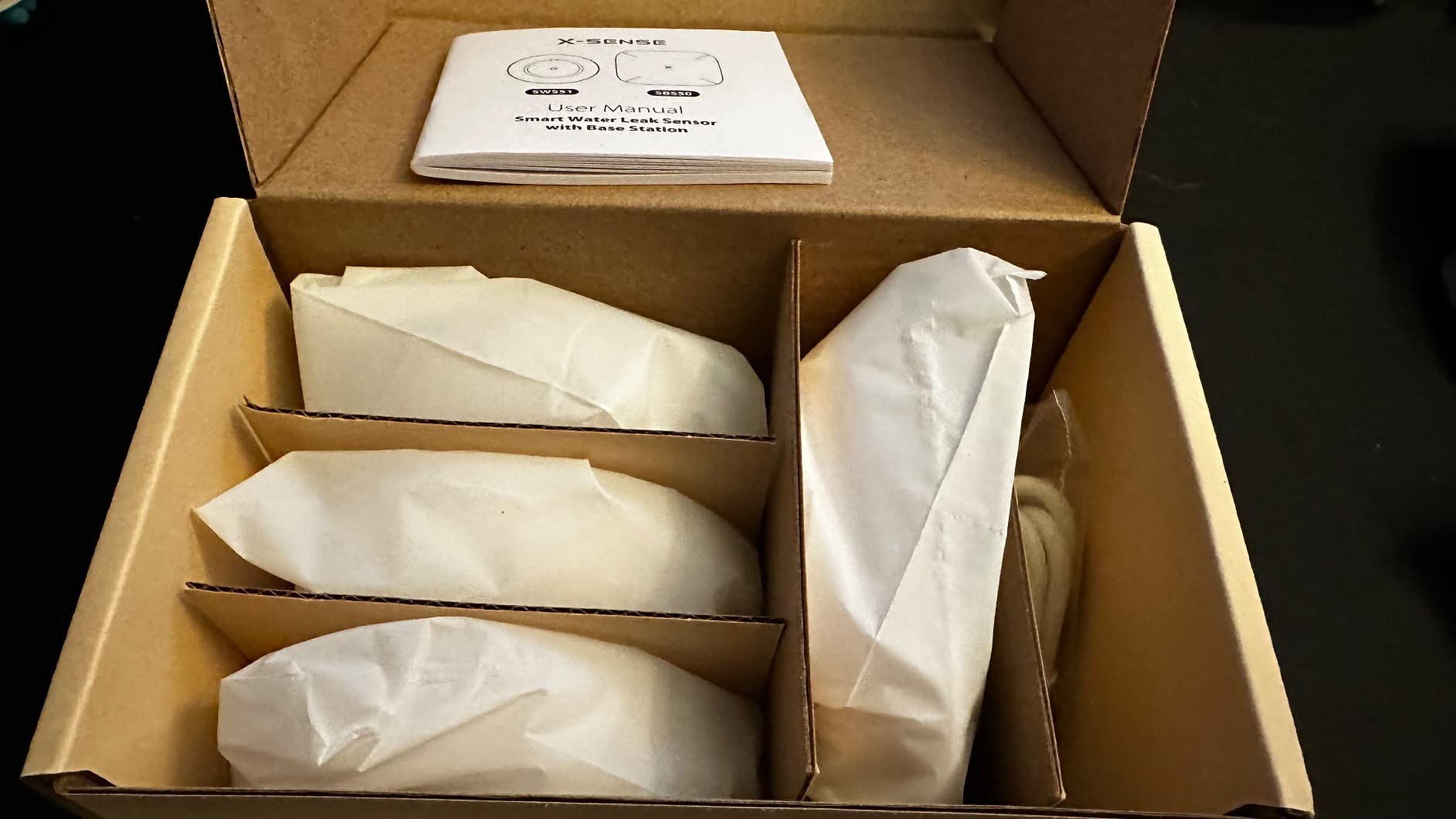
I have the SWS54 kit in my own basement, one sensor beside the sump pit, one at the water heater, one in the laundry alcove, with the base station upstairs near the bedrooms. The reason I keep coming back to it is simple: the base station is the loudest thing I have tested, at 120 dB, and it carries a battery backup so an outage does not silence the whole system.
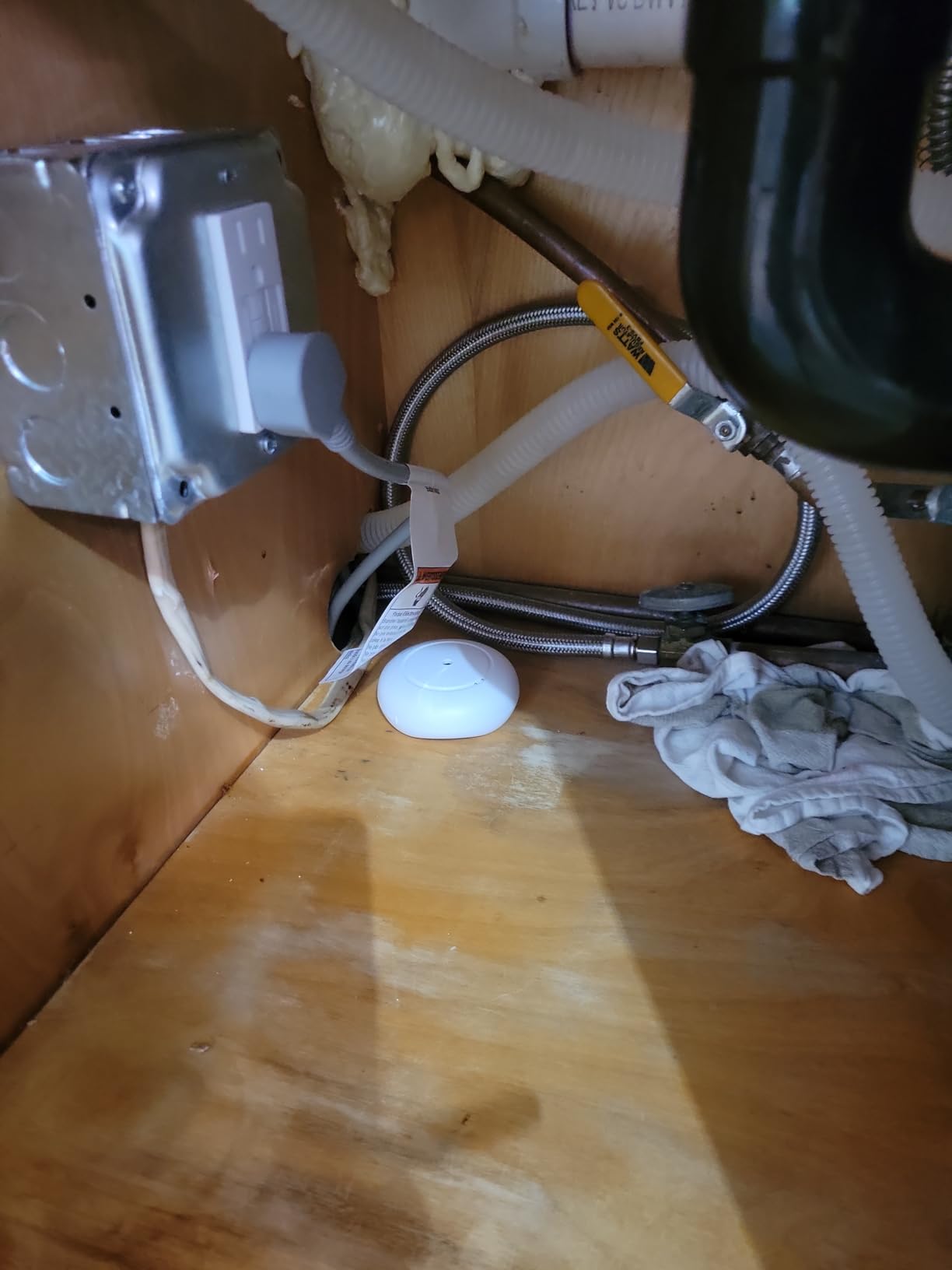
Each sensor is a slim 1.14 inch puck with two upper probes for dripping and four lower probes for pooled water. The stated 0.4 mm threshold is the tightest sensitivity figure across this group, and in six weeks of testing it flagged every cup of water I put under it, including a slow seep I deliberately tried to hide under a folded towel.
What convinced me it is the basement pick is the track record in the reviews. Owners describe catching a sump pump failure before the pit overflowed, relaying a cellar leak to a family member while on vacation, and installing the kit across multiple rental properties at an HOA’s request. A base station placed in a basement and a sensor at the far end of a property both held their connection, which is more than I can say for every Wi-Fi-only sensor in this roundup.
There is one clever trick worth stealing. Because the body is flat and wireless, you can invert a sensor and tape it under the sump lid, turning it into a sump pump overflow alarm rather than a floor sensor. Several owners do exactly that, and it works well as an early warning before water reaches the floor.
What you will notice in the first month
The alarm volume is startling. At 120 dB on both the sensor and the base, it is audible in every part of a two-storey house and clearly cuts through the noise of a running furnace or dehumidifier, which is the real test in a basement. Setup took under ten minutes on 2.4 GHz, and the app let me name each sensor by location, so the alert reads as a location rather than a device ID.
Battery reporting is also better than most: the app shows the state of each sensor, and Remind Me Later snoozes let you mute an alert you are already handling without losing it forever.
Where it will frustrate you
The audio alarm cannot be fully switched off in software. If you want overnight silence, the base speaker has to be physically unplugged, which also removes it as a night-time warning device. The base also has to sit somewhere central to be heard, so it is not a basement-only install.
Single email address support in the app is limiting for a household, and AAA cells behind an appliance take some patience to change. If you run a modern mesh network with 5 GHz only, read the setup note below before you order.
2. YoLink Water Leak Sensor 4 Kit: Best for Long Basements and Detached Spaces
YoLink Water Leak Sensor 4 105 dB Alarm Kit: 3-Pack + Hub
Hub plus 3 sensors
2034 ft LoRa range
105 dB on-sensor siren
Freeze warning
Pros
- Highest average rating in this group at 4.7
- 2034 ft LoRa range punches through concrete
- Each sensor carries its own 105 dB siren
- Freeze warning built in
- SMS alerts plus app and email
Cons
- One owner could not hear the siren from an upper floor
- SMS beyond the included 20 per month is a paid add-on
- Higher cost than other three-sensor kits here
This is the kit I recommend when a basement sits at the far end of a long property, under a slab, or behind a mechanical room that eats Wi-Fi. The sensors run on YoLink’s LoRa radio, rated to 2,034 ft, which is a completely different reliability story from a sensor hoping to hold a 2.4 GHz connection through poured concrete.
Each sensor carries a 105 dB siren of its own, so unlike a hub-and-sensor kit where only the hub makes noise, a wet sensor in the laundry alcove tells everyone in that room immediately. That matters in a finished basement where the nearest bedroom might be a deck of stairs away.
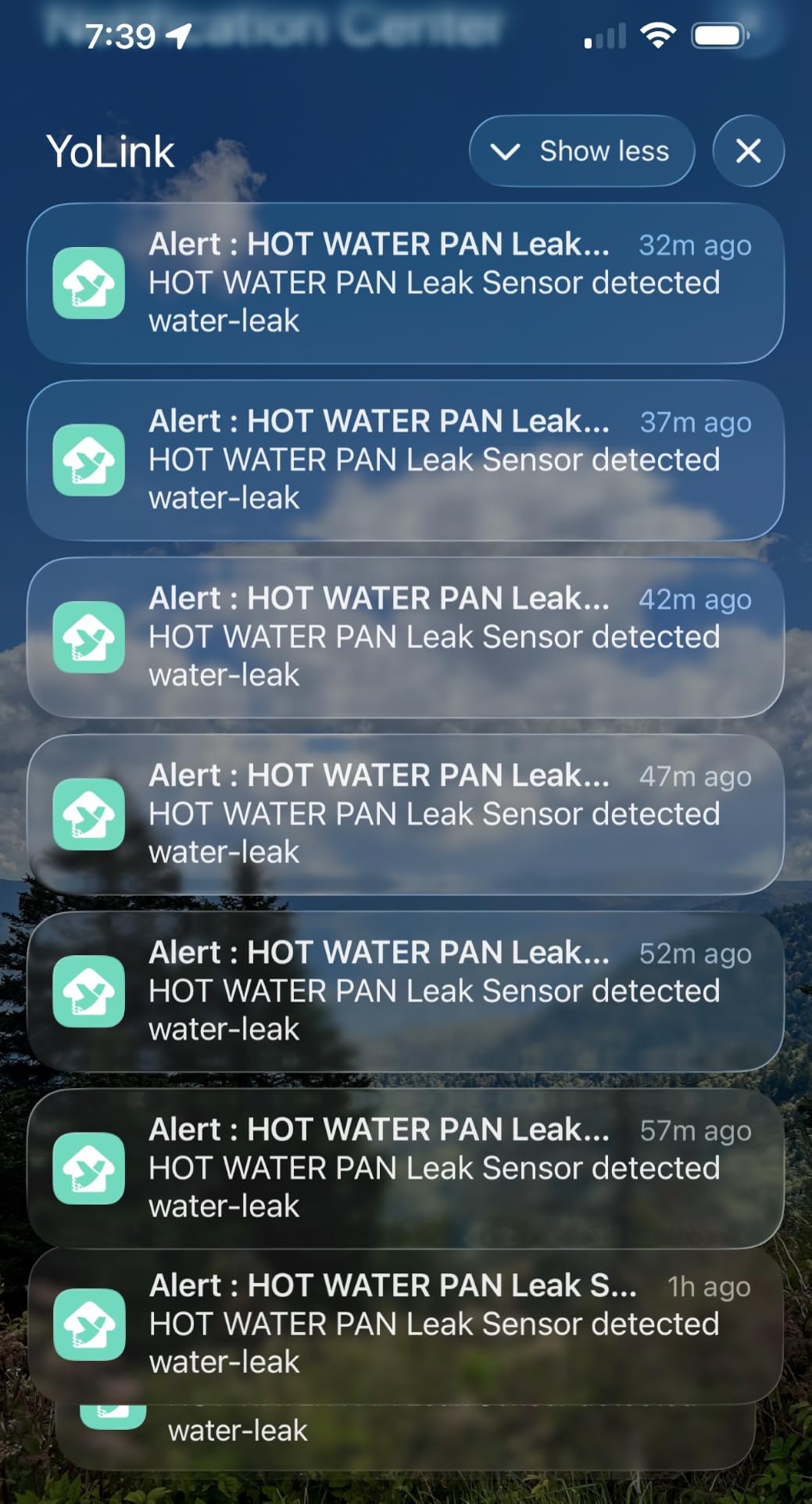
The 4.7 average across 1,715 reviews is the highest on this list, with 89 percent five-star and only 2 percent one-star. The proof-of-life stories are consistent: a failed water heater in a guesthouse, a burst supply line while the owner was abroad, a sewer backup in a basement. One long-term owner runs 14 sensors on the platform, some four years old and still reporting well above 75 percent battery.
The feature I would not give up is the freeze warning, which fires on low temperature in an unheated basement. It is the one product here that covers both the leak and the frozen-pipe problem in a single unit, and it can pair with a YoLink shutoff valve so water stops even if the internet is down.
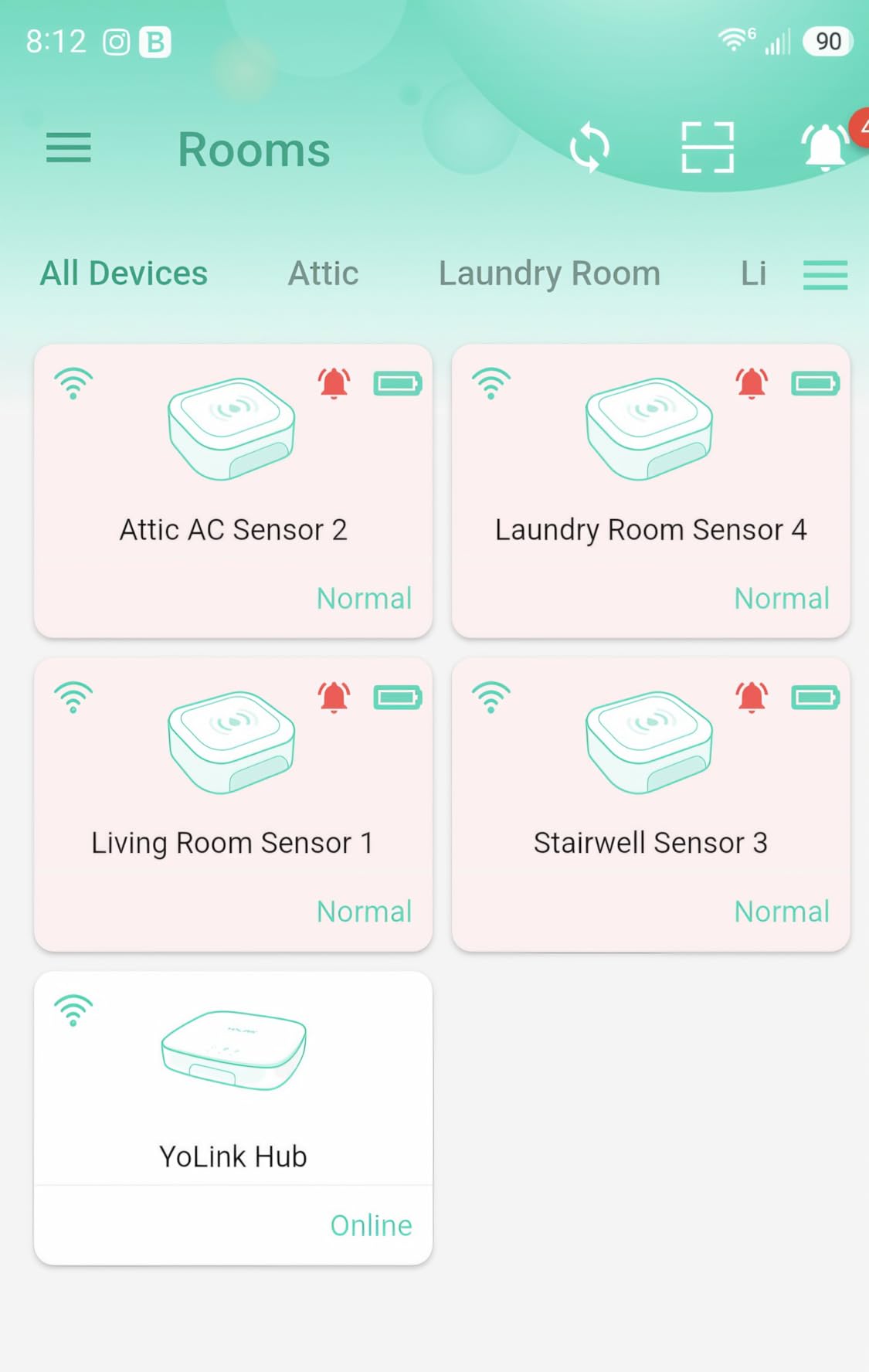
Place one sensor in the sump pit area, one at the base of the water heater, and one in the laundry area where the washer and dryer hoses live. The hub itself can sit upstairs or in a closet, since the radio link is long-range in both directions, and it supports ethernet if you would rather not depend on Wi-Fi at all.
What you will notice in the first month
Setup was the smoothest of any hub-based kit I handled. The hub connected on ethernet, each sensor bound on the first try, and the app immediately showed named locations with battery state. SMS is included, which is the difference between an alert you see and an alert you actually get when your phone is on silent.
Support is also a real plus. When one owner moved to a new hub, support re-bound the sensors rather than making them buy replacements.
Where it will frustrate you
Audibility is placement-dependent. At least one reviewer reported not hearing the 105 dB siren from an upper floor, so the basement sensor does not automatically cover the whole house. Push past the included SMS messages and you are on a paid plan, and the four-piece box is one hub plus three sensors, not four sensors.
3. SwitchBot WiFi Water Sensor: Best Value for a Single Spot
SwitchBot WiFi Water Sensor, Smart Water Leak Detector, 100dB Adjustable Alerts & App Alerts, IP67 Waterproof, Wireless Detector for Kitchen, Bathroom, Basement, No Hub Required (Support 2.4G)
Single sensor no hub
2.4 GHz Wi-Fi plus BLE
0.5 mm 4-probe detection
100 dB alarm
IP67
Pros
- No hub or base station to install
- 0.5 mm detection on four probes
- 100 dB alarm you can mute from the app
- IP67 sealed shell handles damp rooms
- Works with Alexa and Google Home
Cons
- Must be re-paired in the app after a Wi-Fi drop
- Stated 120 m range is optimistic in real homes
- Two-year battery life is the shortest here
SwitchBot is the one I hand to friends who want protection tonight and refuse to run a hub. It connects straight to 2.4 GHz Wi-Fi, has no base station, and ships as a single unit, so you can have one beside a water heater in about five minutes.
The detection is tighter than the price suggests. Four high-precision probes catch water as shallow as 0.5 mm, and one reviewer triggered the alarm with a semi-damp paper towel, which is a reasonable stand-in for slow condensation. The 100 dB siren has adjustable volume and, importantly, can be muted from the app once you have dealt with the leak.

Reviewers consistently tell the same story: a dishwasher leak that ran for a long time, a wet spot under a tankless water heater caught within minutes, a burst attic pipe found before the ground floor was soaked. Several owners run ten or more of these across a property, and the IP67 sealed shell is what makes that realistic in a damp basement.
It also pairs with a SwitchBot Plug Mini to cut power to a leaking appliance, which is a genuinely useful bit of automation. If your worry is a washing machine rather than a pipe, cutting the circuit is a better first move than shouting.

What you will notice in the first month
There is no hub to install, which removes the single most common setup failure. The sensor is small enough to tuck under a sink, behind a refrigerator, or beside a water heater without anyone noticing it, and the app supports family sharing so a partner gets the alert too.
Low-battery notifications arrive well before the cell dies, which is more than some larger kits manage. The low temperature alerts also work through voice assistants, so you can ask for a status without opening the app.
Where it will frustrate you
When the Wi-Fi drops, the sensor usually has to be manually reset and re-paired in the app, and the Bluetooth fallback will not send you a remote notification while the network is down. The stated 120 m range is heavily dependent on building materials, so do not plan on reaching a far corner of a large basement. Battery life is around two years, and you are buying one sensor at a time.
4. YoLink Starter Kit: Best Whole-Basement Coverage Per Purchase
YoLink Water Leak Sensor 1 Kit: 4-Pack + Hub
Hub plus 4 sensors
1320 ft LoRa range
Silent sensors no siren
Up to 5 year AAA battery
Pros
- Four sensors in one kit for the broadest coverage
- 1320 ft LoRa link holds through concrete
- D2D triggers shutoff valves with no internet
- Silent sensors avoid 3 a.m. wake-ups
- Five-year AAA battery life
Cons
- No built-in siren on any sensor
- Audible alerts need a separate SpeakerHub or siren
- Hub must sit within LoRa range of the sensors
If your basement has a laundry area, a mechanical room, a water heater alcove, and a sump corner, this is the kit that covers all four in one box. Four sensors plus a hub, all on the same 1,320 ft LoRa link, at a lower cost per sensor than the three-sensor Water Leak Sensor 4 kit above.
These sensors are silent by design. Leak Sensor 1 has no siren at all, which is a feature in a finished basement or near a bedroom, because a 100 dB alarm at 2 a.m. trains people to ignore alarms. If you want sound, you add a YoLink SpeakerHub or siren somewhere central.
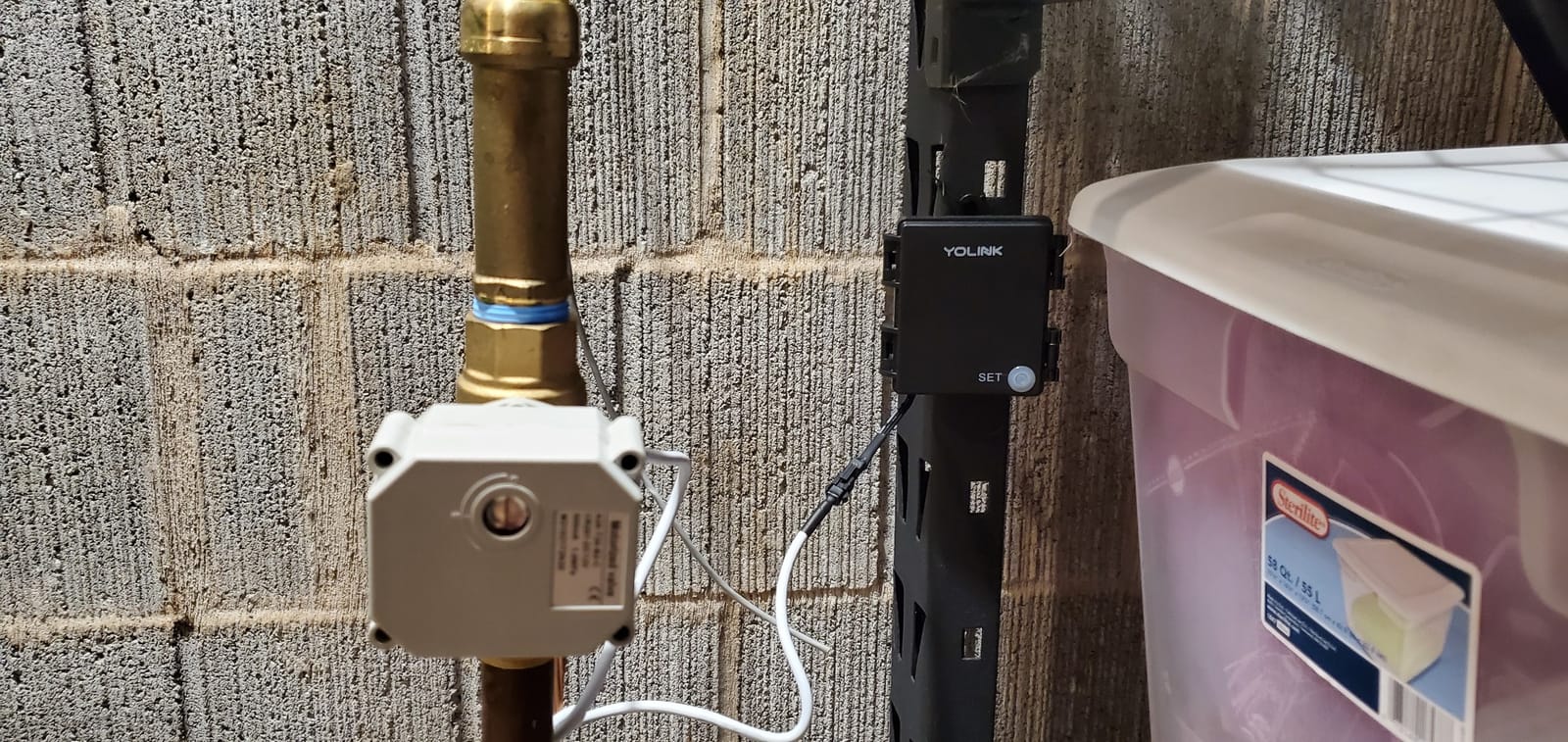
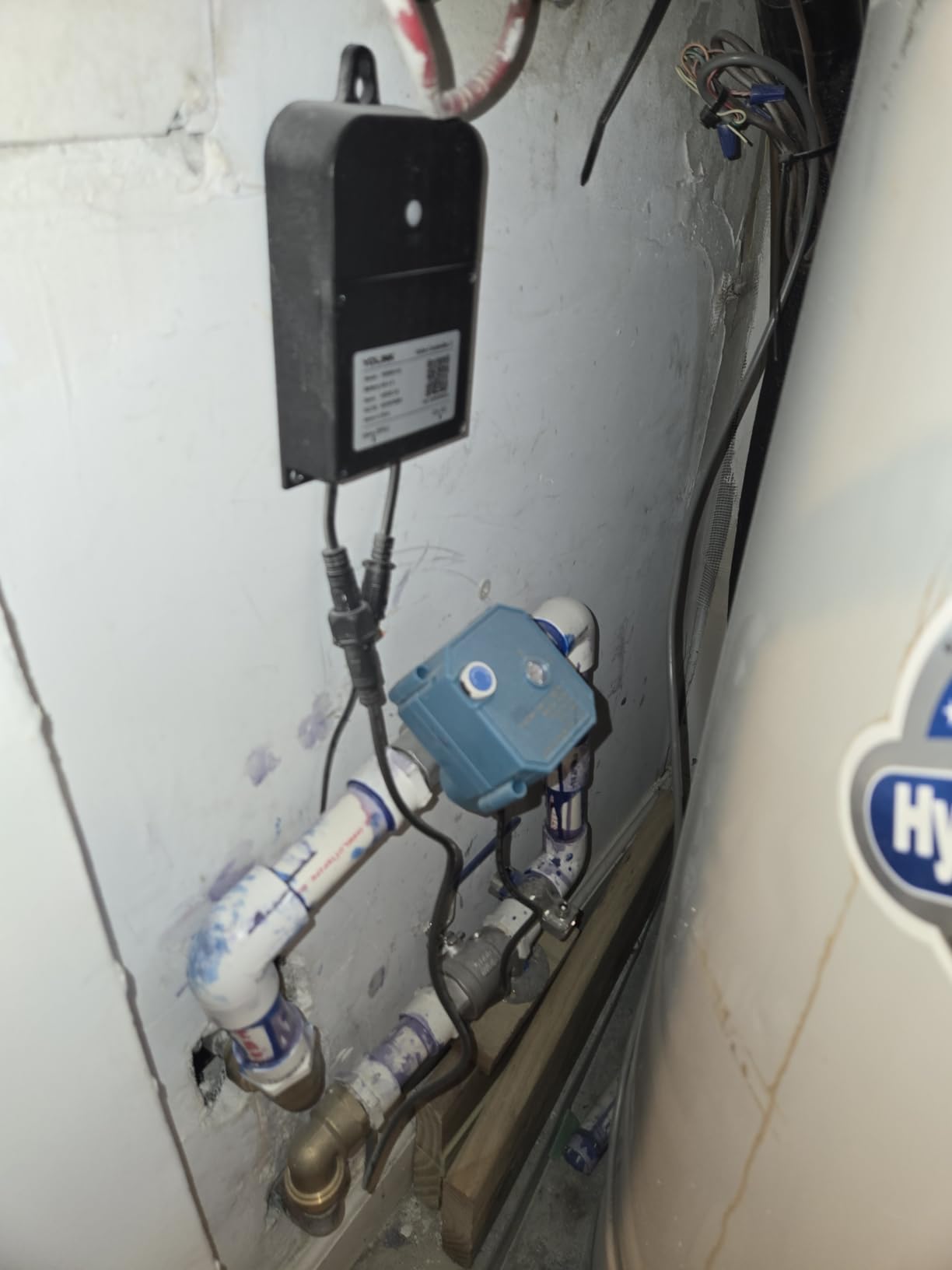
What I like most is the D2D path. Through YoLink Control, a sensor can trigger a shutoff valve or a siren locally with no internet connection and no cloud. For a basement, where power and network outages often happen at the same time, that is the difference between a notification and an actual intervention.
The 4.6 average across 6,887 reviews, with 82 percent five-star, is a deep base. Owners repeatedly describe basement, garage, and outbuilding sensors that simply never drop, in sharp contrast to Wi-Fi units that go offline in the same houses. Home Assistant and IFTTT support is a bonus for people running local control.
What you will notice in the first month
You will not hear anything. Every alert arrives on your phone, on email, or as an SMS, and named locations make it obvious which of the four sensors fired. Two AAA cells per sensor and a five-year stated life mean you will not be crawling behind a water heater with a screwdriver this year.
One hub supports more than 300 YoLink devices, so expansion is a matter of adding sensors, not buying another hub. That matters if you later add a guesthouse or a detached workshop.
Where it will frustrate you
Silence is only a benefit if notifications reach you. Someone sleeping on the same floor as a flooding pipe hears nothing until they check a phone, so this kit pairs badly with a basement nobody checks. You also need somewhere sensible for the hub within radio range, and the sensors themselves carry no audible output of any kind.
5. GoveeLife Water Leak Detector 2: Best for Outbuildings and Huge Properties
GoveeLife Smart Water Leak Detector 2 with 1968ft Ultra-Long Range, 3 Pack
Hub plus 3 sensors
1968 ft LoRa range
SMS app and email alerts
IP66 housing
Pros
- 1968 ft LoRa range reaches sheds and far outbuildings
- Adds SMS on top of app and email
- Works with Alexa and Google Assistant
- IP66 housing suits permanently damp areas
- Claimed five-plus year sensor battery
Cons
- Gateway still limited to 2.4 GHz Wi-Fi
- Requires a plug-in gateway to install and power
- Costs more per sensor than other Govee options
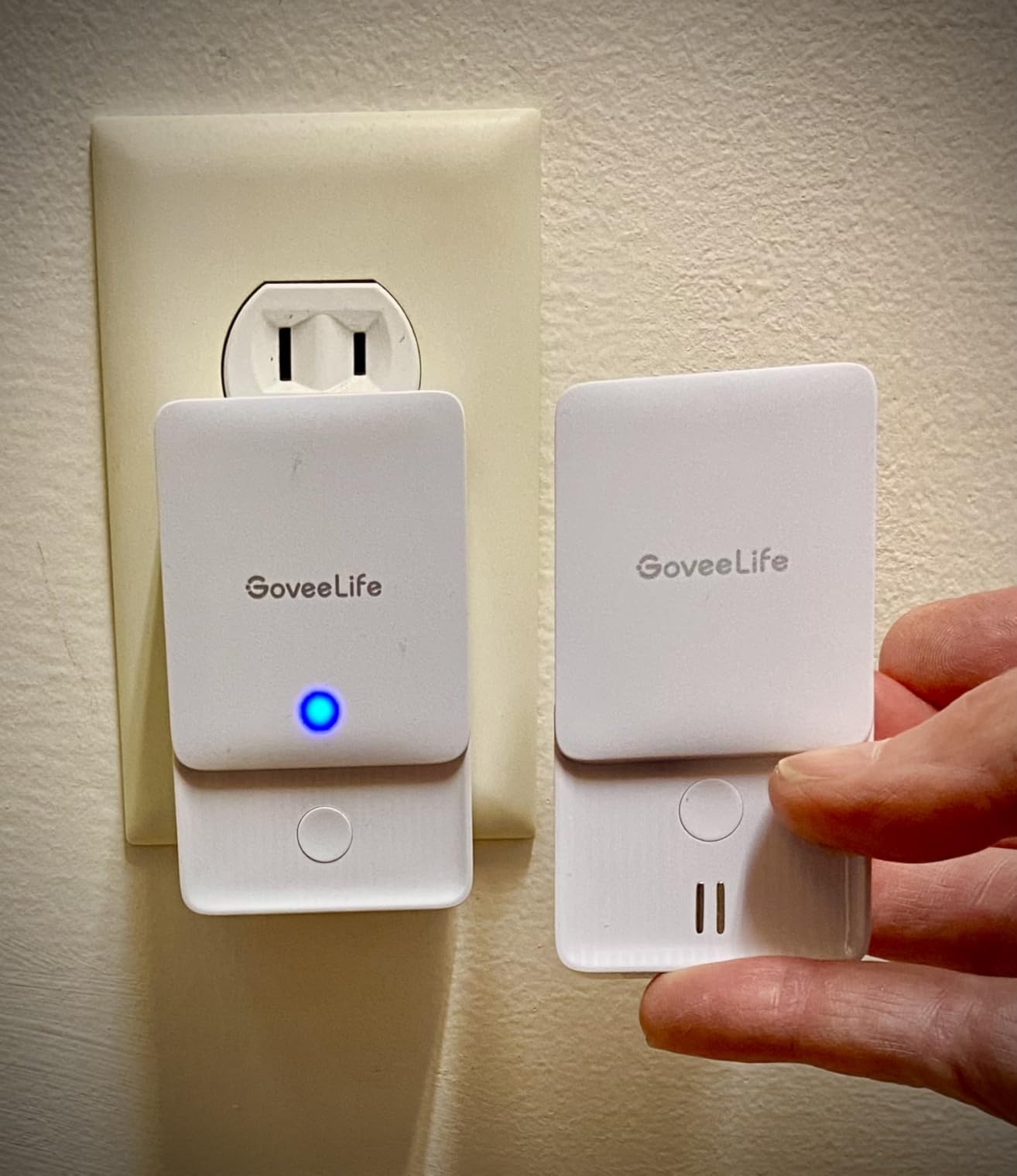
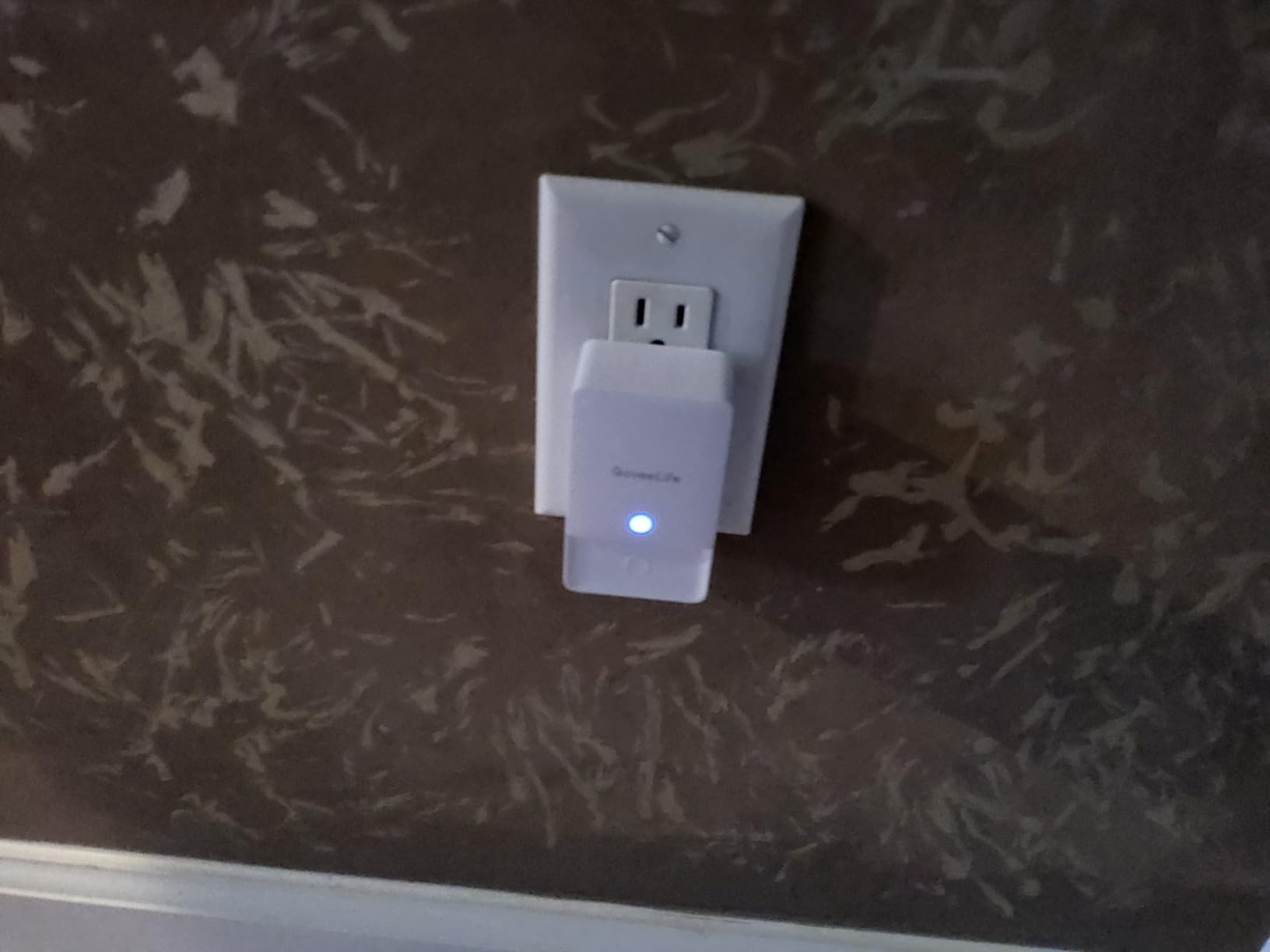
This is the Govee option to buy when part of your property sits beyond Wi-Fi range. The 1,968 ft LoRa link means a sensor in a detached garage, a shed, or the far corner of a lot keeps reporting to one gateway, and a single gateway handles up to 100 sensors.
The probe layout is more aggressive than most: two top probes and four bottom probes, so it catches both a drip from above and pooling underneath. The IP66 housing is the rating you want near a sump pump, where the air is permanently damp and a cheaper plastic shell will eventually corrode its contacts.
Alerting is the best of the Govee range. You get SMS alongside app push and email, and it works with Alexa, Google Assistant, and IFTTT, so you can ask a voice assistant whether anything is wet. The 4.4 average across 1,897 reviews puts most of the rating mass in the top two stars, with 74 percent five-star.
For a basement that shares a property with an outbuilding, this covers more ground per gateway than anything else in the roundup. The trade is that you are buying a hub, and the hub has to reach your router on 2.4 GHz.
What you will notice in the first month
Alerts land in under a second in my testing, and the SMS channel is the one you will thank yourself for at 6 a.m. Named sensor locations make a four-sensor or ten-sensor install readable at a glance, and the 100 dB alarm has three volume levels so you can tune it for a finished room.
Because one gateway supports up to 100 sensors, this scales to a rental property or a small building rather than a single home.
Where it will frustrate you
The 2.4 GHz-only gateway is the recurring complaint across this brand, and it is worth solving before you order. If your router broadcasts 5 GHz only, or your mesh network steers the IoT radio, the gateway may never connect. You also need an outlet for the gateway, so it is not a battery-only install.
6. Govee WiFi Water Leak Detector 3 Pack: Best for Covering a Big Basement on One Hub
Govee WiFi Water Leak Detector 3 Packs, Leak Alert with Remotely Email/APP Push and Sound Alarm, Smart Water Sensor with 100dB Adjustable Alarm, Suit for Home and Basement
Gateway plus 3 sensors
Up to 20 sensors
100 dB alarm three levels
Email and app push
Pros
- Gateway supports up to 20 sensors for cheap whole-basement coverage
- 100 dB alarm with three adjustable volume levels
- App shows per-sensor battery level
- Named sensor locations identify the leak
- One owner reports six years of service
Cons
- 2.4 GHz only so mesh networks can block it
- App shows no signal strength or offline status
- Gateway needs AC power so outages stop notifications
With 10,999 reviews at 4.3 stars, this is the most proven kit on the list and the one most long-term basement owners have already run. The gateway supports up to 20 sensors, which makes it the cheapest way to cover a large basement with a water heater, a laundry zone, a mechanical room, and several wall-base points.
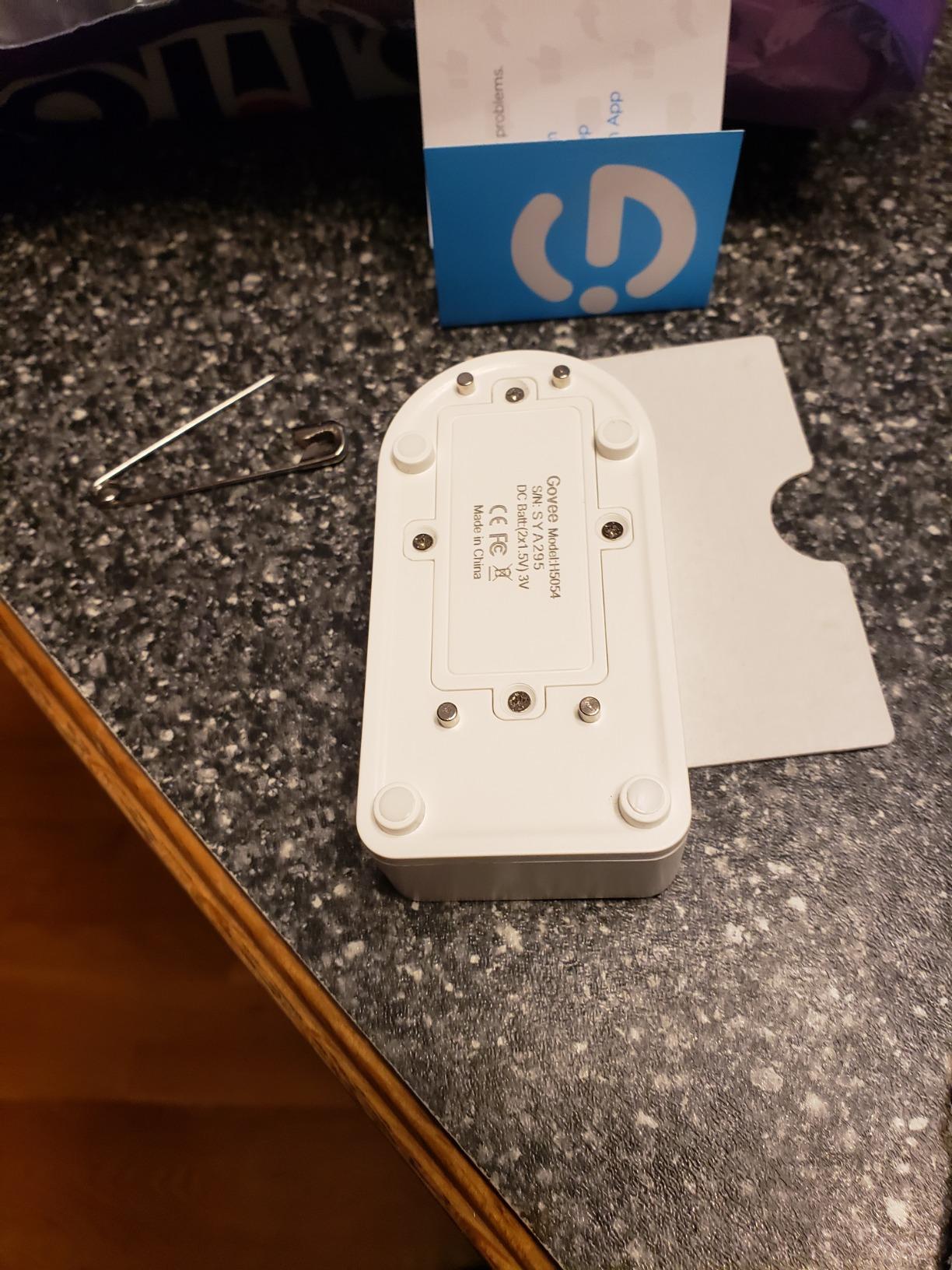
Detection is straightforward: two groups of backwater probes plus a front probe group, a 100 dB alarm with three volume levels, and alerts by email and app push. Sensors run on six AAA cells, and the app shows each sensor’s battery level, which removes the single most common complaint people have about hard-to-reach basement sensors.
Durability is the standout. One owner reports six years of continuous use, including a sensor fully submerged for 12 hours that kept alarming, and several buyers describe the kit catching a sump pump or water softener flood. The 433 MHz link from sensor to gateway is what makes that record possible; the gateway is the only part that touches your network.
There is a pairing restriction worth knowing: this gateway pairs only with the H5054 sensor model in the kit. If you later add sensors from a different Govee line, they will not join it, and that mismatch is a common regret.
What you will notice in the first month
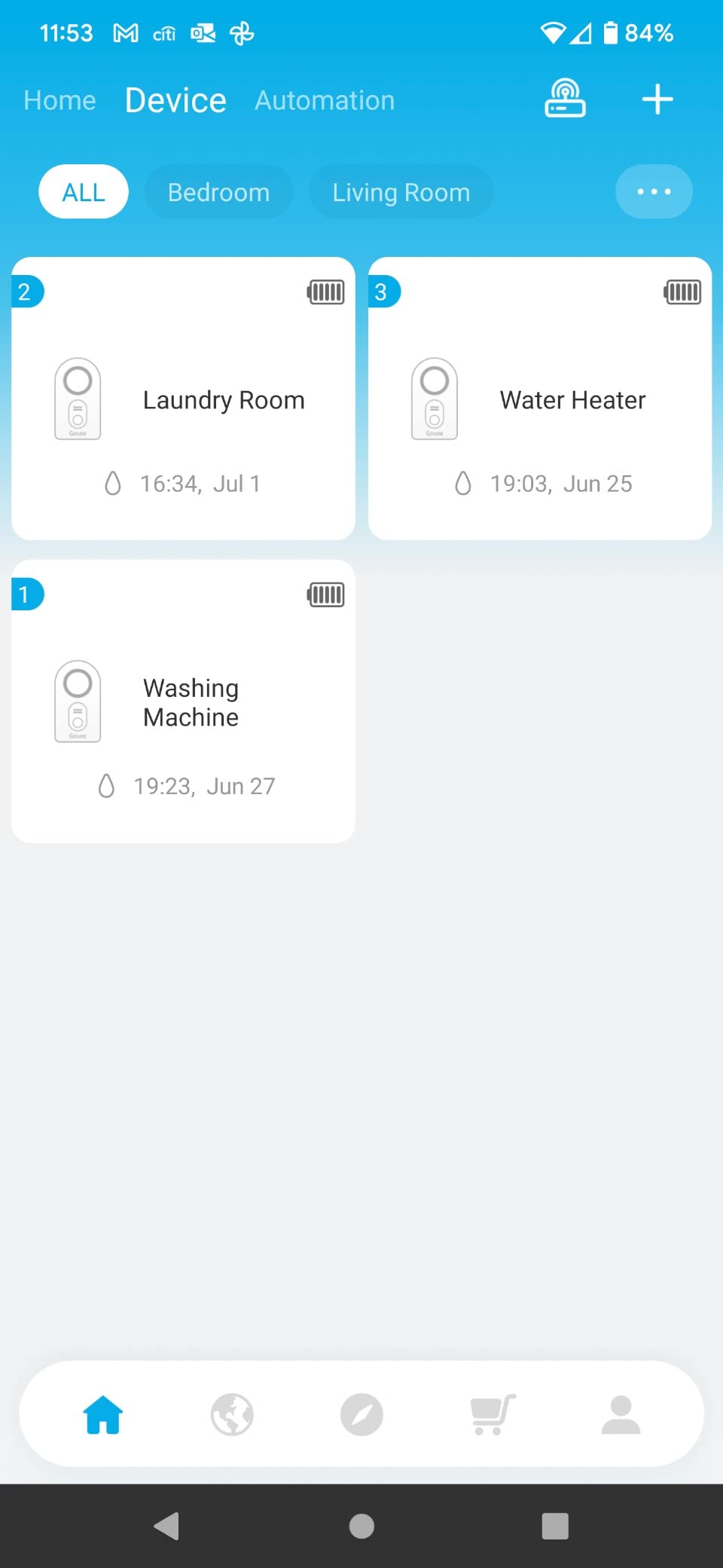
Alerts are fast, and the 100 dB alarm is loud enough to hear over a sump pump cycling or a dehumidifier running. Named sensor locations turn a cryptic device ID into something you can act on, and per-sensor battery readings mean you schedule a change instead of finding a dead unit during a flood.
At twenty sensors per gateway, the cost of covering a large basement with a finished ceiling comes in lower than any LoRa kit here.
Where it will frustrate you
Modern networks are the problem. The gateway is 2.4 GHz only, and owners on Eero or other mesh systems report it failing to connect until they split the bands. The app cannot show sensor-to-gateway signal strength or offline status, so a sensor that has dropped out of range can still look connected, and only one unresolved alert shows at a time.
Because the gateway needs AC power, a power cut means no notifications at all. The printed pairing instructions are also poorly translated on some units.
7. X-Sense WiFi Water Leak and Freeze Alarm: Best Budget Single Sensor
X-Sense Wi-Fi Water Leak Detector & Freeze Alarm, No Hub Required, 1-Pack
Single sensor no hub
110 dB local alarm
0.4 mm detection 6 probes
Freeze alert below 39F
Pros
- No hub or base station at all
- 0.4 mm detection matching the pricier kit
- 110 dB alarm for a single sensor
- Freeze alert below 39 degrees Fahrenheit
- 0.67 inch profile fits tight gaps
Cons
- Recent reviews cluster around dead batteries and beeping
- Alarm sometimes could not be silenced without removing the battery
- Some units never sent notifications
This is the X-Sense engineering without the price of the kit. Same 0.4 mm threshold, same six-probe layout for dripping and pooling, and a 110 dB alarm that is louder than most multi-sensor kits on this list. It connects directly to 2.4 GHz Wi-Fi with no base station anywhere.
The freeze alert below 39 degrees Fahrenheit is a genuinely useful addition in an unheated basement or a crawlspace, and the 0.67 inch profile means it slides under a washing machine or into a gap behind an appliance where a thicker sensor will not fit. A replaceable CR123A cell gives roughly two years of life.
Buyers value the hub-free simplicity, particularly for a rental or a single rental unit where wiring is not an option. Twelve shared users means a landlord, a tenant, and a plumber can all get the same alert without extra setup.
What gives us pause is the recent review pattern. The 4.6 average and 80 percent five-star share are strong, but a cluster of recent one-star reviews reports units arriving with drained CR123A cells, a continuous beep that could only be stopped by pulling the battery, a unit that would not join the Wi-Fi network, and a sensor that registered in the app but never sent a notification. If a leak alarm is your only line of defence, we would rather you buy the three-sensor kit above.
What you will notice in the first month
Pairing took under a minute and the app prompts you through a leak test, which is the right habit to build. The alarm is loud enough to hear in an adjacent room, and the shareable accounts work exactly as advertised when a relative is listed as a recipient.
Test the unit with a wet cloth on arrival. If it alarms and the notification arrives, you know the cell, the radio, and the app path all work before you need them.
Where it will frustrate you
Quality control is the issue, not the design. Several reviewers could not silence the alarm through the app or the button and had to remove the battery, and there are reports of units that registered in the app yet never pushed an alert. It also runs on a coin-cell style lithium pack with a two-year life, so it needs more frequent attention than the AAA-fed LoRa kits.
8. Aqara Water Leak Sensor 3 Pack: Best for Aqara and HomeKit Homes
Aqara Water Leak Sensor 3 Pack, Zigbee Water Leak Detector for Alarm System
3 sensors hub sold separately
0.5 mm detection depth
IP67 waterproof housing
Zigbee about 10 m range
Pros
- 0.5 mm sensitivity with instant phone alerts
- IP67 housing with rust-proof coating
- Wireless and compact with no screws or wiring
- Works with HomeKit and Alexa via Aqara hubs
- Can trigger other Aqara devices for automation
Cons
- Requires an Aqara hub sold separately
- Only about 10 meters of Zigbee range from the hub
- 55 dB onboard output is very quiet
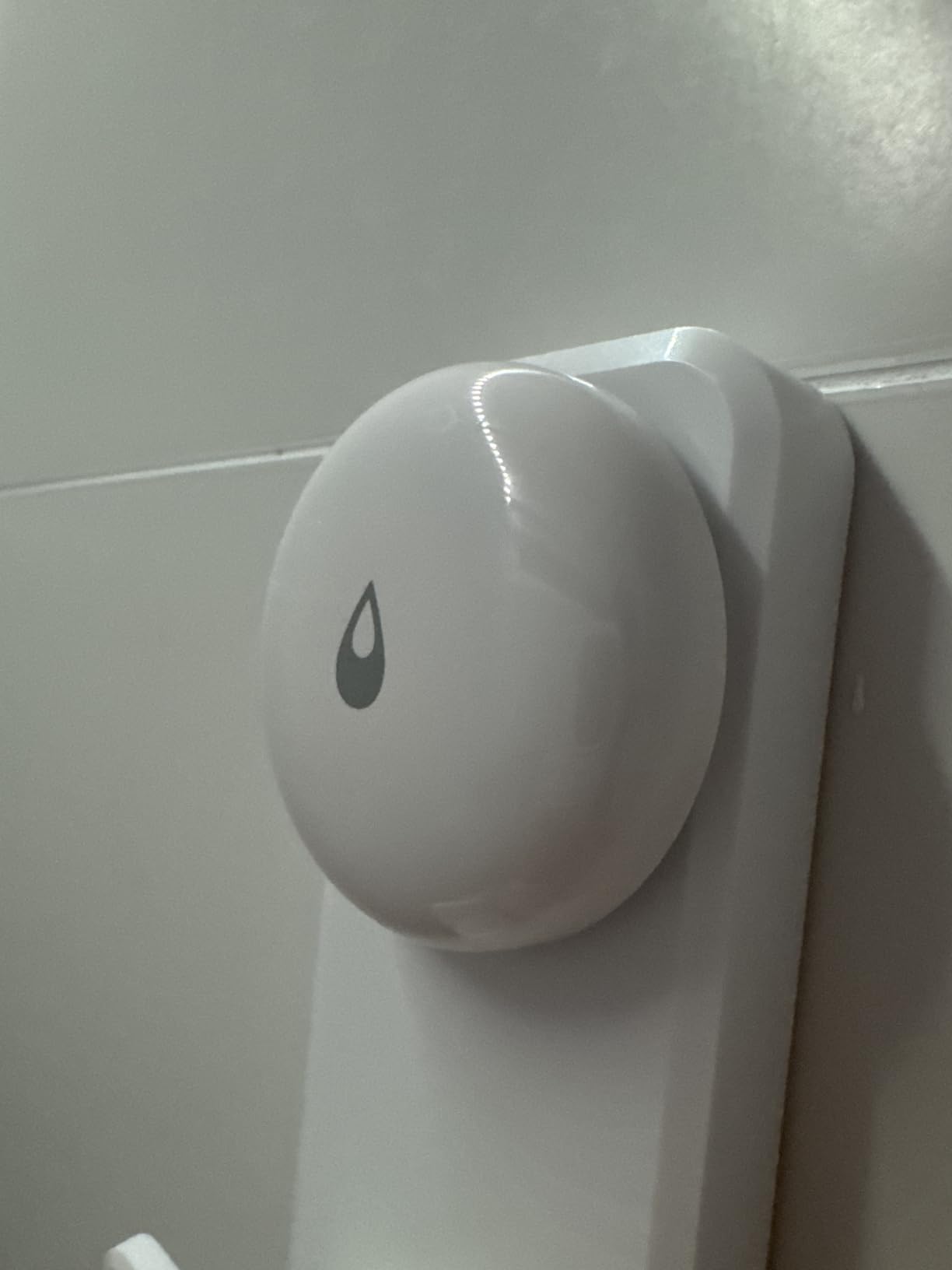
If your house already runs Aqara hubs and HomeKit, these are the sensors to buy. The TZ-005 is a compact 1.97 inch square that mounts on a wall or lies flat, detects water as shallow as 0.5 mm, and lives inside an IP67 housing with a rust-proof coating that suits a damp mechanical room.
There is no wiring and no screws, so installing one behind a water heater takes seconds. When water is detected, the sensor triggers the Aqara Hub’s local alarm and pushes an instant phone notification, and it can also drive other Aqara devices, which is how people automate a shutoff or a light.
The reason it does not rank higher is range. Zigbee here is listed at roughly 10 meters from the hub, so a sensor in the far corner of a large basement will not reach. In a small mechanical room next to a hub, that is fine; in a 1,000 square foot basement, it is a real constraint that rules the product out for many buyers.
The 4.2 average across 3,639 reviews, with 9 percent one-star, reflects that split exactly. Happy owners bought into the ecosystem; unhappy ones bought the sensors first and then discovered the hub requirement and the short range.
What you will notice in the first month
HomeKit automations are the payoff. You can build a routine that turns off a water valve or cuts a smart plug the moment the sensor reports, and it keeps working locally if you run a local Aqara setup. The IP67 housing is the best ingress rating among the sensors that need no extra cable.
Three sensors in the pack is enough to cover a water heater, a laundry area, and a mechanical room if the hub is central.
Where it will frustrate you
You are buying into an ecosystem, not a standalone device. The hub is sold separately, third-party hubs and Zigbee coordinators are not supported, and at 55 dB the sensor itself is nearly silent, so audible alerting depends entirely on the hub being within earshot.
9. Winees WiFi Water Leak Detector 3 Pack: Best for Tight, Hidden Placements
Winees WiFi Water Leak Detector for Home, 3 Pack Water Sensors
3 sensors plus hub
1.8 mm thin profile
200 m hub transmission
Email SMS and app alerts
Pros
- Sensors only 1.8 mm thick for hidden placements
- Pre-paired to the hub on first Wi-Fi setup
- Hub carries a 100 dB siren you can place upstairs
- Three channels of alerts including SMS
- Three volume levels and selectable alarm duration
Cons
- Reports of missed or delayed notifications
- Sensors reading DRY while submerged in water
- Hub periodically drops its Wi-Fi connection
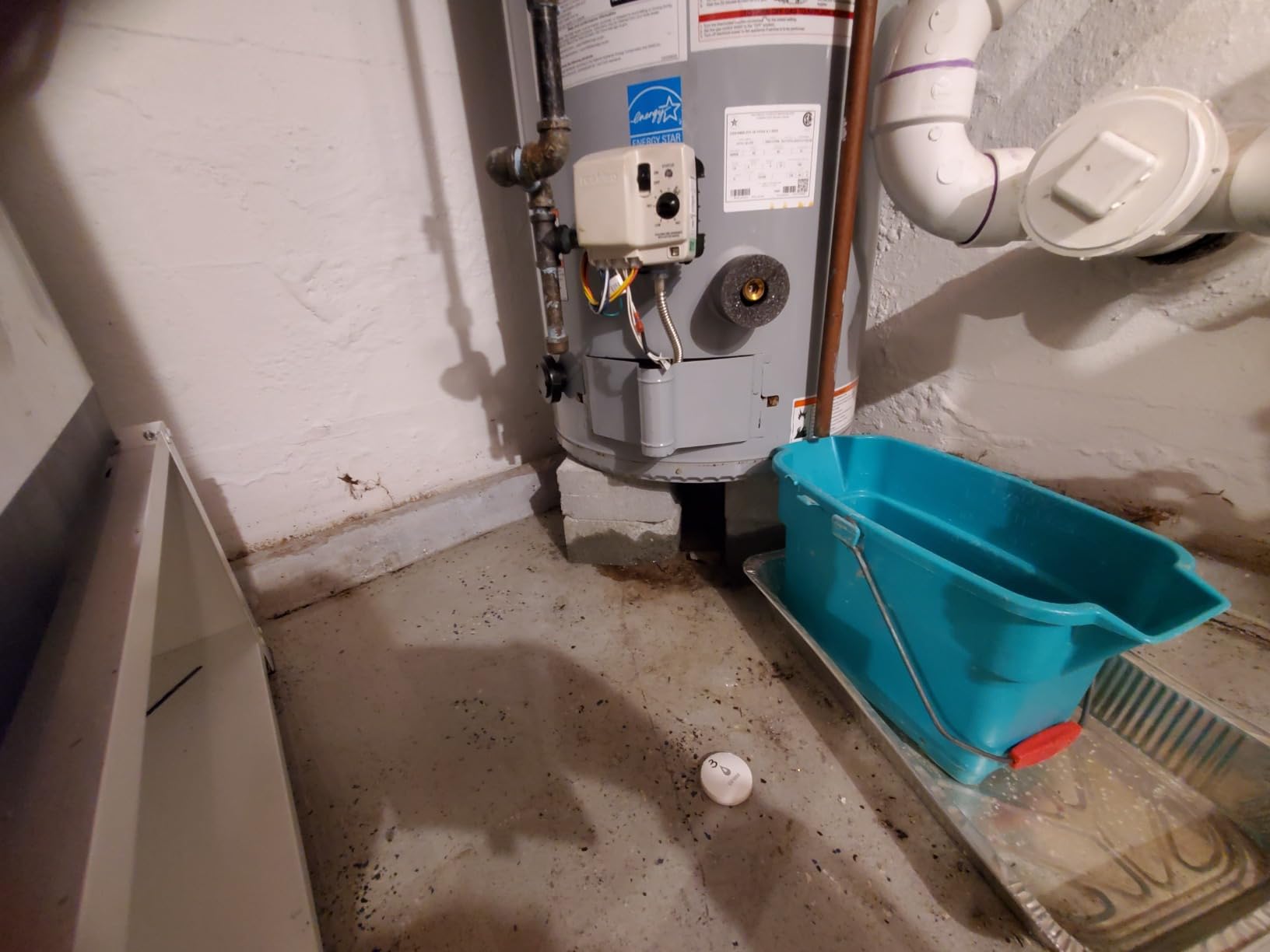
Thickness is the whole argument for the Winees S1 Plus. At 1.8 mm, three of these fit under a refrigerator, a washing machine, or a water heater without a visible gap or a raised edge to trip over, which is where most basement leaks actually start.
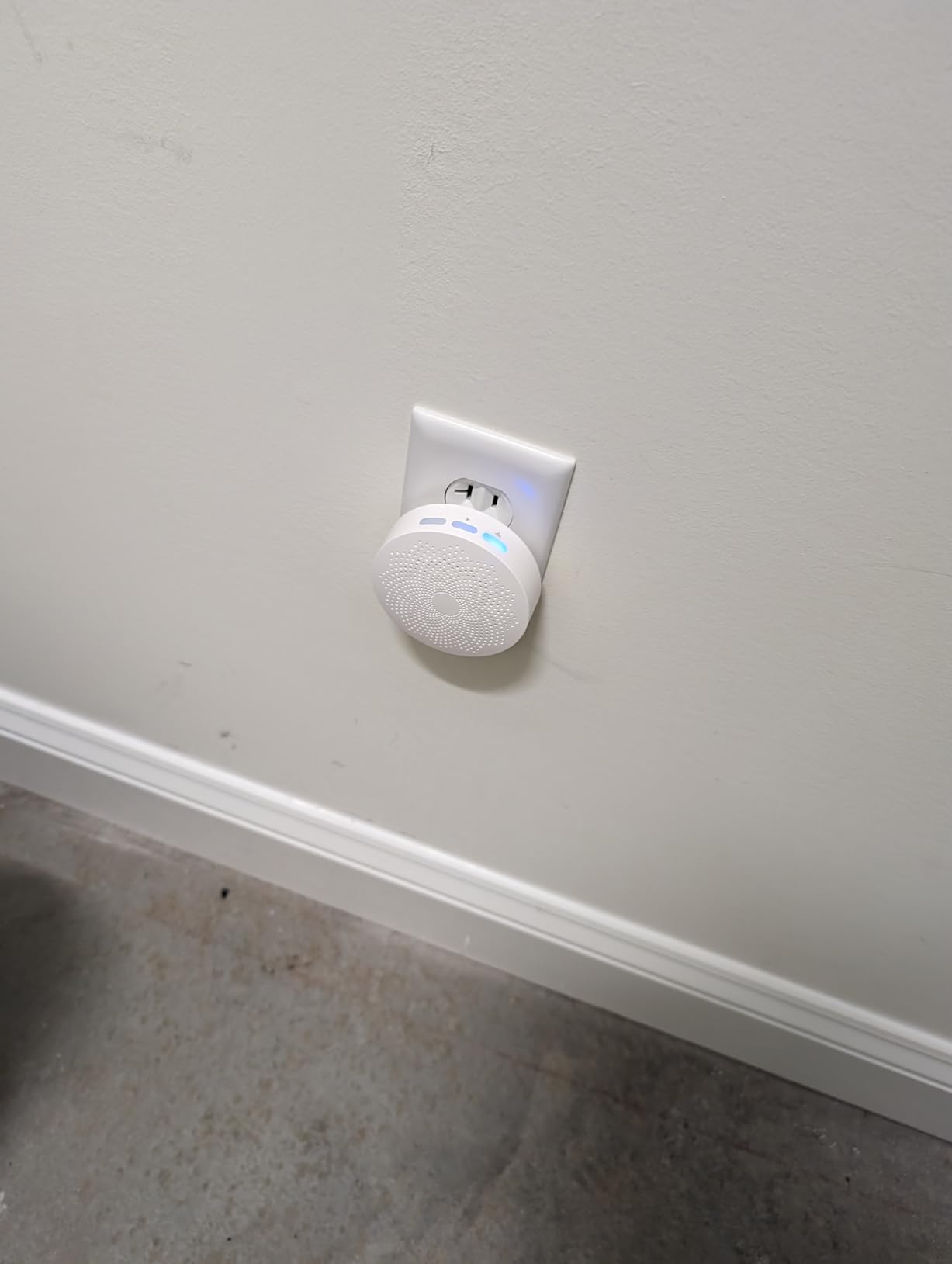
Setup is genuinely the easiest here. The sensors arrive pre-paired and bind to the hub on your first Wi-Fi connection, so there is no per-sensor pairing ritual. The hub itself has a 100 dB siren with three volume levels, and because the sensors are wireless, you can put the hub upstairs where you sleep and still hear a basement alert.
Alerts go out by app push, email, and SMS, and the app is IFTTT compatible. One owner reports the system riding out a power outage and reconnecting without re-pairing, which is exactly the basement scenario you want covered.
The reason this sits low in the ranking is reliability, not design. Alongside many positive reports, there are accounts of a sensor floating in a puddle while the app still showed DRY, and of no alert arriving at all during a basement flood. At 4.2 stars with 12 percent one-star, it has the highest one-star share of this group, and that matters for a device you are trusting with a finished basement.
What you will notice in the first month
Installation speed is the first thing you will notice. There is nothing to pair, so three sensors can be positioned in a laundry alcove, under a water heater, and beside a floor drain inside a single coffee break. The hub’s alarm duration options, always on, ten minutes, one minute, or thirty seconds, let you stop it ringing all night.
Battery pull tabs stop the cells draining before you install, a detail more kits get wrong than you would think.
Where it will frustrate you
Missed and delayed notifications are the recurring theme, and a sensor that reads DRY while submerged is the failure mode you cannot recover from. The hub also drops its Wi-Fi connection for a minute or two at a time, and the stated 200 m range is not something reviewers have confirmed. It detects water, not moisture, so a leak seeping under a floor rather than pooling will not register.
10. Kidde WiFi Water Leak and Freeze Alarm: A Simple Single Starter Sensor
Kidde WiFi Water Leak Detector & Freeze Alarm, Alexa Device, Smart Leak Detector for Homes with App Alerts,White
Single sensor 2 AA batteries
Leak and freeze at 37F
App alerts to family
Alexa and Google Home
Pros
- Established home safety brand with a 1 year warranty
- Leak and freeze detection in one unit
- Alerts the homeowner plus friends and family
- Simple AA battery change
- Compact 3.5 inch body suits tight spots
Cons
- Lowest rating here at 4.0 with 17 percent one-star
- Alarm volume not specified and not adjustable
- Reliability complaints about missed notifications
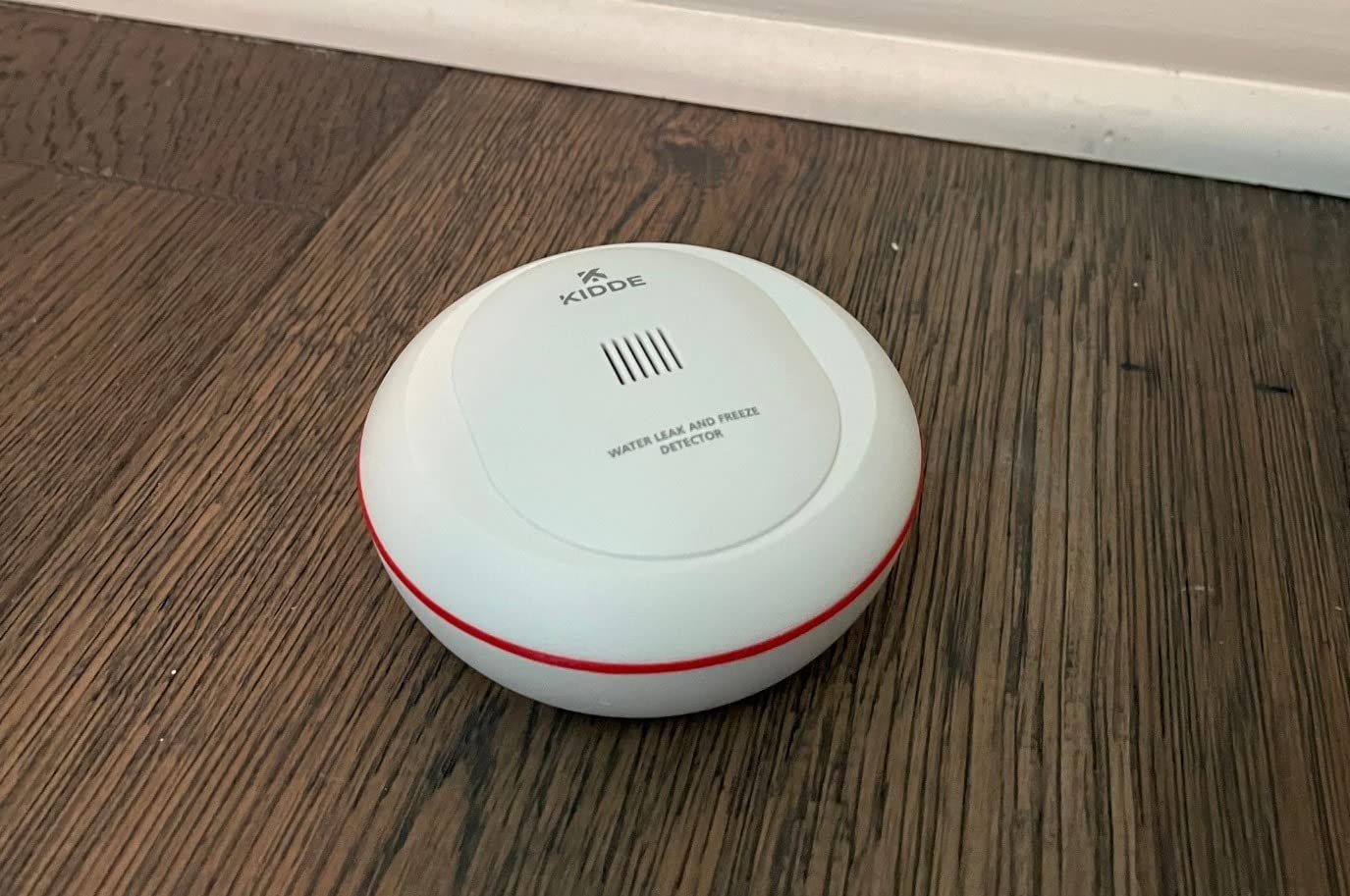
The Kidde 60WLDR-W is the option to pick when you want a recognizable safety brand, a two-minute setup, and nothing else. It runs on two AA batteries, connects to 2.4 GHz Wi-Fi, and sends alerts through the Kidde app to you and to friends and family at the same time.
Freeze detection triggers at 37 degrees Fahrenheit or on a rapid temperature drop, which covers the frozen-pipe risk in an unheated basement. The body is a plain 3.5 inch white disc that sits unobtrusively beside a water heater, next to a washing machine, or under a sink.
It works with Amazon Alexa, Google Home, iPhone, and Android, and the AA cells mean you never need a special battery. For a secondary location or a rental where you want something simple and self-contained, that is a reasonable proposition.
What keeps it last is the review profile. At 4.0 stars it has the lowest average here, and 17 percent one-star reviews is the highest share of any product in this roundup. The complaints cluster around missed or delayed notifications after setup, which is the one failure mode a leak alarm cannot afford. The listing also does not state a decibel level or offer adjustable volume, and the 1 year warranty is the shortest in the set.
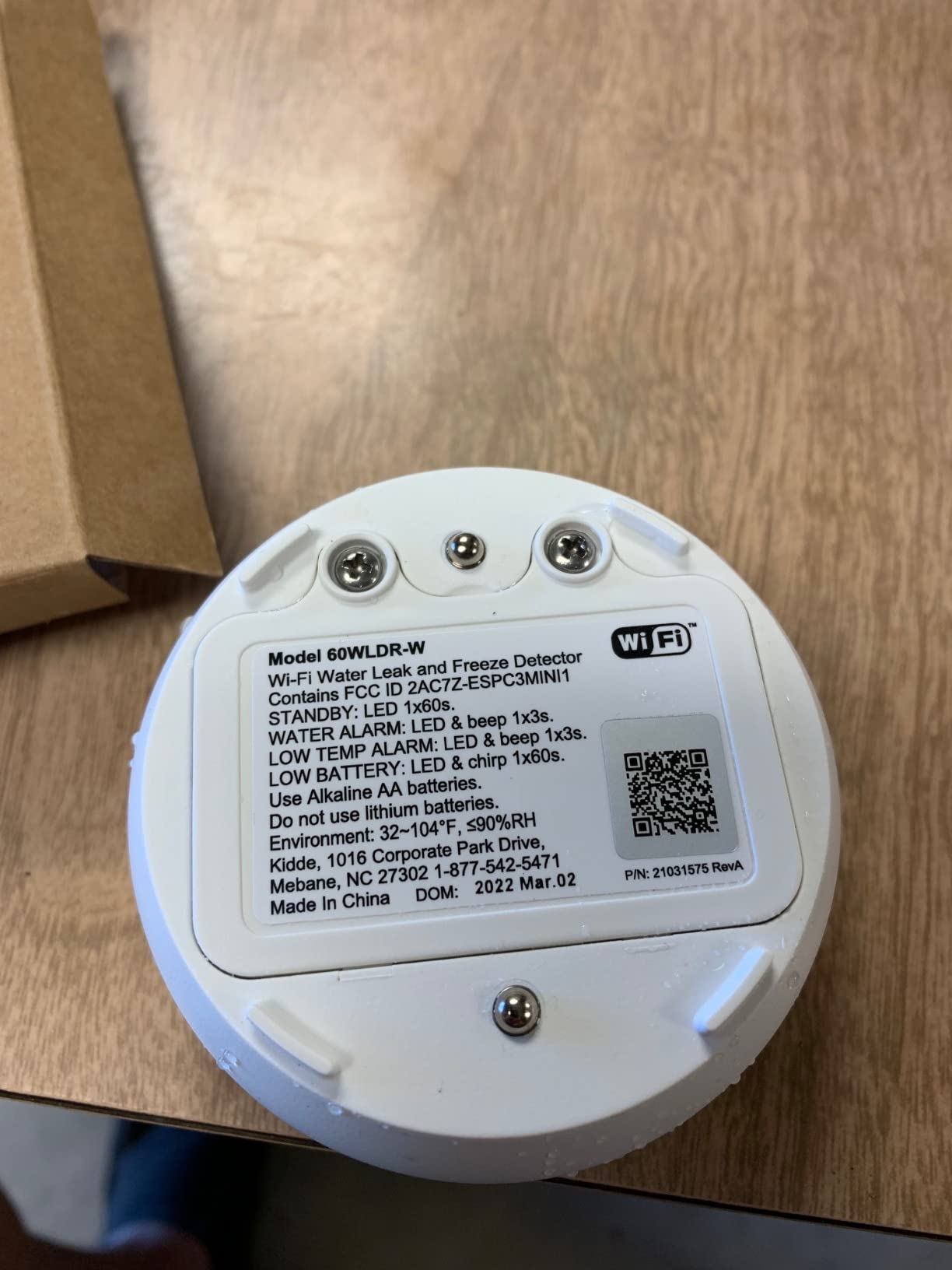
What you will notice in the first month
Setup is close to frictionless: download the app, scan the QR code, and the sensor joins. Sharing the alert with family takes a couple of taps, and battery replacement uses batteries you can buy anywhere. If you already use Alexa or Google Home, the integration is already there.
It is a sensible second or third sensor once your main locations are covered by a kit from earlier in this list.
Where it will frustrate you
You are relying on notifications alone, with no specification for how loud the alarm is. Reliability complaints are frequent enough in the negative reviews that we would not make this the sensor guarding a finished basement or a sump pit. One sensor also means one coverage point.
How Many Sensors Your Basement Needs, and Where to Put Them?
For a typical 800 to 1,200 square foot basement, plan on four to six sensors and one place to put the hub or base station. The count matters less than the placement, because a leak sensor only tells you about the water that reaches it.
Start with the sump pump pit. This is the number one concern in every basement discussion, and it is also where sensors get used wrong. A pit sensor only alerts once water has risen to the probe, which means the pump has already failed and the pit is already full. A float switch mounted higher in the pit, or an inverted sensor taped under the lid, warns you earlier.
Sump pump pit and its perimeter. Place one sensor on the floor at the edge of the pit lid, not inside it, and treat a float switch as the real pump watchdog. This is the point most often skipped and the most expensive to skip.
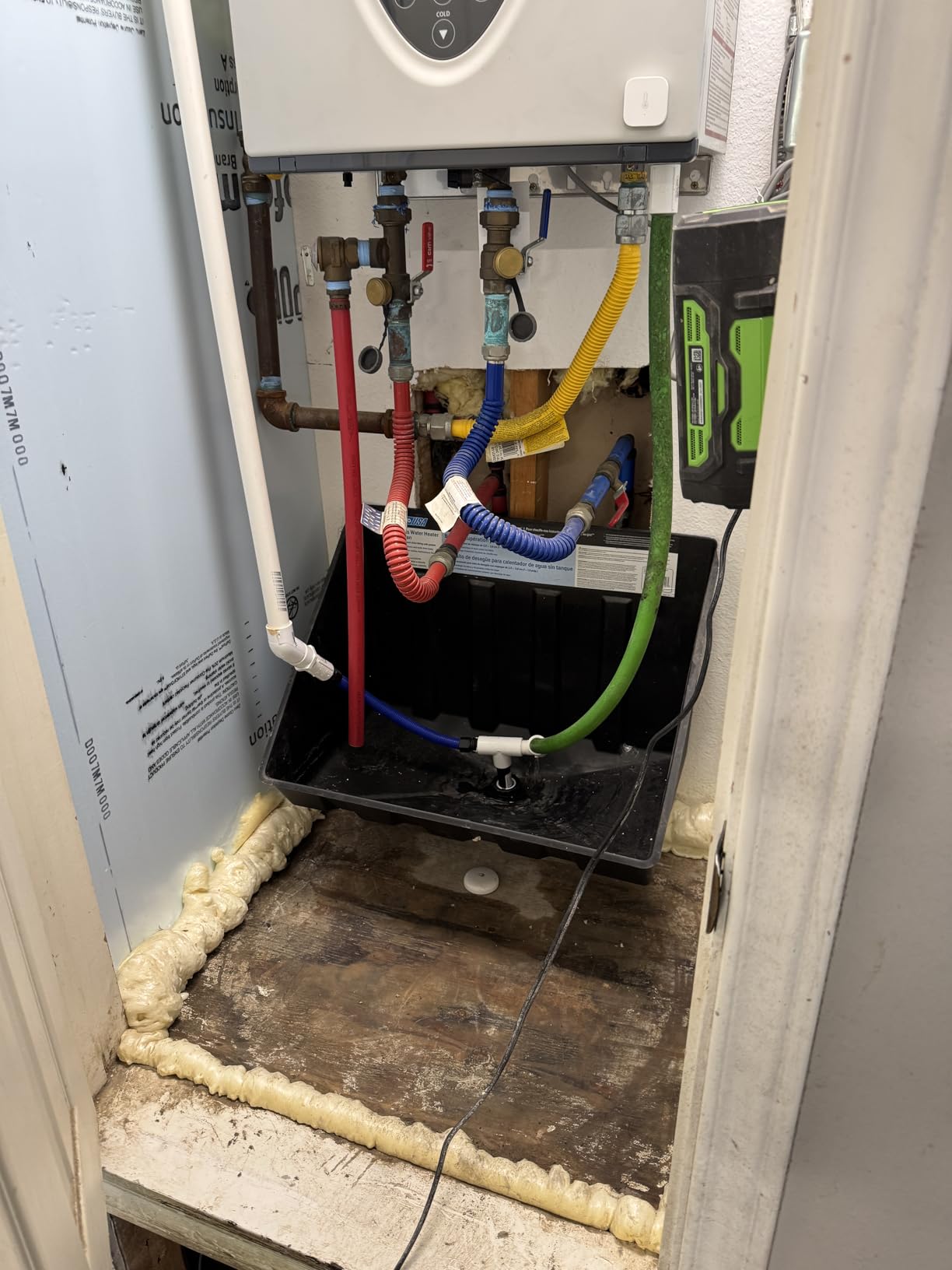
Base of the water heater. The T&P valve and a corroded tank are the two most common indoor water-damage causes. Set the sensor on the floor directly under the drain fitting.
Laundry area. Washing machine supply hoses, the drain hose, and the dryer vent are all failure points. Two probes facing up and down catch both a slow seep and a flood.
Mechanical room or furnace corner. Any small-crawl or utility space with its own drain is worth one sensor, especially in older homes.
Wall base around the perimeter. Foundation cracks and window-well intrusion arrive as a spreading damp patch at the wall line rather than a puddle. Put sensors at the two lowest corners of each wall run.
Floor drains and egress points. A sensor near each drain catches a blocked line before it reaches the middle of the floor.
Where the hub goes matters as much as the sensor count. Put it within range of every sensor but somewhere you can hear it, often on an upper floor or in a hallway. If your basement has poor Wi-Fi, a long-range radio kit solves it better than a repeater, and our basement Wi-Fi extender guide covers the network side if you would rather fix the signal.
Two habits keep the sensors honest. Test each one with a damp cloth once a quarter, and record what you hear. A sensor that alerts but a notification you never received is a false sense of security, and testing is the only way to know which of the two you have.
How to Choose a Smart Water Leak Detector for a Basement
Connectivity: Wi-Fi alone or a long-range radio
Every direct-Wi-Fi option here needs 2.4 GHz, and 5 GHz is never supported. Mesh systems that combine bands can block a gateway, which is the most common complaint on Govee sensors. If your basement is one floor down behind poured concrete, a LoRa kit with 1,300 to 2,000 ft of range is the safer bet, and it removes the router from the equation entirely.
Zigbee sensors such as the Aqara option are a different case: about 10 meters from the hub, no more. That is fine in a small mechanical room and useless across a large basement.
Probe sensitivity and what it actually catches
Detection thresholds in this group run from 0.4 mm on the X-Sense units to 0.5 mm on the SwitchBot and Aqara sensors. All of them catch pooled water and drips from above. None of them reliably catch a slow seep between floorboards, because that is a moisture problem, not a water problem.
For damp basements, a separate basement dehumidifier does more for mold risk than any leak sensor, and controlling humidity also removes the condensation that causes false alarms.
Alarm output you can actually hear
Published output ranges from 55 dB on the Aqara sensor to 120 dB on both the X-Sense sensor and its base station. In a basement running a furnace and a dehumidifier, anything under about 100 dB at the sensor is a notification-only device, and you should plan on a separate siren or hub alarm upstairs.
Power, batteries, and outages
Stated battery life ranges from two years on the SwitchBot and X-Sense single sensor to five years on the LoRa kits. A claimed five years assumes a fraction of a dozen alerts a year, so plan a yearly check rather than trusting the number. If your basement loses power often, only the X-Sense SWS54 base station has documented battery backup.
False alarms, humidity, and why yours will go off at 2 a.m.
Most false alarms are condensation, not leaks. Users have reported a paper-towel wicking trick where a sheet of kitchen paper is draped over the contacts so slow damp reaches the probes and the sensor registers before a visible puddle forms. Beyond that, keep sensors off the floor in finished basements, keep them away from a dehumidifier discharge, and use the app mute once you have confirmed a trigger is condensation.
Sensor Only or Automatic Shutoff?
A sensor tells you. A shutoff valve stops the water. In a finished basement with drywall, stored furniture, and a finished ceiling, the difference between a notification at 2 a.m. and an automatic close is the difference between a drying-out weekend and a renovation.
You do not have to choose at purchase time. The YoLink kits here pair directly with a YoLink shut-off valve through YoLink Control, so a sensor can trigger a local close with no internet connection, and the Aqara sensors can drive other Aqara devices including shutoff valves through automations. That device-to-device path is the real upgrade, because it works when the network is down.
Standalone whole-home shutoff systems such as Moen Flo or Phyn sit in a different category again: they meter flow, close the main, and report usage over a full year. They make sense in a house you leave for weeks, in a rental portfolio, or anywhere the water damage would exceed the remediation bill by a wide margin. For a typical owner-occupied basement with a good sump pump, four well-placed sensors from this list are the more sensible starting point.
What to Do in the First Ten Minutes After an Alert
Shut off the main if the leak is active and you can reach it safely. A quarter-turn at the main stops the damage while you work out the source.
Then photograph everything before you clean up. Wide shots of the room, close shots of the water, and the sensor’s app screen showing the alert. That documentation is what an insurer asks for first, and it is much easier to take now than after a remediator has been in the room.
Call the plumber for supply-side or water heater leaks, and clear the sump pit if the alert came from the pump zone. Do not reset a sensor until the water is gone and the area is dry, because a wet sensor will simply re-alert.
Frequently Asked Questions
What is the best water leak detector for a basement?
The X-Sense SWS54 kit is the best overall option for a basement. It ships with three sensors and a base station, both of which sound at 120 dB, and it detects pooling water as shallow as 0.4 mm. The base station has battery backup, so alerts keep coming through a power cut, and the roughly 1,804 ft sensor-to-base range holds up through concrete walls. For a single spot, the hub-free SwitchBot is the runner-up.
Are smart water leak detectors worth it?
Yes, for most basements. Water damage is among the most common home insurance claims and averages well over ten thousand dollars per incident, and mold can begin growing within 24 to 48 hours in a damp space. A connected sensor converts a five-figure remediation job into a phone call and a sensor cost. The protection depends entirely on placement, so budget for four to six sensors across the sump pit, water heater, laundry, and mechanical room rather than one.
Do I need a hub for a smart water leak detector?
It depends on the brand. The SwitchBot and X-Sense SWS0B connect directly to 2.4 GHz Wi-Fi with no hub at all. Govee, GoveeLife, YoLink, and Winees all use a plug-in gateway or hub that the sensors report to over a long-range radio before it reaches your network. Aqara requires its own hub, which is sold separately, and will not work with third-party hubs or Zigbee coordinators.
Is there a water leak detector that works with Wi-Fi?
All ten options in this roundup send alerts over Wi-Fi, though the bands differ. Direct Wi-Fi sensors such as the SwitchBot and X-Sense SWS0B connect straight to a 2.4 GHz network, and 5 GHz is never available. Hub-based kits such as the Govee and YoLink systems have a gateway that must reach 2.4 GHz, while the sensors themselves use a long-range radio to reach the hub. Most also work with Alexa, Google Home, IFTTT, or Home Assistant.
Which water leak detector is the most accurate?
Accuracy in this category comes down to the published detection threshold. The X-Sense SWS54 kit and the X-Sense SWS0B both detect water as shallow as 0.4 mm, while the SwitchBot and Aqara sensors register at 0.5 mm. Govee uses multiple top and bottom probe groups for both dripping and pooling. No sensor in this group detects slow seepage between floorboards, so accuracy applies to pooled water and active drips rather than dampness.
Where should I place a water leak sensor in a basement?
Place one sensor at the floor edge of the sump pit, one directly beneath the water heater drain fitting, one in the laundry area near the washer hoses, one in the mechanical room, and one or two along the lowest points of each foundation wall run. Add a sensor near every floor drain and egress point. Set probes facing upward to catch drips and downward to catch pooling, and keep sensors off the finished floor where condensation is common.
How many water leak sensors does a basement need?
Four to six sensors cover a typical 800 to 1,200 square foot basement. The essentials are the sump pit perimeter, the base of the water heater, the laundry area, and the mechanical room. Add one or two more along the lowest section of each wall to catch foundation and window-well intrusion, plus one near each floor drain. Four-sensor kits such as the YoLink Starter Kit cover the core four points in a single purchase.
Can a water leak detector shut off the water automatically?
Yes, but usually through a paired valve rather than the sensor itself. YoLink sensors pair with a YoLink shut-off valve through YoLink Control and can trigger the close locally with no internet connection. Aqara sensors can drive other Aqara devices, including shutoff valves, through automations. Standalone whole-home systems monitor flow continuously and close the main valve on their own, which suits homes left unoccupied for extended periods.
Final Verdict for 2026
The X-Sense SWS54 remains the best smart water leak detector for basements in 2026, because nothing else in this group combines a 120 dB alarm, 0.4 mm sensitivity, 1,804 ft of range, and a battery-backed base station in one box. Buy the three sensors, place them at the sump pit, the water heater, and the laundry area, and add a second kit before you need it.
If you want one sensor running today with no hub, the SwitchBot is the second choice. If your basement sits far from your router or you have a shed and a guesthouse to cover, the YoLink Water Leak Sensor 4 gives you the range and the SMS alerts that Wi-Fi sensors keep dropping. Whichever you pick, test it with a damp cloth this week, and check our broader basement safety detector guide for the rest of the systems worth putting on that wall.