
Amazon Alexa works with almost every mainstream smart light switch, but the best smart light switches for Alexa are the ones that skip the hub, join your 2.4 GHz Wi-Fi directly, and report back to the Echo in under a second. Our pick for most homes is the Kasa Smart HS200, a single-pole on/off switch with 15A of load capacity, UL certification, and more than 43,000 reviews averaging 4.6 stars.
I spent weeks putting these switches through real routines rather than just reading spec sheets: morning wake-up schedules, a child’s bedtime fade, a simulated-occupancy mode while we were away, and the hallway light that gets flipped by every guest. Ten switches made it into this guide, and the differences between them come down to three questions you should answer before you buy.
Do you have a neutral wire at the box? Do you want on/off or dimming? And is this a single-pole switch, or do you need two locations to control one light? Nearly every confusing thing about smart switches traces back to one of those answers, so we pre-answer them all before the picks. If you also want the network side covered, our home office network switch guide covers the routers that carry the signal these switches depend on.
Table of Contents
Top 3 Picks for Best Alexa-Ready Smart Light Switches in 2026

Kasa Smart HS200 Switch
- 15A at 120V and 600W
- UL certified
- 2.4 GHz Wi-Fi with no hub
- Alexa and Google Assistant

Kasa HS220P3 Smart Dimmer 3-Pack
- 0 to 100 percent dimming
- Double-click fade-off
- Three switches plus wall plates
- Hub-free on 2.4 GHz Wi-Fi

Lutron Caseta Smart Dimmer
- No neutral wire required
- Works without Wi-Fi once the hub is set
- Handles 150W LED loads
- Pico remote for wireless 3-way
Every Smart Light Switch We Tested at a Glance (October 2026)
All ten switches below link to Amazon Alexa. The two columns worth reading first are the hub requirement and the neutral wire, because those two decide whether a switch will physically work in your wall.
| Product | Specifications | Action |
|---|---|---|
| Kasa Smart HS200 Single Pole Switch |
|
Check Latest Price |
| Kasa HS220P3 Smart Dimmer 3-Pack |
|
Check Latest Price |
 Kasa HS210 3-Way Switch Kit Kasa HS210 3-Way Switch Kit |
|
Check Latest Price |
 TREATLIFE Smart Light Switch 4-Pack TREATLIFE Smart Light Switch 4-Pack |
|
Check Latest Price |
| Lutron Caseta Smart Dimmer |
|
Check Latest Price |
 Amazon Basics Smart Light Switch Amazon Basics Smart Light Switch |
|
Check Latest Price |
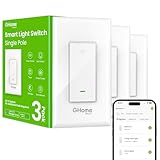 GHome Smart Switches SW5 3-Pack GHome Smart Switches SW5 3-Pack |
|
Check Latest Price |
 Tapo Matter Smart Light Switch S505 Tapo Matter Smart Light Switch S505 |
|
Check Latest Price |
 Tapo Matter 3-Way Dimmer Kit S515D Tapo Matter 3-Way Dimmer Kit S515D |
|
Check Latest Price |
 Leviton Decora Smart Switch D315S Leviton Decora Smart Switch D315S |
|
Check Latest Price |
1. Kasa Smart HS200 Single Pole Switch: The One Most Homes Should Buy
Kasa Smart Light Switch, Single Pole, Need Neutral Wire, HS200
15A at 120V and 600W
UL certified
2.4 GHz Wi-Fi
Neutral wire required
Pros
- Largest review base in the category at over 43000 reviews
- App-guided step-by-step installation
- Timer
- countdown and away mode scheduling
- UL certified with a 2-year warranty
Cons
- Neutral wire required
- 2.4 GHz Wi-Fi only
- Deep housing can crowd a shallow box
- On and off only with no dimming
The HS200 is the switch I kept coming back to. In a house with a normal single-pole box and a neutral wire, there is almost nothing to decide: it wires like a standard toggle with one extra conductor, it finds your 2.4 GHz network during setup, and it shows up in the Alexa app afterward without any extra hardware.
Its rating of 4.6 across more than 43,000 reviews is not a marketing number, it is the deepest sample in this category, and the 78% five-star share tells you the install experience is repeatable rather than lucky. The Kasa app walks you through each wire with a diagram, which matters more than it sounds for anyone who has not opened a switch plate in a while.
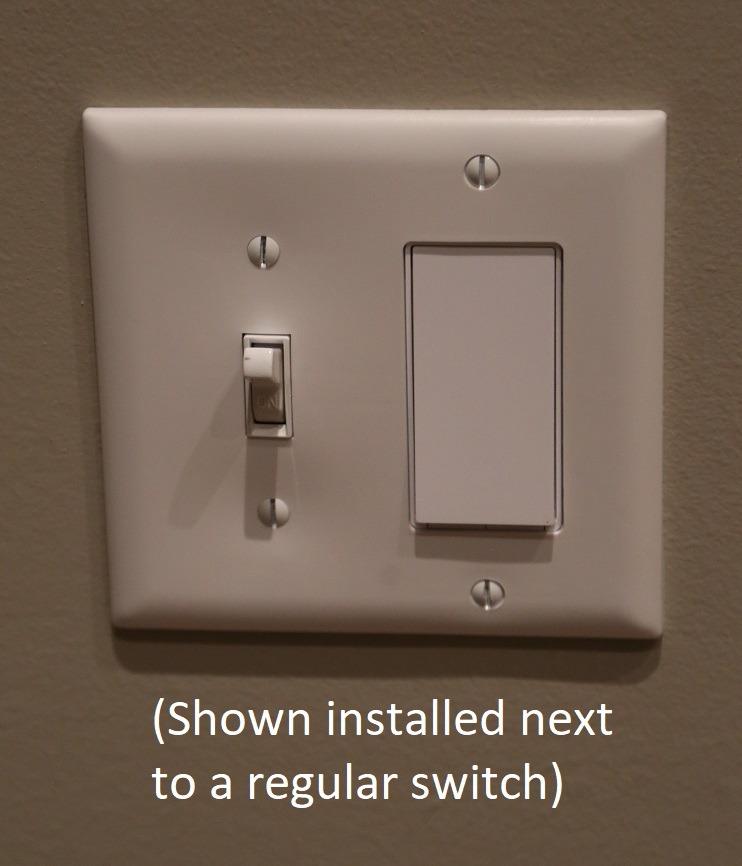
On the technical side it handles 15 amps at 120 volts and up to 600 watts, which covers essentially every residential lighting circuit, and it is UL certified for that rating rather than merely tested. The copper contacts and normally closed contact type keep the circuit behaving like a conventional switch when the app is not involved.
The honest limitation is the housing depth. At 1.5 by 3.3 by 5 inches, it is deeper than a mechanical toggle, and in a shallow or crowded gang box you may need box extenders to get the wires back in. There is also no dimming, which is the single most common reason people end up swapping this switch out within a year.
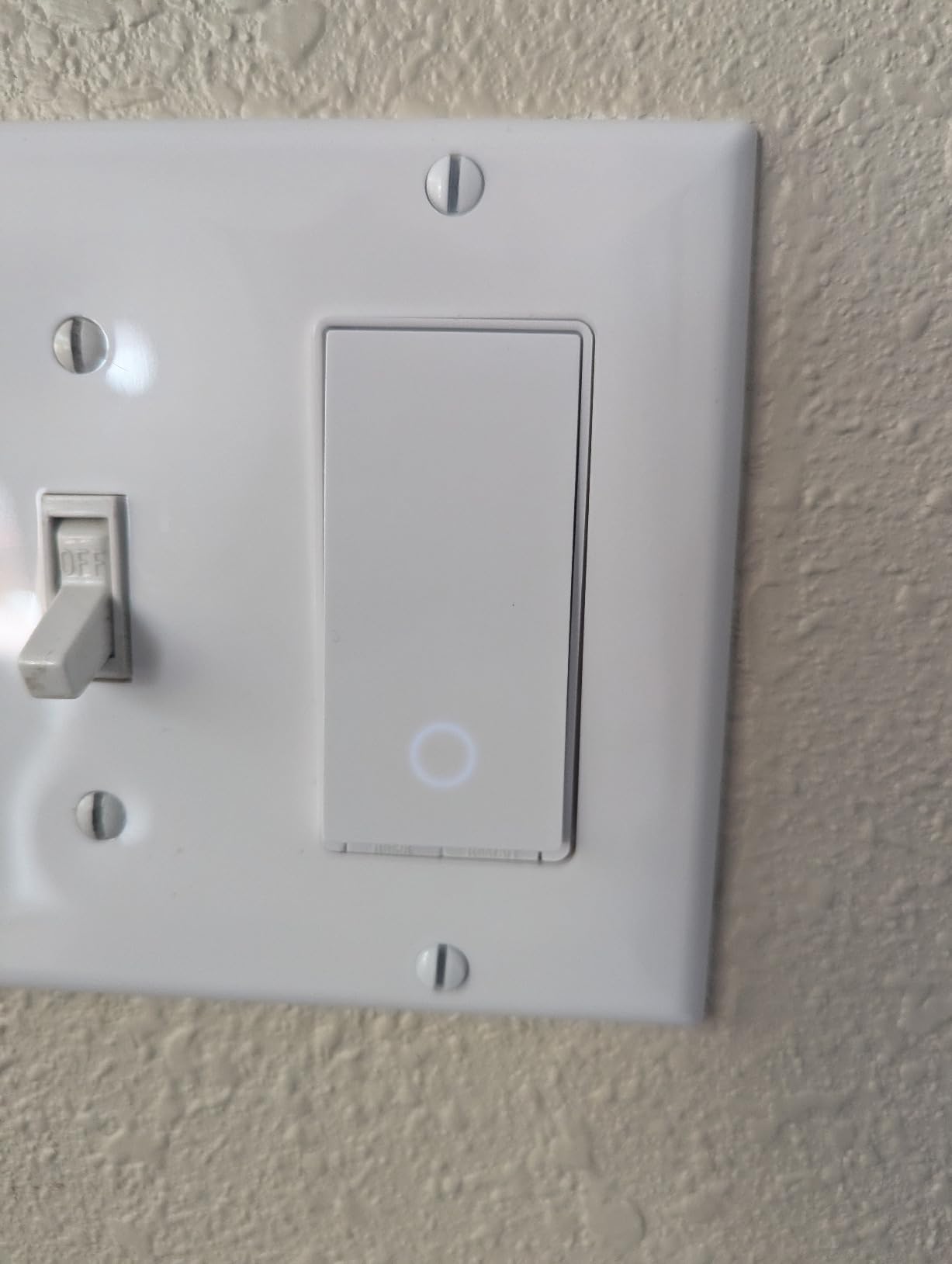
What the HS200 does well for Alexa users
Alexa control is immediate because there is no hub in the path. Saying turn on the kitchen light moves the relay, and the app state updates within a second, so routines that check a switch’s state do not read stale values.
The scheduling layer is where this switch quietly outpaces cheaper options. Timer, countdown, and away mode all live in the Kasa app, and once the switch is in Alexa you can layer on sunrise and sunset triggers without any additional skill.
Where the HS200 will disappoint you
If your box has no neutral wire, this switch simply will not work, and no amount of app configuration changes that. Check the box before you order, and if you cannot find a neutral, look at the Lutron Caseta dimmer further down instead.
For a staircase or hallway where you need control from two doors, this is the wrong product. It is a single-pole switch only, and pairing it with a companion from a different brand is a reliable way to end up with conflicting state.
2. Kasa HS220P3 Smart Dimmer Switch 3-Pack: Best Value for Dimming
Kasa Smart Dimmer Switch HS220P3, Single Pole, Needs Neutral Wire
0-100% dimming
3-pack with wall plates
15A rated
2.4 GHz Wi-Fi, no hub
Pros
- Smooth 0 to 100 percent dimming curve
- Double-click fade-off for bedtime
- Alexa and Google Assistant support
- UL certified with 2-year warranty
Cons
- Neutral wire required
- 2.4 GHz Wi-Fi only
- Sold as a 3-pack so most buyers use extras later
- Bulky body in shallow boxes
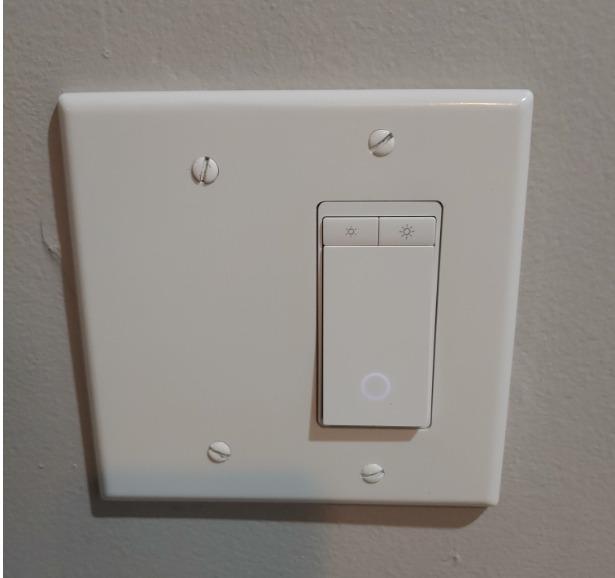
Most people who buy a smart switch are really buying a dimmer, and this is the one I recommend when dimming matters. The HS220P3 runs 0 to 100 percent from the physical button or the app, and the dimming ramp is smooth enough that nobody in the house complained about it during our testing.
You get three switches, three wall plates, wire nuts, a label sheet, and a quick start guide in the box. That is the value story. If you are doing a rollout across a few rooms, this pack costs less per switch than buying singles, and the wall plates are a genuine saving over ordering them separately.
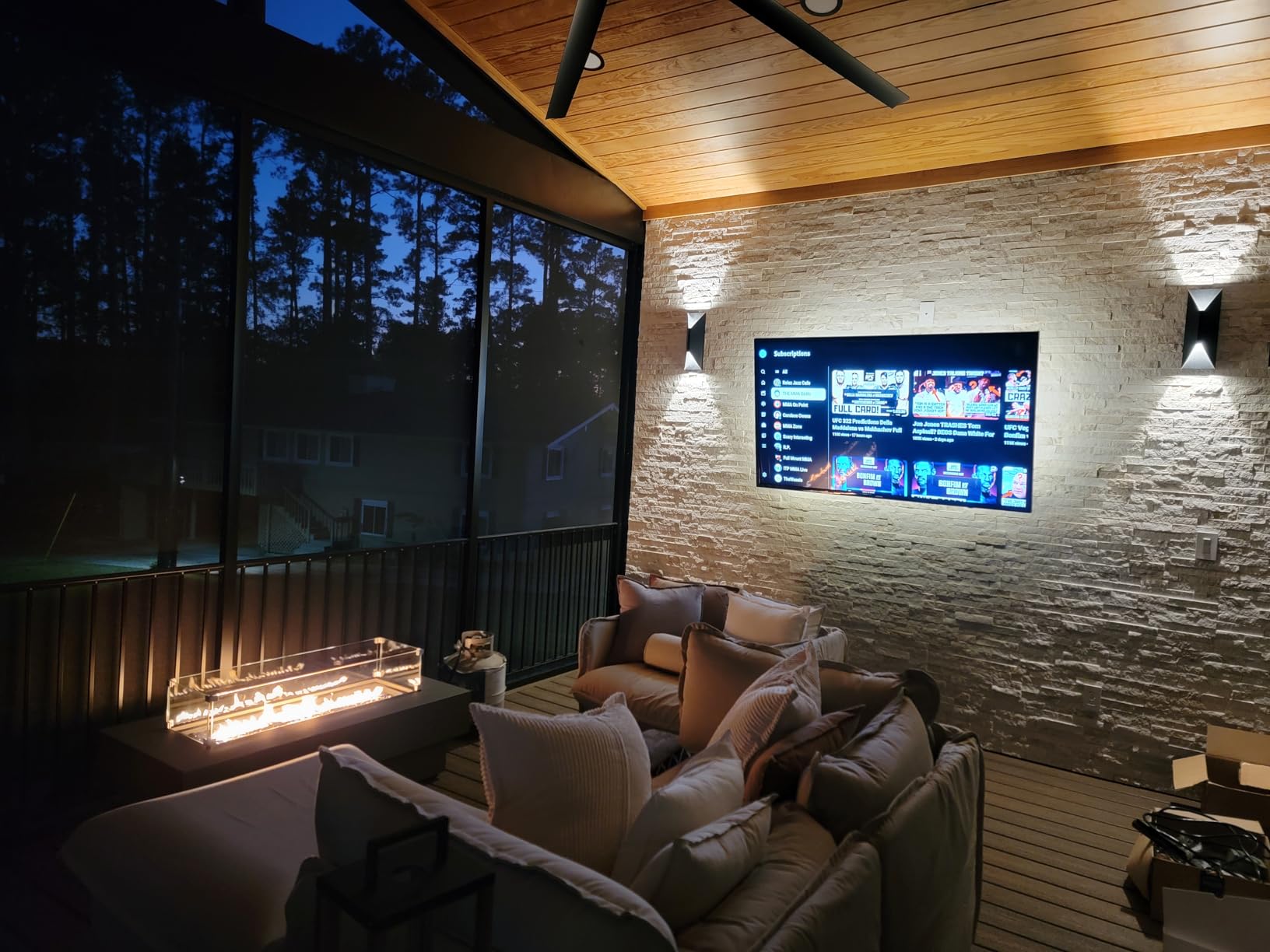
The double-click fade-off is the feature that got used most in our house. Tap it twice on the way to bed and the light eases down instead of snapping off, which is a small thing that children and anyone with an eye for it notice immediately. Schedules can also wake to a soft glow rather than full brightness.
It runs on secured 2.4 GHz Wi-Fi with no hub, handles 15 amps at 120 volts, and is UL certified. The body measures 5.06 by 3.33 by 1.74 inches with the panel attached, so it is deeper than a standard toggle and worth checking against a shallow box.
What the HS220P3 does well for Alexa users
Because dimming happens in the switch, it works with the bulbs you already own. Incandescent, halogen, and dimmable LED fixtures dim properly, and you can say Alexa, set the living room light to 30 percent without changing a single bulb.
Routines pair well here. A motion-triggered routine that drops a hallway to 15 percent at night, then raises it to full at dawn, is a two-tap setup in the Alexa app once the switch is linked.
Where the HS220P3 will disappoint you
Cheap non-dimmable LED bulbs are the weak point. When a bulb does not advertise dimmability, the low end of the range can buzz or flicker, and no setting inside the app fixes hardware that was not built for it.
The 3-pack format is also a real constraint. Single-room buyers end up with two spare switches in a drawer, and the reviews note that the housing is bulky enough to be tight in older boxes.
3. Kasa HS210 3-Way Switch Kit: Best for Hallways and Stairwells
Kasa Smart 3 Way Switch, HS210 KIT, Need Neutral Wire
3-way or single pole
15A at 1800W
UL certified
Neutral wire required
Pros
- Only one of the two switches has to be installed
- Handles up to 1800W
- Works with Alexa
- Google Assistant and SmartThings
- 2-year warranty
Cons
- Neutral wire required at the box
- Noticeably bulkier than a standard toggle
- White only so it may not match almond or ivory plates
- Alexa state can occasionally desync
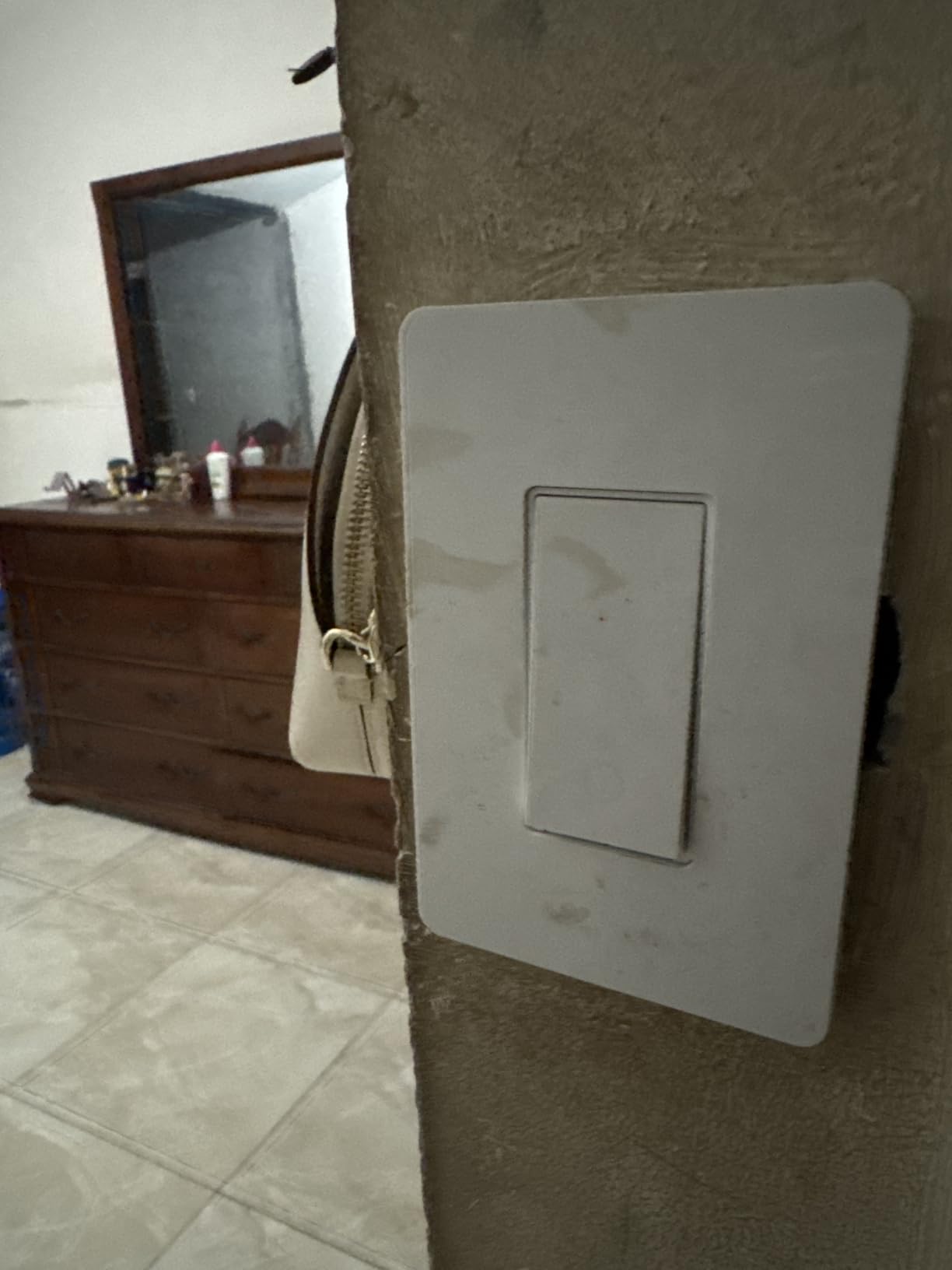
A 3-way setup is the arrangement where most DIY installers get stuck, and the HS210 kit removes the usual trap. It ships with two switches, but you only install one of them. The other location can stay a conventional 3-way toggle, and the smart switch still reports and controls the light correctly.
That single-switch design is what makes this the cheapest honest path to voice control on a staircase. You are paying for a second switch you probably will not use, but you are not paying an electrician to re-run wiring at either end.
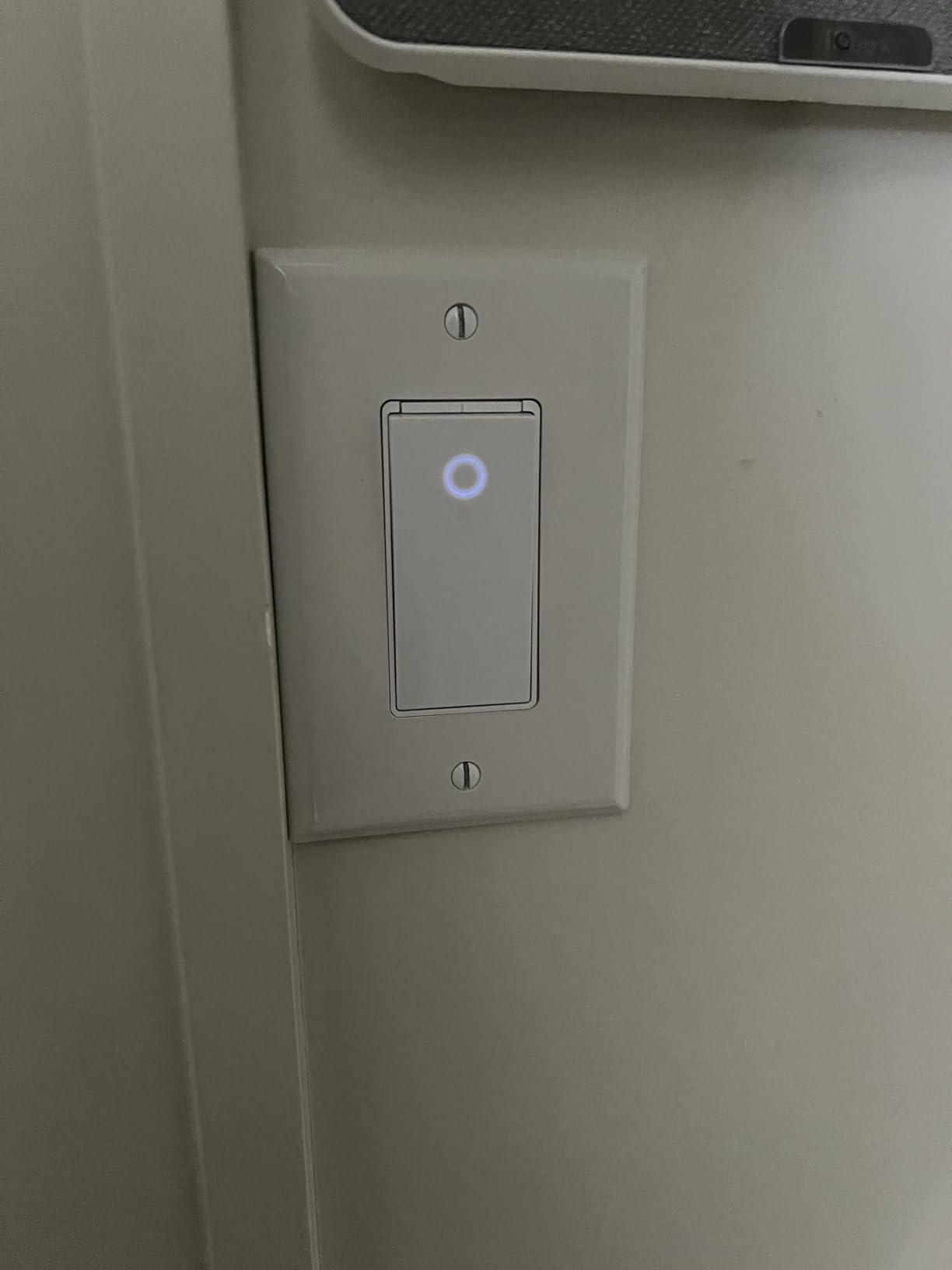
On the numbers it is the highest-capacity switch in this guide at 15 amps and 1800 watts, UL certified, with an IP54 rating. The wiring follows a standard 3-way pattern plus a neutral, which is the step people miss. Fit it in the load box rather than the line box and setup can behave oddly, so the app walkthrough is worth following literally.
Timer, countdown, and away mode scheduling all work as they do on the HS200, and the app reports on and off state accurately in normal use. The kit also integrates with SmartThings for anyone running that alongside Alexa.
What the HS210 does well for Alexa users
Two-location control is the whole point, and Alexa handles it without extra setup. Say turn off the stairs and the light goes out regardless of which switch position you flipped last, which is exactly what you want from a stairway.
Because the second location stays a mechanical toggle, guests can still work the light normally. That matters in a home with older visitors who would otherwise be stuck with a switch face they cannot find in the dark.
Where the HS210 will disappoint you
It is white only, so an almond or ivory plate elsewhere in the house will not match. There is no dimming, and the body is bigger than a standard toggle, which means the same box-depth check applies as with the rest of the Kasa line.
A small number of owners report Alexa occasionally showing a stale on or off state until the device is re-added. It clears, but it is worth knowing if you rely heavily on state-based routines.
4. TREATLIFE Smart Light Switch 4-Pack: Best for Whole-Home Rollouts
TREATLIFE Smart Light Switch Single Pole Works with Alexa, Google Home and SmartThings, 2.4GHz WiFi Timer Smart Switch, Neutral Wire Required, No Hub Required, FCC Listed, 4 Pack
1250W at 10A
4-pack with wall plates
2.4 GHz Wi-Fi
FCC certified and ETL listed
Pros
- Four switches and four wall plates in one box
- Works with Alexa
- Google Assistant and SmartThings
- Smart Life app covers schedules
- timers and sharing
- 2-year warranty
Cons
- Neutral wire required and 2.4 GHz only
- Single pole so no 3-way or dimming
- On and off control only
- Runs on the Smart Life app rather than a TREATLIFE app
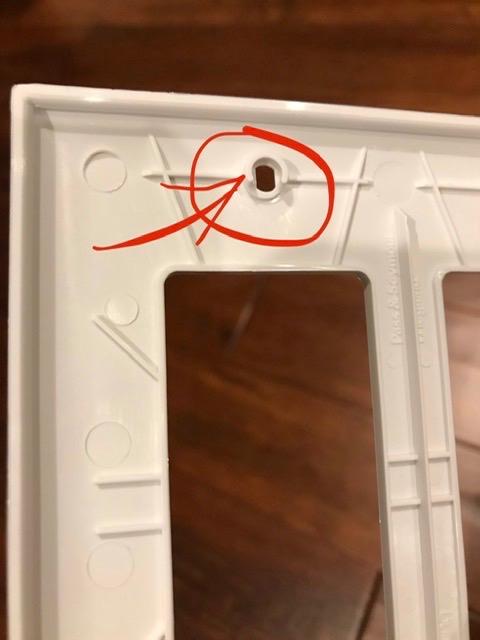
When the goal is to cover a floor at once, a four-pack is the straightforward answer. TREATLIFE includes four switches, four screwless snap-on wall plates, wire nuts, screws, and a manual, so a multi-room install does not turn into a hardware-store run for plates.
Voice assistant support is broader than most of its own-brand rivals. Alexa, Google Assistant, and SmartThings are all listed, and at 9,150 reviews averaging 4.5 stars the sample is big enough to trust.
The electrical rating is 10 amps and 1250 watts, which is higher than the Amazon Basics switch and lower than the 15-amp units from Kasa and GHome. FCC certified and ETL listed, single pole, 120 volts. The body is a reasonably compact 3.3 by 4.84 by 1.57 inches.
Control runs through the Smart Life app, which handles remote status, schedules, timers, and occupancy simulation, and it can share devices with other household accounts. If you already run Smart Life for something else, that is one fewer app to learn.
What the TREATLIFE does well for Alexa users
No hub is needed, and the switch joins 2.4 GHz Wi-Fi during setup. Once linked, Alexa sees a normal controllable light and routines respond the same way they do with the Kasa units.
Occupancy simulation built into the app pairs nicely with a vacation routine in Alexa. Lights can run at randomized evening hours so a dark house does not read as an empty one for eight days.
Where the TREATLIFE will disappoint you
It is single pole and on/off, with no dimming and no 3-way capability. A hallway with two switch locations is out of scope for this pack entirely.
Using the Smart Life app means a shared ecosystem with a lot of other devices in it, which is convenient for some people and a privacy consideration for others. Neutral wire and 2.4 GHz-only networking are still hard requirements.
5. Lutron Caseta Smart Dimmer Switch: The Premium Pick
Lutron Caseta Smart Dimmer Switch (Smart Hub Required), No Neutral Required
No neutral wire required
Lutron hub required
150W LED and 600W incandescent
3-way capable
Pros
- Works without a neutral wire unlike most smart switches
- Hub-based mesh runs without Wi-Fi
- Broadest platform support including Alexa
- HomeKit
- Ring and Sonos
- Dims the bulbs you already own
Cons
- Lutron Smart Hub and wall plate sold separately
- Lights come on at full power with no default dim level
- Scene entities surface as separate devices in Alexa
- Not suitable for fans or non-dimmable loads
This is the only switch in the guide that works without a neutral wire, and in an older house that single fact can outweigh everything else on this page. The Lutron Caseta smart dimmer draws its power through the load, so it installs in boxes that most smart switches cannot touch.
It also holds the highest rating here at 4.7 stars with 85% of reviews at five stars. That number is backed by long-term ownership rather than first-week impressions, and it is the most repeated endorsement in smart home forum threads, where owners describe units that have simply worked for years without Wi-Fi involvement.
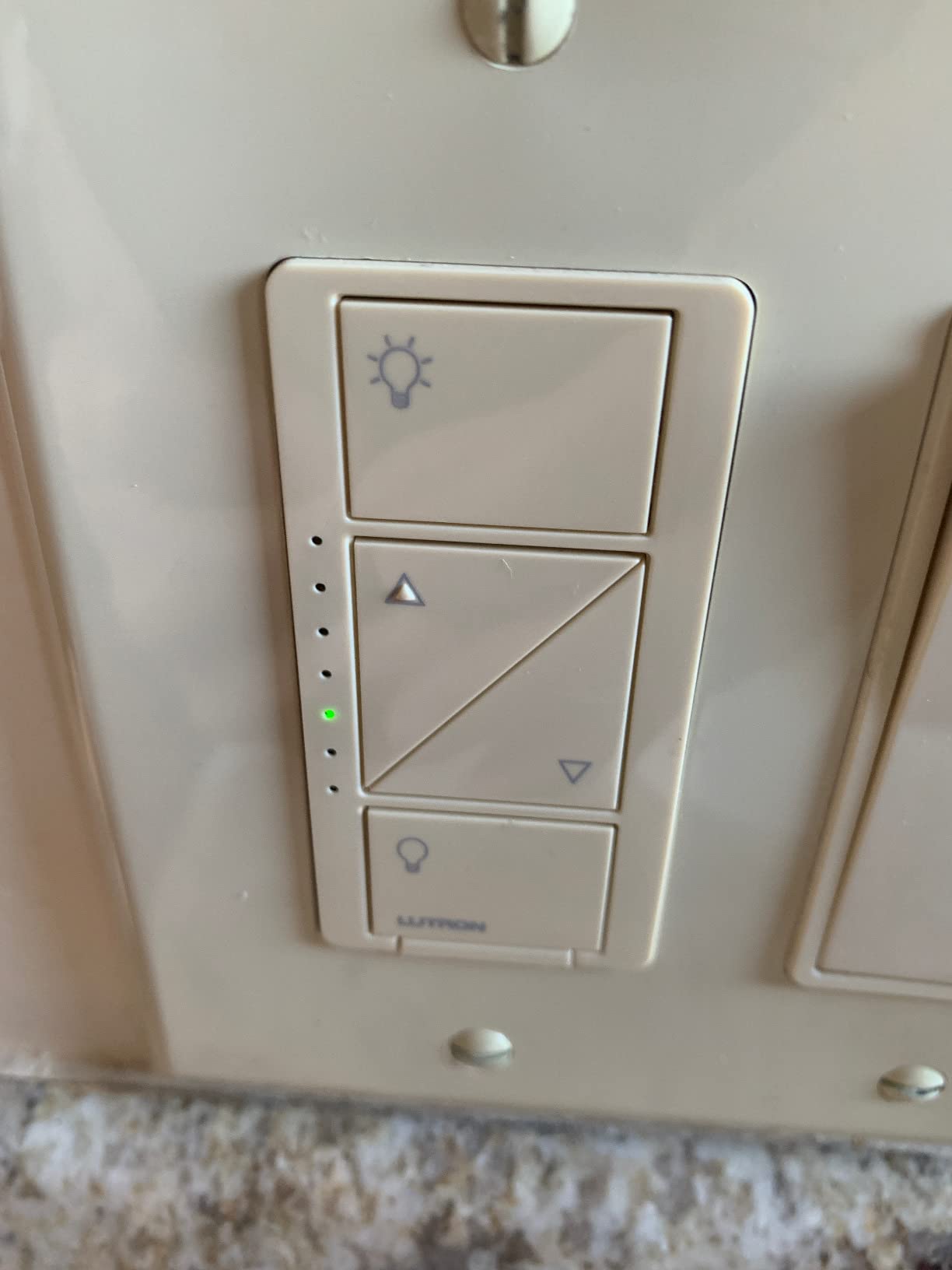
The trade-off is the hub. Caseta runs on Lutron’s own RF protocol through the Lutron Smart Hub, which is a separate purchase, and that hub is what gives you the local, offline-friendly performance. Because the switch does not depend on your Wi-Fi, voice control stays fast and does not degrade when the internet is congested.
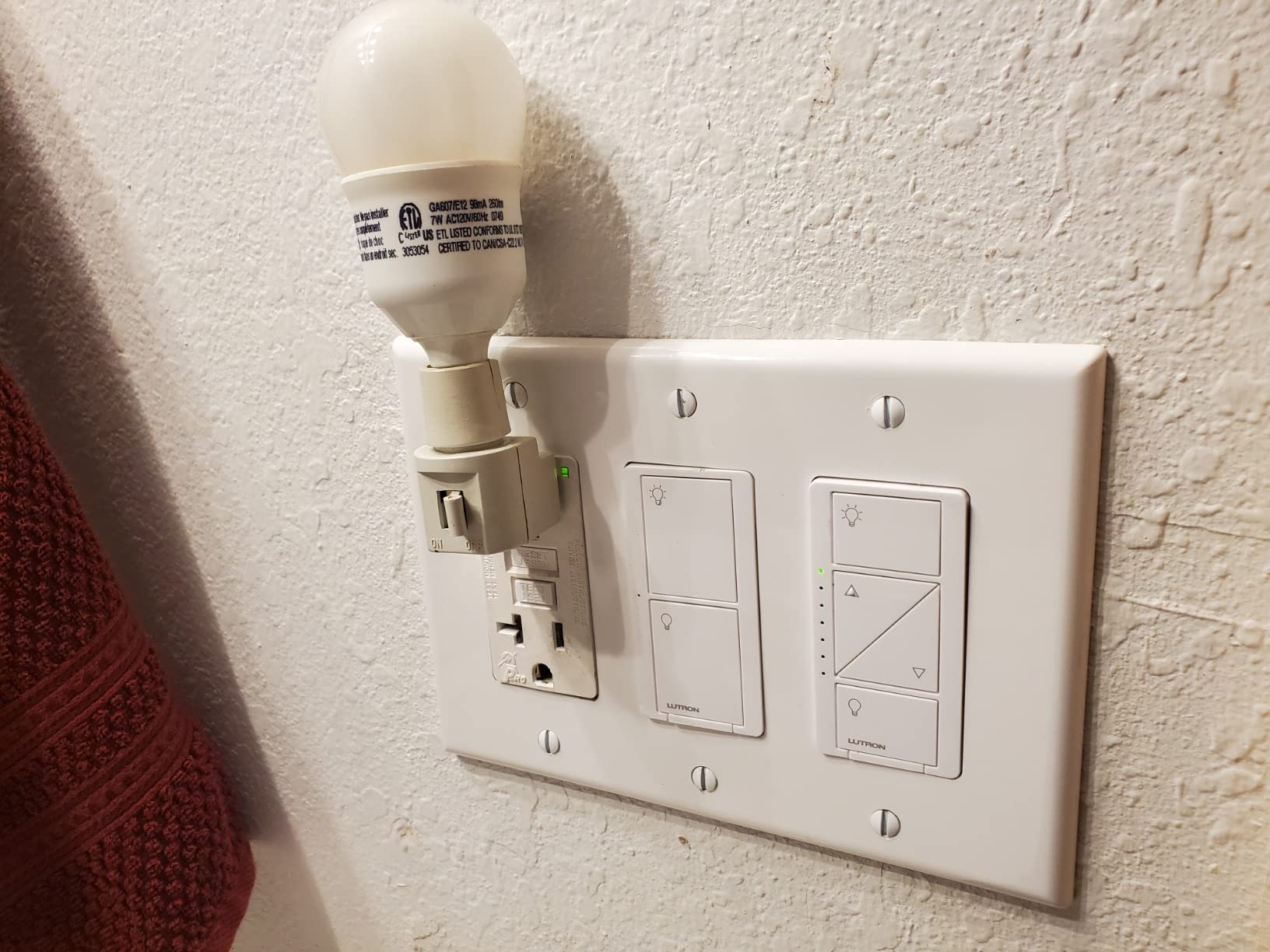
Load handling is generous: up to 150 watts of LED or 600 watts of incandescent and halogen, so it dims the fixtures you already have without smart bulbs. It is cULus certified, rated 3-way, and at 1.13 by 2.93 by 4.69 inches it fits tighter boxes than most of the Kasa switches.
What the Lutron Caseta does well for Alexa users
Once the hub is linked, Alexa controls the dimmer cleanly, and the ecosystem reach is the widest available: Alexa, Apple Home, Google Assistant, Ring, Sonos, and Home Assistant all appear in the compatibility list.
Adding a Pico remote gives you wireless 3-way control with no wiring at the second location, which is the cleanest 3-way solution in this roundup. Up to ten accessories can pair to one hub, so a whole-home install stays coherent.
Where the Lutron Caseta will disappoint you
Total cost is the barrier. The hub, the coordinating wall plate, and any Pico remotes are all sold separately, and a two-location hallway pushes the bill up quickly compared with a Wi-Fi kit.
Two smaller annoyances: lights come on at full power because there is no default dim level to program, and the flat switch face can be hard to find in a dark room on older revisions. It is also the wrong choice for a ceiling fan or any non-dimmable load.
6. Amazon Basics Smart Light Switch: The Budget Pick
Amazon Basics Smart Light Switch, Single Pole, Works with Alexa Only, Voice Control, Schedule, 2.4 GHz Wi-Fi, No Hub Required, Easy to Install, White
Alexa only
5A current rating
ETL listed
2.4 GHz Wi-Fi, no hub
Pros
- Lowest friction Alexa setup of any switch here
- No hub required
- Step-by-step install video and manual included
- Compact single-pole body
Cons
- Works with Alexa only
- 5A rating is the lowest in this roundup
- Neutral wire required in most installs
- No scheduling outside Alexa routines
If your household is entirely Alexa, this is the simplest possible path. There is no manufacturer app to learn in the first place, because the switch is designed to be set up and controlled through Alexa routines directly.
It arrives with a guided installation video and a printed manual, and the compact 2.91 by 4.64 by 1.62 inch body fits ordinary boxes without drama. For a first smart switch in a rental or a single room, it does the job with no subscription and no hub.
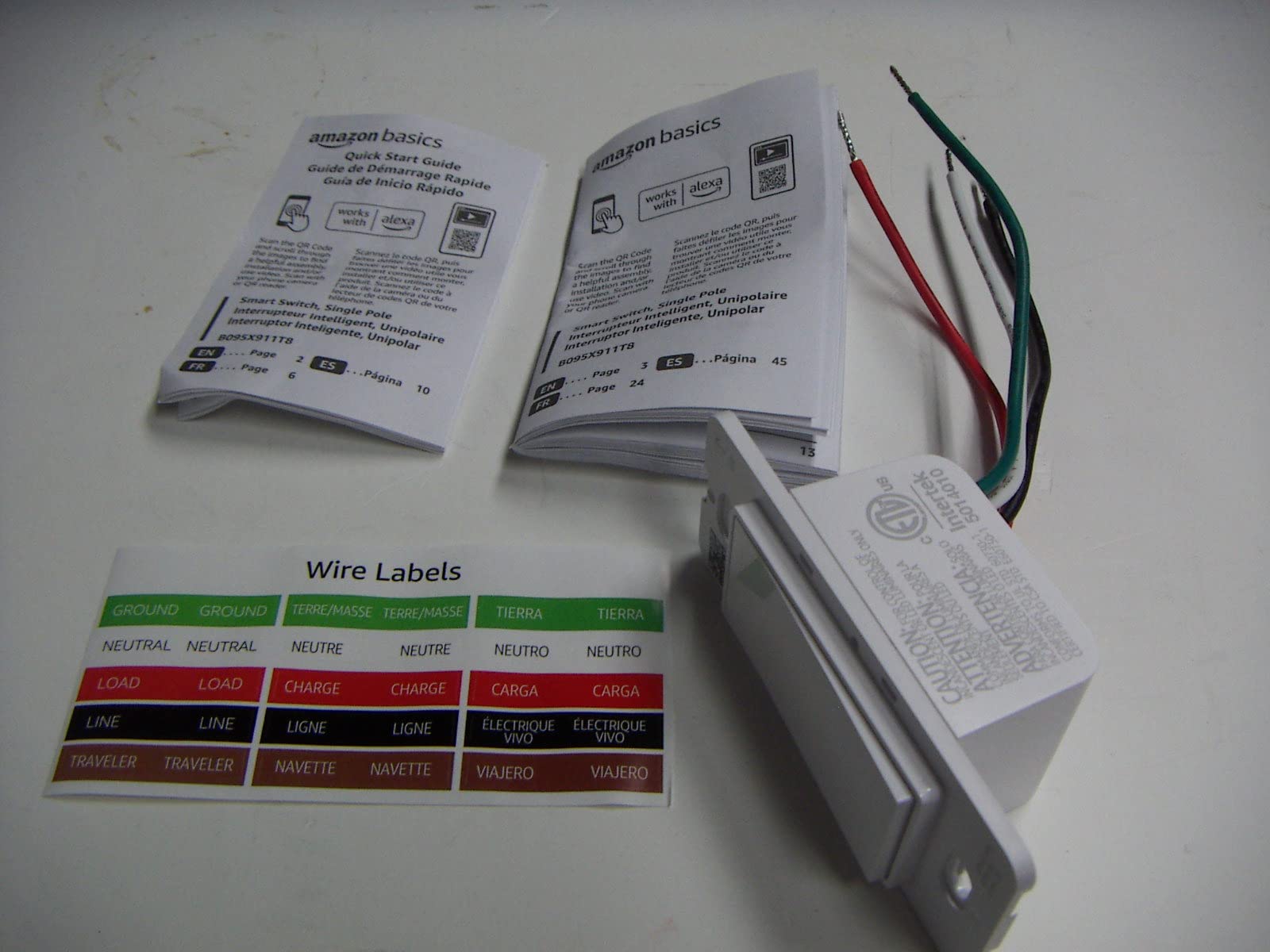
The catch is the 5 amp current rating, the lowest in this roundup. At 120 volts that works for ordinary lighting circuits, but it leaves little headroom on a circuit that also feeds a fan, a heater, or a large cluster of lamps. The 4.4-star average across 4,171 reviews comes with the highest one-star share of the mainstream Wi-Fi switches here at 7%.
Platform lock-in is the other limitation and it is a hard one. Amazon Alexa is the only compatible assistant listed, with no Google Home, no Apple Home, and no SmartThings. Scheduling exists only through Alexa routines rather than a dedicated app.
What the Amazon Basics switch does well for Alexa users
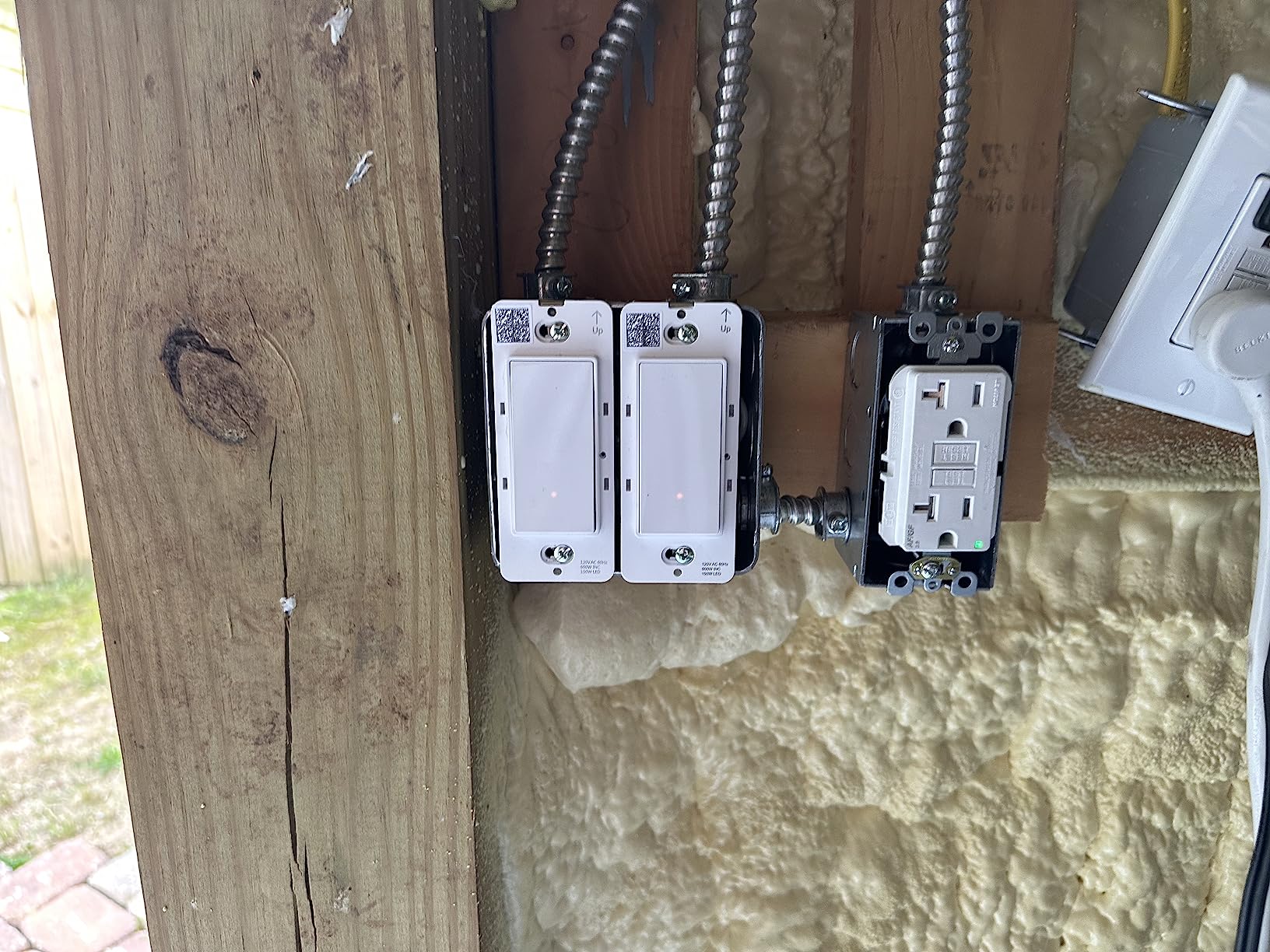
Nothing sits between the switch and the Echo. Pairing happens inside the Alexa app, the light becomes a routine-controllable device immediately, and there is no separate hub, bridge, or account to create with the manufacturer.
For a bedroom or a kid’s room it is a good fit, since a bedtime routine that dims to off can be built entirely in Alexa without touching a phone-based control app at all.
Where the Amazon Basics switch will disappoint you
If your family uses Google Home or Apple Home, this switch is dead weight. The same goes for anyone who later switches assistants or wants to hand a room to a relative with a different setup.
The 5A rating and the Alexa-only ecosystem are the two reasons to look one step up to the Kasa HS200 if your budget allows it. You gain multi-platform support and a 15 amp rating for a modest step up.
7. GHome Smart Switches SW5 3-Pack: Strong Ratings, Questionable Longevity
GHome Smart Light Switch, Single Pole Works with Alexa & Google Home
15A at 1800W
3-pack
UL and FCC certified
2.4 GHz Wi-Fi, no hub
Pros
- Full 15A at 1800W capacity
- Works with both Alexa and Google Assistant
- Grouping and Away Mode built into the app
- App-guided wiring walkthrough
Cons
- Some owners report failures around the 3-year mark
- Bulky body makes wires hard to tuck back
- Neutral wire required and 2.4 GHz only
- On and off only with no dimming
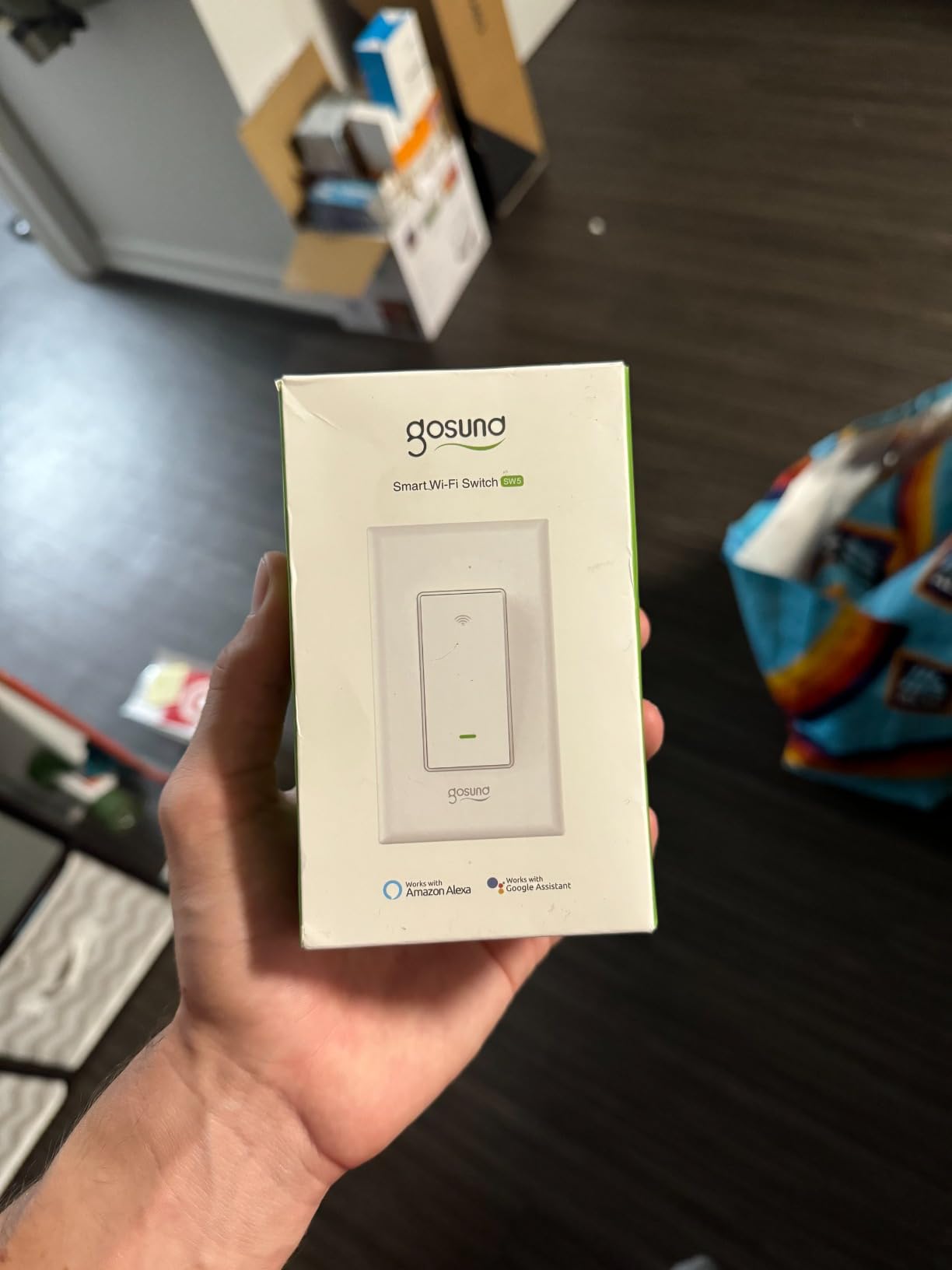
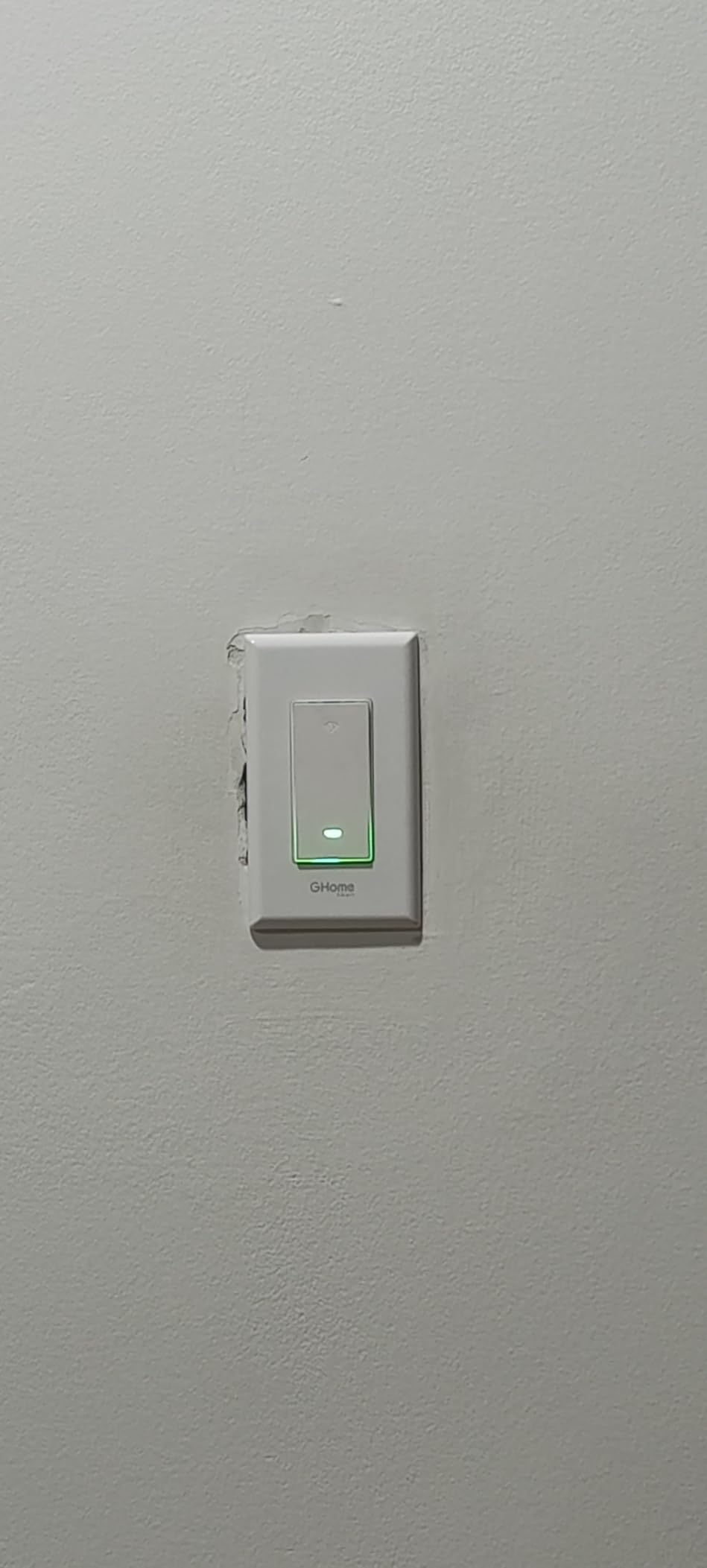
The GHome SW5 arrives as a three-pack with jump wires for line, load, ground, and neutral already attached, which makes the physical install about as quick as this category allows. The app walks you through the wiring diagram while you work.
At 4.5 stars from 1,520 reviews, the ratings look strong. The 15 amp and 1800 watt rating is the joint-highest here, and UL and FCC certification with flame-retardant material and overload protection gives it real credibility on paper.
Grouping is the standout feature. The GHome app lets you build whole-home groups covering lights, fans, the kitchen, and the garage, then expose those groups to Alexa as single voice targets. Away Mode is available alongside custom schedules for the simulated-occupancy routine.
The concern is durability. Across the reviews, the most repeated negative theme is longevity, with several owners reporting the mechanical switch or the Wi-Fi radio failing at roughly the three-year mark, and some describing inconsistent support responses on warranty claims.
What the GHome SW5 does well for Alexa users
It supports both Alexa and Google Assistant, so a mixed-ecosystem household is covered. No hub is required, and the jump wires mean the setup rarely stalls on a wire identification problem.
Grouping at the app level is genuinely useful in a home with more than a few rooms. Turning off every downstairs light with one voice command is faster than a per-room routine, and this pack supports that grouping out of the box.
Where the GHome SW5 will disappoint you
If you are planning a whole-home install with a fifteen-year horizon, a three-year failure pattern in the reviews is a meaningful risk. The support response on warranty claims is the part reviewers are most unhappy about.
There is no dimming, no 3-way handling, and the body is bulky enough that pushing the wires back into a crowded box takes patience. For a whole-home project, one of the heavily reviewed Kasa models carries far more long-term evidence.
8. Tapo Matter Smart Light Switch S505: Best for Matter
Tapo Matter Smart Light Switch, S505, Single Pole, Need Neutral Wire
Matter certified
Local LAN control
15A at 600W
UL certified
Pros
- Matter certified for Alexa
- Apple Home
- Google Home and SmartThings
- Keeps working on the local network when the internet drops
- Wall plate
- wire nuts and screws included
- 2-year manufacturer warranty
Cons
- Neutral wire required
- 2.4 GHz Wi-Fi only
- Single pole on and off with no dimming
- Smaller review base than the established Kasa models
The Tapo S505 is the one to buy if anyone in your household is not committed to a single assistant. It is Matter certified, so the same switch is controlled from Apple Home, Amazon Alexa, Google Home, and Samsung SmartThings without any of them fighting over it.
Matter multi-admin is the practical part. You can hand the same light to two ecosystems at once and both keep working, which is what makes a shared rental or a house with mixed phones realistic.
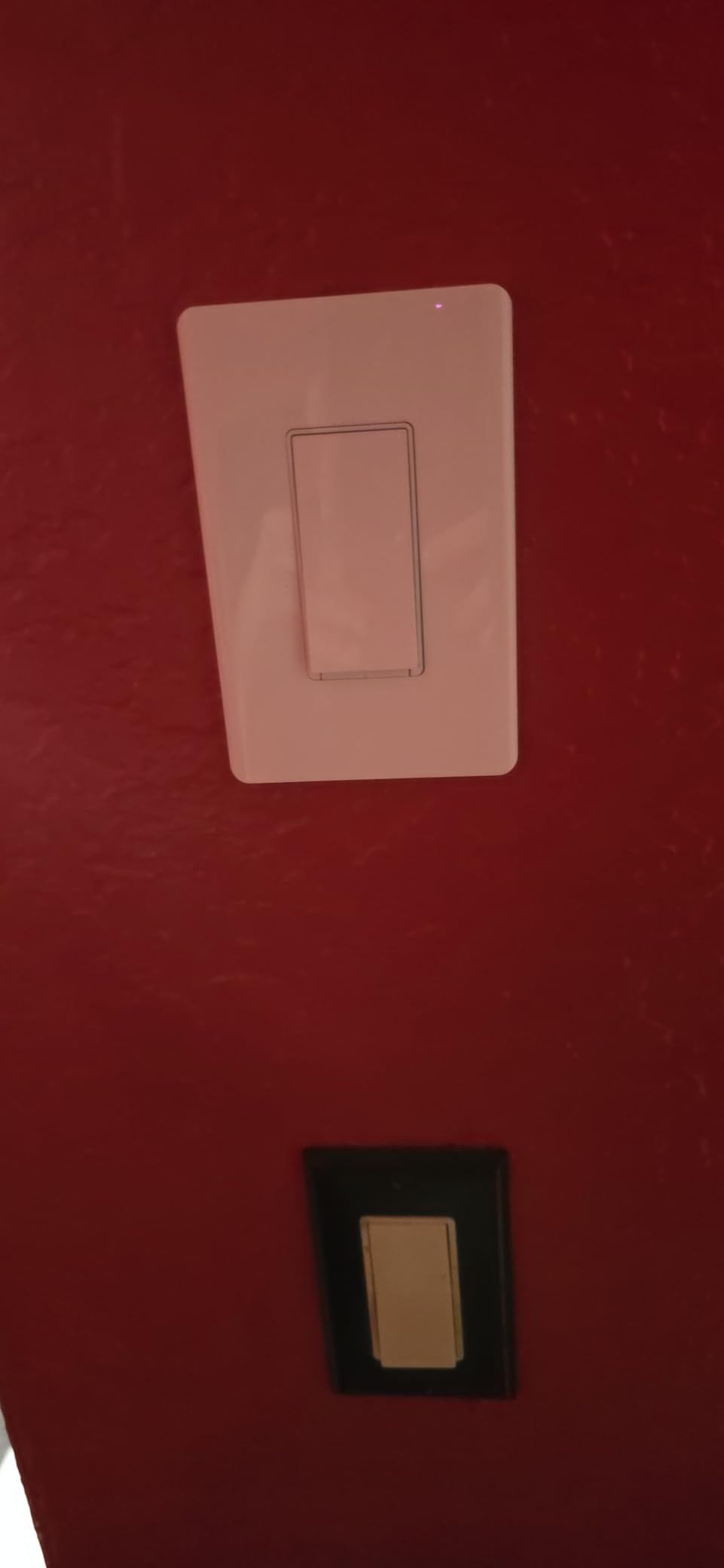
The second thing I like is local LAN control. Because Matter devices talk on your own network, the switch keeps responding to app and voice commands when the internet connection drops, which is not true of every cloud-dependent switch. Lights still work physically either way, but the smart layer survives the outage too.
On the electrical side it is UL certified, rated 15 amps and 600 watts at 120 volts, and the box includes the switch, a wall plate, four wire nuts, two screws, and a quick start guide. Remote monitoring, schedules, and timers live in the Tapo app.
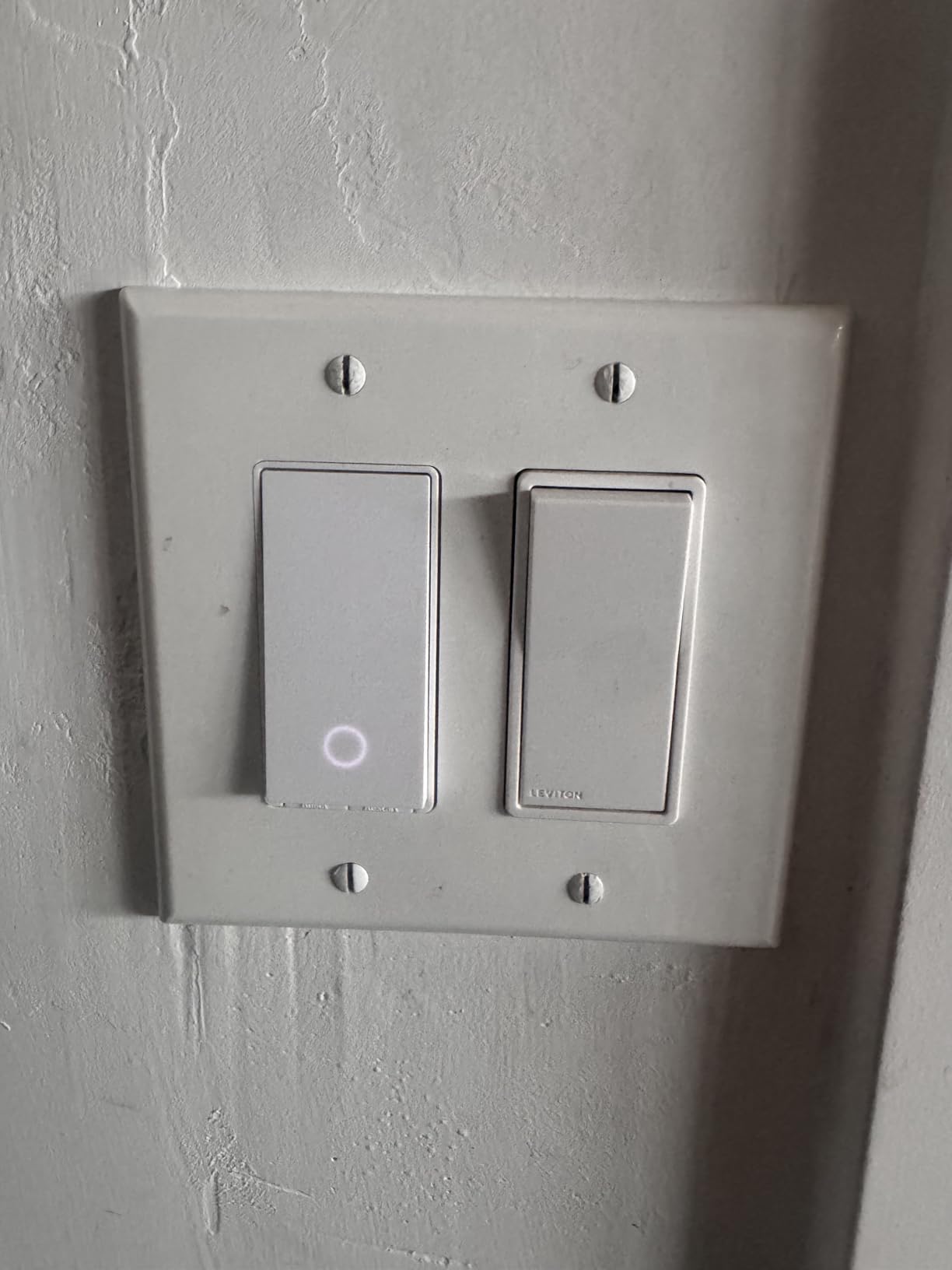
What the Tapo S505 does well for Alexa users
Alexa support is a first-class path here, not a compatibility afterthought. The Tapo app is the same one used across the Tapo range, so if you already own a Tapo camera or bulb the switch slots into an app you have installed.
For anyone planning a mixed smart home, this is the least contentious choice. When the household later adds Apple Home or Google Home devices, the switch does not need to be replaced to stay useful.
Where the Tapo S505 will disappoint you
This variant is on and off only, with no dimming. It is also single pole, so it does not solve a two-location hallway, and it still needs a neutral wire and a 2.4 GHz network.
The review base is smaller than the mature Kasa models at about 1,360 reviews. The five-star share is a healthy 80%, but the track record is shorter, and that is a fair thing to weigh in a whole-home decision.
9. Tapo Matter Smart 3-Way Dimmer Kit S515D: Best 3-Way Dimming Combo
Tapo Matter Smart 3-Way Dimmer Switch Kit, S515D KIT
3-way kit with satellite switch
0-100% dimming with fade
Matter certified
600W rated
Pros
- Combines two-location control and full dimming in one kit
- Matter certified across all major ecosystems
- Energy monitoring for connected lights
- Fade On and Off for gentler transitions
Cons
- Neutral wire required at both switch locations
- 2.4 GHz Wi-Fi only
- Smaller review base at around 410 reviews
- 3-star ratings more common than on the Kasa line
Most 3-way solutions force a choice: two-location control without dimming, or dimming from a single location. The S515D kit sidesteps that. It includes the main dimmer, a satellite dimmer switch, two wall plates, five wire nuts, and wire labels.
Both switches dim, and the whole thing is Matter certified for Alexa, Apple HomeKit, Google Home, and Samsung SmartThings. Voice control covers Siri, Google Assistant, and Bixby as well, which is broader than most lighting kits manage.
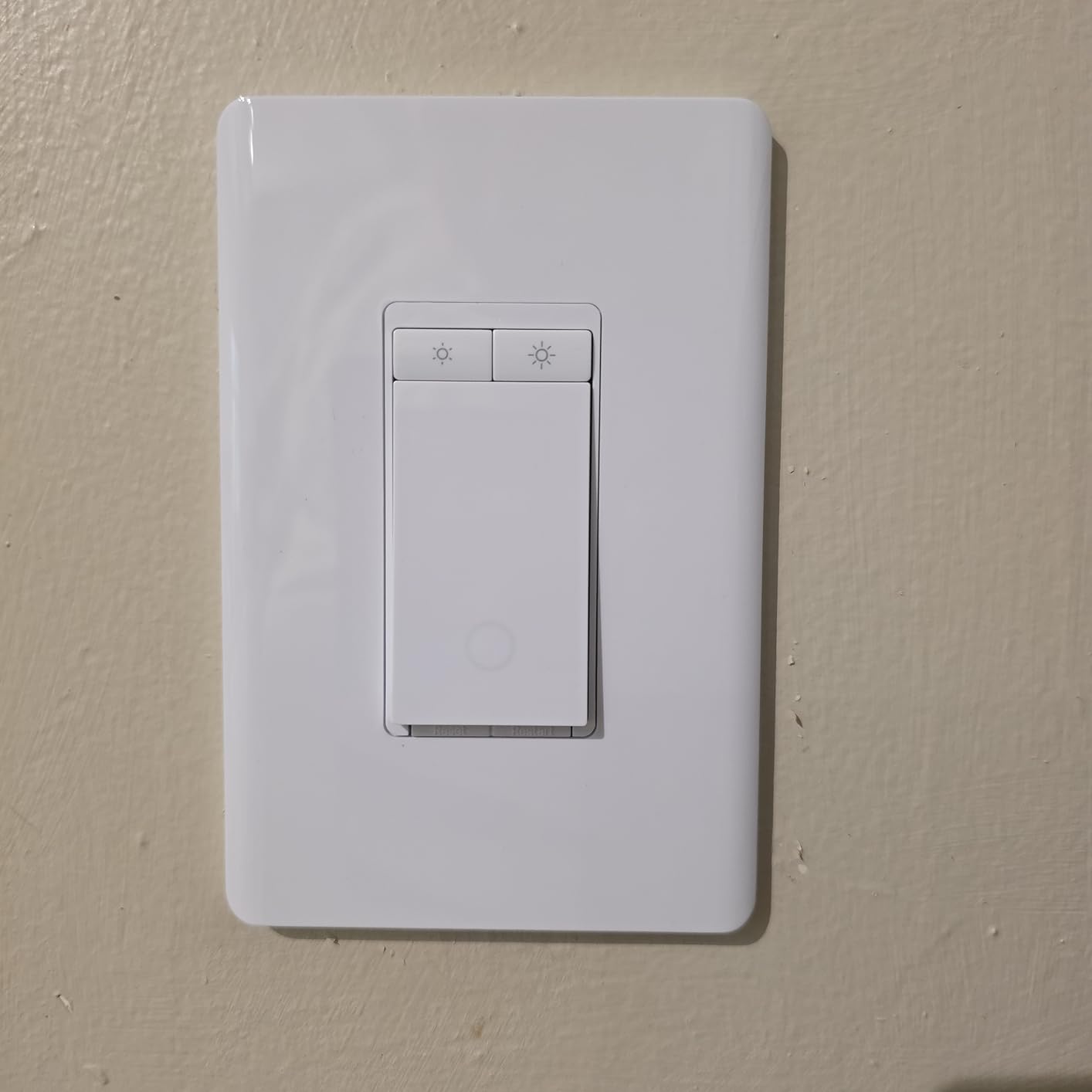
Energy monitoring is the feature that separates this from the Kasa HS210. The Tapo app tracks energy use for the connected lights, so you can see which fixture is actually costing you money instead of guessing. Fade On and Off smooths the transitions so a dimmed light does not snap between brightness levels.
Scheduling and the Deterrent Burglars away mode are both supported, and the 15 amp, 600 watt rating covers a normal lighting circuit. Installation is app-guided, but neutral wiring is required at both switch locations, which is the part that rules this kit out of older homes.
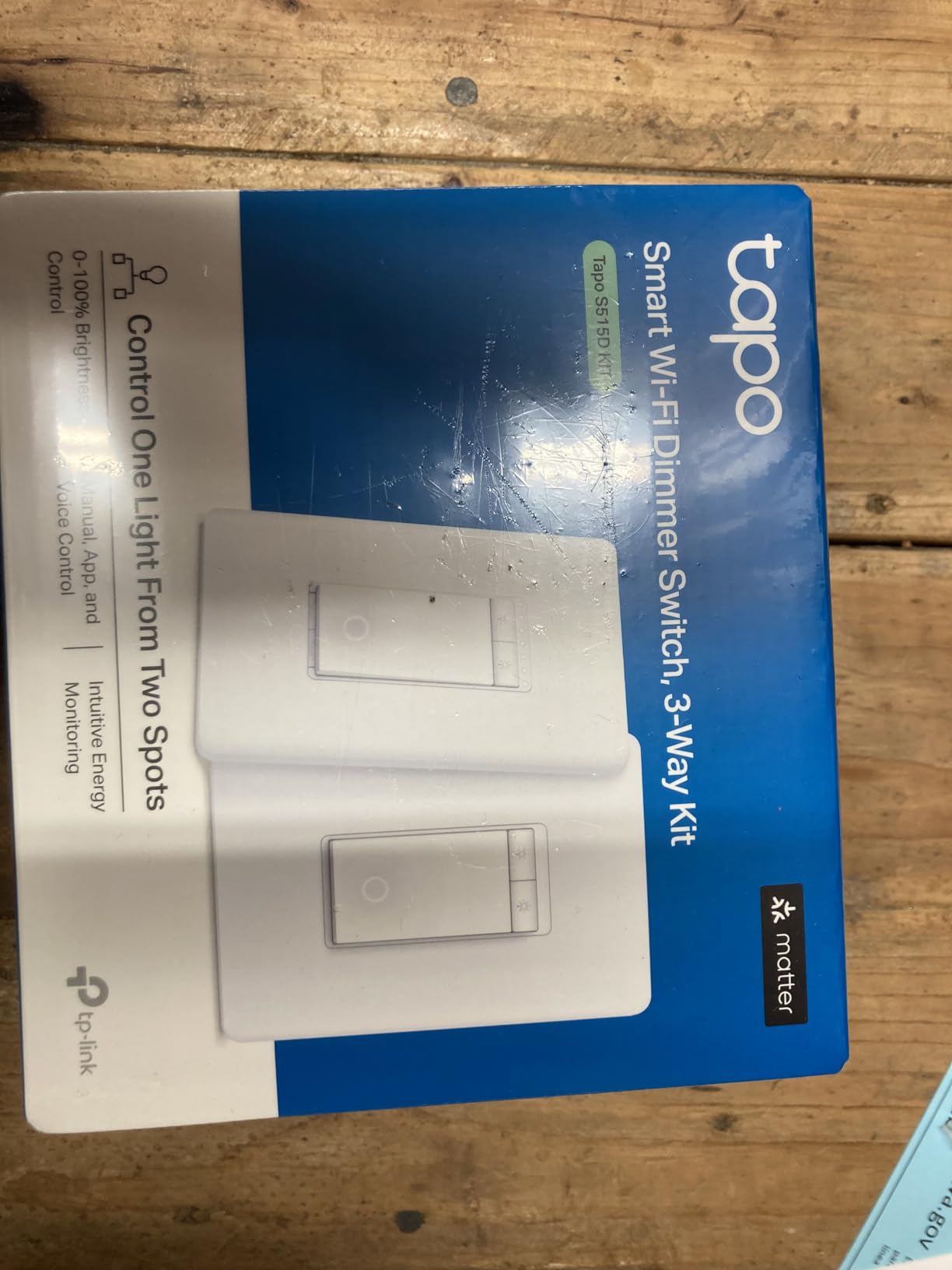
What the Tapo S515D does well for Alexa users
A stairway with two switches and dimming at both ends is the specific scenario this kit solves, and Alexa commands apply to the light rather than to one switch position. That is the behaviour people expect and rarely get.
The energy monitoring pairs well with a routine-based budget check. Querying the app before bedtime to see what the lighting is pulling gives the away mode and schedules a reason to exist beyond convenience.
Where the Tapo S515D will disappoint you
Neutral wire at both locations is non-negotiable, and it is the most common reason a 3-way kit gets returned. The 2.4 GHz-only requirement applies as well, so a 5 GHz-only mesh network will not accept it.
This is a newer product with roughly 410 reviews at 4.4 stars, and 3-star ratings appear more often here than anywhere else in the guide. The feature set is the widest; the evidence base is the thinnest.
10. Leviton Decora Smart Switch D315S: Broadest Ecosystem Support
Leviton Decora Smart Switch, Wi-Fi, D315S-1RW, White
Matter ready out of the box
120V wall switch
My Leviton app
Works with Alexa and Home Assistant
Pros
- Supports Alexa
- Google Assistant
- Apple Home
- SmartThings and Home Assistant
- Matter ready out of the box
- Sunset-triggered scheduling for exterior lights
- Large range of companion and accessory devices
Cons
- Smallest review base here at about 192 reviews
- Neutral wire required for most Decora Smart in-wall switches
- On and off only
- dimming needs the separate dimmer version
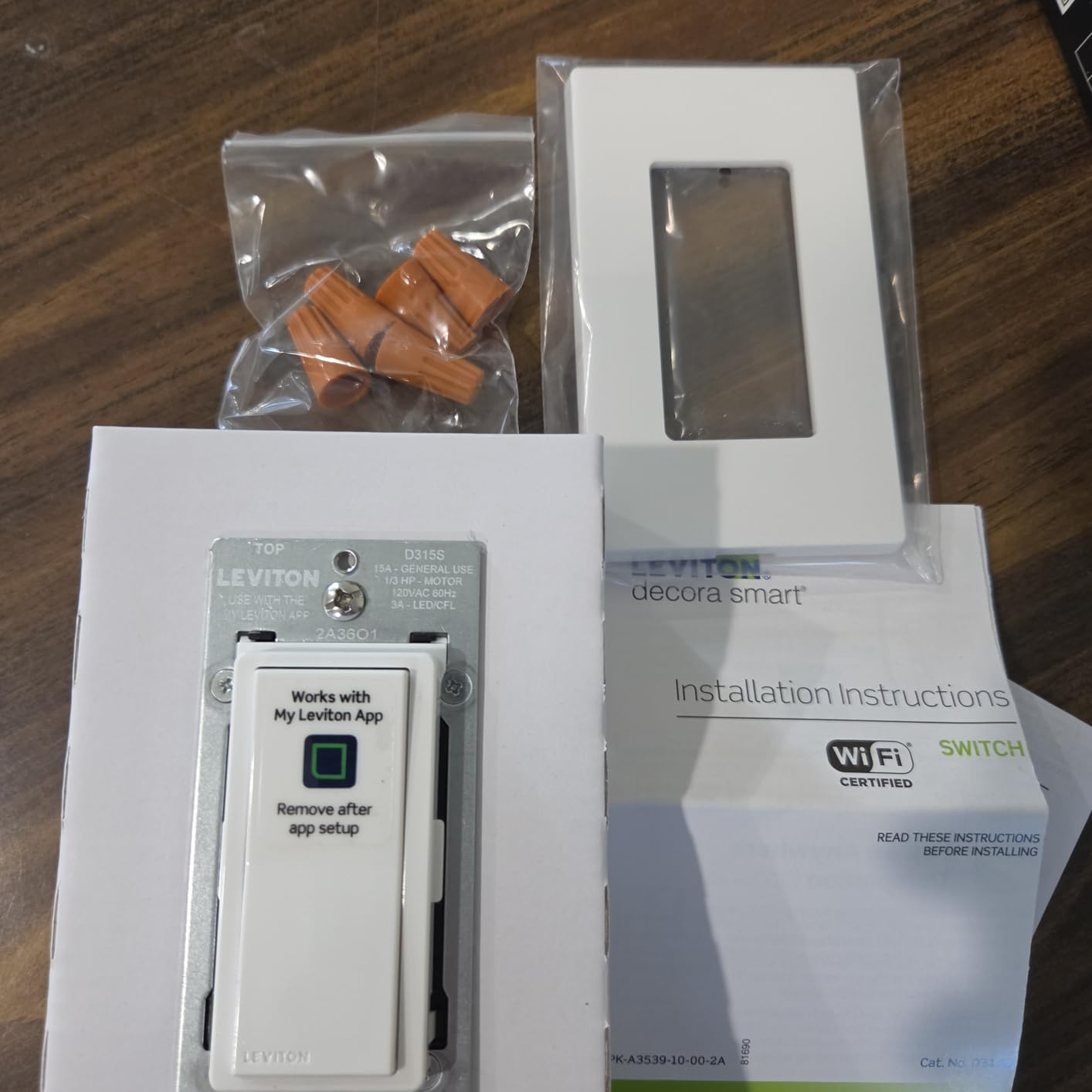
Leviton is the name electricians reach for, and the Decora Smart line is built around that expectation. The D315S is Matter ready out of the box alongside Wi-Fi, which means it can be adopted into an Alexa household today without a bridge and still be picked up by Home Assistant or SmartThings later.
Home Assistant support is the differentiator here. It is the only switch in this guide that lists Home Assistant among its compatible devices, and for anyone who self-hosts while still wanting Alexa voice control, that closes a gap the other picks leave open.
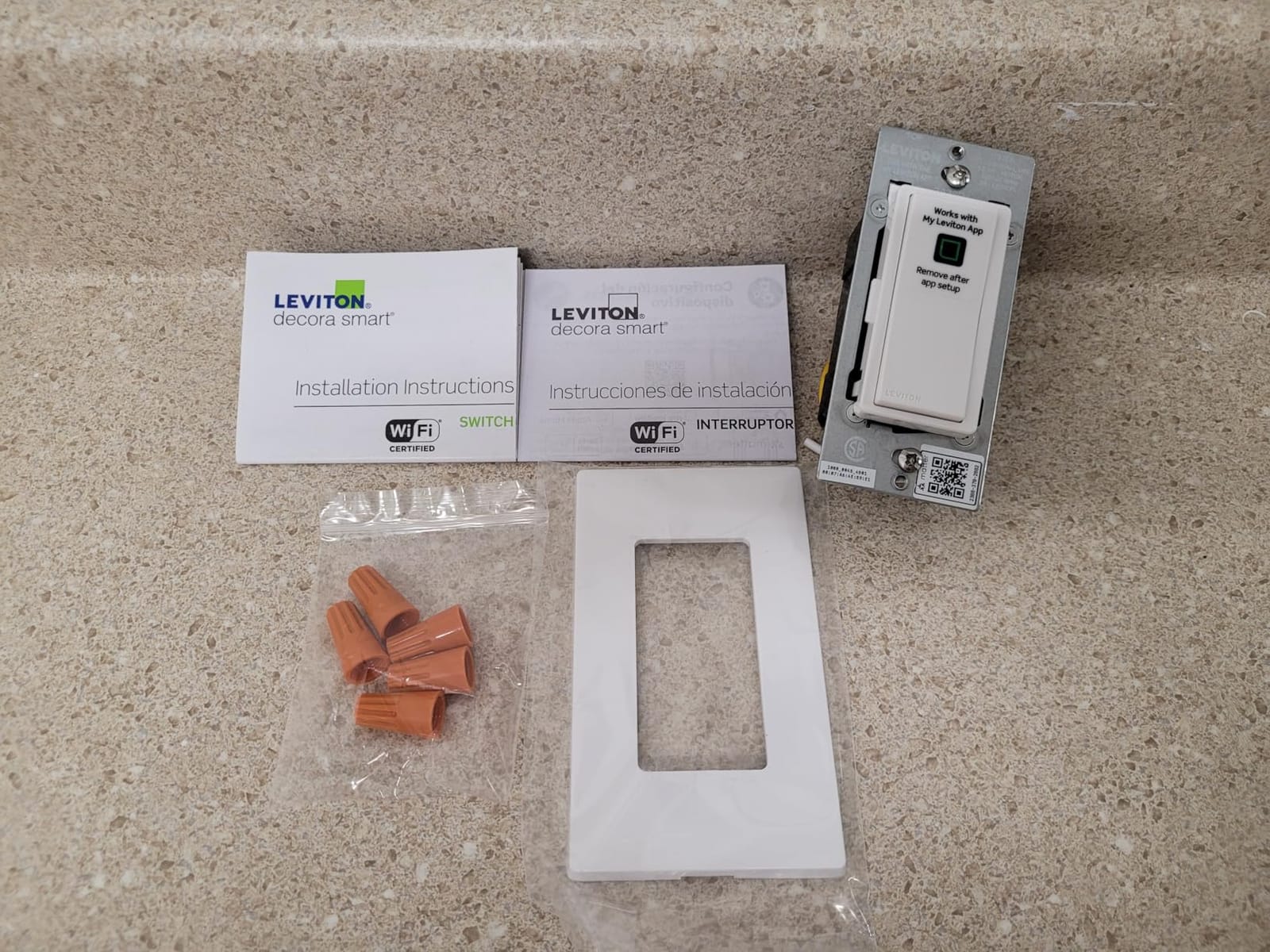
The My Leviton app handles remote status checks, scheduling, and sunset-based automation, which is genuinely useful for exterior and porch lighting where a fixed clock time drifts by several minutes across the year. The body is compact at 1.09 by 1.8 by 4.12 inches.
What holds it back is evidence rather than features. It is a recent release and carries about 192 reviews at 4.4 stars, the smallest sample in this guide, and it ships as an on and off switch, so dimming requires the separate Decora dimmer version.
What the Leviton D315S does well for Alexa users
Alexa, Google Assistant, and Apple Siri all appear in the compatibility list, and Matter readiness means the switch is not tied to a single vendor account the way older Wi-Fi switches can be. A 2-year warranty applies on the range.
The wider Decora Smart ecosystem is worth knowing about if you are planning ahead. It includes dimmers, fan controllers, companion switches, and scene controllers, so one switch can anchor a room that needs more than simple on and off.
Where the Leviton D315S will disappoint you
With under 200 reviews there is no long-term reliability picture yet, and that matters when you are committing a switch to a hallway guests use daily. Leviton’s reputation is not in question, but this specific model’s track record is.
Neutral wire is required for most Decora Smart in-wall switches, so it is not an answer for older wiring. If dimming is the goal, budget for the dimmer variant rather than expecting this one to dim.
How to Check Whether You Have a Neutral Wire?
You can confirm this in about five minutes, and it decides nine of the ten switches on this list. Turn the breaker off for that circuit at the panel, then remove the faceplate and the existing switch from the box.
Look for a small white or grey conductor bundled with the black hot wire. That is the neutral, and it carries current back to the panel continuously. If the box has only black, white-used-as-hot, and ground, you are looking at a switch loop with no neutral available.
A non-contact voltage tester or a multimeter confirms it, but the visual check settles most cases. If the bundle in the box has two conductors of the same colour, that is usually the neutral, and the install becomes straightforward.
If there is no neutral, your realistic options narrow to three. Use a switch designed for it, such as the Lutron Caseta dimmer, or abandon the wall switch and use a smart bulb or smart plug in the fixture instead. Do not assume a smart switch will somehow work without that wire.
How to Connect a Smart Light Switch to Alexa?
Once the switch is wired and powered, the Alexa setup is the same shape across every hub-free pick in this guide. We have walked through it on Kasa, Tapo, TREATLIFE, and GHome hardware.
Step 1: Join the brand app first. Open the Kasa, Tapo, Smart Life, or GHome app, sign in, and tap add device. The switch is in pairing mode after power-up, so the app finds it over your phone’s connection. If it does not appear, hold the button for five seconds to reset pairing.
Step 2: Give it 2.4 GHz Wi-Fi. If your router splits bands, temporarily disable the 5 GHz network. Every hub-free switch in this guide is 2.4 GHz only, and this is the most common failure point in the whole process.
Step 3: Name it before you forget. Assign a specific name such as Hallway Downstairs rather than Light 3, and set the room and device type in the brand app. Alexa inherits both, and it is what makes voice commands work later without editing everything.
Step 4: Enable the skill in the Alexa app. Open Alexa, go to More, then Skills and Games, search for the brand name, and enable the skill. Sign in with the same account you used in the brand app so the device lists match.
Step 5: Let Alexa discover devices. In the Alexa app choose Devices, tap the plus icon, and select the skill you just enabled. Discovery usually finds every switch in under a minute.
Step 6: Build a routine. For a child’s lights-out, open Routines, create a time trigger, pick the device, and set the action to turn off. For a hallway, add a motion sensor from another ecosystem as the trigger and the switch as the action.
Step 7: Test the command out loud. Say Alexa, turn on the hallway downstairs. If Alexa reports that it cannot find the device, the skill account does not match, so disable and re-enable the skill rather than re-installing the switch.
Phrasing matters more than people expect. Naming a dimmer Bedroom Lamp rather than Light means you can say set bedroom lamp to 30 percent, while generic names push you back toward on and off commands only.
Buying Guide: Choosing a Smart Switch That Works With Alexa
Hub-free Wi-Fi or a bridge-based system?
Hub-free Wi-Fi switches join your network directly and are the simplest option. They cost nothing extra, install in one piece of hardware, and work with Alexa as soon as the skill is enabled. Every Kasa, Tapo, TREATLIFE, GHome, Amazon Basics, and Leviton pick in this guide takes that route.
Bridge-based systems trade convenience for control. The Lutron Caseta switch needs the Lutron Smart Hub, and in exchange you get a private RF mesh that does not depend on your Wi-Fi, faster response, and local control that keeps functioning when the internet is down. The bridge is a real cost, so it is worth it for a large install or an unreliable connection.
What Matter actually changes for an Alexa household
Matter is a common language that lets one device join several ecosystems without per-brand workarounds. For Alexa users it matters in three practical ways: the switch works with Alexa and Apple Home and Google Home at the same time, multi-admin lets two ecosystems share a device, and local control keeps the switch responding on your own network during an outage.
Our call is that it is worth it if your household is mixed or you expect to add devices from another brand. If Alexa is the only assistant you will ever use, a well-reviewed non-Matter Wi-Fi switch gives you the same daily experience for less money.
Dimmer switches and LED bulb compatibility
Dimming is where the cheapest switches disappoint. A dimmer reduces current rather than chopping power, so the fixture and the bulb have to cooperate. Bulbs labelled dimmable are the baseline, and mixing a dimmer with non-dimmable LEDs is the most common cause of buzzing and low-end flicker.
Dimming also interacts with smart bulbs badly. A smart switch is meant to cut power, so pairing one with smart bulbs leaves the bulbs stranded at whatever level they were last set to. Use a dimmer switch with ordinary bulbs, or use smart bulbs and leave the wall switch as a plain toggle. For desk lighting where dimming quality matters most, our monitor light bar guide covers the alternative approach.
Single-pole, 3-way, 4-way, and 2-gang
Single-pole means one switch for one light, and most rooms fall into this category. Three-way means two switch locations control one light, which is standard for stairways, hallways, and long corridors. Four-way adds a third location, and there is no simple kit for it, so plan that one carefully.
Two-gang means two switches in one plate, which is a different problem from a 3-way setup and usually needs a different product entirely. The HS210 and the Tapo S515D kit cover the two-location case; the Lutron Pico remote covers it without wiring at the second location.
Load ratings: 5A, 10A, and 15A
Current rating is the least understood spec and the one that matters most on a mixed circuit. The Amazon Basics switch is rated 5 amps, TREATLIFE is 10 amps at 1250 watts, and the Kasa, GHome, and Tapo models run 15 amps at 600 to 1800 watts.
A 5-amp switch handles ordinary lighting but leaves little margin on a circuit that also serves a fan or a heater. If you are unsure, match the switch to the breaker size where possible and stay with 15 amps for anything shared.
Zigbee and Z-Wave switches that still answer to Alexa
If you already run a Zigbee or Z-Wave hub, you are not locked out of Alexa. Those switches join the hub instead of your Wi-Fi, and the hub can expose them to Alexa as controllable devices, which is exactly how Home Assistant users close the voice-control gap for self-hosted setups.
That path costs more up front and adds another device to maintain, but it gives a wider selection of radio-on-radio switches and a stronger privacy story, since the traffic stays on your network rather than going to a vendor cloud. It is worth it for enthusiasts and questionable value for a first switch.
Whichever route you take, the pattern is the same: name devices deliberately, group them in the Alexa app, and check the circuit before you cut power. The install is thirty minutes of work once you know which of the three questions your switch is answering.
Frequently Asked Questions
What smart light switch is compatible with Alexa?
Almost every mainstream brand is, including Kasa and Tapo from TP-Link, Leviton Decora, Lutron Caseta, TREATLIFE, GHome, iotty, and Amazon Basics. The best smart light switches for Alexa are the hub-free Wi-Fi models, such as the Kasa HS200 and the Tapo S505, which join your 2.4 GHz network and link to Alexa with no extra hardware. Lutron Caseta also works with Alexa but needs the Lutron Smart Hub.
Do smart light switches need a neutral wire?
Most do, and the neutral is what keeps the switch powered when the light is off so it can respond to a command. You can check by turning off the breaker, removing the faceplate, and looking for a white or grey conductor bundled with the black hot wire. The Lutron Caseta smart dimmer in this guide is the exception that works without a neutral wire. Without one, a smart bulb or smart plug is the practical alternative.
Do I need a hub for a smart light switch with Alexa?
For the Kasa, Tapo, TREATLIFE, GHome, Amazon Basics, and Leviton switches here, no. They join your 2.4 GHz Wi-Fi directly and connect to Alexa through the brand skill. The Lutron Caseta requires the Lutron Smart Hub, which adds cost but gives faster response, a private mesh that does not rely on your Wi-Fi, and local control that keeps working during an internet outage.
What is the most reliable smart light switch?
The Lutron Caseta smart dimmer has the highest rating in our testing at 4.7 stars, with the strongest long-term ownership reports in smart home forums. Owners credit it with working for years without Wi-Fi involvement, and the Lutron hub gives it local control. The trade-off is that the hub, wall plate, and Pico remotes are sold separately. Among hub-free Wi-Fi options, the Kasa HS200 has the deepest evidence base at more than 43000 reviews.
What are the disadvantages of smart light switches?
Most require a neutral wire that older homes may not have, and every install means turning off power and redoing the wiring. Some models need a hub, most are limited to the 2.4 GHz Wi-Fi band, and cheaper switches have low load ratings such as 5 amps. Dimming switches buzz or flicker with non-dimmable LED bulbs, and most cheap models are on and off only with no dimming at all.
The Best Smart Light Switch for Alexa in 2026
The Kasa HS200 remains our pick for most homes, because it pairs the deepest evidence base in the category with a hub-free install and a 15 amp rating. If you want dimming, the HS220P3 3-pack is the better buy. If your box has no neutral wire, the Lutron Caseta is the only switch here that will physically work.
For mixed-ecosystem households, the Tapo S505 keeps working on your local network and across Apple Home and Google Home as well as Alexa. Check your neutral wire, confirm you are on 2.4 GHz, and the rest is a ten-minute app setup.