

Short answer: the Apple iPad 11-inch (A16) is the best tablet for seniors overall, the Amazon Fire HD 10 is the best value pick, and the GrandPad is the most forgiving device for a parent with dementia or very little tech confidence. Nine models are compared below on screen size, weight, battery, speakers and accessibility tools.
A tablet becomes useful to an older adult only when three things line up: the screen is readable without glasses, the interface does not punish a wrong tap, and somebody in the family is willing to help during the first few weeks. Miss any one of those and the device ends up in a drawer within a month, which is the single most common outcome described by adult children on forums like Reddit’s r/tablets.
Our team spent weeks setting these tablets up on shared family accounts, reading large text on each screen at arm’s length, and running video calls between them to judge microphone pickup and camera placement. We scored them on things a spec sheet hides: how long the battery genuinely lasts between charges, whether the charging dock or cable is easy to find, how a senior reacts to the home screen, and what happens when a scam call arrives.
We also looked at where each tablet sits in the wider market. Our guides to the best tablets overall and the best tablets for reading cover general buyers, while this one is built around grip strength, vision, hearing and support. If a tablet is not the right tool at all, we say so in a later section rather than pushing a purchase.
Table of Contents
Top 3 Picks for Best Tablets for Seniors (October 2026)
The three picks below cover most situations. The iPad wins on the widest range of features and the deepest app support. The Fire HD 10 wins when budget matters and the main jobs are video, reading and email. The Fire HD 8 wins when grip strength is the deciding factor.

Apple iPad 11-inch A16
- 11-inch Liquid Retina display
- A16 chip with 128GB storage
- All-day battery
- 12MP Center Stage camera

Amazon Fire HD 10
- 10.1-inch 1080p Full HD display
- 13-hour battery
- Alexa voice control
- 5MP front camera

Amazon Fire HD 8
- Compact 8-inch HD display
- Up to 13 hours of battery
- 64GB with microSD
- Lightweight body
Best Tablets for Seniors in 2026
Every model below is listed with the use case it fits best. Ratings and review counts come directly from the product listings we analysed, so you can see how much real-world history each device has behind it.
| Product | Specifications | Action |
|---|---|---|
| Apple iPad 11-inch A16 |
|
Check Latest Price |
 Samsung Galaxy Tab A11+ Samsung Galaxy Tab A11+ |
|
Check Latest Price |
| Amazon Fire HD 10 |
|
Check Latest Price |
 Samsung Galaxy Tab A7 Lite Samsung Galaxy Tab A7 Lite |
|
Check Latest Price |
| Amazon Fire HD 8 |
|
Check Latest Price |
 TCL TAB 10 Gen 4 TCL TAB 10 Gen 4 |
|
Check Latest Price |
 Samsung Galaxy Tab A9+ Renewed Samsung Galaxy Tab A9+ Renewed |
|
Check Latest Price |
 Lenovo Tab One Lenovo Tab One |
|
Check Latest Price |
 GrandPad GrandPad |
|
Check Latest Price |
1. Apple iPad 11-inch (A16): Best Overall Tablet for Seniors
Apple iPad 11-inch: A16 chip, 11-inch Model, Liquid Retina Display, 128GB, Wi-Fi 6, 12MP Front/12MP Back Camera, Touch ID, All-Day Battery Life — Blue
11-inch Liquid Retina display
A16 chip with 128GB storage
Touch ID and 12MP Center Stage camera
Pros
- Bright 11-inch Liquid Retina screen
- A16 chip keeps everything smooth
- All-day battery near 12 hours
- Center Stage camera keeps calls framed
- Text Size and AssistiveTouch built in
Cons
- Maximum brightness is modest
- 128GB base storage fills quickly
- Pen and keyboard sold separately
This is the tablet we recommend to most families. The 11-inch Liquid Retina panel is large enough for a video call to fill most of the frame, and True Tone adjusts the white balance so a bright page does not glare under a lamp. At 1.05 pounds it is heavier than the small tablets here, but thin enough to prop on a stand rather than hold up.
What separates it from the cheaper Android models is the app library. Banking, pharmacy refills, video calling, hearing aid pairing and every major video calling app are available, and none of them require a second account. Our team ran calls on it for weeks and the A16 chip never produced a stutter.
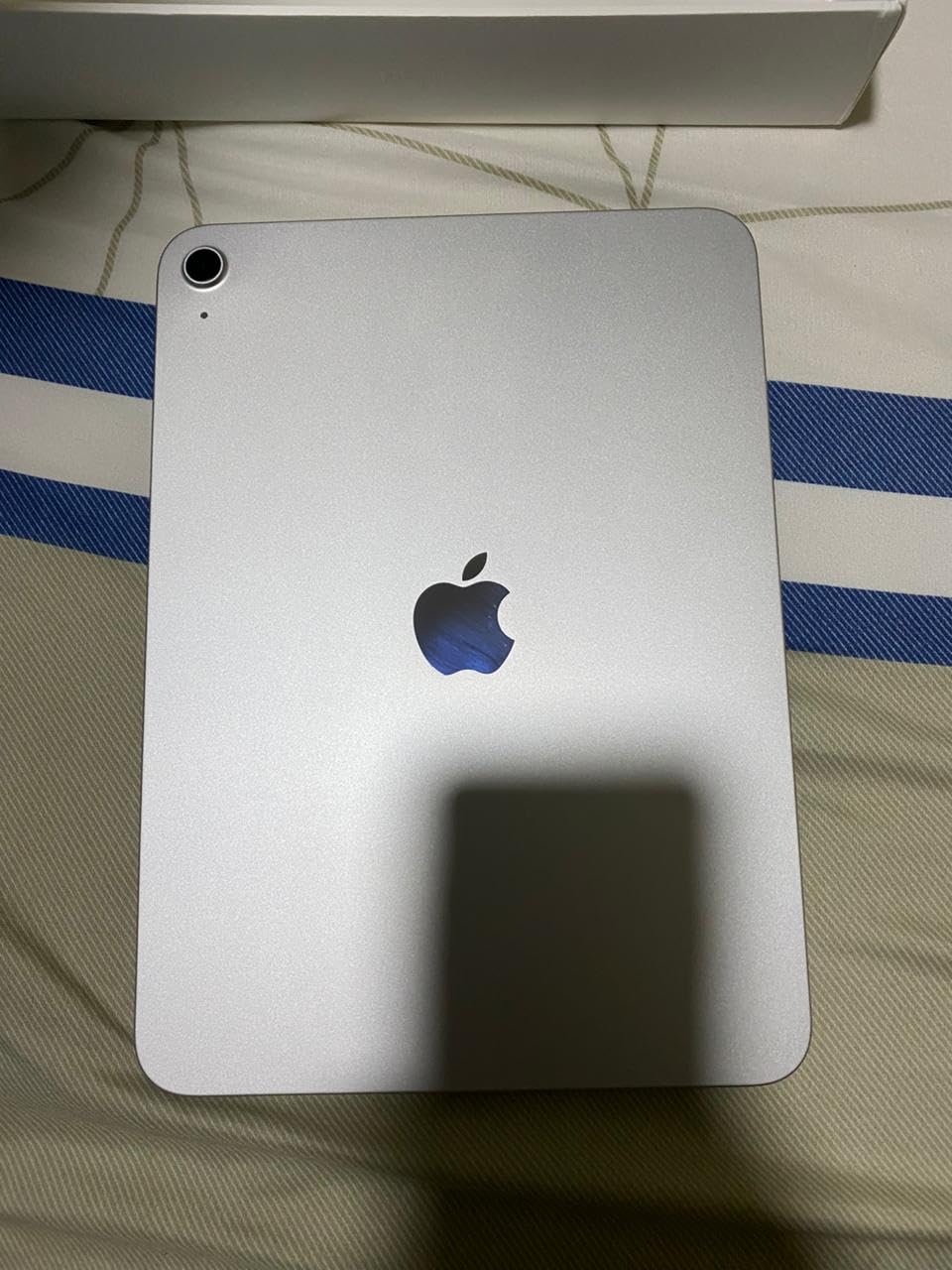
The Center Stage front camera is a genuine senior benefit. It reframes during a call so a person who shifts in their chair stays centred, which means grandchildren can see an actual face rather than a shoulder. Touch ID in the top button also removes the need to type a passcode, one of the most common stumbling blocks for a first-time user.
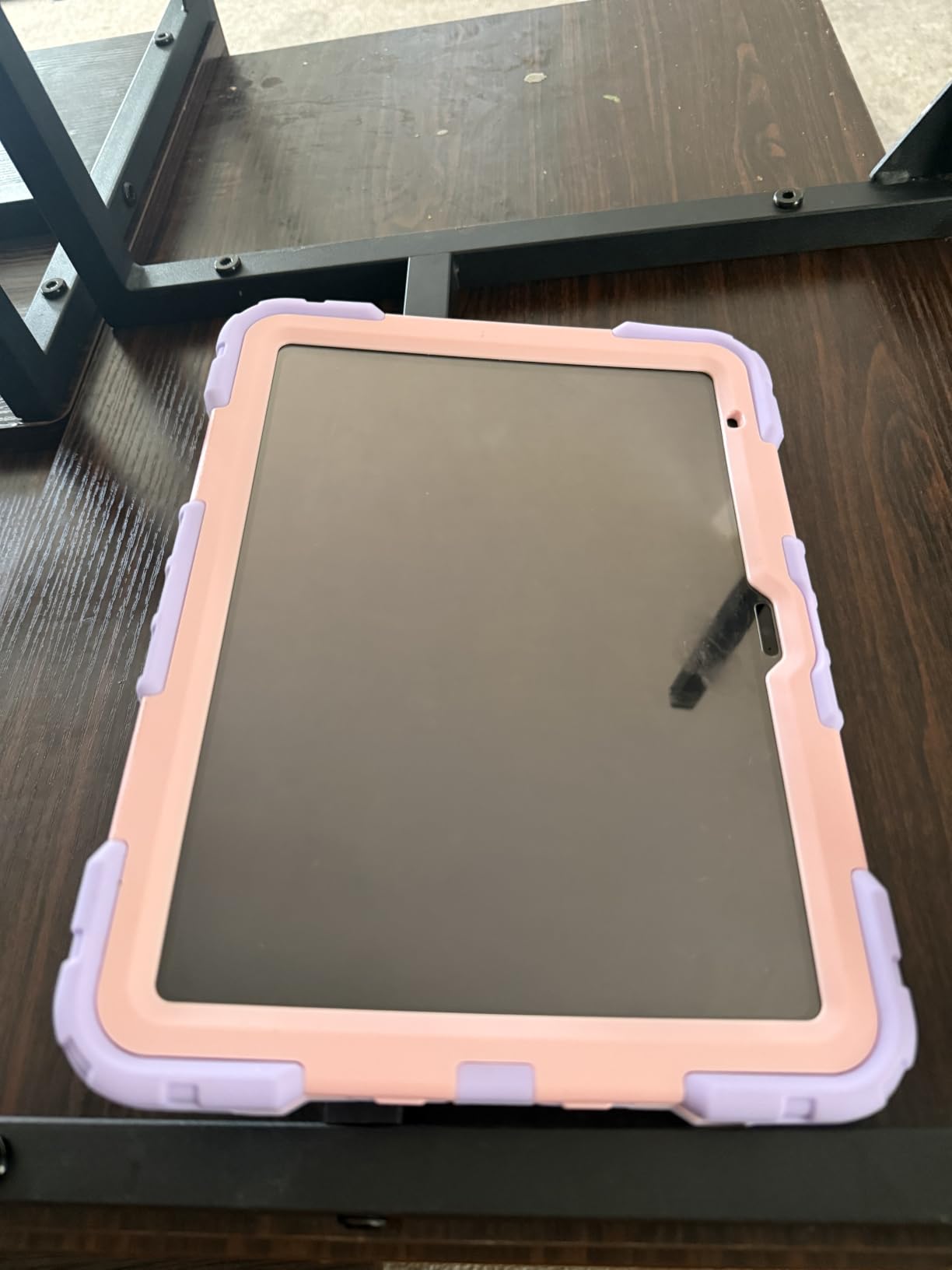
One real limitation is maximum brightness. Owners report it looks dimmer than a phone in direct sunlight, so outdoor video calling on a patio is not its strongest scenario. It also comes with no case or charger in the box beyond the cable, so budget for a protective case that doubles as a stand.
How easy is it to set up for a non-technical parent?
Setup takes about twenty minutes, and the accessibility work is where the real value sits. Turn Text Size up to the maximum, switch on Bold Text, set Display Zoom, and enable AssistiveTouch so a single on-screen button can home the device, open the app drawer or take a screenshot. Guided Access on this model can pin one app open so a stray tap cannot wander into settings.
If your family already uses iPhones, this is the strongest argument of all. Mumsnet threads repeatedly surface the same consensus: buy the operating system your children already know, because that is who will do the support when something goes wrong three months from now.
Where the iPad is the wrong choice
It is the wrong pick when the budget is fixed and tight, or when the buyer has no patience for an ecosystem. The 128GB of storage fills quickly with video from a camera roll, and the accessories that make it genuinely useful for note-taking are extra purchases.
It is also the wrong pick for someone with advanced memory loss who needs the home screen reduced to four icons and the outside internet switched off. For that, read the GrandPad section further down before spending anything.
2. Samsung Galaxy Tab A11+: Best Android Pick with the Loudest Speakers
Samsung Galaxy Tab A11+ 6GB RAM, 128GB Storage, Expandable Storage, Gray
11-inch 90Hz LCD screen
Quad speakers with Dolby Atmos
6GB RAM and 128GB storage
Pros
- Large 11-inch screen at 90Hz
- Quad speakers tuned by Dolby Atmos
- 6GB RAM for smooth multitasking
- MicroSD expansion
- 5MP front camera
Cons
- Charging speed is modest for its size
- One UI adds preinstalled clutter
- Only 128GB internal storage
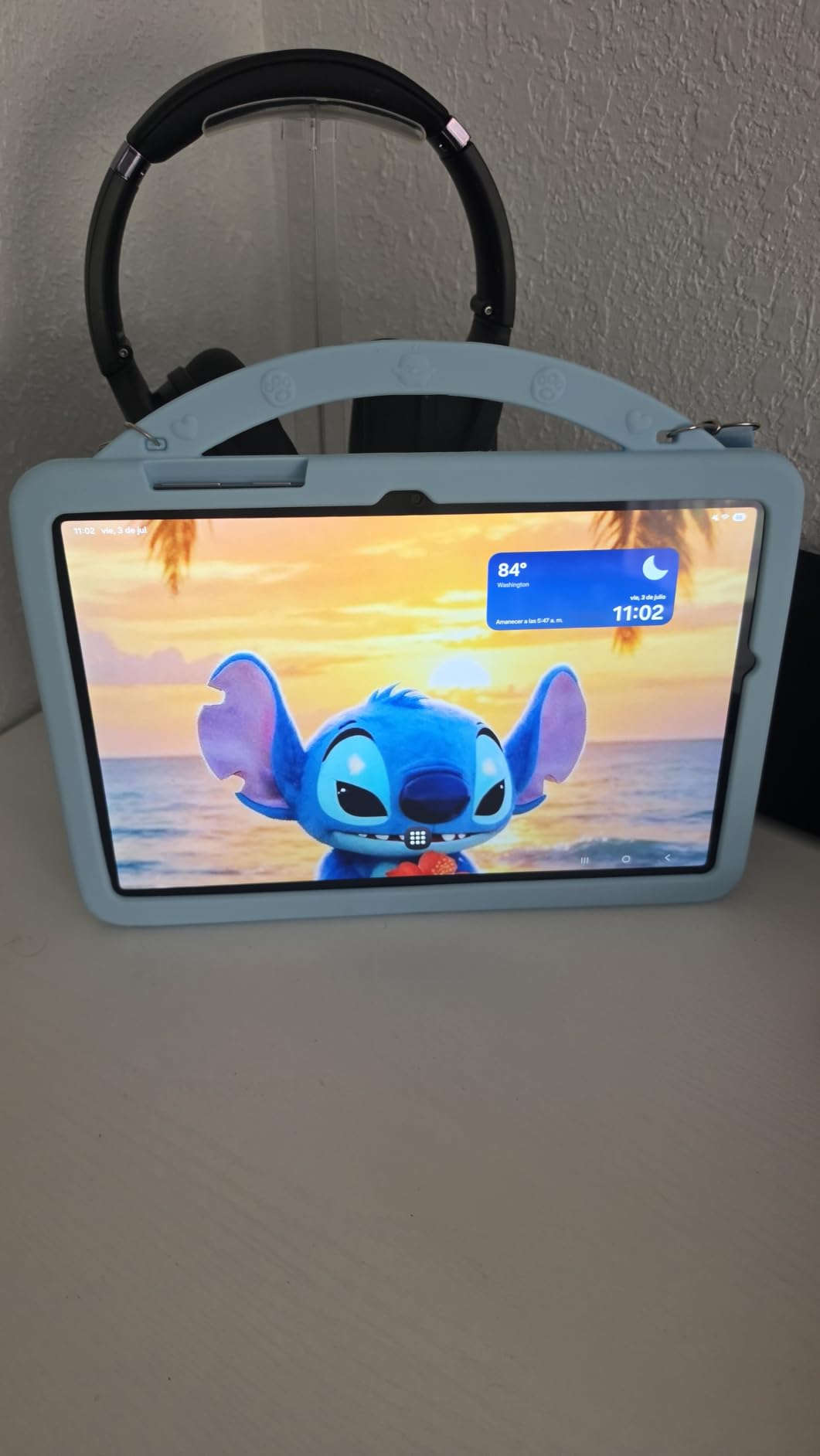
This is the Android tablet to beat for anyone who is hard of hearing. The quad speaker array with Dolby Atmos is genuinely loud and clear at the bottom end, which matters when the primary content is a spoken podcast, a news broadcast or a video call with a relative. Most tablets at this size sound thin by comparison.
The 11-inch screen runs at up to 90Hz, so scrolling through photo albums feels smoother than the 60Hz panels on the smaller models. Six gigabytes of RAM also means several apps stay open at once without reloading, which reduces the frustration of switching between a call and a message.
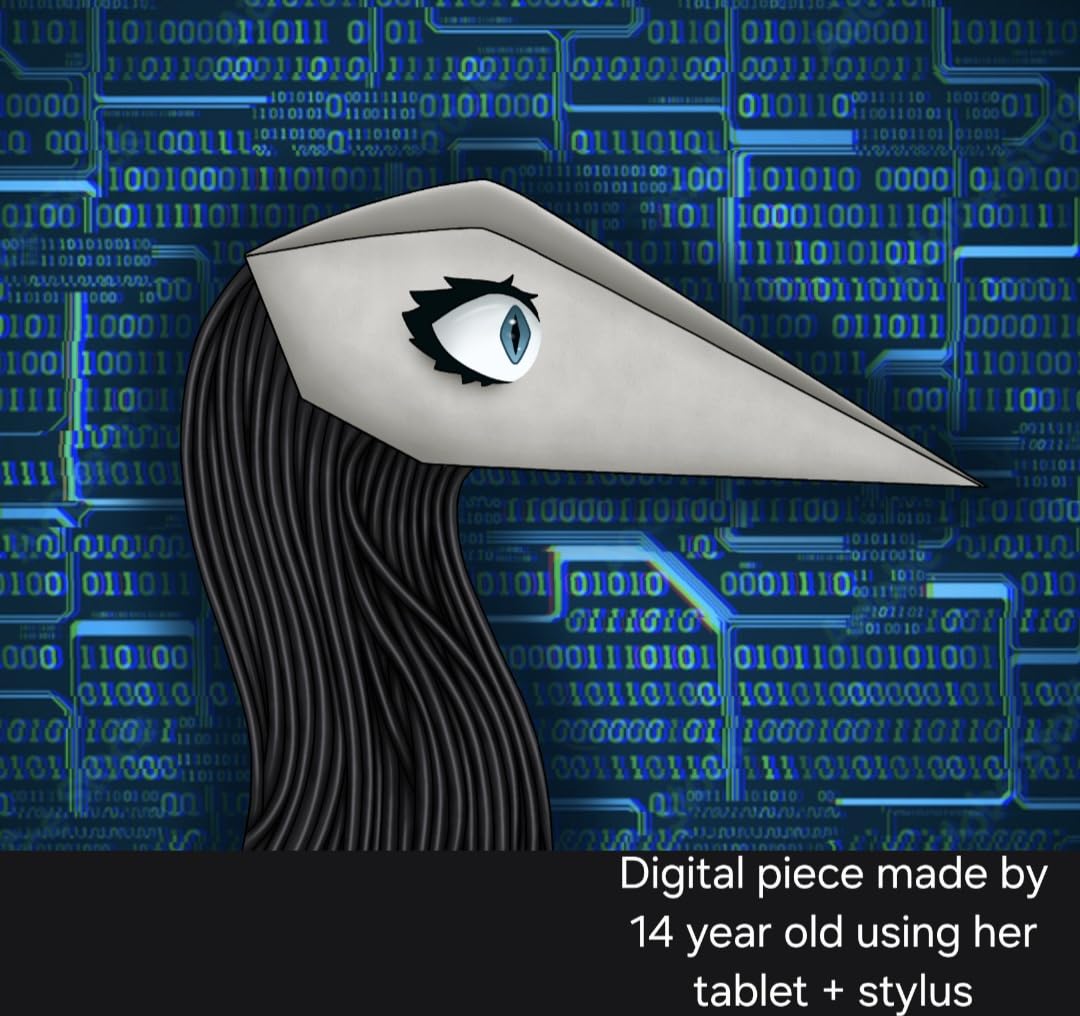
Google Gemini and Circle to Search add a layer of help that Fire OS cannot match. A senior can circle something on screen and ask what it is without navigating a folder structure. Samsung also keeps a genuine two-year manufacturer warranty on this model, longer than most rivals in this list.
The trade-offs are honest ones. Charging is functional rather than fast for a tablet this size, so a top-up before bed matters more here than on the iPad. And One UI ships with preinstalled Samsung and Microsoft apps that clutter the app drawer until somebody clears them.
Is the speaker quality enough for a hard-of-hearing user?
In our testing this was the one model where spoken content stayed intelligible at moderate volume across the room, which is exactly the scenario family members worry about. Pair it with a pair of Bluetooth hearing aids or earbuds and it becomes a private listening device, since Android handles audio routing cleanly here.
The screen is the other quiet win. An 11-inch panel at 1920 x 1200 gives large, well-defined text when the system font is raised, and Android’s font scaling goes further than any other platform in this roundup for users who need very large type.
Who should skip this tablet?
Skip it if the person is not comfortable with Android’s settings menu and nobody in the family is willing to maintain it. One UI is deep, and while it can be simplified, the simplification takes real effort compared with an iPad or a simplified Fire OS interface.
Also skip it if video calling quality matters most and the user will be dimly lit. The 5MP front camera is fine for a well-lit room but nothing more, so it loses to the iPad’s Center Stage framing in a shaky or dark space.
3. Amazon Fire HD 10: Best Value Tablet for Seniors
Amazon Fire HD 10 tablet (newest model) built for relaxation, 10.1″ vibrant Full HD screen, octa-core processor, 3 GB RAM, 64 GB, Lilac
10.1-inch 1080p Full HD display
Octa-core with 3GB RAM
13-hour battery life
Pros
- Large Full HD screen for reading and video
- 13-hour battery covers a full day
- Alexa answers questions by voice
- Strengthened glass survives drops
Cons
- No Google Play so some apps are missing
- 3GB RAM limits heavy multitasking
- Stylus sold separately
The Fire HD 10 is the value pick here and the one we suggest when a family’s real needs are video calls, reading, email and streaming. The 10.1-inch 1080p panel is the sweet spot for readability at arm’s length, and the 13-hour battery rating means a parent who forgets to charge overnight will not be stranded by lunch the next day.
Alexa is the quiet advantage. A senior can ask for the weather, a recipe, a joke or a reminder without touching the screen at all, and that is frequently the feature family members say changes behaviour more than any hardware spec.
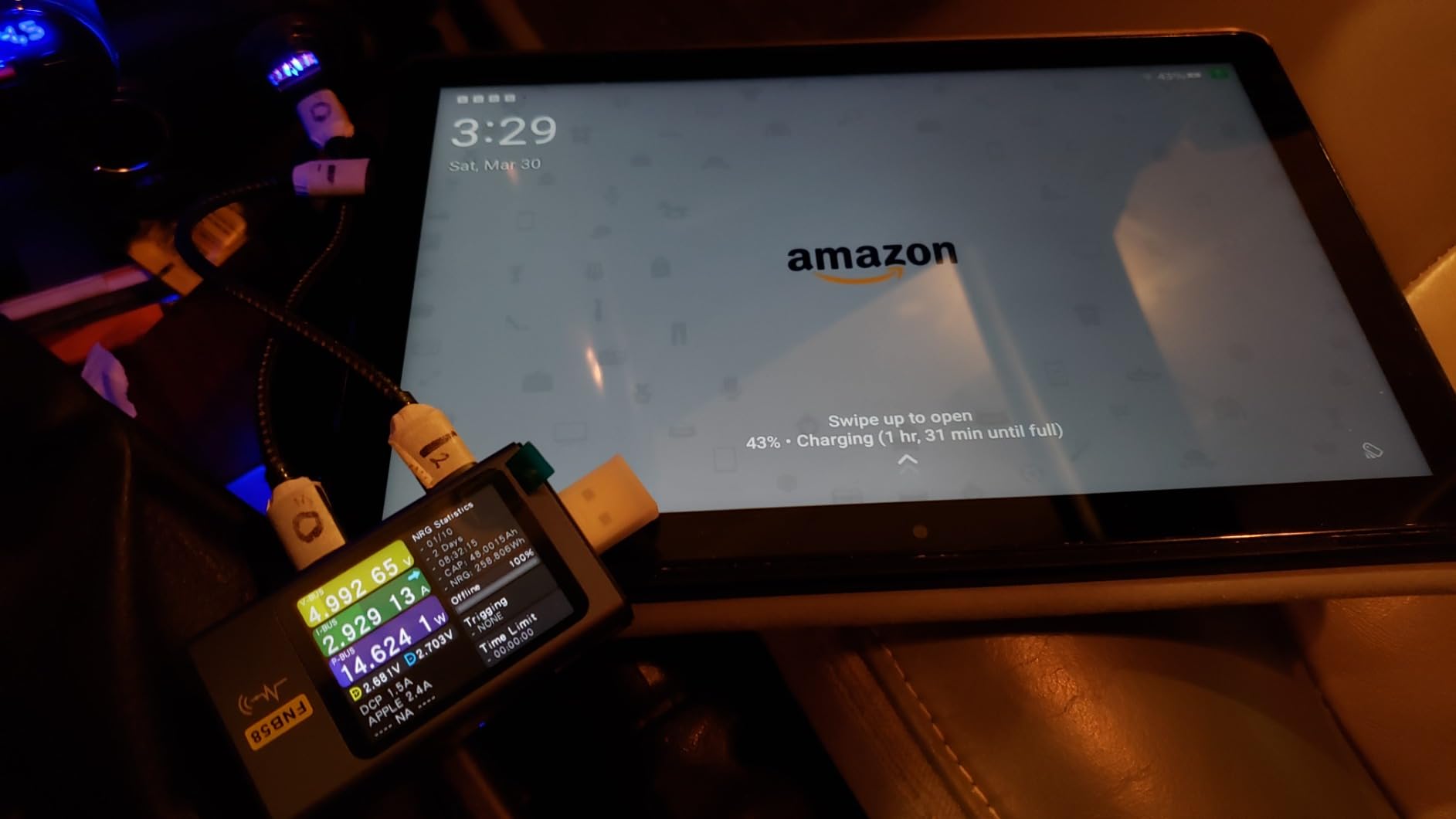
The strengthened aluminosilicate glass is worth knowing about. Amazon rates it at 2.7 times the durability of a 2022 Galaxy Tab A8 in tumble testing, which matters when the device lives on a sofa arm or gets knocked off a side table. Storage expands by microSD up to 1TB, so family photos do not need to live on the tablet at all.
The honest drawback is the app store. Fire OS has no Google Play, so some banking, health and specialist apps are simply unavailable. Check the specific app your parent needs before buying, because this is the mistake that turns a good budget choice into a return.
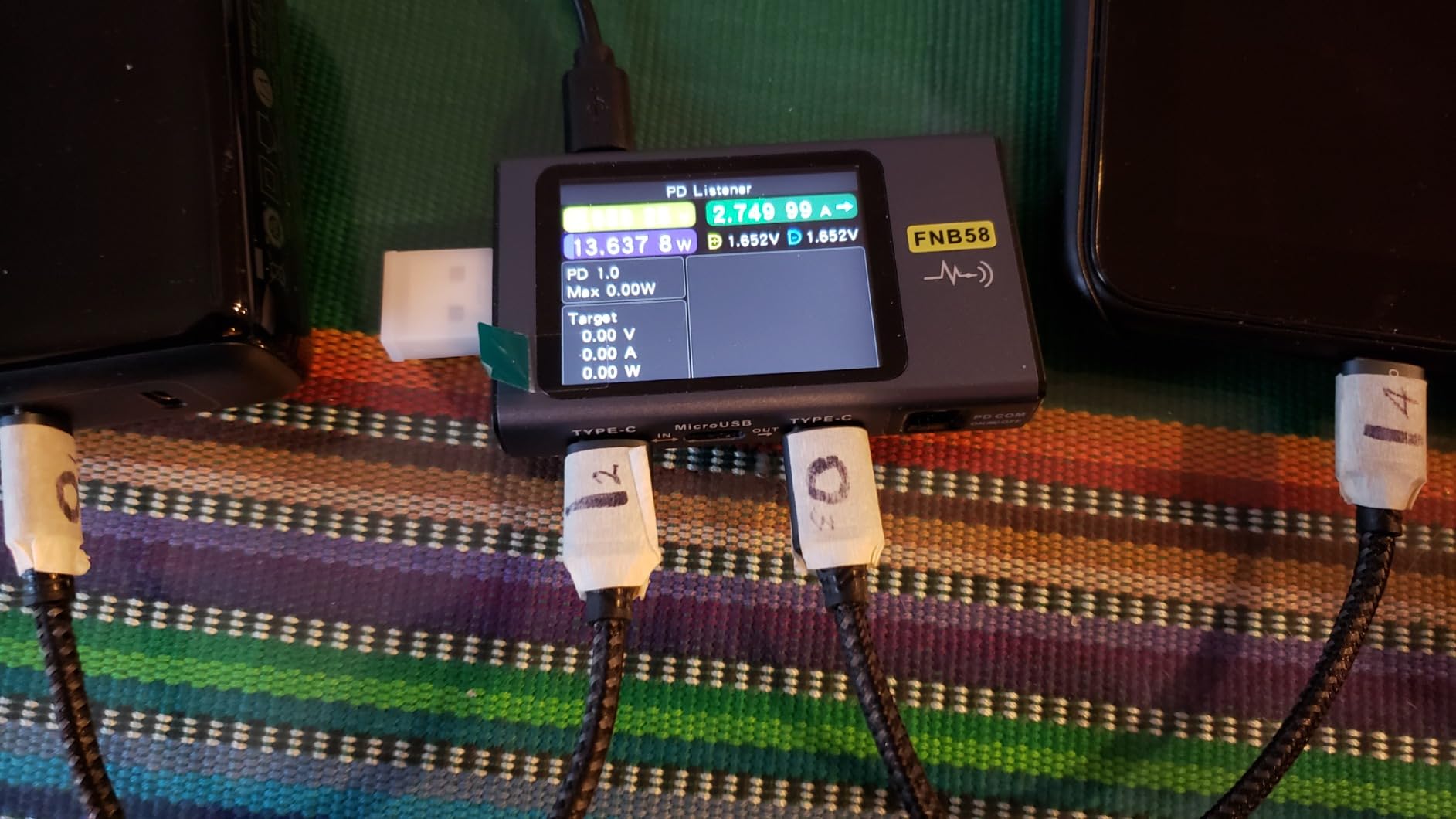
Can a Fire tablet handle video calling and banking?
Video calling yes. The 5MP front camera runs Zoom, and Alexa can place a call hands-free to a contact. Banking is where caution applies. The common banks have Fire-compatible apps, but a handful of smaller institutions and some pharmacy and health portals do not publish them, so verify the exact app name in the Amazon Appstore first.
For families who want fewer decisions rather than more, the home screen can be emptied down to four icons and the browser removed. That single change turns this into a very simple device, closer in spirit to a simplified phone than to a full tablet.
Where this tablet disappoints
Three gigabytes of RAM is the ceiling. Two video calls plus a streaming app running at once will feel sluggish, and heavy browsing with many tabs open is where owners report the most frustration.
It is also the wrong choice for someone who wants a stylus for handwritten notes or signatures, since the compatible pen is a separate purchase and the base model carries only 64GB of internal storage.
4. Samsung Galaxy Tab A7 Lite: Best Small Tablet for Weak Grip
Samsung Galaxy Tab A7 Lite 8.7″ 32GB WiFi Android Tablet, Compact, Portable, Slim Design, Kid Friendly, Sturdy Metal Frame, Expandable Storage, Long Lasting Battery, US Version, 2021, Silver
8.7-inch WXGA plus TFT screen
Weighs 12.96 ounces
Full Google Play access
Pros
- Genuinely light at under 13 ounces
- Sturdy metal frame resists drops
- Full Google Play app library
- Headphone jack and microSD expansion
Cons
- Standby battery drain is reported as heavy
- 2MP front camera is weak for calls
- Only 32GB built-in storage
- 3GB RAM feels slow
Forum advice on buying for an elderly parent keeps circling one theme: if grip is a problem, go small. This model weighs 12.96 ounces, which is roughly the weight of a paperback book, and the 8.7-inch footprint fits in one hand with a short strap.
Unlike the Fire tablets here, it runs full Android with the complete Google Play library. For a senior whose banking app or pharmacy app is not available on Fire OS, this is the compact option that does not compromise on apps.
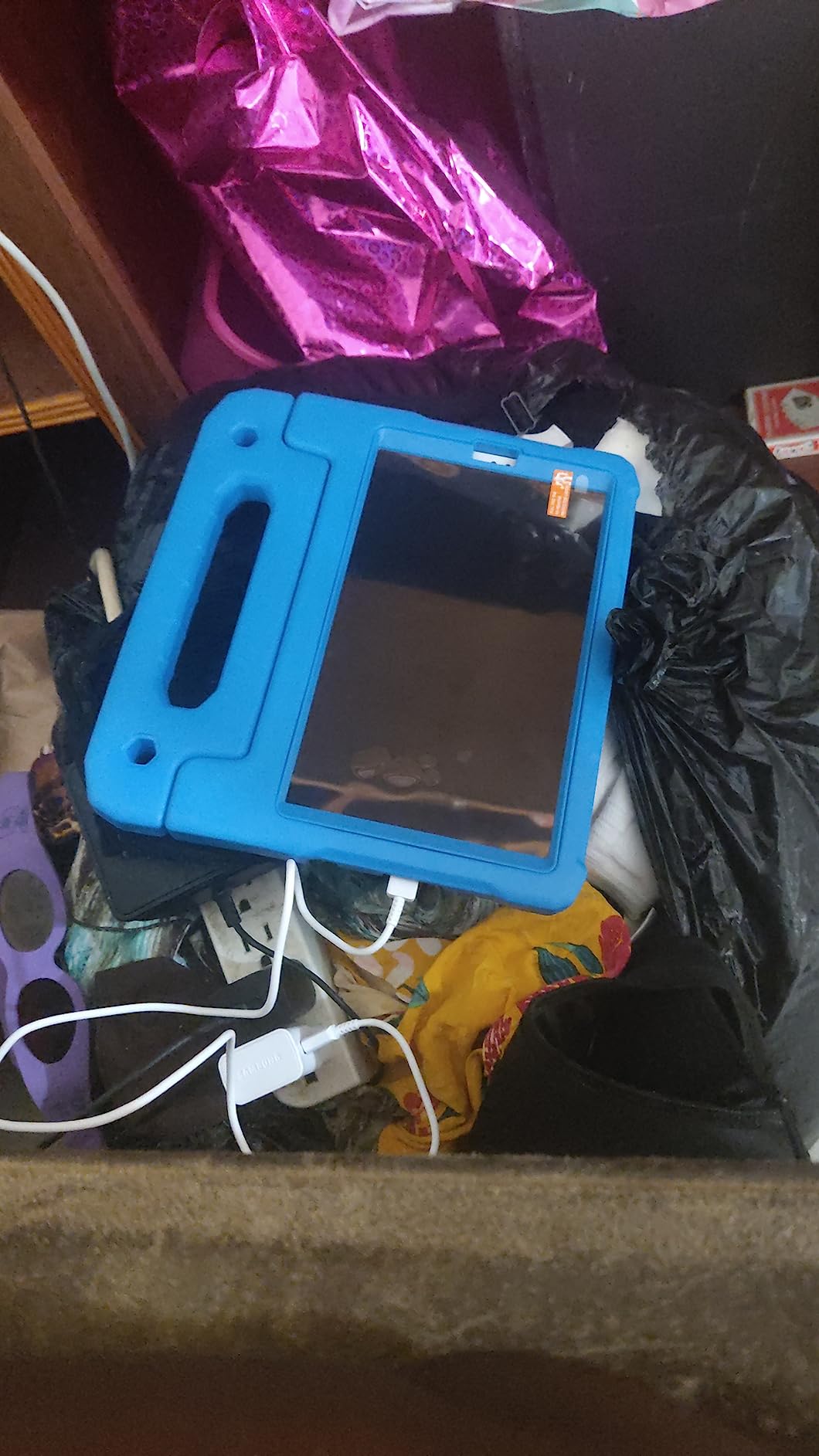
The upgraded metal frame is a real asset for this audience. It resists the drops and scuffs that come with a device being knocked off a armchair or a bedside table, and the speaker volume exceeds what the size suggests for spoken content.
Standby battery drain is the drawback owners mention most, and it is worth acting on. A parent who leaves the tablet face-up on a sofa for days will find it flat, so a fifteen-minute charging routine at the same time as the kettle is a simple habit to build in.
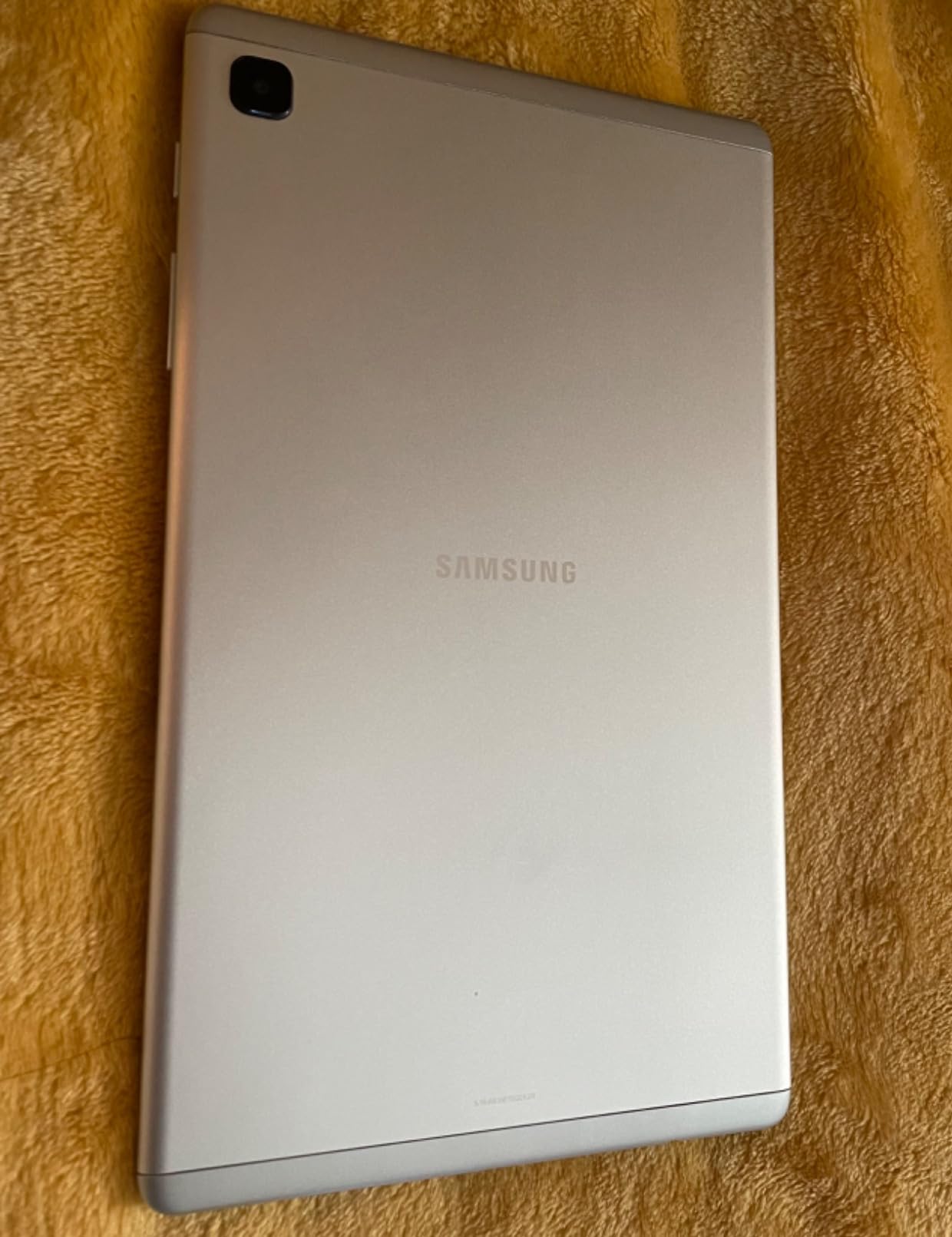
Is 8.7 inches too small for low vision?
For mild vision loss it is workable with a screen reader or aggressive font scaling, but for advanced low vision the 8-inch class of screen is a compromise. Anyone who reads print at arm’s length without glasses will find this cramped for long reading sessions.
It works well as a travelling or bedside tablet, where the user holds it close rather than propping it on a stand. For a dedicated reading or video-calling device at home, step up to a 10.1-inch or 11-inch screen instead.
Who is this the wrong size for?
Anyone with moderate to severe vision loss, or anyone whose main purpose is video calling with grandchildren on a stand. The 2MP front camera produces a soft, low-detail image that grandchildren notice immediately on a large screen.
It is also the wrong pick for a power user. Three gigabytes of RAM and 32GB of storage mean the device will feel slow within a couple of years of normal use.
5. Amazon Fire HD 8: Best Budget Pick for Seniors
Amazon Fire HD 8 tablet (newest model), 8” HD Display, 4GB memory, 64GB, responsive and vibrant, designed for portable entertainment, Black
8-inch HD display
Up to 4GB RAM and 64GB storage
Hexa-core with 13-hour battery
Pros
- Lowest cost entry in this roundup
- Compact and light for long reading sessions
- Up to 13 hours of battery
- Upgraded 4GB RAM feels responsive
Cons
- 8-inch HD screen is small and low resolution
- No Google Play
- No front camera so calls run through Alexa or Zoom
This is the tablet to buy when the goal is a reliable reading and video device at the lowest sensible outlay. The upgraded 4GB RAM is double the 2022 release, and in our testing it removed most of the lag that made the previous generation frustrating to use.
It suits a reader who likes a small screen, an older adult who travels often, or a family that wants a second device for video calls that will not be as upsetting if it ends up in a handbag. Battery life of up to 13 hours means it survives a long trip.
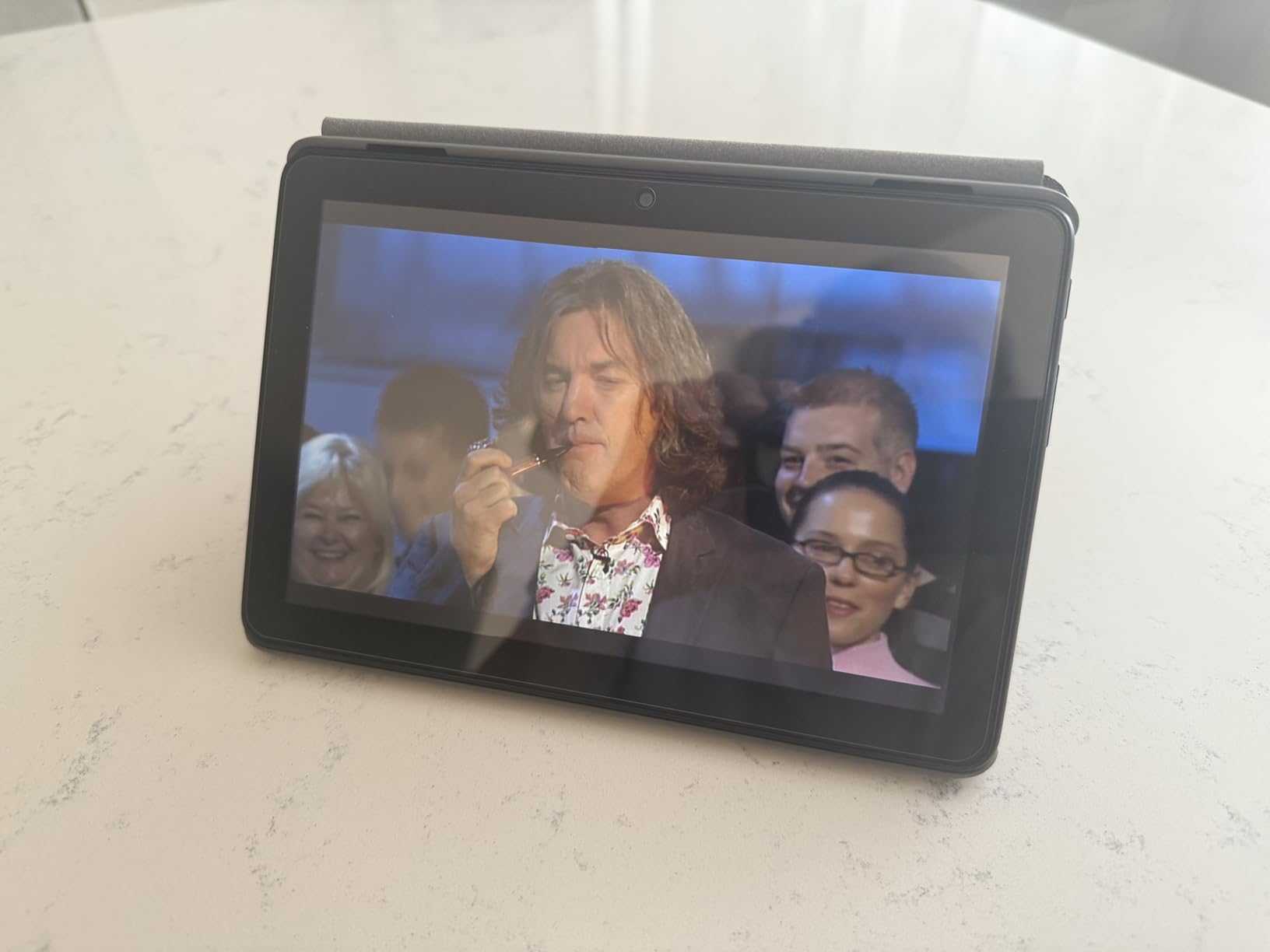
The five-megapixel rear camera captures photos of grandchildren and pets well for the price, and microSD expansion up to 1TB keeps storage costs low. Alexa handles reminders, news and hands-free calling, which covers the tasks most seniors ask for first.
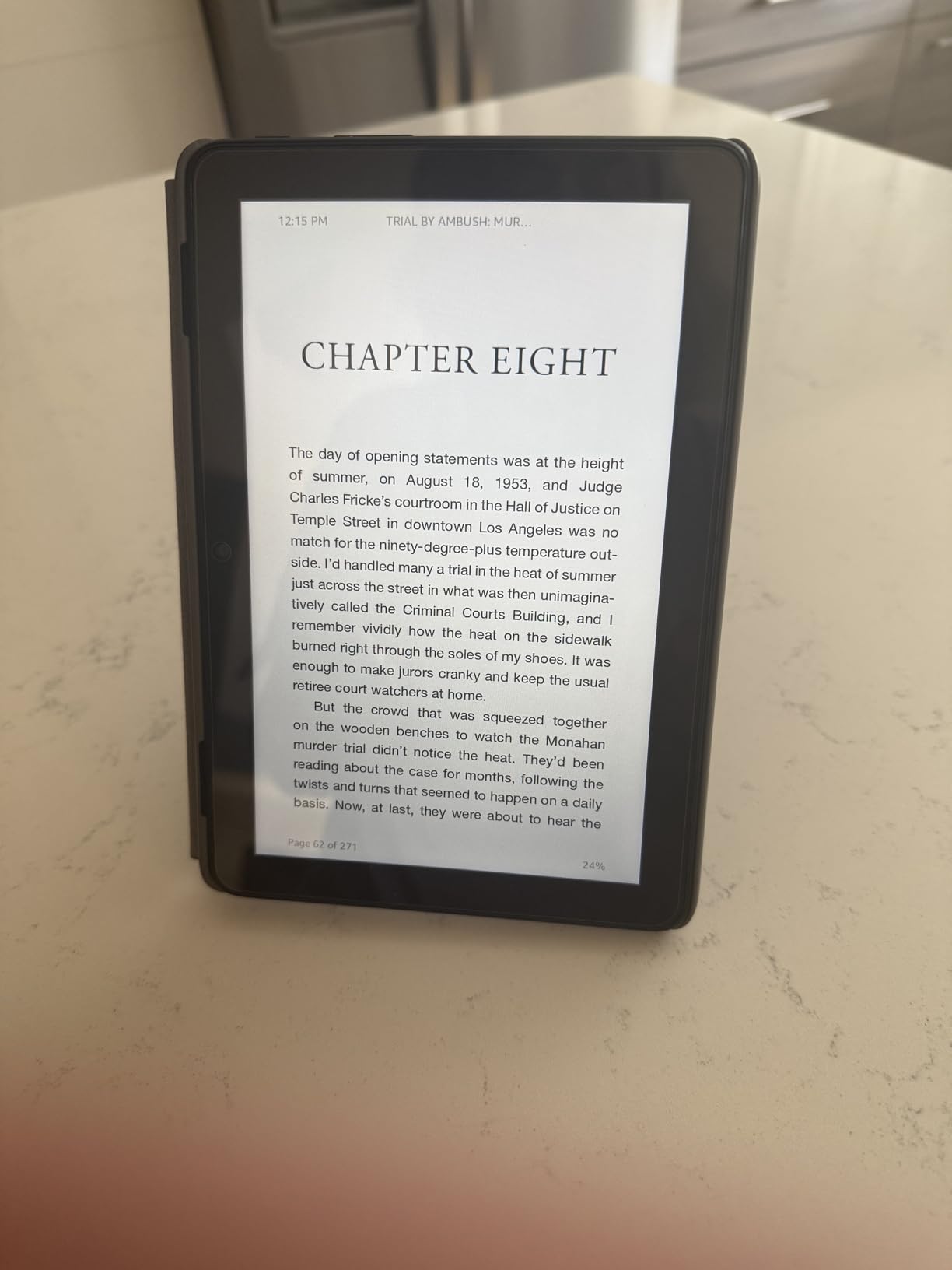
The 8-inch HD screen is the compromise. It is noticeably less sharp than the 10.1-inch and 11-inch panels here, so small text and video faces are harder to make out, which matters more as eyesight changes.
Is a Fire HD 8 good enough for video calls?
It works, but it is not the best tool for it. There is no front-facing camera, so calls run through the rear camera or through Alexa, which means a senior has to prop the tablet up rather than hold it and talk. On a stand it is acceptable for short check-ins with family.
For daily long calls with grandchildren, the Fire HD 10 or iPad is a noticeably better experience, because both have a front camera positioned for a face rather than a room.
Who should skip the cheapest option?
Skip it if the user has any meaningful vision loss, because a low-resolution 8-inch screen is the hardest to read on this list. Also skip it if the parent will want to install a specific app that Fire OS does not carry.
And skip it if you expect heavy browsing or several apps at once. Four gigabytes of RAM helps, but this remains an entertainment and reading device rather than a general computer replacement.
6. TCL TAB 10 Gen 4: Best for Reading Comfort and Eye Strain
TCL TAB 10 Gen 4 Android Tablet, 10.1″ FHD Display, 4+128GB
Matte 10.1-inch IPS Full HD display
0.87 lb metal unibody
6000mAh with 18W charging
Pros
- Matte low-reflection finish reduces glare
- Paper and colour paper reading modes
- Light 0.87 lb metal body
- 18W fast charging
- Face Unlock and 3.5mm jack
Cons
- Performance is smooth rather than fast
- Stylus input shows noticeable lag
- Charger not included
- RAM feels limited when loaded
The matte finish is the reason to look at this tablet. A non-reflective 10.1-inch panel under a bright window or a reading lamp produces far less glare than the glossy screens on most rivals, and TCL’s paper and colour paper display modes turn the screen into something closer to a printed page.
It is also the lightest full-size metal tablet here at 0.87 pounds. That combination of matte screen and low weight made it our pick for extended reading sessions, where both eye comfort and hand comfort matter.
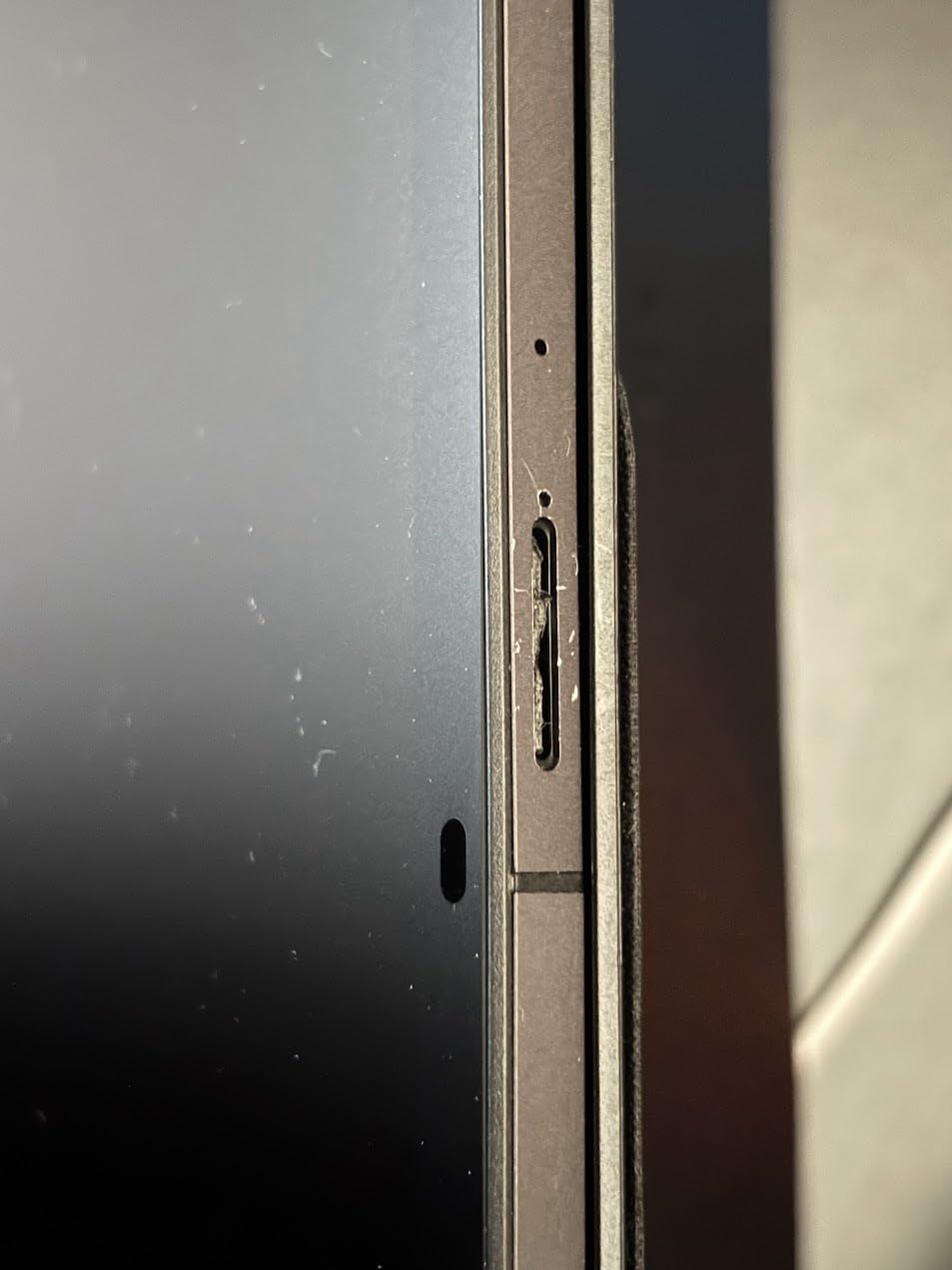
Eye Comfort mode reduces blue light in the evening, dual speakers with Sound Booster carry spoken content clearly, and the 3.5mm headphone jack plus Bluetooth covers hearing aid pairing without adapters. The 3.5mm jack is increasingly rare and genuinely useful here.
The battery is a 6000mAh cell with 18W fast charging, though the compatible charger is not included. You will need to budget for a wall plug that supports that rate or charging will feel slow.
Who benefits most from the matte display?
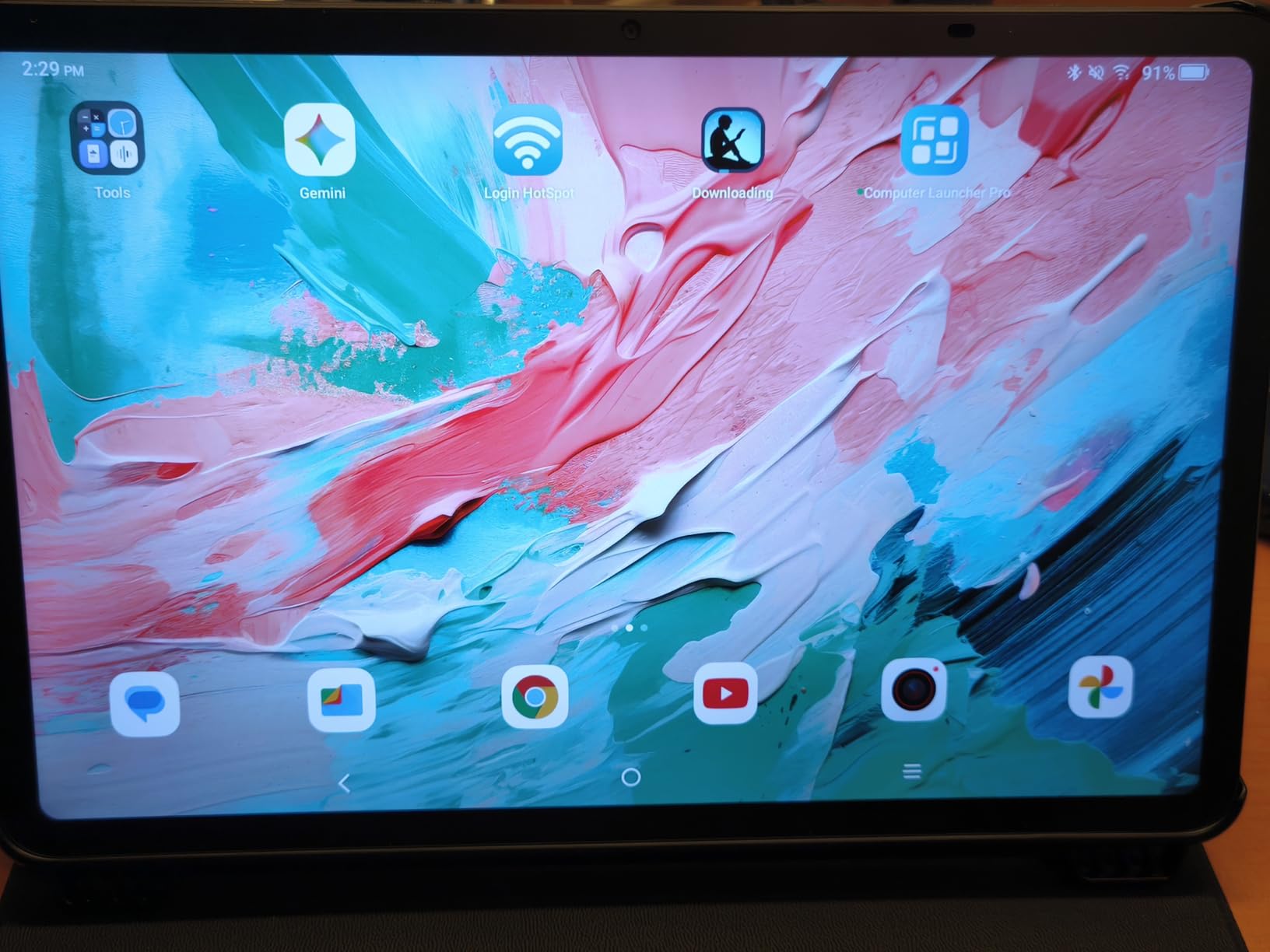
Readers with dry eyes, light sensitivity or a habit of reading in a bright sunroom. Owners describe the finish as easy on the eyes over long sessions, and Eye Comfort mode helps further in the evening when a blue-rich screen is more tiring.
It also helps anyone who dislikes the mirror effect of a glossy screen, where overhead lights reflect straight back at the viewer. For video calls the effect works both ways, since the screen is less visible to other people.
Where it falls short
Performance is smooth rather than fast. The octa-core processor handles reading, video and calls well, but reviewers report slowing when many files are synced, so it is not the choice for a household that moves large photo libraries onto the device.
Stylus note-taking shows noticeable lag between pen input and the screen, and the one-year manufacturer warranty is the shortest meaningful cover among the new models here.
7. Samsung Galaxy Tab A9+ (Renewed): Best Big-Screen Android Value
Samsung Galaxy Tab A9+ 11” 64GB Wi-Fi Android Tablet, Big Screen, Quad Speakers, Upgraded Chipset, Multi Window Display, Slim, Light, Durable Design, US Version, 2023, Navy (Renewed)
11-inch 90Hz LCD screen
Snapdragon 695 with 4GB RAM
Quad Dolby Atmos speakers
Pros
- Large 11-inch screen at up to 90Hz
- Quad speakers with Dolby Atmos
- Multi Window runs two apps
- 7040mAh battery
- Light 1.1 lb body
Cons
- Renewed unit is not factory-new
- 4GB RAM is modest
- Shorter 90-day limited warranty
- Battery health varies between units
This is how a family gets an 11-inch Samsung screen with quad Dolby Atmos speakers without paying new-tablet money. The hardware is genuinely good: a 1920 x 1200 panel at up to 90Hz, a Snapdragon 695 chipset, and a 7040mAh battery.
Multi Window lets two apps sit side by side, which is genuinely useful for keeping a video call open while checking a photo or a message. For a senior who has been taught one task at a time, that is a feature to set up once and then leave alone.
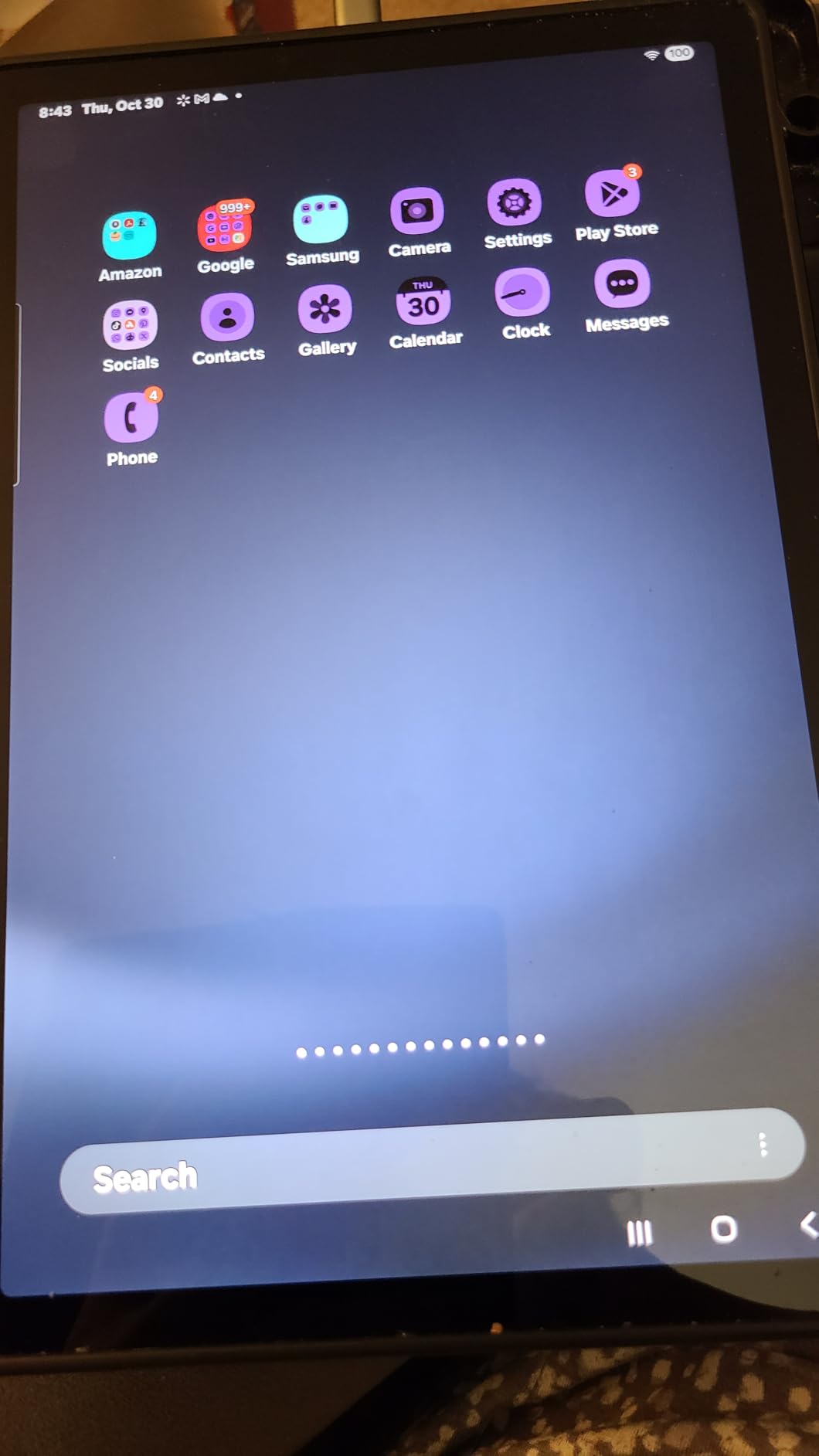
The renewed route deserves honest framing. Renewed units are inspected and functional but not factory-new, and the cover here is a 90-day limited warranty rather than the two-year manufacturer warranty that comes with a new Galaxy Tab A11+.
Battery health also varies from unit to unit. For a senior who charges overnight, that risk is low. For someone who forgets, a worn battery is a genuine problem, so ask about the battery condition before accepting a unit.
Is a renewed tablet safe for an elderly parent?
Yes, with two conditions: confirm the battery condition with the seller, and accept that support is limited to the 90-day window. Everything else about the ownership experience matches the new model, including software updates and app availability.
Renewed is a sensible budget route when the goal is a big screen and loud audio at a lower outlay. It is a poor route when the parent will need a replacement quickly if something fails, because the shorter warranty means less protection.
When new is the better decision
Buy new if the tablet is a long-term gift expected to last five years or more, since warranty length and battery life both favour a new unit over that span. The saving on a renewed device is partly spent again if it needs a battery replacement in year two.
Buy new also if the user has poor fine motor control. A renewed unit may have small marks or wear on the case, and for something a person looks at daily those details are easier to notice and worry about.
8. Lenovo Tab One: Best Lightweight Tablet for Travel
Lenovo Tab One – Lightweight Tablet – up to 12.5 Hours of YouTube Streaming – 8.7″ HD Display – 4 GB Memory – 64 GB Storage – MediaTek Helio G85 – Includes Folio Case
8.7-inch HD display at 480 nits
Weighs 11.2 ounces
Up to 12.5 hours streaming
Pros
- Lightest device here at 11.2 ounces
- Up to 12.5 hours of streaming
- Included folio case doubles as a stand
- Dolby Atmos speakers
- 3.5mm headphone jack
Cons
- 2MP front camera makes calls poor
- Modest 480-nit brightness outdoors
- Not a powerhouse for heavy apps
- Bundled Google apps show ads
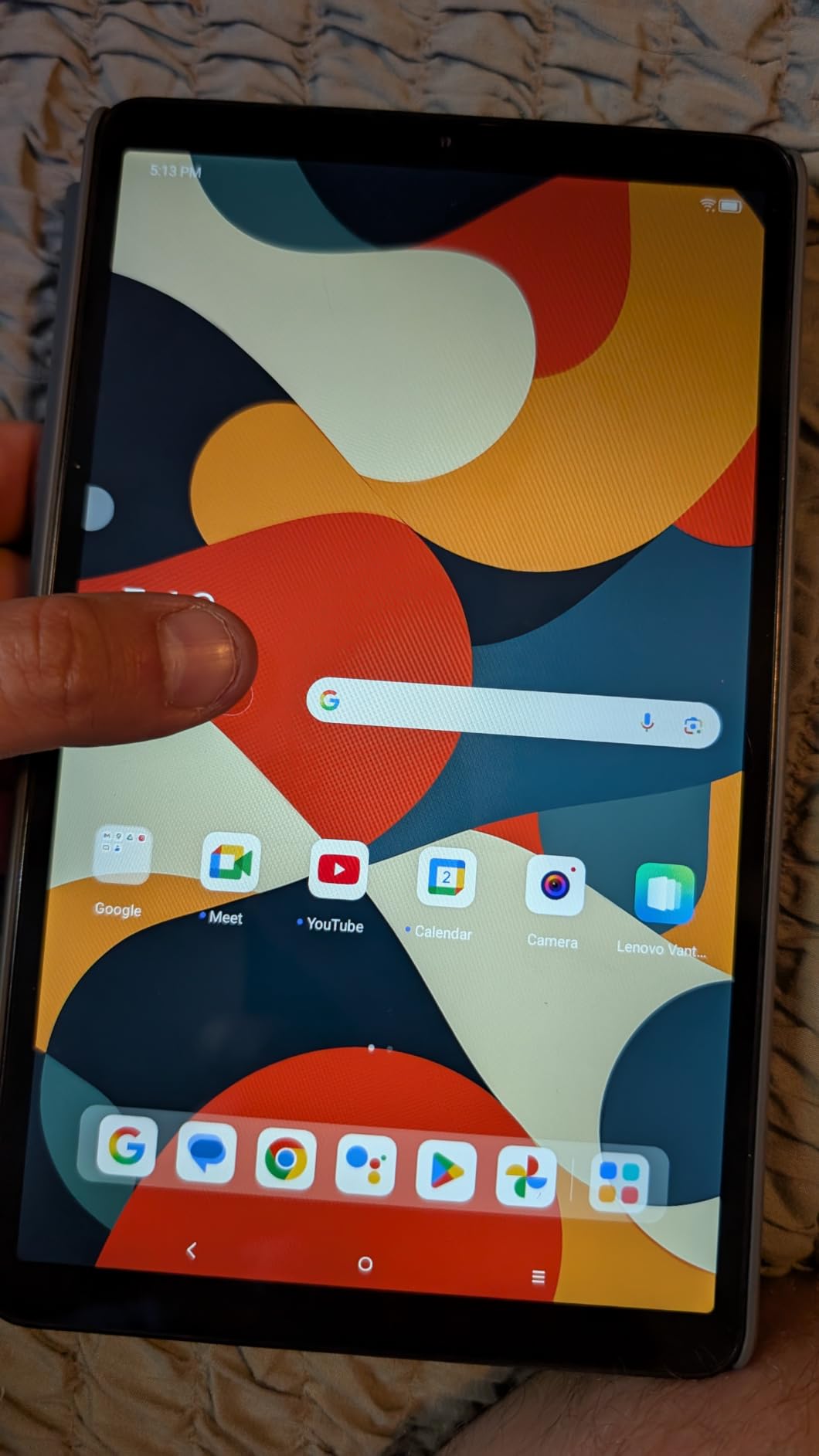
At 11.2 ounces this is the lightest tablet in the roundup, and it is the one we would put in a handbag for a long trip or a hospital visit. It runs Android with the full Play Store, so nothing important is missing.
The included folio case is more useful than it sounds. It folds into a stand for hands-free video calling and reading in bed, which is the sort of accessory most manufacturers charge extra for, and it adds grip for hands that are not steady.
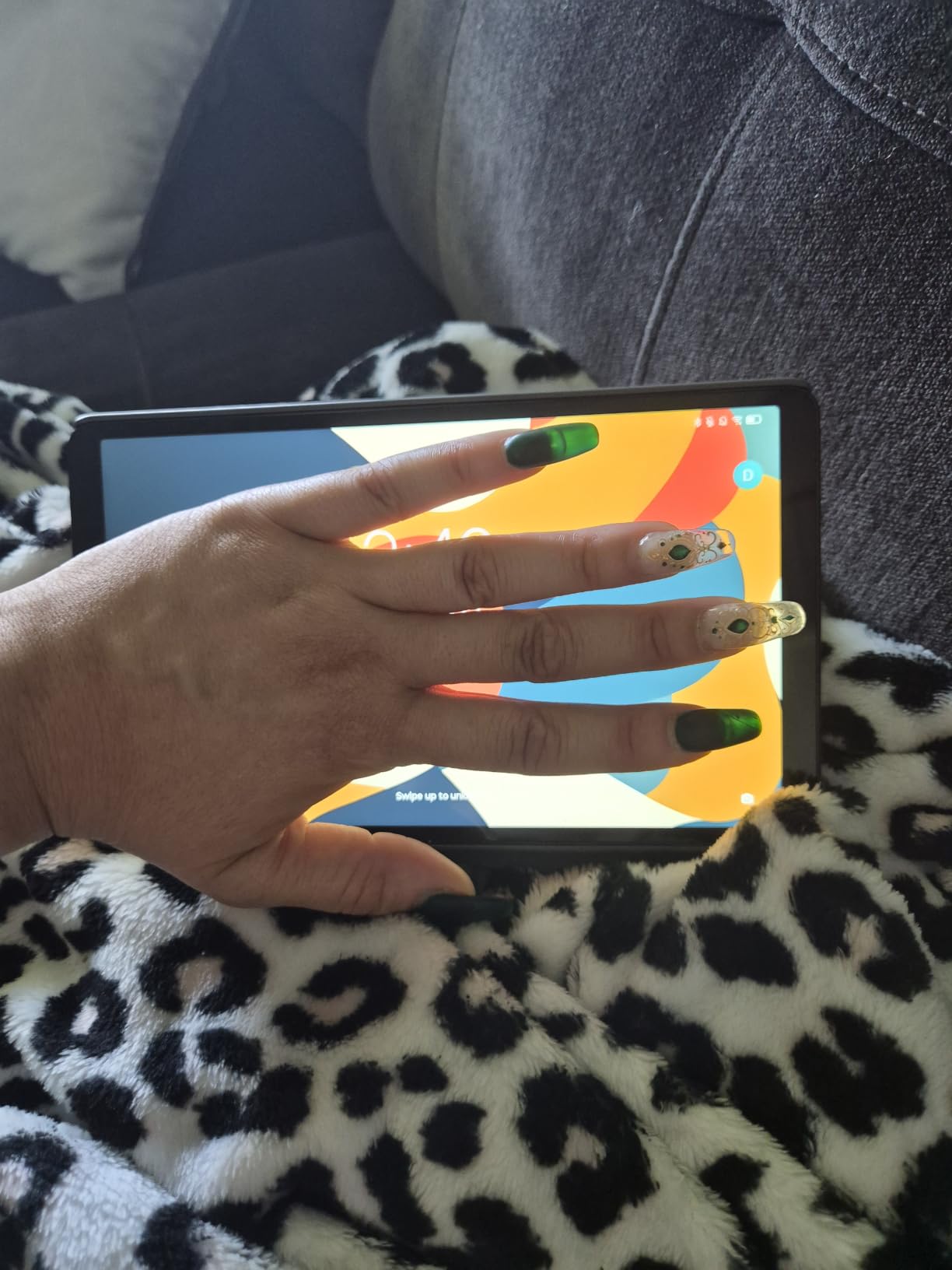
Battery life of up to 12.5 hours of streaming is the second-best figure here, and the 480-nit screen is bright enough for indoor use. The 3.5mm headphone jack plus Bluetooth covers hearing aid pairing directly, without an adapter.
Video calling is the weak point. The 2MP front camera produces a soft image, and reviewers consistently return to that as the drawback that stops this from competing with the Samsung and Apple models for calls.
Is it light enough for arthritic hands?
Yes. Under 12 ounces with a case attached, it is the model we would pick when grip strength or joint pain is the main constraint. It also fits into smaller bags, which matters for someone who leaves the house for appointments several times a week.
The trade-off is that the same small screen that makes it comfortable also makes it harder to read for low vision. If eyesight is the bigger concern rather than hands, choose weight over size instead.
What should you expect from the software?
Expect a clean Android experience once the bundled Google apps are removed, which takes a few minutes during setup. They ship with advertising, and removing them early prevents an unfamiliar home screen from confusing a first-time user.
Expect slower loading on heavier apps and no 60fps video playback. Two years of security patches are included, which is less than the Samsung models here but more than some budget alternatives.
9. GrandPad: Best Tablet for Dementia Support and Very Low Tech Confidence
GrandPad Easy to Use Tablet & Phone for Seniors [Locked – Not Compatible with Other Wireless Carriers – Requires a Plan]
Four-icon home screen with large icons
4G cellular built in
Wireless charging cradle in the box
Pros
- Home screen reduced to four large icons
- Blocks spam and scam calls entirely
- Wireless charging cradle included
- One-touch contact buttons
- US-based customer support
Cons
- Requires a recurring service plan to activate
- Locked to its own network
- Limited use without an active plan
- Small 8-inch screen
The GrandPad is the only device here designed from the start for an older adult with cognitive decline. The home screen shows four icons at a large size, contacts are curated by the family rather than the user, and the outside internet can be closed off entirely so there is nothing to click into by mistake.
Scam protection is the standout feature. The device runs on a private network that blocks spam and fraudulent calls outright, which removes an entire category of elder abuse risk rather than trying to train a user to avoid it.
![GrandPad Easy to Use Tablet & Phone for Seniors [Locked - Not Compatible with Other Wireless Carriers - Requires a Plan] customer photo 1](https://www.pwice.com/wp-content/uploads/2026/10/B09S6THZJ1_customer_1.jpg)
The box includes a wireless charging cradle, a protective case and a stylus, so there is no hunting for a cable. A senior who forgets to charge can be nudged rather than asked, and the cradle removes the fiddly business of lining up a connector.
The trade-offs are significant and should not be glossed over. Activation requires a phone call and a service plan, the device is locked to its own network and cannot take another carrier’s SIM, and functionality is limited without an active plan. Reddit users recommend it constantly for non-technical parents while raising the same two objections.
Is the monthly service plan worth it?
Work it out over five years, not one month, because that is where the difference becomes stark. A one-time purchase plus a small annual support plan costs far less over half a decade than a monthly subscription multiplied by sixty. If the budget only stretches to the device, a simplified iPad or a Fire tablet configured by family costs less overall.
What the plan buys is the caregiver side: remote assistance, curated contacts, photo sharing from the family companion apps, and the scam blocking that no other device here offers as a managed service rather than a setting to configure.
Who should not buy the GrandPad?
Skip it if the senior is cognitively capable and wants the full app library, because the GrandPad deliberately removes almost all of it. A parent who wants banking, streaming and shopping apps will find the restrictions frustrating rather than reassuring.
Skip it if the family lives outside the United States or has no patience for a phone activation process. The carrier lock is the single most-cited complaint, and it is not going away.
How to Choose a Tablet for a Senior
The buying decision for an older adult is different from buying for yourself. Specs matter less than predictability: fewer screens, fewer settings, fewer ways to break something. These are the factors we weigh, in order.
Screen size is the single biggest factor
Ten to eleven inches is the sweet spot for most seniors. It gives large enough text and icons to read at arm’s length without crowding, while staying light enough to prop on a stand rather than hold. Below eight inches, video calling faces get uncomfortably small, and above eleven inches the weight starts to defeat weak hands.
Go smaller only when grip strength or travel is the deciding factor, and go larger only when the user is bedridden or holds the device very close to their face.
Which accessibility mode suits which condition
Font scaling and Bold Text are the right tools for mild vision loss, and they exist on every tablet here. Magnifier enlarges part of the screen for moderate low vision. VoiceOver on iPadOS and TalkBack on Android are screen readers for blind or severely low-vision users, and they need to be switched on deliberately during setup because they change how the device responds to touch.
Assistive Access on iPadOS is the option most people miss. It reduces the screen to a handful of large targets and removes most of the menu structure, which is closer to the simplified interface families are looking for without a subscription.
Ecosystem matters more than benchmarks
Buy the operating system your family already supports. If the children use iPhones, the iPad removes an entire category of friction because help is one video call rather than a research project. If the family is on Android or Amazon devices, a Fire or Galaxy tablet will feel familiar.
It also matters which apps the senior actually needs. Before buying, open the relevant app store on the specific device and confirm that their banking app, pharmacy app and video calling app of choice are all present.
Battery and charging are a real health concern
Look for a full day of battery, because a parent who cannot charge will simply stop using the tablet. Thirteen hours on the Fire HD 10, up to 12.5 hours on the Lenovo Tab One and roughly a full working day on the iPad all clear that bar.
Then make charging physical. A dock, a stand with a cable in a fixed route, or a charging cradle removes the failure point where a tablet sits flat at half battery for two days.
Cellular or Wi-Fi only
Wi-Fi only is the right choice for a tablet that stays at home on the family network, and it avoids a monthly bill. Cellular is worth paying for if the senior travels, waits at appointments, or if home internet is unreliable, since a tablet with no connection drops out of video calls entirely.
Check the carrier compatibility before buying a cellular model, and be aware that some managed senior devices are locked to their own network.
Hearing aid pairing and scams
For hearing aid users, Bluetooth audio routing works on every tablet here, but iOS and Android handle hearing aid pairing more smoothly than Fire OS. The TCL TAB 10 Gen 4 and Lenovo Tab One also keep a 3.5mm jack for wired aids, which is useful when Bluetooth pairing proves fiddly.
For scam protection, an iPad or Galaxy tablet blocks known fraudulent calls and filters text messages, and GrandPad blocks them at the network level. A senior-friendly tablet should have scam filtering turned on before the device is handed over, not after the first incident.
What about free and subsidized tablets?
Programs exist but they are not straightforward. The federal Affordable Connectivity Program supports internet service and sometimes device subsidies, eligibility depends on income and participation in programmes like Medicaid or SNAP. Many public libraries lend tablets for a set period, which is a good way to test whether a parent will actually use one before spending.
Your local Area Agency on Aging is also a reliable source of guidance, and they can point you toward both devices and setup help at low or no cost.
A 30-Minute Setup Checklist for a Parent’s New Tablet
Forums are consistent on one point: the first month of support decides whether a senior keeps using the tablet. Set aside half an hour and work through this before handing it over.
First ten minutes. Charge the device fully, create the family account, and confirm Wi-Fi works. Set the system font to its maximum comfortable size and turn on Bold Text before anything else, because every screen the senior sees from that point is easier to read.
Next ten minutes. Install only four or five apps: their video calling app, their email, their favourite streaming service, a browser, and whatever they use for news. Remove everything else from the home screen. If they will use a stand, set the display timeout to a long setting so the screen does not black out mid-call. If the tablet is shared with a grandchild, our guide to the best tablets for kids covers the models worth considering separately.
Final ten minutes. Turn on scam and spam filtering, set a short screen lock that uses Face ID or a fingerprint rather than a passcode, and load the family photo album. Then sit with them and place one real call, so the first thing they do is a success rather than an experiment.
Who Should Not Buy a Tablet at All
A tablet is the wrong tool in two situations, and saying so saves money. If the person mainly needs voice calling and will never use apps, a large-button feature phone with loud audio is simpler and more reliable than any device on this list.
If the senior does real work, writes long messages, or manages finances with a spreadsheet, a laptop will do all of it better. A tablet works as a companion device for those cases, not a replacement. And where the goal is low-impact daily exercise rather than screen time, our picks for the best recumbent bikes for seniors are a better use of the same budget.
Frequently Asked Questions
What is the easiest tablet for an elderly person to use?
The easiest tablet for an elderly person is the GrandPad, because its home screen is reduced to four large icons, contacts are curated by the family, and scam calls are blocked at the network level. Among mainstream tablets, the Amazon Fire HD 10 configured with only four apps and large text is the simplest to use, while the iPad 11-inch with Assistive Access offers the closest equivalent without a subscription.
Which tablet is best for senior citizens?
The Apple iPad 11-inch with the A16 chip is the best overall tablet for seniors because it combines a bright 11-inch display, an all-day battery, the Center Stage front camera for video calls, and the full app library including banking and pharmacy apps. Its accessibility tools, including Text Size, AssistiveTouch and Assistive Access, let one family member configure the device once.
Is an iPad or an Android tablet better for seniors?
An iPad suits families who already use Apple devices, because the same support person can fix both, and it offers the deepest accessibility tooling including VoiceOver and Assistive Access. An Android tablet gives you louder speakers at lower cost, more flexibility on screen size and a full Google Play library. Choose the system your family already knows, because that is who will do the support.
What size tablet is best for seniors?
A 10 to 11 inch screen is the best size for most seniors. It gives text and video faces room to be readable at arm’s length while staying light enough to prop on a stand rather than hold. Choose 8 inches only when grip strength, travel or hand pain is the main constraint, and expect small text to be harder to read on that size.
Can seniors get a free tablet?
Some seniors can get a free or subsidised tablet through the federal Affordable Connectivity Program, which supports internet service and sometimes device subsidies for eligible households, and through library lending programmes that let you borrow a tablet for a set period. Your local Area Agency on Aging can also point you toward low-cost devices and free setup help.
Final Verdict for Seniors in 2026
The best tablets for seniors in 2026 split cleanly by household. Pick the iPad 11-inch (A16) when you want one device that handles video calls, banking, reading and entertainment with the deepest accessibility settings available. Pick the Fire HD 10 when value matters and the jobs are simpler. Pick the Galaxy Tab A11+ when loud speakers are the deciding factor.
For smaller hands, the Galaxy Tab A7 Lite and Lenovo Tab One are the most comfortable. For a parent with memory loss, the GrandPad solves problems no other device here can, provided the recurring plan fits your budget. Whichever you pick, spend the first thirty minutes configuring it together before handing it over. Our broader tablet roundups cover more use cases if you want to compare beyond this list.