
The best laptops for video editing under 1,000 dollars right now is the Acer Nitro V 15, because it pairs a dedicated NVIDIA RTX 4050 with 6GB of GDDR6 memory, a 165Hz full HD IPS panel, and two accessible DDR5 slots so you can add memory after purchase. That combination is the one that decides export speed and timeline playback at this budget.
Everything else on this list is measured against that pick. I compared ten laptops that sit at or under the 1,000 dollar ceiling, checked every spec sheet line by line, and sorted them by the three things that actually change how an edit feels: dedicated GPU power, memory headroom, and how much room you have to grow after you buy.
What I found is that the retail shelf at this price is not evenly distributed. Two of the ten machines have no dedicated graphics at all, and four of the ten ship with 8GB of memory.
The honest truth about this budget is that a 1,000 dollar editing laptop is a compromise machine with one or two strong points. Buyers in creator forums keep saying the same thing, that something is always missing, and the pattern holds up once you look at the specs. So below I name what each pick does well and what it does not, so you can decide whether the gap matters for the work you actually do.
Table of Contents
Top 3 Picks for Best Laptops for Video Editing Under $1000 (October 2026)

Best Laptops for Video Editing Under $1000 (October 2026)
| Product | Specifications | Action |
|---|---|---|
| Acer Nitro V 15 |
|
Check Latest Price |
 HP Victus 15 HP Victus 15 |
|
Check Latest Price |
 NIMO N158 NIMO N158 |
|
Check Latest Price |
 Acer Nitro 5 AN515-45 Acer Nitro 5 AN515-45 |
|
Check Latest Price |
 Acer Nitro 5 AN515-57 Acer Nitro 5 AN515-57 |
|
Check Latest Price |
 Lenovo IdeaPad 2-in-1 Lenovo IdeaPad 2-in-1 |
|
Check Latest Price |
 Lenovo LOQ Essential Lenovo LOQ Essential |
|
Check Latest Price |
 MSI Cyborg 15 MSI Cyborg 15 |
|
Check Latest Price |
 HP Victus 15-FA100 HP Victus 15-FA100 |
|
Check Latest Price |
 MSI Thin 15 Renewed MSI Thin 15 Renewed |
|
Check Latest Price |
What a 1,000 Dollar Editing Budget Actually Buys in 2026
Let us be direct about the compromises, because nobody else will. A 1,000 dollar editing laptop in 2026 gives you a full-size processor, a usable SSD, and a screen that is fine for cutting but not for grading. It does not give you a color-accurate panel, a large battery under load, or generous memory out of the box.
Editors in the forums describe the tier with a phrase that stuck with me. One commenter put it as always something missing or lacking, and the specific complaint is almost never the processor. It is the screen, the memory, and the graphics. That matches what the spec tables show across this list: two machines ship with integrated Radeon 780M graphics, four ship with 8GB of RAM, and only one publishes a full sRGB coverage figure.
There is a second option the ranking pages mostly skip, and it is worth considering honestly. A previous-generation Apple Silicon MacBook lands in the same budget and gives you a far better display and better battery life, at the cost of NVIDIA acceleration. One recurring piece of advice from r/Videography is that at this money the realistic best option is an M1 MacBook of some sort, because it is versatile and portable. That is a fair reading of the trade if your work is 1080p and your time is spent on the road.
Our advice for most readers: buy the dedicated GPU machine, add memory on day one, and plan on an external display for any client-facing color work. That combination closes the three gaps that actually matter at this tier.
1. Acer Nitro V 15 – Best Overall for Editing Under 1,000 Dollars
Acer Nitro V Gaming Laptop | Intel Core i5-13420H Processor | NVIDIA GeForce RTX 4050 Laptop GPU | 15.6″ FHD IPS 165Hz Display | 8GB DDR5 | 512GB Gen 4 SSD | Wi-Fi 6 | Backlit KB | ANV15-52-586Z
RTX 4050 6GB GDDR6
15.6 inch FHD IPS 165Hz 300 nit
8GB DDR5 up to 32GB
512GB PCIe Gen 4 SSD
Pros
- Dedicated RTX 4050 with 194 AI TOPS and DLSS 3.5
- 165Hz full HD IPS panel praised for smoothness
- Quiet under normal load and stays cool in long sessions
- Numeric keypad included
- Two DDR5 slots make the memory upgrade straightforward
Cons
- 8GB memory is not enough and should be upgraded first
- Occasional brief stutters reported during playback
- Panel shows some ghosting despite the refresh rate
- No physical camera cover
The Nitro V 15 is the pick I keep coming back to because it solves the tier’s central problem. At this budget you are choosing between a machine with a dedicated GPU and 8GB of memory, or a machine with 32GB and no dedicated GPU. This one takes the graphics card and leaves the memory fixable, because the two DDR5 slots are exposed and support up to 32GB. Pop in a matched pair after purchase and you have the machine most competitors at twice the cost would give you.
Inside sits a 13th generation Intel Core i5-13420H with eight cores and boost up to 4.6GHz, paired with an RTX 4050 carrying 6GB of GDDR6 and 194 AI TOPS. That VRAM figure is the number that matters for 4K timelines, effects stacks, and Resolve work, and 6GB is the point where you stop stuttering on a moderately complex sequence. The NVENC encoder handles hardware-accelerated H.264 and H.265 export, so the final render leans on the GPU rather than the CPU.
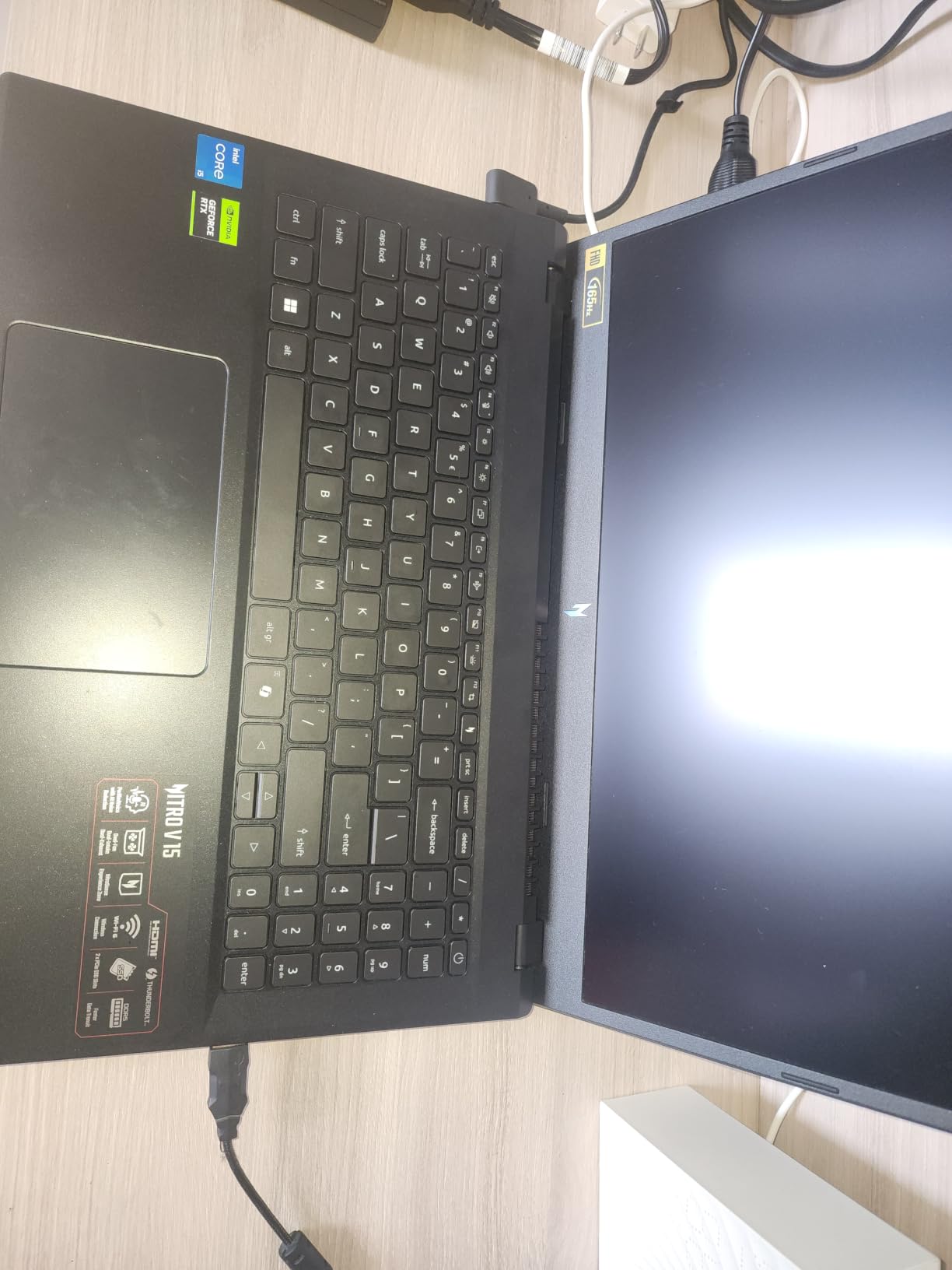
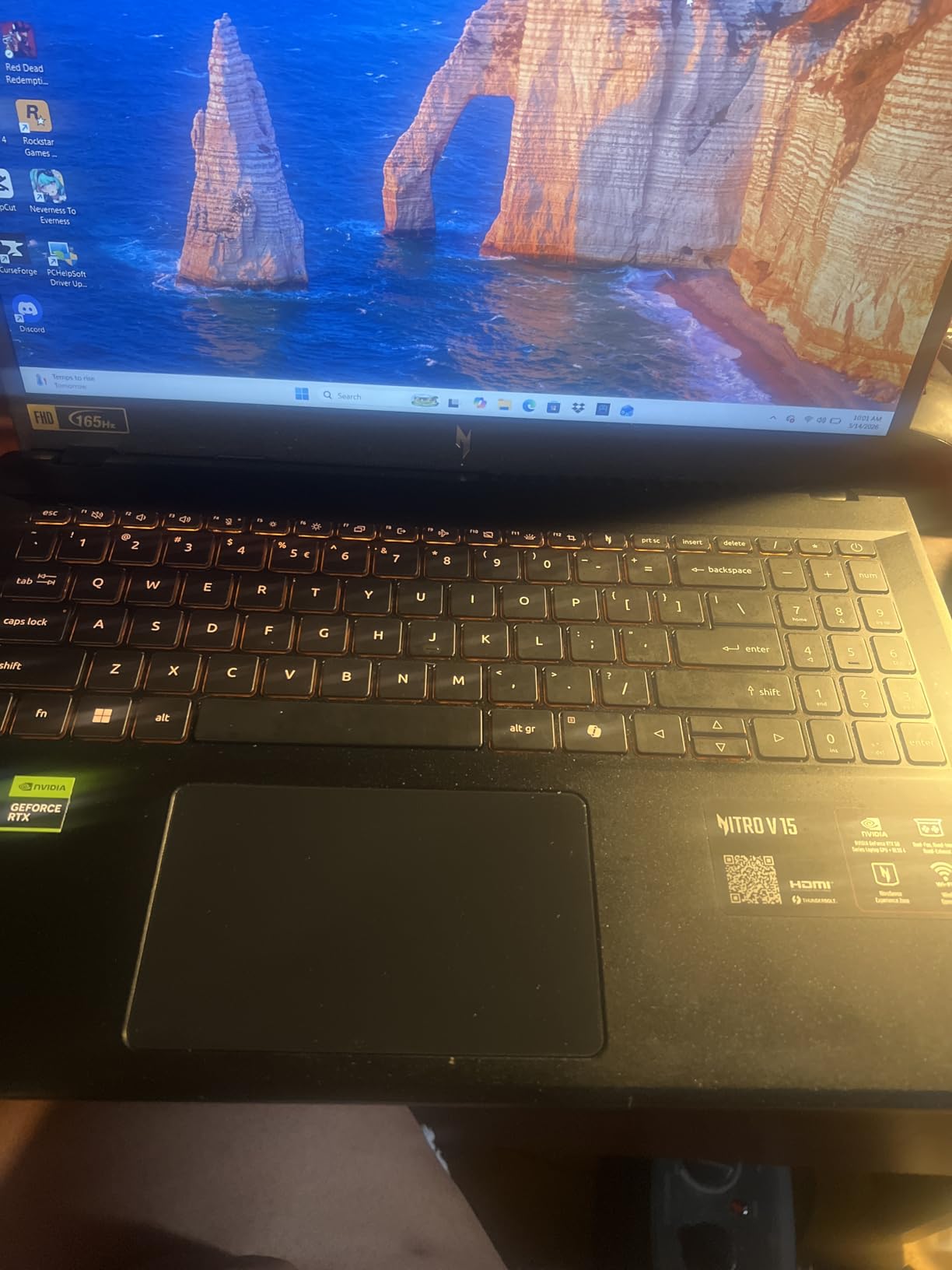
What surprised me more than the spec sheet was the thermals, and that is not a line I can copy from a brochure. Owners consistently report that the machine stays cool through long sessions and runs quietly under normal load, which matters more than raw burst speed when you are three hours into a multicam sync. The same reviews do mention occasional brief frame-rate drops, and the panel shows some ghosting on fast motion despite the 165Hz rating. Both are fair trade-offs for a card in this class.
Storage is a 512GB PCIe Gen 4 SSD, and the machine includes one Thunderbolt port plus Wi-Fi 6 and Killer Ethernet. At 4.7 pounds it is not light, but for a 15.6 inch chassis with a dedicated GPU that is about as light as the category gets. One practical note: the spacebar is not backlit, which is strange on a machine otherwise loaded with nice touches like the numeric keypad.
What the RTX 4050 means for real editing work
The 4050 handles playback, effects, and color work on the GPU rather than the CPU, which is why a 4K timeline with a few adjustment layers feels different on this machine than on an integrated-graphics laptop. It is also the difference between an export that finishes while you make coffee and one that takes considerably longer. The 6GB of VRAM is enough for most 1080p work without proxies and workable for 4K with them.
Two upgrade notes before you commit. First, the i5-13420H has four performance cores and four efficiency cores, so it is a capable multitasker but not a monster for heavy After Effects work. Second, 8GB of DDR5 running at 4800MHz will throttle your whole experience, and the memory upgrade should be the first thing you do after unboxing.
Who should skip it
Skip this one if color accuracy is the core of your work and you have no budget for an external display. The published spec is a 300 nit matte full HD IPS panel with no color coverage figure, so you are grading on an uncalibrated screen. It is also the wrong machine for a buyer who wants a silent fan under long renders, and it ships with 8GB, so budget for memory in your total.
2. HP Victus 15 – Budget Pick and the Coolest-Running Option
HP Victus 15 Gaming Laptop, NVIDIA GeForce RTX 3050, 12th Gen Intel Core i5-12500H, 8 GB RAM, 512 GB SSD, Full HD Display, Windows 11 Home, Backlit Keyboard, Enhanced Thermals (15-fa0025nr, 2022)
RTX 3050 with 4GB GDDR6
12th Gen Intel Core i5-12500H
8GB DDR4 and 512GB SSD
15.6 inch FHD IPS with 178-degree viewing angles
Pros
- HP thermal design holds up under sustained editing load
- Full-size backlit keyboard with numeric keypad
- FHD IPS panel with 178-degree viewing angles
- Fingerprint reader and Windows 11 Home included
Cons
- 8GB of RAM caps multitasking headroom
- Older Alder Lake platform with Wi-Fi 5 only
- Glossy screen finish picks up reflections
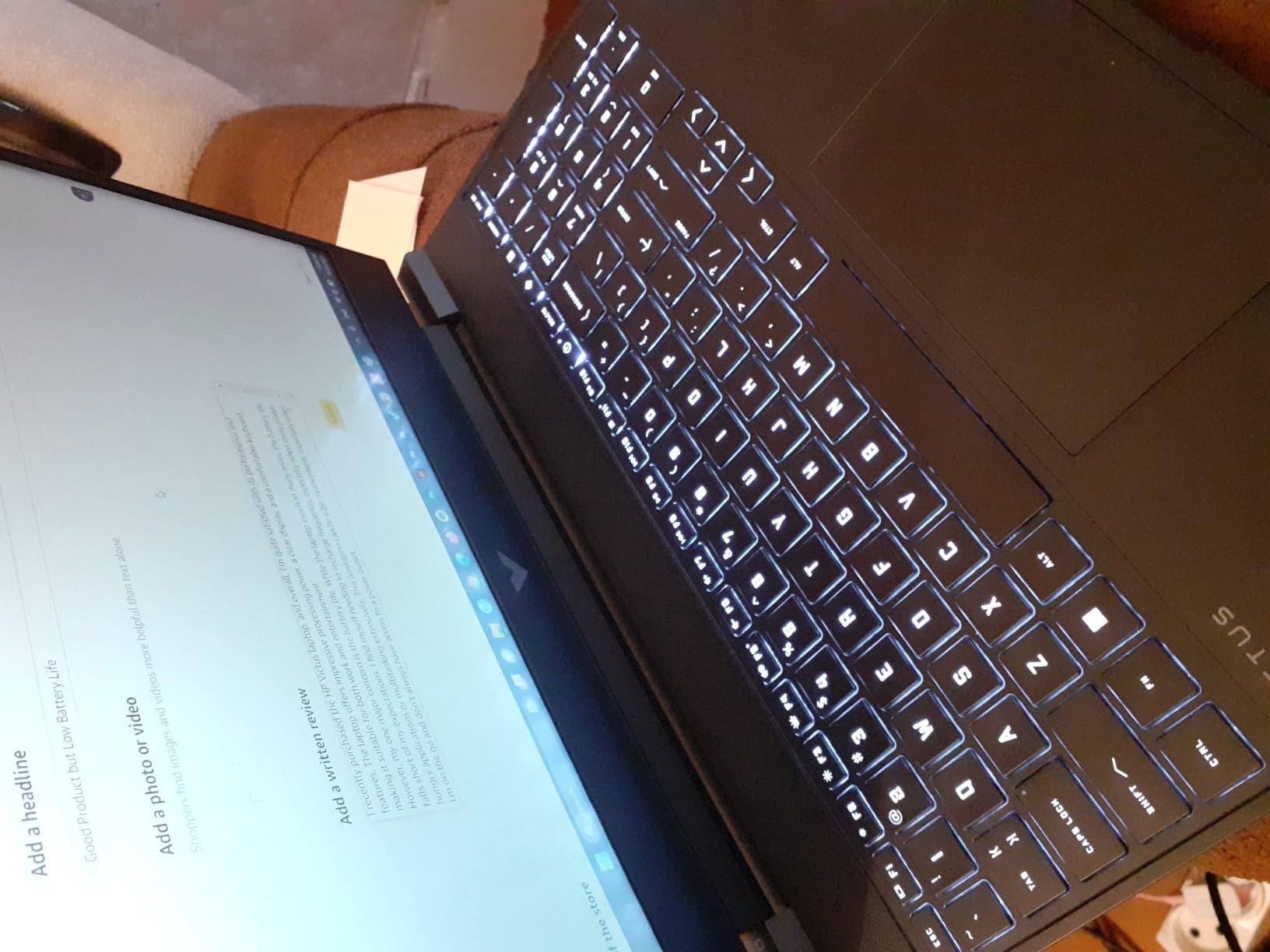
The Victus 15 is the machine I recommend to anyone whose biggest frustration with budget laptops is a fan that screams during an export. HP’s enhanced thermal design is the first thing owners mention, and across 375 ratings the cooling is described as steady under sustained load. For an editor running long batch exports, that stability is worth more than a slightly newer processor.
Inside you get a 12th generation Intel Core i5-12500H boosting to 4.5GHz with 12MB of L3 cache, and an NVIDIA GeForce RTX 3050 with Ampere architecture. The 3050 is a lower-tier card, and owners are candid that it is a step below the 4050 in the pick above. It still provides CUDA cores, NVENC encoding, and hardware decode, so timeline playback and H.265 export are hardware-accelerated rather than software-rendered.
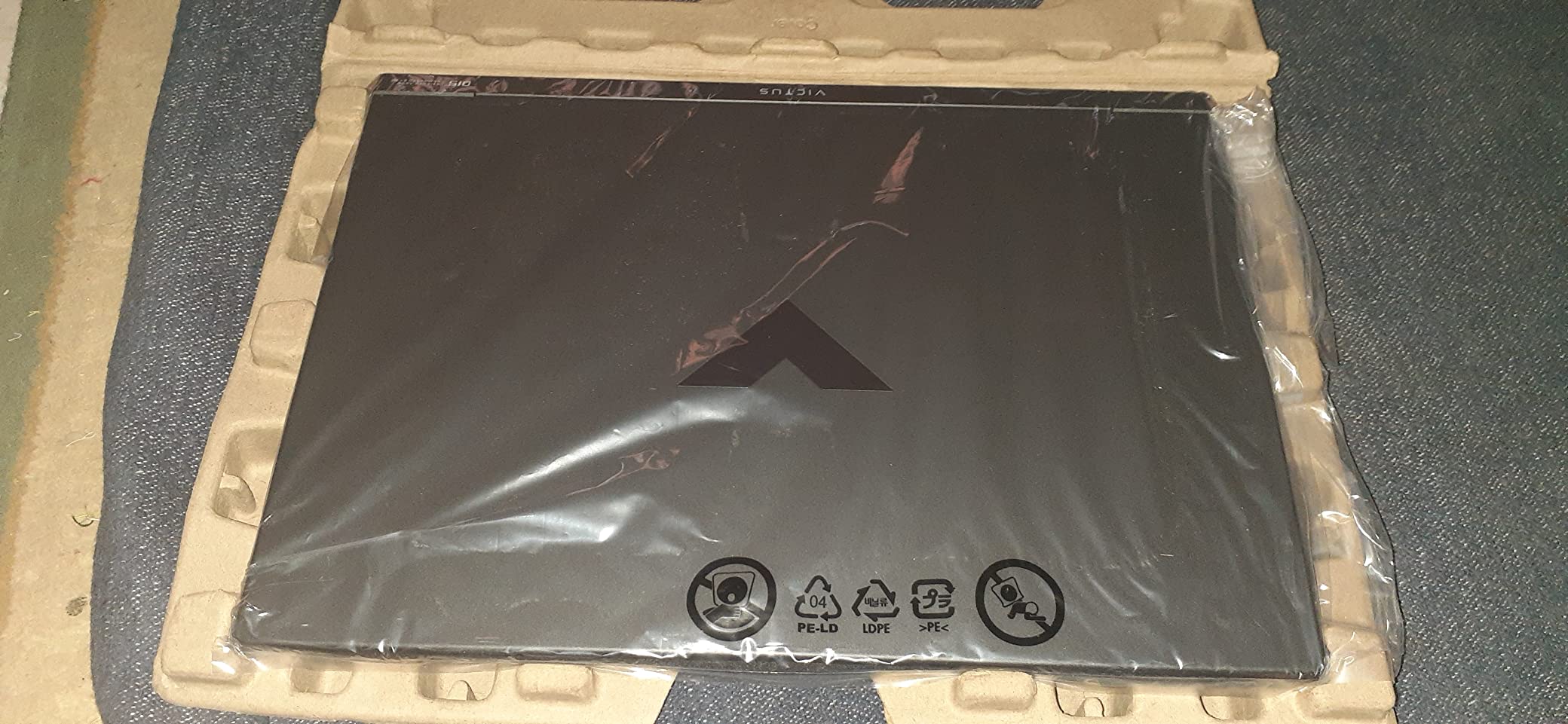
The keyboard is worth calling out. A full-size backlit layout with a numeric keypad is exactly what a Premiere Pro or Resolve user wants for timeline shortcuts, and it is a feature that quietly disappeared from many slim machines. The 15.6 inch full HD IPS display gives you 178-degree viewing angles, which matters if you are grading for a client sitting next to you. The catch is the glossy finish, which mirrors the room back at you in a bright space.
Memory is the compromise. 8GB of DDR4 is not enough for a 4K timeline or a heavy browser session alongside your editor, and it is the single most common complaint in the reviews. Platform age is the other one, since this is an Alder Lake-era design with Wi-Fi 5 only, which will feel dated in a few years. Connectivity is otherwise reasonable for a budget chassis.
What the RTX 3050 does and does not accelerate
The 3050 is an Ampere card with dedicated CUDA cores and an NVENC encoder, so effects that lean on GPU compute and hardware-accelerated H.264 or H.265 export both work normally here. The limitation is VRAM. At 4GB, a moderately complex 1080p timeline with a few adjustment layers is comfortable, but stacking multiple effects or opening 4K footage without proxies is where playback stutters and the render queue slows down noticeably.
For comparison, the RTX 4050 in the pick above carries 6GB, which is the threshold where 4K editing with proxy media becomes a normal workflow rather than a compromise. If your projects regularly include 4K or heavy compositing, that 2GB difference matters more than the processor generation gap, and it is the single strongest reason to spend up a tier instead of down.
Who this is for and who should pass
This suits a student learning Premiere Pro, a podcast producer cutting 1080p interviews, and anyone editing away from an outlet. It suits them best if they can accept 8GB of memory and a graphics card one tier below the leader. The full-size keyboard and stable thermals make long sessions more pleasant than the raw spec sheet suggests.
Pass if you are cutting 4K multicam regularly or grading for paid client work. In both cases you need more memory and a better panel, and the 3050 will be the bottleneck. There is also a newer Victus configuration further down this list with a stronger GPU, so compare the two before deciding.
3. NIMO N158 – Best for 32GB Memory and 1TB Storage
NIMO 15.6 FHD AI Laptop, 32GB 5600MHz DDR5 1TB SSD Ryzen 7 8745HS 8 Core
Ryzen 7 8745HS 8 cores 16 threads
32GB DDR5 up to 256GB and 1TB SSD
15.6 inch FHD IPS 60Hz
3.8 pounds with 100W USB-C charging
Pros
- 32GB DDR5 and 1TB SSD as standard is the best memory configuration here
- Lightweight at 3.8 pounds with a slim 0.71 inch profile
- 100W USB-C PD charger adds about two hours of use in 15 minutes
- USB 4.0 for fast data transfer and external displays
- Two-year warranty with US-based support
Cons
- Integrated Radeon 780M is far weaker than any discrete GPU for accelerated editing
- 60Hz display with a glossy finish
- Can run loud under sustained load
Here is the machine for the editor whose problem is never the graphics card. The NIMO N158 ships with 32GB of DDR5 memory and a 1TB SSD, which is the best memory and storage configuration in this entire list and would normally cost well above this budget. The Ryzen 7 8745HS has eight cores and 16 threads boosting to 4.9GHz, so CPU-side work like proxy generation and batch export is genuinely quick.
The compromise is the Radeon 780M integrated graphics with shared memory. This is not a CUDA or NVENC card, so there is no dedicated hardware encoder and no VRAM pool of its own. In practice, a 1080p H.264 timeline will edit fine and effects will preview reasonably. What you give up is fast export and comfortable 4K work, because the processor is doing everything the dedicated GPU would otherwise accelerate.
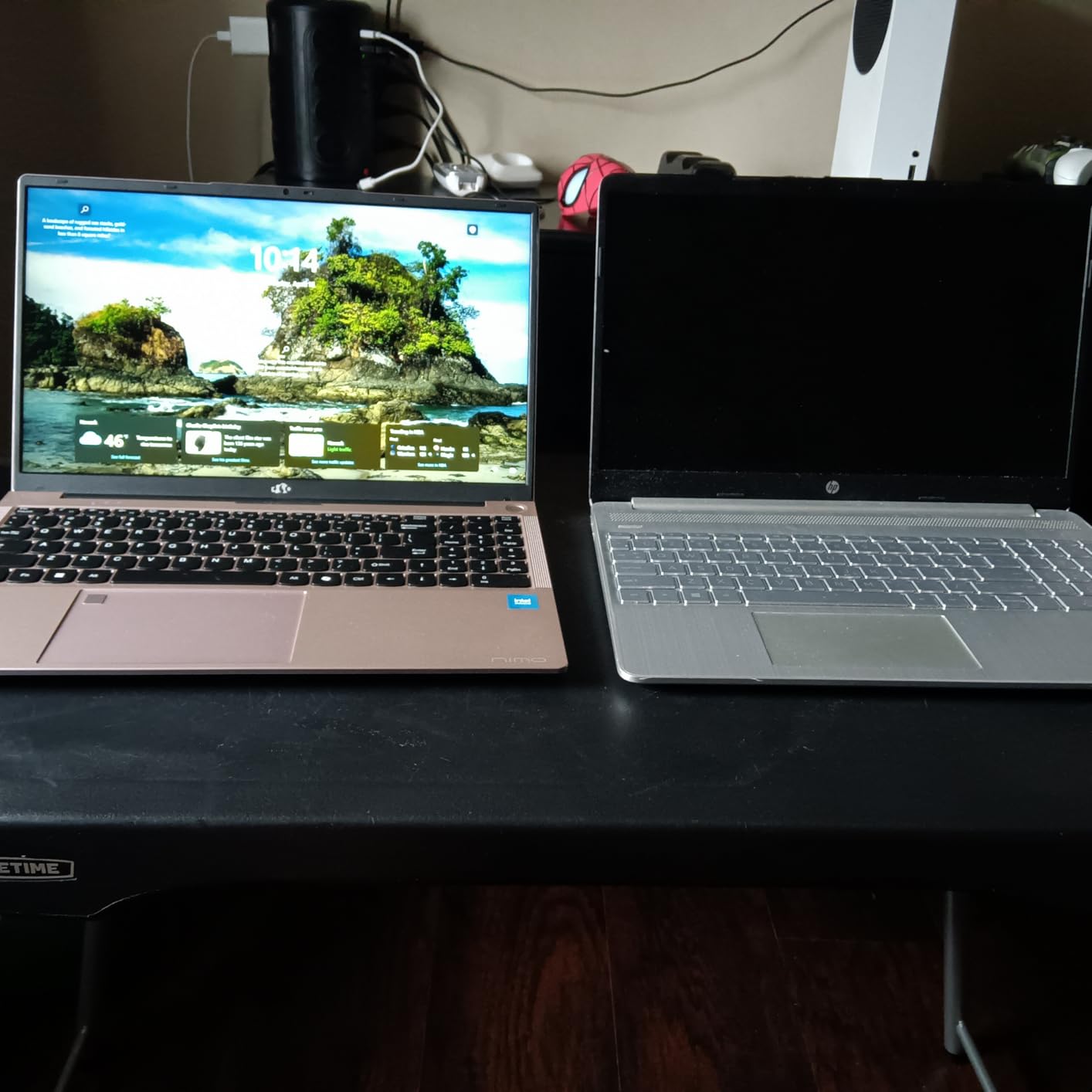
The chassis is the quiet hero here. At 3.8 pounds and 0.71 inches thick, it is the lightest machine on this list, and the 75 watt-hour battery is paired with 100W USB-C fast charging that returns about two hours of use in a quarter of an hour. The display is a 15.6 inch full HD IPS panel at 60Hz, which is smooth enough for cutting and unremarkable for scrubbing fast motion.
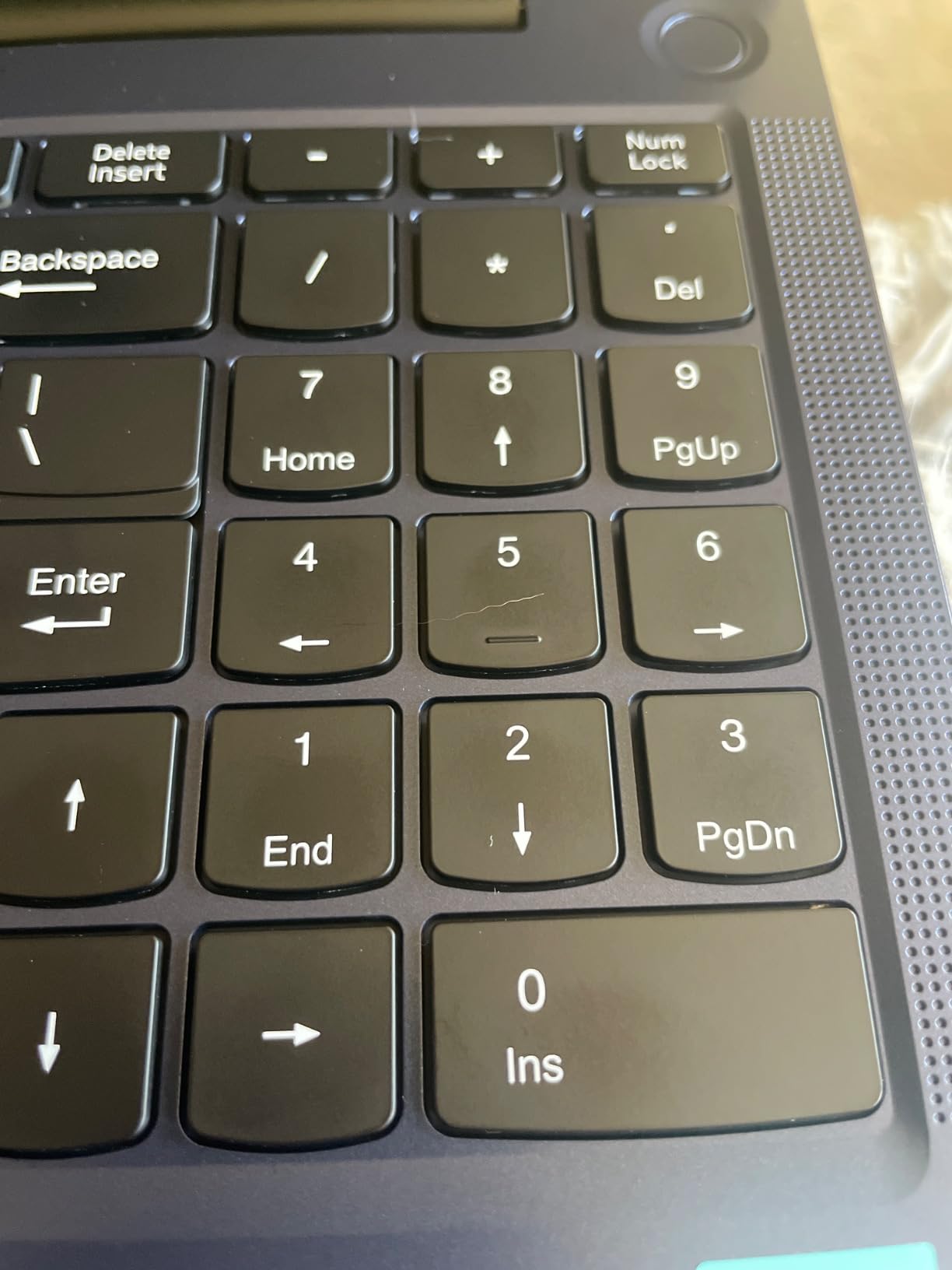
Owners highlight the fingerprint reader built into the touchpad and the numberpad feature, along with a two-year warranty backed by US support. The reservations are predictable: the 60Hz refresh rate, the integrated GPU, and some reports of the machine running loud under sustained load. Reviewers do note a glossy finish on some units, so check the panel on arrival if glare matters to your setup.
Where this machine beats the dedicated GPU options
Choose the NIMO when your timeline is wide rather than heavy. Multicam syncing, long timelines with many audio tracks, and running After Effects or a virtual machine beside your editor all lean on memory and core count, and this machine has more of both than anything else here. Editors working on the road also get the best weight and the fastest charging in the group.
It is also the safest choice for a first editing laptop. 32GB of memory means you will not hit a wall in year two, which is the failure mode that hits most budget machines. The USB 4.0 port is useful for external displays and fast card readers, though there is no card reader on the chassis.
When to choose something else
Skip this if you deliver 4K H.265 or ProRes work to clients, or if export time is the metric you care about. Software-rendered export on integrated graphics is exactly the wait that makes people think their laptop is broken. Color work is also a poor fit, since a 60Hz panel with no published gamut figure is not a grading surface.
4. Acer Nitro 5 AN515-45 – Best for Upgradability and GPU Headroom
acer Nitro 5 AN515-45-R92M Gaming Laptop, AMD Ryzen 7 5800H (8-Core) | NVIDIA GeForce RTX 3060 Laptop GPU |15.6″ FHD 144Hz IPS Display | 16GB DDR4 | 512GB NVMe SSD | WiFi 6 | RGB Backlit Keyboard
RTX 3060 with 6GB GDDR6
Ryzen 7 5800H 8 cores 16 threads
16GB DDR4 3200MHz
512GB NVMe plus open M.2 slot and 2.5 inch bay
Pros
- Near the top of this list on GPU capability with 6GB GDDR6
- 16GB DDR4 as standard with room to 32GB
- Open M.2 slot and 2.5 inch drive bay for more storage
- 144Hz IPS display praised for detail and clarity
- Keyboard feel is frequently called excellent
Cons
- Trackpad response is sluggish
- Weak bottom-mounted speakers
- Battery life is modest and degrades over time
- Some buyers report repeated hardware failures
The RTX 3060 in this machine puts it near the top of this list on pure GPU capability, and if your work is export-heavy it is worth starting here. The card carries 6GB of GDDR6 plus DLSS and Resizable BAR, and for 4K timelines, Resolve’s GPU-heavy processing, and After Effects, that headroom is the whole game. It is a different class of card from the RTX 3050 and RTX 2050 options further down, and the difference shows most in VRAM headroom.
The Ryzen 7 5800H is an eight-core, 16-thread chip with 20MB of cache boosting to 4.4GHz. It belongs to the Zen 3 generation, and you can see that in the battery life figures, but the multi-core performance still handles ingest, proxy generation, and background rendering well. The machine comes with 16GB of DDR4 at 3200MHz rather than the 8GB several rivals force on you, with capacity to 32GB.
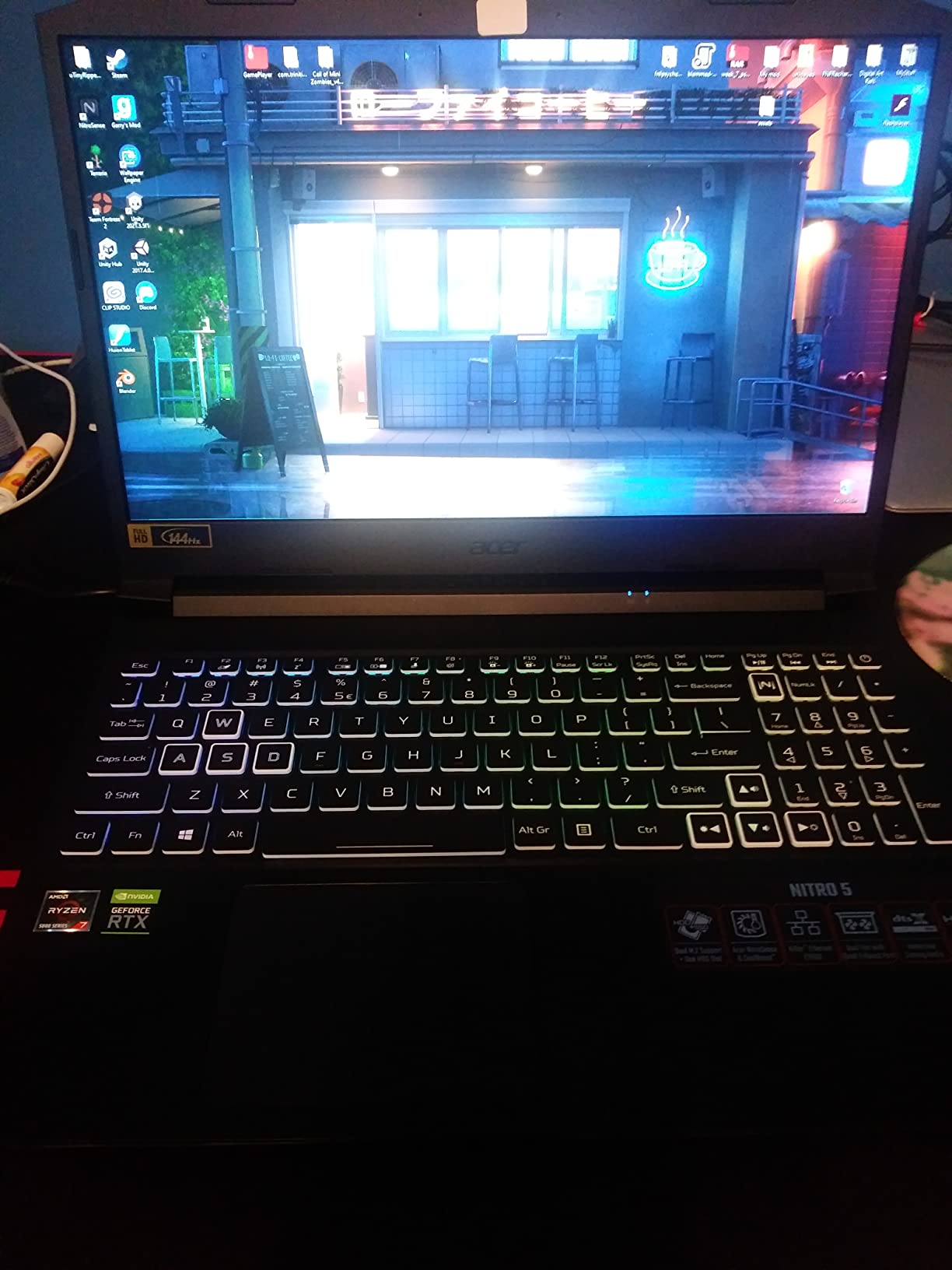
The upgrade story is the reason this lands so high. Alongside the 512GB NVMe drive there is an open M.2 slot and a 2.5 inch drive bay, so you can add a second NVMe drive and a spinning drive for a project archive without giving up your existing drive. Owners consistently call the keyboard excellent, which matters for timeline shortcut work, and the 15.6 inch full HD IPS panel at 144Hz is described as detailed and clear.
There are real compromises. The 10 hour battery figure is a marketing number, and owners report it degrades and is unremarkable under editing load. The trackpad gets called sluggish, and the bottom-mounted speakers are weak, which matters if you are cutting podcast video with sound design. A smaller group of owners report repeated hardware failures, so warranty coverage matters if you buy one.
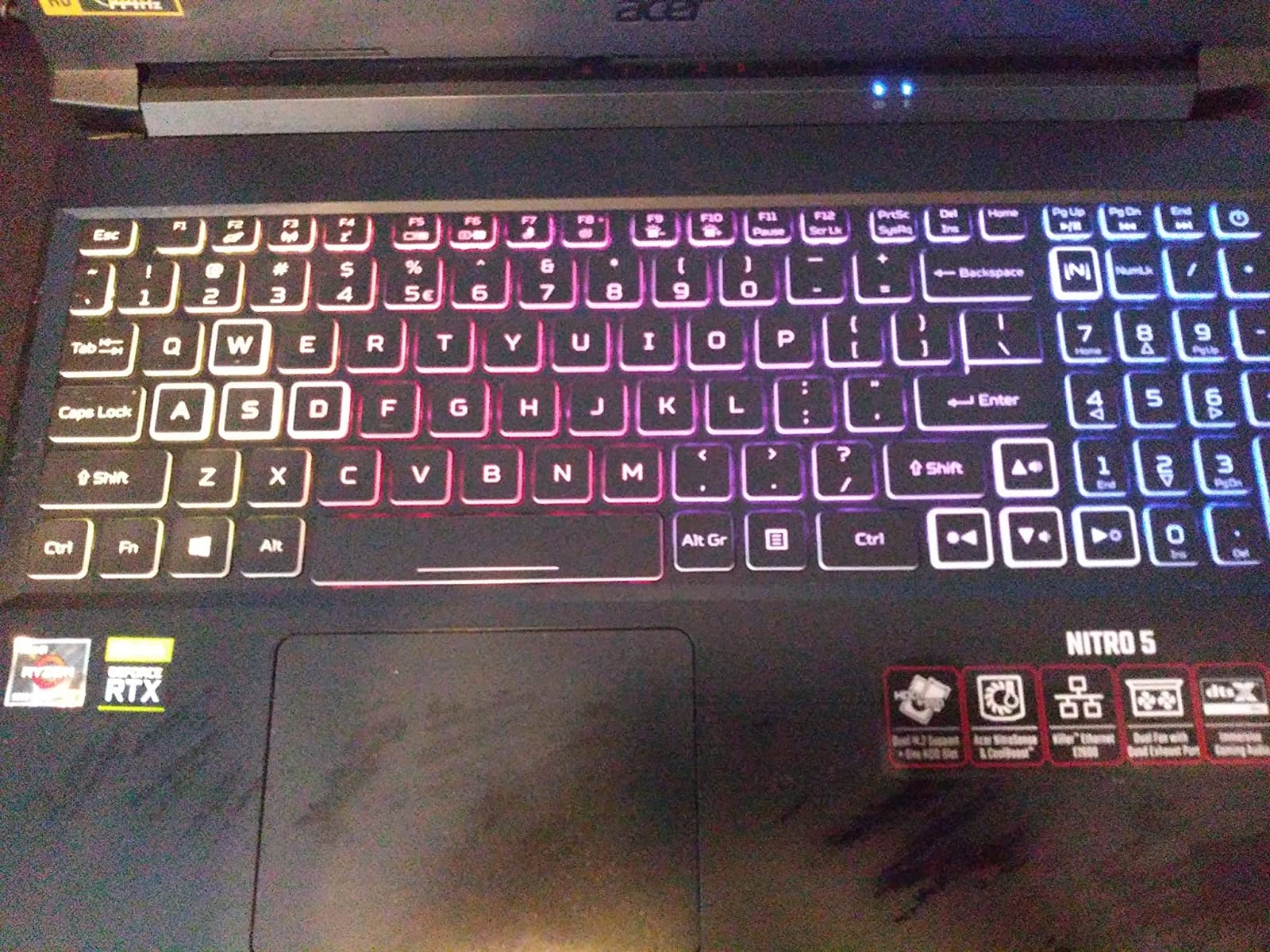
Why the upgrade path changes the value calculation
At this budget, the ability to expand later is worth real money, because you are buying a platform rather than a fixed configuration. If you can add a 2TB NVMe drive and another 16GB of memory for a fraction of what a new machine costs, this chassis absorbs a 4K project that would have swamped an 8GB competitor. That is a genuinely different product proposition from a sealed laptop.
Two practical notes. It comes with Windows 10 Home, so check whether the hardware qualifies for a Windows 11 upgrade. And because the Zen 3 platform is a generation behind, confirm that the Wi-Fi 6 and Killer Ethernet E2600 setup meets your needs, since the processor itself is the older part.
Who should look elsewhere
Pass if you need to work away from power, since the battery is a genuine weakness and this is a 4.9 pound machine. It is also a poor first laptop for podcast editors who rely on the built-in audio, and anyone who travels constantly will feel the weight more than the specs. For a desk-bound editor with a plan to expand, though, it is the one to buy here.
5. Acer Nitro 5 AN515-57-79TD – Best for Long Export Sessions
Acer Nitro 5 AN515-57-79TD Gaming Laptop | Intel Core i7-11800H | NVIDIA GeForce RTX 3050 Ti Laptop GPU | 15.6″ FHD 144Hz IPS Display | 8GB DDR4 | 512GB NVMe SSD | Killer Wi-Fi 6 | Backlit Keyboard
Intel Core i7-11800H 8 cores up to 4.6GHz
RTX 3050 Ti 4GB GDDR6
8GB DDR4 3200MHz in 2 slots
15.6 inch FHD IPS 144Hz with open M.2 slot
Pros
- Eight-core i7 gives strong multi-threaded export performance
- Largest owner review base here with 1018 ratings
- 512GB NVMe with an open M.2 slot for more storage
- NitroSense UI surfaces temperature fan speed and power plan
- Killer DoubleShot Pro runs Wi-Fi and Ethernet together
Cons
- 8GB of memory is below what editing timelines require
- Older 11th Gen platform despite the i7 badge
- Battery life is short especially under load
- Fan noise increases under sustained heavy workloads
This is the pick with the deepest owner history in the list, and that is worth something at a price tier where new models appear and disappear quickly. With 1,018 ratings at a 4.3 average, you are looking at a machine whose real-world behavior over years is well documented, not a recent launch with a thin review base. For a long export or a batch of deliverables due tonight, predictability matters more than a benchmark peak.
The Intel Core i7-11800H is an eight-core part boosting to 4.6GHz, which is real multi-threaded muscle for exports, proxy generation, and denoise. The RTX 3050 Ti carries 4GB of GDDR6 with ray tracing and tensor cores plus DirectX 12 Ultimate support. It is CUDA-capable and NVENC-enabled, so hardware encoding works, but 4GB of VRAM is tight for 4K timelines and it is the reason this ranks below the RTX 3060 option above.
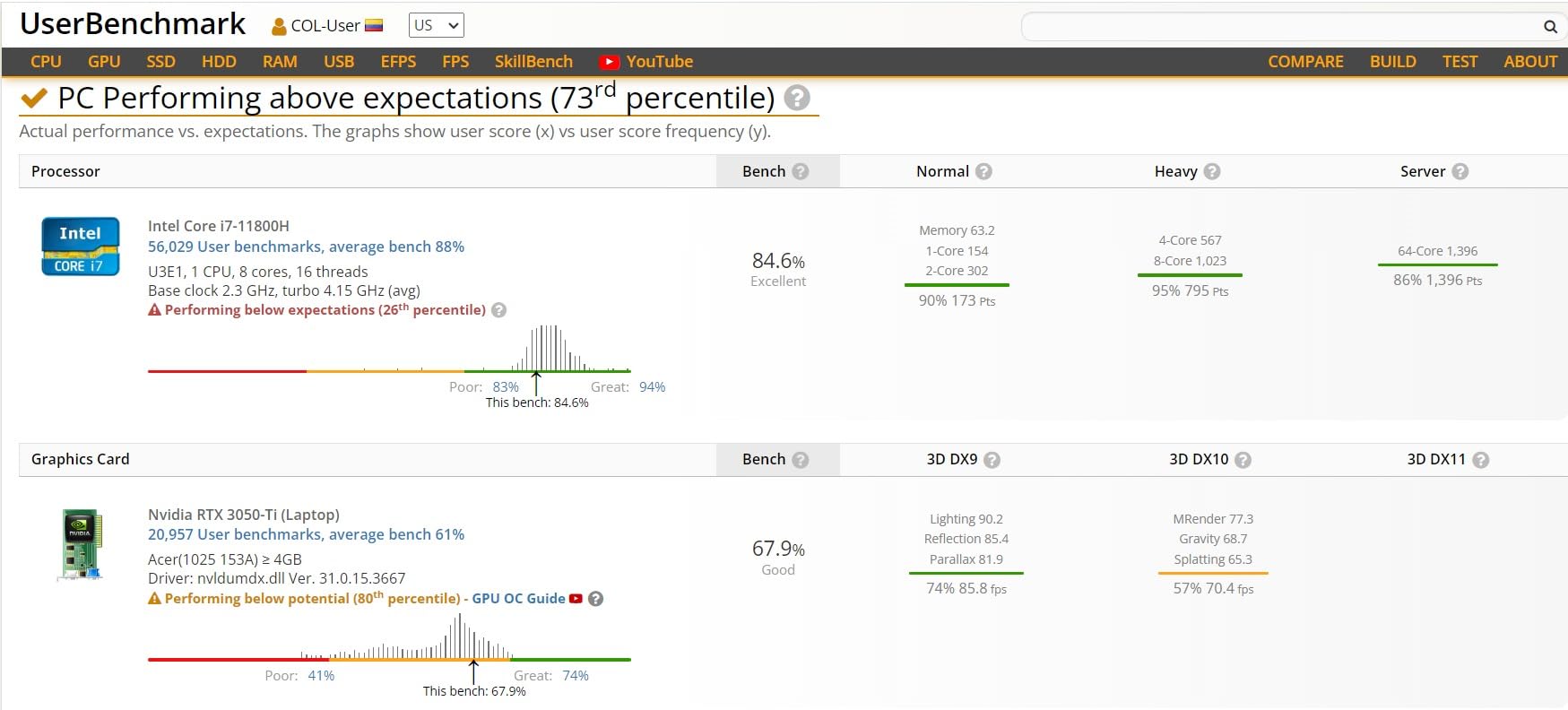
Acer’s NitroSense utility, reachable from a dedicated keyboard button, shows component temperature, fan speed, and the active power plan. That is a genuinely useful feature for an editor, because it lets you see when a long render is being throttled rather than guessing. CoolBoost raises fan speed by roughly 10% and cooling by around 9% on demand, which is how you buy headroom when an export starts crawling.
The 8GB of DDR4 at 3200MHz runs in two slots up to 32GB, so this is upgradeable, and the 512GB NVMe drive has an open M.2 slot alongside it. Port selection is solid for the tier, with USB-C carrying DisplayPort, HDMI 2.0, Ethernet, and audio jacks, plus Killer DoubleShot Pro networking that runs Wi-Fi and Ethernet simultaneously.
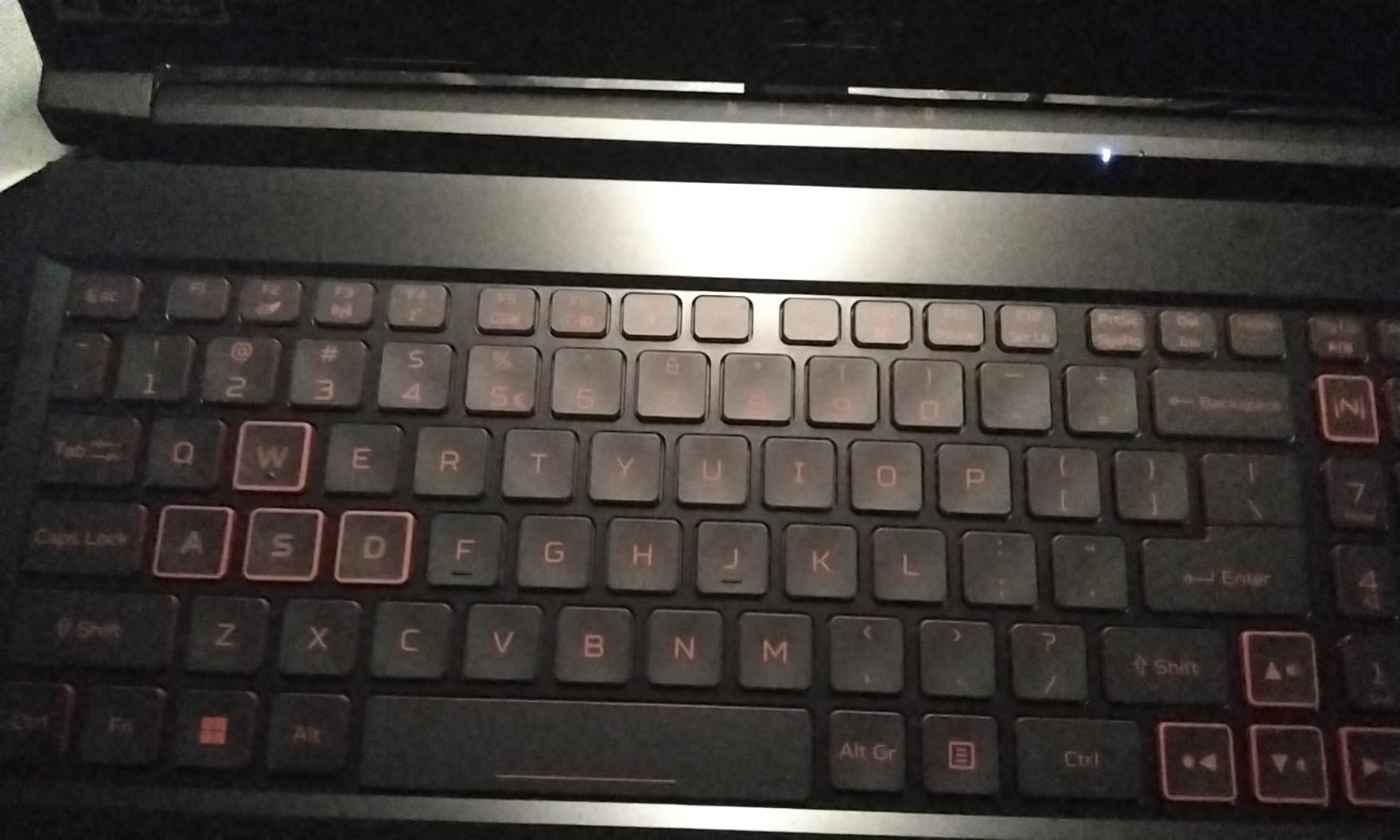
How the eight-core i7 changes export time
Multi-core count is what a long export leans on, and eight cores at up to 4.6GHz will chew through a batch queue while you keep working. Combined with NVENC hardware encoding, an H.264 or H.265 render hands off large chunks of work to the GPU while the processor handles the rest, which is where the steady progress bar comes from. Owners do report increased fan noise under sustained heavy workloads, so expect audible cooling rather than silence.
For long-form work, the combination of an open M.2 slot, 2 memory slots, and 8 cores makes this an easy machine to keep useful for years. Add storage and memory in the first week and it outlives most of the Zen 3 and Alder Lake designs in this price range.
Where it falls short
The 11th Gen platform behind the i7 badge is the honest catch. You are paying for the core count, not for platform age, and newer designs give you faster single-core response, which is what timeline scrubbing feels like. The 8GB of memory is below what an editing timeline wants, and the 8 hour battery figure is optimistic once a render starts.
6. Lenovo IdeaPad 2-in-1 – Best for a Big Touch Screen and Real Portability
Lenovo IdeaPad 2-in-1 Business Laptop, 16″ FHD+ Touch Display, AMD Ryzen 7 8845HS (>i7-1355U), 16GB DDR5 RAM 1TB SSD, Win 11 Pro, FP Reader, Backlit KB, Numeric Keypad, PLUSERA Earphones, Luna Grey
Ryzen 7 8845HS 8 cores up to 5.1GHz
16 inch 1920x1200 touch display
16GB LPDDR5 and 1TB SSD
6 ports including microSD reader with Windows 11 Pro
Pros
- Ryzen 7 8845HS handles virtual machines and IDEs without strain
- 16-inch 1920x1200 touch display gives far more workspace than 15-inch rivals
- Best port selection here with 2 USB-C 2 USB-A HDMI and microSD reader
- Windows 11 Pro rather than Home
- Backlit keyboard numeric keypad and fingerprint reader included
Cons
- Integrated Radeon 780M only with no discrete GPU for accelerated export
- 16GB LPDDR5 is soldered and cannot be upgraded
- 60Hz non-glass screen
- Build quality described by some as feeling cheap
Screen real estate is the reason to look at this one. A 16 inch 1920×1200 touch display gives you a taller canvas and more workspace than the 15.6 inch panels most rivals here ship, and for an editor working in Premiere Pro or Resolve that is a genuine productivity gain, not a spec-sheet nicety. The touch function also makes scrubbing and reviewing shots with a client a hands-on process rather than a trackpad exercise.
The Ryzen 7 8845HS is a modern eight-core, 16-thread processor boosting to 5.1GHz with 24MB of cache, and owners specifically mention it handling virtual machines and development environments without strain. The 1TB SSD and 16GB of memory are a sensible editing baseline out of the box, and Windows 11 Pro is a genuine upgrade over the Home edition most rivals ship, particularly if you connect to a company network.
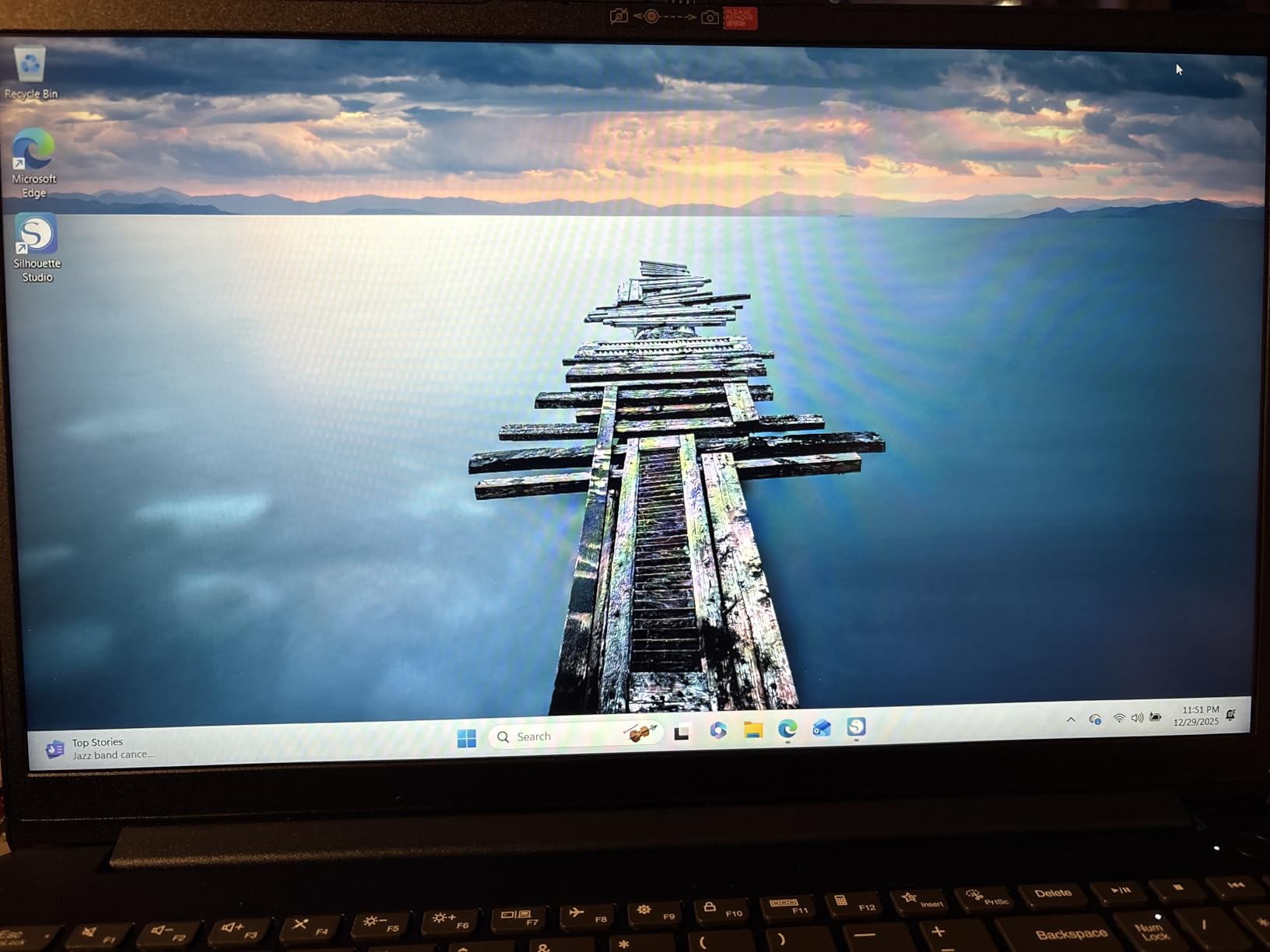 i7-1355U), 16GB DDR5 RAM 1TB SSD, Win 11 Pro, FP Reader, Backlit KB, Numeric Keypad, PLUSERA Earphones, Luna Grey customer photo 1″ class=”wp-image-customer”/>
It also has the best port selection here, with two USB-C ports, two USB-A ports, HDMI, a combo audio jack, and a microSD card reader, which means you can ingest footage from a camera card without an adapter. Add the numeric keypad, backlit keyboard, fingerprint reader, and privacy shutter, and this is the most complete productivity chassis at this price.
Graphics are the hard limit. The Radeon 780M is integrated, so there is no dedicated GPU for accelerated editing or export and no hardware encoding of the kind NVIDIA cards provide. Memory is soldered LPDDR5 capped at 16GB, so you cannot add RAM later, which closes off the upgrade path that makes several rivals here so attractive.
 i7-1355U), 16GB DDR5 RAM 1TB SSD, Win 11 Pro, FP Reader, Backlit KB, Numeric Keypad, PLUSERA Earphones, Luna Grey customer photo 2″ class=”wp-image-customer”/>
Best use cases for a big touch screen and good ports
This suits a student learning editing, a podcast producer, and an editor who reviews work with clients. The 16-inch canvas is ideal for cutting a long interview alongside a transcript, for scrubbing a multicam session, or for showing a rough cut without a second screen. The microSD reader also makes card ingest painless, which is a small daily saving that adds up over a year.
It is also the pick for someone who edits a lot but plays very little. With no discrete GPU, you are not paying for gaming capability you will never use, and the money goes into the screen, the processor, and the ports instead. The 2-in-1 form factor also works well for a machine that lives on a desk and travels occasionally.
What you give up by choosing it
Skip this for 4K delivery work or anything export-heavy, because software rendering on integrated graphics is where the wait becomes painful. Skip it if you plan to keep the machine past three years and want to add memory, since the 16GB is permanent. The 60Hz non-glass screen and some reports of a cheap-feeling build are the other reasons to look elsewhere.
7. Lenovo LOQ Essential – Best for a 100% sRGB Color-Accurate Panel
Lenovo LOQ Essential – AI-Powered Student Gaming Laptop – Intel® Core™i5-12450HX – 15.6″ FHD IPS Display – 144Hz Refresh Rate – NVIDIA® GeForce RTX™ 4050 – 8GB Memory – 512GB SSD Storage – Luna Grey
RTX 4050 with Ada Lovelace and DLSS 3
15.6 inch FHD IPS 144Hz 300nit 100% sRGB
Intel Core i5-12450HX
8GB DDR5 up to 32GB and 512GB SSD
Pros
- Only pick in this list with a published 100% sRGB coverage figure
- 300 nit 144Hz IPS panel suits color-critical work
- RTX 4050 gives real GPU headroom at this price
- Lightweight at 4.2 pounds with an attractive chassis
- 100mm fan with 0.15mm blades handles thermals better than expected
Cons
- Only a single memory slot and one M.2 slot limits upgrades
- 8GB is insufficient and some 16GB modules cause freezing
- 512GB storage fills quickly
- USB-C port will not drive a display
The display is the headline here, and it is the only pick on this list where the manufacturer publishes a full color coverage figure. A 15.6 inch full HD IPS panel at 144Hz, 300 nits, and 100% sRGB is a genuinely different proposition for a creator than the uncalibrated panels on most machines here. If you deliver work to clients and do any correction at all, that single spec can justify the whole purchase.
Performance is a step up too. The RTX 4050 uses Ada Lovelace architecture with DLSS 3, giving you CUDA cores, NVENC encoding, and 6GB of VRAM class performance for timeline playback and effects. The Core i5-12450HX is an HX-series part, meaning the graphics can be powered down when you are on battery, which helps the 6 hour battery figure in a way a plain H-series chip cannot.
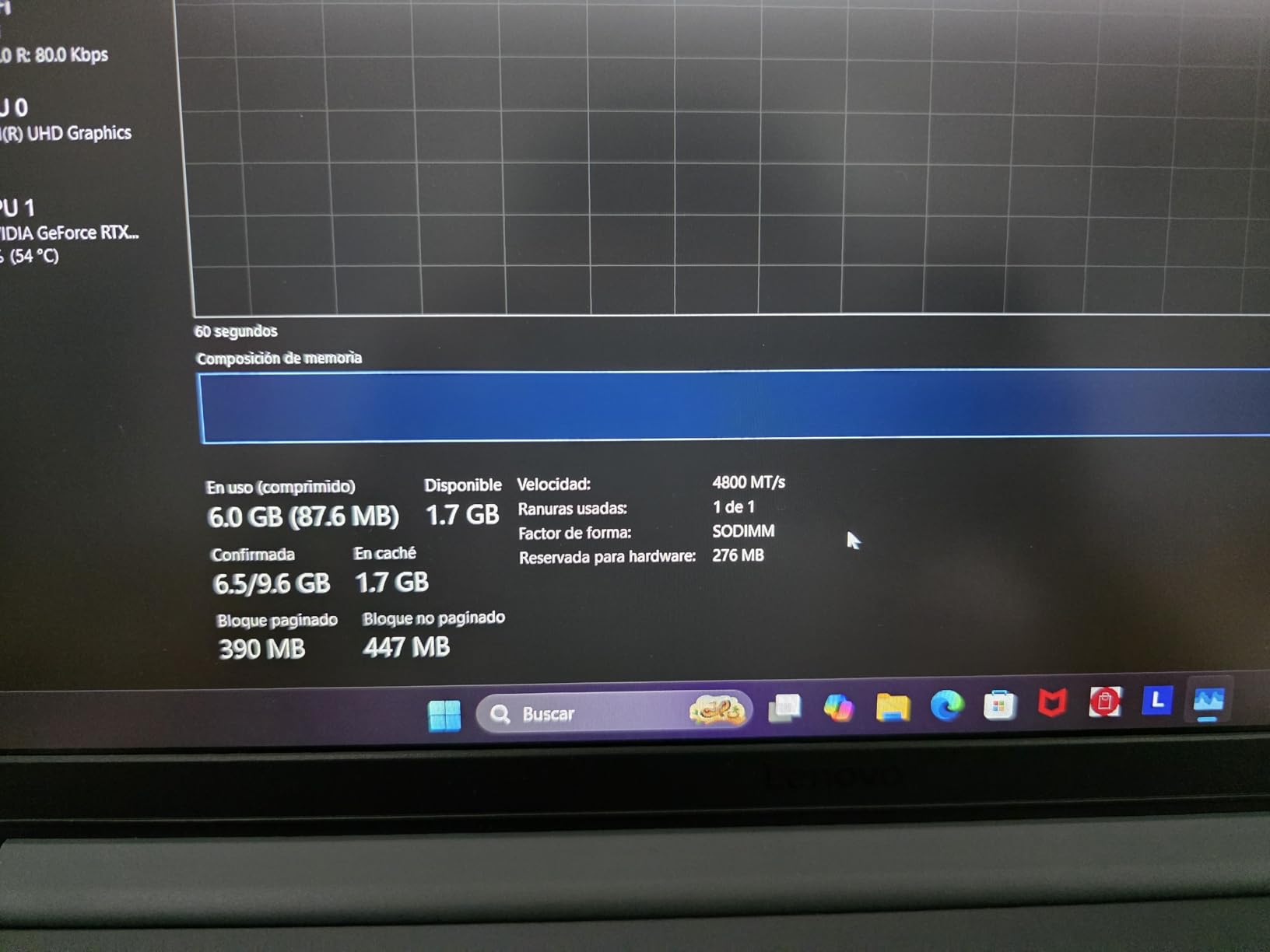
Owners also like the chassis. At 4.2 pounds it is lighter than most dedicated GPU machines here, and the 100mm cooling fan with 0.15mm blades is credited with handling thermals better than the price suggests. The full-size keyboard with 1.3mm of key travel is a real benefit for timeline shortcuts, and 300 nits is bright enough to grade in a room with moderate ambient light.
The upgrade path is the weak point and the single most common complaint. There is one memory slot and one M.2 slot, so you can add a drive but you cannot grow the memory beyond the configuration you buy. Owners also report that 16GB modules caused freezing on some units, and 8GB is the default, which is below what a real editing timeline wants.
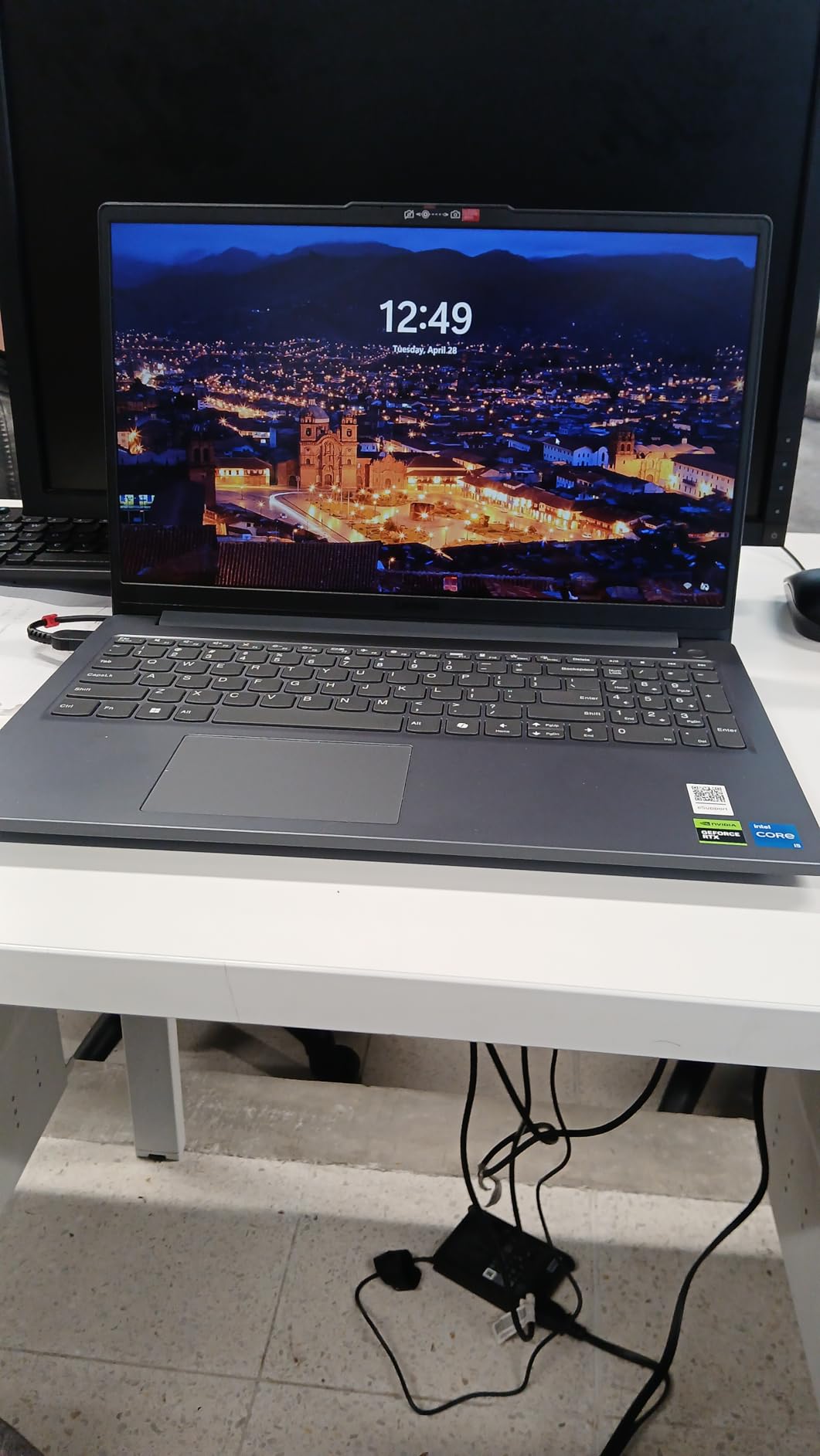
Why 100% sRGB changes the decision
Color coverage is the spec buyers skip and then regret. A panel that covers the full sRGB gamut shows the same colors your client will see on a properly calibrated delivery monitor, so correction decisions transfer. A 45% NTSC panel, which one pick in this list has, shifts everything toward yellow and green, and corrections made on it will not survive the trip to a normal display. If you do paid work, that difference is not subtle.
300 nits of brightness is adequate for editing and short of ideal for a bright room, so you may still want an external display for final review. Our guide to the 12 best 4K monitors for photo editing covers the displays that pair well with this class of laptop if your budget stretches further.
Where it falls short
Pass if you edit on the road and need long battery life, or if you plan to add memory later, because the single slot makes that impossible. The 512GB drive also fills quickly with 4K footage, and since there is only one M.2 slot, your eventual upgrade means replacing the boot drive. Check the box on arrival, since some machines reached buyers without the backlit keyboard the product photos show.
8. MSI Cyborg 15 – Best for Memory Headroom on a Desktop-Class Platform
msi Cyborg 15 Gaming Laptop: Intel Core i5-12450H GeForce RTX 2050, 15.6″ FHD, 144Hz, 16GB DDR5, 512GB NVMe SSD, Type-C USB 3.2 Gen 1, Cooler Boost 5, Win 11 Home: Black A12UCX-276US
Intel Core i5-12450H 8 cores
RTX 2050 with 4GB GDDR6
16GB DDR5 across 4 slots up to 64GB
15.6 inch FHD IPS 144Hz with Cooler Boost 5
Pros
- 16GB DDR5 as standard is unusual at this price
- Four memory slots give unusual upgrade headroom for a laptop
- Cooler Boost 5 with two fans and six heat pipes sustains performance
- 144Hz full HD IPS display
- Can reach 64GB of memory if you ever need it
Cons
- RTX 2050 with 4GB VRAM limits playback and effects
- Runs hot enough that some owners added a cooling pad
- Battery drains quickly when unplugged
- Comes without factory drivers
The Cyborg 15 solves the memory problem in a way nothing else in this list does. It comes with 16GB of DDR5 running at 4000MHz, and there are four memory slots available with support up to 64GB. That is desktop-class headroom in a 15.6 inch laptop, and it means you could open very large timelines, run a virtual machine beside your editor, and never think about memory again.
Cooling is the other strength owners mention. Cooler Boost 5 uses two fans and six heat pipes, and while some buyers report it running hot enough to add a cooling pad, the sustained performance is generally described as solid. The 12th generation Intel Core i5-12450H is an eight-core chip that handles the CPU side of export and ingest competently, and the 144Hz full HD IPS display is smooth for scrubbing.
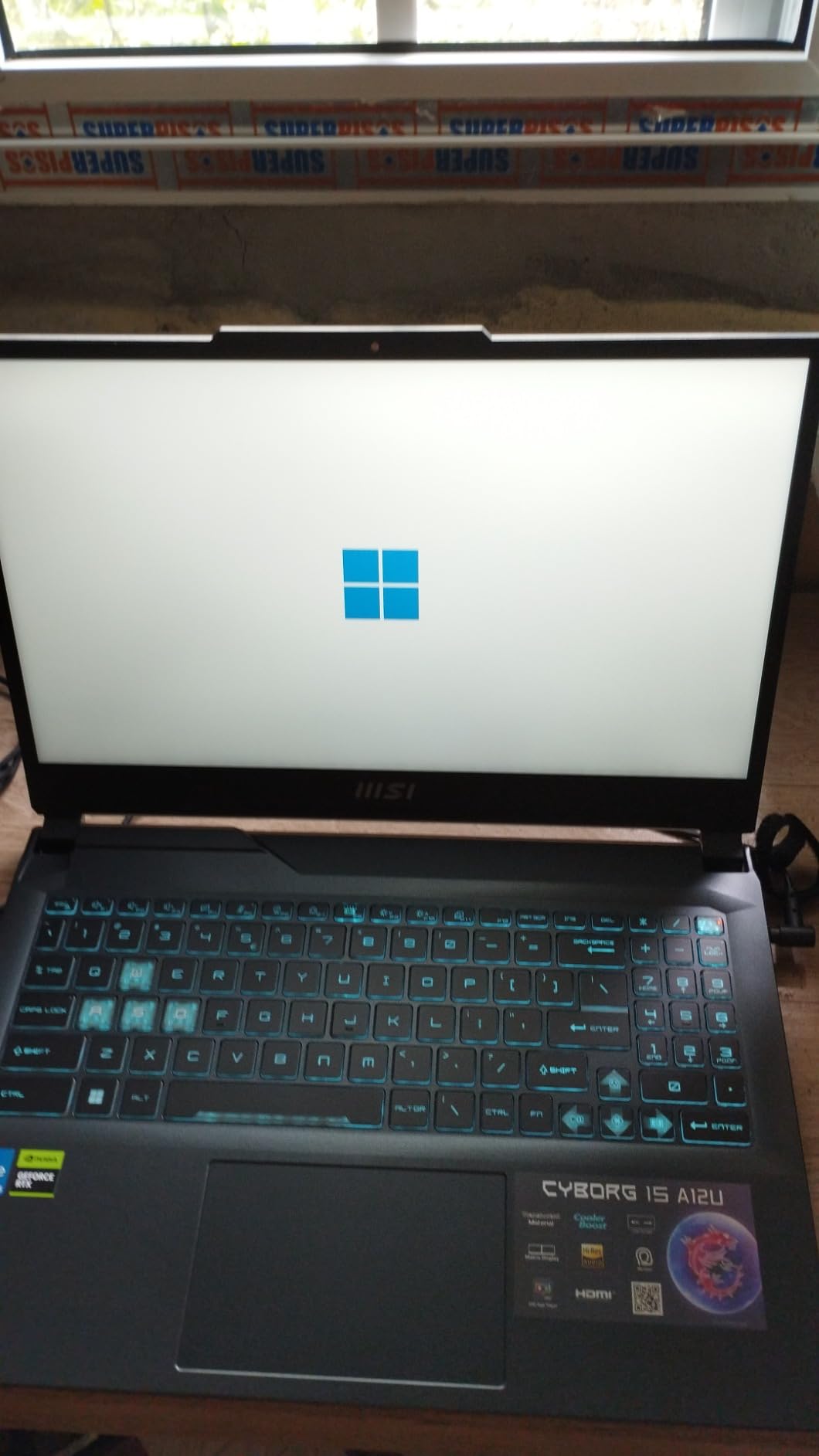
The problem is the graphics card, and it is a significant one. The RTX 2050 with 4GB of GDDR6 is the weakest dedicated GPU in this group, and reviewers say so directly, noting that it limits timeline playback and effects. You still get CUDA and NVENC, so hardware encoding works, but 4GB of VRAM is the constraint that will define your experience with 4K footage or heavy effect stacks.
There are smaller annoyances. Battery drains quickly when unplugged, which is common on machines with a dedicated GPU, and the laptop comes without factory drivers, so a driver install is needed after any fresh Windows setup. One owner reported the drive not being recognized after several months and another reported a charger failure at 14 months, so the warranty terms are worth reading.
Who should pick this machine
Choose the Cyborg if your bottleneck is memory, not graphics. Editors running heavy After Effects compositions alongside a Premiere timeline, students learning on a tight budget, and anyone who wants a machine that can grow to 32GB or 64GB will find more headroom here than anywhere else at this price. The four-slot design also lets you match modules carefully for dual-channel performance.
It is also a reasonable choice for someone who mostly edits 1080p H.264 with a modest effect stack, since the RTX 2050 handles that fine and the memory keeps the timeline responsive. Storage is a 512GB Gen 4 NVMe drive with DDR5-4000 memory across the four slots.
When to choose something else
Pass if you export 4K regularly or grade for clients, because 4GB of VRAM will stall you. Pass if you travel, since battery life on unplug is poor and the chassis is 4.4 pounds. The missing factory drivers are a minor irritation, but the entry-level card is the real reason this sits where it does.
9. HP Victus 15-FA100 – Best for an RTX 4050 With a 16GB Base Configuration
HP Victus 15-FA100 2024 Gaming Laptop 15.6″ FHD IPS 144Hz 8-Core Intel i5-13420H 16GB DDR4 512GB SSD NVIDIA GeForce RTX 4050 6GB GDDR6 Wi-Fi 6 Backlit Keyboard Win11 Home w/ONT 32GB USB
RTX 4050 with 6GB GDDR6
Intel Core i5-13420H 8 cores 4 performance and 4 efficient
16GB DDR4 3200MHz up to 64GB
15.6 inch FHD IPS 144Hz anti-glare with 70Wh battery
Pros
- RTX 4050 with 6GB GDDR6 provides solid GPU throughput for effects and export
- 16GB DDR4 as the base configuration is rare at this price and supports up to 64GB
- Good port selection including USB-C with power-off charging
- 70Wh battery and 144Hz anti-glare panel
- HDMI 2.1 support
Cons
- 45% NTSC color coverage is below what grading requires
- 250 nit brightness is modest
- This is a configurable listing so the configuration can vary
- Around 6 hours of reported battery life
There is a specific version of this machine that solves a specific problem, and it is worth understanding before you buy. This is the Victus 15-FA100 configured with an RTX 4050 and 6GB of GDDR6, paired with 16GB of DDR4 memory as the base rather than 8GB. Memory is upgradable to 64GB, which is a ceiling the other Victus here cannot reach. For an editor who wants dedicated GPU power and adequate memory without opening the laptop, that combination is the appeal.
The Core i5-13420H has four performance cores and four efficiency cores, running from 2.3GHz up to 4.6GHz, which gives you a good mix of quick response for scrubbing and enough multi-core throughput for export. The RTX 4050 handles CUDA acceleration and NVENC encoding, and 6GB of VRAM is the right amount for 1080p editing and workable 4K with proxies. Seven ports including HDMI 2.1 and USB-C give you room for an external display and a fast card reader.
The 70Wh battery is the largest here, and the 144Hz anti-glare panel is a sensible choice for a machine that moves between rooms. A 720p HD camera is included for calls with clients. Reported battery life lands around 6 hours, which is fine for light editing away from an outlet and not enough for a full render session on battery.
The display is the deciding weakness
The panel is 250 nits with 45% NTSC coverage, and that is the one specification here that should stop a serious editor. 45% NTSC is narrower than sRGB, which means colors shift visibly and any correction you make will not match a standard display. Buyers mention it as the notable limitation, and we agree: this machine is for cutting and delivery, not for grading.
This is a configurable listing, so what arrives in the box can vary. Confirm the memory and storage configuration on the specific listing before you order rather than assuming the spec table applies to every configuration. The 30 rating review base is also the thinnest here, so treat the figure as less reliable than the 1,000-plus ratings on the Acer above.
Who should look elsewhere
Pass if color work is part of your job, and pass if you need more than 512GB of storage since a second M.2 slot is not listed. The modest brightness also limits grading in daylight. If you want dedicated GPU power with a better screen, the Acer Nitro V near the top of this list is the better all-round buy.
10. MSI Thin 15 (Renewed) – Best Renewed Route Into a Dedicated GPU
msi Thin 15 15.6” 144Hz FHD Gaming Laptop – Intel Core i5-13420H, NVIDIA Geforce RTX 3050 (4GB GDDR6), 16GB DDR4 RAM, 512GB NVMe SSD, Cooler Boost 5, Win 11 Home, Gray (Renewed)
RTX 3050 with 4GB GDDR6
Intel Core i5-13420H 8 cores up to 4.6GHz
16GB dual-channel DDR4 3200MHz
15.6 inch FHD IPS 144Hz with 512GB NVMe
Pros
- 16GB dual-channel DDR4 is a real upgrade over the 8GB competitors
- Owners report the unit arrived in excellent near-new condition
- CUDA and NVENC support for accelerated editing and export
- Slim chassis with a clean look
- Three USB-A ports plus USB-C with DP1.4 HDMI and RJ-45
Cons
- Renewed product with only a 90-day warranty
- Smallest review base here at 18 ratings
- 4GB of VRAM limits heavier timeline work
- Only one open M.2 slot for storage
Last pick, and the one that answers the question most ranking pages ignore. If your budget is a ceiling rather than a target, a renewed machine can put a dedicated GPU and proper memory in your hands at this money.
It is also a legitimate way to get more usable editing power for the same ceiling, and it is the clearest example on this list. Owners of these units report receiving machines in excellent, near-new condition, and the specification is genuinely good for the tier: 16GB of dual-channel DDR4 at 3200MHz, a configuration that answers the 8GB shortfall several rivals here carry.
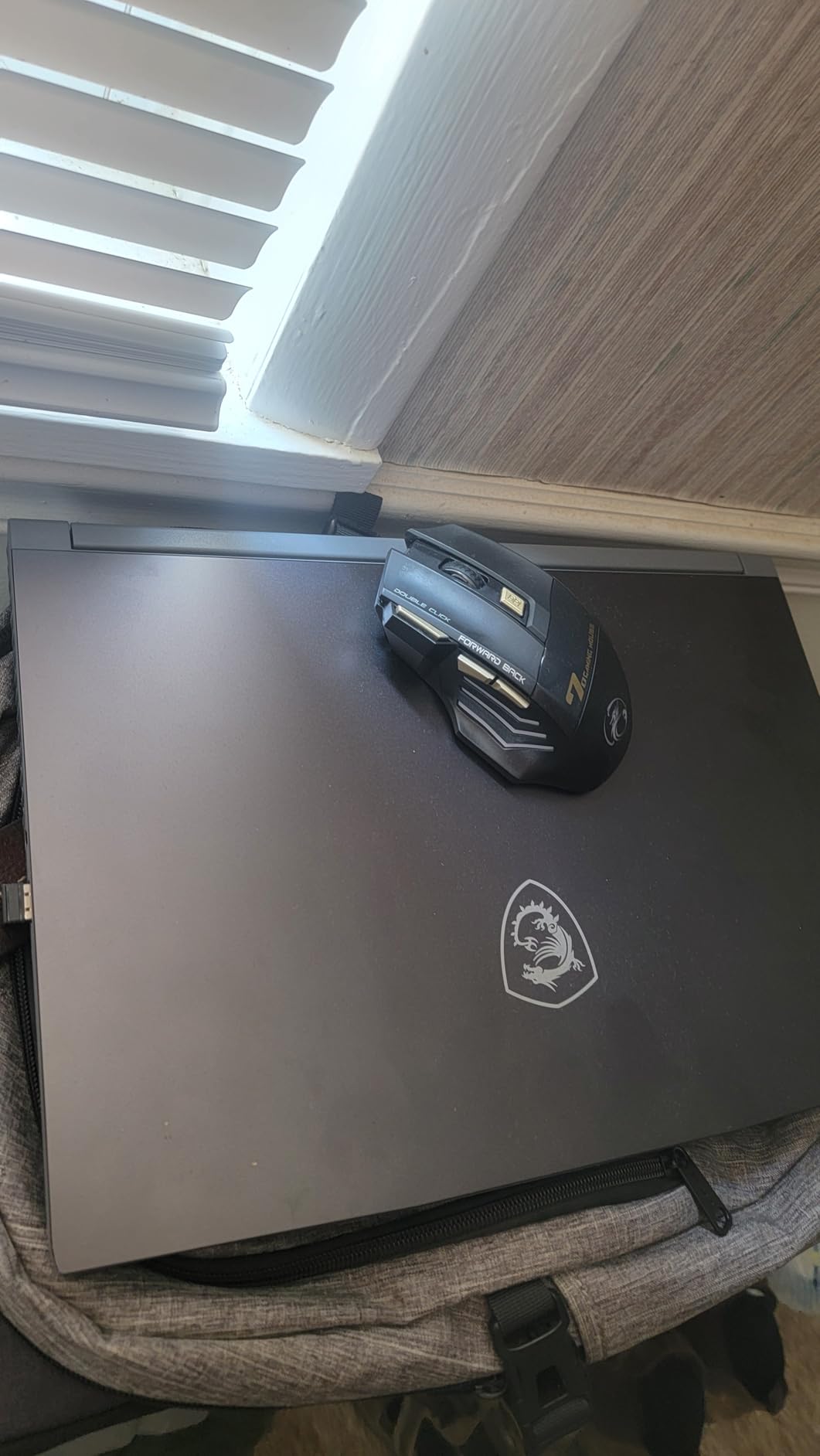
The RTX 3050 with 4GB of GDDR6 provides CUDA cores and NVENC encoding, so timeline playback and H.264 or H.265 export are hardware-accelerated. The Core i5-13420H boosts to 4.6GHz with 12MB of L3 cache across eight cores, which handles ingest and background tasks well. The 15.6 inch full HD IPS display at 144Hz is smooth for timeline work, though no color coverage figure is published.
Port selection is better than it should be at this price, with three USB-A ports, a USB-C port carrying DisplayPort 1.4, HDMI, and RJ-45 Ethernet. Cooler Boost 5 manages thermals and a 120W adapter is included. There is one open M.2 slot for a second drive, which solves the storage ceiling without replacing the boot disk.
Why renewed is worth considering at this budget
The arithmetic is straightforward. A new machine at this money often means 8GB of memory or integrated graphics, while a renewed unit with 16GB dual-channel and a dedicated card gives you more usable editing power for the same ceiling. The 4.5 star average from 18 ratings is a small sample, but the reviews are consistent about condition and performance rather than mixed.
What you accept is warranty length. This comes with a 90-day renewed warranty instead of a full year, so a hardware failure shortly after purchase is a real risk. Buy from a seller with a clear return policy, test the display and ports immediately on arrival, and keep the packaging until you have confirmed everything works.
When to spend the same money new instead
Buy new if your laptop is your only computer and a failure would stop your work, because the short warranty makes that an expensive risk. Also buy new if you need the battery to last, since renewed units carry aged cells. If you mostly cut 1080p, edit on the road, and can tolerate a 4GB VRAM limit, this is a capable machine that punches above the budget.
How to Choose: The Five Specs That Decide Editing Performance
Specs on a retail page are not equally important. Five of them determine whether your editing experience is smooth or frustrating, and the rest is marketing. Here is the order we would weigh them, with the reasoning for each.
1. Dedicated graphics, above everything else
Video editing is GPU-bound. The dedicated GPU handles timeline playback, effects, color correction, and hardware-accelerated export through CUDA and NVENC, while the processor handles ingest, proxy generation, and background rendering. At a 1,000 dollar ceiling the entire tier is defined by one question: do you get a discrete NVIDIA card or integrated Radeon 780M graphics? Two of the ten machines here answer no.
Within the discrete options, VRAM is the differentiator. 6GB (RTX 3060, RTX 4050) is comfortable for 1080p and workable for 4K with proxies. 4GB (RTX 3050, RTX 3050 Ti, RTX 2050) is enough for 1080p and light effects but will stall on complex 4K sequences. Integrated graphics can open a project and will not keep up with an export.
2. Memory: 16GB minimum, 32GB where you can get it
Memory is where budget laptops fail quietly. 8GB gets you a 1080p timeline on a short project and nothing more. 16GB is the working minimum, and 32GB is where 4K timelines, multicam, and running a browser alongside an editor stop competing for resources. What you cannot do is ignore this spec, because four of the ten machines here ship with 8GB and one has its memory soldered down.
Check whether the memory is in accessible SO-DIMM slots and what the maximum supported capacity is. The range on this list runs from soldered and capped at 16GB on the Lenovo IdeaPad, through a single slot on the LOQ, to four slots supporting 64GB on the MSI Cyborg. That single check will save you from a machine you cannot grow into.
3. Storage: NVMe, and a second slot if you can get it
A 512GB NVMe SSD is the floor, because 4K footage fills it faster than most buyers expect. A 60-minute 4K camera master can consume tens of gigabytes, and a working project with cache files multiplies that. Look for a free M.2 slot so you can add a second NVMe drive later instead of replacing the boot drive, and keep a fast external drive for archive and offload.
4. Processor: H-series and HX-series, not U-series
Look for an H-series or HX-series part. HX-series chips can power the discrete GPU down when you are unplugged, which buys real battery life. Avoid U-series low-power processors in an editing laptop unless portability is your only concern, because sustained export performance is exactly where wattage matters. Within that, eight cores is a comfortable target for exports and proxy work.
5. Display: separate refresh rate from color accuracy
Two different things live in the display spec and buyers conflate them. Refresh rate, 144Hz or 165Hz, controls how smooth scrubbing and timeline playback feel. Color gamut, whether the panel covers 100% sRGB or less, controls whether your corrections will survive the trip to a client monitor. You want both, and at this budget you rarely get both.
Only one pick here publishes a 100% sRGB figure, and one has 45% NTSC coverage, which is worse than sRGB. For client-facing color work, plan on an external display regardless of which machine you choose, and treat the laptop panel as a cutting surface. That is the honest answer, and it is why our guide to the 12 best 4K monitors for photo editing is worth reading before you spend your color budget.
RAM and SSD Upgrade Paths: What to Verify Before You Buy
Upgrading is the single most useful thing you can do at this budget, because it converts an 8GB machine into a usable one for a fraction of the cost of buying again. Here is what to check on each chassis in this list, in plain terms.
Four or more memory slots: The MSI Cyborg 15 has four slots and supports up to 64GB, with 16GB DDR5 already installed. That is the best upgrade situation in the group. Match module speeds and go to 32GB or 64GB if your projects justify it.
Two memory slots with an open drive bay: The Acer Nitro 5 AN515-45 ships with 16GB DDR4 and can reach 32GB, and it has both an open M.2 slot and a 2.5 inch drive bay. Adding a fast NVMe drive for project cache and a larger drive for archive is genuinely easy here.
Two memory slots, no second drive slot issue: The Acer Nitro 5 AN515-57-79TD has two DDR4 slots to 32GB and an open M.2 slot, so memory and storage are both addressable. The MSI Thin 15 renewed unit also has two memory slots and one open M.2 slot, which is workable if you configure it correctly from the start.
One slot only: The Lenovo LOQ Essential has a single memory slot, so you are choosing between the 8GB it ships with and a replacement module. Owners also report freezing with some 16GB modules, so buy a matched, tested kit. The Acer Nitro V 15 has two DDR5 slots to 32GB and is the safer version of this deal.
No upgrade path: The Lenovo IdeaPad 2-in-1 has 16GB of LPDDR5 soldered with a 16GB maximum. Whatever you buy, that is all the memory you will ever have. The NIMO N158 has 32GB DDR5 as standard with a stated 256GB maximum, so memory is settled and the question becomes storage and graphics instead.
Order of operations matters. Add memory first, because no amount of storage fixes a machine that stalls on a complex timeline. Add storage second, once your cache and footage habits are clear. Do both in the first week rather than living with the out-of-the-box configuration, since every review of the 8GB machines here says the same thing about the experience before and after.
Mac or Windows, and When a Desktop Wins at This Budget
Editors ask this constantly, so here is the honest split. On Windows with an RTX 4050, you get hardware encoding, CUDA effects, and the widest plugin compatibility, and it is the right choice if your deliverables are H.264 or H.265 for the web. On a previous-generation M-series MacBook at the same money, you get a far better display, silent operation, and much better battery life, and Final Cut Pro is essentially free. The catch is that no amount of Apple silicon fixes a missing discrete GPU, and NVIDIA-only effects and plugins are simply not an option there.
The software fit matters more than the brand. Premiere Pro runs well on any of the discrete GPU machines here, with the RTX 4050 and 3060 options handling 1080p comfortably and 4K with proxies. DaVinci Resolve is the most demanding of the three because it leans on the GPU for its color pipeline, which makes VRAM the deciding number and puts the RTX 3060 and 4050 options ahead. Final Cut Pro is the argument for a Mac, and the argument against everything here.
Now the desktop question, which no ranking page addresses. Forum consensus repeatedly raises buying a small desktop instead at this budget, and the argument has real merit. A compact desktop with an RTX card and 32GB of memory will out-edit any laptop on this list, it can be upgraded forever, and cooling is not a compromise. What you give up is the ability to edit on a train, which for some creators is the entire point of buying a laptop.
Our read: if you edit at one desk and already own a screen and keyboard, a desktop is the better machine and this guide is the wrong one for you. If you need to edit anywhere, a laptop is the only real option and the compromises above are what you signed up for. The most common pattern we see among buyers is a laptop now and a desktop later, once editing stops being a side project.
Frequently Asked Questions
What is the best laptop under 1000 dollars for video editing?
The Acer Nitro V 15 is the strongest all-round pick at this budget, pairing an RTX 4050 with 6GB of GDDR6, a 165Hz full HD IPS panel, and two accessible DDR5 slots. It ships with 8GB of memory, so budget for an upgrade on day one. For the most memory in the group, the NIMO N158 ships with 32GB and 1TB, though it relies on integrated Radeon 780M graphics.
Which laptop is best for video editing at a low price?
At a low price, prioritize a dedicated GPU over a faster processor. A dedicated RTX 4050 with 6GB of VRAM accelerates timeline playback, effects, and export through CUDA and NVENC in a way integrated graphics cannot. Then confirm the machine has 16GB of memory or an accessible slot to add it, and a 512GB NVMe drive with a free second slot if possible.
Is 16GB of RAM enough for video editing?
16GB is the working minimum for 1080p editing and for 4K timelines with proxies. Below that, an editor competes with the browser, file explorer, and music software for memory, and scrubbing stutters. 32GB is where long-form and multicam work becomes comfortable. Several laptops in this list ship with only 8GB, so check the memory configuration carefully before choosing.
What is the best laptop to run Premiere Pro?
Premiere Pro runs well on any of the discrete GPU machines in this list, and the RTX 4050 and RTX 3060 options handle it best because of their 6GB of VRAM and NVENC encoding. Memory matters more than most buyers expect, so avoid the 8GB configurations or upgrade them. For color-critical work, add an external display, since most panels here lack a published sRGB coverage figure.
Should I buy a laptop or a desktop for video editing at this budget?
A compact desktop with a discrete GPU and 32GB of memory will out-edit any laptop on this list, and it can be upgraded indefinitely. Buy a laptop only if you need to edit away from a desk, since that portability is what you are paying for with a slower processor, a smaller memory ceiling, and a panel that will not pass a color check. A common pattern is a laptop now and a desktop later.
Is a used or refurbished laptop good for video editing?
It can be, and at this budget it is a legitimate way to get more memory and a dedicated GPU than a new machine would give you. The renewed MSI Thin 15 on this list is an example, arriving with 16GB of dual-channel memory and an RTX 3050. The trade is warranty length, often 90 days, so buy from a seller with a clear return policy and test the display and ports on arrival.
Conclusion: Who Should Buy What
The best laptops for video editing under 1000 dollars come down to which compromise you can live with. Buy the Acer Nitro V 15 for the best balance of dedicated GPU, upgradeable memory, and a fast display, and add memory before you start. Buy the Acer Nitro 5 AN515-45 if raw GPU power and storage expansion matter most. Buy the NIMO N158 if memory and portability beat graphics in your workflow.
Buy the HP Victus 15 if quiet, cool operation and a good keyboard keep you sane during long sessions, and the Lenovo LOQ Essential if a 100% sRGB panel is worth more to you than a memory upgrade. Buy the Lenovo IdeaPad 2-in-1 for a large touch screen and the best ports here, and the MSI Cyborg 15 if you want 32GB or more eventually. If you can accept a shorter warranty, the renewed MSI Thin 15 puts a dedicated GPU and 16GB in your hands that a new machine at this budget often will not.
One last piece of advice, and the one that saves the most frustration: add memory in the first week, keep your project files on an NVMe drive with a second slot free, and plan on an external display for any color work. Do those three things and any of these machines will feel far more capable than its tier suggests.