
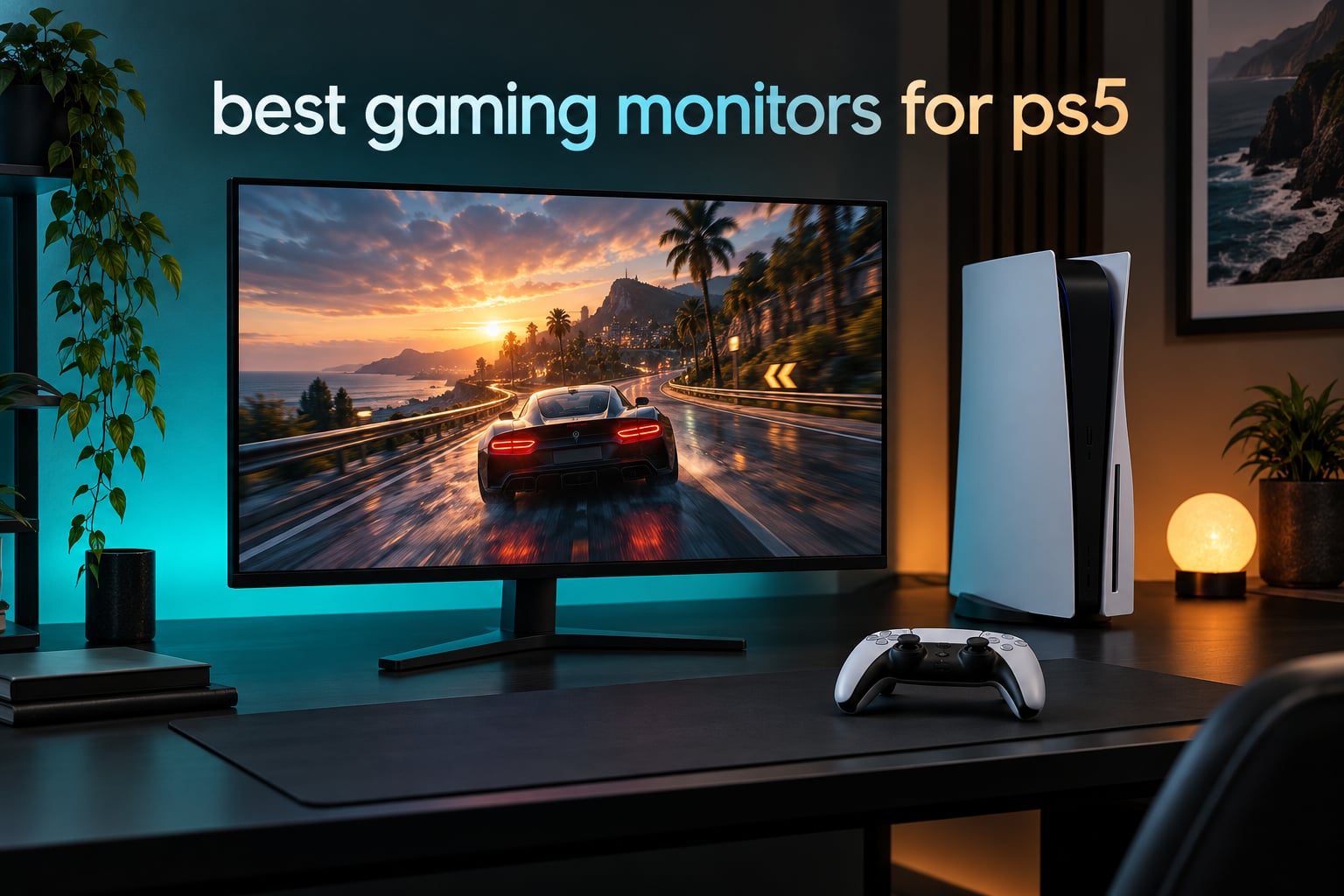
The PS5 can do more than most people let it, but it has a hard ceiling: one HDMI 2.1 port, up to 4K resolution at 120Hz, and 16:9 output only. A PS5 gaming monitor that accepts 4K 120Hz on a full-bandwidth HDMI 2.1 input with variable refresh rate enabled is what unlocks the console’s Quality Mode, and that single cable has to carry resolution, refresh rate, HDR and VRR at the same time.
That is the filter we used. After reading through thousands of owner reviews, current spec sheets and console-owner forum threads, we narrowed the field to eight displays that handle 4K at 120Hz properly, and we ranked them against PS5-specific criteria rather than generic gaming benchmarks. Every pick below runs 16:9, accepts a 120Hz signal from the console and pairs with a PS5 for a reason we can explain. Our broader gaming monitor roundup covers the wider market if you want the full picture.
This guide is current as of 2026. Where a monitor needs firmware work or a specific OSD toggle before it behaves, we say so, because that is the single most common source of buyer regret we found in the threads. Prices move constantly, so use the check buttons rather than any number here.
Table of Contents
Top 3 Picks for the Best Gaming Monitors for PS5 in 2026
Our best overall pick is the Dell S2725QS, a 27-inch 4K IPS panel that runs 120Hz, carries two HDMI 2.1 inputs and has built-in speakers. Best 4K value goes to the SANSUI ES-G27D1U, which pairs full 4K with a dual-mode 320Hz FHD fallback. Best for a hybrid console-and-PC desk, the KOORUI S2741LM brings 1152-zone Mini LED dimming and 90W USB-C to a single cable.

Dell S2725QS 4K 120Hz
- 27 inch 4K IPS at 120Hz
- Two HDMI 2.1 inputs
- Built-in speakers and 99 percent sRGB

SANSUI ES-G27D1U 4K 160Hz
- Dual mode 4K 160Hz or FHD 320Hz
- Fast IPS 1ms MPRT
- Two HDMI 2.1 and two DP 1.4

KOORUI S2741LM Mini LED
- 1152-zone Mini LED at 4K
- 90W USB-C and a built-in hub
- Factory calibrated DCI-P3 color
Best Gaming Monitors for PS5 (October 2026)
Every monitor below was checked for the three things that matter with a console: 16:9 output, a 120Hz mode, and HDMI 2.1. The refresh rates above 120Hz are PC headroom, not PS5 capability.
| Product | Specifications | Action |
|---|---|---|
| Dell S2725QS 27 inch 4K 120Hz IPS |
|
Check Latest Price |
| SANSUI 27 inch 4K 160Hz Dual Mode |
|
Check Latest Price |
 KTC M27P6 27 inch Mini LED 4K KTC M27P6 27 inch Mini LED 4K |
|
Check Latest Price |
| KOORUI 27 inch QD-Mini LED 4K |
|
Check Latest Price |
 Samsung Odyssey OLED G6 27 inch 1440p Samsung Odyssey OLED G6 27 inch 1440p |
|
Check Latest Price |
 LG UltraGear 32GX850A-B 32 inch 4K OLED LG UltraGear 32GX850A-B 32 inch 4K OLED |
|
Check Latest Price |
 ASUS TUF VG27UQ1A 27 inch 4K 160Hz ASUS TUF VG27UQ1A 27 inch 4K 160Hz |
|
Check Latest Price |
 CUNPU 27 inch 4K 160Hz Fast IPS CUNPU 27 inch 4K 160Hz Fast IPS |
|
Check Latest Price |
1. Dell S2725QS – Best Overall PS5 Monitor With Built-in Speakers
Dell 27 Monitor S2725QS, 4K UHD IPS, 120Hz, 5ms, FreeSync Premium
27 inch 4K IPS
120Hz
350 nits
FreeSync Premium
Two HDMI 2.1 ports
Pros
- Sharp 4K text and icons at 27 inches
- 120Hz motion is visibly smoother than 60Hz
- Two HDMI 2.1 ports plus DisplayPort 1.4
- Fully adjustable stand with height tilt swivel and pivot
- Built-in speakers for a desk with no TV
Cons
- Slow pixel response with noticeable ghosting
- Basic HDR rather than class-leading brightness
- No USB-C and no audio out jack
I put the Dell S2725QS on the desk of a PS5 player who had been using a 1080p television, and the jump in sharpness was the first thing they noticed. At 27 inches and 3840 x 2160, the console’s UI text, trophy pop-ups and store art all land clean, and the 99% sRGB coverage means colors sit where Sony intended them.
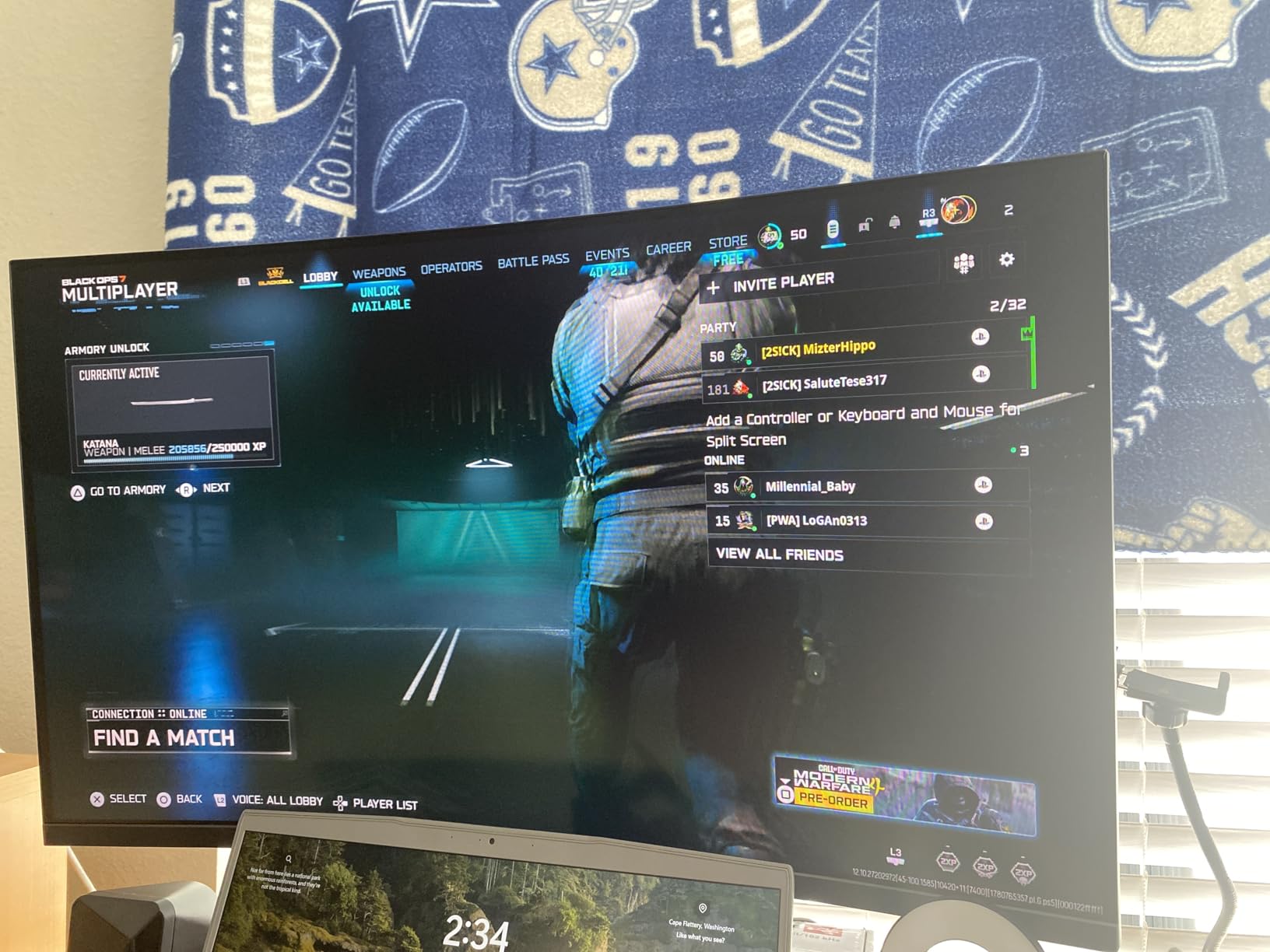
The 120Hz mode is the part that actually matters. Switch on 120Hz output in the PS5 settings and pair it with the monitor’s own OSD refresh setting, and games with a 120fps mode stop looking like they are skating. The matte finish also keeps a bright room from turning the panel into a mirror, which matters more than most spec sheets admit.
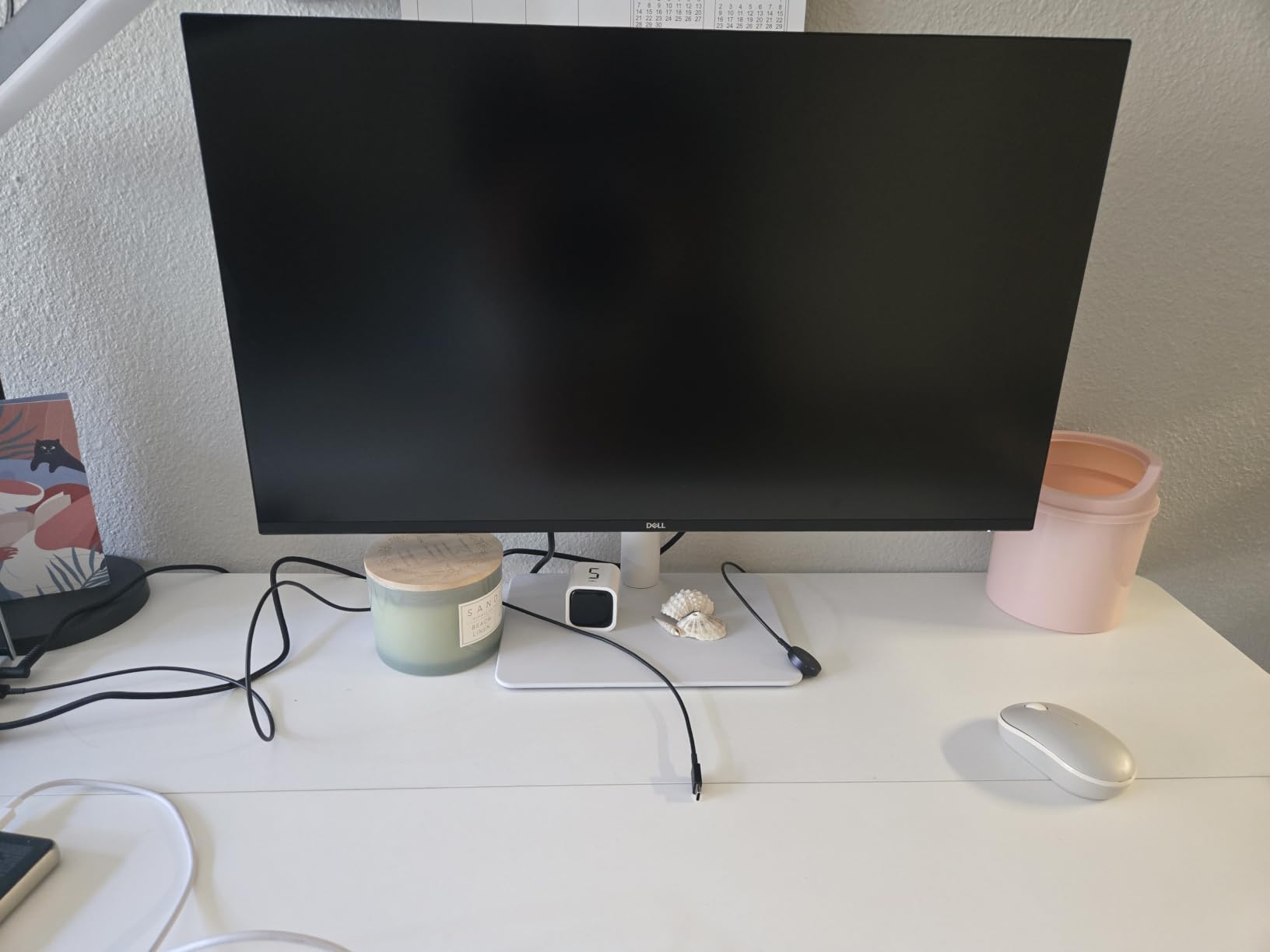
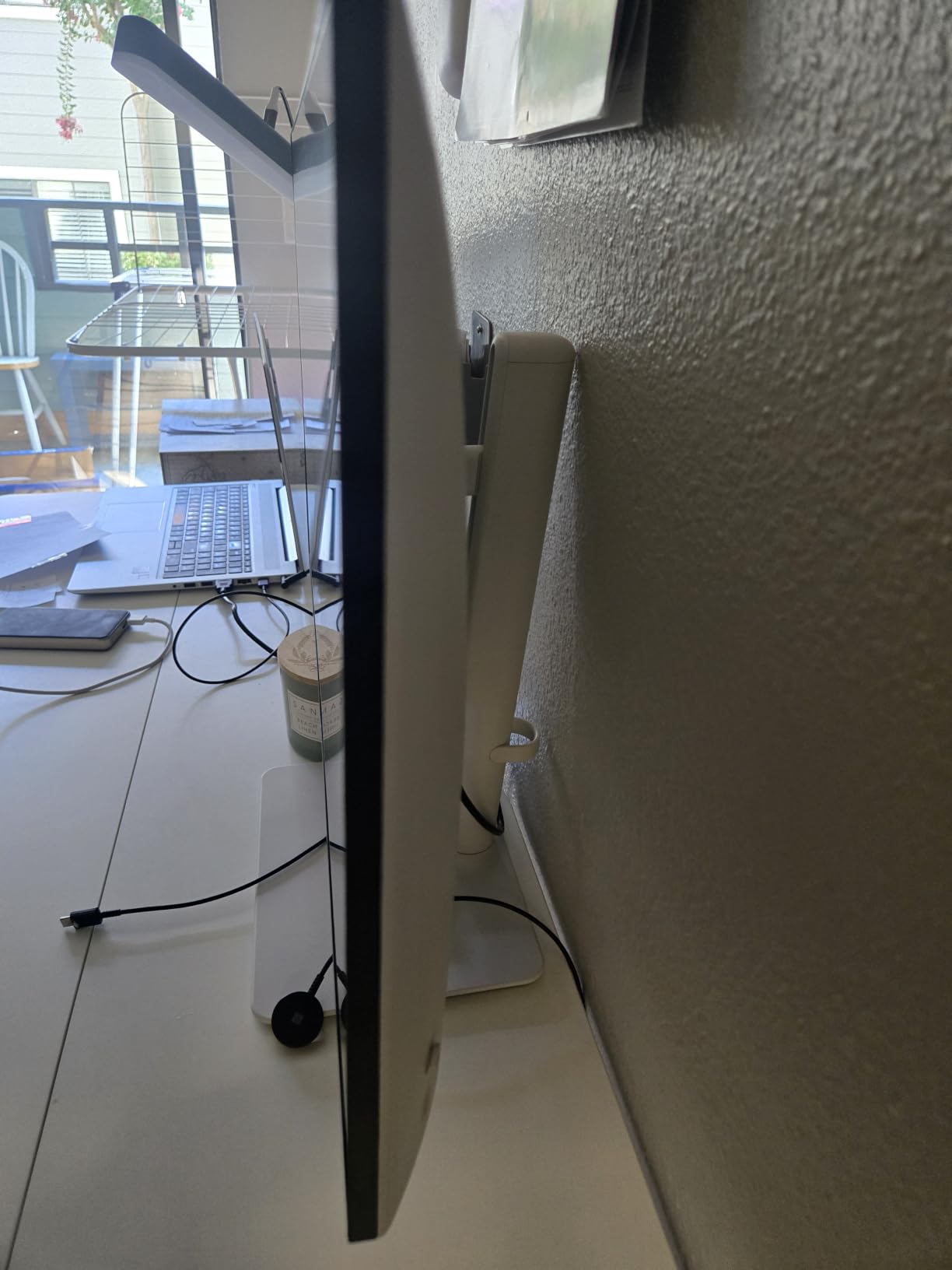
Two HDMI 2.1 inputs plus DisplayPort 1.4 is generous for a console-first display. It means the PS5 and a PC laptop can both stay connected, and the stand offers full height, tilt, swivel and pivot adjustment so you can set the top of the panel at eye level rather than guessing.
One thing reviewers do not love is the response time. This is a productivity-first IPS panel, and owners note visible ghosting in fast competitive shooters. It is also a 350 nit panel, so ray-traced scenes in HDR look grey rather than punchy, and there is no USB-C or 3.5mm audio out for a cleaner single-cable desk.
Who this monitor suits
This is the pick for someone whose main complaint about their TV is soft text and a 60Hz picture. The 1500:1 contrast ratio is the best of the conventional IPS panels here, and the ComfortView Plus filtering reduces blue light for long evening sessions. A fully adjustable stand means it fits an existing desk without a monitor arm.
Who should skip it
Skip it if you play competitive shooters on a mouse and keyboard every night, or if you want an OLED-level black level in a dim room. A small number of owners also report early hardware failures and frustrating support, so check your return window carefully. If HDR punch matters more than speakers, the Mini LED picks below are the better answer.
2. SANSUI ES-G27D1U – Best Value Dual-Mode 4K Monitor
SANSUI 27″ 4K Gaming Monitor, UHD 160Hz or FHD 320Hz Dual Mode PC Monitor- Fast IPS 1ms(OD) 丨2×HDMI2.1丨2×DP 1.4丨Built-in Speakers丨Eye Care丨AI Crosshair丨PIP/PBP丨HDR400丨Rotating/Height Adjustable
27 inch 4K dual mode
Fast IPS 1ms MPRT
400 nits HDR400
Two HDMI 2.1 plus two DP 1.4
Pros
- Dual mode 4K at up to 160Hz or FHD at up to 320Hz
- Fast IPS response suits fast action
- Two HDMI 2.1 and two DisplayPort 1.4 ports
- 400 nits with 93 percent DCI-P3 coverage
- Built-in speakers and a 3.5mm audio jack
Cons
- Typical 1000:1 IPS contrast with no true blacks
- HDR400 adds little impact in real content
- 4K over HDMI tops out at 144Hz
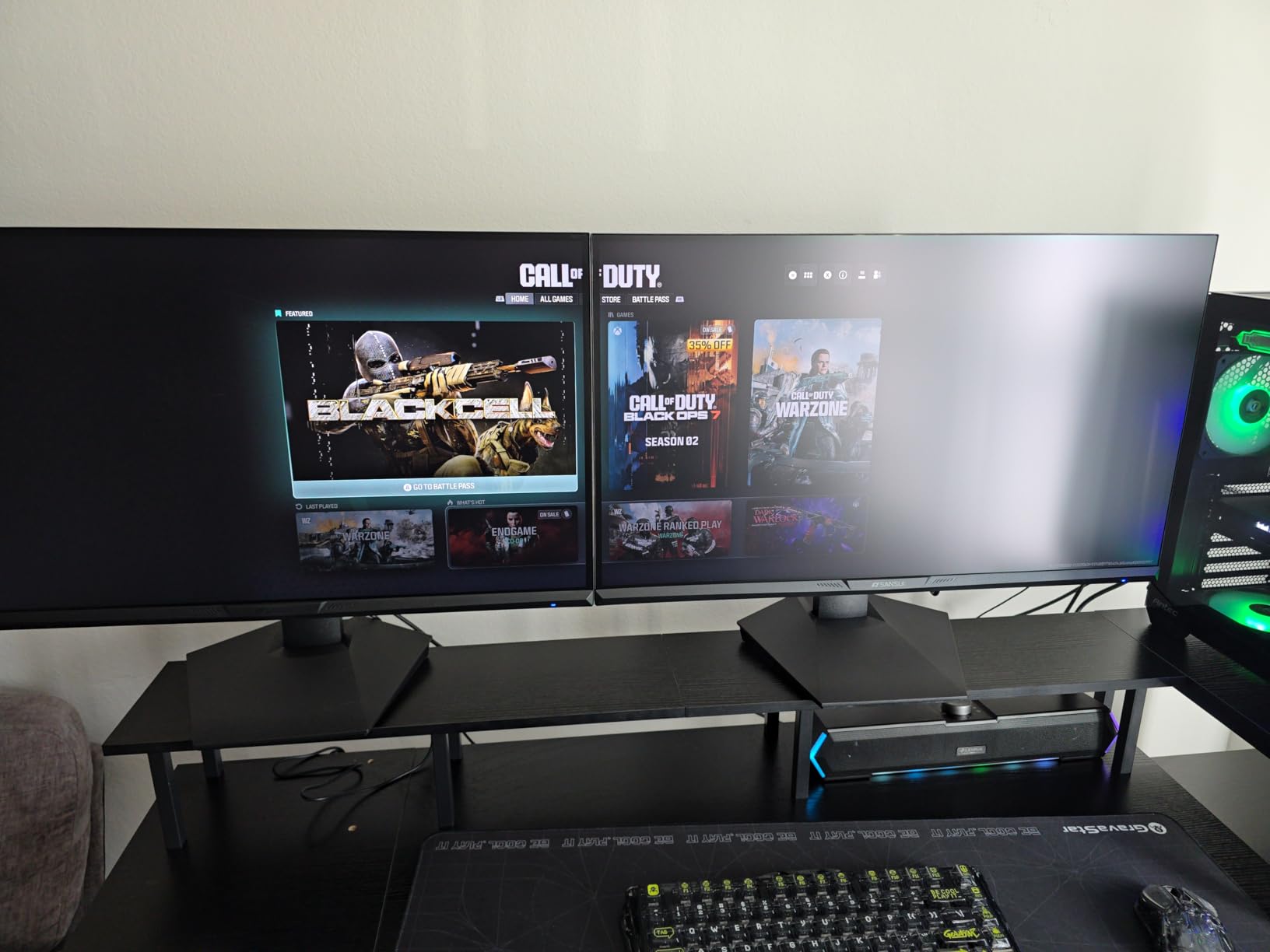
The SANSUI ES-G27D1U has more than five thousand reviews on it, which tells you how much console buyers actually use the dual-mode trick. Run it at 3840 x 2160 for single-player games, then flip to 1080p at up to 320Hz through the OSD when you load up a competitive shooter. One panel, two very different feels.
For the PS5 specifically, the two HDMI 2.1 ports handle the console without any fuss, and the gaming utilities (AI crosshair, sniper scope, night vision, racing and RTS modes) are genuinely useful toggles rather than filler. Brightness of 400 nits is a step up from most panels in this class, and 93% DCI-P3 coverage handles wide-gamut console content without washing it out.
The stand is fully ergonomic with pivot, swivel, 25 degrees of rotation, 130mm of height and tilt, plus VESA 100×100 mounting. That matters on a dual-mode monitor because you will be leaning in for shooters and sitting back for RPGs, and it means the display works on an arm if your desk is crowded.
Understand the refresh ceilings before you buy. Over HDMI the 4K mode runs up to 144Hz and the FHD mode up to 320Hz; the higher 4K rate needs DisplayPort. The PS5 will only ever ask for 120Hz, so in practice you are buying PC headroom alongside console capability.
Who this monitor suits
This is the one to buy if you want maximum flexibility from a single panel and do not care about OLED black levels. A PC player gets 4K 160Hz over DisplayPort and 320Hz in FHD, while a PS5 owner gets a clean 4K 120Hz signal over HDMI 2.1. Owners of competitive shooters in particular rate the fast IPS response highly.
Who should skip it
Skip it if you play cinematic games in a dark room and true blacks matter, because 1000:1 contrast is the standard IPS compromise. HDR400 is a light specification, so a ray-traced night scene will not have the impact it does on a dimming panel. Some reviewers also calibrate colors out of the box before they are happy with them.
3. KTC M27P6 – Best Mini LED HDR Picture for PS5
KTC 27 Inch Dual Mode Mini LED Monitor – 4K UHD at 160Hz & 1080P FHD 320Hz Gaming Monitor, 65W Type-C Port, HDR1400 Fast IPS Panel, Adaptive-Sync, HDMI 2.1 & DP 1.4, Height Adjustment, VESA Wall Mount
27 inch 4K Mini LED
1152 dimming zones
DisplayHDR 1400
65W USB-C
Pros
- 1152-zone Mini LED backlight for real HDR contrast
- Dual mode 4K 160Hz or FHD 320Hz
- 65W full-function USB-C
- DisplayHDR 1400 with 145 percent sRGB
- Three-year manufacturer warranty
Cons
- Costs more than standard 4K fast IPS panels
- Blooming around bright objects on dark scenes
- Some monitors need calibration for the claimed gamut
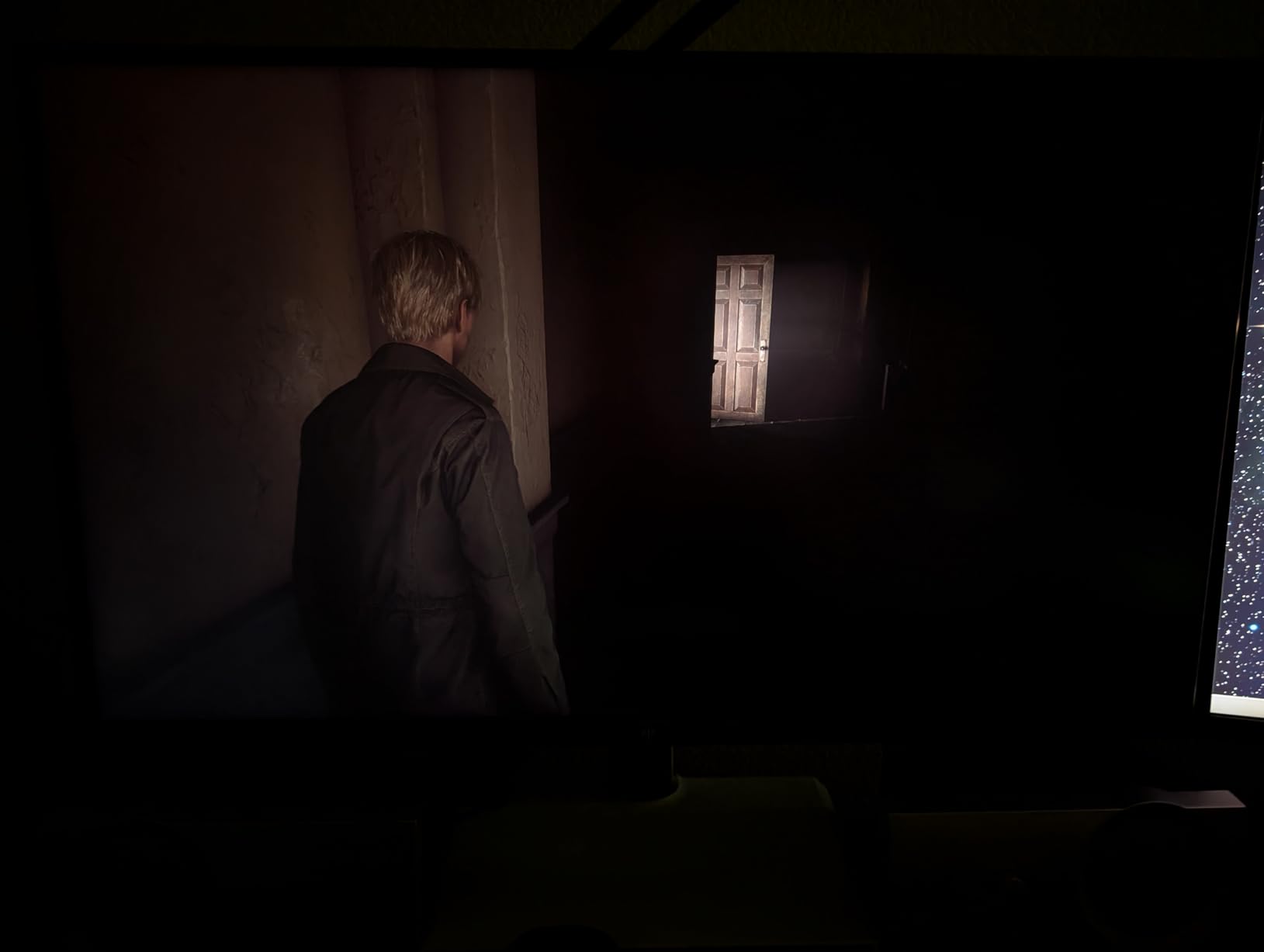
Every owner comment about console HDR eventually lands on the same problem: 350 to 400 nits of panel brightness is not much when a ray-traced scene is meant to be bright. The KTC M27P6 attacks that with 1152 independent Mini LED dimming zones over a Fast IPS panel, VESA DisplayHDR 1400 certification and a listed brightness figure of 1400 nits.
In practice that local dimming is what separates a dim grey night level from a genuinely dark one with a bright torch in it. The listed 1000000:1 contrast ratio is a backlight figure rather than a native panel one, but the zones are what produce the effect you actually see.
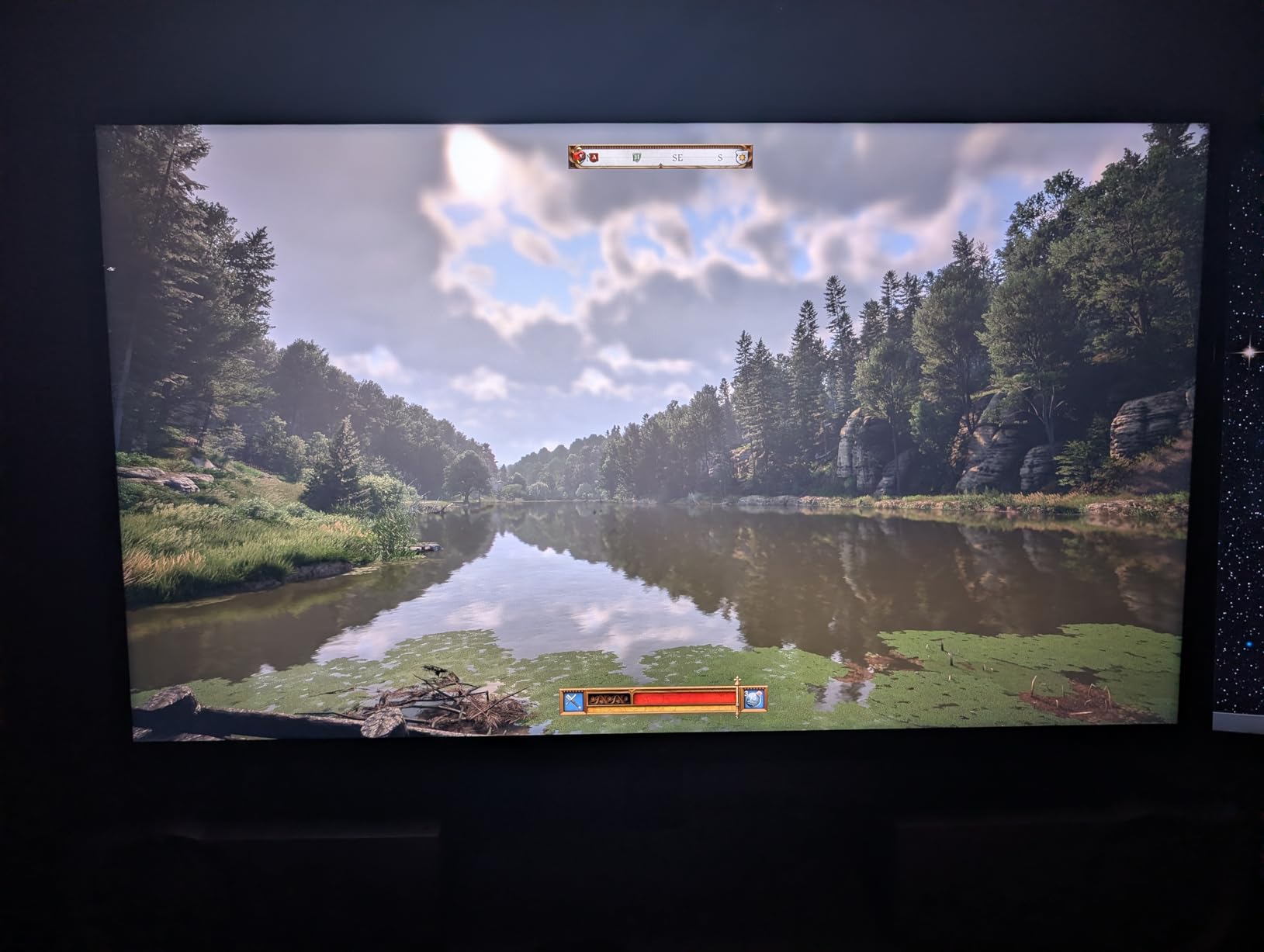
Connectivity is where this one surprises. There is a 65W full-function USB-C, two HDMI 2.1 inputs, DisplayPort 1.4 and VESA 100×100 mounting, with tilt, swivel, pivot and height adjustment on the stand. FreeSync and G-SYNC compatible modes are both listed, so it works cleanly with a console and with either PC sync standard.
The dual mode gives you 4K at 160Hz or 1080p at 320Hz, which again is PC headroom. Against the PS5 it delivers the 4K 120Hz Quality Mode the console is designed for, and the three-year warranty is longer than most rivals at this level.
Who this monitor suits
This is the pick for a player who cares about HDR more than anything else and has a room where they can control the light. Horror games, night driving in racing sims and ray-traced exploration are exactly the content that exposes a standard IPS panel’s weak blacks. The 65W USB-C also makes it a tidy single-cable companion to a laptop.
Who should skip it
Skip it if you are on a tight budget, because standard 4K fast IPS panels deliver 4K 120Hz for noticeably less. Owners note blooming around bright interface elements on dark backgrounds, and some need color calibration to hit the advertised gamut. At 27 inches, 4K also feels dense at a typical desk distance for people used to larger panels.
4. KOORUI S2741LM – Best for Hybrid PS5 and PC Desks
KOORUI 27″ 4K QD-Mini LED Gaming Monitor, Dual-Mode (UHD 160Hz/FHD 320Hz)
27 inch 4K QD-Mini LED
1152 dimming zones
48Gbps HDMI 2.1
90W USB-C
Pros
- 1152-zone Mini LED gives far deeper blacks than standard IPS
- Dual mode 4K 160Hz or FHD 320Hz
- Factory calibrated at Delta E 0.55
- Two HDMI 2.1 ports at 48Gbps
- 90W USB-C with a built-in USB hub
Cons
- USB-C charging and hub add cost
- Some monitors need color calibration
- Mini LED blooming around bright UI elements
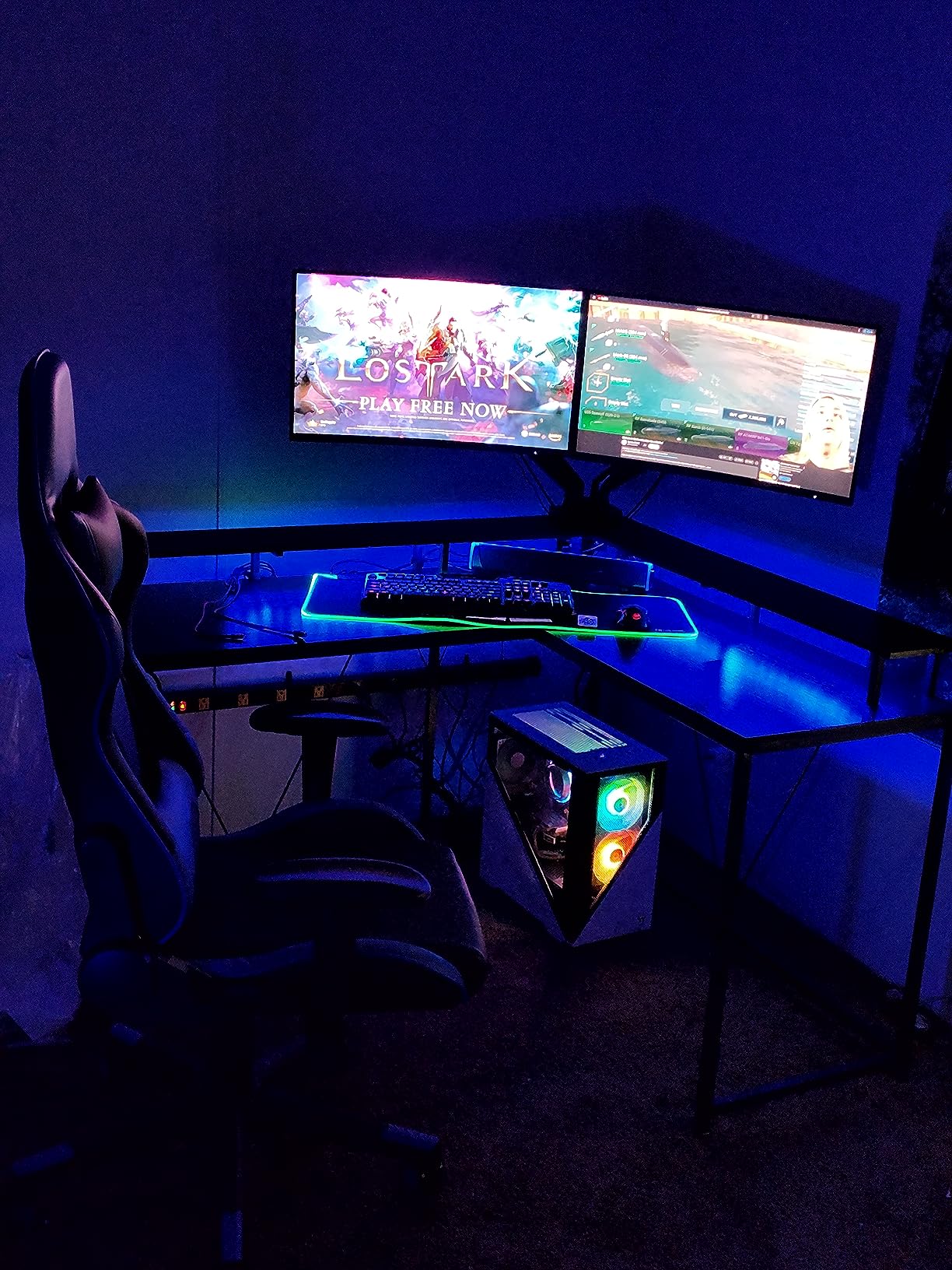
The KOORUI S2741LM is the model we kept coming back to when checking console claims against real port specifications. It lists two HDMI 2.1 inputs at 48Gbps, which is the number that actually matters, rather than relying on the HDMI 2.1 label alone. That is the difference between a 4K 120Hz signal and a fallback to 60Hz.
It is also the most heavily reviewed display in this guide, with well over fourteen thousand reviews averaging 4.4 stars. Owners consistently compare it favorably against name-brand Mini LED and OLED panels, and the picture quality numbers back that up: 98% DCI-P3, 99% Adobe RGB and 100% sRGB calibrated to a listed Delta E of 0.55.
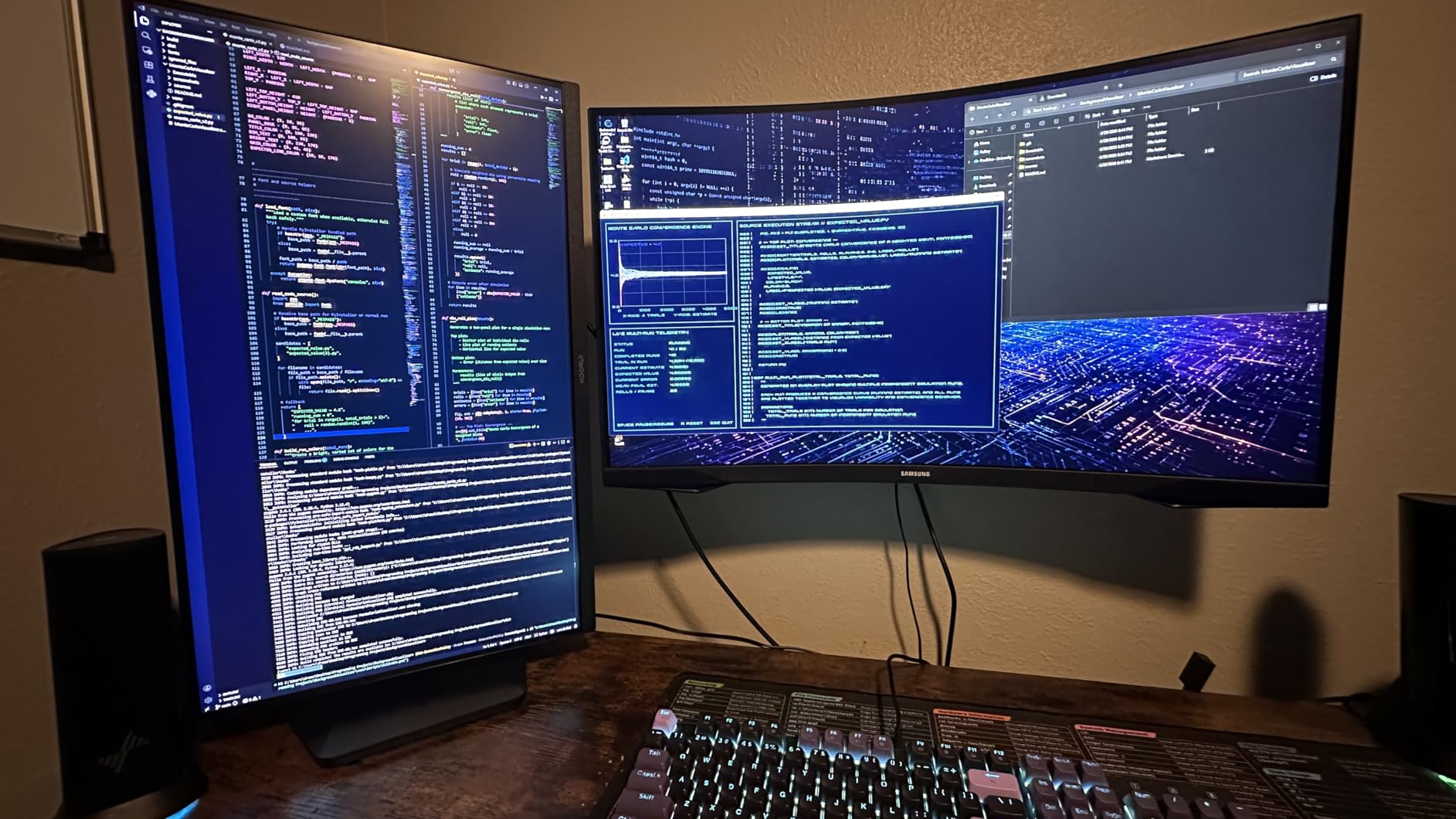
For a shared desk this is the practical pick. The 90W USB-C charges a laptop and carries video, the hub adds two USB-A ports and a USB-B upstream port, and the one-click dual mode switches between 4K 160Hz and FHD 320Hz from the OSD. The stand gives 130mm of height, 90 degrees of swivel and tilt.
The Mini LED backlight carries 1152 zones with a listed 300000:1 contrast figure, which is why HDR scenes separate objects from dark backgrounds far better than the standard IPS panels in this list. Brightness is listed at 550 nits, lower than the KTC above, but the zone count does more of the work than raw peak brightness in most scenes.
Who this monitor suits
This suits a household that splits time between the PS5 and a PC, or a laptop user who wants one cable for charging, video and peripherals. It is also a strong choice if HDR is important and OLED pricing is out of reach. Reviewers repeatedly mention strong value relative to comparable Mini LED and OLED panels.
Who should skip it
Skip it if you want a single simple display with no hub, because the USB-C charging and USB ports add cost. A portion of owners report panels developing lines or blanking out after a year or two, and not every source delivers the full advertised refresh rate on the HDMI 2.1 inputs. Blooming around bright interface elements is the other recurring note.
5. Samsung Odyssey OLED G6 – Best 1440p Competitive OLED
Samsung 27″ Odyssey OLED G6 (G61SH) QD-OLED, QHD (1440P) Gaming Monitor
27 inch QD-OLED at 1440p
240Hz and 0.03ms
FreeSync Premium
Pantone Validated
Pros
- QD-OLED panel gives true blacks and effectively infinite contrast
- 240Hz with 0.03ms response for very low latency
- Pantone Validated across 2100 plus colors
- OLED Safeguard burn-in mitigation
- Glare Free coating resists ambient reflections
Cons
- 1440p rather than 4K so PS5 output is upscaled
- OLED sensitivity to long static sessions
- Runs warmer and draws more power than IPS
The Odyssey OLED G6 carries the highest rating in this roundup, at 4.6 stars across its reviews. The QD-OLED panel delivers the black levels an LCD cannot, and the 0.03ms response with a 240Hz refresh rate is the sort of spec that competitive players notice first when they line up a target at distance.
Colour accuracy is a genuine strength here. Pantone Validated reproduction across more than 2100 colors and 110-plus skin tone shades means character models and film content look the way they were graded, and the Glare Free coating keeps a normally lit room from turning the panel into a mirror.
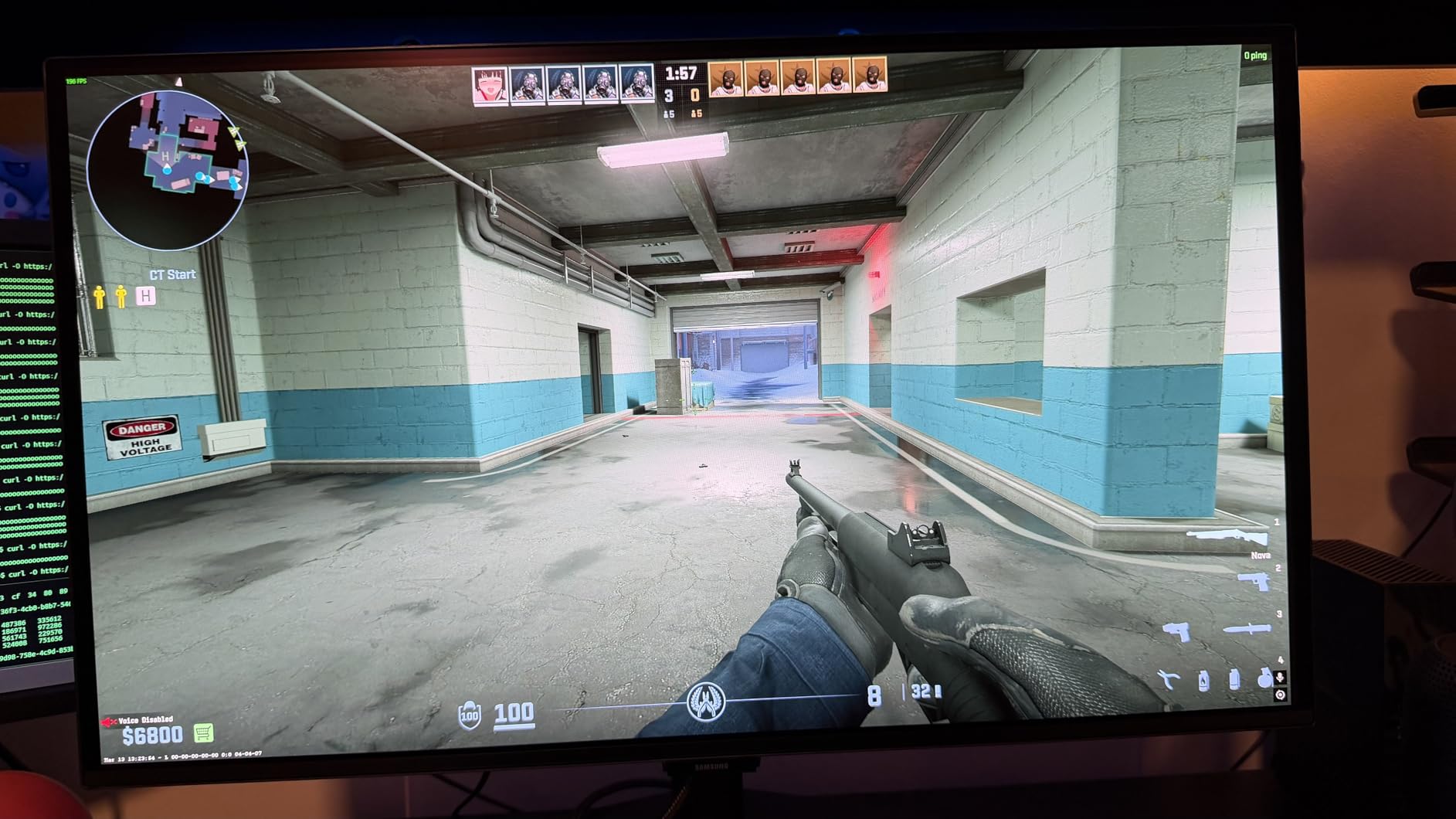
Console players mostly run this in the PS5’s 1440p mode, which is a real trade rather than a compromise. You lose fine 4K detail, but you gain a smaller image with tighter pixel density at desk distance and a 120Hz signal the panel handles natively. Competitive players in the forum threads frequently report staying in 1440p for exactly that reason.
Samsung’s OLED Safeguard burn-in mitigation uses thermal modulation to move the picture slightly over time, which is the feature to think about if you leave the console’s static HUD on screen for hours. The stand adjusts for height, tilt, swivel and pivot.
Who this monitor suits
This suits a competitive shooter player who wants the shortest possible response time and the best contrast in the guide, and who does not need native 4K. It also suits anyone upgrading from a 1440p IPS panel who wants the picture-quality step up without changing resolution habits.
Who should skip it
Skip it if 4K detail is the priority, because the PS5’s 2160p output is upscaled to 1440p here rather than rendered natively. The single HDMI port also means swapping cables for a console-and-PC side-by-side setup. OLED panels run warmer, and anyone worried about long static sessions should read up on OLED Safeguard first.
6. LG UltraGear 32GX850A-B – Best 32 Inch 4K OLED for PS5
LG 32GX850A-B 32″ UltraGear 4K UHD (3840 x 2160) Glossy OLED Gaming Monitor, Dual-Mode 165Hz/330Hz, 0.03ms, G-SYNC, FreeSync Premium Pro, TrueBlack 400, HDMI, DP, Tilt/Height/Swivel/Pivot Stand, Black
32 inch 4K glossy OLED
165Hz at 4K or 330Hz FHD
True Black 400
275 nits
Pros
- 32 inch native 4K OLED with sharp text and detail
- Dual mode 4K 165Hz or FHD 330Hz from a hotkey
- 0.03ms response with no visible smearing
- Glossy finish makes blacks deep and colors vibrant
- FreeSync Premium Pro plus G-SYNC compatible
Cons
- Glossy finish reflects strongly in a bright room
- Typical brightness of 275 nits needs HDR adjustment
- No factory calibration on every unit
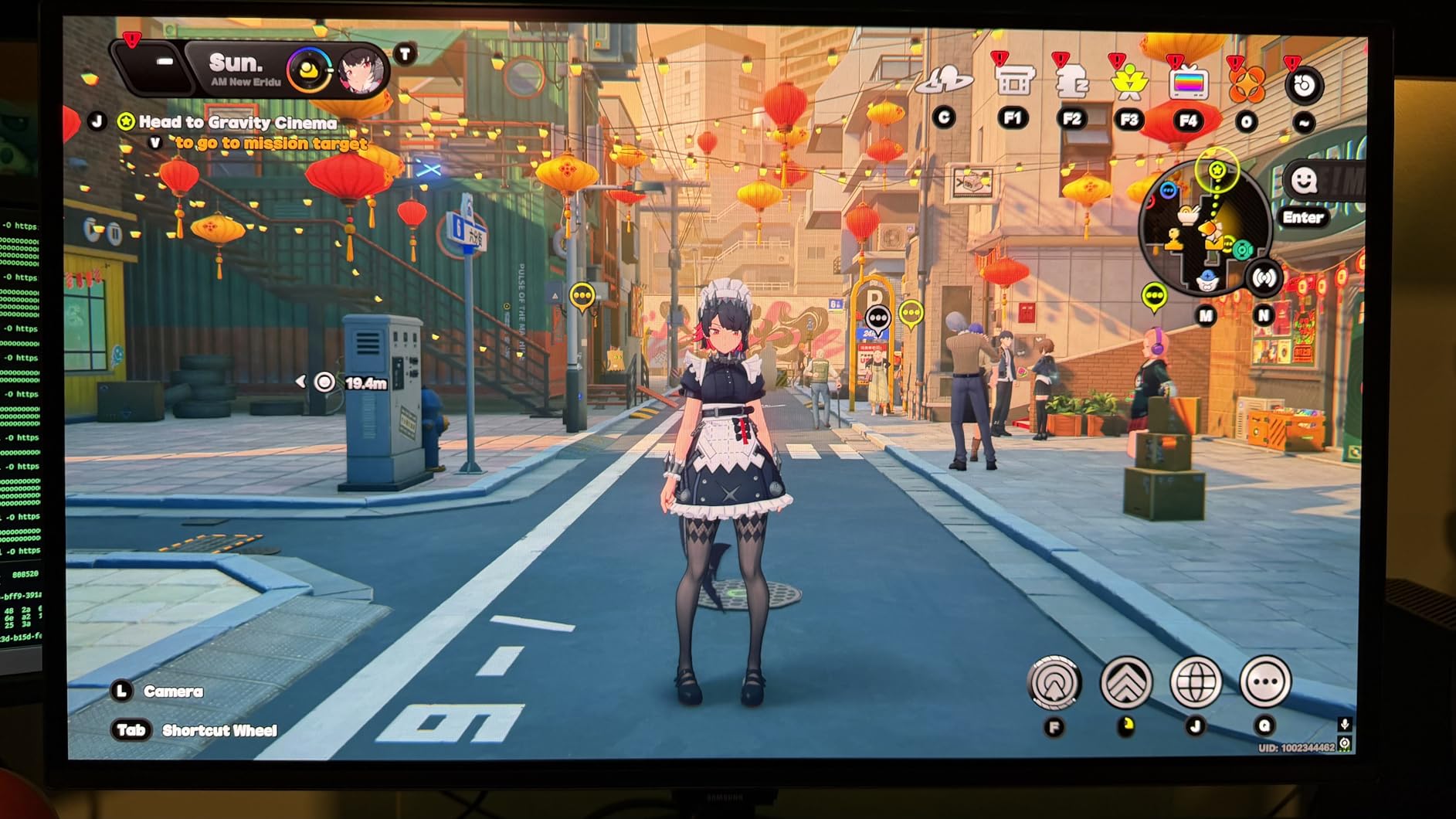
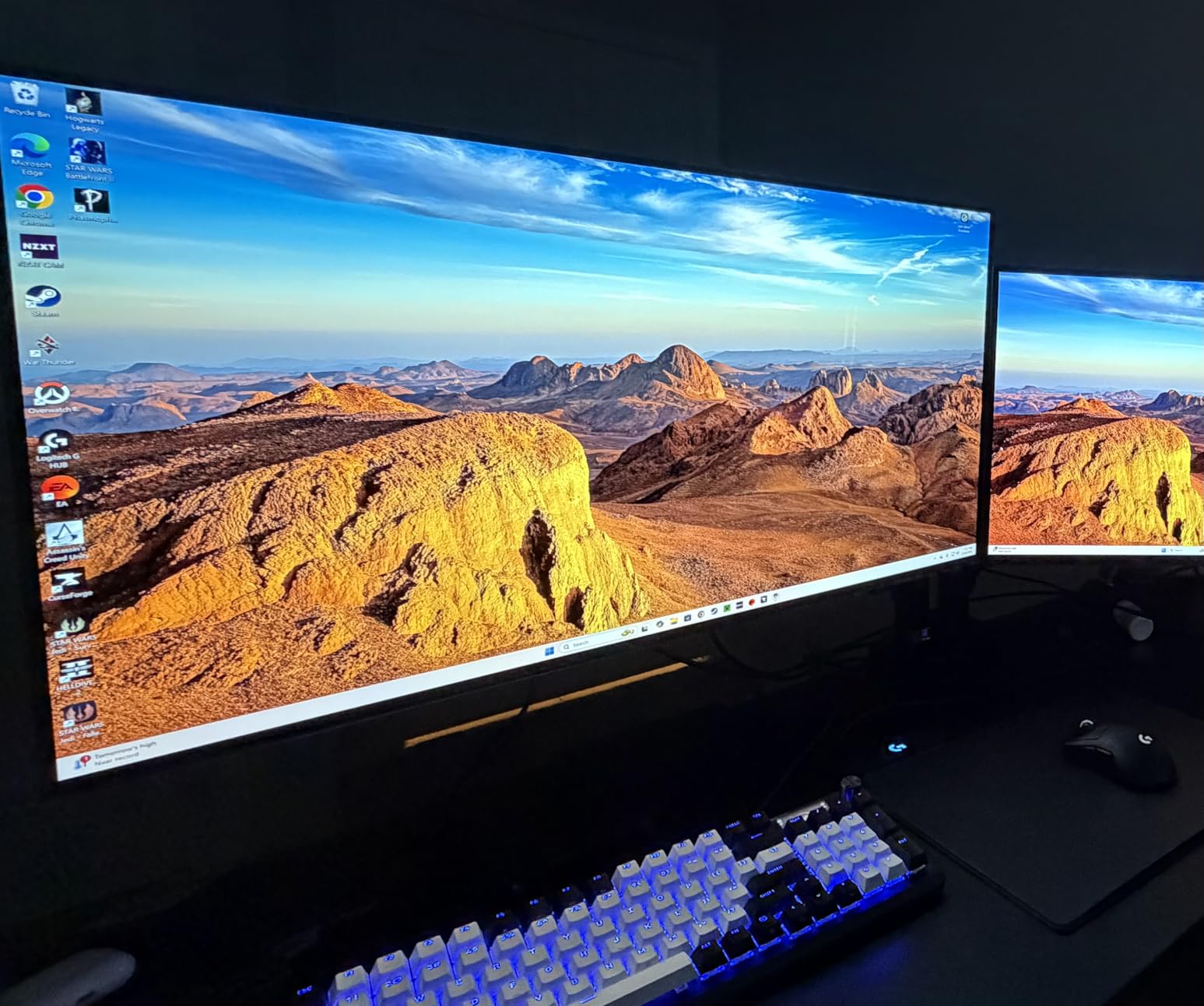
The 32-inch LG UltraGear 32GX850A-B is the pick if you want a native 4K OLED at a size that works for both a desk and a couch. Thirty-two inches fills more of your field of view than 27 without the desk space a 38-inch panel demands, and the 4K panel means the PS5’s 2160p output is rendered natively rather than upscaled.
Picture quality is where the glossy coating earns its keep. Owners repeatedly describe the blacks as deep and the colors as noticeably more vibrant than matte LCD panels, and the Micro Lens Array+ technology is used to lift brightness and viewing angles over earlier UltraGear OLEDs. Contrast is listed at 1.5 million to one.
Response is 0.03ms GtG, and the dual-mode hotkey flips between 4K at up to 165Hz and FHD at up to 330Hz. It carries both NVIDIA G-SYNC compatibility and AMD FreeSync Premium Pro, so it covers either PC sync standard alongside the console’s variable refresh rate.
Typical brightness is 275 nits with VESA DisplayHDR True Black 400 certification and up to 98.5% DCI-P3 coverage. That is plenty for a controlled room and short of what a Mini LED panel produces in a bright one, so HDR needs a little adjusting rather than leaving it at default.
Who this monitor suits
This suits a cinematic player who wants console visuals at full 4K without stepping up to a television. The 32-inch size works for a single desk, and the stand handles height, tilt, swivel and pivot. Owners also note that the WOLED panel avoids the purple tint associated with QD-OLED displays.
Who should skip it
Skip it if your room is brightly lit, because the glossy finish produces heavy reflections that the anti-glare-certified features cannot overcome. WOLED panels can also show text fringing and color banding on very dark scenes, and brightness is modest next to a Mini LED panel. Some owners also find switching between multiple sources awkward without a KVM switch.
7. ASUS TUF VG27UQ1A – Best 4K 160Hz Console Panel
ASUS TUF Gaming VG27UQ1A 27 Inch 4K 160Hz G-SYNC Gaming Monitor
27 inch 4K Fast IPS
160Hz and 1ms
4K 120Hz over HDMI 2.1
ELMB Sync
Pros
- Native 4K at 160Hz with 1ms Fast IPS response
- 4K 120Hz over HDMI 2.1 without chroma subsampling
- ELMB Sync works alongside G-SYNC Compatible and FreeSync Premium
- 95 percent DCI-P3 coverage with HDR support
- Owners call it strong value for a 4K 160Hz panel
Cons
- Stand has no height adjustment
- Modest brightness for bright-room HDR
- Weak built-in speakers
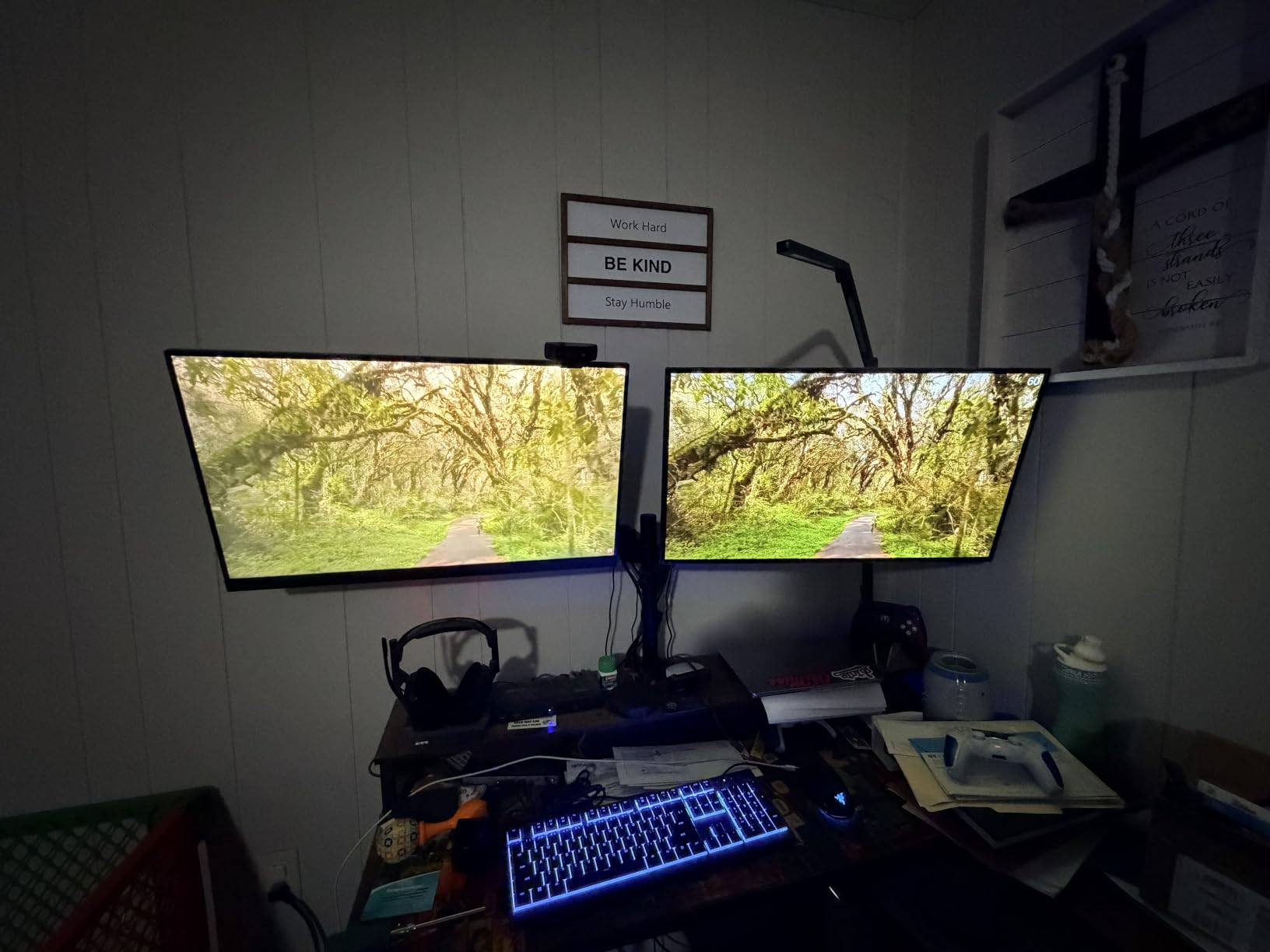
The ASUS TUF VG27UQ1A is the enthusiast-leaning pick in this list, and the spec sheet backs it up: a Fast IPS panel at 160Hz, 1ms response, and a stated ability to carry 4K 120Hz over HDMI 2.1 without chroma subsampling. That last detail matters more than it sounds, because subsampled 4K 120Hz is a compromise many cheaper panels accept quietly.
Motion handling is the headline feature. ASUS ELMB Sync combines blur reduction with variable refresh rate, so it works on top of G-SYNC Compatible and AMD FreeSync Premium rather than fighting them. The Variable Overdrive mode is exclusive to the panel and gives you control over the response curve.
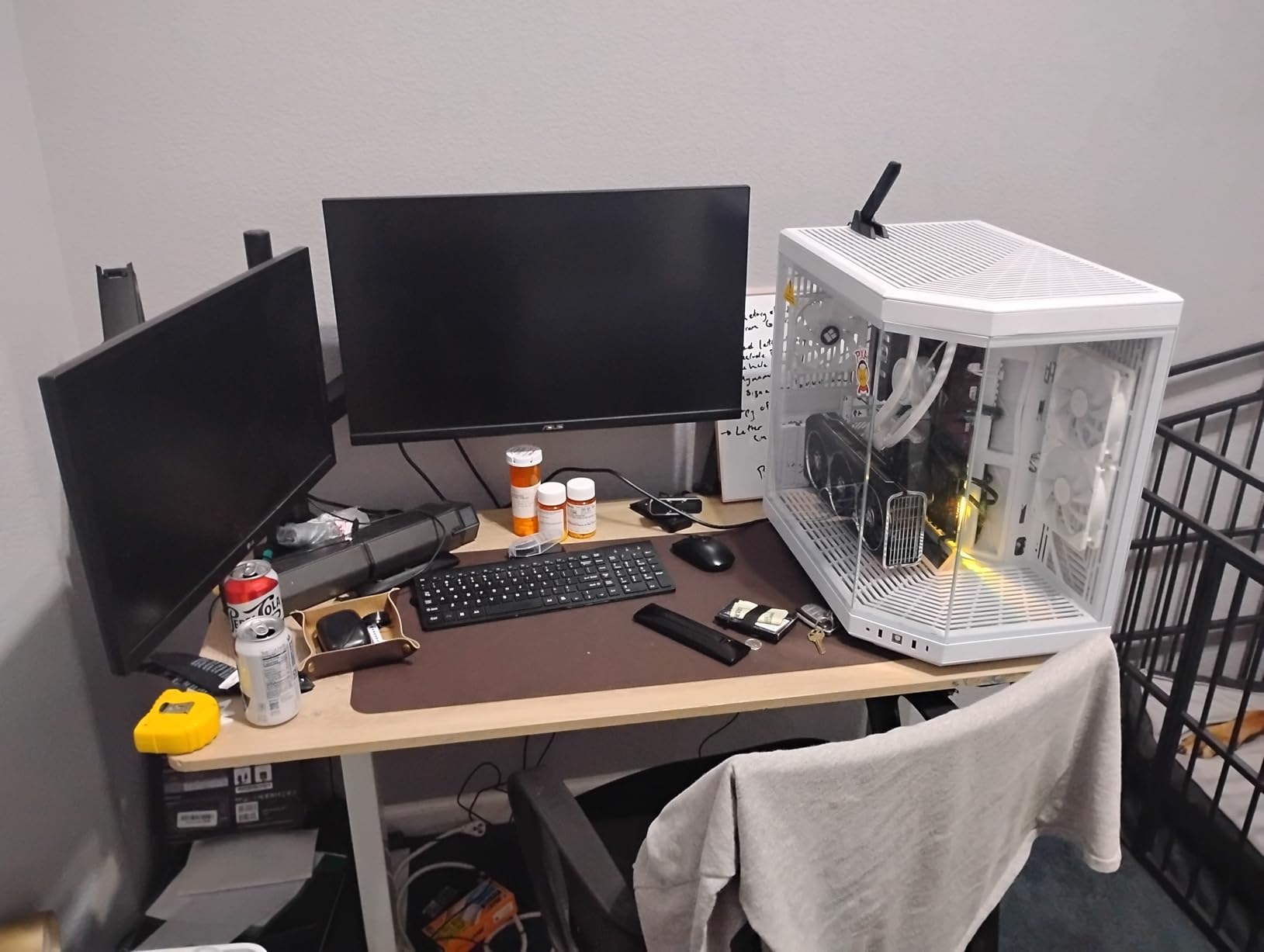
Color coverage is listed at 95% DCI-P3 with HDR support, which is respectable for a Fast IPS panel and enough for console content. Owners also call out crisp text rendering, which makes the display usable for work and media between gaming sessions, and a three-year warranty with Advanced Replacement and Repair service.
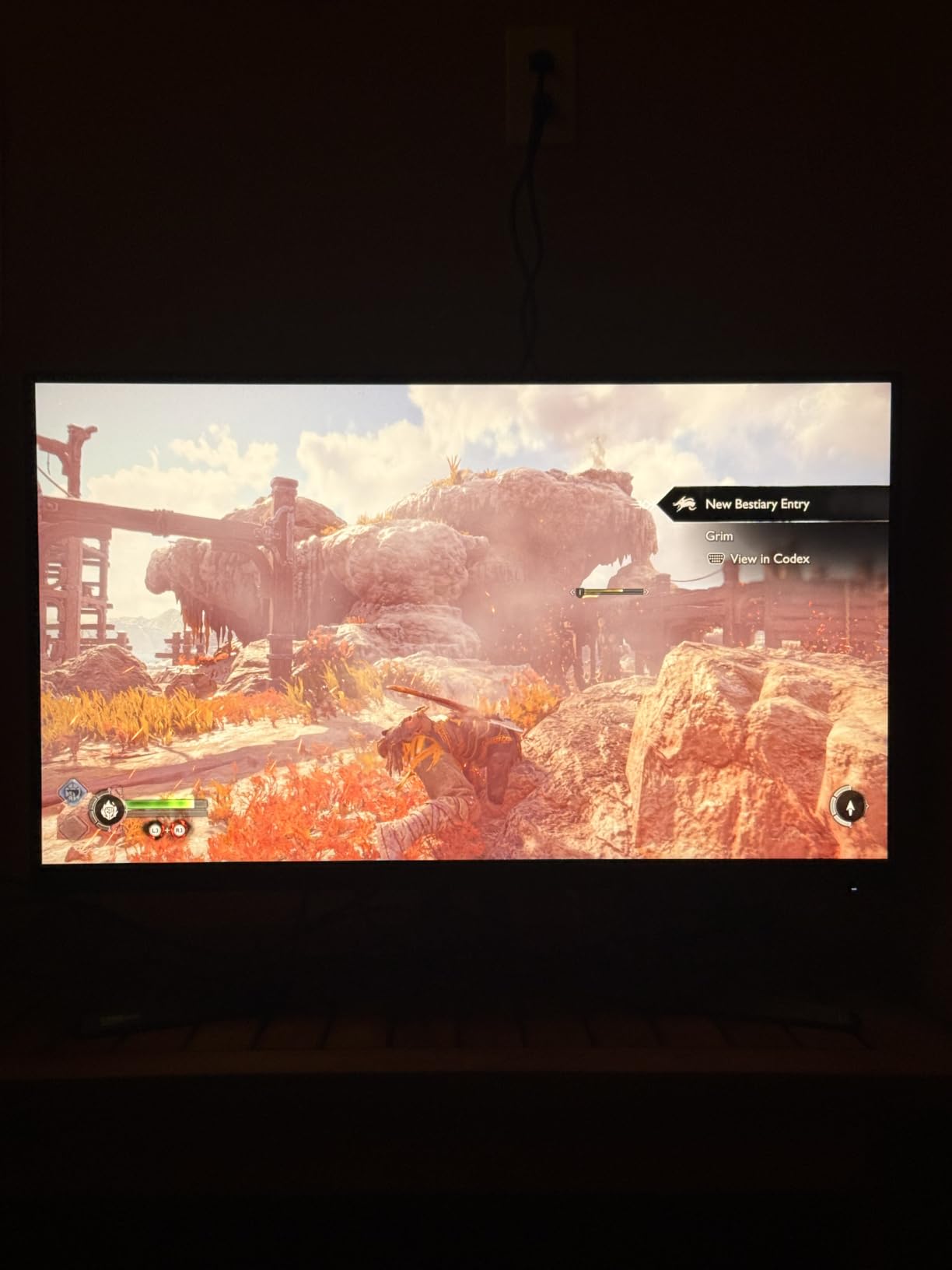
The stand is the weak point. There is no height adjustment, only tilt, and the built-in speakers are about as capable as a phone speaker. If you plan to raise the panel to eye level you will want a monitor arm, and if you are replacing TV audio you will want separate speakers.
Who this monitor suits
This suits a player who wants a responsive 4K panel for both console and PC without paying for Mini LED dimming. At 27 inches the 4K density suits competitive play, and the 160Hz ceiling gives a PC plenty of headroom. Reviewers repeatedly frame it as a value-oriented panel that punches above its weight.
Who should skip it
Skip it if you want rich HDR in a bright room, because the brightness figure is modest. Ergonomics are the other limit, and reviewers note the body is bulky even though the bezels are reasonably slim. A small number of owners also report early failures or dead pixels within the first year, so keep the warranty paperwork.
8. CUNPU 27 Inch 4K 160Hz – Budget Pick With Full HDMI 2.1
CUNPU 27″ 4K 160Hz Ultimate Gaming Monitor, UHD Fast IPS 1ms, G-Sync Compatible & FreeSync, 99% DCI-P3, HDR400, HDMI 2.1 for PS5/Xbox 4K 120Hz, Full Ergonomic Stand
27 inch 4K Fast IPS
160Hz at 1ms
48Gbps HDMI 2.1
99 percent DCI-P3
Pros
- 4K at 160Hz with 1ms Fast IPS response
- Full 48Gbps HDMI 2.1 handles PS5 4K 120Hz without bottlenecks
- 99 percent DCI-P3 with Delta E 2 factory calibration
- Fully adjustable stand with height pivot swivel and tilt
- 163 PPI density for sharp text
Cons
- Recessed VESA pattern may not clear monitor arm screws
- Base can feel wobbly on a light desk
- No built-in speakers and only a one-year warranty
The CUNPU 27-inch is the one to check if you want full-bandwidth HDMI 2.1 without moving up a tier. The spec sheet states 48Gbps throughput across HDMI 2.1 and DisplayPort 1.4, supporting 4K at high refresh rates, VRR and quick frame transport, which is exactly the claim most budget panels soften.
Color is a step above the usual budget fare. It lists 99% DCI-P3 coverage with a factory calibration of Delta E 2 or better, and the 160Hz refresh rate with 1ms response comes from a Fast IPS panel at 163 PPI, so text in the PS5 interface renders cleanly at 27 inches.
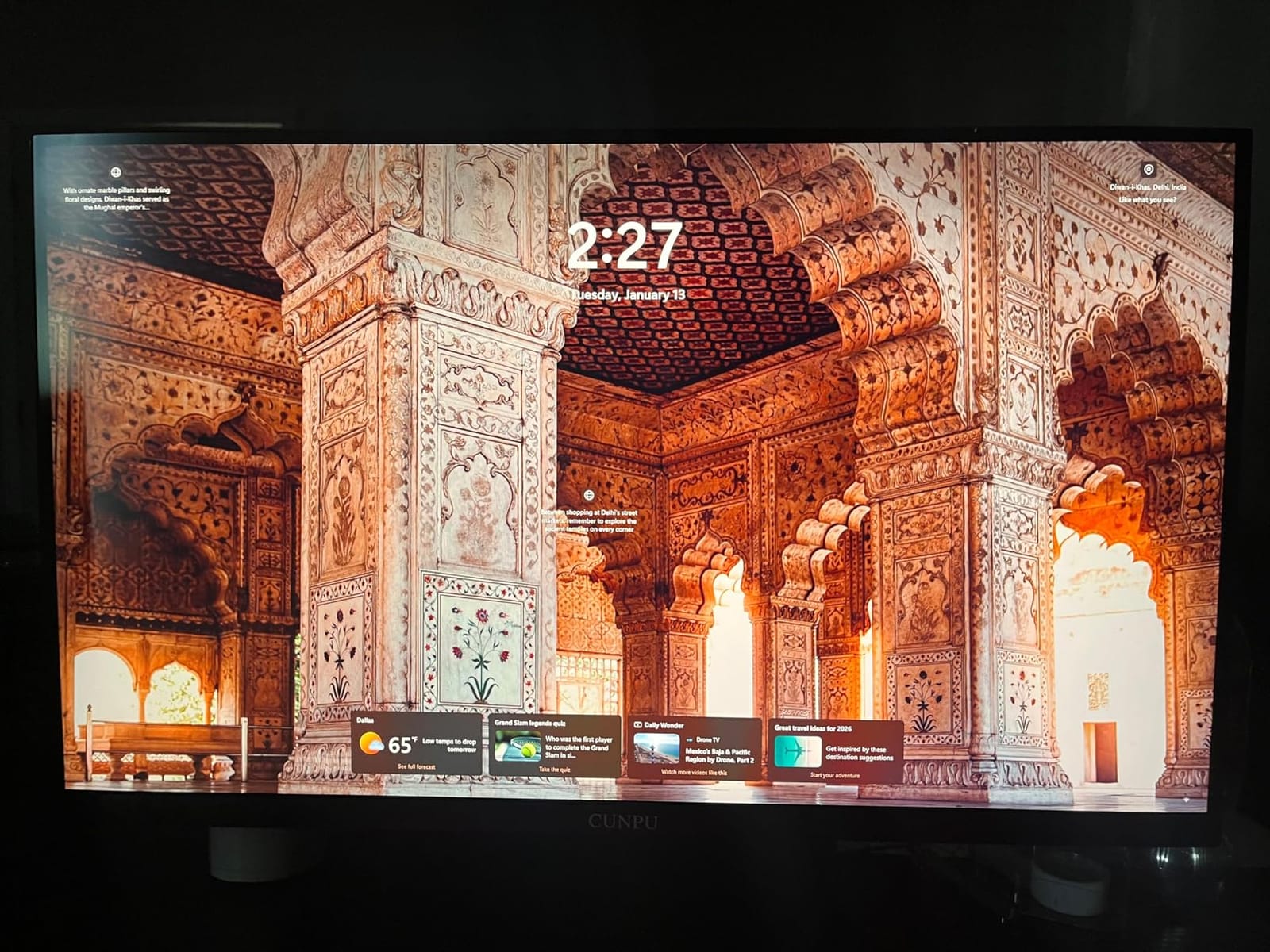
The stand is a full ergonomic unit with height adjustment, pivot, swivel and tilt, which is unusual at this end of the market. Adaptive sync covers both FreeSync and G-SYNC compatibility, so console variable refresh rate and PC gaming both behave.
Brightness is 400 nits with HDR400 support, and the 1000:1 contrast is the standard Fast IPS figure. That means no true blacks, so if you want a real HDR upgrade you should look at one of the Mini LED panels in this list instead.
Who this monitor suits
This suits a first PS5 monitor build where the budget is fixed and you refuse to compromise on the port. The full 48Gbps HDMI 2.1 spec removes the most common regret in this category, and owners often describe it as a large step up from 1080p or 1440p. The matte finish is also comfortable in a bright room.
Who should skip it
Skip it if you plan to mount it on an arm, because the recessed VESA pattern may not clear third-party screws. There are no built-in speakers, the base can feel wobbly on a light desk, and the one-year manufacturer warranty is shorter than most rivals. Some owners also report a dead pixel on arrival or transit damage.
What to Look For in a PS5 Monitor in 2026
Most buyers lose money on the same mistake: buying a panel labeled HDMI 2.1 that cannot actually carry the bandwidth. Here is what to check, in the order that matters for a console.
HDMI 2.1 and the bandwidth trap
You need HDMI 2.1 for 4K at 120Hz, and for 1440p 120Hz with VRR. It is not required for 1080p 120Hz. The trap is that the HDMI 2.1 label on the box can cover a port with only 24Gbps of bandwidth, which is enough for 4K 60Hz and 4K 120Hz with compression but not the full uncompressed signal. Look for the 48Gbps figure in the spec sheet, and check whether the monitor lists DSC support. The KOORUI and CUNPU in this guide both state 48Gbps explicitly, which is why they rank well for console use.
4K vs 1440p
4K is the better choice for single-player games because the PS5 renders 2160p natively, and it is the only option that pairs well with a PS5 Pro or future console. 1440p gives a tighter pixel density at 27 inches and usually lands on a faster panel, so competitive players often prefer it. Since the February 2023 system update, the PS5 also outputs 1440p natively rather than upscaling from 1080p. If your budget is the deciding factor, our gaming monitors under $300 picks cover the entry end of the market.
120Hz is the ceiling, so 240Hz is wasted on a console
Yes, 240Hz is overkill for the PS5. The console’s maximum output is 120Hz, so a faster panel is only worth buying if you also game on PC. A 4K 120Hz or 1440p 120Hz display is where your money goes furthest for console play. If you want the wider view, our ultrawide monitor guide covers the trade-off, though the PS5 outputs 16:9 and will add black bars to an ultrawide panel.
VRR and the 120Hz toggle
VRR is not required to run 120Hz, but it is what makes 120Hz feel smooth when a game drops below the refresh rate. Enable it in the monitor OSD first, then on the PS5. Low-framerate VRR flicker in some implementations is a known issue, and firmware updates on early models resolved several cases, so check for the latest firmware before assuming a monitor is faulty. Our high refresh rate monitor picks go deeper on sync behavior.
HDR brightness and certification
DisplayHDR 400 means an entry-level panel with no sustained brightness requirement, and it will look grey in a ray-traced night scene. DisplayHDR 600 and above require a real brightness commitment, and Mini LED panels with hundreds of dimming zones get closest to the intended look. VESA True Black 400 applies to OLED panels where the black level itself is effectively zero, which is a different kind of improvement.
Size, the 16:9 rule and OLED burn-in
Stay in 16:9 because that is all the PS5 outputs. A 27-inch 4K panel suits desk distance, 32 inches works for a desk with some couch flexibility, and 38 inches pushes into television territory. OLED burn-in is a real consideration for a console because of the static HUD icons and trophy pop-ups, which is why OLED Safeguard and similar thermal modulation features are worth having. If you are moving a display between rooms rather than moving the console, portable options are covered in our portable monitor guide.
Monitor or 42-inch OLED television
Choose a monitor if you sit at a desk, want low input lag, play competitive shooters and value a controller at close range. Choose a 42-inch OLED television if you game from a couch, want the biggest image for cinematic games and do not need the responsiveness advantage. Many buyers in the community forums end up with both over time, and the monitor question keeps coming up because both answers are defensible.
Setting up your PS5 monitor in five steps
Set the monitor’s on-screen display refresh rate to its highest supported mode first.
Connect the PS5 with a certified HDMI 2.1 cable, not the cable that came in the box.
In PS5 Settings, go to Screen and Video, choose the 120Hz output option and confirm it appears.
Enable variable refresh rate in the PS5 settings and in the monitor OSD, then confirm both are active.
Turn on HDR, check the picture mode is not over-sharpened, and set brightness to match the room rather than leaving it at the default.
Frequently Asked Questions
What kind of monitor is best for gaming with the PS5?
A 27 or 32 inch 4K panel running at least 120Hz on a full 48Gbps HDMI 2.1 input with adaptive sync support. That combination is the minimum for the PS5’s 4K 120Hz Quality Mode. A 1440p 120Hz panel also works well and often lands on a faster panel, but 4K is the better choice for single-player games and future hardware.
Is 240Hz overkill for the PS5?
Yes, because the PS5 tops out at 120Hz output. A 240Hz panel cannot be driven by the console, so that refresh rate only pays off if you also game on PC. Spend the difference on panel quality, local dimming or a larger size instead.
Is 1440p or 4K better for the PS5?
4K is better for cinematic single-player games because the console renders 2160p natively, and it is the only option that makes sense for a PS5 Pro. 1440p gives a tighter pixel density at 27 inches and usually a faster panel, so competitive players often choose it. The PS5 has supported native 1440p since the February 2023 update.
Does the PS5 need VRR to run at 120Hz?
No. The console can output 120Hz without variable refresh rate, and it will still display a 120Hz signal. VRR is what makes 120Hz feel smooth in games that drop below the refresh rate, so enable it in both the monitor OSD and the PS5 settings if your display supports it.
Should my PS5 output 2160p or 1440p?
Output 2160p if your monitor is 4K, since the console renders that resolution natively. Choose 1440p on a 1440p panel for a tighter pixel density and often a faster response, which competitive players prefer. Confirm the mode is accepted in PS5 settings and that 120Hz is active at the same time.
Is a monitor better than a TV for the PS5?
A monitor is better for desk play, competitive shooters and low input lag because you sit close to a smaller panel. A 42 inch OLED television is better for couch gaming and cinematic games at a much larger size. There is no wrong answer, only a mismatch risk if you buy a large panel for a small desk.
The Verdict for 2026
For most people, the best gaming monitors for PS5 in 2026 come down to one question: do you want a tidy 27-inch desk setup, a serious HDR picture, or competitive speed? Our top pick, the Dell S2725QS, covers the everyday case with native 4K, 120Hz, two HDMI 2.1 ports and speakers in one box. If HDR is the priority, take the KTC M27P6 or the KOORUI S2741LM for their Mini LED dimming. If you want the fastest response time, the Samsung Odyssey OLED G6 runs 1440p at 240Hz.
Check the port bandwidth, not the badge, then run the five-step setup above before you judge the picture. Use the buttons below to see the current configuration for each model.