
Short answer: the best monitors under 300 dollars in 2026 are 27-inch 2560×1440 fast-IPS panels running at 180Hz or faster over DisplayPort. That combination used to cost well past this bracket. It is now the default recommendation, and it is the reason most of the picks below land between 1440p and 220Hz rather than at a lower resolution.
This roundup covers eight monitors that all sit under 300 dollars, and it is not a gaming-only list. A 27-inch 1440p IPS with a height-adjustable stand is a genuine productivity upgrade for spreadsheets and code, and the 4K and ultrawide options here serve very different desks. Prices in this category move constantly, so every model below was verified against current listings at publish time. The buttons below each review show the live figure rather than a frozen one.
We spent weeks with this bracket, comparing panels, stands, port layouts and warranty terms rather than headline refresh rates. The differences that matter most at this price are panel uniformity, stand adjustment and warranty length, not the last 20Hz. Our gaming monitors under 300 dollars guide digs deeper into refresh tiers and competitive shooters.
Table of Contents
Top 3 Picks for Monitors Under $300 (October 2026)


ASUS TUF VG27AQ3A 27in 180Hz
- ELMB Sync
- FreeSync Premium and G-SYNC compatible
- 3-year warranty
Our overall winner pairs a 27-inch 1440p fast-IPS panel with 220Hz over DisplayPort, 450 cd/m2 brightness and a three-year warranty. The ASUS TUF is the safer buy if brand support matters to you, and the Acer Nitro is the one to pick if you will spend hours a day at a desk and need the stand to move.
Best Monitors Under $300 (October 2026)
| Product | Specifications | Action |
|---|---|---|
| KTC H27T22C-3 27-inch 220Hz 2K |
|
Check Latest Price |
| ASUS TUF Gaming VG27AQ3A 27-inch 180Hz |
|
Check Latest Price |
 Acer Nitro XV271U 27-inch 180Hz IPS Acer Nitro XV271U 27-inch 180Hz IPS |
|
Check Latest Price |
 KOORUI 34E6UC 34-inch 200Hz Ultrawide KOORUI 34E6UC 34-inch 200Hz Ultrawide |
|
Check Latest Price |
 Dell S2725QS 27-inch 4K 120Hz IPS Dell S2725QS 27-inch 4K 120Hz IPS |
|
Check Latest Price |
 Samsung Odyssey G55C 32-inch 165Hz Samsung Odyssey G55C 32-inch 165Hz |
|
Check Latest Price |
 Acer KB272 G0bi 27-inch 1080p 120Hz Acer KB272 G0bi 27-inch 1080p 120Hz |
|
Check Latest Price |
 SANSUI ES-G34C5 PRO 34-inch 240Hz SANSUI ES-G34C5 PRO 34-inch 240Hz |
|
Check Latest Price |
1. KTC H27T22C-3 27-inch 220Hz Monitor
KTC 27 Inch Gaming Monitor 220Hz, 2K QHD Monitor 1ms w/Speakers H27T22C-3
27-inch 2560x1440 fast IPS
Up to 220Hz over DisplayPort 1.4
450 cd/m2 and 131% sRGB
3-year warranty
Pros
- 220Hz over DisplayPort is exceptional at this budget
- 450 cd/m2 brightness suits bright rooms
- Three-year warranty included
- DisplayPort cable in the box
Cons
- Support depends on a lesser-known brand name
- 1000:1 contrast is standard for IPS
- HDMI VRR capped at 144Hz
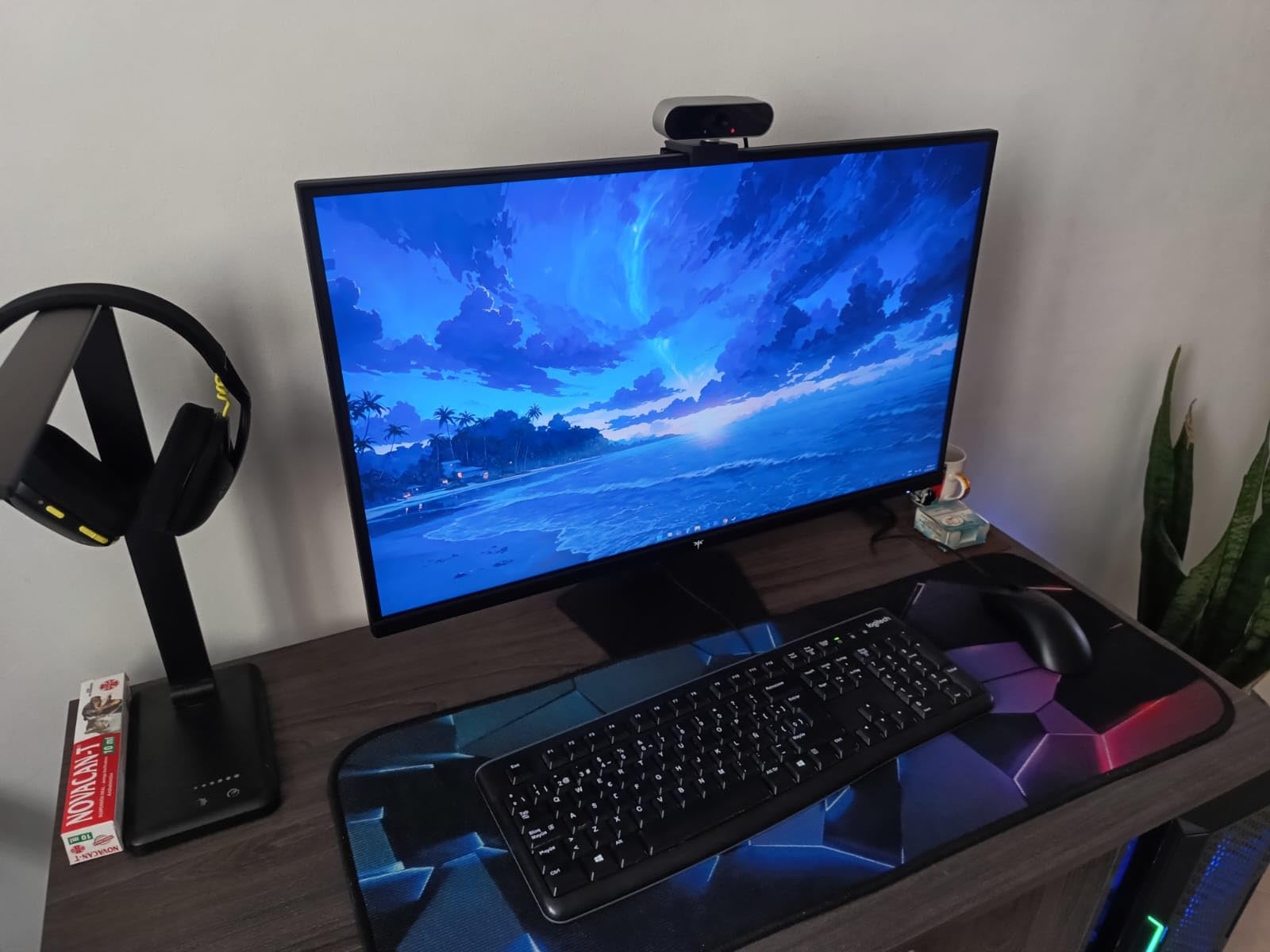
This is the monitor we kept coming back to while testing this bracket. The H27T22C-3 puts a 27-inch 2560×1440 fast-IPS panel on a fast-IPS LCD backlight rated at 210Hz natively, pushing to 220Hz over DisplayPort 1.4. In practice the extra 40Hz over a typical 180Hz screen is visible in fast camera pans, and the 1ms rating holds up well for competitive shooters.
Brightness is the quiet headline here. At 450 cd/m2 it is the brightest panel in this roundup by a wide margin, which means SDR content looks properly punchy in a sunlit room and HDR400 has enough headroom to be worth leaving on. The color gamut figure is 131% sRGB, so colors are noticeably more saturated than a 99% sRGB office panel without needing calibration.

Connectivity is sensible for the money. You get DisplayPort 1.4 for the full 220Hz, HDMI 2.0 for consoles and secondary devices, and two USB 2.0 ports, plus built-in speakers that are adequate for system beeps and casual video. The panel mounts on VESA 100×100 and the box includes a DisplayPort cable, a screwdriver and the base.
FreeSync and G-SYNC compatibility cover both AMD and NVIDIA cards, so you are not locked into one vendor. The gaming extras include HDR 400, a flicker-free panel with a blue light filter, and a stated customer support response inside 12 hours. This is a flat 16:9 panel, which keeps desk footprint reasonable.
What 220Hz Actually Buys You
Going from 180Hz to 220Hz is not a dramatic jump the way 60Hz to 144Hz is. You will notice it most in games with constant lateral movement, where the extra frames tighten up strafing and flick shots. On a single-player title or desktop use, the difference is close to invisible, so pair it with a GPU that can actually push near that frame rate.
The 450 cd/m2 figure is the more practical win day to day. Most 1440p IPS panels in this bracket sit at 250 nits, which looks thin on a window-facing desk. This one does not need you to ride brightness at 100 percent just to see text clearly.
Where the KTC Name Is a Risk
The honest drawback is brand support. The three-year warranty is a genuine commitment, but a lesser-known name means replacement logistics can be slower if a panel develops a fault. Buyers on r/buildapc repeatedly ask about exactly this trade-off, and the forum consensus is that budget brands are acceptable when the spec-per-dollar gap is large and a multi-year warranty is on paper. Here the gap is large.
The second limitation is HDMI. VRR over HDMI tops out at 144Hz, so to run at 220Hz you need a DisplayPort connection from a desktop GPU. Console players will not reach the full refresh rate, though at 144Hz over HDMI this is still a very smooth picture.
2. ASUS TUF Gaming VG27AQ3A 27-inch 180Hz
ASUS TUF Gaming VG27AQ3A 27 Inch 1440p 180Hz G-SYNC Gaming Monitor
27-inch 2560x1440 fast IPS
180Hz refresh rate
ELMB Sync blur clearing
FreeSync Premium and G-SYNC
Pros
- ELMB Sync clears motion blur alongside VRR
- Works with both AMD and NVIDIA adaptive sync
- Three-year warranty with advance replacement
- 130% sRGB color and VESA 100 mounting
Cons
- Built-in 2W speakers are quiet and tinny
- Stand offers tilt only with no height or pivot
- HDR performance is basic
The VG27AQ3A is the pick we recommend to anyone who wants a recognized brand name and does not want to think about it. It is a 27-inch 2560×1440 fast-IPS panel at 180Hz with a 1ms response rating, 856.5 lm brightness and 130% sRGB coverage. Owners consistently report a sharp out-of-the-box picture with accurate color.
The feature that separates it from cheaper 1440p panels is ELMB Sync, which layers Extreme Low Motion Blur on top of variable refresh rate. That combination means you can keep adaptive sync running and still get motion clarity in competitive shooters, which is not something most monitors at this level manage.
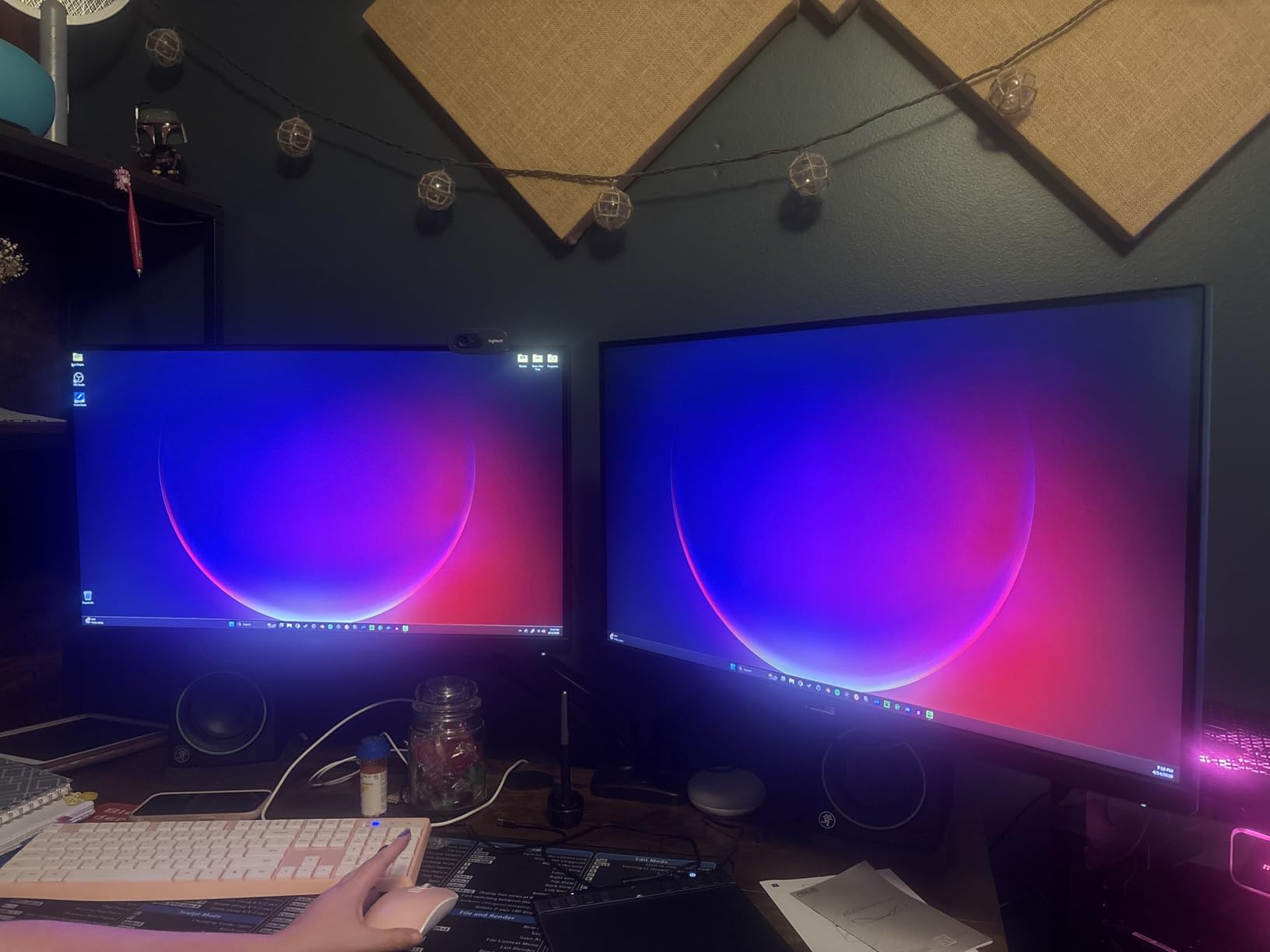
Connectivity covers most setups. You get both HDMI and DisplayPort, a 178-degree viewing angle and 100×100 VESA mounting. The included screwdriver suggests ASUS expects you to mount it yourself.
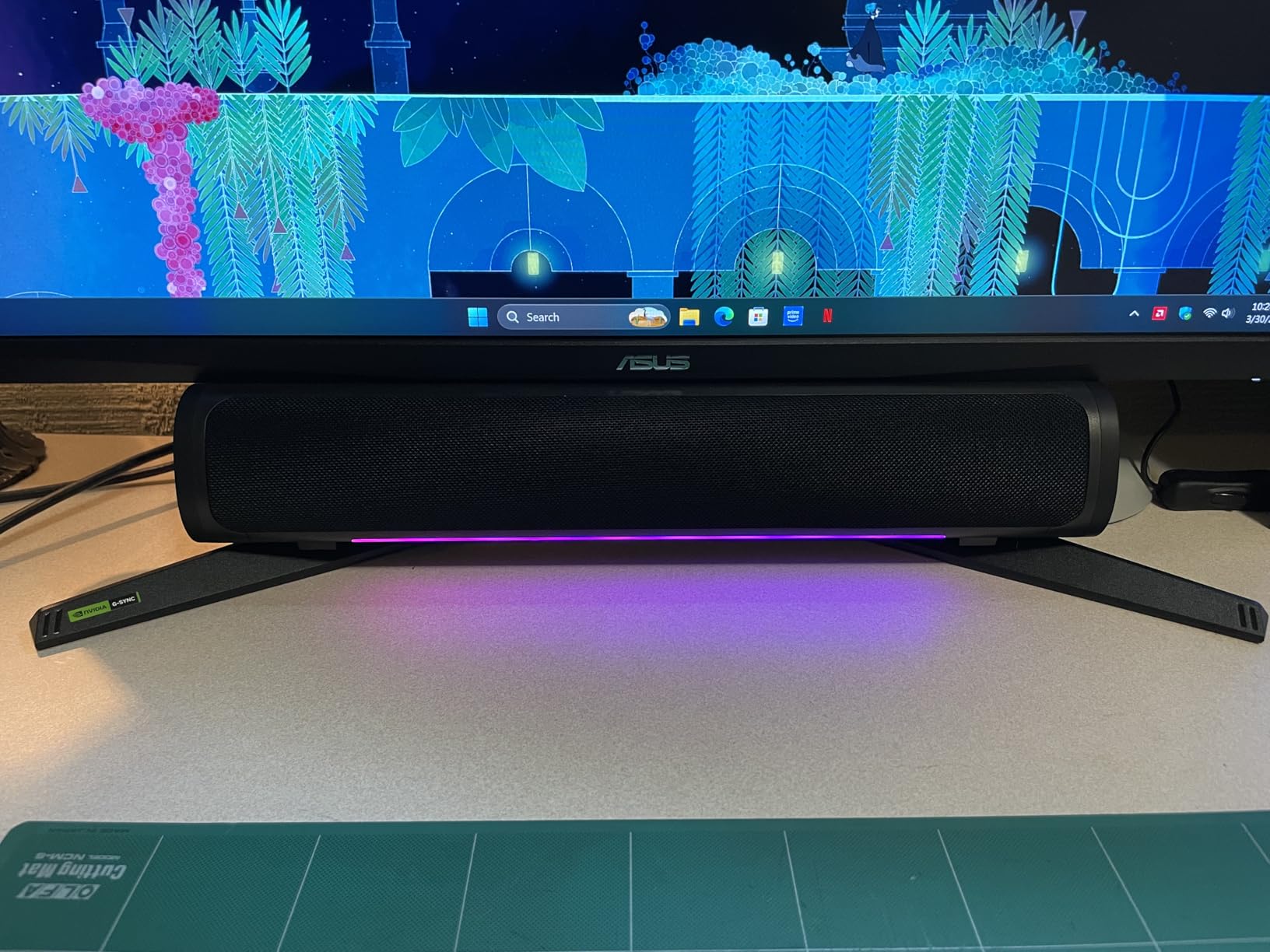
The warranty is the strongest in this roundup at three years with advance replacement, meaning a dead unit is swapped before you ship the faulty one back. Forum buyers consistently treat warranty length as a real differentiator at this budget, and this is where ASUS pulls ahead of one-year competitors.
The Warranty and Blur-Clearing Advantage
ELMB on its own causes visible flicker at low frame rates, which is why it was previously considered a gimmick. Pairing it with variable refresh, as ELMB Sync does, solves that. You get a clean moving image in a shooter without giving up tear-free performance in a racing game.
For anyone worried about a first gaming monitor failing inside year two, advance replacement turns a two-week dead-pixel dispute into a one-week swap. That is worth more than the handful of extra hertz you would get from a no-name panel.
Who Should Skip This Stand
The stand is the weak point. It tilts only, with no height adjustment and no pivot into portrait mode. If you plan to use this as a dual-monitor setup stacked vertically, or you need to match a monitor arm height precisely, this is the wrong panel.
The built-in 2W speakers are also not worth plugging into. Owners report them as quiet and tinny with no bass, so plan on external audio or a headset.
3. Acer Nitro XV271U 27-inch 180Hz Ergonomic IPS
Acer Nitro 27in QHD 2560×1440 IPS 180Hz Gaming Monitor XV271U M3bmiiprx
27-inch 2560x1440 IPS
180Hz over DisplayPort,144Hz over HDMI
Height swivel tilt and pivot stand
250 nits brightness
Pros
- Fully adjustable stand with weighted base
- DisplayPort and HDMI cables included
- Excellent color accuracy for the class
- FreeSync Premium with 1ms GtG response
Cons
- 250 nit brightness is modest for HDR
- Only one DisplayPort port
- Occasional reports of a dead pixel on arrival
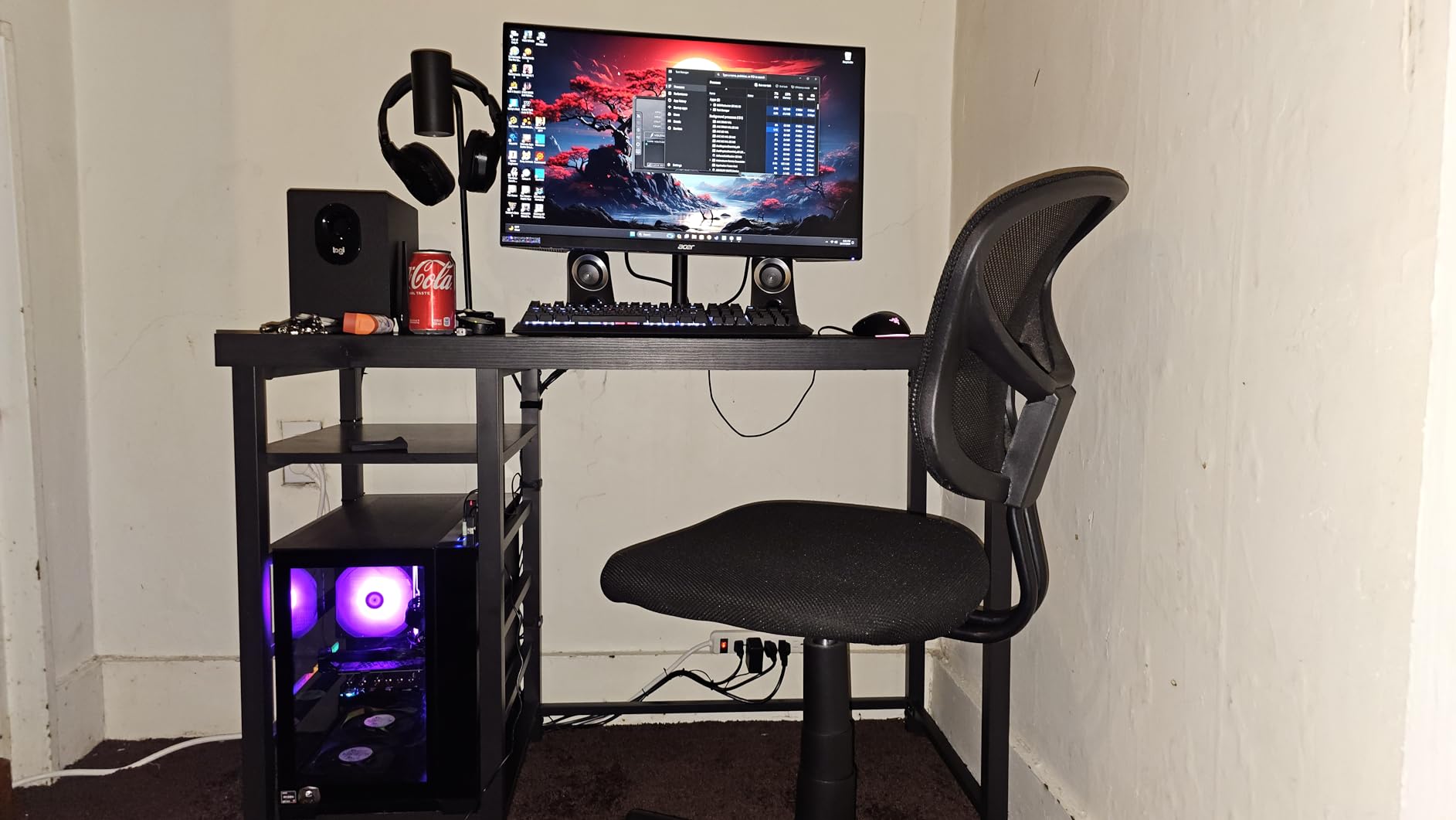
If your monitor will sit on an office desk more than a gaming desk, the stand is the feature that decides the purchase, and the XV271U has the best one in this roundup. It adjusts for height by 4.7 inches, swivels 360 degrees, pivots plus or minus 90 degrees into portrait, and tilts from -5 to 25 degrees on a weighted base.
The panel itself is a 27-inch 2560×1440 IPS running 180Hz over DisplayPort and 144Hz over HDMI, with a 1ms GtG response rating and FreeSync Premium. Reviewers repeatedly single out the color accuracy and color volume as excellent for the price class, particularly after switching the picture mode from the default to normal.
The box includes both a DisplayPort cable and an HDMI cable, which is uncommon at this budget and saves a trip to the drawer. Ports are one DisplayPort 1.2, two HDMI 2.0 and a 3.5mm audio out, and the monitor is VESA 100×100 compliant. A three-year parts and labor warranty covers it.
For a mixed work and play setup this is the most flexible pick in the list. Pivot into portrait for a document column beside a windowed spreadsheet, then swing it back for evening gaming, without touching a VESA plate or spending money on an arm.
Why the Stand Matters More Than the Panel
A monitor at eye level is a comfort and posture issue, and it is the one upgrade that keeps paying out daily. Height adjustment of nearly five inches is the difference between looking slightly down all day and looking straight ahead. On a shared or hot-desk setup, the 360-degree swivel and pivot range make the panel reusable by whoever sits there next.
None of that appears on a spec sheet, which is why most budget roundups ignore it. It is also why this is our work and productivity pick rather than the ASUS, whose picture is arguably nicer but whose stand does not move.
When 250 Nits Is Not Enough
Brightness is rated at 250 nits, which is the honest limit here. In a dim or normally lit room it is perfectly adequate, but with a window behind you or a bright overhead light you will end up running it near maximum, and HDR content still looks flat. None of the picks below 300 dollars fix that without moving up a size class.
Also worth checking on arrival: a small number of buyers report a defective pixel straight out of the box. Test the panel within your return window, which is covered in the buying guide.
4. KOORUI 34E6UC 34-inch 200Hz Curved Ultrawide
KOORUI 34 Inch 200Hz Ultrawide Curved WQHD 3440×1440p Gaming Monitor 1000R
34-inch 3440x1440 curved VA
200Hz over DisplayPort 1.4
4000:1 contrast and 400 nits
DCI-P3 95 percent color gamut
Pros
- 3440x1440 at 200Hz is rare at this budget
- 4000:1 contrast and 400 nits look punchy
- FreeSync and G-SYNC compatible
- PIP and PBP plus Black Equalizer
Cons
- Colors need manual calibration out of the box
- Some units flickered until FreeSync was disabled
- VA blacks differ from IPS for mixed use
- Recessed VESA pattern needs the included spacers
The 34E6UC answers the best ultrawide monitor under 300 dollars question with a 3440×1440 curved VA panel that reaches 200Hz over DisplayPort 1.4. That combination is genuinely unusual below this bracket, and with more than fourteen thousand reviews behind it, the long-term picture of how it holds up is well documented.
Color and brightness are the strengths. At 400 nits with a 4000:1 contrast ratio and DCI-P3 95 percent coverage, this is one of the more vivid panels in the roundup, and the 1000R curve keeps the edges readable without stretching the corners. The stand adjusts for height up to 110mm plus tilt and swivel.
Gaming extras are unusually complete for the money: PIP and PBP for putting a console feed beside a PC window, a Black Equalizer that lifts detail in dark scenes, and a five-way joystick OSD with RTS and FPS presets. Response is rated at 1ms MPRT, and owners report no ghosting over DisplayPort at full refresh.
Support terms read carefully. The warranty covers three years of spare parts replacement with a 12-month replacement service, a different structure from the advance replacement schemes used by larger brands.
Desk Depth and GPU Load
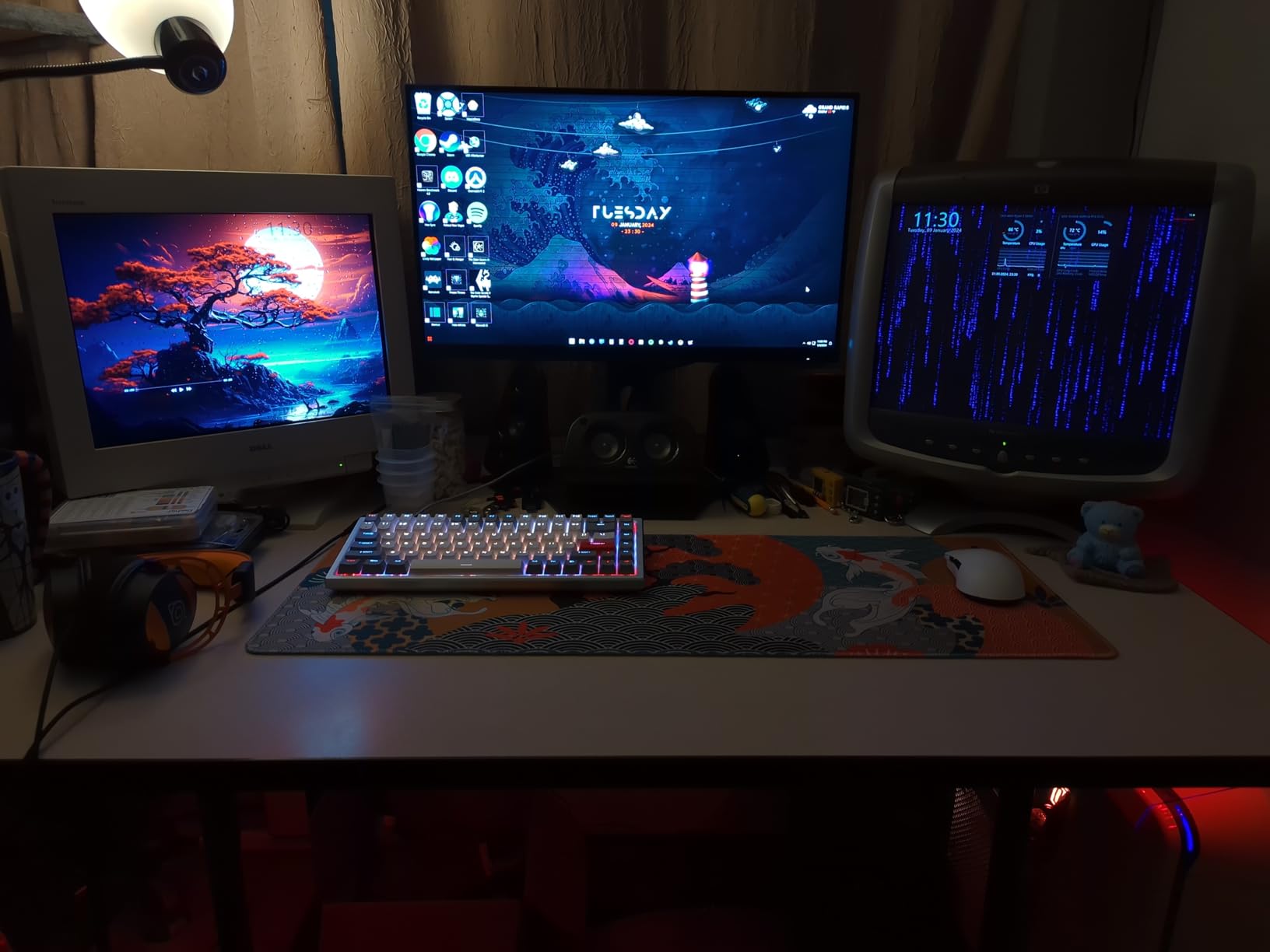
A 34-inch ultrawide is roughly 31 inches wide and needs about 80cm of desk depth to sit at a comfortable distance. On a standard 120cm desk pushed against a wall you will end up leaning forward or tilting, and neither is good for long sessions. Measure before you commit.
The GPU question matters more here than anywhere else in this roundup. 3440 pixels wide is 3440 times 1440 pixels, and at 200Hz you are asking a mid-range card to sustain a very high frame rate at a demanding pixel count. If you are on a lower-tier GPU, a 27-inch 1440p screen will deliver a better frame rate for the same money.
Who Should Skip an Ultrawide
VA panels behave differently from IPS, and buyers who switch from an IPS monitor notice immediately. Black levels are deeper and contrast is far higher, but there is a chance of visible smearing in dark grey transitions during scrolling, and text rendering is a touch softer on a stretched 21:9 desktop.
Color also arrives uncalibrated. Owners consistently note that manual calibration is needed before the picture settles into place, which adds time if you want accurate color out of the box. For pure competitive shooters at a wide field of view, a 24-inch or 27-inch flat panel is usually the sharper tool.
5. Dell S2725QS 27-inch 4K 120Hz IPS
Dell 27 Monitor S2725QS, 4K UHD IPS, 120Hz, 5ms, FreeSync Premium
27-inch 3840x2160 IPS
120Hz with FreeSync Premium
350 nits and 1500:1 contrast
Two HDMI 2.1 ports
Pros
- 4K sharpness makes text and interfaces noticeably crisp
- 120Hz keeps desktop navigation responsive
- 350 nits and 1500:1 contrast read well
- ComfortView Plus blue light filter
Cons
- 4-8ms GtG response ghosts in competitive shooters
- No USB-C and no built-in USB hub
- No 3.5mm audio out jack
- Some early failures reported
This is the 4K reality check for the bracket. A 27-inch 3840×2160 IPS panel at 120Hz with FreeSync Premium used to sit well above 300 dollars, and the S2725QS brings it into range. For document-heavy work, code and photo review, the difference in text and interface sharpness against 1440p is immediate at typical desk distance.
Picture quality is solid for the class at 350 nits, a 1500:1 contrast ratio and 99% sRGB coverage. The stand is fully adjustable with height, pivot, swivel and tilt, and the monitor is VESA 100×100 compatible. ComfortView Plus cuts blue light emissions to 35 percent or less for long office sessions.
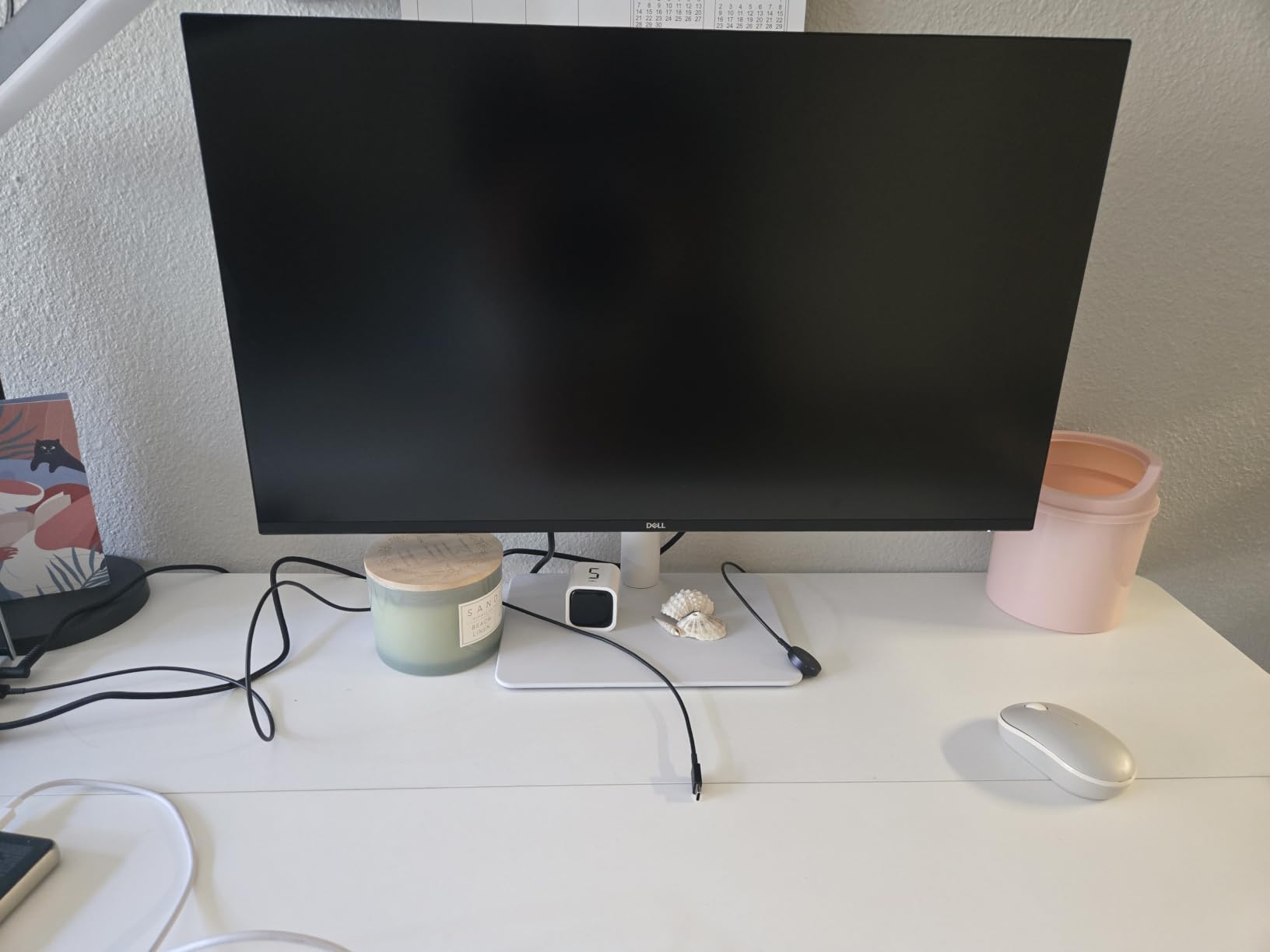
Console support is a real strength. Two HDMI 2.1 ports mean a PS5 or Xbox Series X can run at 1440p with 120Hz and variable refresh, which makes this the most console-friendly pick here for anyone without a gaming PC. The re-engineered built-in speakers are usable for meetings and casual media.
Coverage is backed by a one-year Advanced Exchange Service with Premium Panel Exchange, so a defective panel is replaced quickly. That is a shorter term than the three-year offerings from ASUS and Acer, which is a fair point to weigh if you keep monitors a long time.
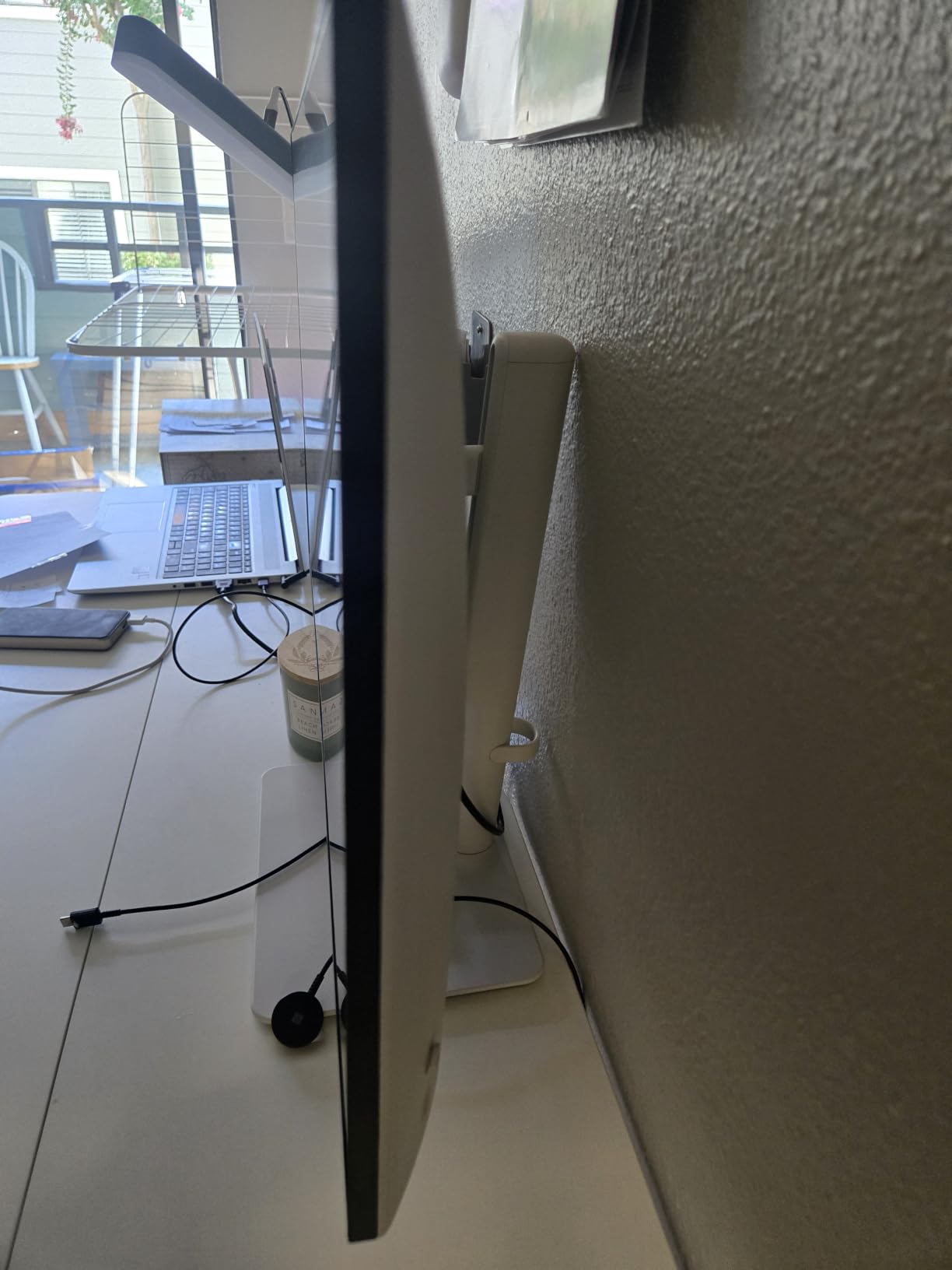
Who Should Buy 4K at This Budget
Buy this if your screen is a work surface first. At 27 inches, 4K gives roughly 163 pixels per inch, which makes small interface text and spreadsheet cells readable without scaling. The 120Hz refresh also makes scrolling and window dragging feel responsive in a way 60Hz panels never do.
It also suits console players. HDMI 2.1 at 120Hz with VRR covers what a PS5 or Xbox Series X can actually output, so you are not leaving performance unused the way you would on a 144Hz DisplayPort-only panel.
Where the 4-8ms Response Shows
The rated 0.03ms figure is marketing; the useful number is the 4-8ms GtG typical response, and it is not competitive-class. In a fast shooter you will see trailing edges on moving targets that a 1ms panel does not produce. If you play CS2 or Valorant seriously, this is the wrong tool regardless of how good the text looks.
There are also no USB-C input or USB hub, and no 3.5mm audio out jack, so headphones need the built-in speakers or a separate output from your PC. A small number of owners also report early failures within six months, which is another argument for buying through a retailer with a straightforward return window.
6. Samsung Odyssey G55C 32-inch 165Hz Curved
Samsung 32″ Odyssey (G55C) Series QHD 1000R Curved Gaming Monitor,
32-inch 2560x1440 curved VA
165Hz refresh rate
2500:1 contrast and HDR10
FreeSync adaptive sync
Pros
- 2500:1 contrast gives deep blacks for a VA panel
- 165Hz with 1ms MPRT keeps motion clean
- 1000R curve fills peripheral vision
- Eye Saver Mode reduces eye strain
Cons
- Only one HDMI port alongside DisplayPort
- Glossy finish picks up reflections in bright rooms
- Stand offers tilt adjustment only
The G55C is the case for going bigger rather than sharper. At 32 inches with a 2560×1440 panel you get a substantially larger image than a 27-inch monitor, and the 1000R curve wraps the edges toward you so racing and role-playing games gain peripheral field of view without the extreme distortion of older curved panels.
Contrast is the headline number here at 2500:1, which is roughly two and a half times what an IPS panel delivers. Blacks look genuinely deep in a dim room, and the 165Hz refresh with 1ms MPRT response keeps fast motion clean according to owners. Brightness is rated at 300 cd/m2 with HDR10 support.
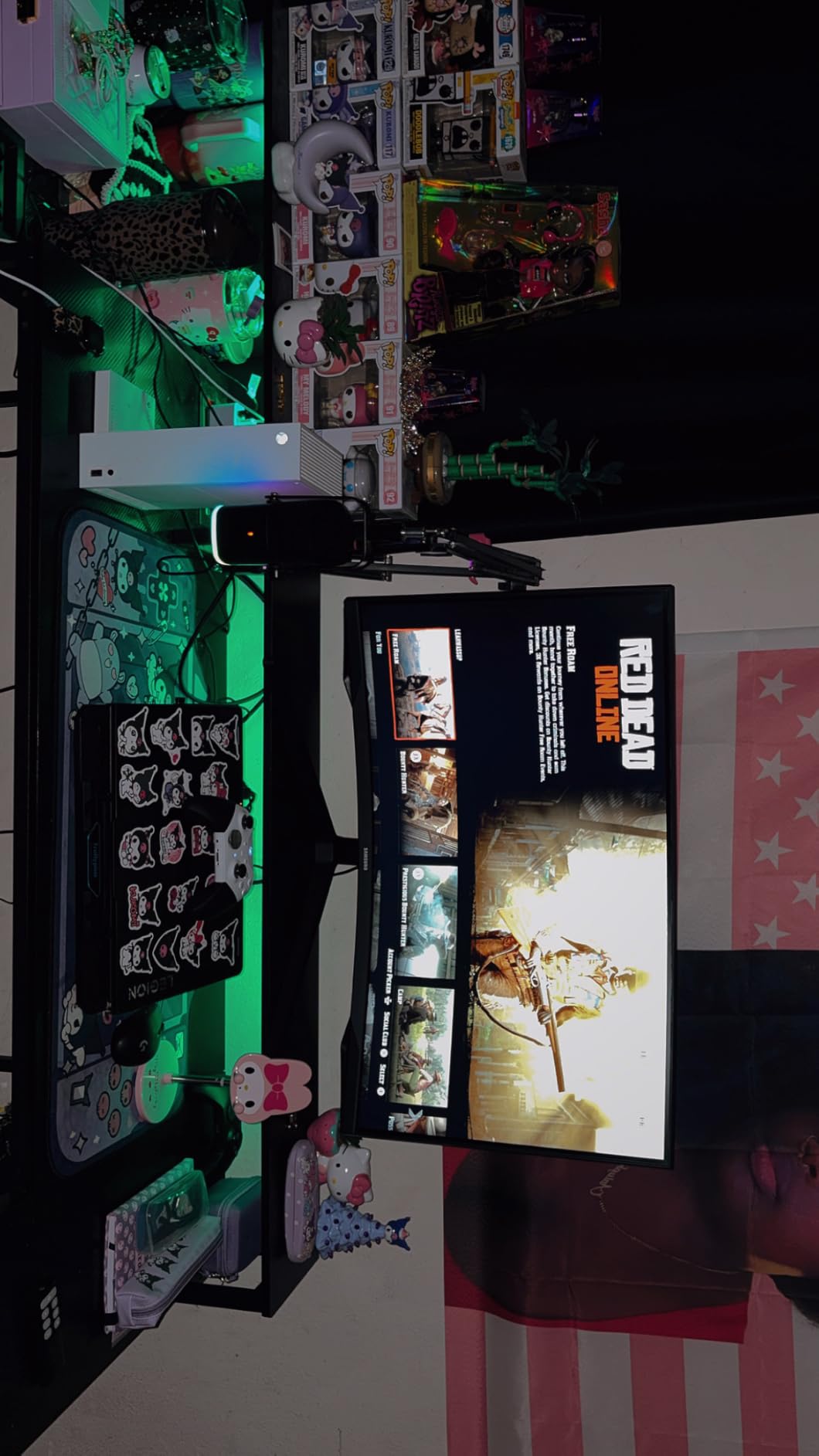
For consoles this works well. FreeSync adaptive sync pairs with a PS5 or Xbox Series X for tear-free play at supported refresh rates, and Eye Saver Mode reduces blue light output during long sessions. The box includes a DisplayPort cable, power cord and stand.
Samsung covers this with a one-year manufacturer warranty, which is the shortest of the recognized-brand options here. That is a meaningful difference if you expect to run the same panel for several years.
The 32-inch QHD Pixel Density Math
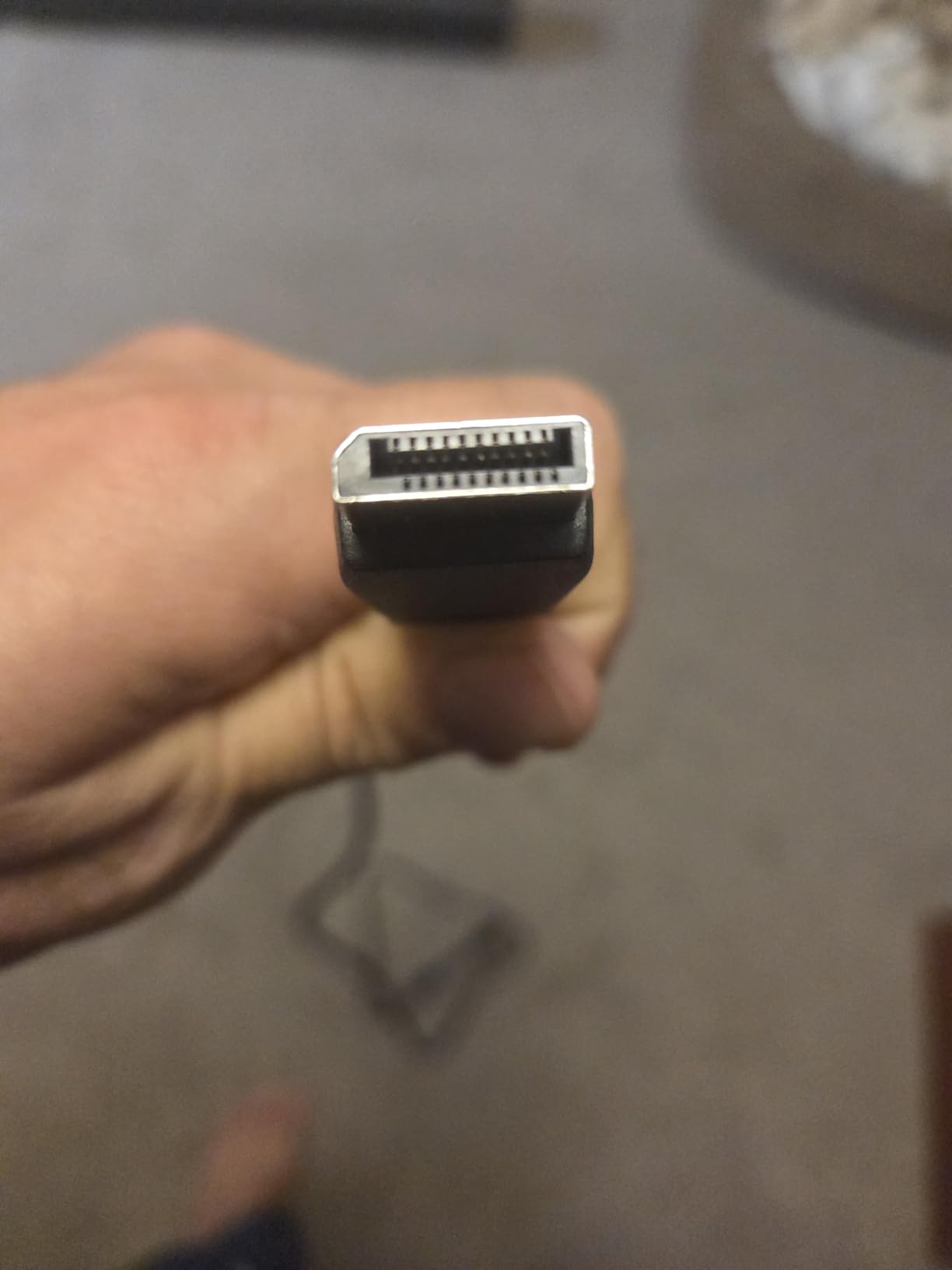
Pixels per inch is the number that decides this. A 27-inch 1440p panel sits near 109 PPI, while a 32-inch 1440p panel drops to about 92 PPI. That gap is visible: text and small interface elements look softer, and if your work involves reading long documents or editing code all day, the sharper 27-inch options suit you better.
What you get instead is physical size. At 32 inches, a spreadsheet, a chat window and a video call fit on one screen without shrinking anything to illegibility. For mixed work and play on a shared desk, that is often the more valuable trade.
Gloss and Stand Trade-Offs
Two details can decide this purchase. The glossy finish reflects ambient light in a bright room, which is uncomfortable for daytime office use but looks good in a dim gaming space. Matte panels handle both, at the cost of a slightly hazier blacks-on-blacks image.
The stand tilts only, with no height or swivel range, and there is a single HDMI port alongside the DisplayPort input. If you plan to add a console later and want both connected at once, budget for an adapter or a different model.
7. Acer KB272 G0bi 27-inch 1080p 120Hz IPS
Acer 27in FHD 1920×1080 IPS 120Hz Gaming Monitor | Office KB272 G0bi
27-inch 1920x1080 IPS
120Hz refresh rate
1ms VRB response
250 nits and 99% sRGB
Pros
- Full HD IPS at a very low entry price
- 120Hz and adaptive sync smooth everyday motion
- HDMI cable included
- Three-year parts and labor warranty
Cons
- 1080p limits multitasking screen real estate
- HDMI and VGA only with no DisplayPort
- 250 nit brightness looks thin in bright rooms
Sometimes the correct answer to how far a 300 dollar monitor can go is that you should spend less. The KB272 G0bi is a 27-inch 1920×1080 IPS panel at 120Hz with 1ms VRB response, and for office work, study, light gaming and a second screen, it covers the job at a fraction of the cost of anything else in this roundup.
The panel itself is unremarkable in the best way. 99% sRGB coverage, 250 nits brightness, adaptive sync that is FreeSync compatible, and a flicker-free design. Owners describe it as a dependable budget upgrade with smooth tear-free motion, and the three-year parts and labor warranty is longer than several picks in this list.
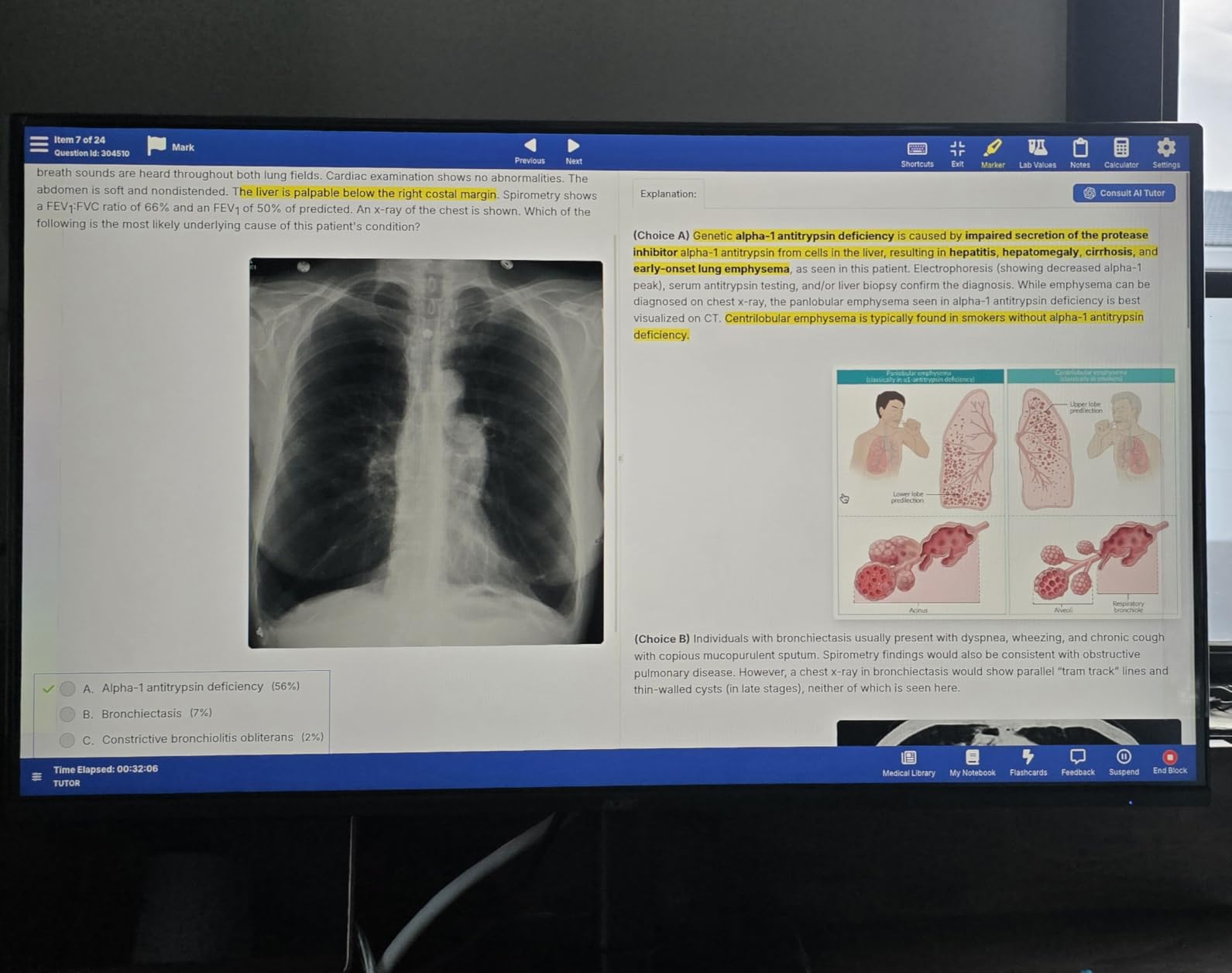
Connectivity is the limitation. You get HDMI and VGA and nothing else, with no DisplayPort and no USB hub, so you will need an adapter for a DisplayPort-only GPU. The stand offers tilt with wall mount support, and power draw is a modest 18 watts.
The pixel pitch of 0.311mm across 27 inches is where the trade-off bites. A 1440p screen at the same size packs roughly 78 percent more pixels, and you feel that immediately when you try to keep a browser and a document side by side.
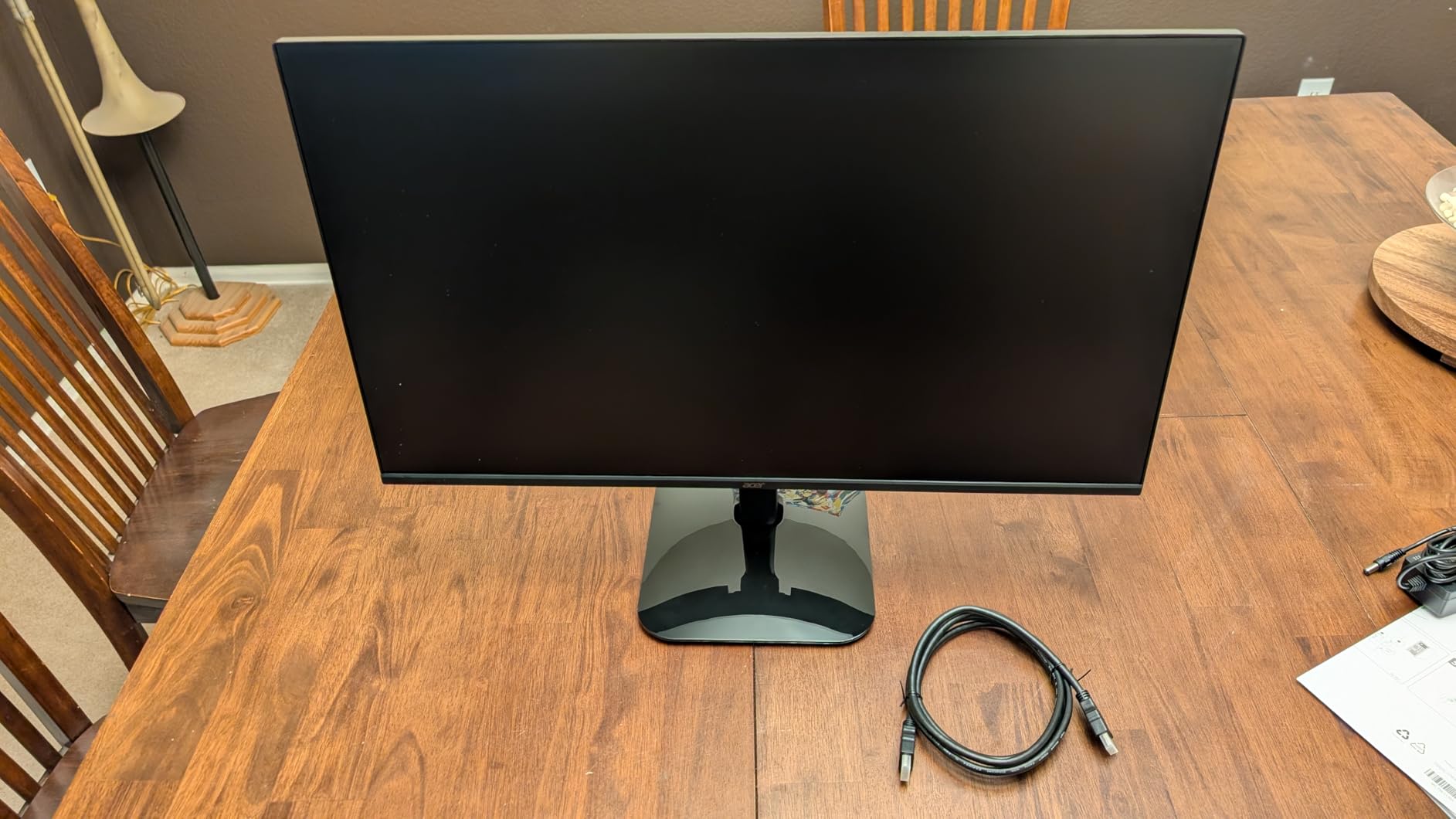
Where 1080p Still Makes Sense
Three situations make this the right call. A secondary display next to a main screen works because you do not need pixel density to show a chat window or a music player. A student or office desk running documents and email benefits more from a larger screen and a taller stand than from resolution. And a competitive player who only wants the highest refresh rate the money allows should check the current 24-inch esports tier instead.
It is also the honest answer for a first build where the money saved goes into the graphics card. Frame rates matter more than pixels in most games, and a faster GPU paired with this panel is a better experience than a slower GPU driving a 4K screen.
Who Should Spend More Instead
If your primary use is gaming and you will sit several feet away, 1080p at 27 inches will look soft on a large monitor, particularly on text in menus and in-game HUD elements. Spend up to the middle of this bracket and move to 1440p, where you get both sharpness and high refresh.
The 250 nit brightness rating also means this is a monitor for a controlled room. On a desk facing a window, the higher-nit panels in this roundup handle glare far better.
8. SANSUI ES-G34C5 PRO 34-inch 240Hz Ultrawide
SANSUI 34 Inch Curved Monitor 240Hz UWQHD 3440×1440 Gaming Monitor
34-inch 3440x1440 curved fast VA
240Hz refresh rate
HDR400 at 450 cd
Two HDMI 2.1 and two DisplayPort
Pros
- Genuine 3440x1440 at 240Hz for the money
- HDMI 2.1 VRR covers PS5 Xbox and Switch
- Minimal trailing in blur tests
- Metal stand with quick setup
Cons
- Stand height is not adjustable and can wobble
- Colors run warm out of the box
- Some units show backlight bleed and black clouding
This is the sleeper pick of the roundup. The ES-G34C5 PRO runs a 34-inch 3440×1440 fast VA panel at 240Hz, and with more than three thousand six hundred reviews behind it, owners overwhelmingly frame it as genuine ultrawide speed at a fraction of what named competitors charge for 165Hz.
Brightness is rated at 450 cd with HDR400 support and a 3000:1 contrast ratio, and reviewers report the panel works well in HDR mode. The fast VA panel shows minimal trailing in blur testing, which addresses the usual objection to VA at high refresh rates. The 1500R curve is gentler than the 1000R panels above.
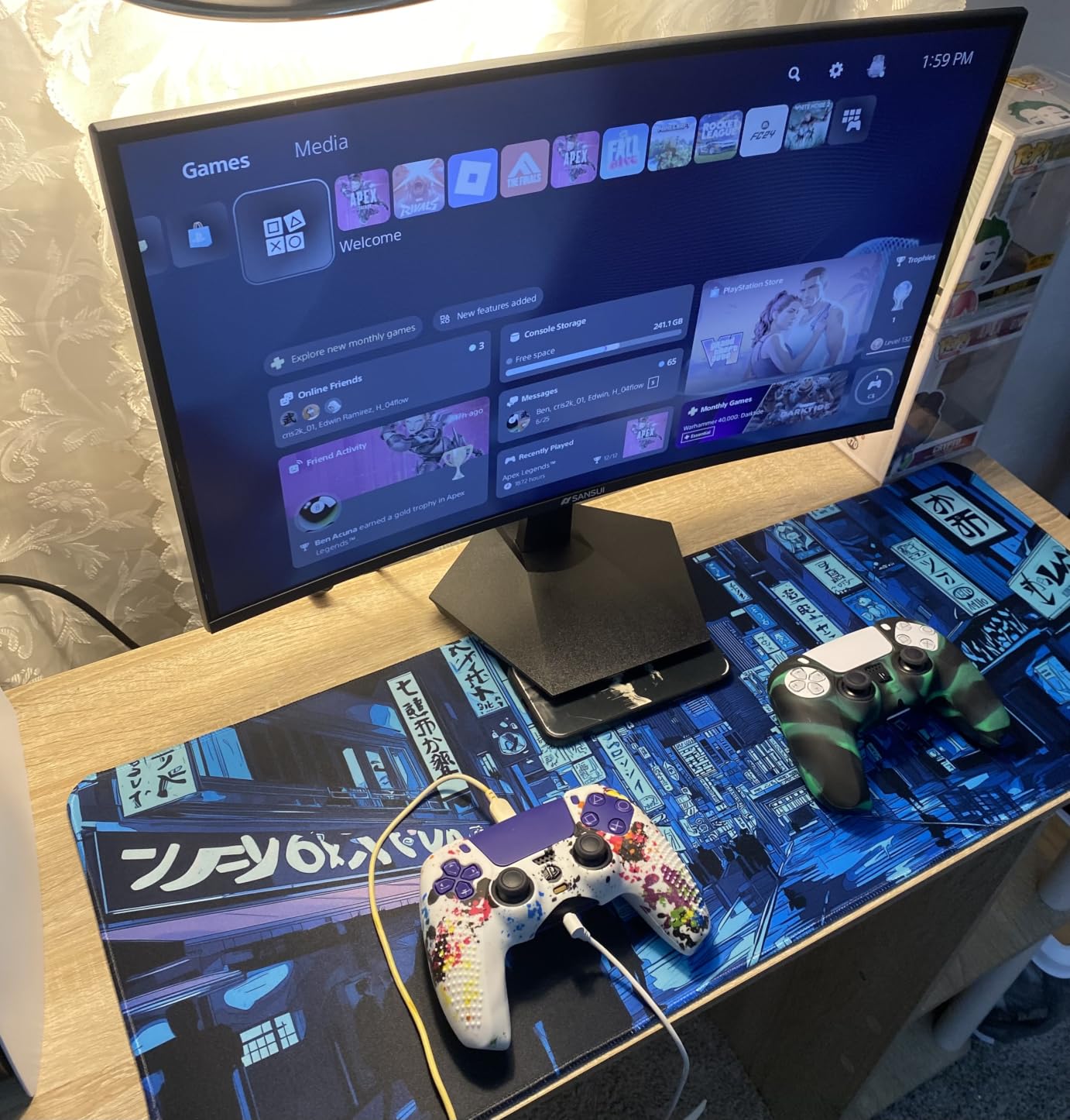
Ports are the standout. Two HDMI 2.1 ports run up to 2K at 240Hz, two DisplayPort 1.4 inputs do the same, and there is a 3.5mm headphone output with no built-in speakers. PIP and PBP let you run a console feed beside a PC window, and the on-screen extras include a crosshair, sniper scope and game modes.
Warranty is one year with 30-day money-back coverage and free replacement plus lifetime technical support. Compare that against the three-year terms on the ASUS and Acer panels before deciding how much the shorter term matters to you.
Console Support on HDMI 2.1
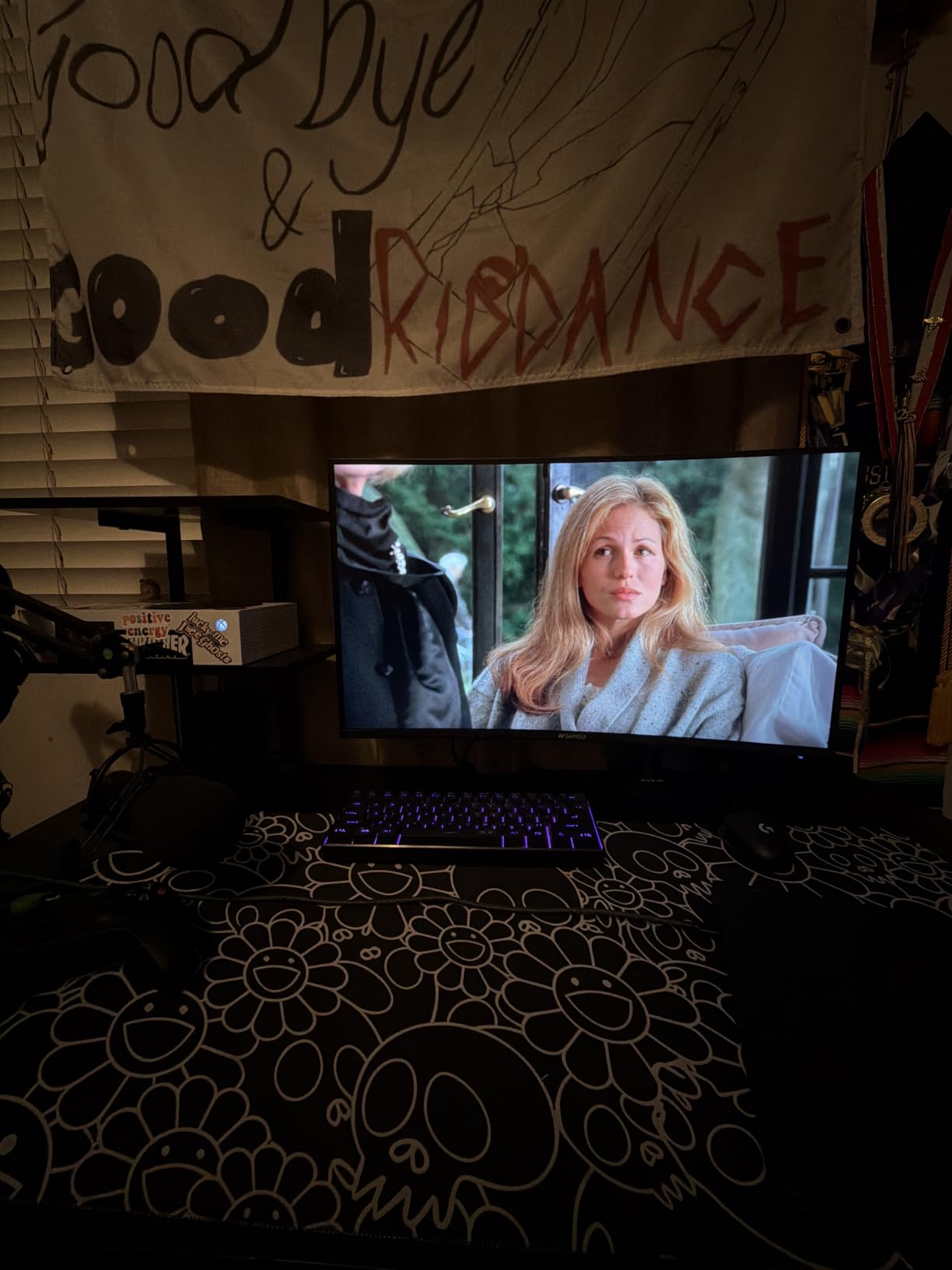
HDMI 2.1 with variable refresh covers PS5, Xbox Series X and Switch, and at 3440×1440 with 240Hz you are running the fastest refresh available in this roundup. For a console-first household that later adds a PC, this is the pick that satisfies both on one budget, which is exactly the use case console buyers raise in forum threads.
Two HDMI 2.1 ports also mean you can keep a console and a PC connected at the same time without swapping cables, and PIP lets you check the console feed while the PC is running.
Panel Uniformity Risk
The recurring complaint across reviews is panel uniformity. Some units show noticeable backlight bleed and black clouding, which on a dark scene can look like haze in the corners. This is a known characteristic of fast VA panels at this price, and the practical mitigation is keeping brightness moderate rather than running it at maximum in a dark room.
Color also arrives warm and needs calibration, the stand has no height adjustment and can wobble slightly, and only one DisplayPort cable is included. Test the panel early within the return window before settling in.
How to Choose a Monitor Under 300 Dollars
Start with your GPU, not the monitor. Resolution is the first decision because it determines how much load your graphics card carries. 1080p suits entry-level and older cards. 1440p is the right target for a mid-range card if you want sharp text and high refresh at the same time. 4K at this budget pairs well with a console or a top-tier card, and 3440×1440 ultrawide sits between 1440p and 4K in pixel load.
Next is refresh rate, measured in hertz. It is how many times the screen redraws each second, and higher numbers make motion smoother. A 60Hz-to-144Hz jump is the single most visible upgrade in this category. Going from 144Hz to 165Hz or 180Hz is noticeable but modest, and 240Hz matters mainly in competitive shooters where frame timing is the whole point. Match the refresh rate to the frame rates your hardware actually produces, or you are paying for a number you never see.
Panel type decides the character of the picture. IPS panels deliver accurate color, wide viewing angles and usually the fastest response, but blacks are grey and some units show IPS glow, a faint haze in dark scenes at the edges. VA panels give dramatically higher contrast, so blacks look truly black, at the cost of slower dark transitions and possible smearing in scrolling text. TN panels are now largely confined to the cheapest options and are not represented in this roundup.
Adaptive sync is what stops screen tearing without adding input lag. FreeSync is an open standard that works with both AMD and NVIDIA cards at the compatible refresh range, and most panels here label G-SYNC compatible when they have passed NVIDIA’s validation. If your GPU is an AMD card, prioritize FreeSync range coverage rather than the G-SYNC label.
Be skeptical of HDR at this budget. HDR400 simply means the panel can hit 400 nits in a short highlight window, which most 1440p IPS panels can do under normal lighting. Real HDR needs both high sustained brightness and a local dimming backlight to control the contrast ratio, and Mini-LED models remain rare below this bracket. Expect HDR to add color pop rather than the brightness and black levels you see on a television.
Two underappreciated buying factors are warranty length and panel inspection. Three-year coverage from ASUS and Acer beats a one-year term at a similar price. And because IPS glow, backlight bleed and dead pixels vary unit to unit, inspect the monitor on arrival with a solid dark image and a bright white one before your return window closes.
Finally, decide when not to spend this much. If you play mostly console titles or do office work at night, the 1080p panel in this roundup is a better use of money than any 1440p option. If you already own a capable GPU and want to see more of what it can do, the 4K panel is worth the step up. Match the monitor to the bottleneck, not to the marketing.
Frequently Asked Questions
What is the best monitor under 300 dollars?
In 2026 the best monitor under 300 dollars is the KTC H27T22C-3, a 27-inch 2560×1440 fast-IPS panel that reaches 220Hz over DisplayPort 1.4 with 450 cd/m2 brightness and a three-year warranty. The ASUS TUF VG27AQ3A at 180Hz is the pick if you prefer a recognized brand with advance replacement, and the Acer Nitro XV271U is best if you need a fully adjustable stand for long office days.
Is 1920×1080 or 2560×1440 better for gaming?
2560×1440 is better if your GPU can hold a playable frame rate, because it gives roughly 78 percent more pixels than 1080p and makes text and interface elements noticeably sharper at 27 inches. Choose 1920×1080 when your graphics card is entry-level, when the screen is a secondary display, or when you want to spend the difference on faster hardware.
Is a VA or IPS panel better?
IPS gives more accurate color, wider viewing angles and faster response, which makes it the better all-round choice for mixed work and play. VA gives far higher contrast, so blacks look genuinely black, which suits gaming and movies in a dim room but can add smearing on dark scrolling text. For this budget, IPS for productivity and VA for immersion are both defensible answers.
Is a 27 or 32 inch better for gaming?
A 27-inch monitor is better for competitive play because it keeps pixels closer together, which makes the on-screen image sharper at the distances competitive players use. A 32-inch model fills more of your field of view and fits more windows on screen for work, but at 2560×1440 the pixel density drops and text looks softer than on a 27-inch panel.
What is the best 1440p monitor for gaming under 300 dollars?
The KTC H27T22C-3 leads this roundup with a 27-inch 1440p fast-IPS panel running up to 220Hz over DisplayPort, 450 cd/m2 brightness and FreeSync plus G-SYNC compatibility. The ASUS TUF VG27AQ3A matches it at 180Hz with ELMB Sync blur clearing and a three-year advance replacement warranty, and the Acer Nitro XV271U adds the best stand in the group.
Is 300Hz better than 240Hz?
Only in competitive shooters, and only if your GPU can hold those frame rates. Going from 240Hz to 300Hz refines motion at the margin and matters most for pros playing CS2 or Valorant, where frame timing is the entire objective. For single-player games, consoles and desktop use, the two are effectively indistinguishable and spending more is not worthwhile.
Final Verdict on the Best Monitors Under 300 Dollars
The best monitors under 300 dollars in 2026 are settled by one question: what is your GPU and what do you do with it. The KTC H27T22C-3 takes our overall pick with 220Hz, 450 cd/m2 and a three-year warranty, and it is the most capable panel in this bracket by spec. The ASUS TUF VG27AQ3A is the same class of hardware with better brand support and ELMB Sync, and the Acer Nitro XV271U wins on its stand.
Beyond that, match the shape to the desk: the KOORUI 34E6UC for 200Hz ultrawide value, the Dell S2725QS for 4K text clarity and console use, the Samsung Odyssey G55C for a big curved 32-inch, the SANSUI ES-G34C5 PRO for 240Hz ultrawide console gaming, and the Acer KB272 G0bi when spending less is the right call. Prices in this bracket move often, so check the live figures on each card before you buy.