
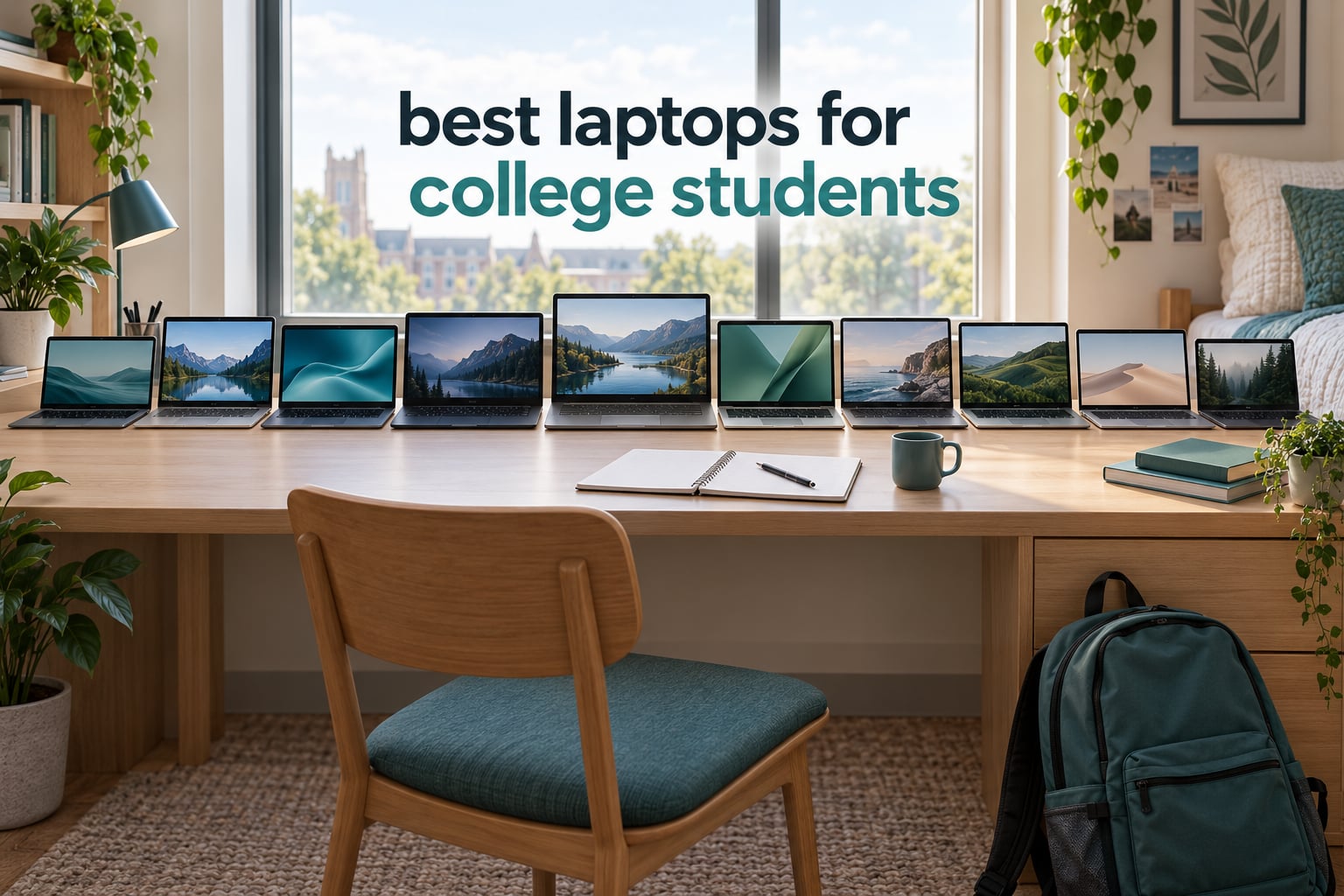
Most students buy the fastest laptop they can find, then carry it around campus for four years and wish they had bought something lighter. That is the wrong order of operations. The best laptops for college students are the ones that survive a backpack, a lecture hall, a deadline sprint and a full degree without needing a replacement halfway through.
Our team weighed all ten machines in this roundup against the same five criteria: tested battery endurance, carry weight, keyboard and trackpad comfort, whether memory can be upgraded later, and how the machine handles the software a specific major actually requires. The Apple MacBook Air 13.6-inch with the M5 chip comes out on top for most people, while the HP Chromebook 14 takes the budget slot and the Lenovo IdeaPad Slim 3 handles the heaviest multitasking loads.
Two things are worth saying before the list starts. First, no pick here is fast enough for every major, so the decision depends more on your course list than on benchmark charts. Second, several machines below carry specifications that will age badly by senior year, and we say so plainly rather than burying it. Our complete student lab equipment guide covers the other gear your major will ask you to buy.

Table of Contents
Top 3 Picks for College Students in 2026
The three laptops below cover the widest range of student budgets and majors. Everyone else can scroll past this box to the full list of ten.
Best Laptops for College Students (October 2026)
| Product | Specifications | Action |
|---|---|---|
 HP Chromebook 14 14a-na0226nr HP Chromebook 14 14a-na0226nr |
|
Check Latest Price |
 HP 15.6-inch Ryzen 3 7320U Touchscreen HP 15.6-inch Ryzen 3 7320U Touchscreen |
|
Check Latest Price |
 Apple MacBook Neo 13-inch A18 Pro Apple MacBook Neo 13-inch A18 Pro |
|
Check Latest Price |
 Lenovo 14-inch Full HD Touchscreen Chromebook Lenovo 14-inch Full HD Touchscreen Chromebook |
|
Check Latest Price |
 Apple MacBook Air 13.6-inch M5 Apple MacBook Air 13.6-inch M5 |
|
Check Latest Price |
 Lenovo IdeaPad 1 15.6-inch Ryzen 5 5500U Lenovo IdeaPad 1 15.6-inch Ryzen 5 5500U |
|
Check Latest Price |
 Dell 15.6-inch Full HD 120Hz Core 3 100U Dell 15.6-inch Full HD 120Hz Core 3 100U |
|
Check Latest Price |
 HP 14-inch Essential Intel N150 HP 14-inch Essential Intel N150 |
|
Check Latest Price |
 Lenovo IdeaPad Slim 3 15.6-inch Ryzen 7 5825U Lenovo IdeaPad Slim 3 15.6-inch Ryzen 7 5825U |
|
Check Latest Price |
 Lenovo V15 15.6-inch Ryzen 3 7320U Lenovo V15 15.6-inch Ryzen 3 7320U |
|
Check Latest Price |
1. HP Chromebook 14 (14a-na0226nr) – Best Chromebook for Students
HP Chromebook 14 Laptop, Intel Celeron N4120, 4 GB RAM, 64 GB eMMC, 14″ HD Display, Chrome OS, Thin Design, 4K Graphics, Long Battery Life, Ash Gray Keyboard (14a-na0226nr, 2022, Mineral Silver)
Chrome OS
Intel Celeron N4120
4 GB RAM
64 GB eMMC
14-inch HD
3.2 lb
Pros
- Very affordable entry point
- Excellent battery for a full school day
- Light at 3.2 pounds
- Chrome OS updates itself automatically
Cons
- 4 GB RAM and 64 GB eMMC are limited for heavy multitasking
- 1366 x 768 resolution is low by modern standards
- Chrome OS cannot run desktop software such as MATLAB
This is the most-reviewed laptop in our roundup, with a 4.3-star average across more than 3000 owner ratings, and the volume itself tells you something. Buyers keep mentioning the same two things first: the charge survives a full day of classes, and the thing is light enough to forget it is in the bag.
HP rates the battery at up to 14 hours and includes HP Fast Charge, which takes the pack from zero to roughly half in about 45 minutes and matters more in practice than the headline figure. A micro-edge anti-glare panel at 1366 x 768 stays readable under fluorescent lecture lighting, and the 3.2-pound chassis has a full-size keyboard and a multi-touch trackpad.
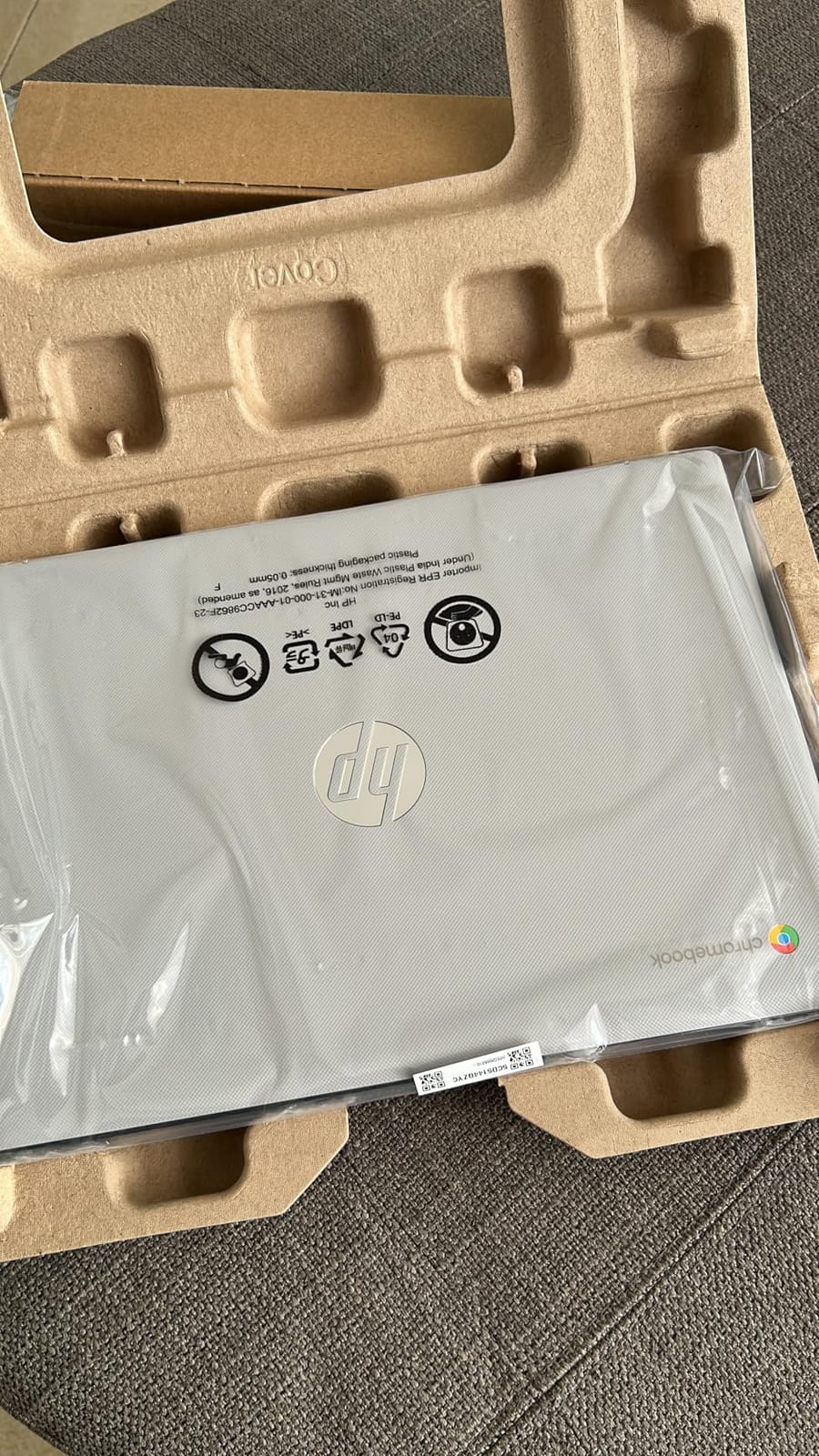
The honest limit is the 4 GB of DDR4 memory paired with 64 GB of eMMC storage. Google handles document work, research tabs, video calls and streaming comfortably, but the moment a class requires a desktop application, the wall arrives. Reviewers also flag the low resolution when they put two documents side by side.
Ports are sensible for the price: one HDMI, three USB connections covering both Type-A and Type-C, and a headphone jack. Wi-Fi 802.11ac with Bluetooth covers dorm and classroom use, and a one-year limited hardware warranty is included. There is no optical drive and no card reader to speak of, so plan on cloud storage or an external drive.
Who should buy the HP Chromebook 14
Buy this if your major is education, nursing, business, communications or anything built around documents, research, web-based coursework and video calls. It is also the machine to buy if the laptop is a shared family computer and you only need it for coursework.
It is a genuinely strong first laptop because there is almost nothing to break or configure. Sign in with a Google account, install the apps you need from the Play Store, and the operating system keeps itself patched in the background.
Who should skip the HP Chromebook 14
Skip it if your program requires engineering software, data science toolchains, statistical packages, CAD or any desktop-native title. School IT departments frequently list required software that simply will not install on Chrome OS, and a four-year degree is far too long to gamble on that.
Also skip it if you plan to keep large media libraries locally, or if you want a display fine enough to read two academic PDFs at once. The upgrade path here is a full replacement, not a memory module, so a four-year lifespan is optimistic.
2. HP 15.6-inch Ryzen 3 7320U Touchscreen Laptop – Best Windows Value
HP 15.6 inch Laptop, HD Touchscreen Display, AMD Ryzen 3 7320U, 8 GB RAM, 256 GB SSD, AMD Radeon Graphics, Windows 11 Home, Natural Silver, 15-fc0399nr
Windows 11
Ryzen 3 7320U
8 GB LPDDR5
256 GB NVMe SSD
15.6-inch HD touch
3.5 lb
Pros
- Smooth performance for coursework and streaming
- Responsive HD touchscreen for note-taking
- Fast NVMe boot times
- Full-size keyboard with numeric keypad
Cons
- 1366 x 768 rather than Full HD
- 8 GB RAM is soldered and not upgradeable
- Touchpad sits close to the keyboard and is oversensitive
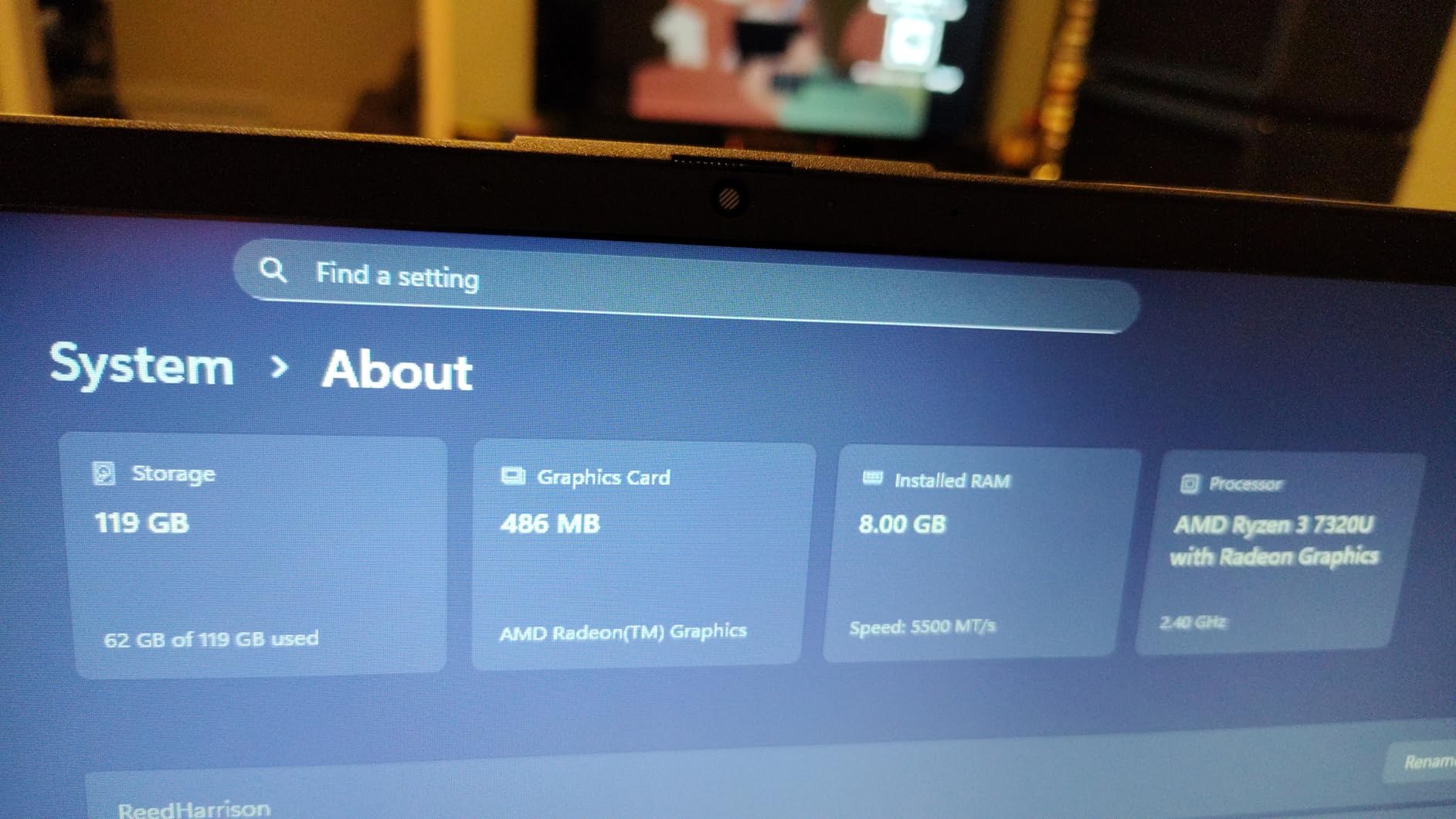
This is the pick we send most students to when they want a real Windows machine without leaving the mid-budget tier. It carries a 4.4-star average across 1597 ratings, and the Ryzen 3 7320U with four cores and eight threads handles a dozen browser tabs, a video call and a Word document without complaint.
The 8 GB of LPDDR5-5500 memory and 256 GB PCIe NVMe drive are the parts that matter most here. NVMe storage is the single biggest upgrade over older budget laptops, and it shows up immediately in cold boot times and app launches. Wi-Fi 6 and Bluetooth 5.3 are a nice step above the older wireless standard.
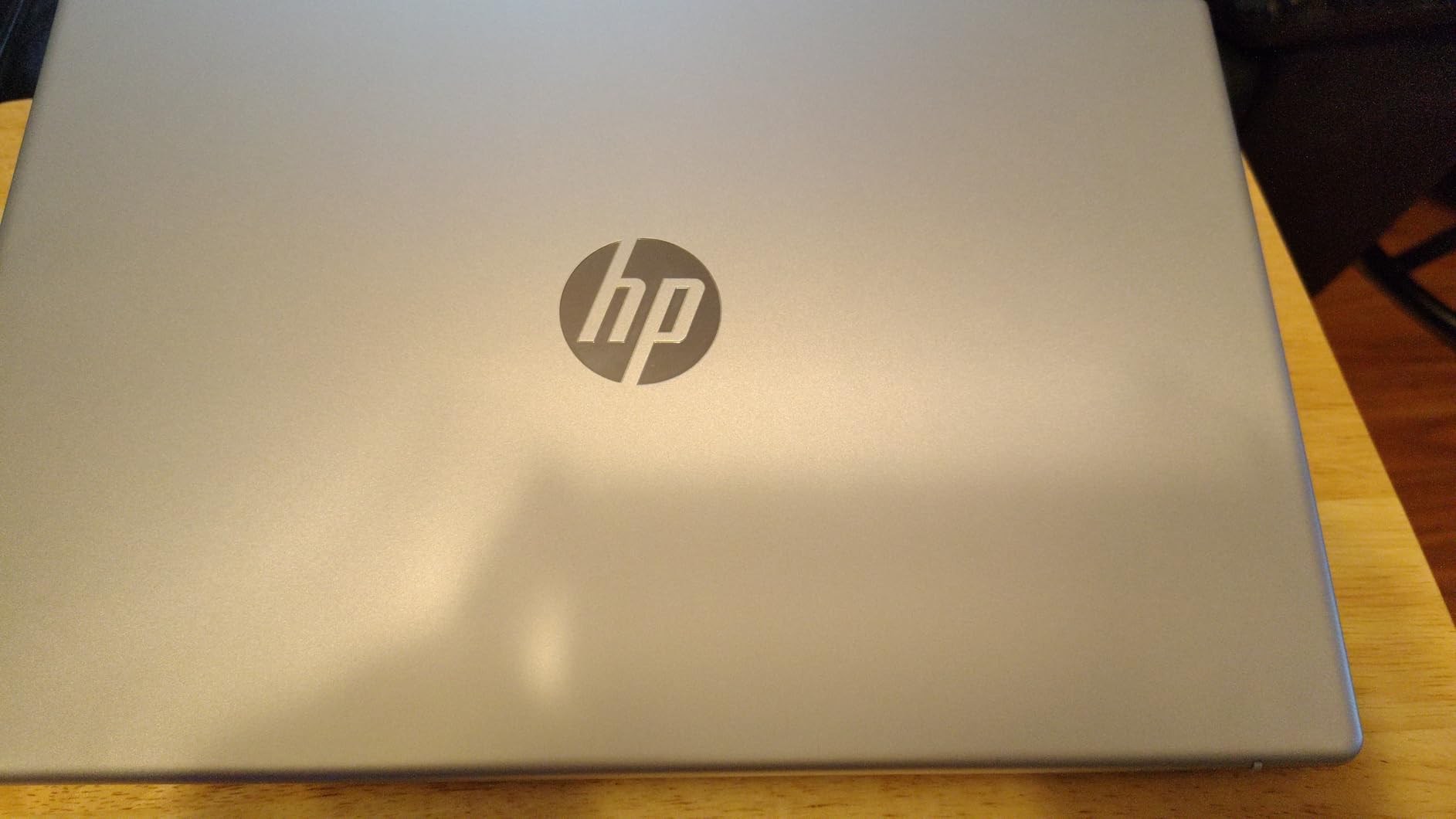
The 15.6-inch HD touchscreen is the feature owners mention most in positive reviews. Tapping notes during a lecture or scrolling a PDF with a finger works well, and the capacitive panel is responsive enough to be useful rather than a novelty. HP includes a 720p camera with temporal noise reduction and dual array microphones for group calls.
Two caveats come up repeatedly. The screen is 1366 x 768 at 250 nits, so text on a PowerPoint slide looks soft when you project it, and the memory is soldered to the board with no upgrade path when you need more in year three.
Who should buy the HP 15.6-inch Ryzen 3
This suits nursing, business, education and general studies students who want Windows software, a full-size keyboard with a numeric keypad, and a touchscreen for note-taking. The port selection is also better than most at this level: two USB-A, one USB-C, HDMI, an Ethernet jack and a combo audio port.
At 3.5 pounds it is carryable in a backpack, and HP rates the 41 Wh lithium polymer pack at up to 12 hours. A conservative estimate is a solid working day of light coursework between charges.
Who should skip the HP 15.6-inch Ryzen 3
Skip it if you run virtual machines, compile large codebases, or handle advanced video editing. Integrated Radeon graphics are fine for coursework and streaming but not for demanding software or games.
I would also pass if the numeric keypad is not something you use and the 3.5-pound weight matters to you, because the 15.6-inch footprint is bulky for a small lecture hall desk. A 14-inch chassis with a similar memory configuration is easier to carry all day.
3. Apple MacBook Neo 13-inch (A18 Pro) – Best Mac for Classrooms
Apple 2026 MacBook Neo 13-inch Laptop with A18 Pro chip: Built for AI and Apple Intelligence, Liquid Retina Display, 8GB Unified Memory, 256GB SSD Storage, 1080p FaceTime HD Camera; Citrus
macOS
Apple A18 Pro chip
8GB memory
256GB SSD
13-inch Liquid Retina
2.71 lb
Pros
- Apple aluminum build that holds up over four years
- Very light at 2.71 pounds
- Sharp Liquid Retina display with 1 billion colors
- 16-hour rated battery
Cons
- 8GB memory and 256GB storage are tight for heavy multi-year coursework
- macOS uses different software conventions than Windows
- Limited port selection versus a typical Windows laptop
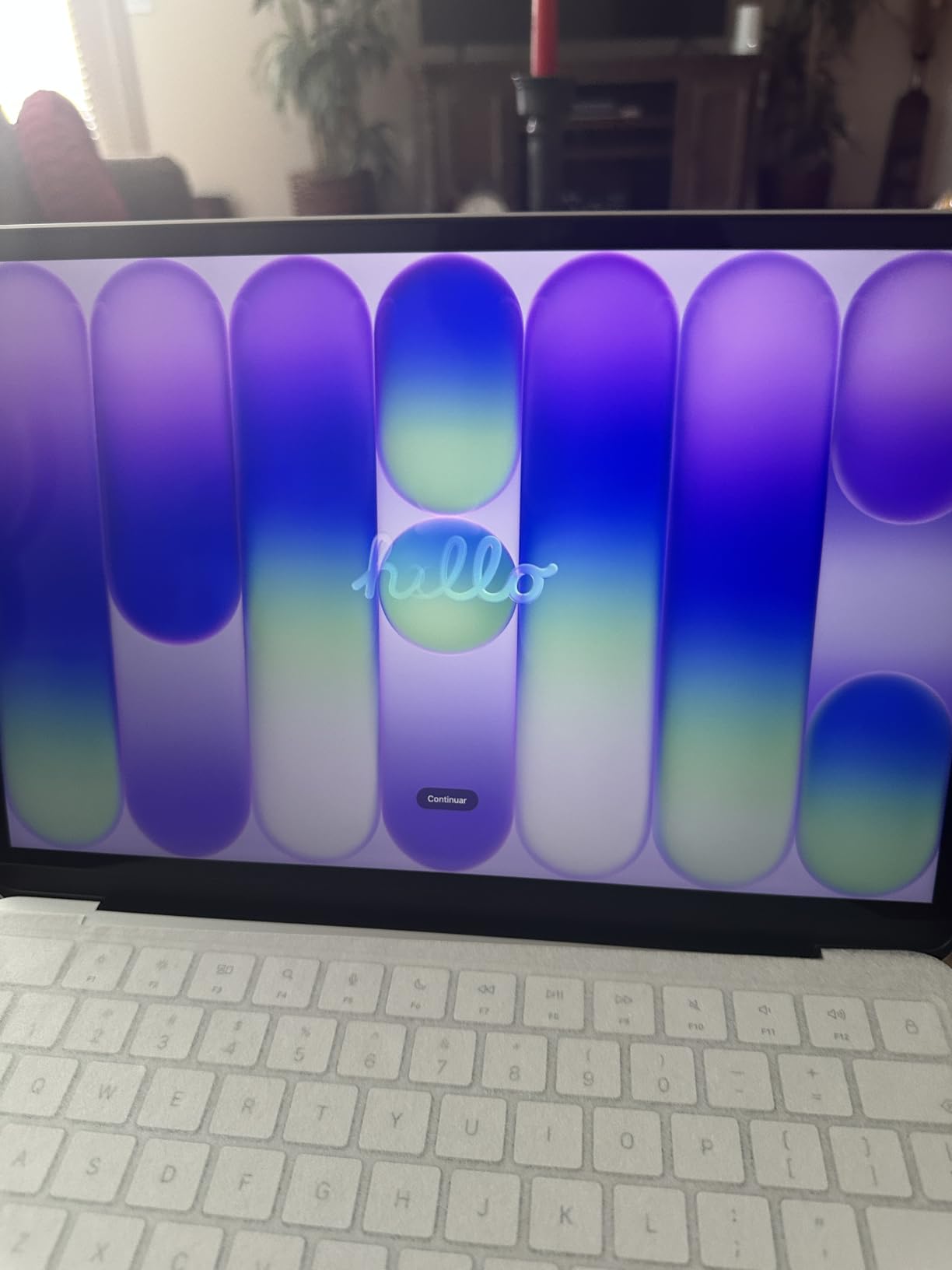
Eighty-four percent of owner ratings are five stars, which is unusually strong for a first-generation configuration. Reviewers consistently point at the same combination: an aluminum chassis that feels solid, a machine light enough to carry all day, and a display where research papers stay crisp during long reading sessions.
The A18 Pro chip runs coursework, presentations, browsing and light creative apps without fan noise, and Apple rates the battery at up to 16 hours. Apple Intelligence handles summarizing lecture notes and drafting writing, and Handoff and Continuity make sense if you also own an iPhone.
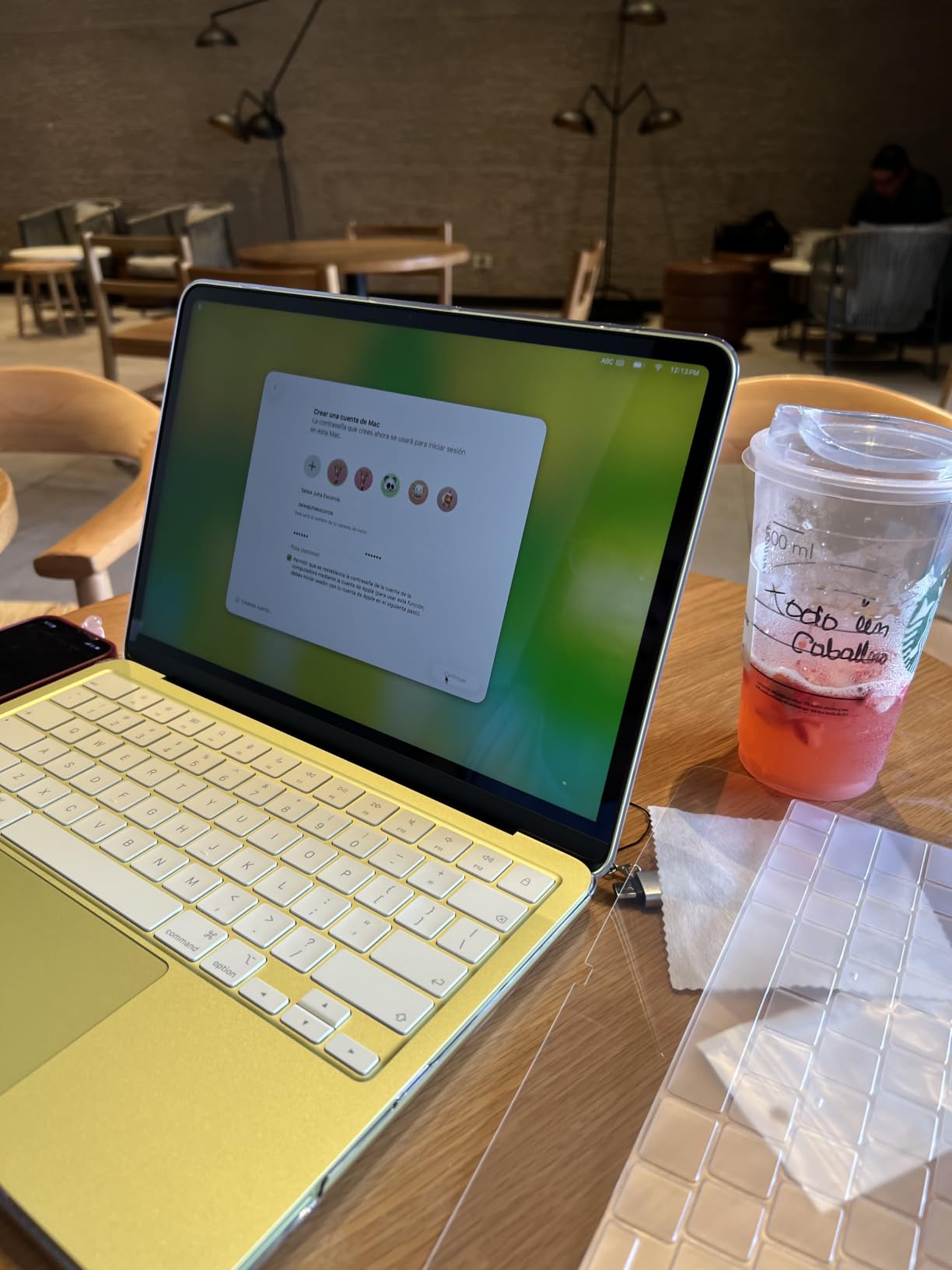
Dimensions come in at 8.12 by 11.71 by 0.5 inches, so it slips into a standard sleeve. The 1080p FaceTime HD camera with a dual microphone array is a real upgrade for group projects over video, and the recycled aluminum enclosure is available in four colorways including Citrus.
The trade-off is the entry configuration. 8GB of unified memory and 256GB of storage will feel constrained once you are running a browser with dozens of research tabs alongside a video call and a large spreadsheet, and Apple does not sell these chips in higher configurations within this line.
Who should buy the MacBook Neo 13-inch
Buy it if you want the most durable machine in this roundup at a size that is genuinely portable, and your major is liberal arts, communications, business, teaching or design. The screen, keyboard and trackpad are the best in the group, and the machine is the one most likely to survive four years of daily use.
It is also the sensible pick for a student who already uses an iPhone. Continuity features mean files, clipboard and notifications follow you between devices without extra software.
Who should skip the MacBook Neo 13-inch
Skip it if your department requires Windows-only software, since lab licences, CAD packages and some engineering tools are Windows-only. Check your program requirements before committing, because switching operating systems mid-degree is a real cost.
I would also pass if you are a heavy multitasker or work with large media files. The 8GB ceiling is the one limitation I cannot design around, and buying a machine this refined only to hit a memory wall in year two wastes the money you spent on the chassis.
4. Lenovo 14-inch Full HD Touchscreen Chromebook – Best Chromebook Screen
Lenovo Flagship Chromebook, 14” FHD Touchscreen Slim Thin Light Laptop Computer, 8-Core MediaTek Kompanio 520 Processor, 4GB RAM, 64GB eMMC, WiFi 6,Chrome OS, Abyss Blue
Chrome OS
Kompanio 520 octa-core
4 GB RAM
64 GB eMMC
14-inch FHD IPS touch
2.9 lb
Pros
- Sharp 1920 x 1080 IPS touchscreen at this price
- Very light at 2.9 pounds
- Backlit keyboard at this tier
- Good battery life and painless setup
Cons
- Only 4 GB RAM struggles with many tabs or apps
- Trackpad is unresponsive and laggy
- Short 90-day warranty and hard-to-reach support
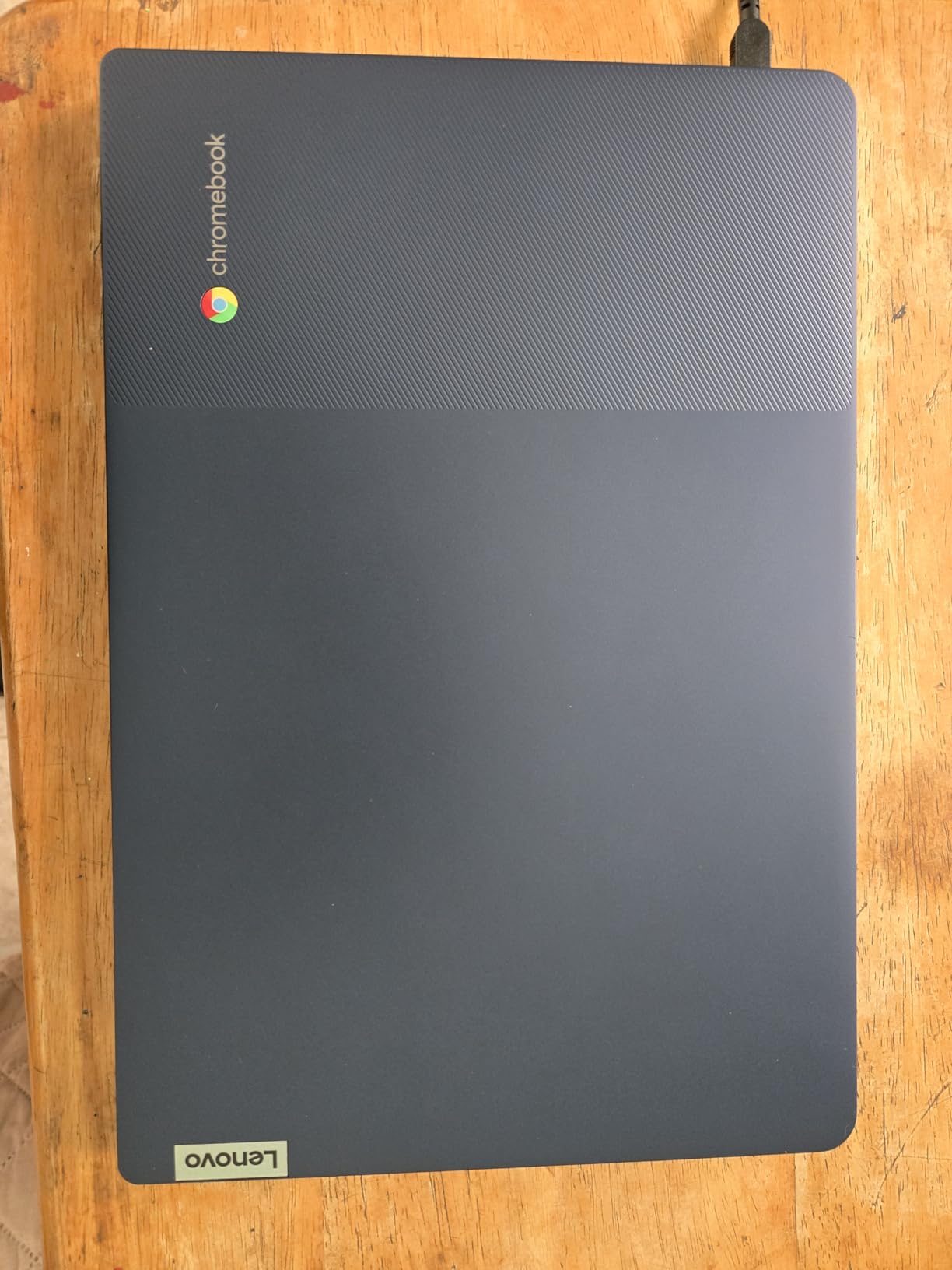
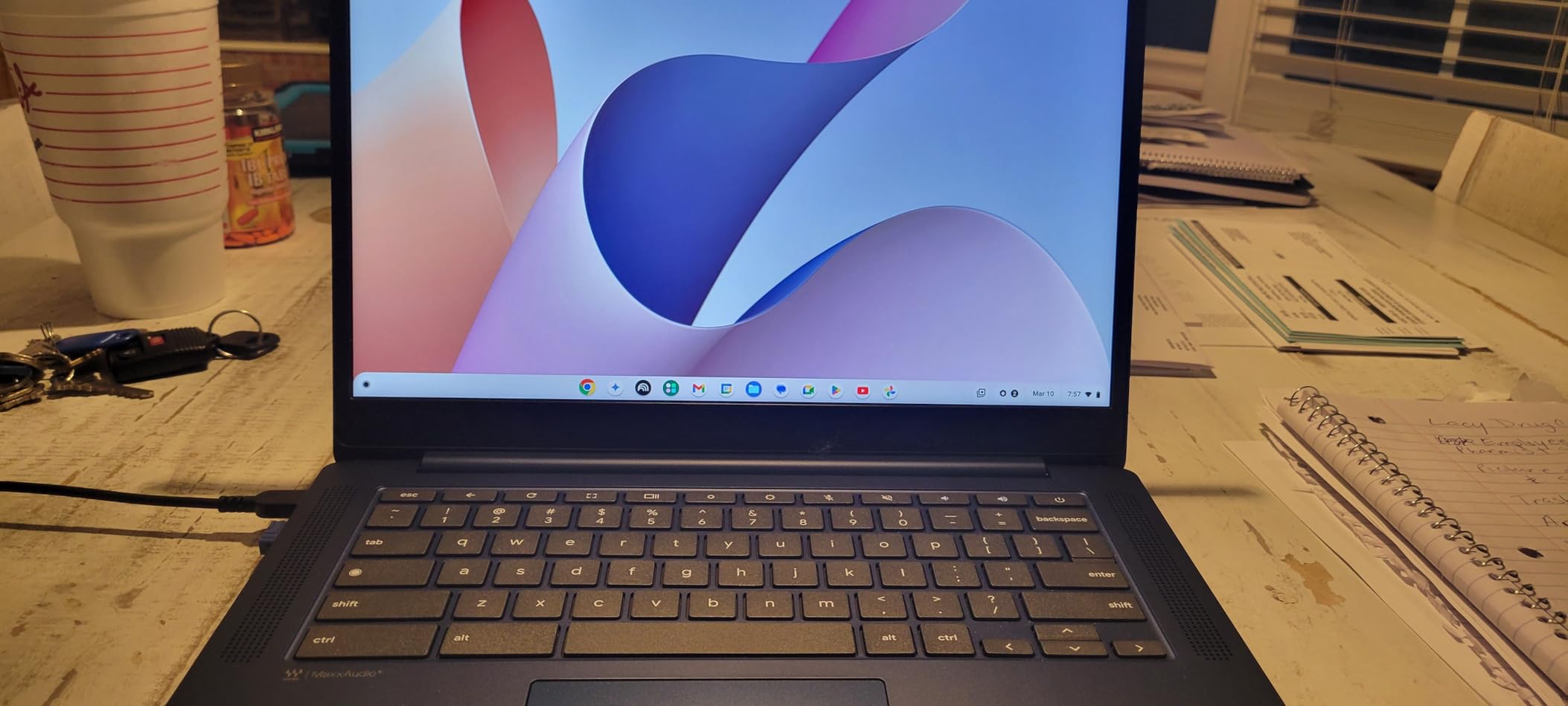
Where the HP Chromebook 14 cuts corners on the display, this Lenovo holds the line. The 14-inch IPS panel runs at 1920 x 1080 with wide viewing angles, and that difference is obvious the first time you split a screen between a lecture recording and a set of notes.
It is also the lighter Chromebook here at 2.9 pounds, and the backlit keyboard is a genuine bonus for late-night study sessions in a dim dorm. The MediaTek Kompanio 520 is an octa-core chip tuned for battery life, and Lenovo rates the 47 Wh pack at 13.5 hours.
Owners like the fast, painless setup with a Google account and the built-in cloud backup that Chrome OS provides. A 720p webcam with a physical privacy shutter and a dual array microphone makes it a solid machine for online classes, and Zoom is ready without extra software.
The repeated complaint across reviews is the trackpad, which owners describe as unresponsive and laggy enough that many bought an external mouse. The 4 GB of memory is the other limitation, and the keyboard feels plasticky with a layout that takes adjustment if you are moving from a different device.
Who should buy the Lenovo 14-inch Chromebook
Buy it if reading and writing dominate your coursework and you want a sharp screen plus a backlit keyboard at the low end of the range. Nursing, education, business and liberal arts students get the most out of it, especially if you work mostly in Google Docs, the browser and video calling.
The 2.9-pound weight makes it the easiest machine here to carry all day, which matters if your schedule is five classes across two buildings.
Who should skip the Lenovo 14-inch Chromebook
Skip it if you type heavy notes for hours at a stretch or if you are bothered by trackpad quality. That is a daily-use irritation that does not go away, and a USB mouse hides the trackpad entirely if you would rather not replace the laptop.
Also look elsewhere if warranty length matters to you. This configuration carries a 90-day warranty and support that reviewers find difficult to reach, which is thin cover for a machine you expect to keep for years. There are also isolated reports of charging failures after extended use.
5. Apple MacBook Air 13.6-inch (M5) – Best Laptop for a Four-Year Degree
Apple 2026 MacBook Air 13-inch Laptop with M5 chip: Built for AI, 13.6-inch Liquid Retina Display, 16GB Unified Memory, 512GB SSD, 12MP Center Stage Camera, Touch ID, Wi-Fi 7; Midnight
macOS
Apple M5 chip
16GB memory
512GB SSD
13.6-inch Liquid Retina
2.71 lb
Pros
- Highest-rated pick with 91 percent five-star reviews
- 18-hour rated battery and 2.71 pound weight
- 16GB memory and 512GB storage will outlast a degree
- 12MP Center Stage camera with Desk View for online classes
Cons
- Most expensive machine in the roundup
- macOS learning curve if you are coming from Windows
- Memory and storage cannot be upgraded after purchase
This is the highest-rated laptop we found, at 4.7 stars with 91 percent of ratings at five stars, and the only machine in the roundup configured to comfortably cover a full degree. The 16GB of unified memory and 512GB SSD remove the single biggest failure mode we see in student laptops: running out of resources in year three.
Apple rates the M5 chip’s battery at up to 18 hours, and the 2.71-pound weight is tied for lightest in the group. The 13.6-inch Liquid Retina display runs at 2560 by 1664, so a split screen with a textbook PDF and your notes is genuinely usable rather than cramped.
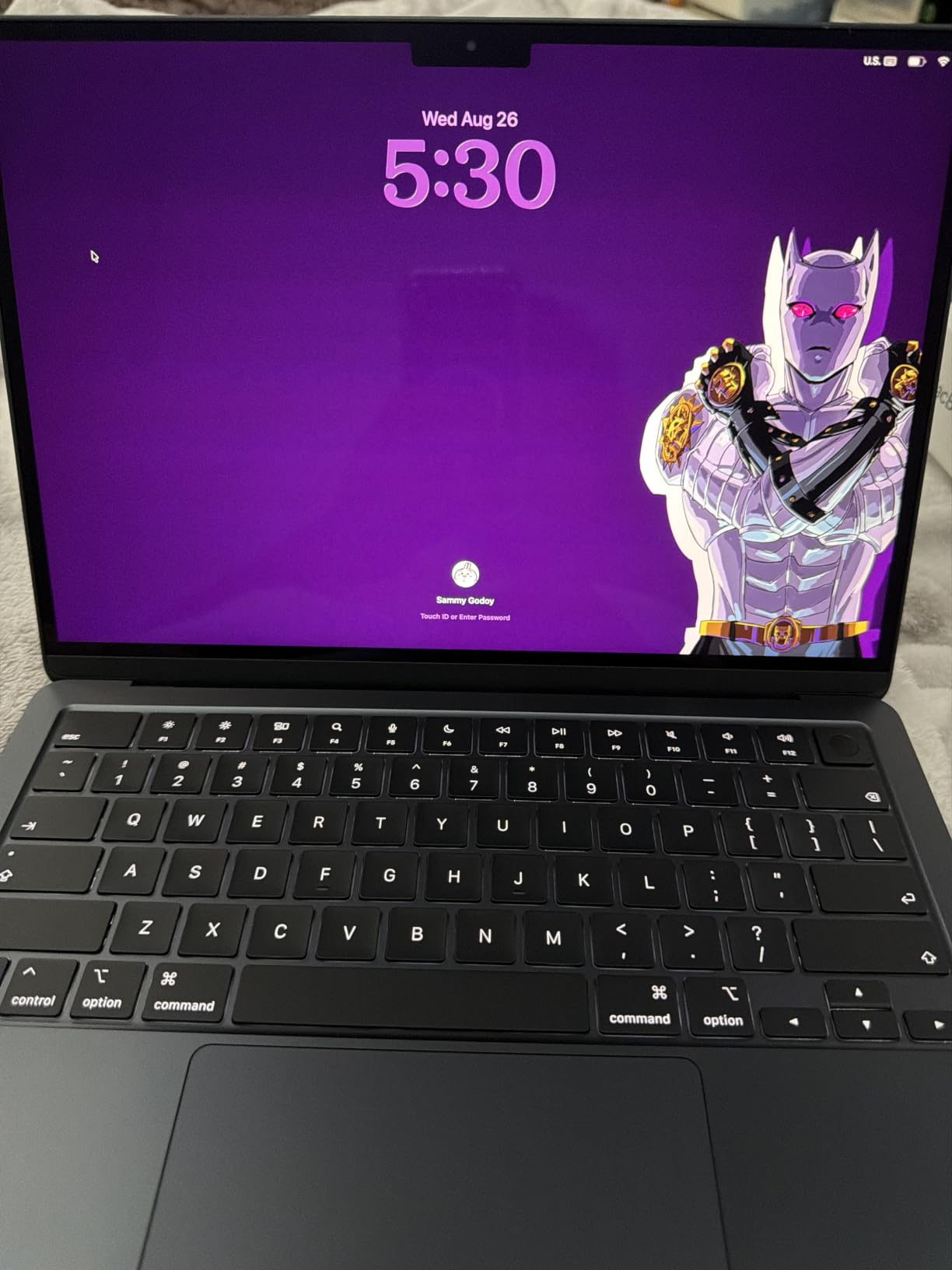
The 12MP Center Stage camera with Desk View is built for online classes, keeping you framed when you write or read. The four-speaker system with Spatial Audio and Dolby Atmos handles media and group study sessions, and the three-mic array picks up your voice cleanly on a call.
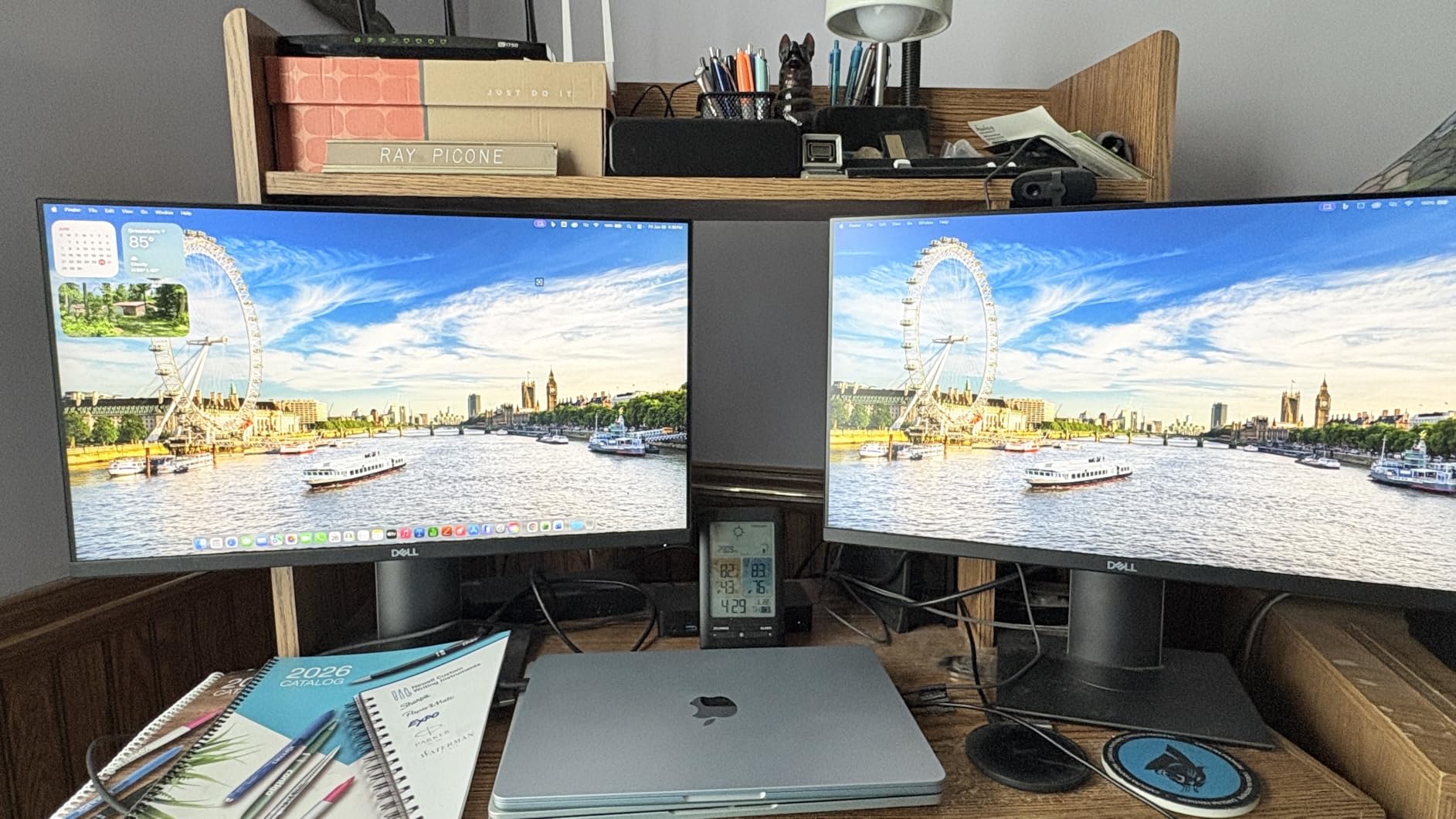
Connectivity is current-generation: two Thunderbolt 4 ports, MagSafe charging, a headphone jack, and Wi-Fi 7 with Bluetooth 6 through the Apple N1 chip. You can drive up to two external displays, which matters if you use a dorm desk setup.
Who should buy the MacBook Air 13.6-inch
Buy it if you want one machine that will not need replacing during your degree and you can stretch to the higher tier. Liberal arts, business, pre-med coursework, communications and design students get the most value from it, and so does anyone moving between a laptop, an iPad and an iPhone.
Touch ID gives you a fast secure login for shared dorm machines, and the aluminum unibody handles daily bag life better than the plastic chassis options in the budget tier.
Who should skip the MacBook Air 13.6-inch
Skip it if your program depends on Windows-only software. Engineering simulation packages, some lab tools and a large share of professional certification software do not run on macOS, and no amount of battery life compensates for a tool you cannot open.
The other honest reason to pass is budget. This is the most expensive pick in the roundup, and memory and storage are not user-upgradeable, so you are choosing your configuration once and living with it. Students who need Windows and premium build quality can get a comparable experience for considerably less.
6. Lenovo IdeaPad 1 15.6-inch (Ryzen 5 5500U) – Best Upgrade Path
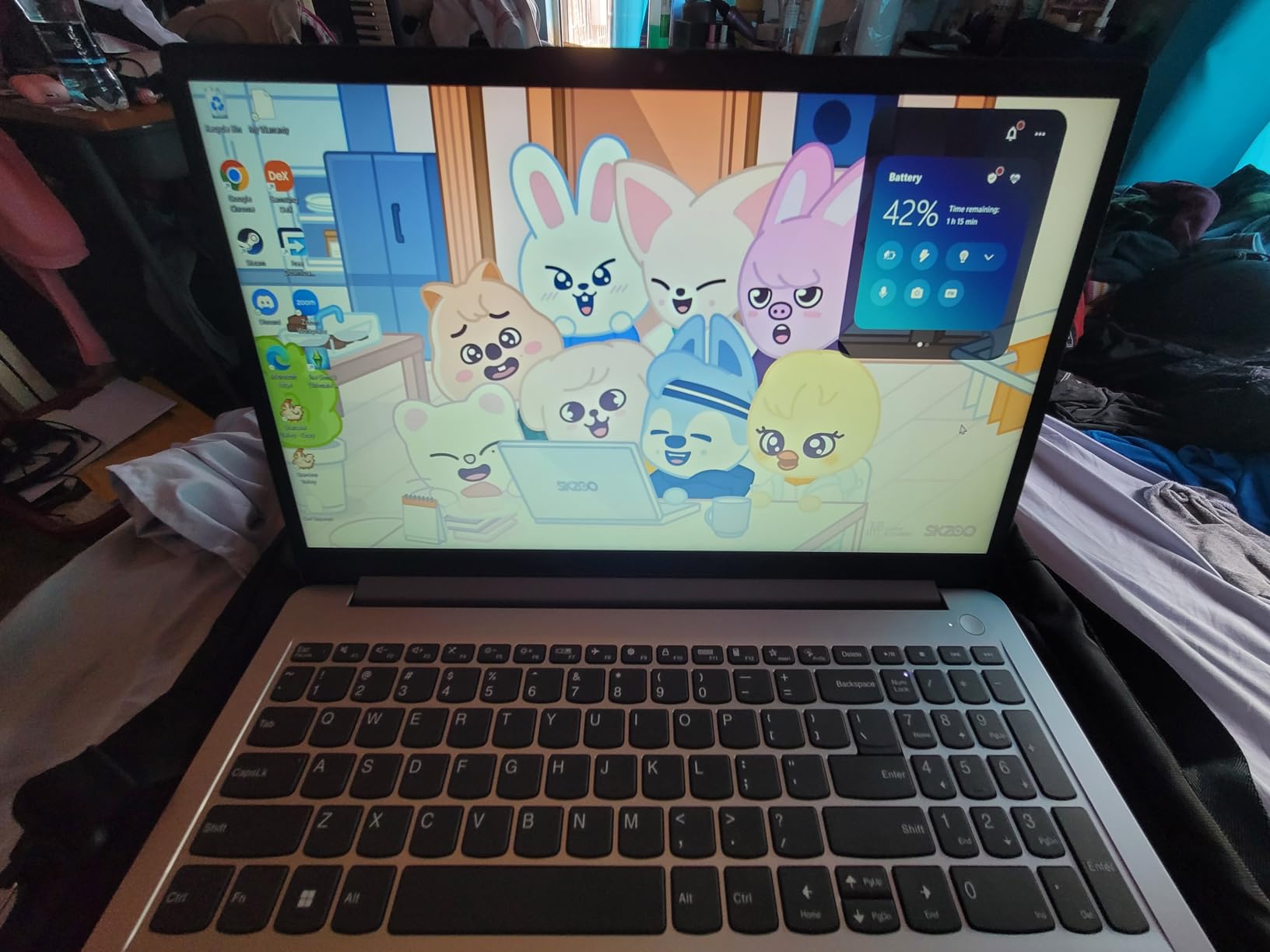
Lenovo IdeaPad 1 Laptop, 15.6” FHD Display, AMD Ryzen 5 5500U, 8GB RAM, 512GB SSD, Windows 11 Home, 720p Camera w/Privacy Shutter, Smart Noise Cancelling, Cloud Grey
Windows 11
Ryzen 5 5500U
8 GB DDR4 plus open slot
512 GB SSD
15.6-inch FHD
3.5 lb
Pros
- One soldered and one open RAM slot so memory can grow
- 512 GB SSD plus a Ryzen 5 is rare at this tier
- Full Windows install handles standard coursework software
- 3.5 lb body with a 12-hour rated battery
Cons
- Glossy panel has narrow viewing angles and mediocre color
- Speakers are quiet and lack depth
- Plastic build feels fragile and the battery is not removable
The reason this machine stands out is the memory configuration. One 8 GB DDR4 module is soldered and one slot is free, so you can add another 8 GB later for a 16 GB machine. Across a four-year degree, that single open slot is worth more than a faster processor.
Owners repeatedly praise the value of a Ryzen 5 5500U paired with a 512 GB SSD. Performance is responsive for office work, browsing, streaming and light gaming, and several reviewers report years of reliable daily use from the same unit.
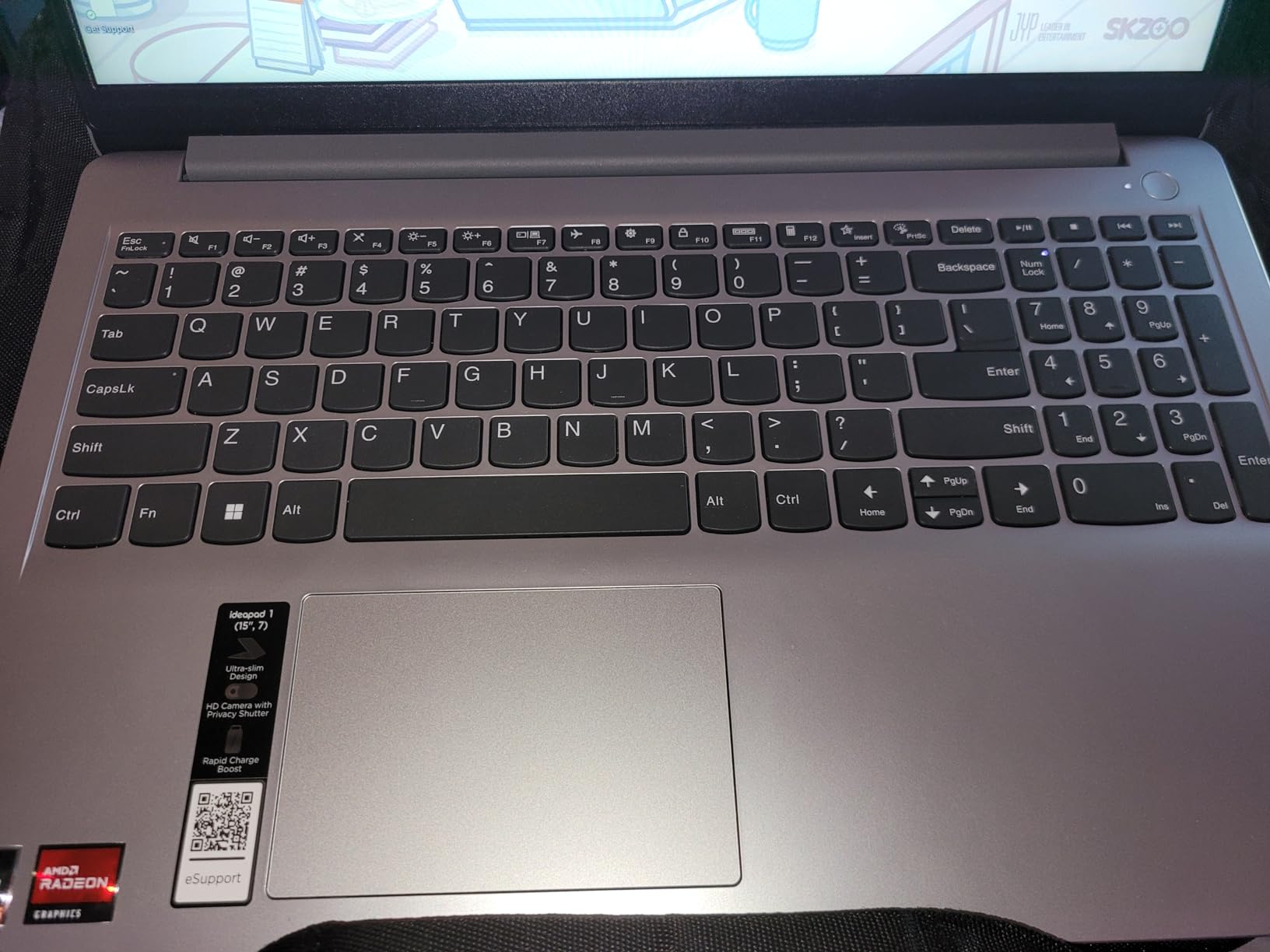
There is a physical privacy shutter on the 720p camera, Smart Noise Cancelling for clearer video calls, and Flip-to-Start so the machine wakes when you open the lid. Windows 11 Home is preinstalled with Microsoft Office 365, and Wi-Fi 6 is standard.
The display is the weak point. The 15.6-inch FHD panel is glossy at 250 nits, which means narrow viewing angles and mediocre colour, and it will pick up reflections from overhead lights in a lecture hall. The two Dolby Audio speakers are quiet and lack depth for media.
Who should buy the Lenovo IdeaPad 1
Buy it if you want the cheapest path to a machine with 512 GB of storage that you can grow to 16 GB of memory in your second year. That single slot turns a four-year purchase decision into a two-year one, which matters for anyone on a tight budget who can add a memory module later.
The port selection is unusually good for the tier: two USB-A, one USB-C, HDMI, an SD card reader and a combo audio jack. A card reader is genuinely useful if your coursework involves photography or a lab class.
Who should skip the Lenovo IdeaPad 1
Skip it if you sit in bright rooms or work on colour-critical material, because the glossy low-brightness panel and narrow viewing angles will frustrate you. The build also feels light and plastic in the hand, which is a fair concern for a machine meant to last four years.
I would also pass if you plan to travel constantly. At 3.5 pounds it is manageable, but the chassis does not inspire the same confidence as a machined aluminum body, and the non-removable battery limits repair options later.
7. Dell 15.6-inch Full HD 120Hz (Core 3 100U) – Best for Big-Screen Study
Dell 15.6 Laptop, FHD, Intel Core 3 100U, 8 GB RAM, Windows 11 Home
Windows 11
Core 3 100U 6-core
8 GB DDR4 to 16 GB
512GB SSD
15.6-inch FHD 120Hz IPS
Pros
- Full 1920 x 1080 at a 120Hz refresh rate at this tier
- Memory expands to 16 GB and storage is a 512 GB SSD
- Roomy keyboard with a numeric keypad and calculator hotkey
- Onsite warranty service for repairs
Cons
- Heaviest machine in the roundup at 4.2 pounds
- 250-nit brightness is modest outdoors
- No touchscreen and integrated graphics only
A 120 Hz Full HD panel at this price is unusual, and reviewers single it out. Scrolling through long research documents and library databases feels noticeably smoother than on the 60 Hz screens that dominate the budget tier, and the anti-glare matte finish is comfortable for long study sessions.
The Intel Core 3 100U is a six-core chip that runs to 4.7 GHz, and with 8 GB of DDR4 and a 512 GB SSD it handles coursework, browsing and Office apps without trouble. Memory is expandable to 16 GB, and there is a card reader alongside HDMI and three USB ports.
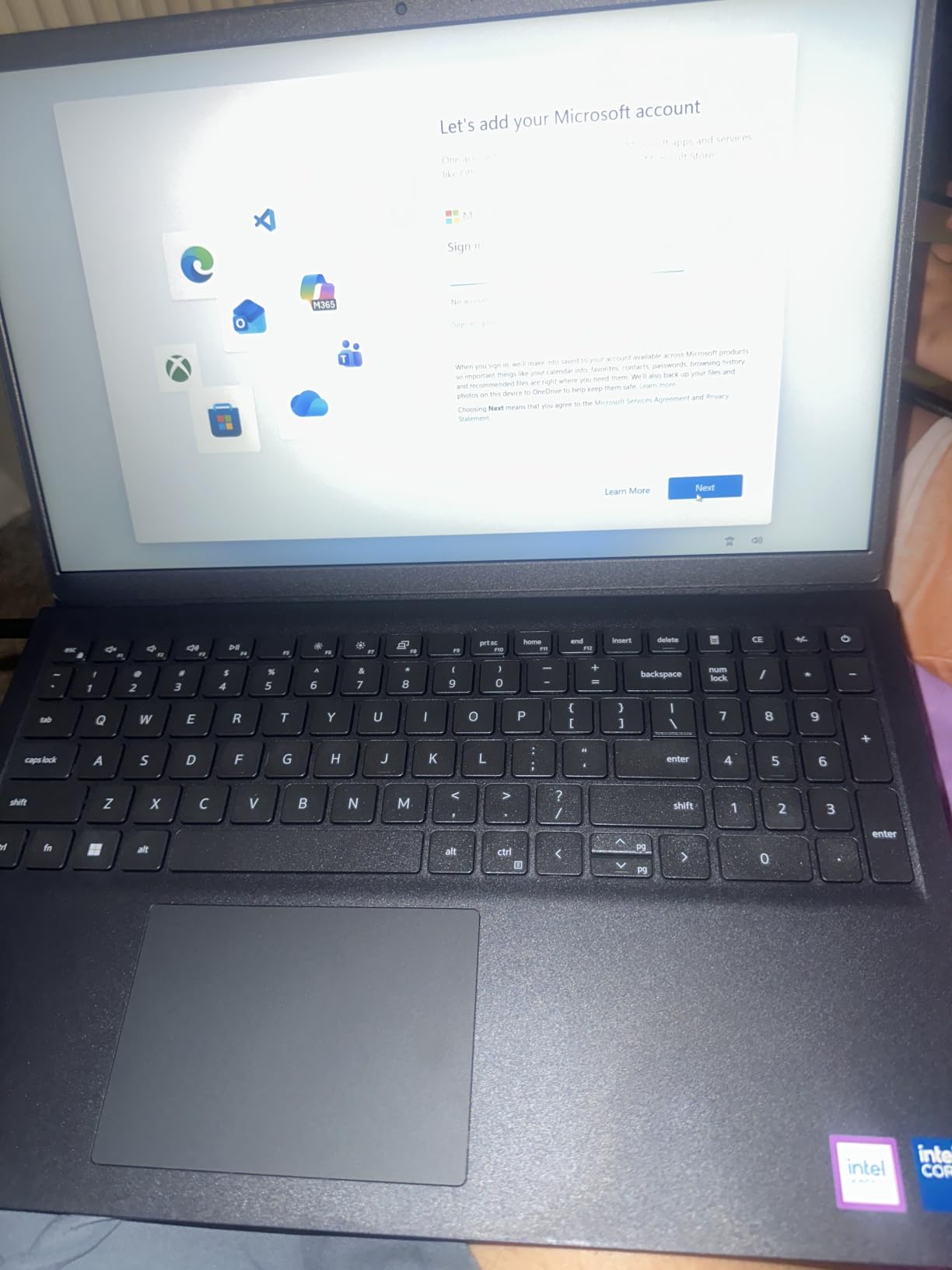
Two details matter more for students than the spec sheet suggests. The lifted hinges give you a more ergonomic typing angle, and the full-size keyboard with a separate numeric keypad includes a calculator hotkey, which is a real time-saver during statistics and finance assignments.
Dell also includes one year of basic onsite service after remote diagnosis, so a hardware fault does not mean shipping the machine away. Energy-efficient operation with Express Charge keeps the 41 Wh pack topped up quickly between classes.
Who should buy the Dell 15.6-inch 120Hz
Buy it if you do most of your work at a desk rather than on the move, because a large sharp screen with a numeric keypad beats portability in a dorm room or a library study room. Business, accounting, economics and education students get the most from that keypad.
The ComfortView blue-light reduction and matte coating are worth noting if you spend long hours on reading and writing, and the onsite warranty is a genuine advantage over shipping-only service.
Who should skip the Dell 15.6-inch 120Hz
Skip it if you carry your laptop between buildings all day. At 4.2 pounds this is the heaviest machine in the roundup, and the combination of weight and a 15.6-inch footprint is tiring on a shoulder by the end of a full schedule.
Integrated graphics also rule it out for gaming, 3D modelling or advanced video work, and 250 nits of brightness makes the screen hard to read outdoors or near a window.
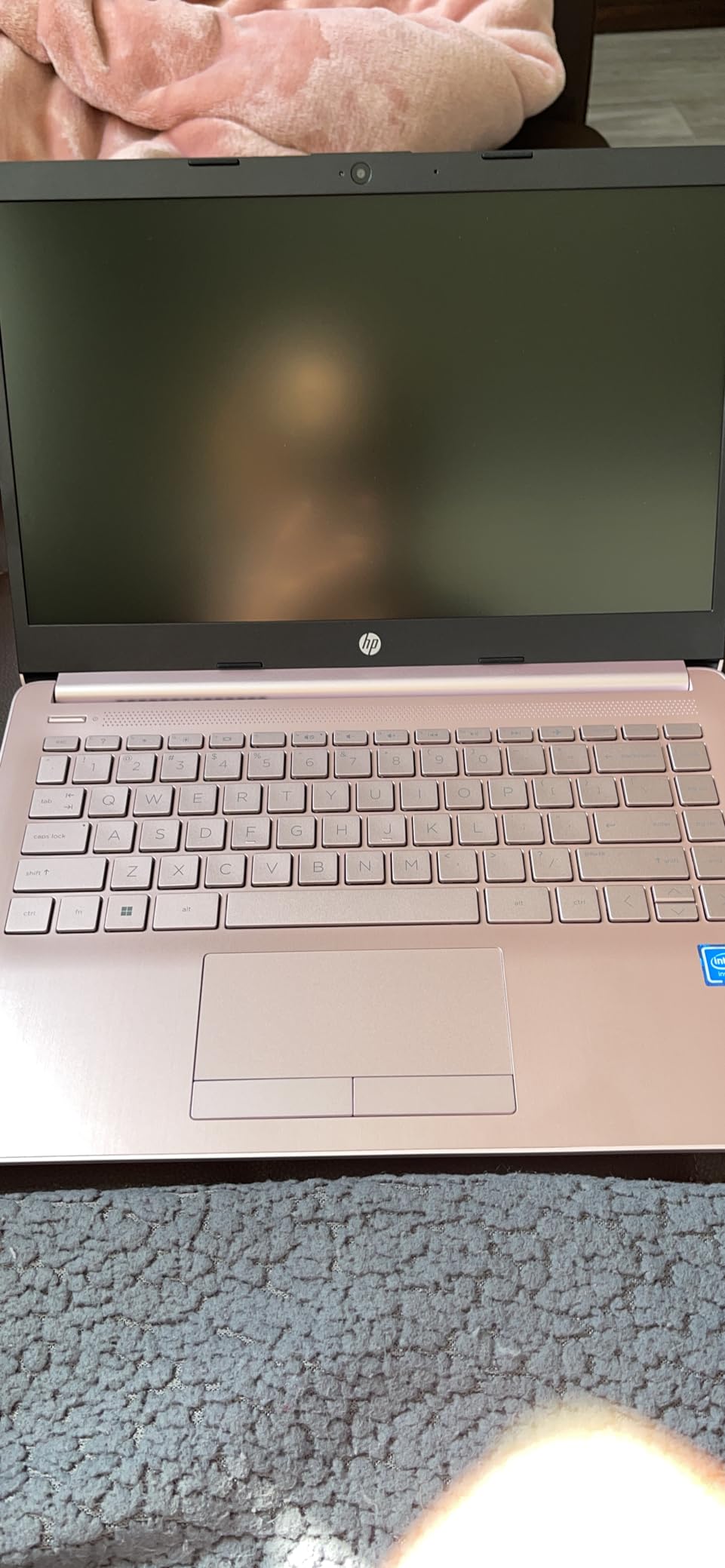
8. HP 14-inch Essential Laptop (Intel N150) – Best Bare-Bones Starter
HP 2026 Essential Laptop, Intel Processor, 128GB Storage, Windows 11
Windows 11
Intel N150
4 GB LPDDR5
128 GB UFS
14-inch HD
3.24 lb
Pros
- Low entry cost for a full Windows 11 machine
- Quick setup with a Microsoft account
- Light 3.24 lb body that fits a backpack
- Microsoft 365 Personal covers Office apps immediately
Cons
- 4 GB RAM and 128 GB storage are not user-upgradeable
- Real-world battery often falls to 4-5 hours
- HD 1366 x 768 screen at modest 250 nits
This is the machine to buy if the priority is getting a working Windows laptop into a student’s hands at the lowest outlay. The 14-inch anti-glare display uses narrow micro-edge bezels, and at 3.24 pounds it fits a backpack without feeling like a brick.
A one-year Microsoft 365 Personal subscription is included, so Word, Excel and PowerPoint are available from the first day without a separate purchase, and Copilot runs from a dedicated key. The 720p camera includes AI noise reduction for clearer video calls, and there are five ports including USB-C with DisplayPort.
Setup is quick and painless with a Microsoft account, and the full-size keyboard with a numeric keypad is a good fit for spreadsheets. Owners consistently describe it as competent for homework, browsing, document editing and video calls, which covers most of a first-year workload.
Be clear-eyed about the rest. HP rates the battery at up to 11 hours of video playback and 7.5 hours of mixed use, but reviewers report real-world mixed use often landing closer to 4 to 5 hours, which is not a full academic day without a charger.
Who should buy the HP 14-inch Essential
Buy it if you are on the tightest budget, you already have a desktop at home or in the dorm, and this laptop is a secondary machine for taking notes in class and doing homework away from that desk. Included Office software removes an immediate extra cost.
The USB-C port with DisplayPort 1.2 also lets you connect an external monitor cheaply later, which extends the useful life of the machine for focused writing sessions.
Who should skip the HP 14-inch Essential
Skip it if this is your only computer for the next four years. The 4 GB of LPDDR5 memory and 128 GB of UFS storage are soldered and cannot be upgraded, so the machine cannot grow with your coursework. Owners report running out of memory and very slow performance once several apps are open.
The 1366 x 768 panel at 250 nits is also the sharpest limit of all. If you spend the day reading research papers, the extra money for a Full HD screen pays for itself in comfort.
9. Lenovo IdeaPad Slim 3 15.6-inch Touchscreen (Ryzen 7 5825U) – Best for Heavy Multitasking
Lenovo IdeaPad Slim 3 Touchscreen Laptop, Ryzen 7 5825U, 16GB RAM 512GB SSD
Windows 11
Ryzen 7 5825U 8-core
16 GB DDR4
512GB SSD
15.6-inch FHD touch
3.6 lb
Pros
- 16 GB of RAM keeps many tabs and apps smooth
- 8-core Ryzen 7 handles multitasking and light creative work
- Bright 300-nit anti-glare FHD touchscreen
- Bundled 7-in-1 USB-C hub adds useful ports
Cons
- Some buyers report a missing touchscreen on their configuration
- Unreliable fingerprint reader
- Heavier than comparable 15-inch ultralights
This is the multitasking pick. 16 GB of DDR4 memory with an eight-core Ryzen 7 5825U running to 4.5 GHz is the most generous compute allocation in the roundup under a mid-range price, and owners report that many open tabs and apps stay smooth as course loads stack up in the second and third year.
Memory expands to 64 GB if you ever need it, and storage is a 512 GB SSD. The 15.6-inch FHD IPS touchscreen runs at 300 nits with an anti-glare finish, which is the brightest and most readable Windows panel in this group for long study sessions.
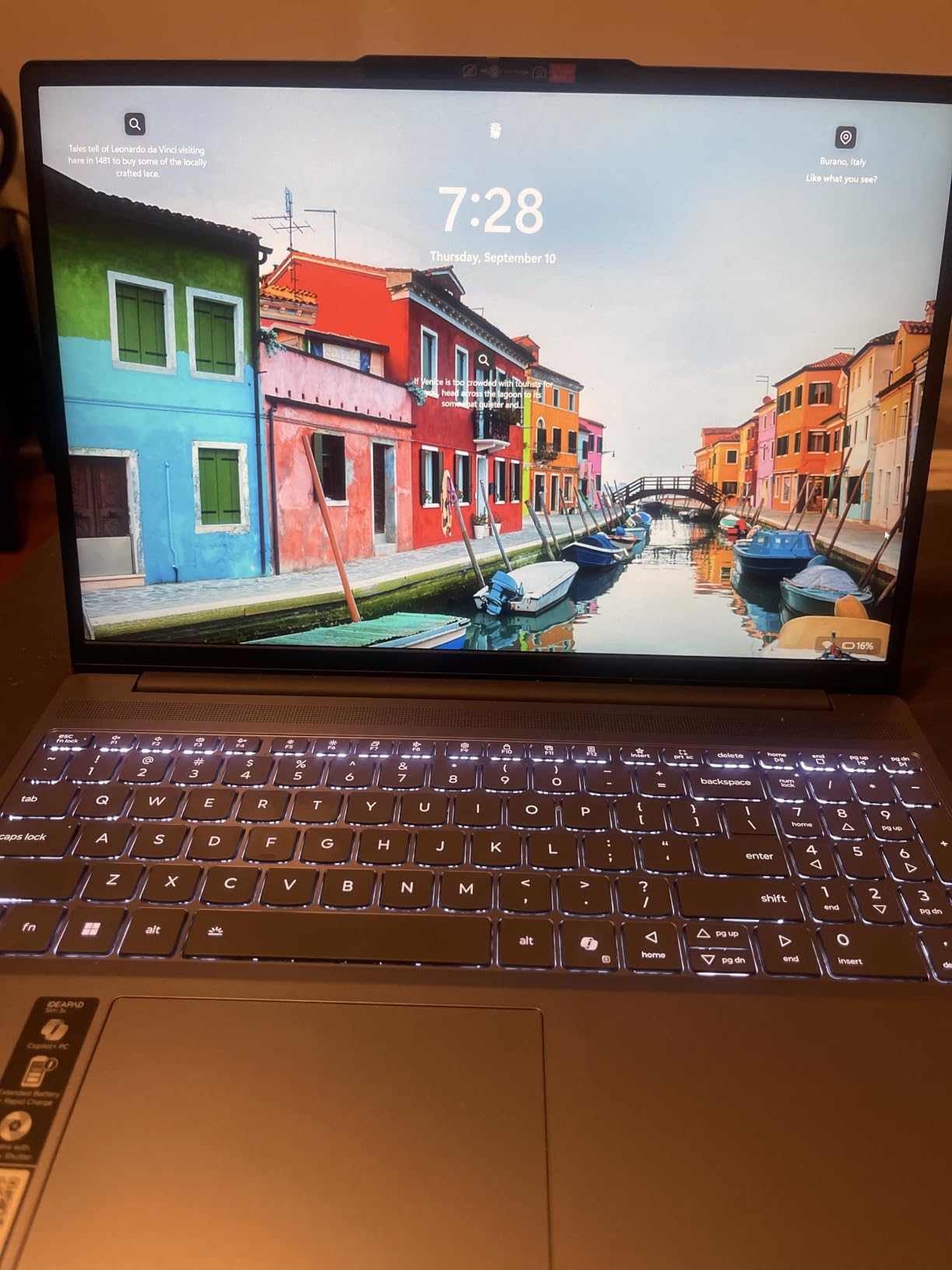
Two details stand out. The chassis is MIL-STD 810H tested, which is a real indicator of durability for a machine that lives in a backpack, and the box includes a 7-in-1 USB-C hub so you are not hunting for adapters on the first day.
The HDMI port drives a 4K external monitor at 60Hz, and there is a card reader plus Wi-Fi 6 and Bluetooth 5.2. A 720p webcam with a privacy shutter covers video calls, and a backlit keyboard with a numeric keypad helps during evening study.
Who should buy the Lenovo IdeaPad Slim 3
Buy it if you run heavy multitasking as a matter of course: data analysis, coding coursework, many research tabs and a video call at the same time. The 16 GB of memory is the reason, and it is the closest you get to a future-proof Windows machine without moving to the premium tier.
It also works for light creative work and casual gaming, which owners mention more often than you would expect from a machine at this level. The bundled hub solves the thin-port problem in one box.
Who should skip the Lenovo IdeaPad Slim 3
Skip it if you are sensitive to configuration discrepancies. Some buyers report that the advertised touchscreen was missing from the machine they received, and the fingerprint reader is widely reported as reading only about half the time. Confirm what is in the box before you rely on either feature.
At 3.6 pounds it is the second-heaviest machine here, and the speakers are ordinary. If you watch a lot of video in a dorm room, bring headphones.
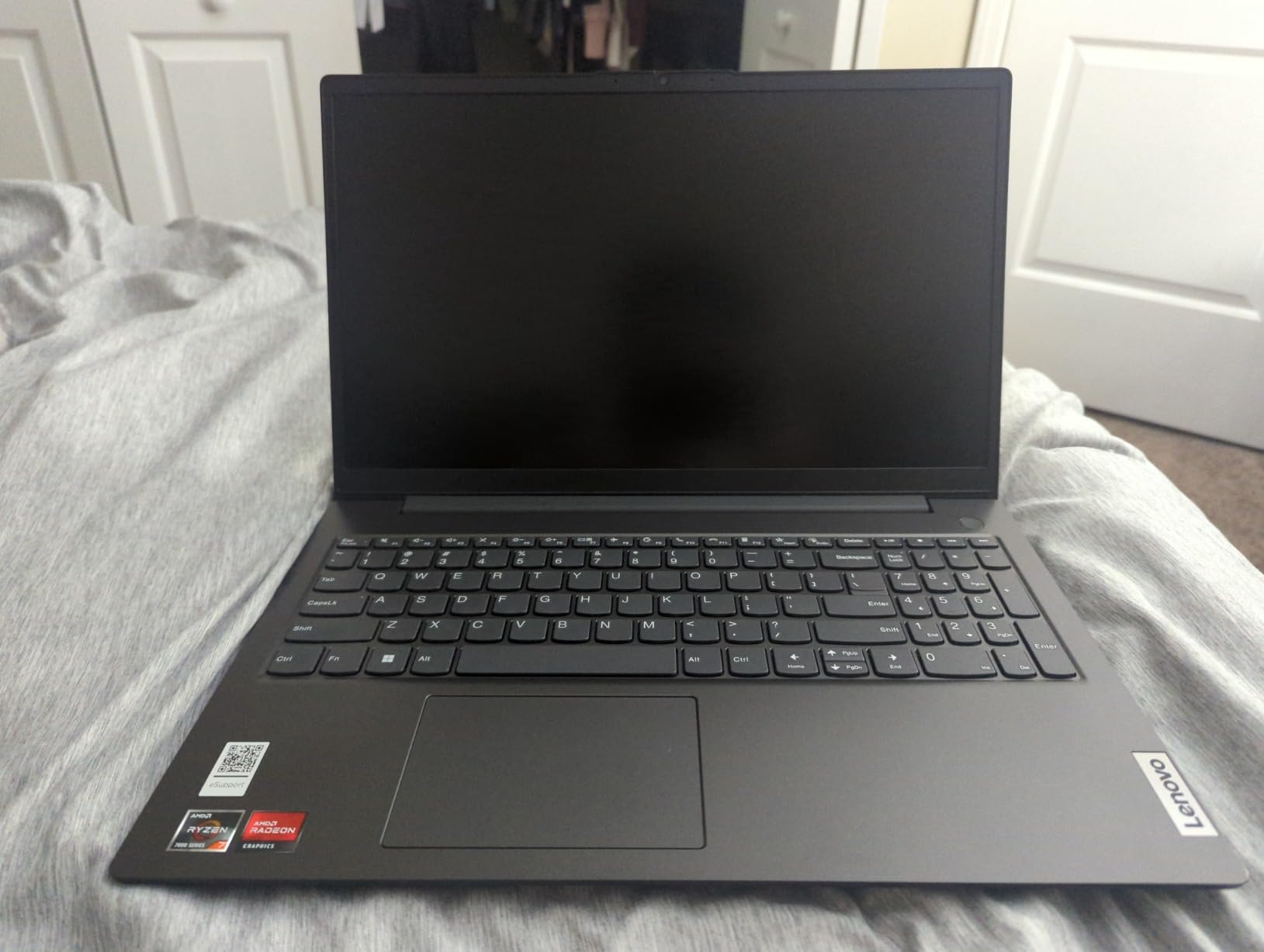
10. Lenovo V15 15.6-inch (Ryzen 3 7320U) – Best for Business Majors
Lenovo Laptop V15, AMD Ryzen 3 7320U, 16GB DDR5, 512GB SSD, Windows 11 Pro
Windows 11 Pro
Ryzen 3 7320U
16 GB LPDDR5
512GB NVMe SSD
15.6-inch FHD
3.6 lb
Pros
- 16 GB of DDR5 RAM for heavy multitasking
- Windows 11 Pro adds BitLocker and Remote Desktop
- Physical RJ-45 Ethernet port plus Wi-Fi 6
- Full-size keyboard with numeric keypad
Cons
- Average battery life with some boot problems reported
- Screen has noticeable glare in bright rooms
- No backlit keyboard and no card reader
- Third-party seller rather than sold by Lenovo
The V15 is the only machine in the roundup running Windows 11 Pro, and that is the reason to look at it. BitLocker encryption, Remote Desktop and Group Policy support are genuine advantages if your program involves internships, managed lab machines or coursework on a locked-down campus network.
Memory is the standout spec. 16 GB of LPDDR5 at 5500 MHz with a 512 GB PCIe NVMe drive means fast boots and plenty of headroom for documents, spreadsheets and video meetings, and the four-core Ryzen 3 7320U with Radeon 610M graphics is adequate for coursework.
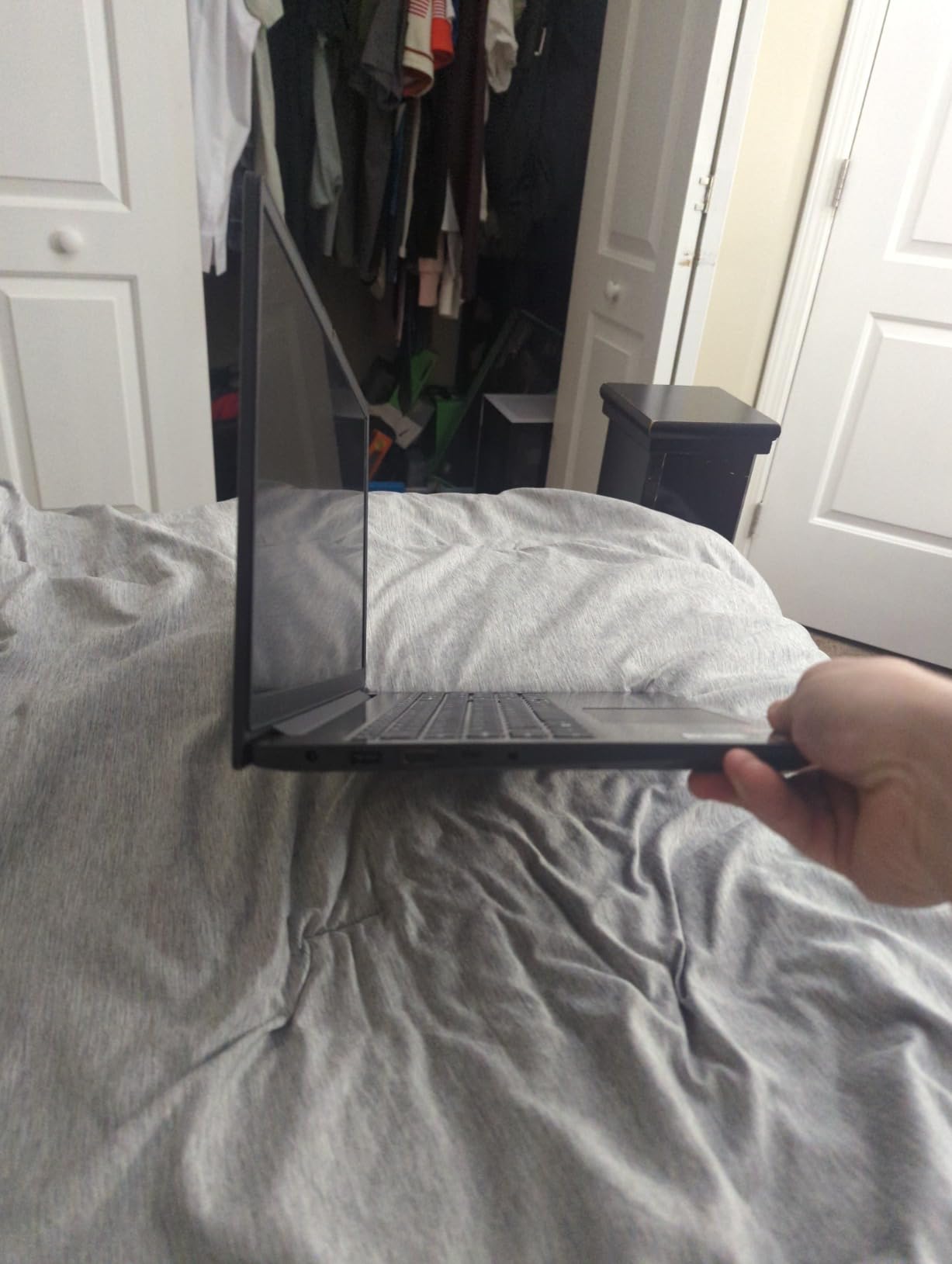
The physical RJ-45 Ethernet port is unusual at this size and more reliable than a dongle for large file transfers in a dorm. The display is a 15.6-inch Full HD anti-glare panel, and the chassis is MIL-STD-810H tested.
There is a webcam with a privacy shutter and a full-size keyboard with a numeric keypad. The USB-C port handles Power Delivery and DisplayPort 1.2, and the machine supports up to two 4K monitors at 60Hz if you build a desk setup.
Who should buy the Lenovo V15
Buy it if you are a business, accounting or finance student who will spend real time in spreadsheets, or if your program hands out managed Windows machines and you want something that behaves like one. BitLocker matters if you store research data or client information.
Networking students and anyone moving large files between machines will appreciate having a real Ethernet port rather than relying on Wi-Fi. The 16 GB of memory is generous for the price.
Who should skip the Lenovo V15
Skip it for evening study, because there is no backlit keyboard. Reviewers also report noticeable screen glare in bright environments despite the anti-glare label, and battery life is described as average, with a small number of boot failure reports.
One more caution: this listing is sold by a third-party seller rather than by Lenovo, and owners report service difficulties as a result. Confirm the warranty terms before you commit, and check our electronics student buying guides for STEM students who need a parts kit alongside their machine.
Which Laptop Should You Buy by Major?
Your major matters more than your budget, because it decides which software you must run. Here is the mapping we use, based on the workloads students describe on forums and the specifications each one actually requires.
Engineering, computer science and data science: Windows first, 16 GB of RAM minimum, and a screen you can work on. The Lenovo IdeaPad Slim 3 with the Ryzen 7 and 16 GB of memory is the strongest fit in this roundup. Check whether your courses require a dedicated GPU, and budget for that separately if so.
Nursing and allied health: Web-based coursework, case studies and note-taking, with portability and battery winning. The MacBook Neo 13-inch or the HP 15.6-inch Ryzen 3 both work; nursing students already on iPhones usually prefer the Mac.
Business, accounting and finance: Spreadsheets and a numeric keypad matter. The Lenovo V15 with Windows 11 Pro and an Ethernet port suits this, and the Dell with its calculator hotkey is the alternative if you work at a desk.
Education and liberal arts: Documents, research and presentations, where weight and battery decide the day. The MacBook Air 13.6-inch M5 is the best laptop for a university student who wants one machine for the whole degree; the two Chromebooks cover this at the low end.
Design, media and arts: You need a colour-accurate display and enough memory for large files. The MacBook Air M5 and the MacBook Neo both have strong panels; the IdeaPad Slim 3 offers the brightest Windows touchscreen here at 300 nits.
Undeclared majors and community college: Start with the HP 15.6-inch Ryzen 3 as a Windows baseline or the Lenovo Chromebook if your coursework is browser-based, then upgrade after a year when you know exactly what you need.
For students in performance or creative programs, our guide to student instrument and equipment choices covers the extras that arrive after the laptop purchase.
How to Choose a College Laptop in 2026
A laptop is a four-year commitment, so the decision should work backwards from your major and your budget rather than forwards from a spec sheet. Six criteria matter more than everything else combined.
Battery life is the metric students feel daily
Battery anxiety, not processing power, is what students describe as the emotional core of the decision. Nobody wants a laptop to die mid-lecture. Treat manufacturer ratings as an optimistic ceiling and look for anything rated at 10 hours or more, then assume you will get most of that.
A charger in your bag covers a bad day, but a machine that needs one every day changes how you use it. The Apple picks here are rated at 16 and 18 hours, and the Chromebooks sit in the 13.5 to 14 hour range.
RAM: 8GB now or 16GB for peace of mind
8 GB is workable for four years if you are disciplined about tabs and you can add memory later. 16 GB removes the ceiling entirely, and a browser running a research project with dozens of tabs is already a demanding workload before your software even opens.
Check whether the memory is soldered. An open slot, as on the Lenovo IdeaPad 1 and the IdeaPad Slim 3, means a four-year purchase can be a two-year one.
Storage: 256 GB minimum, 512 GB if you can
64 GB of eMMC and 128 GB of UFS will fill up with course materials, saved videos and an operating system update before the end of your first year. 256 GB is the floor, and 512 GB removes a recurring annoyance for the entire degree.
Make sure it is a real SSD, and preferably NVMe, rather than slower eMMC storage. The difference in boot and app launch times is the most noticeable upgrade in this roundup.
Screen size: 14 inch for carrying, 15 inch for sitting
Should you get a 14 or 16 inch laptop for college? The honest answer is that 13 to 14 inches is right if you move between buildings all day, and 15.6 inches is right if you work at a desk. Weight matters more than diagonal size: a 15.6-inch machine at 3.2 pounds carries better than a 14-inch machine at 4.2 pounds.
Also check resolution. A 1366 x 768 panel looks noticeably soft when you read a PDF or present a slide, and it is the most common compromise in the budget tier. Full HD at 1920 x 1080 is the minimum you should accept.
Operating system: match your major, not your friends
Mac or PC for college comes down to required software. Engineering, some lab work and a large share of professional certification tools are Windows-only. Chrome OS is credible for a university student when your coursework is browser-based, but it cannot install desktop applications, so verify your program requirements first.
Do not buy on reputation. A machine you cannot run your coursework on is worthless at any price, and no competitor guide should tell you otherwise.
Weight, durability and the four-year total cost
Plan to carry this machine every day for four years, so grams matter. Look for MIL-STD tested chassis, and check warranty terms, since a one-year onsite plan is far more useful to a student than a ninety-day shipping-only return window.
Think about total cost rather than purchase price alone. Add a case or sleeve, a replacement charger if the machine uses a proprietary brick, potential repair costs, and what the machine will be worth at graduation. A slightly better machine that survives four years is cheaper than a cheap one replaced in year two. Our guide to the college experience covers the non-academic costs students forget to plan for.
Laptop Specs to Avoid for College
Four configurations fill the shopping results for this topic and will disappoint almost every student who buys them. We see them in reviews over and over.
4 GB of RAM. It is the fastest way to make a laptop feel broken two years into a degree. It appears on the HP Chromebook 14, the Lenovo Chromebook, and the HP 14-inch Essential in this roundup.
64 GB or 128 GB of eMMC or UFS storage. You will run out of room before you run out of year.
1366 x 768 screens. Cheap to manufacture and noticeably soft for reading and presenting.
Intel N-series chips such as the N150. A low-power processor built for light tasks. Fine for a second machine, wrong as your only computer for four years.
The exception is a Chromebook used purely as a browser machine with cloud storage, where 4 GB of memory is far less limiting than it is on Windows.
Frequently Asked Questions
What laptop do most college students use?
The most common student setup is a 14 to 15.6 inch Windows laptop with 8 GB of RAM, a 256 GB SSD and a Full HD screen. Chromebooks fill the low end for browser-based coursework, while MacBooks are the most common choice among students who already use iPhones. The deciding factor is almost always battery life and weight, not raw processing power.
Which laptop brand is best for college students?
There is no single best brand, but the pattern is consistent. Apple leads for build quality, battery life and resale value. Lenovo and HP cover the widest range of budgets, from budget Chromebooks to machines with 16 GB of memory. Dell is strong on large Full HD screens with a numeric keypad. Match the brand to your major before you match it to your budget.
What is the best laptop for a university student?
The Apple MacBook Air 13.6-inch with the M5 chip is the best overall laptop for a university student because 16 GB of memory, a 512 GB SSD and an 18-hour rated battery will comfortably cover a full degree. The HP Chromebook 14 is the best choice for a student on a strict budget whose coursework is browser-based.
Should I get a 14 or 16 inch laptop for college?
Choose 14 inches if you move between buildings all day, and 15.6 inches if you work at a desk. Weight matters more than diagonal size, so a 15.6-inch laptop at 3.2 pounds carries better than a 14-inch model at 4.2 pounds. Whichever size you pick, insist on at least 1920 x 1080 resolution.
Is a Chromebook enough for college?
Yes, if your major is education, nursing, business or liberal arts and your coursework runs in the browser. A Chromebook handles documents, research, presentations and video calls, and it stays fast for four years. It is not enough for engineering software, data science toolchains, CAD or any desktop-native application, so check your program requirements first.
Do college students need a gaming laptop?
Usually not. Integrated graphics in a mid-range machine handle coursework, streaming and casual games, while a gaming laptop adds weight, heat and a shorter battery life, all of which work against daily campus use. Buy dedicated graphics only if your major requires CAD, 3D modelling or video work, and treat it as a professional tool rather than a gaming one.
What is the best laptop for a nursing student?
A lightweight machine with long battery life and a comfortable keyboard is the right answer, because nursing coursework is web-based and note-heavy. The HP 15.6-inch Ryzen 3 touchscreen and the MacBook Neo 13-inch both suit nursing students, and both handle a full day of classes, charting and video calling on one charge.
The Verdict: Which Laptop Should You Buy?
The best laptops for college students in 2026 are the ones that last four years without slowing down or running flat at 2pm. On that basis, the HP Chromebook 14 is our editor’s choice for the widest set of students, the HP 15.6-inch Ryzen 3 is the best Windows value, and the Apple MacBook Air 13.6-inch with the M5 chip is the single best laptop for a university student who wants one machine to last the whole degree.
Check your major’s software requirements before anything else, pick a screen size you can actually carry, and treat the battery rating as a floor rather than a promise. Whatever you choose, buy it with a sleeve and a plan to add memory if the machine allows it.