
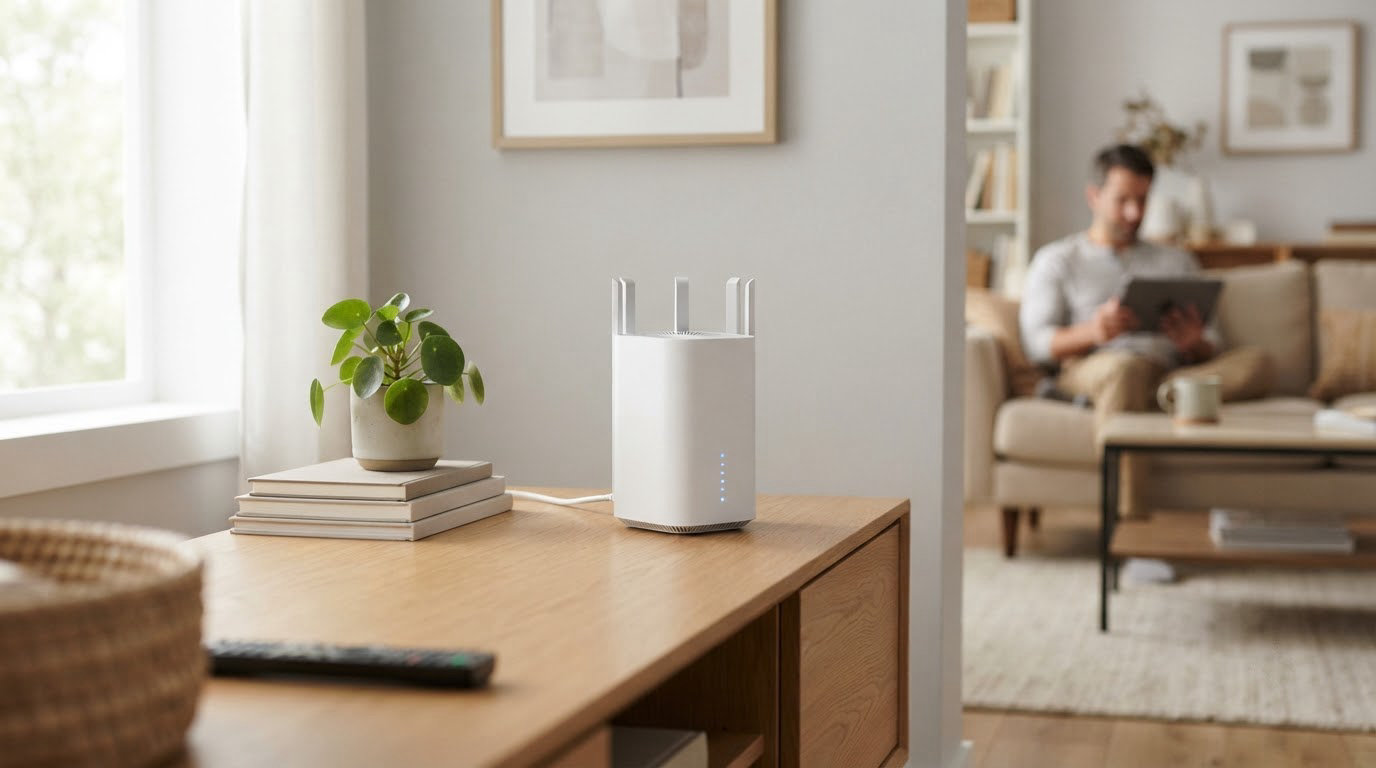
The Archer AX21 is the router worth watching most closely during Prime Big Deal Days, because a 4.4-star average across more than 24,000 owner reviews is the kind of settled record a flaky gadget never builds. Its Wi-Fi 6 dual-band hardware handles ordinary family traffic without drama, and the Tether app gets a first-time router owner online in minutes.
Two mesh systems suit different homes. The TP-Link Deco X55 covers more square footage and gives you wired backhaul if you want it, while the eero 6+ asks less of you during setup and quietly fixes video-call complaints with its bandwidth shaping. Prime Big Deal Days runs October 6-7, 2026, and most offers on the picks below need a Prime membership.
Table of Contents
Our Top 3 Picks for Best Amazon Prime Big Deal Days Wi-Fi Router Deals

TP-Link Archer AX21
- Wi-Fi 6 dual-band
- AX1800 speed class
- 5 Gigabit Ethernet ports
- Tether app management

TP-Link Deco X55
- AX3000 mesh
- 6500 sq ft coverage
- 3 Gigabit ports per node
- Up to 150 devices

eero 6+
- Wi-Fi 6 dual-band
- 4500 sq ft coverage
- 2 Ethernet ports per node
- Thread and Zigbee hub
Best Amazon Prime Big Deal Days Wi-Fi Router Deals Compared (October 2026)
| Product | Specifications | Action |
|---|---|---|
| TP-Link Archer AX21 |
|
Check Deal Price |
| TP-Link Deco X55 |
|
Check Deal Price |
| eero 6+ |
|
Check Deal Price |
 TP-Link Deco S4 TP-Link Deco S4 |
|
Check Deal Price |
 eero 7 eero 7 |
|
Check Deal Price |
 Netgear Nighthawk BE9300 Netgear Nighthawk BE9300 |
|
Check Deal Price |
How We Chose
Six routers, compared on the specs that actually decide how a network feels day to day: Wi-Fi generation, band configuration, port counts, stated coverage, device capacity and warranty. Owner ratings and review counts came from the Amazon listings, checked in October 2026.
1. TP-Link Archer AX21: The Editor’s Choice Pick
TP-Link AX1800 WiFi 6 Router (Archer AX21 V5)
Standard: Wi-Fi 6
Bands: Dual-band
Ports: 5 Gigabit
Pros
- Widely reviewed Wi-Fi 6 option with 24739 owner ratings
- Four fixed high-gain antennas plus beamforming and an FEM chipset
- OFDMA for better multi-device handling
- OpenVPN and PPTP server support
- Tether app and voice control
Cons
- No 6 GHz band
- Needs a separate cable or DSL modem
- Entry-level throughput for heavy multi-gig use
The rest of this list is mostly new silicon, and new hardware comes with a shorter paper trail. The Archer AX21 has been shipping long enough that its firmware, its app and its quirks are all well documented, and 24,739 owner reviews is a far larger sample of real households than anything newer on this list.
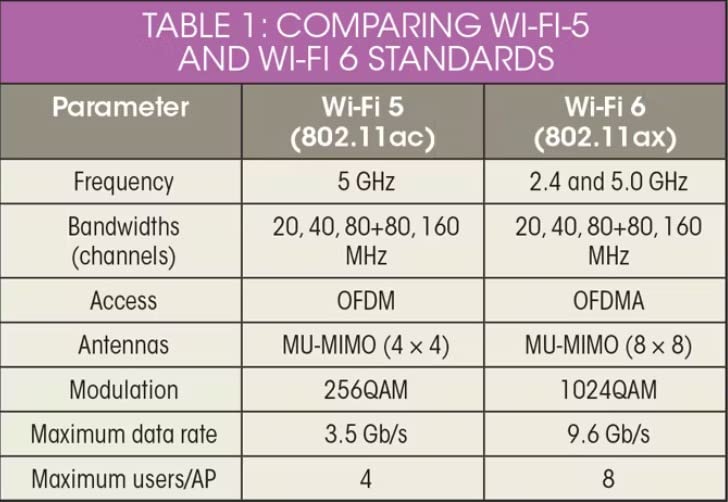
The numbers behind it are modest on paper and unremarkable in the best way. AX1800 is a dual-band class: up to 1200 Mbps on 5 GHz and 574 Mbps on 2.4 GHz, or 1.8 Gbps of aggregate bandwidth. Four fixed high-gain antennas, beamforming and an FEM chipset do the reaching, and five Gigabit Ethernet ports leave room for a wired desktop, a printer and a game console without a switch.
OFDMA is the feature that pays off on a busy evening. Instead of making devices queue one at a time, it lets the router talk to several of them at once, which is why owners running smart-home gear alongside a 4K stream tend to see steadier results. Built-in OpenVPN and PPTP server support also means you can reach a home network from outside without buying a separate service.
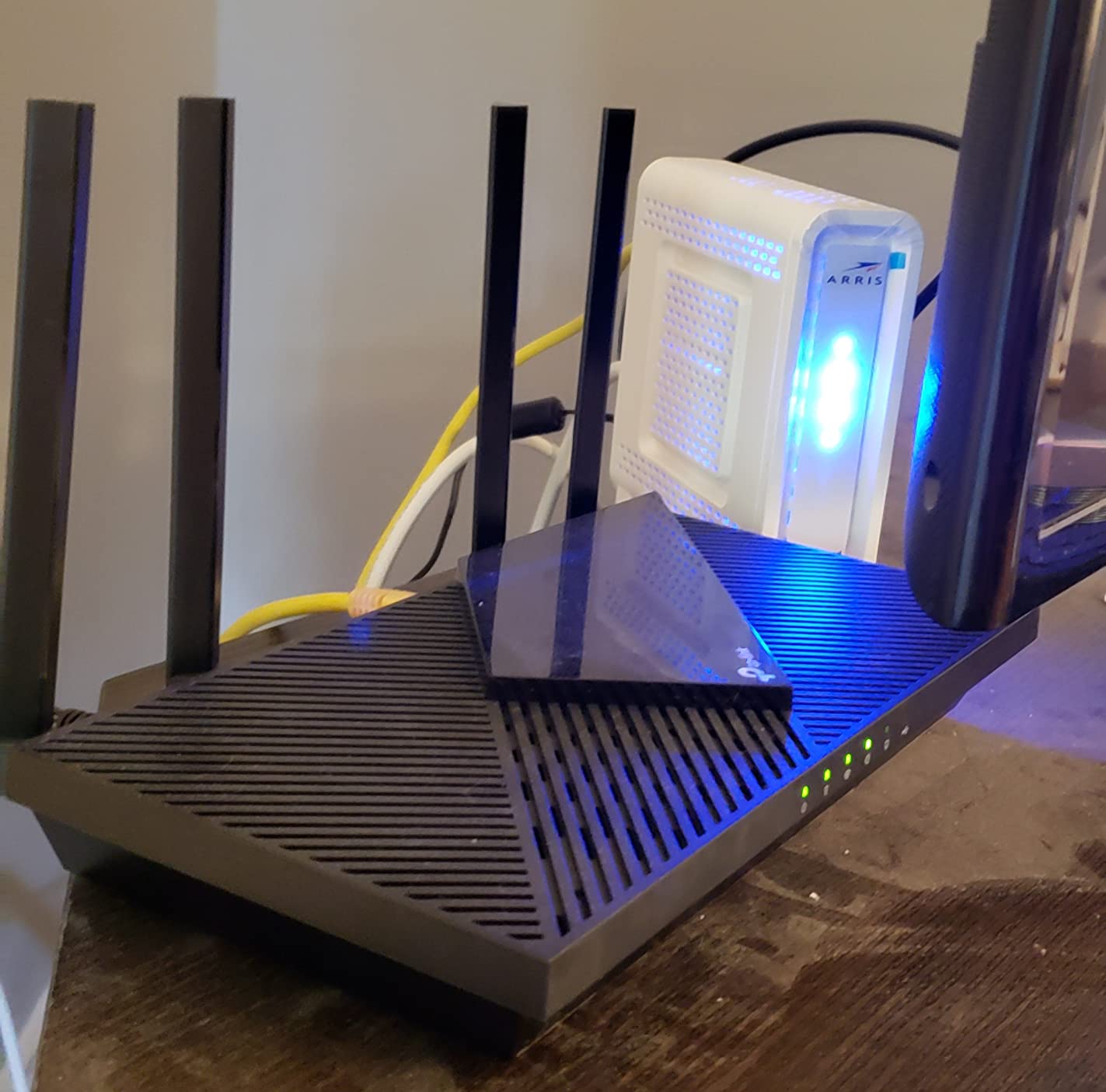
Owners report that the Tether app handles setup without a manual, and the device is managed through the app or voice control rather than a web interface. Compared with the Deco X55, this is one box rather than three, so it suits a single-floor home where a second node would just sit unused.
Skip it if you are on a multi-gig plan or chasing a 6 GHz signal. There is no 6 GHz band here at all, and you still need your own cable or DSL modem in front of it. If you want the same Wi-Fi 6 generation in a package that covers three floors, the Deco X55 makes more sense.
2. TP-Link Deco X55: Best for Whole-Home Mesh
TP-Link Deco X55 AX3000 WiFi 6 Mesh System, Deco X55(3-Pack)
Standard: Wi-Fi 6 mesh
Bands: Dual-band
Ports: 3 Gigabit each
Pros
- 6500 sq ft of stated coverage across three nodes
- Three Gigabit Ethernet ports per node for wired backhaul
- Handles up to 150 connected devices
- Setup usually finishes inside ten minutes
- Firmware added IoT network and VPN support
Cons
- Placement decides the results
- The app can misreport offline devices
- Satellites can pick a weaker parent node
Owners who moved from a range extender to the Deco X55 describe the same thing: the dead corner simply went away. Three nodes at AX3000 class give a 2402 Mbps 5 GHz link plus 574 Mbps on 2.4 GHz, and the stated coverage of 6500 square feet covers most three-bedroom houses without a fourth unit.
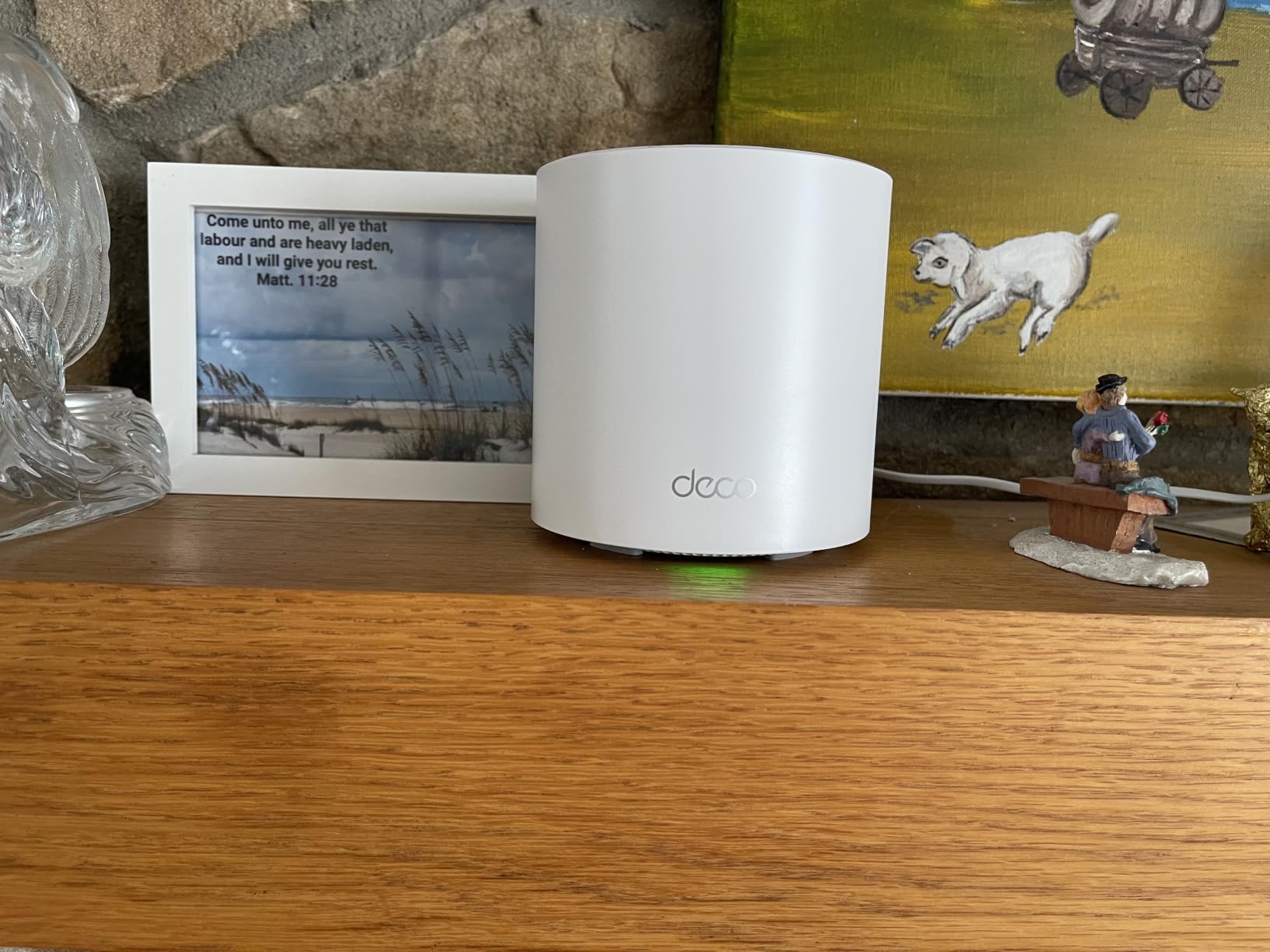
The hardware detail that separates this from cheaper mesh kits is port count. Each node carries three Gigabit Ethernet ports, so you can wire a node back to the router or daisy-chain the others instead of relying on radio backhaul, which is the single biggest lever on whole-home speed. Reviewers who ran Ethernet between nodes noticed the difference immediately.
Capacity is the other argument. The system is rated for up to 150 connected devices, which covers cameras, doorbells, TVs and phones in a house where a single router starts dropping things. Later firmware added a separate IoT network, custom IP reservations and router-level VPN.
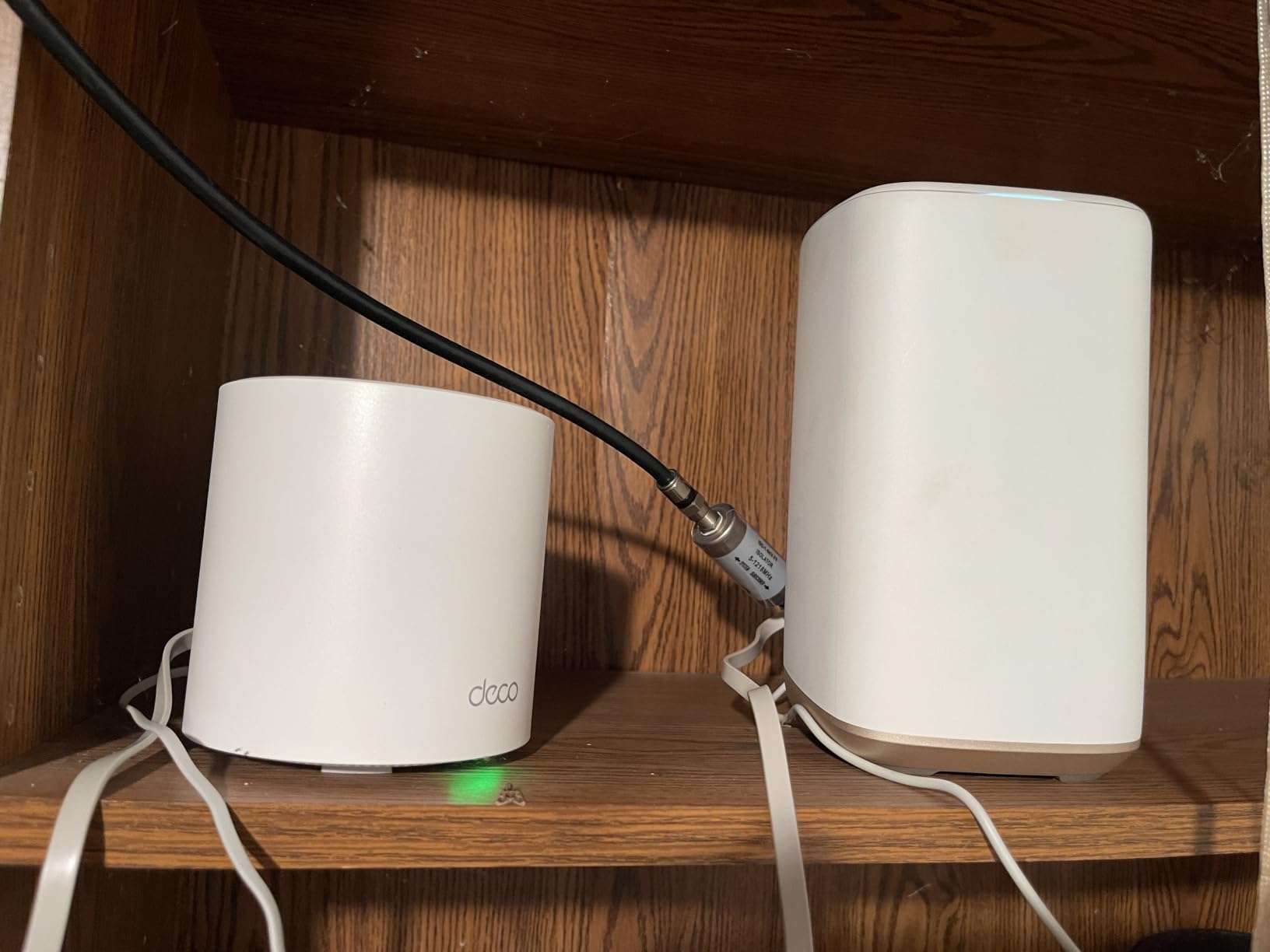
The trade-off is placement. Owners report that throughput drops noticeably when a wall sits between nodes, and that satellites occasionally auto-link to a less optimal parent in complicated layouts. A smaller home, or a renter who cannot move a node to a central hallway, will get more from the eero 6+ and its simpler setup.
3. eero 6+: Best for Setup Simplicity
Amazon eero 6+ mesh wifi system – Supports internet plans up to a Gigabit, Coverage up to 4,500 sq. ft., Connect 75+ devices, 3-pack
Standard: Wi-Fi 6
Bands: Dual-band
Ports: 2 each
Pros
- Setup finishes in minutes for non-technical buyers
- TrueMesh keeps speeds steady as devices roam
- Bandwidth shaping helps video calls
- Thread and Zigbee hub replaces a separate hub
- Works with older eero units
Cons
- Only two Ethernet ports per node
- Setup needs cellular reception at registration
- Some reports of MyQ garage hub trouble
Nothing else in this list asks less of you. The eero app walks through registration and placement, TrueMesh routes traffic to cut drop-offs, and 160 MHz channel support widens the usable pipe. Three nodes cover up to 4500 square feet and 75 or more connected devices, with a built-in Thread and Zigbee hub for smart-home gear.
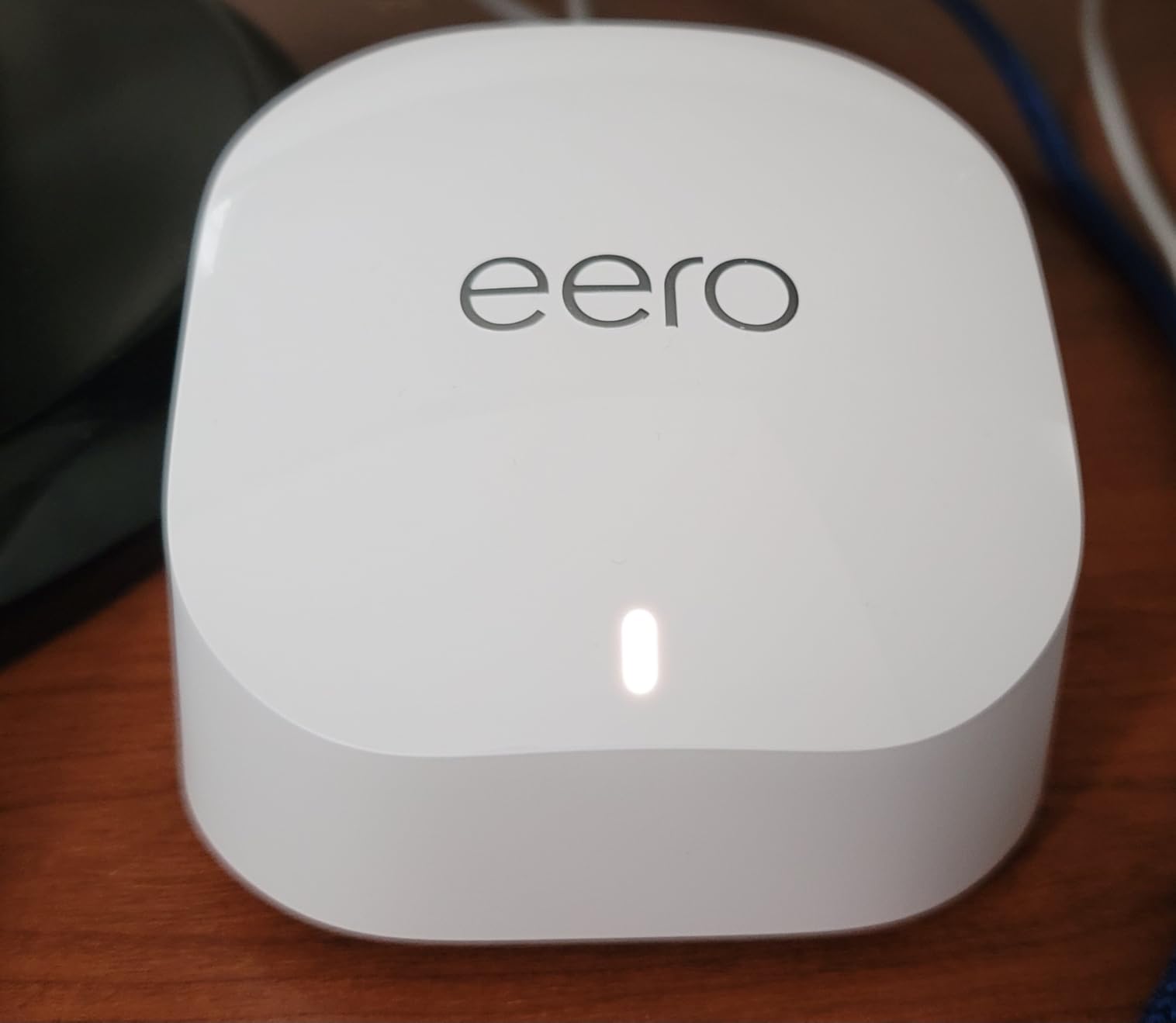
Its quiet superpower is bandwidth shaping. Owners working from home single out the way the system reserves capacity for a video call instead of letting a 4K stream eat it, which is a fix you cannot get from a cheaper dual-band box. Older eero units stay compatible, so a mixed network is fine.
Two Ethernet ports per node is the limit that matters most. Anyone with several wired devices ends up adding a switch, and buyers running wired backhaul across a bigger home should look at the Deco X55 with its three ports per node. There is also a small, persistent group of owners who hit trouble pairing a MyQ garage hub, and older houses full of mirrors and foil-backed insulation can make roaming position-sensitive.
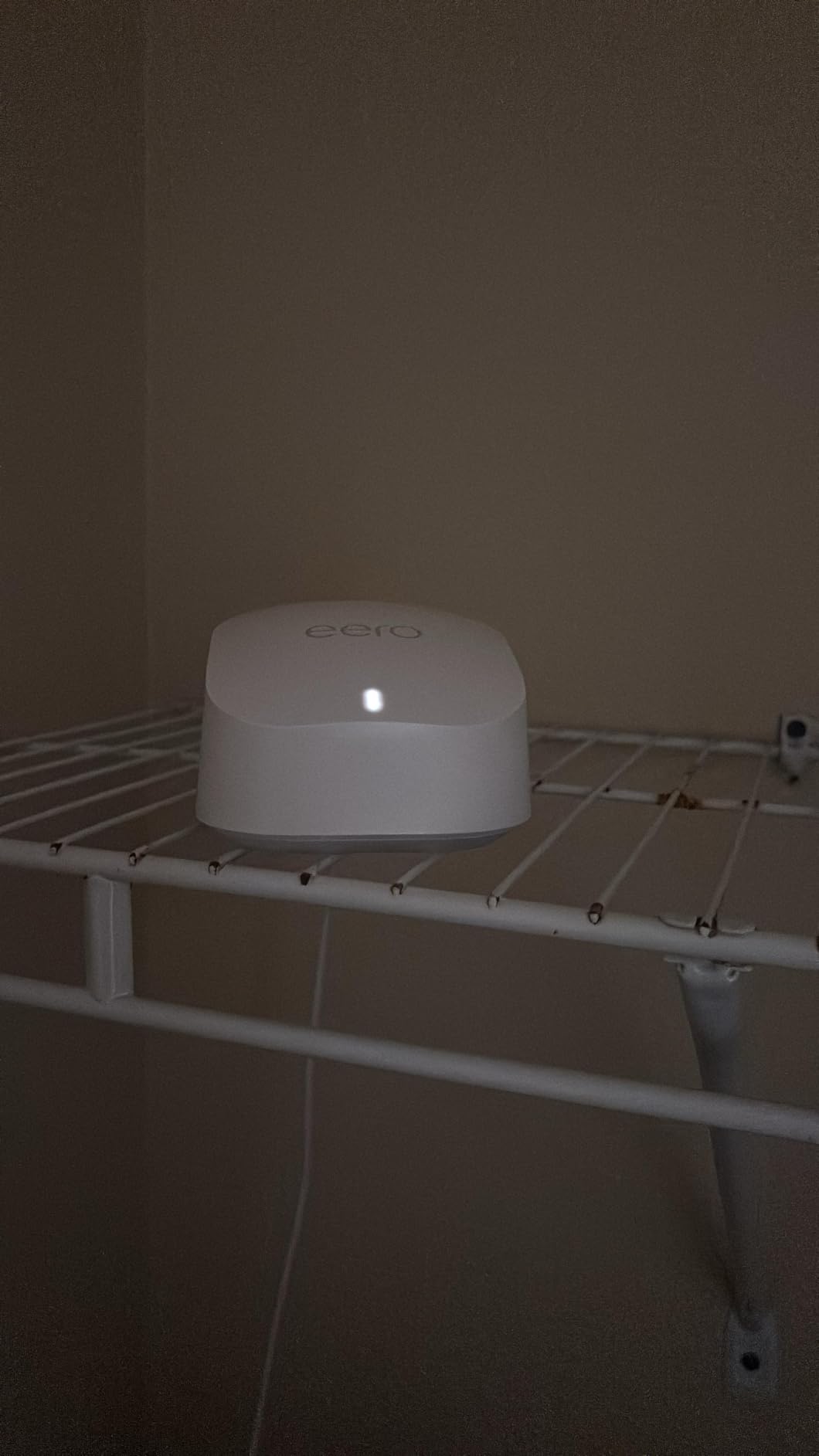
One practical note before you start: the app asks for cellular reception during initial registration, so set the box up somewhere with a phone signal. Advanced security and parental controls sit behind an optional eero Plus subscription, which is worth weighing before you commit.
4. TP-Link Deco S4: Best Value
TP-Link Deco S4 Mesh AC1900 WiFi System, Deco S4(3-Pack)
Standard: Wi-Fi 5 mesh
Bands: Dual-band
Ports: 2 each
Pros
- Highest rated option in this group at 4.5 stars
- Three nodes covering up to 5500 sq ft
- One network name with roaming between units
- Supports up to 100 devices
- App setup with Alexa control
Cons
- Wi-Fi 5 only with no 6 GHz band
- Two Ethernet ports per node
- No web interface for settings
At 4.5 stars from 29,518 owner reviews, the Deco S4 has the strongest track record in this roundup by a wide margin. It is Wi-Fi 5 rather than Wi-Fi 6, but at AC1900 class across three nodes and 5500 square feet of stated coverage, most households never notice the generation gap.
What you give up is headroom. There is no 6 GHz band and no Wi-Fi 6 silicon, so a household adding a large number of Wi-Fi 7 laptops and phones later will feel the ceiling first. On a 2.4 GHz-heavy smart home, though, 3×3 AC1900 radios and support for up to 100 devices hold up well.
Every node has two Gigabit Ethernet ports, six across the pack, with wired backhaul supported. One detail trips people up: using Ethernet between nodes works best with a managed switch that prevents loops, or the network stalls on boot. There is also no web-based management interface, so every setting lives in the mobile app.
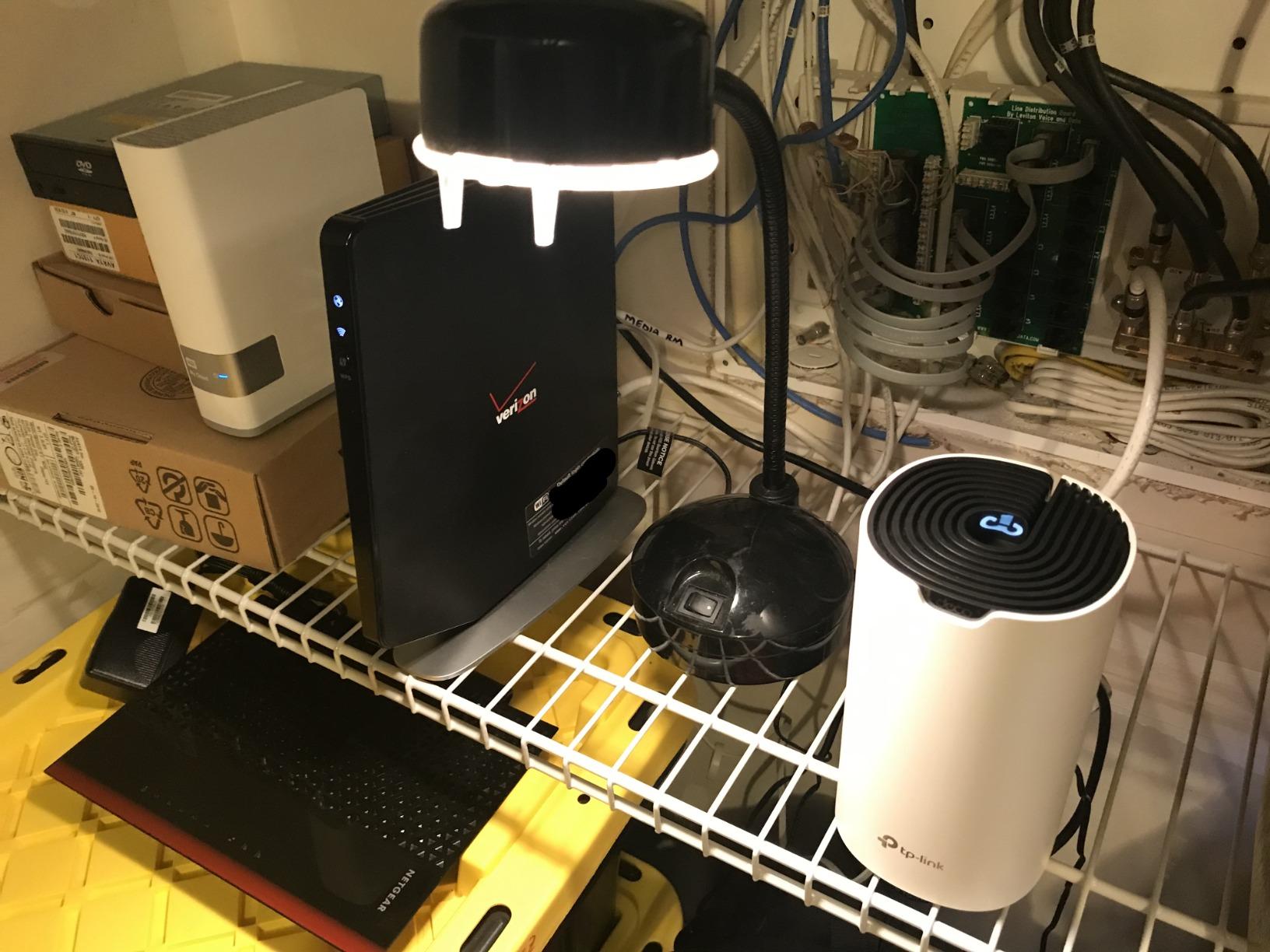
Buy the S4 if the goal is to kill dead zones without spending much, and the Archer AX21 if you would rather have one box and the newest generation. Compared with the Deco X55, the S4 gives up the third port on each node and the newer wireless generation, and gets an install base large enough that most problems are already documented.
5. eero 7: Best for Multi-Gig Plans
Amazon eero 7 dual-band mesh Wi-Fi 7 router (newest model) – Supports internet plans up to 2.5 Gbps, Coverage up to 6,000 sq. ft., 3-pack
Standard: Wi-Fi 7
Bands: Dual-band
Ports: 2 at 2.5 GbE
Pros
- Handles internet plans up to 2.5 Gbps
- Two auto-sensing 2.5 GbE ports per node
- Covers 6000 sq ft and 120+ devices
- Multi-link operation and TrueRoam software
- Three-year warranty
Cons
- Dual-band with no separate 6 GHz lane
- Advanced security sits behind a subscription
- Newest and smallest review base here
This is the pick for anyone whose plan is faster than a gig. Three nodes, two auto-sensing 2.5 GbE ports each, and support for internet plans up to 2.5 Gbps, with wireless speeds up to 1.8 Gbps. Stated coverage reaches 6000 square feet and 120 or more devices.
It is dual-band, which is the spec to hold against your expectations. There is no dedicated 6 GHz lane here, so a tri-band design like the Nighthawk BE9300 has more room to separate fast devices from everything else. Multi-link operation is present, and TrueRoam and TrueChannel work together to soften handovers between nodes.
Backward compatibility is the part people miss. If you already own earlier eero units, they join the same network, and select Echo devices with the eero Built-in hub can act as nodes. A three-year warranty is longer than anything else on this list, and the review pool of 2,173 is the smallest, which is the fair caveat: newer hardware has less long-term history behind it.
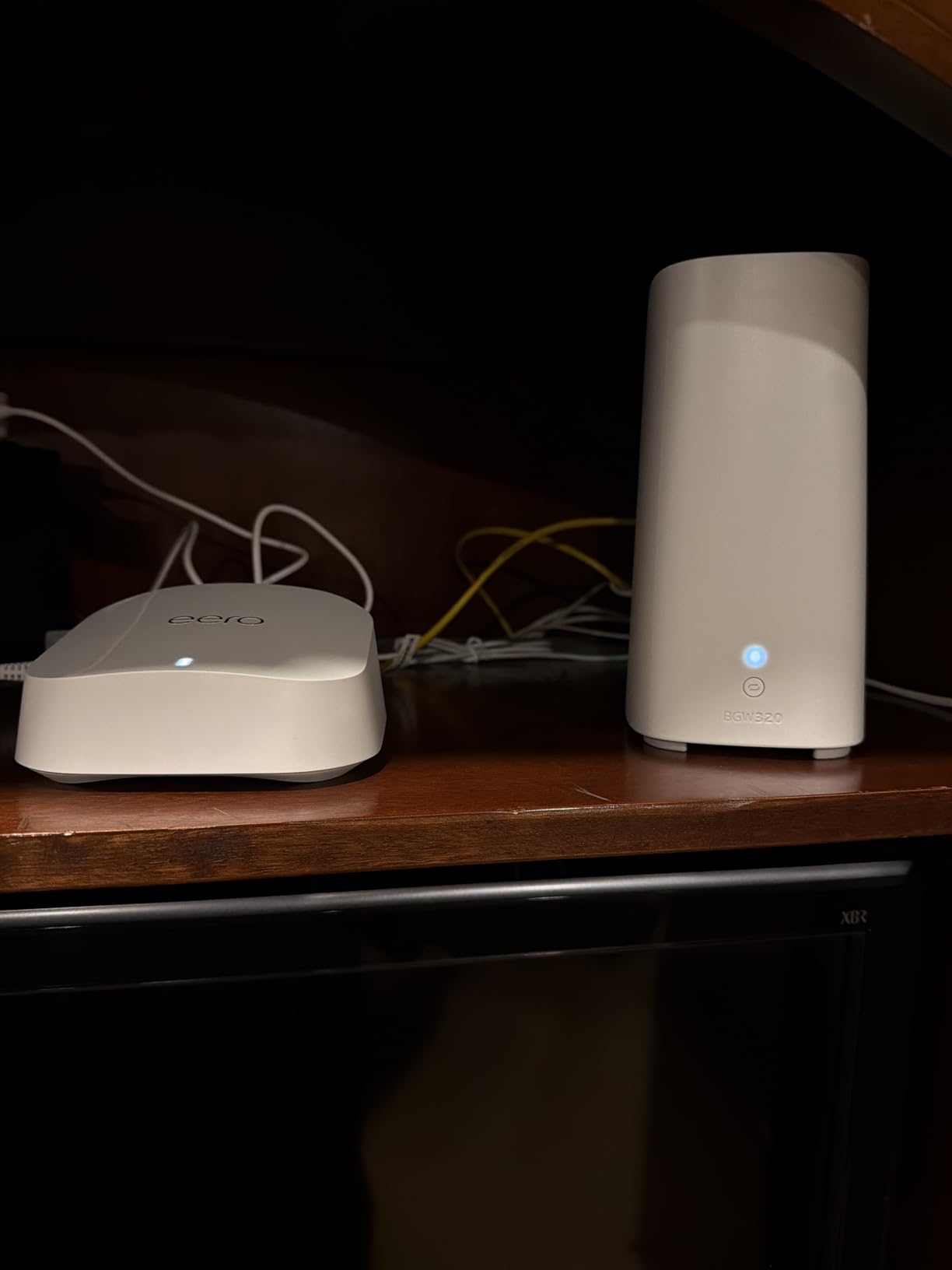
Choose the eero 7 if your service speed is the constraint. Choose the eero 6+ if it is not, since the older system handles a comparable house through the same simple app. Advanced security, ad blocking and parental controls require the optional eero Plus subscription, and some owners decide that trade is not worth making.
6. Netgear Nighthawk BE9300: Best for Tri-Band Wi-Fi 7
NETGEAR Nighthawk WiFi 7 Router, Up to 2,500 sq ft, 9.3 Gbps
Standard: Wi-Fi 7
Bands: Tri-band
Ports: 4 with 2.5 GbE
Pros
- Dedicated 6 GHz band separates fast devices
- 9.3 Gbps aggregate across three bands
- 2.5 Gig WAN plus two 2.5 Gig LAN ports
- Free Nighthawk app for setup and speed tests
- Up to 100 devices
Cons
- Smallest review base and lowest rating here
- 2500 sq ft of coverage suits one floor
- NETGEAR Armor is subscription after the trial
A single box, not a system, and that is the appeal. The Nighthawk BE9300 spreads traffic across 2.4, 5 and 6 GHz for 9.3 Gbps of aggregate throughput, with the 6 GHz lane kept separate so fast devices are not queueing behind everything else in the house.
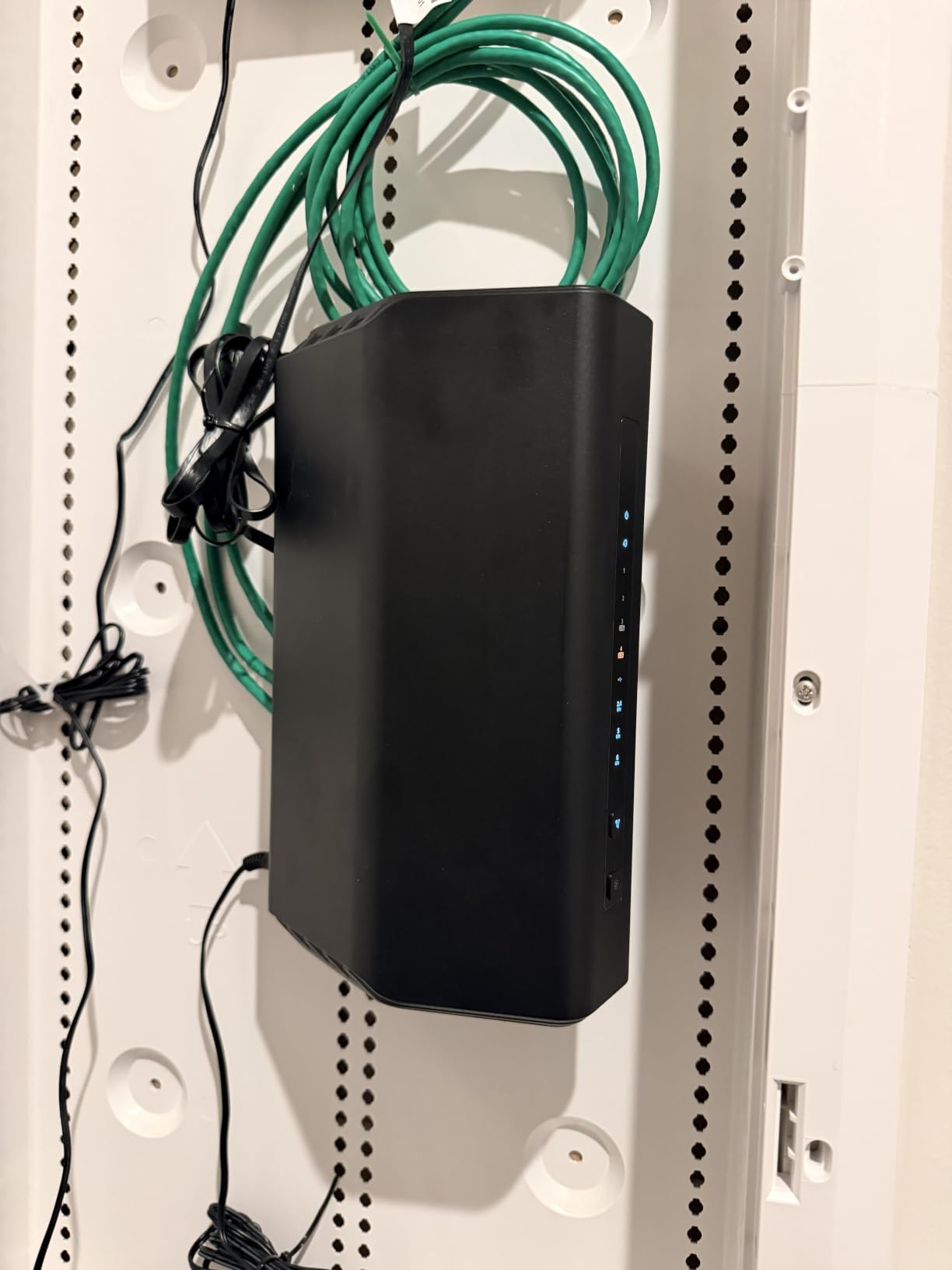
Where this one differs from the others is the port selection. You get a 2.5 Gig WAN port for a multi-gig plan, two 2.5 Gig LAN ports for a NAS or a gaming rig, and two 1 Gig LAN ports behind that, all on hardware with 2 GB of RAM. The free Nighthawk app handles setup, speed tests, device pausing and guest networks.
The limits are clear. Stated coverage of 2500 square feet suits one floor, and a larger house needs a mesh system such as the Deco X55. The warranty is one year, the shortest here, and NETGEAR Armor moves to a paid subscription after its 30-day trial.
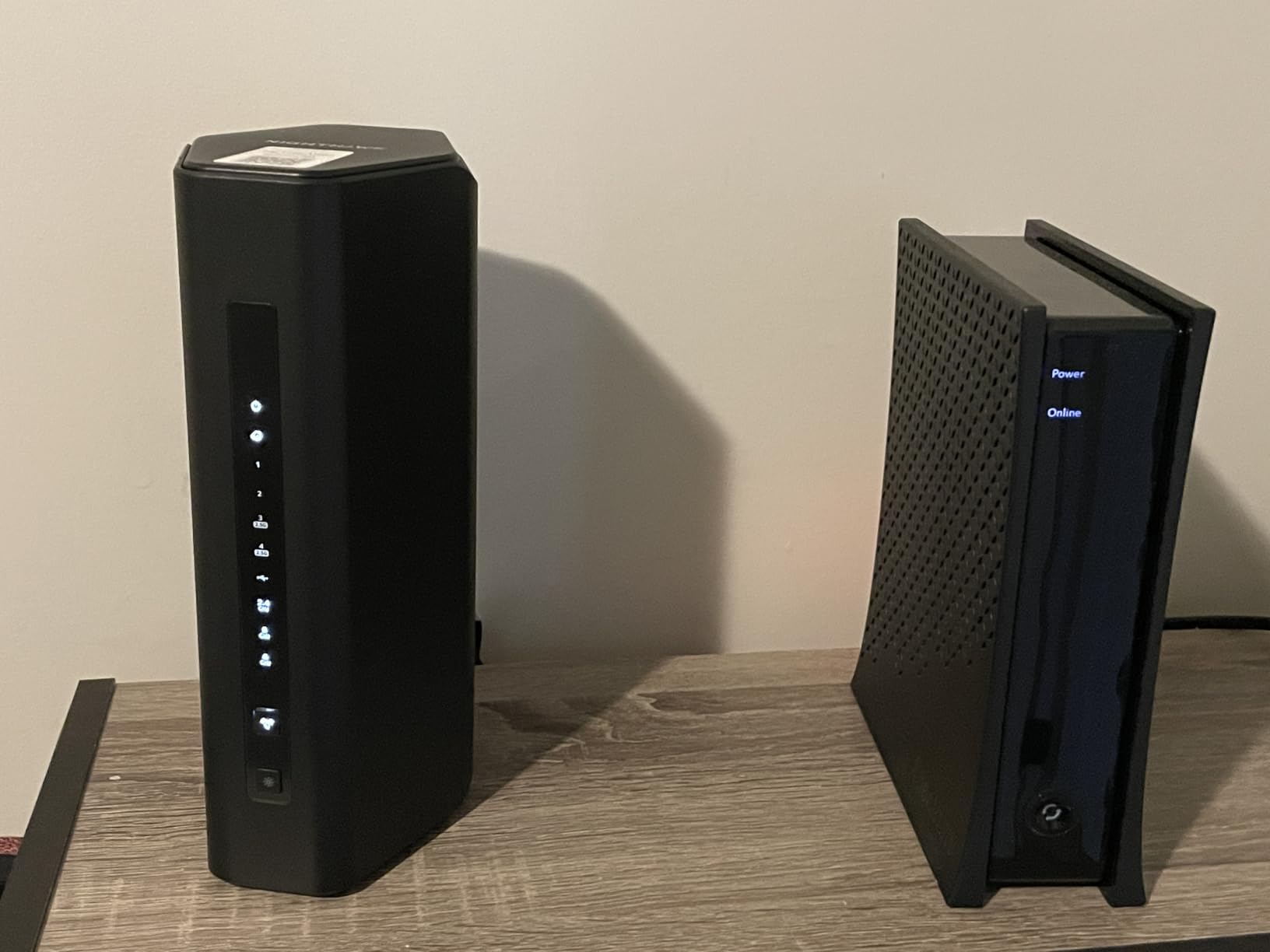
Owners rate it at 4.3 stars from 693 reviews, the smallest and lowest-rated sample in this group, with about a tenth of reviews landing at one star. Read that as new hardware rather than a known problem. If you want a tri-band layout with more room, the eero 7 gives you three nodes and a longer warranty instead.
How to Choose Wi-Fi Routers During Prime Big Deal Days
Routers are among the least-discounted electronics you will buy, so a genuine cut during Prime Big Deal Days is worth planning around. The trick is knowing which specification your household actually needs before the buttons start flashing.
Match the Router to Your Internet Plan
Paying for wireless speed your line never delivers is the most common wasted upgrade. A 300 Mbps plan is fully served by an AX1800 class box, while anything above a gigabit needs a router with a 2.5 Gig WAN port or a multi-gig port to match it. Our roundup of routers under $200 covers the entry tiers, and if your service is fiber rather than cable or DSL, our picks for routers built for fiber internet explain what changes on a symmetric gigabit line.
Choose the Right Wi-Fi Standard
Wi-Fi 5 is 802.11ac, Wi-Fi 6 is 802.11ax, and Wi-Fi 6E adds the 6 GHz band to Wi-Fi 6. Wi-Fi 7 (802.11be) adds multi-link operation and wider channels, and it only pays off when your phones, laptops and TVs support it too. If most of your devices are a few years old, Wi-Fi 6 is the sensible ceiling, and Wi-Fi 5 mesh still holds up fine for smaller homes.
Estimate Coverage for Your Home
Stated coverage is a lab number measured without interior walls. Concrete, foil-backed insulation, mirrors and a metal garage door all eat signal, and each floor costs you range. Under about 1500 square feet on one level, a single router handles it. Past 2000 square feet or across two floors, mesh wins, and our guide to routers for large homes maps square footage to node counts.
Check Processor Speed and Device Capacity
Chipset speed, RAM and the number of simultaneous devices a router claims to support matter more than headline throughput. Look for at least 100 devices as a floor in a family home with cameras, TVs and doorbells, and note how much RAM the spec sheet lists. Treat these numbers as guidance rather than a guarantee, since software support and firmware quality decide how much of the hardware you actually get.
Compare Wired, Wireless and Mesh Options
A standalone router replaces an ISP gateway and needs a modem in front of it. A modem router combo does both in one box, which suits cable service and is covered in our roundup of modem router combos for cable internet. A mesh system spreads the signal from several nodes and is the right answer when one box cannot reach the whole house. A range extender is the cheapest fix for a single bad corner, but it usually halves throughput on clients that connect through it.
How to Shop Wi-Fi Router Deals During the Sale
Read the listing closely, because the same model name appears in several versions. Check the hardware revision and the exact model number against the spec table, confirm the pack size for mesh systems, look at what is in the box, and see whether the offer is new, renewed or from a third-party seller rather than Amazon itself. Most offers need a Prime membership, and both prices and the list of participating routers can change through the event, so the button is the only reliable place to read the current figure.
Quick checklist before you click:
- Match the WAN port speed to your plan before you look at wireless numbers.
- Pick a Wi-Fi generation your devices can actually use.
- Count your floors, walls and devices to decide between one router and mesh.
- For mesh, compare pack sizes and check whether a single extra node can be added later.
- Read the warranty length, since it ranges from one year to three in this roundup.
Frequently Asked Questions
When does Amazon Prime Big Deal Days run in 2026?
Amazon Prime Big Deal Days runs October 6-7, 2026. Prime members often see early-access offers before the main event, and the list of participating routers changes as the sale runs, so check the event page for the current lineup.
Is Prime membership required for Amazon Prime Big Deal Days Wi-Fi router deals?
Most offers during Prime Big Deal Days, router offers included, need an active Prime membership, and a free trial counts. A few router promotions run for everyone, but the headline deals are usually member-only for the length of the sale.
Will my existing internet provider let me use a new Wi-Fi router?
In most cases yes. Cable providers usually let you connect your own router to their modem, though some gateways cannot be put in bridge mode and some require a separate box for television service. Fiber providers often supply a router and may limit what you can connect yourself, so ask before you buy.
Is a Wi-Fi 6 router worth it for an older home?
Usually, and the wiring matters more than the standard. Wi-Fi 6 handles congestion better when neighbors share channels, so it helps in a crowded building. In a small home with good walls, a Wi-Fi 5 mesh system covers the space for less and usually performs just as well day to day.
Should I buy a mesh system instead of one powerful router?
Buy mesh if you have more than about 2000 square feet, more than one floor, or persistent dead spots. A single strong router is simpler and leaves no node to misplace, so in a small home under 1500 square feet it is usually the better choice.
How do I confirm which Wi-Fi router model I am buying?
Compare the model number on the product page with the manufacturer spec sheet, not just the listing title. For mesh systems, confirm the pack size and whether the units are the router-plus-node version. A quick check of the hardware revision prevents buying last year’s model by mistake.
Final Verdict: Best Amazon Prime Big Deal Days Wi-Fi Router Deals
Buy the TP-Link Archer AX21 if you want one box, a settled owner record and Wi-Fi 6 without fuss; it is the pick most worth watching in this list. Buy the TP-Link Deco S4 as the budget-friendly alternative, since three nodes for a modest outlay solve dead zones in a way a single cheap router cannot. Add the Deco X55 if your home spans more than about 2000 square feet and you want wired backhaul, and pick the eero 6+ when you would rather not read a manual. The eero 7 fits multi-gig service, and the Netgear Nighthawk BE9300 serves one floor that needs a separate 6 GHz lane.
Whichever you choose, check the model number, the pack size and the coupon box on the product page before you order, and let the button show you the current figure.