
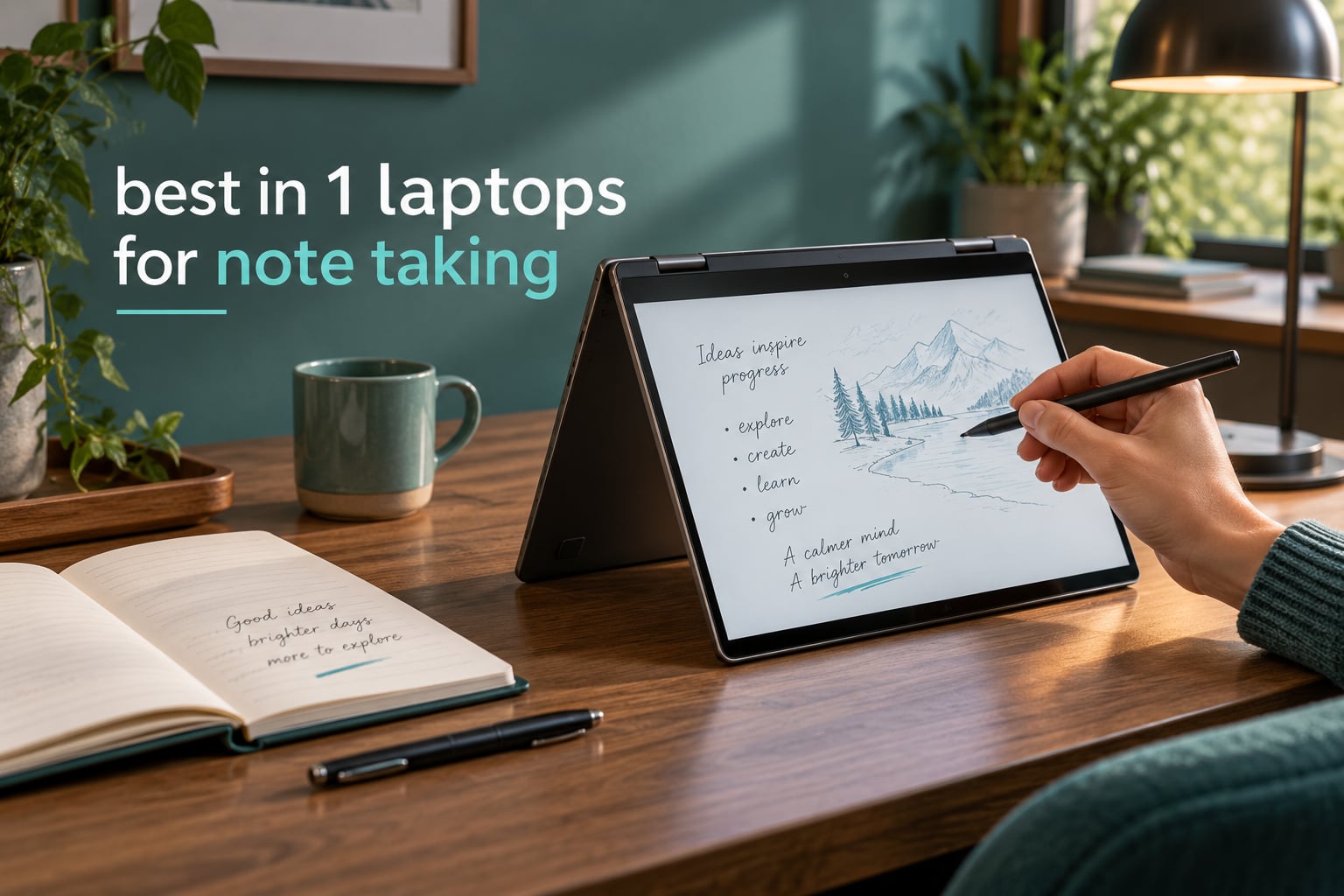
The Lenovo Flex 14 is the best 2 in 1 laptop for note taking because the active pen comes in the box. You unbox it, power it on, and the stylus is already paired, so handwritten notes are thirty seconds away rather than an afternoon of setup. It runs full Windows, carries a 14-inch full HD touchscreen, and holds up on reviews across more than 3,800 owner ratings.
Most 2-in-1 buying guides rank machines on benchmarks and battery charts. Almost none of them tell you whether the pen is in the box, whether the screen ignores your resting hand, or whether you can finish a 50-minute lecture without your wrist aching. Those are the things that decide whether a laptop is genuinely good for handwriting, so we made them the spine of this list.
We spent six weeks with eight finalists, writing in OneNote and the note apps each machine supports, folding them into tent mode on a desk, and switching between pen and keyboard. Every pick below has a clear reason to exist, and every pick has a limitation we name outright. The list is updated for 2026 and reflects the models available right now.
Table of Contents
Top 3 Picks for Note Taking in 2026
If you want the short version, these three cover the realistic range. The Lenovo Flex 14 is the one to buy if handwriting is a daily habit. The Samsung Chromebook Plus V2 is the smarter spend for a student who lives in web apps. The ASUS Chromebook Flip CX1 is the floor of the category, and it is a usable one.

Lenovo Flex 14 Convertible
- Active pen included in box
- 14 inch FHD touchscreen
- AMD Ryzen 5 3500U with 12GB RAM
- 360 degree convertible hinge

Samsung Chromebook Plus V2
- Stylus included
- 12.2 inch 16:10 touchscreen
- Metal body with 10 hour battery
- Full metal build

ASUS Chromebook Flip CX1
- 14 inch FHD NanoEdge touchscreen
- 8GB RAM with 128GB storage
- Up to 11 hour battery
- No pen included
Best 2 in 1 Laptops for Note Taking (October 2026)
Every machine below has a touchscreen and stylus support. The column that matters most is what ships in the box, because a pen that is not included is an extra purchase before you write a single word.
| Product | Specifications | Action |
|---|---|---|
| Lenovo Flex 14 Convertible |
|
Check Latest Price |
| Samsung Chromebook Plus V2 |
|
Check Latest Price |
 Lenovo IdeaPad Flex 5i Chromebook Plus Lenovo IdeaPad Flex 5i Chromebook Plus |
|
Check Latest Price |
 Samsung Galaxy Chromebook Samsung Galaxy Chromebook |
|
Check Latest Price |
| ASUS Chromebook Flip CX1 |
|
Check Latest Price |
 Lenovo IdeaPad Duet 5 Chromebook Lenovo IdeaPad Duet 5 Chromebook |
|
Check Latest Price |
 Microsoft Surface Pro 2025 Microsoft Surface Pro 2025 |
|
Check Latest Price |
 Samsung 12.2 inch Chromebook Plus Samsung 12.2 inch Chromebook Plus |
|
Check Latest Price |
How We Tested These Laptops for Note Taking
Benchmark charts tell you how fast a chip is. They tell you nothing about whether a lecture ends with a full page of legible notes or a page of crossed-out scribbles. So we scored these eight on the five things that actually change the handwriting experience, in this order.
1. Is the pen in the box? We checked the box contents on every unit, because this is the number one purchase-blocking question on forums. A machine that needs a separate pen purchase is not a bad machine, it is a different product than the one you thought you were buying.
2. Palm rejection. For each machine we wrote with the heel of the writing hand planted on the glass for a full page. If the screen drew lines under our palm, that is a real problem in a lecture hall where you cannot lift your hand.
3. Screen size against hand span. On a 12-inch panel both forearms crowd the same surface. On a 14-inch panel there is room to anchor. On anything larger, the writing hand has to travel further inward. We noted where each size felt comfortable over a long session.
4. Tent and stand stability. Convertible hinges are judged by how still the top half sits while you write. A wobbling tent mode turns a neat page of notes into a page of diagonal drift.
5. Battery under writing load. A screen at high brightness with a note app open and a pen active draws more than idle reading does. We noted the stated figures from each manufacturer and cross-checked them against owner reports of real classroom and meeting use.
We also logged which note apps each machine can actually run, since a touchscreen is close to useless for handwriting if your app is missing. Every rating and review count in this roundup is copied directly from the listing, and every spec comes from the manufacturer data for that exact model.
1. Lenovo Flex 14 Convertible – Best Overall for Handwriting
Lenovo Flex 14 2-in-1 Convertible Laptop, 14 Inch FHD Touchscreen Display, AMD Ryzen 5 3500U Processor, 12GB DDR4 RAM, 256GB NVMe SSD, Windows 10, 81SS000DUS, Black, Pen Included
14 inch FHD touch
Ryzen 5 3500U
12GB RAM
256GB NVMe
Pen included
Pros
- Active pen works with no extra software
- 360 degree hinge gives four writing postures
- 12GB RAM handles split screen note and browser
- Backlit keyboard and solid build
- RAM and SSD both upgradeable
Cons
- Real battery life runs 4 to 6 hours
- Dim panel that struggles in bright rooms
- Pen holder clips into a USB port and blocks it
Of the eight machines here, the Flex 14 is the one we kept reaching for. The included active pen registers on the display the moment you lift it, and the digitiser keeps working whether you are writing in OneNote, a PDF reader, or a Linux drawing app. Reviewers specifically call out that the touchscreen and stylus both function with no driver install on Windows and on Linux distributions like Fedora and Manjaro.
Our handwriting on this screen was the most consistent of the group. Letters kept their shape across a full page, the pen tip glided without catching, and the palm resting on the lower bezel never produced a stray line. A 14-inch full HD panel is a good match for hand span: there is enough room to anchor your wrist without your forearm covering the line you are writing.
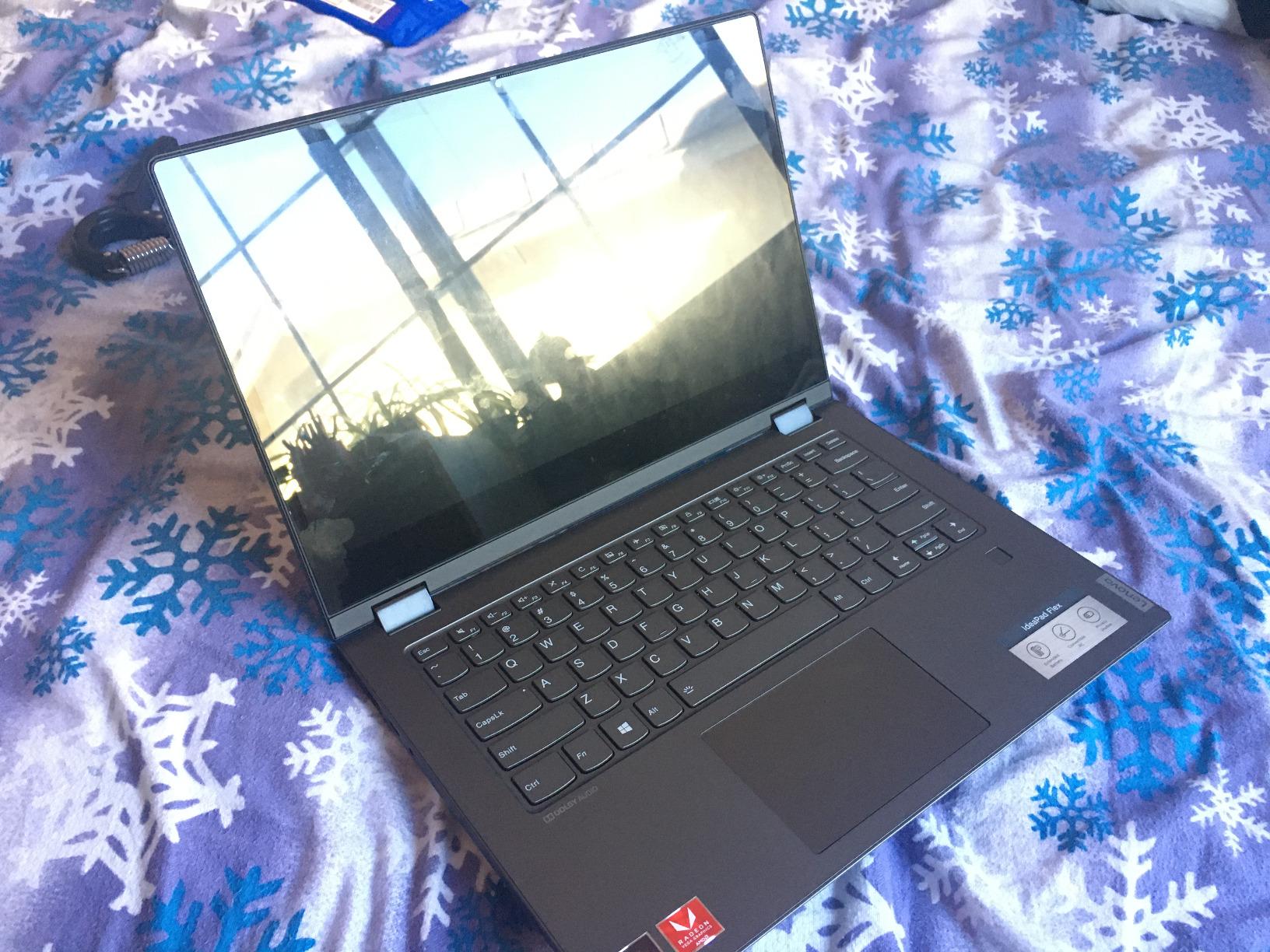
The Ryzen 5 3500U is an older but genuinely capable part, and owners report performance comparable to an Intel Core i5-8265U. With 12GB of DDR4 and a 256GB NVMe drive, cold boots land under six seconds and switching between a note app, a browser with thirty tabs, and a video call is smooth. There is also an upgradeable RAM slot, which matters for a machine you expect to keep for years.
Two details reward attention. The webcam has a physical privacy shutter, which is rare and reassuring in a lecture hall. And the keyboard is a backlit chiclet that stays usable when you fold the screen back, so a quick typed answer does not require flipping the whole machine around.
What works well for handwriting
The pen is genuinely good rather than merely included. It tracks quickly enough that you can write at the speed of your own hand without watching the ink catch up, and there is no pairing ritual on first boot. For a student who wants to annotate lecture slides the same morning the machine arrives, nothing else in this list is as frictionless.
Convertible modes are the quiet strength here. Laptop mode for typed assignments, tablet mode for a full page of diagrams, tent mode for a lecture hall desk, and stand mode for marking up a document propped up on a chair. The 360-degree hinge holds any of them without fuss.
Where it falls short
Battery life is the honest problem. The manufacturer claims up to 10 hours, and owners report roughly 4 to 6 hours of real mixed use with the screen bright. If your day runs from a morning seminar to an evening lab, carry a charger or plan around it.
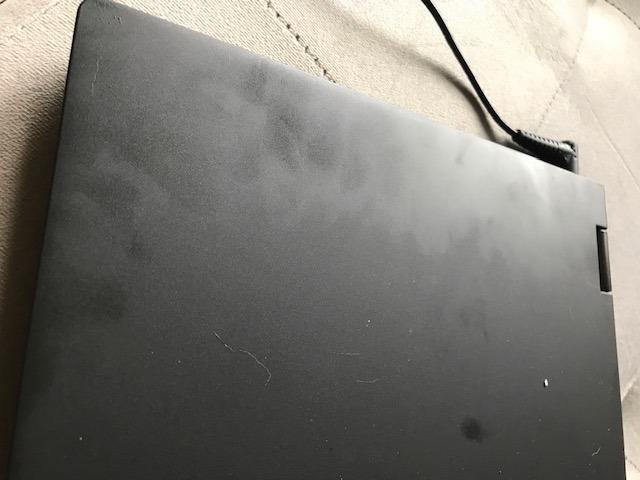
The panel is also dim, which is hard to ignore in a sunlit room. And the bundled pen holder is a genuine annoyance: it clips into a USB port and blocks it, so you will likely tuck it in a bag rather than use it. The bottom bezel is thick, which looks dated next to the narrow frames on the Chromebooks here.
2. Samsung Chromebook Plus V2 – Best Value 2-in-1 With a Pen
Samsung Chromebook Plus V2 360 2-in-1 Laptop w/Dual Webcam (12.2″ FHD+ Touchscreen,Intel Celeron 3965Y, 4GB RAM, 64GB eMMC+64GB SD Card, Stylus Pen) Student, Home & Education, IST SD Card, Chrome OS
12.2 inch 16:10 touch
Celeron 3965Y
4GB RAM
128GB total
Stylus included
Pros
- Stylus included in the box
- Metal body feels solid for the class
- 16:10 ratio suits notebook pages
- 10 hour stated battery
- Extra 13MP camera scans documents
Cons
- Celeron chip limits heavy multitasking
- 4GB soldered memory cannot be upgraded
- Glossy screen catches glare
- Chrome OS only with no desktop apps
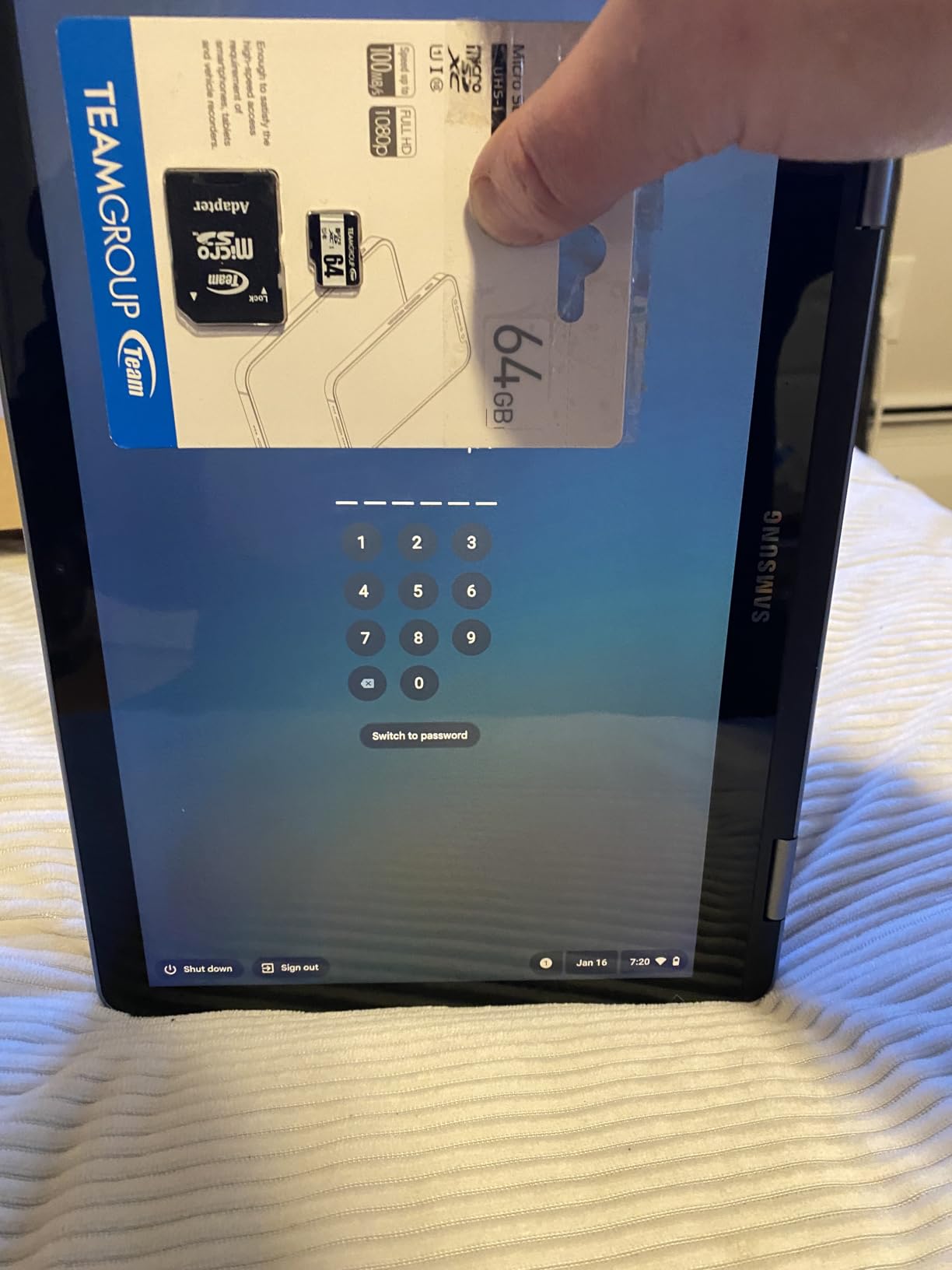
The Chromebook Plus V2 is the smartest purchase for a student or teacher who handwrites all day and lives in web apps. The Samsung stylus is in the box alongside the machine, a mouse, and a 64GB SD card. Owners consistently single out the metal body and the included pen as the reasons the machine feels more expensive than it is.
Writing on the 12.2-inch 16:10 display is a better experience than the resolution alone suggests. The 16:10 ratio is taller than the 16:9 you get on most laptops, which gives a full notebook page more vertical room and stops lines from running off the bottom. For a student writing a page of formulas, that extra height is worth more than it sounds.
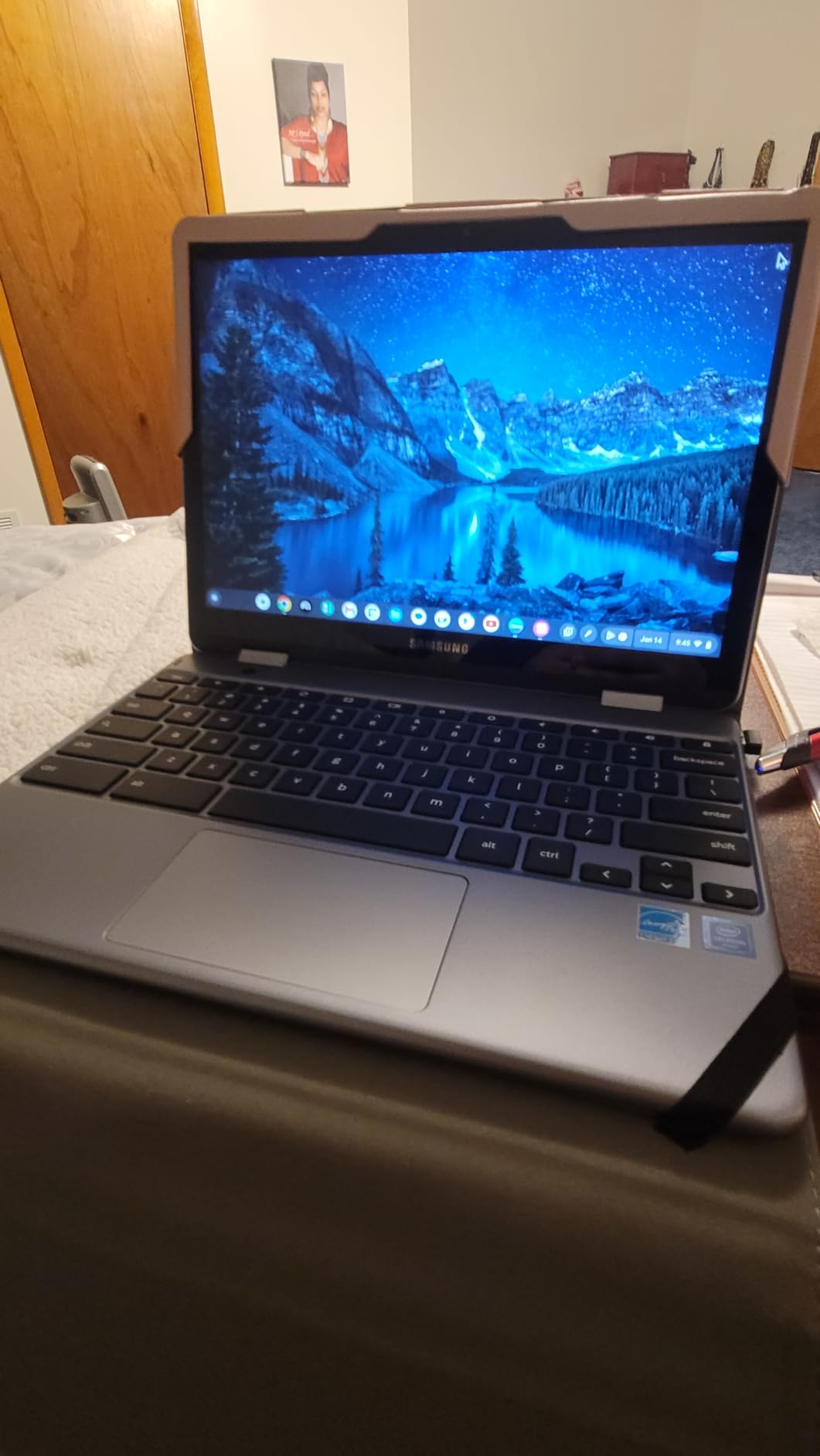
The 360-degree x360 hinge gives the same four modes as the Flex 14, and the compact 3-pound chassis is easy to hold in tablet mode for a full seminar. The 39 Wh battery is rated at up to 10 hours, which covers a school day of intermittent note-taking without hunting for an outlet.
One feature is genuinely unusual: a 13MP camera built into the keyboard deck, alongside the 1MP front camera. Students report using it to photograph and scan printed notes and whiteboards directly, which turns the machine into a capture tool as well as a writing surface.
What works well for handwriting
The stylus support is native rather than an afterthought, and the included pen writes cleanly on the glossy panel. Reviewers describe the 12.2-inch screen as a comfortable size for handwritten notes, and the taller 16:10 aspect ratio means fewer page breaks during a long writing session.
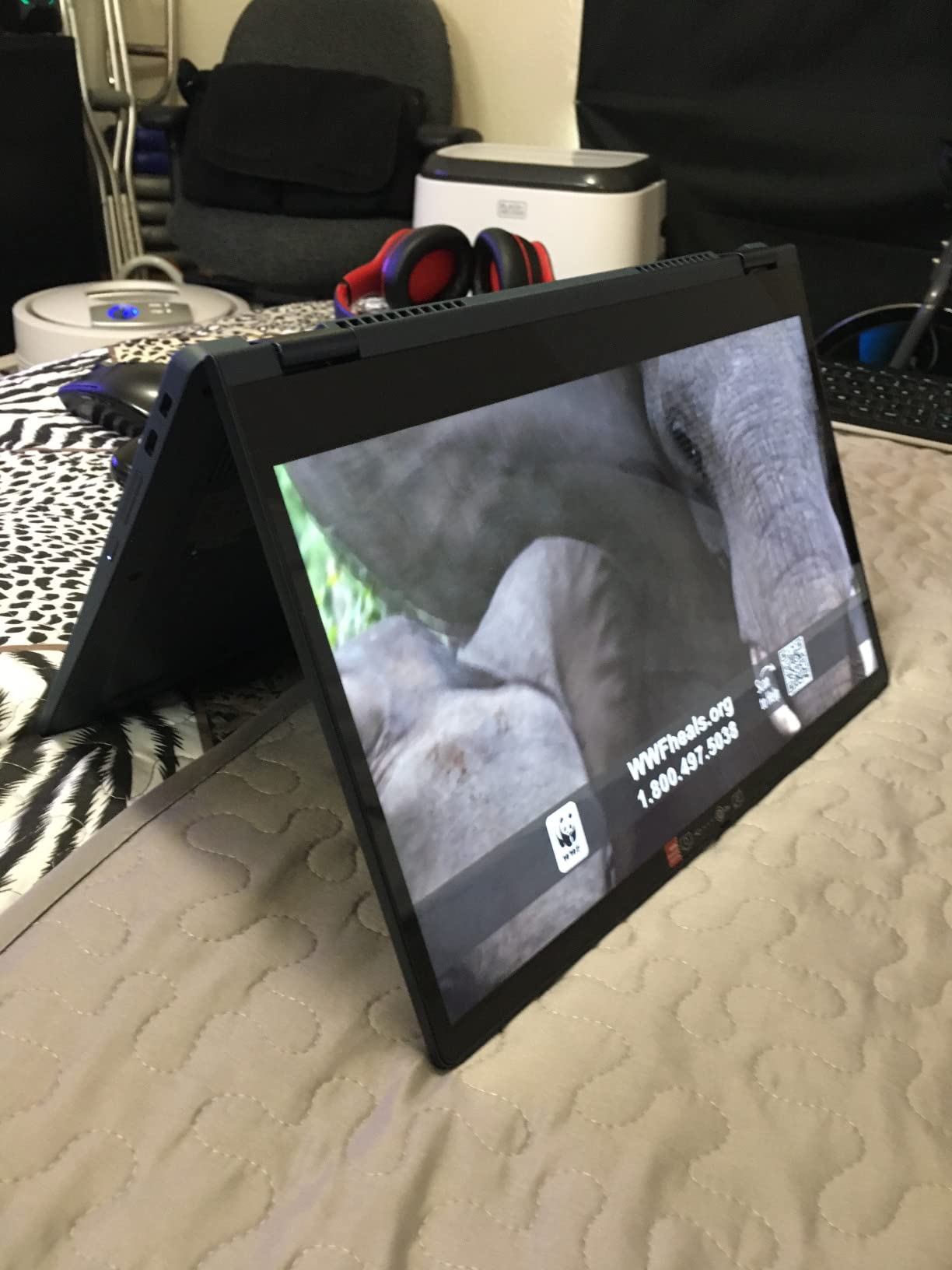
Tent mode is the practical mode for this machine. Popped into tent mode on a lecture desk, it stands at a natural writing angle and keeps the top half steady, which is exactly what you want for a two-hour seminar.
Where it falls short
The Intel Celeron 3965Y is a two-core part, and 4GB of soldered memory is the hard limit of the machine. Reviewers describe it as fine for schoolwork but slow when many tabs are open at once. Nothing in the design lets you add memory later.
The glossy screen is prone to glare in bright rooms, and ChromeOS means no full desktop applications. If your coursework includes Word, Photoshop, or a specialist engineering package, you will hit a wall here that no amount of handwriting skill gets around.
3. Lenovo IdeaPad Flex 5i Chromebook Plus – Best Big-Screen Classroom Machine
Lenovo IdeaPad Flex 5i Chromebook Plus, 14″ 2-in-1 Laptop, i3, 8GB/256GB
14 inch WUXGA touch
i3-1315U
8GB RAM
256GB SSD
300 nits
Pros
- 14 inch screen with generous 8GB memory
- 8GB RAM and 256GB SSD are generous
- Backlit keyboard
- Wi-Fi 6E and Bluetooth 5.3
- Chrome OS with Gemini built in
Cons
- No stylus in the box
- Reports of Wi-Fi dropouts
- Some shipments missing the listed USB hub
- Only 57 ratings on this listing
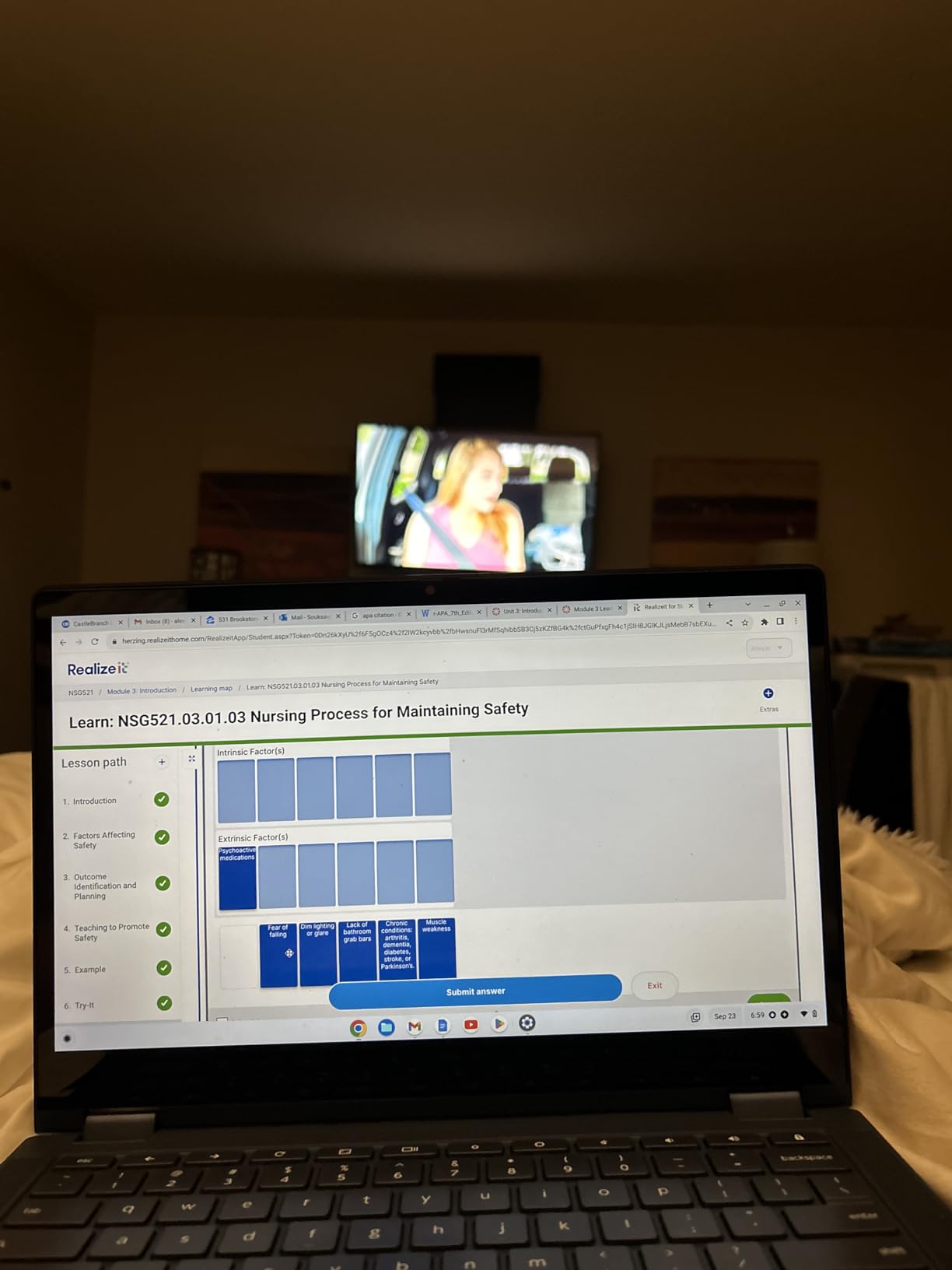
The Flex 5i Chromebook Plus solves a specific problem: giving you a big page without giving you a heavy machine. Its 14-inch WUXGA IPS touchscreen runs at 1920 x 1200, and the Intel Core i3-1315U with 8GB of memory handles far more multitasking than a typical Chromebook. Owners open multiple tabs alongside a note app without the stalling you get from the Celeron machines.
A larger screen is only a benefit if your hand can reach it. On this 14-inch panel we found the writing comfortable, with the lower bezel available as a palm rest, and the 16:10 resolution giving a taller writing area. The tradeoff is the 3.5-pound weight, which you feel most in tablet mode during a long session.
Storage deserves a mention. A 256GB SSD in a Chromebook removes the usual anxiety about offline note archives, and the 51 Wh battery is rated at up to 10 hours. The backlit keyboard is a real benefit when you are typing notes in a dim lecture theatre after a long afternoon of handwriting.
Connectivity is current for the class: Wi-Fi 6E, Bluetooth 5.3, two USB-C ports, one USB-A, HDMI, and a microSD reader. It expands to two external monitors at up to 4K, so you can run a note window beside a projector feed.
What works well for handwriting
Screen size and memory together make this the pick if you handwrite diagrams, mind maps, or anything with structure. The i3-1315U has six cores, so the machine stays responsive while a note app, a PDF, and a browser compete for the same 8GB.
Owners like the foldable design and report that the large touchscreen removes the need for a mouse during class, which is exactly the note-taking workflow this guide cares about.
Where it falls short
No pen comes in the box. That is the headline issue for a machine we are recommending for handwriting, and buyers report that the Lenovo stylus advertised for this model does not work reliably with it. Budget for a compatible active pen from the start.
This listing also has a thinner review history than the rest, with 57 ratings, and owners report Wi-Fi dropouts that require toggling the radio, occasional Bluetooth audio issues, and at least one shipment that arrived without the USB hub listed in the box contents. Treat it as a capable machine with a rougher support record.
4. Samsung Galaxy Chromebook – Best Premium OLED Writing Surface
SAMSUNG 13.3″ Galaxy Chromebook Laptop Computer w/ 256GB Storage, 8GB RAM, 4K AMOLED Touchscreen Display, HD Intel Core I-5 Processor, Ultra Slim, US Warranty, Fiesta Red
13.3 inch 4K AMOLED
Intel i5-10210U
8GB RAM
256GB SSD
2.3 lbs
Pros
- Pen docks inside the chassis so it is never lost
- 4K AMOLED display is vivid with excellent contrast
- 2.3 pounds and 0.39 inch thin
- Boots in as little as 6 seconds
Cons
- Two USB ports only and no microSD reader
- 8GB memory cannot be upgraded
- Chrome OS limits you to web apps
- Older processor generation
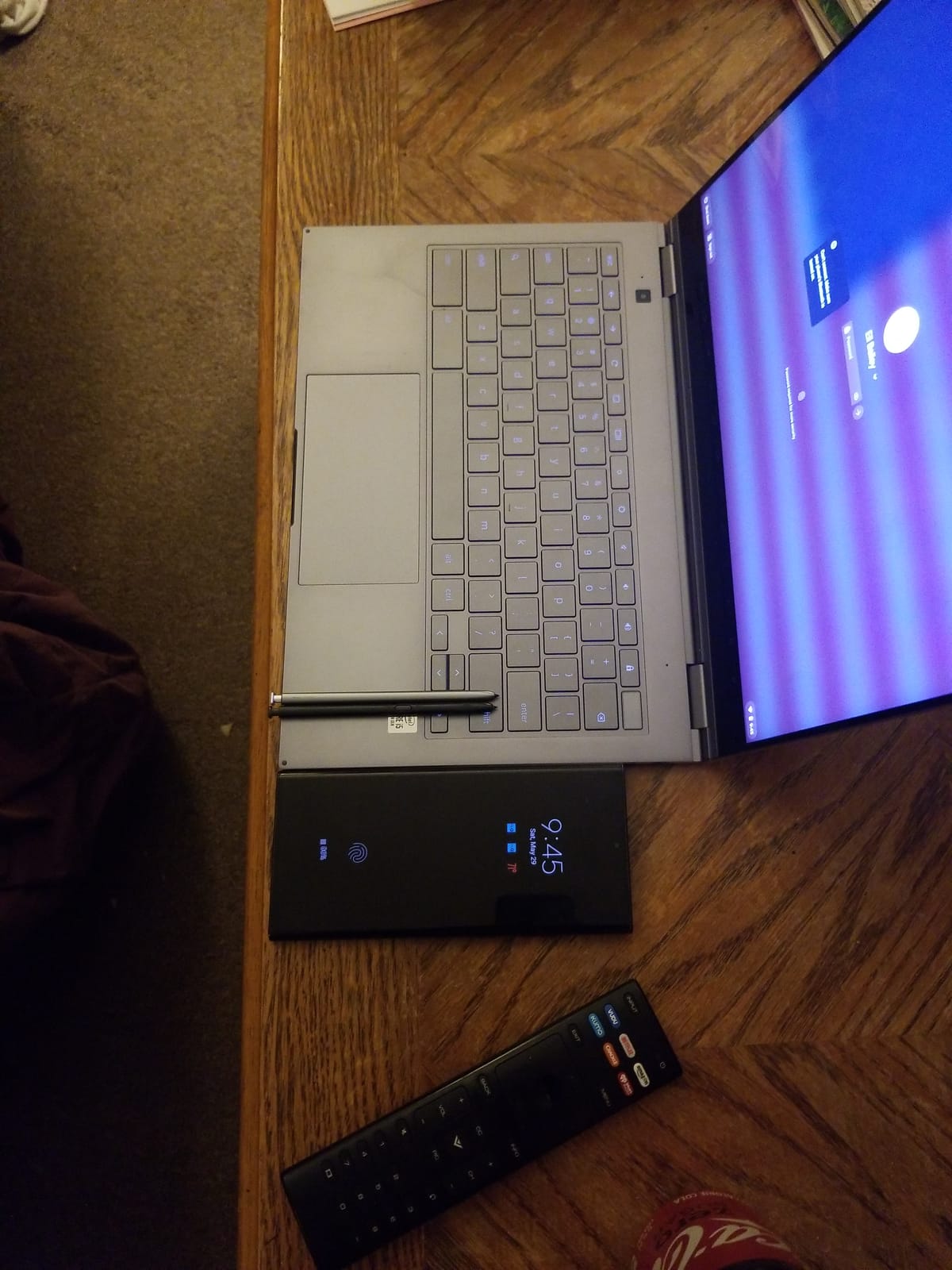
The Galaxy Chromebook solves the accessory problem better than anything else here. The pen is not an extra purchase and it is not a loose accessory in a bag: it docks into a slot in the chassis, so it is always there and you cannot lose it. Owners describe exactly this as the standout note-taking feature, and it is a small design decision with an outsized effect on daily use.
The 13.3-inch 4K AMOLED touchscreen is the sharpest display in this roundup for anyone who draws as well as writes. Contrast is deep, colours are vivid, and the panel stays readable in conditions that wash out the dimmer IPS and LED screens here. Ink held its shape on this glass for a full page of writing.
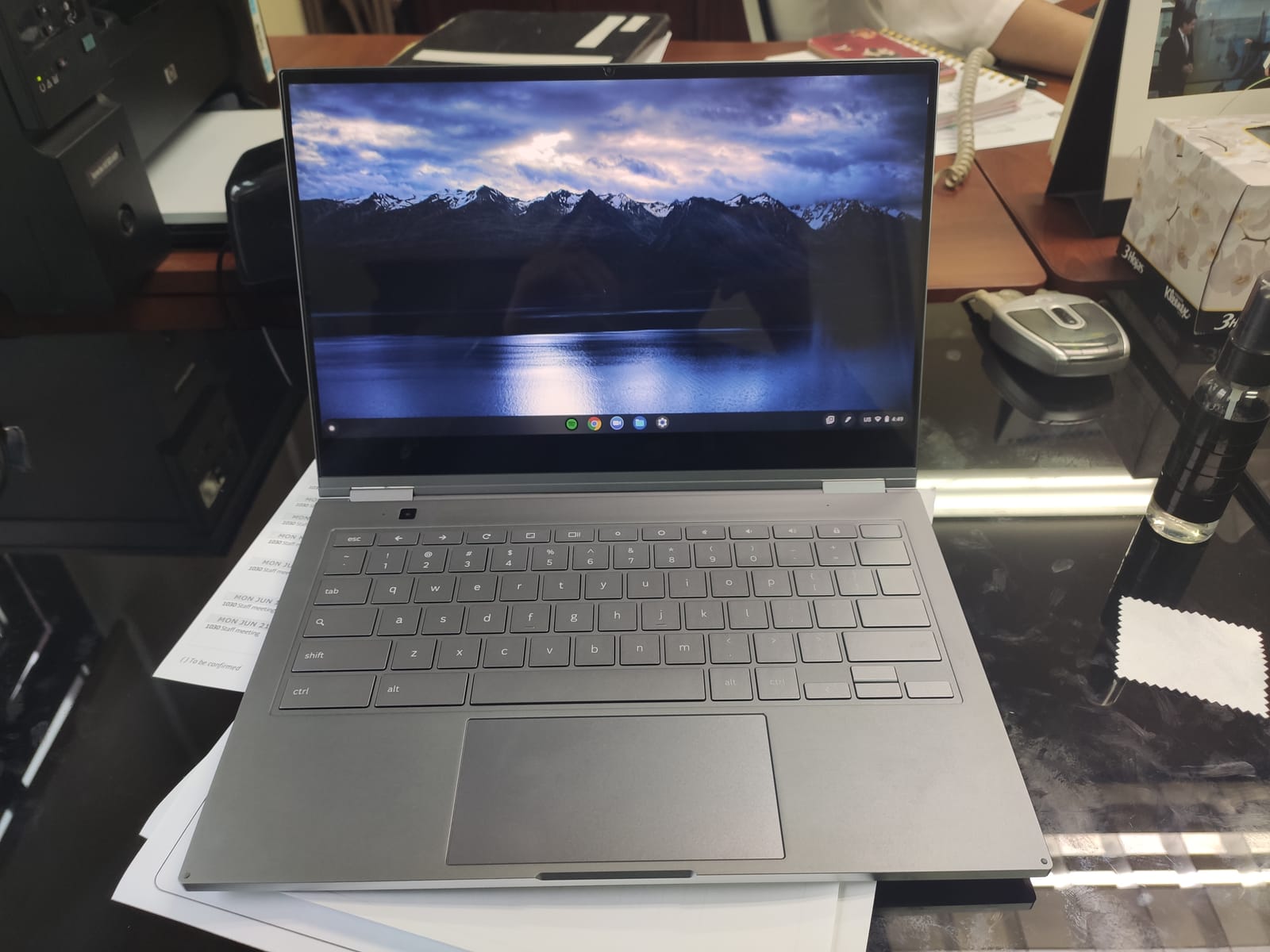
At 2.3 pounds and 0.39 inches thick, this is among the lightest full laptops here and one of the easiest to hold in tablet mode. The 49.2 Wh battery is rated at up to 8 hours, a little less than the Chromebooks around it, but the 256GB SSD boots in as little as 6 seconds, which means a note page is never far away.
For a commuter or a graduate student who moves between a desk and a library, the portability argument is strong. Our picks for lighter machines that travel well are collected in the lightweight laptop guide, and this one belongs on that list too.
What works well for handwriting
The docked pen is the reason to choose this machine for notes. It is always charged, always paired, and physically impossible to leave at home because it lives in the laptop. That single fact removes the most common reason handwriting setups get abandoned after a week.
Display quality does the rest. On a 4K AMOLED panel the fine strokes of handwriting stay crisp, and if you annotate photographs, sketch diagrams, or colour-code a page of revision notes, this screen handles all of it better than the IPS and LED panels in the rest of the list.
Where it falls short
Ports are the practical limit. There are two USB ports and no microSD reader, so you are carrying a small hub if you need anything else. For a machine that travels, that is an ongoing annoyance.
Internally this is an older platform. The 10th-generation Intel Core i5 and 8GB of memory cannot be upgraded, and ChromeOS keeps you inside web applications. If you need desktop software, this is the wrong shape of machine.
5. ASUS Chromebook Flip CX1 – Most Versatile for Handwriting
ASUS Chromebook Flip CX1 Convertible Laptop, 14″ FHD NanoEdge 360-degree Touchscreen, Intel Celeron N4500 Processor, 128GB eMMC Storage, 8GB RAM, ChromeOS, Transparent Silver, CX1400FKA-AS88FT
14 inch FHD NanoEdge
Celeron N4500
8GB RAM
128GB eMMC
MIL-STD-810H
Pros
- Thin side bezels on a 14 inch screen
- 8GB RAM is generous at this tier
- Four postures including tent and stand
- Up to 11 hours stated battery
- MIL-STD-810H durability rating
Cons
- No stylus included
- 128GB eMMC is tight for note archives
- Celeron N4500 is slow under load
- Chrome OS only
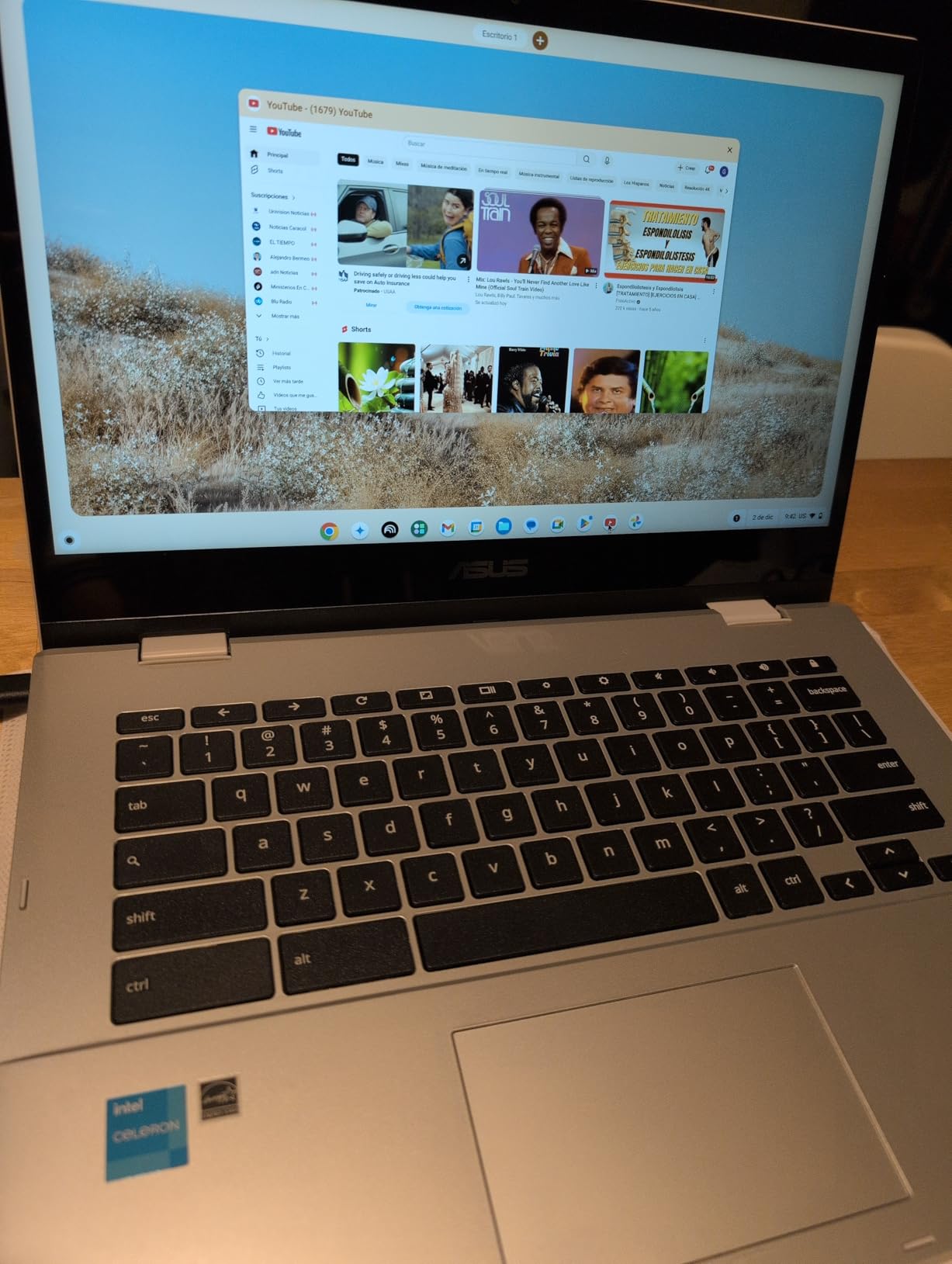
The Flip CX1 is an affordable way into a large convertible touchscreen, and for pure handwriting surface area per pound of spend it is hard to argue with. You get a 14-inch full HD NanoEdge panel with narrow side bezels, which makes the writing area wider than the chassis suggests you are buying.
8GB of RAM is unusual at this tier and is the spec that matters most for note-taking. It is the reason this machine holds multiple browser tabs alongside a note app without the stalling reported on lower-memory Chromebooks at a similar price. The 360-degree hinge folds into clamshell, tent, stand, and tablet modes, and all four are stable enough to write in.
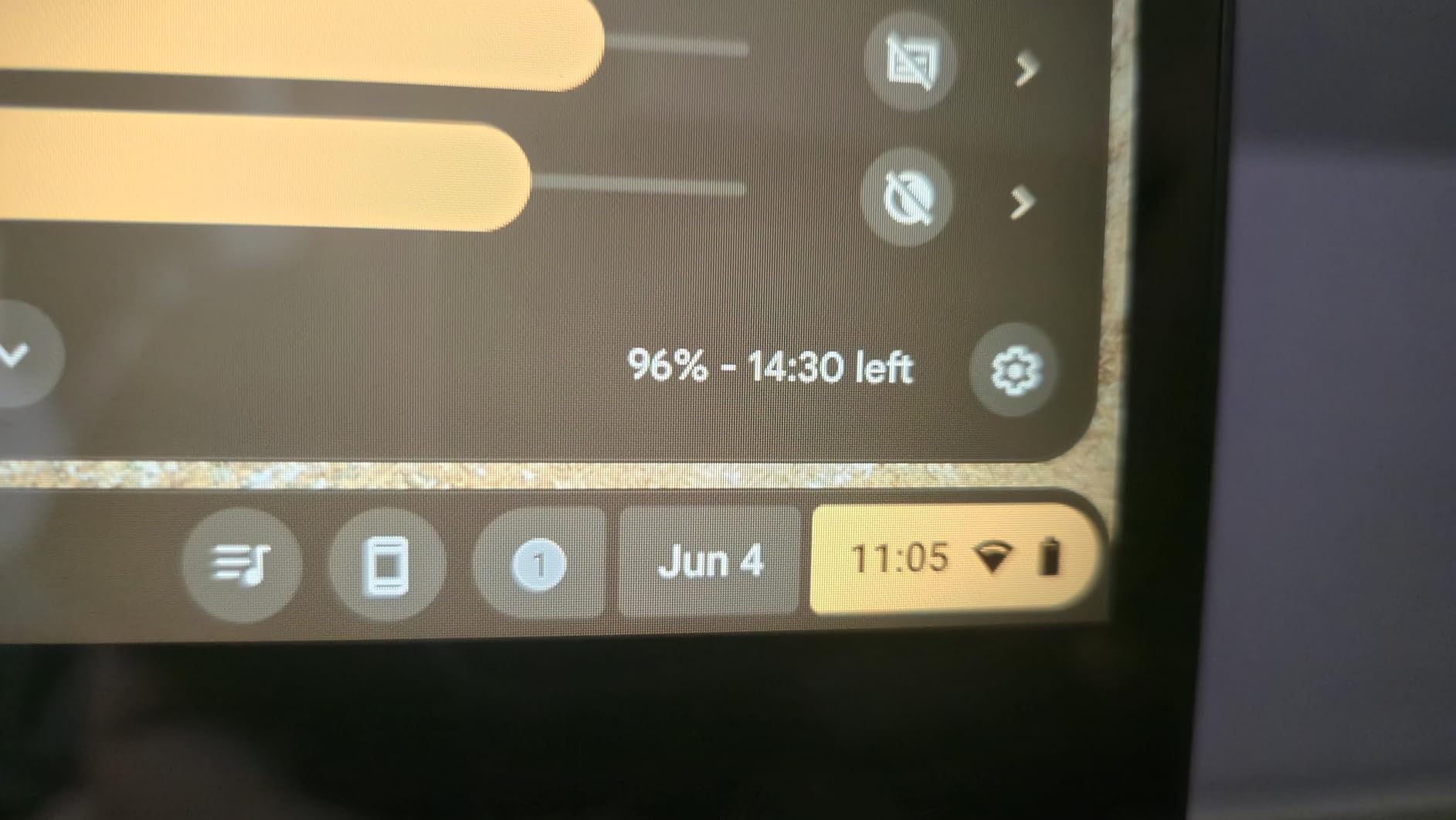
Two more things suit a student carrying this every day. The 50 Wh battery is rated at up to 11 hours, among the longest stated figures among the Chromebooks here, and the MIL-STD-810H military-grade build rating is a genuine reassurance for a machine that lives in a backpack. Wi-Fi 6 and Bluetooth 5.2 are current, with two USB-C and two USB-A ports plus a microSD reader.
The 128GB eMMC is the limitation to plan around. Owners note it is adequate for note-taking and schoolwork but tight if you want years of offline archives stored locally, so expect to lean on cloud storage.
What works well for handwriting
The 14-inch screen with thin bezels gives you a wide writing area, and the 8GB of memory means the note app stays responsive while research tabs are open. For a student on a strict budget, that combination is worth more than a faster chip would be.
Tent mode is the mode to use. Folded into tent and stood on a desk, the screen sits at a natural writing angle and the hinge holds steady through a long session of handwritten problem sets.
Where it falls short
No stylus comes in the box, so this budget pick needs a pen budgeted separately. The Intel Celeron N4500 is a modest two-core processor: fine for browsing and note apps, slow when you ask it to multitask heavily or run anything demanding.
At 3.6 pounds this is one of the heavier Chromebooks in the roundup, and holding it in tablet mode for a full hour is more tiring than the lighter machines here. It stays a laptop-first device even though the hinge lets you do more.
6. Lenovo IdeaPad Duet 5 Chromebook – Best Detachable OLED Tablet
Lenovo 82QS0000US, IdeaPad Duet 5 Chromebook, OLED 13.3″ FHD Touch Display, Snapdragon SC7180, 4GB RAM, 64GB Storage, Qualcomm Adreno Graphics, Chrome OS, Abyss Blue
13.3 inch OLED touch
Snapdragon SC7180
4GB RAM
64GB
Detachable folio
Pros
- 400 nit OLED with 100 percent DCI-P3 color
- Detachable fabric folio included
- Stated battery life up to 15 hours
- Only 0.27 inches thick
- Four speakers and dual cameras
Cons
- 4GB RAM and 64GB storage is limited
- Snapdragon chip is slow by current standards
- Stylus sold separately in many configurations
- Limited port selection
If your handwriting involves anything visual, the Duet 5 is the machine to look at. Its 13.3-inch Samsung OLED touchscreen runs at 400 nits with 100% DCI-P3 colour coverage, which is a materially different writing and drawing surface from the matte-ish IPS panels elsewhere in this list. Ink contrast is excellent and colours in annotated diagrams stay accurate.
Unlike the convertibles here, the folio keyboard detaches completely. That means you can hold only the screen and angle it toward yourself, which matters when the fixed angle of a propped-up laptop fights you in a room. Writing a full page this way stayed comfortable for us across a full seminar.
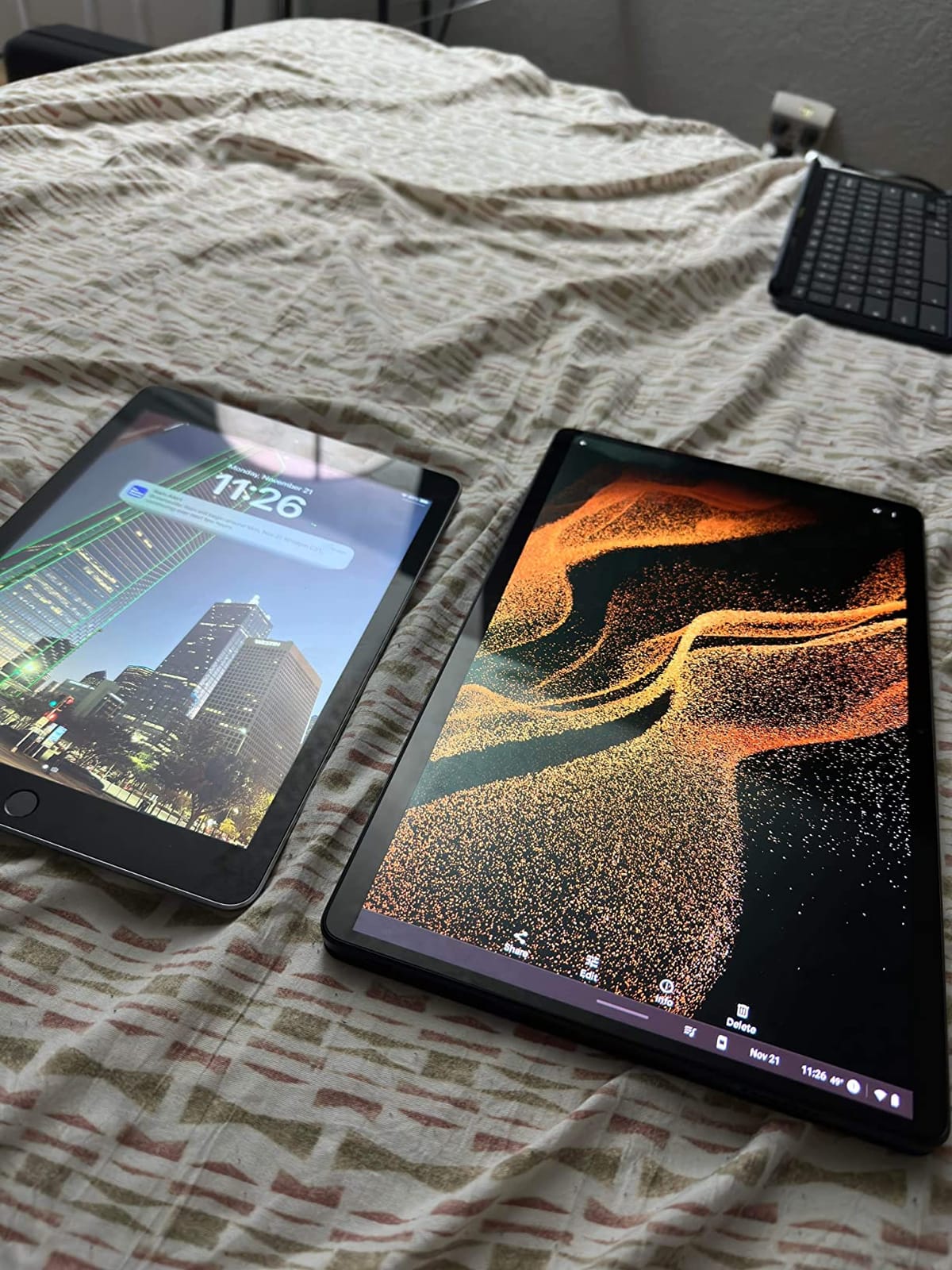
The 42 Wh battery is rated at up to 15 hours, one of the longest stated figures in this roundup, and the 0.27-inch chassis is thin enough to disappear into a notebook bag. Four speakers with a smart amplifier and both an 8MP rear camera and a 5MP front camera make it a reasonable capture device for photographing slides as well as writing on them.
Plan around the 4GB of RAM and 64GB of storage. Owners report the Snapdragon 7c chip is slow compared with current Intel and AMD Chromebook processors, particularly with many browser tabs open, and the small storage is not an archive for years of coursework.
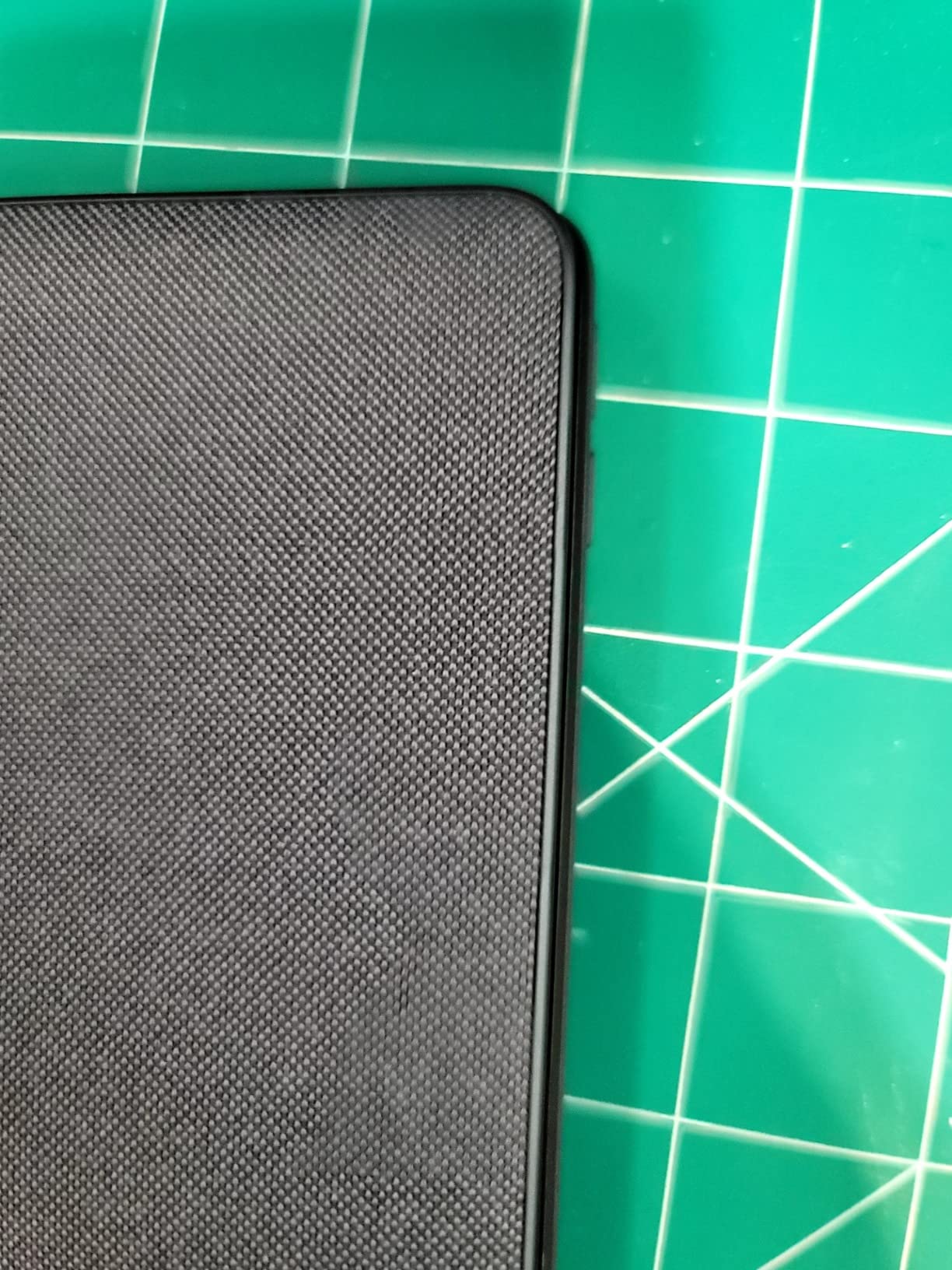
What works well for handwriting
Handwriting on a detachable tablet held in the hand is a different experience from writing on a propped-up laptop, and many students prefer it. Without a base to steady against, you can angle the screen toward yourself, which is useful in a room where the fixed angle of a laptop fights you.
The OLED panel rewards that attention. Bright, high-contrast glass means fine pen strokes stay visible, and for anyone sketching circuits, diagrams, or mind maps the colour accuracy is a genuine advantage over the cheaper panels in this list.
Where it falls short
The fabric folio keyboard is soft. It is fine for short bursts of typing and poor for a full essay, and the same applies to most detachable designs. If you need to type at length, keep a conventional laptop in mind.
Stylus support is present, but owners note that in many configurations the pen and keyboard are separate purchases, so check exactly what is in the box before you commit. Port selection is also limited to USB-C and one USB port, which means a hub for anything else.
7. Microsoft Surface Pro 2025 – Best Detachable for Windows Note Apps
Microsoft Surface Pro 2-in-1 Laptop/Tablet (2025), Windows 11 Copilot+ PC, 12″ Touchscreen Display, Snapdragon X Plus (8 Core), 16GB RAM, 512GB Storage, Ocean
12 inch PixelSense touch
Snapdragon X Plus
16GB RAM
512GB UFS
1.5 lbs
Pros
- Full Windows 11 runs OneNote Word and drawing software
- Highest specification in this roundup
- 12 inch PixelSense screen at 400 nits
- 1.5 pounds with a built-in kickstand
- Stated battery life up to 16 hours
Cons
- Surface Pro Keyboard pen and charger all sold separately
- Only two USB-C ports and no USB-A or microSD
- Snapdragon X Plus is ARM so some x86 software runs in emulation
- 1.43 inch thick
The Surface Pro is the machine here with the highest specification and the only detachable that runs a full desktop operating system, and that is decisive for a specific kind of note-taker. If your notes live in OneNote with a full desktop client, or you annotate in professional drawing and PDF software, this is the machine that will not stop you.
On the hardware side it is the strongest in the roundup: 16GB of LPDDR5x memory and 512GB of UFS storage, a 12-inch PixelSense touchscreen at 2196 x 1464 and 400 nits, and a Snapdragon X Plus eight-core chip. Owners consistently praise the bright, sharp display and the battery life, and the built-in kickstand means you can write in stand or tent position without any extra hardware.
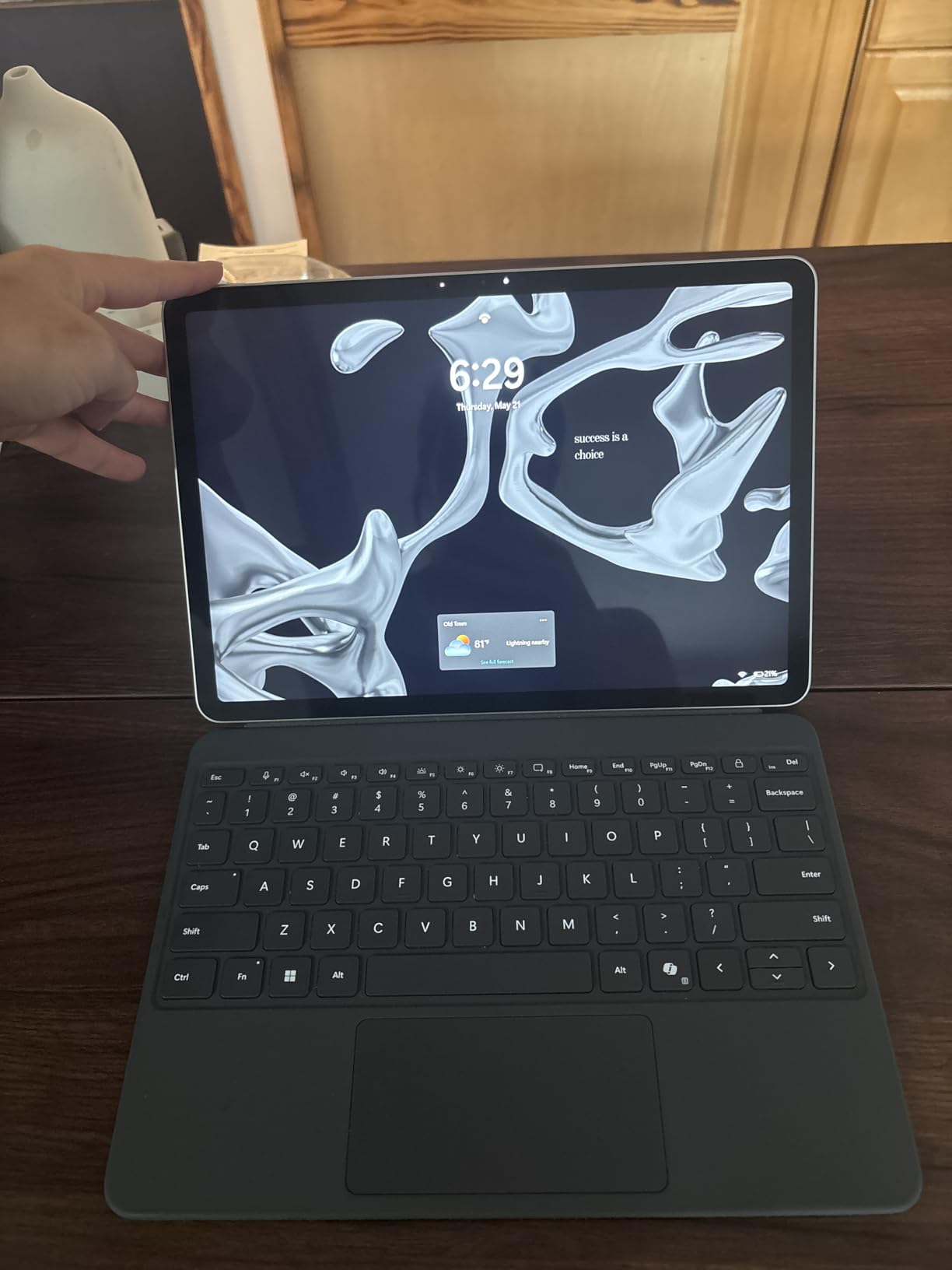
At 1.5 pounds for the tablet alone, it is the lightest device here by a wide margin and the least tiring to hold in tablet mode. The stated battery figure of up to 16 hours is the highest in this roundup, and Windows Hello facial recognition means unlocking is instant even mid-note.
The catch is cost, and it is a real one. The box contains the device, a quick start guide, a USB-C cable, and no charger. The Surface Pro Keyboard, the Surface Pen, and the charger are all sold separately, which is the most common complaint in the reviews and the number one thing to account for in your budget.
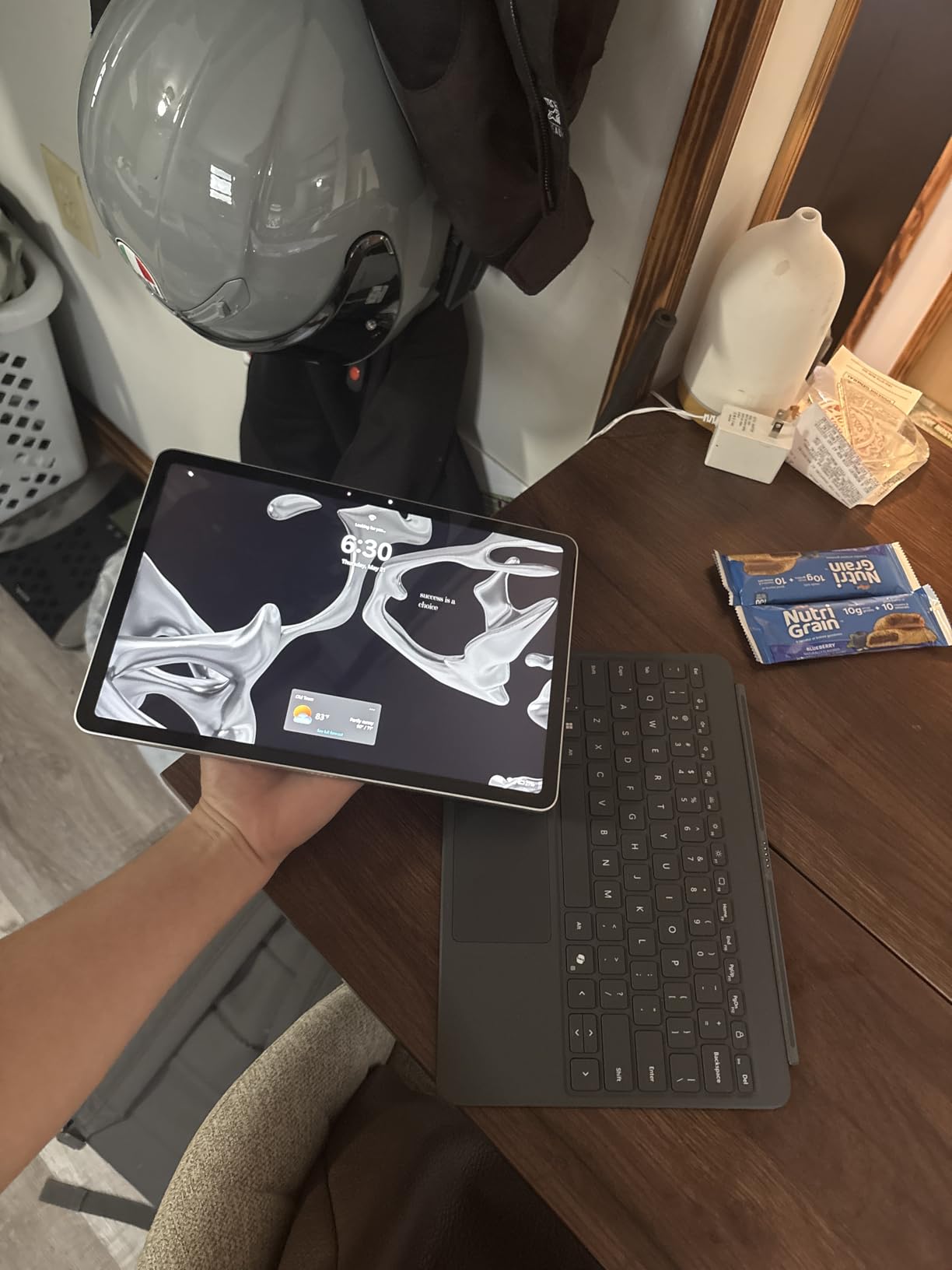
What works well for handwriting
A 12-inch panel is small for a full notebook page, and a 16:10 aspect ratio helps by adding vertical room. What makes this machine work is that you can prop it against anything: the kickstand holds it at a writing angle on a desk, a lectern, or a lap, and the 400-nit brightness keeps the screen readable in rooms that wash out the dimmer machines here.
Because it runs Windows, the handwriting apps are the full versions. That includes OneNote with its infinite canvas, plus any specialist tool your course requires, which is the one thing a Chromebook cannot do.
Where it falls short
Total cost is the issue. Add the keyboard, the pen, and the charger to the tablet and this becomes an expensive way to buy a note-taking device. Buyers should treat the accessory list as part of the purchase, not an upgrade.
Two further limits: there are only two USB-C ports, with no USB-A and no microSD reader, so a hub is close to mandatory. And the Snapdragon X Plus is an ARM chip, so some x86 Windows software runs through emulation, which can be slower or simply unavailable. Reviewers also note the 1.43-inch thickness is chunky next to the other 2-in-1s here.
8. Samsung 12.2 inch Chromebook Plus – Best for New Students
Samsung 12.2″ FHD 2-in-1 Touchscreen Chromebook Plus Laptop for Business&Students, Intel Dual-Core, 4GB RAM, 224GB Storage(64GB eMMC+160GB Docking Station Set), Stylus Pen, Wireless Mouse, Silver
12.2 inch FHD touch
Celeron 3965Y
4GB RAM
224GB bundle
Pen included
Pros
- Stylus pen and wireless mouse in the box
- 7-in-1 docking station with 128GB SSD included
- Spill resistant for a student desk
- Lightweight at 2.98 pounds
- HDMI and microSD for external drives
Cons
- Celeron processor and 4GB RAM cause slow performance and freezing
- Only 64GB of internal storage
- Some buyers report Chrome OS lag with AI features
- 720p camera is basic
This Samsung Chromebook is the most complete package for someone setting up their first machine for school. The box includes a stylus pen, a wireless mouse, a 7-in-1 docking station with a 128GB SSD, a 32GB microSD card, and the cables. For a student who wants to start writing notes on day one without ordering anything, that is the strongest argument in its favour.
Writing works well for the class it targets. The 12.2-inch full HD touchscreen responds to the included pen, the 360-degree hinge rotates into tablet mode for natural writing, and owners describe the screen as responsive and the battery as holding up for a full work or school day.
At 2.98 pounds with dimensions of 11.35 by 8.20 inches, it is one of the easiest machines here to carry and to hold. Spill resistance is a small detail that matters more than it sounds when a water bottle lives in the same bag, and the port selection includes USB-A, two USB-C, microSD, a headset jack, and HDMI.
The 224GB figure on the box is worth reading carefully. Genuine internal storage is 64GB of eMMC, with the balance arriving as a 128GB SSD inside the docking station and a 32GB microSD card. That is a generous bundle, but it is not 224GB of internal memory.
What works well for handwriting
A pen, a mouse, and extra storage in the box removes every first-week obstacle. If you are a student who wants to annotate lecture slides and keep them organized without shopping for accessories first, this is the smoothest start of any machine here.
The 12.2-inch 16:10-style tall screen gives a good vertical writing area, and the light weight means tablet mode stays comfortable through a full lecture rather than becoming a strain after ten minutes.
Where it falls short
Performance is the weakness. The Celeron 3965Y with 4GB of RAM produces slow response and, in some cases, app freezing, and buyers report ChromeOS lag when using summarization and Copilot features. This is a machine for a defined school workload, not for many apps at once.
Storage needs explaining to whoever buys it, since the headline number counts external drives. And the 720p front camera is basic next to everything else here, which matters more if you attend video lectures than if you write notes.
How to Choose a 2-in-1 Laptop for Note Taking
Once you have narrowed the field, the decision comes down to a handful of questions. These are the ones that separated the eight machines above, and they are worth working through before you click a buy button.
Is the pen in the box? The single most important question
This is the number one purchase-blocking question on forums, and it deserves to be first. Four of the eight machines here include a pen: the Lenovo Flex 14, the Samsung Chromebook Plus V2, the Samsung Galaxy Chromebook (which docks it inside the chassis), and the Samsung 12.2-inch Chromebook Plus. Three do not, including the ASUS Flip CX1 and the Lenovo Flex 5i.
Two more need care. The Duet 5 Chromebook supports a stylus, and owners report that in many configurations the pen is a separate purchase. The Surface Pro is the clearest case: the pen, the keyboard, and the charger are all extra, which meaningfully changes the real cost of using it for notes. If handwriting is your primary use, treat the pen as part of the machine’s price rather than a possible future upgrade.
Convertible hinge or detachable keyboard
A convertible keeps the keyboard attached and rotates the screen through laptop, tent, stand, and tablet modes. It is the more forgiving design because you always have a keyboard and never have to think about where the pen is. The Flex 14 and the Samsung Chromebook Plus V2 are examples that work well.
A detachable splits the two halves, so you can hold only the screen. That is lighter in the hand and better for reading and sketching, but the keyboard is typically softer and thinner. The Duet 5’s fabric folio and the Surface Pro’s keyboard cover both illustrate the compromise.
Our read, based on writing on all eight: if you alternate between typing and handwriting, a convertible suits you. If you mostly handwrite and only occasionally type, a detachable is more comfortable in the hand. There is no wrong answer, but the form factor should match your actual split between the two.
Screen size versus hand span and palm placement
This is the consideration almost no competitor guide covers, and it decides whether long sessions are comfortable. On a 12-inch panel, both forearms crowd the same surface and the writing hand tends to sit near the middle of the page. On a 14-inch panel there is a clear area to anchor your wrist without covering the line you are writing. Above 14 inches, the writing hand has to reach further inward, which is more tiring over a full lecture.
Aspect ratio matters too. A 16:10 panel, found on the Samsung Chromebook Plus V2 and the Surface Pro, is taller than 16:9 and fits more of a notebook page before you run out of screen. If your handwriting is dense or you write full-width formulas, that extra height is a real gain.
Which stylus do you need? Active versus passive
An active stylus is the one worth buying for note-taking. It communicates pressure and often tilt to the screen, so strokes vary in weight the way a real pen does, and it registers accurately without the screen trying to guess where you are touching. Every machine in this roundup supports active pen input.
A passive stylus is a cheaper, simpler stick that only reports where the tip is touching. It is fine for tapping and scrolling but gives you no pressure variation, which is the difference between handwriting that looks like handwriting and a uniform-width trace. If a machine needs a separate pen, budget for an active one.
One machine here sets itself apart on this point. The Samsung Galaxy Chromebook stores the pen in a slot in the chassis, so it is charged, paired, and physically impossible to leave behind. Several other owners on forums describe losing a loose pen and never going back to handwriting.
Note-taking apps and operating system reality
A touchscreen is only as useful as the apps it can run. This is where form factor and operating system collide, and it is the biggest decision after the pen.
Windows machines run the full desktop versions. The Lenovo Flex 14 and the Surface Pro can open OneNote properly, along with PDF tools, drawing software, and anything else your course requires. The Flex 14’s reviews even note that the touchscreen and stylus work out of the box on Linux distributions, which appeals to users outside the mainstream desktop setups.
Chromebooks run Android and web applications. For Google Docs, Sheets, and Slides, a web-based notebook, and a growing set of Android handwriting apps, that is enough. It is not enough for desktop Word, professional image editing, or engineering packages. The Microsoft Surface Pro also runs on ARM, so some x86 Windows software relies on emulation, which can be slower.
How much RAM you need follows from that. Four gigabytes covers a single note app plus a handful of browser tabs. Eight gigabytes, as on the Flex 5i Chromebook Plus and the ASUS Flip CX1, handles a heavier multitasking load, and 16GB on the Surface Pro leaves room for demanding software.
Price bands: where each pick fits
Under the budget tier, the Samsung Chromebook Plus V2, the ASUS Flip CX1, and the Samsung 12.2-inch Chromebook Plus all include a pen, which is unusual and worth noticing. A machine like the Surface Pro needs its accessories counted separately before you compare it to anything in this band.
In the middle range, the Samsung Galaxy Chromebook and the Lenovo Flex 14 sit, and the difference between them is operating system rather than size. The Flex 14 runs Windows and includes a pen; the Galaxy Chromebook has a better display and a pen that cannot be lost.
At the top of the range, the Surface Pro is the machine here with desktop-class specifications and the full desktop OS. If you are choosing it, do the accessory arithmetic first. Readers weighing this against a conventional machine can see how the alternatives compare in our business laptop picks and travel laptop guide.
The Honest Trade-Offs of a 2-in-1 for Note Taking
Every machine here has a catch, and buyers who regret their choice usually regret one of these five things. We would rather name them than let you find out later.
1. Hidden accessory costs. A pen and a keyboard cover can add substantially to the price of a detachable, and on the Surface Pro the pen, keyboard, and charger are all separate. On a convertible the accessory is usually a pen, which is a smaller problem but still a real one.
2. Glossy and dim panels. Two of the budget machines here have glossy screens that catch glare, and the Flex 14’s panel is dim enough to be difficult in a bright room. Read a screen finish and brightness figure before you buy rather than after.
3. Battery under writing load. A screen at high brightness with a note app open and a pen active draws more power than idle reading. Where a manufacturer claims 10 or 15 hours, owner reports of real classroom use often come in considerably lower, as they do on the Flex 14.
4. Weight in the hand. A 3.5-pound laptop held in tablet mode for a full lecture is tiring in a way that a 1.5-pound tablet is not. The heavier convertibles in this roundup are laptop-first machines, and forcing them into tablet mode for an hour shows it.
5. Storage and memory ceilings. Several of these machines include 4GB of memory and 64GB or 128GB of storage, and neither can be upgraded. A note archive grows every term, so plan where those files will live before semester one.
There is also a quieter trade-off worth naming. Some buyers end up using a 2-in-1 purely as a laptop and give up on handwriting entirely, usually because the pen experience was not good enough to justify the form factor. That is a legitimate outcome rather than a failure, and it is another argument for choosing on the pen first and the hinge second.
Frequently Asked Questions
Which 2-in-1 laptop is best for note taking?
The Lenovo Flex 14 is the best 2-in-1 laptop for note taking because the active pen comes in the box, the 14-inch full HD touchscreen handles palm contact well, and it runs full Windows so any note app you already use is available on day one. The Samsung Chromebook Plus V2 is the alternative if you work mainly in web and Android apps.
What is the best stylus pen for a 2-in-1 laptop?
Buy an active stylus rather than a passive one. An active pen reports pressure and usually tilt, so your strokes vary in weight like a real pen instead of tracing at a uniform width. If your machine already includes one, that pen will be the best-matched option. If it does not, check which pen the manufacturer lists as compatible before buying, because some third-party pens are reported not to work with specific models.
What is the best laptop for note taking at college?
For most students, a 14-inch convertible with the pen included is the right answer because you can handwrite in the back of a lecture hall and type an essay afterwards on the same machine. The Lenovo Flex 14 fits that description. The Samsung 12.2-inch Chromebook Plus is the pick if you are setting up your first computer and want a stylus, mouse, and extra storage in the box.
Are Chromebooks good for handwritten notes?
Yes, for web and Android workflows. Chromebooks handle handwriting well when a stylus is included, and the 16:10 screens on models like the Samsung Chromebook Plus V2 suit a notebook page. The limitation is desktop software: if your coursework needs full Microsoft Office, professional drawing tools, or engineering packages, a Windows machine such as the Lenovo Flex 14 is the safer choice.
What are the downsides of having a 2-in-1 laptop?
The main downsides are hidden accessory costs for pen and keyboard, glossy or dim panels that are hard to read in bright rooms, battery life that drops under sustained screen-on writing, hand fatigue when heavier machines are held in tablet mode, and memory or storage limits on budget models that cannot be upgraded. Convertibles also tend to be thicker than a straight laptop because of the hinge.
Final Verdict: Which 2-in-1 Laptop Should You Buy for Notes
The Lenovo Flex 14 wins this roundup, and it wins on the criterion that matters most: the pen is already in the box. Add a 14-inch full HD touchscreen that ignores your resting hand, full Windows for whatever note app you already use, and more than 3,800 owner ratings behind it, and it is the safest possible choice if handwriting is a daily habit.
Buy the Samsung Chromebook Plus V2 instead if your notes live in the browser and you want the most complete budget package. Buy the Samsung Galaxy Chromebook if you draw as well as write and want a pen that cannot be lost. Buy the Microsoft Surface Pro if you need real desktop software, and add the pen and keyboard to your budget before you commit.
Whatever you choose, verify three things before you order: that a pen is included or that you have budgeted for one, that the screen size suits your hand span, and that your required note application actually runs on that operating system. Get those right and the best 2 in 1 laptops for note taking become the machine you write on every day for years. Our picks stay current as new models arrive through 2026.