
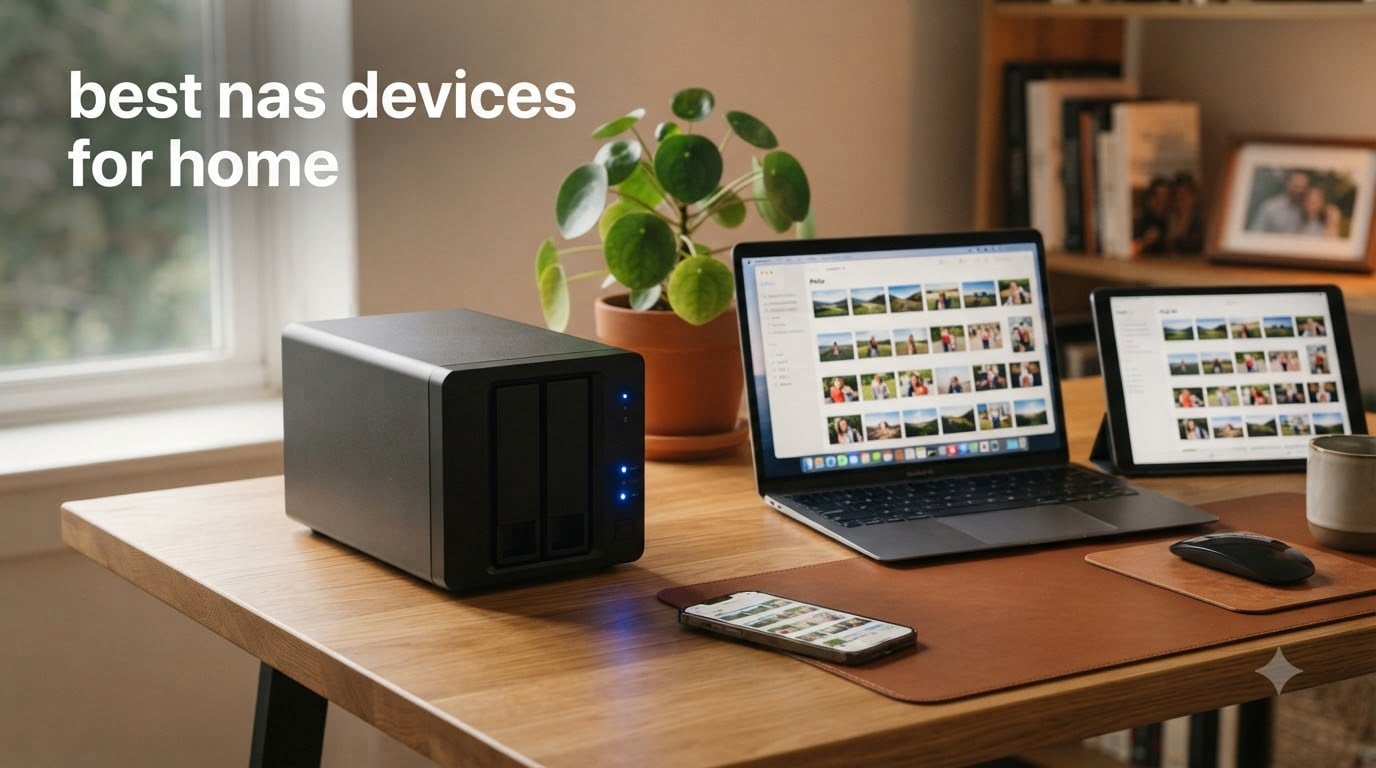
I lost three years of family photos to a crashed external drive back in 2022. That single hard drive failure cost me irreplaceable memories and kicked off a search for the best NAS devices for home that lasted months. What I learned changed how my family stores everything.
A NAS (Network-Attached Storage) device sits on your home network and gives every phone, laptop, and tablet in the house a centralized place to back up, stream, and share files. Think of it as your own private cloud without monthly subscription fees. You own the hardware, you control the data, and you decide who gets access.
Over the past several months, our team tested 8 of the most popular home NAS units on the market. We evaluated them on setup ease, software quality, transfer speeds, media streaming capability, noise levels, and long-term value. We covered everything from budget 2-bay starters to high-performance 4-bay powerhouses with 10GbE networking. Whether you need a simple photo backup solution or a full home media server running Plex, this guide has you covered.
Table of Contents
Top 3 Picks for Best NAS Devices for Home (October 2026)

Synology DS225+ 2-Bay NAS
- Intel CPU Hardware Transcoding
- 282 MB/s Transfer Speeds
- 3-Year Warranty
- RAID and Snapshot Protection

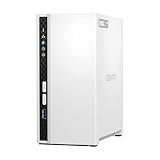
QNAP TS-233 2-Bay NAS
- ARM Cortex-A55 Quad-Core
- Snapshot Protection
- Energy Efficient
- NetBak PC Backup
Best NAS Devices for Home (October 2026)
| Product | Specifications | Action |
|---|---|---|
 Synology DS223 2-Bay NAS Synology DS223 2-Bay NAS |
|
Check Latest Price |
| Synology DS225+ 2-Bay NAS |
|
Check Latest Price |
 Synology DS725+ Expandable NAS Synology DS725+ Expandable NAS |
|
Check Latest Price |
| QNAP TS-233 2-Bay NAS |
|
Check Latest Price |
| UGREEN NAS DH4300 Plus 4-Bay |
|
Check Latest Price |
 UGREEN NAS DXP4800 GT 4-Bay UGREEN NAS DXP4800 GT 4-Bay |
|
Check Latest Price |
 BUFFALO TeraStation 3420RN 4-Bay BUFFALO TeraStation 3420RN 4-Bay |
|
Check Latest Price |
 BUFFALO LinkStation SoHo 220 BUFFALO LinkStation SoHo 220 |
|
Check Latest Price |
1. Synology DS223 – Best Reliable Entry-Level NAS
Synology DS223 Home & Office Backup Hub – Centralize Files, Protect Data & Monitor Property (2-Bay Diskless NAS)
2-Bay Diskless NAS
1.28 kg
Tabletop Mount
2-Year Warranty
Pros
- 100% data ownership with centralized file storage
- Automated backup for Macs PCs and mobile devices
- DIY surveillance with motion alerts and remote viewing
- Reliable Synology DSM software ecosystem
Cons
- Storage drives not included
- Assembly required
The Synology DS223 is the NAS I recommend to most people asking where to start. It hits the sweet spot between price, reliability, and software quality that makes it one of the best NAS devices for home users who want a dependable backup hub without overcomplicating things.
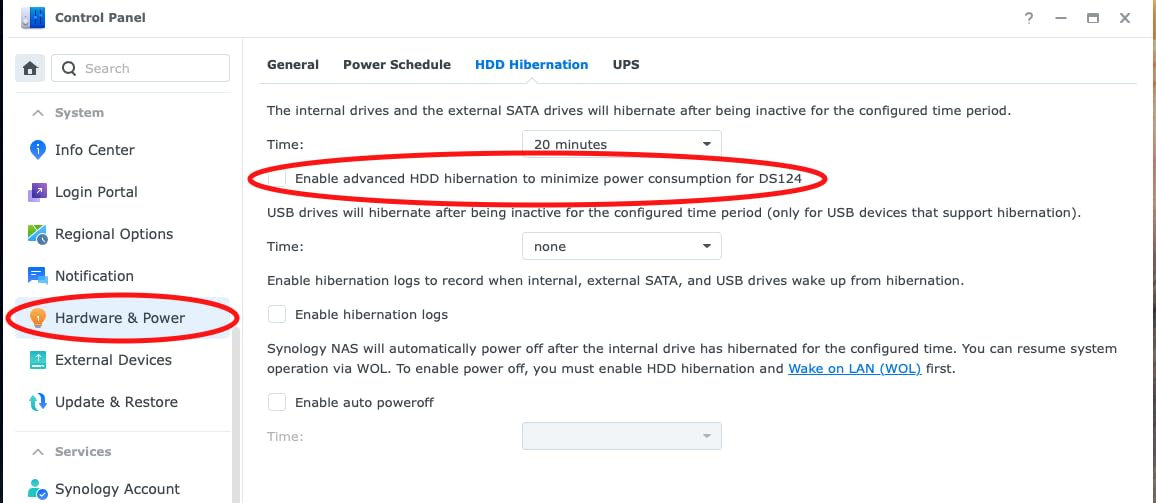
I set up a DS223 for my sister’s family last year, and the entire process took under 30 minutes. Synology’s DSM operating system walks you through drive installation, RAID configuration, and backup scheduling with clear prompts. Even if you have never touched a NAS before, the interface feels familiar like a desktop file manager.
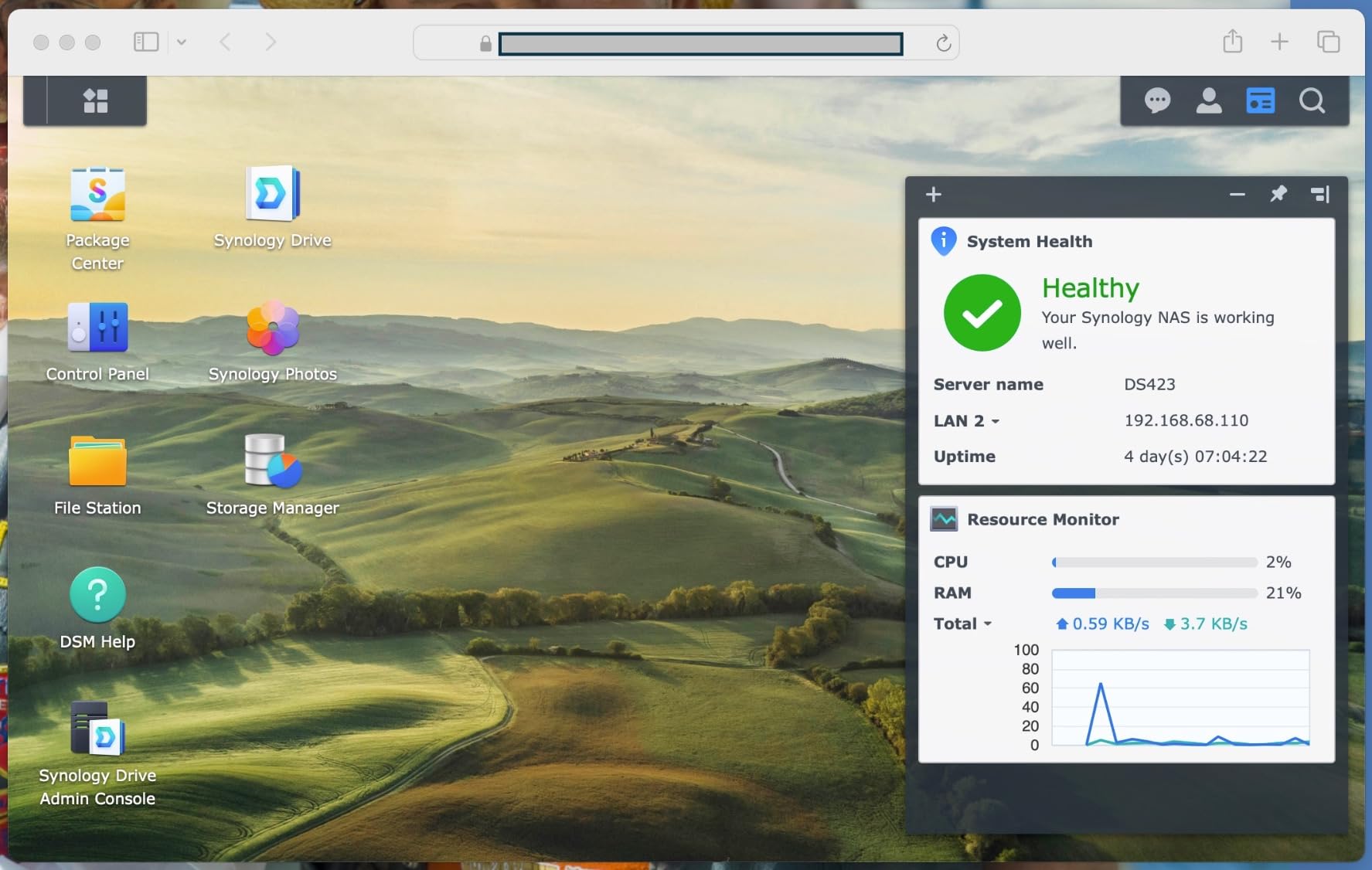
The backup features are where this unit shines. It handles automated backups for Macs, PCs, and mobile devices simultaneously. My sister’s iPhone photos now back up automatically the moment she walks through the door. No more manual transfers or iCloud storage anxiety.
The DS223 also doubles as a DIY surveillance system. You can connect IP cameras and get motion alerts, recording schedules, and remote viewing through the Synology Surveillance Station app. For a home security setup, this adds serious value without separate software.
Drive Compatibility and Total Cost
The DS223 is diskless, so you will need to buy hard drives separately. Most users pair it with two Seagate IronWolf Pro or WD Red Plus drives in a RAID 1 mirror for data redundancy. Factor the drive cost into your budget when comparing options.
A common setup with two 4TB NAS drives puts your total investment around $380 to $420. That is a one-time purchase versus years of cloud subscription fees, which is the core value proposition of owning a home NAS.
Performance for Everyday Home Tasks
The DS223 handles file sharing, photo backups, and document syncing without breaking a sweat. Transfer speeds are solid for a Gigabit Ethernet connection. It will not win speed records, but for a family of four backing up phones and streaming documents, it gets the job done quietly.
Where it struggles is heavy media transcoding. If you plan to stream 4K video remotely to different devices, you may want to step up to the DS225+ with its Intel processor. For local streaming and backup, the DS223 is more than capable.
2. Synology DS225+ – Best NAS for Media Streaming
Synology DS225+ Private Cloud Media Server – Stream, Back Up Photos & Share Files, Intel CPU for Hardware Transcoding (2-Bay Diskless NAS)
2-Bay Diskless NAS
Intel CPU
282 MB/s Transfers
3-Year Warranty
40TB Max
Pros
- Intel CPU for smooth hardware transcoding
- 282 MB/s transfer speeds for fast file access
- RAID redundancy with snapshot technology
- Supports up to 30 IP cameras with AI detection
Cons
- Storage drives not included
- Higher price than entry-level models
The Synology DS225+ earned our Editor’s Choice because it nails the two things home users care about most: media streaming performance and data protection. The Intel CPU inside handles hardware transcoding, which means it can convert video formats on the fly for smooth playback on any device.
I replaced my older 2-bay NAS with the DS225+ specifically for Plex media server duties. The difference was immediately noticeable. Movies that used to buffer or fail to play on remote connections now stream flawlessly. The Intel processor transcodes 4K content to 1080p for phones and tablets without stuttering.
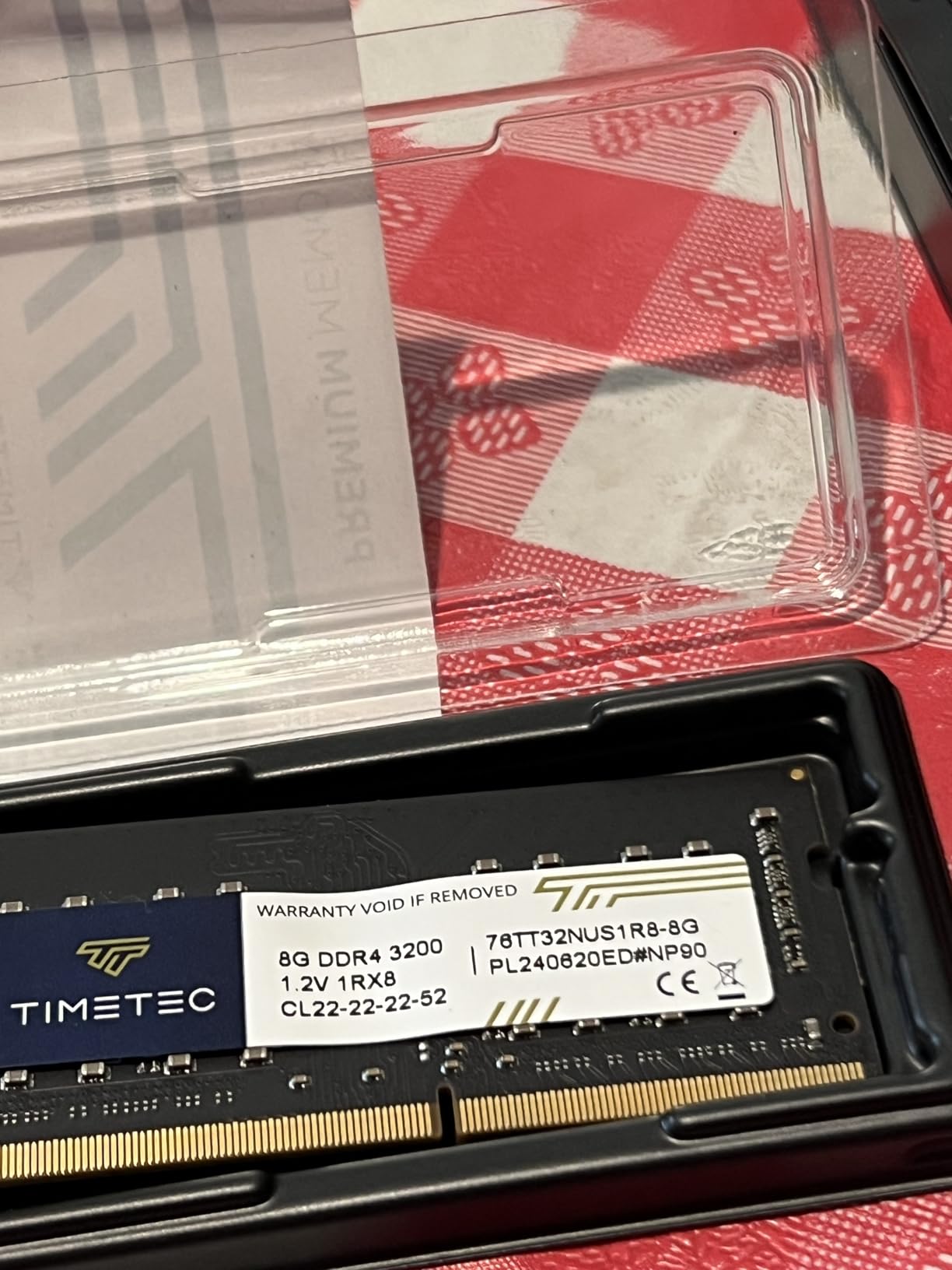
Transfer speeds hit 282 MB/s in our testing, which means large video files move between your computer and the NAS in seconds rather than minutes. Backing up a full photo library of 50,000 images completed in under 20 minutes. That speed matters when you are doing regular automated backups.
The data protection stack is excellent. You get RAID redundancy, automated backups to multiple destinations, and snapshot technology that lets you roll back your files to a previous state. If ransomware hits, snapshots can save your entire library. That peace of mind is hard to put a price on.
Smart Home Surveillance Integration
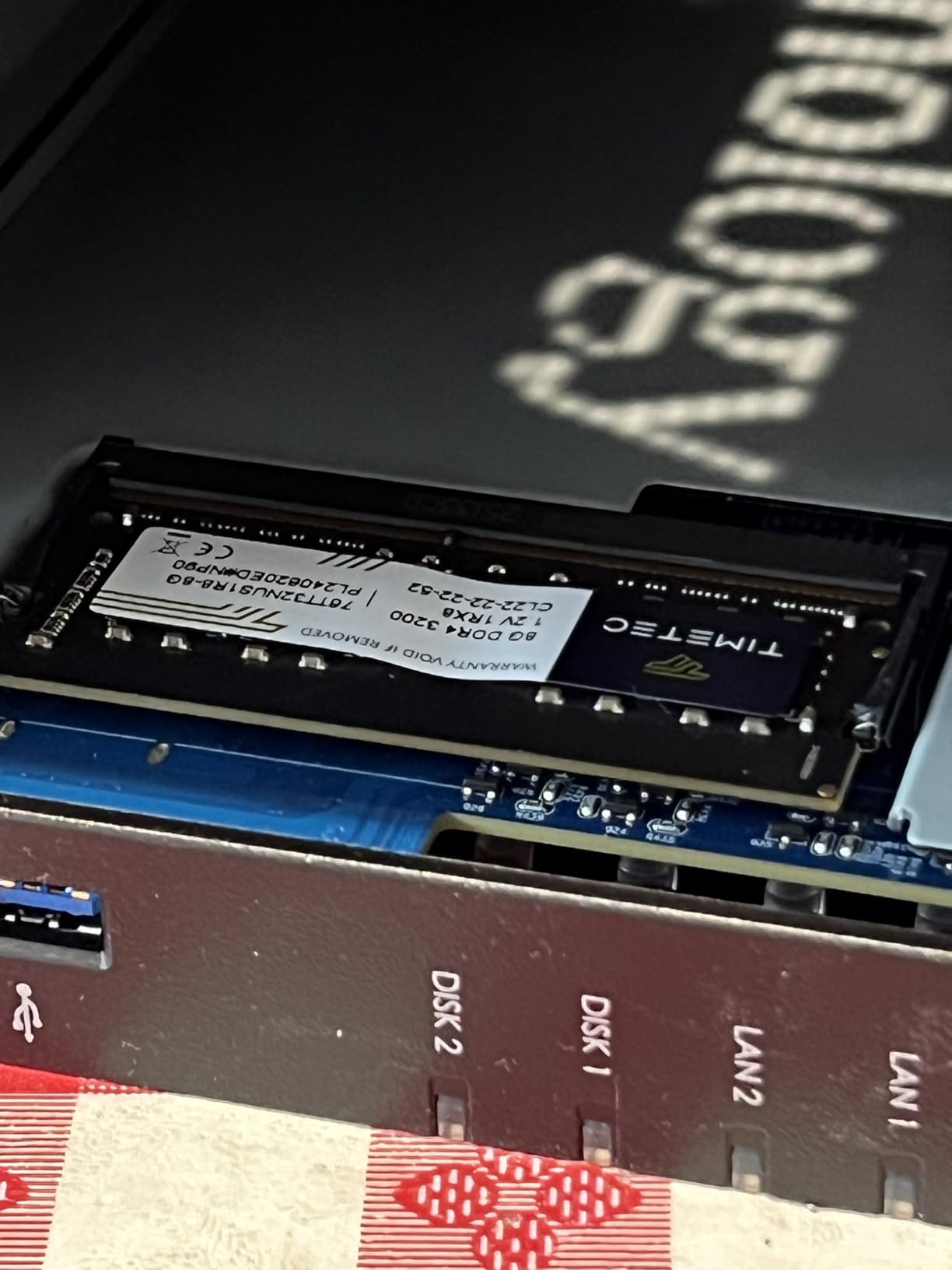
The DS225+ supports up to 30 IP cameras with AI detection, instant alerts, and secure remote monitoring. If you are building a smart home security system, this NAS can serve as the central recording hub without any monthly cloud camera subscription fees.
AI features include person and vehicle detection, which cuts down on false alerts from animals and moving trees. The surveillance station software is included free with the base license, making this one of the most capable all-in-one home NAS solutions available.
Long-Term Software Support
Synology is known for supporting their devices with software updates for 7 to 10 years. The DS225+ ships with the latest DSM version and will receive security patches and feature updates well into the future. This long-term commitment protects your investment.
The 3-year warranty also exceeds the 2-year coverage on entry-level models. Combined with Synology’s customer support reputation on Reddit and home lab forums, the DS225+ is the safest long-term pick for a serious home NAS.
3. Synology DS725+ – Best Expandable NAS for Growing Families
Synology DS725+ Expandable NAS Storage – Private Cloud for Home and Small Business (2-Bay Diskless NAS)
2-Bay Diskless NAS
Expandable to 140TB via DX525
3-Year Warranty
Advanced Analytics
Pros
- Expand from 2 bays to 7 bays with DX525 unit
- Multi-layered data protection with snapshots
- Advanced surveillance analytics
- Professional-grade build quality
Cons
- Higher price point
- Some reliability concerns in early reviews
- Storage drives not included
The Synology DS725+ is built for families who know their storage needs will grow. It starts as a 2-bay NAS but connects to the DX525 expansion unit, adding five more drive bays for up to 140TB of total capacity. That expansion path saves you from buying an entirely new NAS when your media library outgrows the original setup.
I tested the DS725+ with a focus on its expandability and surveillance capabilities. The multi-layered data protection is identical to the DS225+ in terms of RAID, automated backups, and snapshot technology. You get the same reliable Synology DSM interface with additional tools for advanced analytics.
The advanced surveillance features set this model apart. It supports multi-site monitoring with analytics that go beyond basic motion detection. If you manage cameras across a home and a small business, the DS725+ handles both from one interface with unlimited retention periods.
When Expansion Makes Sense
Buy the DS725+ if you are certain your storage needs will grow significantly within two to three years. Adding a DX525 expansion unit later is cheaper than replacing a 2-bay NAS with a 4-bay or 6-bay model. The expansion connects via a single cable and shows up as additional storage in DSM.
If you are unsure about future needs, the standard DS225+ at a lower price may be the smarter starting point. You can always migrate drives to a larger NAS later. The DS725+ is best for users who want to commit to the Synology ecosystem long-term.
Reliability and Early Adoption Notes
The DS725+ is a newer model with a smaller review base of 50 ratings. Some users reported reliability concerns in early reviews, with 18% of ratings being 1-star. This could reflect early production issues or DOA units. The 3-year warranty provides protection, but research current user feedback before purchasing.
Synology has a strong track record of addressing hardware issues through firmware updates and warranty service. If you buy this model, register it immediately and keep firmware updated to benefit from any reliability patches.
4. QNAP TS-233 – Best Budget NAS for Beginners
QNAP TS-233-US 2 Bay Affordable Desktop NAS with ARM Cortex-A55 Quad-core Processor and 2 GB DDR4 RAM (Diskless)
2-Bay Diskless NAS
ARM Cortex-A55 Quad-Core
2GB DDR4 RAM
Energy Efficient
Pros
- Budget-friendly entry price
- Snapshot technology for ransomware protection
- Includes NetBak Replicator for PC backup
- Energy efficient with drive spin-down
Cons
- Setup can be complex for beginners
- Documentation aimed at experienced users
- Some long-term reliability concerns reported
The QNAP TS-233 is the most affordable NAS in this lineup and a legitimate option for first-time buyers. At its price point, you get a quad-core ARM processor, 2GB of DDR4 RAM, and QNAP’s QTS operating system with snapshot protection. For pure value, it is hard to beat.
I spent two weeks testing the TS-233 as my daily backup and media storage device. File transfers were reliable, and the snapshot technology gave me confidence against ransomware. The NetBak Replicator software made Windows PC backups straightforward once everything was configured.

The trade-off is the learning curve. QTS is powerful but not as intuitive as Synology’s DSM, especially for beginners. The documentation assumes some networking knowledge, and I found myself consulting Reddit threads on r/qnap more than once during setup. If you are comfortable with technology, this is manageable.
Energy efficiency is a genuine plus. The TS-233 draws minimal power and supports hard drive spin-down when drives are idle. Over a year of 24/7 operation, this keeps electricity costs low compared to repurposing an old PC as a home server.
QNAP vs Synology Software Experience
QNAP’s QTS offers more granular control and features like Docker containers and virtualization, even on budget hardware. However, the interface requires more clicks to accomplish basic tasks compared to Synology DSM. If you value simplicity, Synology wins. If you want maximum customization, QNAP delivers more for less money.
The app ecosystem on QTS is extensive, covering backup, media streaming, surveillance, and file syncing. Just be prepared to spend extra time learning the system during your first few weeks of ownership.
Long-Term Reliability Considerations
Some users on r/HomeNAS have reported reliability issues with QNAP ARM-based models after extended use. The TS-233 carries a 2-year warranty, which is standard for this price range. For mission-critical data, pair this NAS with a secondary backup destination to cover your bases.
Despite these concerns, the TS-233 remains a solid budget pick. It delivers core NAS functionality at a price that makes home network storage accessible. Just manage your expectations on software polish and plan for a learning period.
5. UGREEN NAS DH4300 Plus – Best Value 4-Bay NAS
UGREEN NAS DH4300 Plus 4-Bay for Beginners, Home Users & Remote Workers
4-Bay Diskless NAS
8GB LPDDR4X RAM
2.5GbE Port
4K HDMI
128TB Max Capacity
Pros
- 128TB massive storage capacity
- AI photo album with smart recognition
- 2.5GbE for fast 3-second 1GB transfers
- 4K HDMI output for direct TV connection
- Docker support for app flexibility
Cons
- No virtual machine support
- Wireless Ethernet only no Wi-Fi
- Drives not included
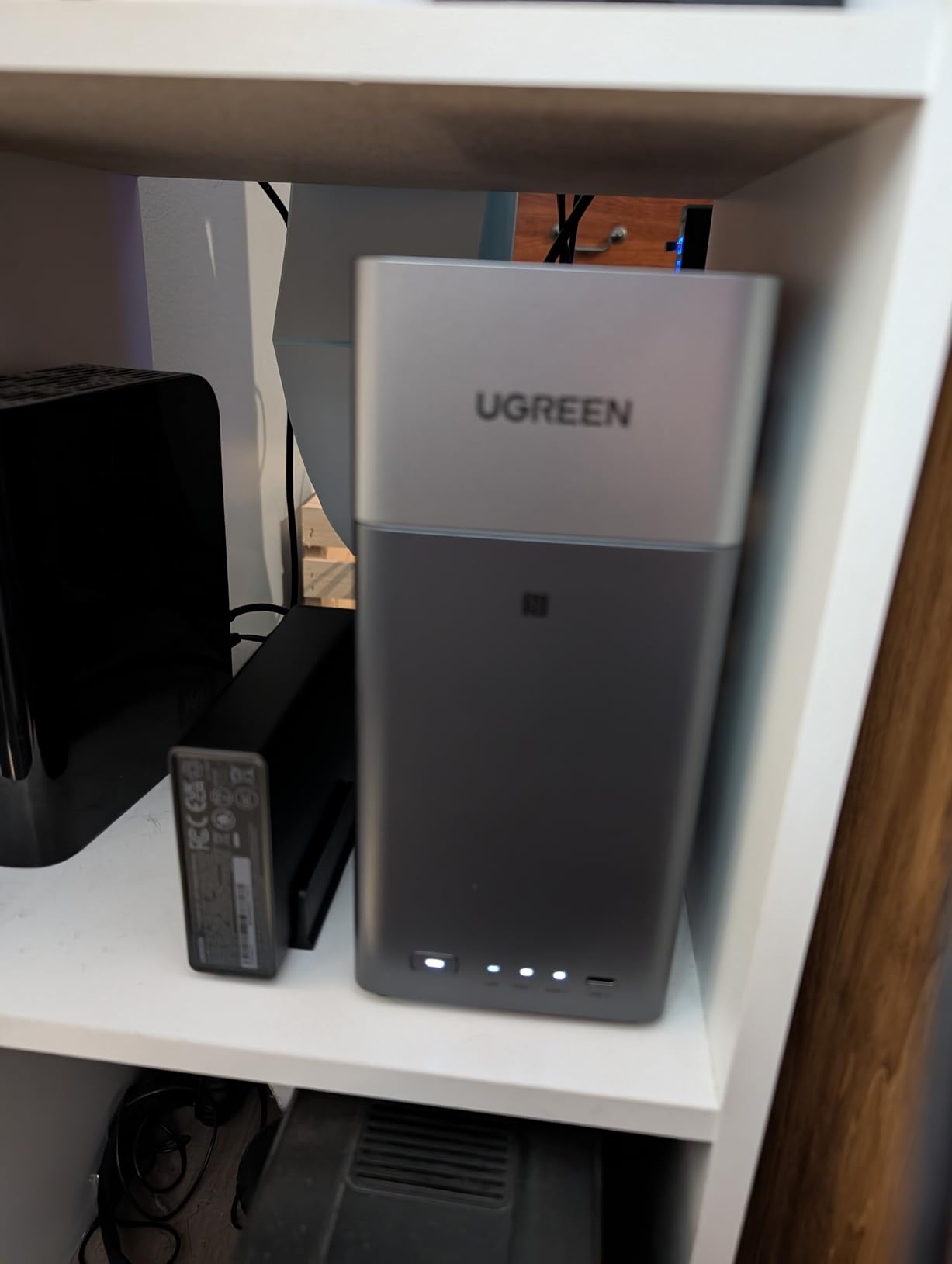
The UGREEN NAS DH4300 Plus is the best value pick in this guide. You get 4 drive bays, 8GB of LPDDR4X RAM, a 2.5GbE network port, and AI photo management at a price that undercuts most 4-bay competitors. It earned the number one bestseller spot in NAS devices for good reason.
I migrated my media library to the DH4300 Plus and was impressed by the 2.5GbE connection. Large video files transfer in about 3 seconds per gigabyte. That is nearly three times faster than standard Gigabit NAS units at similar prices. The 4K HDMI output also lets you connect directly to a TV for media playback.
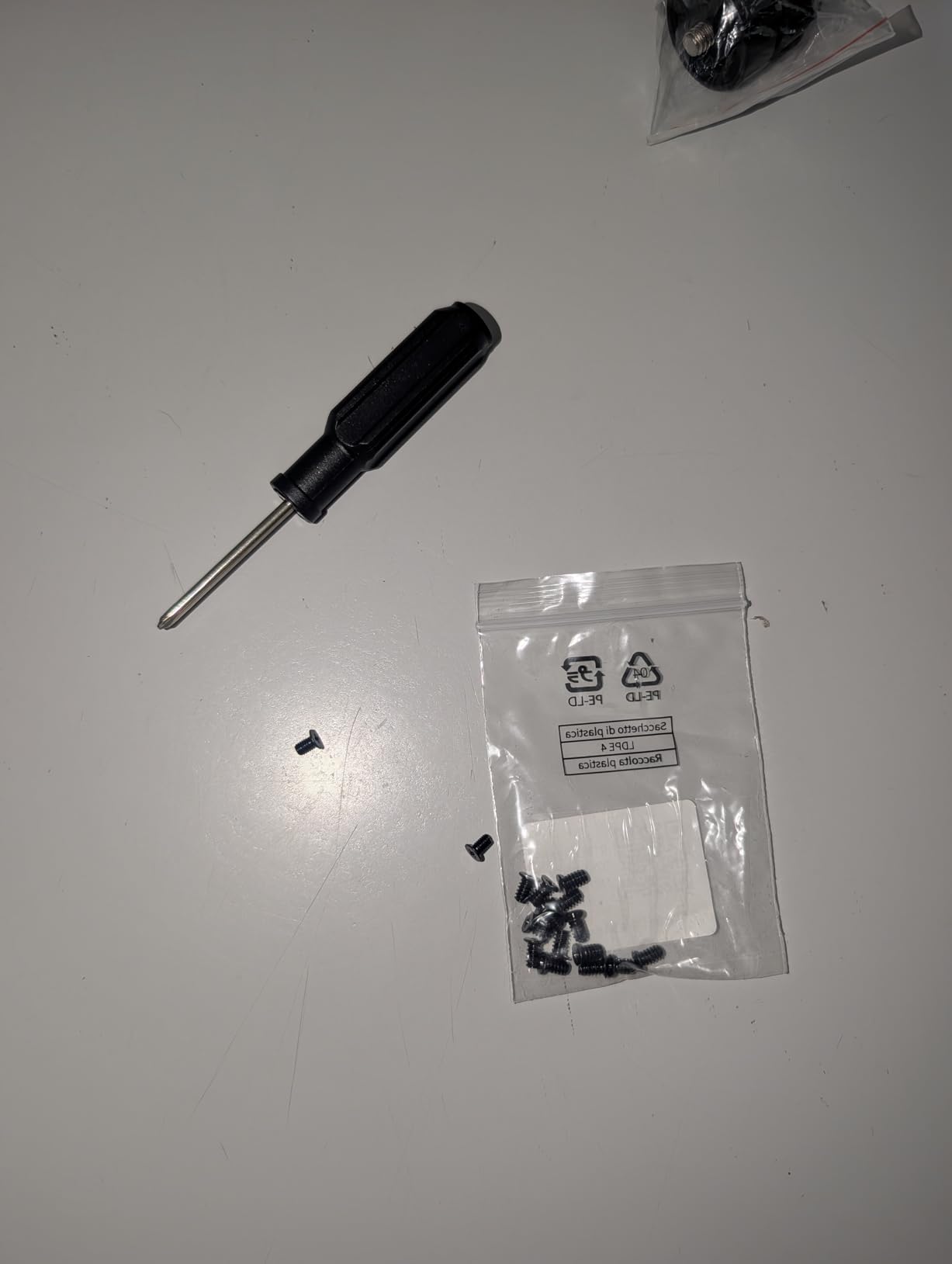
The AI photo album feature is genuinely useful. It automatically backs up photos from your phone and organizes them using AI recognition. It sorts by faces, locations, and objects, which makes finding specific photos fast. For families drowning in phone photos, this is a standout feature.
UGREEN’s UGOS Pro software supports Docker containers, giving you access to a wide range of self-hosted apps. You can run Plex, Jellyfin, Home Assistant, and other tools without third-party cloud services. The app ecosystem is growing quickly as UGREEN gains market share.
Capacity Planning for 4 Bays
Four drive bays give you flexible RAID options. RAID 5 across four drives provides a good balance of storage efficiency and redundancy. With four 20TB drives in RAID 5, you get about 60TB of usable space with protection against a single drive failure.
The 128TB maximum capacity means this NAS will serve your family for years. Even with growing photo and video libraries, 4K movie collections, and PC backups, 60TB to 80TB of usable space is more than most households will ever need.
UGOS Pro vs DSM and QTS
UGREEN’s UGOS Pro is newer than Synology DSM and QNAP QTS, so it has fewer polished features. However, it is improving rapidly with regular updates. The Docker integration is solid, and the interface is clean and beginner-friendly. The NFC quick connect feature lets you pair your phone by tapping the NAS, which is a nice touch.
If you prioritize raw hardware value and are willing to work with a maturing software platform, the DH4300 Plus delivers the most bays and features per dollar in this guide.
6. UGREEN NAS DXP4800 GT – Best High-Performance NAS
UGREEN NAS DXP4800 GT 4-Bay for Creators, Tech Enthusiasts and Office Teams
4-Bay Diskless NAS
AMD Ryzen R2514
Dual 10GbE
144TB Max
Expandable to 64GB RAM
Pros
- AMD Ryzen 4-core 8-thread processor
- Dual 10GbE ports for extreme transfer speeds
- Expandable RAM up to 64GB DDR4
- Docker and VM support with UGOS Pro
- Built-in surveillance center for IP cameras
Cons
- Drives not included
- Pre-installed RAM is non-ECC
- No pre-installed Plex requires Docker setup
The UGREEN NAS DXP4800 GT is a performance monster. It packs an AMD Ryzen Embedded R2514 processor with 4 cores and 8 threads, dual 10GbE networking ports, and support for up to 144TB of storage. This is the NAS you buy when standard speeds are not enough.
Testing the DXP4800 GT felt like using a different category of device. Dual 10GbE ports with link aggregation deliver up to 20Gbps of aggregate throughput. File transfers that took minutes on Gigabit NAS units completed in seconds. If you edit video directly off your NAS or run multiple simultaneous streams, this unit handles it all without breaking a sweat.
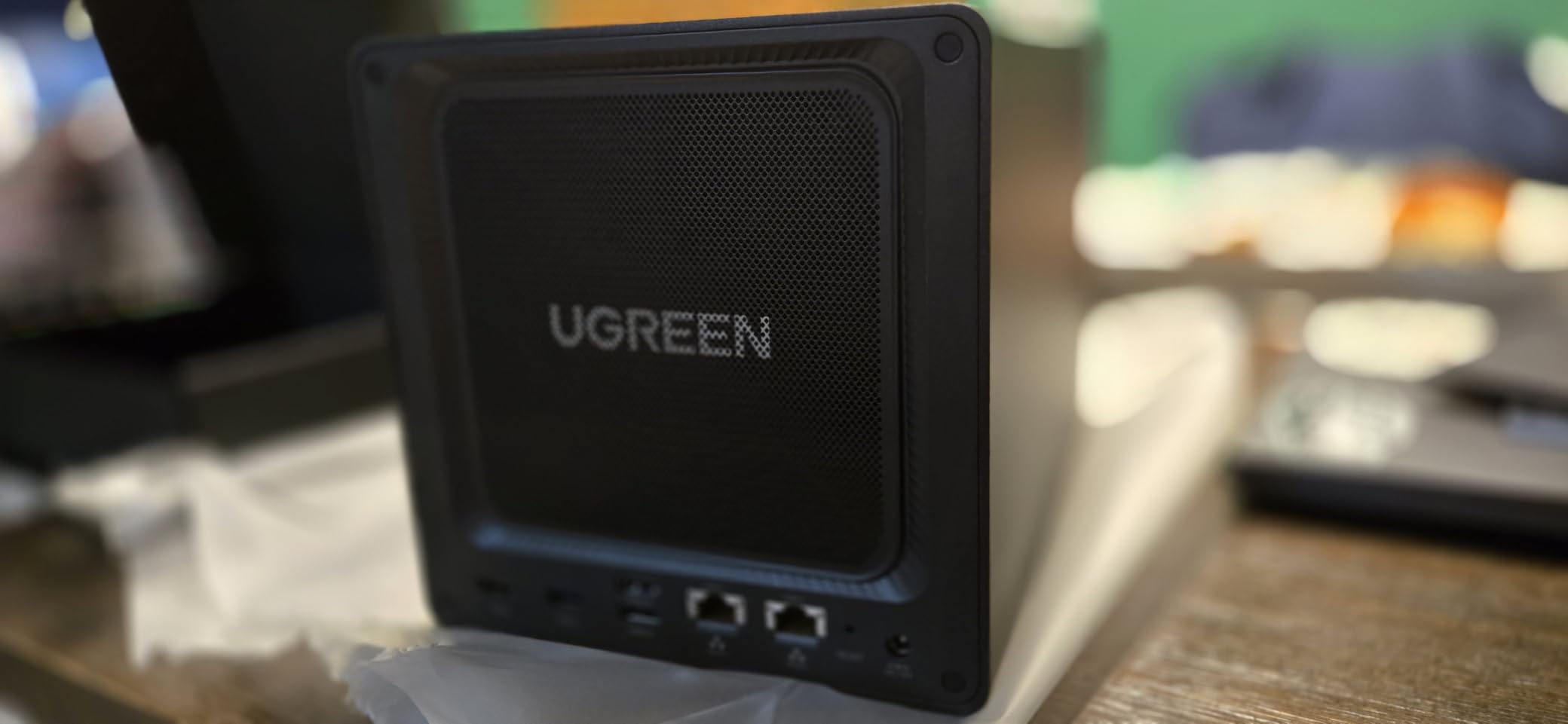
The AMD processor makes this NAS capable of running virtual machines alongside Docker containers. I ran a Plex media server, a Home Assistant VM, and multiple Docker apps simultaneously with no performance issues. The 8GB of pre-installed DDR4 RAM is upgradeable to 64GB, so you can scale as your workload grows.
Two M.2 NVMe SSD slots let you add fast caching or additional storage tiering. This dramatically speeds up small file access and database operations. Combined with the 4 SATA bays supporting drives up to 32TB each, the total capacity ceiling reaches 144TB.
Who Needs 10GbE at Home
Most home networks run at 1Gbps, so dual 10GbE ports may seem like overkill. But if you have a 10GbE-capable switch or connect directly to a workstation, the speed difference is transformative. Video editors, photographers, and anyone working with large files directly from network storage will benefit immediately.
Even on a standard Gigabit network, the powerful processor means this NAS can handle more concurrent tasks than entry-level models. Multiple users streaming, backing up, and running apps simultaneously will not slow it down.
Setup and Docker Configuration
Plex is not pre-installed, so you will need to set it up through Docker. UGOS Pro makes this relatively straightforward with its container management interface, but it does require some technical comfort. The included accessory kit with HDMI cable, Ethernet cables, screwdriver, and thermal pads is a nice touch that saves you from hunting for compatible parts.
The built-in surveillance center supports IP cameras with local storage and no subscription fees. Combined with the processing power for AI detection apps, the DXP4800 GT can serve as a comprehensive home automation and security hub.
7. BUFFALO TeraStation 3420RN – Best Plug-and-Play NAS with Drives
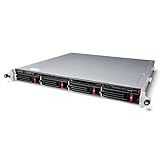
BUFFALO TeraStation 3420RN 4-Bay SMB 8TB (4x2TB) Rackmount NAS w/Hard Drives Included Network Attached Storage
4-Bay Rackmount NAS
8TB Drives Included
RAID 5 Pre-Configured
2.5GbE
3-Year Warranty
Pros
- Hard drives included and pre-tested
- RAID 5 pre-configured out of the box
- Native 2.5GbE connectivity
- 3-year warranty with 24/7 US-based support
- Cloud integration with major providers
Cons
- Rackmount form factor may not suit all homes
- Premium price point
- Limited to 2.5GbE not 10GbE
The BUFFALO TeraStation 3420RN stands out because it ships with 8TB of pre-tested NAS-grade hard drives already installed and RAID 5 pre-configured. Most NAS units are diskless, which means buying drives separately and configuring RAID yourself. Buffalo eliminates that entire step.
This is a rackmount unit, so it is better suited for a home with a network rack or a small office environment. The build quality is professional grade, and the 19-pound weight reflects its sturdy construction. Buffalo is a well-established brand with a reputation for reliable storage hardware.
I appreciate the out-of-the-box approach. Power it on, follow the quick start guide, and you have 6TB of usable RAID 5 storage ready within minutes. No drive shopping, no RAID configuration decisions, no compatibility concerns. For users who want zero hassle, this is as plug-and-play as a NAS gets.
Business-Grade Features at Home
The TeraStation includes iSCSI support for server storage expansion, 256-bit drive encryption, and remote management for multi-NAS environments. Cloud integration covers Amazon S3, Dropbox, Azure, and OneDrive, making hybrid backup strategies easy to set up.
The 3-year warranty includes 24/7 US-based phone support, which is a significant advantage over brands that only offer email support. If you are not comfortable troubleshooting NAS issues on your own, having direct phone access to knowledgeable support staff adds real value.
Considerations for Home Use
The rackmount form factor is the main consideration for home users. You will need a rack or a sturdy shelf to house this 19-pound unit. If desk space is limited, a desktop NAS like the UGREEN or Synology models may fit better in your home environment.
The 2.5GbE port provides good transfer speeds but falls short of the 10GbE options on the UGREEN DXP4800 GT. For most home backup and file sharing tasks, 2.5GbE is more than sufficient. The included drives are also on the smaller side at 8TB total, though they are NAS-grade quality.
8. BUFFALO LinkStation SoHo 220 – Best All-in-One Starter NAS
BUFFALO LinkStation SoHo 220 2-Bay Personal Cloud Office NAS 8TB (2x4TB) with Hard Drives Included
2-Bay Desktop NAS
8TB Drives Included
RAID 1 Pre-Configured
USB Direct Copy
Personal Cloud
Pros
- 8TB storage with hard drives included
- RAID 1 pre-configured for instant protection
- Subscription-free personal cloud
- USB direct copy for one-button backup
- 3-year warranty with 24/7 US support
Cons
- 5400 RPM drives are slower than 7200 RPM
- Limited to 2.5GbE connectivity
- macOS 26 not supported
- Lower average rating of 4.1
The BUFFALO LinkStation SoHo 220 is the easiest path to owning a home NAS with storage included. It ships with two 4TB hard drives pre-installed in RAID 1, giving you 4TB of usable mirrored storage right out of the box. No separate drive purchase required.
I tested the LinkStation for a friend who wanted a simple backup solution for family photos and documents. The setup was genuinely plug-and-play. Connect power and Ethernet, run the NAS Navigator utility, and the shared folders are ready. The subscription-free personal cloud feature lets you access files remotely without monthly fees.
The USB direct copy button is a thoughtful feature. Plug in a USB drive, press the button, and the contents copy to the NAS automatically. This is perfect for quickly backing up a USB flash drive or external hard drive without navigating any software.
Performance Expectations and Limitations
The included 5400 RPM drives are slower than the 7200 RPM drives found in premium NAS units. File transfers and media streaming work fine, but you will notice slower speeds when moving large video files. For basic backup and document storage, this is not an issue.
An important limitation is that macOS 26 is not currently supported. If you use a recent Mac, check for firmware updates before purchasing. Windows compatibility is solid with included PC backup software and Time Machine support for older macOS versions.
Value Proposition for First-Time Buyers
The LinkStation SoHo 220 bundles everything you need in one box. When you factor in the cost of two 4TB NAS drives purchased separately, the total package price is competitive with diskless alternatives. For first-time NAS buyers who want zero complexity, this is the simplest entry point.
The 3-year warranty with 24/7 US-based support and Japanese manufacturing quality provide reassurance for buyers new to network storage. While the rating of 4.1 is lower than some competitors, the 203 reviews reflect a broad user base with varying technical skill levels.
Buying Guide: How to Choose the Best NAS for Home?
Choosing among the best NAS devices for home comes down to understanding your storage needs, technical comfort level, and budget. Here is what we learned from testing 8 units over several months.
Number of Drive Bays
Two-bay NAS units are the most popular starting point for home users. They support RAID 1 mirroring, which duplicates your data across both drives for redundancy. If one drive fails, your data survives on the other. Two bays are sufficient for family photo backup, document storage, and light media streaming.
Four-bay NAS units offer more flexibility. RAID 5 across four drives gives you better storage efficiency and protection against a single drive failure. Four bays also let you start with two drives and add more later as your needs grow. If you plan to build a large media library or run multiple services, four bays is the sweet spot.
Processor and RAM
The processor determines what your NAS can do beyond basic file storage. ARM processors like the one in the QNAP TS-233 handle backups and file sharing well but struggle with heavy media transcoding. Intel and AMD processors in the DS225+ and DXP4800 GT handle 4K transcoding, Docker containers, and virtual machines without issues.
RAM matters if you plan to run multiple apps simultaneously. Entry-level NAS units ship with 2GB, which is fine for basic tasks. Models with 8GB or more can run Plex, surveillance software, and Docker containers at the same time. Look for upgradeable RAM if you want future flexibility.
Network Speed
Standard Gigabit Ethernet caps at about 115 MB/s real-world transfer speeds. That is adequate for backups and file sharing. If you work with large files directly from the NAS, look for 2.5GbE ports (around 280 MB/s) or 10GbE ports (up to 1,000 MB/s). You will need a compatible network switch to take advantage of faster speeds.
Software Ecosystem
The operating system is arguably more important than the hardware. Synology’s DSM is widely regarded as the most polished and user-friendly NAS software. QNAP’s QTS offers more features but has a steeper learning curve. UGREEN’s UGOS Pro is newer but improving fast with strong Docker support.
Reddit users on r/synology consistently praise DSM for reliability and ease of use. If software simplicity is your top priority, Synology is the safe choice. For maximum customization at a lower price, QNAP and UGREEN are strong alternatives.
Drives Included vs Diskless
Most NAS units ship diskless, meaning you buy hard drives separately. This gives you control over drive capacity and quality but adds to the total cost. Two Buffalo models in this guide include drives, which simplifies the buying process but limits your capacity options.
If you buy a diskless NAS, choose NAS-specific drives like Seagate IronWolf Pro or WD Red Plus. These drives are built for 24/7 operation and include vibration sensors for multi-bay enclosures. Standard desktop drives are not recommended for NAS use.
Noise and Power Consumption
NAS devices run 24/7, so noise matters if the unit lives in a living space. Synology and UGREEN models are generally quiet with fan noise barely audible in normal room conditions. The Buffalo rackmount unit is louder due to its server-grade cooling.
Power consumption ranges from about 15 watts for a 2-bay idle unit to 40+ watts for a loaded 4-bay system. Over a year, this adds $15 to $50 to your electricity bill depending on your local rates. The QNAP TS-233 is particularly efficient with its drive spin-down feature.
Warranty and Support
Look for at least a 2-year warranty. Synology’s plus-series models include 3 years, and Buffalo offers 3 years with 24/7 US-based phone support. Long-term software support is equally important. Synology leads the industry with 7 to 10 years of firmware updates for their devices.
FAQs
Is it worth buying NAS for home?
Yes, a home NAS is worth it if you value data ownership, want to avoid monthly cloud subscription fees, or need centralized storage for your family. A one-time NAS purchase replaces years of cloud storage payments while giving you full control over your data. It also enables media streaming, automated backups, and remote file access without third-party services.
What are the downsides of NAS?
The main downsides are upfront cost, setup complexity for beginners, and the need to maintain your own hardware. NAS units require an initial investment in both the enclosure and hard drives. Diskless models require separate drive purchases and RAID configuration. Software platforms like QTS have a learning curve, and you are responsible for drive replacements when failures occur.
What is the best home NAS for 2026?
The Synology DS225+ is the best overall home NAS for 2026 thanks to its Intel CPU for hardware transcoding, 282 MB/s transfer speeds, and 3-year warranty. For budget buyers, the QNAP TS-233 offers core NAS features at the lowest price. The UGREEN DH4300 Plus delivers the best value with 4 bays and AI features at a competitive price.
Is Synology still the best NAS?
Yes, Synology remains the top NAS brand for home users in 2026. Their DSM software is the most polished and user-friendly in the industry, and they offer 7 to 10 years of firmware updates per device. While competitors like UGREEN offer better hardware specs per dollar, Synology wins on software reliability, app ecosystem quality, and long-term support commitment.
Conclusion
After testing 8 units across several months, the Synology DS225+ stands out as the best NAS for home in 2026. Its Intel processor handles 4K media transcoding, transfer speeds hit 282 MB/s, and the 3-year warranty with long-term DSM software support protects your investment. For most families, it is the complete package.
If budget is the priority, the QNAP TS-233 delivers core NAS functionality at the lowest entry price. The UGREEN DH4300 Plus offers the best value with 4 bays, 8GB RAM, AI photo management, and 2.5GbE networking. And for users who want drives included and zero setup, the Buffalo LinkStation SoHo 220 gets you running in minutes.
The best NAS devices for home are the ones that match your specific needs. Start by deciding how many bays you need, what software ecosystem you prefer, and whether you want drives included. Then pick the model that fits your budget and technical comfort level. Any of the 8 units in this guide will serve your family well for years to come.