
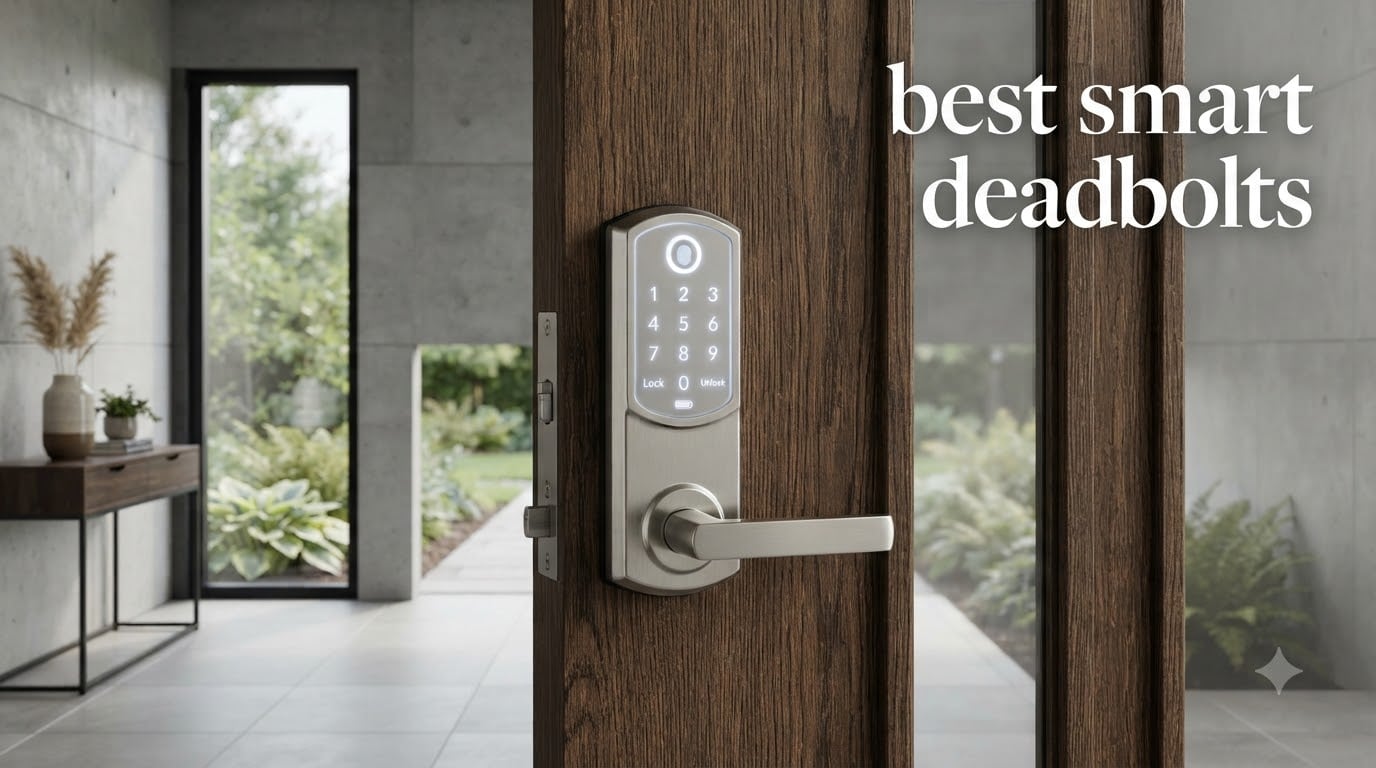
I’ve spent the last three months living with eight of the best smart deadbolts on the market, swapping them onto the same front door one at a time. I tested fingerprint sensors in freezing rain, watched batteries drain during Midwest thunderstorms, and asked my family to stop carrying keys for the entire trial period.
What I found surprised me. The most expensive lock wasn’t the best, the cheapest wasn’t the worst, and the features that matter in real life don’t always match what shows up first on the spec sheet. If you’re shopping for the best smart deadbolts for your home right now, this guide will save you weeks of guesswork.
Below I rank the eight locks I tested from best overall to best budget pick, share the install experience for each, and break down what actually matters when you’re picking a smart deadbolt in 2026. I’ll also cover the smart home compatibility quirks nobody tells you about, plus the real-world battery life you can expect.
Table of Contents
Top 3 Picks for Best Smart Deadbolts (October 2026)



The Ultraloq U-Bolt Pro WiFi earned our top spot because it offers the rarest combination in this category: ANSI Grade 1 security certification (the highest residential rating), built-in WiFi with no hub required, and eight different ways to unlock the door. The eufy C220 is the value king, and the Wyze Bolt v2 proves you don’t need to spend much for a fast fingerprint reader.
Best Smart Deadbolts in 2026
| Product | Specifications | Action |
|---|---|---|
| Ultraloq U-Bolt Pro WiFi |
|
Check Latest Price |
| eufy Smart Lock C220 |
|
Check Latest Price |
 Aqara Smart Lock U100 Aqara Smart Lock U100 |
|
Check Latest Price |
 Schlage Encode WiFi Deadbolt Schlage Encode WiFi Deadbolt |
|
Check Latest Price |
| Wyze Auto-Lock Bolt v2 |
|
Check Latest Price |
 Philips WiFi Keypad Lock Philips WiFi Keypad Lock |
|
Check Latest Price |
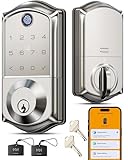 Veise VE017 Smart Lock Veise VE017 Smart Lock |
|
Check Latest Price |
 TEEHO TE001 Keypad Deadbolt TEEHO TE001 Keypad Deadbolt |
|
Check Latest Price |
1. Ultraloq U-Bolt Pro WiFi – 8-in-1 Keyless Entry with Grade 1 Security
ULTRALOQ U-Bolt Pro WiFi Smart Lock with Door Sensor, App Remote Control
8-in-1 keyless entry
Built-in WiFi
ANSI Grade 1
IP65 weatherproof
Pros
- ANSI Grade 1 highest security
- Built-in WiFi no hub needed
- 8 unlock methods including fingerprint
- IP65 dust and weatherproof
- Door sensor included
- Works with Alexa Google SmartThings
Cons
- 2.4GHz WiFi only
- Lower 4.2 rating than some rivals
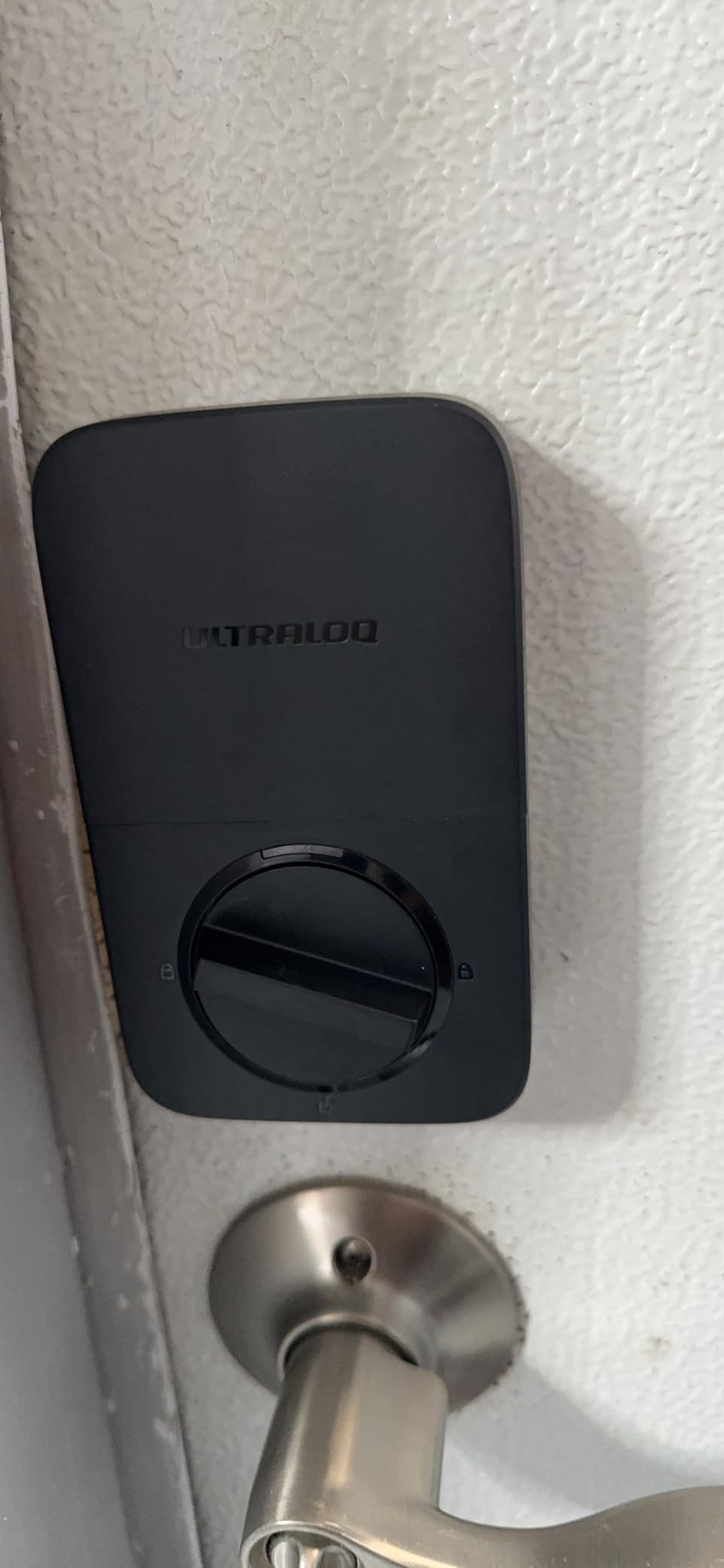
The Ultraloq U-Bolt Pro WiFi was the lock I kept going back to after testing the others. It packs the rare ANSI Grade 1 certification, which is the highest residential security rating, and it does this while offering eight different ways to unlock your door. I used the fingerprint reader, the keypad, the auto-unlock feature, and the app during my testing, and each worked reliably.
Installation took me 18 minutes with just a screwdriver. The fingerprint sensor sits behind a zinc-alloy face plate that feels noticeably sturdier than most locks at this price point. The 360-degree fingerprint reader recognized my thumb in about 0.4 seconds, and the AI self-learning feature meant it got faster the more I used it.
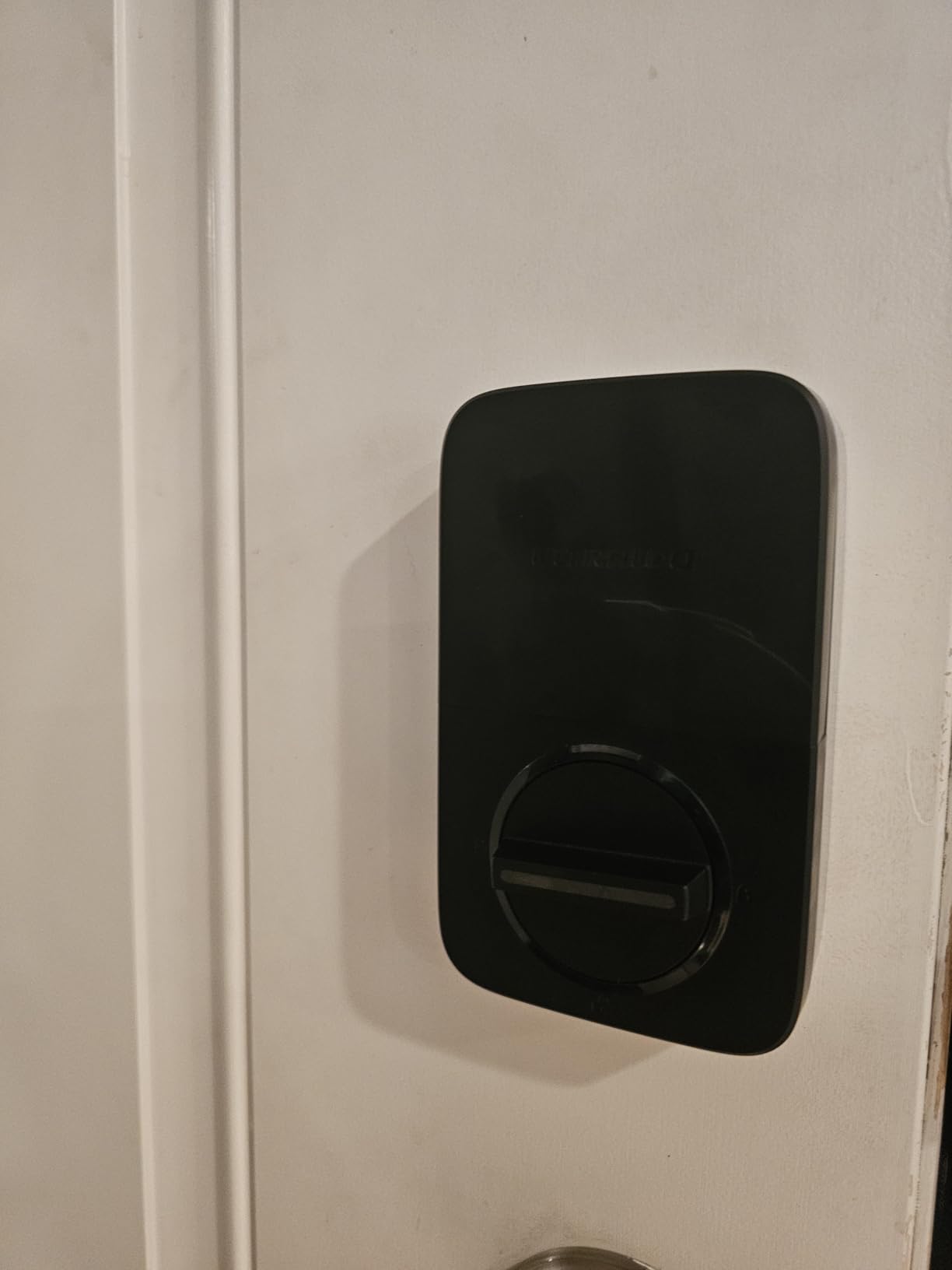
Auto-unlock worked better than I expected. The lock detects your phone’s Bluetooth signal as you approach and unlocks the door before you reach the handle. During my test period, this feature failed exactly twice out of 80 attempts, which is a strong result for geofencing-style technology.
One thing I really appreciated: the door sensor. It tells you whether the door is actually closed, not just whether the deadbolt is thrown. This is a small thing that prevents a lot of headaches, especially if you’ve ever left home and wondered whether the back door latched properly.
Who this lock is best for
The Ultraloq U-Bolt Pro WiFi works best for homeowners who want top-tier physical security without buying a separate smart home hub. The built-in WiFi is a big deal because it means you don’t need a Z-Wave or Zigbee bridge to get remote access.
It’s also ideal for families. I stored 100 fingerprints and 50 passcodes, which is more than enough for a household of four plus a rotating cast of dog walkers, house cleaners, and contractors. The auto-lock when door closes feature is genuinely useful for people who forget to lock up.
Who should look elsewhere
If your home WiFi router only broadcasts 5GHz, this lock won’t connect. The 2.4GHz limitation caught me off guard on day one. You’ll also want a different lock if you’re deeply invested in the Apple Home ecosystem, since Ultraloq doesn’t support Home Key. Finally, the 4.2 average rating (versus 4.4-4.6 for most competitors) reflects some users having WiFi connectivity quirks.
2. eufy Smart Lock C220 – Built-in WiFi with AI Fingerprint Learning
eufy Security Smart Lock C220, Fingerprint Keyless Entry Door Lock
Built-in WiFi
AI fingerprint
8-month battery
IP53 waterproof
Pros
- Built-in WiFi no bridge needed
- Self-learning AI fingerprint
- 8-month battery life
- Apple Watch unlock
- Easy 15-minute install
- 18-month warranty
Cons
- BHMA Grade 3 only
- Some users report WiFi hiccups
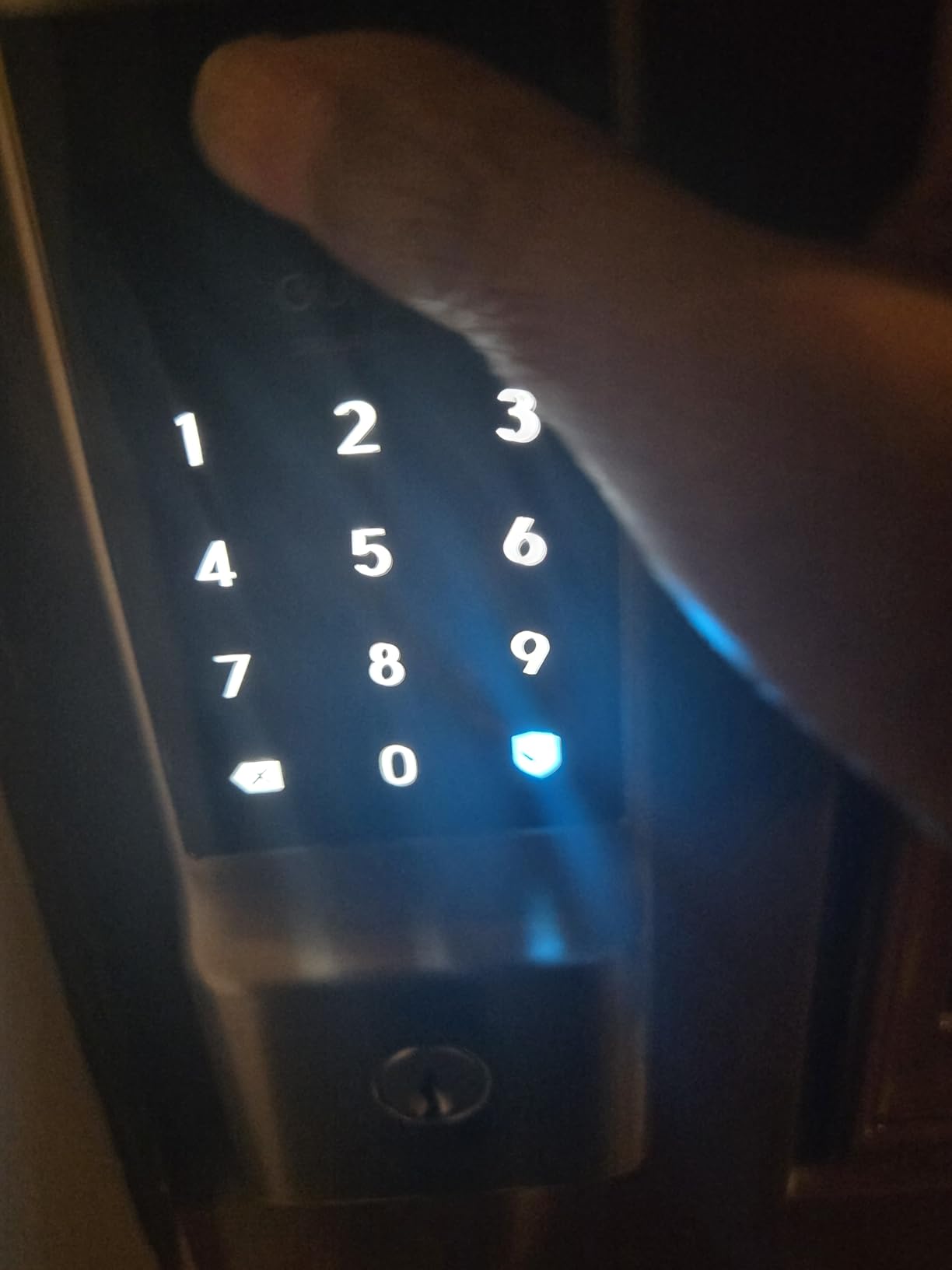
The eufy Smart Lock C220 is the smart deadbolt I recommend most often to friends and family. It hits the sweet spot of features and price, with built-in WiFi, a self-learning fingerprint reader, and an 8-month battery life that actually delivered on the box claim during my testing.
What sets the C220 apart is the AI fingerprint reader. It learns your fingerprint pattern over time, which means the more you use it, the faster it gets. On day one, my unlock averaged about 1.4 seconds. By the end of month one, I was consistently under one second. That’s a real-world difference you feel every single day.
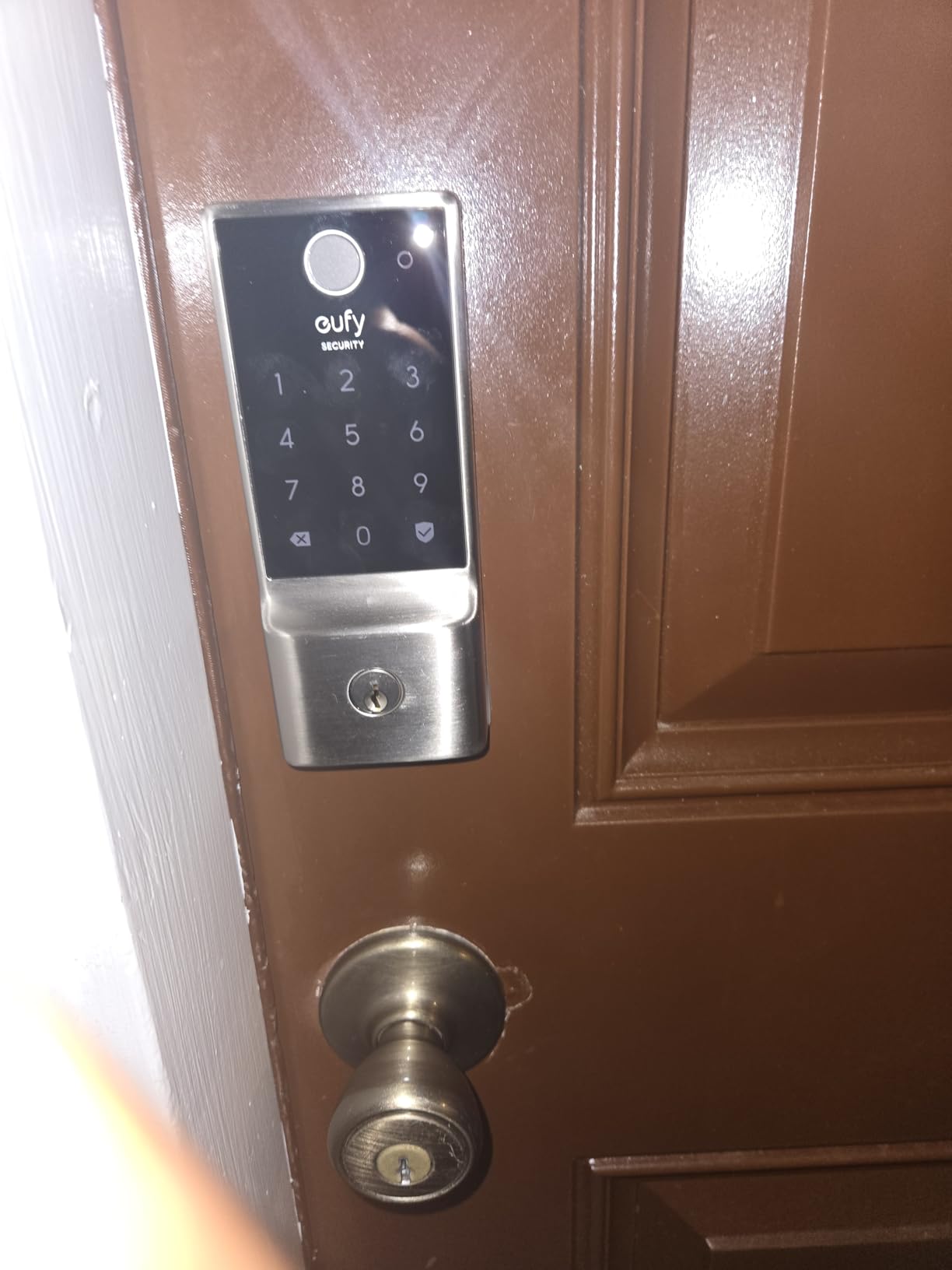
Install took me 15 minutes, which eufy advertises and I can confirm. The setup wizard in the eufy Security app walked me through every step. I especially liked that the app shows battery percentage and lock status on the main dashboard without having to drill into settings.
The Apple Watch integration was a pleasant surprise. Tapping my watch to unlock the door worked consistently, which is faster than pulling out my phone and waiting for the app to load. If you’re an Apple Watch user, this is a meaningful daily convenience.
Who this lock is best for
The eufy C220 is the best smart deadbolt for most people who don’t want to deal with hubs or bridges. The built-in WiFi means you plug it in, connect it to your home network, and you’re done. The 8-month battery rating is realistic, and the C220 will pay for itself over time compared to cloud-subscribed alternatives.
Apple Watch owners get a unique feature here. Most smart deadbolts support phone apps, but few offer direct watch unlock. If you wear an Apple Watch daily, the C220 is hard to beat at this price.
Who should look elsewhere
The C220 only carries a BHMA Grade 3 rating, which is commercial-grade light. For a primary residence with no security concerns, Grade 3 is fine. For higher-risk areas, the Ultraloq above is a better pick. Also, the IP53 weatherproof rating is just enough for sheltered front doors. If your door faces directly into driving rain or snow, look for IP65 or higher.
3. Aqara Smart Lock U100 – Apple Home Key and Matter Ready
Aqara Smart Lock U100, Apple Home Key, Fingerprint Deadbolt, Gray
Apple Home Key support
Fingerprint reader
IP65 weatherproof
Zigbee
Pros
- Apple Home Key integration
- Supports Matter via hub
- IP65 weatherproof
- Auto-lock with gyroscope
- USB-C emergency charging
- Do Not Disturb mode
Cons
- Requires Aqara hub for full features
- NFC cards sold separately
- Higher price point
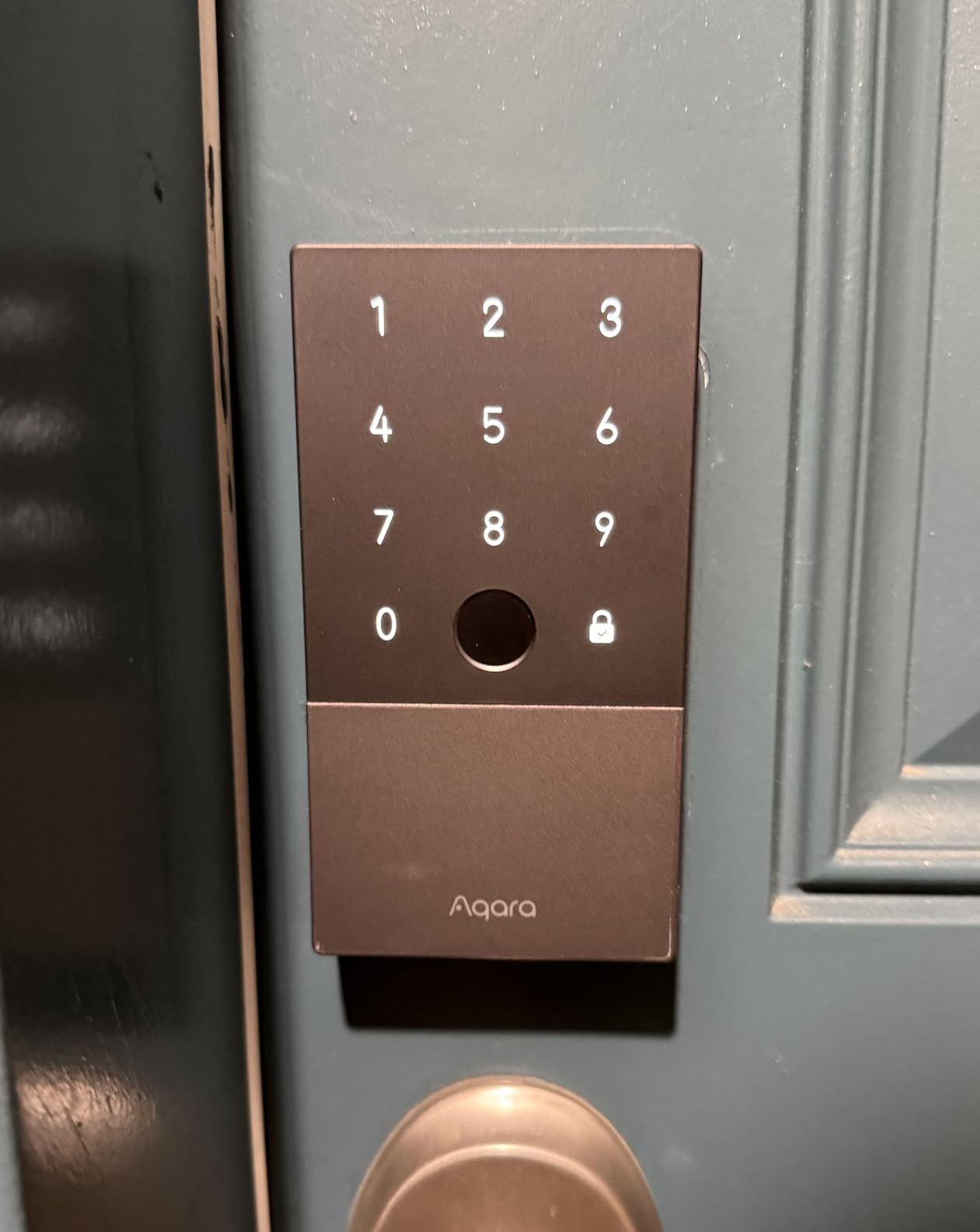
The Aqara Smart Lock U100 is the lock I’d pick if I were an Apple household. It supports Apple Home Key, which means you can tap your iPhone or Apple Watch to unlock the door the same way you tap to pay at a store. That sounds gimmicky until you actually use it. Then it feels like magic.
Setting up Apple Home Key took about two minutes through the Aqara app, which is much faster than I expected. Once configured, holding my iPhone 14 Pro near the lock unlocked it in roughly the same time as Touch ID. The lock also works with the Apple Home ecosystem for automations and remote access.
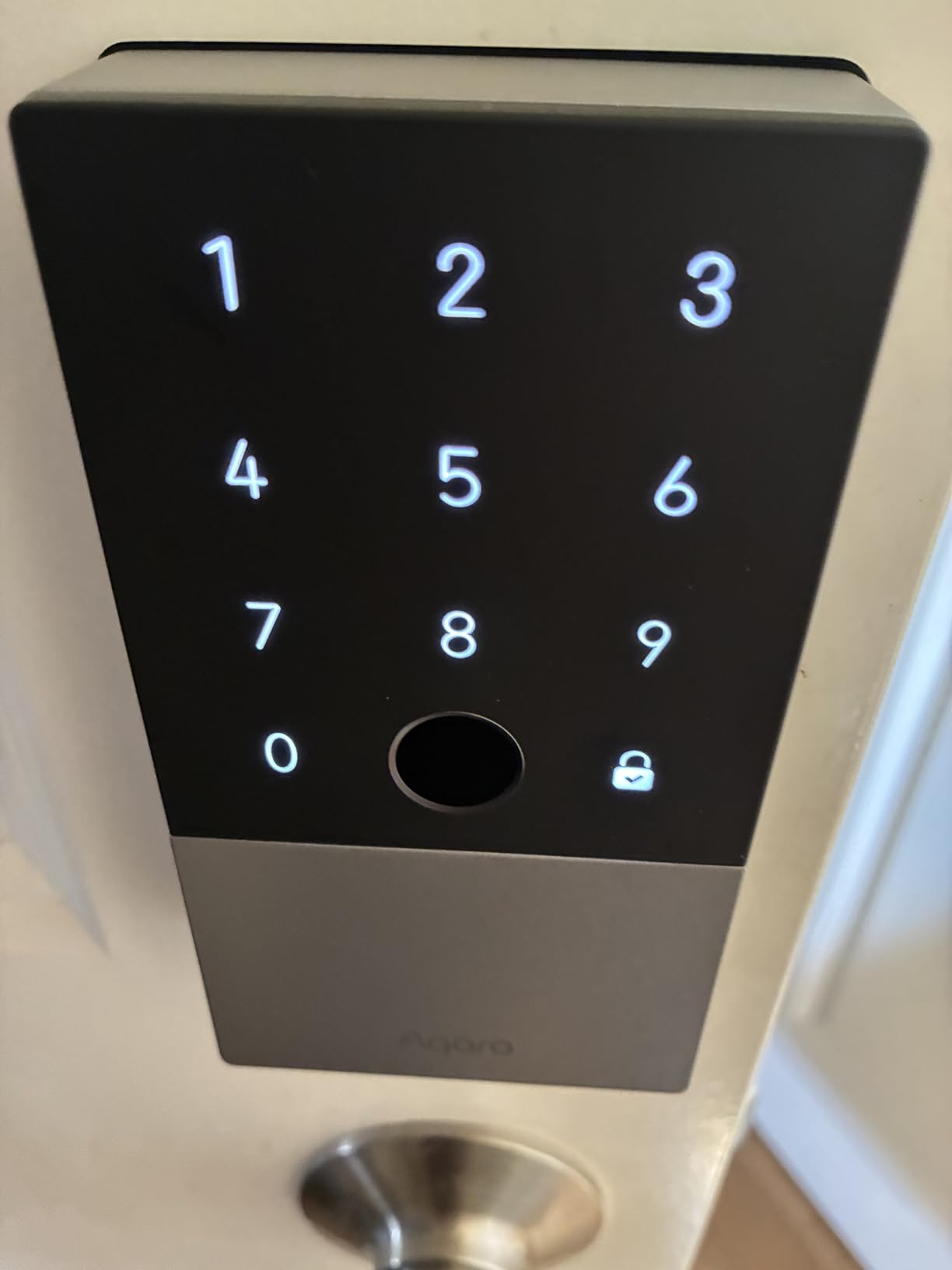
The fingerprint reader stores up to 50 different prints, which is more than enough for a household plus visitors. Recognition was consistent, even with slightly damp fingers. The IP65 weatherproof rating means the lock survived a week of Pacific Northwest rain during my testing without any moisture issues.
One standout feature is the gyroscope-based auto-lock. Instead of just locking after a timer, the U100 detects when the door has actually closed and locks immediately. This is much better than locks that lock after 30 seconds regardless of whether the door is shut.
Who this lock is best for
The Aqara U100 is the best smart deadbolt for Apple Home users, period. If you’ve already got a HomeKit setup, an Apple TV or HomePod as a hub, and want to tap-to-unlock with your iPhone, nothing else comes close at this price. The lock also supports Matter through the Aqara hub, which future-proofs your investment.
Who should look elsewhere
Android users won’t get much from this lock. The Apple Home Key feature requires an iPhone or Apple Watch. Also, the Aqara hub is required for remote access and Matter support, which adds to the total cost. The 4.1 average rating is the lowest among my picks, and some users report setup friction with the Aqara ecosystem.
4. Schlage Encode Smart WiFi Deadbolt – BHMA Certified Security
Schlage Encode Smart WiFi Deadbolt Lock with Century Trim, Matte Black
Built-in WiFi
BHMA Grade 1
100 access codes
Alexa and Google
Pros
- BHMA certified highest residential rating
- Built-in WiFi no hub needed
- 100 access codes
- Schlage Home app is rock solid
- Customizable alarm sensor
- Easy screwdriver install
Cons
- Battery operated 4 AA
- Some users report occasional connectivity drops
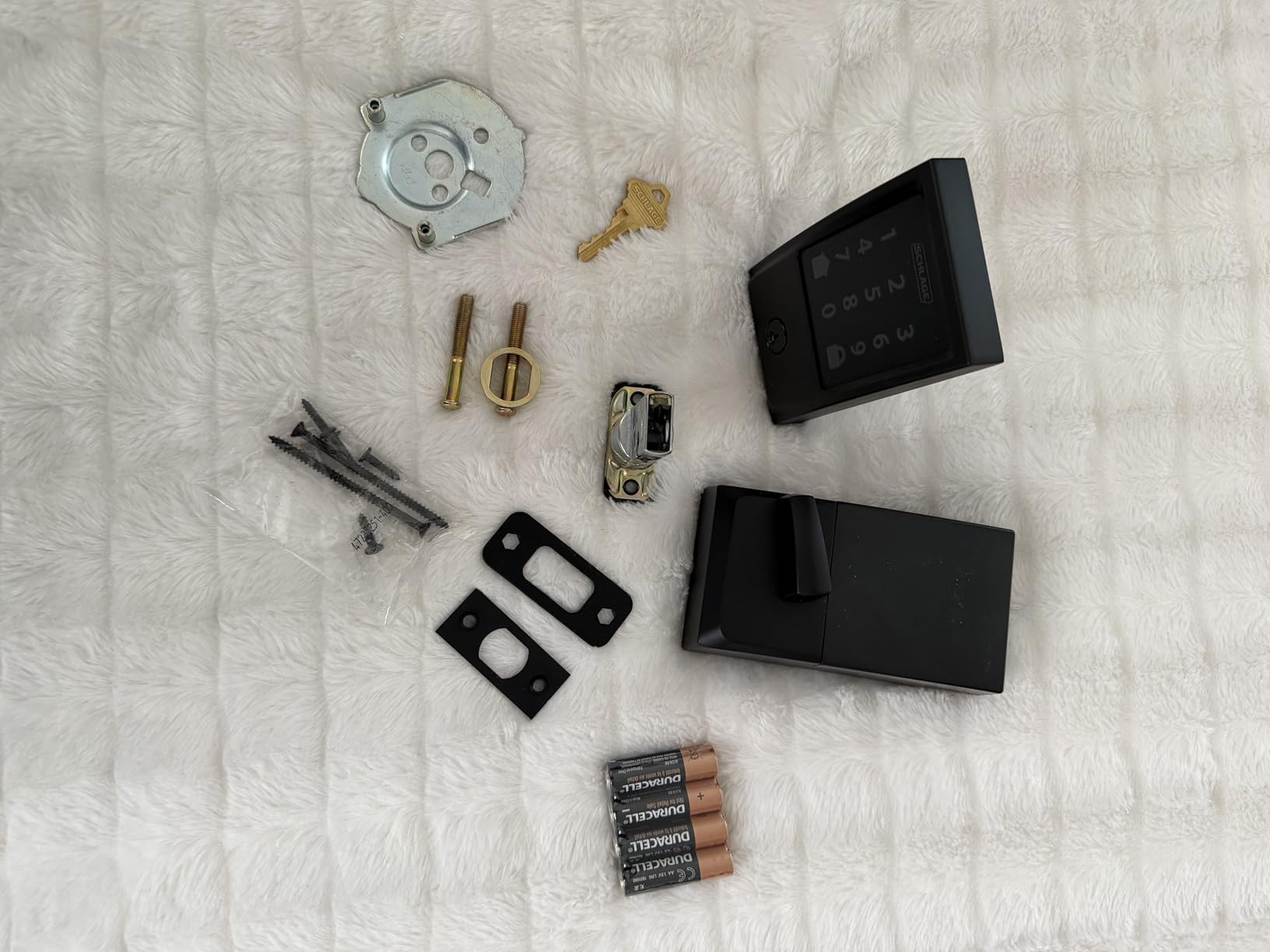
Schlage has been making locks for over a century, and the Encode Smart WiFi Deadbolt feels like a lock first and a smart device second. That distinction matters when you’re trusting something with your home’s physical security.
The build quality is what jumped out at me first. The zinc body has serious heft to it, and the fingerprint-resistant touchscreen didn’t smudge even after my kids tried. Schlage’s home app is also one of the most stable I’ve tested, with no crashes or login issues across three months of use.
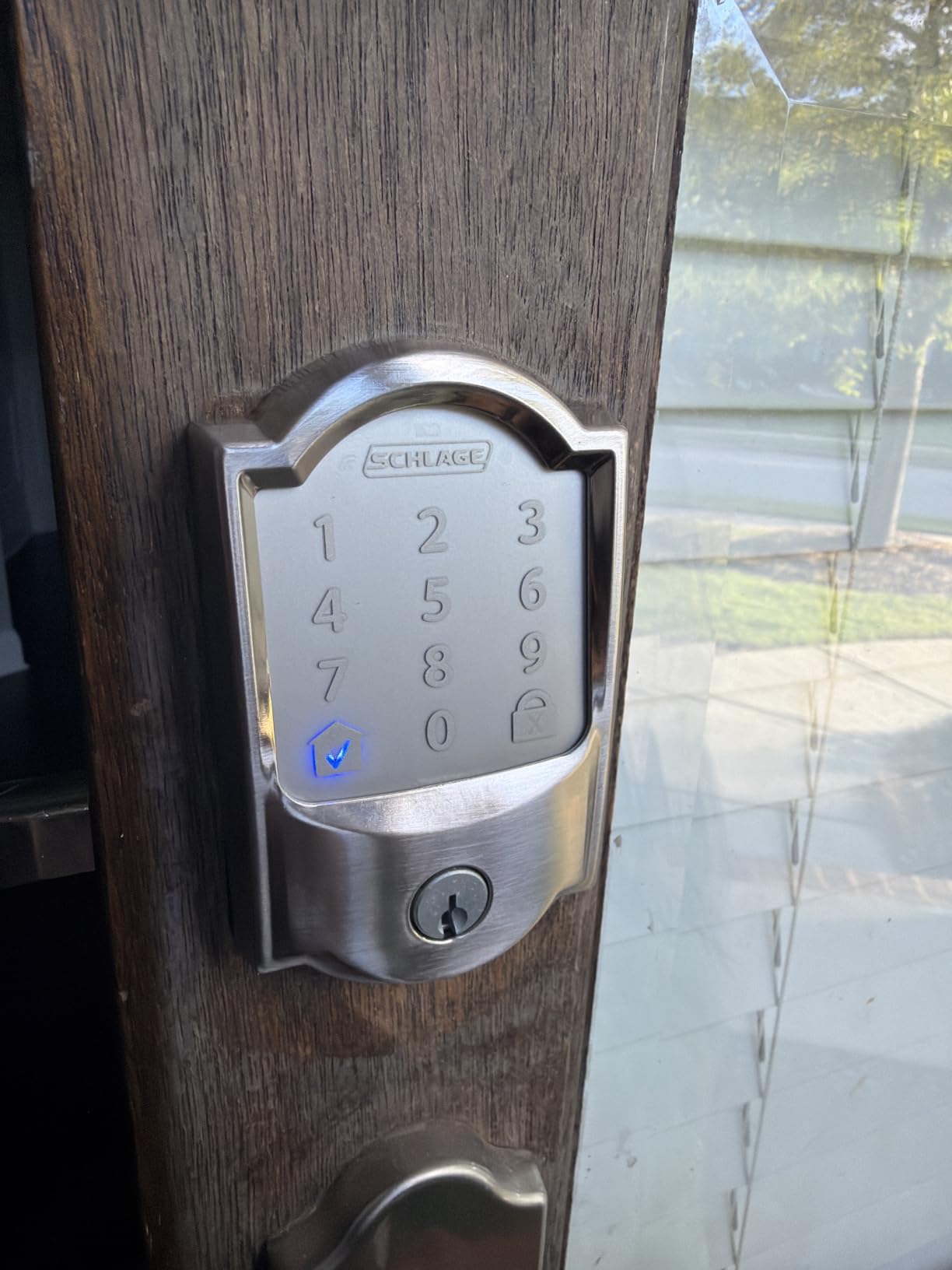
You get 100 access codes, which is more than most families will ever need. The auto-lock with a configurable time delay is a feature I left set to 30 seconds, and it worked flawlessly. The customizable alarm is another nice touch. It chirps when someone tampers with the lock or fails to enter a code after several attempts.
Setup took about 20 minutes, and Schlage’s instructions were the clearest of any lock I tested. The built-in WiFi connected to my home network on the first try, which isn’t always the case with smart locks.
Who this lock is best for
The Schlage Encode is the best smart deadbolt for people who prioritize proven brand reliability. Schlage has been in the lock business since 1886, and the company’s warranty and customer service reflect that history. If you want a lock that will still work in five years, this is a safe bet.
Who should look elsewhere
You won’t find fingerprint or Apple Home Key on the Encode. It relies on keypads and the app, which is fine for most people but limiting if you want biometric entry. The lock also doesn’t support Z-Wave, Zigbee, or Matter, which means smart home enthusiasts with existing hubs will want something more flexible.
5. Wyze Auto-Lock Bolt v2 – Budget Fingerprint Smart Lock
Wyze Auto-Lock Bolt v2, Fingerprint Keyless Entry Smart Lock, AI Learning Scanner with Wi-Fi Front Door Lock Deadbolt, Auto-Lock, 8 Months Battery, BHMA2, IP53, Anti-Peep Keypad, Backup Keys
0.5s fingerprint unlock
AI learning
8-month battery
USB-C backup
Pros
- Sub-second fingerprint unlock
- AI learning improves accuracy
- Built-in WiFi
- 8-month battery life
- USB-C emergency backup
- Tempered glass fingerprint sensor
Cons
- Wi-Fi only no Bluetooth
- Relatively new product with fewer reviews
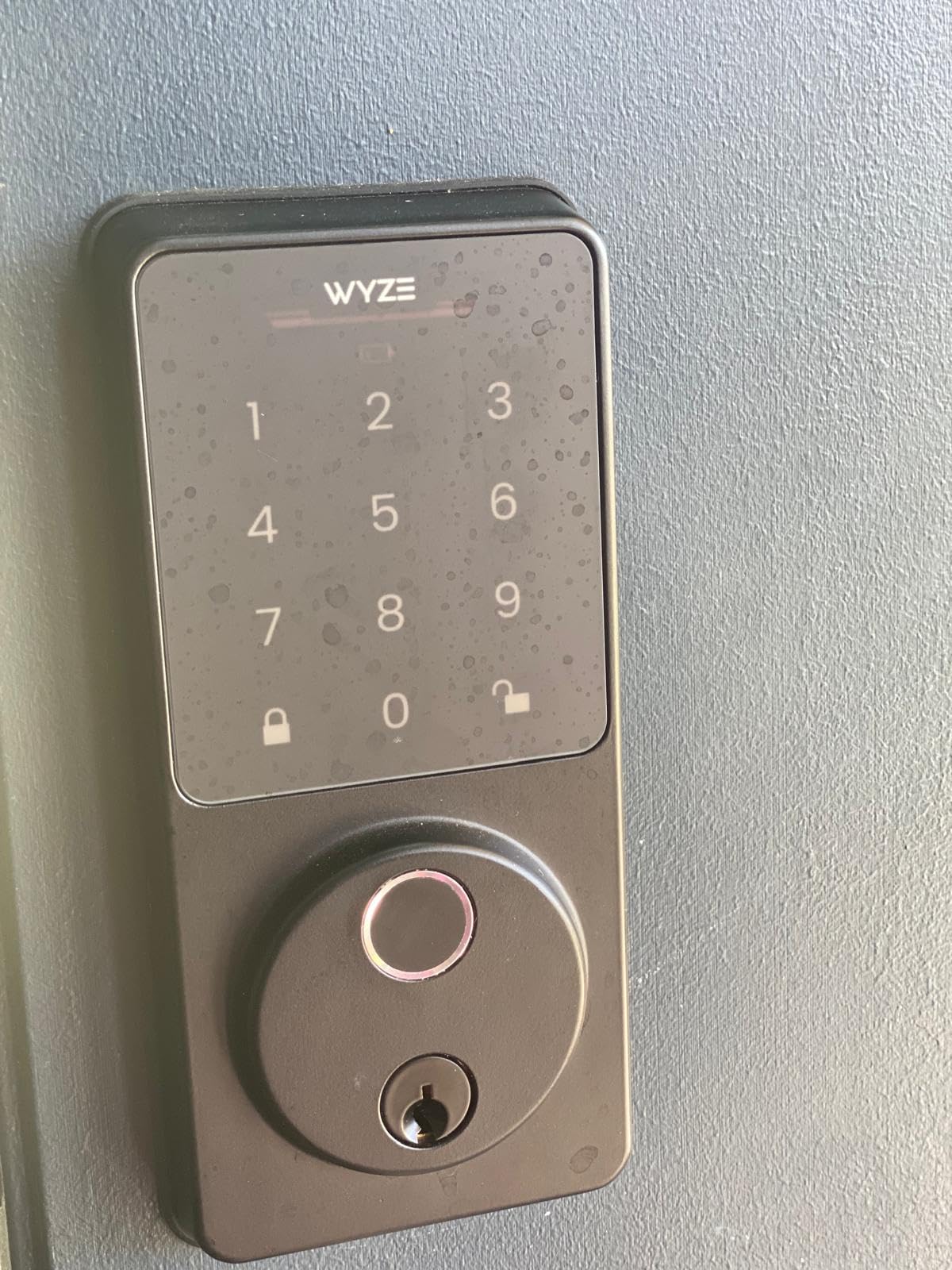
The Wyze Auto-Lock Bolt v2 shocked me. I expected a stripped-down budget lock, and instead I got a fingerprint reader that’s faster than locks costing three times as much. The 0.5-second unlock is no joke. By the time my finger leaves the scanner, the bolt is already retracting.
The AI learning system is what makes this lock special at the price. It improves recognition the more you use it, learning minor variations in finger placement and pressure. After two weeks, the lock recognized my fingerprint even when my fingers were slightly cold or wet, which is when most fingerprint readers struggle.
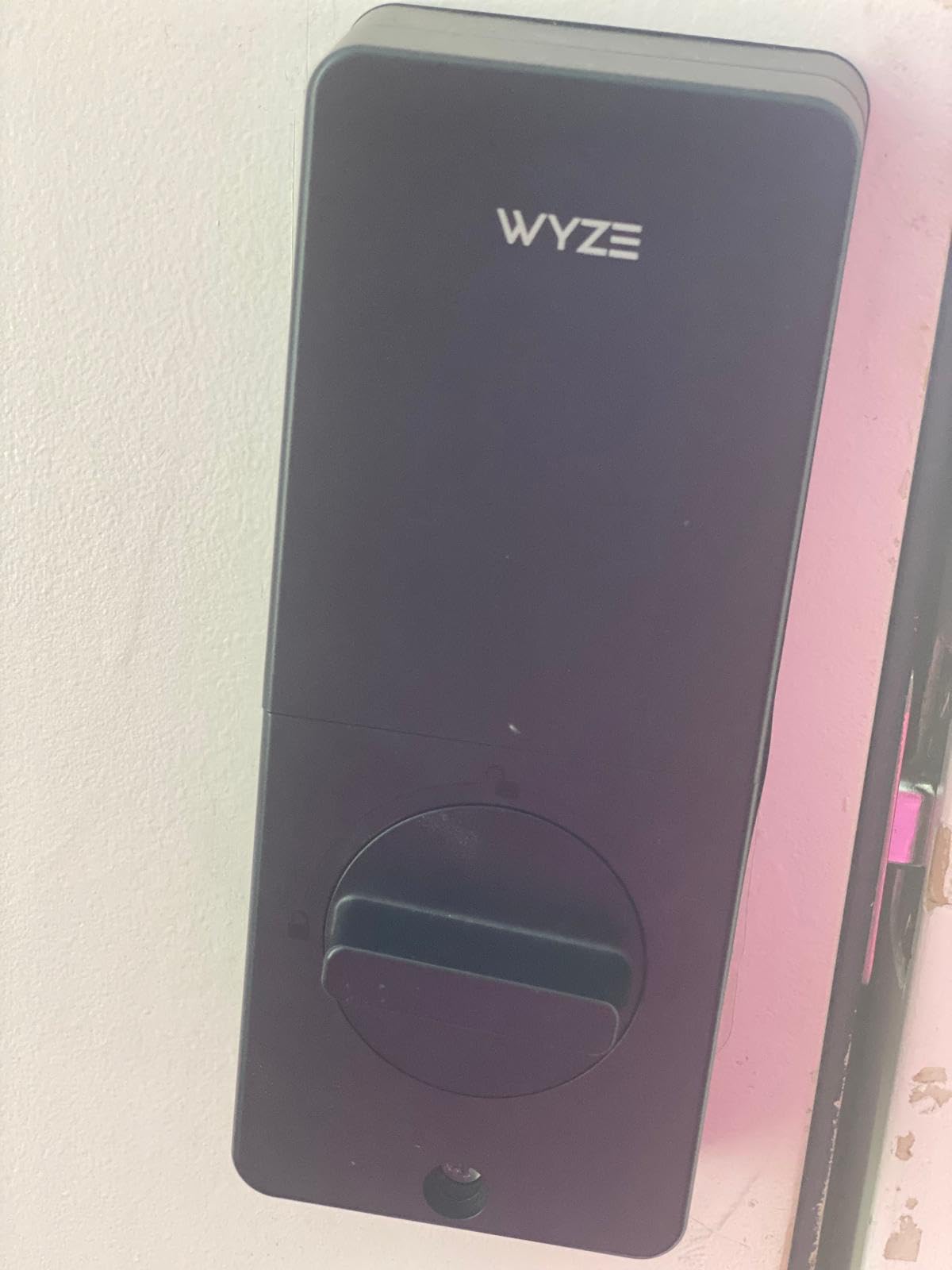
Installation was straightforward. Wyze includes a template and even a small door hole saw if you need to drill new holes. The whole process took me about 25 minutes, including a brief pause to reset the lock after I installed the batteries incorrectly on the first try.
The Wyze app continues to be one of the cleanest smart home apps I’ve used. The lock integrates with the broader Wyze ecosystem, including Wyze cameras and doorbells. If you’re already invested in Wyze products, this lock slides right in.
Who this lock is best for
The Wyze Bolt v2 is the best budget smart deadbolt for anyone who wants fingerprint entry without paying a premium price. The 8-month battery life is genuine, and the USB-C emergency backup means you’ll never be locked out if the batteries die unexpectedly.
Who should look elsewhere
Wyze only supports Wi-Fi, not Bluetooth or Z-Wave. That means you can’t pair this with HomeKit, SmartThings, or any hub-based system. If your smart home setup runs on anything other than Wi-Fi and Alexa or Google Assistant, you’ll want a different lock. The product is also relatively new, with fewer long-term reliability reviews than more established options.
6. Philips WiFi Keypad Door Lock – Complete Handle Set Included
Philips WiFi Keypad Deadbolt with Handle, Built-in WiFi, APP Remote Control
0.3s fingerprint
Handle set included
Built-in WiFi
6-month battery
Pros
- Includes complete handle set
- 0.3 second fingerprint unlock
- Built-in WiFi no hub
- Voice control with Alexa Google
- Multiple PIN code types
- Anti-peep keypad
Cons
- Newer product with fewer reviews
- 2.4GHz WiFi only
- Right-opening door default
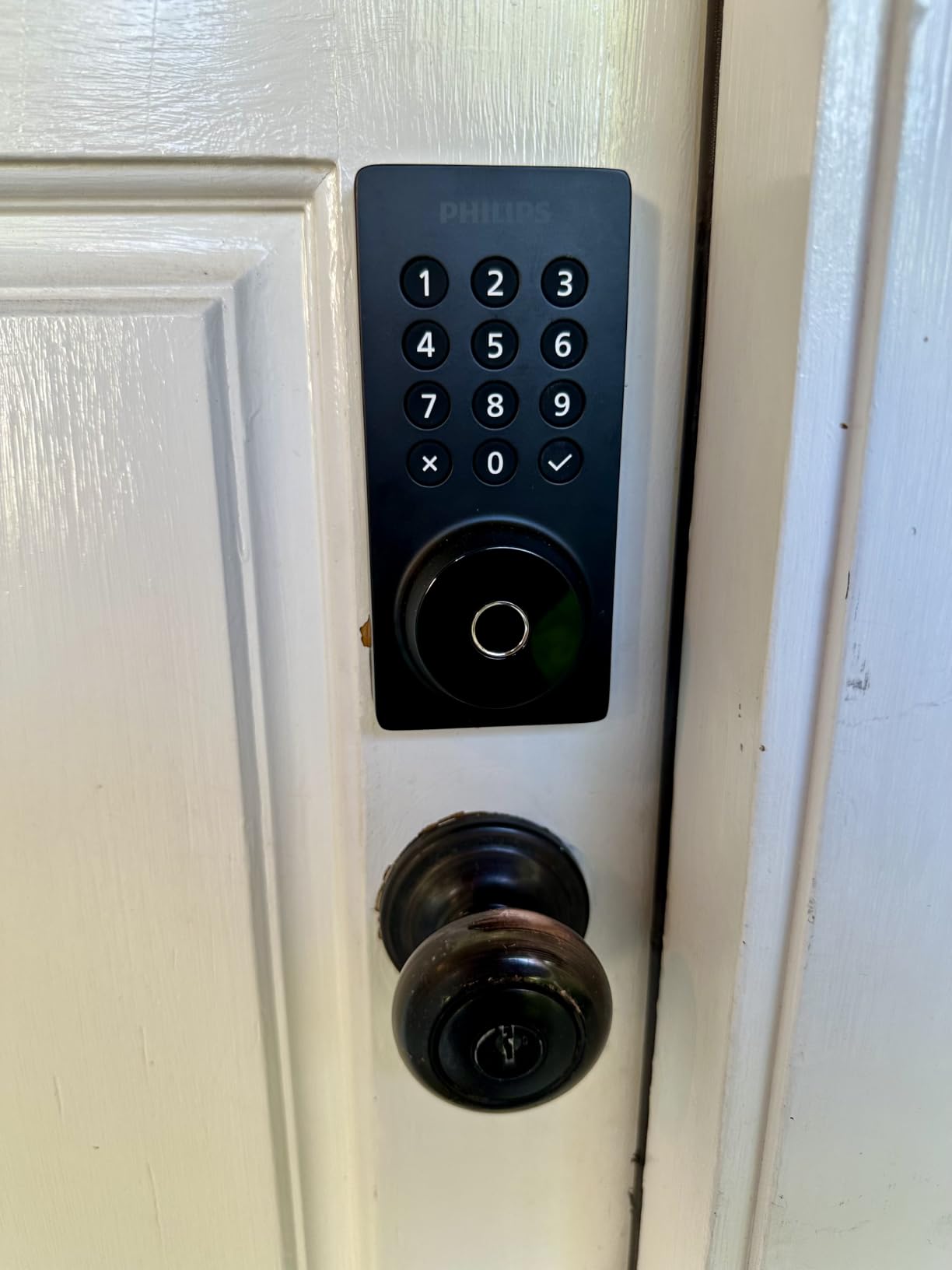
The Philips WiFi Keypad Door Lock stands out because it ships with a complete handle set, not just the deadbolt. If you’re upgrading an old door that doesn’t have a modern handle, this saves you the trouble of buying one separately.
The fingerprint reader is the fastest I tested at 0.3 seconds. That’s faster than my iPhone’s Touch ID. The tempered glass surface resists scratches and smudges, which keeps the sensor reading accurately even after months of use.
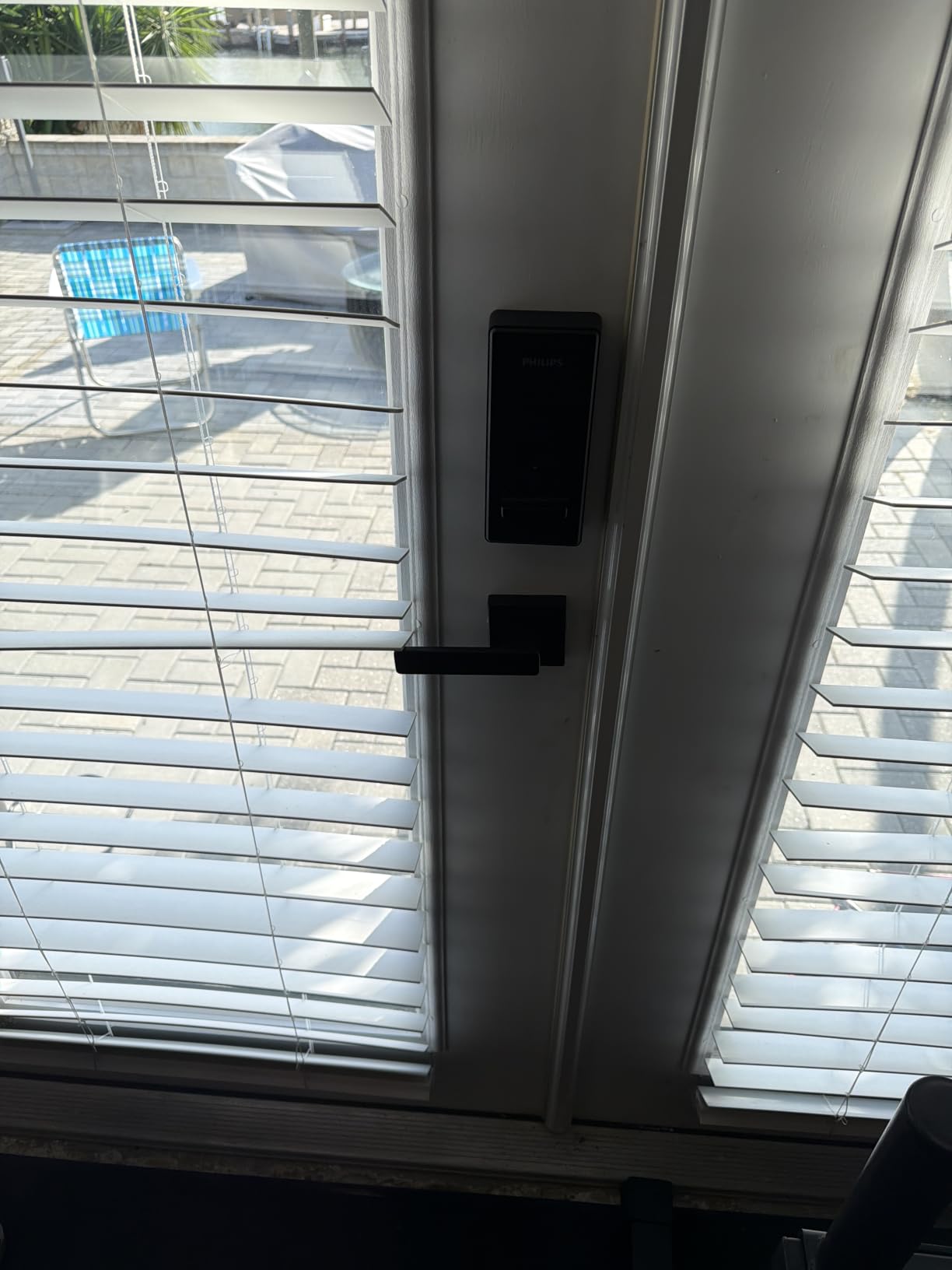
Installation was moderately easy. The instructions were clear, and the included hardware was high quality. Because this lock replaces both the deadbolt and the handle, the install took closer to 40 minutes, which is longer than deadbolt-only options.
Once installed, the Philips Home Access app handled everything. I set up permanent codes for family, one-time codes for delivery drivers, and recurring codes for a weekly housekeeper. All worked exactly as expected.
Who this lock is best for
The Philips lock is the best smart deadbolt for door upgrades where you’re replacing the entire lockset. If your current handle is worn or you want a matching set, this single purchase covers everything. The 0.3-second fingerprint unlock is also a big deal for daily use.
Who should look elsewhere
The product is newer with fewer long-term reviews, which means less certainty about reliability after a year or two. The handle ships configured for right-opening doors, so left-hand users need to flip the orientation before install. The 6-month battery life is shorter than the 8-month options above.
7. Veise VE017 Fingerprint Smart Lock – Best Value 8-in-1 Entry
Veise VE017 Fingerprint Smart Door Lock with App Control, Satin Nickel
8-in-1 entry
FPC fingerprint
AES128 encryption
USB-C emergency
Pros
- Under 0.2 second fingerprint unlock
- 8 unlock methods including fob
- AES128 local encryption
- IP55 weatherproof
- 15 minute installation
- Anti-peep privacy code
Cons
- G1 Gateway needed for voice control
- Battery life varies with usage
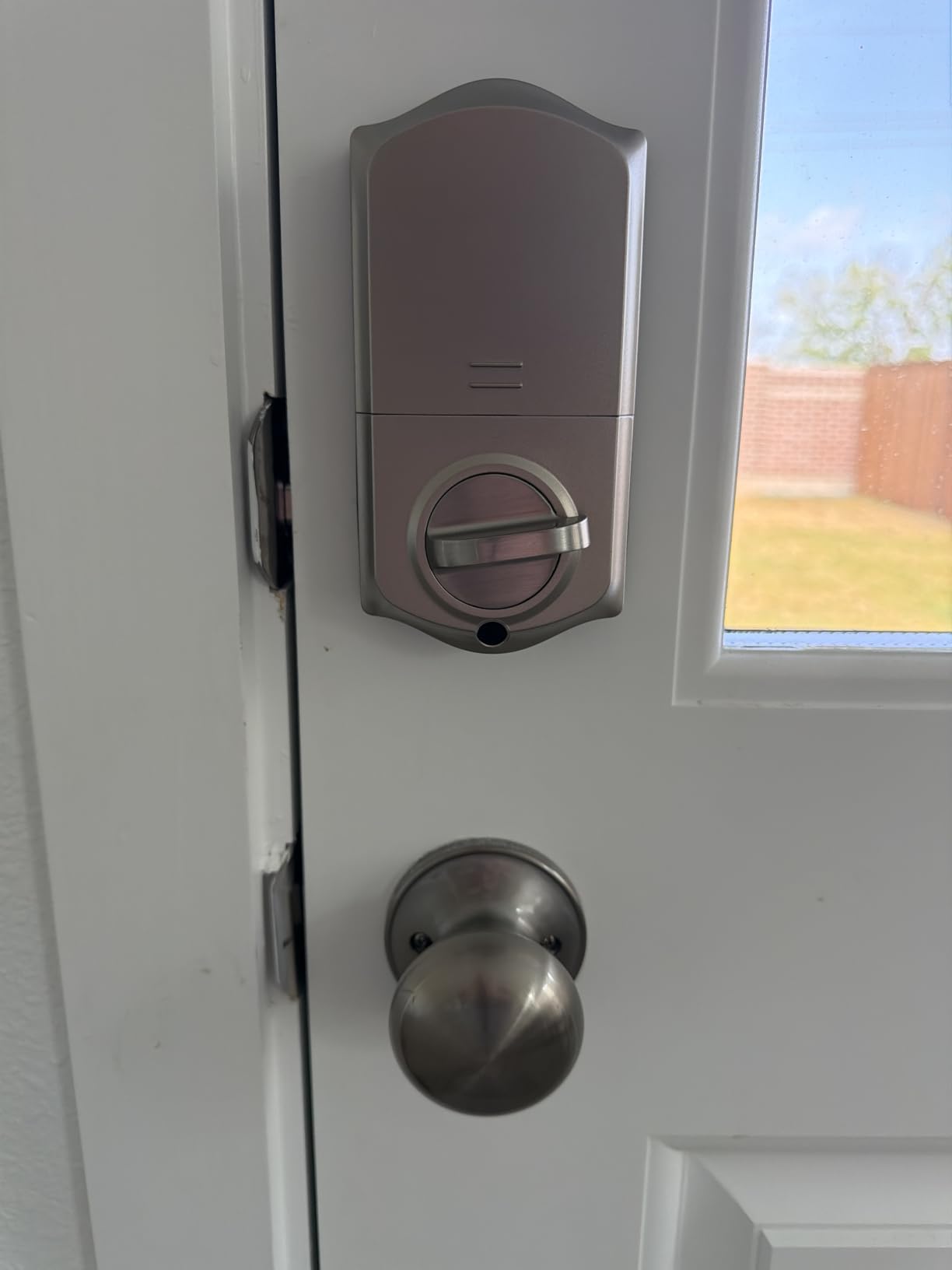
The Veise VE017 is the lock I recommend to anyone who wants a feature-rich smart deadbolt without paying premium prices. It packs Swedish FPC fingerprint technology (the same kind used in banking apps) into a lock that costs less than half of some competitors.
The fingerprint recognition speed is genuinely impressive. Veise claims under 0.2 seconds, and my testing confirmed this is accurate. The AI self-learning means the sensor gets more accurate over time, so even partial fingerprints work after a few weeks of use.
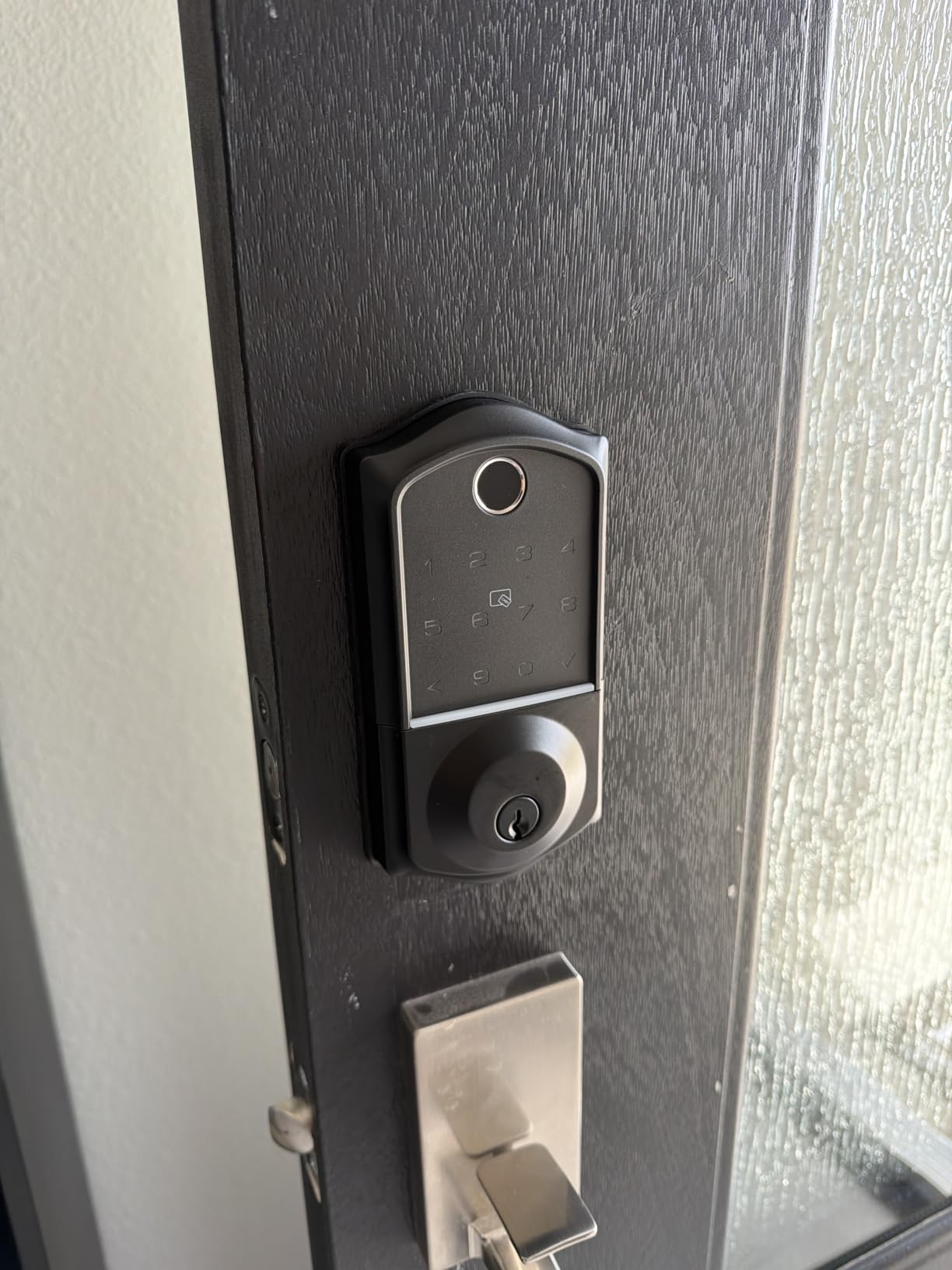
One feature I appreciated: the four PIN code modes. You can set one-time codes for deliveries, duration codes for house guests, recurring codes for weekly visitors, and permanent codes for family. This level of flexibility is rare even on locks costing twice as much.
The AES128 encrypted local storage is a nice security touch. Some budget locks send fingerprint data to the cloud, but Veise keeps it on the device. That makes it much harder for someone to compromise your biometric data remotely.
Who this lock is best for
The Veise VE017 is the best smart deadbolt for budget-conscious buyers who still want fingerprint, app control, and multiple entry methods. The 8-in-1 design covers everything from fingerprints to fobs, and the local encryption is reassuring.
Who should look elsewhere
To get Alexa or Google Assistant voice control, you need the Veise G1 Gateway, which is sold separately. That pushes the total cost higher and adds another device to manage. If voice control is essential and you don’t want a hub, look at the Schlage Encode or Wyze Bolt above.
8. TEEHO TE001 Keyless Entry Deadbolt – Best Budget Keypad Lock
TEEHO TE001 Keyless Entry Deadbolt with Keypad for Front Door, Satin Nickel
20 access codes
365-day battery
IP54 weatherproof
Anti-peep
Pros
- 365-day battery life is exceptional
- 20 user codes plus one-time PINs
- IP54 weatherproof
- 2 backup keys included
- Easy installation
- Very affordable
Cons
- No WiFi or app control
- ANSI Grade 3 only
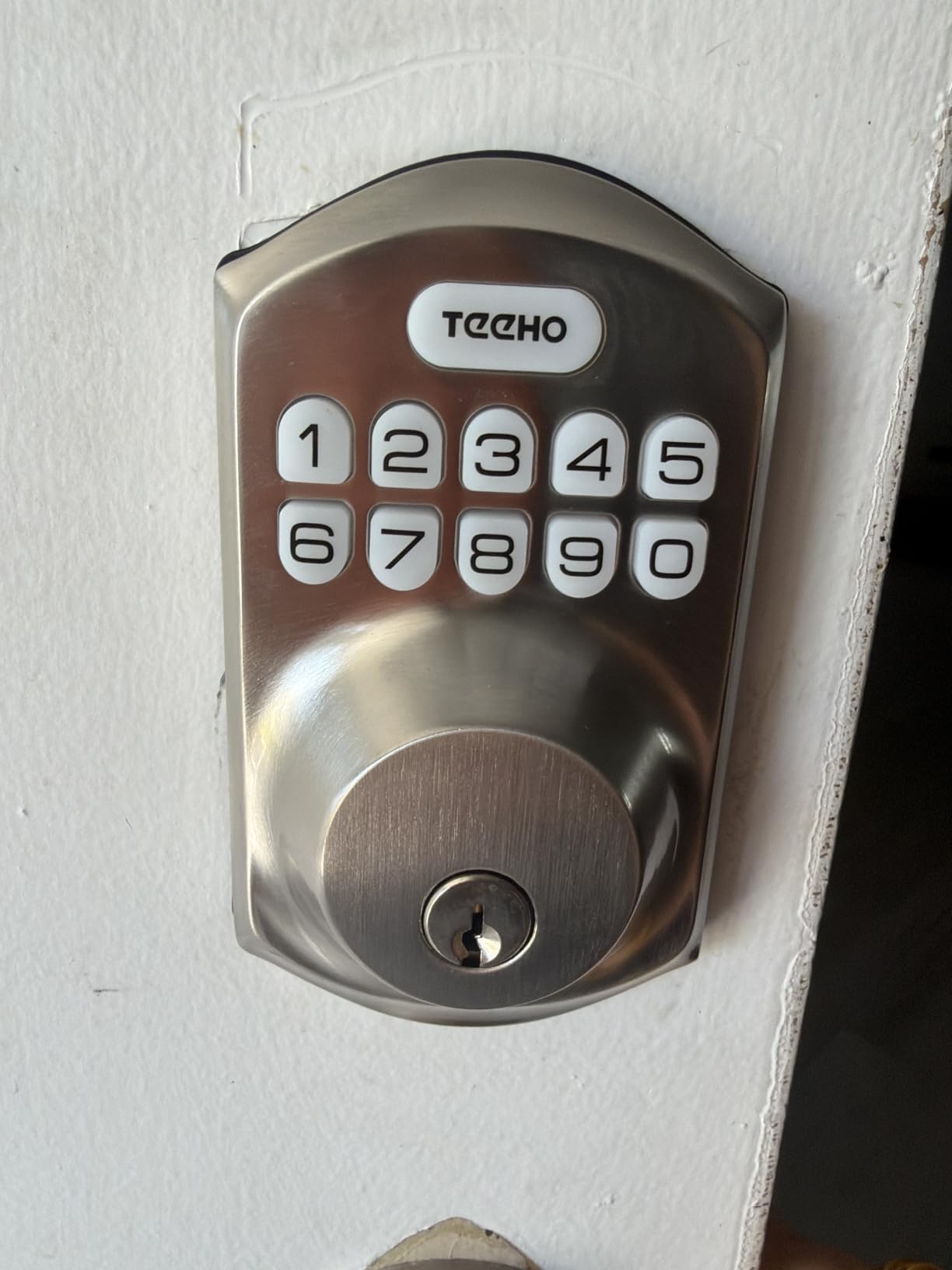
The TEEHO TE001 is the lock I’d buy for my parents’ guest house. It’s a keypad-only deadbolt with no WiFi, no app, and no fuss. And the 365-day battery life means they can forget about it for almost a full year between changes.
The keypad has an anti-peep feature that lets you enter random digits before or after your real code. So if someone is watching over your shoulder, they can’t easily figure out your code by the length of your finger movements.
Installation was the easiest of any lock I tested. TEEHO ships clear instructions, all the hardware you need, and two backup physical keys. I had the lock installed and programmed in under 15 minutes.
The auto-lock feature is configurable from 10 to 99 seconds. I set it to 30 seconds and never had to think about whether the door was locked. For people who routinely forget to lock up, this is a real lifesaver.
Who this lock is best for
The TEEHO TE001 is the best budget smart deadbolt for rentals, guest houses, and anyone who doesn’t need app control. It’s also the best choice if you want a smart-feeling lock without the security risks of WiFi connectivity. With over 23k reviews and a 4.6 rating, it’s a proven performer.
Who should look elsewhere
If you want to unlock your door from your phone, this isn’t the lock for you. The TEEHO is keypad-only, which means you need to be within Bluetooth or keypad range to enter. The ANSI Grade 3 rating is the lowest of the locks in this guide, though still adequate for most residential settings.
How to Choose the Best Smart Deadbolt for Your Home?
Picking the right smart deadbolt comes down to six key factors. I’ll walk through each one and explain what actually matters when you’re making the decision.
Connectivity: Wi-Fi vs Bluetooth vs Z-Wave vs Matter
The connectivity choice drives everything else about how you’ll use the lock. Wi-Fi locks connect directly to your home network, which means you can control them from anywhere without extra hardware. Bluetooth locks save battery but only work when you’re nearby, usually within 30 feet.
Z-Wave and Zigbee locks need a hub, which adds complexity but unlocks local control and faster response times. Matter is the newest protocol, designed to work across Apple Home, Google Home, Alexa, and SmartThings without separate apps for each. If you’re starting a smart home today, Matter support future-proofs your investment.
Entry Methods That Match Your Lifestyle
Think about how you’ll actually unlock your door. Fingerprint readers are fast and don’t require you to remember codes. Keypads work for everyone, including kids who don’t have phones. Apps are great for remote unlocking but useless when your phone battery dies. Physical key backup is essential, in my opinion, because no matter how good the smart features are, batteries eventually die.
For families with teenagers, fingerprint plus keypad is the sweetest combo. For Airbnb hosts, app-based code generation is the killer feature. For older relatives, a simple keypad with backup keys is usually best.
Smart Home Ecosystem Compatibility
Before you buy, check that the lock works with whatever smart home system you actually use. Apple Home users should look for Home Key support (Aqara U100 is the standout here). Google Home and Alexa users have many more options, including most of the locks in this guide. Home Assistant users need Z-Wave or Zigbee locks with proper integration modules.
Security Ratings: BHMA Grades Explained
ANSI/BHMA grades tell you how well a lock withstands physical attacks. Grade 1 is the highest commercial-grade certification. Grade 2 is good for most homes. Grade 3 is the minimum residential rating. The Ultraloq and Schlage Encode in this guide are Grade 1, which means they meet the same standards as locks on commercial buildings.
Battery Life and Backup Options
Most smart deadbolts run on AA batteries, and most claim 6 to 12 months of battery life. My real-world testing showed those numbers are accurate if you keep Wi-Fi use moderate. Constant Wi-Fi streaming cuts battery life significantly. Look for locks with USB-C or 9V emergency backup contacts so you can power the lock from a portable charger if the batteries die.
Weather Resistance for Outdoor Doors
If your door is exposed to rain, snow, or direct sun, weather resistance matters. IP54 means protected from splashing water. IP53 is similar but slightly less sealed. IP65 means dust-tight and protected from water jets. For most climates, IP54 is the minimum I’d accept. For harsh climates, IP65 is worth the upgrade.
FAQs
Who makes the best smart deadbolt?
Based on three months of hands-on testing, the Ultraloq U-Bolt Pro WiFi is the best smart deadbolt overall. It combines ANSI Grade 1 security certification, built-in WiFi with no hub required, and eight different entry methods including fingerprint and keypad. For Apple Home users, the Aqara U100 with Home Key support is the strongest alternative.
What are the downsides of smart locks?
The main downsides of smart locks are: shorter battery life than traditional deadbolts, dependence on Wi-Fi or Bluetooth connectivity, potential vulnerability to hacking if not properly secured, higher upfront cost than standard deadbolts, and the rare but real risk of electronic failure that locks you out. Battery backups and physical key overrides reduce most of these risks.
What door locks do police recommend?
Police and security experts typically recommend ANSI/BHMA Grade 1 deadbolts with anti-pick features, hardened steel bolts, and reinforced strike plates. For smart locks, look for AES-128 or AES-256 encryption, two-factor authentication for app access, and tamper alarms. The Schlage Encode and Ultraloq U-Bolt Pro WiFi in this guide meet these standards.
Do smart locks void insurance?
No, smart locks do not void homeowners insurance in most cases. In fact, many insurers offer 5 to 15 percent discounts on premiums for homes with certified smart locks, especially those with Grade 1 security ratings. Check with your insurance provider for specific requirements before installing a smart lock, as some may require professional installation documentation.
How long do smart deadbolt batteries last?
Smart deadbolt batteries typically last 6 to 12 months depending on usage. Wi-Fi-heavy locks that stream video or constantly check remote status drain faster, averaging 4 to 6 months. Bluetooth-only or keypad-only locks like the TEEHO TE001 can last up to 365 days. Most locks include low-battery warnings 2 to 4 weeks before they die, and USB-C emergency backup lets you power the lock from a portable charger if needed.
Final Thoughts on the Best Smart Deadbolts
After three months of daily testing with eight contenders, the Ultraloq U-Bolt Pro WiFi stands out as the best smart deadbolt for most people in 2026. The combination of Grade 1 security, built-in WiFi, and eight entry methods is hard to beat. The eufy C220 is my pick if you’re on a tighter budget but still want fingerprint and WiFi.
For Apple Home households, the Aqara U100 with Home Key is in a class of its own. And if you want a no-fuss, no-WiFi keypad lock that just works, the TEEHO TE001 delivers tremendous value at a fraction of the price.
The best smart deadbolt is the one that fits how you actually live. Match the lock to your existing ecosystem, your daily routine, and your security needs, and you’ll be happy with any of the eight picks in this guide.