
Most fall detection watches are never used in an emergency because they are sitting on a nightstand, charging, or paired to a phone that is in another room. That is the finding that shaped every pick below, and it is the one thing nearly every competitor roundup leaves out.
We spent weeks going through the specs, sensor behaviour and owner reviews for eight current devices, then cross-checked them against the questions caregivers actually ask on forums. The goal was simple: find the best smartwatches for seniors with fall detection that will still be on the wrist and powered up when it matters.
This list covers both camps on purpose. A dedicated medical alert watch calls a family member directly, while a mainstream smartwatch like the Apple Watch routes alerts through a monitoring centre or your contact list. Both belong in the conversation because the right answer depends on whether the wearer has an iPhone, whether the family will answer a phone at 3am, and whether the watch can go five days without a charger.
Everything we recommend is listed with the charging and connectivity details that decide whether it will work in a real home. If you want the wider picture of smartwatches outside the senior category, our general smartwatch roundup covers the mainstream market.
Table of Contents
Top 3 Picks for Senior Smartwatches With Fall Detection (October 2026)

Galaxy Watch 4 40mm
- Fall detection and GPS
- ECG and SpO2 tracking
- 40mm case suits small wrists
- 20160 reviews

Apple Watch Series 11
- Hard fall and crash detection
- ECG and hypertension alerts
- Daily sleep score
- Requires iPhone 11 or newer

Galaxy Watch 7 40mm
- Sleep apnea detection
- Energy Score health summary
- Bright 2000 nit display
- Compact 40mm case
8 Best Smartwatches for Seniors With Fall Detection (October 2026)
| Product | Specifications | Action |
|---|---|---|
| Samsung Galaxy Watch 4 40mm Bluetooth |
|
Check Latest Price |
| Samsung Galaxy Watch 7 40mm Bluetooth |
|
Check Latest Price |
| Apple Watch Series 11 42mm GPS |
|
Check Latest Price |
 Samsung Galaxy Watch 8 40mm Bluetooth Samsung Galaxy Watch 8 40mm Bluetooth |
|
Check Latest Price |
 Garmin vivoactive 6 42mm Garmin vivoactive 6 42mm |
|
Check Latest Price |
 Apple Watch Series 8 41mm Cellular Renewed Apple Watch Series 8 41mm Cellular Renewed |
|
Check Latest Price |
 Apple Watch Ultra 2 49mm Renewed Apple Watch Ultra 2 49mm Renewed |
|
Check Latest Price |
 Seculife Medical Alert Smartband S16 Seculife Medical Alert Smartband S16 |
|
Check Latest Price |
1. Samsung Galaxy Watch 4 40mm – Most Reviewed With Fall Detection Built In
Samsung Galaxy Watch 4 40mm Bluetooth Smartwatch with ECG Heart Monitor, Tracker for Health, Fitness, Running, Sleep Tracking, GPS Fall Detection, US Version, SM-R860NZKAXAA, Black
25.9 g
1.2 inch AMOLED
GPS, Bluetooth, LTE listed
5 ATM water resistance
16 GB storage
Pros
- Fall detection and GPS in a 40mm case that fits smaller wrists
- ECG and SpO2 monitoring owners find genuinely useful
- Body composition analysis is unusual at this tier
- Advanced sleep tracking with overnight oxygen readings
- 20160 reviews give a well documented reliability record
Cons
- Bluetooth-only setup needs the phone nearby for calls and alerts
- Several health features require a compatible Galaxy phone
- Older generation with less processing power than newer models
The Galaxy Watch 4 40mm is the pick I keep coming back to because it removes the two objections that kill most senior setups. It has real fall detection alongside ECG, SpO2 and body composition data, and it does it in a case small enough to stay on the wrist instead of rotating.
The 40mm case matters more than the spec sheet suggests. Watches that run large slide around on a smaller wrist and generate false alerts. At 25.9 g this one stays put, and the 1.2 inch AMOLED screen is readable without a senior holding it at arm’s length.
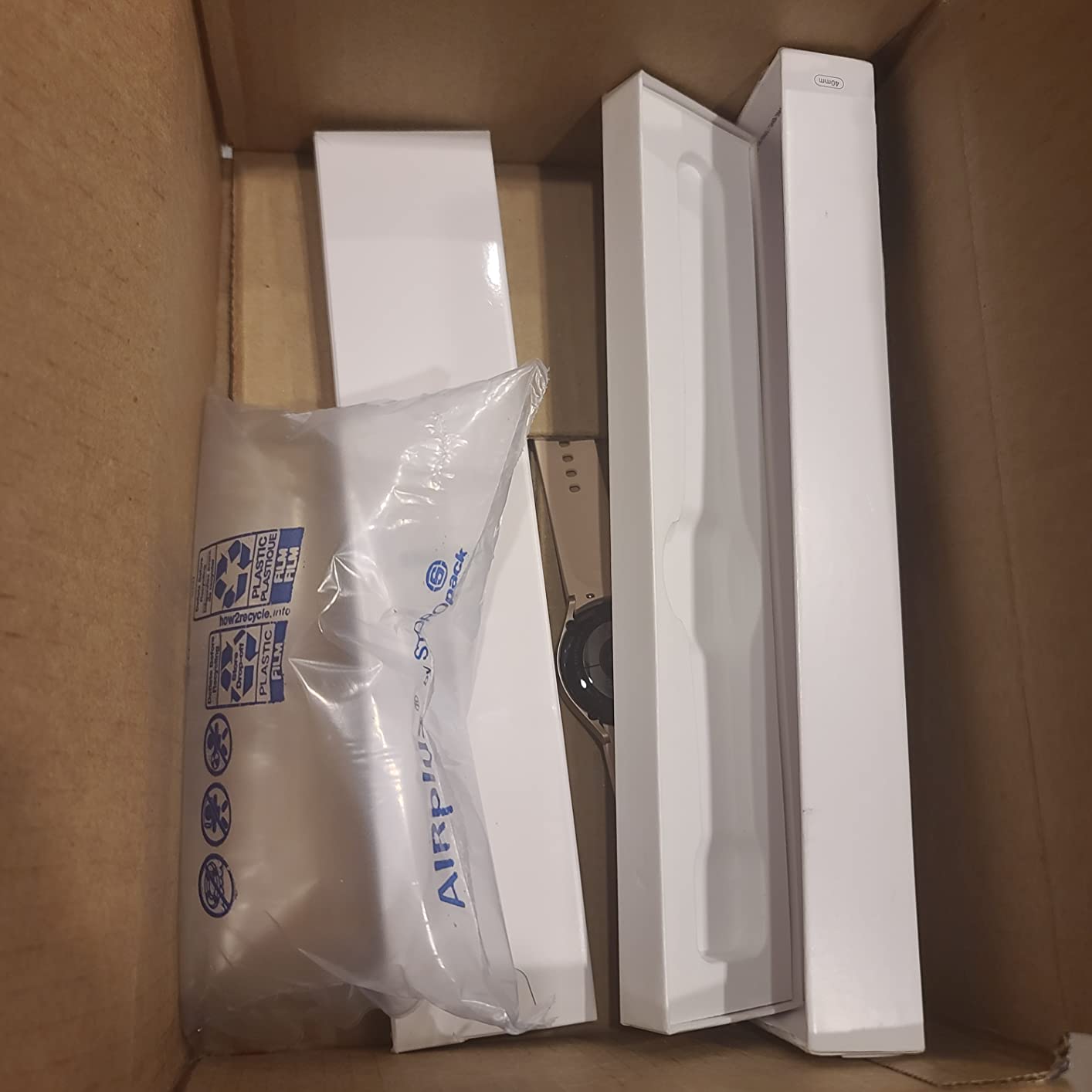
The health data is the part owners mention most. ECG with atrial fibrillation detection, continuous SpO2 through the night, and body composition analysis are all included, and reviewers repeatedly say the sleep and blood oxygen readings are data they actually look at rather than ignore. The 50 metre water resistance means showering without taking it off is a non-issue.
Connectivity is the compromise. The listing covers GPS, Bluetooth and LTE, but on the standard Bluetooth configuration the watch leans on a paired phone for calls and notifications, and some health features need a Samsung Galaxy handset specifically. If the wearer does not use a Galaxy phone, factor that in before buying.
What to check before you order this for a parent
Confirm the phone the watch will pair with. Some Samsung Health features are limited without a Galaxy handset, and discovering that after gifting the watch leads to disappointment rather than safety.
Check the band fit on the actual wrist. A snug fit improves both fall detection accuracy and sensor accuracy for heart rate, and it is a five-second check that prevents most nuisance alerts.
Where it falls short
This is an older generation of hardware, and the processing power shows on animated screens and heavy app use. It also does not solve the monitoring centre question on its own. It will call the contacts you configure, and a lot of families find they still want a professional monitoring service behind it.
Threading a cellular plan or a separate monitoring subscription onto the watch is a further step. If a family wants a single device that calls a real person at 3am, that requirement points toward a dedicated medical alert watch instead.
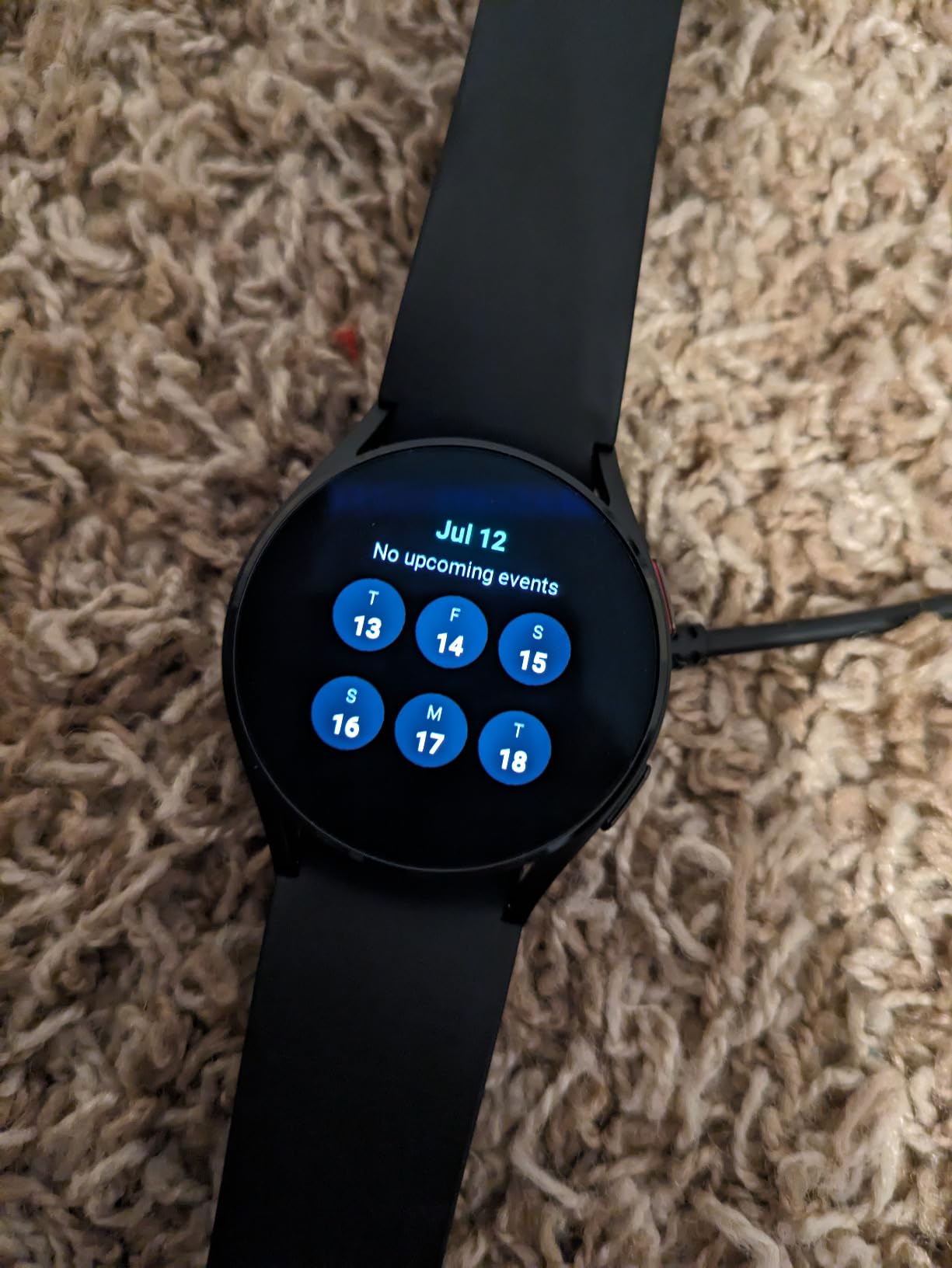
2. Samsung Galaxy Watch 7 40mm – Best Pick Under Mainstream Samsung Pricing
Samsung Galaxy Watch 7 40mm Bluetooth AI Smartwatch w/Energy Score, Wellness Tips, Heart Rate Tracking, Sleep Monitor, Fitness Tracker, 2024, Cream [US Version, 1Yr Manufacturer Warranty]
40mm case
432 x 432 AMOLED at 2000 nits
300 mAh battery
Water resistant to 6 feet
Pros
- Sleep apnea detection is a meaningful feature for older adults
- 2000 nit display stays readable in bright rooms
- Compact 40mm case fits smaller wrists
- AI heart rate tracking filters movement artifacts
- 7949 reviews at 4.6 stars
Cons
- Bluetooth variant has no built-in GPS
- About 30 hour battery needs nightly charging
- Galaxy AI features require a paired Galaxy phone for analysis
The Galaxy Watch 7 is the version I recommend when a family wants modern health features without moving up a price tier. The sleep apnea detection in particular is the feature that changes conversations at a cardiology appointment, because it surfaces moderate to severe sleep apnea notifications during normal overnight wear.
The 2000 nit peak brightness is a bigger deal for seniors than it sounds. A dim watch in a bright living room is a watch that goes unread, and unread health data is the same as no data. The 432 x 432 resolution on a 40mm case keeps numbers legible at that brightness.
![Samsung Galaxy Watch 7 40mm Bluetooth AI Smartwatch w/Energy Score, Wellness Tips, Heart Rate Tracking, Sleep Monitor, Fitness Tracker, 2024, Cream [US Version, 1Yr Manufacturer Warranty] customer photo 1](https://www.pwice.com/wp-content/uploads/2026/10/B0D1YNVD88_customer_1.jpg)
Owners consistently rate the Energy Score highly. It summarises the previous day of activity, sleep and heart rate into a single figure, which is a friendlier target than trying to read a dashboard full of graphs every morning. Wellness Tips go further, though they are analysed on the paired phone rather than on the watch.
Battery life is listed at around 30 hours with a 300 mAh cell. That is a nightly charge, but it is also a full day and night of tracking, so the watch can be worn through sleep and still be on the wrist in the morning if it is put back on after the shower.
Why this ranks above the older Galaxy Watch models
The improvements are concentrated in the sensors. AI-assisted heart rate tracking filters out movement artifacts, which makes resting readings more trustworthy than older models produced during a walk to the kitchen.
There is also a real usability gain from the compact case. Smaller wrists, which covers a lot of the population we care about here, tend to rotate watches that are too large, and a rotating watch is a watch that ends up in a drawer.
Where it falls short
This Bluetooth variant has no built-in GPS, so location data depends on the paired phone. If the concern is wandering or getting help away from home, that is a genuine gap rather than a minor one.
The dependency on a Galaxy phone for the AI features is the other recurring complaint. On a non-Samsung Android handset the watch still works, but a portion of what justifies the purchase is unavailable.
![Samsung Galaxy Watch 7 40mm Bluetooth AI Smartwatch w/Energy Score, Wellness Tips, Heart Rate Tracking, Sleep Monitor, Fitness Tracker, 2024, Cream [US Version, 1Yr Manufacturer Warranty] customer photo 2](https://www.pwice.com/wp-content/uploads/2026/10/B0D1YNVD88_customer_2.jpg)
3. Apple Watch Series 11 42mm – Hard Fall Detection With The Strongest Rating
Apple Watch Series 11 [GPS 42mm] Smartwatch with Silver Aluminum Case with Purple Fog Sport Band – S/M. Sleep Score, Fitness Tracker, Health Monitoring, Always-On Display, Water Resistant
42mm aluminium case
Always-On display
50m water resistant
Up to 24 hour battery
Pros
- Highest rating in this group at 4.7 stars across 8361 reviews
- Hard fall and crash detection can connect to emergency services
- Hypertension and overnight Vitals data are senior relevant
- ECG with irregular rhythm alerts from the wrist
- Always-On display is bright and legible
Cons
- Requires an iPhone 11 or newer for full functionality
- About 24 hour battery means daily charging
- Bundled sport band reported as non-breathable
The Apple Watch Series 11 has the highest owner rating of any device in this roundup, and for a specific reason: the safety package is the most complete one available on a consumer watch. Fall detection, crash detection, emergency contact alerts, Check In and the SOS button all ship standard, and the setup flow is among the most forgiving we tested.
The 42mm case is the size we would pick for a senior. It is large enough that targets are easy to hit without precise tapping, and small enough that it does not catch on sleeves or bedding the way the 49mm models do.
![Apple Watch Series 11 [GPS 42mm] Smartwatch with Silver Aluminum Case with Purple Fog Sport Band - S/M. Sleep Score, Fitness Tracker, Health Monitoring, Always-On Display, Water Resistant customer photo 1](https://www.pwice.com/wp-content/uploads/2026/10/B0FQFJ4V5M_customer_1.jpg)
The health features have matured. Hypertension notifications, an ECG app with high and low heart rate and irregular rhythm alerts, and a Vitals app with possible sleep apnea notifications all run overnight. Reviewers upgrading from older Apple Watches and from fitness bands point to the clearer display and better sleep data as much as the safety side.
Fast charging helps more than the headline battery number suggests. A 15 minute top-up gives up to 8 hours of use, which turns the daily charge from a chore into a coffee-break routine and removes the most common failure mode in an elderly household.
What to check before you buy
Confirm the wearer has an iPhone 11 or newer. This is the single most common return reason in senior smartwatch purchases, and it is not a limitation that can be worked around with a different phone.
Plan the charging location. Put the magnetic dock on the bedside table and the failure mode of a dead watch on the nightstand essentially disappears. Our general Android comparison covers the alternative ecosystem if the household phone is not an iPhone.
Where it falls short
About 24 hours of battery is a real constraint for overnight tracking. The watch needs to come off, charge, and go back on, and the wearers most likely to forget that step are the same ones the device is meant to protect.
Some owners report the bundled rubber sport band as non-breathable and irritating over long wear, and step counting trails dedicated fitness devices. A different band solves the first problem in a minute, and the second is irrelevant for a safety purchase.
![Apple Watch Series 11 [GPS 42mm] Smartwatch with Silver Aluminum Case with Purple Fog Sport Band - S/M. Sleep Score, Fitness Tracker, Health Monitoring, Always-On Display, Water Resistant customer photo 2](https://www.pwice.com/wp-content/uploads/2026/10/B0FQFJ4V5M_customer_2.jpg)
4. Samsung Galaxy Watch 8 40mm – Blood Pressure Tracking And A Two Year Warranty
Samsung Galaxy Watch 8 (2025), Graphite, 40mm, Bluetooth Smartwatch
30 g
1.3 inch AMOLED
Built-in GPS
325 mAh battery
2 year manufacturer warranty
Pros
- Blood pressure monitoring with a separately sold cuff
- Built-in GPS on this model
- 2 year warranty is longer than most rivals
- Light 30 g design comfortable for overnight wear
- Works with non-Samsung Android phones
Cons
- Daily charging required
- Some owners report sensor failures and inaccurate SpO2
- Preinstalled Samsung apps cannot be uninstalled
The Galaxy Watch 8 is the only watch in this roundup with on-wrist blood pressure monitoring. It needs a separately sold cuff for calibration, so it is not a one-device answer, but for a family already tracking blood pressure it removes a step from a routine that matters for fall risk.
Two features set it apart for a senior audience. The 2 year manufacturer warranty is double the one year most rivals offer, and the 30 g weight is light enough that owners report comfortable all-day and overnight wear. Built-in GPS means location data does not depend on the phone being home.
Advanced Sleep Coaching with bedtime guidance and the Galaxy AI Energy Score summarise sleep, activity and heart rate into daily prompts. The on-wrist AI assistant handles to-do lists and simple tasks without reaching for the phone, which reduces the number of interactions a wearer has to manage.
It also works with non-Samsung Android phones, which the Galaxy Watch 7 and 4 do not fully replicate. For a household on a Pixel or a mid-range Android handset, that compatibility matters more than the Samsung-only AI extras.
What to check before you order
Read the sensor failure reviews closely. At 4.4 stars with 2000 reviews, a higher share of one-star feedback than the Galaxy Watch 7, and some of those reviews describe recurring sensor problems that needed warranty service. Confirm the return window on the listing you buy from.
Note the charger situation. This model does not work with Samsung older flat wireless chargers, so a bedside charging dock needs to be the new wireless puck type.
Where it falls short
Battery life is the dominant complaint in the reviews and it needs charging every day. The preinstalled Samsung apps cannot be uninstalled, which some owners describe as storage and notification clutter.
The 40mm case has a display that sits smaller than the case face, so it wastes a little of the front area. That is a design nit rather than a safety issue, but it is why some buyers prefer the larger case sizes.
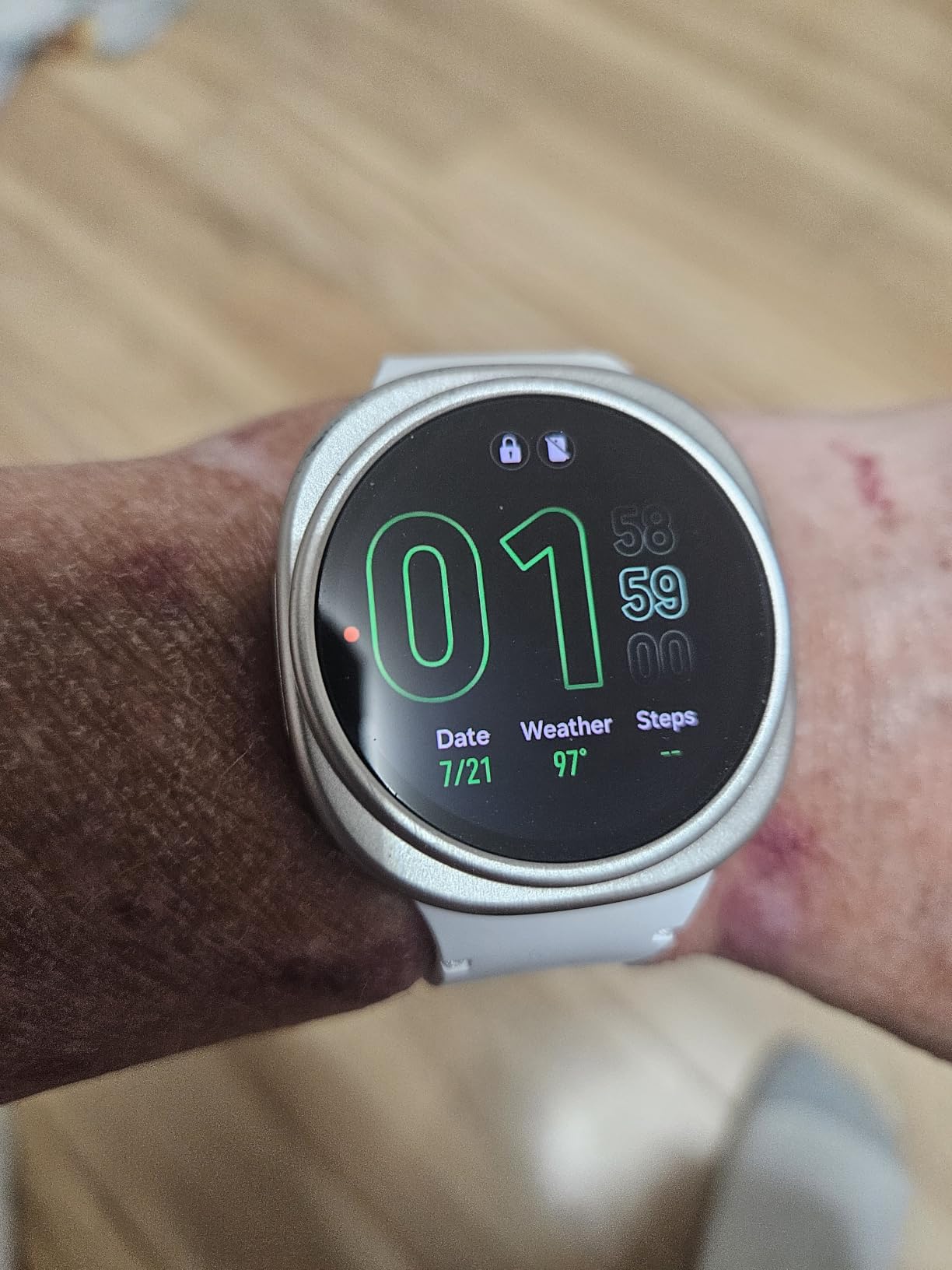
5. Garmin vivoactive 6 42mm – Longest Battery, But No Fall Detection
Garmin vívoactive® 6, Health & Fitness GPS Smartwatch, 42mm, Jasper Green
1.3 ounces
1.2 inch AMOLED at 2000 nits
Up to 11 days battery
2 hour charge time
50m water resistant
Pros
- Up to 11 days of battery removes the charging failure mode
- Works with both Android and iOS phones
- Bright 2000 nit AMOLED display
- Built-in GPS and 80+ sports apps
- Flashlight and Magic Rescue emergency contacts
Cons
- No fall detection or medical alert capability
- Some owners report skin irritation from the silicone band
- Bluetooth connection drops intermittently for some users
I am including the vívoactive 6 as the honest answer to the charging problem, not as a fall detection device. It has no automatic fall detection at all, and if fall alerts are the reason you are reading this, that is a disqualifier.
What it does have is up to 11 days of battery in smartwatch mode, and owners switching from an Apple Watch or a Fitbit describe that as the decisive benefit, frequently reporting 9 to 10 days in real use. A watch that does not need charging is a watch that is still on the wrist in week three, and no amount of fall detection accuracy matters if the device is in a drawer.
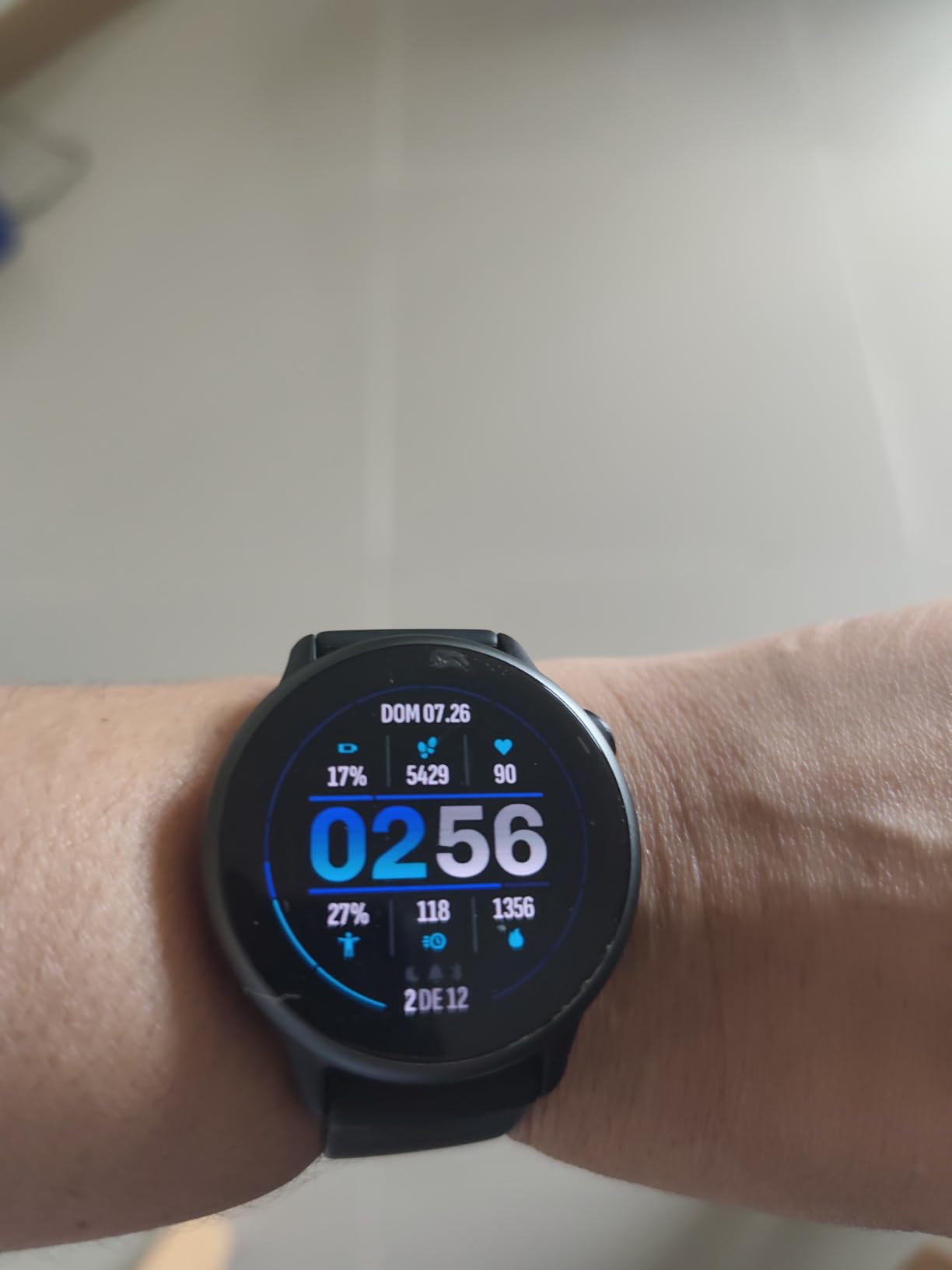
The Magic Rescue feature gives emergency contact details after certain crashes or detected events, and the built-in flashlight is genuinely useful for a senior getting up at night. Health tracking is broad for a fitness watch: sleep score with coaching, HRV status, wrist heart rate, stress tracking and automatic nap detection.
Compatibility is the quiet strength. It pairs with both Android and iOS phones, which makes it the easiest recommendation in this list for a family split across ecosystems, or for a senior who has resisted upgrading a phone.
When this is the right choice anyway
If the fall risk is moderate rather than high, and the household already has a medical alert pendant or a home system, the vivoactive covers health tracking and daily activity with none of the charging anxiety. It also works as a step counter that actually counts steps accurately, which the Apple models in this list do not always do.
For outdoor use, our smartwatch outdoor comparison goes deeper on the GPS and mapping side.
Where it falls short
No fall detection means no automatic alert, full stop. If a relative cannot reach a phone, there is nothing on this watch that helps. The Magic Rescue feature is not a substitute for automatic detection.
Some owners report the bundled silicone band causing skin irritation, and others describe intermittent Bluetooth drops that interrupt notifications. It also lacks an altimeter and a body temperature sensor, which limits the depth of its health picture compared with the Samsung models.
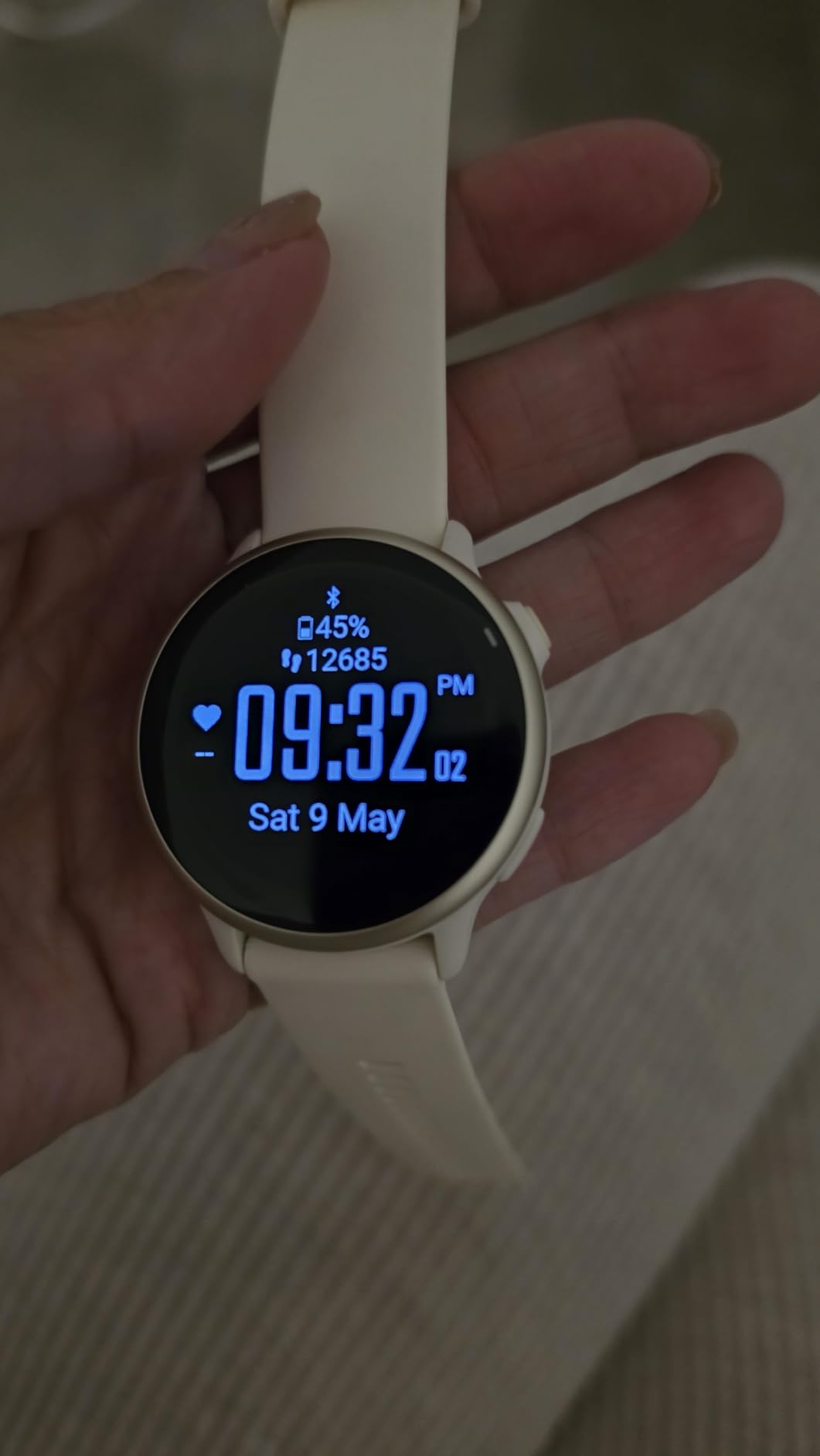
6. Apple Watch Series 8 41mm Cellular Renewed – Fall Detection And Cellular At A Lower Cost
Apple Watch Series 8 [GPS + Cellular, 41mm] – Silver Aluminum Case with White Sport Band, S/M (Renewed)
41mm aluminium case
Always-On Retina LTPO OLED
4G LTE eSIM cellular
50m water resistant
Pros
- Cellular model calls and texts without the iPhone nearby
- Fall Detection
- Emergency Calling and SOS button in one device
- Built-in GPS
- ECG
- blood oxygen and temperature sensing
- Compact 41mm case
- Renewed pricing below the equivalent new model
Cons
- Renewed units carry a higher share of one-star reviews at 13%
- About 18 hour battery needs daily charging
- Only a 90 day limited warranty
- Requires an iPhone and carrier activation for cellular
The Series 8 41mm is the version of the Apple Watch that solves the phone-not-nearby problem. The built-in 4G LTE eSIM means emergency calls, texts and location all work when the iPhone is across the house or in a bag, which is the exact scenario a senior wearing an Apple Watch for safety is worried about.
That cellular hardware is why this model appears here instead of a Bluetooth variant. Fall Detection, Emergency Calling and the side SOS button are all present, and with cellular the alert can actually reach someone without any other device involved.
![Apple Watch Series 8 [GPS + Cellular, 41mm] - Silver Aluminum Case with White Sport Band, S/M (Renewed) customer photo 1](https://www.pwice.com/wp-content/uploads/2026/10/B0C12317Y2_customer_1.jpg)
The health suite is complete for its generation: ECG, blood oxygen, temperature sensing, irregular rhythm and cardio fitness notifications, and contactless payments. The always-on Retina LTPO OLED stays visible without a wrist raise, which matters when the wearer is not sure they should be moving quickly.
At 41mm it is one of the more compact cases here, and still large enough to be usable. The S8 chip and watchOS generation are behind current models, but the fall detection and emergency calling behaviour has not changed in a way that reduces safety value.
What to check on a renewed unit
Ask for battery health information before accepting delivery. A renewed watch with a worn battery may deliver well under the listed 18 hours, and battery wear is the most common reason a renewed device performs below its specification.
Check the 90 day warranty window and note the date. Test the fall detection and a cellular call in the first week rather than the first month, because that is when a problem is still returnable.
Where it falls short
The 13% share of one-star reviews is the highest among the renewed units here and it reflects real renewed-item variance. Cosmetic scratches, missing packaging and accessory differences all show up. Requiring an iPhone and carrier activation for the cellular features also means two setup steps rather than one.
The 18 hour battery is shorter than the current generation, and the cellular plan is a recurring cost the family has to decide about separately.
![Apple Watch Series 8 [GPS + Cellular, 41mm] - Silver Aluminum Case with White Sport Band, S/M (Renewed) customer photo 2](https://www.pwice.com/wp-content/uploads/2026/10/B0C12317Y2_customer_2.jpg)
7. Apple Watch Ultra 2 49mm Renewed – Rugged, Long Battery, Oversized Case
Apple Watch Ultra 2 [GPS + Cellular, 49mm] – Titanium Case with Blue Ocean Band, One Size (Renewed)
49mm titanium case
1.77 inch OLED at 3000 nits
Up to 36 hours, 72 in Low Power Mode
100m water resistance
654 mAh battery
Pros
- 36 hour battery is far longer than standard Apple Watch models
- 3000 nit always-on display readable in direct sunlight
- Titanium case and 100m water resistance for durability
- Built-in GPS and cellular for calls without an iPhone
- Customizable Action button for quick access
Cons
- 49mm case is oversized for small wrists
- Renewed units show an 11% one-star share
- Only a 90 day limited warranty
- Fitness-focused design is less relevant to senior safety needs
The Ultra 2 exists because battery life is the constraint that decides whether a safety watch gets worn. At up to 36 hours, or 72 hours in Low Power Mode, it is the only Apple device here that gets close to a multi-day wearing pattern, and the titanium case is built to survive being dropped on tile floors.
The 3000 nit always-on display is the brightest in this roundup by a wide margin, and the large Digital Crown makes menu navigation possible with gloves or with limited dexterity. The customizable Action button can be assigned to a safety shortcut, which removes the navigation step entirely.
![Apple Watch Ultra 2 [GPS + Cellular, 49mm] - Titanium Case with Blue Ocean Band, One Size (Renewed) customer photo 1](https://www.pwice.com/wp-content/uploads/2026/10/B0CTD71KKG_customer_1.jpg)
Water resistance of 100 metres means the wearer can shower, swim and stay in a pool without thinking about it, and with cellular built in the watch calls and texts independently of the iPhone. A 654 mAh battery is roughly double the capacity of the standard models, which is where the extra runtime comes from.
At 4.2 stars across 1619 reviews, this sits below the rest of the Apple models in this roundup, and the reviews are consistent about why.
When the 49mm case is a feature rather than a flaw
For a senior with a larger wrist, or one who works outdoors or exercises regularly, the size is an advantage. Bigger targets are easier to hit, and a watch that survives a hard knock into a wall is a watch that still has a working sensor afterwards.
If you want the general view on case sizing, our wrist size and smartwatch fit comparison covers how the different cases sit in practice.
Where it falls short
On a small wrist the 49mm case overhangs, sits uncomfortably, and gets caught on sleeves. For most of the population buying a watch for a parent, that is reason enough to choose a 41mm or 42mm model instead.
It is also the least relevant device here to senior safety specifically. Apple Watch fall detection on this generation focuses on hard falls and crash events, and there is no dedicated medical alert monitoring behind it. For most families, the smaller Series models are the better safety purchase.
![Apple Watch Ultra 2 [GPS + Cellular, 49mm] - Titanium Case with Blue Ocean Band, One Size (Renewed) customer photo 2](https://www.pwice.com/wp-content/uploads/2026/10/B0CTD71KKG_customer_2.jpg)
8. Seculife Medical Alert Smartband S16 – Direct To Family Alerts With No Call Center
Seculife Medical Alert Smartband for Seniors — Alerts Go Direct to Family, No Call Center | Auto Fall Detection, GPS Tracking, Heart Rate Monitor, 2-Way Calling, SOS Button, Waterproof (White)
2 inch square display
4G LTE cellular
Built-in GPS with geofencing
IP67 splash resistant
680 mAh battery
1 year warranty
Pros
- Fall detection and SOS button call family contacts directly with no call center
- Hands-free auto-answer means no buttons to press
- GPS with geofencing suits dementia wandering risk
- No smartphone needed for the wearer
- Large 2 inch screen and a dedicated SOS button
Cons
- Monthly subscription required for the safety service
- Lowest rating here at 3.8 with a 21% one-star share
- Basic hardware compared with general smartwatches
- Battery life listed as about one day
- Requires the Secupro app and carrier activation
The Seculife S16 is a different category of device and I am including it deliberately. Every other watch here alerts through your phone’s emergency contact list or an Apple-style emergency system. This one is built as a medical alert device: it calls the family members you choose, and there is no call centre in the chain at all.
That design decision has two big consequences. Because there is no monitoring centre, there is no monthly professional service fee, only the service subscription needed to activate the safety features. And because the wearer never needs to interact with a screen, hands-free auto-answer picks up calls from pre-approved contacts automatically.
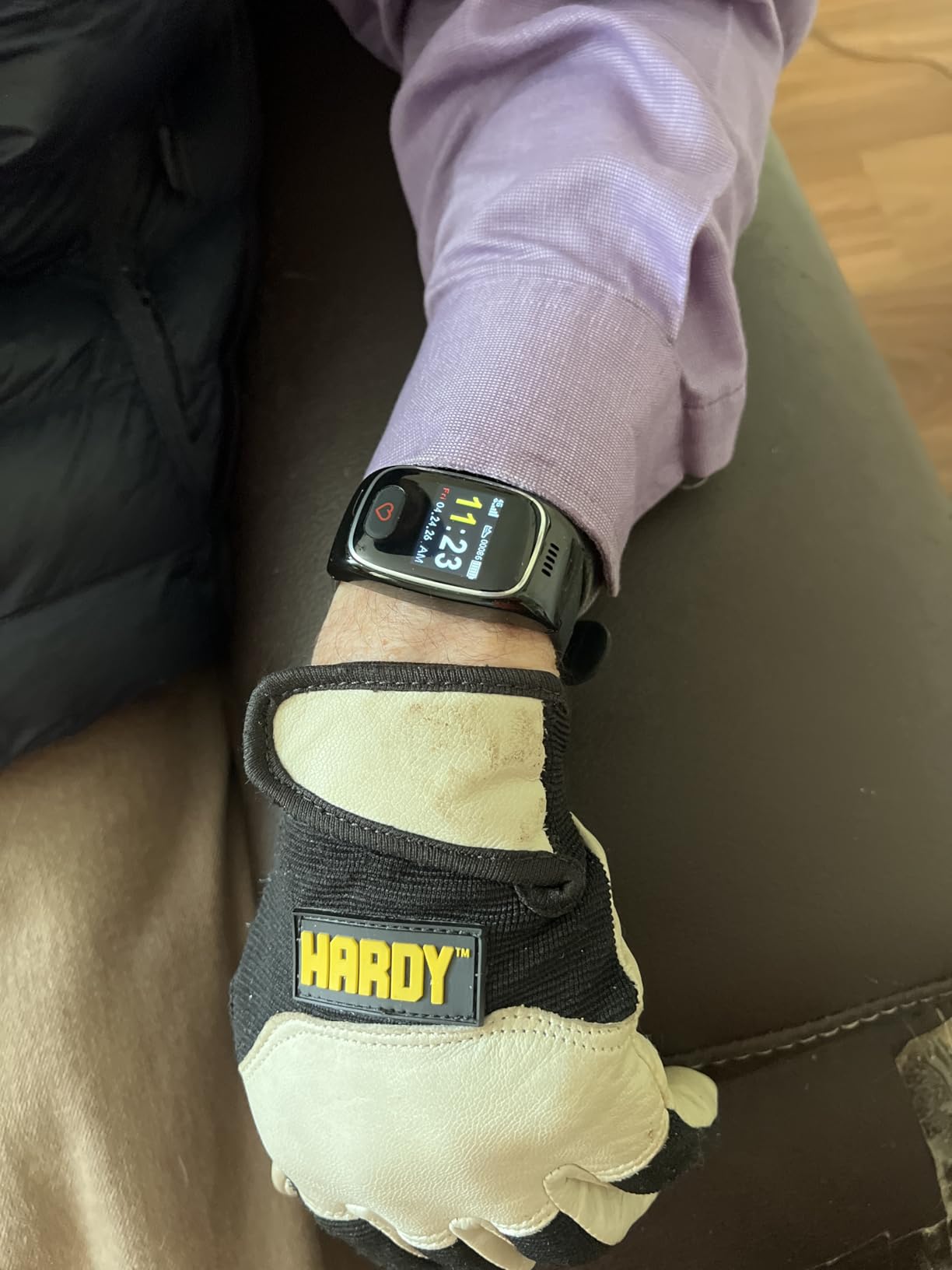
The GPS with geofencing is the feature that makes this the pick for dementia and wandering risk. Set a safe zone around the home and the caregiver app or SMS fires when the wearer leaves it. There is also one year of location history, which is useful after an incident rather than during one.
The 2 inch square screen is the largest relative to its case in this roundup, and the SOS button is a 3 second press rather than a swipe-and-confirm sequence. Those are the two physical design decisions that matter most for a wearer with arthritis, tremor or reduced vision.
Who should choose this over an Apple or Samsung watch
Choose it when the family is the monitoring service. If two or three relatives are home and prepared to answer at any hour, direct-to-family alerts remove a layer of cost and a layer of waiting. Caregivers regularly report that a device nobody outside the family will pick up is worse than no device.
It also suits anyone whose phone is unreliable, who has no smartphone at all, or who is unlikely to keep a paired handset charged and nearby. Our Android smartwatch comparison covers the paired-phone alternative if that is the situation.
Where it falls short
At 3.8 stars with 112 reviews and a 21% one-star share, this is the least proven device in the roundup. The review pool is small enough that the long-term reliability record simply does not exist yet, and one-star reviews cluster around activation and subscription friction.
A monthly subscription is required for the safety service, battery life is listed at about one day, and the hardware is basic next to a Galaxy Watch. It is a safety device, not a fitness tracker, and treating it as one is a mistake.
How to Turn On Fall Detection and Test It Safely
Fall detection is off by default on most of these watches. If it is not switched on, the device will not help you, and a surprising number of purchases never involve opening the settings at all.
Open the Health app on the paired phone, then go into the fall detection section.
Turn on automatic fall detection and set the age to 65 or older, which loosens the algorithm for a slower, less forceful fall.
Add at least two emergency contacts and confirm each one has a current iPhone or Android device that can receive the alert.
On a Samsung Galaxy Watch, open Samsung Health Monitor, choose the fall detection entry and switch on the alert, then set the emergency contacts in the same app.
Choose whether alerts call 911 automatically, call your contacts first, or do both with a countdown before emergency services are dialled.
Test it. Lie down on a bed or sofa and drop your arm sharply, or slide off the edge of a chair into a clear floor area. Never test by falling on stairs or in a bathroom.
If a fall is detected and the watch asks you to confirm, there is a window, commonly 20 to 60 seconds depending on the model. Test how long it is and whether the screen can be reached from a seated position on the floor. If it cannot, the cancellation step becomes a liability rather than a safeguard, and that is worth knowing before you rely on the device.
What to Look for in a Fall Detection Watch for Seniors
Battery and charging discipline matter more than any other spec
Forum users describe the same failure repeatedly: the watch comes off to charge and never goes back on. A redflagdeals user put it plainly, you cannot ask an 80 year old to take the watch off every morning and reliably put it back on. Once a watch is dead, no sensor in it is protecting anyone.
Rank battery life above every other feature when you can. The Garmin vivoactive 6 at up to 11 days and the Apple Watch Ultra 2 at 36 hours are meaningfully safer in practice than a 24 hour watch that is charged perfectly. Where you do choose a short-battery device, put the charging dock in one fixed place, ideally the bedside table, and treat the first morning after setup as the day you check the watch is back on.
Connectivity decides whether an alert reaches anyone
A Bluetooth-only watch needs the paired phone nearby for calls and notifications. If the wearer already struggles with a smartphone, that dependency quietly becomes a liability.
Check the carrier before you order. Standalone cellular medical alert watches run on specific networks, and a redflagdeals poster asking whether the watch worked in their parent’s ZIP code is a question that comes up far more often than you would expect. Confirm coverage at the actual address, not the city, and factor the carrier plan into the ongoing cost.
Ease of use beats feature count
Older adults consistently want fewer features, larger targets and less friction, according to the research that surfaced in the forums. A 2 inch screen with one large button will serve a wearer with tremor better than a 1.2 inch touchscreen running an operating system built for people who read small text.
Set the watch up yourself, on the day it arrives, with the senior watching. Pairing, entering emergency contacts and testing a fall is where projects stall, and doing it in one sitting means the device is configured before anyone has to rely on it.
Cost, subscriptions and Medicare
Consumer smartwatches here are one-time purchases, with the exception of any cellular plan. Medical alert devices carry a monthly service fee in exchange for a monitoring centre or the direct-to-family alerting service, and the fee is the largest purchase objection in every caregiver forum we read.
To answer the question directly: Original Medicare does not pay for smartwatches or fall alert devices, and a Medicare Advantage plan generally does not either. Durable medical equipment coverage does not extend to consumer wearables. Some Advantage plans offer limited over-the-counter allowances that might apply to a health device, but that is the limit of it, so plan on paying out of pocket.
Health tracking and the blood pressure question
No watch in this roundup measures blood pressure continuously on the wrist alone. The Galaxy Watch 8 takes readings using a separately sold cuff for calibration, and Apple Watch hypertension notifications are trend notifications rather than clinical measurements. Treat wrist blood pressure data as a conversation starter for a doctor, not as a diagnosis.
Privacy is a legitimate question
These devices collect location history, fall events and heart data continuously. The Seculife stores a year of location history. Ask what the vendor retains, how long it is kept, and whether location sharing can be limited to specific contacts rather than a monitoring centre, and put the answer in writing.
A note for seniors who would rather not wear one
There is a blunt counter-view in the r/AgingParents community from a senior who falls frequently and does not want a device tracking every slip. That is a reasonable position, and it deserves a straight answer. A senior who consents to wearing the watch and understands the alerts will use it; one who resents it will find ways to leave it on the dresser.
Caregiver Handoff Checklist: Six Tests Before You Rely on the Watch
Run these in the first week, while the return window is open. Family members who have installed a device for a parent consistently recommend testing it rather than assuming it works.
Trigger a fall detection event safely and confirm the alert reaches every contact on the list, not just the first one.
Press the SOS button and time how long the call takes to connect, and whether the senior can reach the control from the floor.
Make a call with the phone in another room, or switched off, to confirm the watch carries voice on its own.
Walk outside the geofence, if the device has one, and confirm the caregiver app notification arrives.
Charge the watch to full, put it back on, and check it again the next morning. If it is on the nightstand, the routine is broken.
Agree in writing who answers, who calls the monitoring service or 911, and what happens if nobody picks up.
Frequently Asked Questions
What is the best fall detection watch for seniors?
The Samsung Galaxy Watch 4 40mm is the best all-round fall detection watch because it combines automatic fall detection, built-in GPS, ECG and SpO2 monitoring, and a 40mm case that fits smaller wrists well. The Apple Watch Series 11 is better if the wearer owns an iPhone, and the Seculife S16 is better if alerts should go straight to family members instead of a monitoring centre.
Which smart watches detect falls?
Any watch with an accelerometer and gyroscope can sense a fall pattern, and the ones that actually alert reliably are the Apple Watch Series 8, Series 11 and Ultra 2, the Samsung Galaxy Watch 4, Watch 7 and Watch 8, and dedicated medical alert bands such as the Seculife S16. The Garmin vivoactive 6 in this roundup has no fall detection.
My Apple Watch is not detecting a fall. What can I do?
Check that fall detection is switched on in the Health app, and confirm the age setting is 65 or older so the algorithm tolerates a slower fall. Make sure the watch is snug on the wrist, and that emergency contacts are saved and verified. Test it safely by dropping your arm onto a bed or sliding off a chair rather than falling for real, and note that soft falls with little impact are the most commonly missed pattern.
Will Medicare pay for a smart watch?
No. Original Medicare does not cover smartwatches or fall alert devices, and Medicare Advantage plans generally do not either. Durable medical equipment coverage applies to clinician-prescribed equipment rather than consumer wearables. A few Advantage plans offer limited over-the-counter allowances, so check your specific plan, but plan on paying out of pocket.
Do medical alert watches require a subscription?
Dedicated medical alert watches do, because the monthly fee covers the monitoring centre or the direct-to-family alerting service. The Seculife S16 requires a monthly service to activate the safety features, and most monitored devices add fall detection as an extra charge on top. Consumer smartwatches like the Apple Watch and Galaxy Watch do not require a subscription unless you add a cellular plan.
Can I use a medical alert watch without a smartphone?
Yes, and that is the main reason to choose a dedicated medical alert watch such as the Seculife S16. The wearer never handles a phone; the device calls pre-approved contacts on its own cellular connection and the family uses a caregiver app. Mainstream smartwatches generally need a paired phone nearby for calls and notifications, unless you buy a cellular model that still requires an iPhone for setup.
Conclusion
The best smartwatches for seniors with fall detection depend less on accuracy figures than on three unglamorous things: will the watch be on the wrist, will it have power, and will someone answer when it alerts. On that basis the Samsung Galaxy Watch 4 40mm takes the top spot for most families, the Apple Watch Series 11 is the pick when the wearer is already committed to an iPhone, and the Seculife S16 wins when the family itself is the monitoring service.
Whatever you choose, set it up in person, test it safely, and agree who answers the phone before anyone depends on it. A device nobody has tested is a device nobody should rely on, and no fall detection algorithm changes that. Browse our other smartwatch guides for options outside the senior category, and check the current details for any of these before you order.