
The short answer: the best prebuilt gaming PCs for 1440p right now are the ones pairing an RTX 5070 12GB or RTX 5070 Ti 16GB with 32GB of dual-channel DDR5 memory, a 1TB or 2TB NVMe drive, and a power supply with real headroom. Our pick at the top is the iBUYPOWER Element with a Core i7-14700F and RTX 5070 12GB, followed by the Skytech O11 Vision with a Ryzen 7 7700X for anyone who wants liquid cooling in the box.
1440p is the awkward middle of PC gaming. It asks far more of your graphics card than 1080p does, yet a machine built for 4K will spend most of its life with settings you do not need. Pick wrong in this tier and you either pay for hardware you cannot use or settle for compromises you did not choose.
At 2560×1440 the GPU sets the ceiling on your frame rate, and the CPU’s job is to keep it fed. So the card is the first decision, the memory configuration is the second, and almost everything else is detail. This roundup covers ten prebuilt desktops, all confirmed with 1440p-capable hardware, ranked by how cleanly they handle that combination.
Every spec on this page comes from the manufacturer’s own listing and the aggregated owner reviews for that exact configuration, so what you read here matches what arrives in the box. We have not benchmarked these machines ourselves, and we say so plainly rather than dressing up spec sheets as lab results. Last updated for October 2026.
Table of Contents
Top 3 Picks for 1440p Gaming (October 2026)


Those three cover the realistic range of what a 1440p prebuilt looks like this year: a well-reviewed all-in-one with a mainstream RTX 5070, the same GPU in a better-cooled chassis, and a step up to a 5070 Ti when you want headroom for future titles and 16GB of VRAM instead of 12GB.
All 10 Prebuilts at a Glance in 2026
| Product | Specifications | Action |
|---|---|---|
| iBUYPOWER Element RTX 5070 PC |
|
Check Latest Price |
| Skytech O11 Vision RTX 5070 |
|
Check Latest Price |
| Skytech O11 Vision RTX 5070 Ti |
|
Check Latest Price |
 CyberPowerPC Gamer Xtreme VR CyberPowerPC Gamer Xtreme VR |
|
Check Latest Price |
 MSI Codex Z2 RTX 5070 MSI Codex Z2 RTX 5070 |
|
Check Latest Price |
 Alienware Aurora RTX 5070 Alienware Aurora RTX 5070 |
|
Check Latest Price |
 KOTIN Ryzen 7 9700X RTX 5070 KOTIN Ryzen 7 9700X RTX 5070 |
|
Check Latest Price |
 MSI Aegis R2 AI RTX 5070 Ti MSI Aegis R2 AI RTX 5070 Ti |
|
Check Latest Price |
 Skytech King 95 RTX 5070 Ti Skytech King 95 RTX 5070 Ti |
|
Check Latest Price |
 The Horizon Autherium Dragon The Horizon Autherium Dragon |
|
Check Latest Price |
1. iBUYPOWER Element Gaming PC – Best Prebuilt for 1440p Overall (Core i7-14700F, RTX 5070 12GB)
iBUYPOWER Element Gaming PC Desktop Computer Intel Core i7 14700F CPU, NVIDIA GeForce RTX 5070 12GB GPU, 32GB DDR5 RAM, 1TB NVMe SSD, Windows 11 Home, Gamer Keyboard and Mouse – EBI7N5704
Core i7-14700F up to 5.4GHz
RTX 5070 12GB GDDR7
32GB DDR5 4800MHz 16x2
1TB NVMe SSD
Pros
- RTX 5070 12GB gives real 1440p headroom
- 32GB of dual-channel DDR5 in a 16x2 layout
- Keyboard and mouse included in the box
- No bloatware preinstalled
- Six USB 3.1 ports plus Ethernet and Wi-Fi
Cons
- Air cooled
- so it runs louder than AIO-equipped rivals
- Single HDMI port among the video outputs
- 36 pound tower is not a small-footprint option
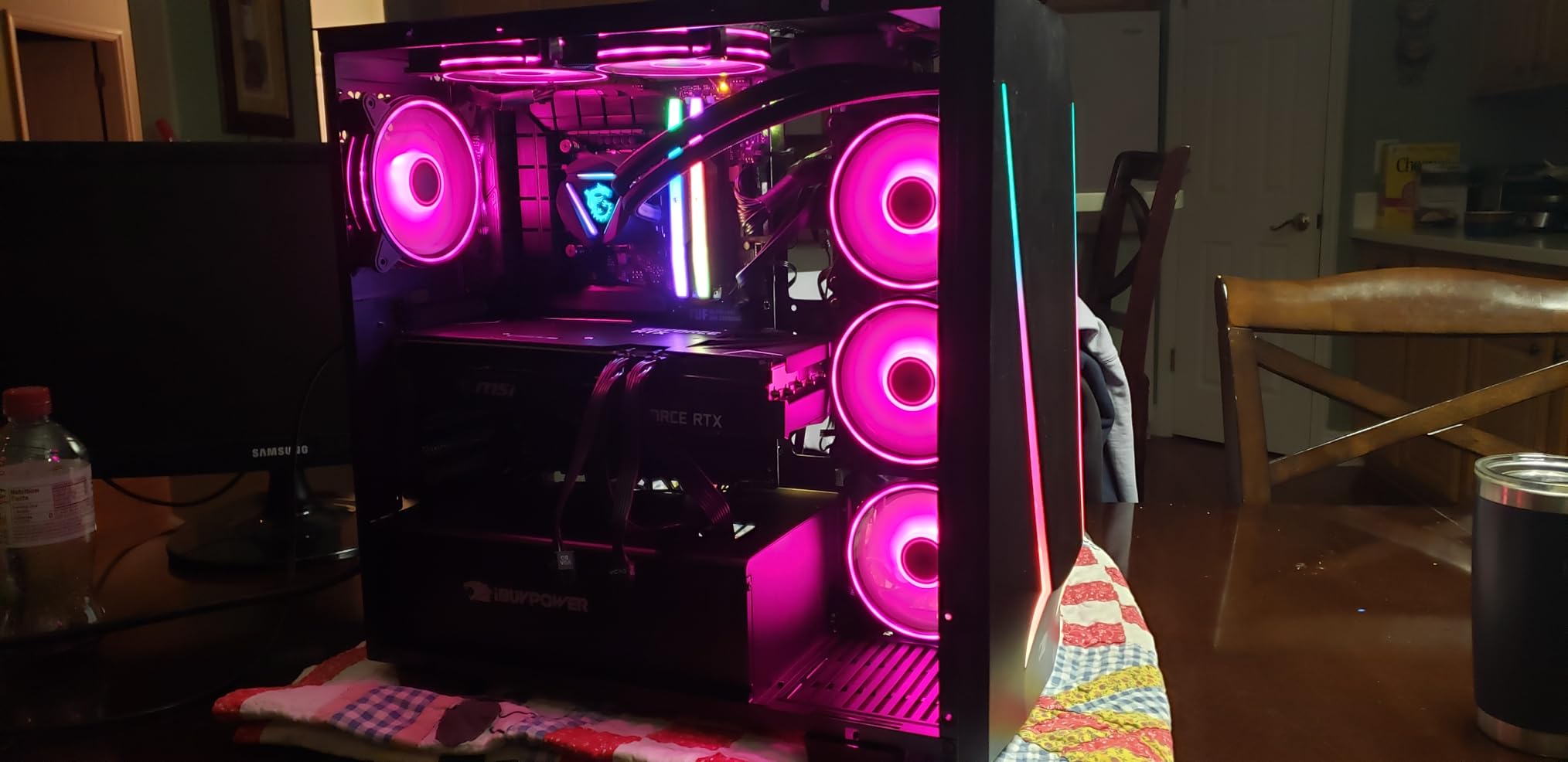
This is the machine I keep coming back to. The Core i7-14700F is a 20-core part with plenty of headroom for streaming and background work, and the RTX 5070 12GB is the card that makes 1440p work rather than merely possible. Memory is the detail that matters most here: 32GB of DDR5 running at 4800MHz in a 16×2 layout, which is dual-channel rather than a single stick pretending to be 32GB.
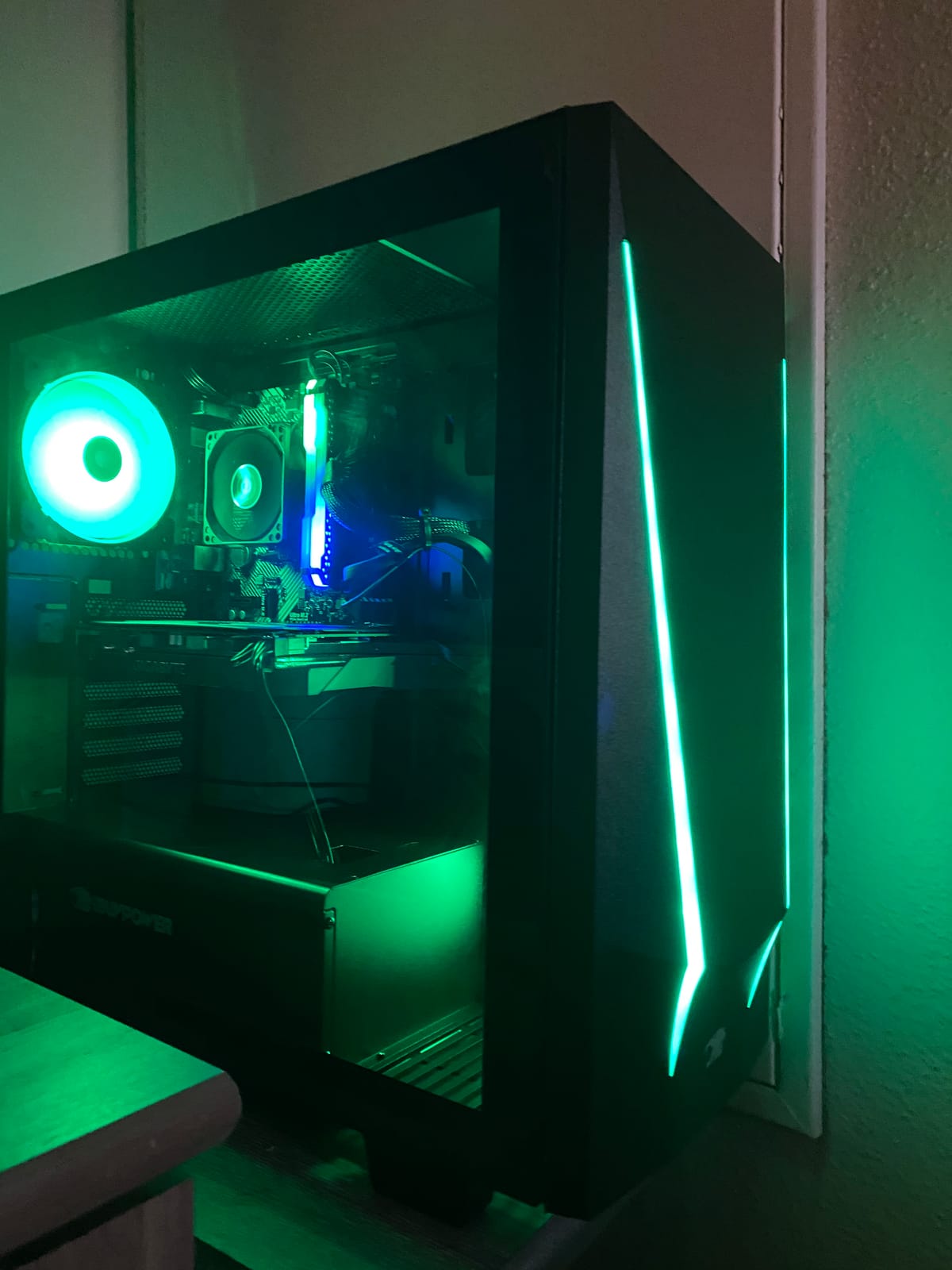
At 2,682 reviews averaging 4.3 stars, this is the most-reviewed machine in the roundup, and the rating distribution backs the aggregate up with 67% five-star. Owners consistently single out the same three things: the card, the 32GB of memory, and the fact that a gaming keyboard and mouse arrive in the box. That bundle alone removes a purchase most first-time builders forget to budget for.
The listing also states no bloatware, which matters more than it sounds. A fresh Windows install with a handful of trial programs and background services eating resources is the most common complaint about first-time prebuilt owners, and this one skips it.
What the RTX 5070 12GB actually handles at 1440p
Twelve gigabytes of GDDR7 is enough for 1440p at high settings in the current generation of titles, and it gives you room to run ray tracing on the mid-range settings rather than the low preset. Where it runs out of road is VRAM-heavy future releases and heavy texture mods, where 16GB is the safer floor.
The practical limitation is the air cooling. Reviewers report a louder machine under sustained load than AIO-cooled rivals, which is the honest trade for skipping the pump and radiator cost.
Who should and should not buy this configuration
Buy it if you want a 1440p machine that arrives working, includes peripherals, and carries a review base deep enough that build-quality surprises are unlikely. It is also the pick for anyone gaming at 1440p who will not touch the internals.
Pass if silence matters, if your desk is tight (it weighs 36 pounds and measures 20 by 9.1 by 17.4 inches), or if you plan to upgrade the graphics card within two years and want a stronger power supply waiting for it.
2. Skytech Gaming O11 Vision – Best Value 1440p Prebuilt (Ryzen 7 7700X, RTX 5070 12GB)
Skytech Gaming O11 Vision Gaming PC, AMD Ryzen 7 7700X 4.5GHz, NVIDIA RTX 5070 12GB, X670 Board, 1TB Gen4 NVMe SSD, 32GB DDR5 RAM 5600, 850W Gold ATX 3 PSU, 360 ARGB AIO, Wi-Fi, Win 11, Desktop
Ryzen 7 7700X up to 5.4GHz
RTX 5070 12GB GDDR7
32GB DDR5 5600MHz
850W Gold ATX 3.1 PSU
Pros
- 360mm ARGB AIO keeps thermals away from throttling
- 850W Gold ATX 3.1 supply gives generous upgrade headroom
- Listed native resolution is explicitly 2560x1440
- Assembled in the USA with lifetime technical support
- Premium Lian Li O11 Vision glass case
Cons
- 32GB is the board maximum
- Graphics card brand may vary between units
- 1TB storage is modest for a large AAA library
Same graphics card as our top pick, but a different chassis philosophy. Where the Element is a value tower, this one is built around cooling and power: a 360mm ARGB AIO on the Ryzen 7 7700X and an 850W Gold ATX 3.1 power supply that leaves real room for a future upgrade.

At 1,996 reviews averaging 4.5 stars with 78% five-star, the owner satisfaction here is higher than on any other machine in this roundup. Buyers mention smooth 1440p frame rates, quiet operation under the AIO, and Skytech’s support as the reasons they would recommend it. It is also the only machine in the list whose listing states 2560×1440 as its native resolution outright.
The Ryzen 7 7700X is an 8-core, 16-thread chip boosting to 5.4GHz on an X670 board, with 32MB of L3 cache. For 1440p gaming that is more than sufficient, and the X670 platform gives you room the Element’s LGA 1700 board does not.
Why the power supply matters more than the CPU here
An 850W Gold unit with ATX 3.1 certification is the quiet advantage of this build. When GPU generations turn over and you want to drop a higher-power card in two years, you are not also replacing the power supply, which is one of the pain points buyers raise repeatedly in prebuilt threads.
The 360mm AIO is the other half of the value case. Air-cooled towers at this level tend to be the first thing owners complain about once a game runs hot for an hour.
Who should and should not buy this configuration
Buy it if you want the quietest running machine in this roundup and intend to keep the system long enough to appreciate a second GPU. It suits players who game at 1440p on a high-refresh monitor and leave the machine on for long sessions.
Pass if you need more than 32GB of memory eventually, since 32GB is the board maximum, or if you want a large game library on a single drive with only 1TB provided.
3. Skytech Gaming O11 Vision – Best Premium 1440p Prebuilt (Ryzen 7 9850X3D, RTX 5070 Ti 16GB)
Skytech Gaming O11 Vision Gaming PC, AMD Ryzen 7 9850X3D 4.7GHz, NVIDIA RTX 5070 Ti 16GB VRAM, 2TB Gen4 NVMe SSD, 32GB DDR5 RAM 5600, 850W Gold ATX 3 PSU, 360 ARGB AIO, Wi-Fi 5, Windows 11, Desktop
Ryzen 7 9850X3D up to 5.6GHz
RTX 5070 Ti 16GB GDDR7
2TB Gen4 NVMe
850W Gold ATX 3.1 PSU
Pros
- X3D-series Ryzen 7 is among the fastest gaming CPUs available
- 16GB of VRAM comfortably handles 1440p high settings
- 2TB Gen4 storage removes the library constraint
- White Lian Li O11 Vision case shows off the ARGB lighting
- Assembled in the USA with lifetime technical support
Cons
- 32GB is the board maximum
- Graphics card brand may vary between units
- Wi-Fi 5 rather than Wi-Fi 6E or 7
- Only one HDMI and one DisplayPort confirmed
This is the pick for someone who wants to buy once. The step up from the RTX 5070 to the RTX 5070 Ti is 4GB more VRAM and a meaningfully stronger card, and paired with an X3D Ryzen 7 it will stay comfortable at 1440p for longer than anything else here.
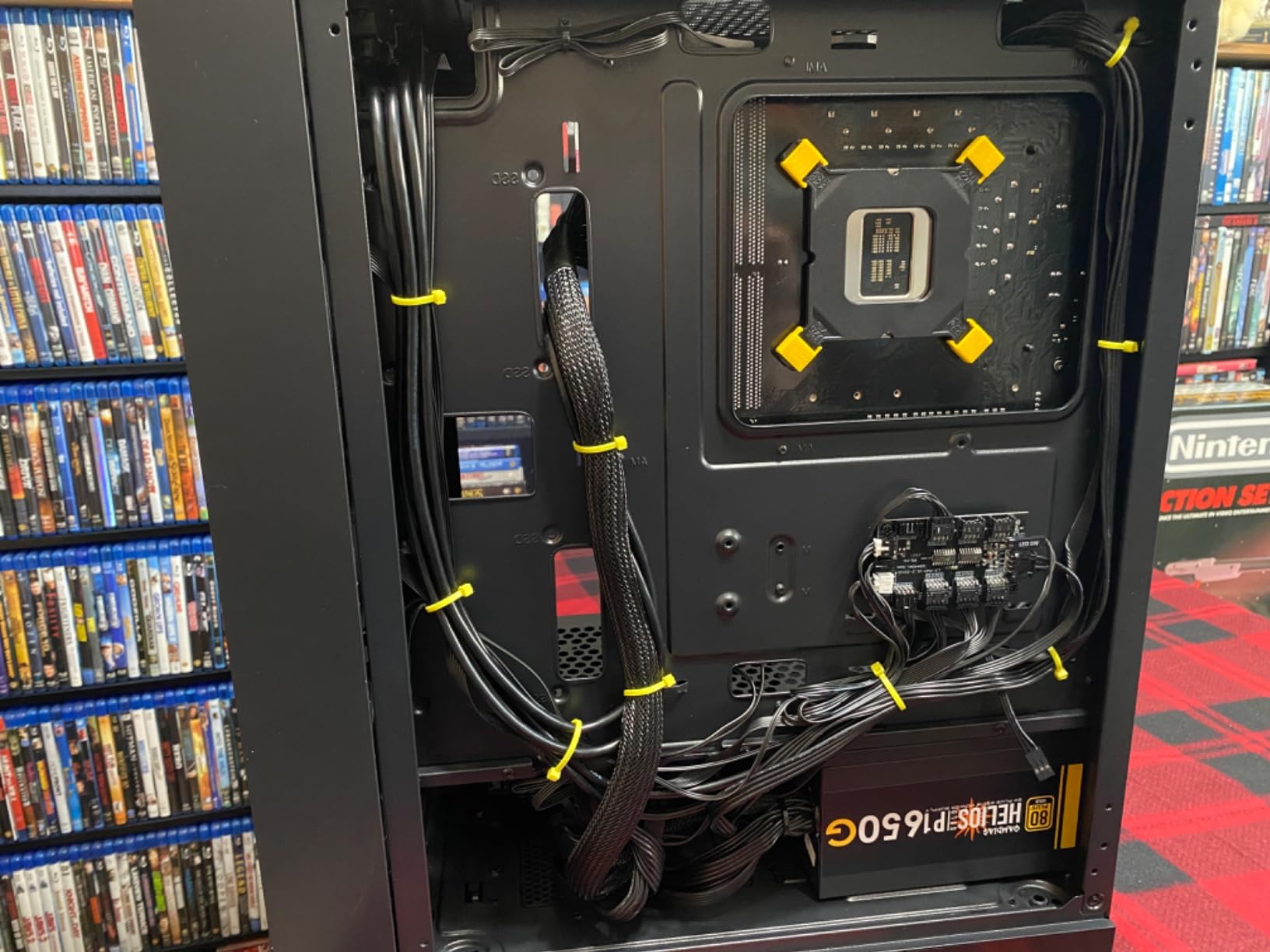
The Ryzen 7 9850X3D runs at 4.7GHz base and 5.6GHz boost with 32MB of L3 cache, sitting in the same X670 platform as our value pick but with 2TB of Gen4 NVMe storage instead of 1TB. That storage jump is the difference between installing the games you want now and doing a cleanup pass in a year.
At 776 reviews averaging 4.5 stars with 79% five-star, owner sentiment matches the spec sheet enthusiasm: people describe fast, smooth play and like the white case. The recurring notes are the capped 32GB memory and the Wi-Fi 5 standard, which is a real letdown at this level.
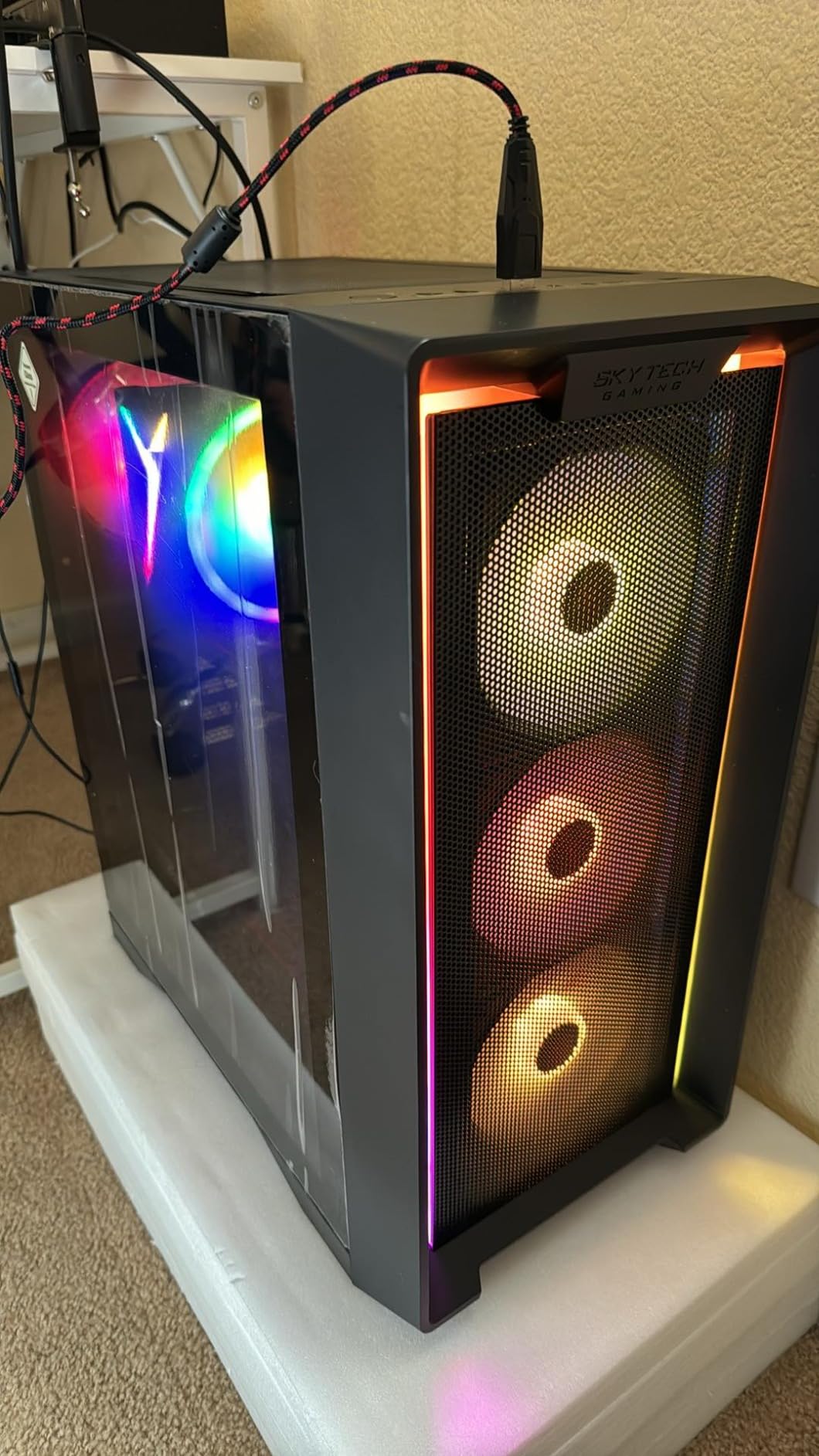
Whether 16GB of VRAM changes your 1440p settings
Yes, in the way that matters at this resolution. Twelve gigabytes of VRAM forces texture quality down in some open-world titles at 1440p high, while 16GB lets you leave it up. It also means the card is not near the ceiling when a new release ships with demanding asset packs.
The X3D chip contributes on the CPU side of the frame, which shows up most in competitive shooters and simulation titles where CPU-limited frame rates are the norm.
Who should and should not buy this configuration
Buy it if 1440p high settings are your target and you want the machine to remain capable for several years, or if you play games with large texture footprints and dislike dropping quality to fit VRAM.
Pass if you will add memory later, since 32GB is the ceiling on this board, or if you rely on the newest wireless standard in your home network.
4. CyberPowerPC Gamer Xtreme VR – Budget Pick for 1440p (Core i5-13400F, RTX 5060 8GB)
CyberPowerPC Gamer Xtreme VR Gaming PC, Intel Core i5-13400F 2.5GHz, GeForce RTX 5060 8GB, 16GB DDR5, 1TB PCIe 4.0 SSD, WiFi Ready & Windows 11 Home (GXiVR8060A40)
Core i5-13400F 10 cores
RTX 5060 8GB GDDR7
16GB DDR5 6000MHz
1TB PCIe 4.0 SSD
Pros
- Lowest-cost route into RTX 50-series graphics
- Four memory slots supporting up to 192GB
- Two DisplayPort outputs plus HDMI for multi-monitor setups
- Wi-Fi 6 and Bluetooth 5.3
- Keyboard and mouse included
Cons
- RTX 5060 8GB is the weakest card here and oriented at 1080p
- 16GB of base RAM is light for streaming and multitasking
- Listed max display resolution is 1920x1080
I want to be straight about this one: the RTX 5060 8GB is the weakest GPU in the roundup and the card is oriented at 1080p, not 1440p. Including it makes sense only because the upgrade path here is unusually good, with four memory slots supporting up to 192GB.
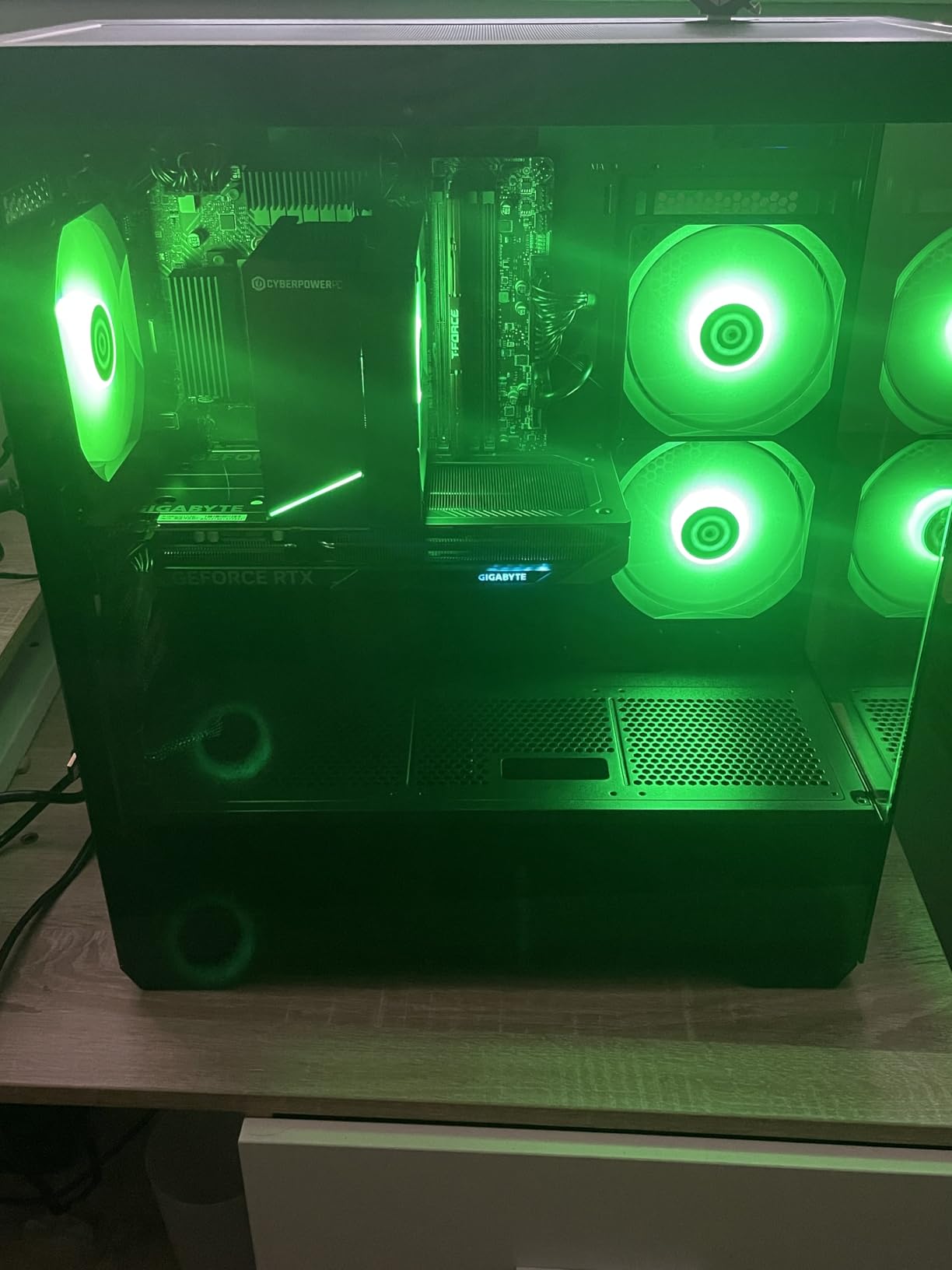
The rest of the configuration is better than the price suggests. DDR5 at 6000MHz is faster than anything else in the list except the two MSI machines, and the slot count means you can go from 16GB to 32GB or 64GB without touching the board. The Core i5-13400F has 10 cores on a B760 chipset, which handles background tasks while gaming.
Connectivity is the quiet strength: USB-C 3.2, two USB-A 3.2, six USB-A 2.0, one HDMI and two DisplayPort outputs, plus Wi-Fi 6 and Bluetooth 5.3. At 607 reviews and a 4.5 average with 79% five-star, the owner satisfaction on this build is above most machines that cost more.
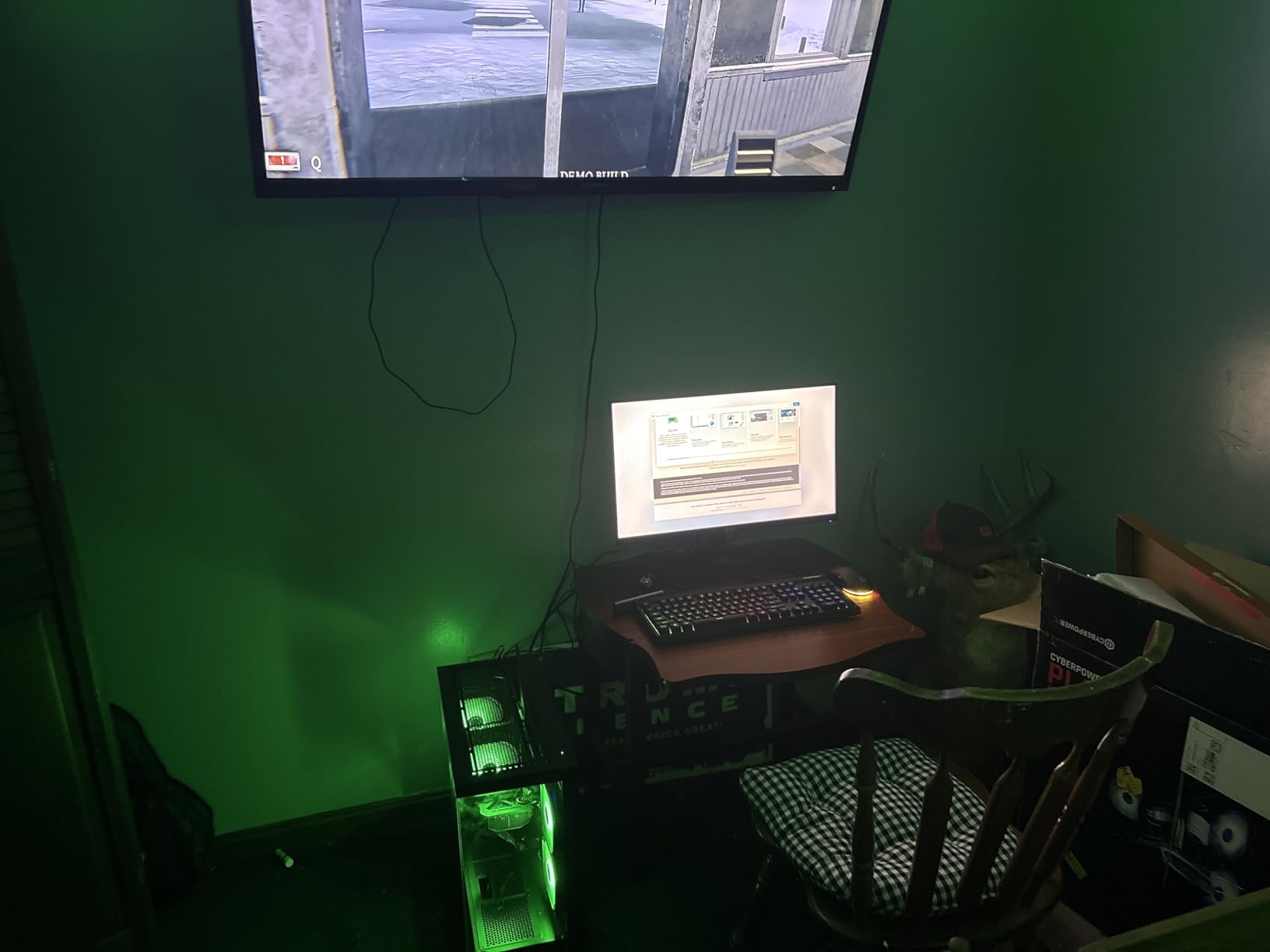
Whether this card belongs in a 1440p roundup at all
It belongs here as a floor, not a recommendation for 1440p gaming. Owners familiar with the hardware generally view it as a 1080p value step-up, and the most common reservations in reviews are the 8GB of VRAM and the 16GB of RAM.
If your monitor is 2560×1440, expect to lean on upscaling and frame generation to keep frame rates comfortable, or plan a graphics card upgrade once memory costs allow.
Who should and should not buy this configuration
Buy it if your real target is 1080p at a high refresh rate, you want the newest platform generation at the lowest entry point, and you plan to add memory yourself. It is also a sensible first PC for a younger player.
Pass if 1440p is your actual resolution. Nothing else in this list is weaker at that target, and adding a stronger card later means buying the power supply to go with it.
5. MSI Codex Z2 – Best 1440p Prebuilt with 2TB Storage (Ryzen 7 8700F, RTX 5070 12GB)
msi Codex Z2 Gaming Desktop, AMD R7-8700F, RTX 5070, 32GB DDR5, 2TB SSD
Ryzen 7 8700F 8-core up to 5.0GHz
RTX 5070 12GB Blackwell
32GB DDR5 6000MHz
2TB SSD
Pros
- RTX 5070 12GB with 32GB DDR5 handles 1440p high settings
- 2TB of storage suits a large game library
- First-party MSI builder with recognizable brand support
- Compact 21.3 pound tower is lighter than most rivals
- Wi-Fi 6 and Bluetooth included
Cons
- Air cooling rather than an AIO
- so it runs louder under sustained load
- Only two memory slots limit RAM expansion
- Some listings report the CPU socket as AM4
- so verify board details
The Codex Z2 pairs the same RTX 5070 12GB as our top two picks with 2TB of storage and 32GB of DDR5 at 6000MHz. That memory speed is the fastest in the roundup alongside the MSI Aegis R2, and it makes a visible difference in CPU-limited 1440p scenarios.
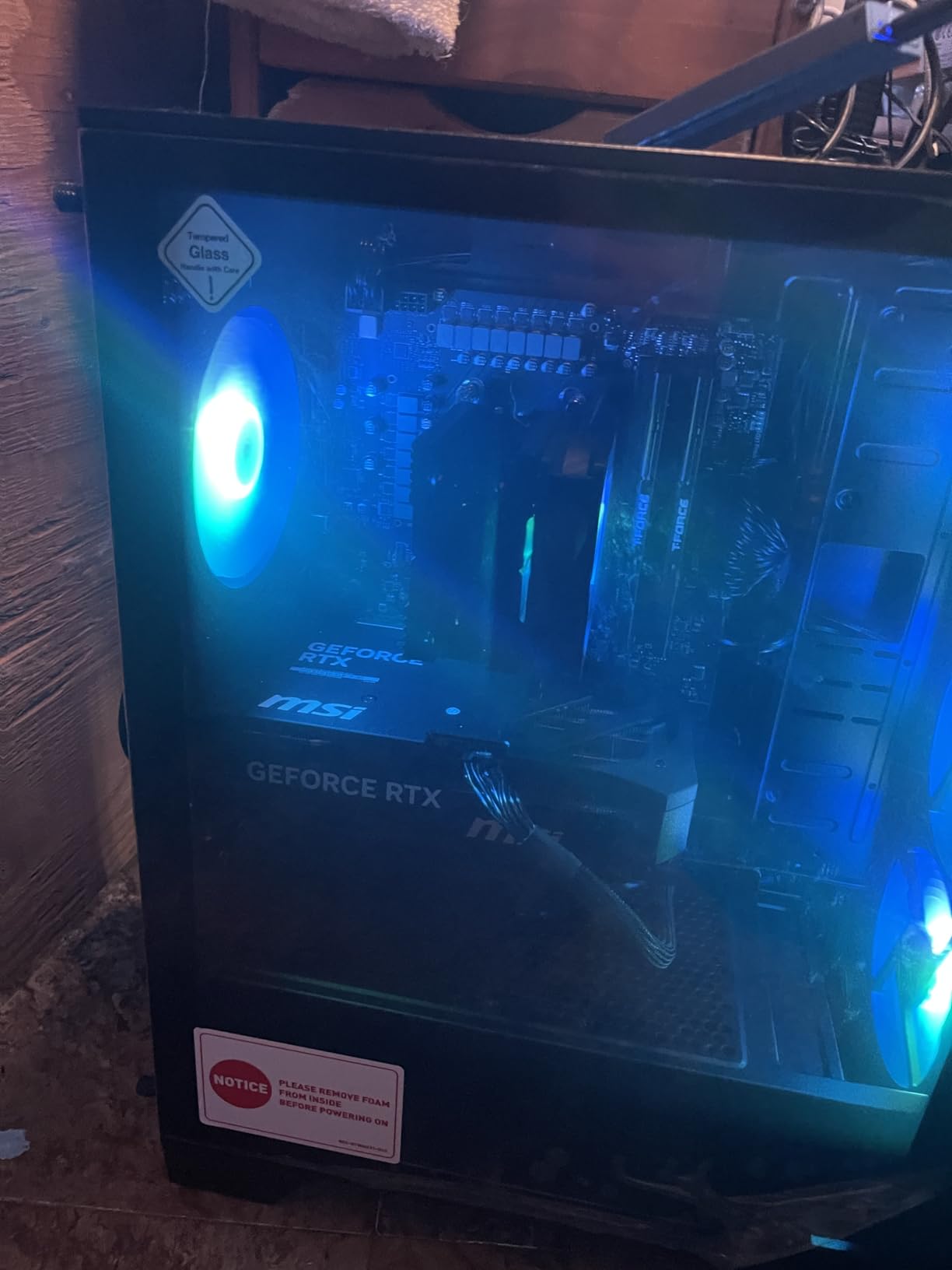
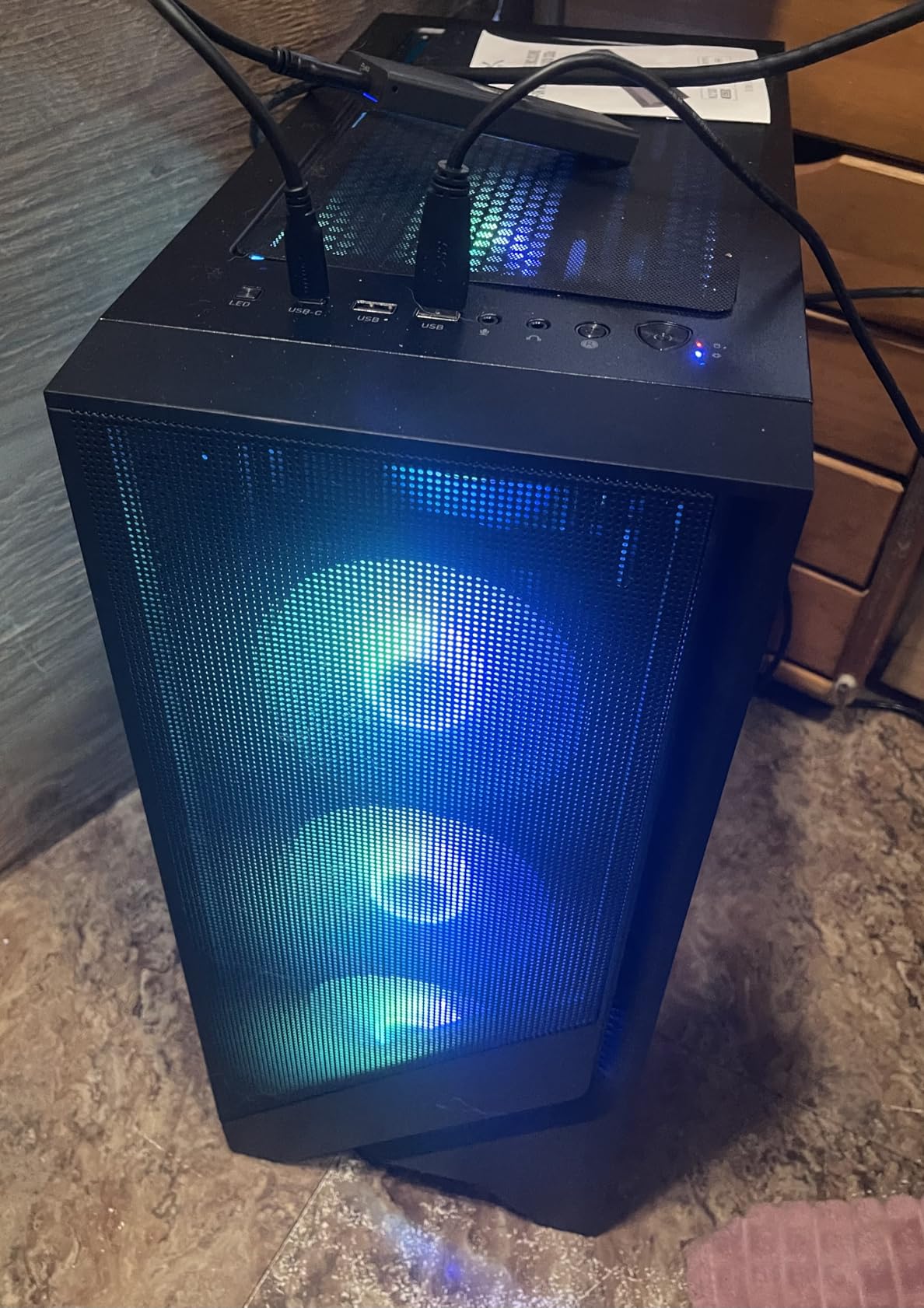
MSI is a first-party builder rather than a white-label integrator, which means the support path runs through a brand you can recognise. MSI Center handles lighting and performance modes, and the RGB air cooler has four case fans: three front, one rear. The machine weighs 21.3 pounds, noticeably lighter than the 30-plus-pound towers in this list.
At 259 reviews and a 4.3 average with 76% five-star, sentiment is positive but not dominant, with a notable 11% one-star group. The critical reviews concentrate on fan noise from the air cooler and the limited memory slots. Buyers who want MSIs support network should read the listing’s socket details carefully, since some listings report AM4 for a part that normally uses AM5.
Whether 2TB of storage changes how you game
It does more than people expect. Modern AAA installs run large enough that a 1TB drive fills up fast, and once it does you are deleting games you intend to return to. Starting at 2TB means the library stays intact through a full generation.
The trade is cooling. An air cooler in a machine this fast will be audible during long sessions, and that is the most common theme in the negative reviews.
Who should and should not buy this configuration
Buy it if you want a large installed library on day one, prefer buying from an established brand with a support network, or want a lighter tower that is easier to move.
Pass if noise in your room matters, if you want to add memory later without replacing what ships, or if you are sensitive to listing inconsistencies and want a machine where every spec line agrees.
6. Alienware Aurora – Best 1440p Prebuilt for On-Site Support (Core Ultra 7 265F, RTX 5070 12GB)
Alienware Aurora Gaming Desktop, RTX 5070, Intel Core Ultra 7 265F
Core Ultra 7 265F 20 cores up to 5.3GHz
RTX 5070 12GB GDDR7
32GB DDR5 5200MHz
AlienFX lighting zones
Pros
- 20-core processor handles streaming and creation alongside gaming
- Alienware Command Center controls lighting and per-game profiles
- Dell 1-year onsite service sends a technician to you
- Wi-Fi 6E is more current than most competing builds
- Premium chassis with stadium lighting and integrated speakers
Cons
- Air cooling only
- so sustained load is louder than AIO rivals
- Only two memory slots and 32GB maximum limits upgrades
- DDR5 runs at 5200MHz
- slower than the 6000MHz kits elsewhere
- Highest one-star share in the group at 13%
The Aurora is the pick here for people who do not want to troubleshoot anything themselves. Dell’s one-year onsite service means a technician comes to your home if remote resolution fails, which is a genuine difference from every white-label integrator in this roundup.
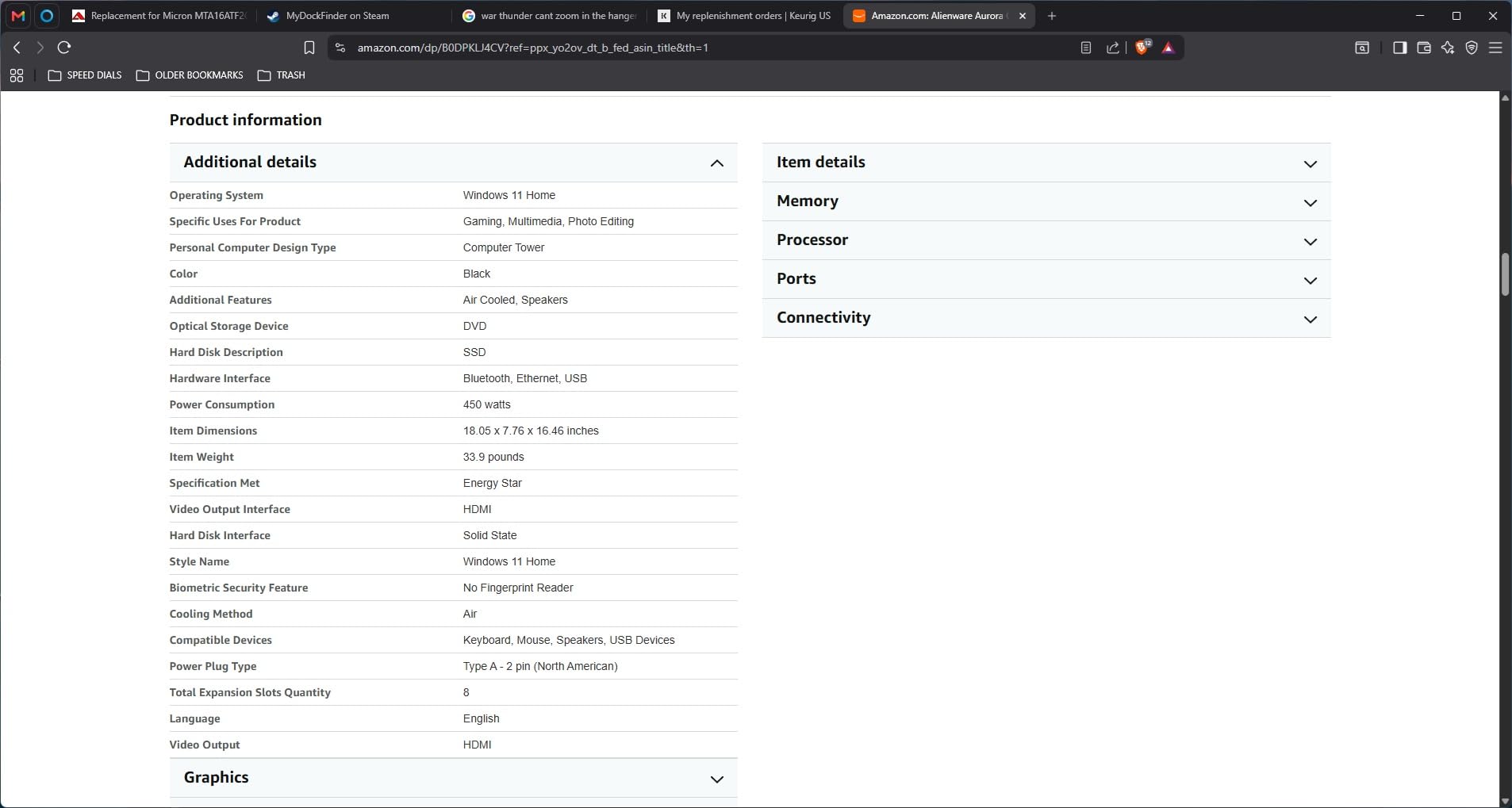
On the hardware side you get a Core Ultra 7 265F with 20 cores boosting to 5.3GHz, an RTX 5070 12GB on Blackwell, and 32GB of DDR5. The 20-core count is the highest in this roundup alongside the Horizon machine, and it matters if you stream or edit while gaming. Alienware Command Center manages lighting zones, power states and per-game profiles, and the chassis has stadium lighting with integrated speakers.
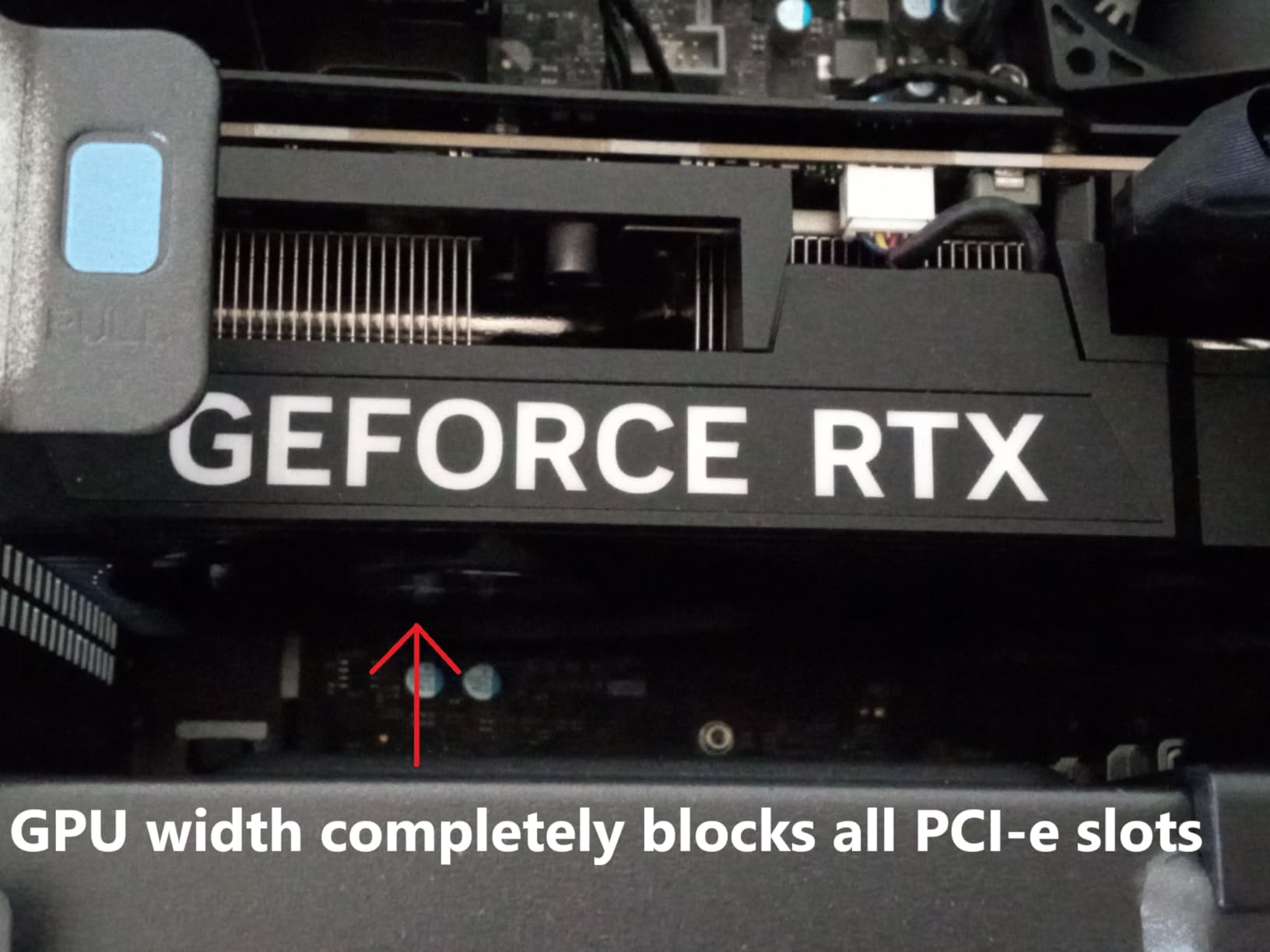
The honest weak point is memory speed. DDR5 at 5200MHz is slower than the 6000MHz kits several rivals use, and with only two memory slots topping out at 32GB, this is the least upgradeable configuration here. At 183 reviews and a 4.3 average, the rating split is also the most polarized in the set: 72% five-star against 13% one-star.
Whether onsite service is worth slower memory
For most people, yes. Memory speed at 5200MHz versus 6000MHz shows up as a few percent in CPU-limited games and barely registers in GPU-limited ones, which describes most 1440p play. Onsite coverage, by contrast, is worth something no other machine here offers.
What the split ratings usually reflect is expectations. Buyers who expected a no-touch premium machine and met fan noise and capped memory write one-star reviews; buyers who wanted Dell support and a clean chassis write five-star ones.
Who should and should not buy this configuration
Buy it if you want brand-direct support with an onsite option, if you stream or create content on the same machine, or if the chassis design matters to your setup.
Pass if you plan to upgrade memory or add a stronger GPU later, since both are constrained here, or if the premium chassis is not something you want to pay for.
7. KOTIN Prebuilt Gaming PC – Best for Built-In System Monitoring (Ryzen 7 9700X, RTX 5070 12GB)
KOTIN Prebuilt Gaming PC RTX 5070 12GB, Ryzen 7 9700X, 32GB DDR5, 1TB SSD
Ryzen 7 9700X 8-core up to 5.5GHz
RTX 5070 12GB GDDR7
32GB DDR5 6000MHz
850W 80 Plus Gold
Pros
- Ryzen 7 9700X with RTX 5070 12GB is a well-balanced 1440p pairing
- 32GB DDR5 6000MHz is fast and upgradable to 256GB
- Integrated 11.3 inch display shows live temperatures and usage
- 360mm AIO cooler and 850W Gold supply
- Wi-Fi 7 is the newest wireless standard here
Cons
- Only 1TB of storage at this configuration level
- 79 reviews mean thinner long-term reliability data
- Monitor must plug into the GPU lower horizontal ports
- No integrated speakers
- Lowest average rating in the group at 4.2
The distinguishing feature is not the specs, it is the 11.3-inch secondary screen built into the case, which shows real-time CPU and GPU temperatures, usage and weather. If you have ever wondered whether your machine is thermally throttling, this answers it without a third-party monitoring app.
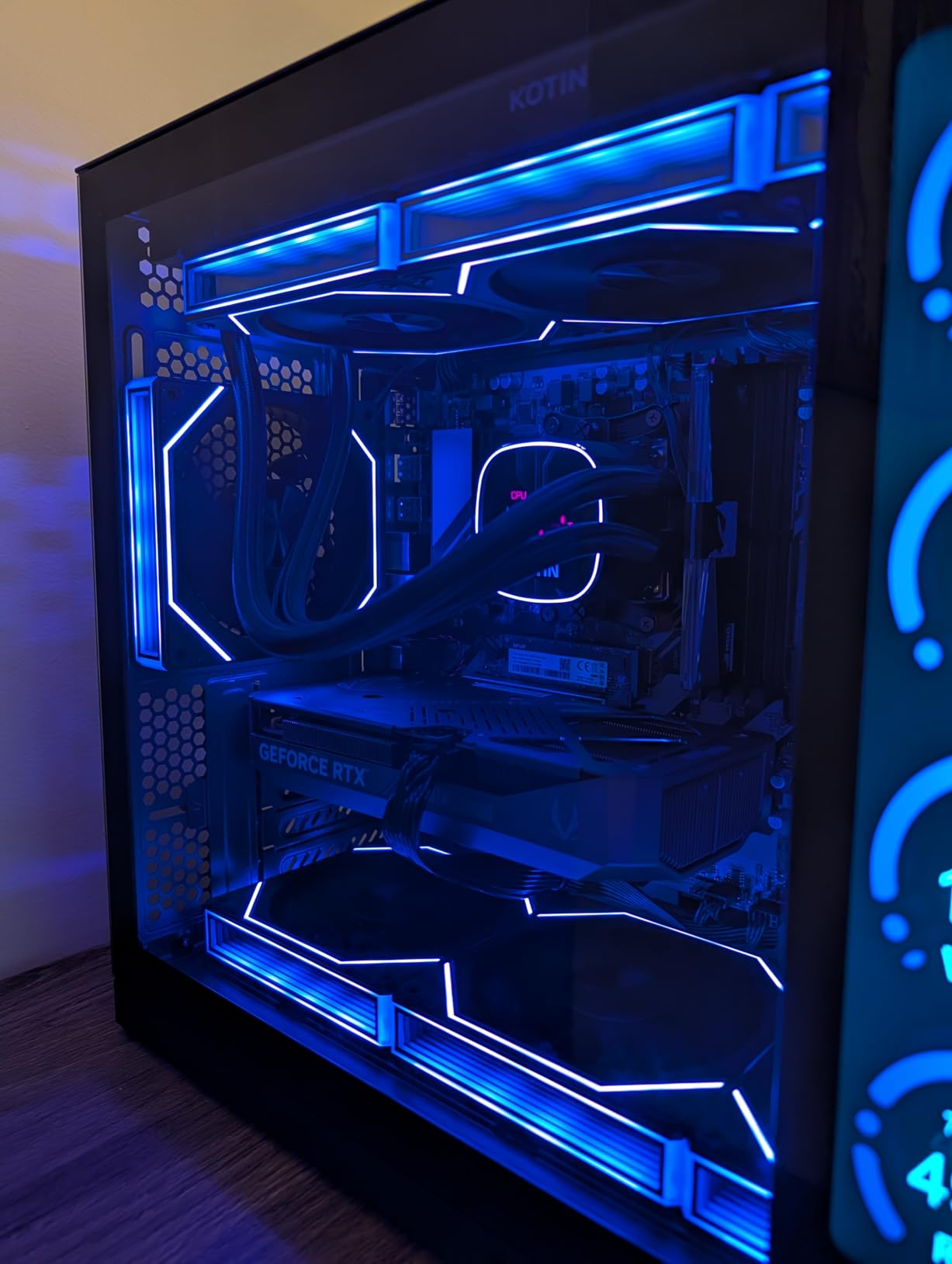
Underneath, the hardware is well chosen for 1440p. A Ryzen 7 9700X with 8 cores boosting to 5.5GHz on AM5, an RTX 5070 12GB, 32GB of DDR5 at 6000MHz that upgrads to 256GB, and an 850W Gold supply. Wi-Fi 7 is the newest wireless standard in this roundup, and the 360mm AIO handles the cooling side.
Two practical notes. The display outputs sit on the GPU’s lower horizontal row, which is a common first-time setup mistake, and there are no integrated speakers so audio comes through the 3.5mm jack or HDMI. At 79 reviews and a 4.2 average, this is the smallest review base among the RTX 5070 builds here and the lowest average rating, with a 14% one-star share concentrated on value and the port placement instructions.
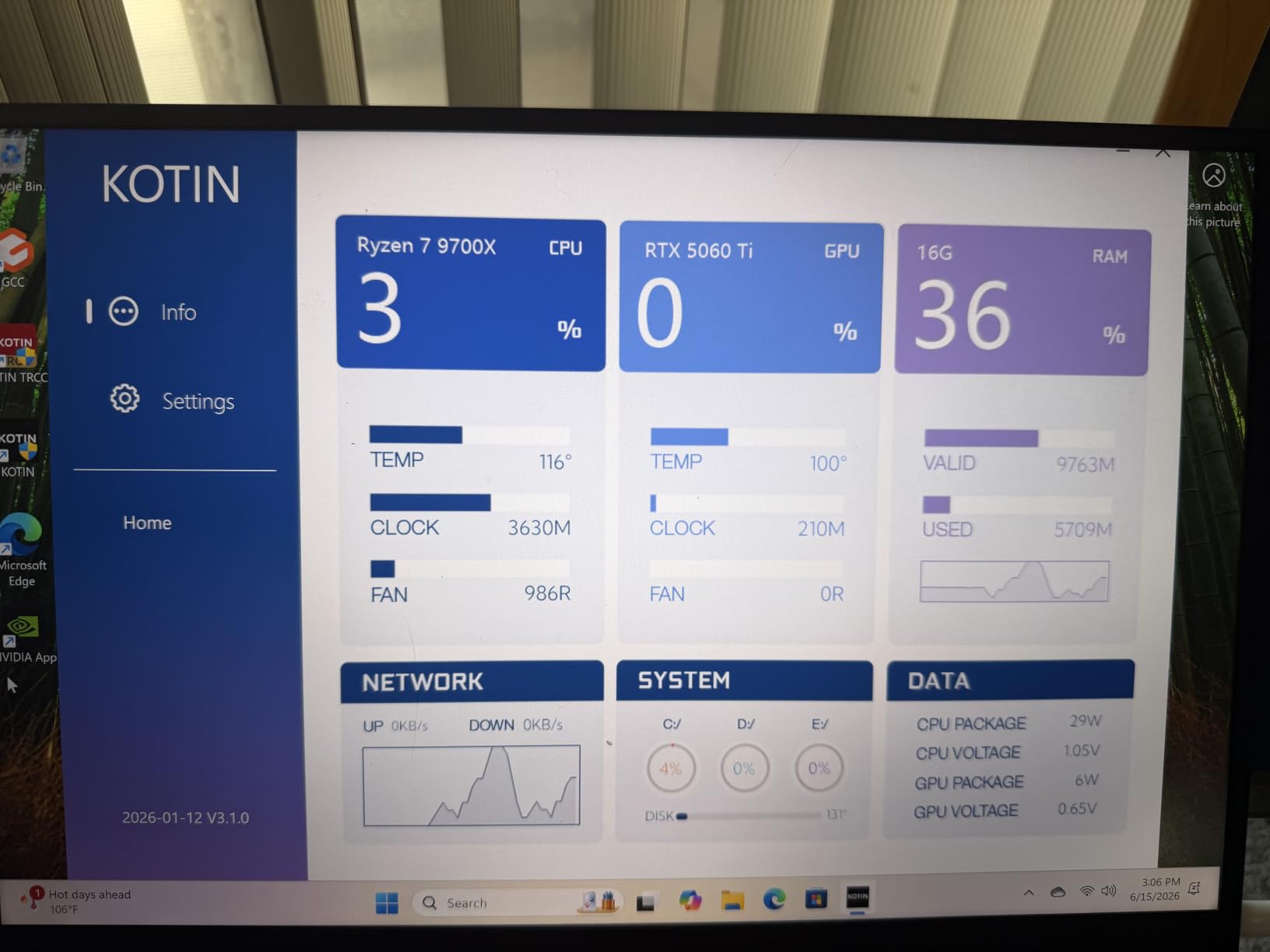
Whether an integrated display is worth the interface trade
It is worth it if you care about thermals or enjoy the look. It is less useful if you want a clean two-monitor desk setup, since the screen occupies real estate and adds a second thing to configure during setup.
The Wi-Fi 7 radio is the more practical differentiator in daily use, particularly on a congested wireless network in an apartment building.
Who should and should not buy this configuration
Buy it if you want live hardware telemetry without extra software, if your wireless network benefits from Wi-Fi 7, or if you want maximum RAM headroom at 256GB.
Pass if you want long-term reliability data before committing, if you need more than 1TB of storage, or if you want integrated audio without reaching for another device.
8. MSI Aegis R2 AI – Best 1440p Prebuilt for Upgradability (Core Ultra 9 285, RTX 5070 Ti 16GB)
msi Aegis R2 AI Gaming Desktop: Intel Core Ultra 9 285, Geforce RTX 5070Ti, 32GB DDR5, 2TB M.2 NVMe SSD, Air Cooling, USB Type C, VR-Ready, Window 11 Home: C2NVR9-1452US
Core Ultra 9 285 with AI accelerators up to 5.7GHz
RTX 5070 Ti 16GB
32GB DDR5 6000MHz,4 slots
2TB NVMe
Pros
- Fastest CPU in this roundup at up to 5.7GHz with AI acceleration
- RTX 5070 Ti 16GB suits high-detail 1440p and 4K
- 32GB DDR5 6000MHz across four slots expandable to 256GB
- 2TB NVMe storage and a VR-ready configuration
- Chassis is light at 26.9 pounds
Cons
- Air cooling only
- so it runs louder under sustained load
- Only 2 total expansion slots for add-in cards
- 15 percent one-star share is the highest in this roundup
- Review base of 74 ratings is small for the spec level
Put the RTX 5070 Ti in a machine with four memory slots and 2TB of NVMe storage and you have the most adaptable 1440p configuration in the roundup. The Core Ultra 9 285 boosts to 5.7GHz with AI accelerators, making it the fastest CPU here, and the four DIMM slots mean memory upgrades do not require replacing what ships.
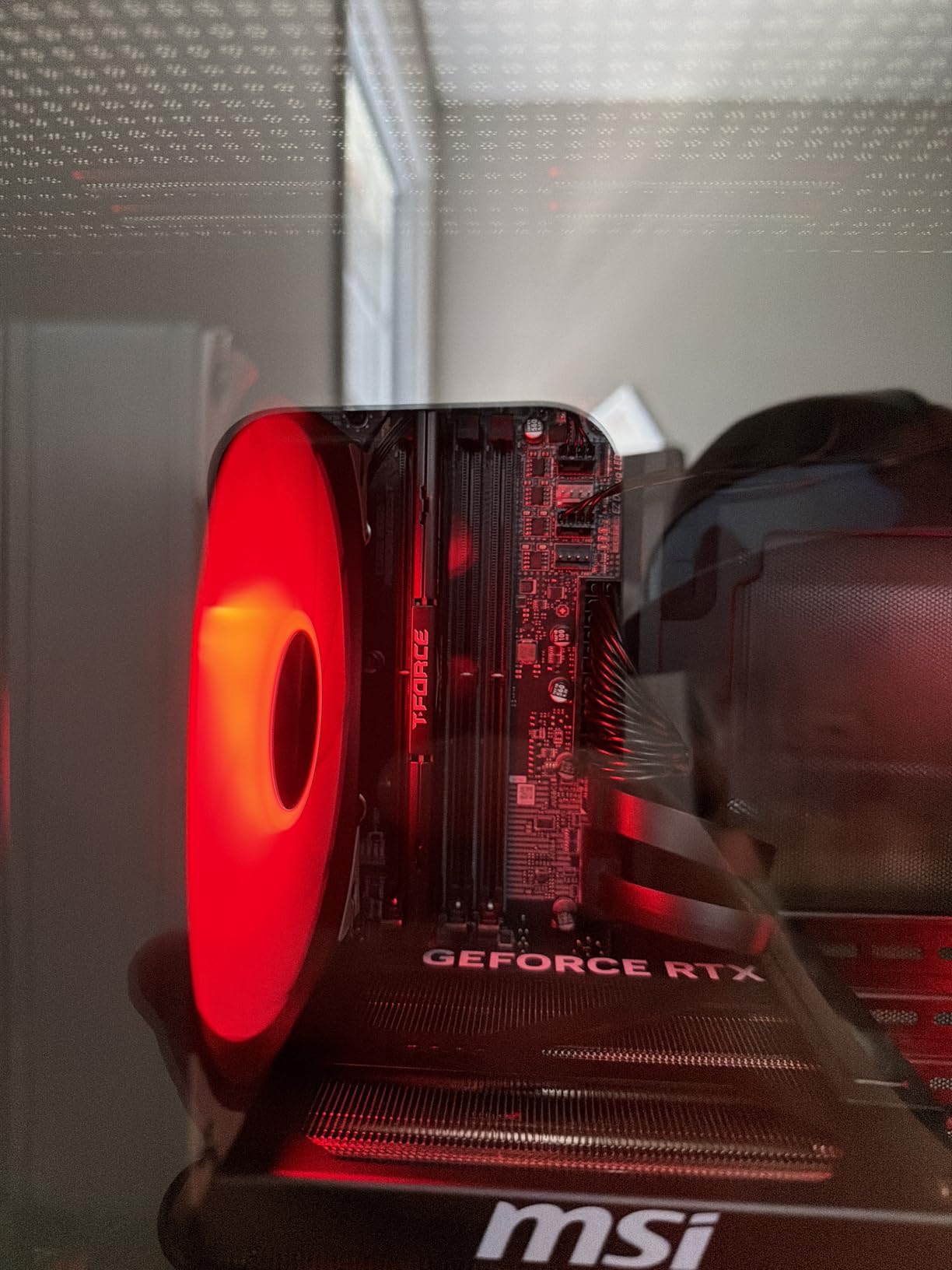
Other details: 32GB of DDR5 at 6000MHz expandable to 256GB, 2TB M.2 NVMe, a VR-ready configuration with USB Type-C, HDMI and DisplayPort, ten USB ports in total, and Wi-Fi 6 with Bluetooth. The RGB air cooler and four case fans handle airflow, and at 26.9 pounds the chassis is lighter than most towers in this price bracket.
The rating profile is the caution here. 74 reviews averaging 4.2, with 74% five-star but 15% one-star, the most polarized in the set. Positive reviews cite the processing power and the 16GB of VRAM; negative ones center on air-cooler noise and quality-control issues. Two expansion slots also means little room for add-in cards beyond the graphics card.
Why four memory slots matter at 1440p
Four slots means you can add RAM without pulling what is installed, and they are the standard route to 64GB or more. Several rivals here cap at 32GB or offer only two populated slots on a board that will not take more later.
The Core Ultra 9 285 adds headroom for streaming and content work, and at 1440p the card remains the primary limit on frame rate, so the extra CPU capacity helps in simulation and sandbox titles rather than shooters.
Who should and should not buy this configuration
Buy it if you want 16GB of VRAM and a genuinely expandable memory and storage path, if you plan to grow the system over time, or if you work alongside your gaming.
Pass if you want a quiet machine and are sensitive to fan noise, if you plan to add extra expansion cards, or if you prefer a review base deep enough to have established long-term reliability.
9. Skytech Gaming King 95 – Best 1440p Prebuilt for Competitive Gaming (Ryzen 7 9800X3D, RTX 5070 Ti 16GB)
Skytech Gaming PC Desktop, Ryzen 7 9800X3D, RTX 5070 Ti, 32GB RAM, 1TB SSD
Ryzen 7 9800X3D 8-core up to 5.2GHz,96MB L3
RTX 5070 Ti 16GB GDDR7
32GB DDR5 6000MHz
360mm AIO
Pros
- Ryzen 7 9800X3D with 96MB L3 is the strongest gaming CPU paired here
- RTX 5070 Ti 16GB handles high-refresh 1440p
- 360mm AIO keeps the X3D chip at low temperatures
- King 95 case is praised for airflow and tool-less disassembly
- Assembled in the USA with lifetime technical support
Cons
- Only one M.2 NVMe slot
- leaving storage effectively fixed at 1TB
- Several owners report a fan running at maximum RPM
- Some units needed internal cables reseated before first boot
- No HDD bay and BIOS flashing requires going through Skytech
If you play competitive shooters or sim racing at 1440p, this is the fastest configuration here in CPU-limited scenes. The Ryzen 7 9800X3D carries 96MB of L3 cache and boosts to 5.2GHz, and the RTX 5070 Ti 16GB handles the GPU side of the equation with room to spare.
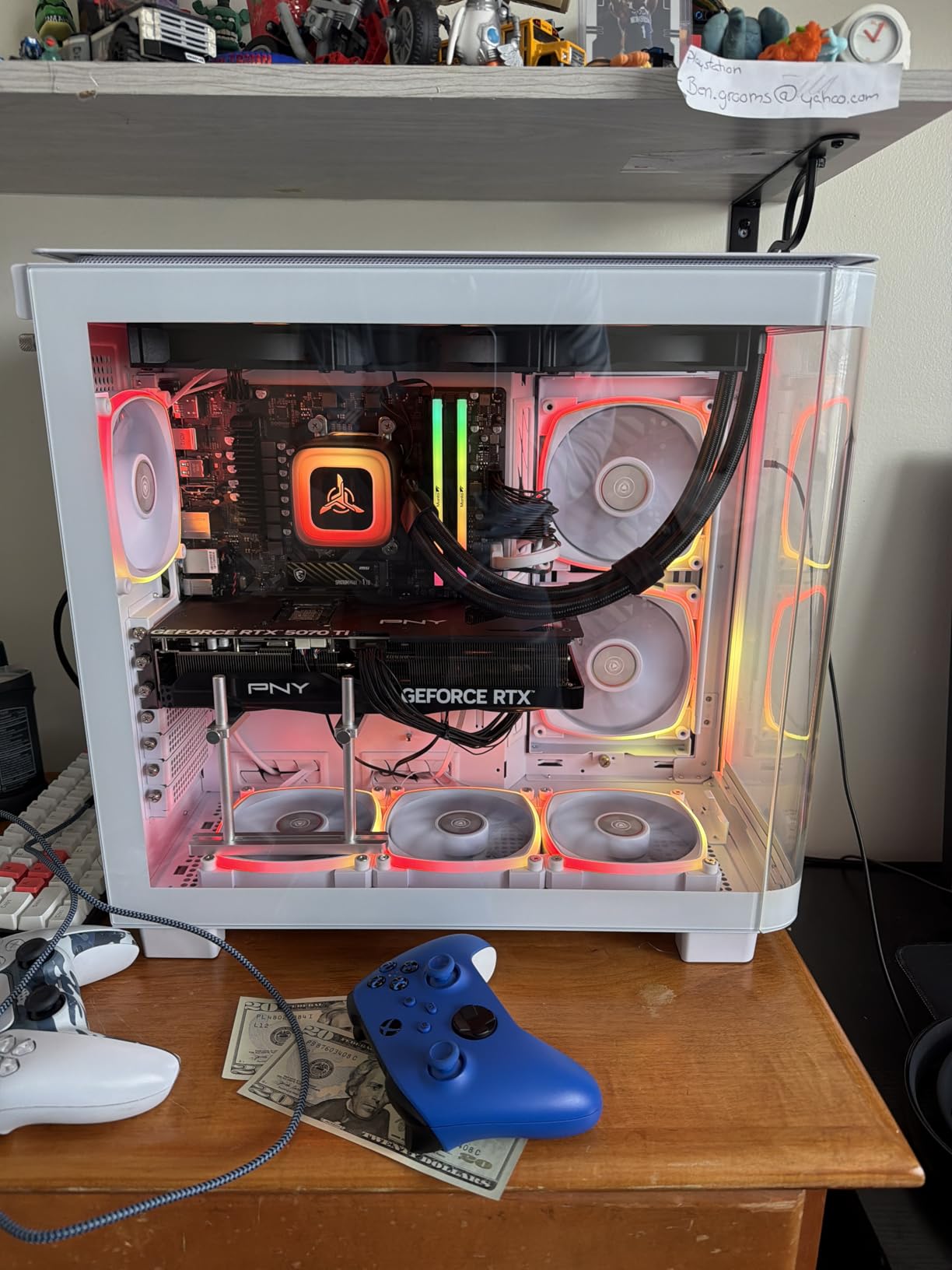
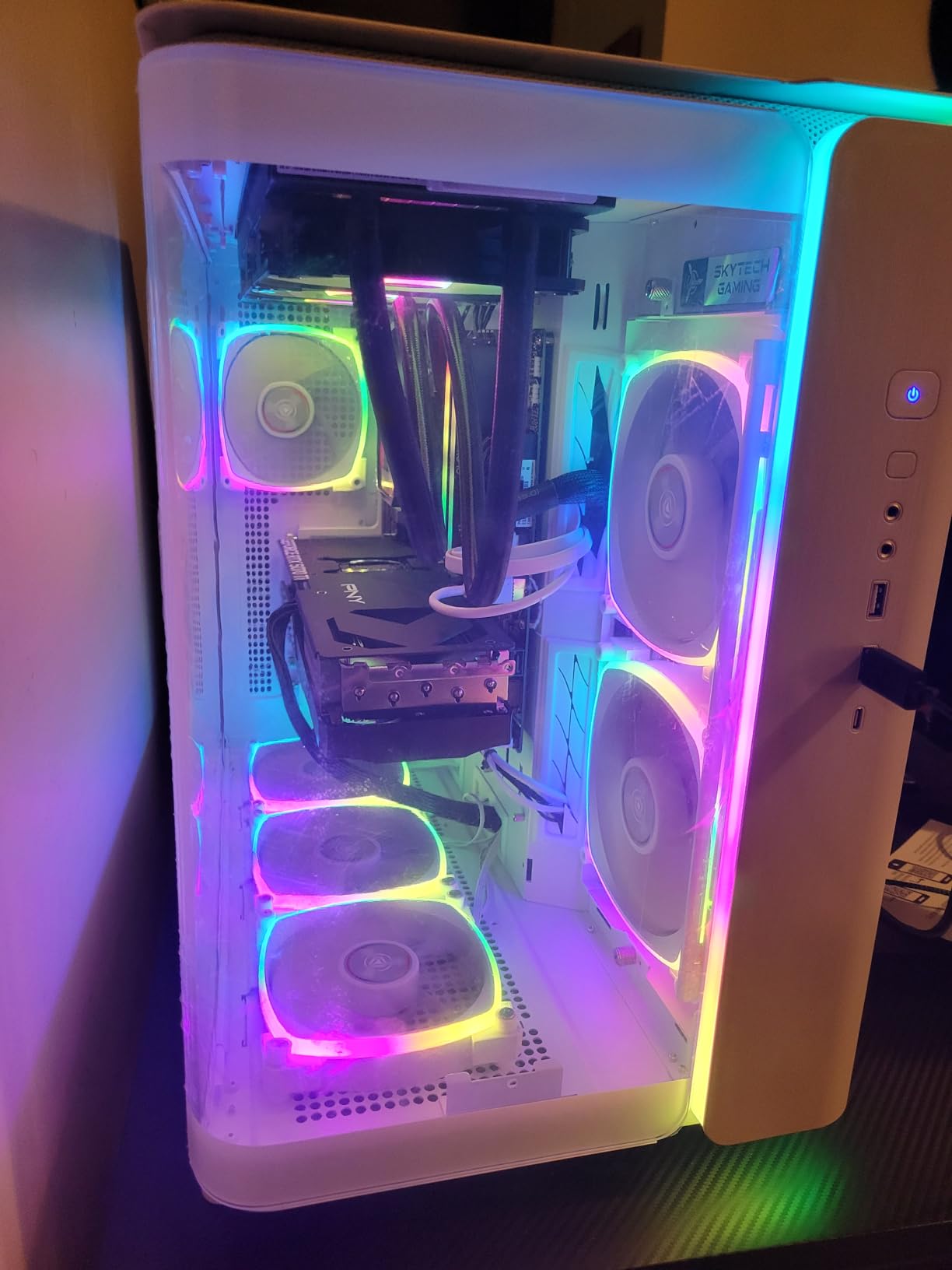
Memory is 32GB of DDR5 at 6000MHz with RGB heat spreaders, cooling is a 360mm AIO with ARGB fans, and the King 95 mid-tower gets praise in reviews for airflow, looks and tool-less disassembly. The listing states a native resolution of 1440p Quad HD outright, and the machine ships with a keyboard and mouse.
The storage situation is the real compromise: one M.2 NVMe slot, with the OS already installed, means storage is effectively locked at 1TB, and there is no HDD bay. There are also quality reports worth reading: several owners mention a fan running at maximum RPM regardless of BIOS settings, one fan failure within 35 days, and some units needing internal cables reseated before first boot. BIOS flashing goes through Skytech. At 72 reviews and 4.3, this is a small sample, and the issues described are specific rather than widespread.
Whether 3D V-Cache matters at your resolution
At 1440p the GPU does most of the work, so the cache advantage shows up mainly where the frame rate is CPU-bound: shooters, racing sims, strategy games and heavily modded titles. In those scenes it is a visible difference rather than a benchmark-sheet one.
The storage limitation is the practical issue to weigh. A single M.2 slot on a 1440p machine means every future game has to displace something.
Who should and should not buy this configuration
Buy it if you play CPU-limited competitive titles at 1440p and want the strongest pairing for them, or if you value a case designed for airflow and easy access.
Pass if you will accumulate games over the years, if you prefer to manage BIOS updates yourself, or if you want to avoid a support process where firmware changes route through the integrator.
10. The Horizon Autherium Dragon – Best 1440p Prebuilt for 64GB and 5TB (Core i9 KF, RTX 5070 OC 12GB)
The Horizon Autherium Dragon RGB I9 RTX Gaming PC || 64GB RAM || 5TB Storage || Core I9 Upto 5.4Ghz || RTX 5070 OC || Windows 11 PRO || 360MM AIO || 2.4GB/s WiFi, VR, Gaming Ready Desktop Computer
Unlocked Core i9 KF up to 5.3GHz
RTX 5070 OC 12GB with DLSS 4.0
64GB RAM expandable to 128GB
5TB combined storage
Pros
- Highest average rating in the roundup at 4.7
- 64GB of RAM runs games and heavy multitasking together
- 5TB across NVMe SSD and 7200RPM HDD with extra drive ports
- RTX 5070 OC factory overclocked with DLSS 4.0 and ray tracing
- Three-year parts and five-year labor warranty is the longest here
Cons
- No power cable included in the box
- Some units shipped without an activated Windows 11 Pro key
- One owner reported the 850W PSU failing at around 60 hours
- Listed RAM is DDR4 at 3200MHz
- slower than comparable builds
- Review base of 53 ratings
Two things set this machine apart: 64GB of memory and 5TB of combined storage. Nobody else in this roundup comes close on either, and for someone running a game while streaming, editing or developing, the headroom is the entire point.
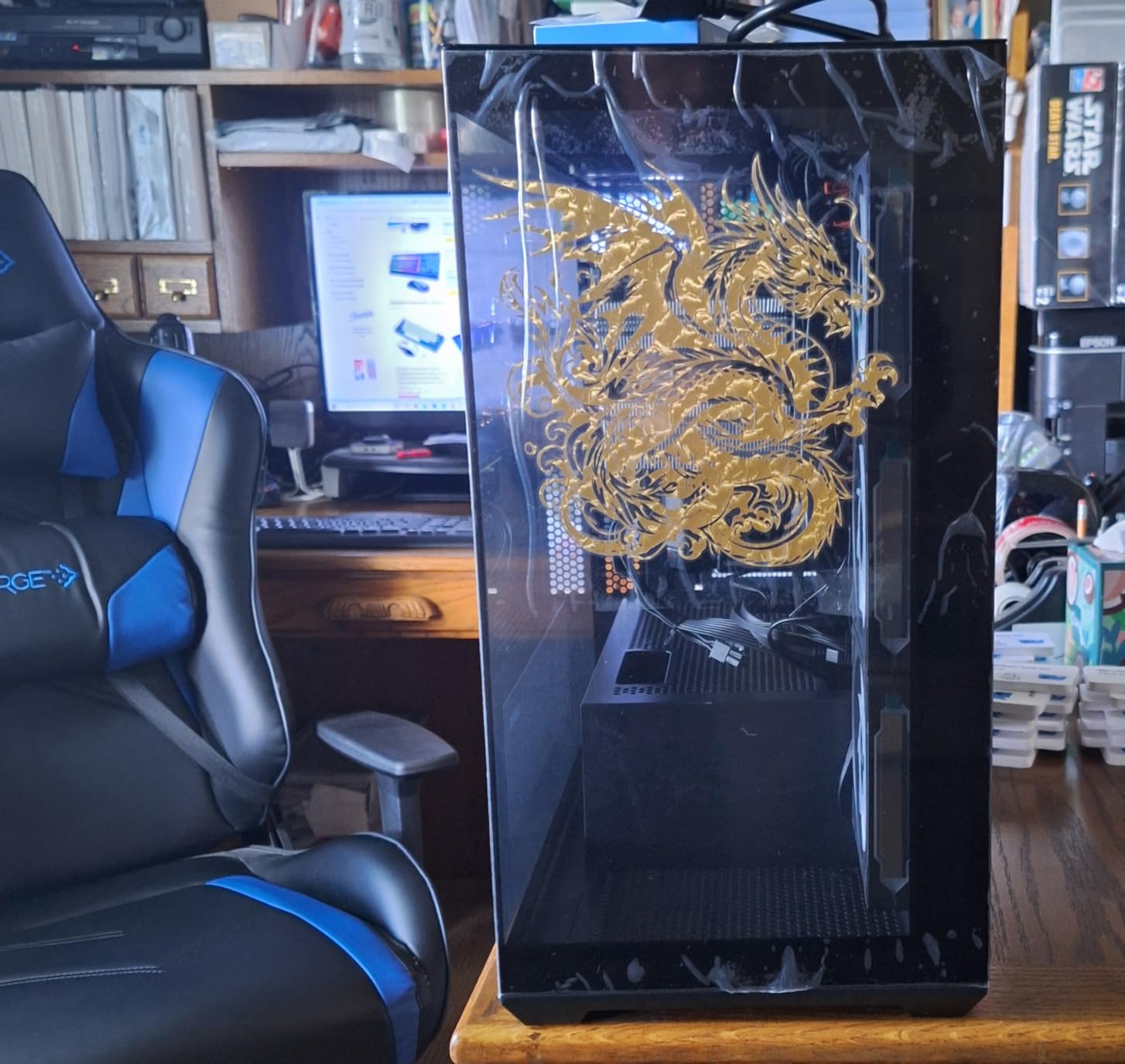
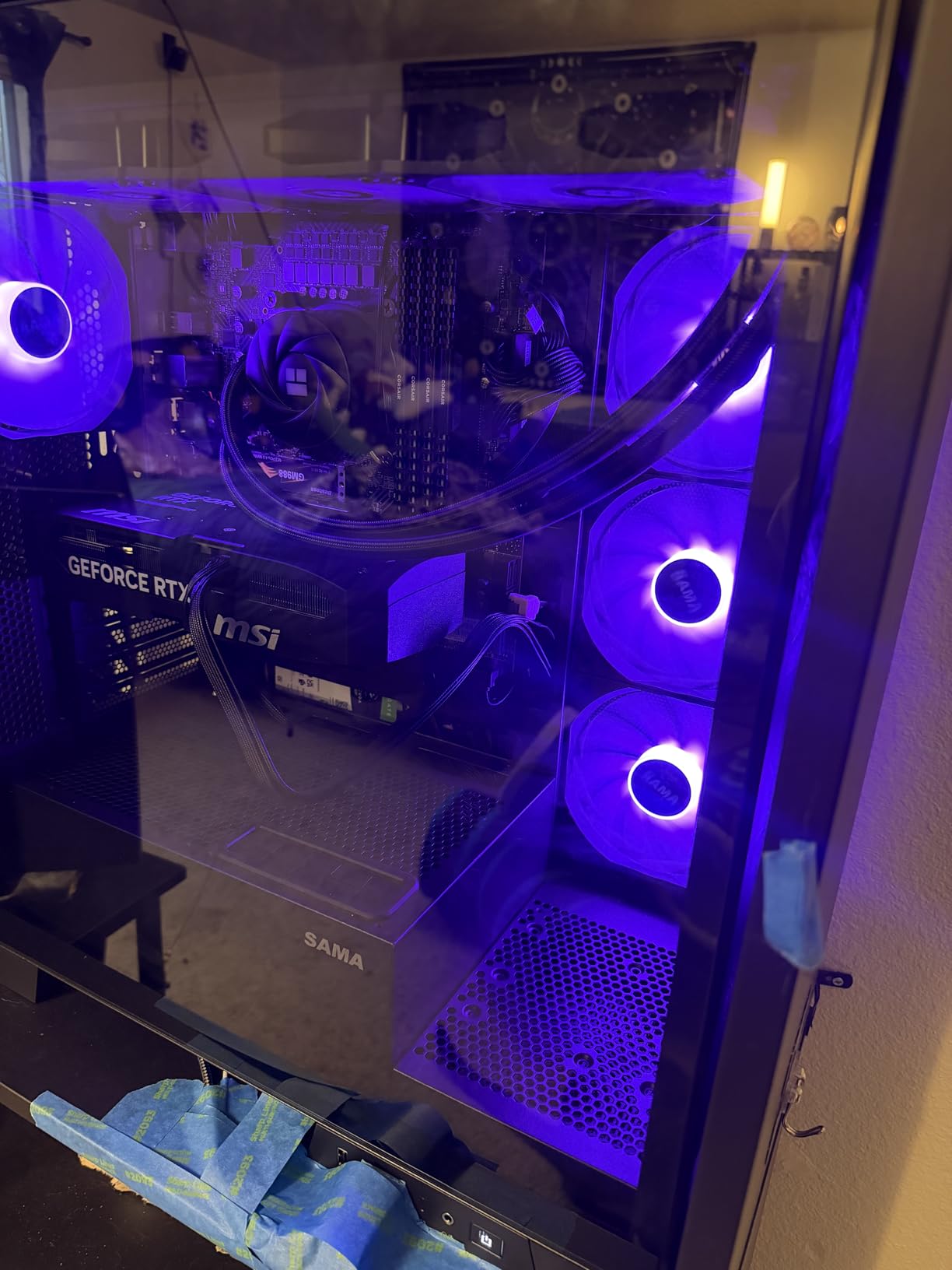
The card is an RTX 5070 OC 12GB with a factory overclock, DLSS 4.0 and ray tracing, driven by an unlocked Core i9 KF up to 5.3GHz on a premium chipset. Cooling is a closed-loop 360mm metal radiator with 11 fans under smart silent speed control, and buyers describe it as quiet even under heavy load. Connectivity is thorough: USB-C 3.2, eight USB 3, 2.5GB/s LAN, Wi-Fi up to 2.4GB/s, Bluetooth, one HDMI and three DisplayPort.
At 4.7 stars across 53 reviews with 89% five-star, this has the highest average rating of any machine here, and support is described as responsive on the phone. Read the complaints carefully before buying, though: no power cable in the box, some units arriving without an activated Windows 11 Pro key, and one report of the 850W PSU failing at around 60 hours of use. The listed RAM is also DDR4 at 3200MHz, slower than the DDR5 6000MHz kits in comparable builds.
Whether 64GB of DDR4 beats 32GB of DDR5
For capacity, yes. If your workload genuinely needs more than 32GB, no amount of faster DDR5 in another chassis will get you there. For pure gaming frame rate, the faster DDR5 kits in other machines win, and DDR4 at 3200MHz is a real handicap in CPU-limited scenes.
The five-year labor warranty and three-year parts coverage is the longest in the roundup and offsets some of the quality risk in the reviews, though a warranty is not the same as a machine that works on day one.
Who should and should not buy this configuration
Buy it if you need more than 32GB of memory or several terabytes of storage, if you value a long warranty, or if you want a machine with unusually broad port selection and fast networking.
Pass if you are purely a gamer who needs the fastest memory available, if you would rather not deal with missing in-box accessories, or if a 53-review sample is too thin for the confidence you want.
How to Choose a 1440p Prebuilt Gaming PC?
Which GPU do you need for 1440p?
An RTX 5070 12GB is the practical starting point for 1440p, and an RTX 5070 Ti 16GB is the comfortable one. Both drive a 2560×1440 monitor at high settings in the current generation, and the extra 4GB on the Ti stops texture quality from dropping in open-world titles. The RTX 5060 8GB below them is a 1080p card and belongs at 1440p only with upscaling or a planned upgrade.
Match the card to your monitor instead of the other way around. If your panel is 144Hz or 165Hz, you want a card that comfortably exceeds that frame rate in the games you actually play, because a card that lands just under the refresh rate leaves a visible stutter without giving you the smoothness you paid for.
How much RAM and what speed?
32GB of dual-channel DDR5 is the right target for 1440p gaming in 2026. Sixteen gigabytes is workable for games alone, but it gets tight fast once a browser with a dozen tabs, a voice app and a game are all resident at once.
Dual-channel matters more than the capacity number suggests. A single 16GB stick gives you half the memory bandwidth of a matched pair, and the loss shows up as worse frame pacing and lower minimum frame rates in CPU-limited scenes. Confirm that a listing shows two DIMMs rather than one before you buy, because this is the single most common trap on prebuilt listings.
On speed, 5600MHz to 6000MHz DDR5 is the comfortable range for Ryzen, and 5200MHz to 5600MHz is what Intel boards typically run at. The gap is a few percent of frame rate at most, and it only appears when the GPU is not the limiting factor.
Which CPU do you need for 1440p?
Any modern six-core or better will do, because at 1440p the GPU sets the ceiling. An X3D chip such as the Ryzen 7 9800X3D or 9850X3D adds meaningful frame rate in competitive shooters and simulation titles, where the game is CPU-bound rather than GPU-bound.
Core count matters for a different reason. If you stream, record or edit while gaming, a 20-core part such as the Core Ultra 7 265F leaves headroom that a 6-core chip does not.
Storage, PSU wattage and upgrade paths
Buy at least 1TB, and prefer 2TB if a large library is realistic. Modern AAA titles install large, and a full drive leads to deleting games you intend to return to.
On the power supply, treat wattage as future-proofing rather than a current requirement. An 850W Gold unit with ATX 3.1 certification, as on the two Skytech O11 Vision builds and the KOTIN, means a stronger graphics card in two years will not also drag a power supply purchase along with it.
Then check three upgrade paths before you commit: how many memory slots are free or populated, how many M.2 slots exist beyond the boot drive, and whether the motherboard is proprietary. A single M.2 slot on a 1440p machine, as on the Skytech King 95, permanently caps your storage.
Matching a 1440p prebuilt to your monitor
Before you finalise any of these picks, measure what you already own. A 1440p 144Hz or 165Hz panel is the sweet spot for an RTX 5070, and a 240Hz panel needs a faster card than anything in this roundup delivers natively, which is where upscaling and frame generation come into play.
If you are still choosing a display, our gaming monitor picks cover the refresh rates and panel types that pair well with the GPUs above. Our gaming mouse recommendations matter more than people expect at 1440p high refresh, where you are constantly tracking movement.
One more note on ports: several machines here list a single HDMI and a single DisplayPort among their confirmed outputs, which is tight if you plan to run two monitors. Check the port list, not the spec sheet headline, before ordering.
Red Flags to Check Before You Buy a Prebuilt
Most disappointment with a prebuilt traces to a handful of predictable traps. Check each of these on the listing before you commit.
A single memory stick disguised as capacity. A listing that shows 16GB or 32GB without breaking it into DIMMs may be running single-channel memory. Ask for the DIMM configuration, or look for a listing that states the dual-channel layout explicitly.
A power supply with no headroom. Check the listed wattage against the graphics card you actually have. A PSU that cannot support a future upgrade forces a second purchase later, which is the complaint that recurs most often in prebuilt buyer threads.
Proprietary motherboards. Some OEM desktops use boards that cannot accept standard components. If you plan to upgrade anything beyond memory, check whether the board is standard ATX or microATX.
A single M.2 slot. With the operating system already installed, one NVMe slot means storage stops at the drive that ships.
Bloatware. Preinstalled trial software and background services eat resources and screen space. Some listings state no bloatware; if one does not say so, assume there is some.
A short warranty with no onsite option. Most prebuilts here carry one year of parts and labour. Alienware’s one-year onsite service is the exception, and it is a real differentiator if you are not comfortable opening a case.
Marketplace listings with very few reviews deserve extra scepticism. Thin rating counts make it hard to tell a quality-control problem from a single unlucky unit, so weigh listings with hundreds of reviews more heavily.
Prebuilt vs DIY at 1440p
The usual argument is that a prebuilt charges a premium for assembly you could do yourself. That argument has weakened considerably, and the reason is RAM pricing: memory costs have risen sharply, and prebuilts frequently absorb that increase inside a bundle price that still undercuts assembling the equivalent configuration yourself.
There are other reasons to prefer a prebuilt. You get a single warranty and support path instead of per-part coverage, you avoid the risk of a botched cable or a missing 12VHPWR connector, and if a specific GPU is hard to source on its own, the prebuilt is how you get it.
The case for building your own is strongest when you already know which parts you want and want to choose the exact DIMM layout, storage count and cooling. For a first-time buyer at 1440p, the prebuilts above are a reasonable shortcut, and the memory configuration checks in this guide remove most of the risk.
Our handheld gaming PC picks cover the opposite end of the portability question, and our gaming laptop guides cover the case where a desktop is not going in the house at all.
Frequently Asked Questions
How much RAM do I need for 1440p gaming?
32GB of dual-channel DDR5 is the right target for 1440p gaming in 2026. Sixteen gigabytes works for games alone, but it gets tight once a browser, a voice app and a game are running together. Always check that a listing shows two DIMMs rather than a single stick, since single-channel memory halves bandwidth and hurts frame pacing.
What GPU is needed for 1440p gaming?
An RTX 5070 12GB is the practical starting point for 1440p, and the RTX 5070 Ti 16GB is the comfortable pick because the extra VRAM stops texture quality dropping in demanding open-world titles. The RTX 5060 8GB is a 1080p card and belongs at 1440p only with upscaling or a planned upgrade.
What CPU do I need for 1440p gaming?
At 1440p the GPU sets the frame rate ceiling, so any modern six-core or better CPU is sufficient. An X3D chip such as the Ryzen 7 9800X3D adds meaningful frame rate in competitive shooters and simulation titles where the game is CPU-bound. Core count matters more if you stream or edit while gaming.
Is a prebuilt gaming PC worth buying versus building your own?
More often than it used to be. Memory prices have risen sharply, and prebuilts frequently bundle that increase into a price that undercuts assembling the same configuration yourself. You also get one warranty instead of per-part coverage. Building your own still wins when you want to choose every DIMM, drive and cooler yourself.
Can you upgrade a prebuilt gaming PC later?
Usually, but check three things before you buy: how many memory slots are free or populated, how many M.2 slots exist beyond the boot drive, and whether the motherboard is proprietary. A single M.2 slot permanently caps your storage, and some OEM boards refuse standard components entirely.
Do prebuilt gaming PCs come with bloatware?
Some do. Bloatware means preinstalled trial software and background services that consume resources and screen space. Several builders in this roundup state that their systems ship without it, so check the listing text. If a listing does not say, assume some is installed and budget time to remove it before your first game.
Which 1440p Prebuilt Should You Buy?
For most people reading this, the iBUYPOWER Element with a Core i7-14700F and RTX 5070 12GB is the best prebuilt gaming PC for 1440p on this list. It has the deepest review base in the roundup, 32GB of dual-channel DDR5, a keyboard and mouse in the box, and no bloatware to strip out on day one.
If cooling noise and future upgrade headroom matter more to you than the review count, the Skytech O11 Vision with the Ryzen 7 7700X is the better buy, and moving up to the same chassis with an RTX 5070 Ti 16GB and 2TB of storage is where we would spend extra money if the budget stretched. For pure competitive play at 1440p, the Ryzen 7 9800X3D pairing is the fastest CPU-led option, and the MSI Aegis R2 AI is the one to buy if you want four memory slots and a genuine upgrade path.
Whichever you choose, do the same three checks before you order: confirm the memory is two DIMMs rather than one stick, confirm the power supply wattage against your graphics card, and confirm how many M.2 slots exist beyond the boot drive. Those three details separate a machine you can grow from one you will replace. This roundup is current as of October 2026.